
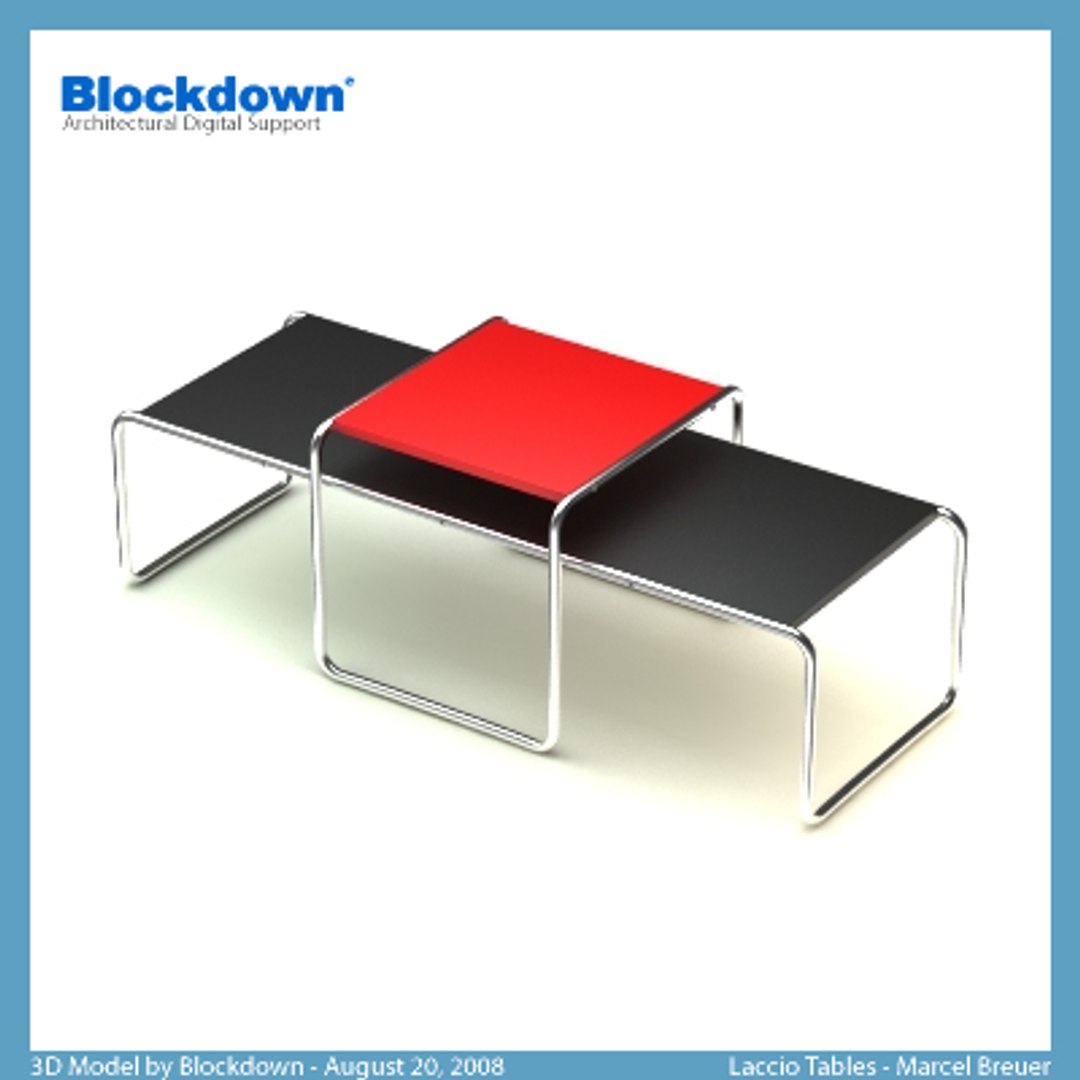
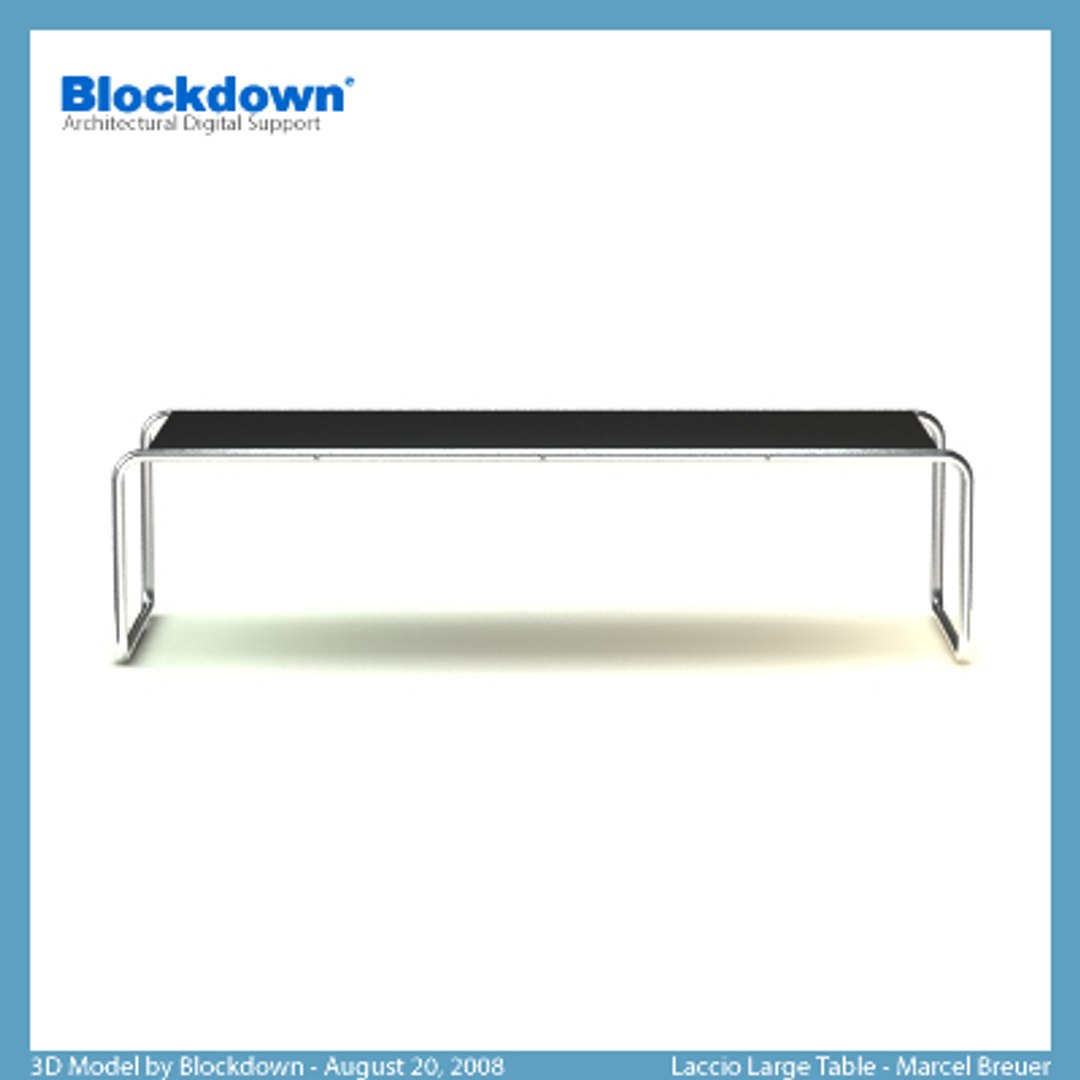
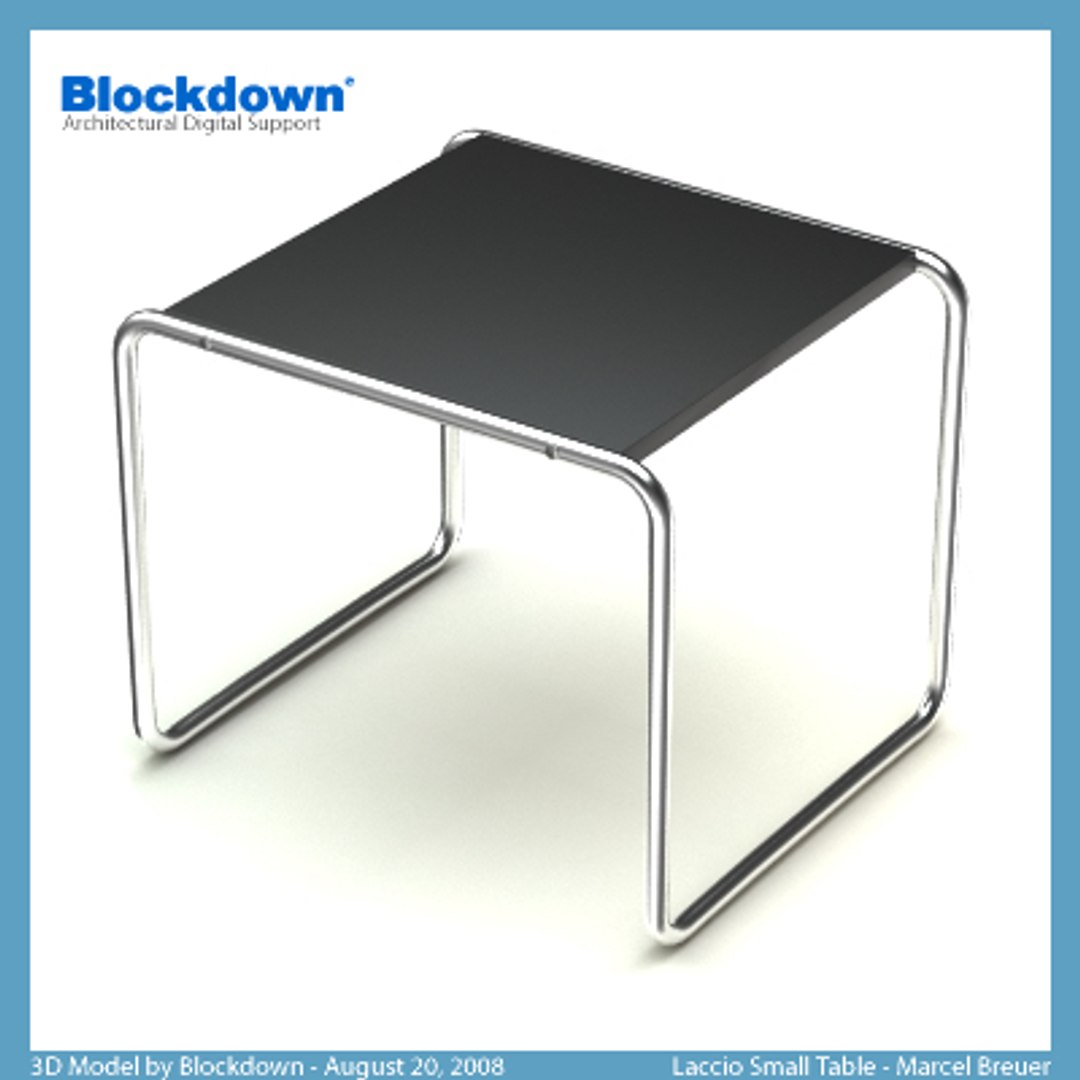
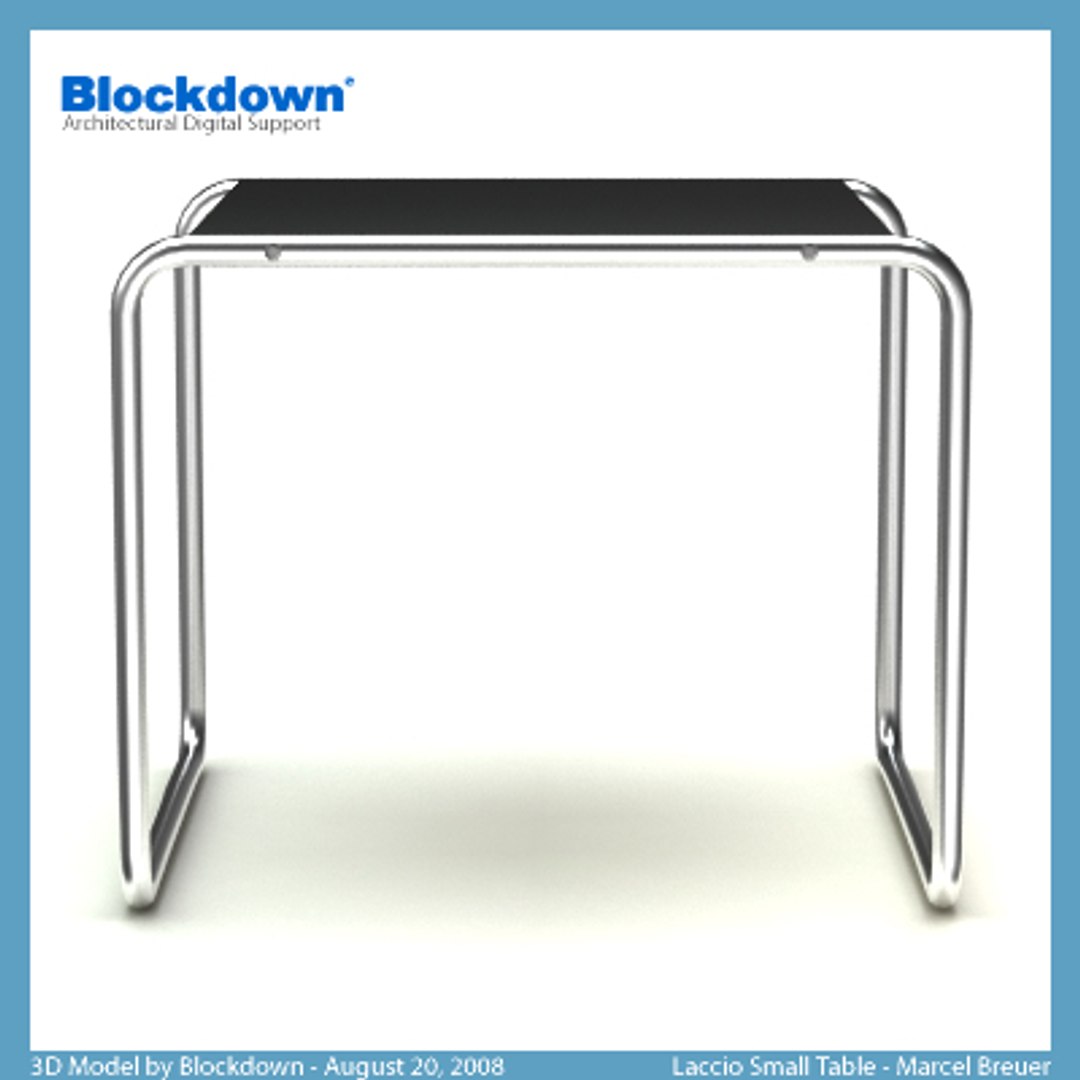
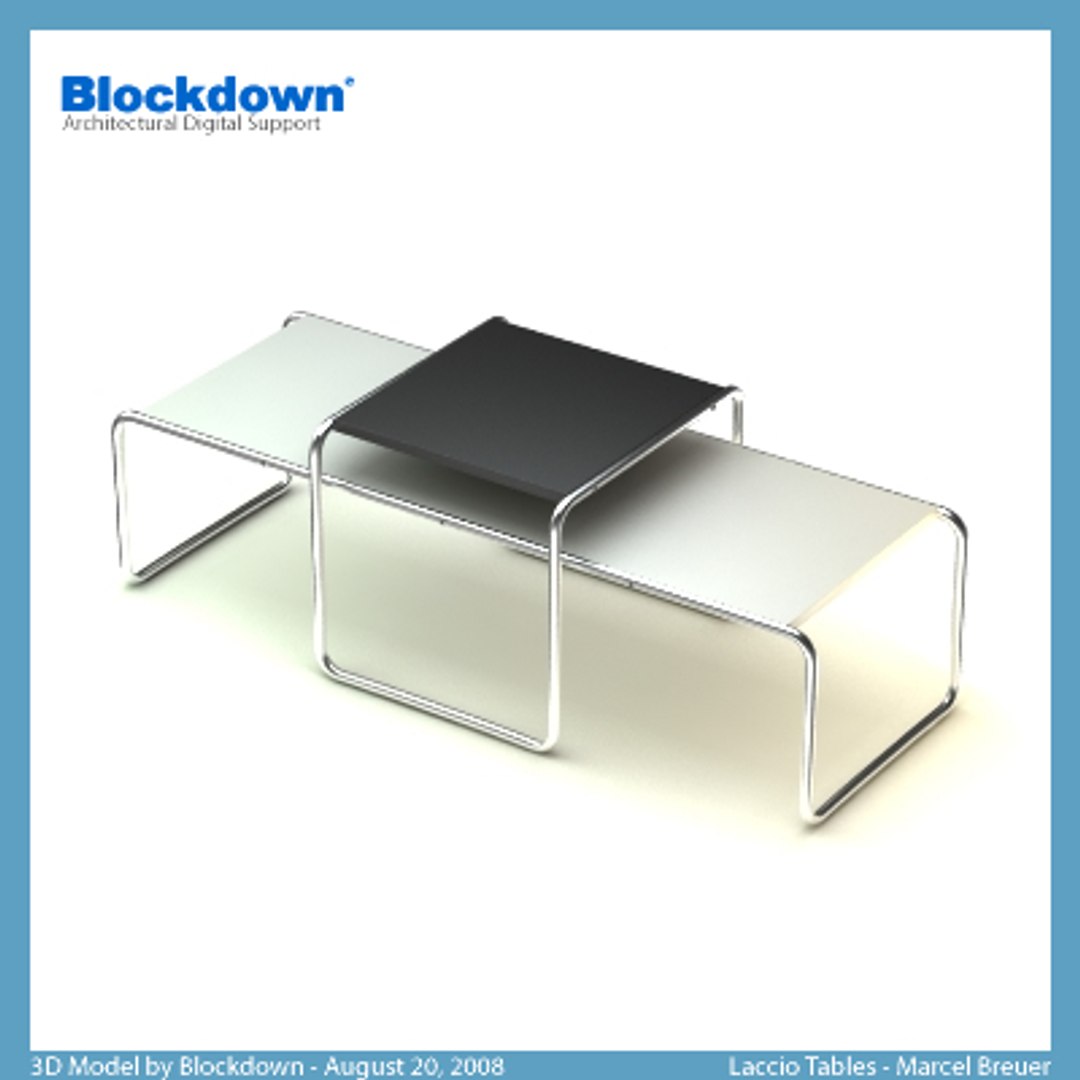
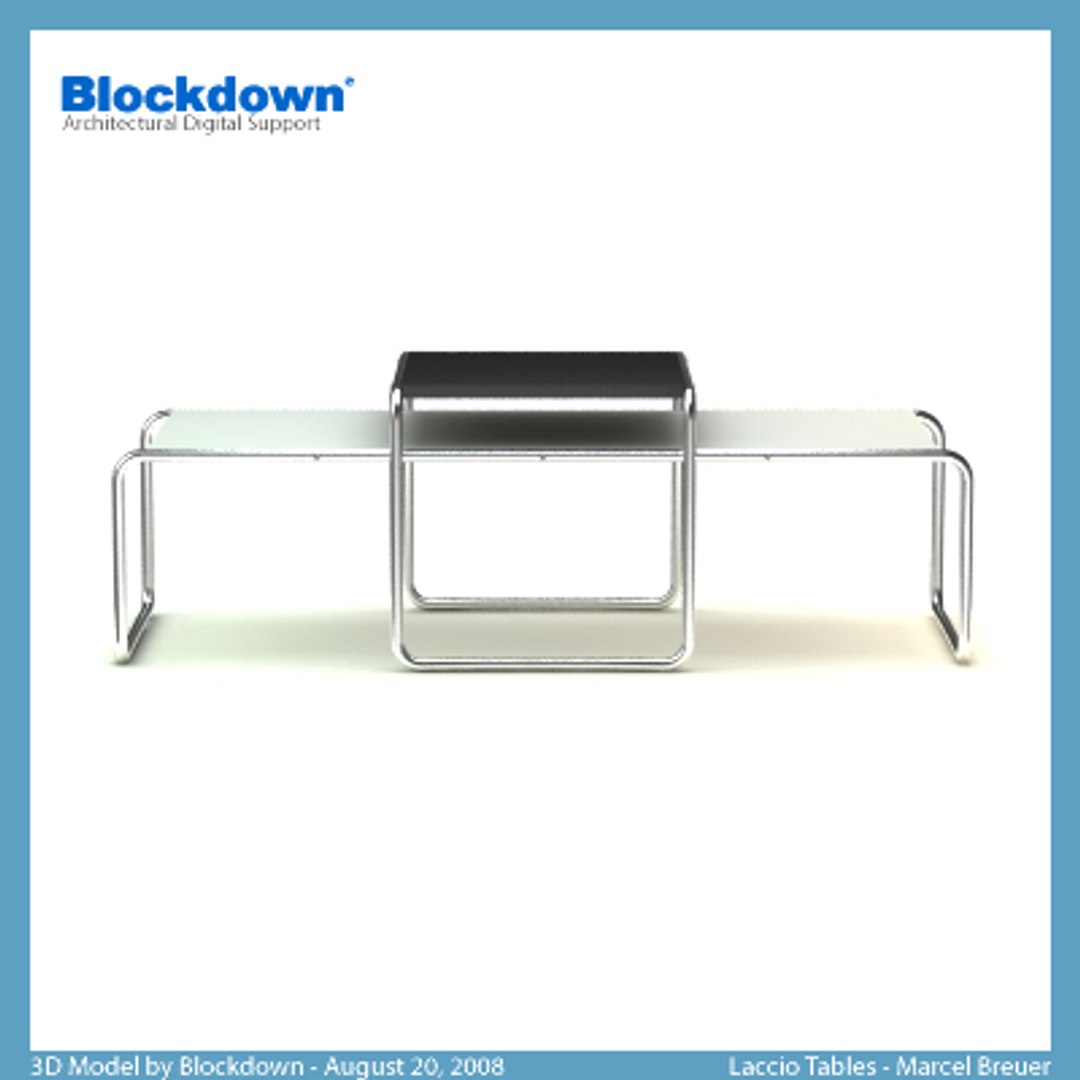
MB Laccio Tables

$20

Standard License | Upgrade License
Editorial Uses Only
Formats (6)
Native | 3ds Max MAX 9 | V-Ray 1.50
3ds Max MAX 9 | V-Ray 1.50
3ds Max MAX 9 | Default Scanline
Specifications
Publish Date August 21, 2008
Product ID 417336
Polygons 3,970
Vertices 2,044
Polygonal
Textures
Materials
UV Mapped
Unknown Unwrapped UVs
TurboSquid Exclusive
member avatar
Blockdown
140 Products | Contributor Since 2006
Have questions? Chat with us now.

Description

3D model made from primitives and splines with editable modifiers, Of course, Tubular frame with spline generatrix. Group objects and ordered by name for an easy selection. Similar objects and modifiers are instances, logical construction to facilite the edition. Interchange or edit materials directly from the material editor. Separately available preassigned standard and vray materials: polished chrome and smooth plastic in black, white and red colors for table top. It’s dimensions are 1360x550x450mm (550x480x450mm the small and 1360x480x350mm the large)(WxLxH) like the originals, now made by Knoll furniture manufacturer. Minimum number of polygons for an accurate performance in Architecture scenes. Also available scene renders with HDRI map.

Note: adjust performance or quality editing the interpolation of spline at tubular frame and/or fitting sides of primitives at boolean from screws. Also, you can fit "Face Thresh" amount at optimize modifier of the screws. Recommended default configuration for quality and high quality indoor scenes.

Small Table: 1936 polygons and 992 vertices
Large Table: 2034 polygons and 1052 vertices

Select Enhanced License

  • $10,000 in Legal Protection (Indemnification)
  • Uncapped Legal Protection (Indemnification)
  • Waiver from injunctive relief
  • Assignable model rights
  • $1,000,000 in Legal Protection (Indemnification)
  • Waiver from injunctive relief
  • Assignable model rights
  • $250,000 in Legal Protection (Indemnification)
  • Assignable model rights
Read more about enhanced license tiers, or contact us at enterprise@turbosquid.com. Already a Shutterstock Enterprise Customer? Contact your Shutterstock Sales Support Agent to talk about adding 3D.

About Conversion Requests

To submit a conversion request for a purchased asset, please complete our Conversion Request Form.

If you have not yet purchased a model, please review our Documentation about Conversions to learn about what limitations you may encounter with a conversion.

For any additional questions about a model’s suitability for conversion, please contact TurboSquid Support.

Loading...