
Awning

$7

Standard License | Upgrade License
Formats (7)
Native | 3ds Max 2012 | V-Ray 2.0
3ds Max 2010 | V-Ray 2.0
3D Studio
AutoCAD drawing
FBX
OBJ
STL
Specifications
Publish Date October 08, 2013
Product ID 772818
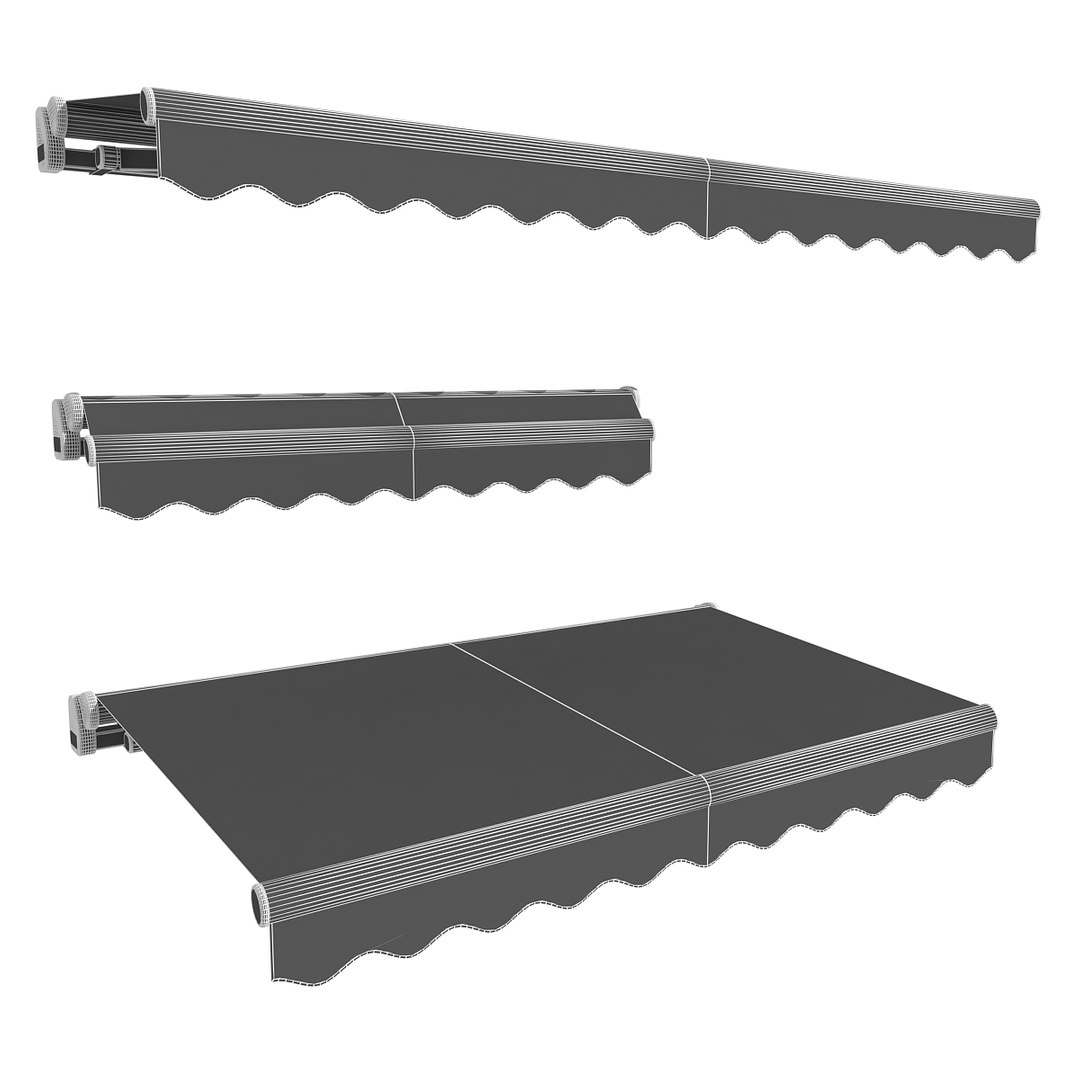
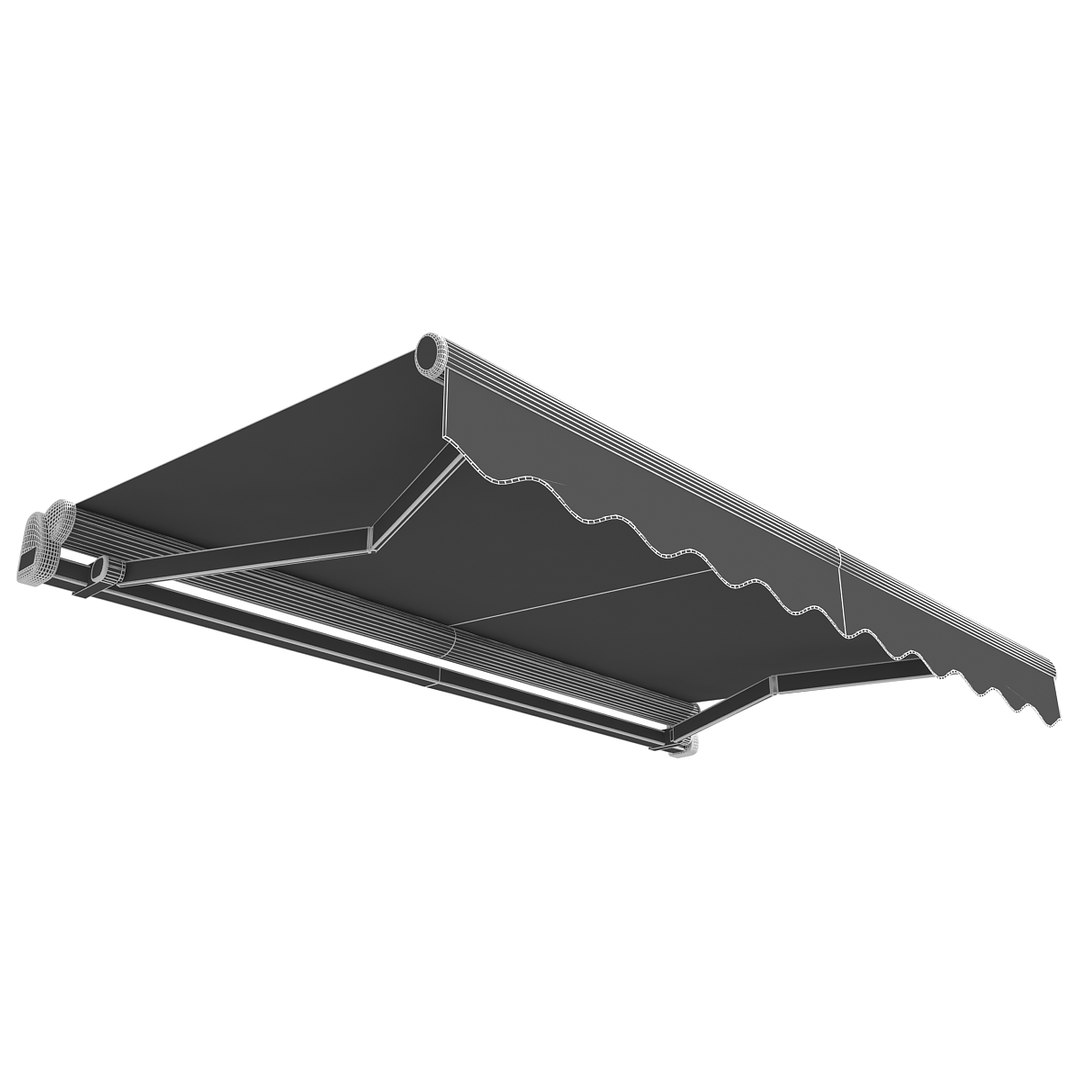
Polygons 16,940
Vertices 17,914
Polygonal
Textures
Materials
UV Mapped
TurboSquid Exclusive

member avatar
vgreso
228 Products | Contributor Since 2006
Have questions? Chat with us now.

Description

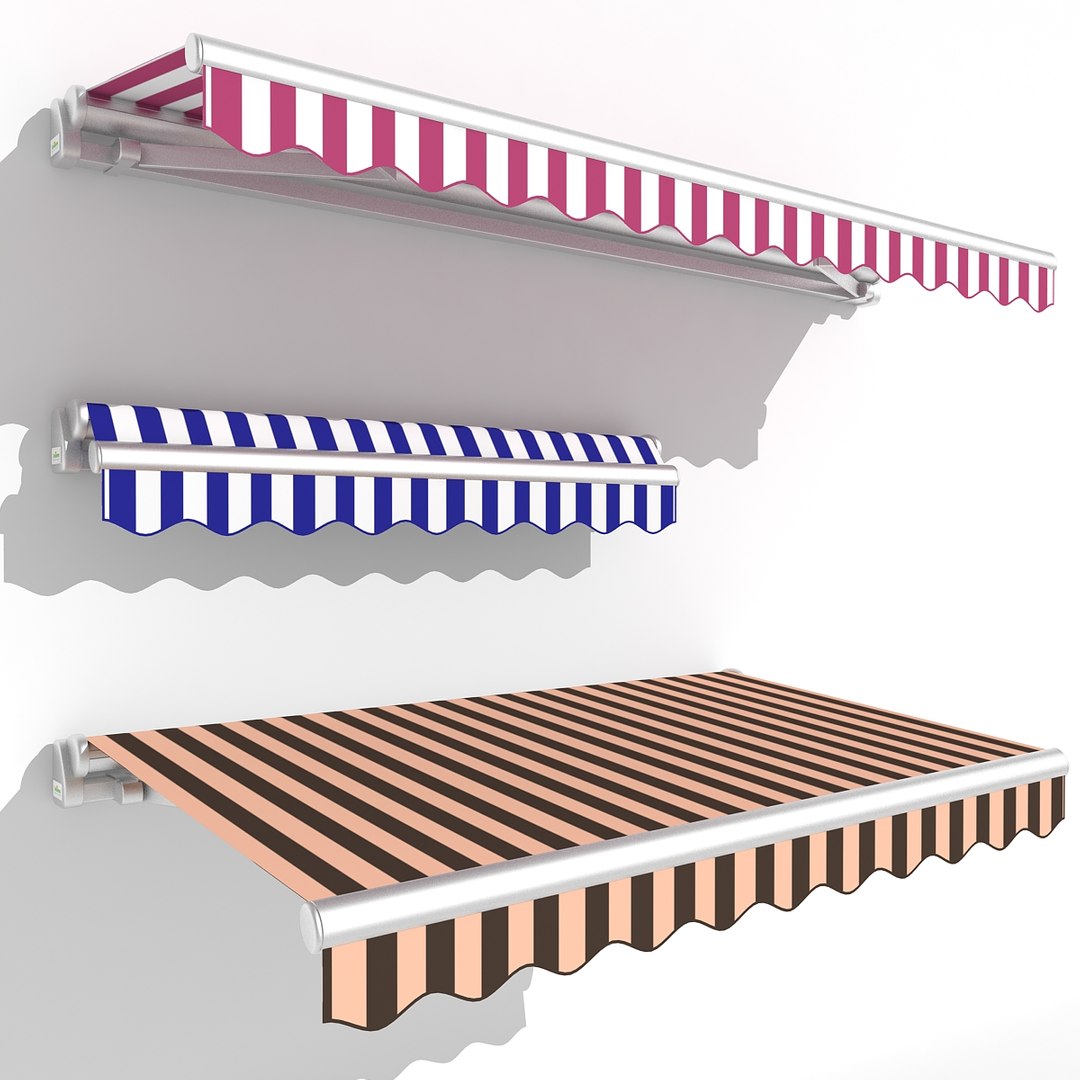
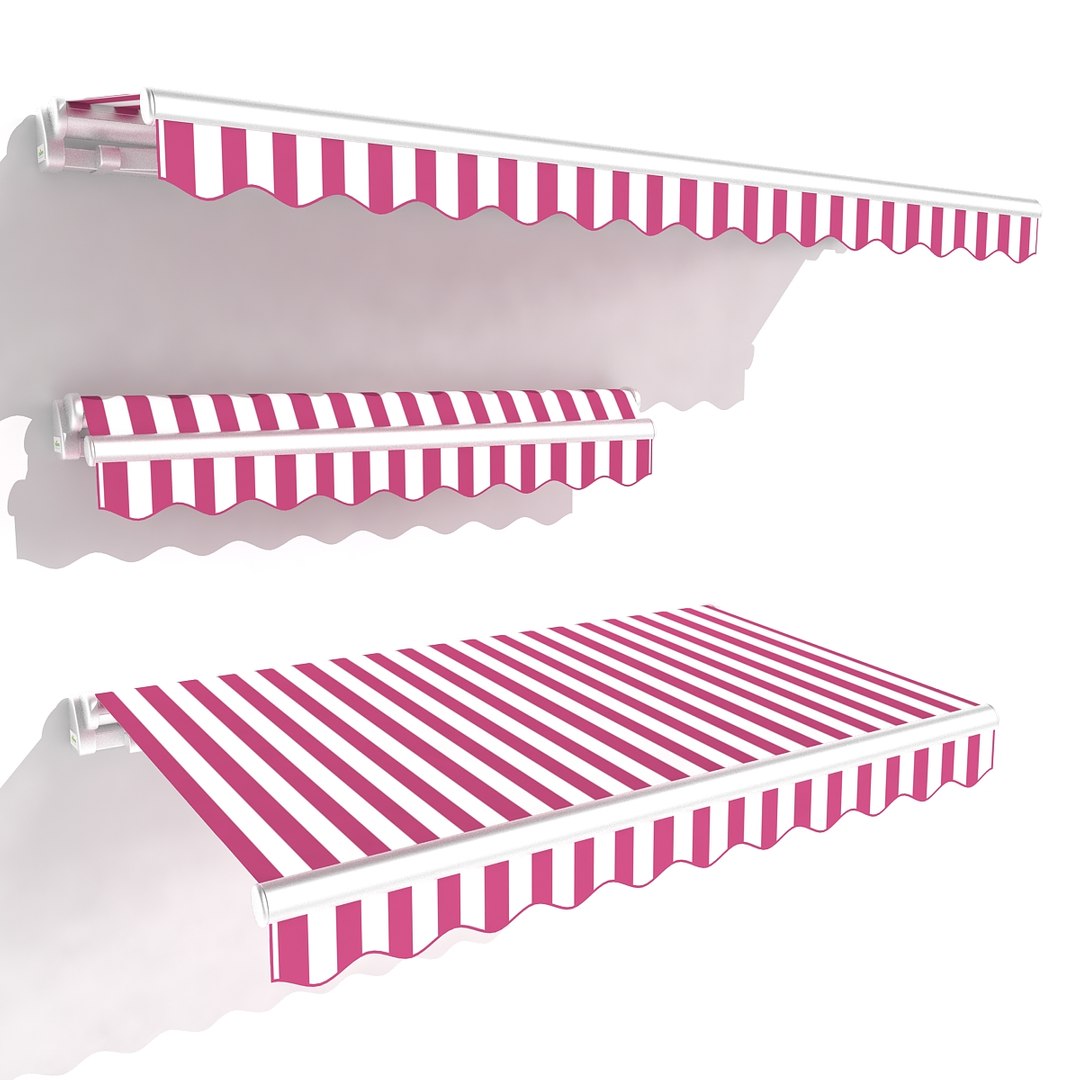
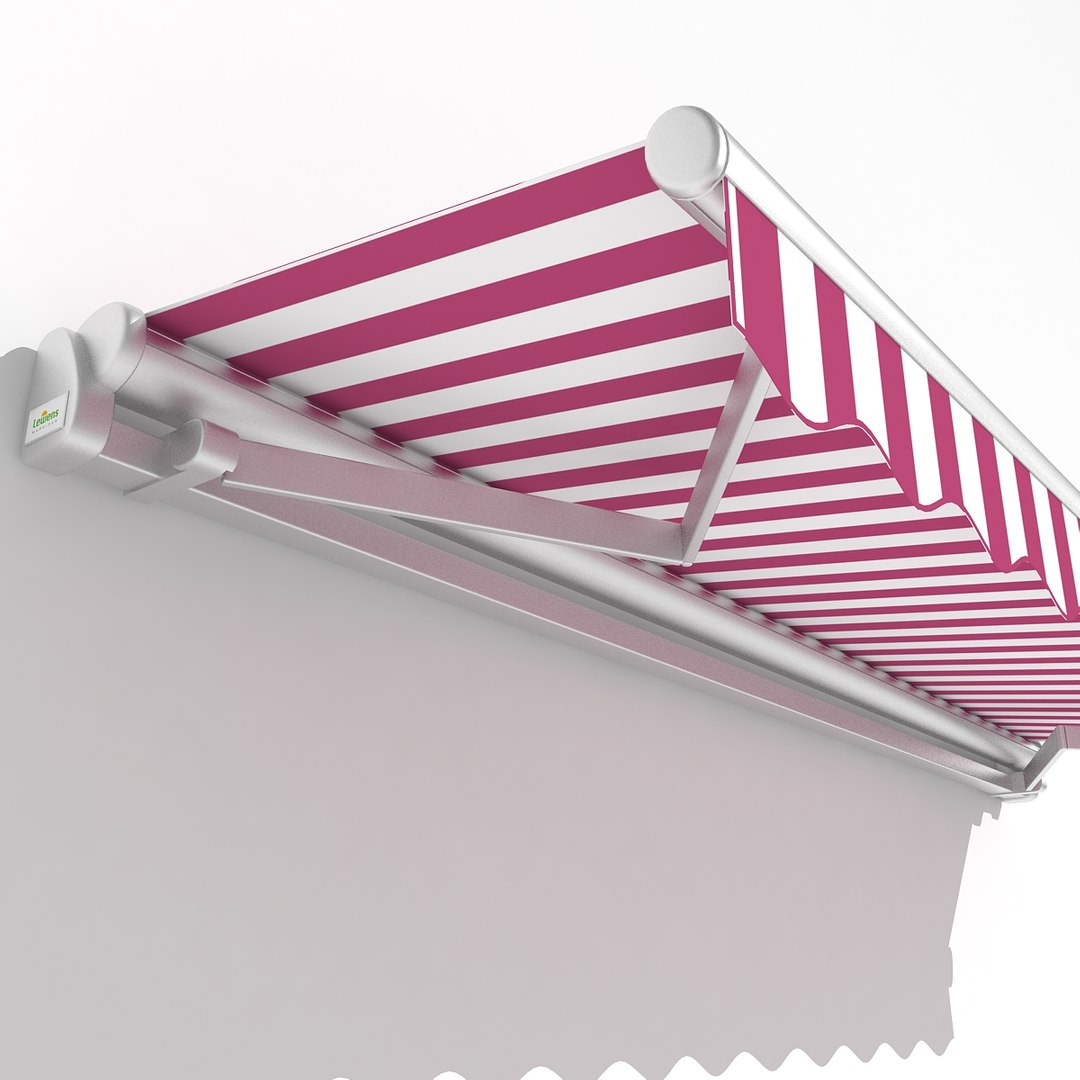
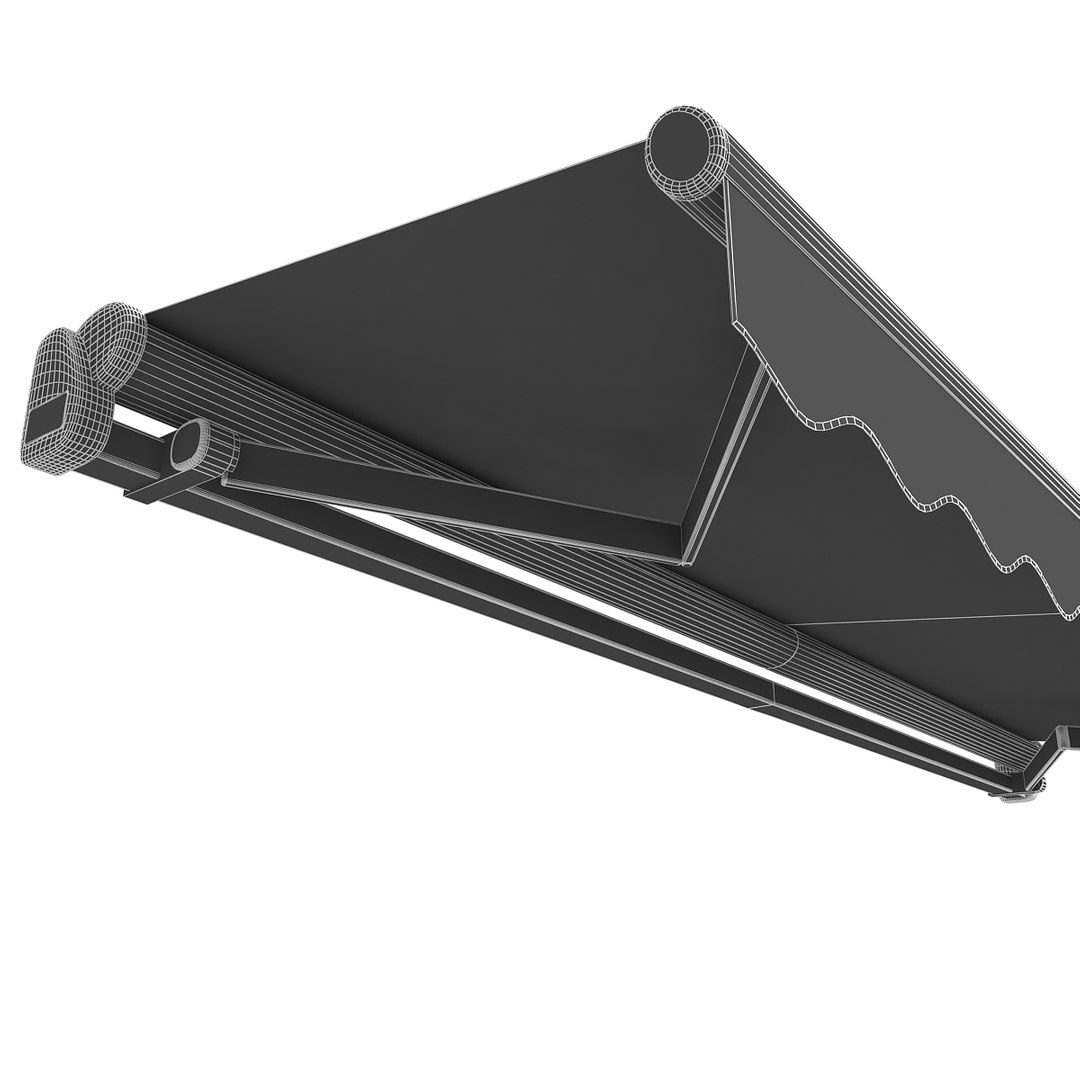
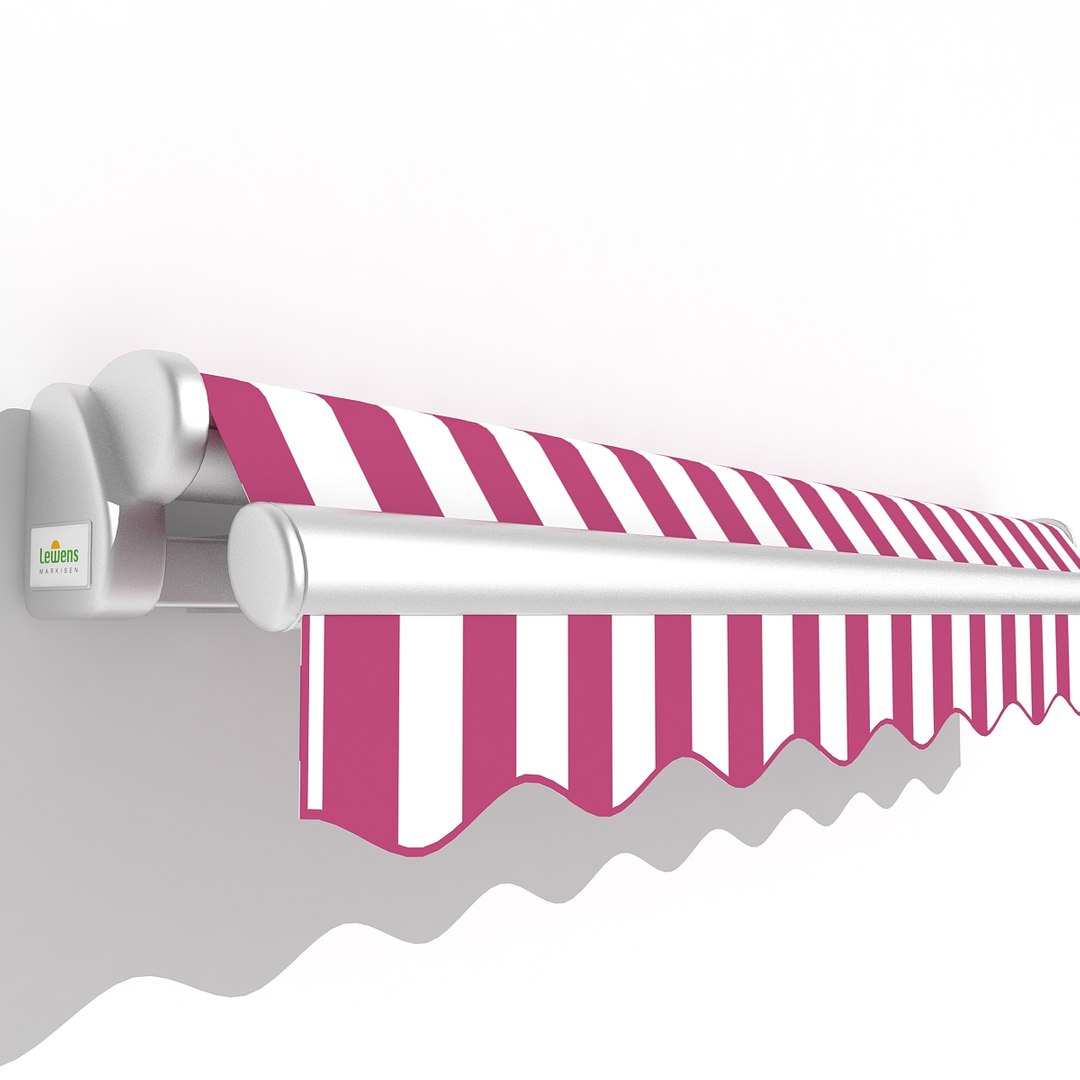
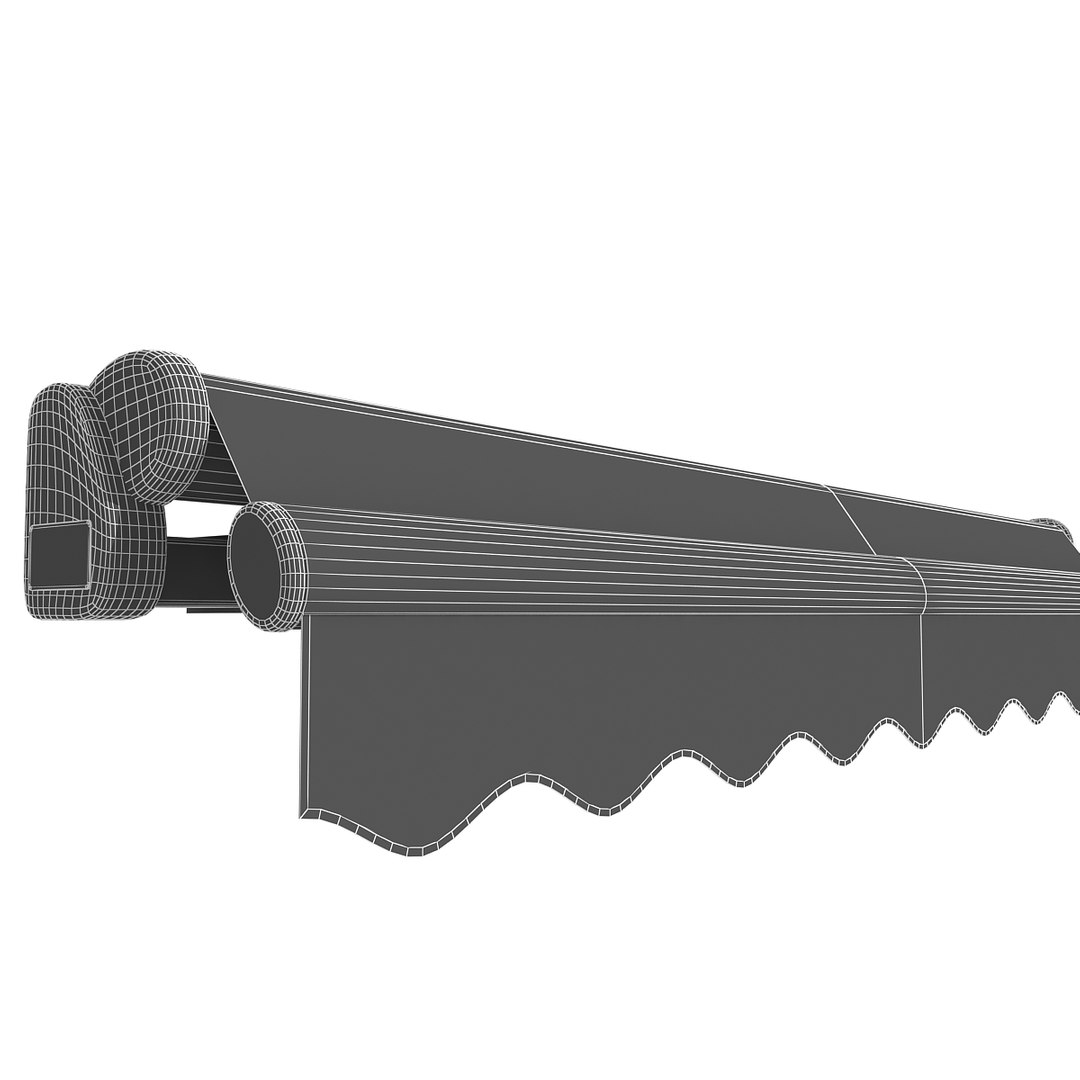
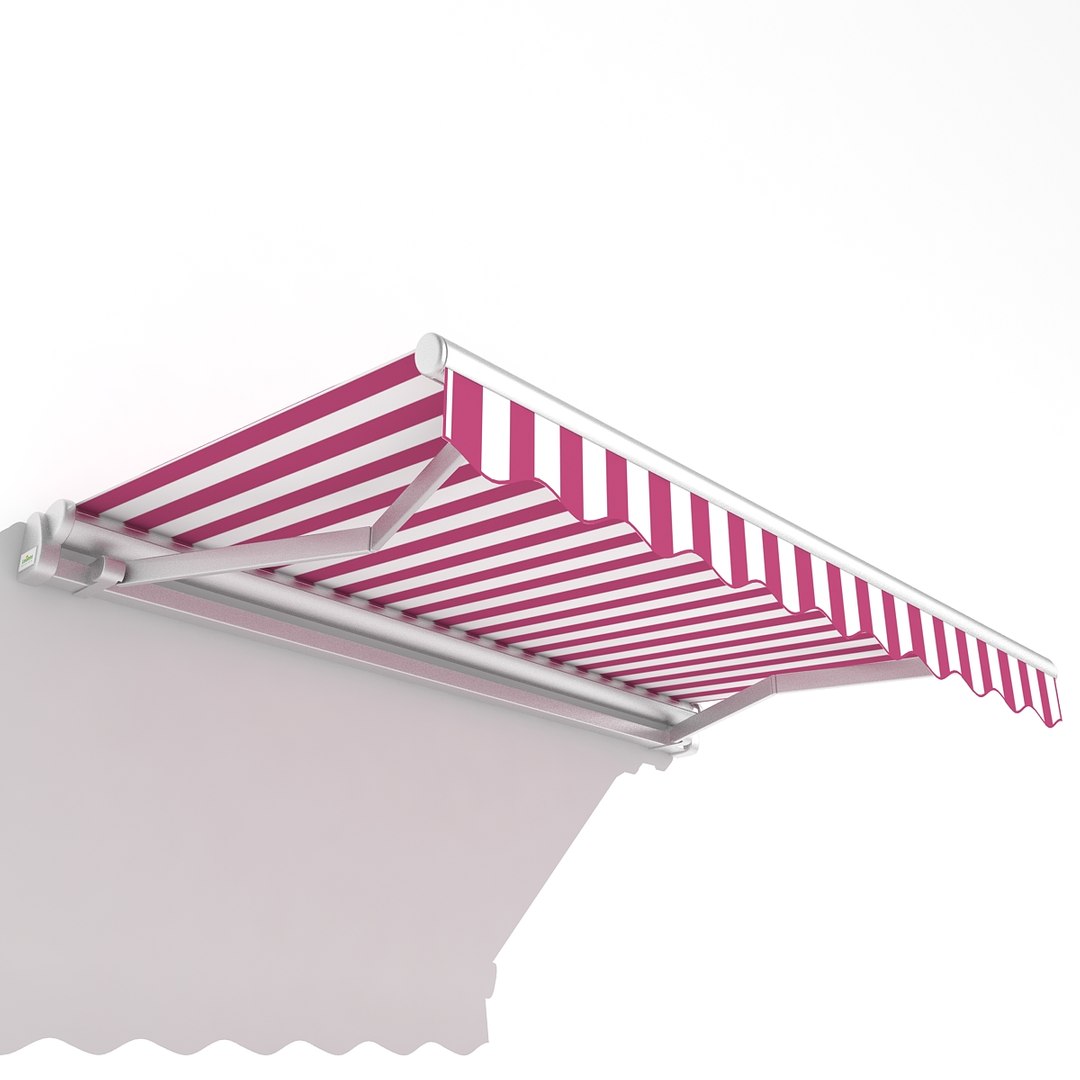
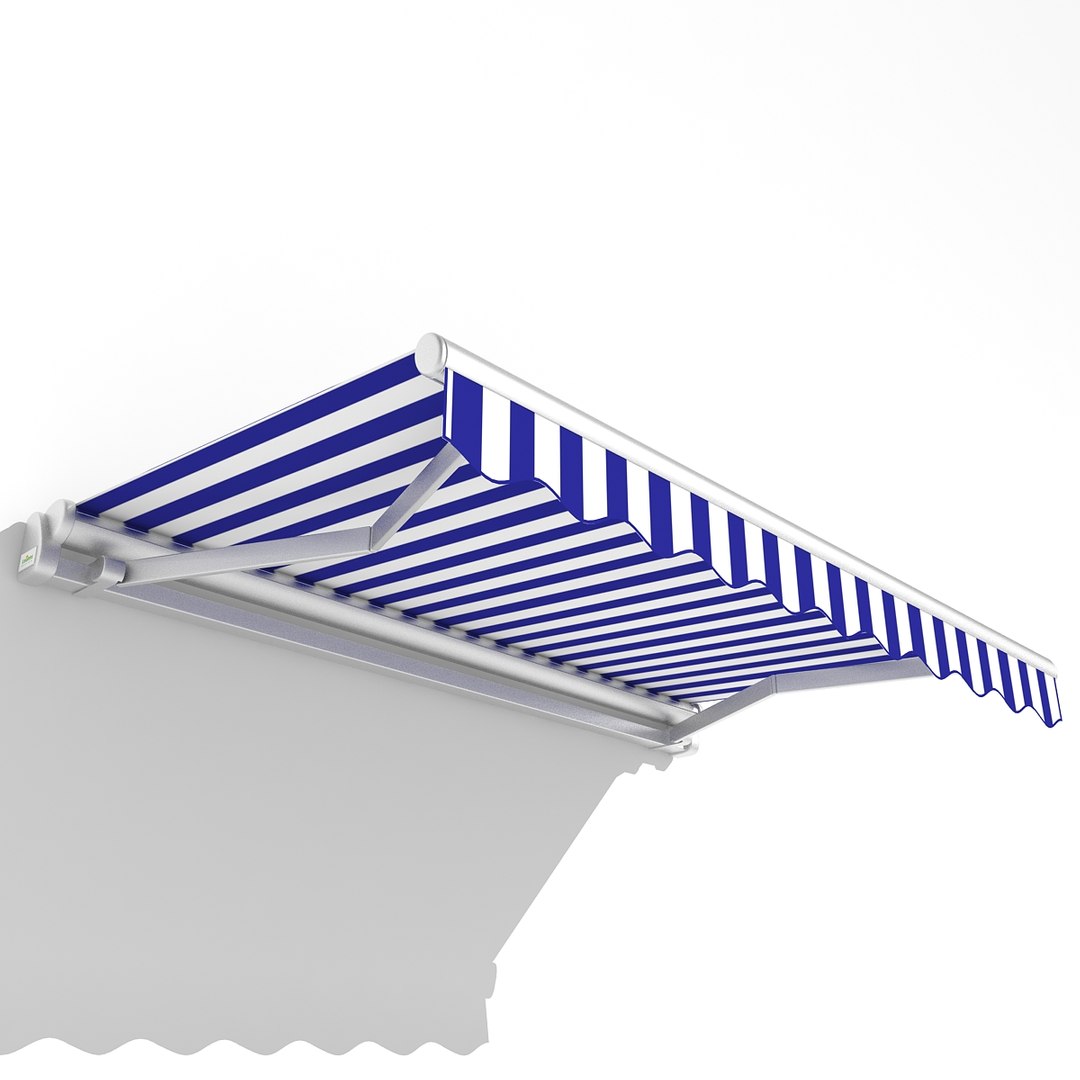
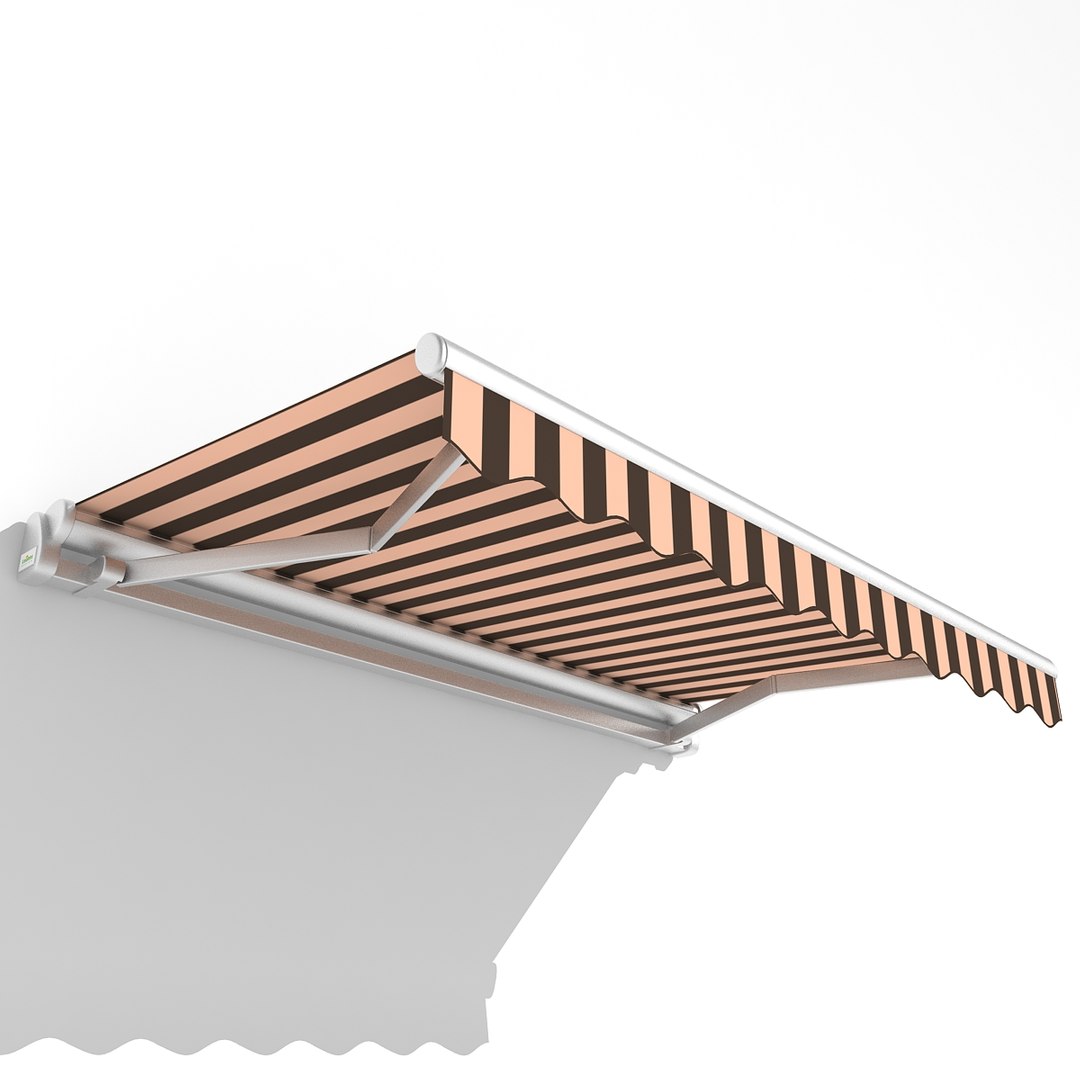
This is a model of the Awning.
• Originally created with 3ds Max 2012.
|| USAGE ||
This model was designed for interior scenes.
This model is suitable for use in broadcast, advertising and any type of interiors.
This product is suitable for closeups.
The scene is available in 3ds Max 2012,3ds Max 2010, 3ds, OBJ, DWG, FBX and STL format.
For conversion to other formats, please contact support.
This model is an accurate representation of Awning using scale 1 unit = 1 mm.
|| SPECS ||
Chair model contains 3 separate named objects grouped as chairs.
-Each object has Non colapsed modifier stacks using TurboSmooth (Iterations 2), Edit Poly and UVW Map.
- All objets contains total 58642 faces and 30642 vertices.
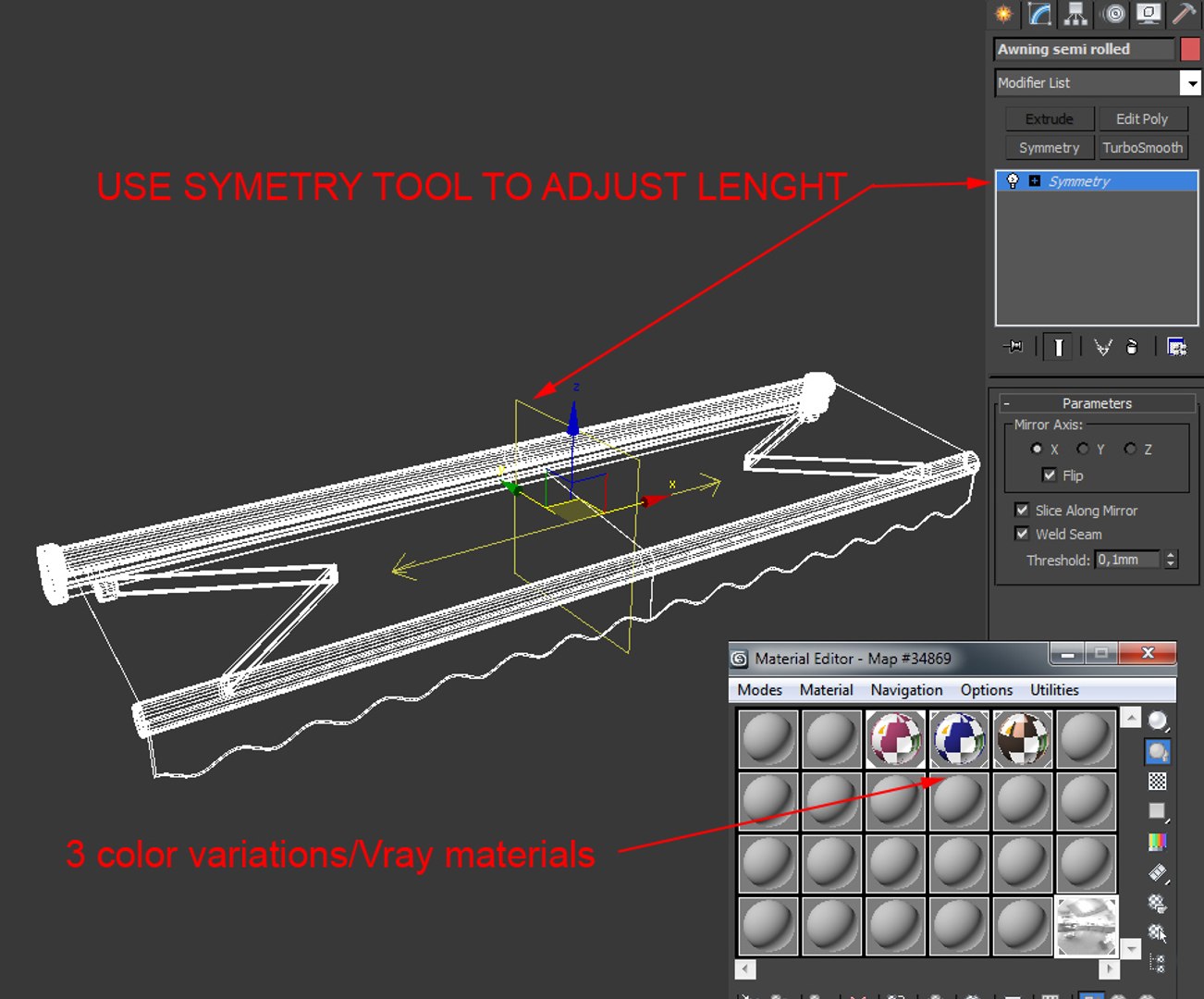
- This model contains V-Ray materials in two chair color variations.
- Rendered using V-Ray 2.0
|| PRESENTATION IMAGES ||
• Everything shown in the preview images is included in the scene.
• All preview images are rendered with V-Ray 2.0
• No Photoshop or compositing used. Product is ready to render out-of-the-box. Lights are included in the file.
|| GENERAL ||
• Model is built to real-world scale
• Quads and tris topology only
• Units used: millimeters.
• Scene Objects are organized by 2 groups named Awning.

Select Enhanced License

  • $10,000 in Legal Protection (Indemnification)
  • Uncapped Legal Protection (Indemnification)
  • Waiver from injunctive relief
  • Assignable model rights
  • $1,000,000 in Legal Protection (Indemnification)
  • Waiver from injunctive relief
  • Assignable model rights
  • $250,000 in Legal Protection (Indemnification)
  • Assignable model rights
Read more about enhanced license tiers, or contact us at enterprise@turbosquid.com. Already a Shutterstock Enterprise Customer? Contact your Shutterstock Sales Support Agent to talk about adding 3D.

About Conversion Requests

To submit a conversion request for a purchased asset, please complete our Conversion Request Form.

If you have not yet purchased a model, please review our Documentation about Conversions to learn about what limitations you may encounter with a conversion.

For any additional questions about a model’s suitability for conversion, please contact TurboSquid Support.

Loading...