
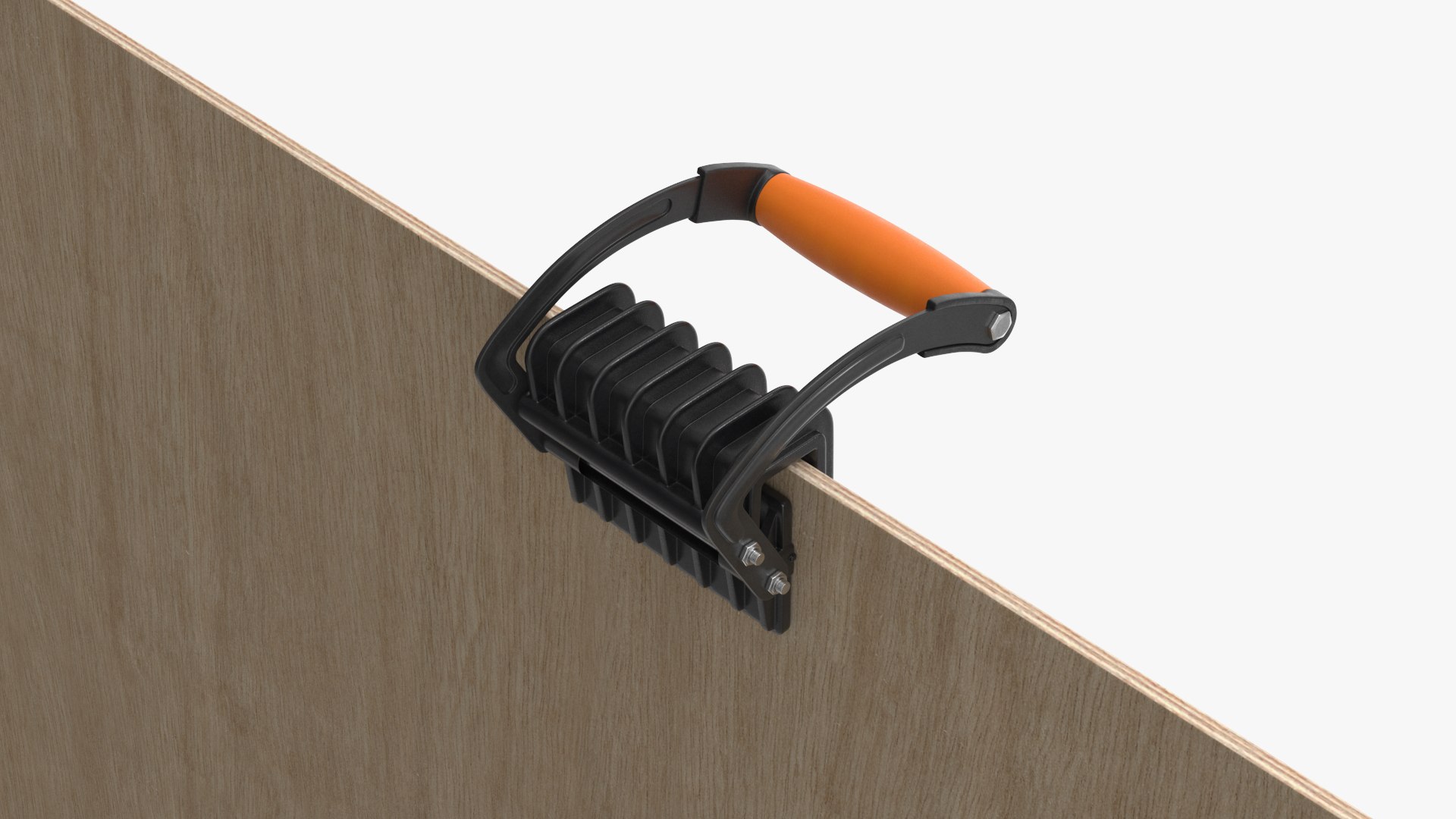
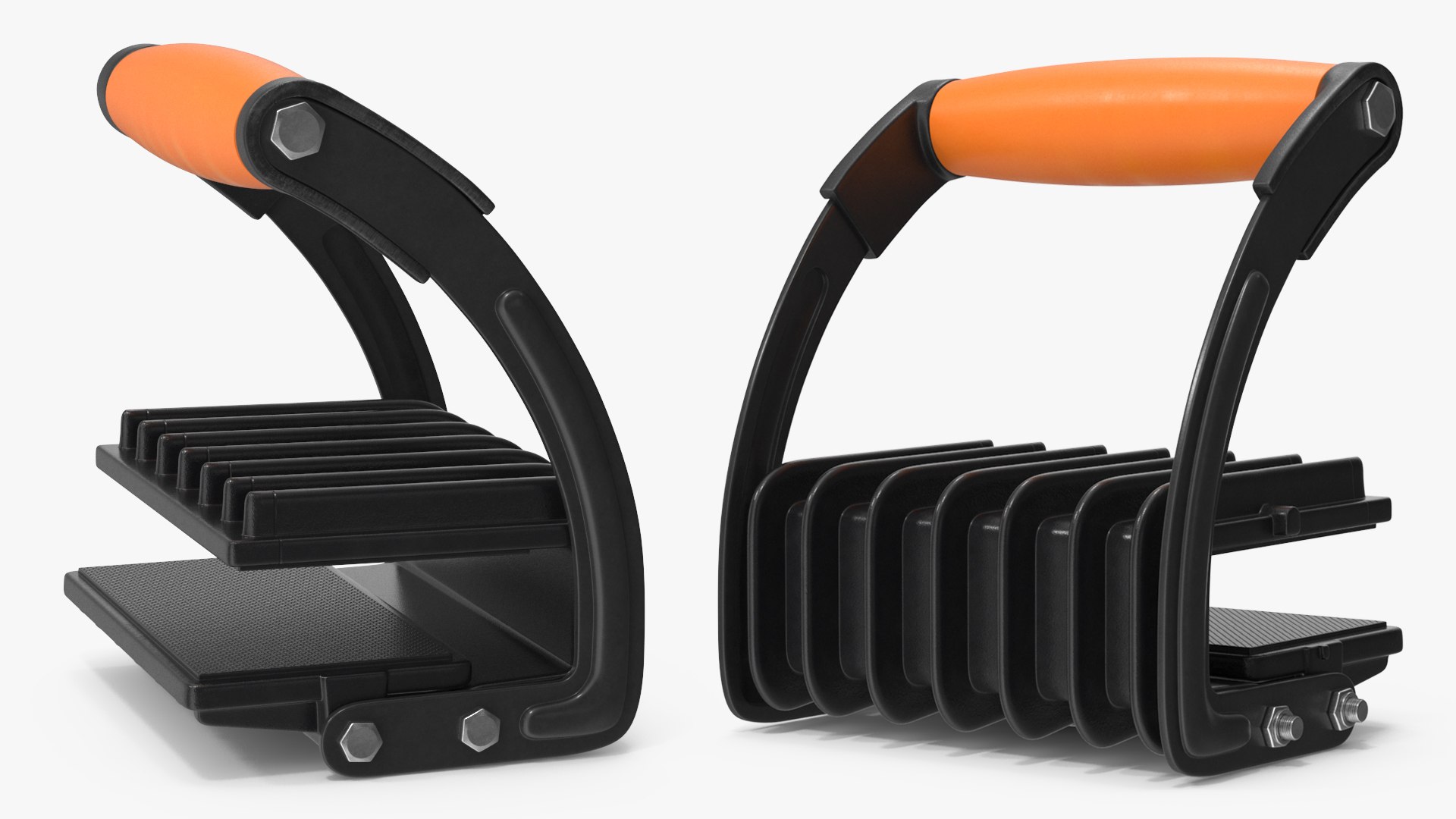
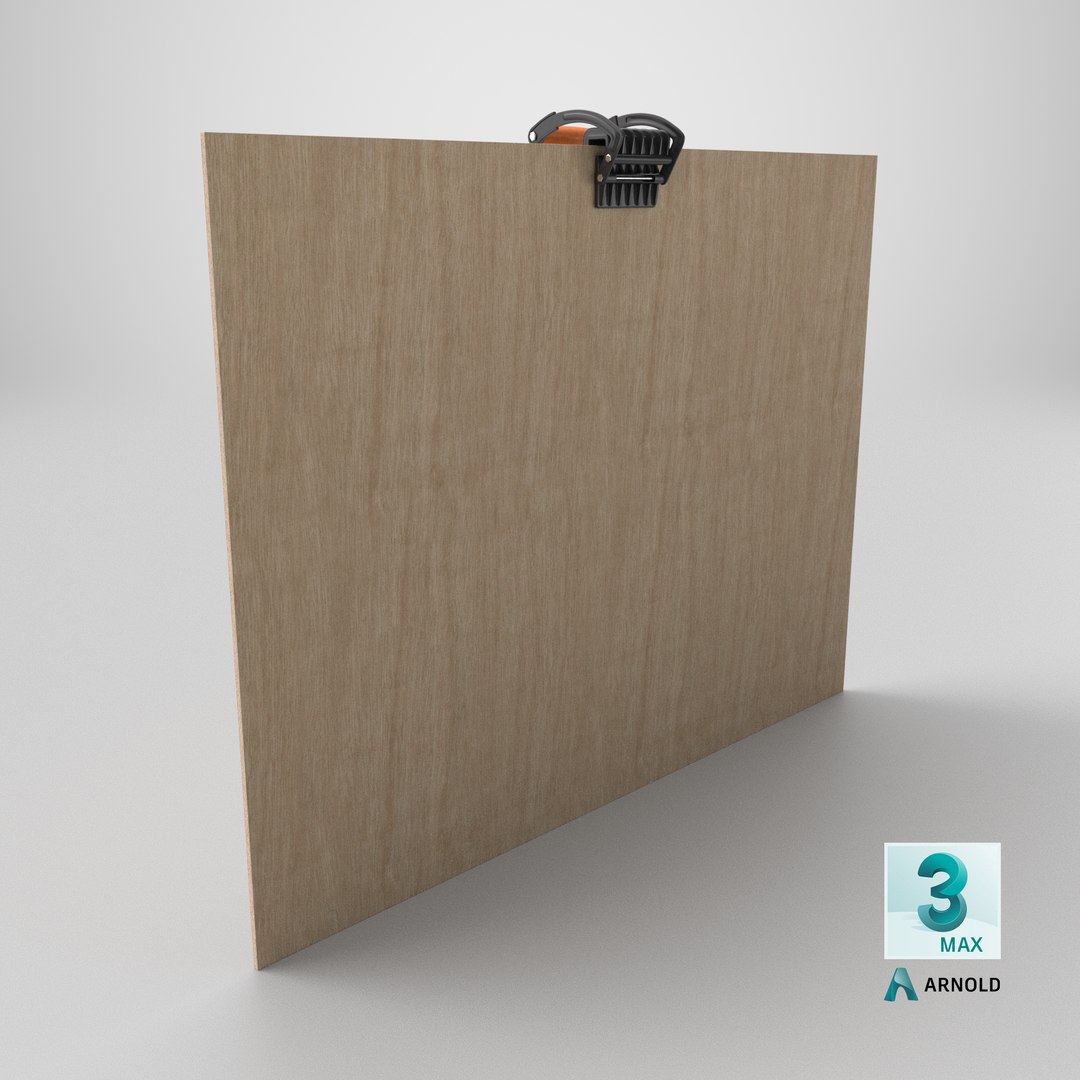
Manual Lifting Tool for Sheet Materials On Plywood

$29

Standard License | Upgrade License
Formats (21)
Free file format Conversions available
Native | 3ds Max 2020 | V-Ray 4.3
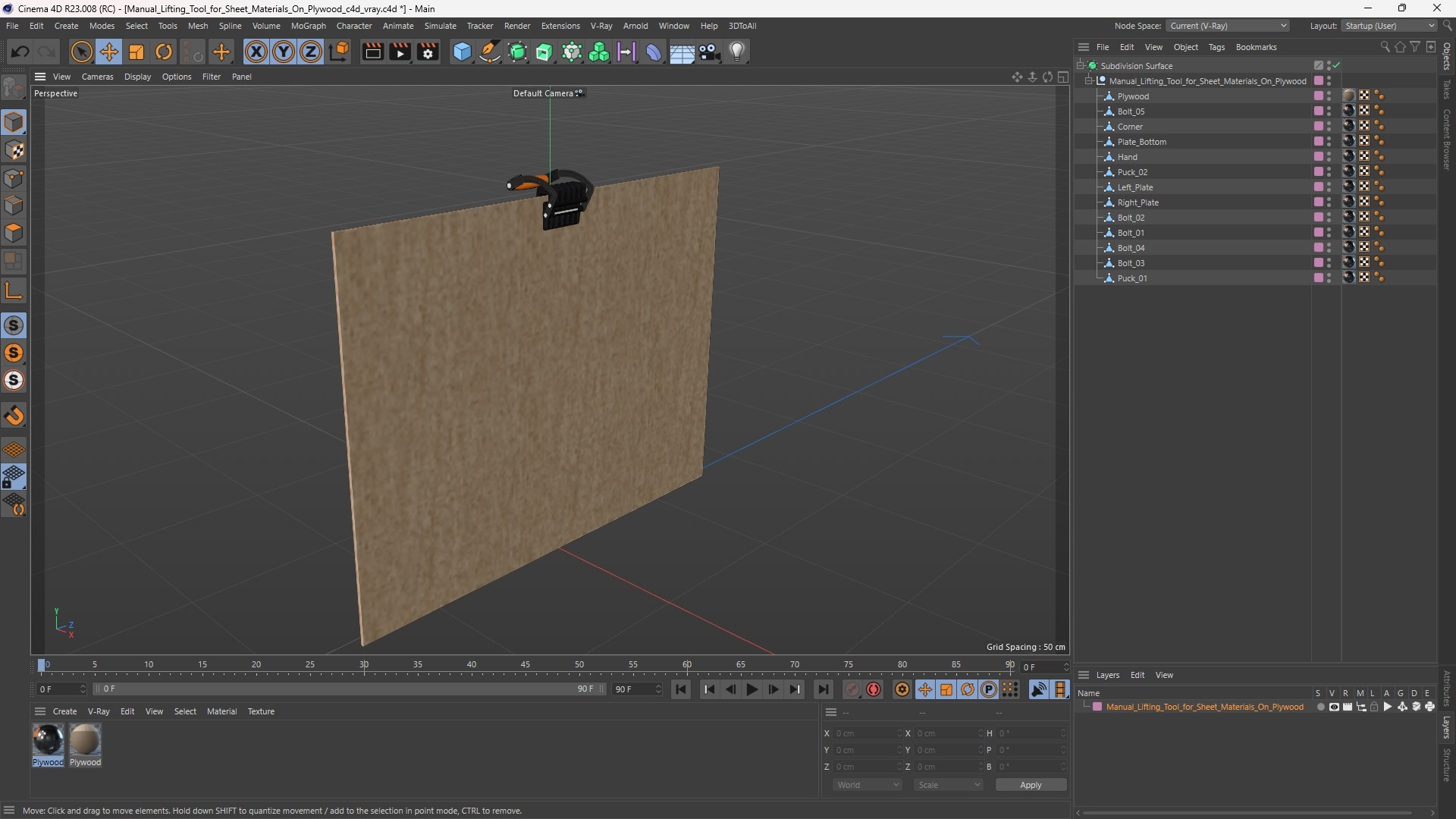
Cinema 4D R23 | Arnold
Cinema 4D R23 | V-Ray 5.2
3ds Max 2020 | Arnold
3ds Max 2020 | Corona 7
3ds Max 2020 | V-Ray 4.3
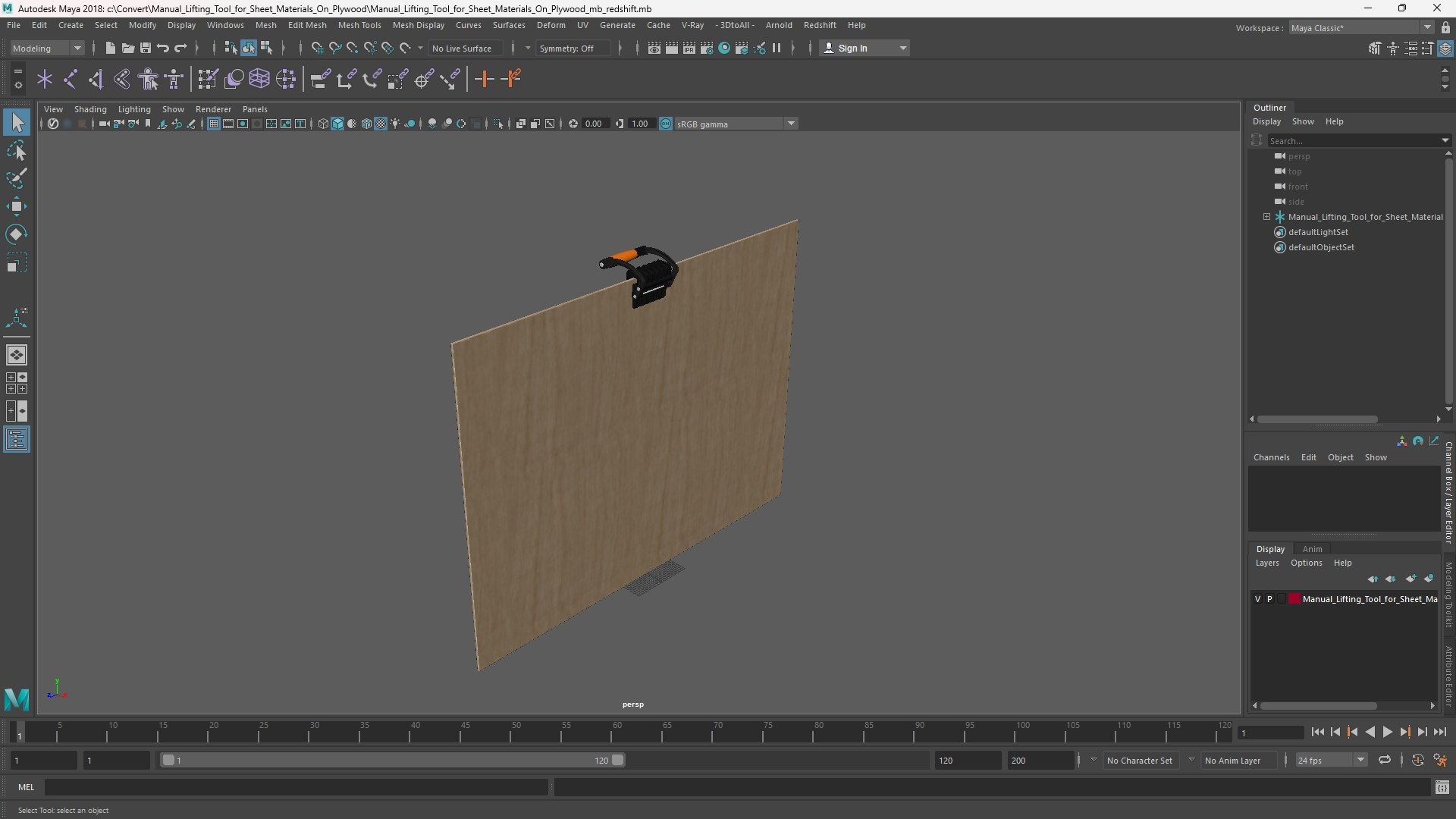
Maya 2018 | Arnold
Maya 2018 | V-Ray 4.3
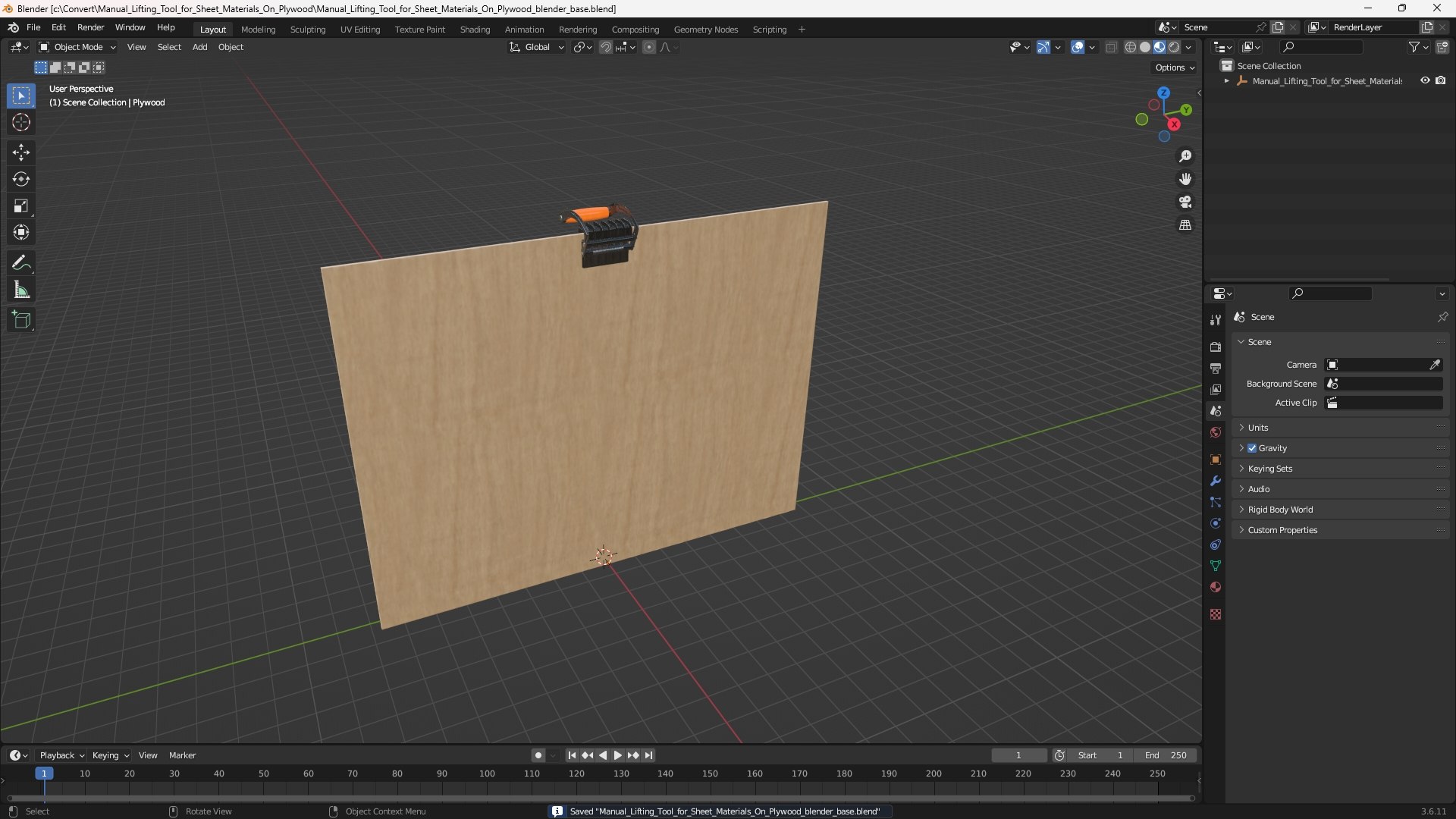
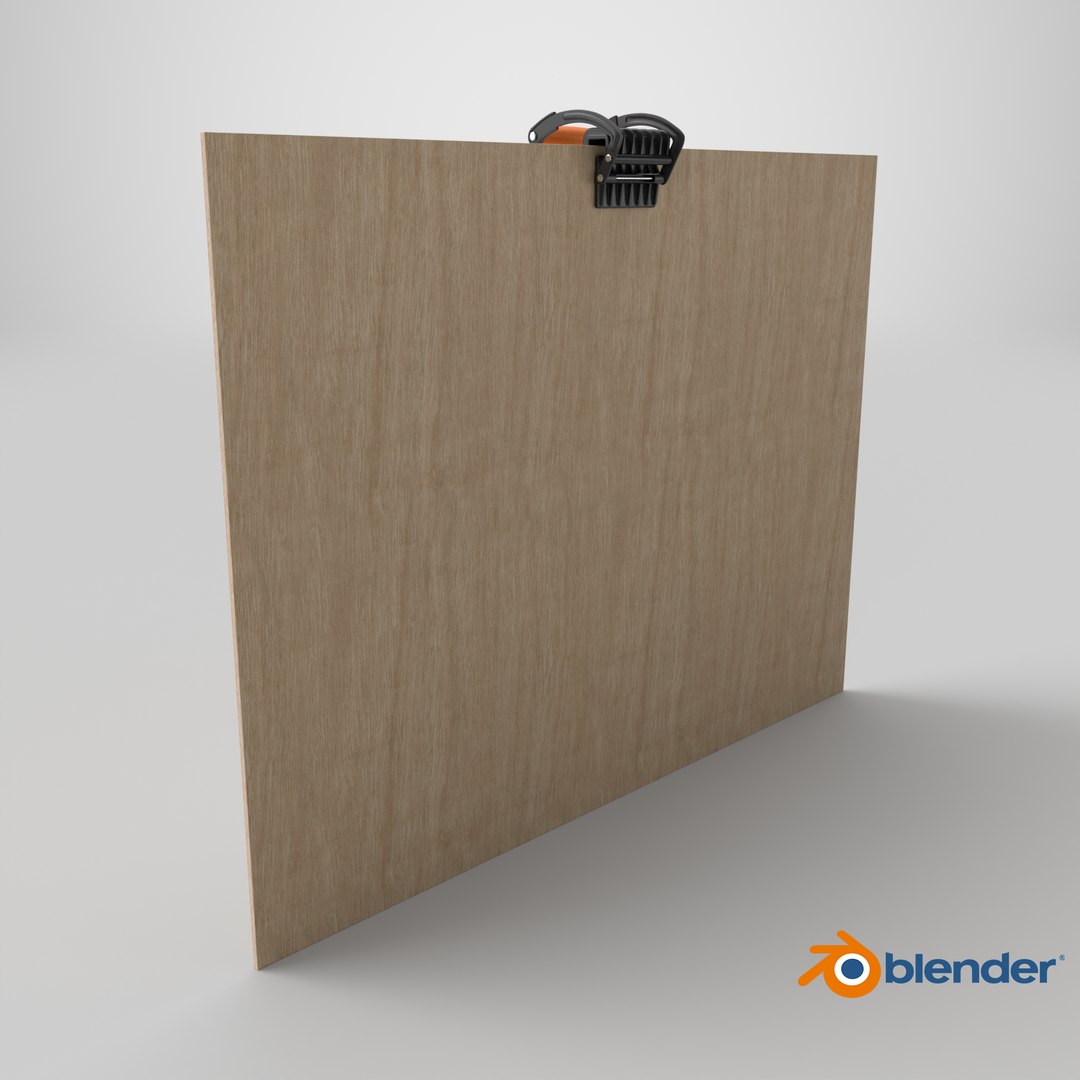
Blender 3.4 | Blender Render 3,4
Maya 2017 | Arnold 5.3.1.1
Maya 2015 | V-Ray 3.2
Cinema 4D R18 | Arnold 3.2
Cinema 4D R18 | Advanced Render 3.2
3ds Max 2015 | V-Ray 5.20.23
3ds Max 2018 | Arnold 7.0
Blender
FBX
Maya
OBJ
USD
Other Files
Manual_Lifting_Tool_for_Sheet_Materials_On_Plywood_textures.rar
Specifications
Publish Date October 07, 2025
Product ID 2471071
Polygons 23,693
Vertices 23,583
Polygonal Quads/Tris Geometry
Textures
Materials
UV Mapped
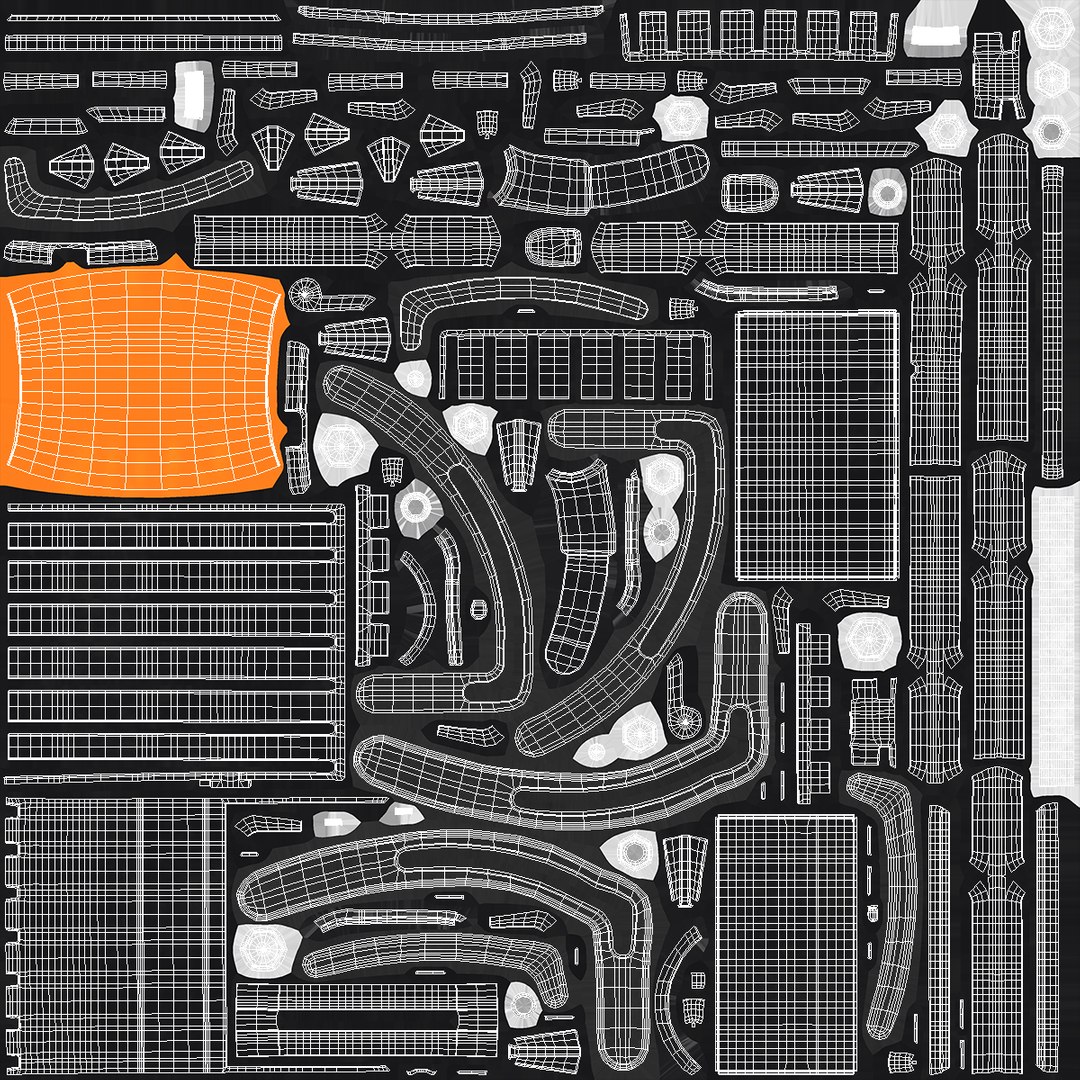
Mixed Unwrapped UVs
PBR
Real-Time
StemCell Certified

member avatar
3d_molier International
90915 Products | Contributor Since 2015
Have questions? Chat with us now.

Description

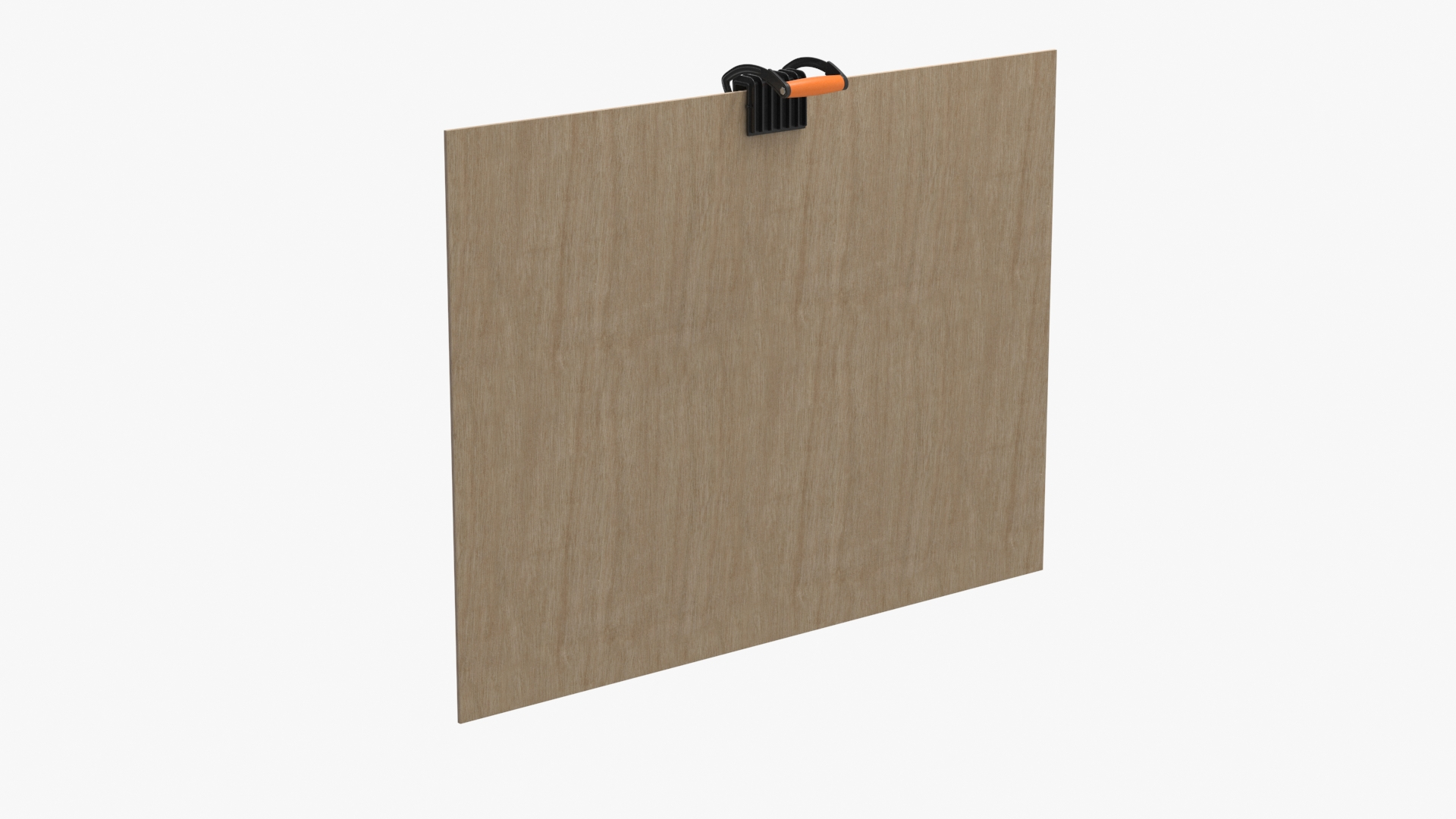
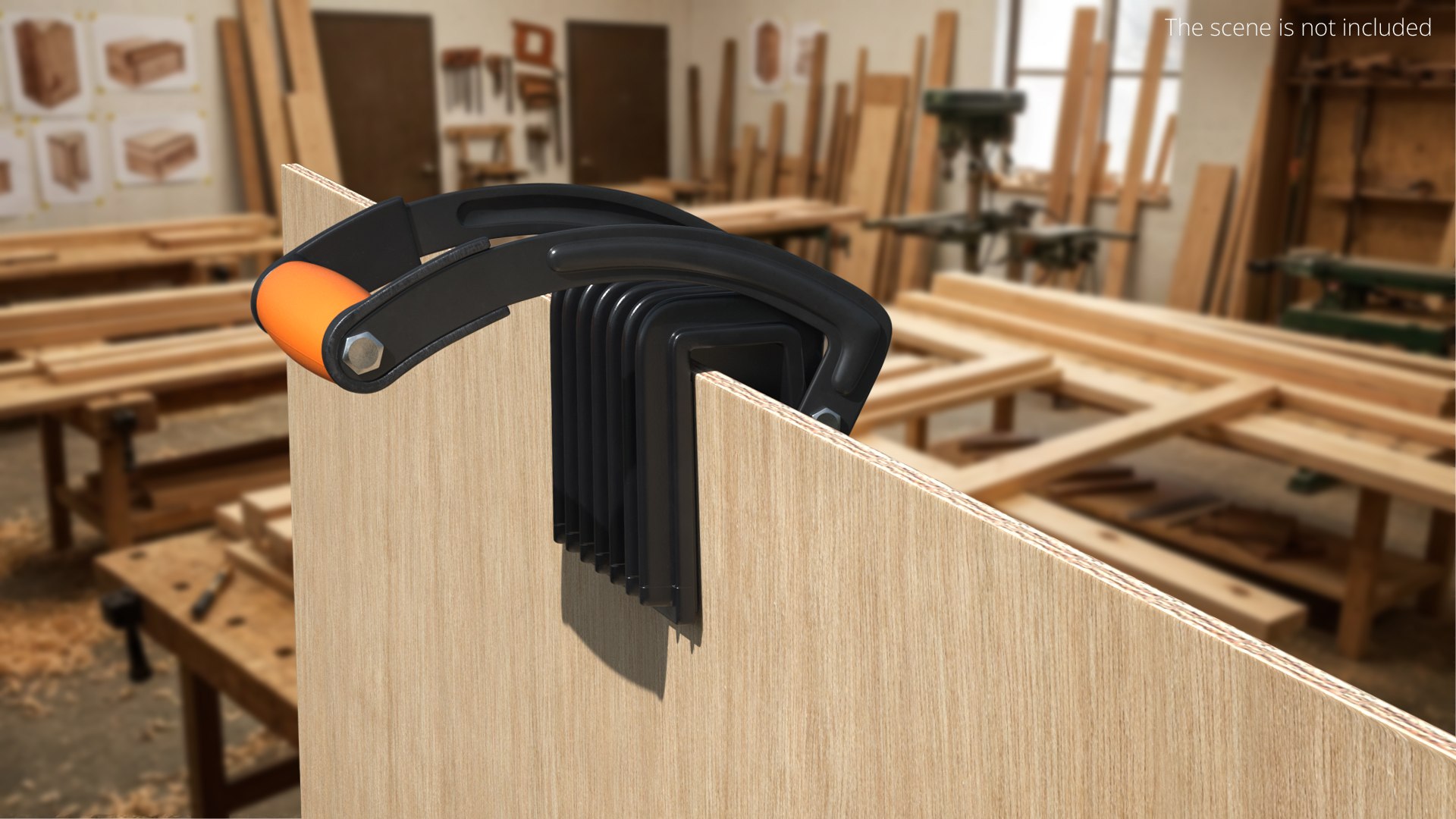
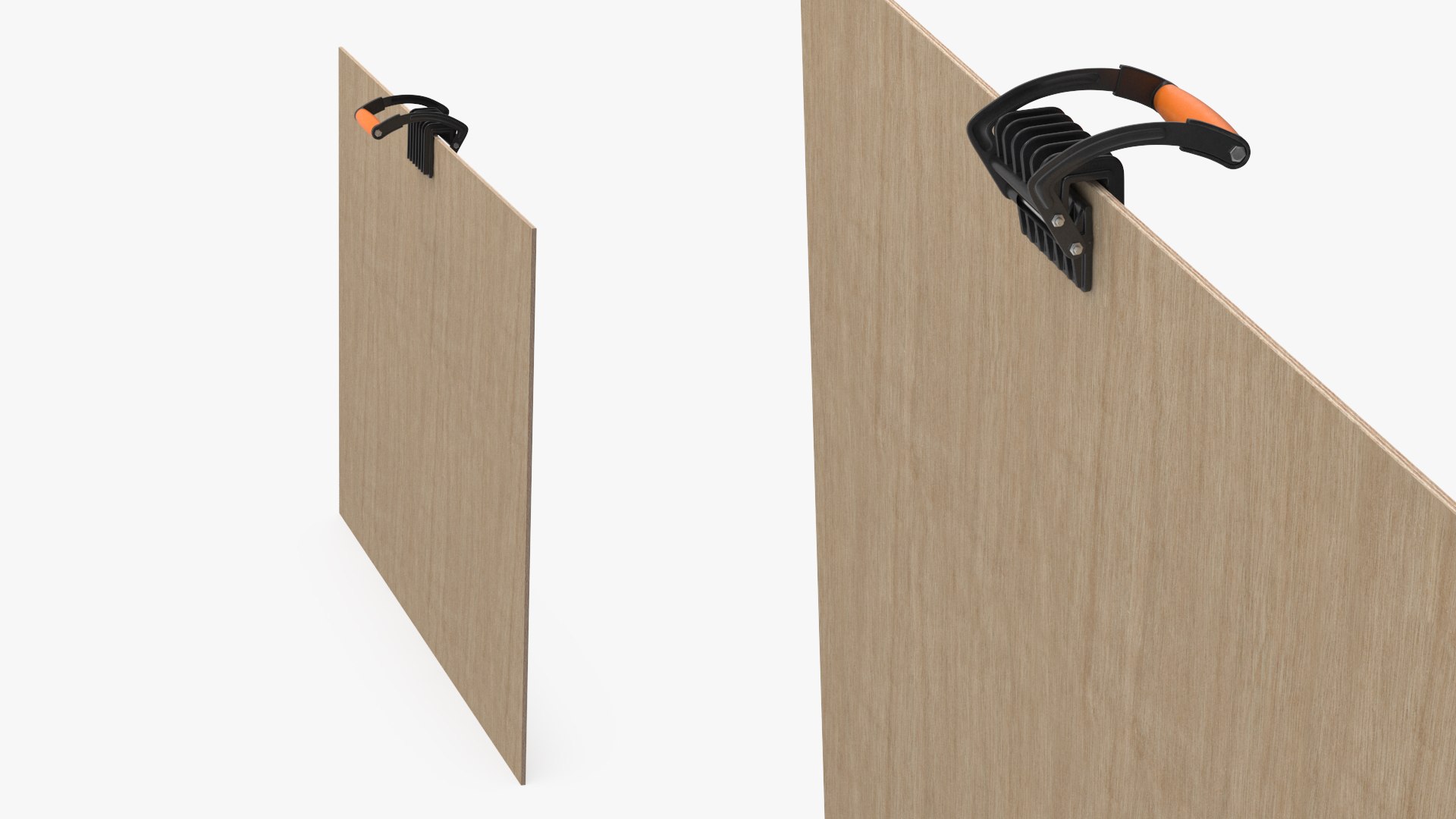
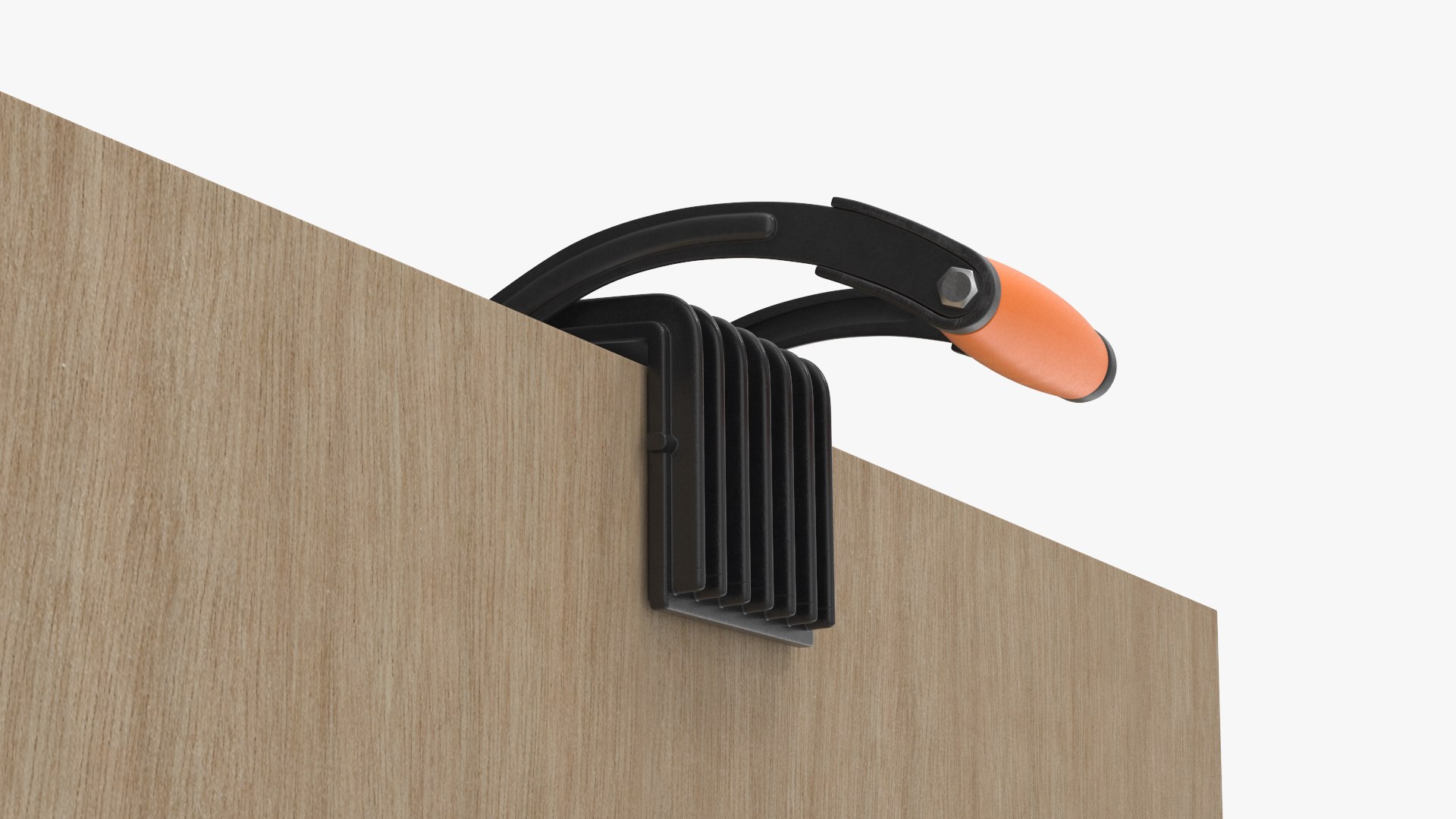
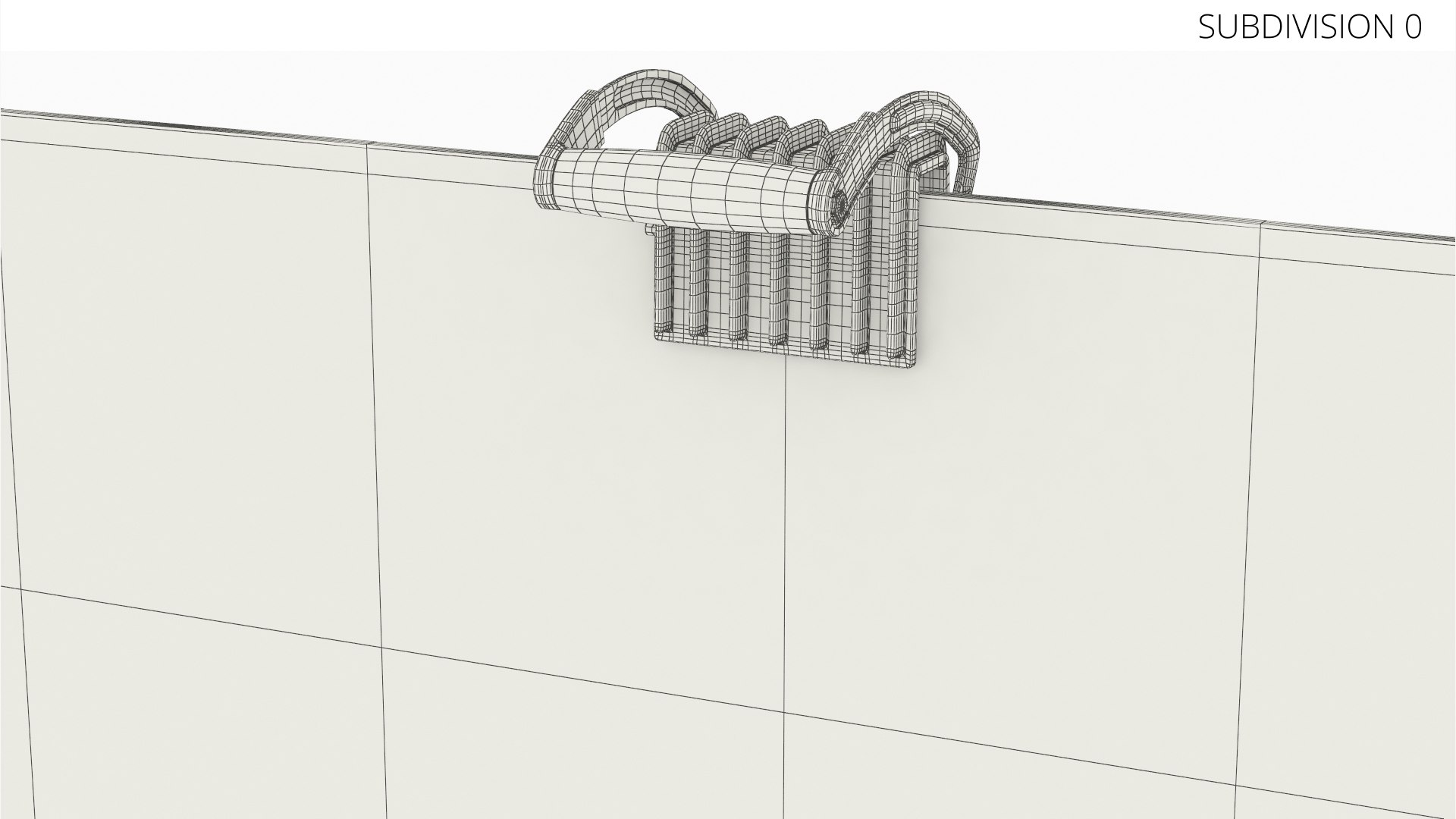
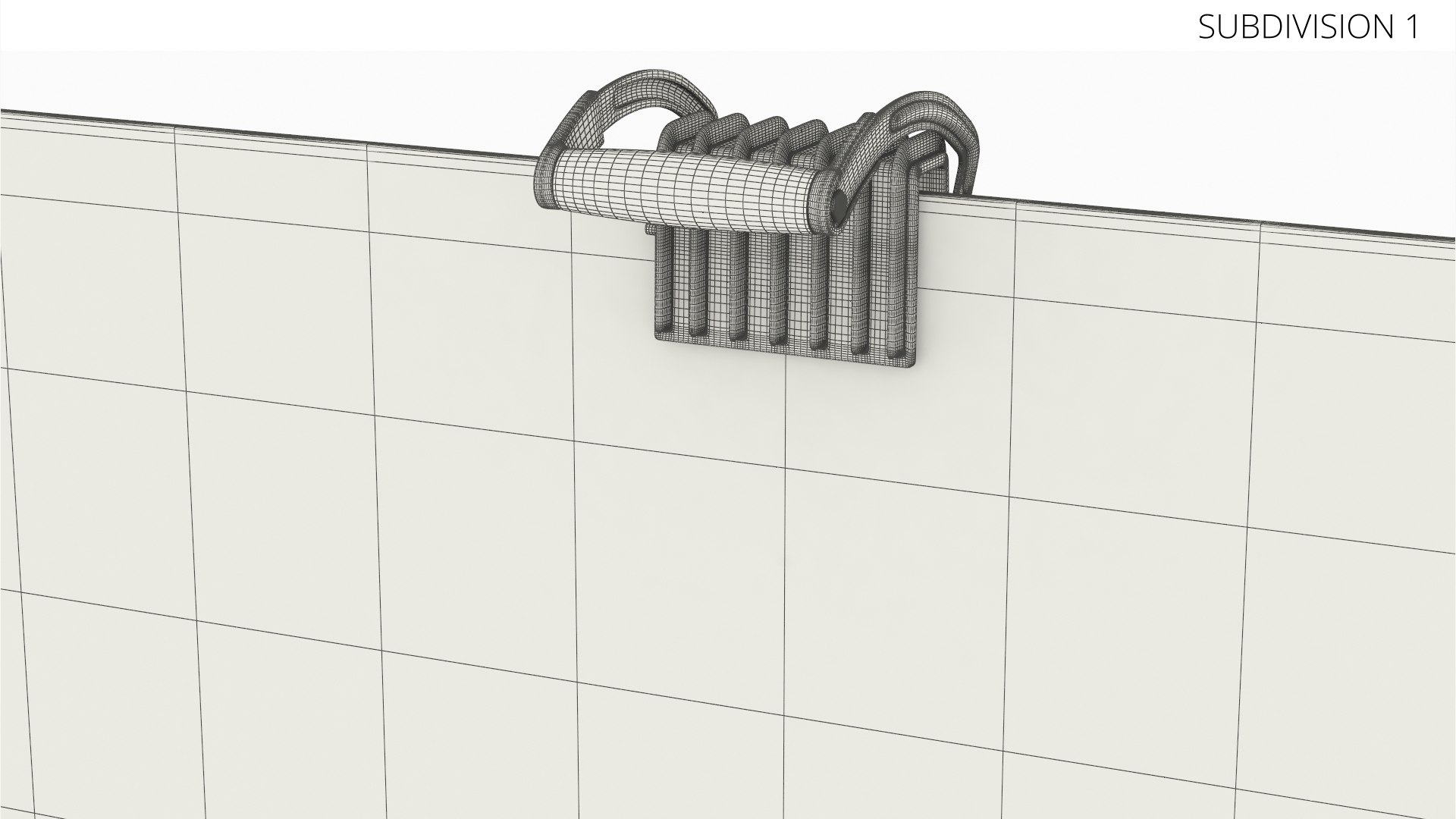
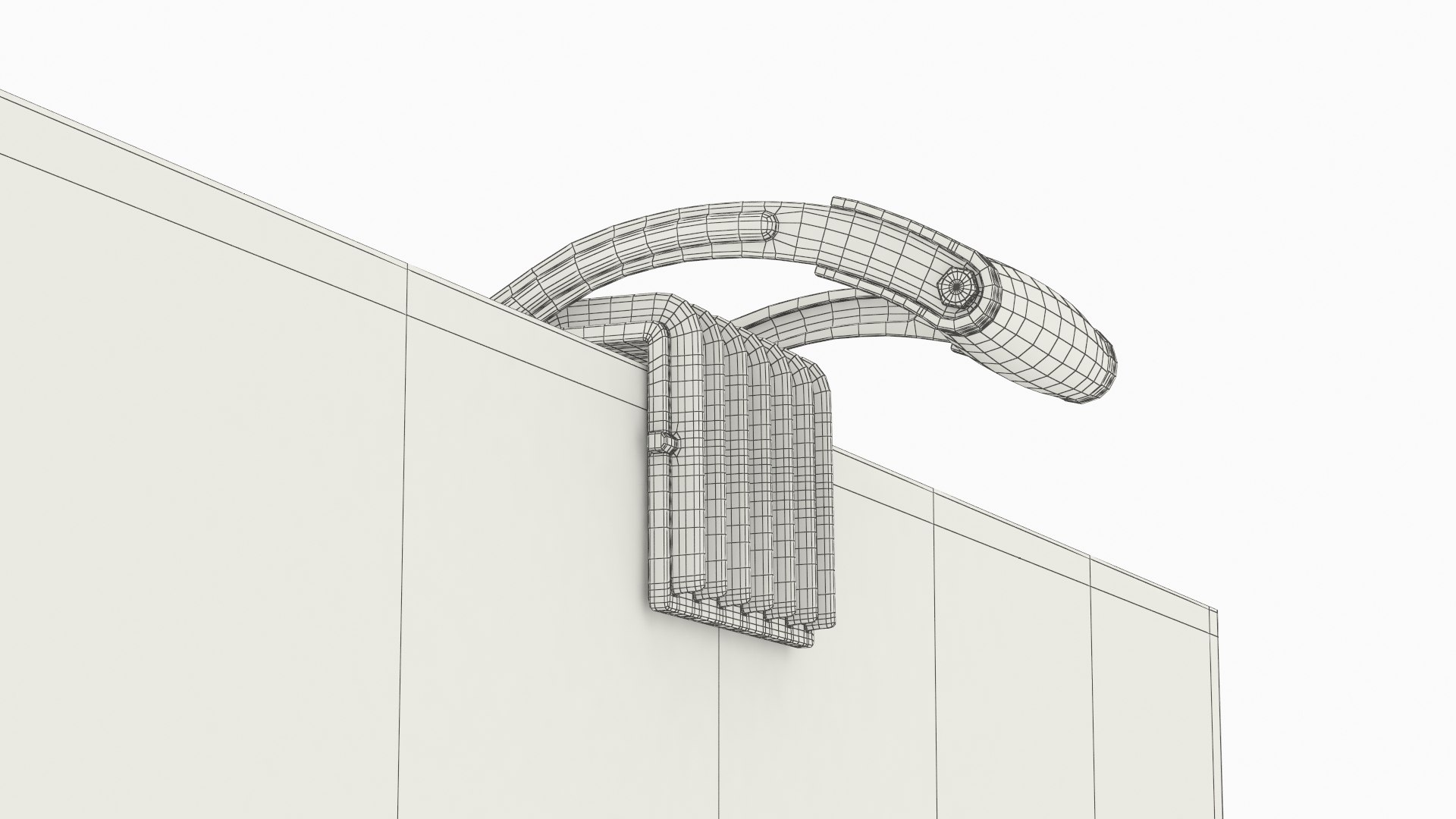
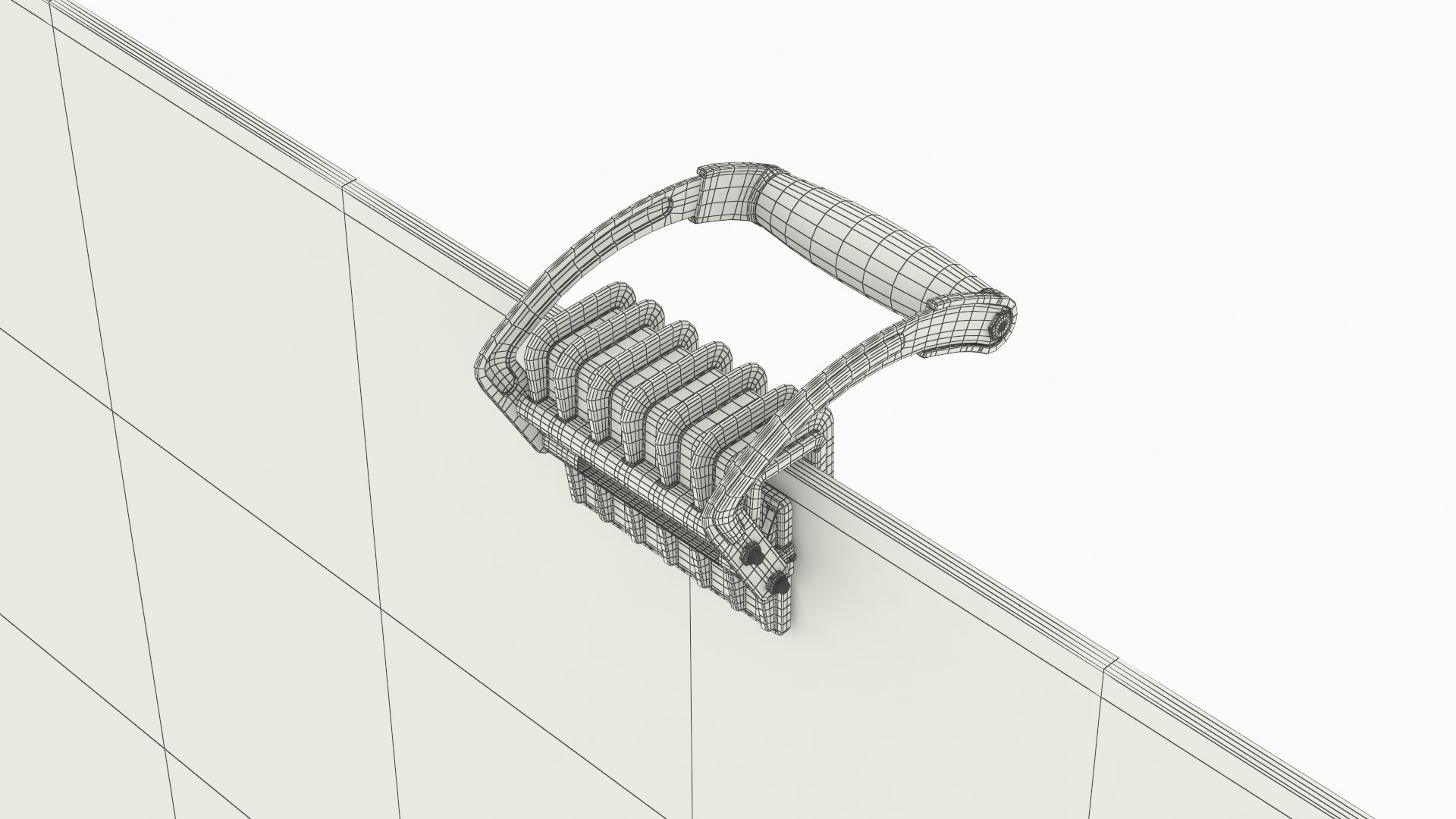
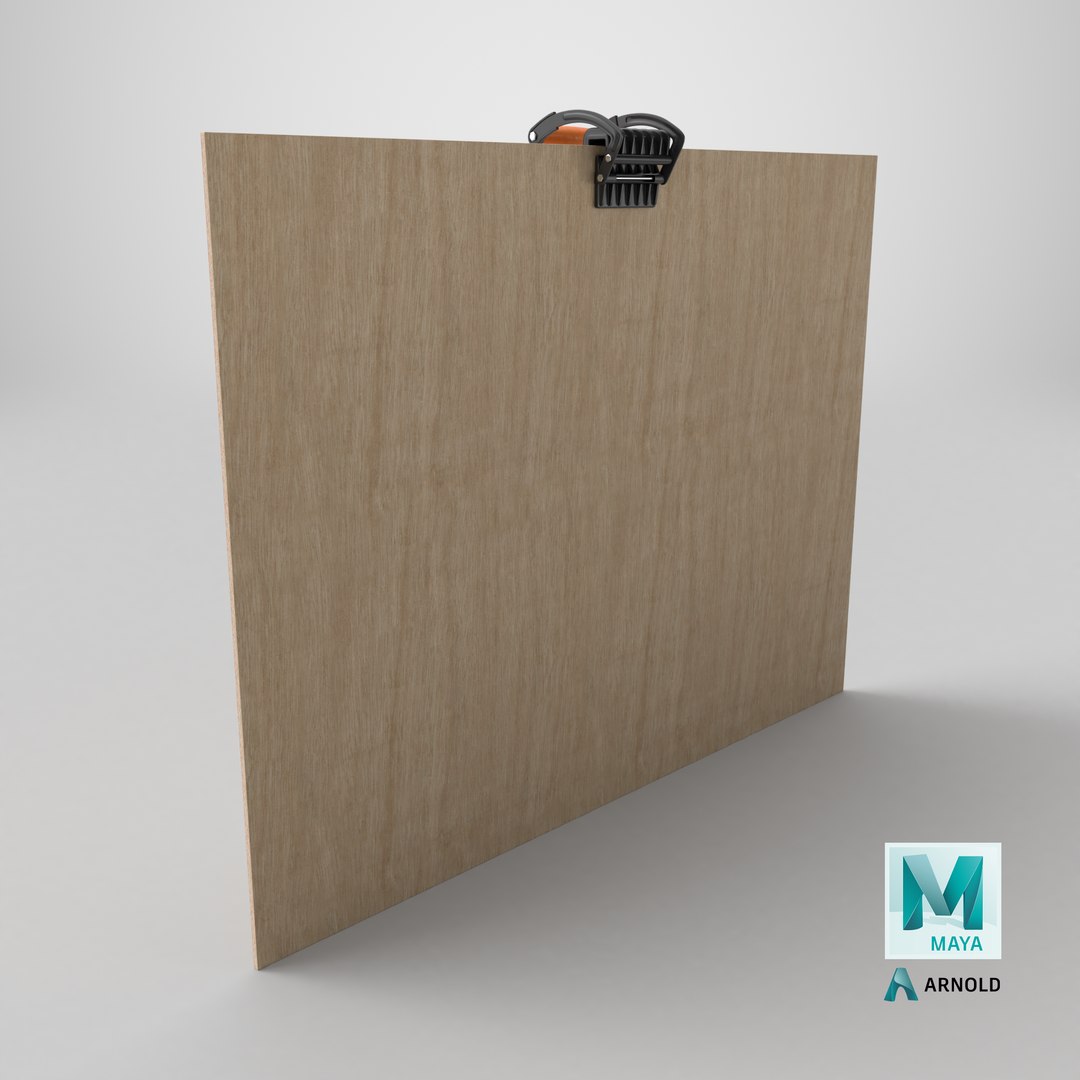
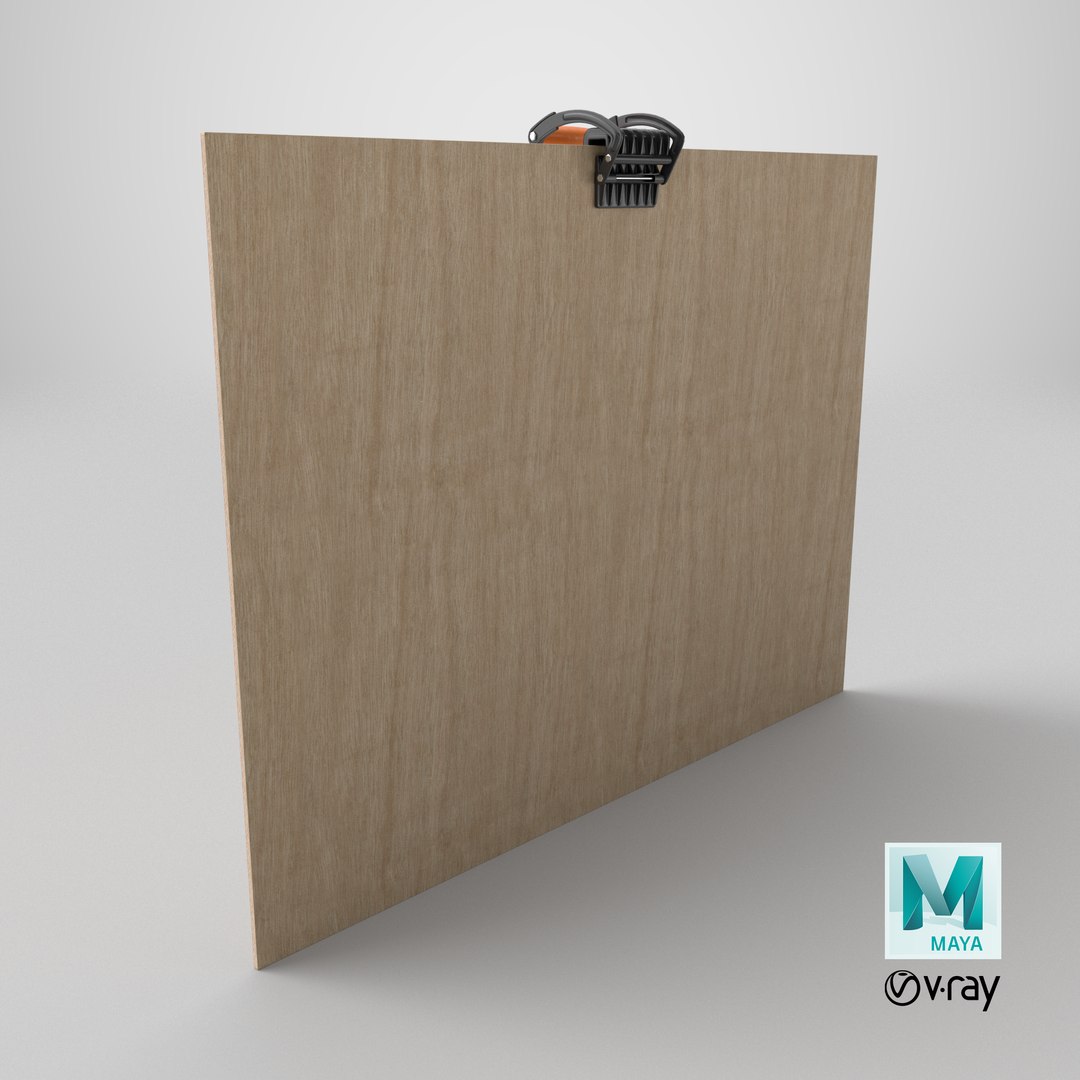
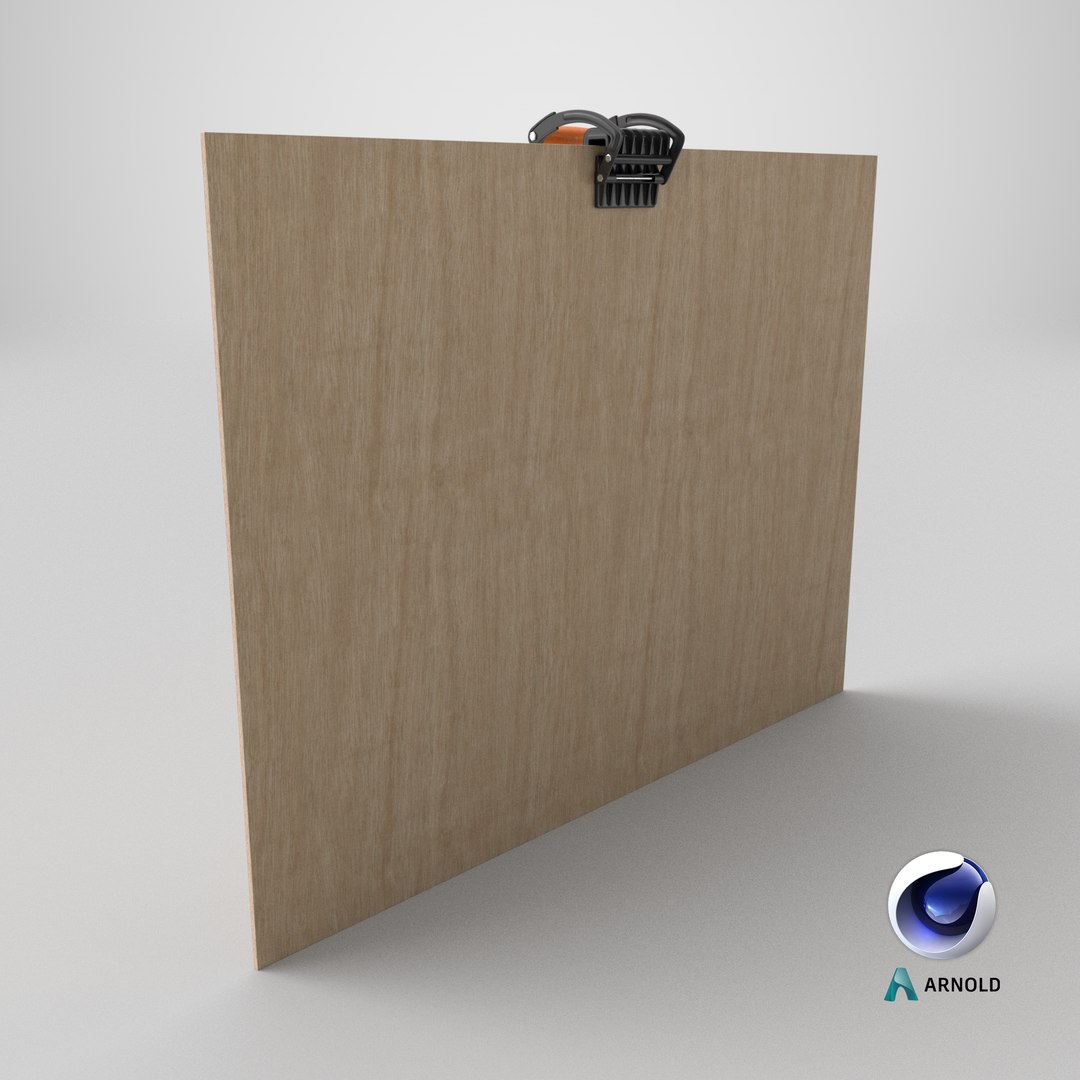
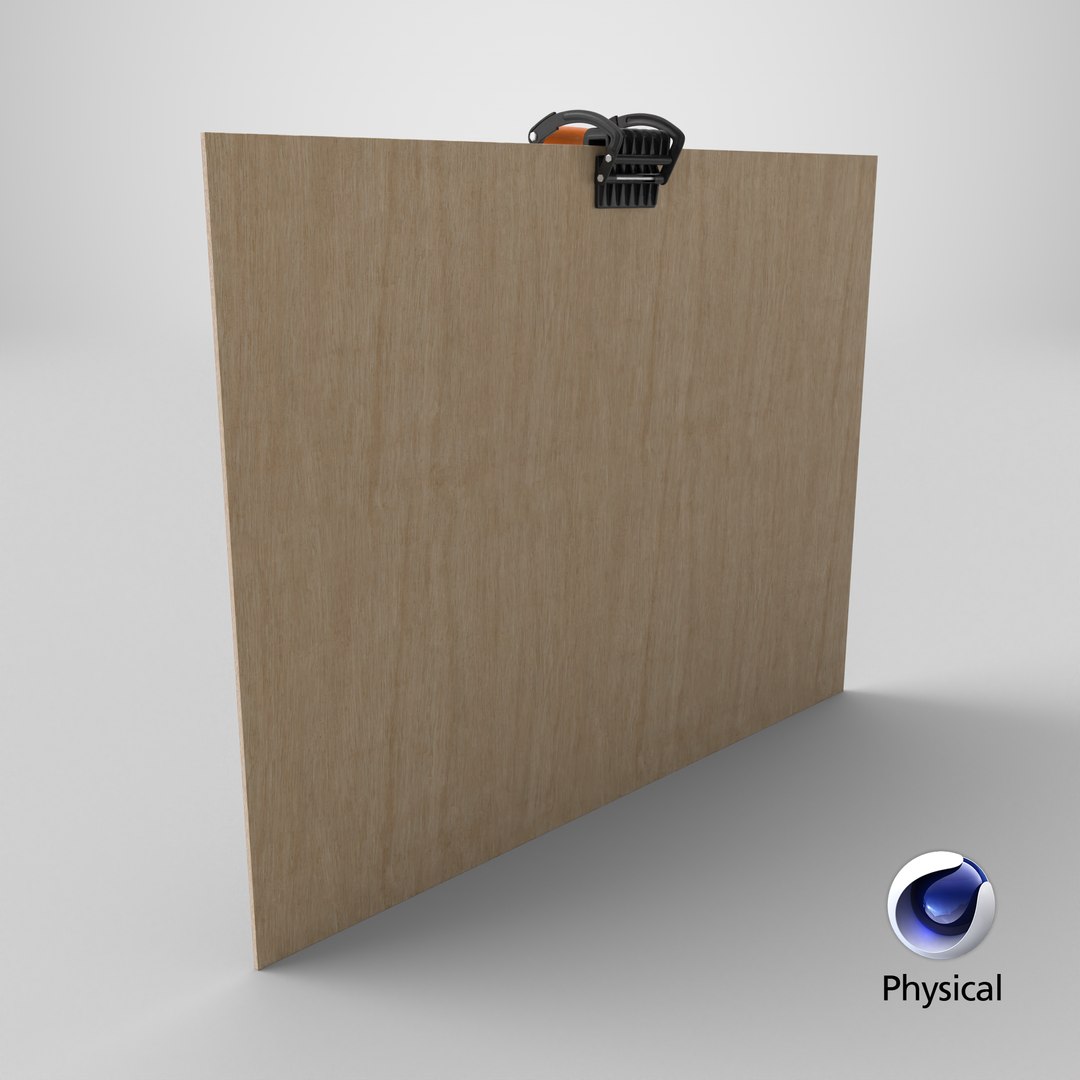
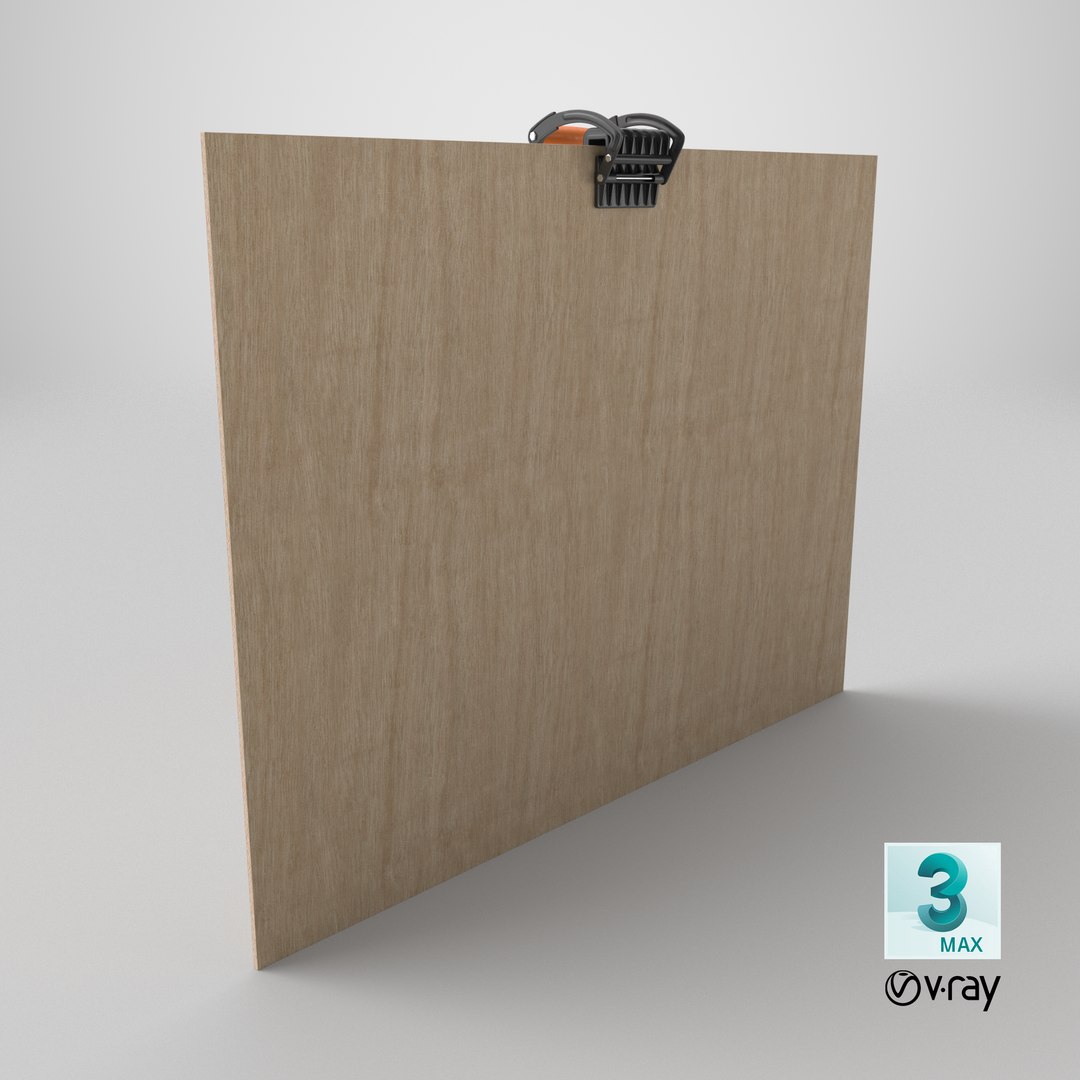
Manual Lifting Tool for Sheet Materials On Plywood is a three-dimensional model of portable plywood holder with a handle, also known as a professional plywood lifting tool.


Manual sheet lifting tool that features a durable clamping mechanism combined with a comfortable handle, allowing one person to transport heavy or bulky sheets with greater ease and reduced strain. The model is lightweight, strong, and practical for professional and home use. This tool is designed to assist in lifting, carrying, and moving plywood sheets, panels, similar flat materials and more.

For construction sites, woodworking workshops, furniture manufacturing, building material handling, interior installation, home renovation, industrial works, lumber storage, warehouse operations, DIY use, and carpentry projects.

Manual Lifting Tool for Sheet Materials On Plywood is a high quality, photo real 3d model that will enhance detail and realism to any of your rendering projects. The model has a fully textured, detailed design that allows for close-up renders, and was originally modeled in 3ds Max 2020 and rendered with V-Ray. Renders have no postprocessing!

Hope you like it!

*****
Features:
- High quality polygonal model, has real dimensions. Easy to merge into your scene.
- Units: cm
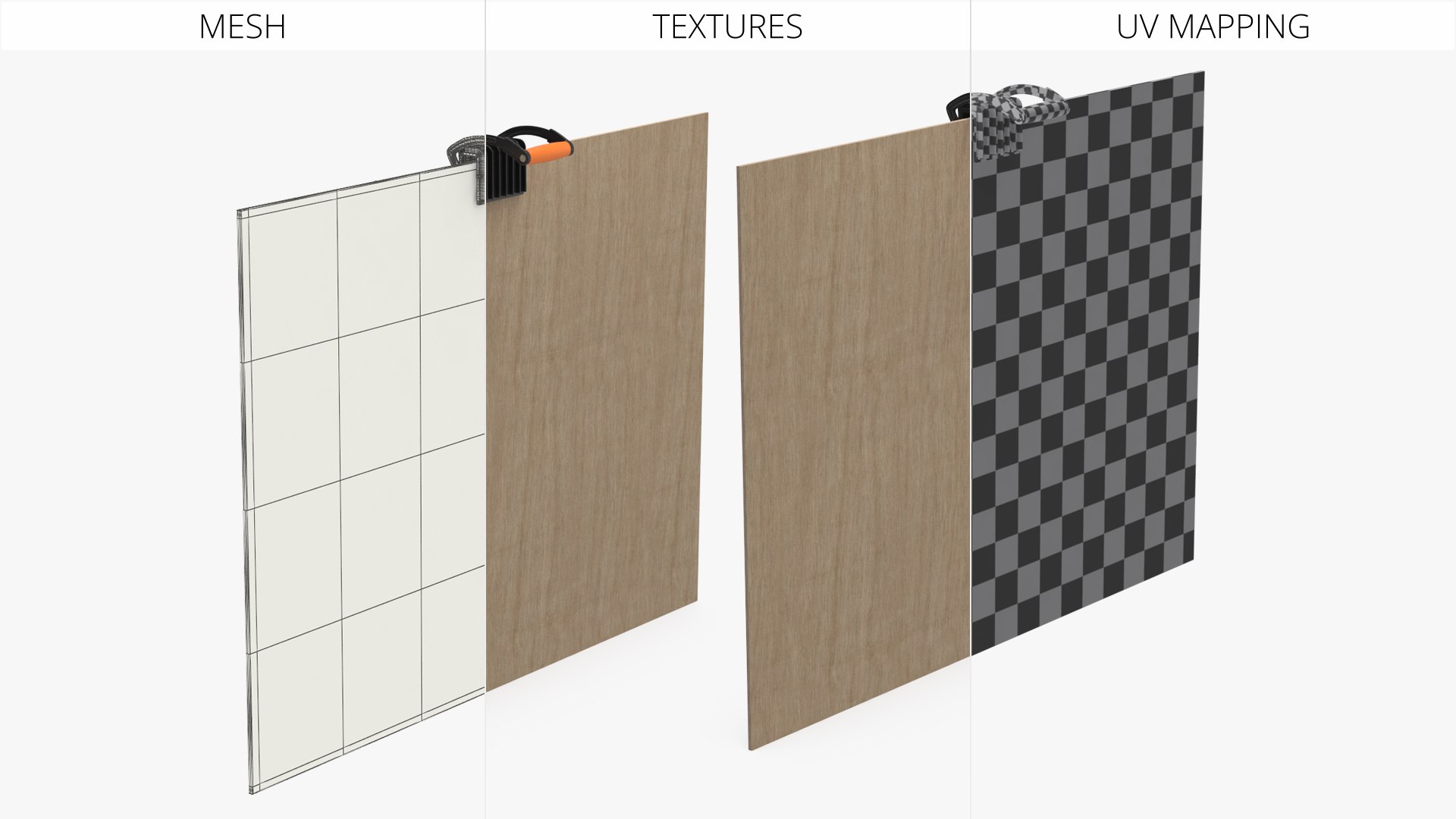
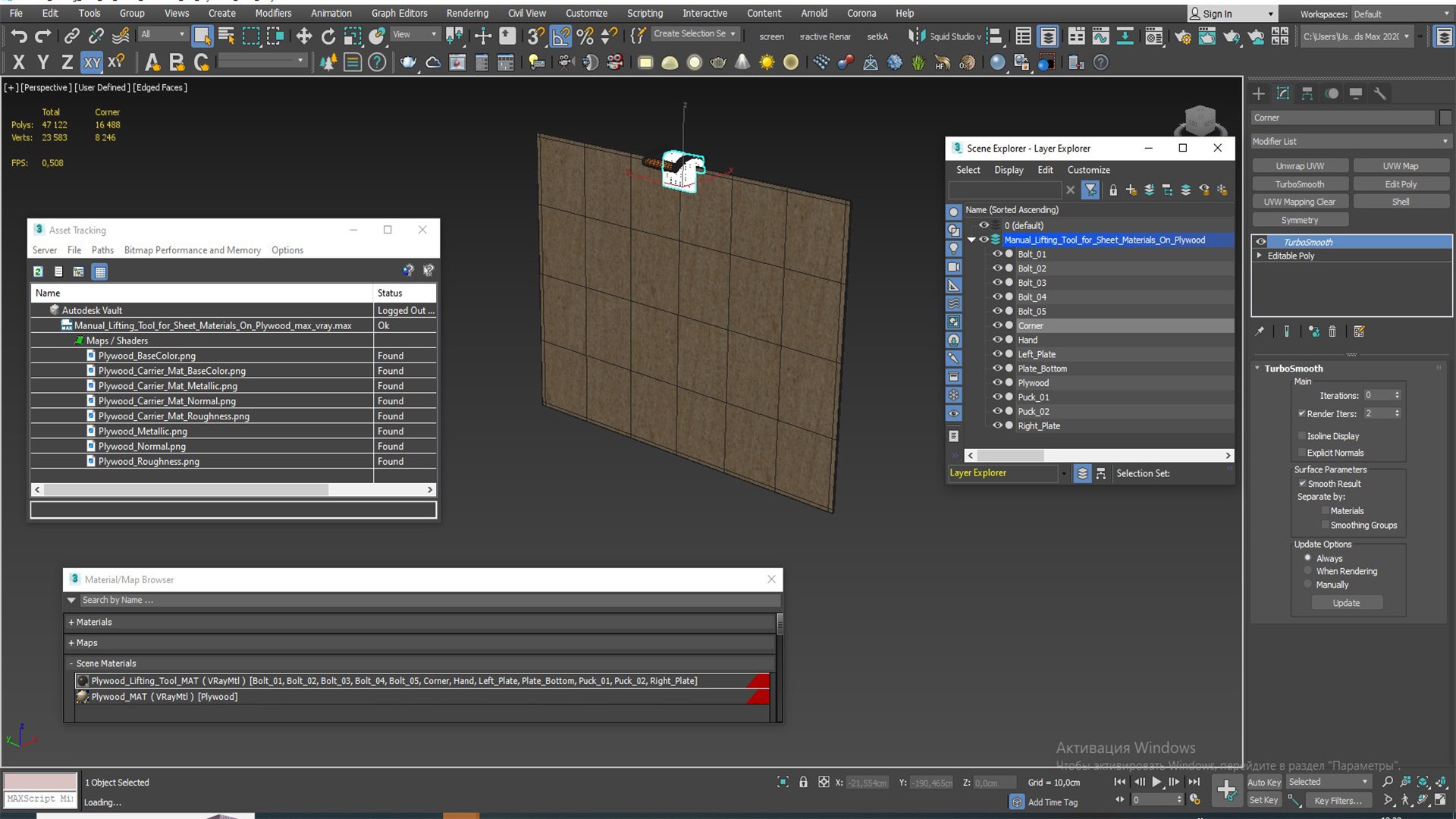
- The model was created with the optimal number of polygons. (The Meshsmooth modifier is assigned to the original mesh. Easy to increase mesh resolution if necessary.)
- All the objects come with complete UVs
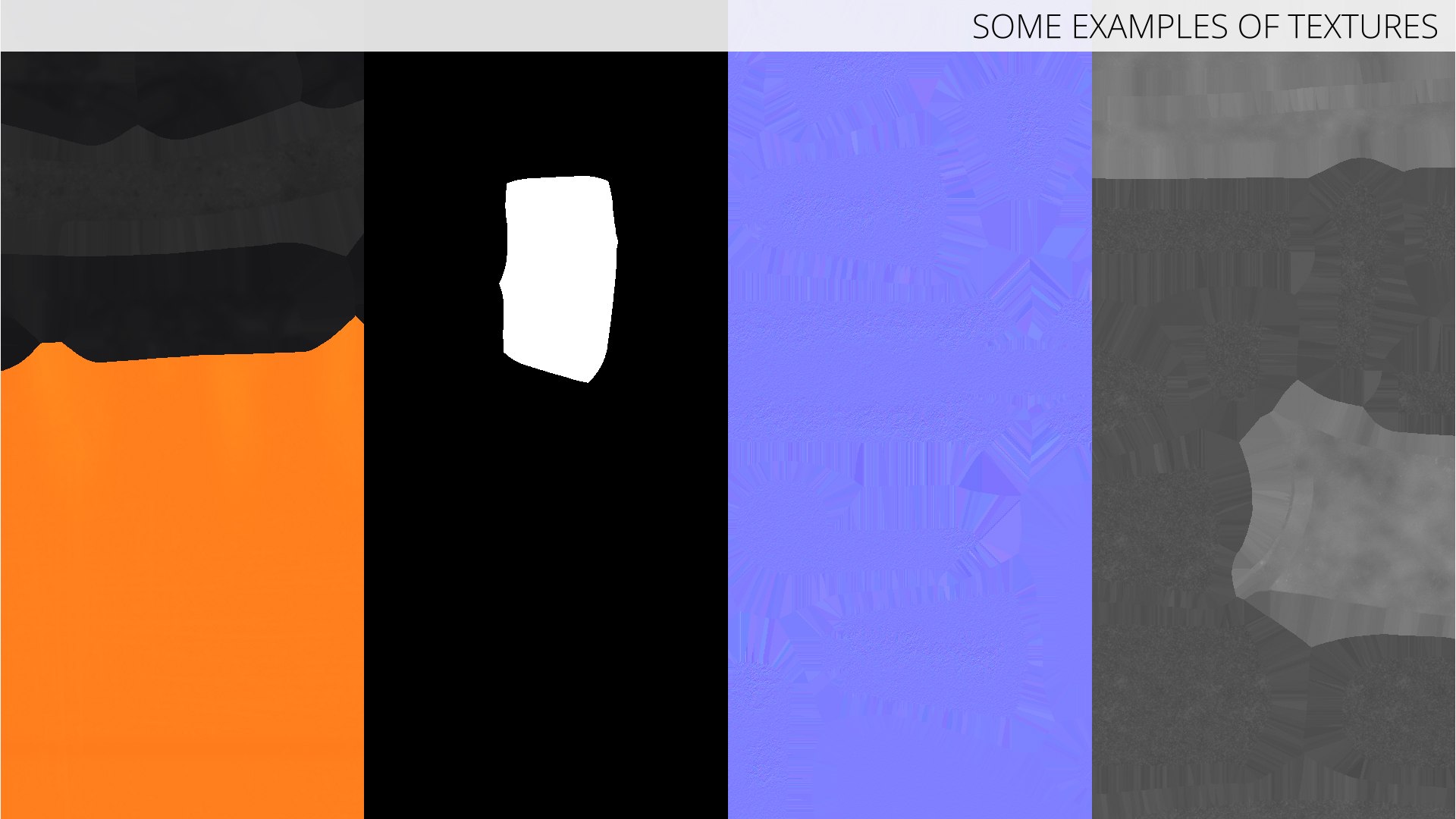
All textures and materials are included and mapped. (All colors can be easily modified.)
- All objects are logically named and grouped for ease of objects selection and scene management.
- No part-name confusion when importing several models into a scene.
- No cleaning up necessary (Model does not include any backgrounds or scenes used in preview images.) - just drop model into your scene.
- No special plugin needed to open scene.
- PBR Materials

*****
File Formats:
- 3ds Max
- Cinema 4D
- Maya
- Blender
- OBJ, 3DS, FBX
*****

Textures Formats:
- 8 png (4096x4096)
- Dimensions 21,1 x 154,26 x H121,29cm

*****
(c) 3d_molier International - 2025

Select Enhanced License

  • $10,000 in Legal Protection (Indemnification)
  • Uncapped Legal Protection (Indemnification)
  • Waiver from injunctive relief
  • Assignable model rights
  • $1,000,000 in Legal Protection (Indemnification)
  • Waiver from injunctive relief
  • Assignable model rights
  • $250,000 in Legal Protection (Indemnification)
  • Assignable model rights
Read more about enhanced license tiers, or contact us at enterprise@turbosquid.com. Already a Shutterstock Enterprise Customer? Contact your Shutterstock Sales Support Agent to talk about adding 3D.

About Conversion Requests

To submit a conversion request for a purchased asset, please complete our Conversion Request Form.

If you have not yet purchased a model, please review our Documentation about Conversions to learn about what limitations you may encounter with a conversion.

For any additional questions about a model’s suitability for conversion, please contact TurboSquid Support.

Loading...