
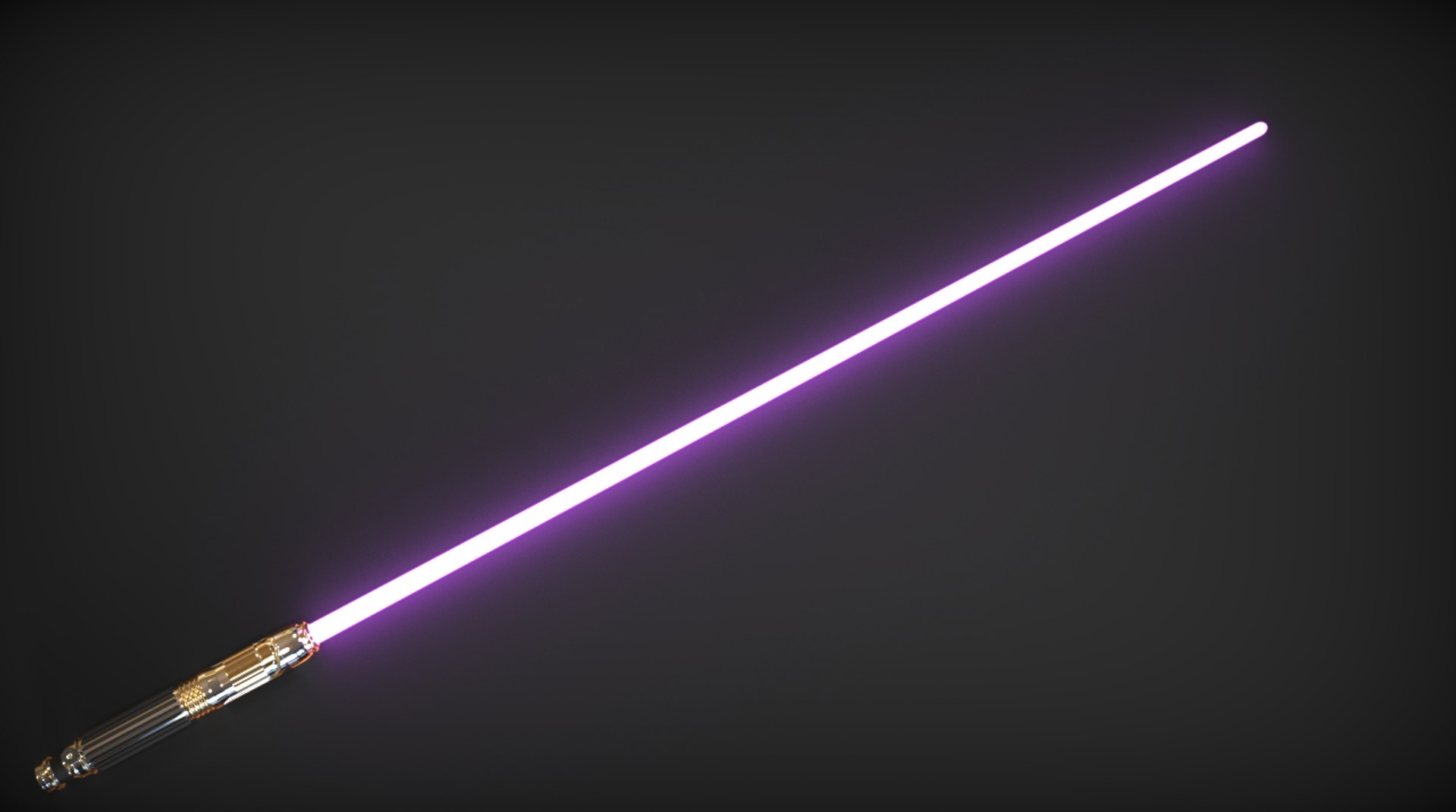
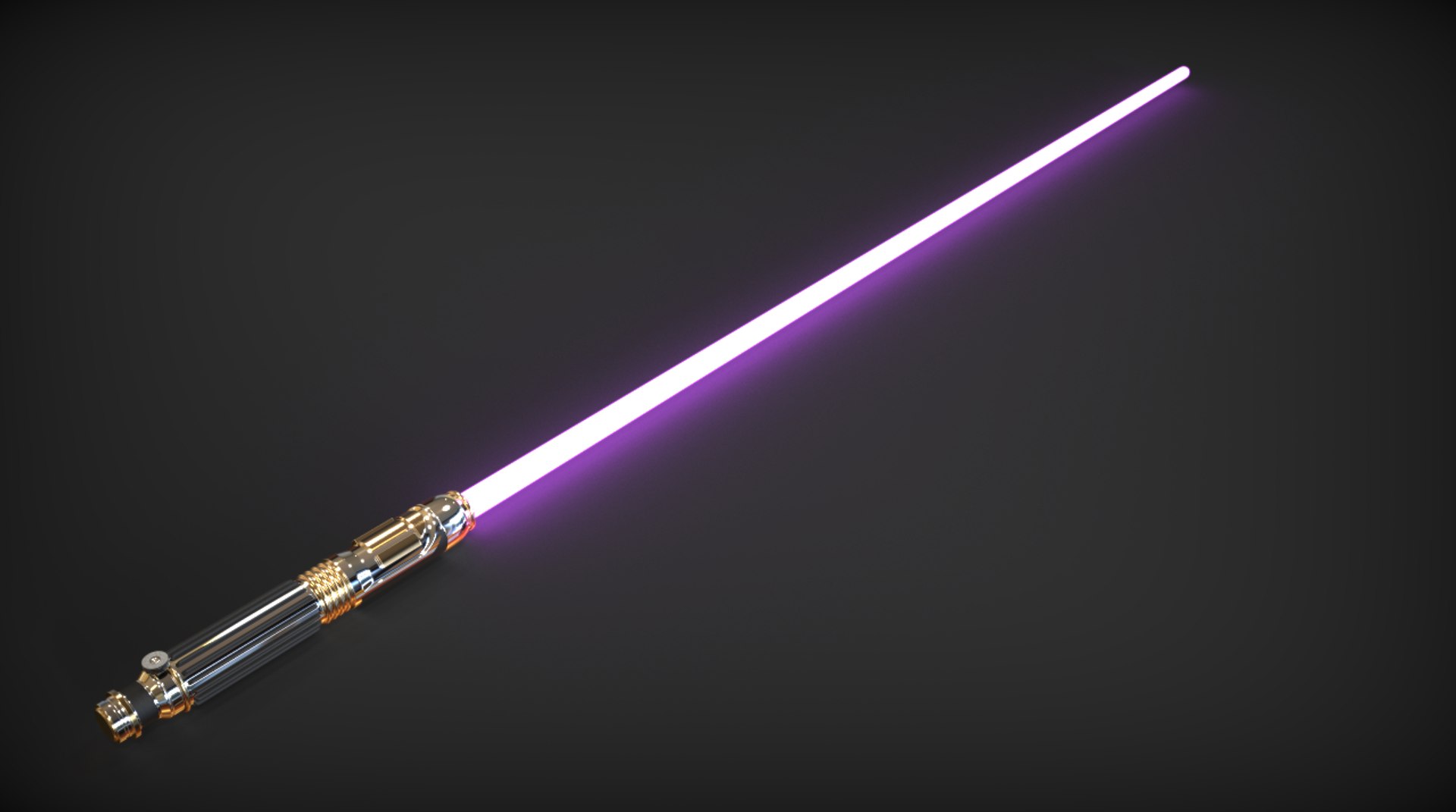
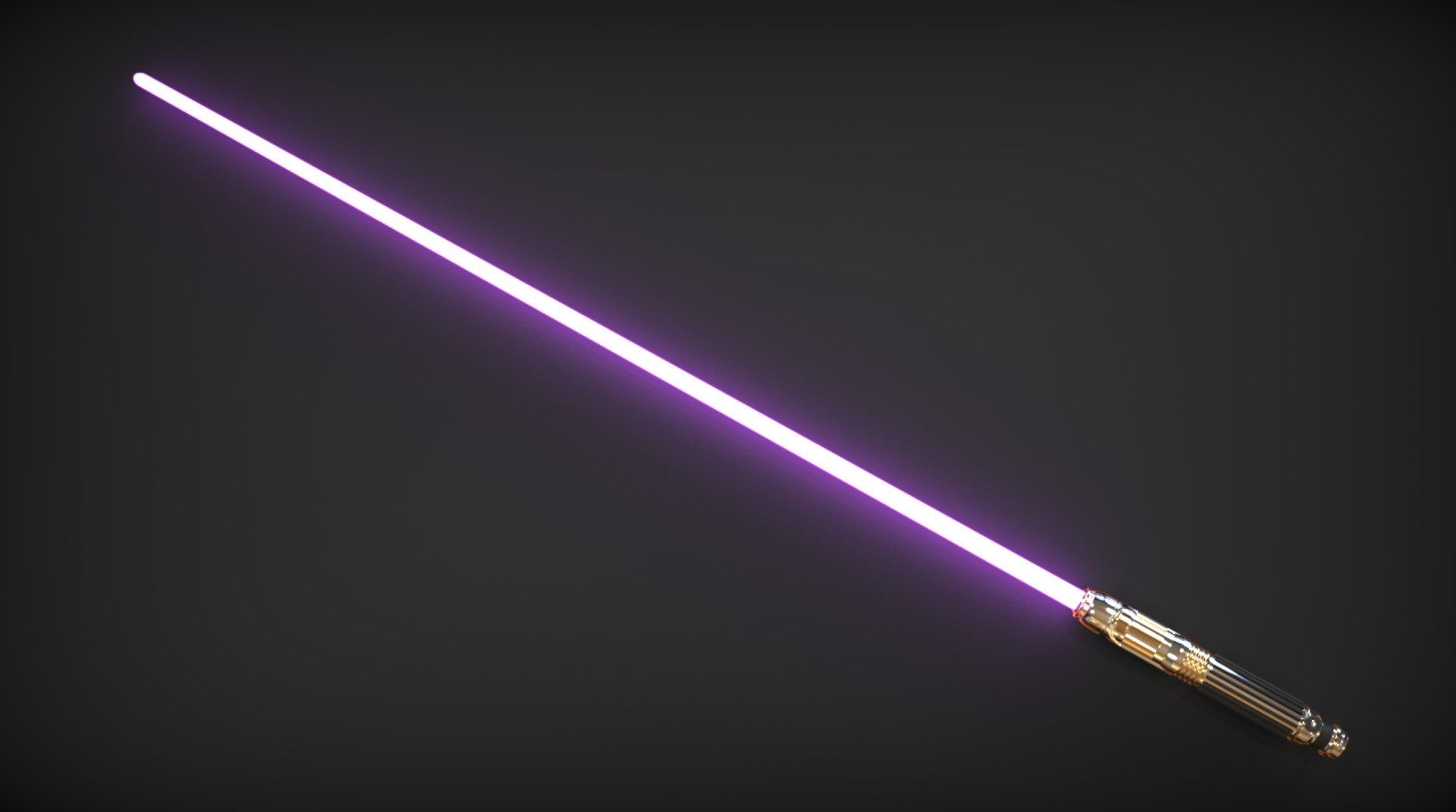
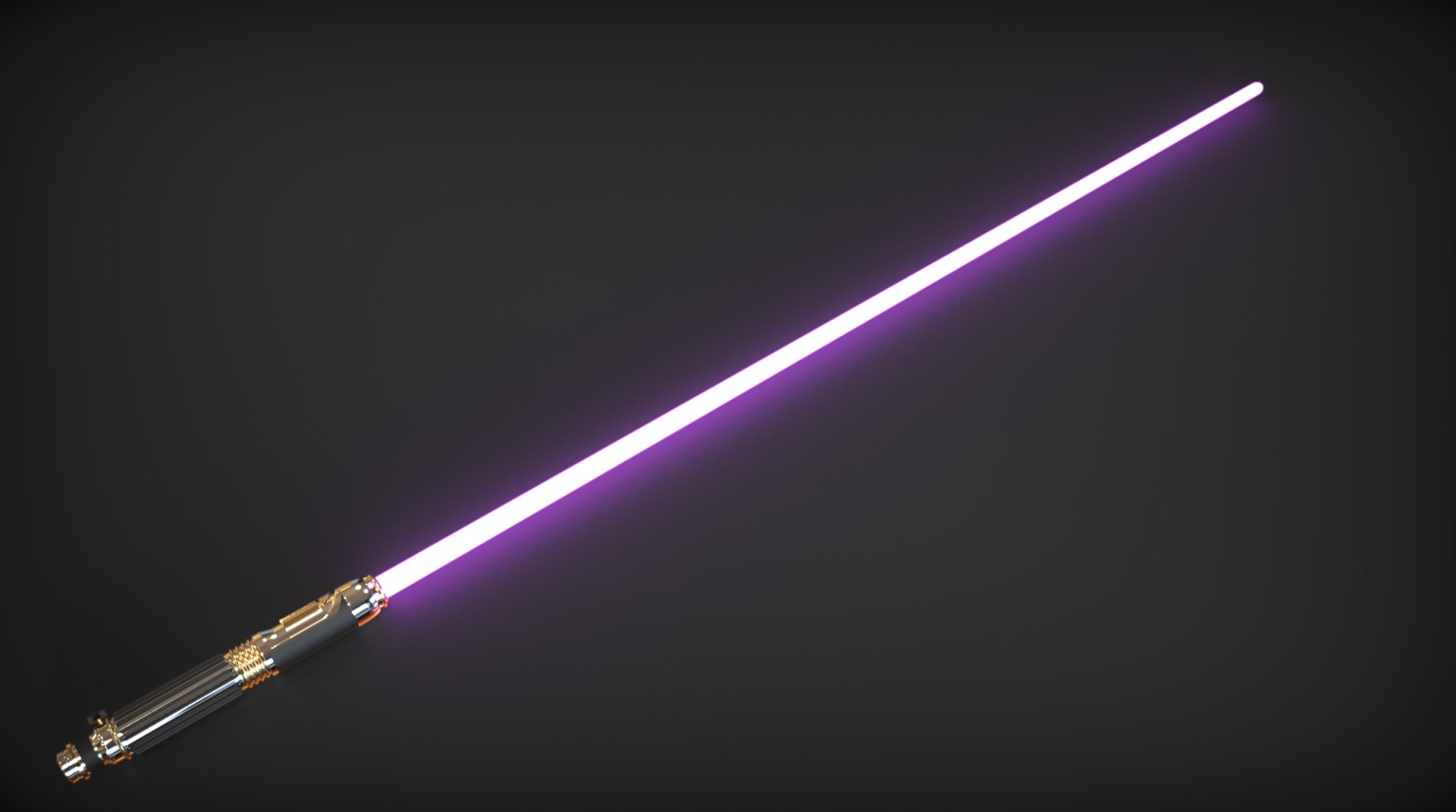
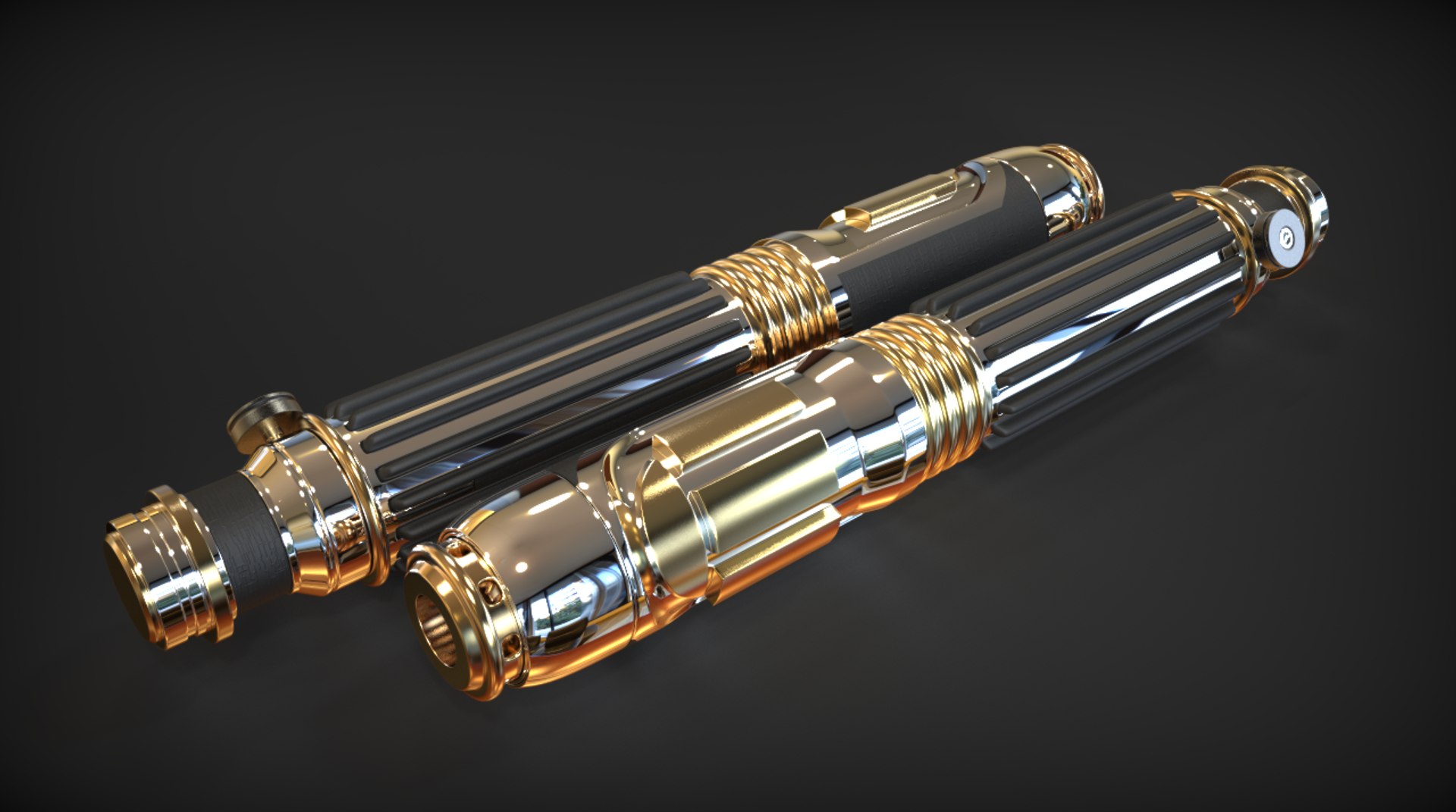
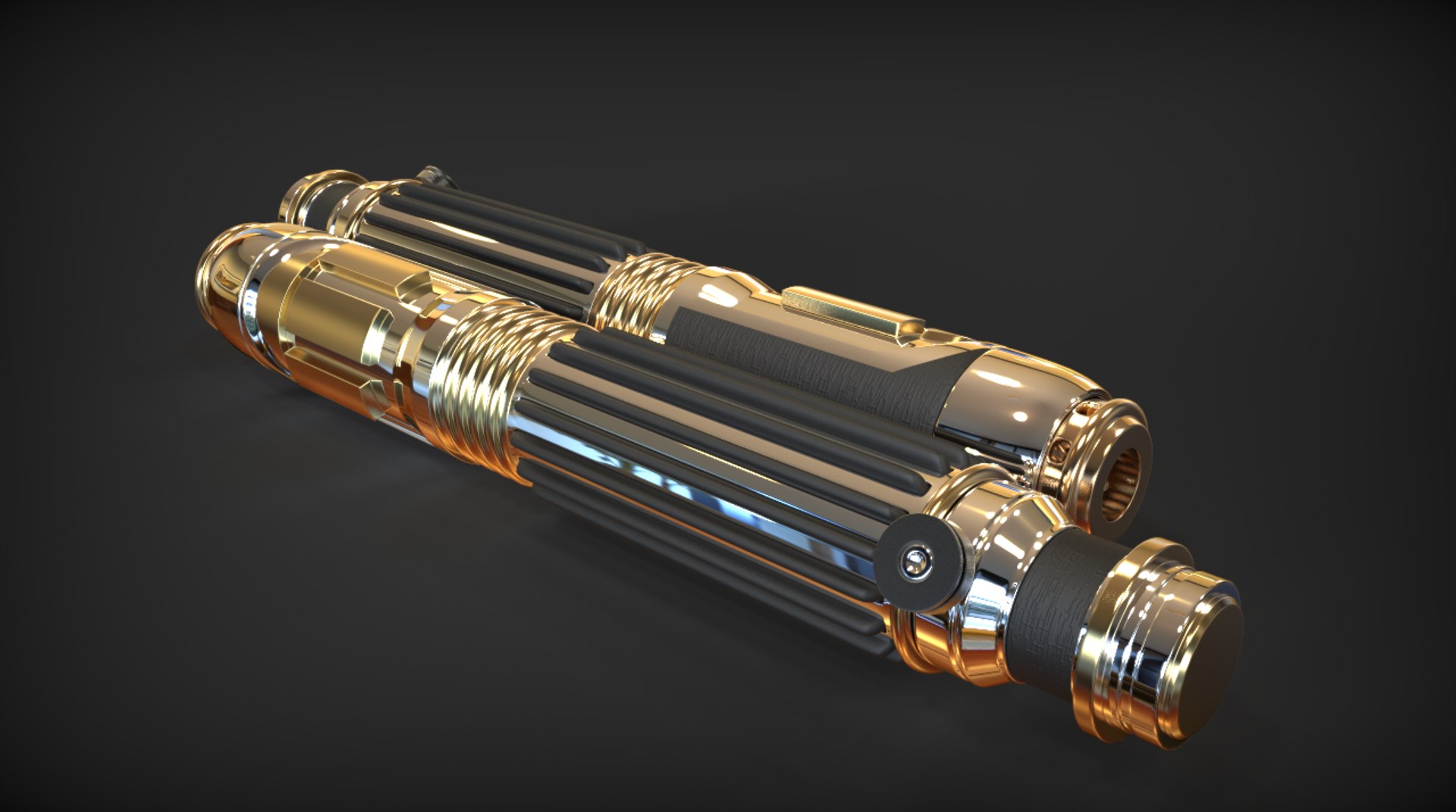
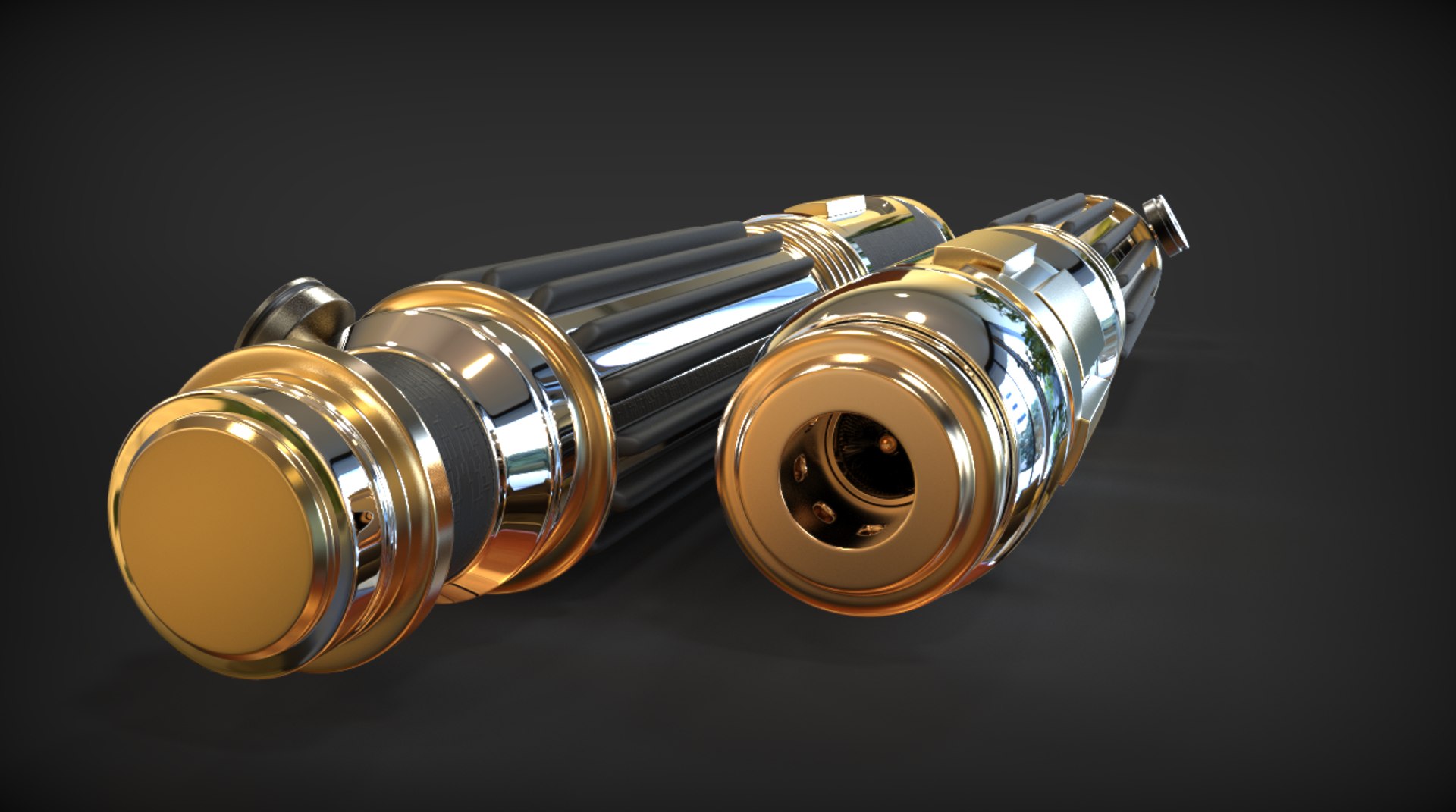
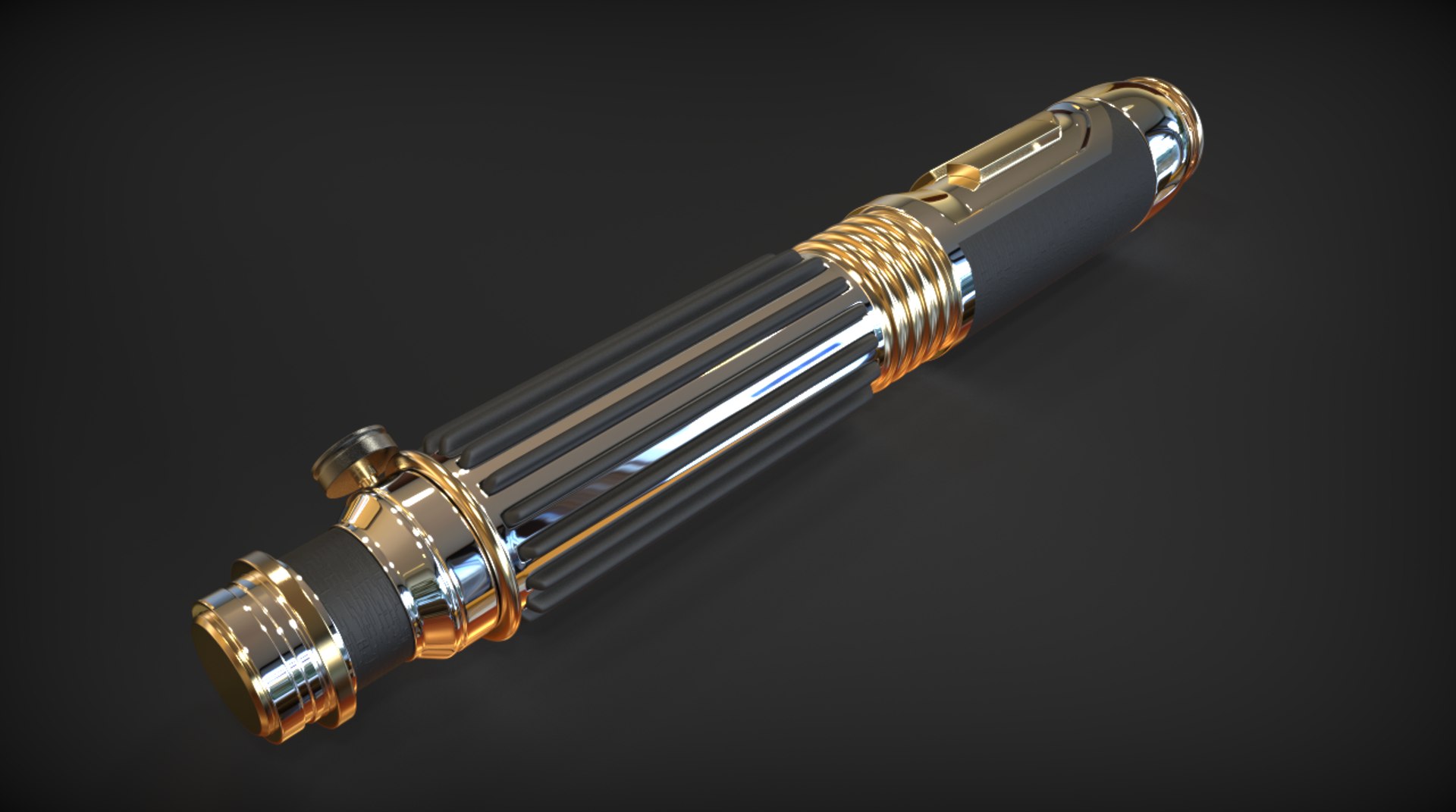
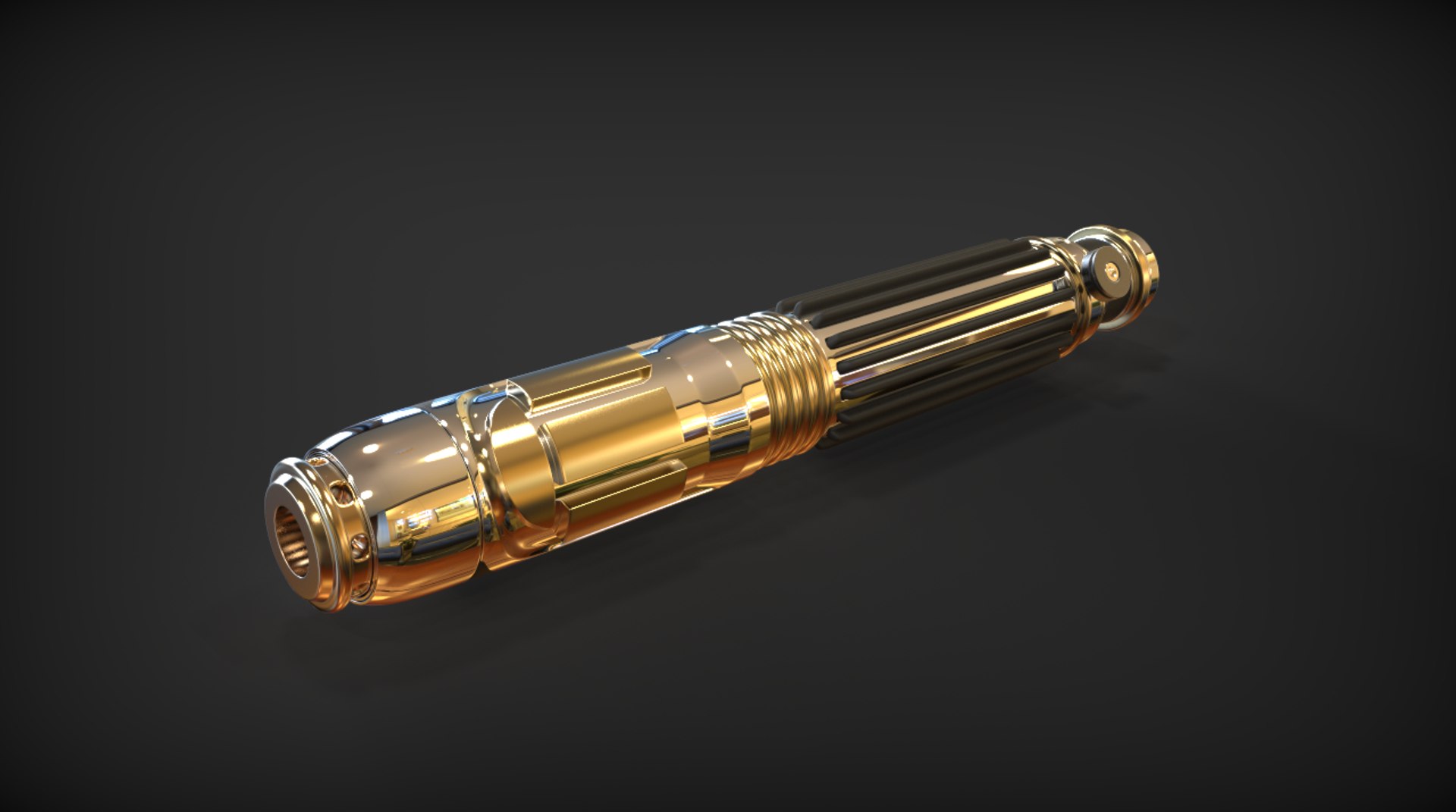
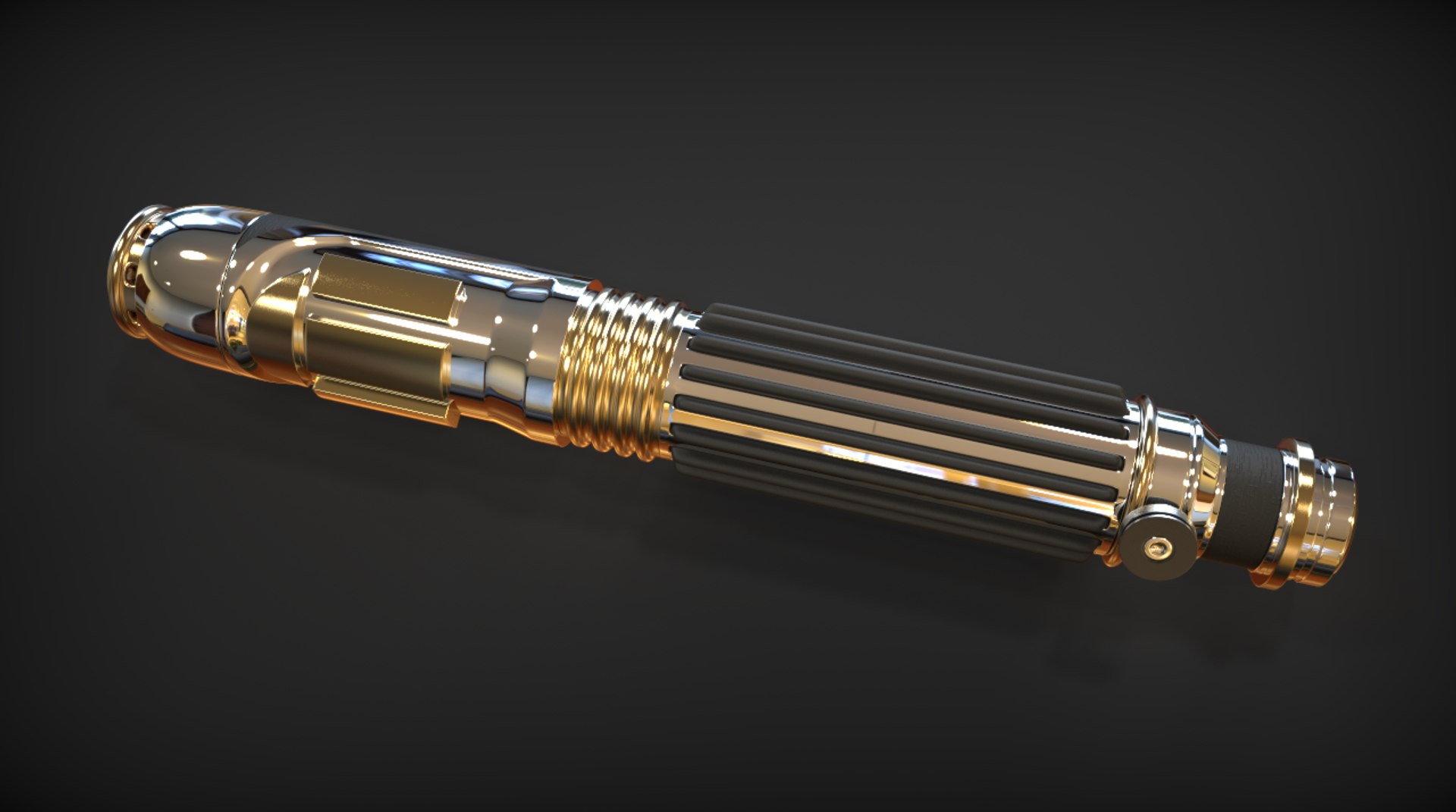
Mace Windu's Lightsaber

$10

Standard License | Upgrade License
Editorial Uses Only
Formats (6)
Native | Blender 7.62
OBJ
FBX
Other Textures
3D Studio
Other Files
Pattern Normal Map.png Mace Windu Lightsaber Blades 2.psd Mace Windu Lightsaber Blades 3.psd Mace Windu Lightsaber Blades 4.psd Mace Windu Lightsaber Blades.psd Mace_Windu's_Lightsaber.mtl
Specifications
Publish Date December 14, 2015
Product ID 986722
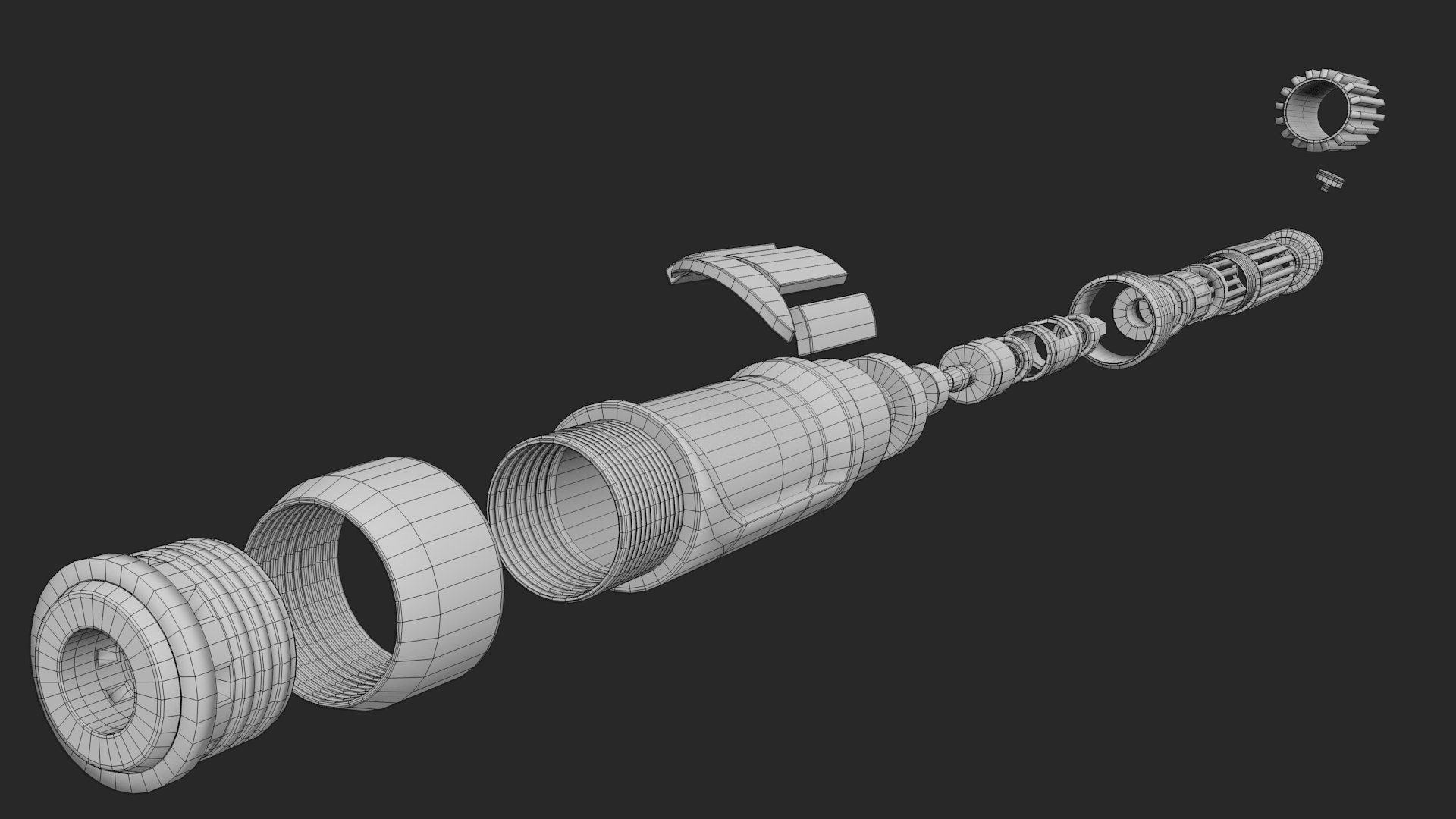
Polygons 30,740
Vertices 30,747
Polygonal
Materials
TurboSquid Exclusive

member avatar
Springbok_ZA
76 Products | Contributor Since 2010
Have questions? Chat with us now.

Description

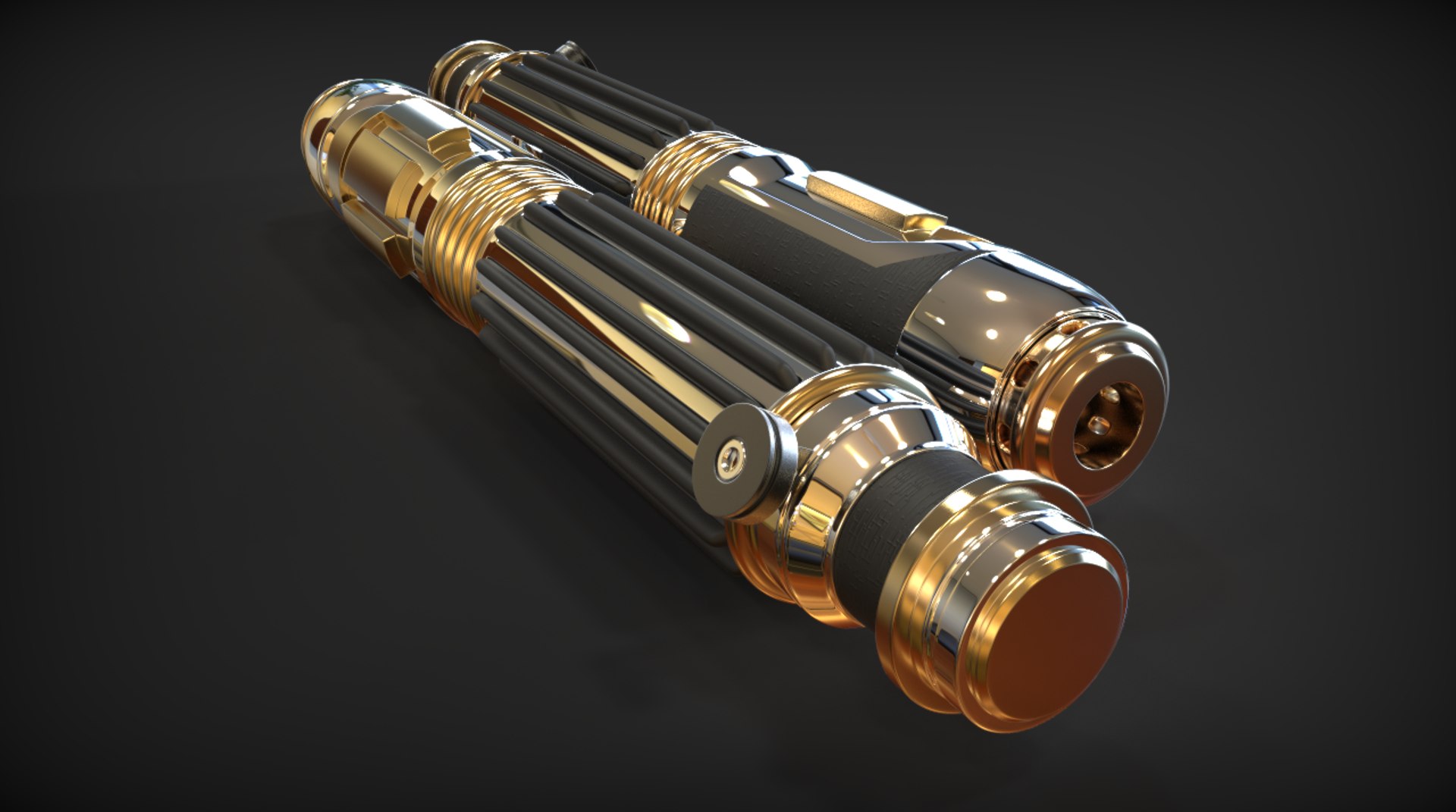
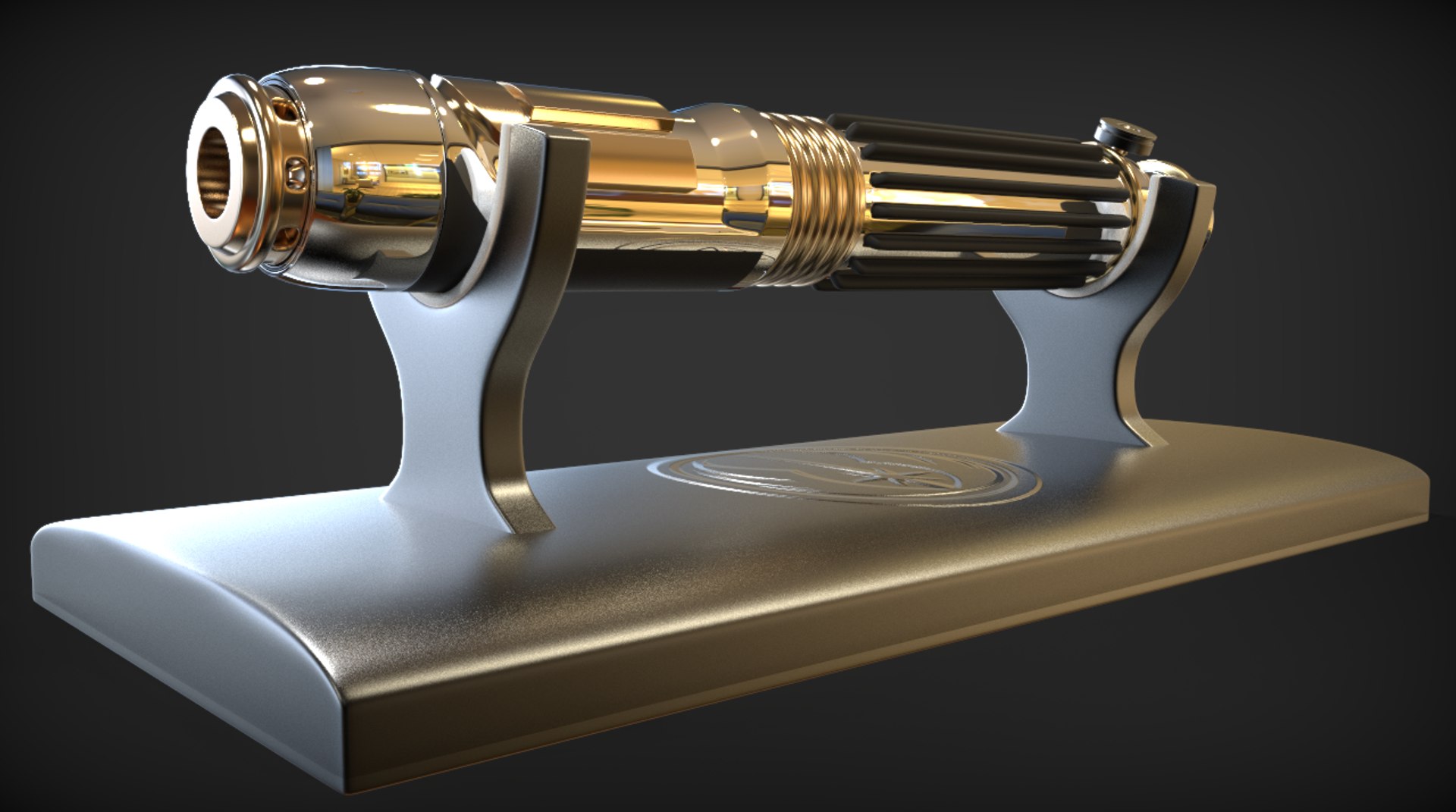
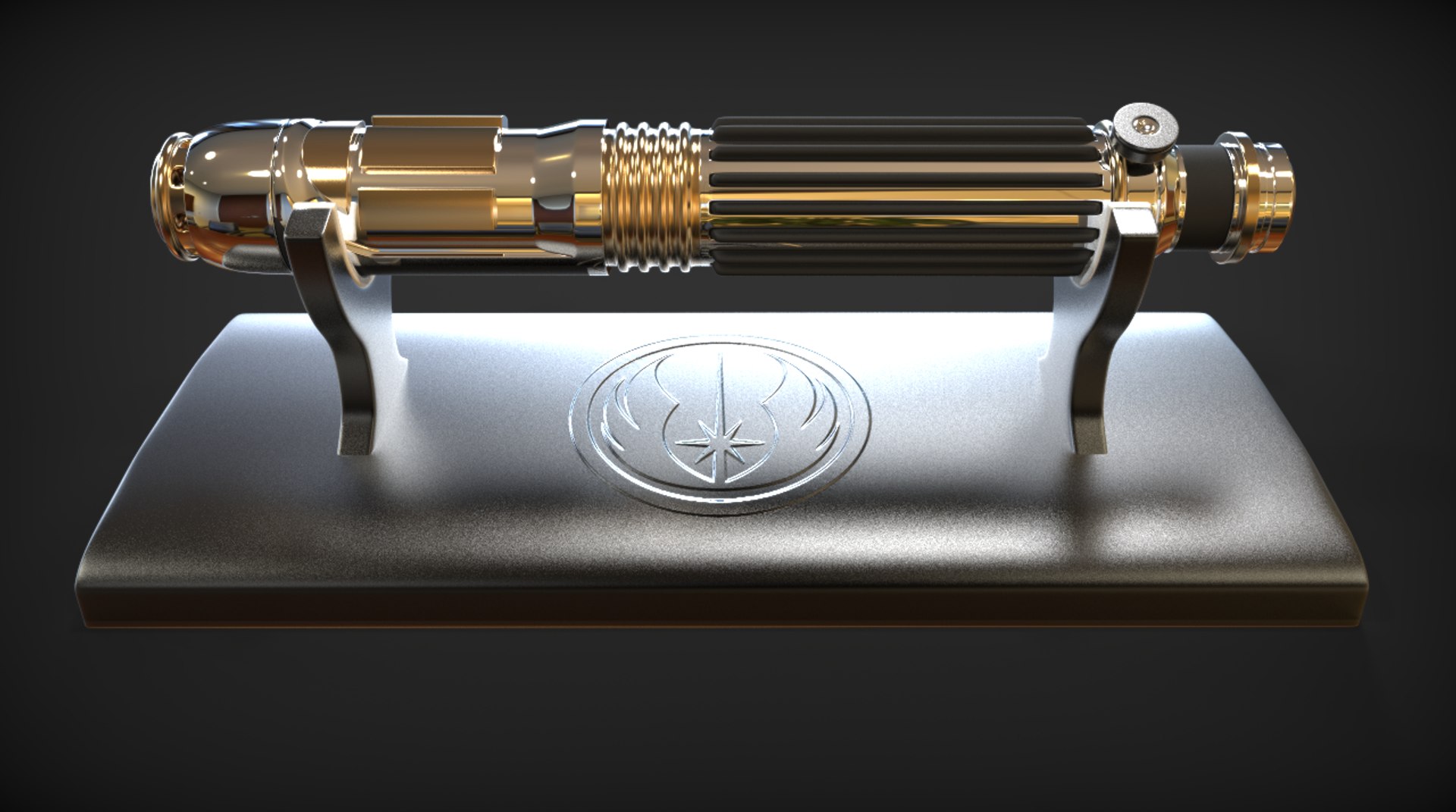
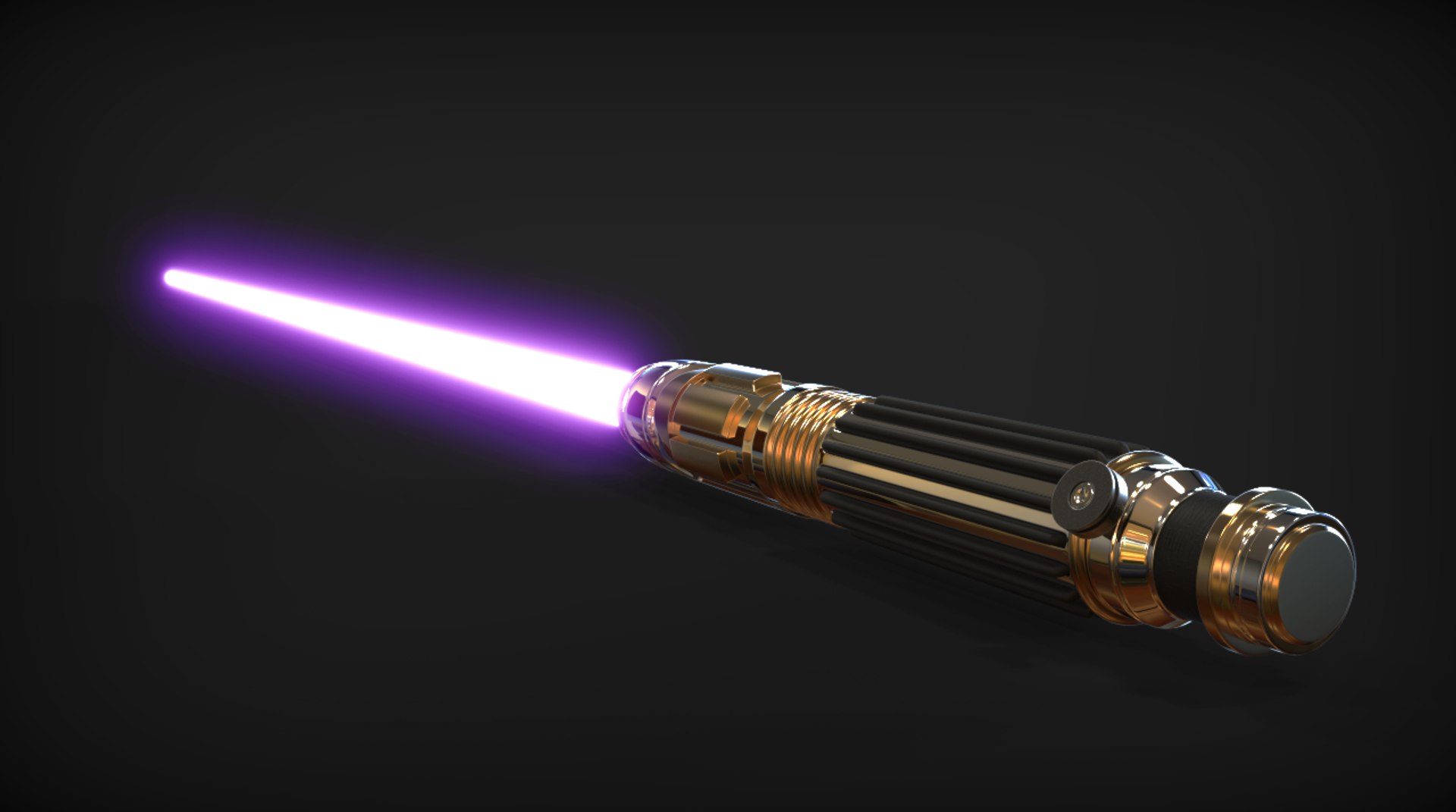
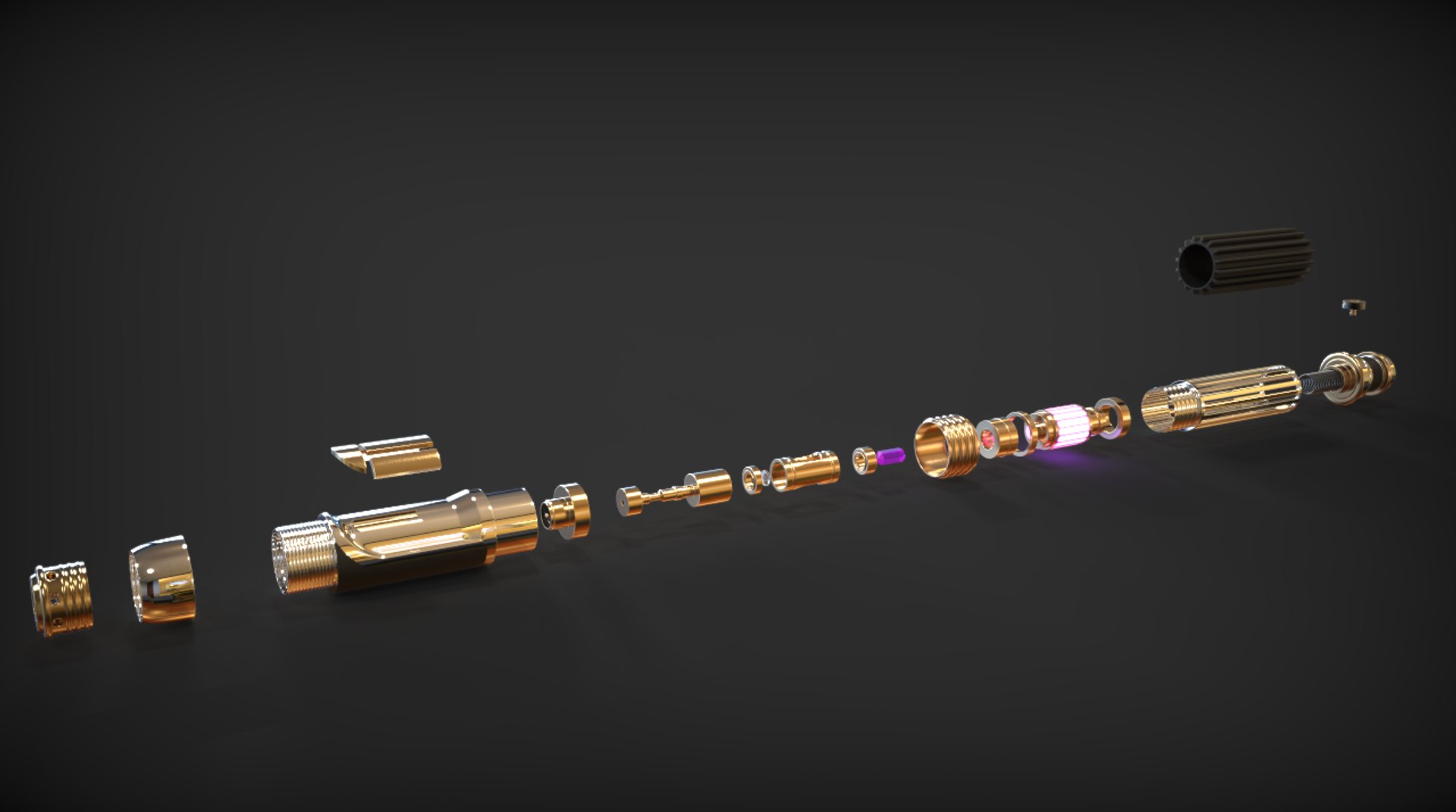
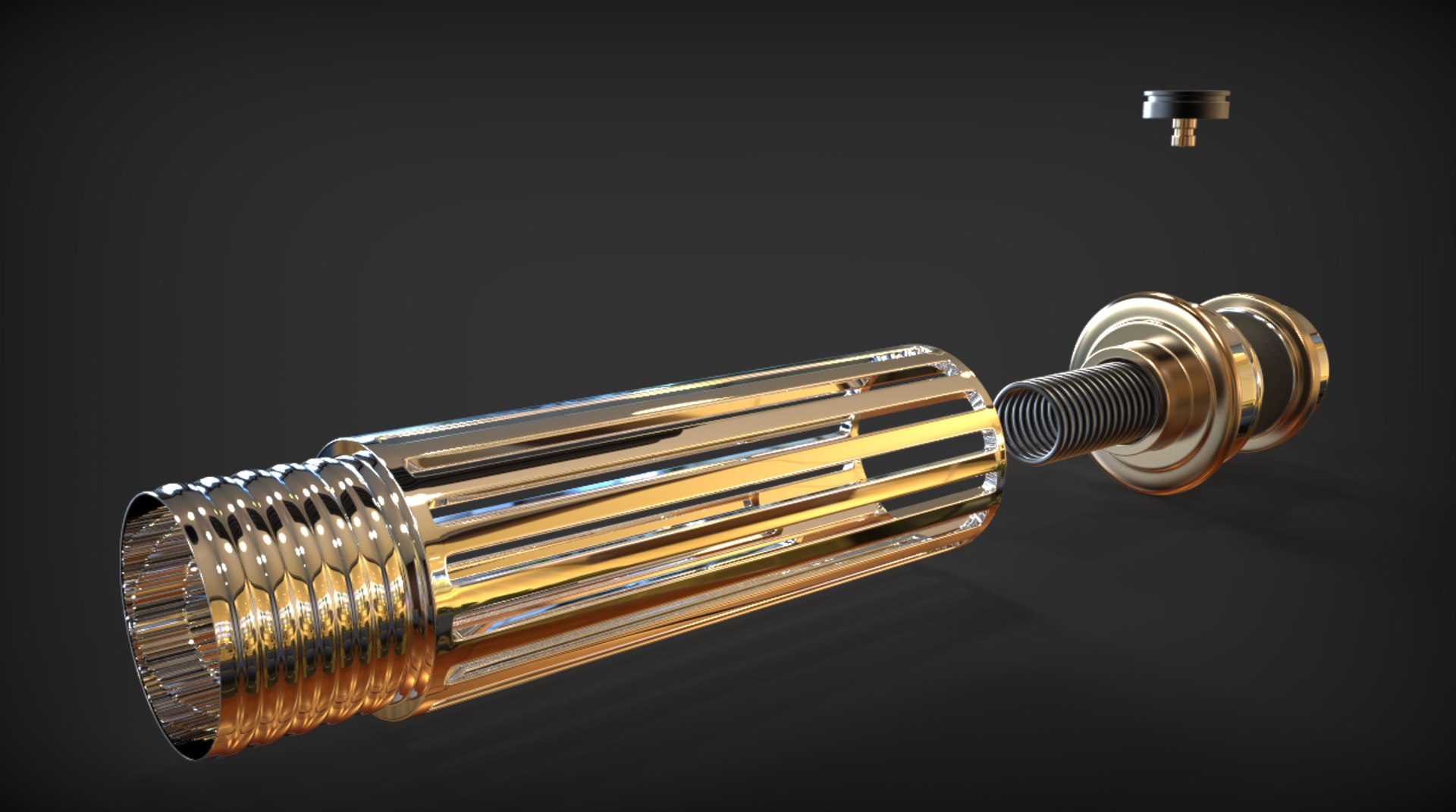
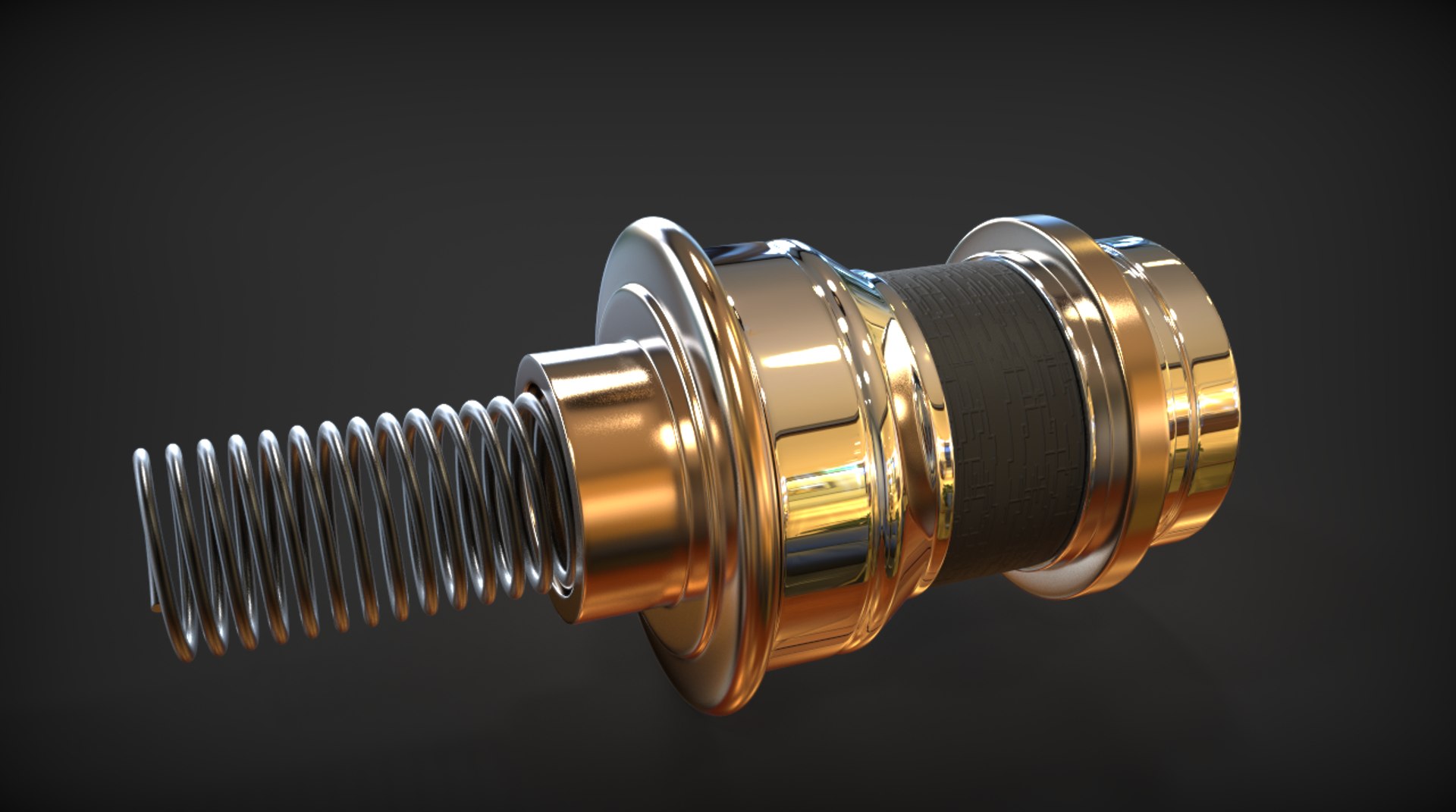
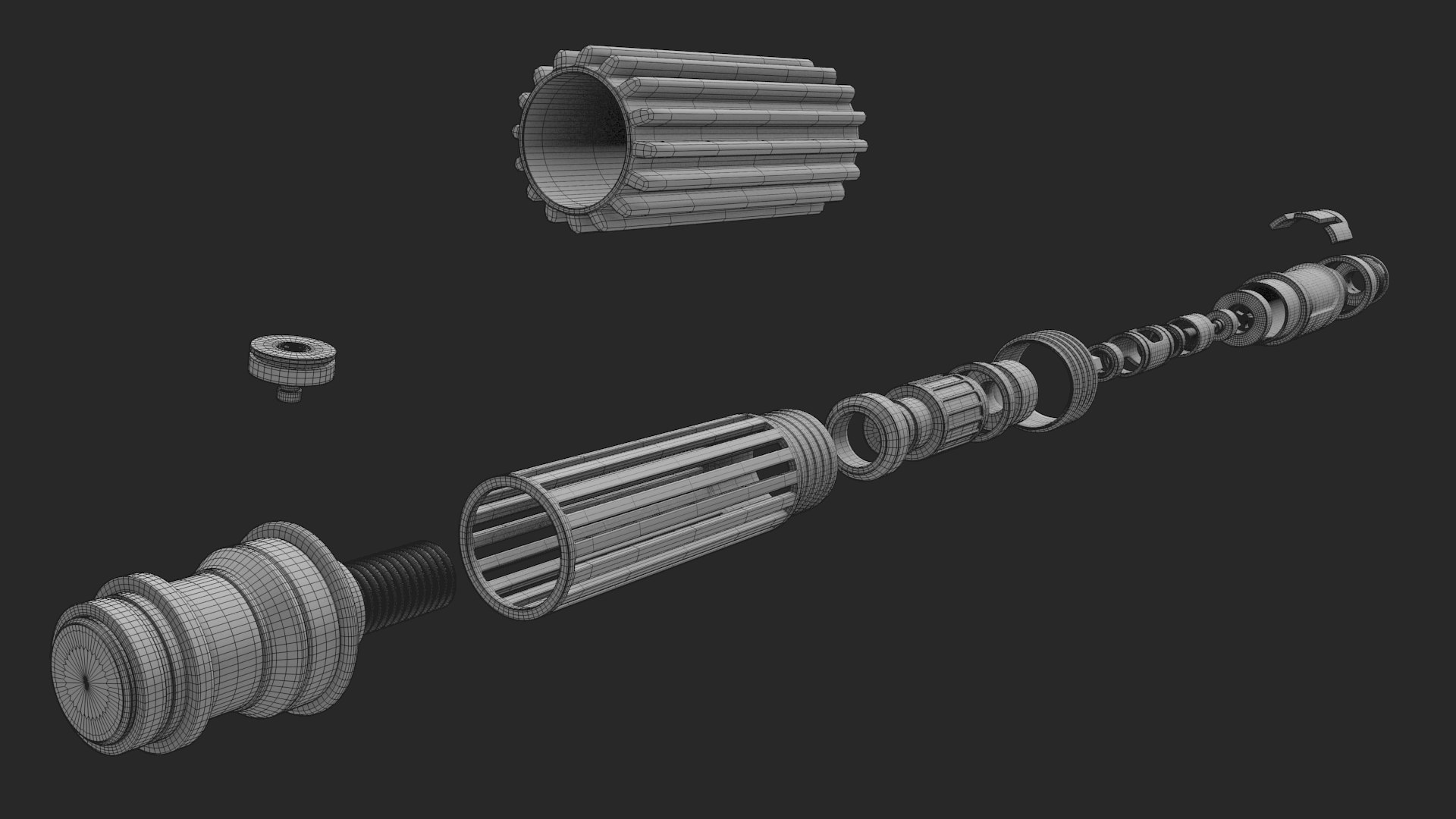
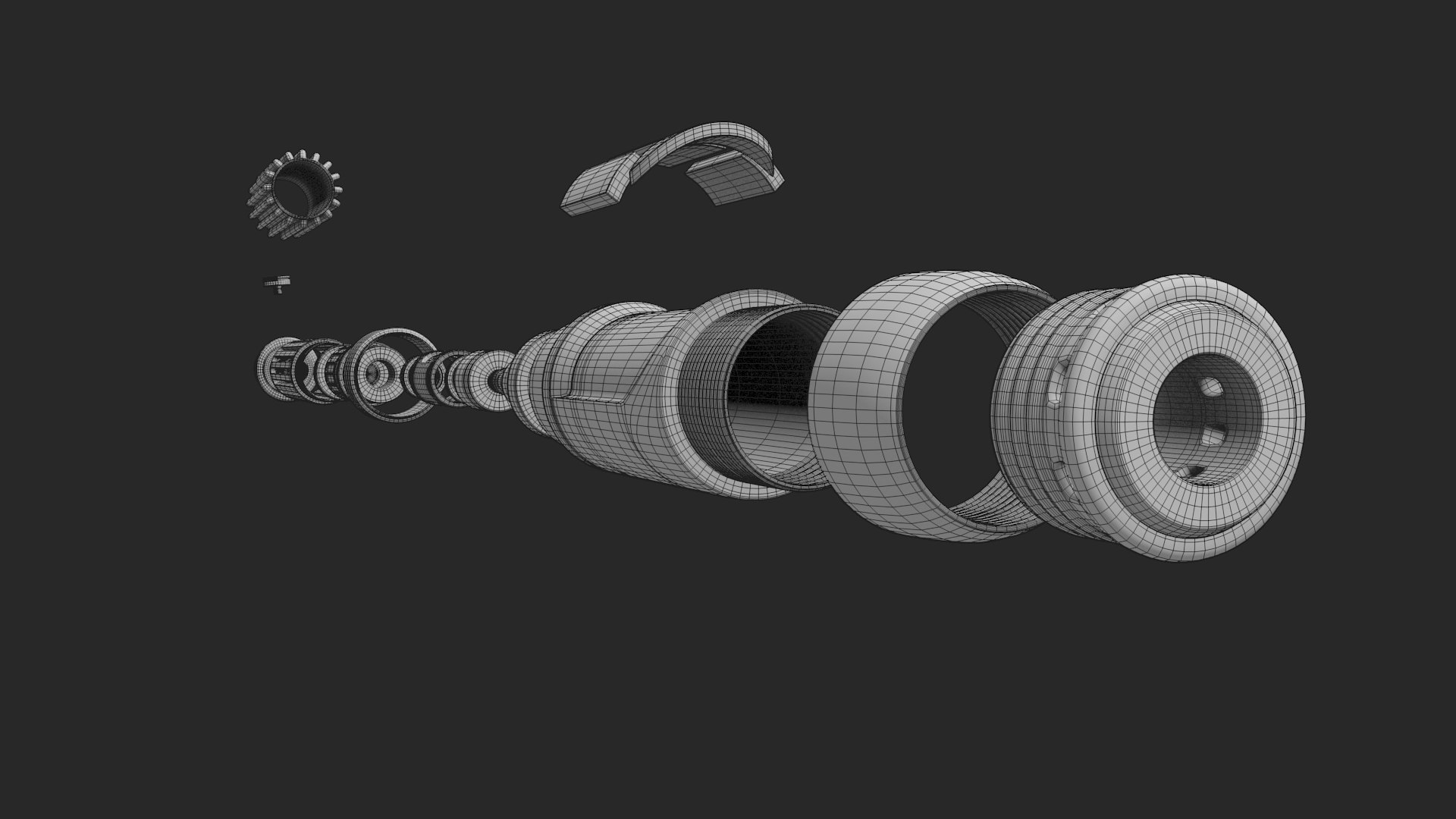
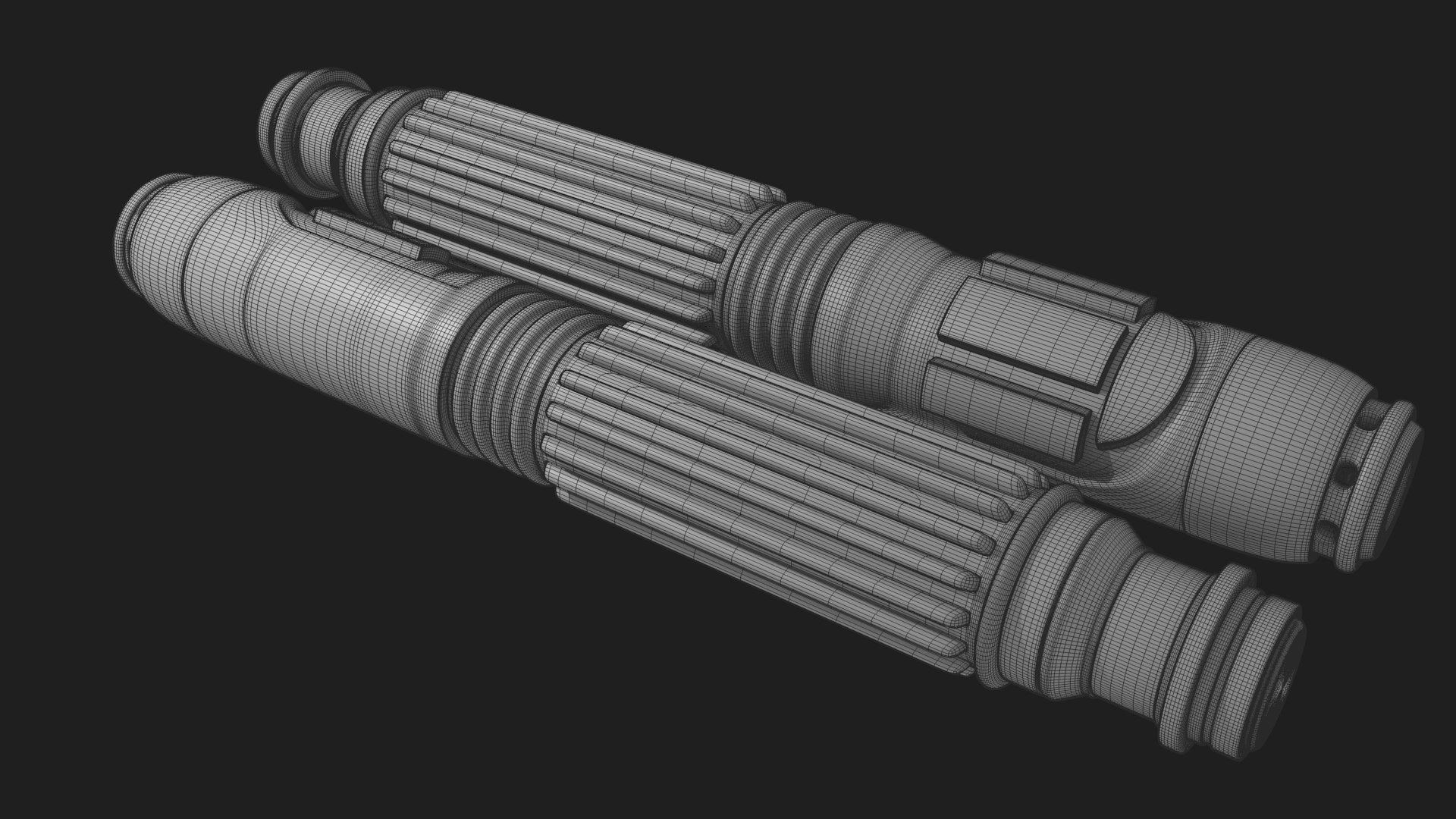
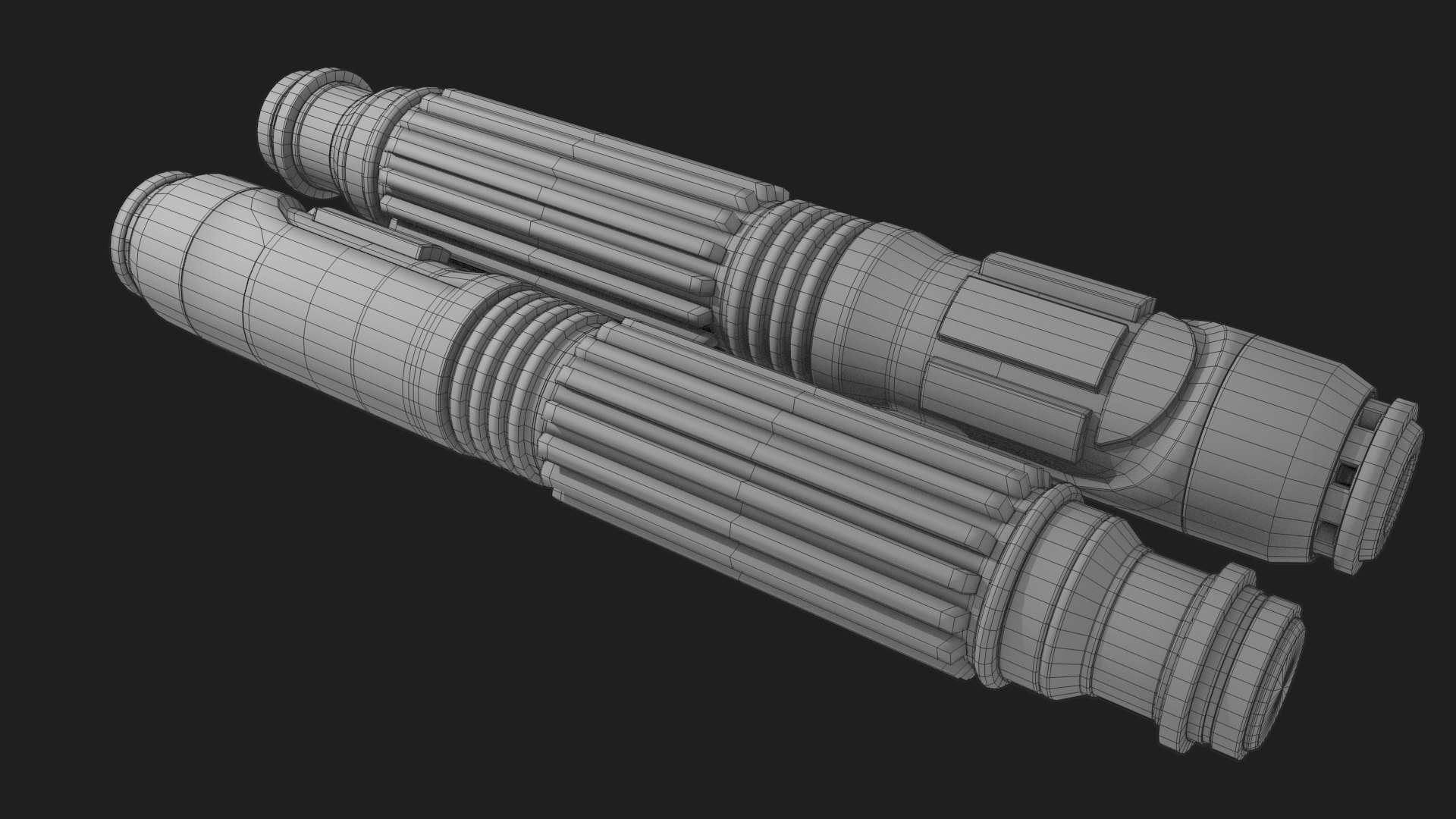
Jedi Master Mace Windu's iconic lightsaber from the Prequel Trilogy of Star Wars.

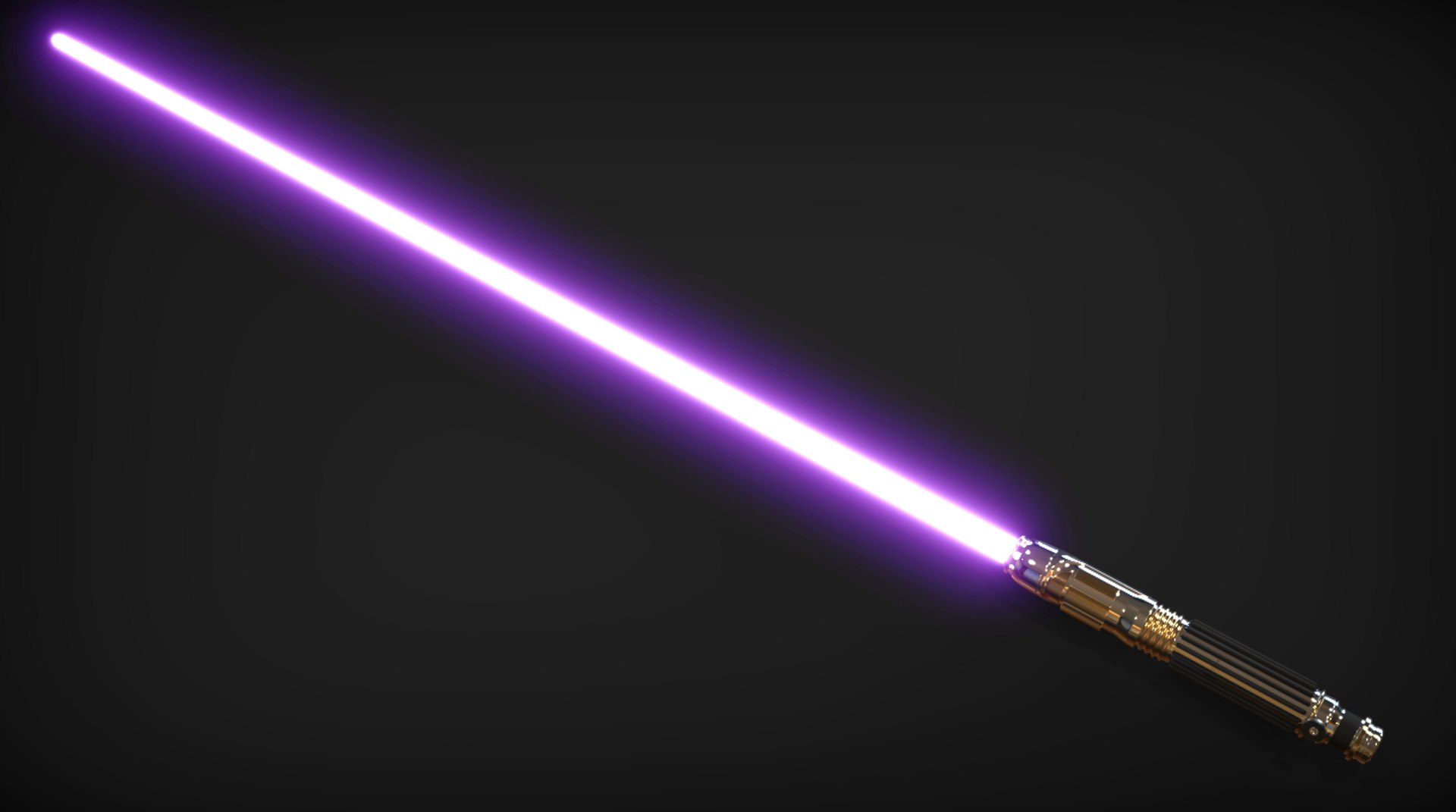
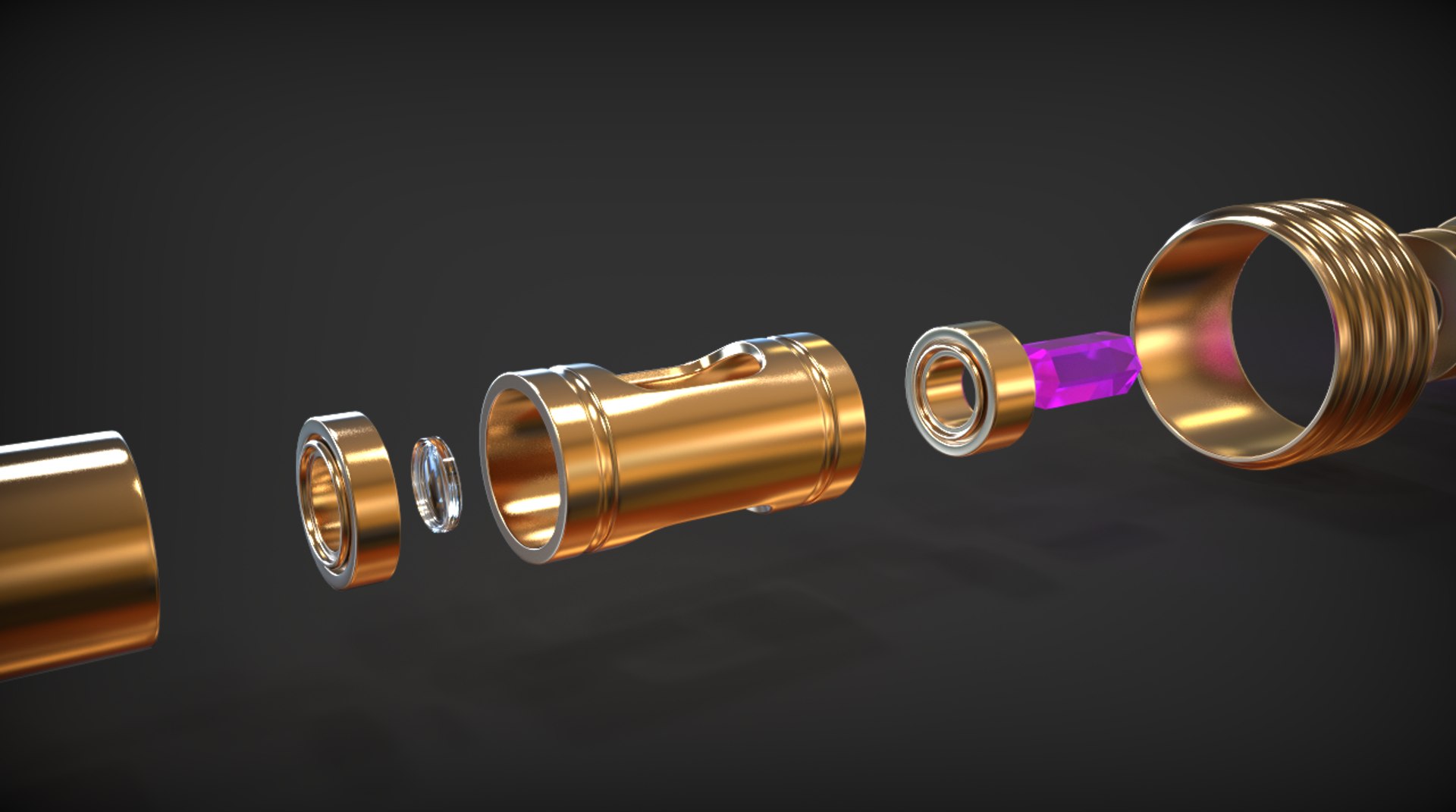
History of the weapon: Mace Windu's lightsaber was unique among all others by it's purple crystal. Unique among Jedi and Sith alike in that era. The weapon was lost to the bowels of Coruscant.

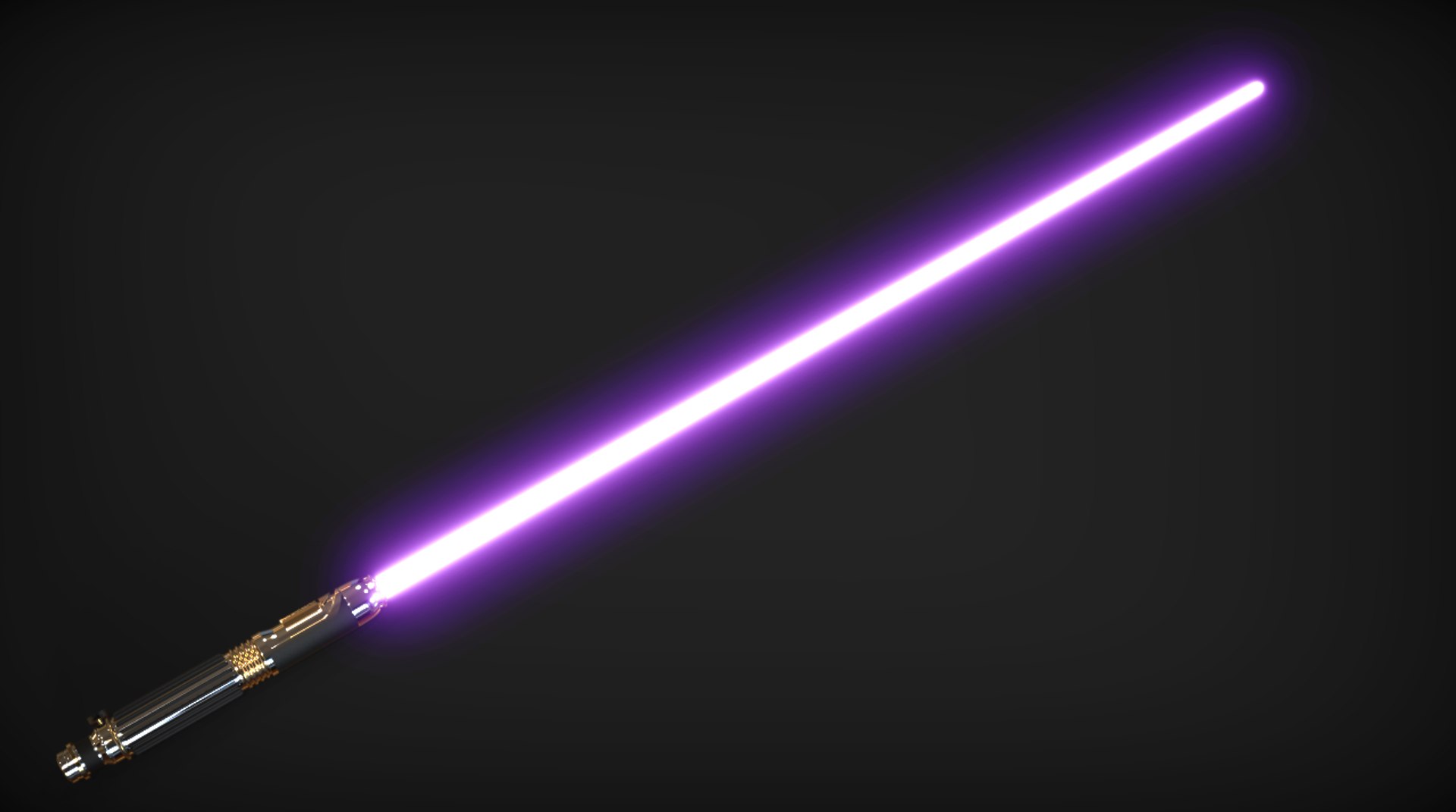
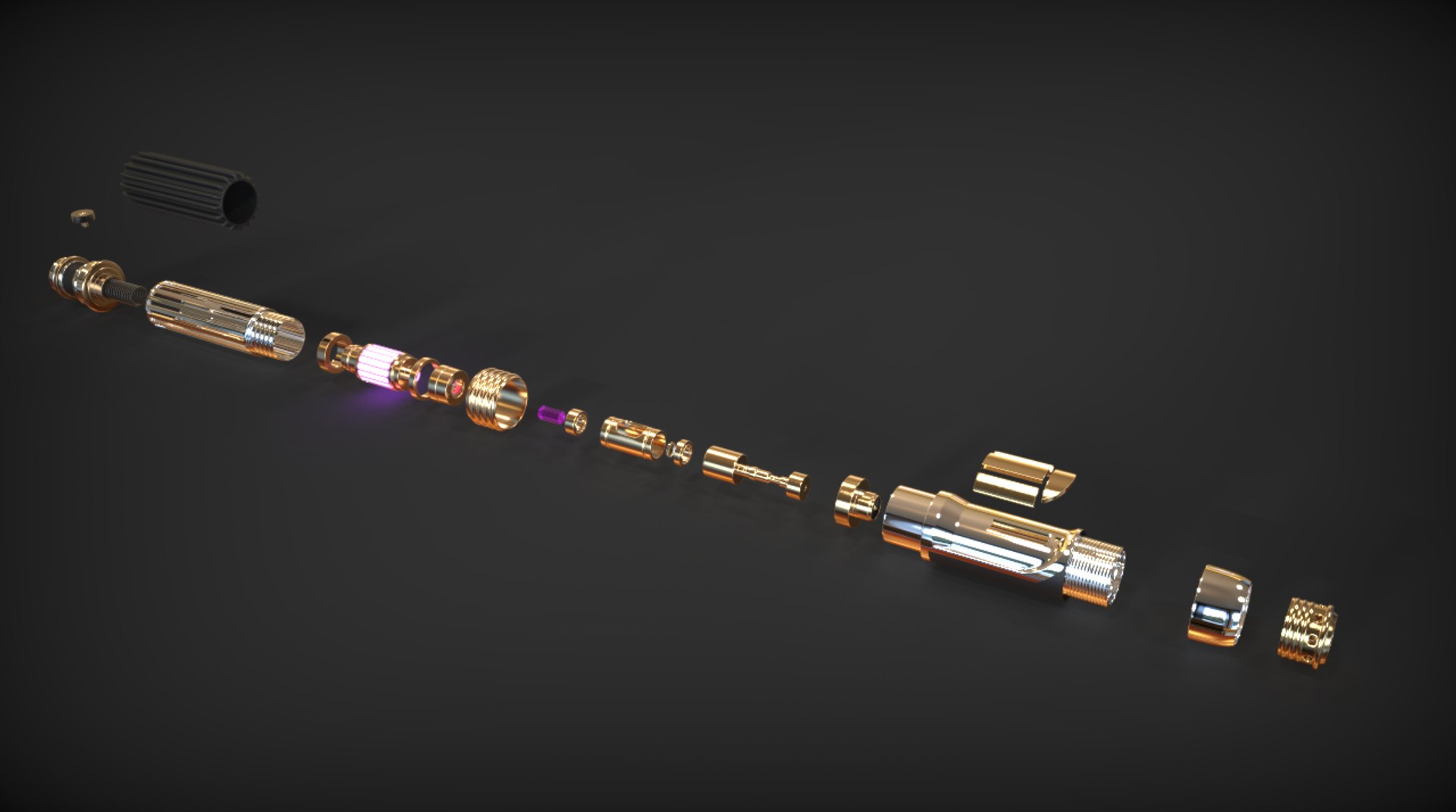
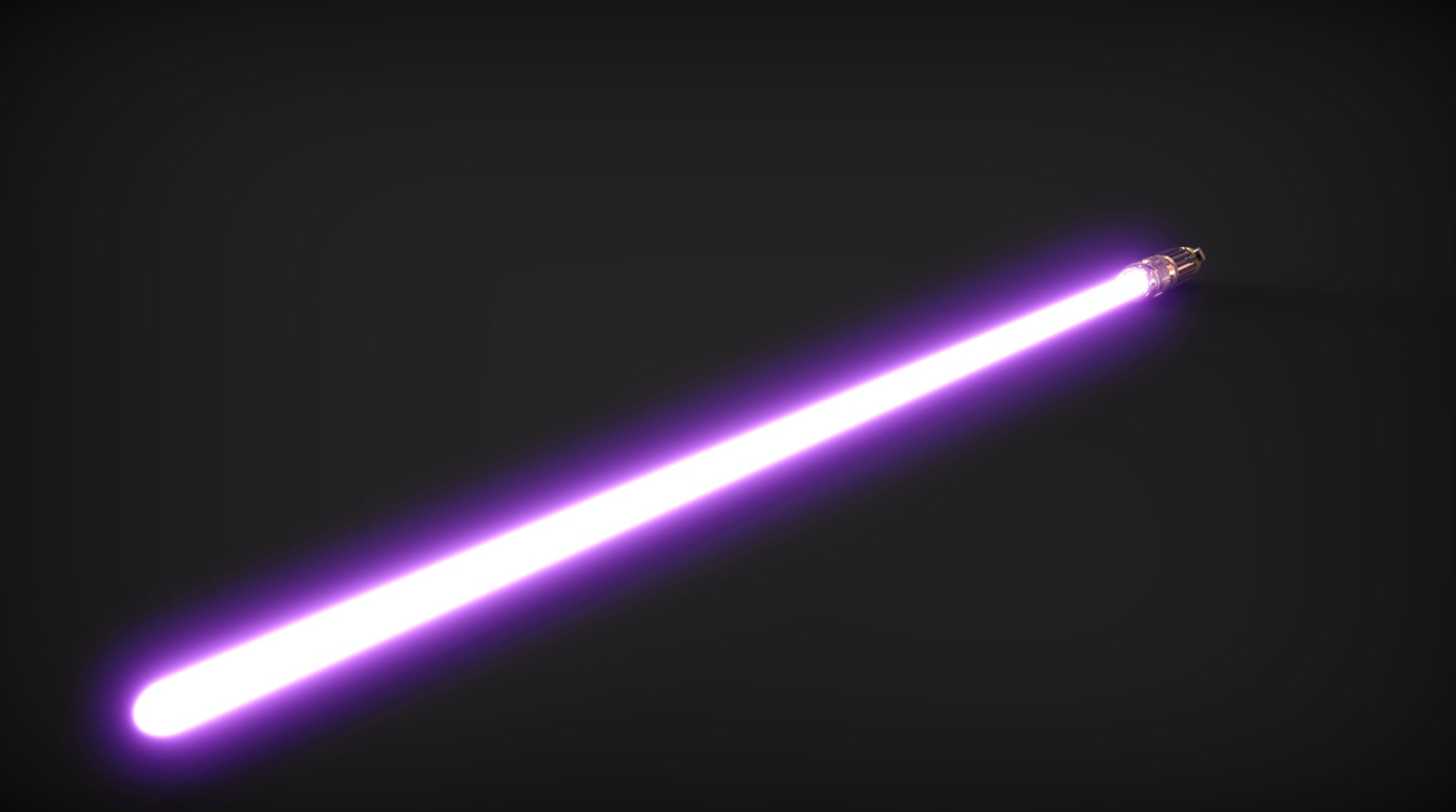
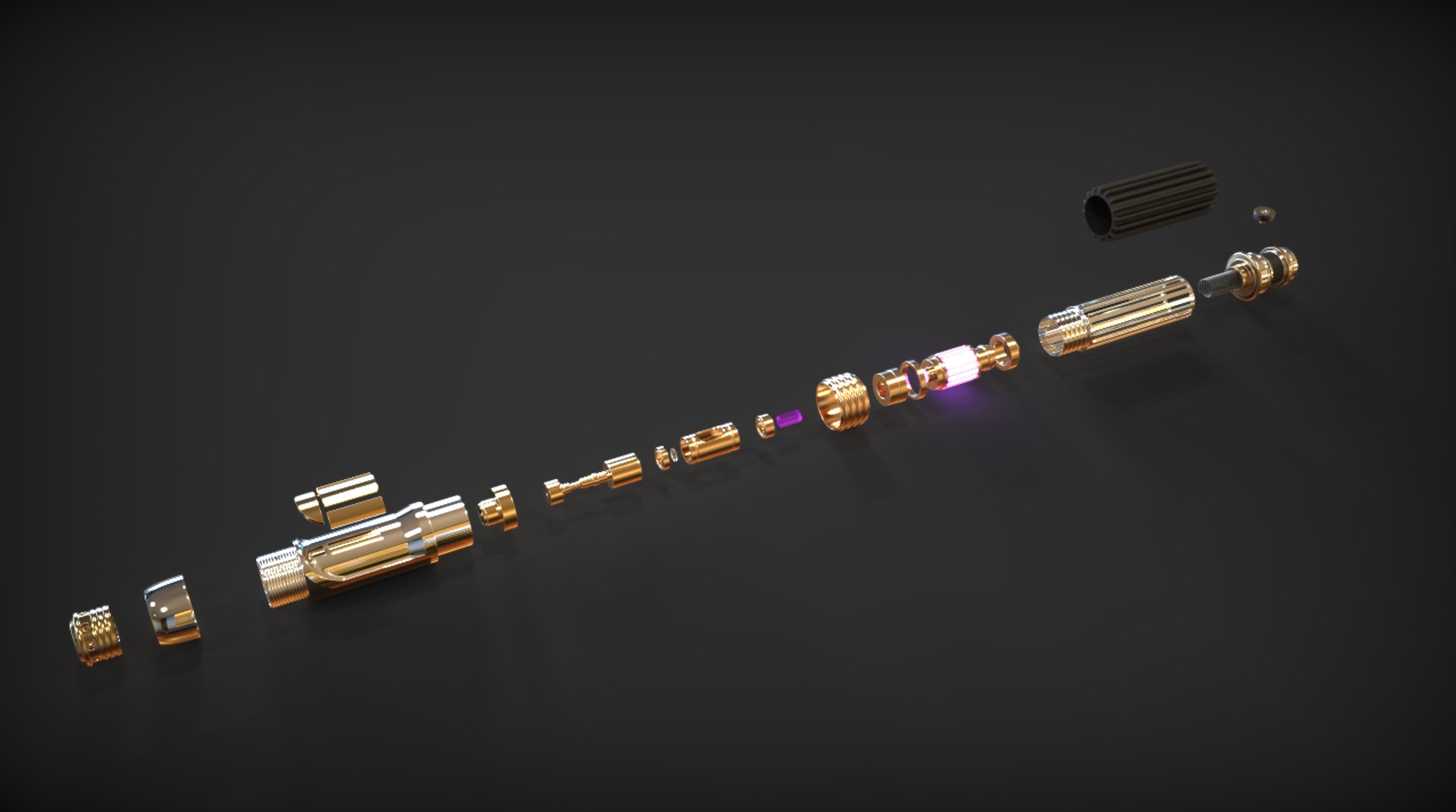
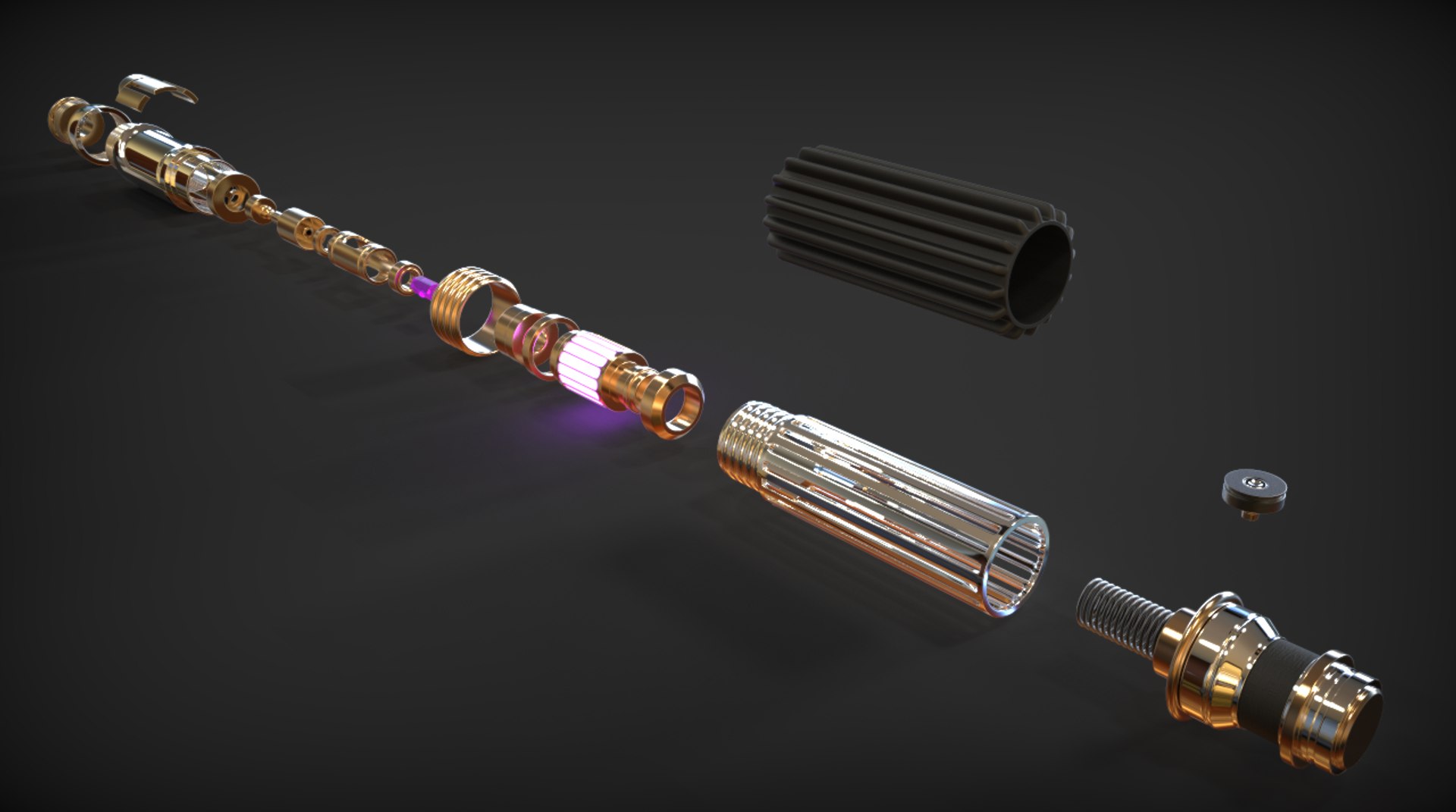
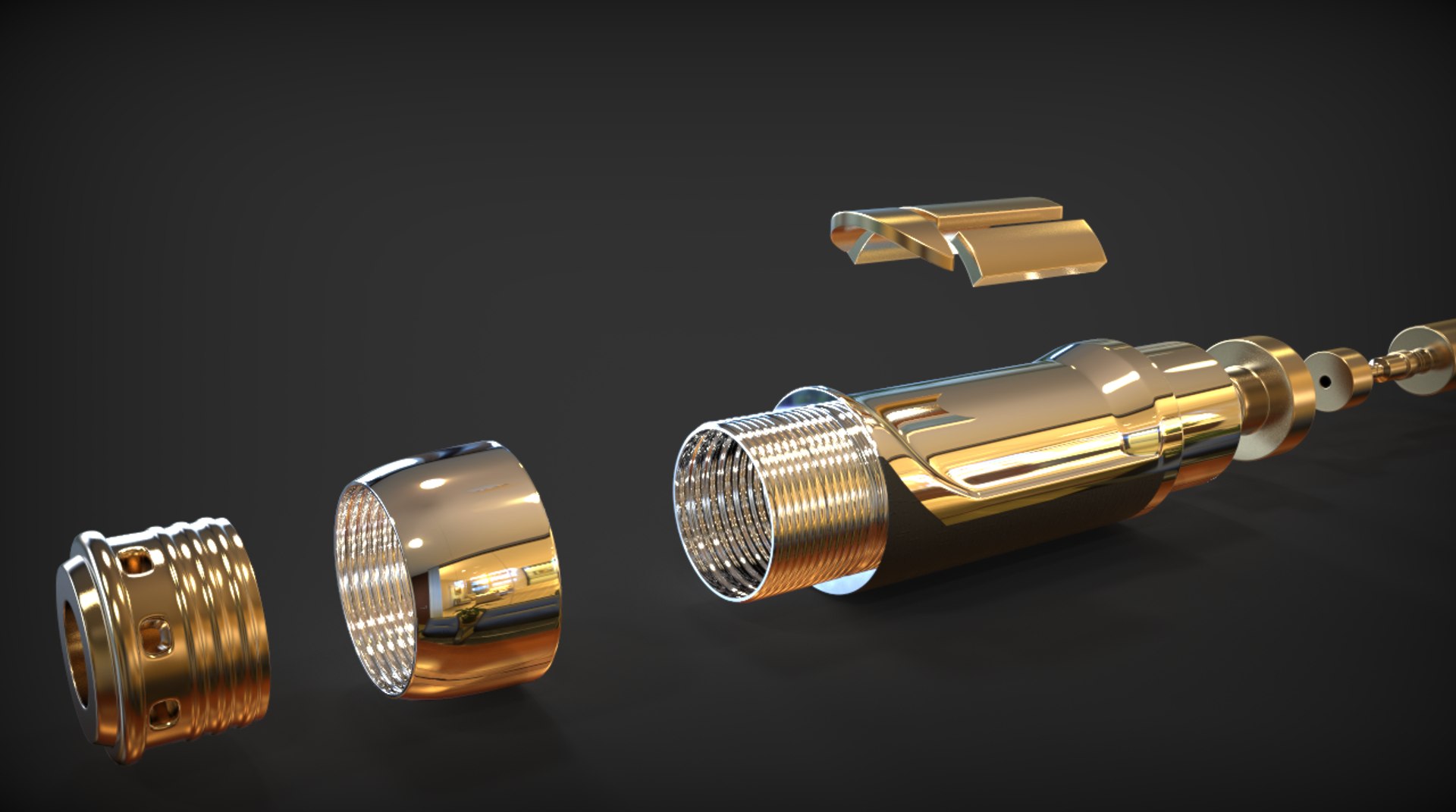
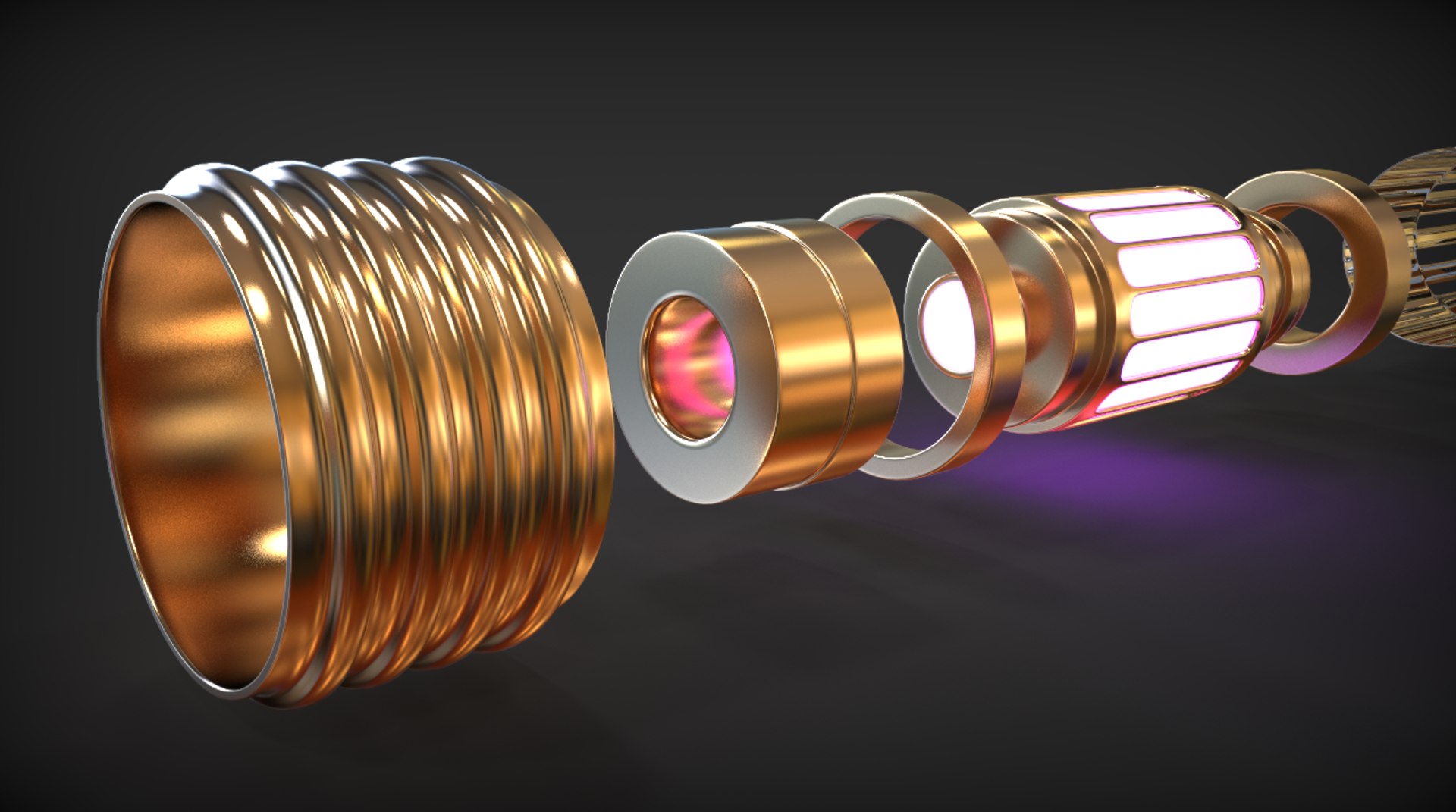
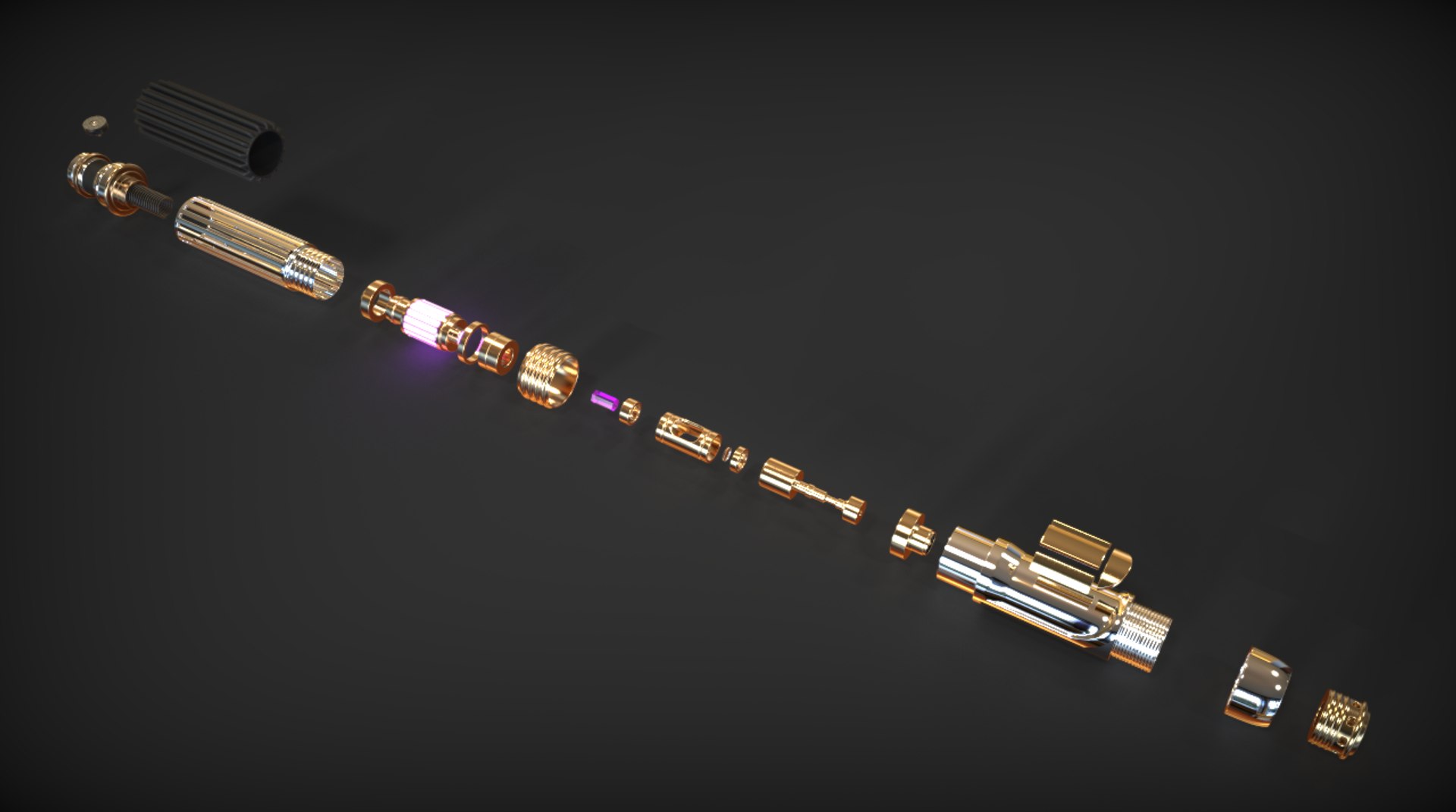
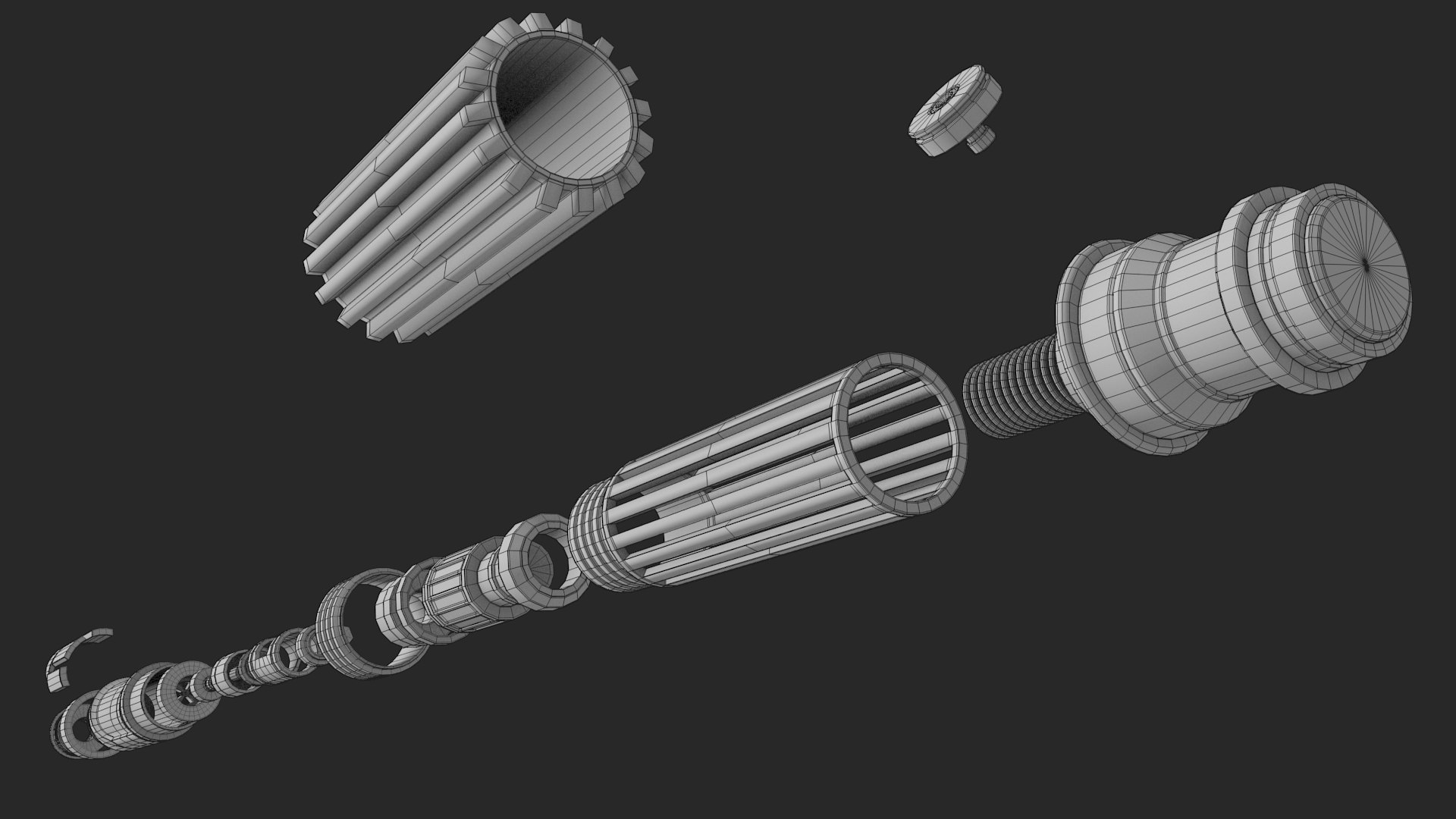
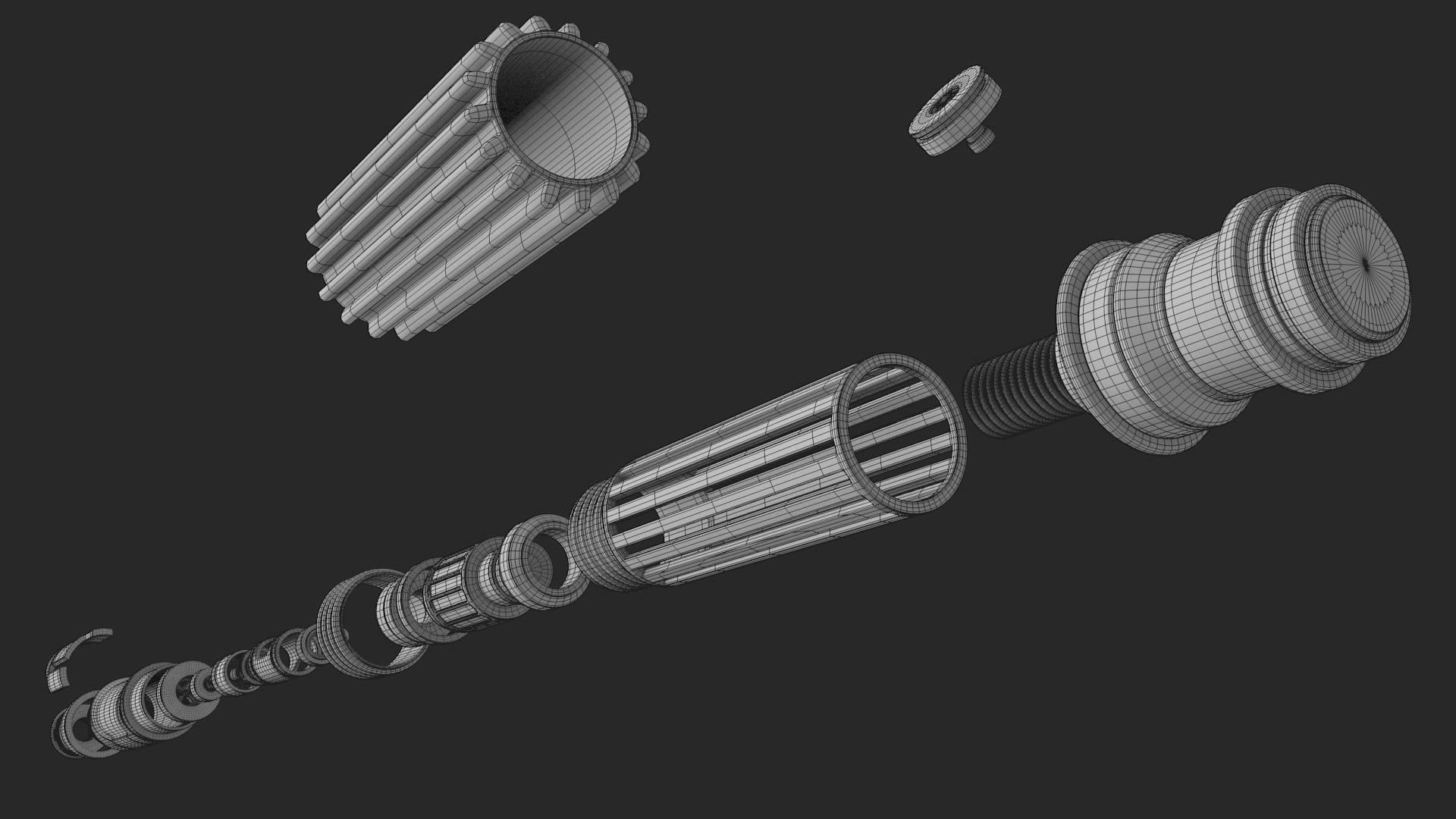
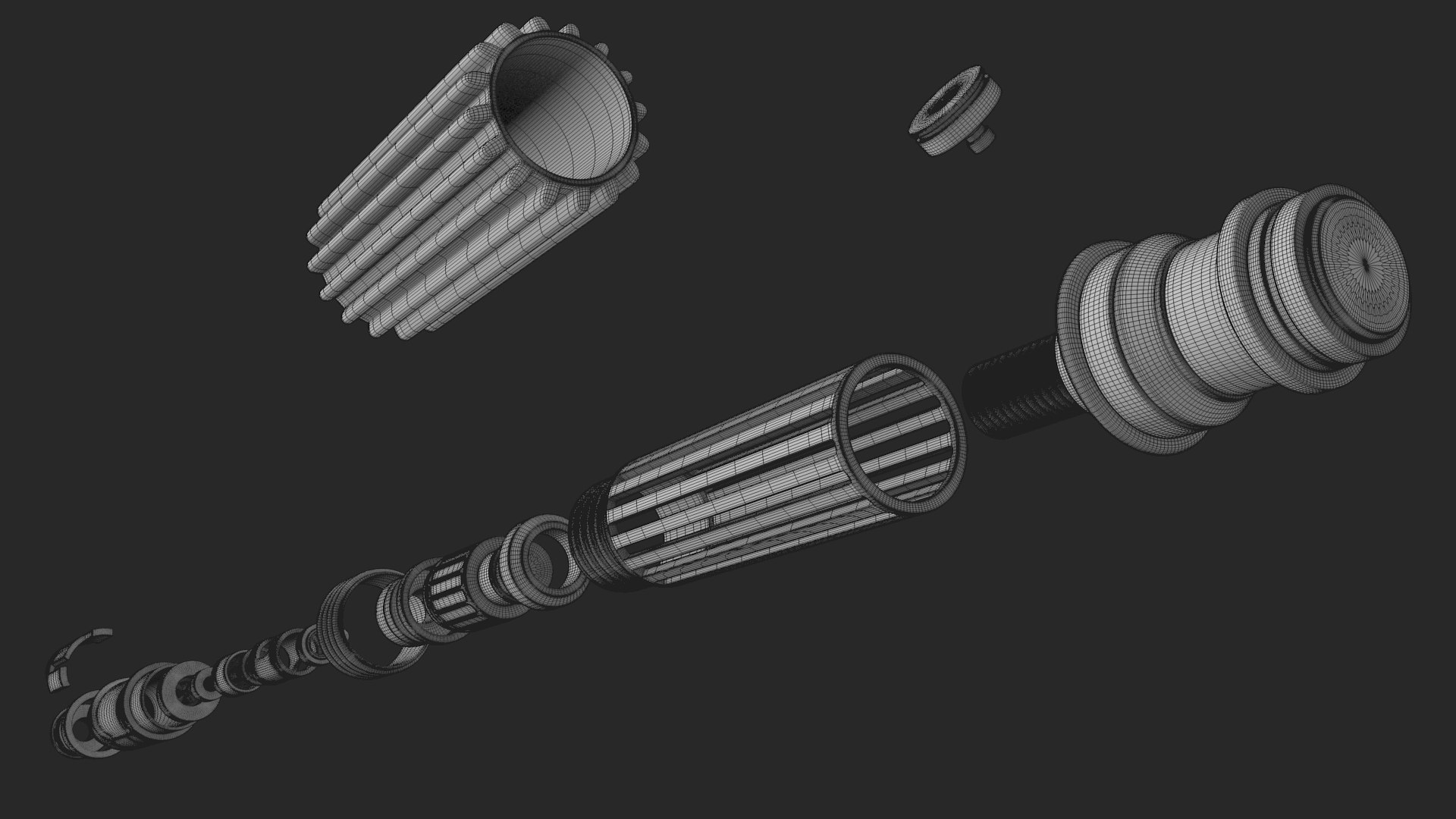
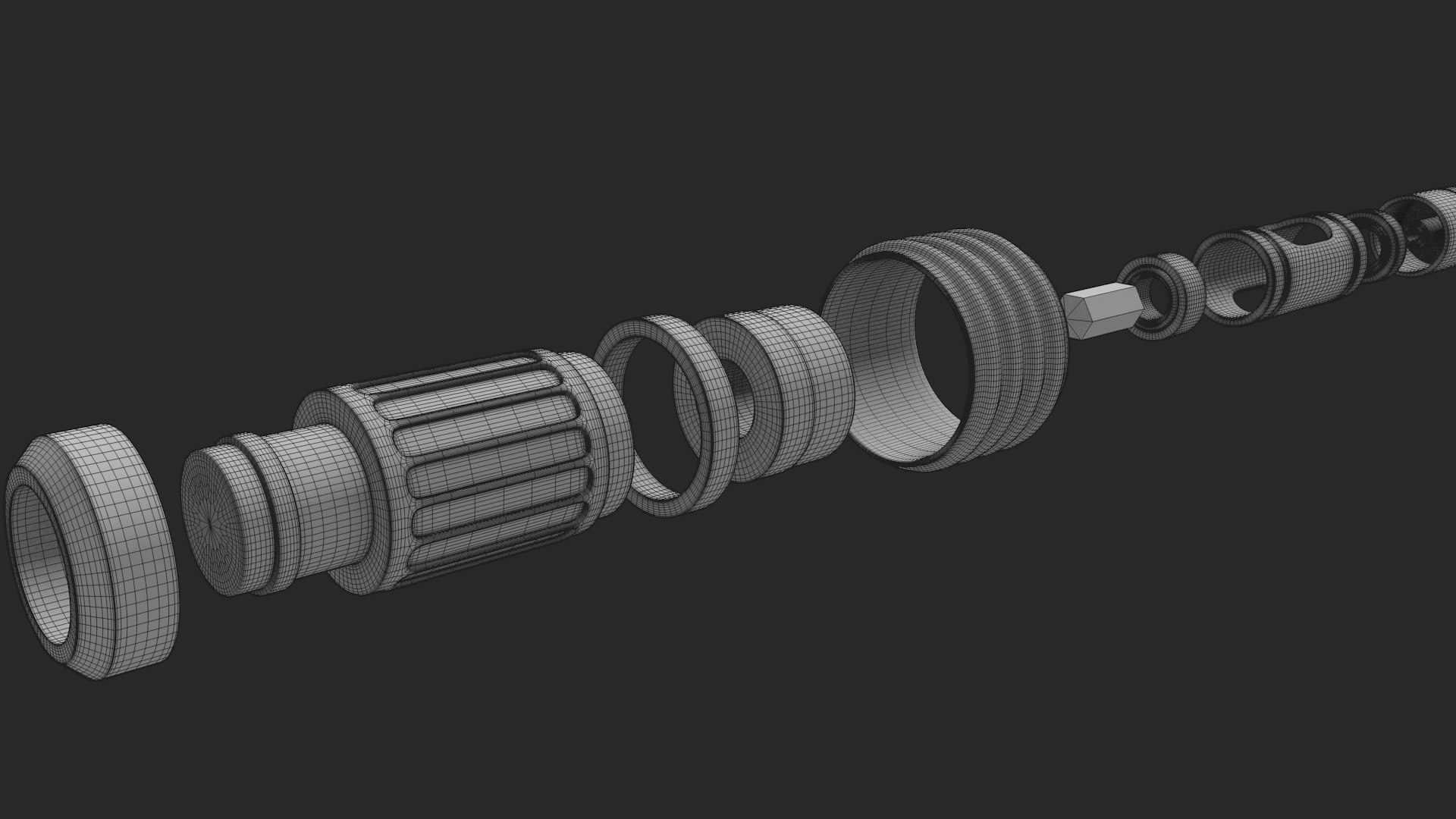
I have modeled this lightsaber with the internal crystal chamber and other components so as to allow you to use the model in a 'construction' animation if you choose to. The model has quite a significant polygon count as a consequence. The blade of the lightsaber is a mesh as well. I find that compositing the glow in photoshop produces the best 'lightsaber glow effect' than Keyshot and Blender's materials and effects do. Nevertheless I have provided the Blend. File with the glow composite included using the Node compositor/editor. And Keyshot with an Emissive material applied to the blade to produce a glow.

Exports are without subdivision/subsurf modifiers supplied.

Select Enhanced License

  • $10,000 in Legal Protection (Indemnification)
  • Uncapped Legal Protection (Indemnification)
  • Waiver from injunctive relief
  • Assignable model rights
  • $1,000,000 in Legal Protection (Indemnification)
  • Waiver from injunctive relief
  • Assignable model rights
  • $250,000 in Legal Protection (Indemnification)
  • Assignable model rights
Read more about enhanced license tiers, or contact us at enterprise@turbosquid.com. Already a Shutterstock Enterprise Customer? Contact your Shutterstock Sales Support Agent to talk about adding 3D.

About Conversion Requests

To submit a conversion request for a purchased asset, please complete our Conversion Request Form.

If you have not yet purchased a model, please review our Documentation about Conversions to learn about what limitations you may encounter with a conversion.

For any additional questions about a model’s suitability for conversion, please contact TurboSquid Support.

Loading...