
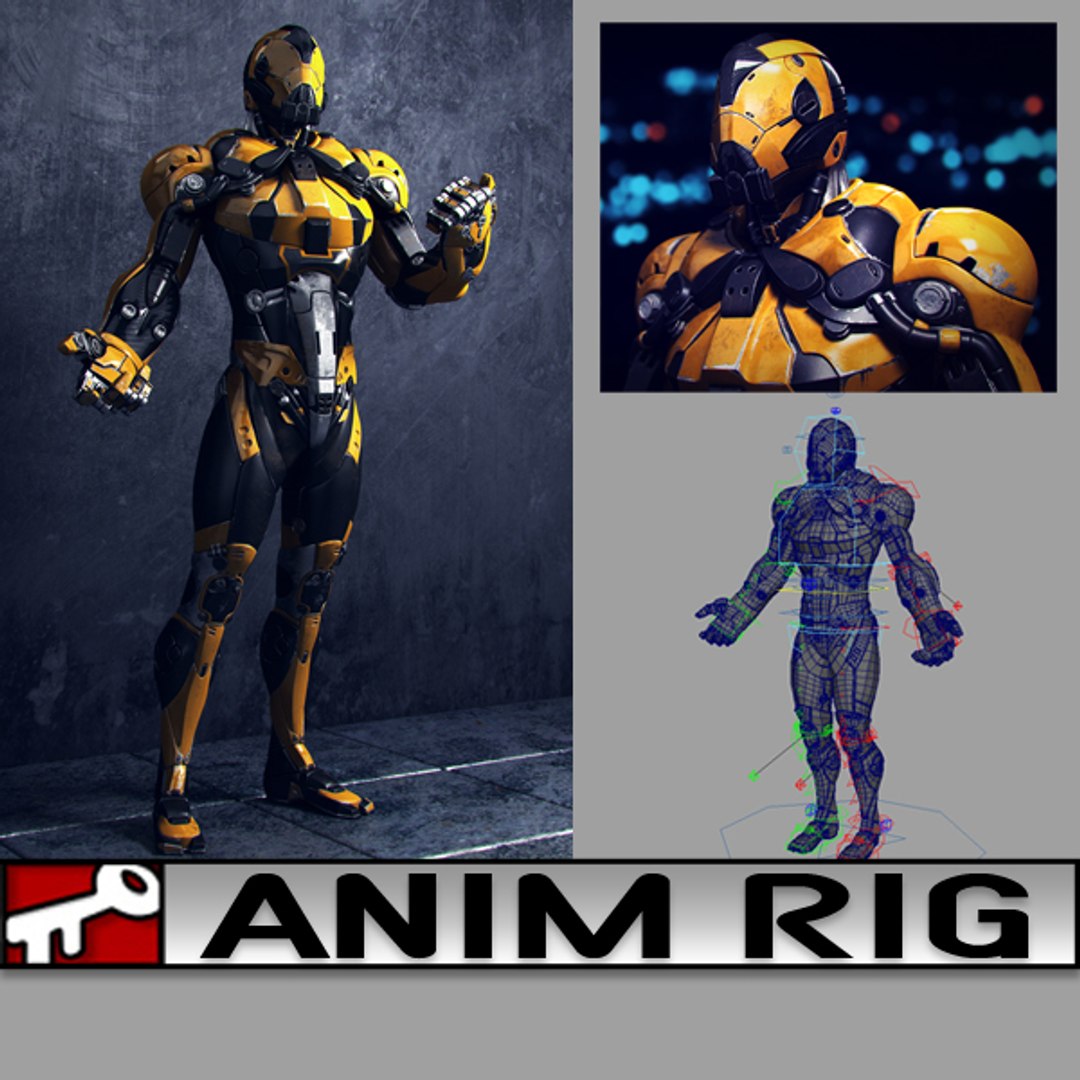
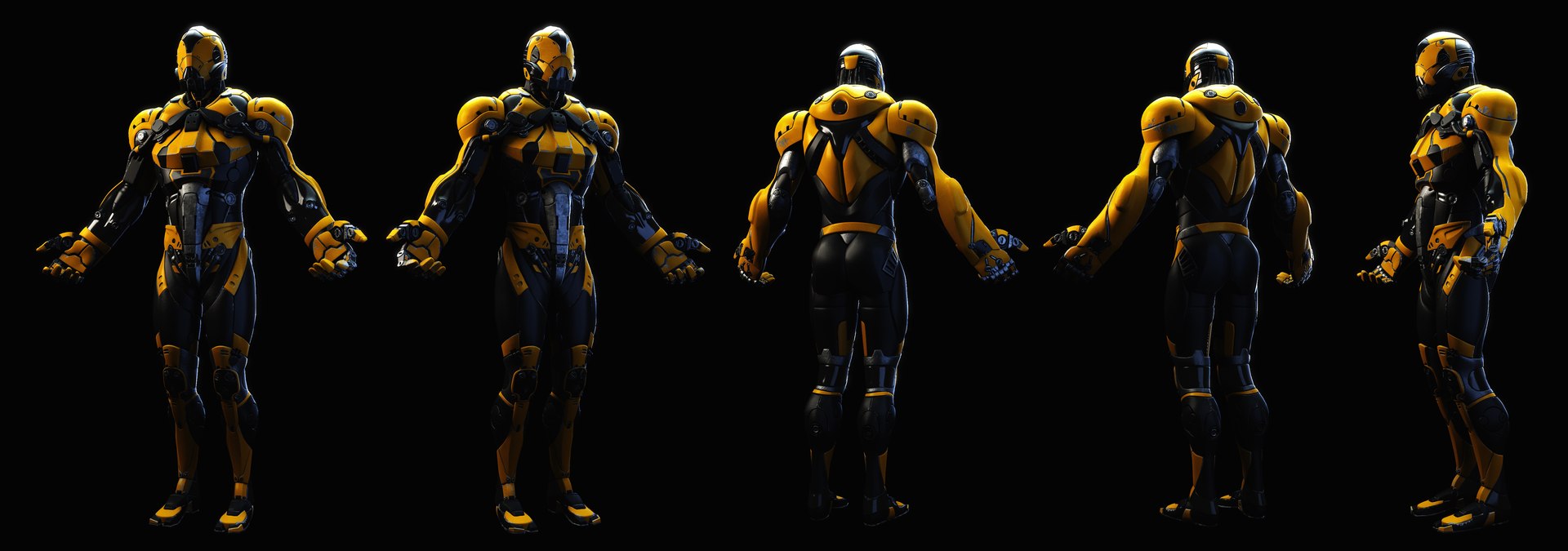
Yellow Dude

$35

Standard License | Upgrade License
Formats (3)
Free file format Conversions available
Native | Maya 2014 | Maya Software Default
Maya 2014 | Maya Software Default
Other Files
Arms_ID_01_Bump.jpg animRig_YellowDude_Textures.rar model_YellowDude_OBJ.obj model_YellowDude_MB.mb Legs_ID_05_Specular.jpg
Specifications
Publish Date January 13, 2016
Product ID 995176
Polygons 69,023
Vertices 73,504
Polygonal
Textures
Materials
UV Mapped
Non-overlapping Unwrapped UVs
Rigged
TurboSquid Exclusive

member avatar
kielfiggins
117 Products | Contributor Since 2009
Have questions? Chat with us now.

Description

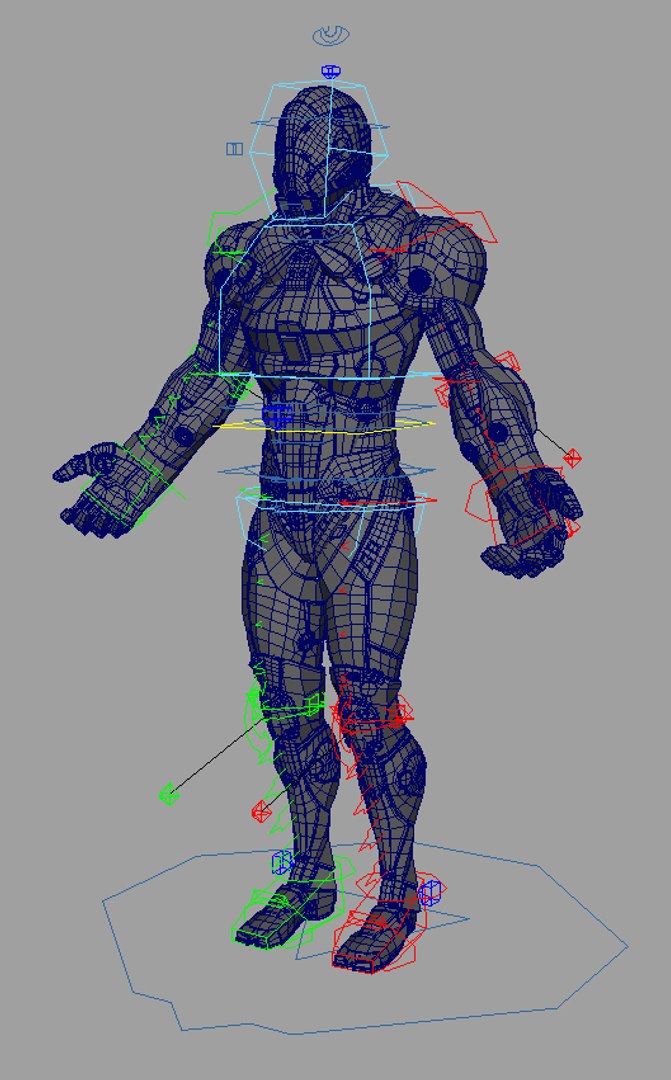
**UPDATE - 2016-12-27** To help animate faster and increase playback speed, toggle the _Render/_Anim/_Proxy version of the file by following the steps below:

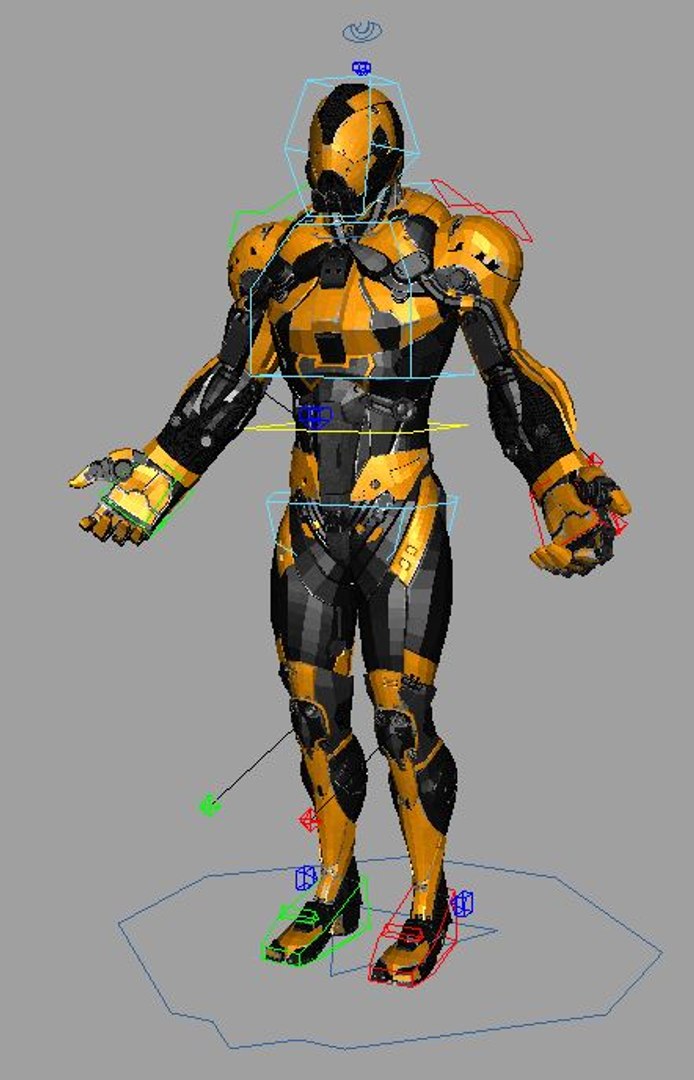
Finger controls accessed on the controls by the knuckles CTRL_L_Fingers.

To toggle between the Render Rig (for renderings) and the Proxy Rig (for realtime playback/anim blocking), following these steps:

1. Reference in animRig_YellowDude_Render.ma into your scene ( File > Create Reference > Option Box > Use Selected NameSpace > "give the character a name like, char" )

(If your machine can handle the full res rig, great, if not, you can toggle the reference by)

2. File > Reference Editor

3. Select your "char" reference of the rig

4. R-Click > Reference > Replace Reference

5. Select the animRig_YellowDude_Proxy file

You can toggle back and forth as needed without lossing animation.

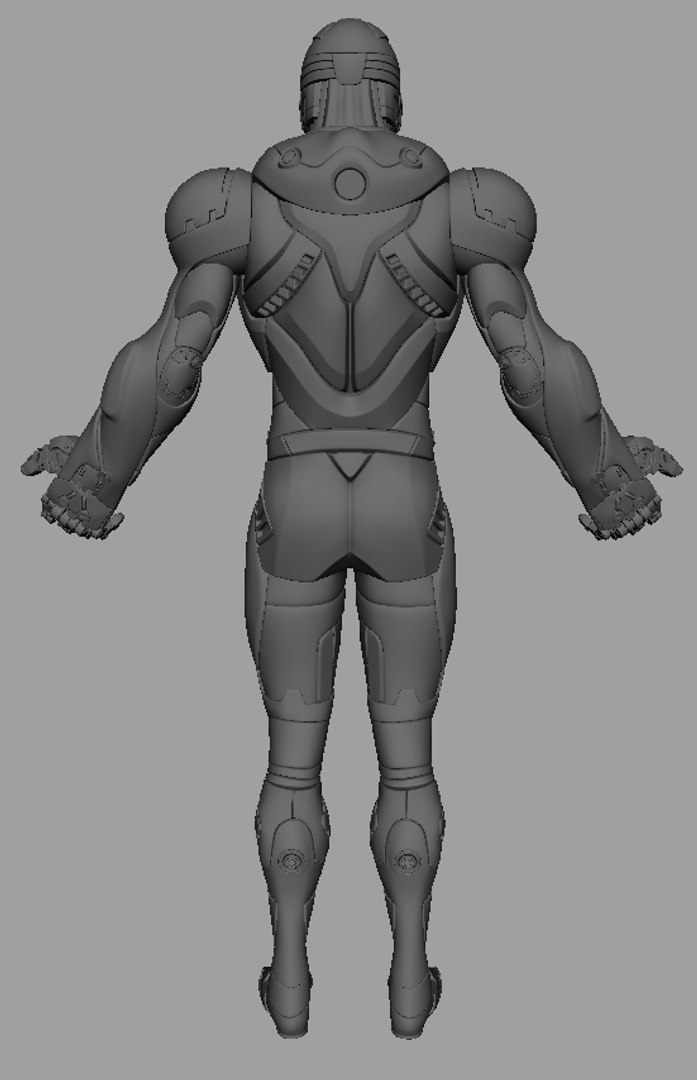
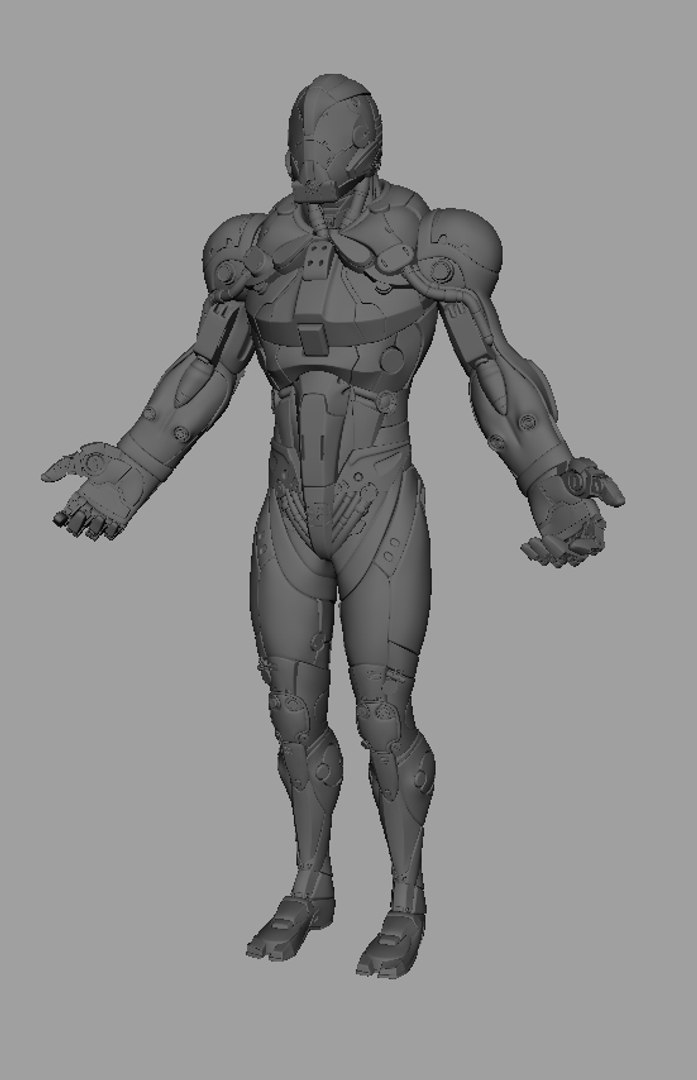
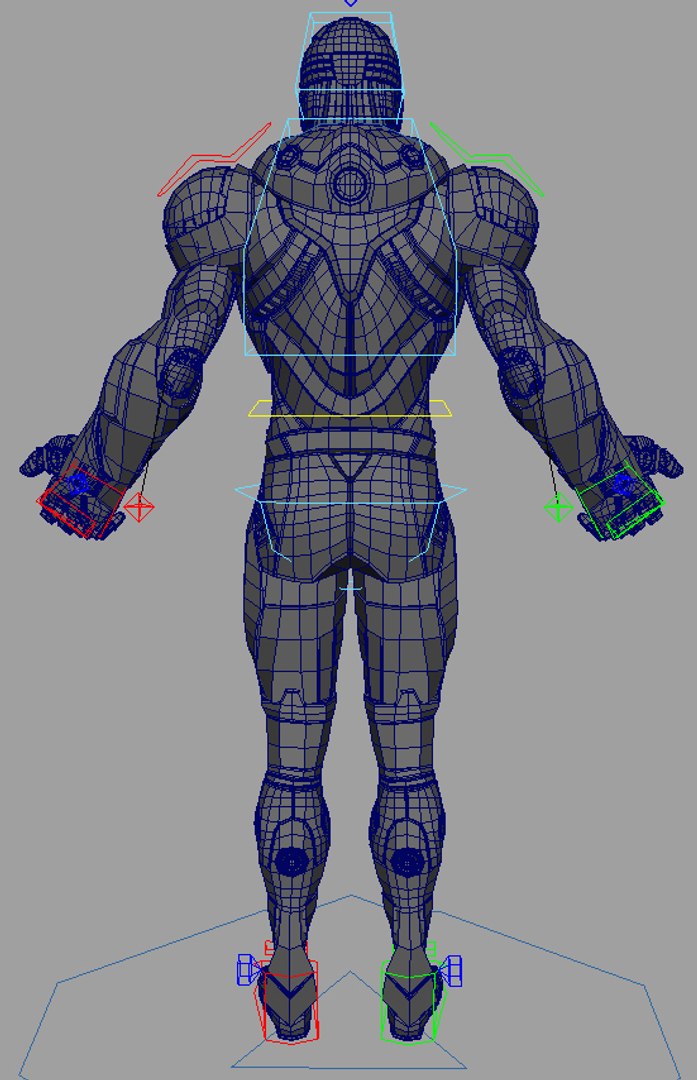
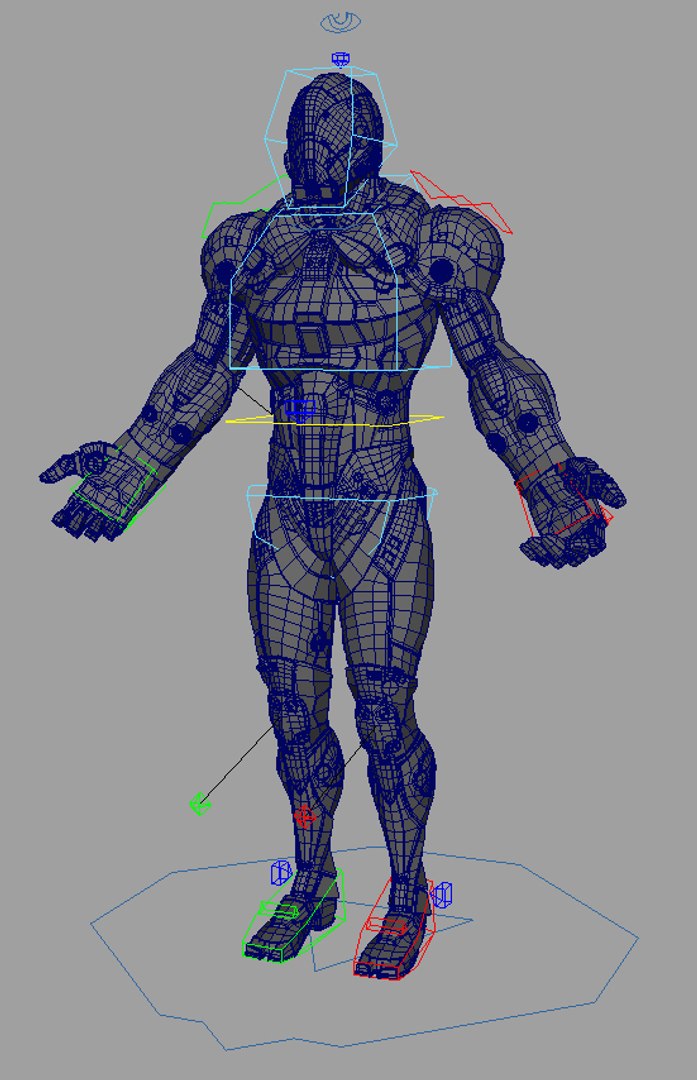
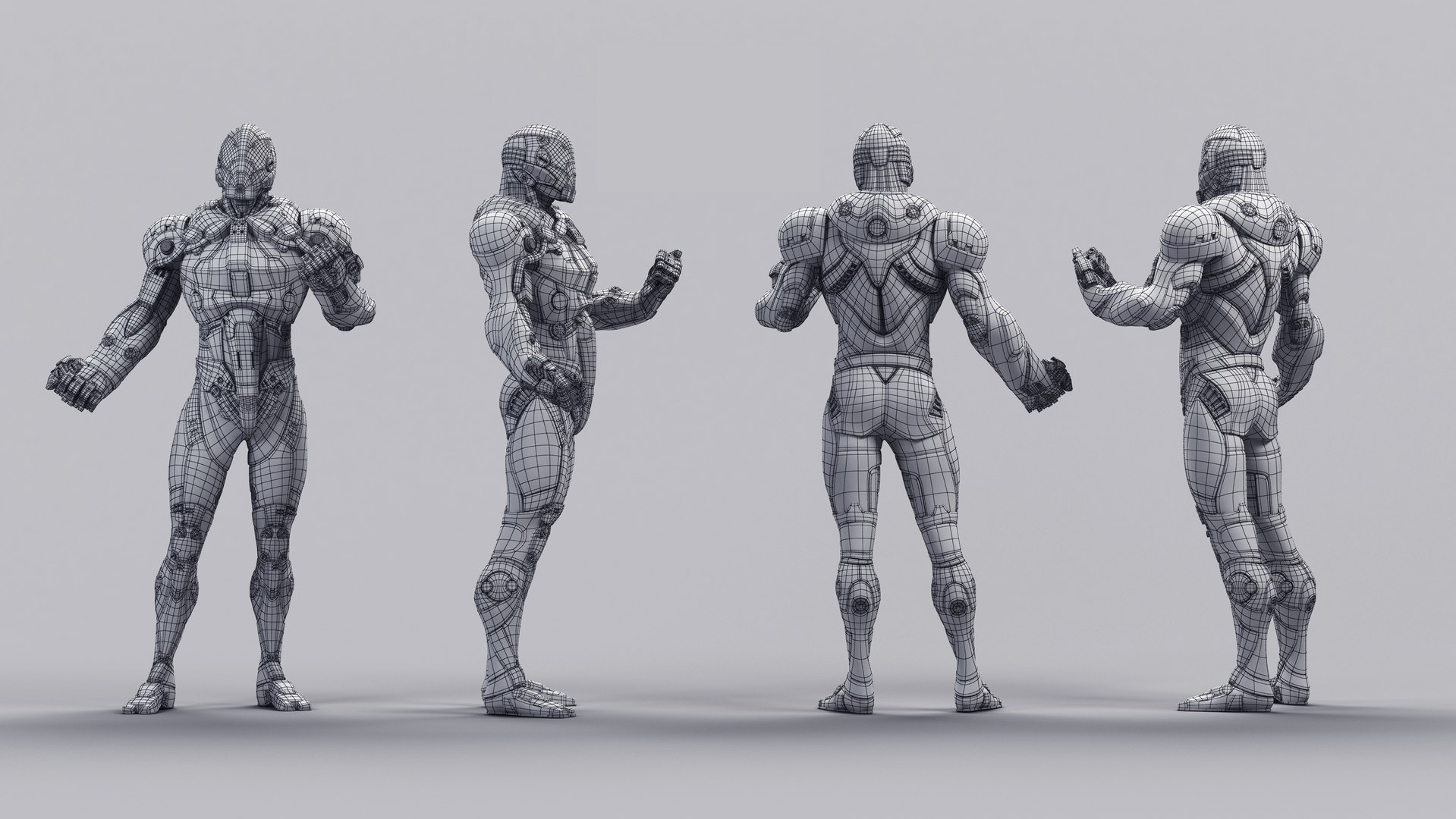
A rig from a personal project. Created and Rigged in Maya 2014. A full range of animation controls are available.

Categories

Select Enhanced License

  • $10,000 in Legal Protection (Indemnification)
  • Uncapped Legal Protection (Indemnification)
  • Waiver from injunctive relief
  • Assignable model rights
  • $1,000,000 in Legal Protection (Indemnification)
  • Waiver from injunctive relief
  • Assignable model rights
  • $250,000 in Legal Protection (Indemnification)
  • Assignable model rights
Read more about enhanced license tiers, or contact us at enterprise@turbosquid.com. Already a Shutterstock Enterprise Customer? Contact your Shutterstock Sales Support Agent to talk about adding 3D.

About Conversion Requests

To submit a conversion request for a purchased asset, please complete our Conversion Request Form.

If you have not yet purchased a model, please review our Documentation about Conversions to learn about what limitations you may encounter with a conversion.

For any additional questions about a model’s suitability for conversion, please contact TurboSquid Support.

Loading...