
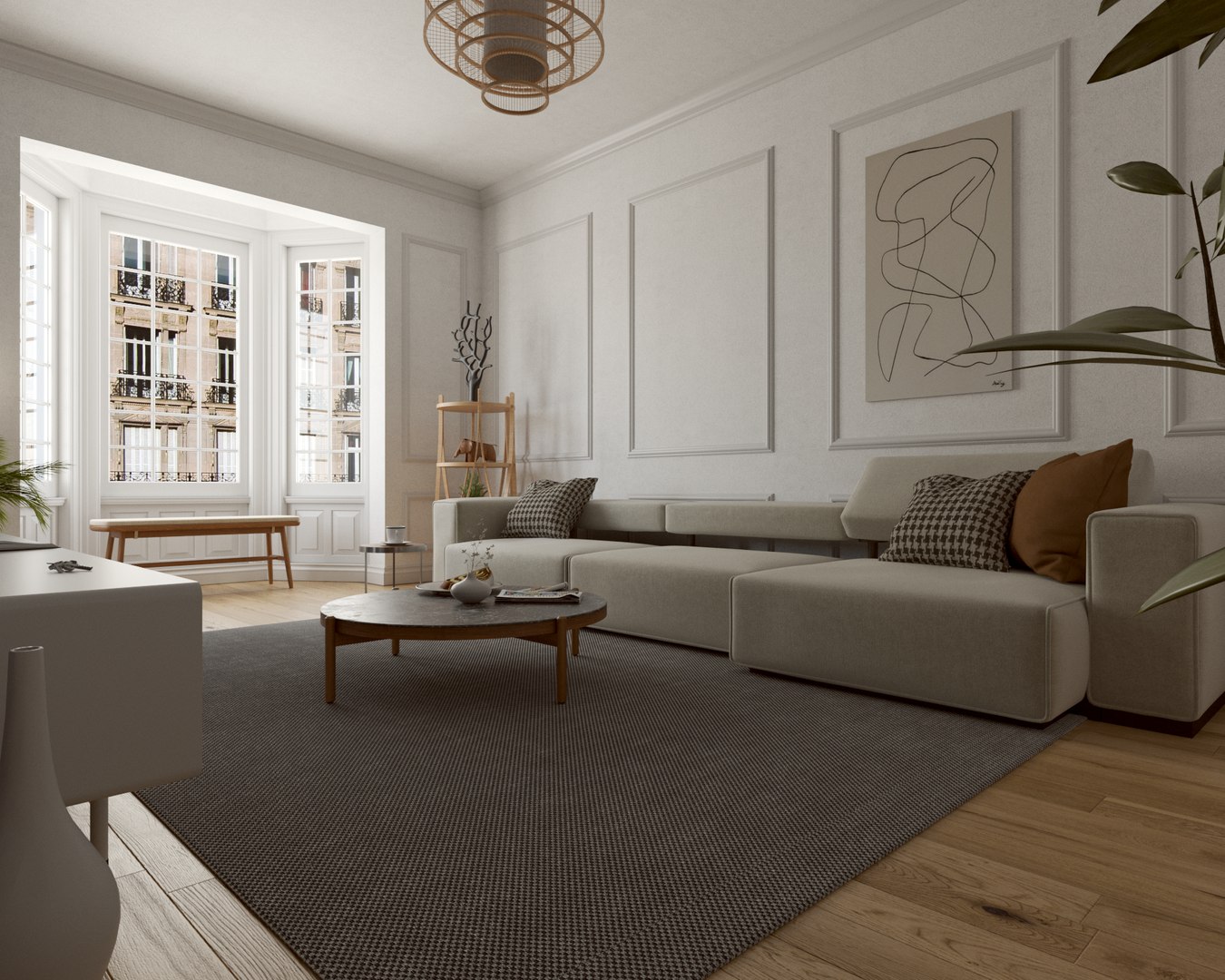
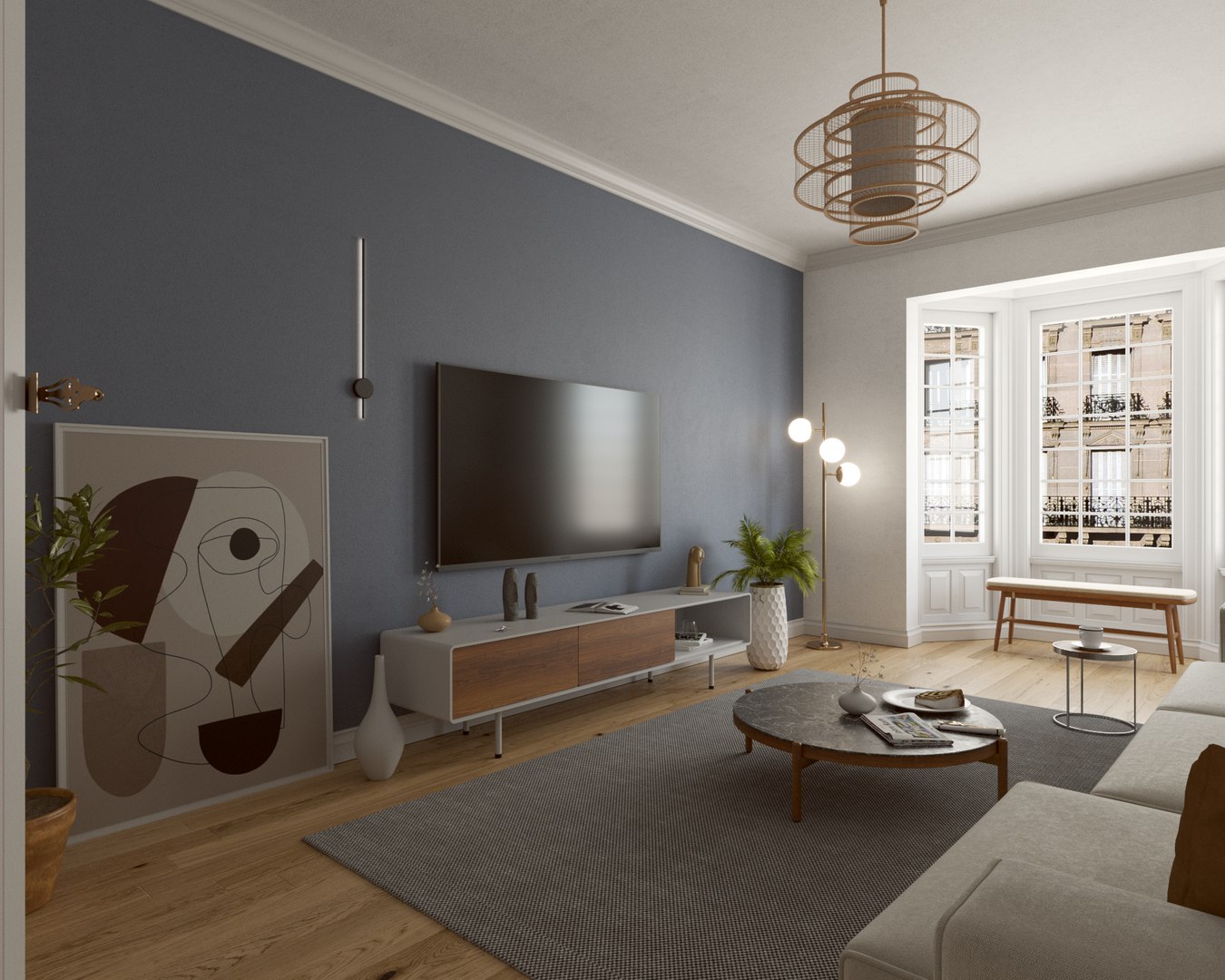
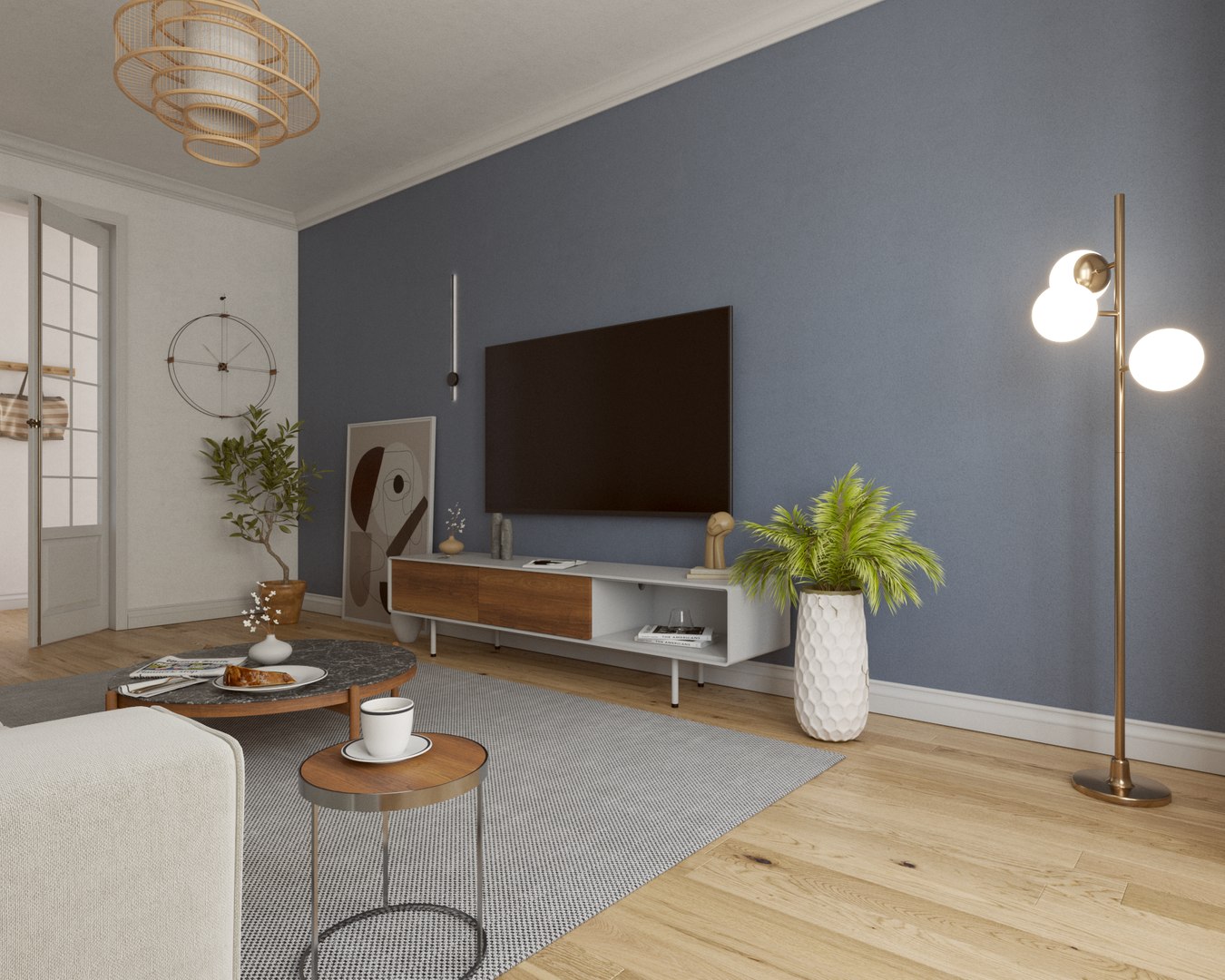
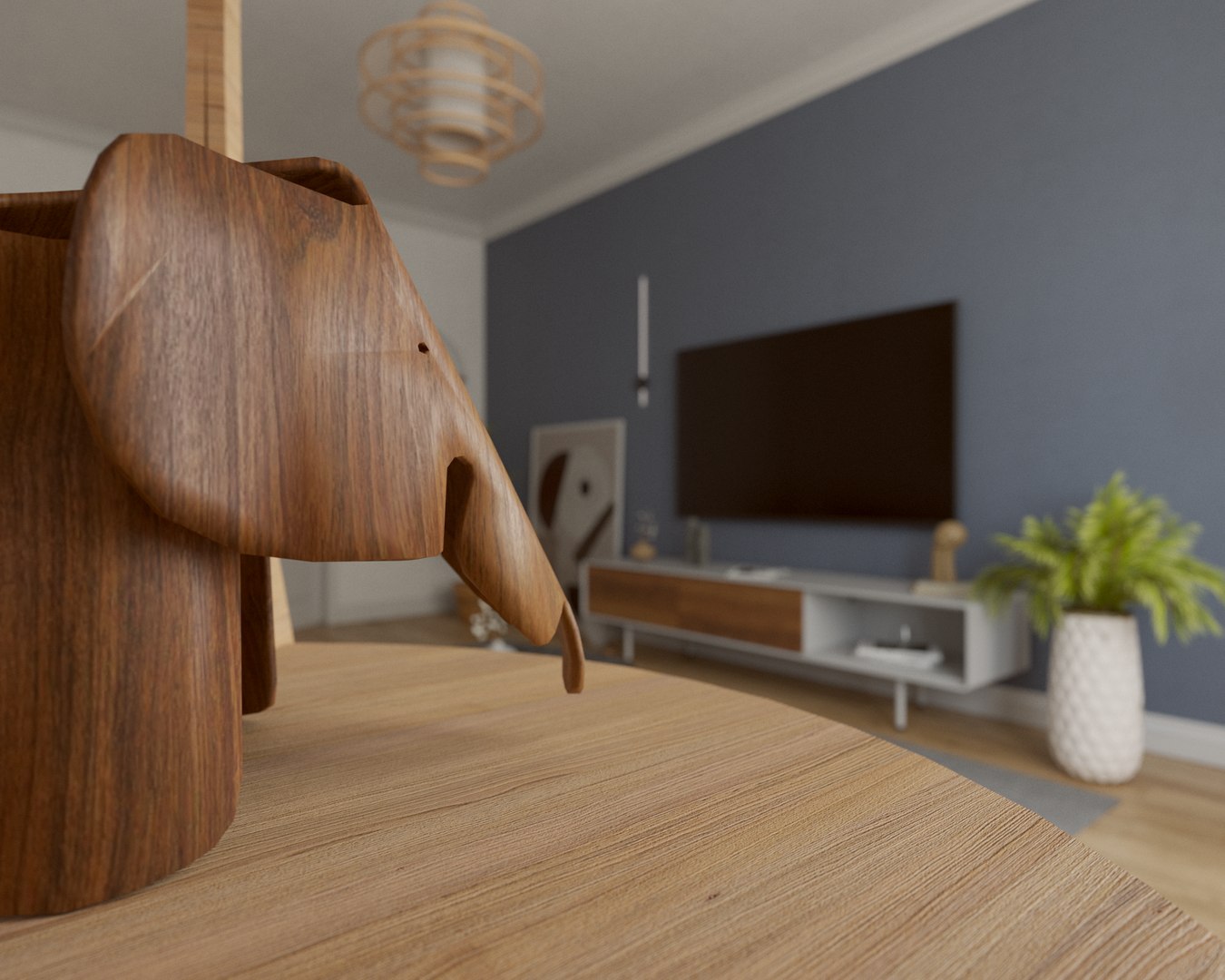
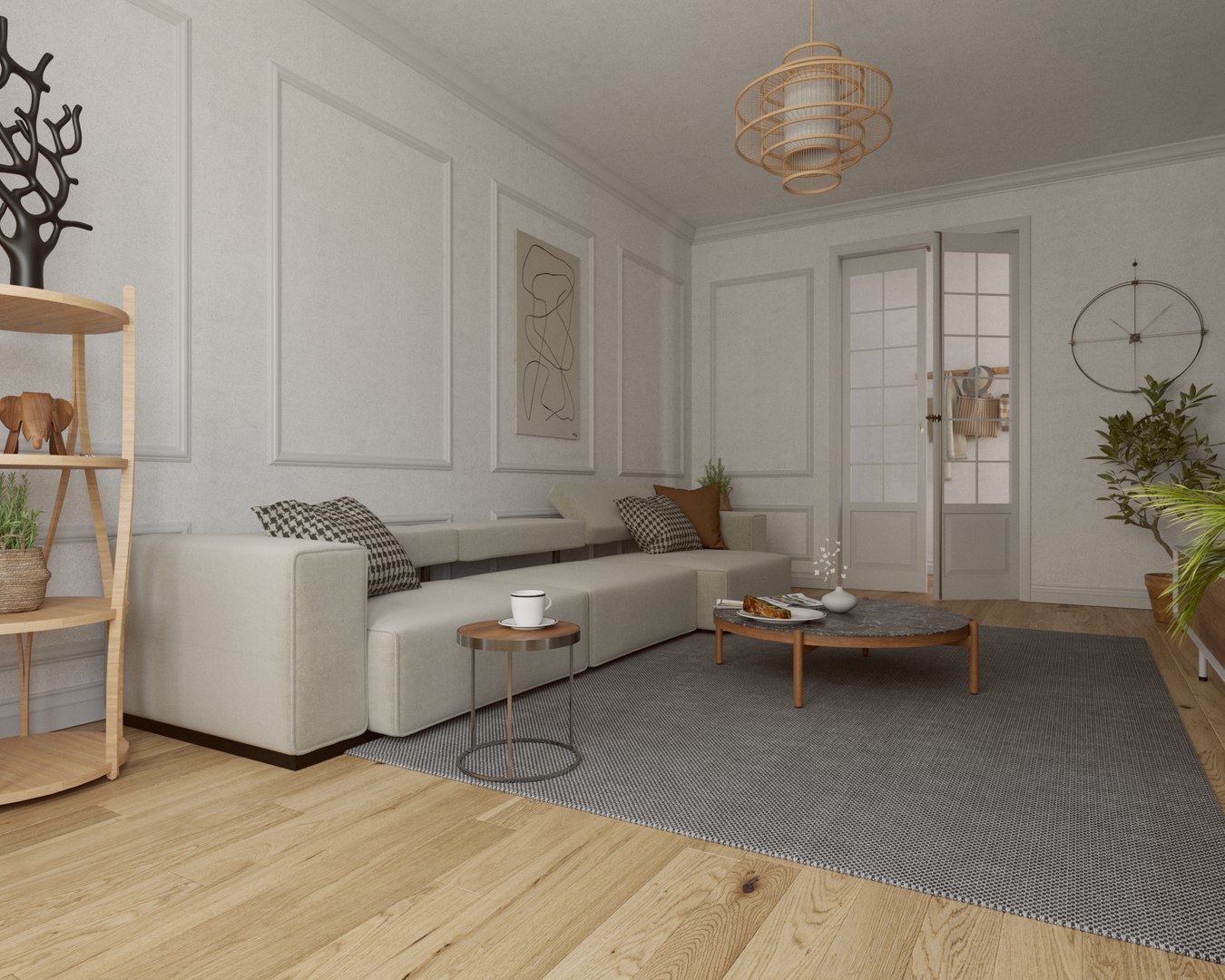
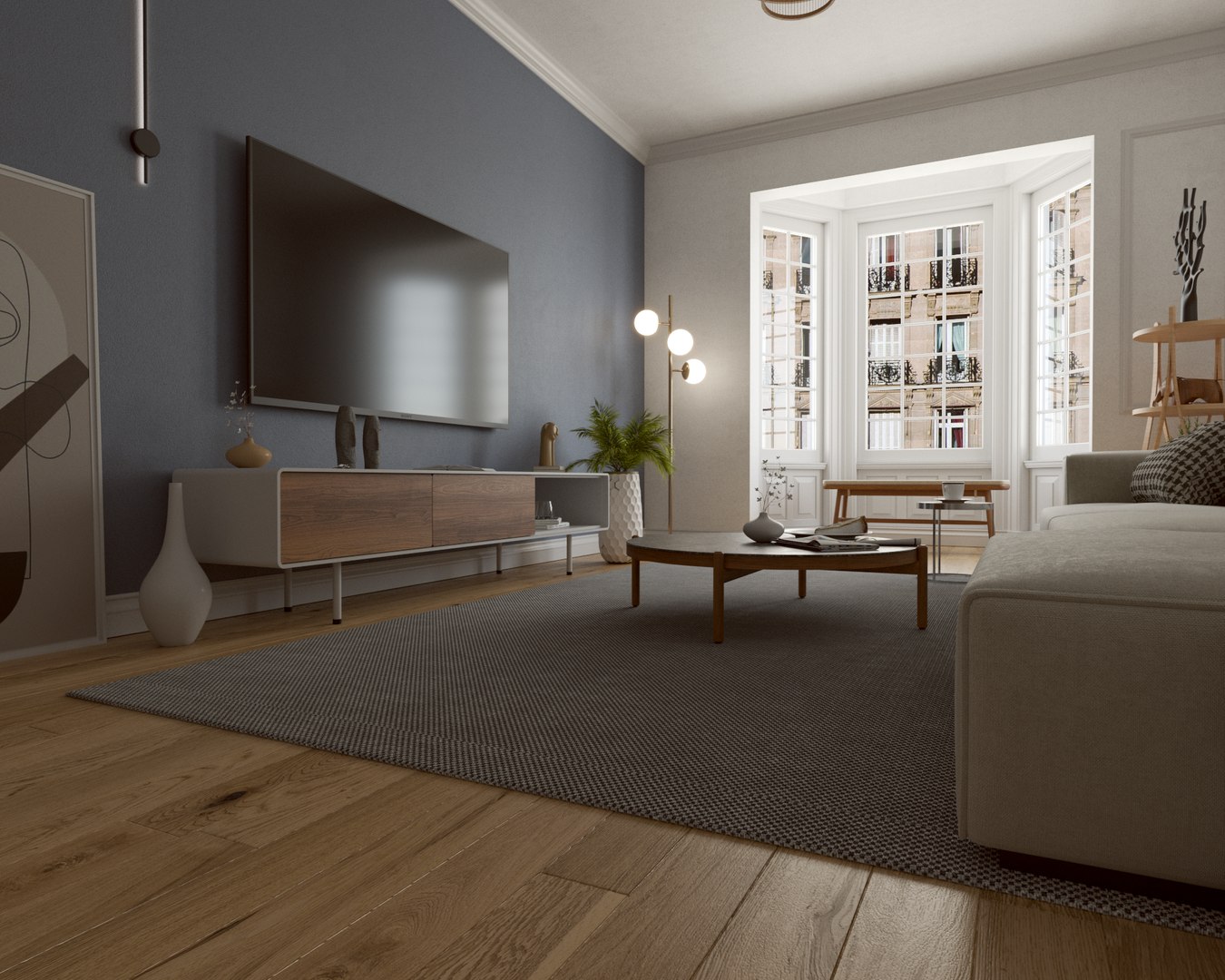
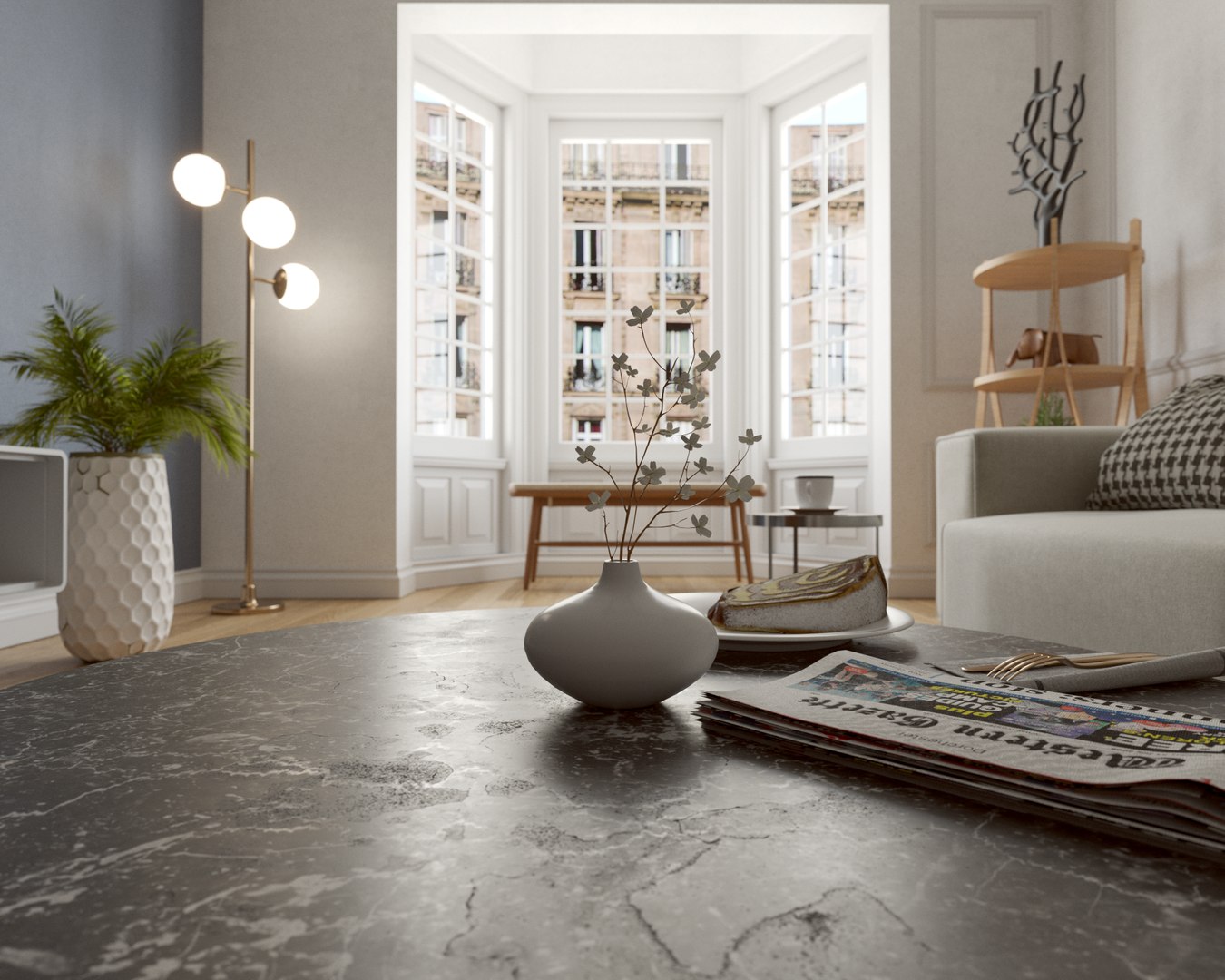
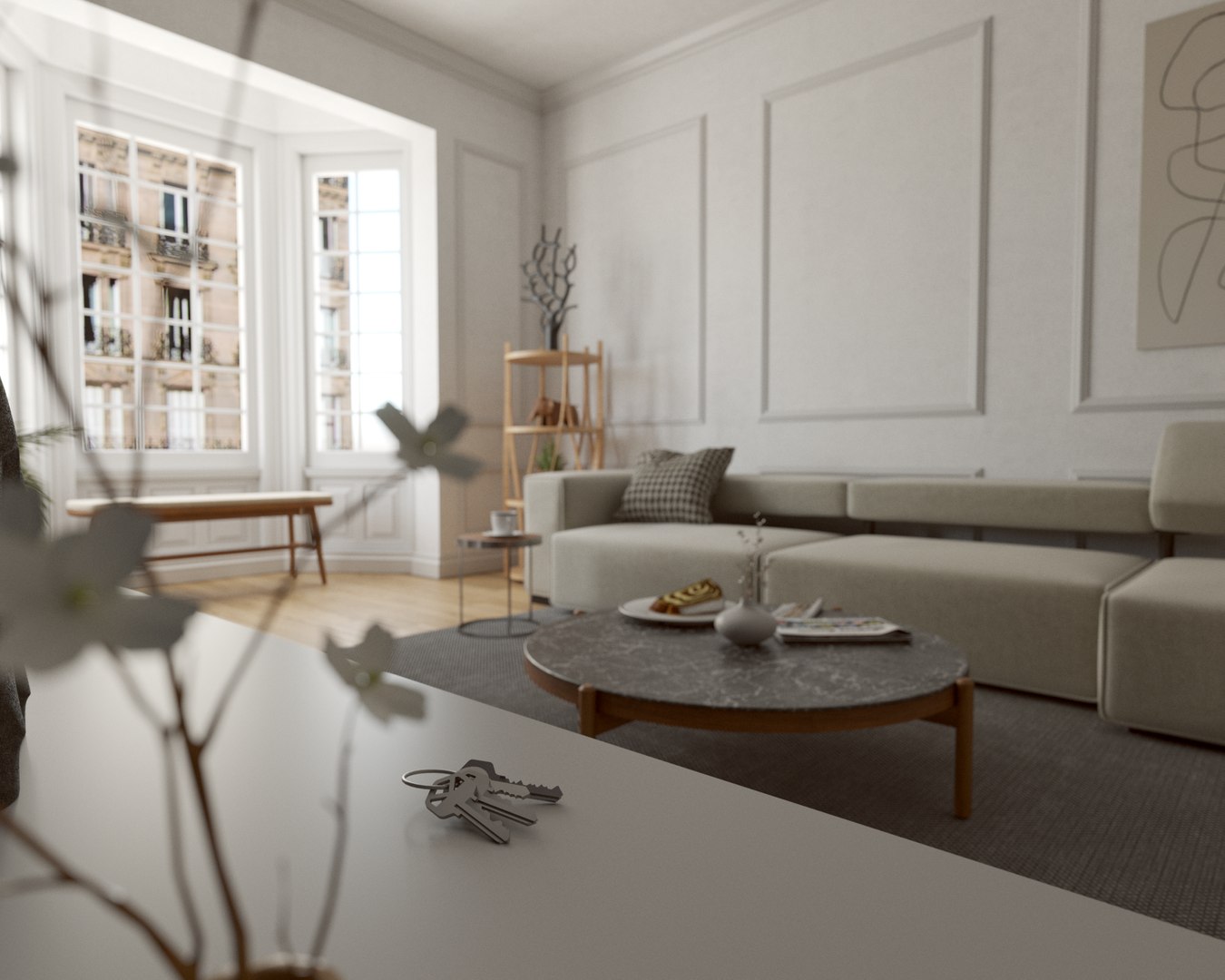
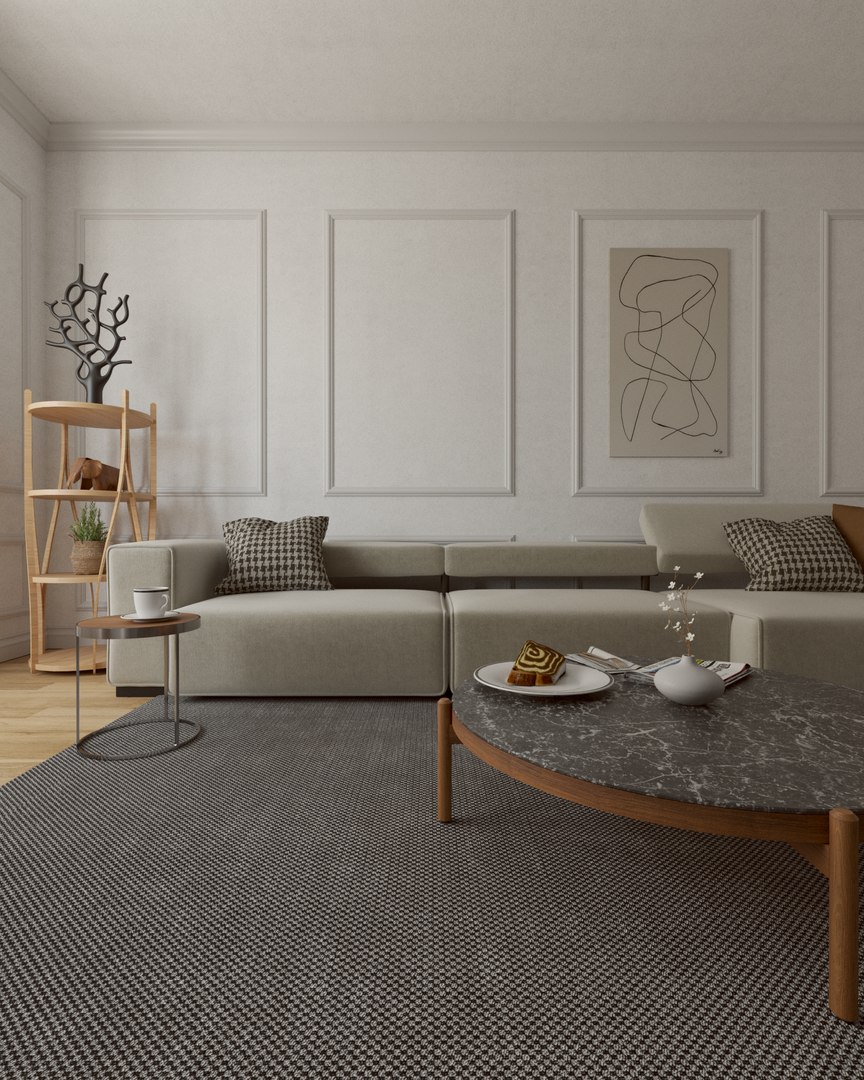
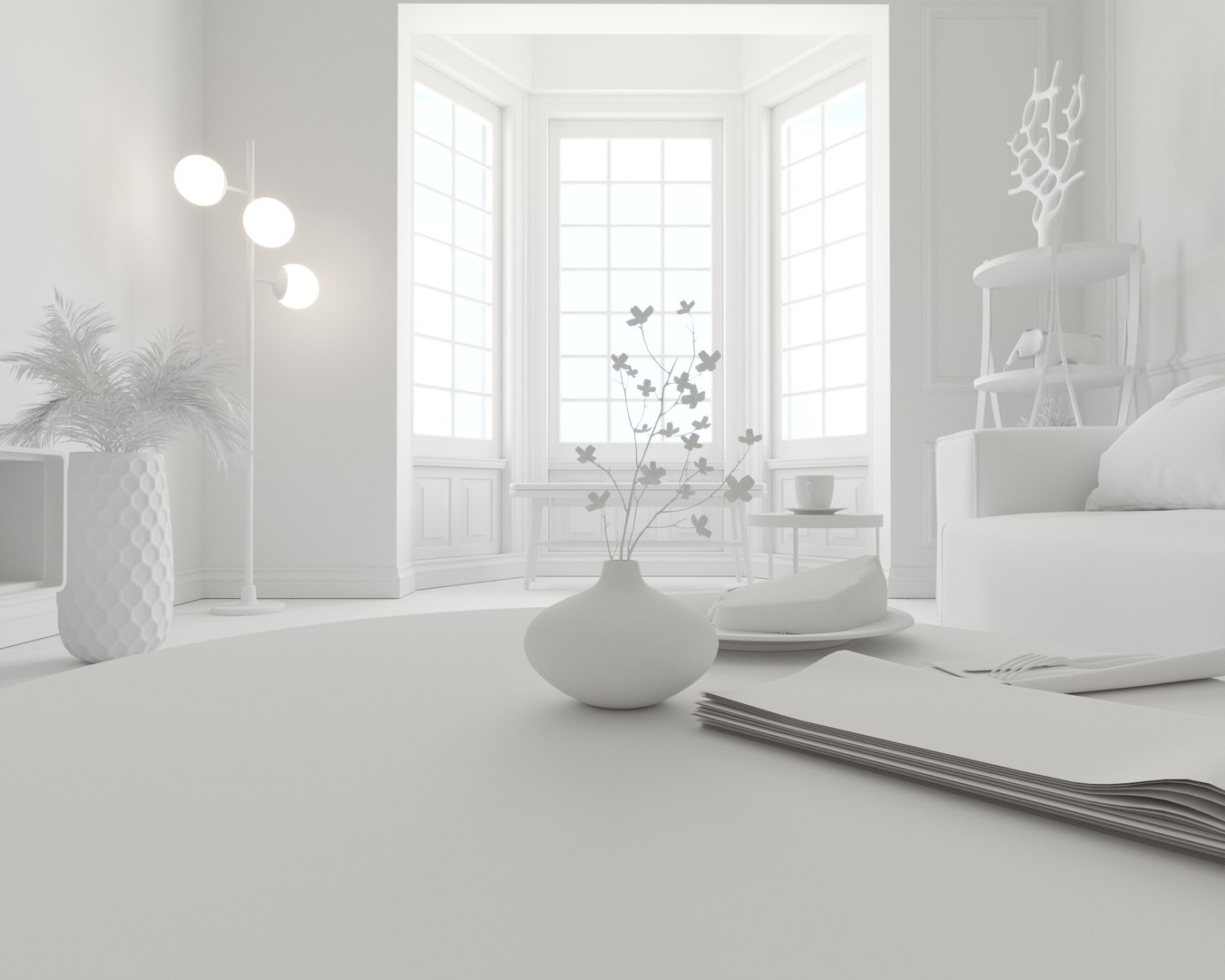
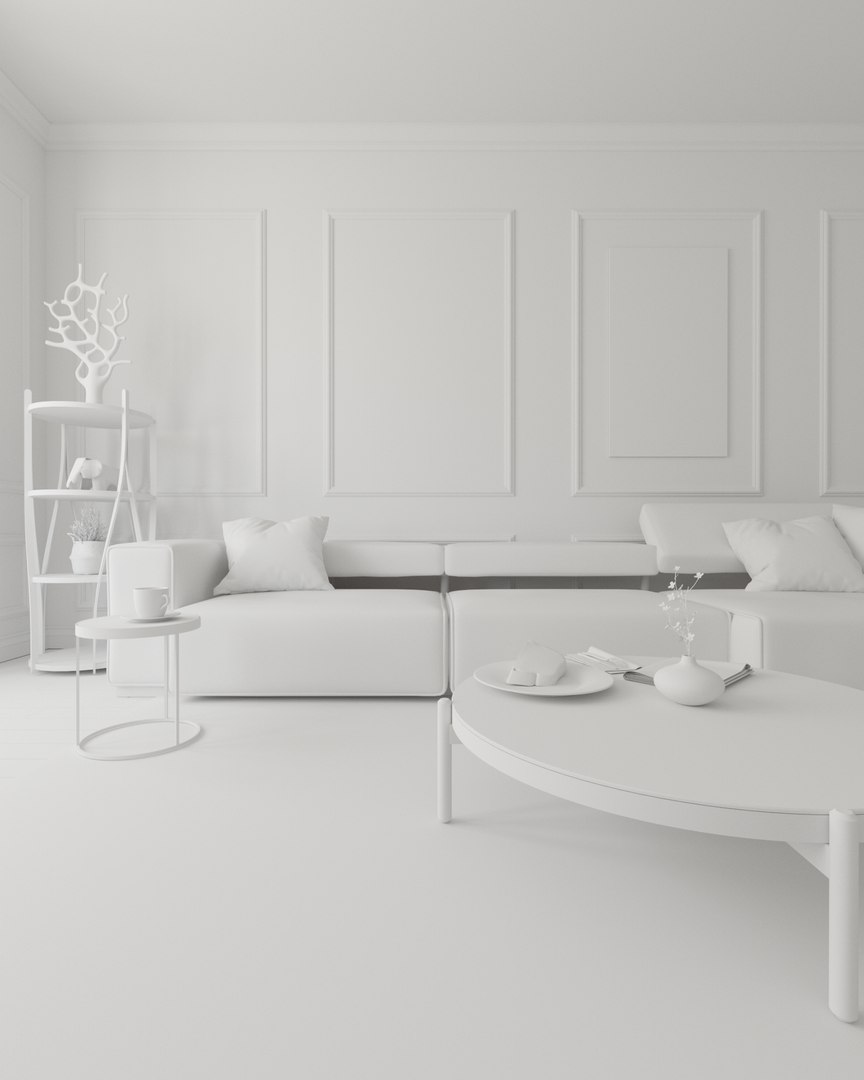
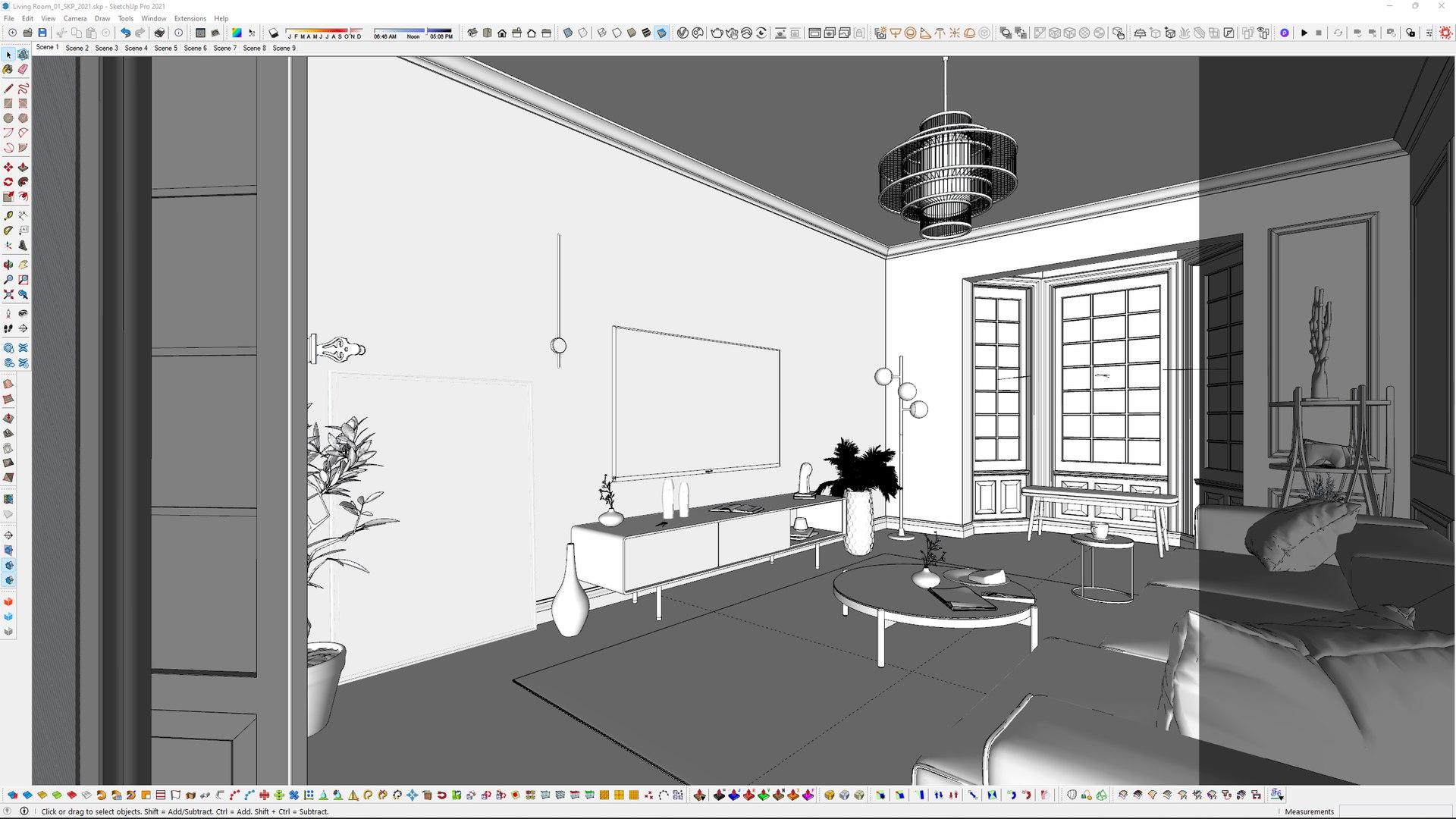
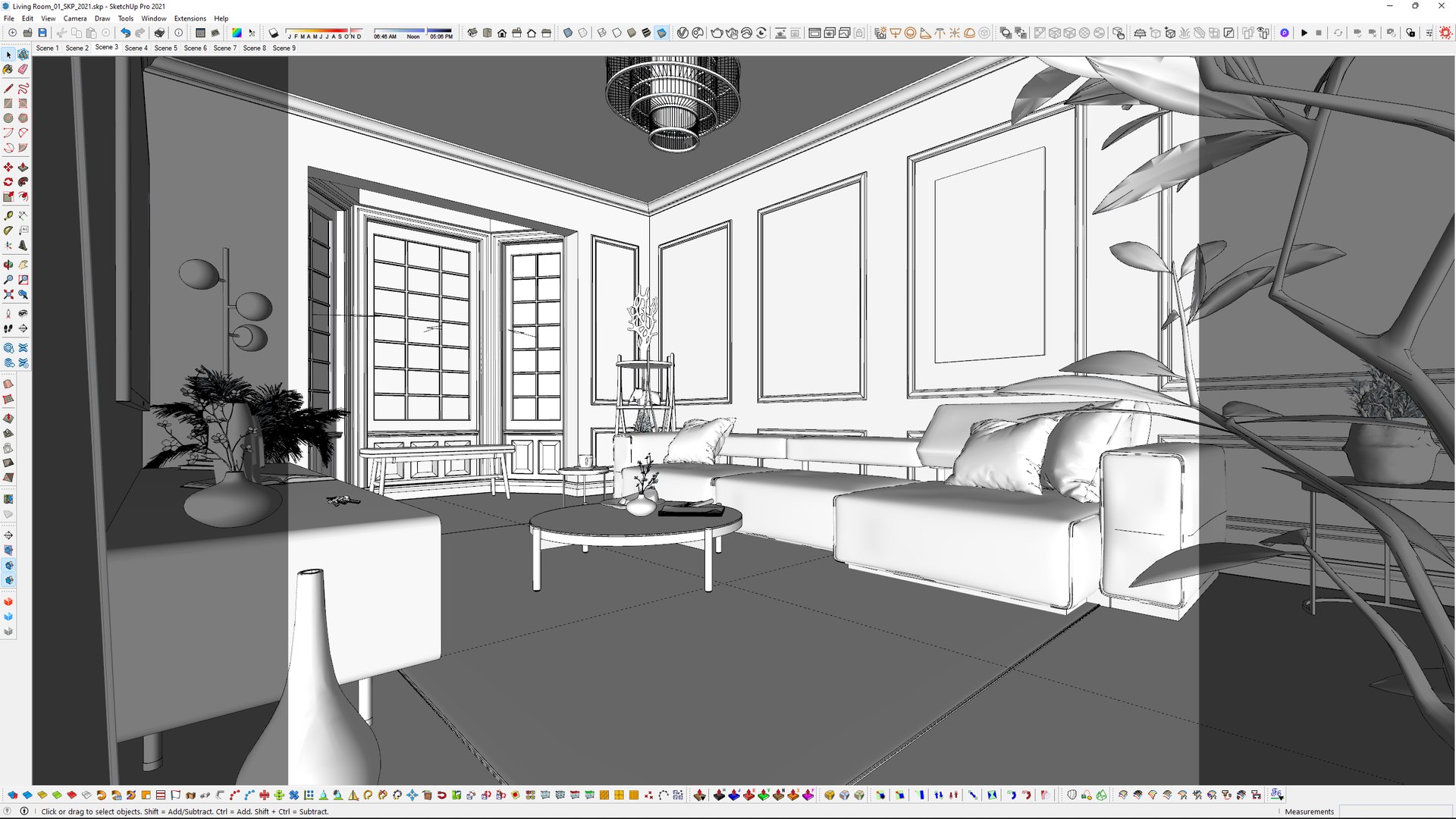
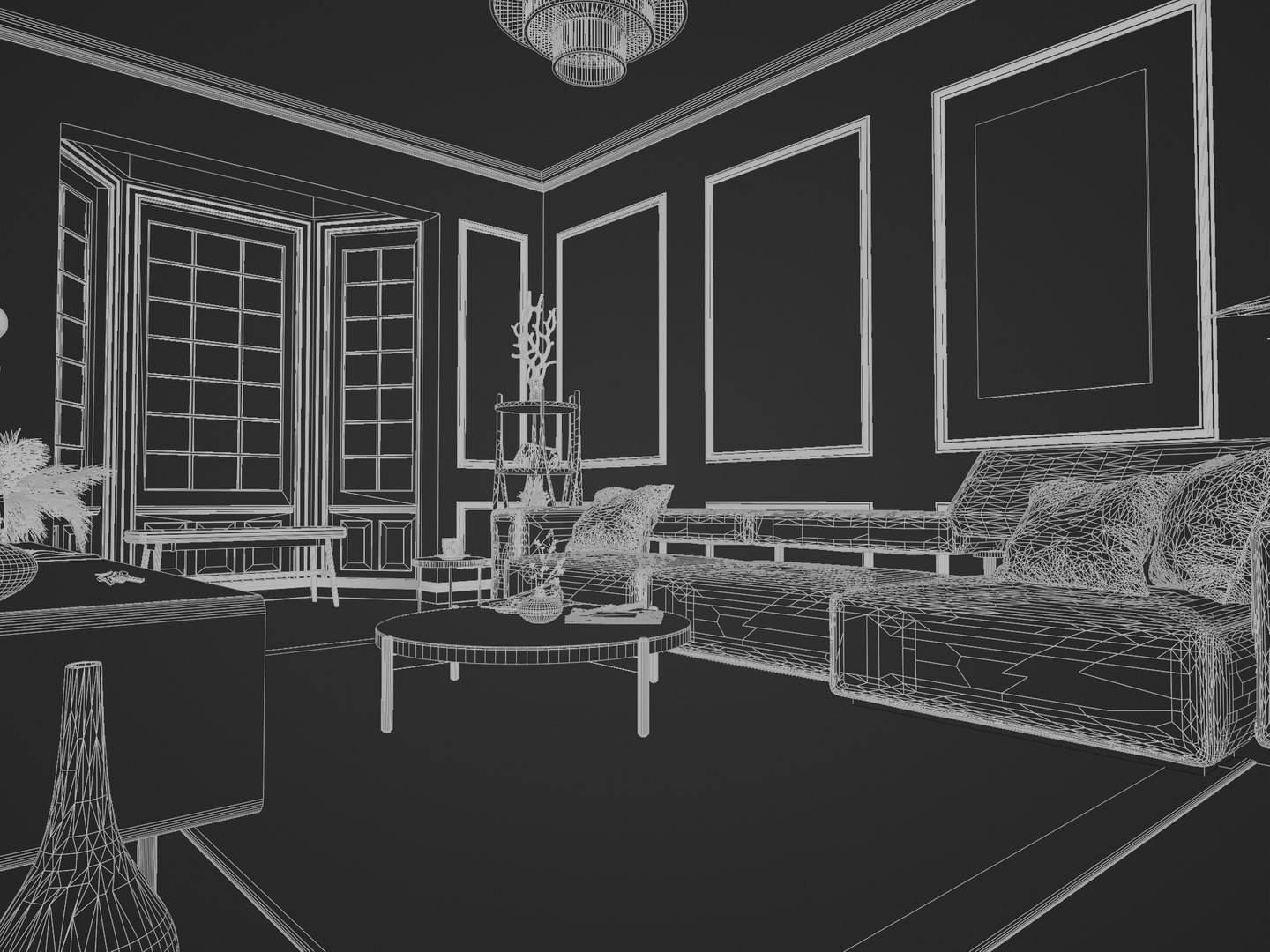
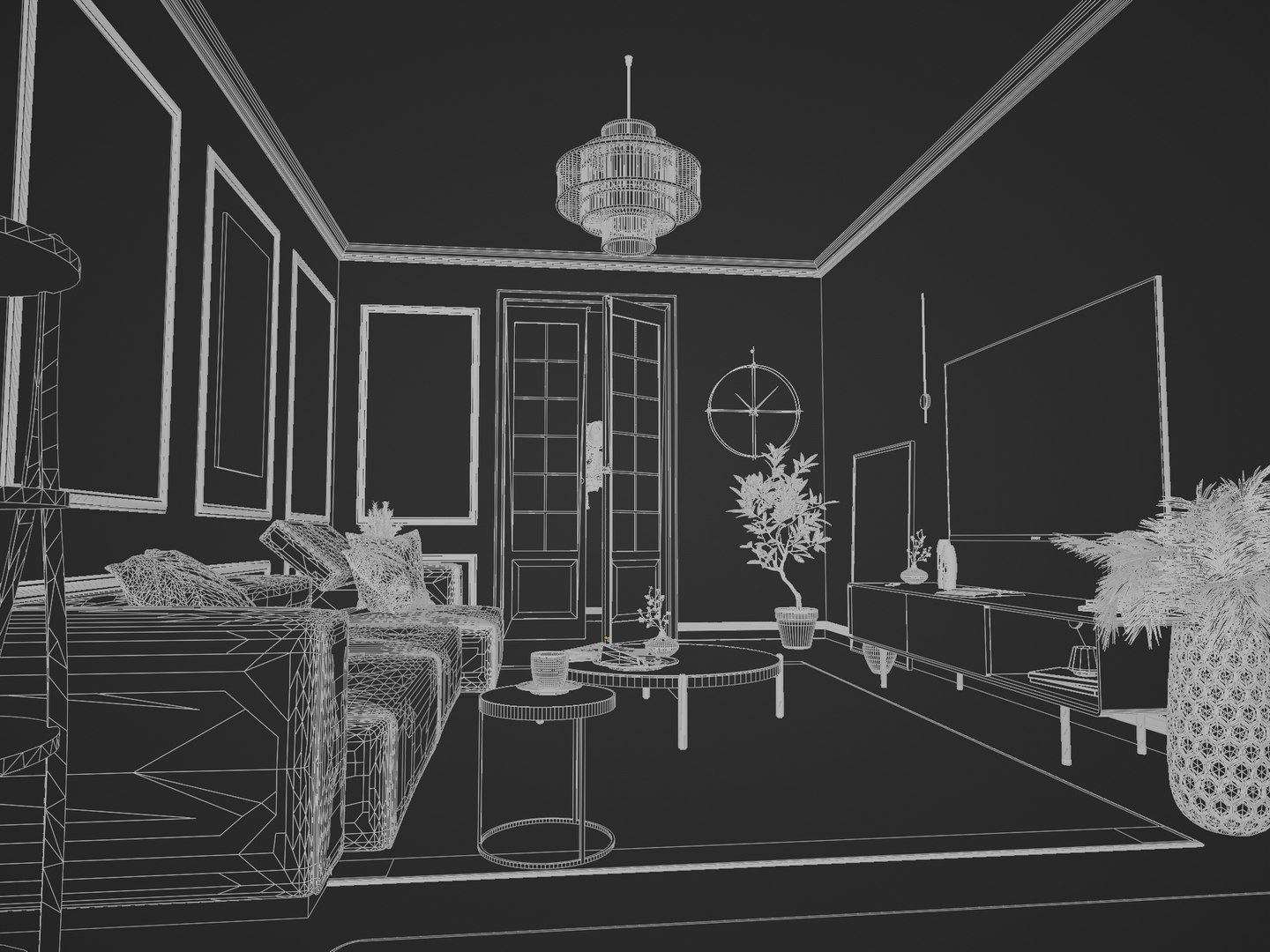
Living Room No1

$38

Standard License | Upgrade License
Editorial Uses Only
Formats (5)
Free file format Conversions available
Native | SketchUp 2021-2017
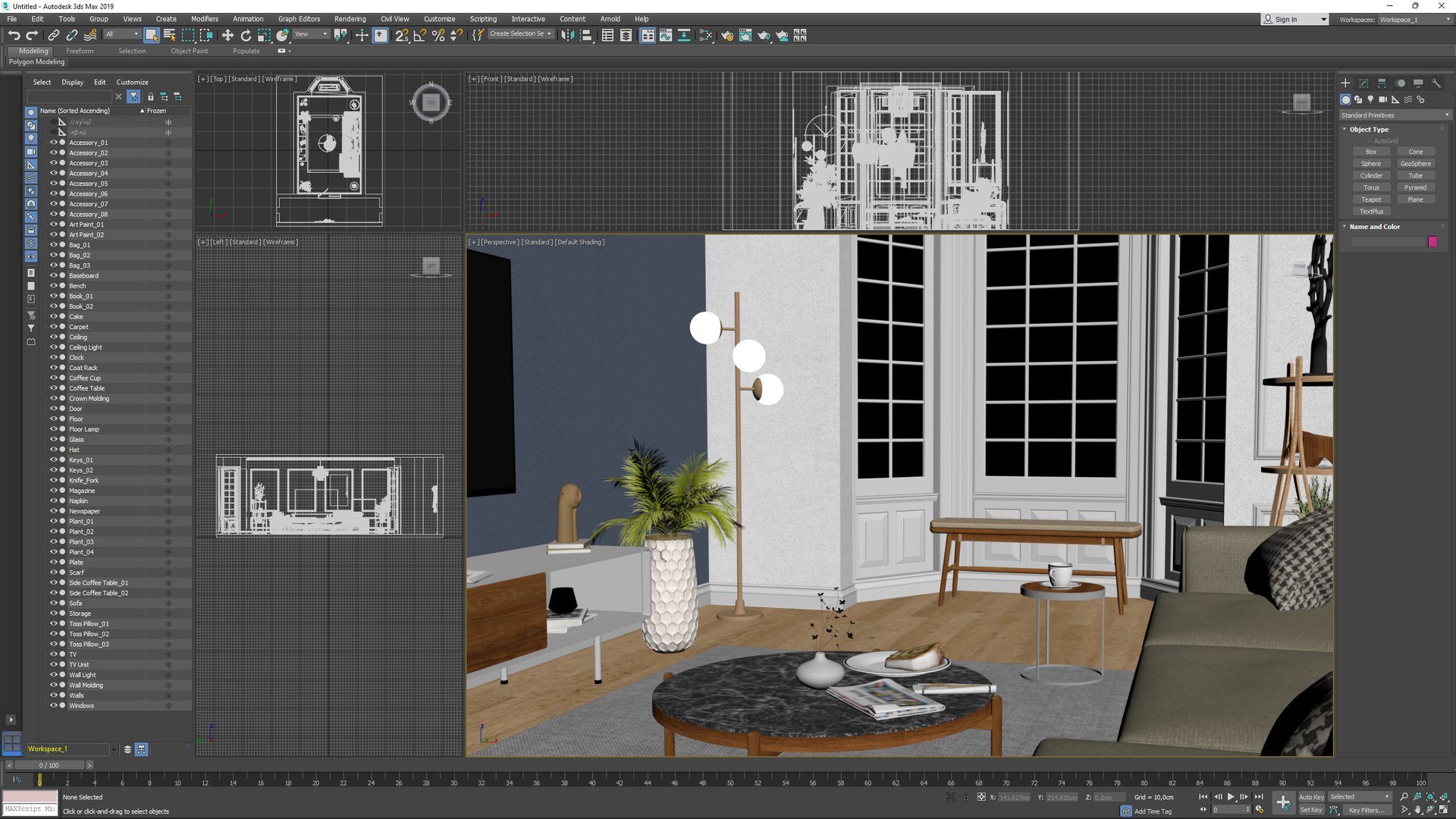
3ds Max 2019-2016 | Default Scanline
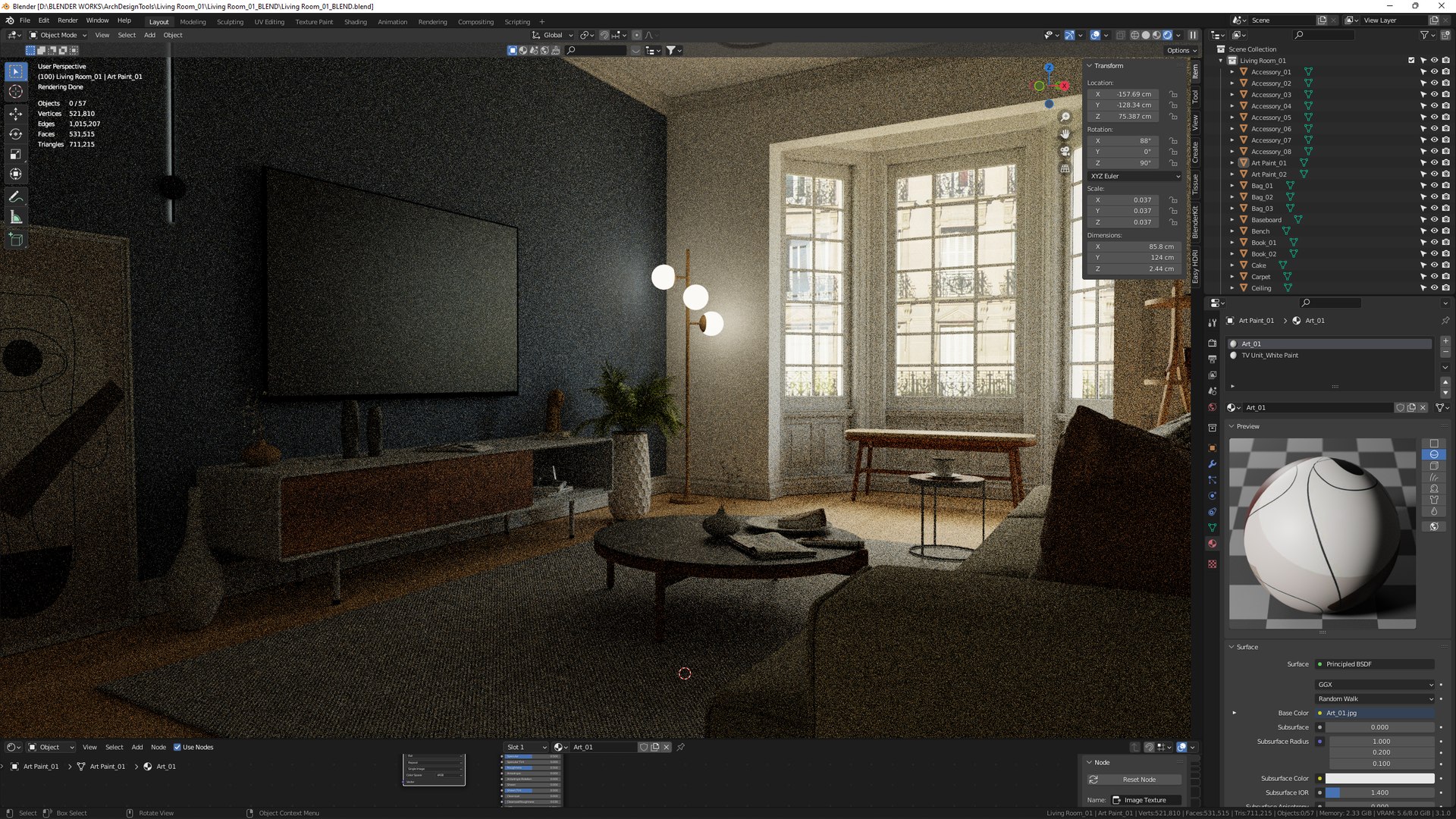
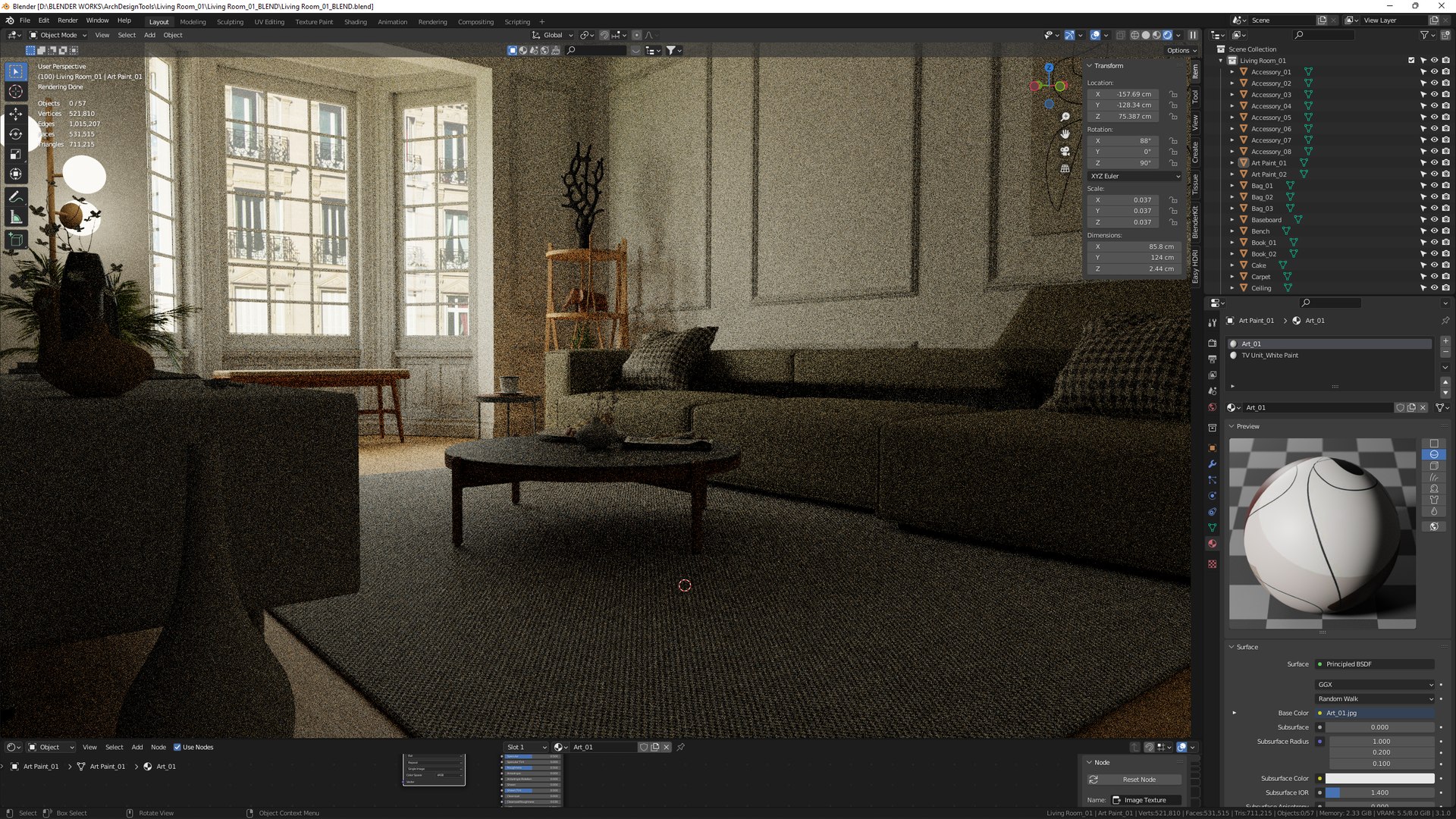
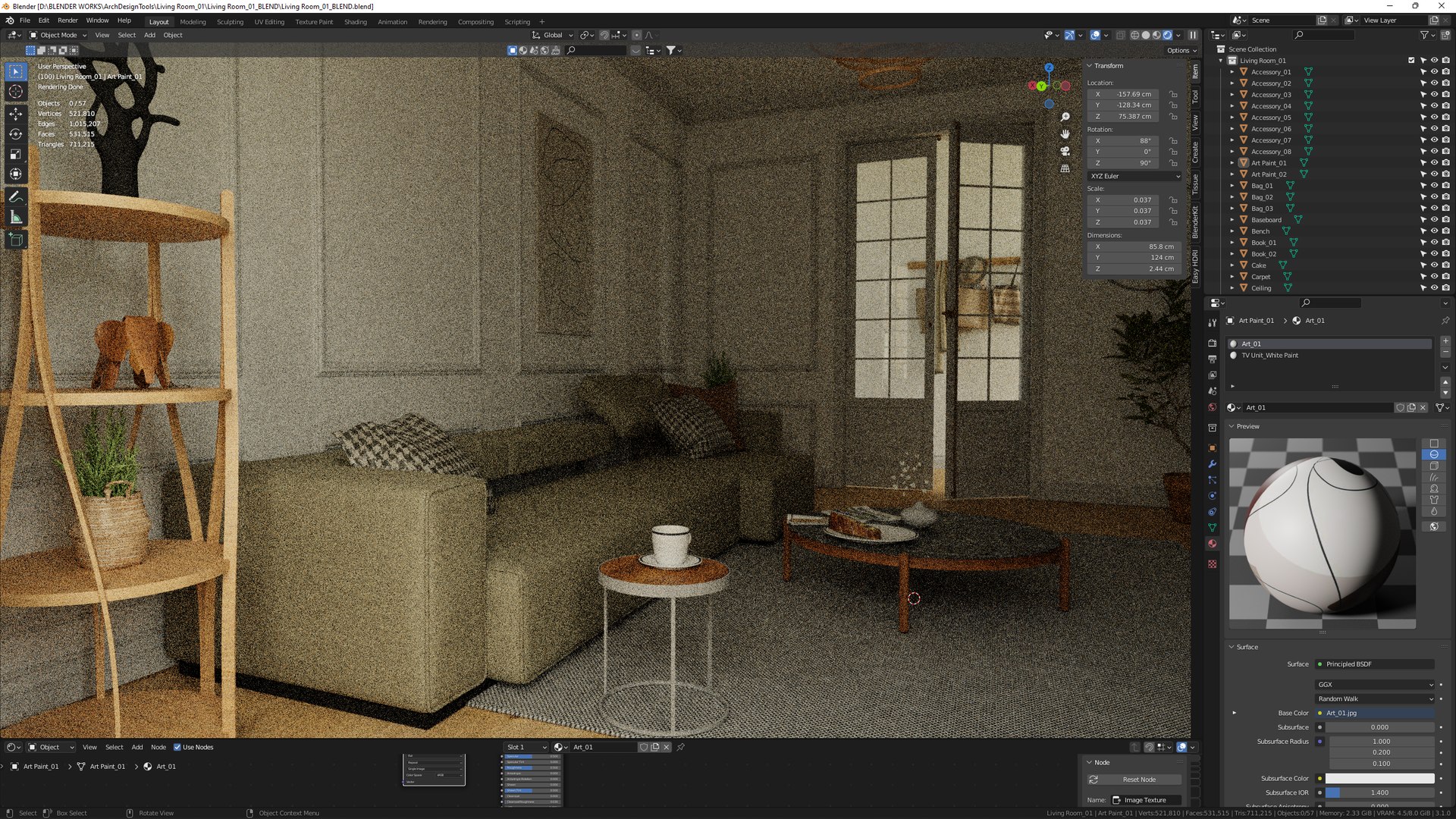
Blender 3.1 | Cycles Render
FBX
OBJ
Other Files
Textures.zip
Specifications
Publish Date March 30, 2022
Product ID 1875806
Polygons 531,515
Vertices 521,810
Unknown Geometry
Textures
Materials
Unknown Unwrapped UVs

member avatar
HiFi Tools
115 Products | Contributor Since 2017
Have questions? Chat with us now.

Description

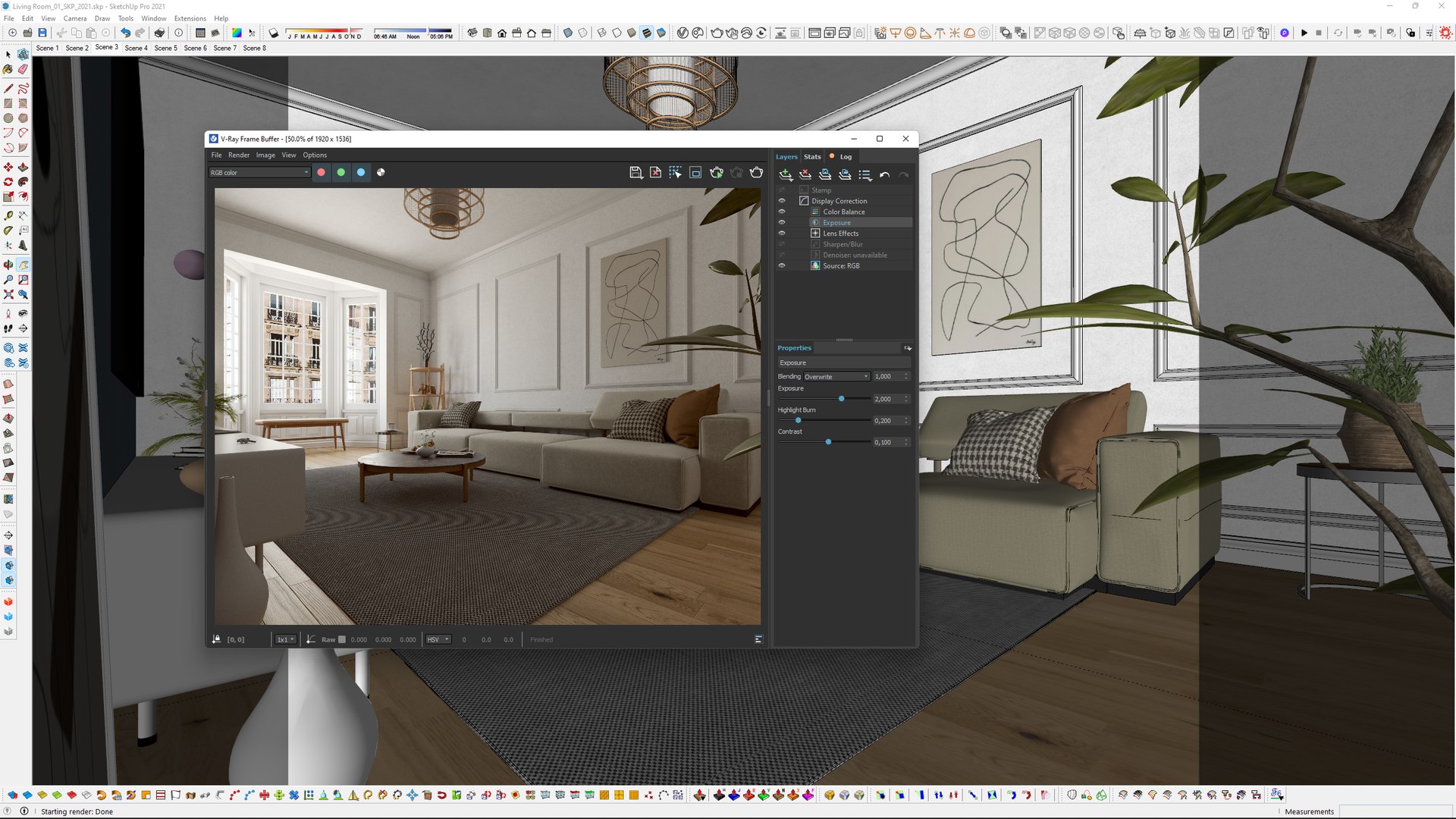
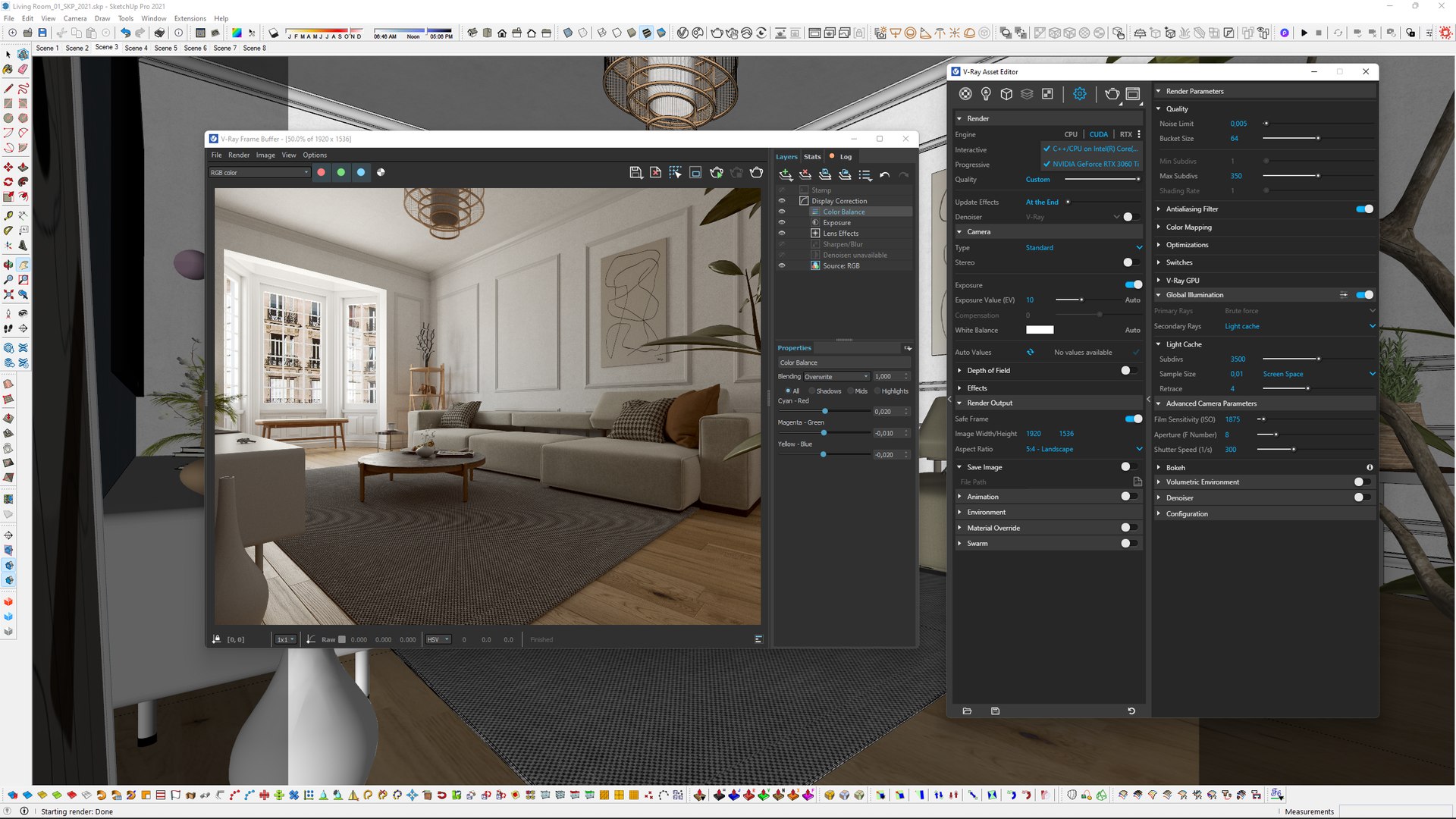
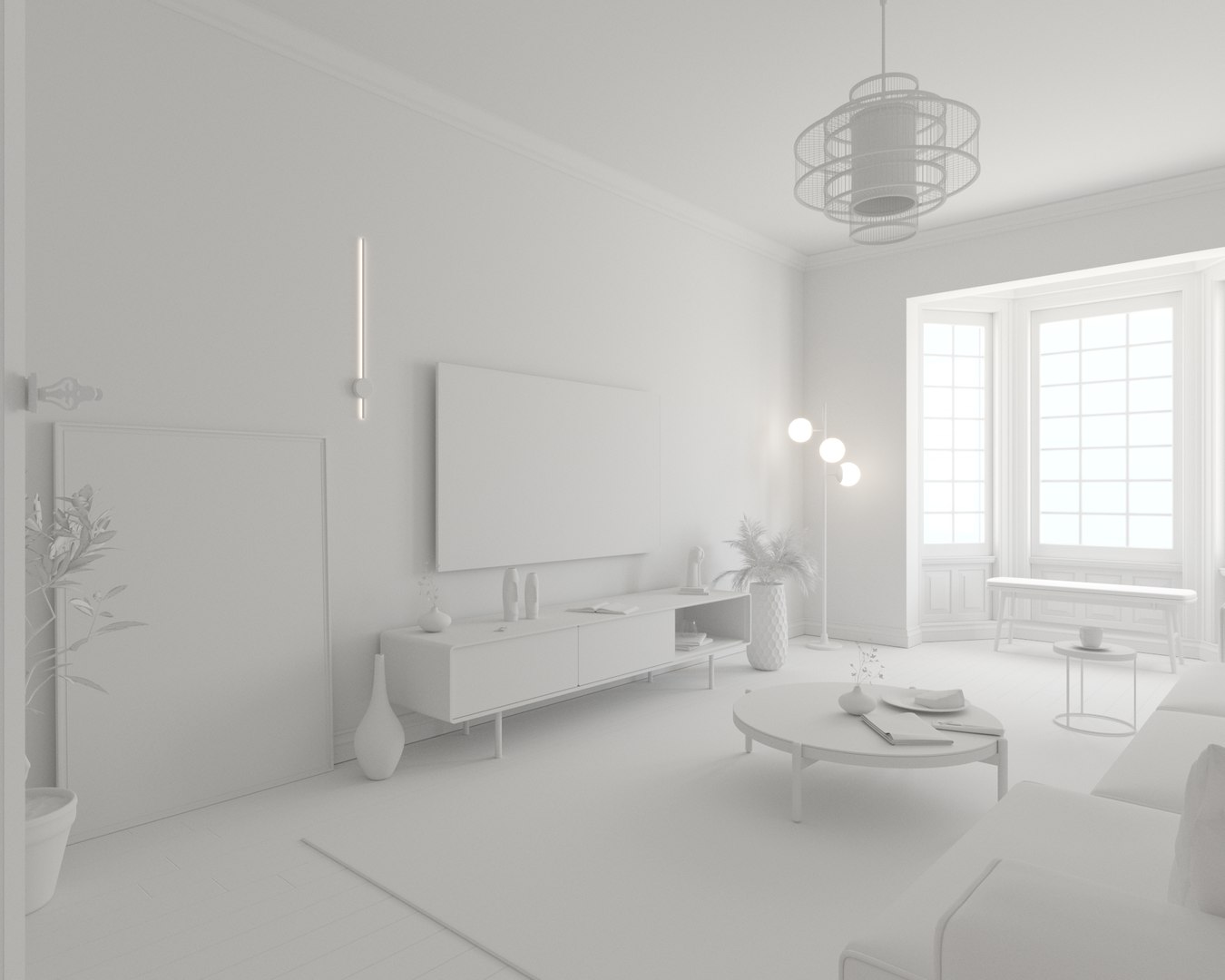
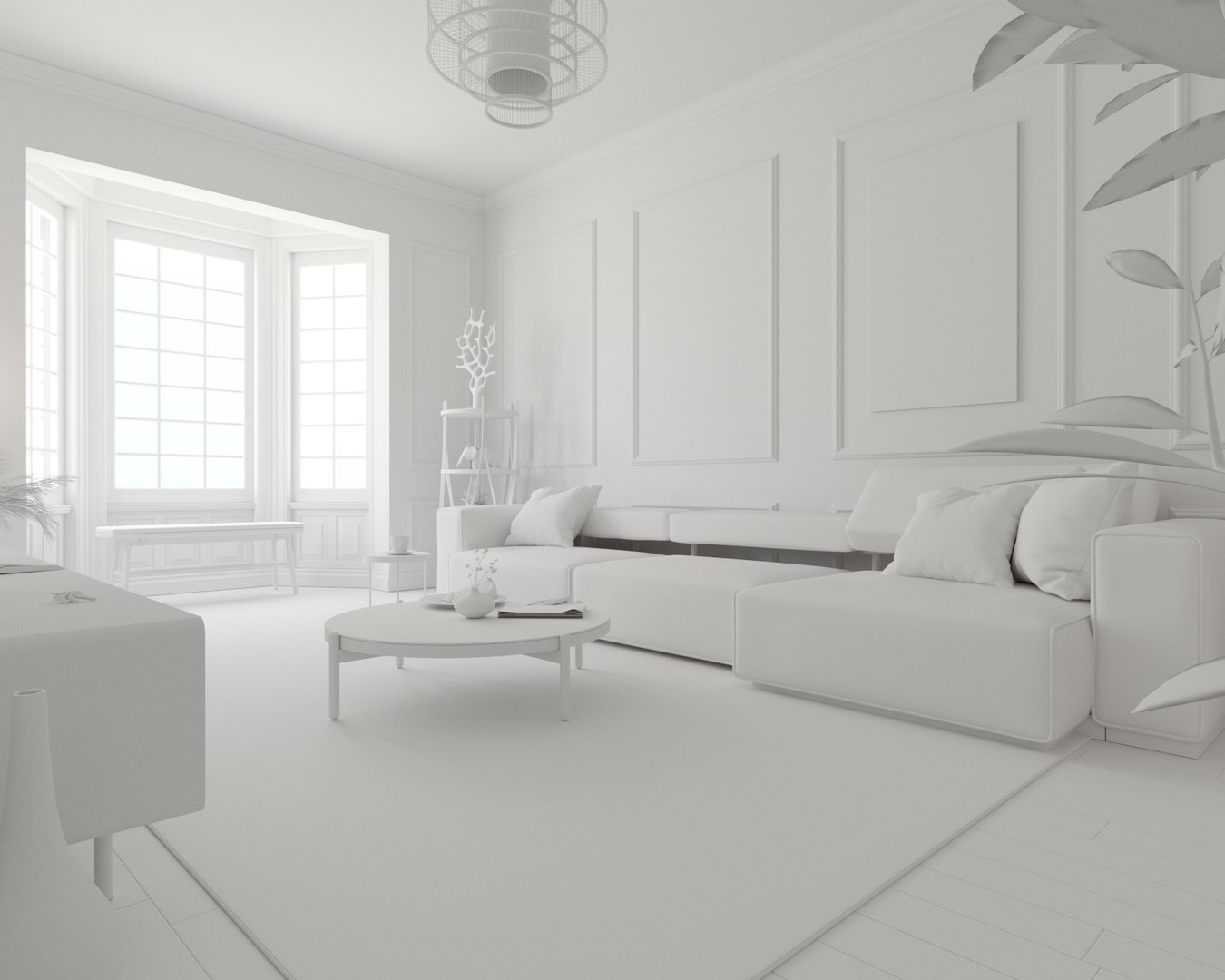
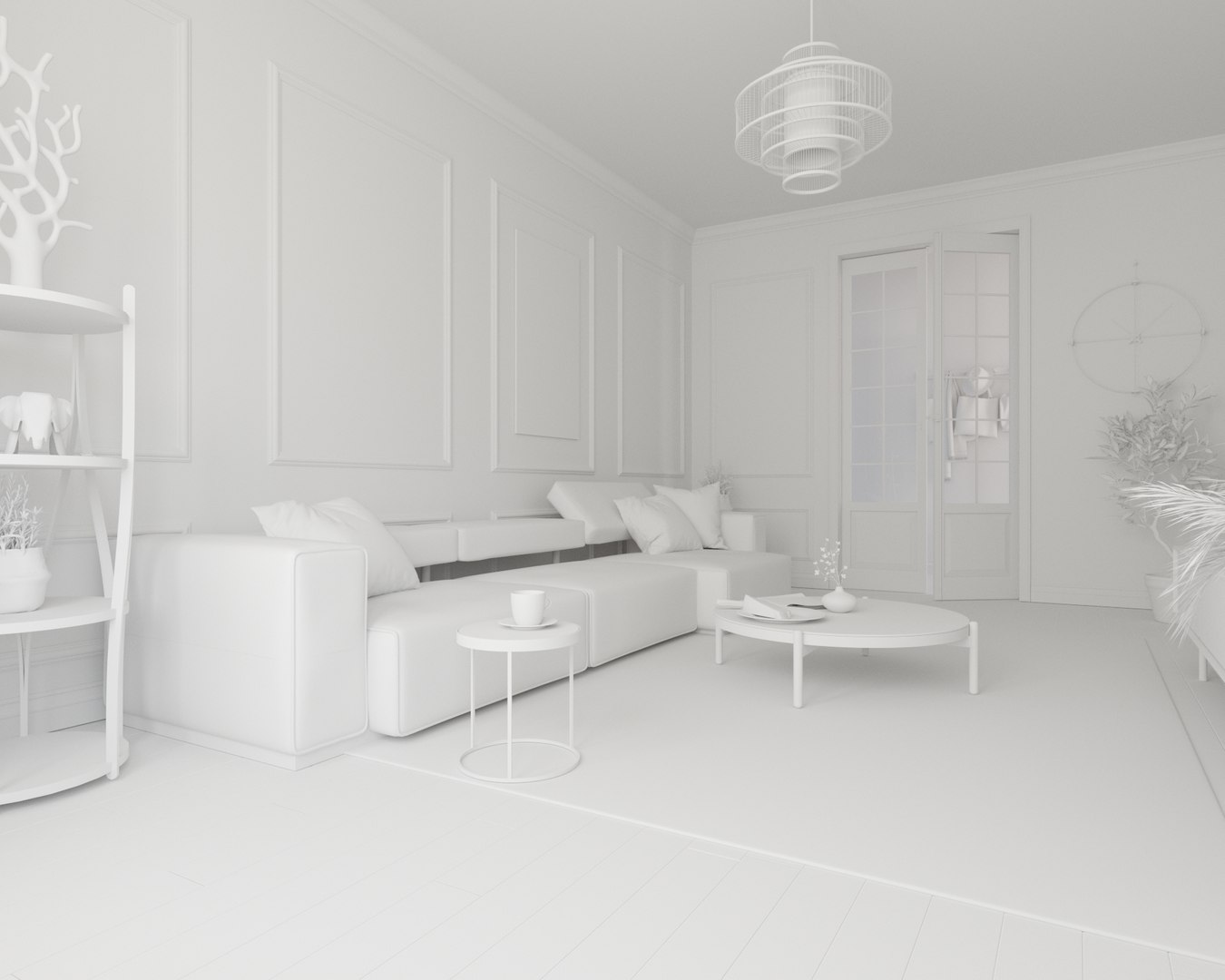
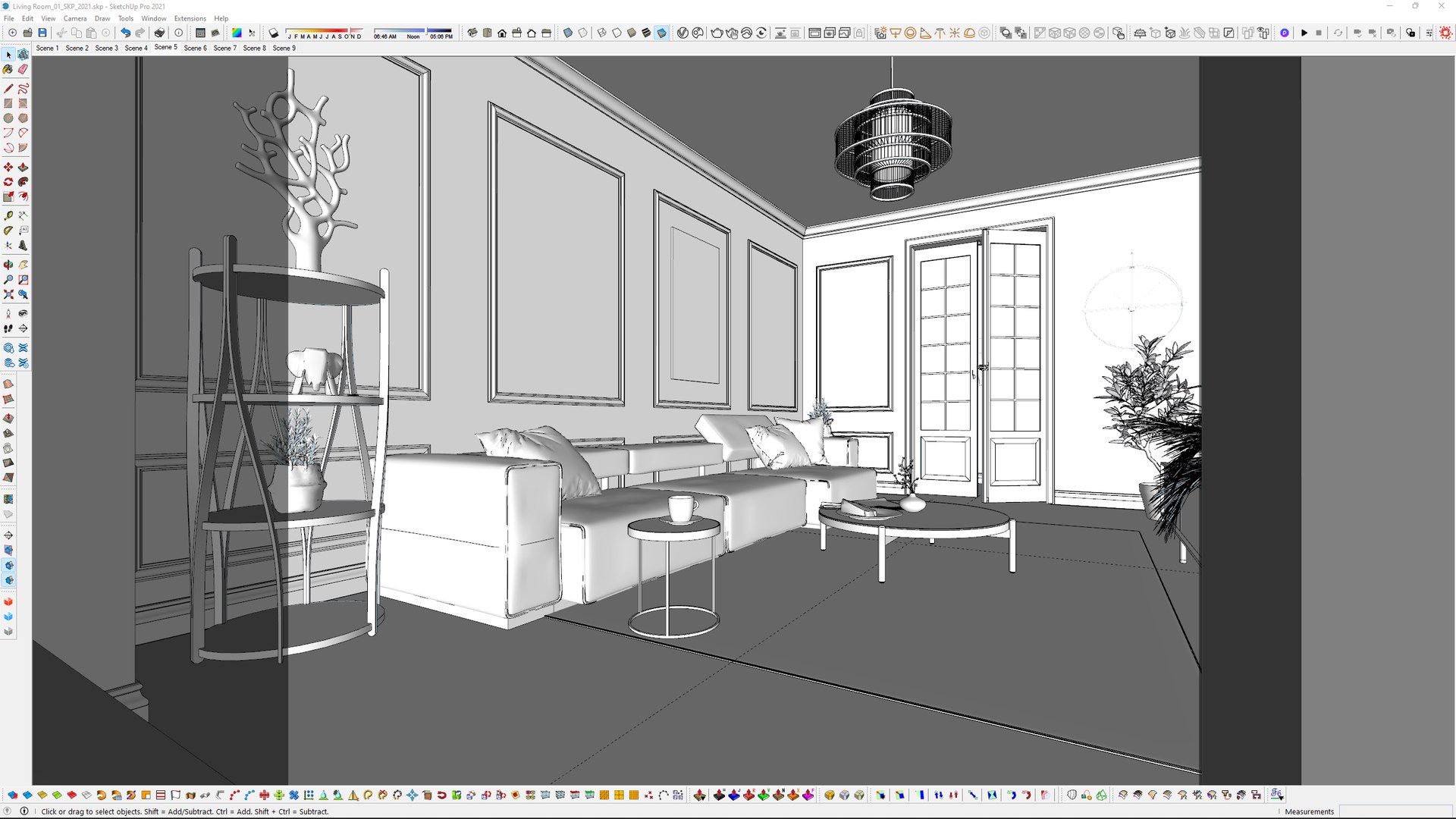
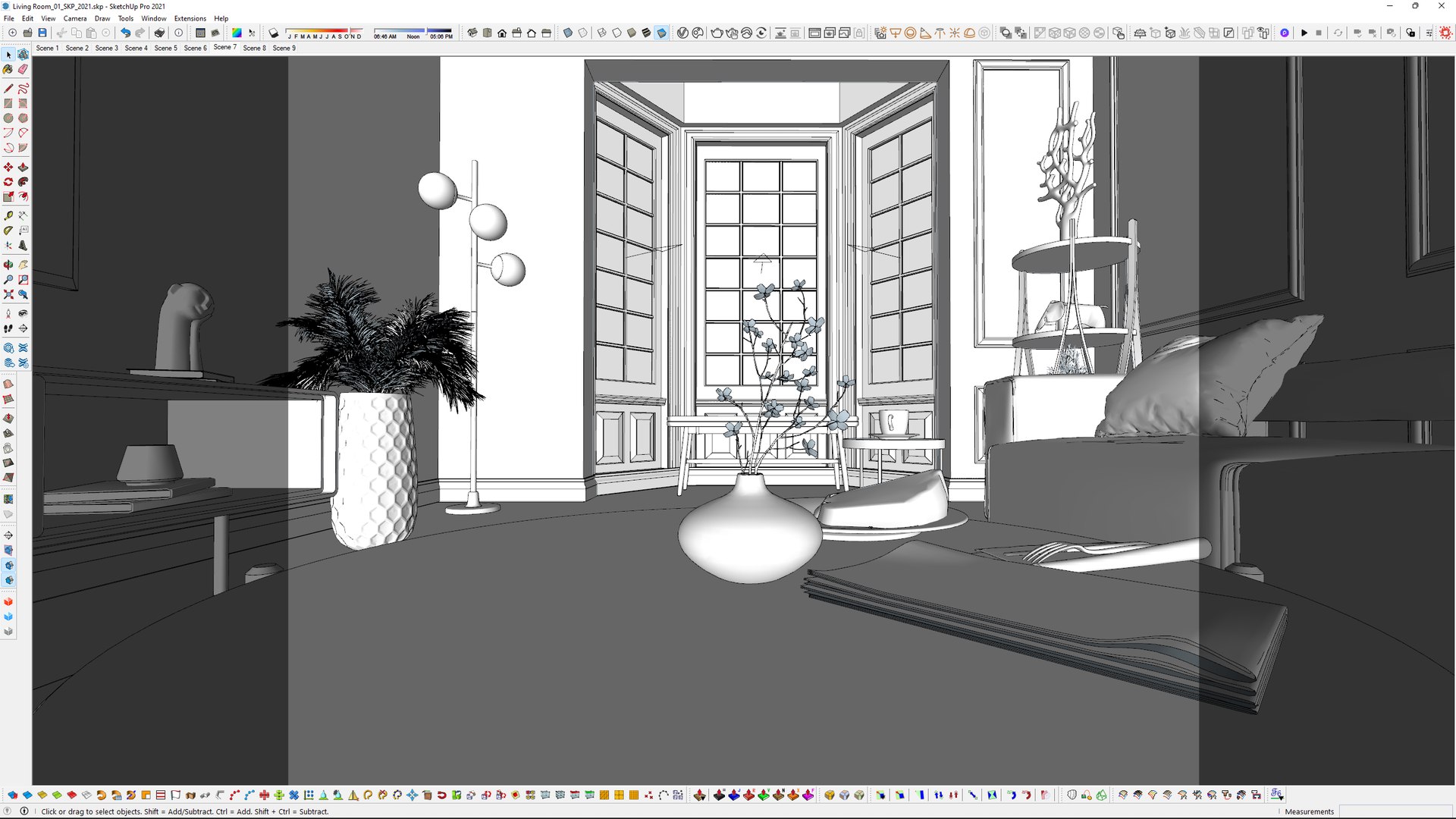
Originally created with SketchUp 2021, render V-Ray 5 and also saved as SketchUp 2017.

Click and render ready file (only for SKP format)

Model is included in 5 file formats. (SKP, FBX, OBJ, MAX, BLEND)

  • SketchUp 2021: 208MB
  • SketchUp 2017: 374MB
  • Blender: 181MB
  • 3D's Max 2019: 118MB
  • 3D's Max 2016: 118MB
  • Textures: 239MB

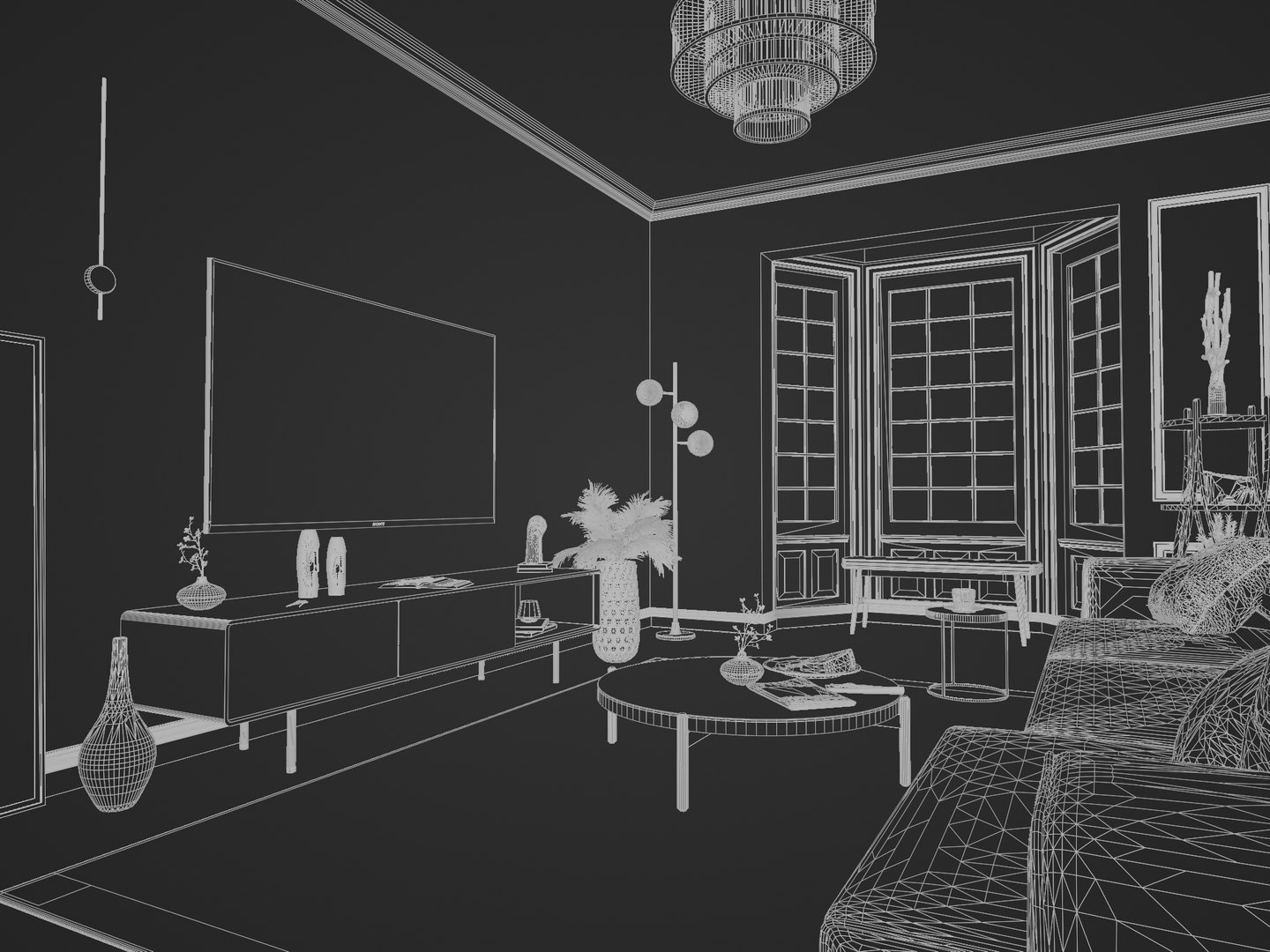
BLENDER file created with SketchUp importer add-on in BLENDER, I added basic light setup to see inside, it just needs to proper light setup and texture mapping adjustments for more realisim (Roughness, Metal, Bump, Displacement textures) etc.

FBX and OBJ formats are exported right from BLENDER 3.1

MAX File created with FBX

FBX is exported with textures.

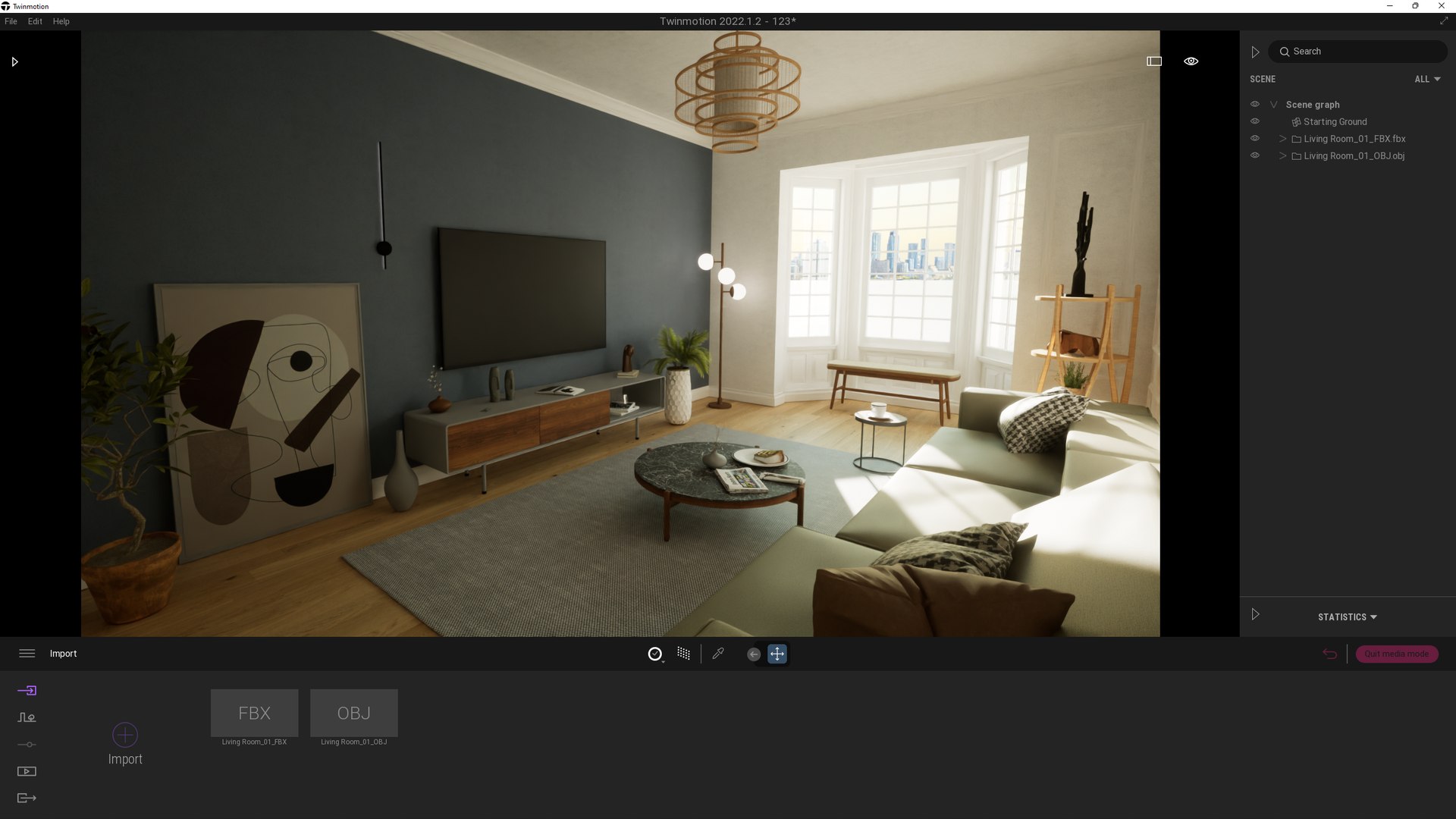
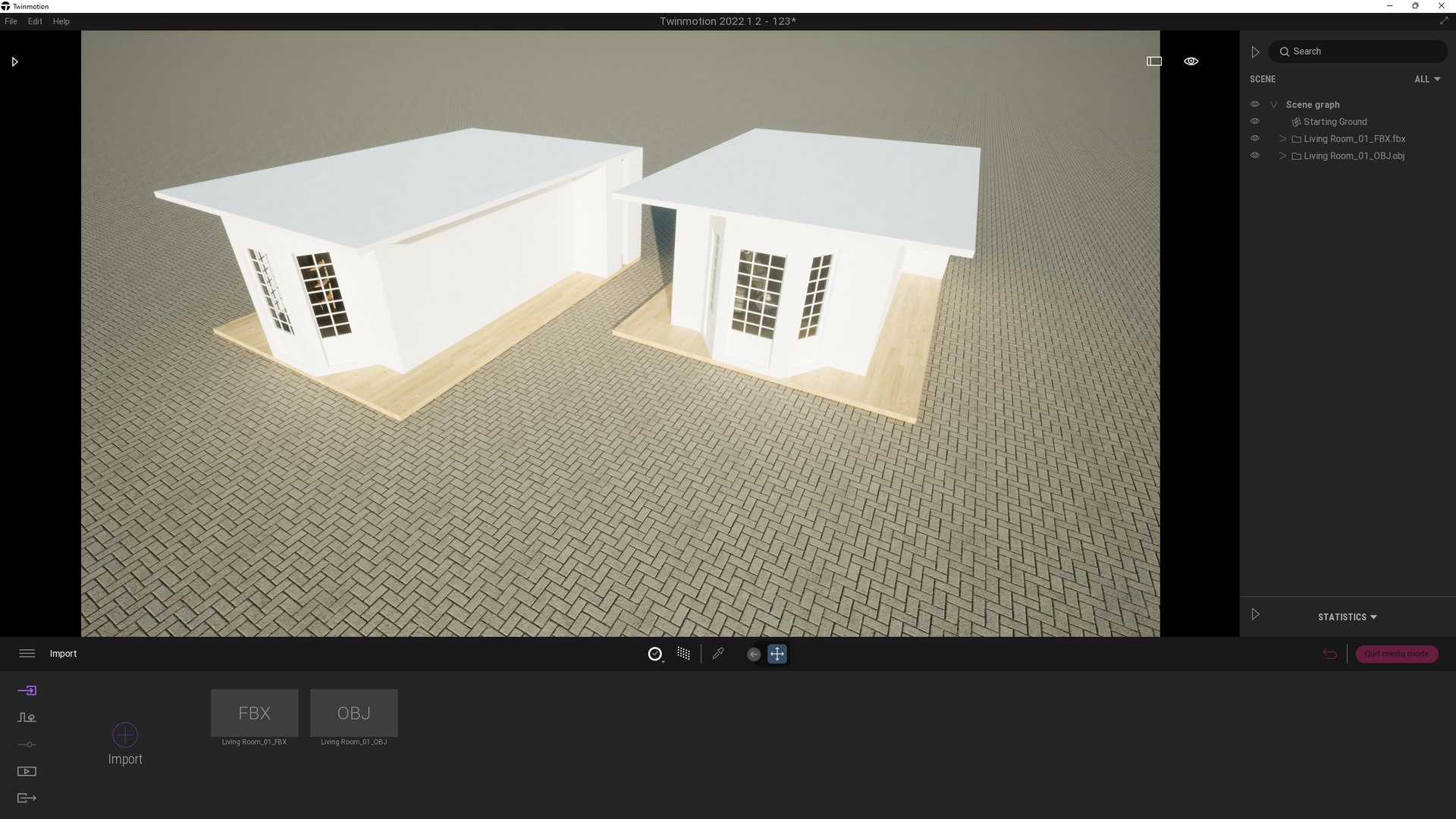
FBX and OBJ tested on Twinmotion.

79 HQ Textures are included.

Materials might need to be re-assigned for other applications.

Renders edited in Vray only no Photoshop used.

For SketchUp Users; Use these adjustments in down below

Scene1, 2, 3, 4, 5, 6,7 8, Render output aspect ratio should set to LANDSCAPE in Vray

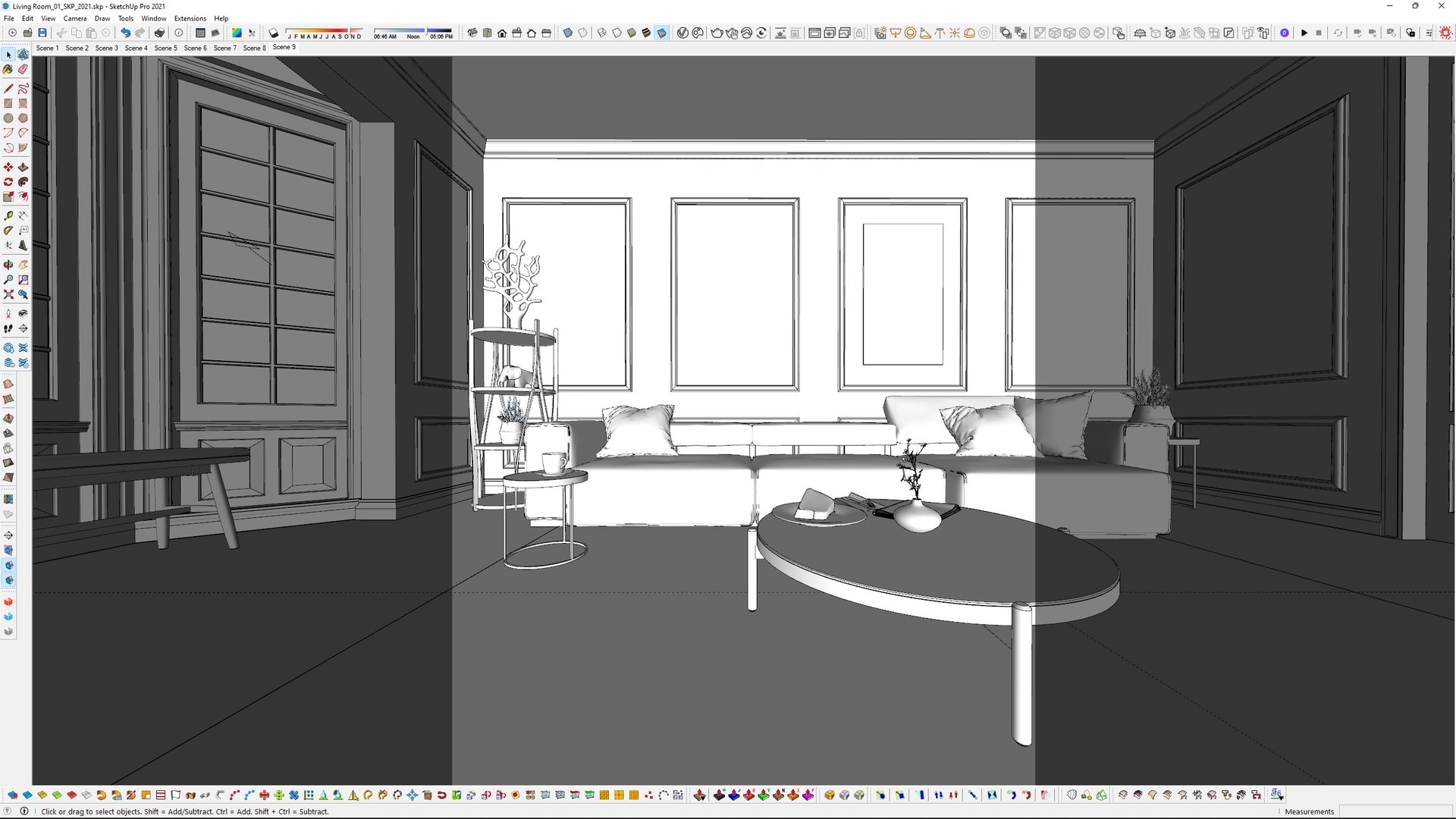
Scene9, Render output aspect ratio should set to PORTRAIT in Vray

Hope you enjoy using it.

Select Enhanced License

  • $10,000 in Legal Protection (Indemnification)
  • Uncapped Legal Protection (Indemnification)
  • Waiver from injunctive relief
  • Assignable model rights
  • $1,000,000 in Legal Protection (Indemnification)
  • Waiver from injunctive relief
  • Assignable model rights
  • $250,000 in Legal Protection (Indemnification)
  • Assignable model rights
Read more about enhanced license tiers, or contact us at enterprise@turbosquid.com. Already a Shutterstock Enterprise Customer? Contact your Shutterstock Sales Support Agent to talk about adding 3D.

About Conversion Requests

To submit a conversion request for a purchased asset, please complete our Conversion Request Form.

If you have not yet purchased a model, please review our Documentation about Conversions to learn about what limitations you may encounter with a conversion.

For any additional questions about a model’s suitability for conversion, please contact TurboSquid Support.

Loading...