
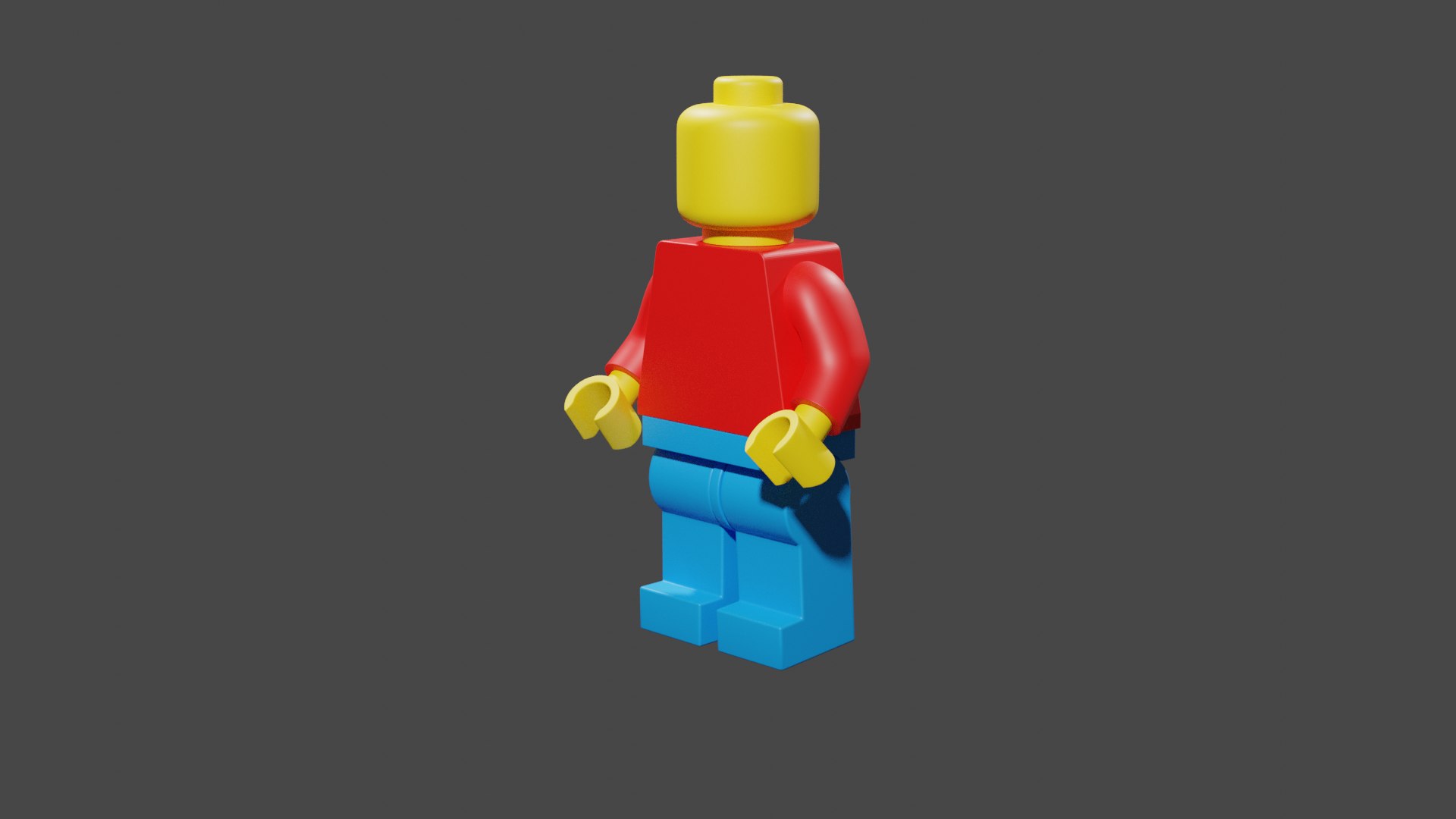
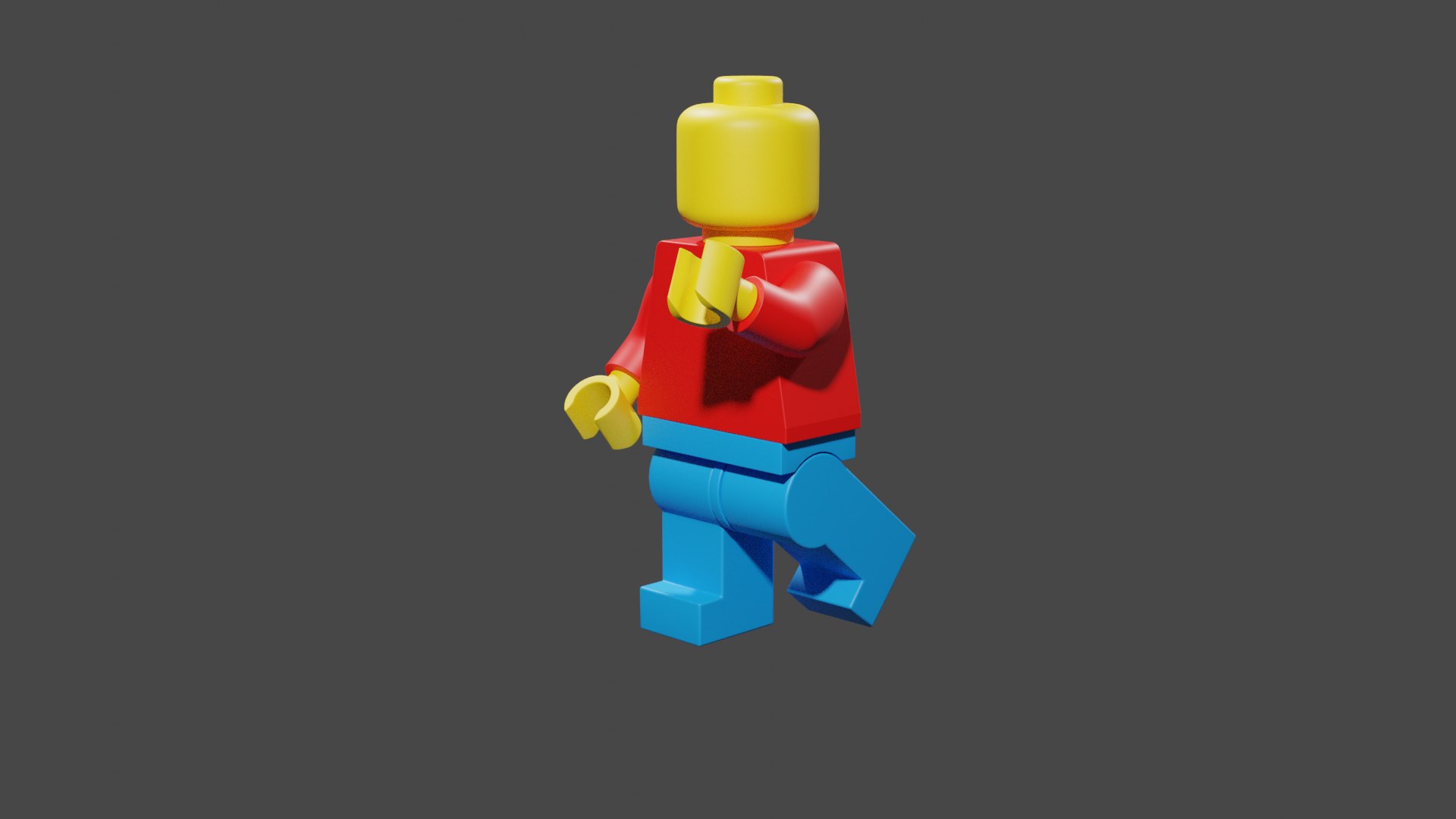
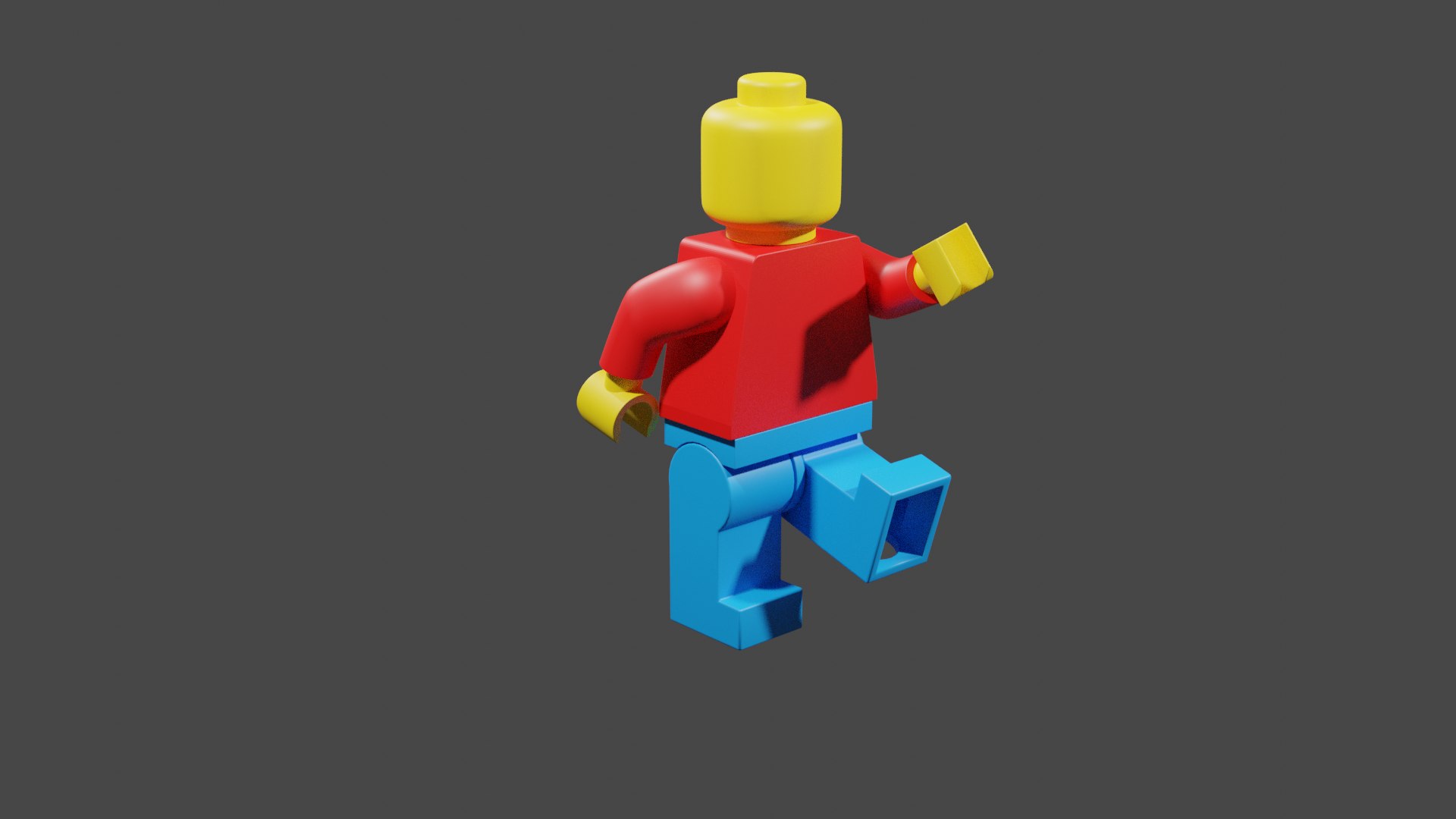
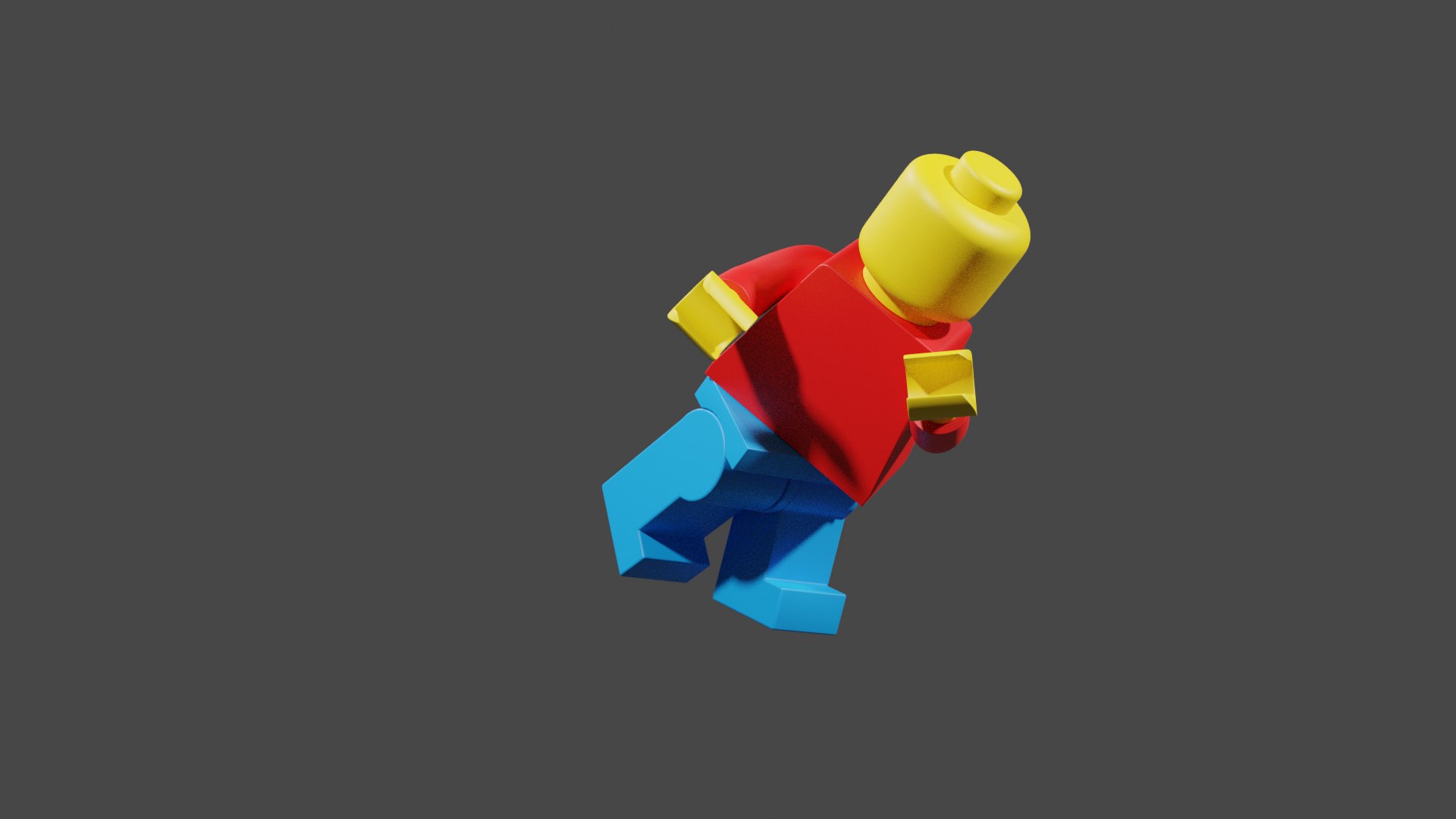
legoMan

$5

Standard License | Upgrade License
Editorial Uses Only
Formats (1)
Blender 2.83 | Cycles Render
Other Files
legoMan1Render.png
Specifications
Publish Date July 18, 2020
Product ID 1592975
Polygons 57,689
Vertices 58,097
Unknown Geometry
Textures
Materials
Rigged
member avatar
Aligian
1 Products | Contributor Since 2020
Have questions? Chat with us now.

Description

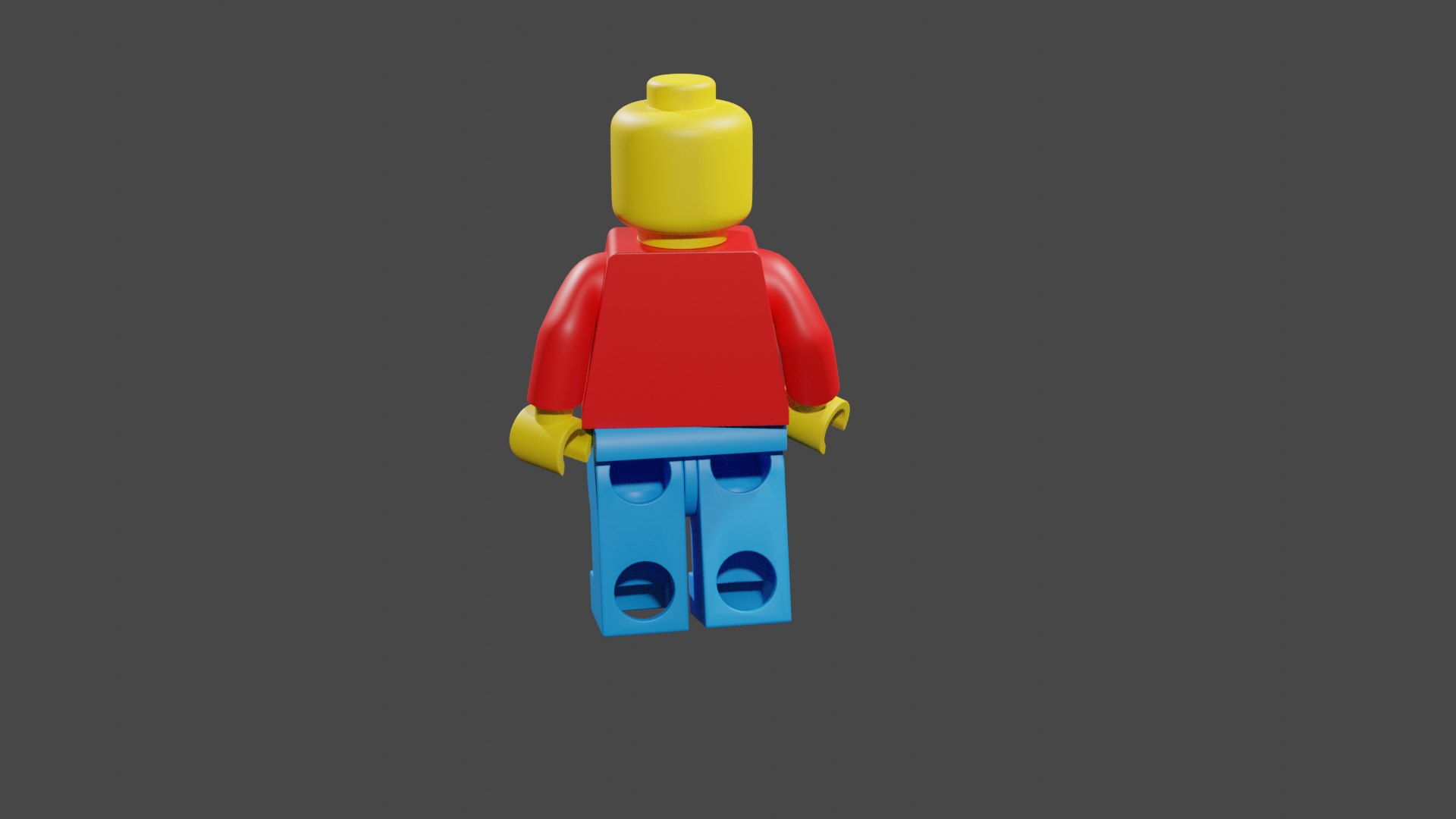
This is my very first Lego model. Im a Computer Science student with 1 semester left, so I thought a good way to celebrate was to make a lego animation. Maybe I will if I ever get enough time. Probably should be finishing my programming project instead of creating 3D models.
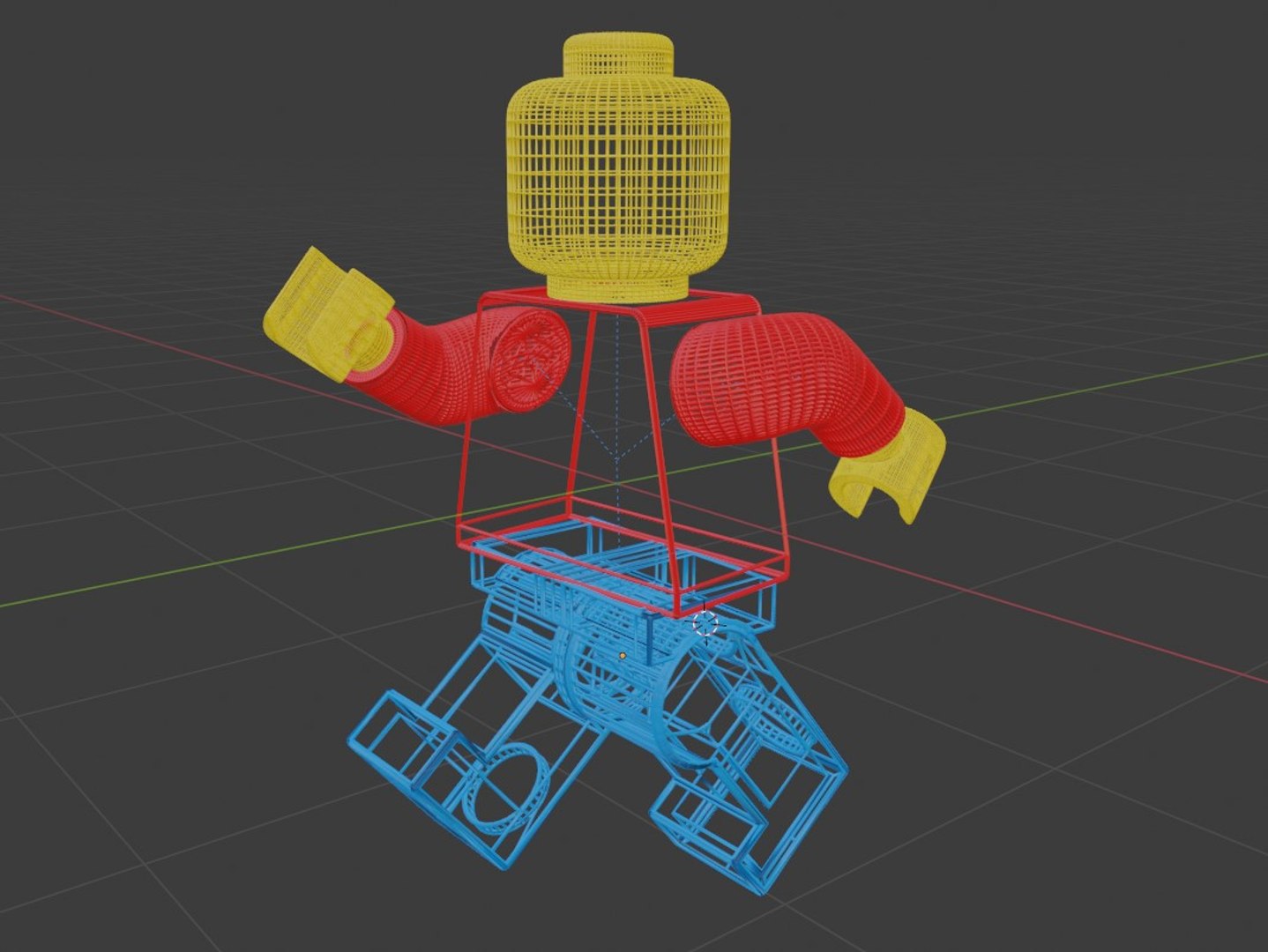
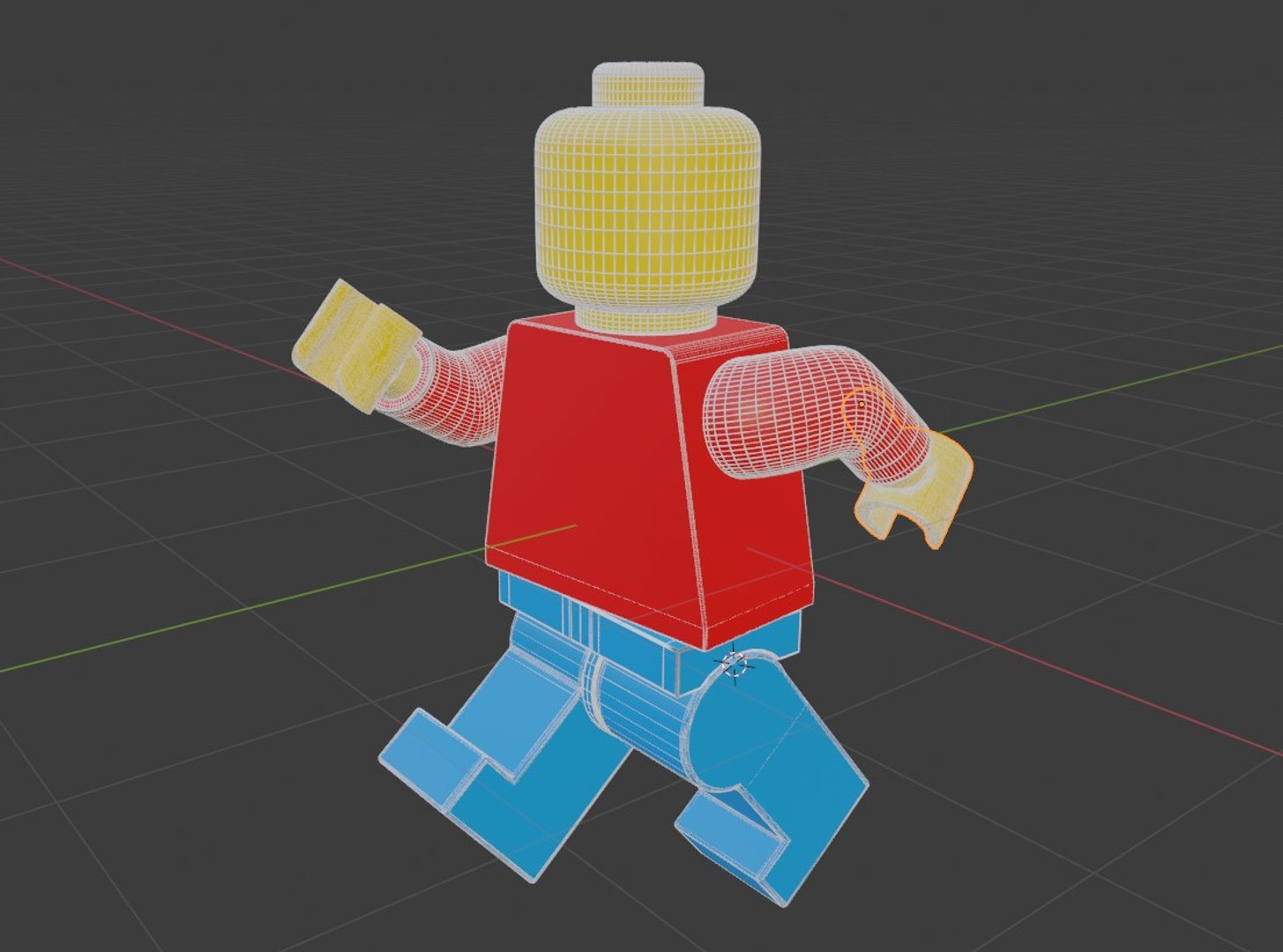
That being said; this is my first model. After I put the wireframe modifier on each piece, I saw the infinite running lines and I thought I had messed up, so I went into edit mode and delete a bunch of vertices. After watching BlenderGuru, I realize I didnt have to do that now, but oh well. It works though.
This character is ready to animate. I decided not to add a face and mouth because of personalization.
There are no scripts! There are textures, but its just the basic colors without reflecting: yellow, blue, and red.
There are also constraints, but its not locked down hard. The pieces move the way theyre supposed to, except the head. The head can move more than it should, but that can be controlled during animation.
Also, when I was trying to render the wireframe, I got nothing but a blur. I used Microsofts snipping tool to screenshot it that way.
Not really sure what else to put here. Let me know how I did!

Select Enhanced License

  • $10,000 in Legal Protection (Indemnification)
  • Uncapped Legal Protection (Indemnification)
  • Waiver from injunctive relief
  • Assignable model rights
  • $1,000,000 in Legal Protection (Indemnification)
  • Waiver from injunctive relief
  • Assignable model rights
  • $250,000 in Legal Protection (Indemnification)
  • Assignable model rights
Read more about enhanced license tiers, or contact us at enterprise@turbosquid.com. Already a Shutterstock Enterprise Customer? Contact your Shutterstock Sales Support Agent to talk about adding 3D.

About Conversion Requests

To submit a conversion request for a purchased asset, please complete our Conversion Request Form.

If you have not yet purchased a model, please review our Documentation about Conversions to learn about what limitations you may encounter with a conversion.

For any additional questions about a model’s suitability for conversion, please contact TurboSquid Support.

Loading...