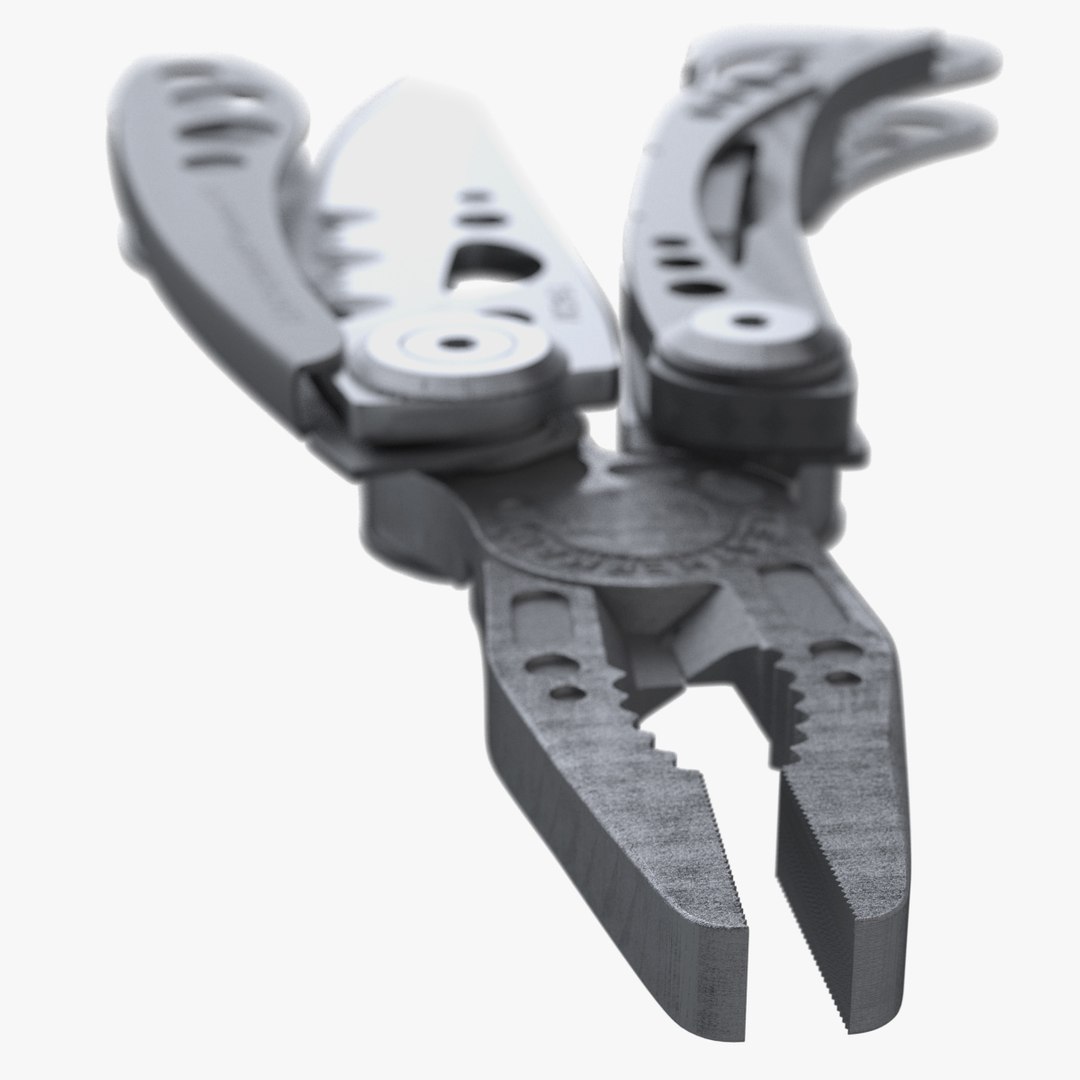
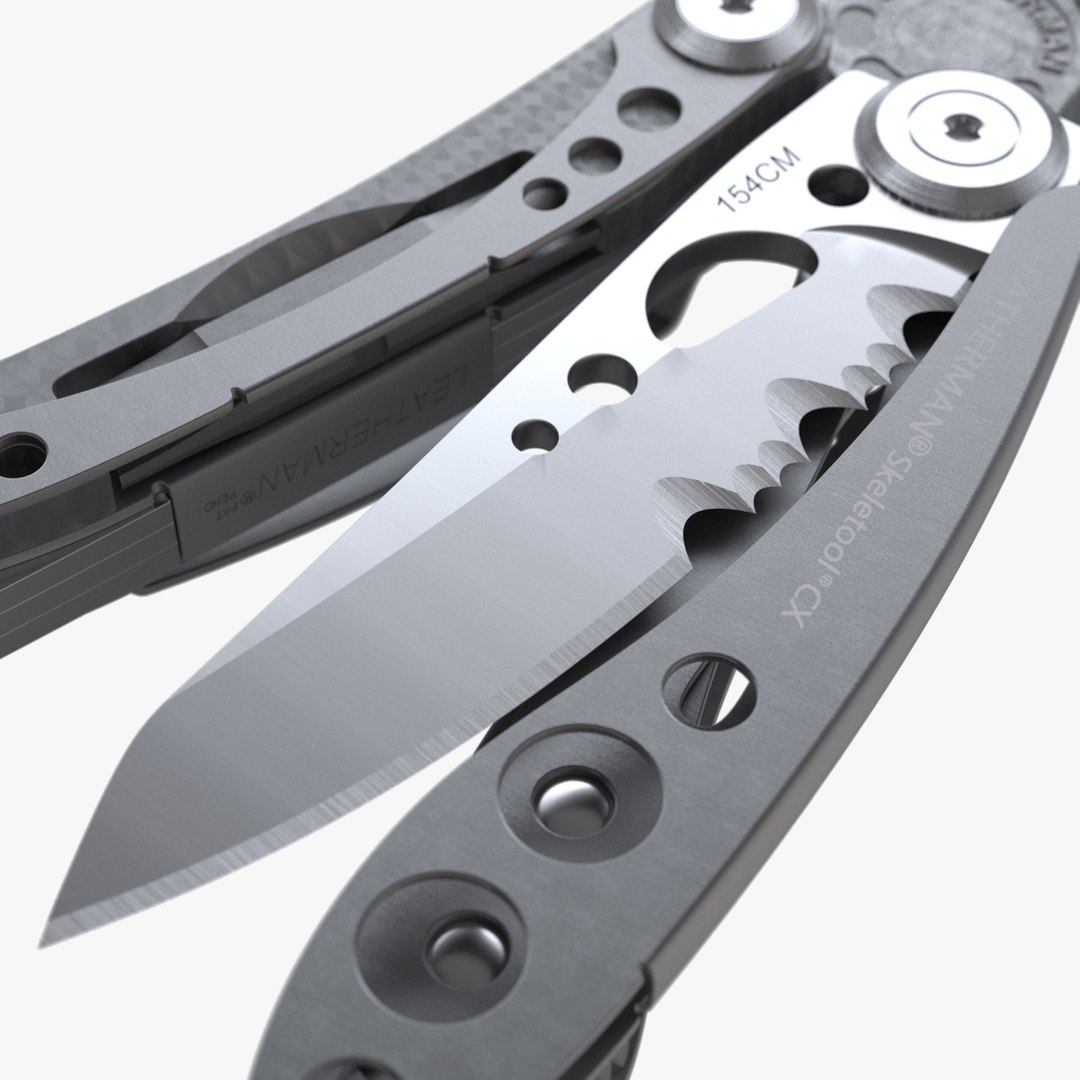
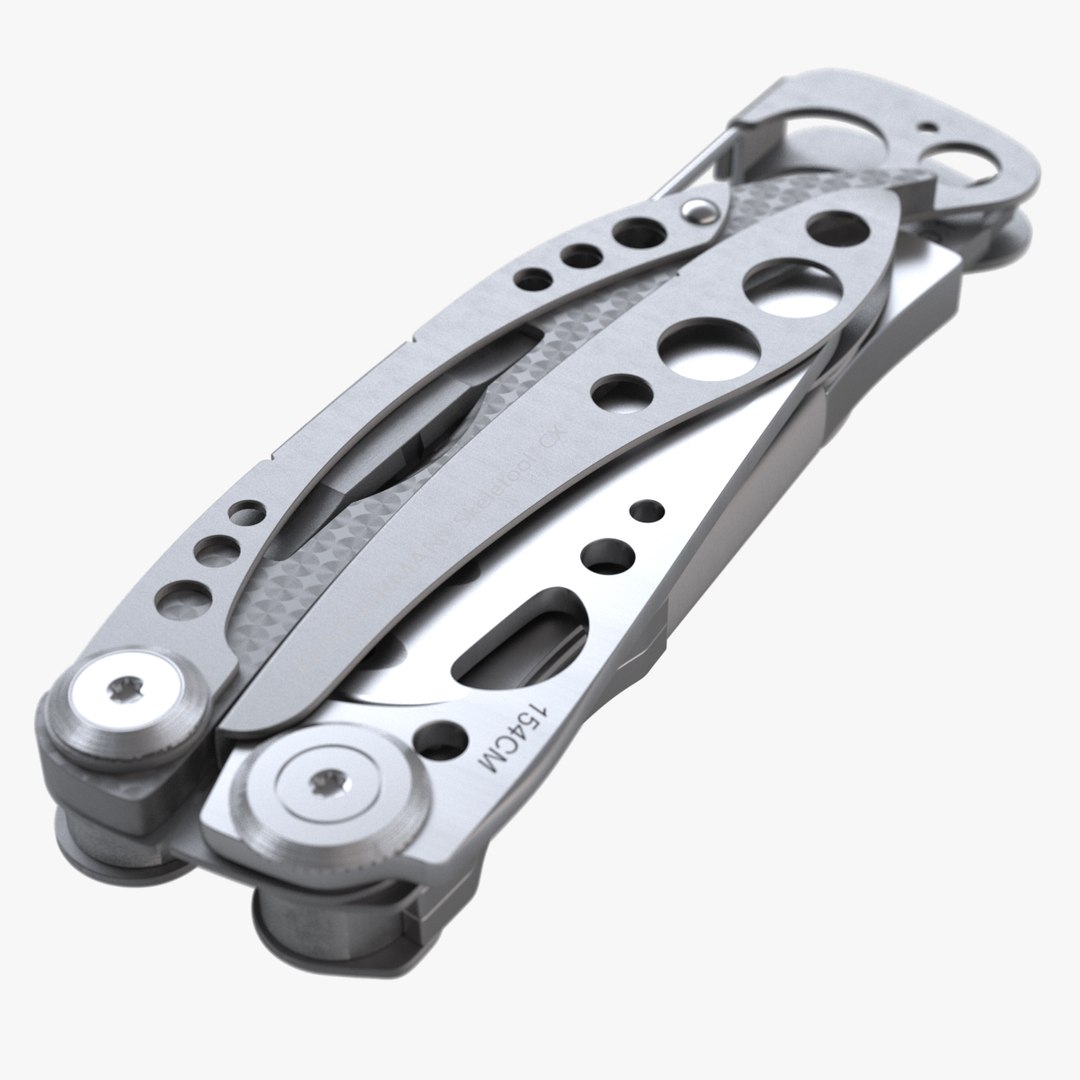
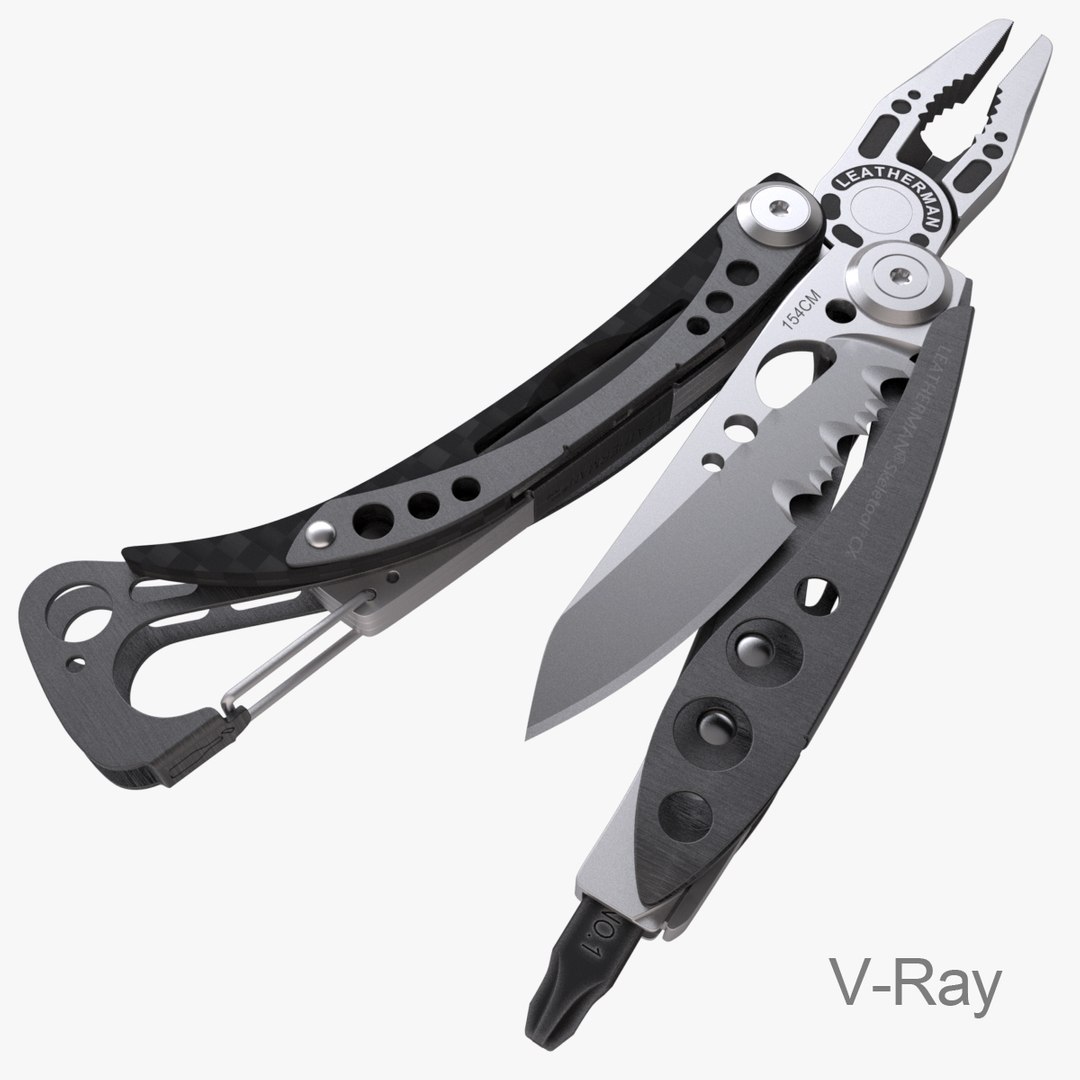
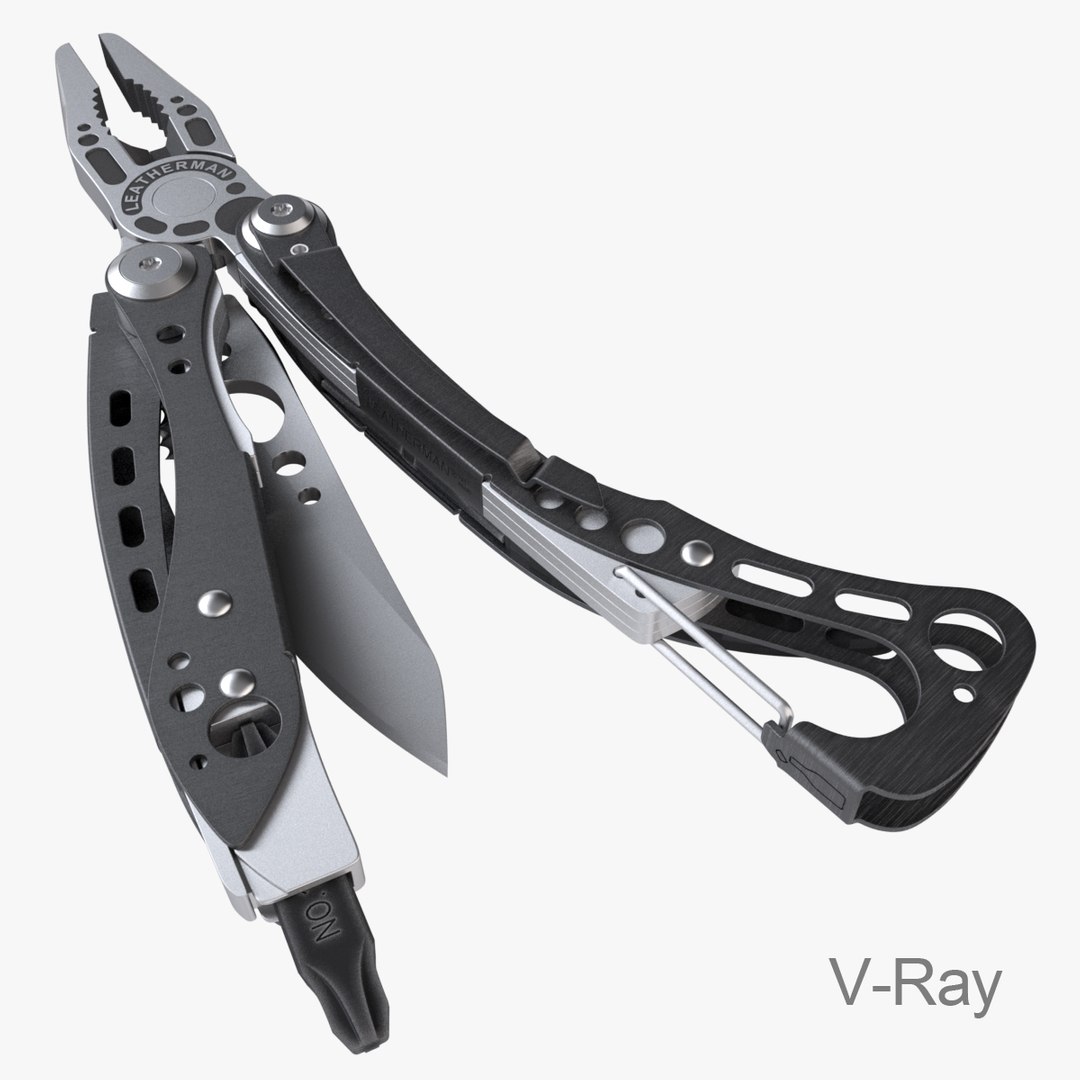
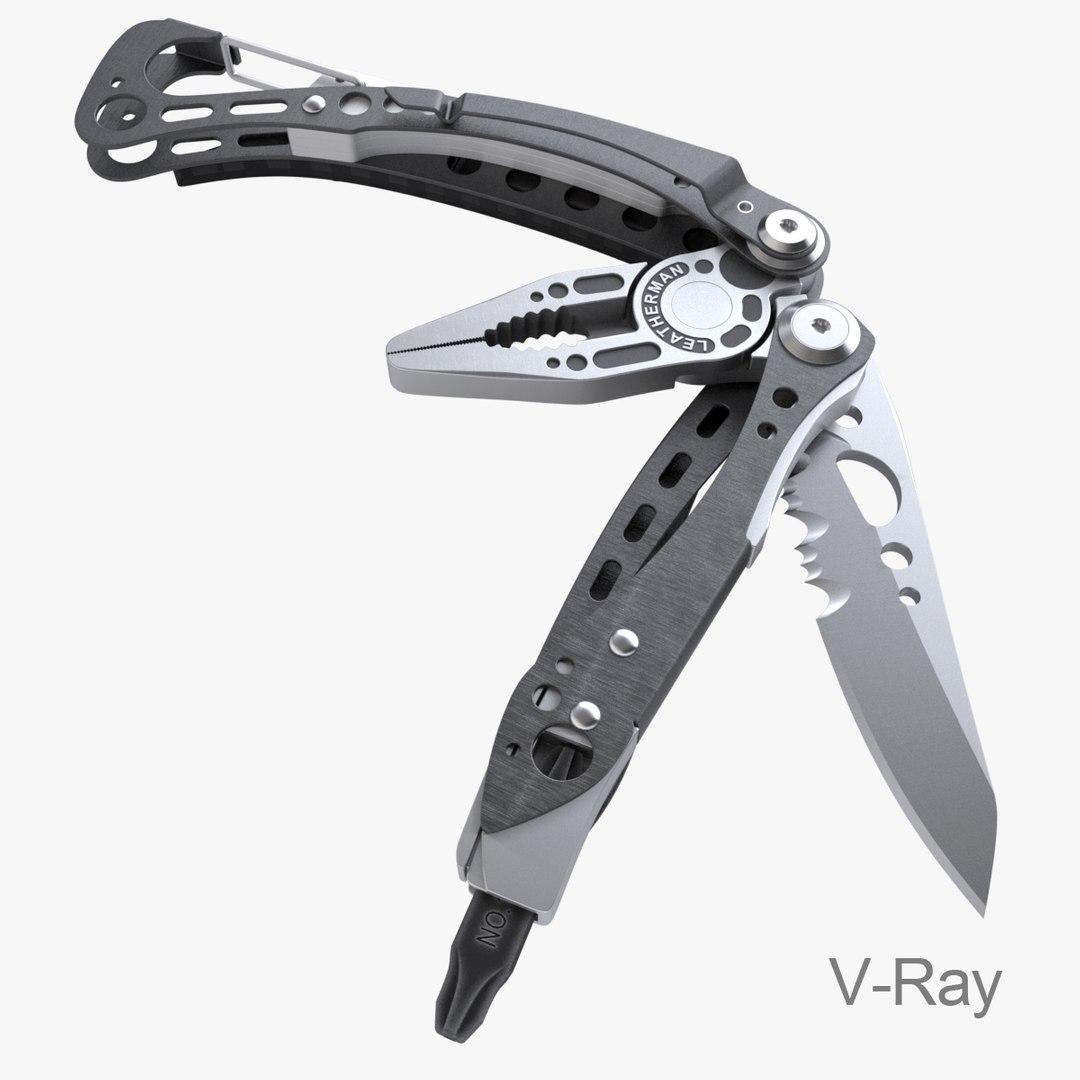
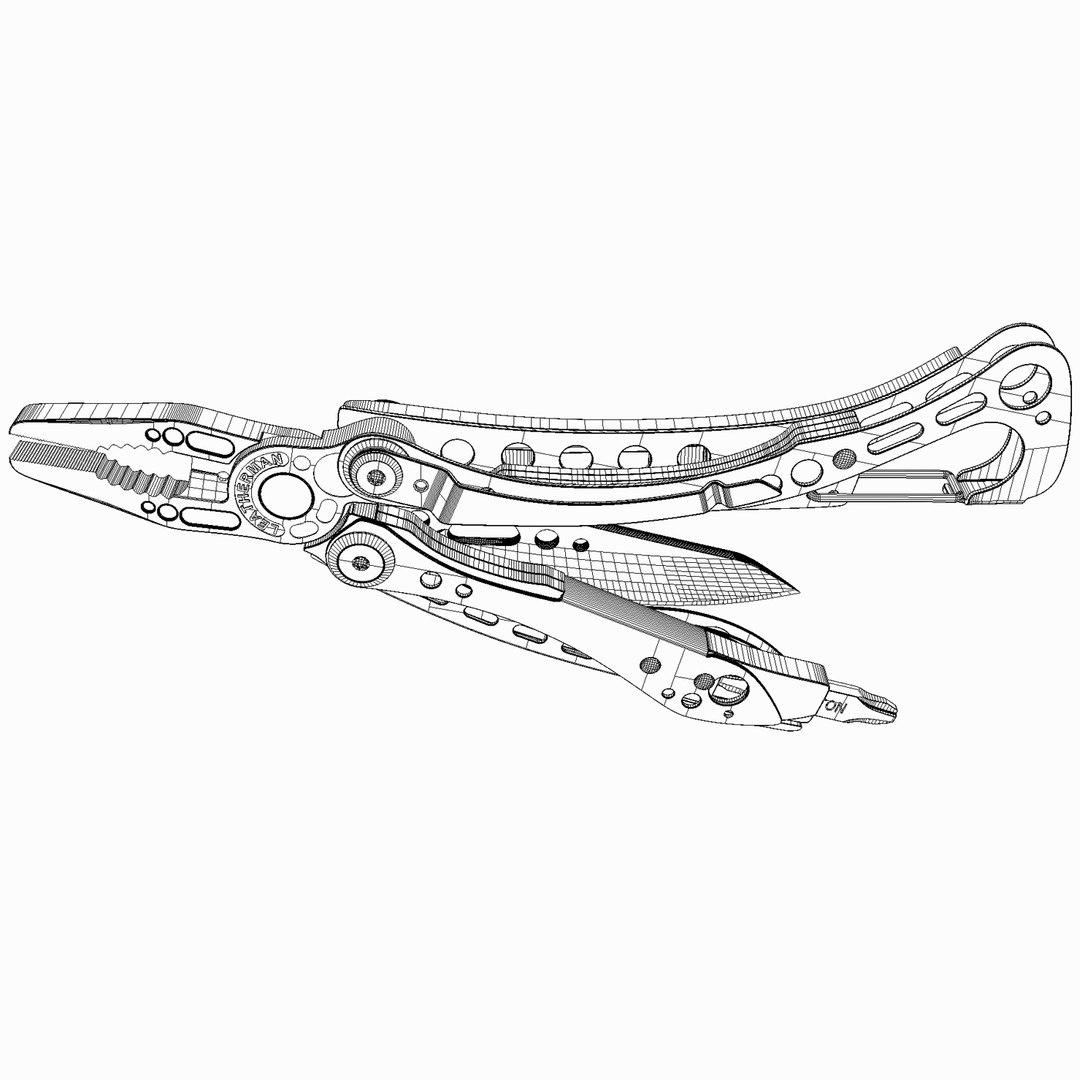
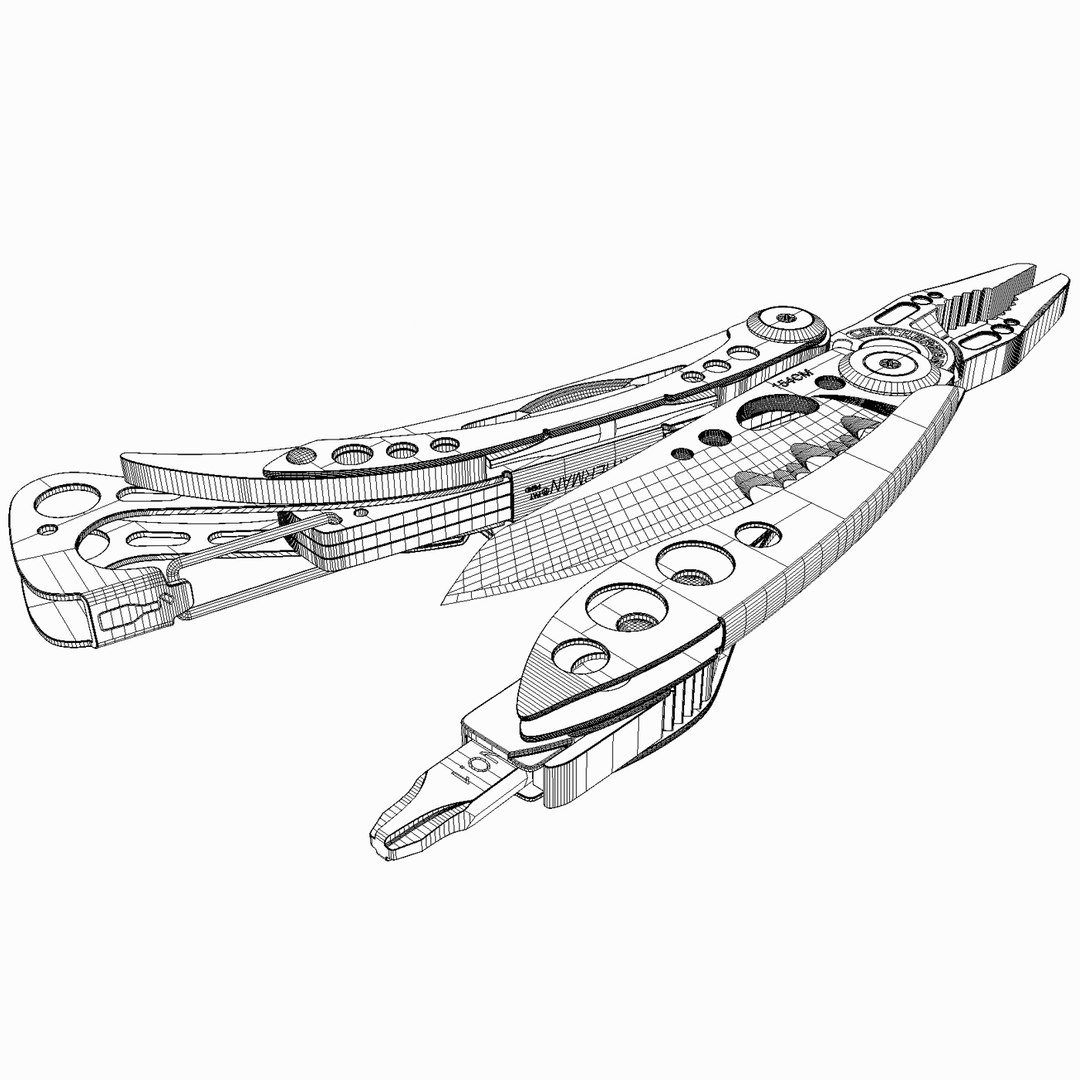
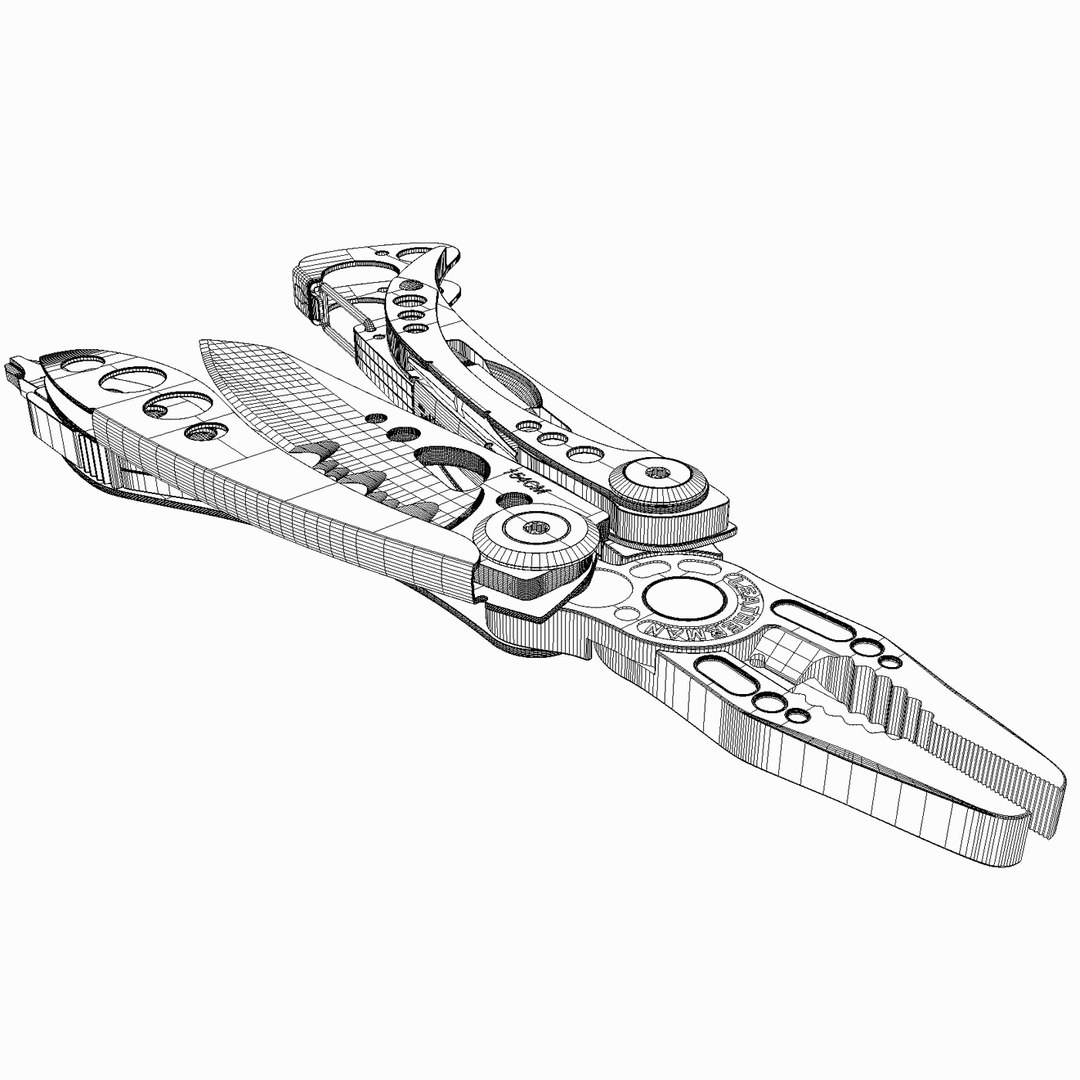
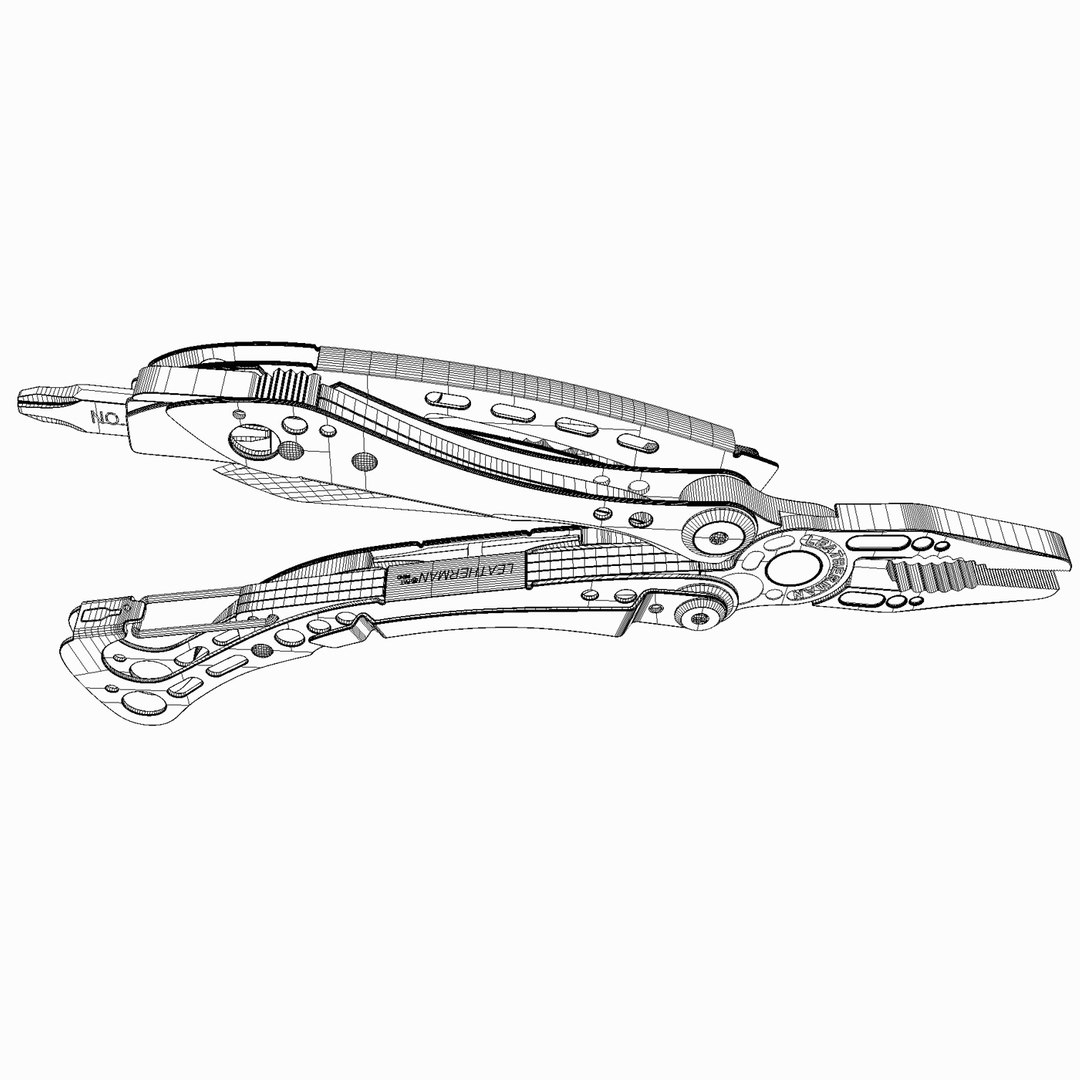
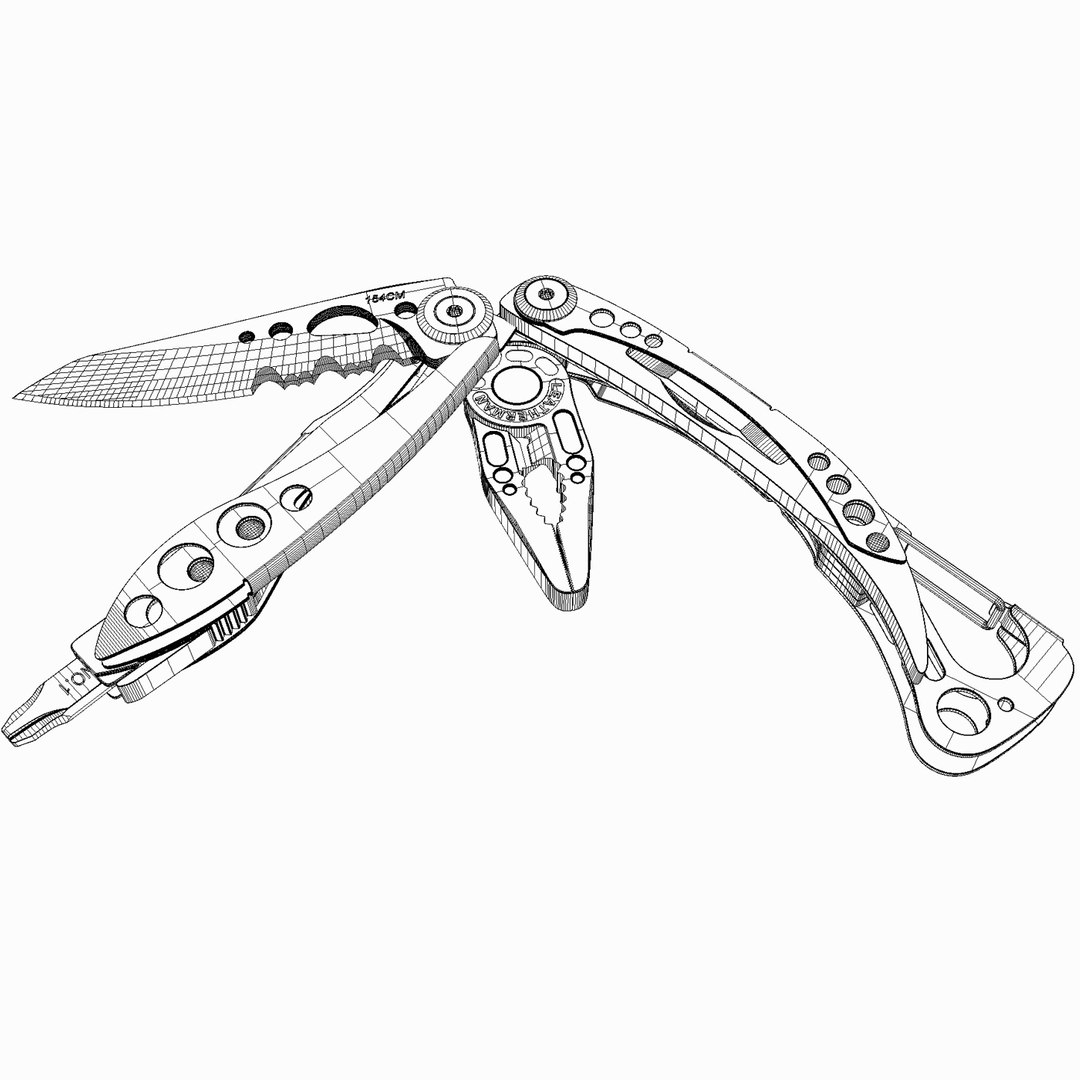
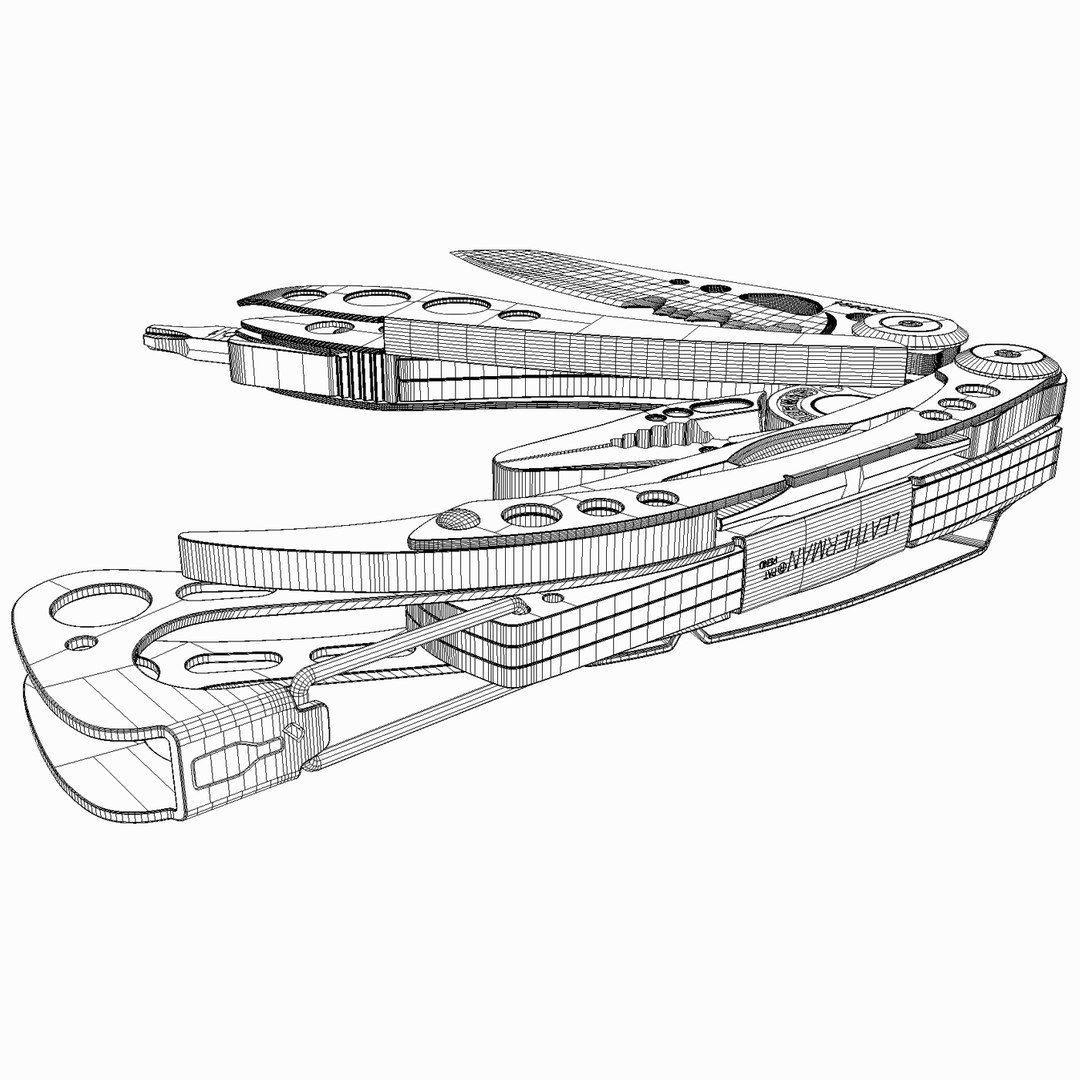
Leatherman Skeletool CX

$59

Standard License | Upgrade License
Editorial Uses Only
Formats (9)
Free file format Conversions available
Native | 3ds Max 2013 | Maxwell 2.7
3ds Max 2010 | Maxwell 2.7
3ds Max 2010 | V-Ray 2.4
Rhino
3D Studio
FBX
IGES
OBJ
Other Textures
Specifications
Publish Date August 03, 2013
Product ID 758154
Polygons 97,736
Vertices 125,818
Polygonal Ngons Used
Textures
Materials
UV Mapped
TurboSquid Exclusive
member avatar
android99
211 Products | Contributor Since 2009
Have questions? Chat with us now.

Description

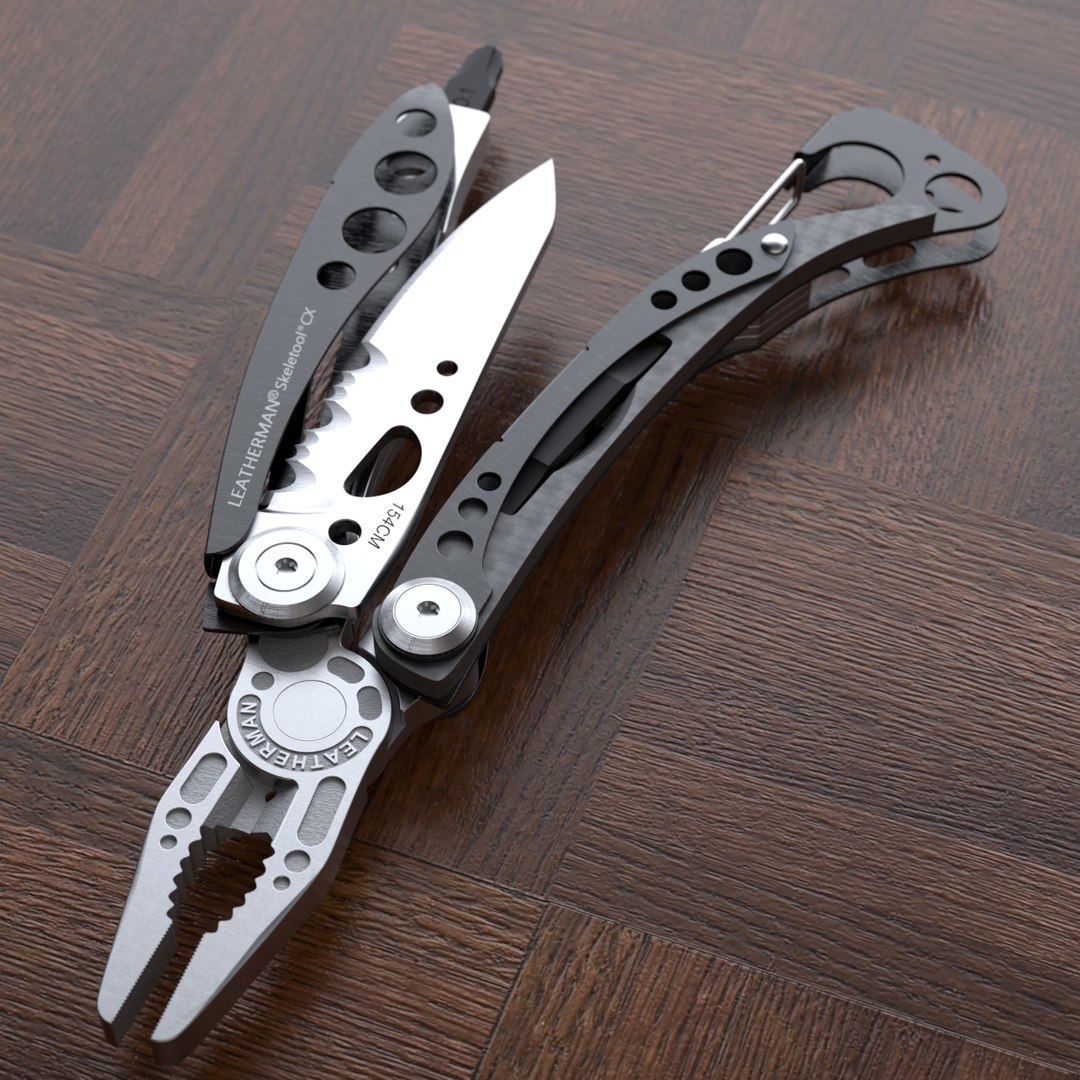
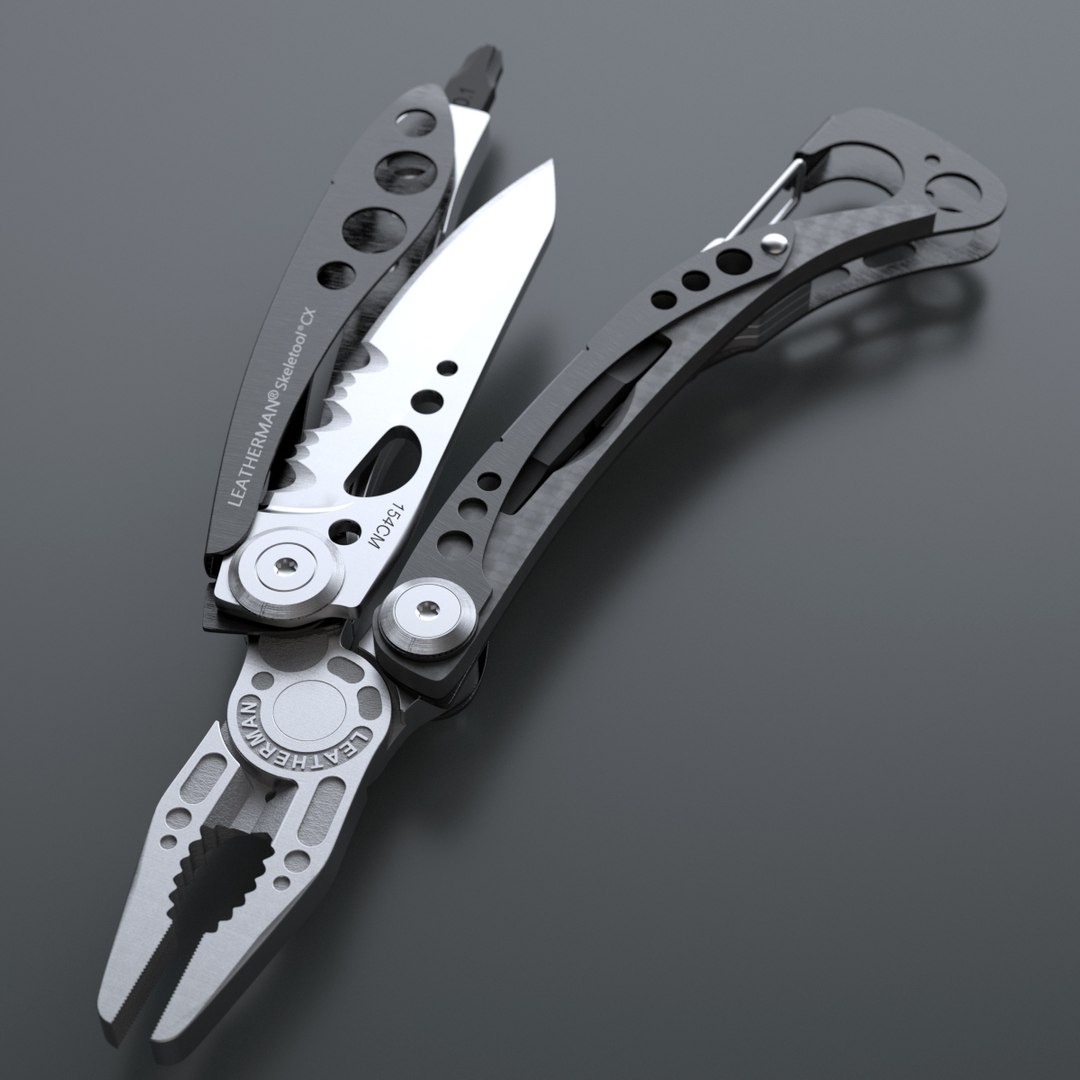
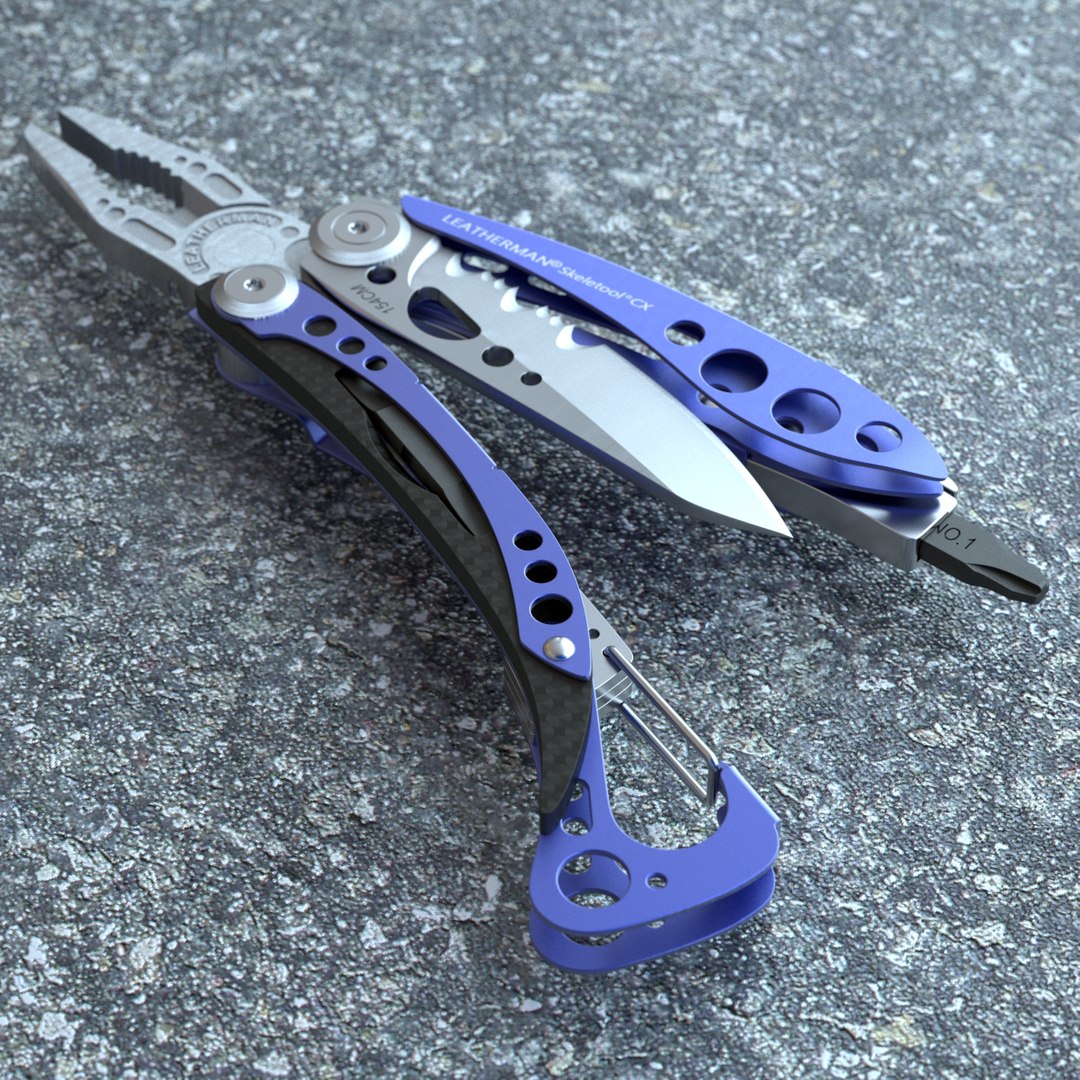
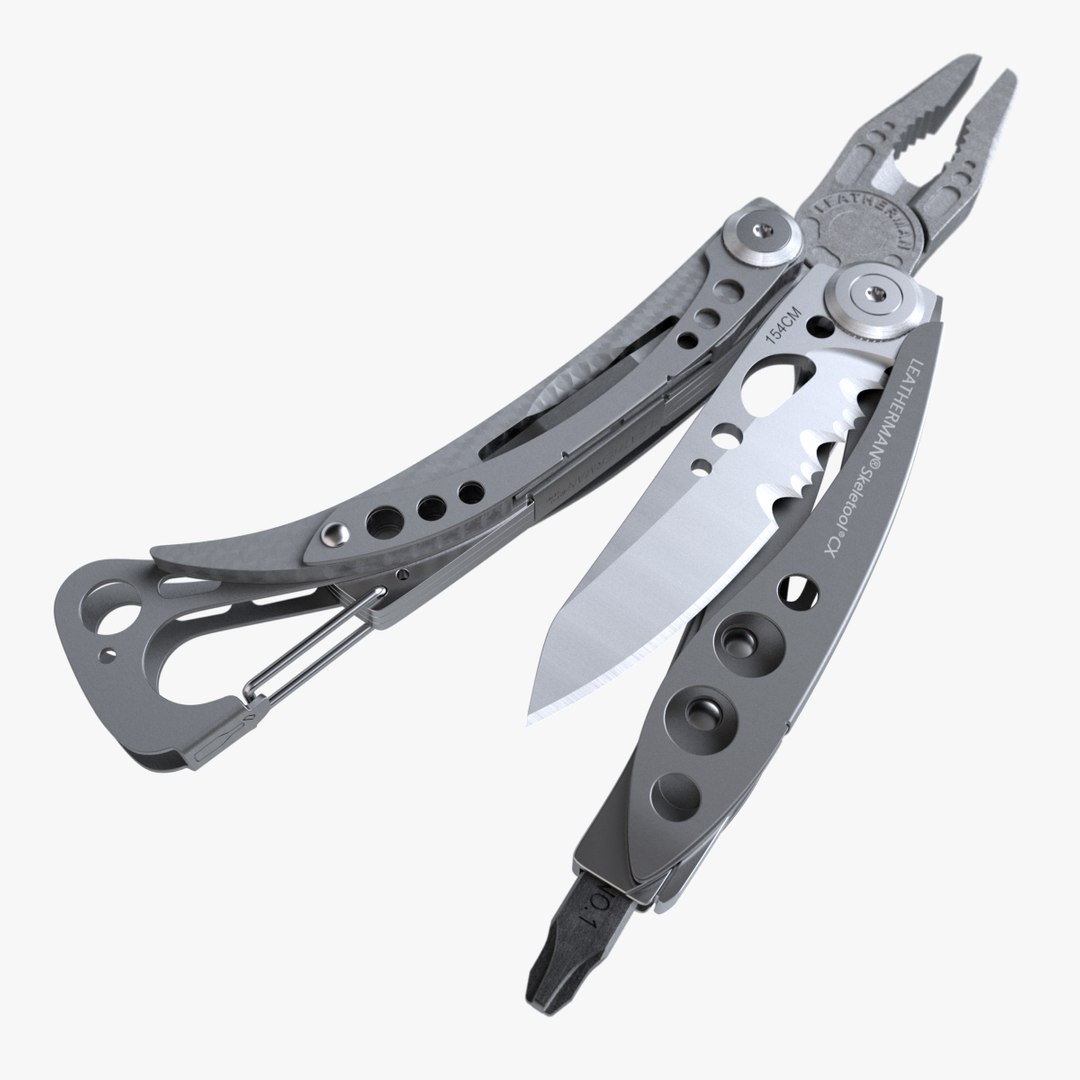
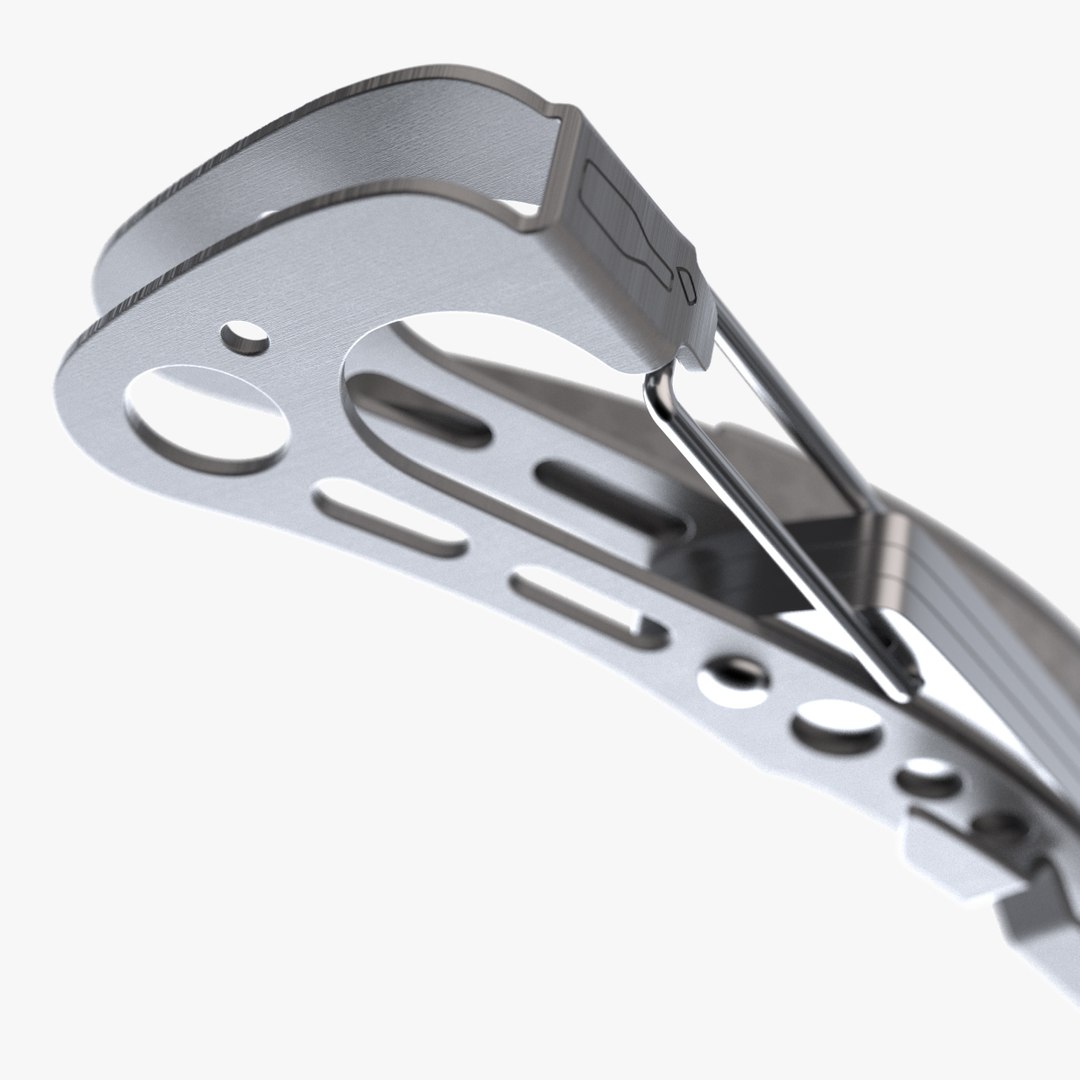
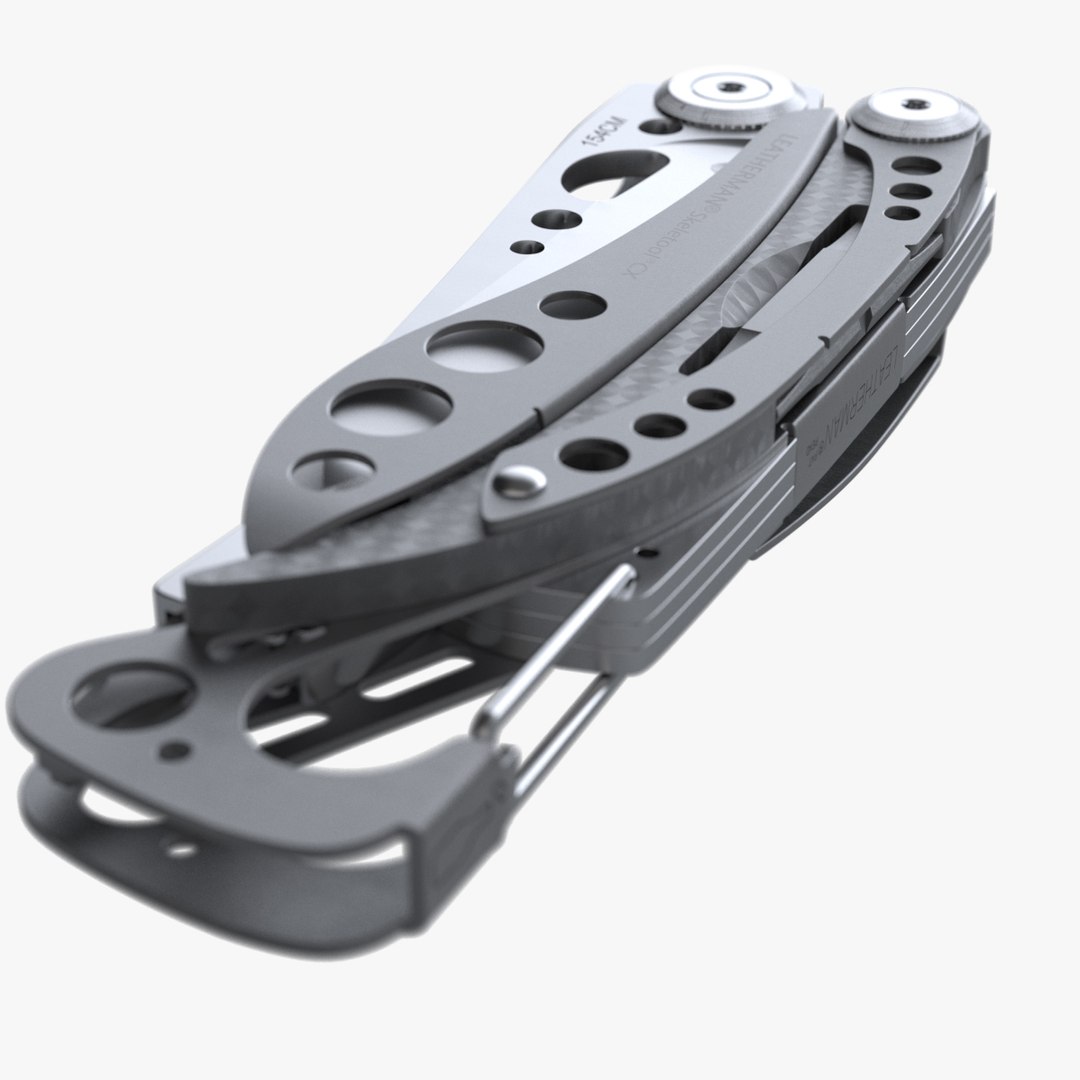
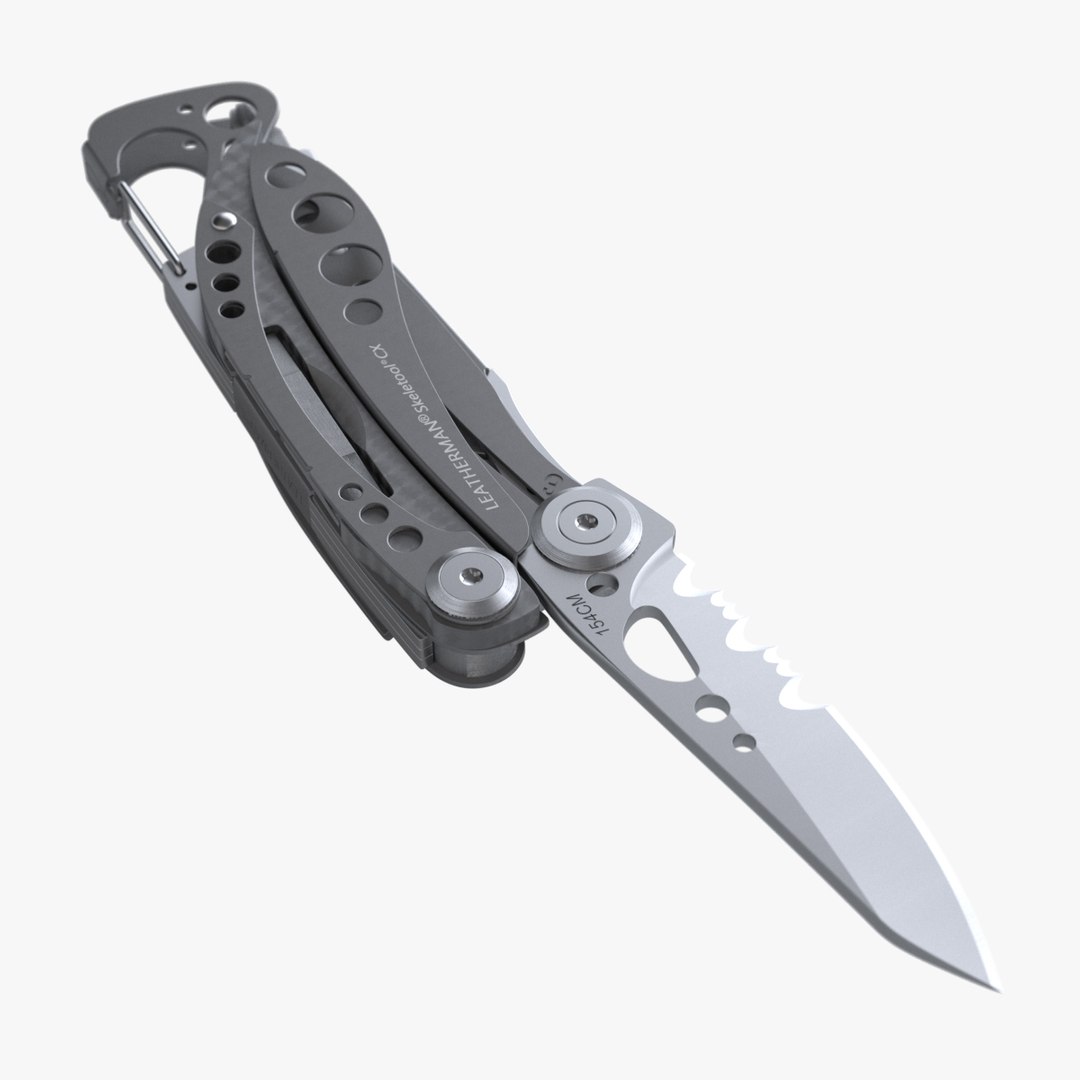
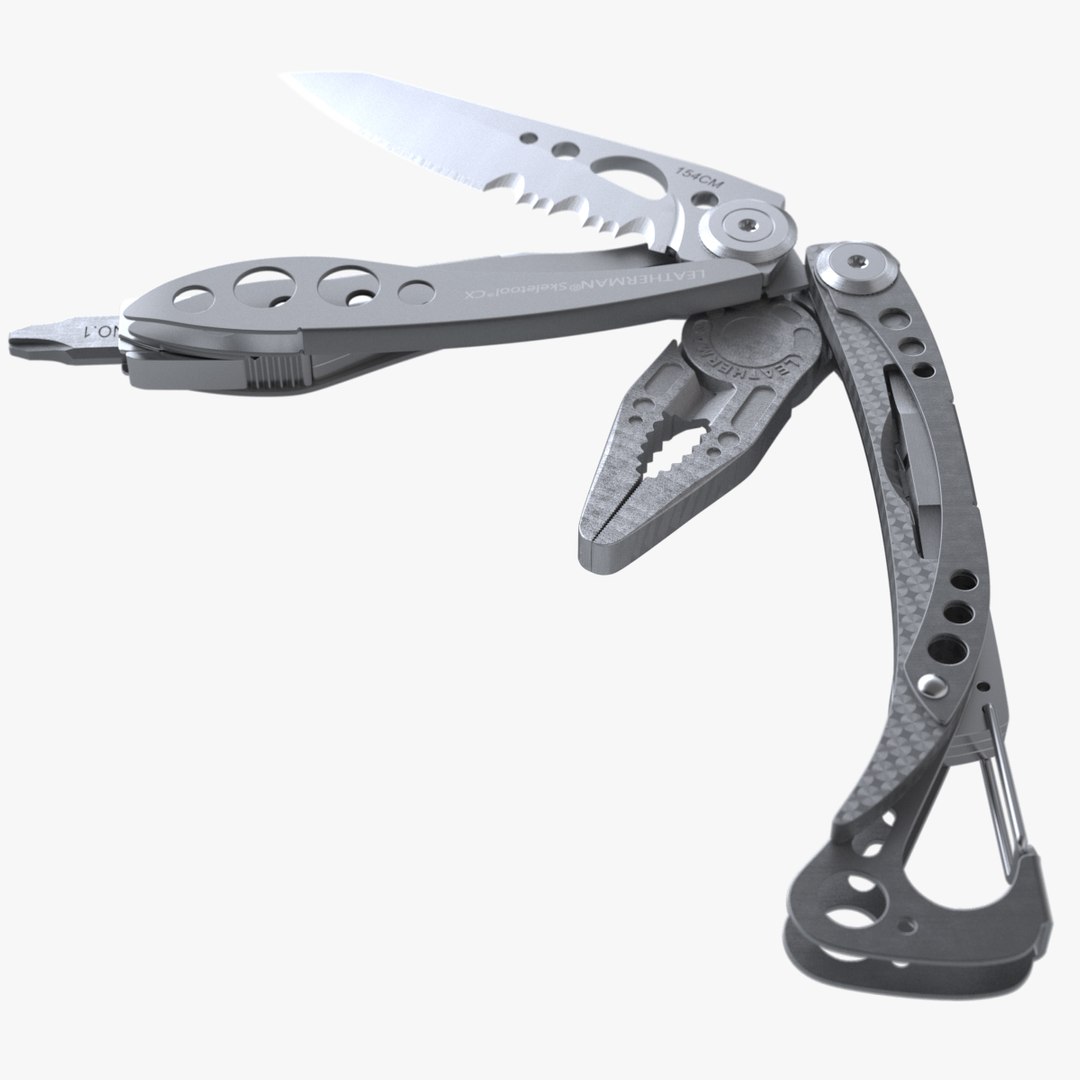
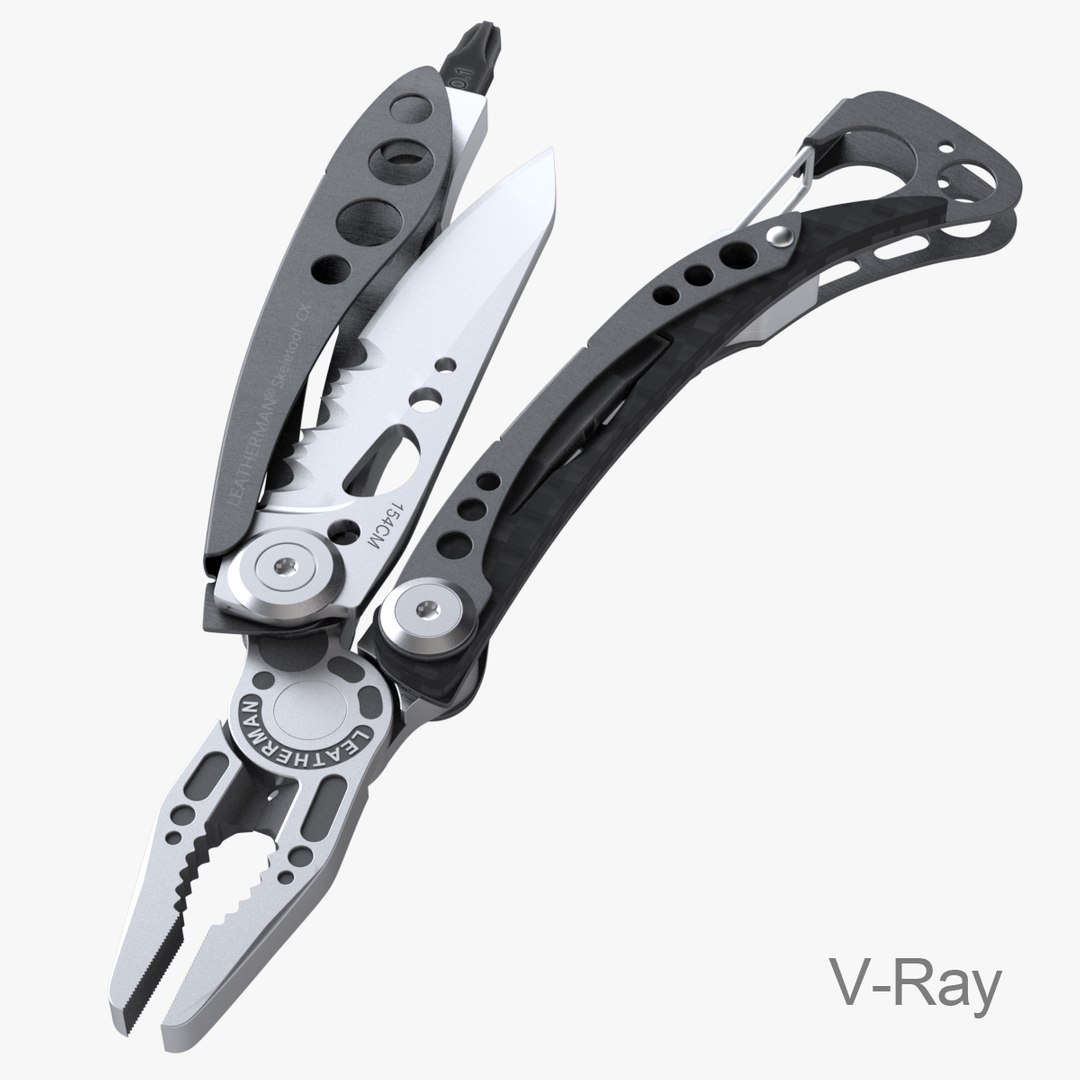
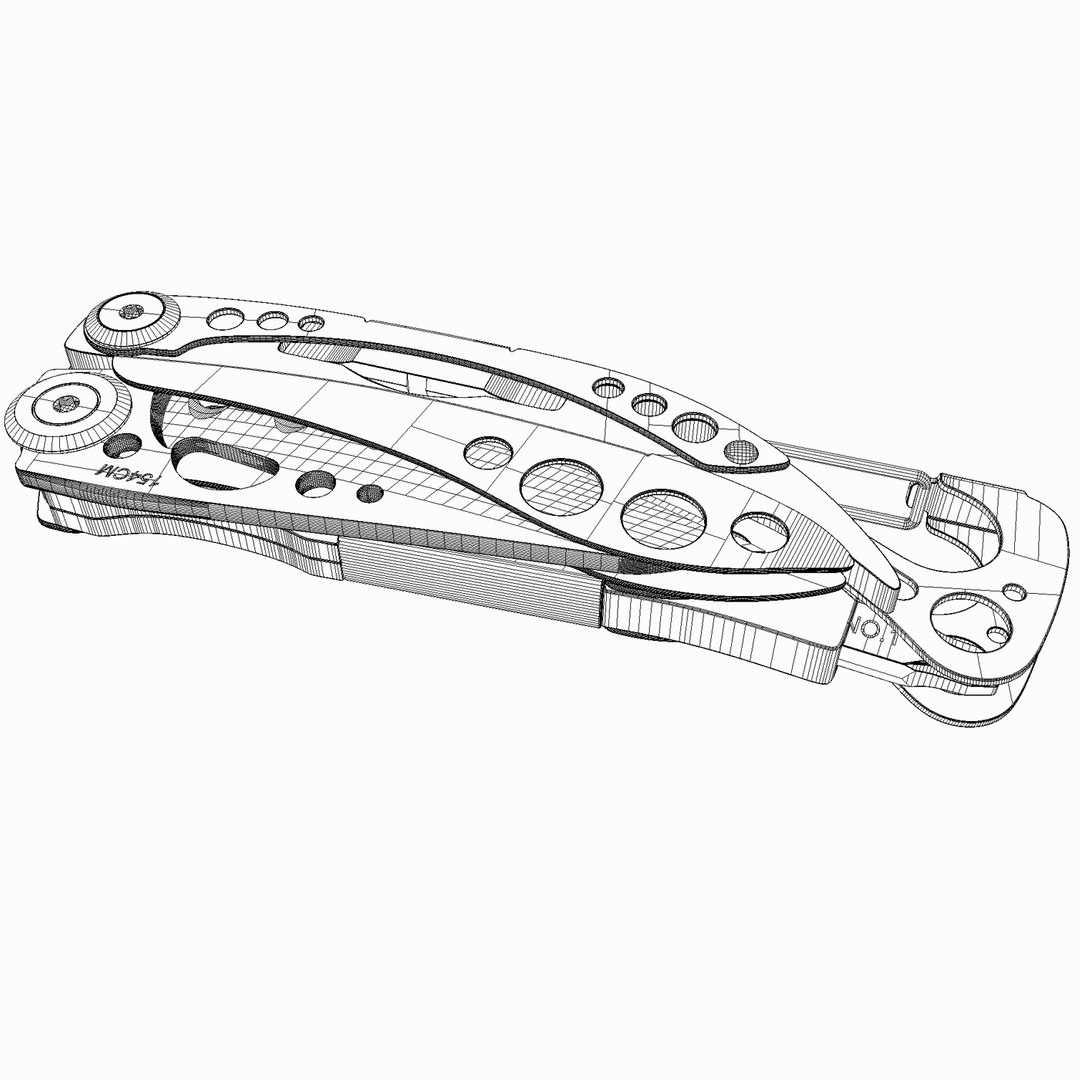
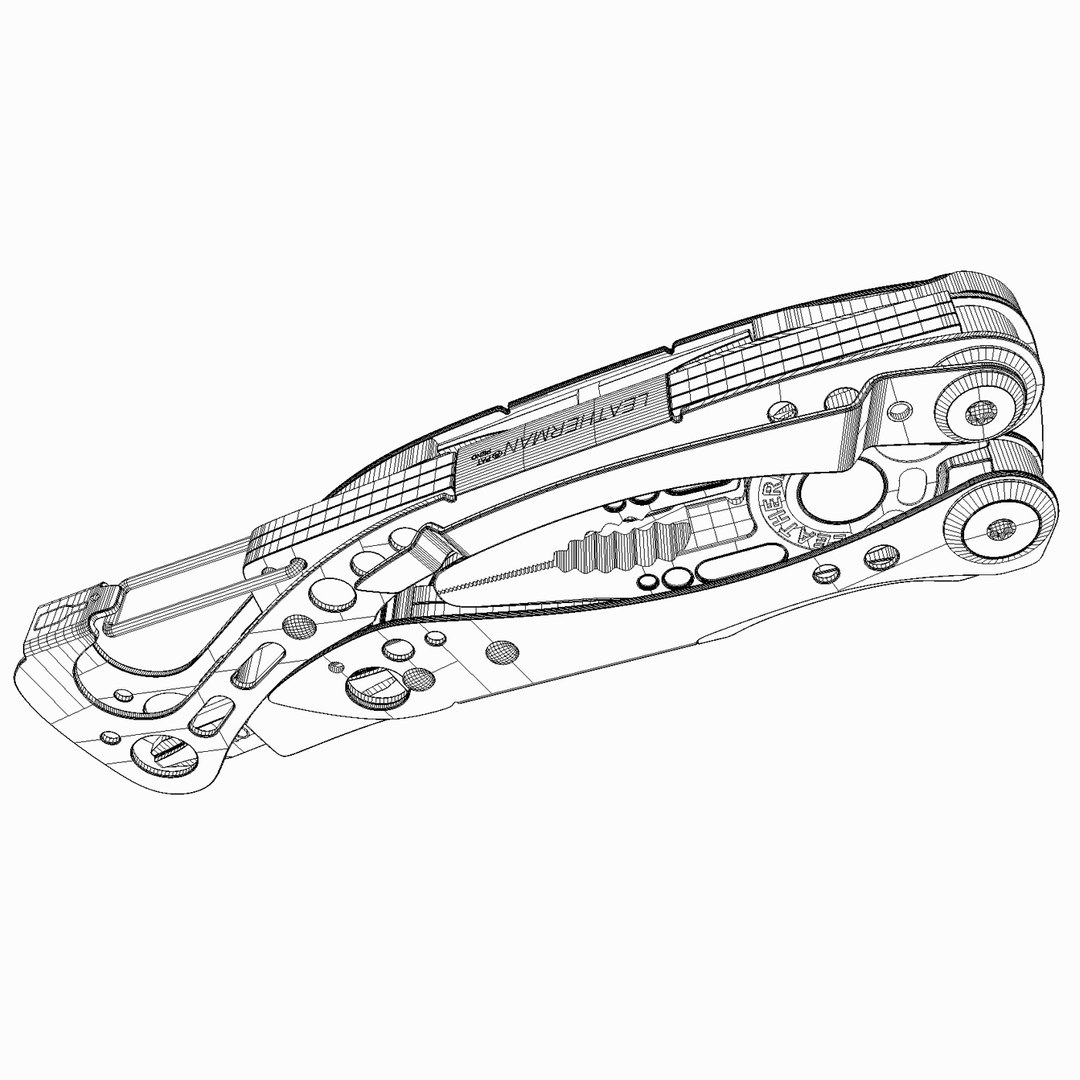
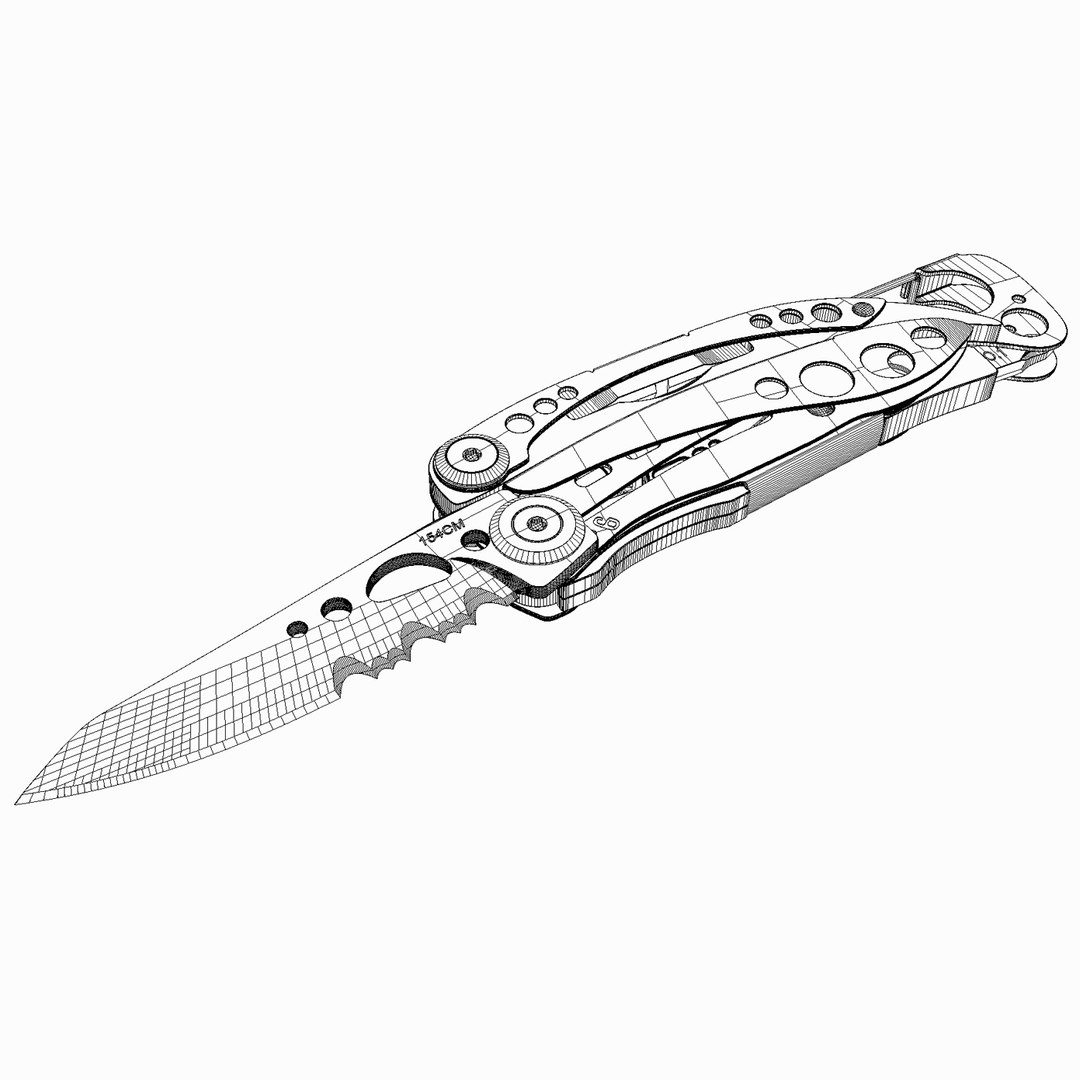
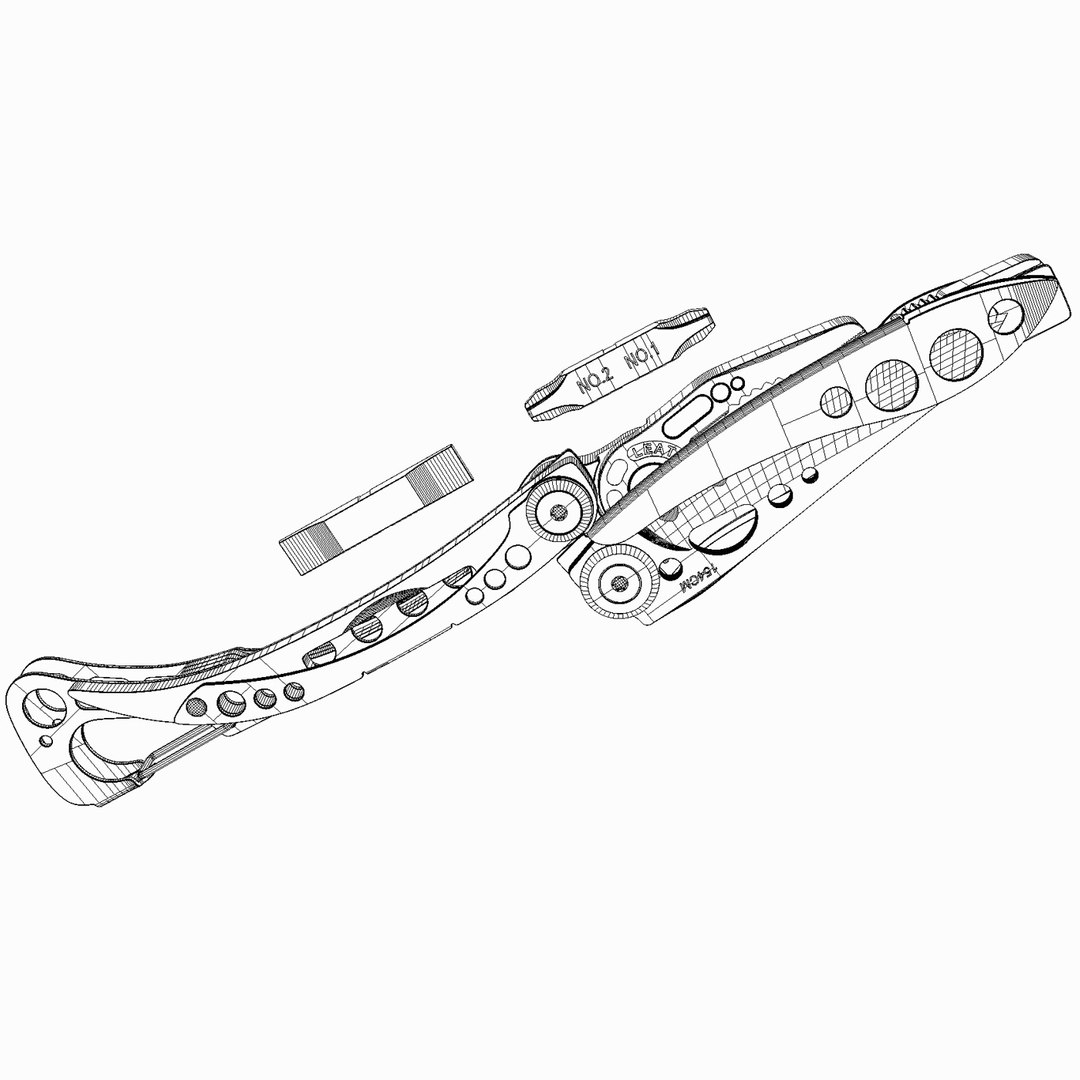
It's a very high detailed photoreallistic Multi-Plier, Leatherman Skeletool CX.

You can use Max 2010~2014 for rendering with Maxwell render and V-Ray.
You can also use FBX, OBJ, 3DS formats for Polygonal tools
and 3DM, SAT, IGS for Nurbs modeler.

Notes for FBX format :
1. There are two version included (N-gons & Triangles mesh)
2. It's compatible with Maxwell material if you use FBX2013.3 version.

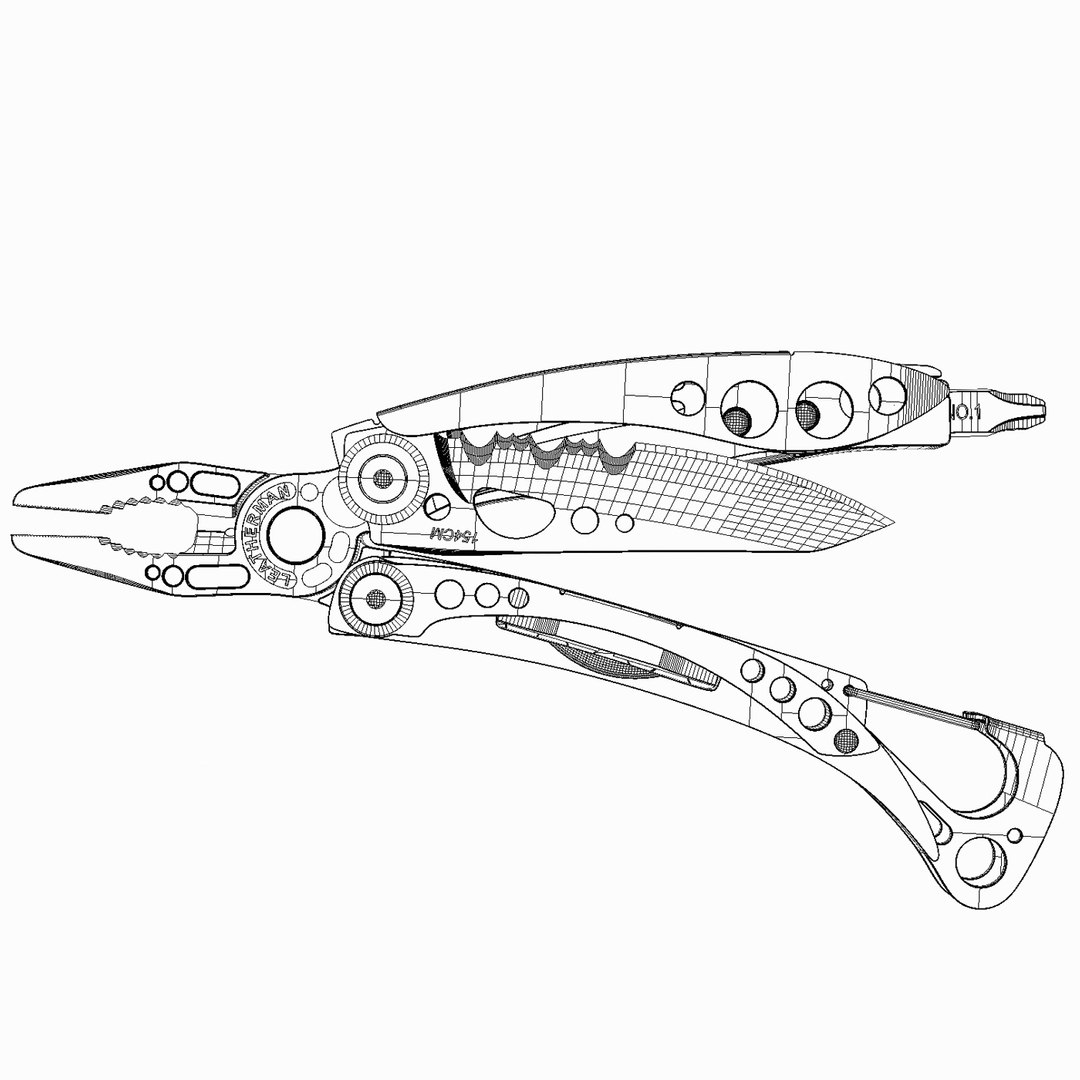
In .Max and .3DM file, there are the same named layers embeded.
So if you need more subdivided mesh for some parts, you can easily replace them from original Nurbs model.
In my case, I used 3DM->FBX->3dsMax converting process.

In max file, 4 dummy helper objects are animated, so just delete them at first frame if you wanna remove animation.

Objects / Polygon / Vertex count is (case of max2013 file) ;

Objects: 31
Verts: 125818
Faces: 97736

Camera setting and 7 bitmap textures and a HDRI(3200x1600) is included with Studio Lighting Setup.

Thank you!

Select Enhanced License

  • $10,000 in Legal Protection (Indemnification)
  • Uncapped Legal Protection (Indemnification)
  • Waiver from injunctive relief
  • Assignable model rights
  • $1,000,000 in Legal Protection (Indemnification)
  • Waiver from injunctive relief
  • Assignable model rights
  • $250,000 in Legal Protection (Indemnification)
  • Assignable model rights
Read more about enhanced license tiers, or contact us at enterprise@turbosquid.com. Already a Shutterstock Enterprise Customer? Contact your Shutterstock Sales Support Agent to talk about adding 3D.

About Conversion Requests

To submit a conversion request for a purchased asset, please complete our Conversion Request Form.

If you have not yet purchased a model, please review our Documentation about Conversions to learn about what limitations you may encounter with a conversion.

For any additional questions about a model’s suitability for conversion, please contact TurboSquid Support.

Loading...