
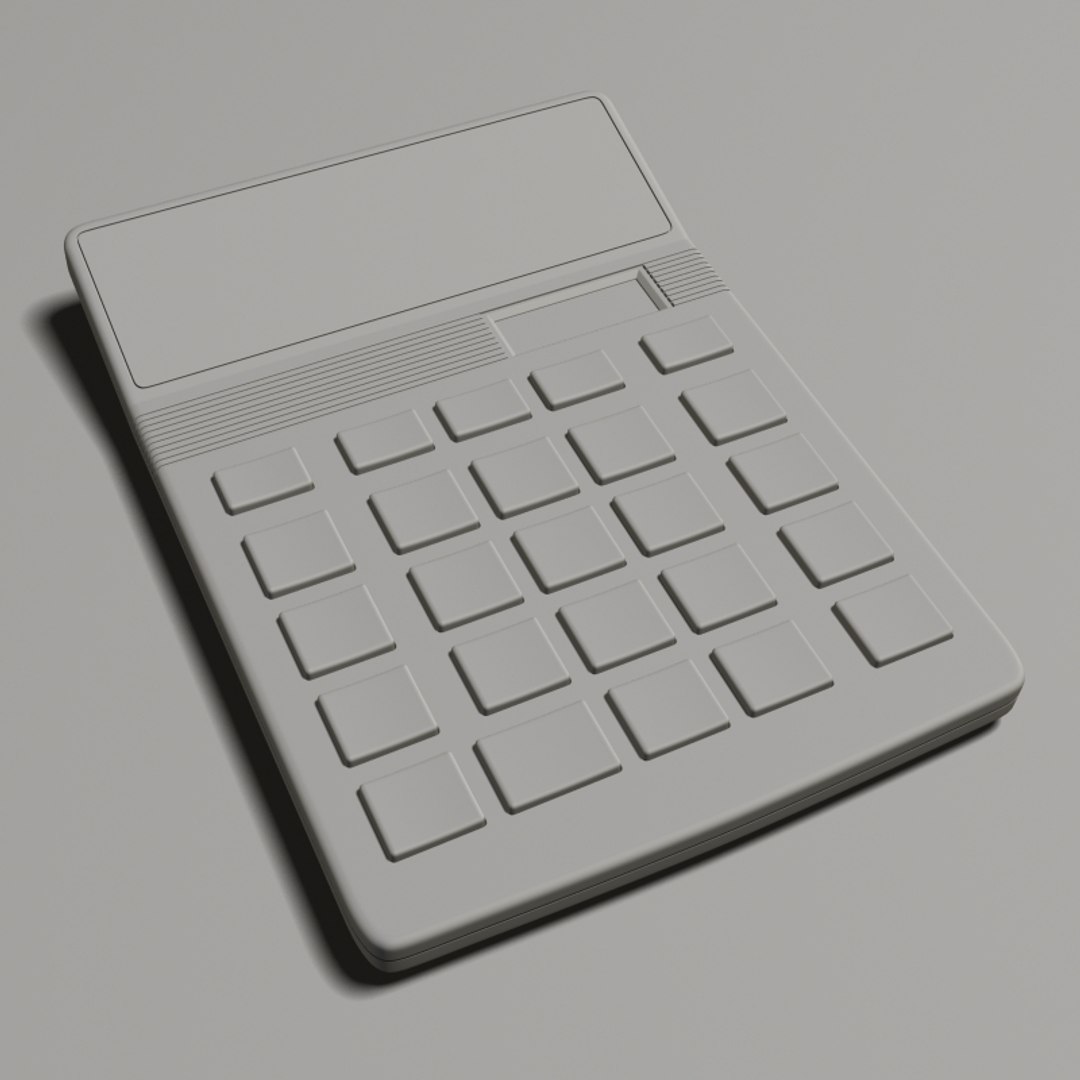
Large_10_Digit_Calculator

$60

Standard License | Upgrade License
Formats (1)
Free file format Conversions available
3ds Max 2009 | mental ray
Specifications
Publish Date April 29, 2009
Product ID 460439
Polygons 0
Vertices 0
Polygonal
Textures
Materials
UV Mapped
Unknown Unwrapped UVs
TurboSquid Exclusive

member avatar
Out Of Light
19 Products | Contributor Since 2007
Have questions? Chat with us now.

Description

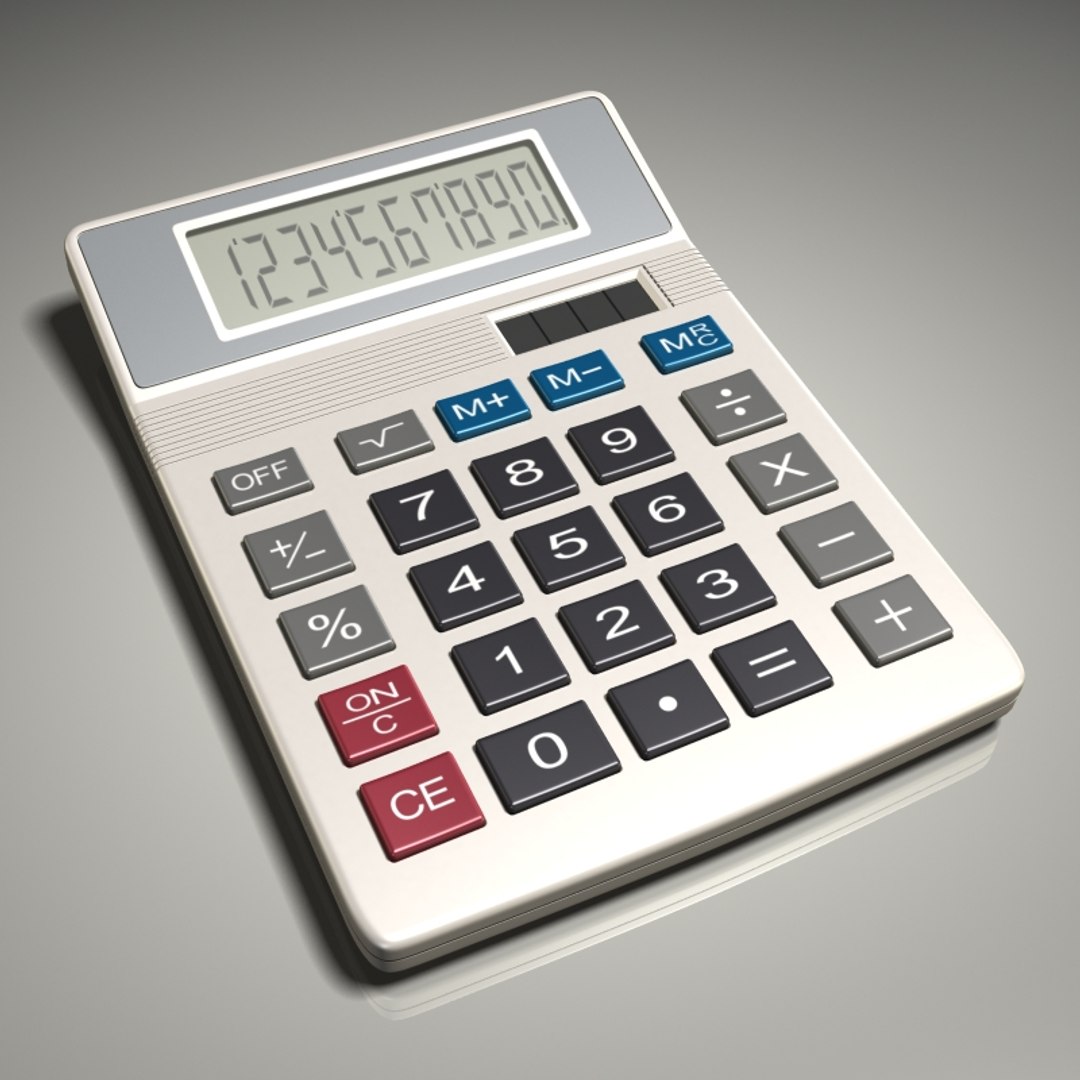
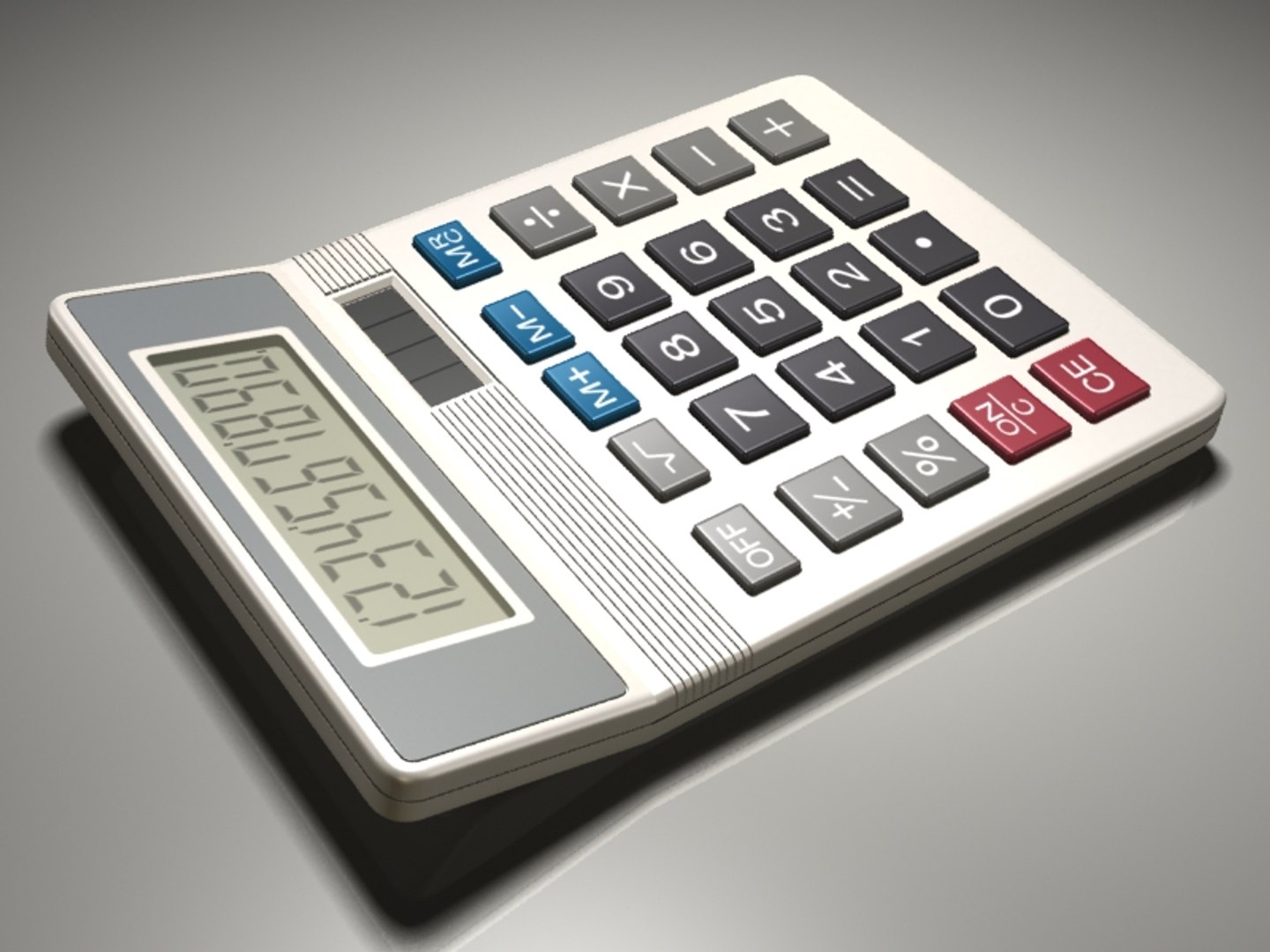
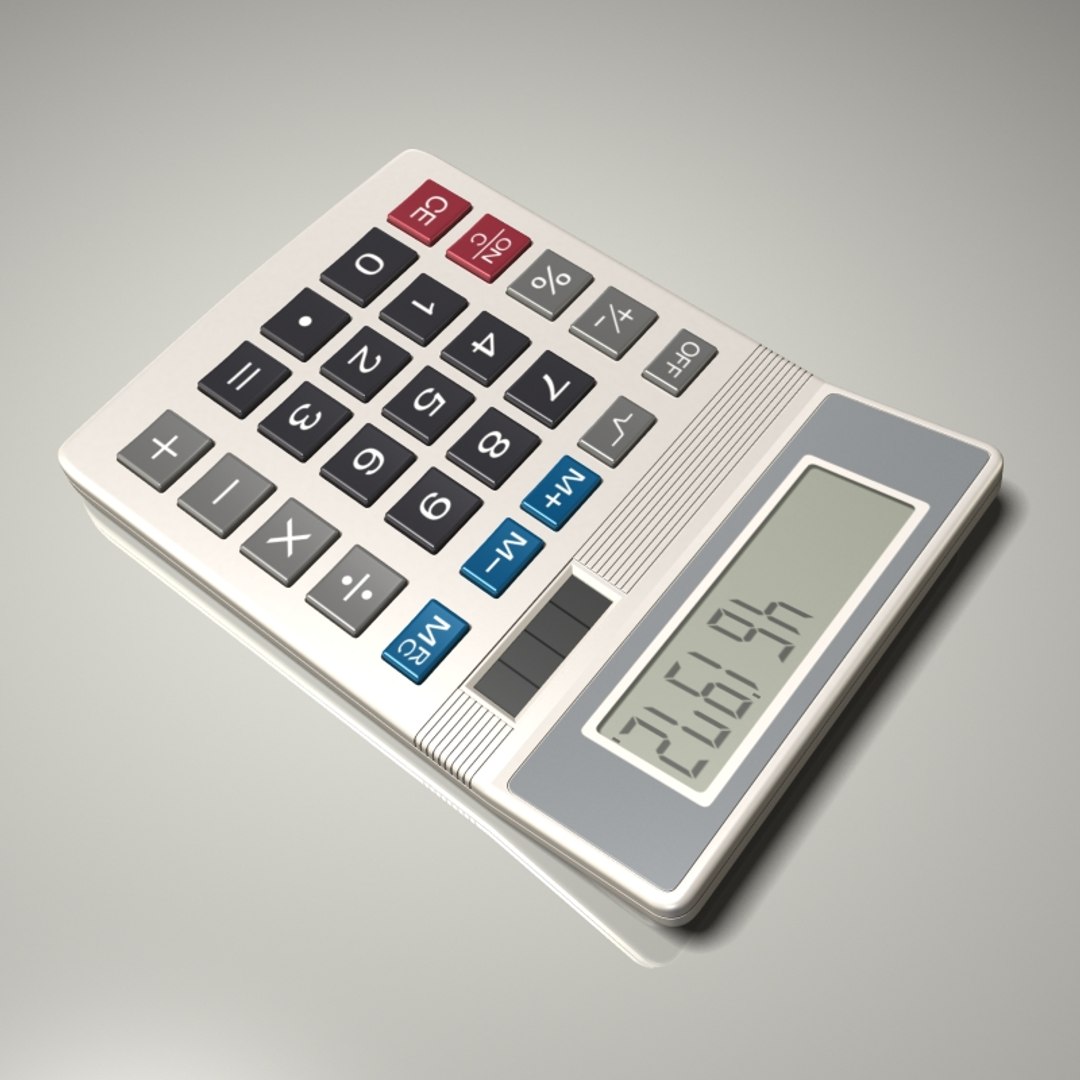
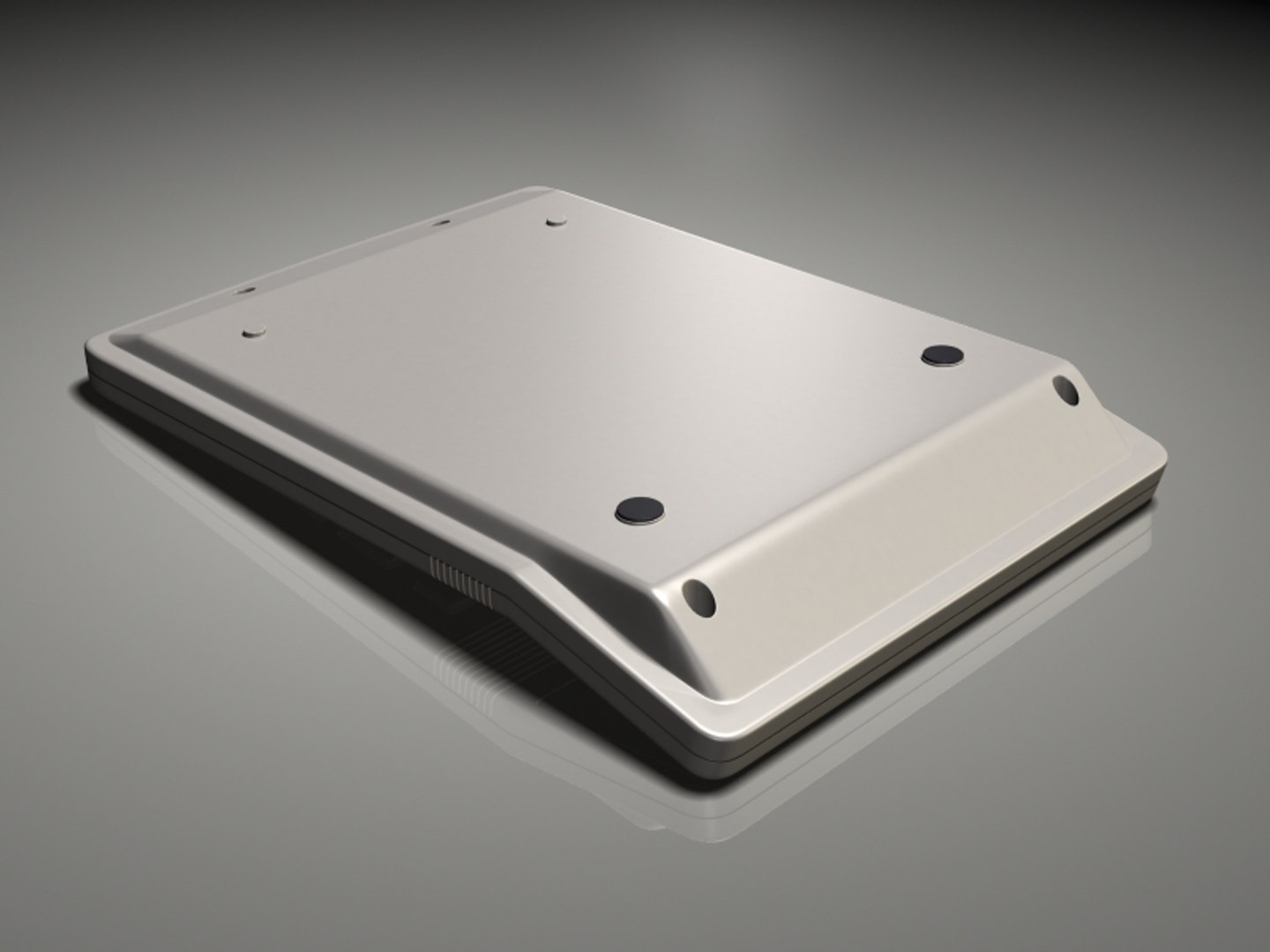
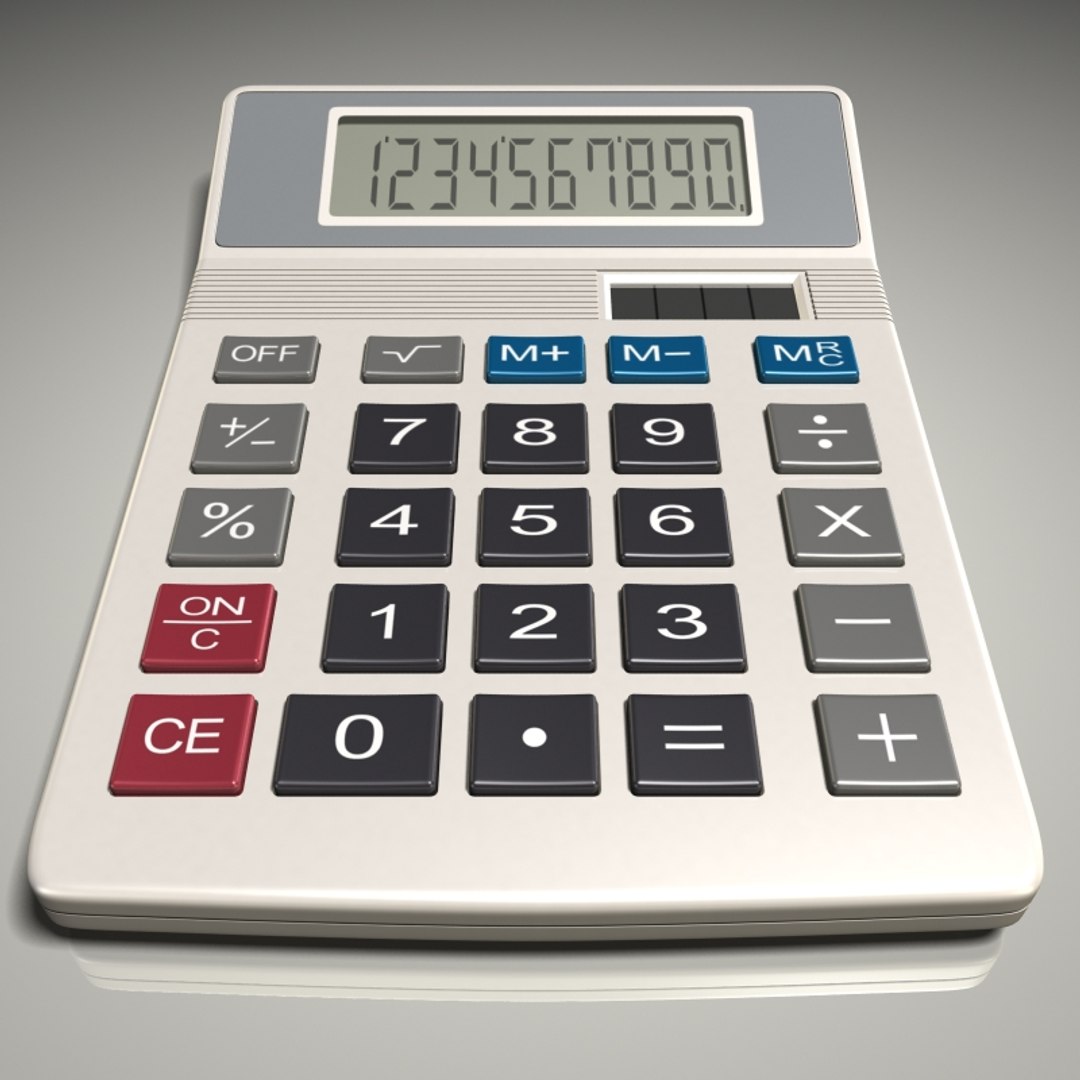
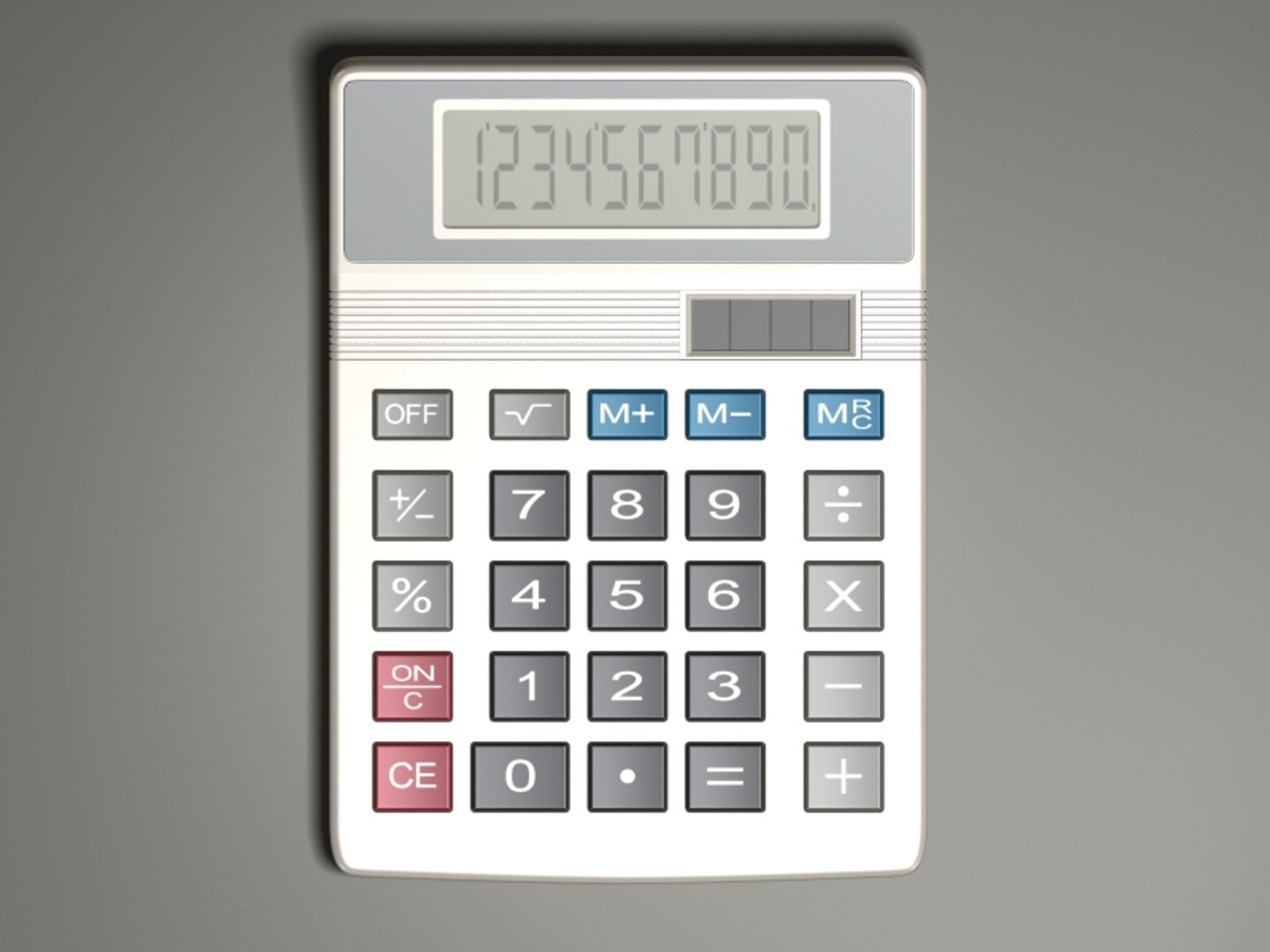
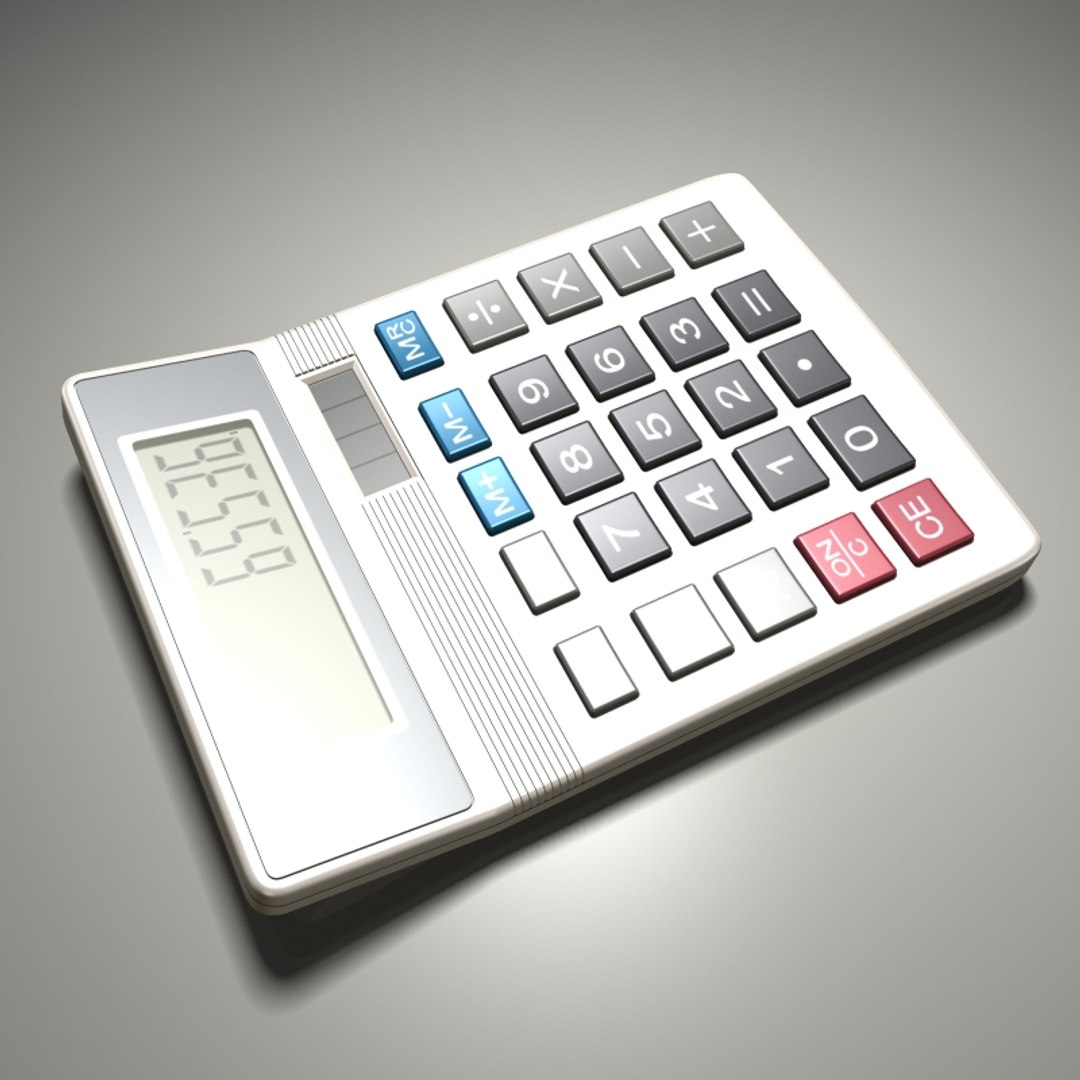
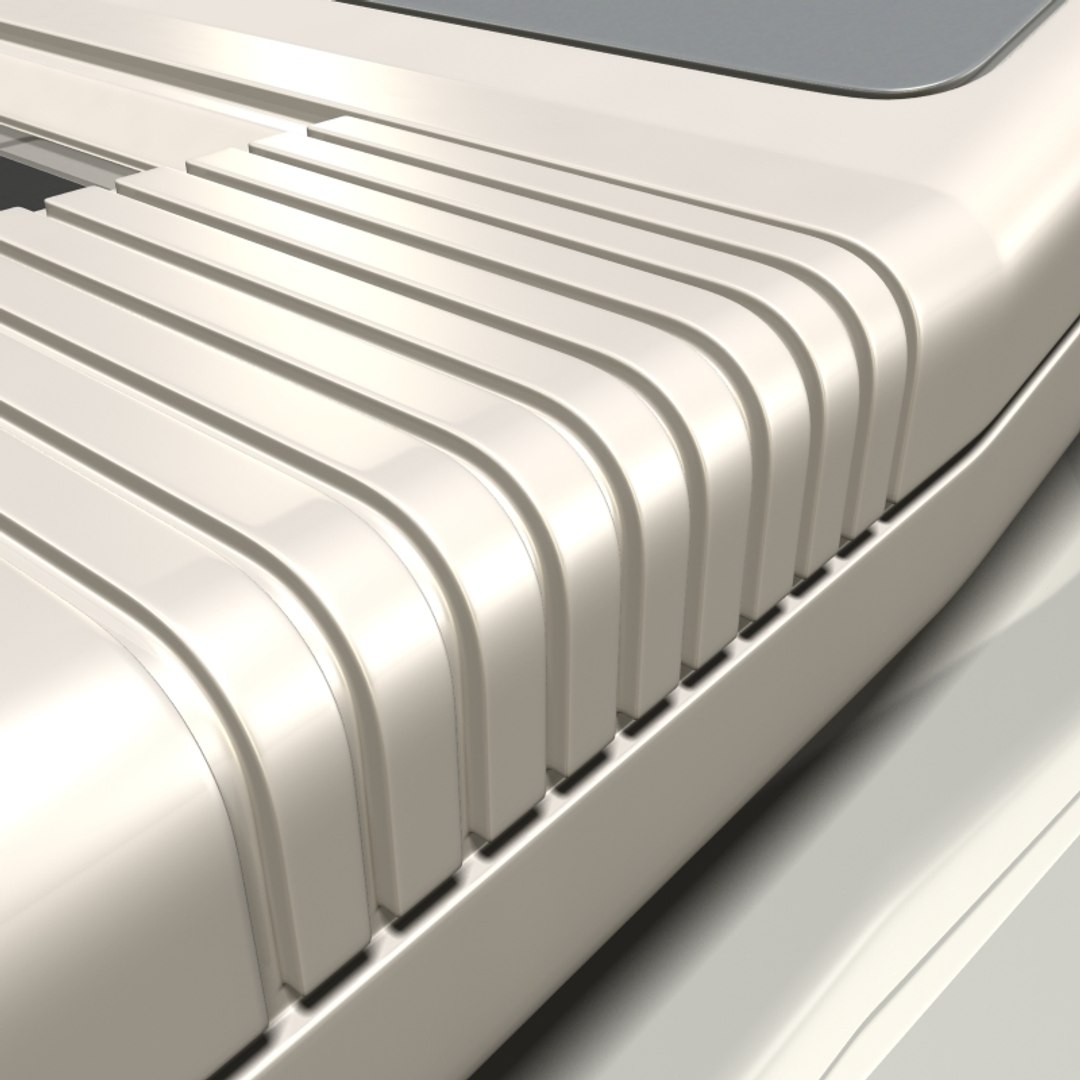
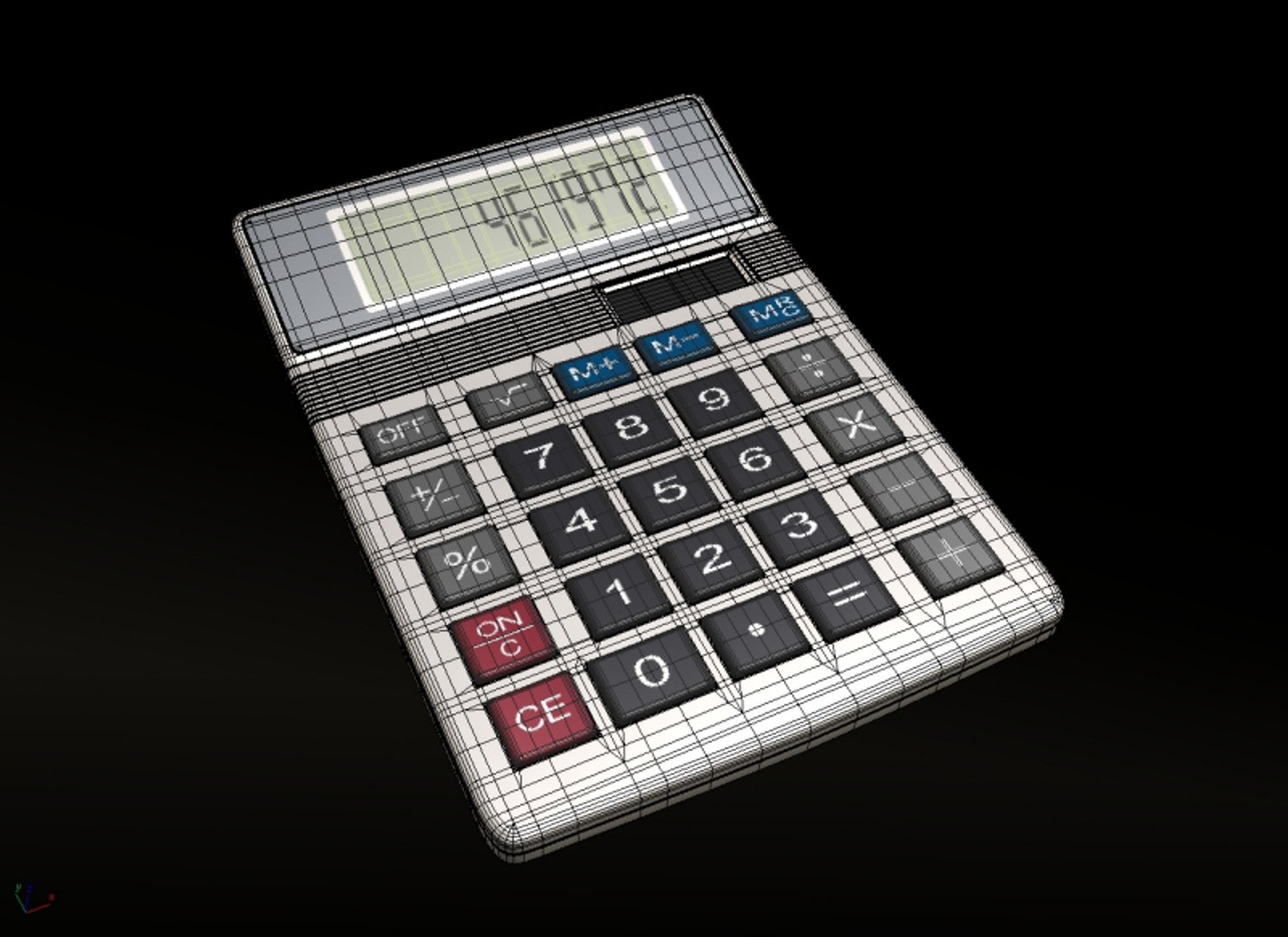
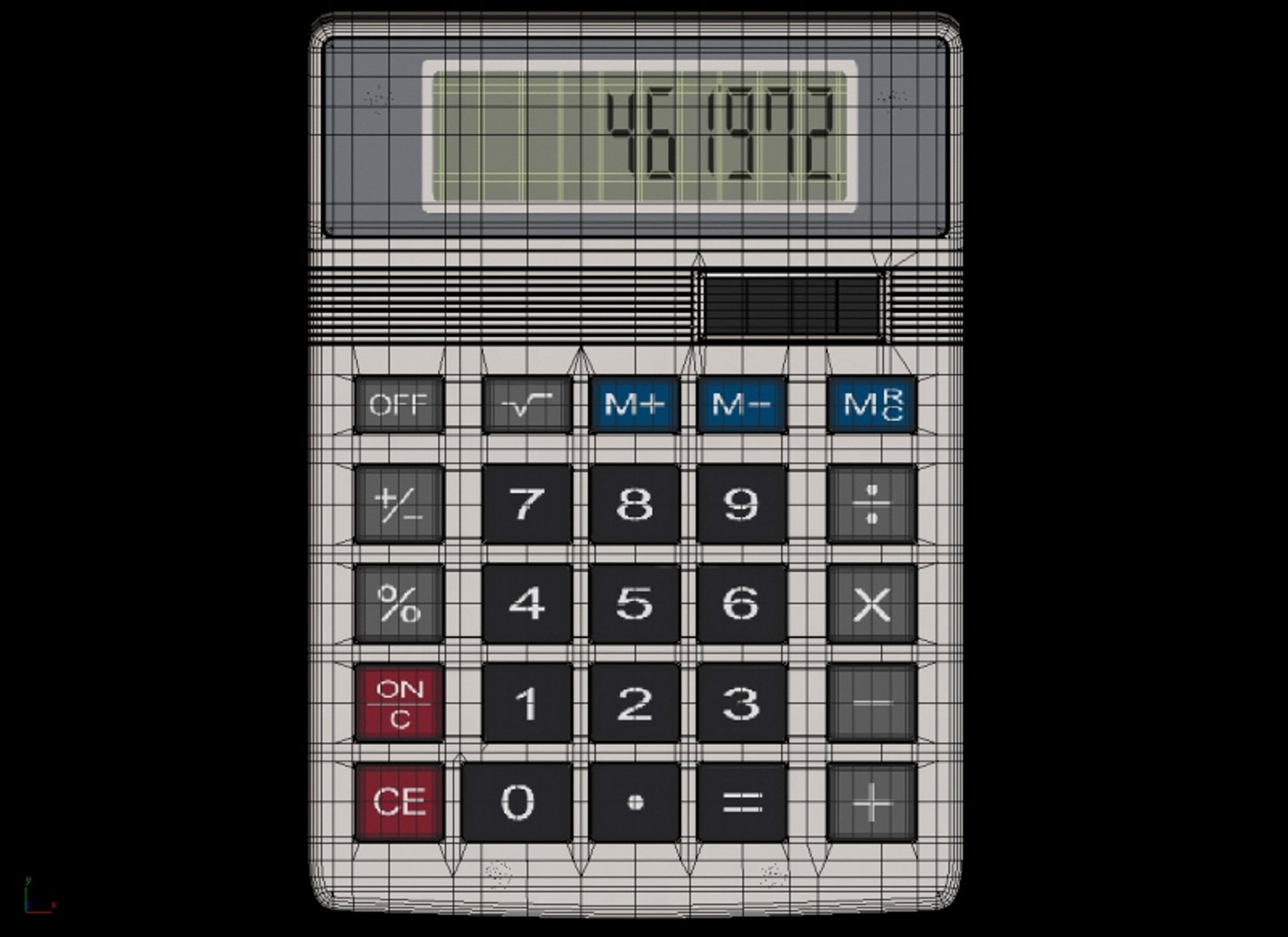
Realistic 3D model of a solar-powered ten-digit calculator.

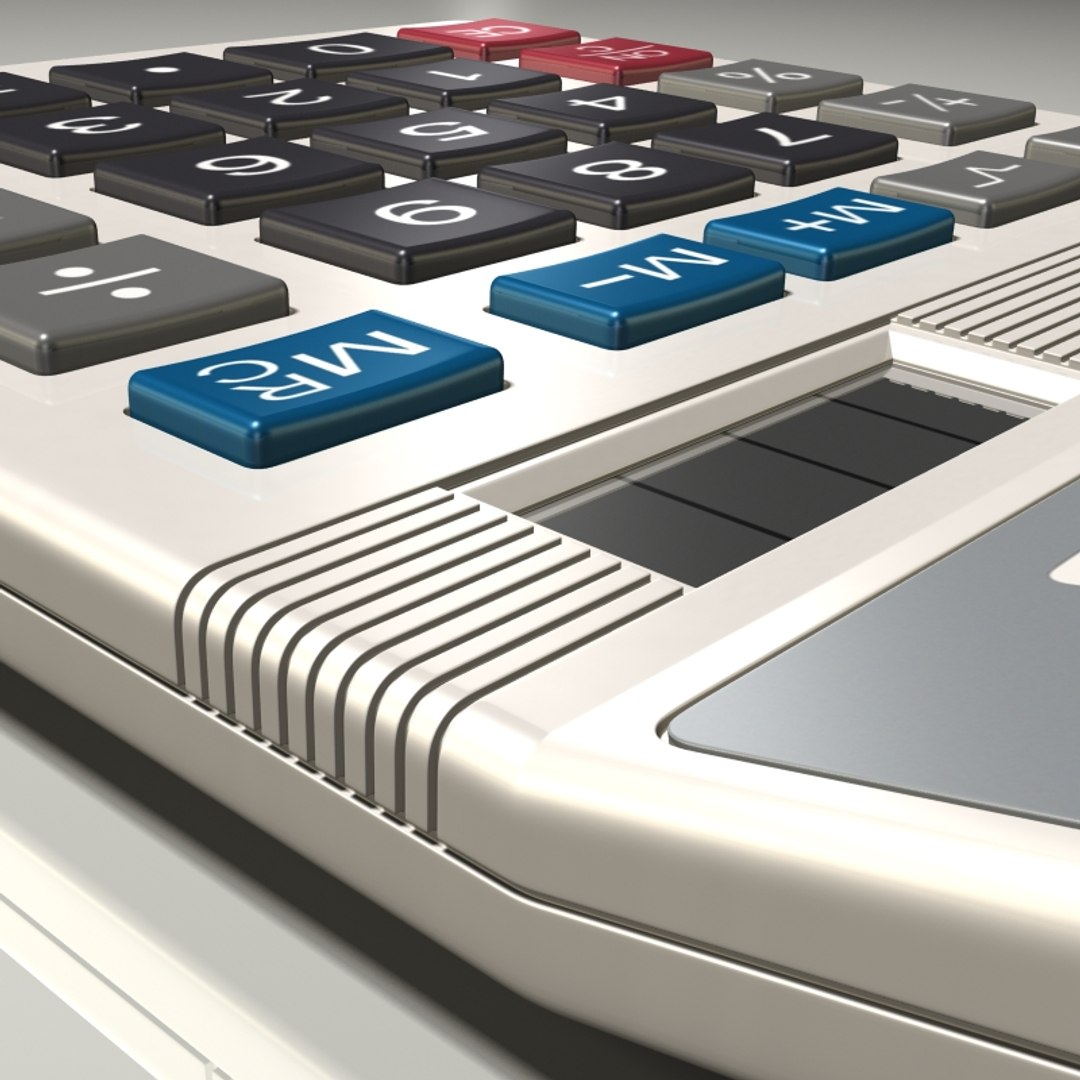
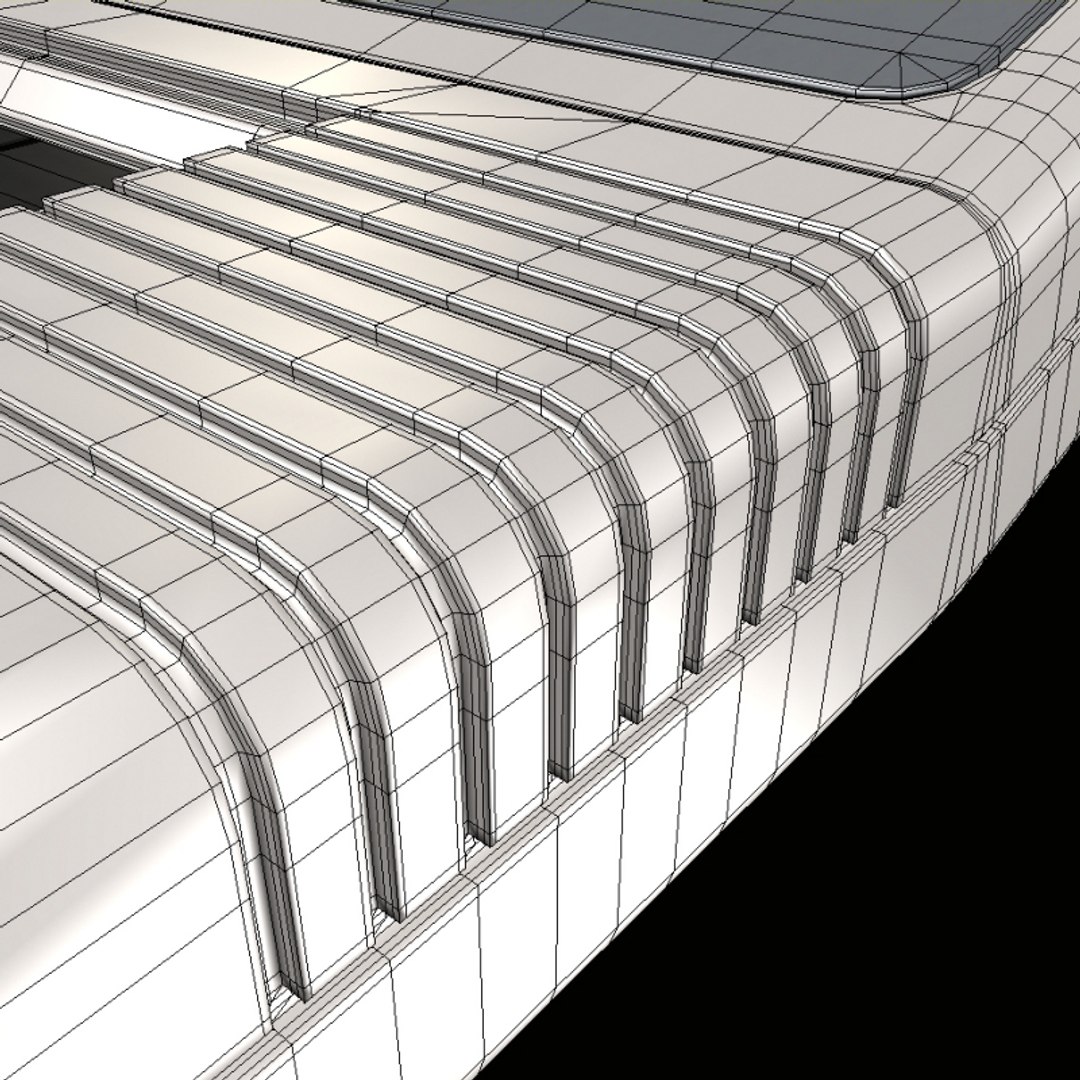
All objects have been sculpted accurately, with clean and tidy geometry. This models geometry has been optimised for close up renders, and can be rendered at base mesh level with just as good results from a small distance. Calculator object is one closed edge element, and has been carefully checked for errors. There is no need to mess around with textures and UVW modifiers when creating your own number sequence on the L.C.D. display, as this process has been made extremely simple for you. Ten polygon segments of the L.C.D. object have named selection sets that can be assigned a material ID from a multi-sub-object-map containing maps numbered from 0-9. Any number sequence, including decimal points can be set up for render in a matter of seconds!

File includes render set up and lighting.

Zip file contains One Max file, One Mat file, Ten 400x600 number maps, Three texture maps (Diffuse, Reflect, and Opacity) for the calculator and button objects, and a ReadMe rtf instructions file.

Select Enhanced License

  • $10,000 in Legal Protection (Indemnification)
  • Uncapped Legal Protection (Indemnification)
  • Waiver from injunctive relief
  • Assignable model rights
  • $1,000,000 in Legal Protection (Indemnification)
  • Waiver from injunctive relief
  • Assignable model rights
  • $250,000 in Legal Protection (Indemnification)
  • Assignable model rights
Read more about enhanced license tiers, or contact us at enterprise@turbosquid.com. Already a Shutterstock Enterprise Customer? Contact your Shutterstock Sales Support Agent to talk about adding 3D.

About Conversion Requests

To submit a conversion request for a purchased asset, please complete our Conversion Request Form.

If you have not yet purchased a model, please review our Documentation about Conversions to learn about what limitations you may encounter with a conversion.

For any additional questions about a model’s suitability for conversion, please contact TurboSquid Support.

Loading...