
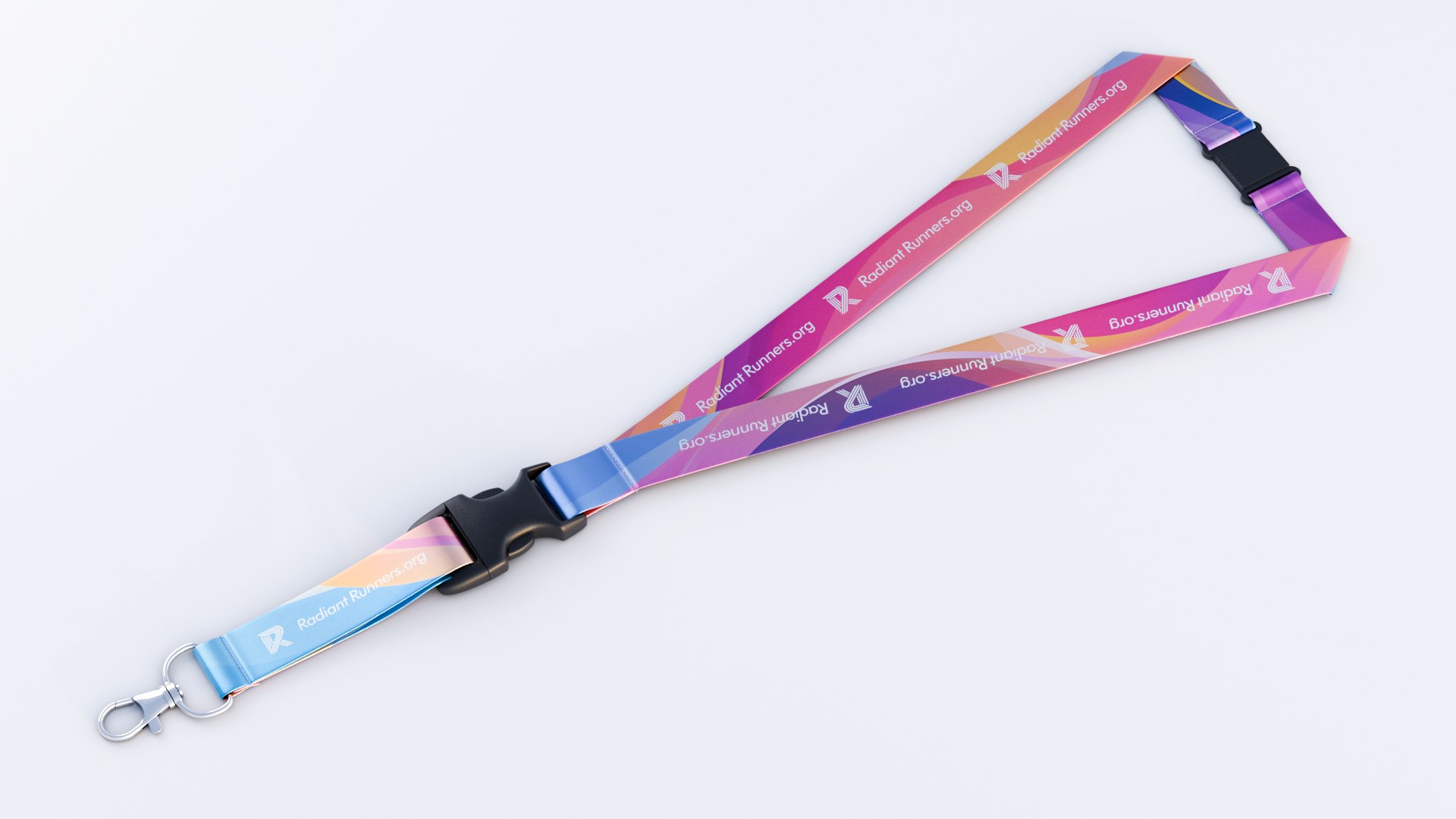
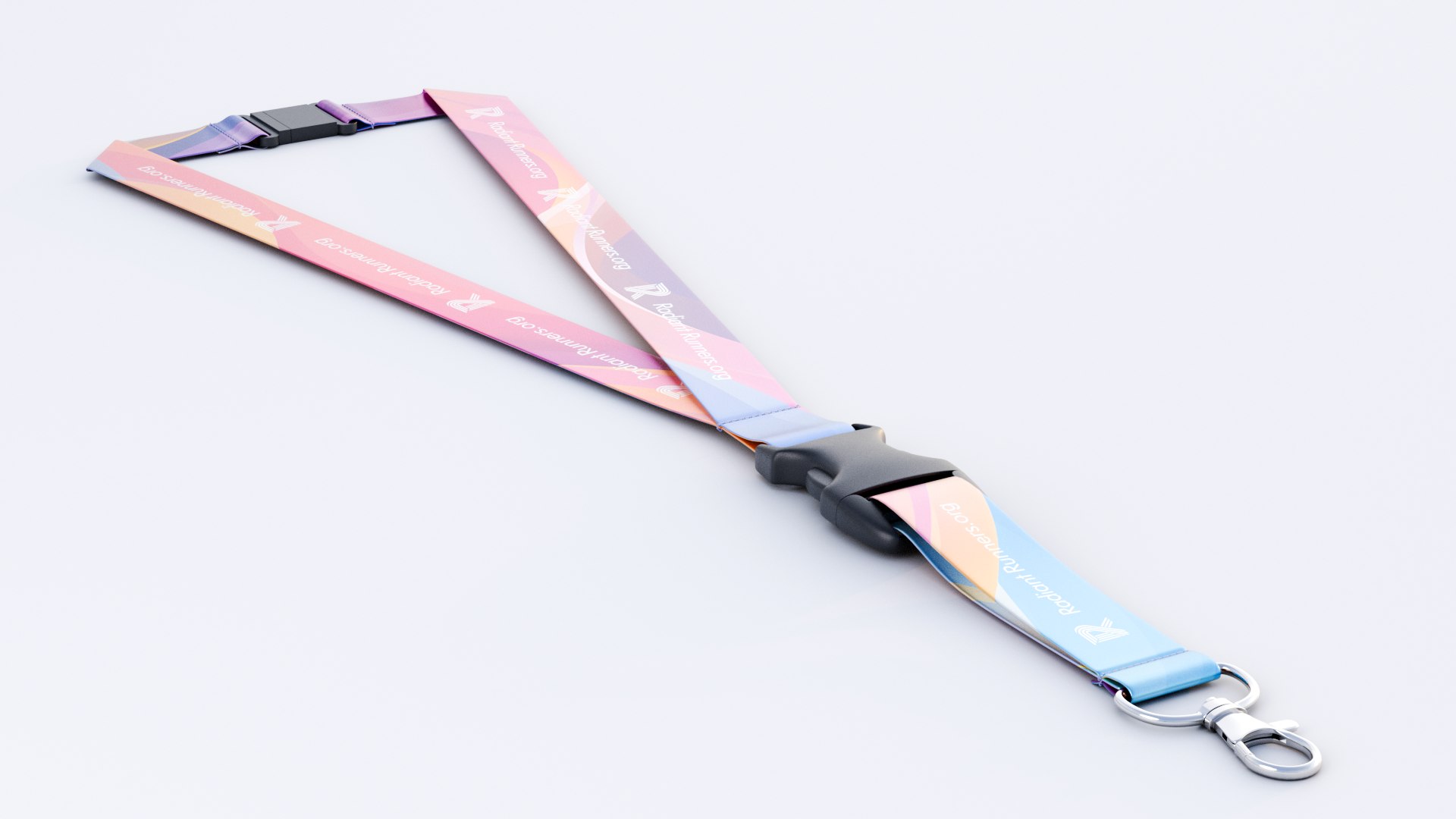
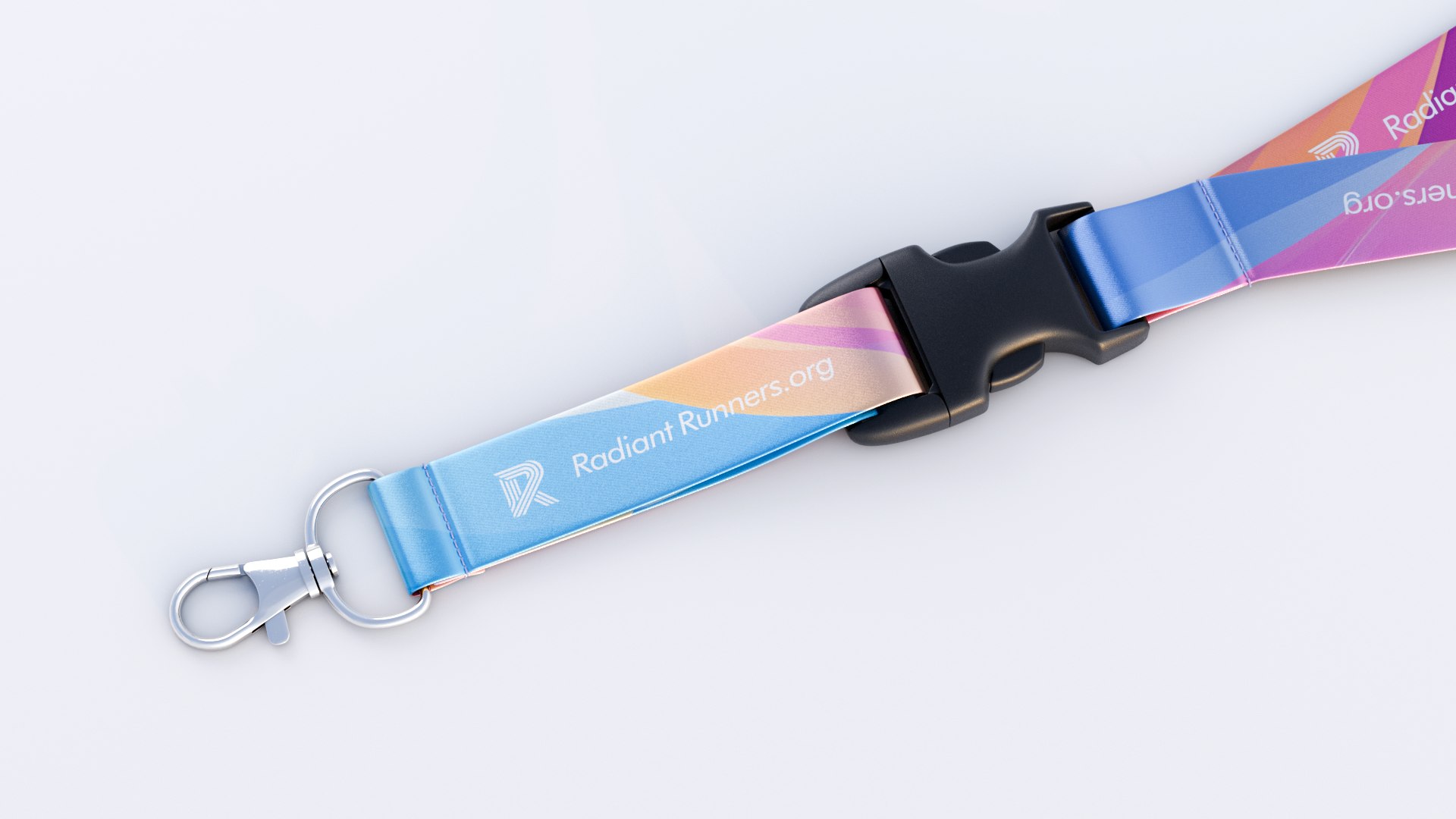
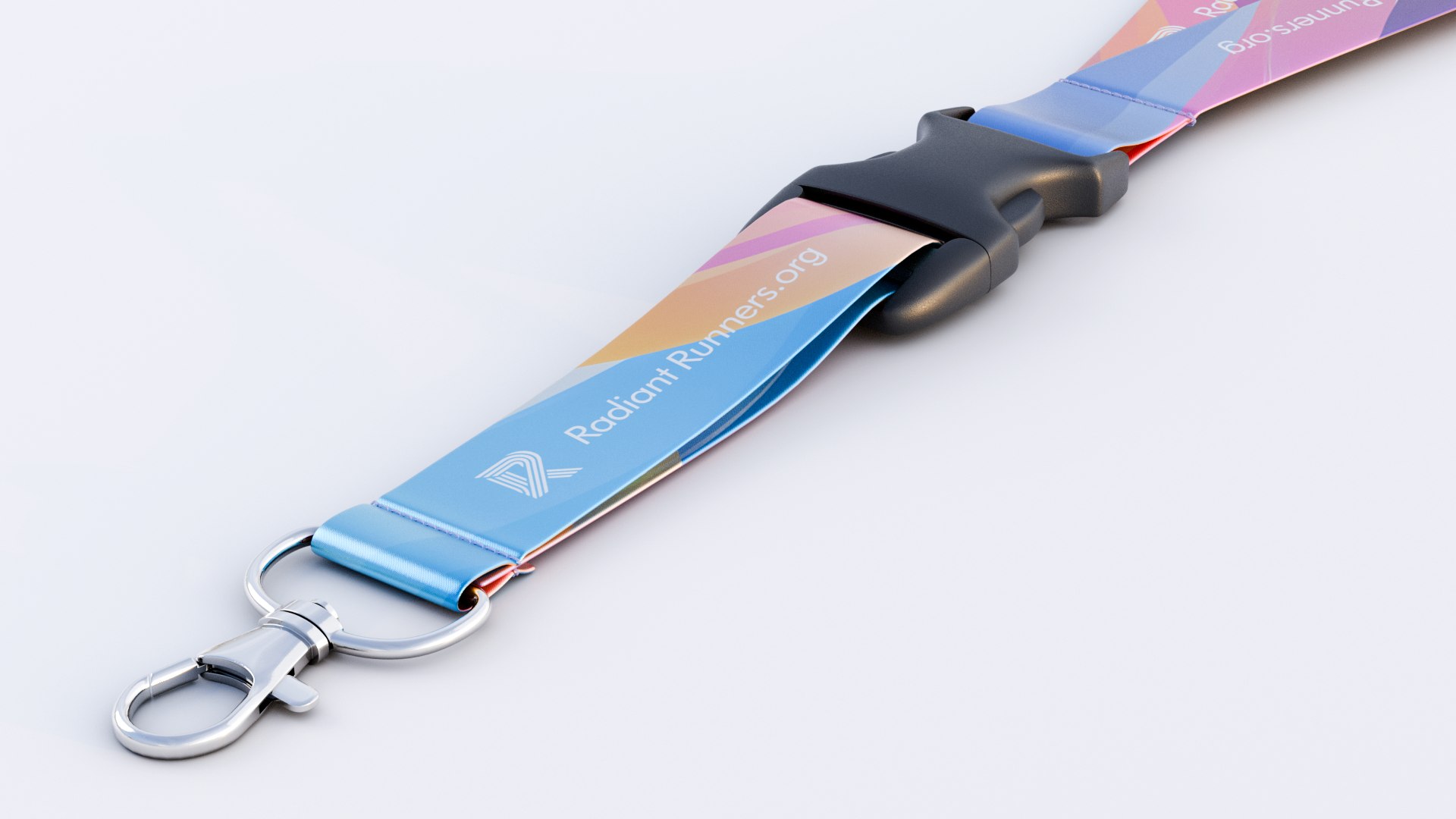

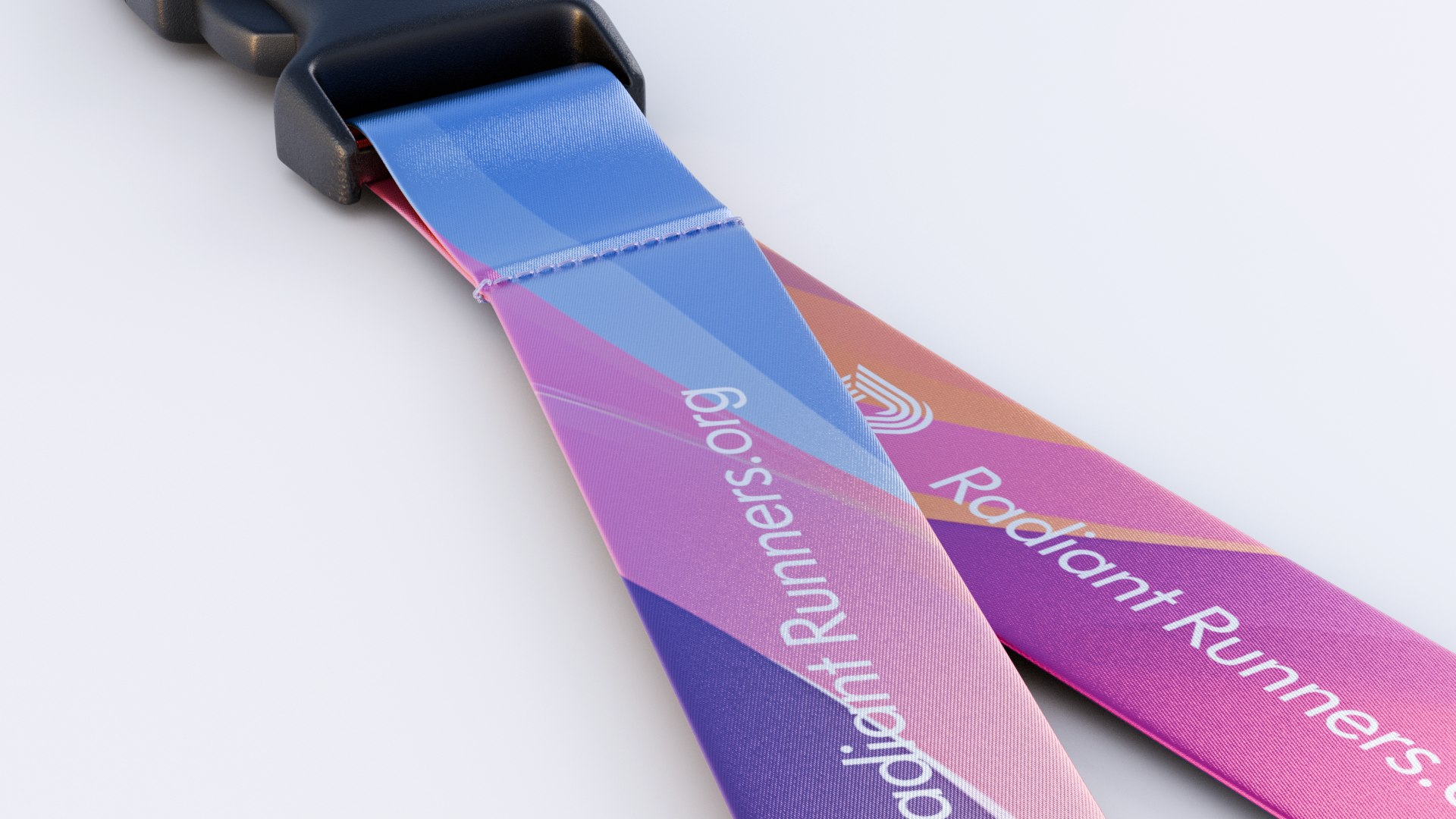
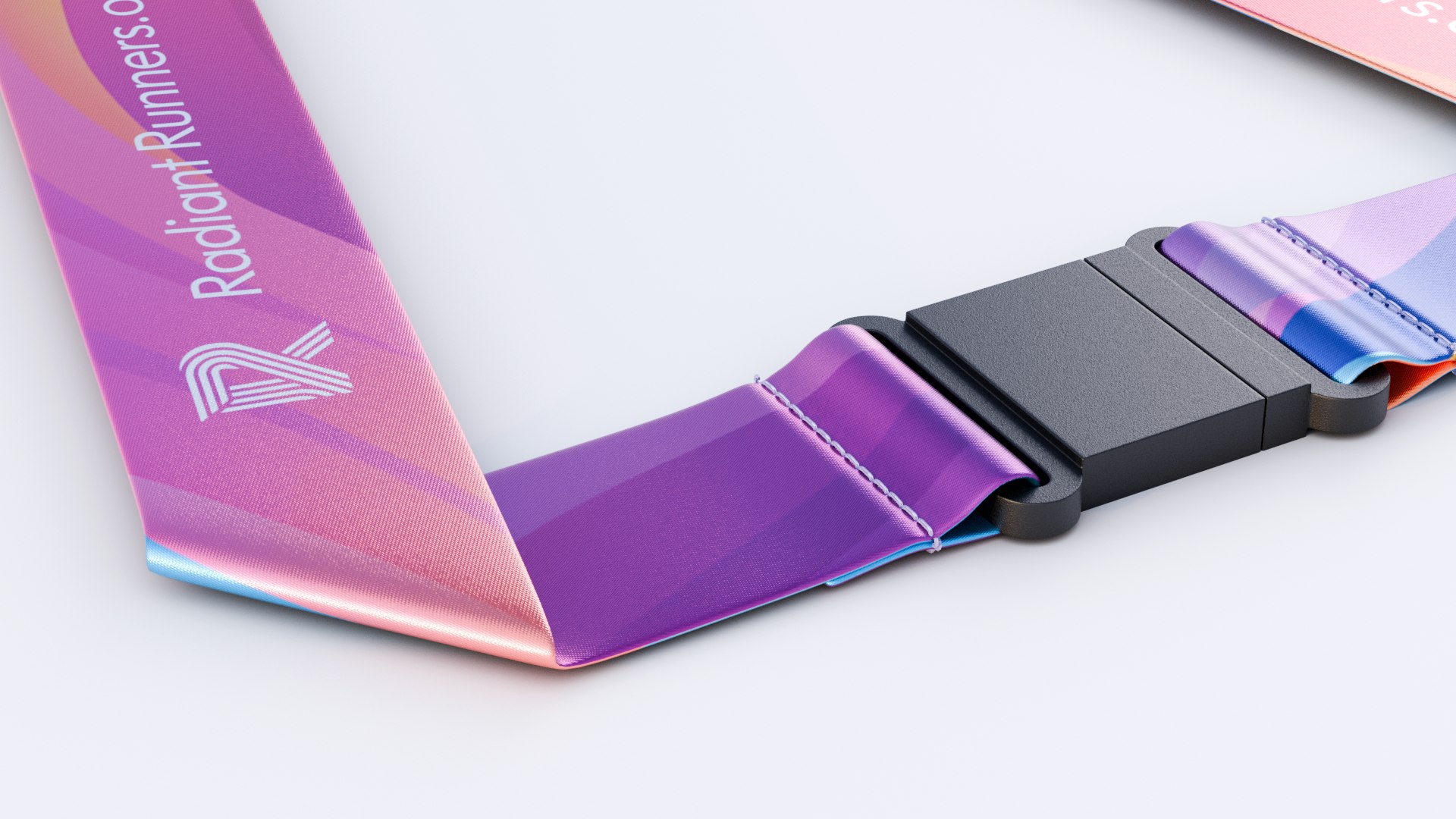
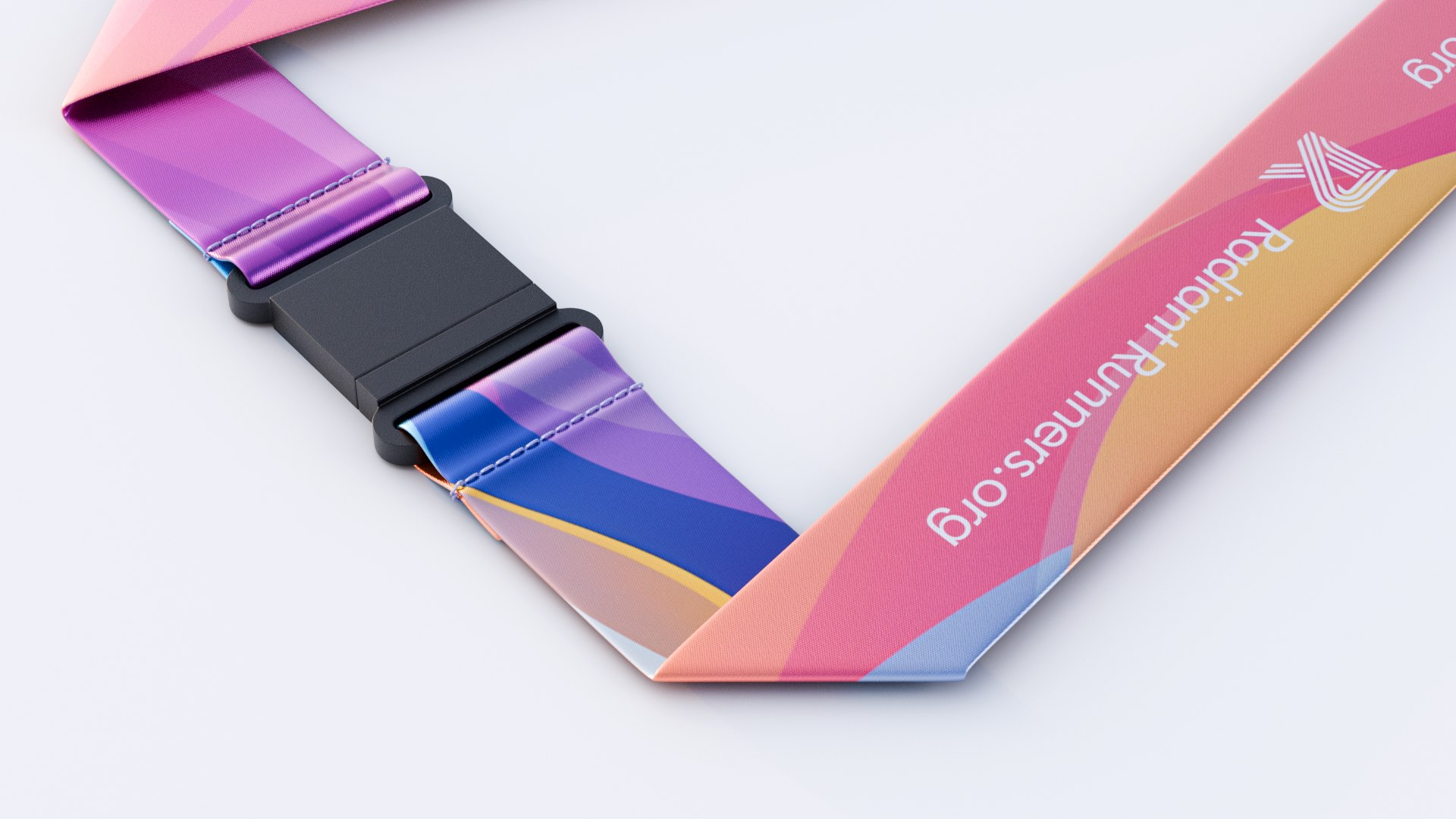
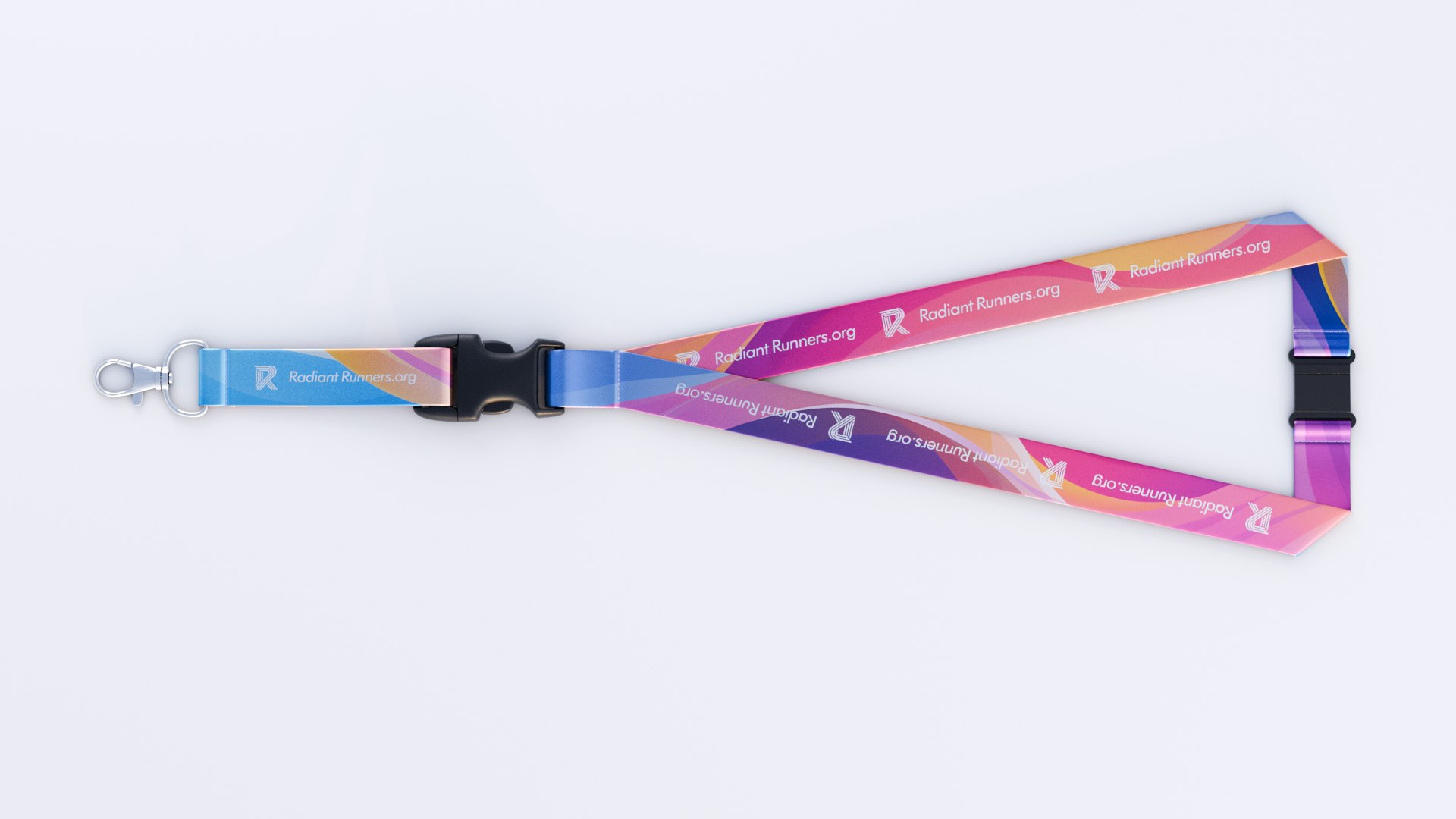
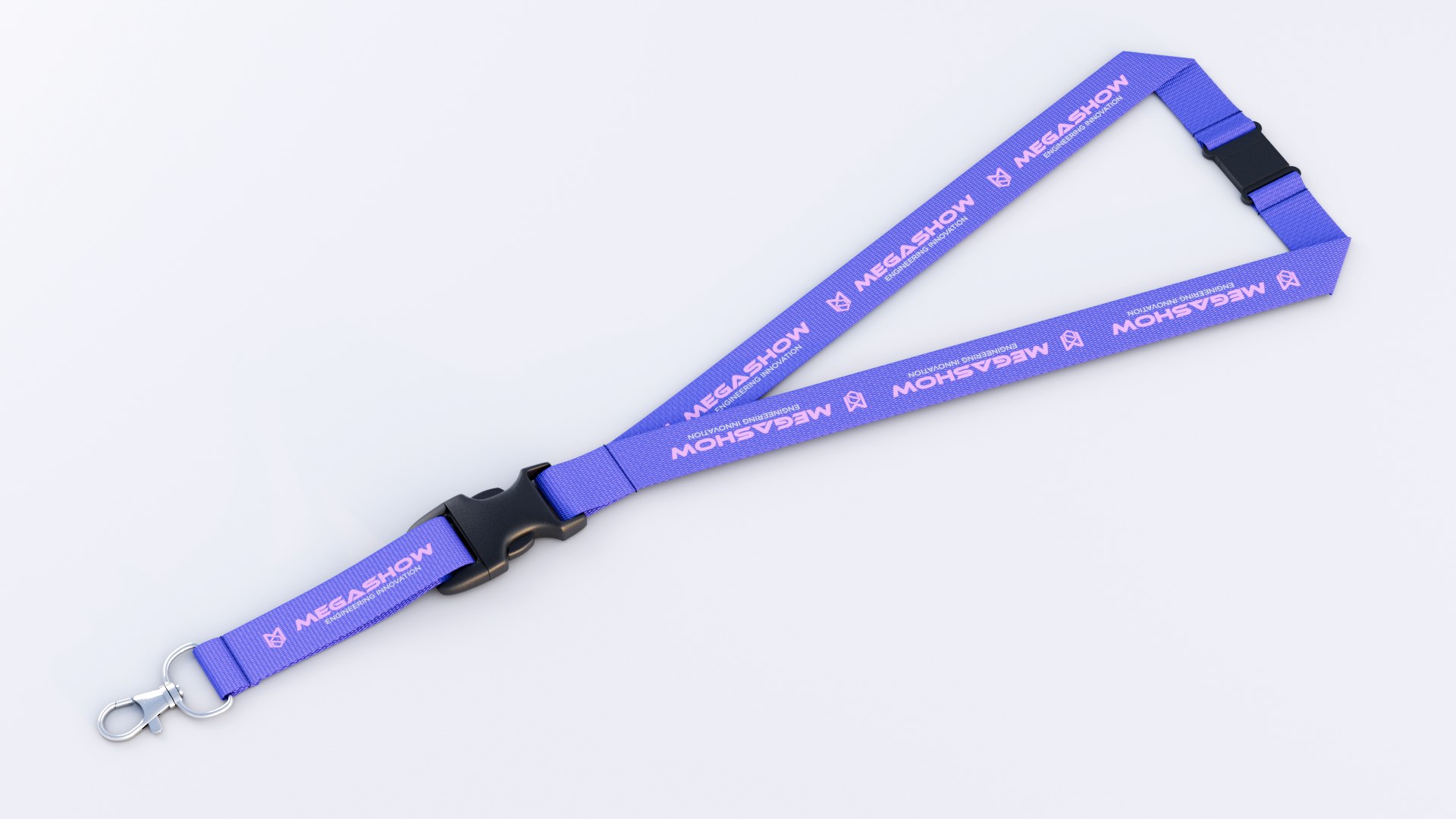
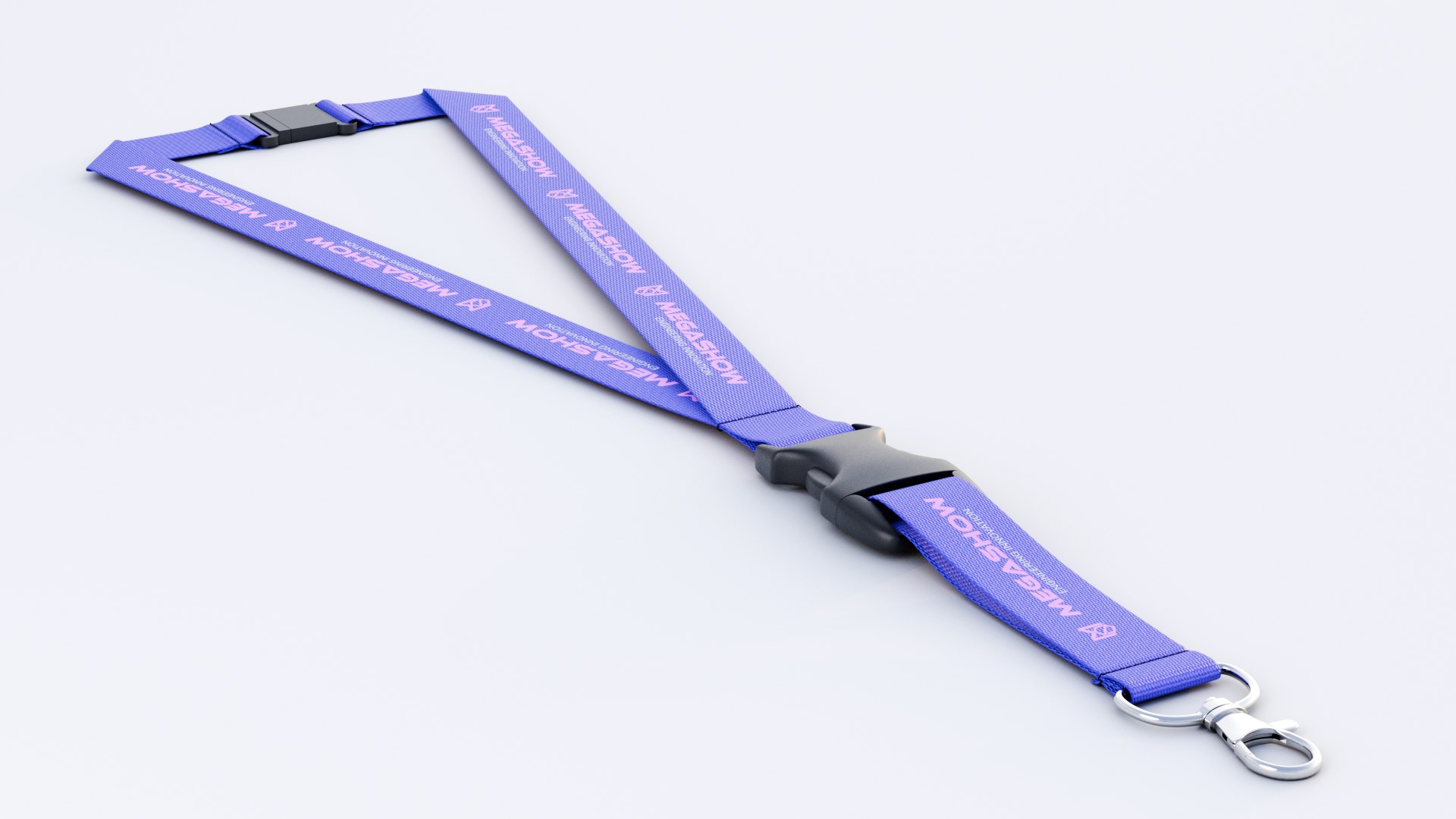
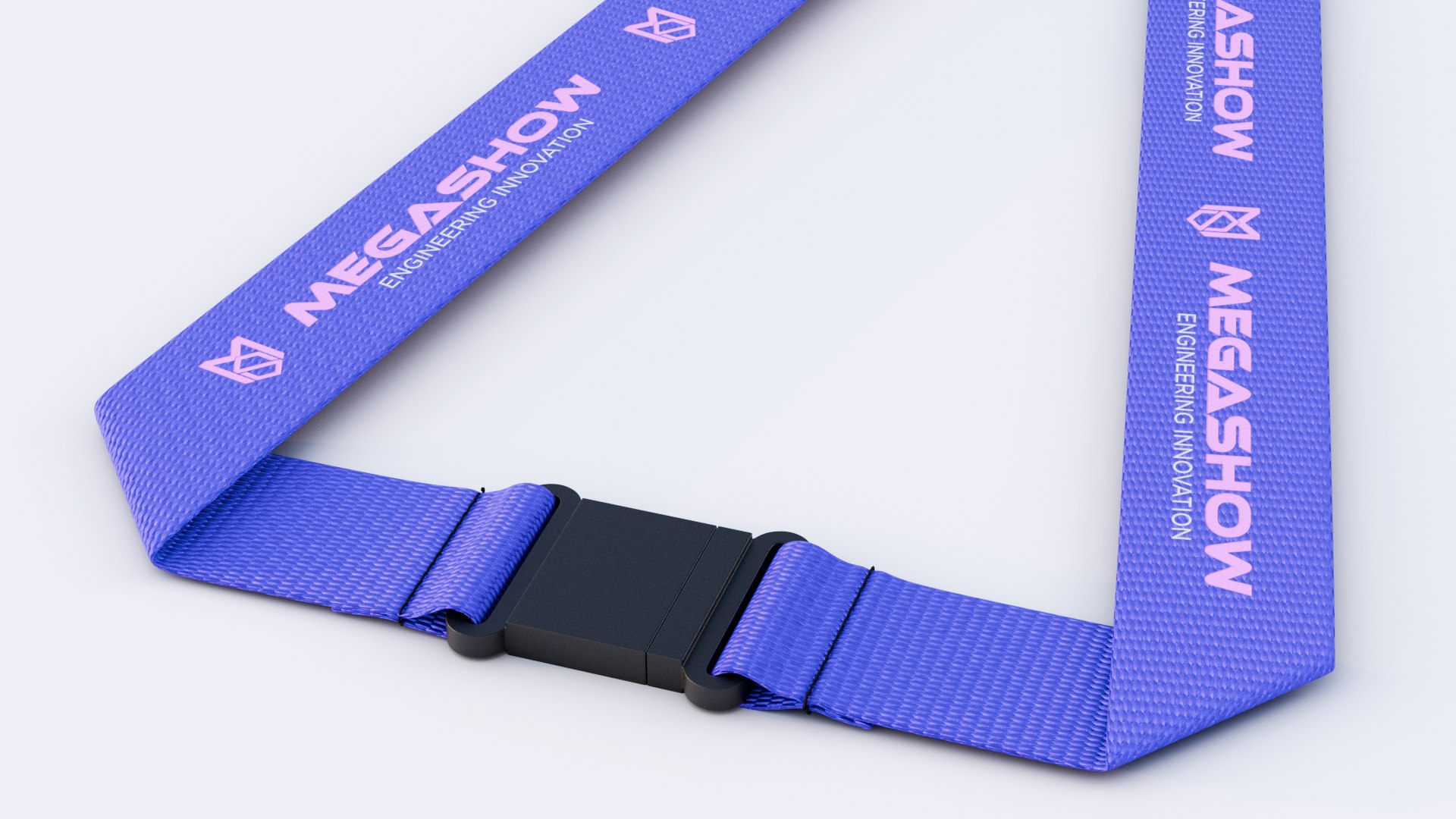
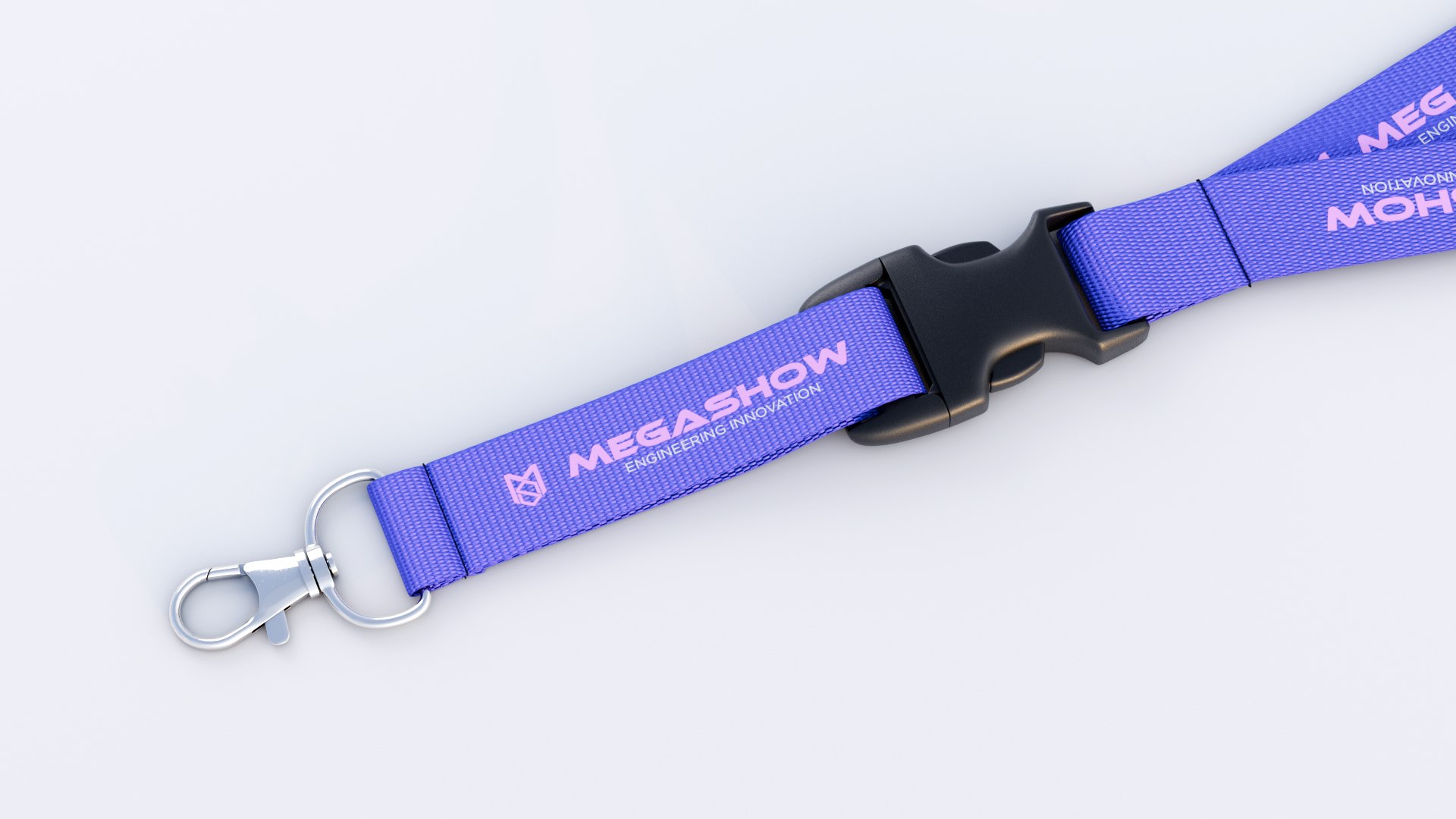
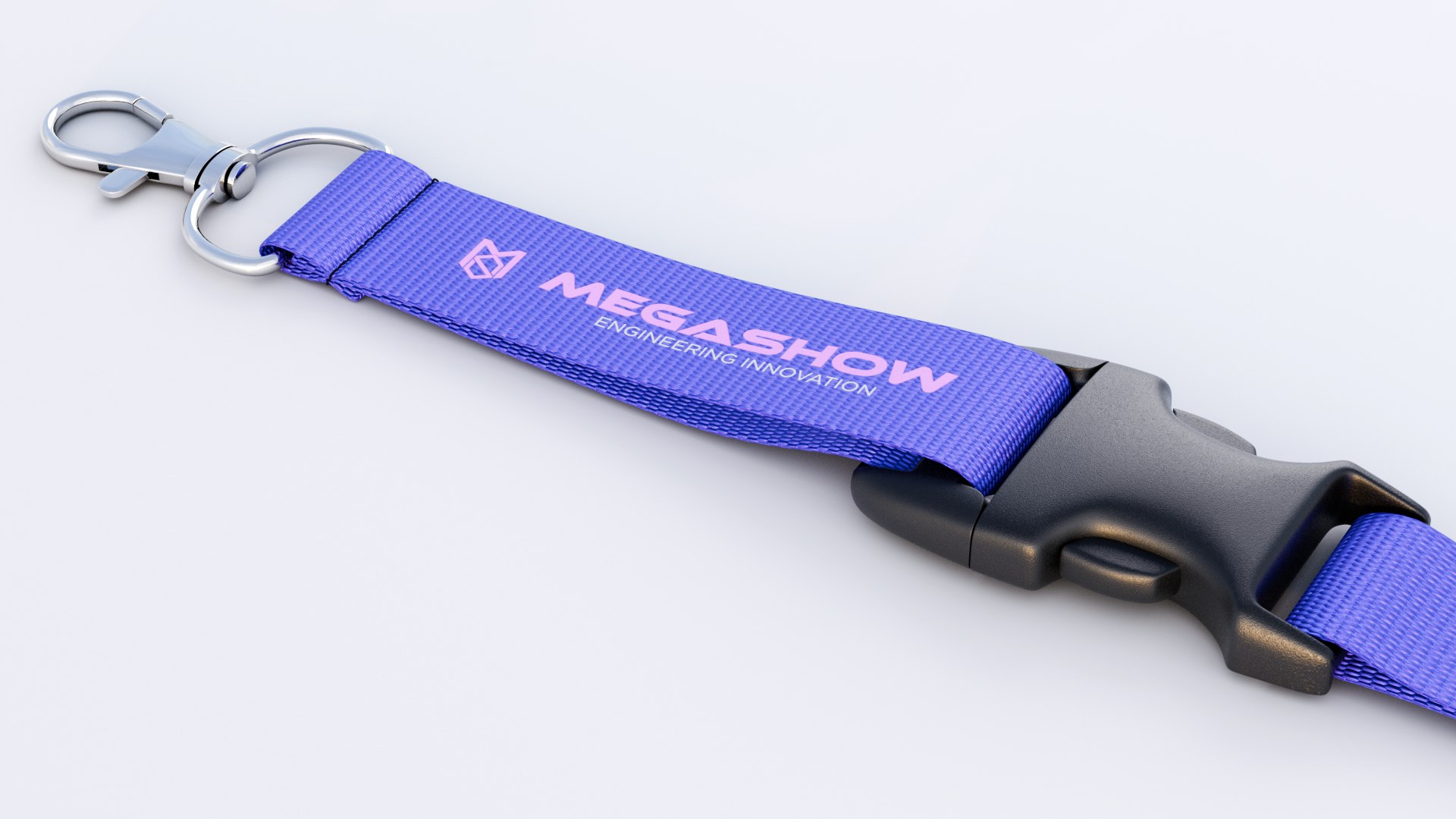
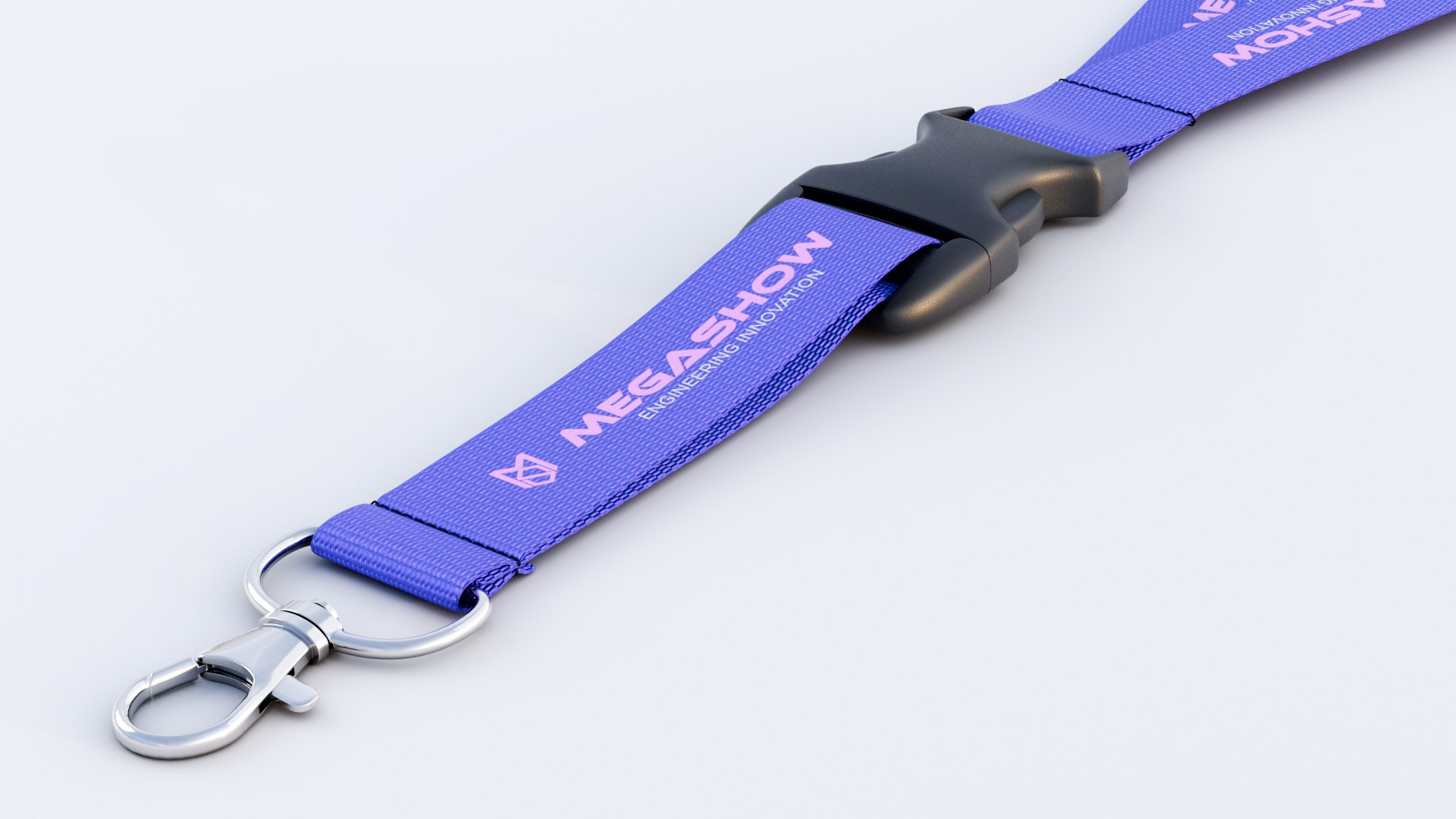
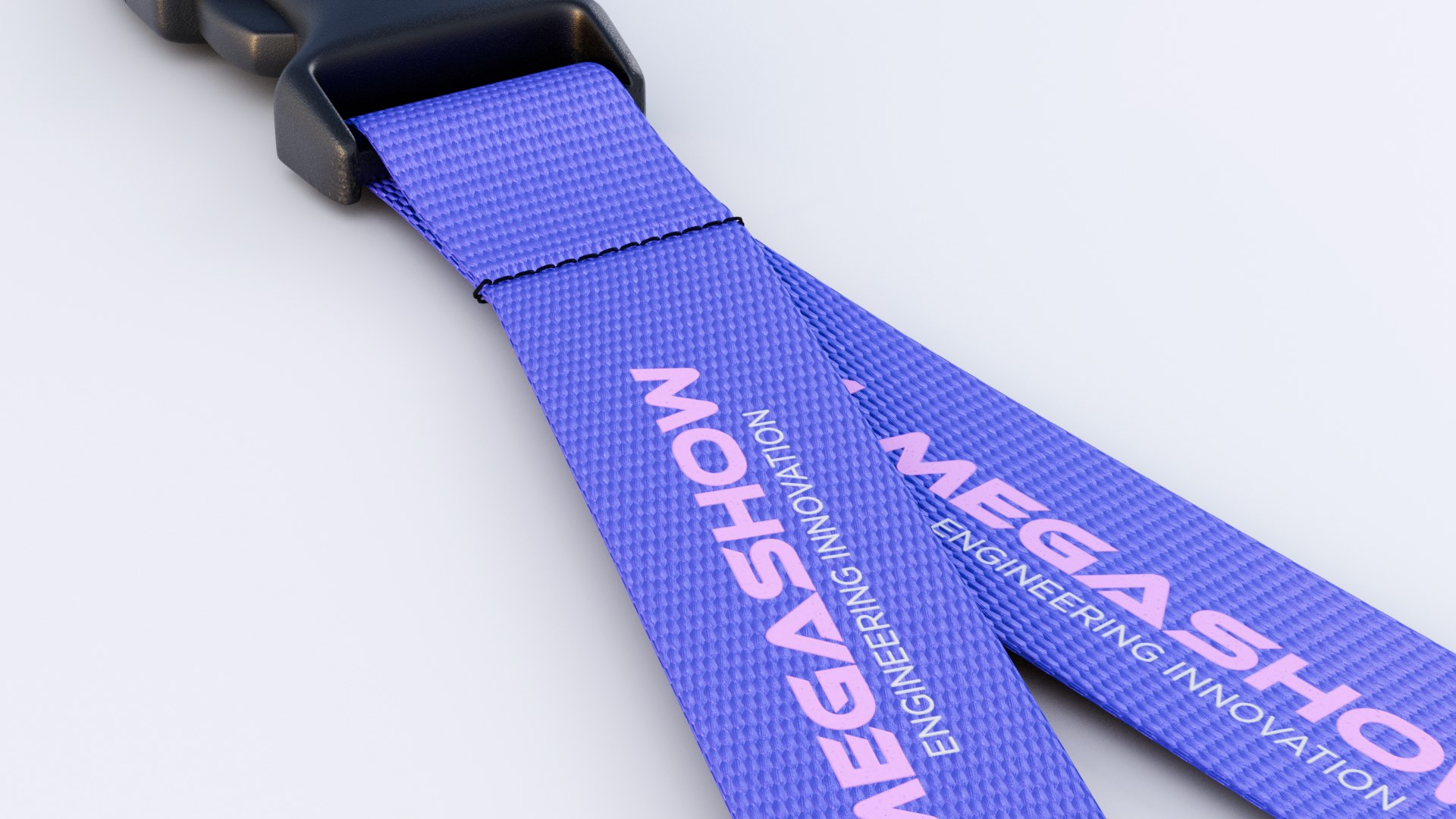
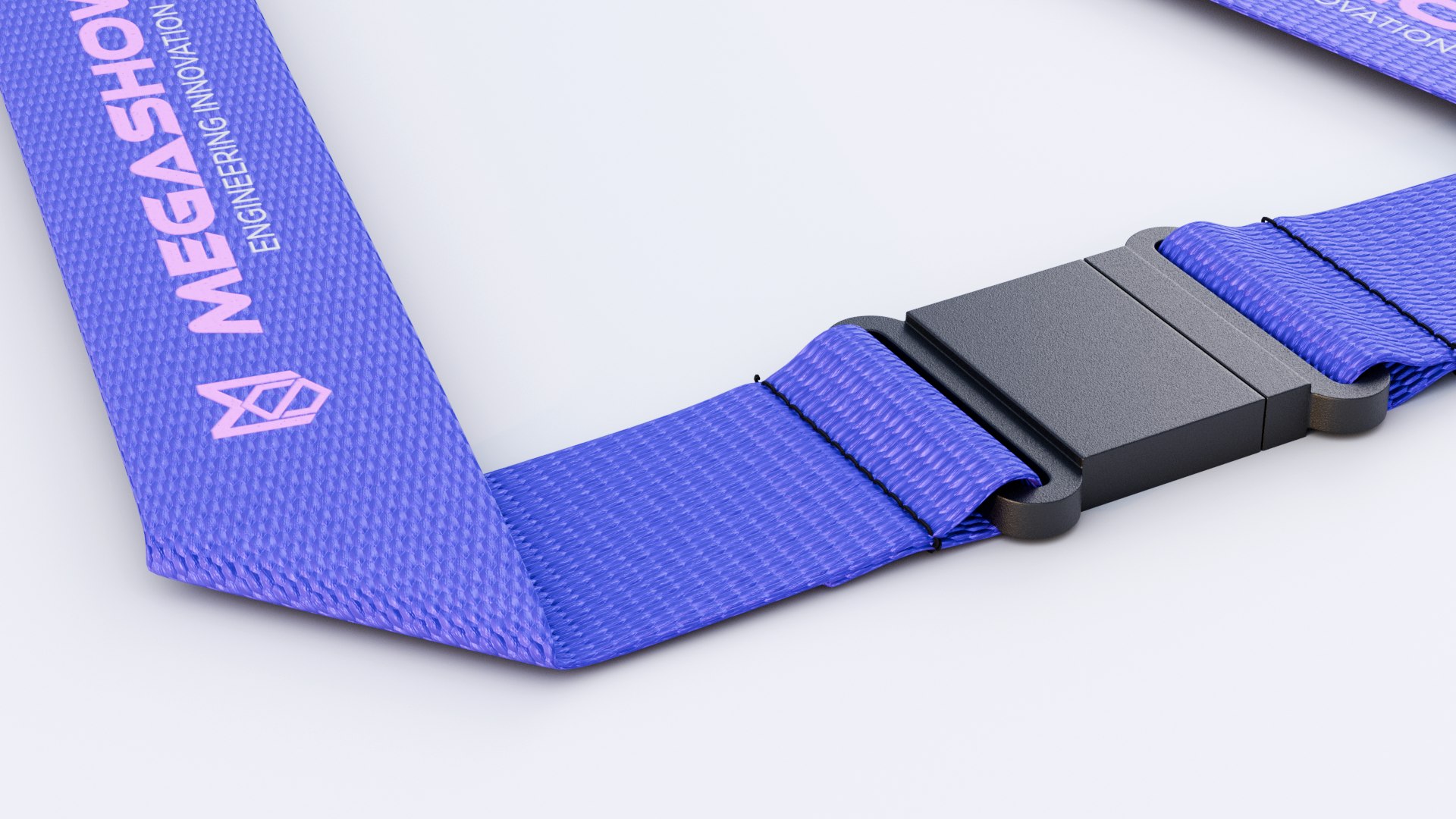
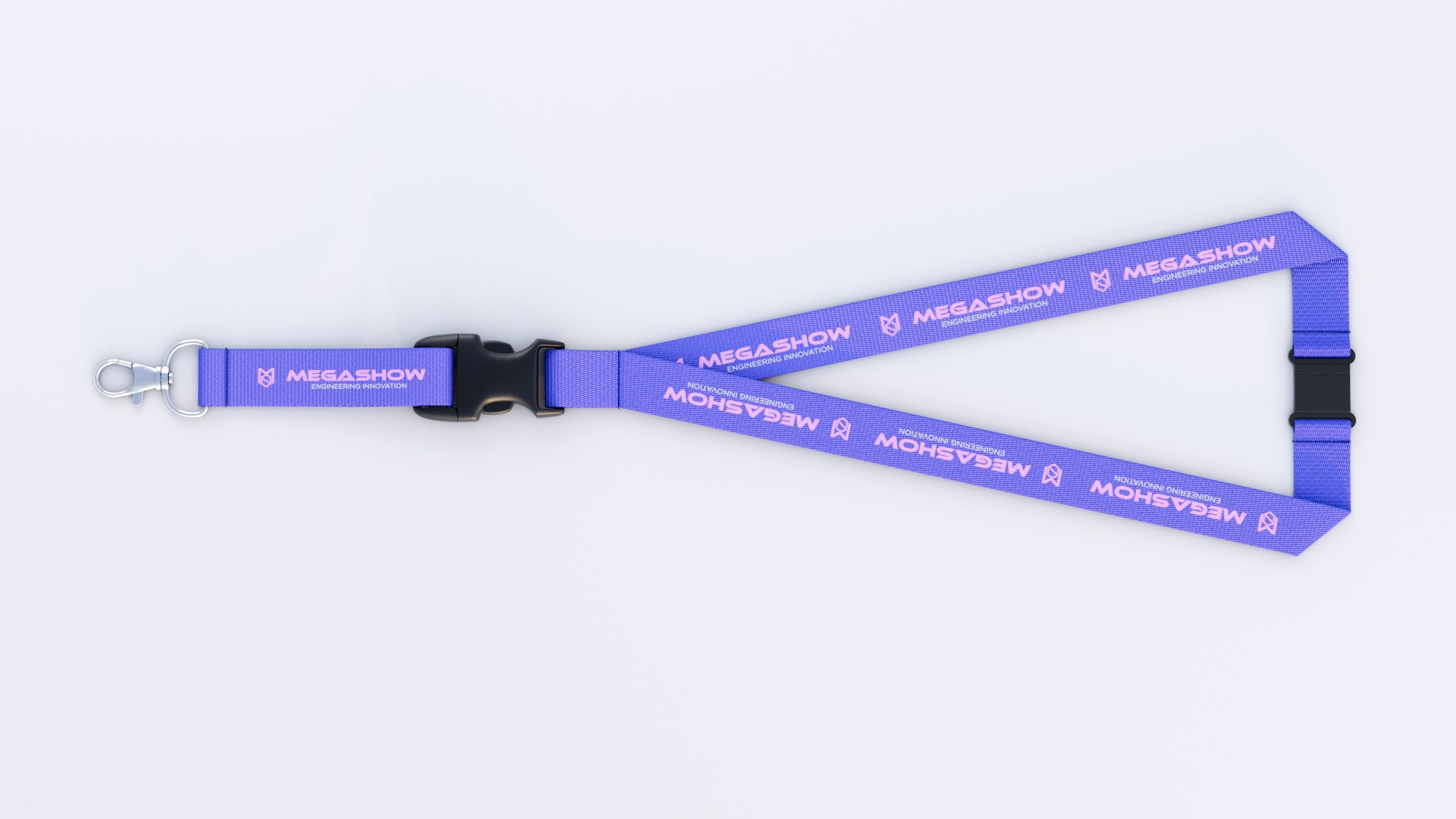
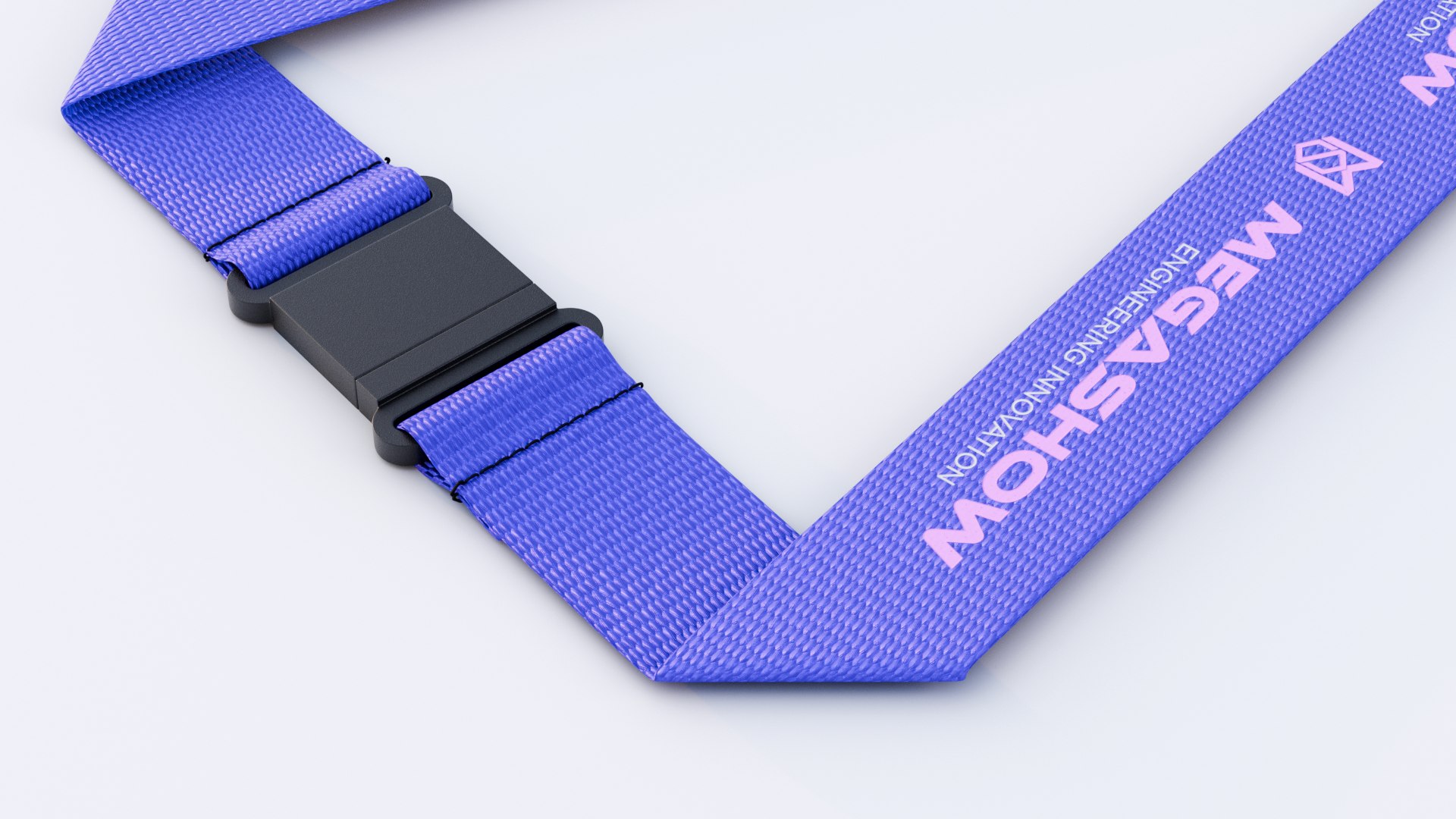
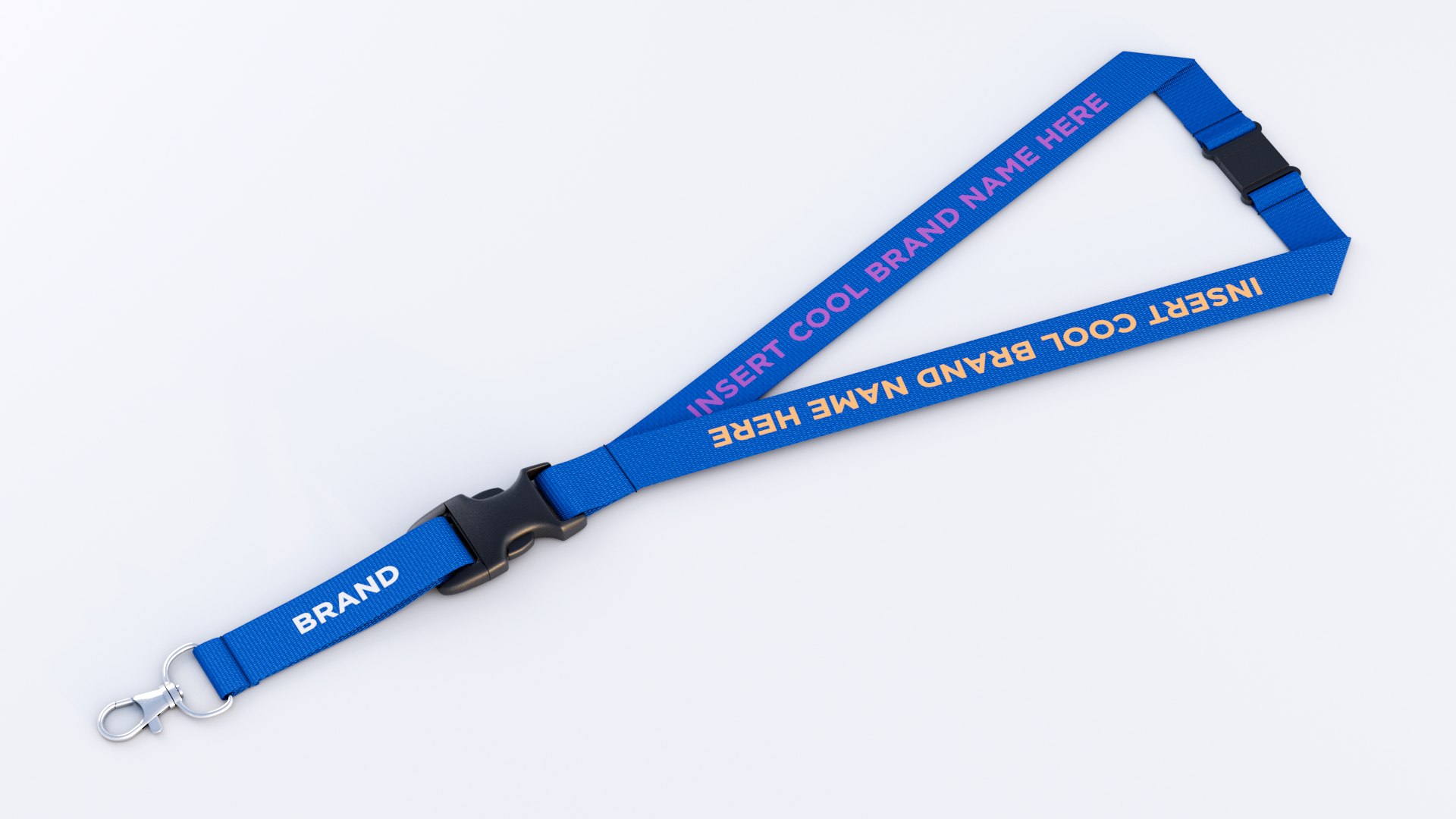
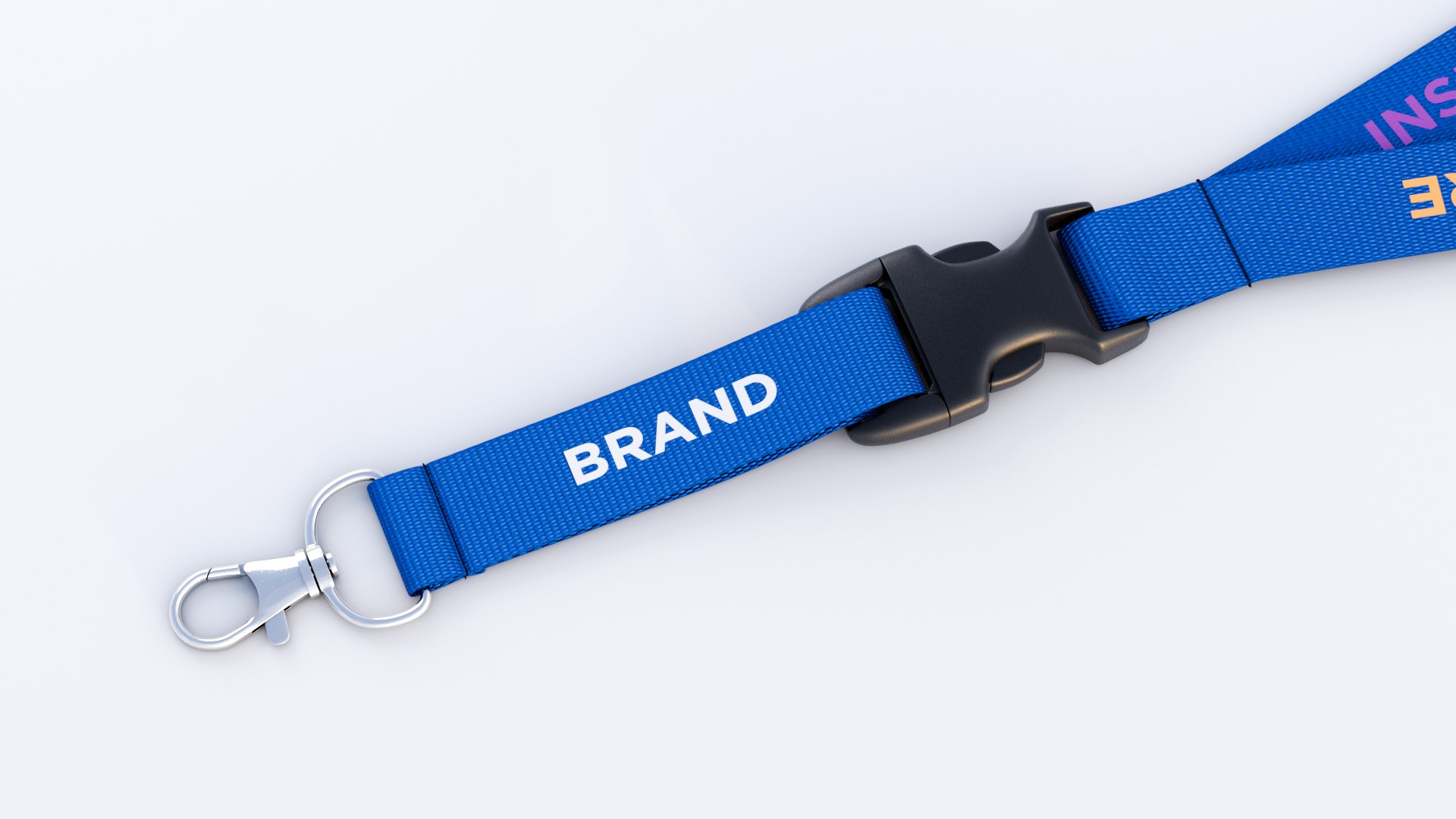
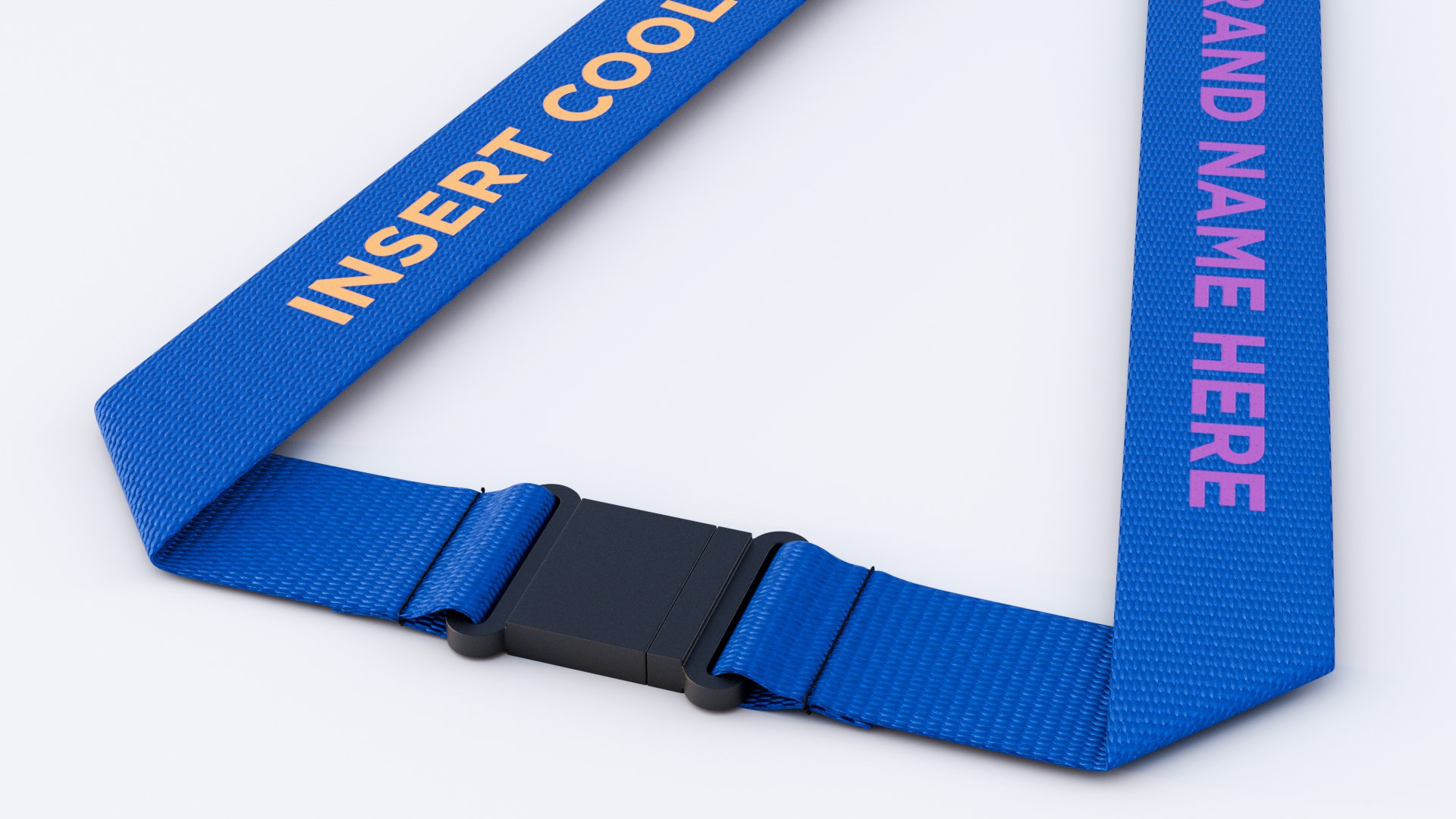
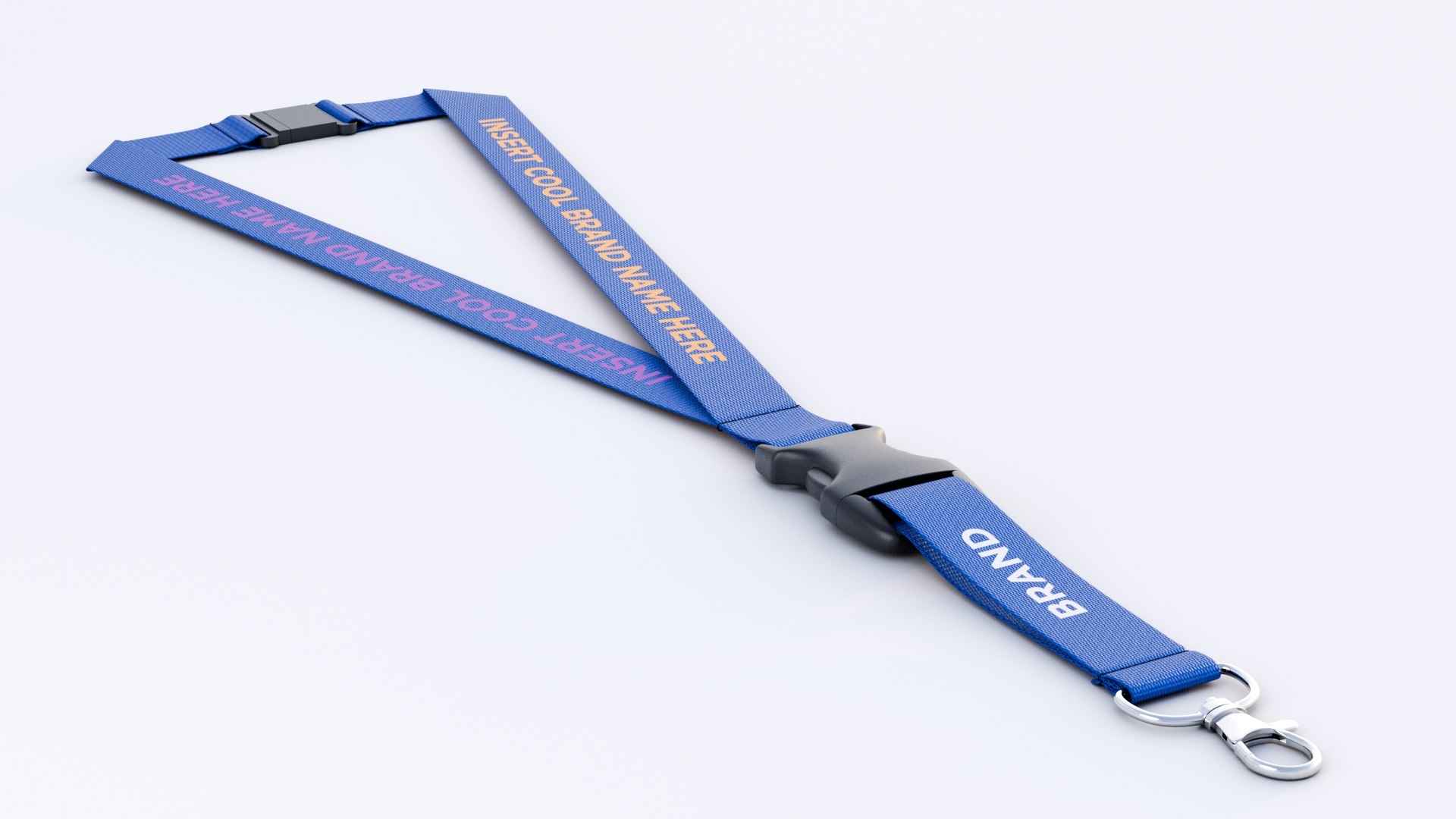
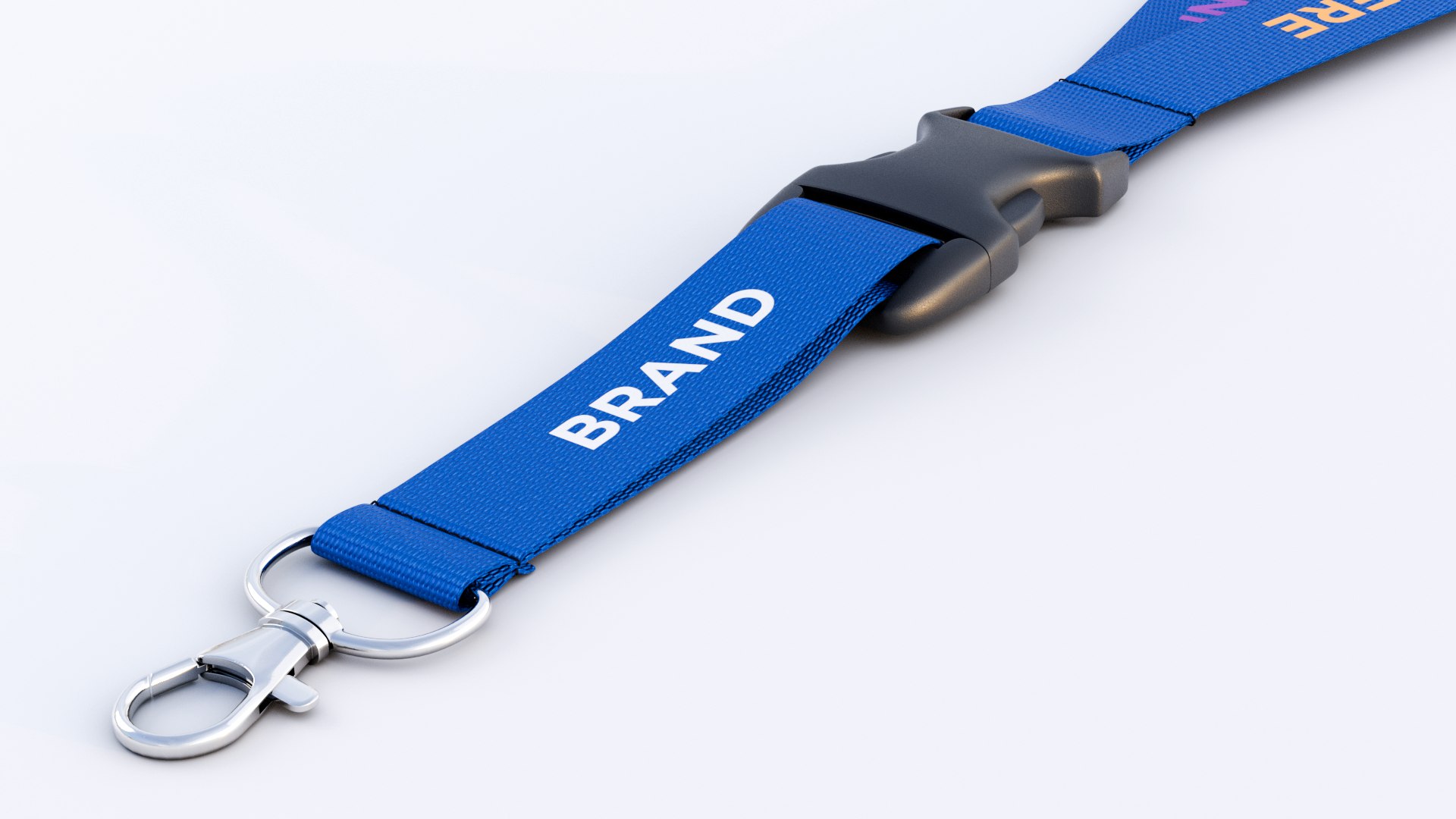

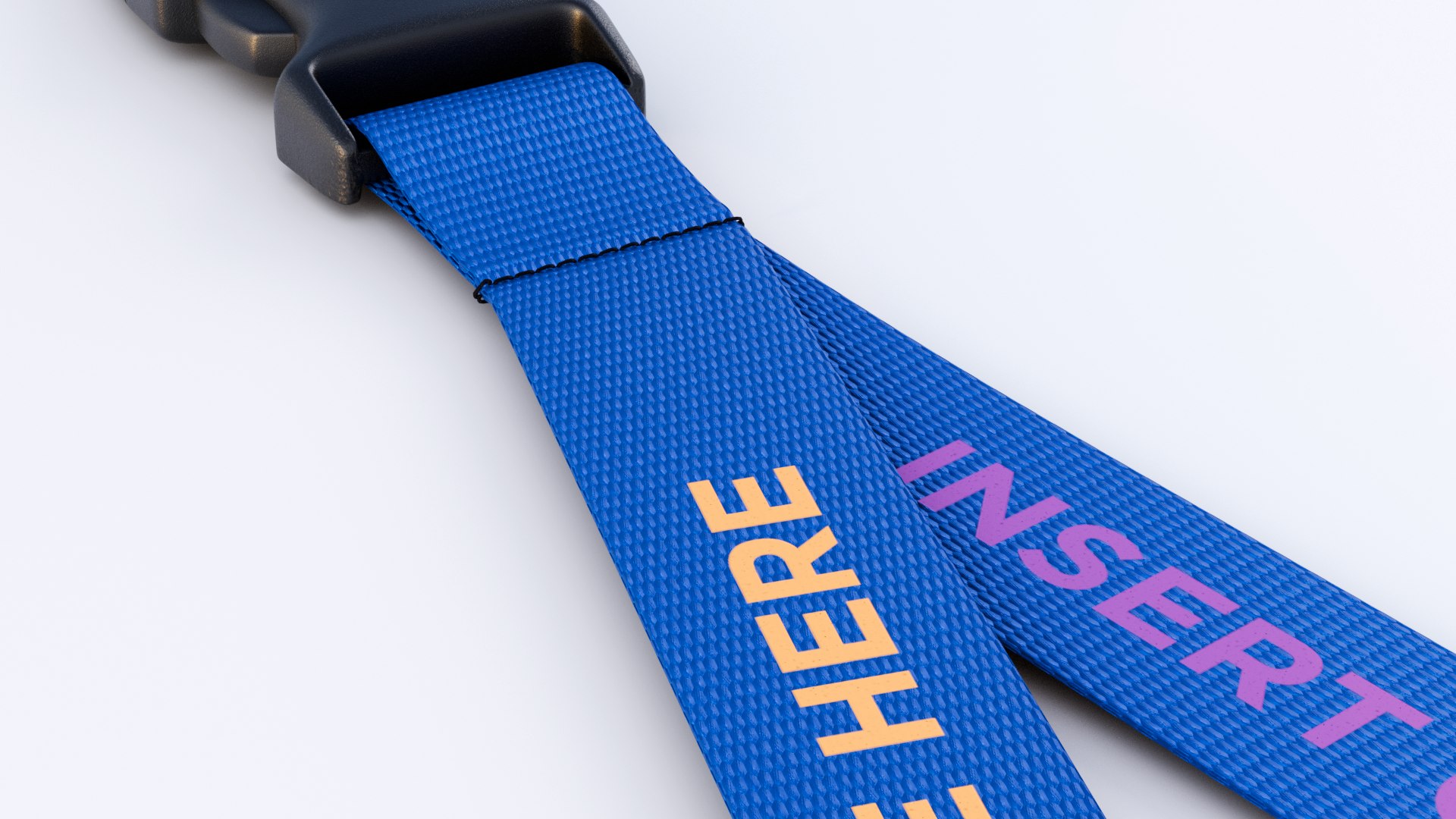
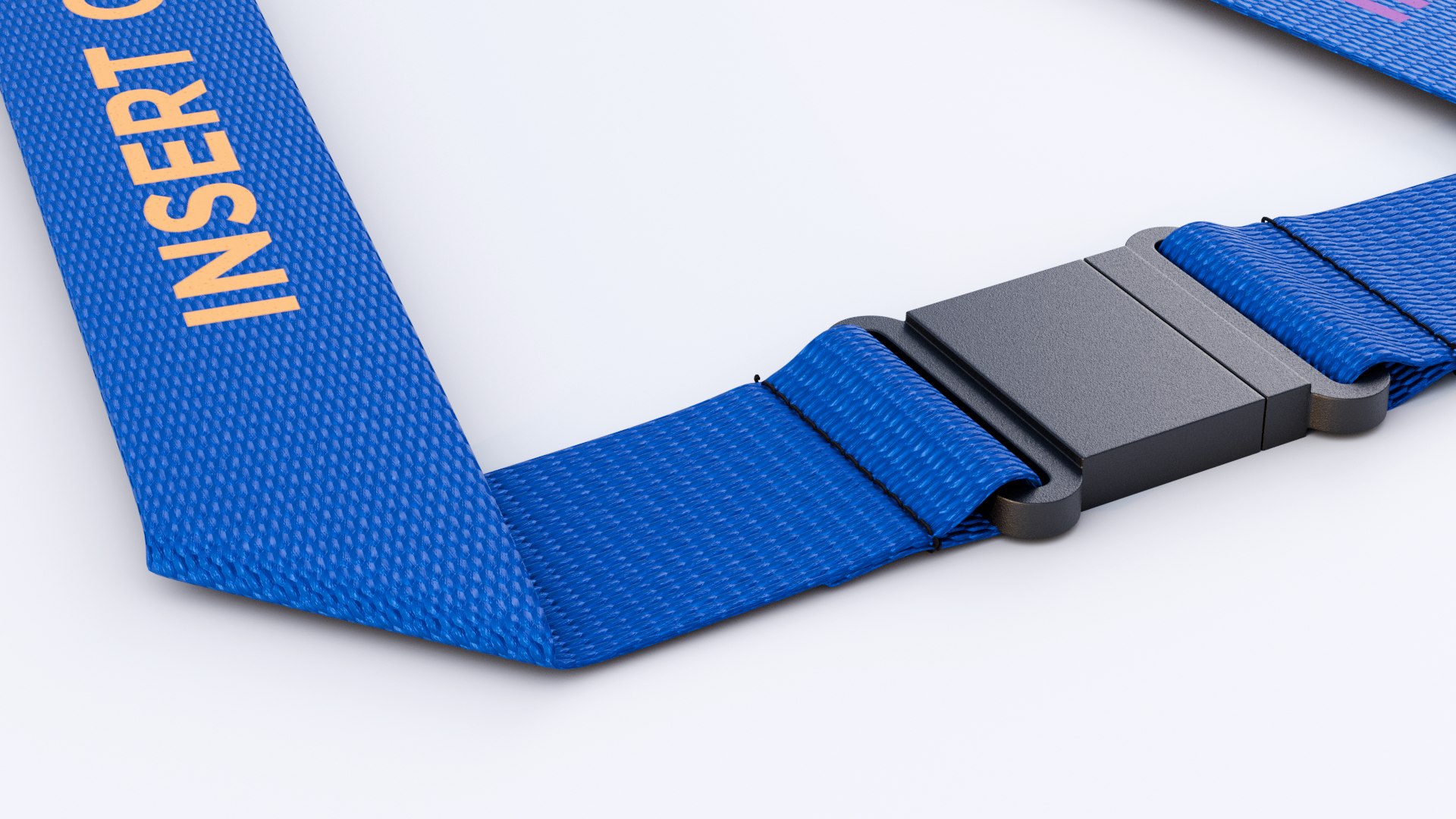
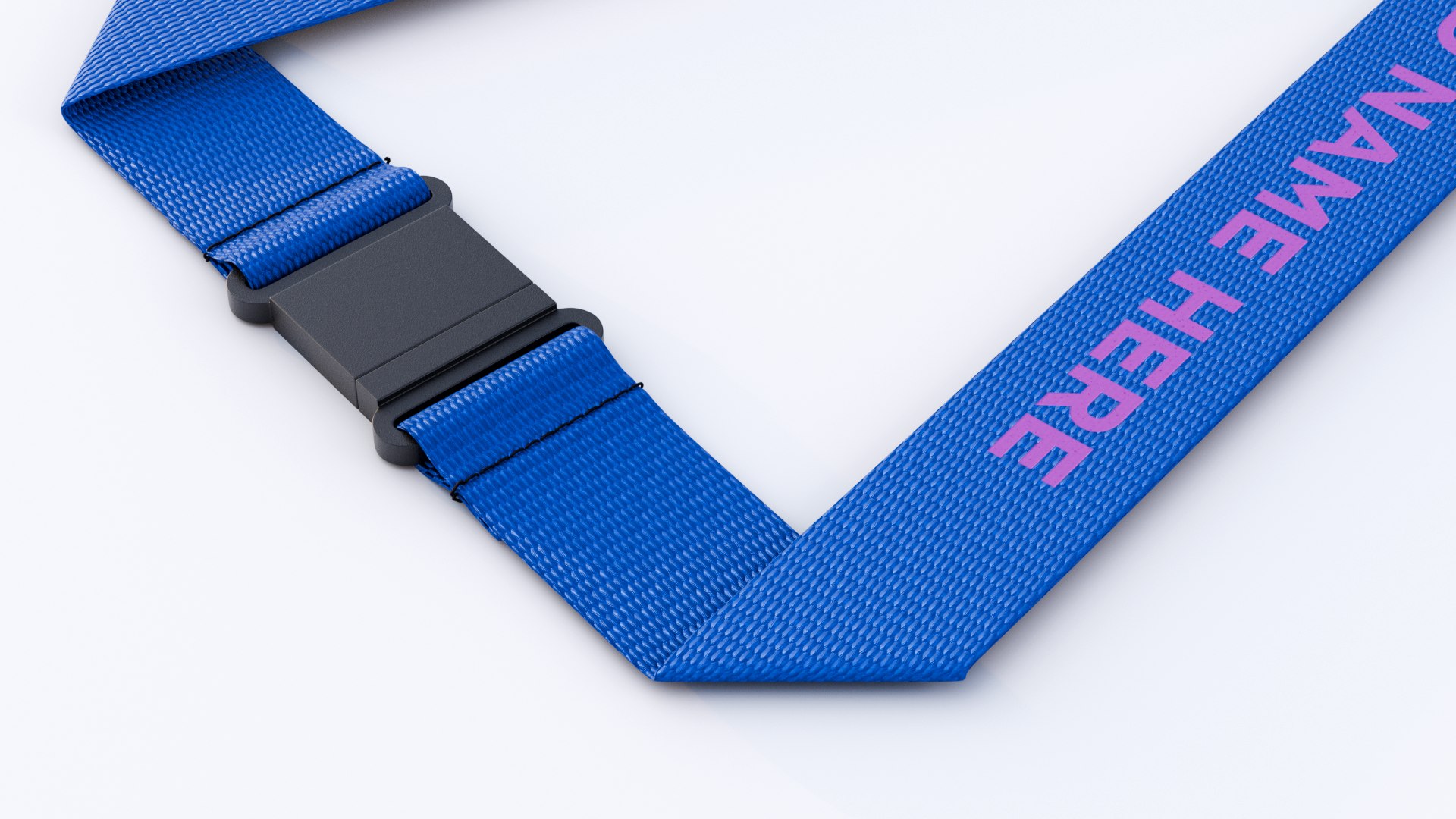
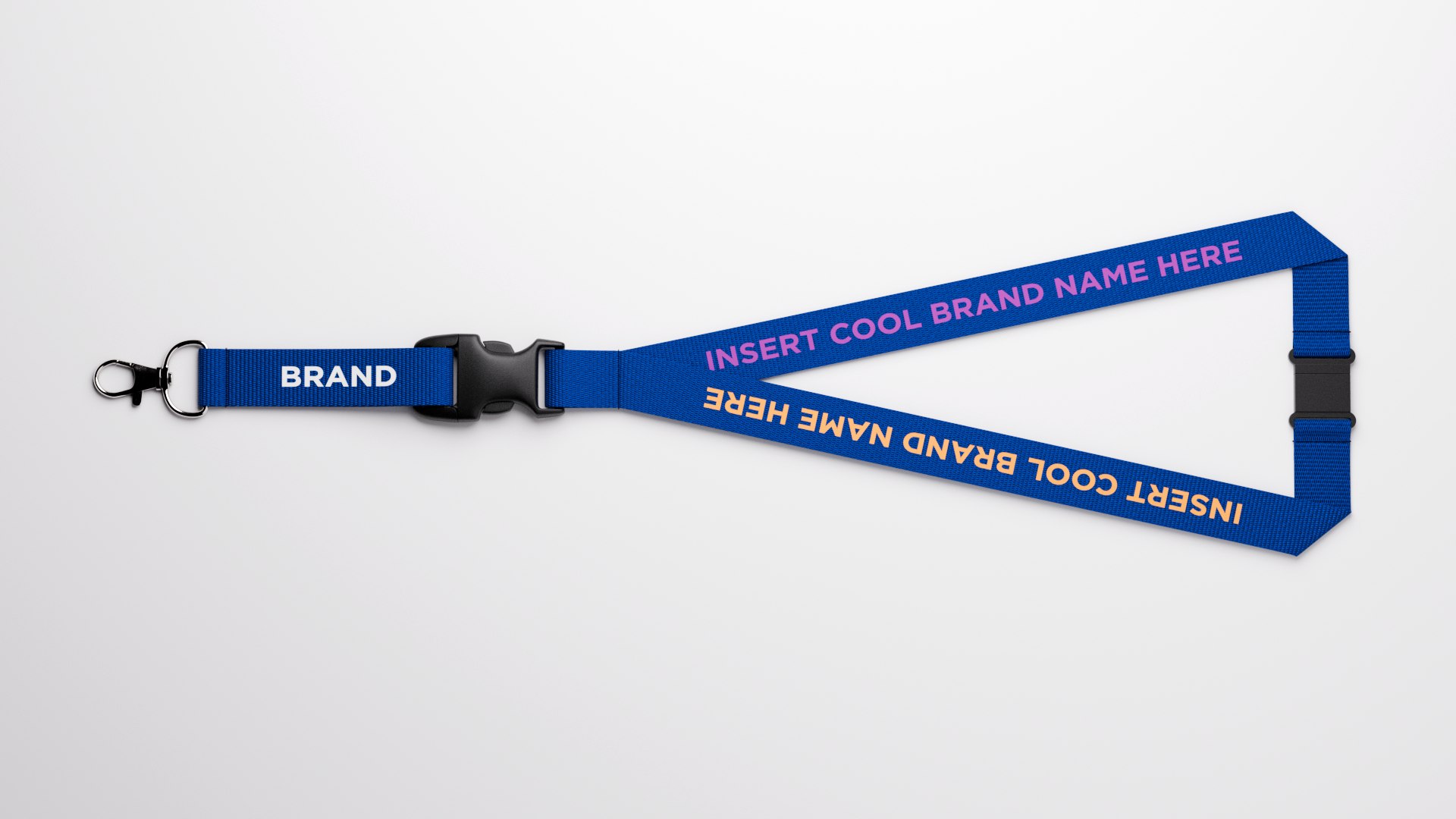
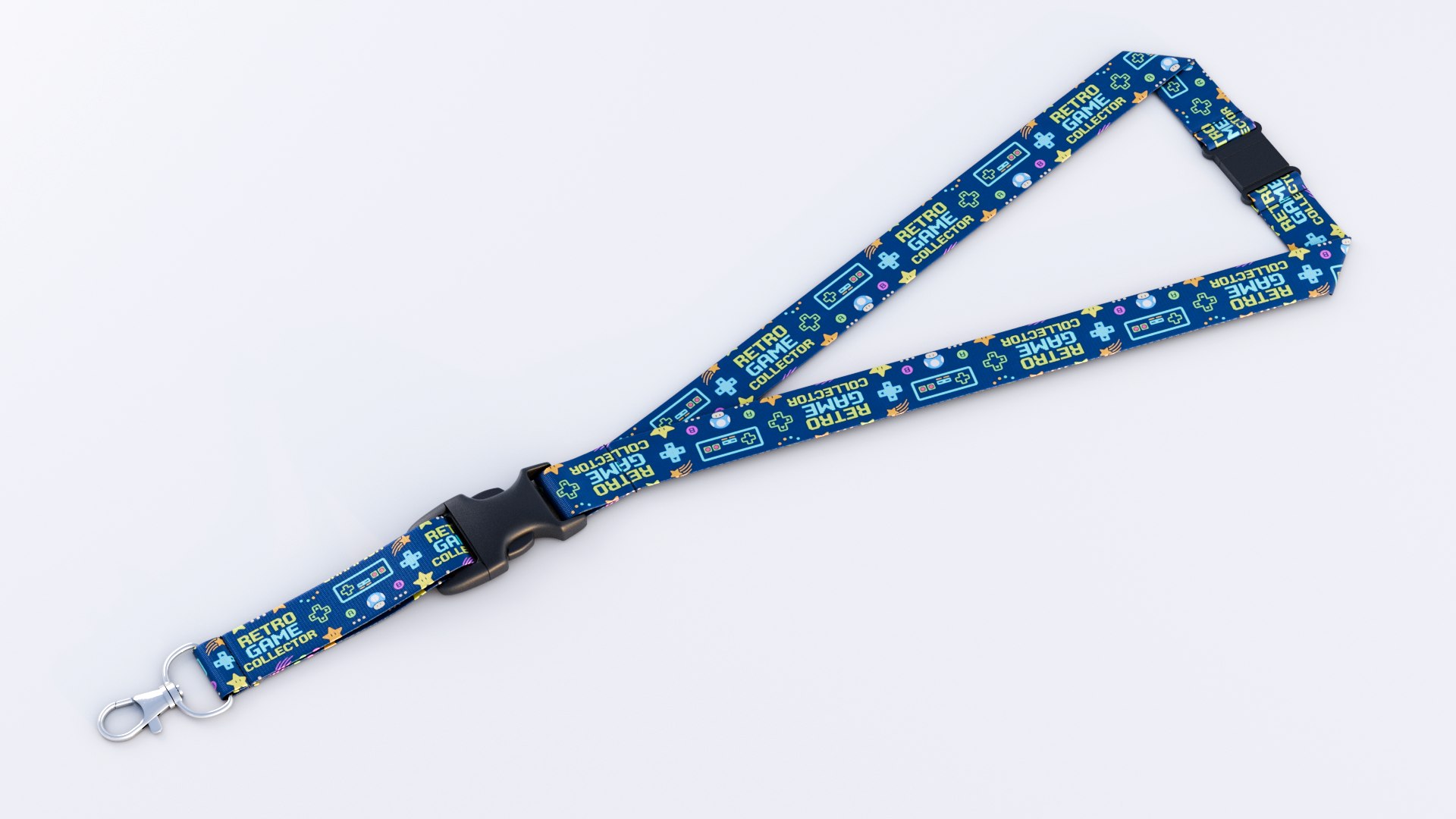
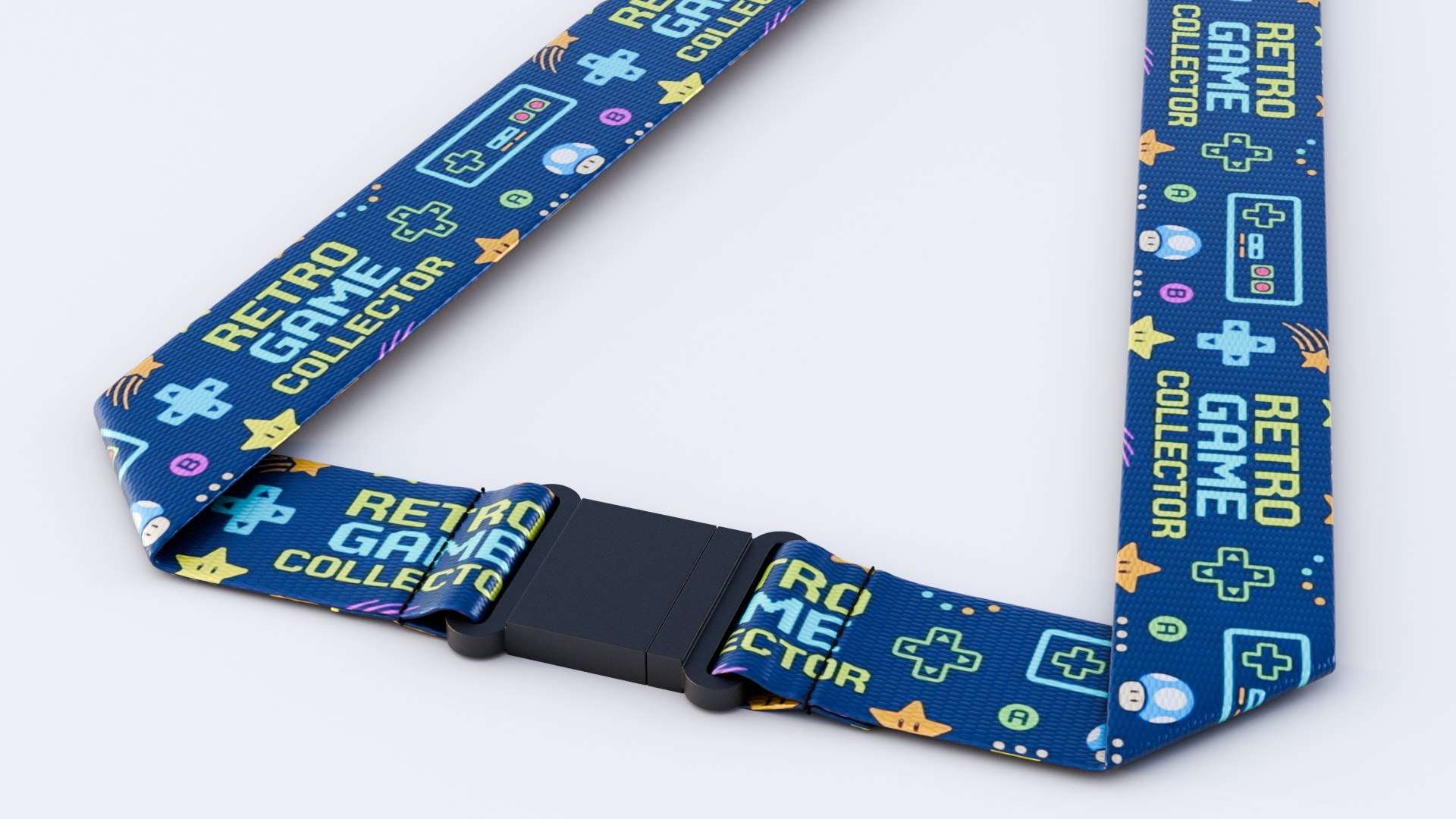
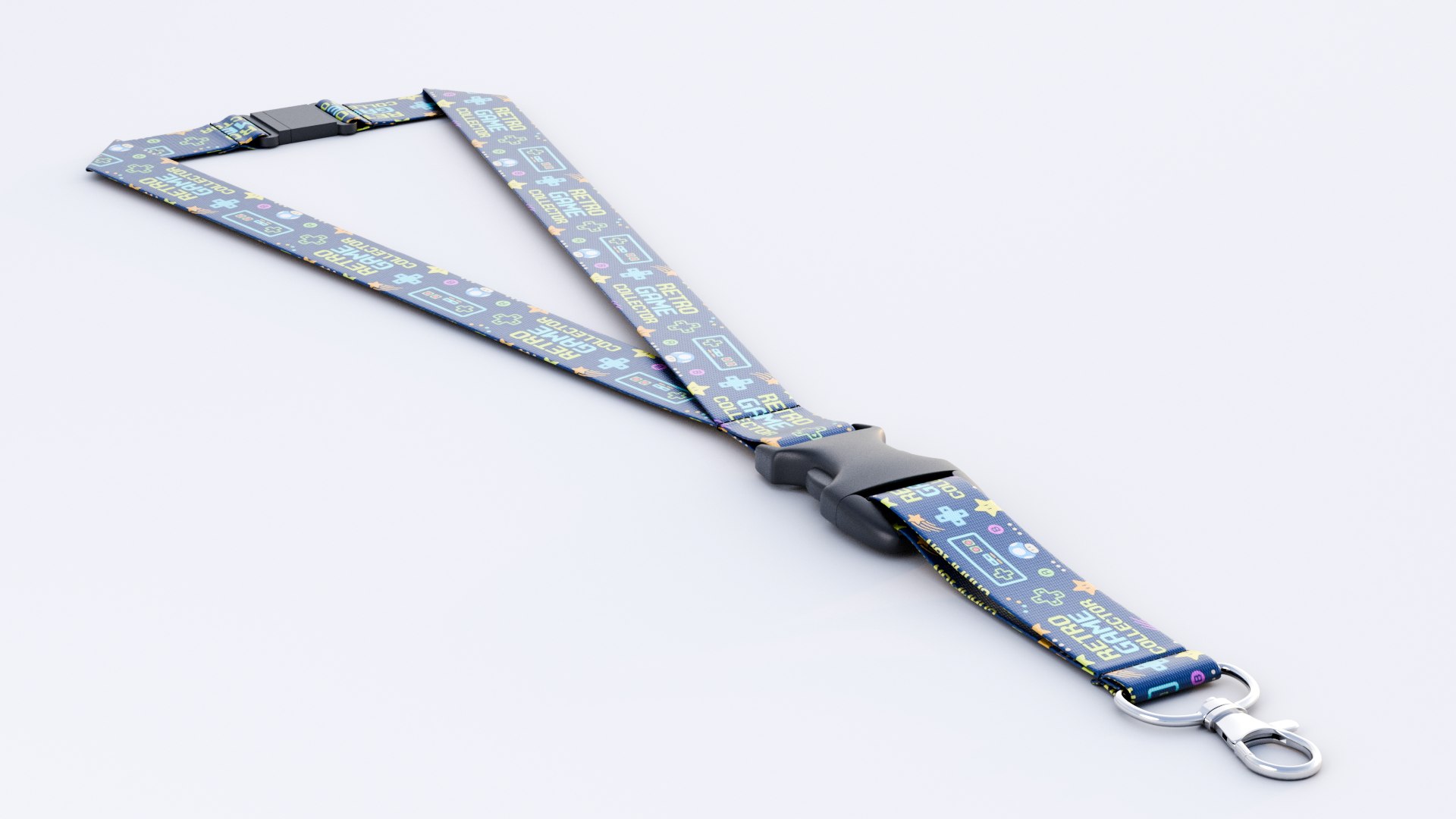
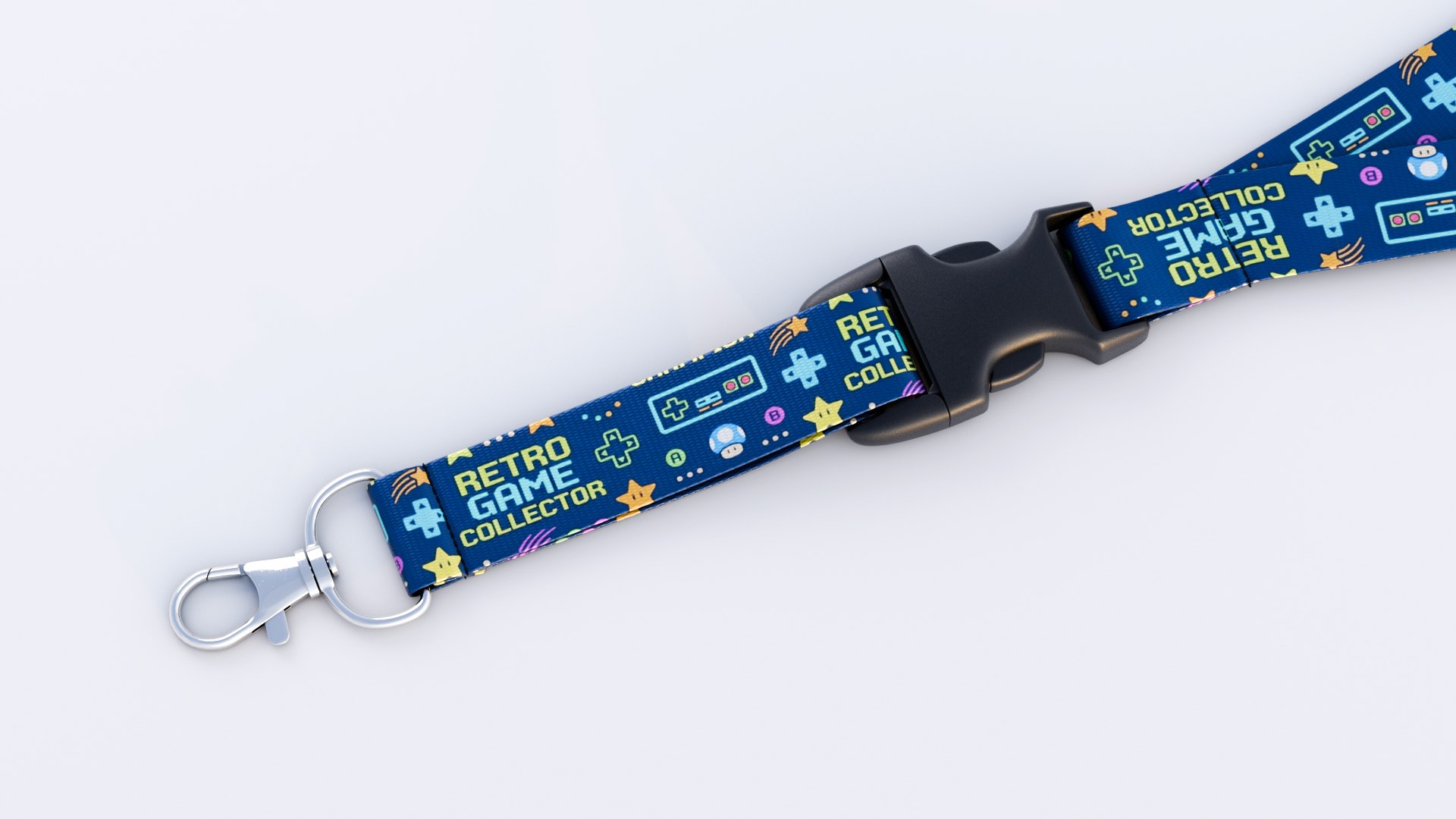
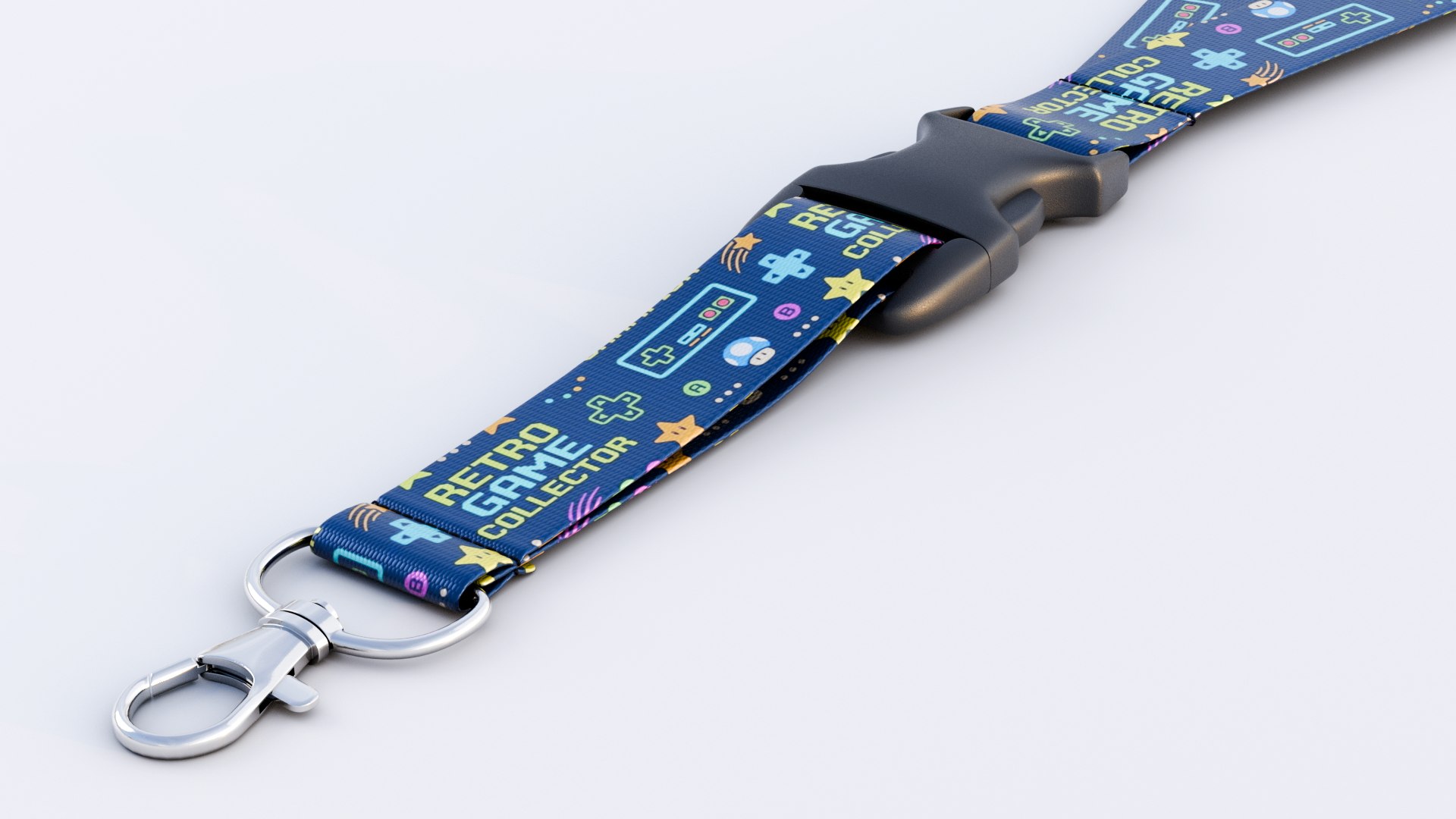
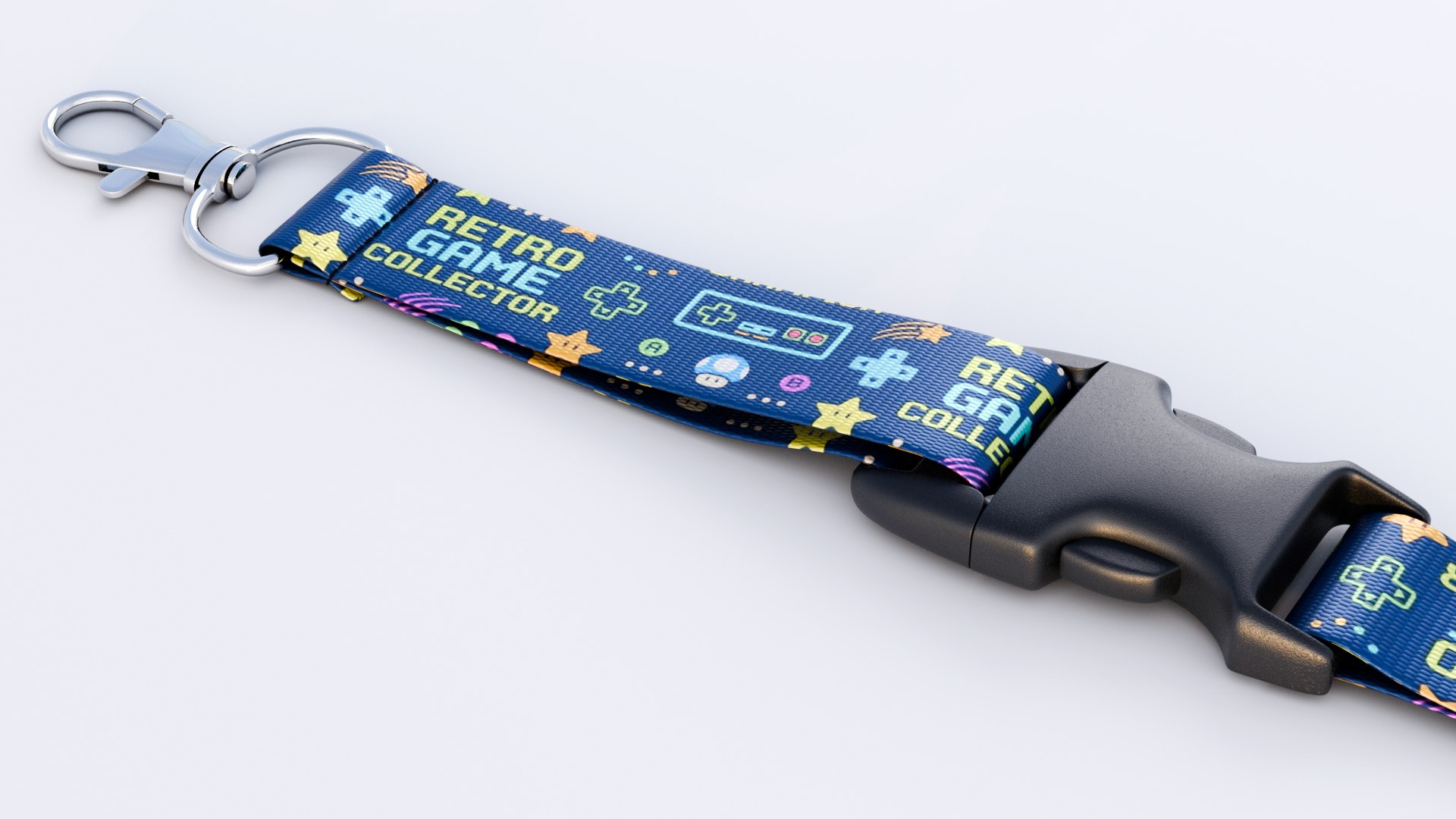
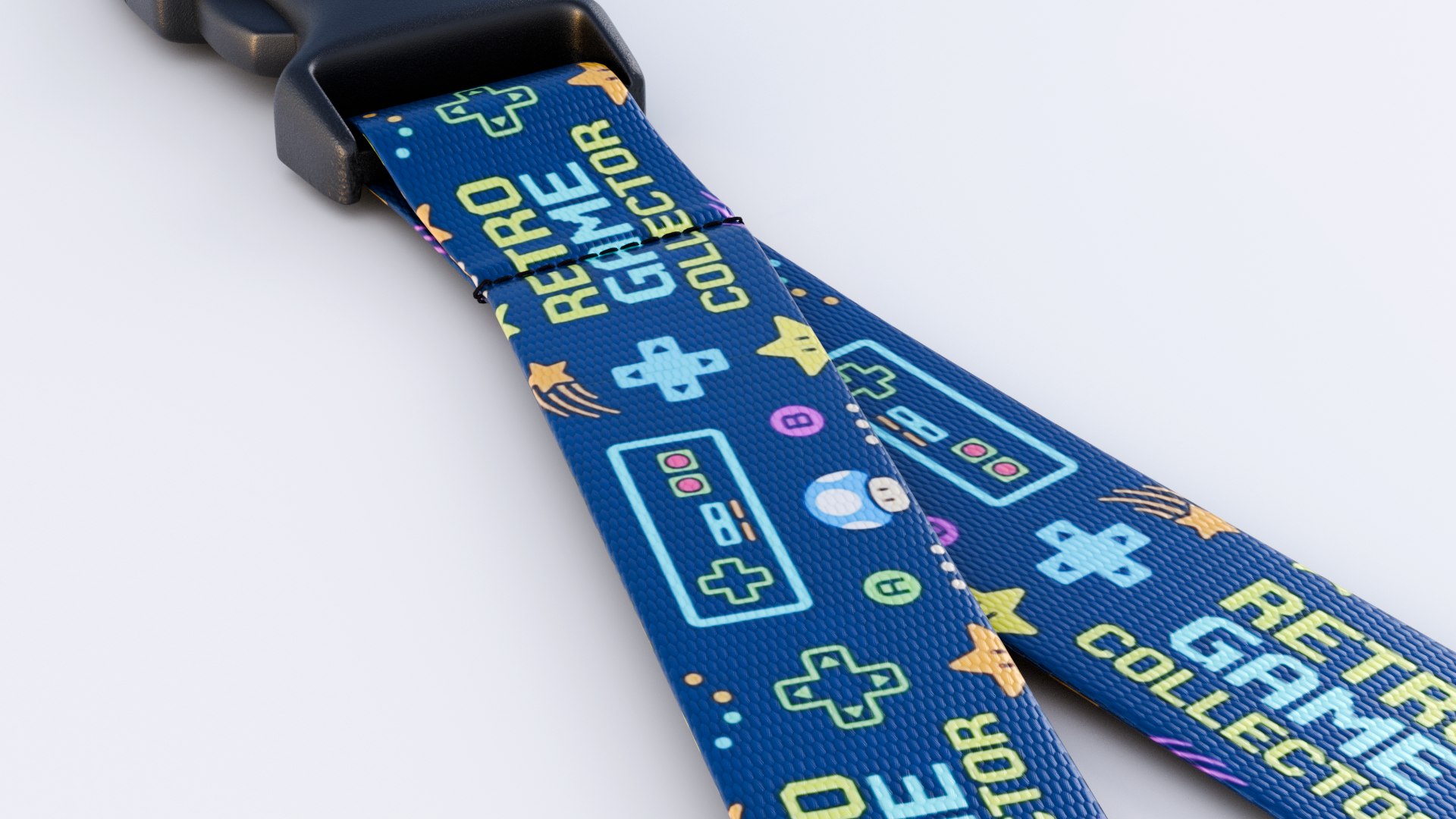
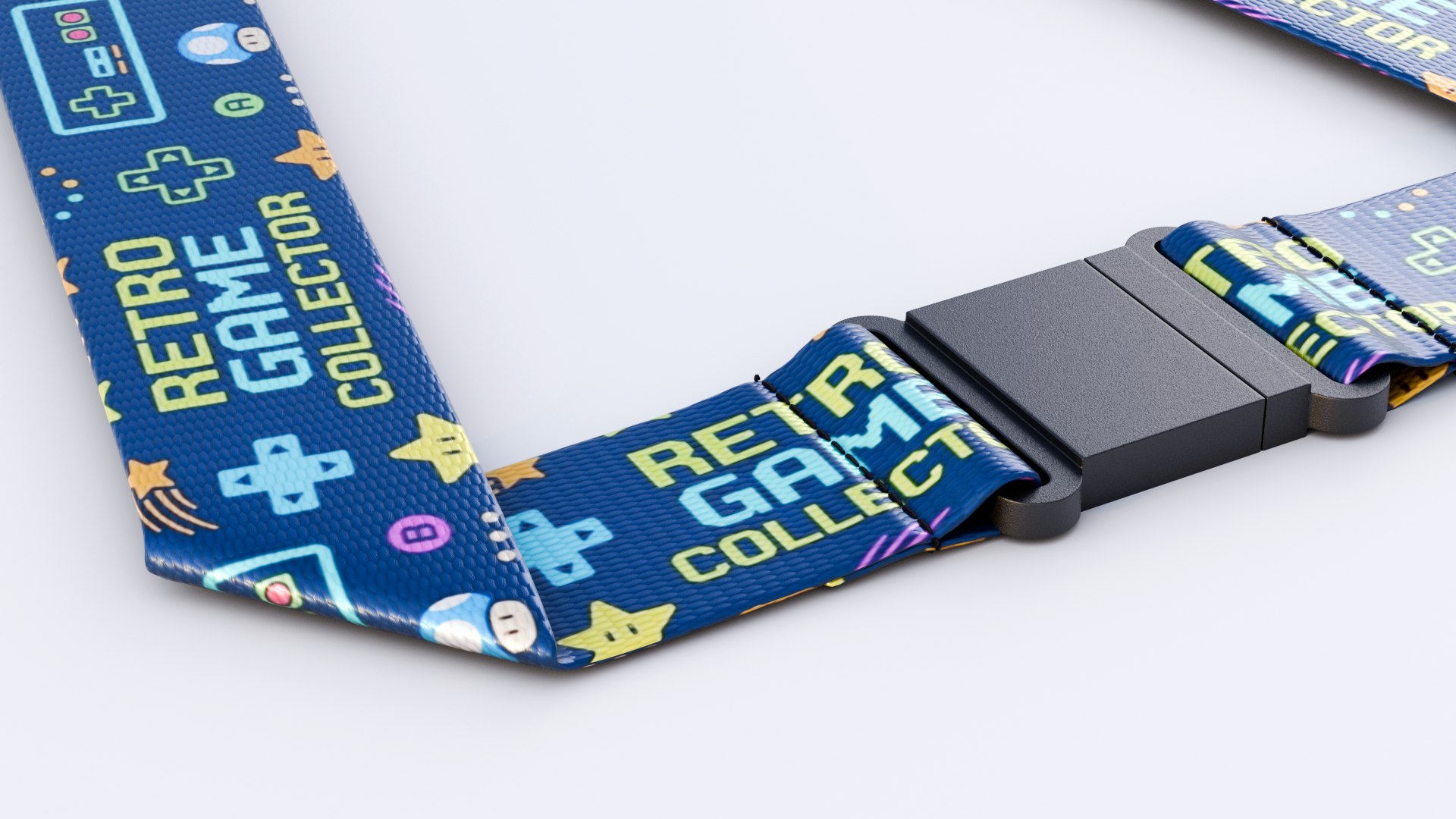
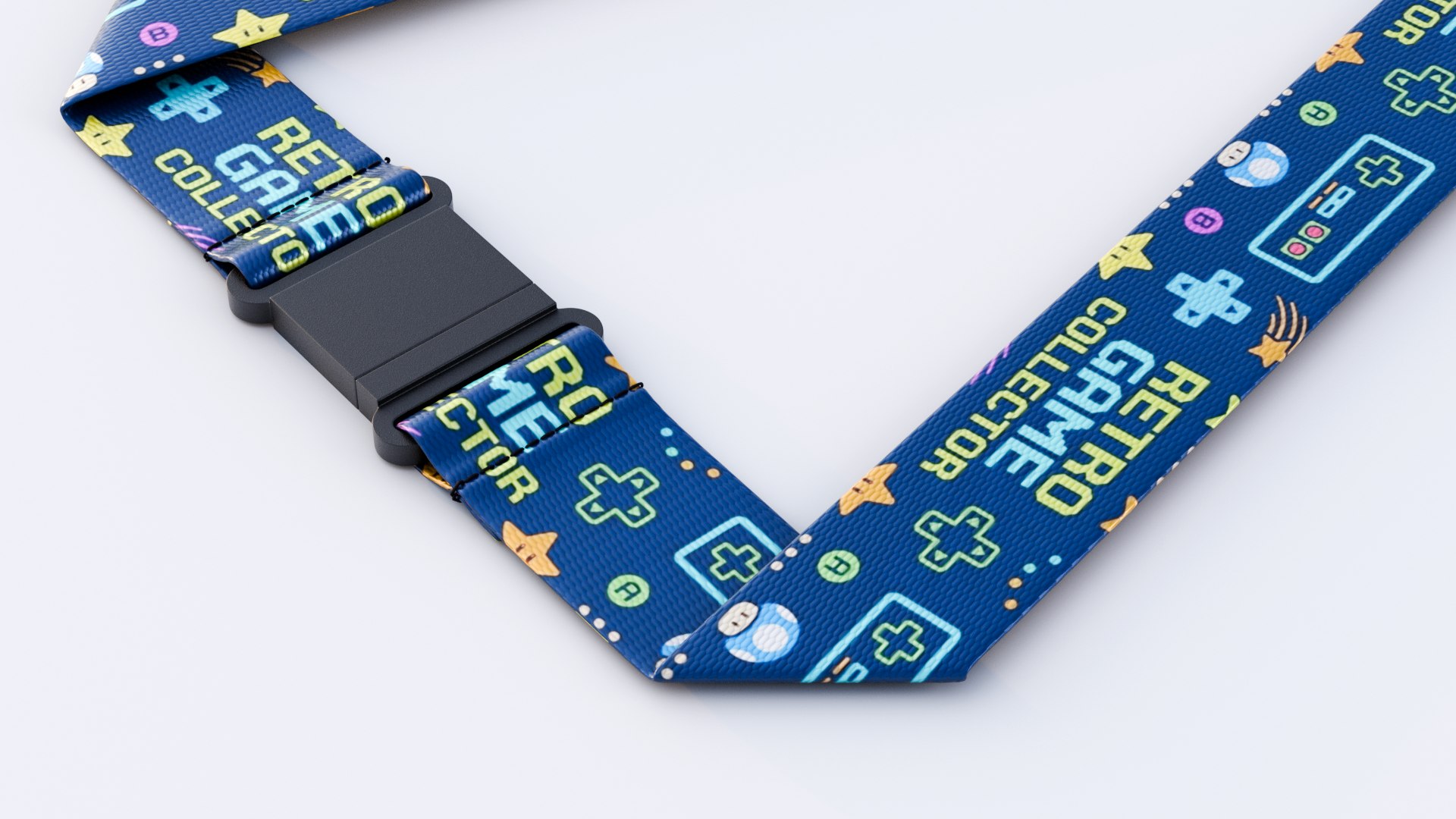
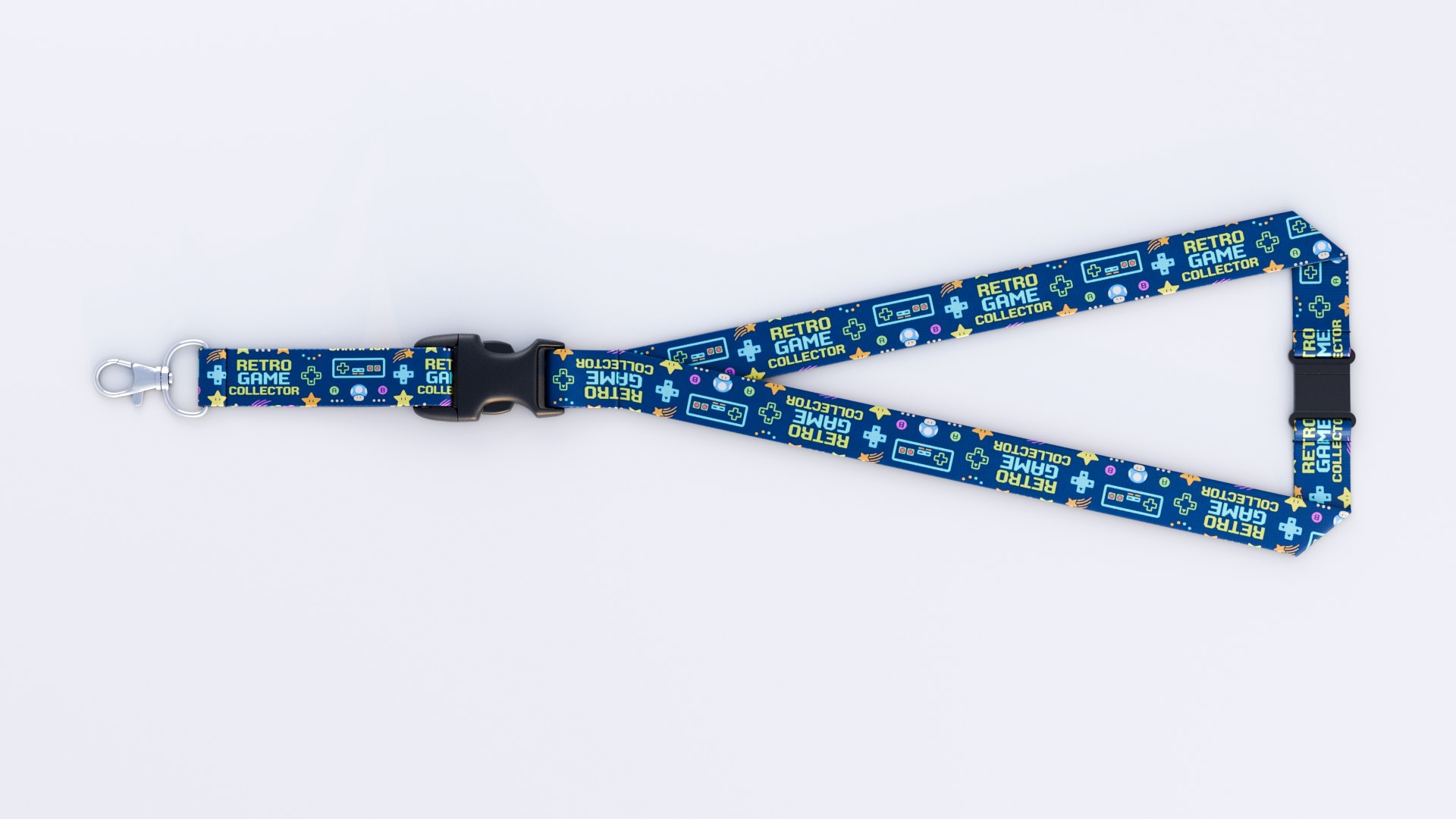
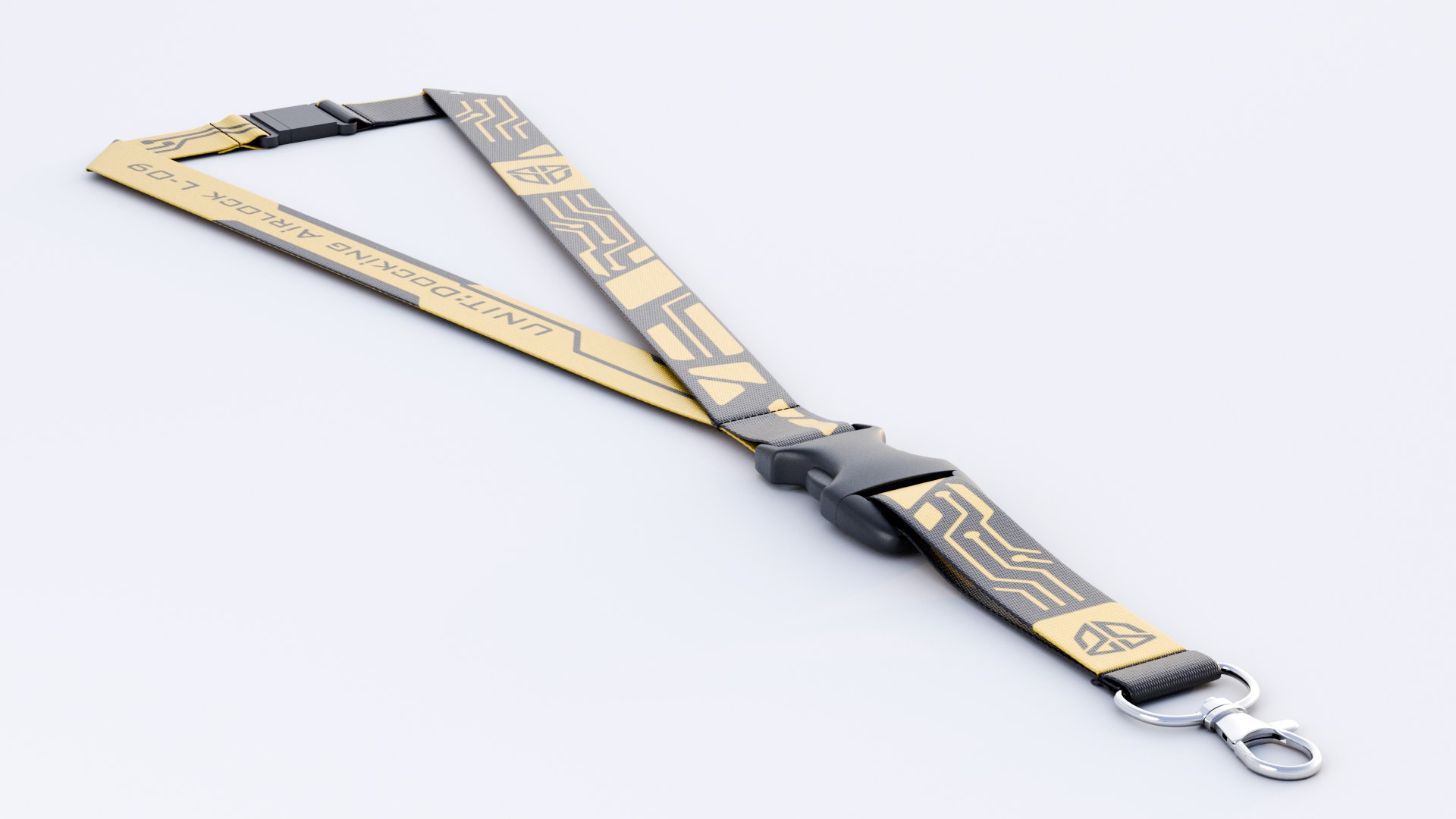
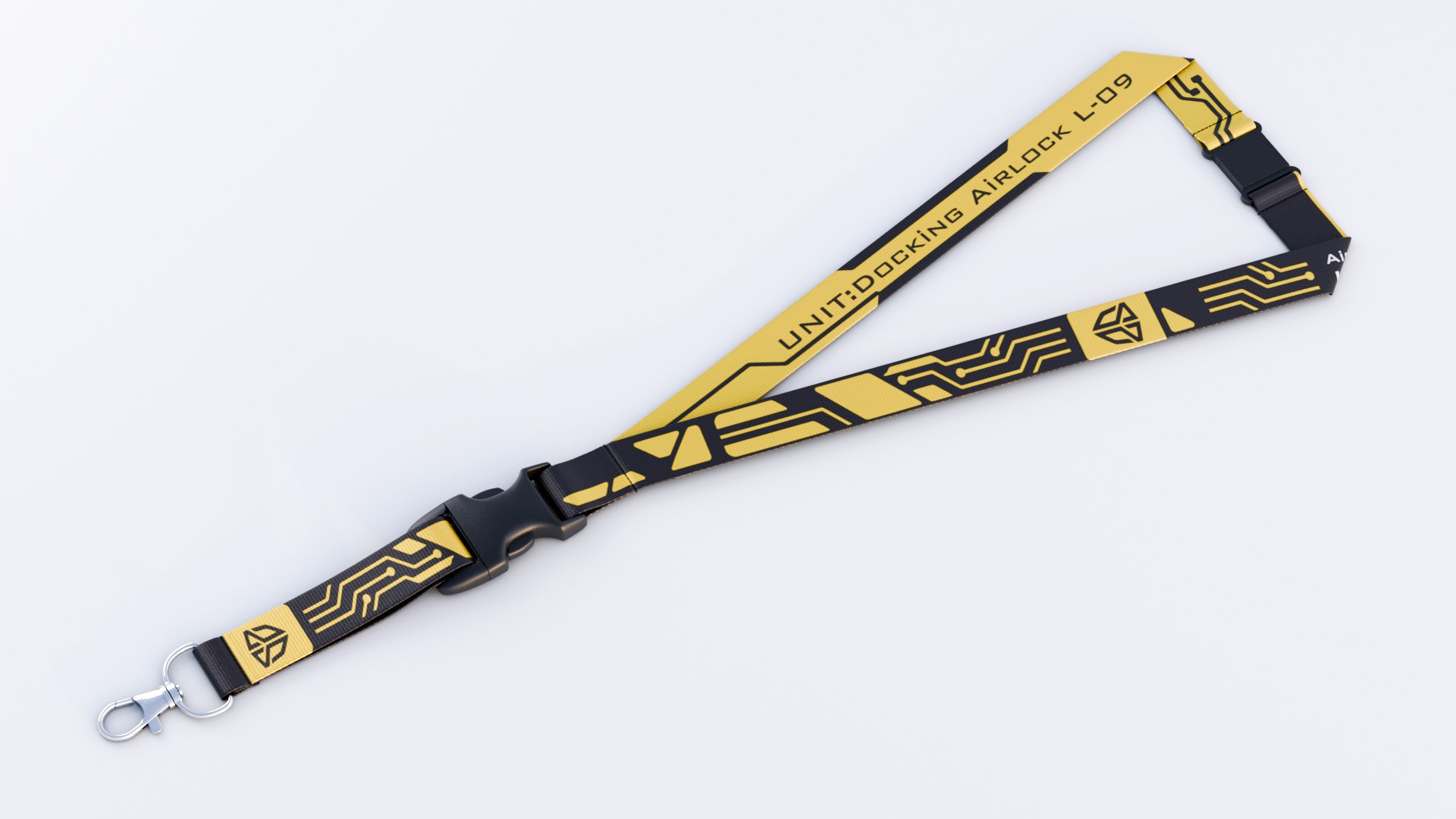
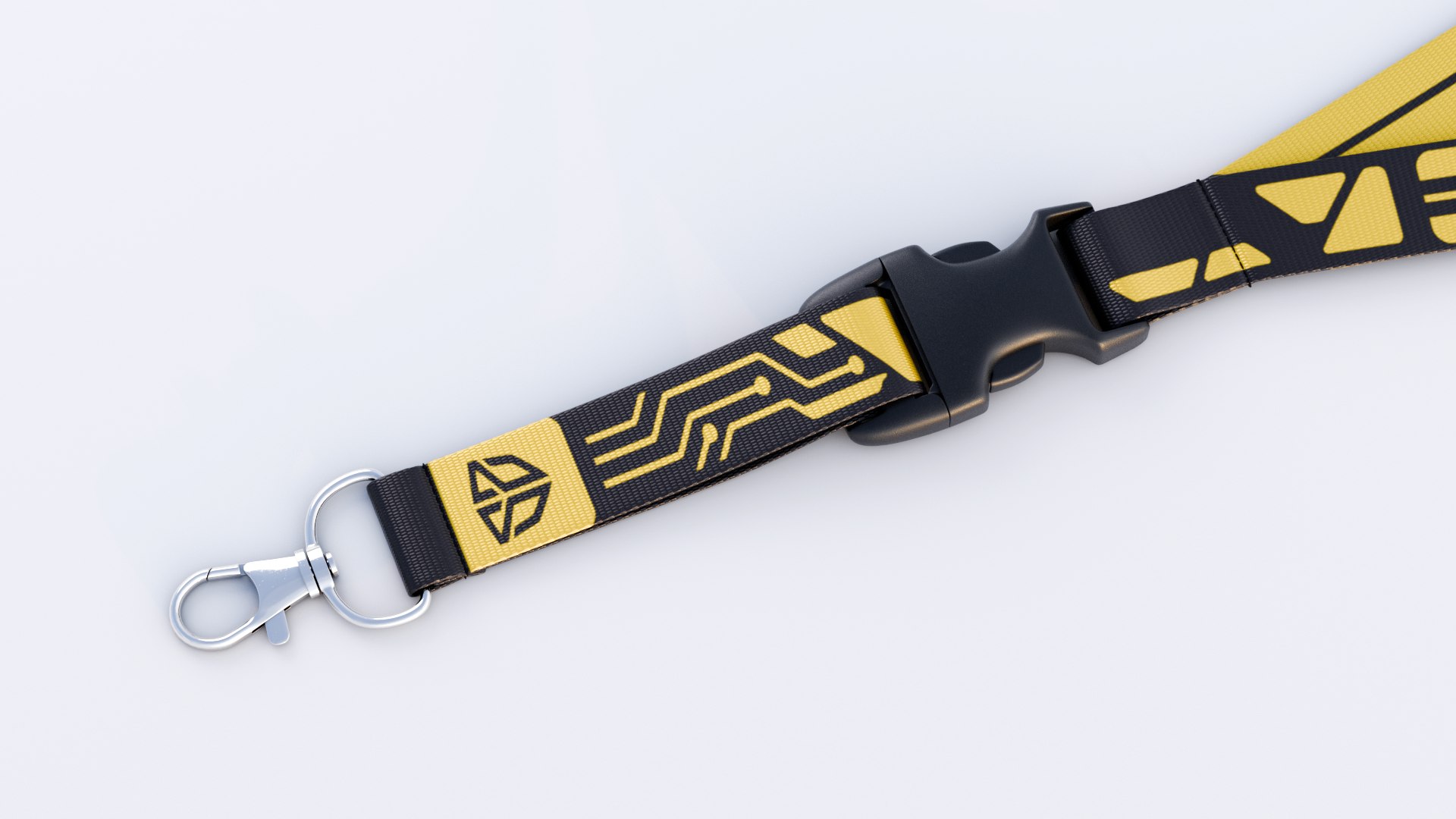
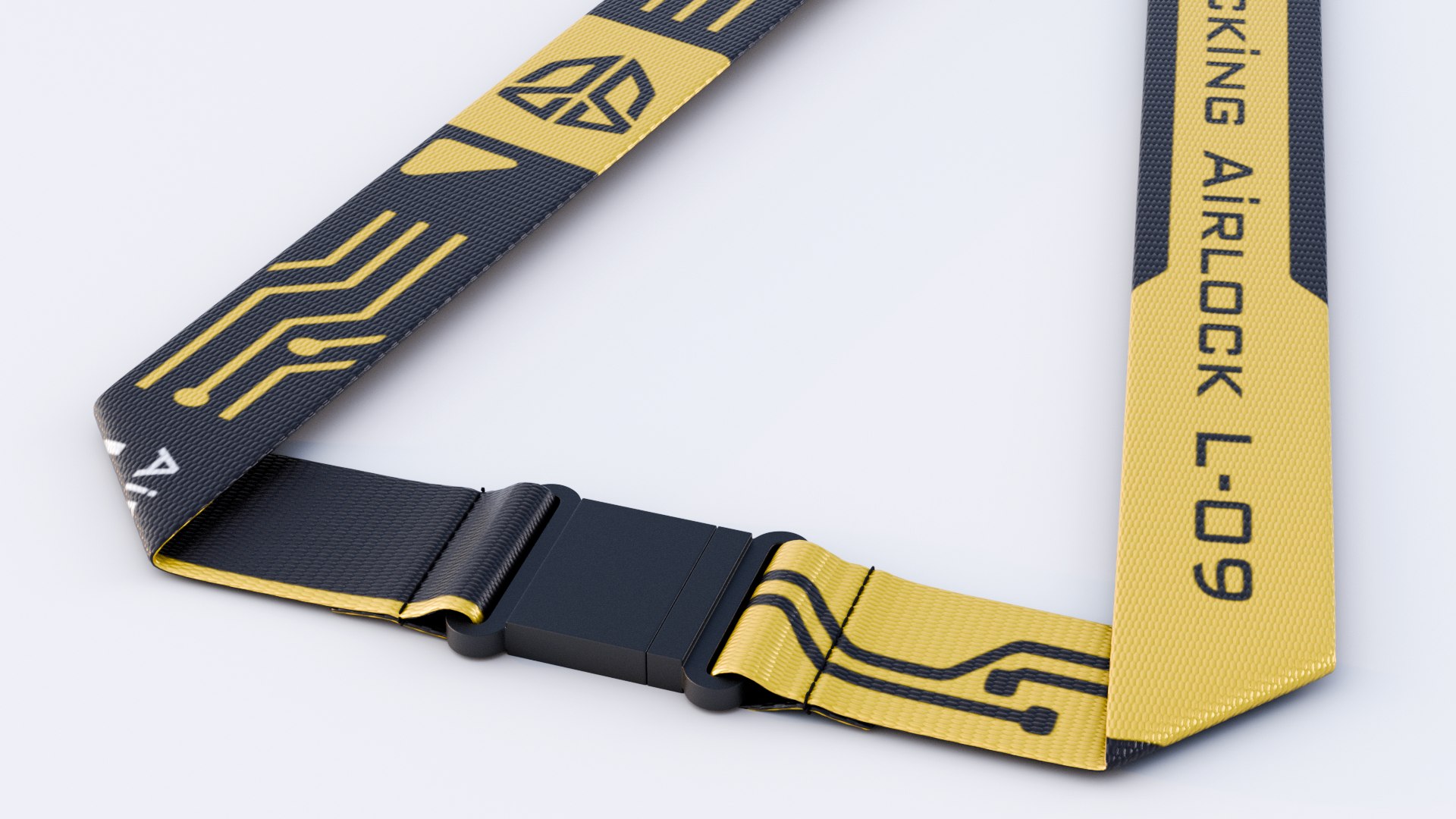
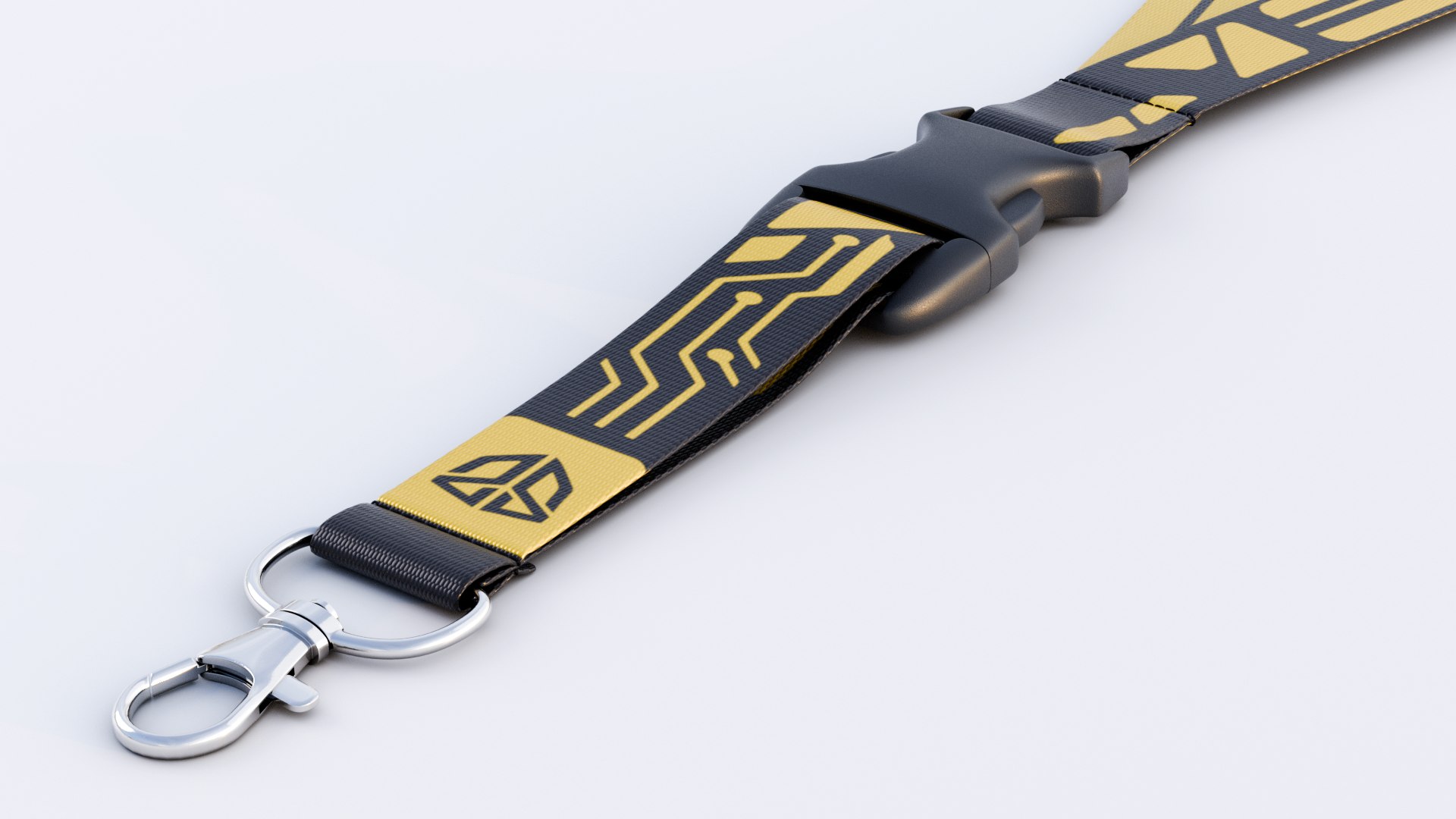
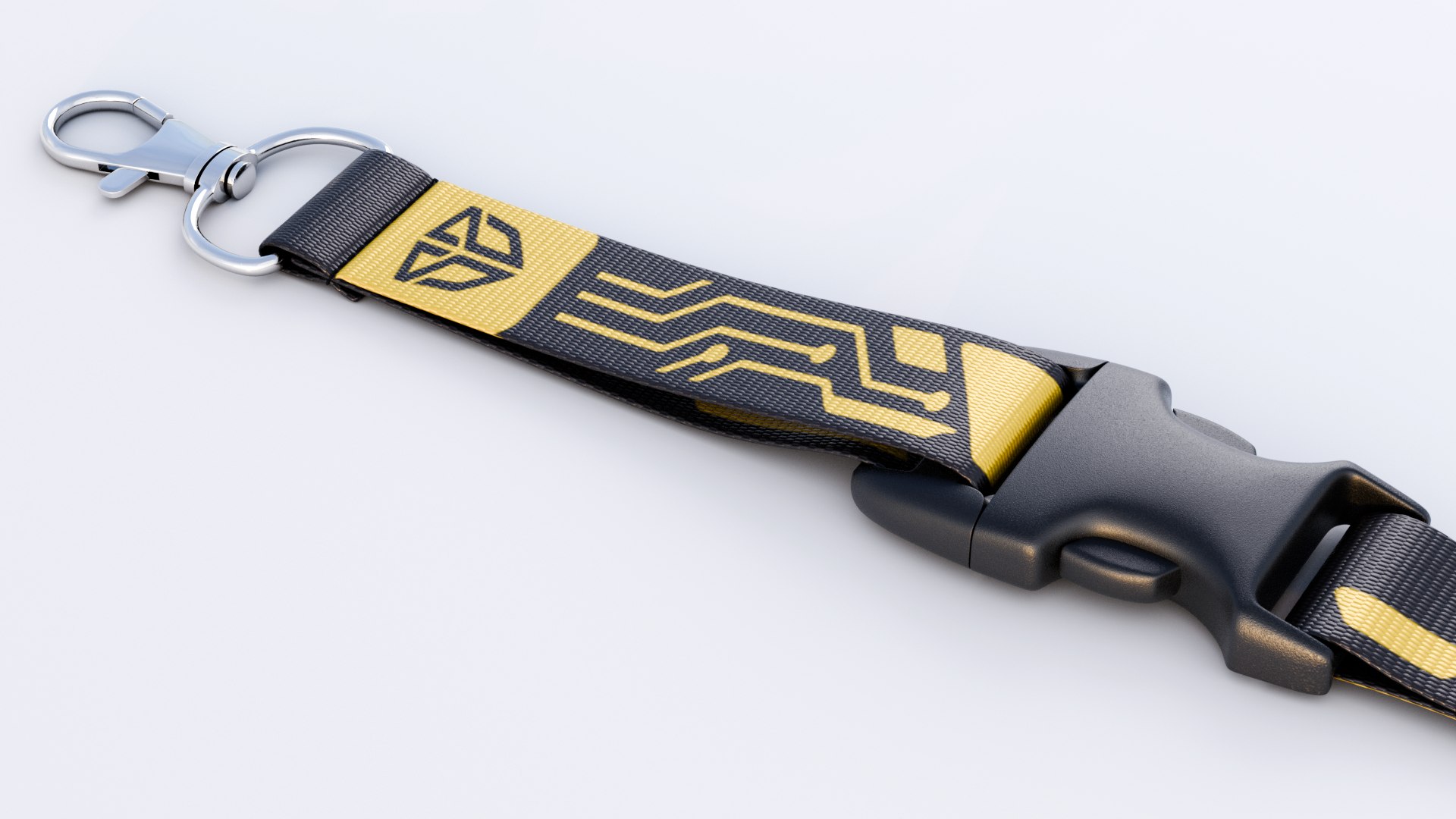
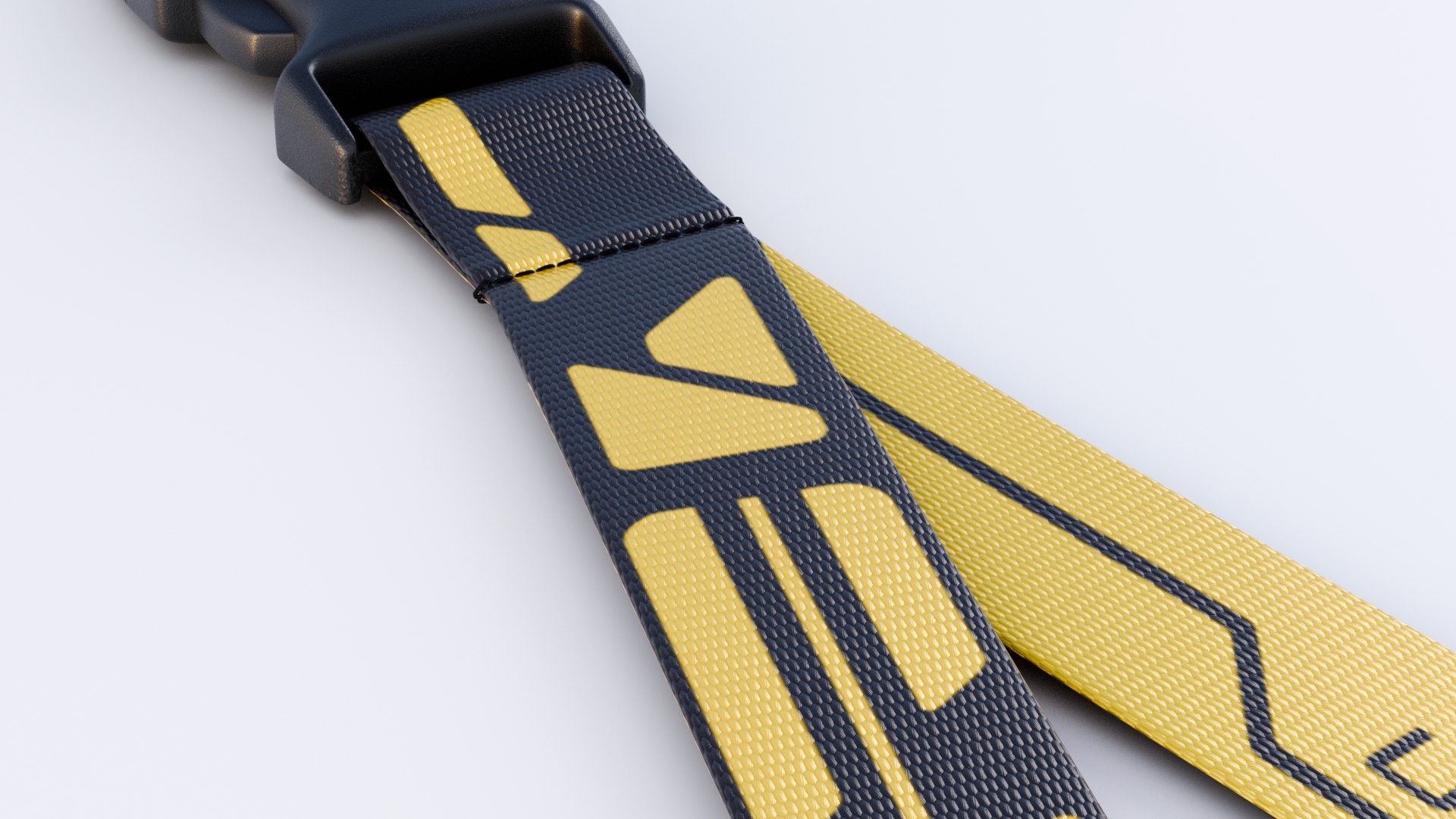
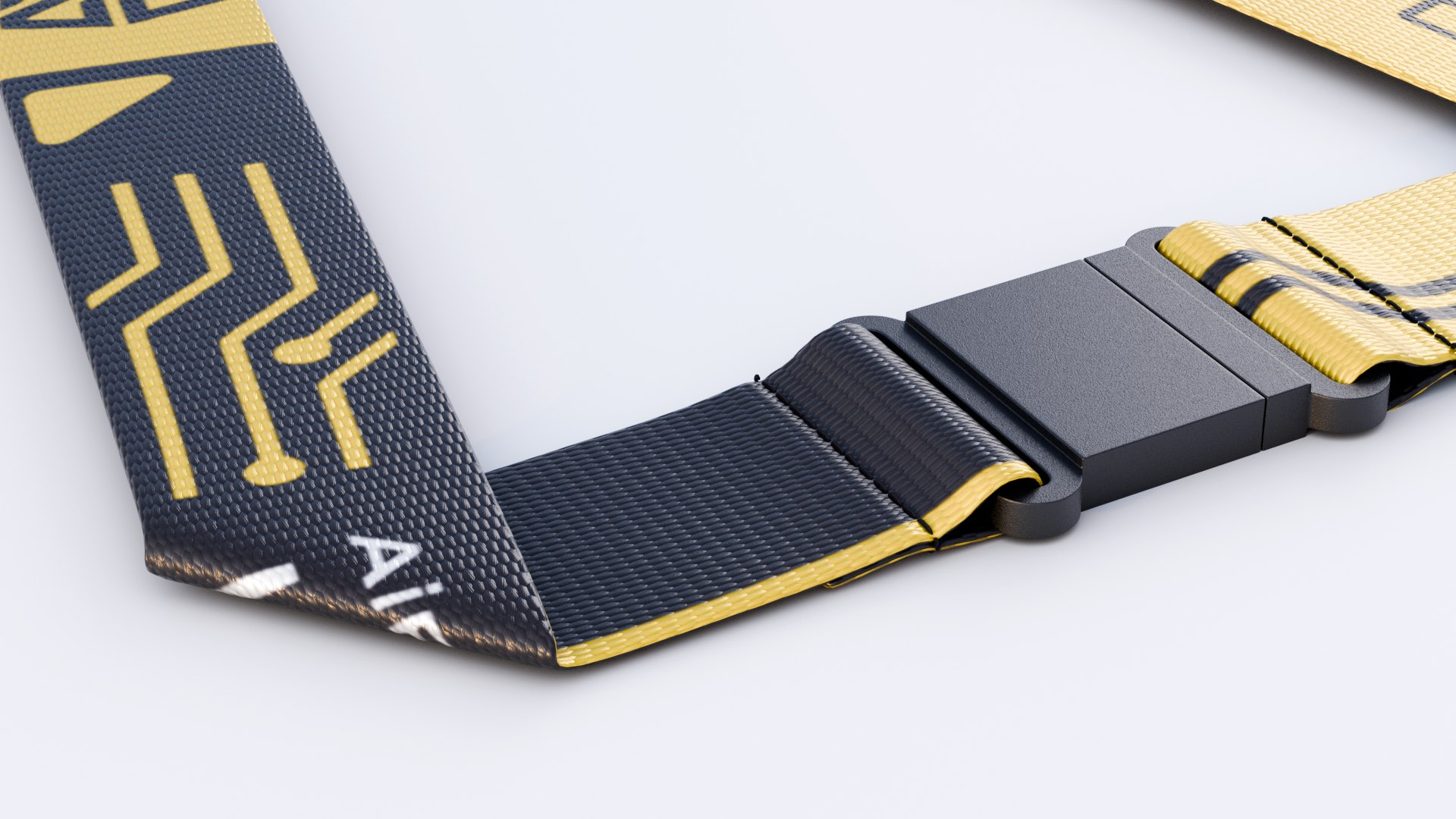
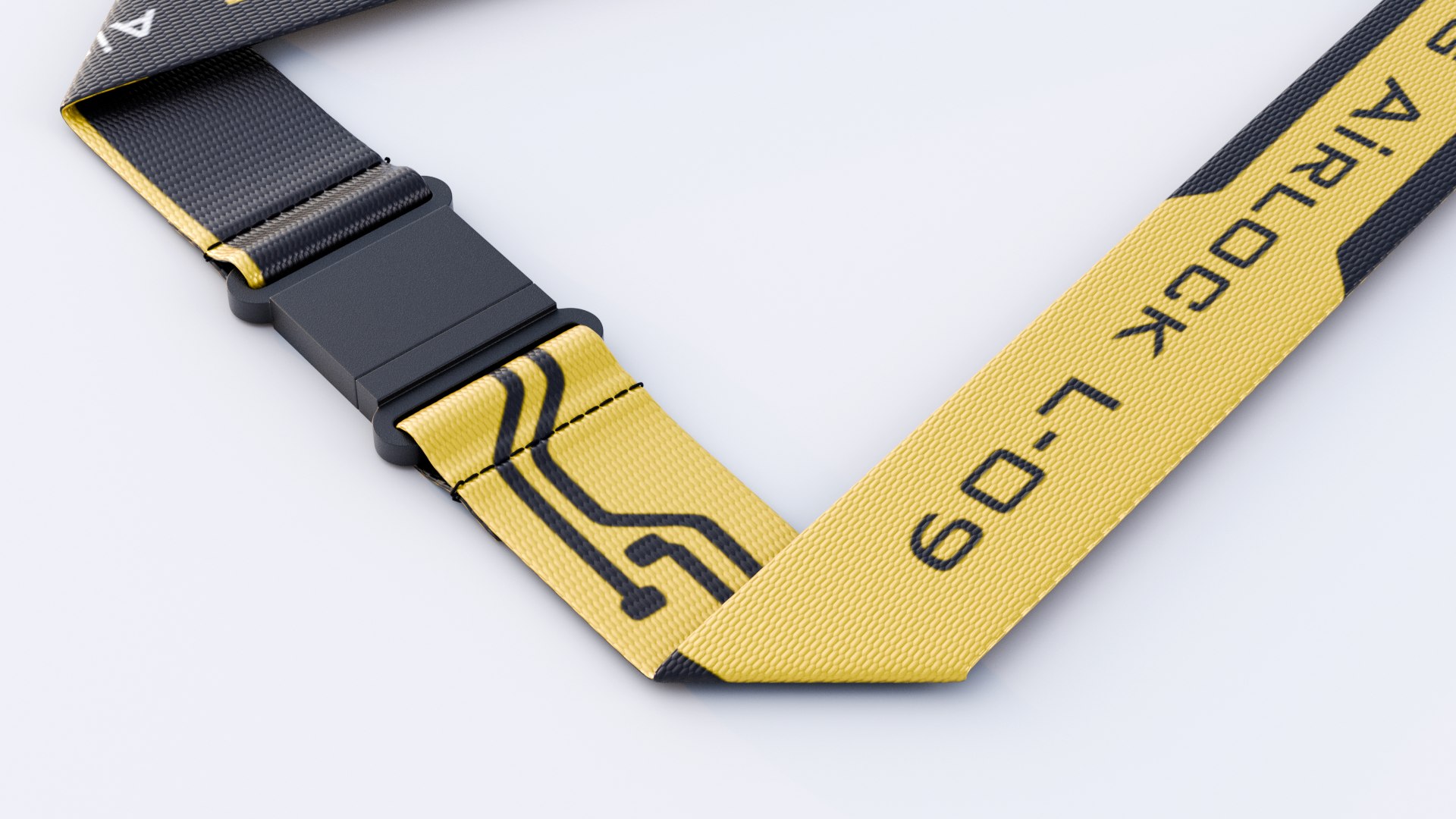
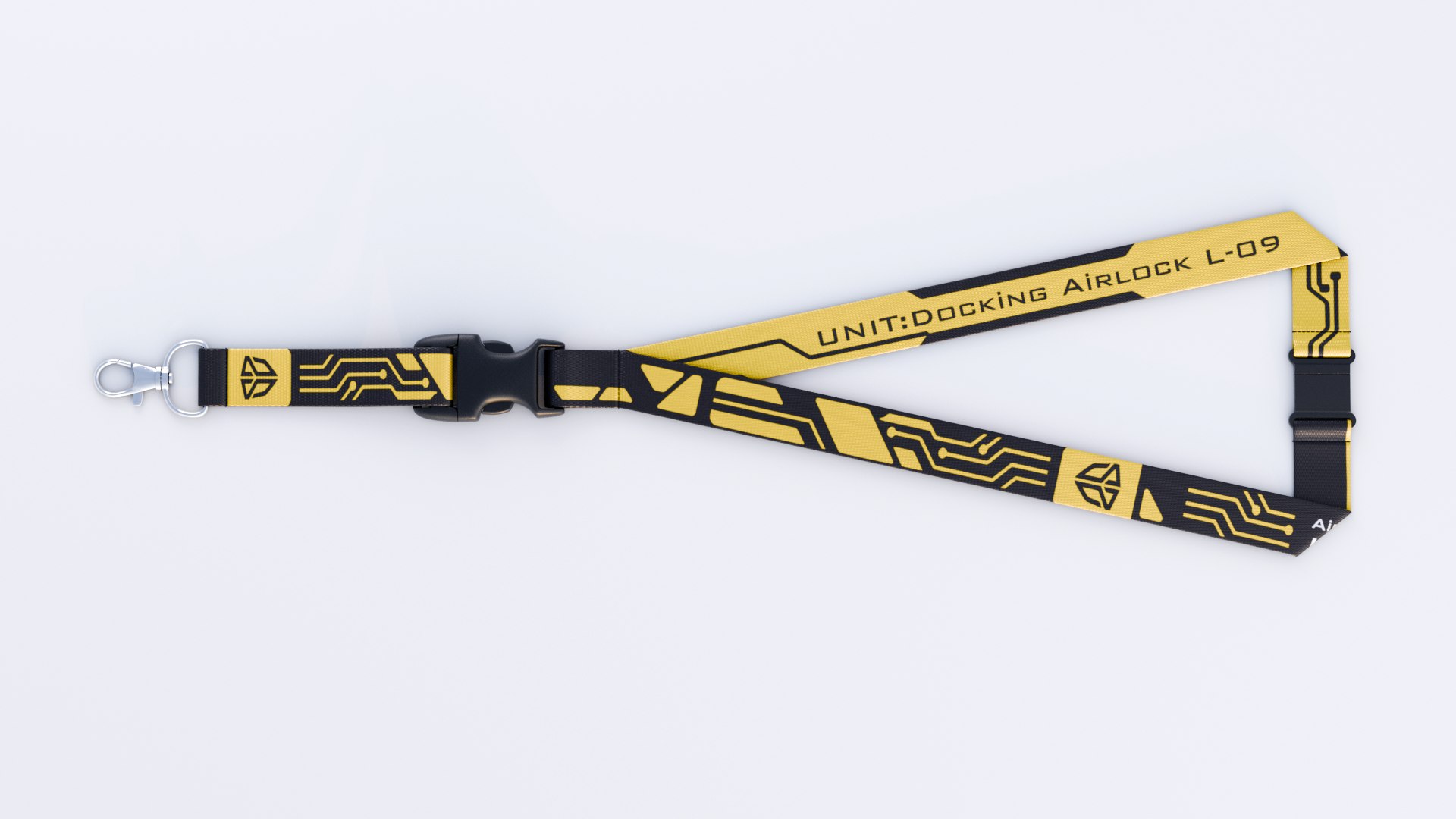
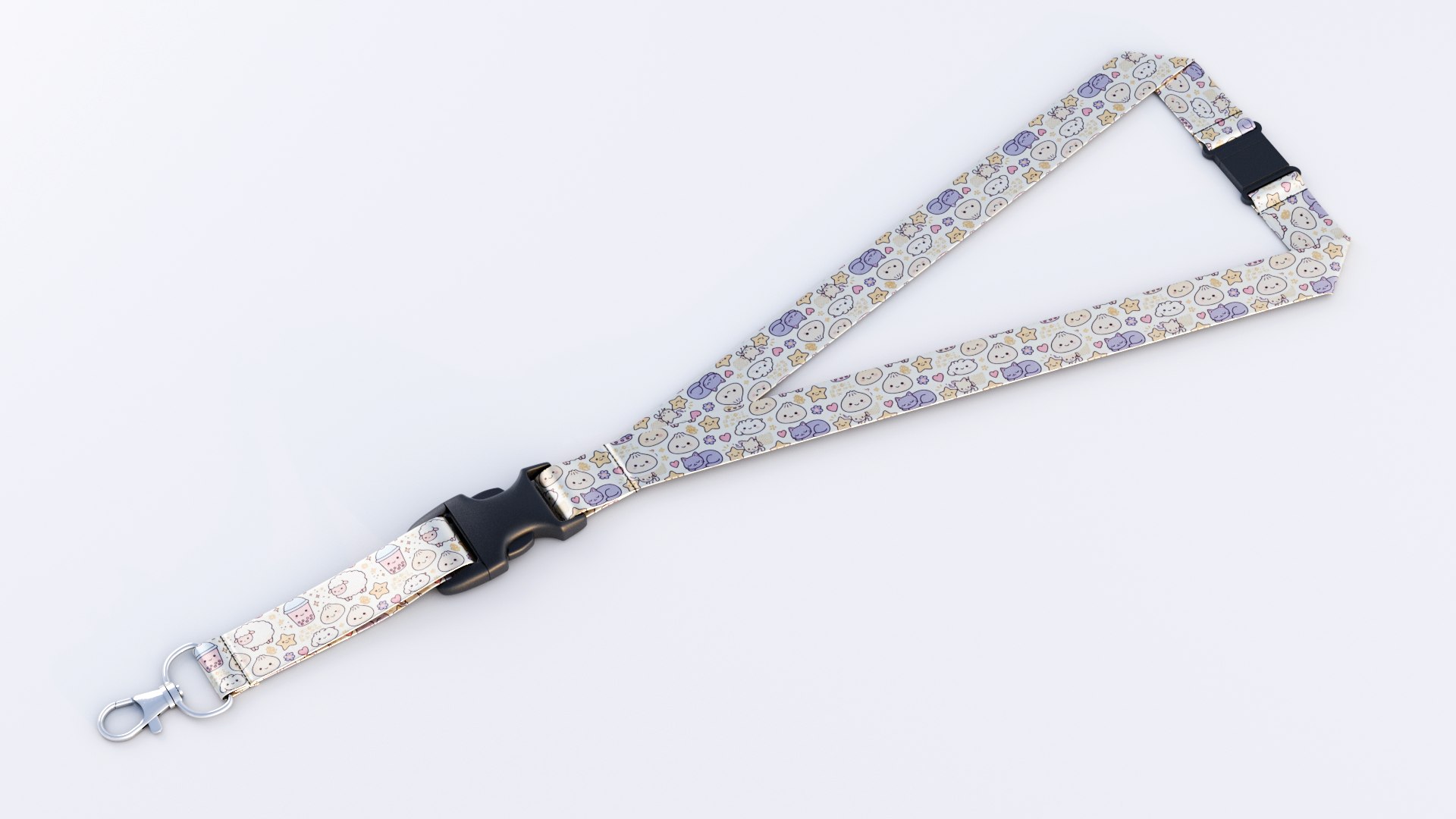
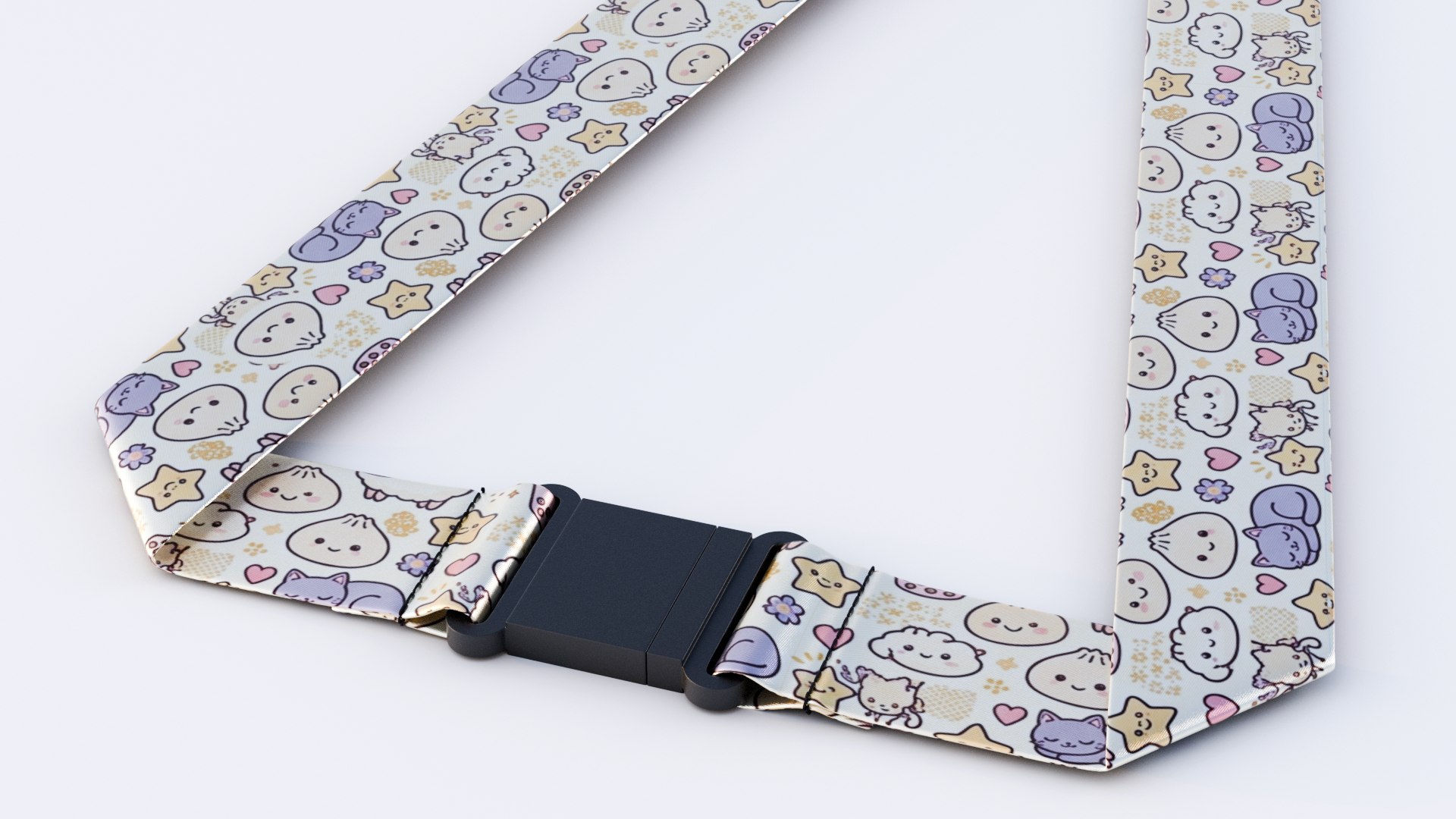
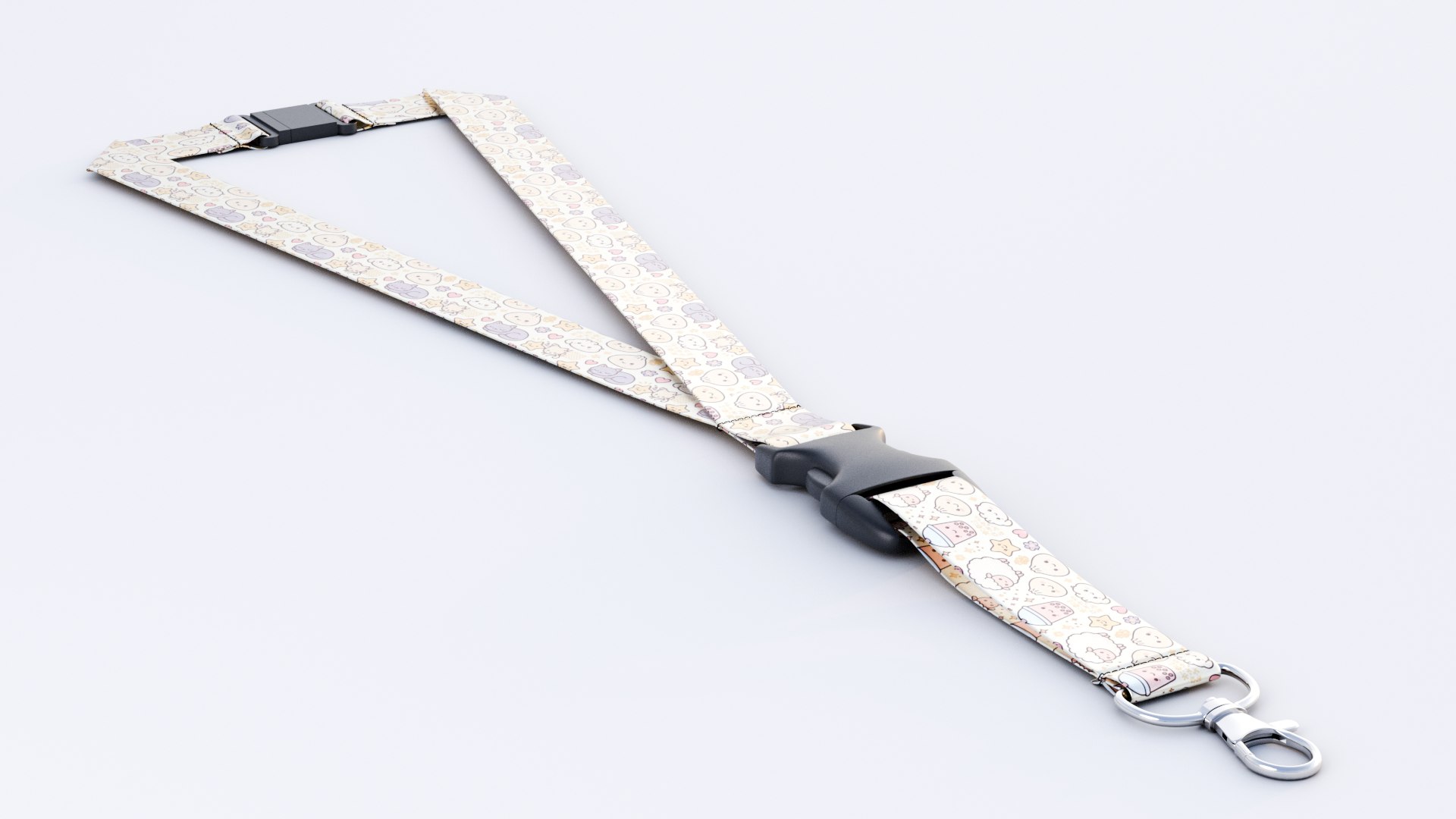
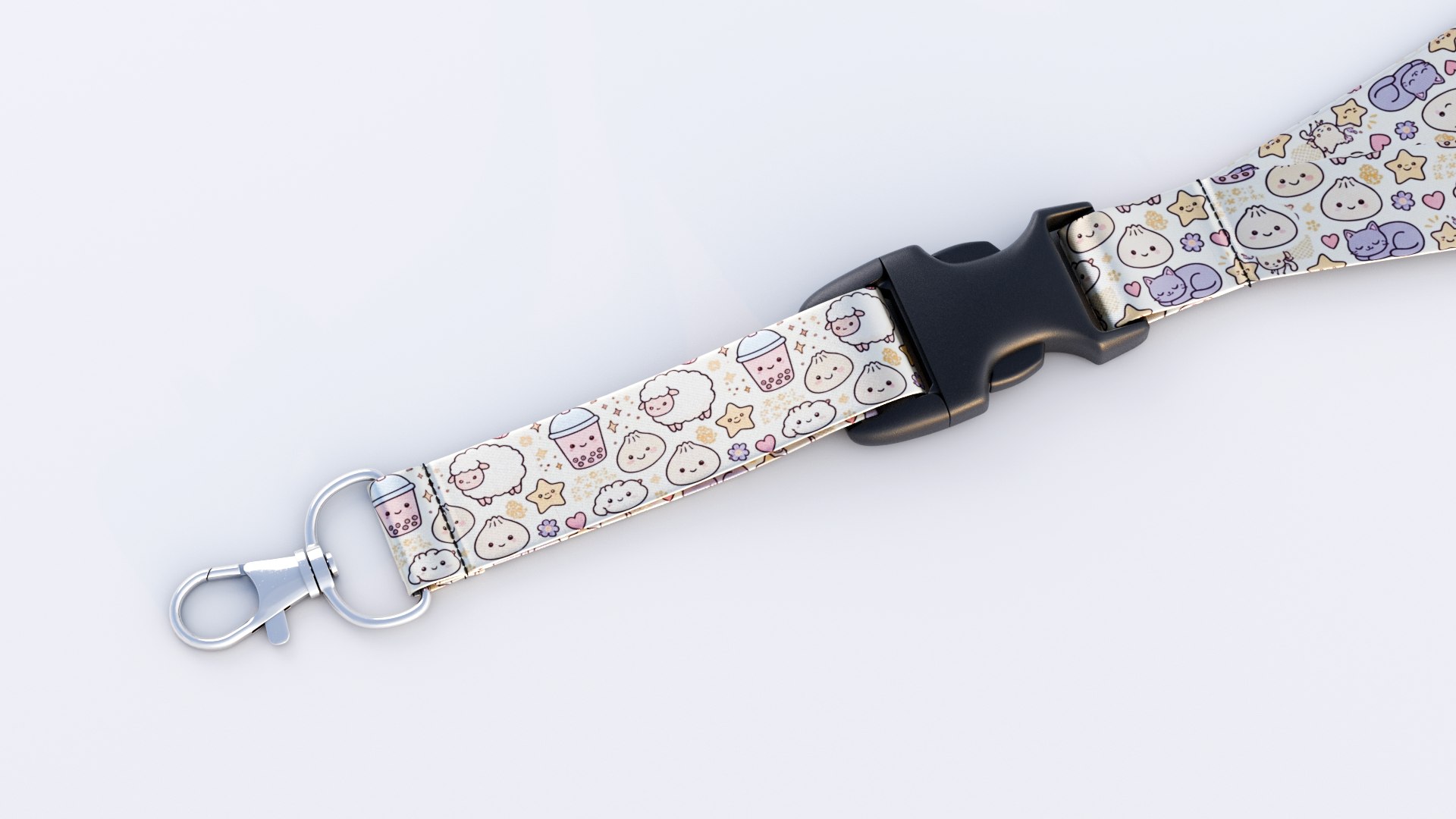
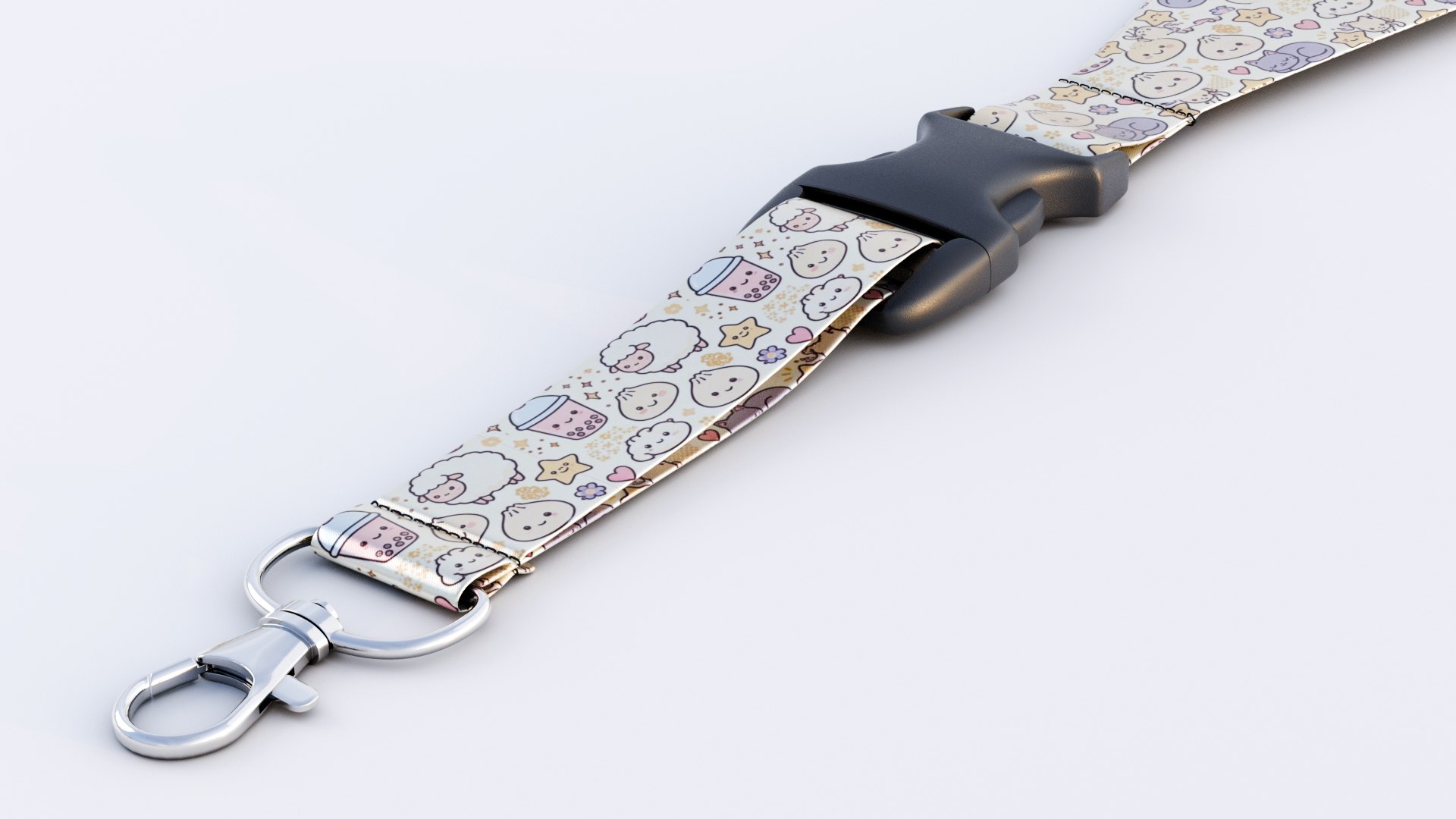
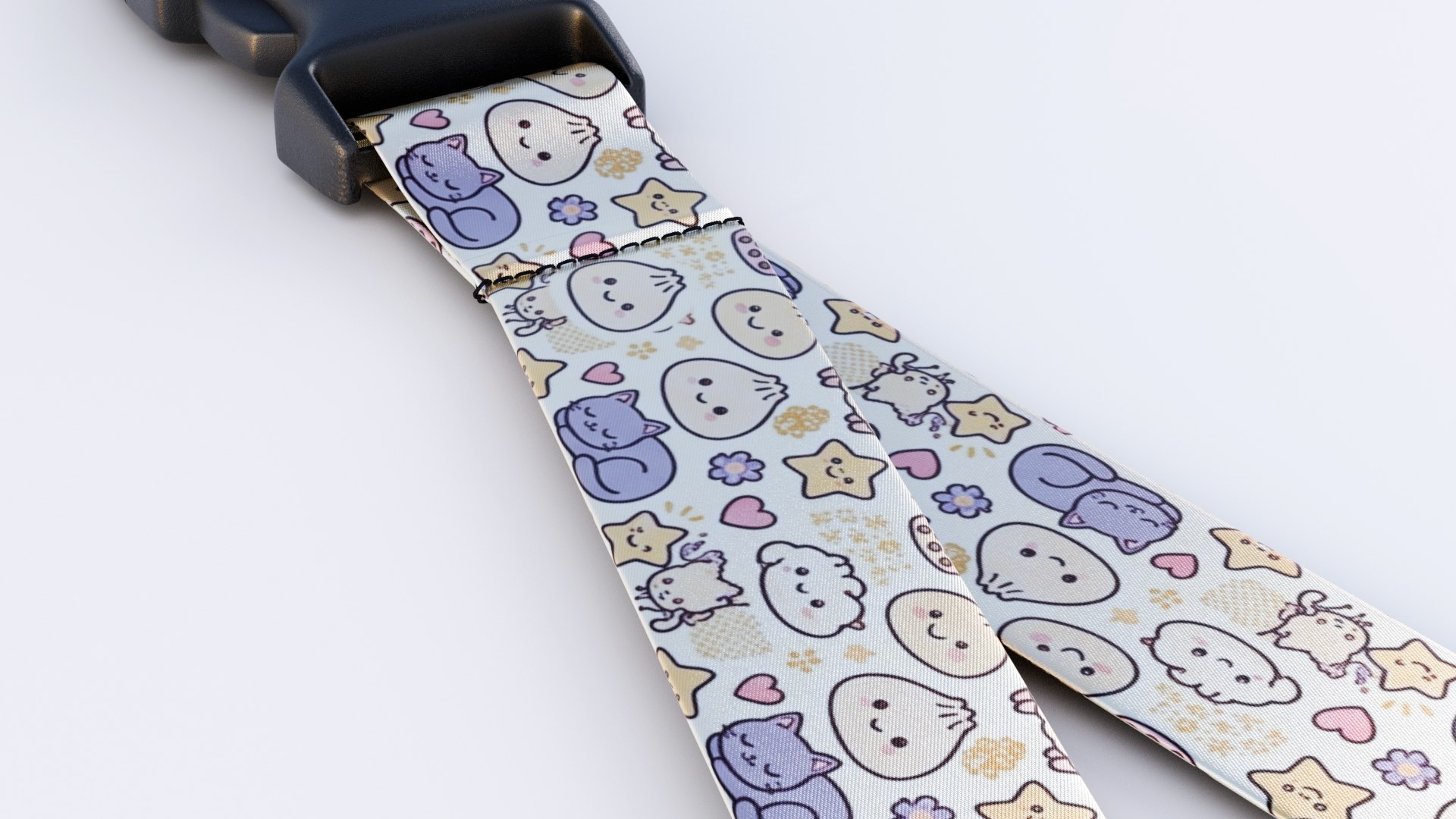
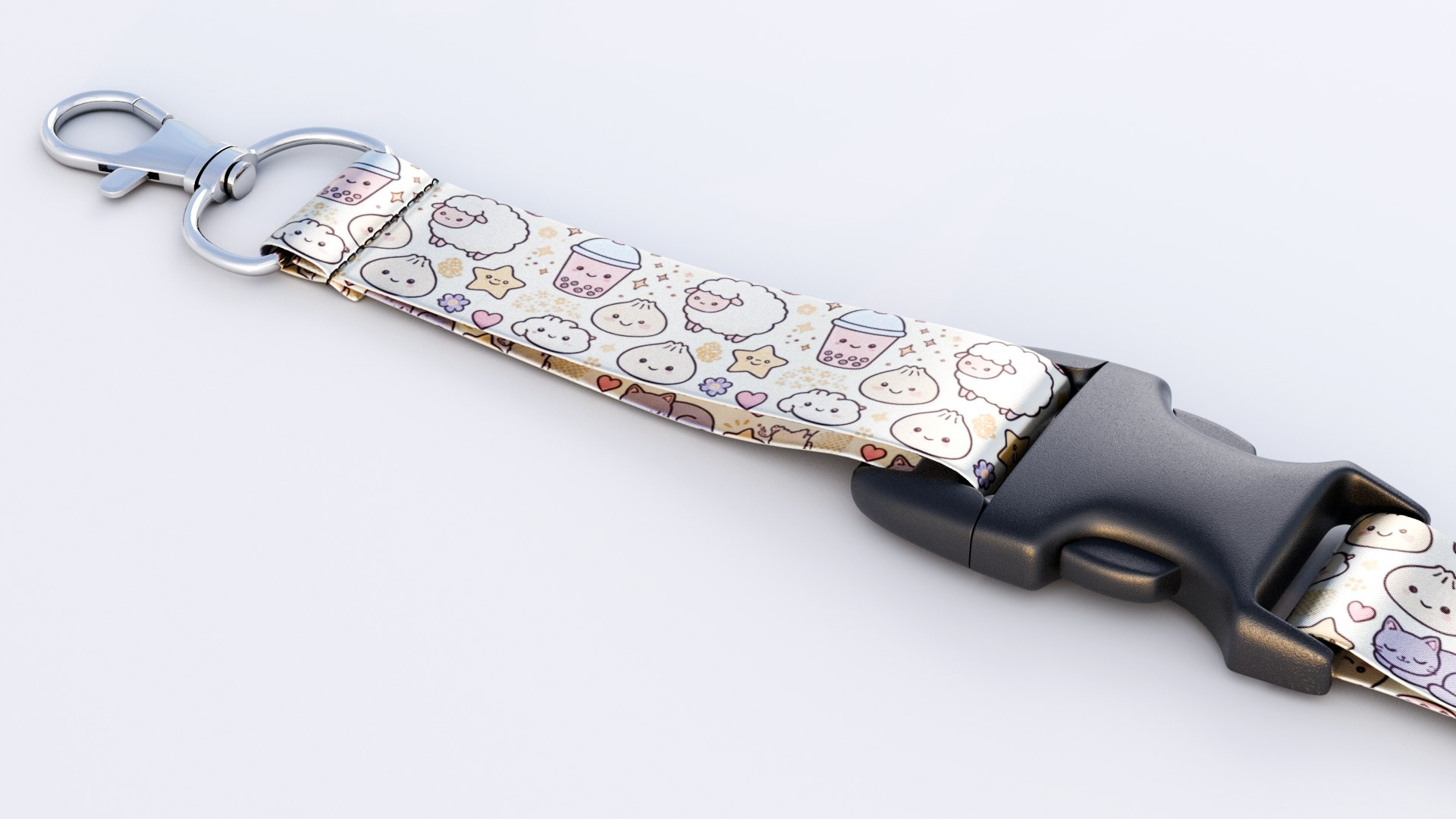
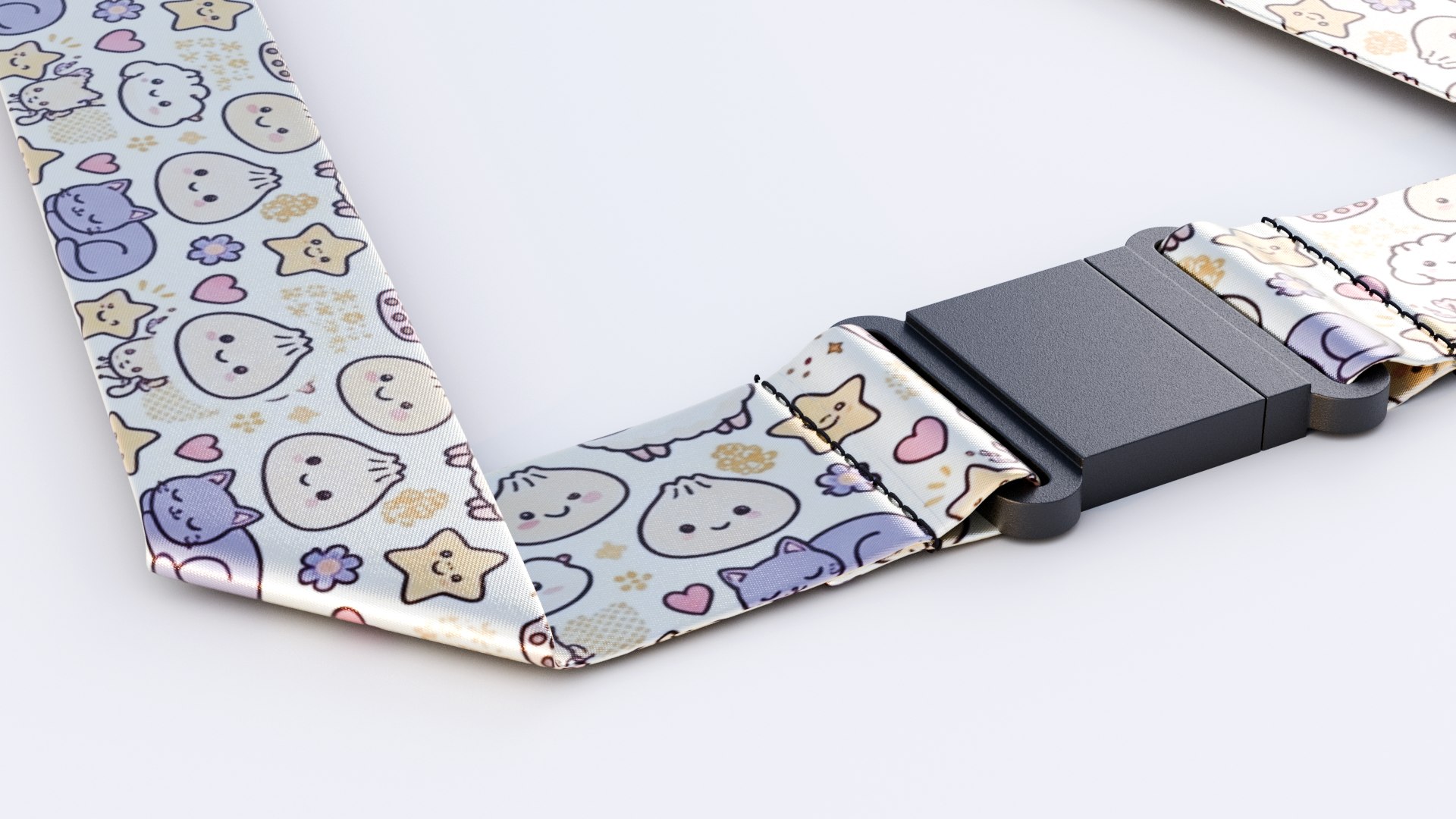
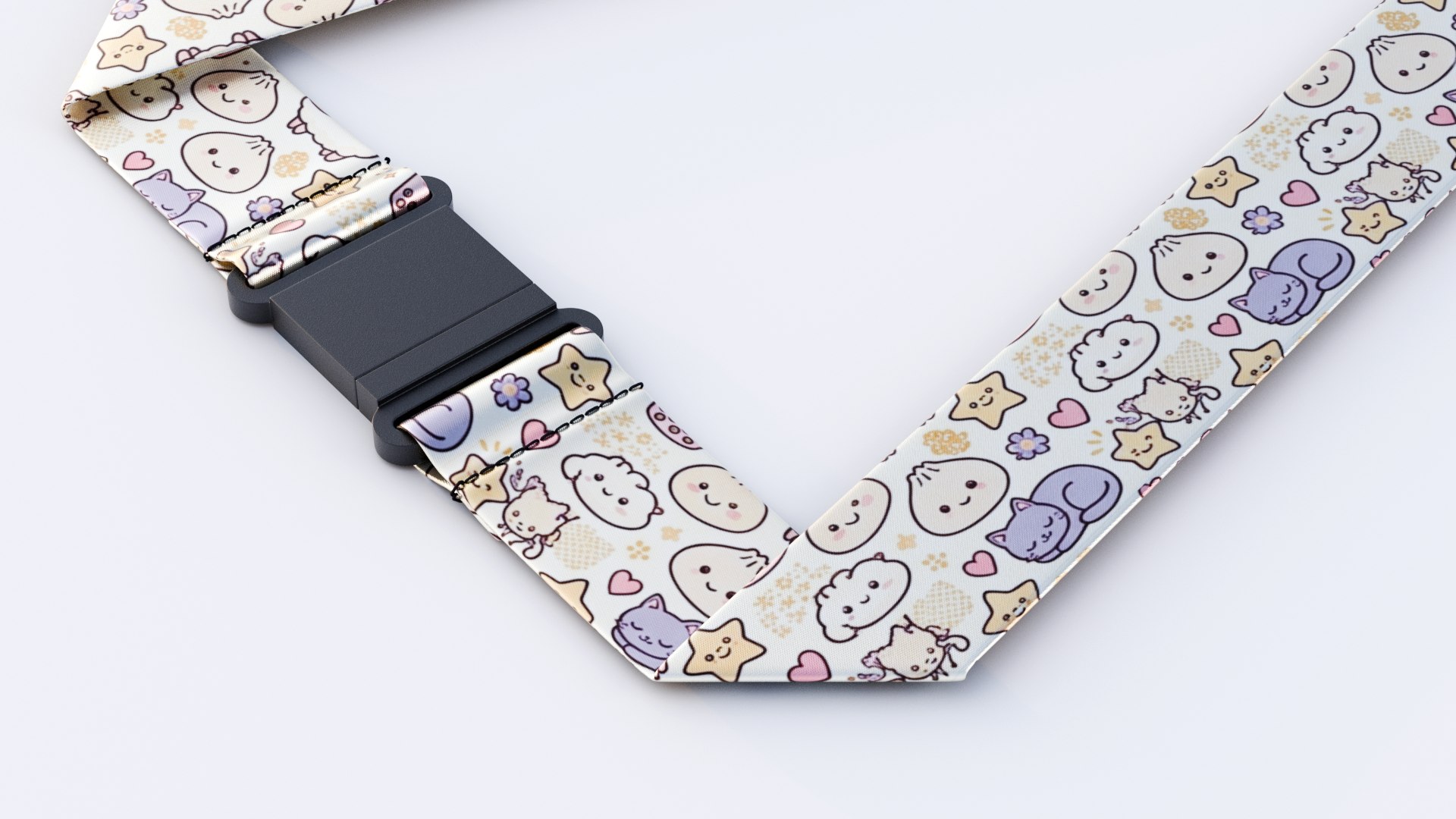
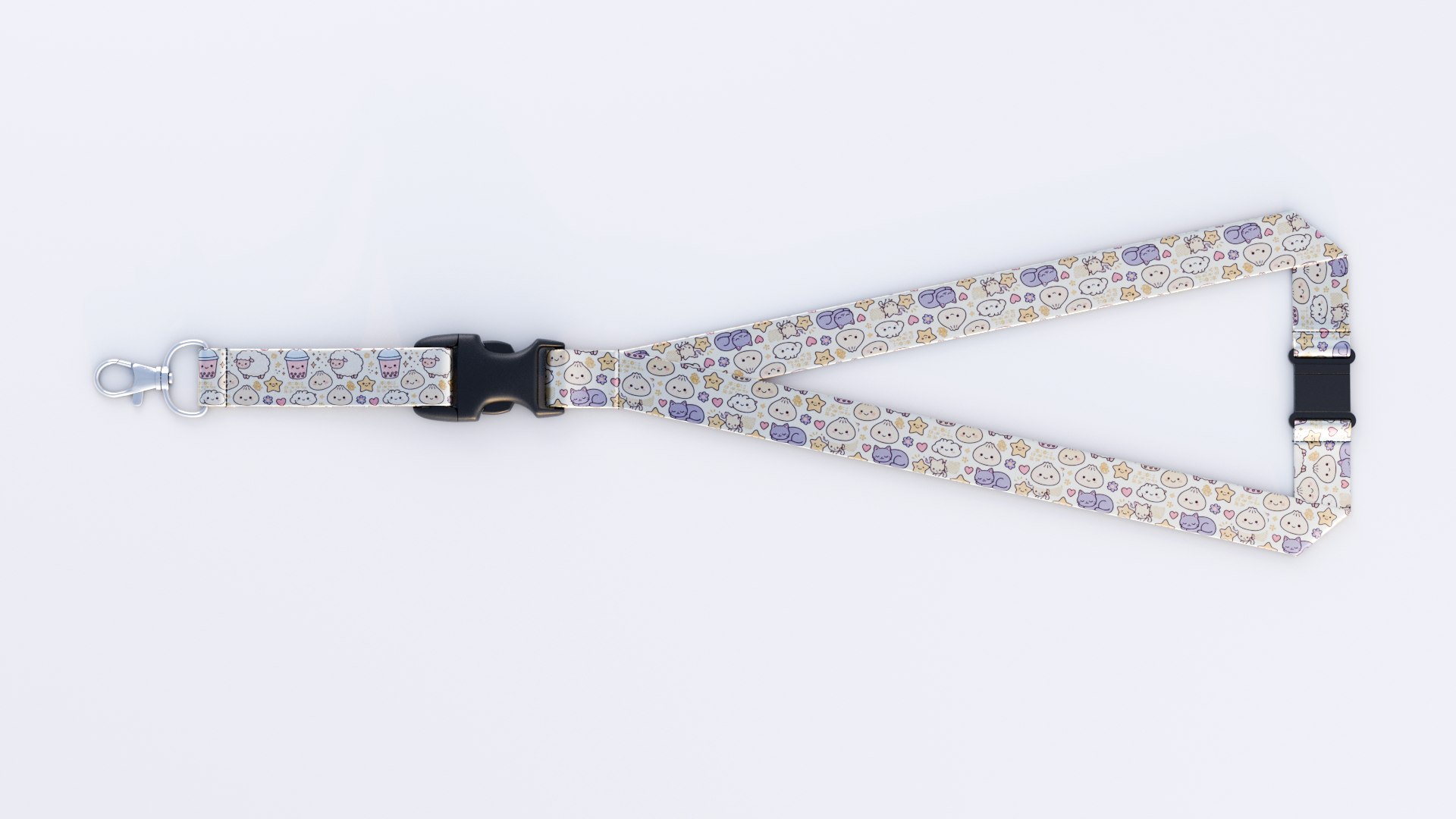
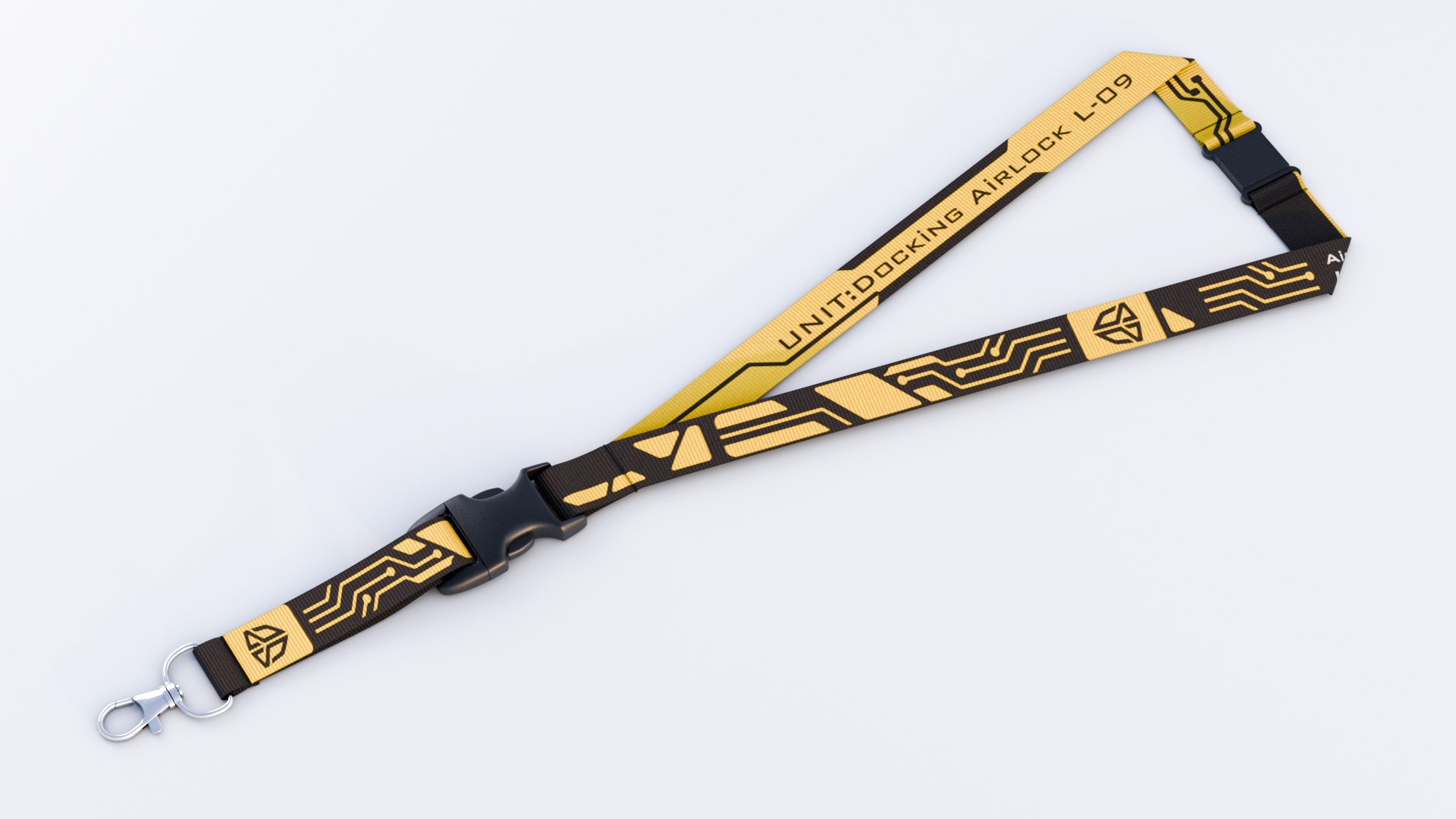
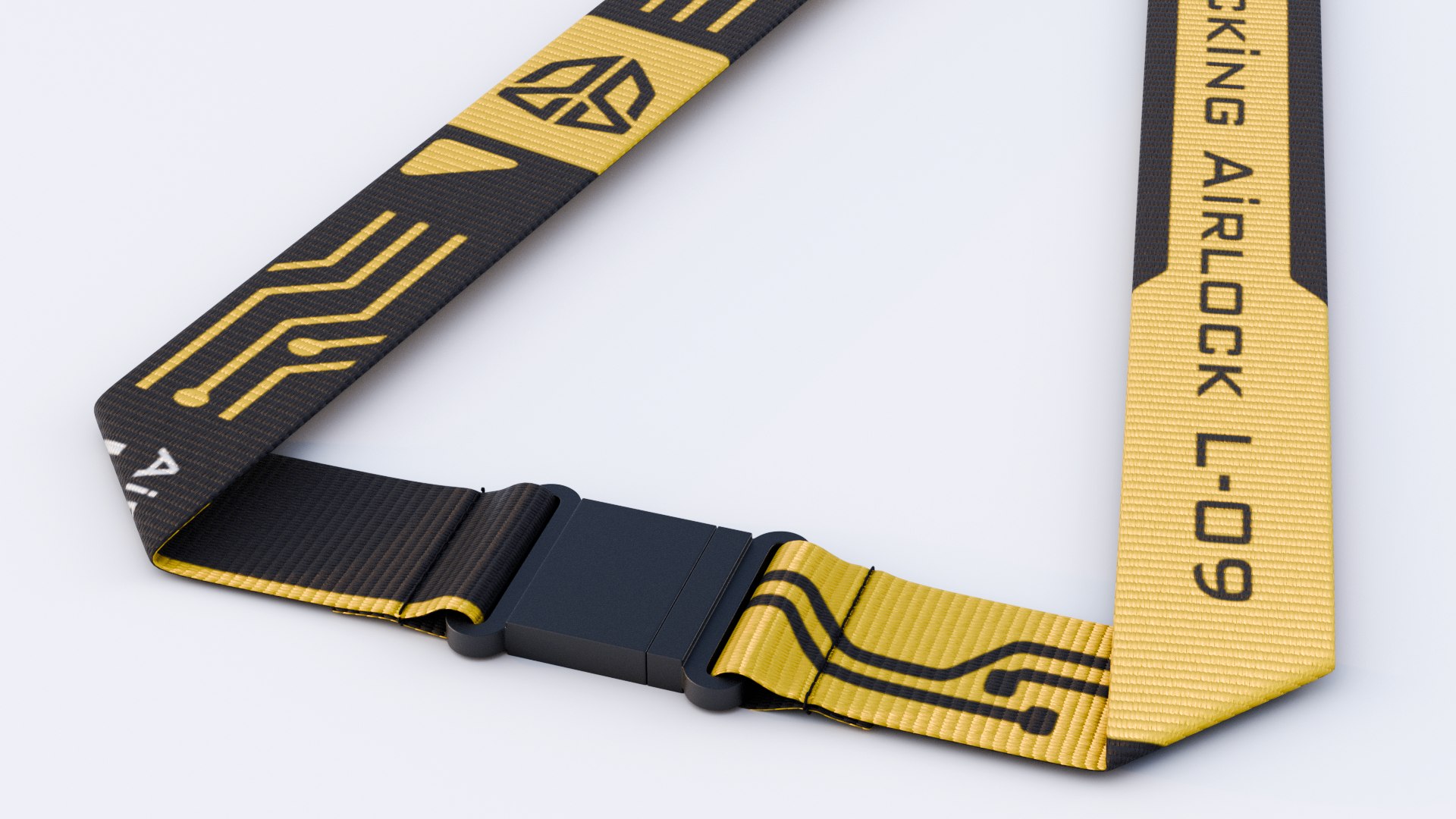
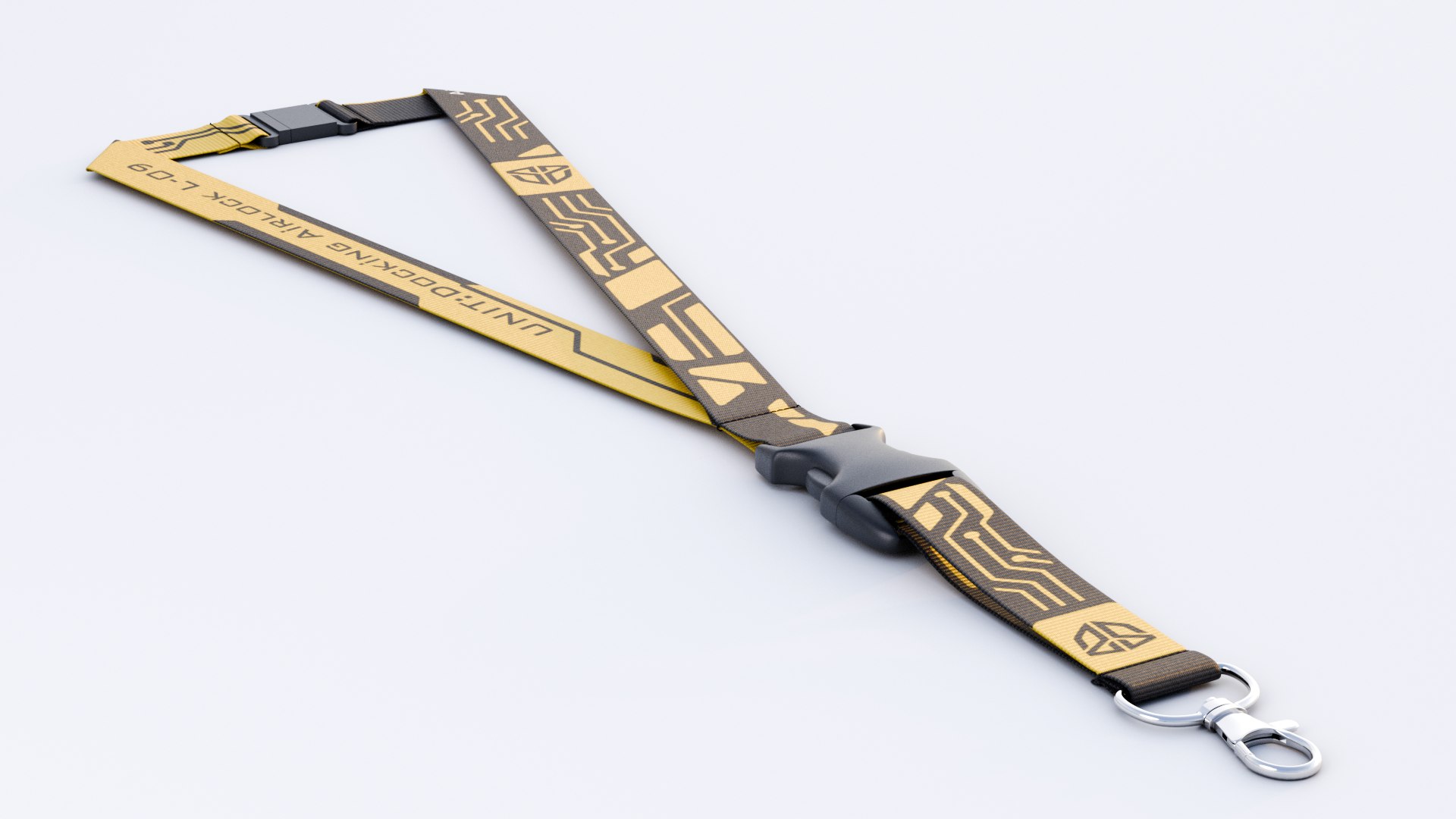
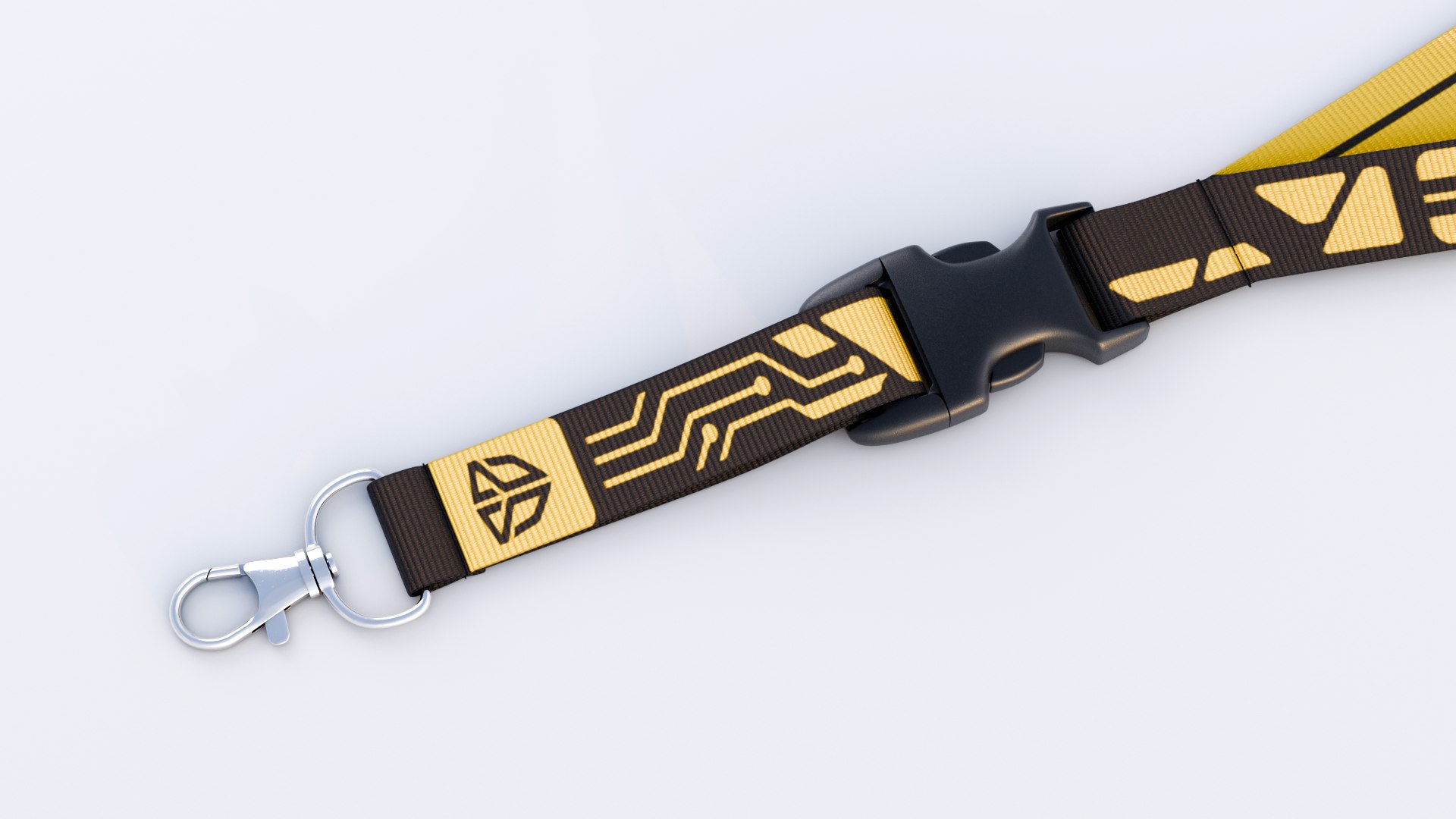
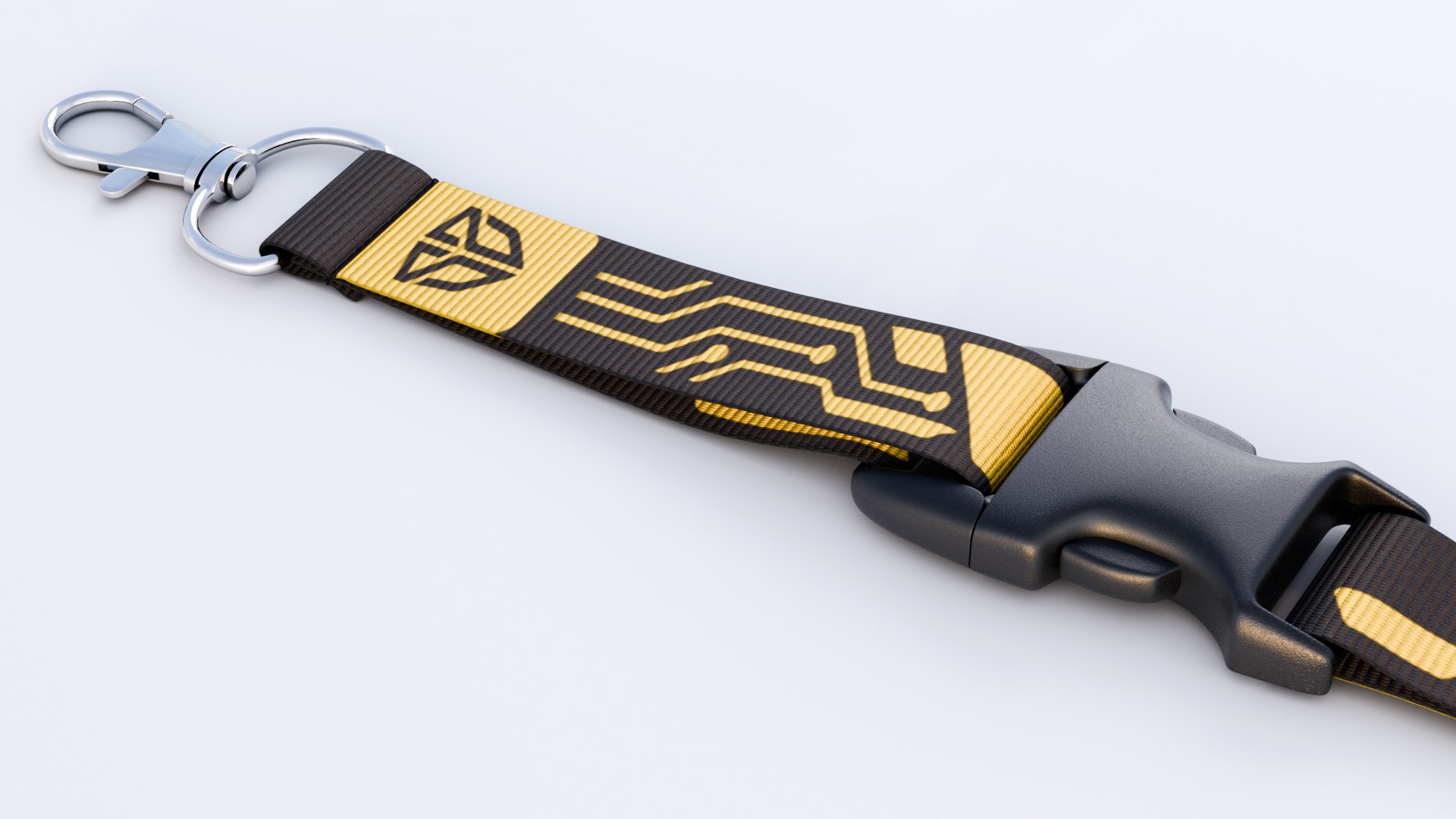
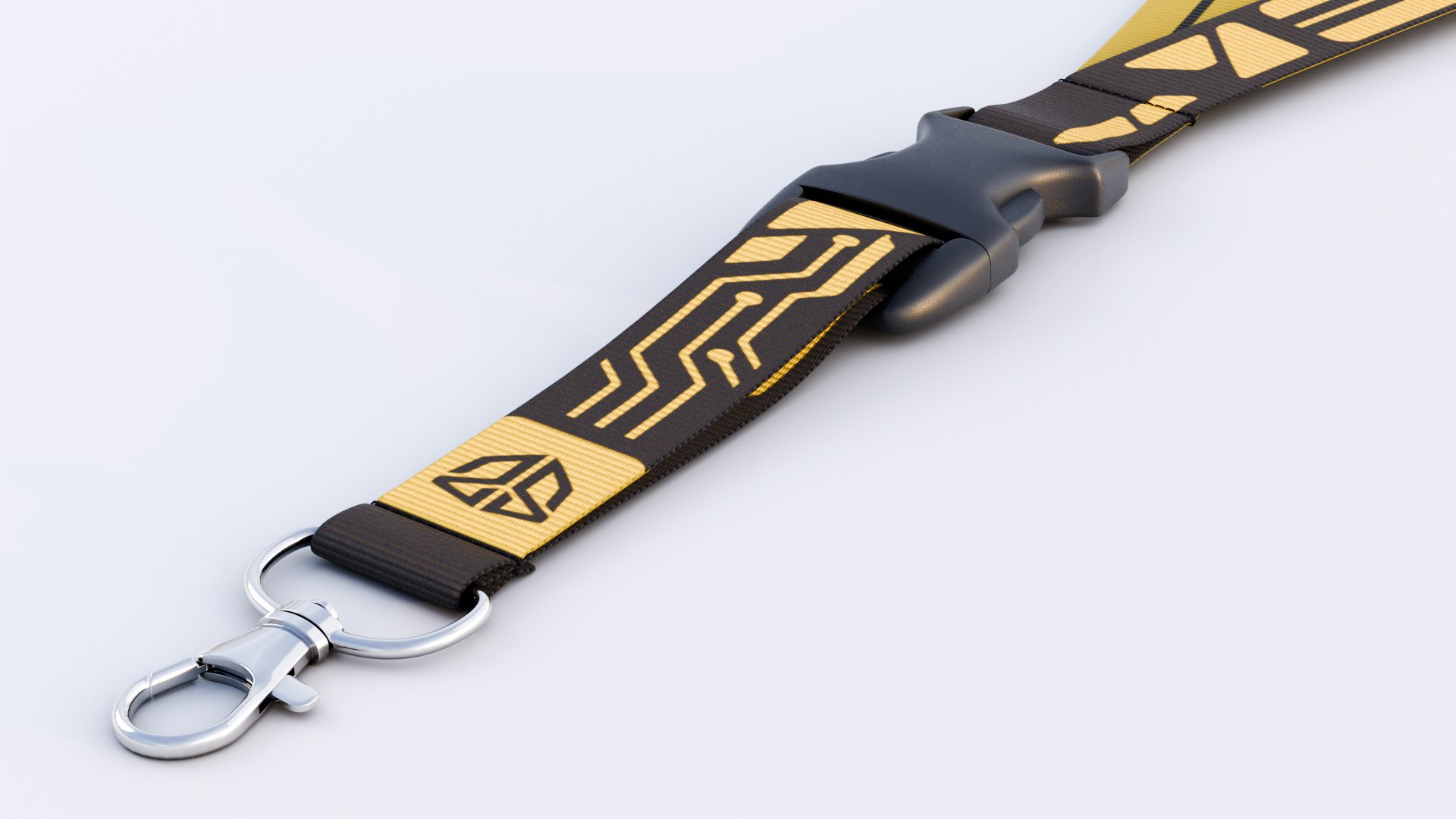
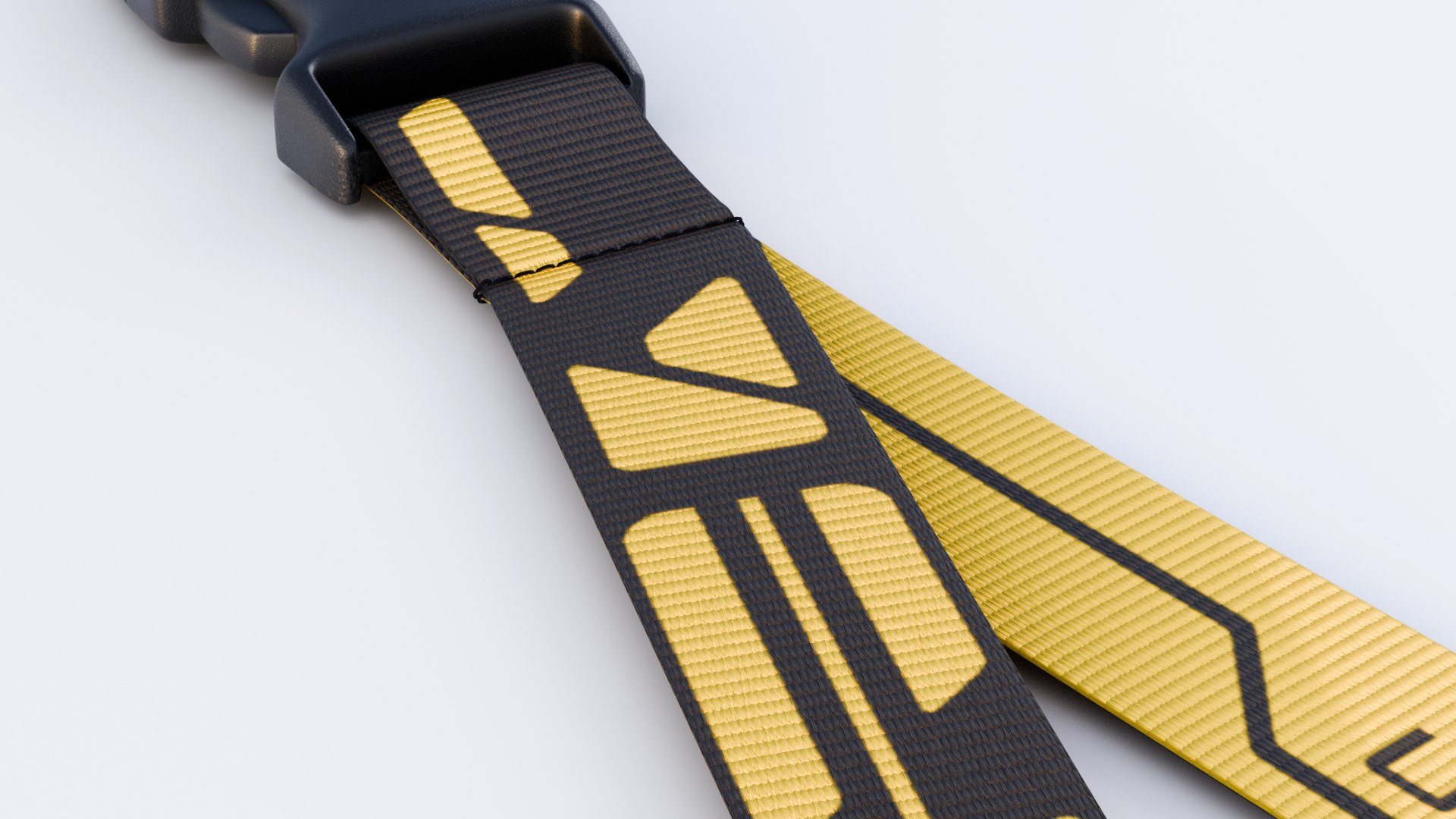
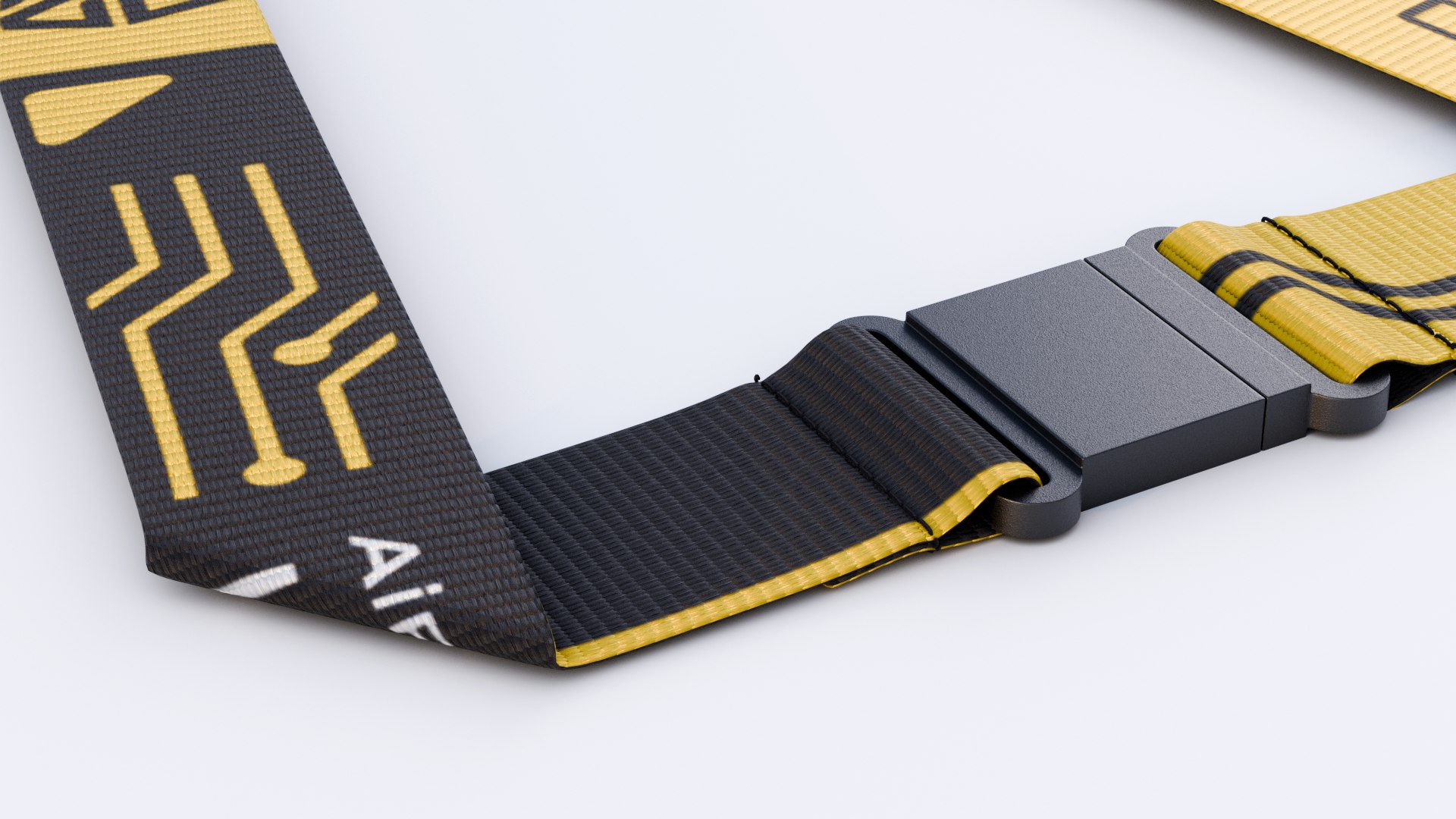
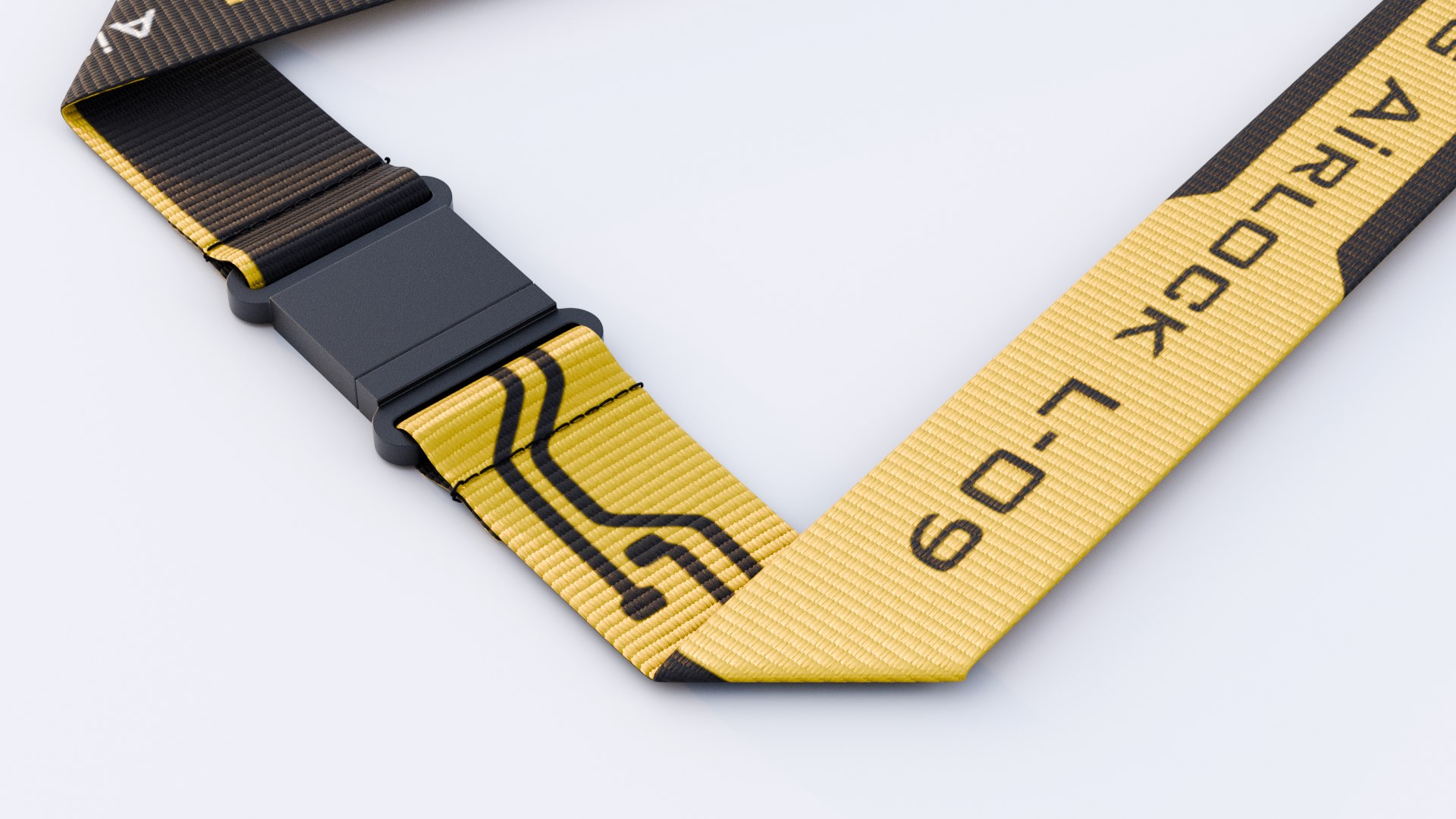
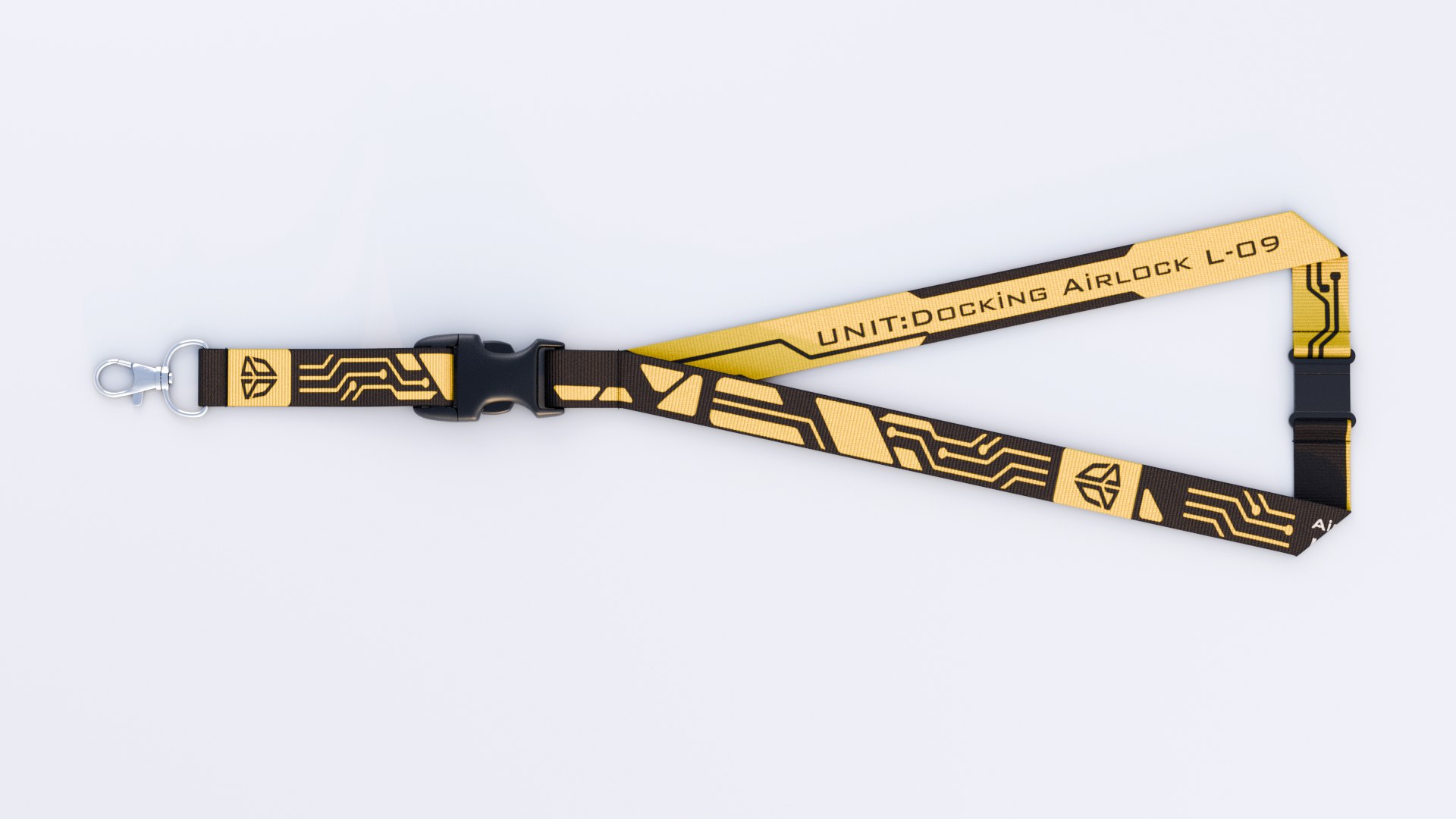
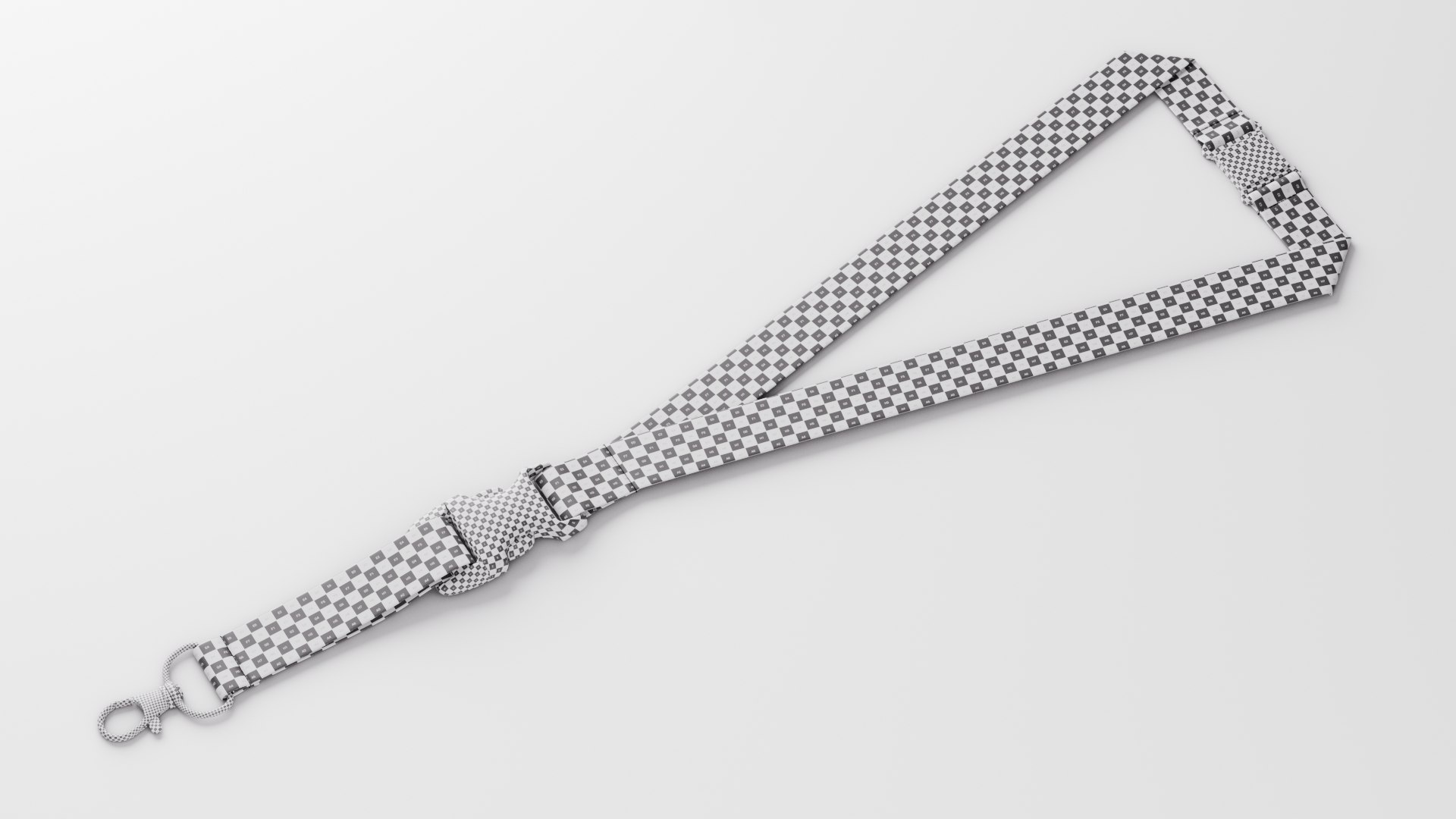
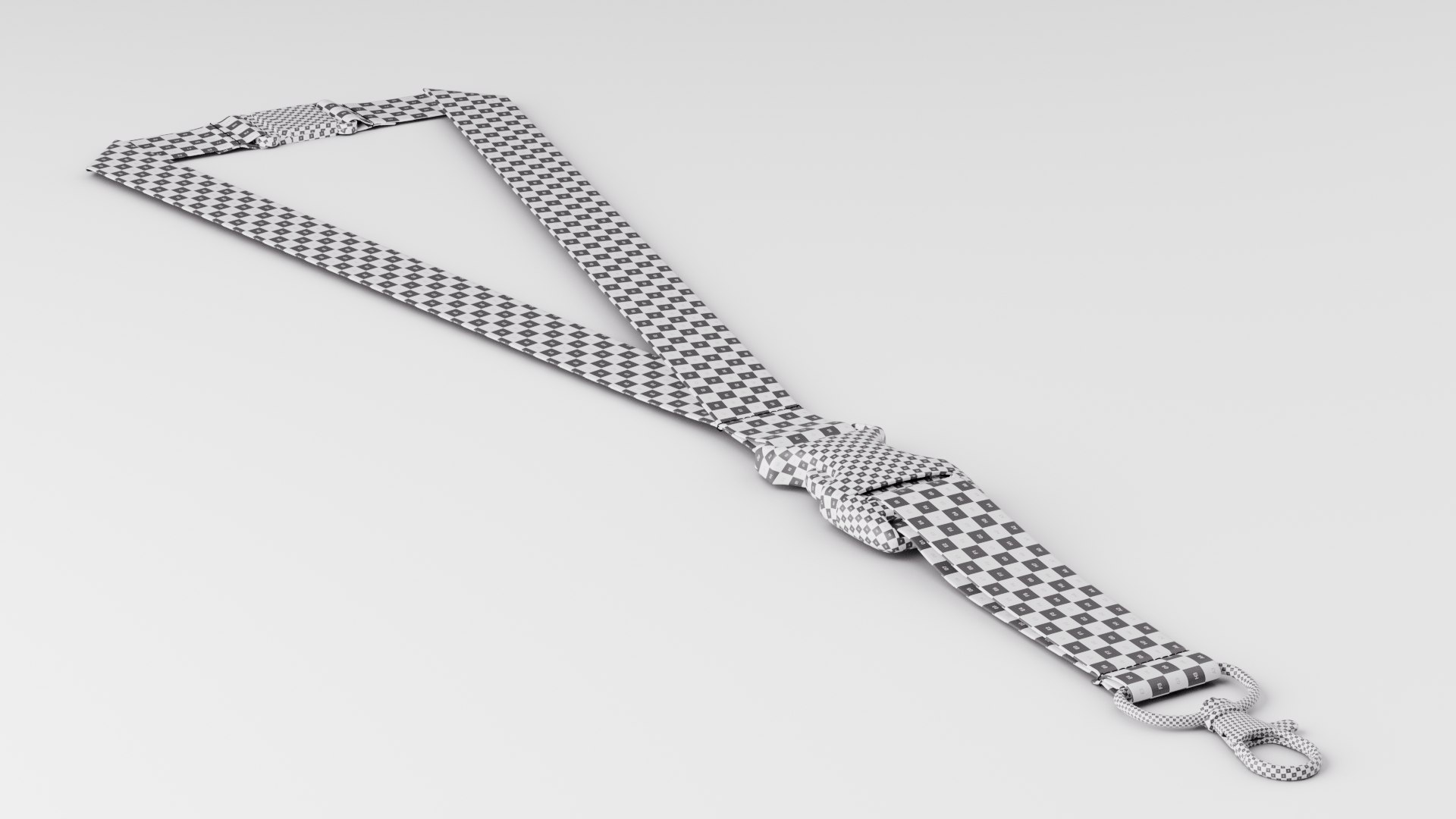
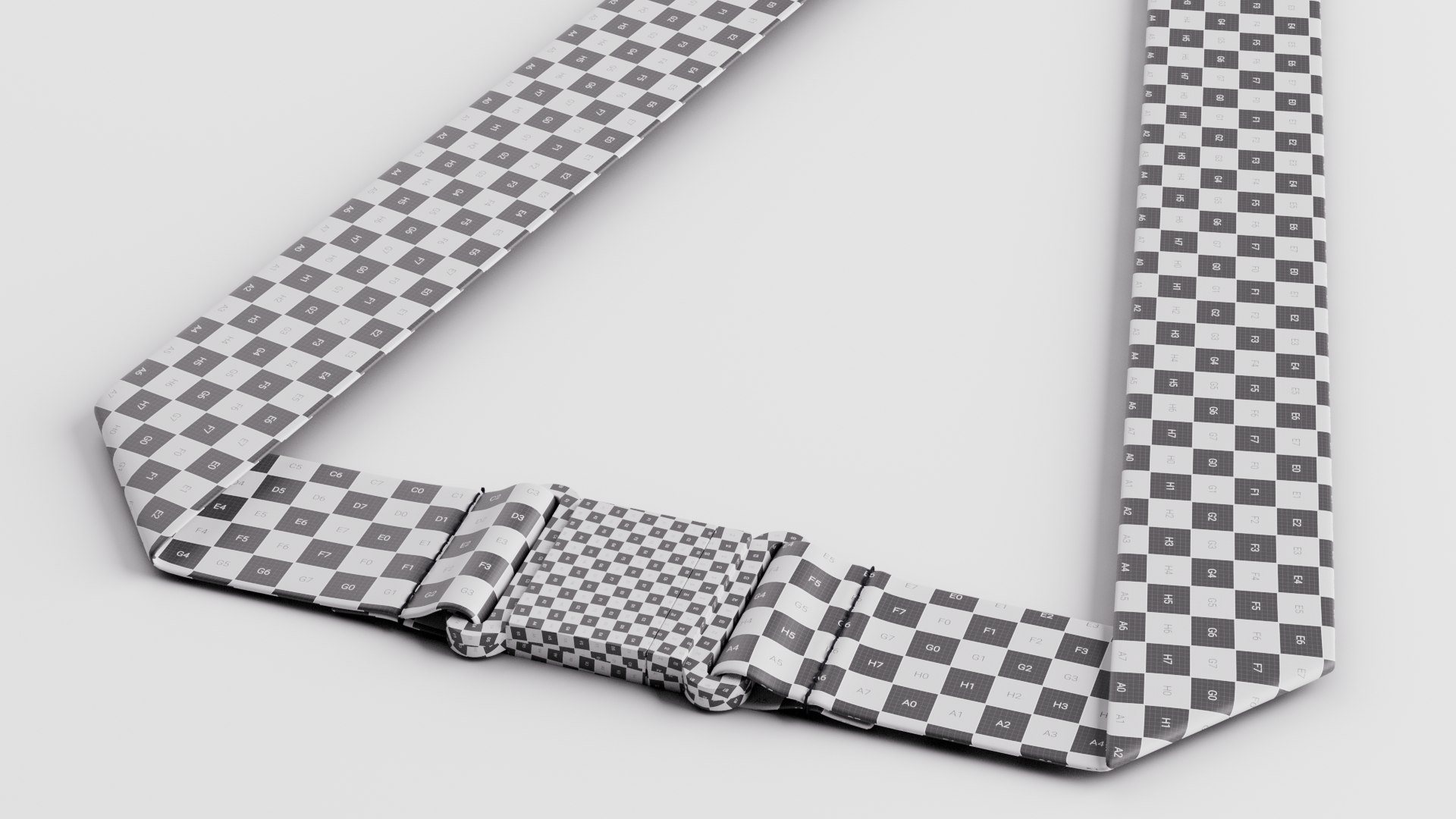
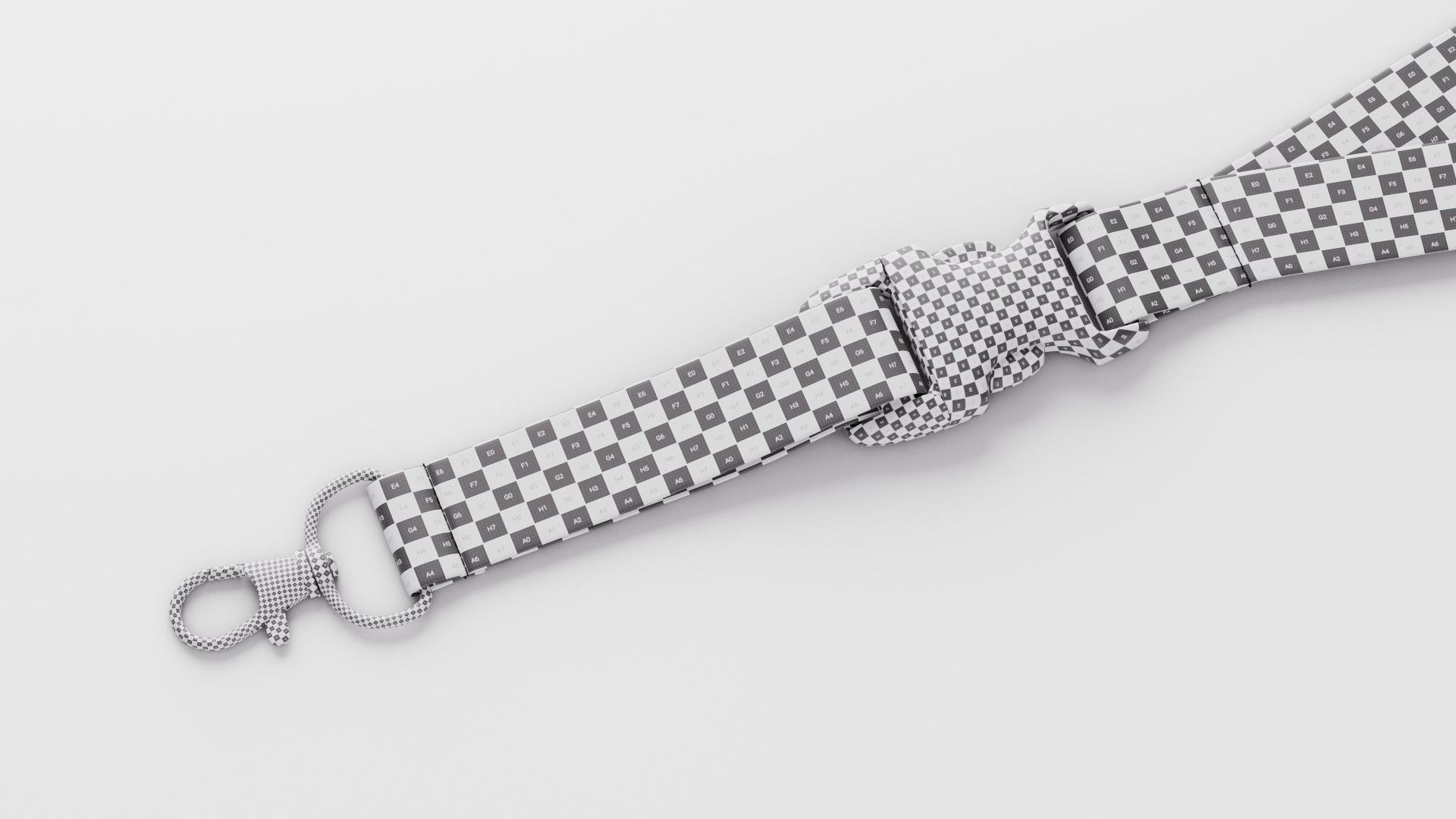
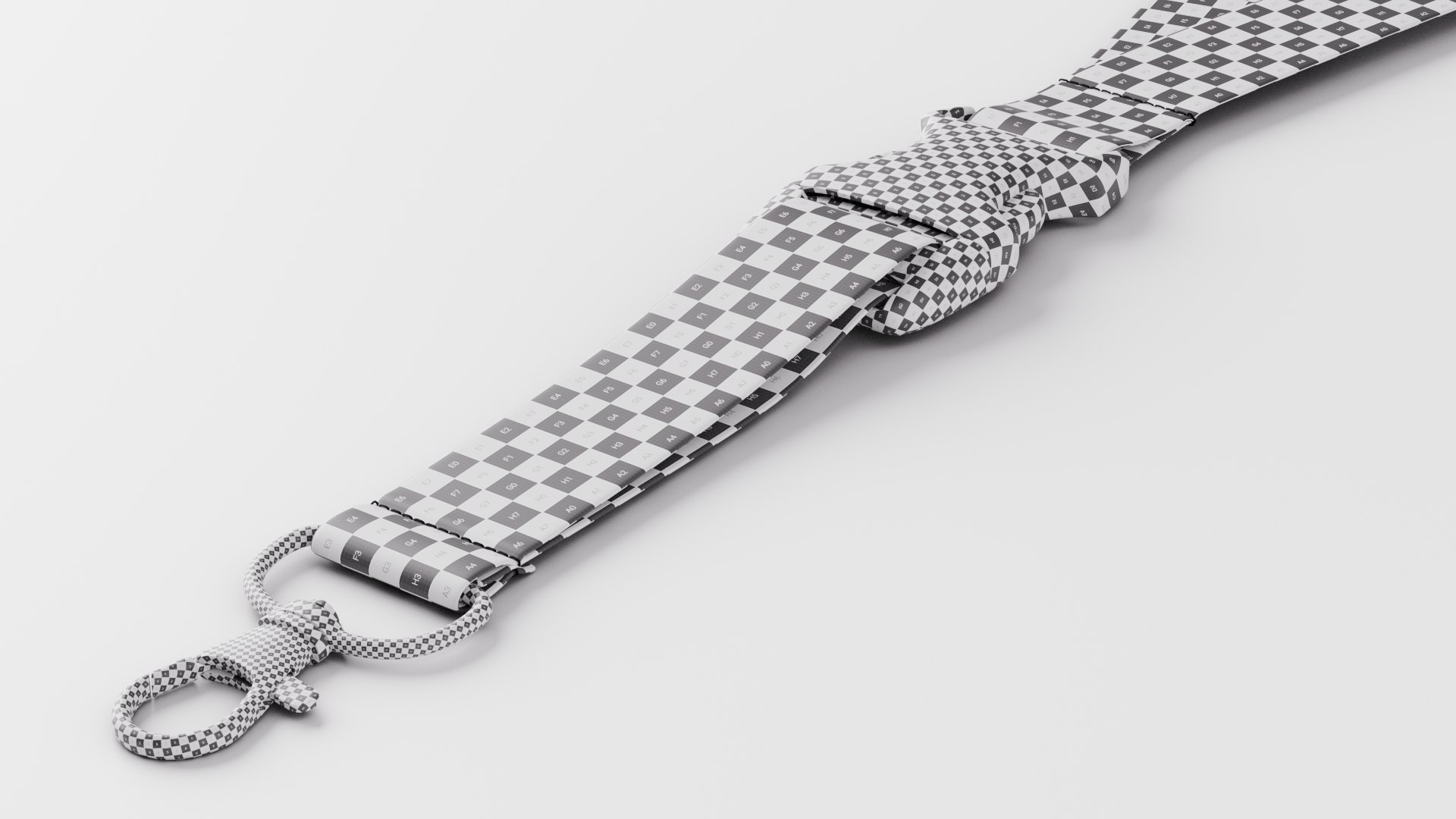
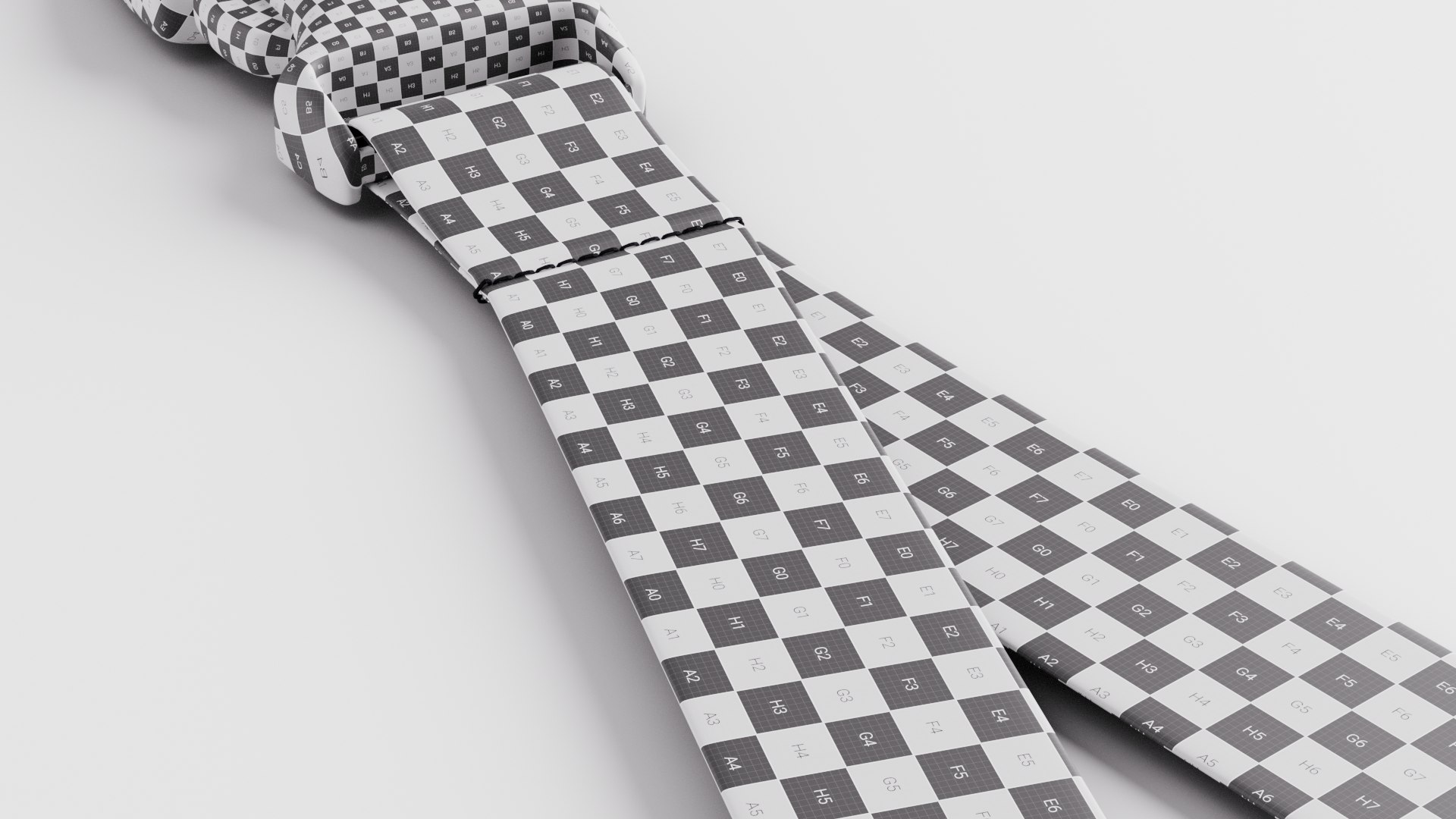
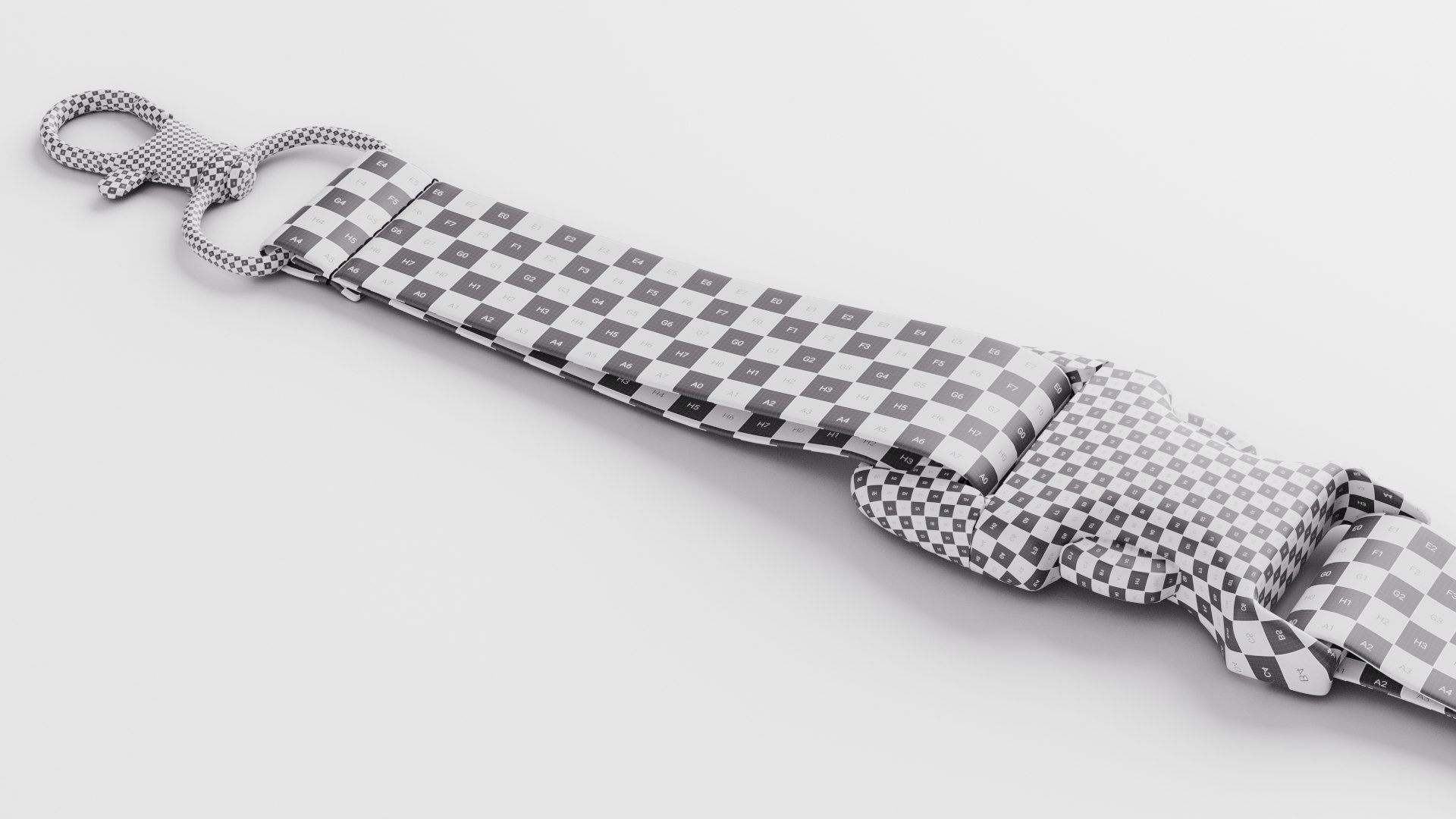
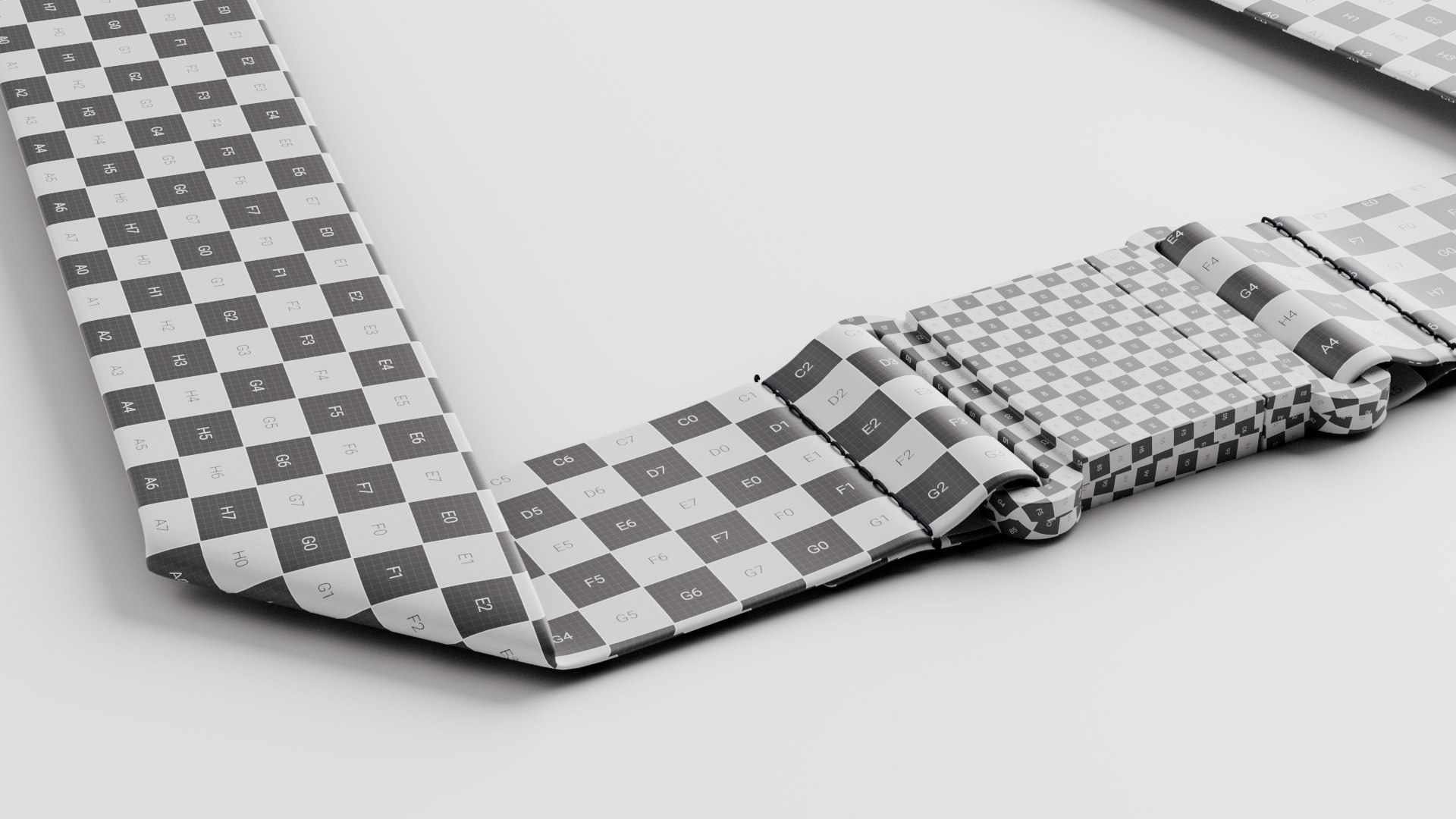
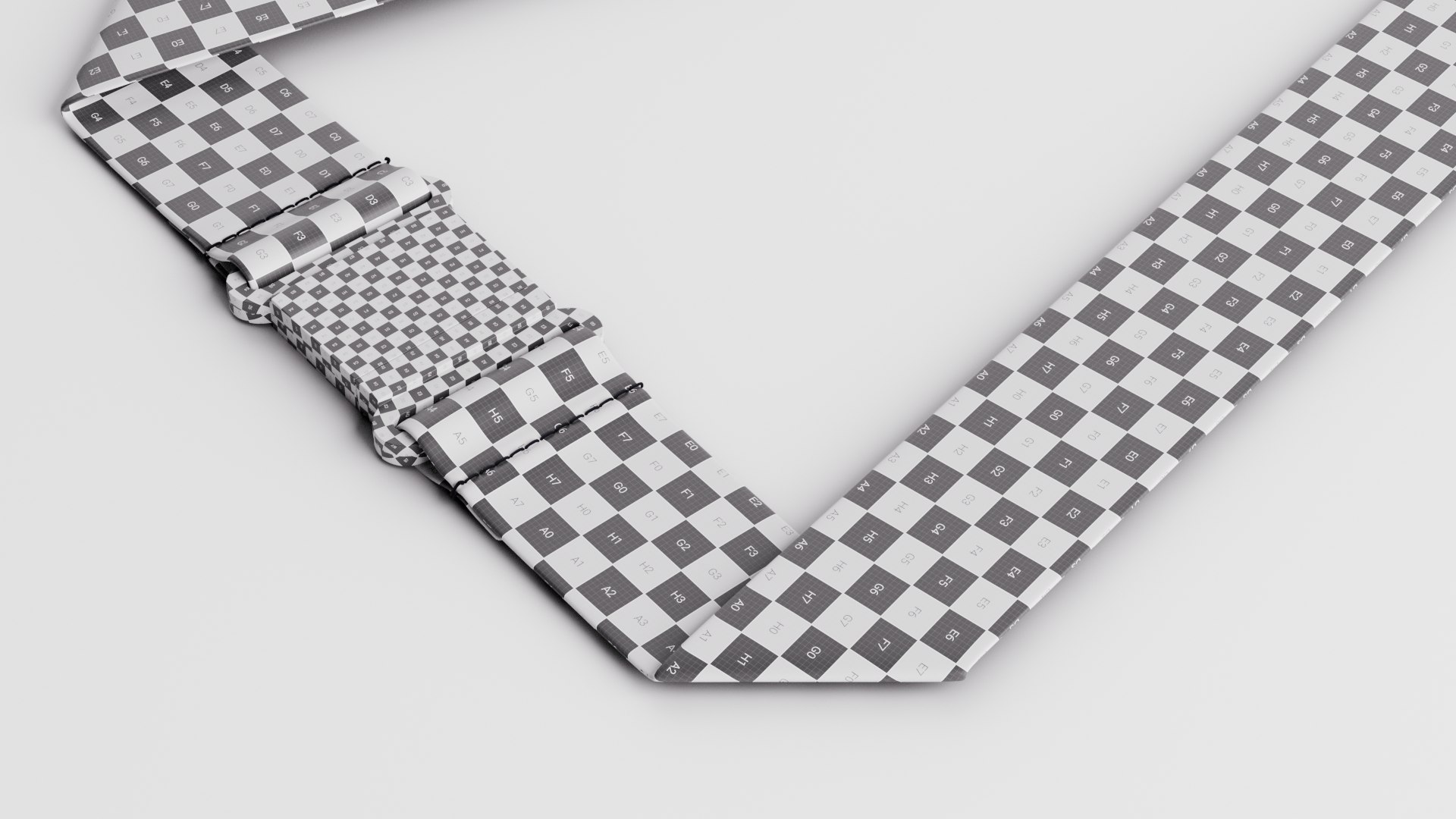
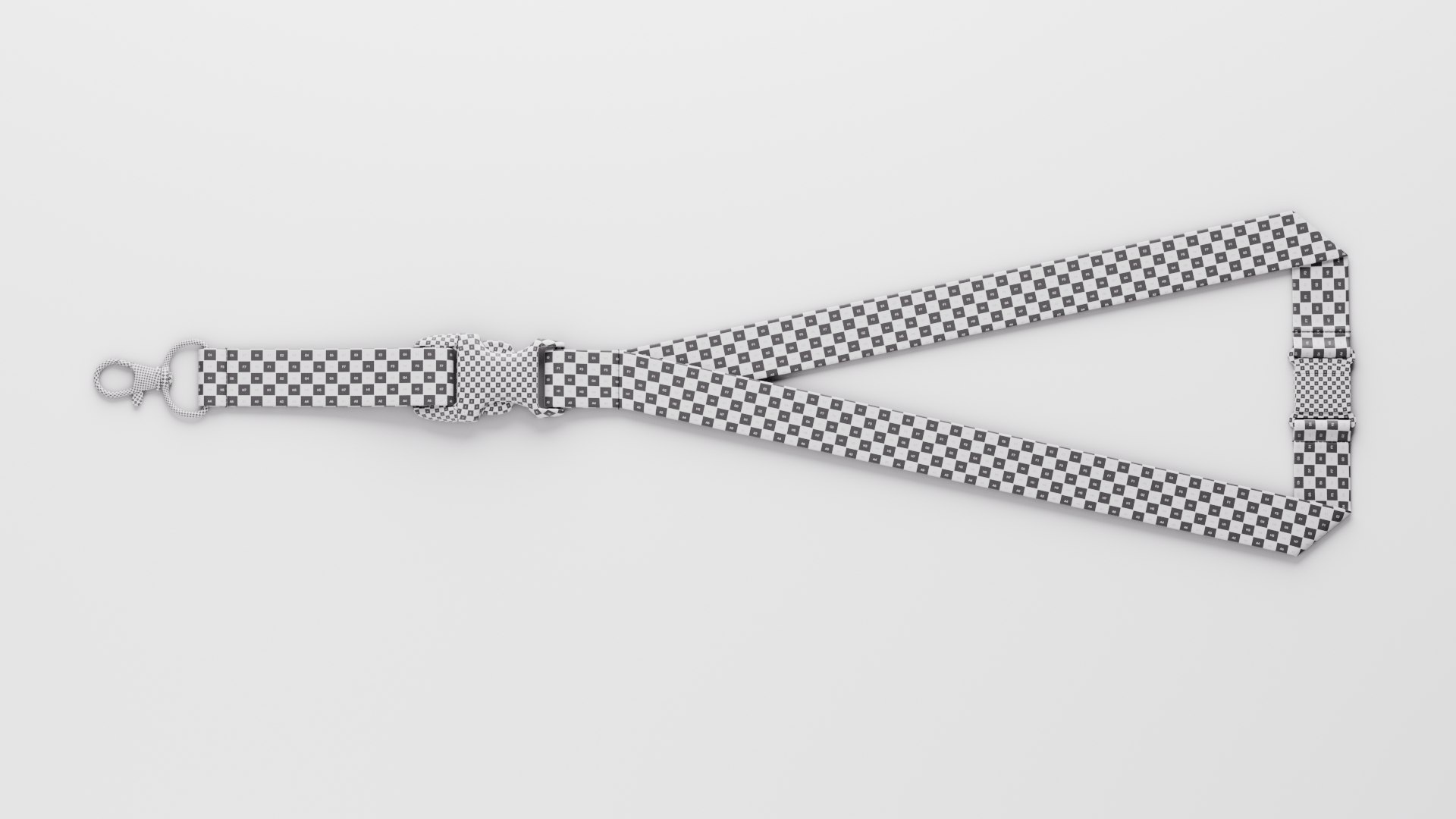
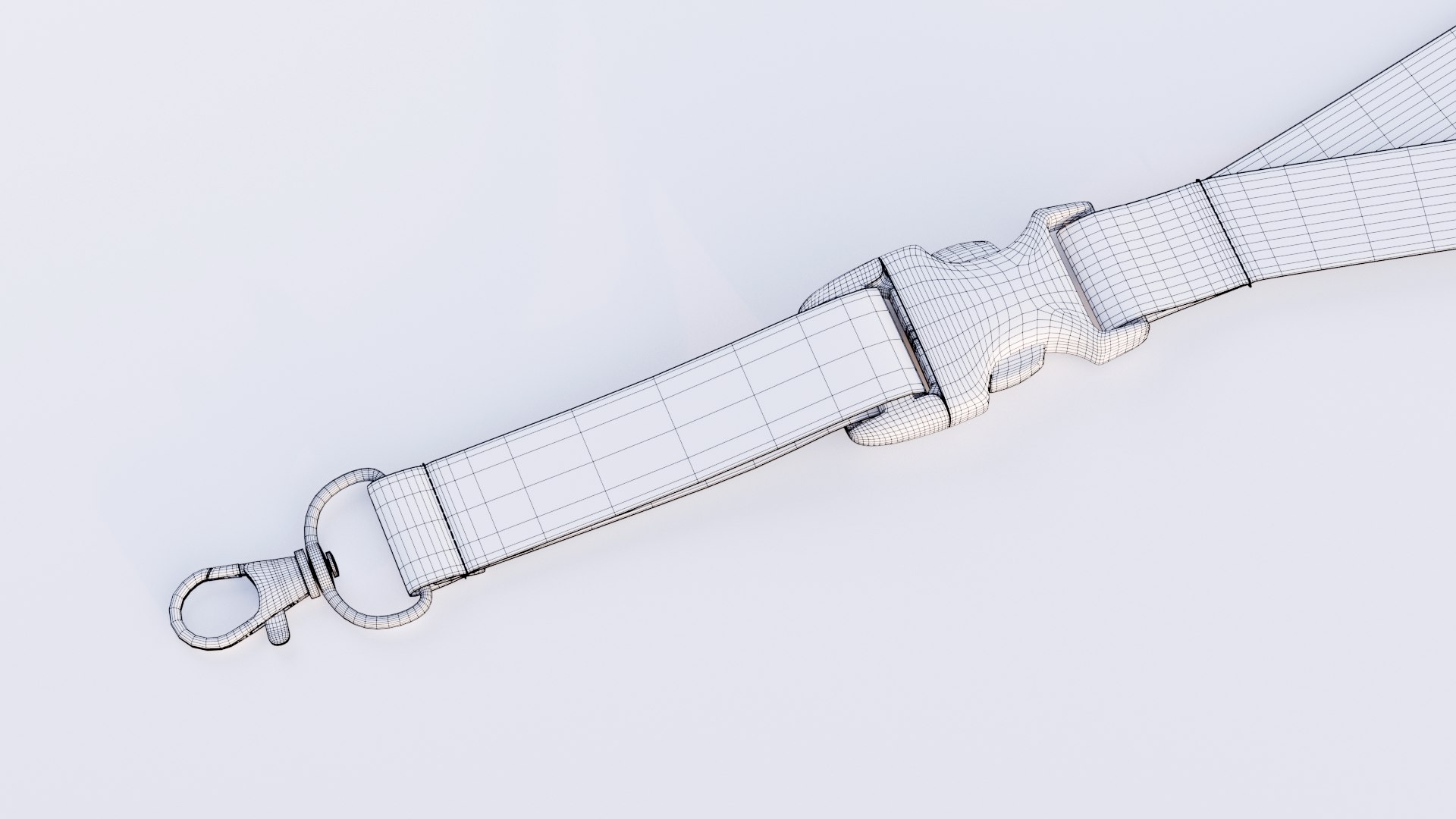
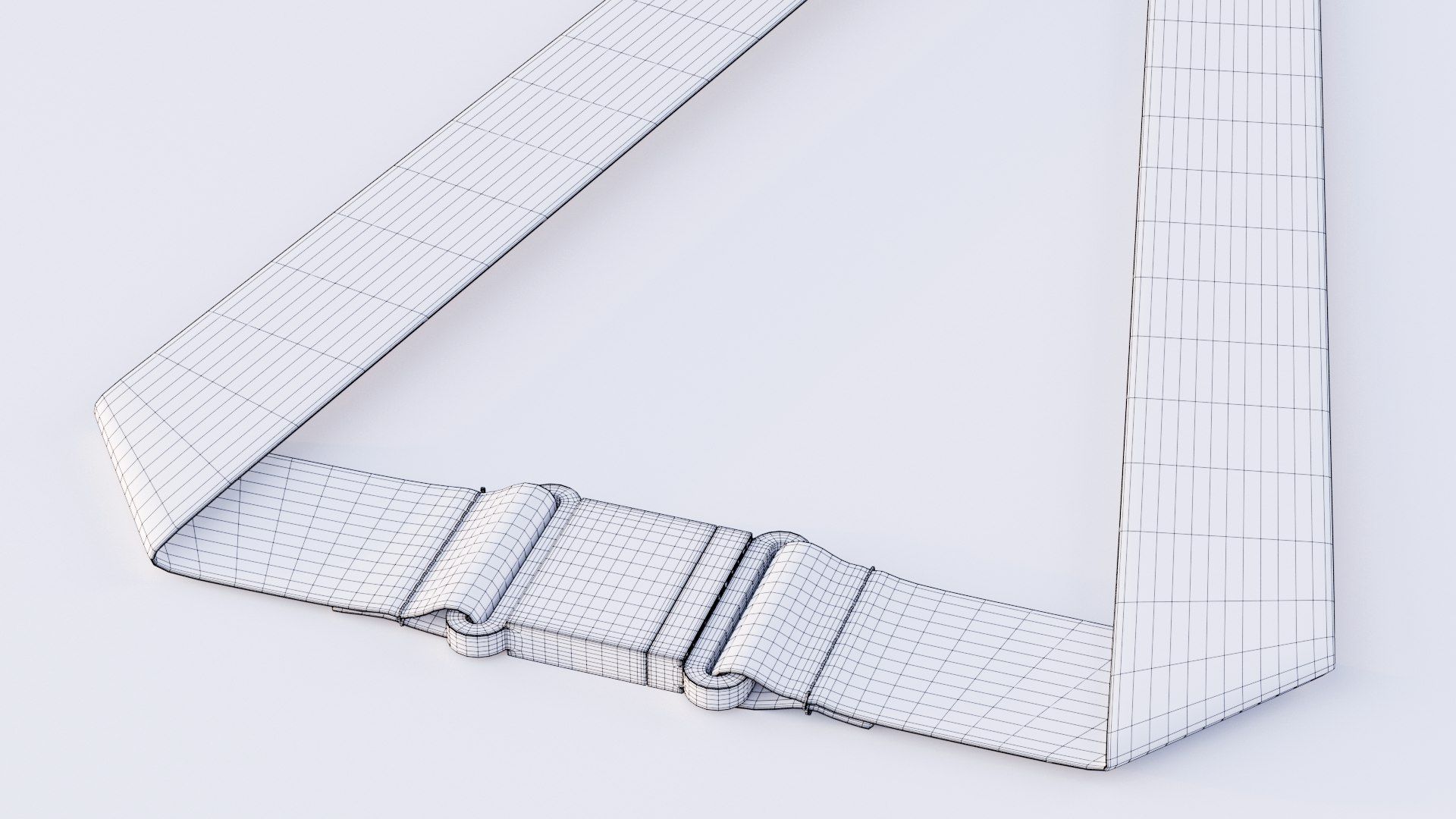
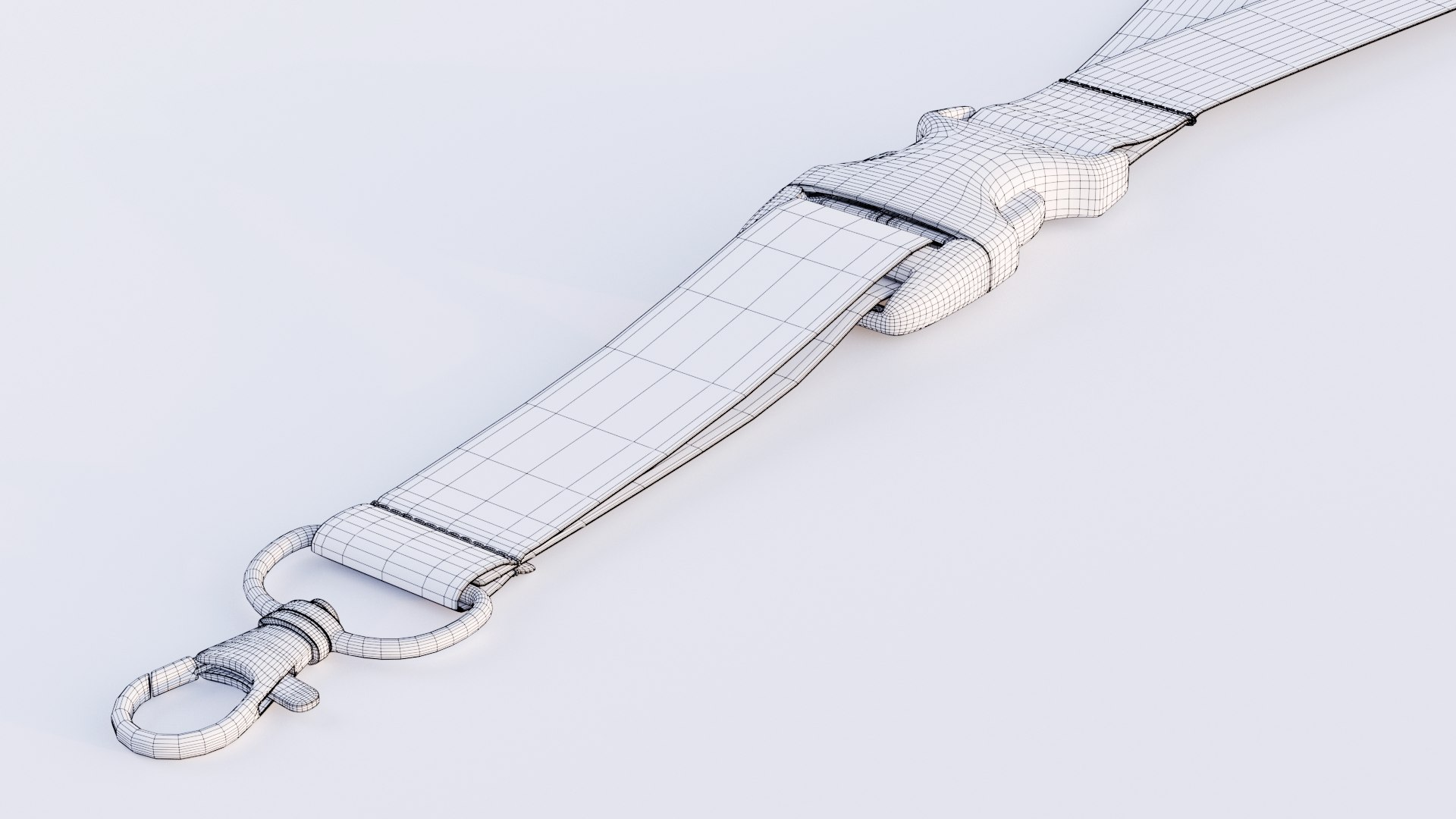
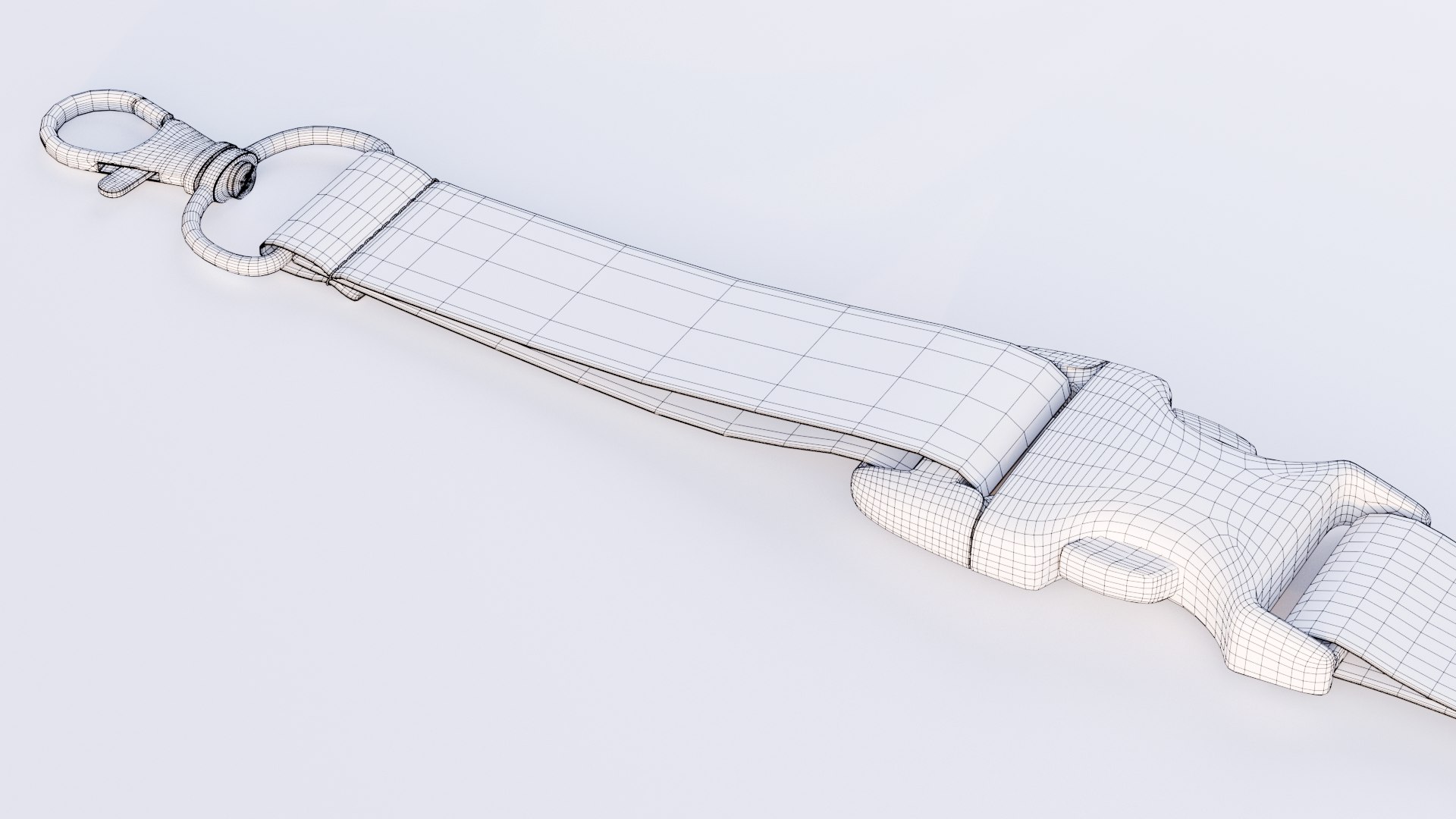
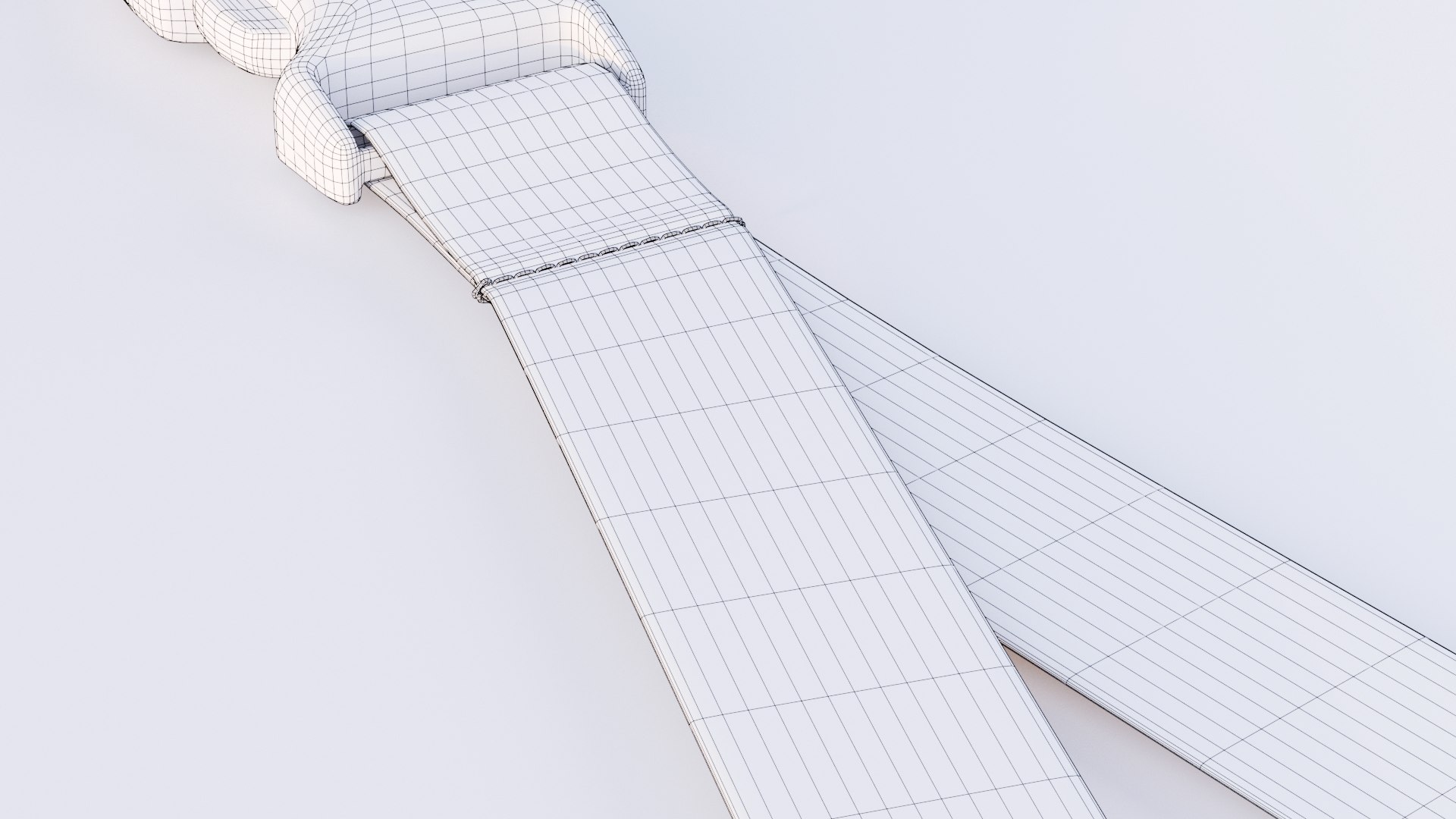
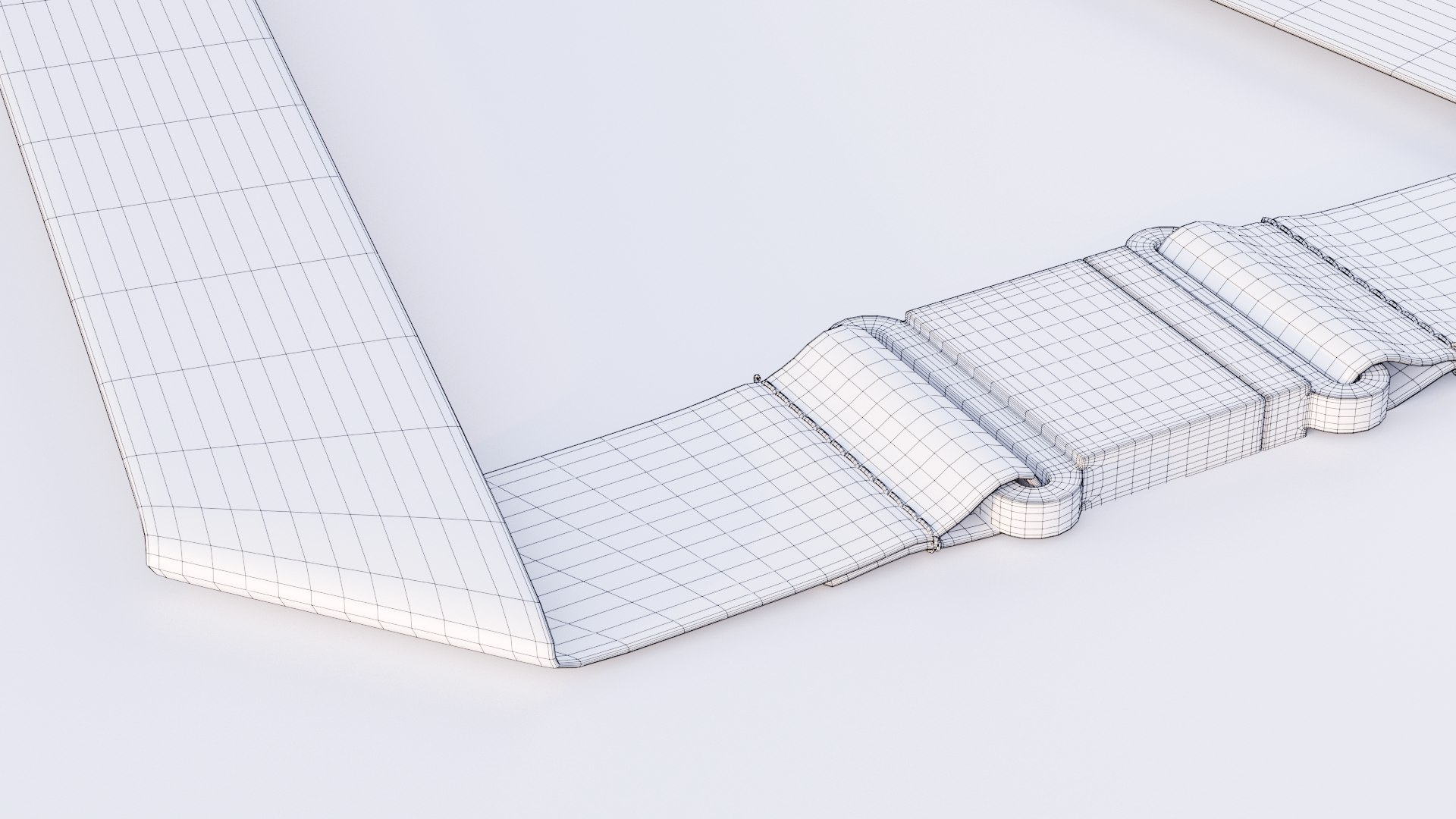
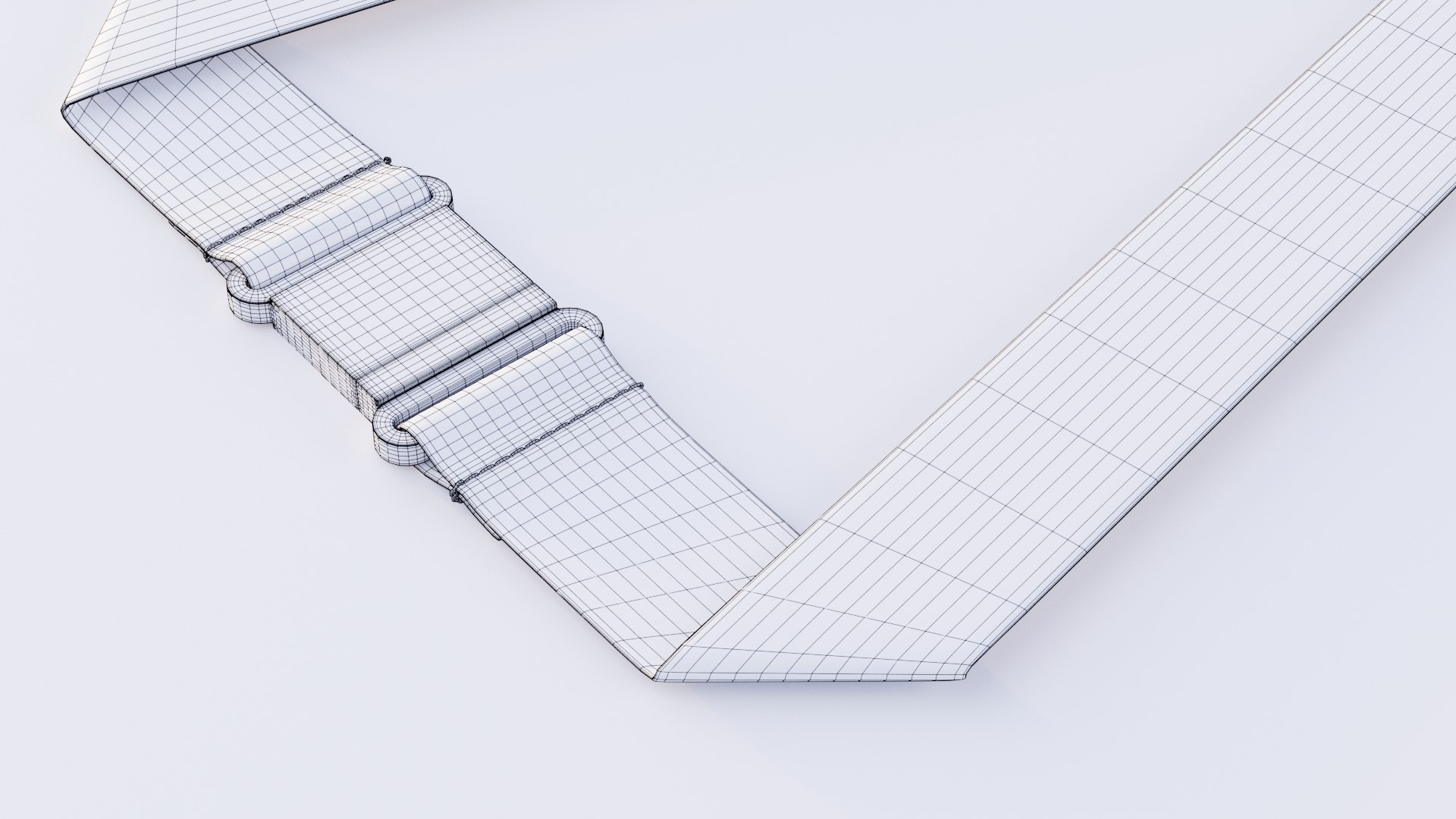
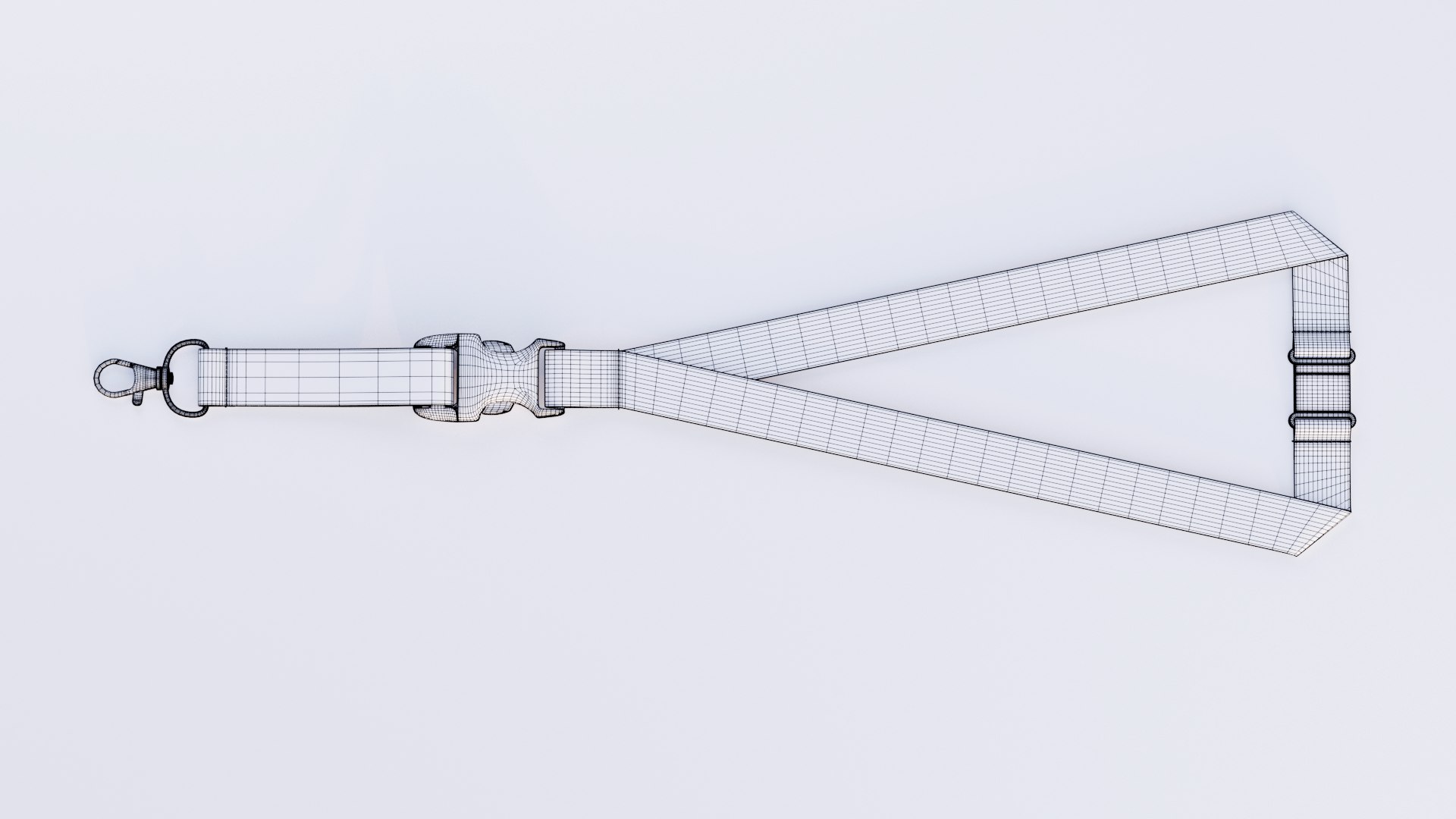
Lanyard with buckle

$25

Formats (2)
Free file format Conversions available
Native | Blender 5.2 | Cycles Render 5.2
OBJ Wavefront
Other Files
textures.zip
Specifications
Publish Date August 14, 2026
Product ID 2606785
Polygons 27,372
Vertices 29,083
Polygonal Quads Only
Mixed Unwrapped UVs
TurboSquid Exclusive
member avatar
LaDigitalFabrik
39 Products | Contributor Since 2007
Have questions? Chat with us now.

Description

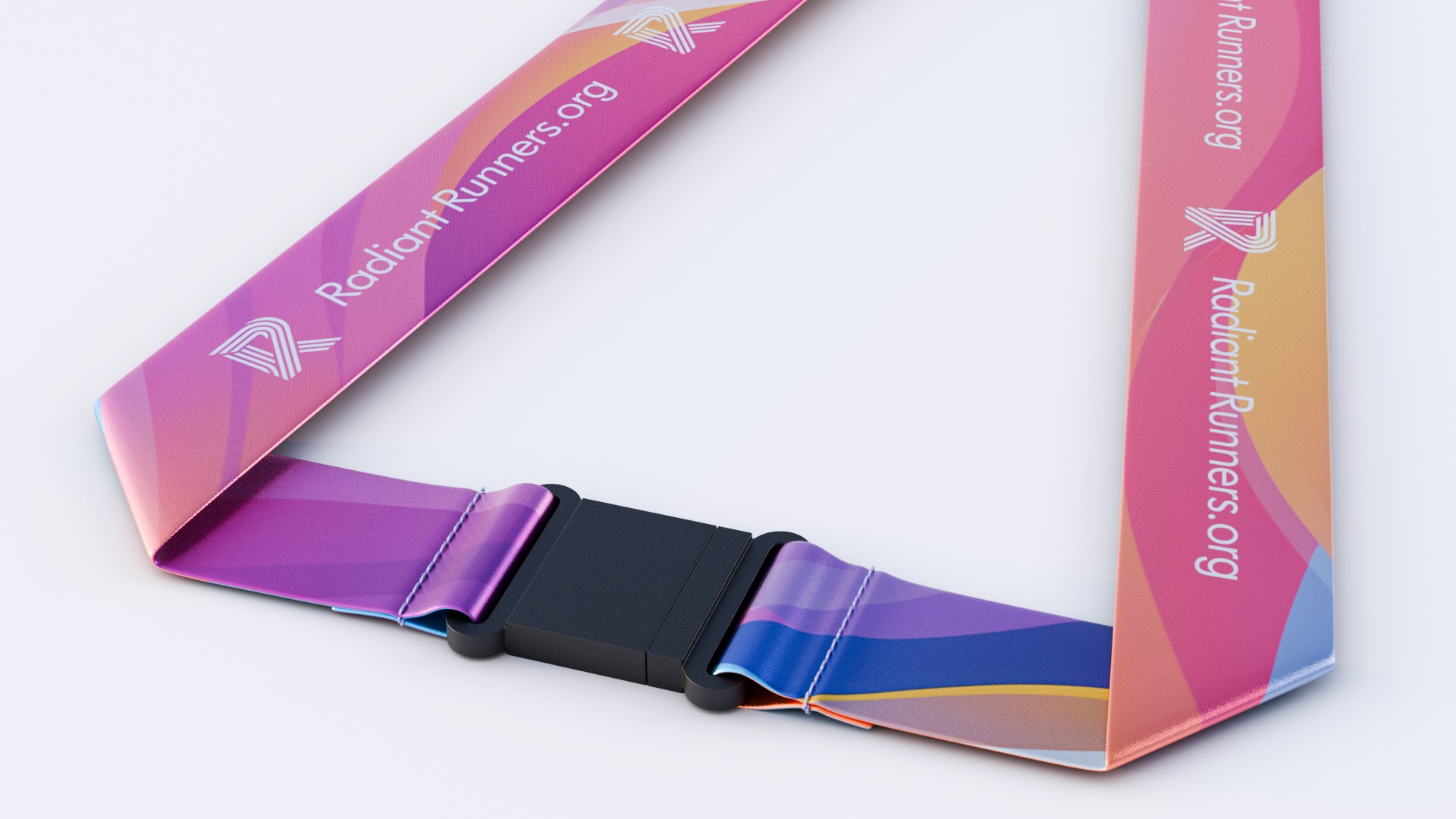
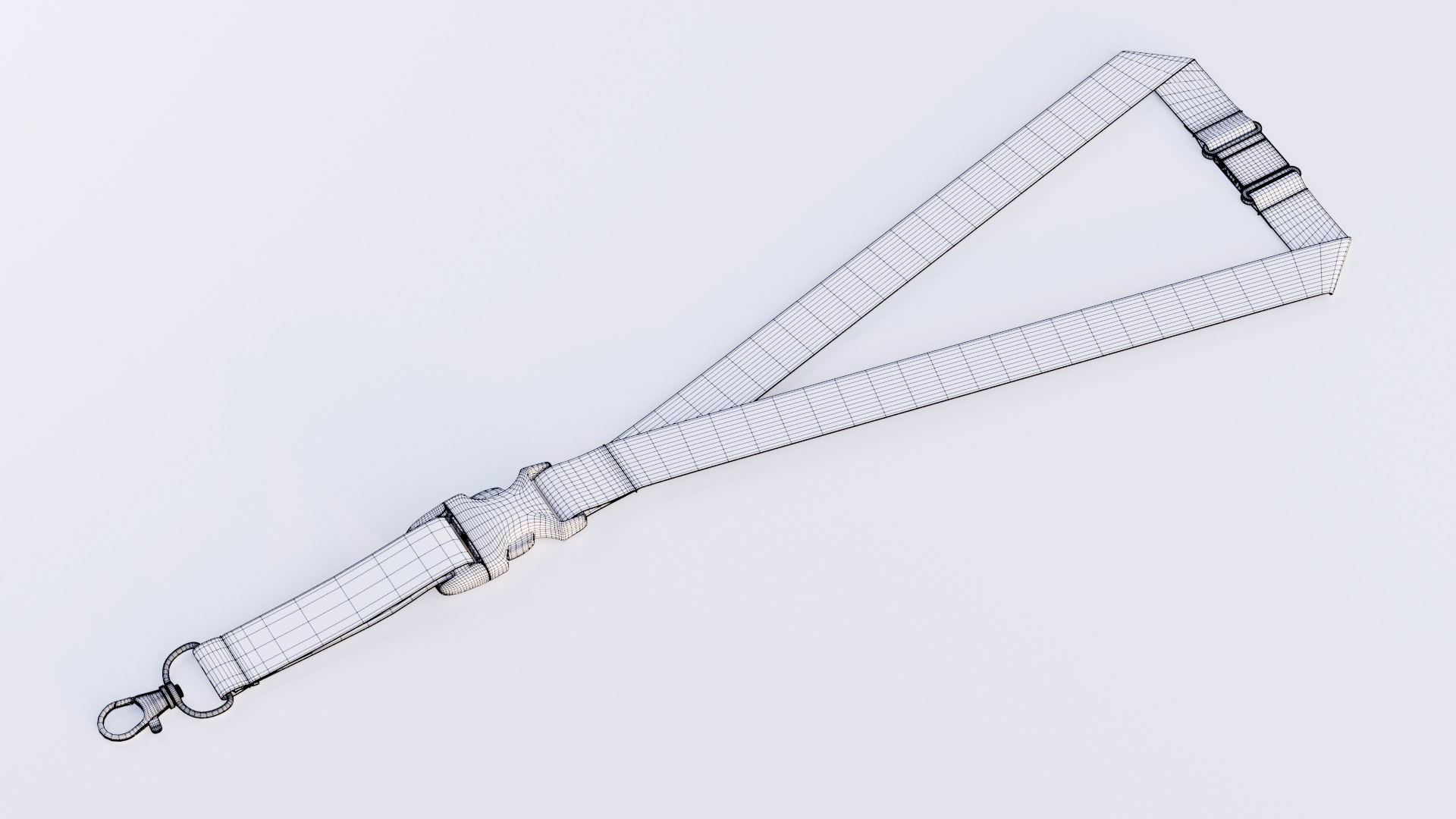
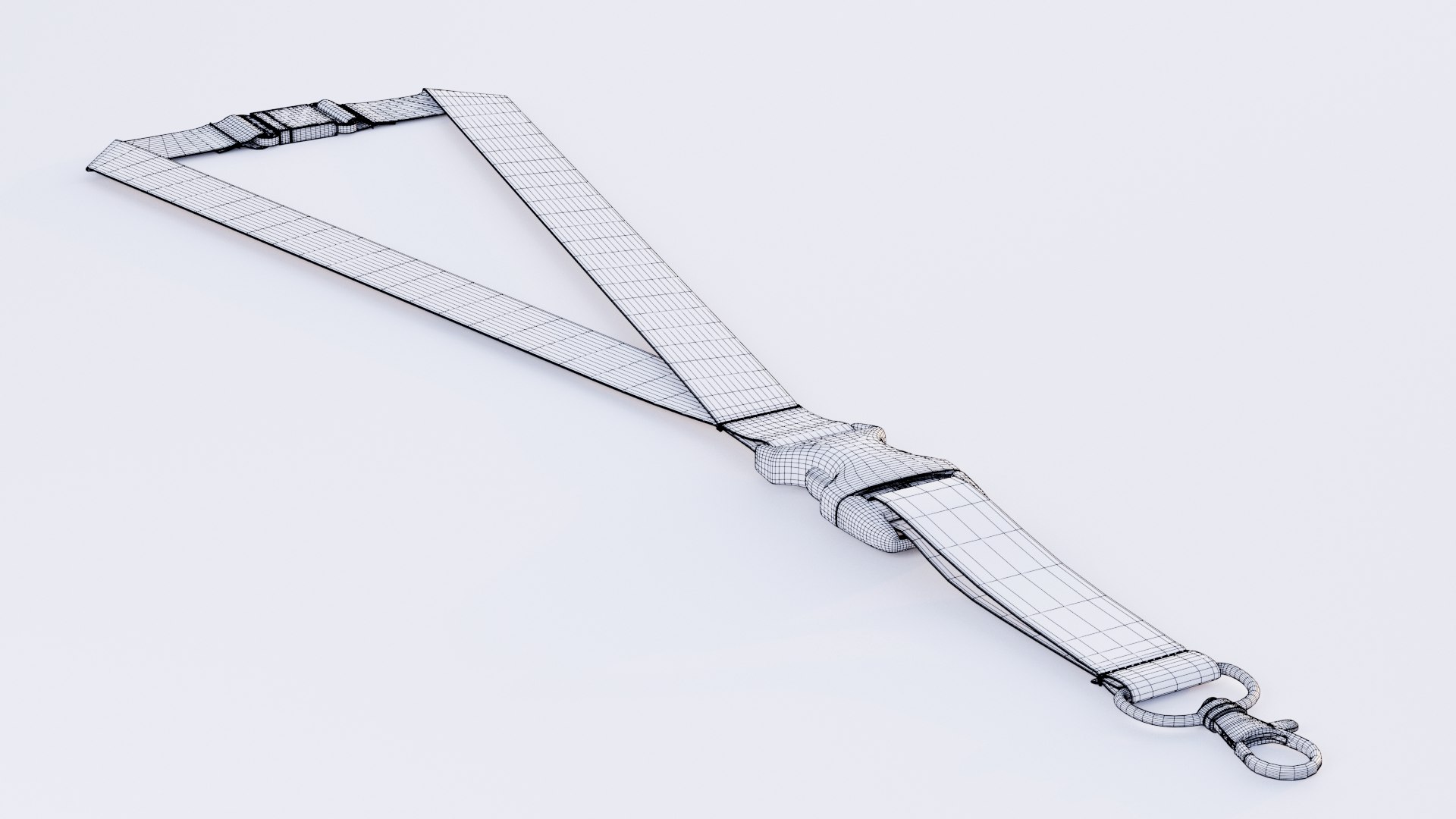
This lanyard is a high-quality, photorealistic 3D model, crafted to inject enhanced detail and realism into rendering projects.

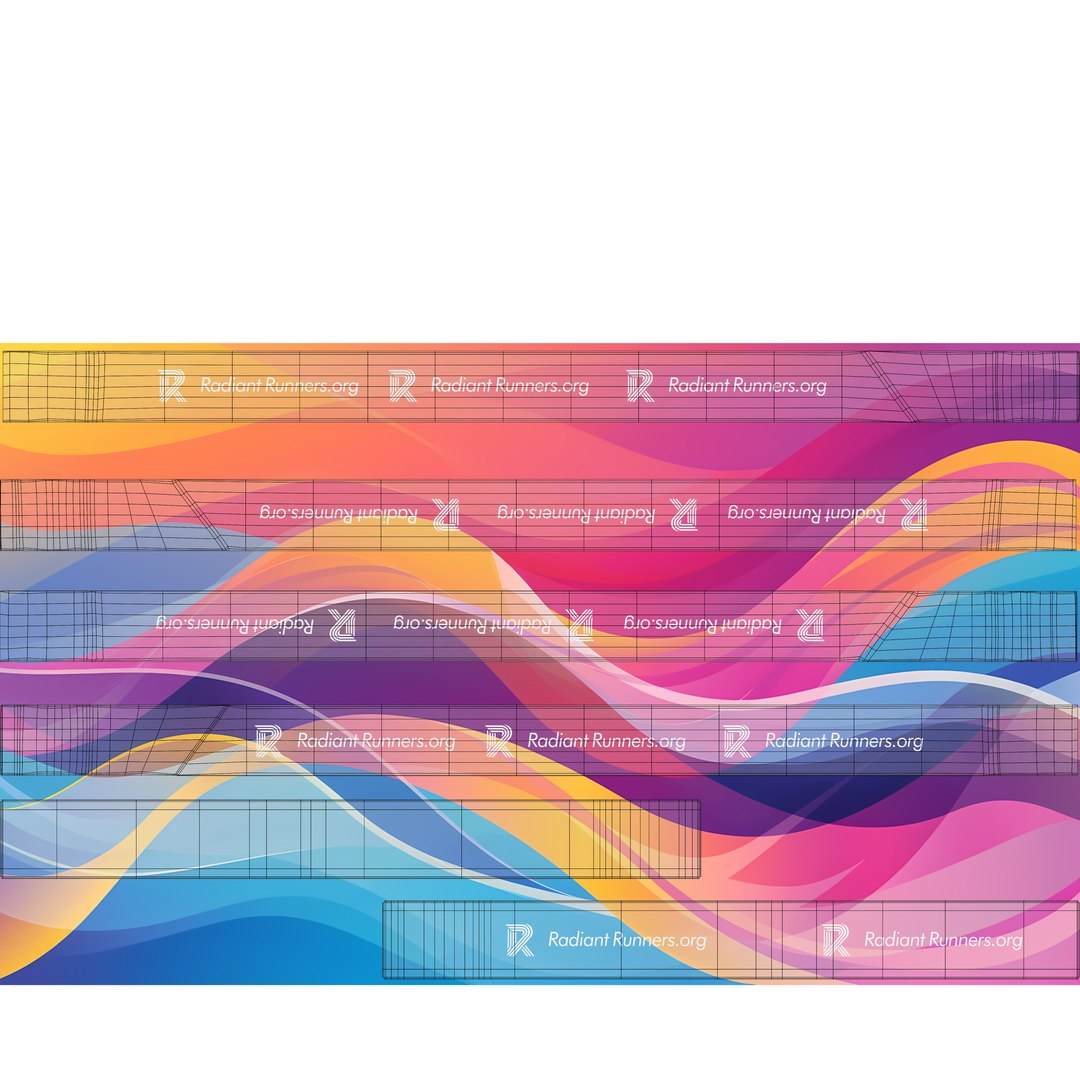
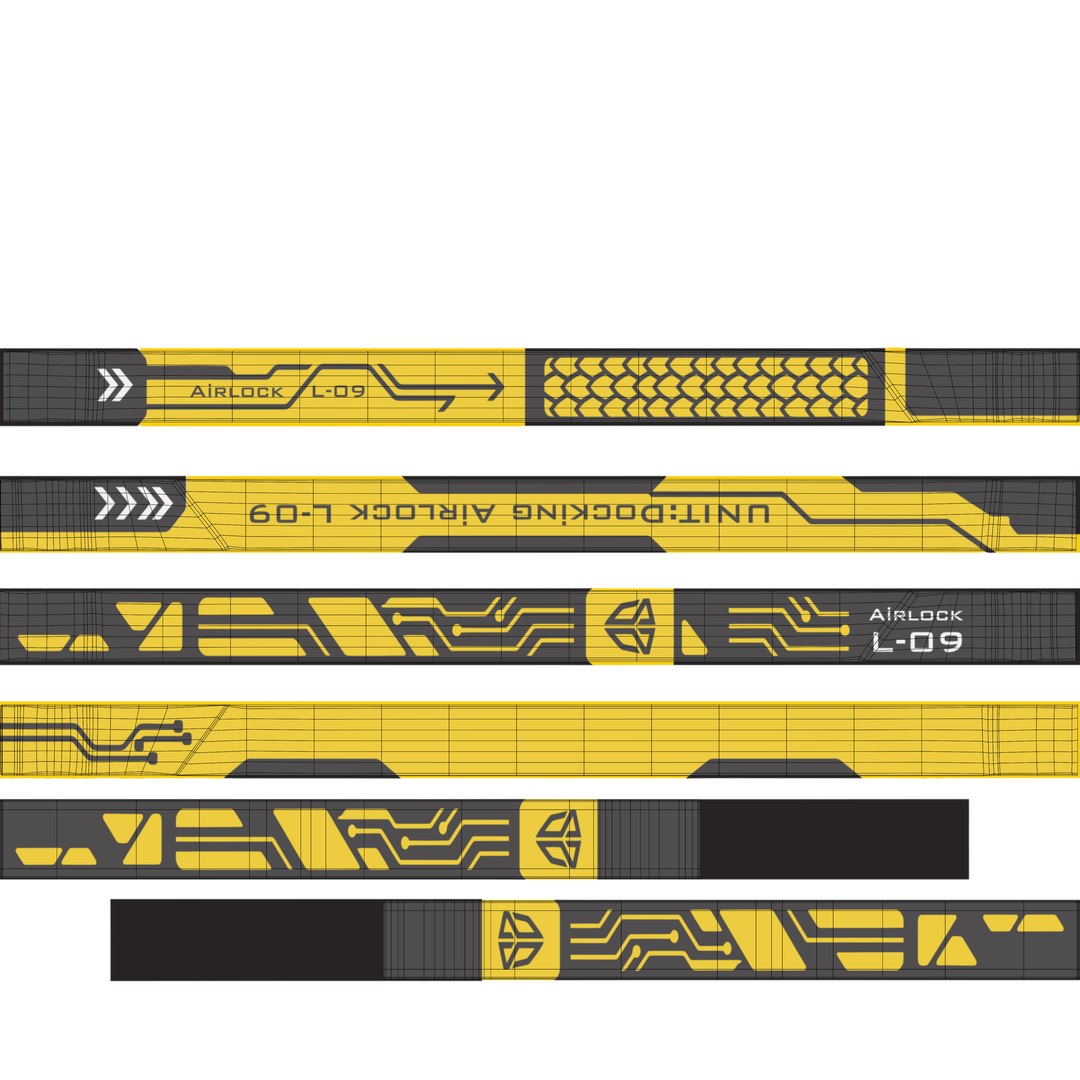
This is not just a 3D model, it's a ready-to-use mockup (for Blender) that you can easily customize with your own design.

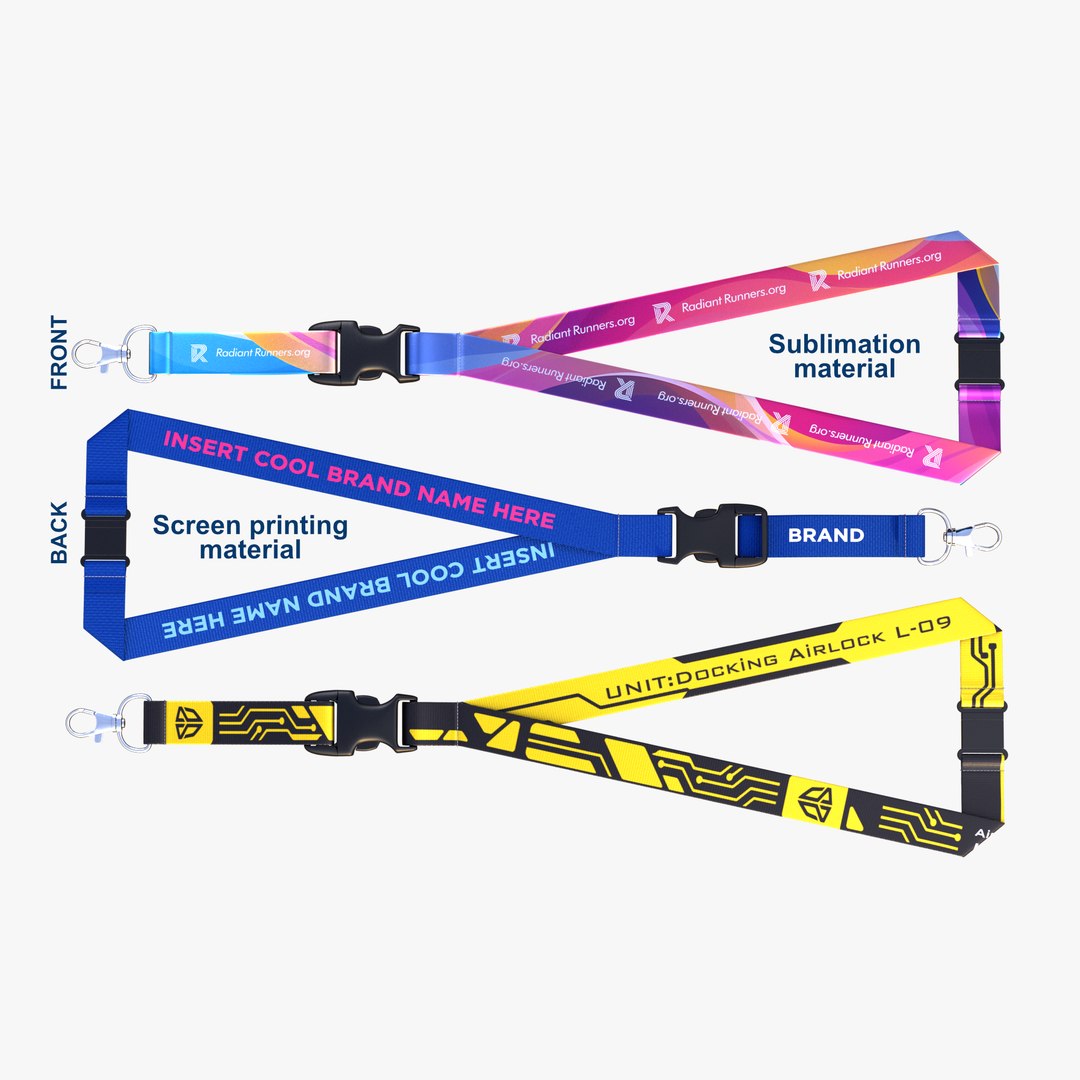
It features 2 types of fabric materials—satin and polyester to accurately reflect the industry standards for lanyards.
The satin material is designed to simulate sublimation printing, while the polyester is meant to represent screen printing techniques.

These are the two primary methods used in the lanyard industry.
The model is fully set up in Blender, complete with a 9-frame animated camera, lighting,
multiple materials and textures included. Simply hit render to reproduce the preview images with your own custom textures.

2 main material types:

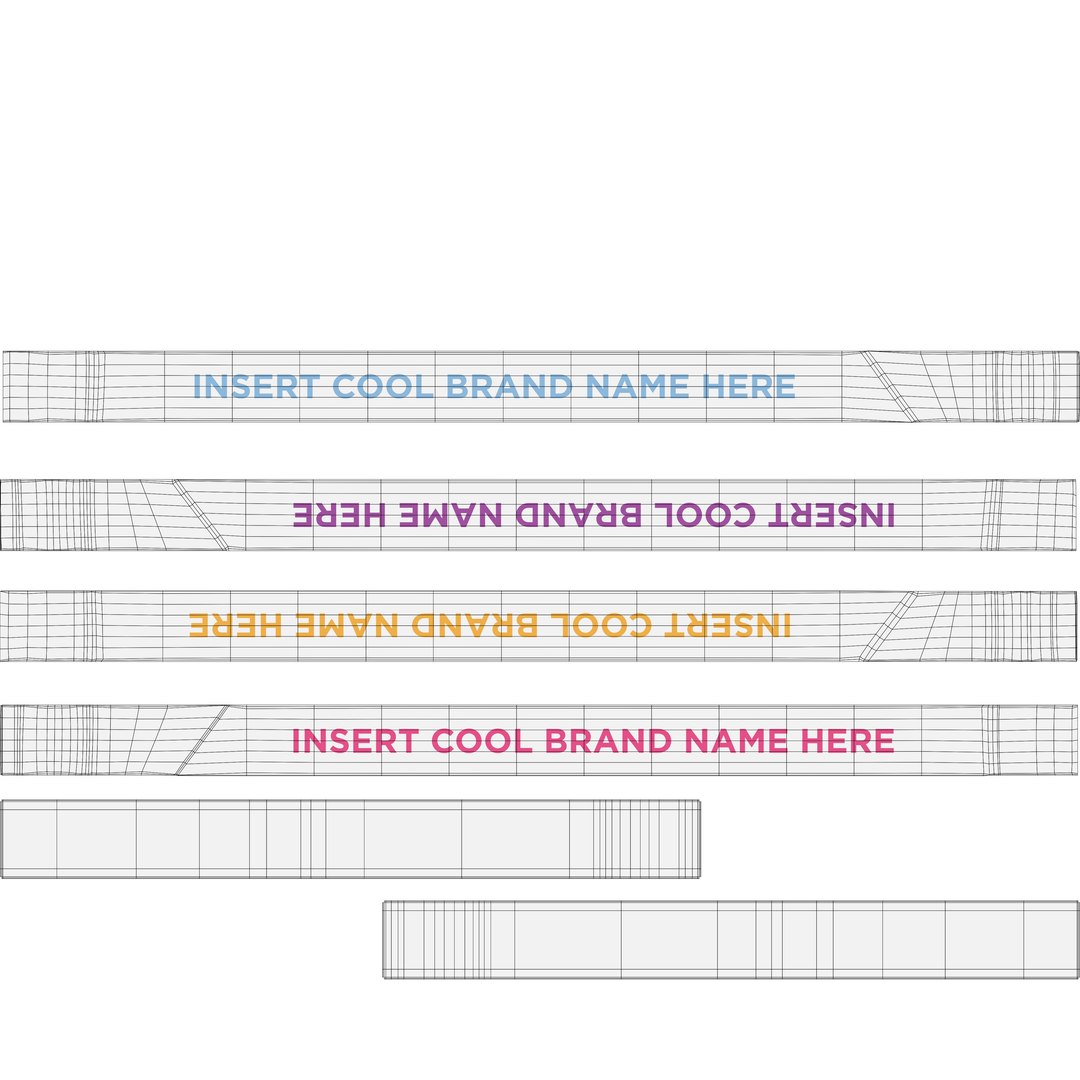
  • Standard Materials: Use a single texture image for complete diffuse color.
  • Screen Print Materials: Use a transparent PNG for the print graphic while allowing you to tweak the underlying polyester background color directly in the shader nodes.

Select Enhanced License

  • $10,000 in Legal Protection (Indemnification)
  • Uncapped Legal Protection (Indemnification)
  • Waiver from injunctive relief
  • Assignable model rights
  • $1,000,000 in Legal Protection (Indemnification)
  • Waiver from injunctive relief
  • Assignable model rights
  • $250,000 in Legal Protection (Indemnification)
  • Assignable model rights
Read more about enhanced license tiers, or contact us at enterprise@turbosquid.com. Already a Shutterstock Enterprise Customer? Contact your Shutterstock Sales Support Agent to talk about adding 3D.

About Conversion Requests

To submit a conversion request for a purchased asset, please complete our Conversion Request Form.

If you have not yet purchased a model, please review our Documentation about Conversions to learn about what limitations you may encounter with a conversion.

For any additional questions about a model’s suitability for conversion, please contact TurboSquid Support.

Loading...