
Lamp Megaphos; Bauhaus

$59

Standard License | Upgrade License
Editorial Uses Only
Formats (5)
Free file format Conversions available
Native | 3ds Max 2013 | mental ray
OBJ
FBX
Collada
3D Studio
Specifications
Publish Date December 04, 2014
Product ID 873851
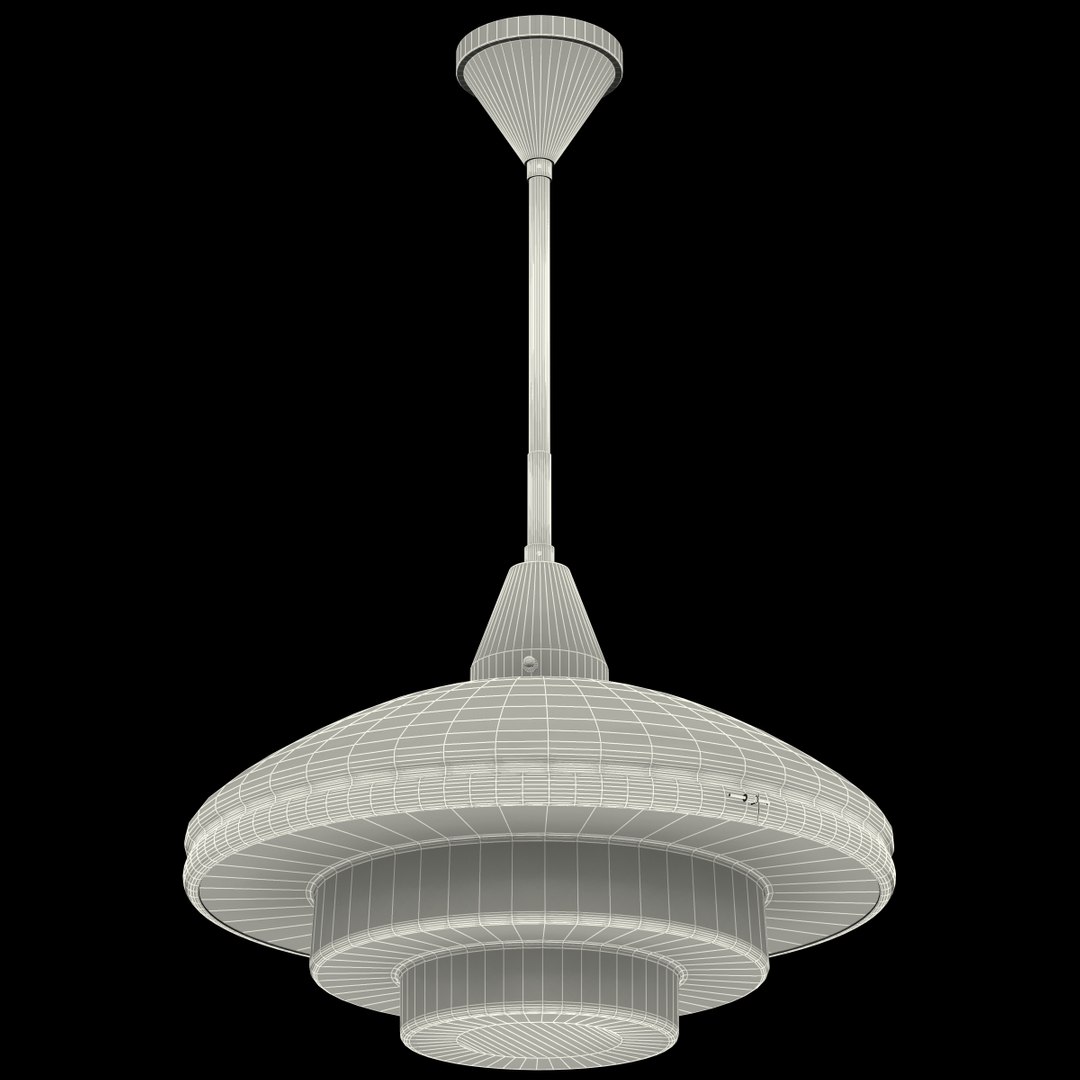
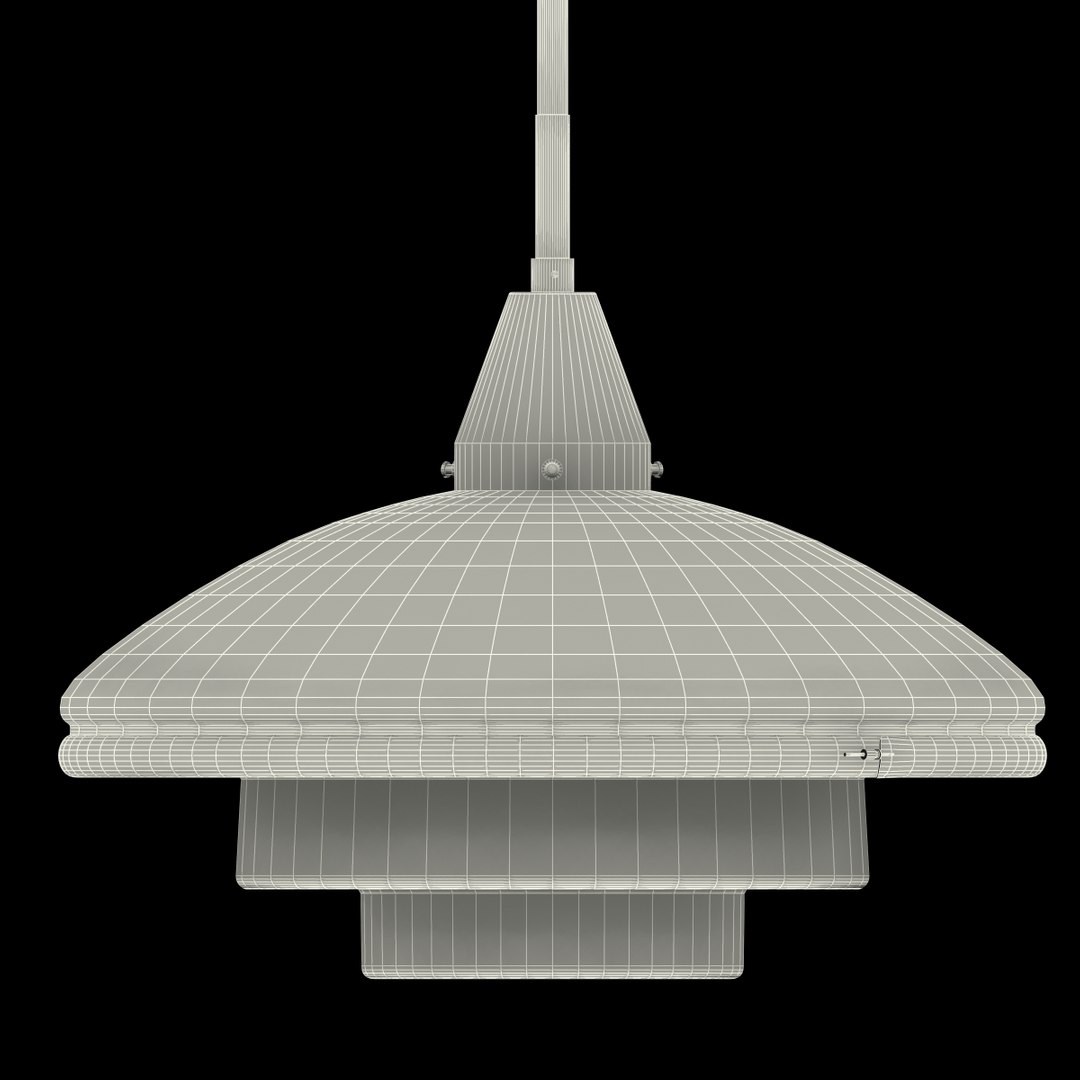
Polygons 8,177
Vertices 8,490
Polygonal Quads/Tris Geometry
Textures
Materials
TurboSquid Exclusive

member avatar
Jimpa1
282 Products | Contributor Since 2012
Have questions? Chat with us now.

Description

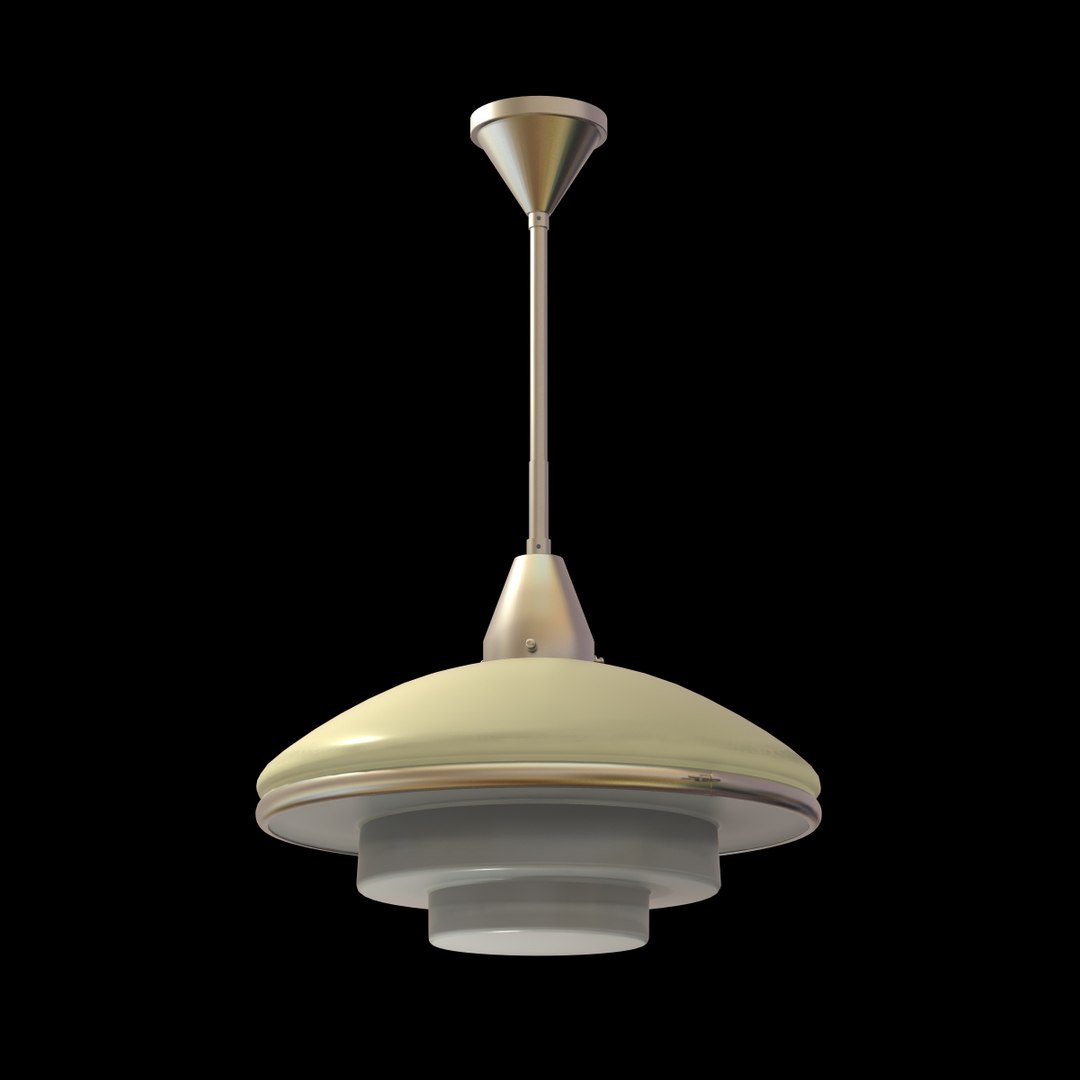
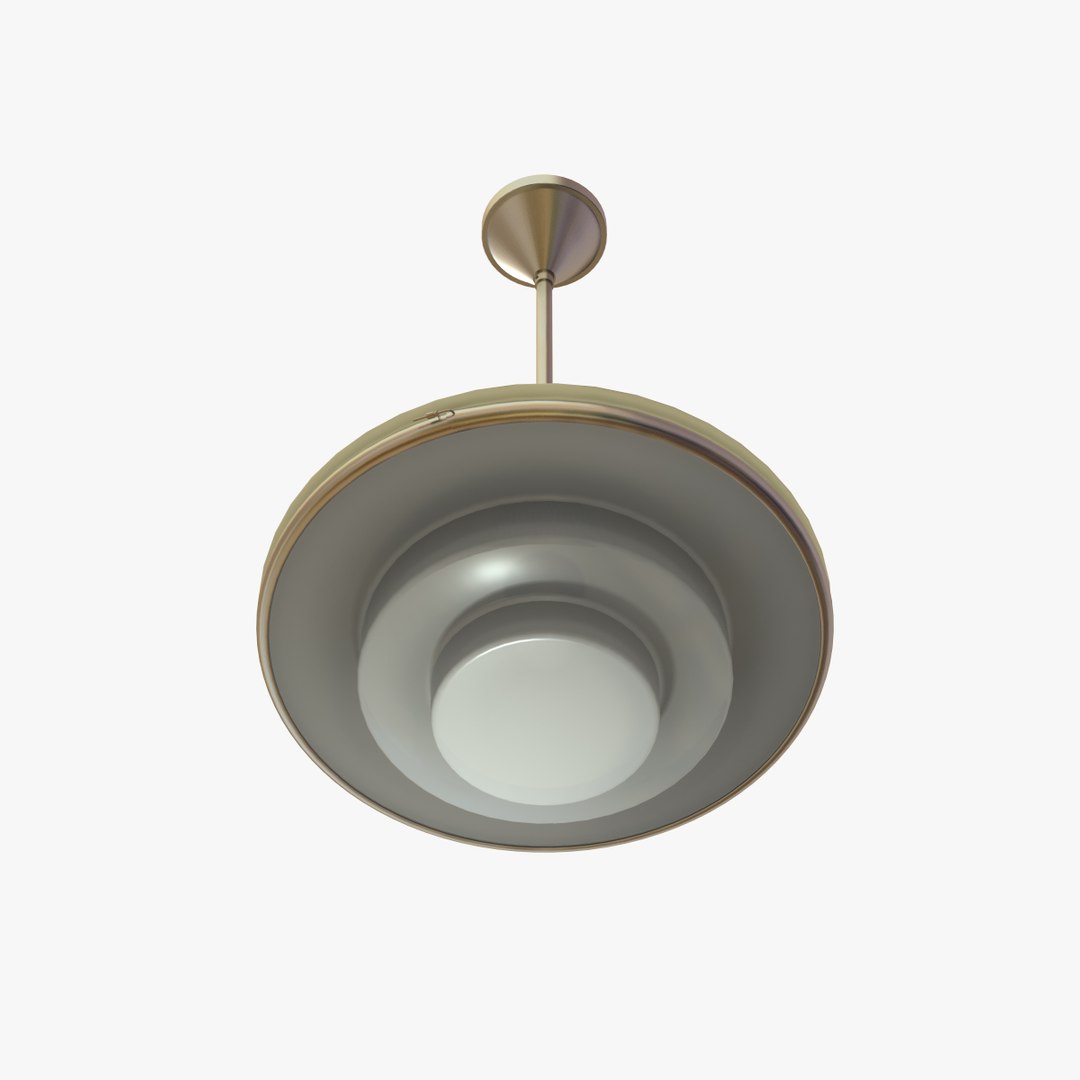
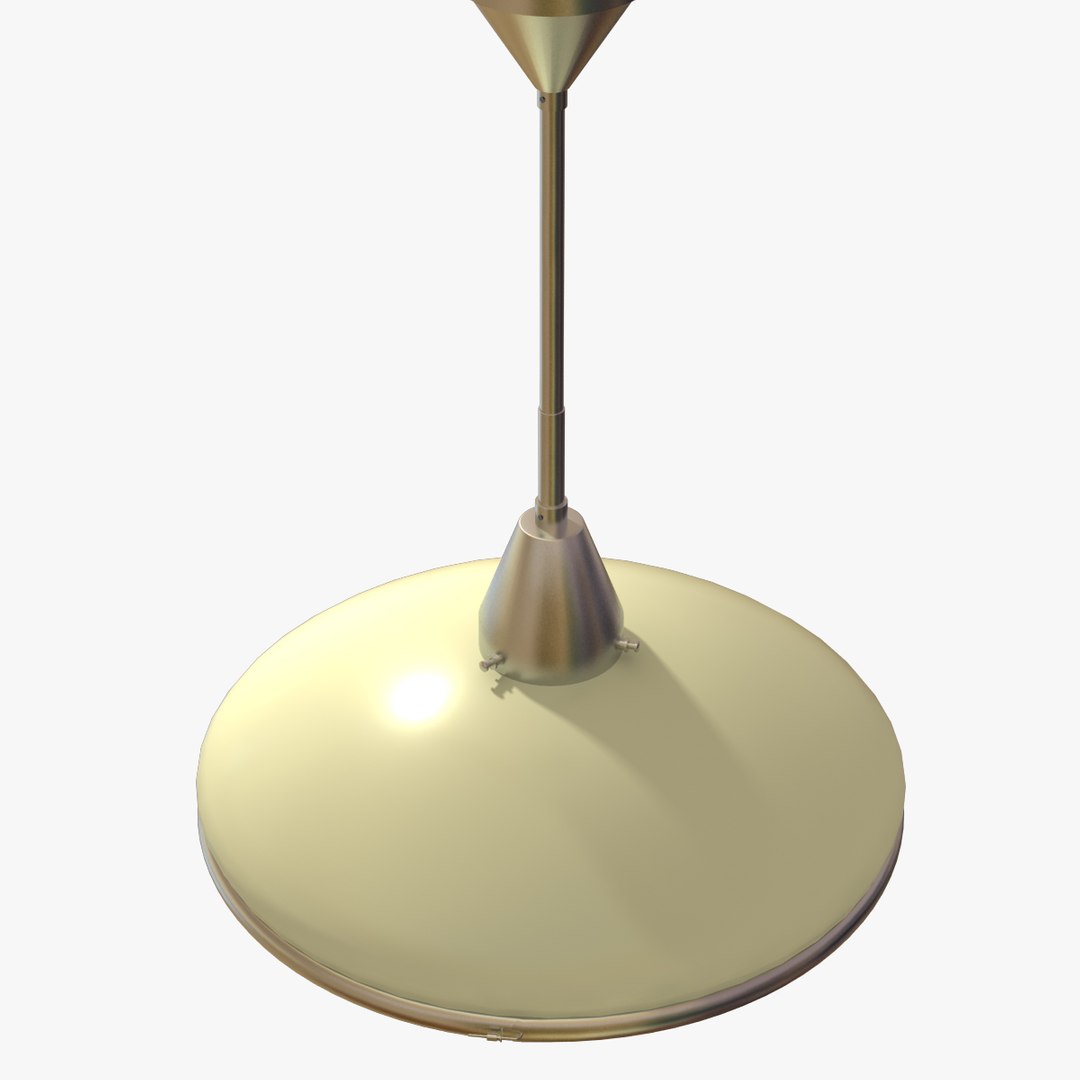
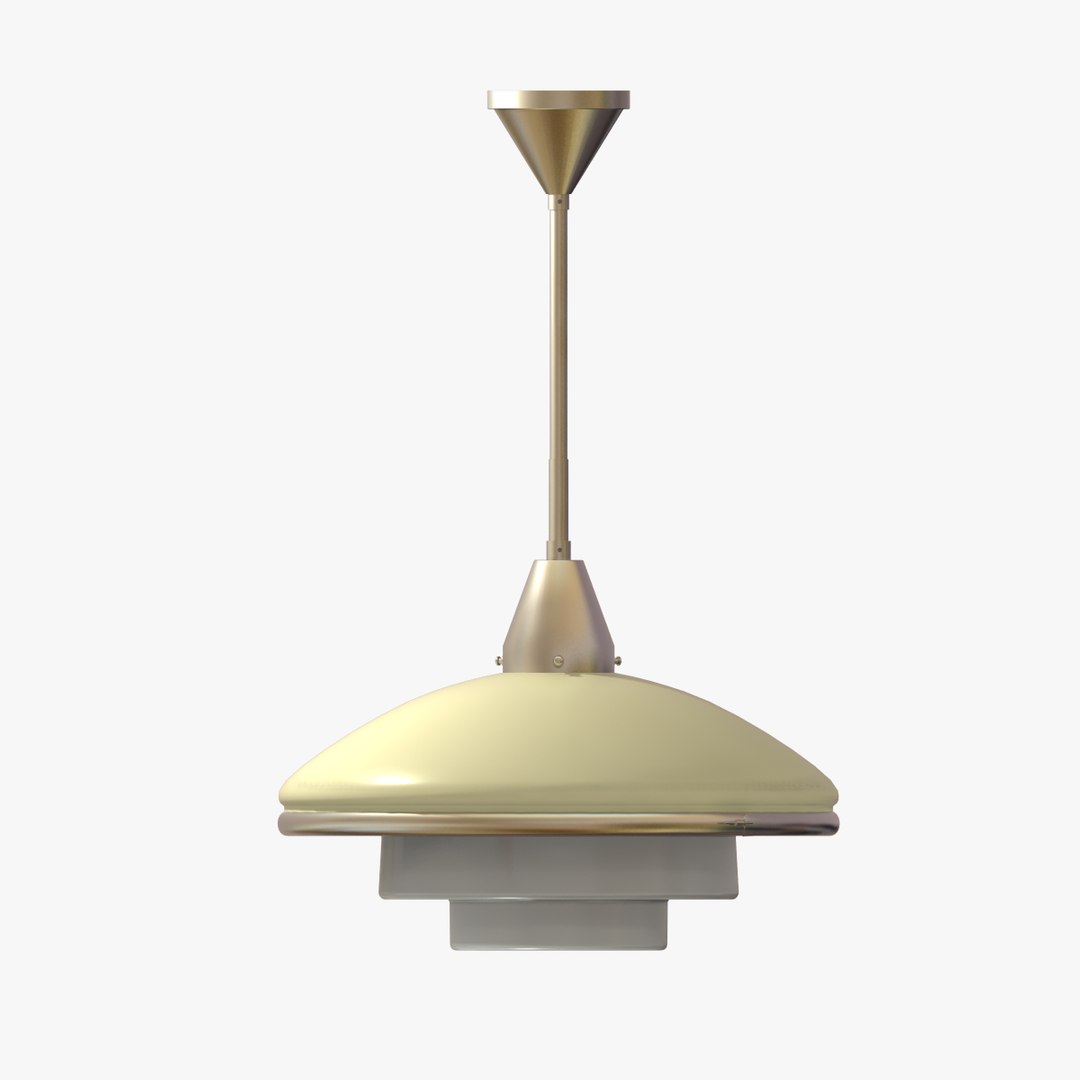
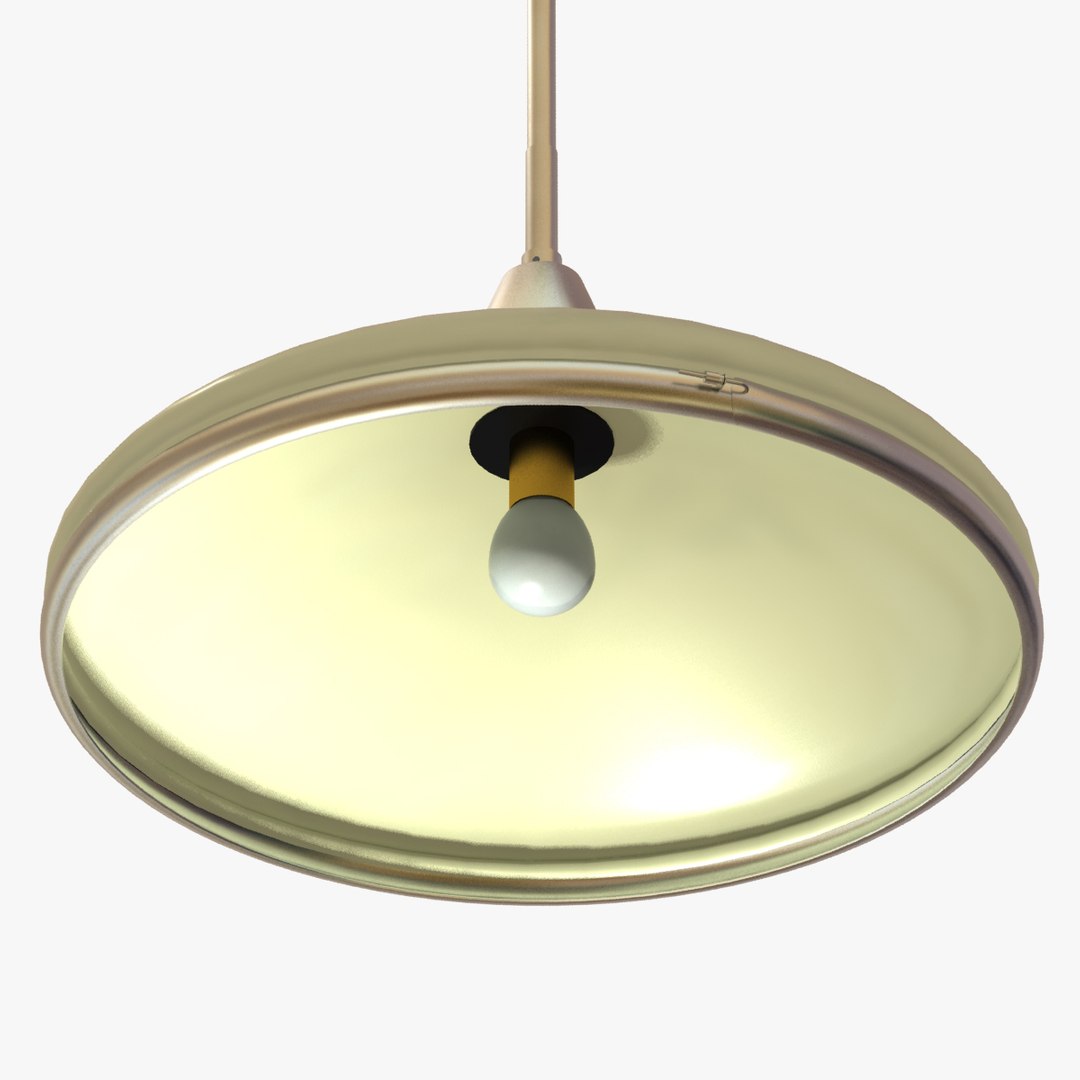
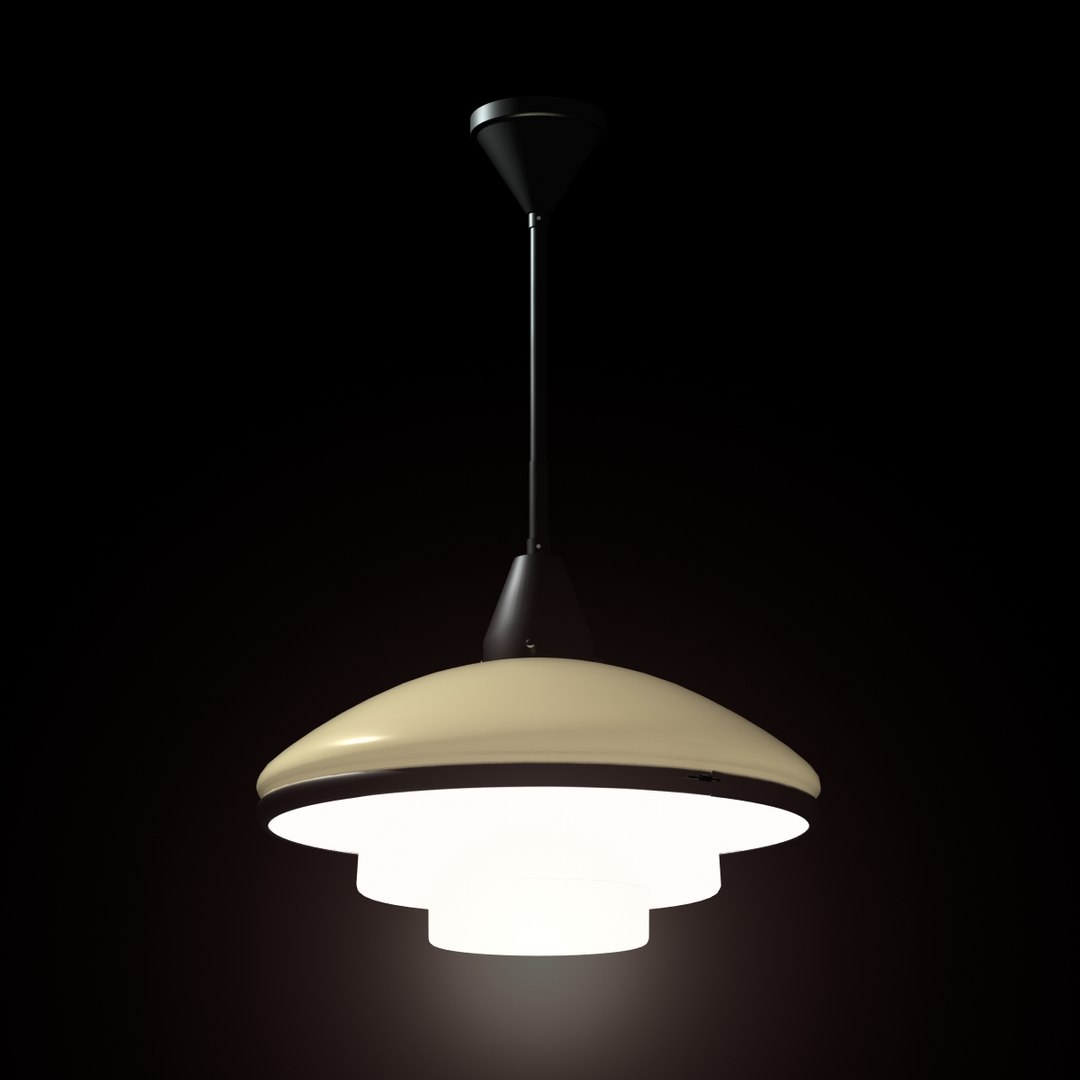
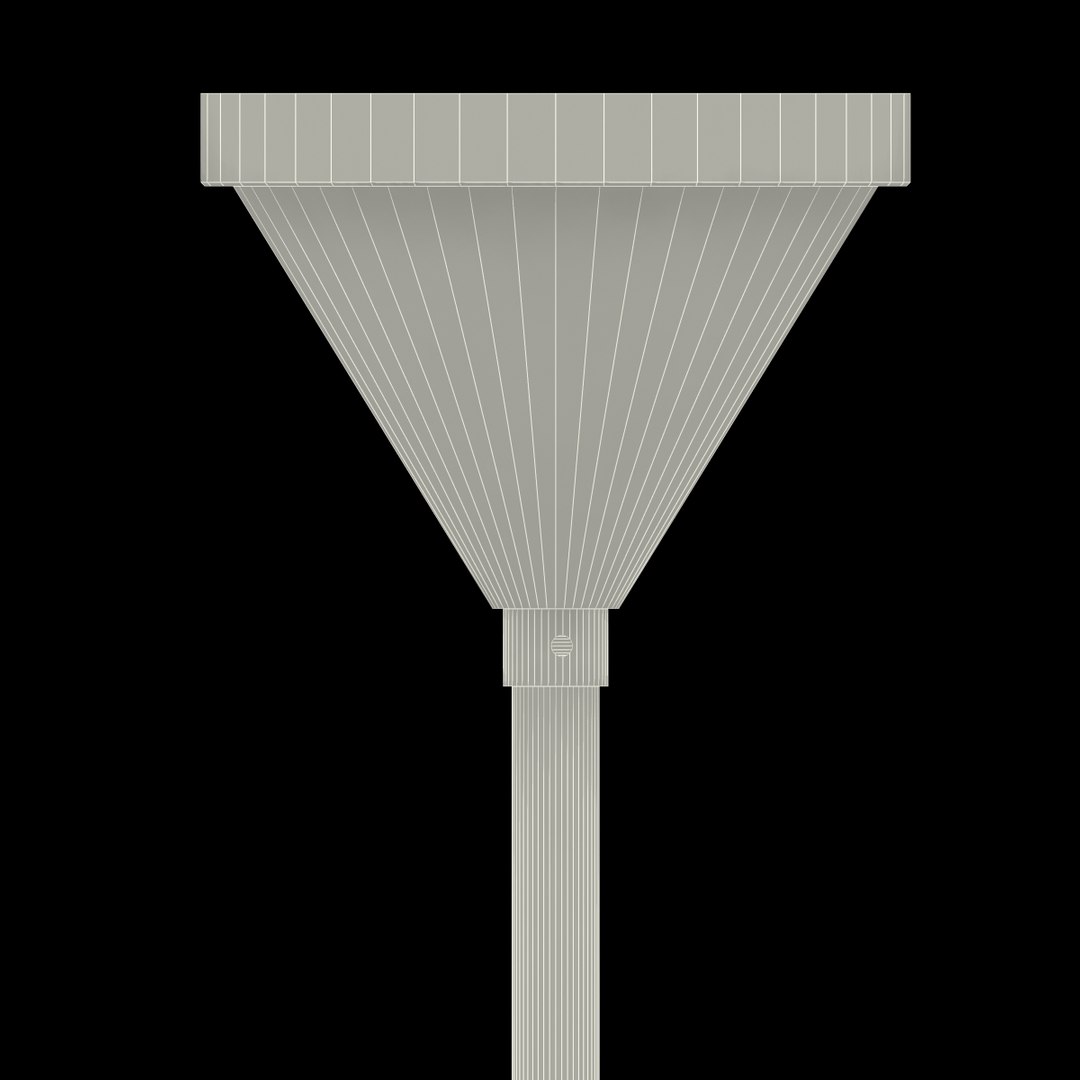
The classic ceiling lamp Megaphos from Bauhaus. Designed by Otto Müller 1932.

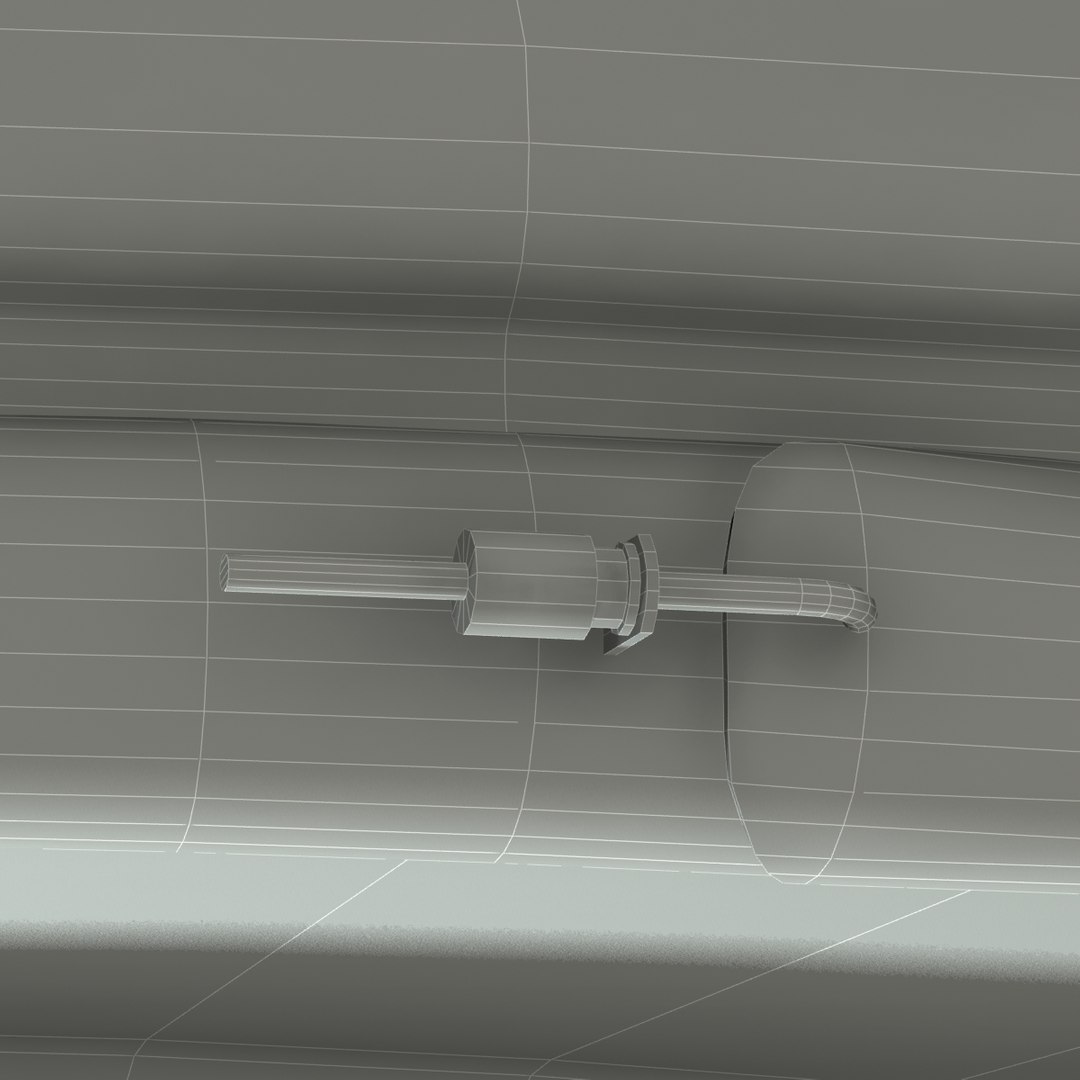
The lamp is based on the manufacturers original dimensions and is completely ready for use in visualization. Just put the model in your scene and render.

There are two types of glass; 1) standard material with Self-Illumination and an added Glow effect, 2) Arch & Design material.

The native file is 3ds Max 2013 and the rendering is made in mental ray, with 3 mr Area Omni and 1 Skylight. Just switch for day- or night time.

The lamp has real-world scale and is centered at 0, 0, 0, (the model is 60 centimeters high).

Model info:
-Polys: 8177
-Verts: 8490
-Tris: 4 (0,1 %)
-Quads: 8173 (99,9 %)
-Objects: 10 (properly named)
-Scene helpers: 1
-Scene lights: 4
-Materials: Autodesk Metal, Arch & Design and Standard.

Maps:
-Environment, 1024x768 .jpg
-Glare streaks, 500x500 .tiff

The .dae, .3ds, .obj and .fbx is exported from 3ds Max 2013.

NOTE: The materials is only good for 3DS MAX.

Select Enhanced License

  • $10,000 in Legal Protection (Indemnification)
  • Uncapped Legal Protection (Indemnification)
  • Waiver from injunctive relief
  • Assignable model rights
  • $1,000,000 in Legal Protection (Indemnification)
  • Waiver from injunctive relief
  • Assignable model rights
  • $250,000 in Legal Protection (Indemnification)
  • Assignable model rights
Read more about enhanced license tiers, or contact us at enterprise@turbosquid.com. Already a Shutterstock Enterprise Customer? Contact your Shutterstock Sales Support Agent to talk about adding 3D.

About Conversion Requests

To submit a conversion request for a purchased asset, please complete our Conversion Request Form.

If you have not yet purchased a model, please review our Documentation about Conversions to learn about what limitations you may encounter with a conversion.

For any additional questions about a model’s suitability for conversion, please contact TurboSquid Support.

Loading...