
Lamp Blender Cycles

$19.95

Standard License | Upgrade License
Formats (1)
Native | Blender 2.77
Specifications
Publish Date July 20, 2016
Product ID 1056653
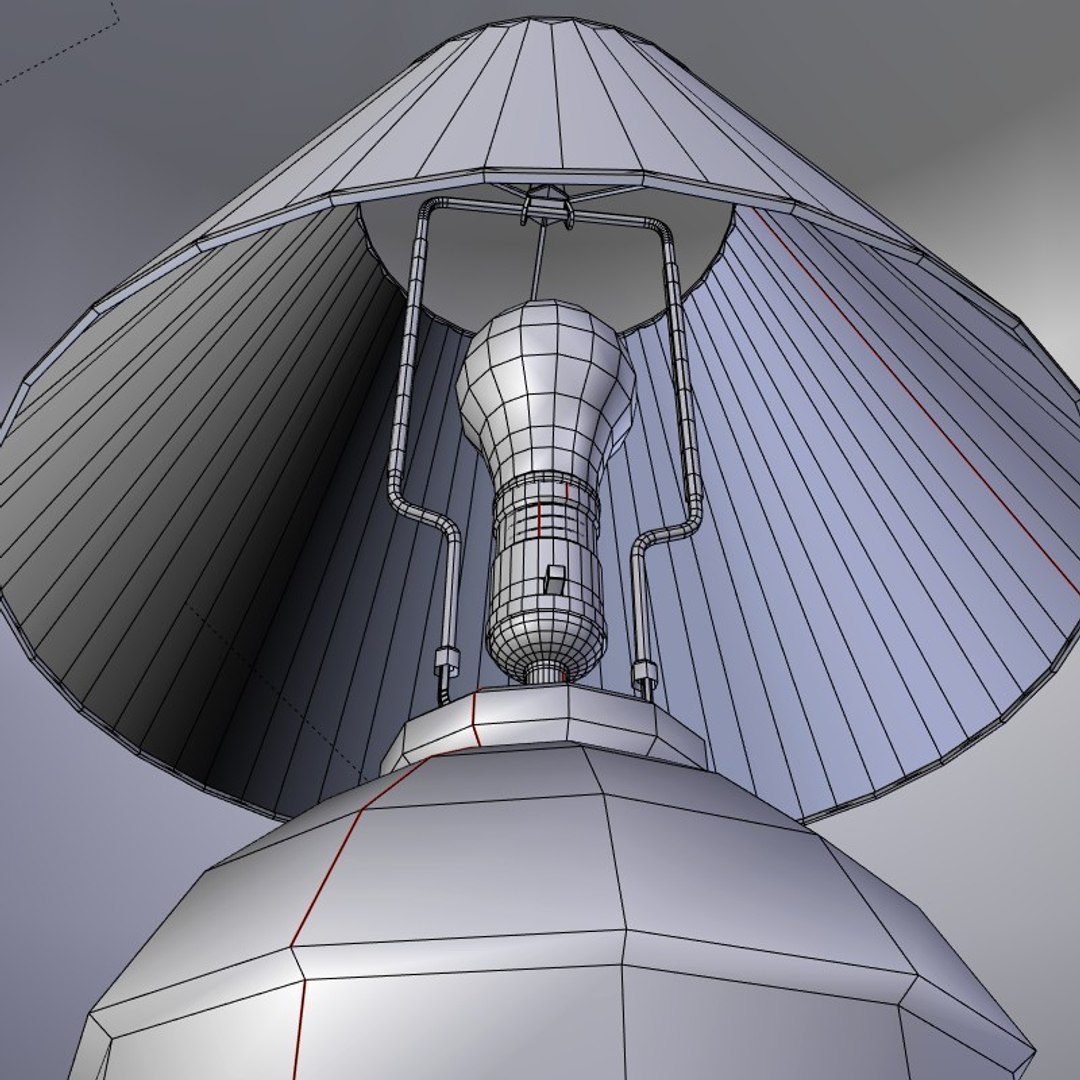
Polygons 5,324
Vertices 6,000
Polygonal
Textures
Materials
UV Mapped
Overlapping Unwrapped UVs
Rigged
TurboSquid Exclusive

member avatar
Feral3D
95 Products | Contributor Since 2007
Have questions? Chat with us now.

Description

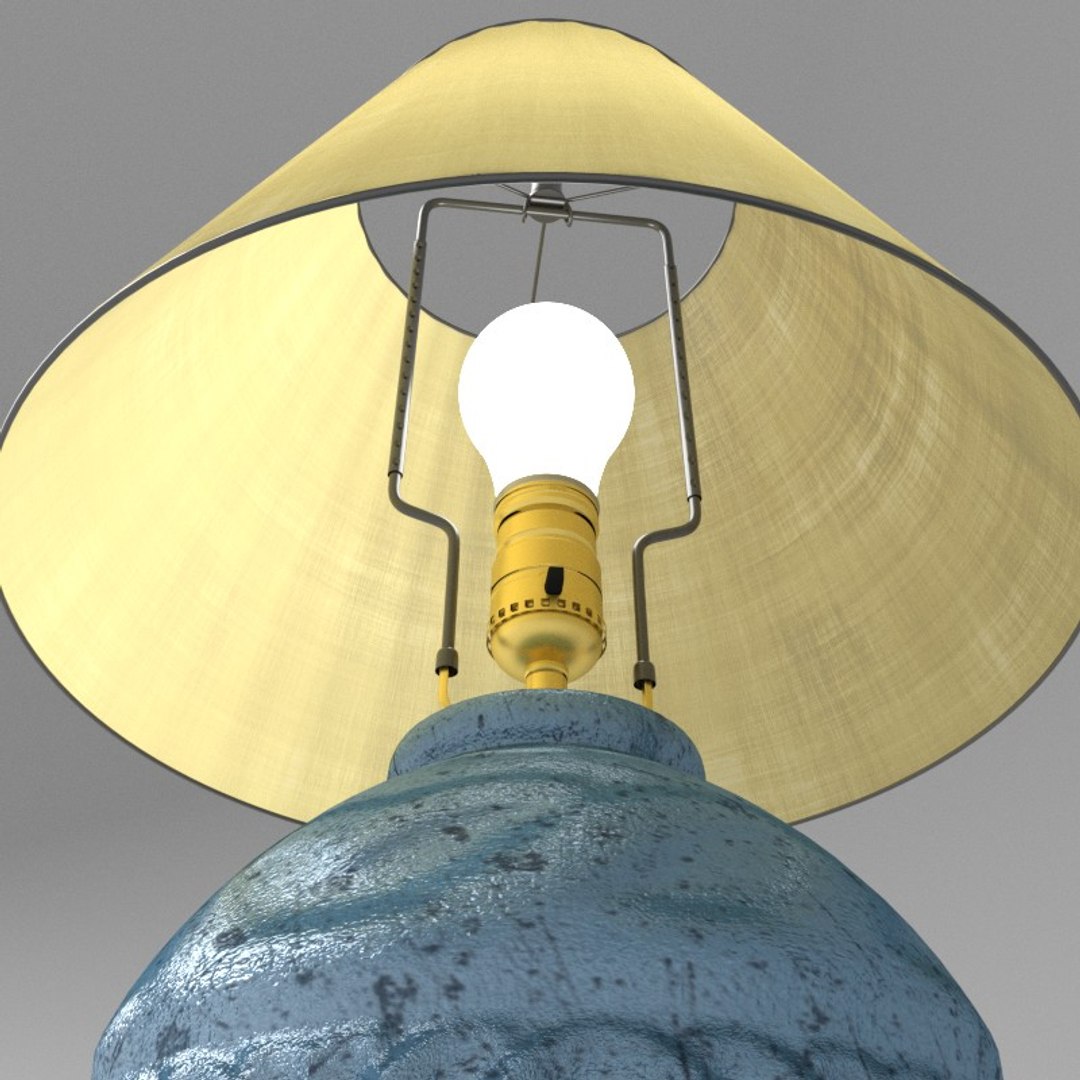
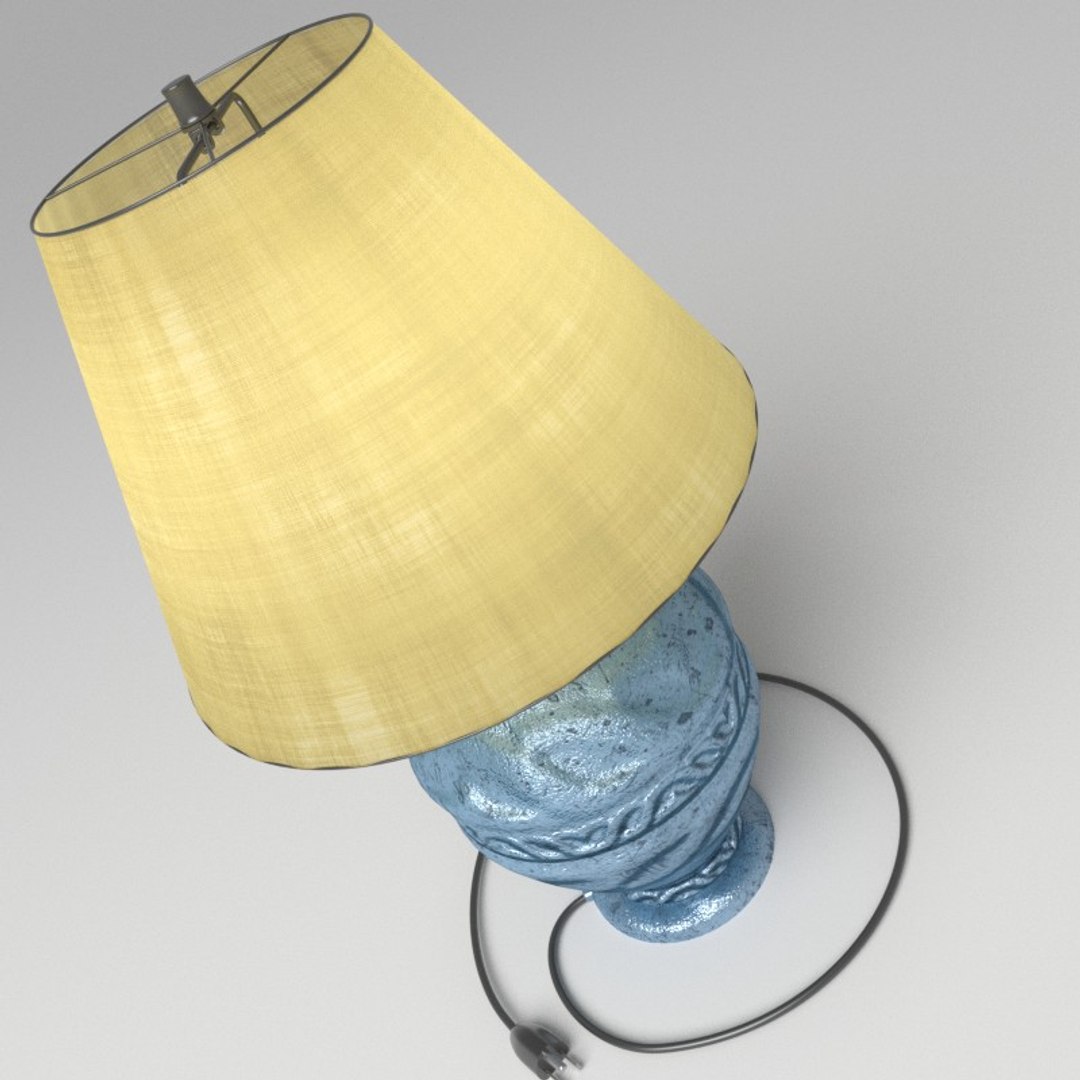
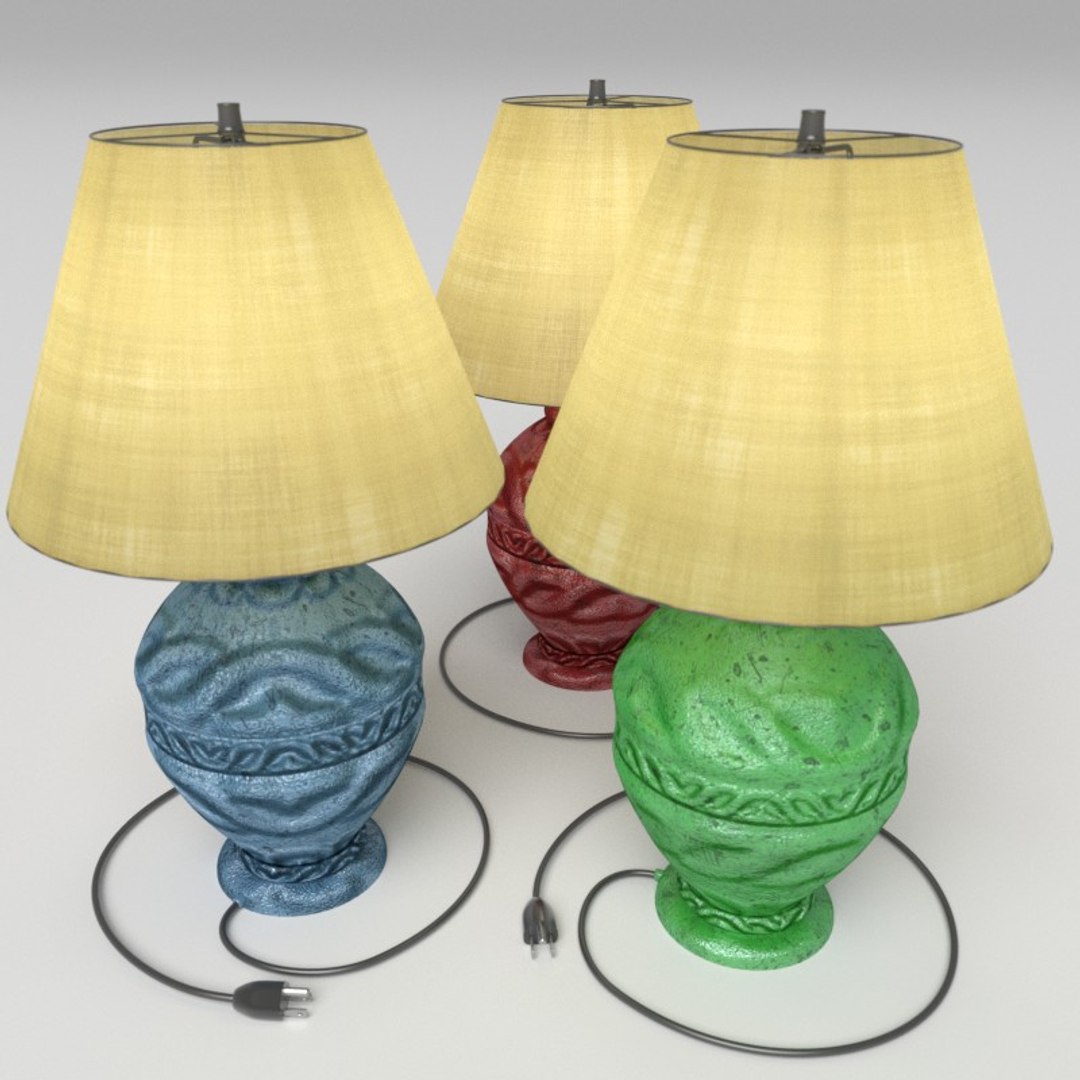
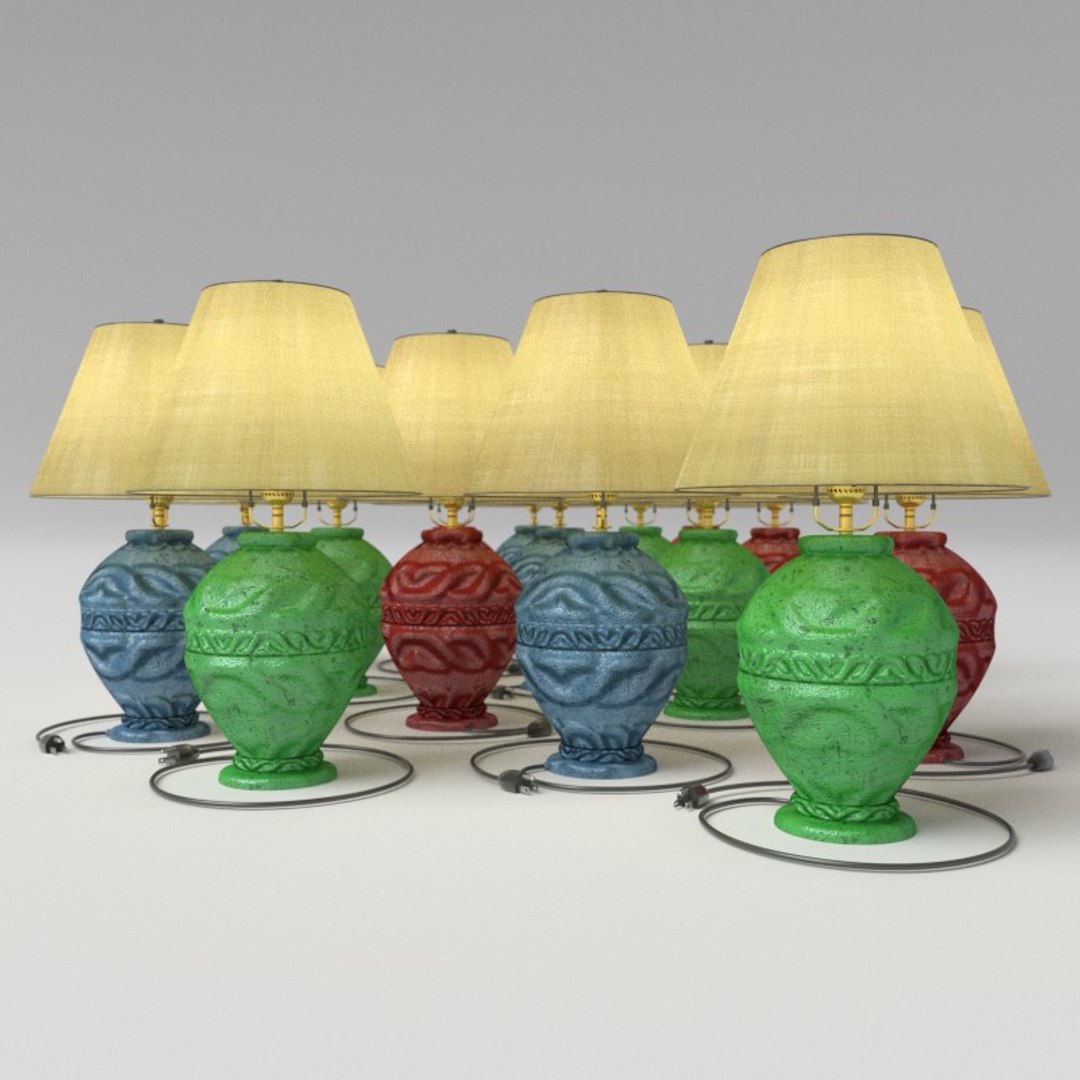
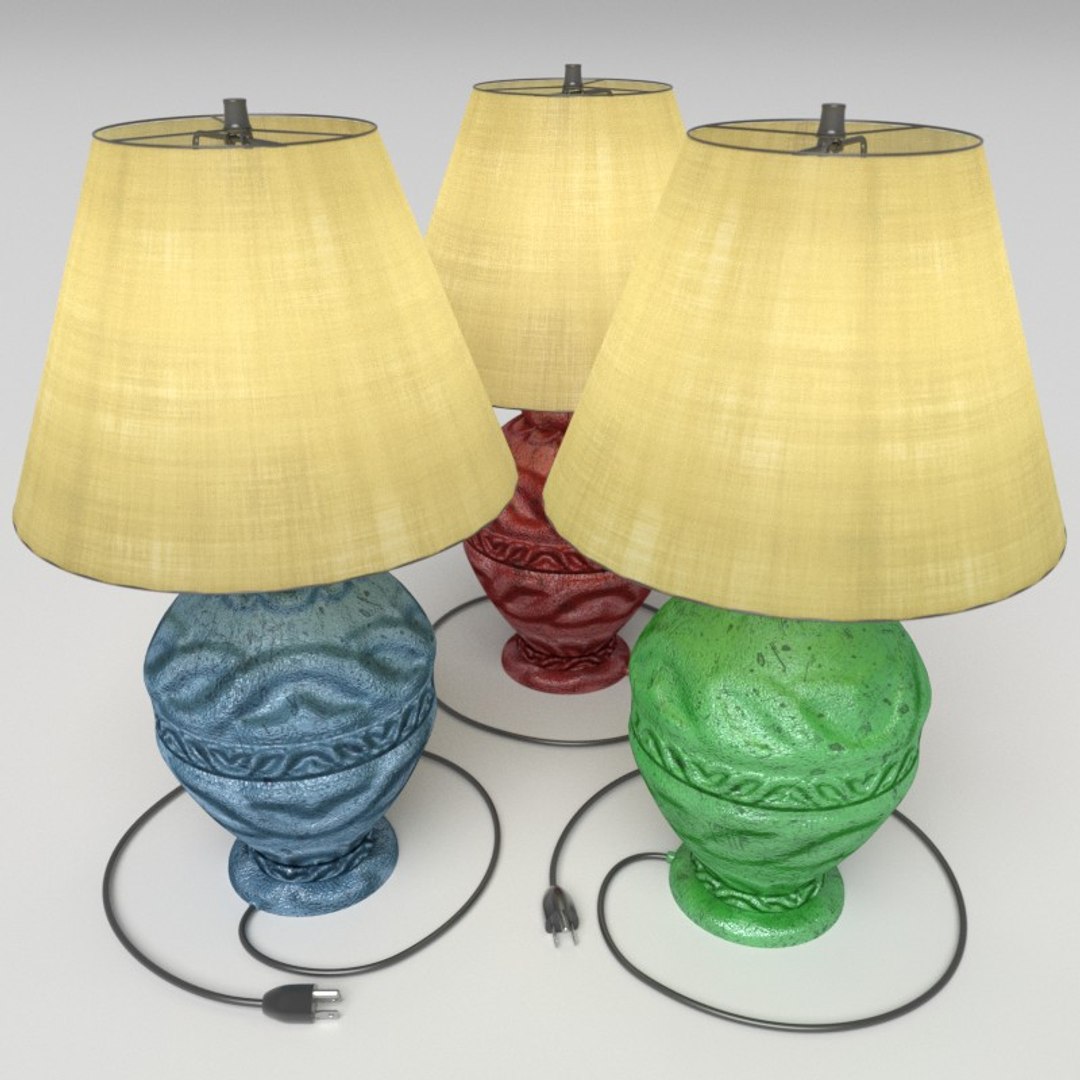
ULTIMATE Blender Cycles Low Poly realistic Room lamp.

1)
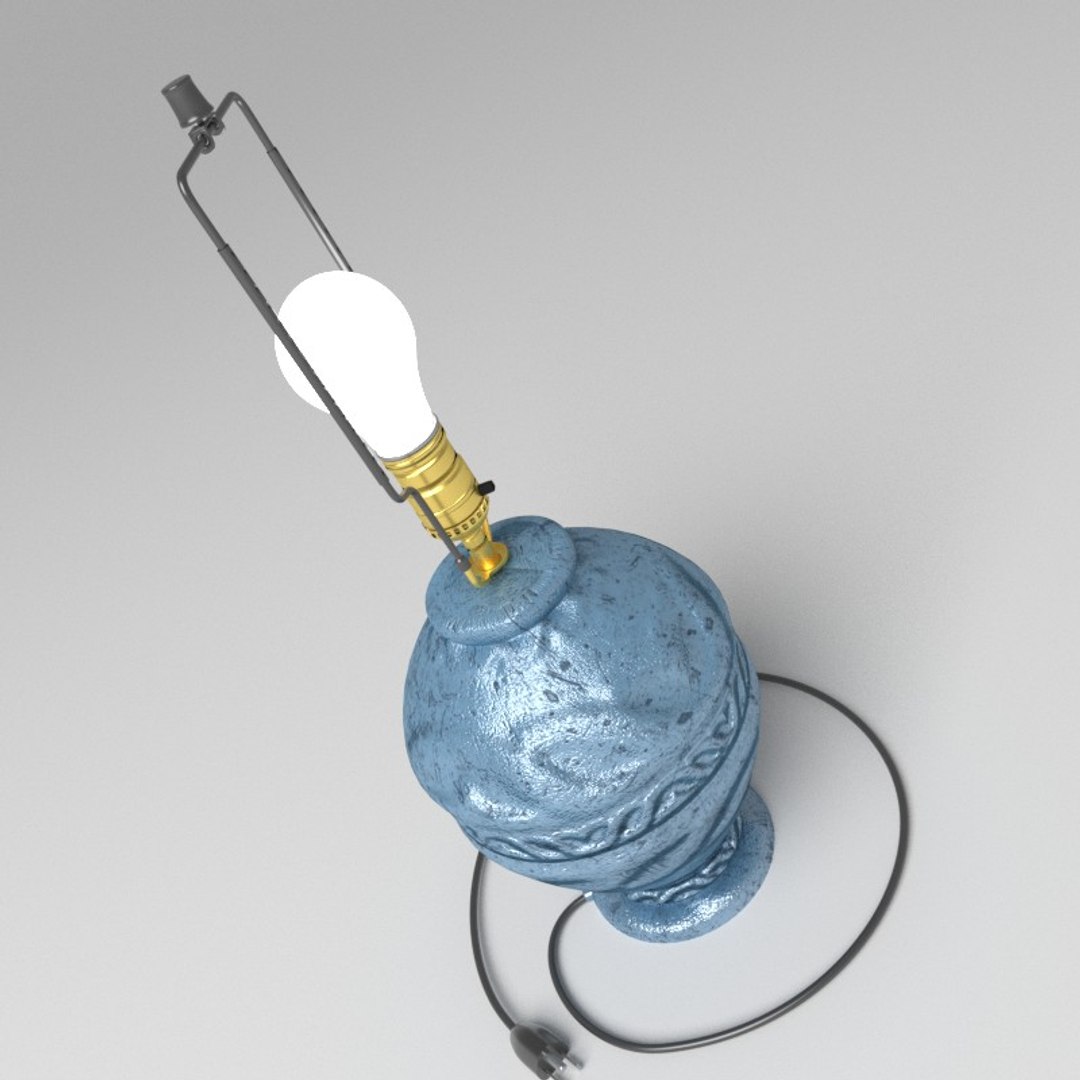
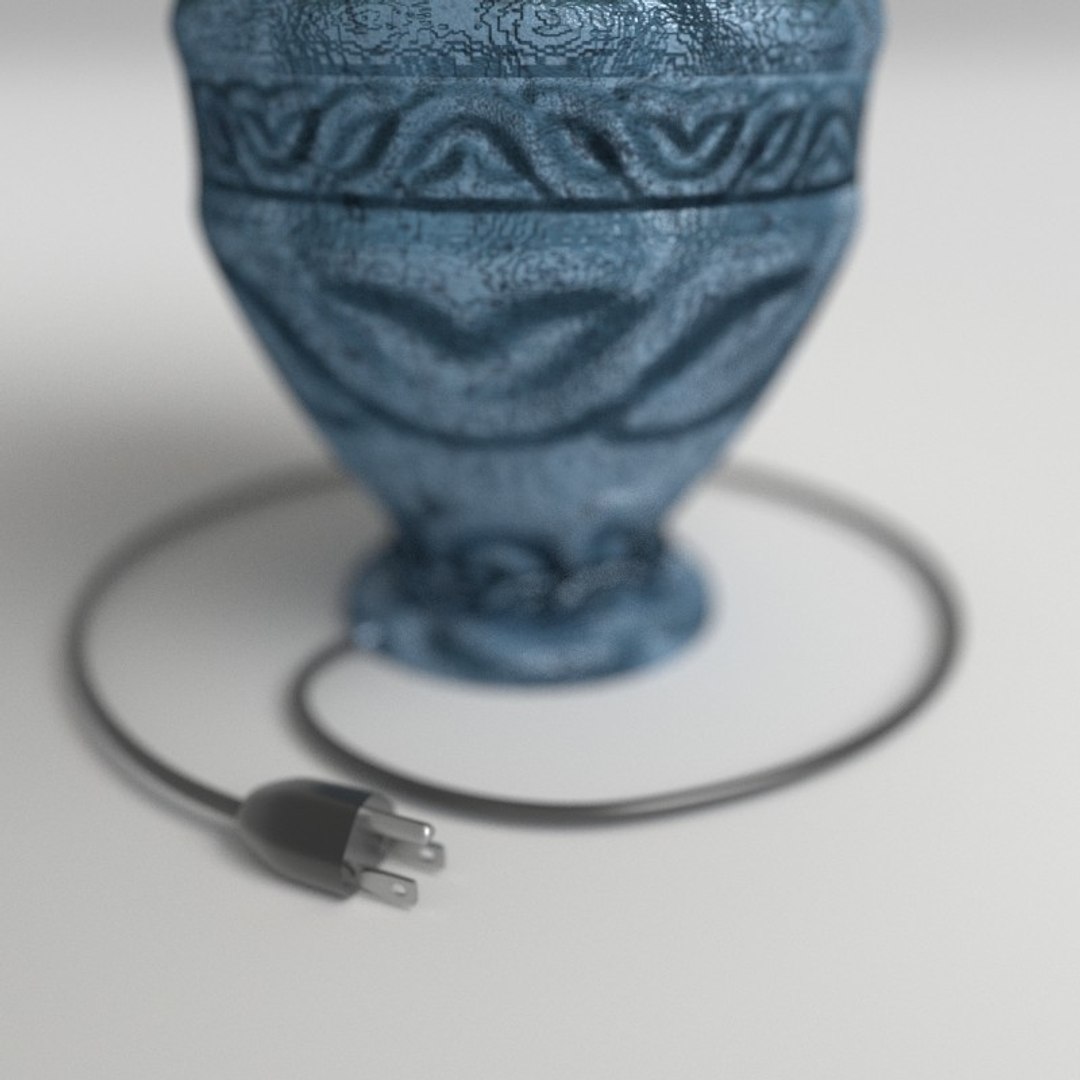
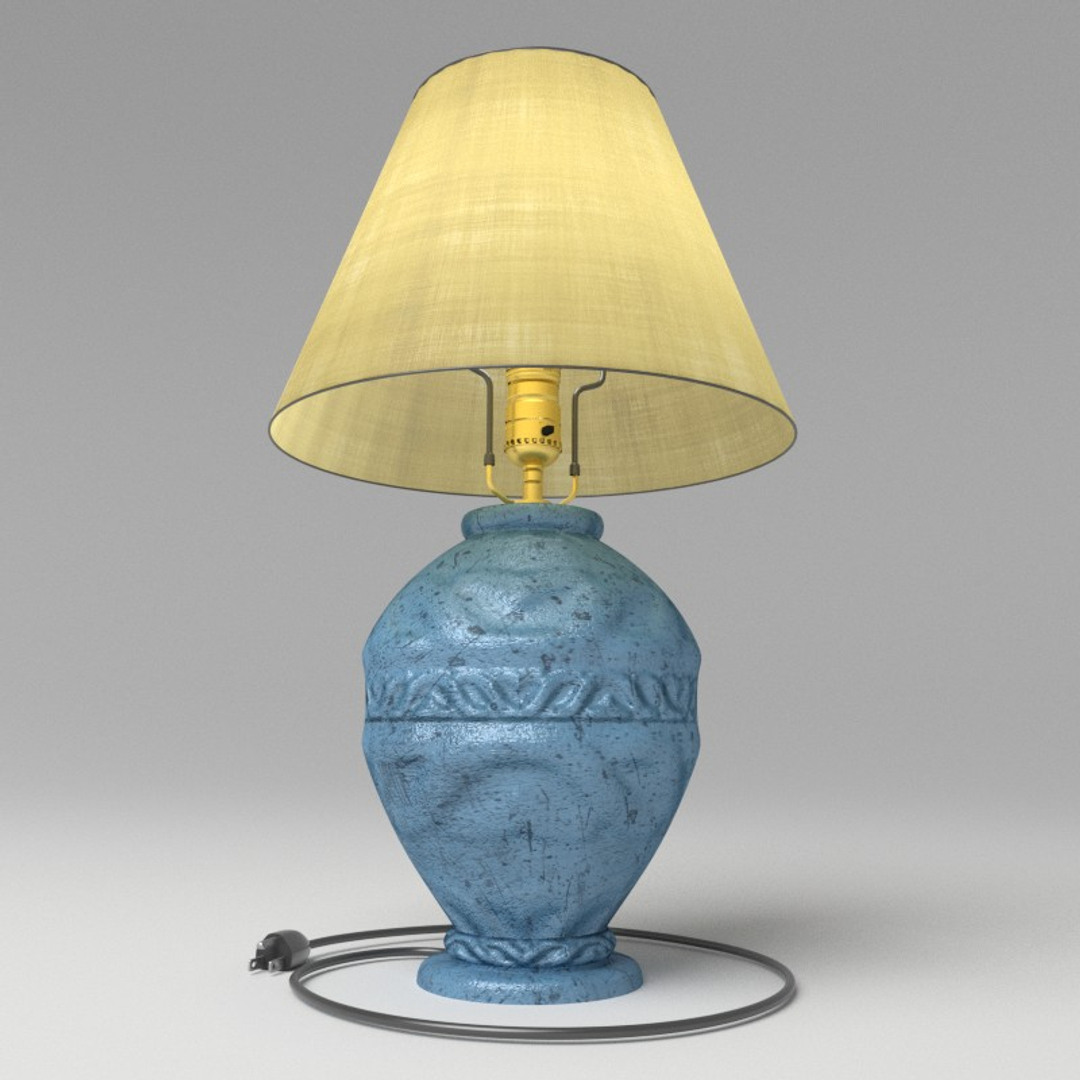
This comes with a nice seamless repeating grunge/glazed material for the body of the lamp. Easy to adjust the shape and details with a custom bump map of your choosing.

2)
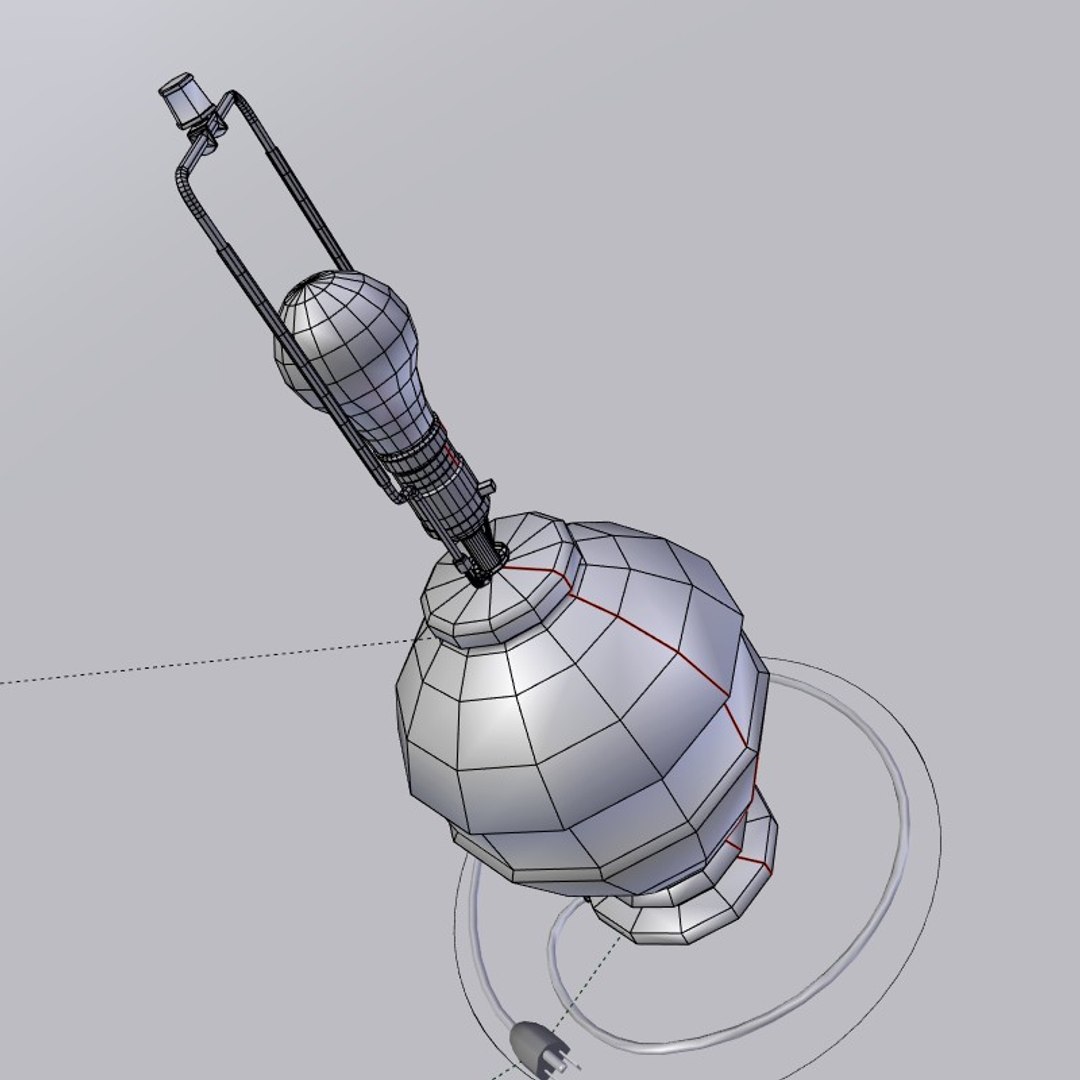
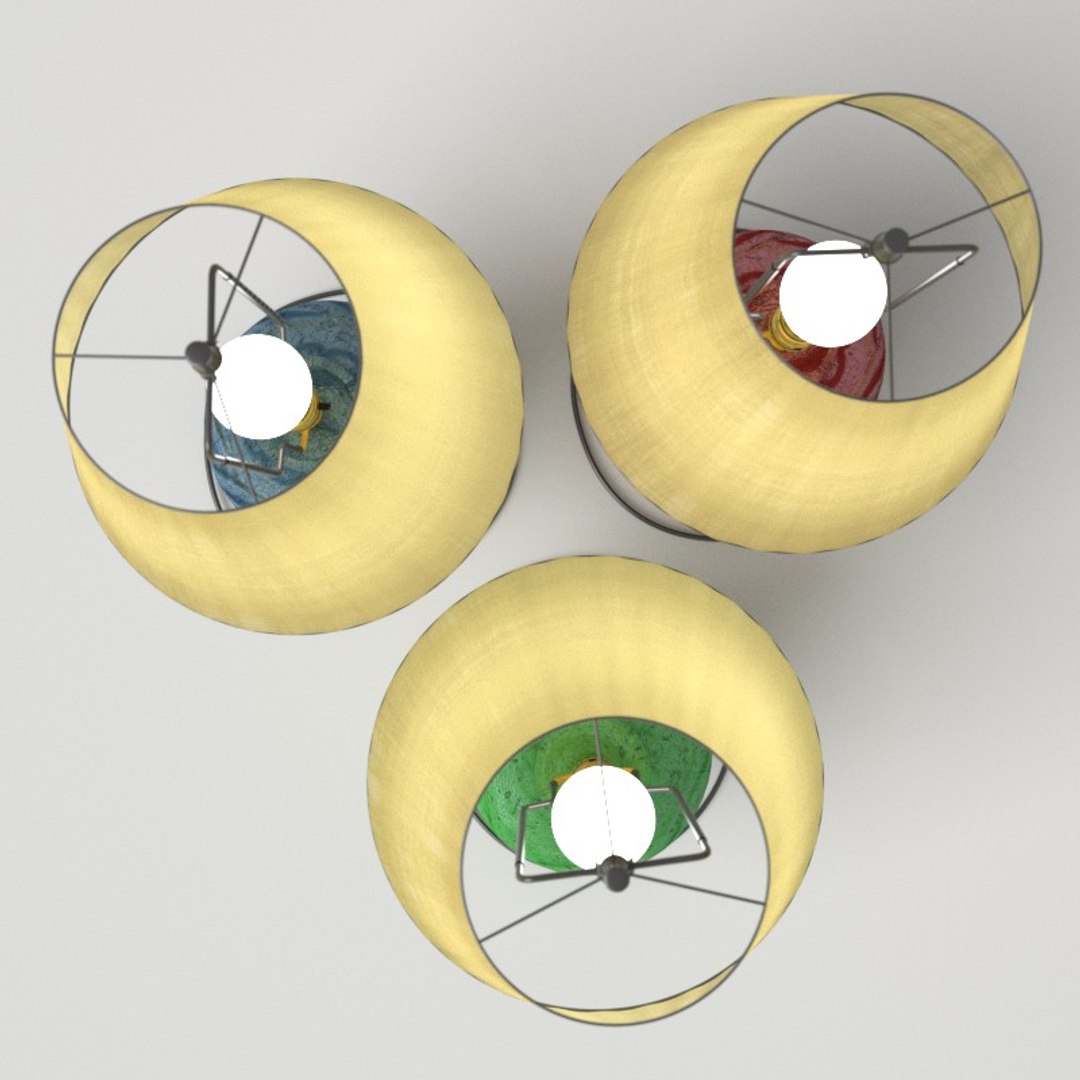
The head of the lamp is physically accurate, showing the washers, wires and metal gizmos that make a lamp look real. While it appears high-poly, it is in fact simple primitives with cleverly placed bump mapping, to give the effect of high quality without those punishing render times.

3)
Lamp shade itself has a papyrus material with high-resolution, seamless normal, specular and diffuse maps. This is layered with an easy to adjust translucency shader- to get a very realistic result with the light bulb beneath it.

4)
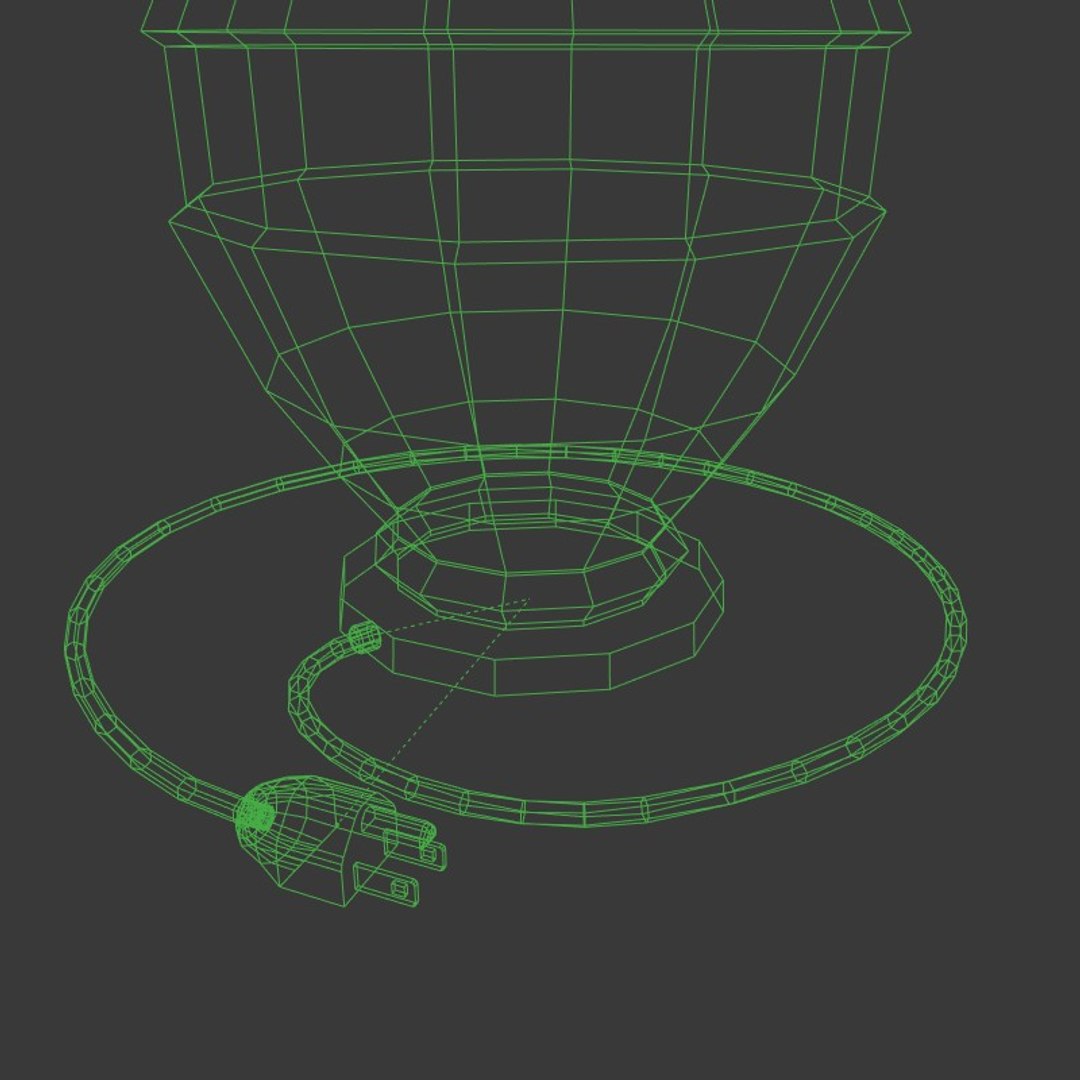
And lastly, a handsome power plug that is extendable. It is a simple curve with a high quality ABS plastic material shader. The end is hooked to a three-pronged outlet plug that you can extend and place wherever you like in a scene.

This took me a long time to create and optimize this model, to get a realistic look, without hurting render times.. Filling a room with lamps of this quality will save you weeks on your project.

Enjoy!

Select Enhanced License

  • $10,000 in Legal Protection (Indemnification)
  • Uncapped Legal Protection (Indemnification)
  • Waiver from injunctive relief
  • Assignable model rights
  • $1,000,000 in Legal Protection (Indemnification)
  • Waiver from injunctive relief
  • Assignable model rights
  • $250,000 in Legal Protection (Indemnification)
  • Assignable model rights
Read more about enhanced license tiers, or contact us at enterprise@turbosquid.com. Already a Shutterstock Enterprise Customer? Contact your Shutterstock Sales Support Agent to talk about adding 3D.

About Conversion Requests

To submit a conversion request for a purchased asset, please complete our Conversion Request Form.

If you have not yet purchased a model, please review our Documentation about Conversions to learn about what limitations you may encounter with a conversion.

For any additional questions about a model’s suitability for conversion, please contact TurboSquid Support.

Loading...