
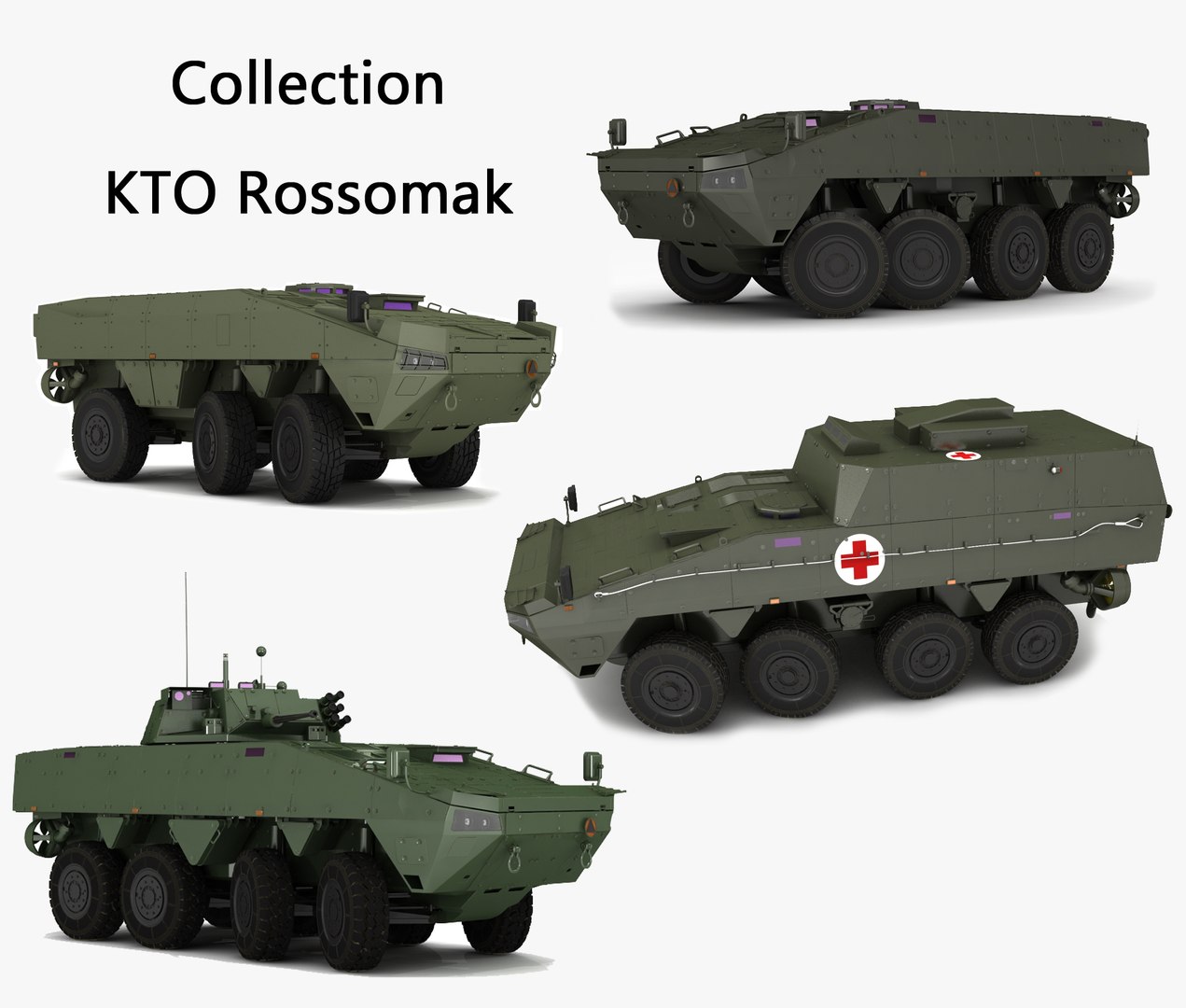
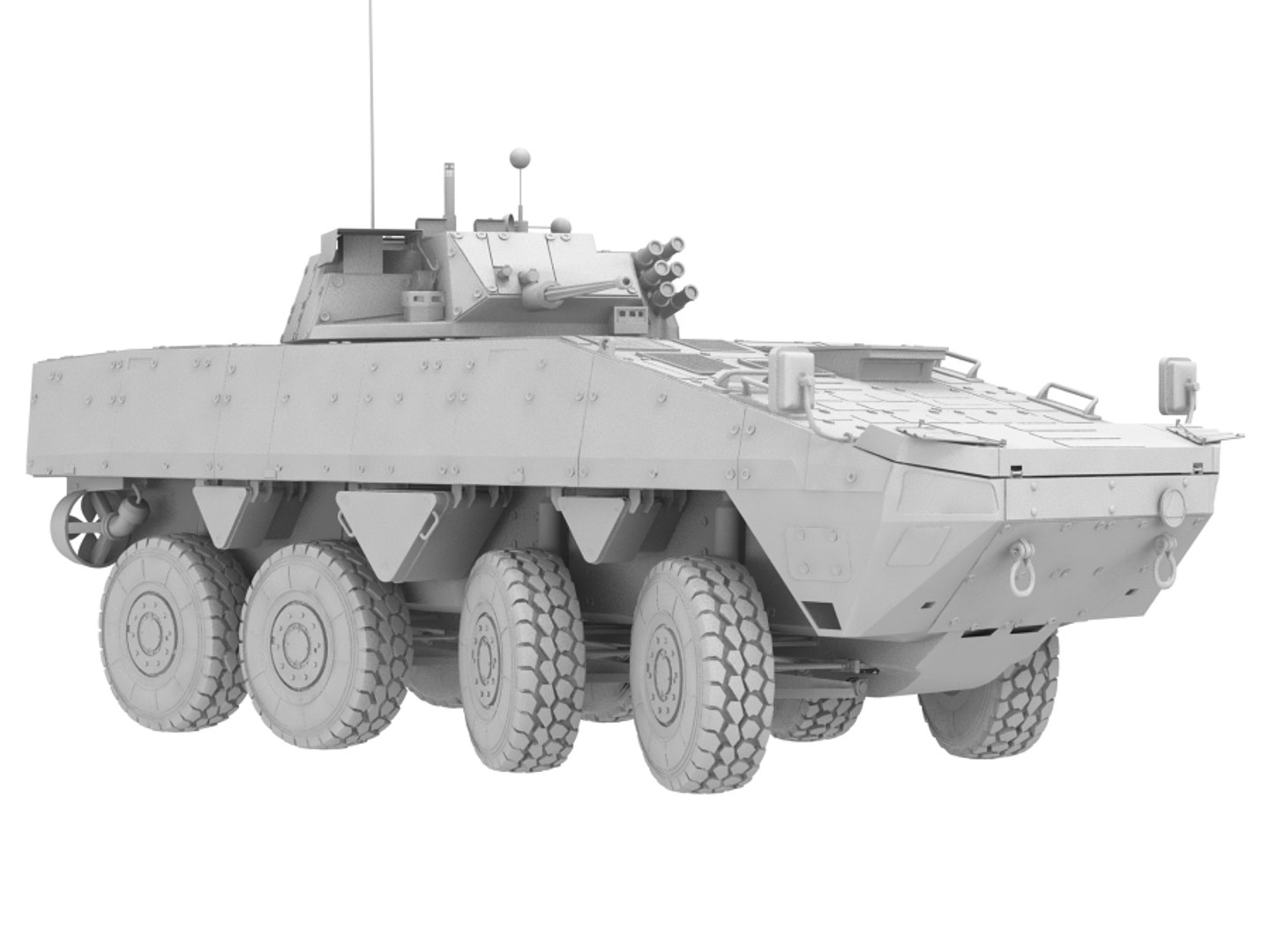
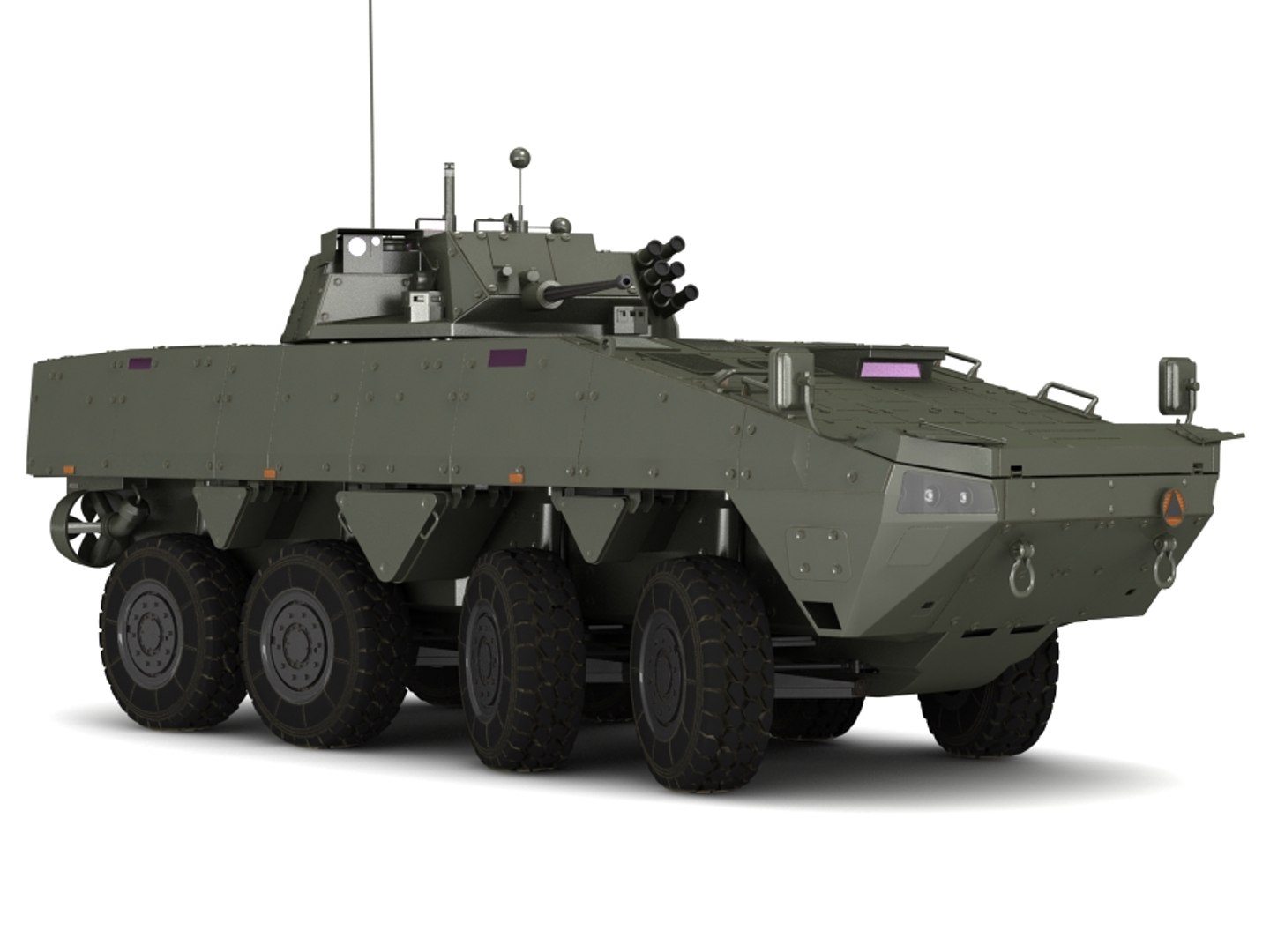
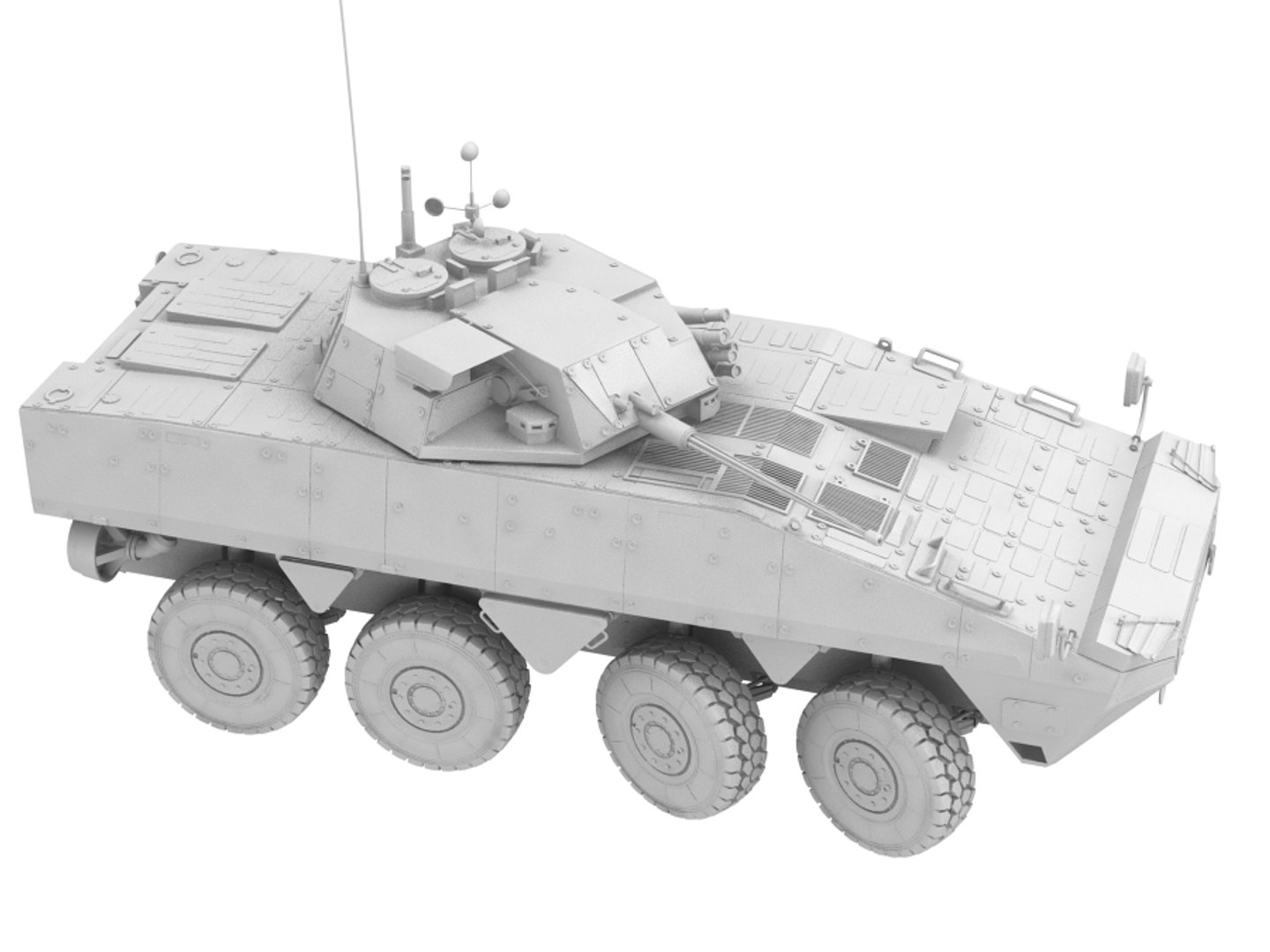
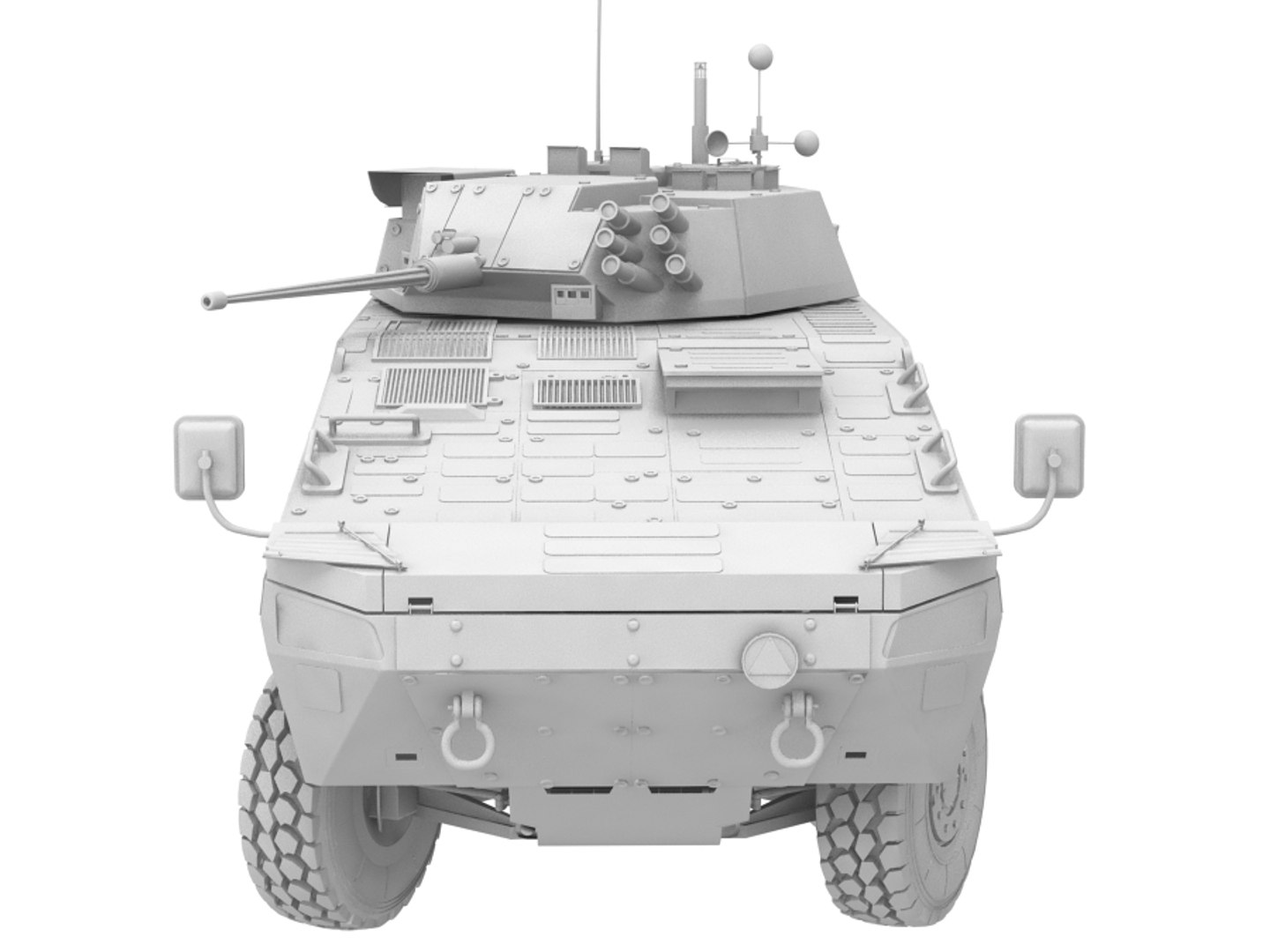
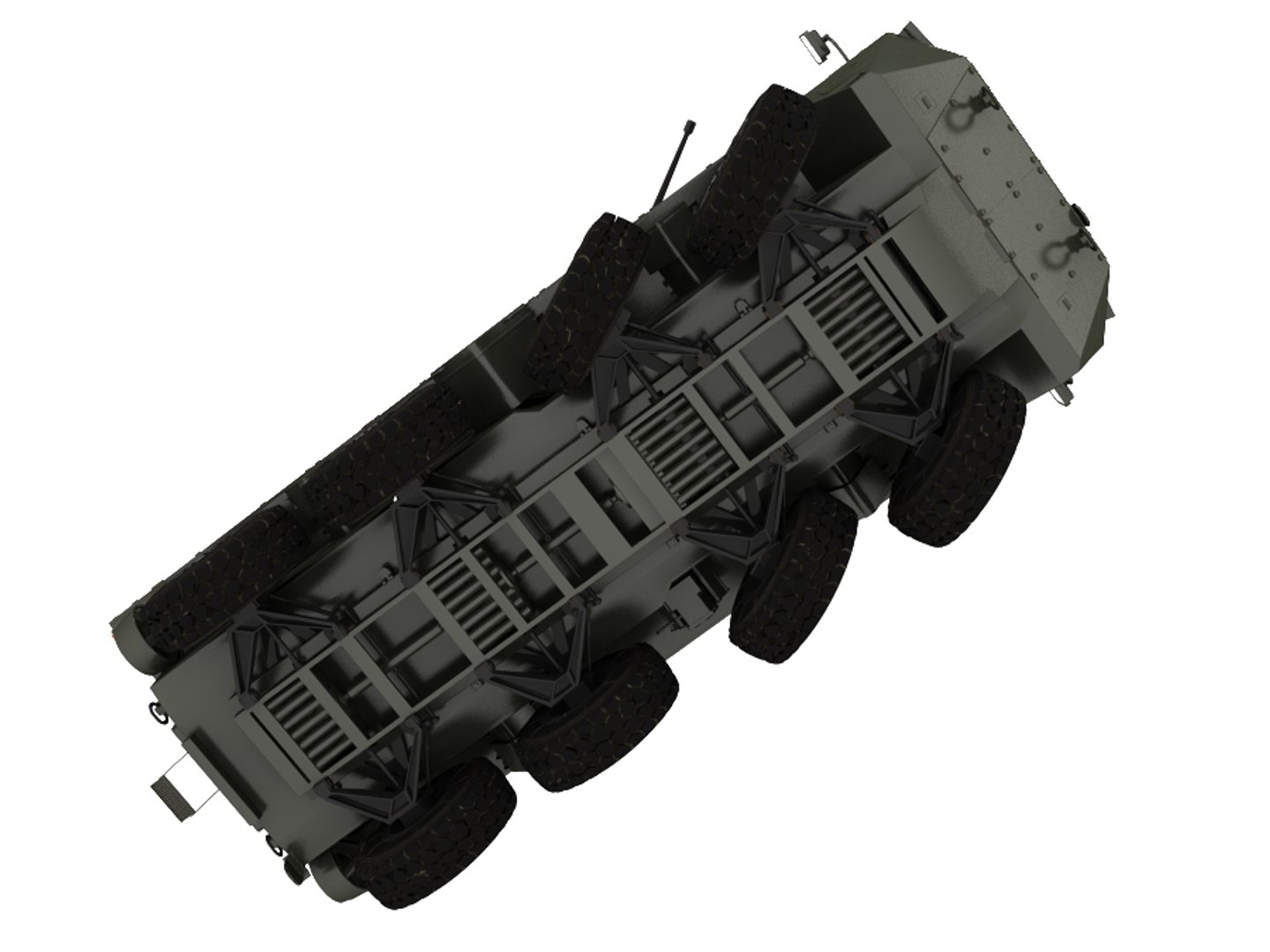
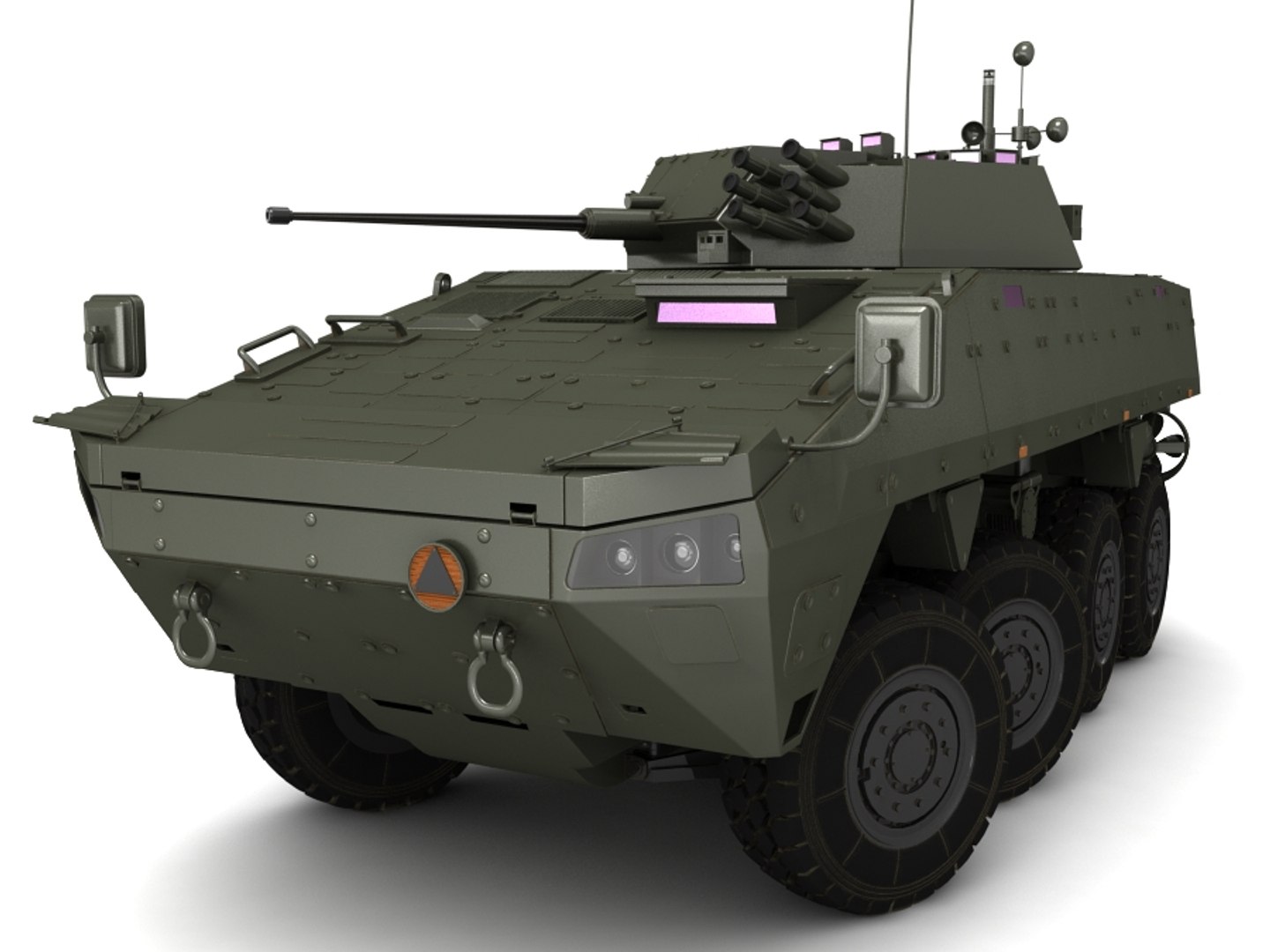
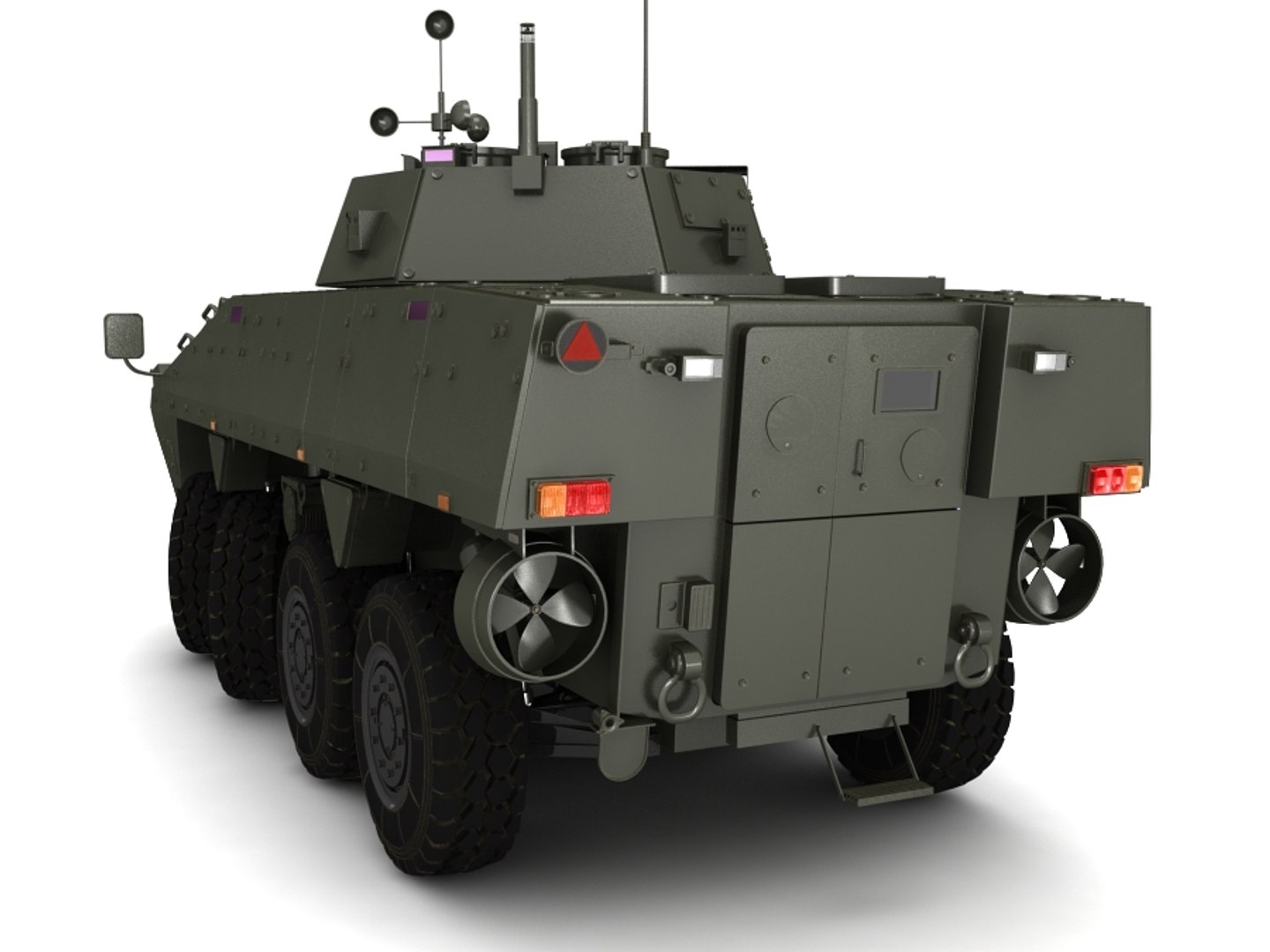
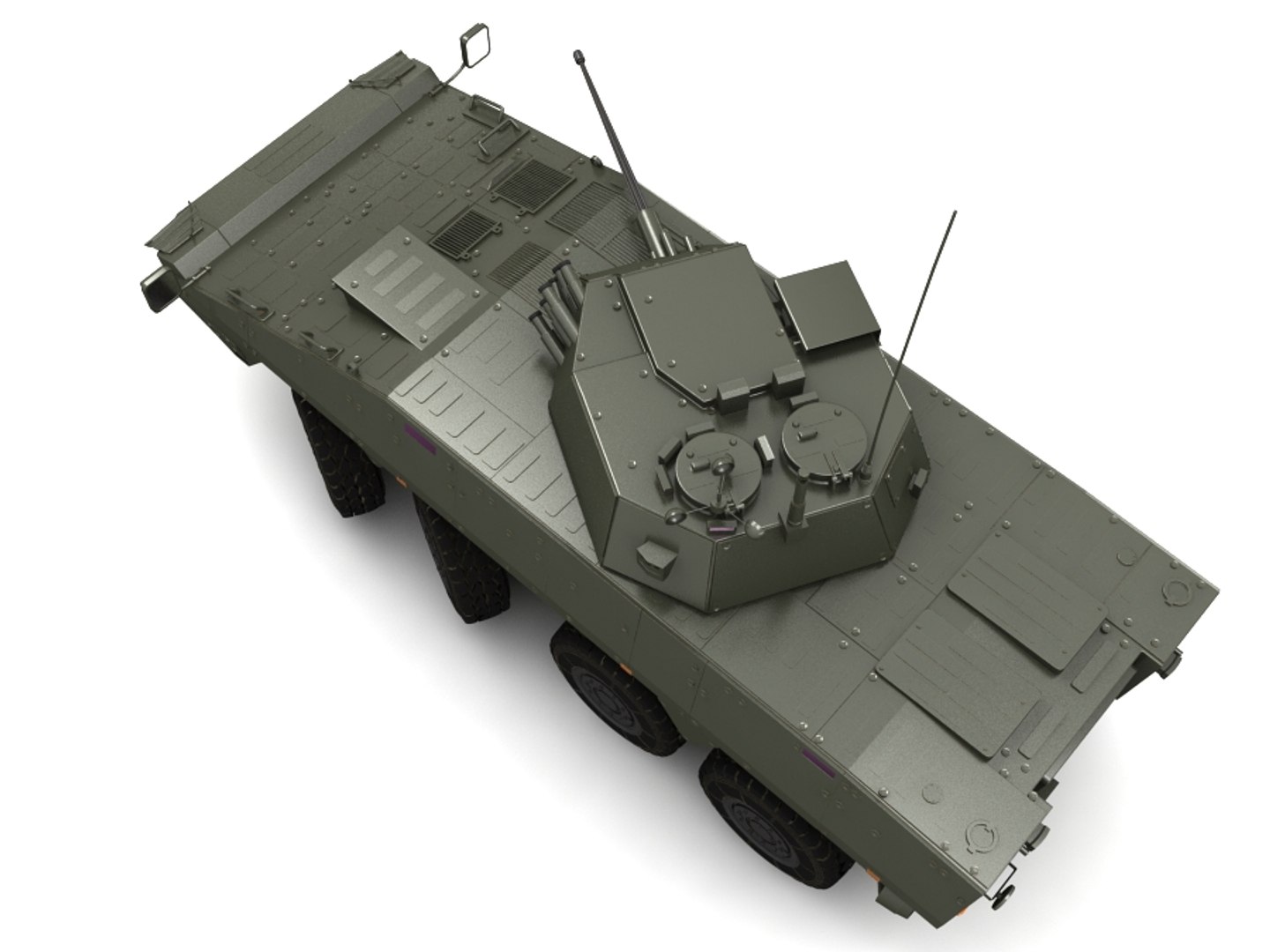
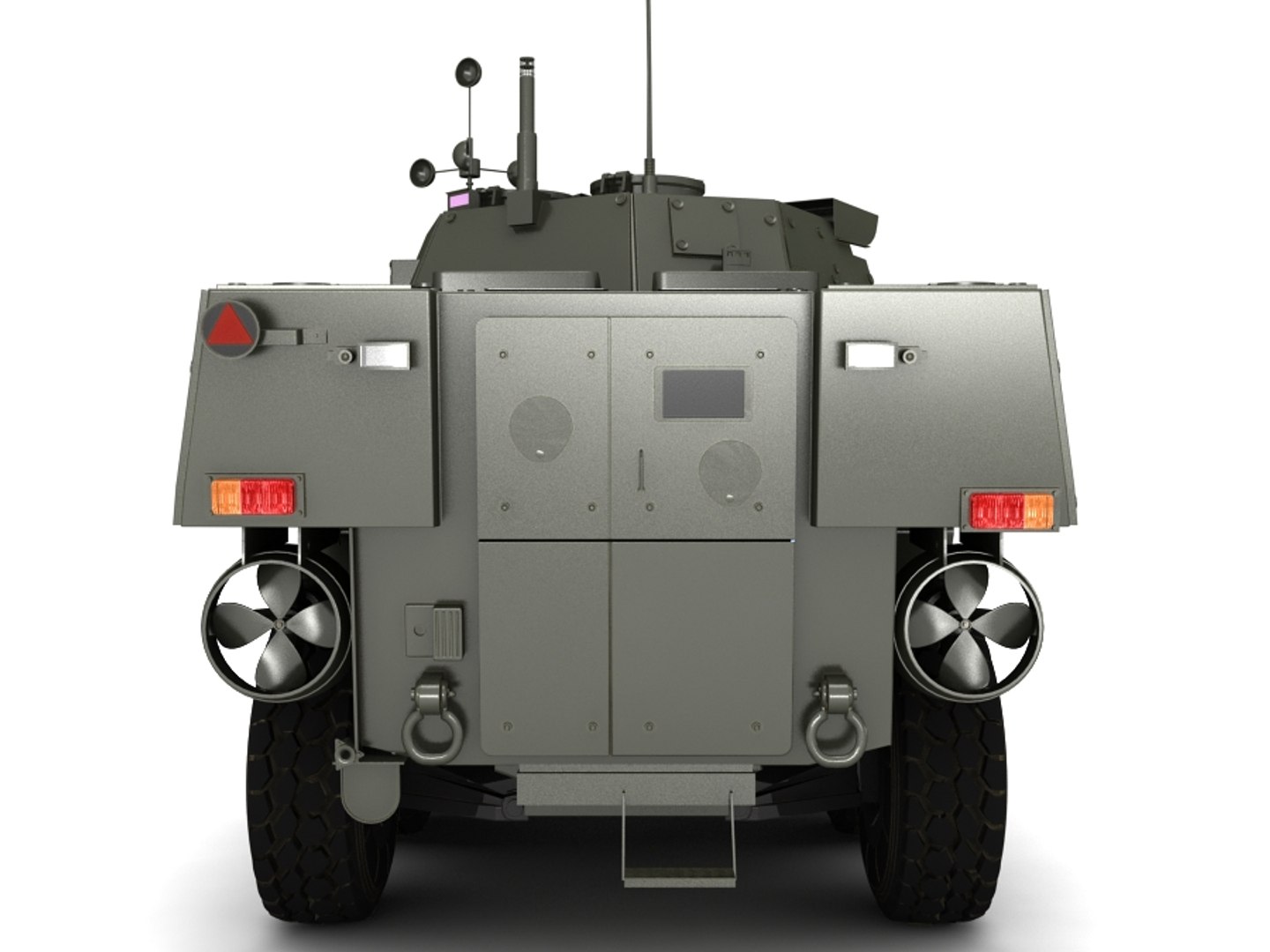
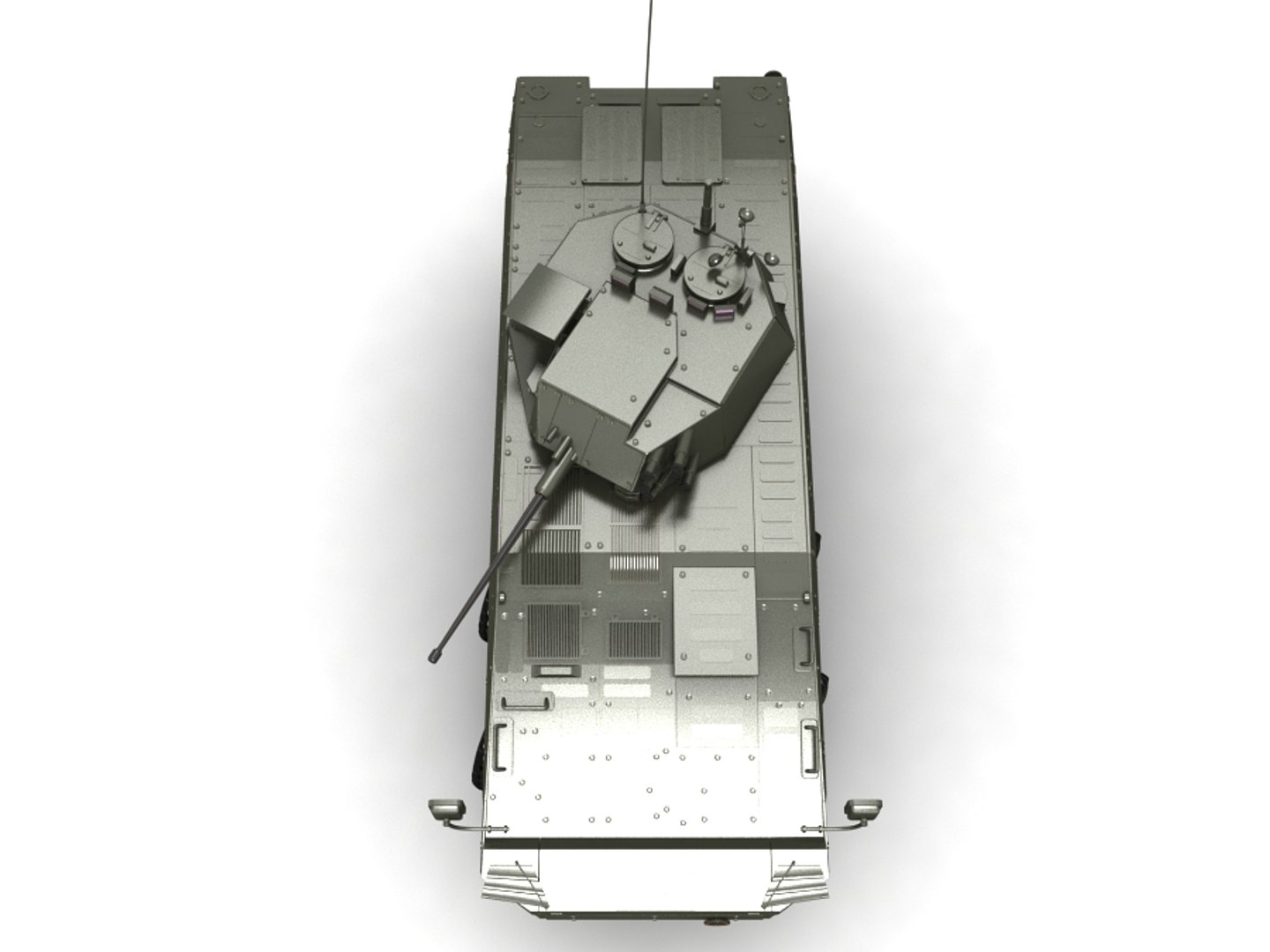
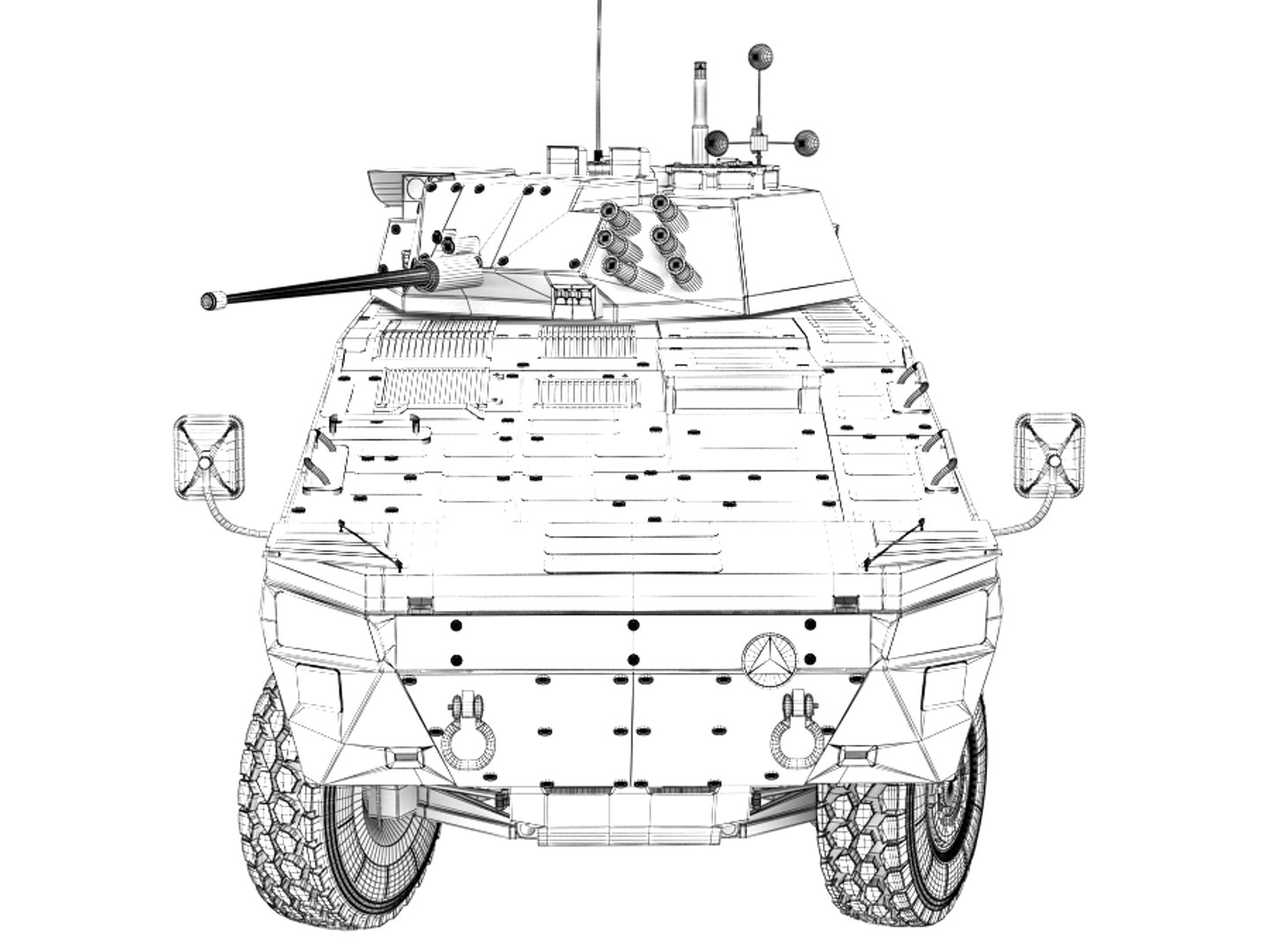
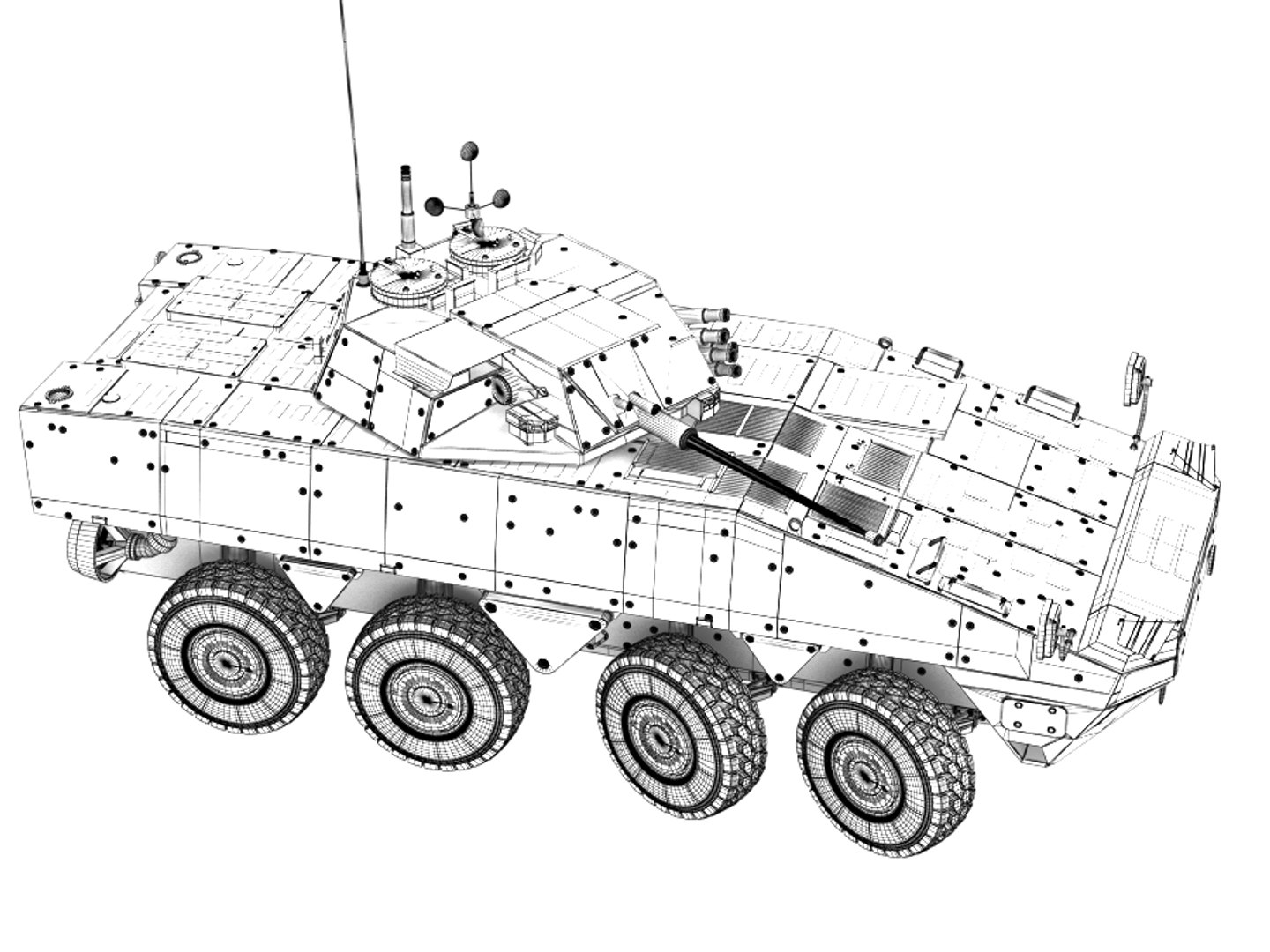
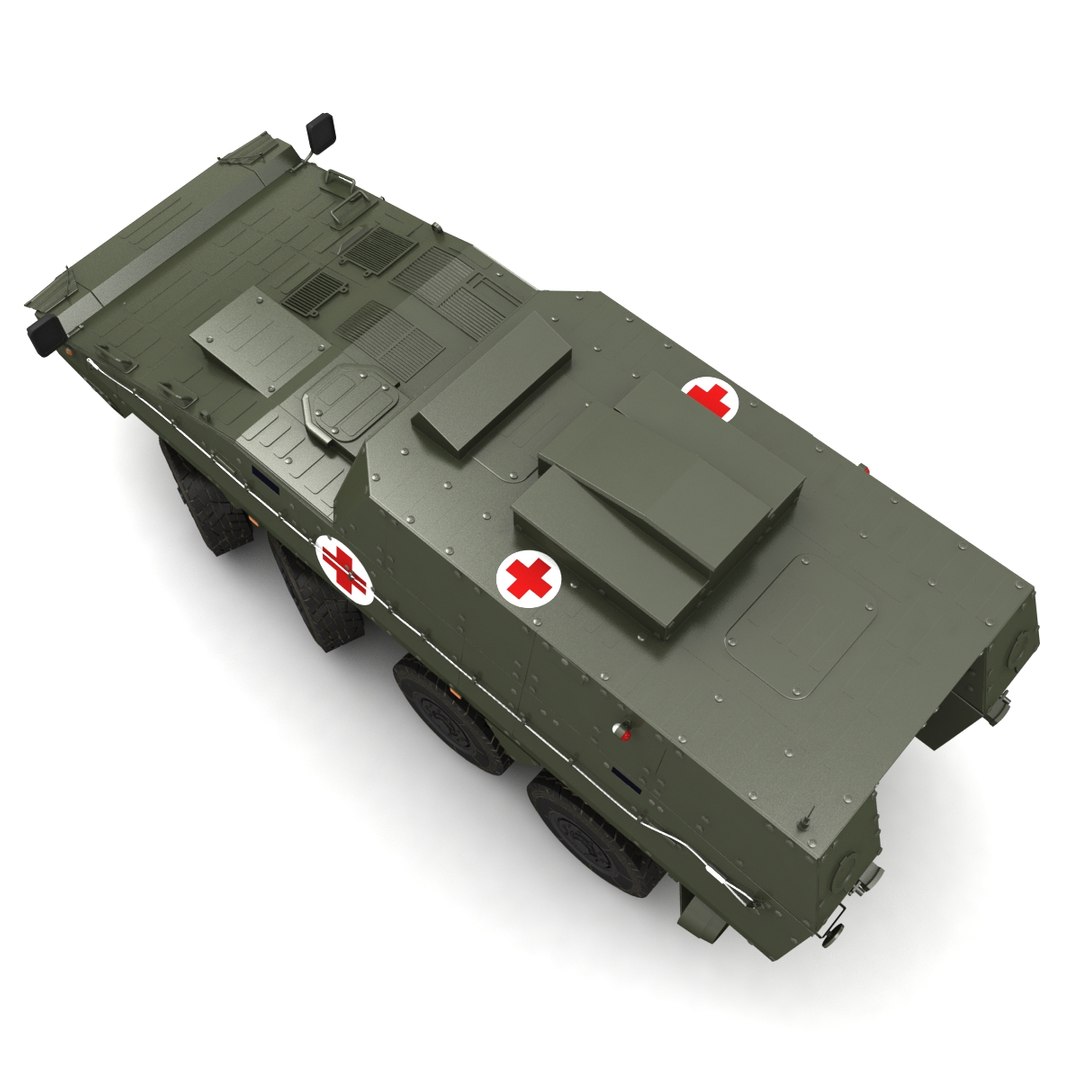
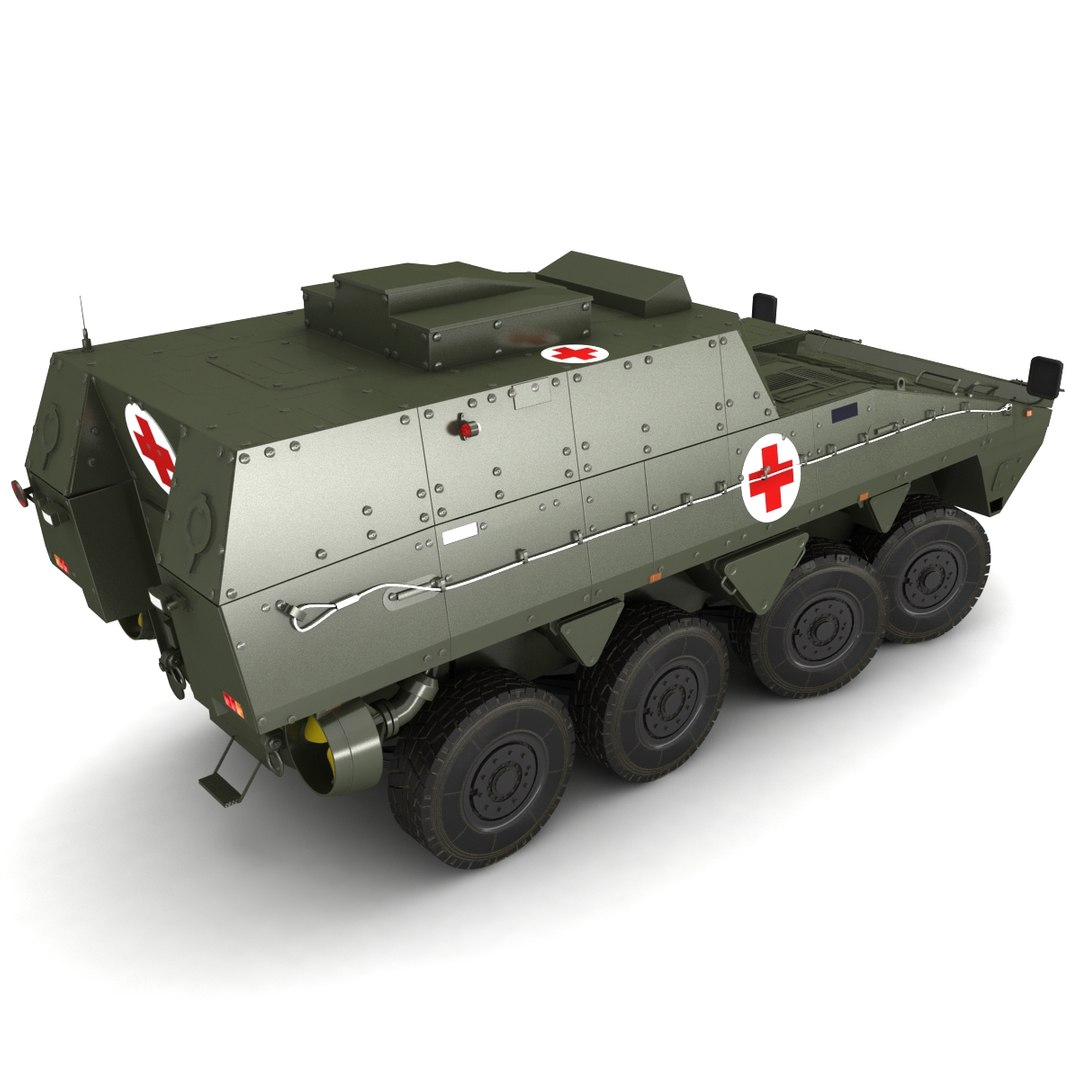
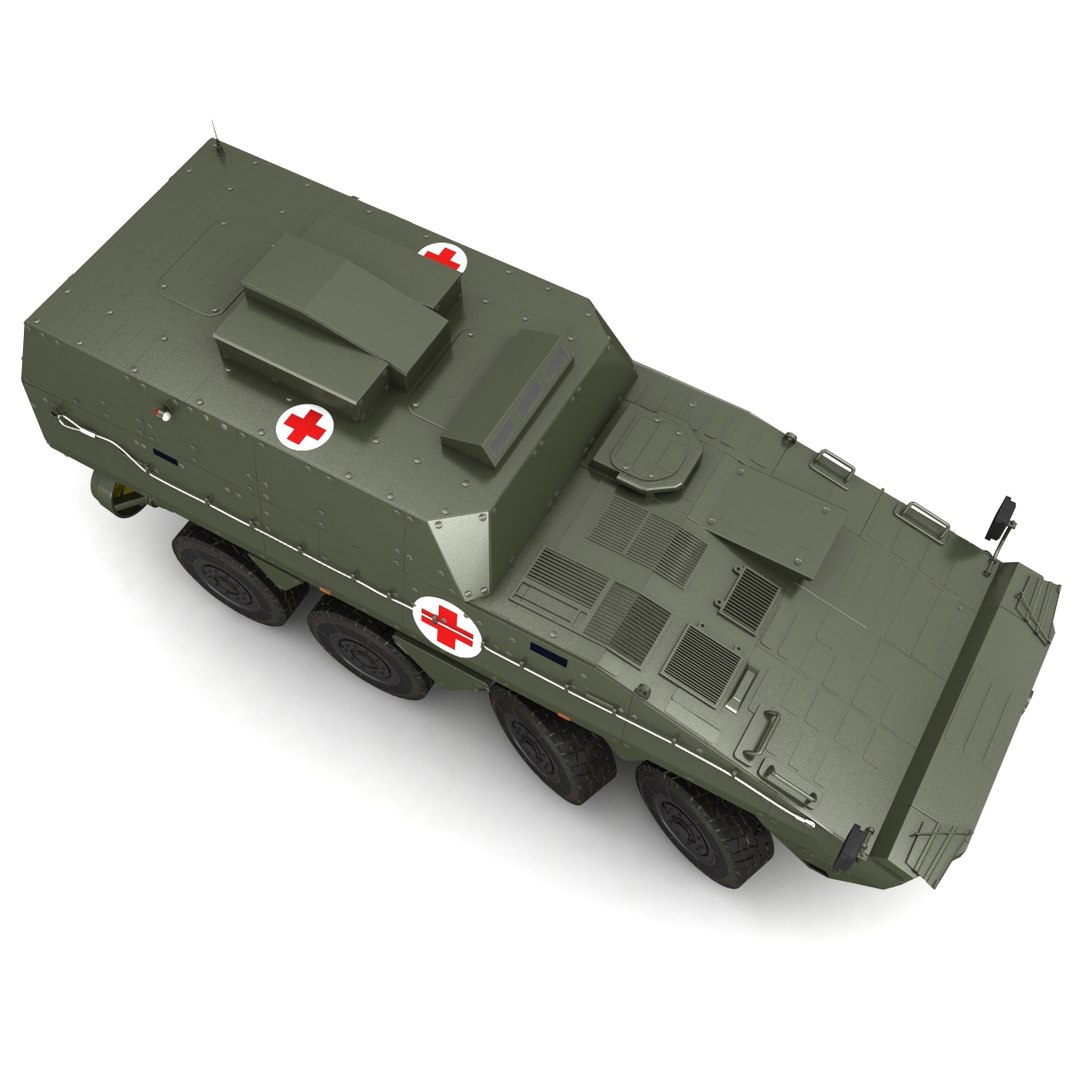
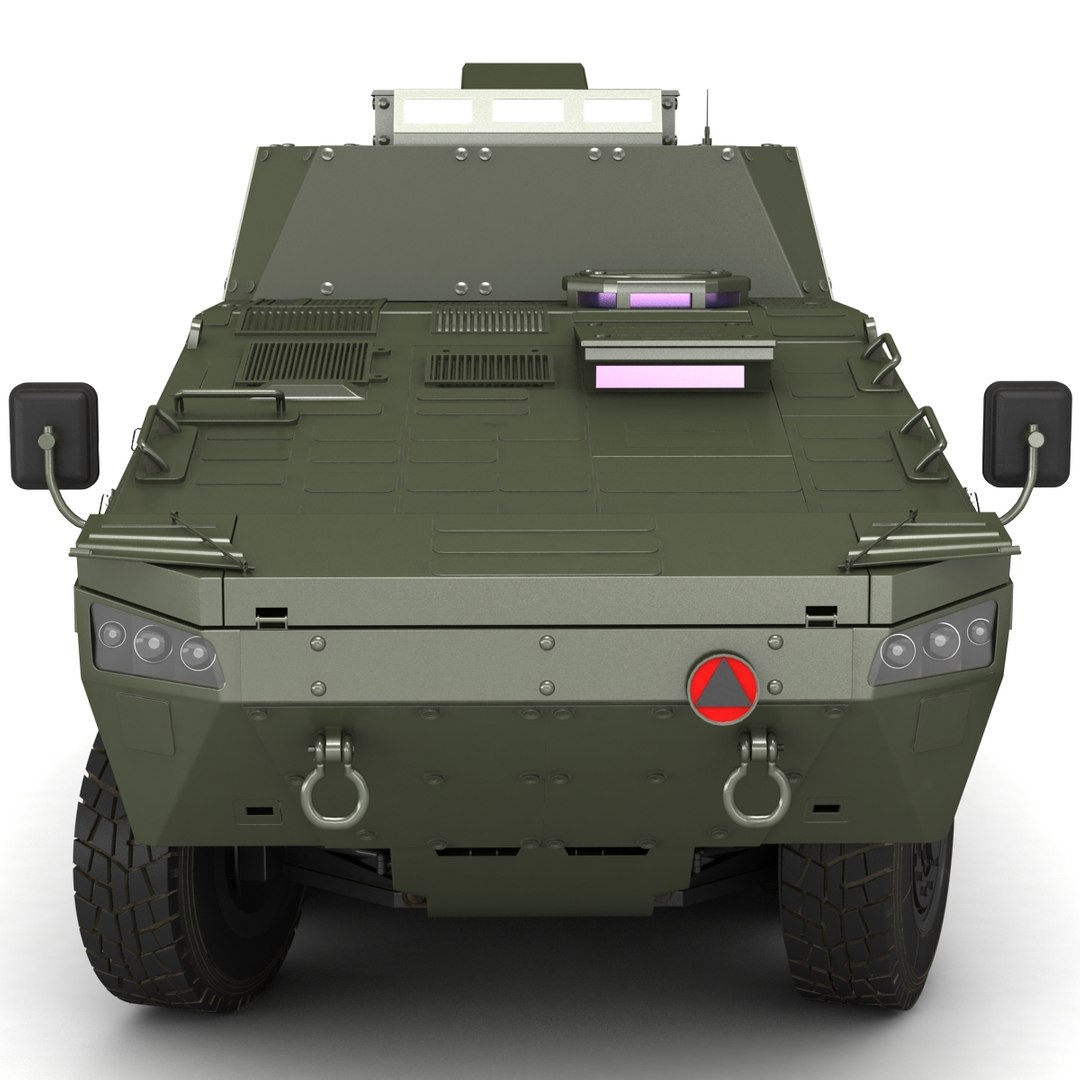
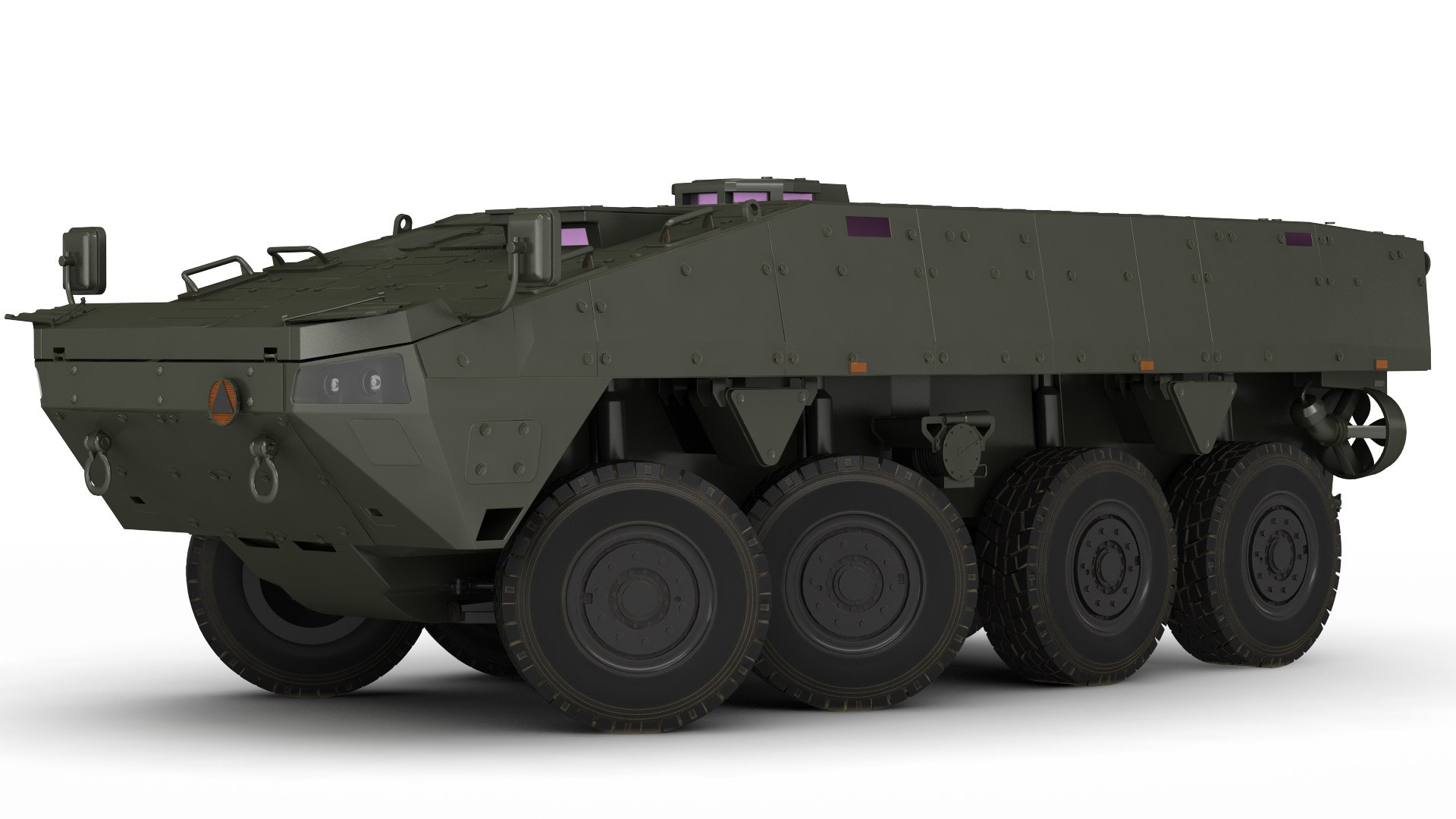
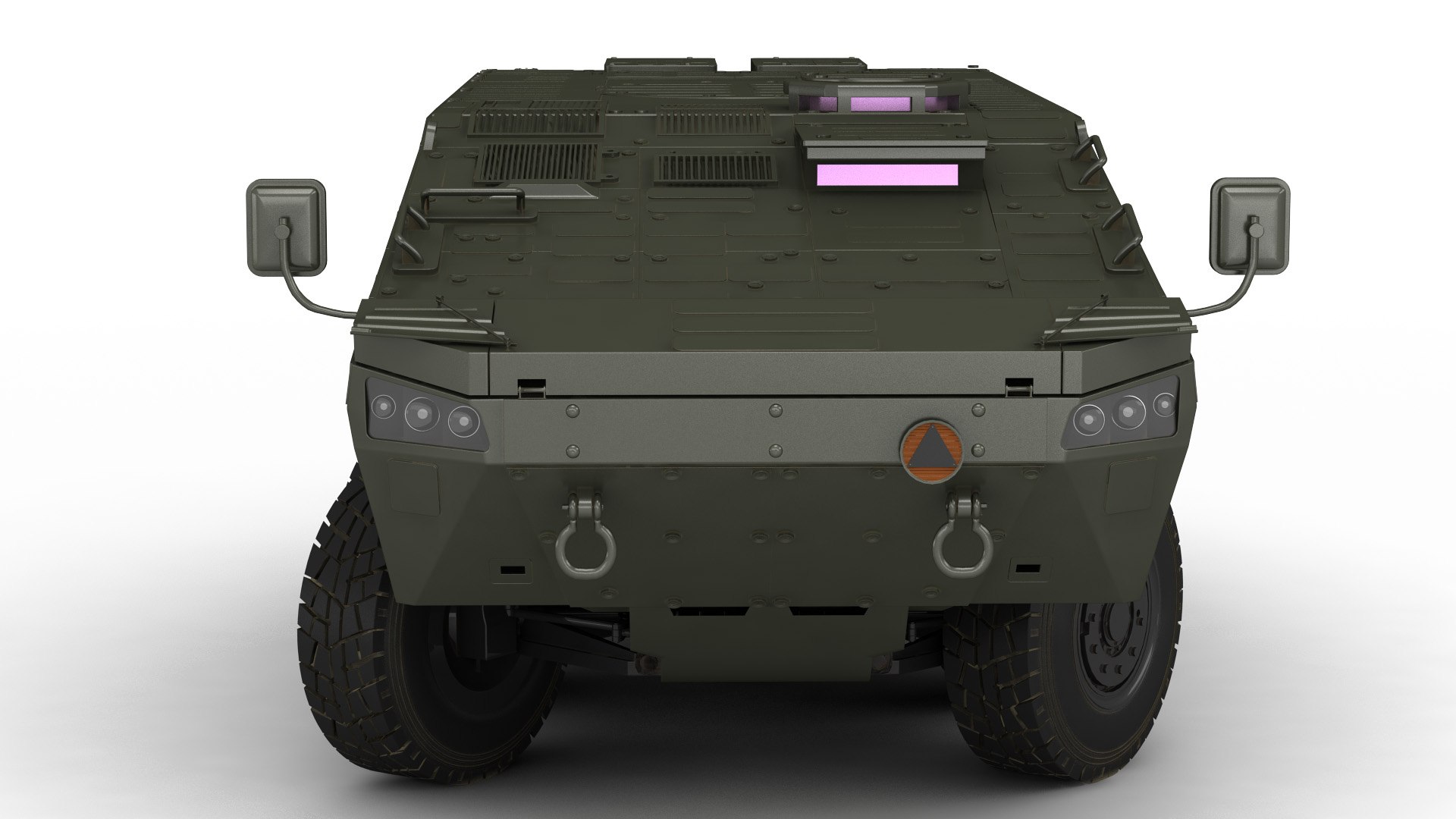
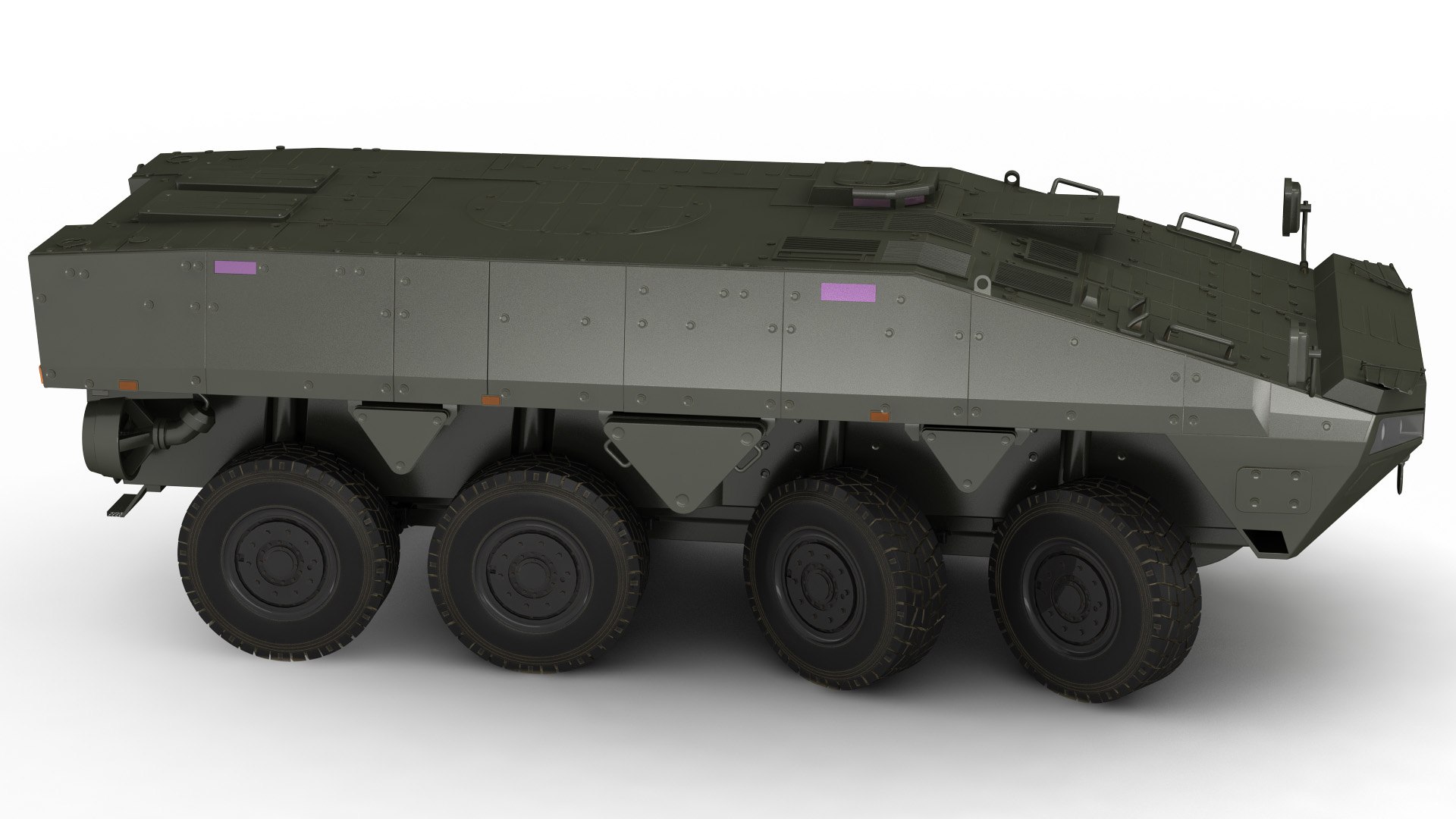
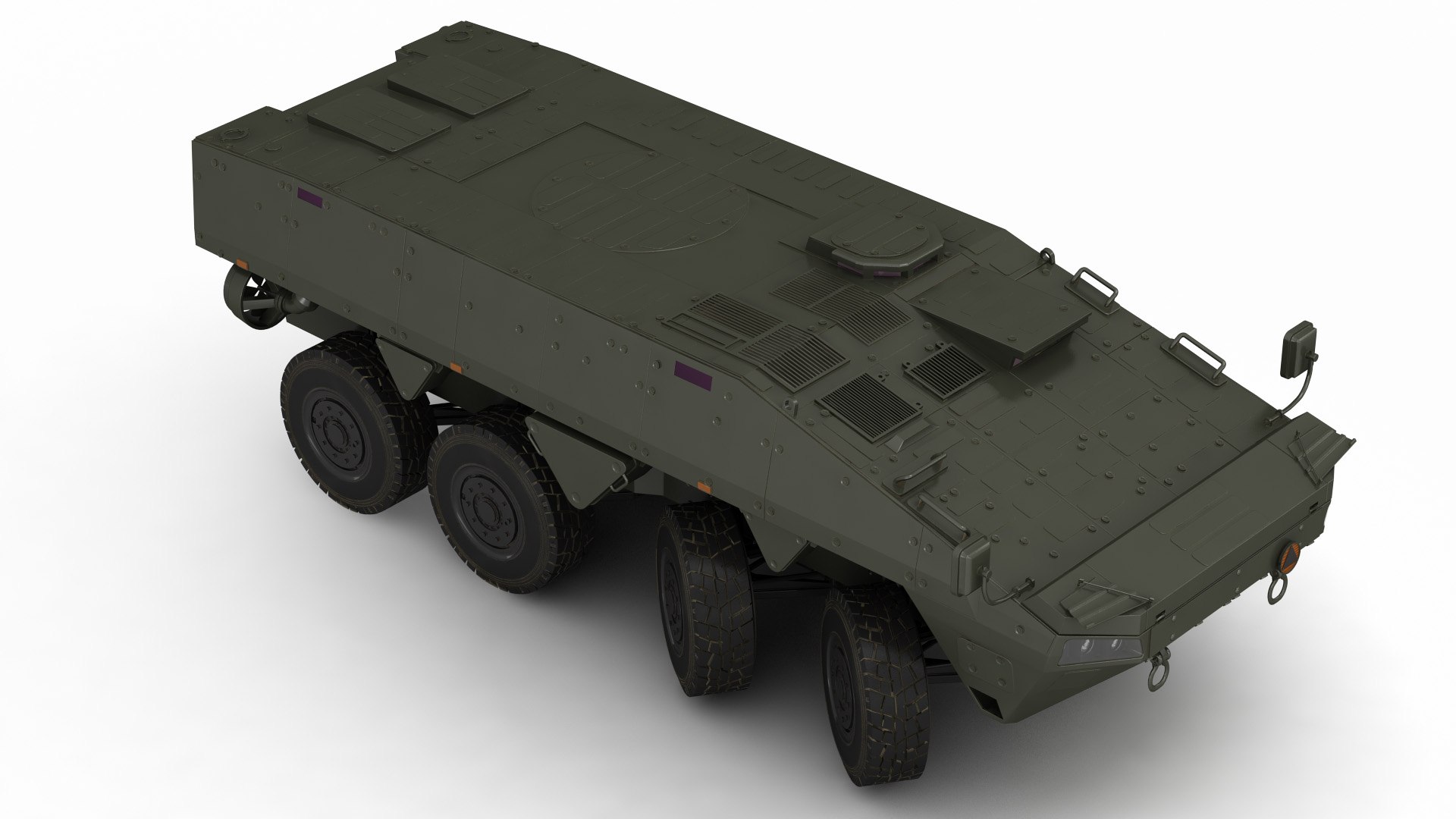
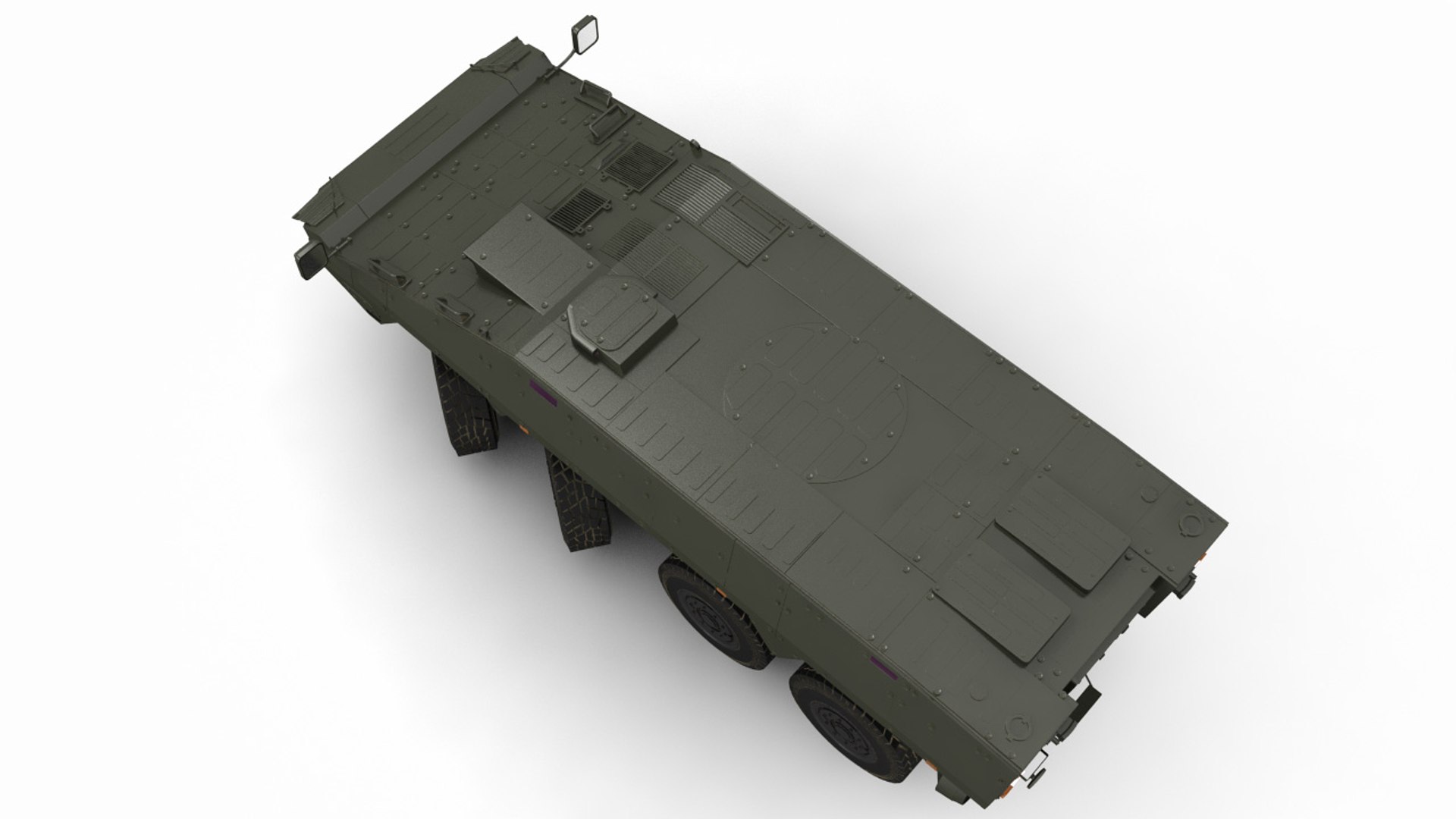
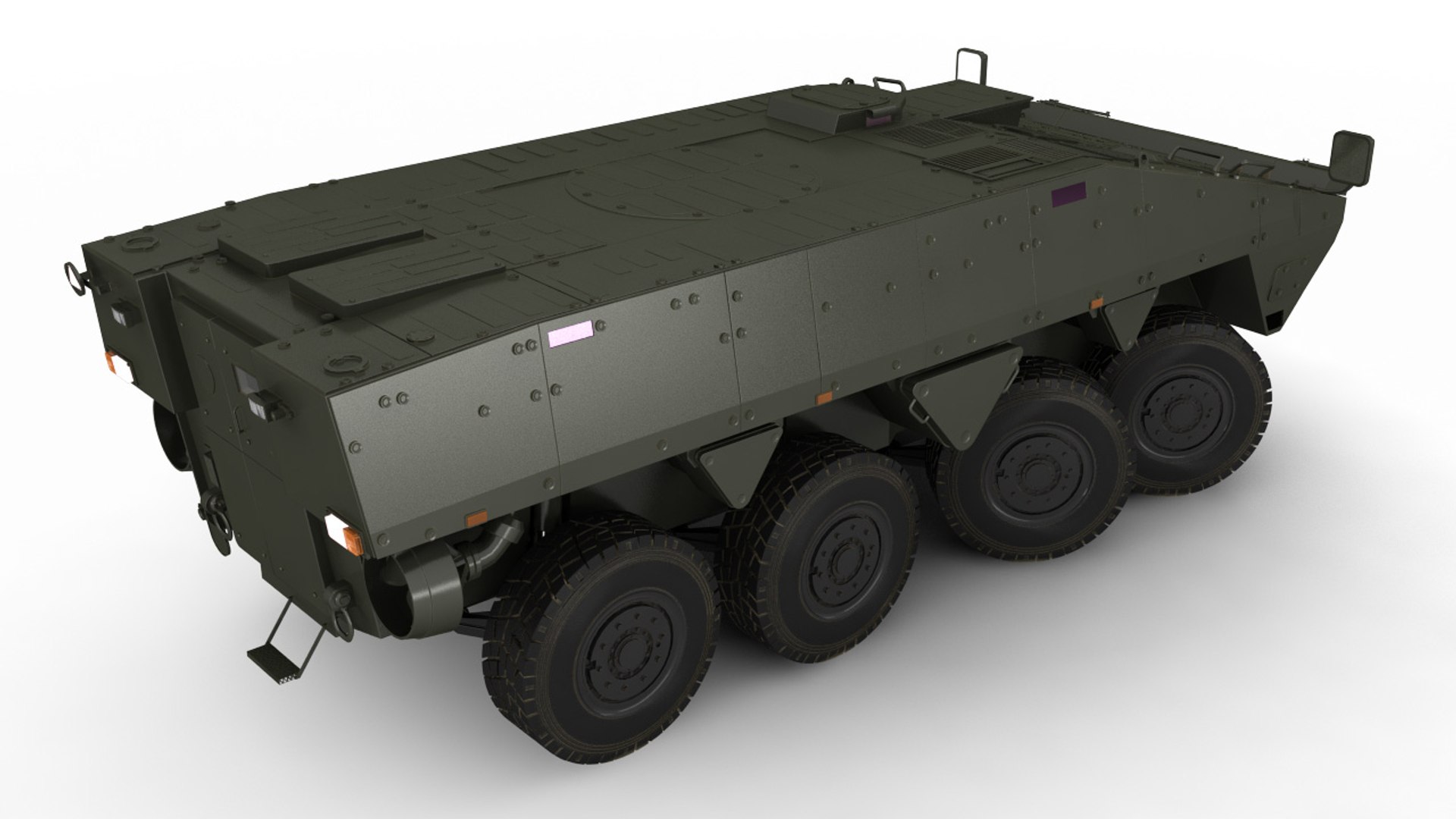
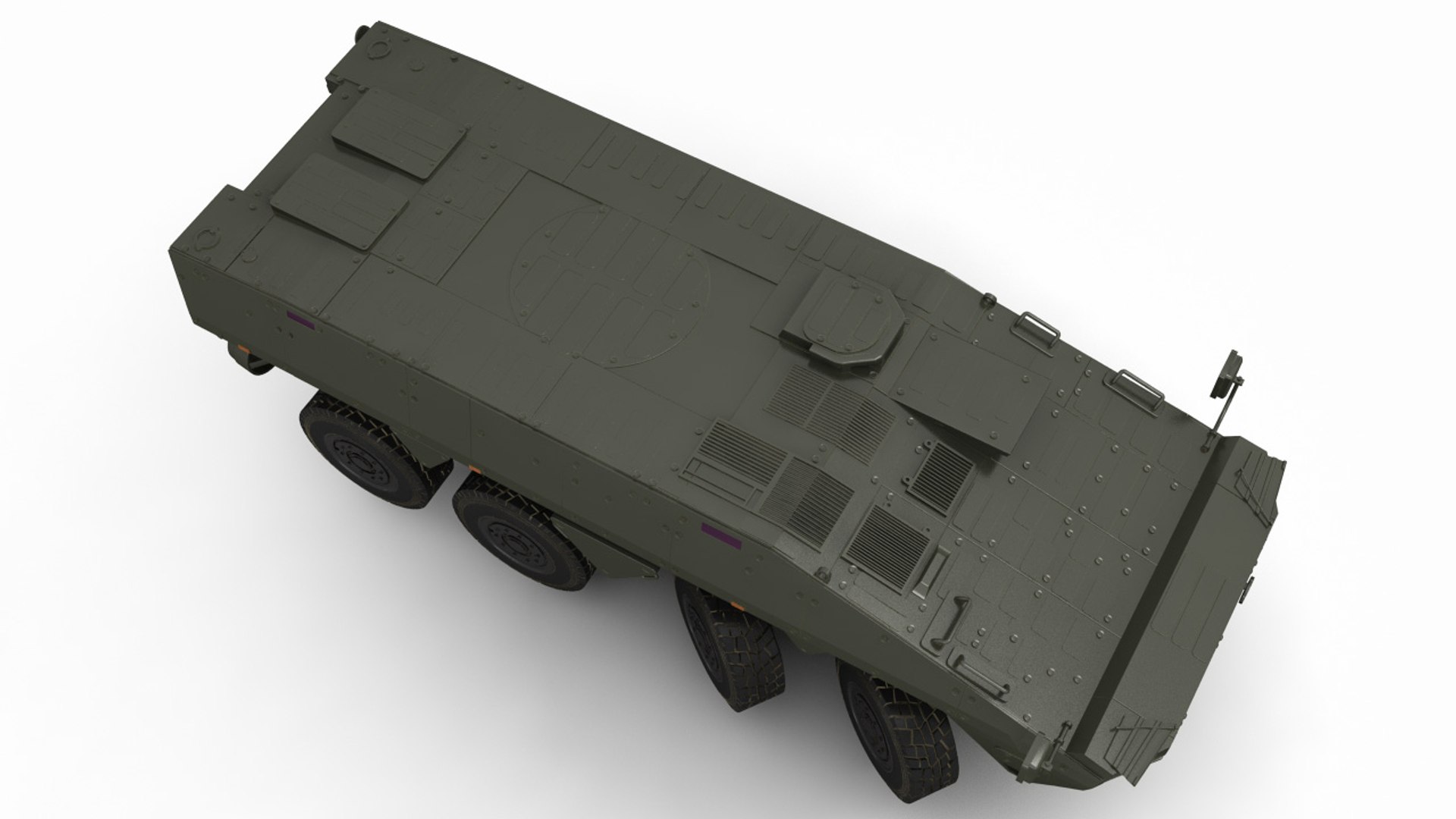
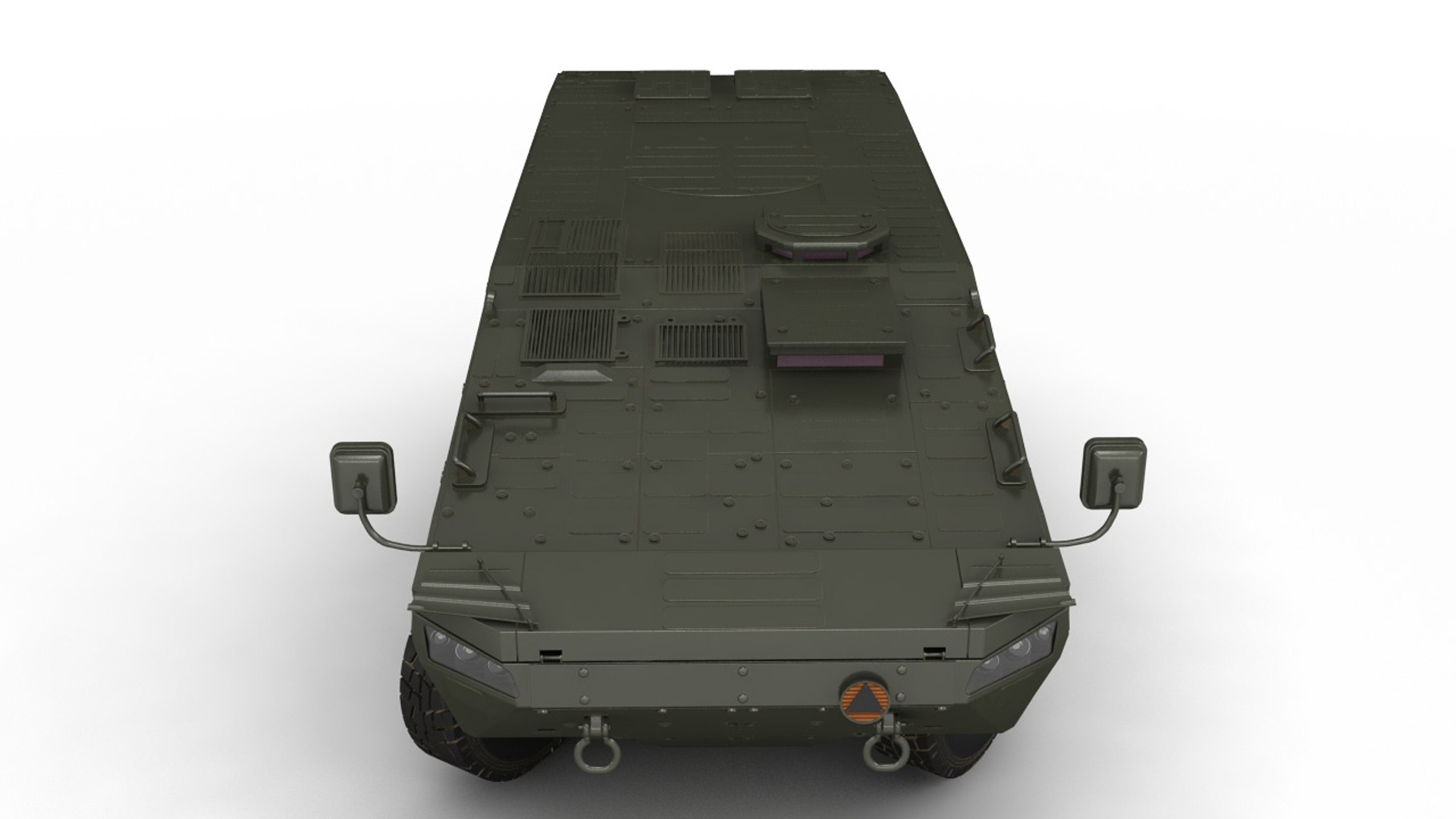
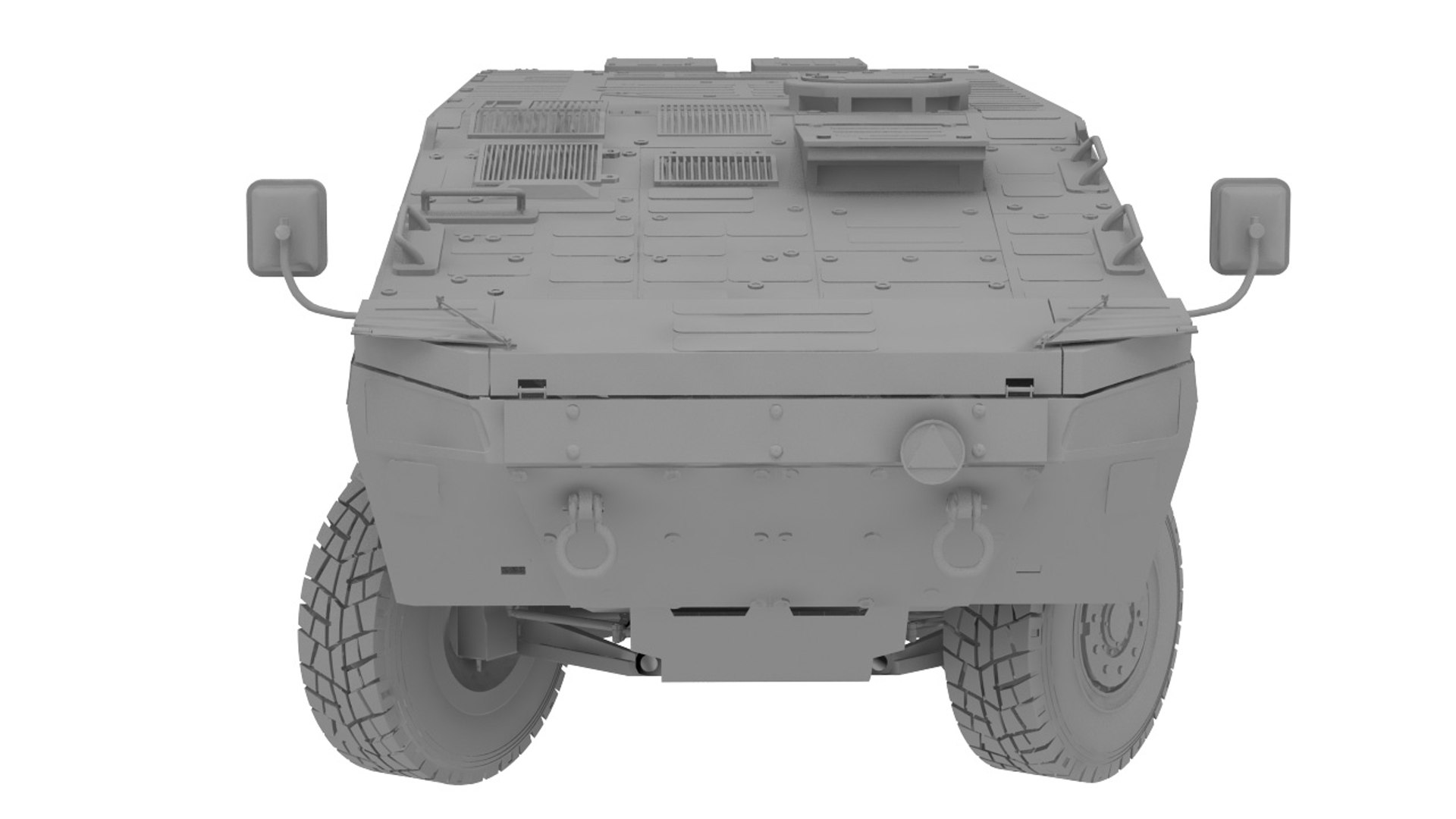
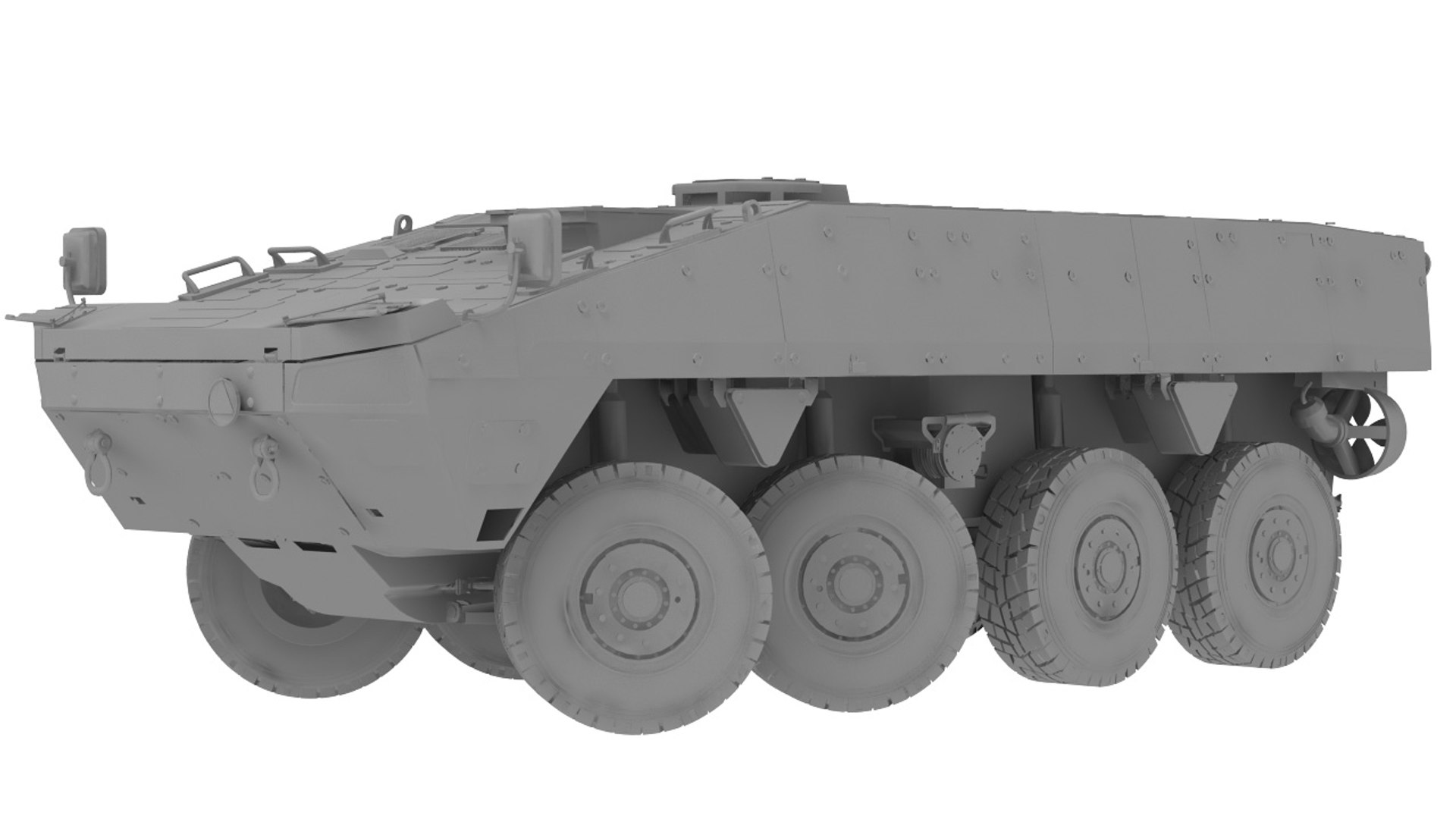
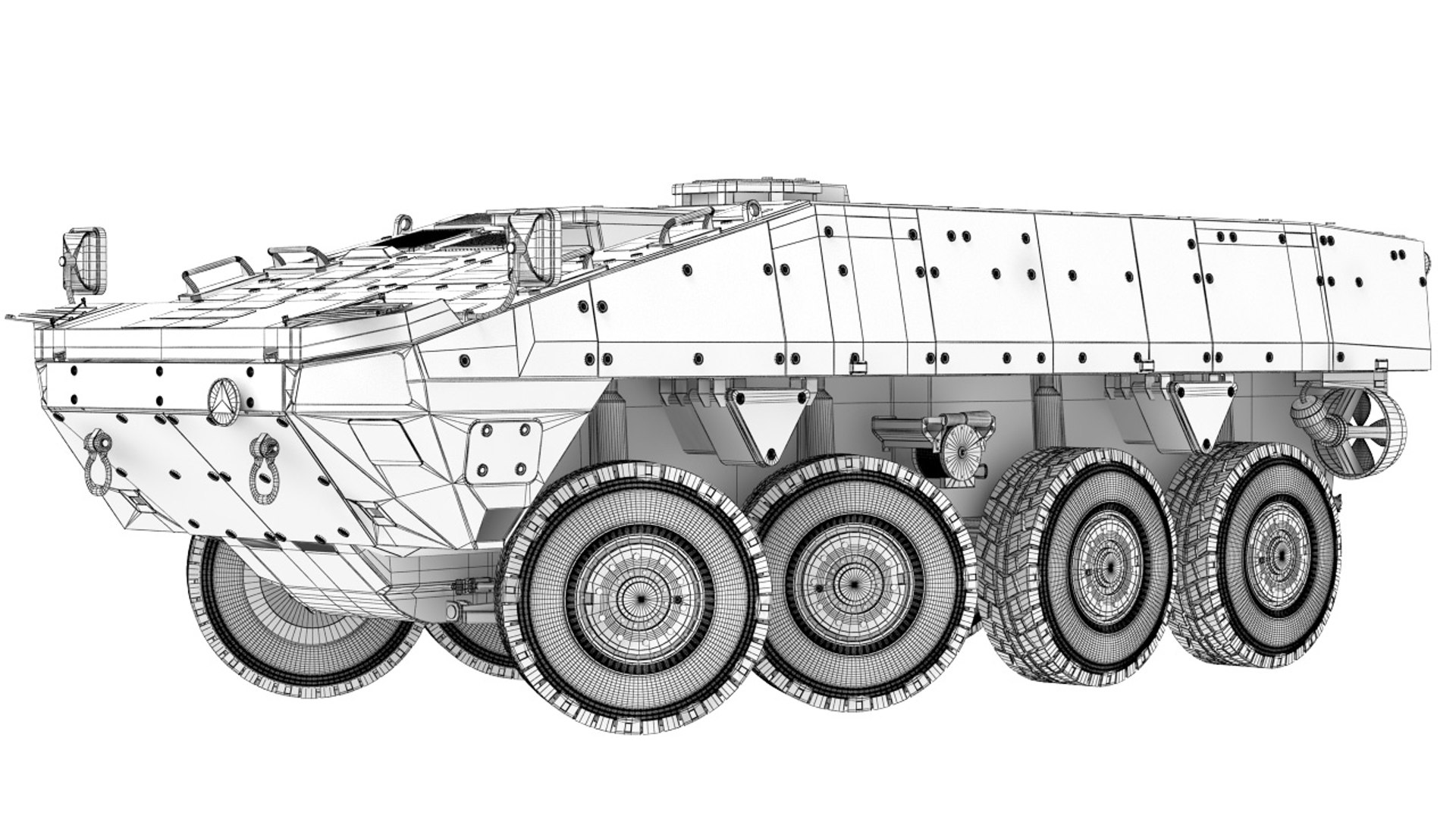
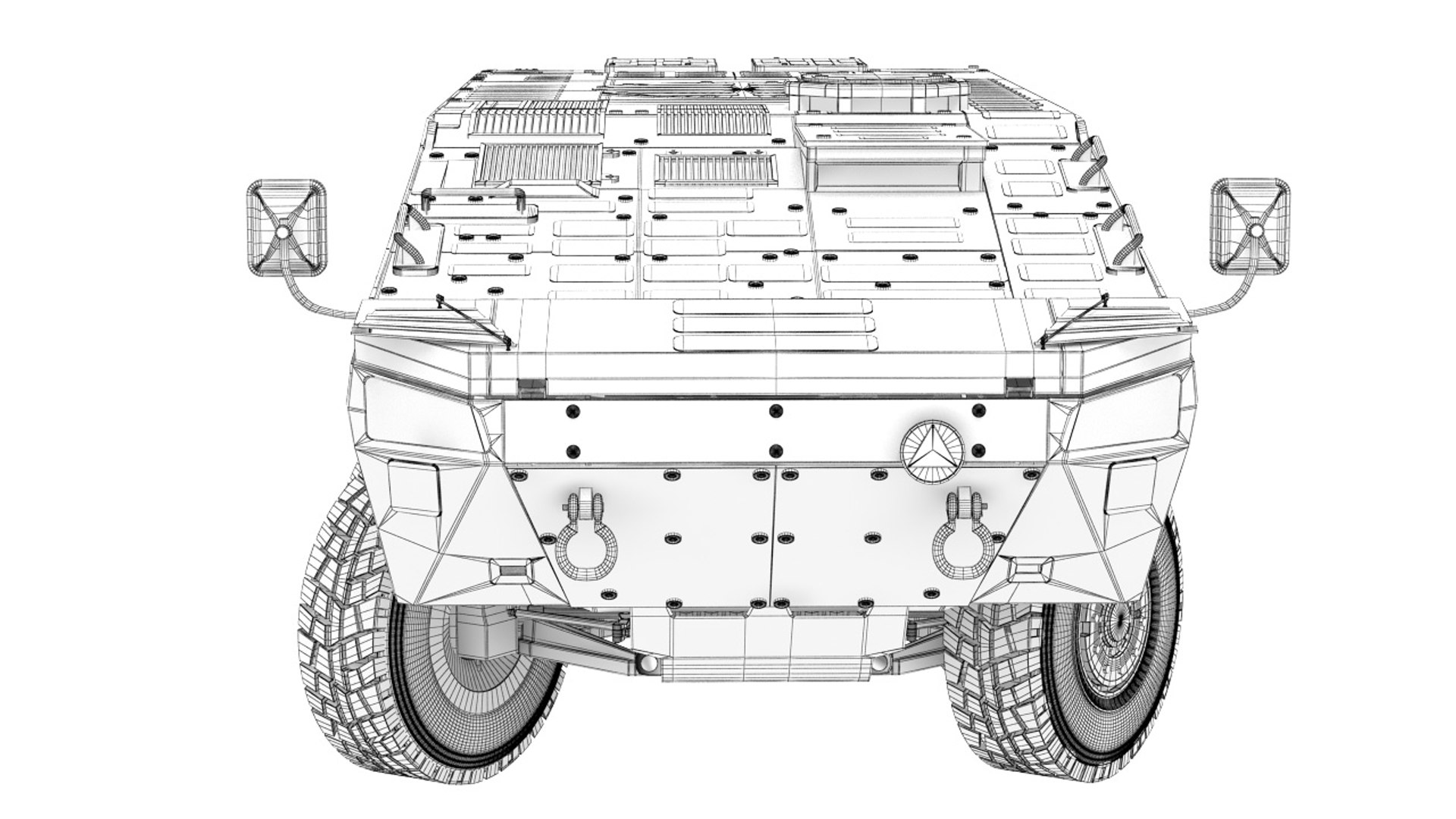
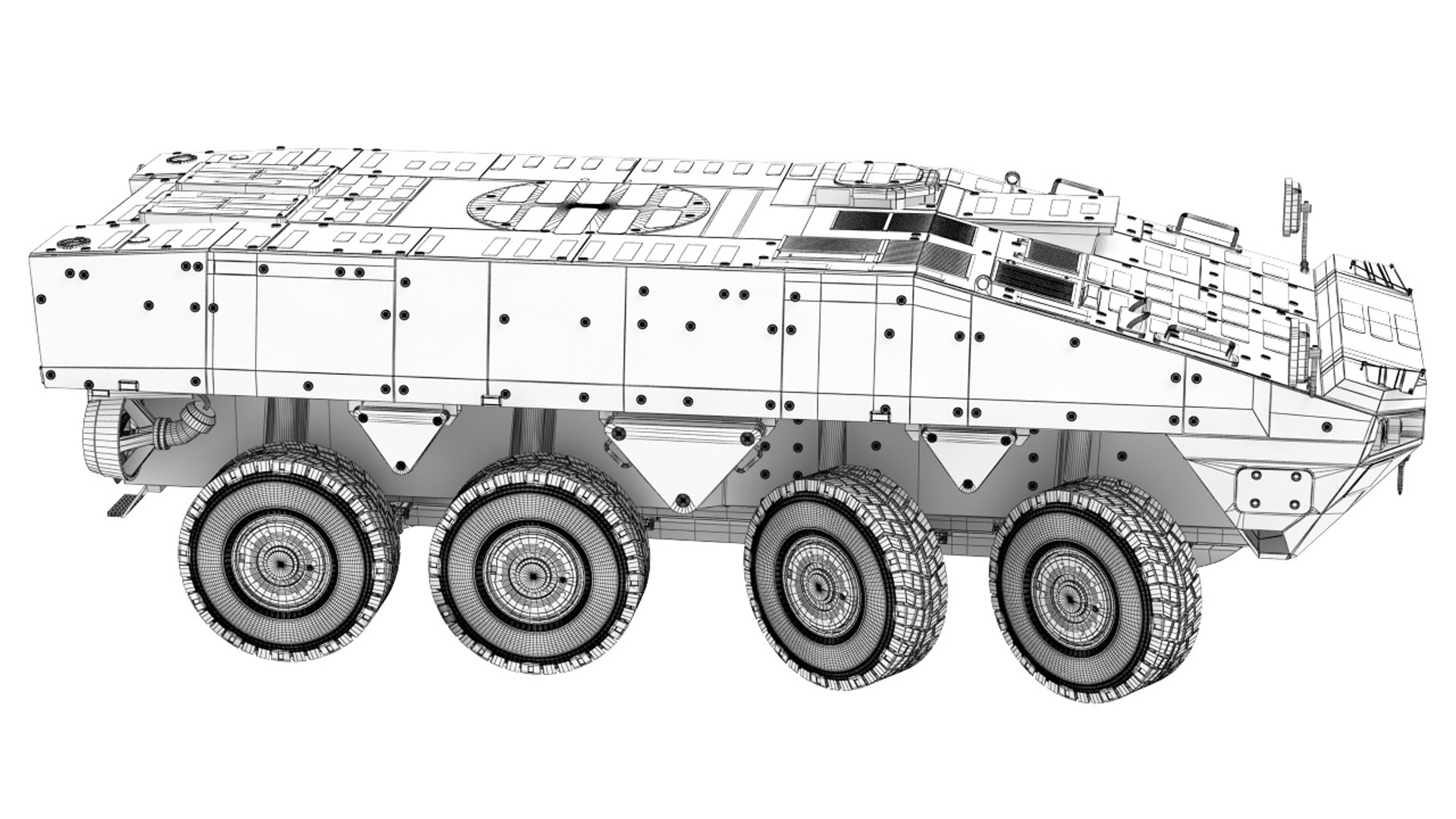
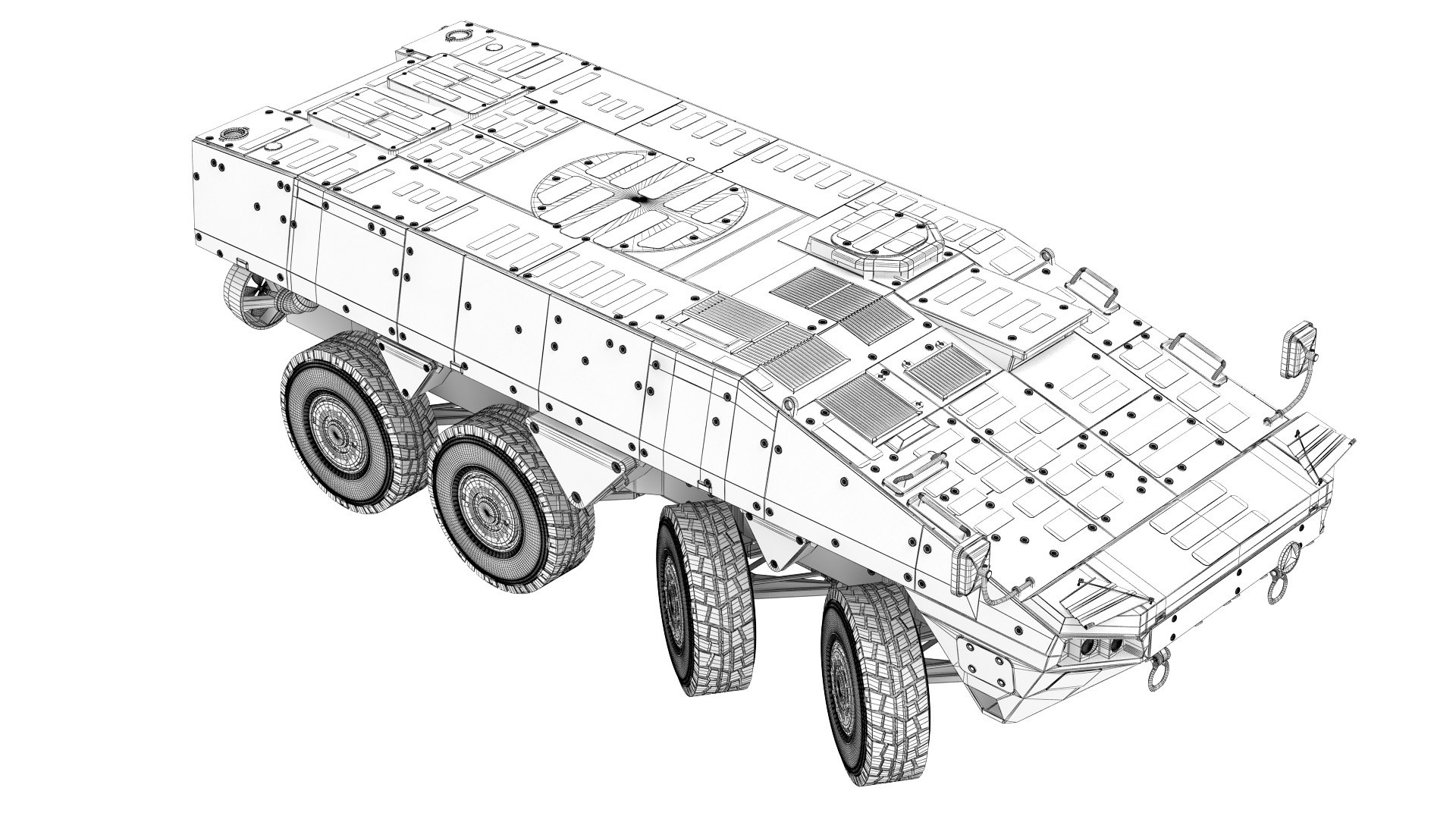
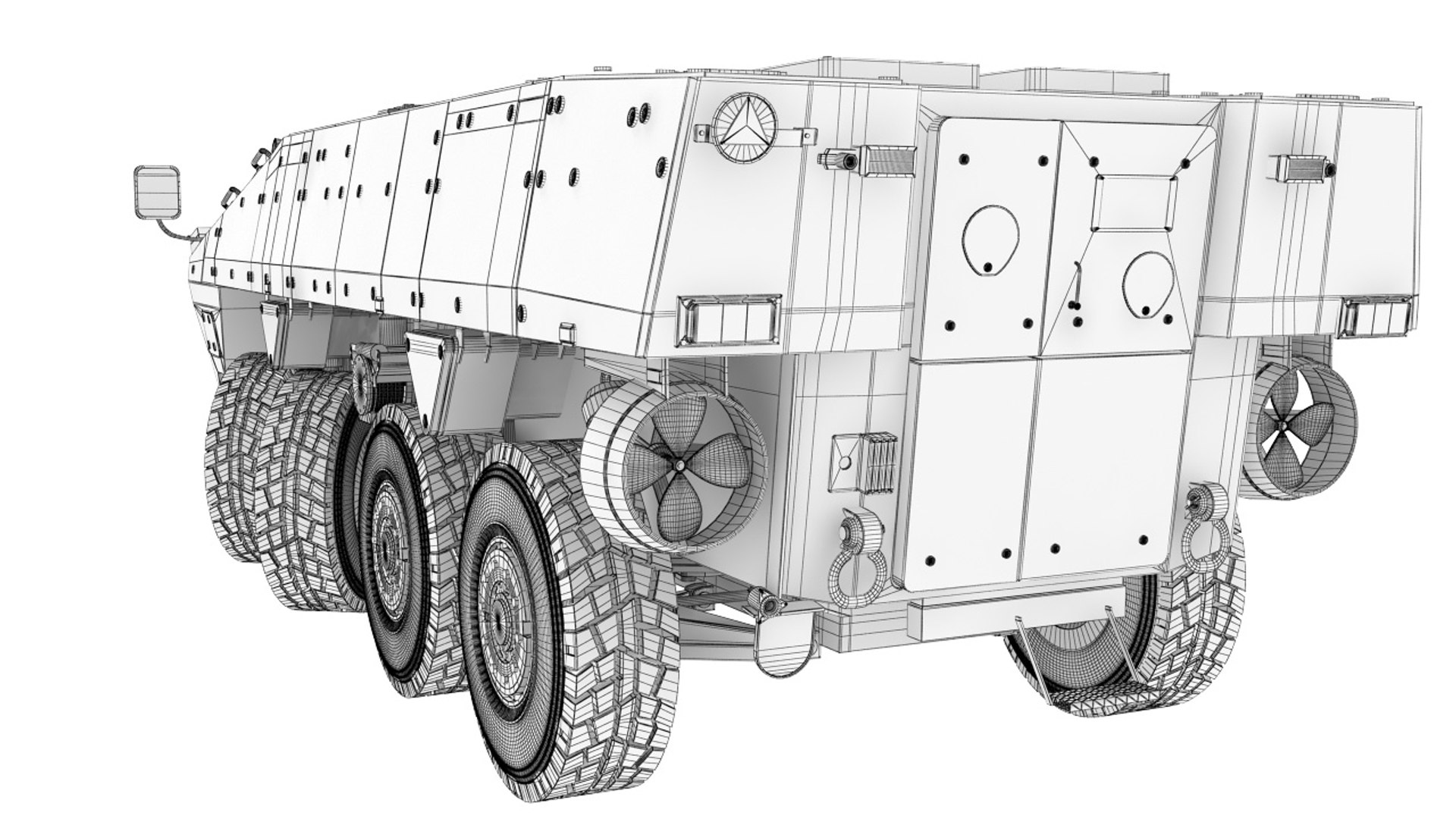
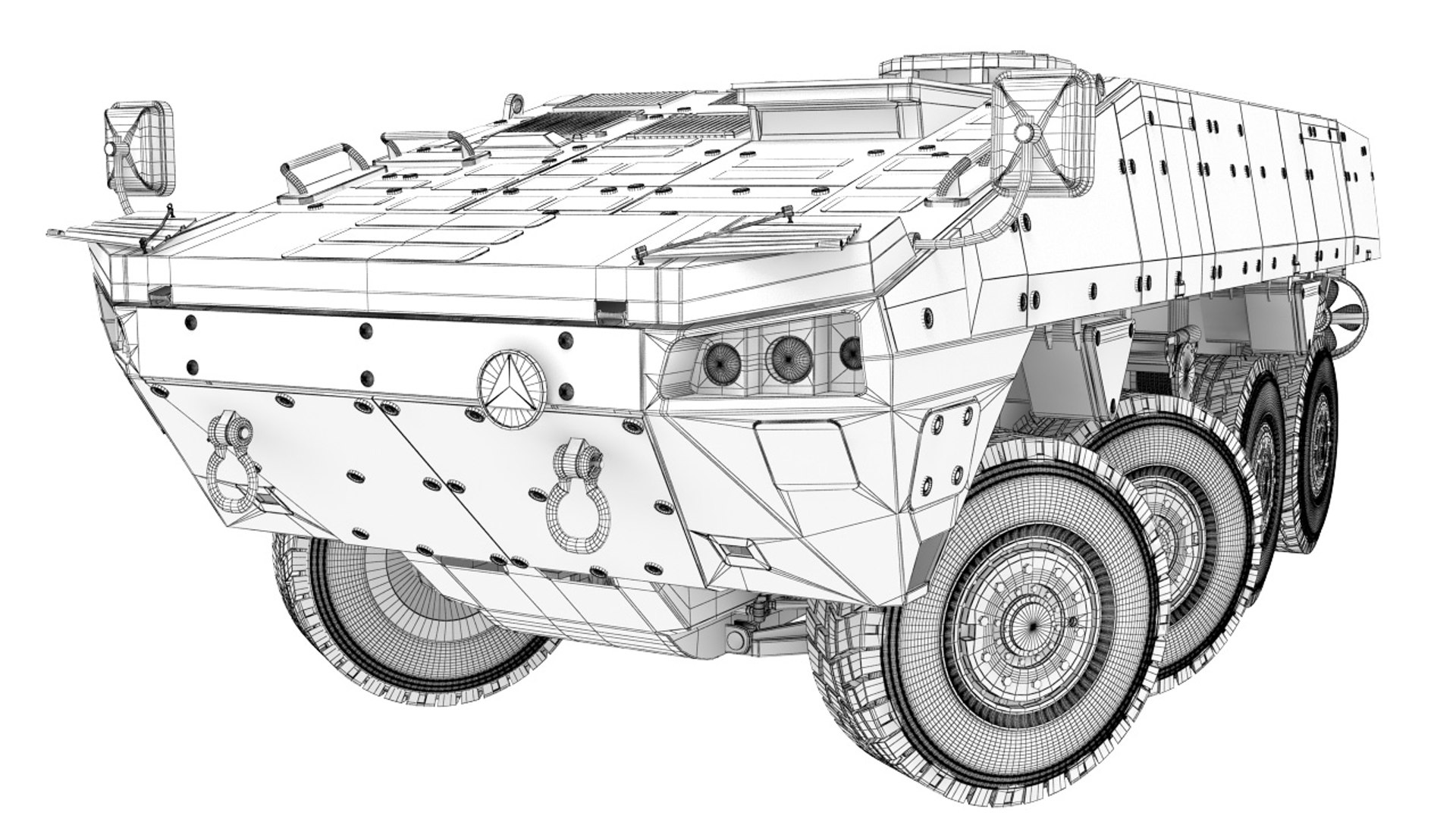
KTO Rossomak collection

$150

Standard License | Upgrade License
Editorial Uses Only
Formats (17)
Native | 3ds Max 2015 | V-Ray 3.60.03
3ds Max 2015 | V-Ray 3.60.03
3ds Max 2015 | V-Ray
3D Studio
FBX
OBJ
Other Files
ALL_CAMUFLAG.psd KTO-ROSSOMAK.mtl KTO-medical.mtl Rossomak-Base.mtl KTO-Rossomak.mtl
Specifications
Publish Date September 17, 2020
Product ID 1622149
Polygons 1
Vertices 1
Polygonal Quads Only
Textures
Materials
Rigged
TurboSquid Exclusive
member avatar
alexey140
395 Products | Contributor Since 2010
Have questions? Chat with us now.

Description

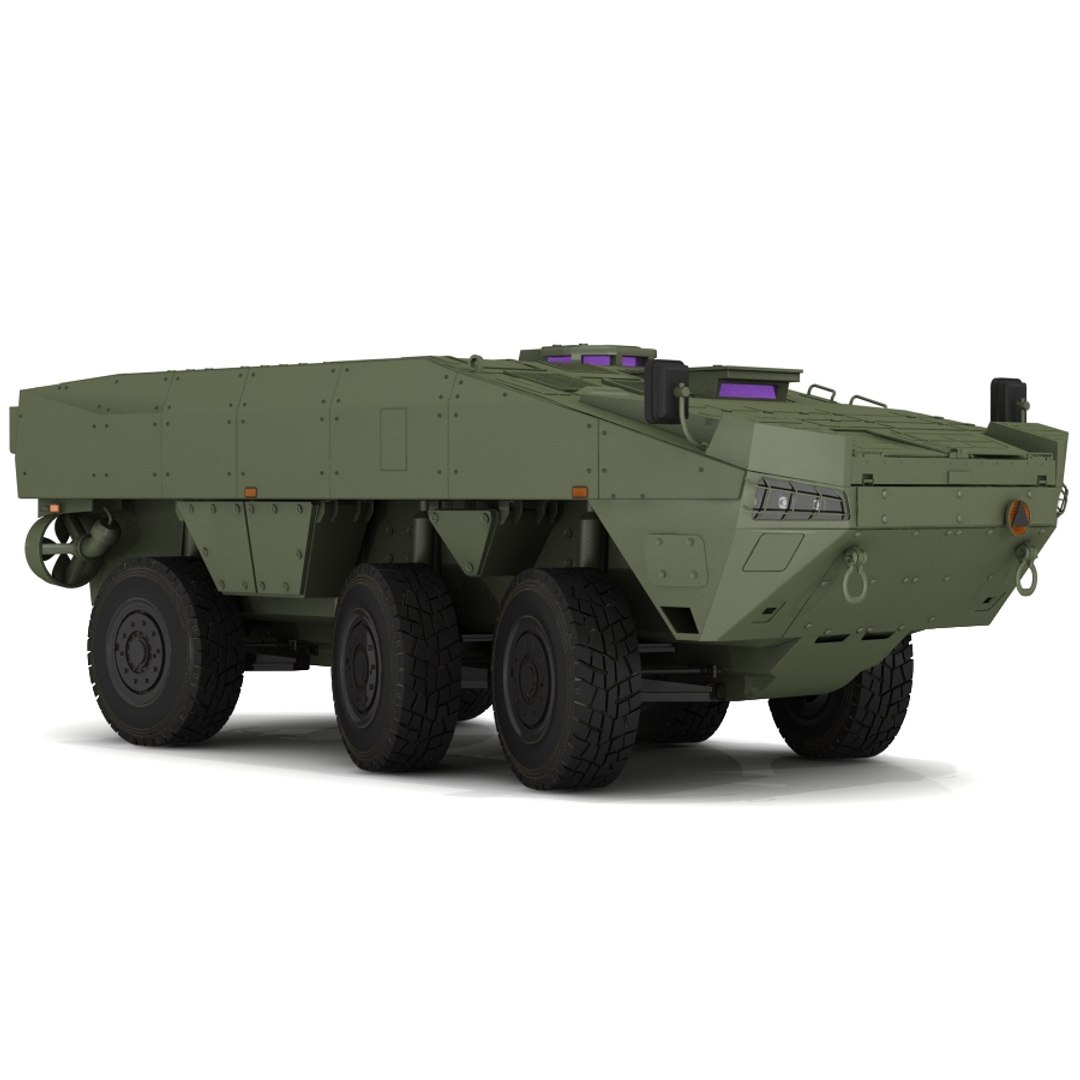
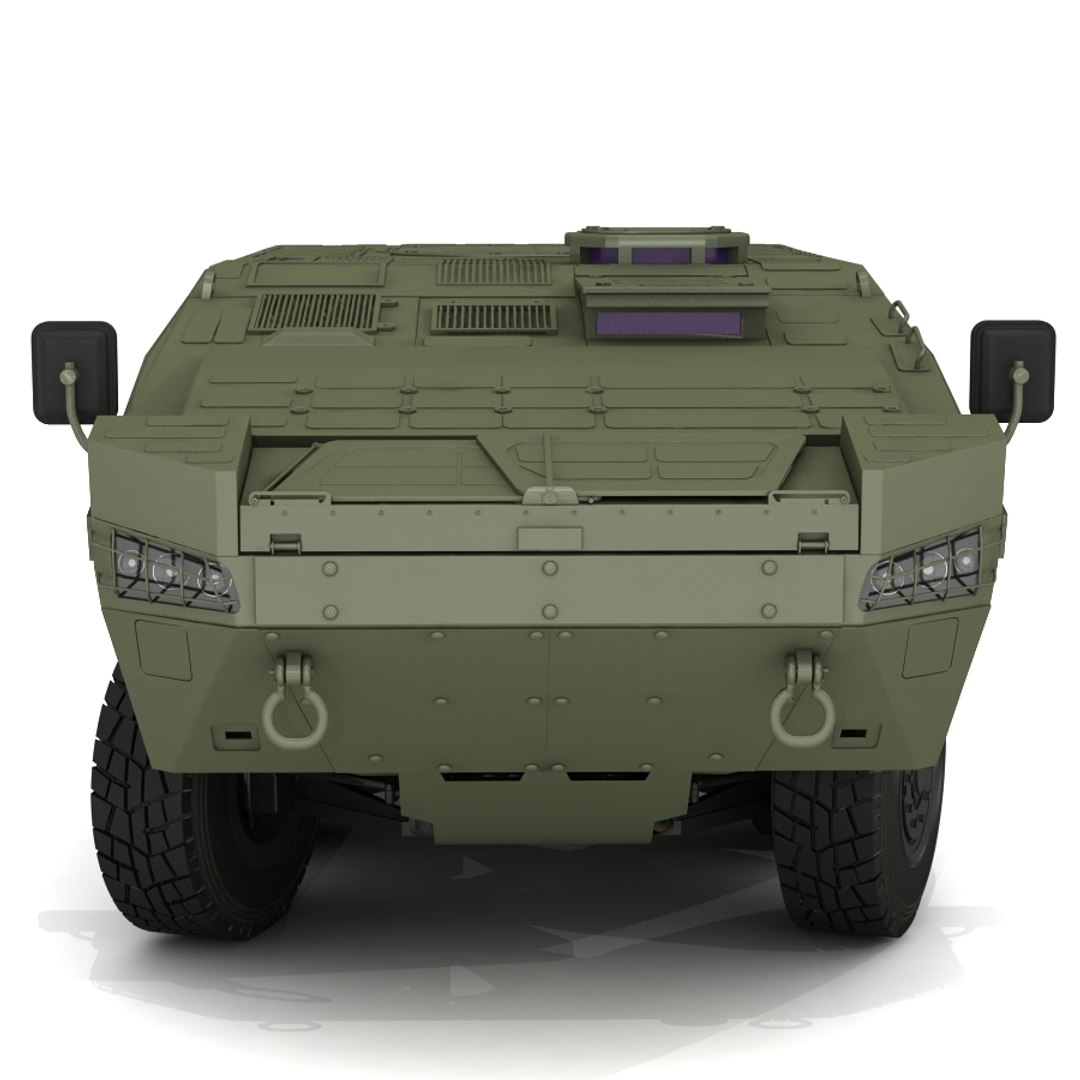
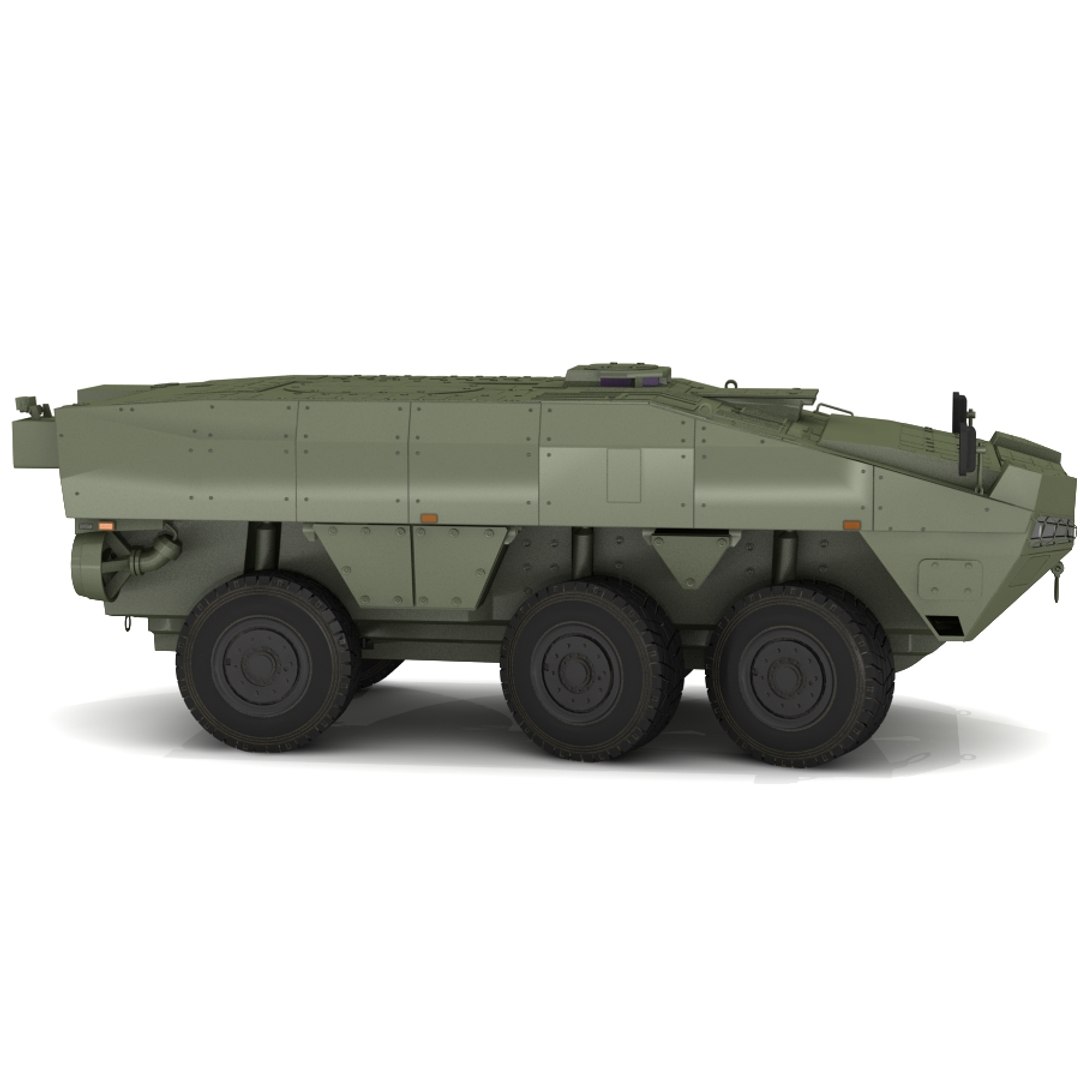
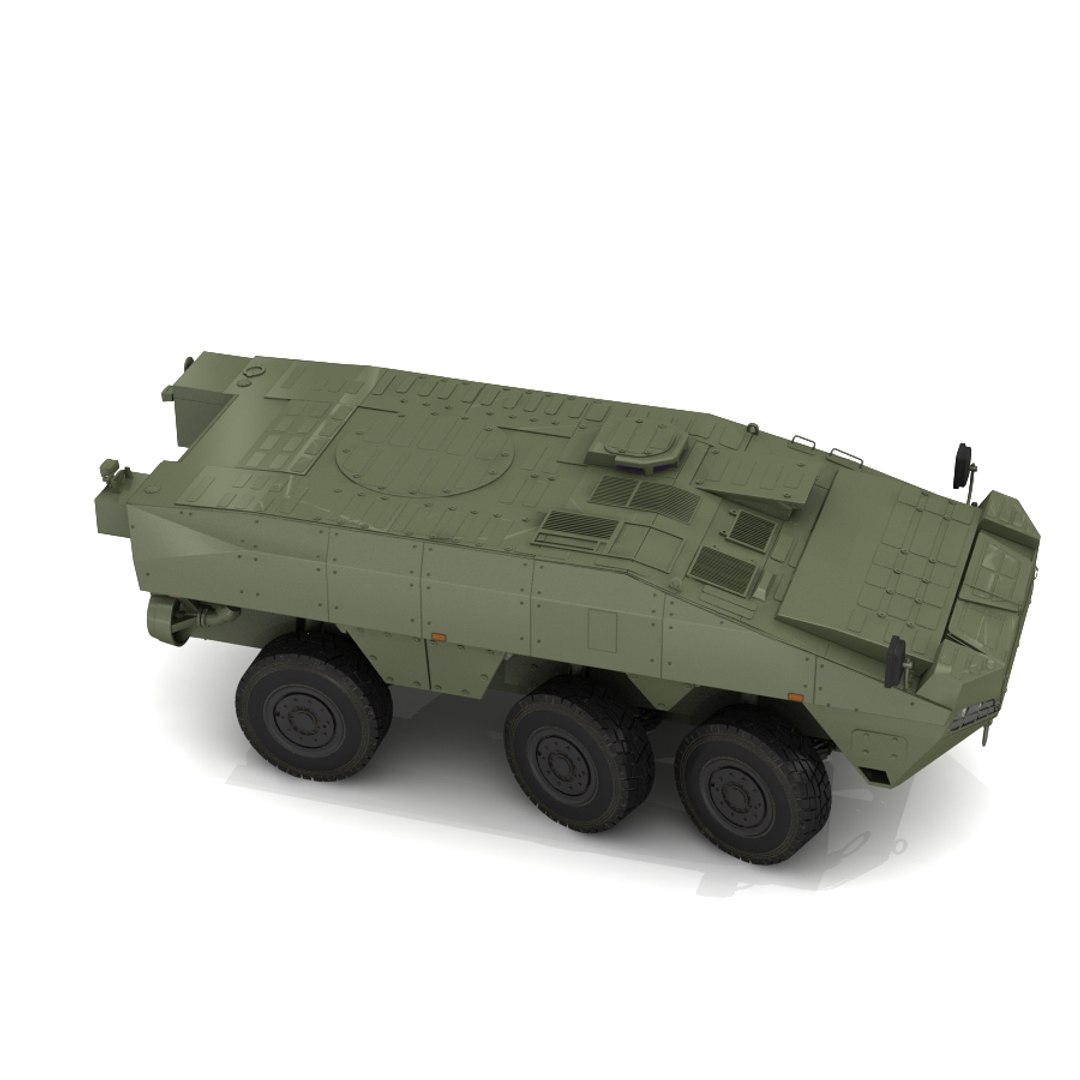
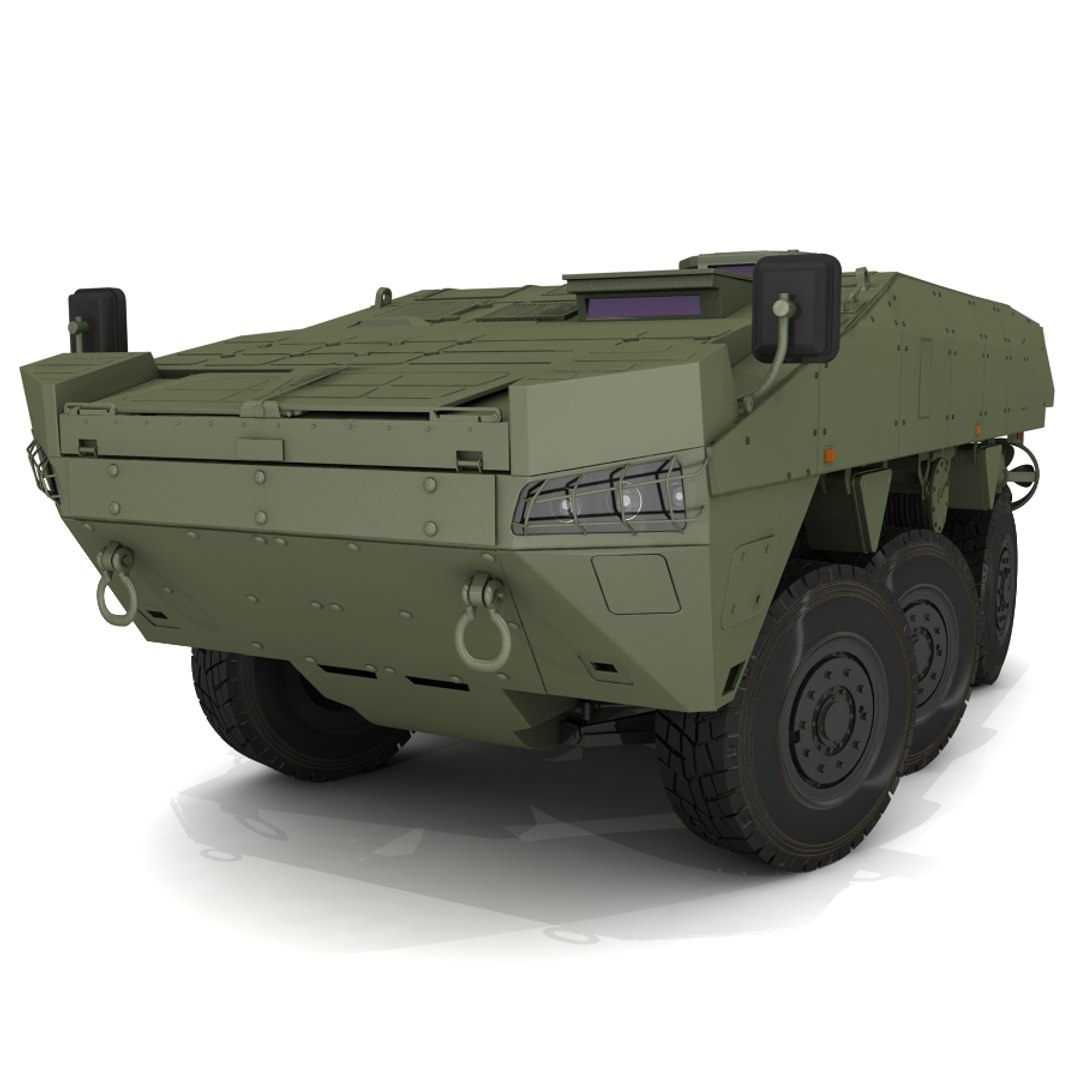
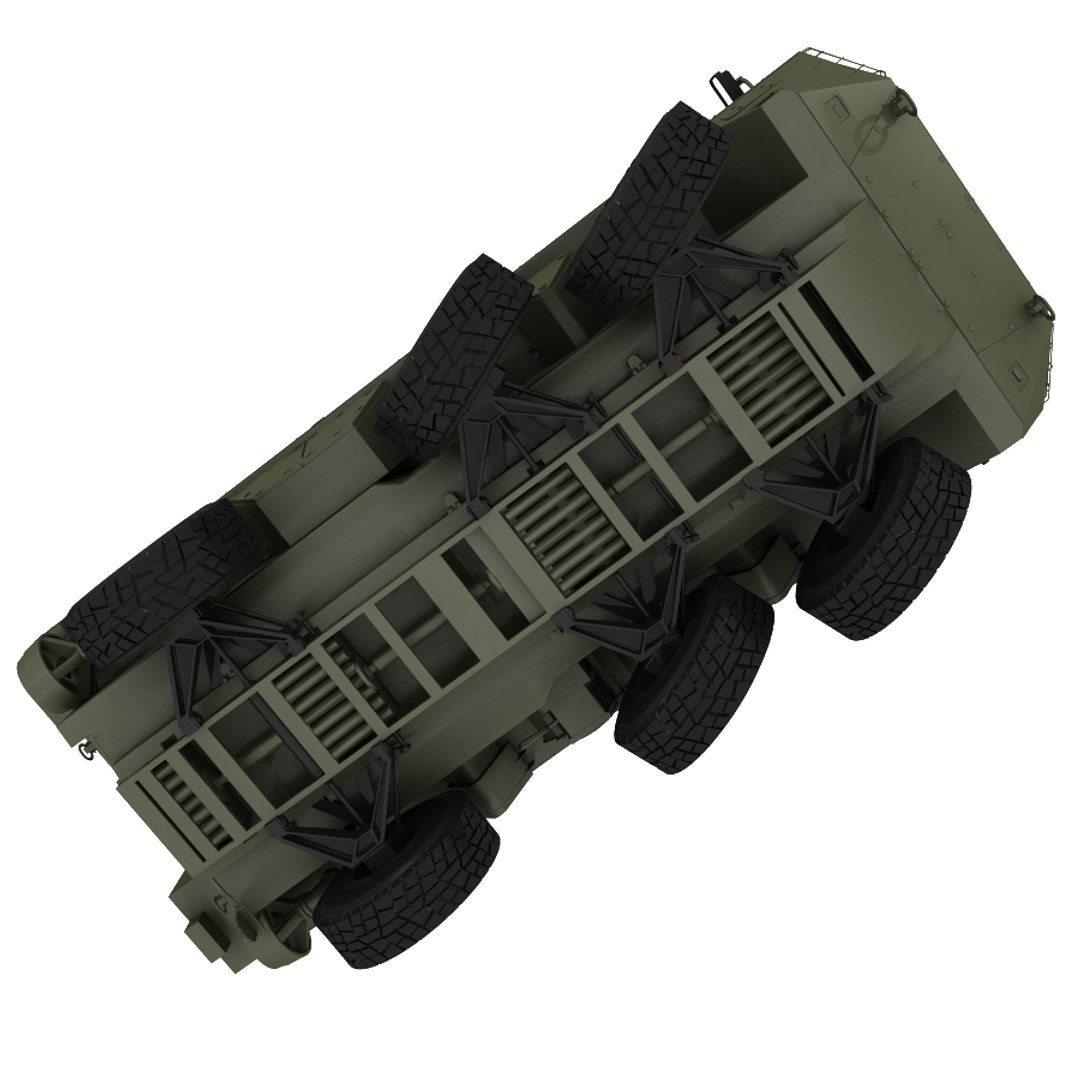
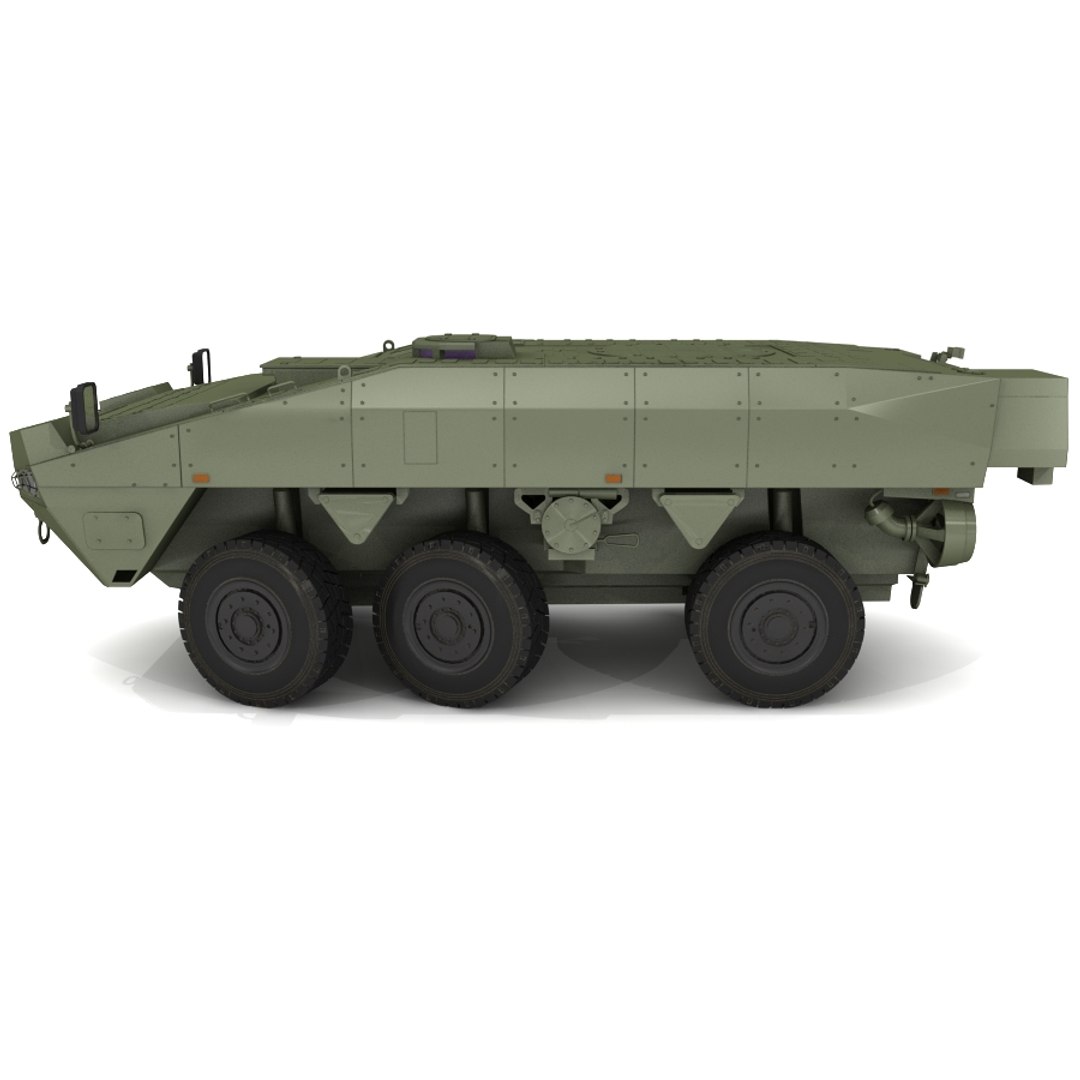
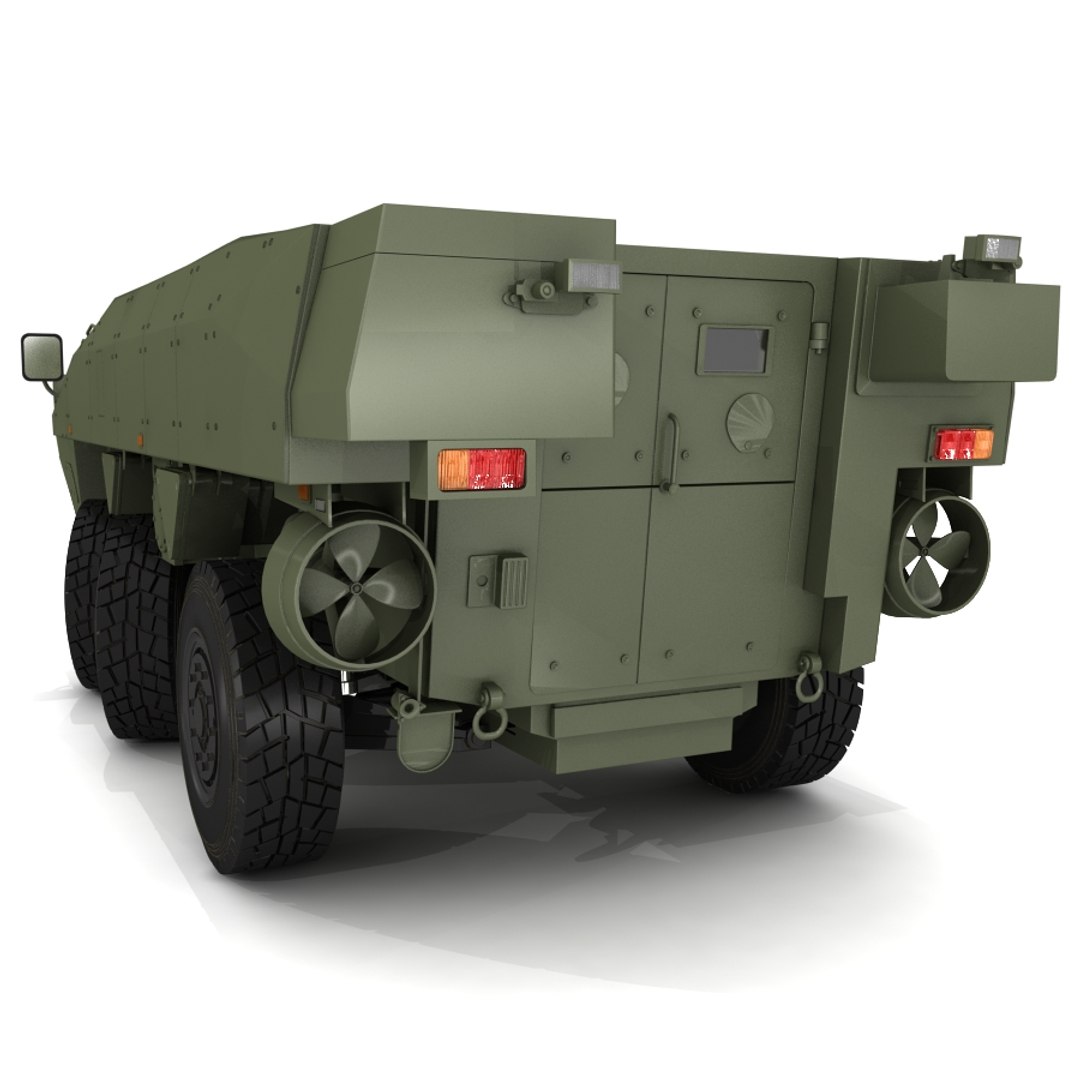
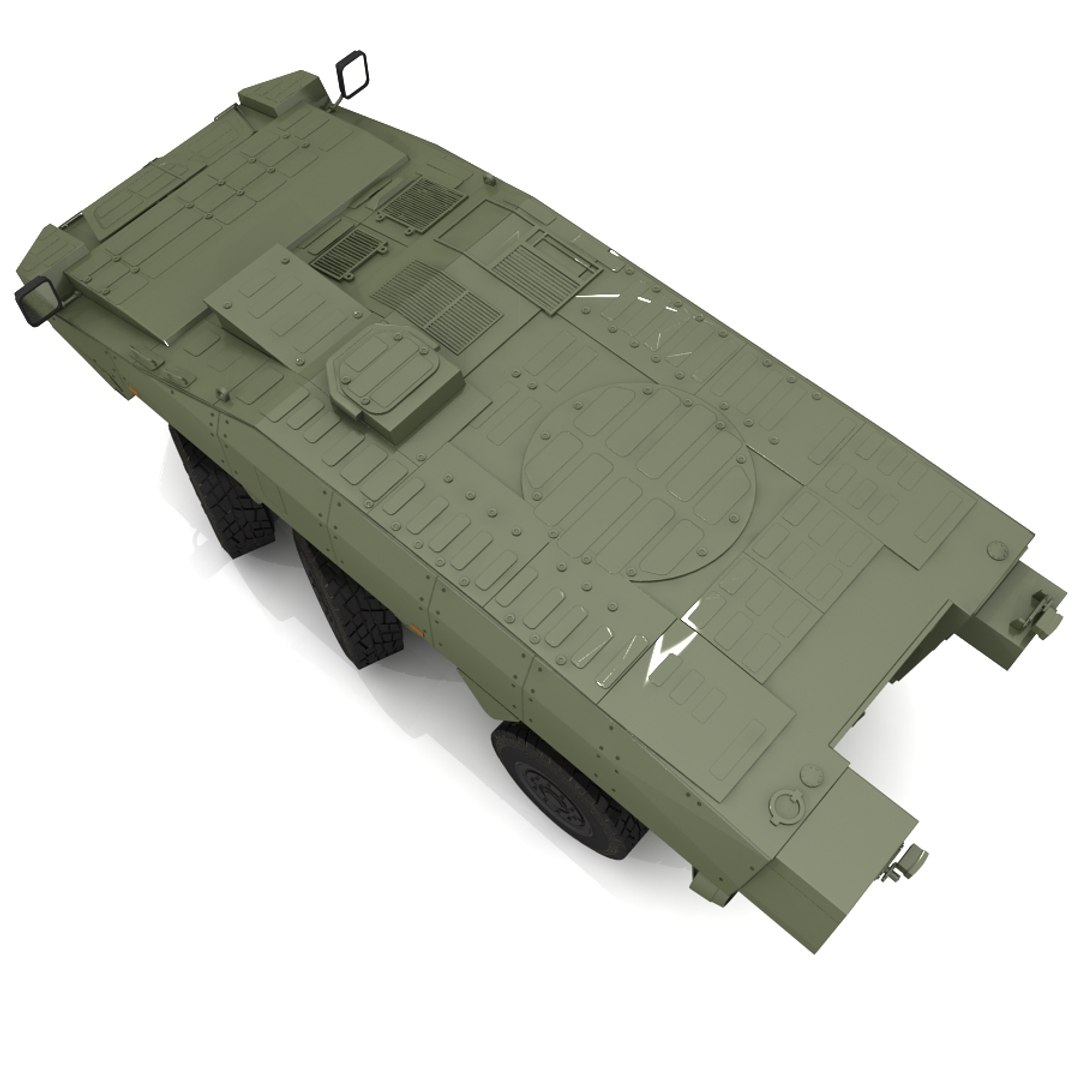
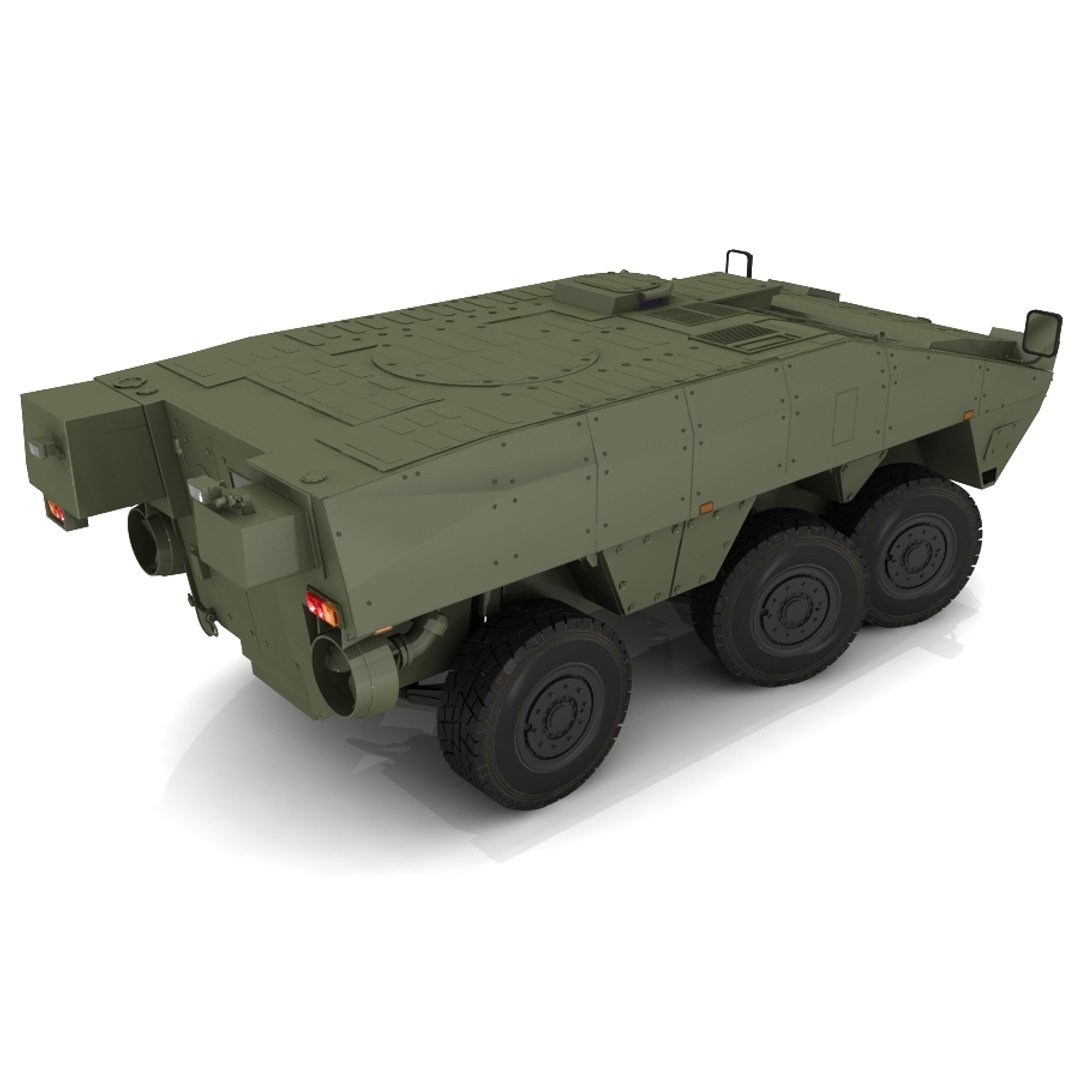
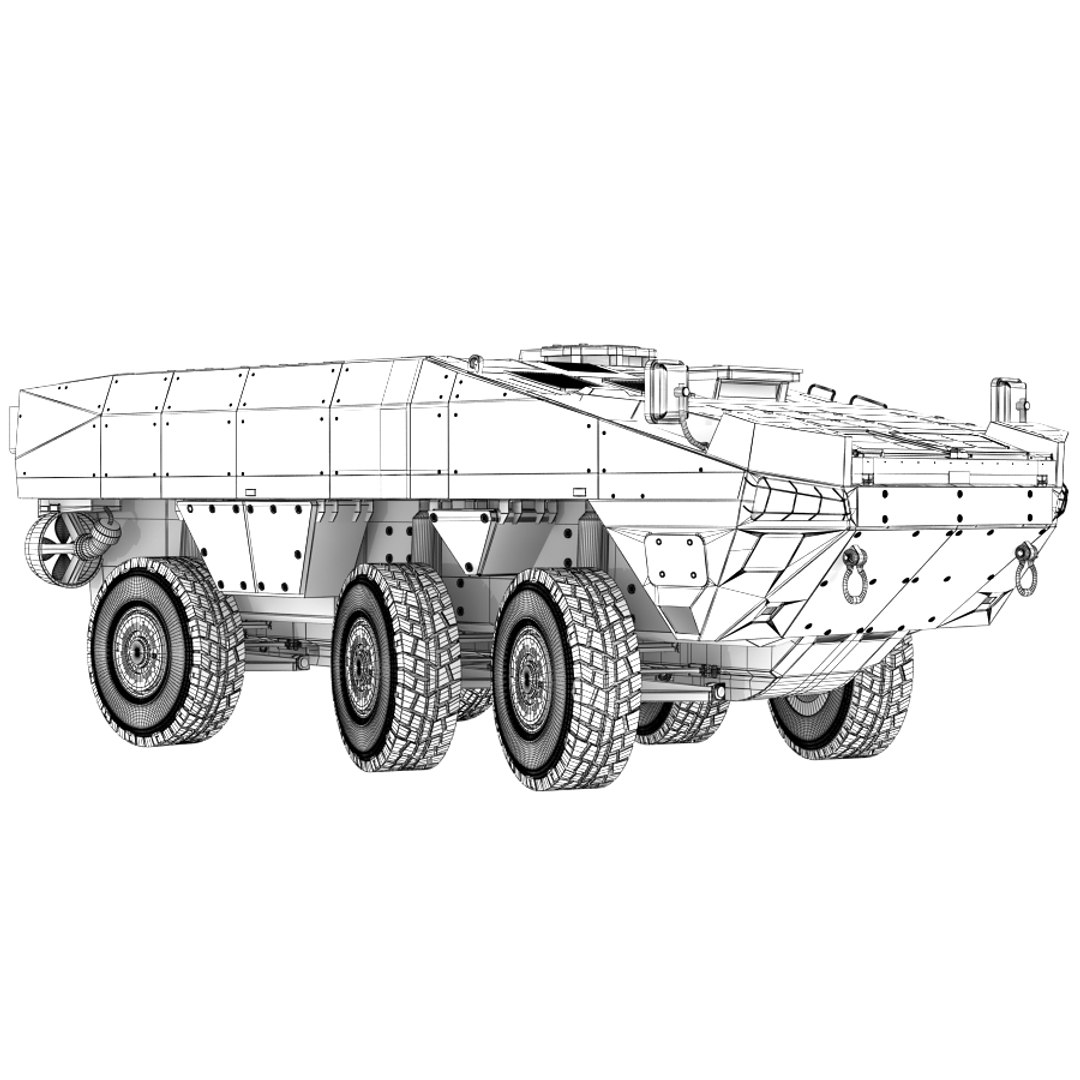
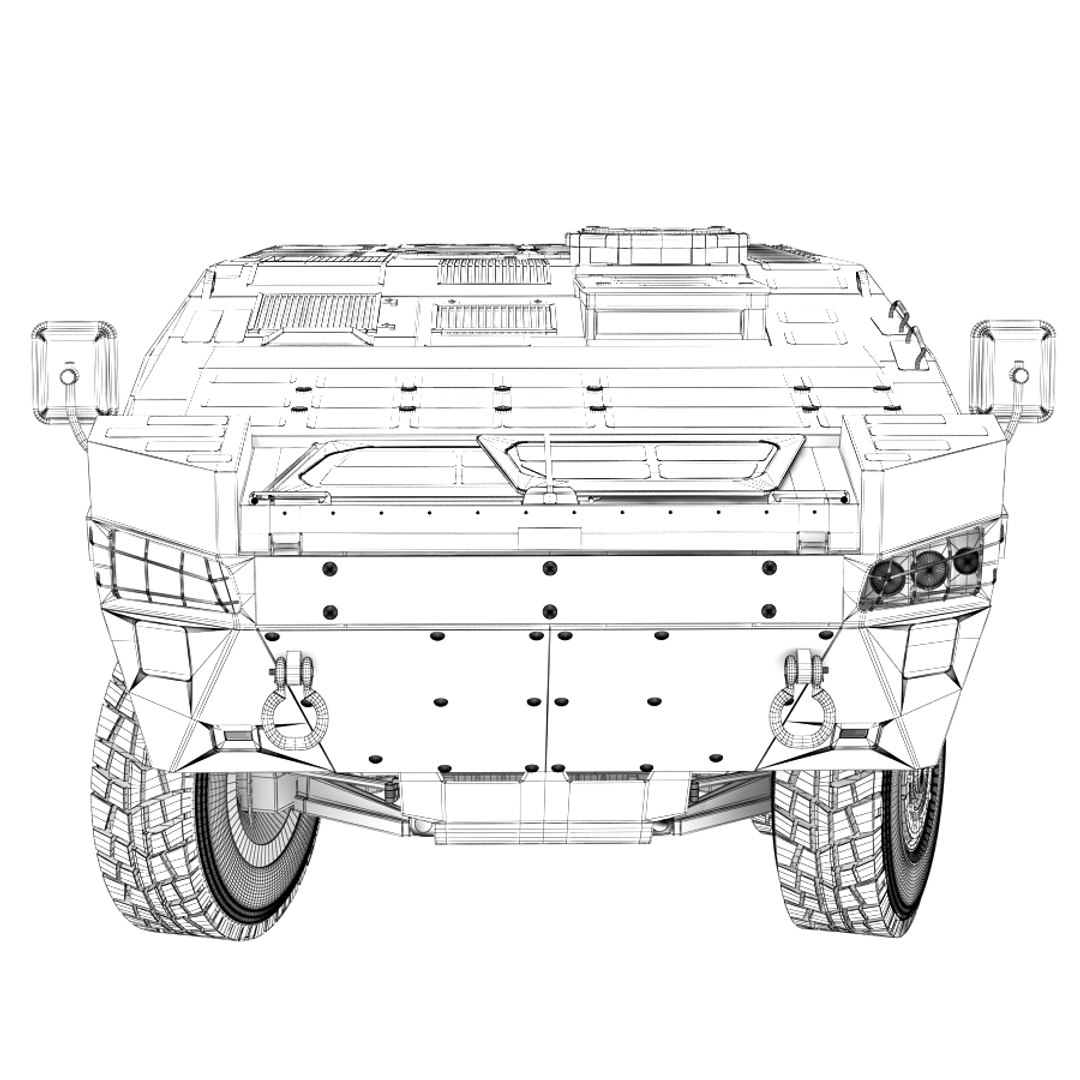
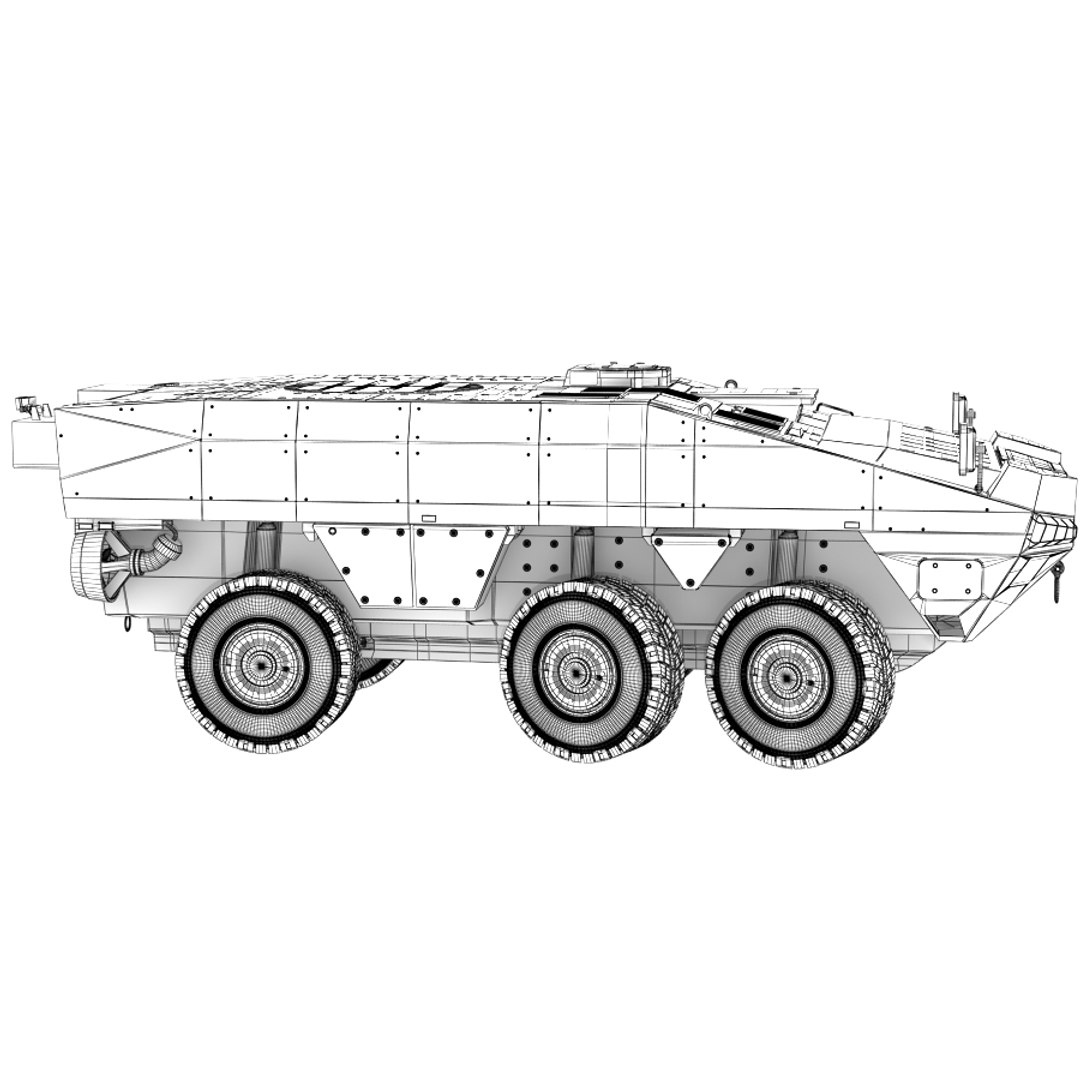
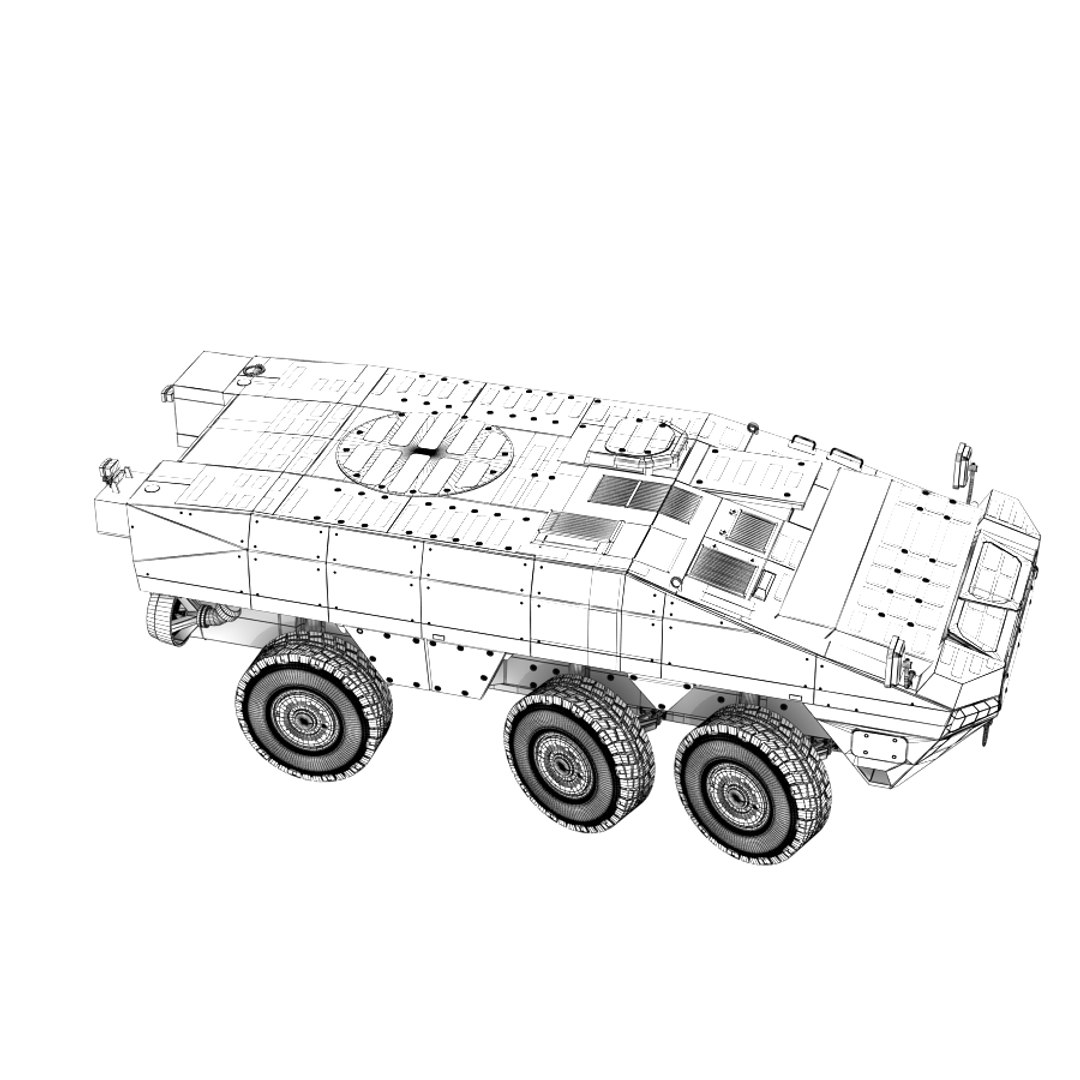
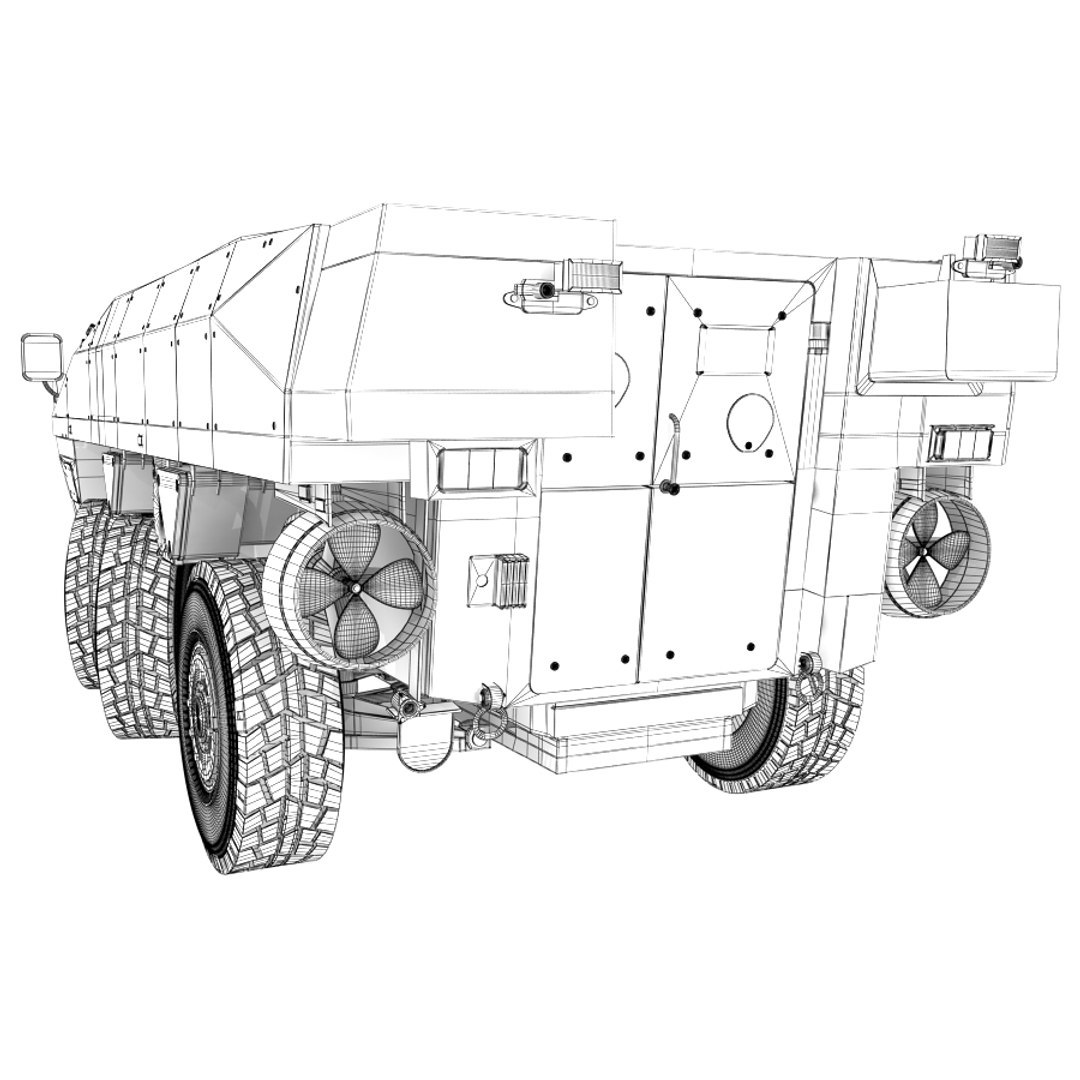
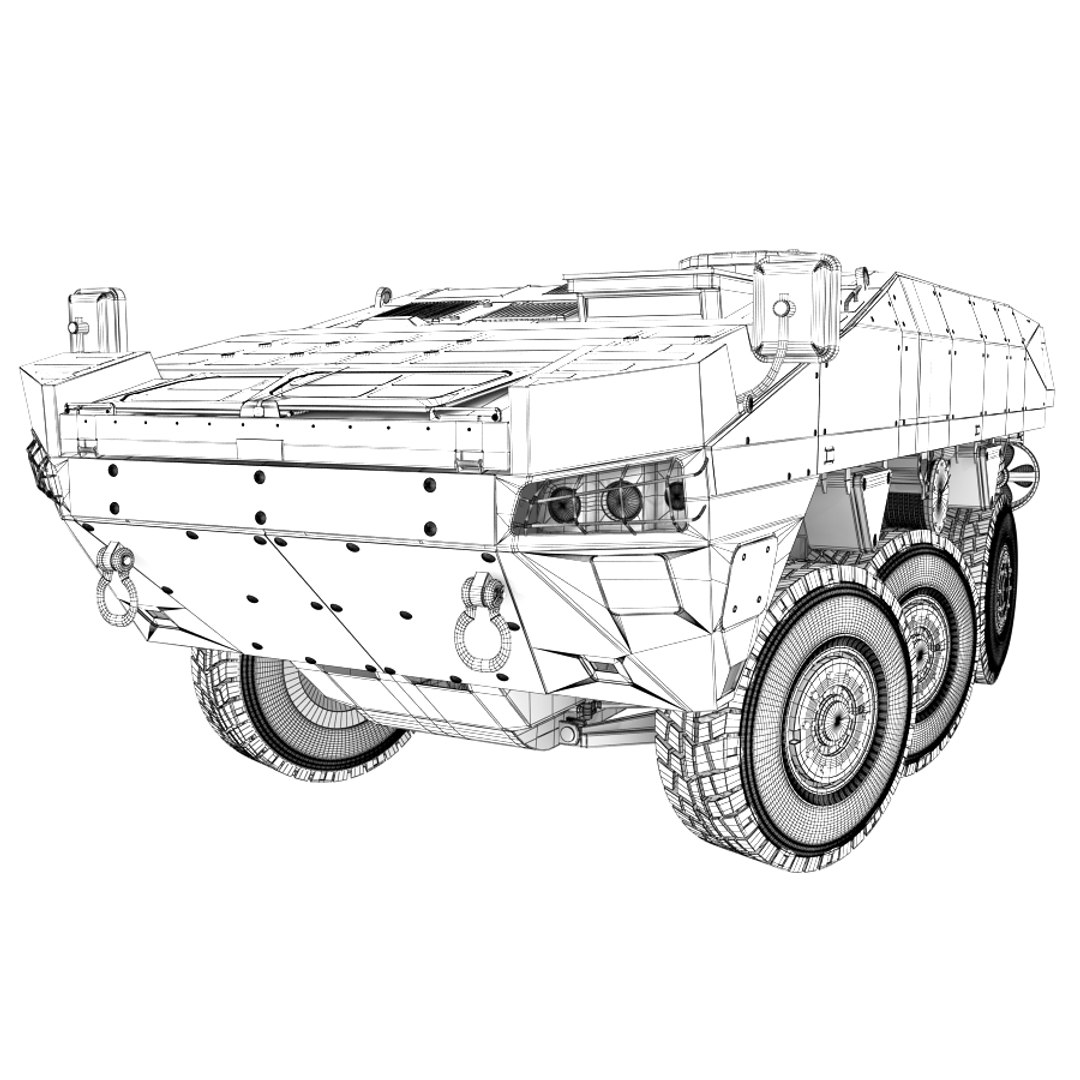
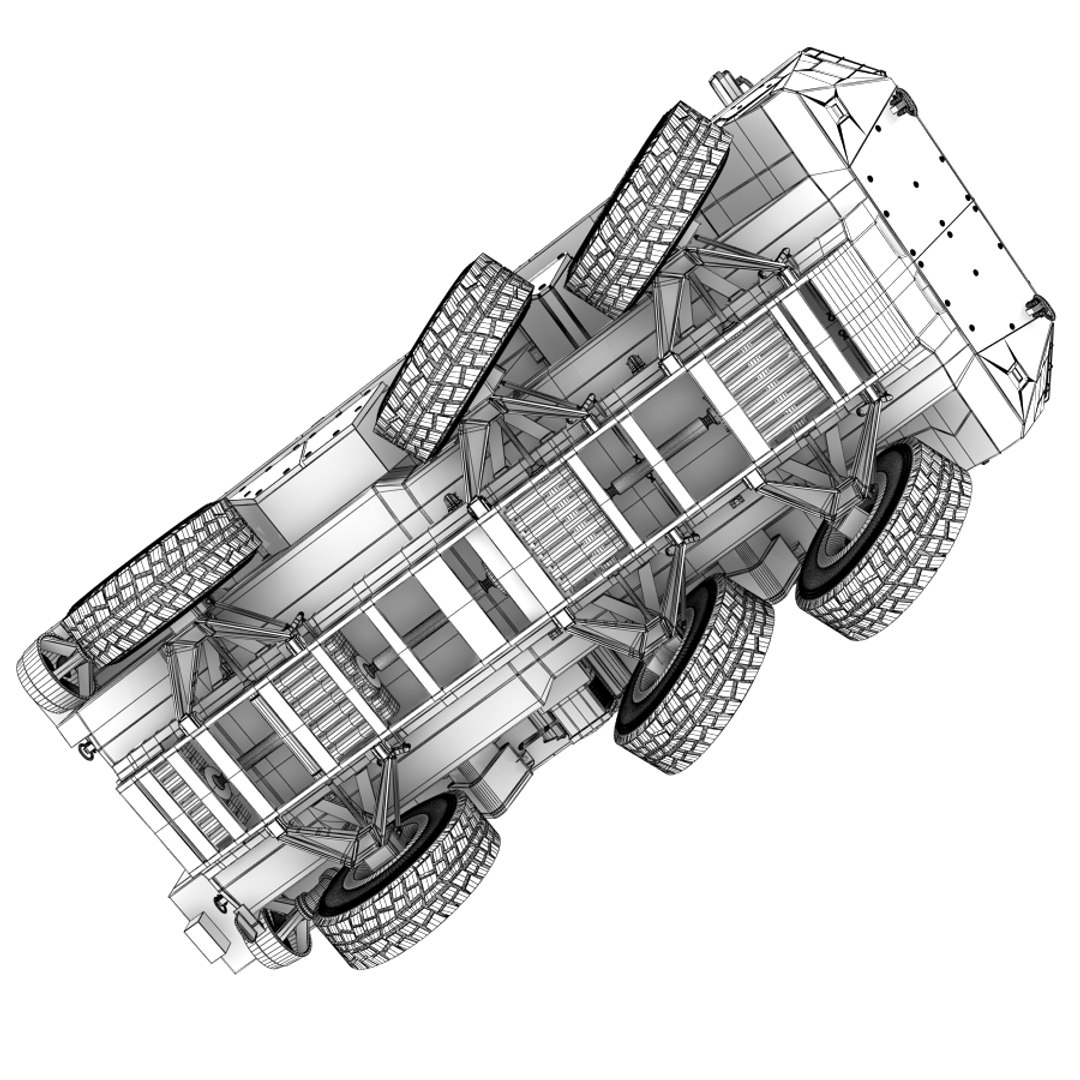
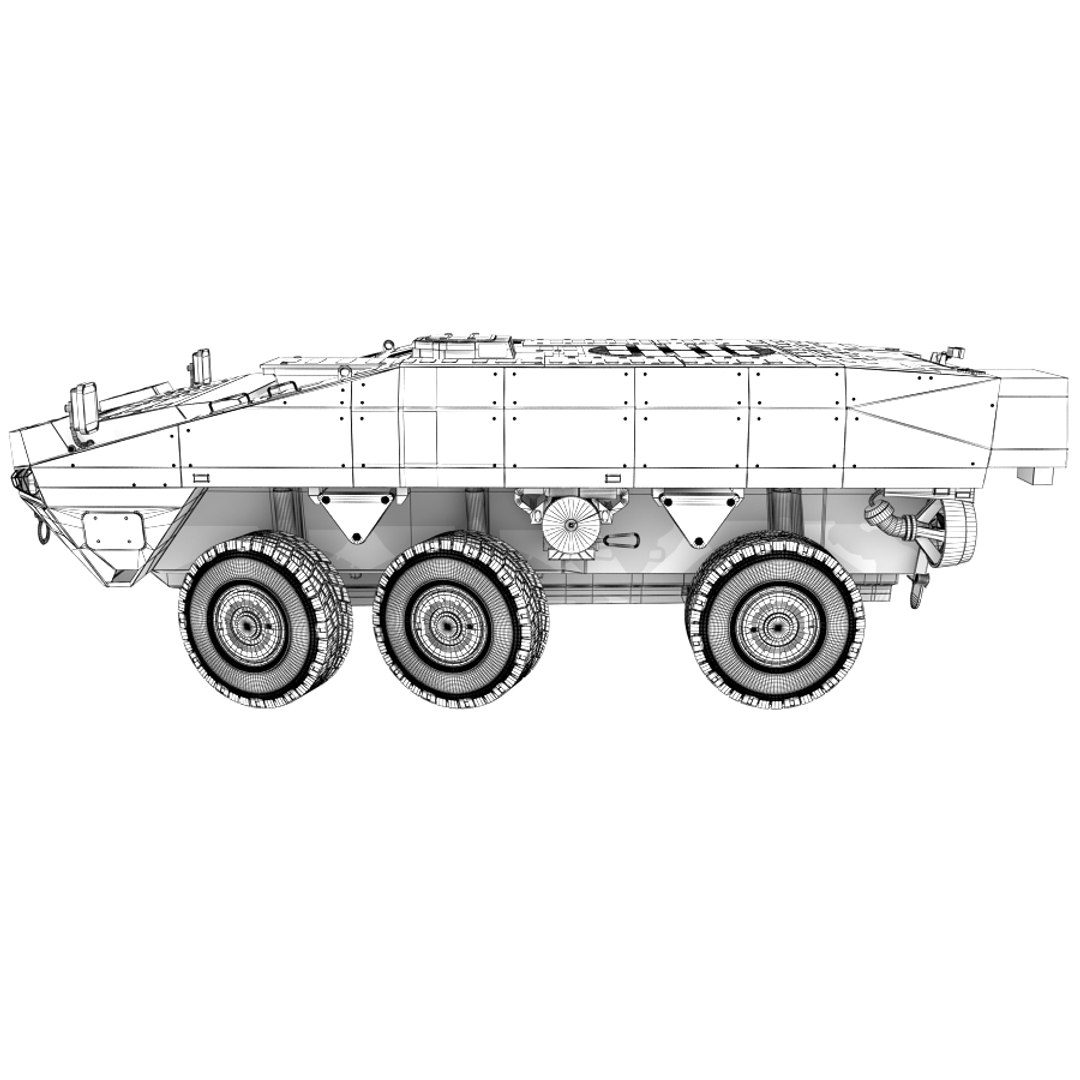
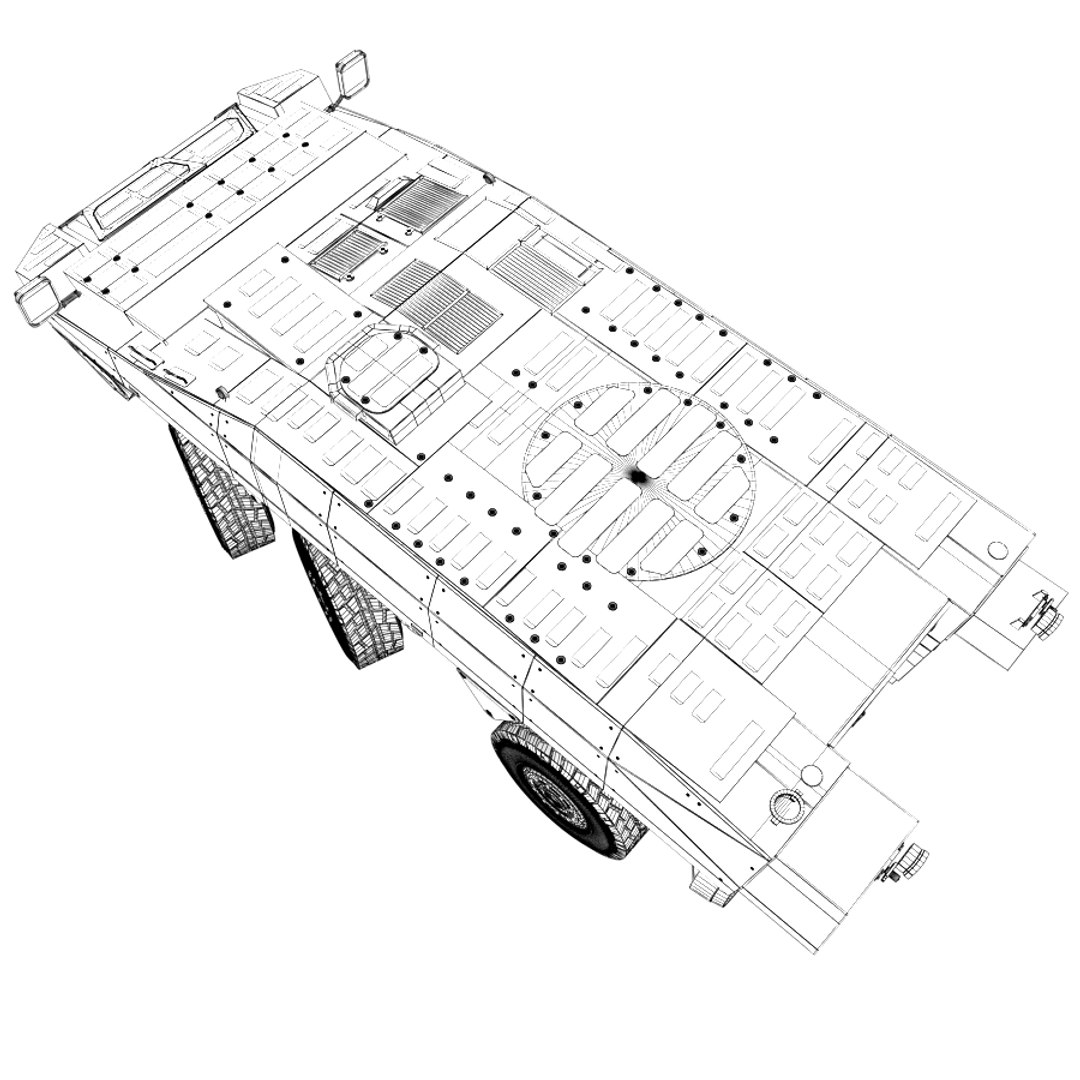
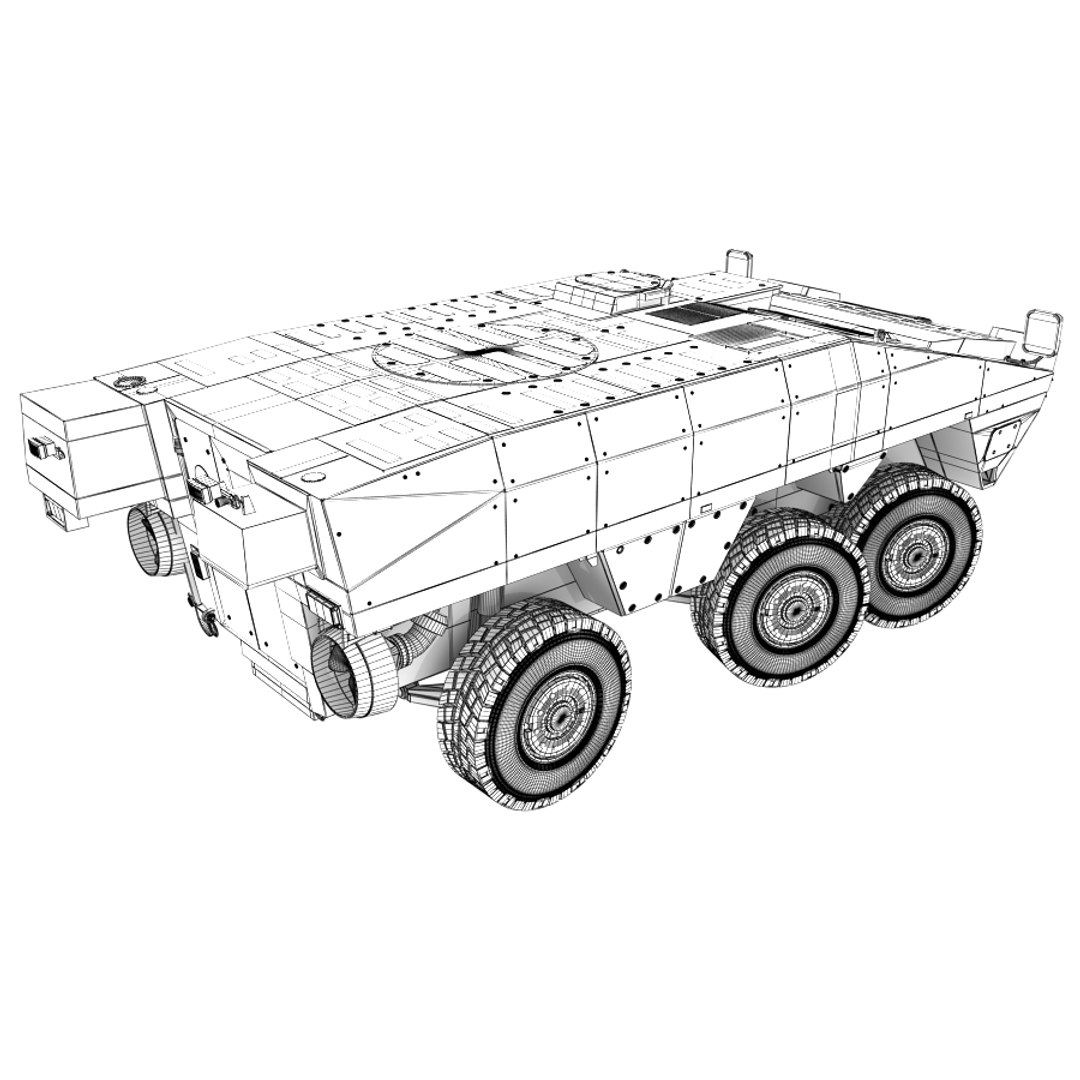
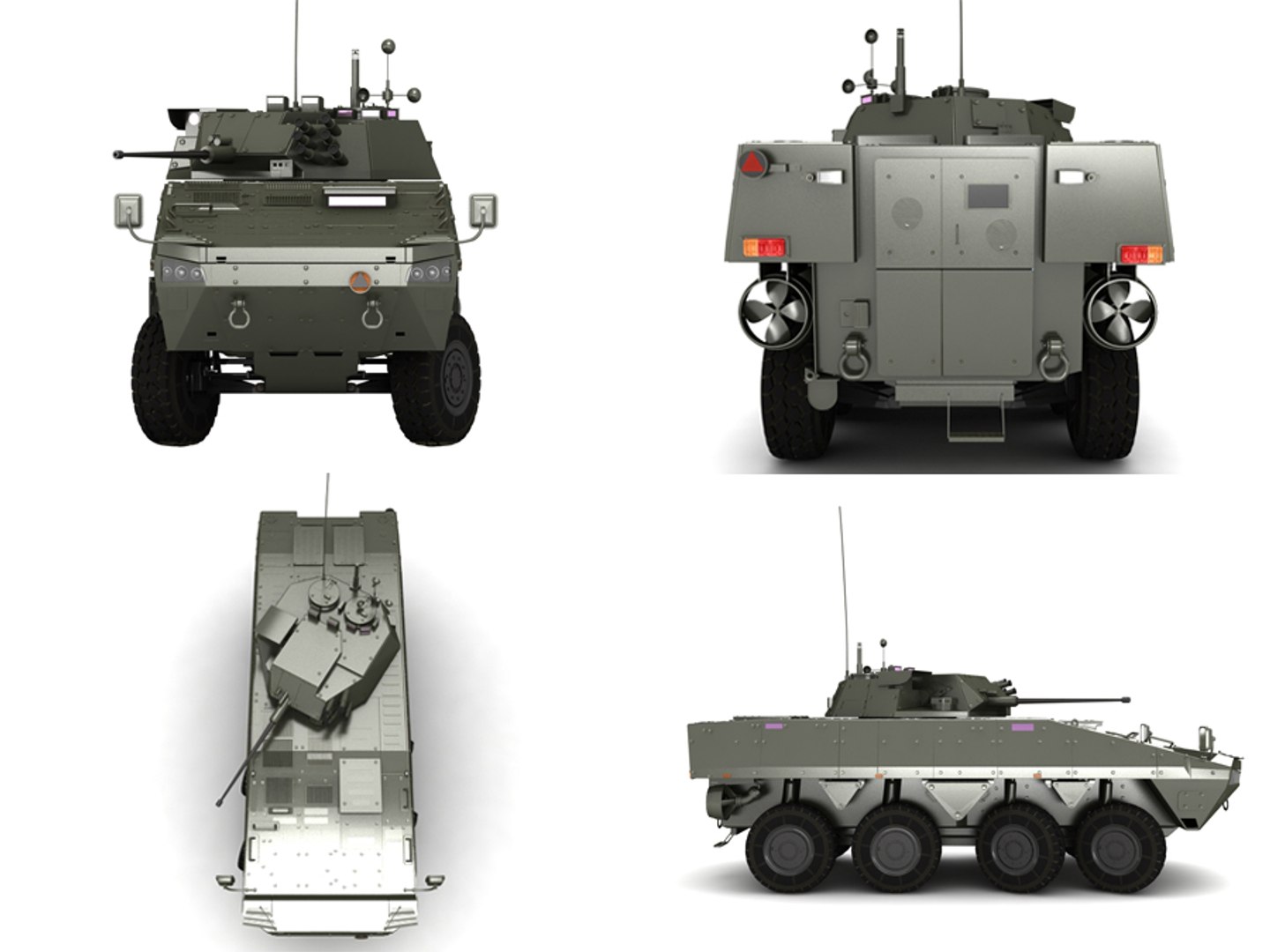
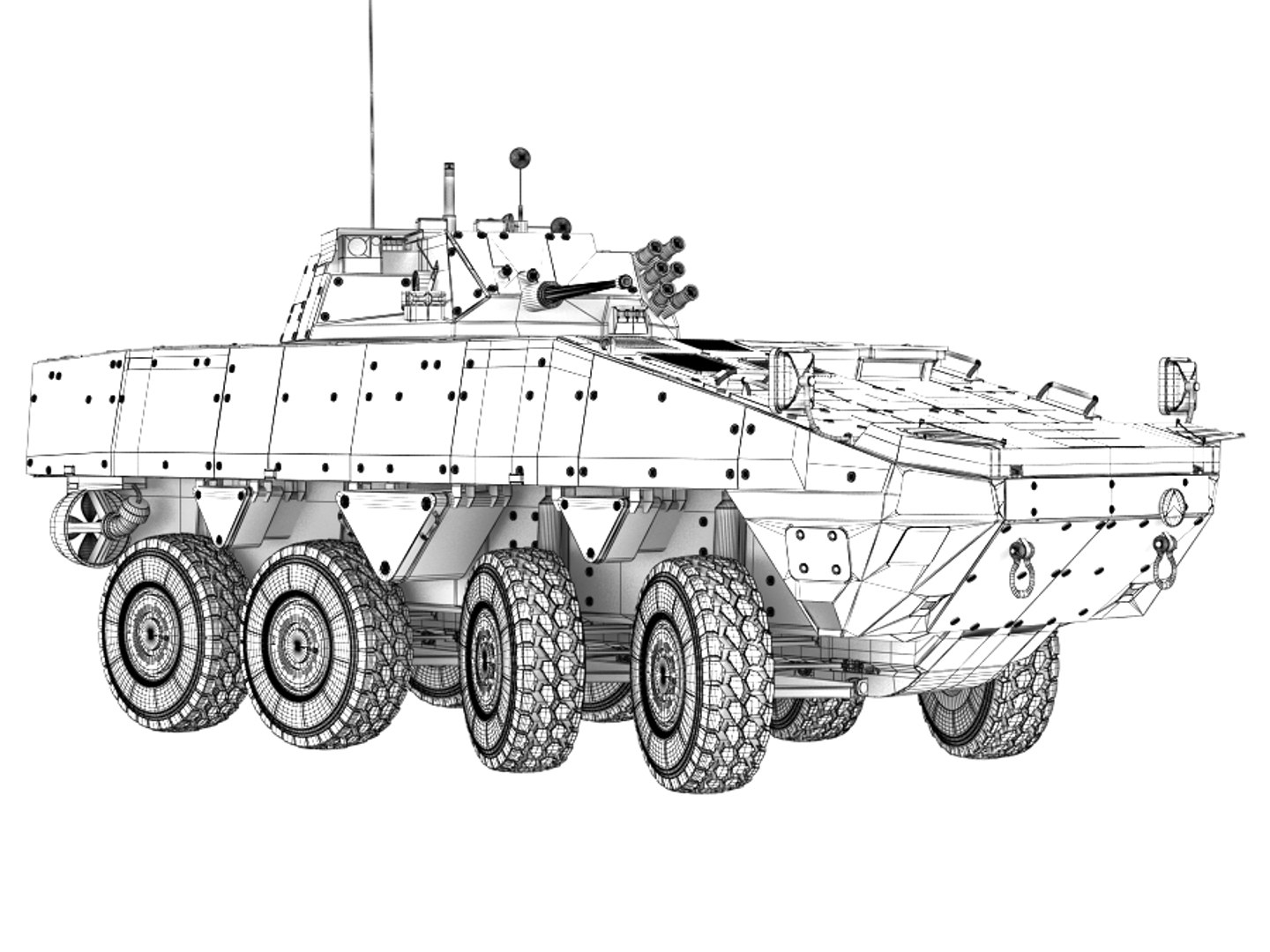
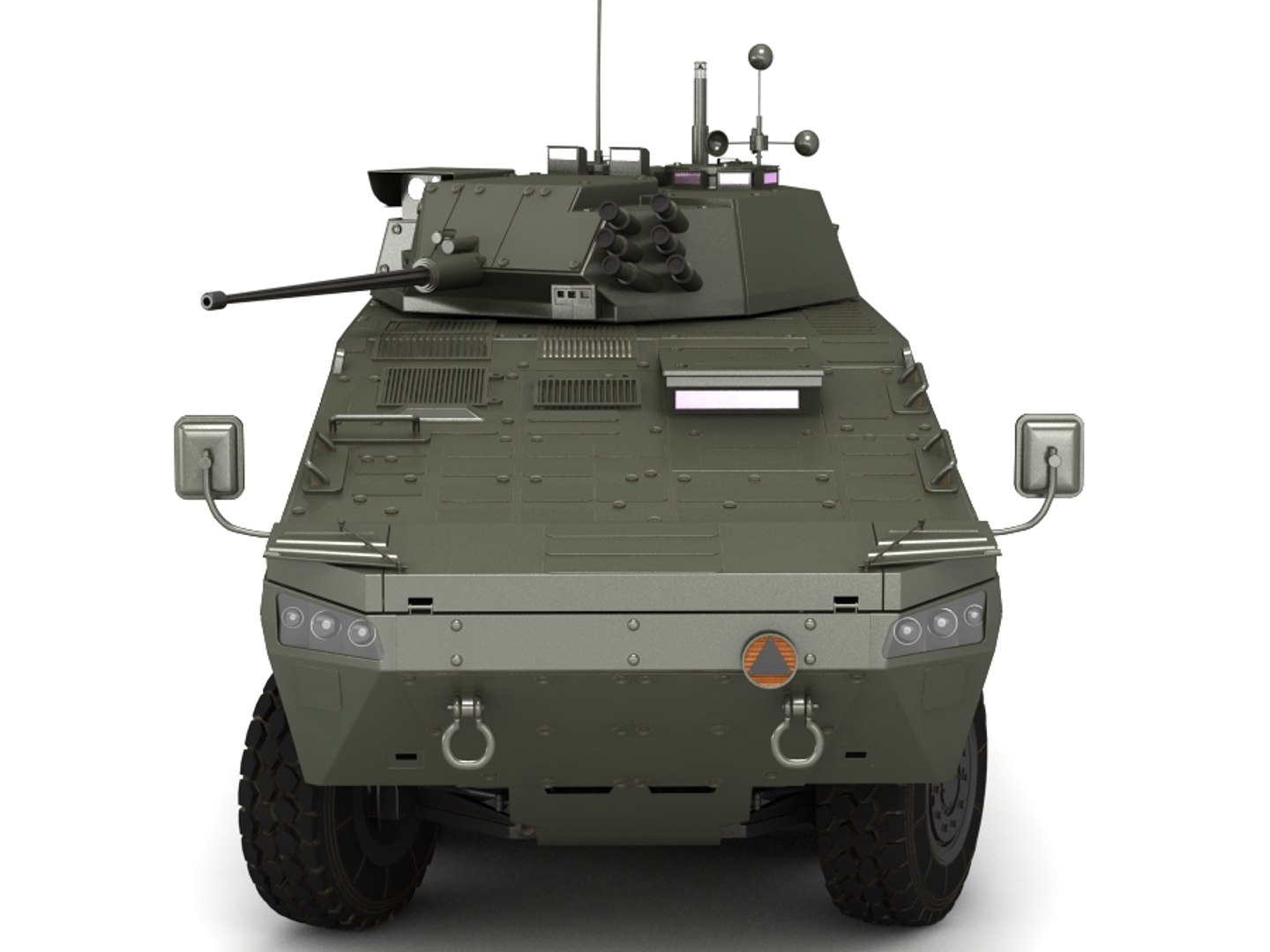
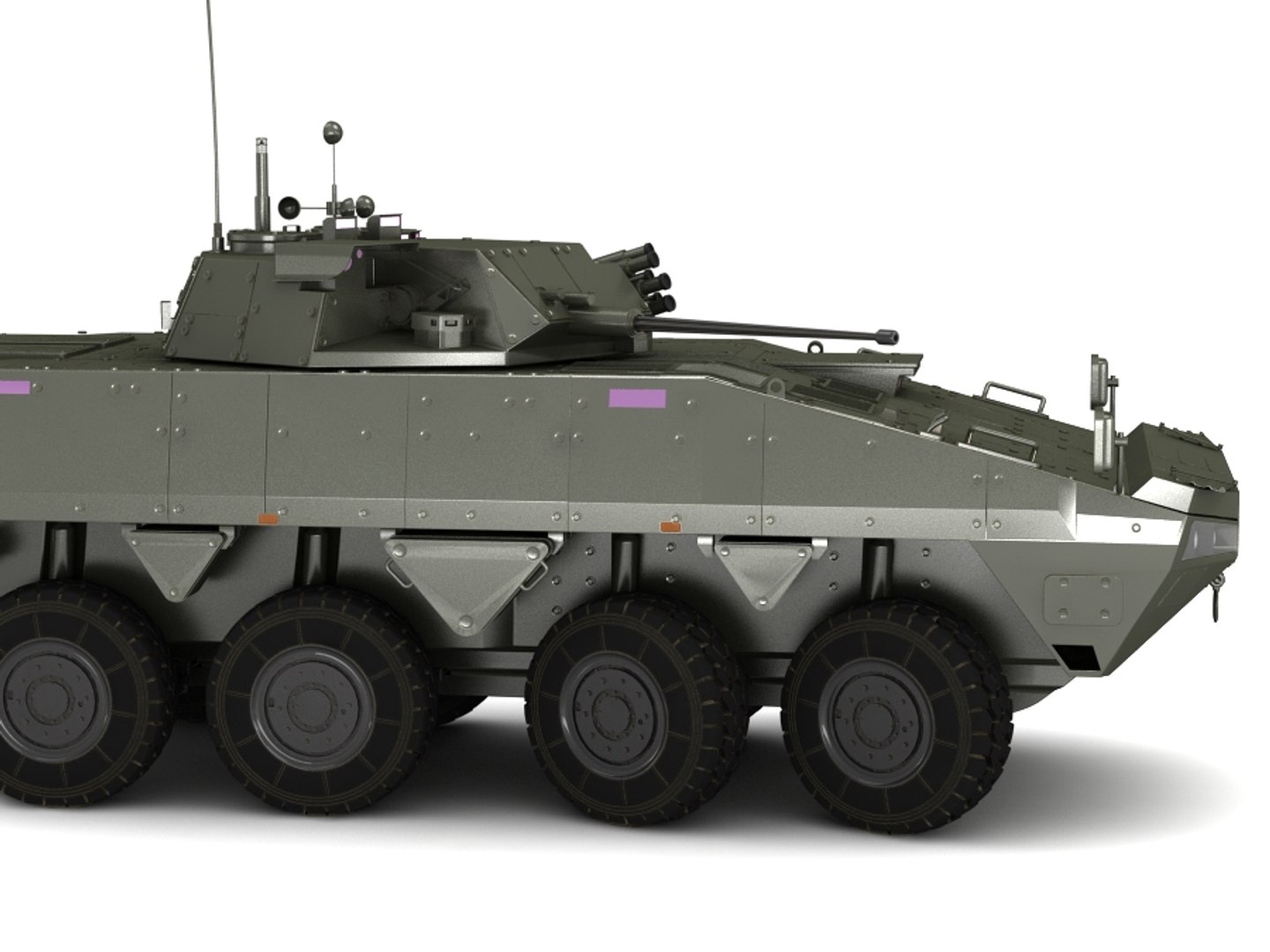
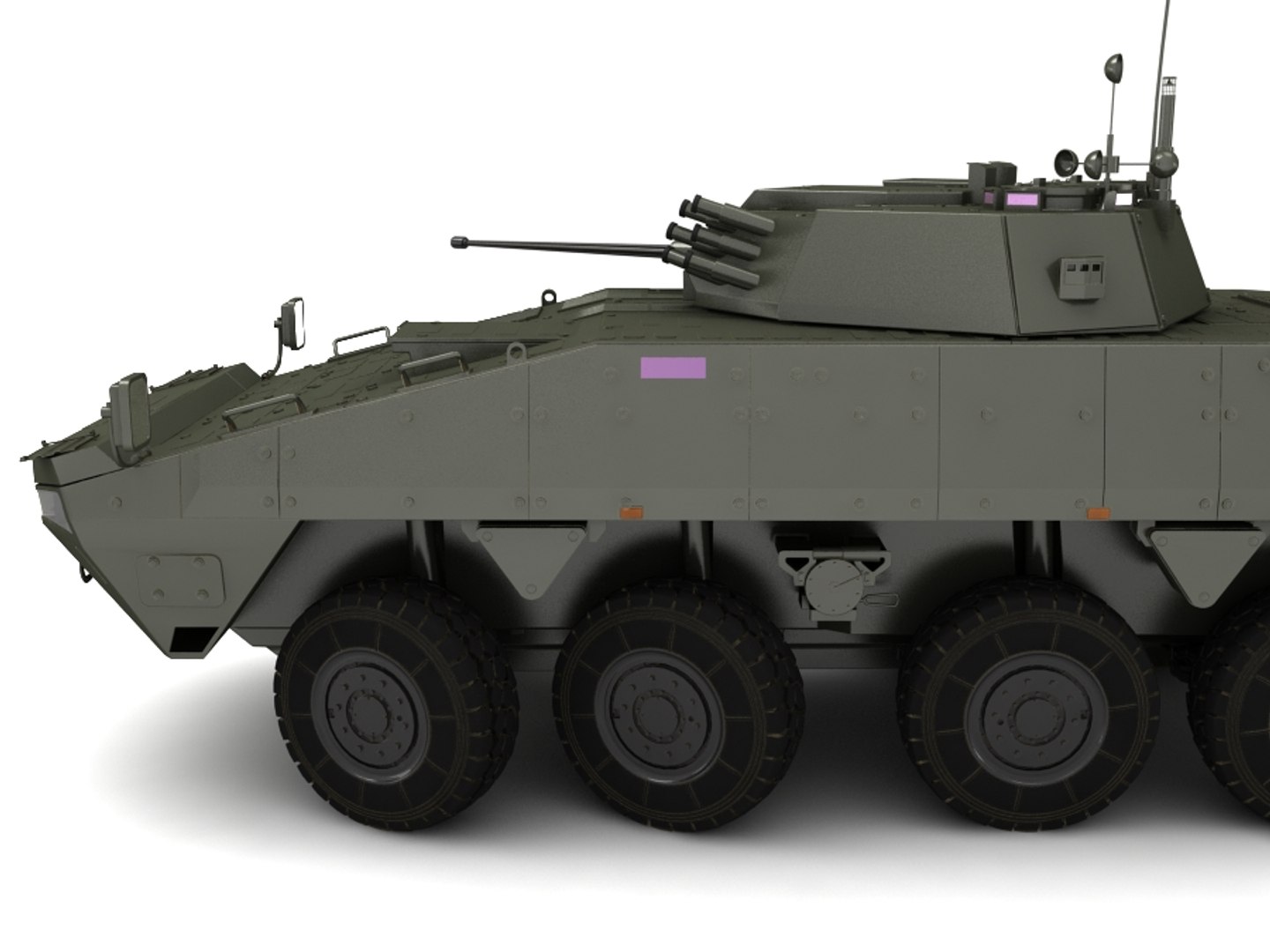
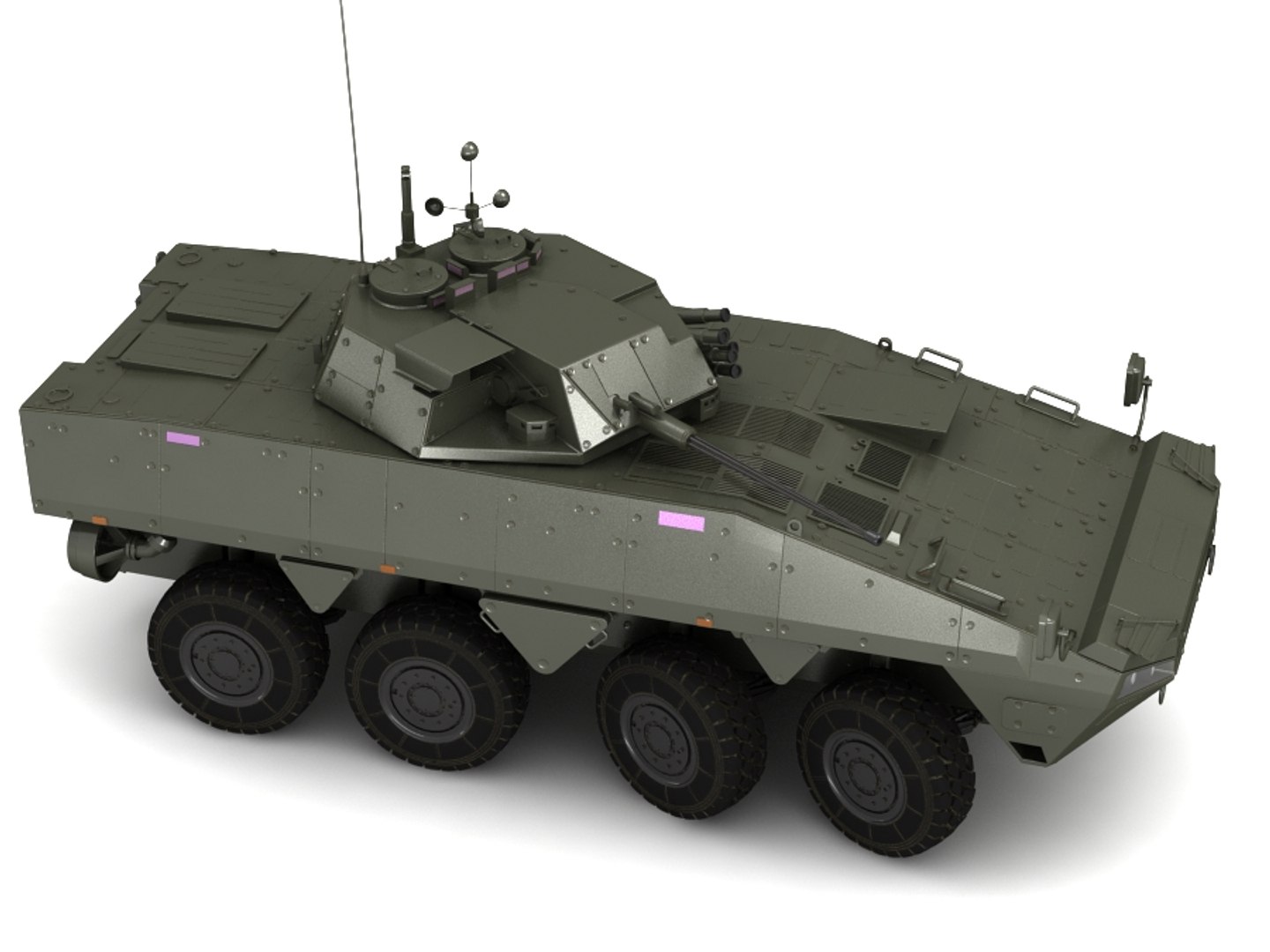
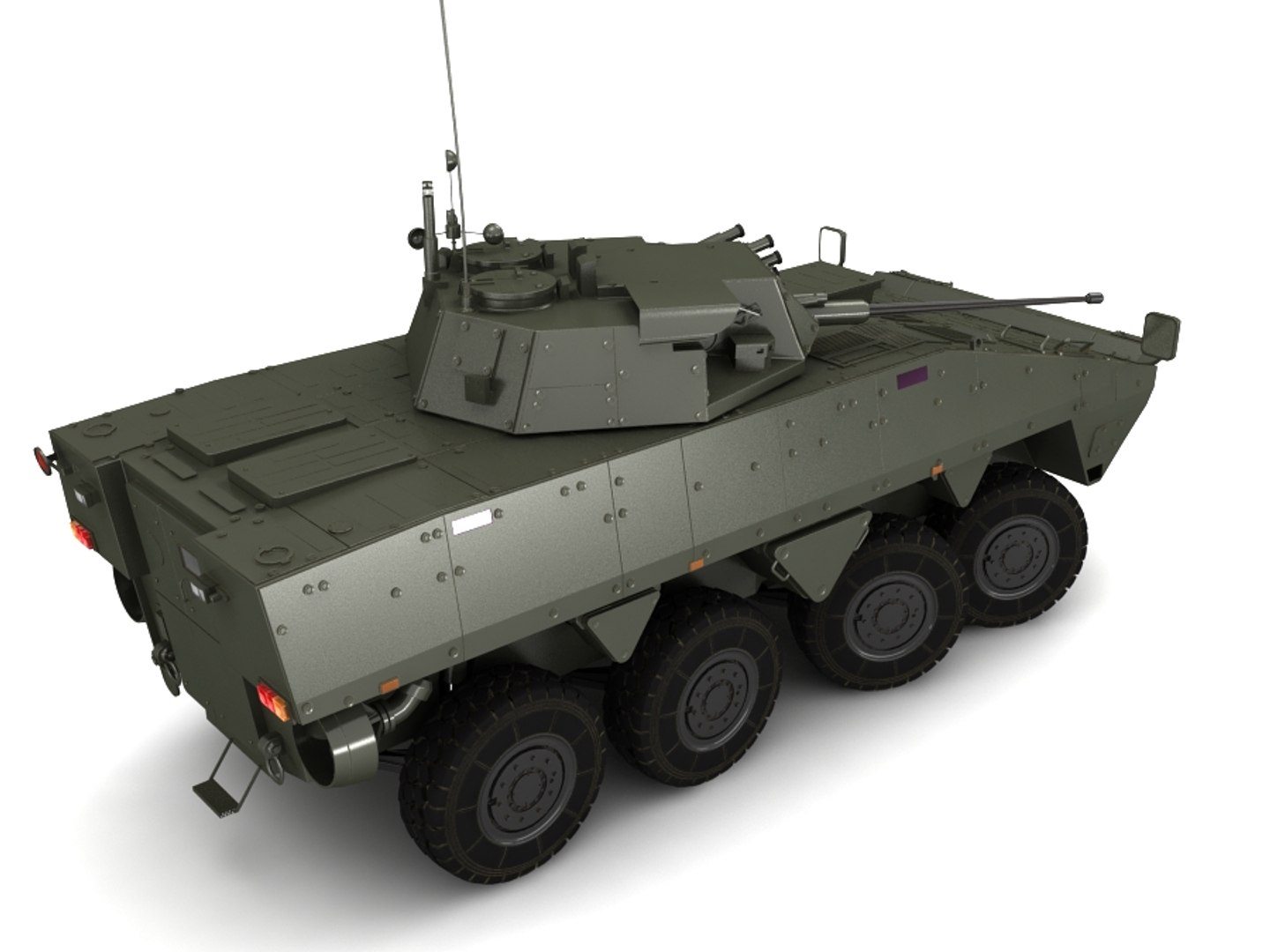
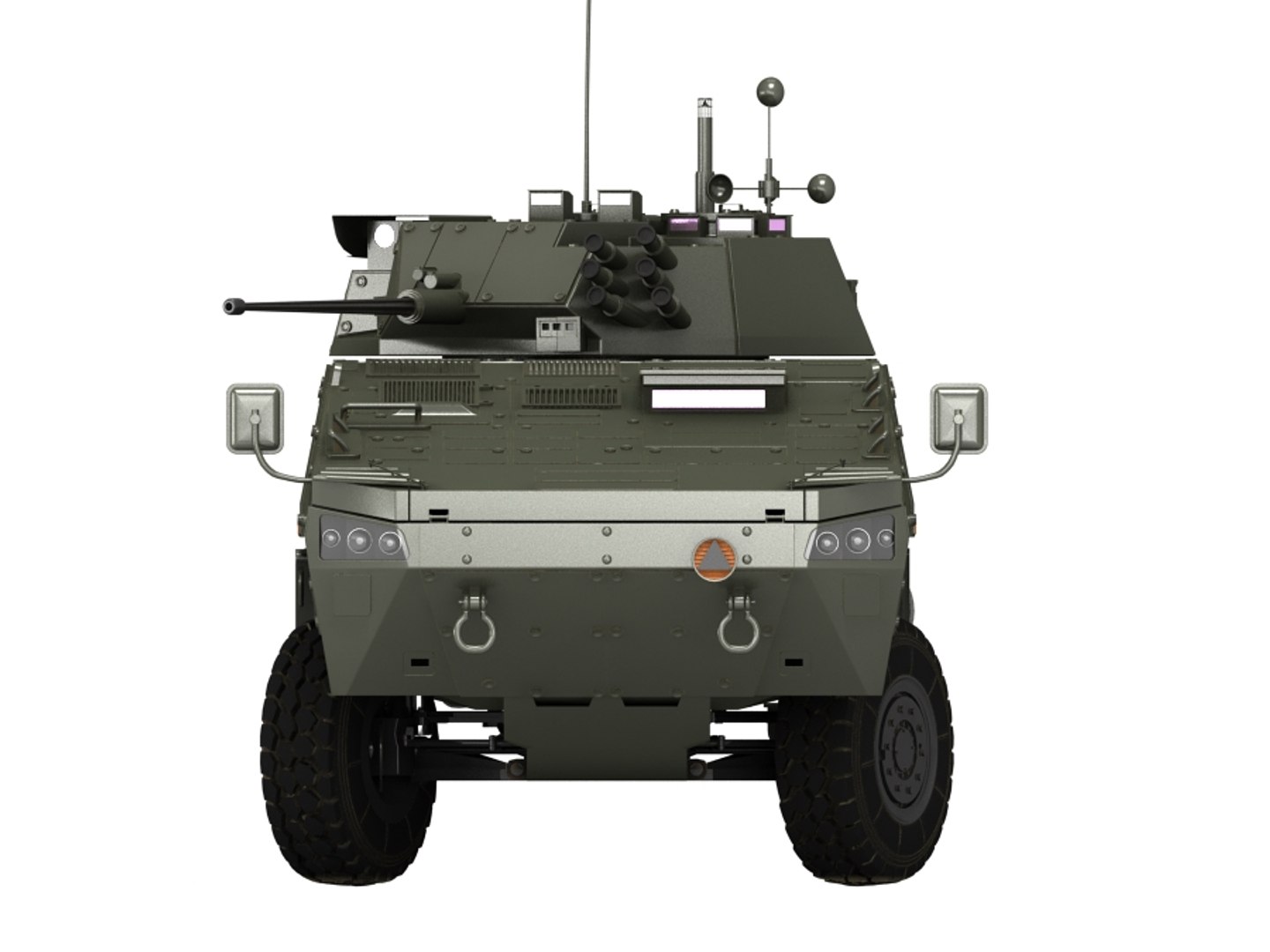
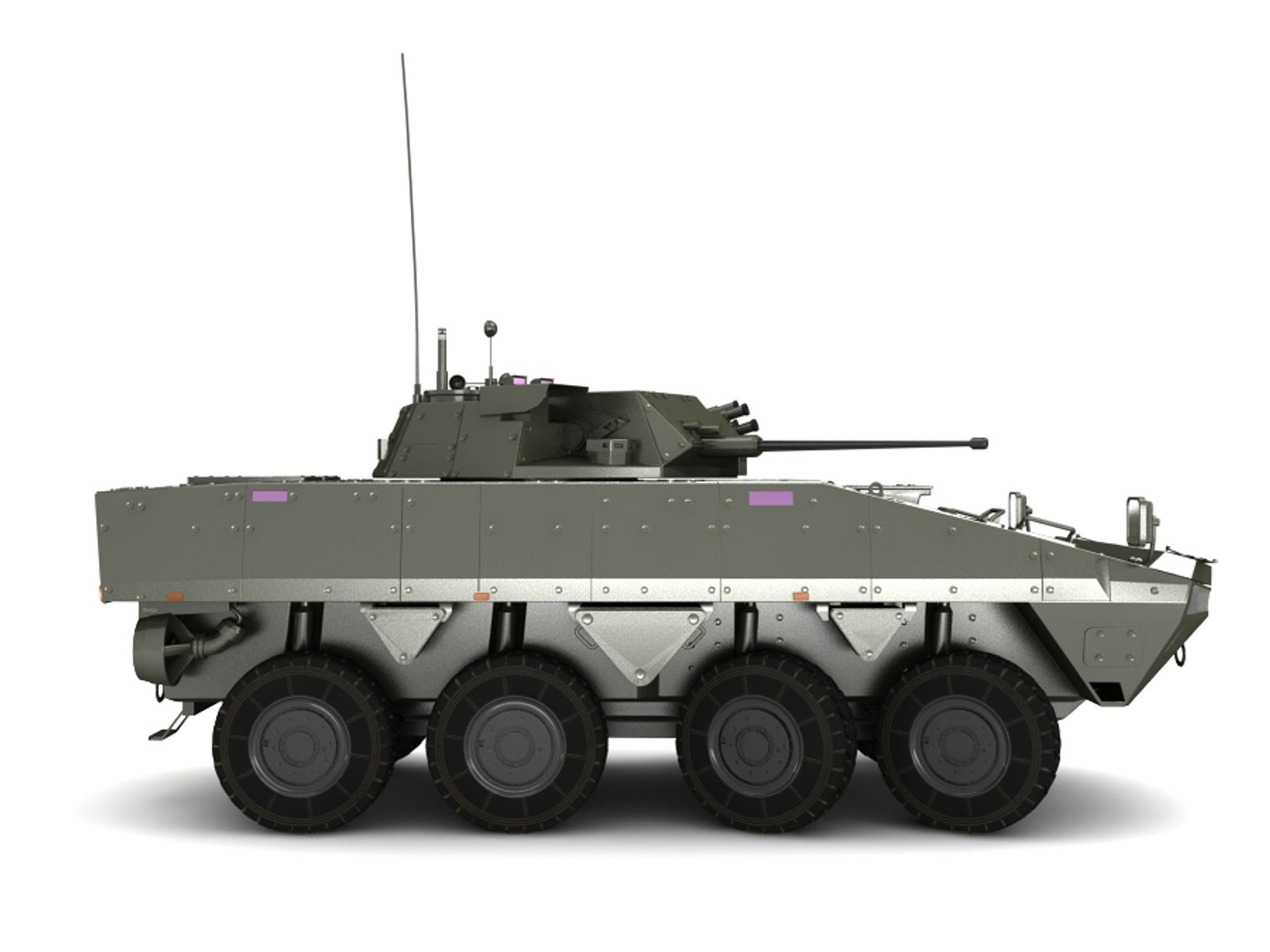
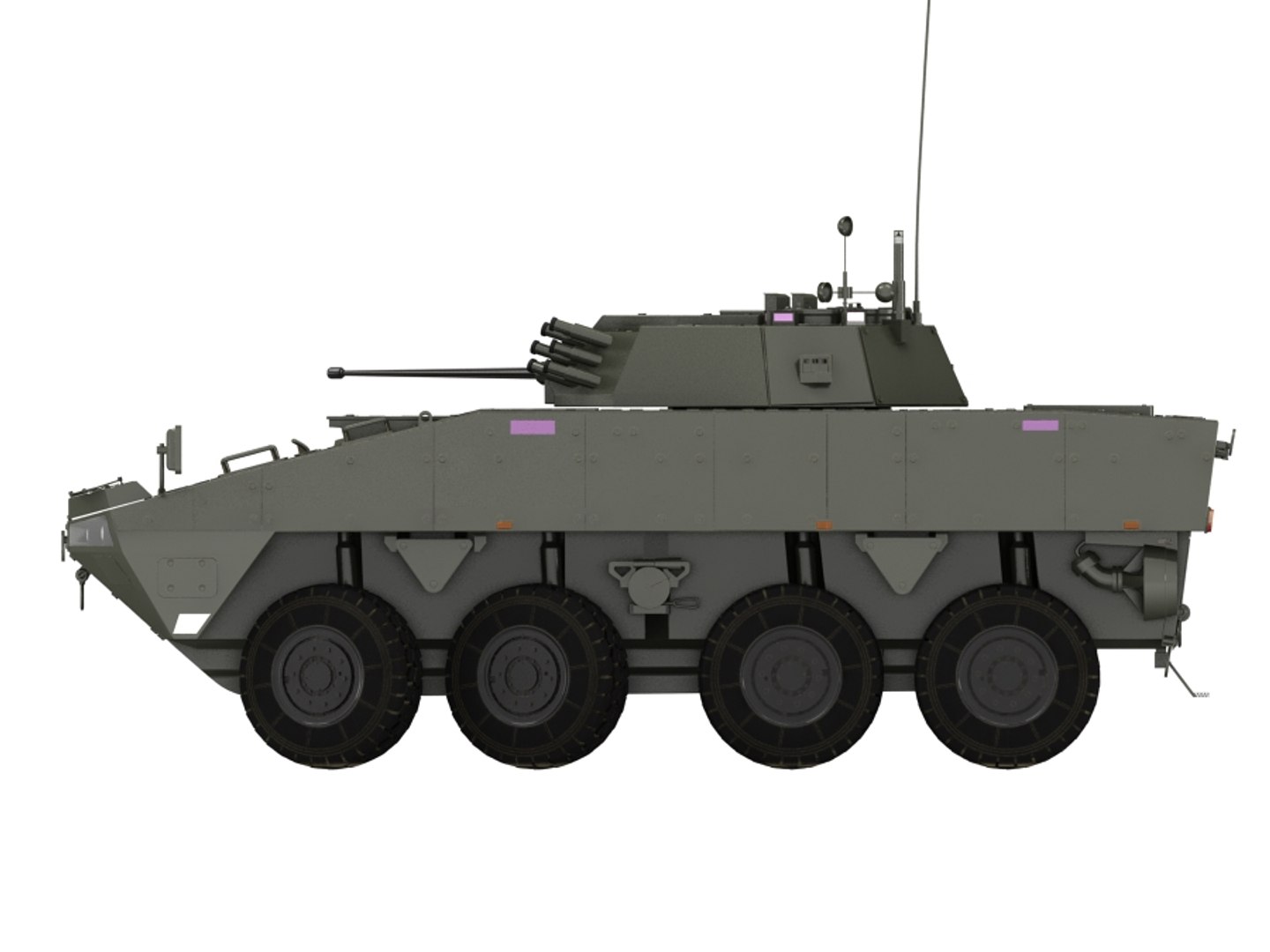
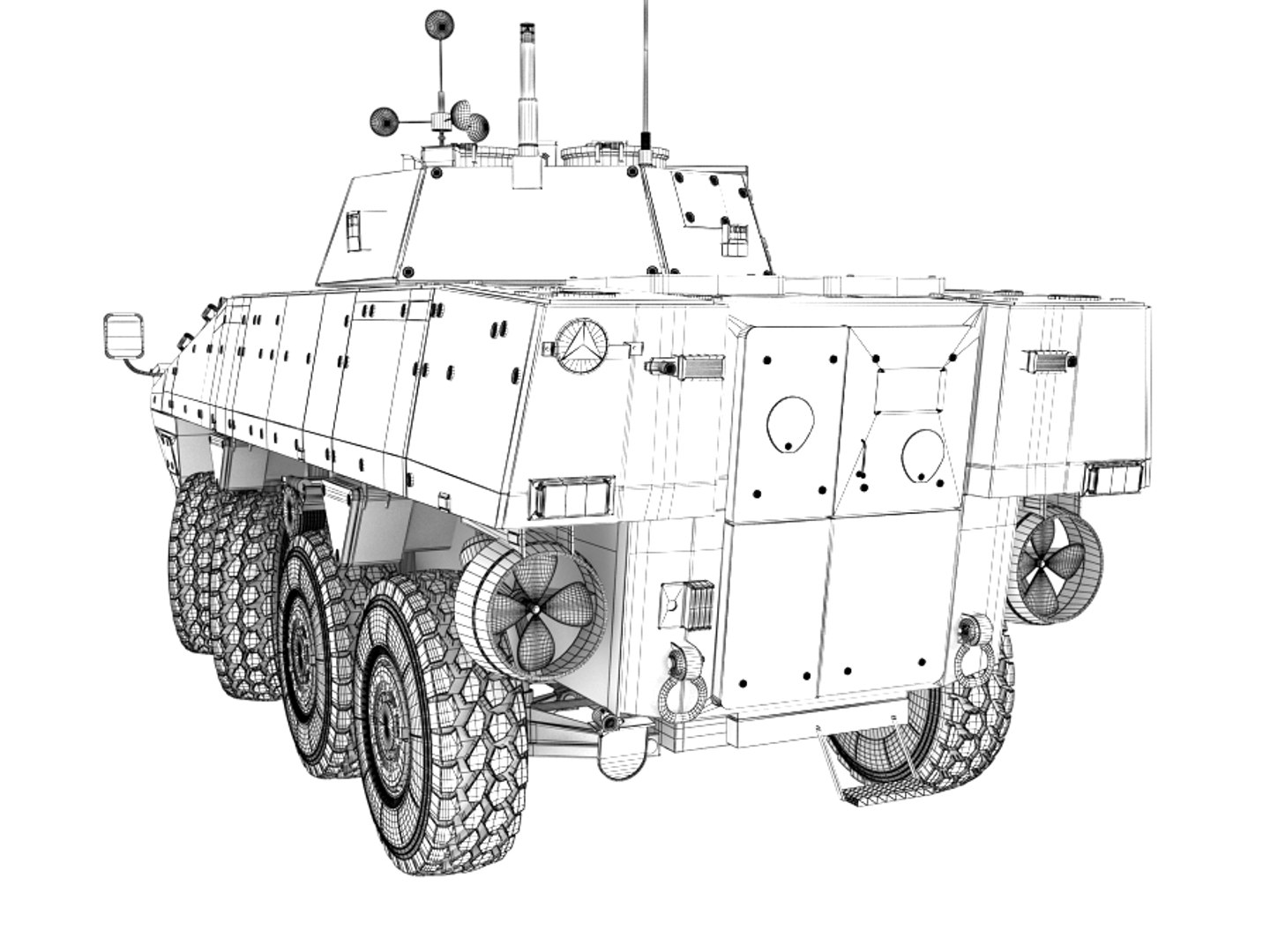
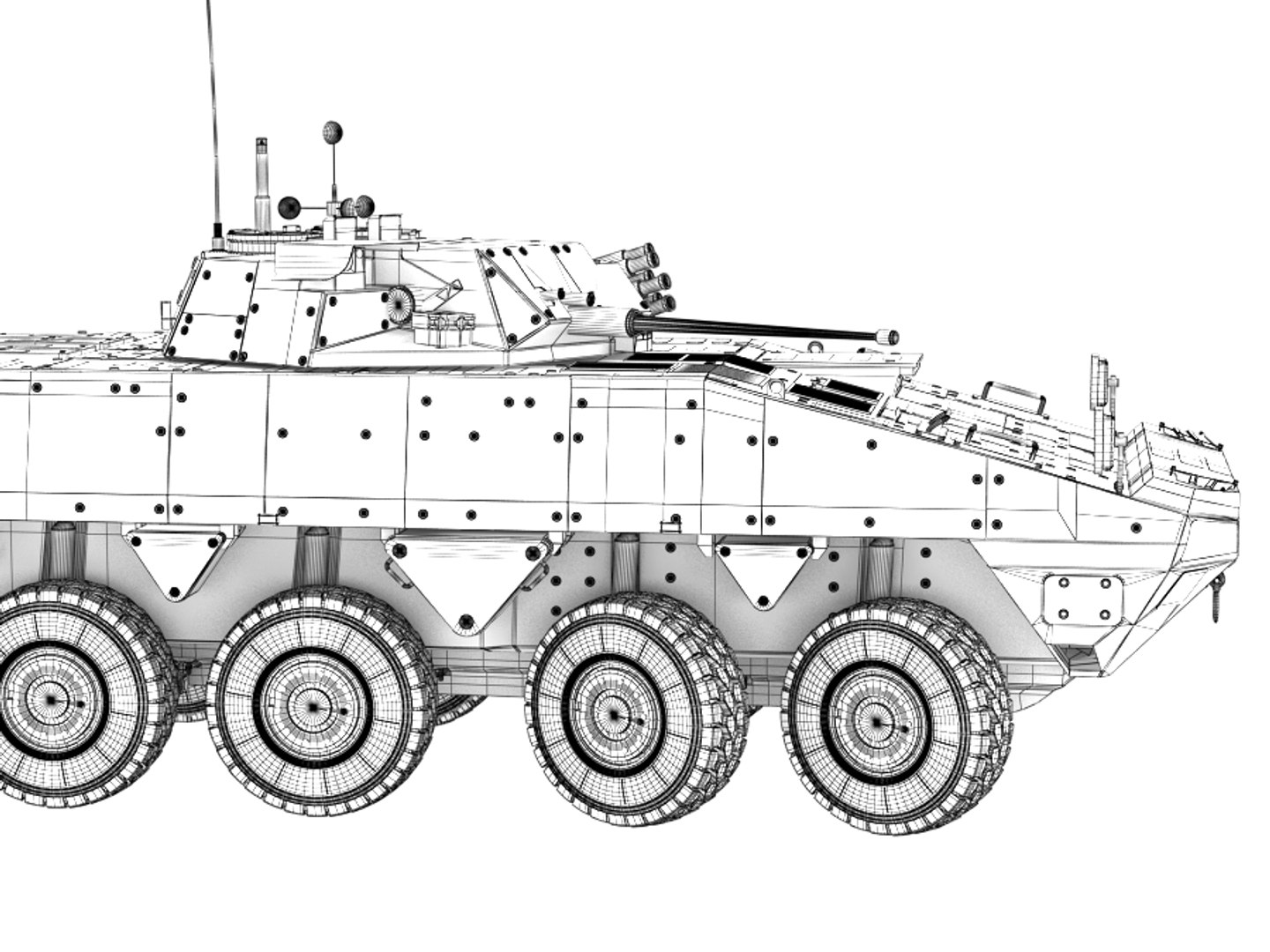
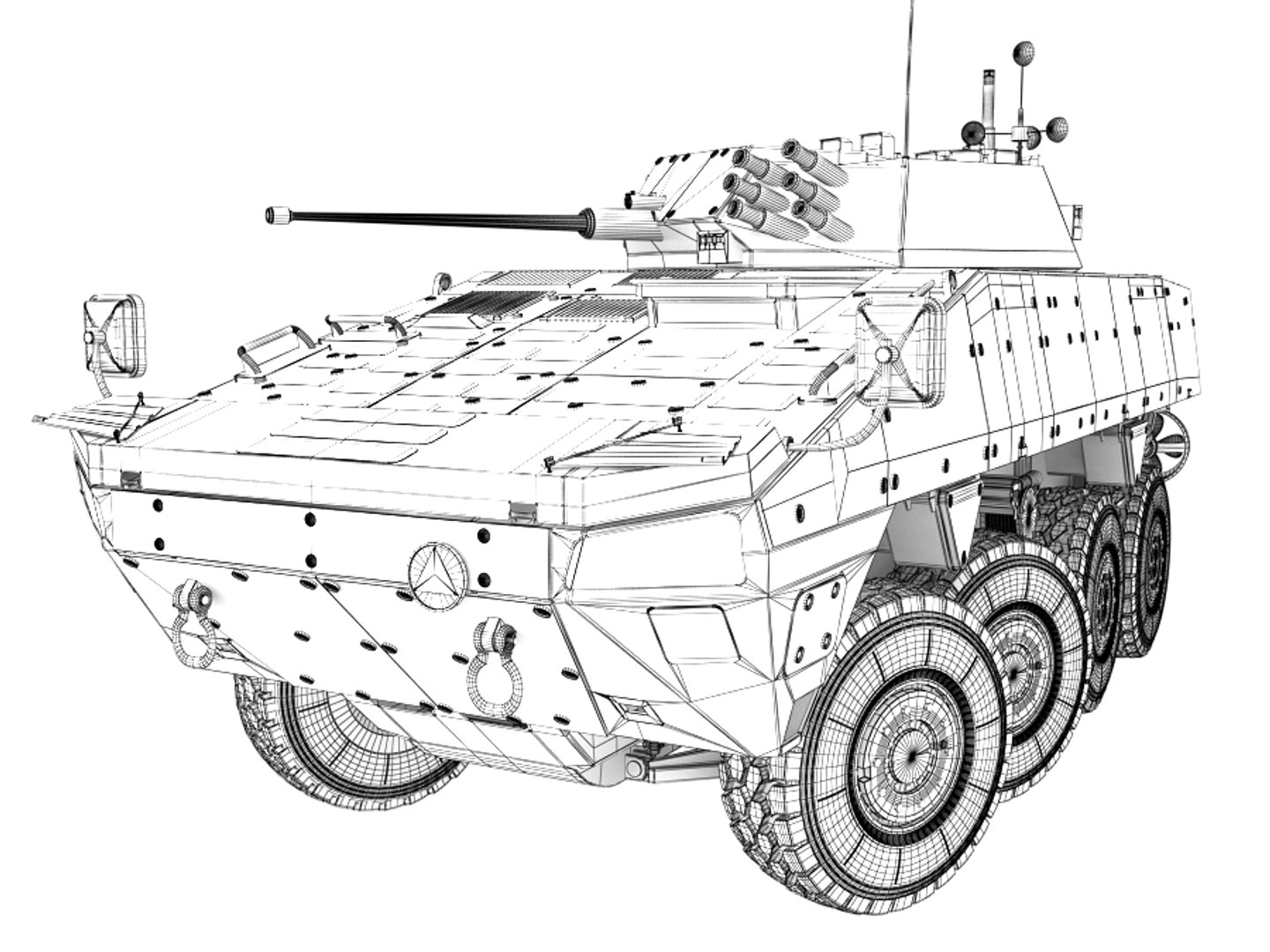
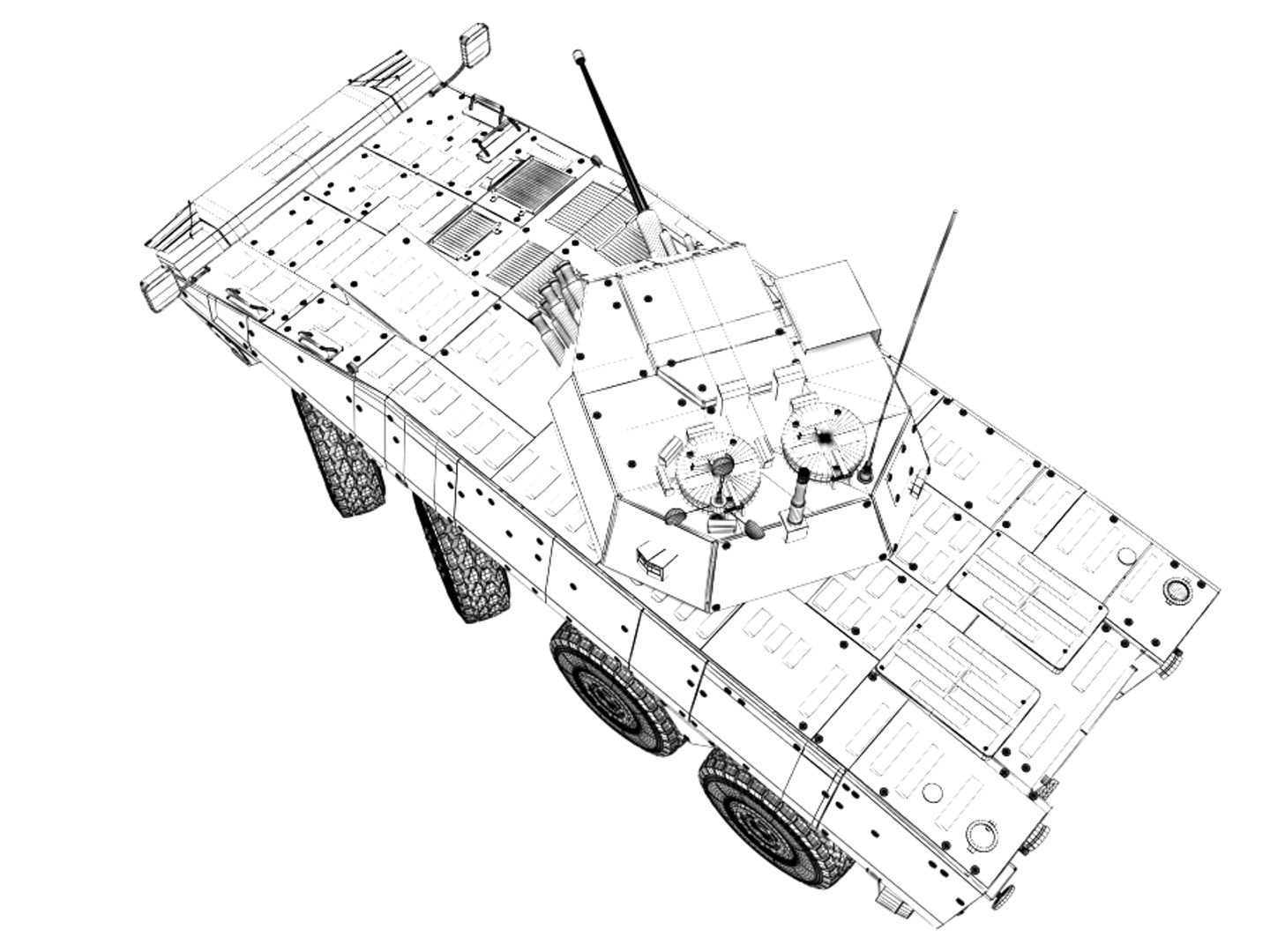
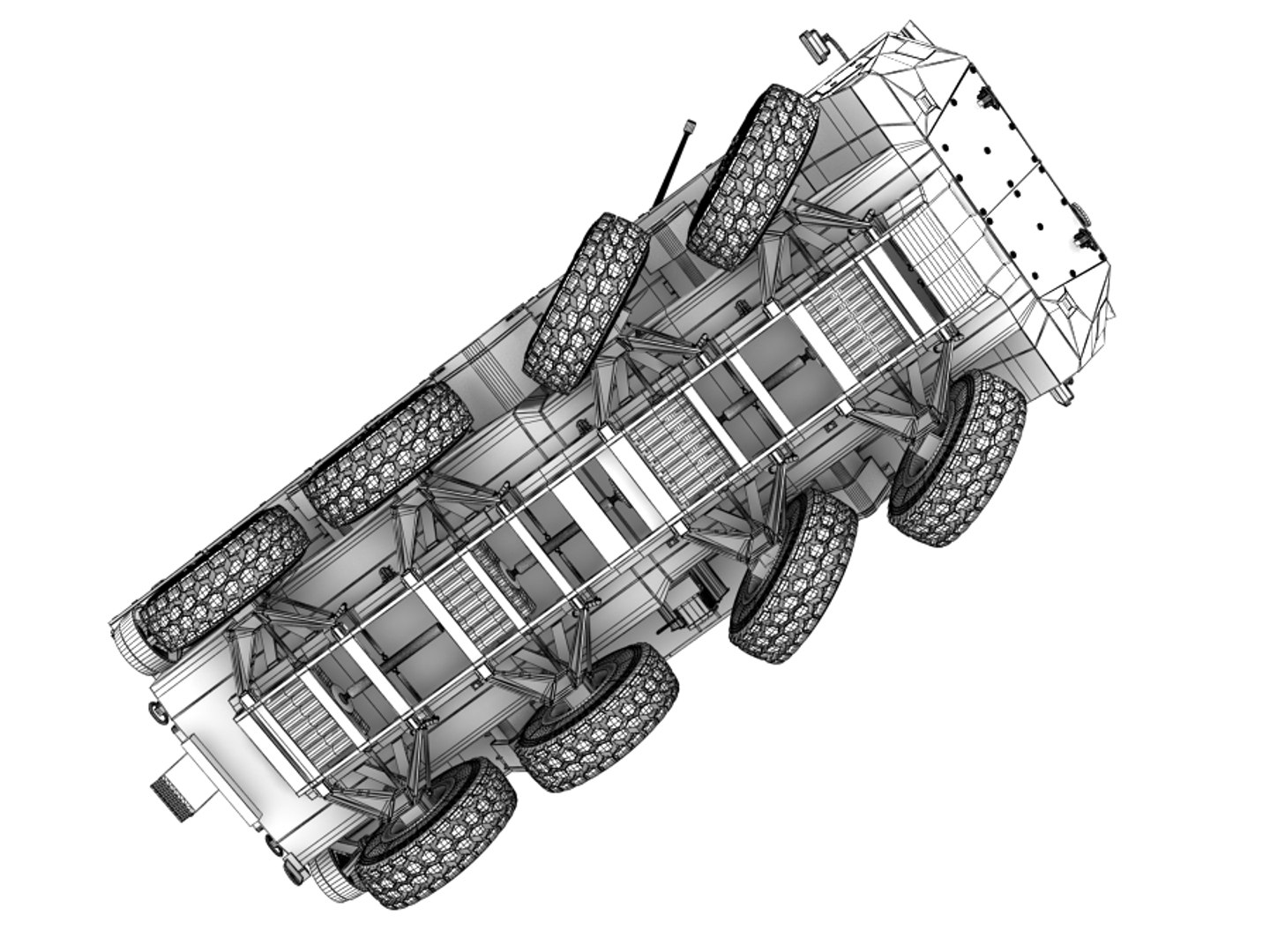
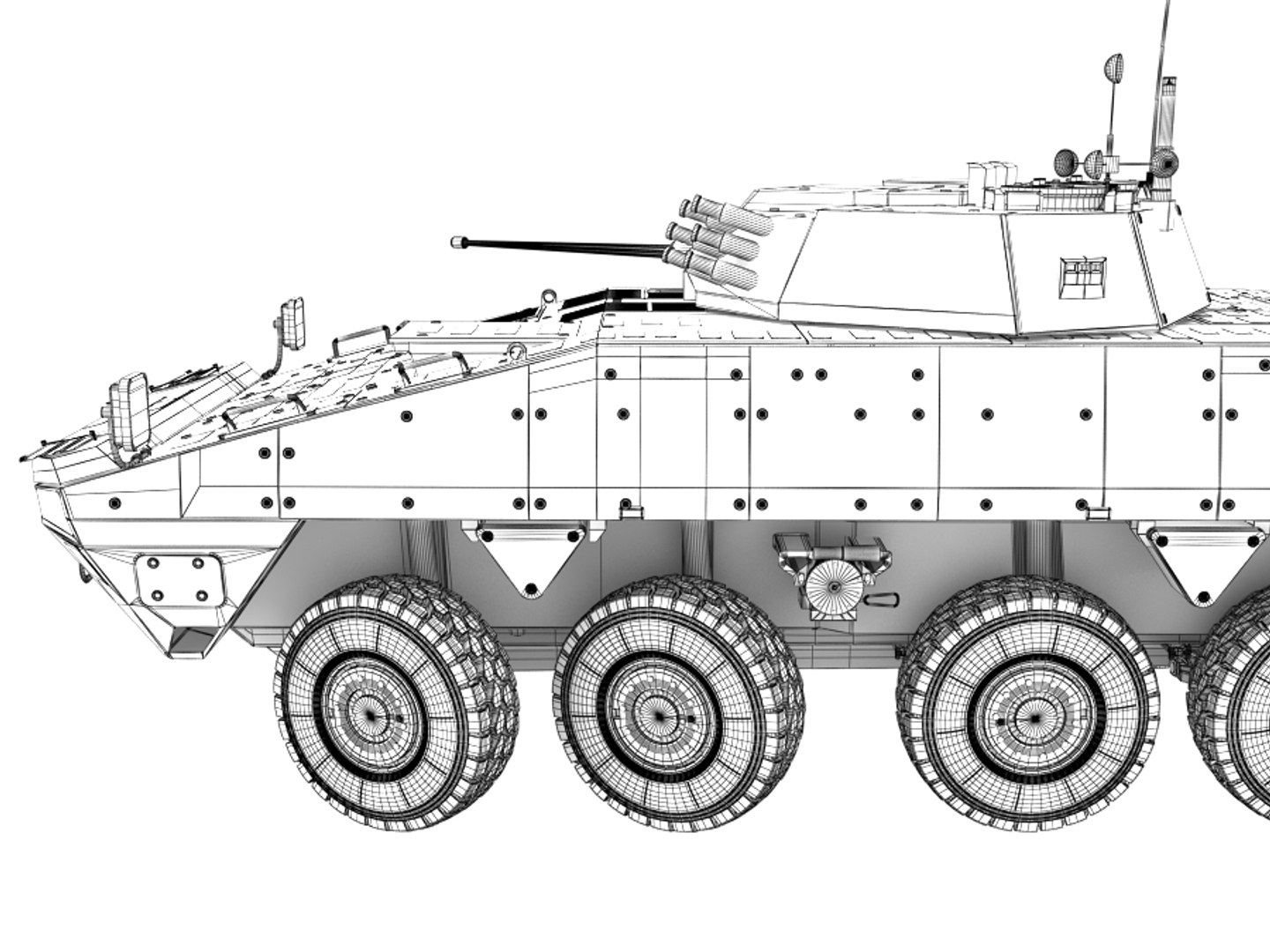
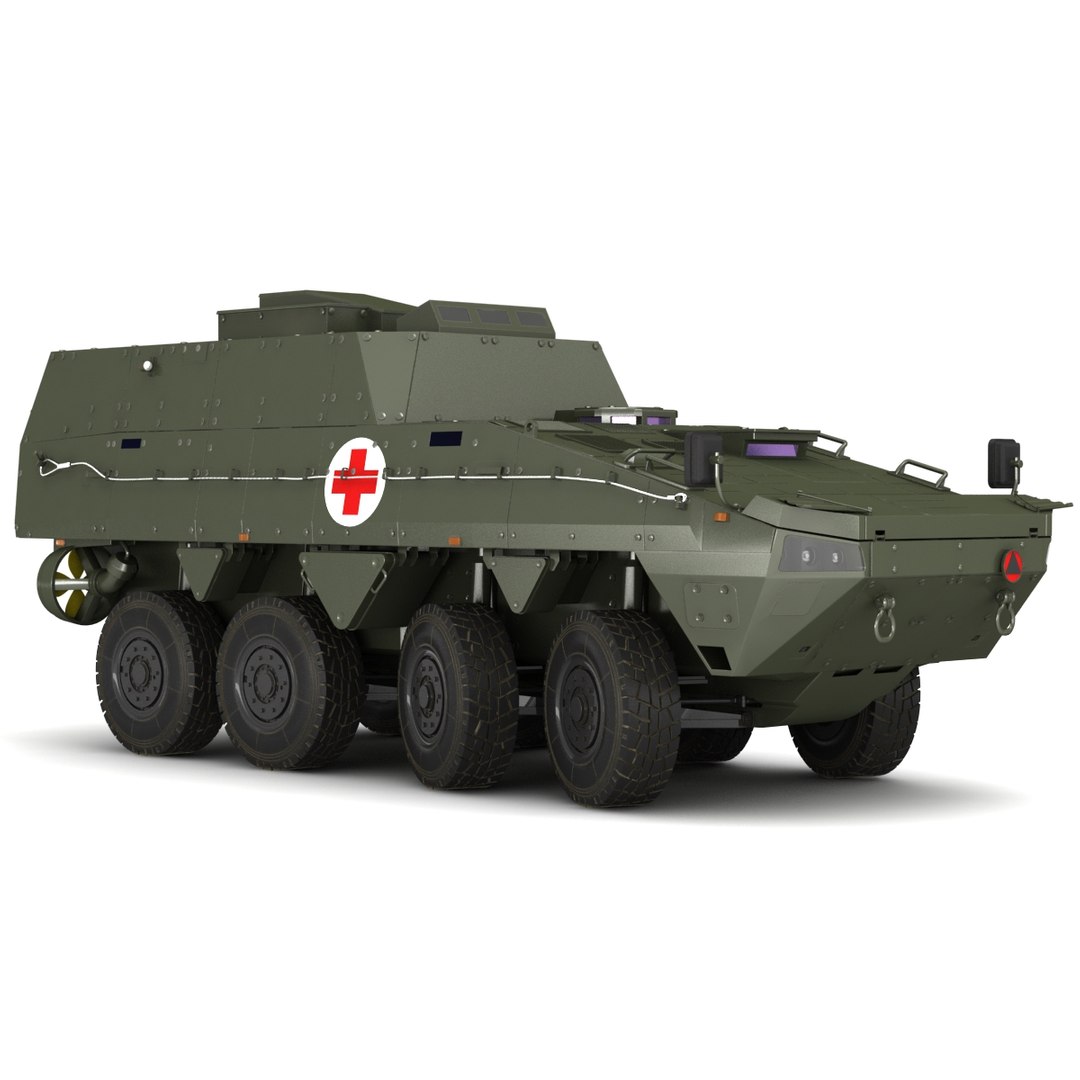
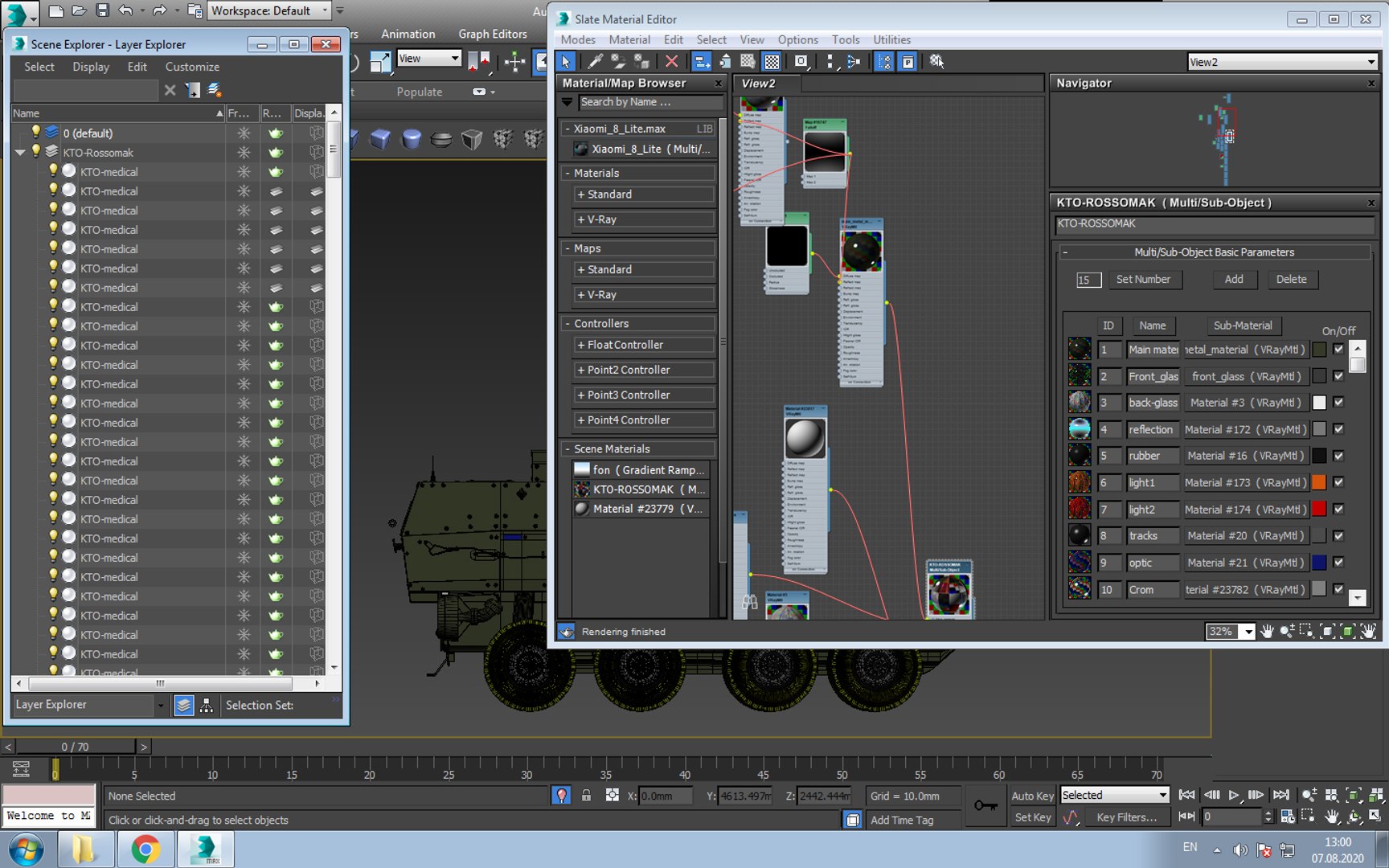
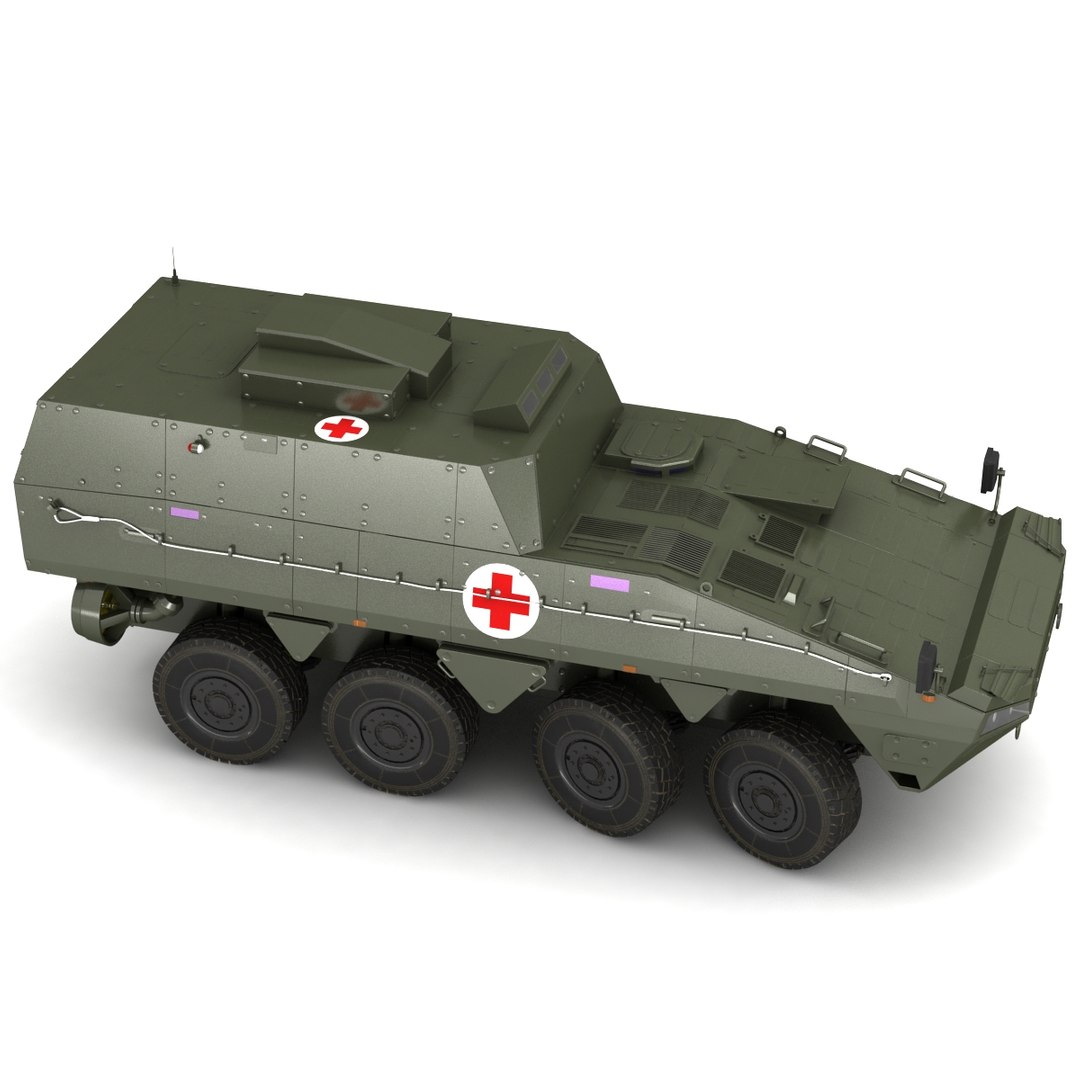
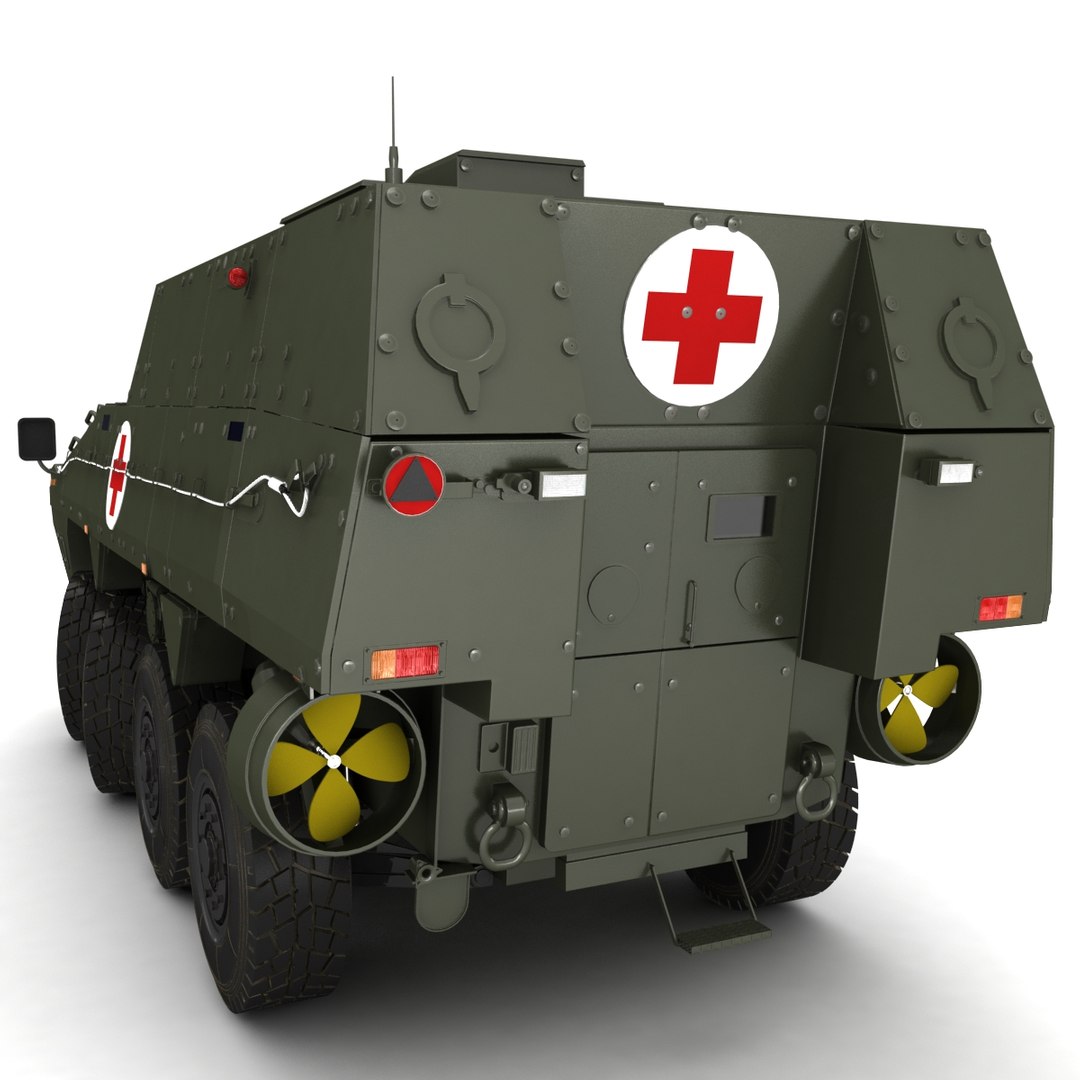
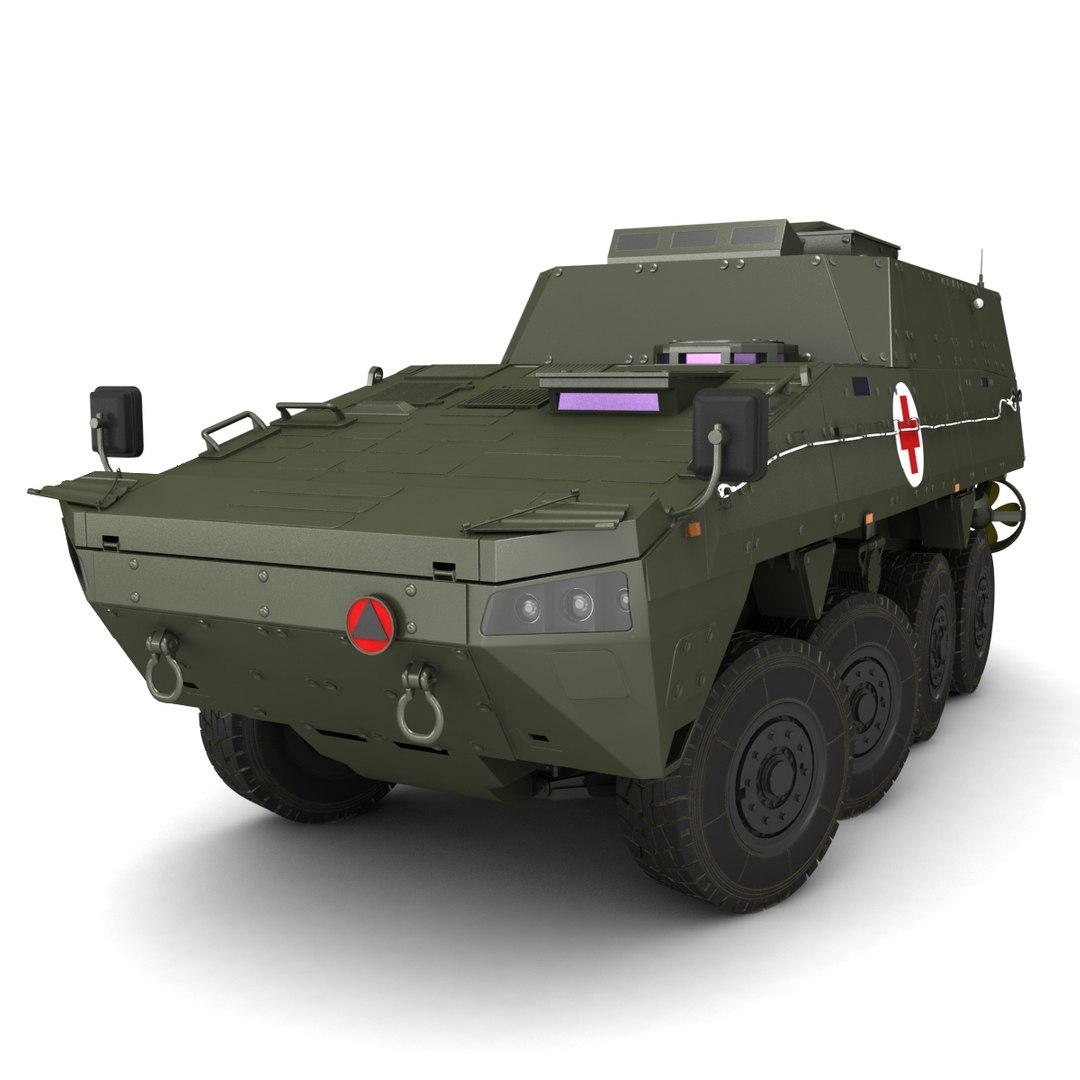
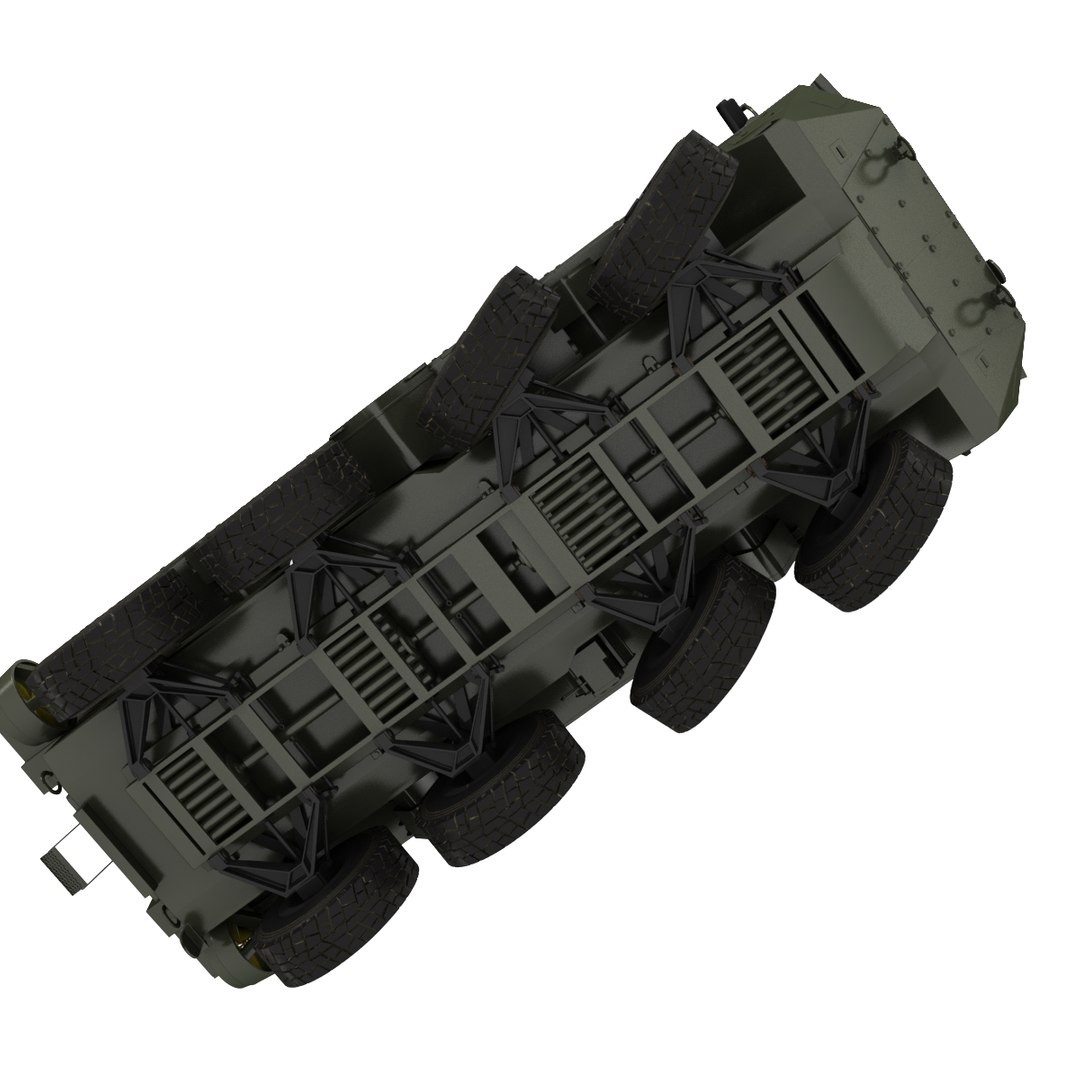
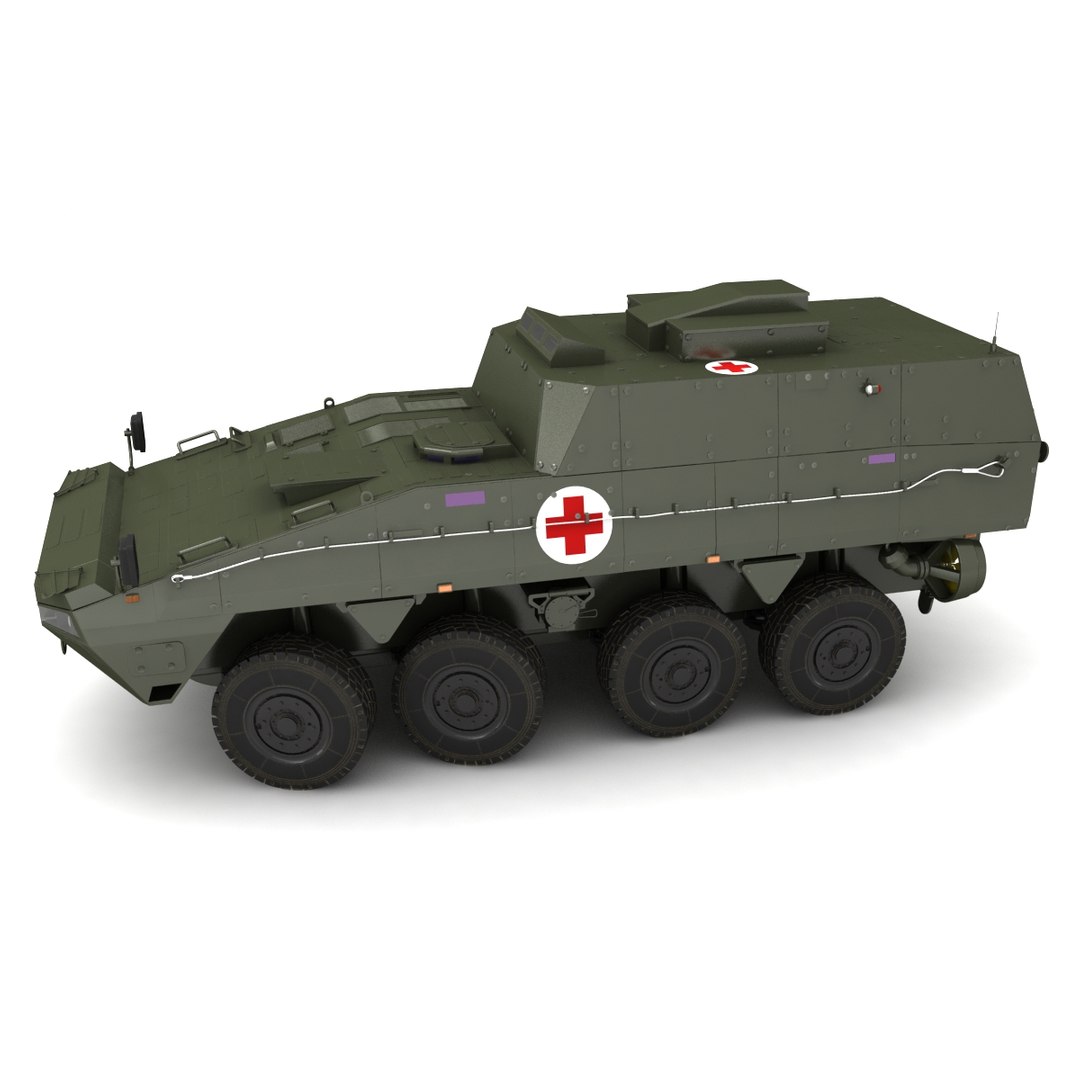
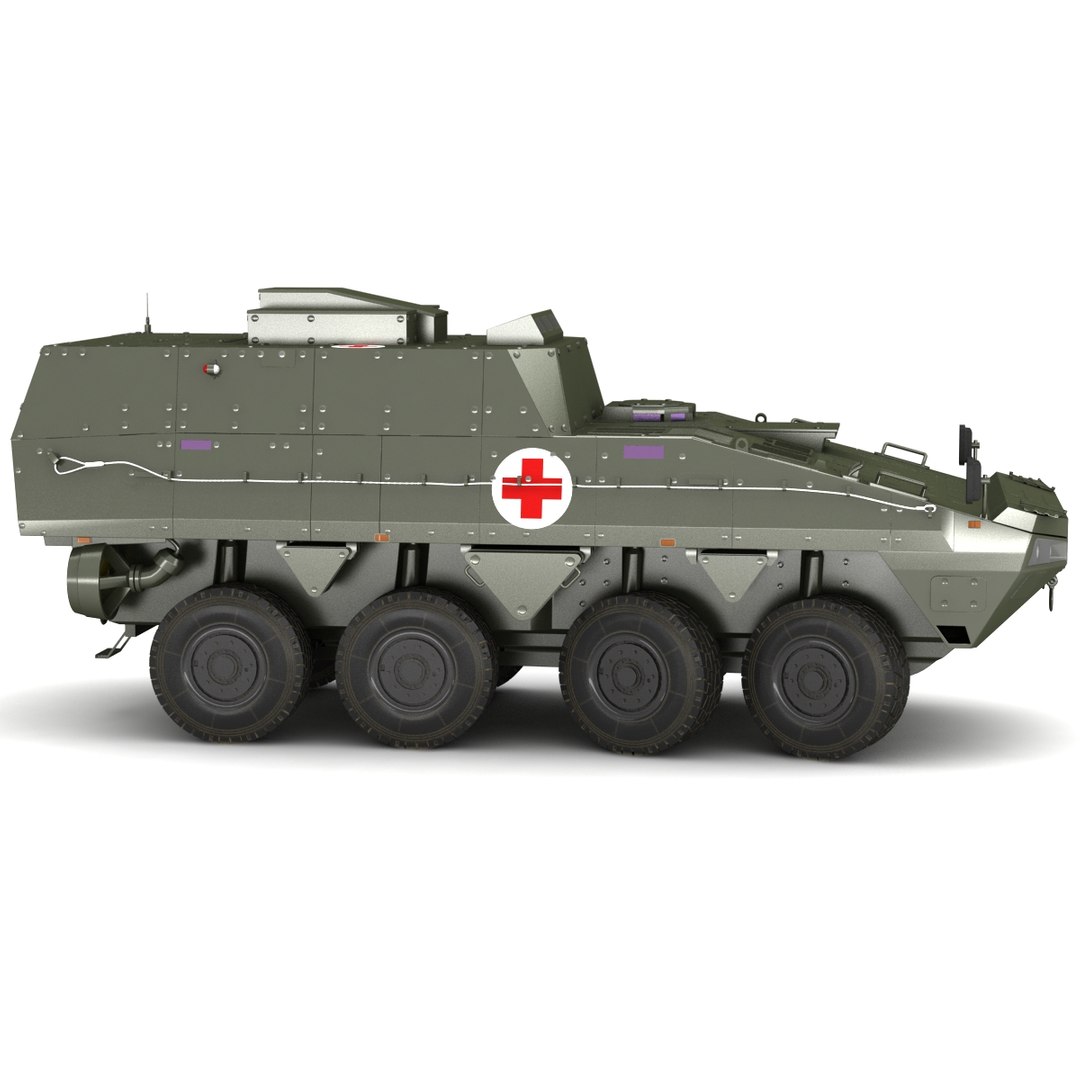
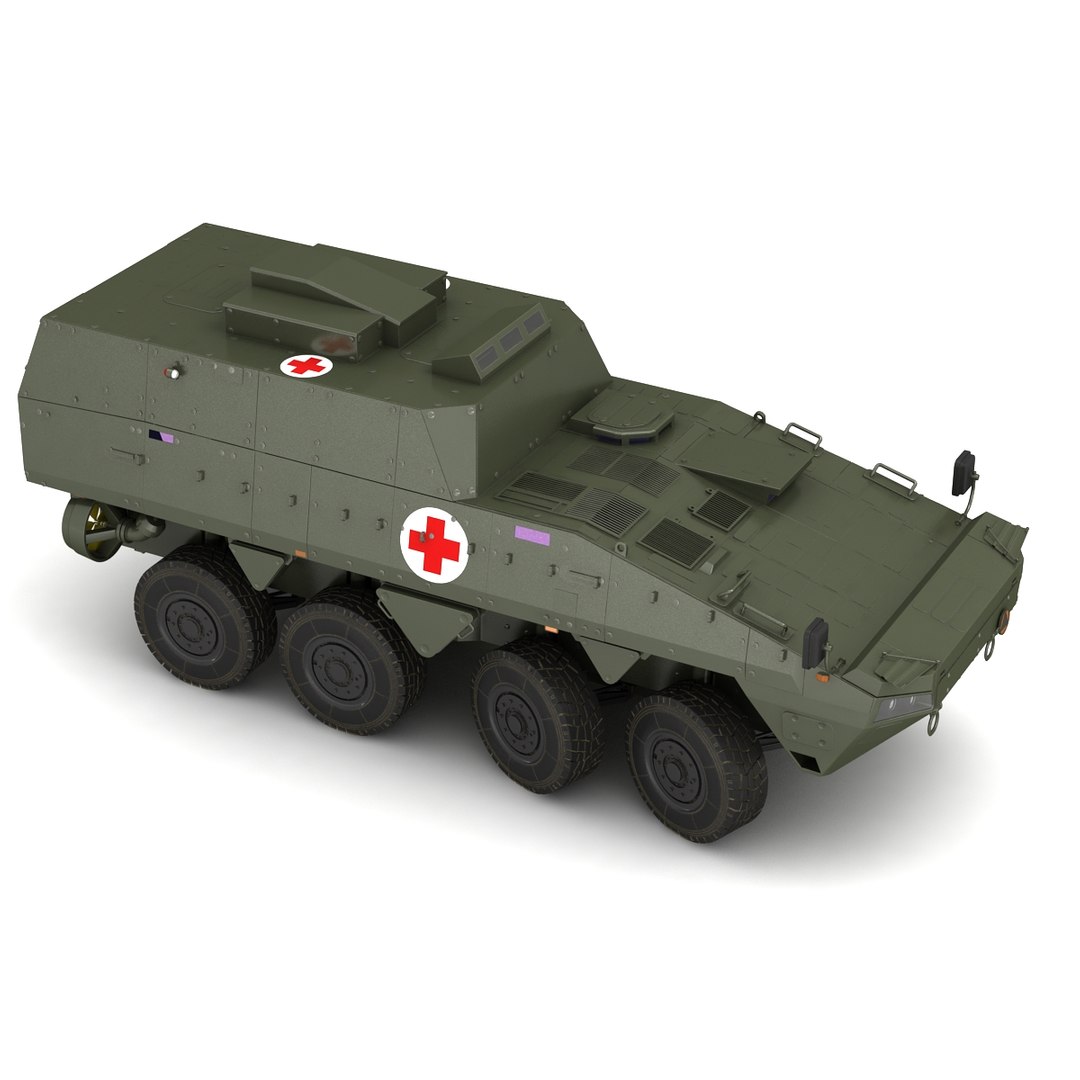
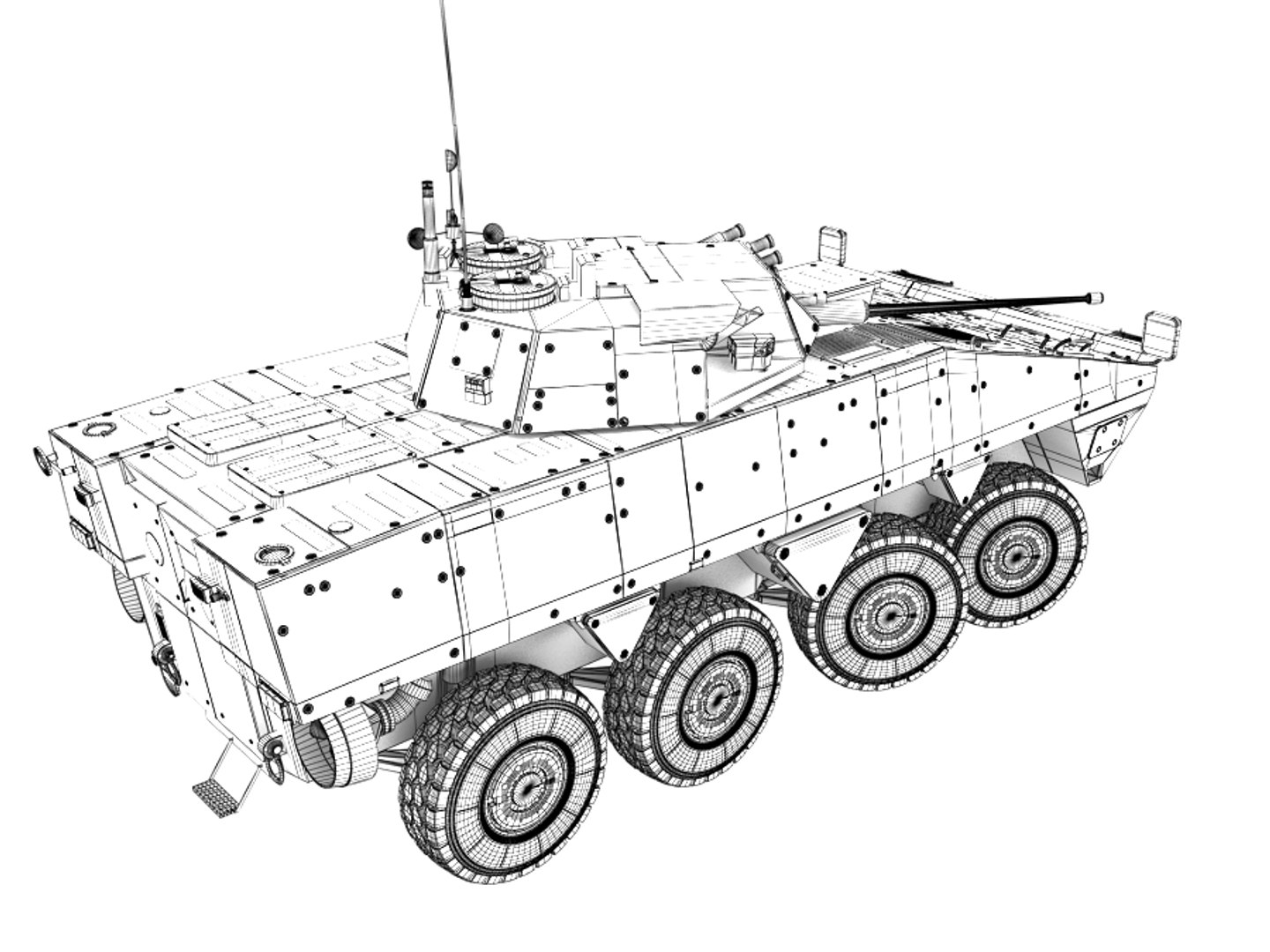
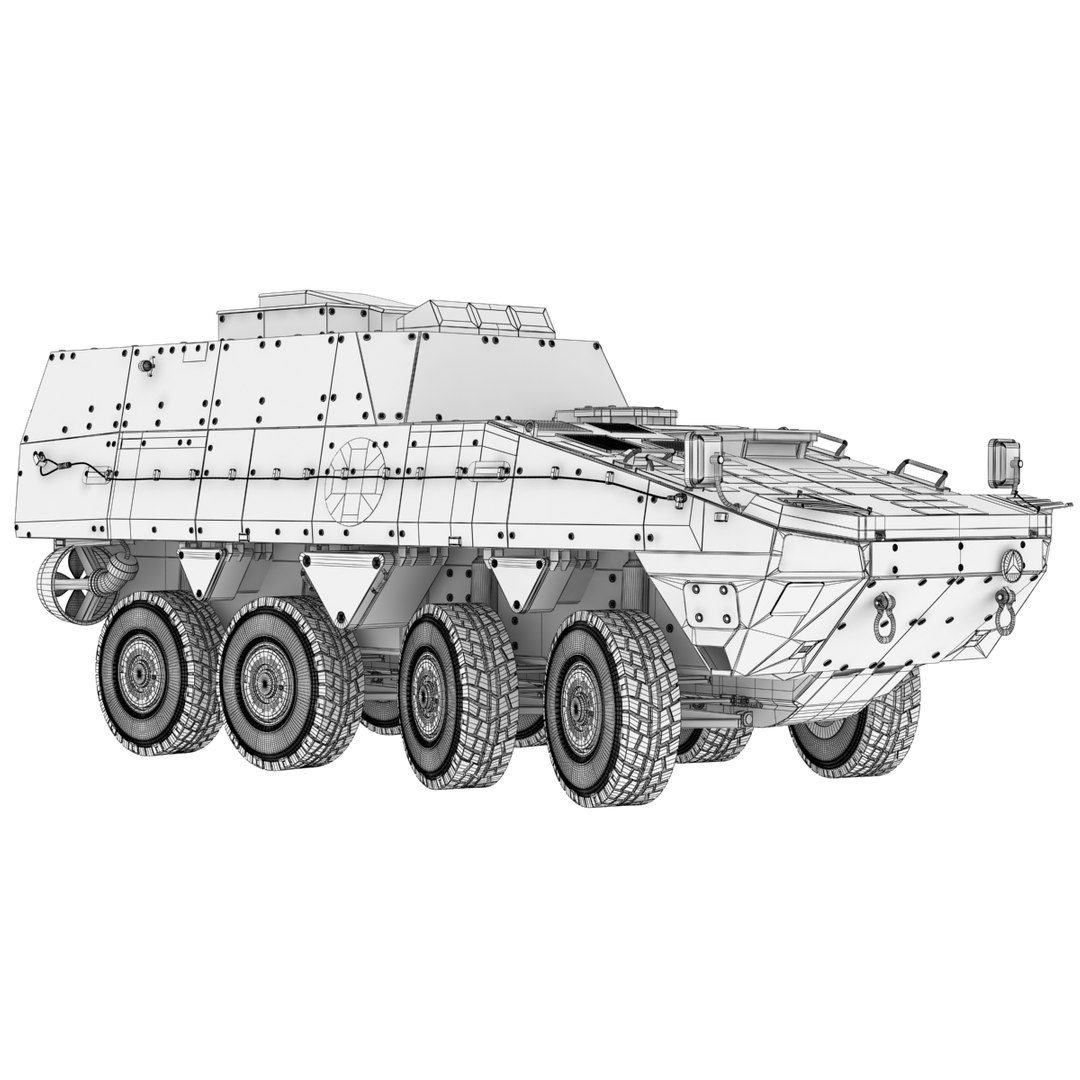
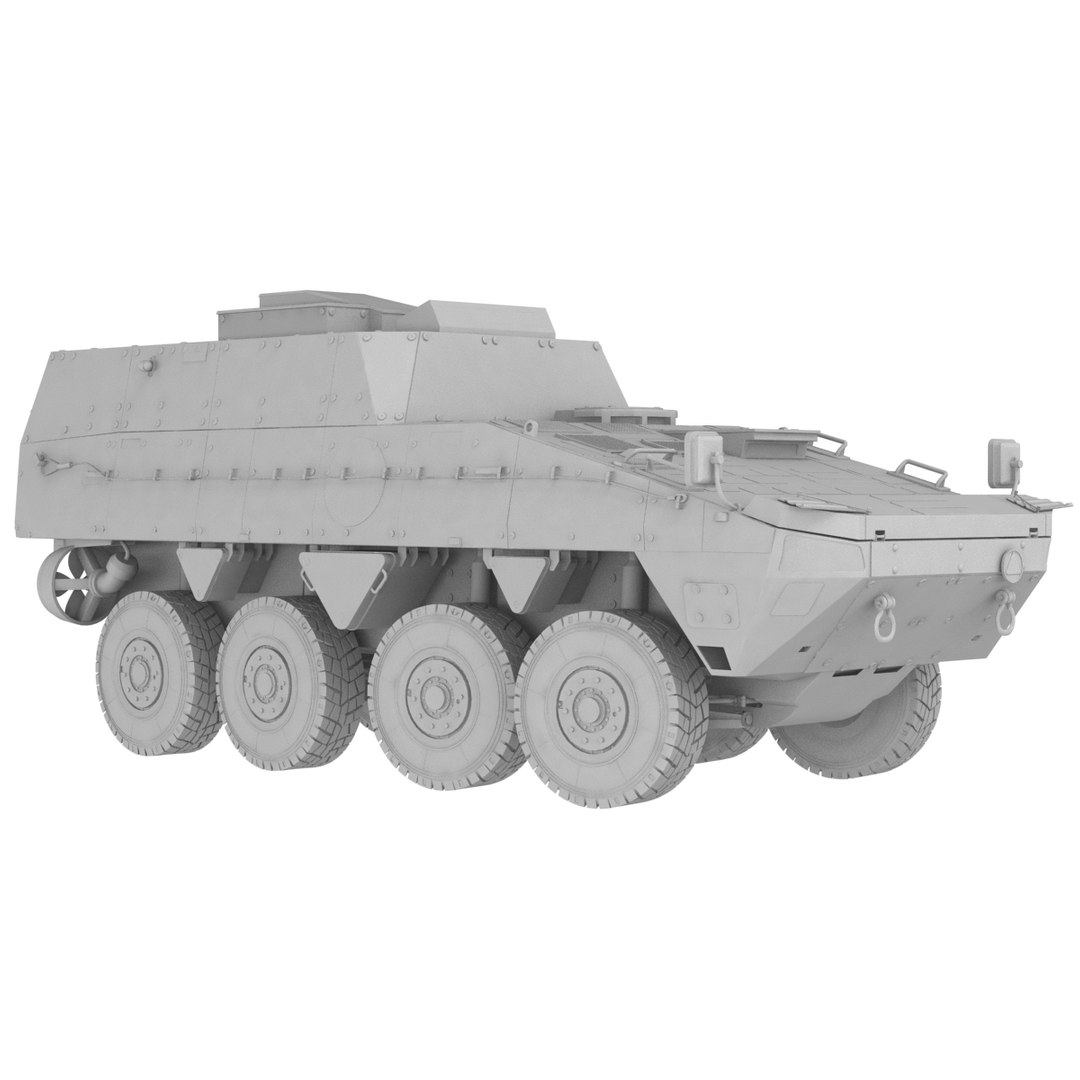
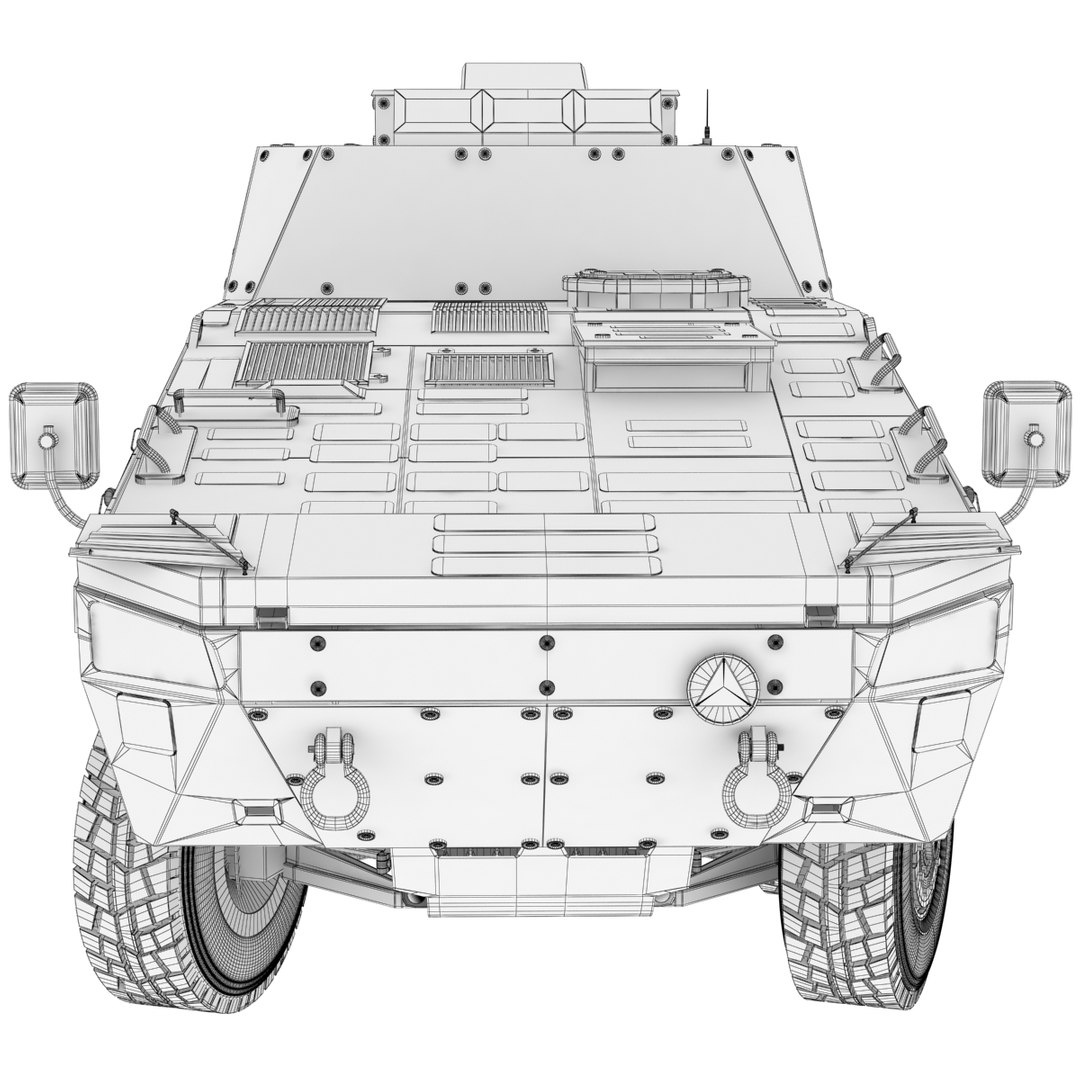
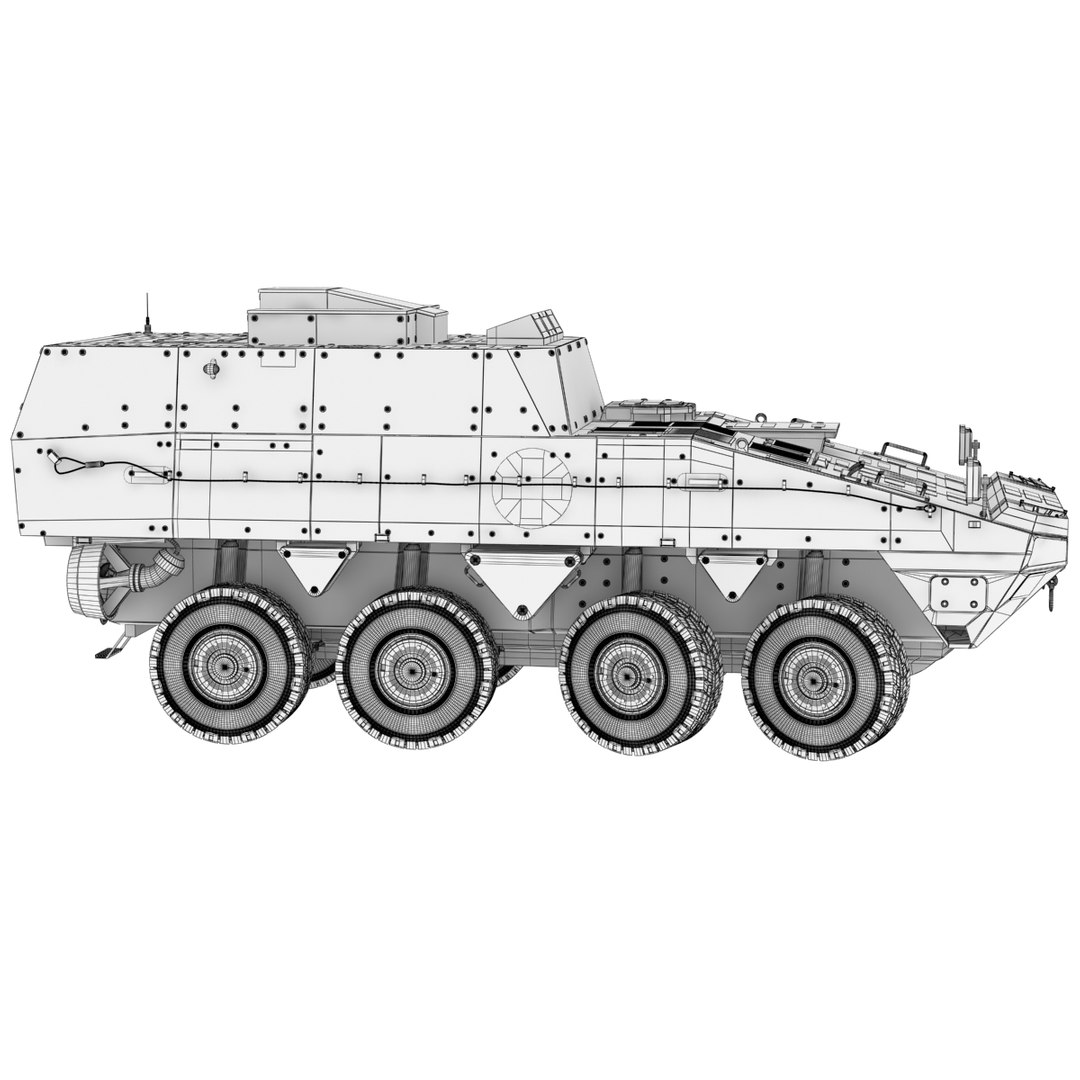
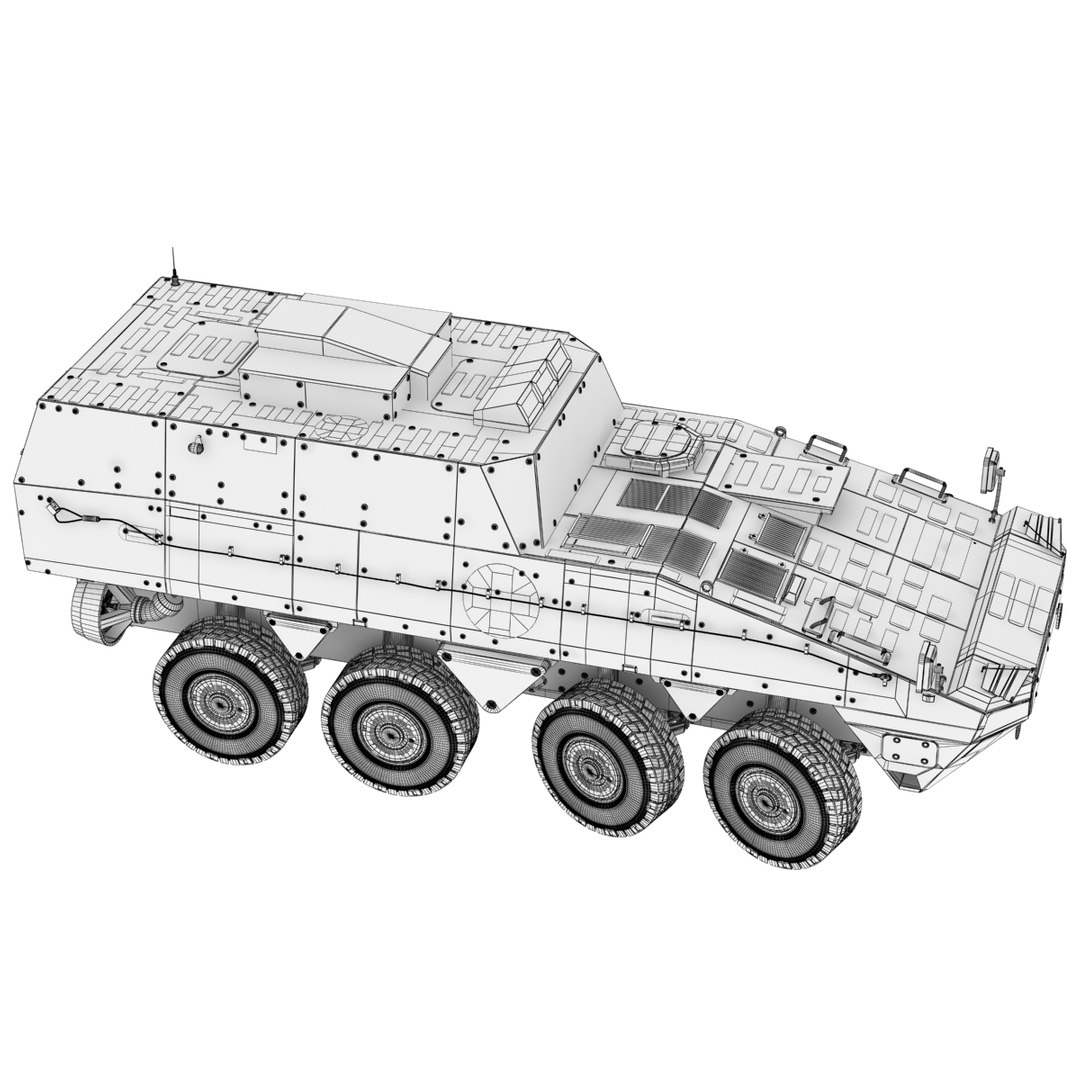
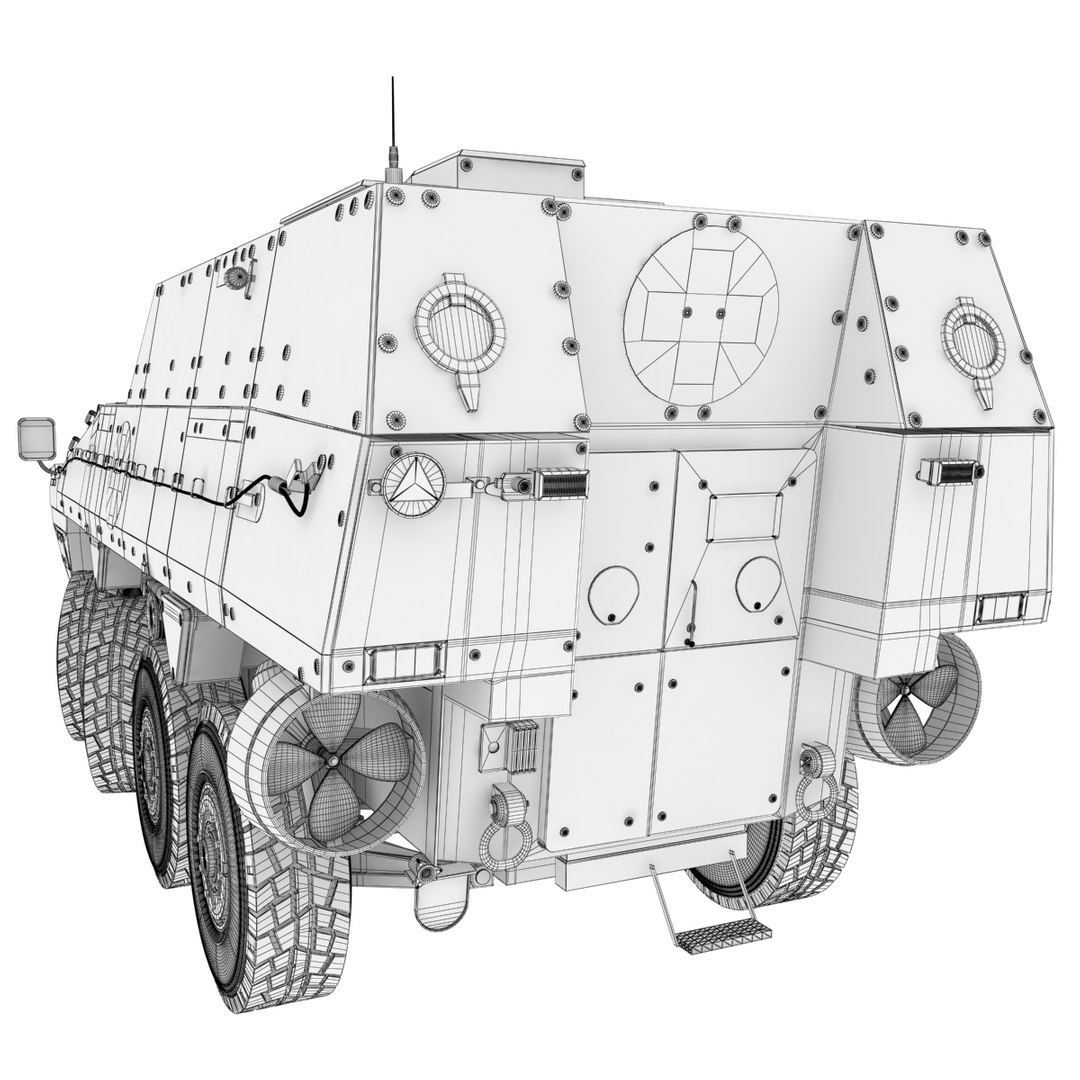
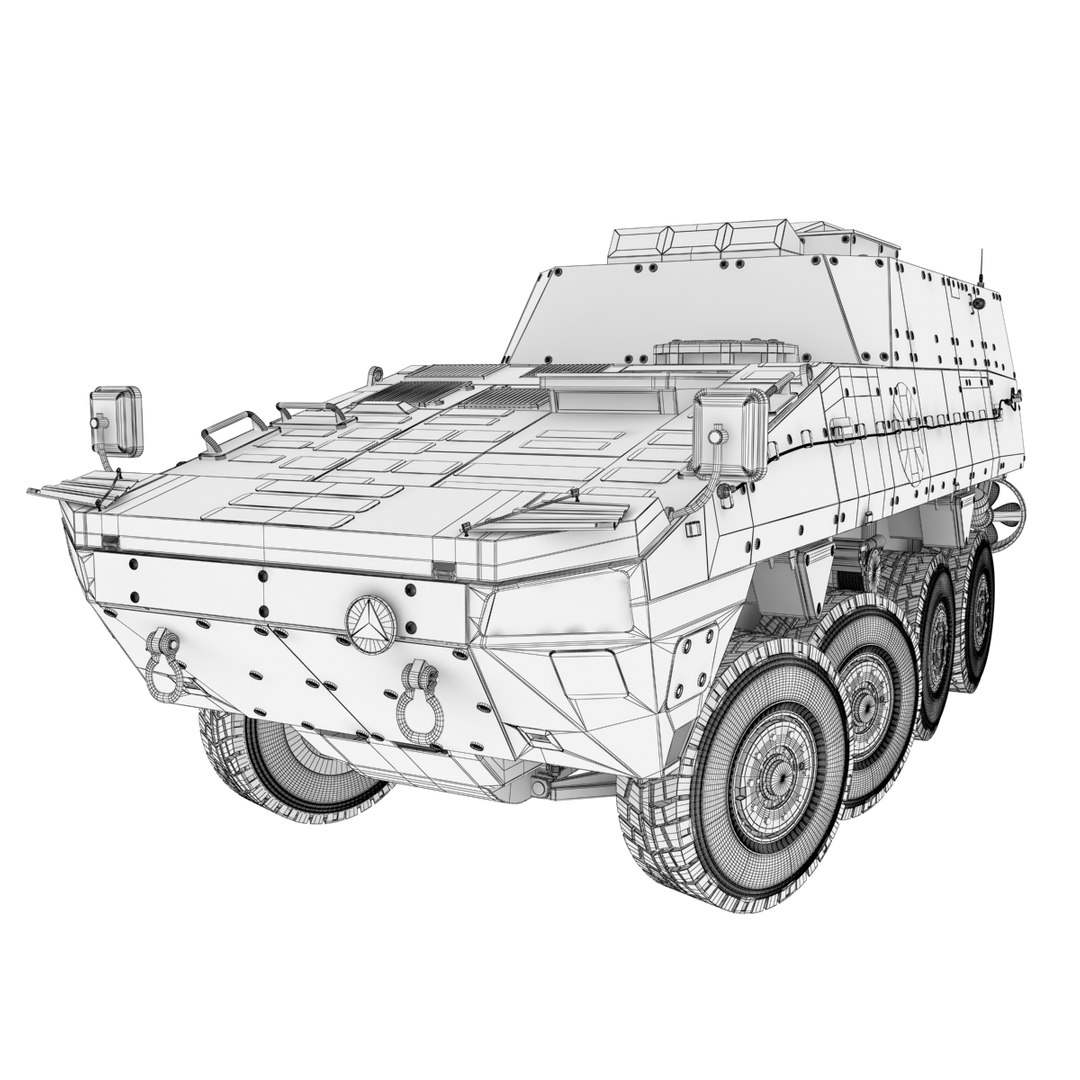
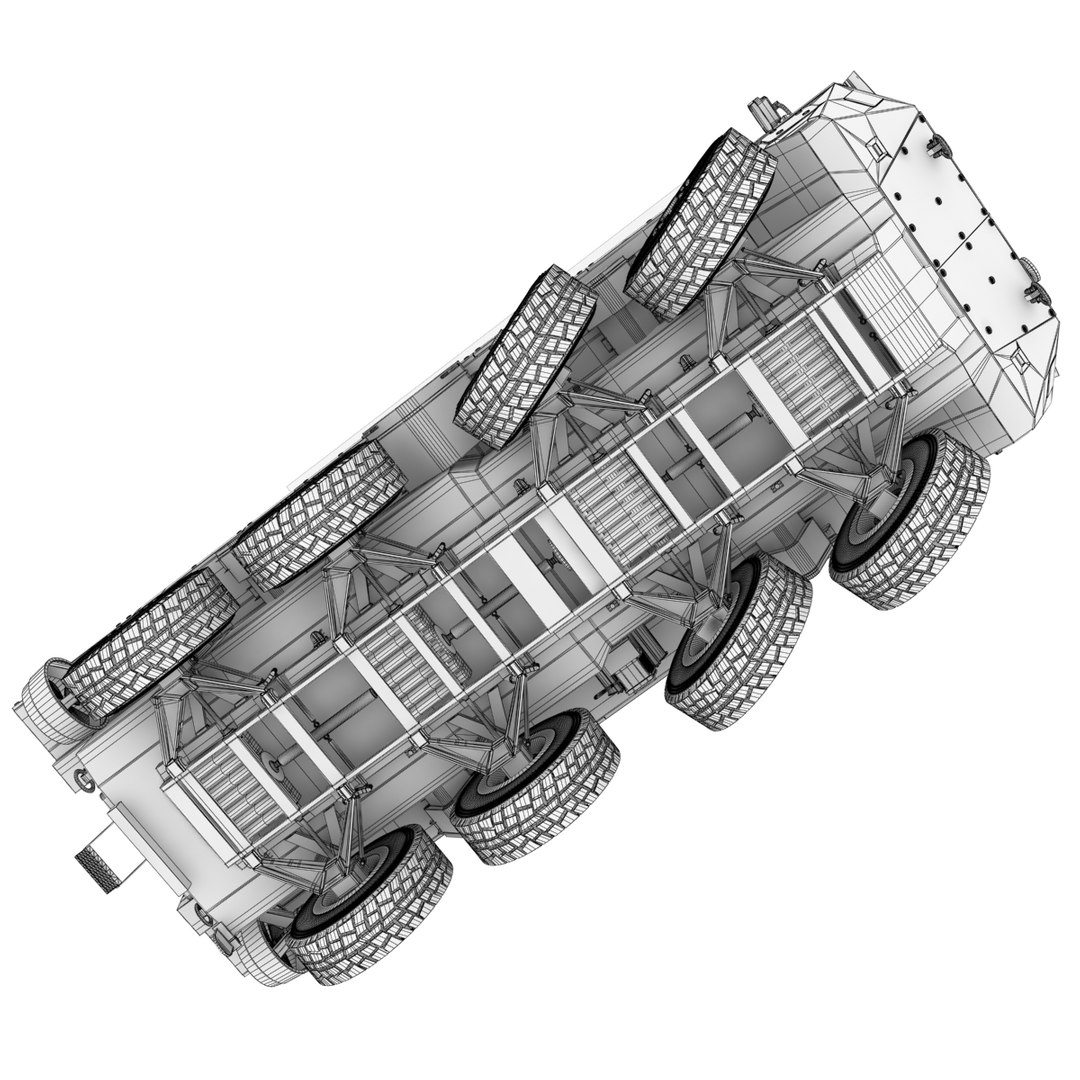
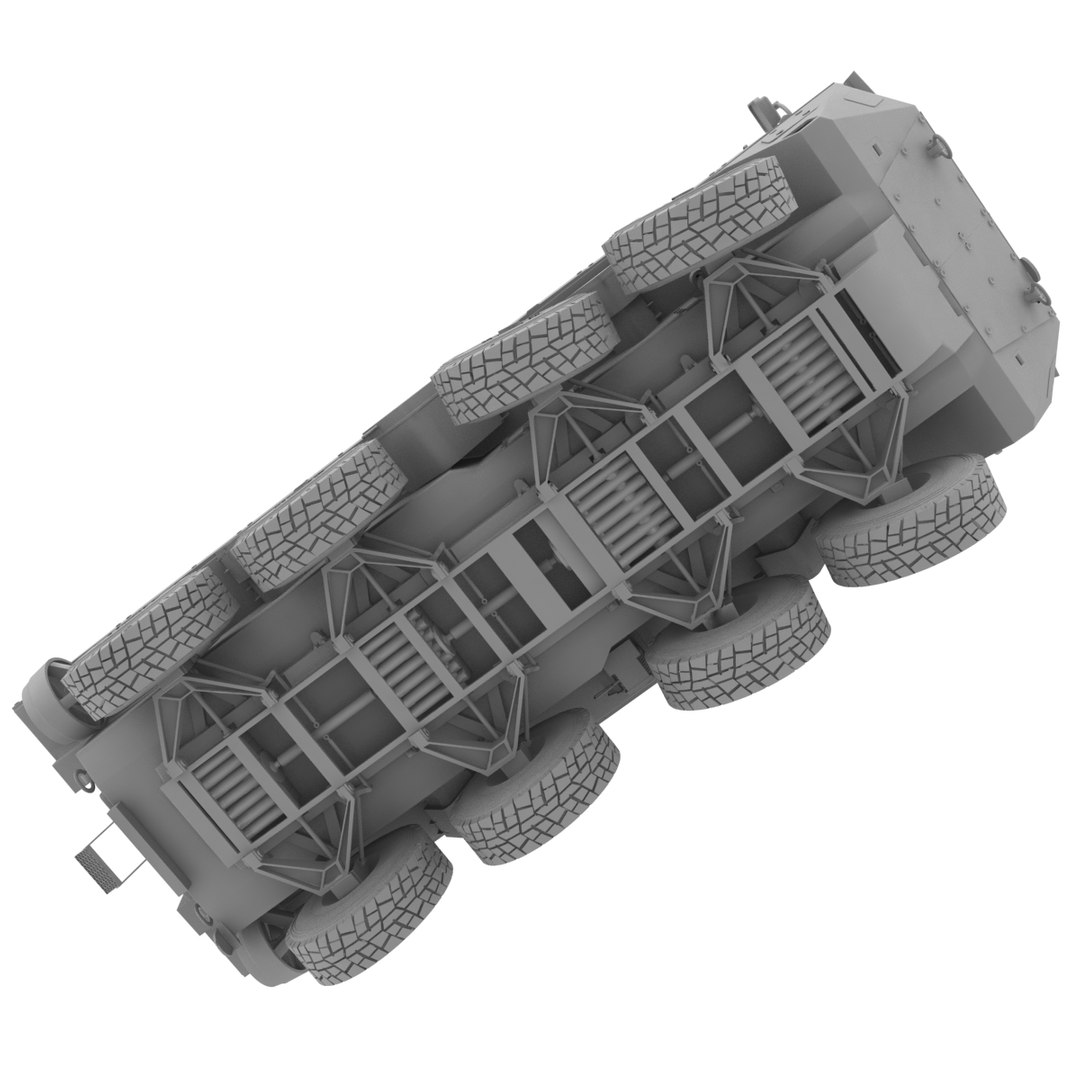
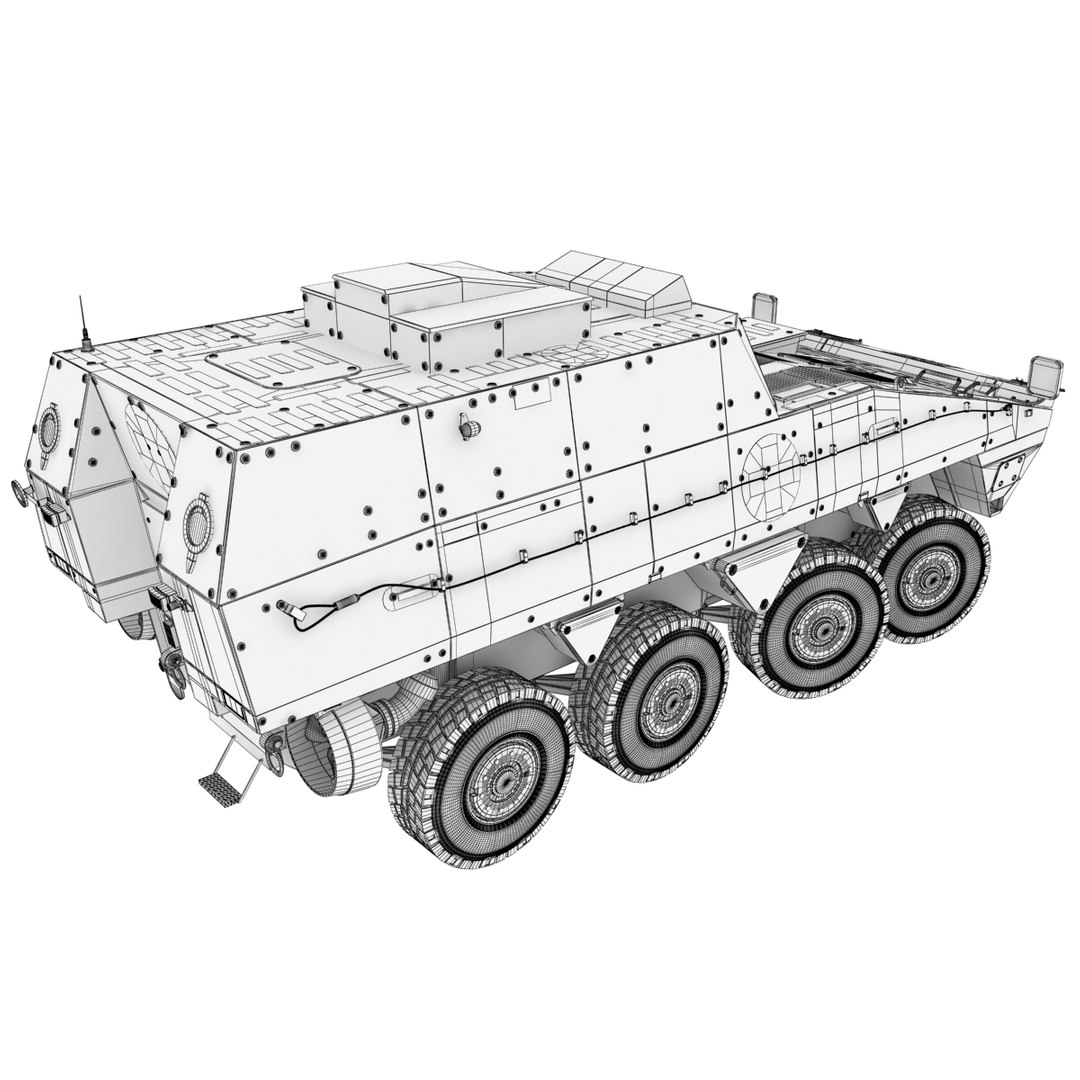
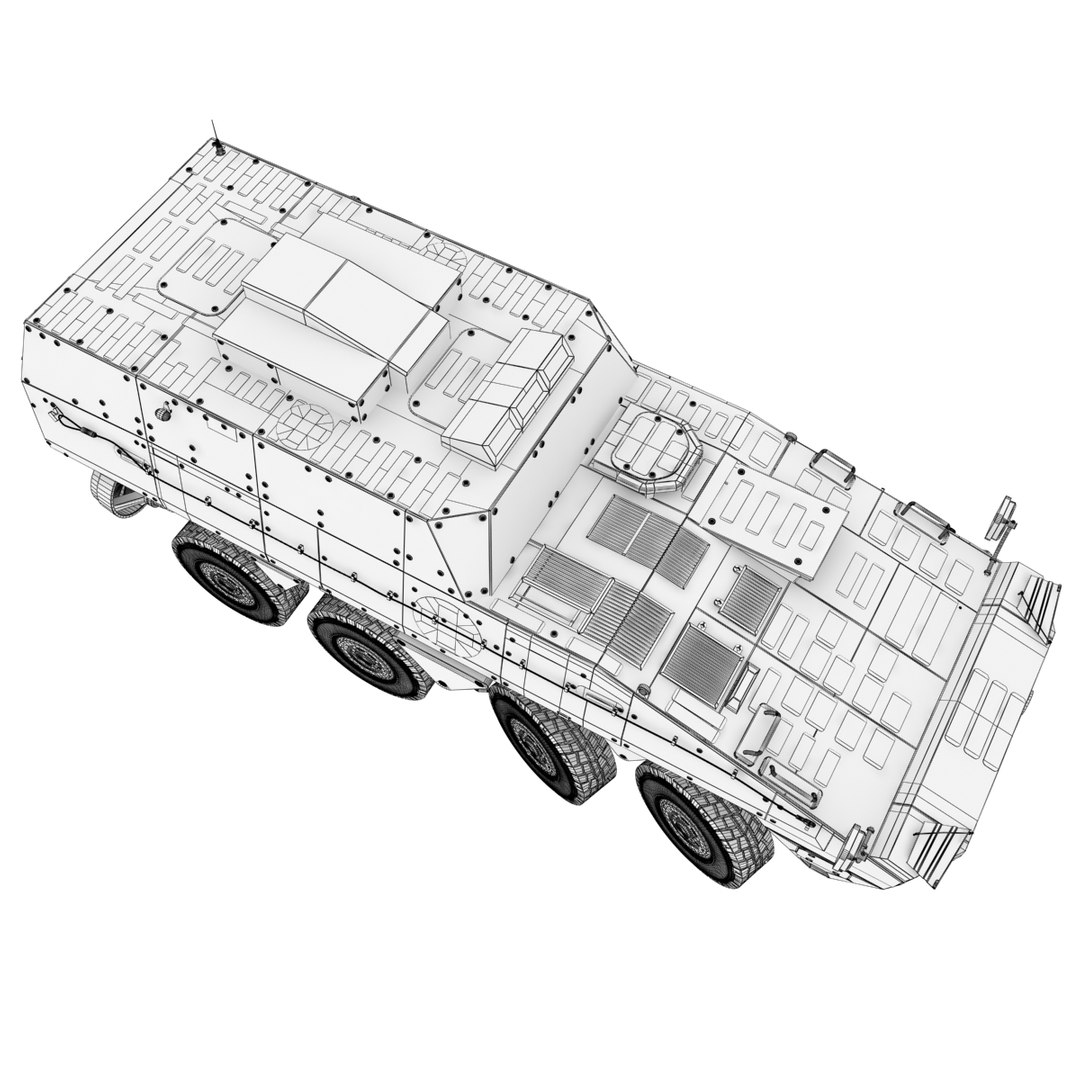
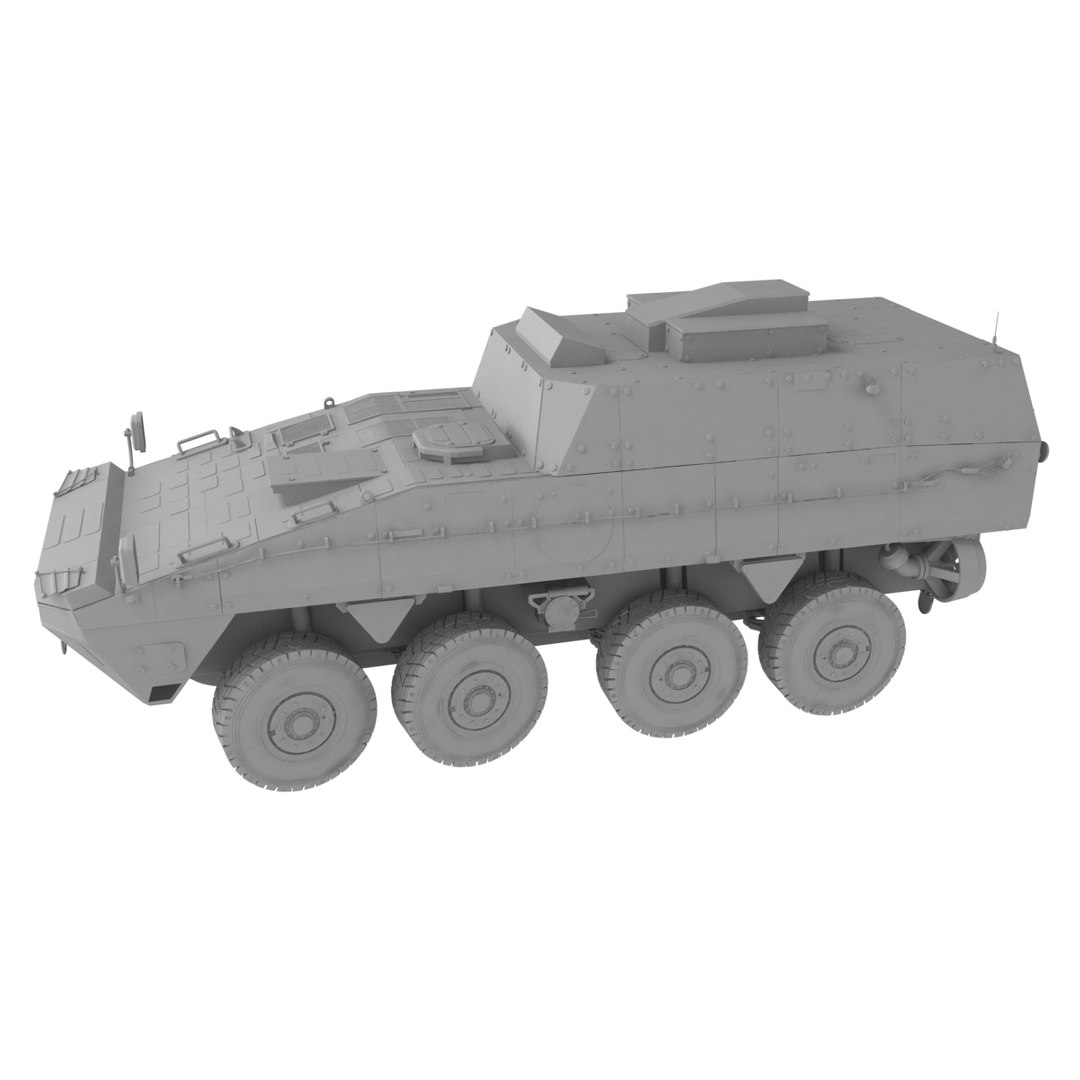
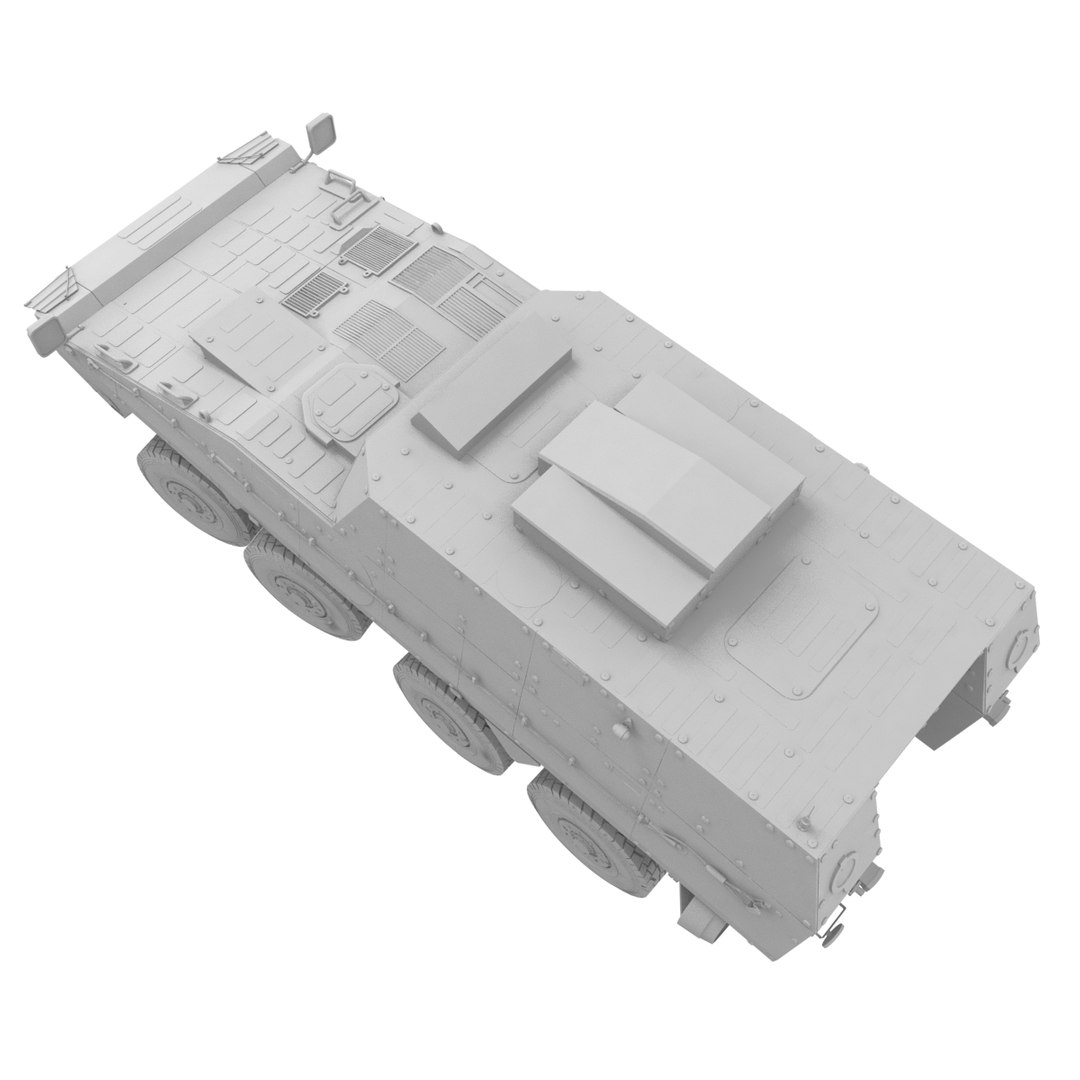
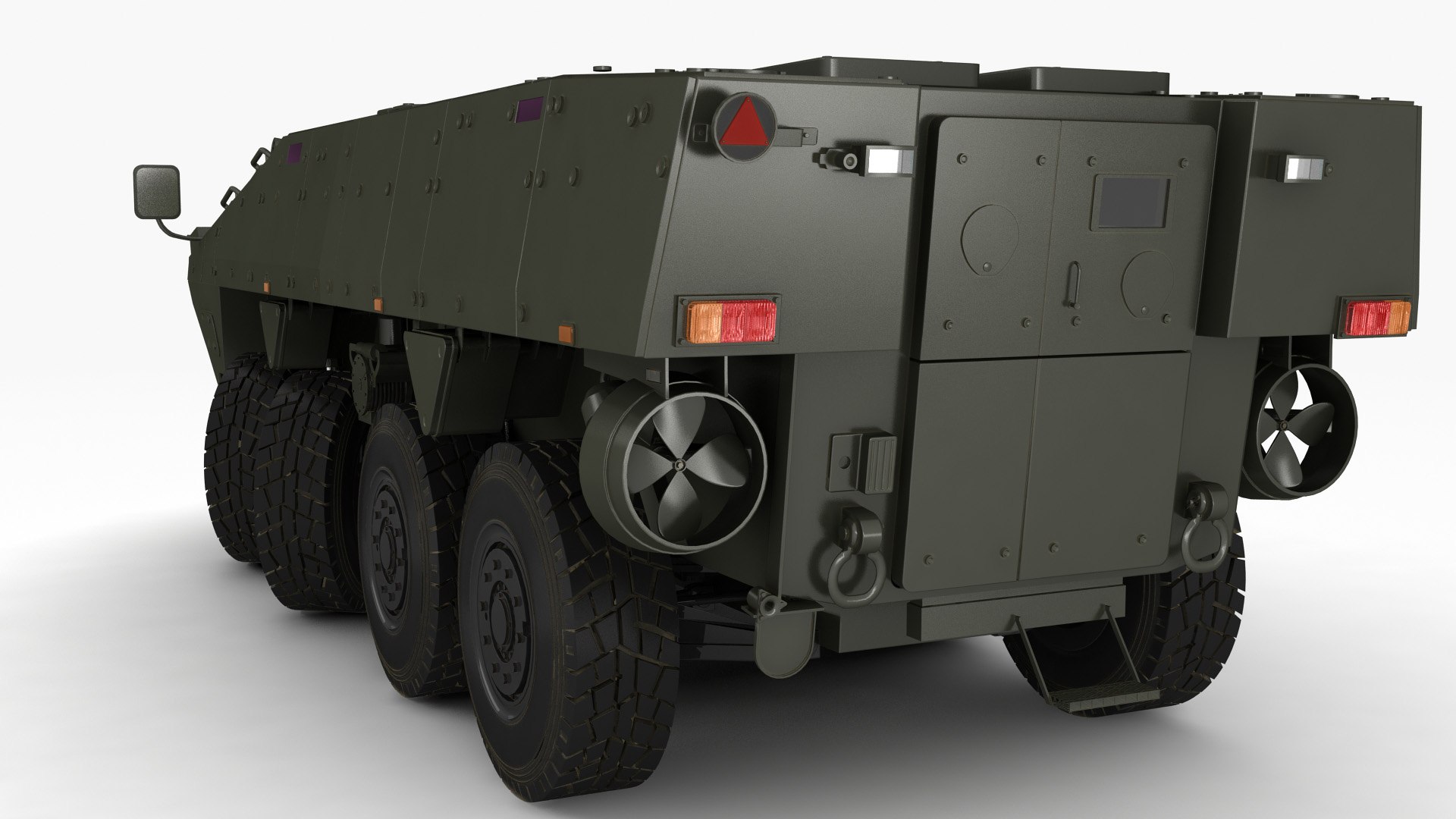
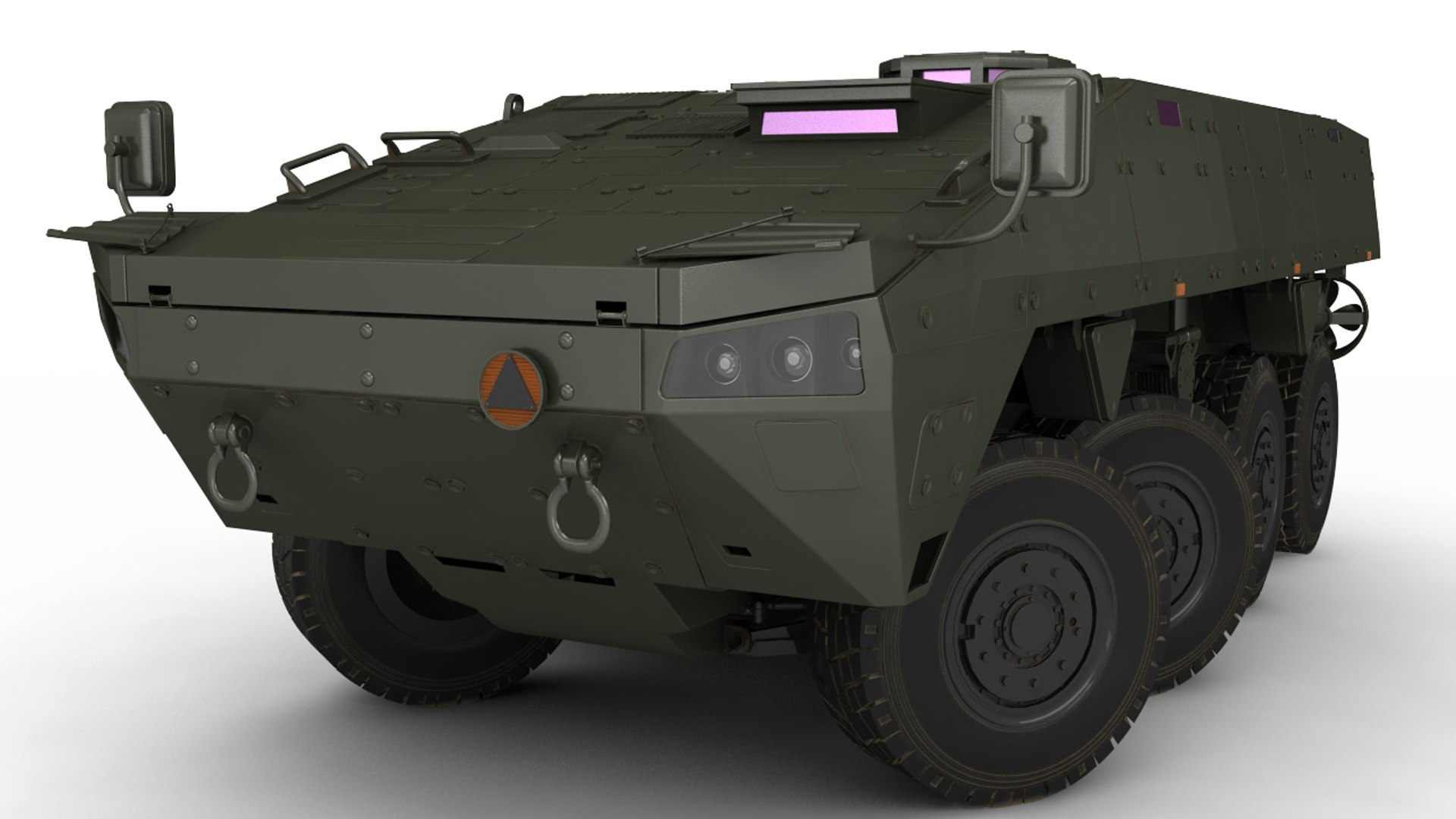
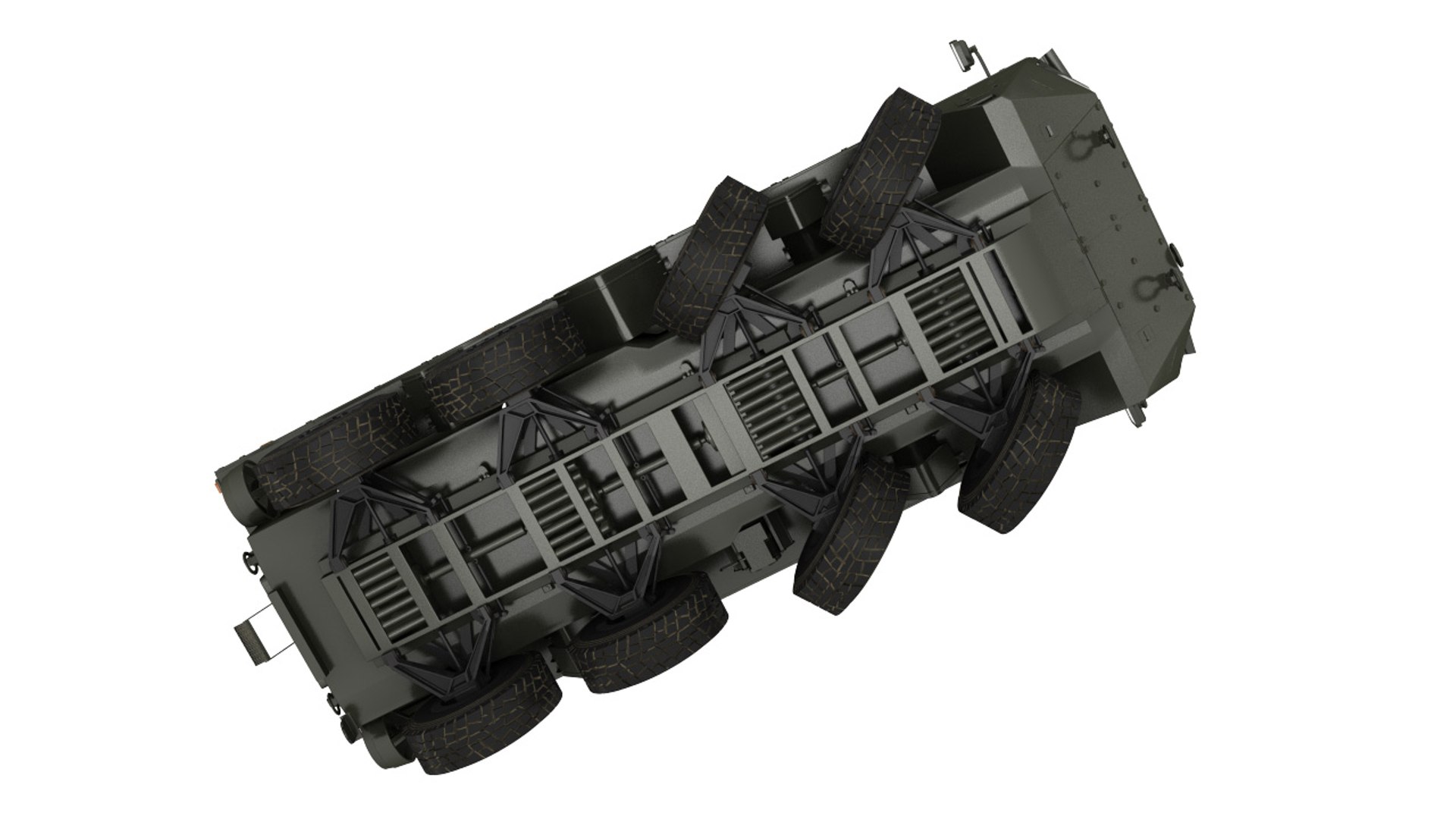
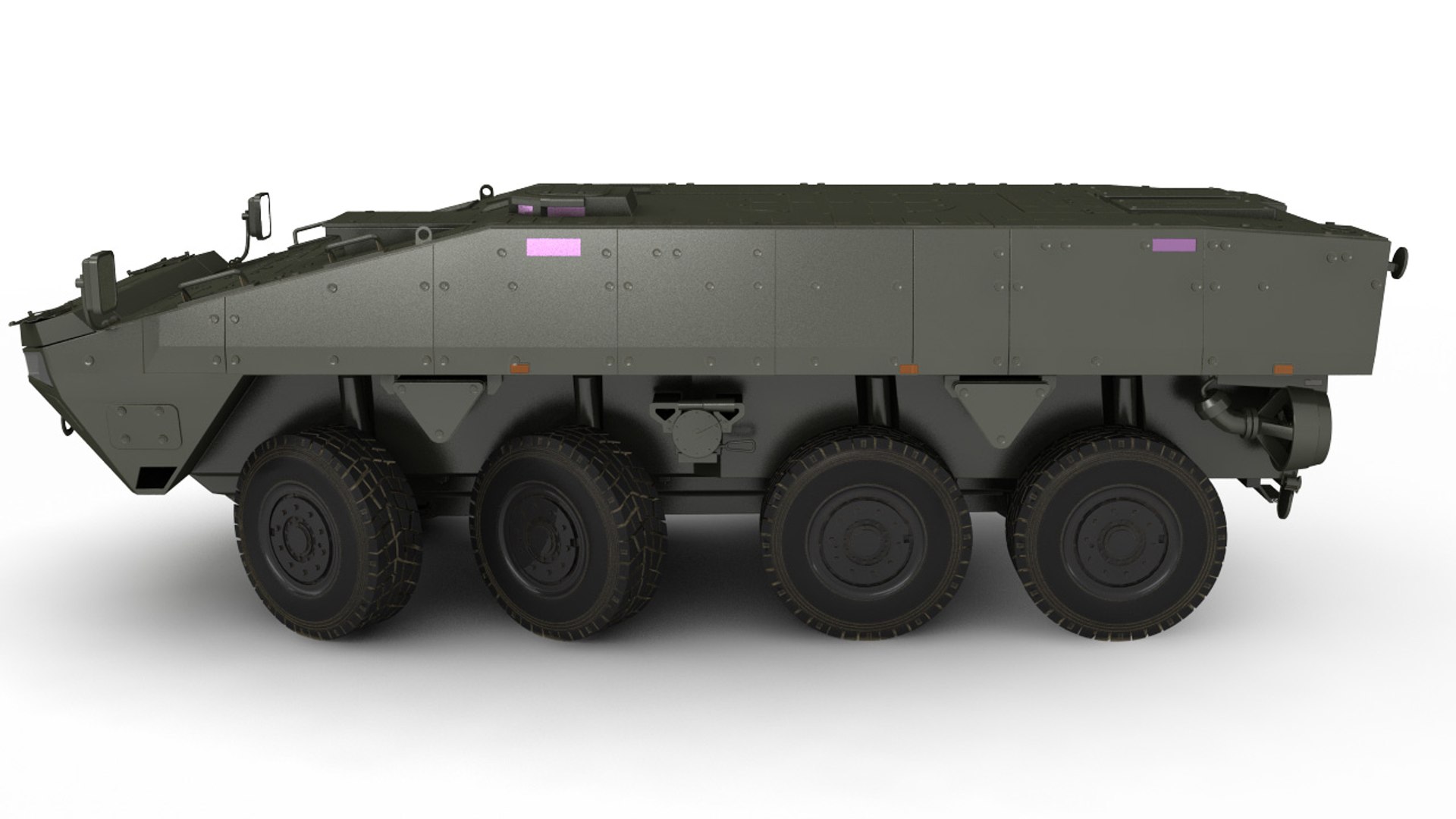
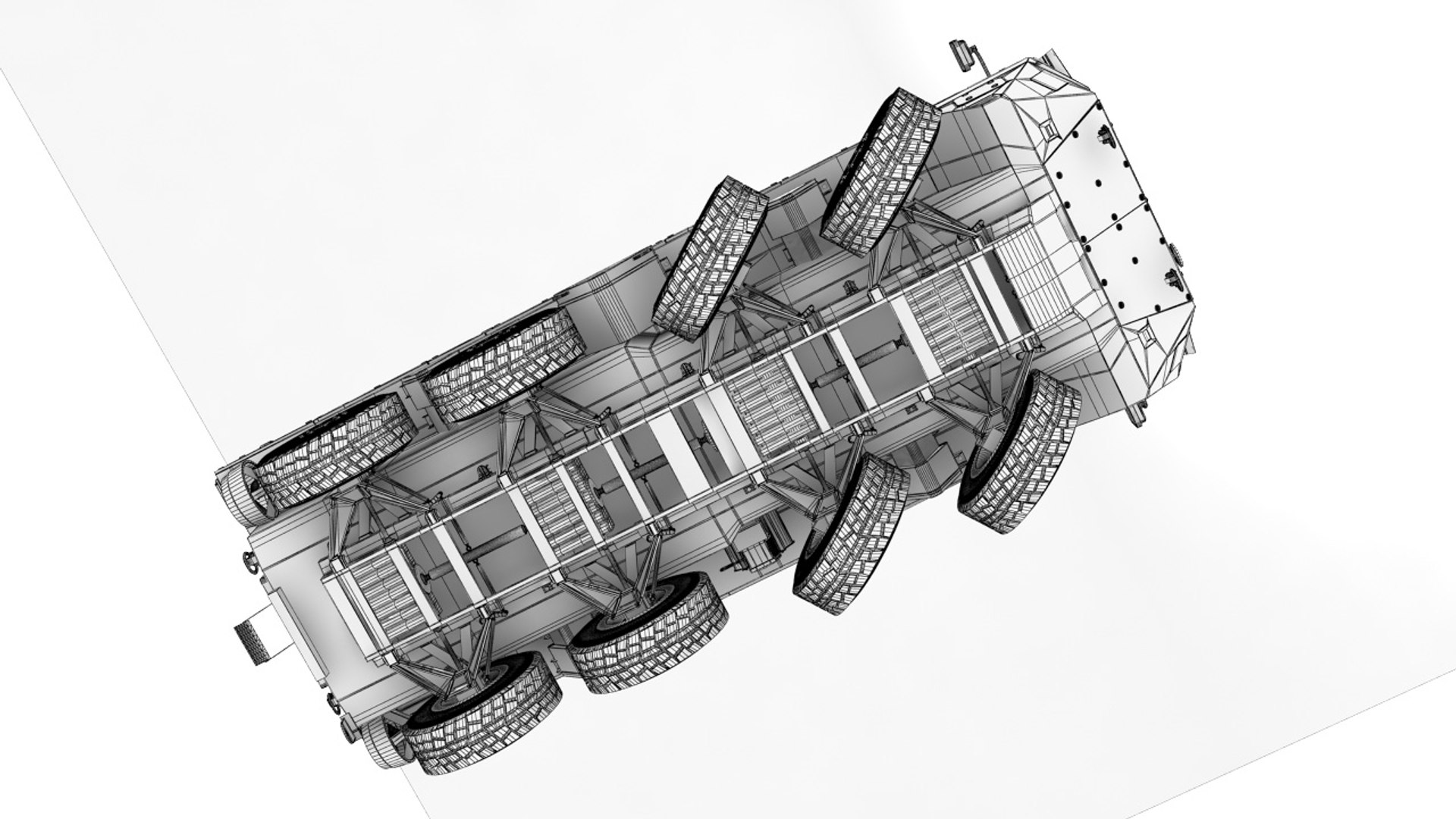
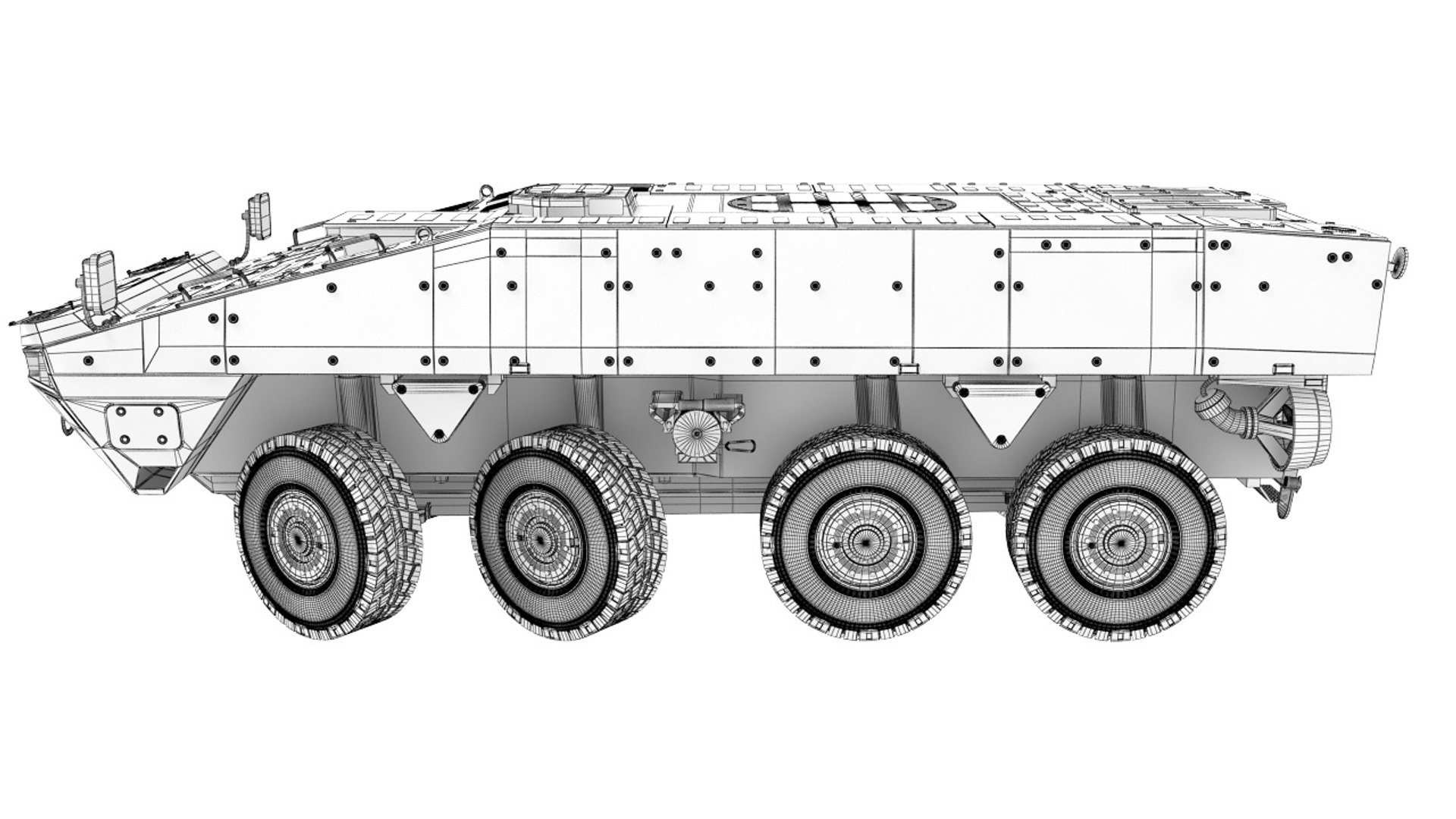
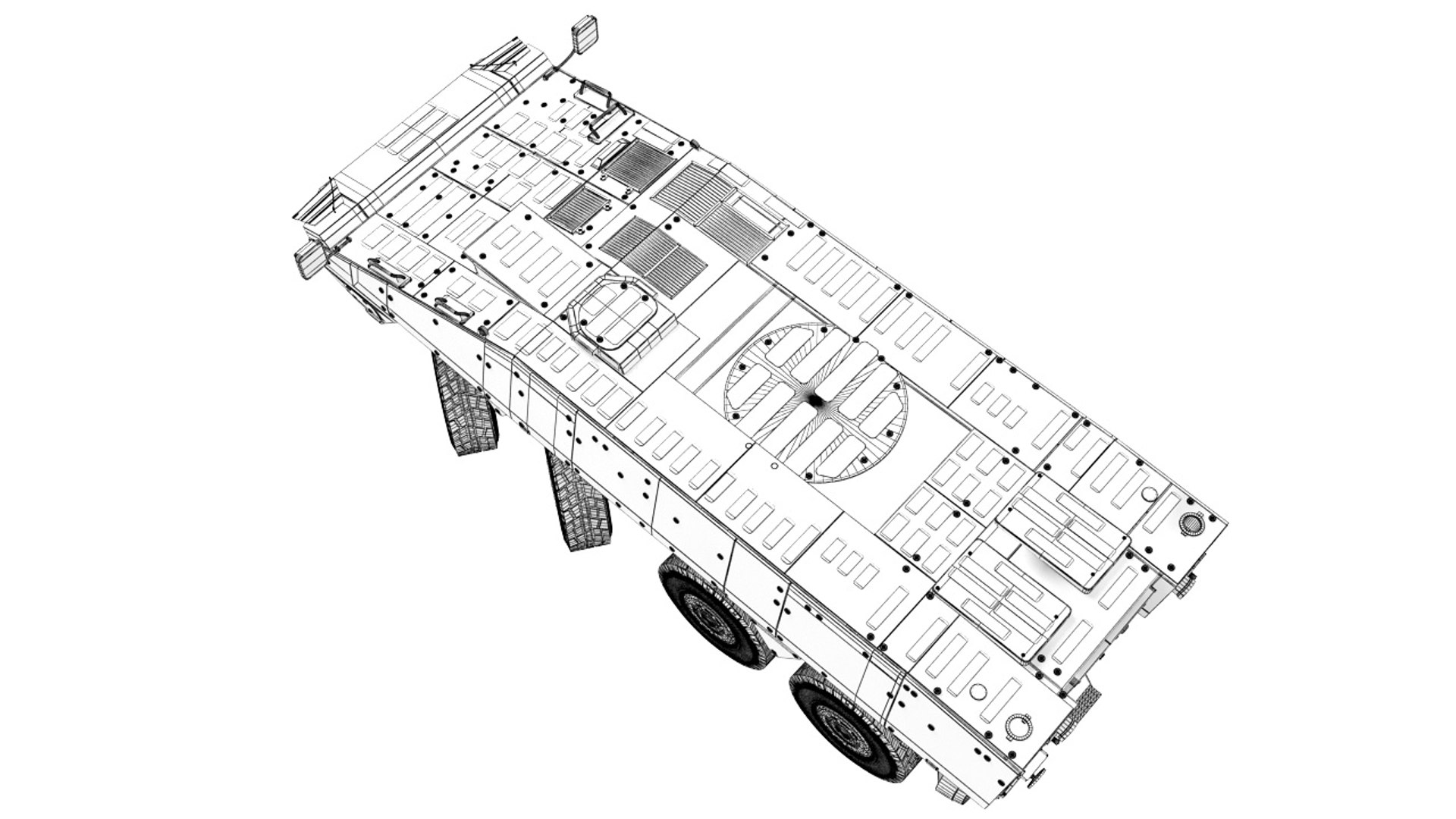
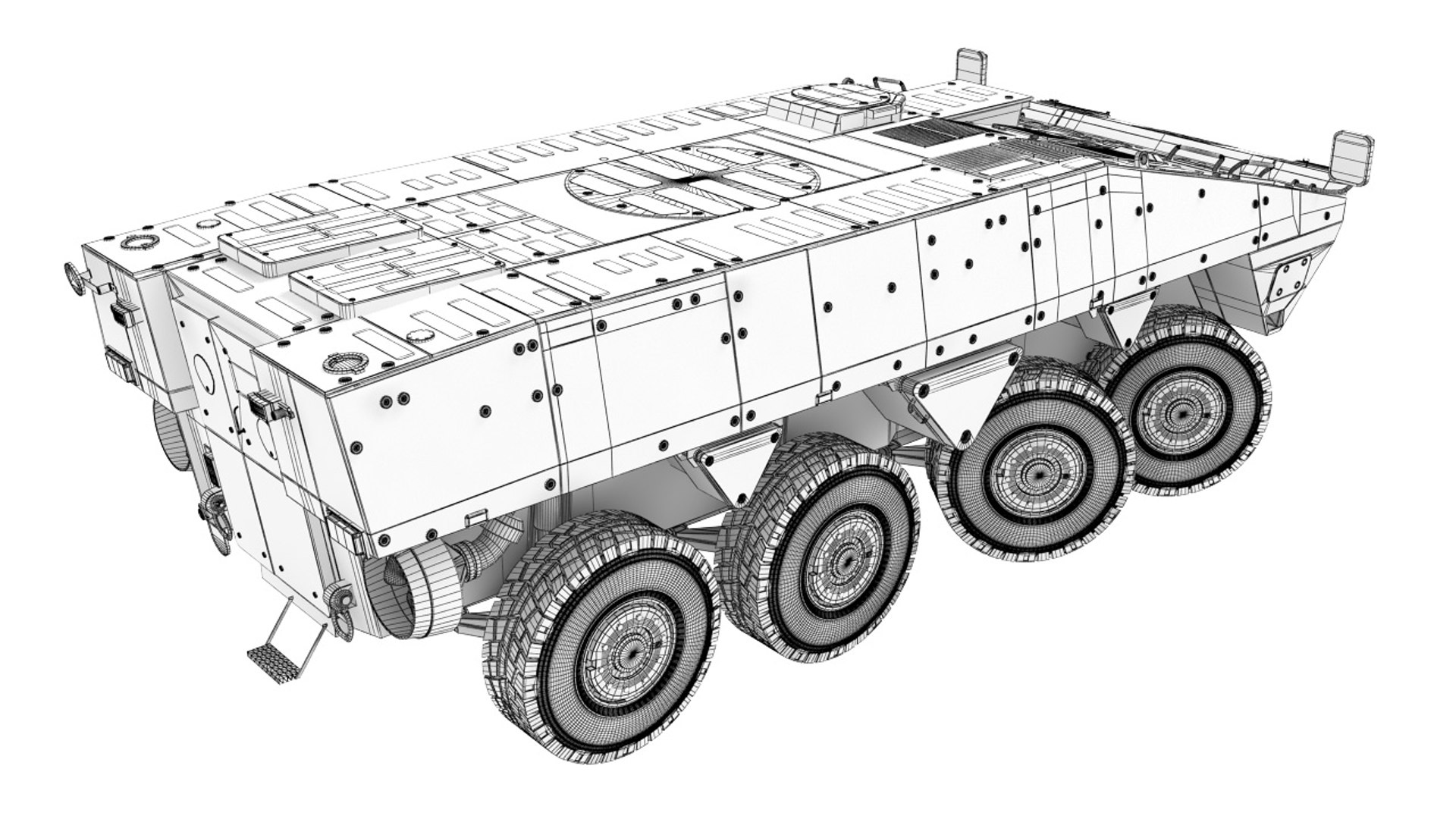
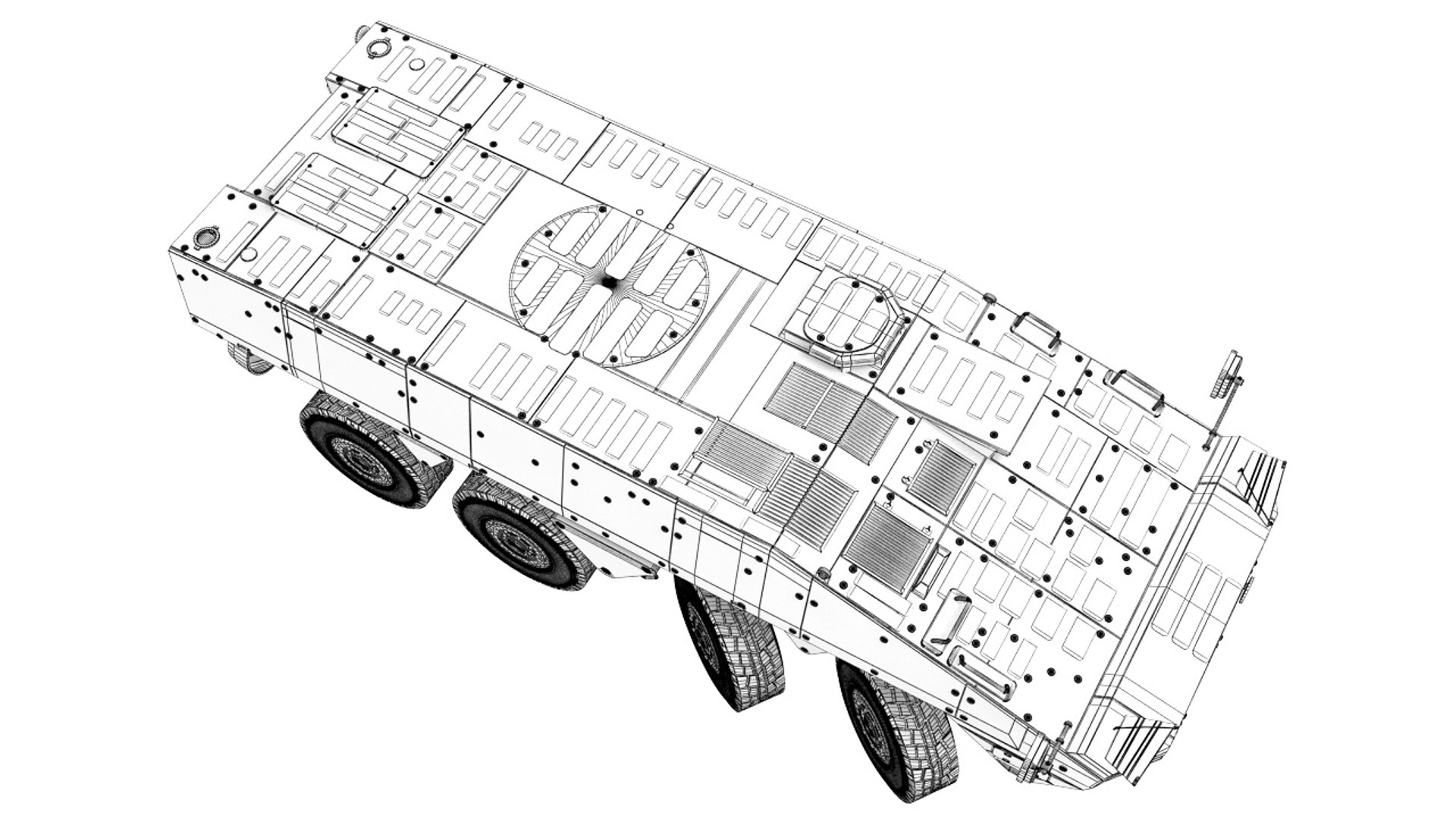
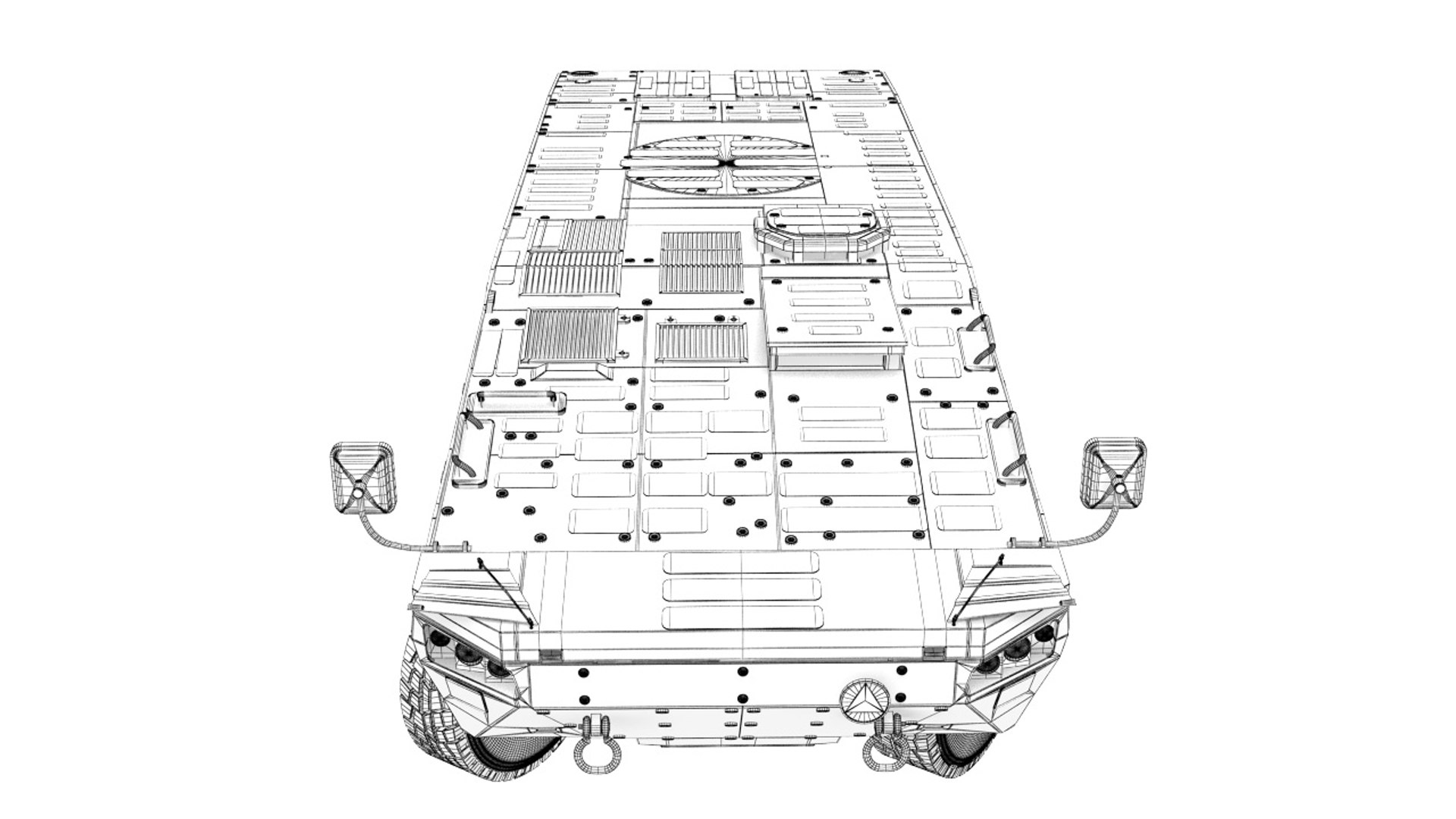
The KTO ROSSOMAK collection is made in 3ds max 2015 and rendering in vray 3.60.03 render. It consist of four different vehicle of KTO and textures of all type. It have original size and center coordinate position.All camuflag in PSD file on different layers.

KTO Rossomak 6x6

Scene Totals:

Objects: 170

Shapes: 10

Cameras: 0

Lights: 0

Helpers: 18

Space Warps: 0

Total: 198

Mesh Totals:

Verts: 793899

Faces: 781186

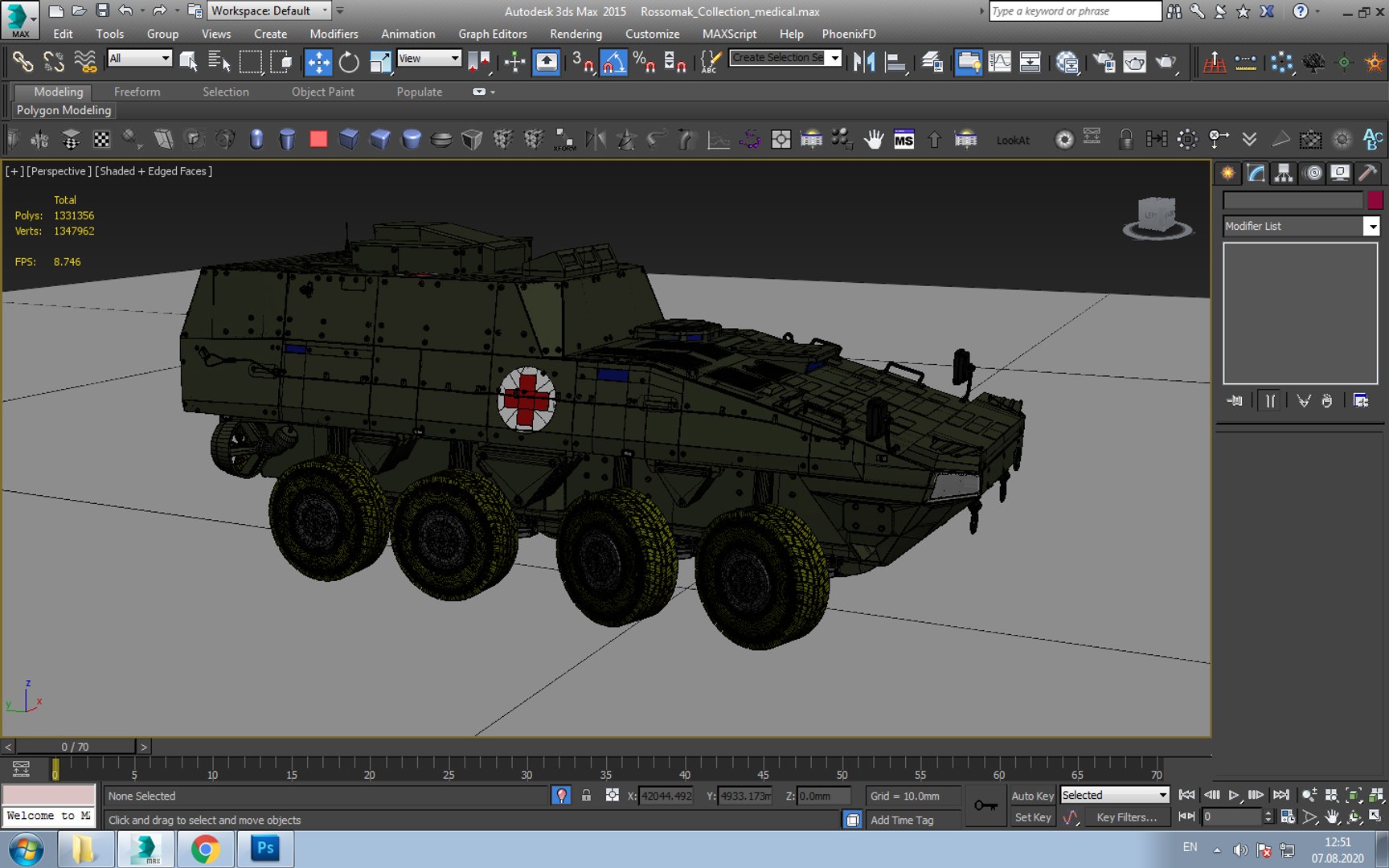
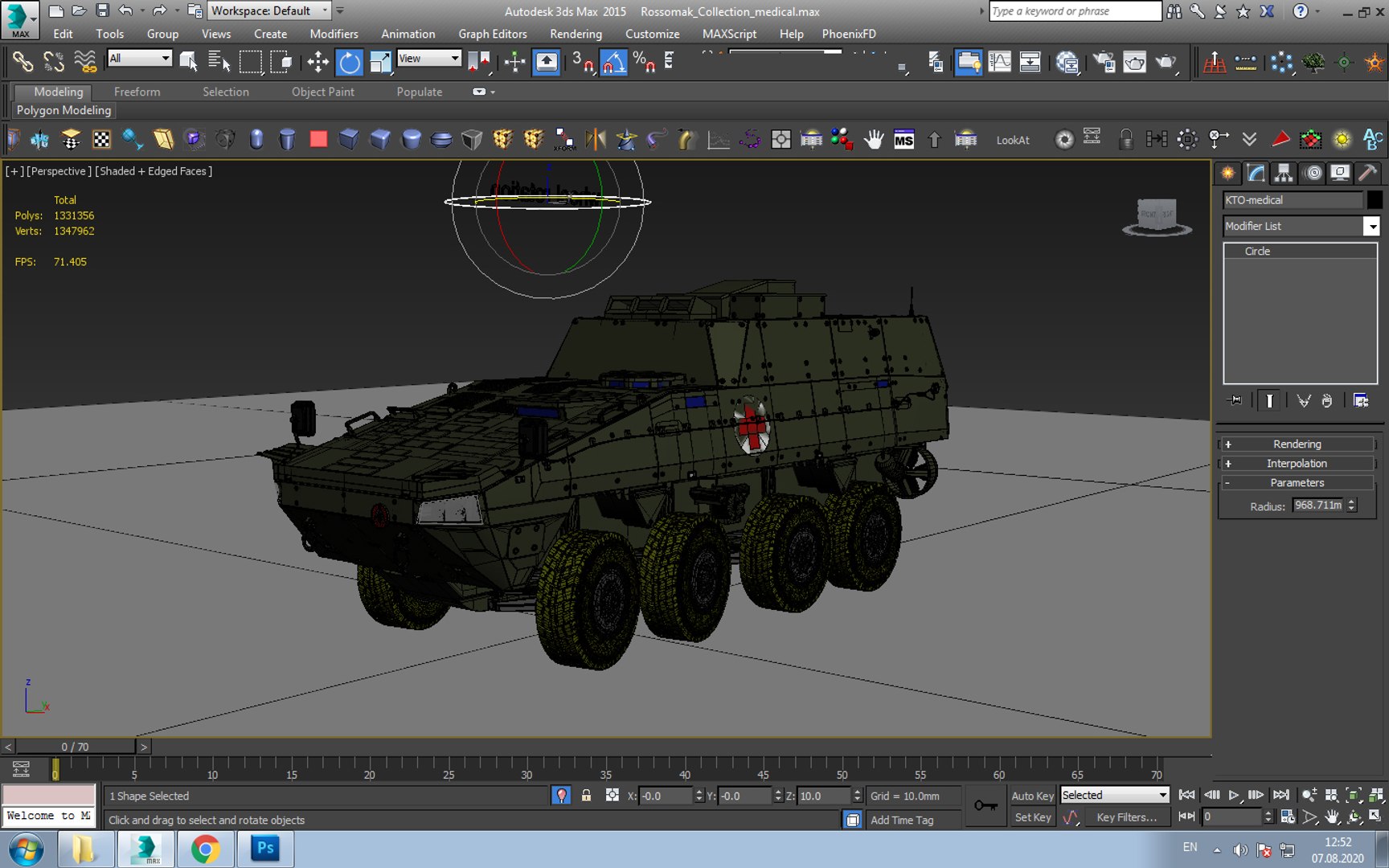
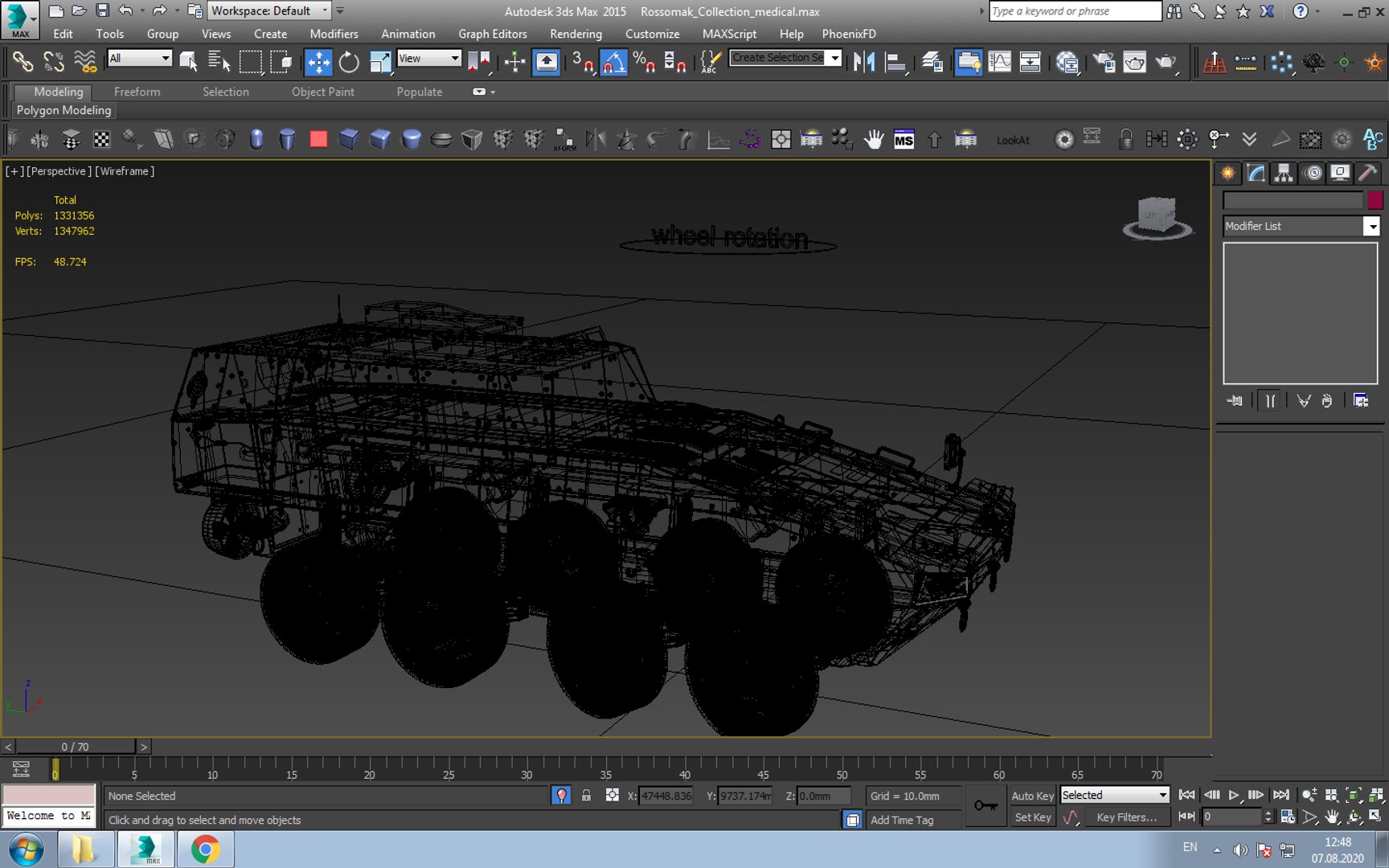
Ambulance KTO

Scene Totals:

Objects: 228

Shapes: 8

Cameras: 0

Lights: 0

Helpers: 25

Space Warps: 0

Total: 261

Mesh Totals:

Verts: 1347912

Faces: 1331130

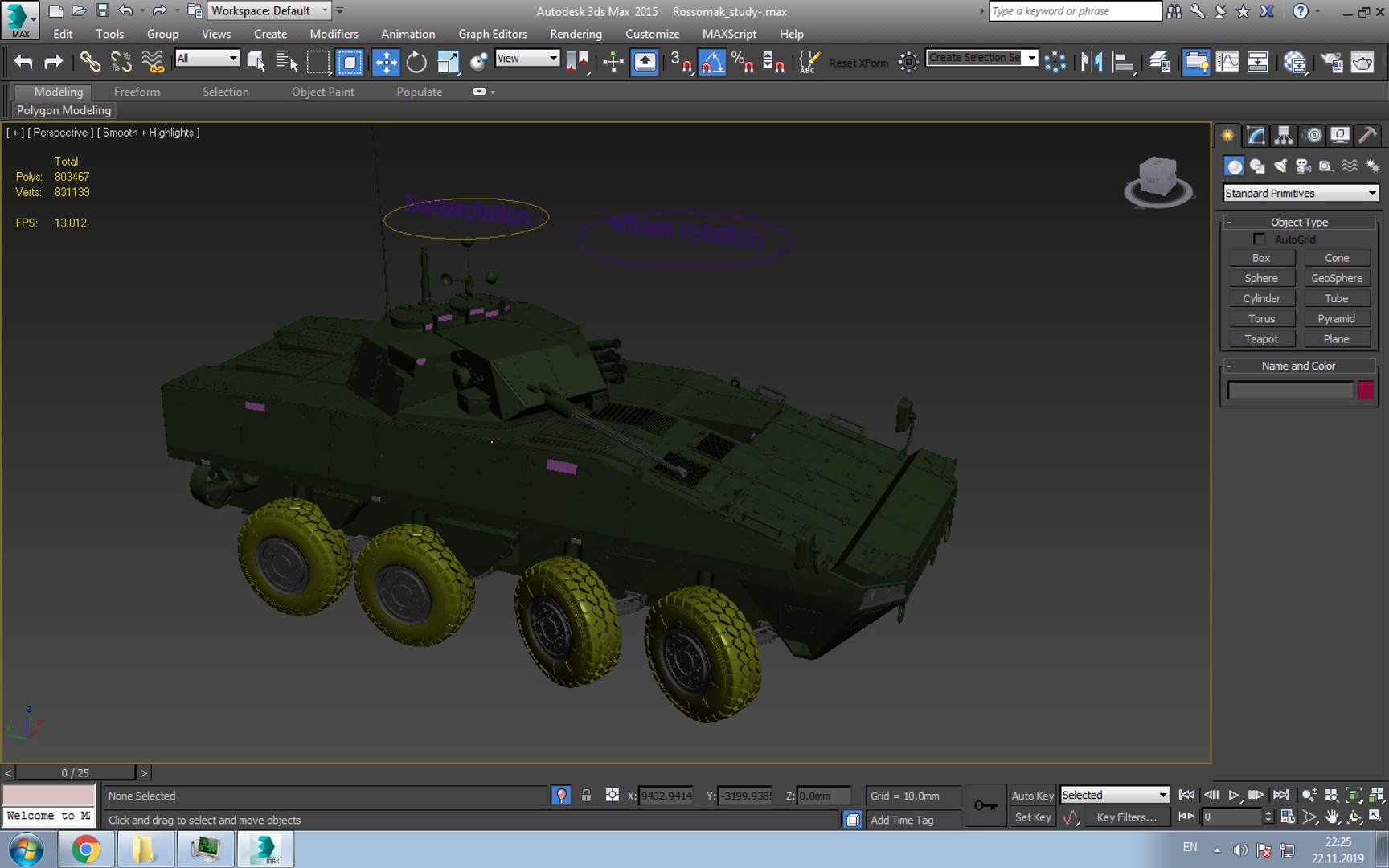
KTO Rossomak modul

Scene Totals:

Objects: 382

Shapes: 12

Cameras: 11

Lights: 6

Helpers: 181

Space Warps: 0

Total: 592

Mesh Totals:

Verts: 831139

Faces: 803297

KTO Rossomak Base

Scene Totals:

Objects: 168

Shapes: 6

Cameras: 12

Lights: 6

Helpers: 169

Space Warps: 0

Total: 361

Mesh Totals:

Verts: 989385

Faces: 976383

Select Enhanced License

  • $10,000 in Legal Protection (Indemnification)
  • Uncapped Legal Protection (Indemnification)
  • Waiver from injunctive relief
  • Assignable model rights
  • $1,000,000 in Legal Protection (Indemnification)
  • Waiver from injunctive relief
  • Assignable model rights
  • $250,000 in Legal Protection (Indemnification)
  • Assignable model rights
Read more about enhanced license tiers, or contact us at enterprise@turbosquid.com. Already a Shutterstock Enterprise Customer? Contact your Shutterstock Sales Support Agent to talk about adding 3D.

About Conversion Requests

To submit a conversion request for a purchased asset, please complete our Conversion Request Form.

If you have not yet purchased a model, please review our Documentation about Conversions to learn about what limitations you may encounter with a conversion.

For any additional questions about a model’s suitability for conversion, please contact TurboSquid Support.

Loading...