
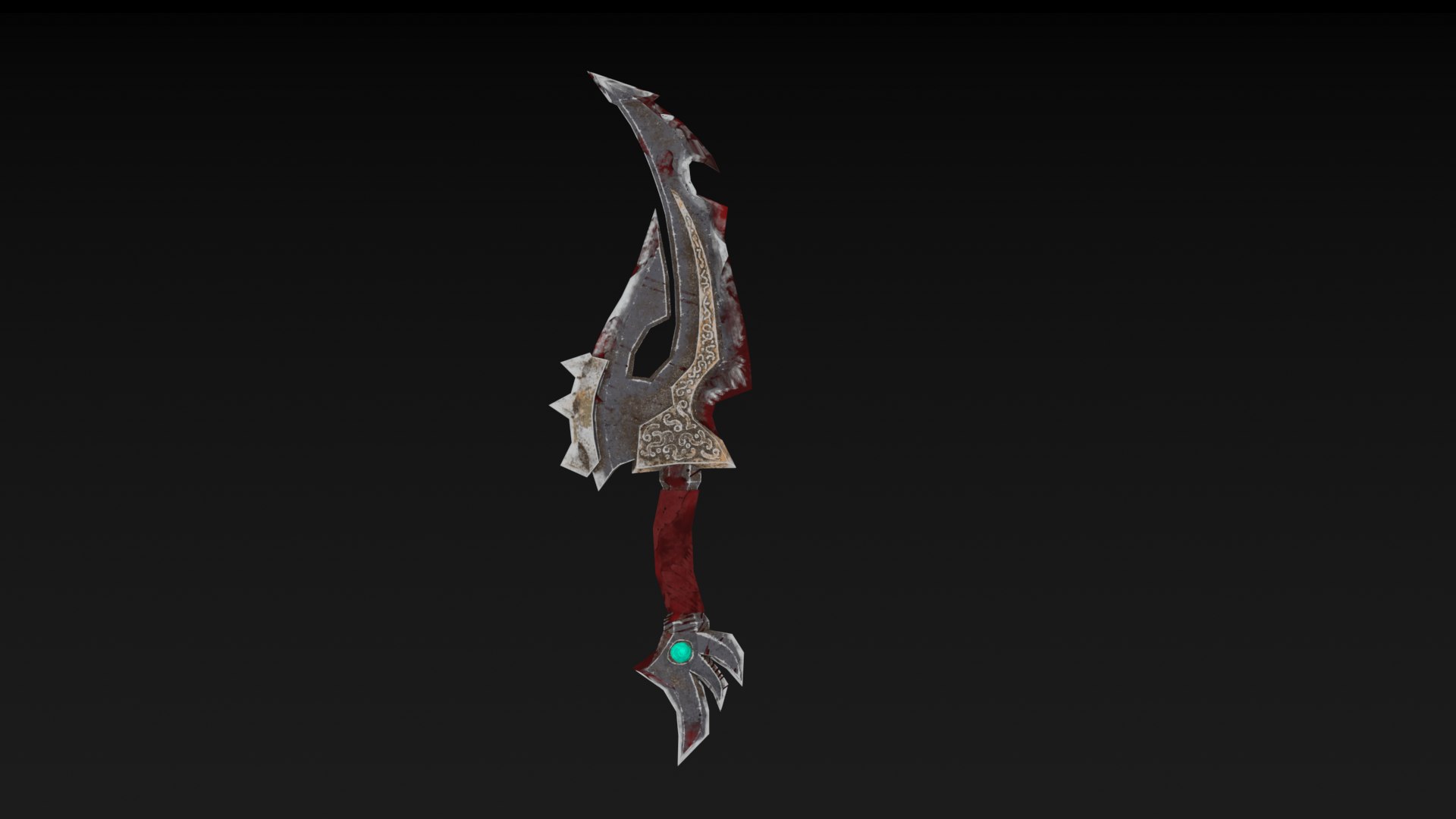
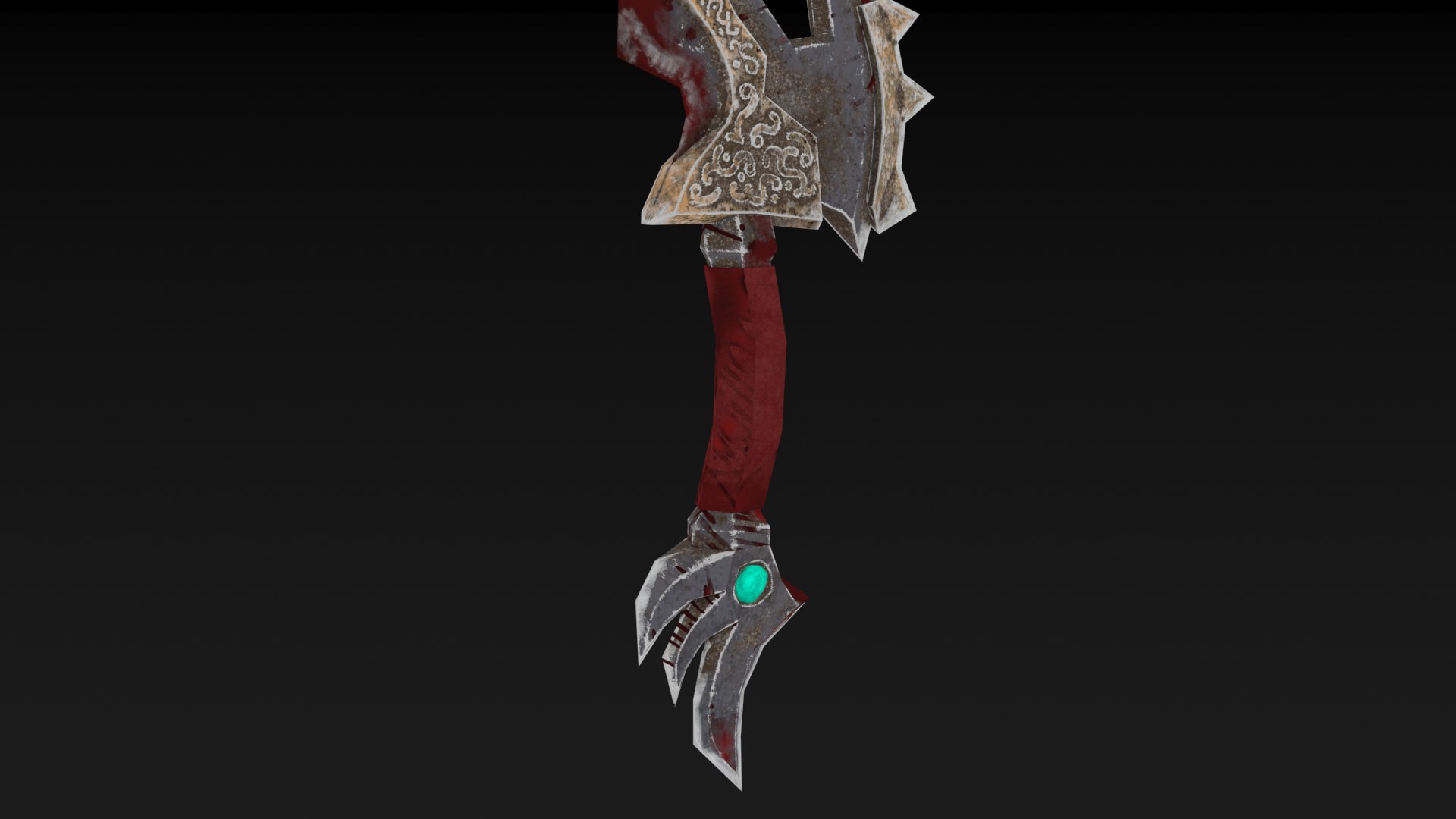
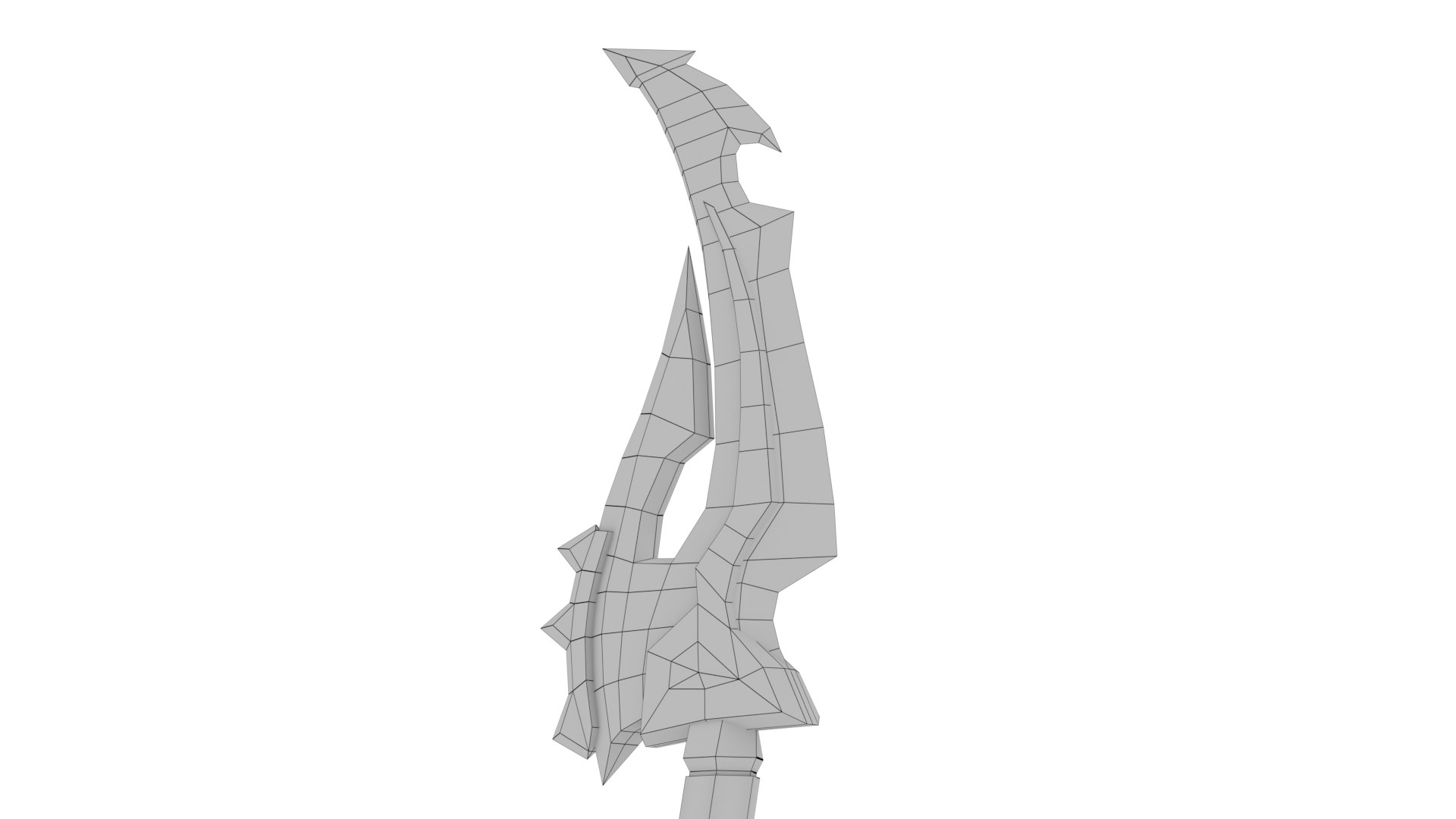
Knife

$15

Standard License | Upgrade License
Formats (4)
Native | 3ds Max 2016 | Corona 2016
3ds Max 2016 | Default Scanline 2016
FBX
OBJ
Specifications
Publish Date May 13, 2021
Product ID 1732155
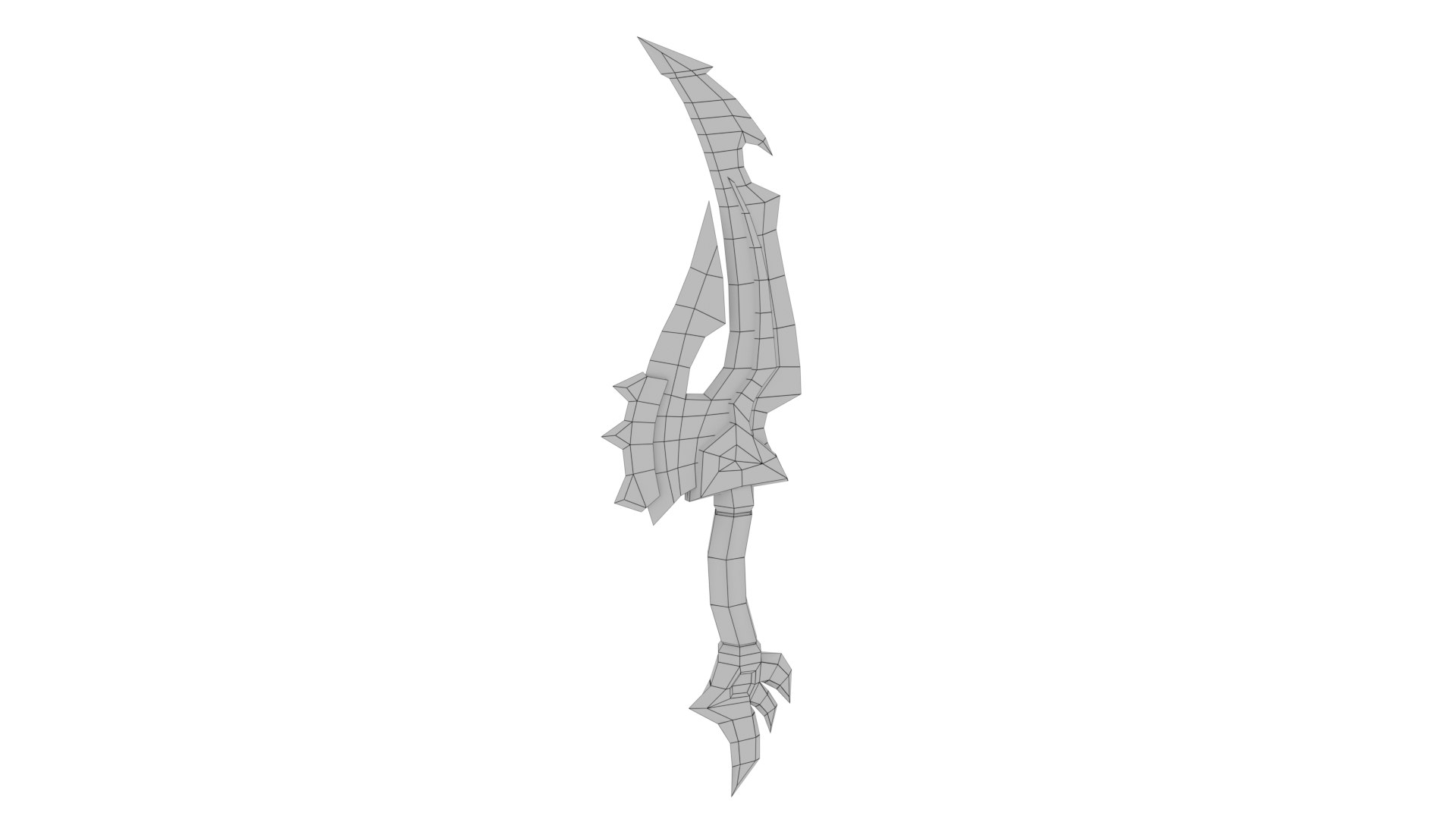
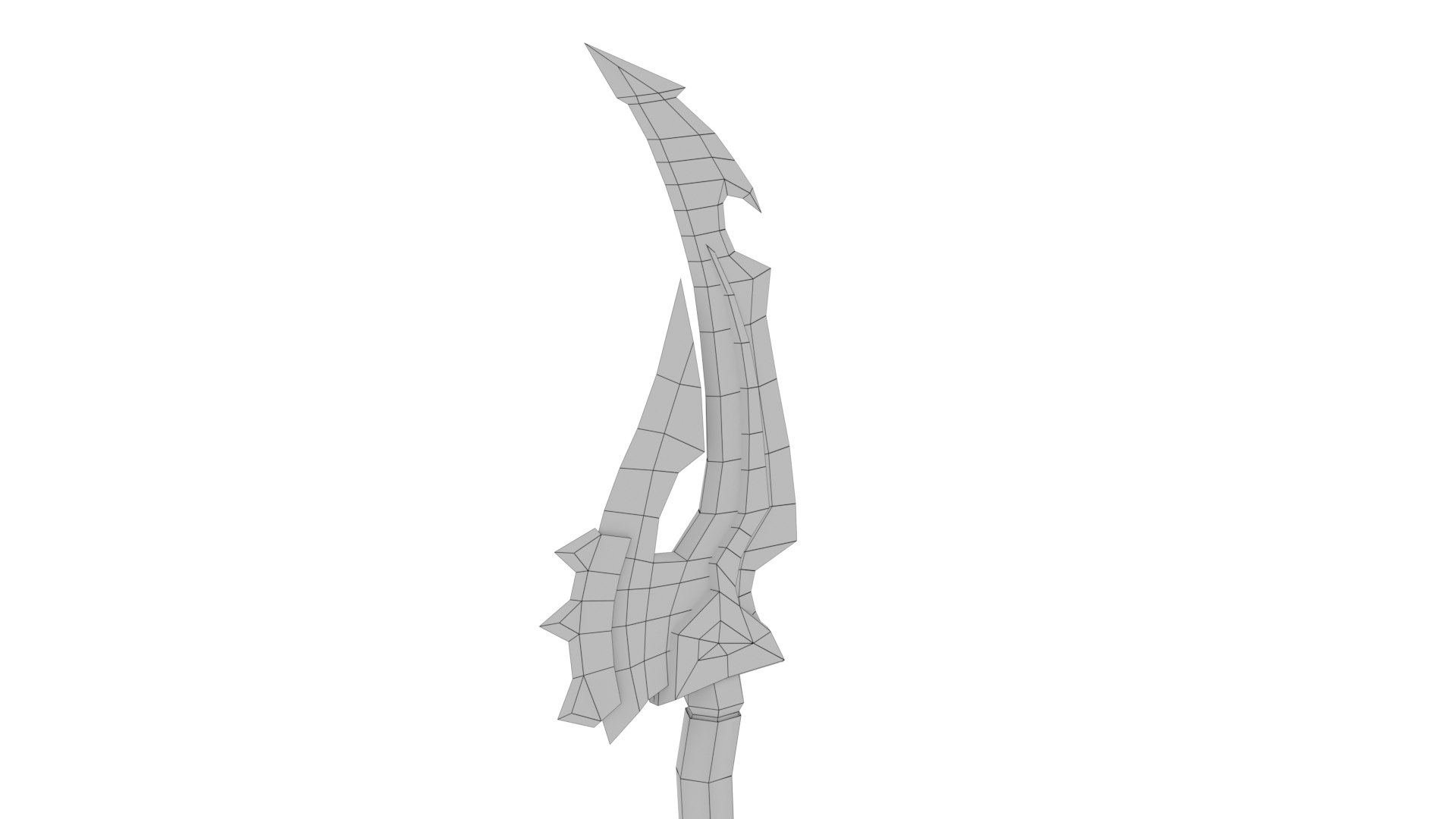
Polygons 506
Vertices 512
Polygonal Quads/Tris Geometry
Textures
Materials
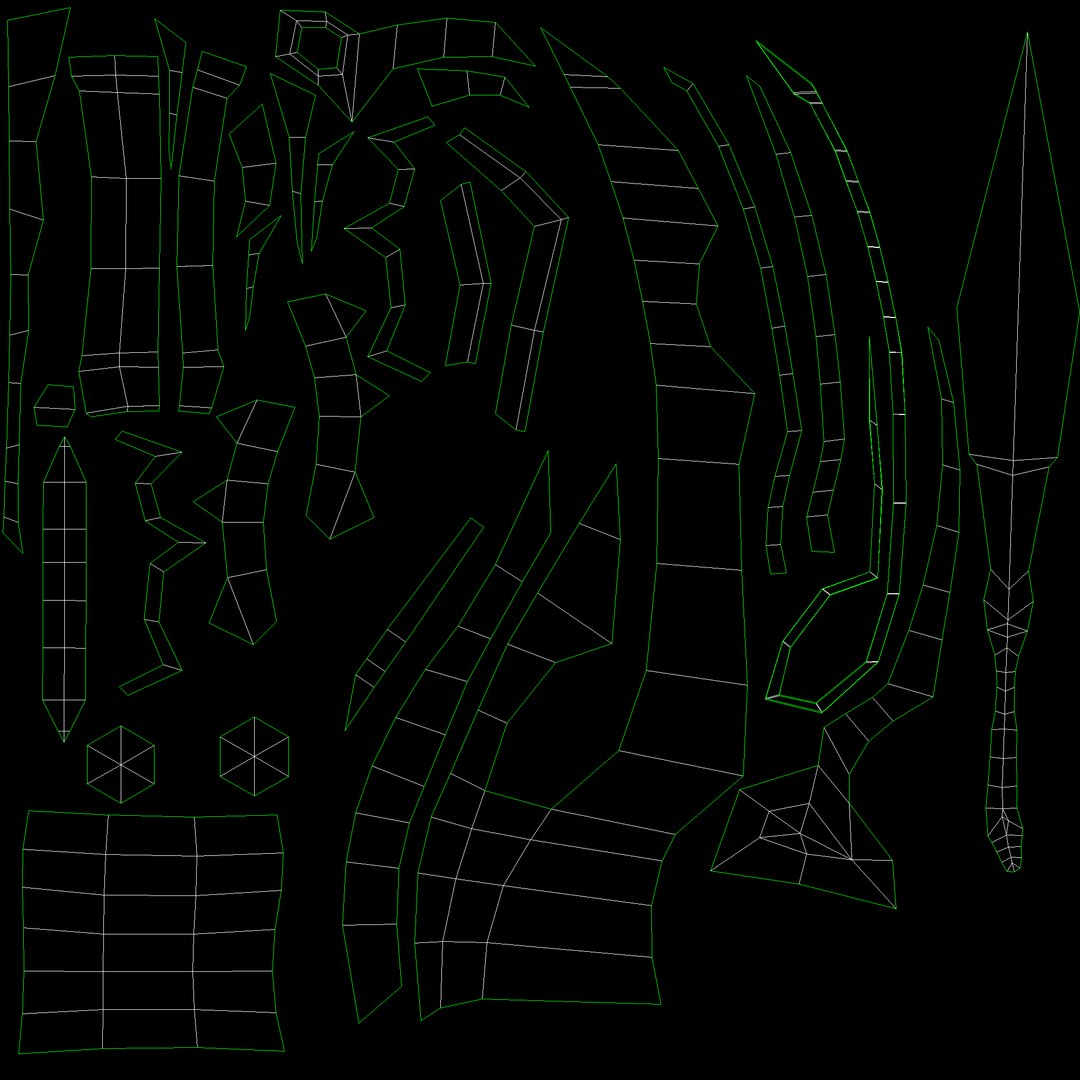
UV Mapped
Overlapping Unwrapped UVs
Rigged
PBR
TurboSquid Exclusive
member avatar
3dmeshstudios
13 Products | Contributor Since 2021
Have questions? Chat with us now.

Description

This model is designed for use in any engine supporting PBR rendering, such as Unity, Unreal Engine
and all gaming engines.


High Detailed Realistic model of Red Skull Axe, completely UVmapped and smooth able, made with 3DS Max.
This scene is Ready to render exactly as you see above with Corona and Default
(Scanline) render engine. It comes with high resolution textures.


3DS Max file: 2016 and
above


Corona Low poly:  Knife_low poly_Corona


Default Low poly Knife_low
poly_Default


FBX file  Low poly


OBJ files (Ready to
rig) Low poly


Texture
names:


Knife
default


Knife  Height


Knife
normal


Knife
Reflection


Knife
Roughness


This pack includes all
the following formats:


max (Low Poly)(3DS Max
2016)(Corona Renderer)  


max (Low Poly)(3DS Max
2016)(Default Renderer) 


obj (Low Poly) . 


Fbx (Low Poly)


Obj is directly
exported from 3DS Max and comes combined, so you may need to assign textures.


Low Poly for 3DS Max
and OBJ file (Polygon 506, Vertices 512)


Art Created by
3dmeshstudios


If
you have any question, feel free to contact us.


Select Enhanced License

  • $10,000 in Legal Protection (Indemnification)
  • Uncapped Legal Protection (Indemnification)
  • Waiver from injunctive relief
  • Assignable model rights
  • $1,000,000 in Legal Protection (Indemnification)
  • Waiver from injunctive relief
  • Assignable model rights
  • $250,000 in Legal Protection (Indemnification)
  • Assignable model rights
Read more about enhanced license tiers, or contact us at enterprise@turbosquid.com. Already a Shutterstock Enterprise Customer? Contact your Shutterstock Sales Support Agent to talk about adding 3D.

About Conversion Requests

To submit a conversion request for a purchased asset, please complete our Conversion Request Form.

If you have not yet purchased a model, please review our Documentation about Conversions to learn about what limitations you may encounter with a conversion.

For any additional questions about a model’s suitability for conversion, please contact TurboSquid Support.

Loading...