Kitchen interior

$80

Standard License | Upgrade License
Formats (9)
Free file format Conversions available
Native | 3ds Max 2016 | V-Ray 3.40.01
3ds Max 2015 | V-Ray 3.40.01
3ds Max 2014 | V-Ray 3.40.01
3ds Max 2013 | V-Ray 3.40.01
3ds Max 2012 | V-Ray 3.40.01
3ds Max 2011 | V-Ray 3.40.01
3ds Max 2010 | V-Ray 3.40.01
FBX
OBJ
Other Files
interior kitchen materials and textures.zip
Specifications
Publish Date December 26, 2016
Product ID 1106601
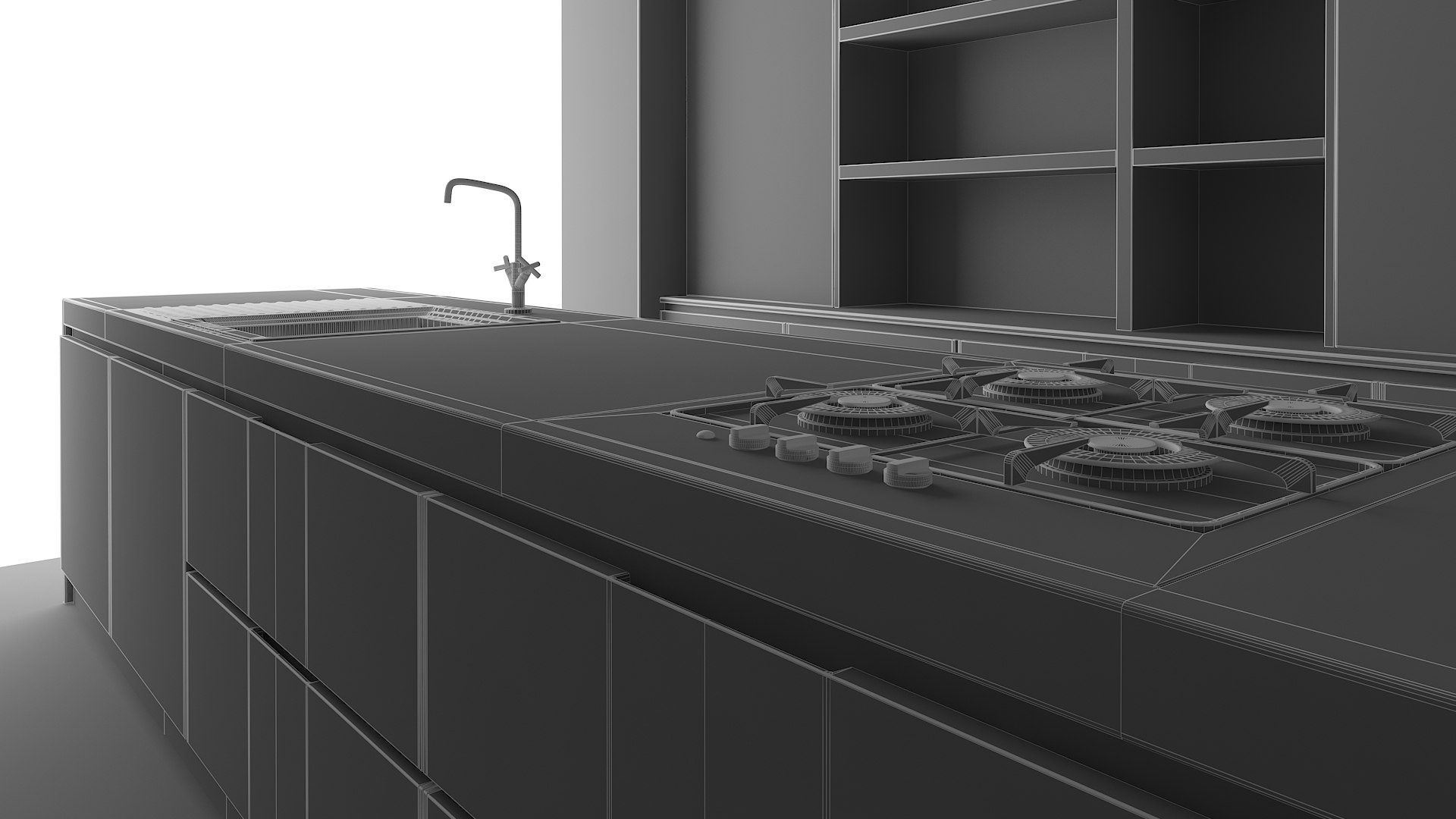
Polygons 88,740
Vertices 89,893
Polygonal Quads/Tris Geometry
Textures
Materials
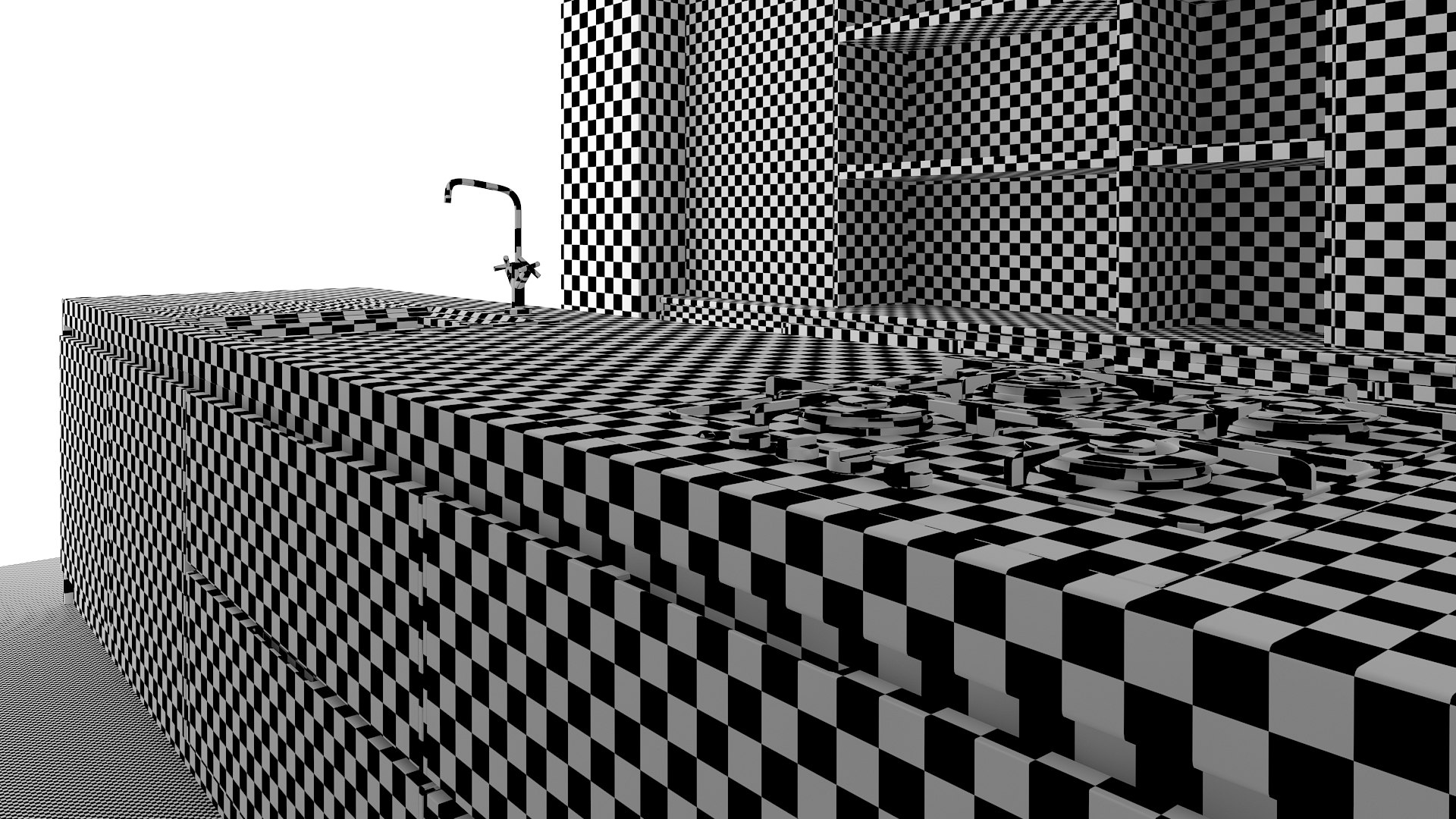
UV Mapped
Mixed Unwrapped UVs

member avatar
pikosquid
165 Products | Contributor Since 2012
Have questions? Chat with us now.

Description

Hello,

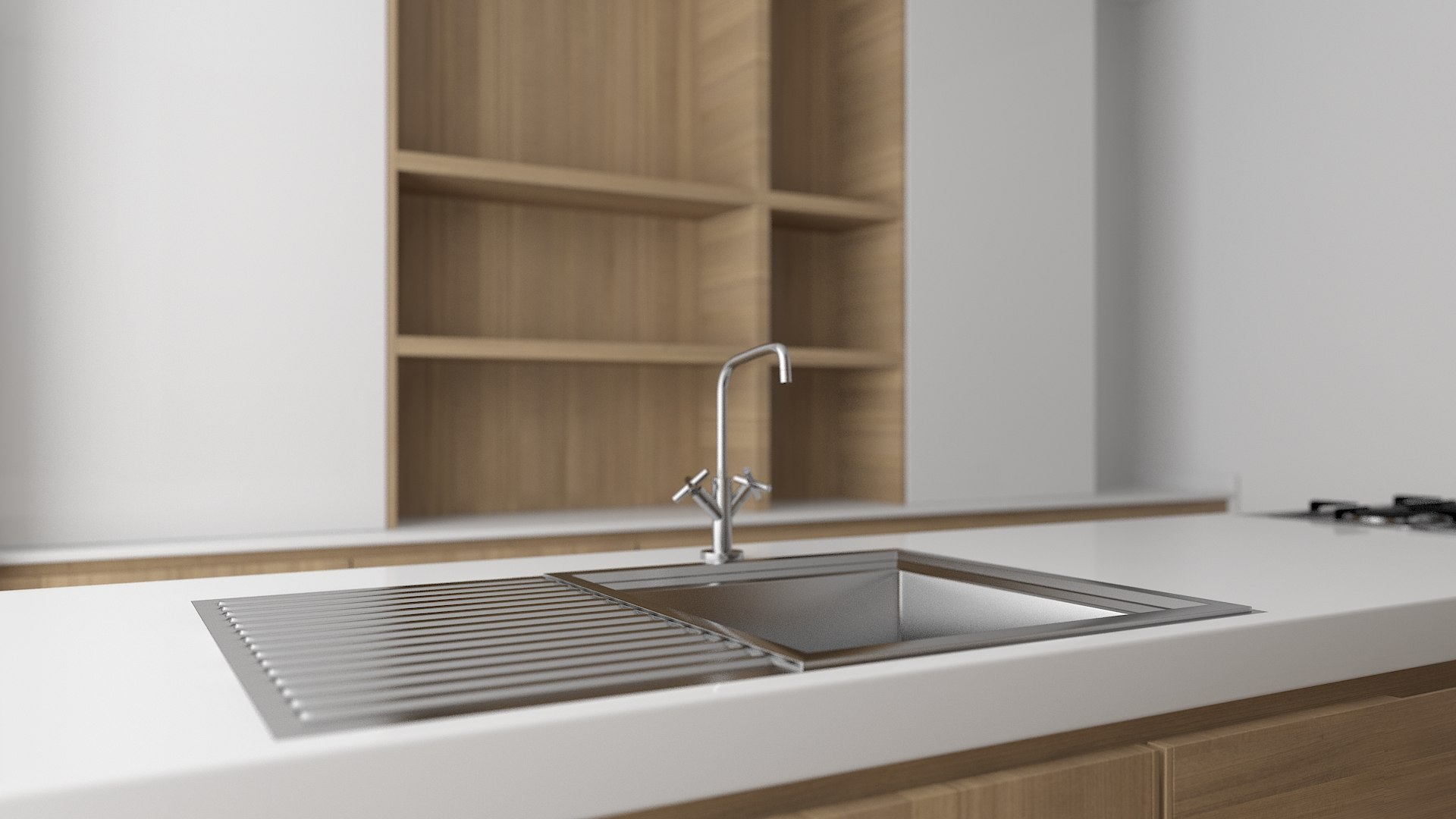
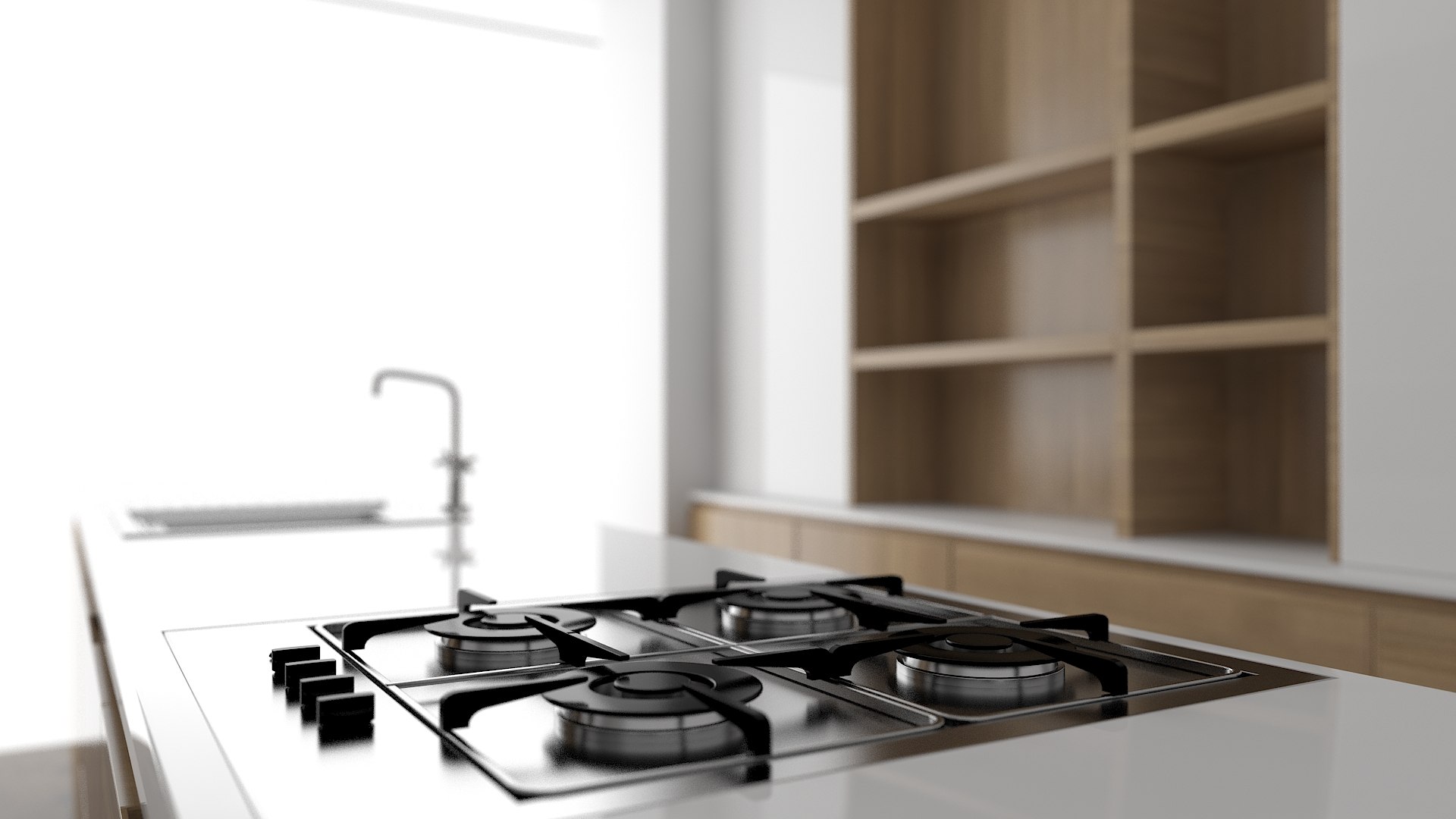
This is a scene of a modern and simple kitchen.

Everything in the example images is included in the supplied files- room, appliances, cabinets, cameras, lights. Everything has been modelled to real world dimensions. No post editing was done on the example images. These are RAW renders.

All geometry is suitable for close shots due to their high quality.

There are already 4 cameras set up in the scene- 2 with and 2 without Depth of Field enabled.

There is only 1 light illuminating the scene- the one in the window opening.

The entire scene was modelled in 3DS Max and rendered with V-Ray. I am providing .MAX files compatible with 3DS MAax 2016,2015, 2014, 2013, 2012, 2011, 2010. I am also providing .OBJ and .FBX files, all the needed materials and textures have been included too.

Thank you and I hope you enjoy it.

Select Enhanced License

  • $10,000 in Legal Protection (Indemnification)
  • Uncapped Legal Protection (Indemnification)
  • Waiver from injunctive relief
  • Assignable model rights
  • $1,000,000 in Legal Protection (Indemnification)
  • Waiver from injunctive relief
  • Assignable model rights
  • $250,000 in Legal Protection (Indemnification)
  • Assignable model rights
Read more about enhanced license tiers, or contact us at enterprise@turbosquid.com. Already a Shutterstock Enterprise Customer? Contact your Shutterstock Sales Support Agent to talk about adding 3D.

About Conversion Requests

To submit a conversion request for a purchased asset, please complete our Conversion Request Form.

If you have not yet purchased a model, please review our Documentation about Conversions to learn about what limitations you may encounter with a conversion.

For any additional questions about a model’s suitability for conversion, please contact TurboSquid Support.

Loading...