



Doors Kit Constructor 06

$13

Standard License | Upgrade License
Formats (7)
Native | 3ds Max 2016 | Corona 2
3ds Max 2016 | V-Ray 5.2
Blender 2.92 | Cycles Render
3ds Max 2013 | Corona 2
3D Studio
FBX 2014
OBJ
Other Files
Doors Kit Constructor Guide.mp4 Doors Kit Constructor MatLib Corona.mat Doors Kit Constructor.txt Doors Kit Constructor MatLib Vray.mat Textures.rar
Specifications
Publish Date March 03, 2021
Product ID 1699642
Polygons 163,343
Vertices 176,407
Polygonal Quads Only
Textures
Materials
UV Mapped
Mixed Unwrapped UVs
PBR
member avatar
Atmasforme
160 Products | Contributor Since 2019
Have questions? Chat with us now.

Description

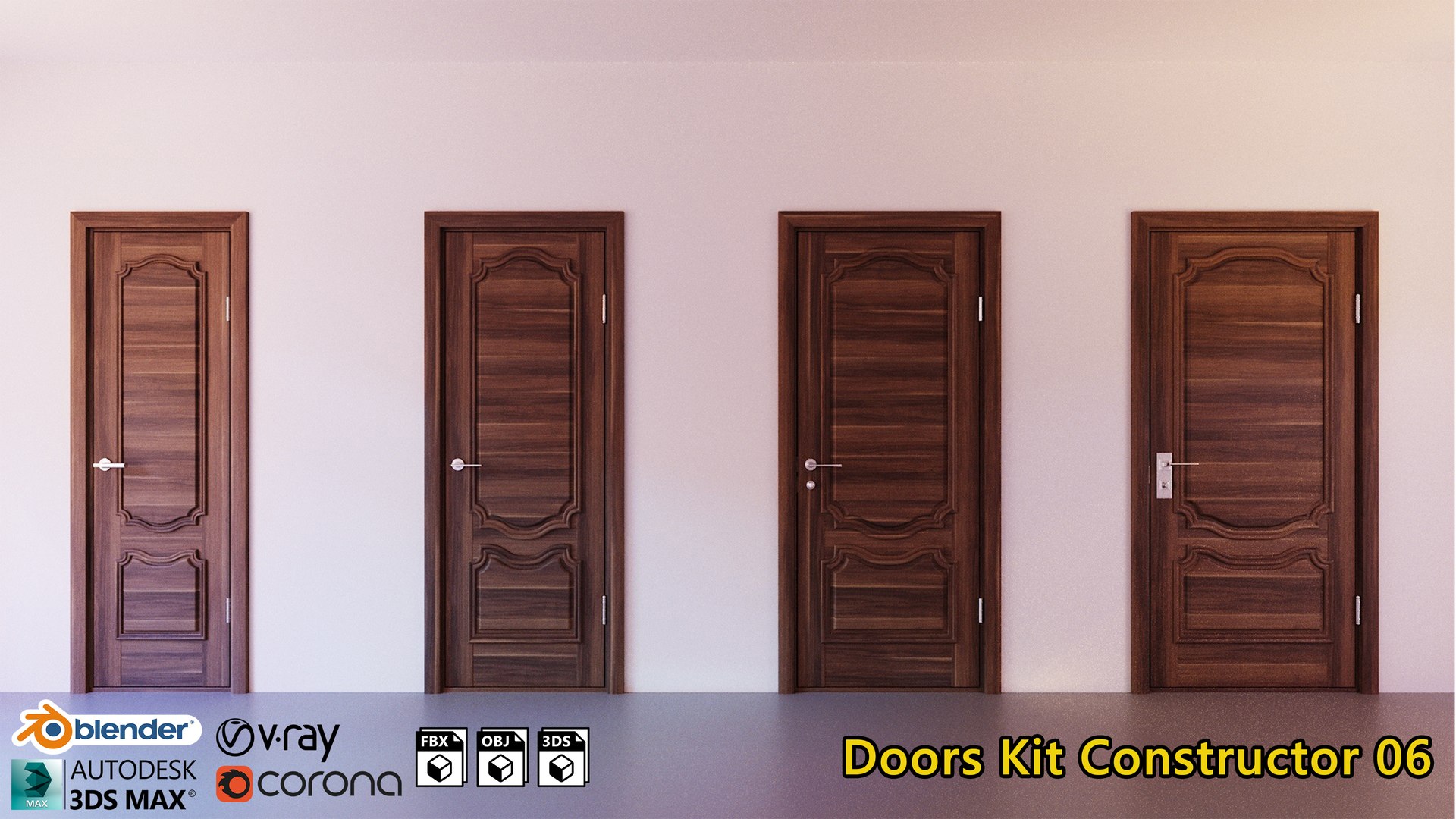
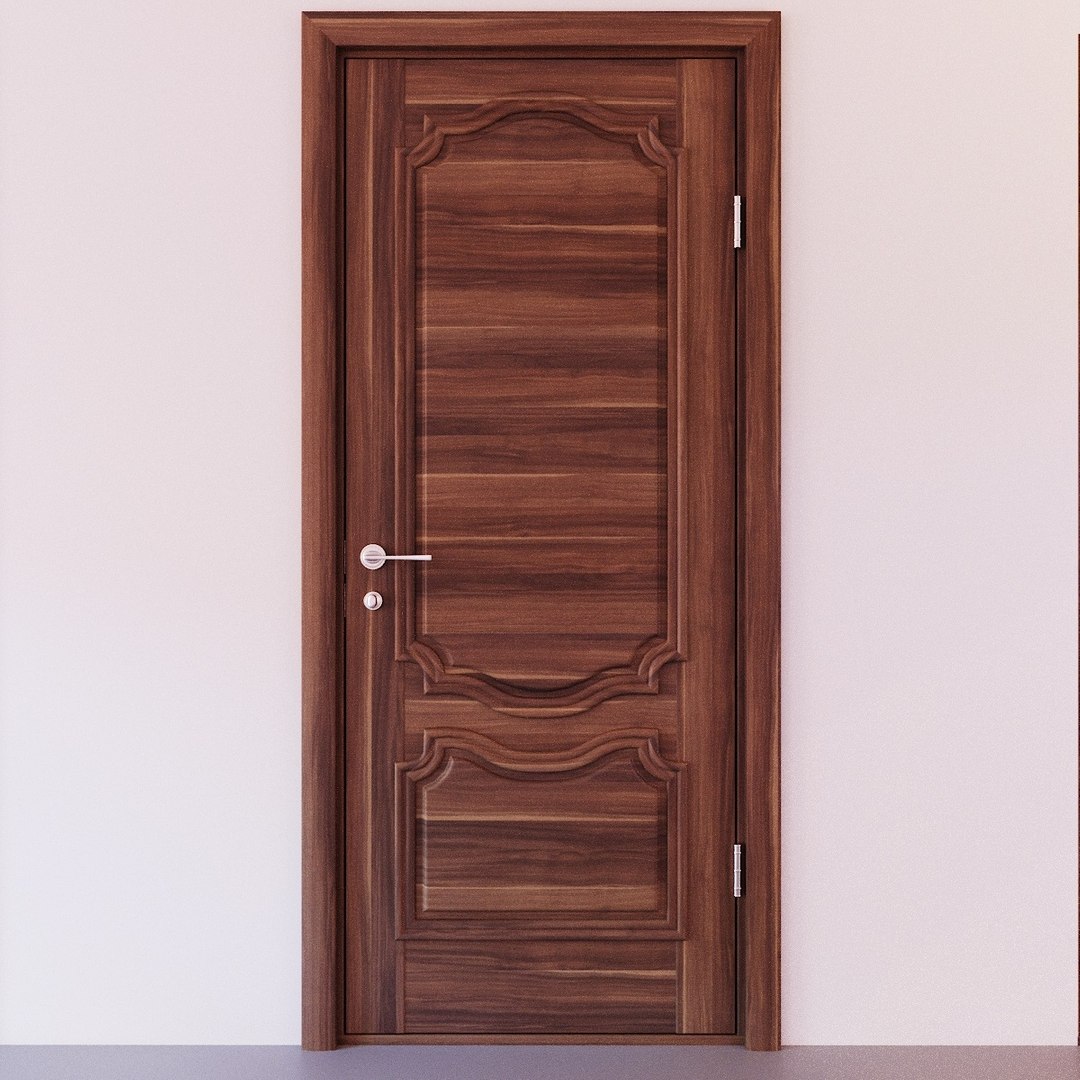
Doors Kit Constructor 06

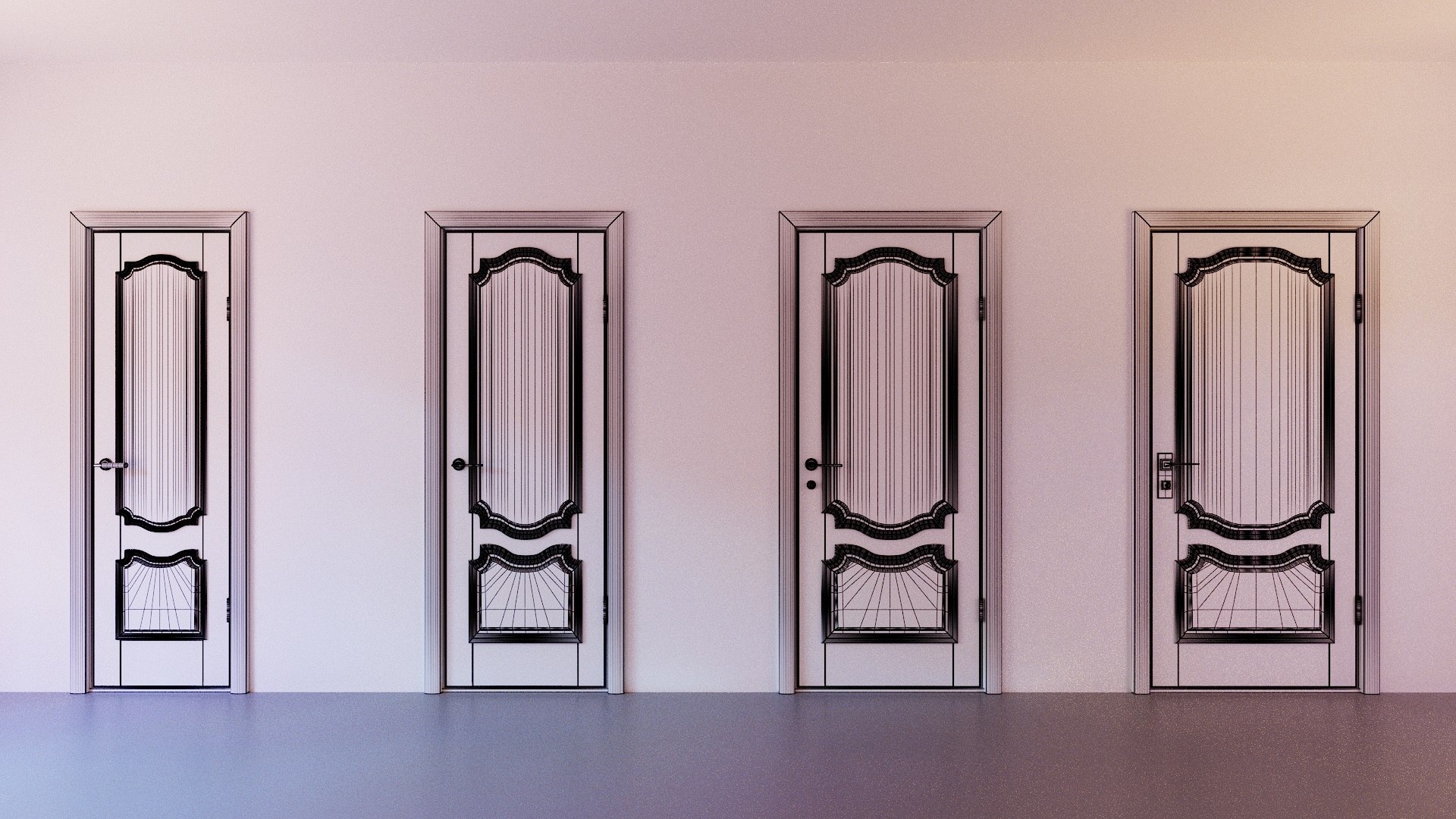
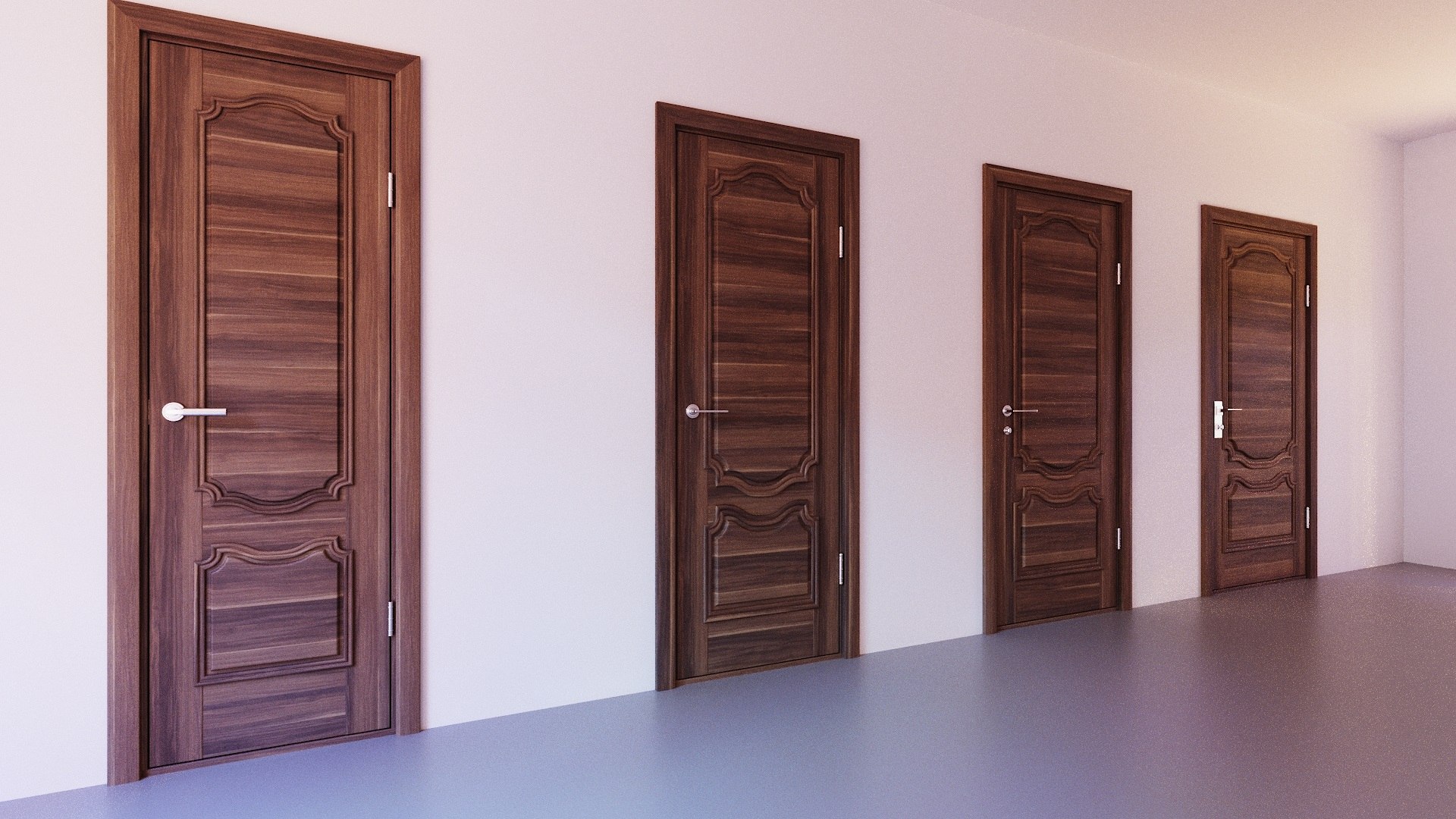
Doors Set 1-10 includes 181 objects what can be used in scenes with different subjects of interior design.
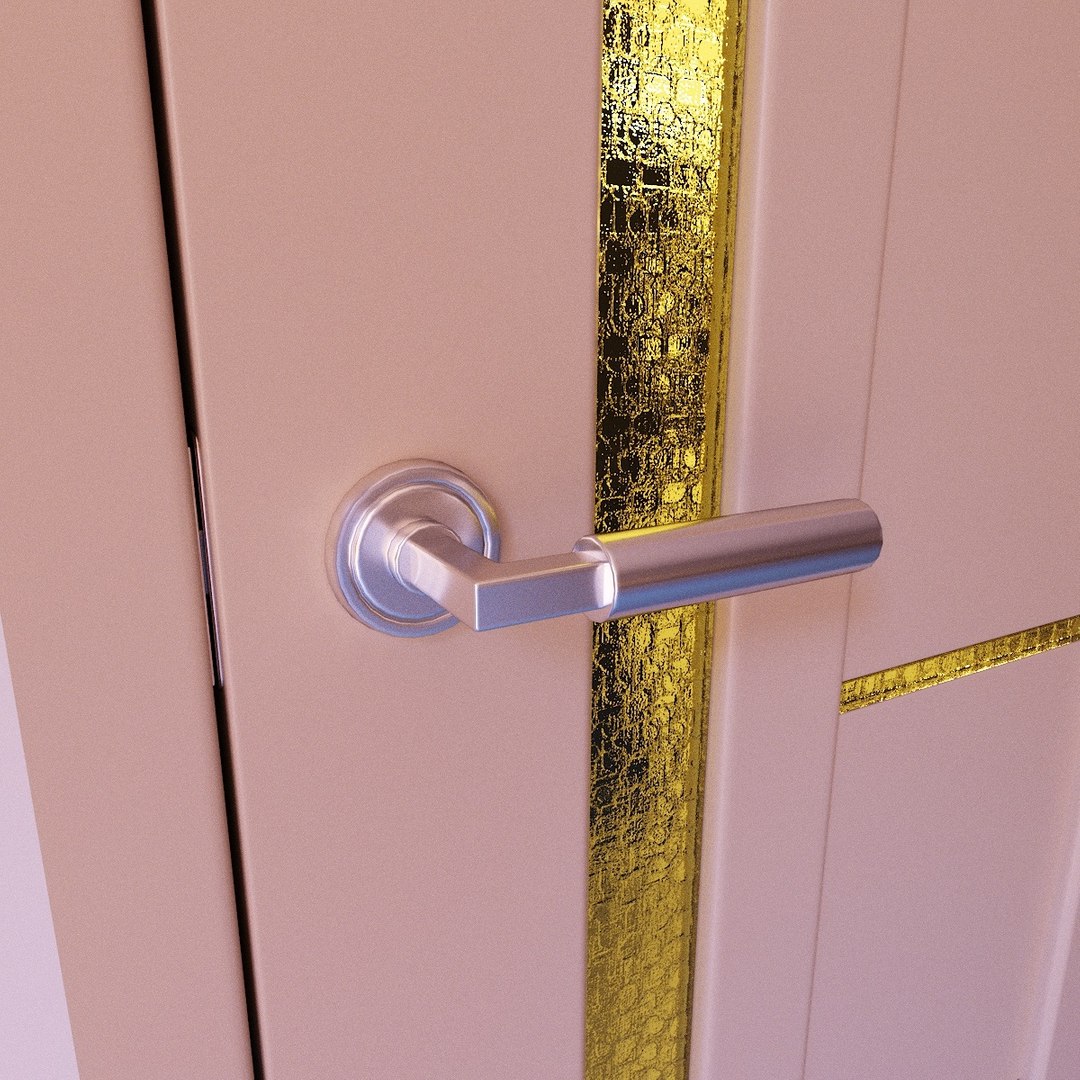
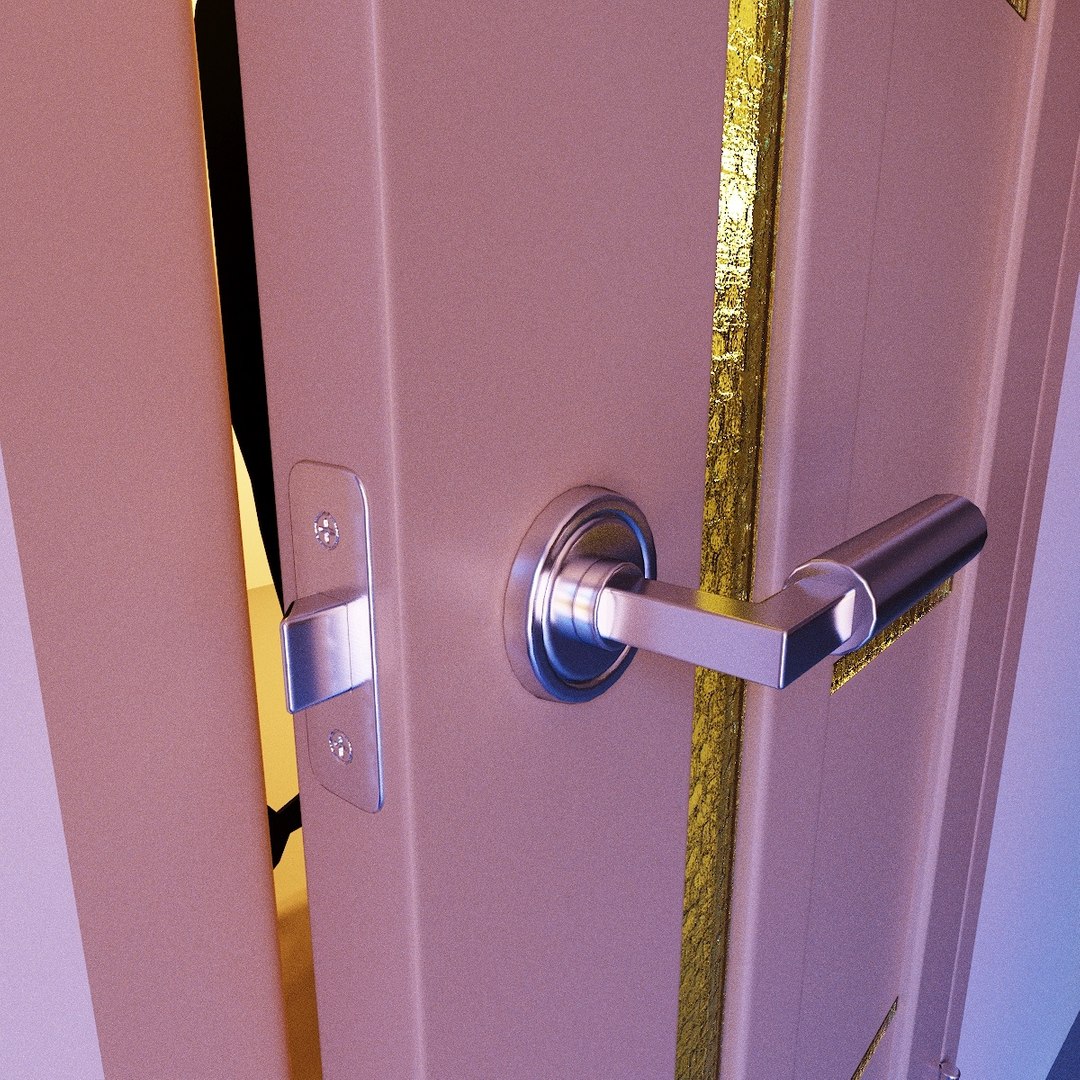
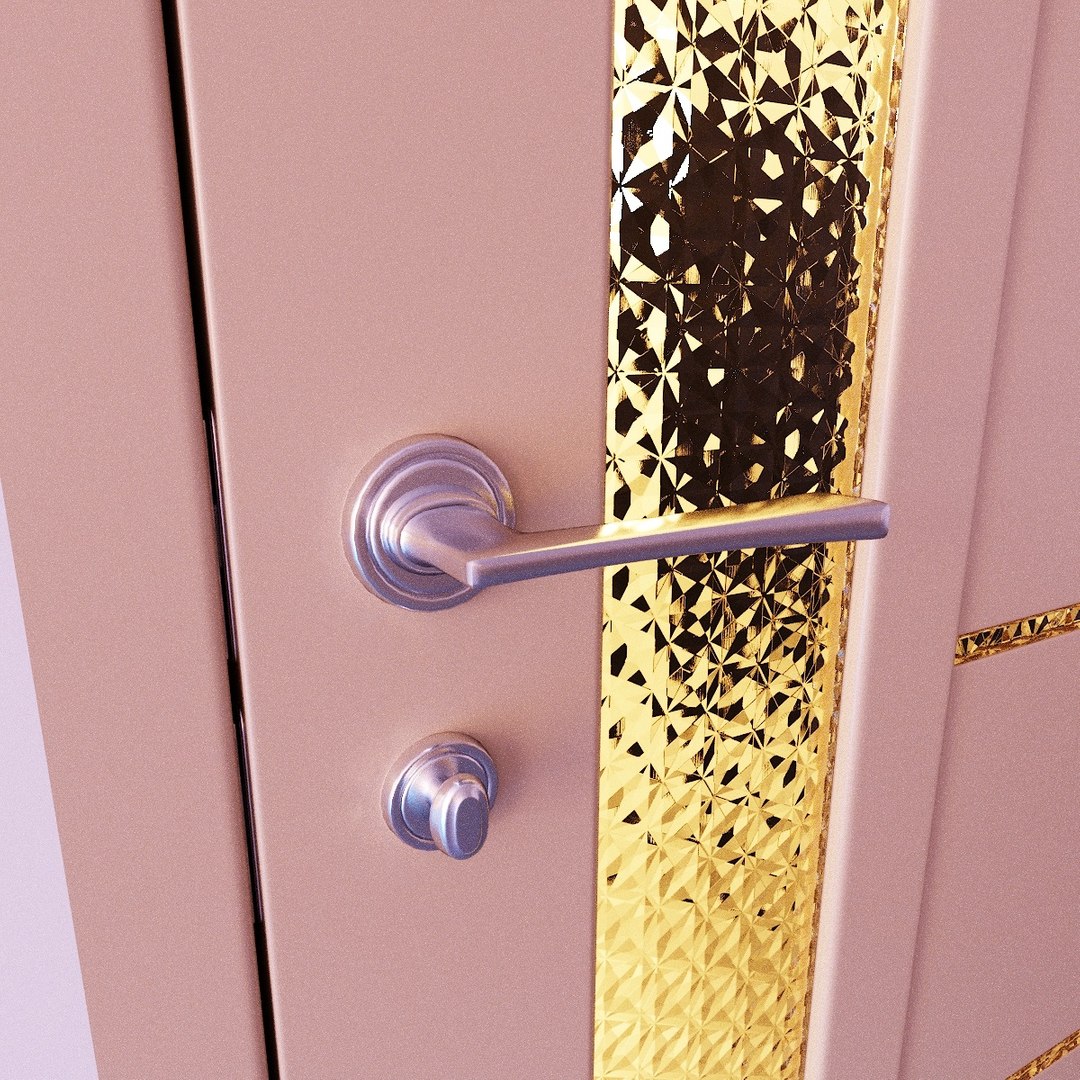
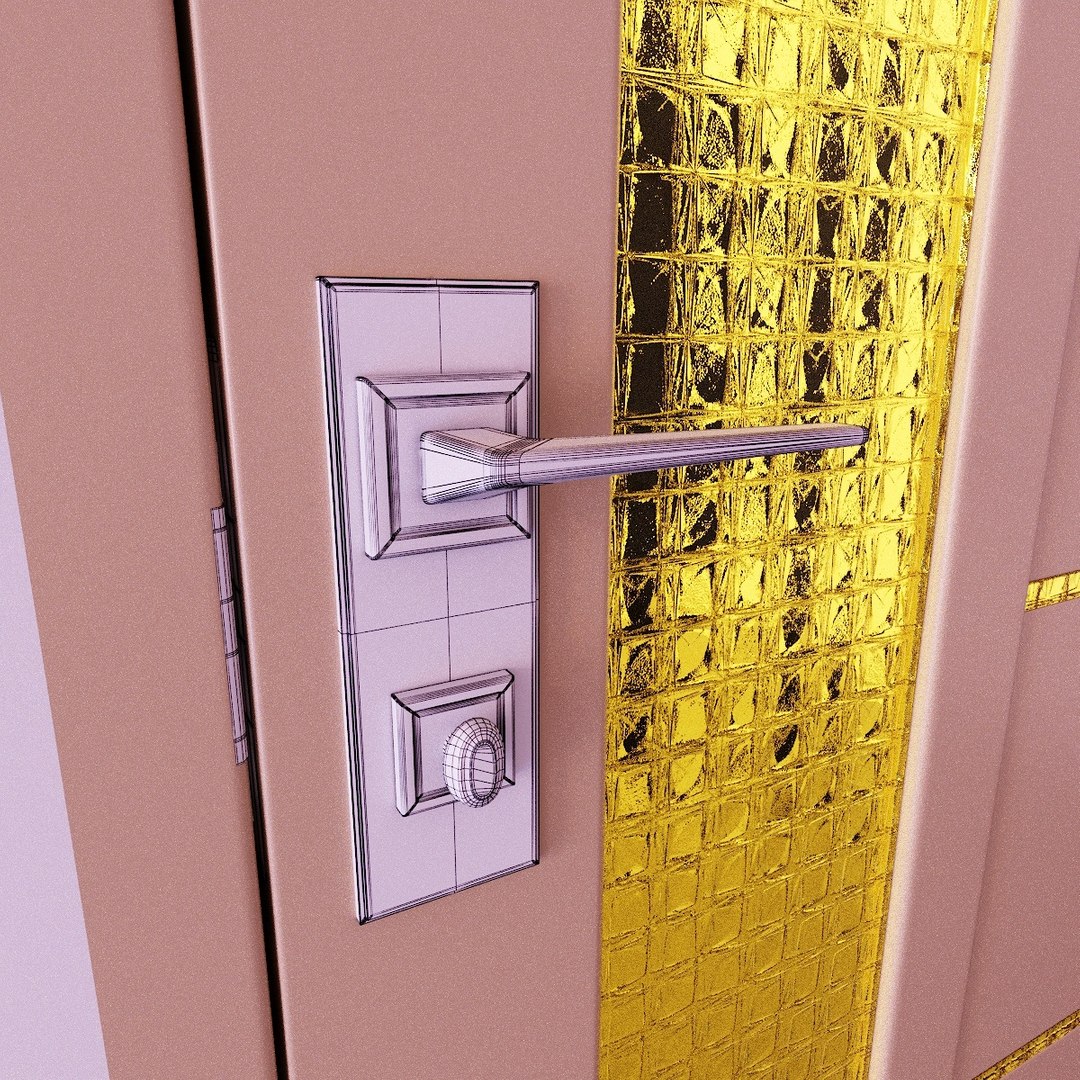
Priority is on idea to have an good 3d model of doors entirely not particularly parts, means this kit is not for close-up renders of door handles...

Set is intended to fulfill interior scenes, One of goals was to obtain an " Kit-constructor " of Doors with different dimensions (width, depth).
Main problem when you create door leaf and try to rescale it for an special dimensions, the topology and UVWs are distorted, even if you use FFD modifier in max for example.
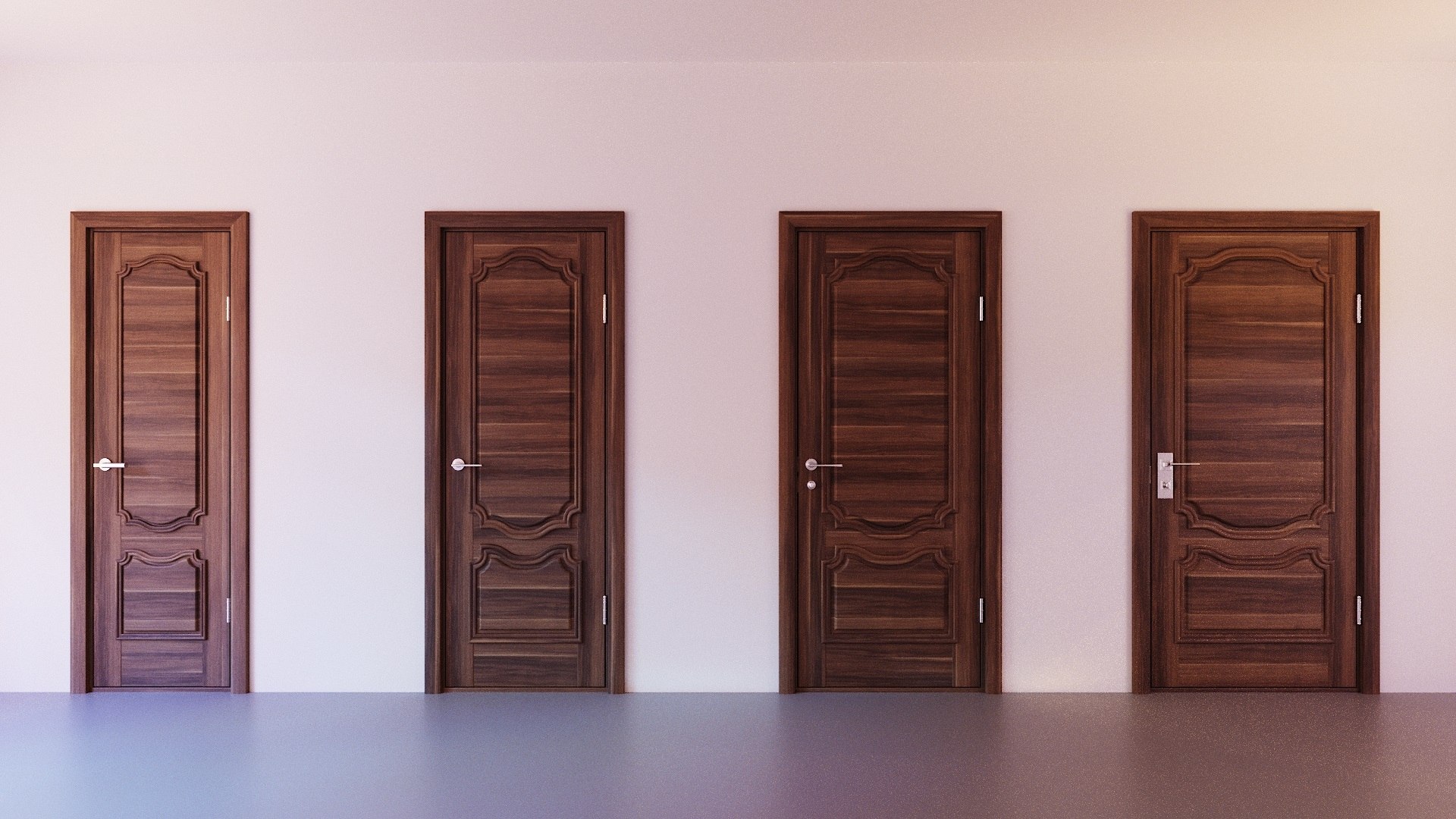
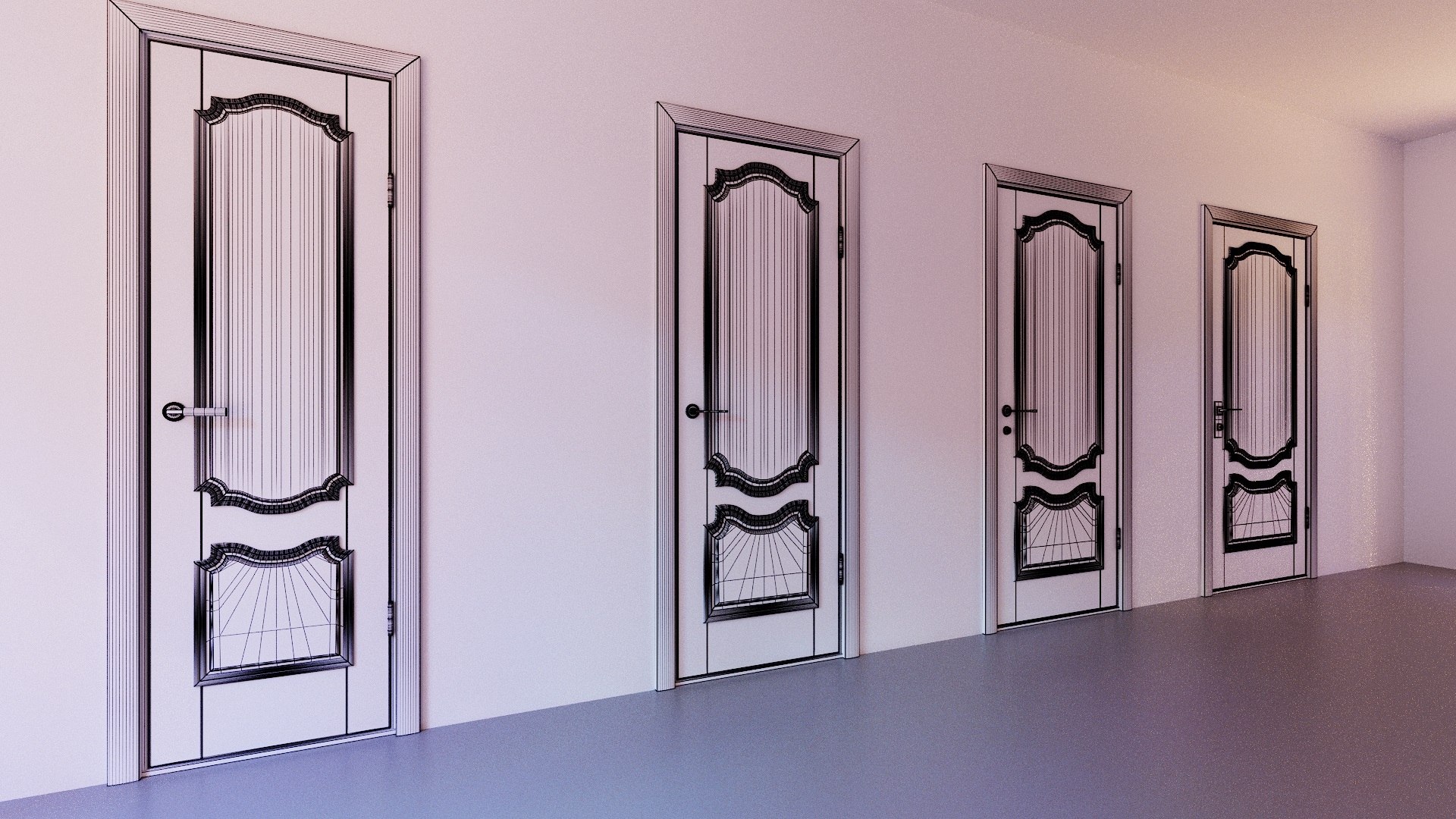
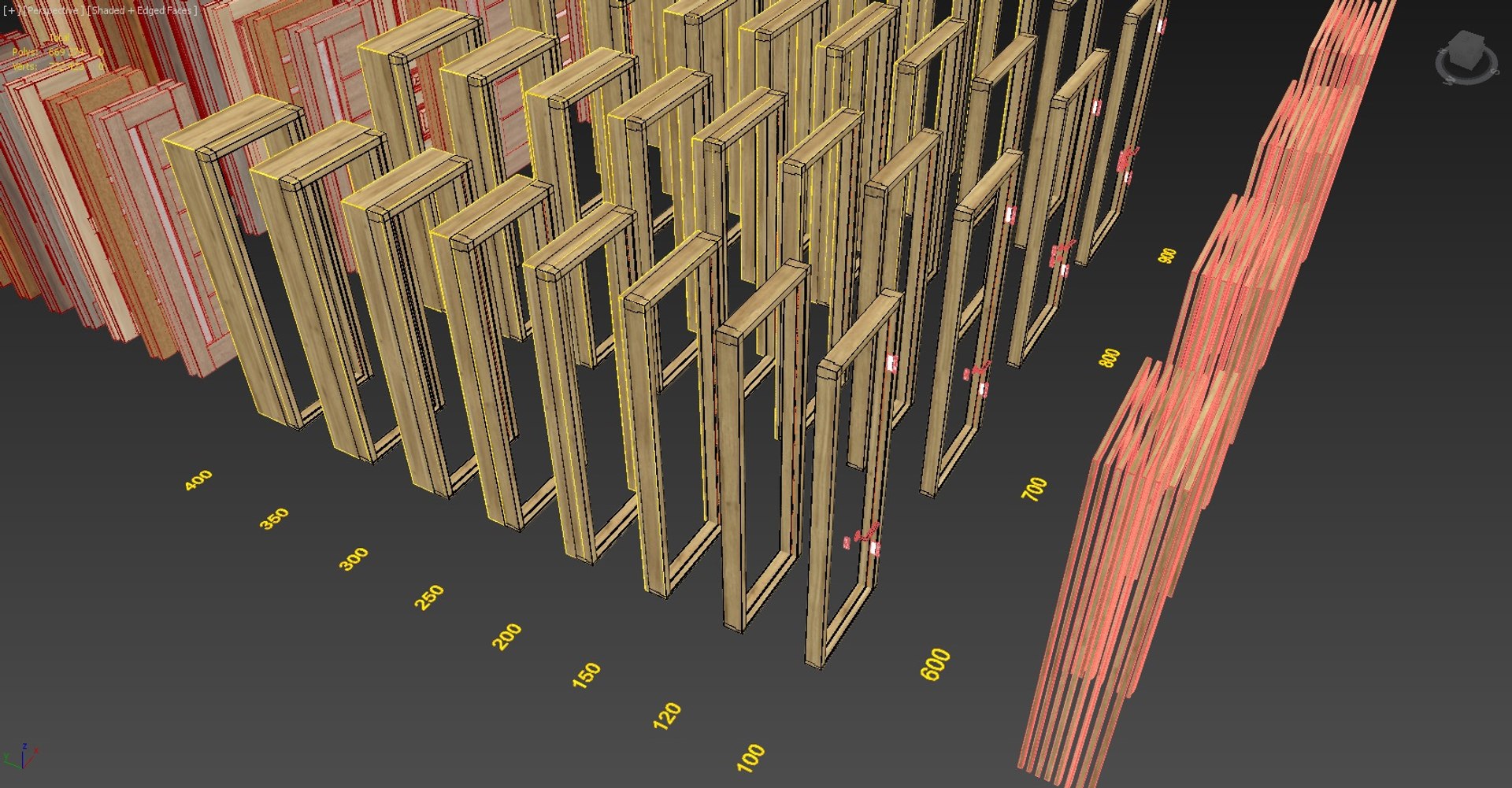
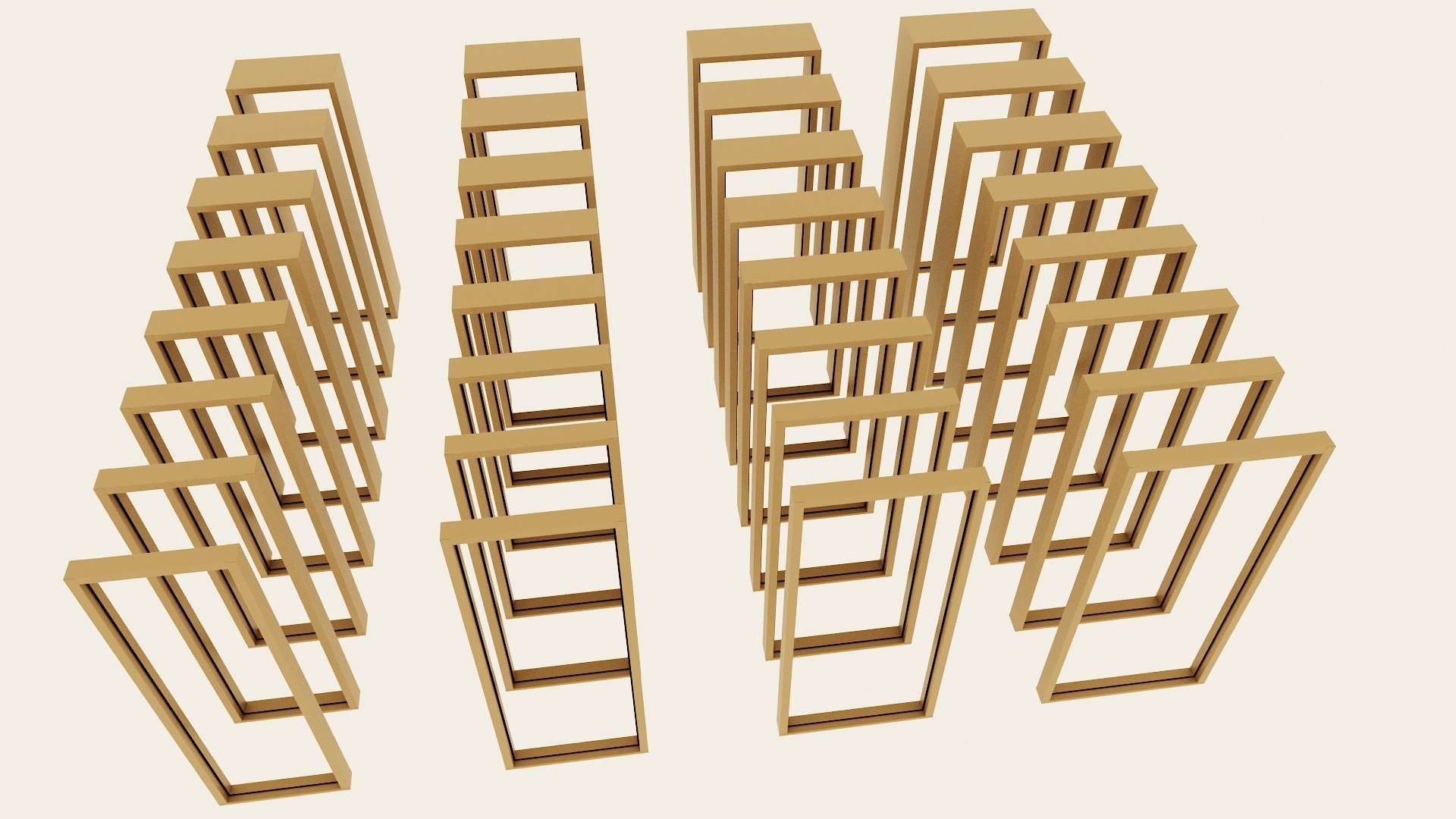
So here you find 4 variations of door width and each of these 4 have 8 variations of depth(thickness), to minimize distortions while rescaling to needed dimensions of doorway.

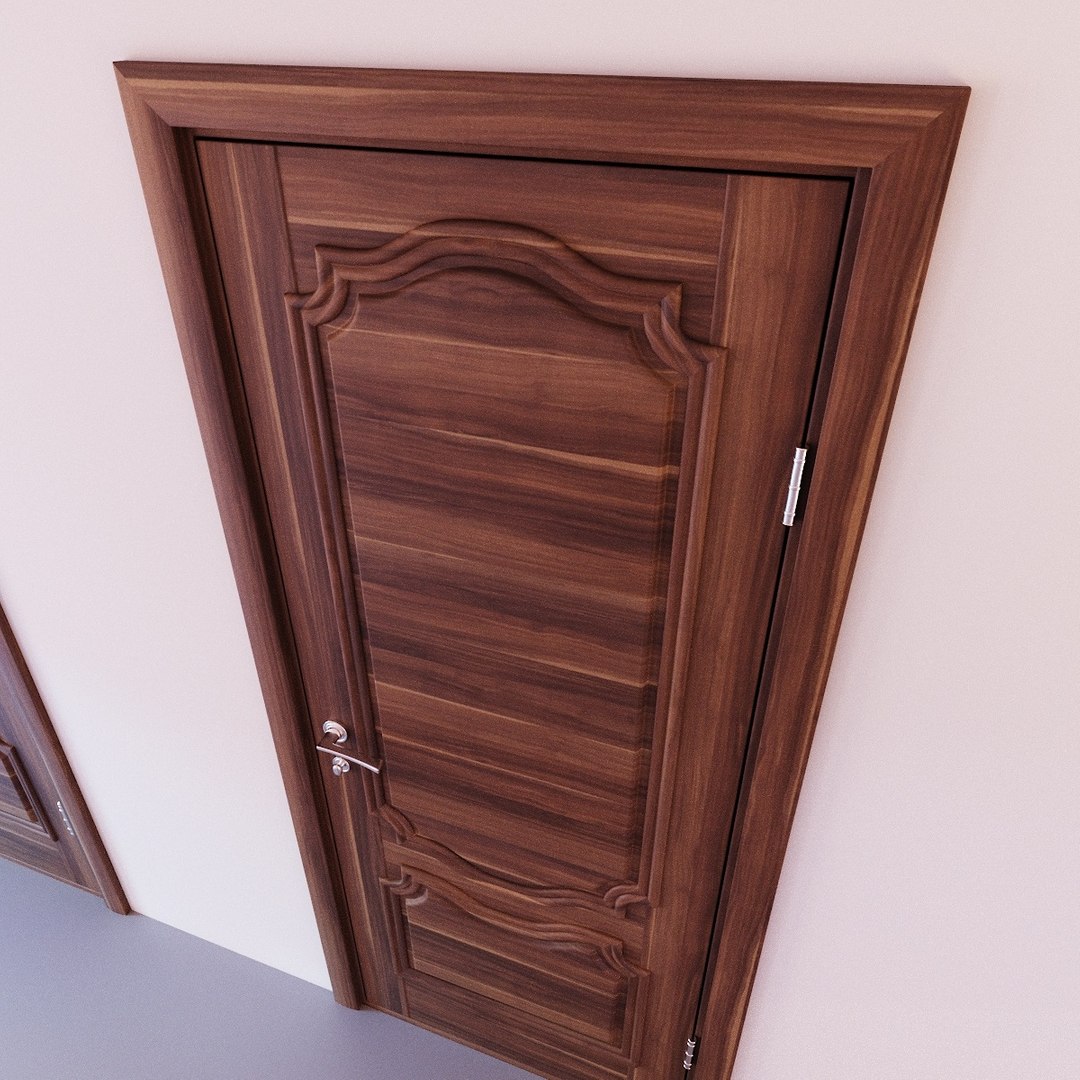
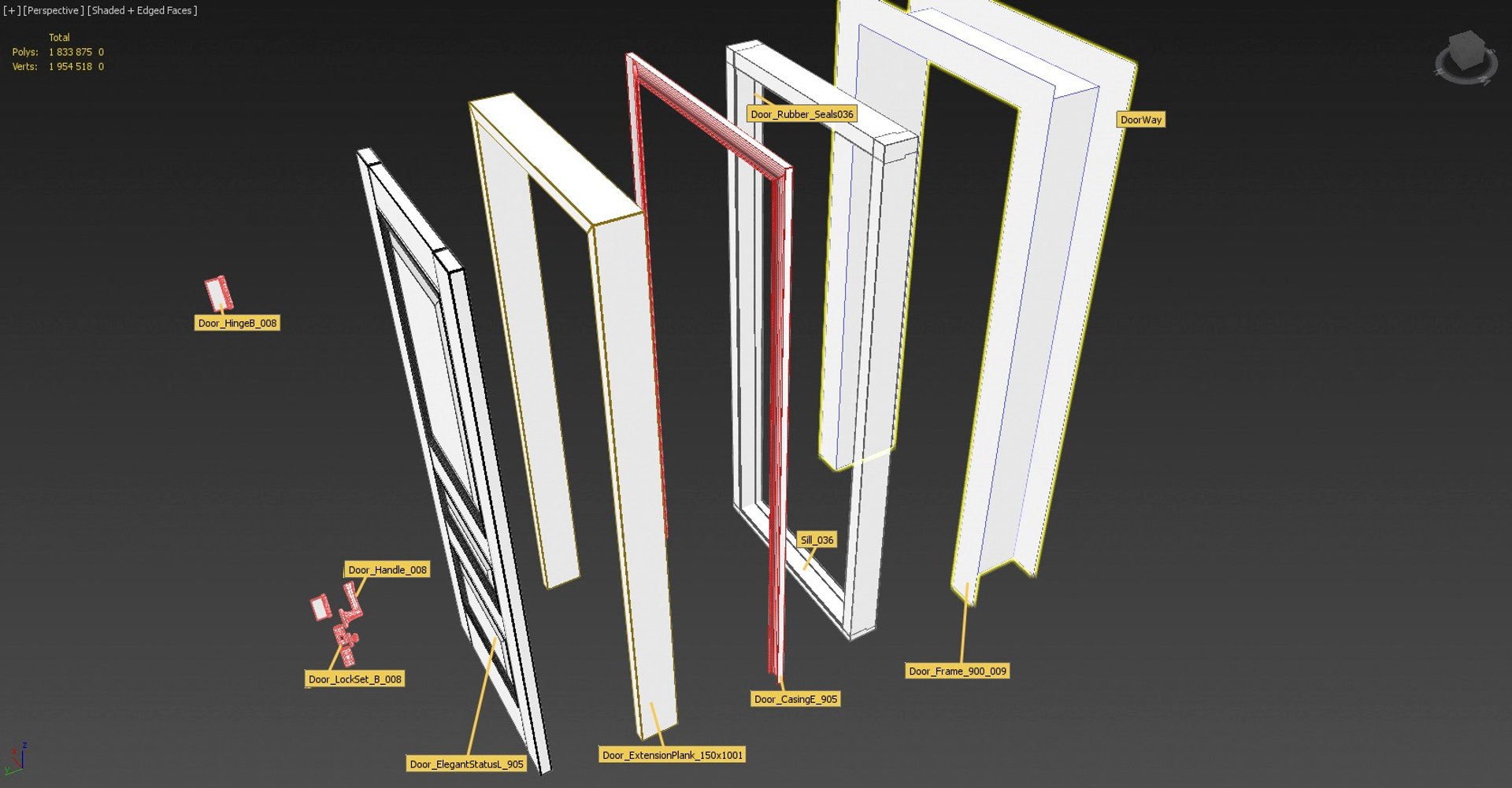
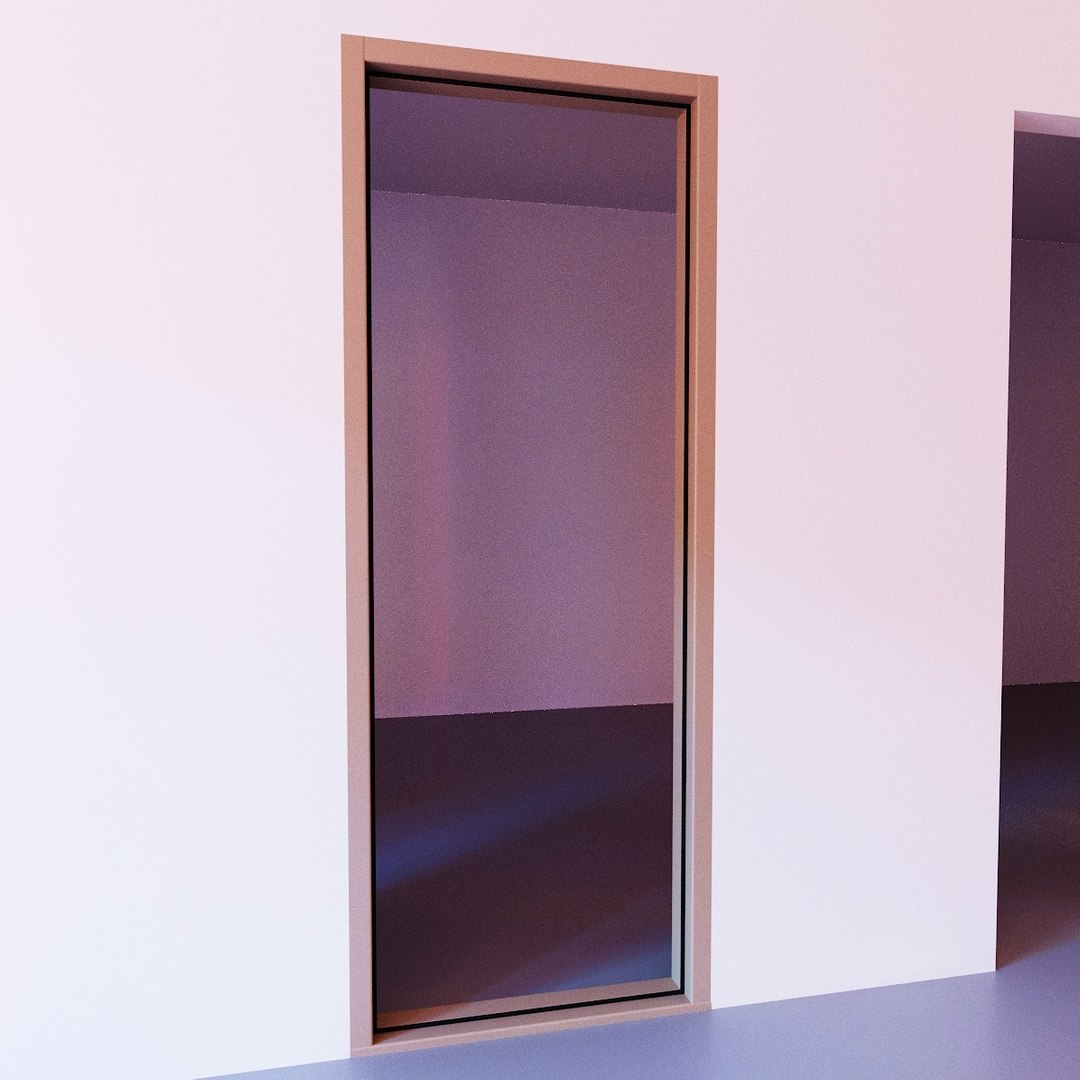
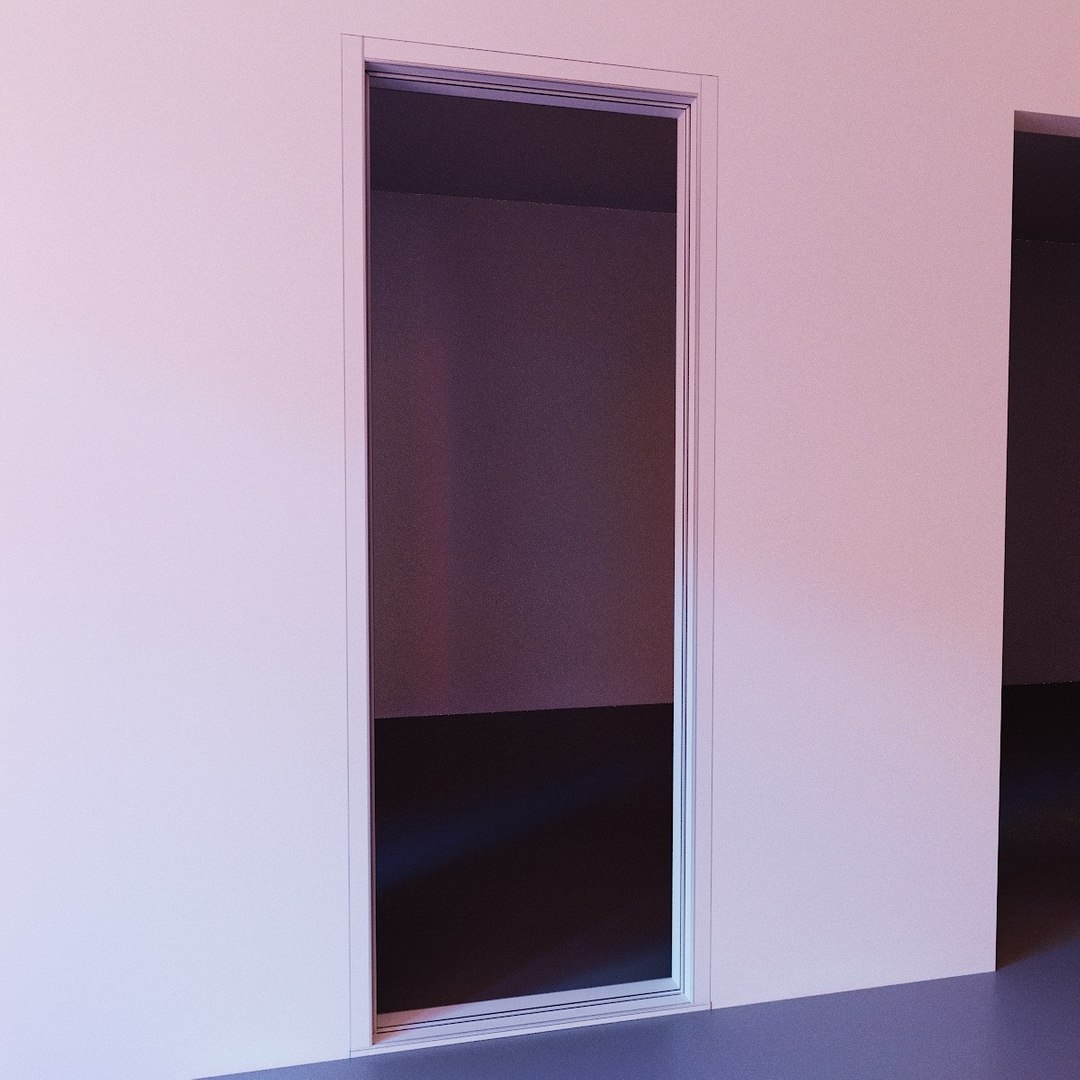
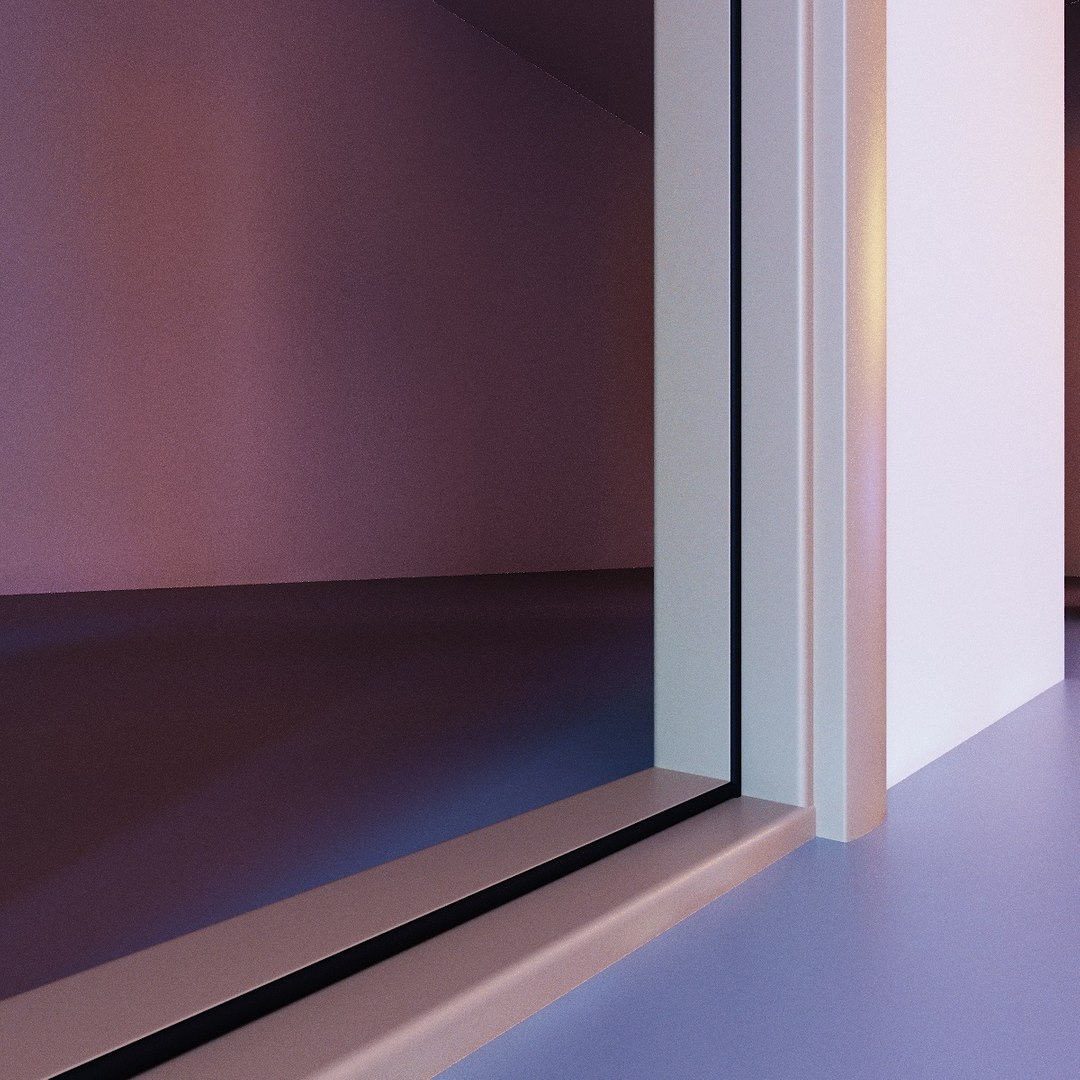
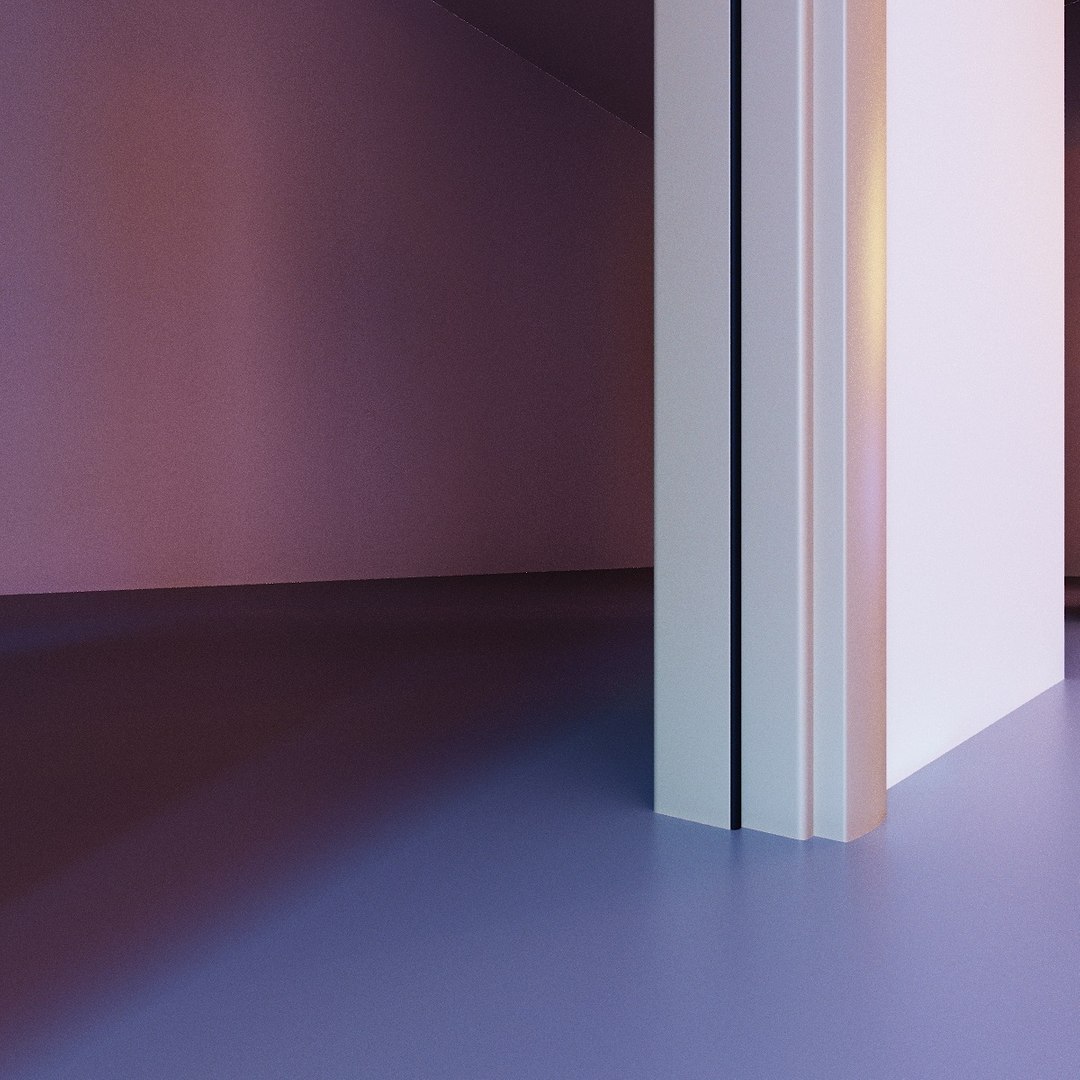
Base elements of Door Kit are : Door Leaf, Frame, Extension planks(jambs), Sill(threshold), Casing, Rubber Seals, Hinges, Handles, Lock Set.

So this Kit comes with 1 Door Leaf style and 8 variations of it 600,700,800,900 mm (width) and the same but higher in case when sill is removed.
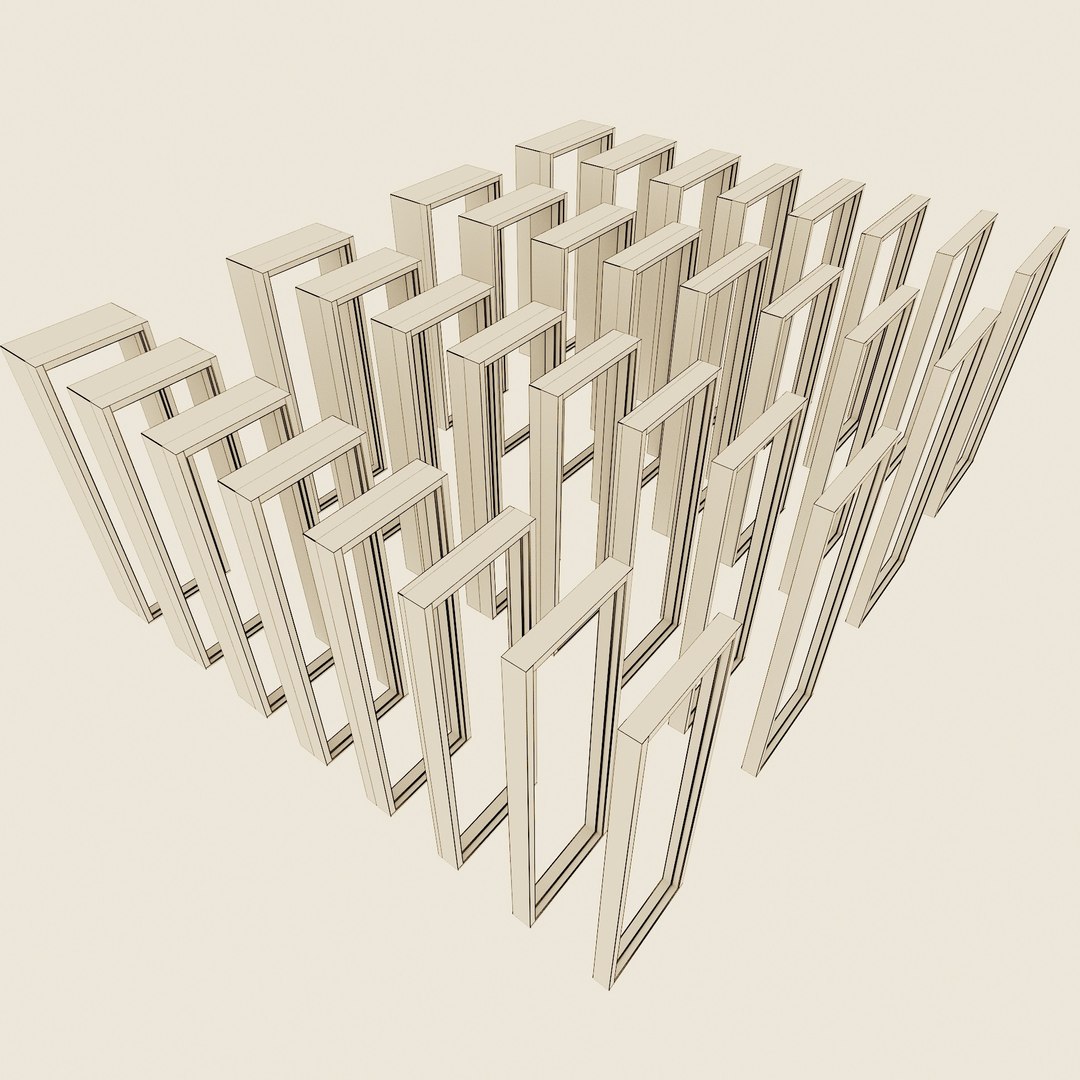
32 types of Door Frames 700,800,900,1000 mm and each of these 4 dimensions have 8 variations of depth(thickness) 100,120,150,200,250,300,350,400 mm, through using extension planks(jambs).
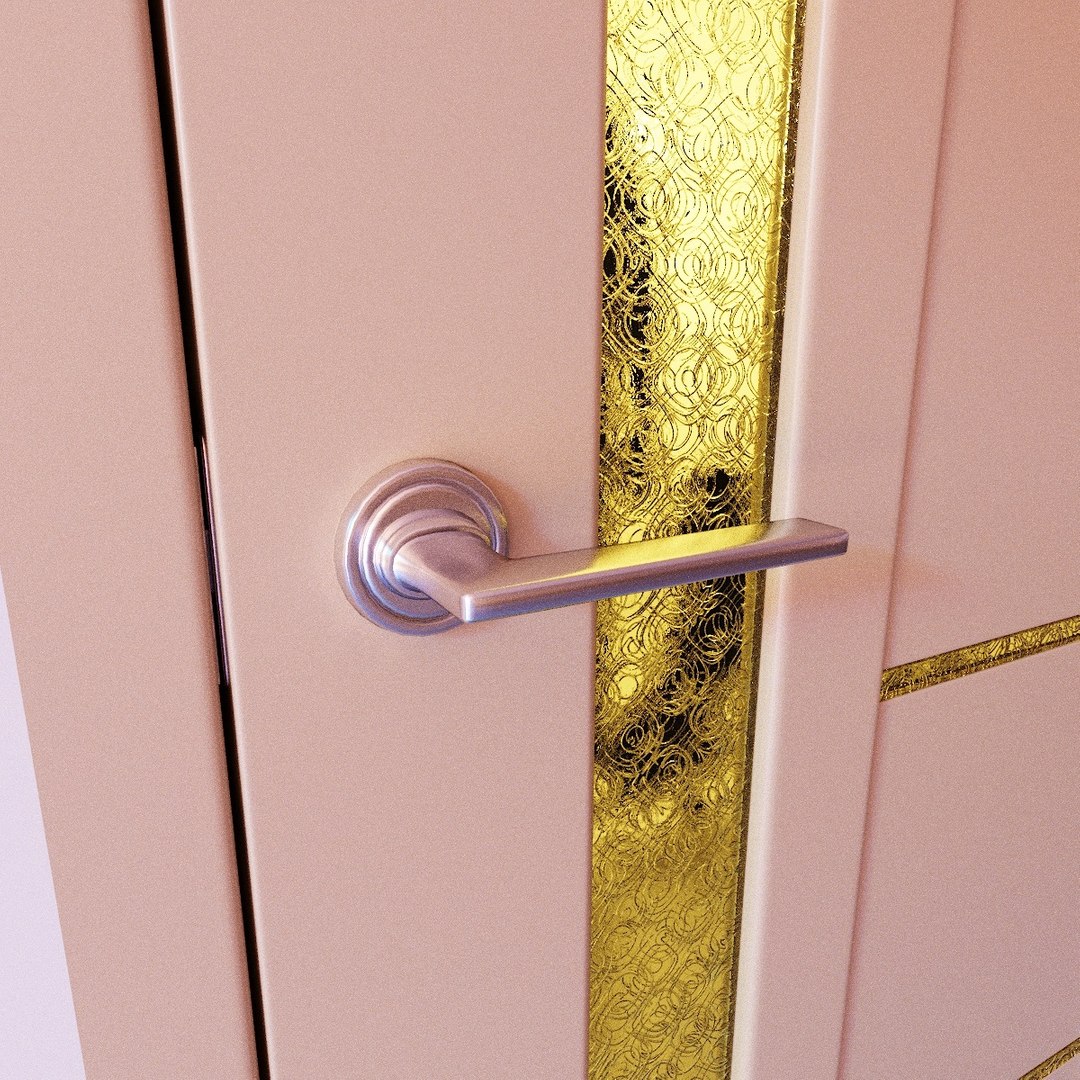
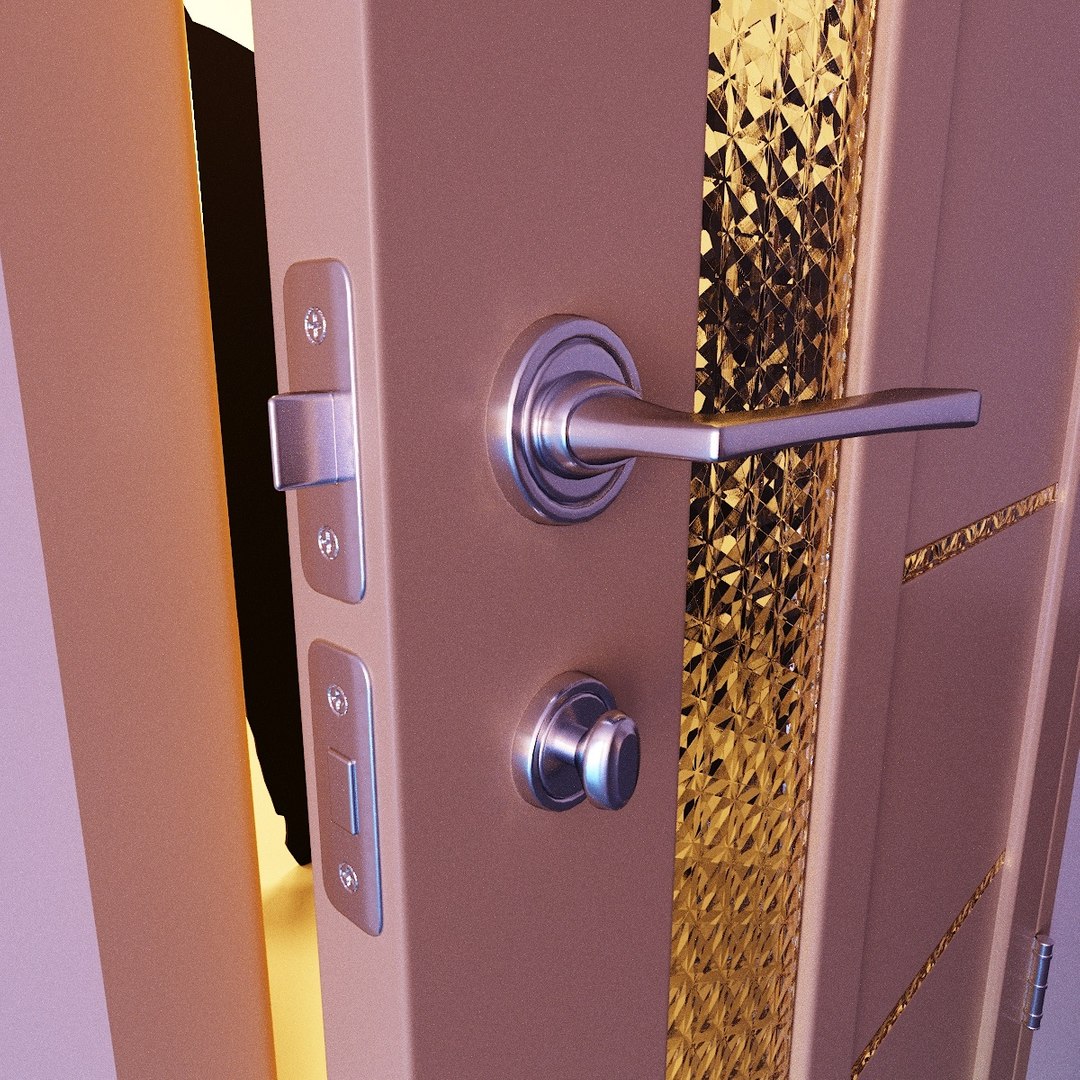
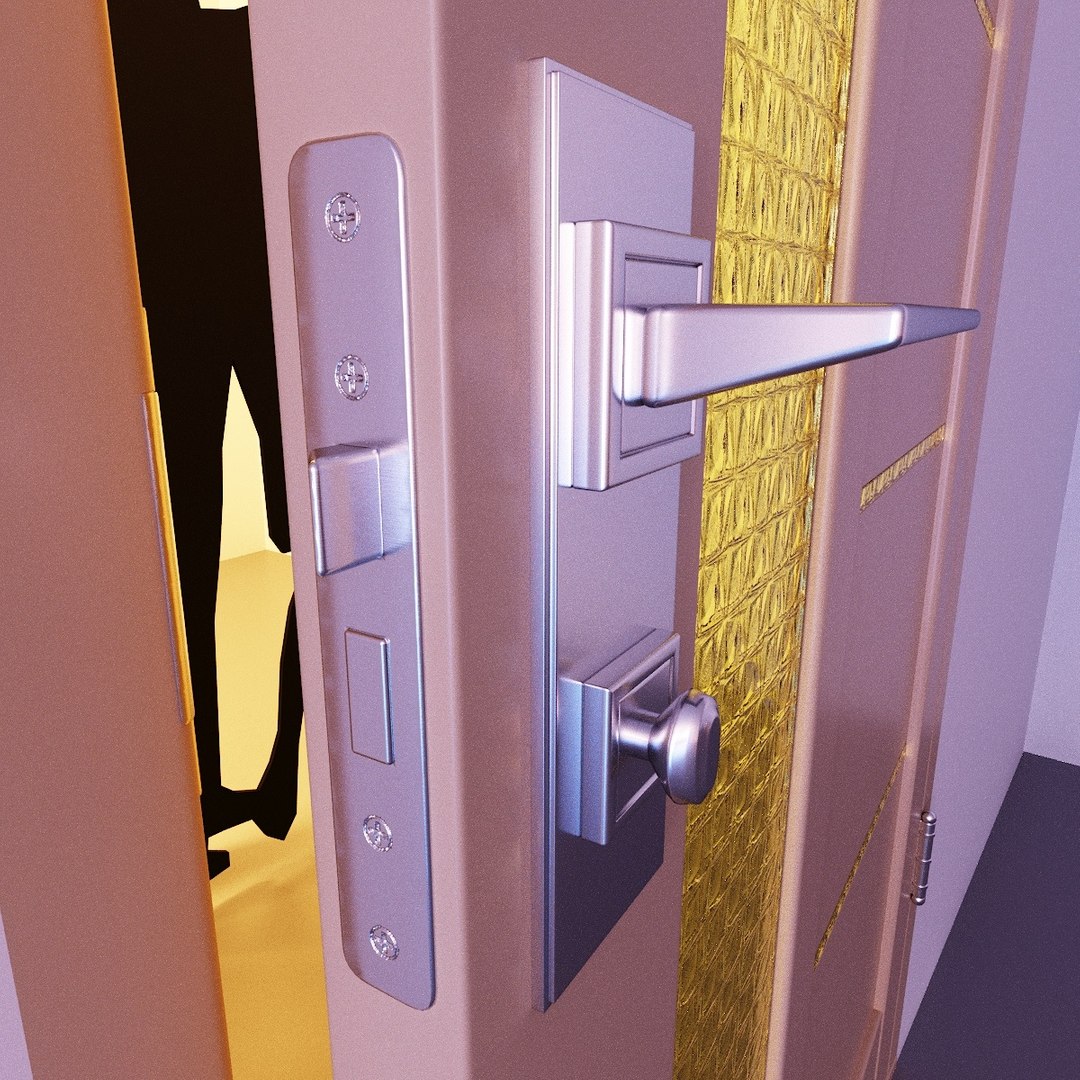
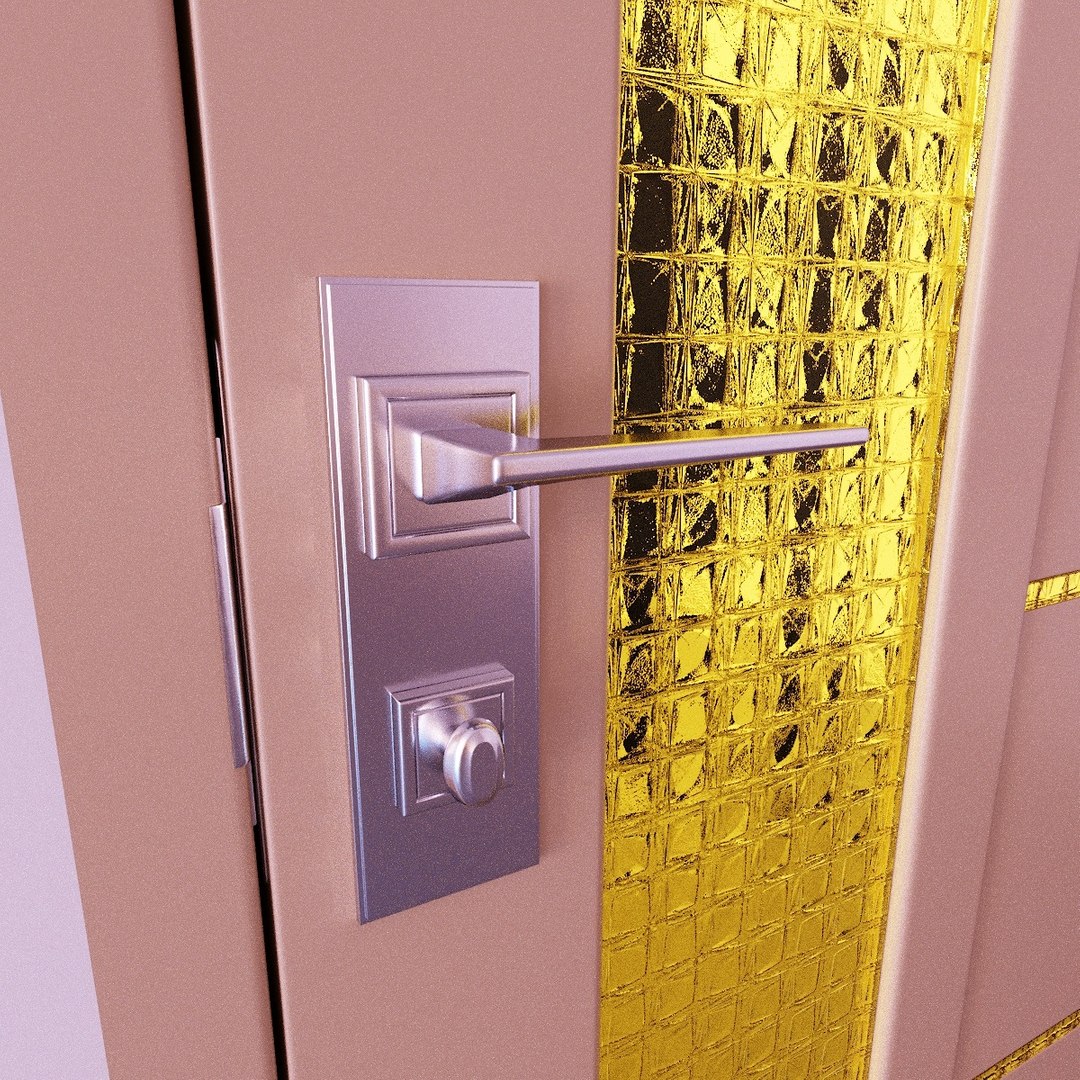
4 types if Door Handles.
3 types of Lock Sets.
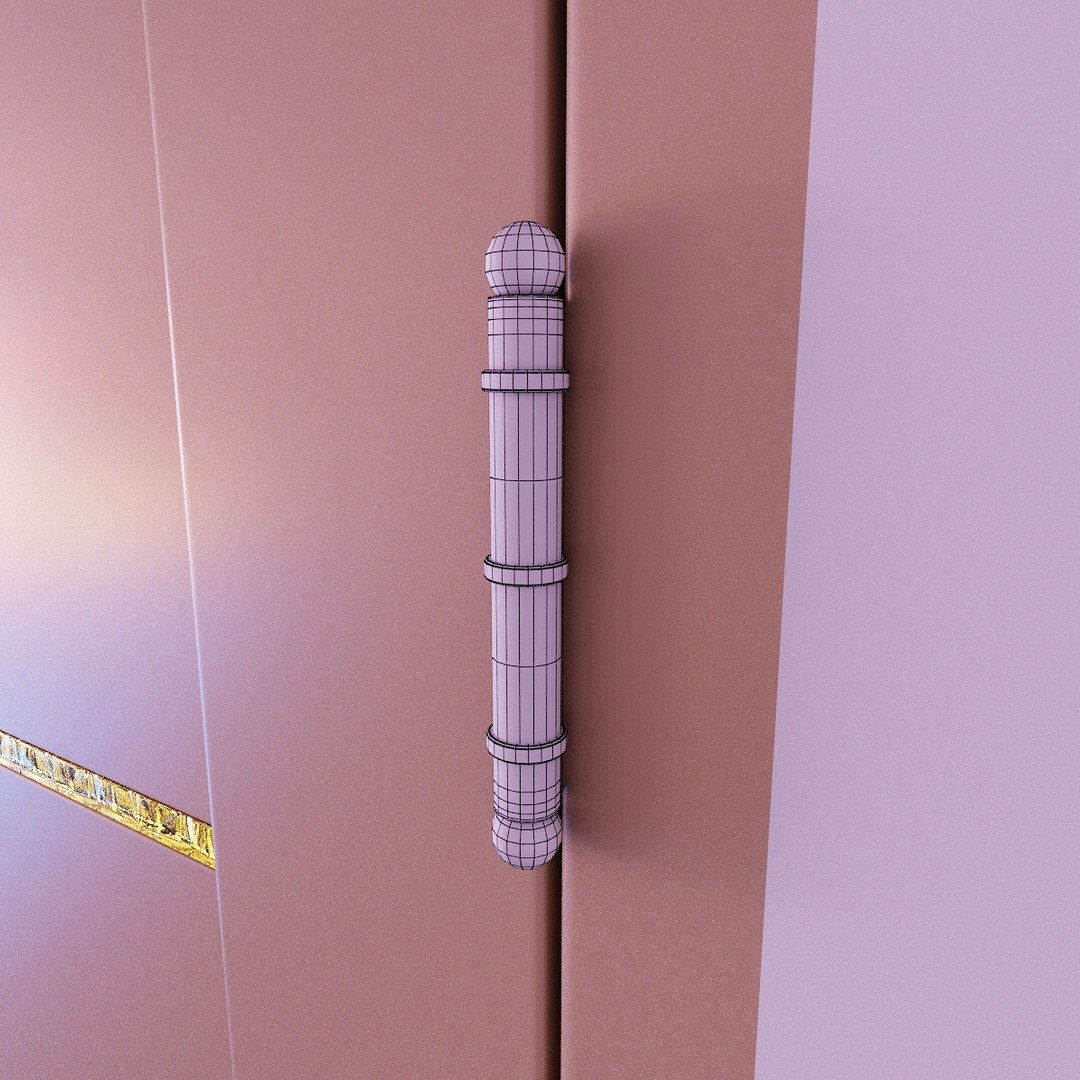
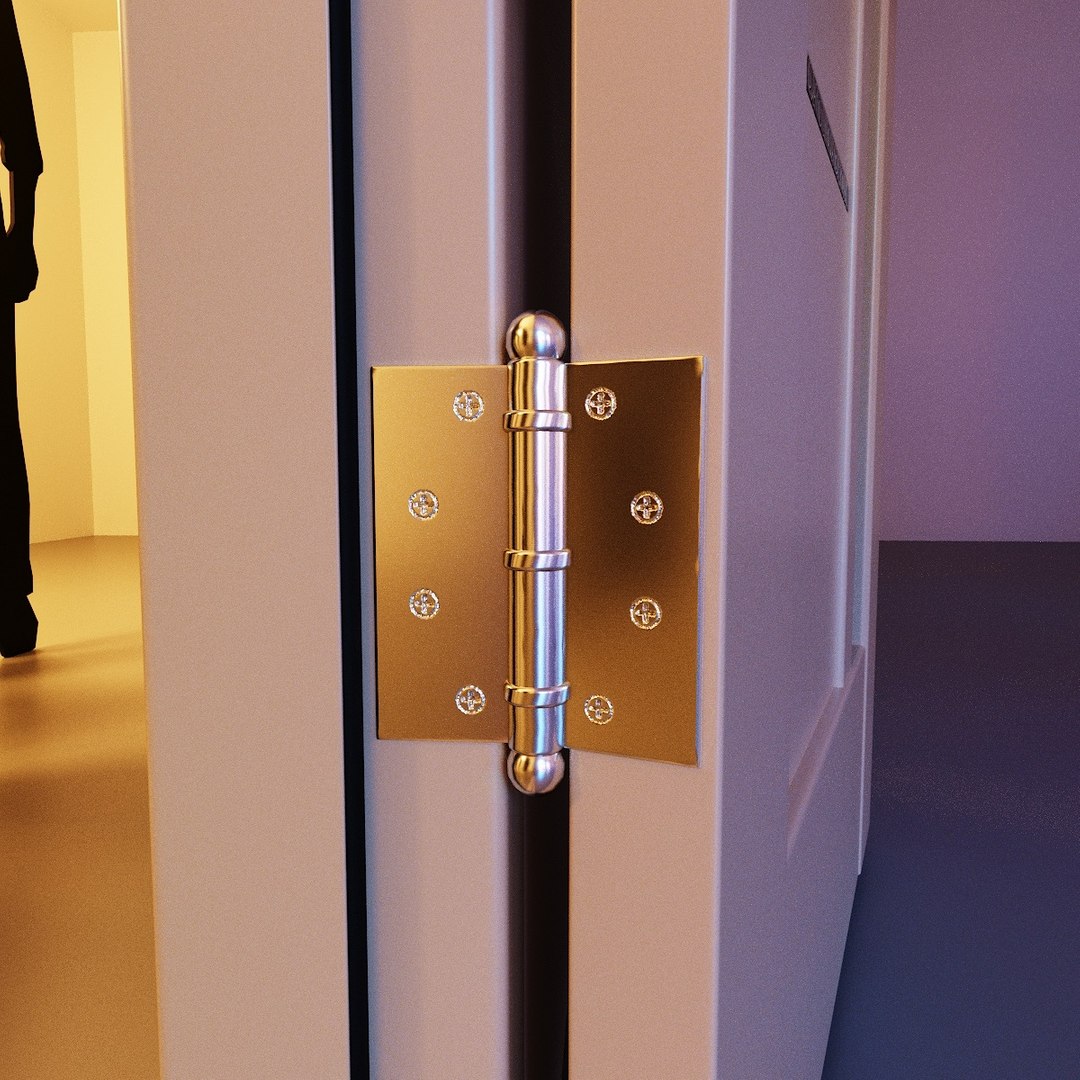
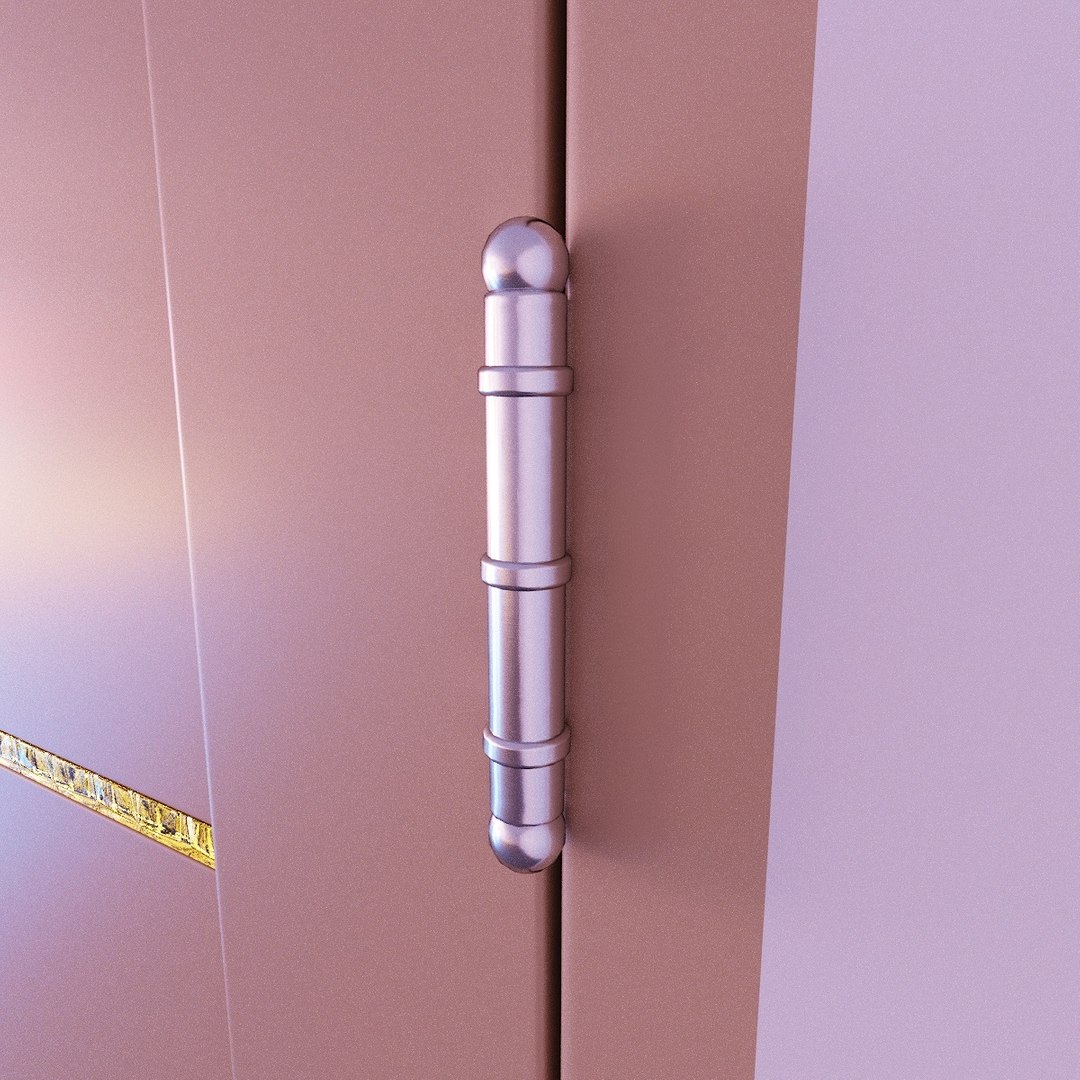
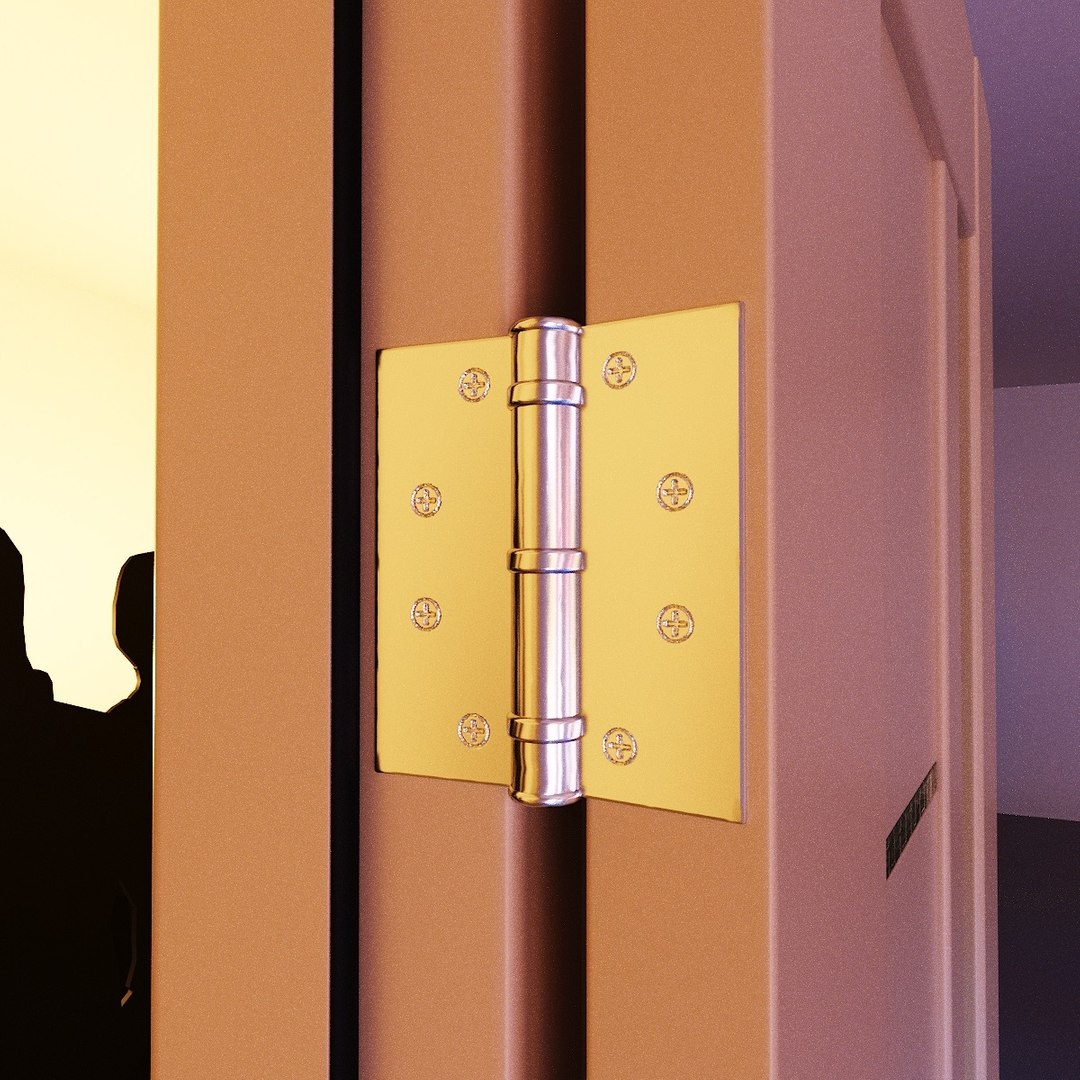
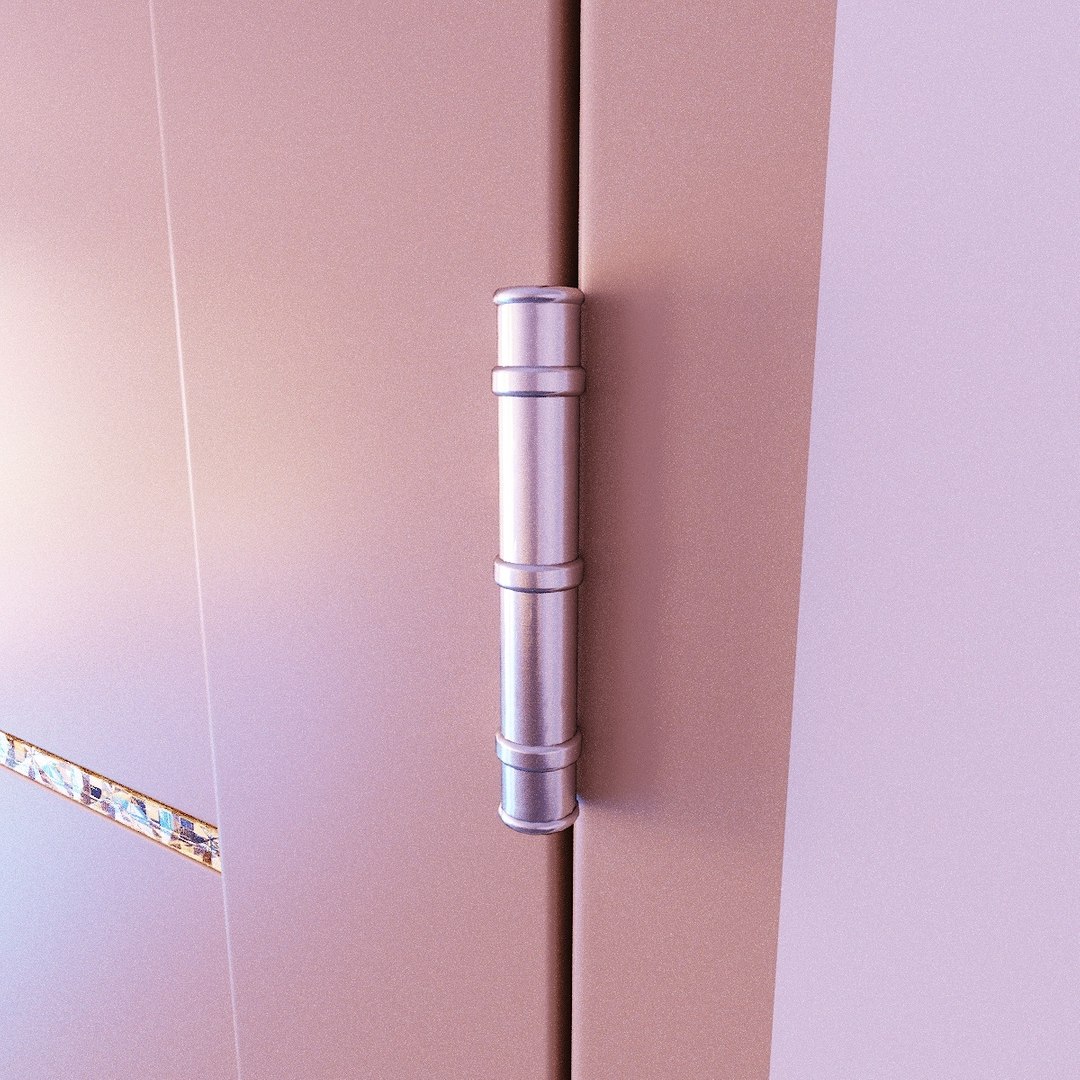
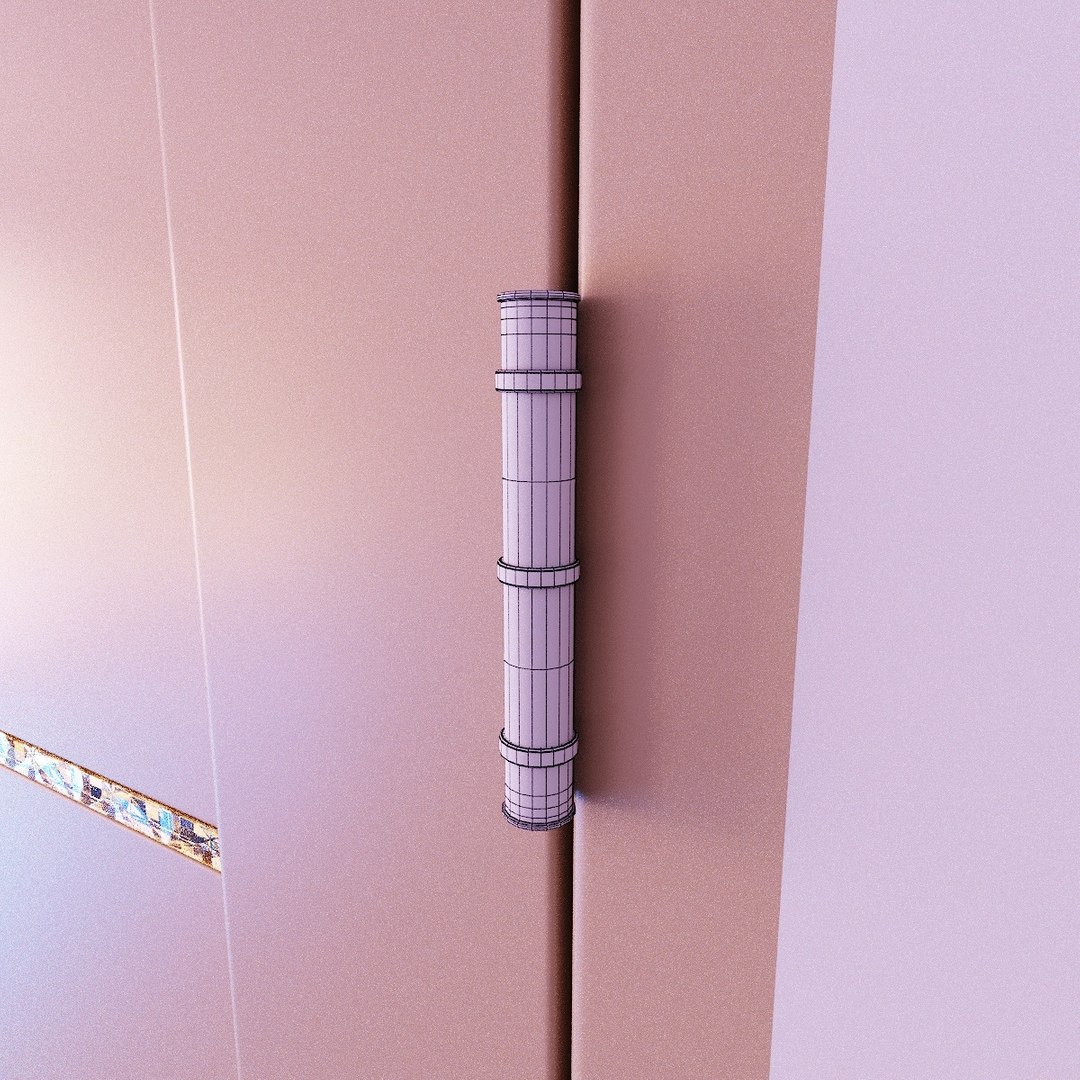
2 types of Door Hinges.
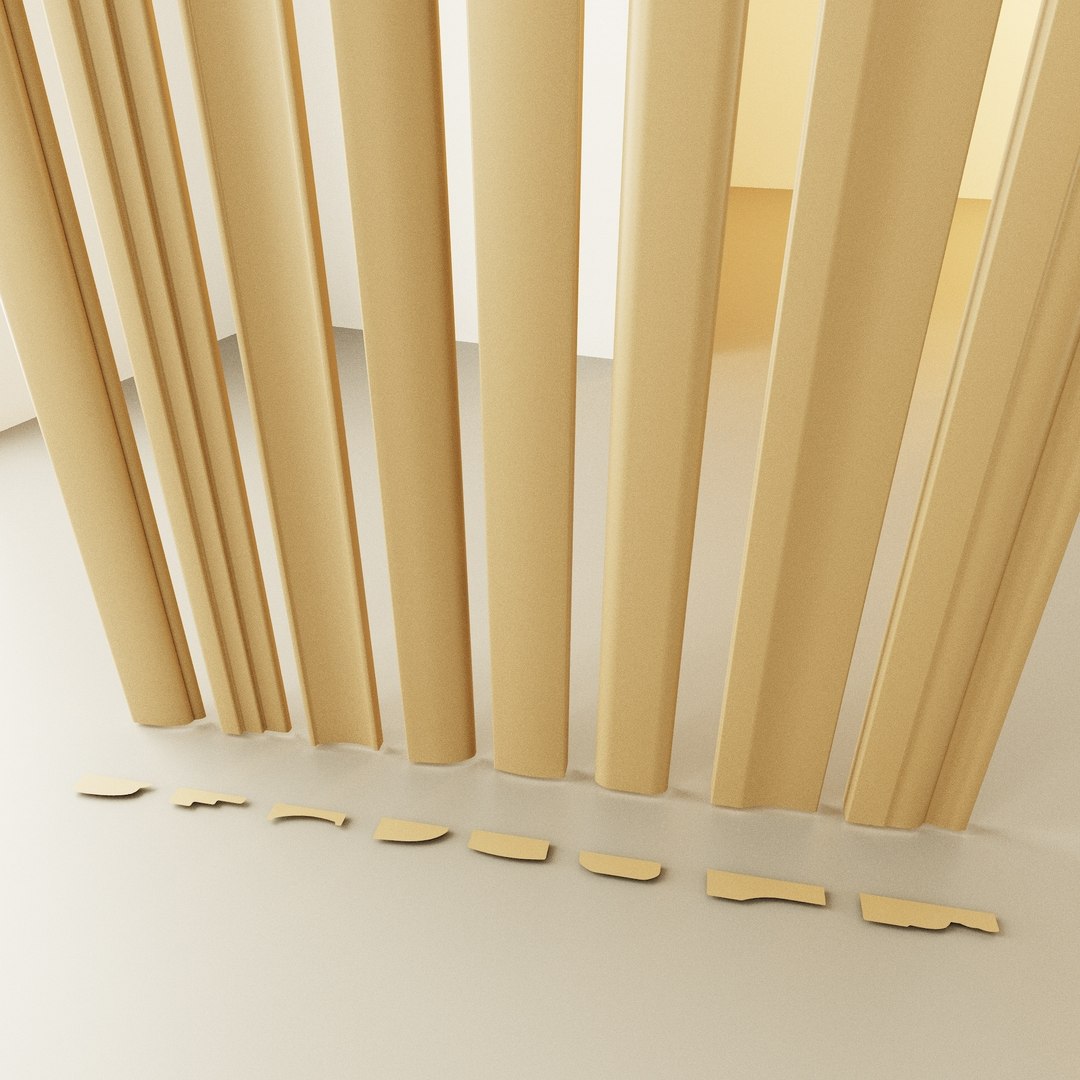
8 types of Door Casing.

subdividing (Smoothing the topology)
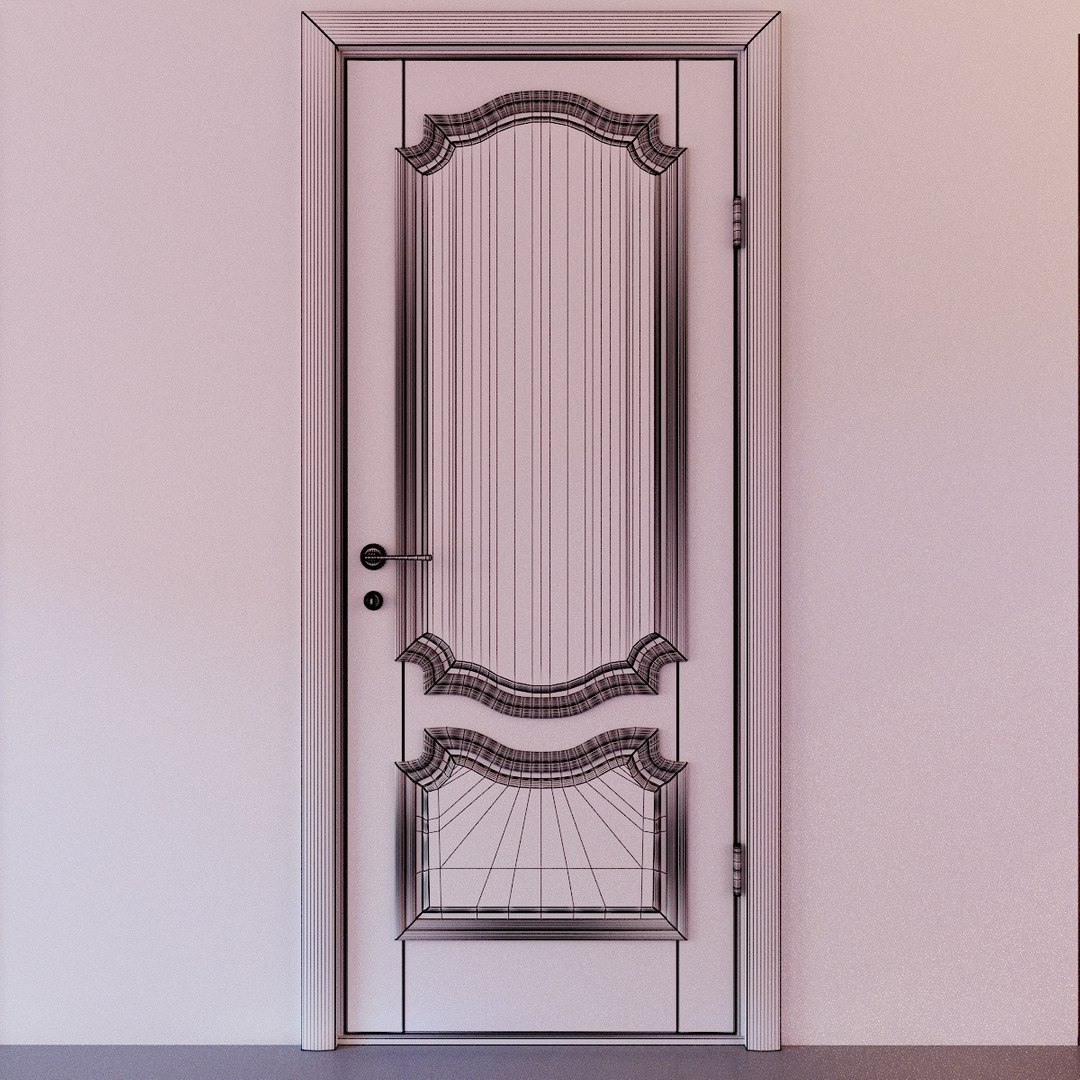
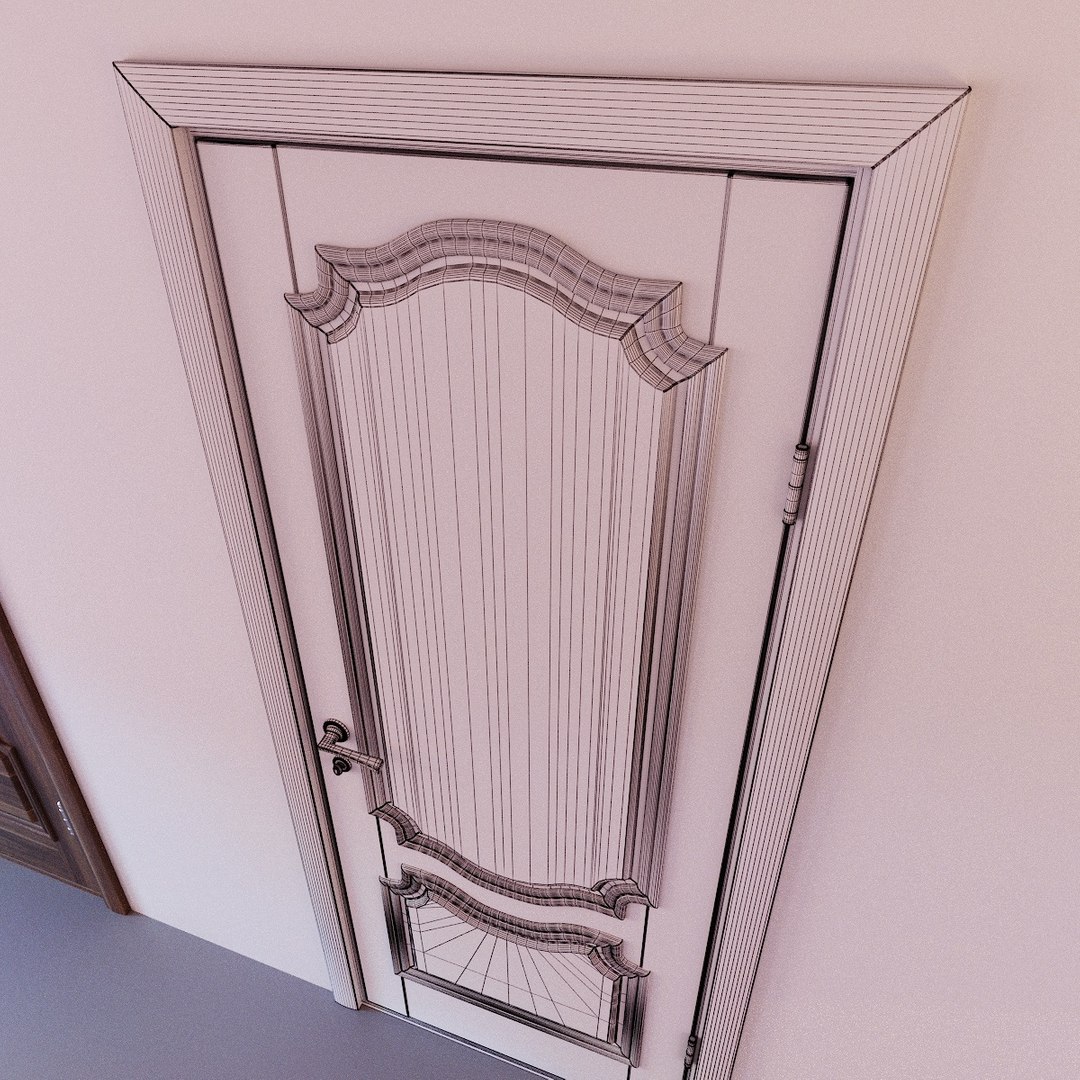
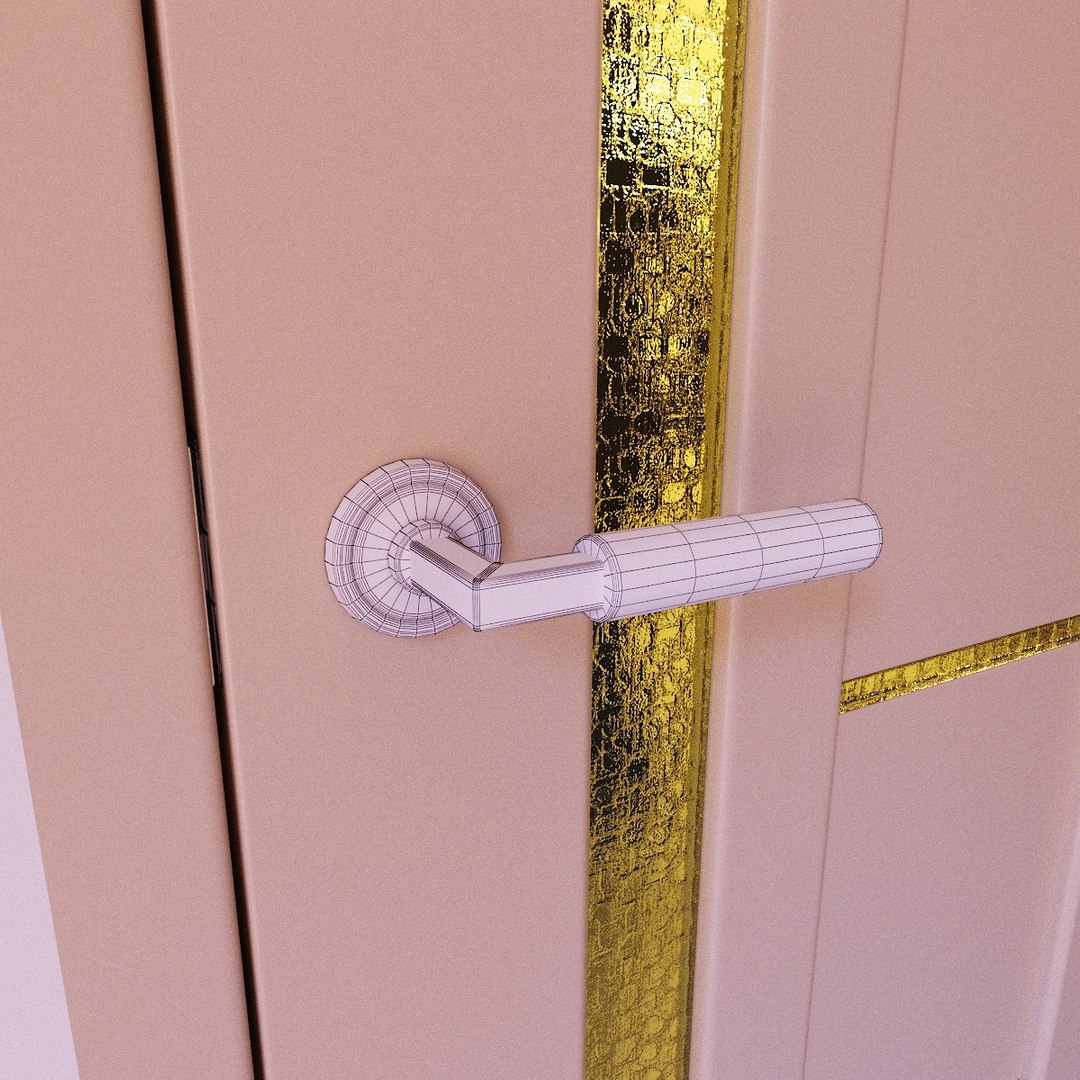
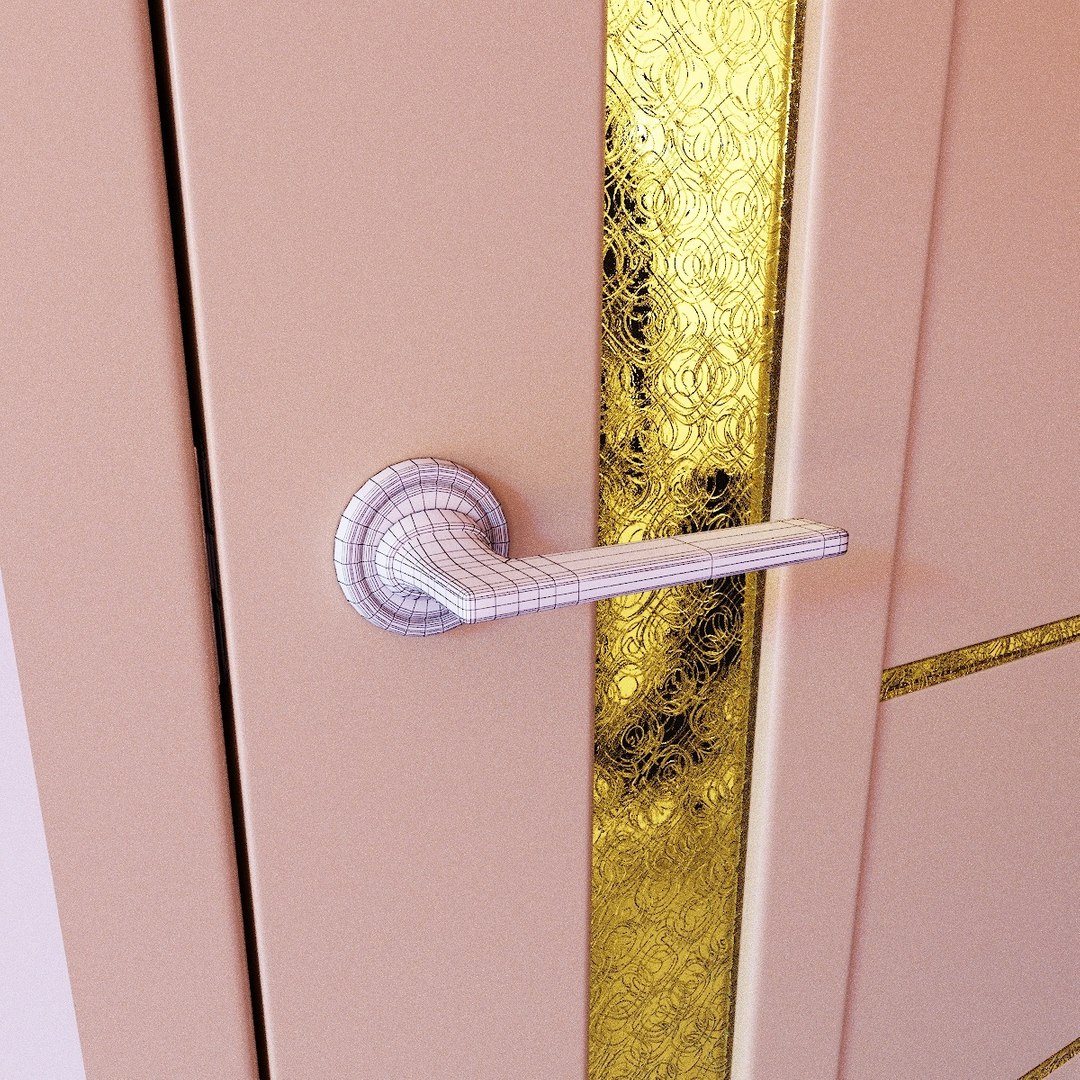
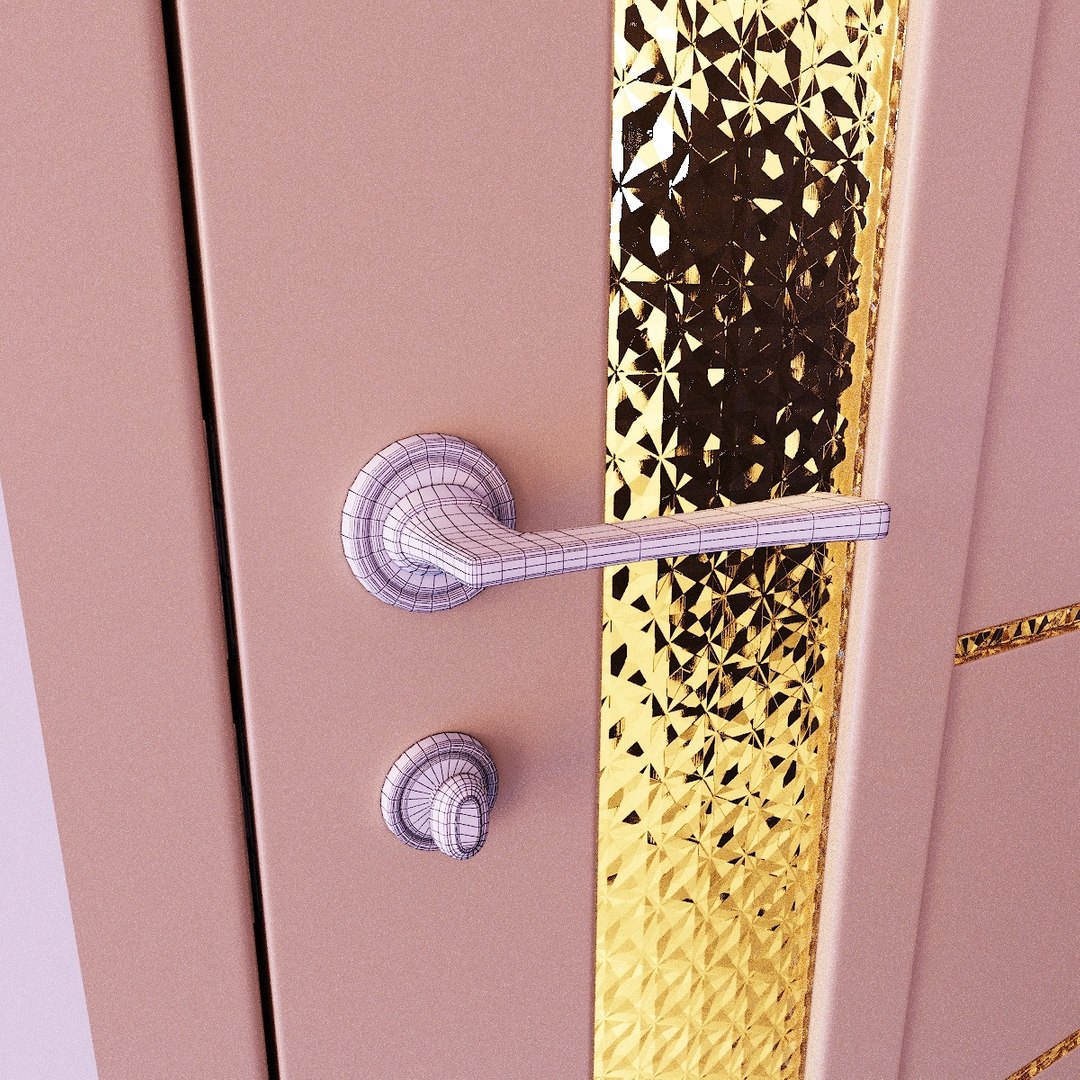
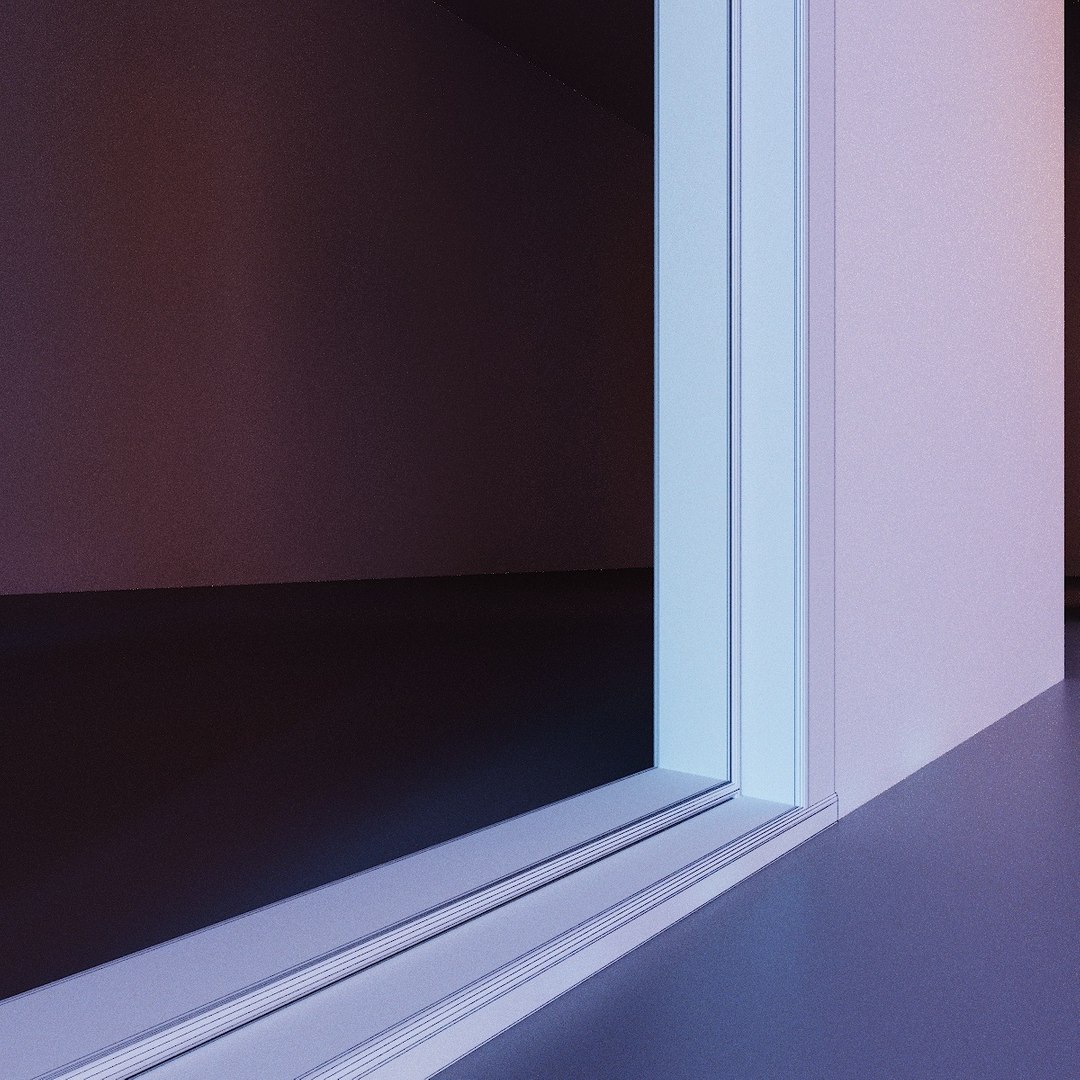
As you can see in preview images... the topology is quite simple and even if you subdivide the model there should be no distortion on visible places.
Medium Chamfer values was applied on corners.

3D Models made in 2016 max, saved as 2013, max scene file + 3DS,OBJ,FBX,Blender2.92, Rendered in Corona 2.0
Quads & Triangles, and Real-world scale, all objects are made according photo references, as far as possible.
Models have simple materials maps componence (2k/4k) + material library file for Corona2/ Vray5/ Blender.
Units used - mm. Rotation angle used - 2,5(deg).

Polys: 163343
Verts: 176407

Models have simple materials DIFF,BUMP maps (not pretending to be pbr), +material library file for Corona.
All UVs are included in the area of the square, and VERY Important! Direction of Wooden fibers is Horizontal.

4k and 2k Textures.
12 Door Leaves Materials.
2 Door Handles+Lock Materials.
2 Door Hinges Materials.
4 Corrugated glass Materials.

Pivot points in center or bottom of objects.
In Case if you applied needed materials and attach/group all elements of door in one single object, I advice you to place Pivot Point in center of Door Hinges(it's simple they are cylindrical).
But keep in mind to have open/close possibility Door Leaf have to be separated from Door Frame, so one part of Hinge must be attached/grouped to Leaf and another to Frame.

Select Enhanced License

  • $10,000 in Legal Protection (Indemnification)
  • Uncapped Legal Protection (Indemnification)
  • Waiver from injunctive relief
  • Assignable model rights
  • $1,000,000 in Legal Protection (Indemnification)
  • Waiver from injunctive relief
  • Assignable model rights
  • $250,000 in Legal Protection (Indemnification)
  • Assignable model rights
Read more about enhanced license tiers, or contact us at enterprise@turbosquid.com. Already a Shutterstock Enterprise Customer? Contact your Shutterstock Sales Support Agent to talk about adding 3D.

About Conversion Requests

To submit a conversion request for a purchased asset, please complete our Conversion Request Form.

If you have not yet purchased a model, please review our Documentation about Conversions to learn about what limitations you may encounter with a conversion.

For any additional questions about a model’s suitability for conversion, please contact TurboSquid Support.

Loading...