
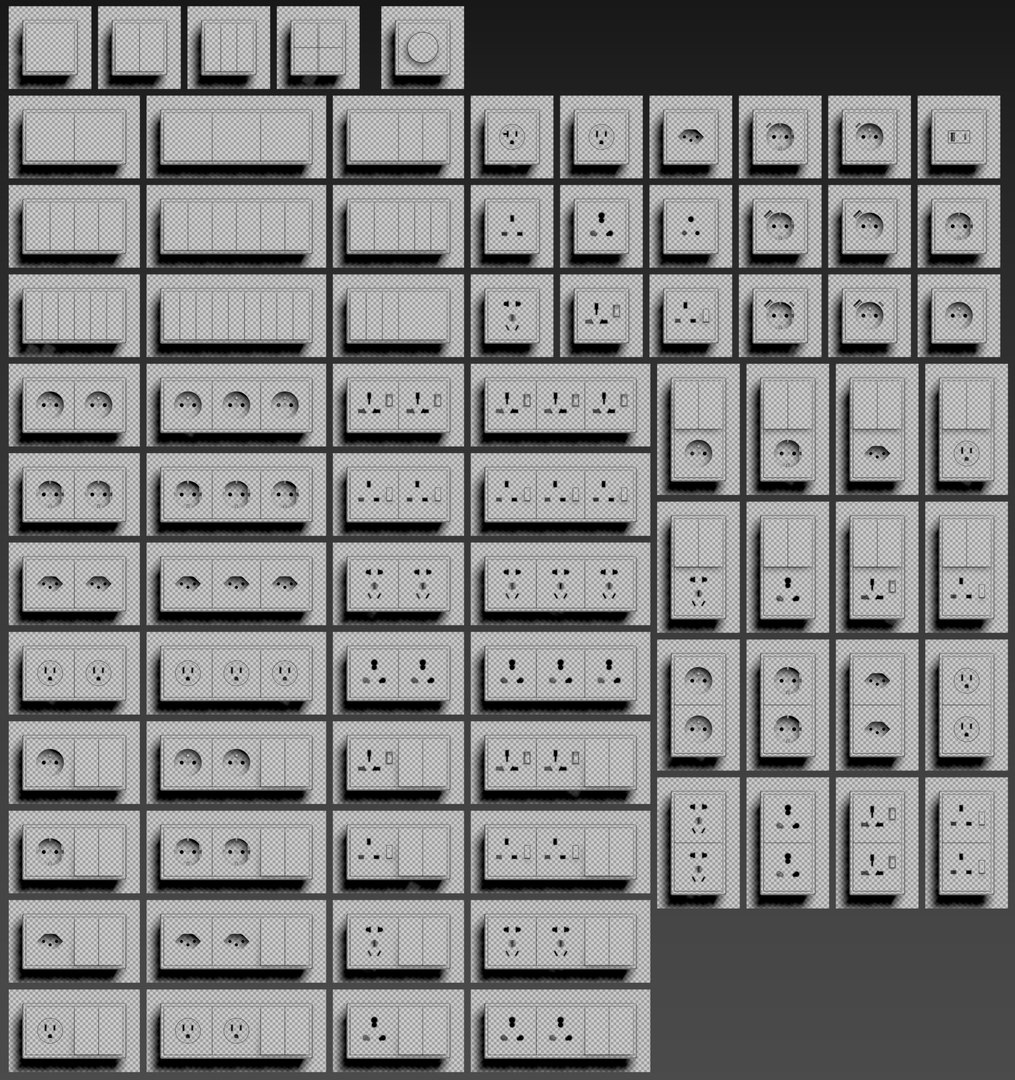
JUNG LS Cube Switches and sockets kit 80 items

$39.99

Standard License | Upgrade License
Editorial Uses Only
Formats (4)
Native | 3ds Max 2018 | Corona 6
3ds Max 2018 | V-Ray 5
OBJ
FBX
Specifications
Publish Date November 21, 2022
Product ID 1990760
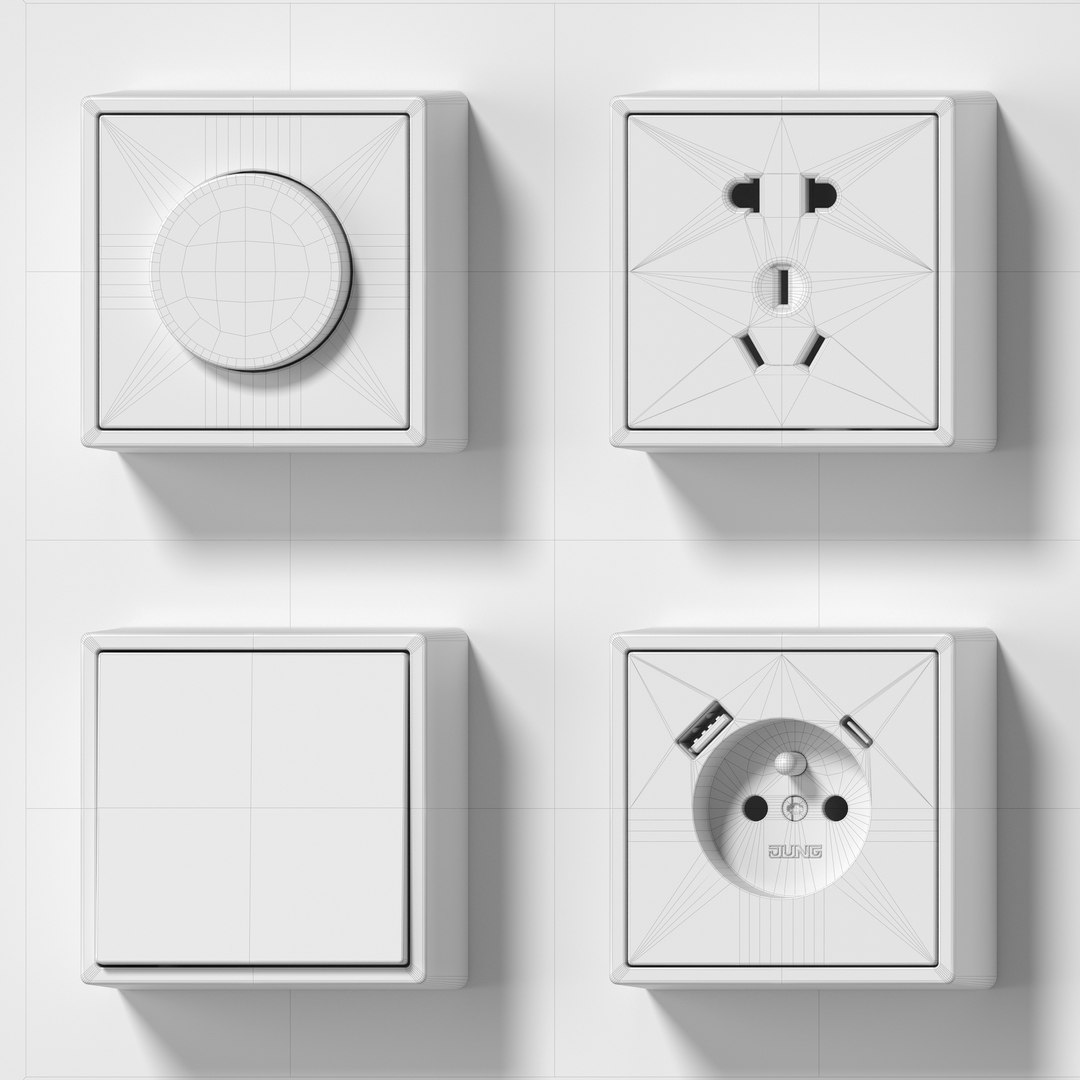
Polygons 160,028
Vertices 176,957
Polygonal Ngons Used
Materials
UV Mapped
Overlapping Unwrapped UVs
member avatar
epatant
27 Products | Contributor Since 2012
Have questions? Chat with us now.

Description

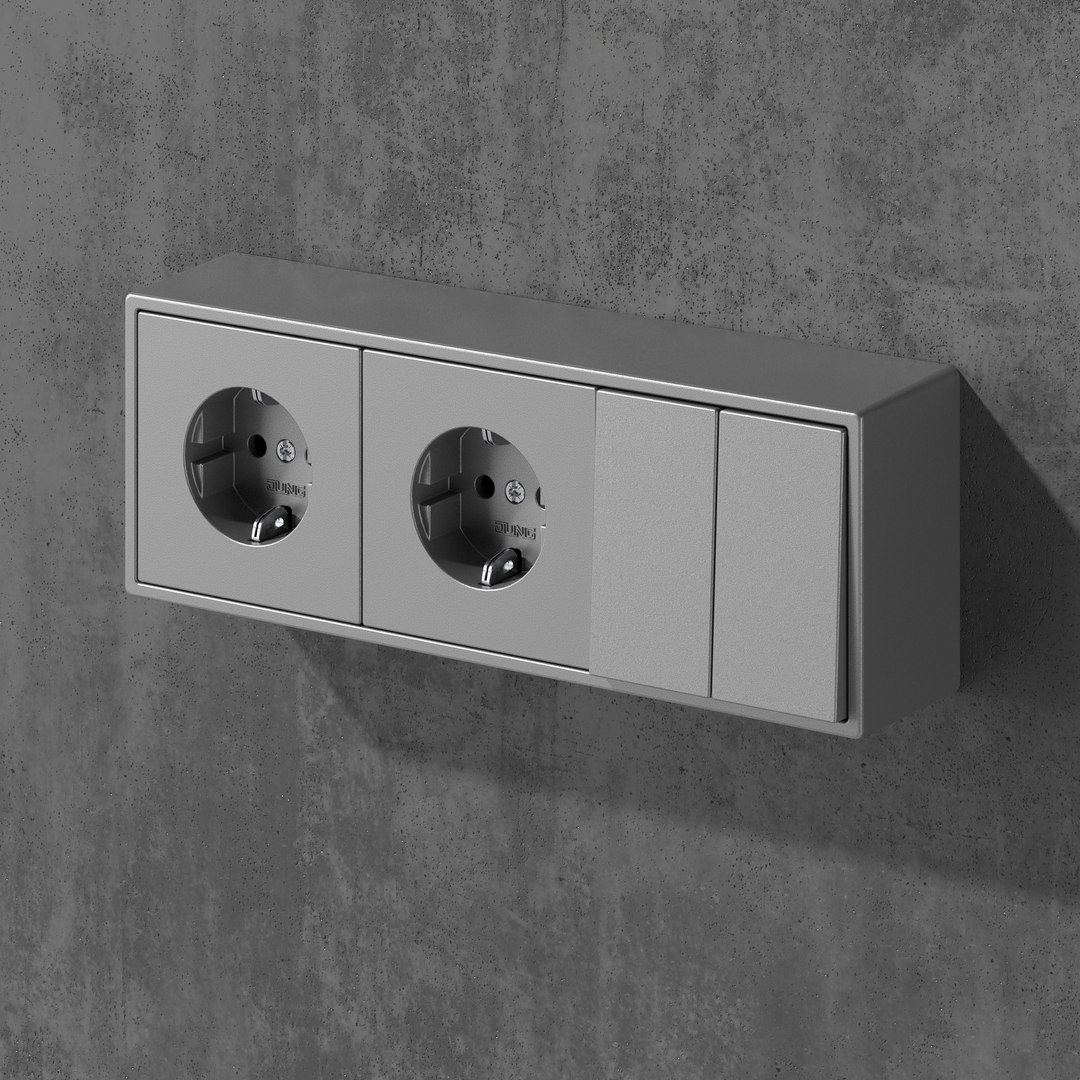
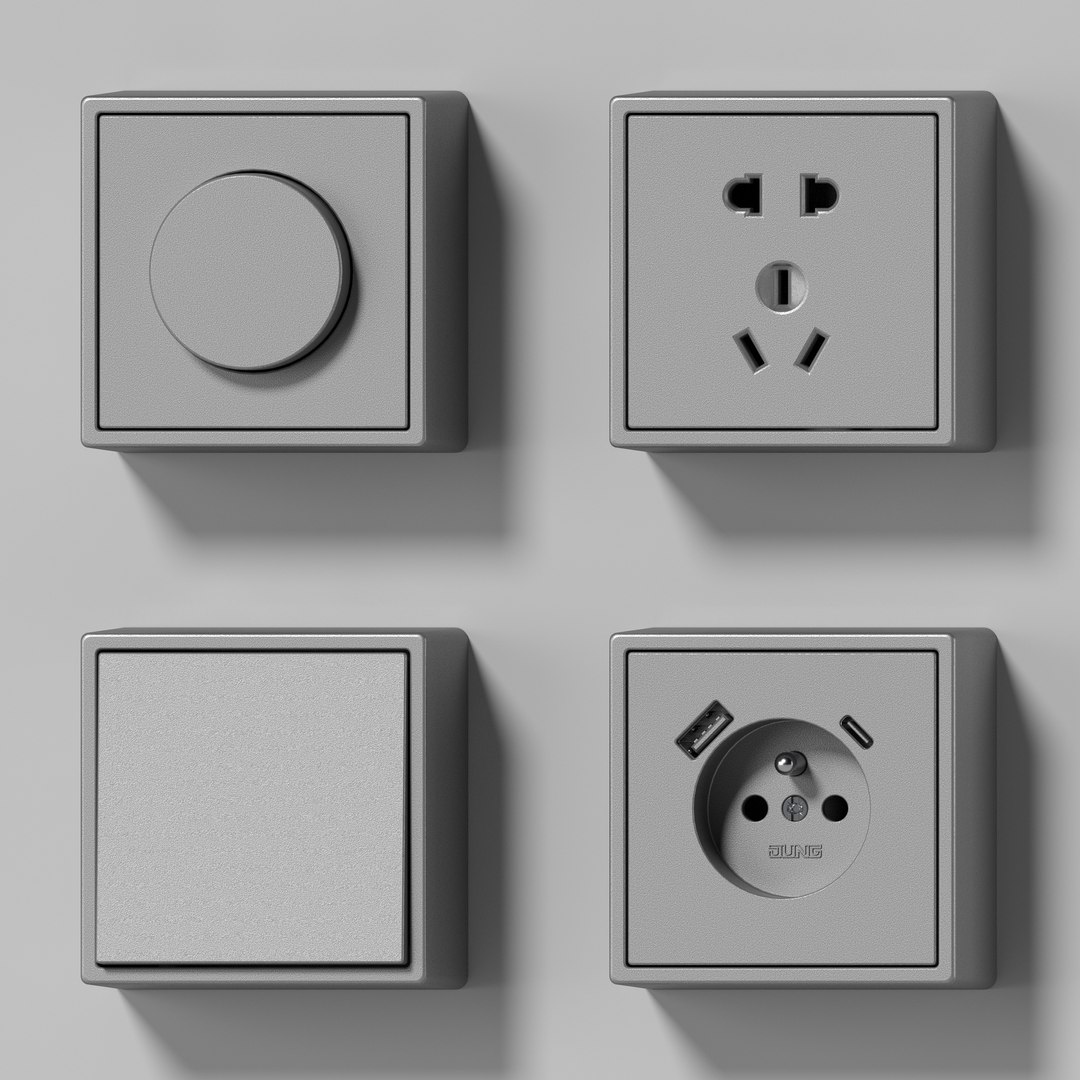
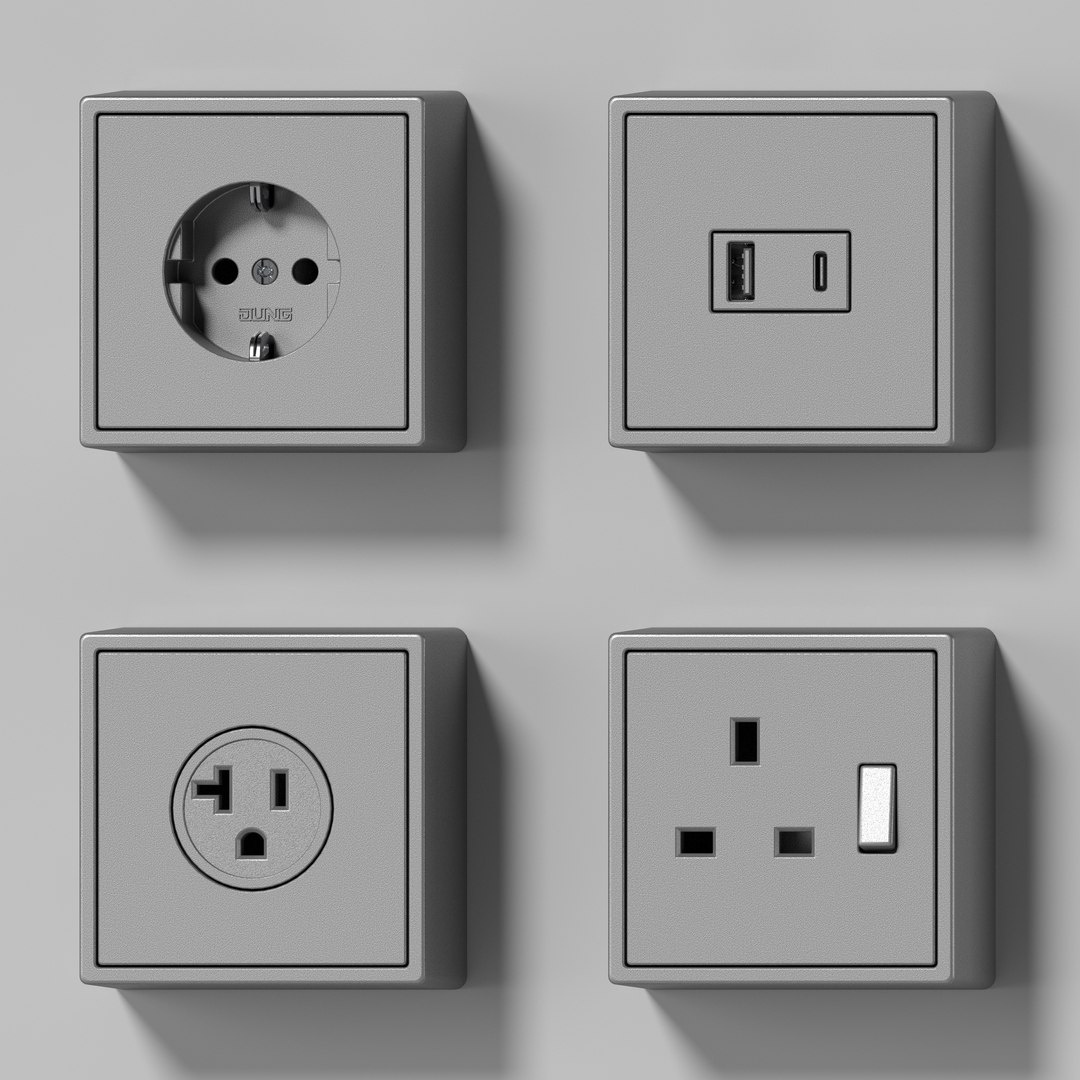
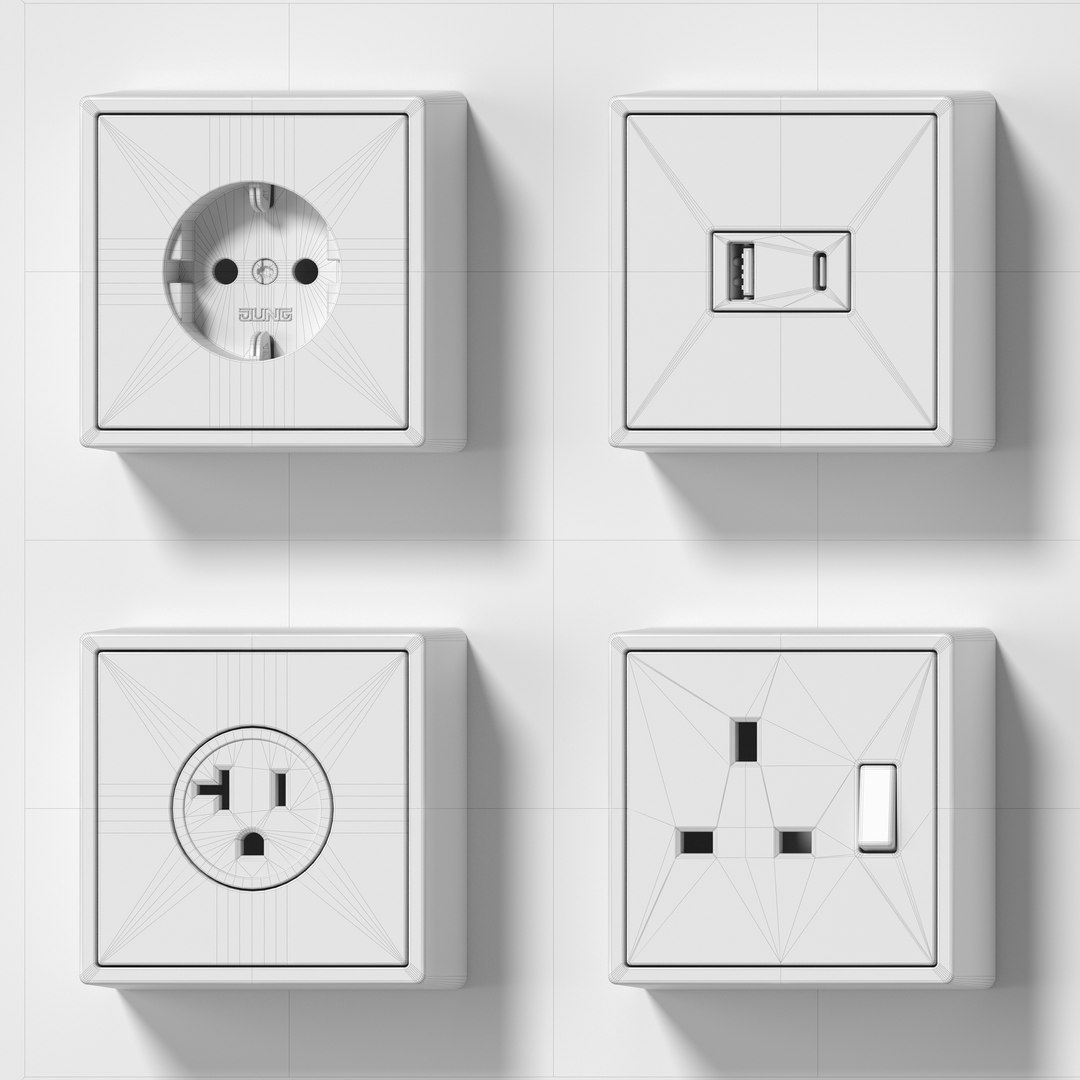
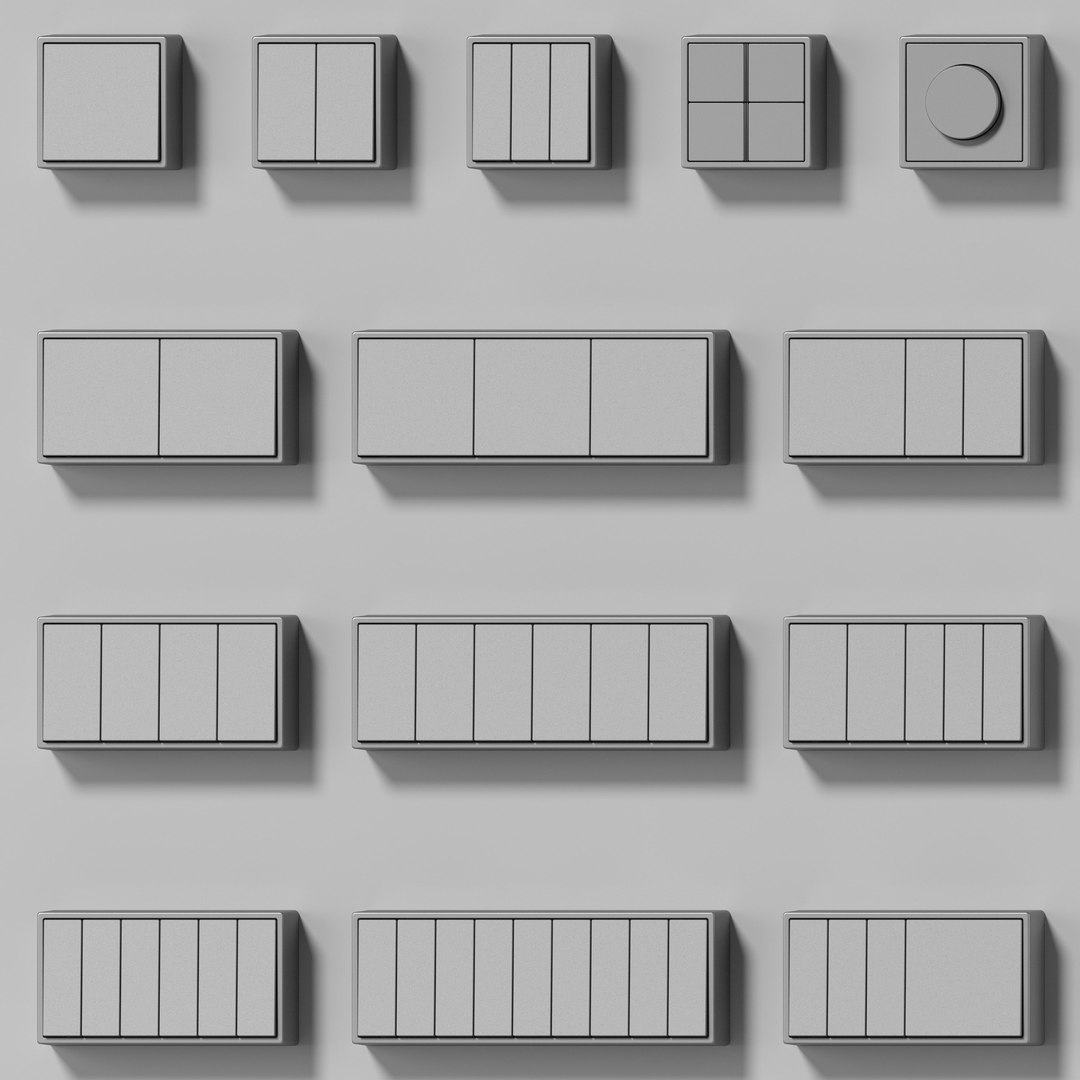
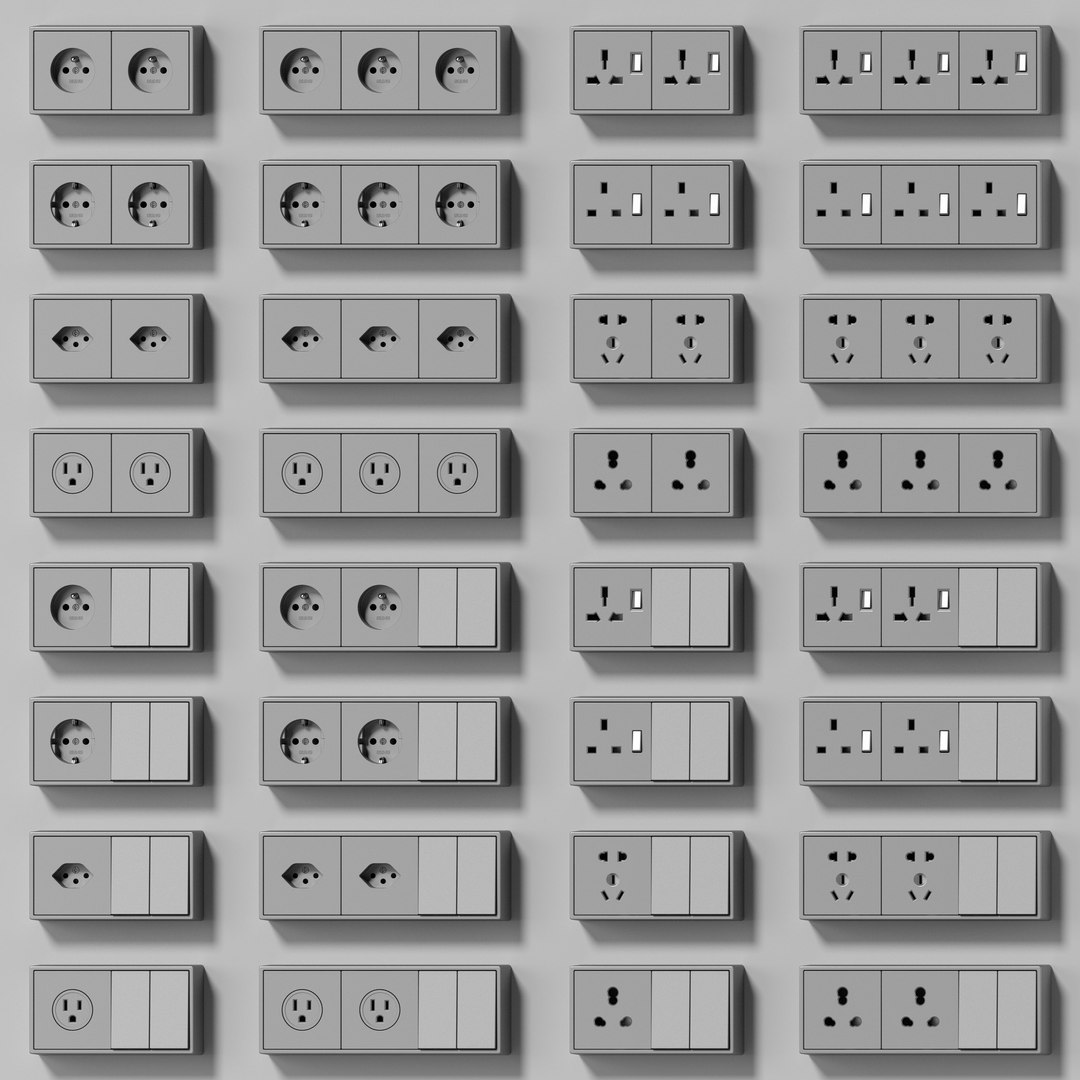
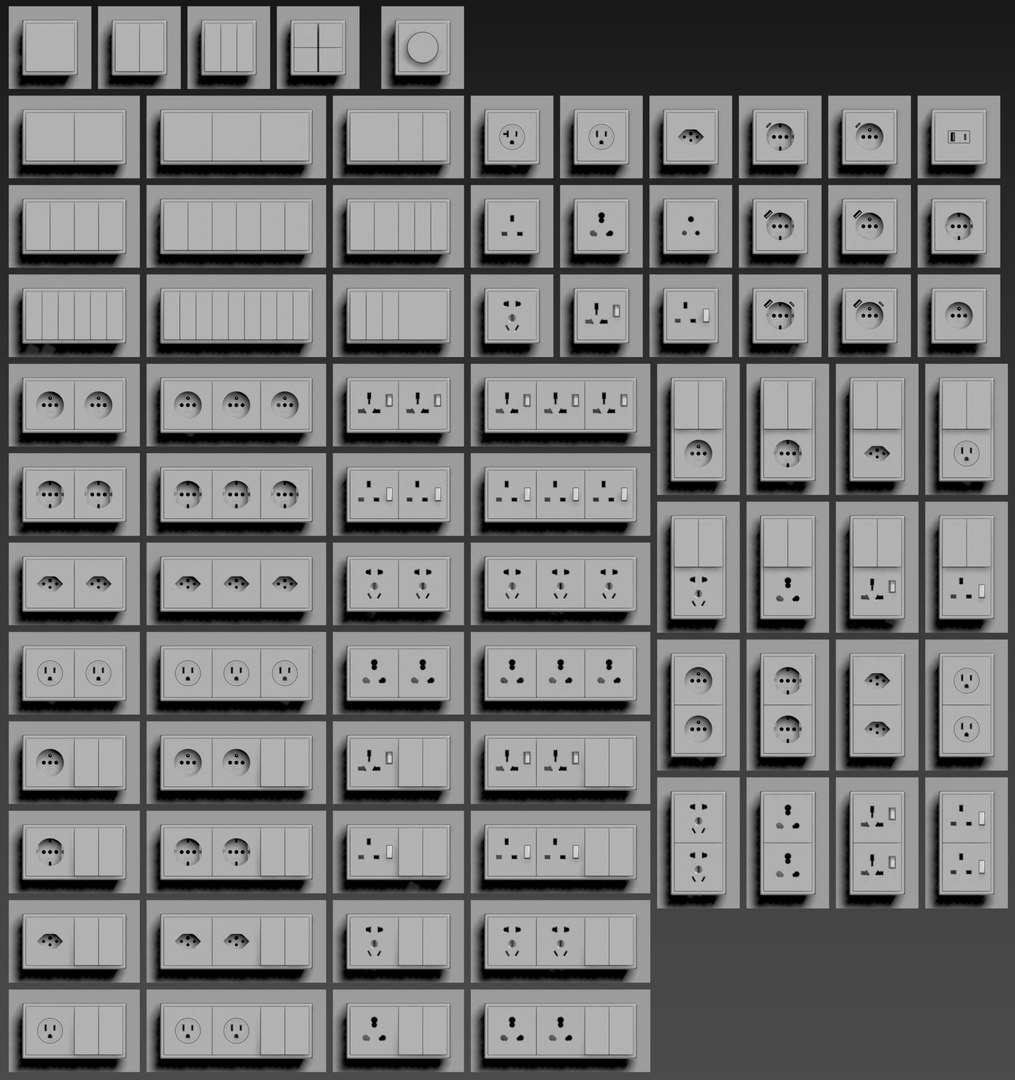
JUNG LS CUBE- Switches and sockets kit

Scene include 80 items 

Electrical outlet:

  • Schuko standard
  • Belgian system
  • French system
  • British products
  • Swiss standard
  • China system
  • Indian system
  • USA Nema system
  • Type G+I
  • USB C
  • USB A

Each model is integrated in a special box for quick installation in the wall or other surface.

Compatible with all covers of the range LS.

LS CUBE captures the shape of the iconic flat LS 990 switch with narrow frames. It is the ideal solution for open spaces with a loft-like character, exposed concrete or natural stone.

JUNG.DE

made in Germany

Material: Painted duroplastic / thermoplastic

Color: Aluminium

Frame size: 

  • 1-gang 81 mm x 81 mm 
  • 2-gang 81 mm x 152 mm 
  • 3-gang 81 mm x 223 mm
  • 4-gang 81 mm x 294 mm 

Frames can be installed horizontally and vertically.

Polys: 160028

Verts: 176957

Scene units millimeters

There are no textures. All texts and icons are made from polygonal geometry.

Select Enhanced License

  • $10,000 in Legal Protection (Indemnification)
  • Uncapped Legal Protection (Indemnification)
  • Waiver from injunctive relief
  • Assignable model rights
  • $1,000,000 in Legal Protection (Indemnification)
  • Waiver from injunctive relief
  • Assignable model rights
  • $250,000 in Legal Protection (Indemnification)
  • Assignable model rights
Read more about enhanced license tiers, or contact us at enterprise@turbosquid.com. Already a Shutterstock Enterprise Customer? Contact your Shutterstock Sales Support Agent to talk about adding 3D.

About Conversion Requests

To submit a conversion request for a purchased asset, please complete our Conversion Request Form.

If you have not yet purchased a model, please review our Documentation about Conversions to learn about what limitations you may encounter with a conversion.

For any additional questions about a model’s suitability for conversion, please contact TurboSquid Support.

Loading...