
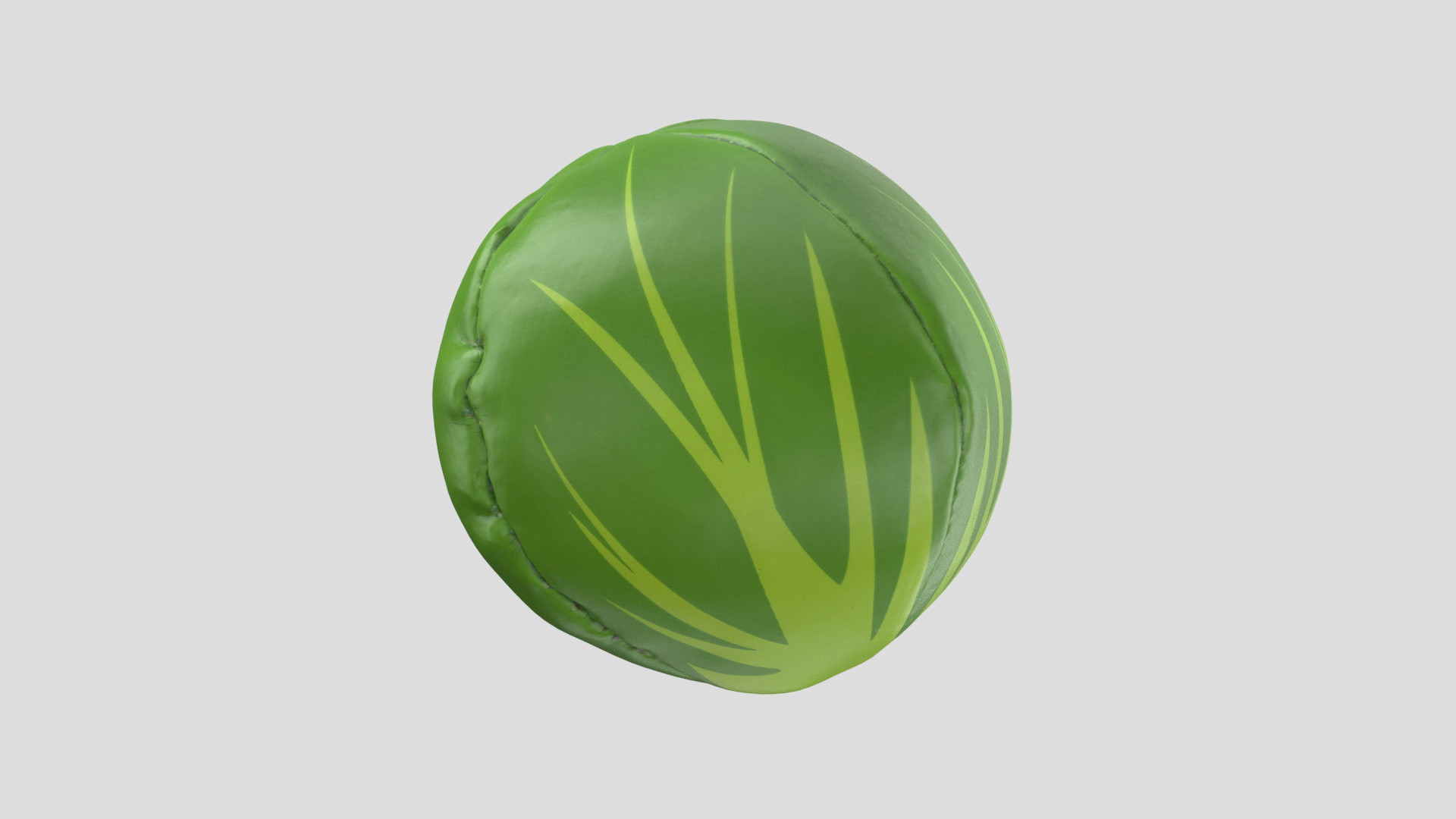
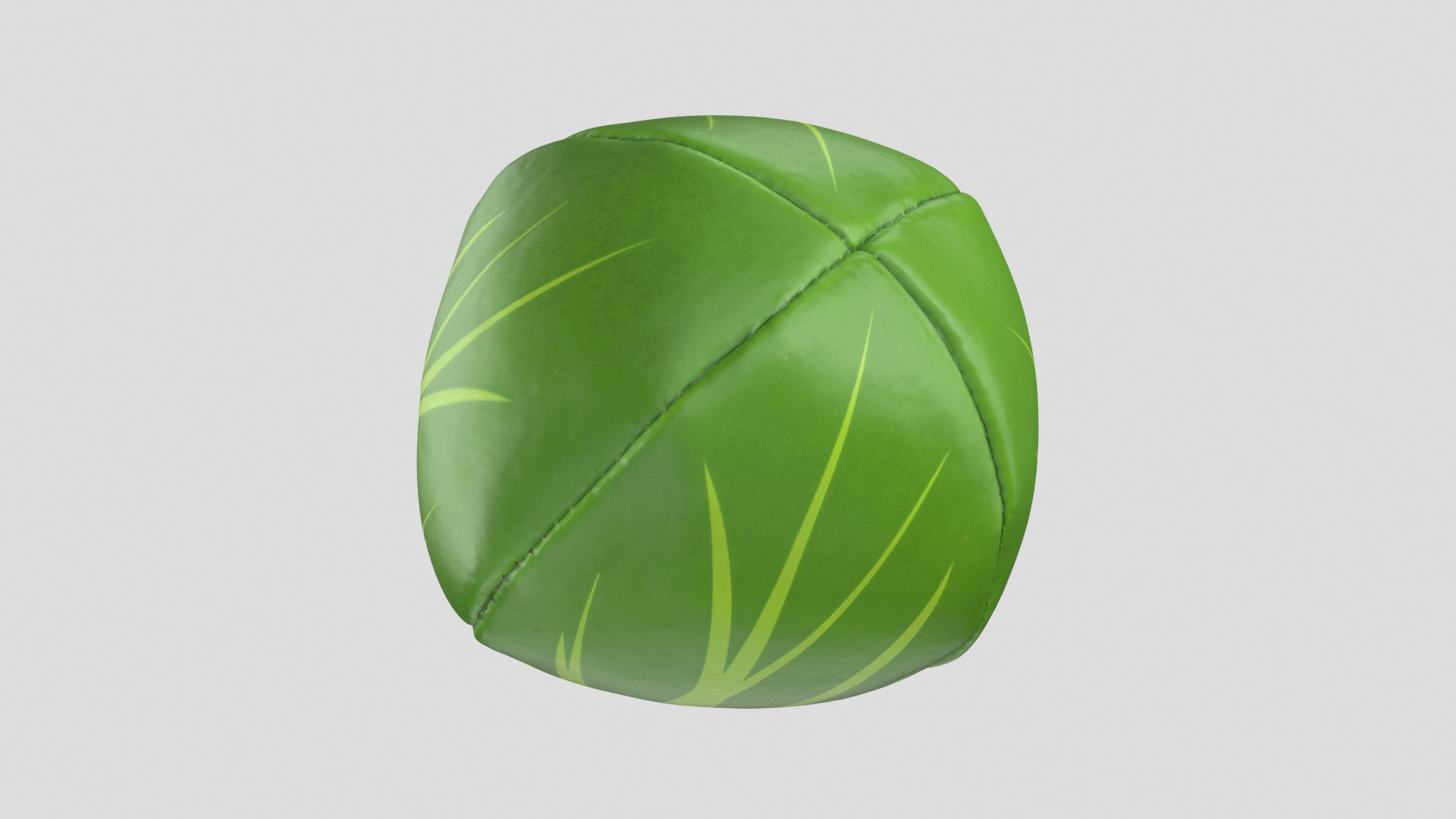
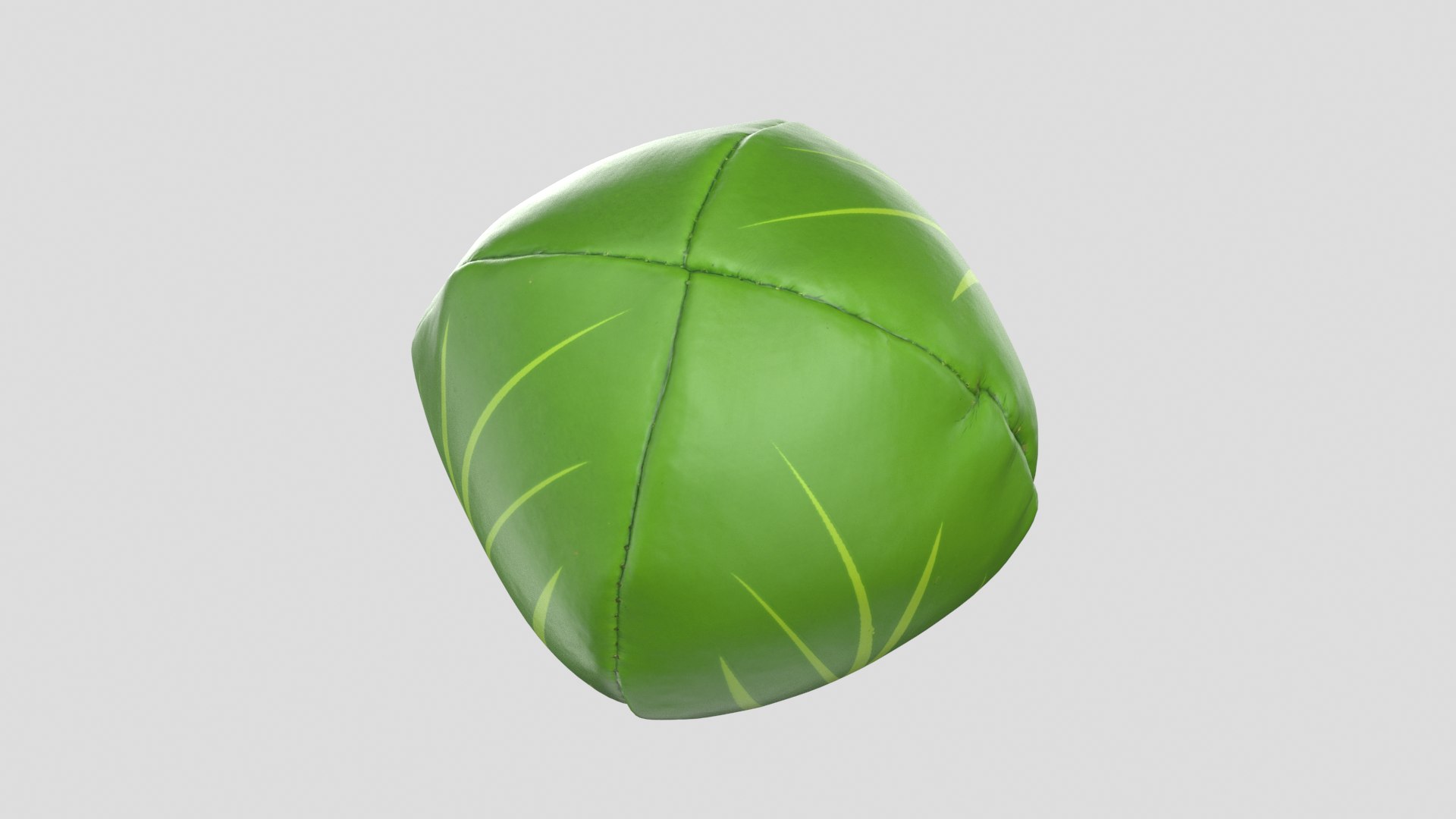
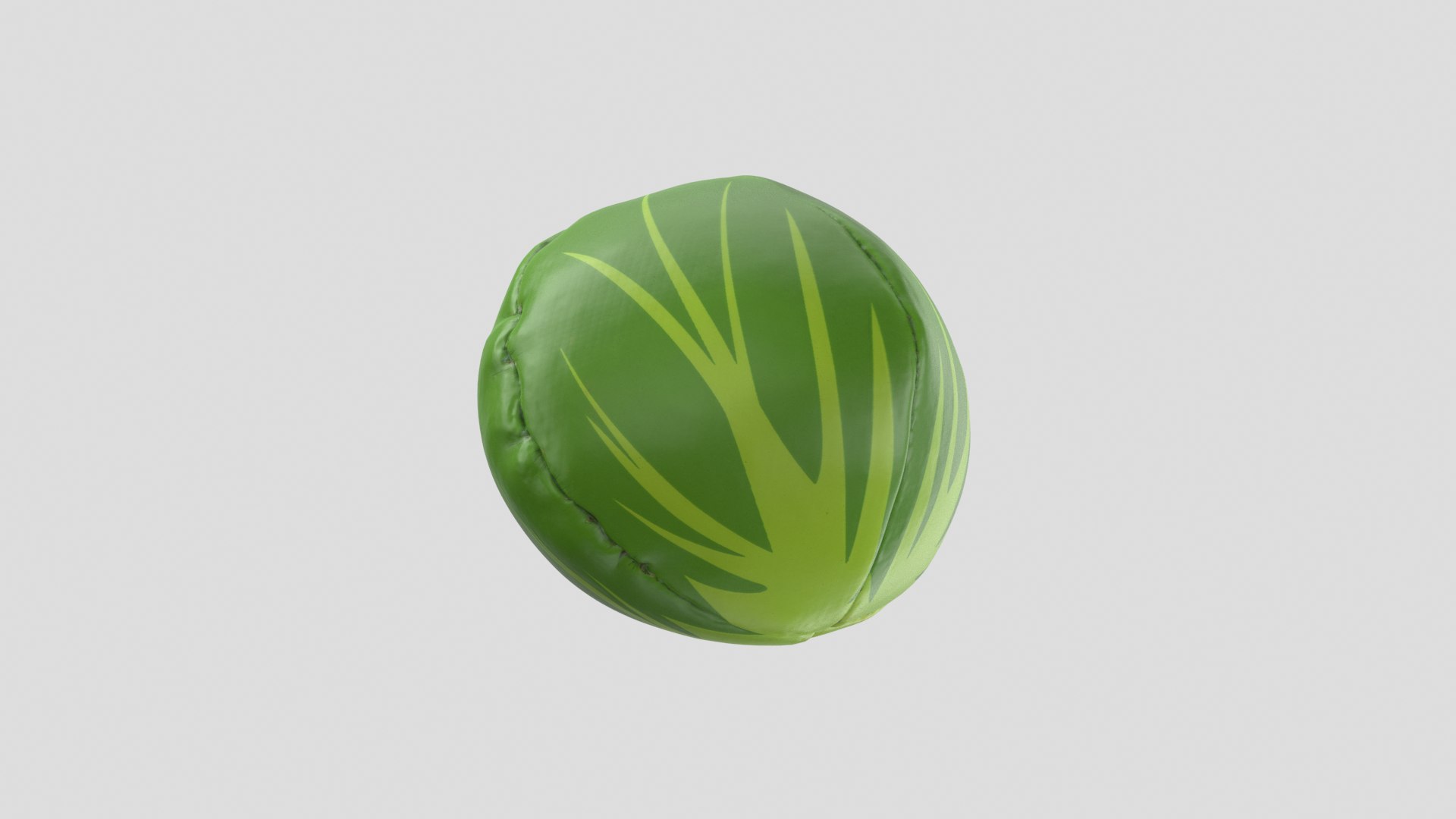
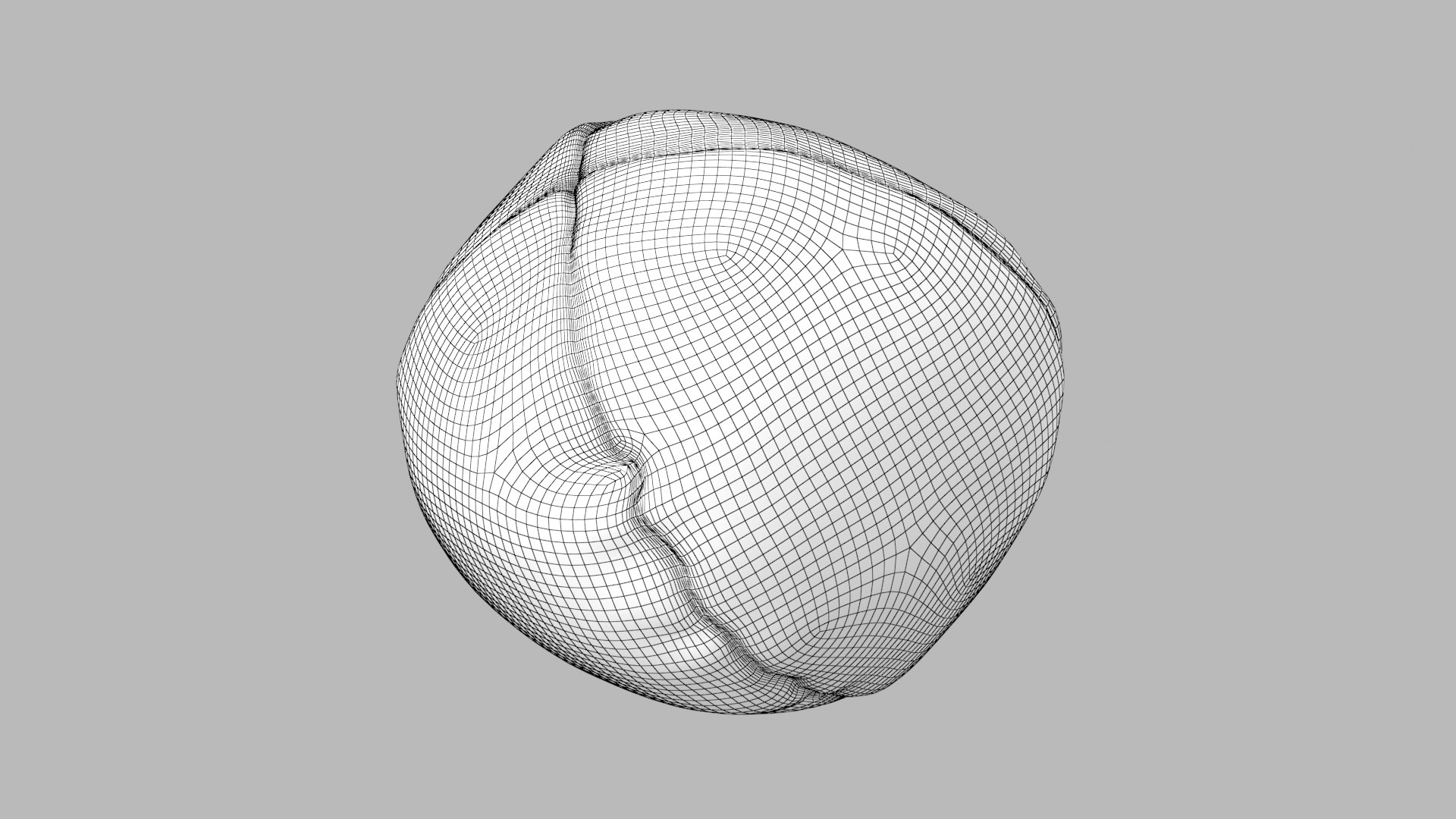

Juggling Ball 01

$19

Standard License | Upgrade License
Formats (11)
Native | 3ds Max 2012 | V-Ray 3.6
OBJ
FBX
DXF
Collada
glTF
3ds Max
USD
Other Files
JugglingBall1_PBRtextures.rar
Specifications
Publish Date September 01, 2020
Product ID 1614667
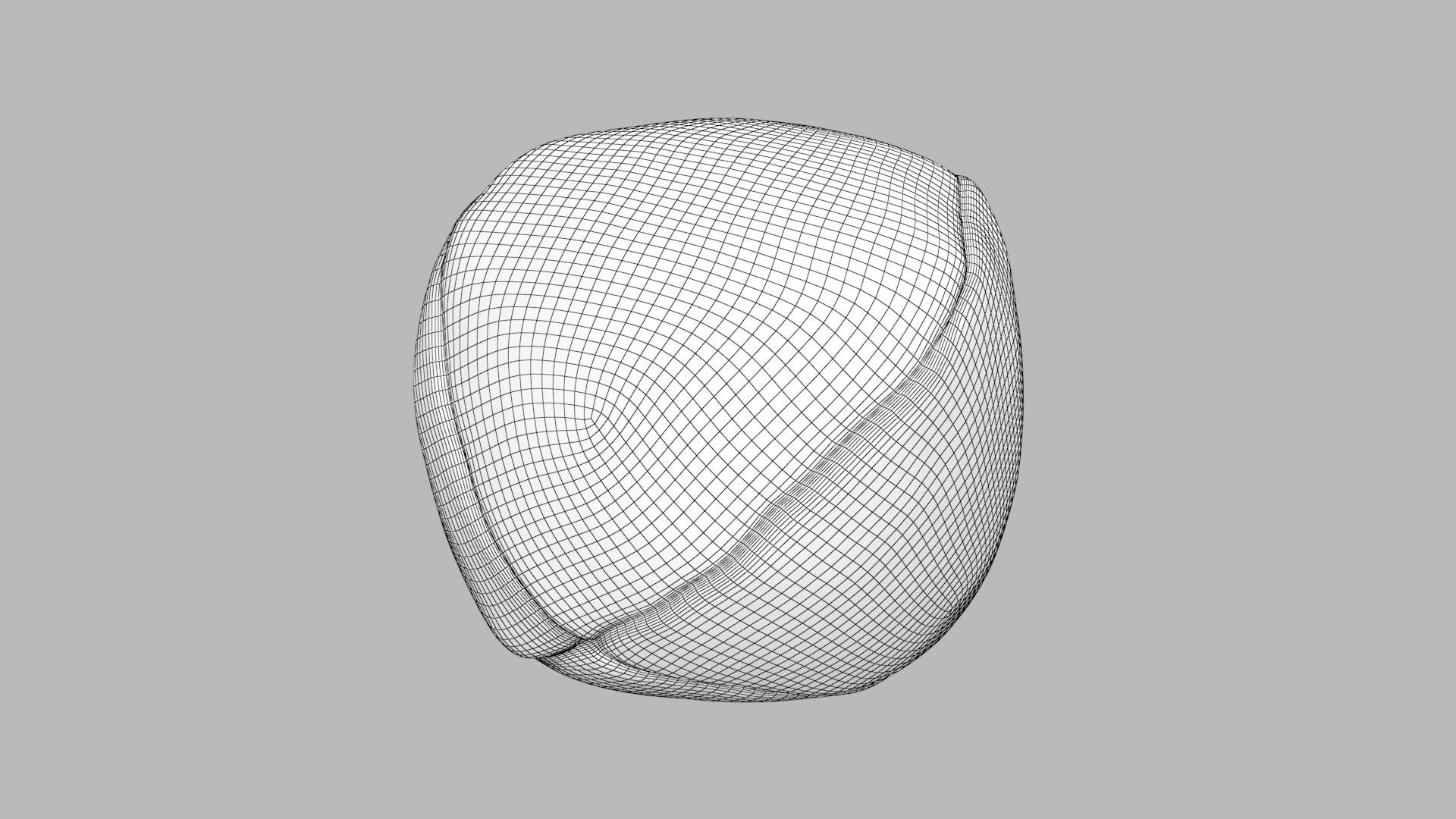
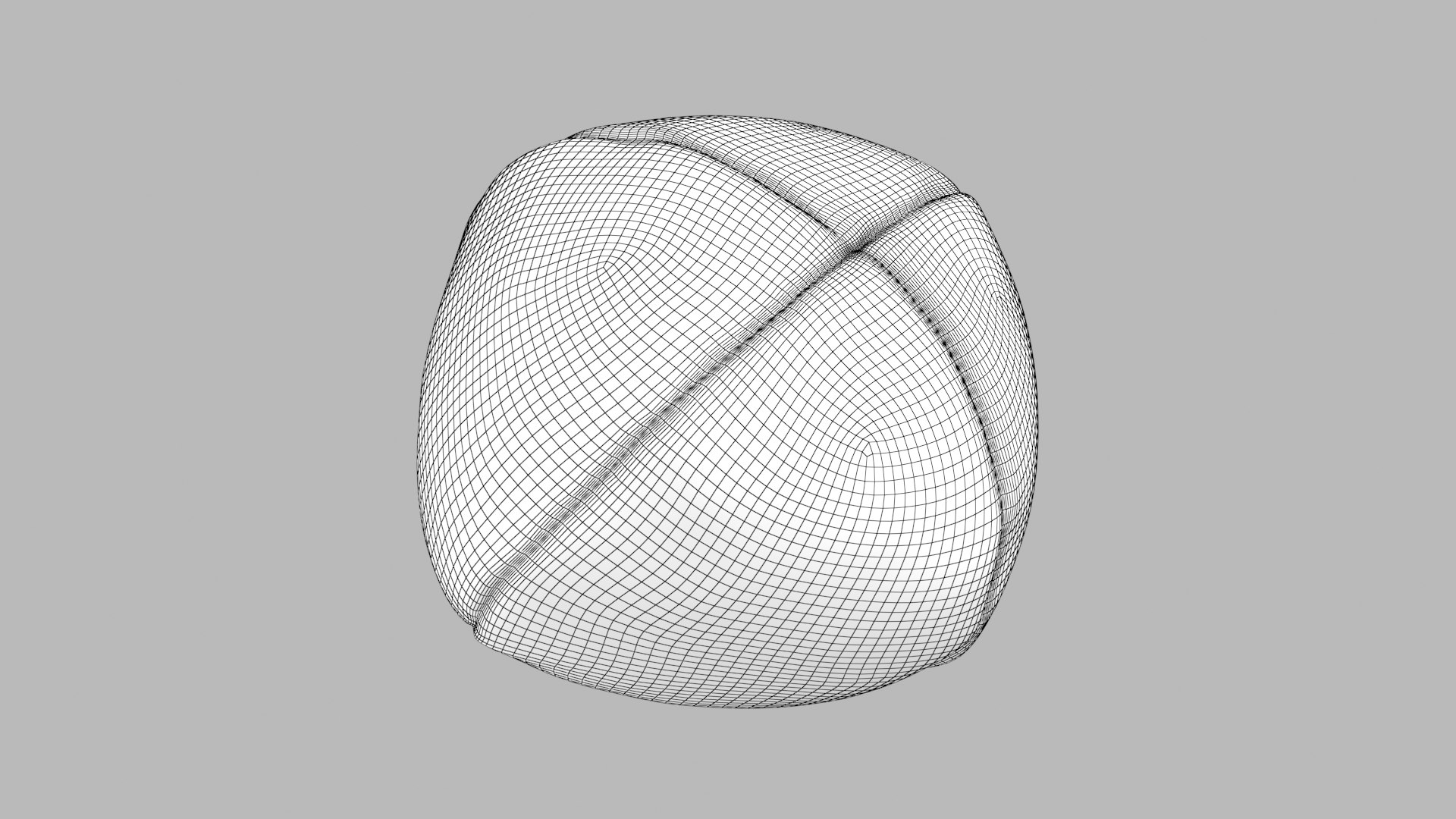
Polygons 11,156
Vertices 11,158
Polygonal Quads Only
Textures
Materials
UV Mapped
Non-overlapping Unwrapped UVs
PBR
TurboSquid Exclusive

member avatar
3dsam79
1185 Products | Contributor Since 2010
Have questions? Chat with us now.

Description

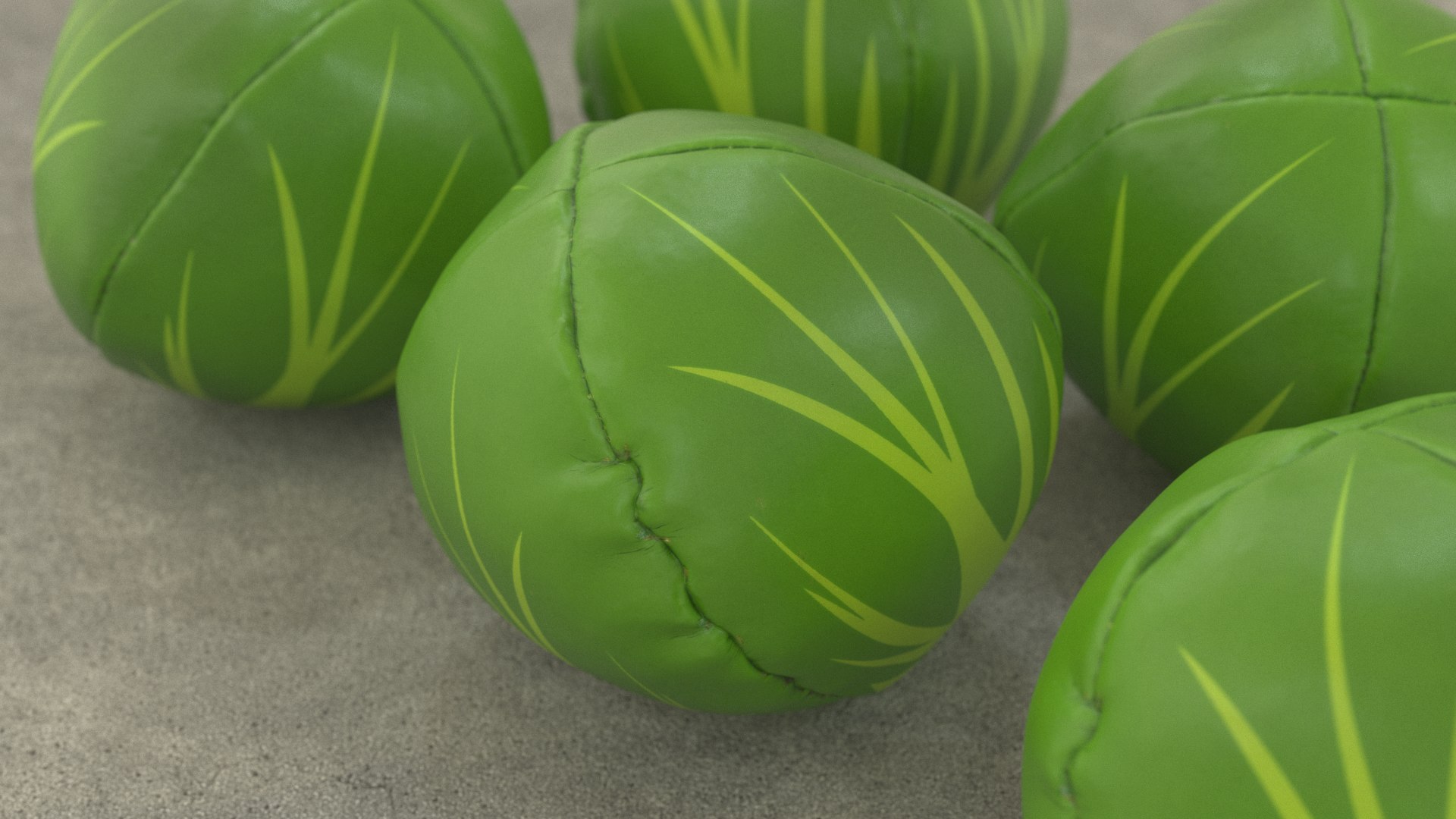
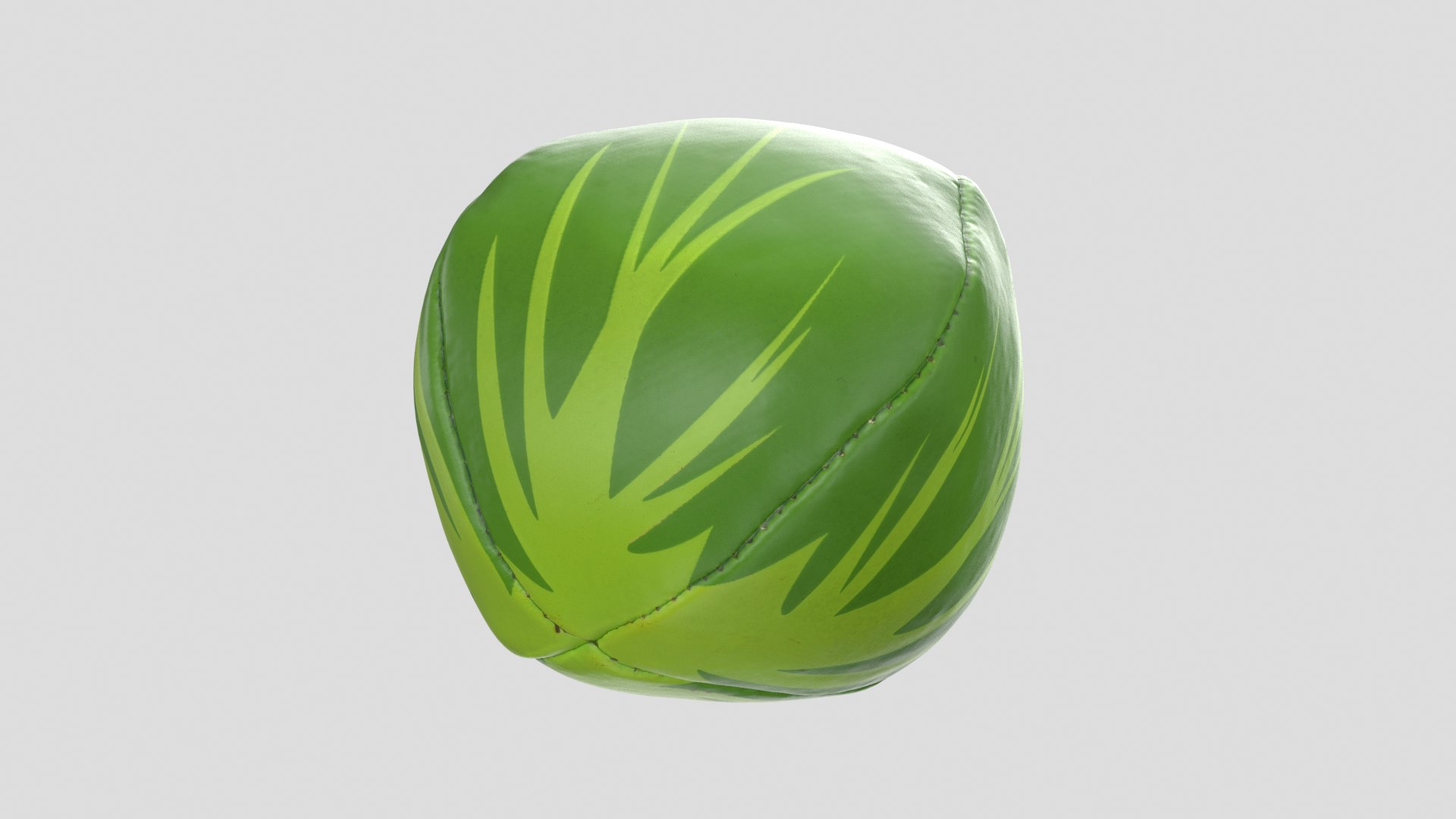
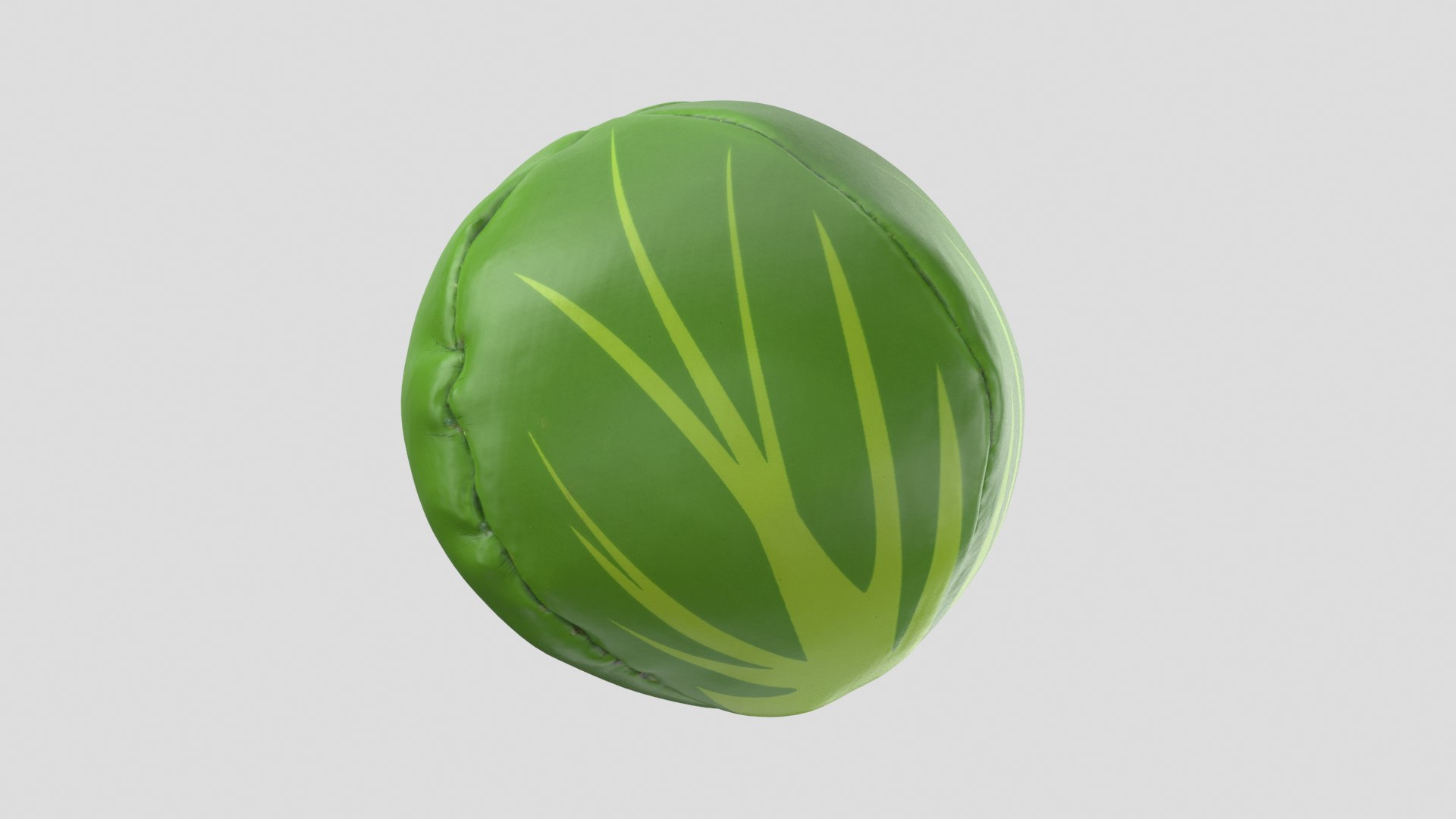
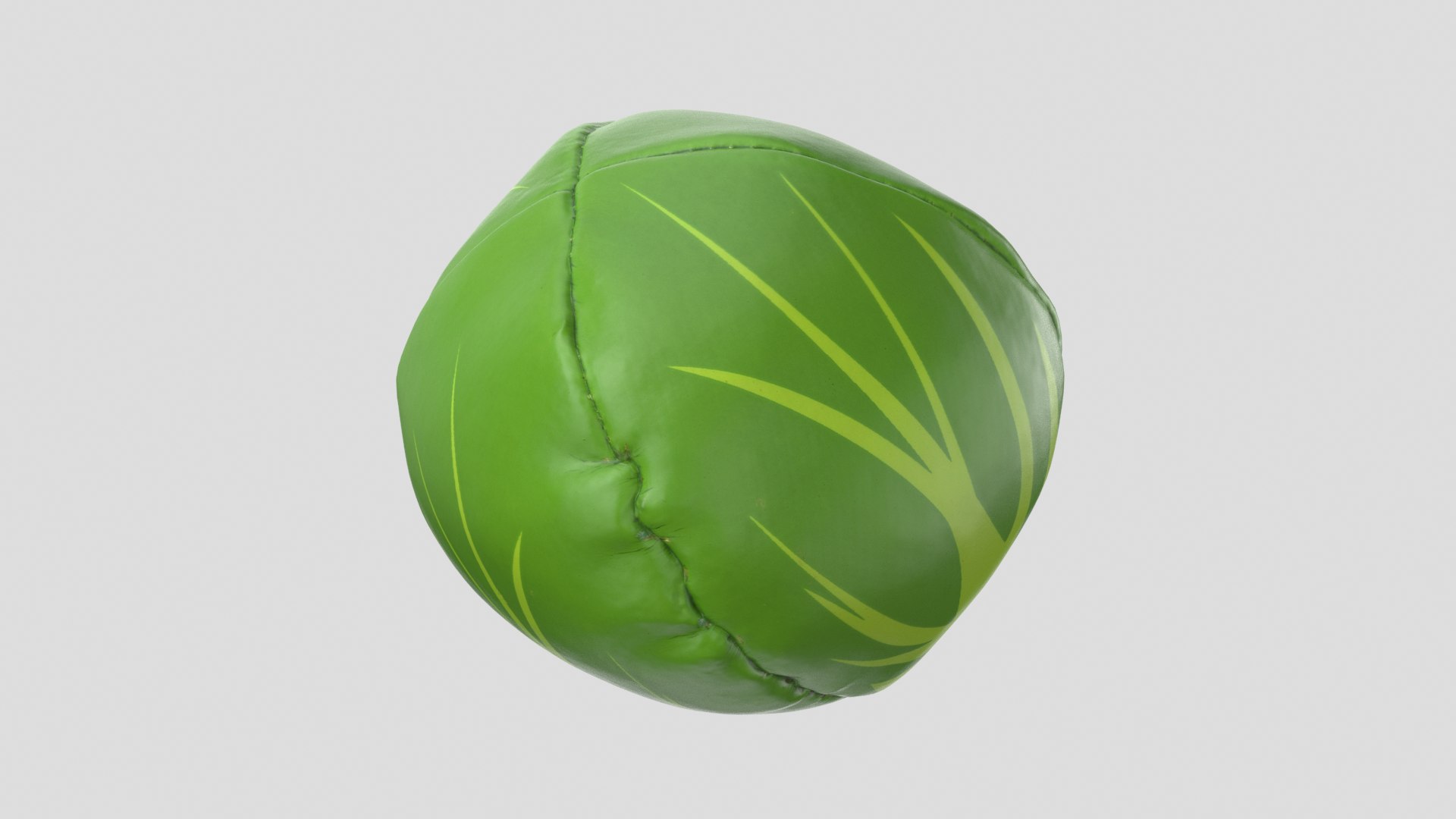
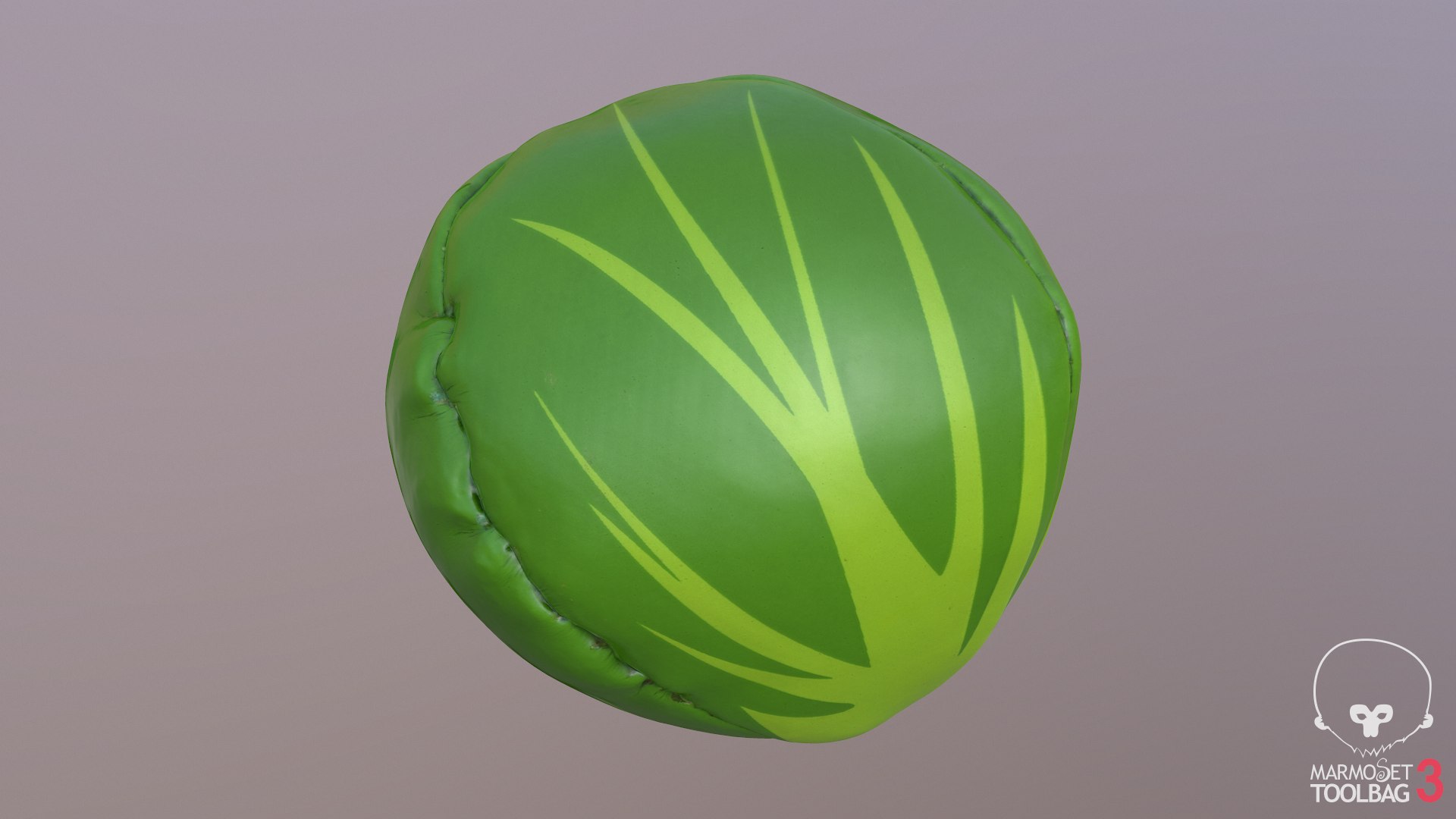
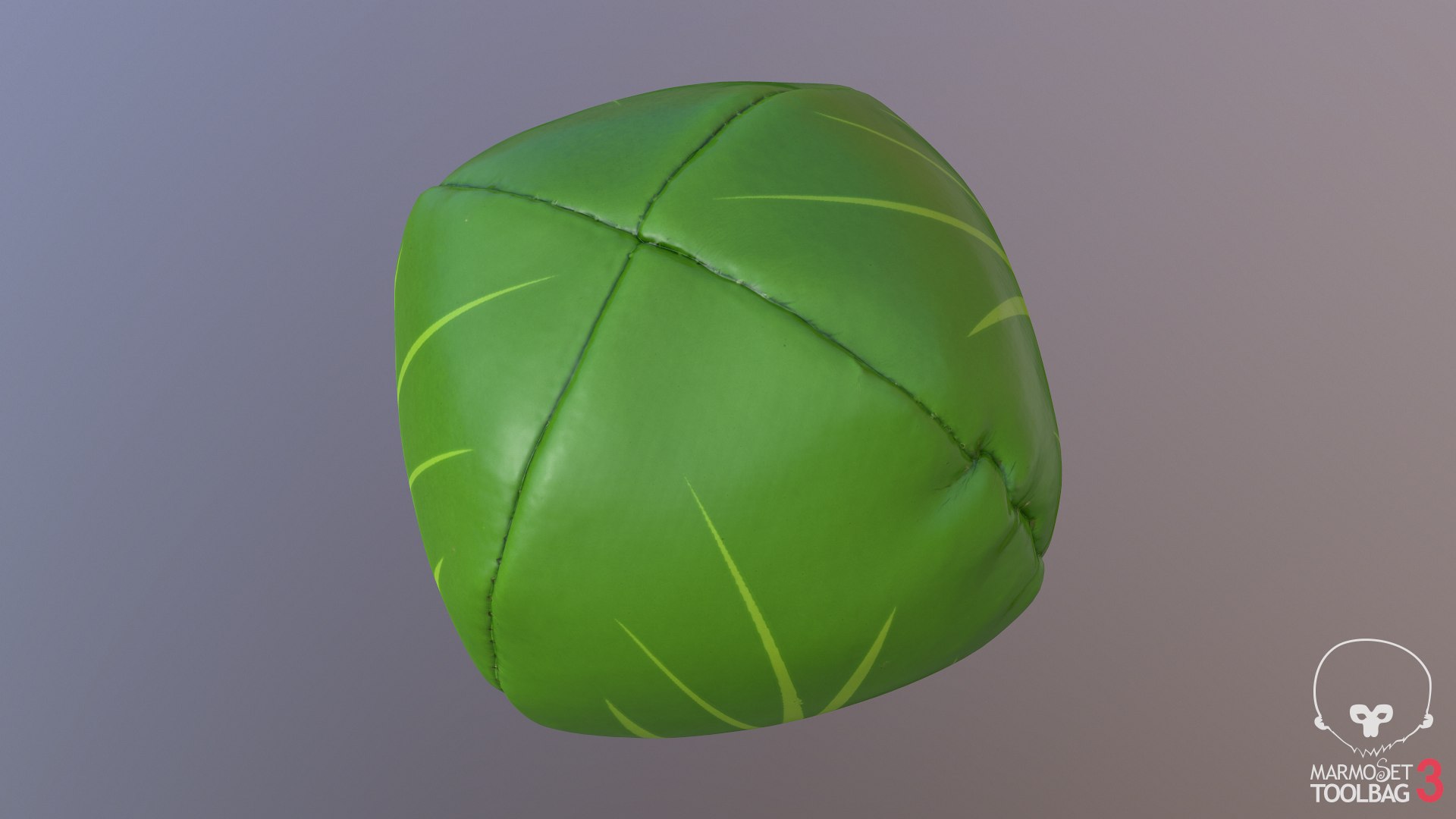
This is a model of a Juggling Ball

Originally created with 3ds Max 2012

Includes PBR Metal/Roughness and Spec/Gloss texture sets

|| SPECS ||

This model contains 1 separate object

This model contains 11156 polygons with TurboSmooth OFF

This model contains 11156 polys, and 11158 verts

This model contains Standard material and V-Ray material, plus PBR Metal/Roughness maps

The PBR metal/rough version was rendered in Marmoset Toolbag and is identifiable in the preview images by the marmoset watermark. The rest of the images were rendered with V-ray using the reflect/gloss textures.

|| TEXTURES ||

4096x4096 PNG - Diffuse Map

4096x4096 PNG - Specular/Reflect Map

4096x4096 PNG - Normal Map

4096x4096 PNG - Glossiness Map

4096x4096 PNG - IOR Map

4096x4096 PNG - BaseColor Map

4096x4096 PNG - Metallic Map

4096x4096 PNG - Roughness Map

4096x4096 PNG - Height Map

Scene objects are organised by layers

Model is built to real-world scale

Units used: Centimetres. Model is 7cm in length

File formats other than 3ds Max exported as base mesh

Select Enhanced License

  • $10,000 in Legal Protection (Indemnification)
  • Uncapped Legal Protection (Indemnification)
  • Waiver from injunctive relief
  • Assignable model rights
  • $1,000,000 in Legal Protection (Indemnification)
  • Waiver from injunctive relief
  • Assignable model rights
  • $250,000 in Legal Protection (Indemnification)
  • Assignable model rights
Read more about enhanced license tiers, or contact us at enterprise@turbosquid.com. Already a Shutterstock Enterprise Customer? Contact your Shutterstock Sales Support Agent to talk about adding 3D.

About Conversion Requests

To submit a conversion request for a purchased asset, please complete our Conversion Request Form.

If you have not yet purchased a model, please review our Documentation about Conversions to learn about what limitations you may encounter with a conversion.

For any additional questions about a model’s suitability for conversion, please contact TurboSquid Support.

Loading...