
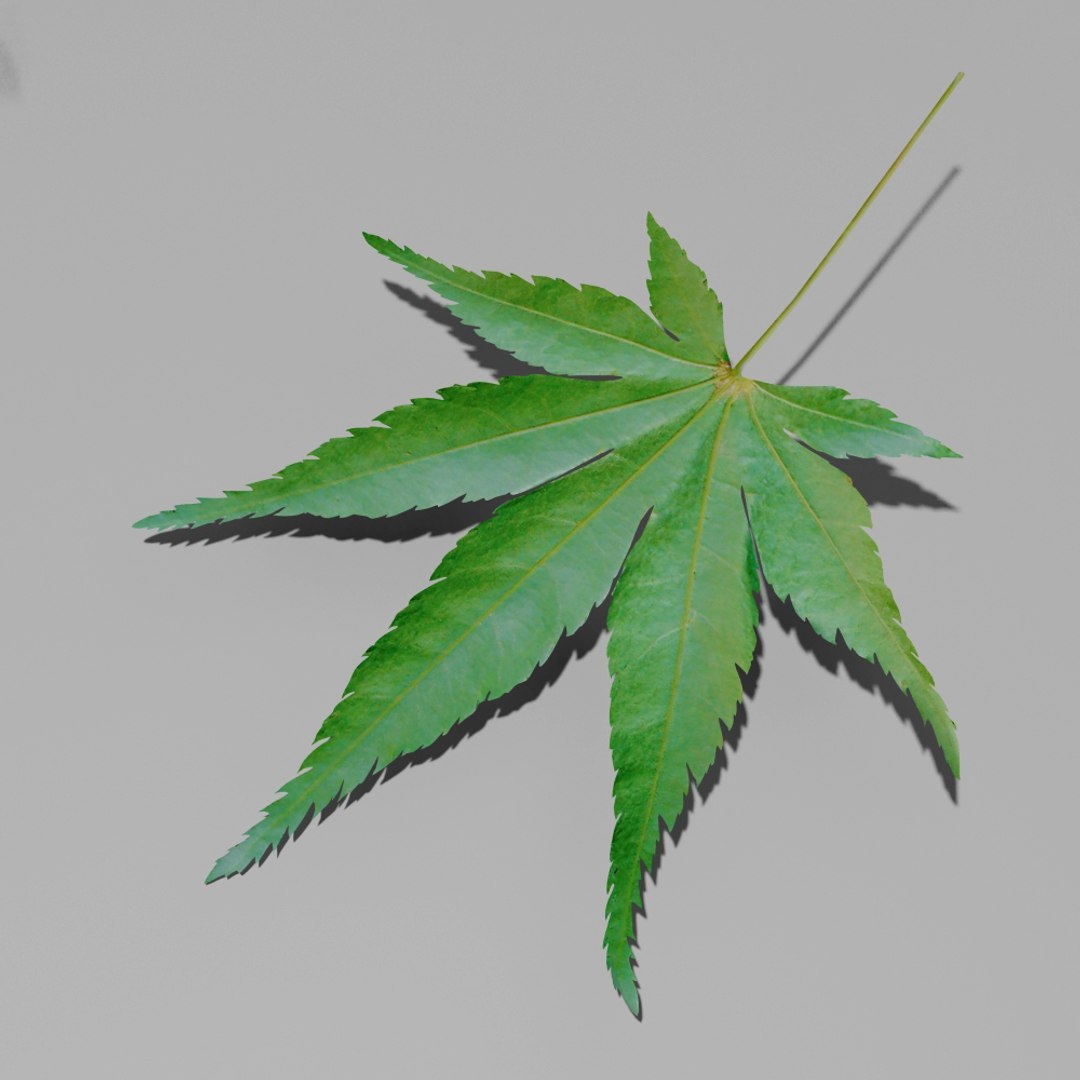




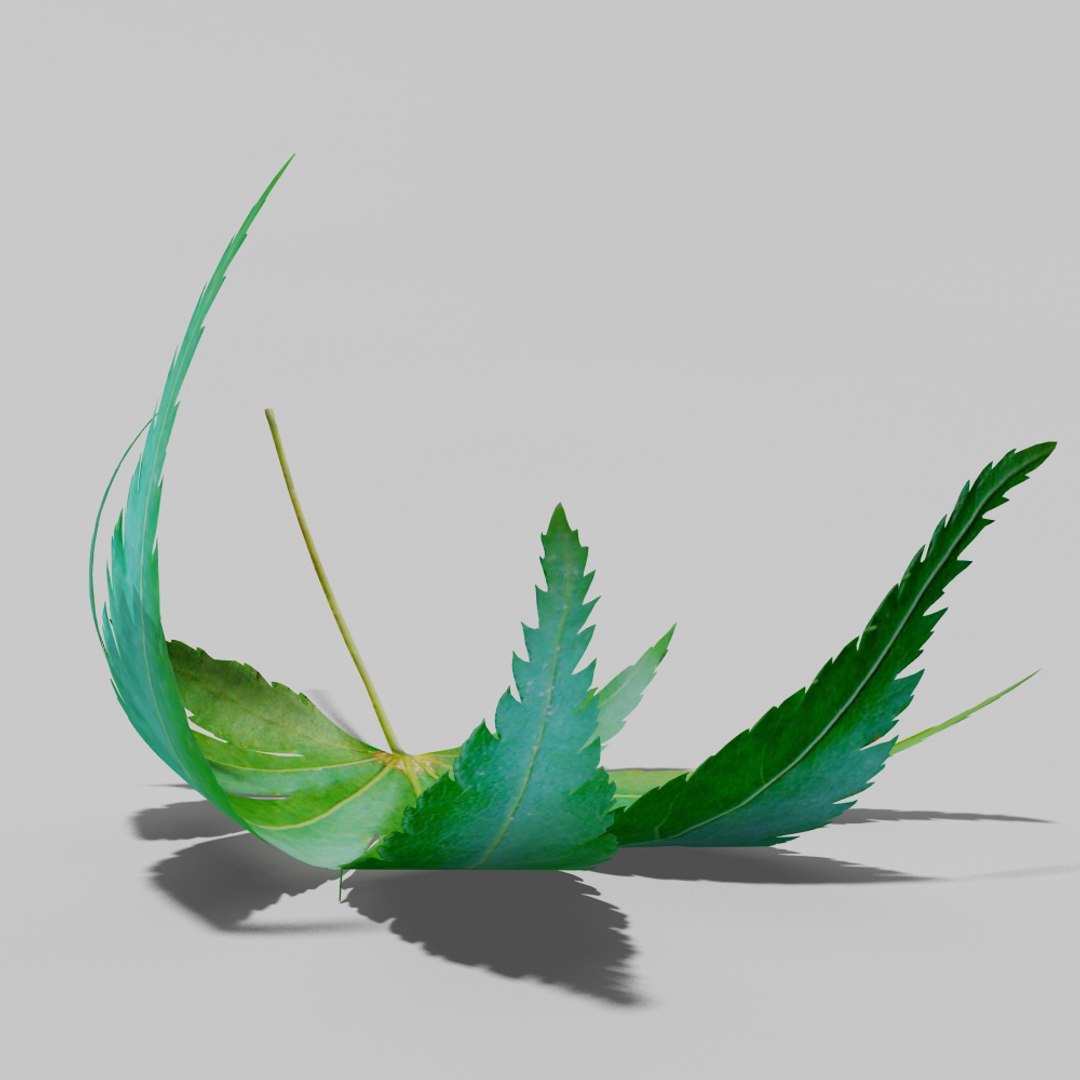





Japanese maple leaf Acer palmatum

$9.99

Standard License | Upgrade License
Formats (4)
3ds Max 2013 | Default Scanline
3D Studio
FBX
OBJ
Specifications
Publish Date September 12, 2014
Product ID 849004
Polygons 3,978
Vertices 5,390
Polygonal Quads/Tris Geometry
Textures
Materials
Non-overlapping Unwrapped UVs
TurboSquid Exclusive
member avatar
AlexanderDesign
502 Products | Contributor Since 2014
Have questions? Chat with us now.

Description

Japanese maple trees are one of the most common trees in landscape architecture and parks. The tree can be considered as a shrub or a small tree and leaves are stunning and there are many different cultivars and variations available.

Features


• High detailed model.
• All high resolution textures are unique, I took the photos.
• Model size is same as in nature and leaf edges are maximum detailed
• Leaf anatomy is made accordingly to real world leaf to achive maximum realism and is centered to 0,0,0.
• No additional plugins or renderers needed.
• No ngons, no overlapping verticles or overlapping faces, geometry is in order.

Textures

Included Leaf textures are (2048X2048) JPEG (.jpg) :

• Diffuse
• Specular
• Glossiness
• Normal

Included

• Fully textured model without geometrical modifiers.
• Fully textured models with geometrical modifiers .
• Untextured extruded version.

About us

For a decade we have been delivering high-quality 3D models for professional projects to clients worldwide.

Our models are crafted to meet high industry standards, ensuring quality and time savings for our customers.

Select Enhanced License

  • $10,000 in Legal Protection (Indemnification)
  • Uncapped Legal Protection (Indemnification)
  • Waiver from injunctive relief
  • Assignable model rights
  • $1,000,000 in Legal Protection (Indemnification)
  • Waiver from injunctive relief
  • Assignable model rights
  • $250,000 in Legal Protection (Indemnification)
  • Assignable model rights
Read more about enhanced license tiers, or contact us at enterprise@turbosquid.com. Already a Shutterstock Enterprise Customer? Contact your Shutterstock Sales Support Agent to talk about adding 3D.

About Conversion Requests

To submit a conversion request for a purchased asset, please complete our Conversion Request Form.

If you have not yet purchased a model, please review our Documentation about Conversions to learn about what limitations you may encounter with a conversion.

For any additional questions about a model’s suitability for conversion, please contact TurboSquid Support.

Loading...