


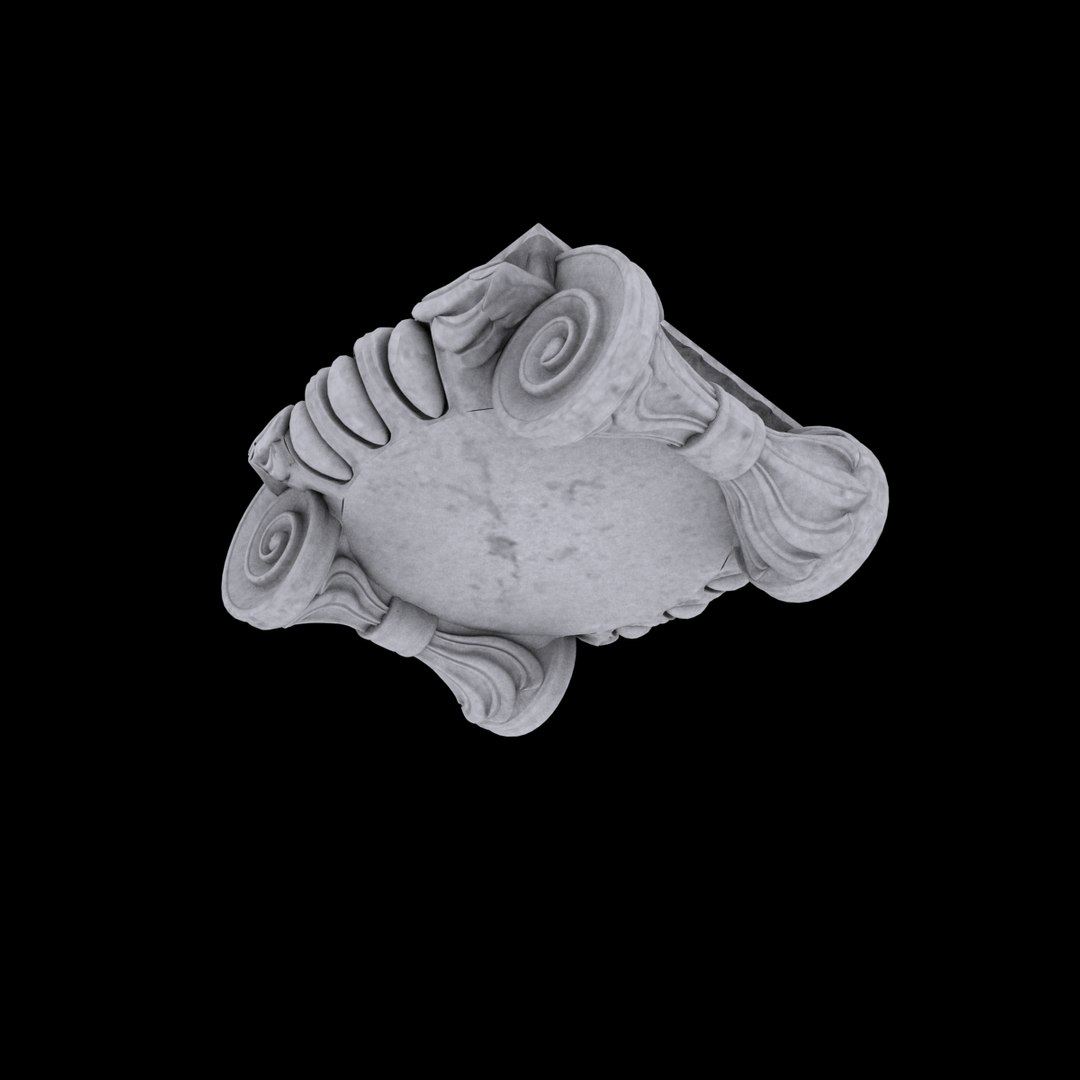
Ionic Column

$9

Standard License | Upgrade License
Formats (1)
3ds Max 2009 | Default Scanline
Specifications
Publish Date July 26, 2010
Product ID 547563
Polygons 43,302
Vertices 43,950
Polygonal
Textures
Materials
UV Mapped
TurboSquid Exclusive

member avatar
caaygun
3 Products | Contributor Since 2006
Have questions? Chat with us now.

Description

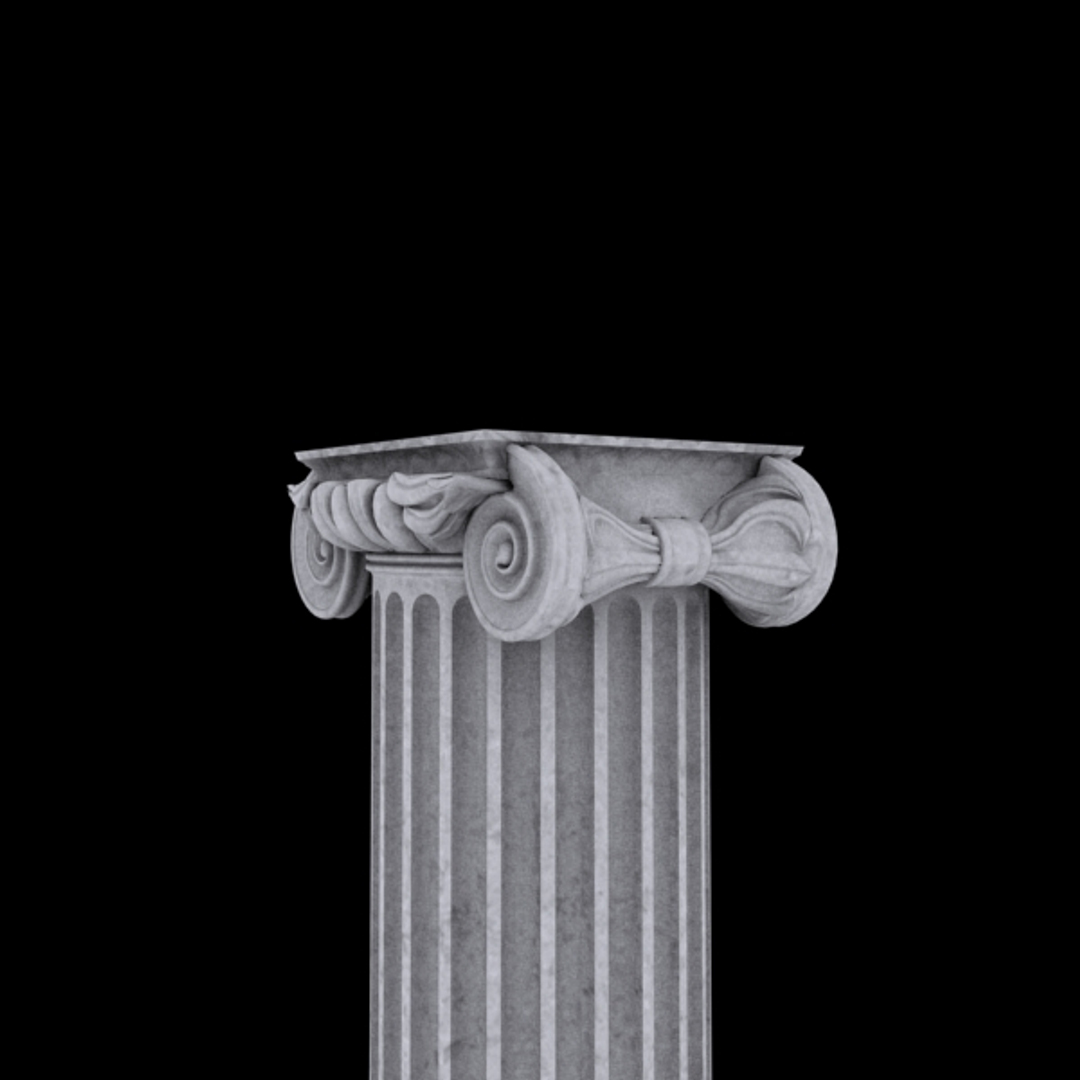
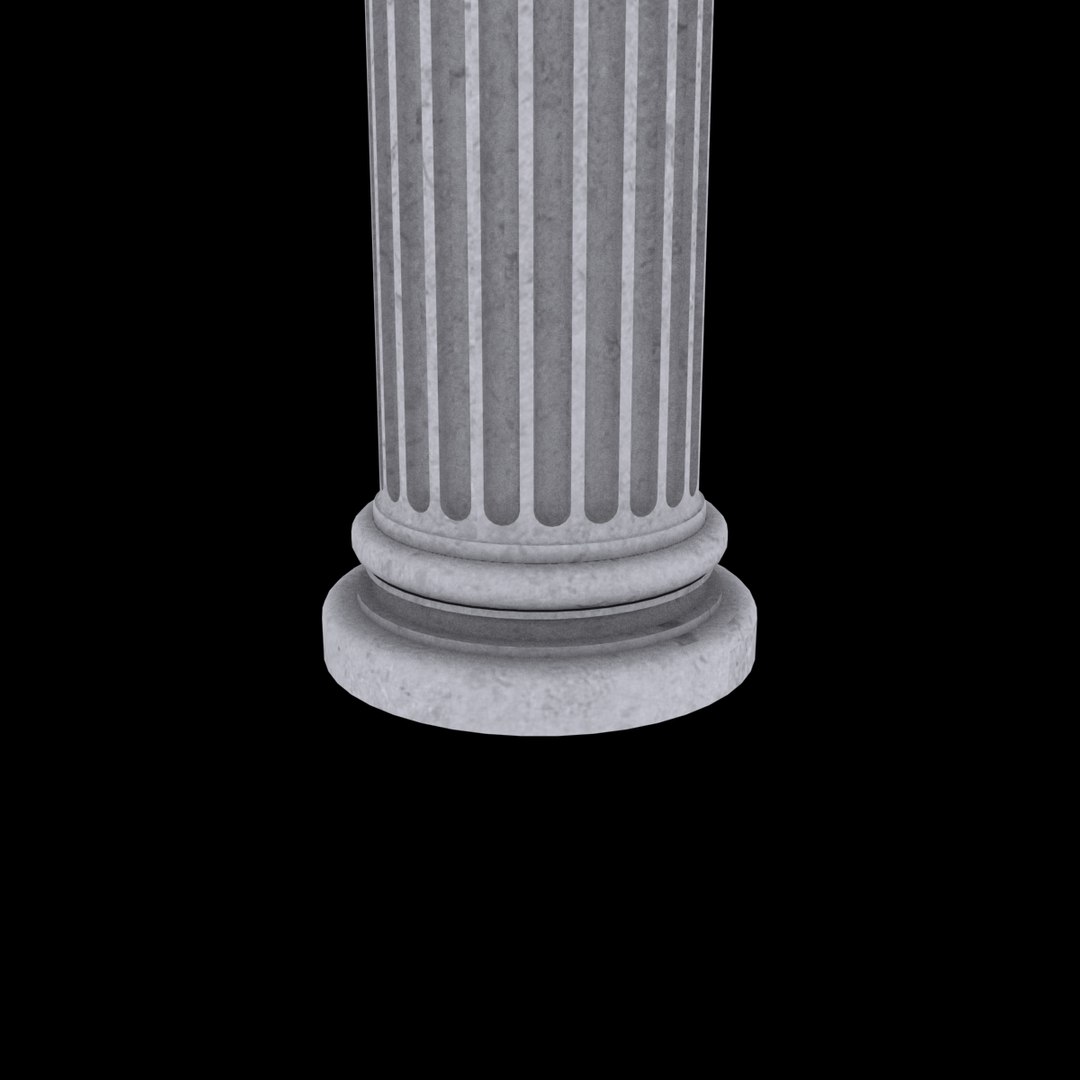
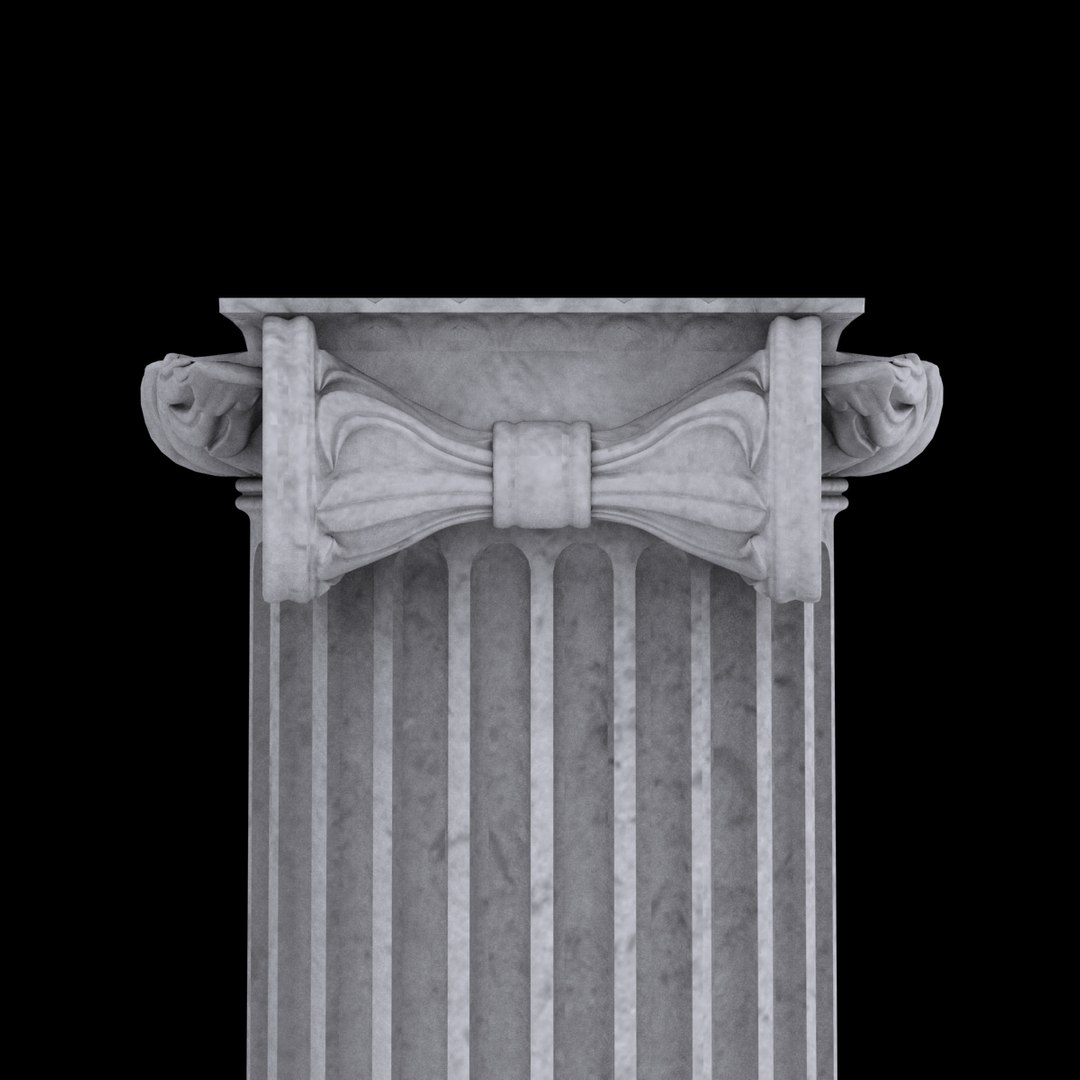
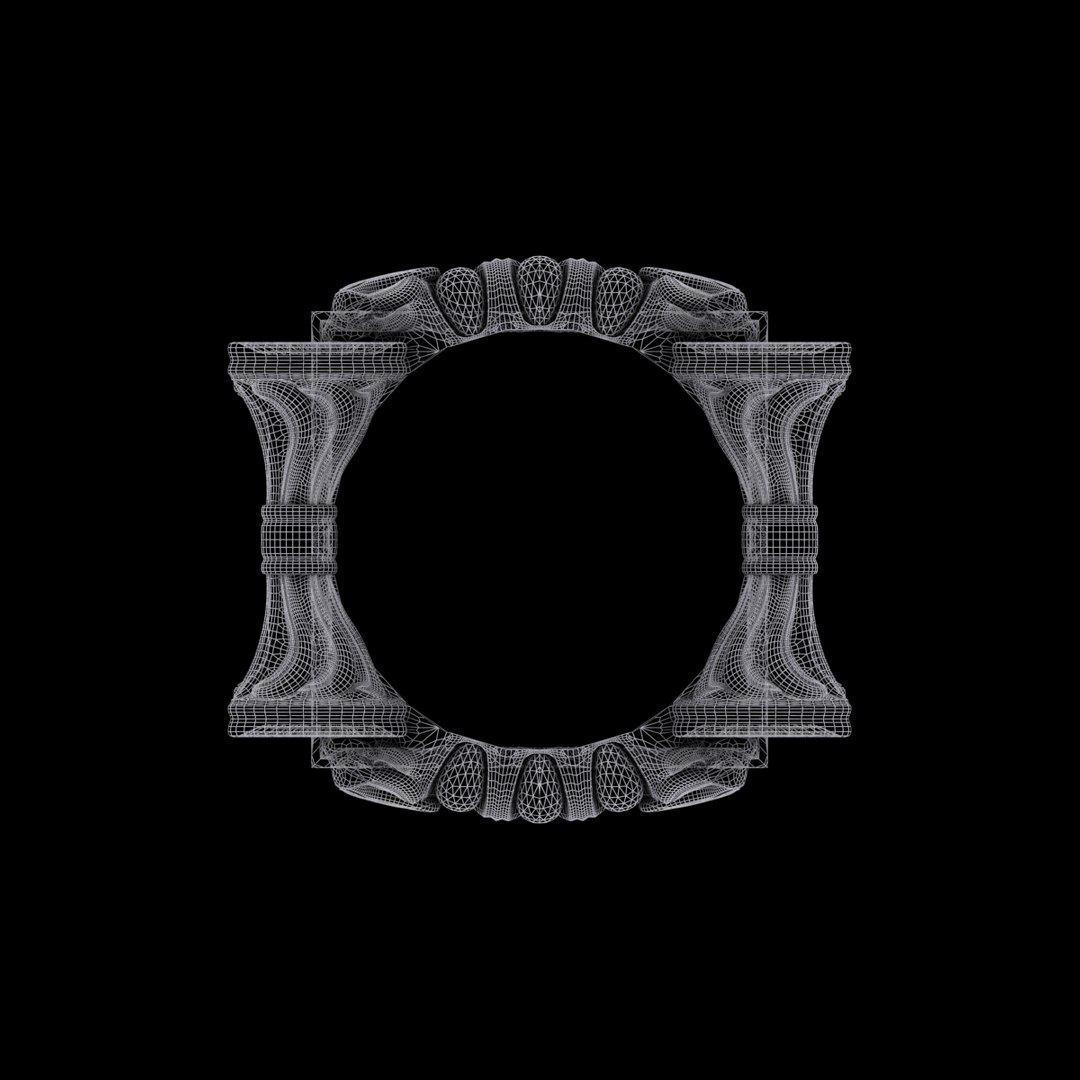
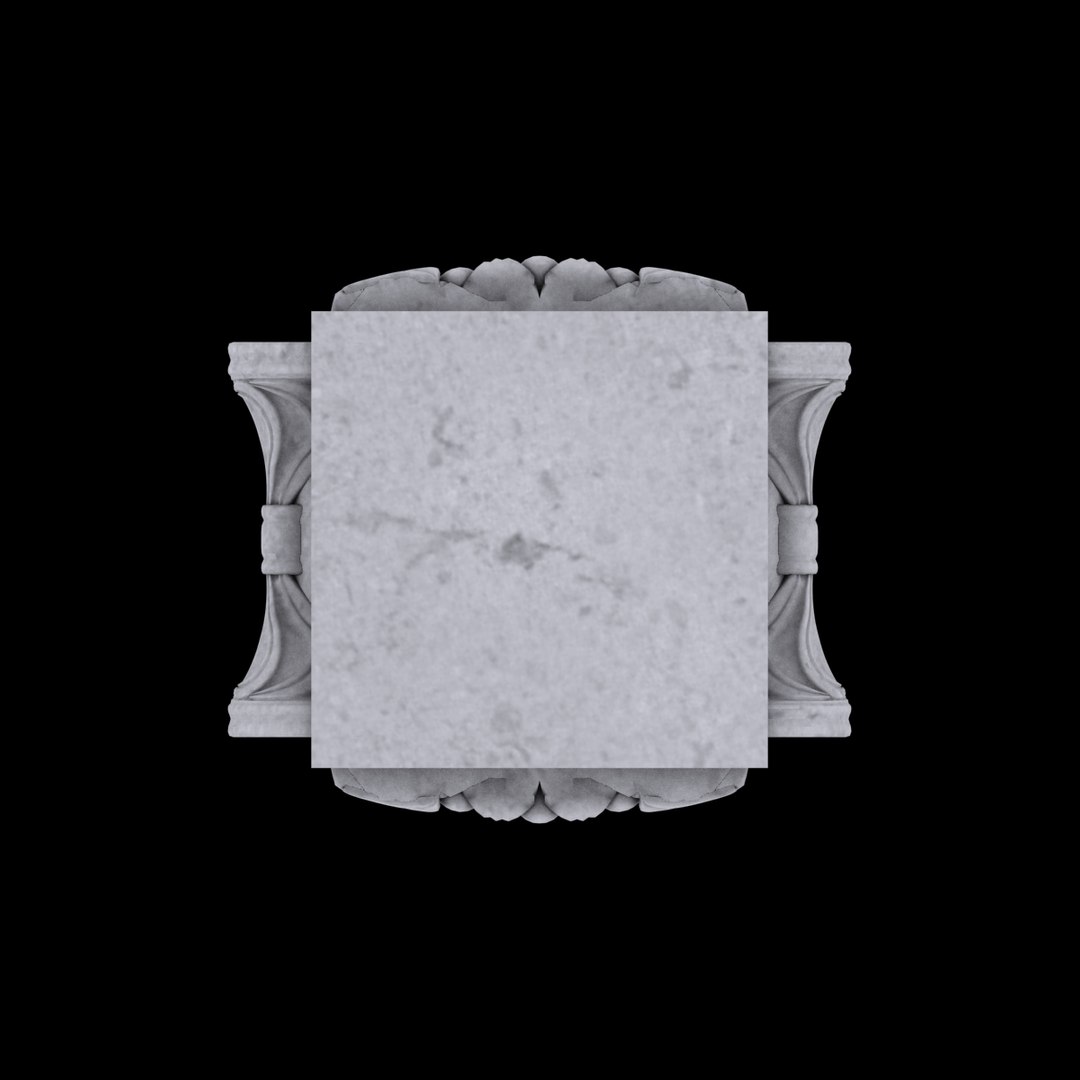
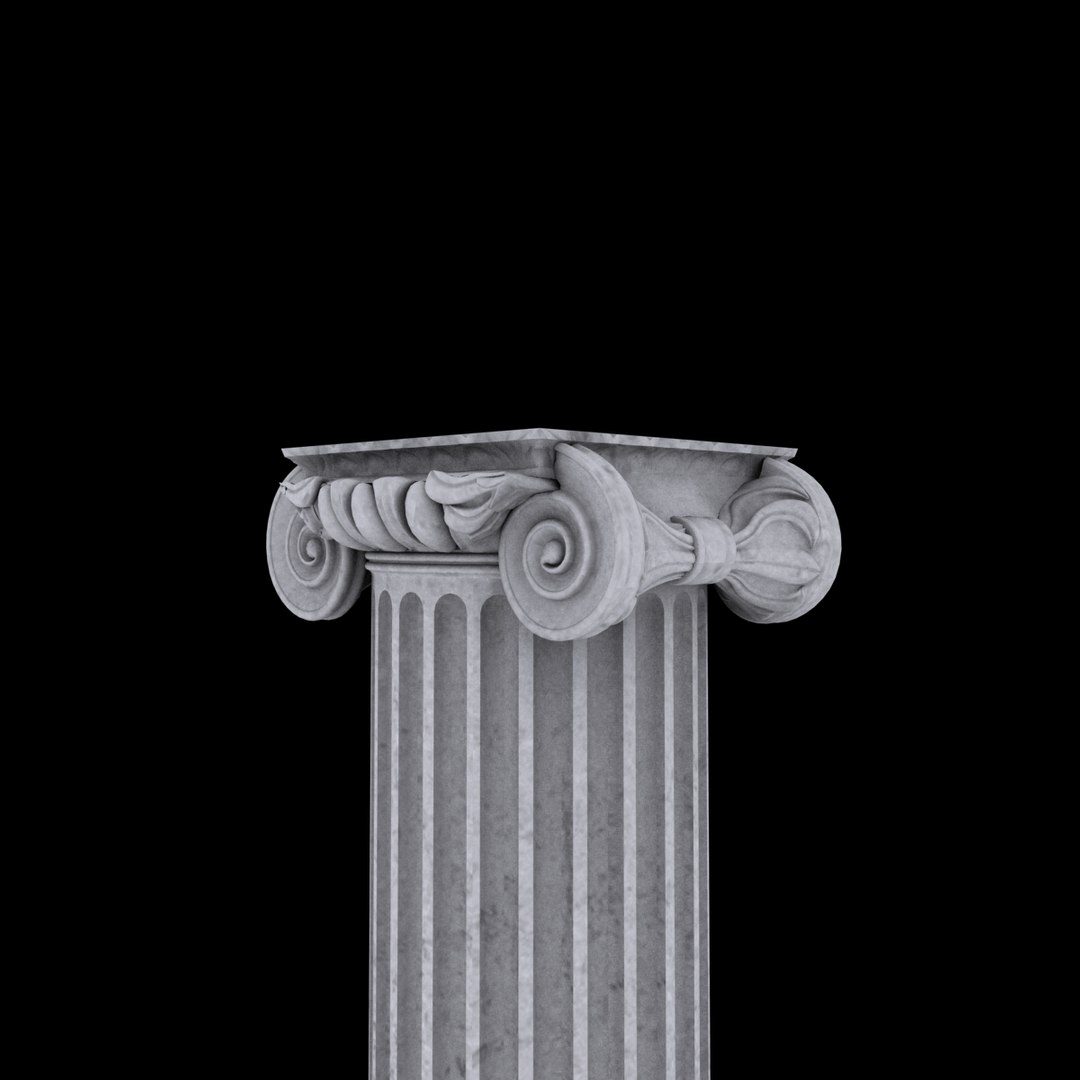
Manual modelled Ionic style Column, Capital and Base.

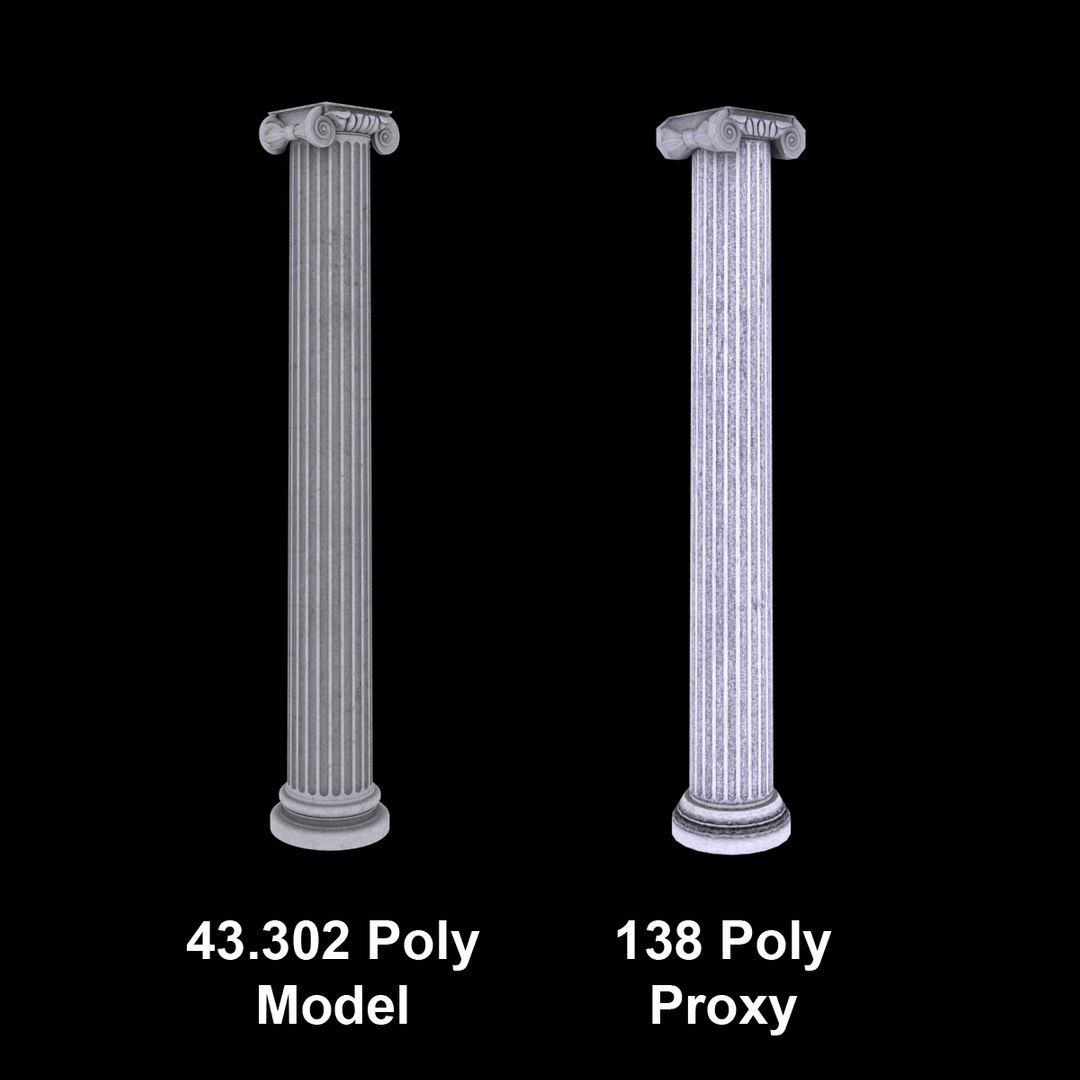
Model includes the Capital, Column, and Base as separate objects. Proxies are included for each of these elements that are textured to look like the originals that can be used in pre-renders of your scenes. The Proxy objects have the same pivot coordinates as the originals and can easily be aligned.

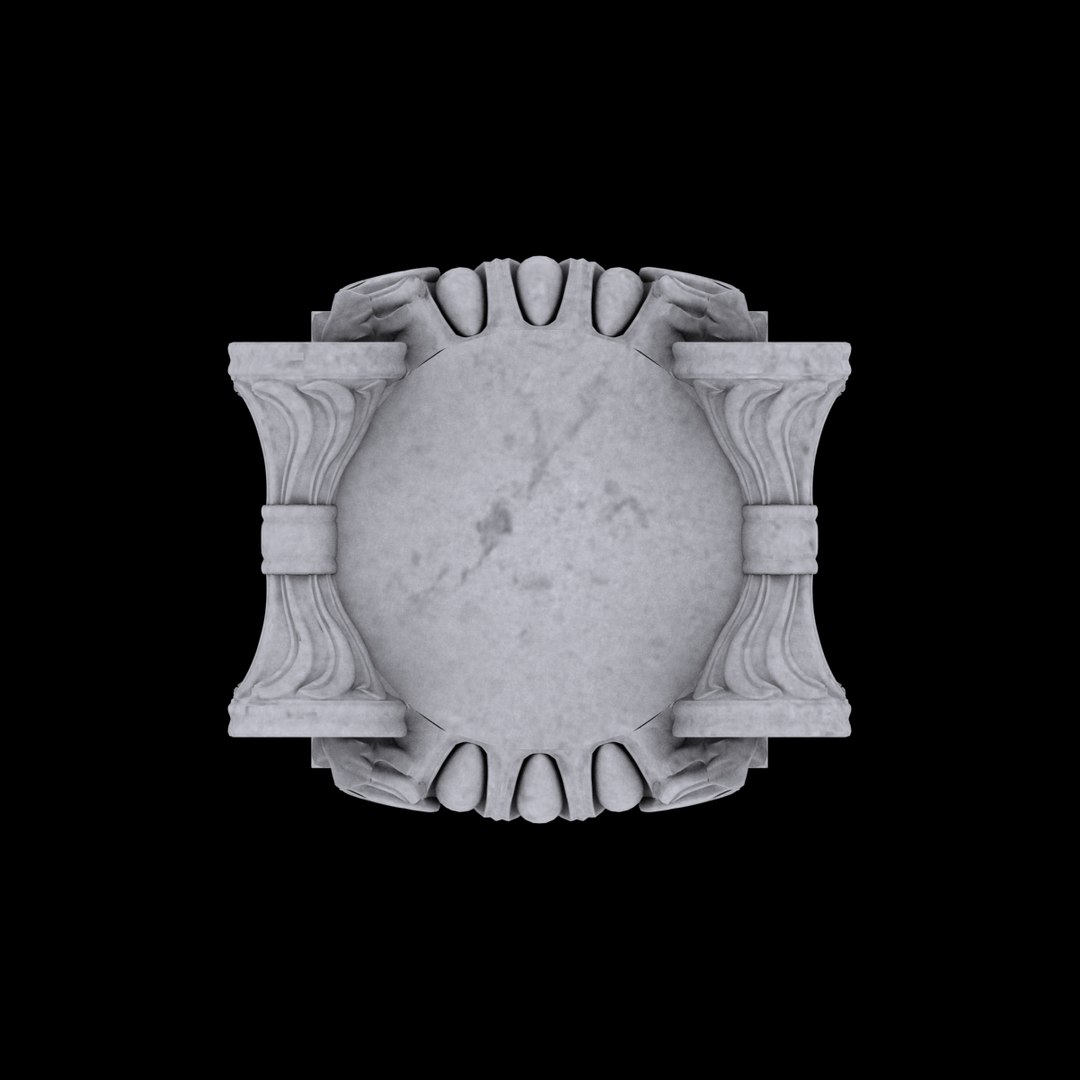
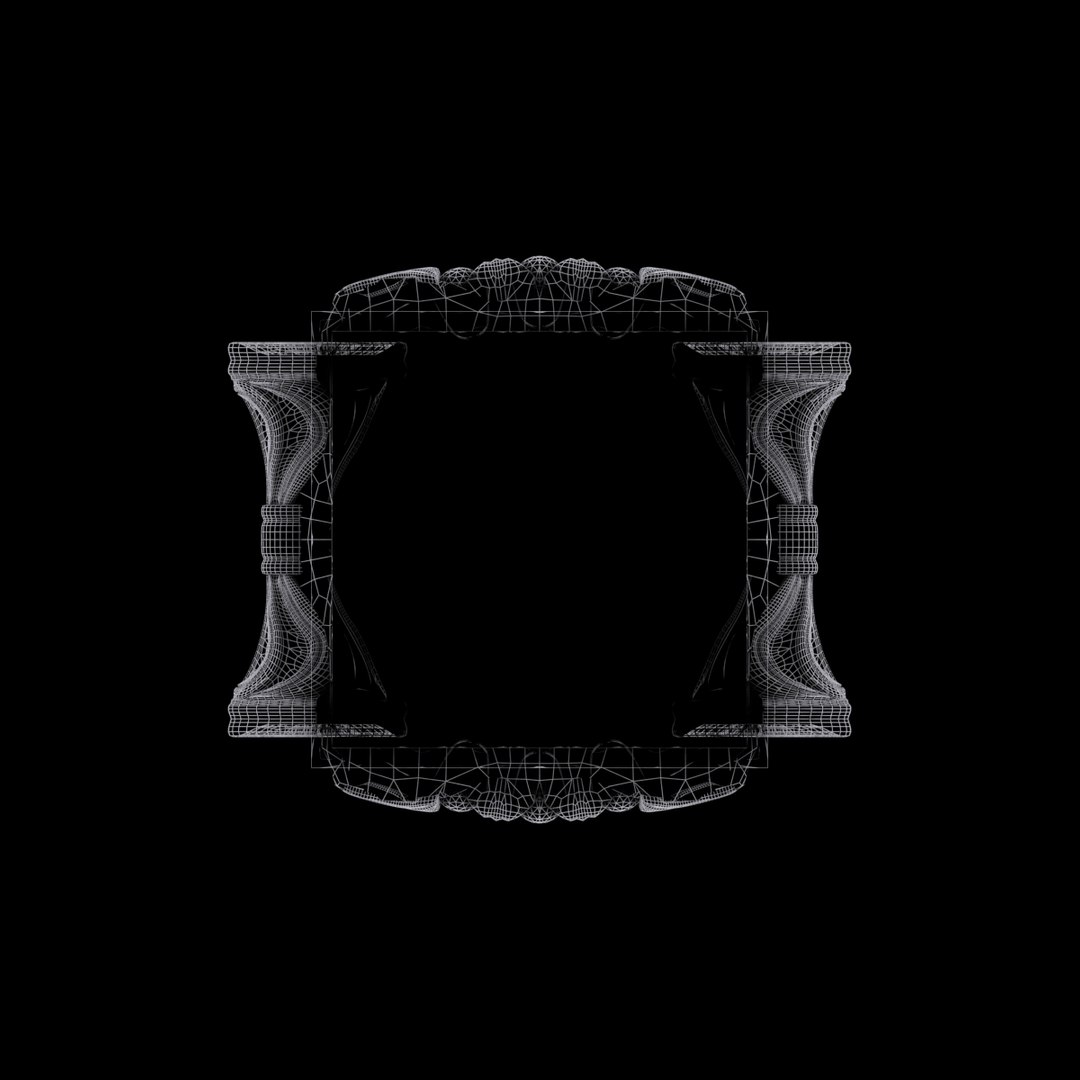
The capital is decorated with volutes, egg-dart frieze, half palmets, leaf decorated balthei on the sides and an abacus with a shallow cymation. The 2 sides of it are symmetries of eachother. Its base is circular to fit round columns, its top is square to support superstructure.

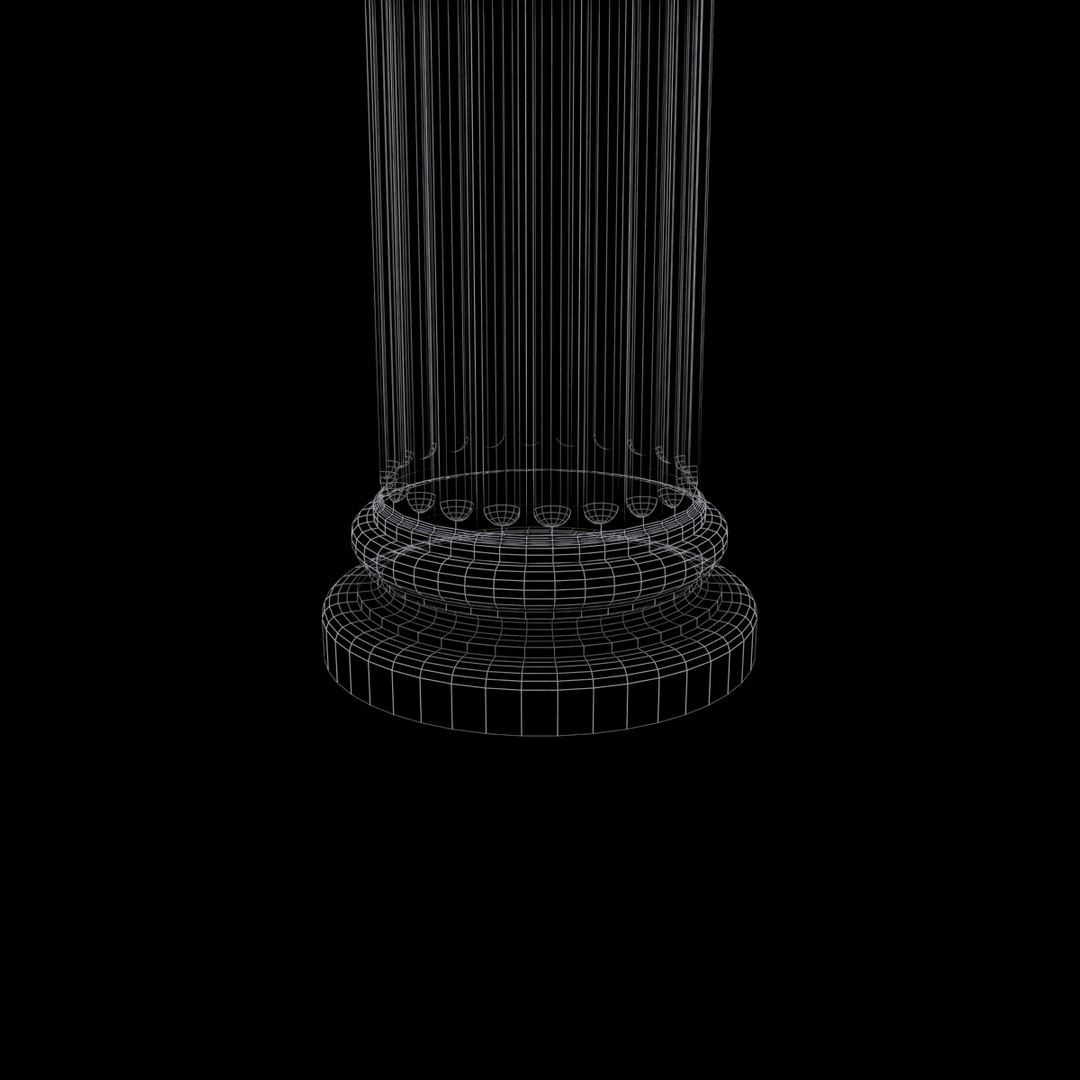
The column only has detail at the base and at the top, no vertices are placed in the middle. This is so made to allow for easy adjustment of height by the user. The geometry of the column is cylindrical but includes a toggleable taper modifier to give it the historically more accurate tapering toward the top.

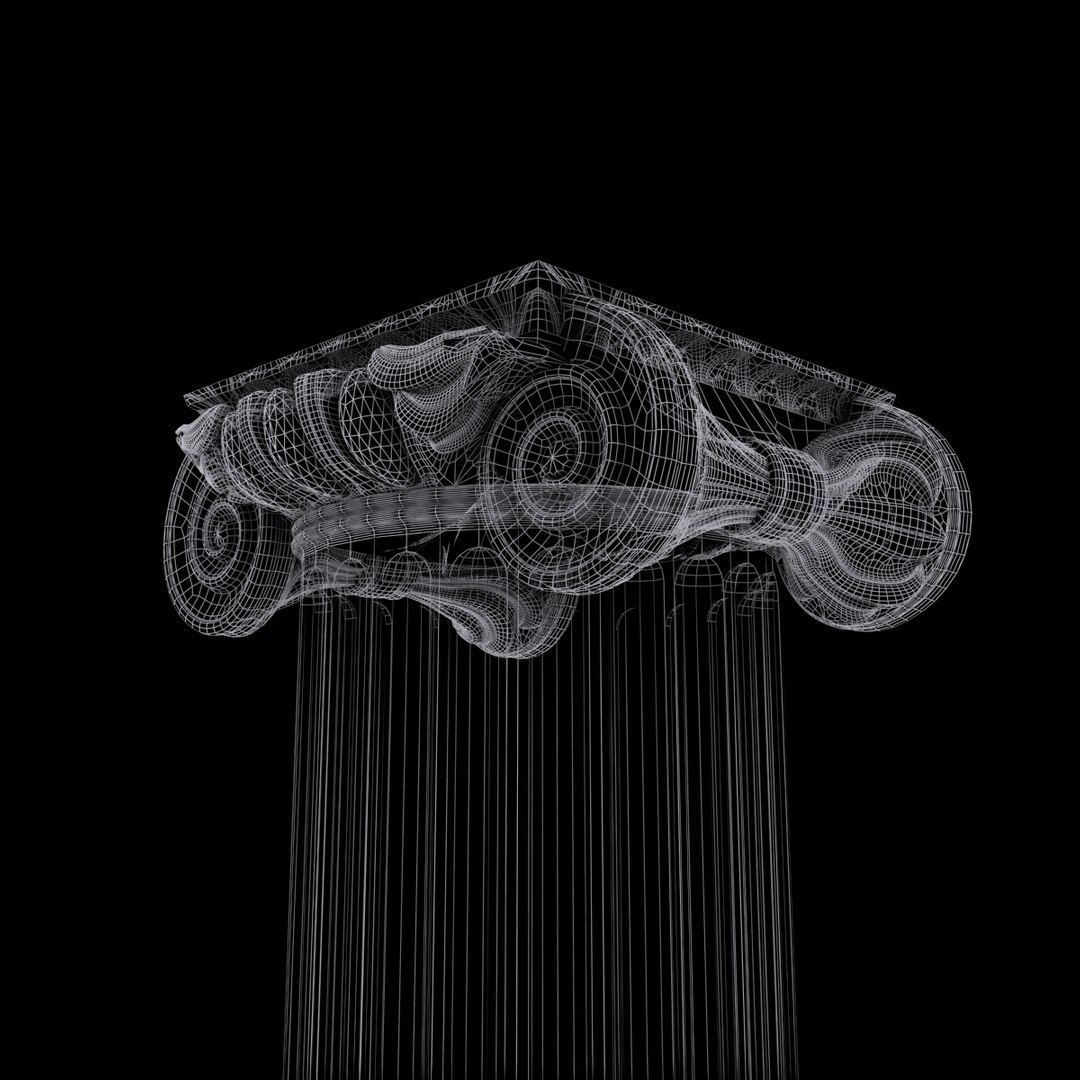
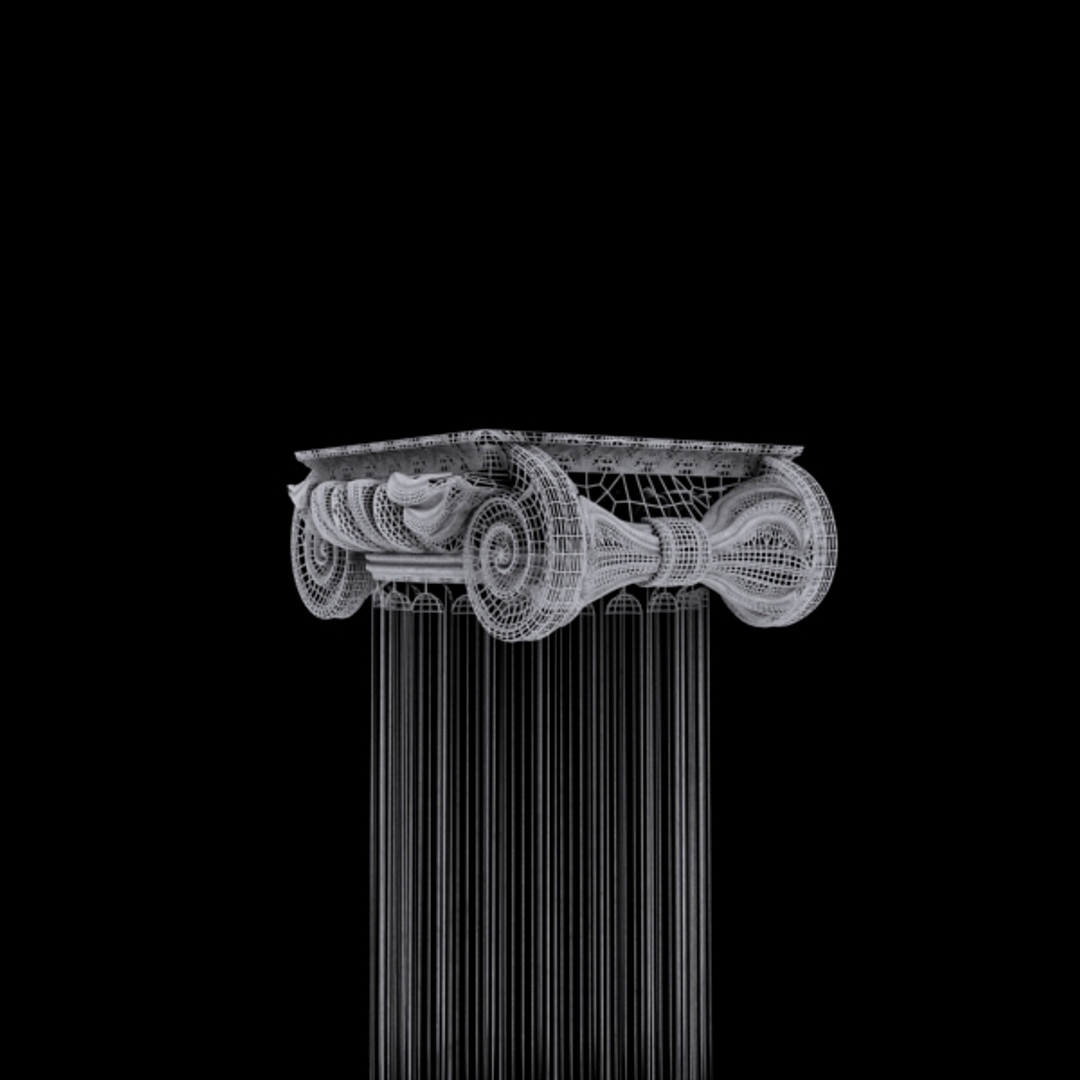
The model is largely built of quads and tris, but also contains numerous ngons at several parts of its geometry. The *.max file contains basic camera and light objects that are used to create the rendered images with the default scanline renderer of 3DsMax.

For those that are interested, the design is after real 2nd century AD Roman Provincial architectural elements.

Poly: 43.302
Vert: 43.950
Proxy Poly: 138

Select Enhanced License

  • $10,000 in Legal Protection (Indemnification)
  • Uncapped Legal Protection (Indemnification)
  • Waiver from injunctive relief
  • Assignable model rights
  • $1,000,000 in Legal Protection (Indemnification)
  • Waiver from injunctive relief
  • Assignable model rights
  • $250,000 in Legal Protection (Indemnification)
  • Assignable model rights
Read more about enhanced license tiers, or contact us at enterprise@turbosquid.com. Already a Shutterstock Enterprise Customer? Contact your Shutterstock Sales Support Agent to talk about adding 3D.

About Conversion Requests

To submit a conversion request for a purchased asset, please complete our Conversion Request Form.

If you have not yet purchased a model, please review our Documentation about Conversions to learn about what limitations you may encounter with a conversion.

For any additional questions about a model’s suitability for conversion, please contact TurboSquid Support.

Loading...