Interior Scene 5

$39

Standard License | Upgrade License
Editorial Uses Only
Formats (3)
Free file format Conversions available
Native | Blender 2.79 | Cycles Render 2.79
FBX
OBJ
Other Files
Interior Scene.mtl Textures.zip
Specifications
Publish Date September 25, 2018
Product ID 1330626
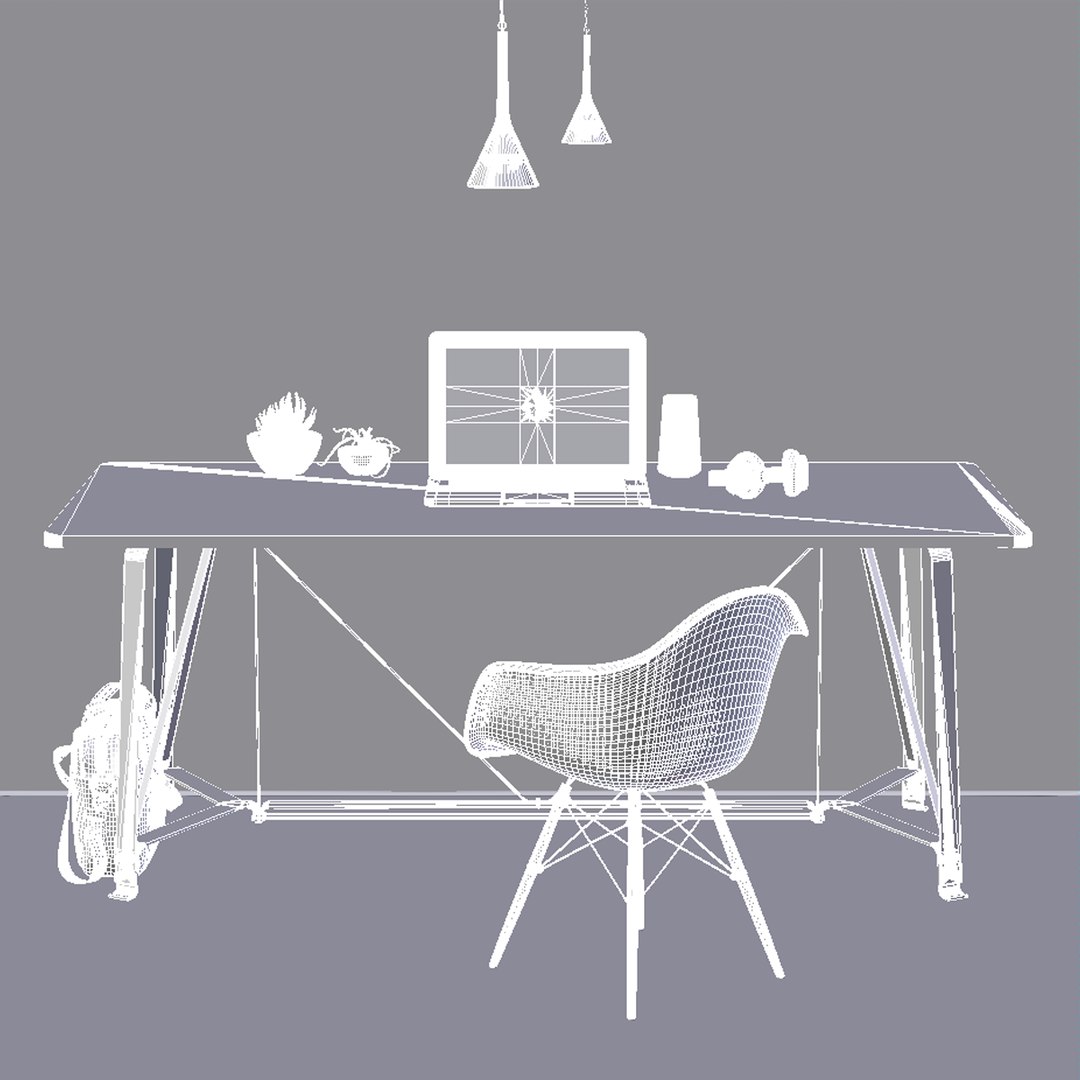
Polygons 718,553
Vertices 644,207
Polygonal Ngons Used
Textures
Materials
UV Mapped
Mixed Unwrapped UVs
member avatar
Latice
836 Products | Contributor Since 2018
Have questions? Chat with us now.

Description

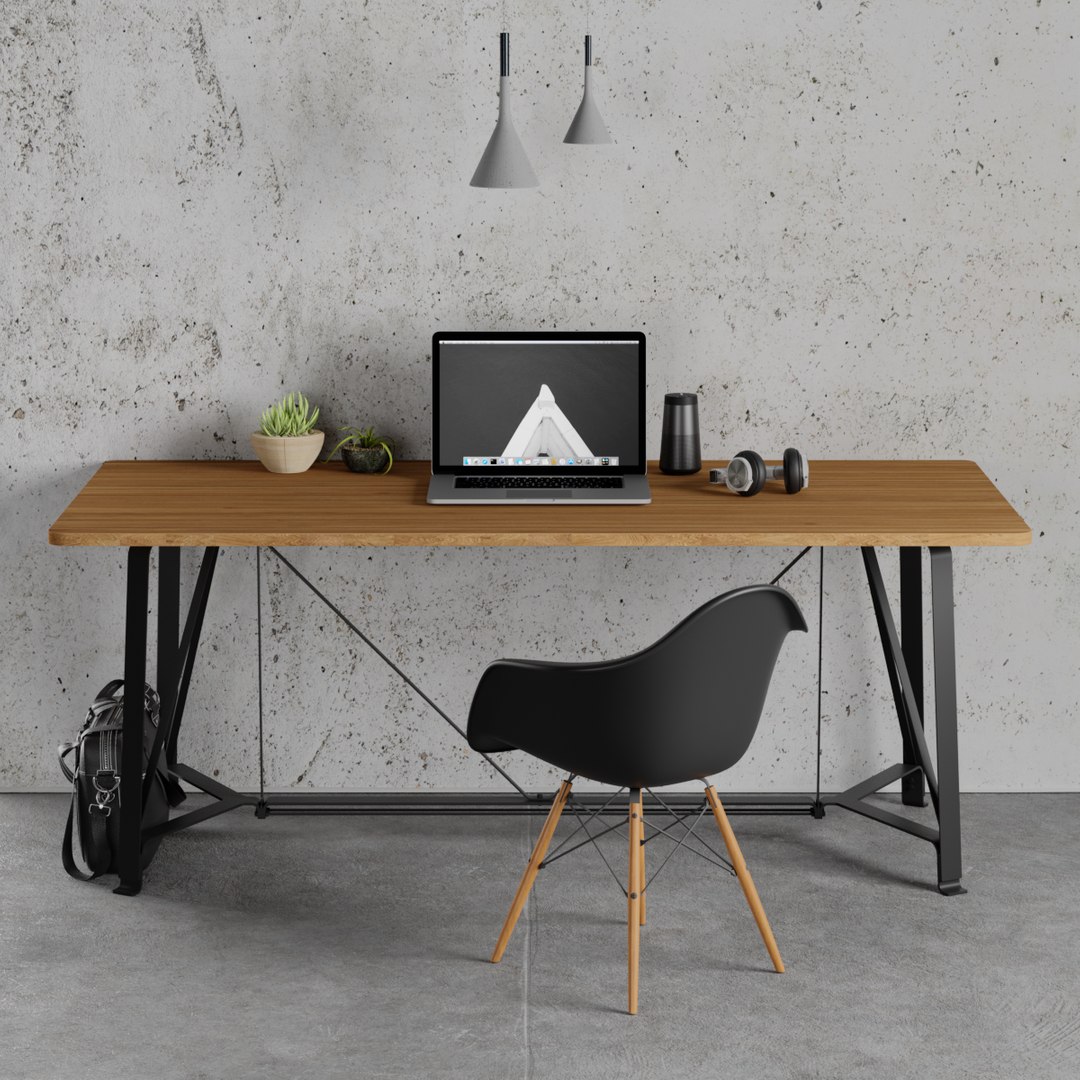
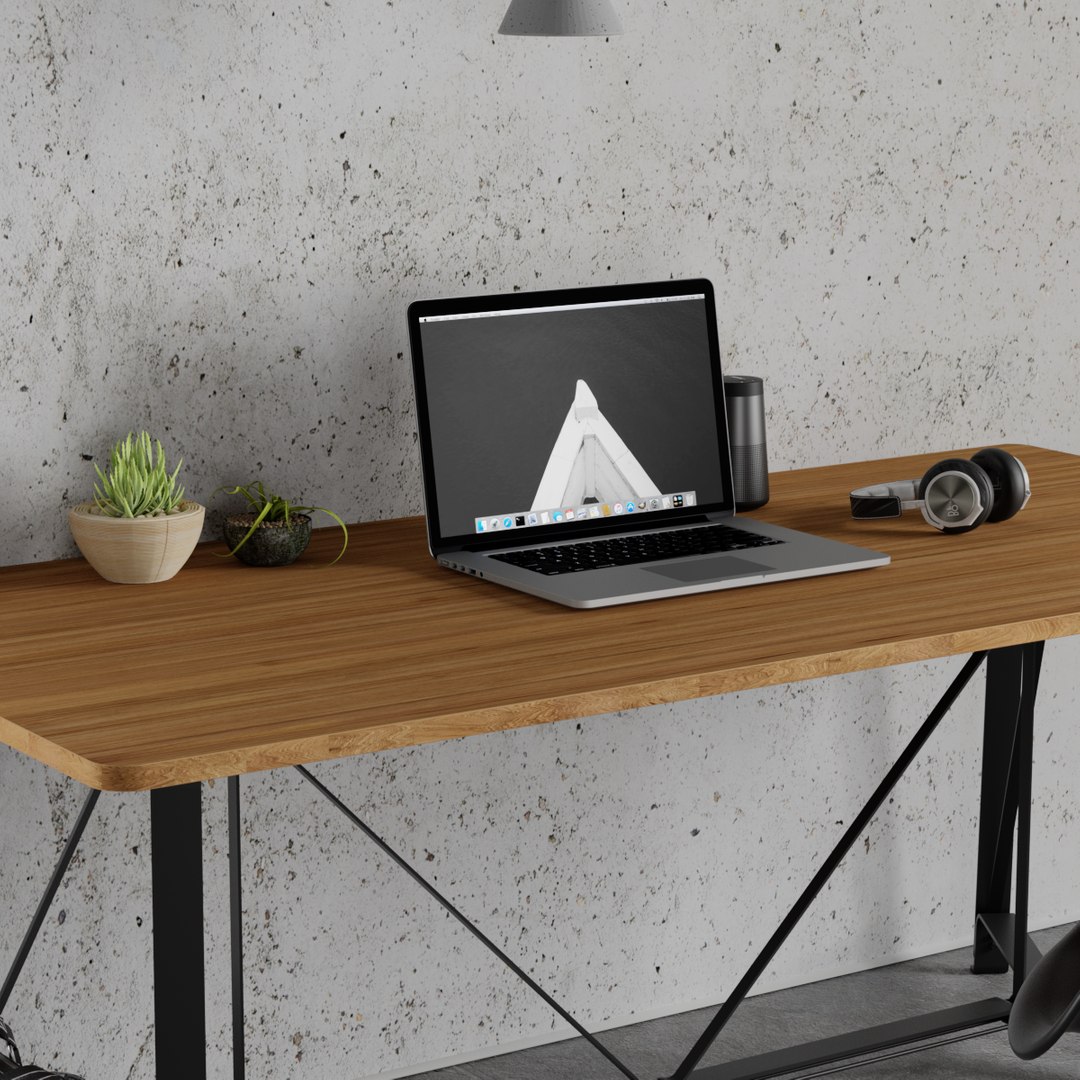
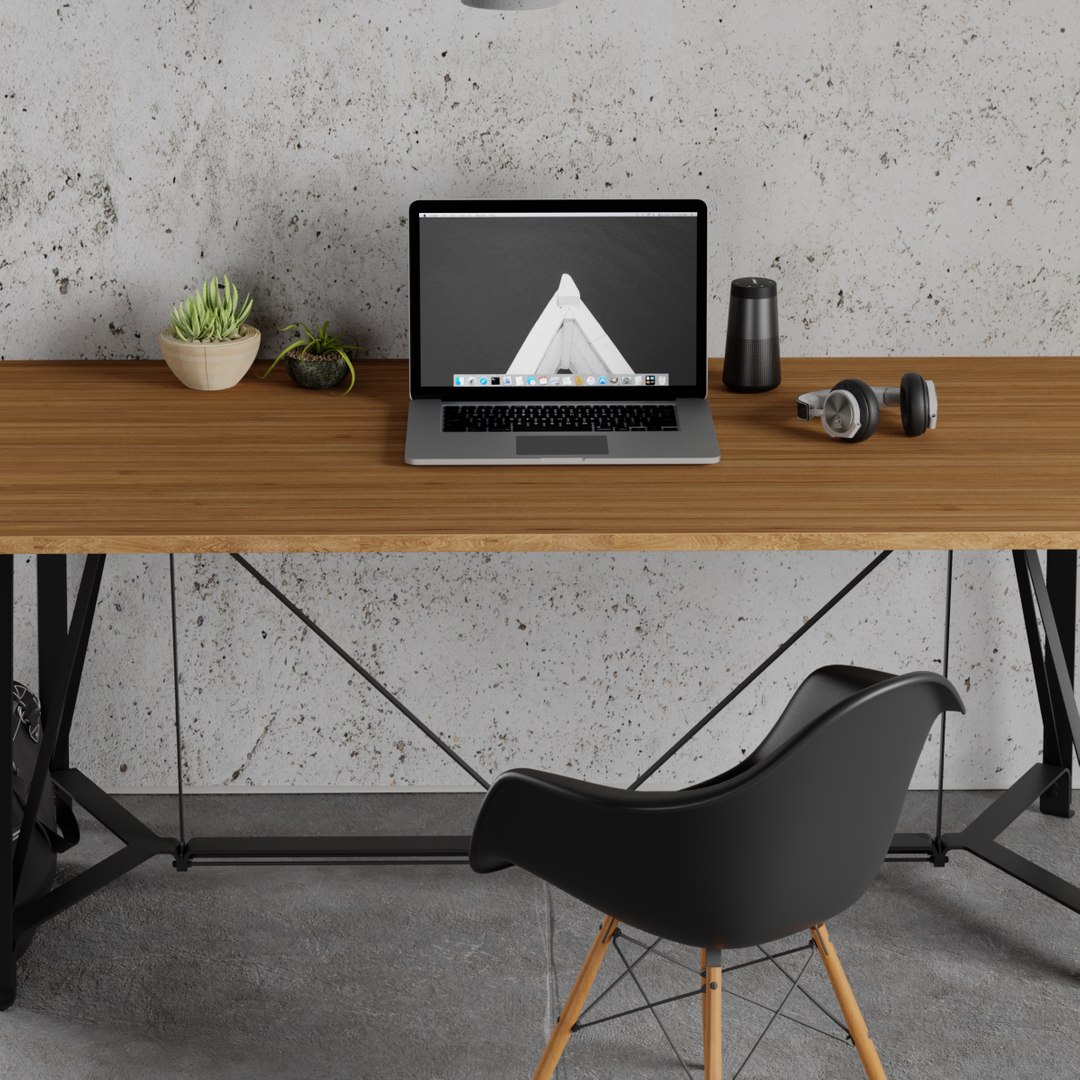
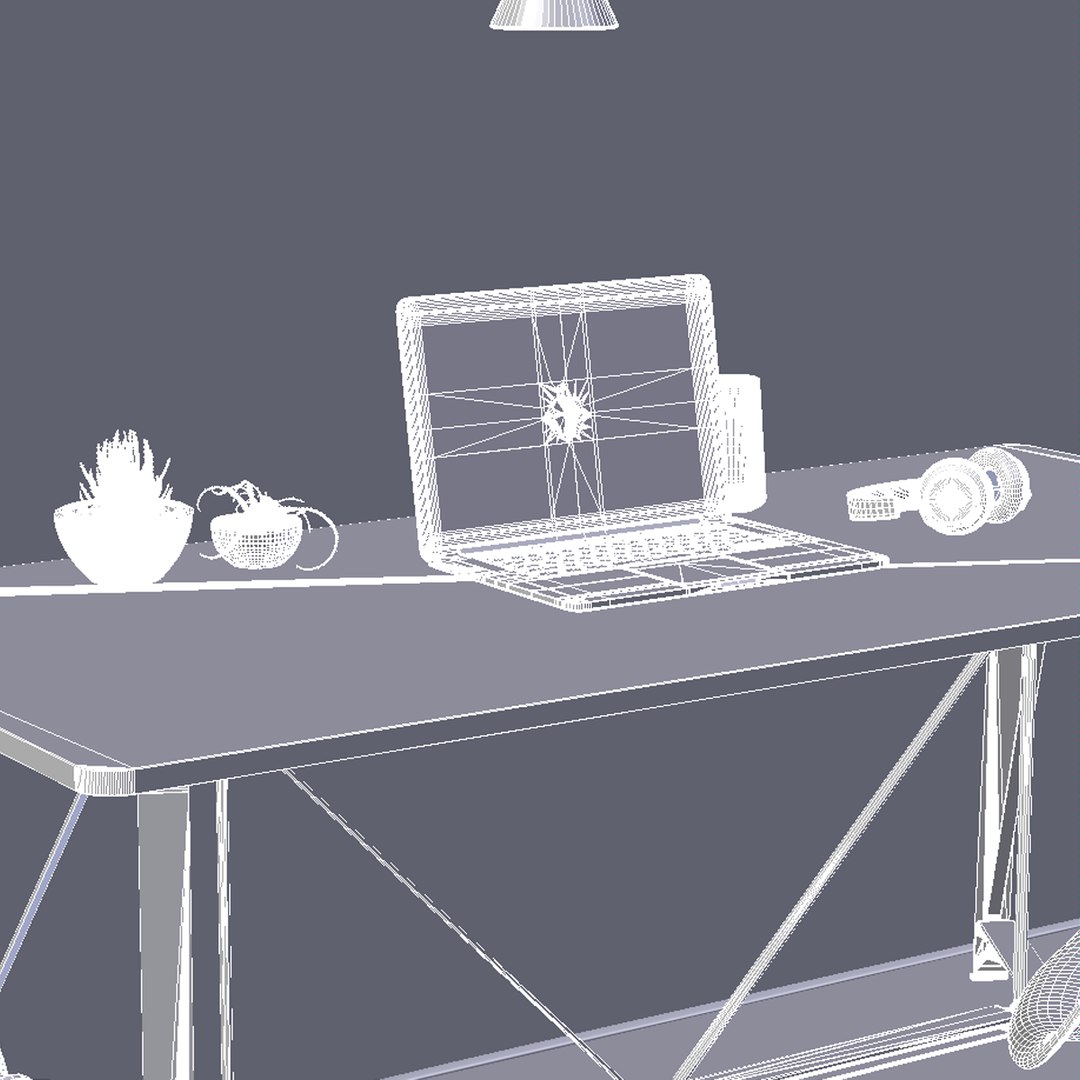
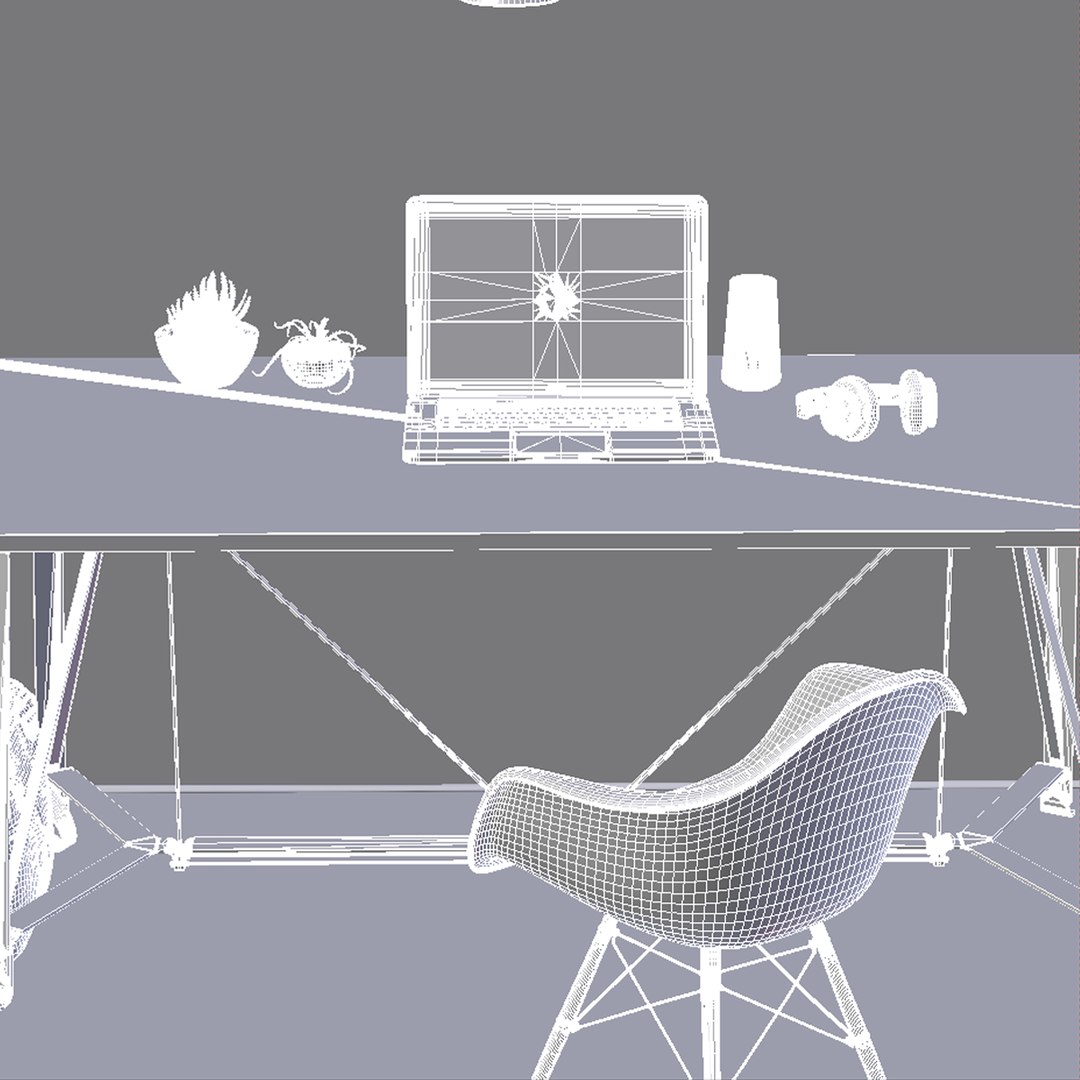
Interior Scene 5 is a realistic Scene that will enhance detail and realism to any of your rendering projects. The model has a fully textured with a detailed design that allows for close-up renders and was originally modeled in Blender 2.79 and rendered with Cycles.
Renders have no post-processing.

Features:
-High-quality polygonal model, correctly scaled for an accurate representation of the original object.

-The model's resolutions are optimized for polygon efficiency.

-All scenes and models are included.

-The model is fully textured with all materials applied.

-All textures and materials are included and mapped in every format.

-No part-name confusion when importing several models into a scene.

-No cleaning up necessary just drop your models into the scene and start rendering.

-No special plugin needed to open scene.

- Includes many exclusive models. For example:
- Table
- Laptop
- Chair
- Headphone
- Bose Bluetooth Speaker
- Bag
- Plant.

File Formats:
Blender 2.79 (Cycles)
OBJ
FBX
Textures Formats: 4096 x 4096

Select Enhanced License

  • $10,000 in Legal Protection (Indemnification)
  • Uncapped Legal Protection (Indemnification)
  • Waiver from injunctive relief
  • Assignable model rights
  • $1,000,000 in Legal Protection (Indemnification)
  • Waiver from injunctive relief
  • Assignable model rights
  • $250,000 in Legal Protection (Indemnification)
  • Assignable model rights
Read more about enhanced license tiers, or contact us at enterprise@turbosquid.com. Already a Shutterstock Enterprise Customer? Contact your Shutterstock Sales Support Agent to talk about adding 3D.

About Conversion Requests

To submit a conversion request for a purchased asset, please complete our Conversion Request Form.

If you have not yet purchased a model, please review our Documentation about Conversions to learn about what limitations you may encounter with a conversion.

For any additional questions about a model’s suitability for conversion, please contact TurboSquid Support.

Loading...