
Interior Scene 19

$189

Standard License | Upgrade License
Editorial Uses Only
Formats (1)
Free file format Conversions available
Native | 3ds Max 2019 | V-Ray 5
Specifications
Publish Date May 19, 2021
Product ID 1735168
Polygons 310,053
Vertices 292,785
Polygonal Ngons Used
Textures
Materials
UV Mapped
Mixed Unwrapped UVs
Rigged
TurboSquid Exclusive
member avatar
Arte 3D
158 Products | Contributor Since 2001
Have questions? Chat with us now.

Description

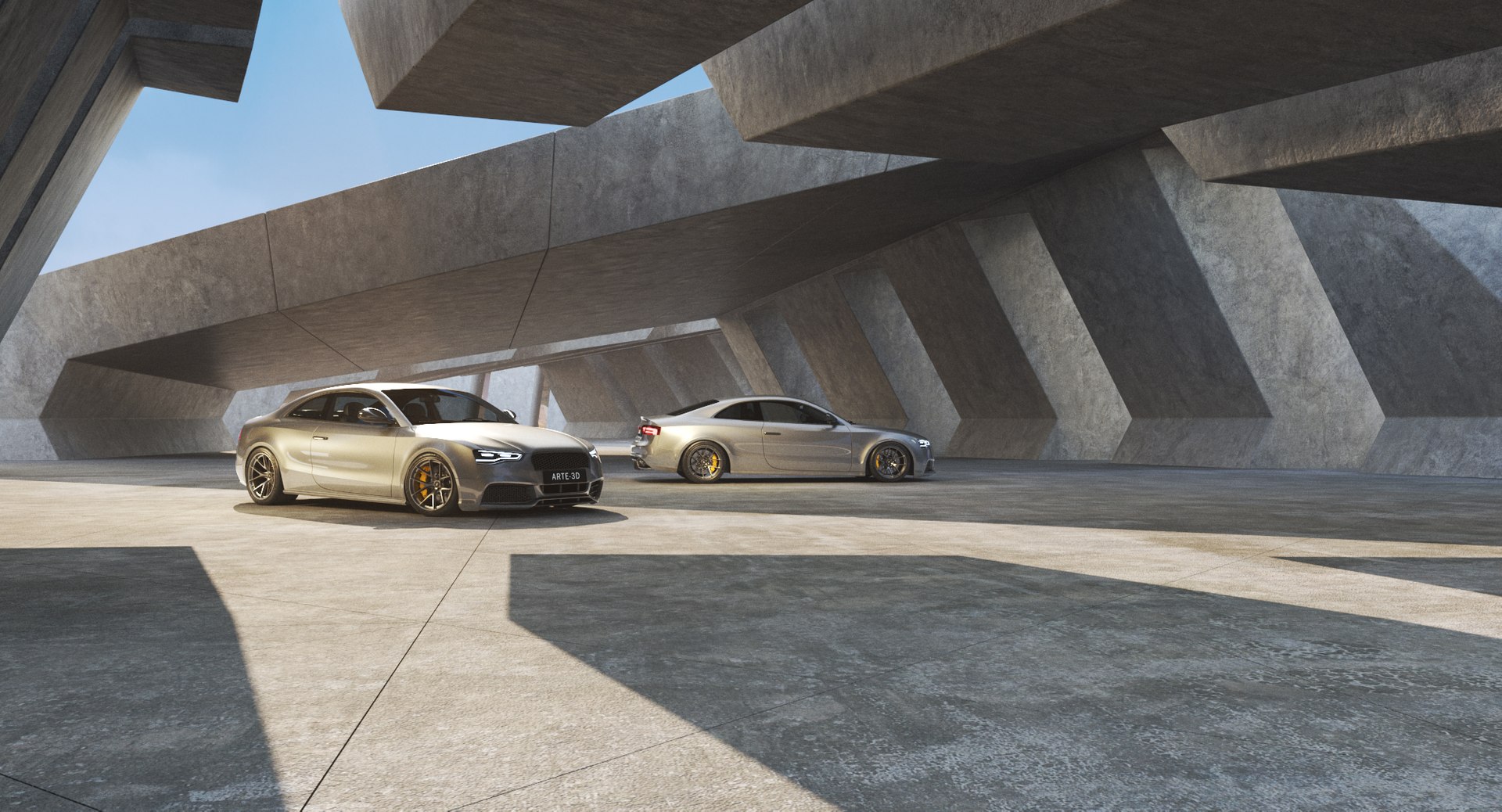
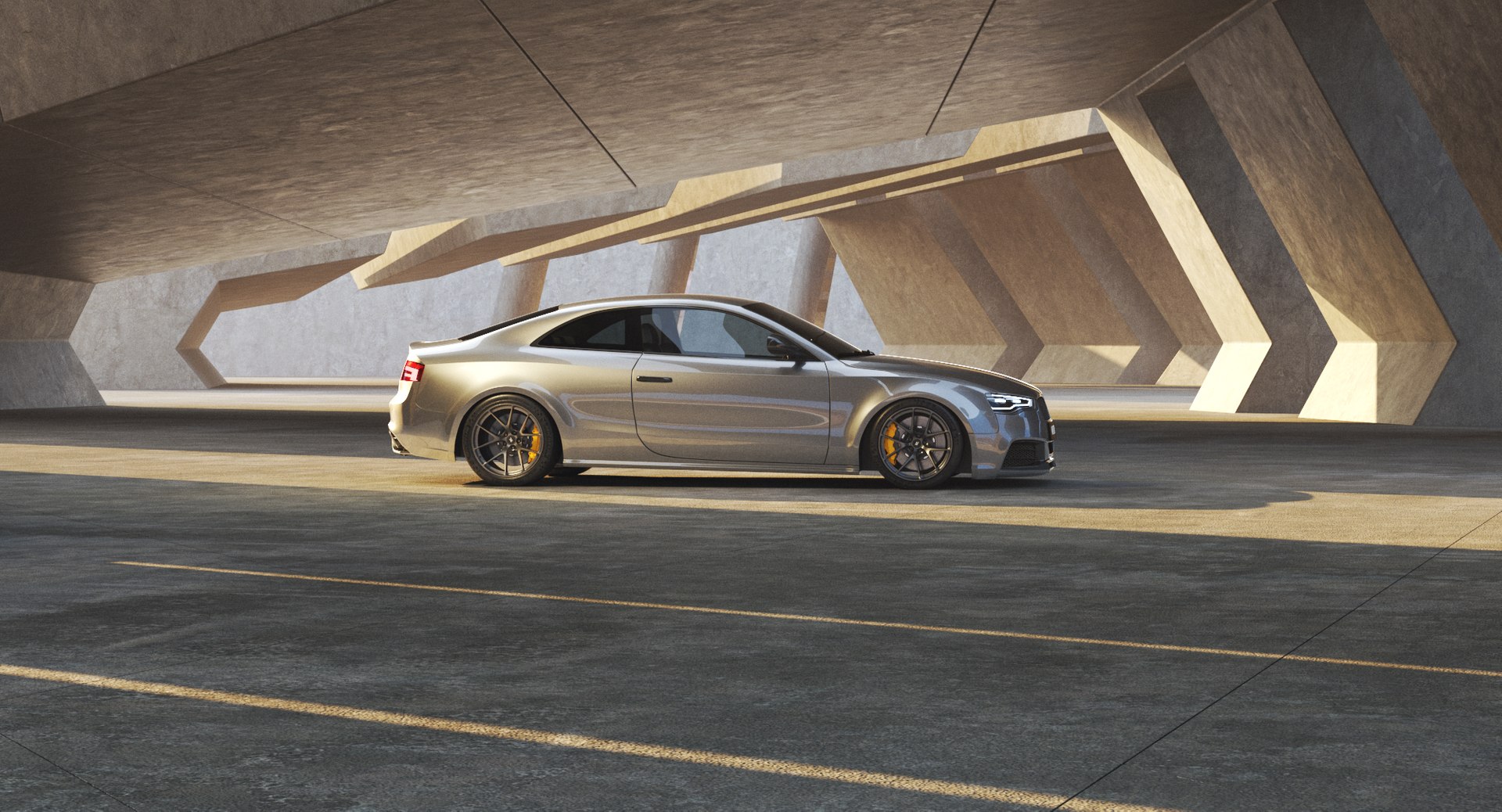
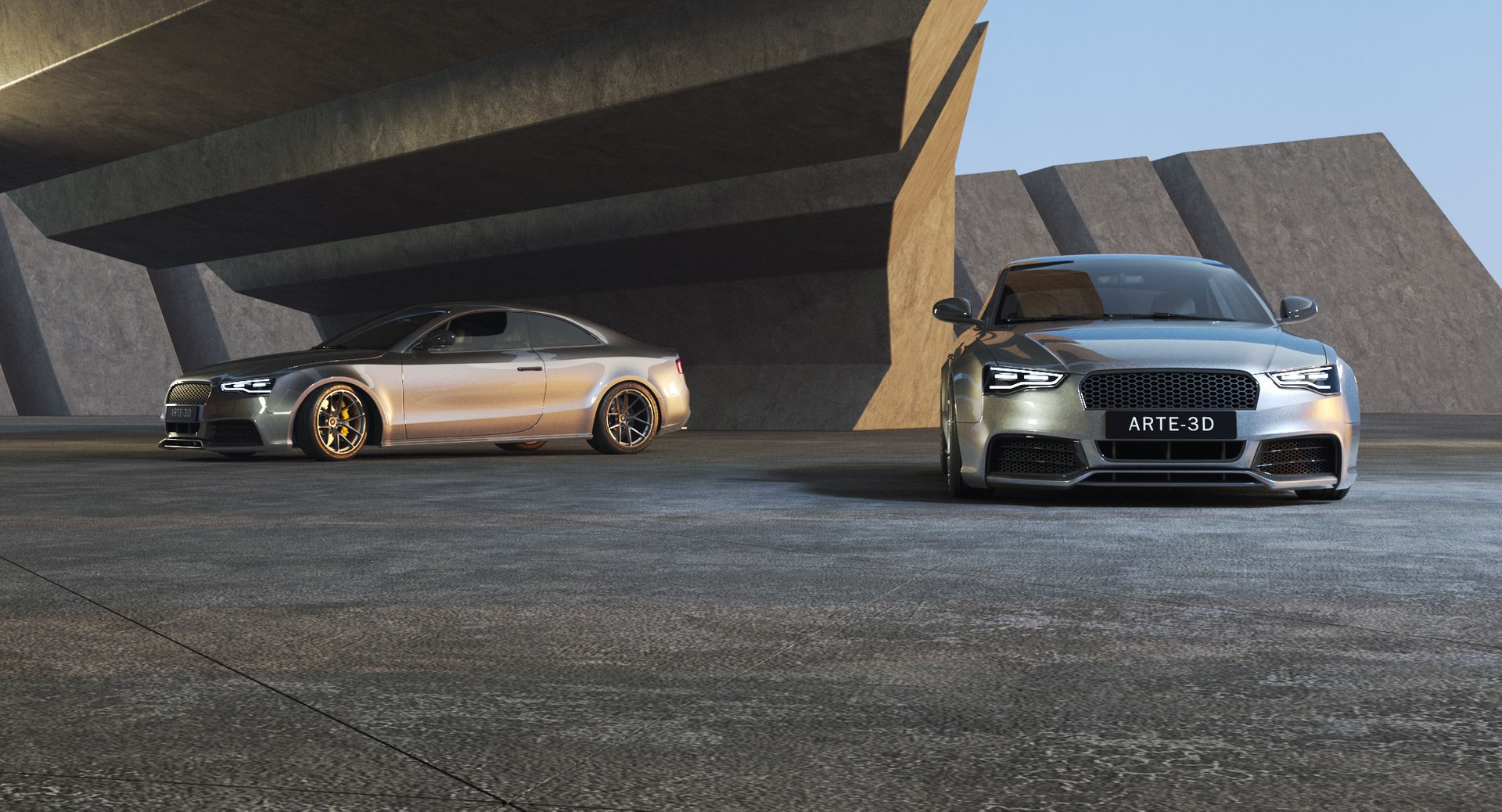
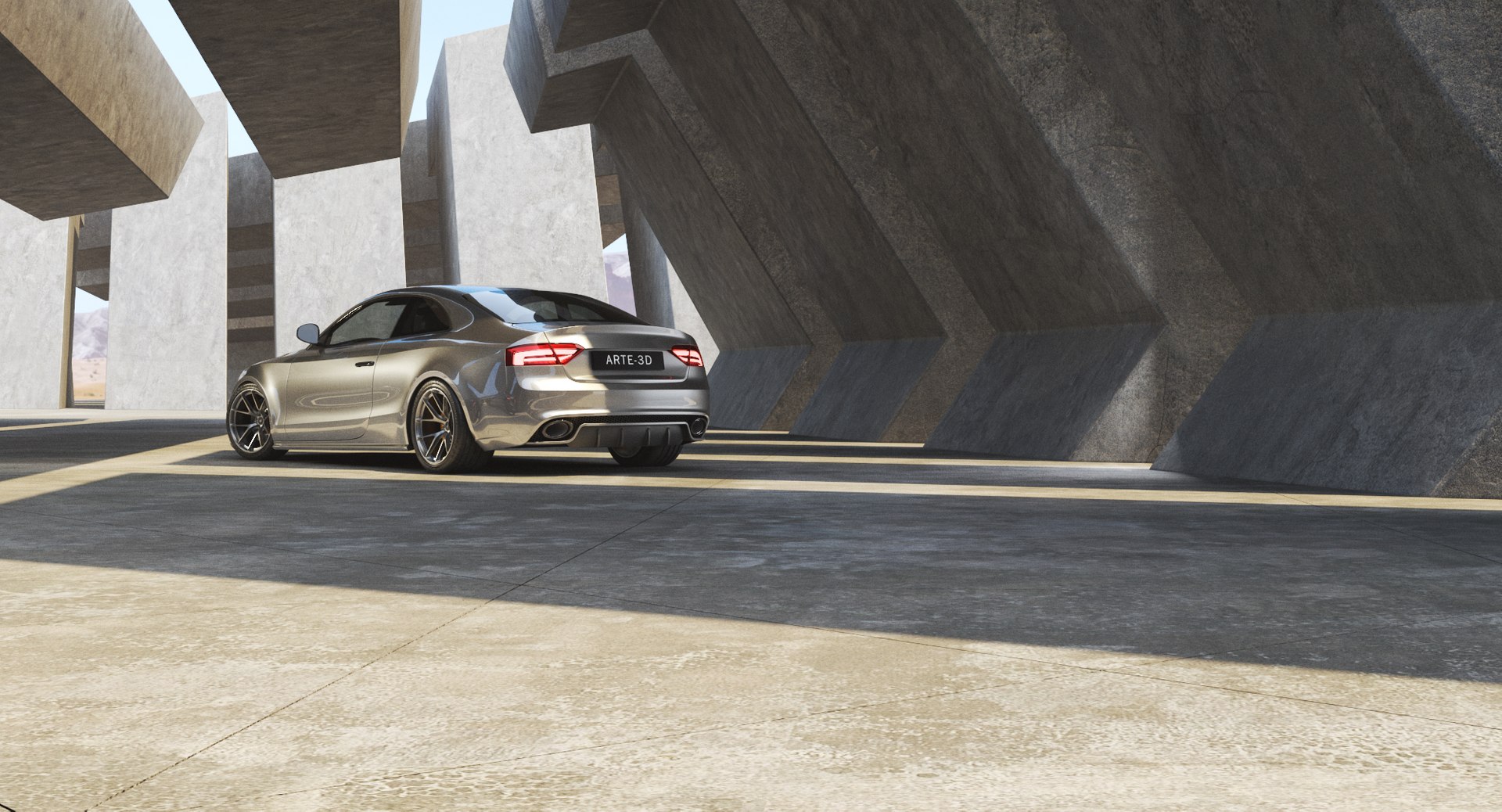
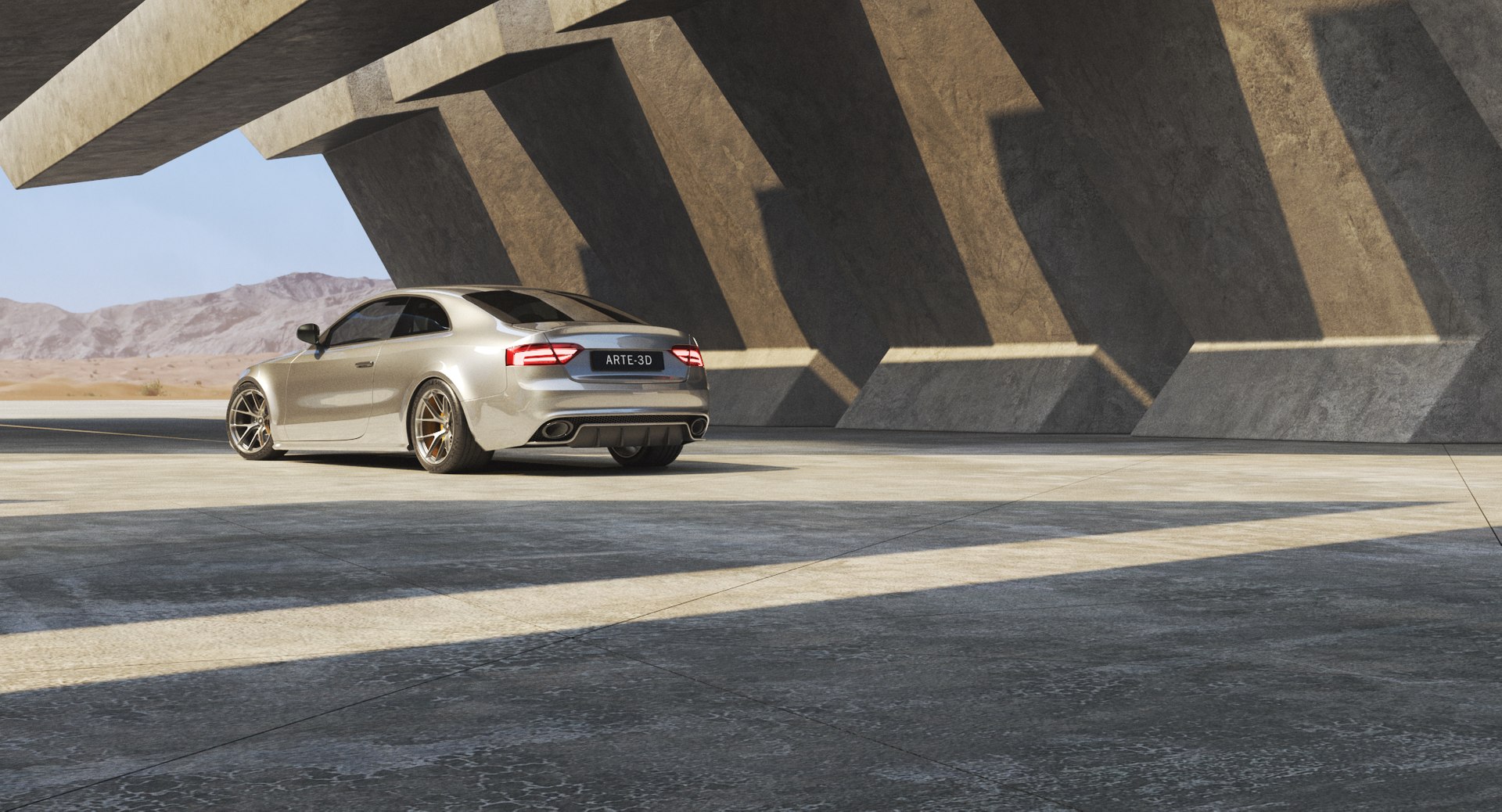
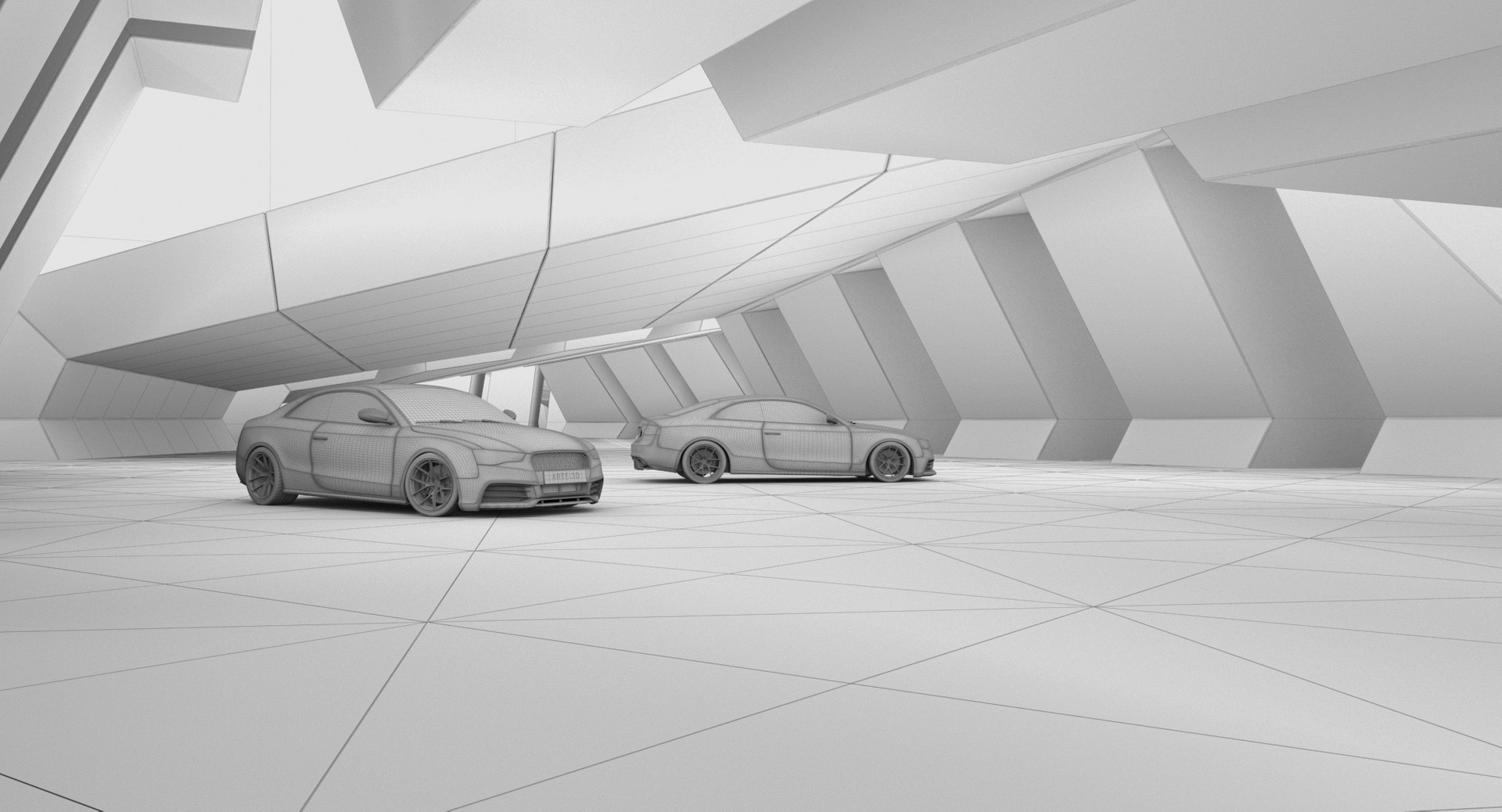
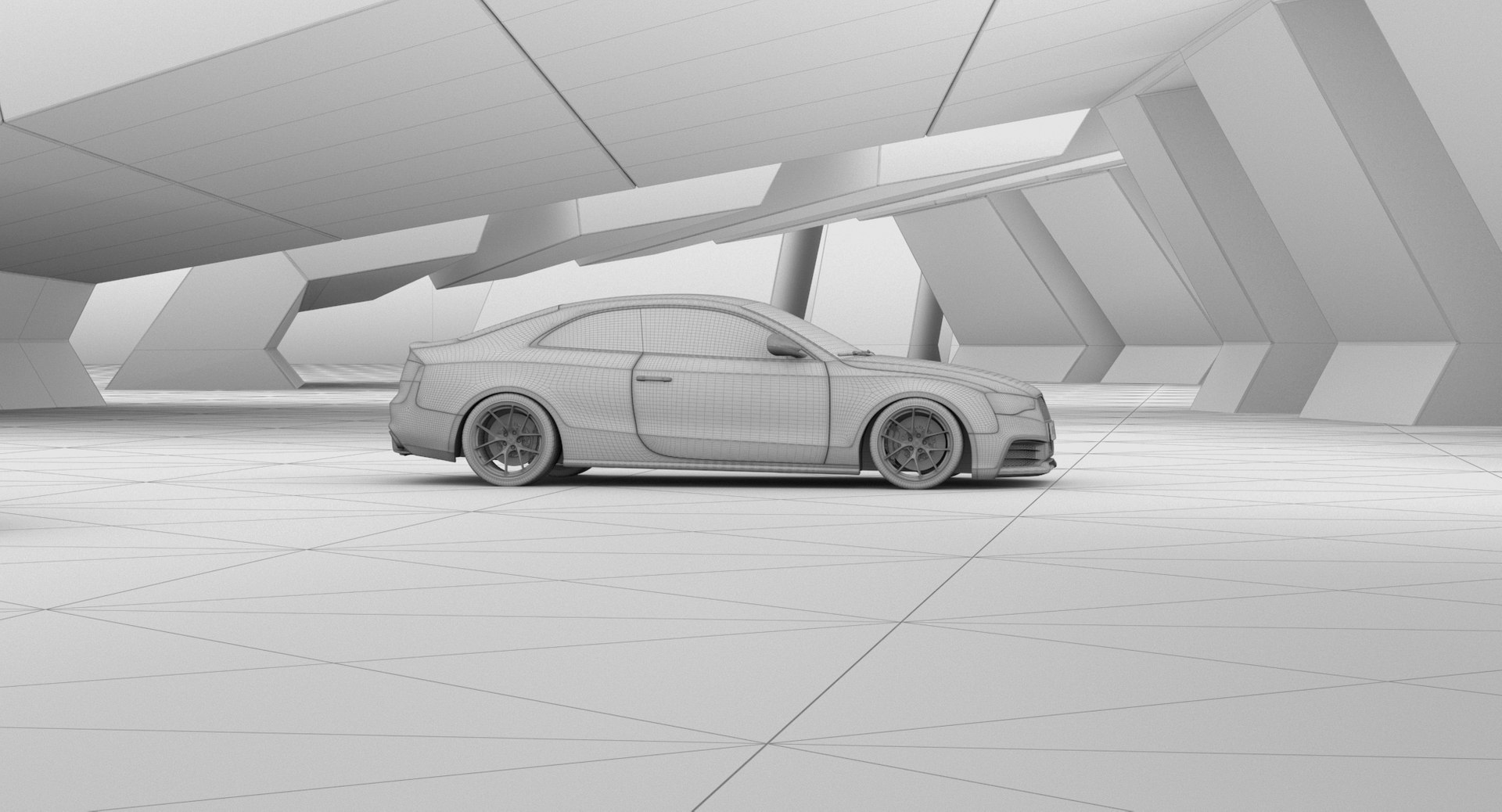
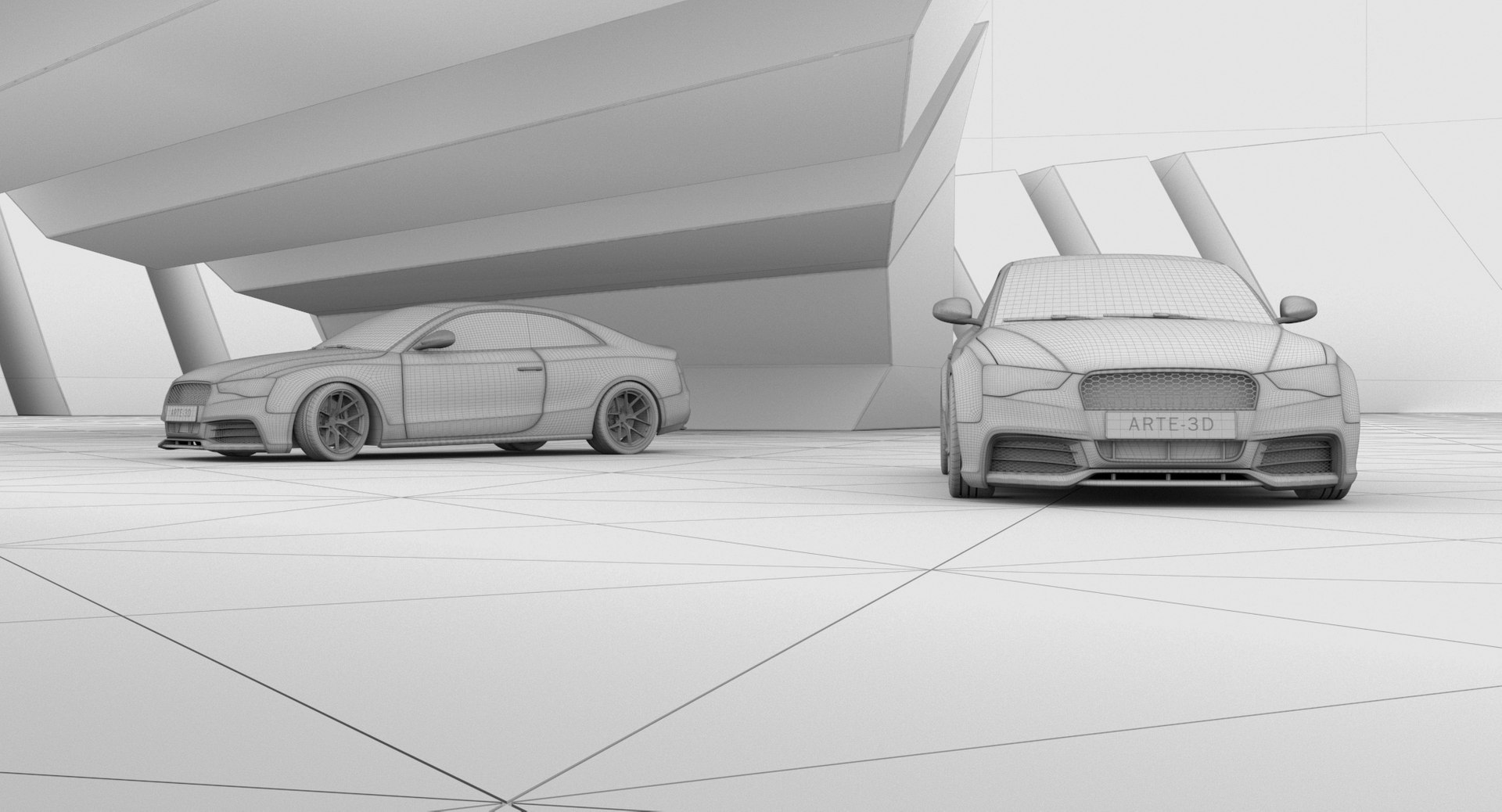
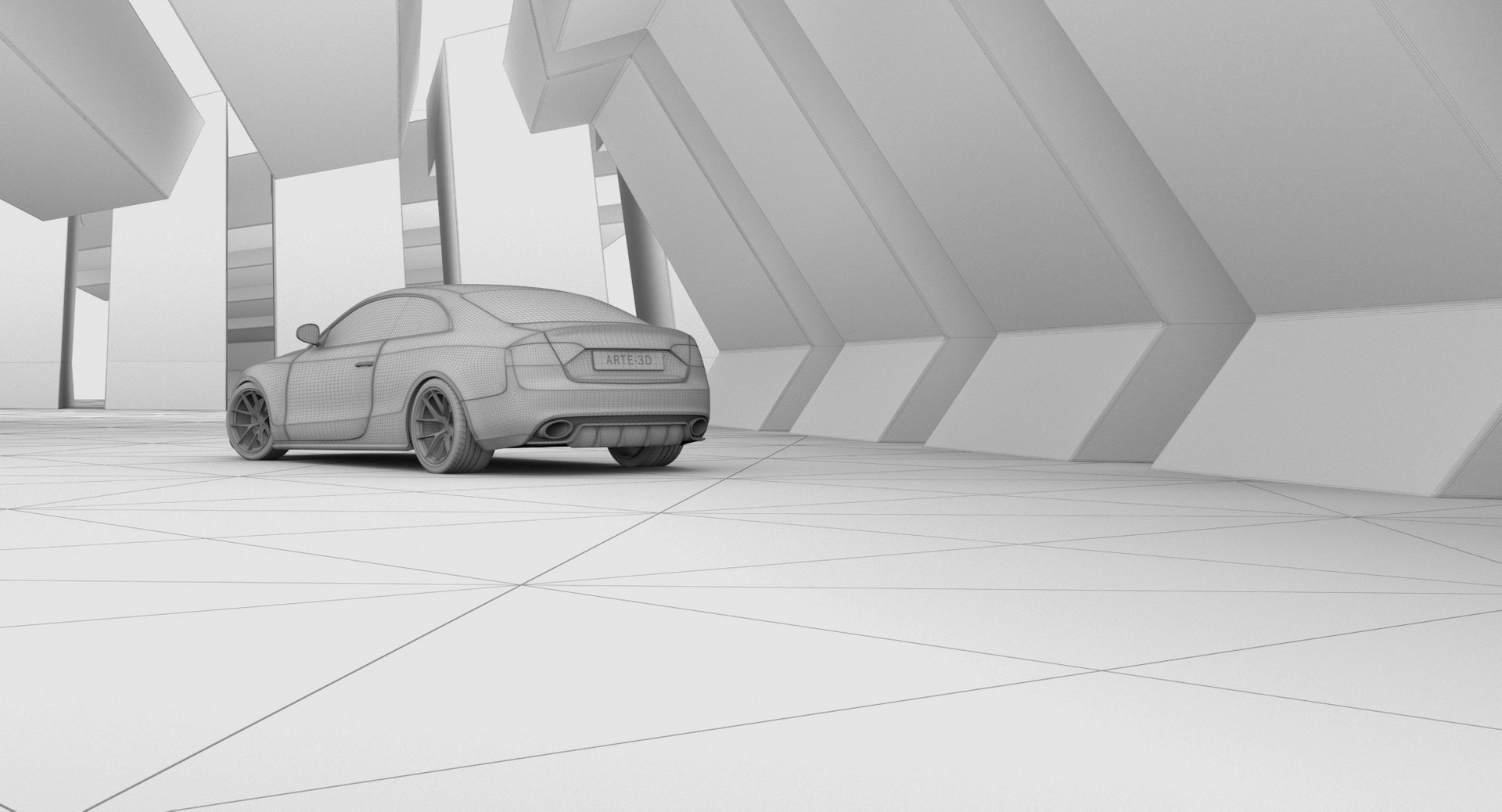
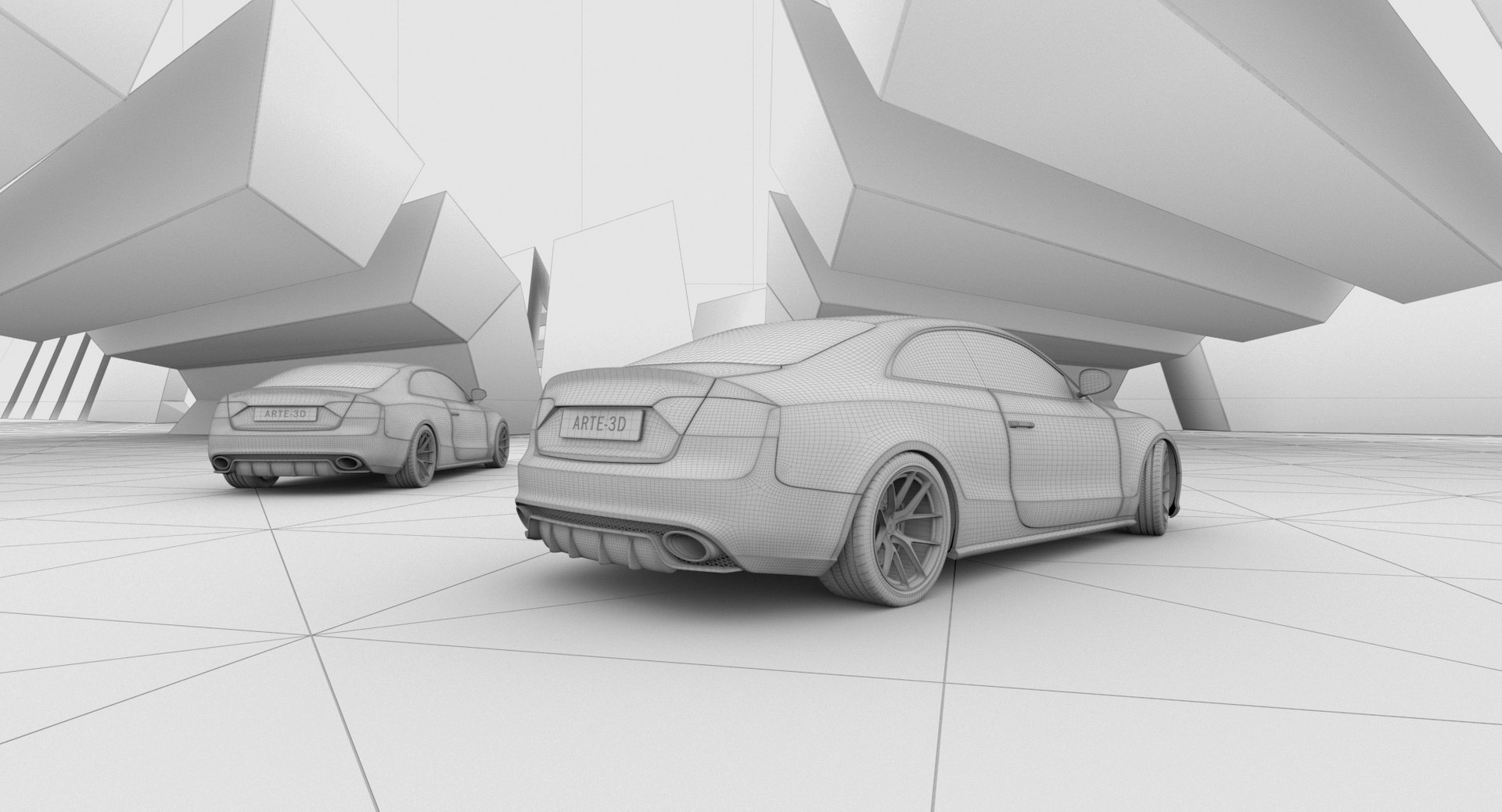
Interior Scene 19 is a full CGI scene with lighting and render setup ready to use with V-Ray. The scene uses proxy files to optimize memory and overall increase performance while working with the scene. 

***********************************
Features:

High quality 3d model.
100% scale modeled in centimeters.
Suitable for close shots, animation, and films.
All materials are named properly and can be easily modified.
All texture paths are stripped.
Model is render ready.
Main objects have uv map applied and textures can be easily modified.
No other plugins are necessary to open the file besides V-Ray.
Lighting setup is included.
Render settings and environment setup are included.

* Sports Car 3d model is included as a V-Ray Proxy model.

***********************************
File Formats:

- 3ds Max 2019

Scene (Buildings and other geo)
Polygons: 310053
Vertices: 292785

Sports Car
Polygons: 779530
Vertices: 2338590

***********************************
Texture Formats:

jpg, png, exr
Range size from .5k to 8k pixels.
***********************************

Select Enhanced License

  • $10,000 in Legal Protection (Indemnification)
  • Uncapped Legal Protection (Indemnification)
  • Waiver from injunctive relief
  • Assignable model rights
  • $1,000,000 in Legal Protection (Indemnification)
  • Waiver from injunctive relief
  • Assignable model rights
  • $250,000 in Legal Protection (Indemnification)
  • Assignable model rights
Read more about enhanced license tiers, or contact us at enterprise@turbosquid.com. Already a Shutterstock Enterprise Customer? Contact your Shutterstock Sales Support Agent to talk about adding 3D.

About Conversion Requests

To submit a conversion request for a purchased asset, please complete our Conversion Request Form.

If you have not yet purchased a model, please review our Documentation about Conversions to learn about what limitations you may encounter with a conversion.

For any additional questions about a model’s suitability for conversion, please contact TurboSquid Support.

Loading...