
Industrial Robot

$69

Standard License | Upgrade License
Editorial Uses Only
Formats (6)
Free file format Conversions available
Native | 3ds Max 2010 | V-Ray 2.20
Cinema 4D R9 | Default Scanline
Maya 6 | Maya Software
3ds Max 2010 | Default Scanline
FBX
OBJ
Specifications
Publish Date November 29, 2012
Product ID 709249
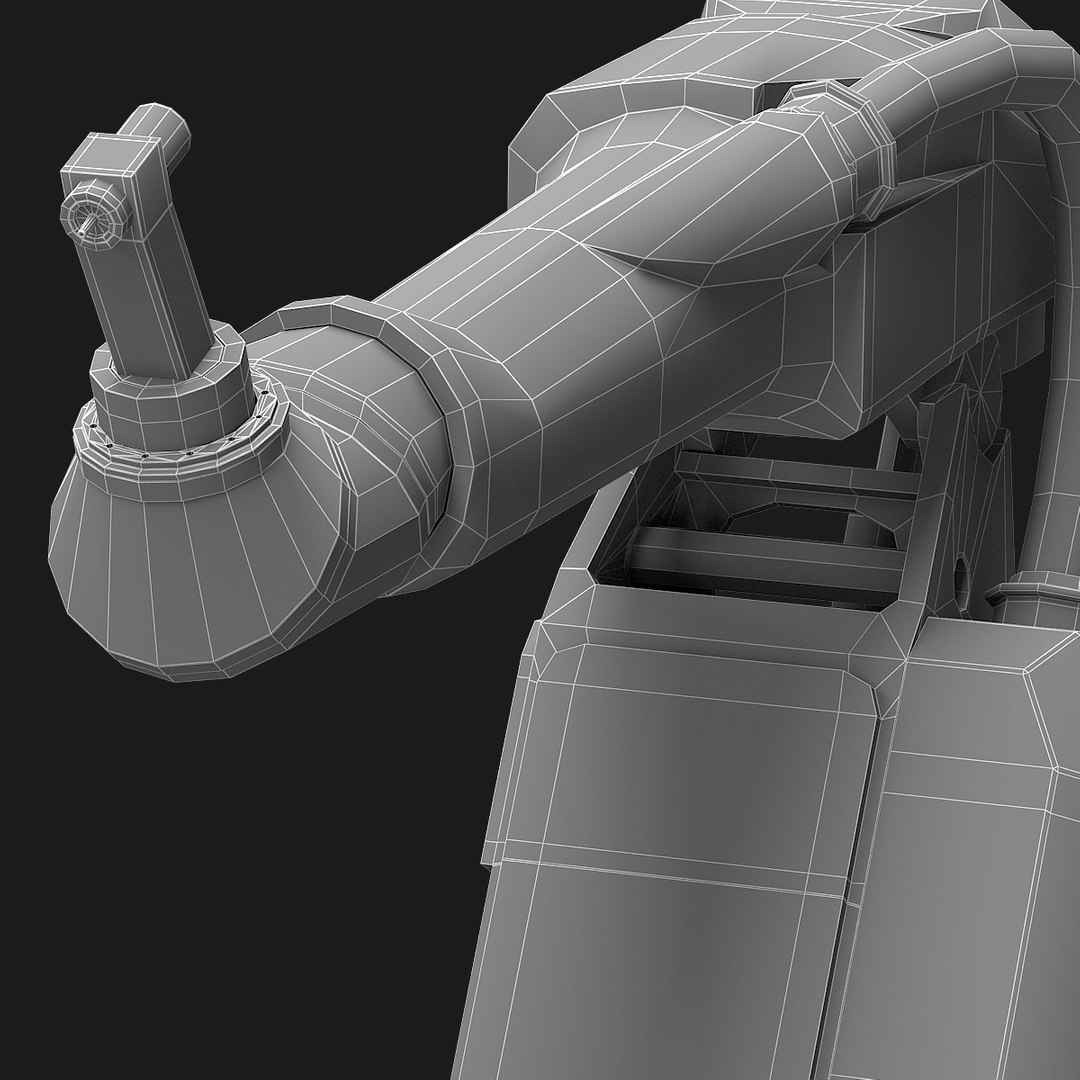
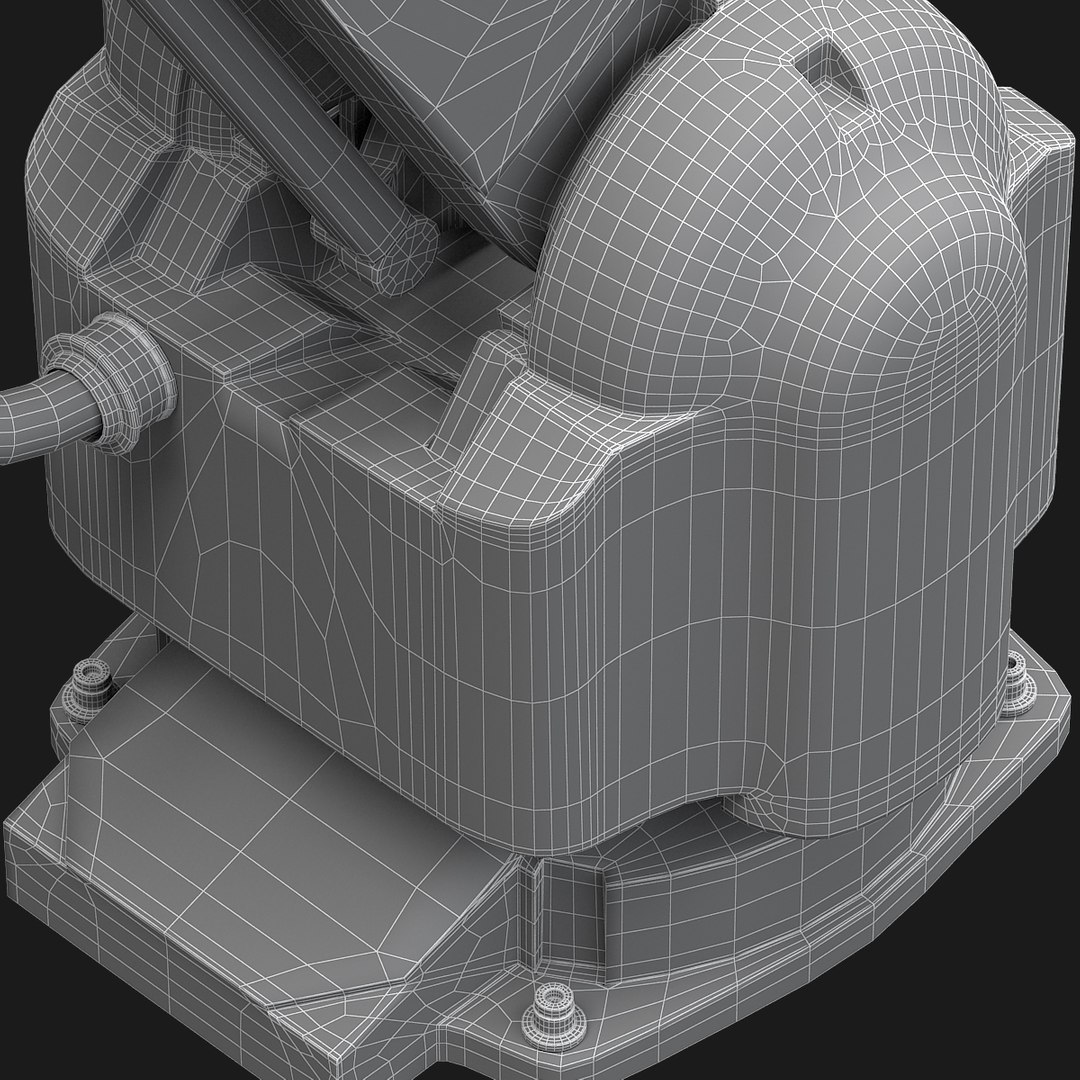
Polygons 9,296
Vertices 9,187
Polygonal Quads/Tris Geometry
Materials
UV Mapped
TurboSquid Exclusive
member avatar
Pazel
64 Products | Contributor Since 2012
Have questions? Chat with us now.

Description

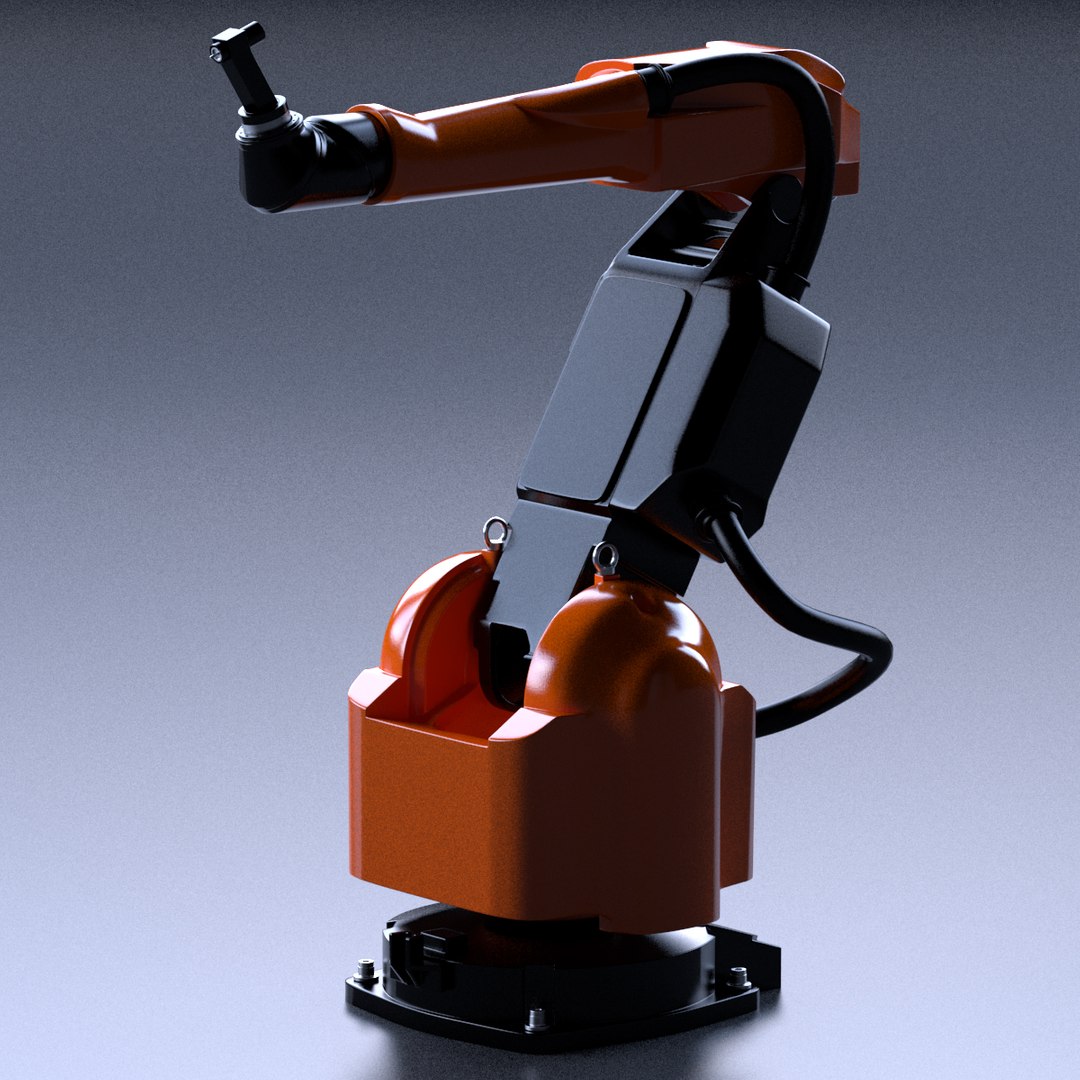
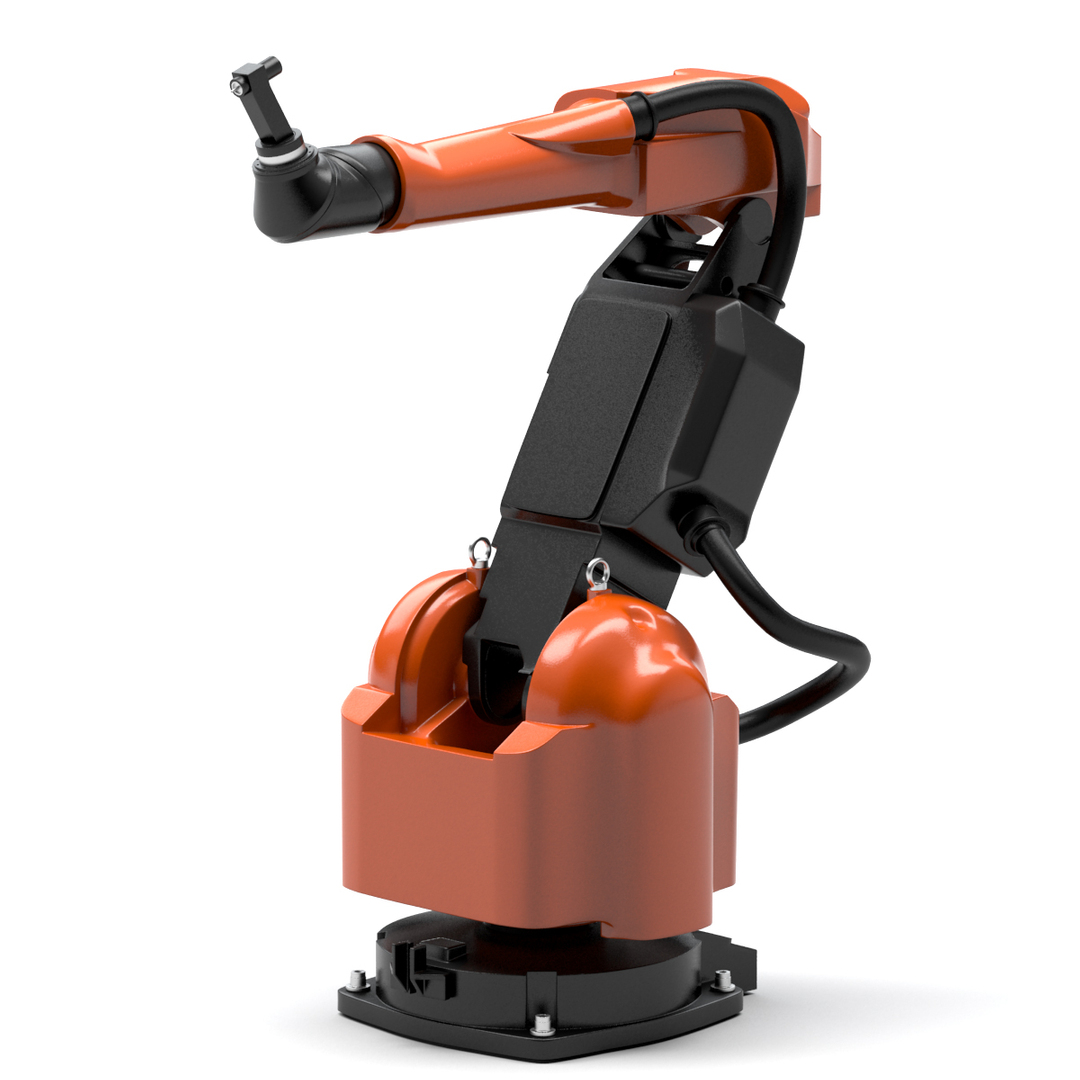
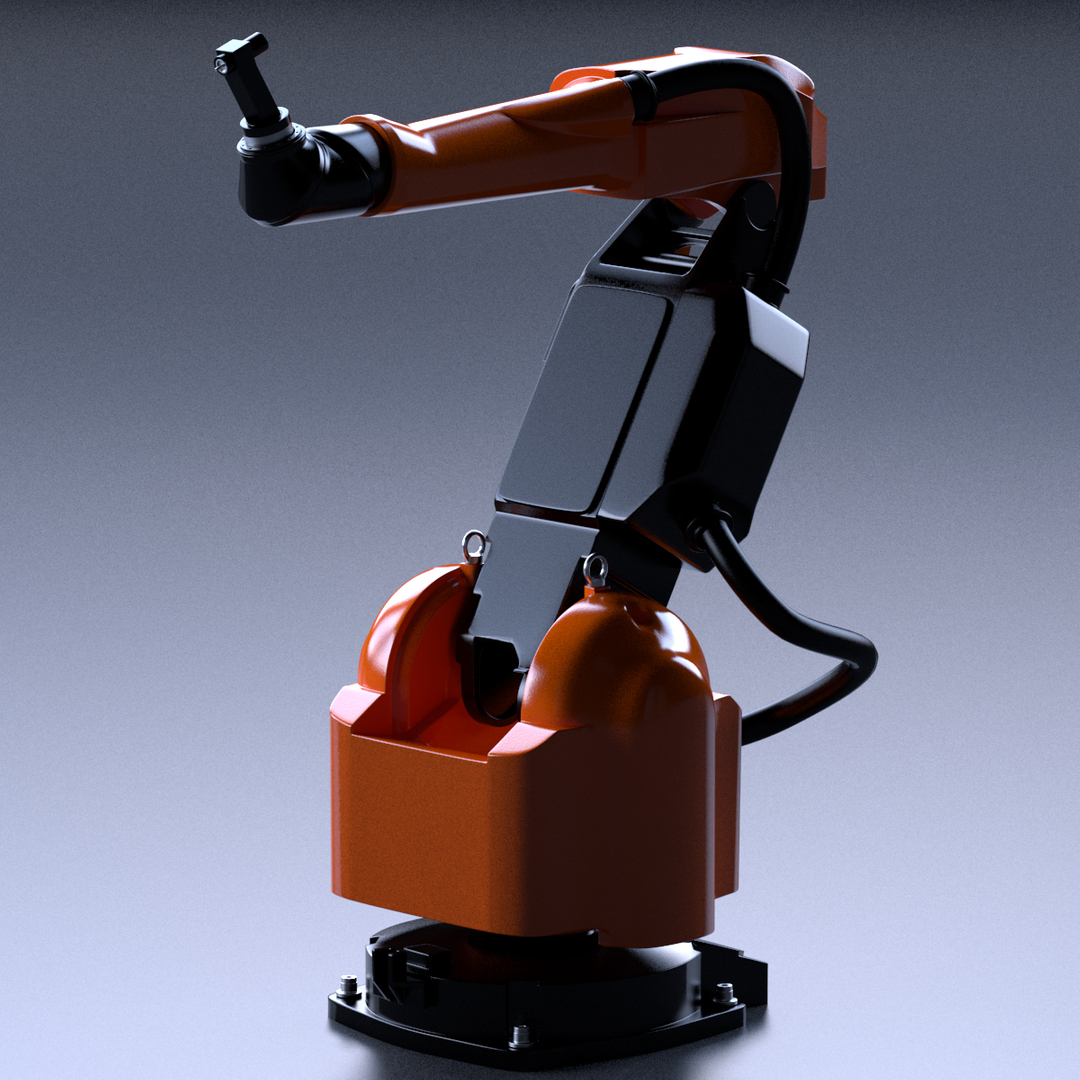
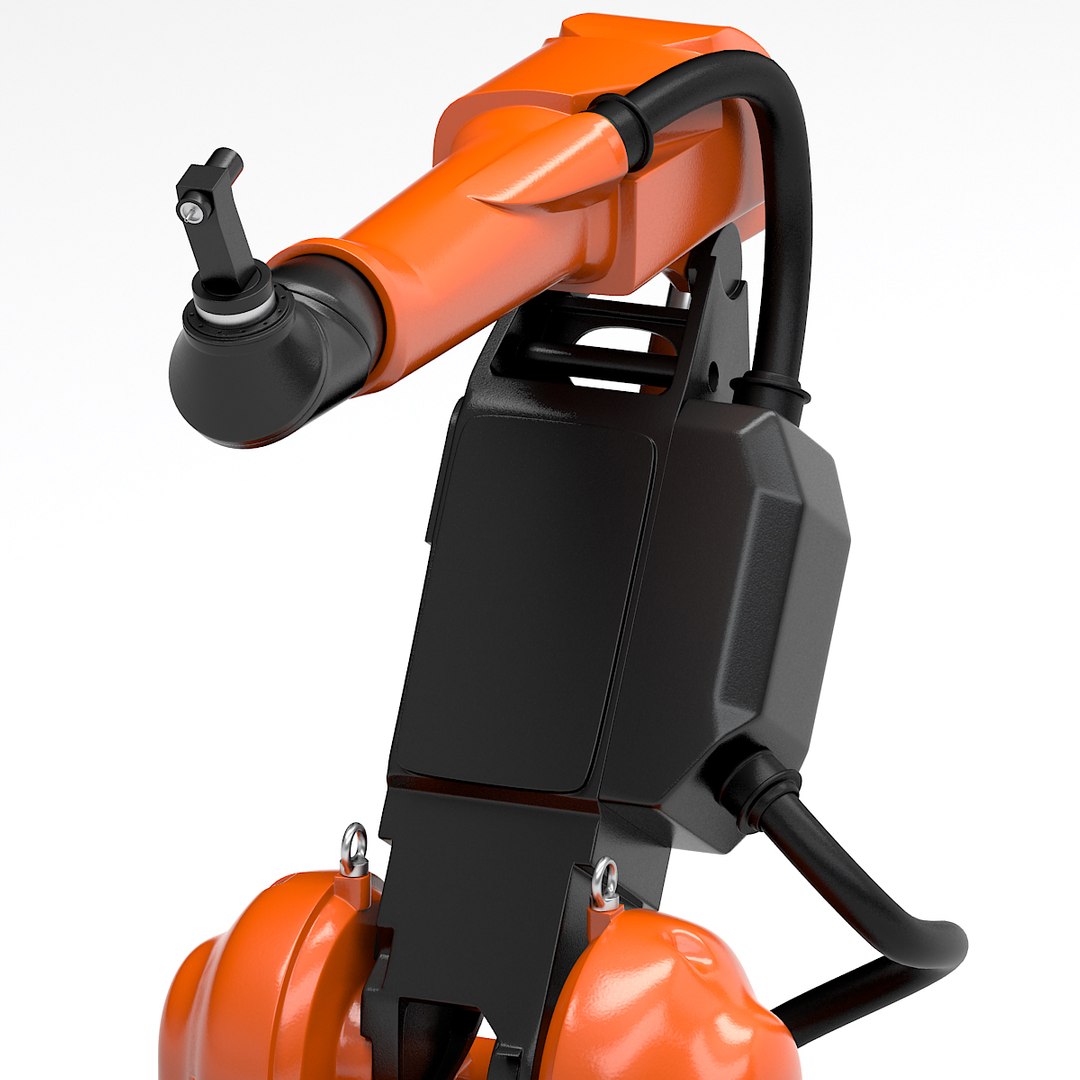
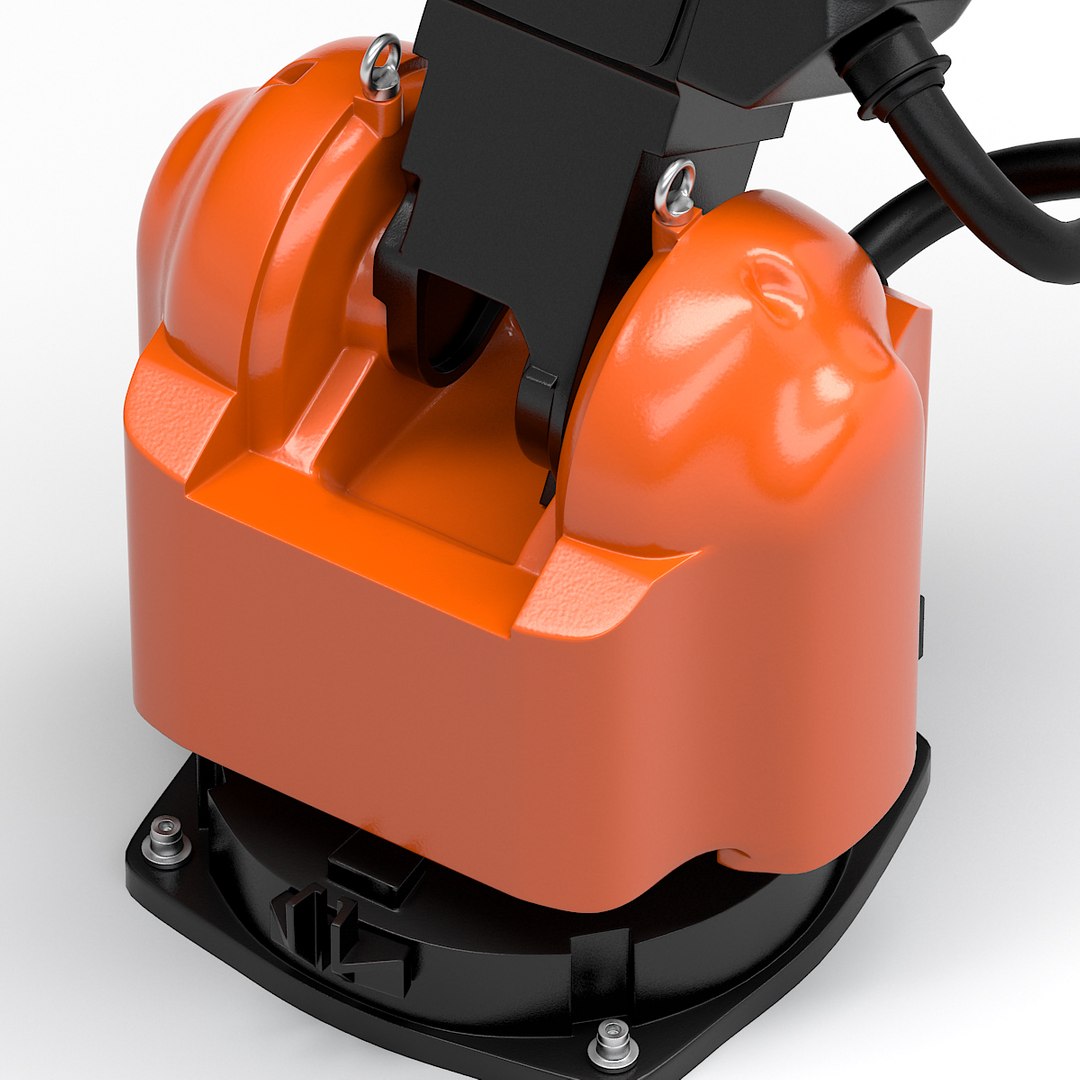
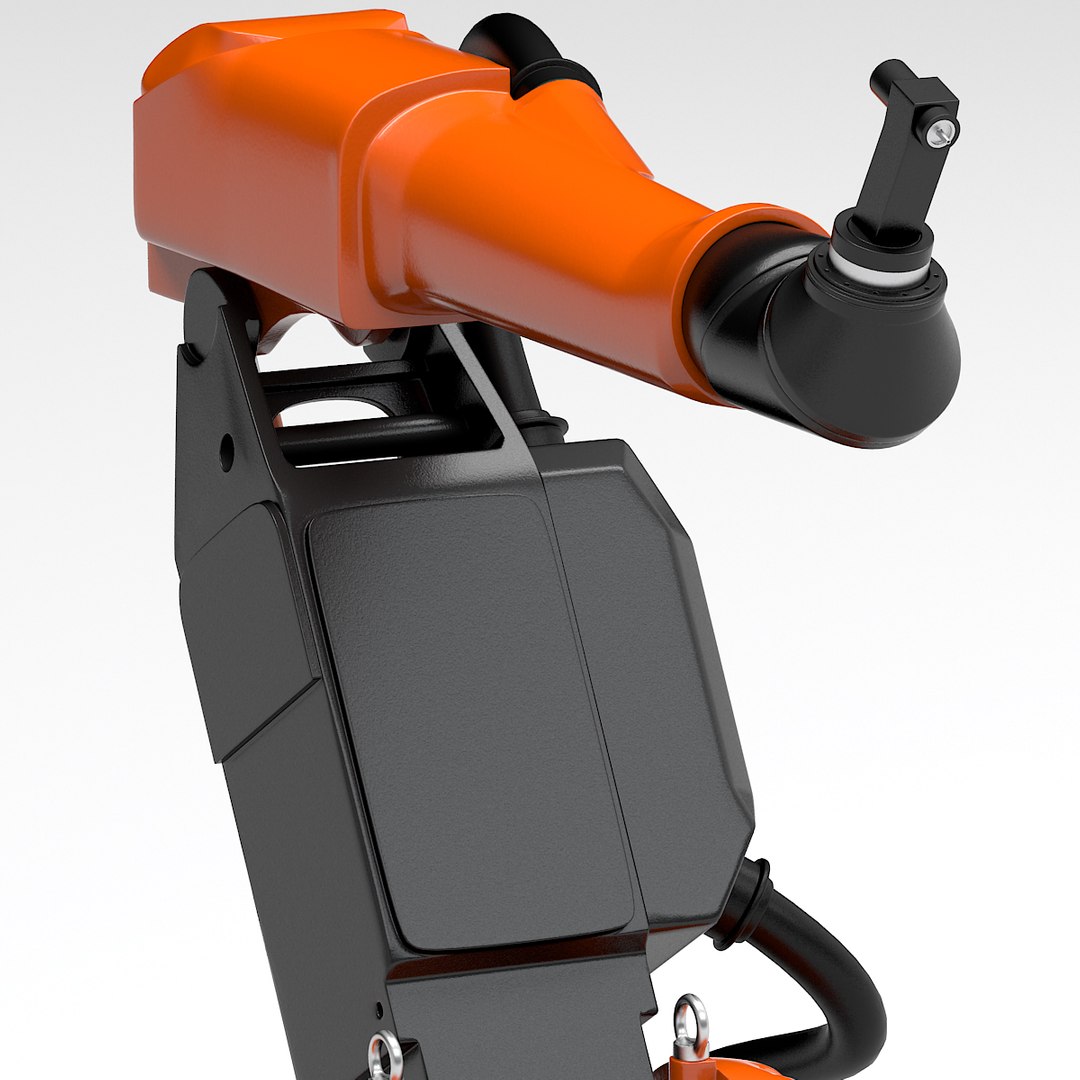
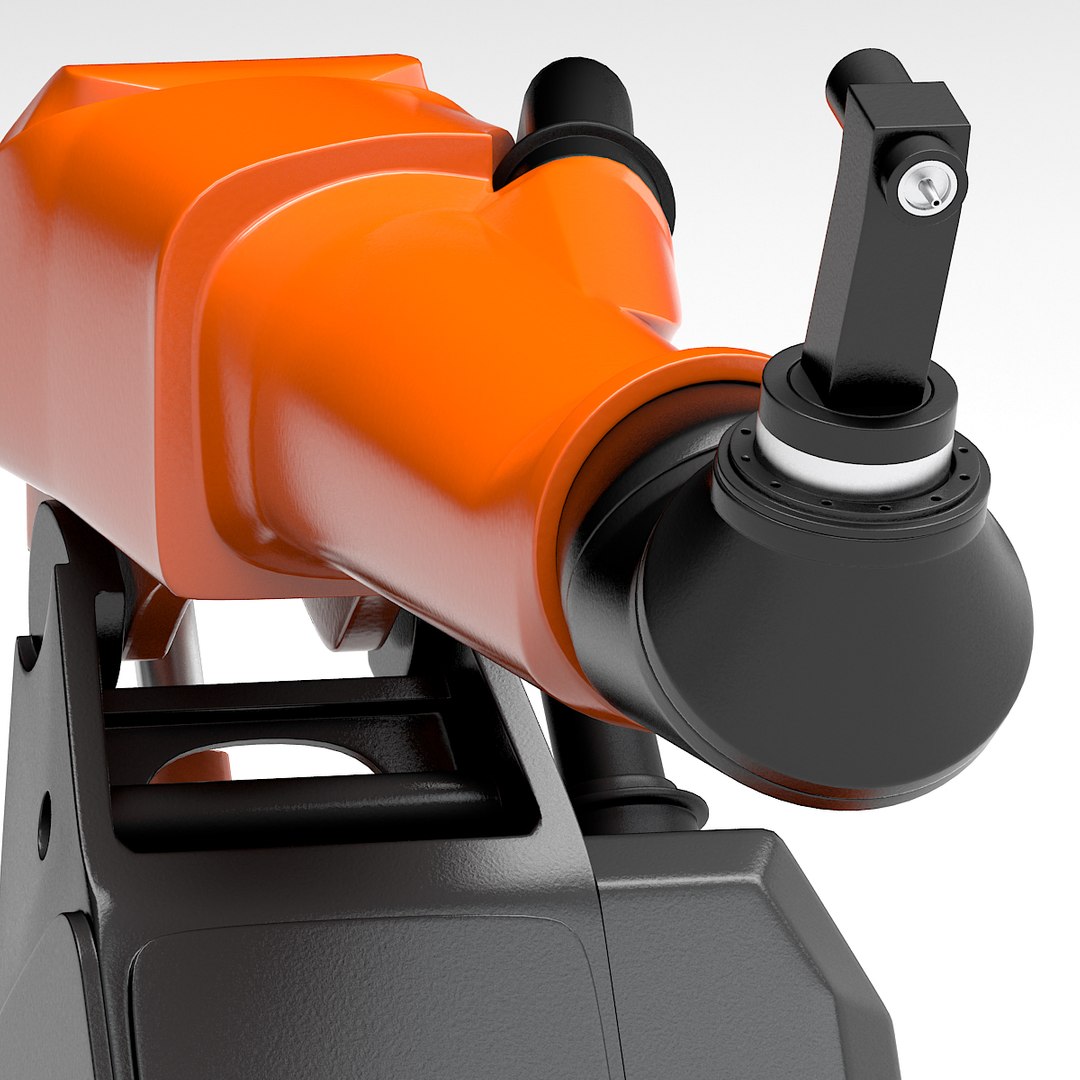
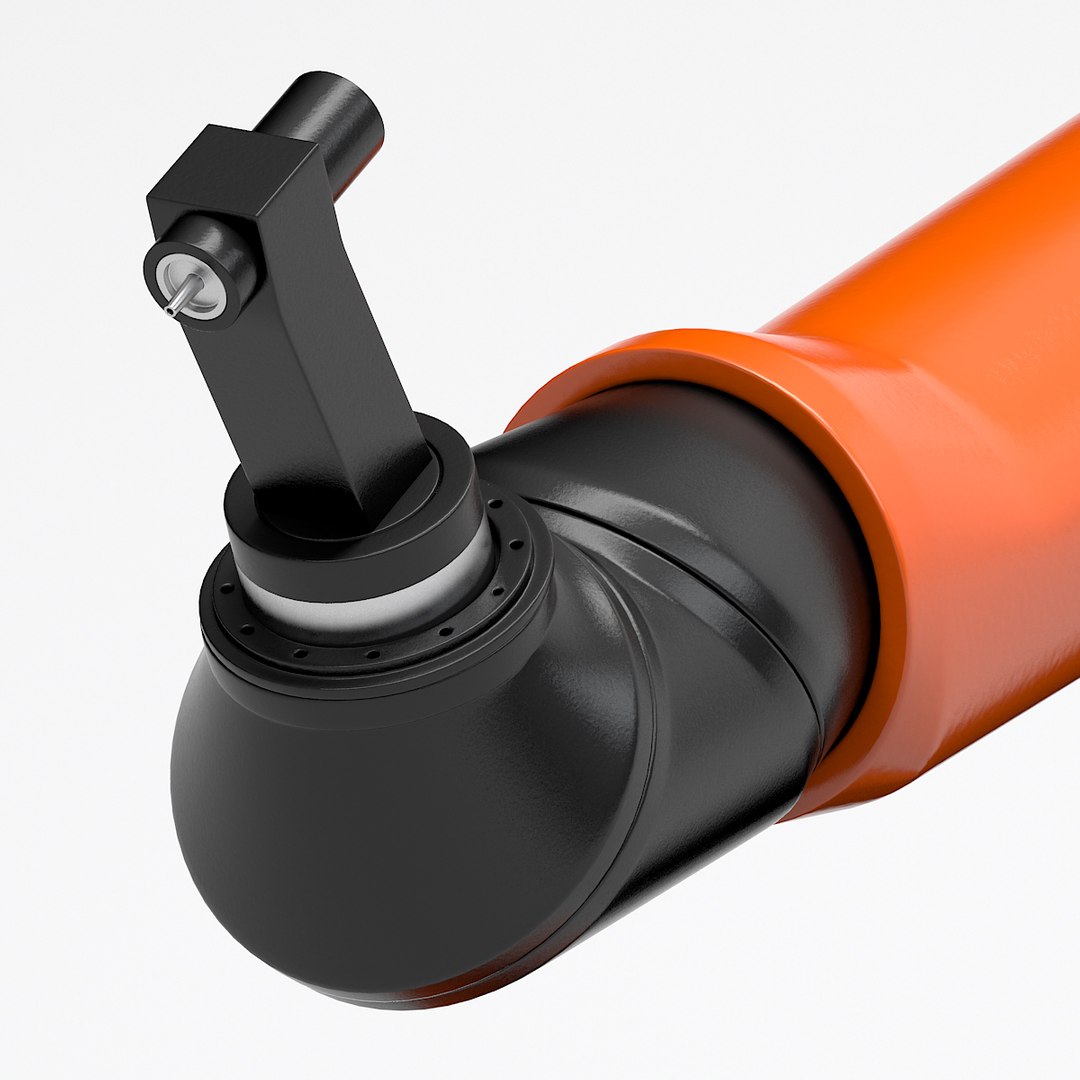
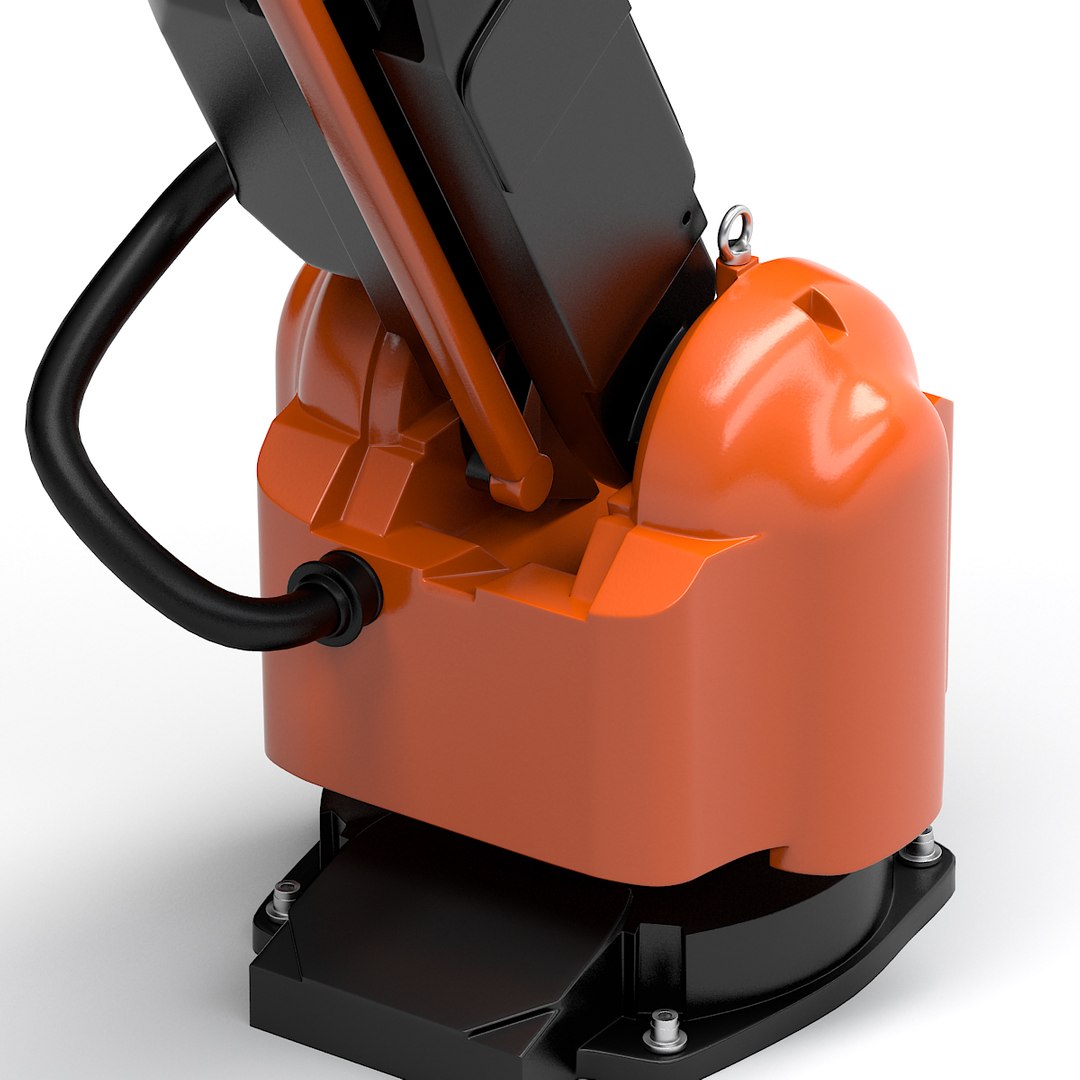
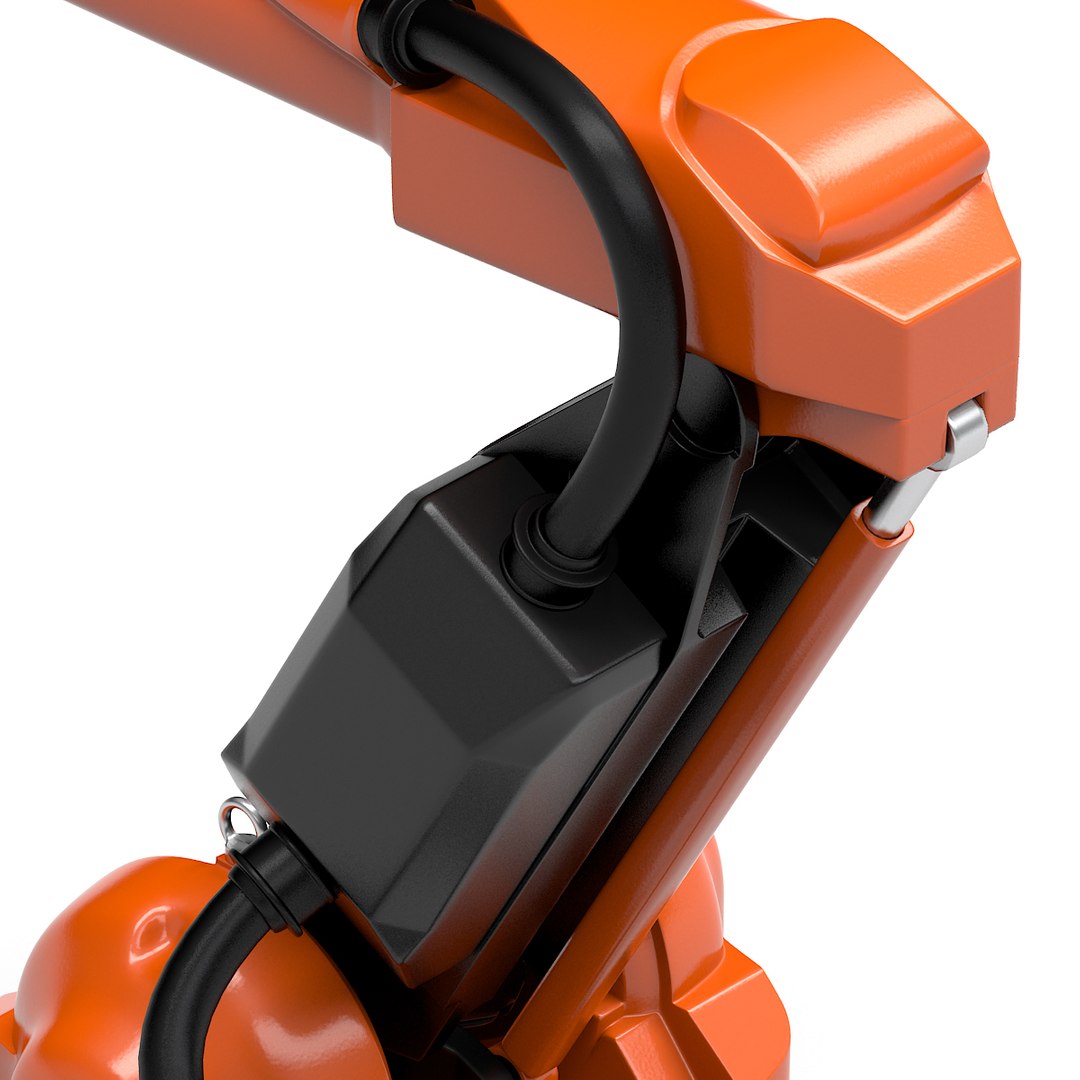
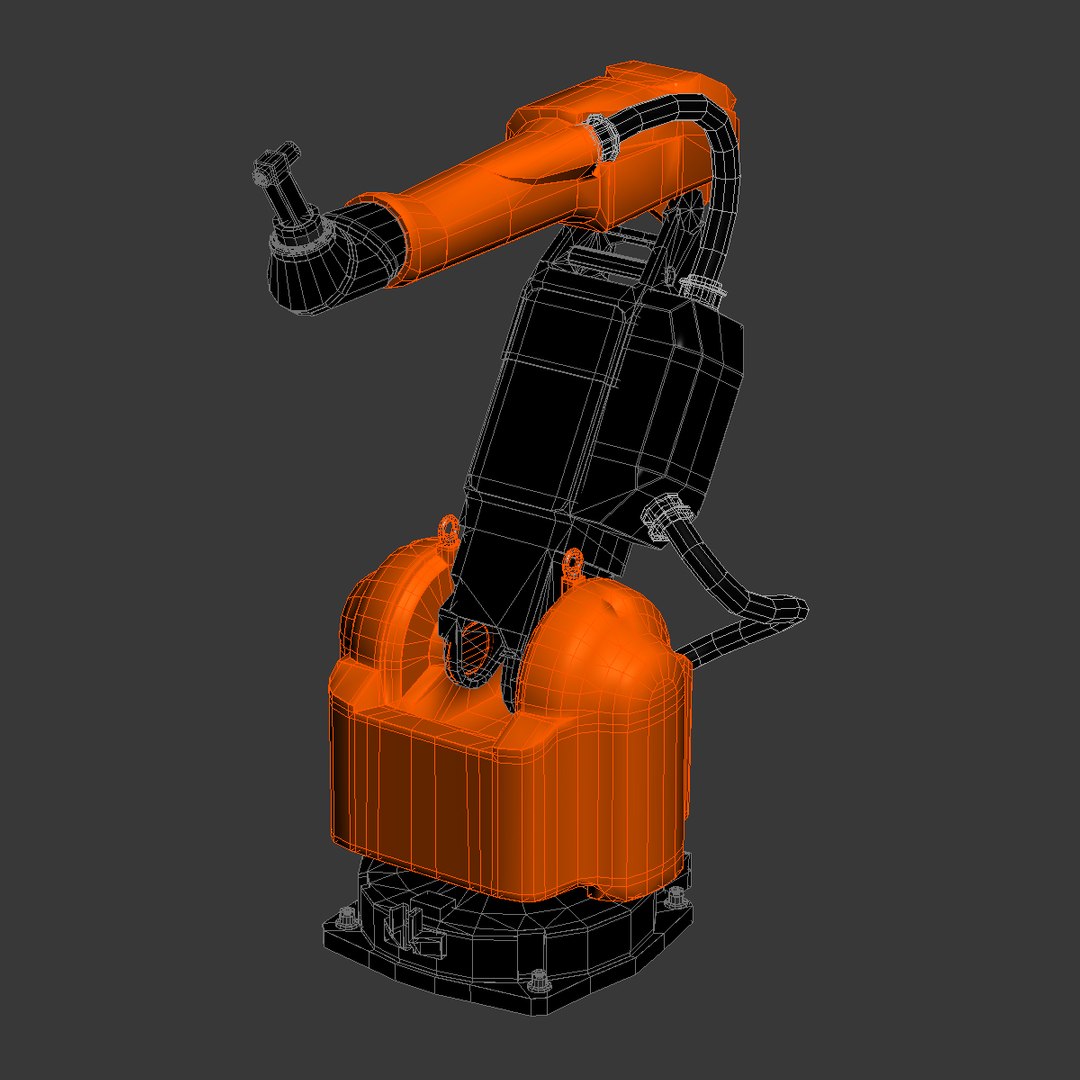
This is Industrial Robot 3D model

The formats included are:

- 3ds Max 2010 with V-Ray materials
- 3ds Max 2010 with V-Ray materials (editable)
- 3ds Max 2010 with default materials
- 3ds Max 2010 with default materials (editable)
- Cinema 4D R9
- Maya 6
- OBJ
- FBX

All formats are available in 3 versions: low-, mid- and high-poly.
The 3ds Max format comes with TurboSmooth modifier active.

________________________________________________________________________________

Objects Count: 24

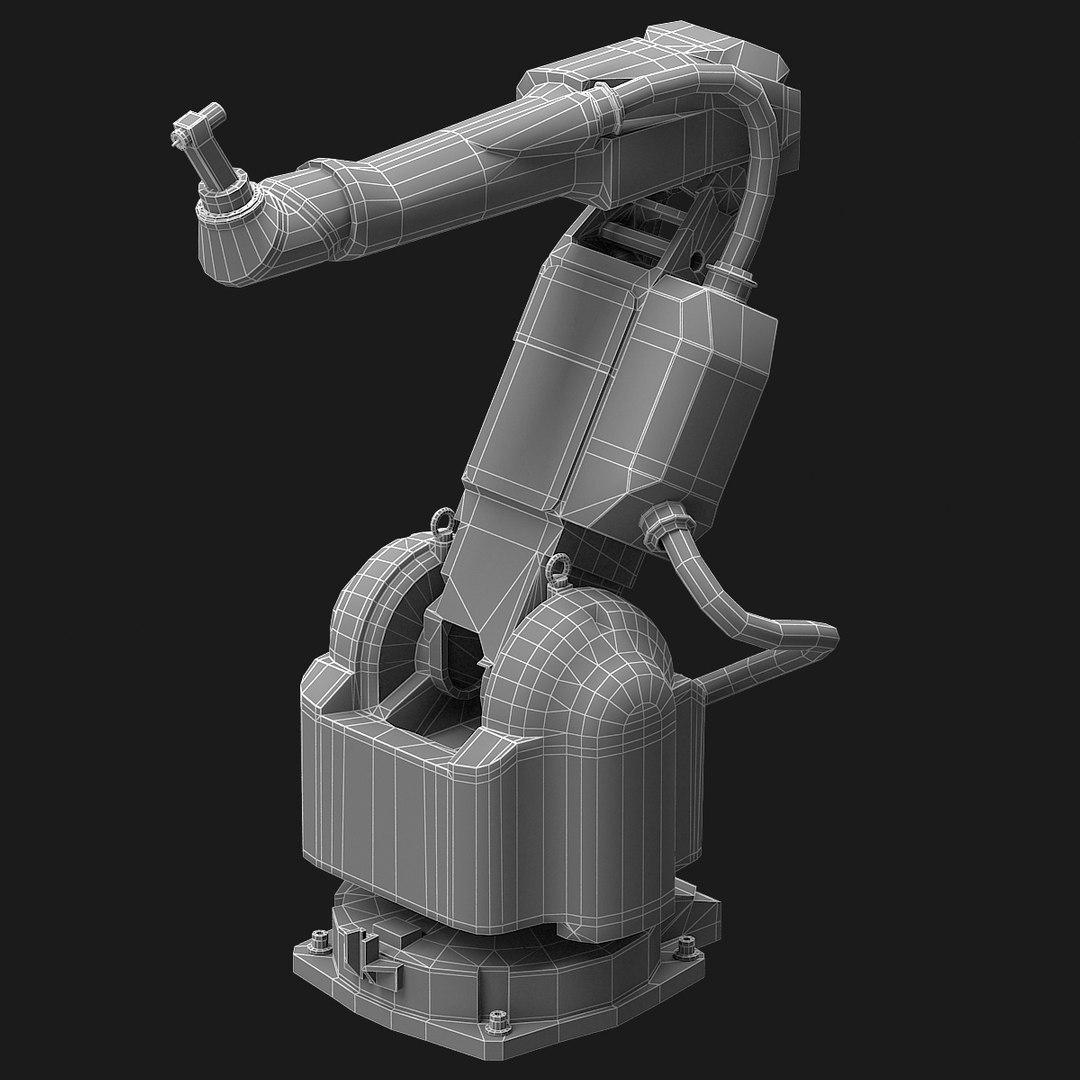
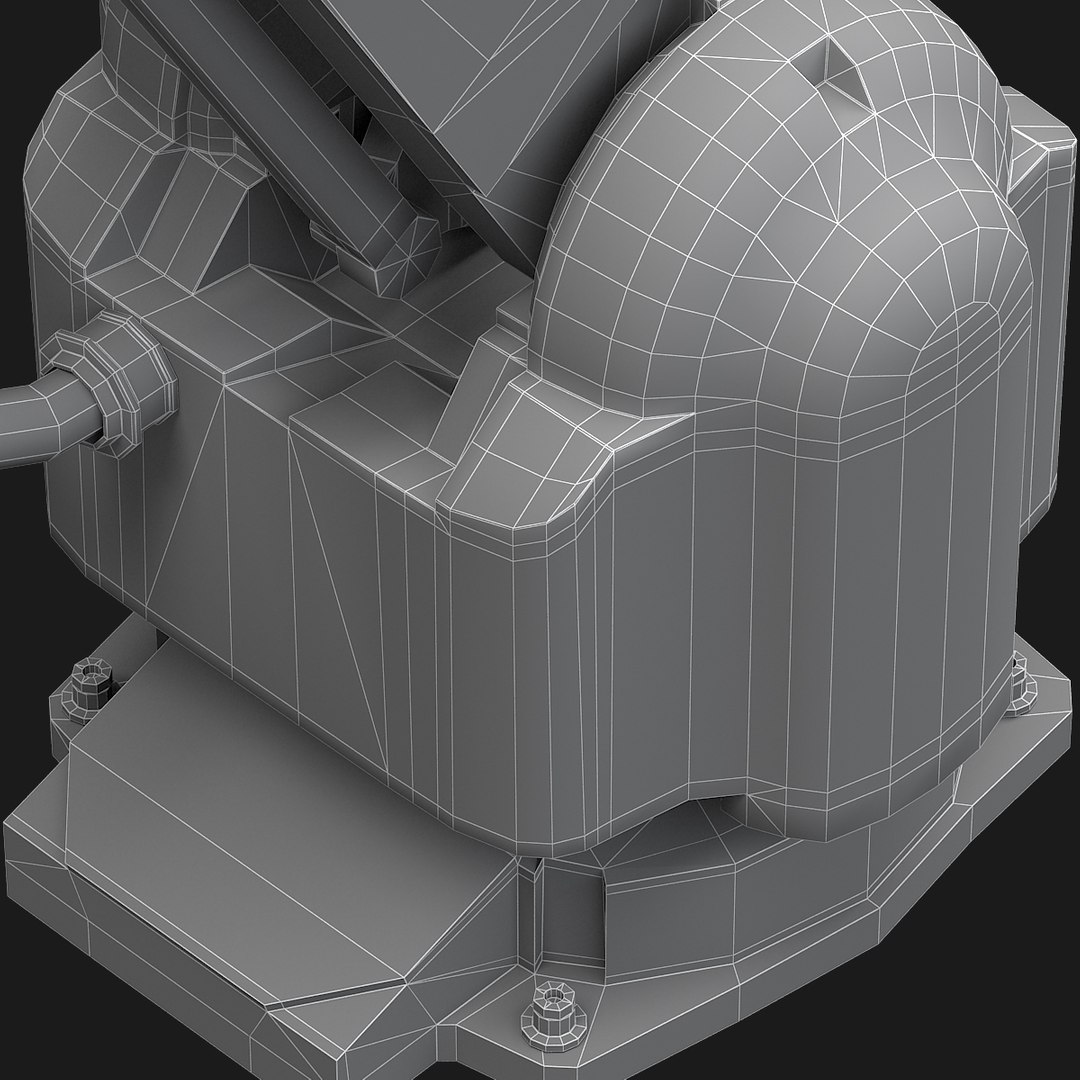
Base mesh (low-poly version)

Polygons Count: 9,296
Vertex Count: 9,187

Tris: 734 (7,9%)
Quads: 8,562 (92,1%)
N-Gons: 0 (0.0%)

________________________________________________________________________________

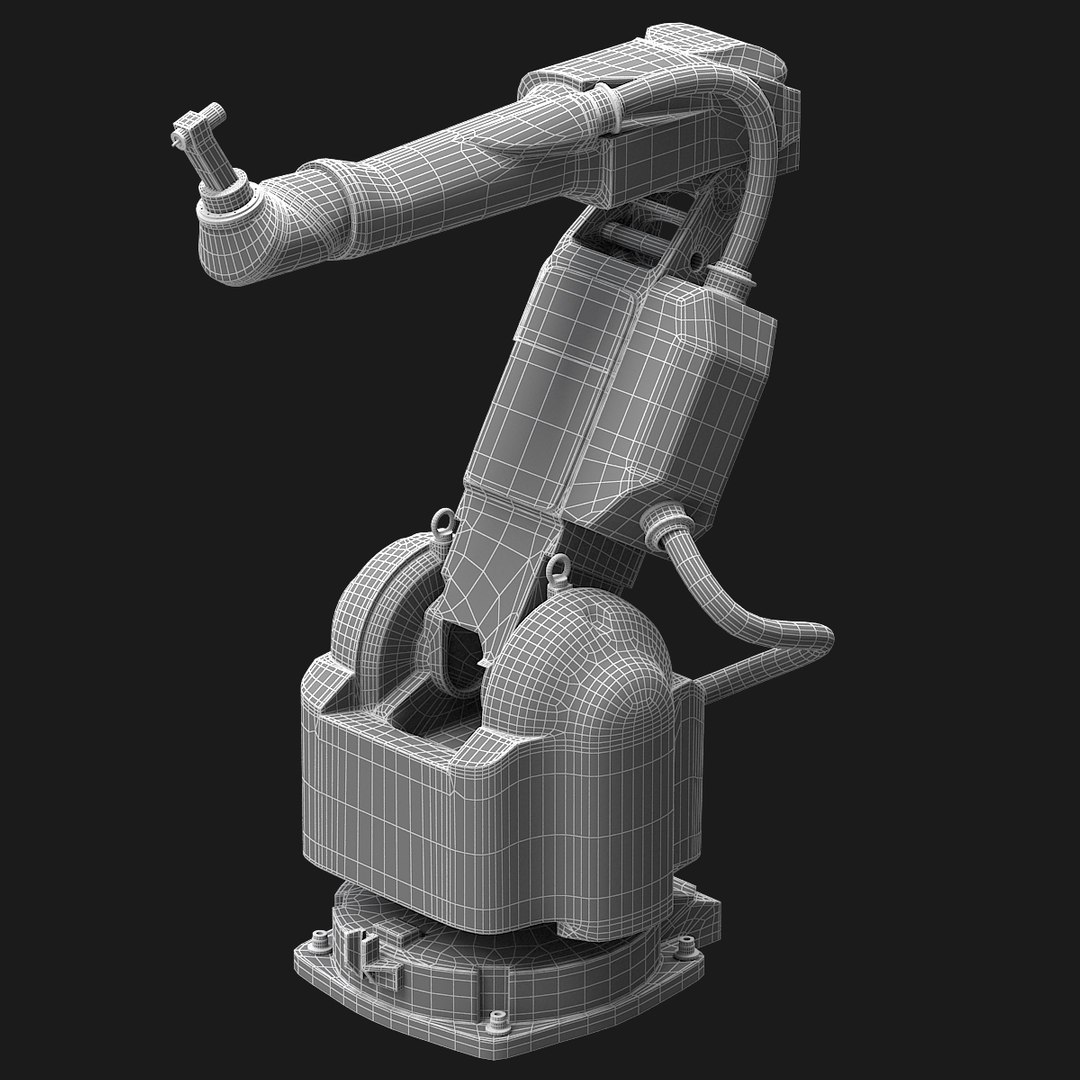
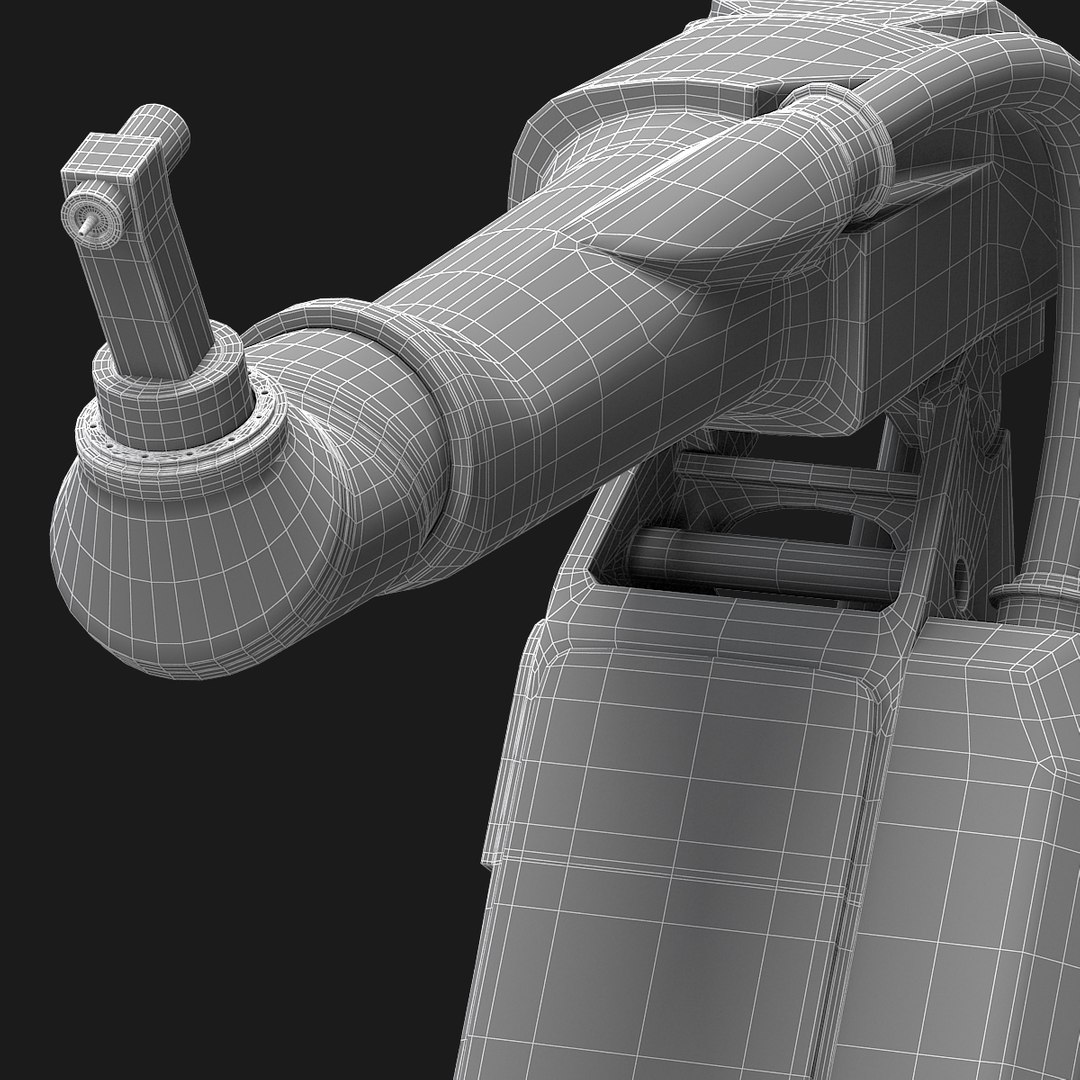
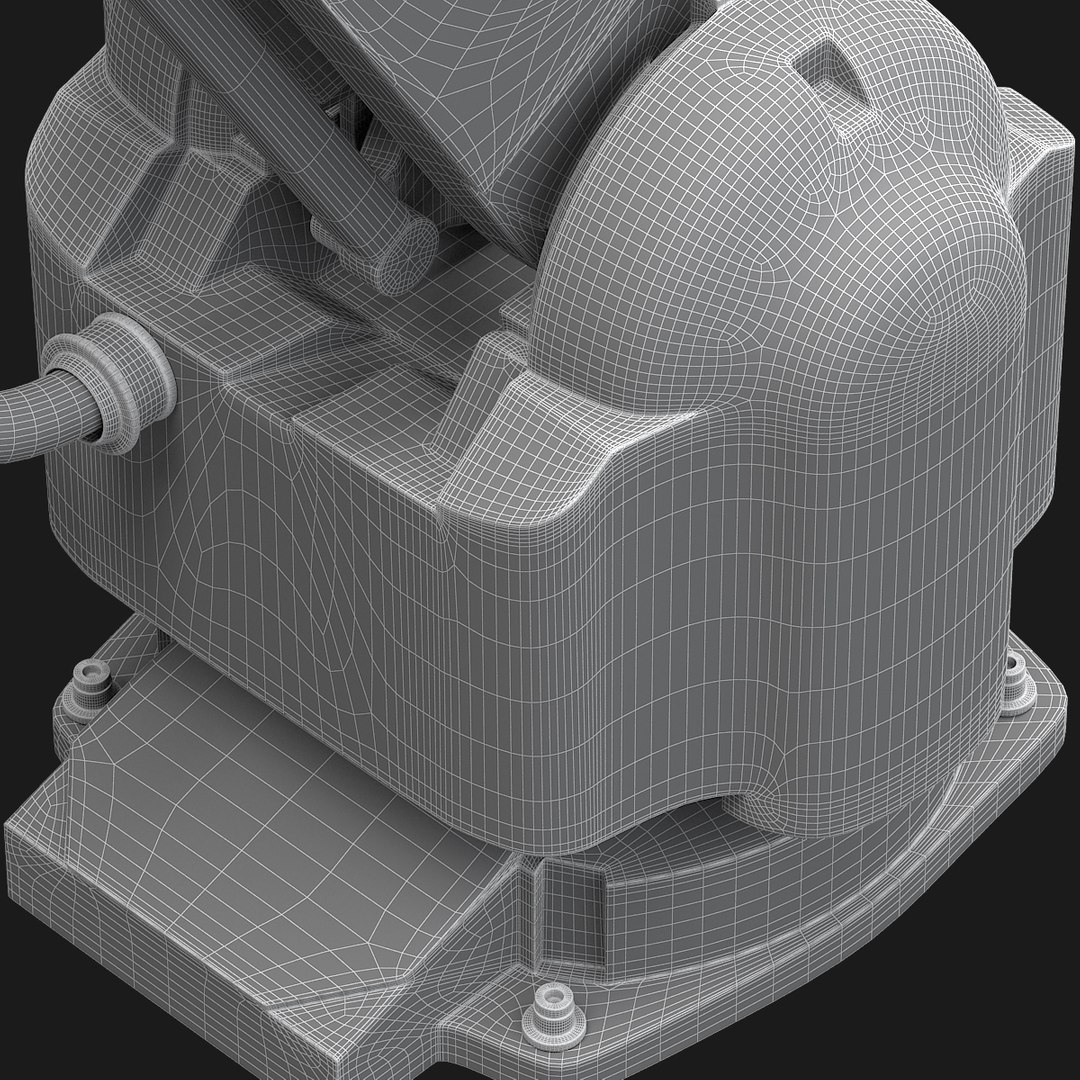
Mid-poly version

Polygons Count: 36,450
Vertex Count: 36,912

Quads only

________________________________________________________________________________

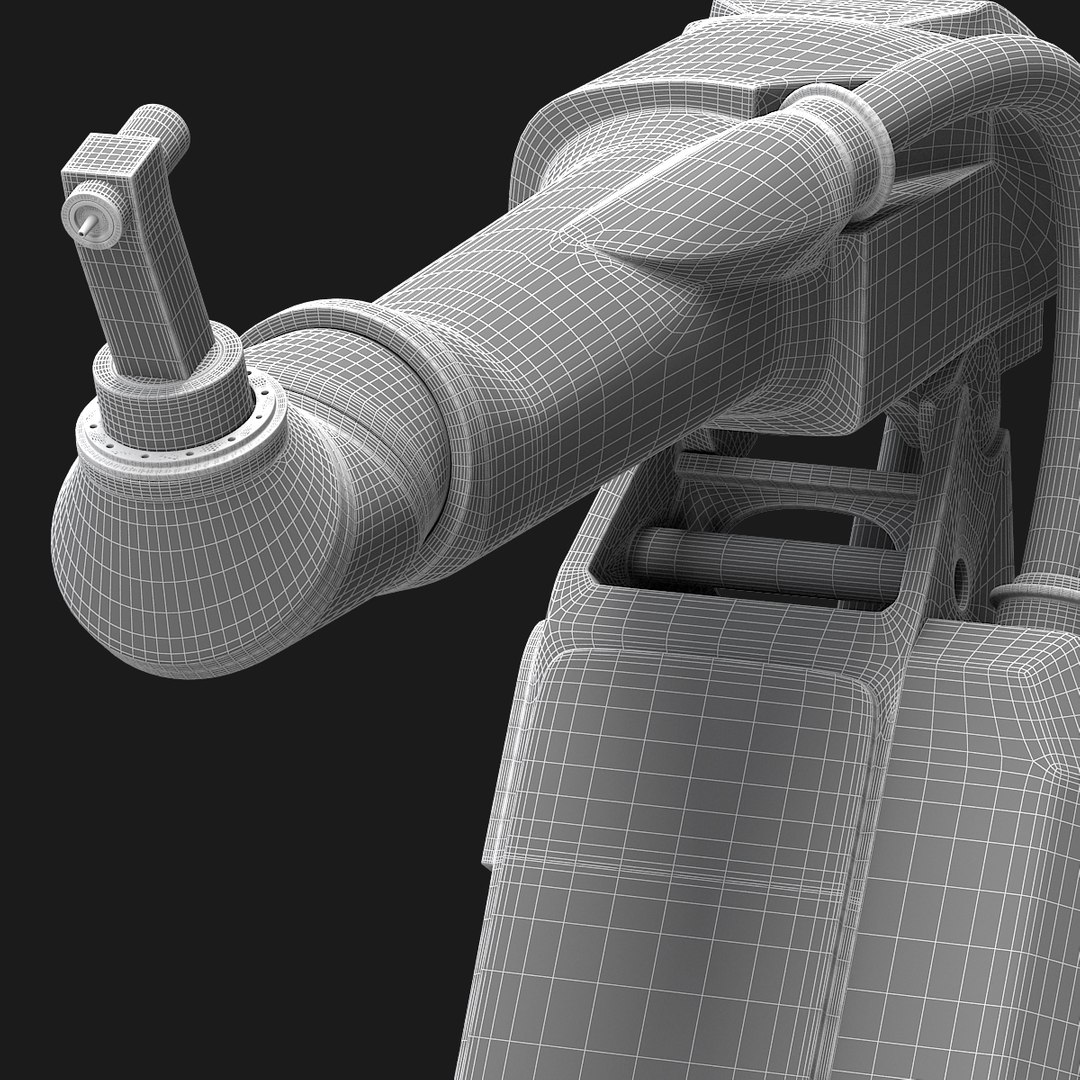
High-poly version

Polygons Count: 145,800
Vertex Count: 146,714

Quads only

________________________________________________________________________________


The model has real-world scale and is centered at 0,0,0.

The presentation images were rendered in 3ds Max with V-Ray.

Select Enhanced License

  • $10,000 in Legal Protection (Indemnification)
  • Uncapped Legal Protection (Indemnification)
  • Waiver from injunctive relief
  • Assignable model rights
  • $1,000,000 in Legal Protection (Indemnification)
  • Waiver from injunctive relief
  • Assignable model rights
  • $250,000 in Legal Protection (Indemnification)
  • Assignable model rights
Read more about enhanced license tiers, or contact us at enterprise@turbosquid.com. Already a Shutterstock Enterprise Customer? Contact your Shutterstock Sales Support Agent to talk about adding 3D.

About Conversion Requests

To submit a conversion request for a purchased asset, please complete our Conversion Request Form.

If you have not yet purchased a model, please review our Documentation about Conversions to learn about what limitations you may encounter with a conversion.

For any additional questions about a model’s suitability for conversion, please contact TurboSquid Support.

Loading...