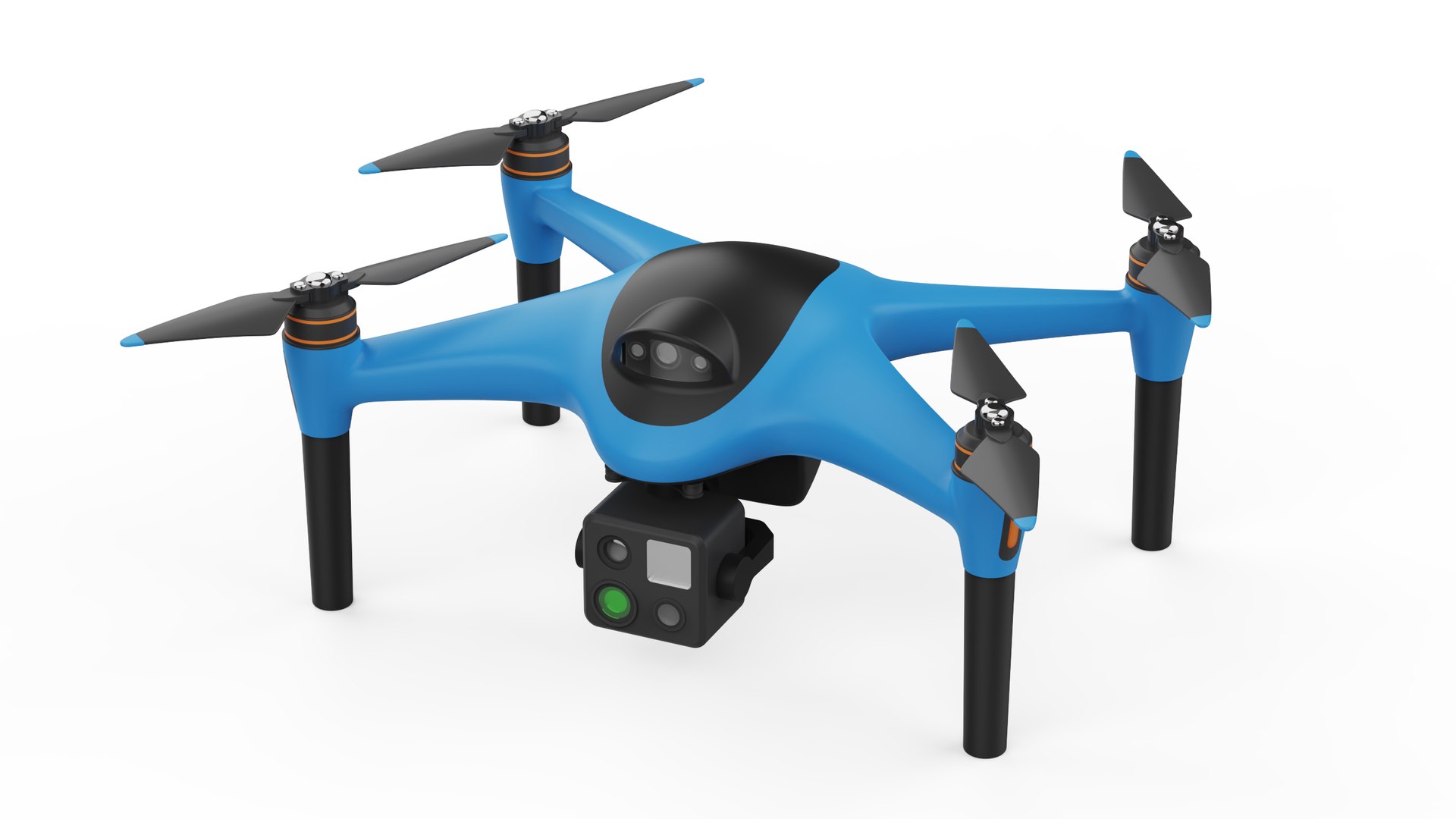
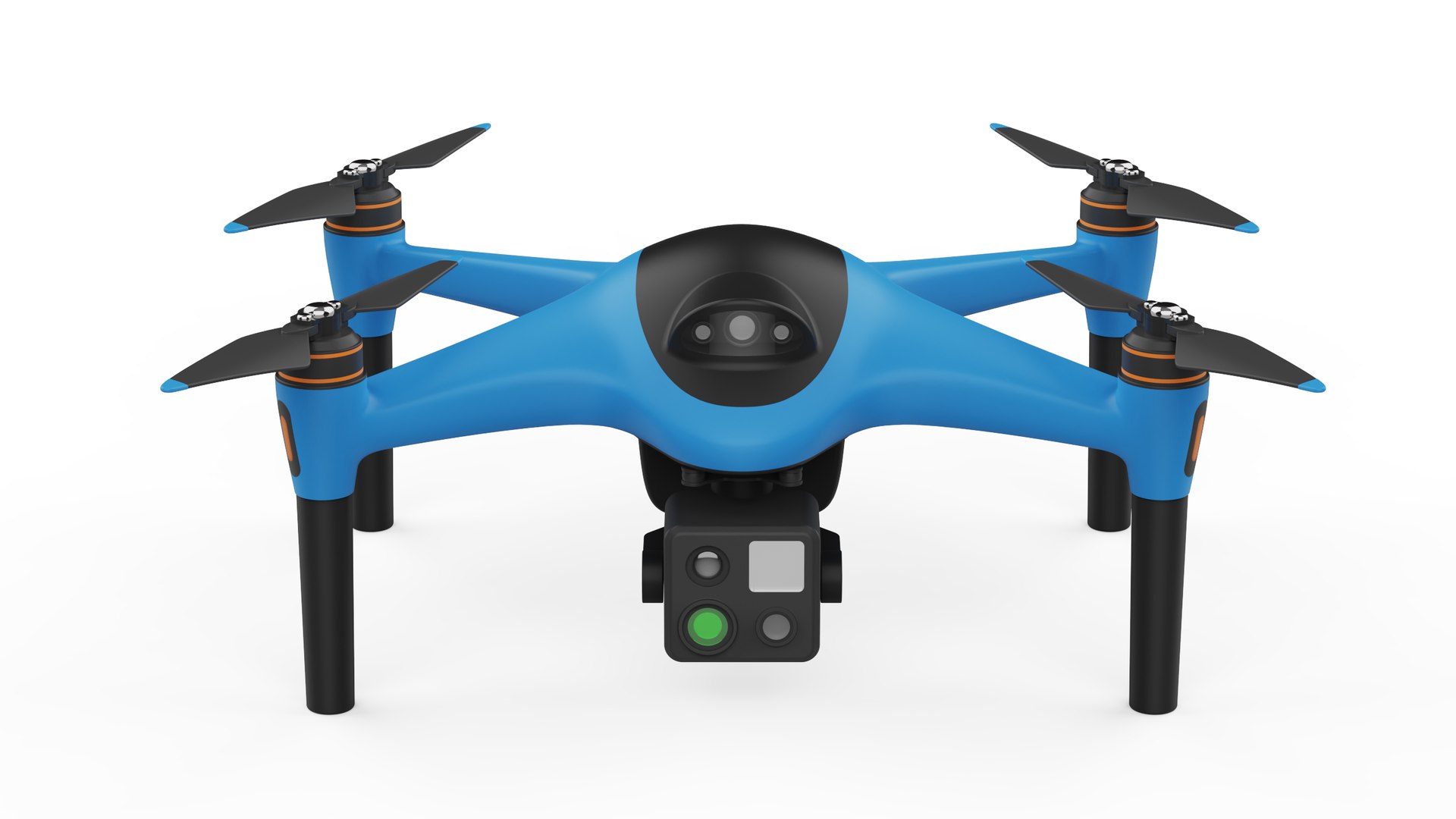
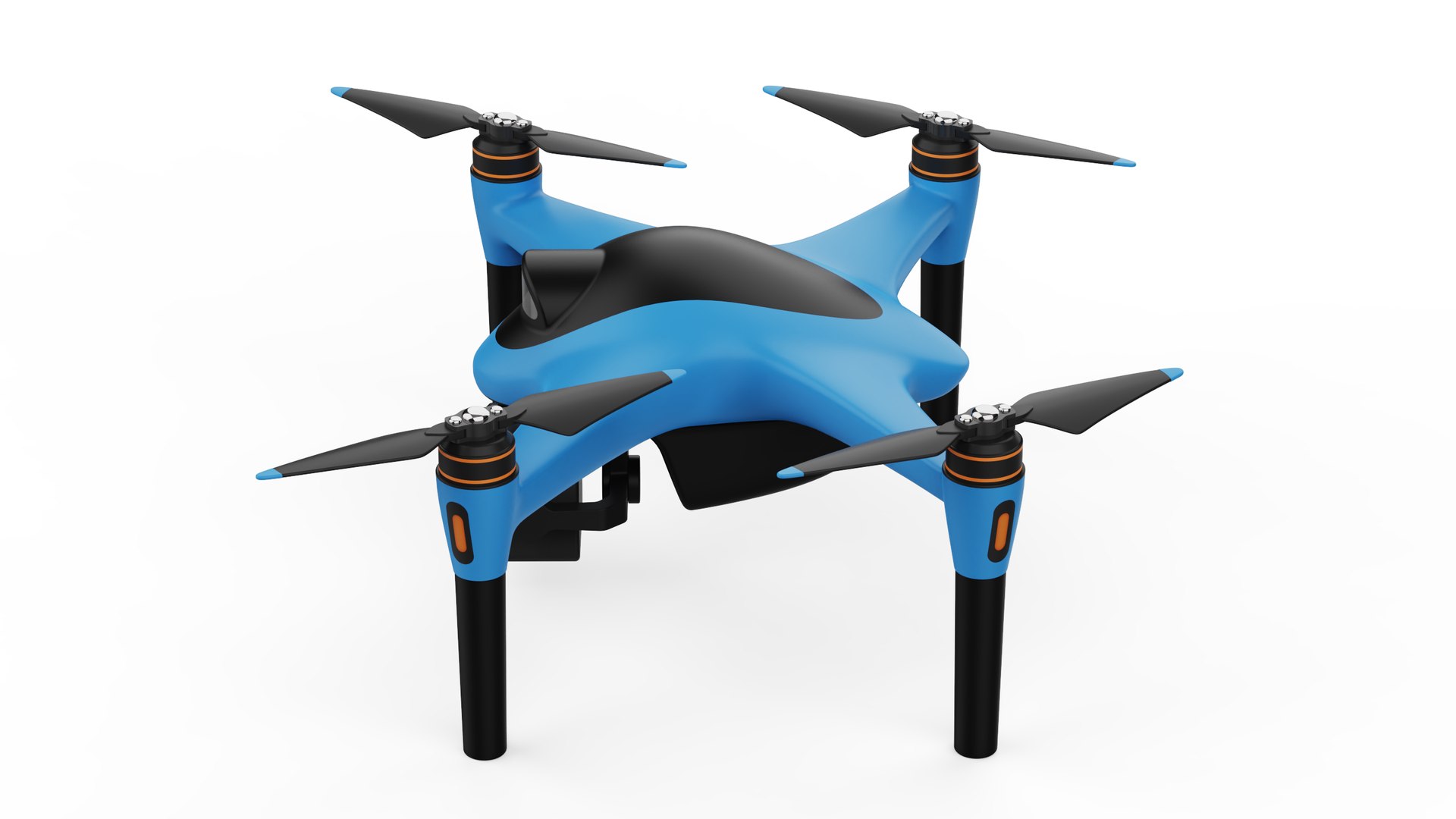
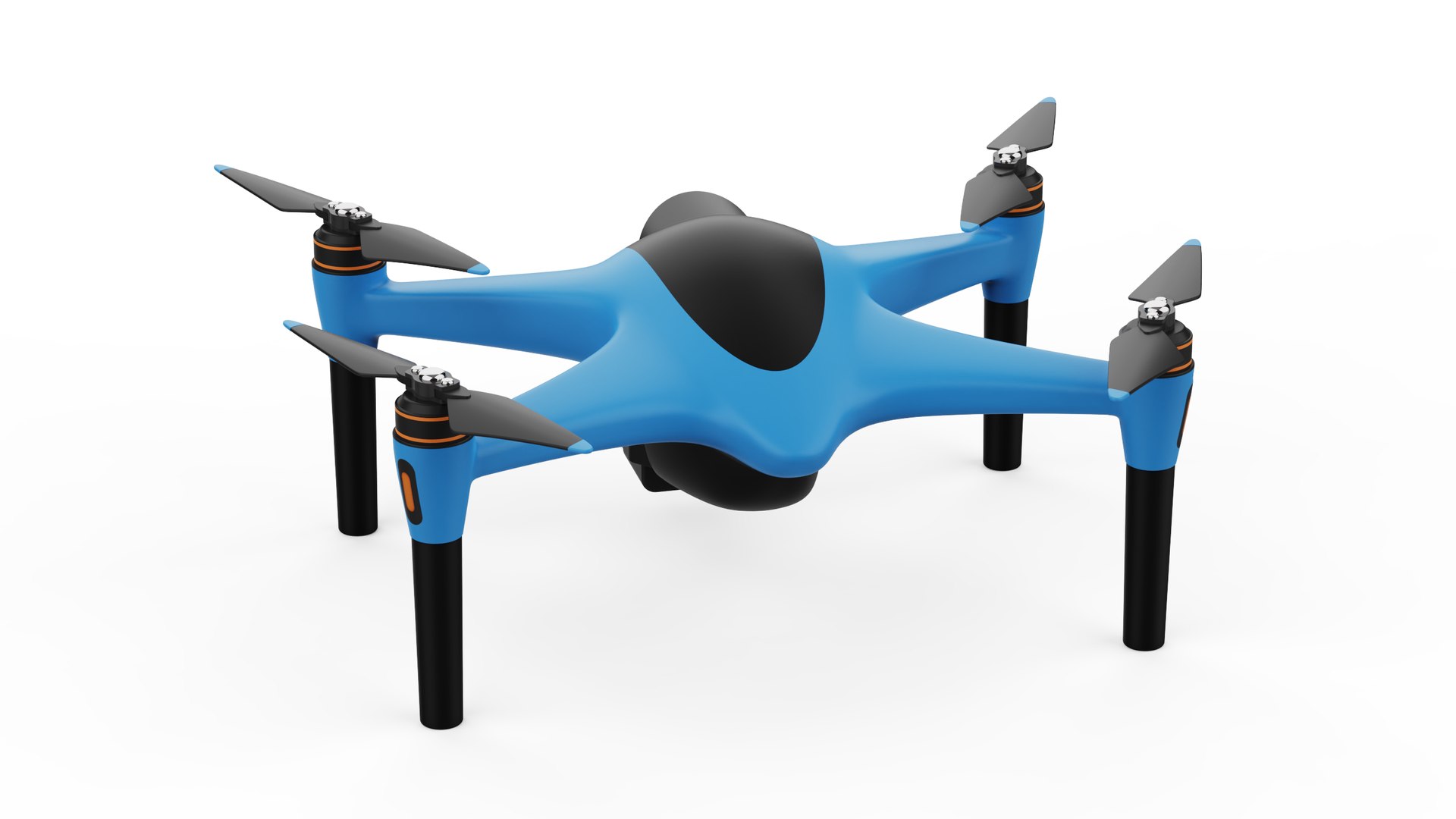
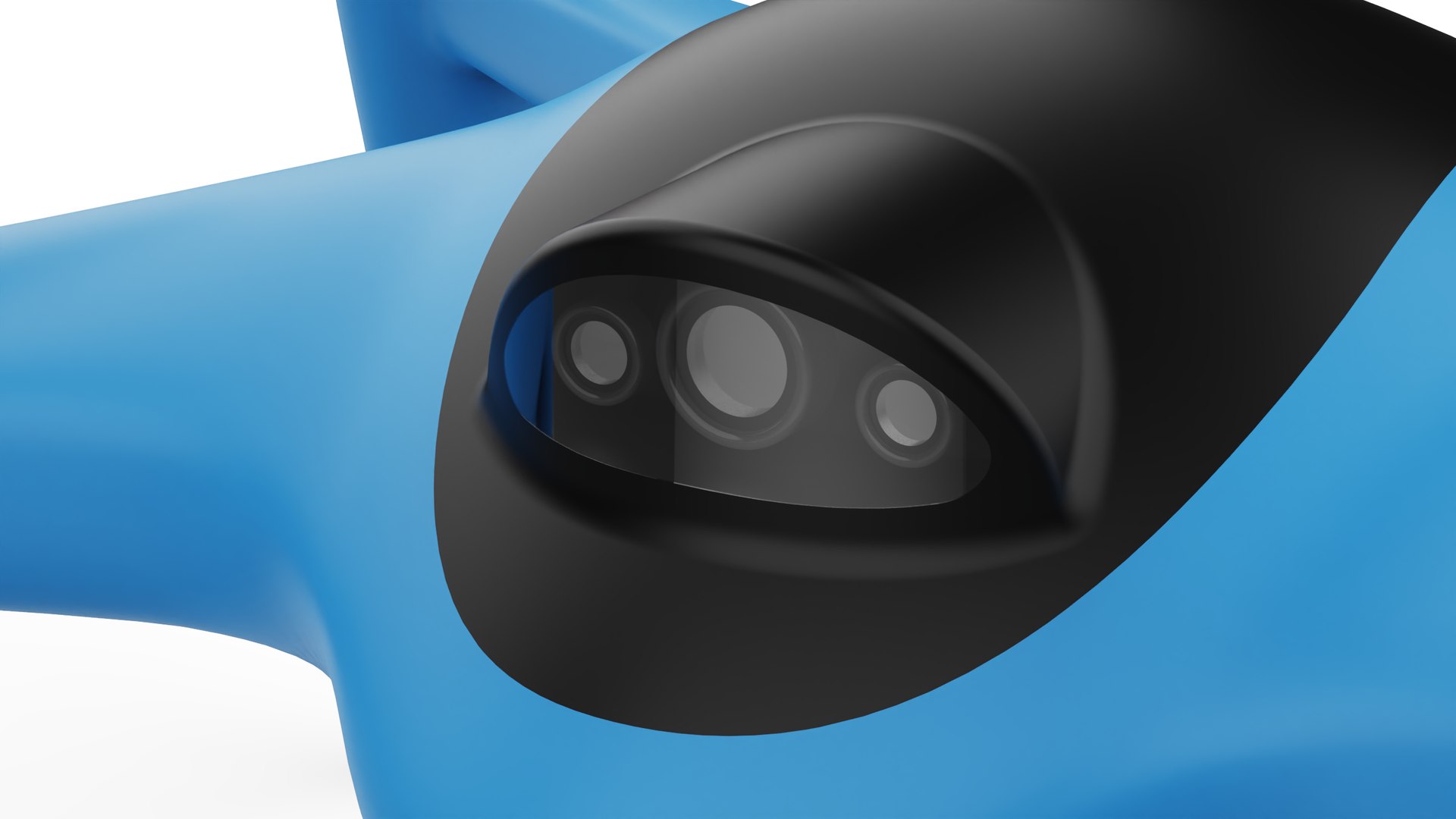
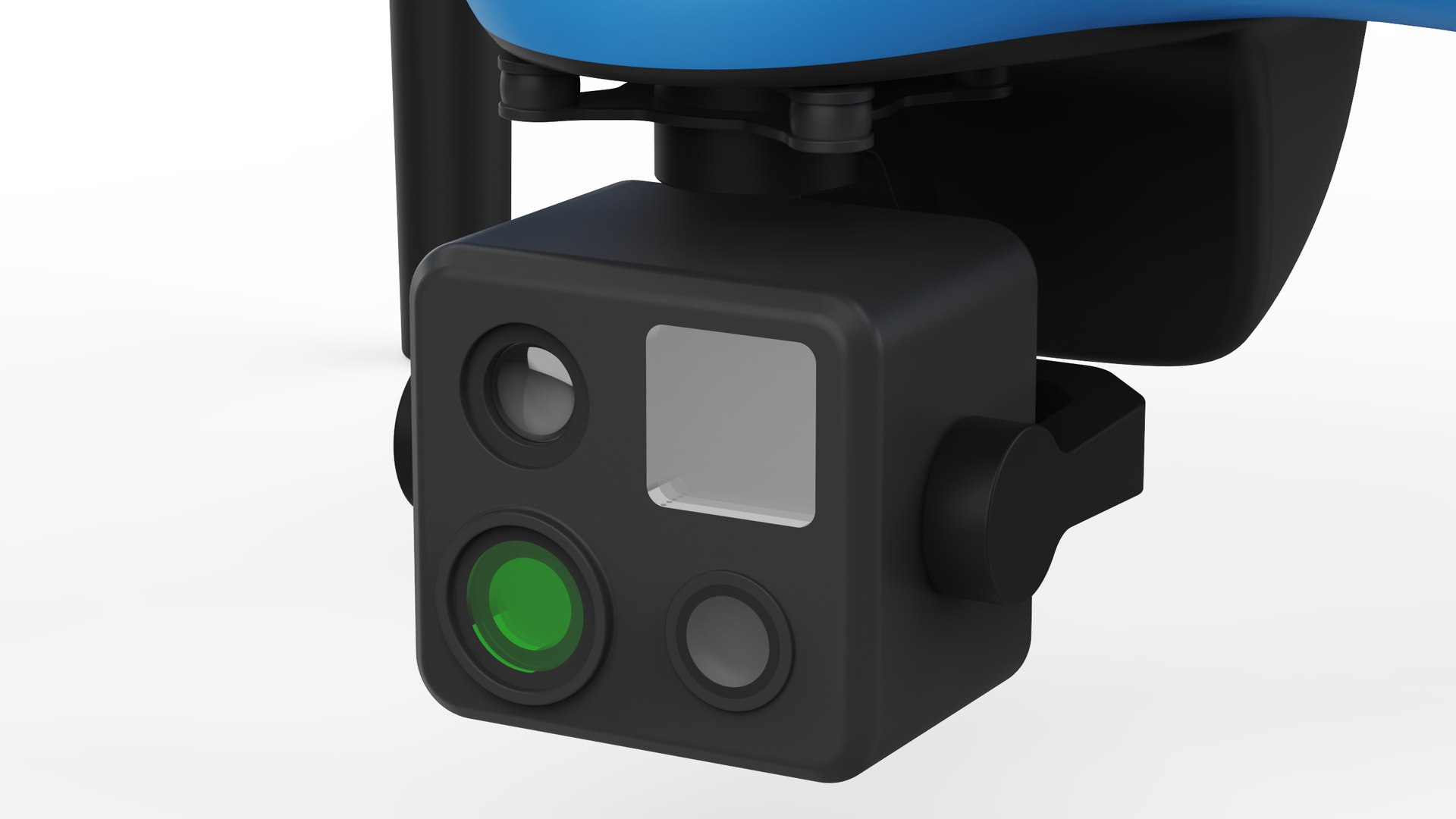
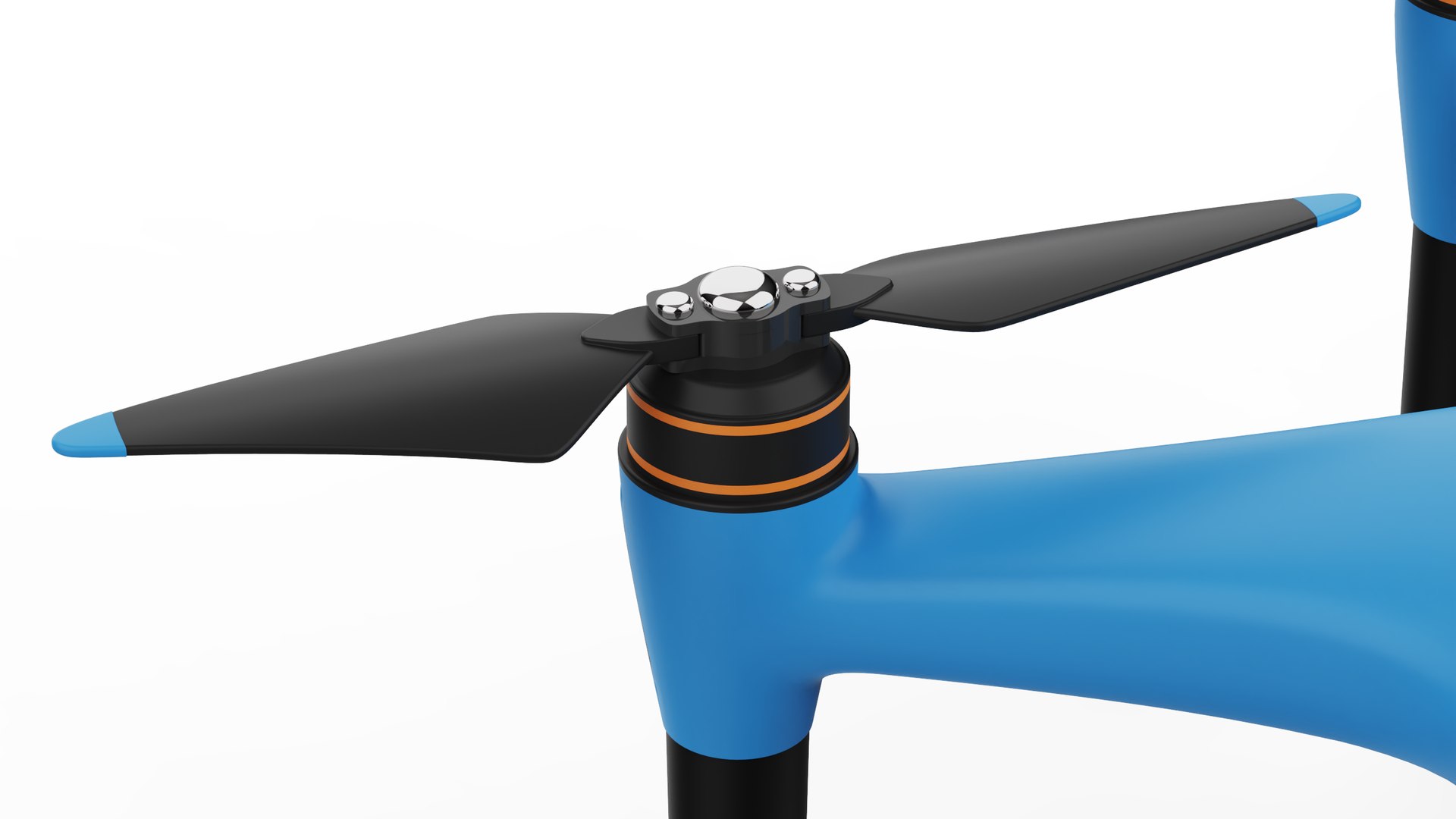
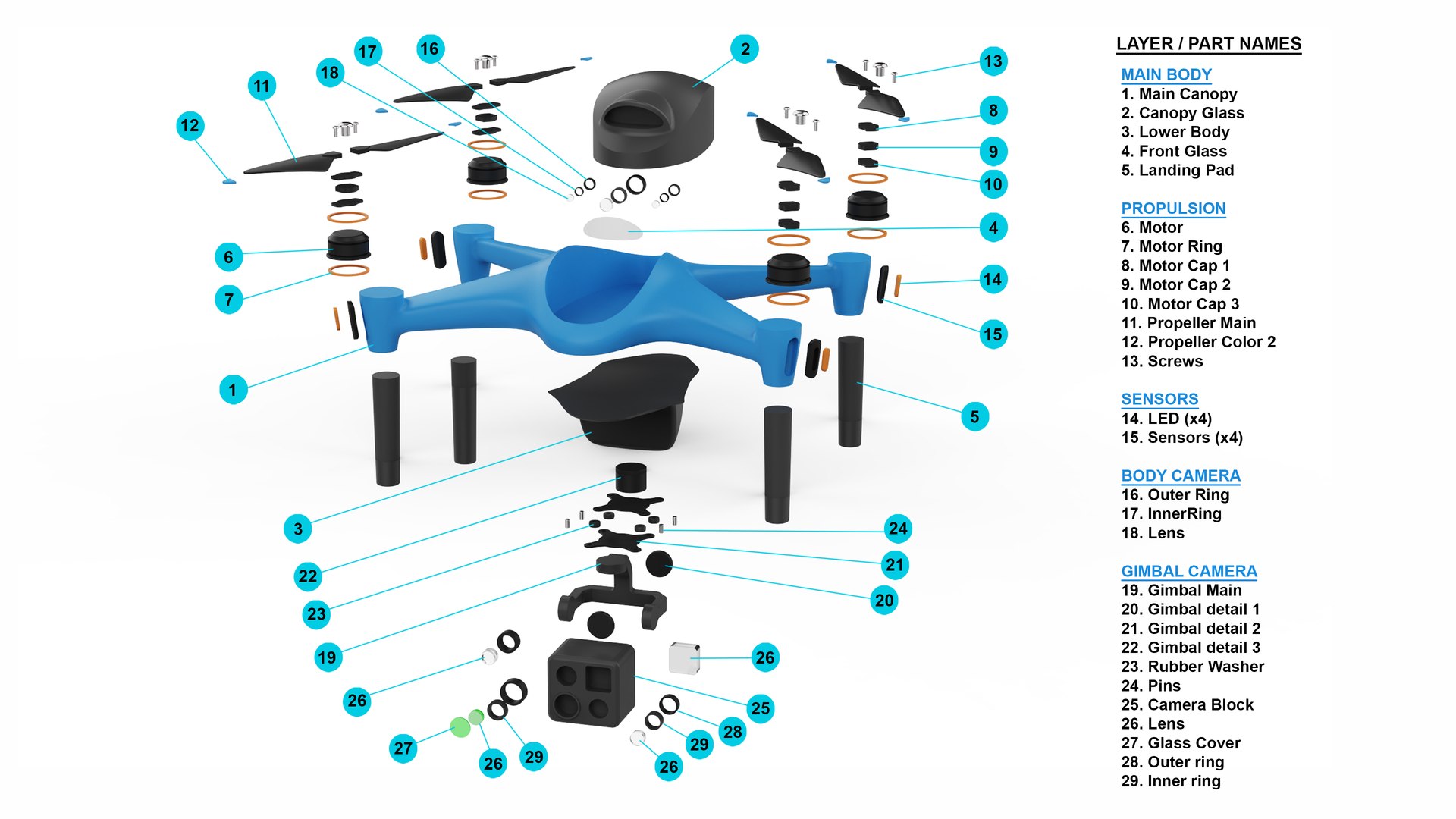
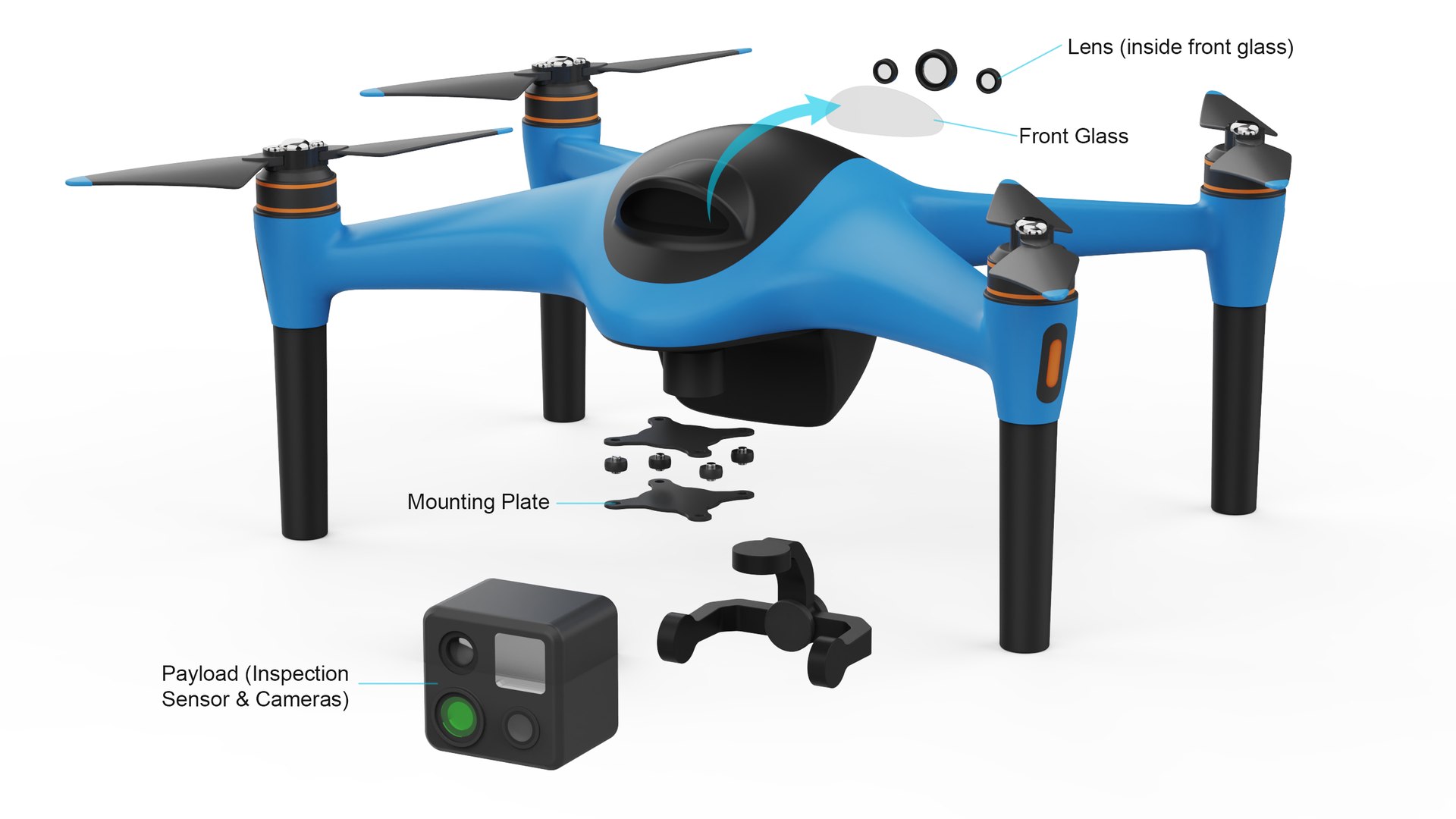
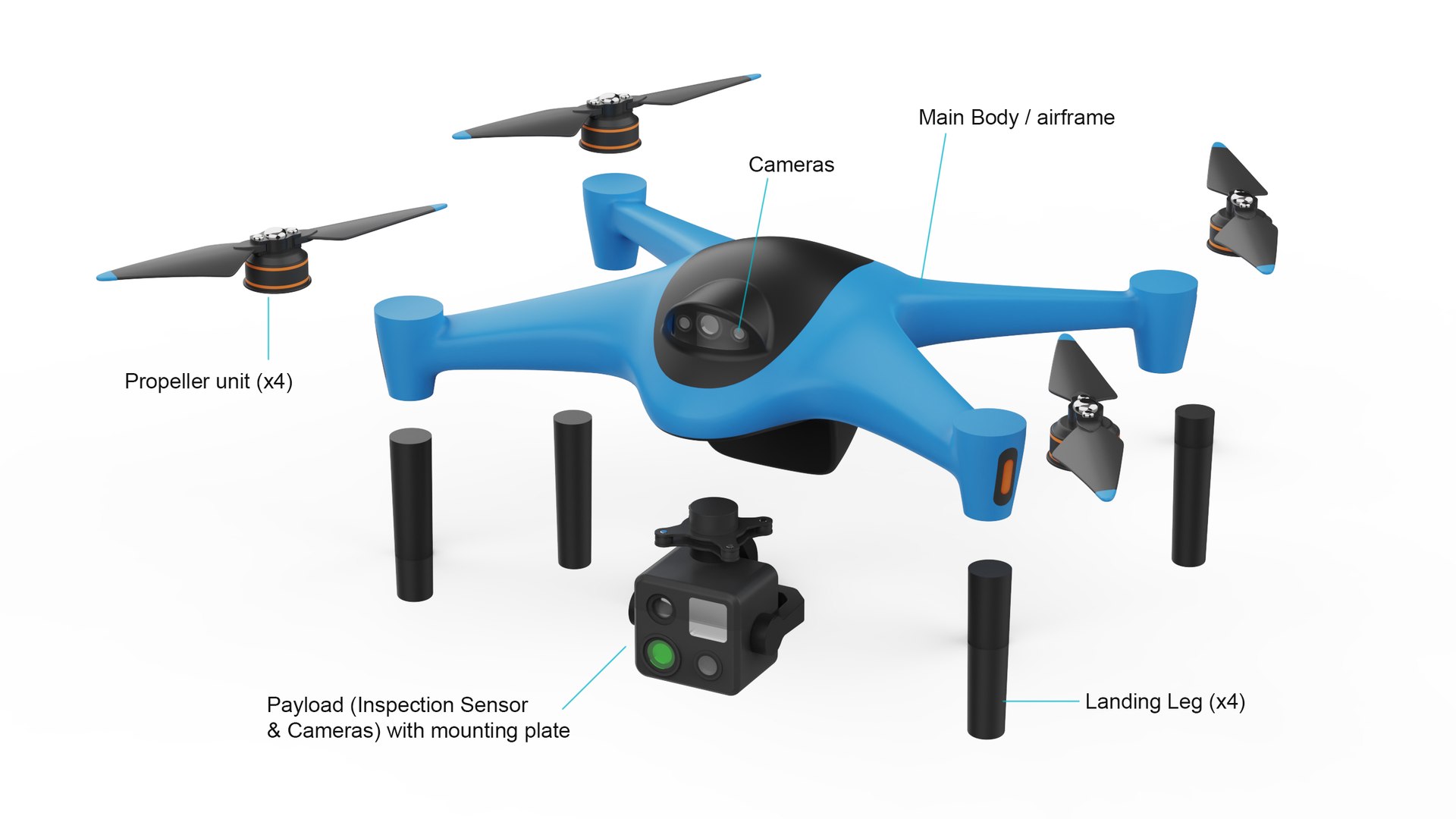
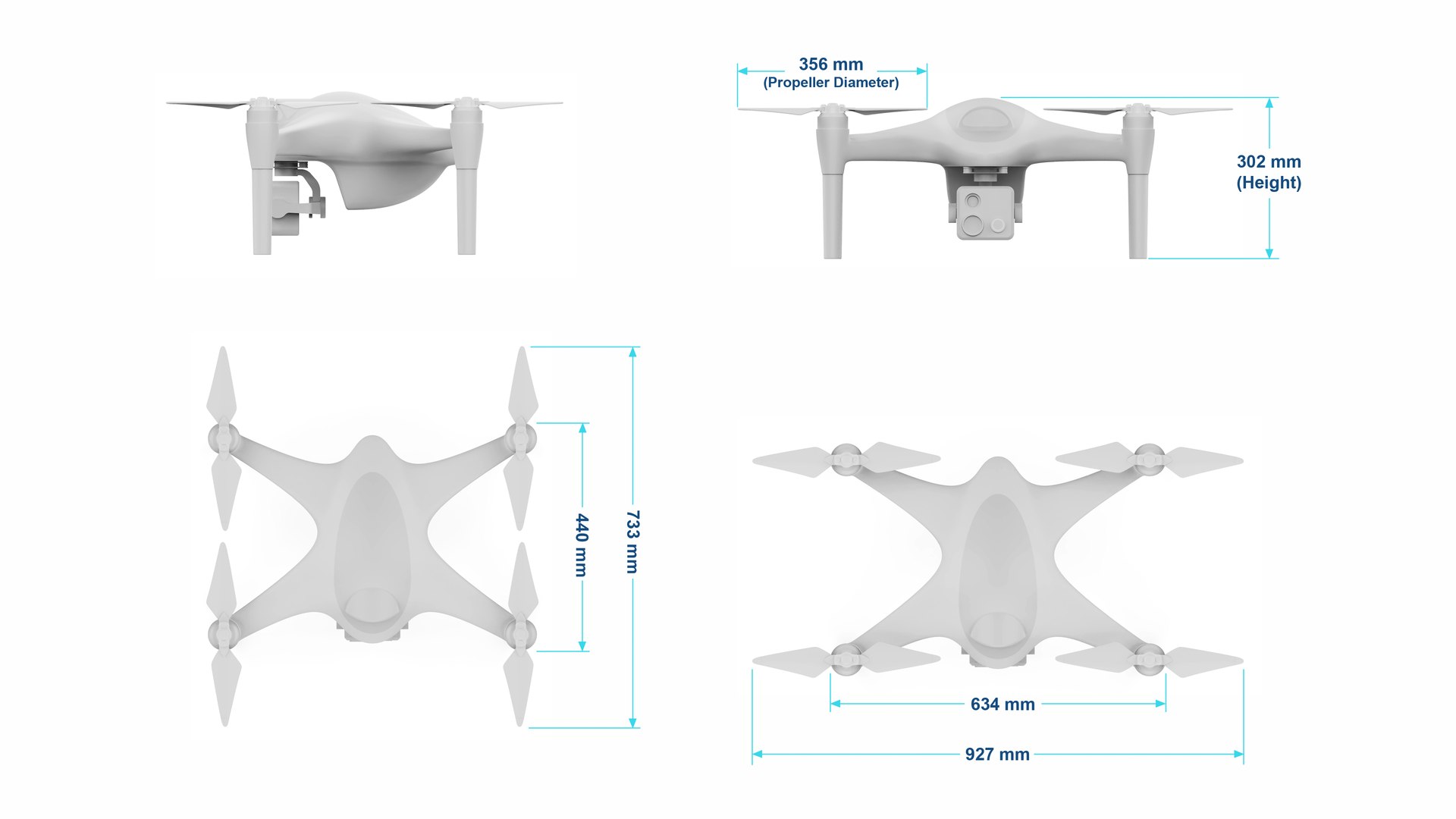
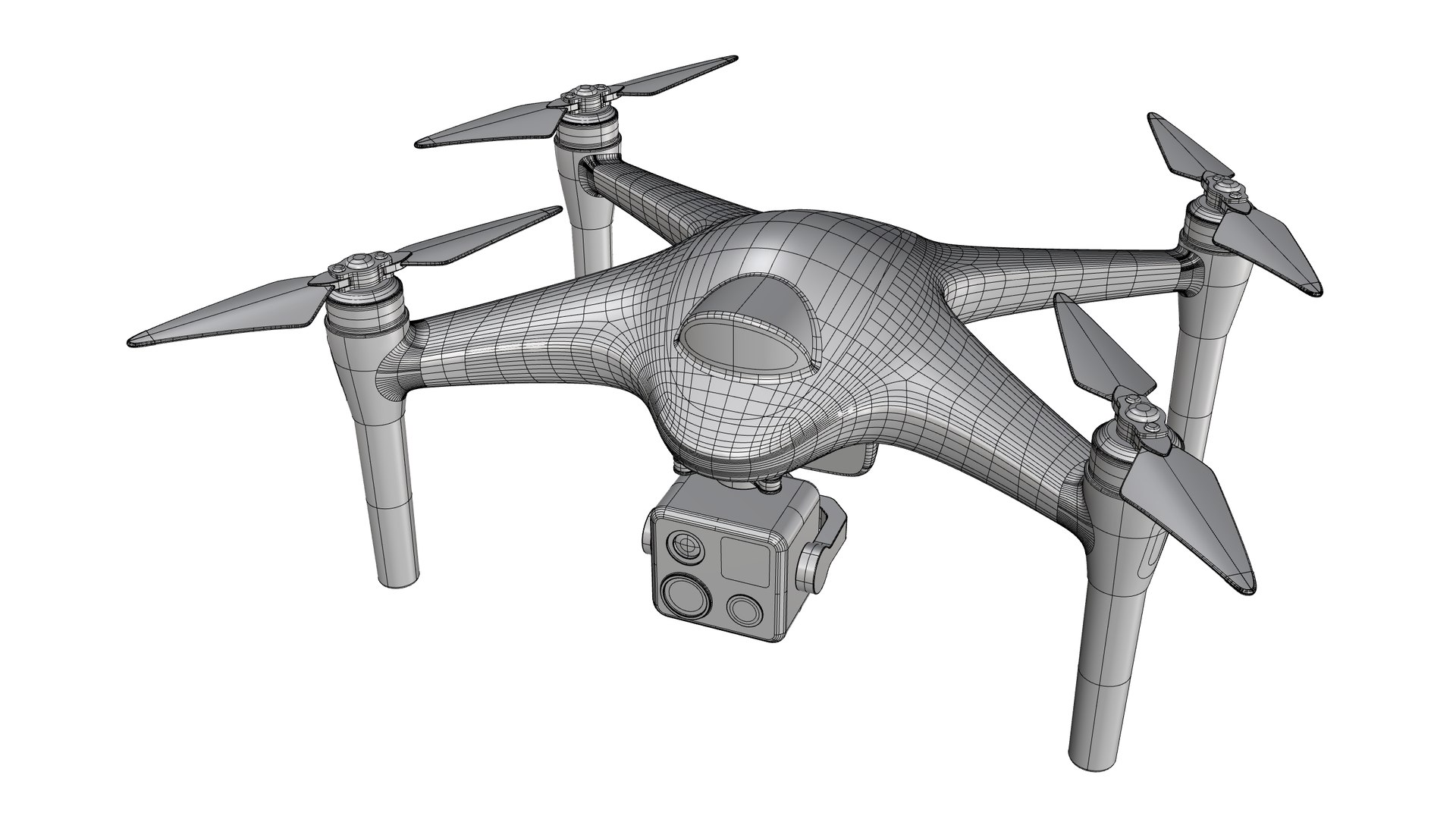
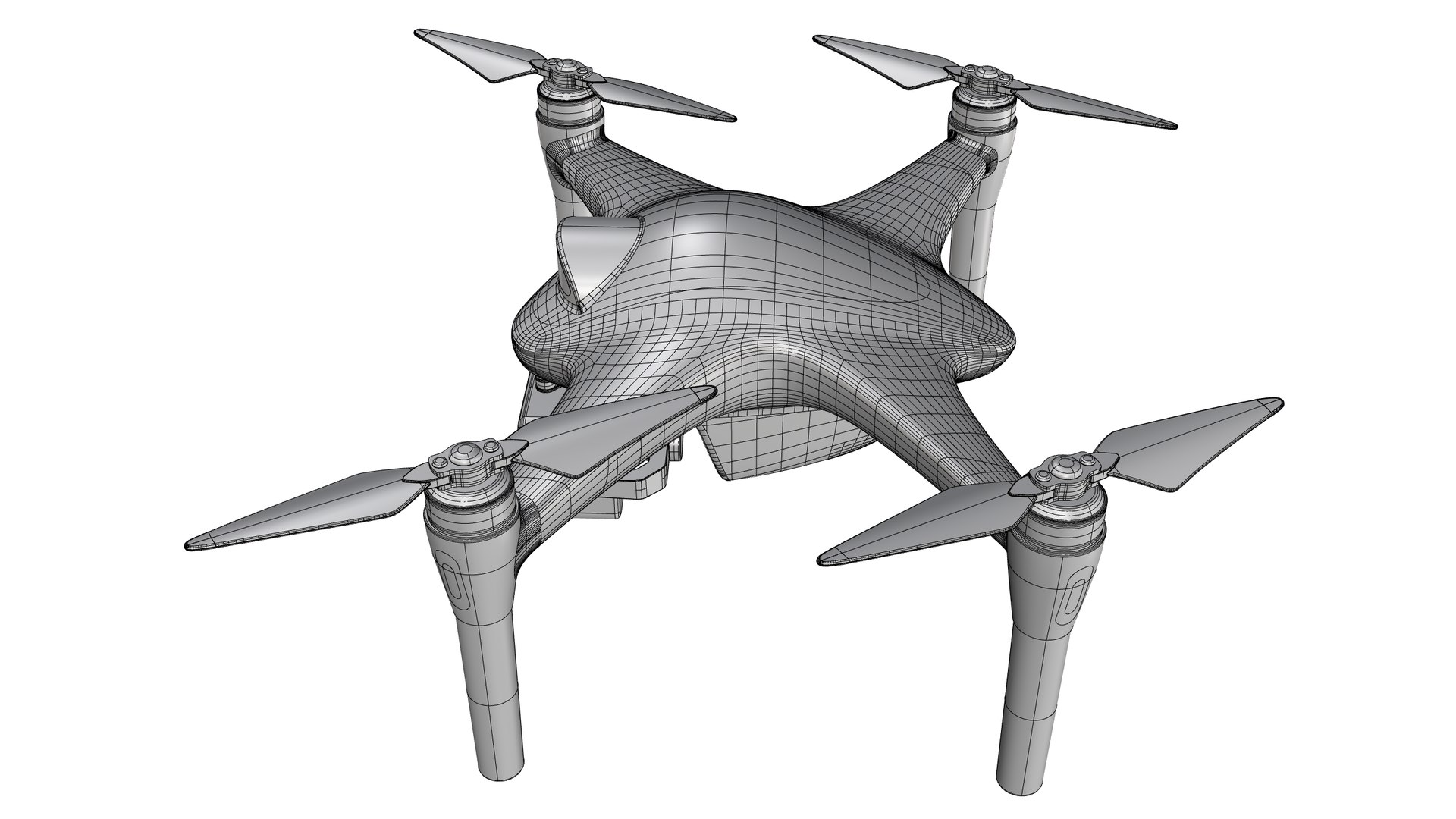
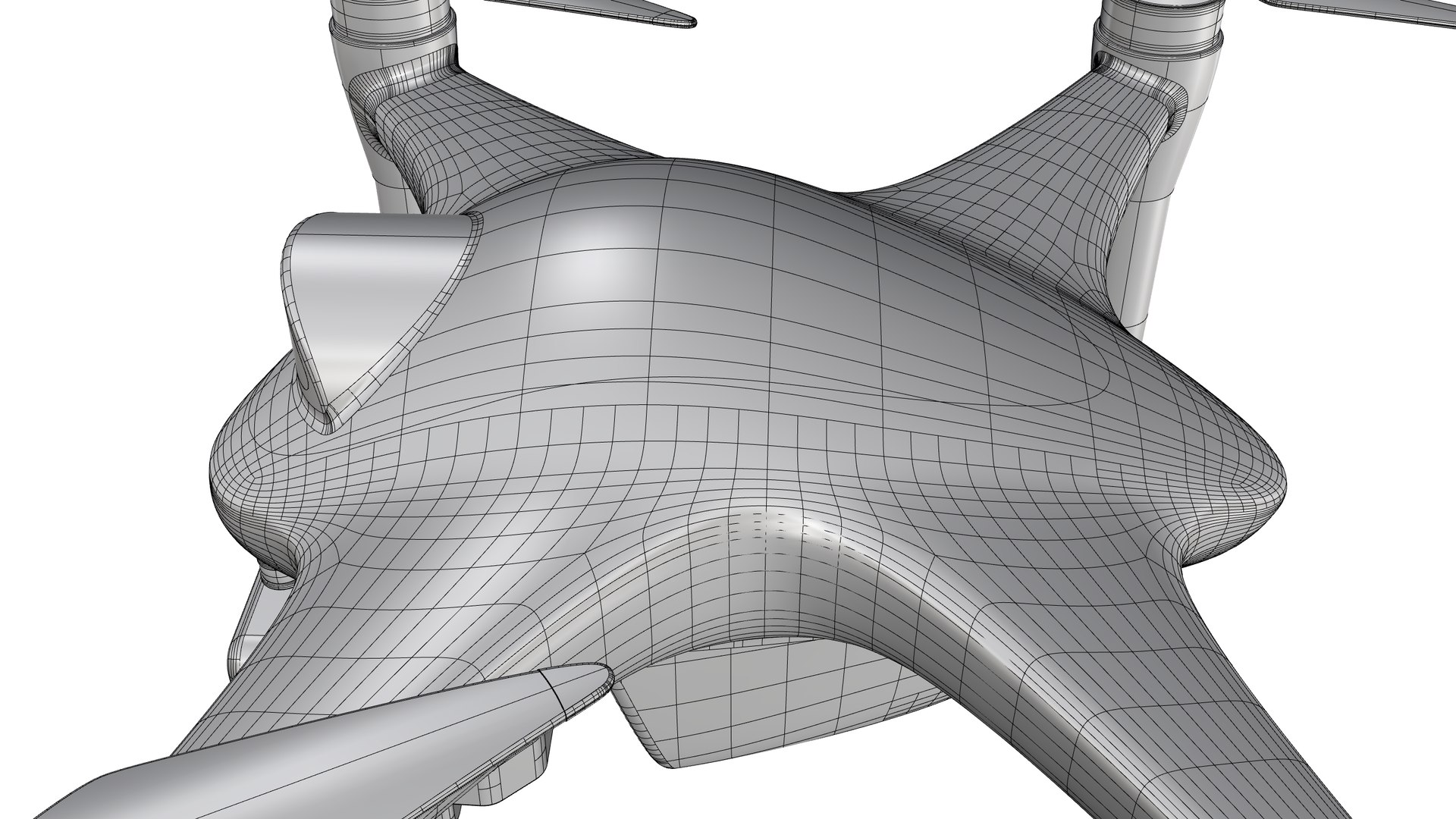
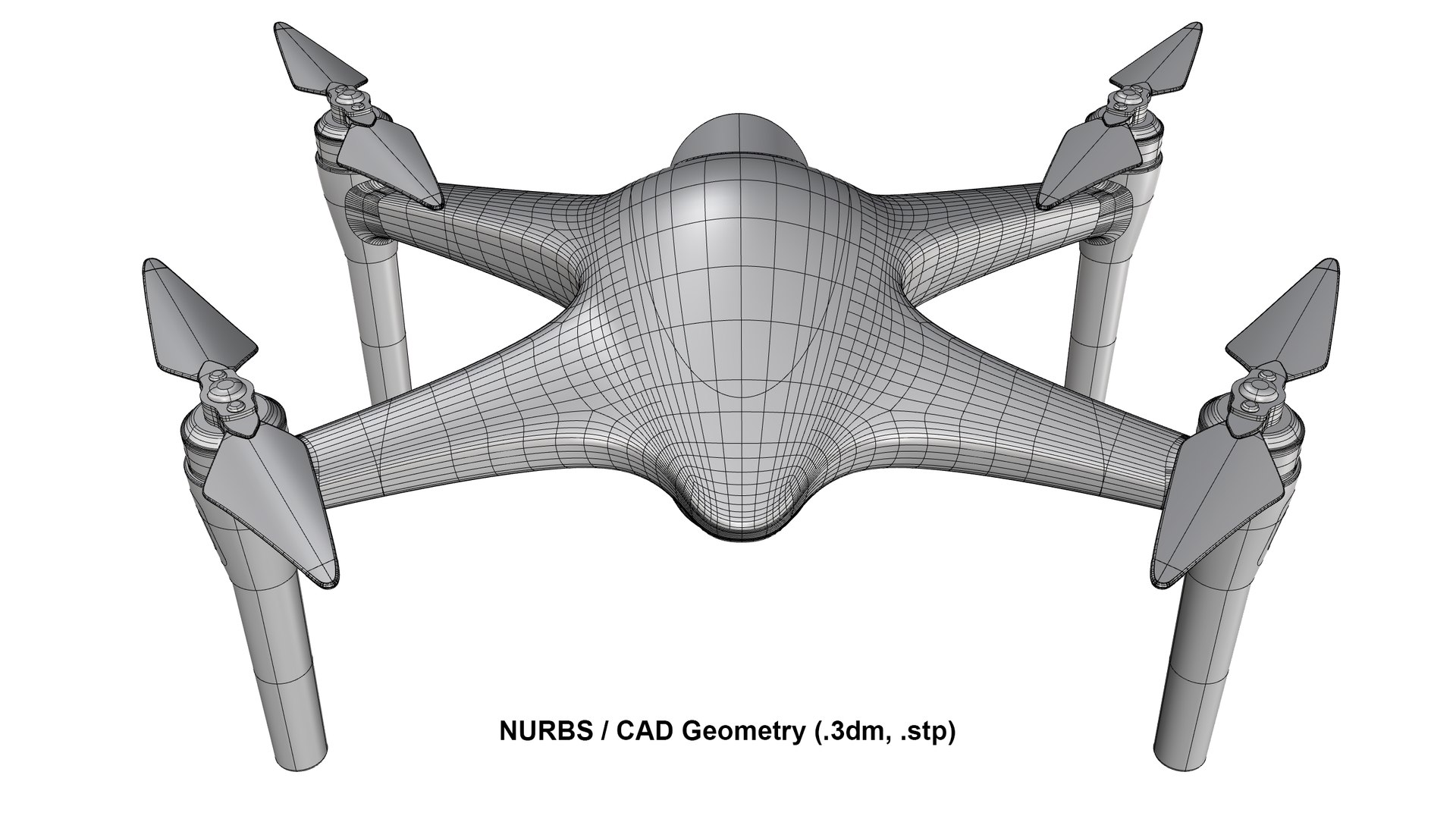
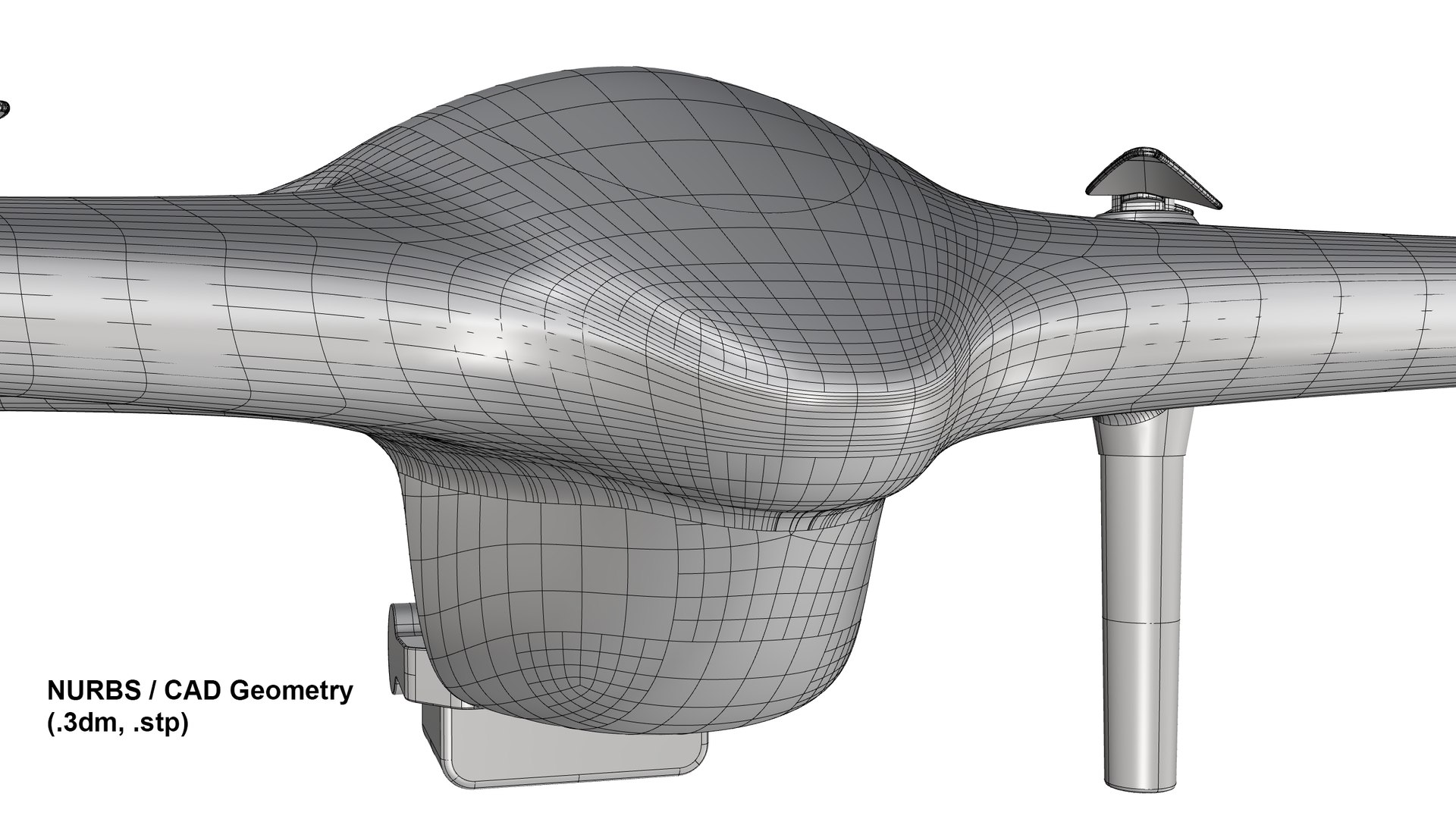
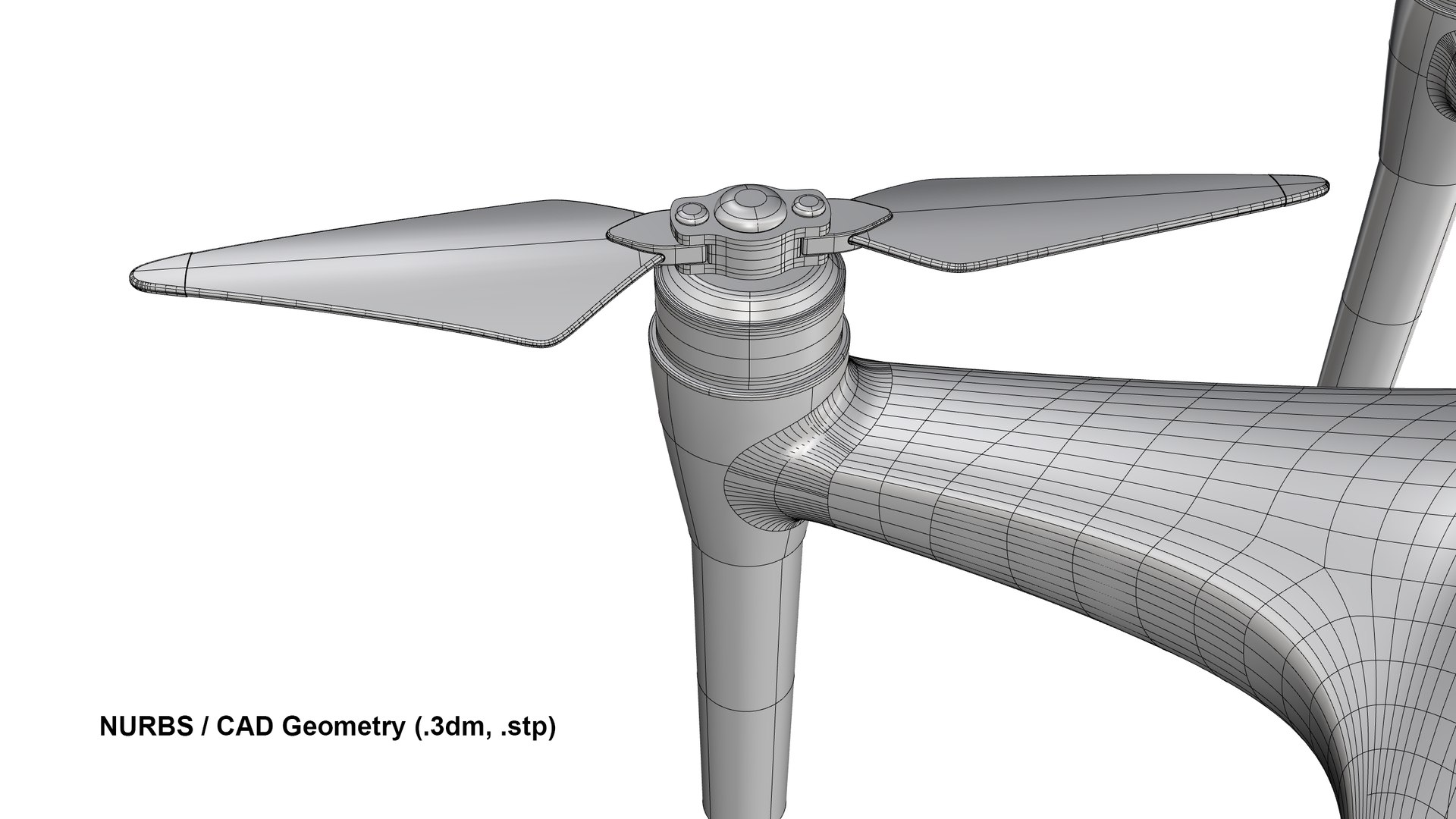
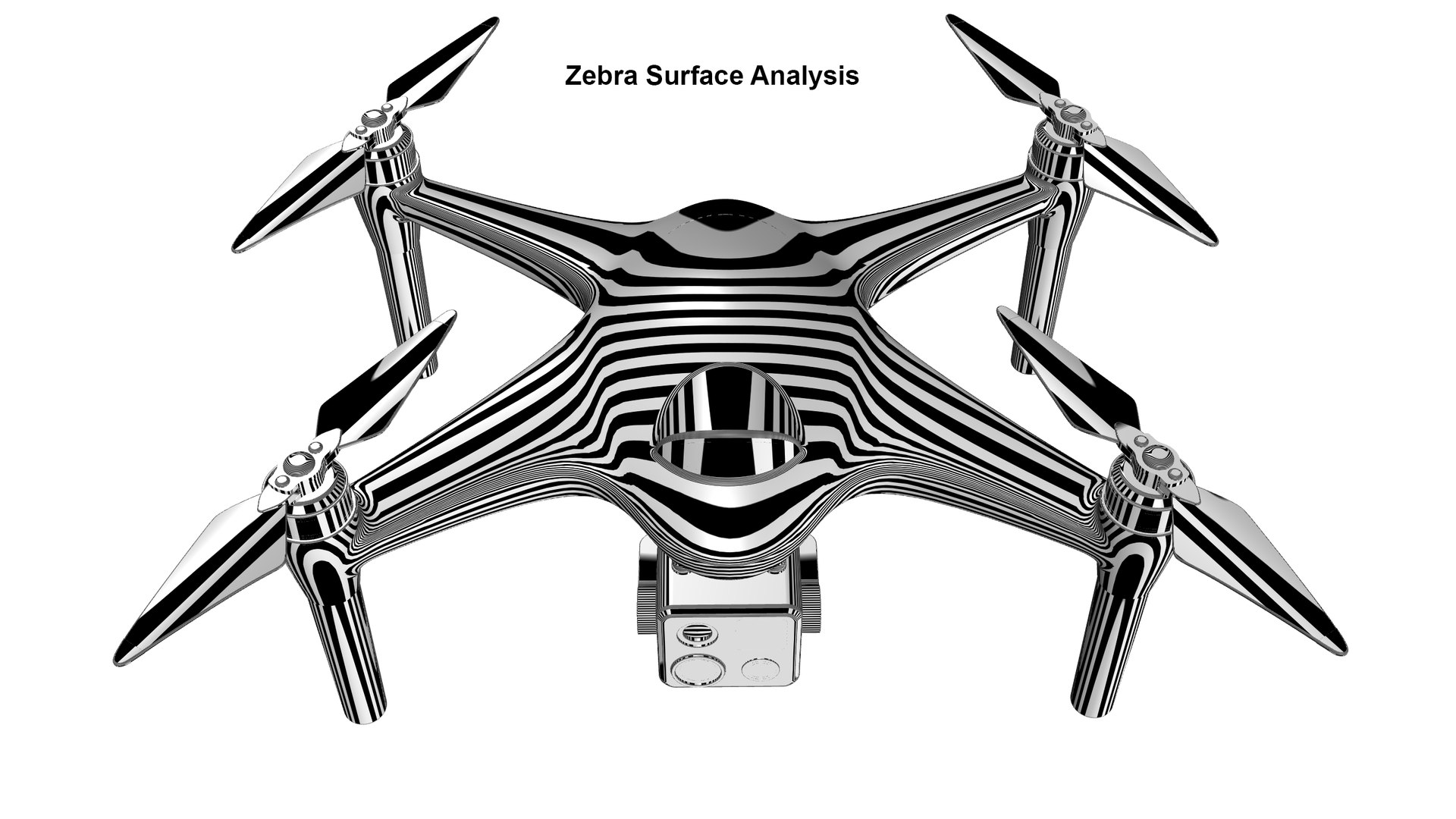
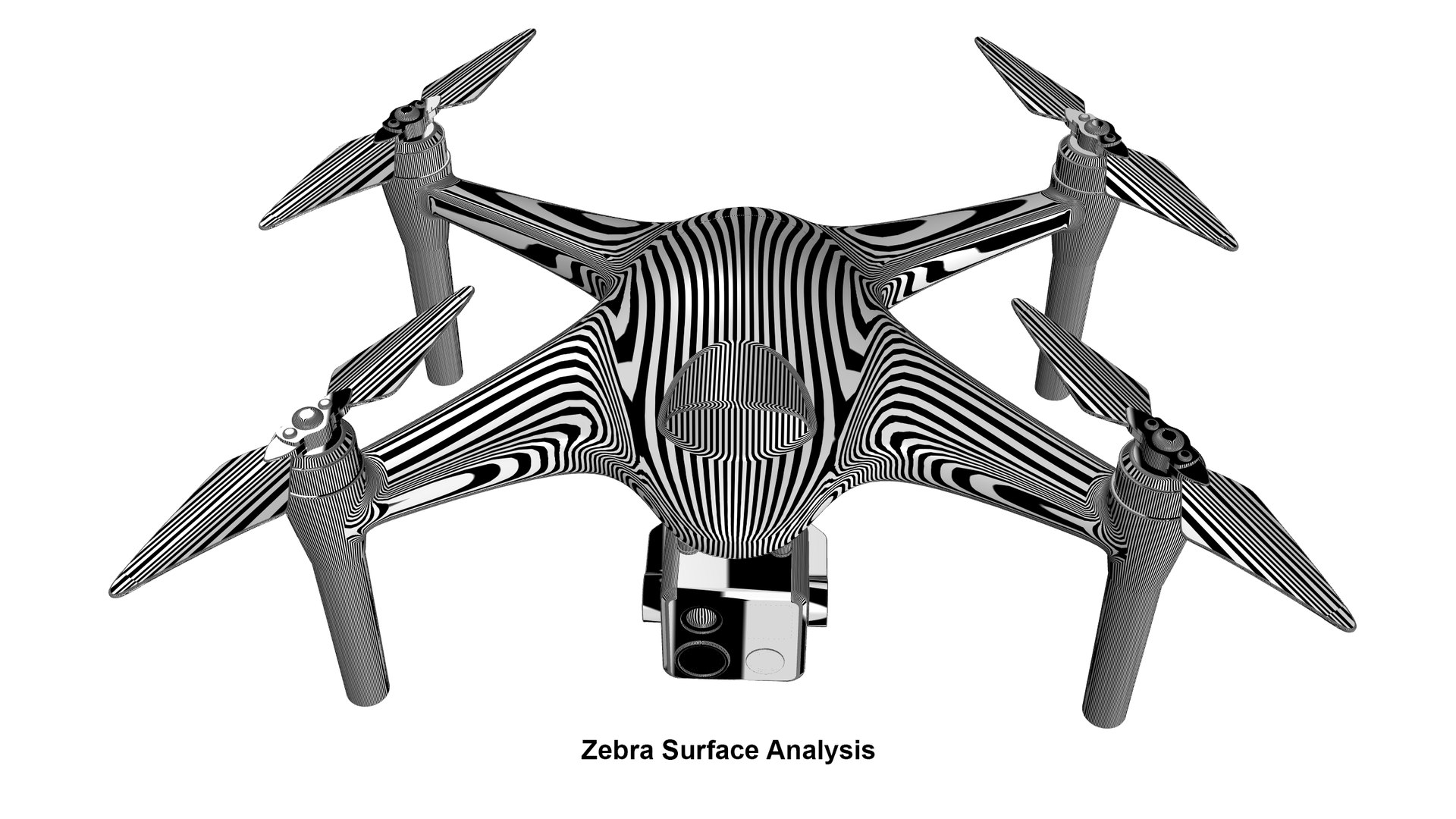
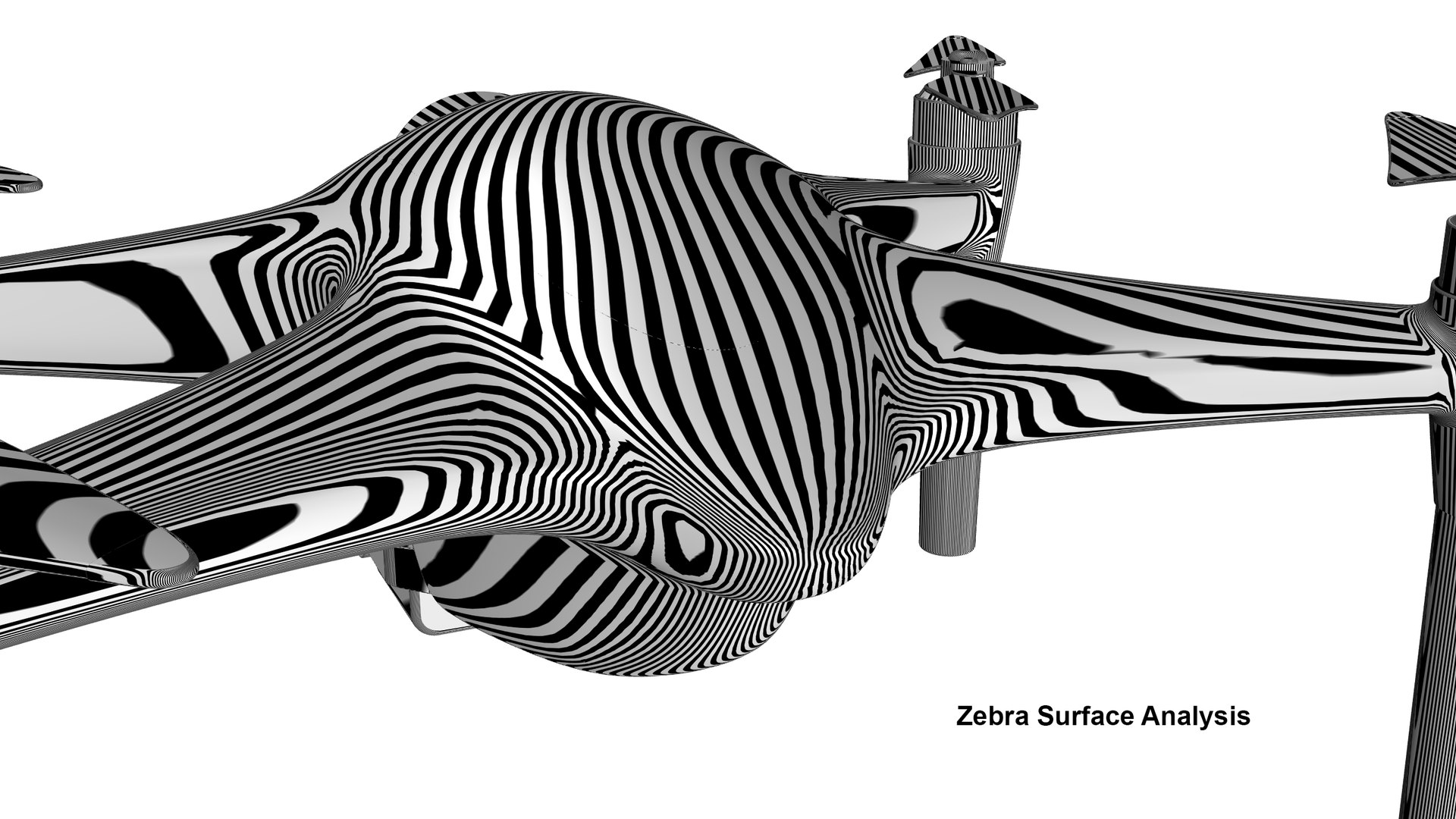
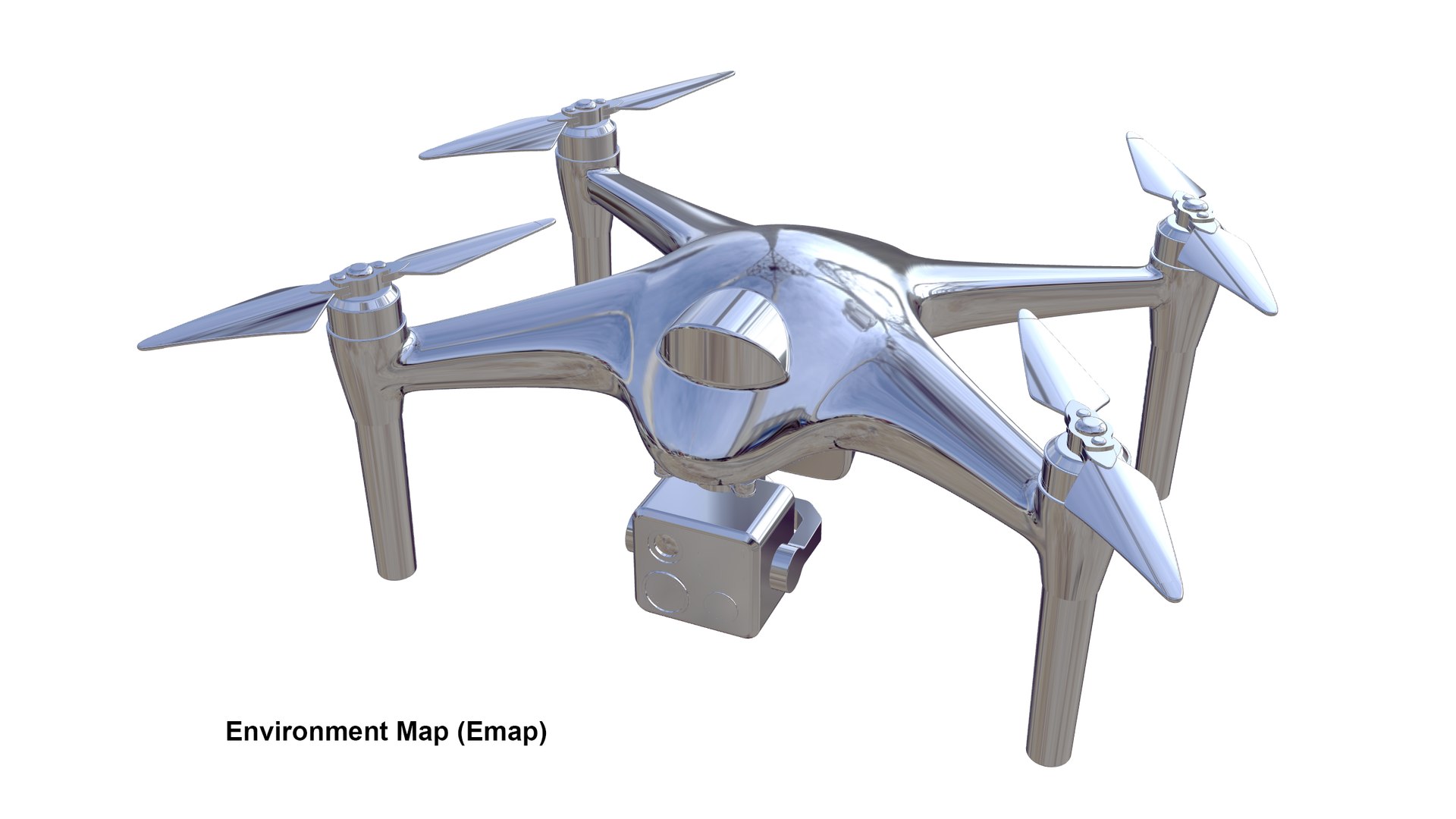
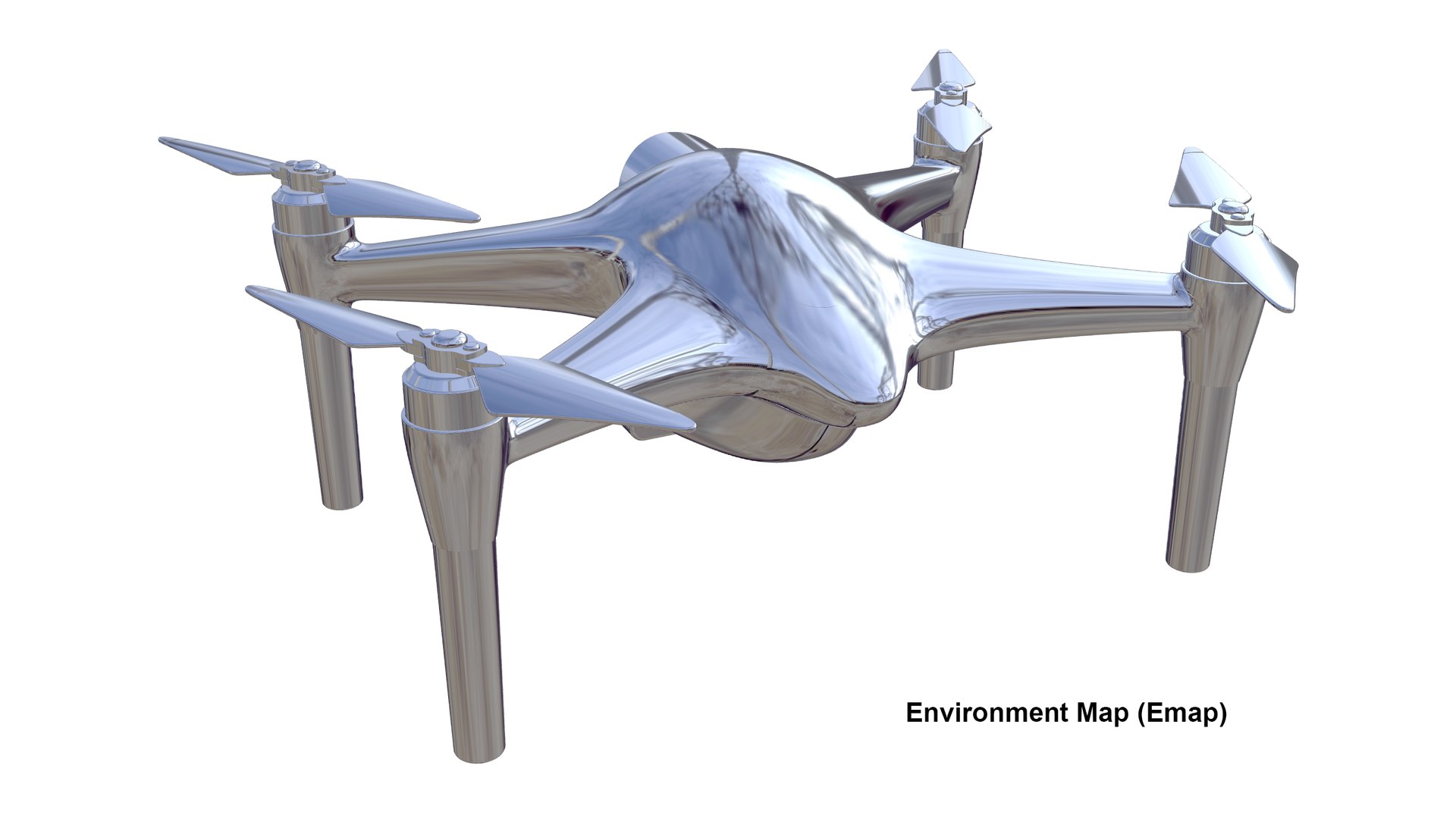
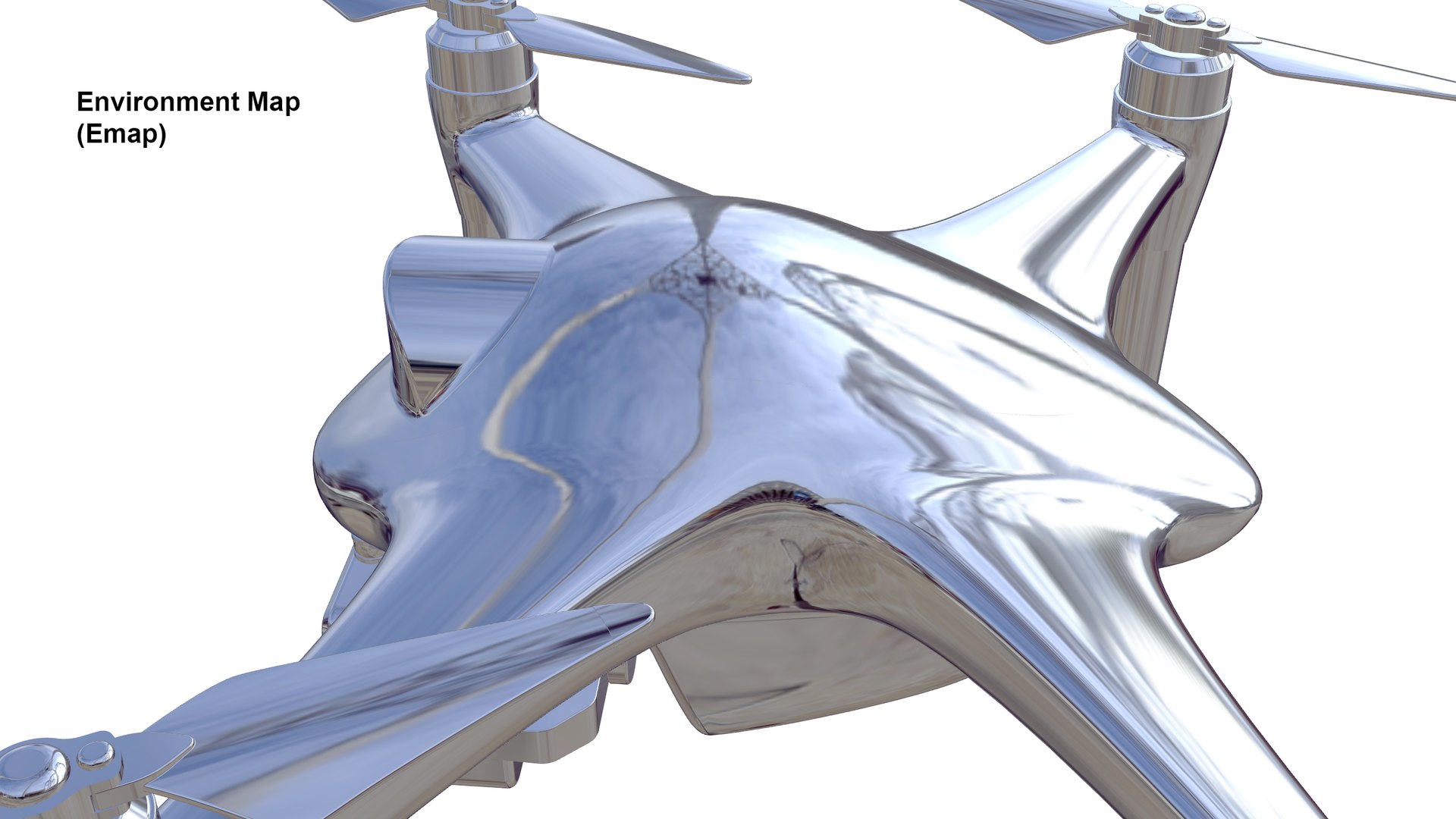
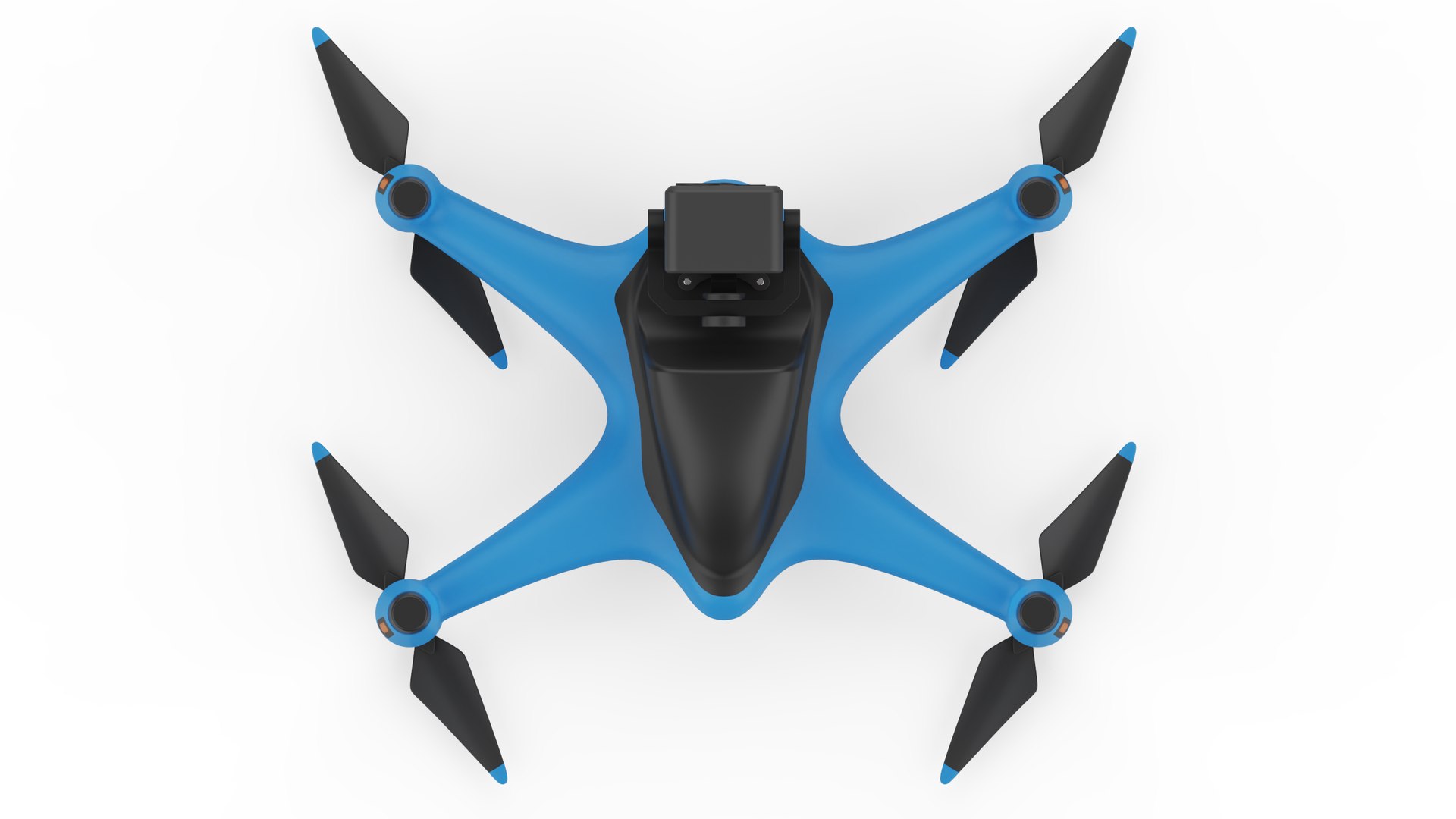
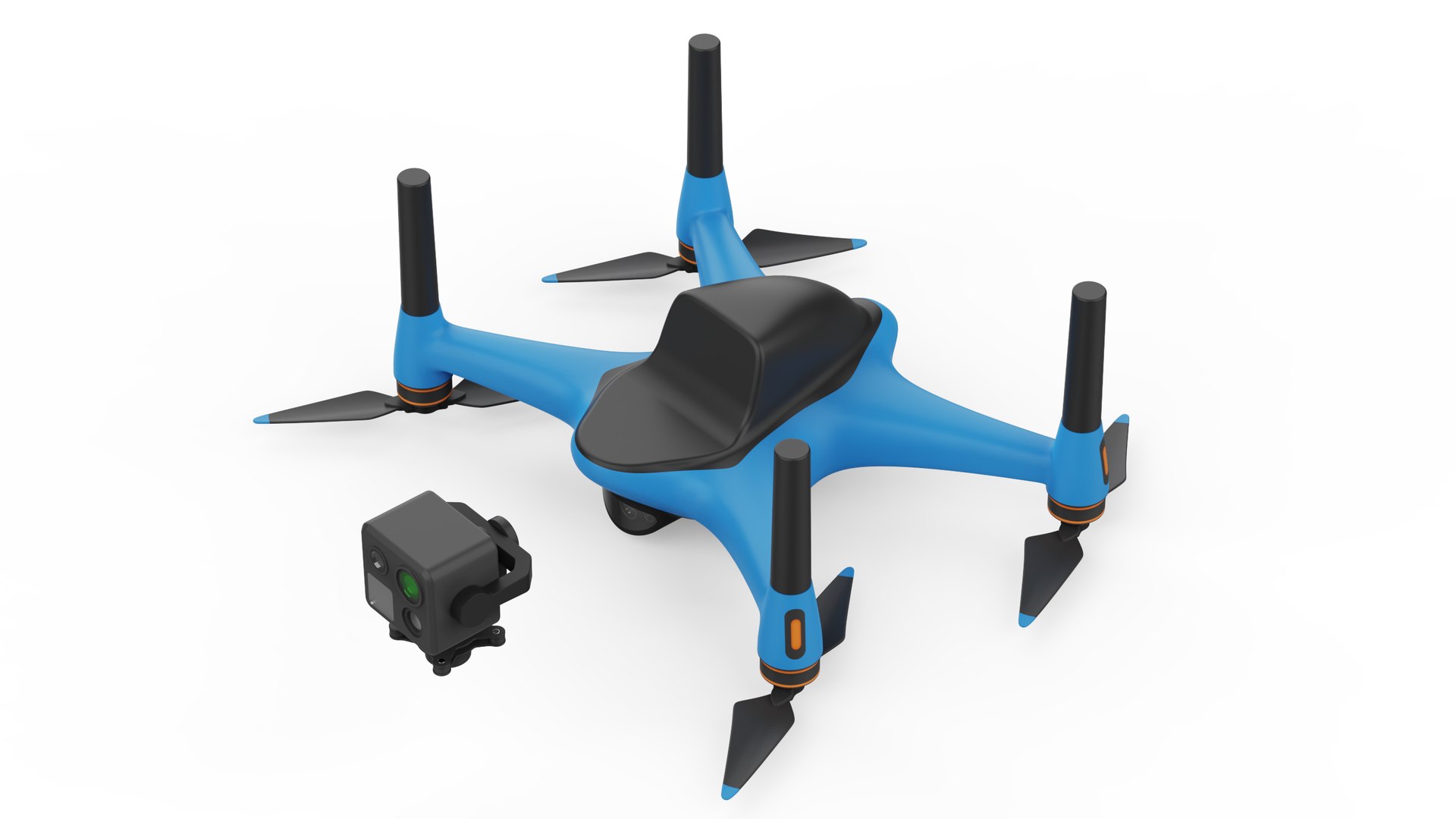
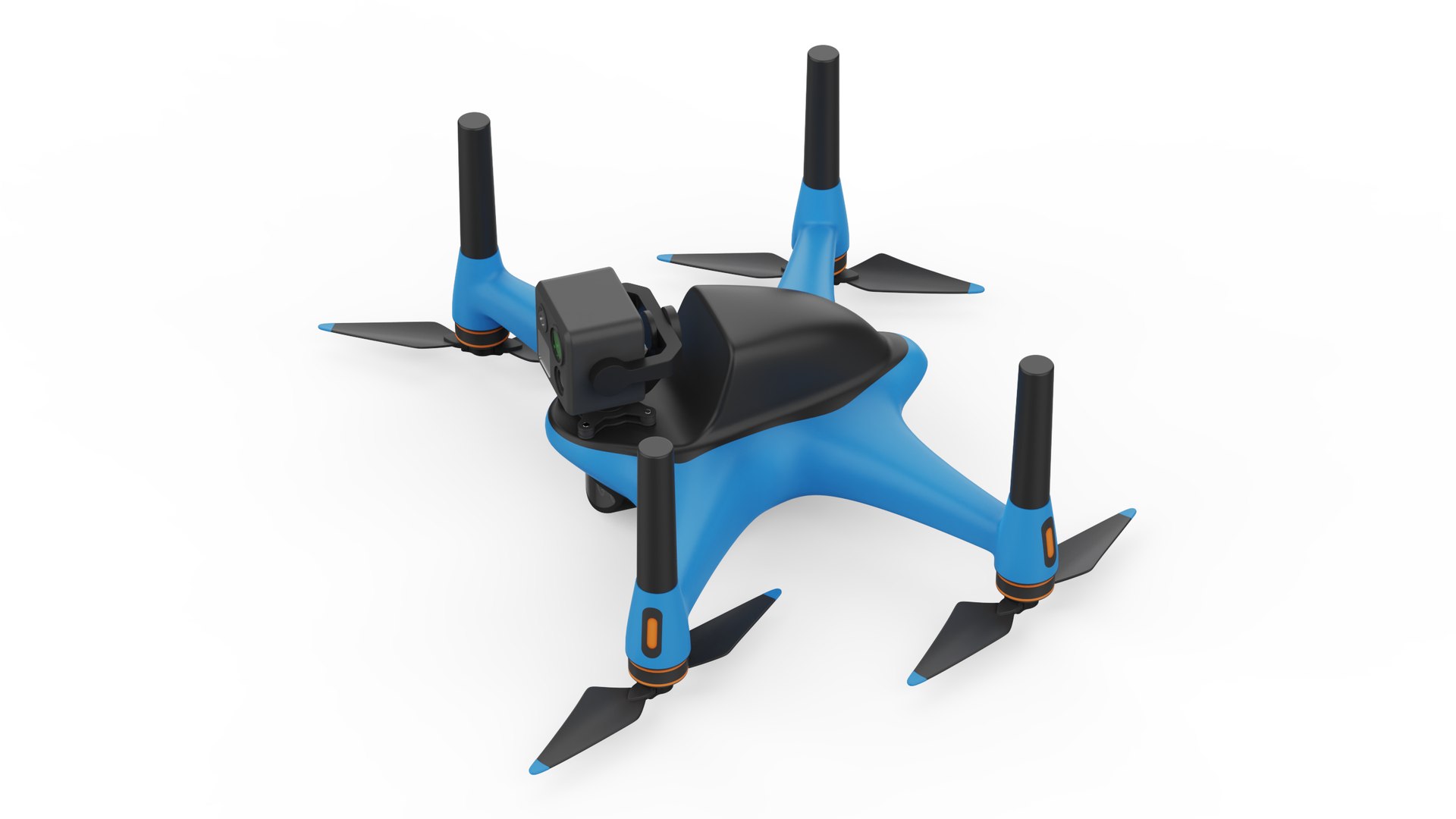
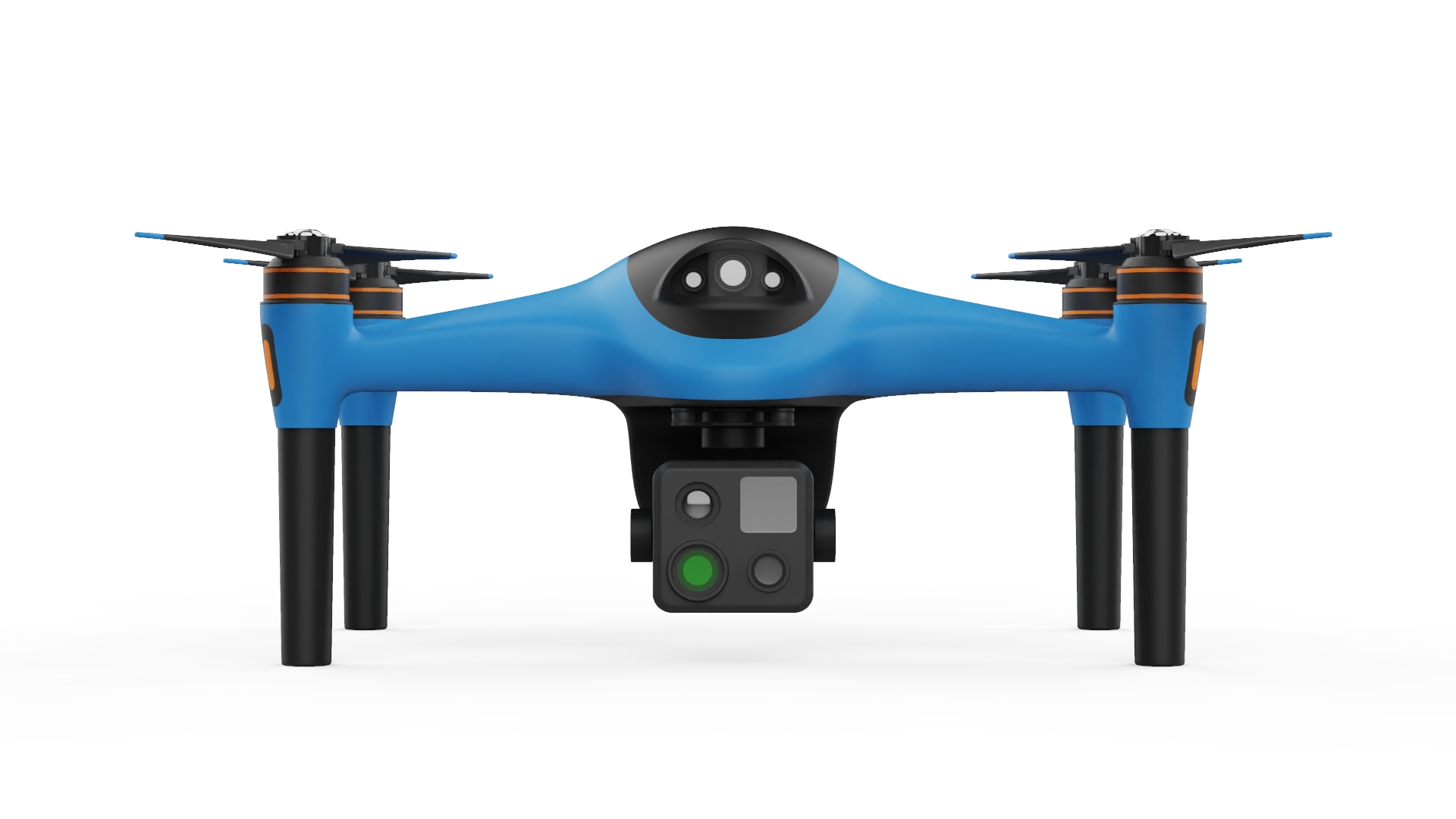
A detailed industrial inspection quadcopter 3D model designed for product visualization, concept presentations, and professional rendering.
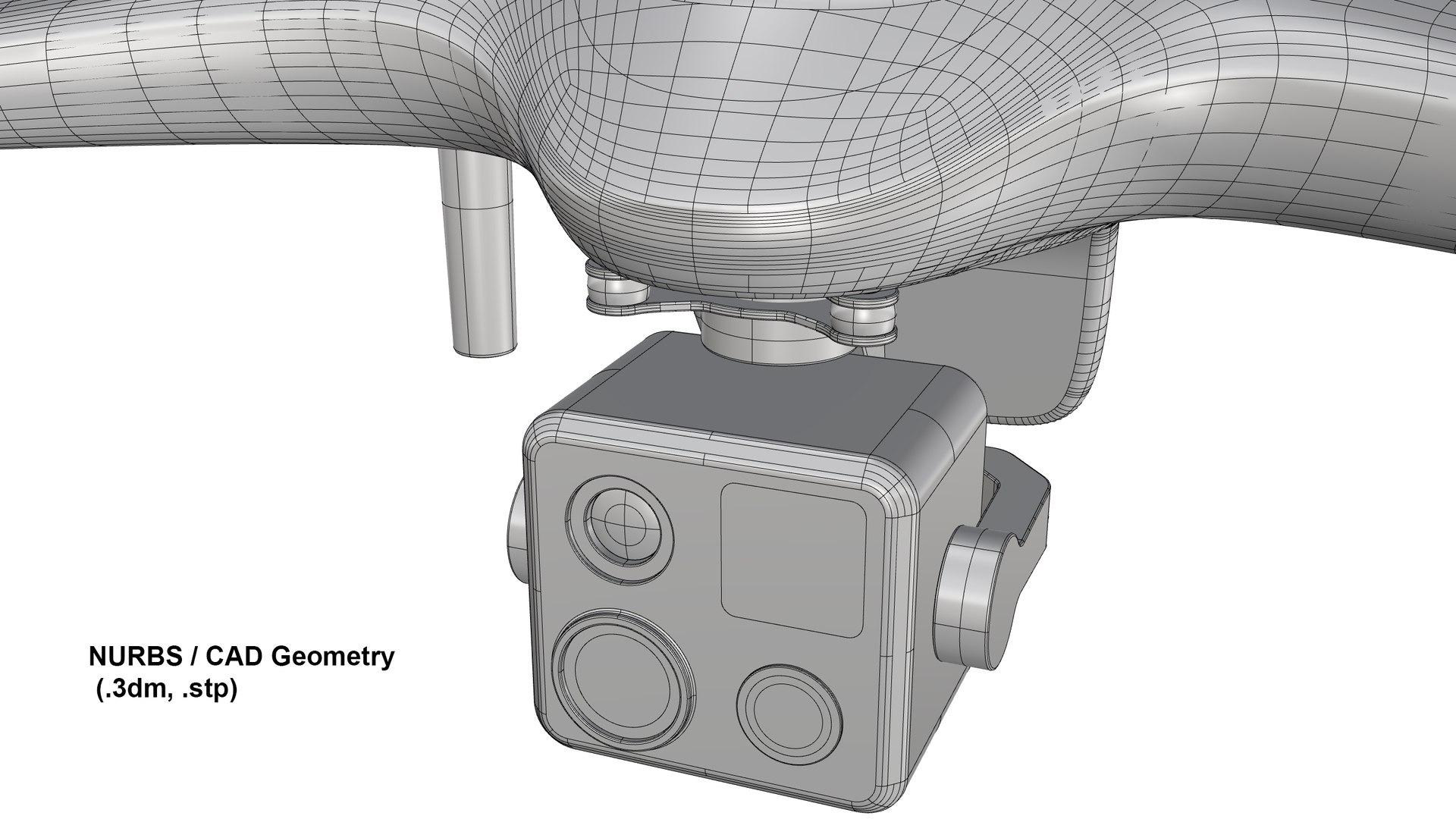
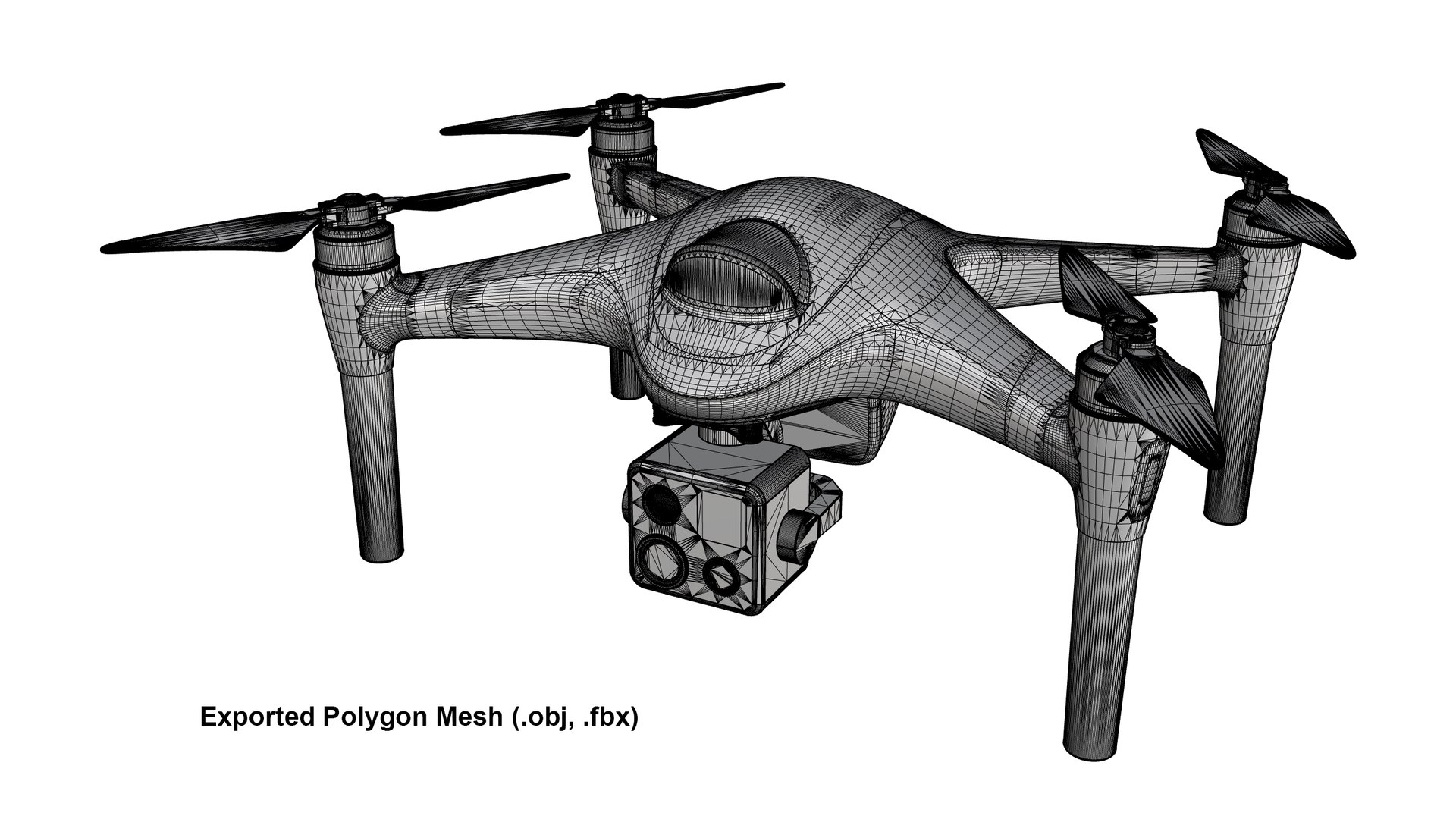
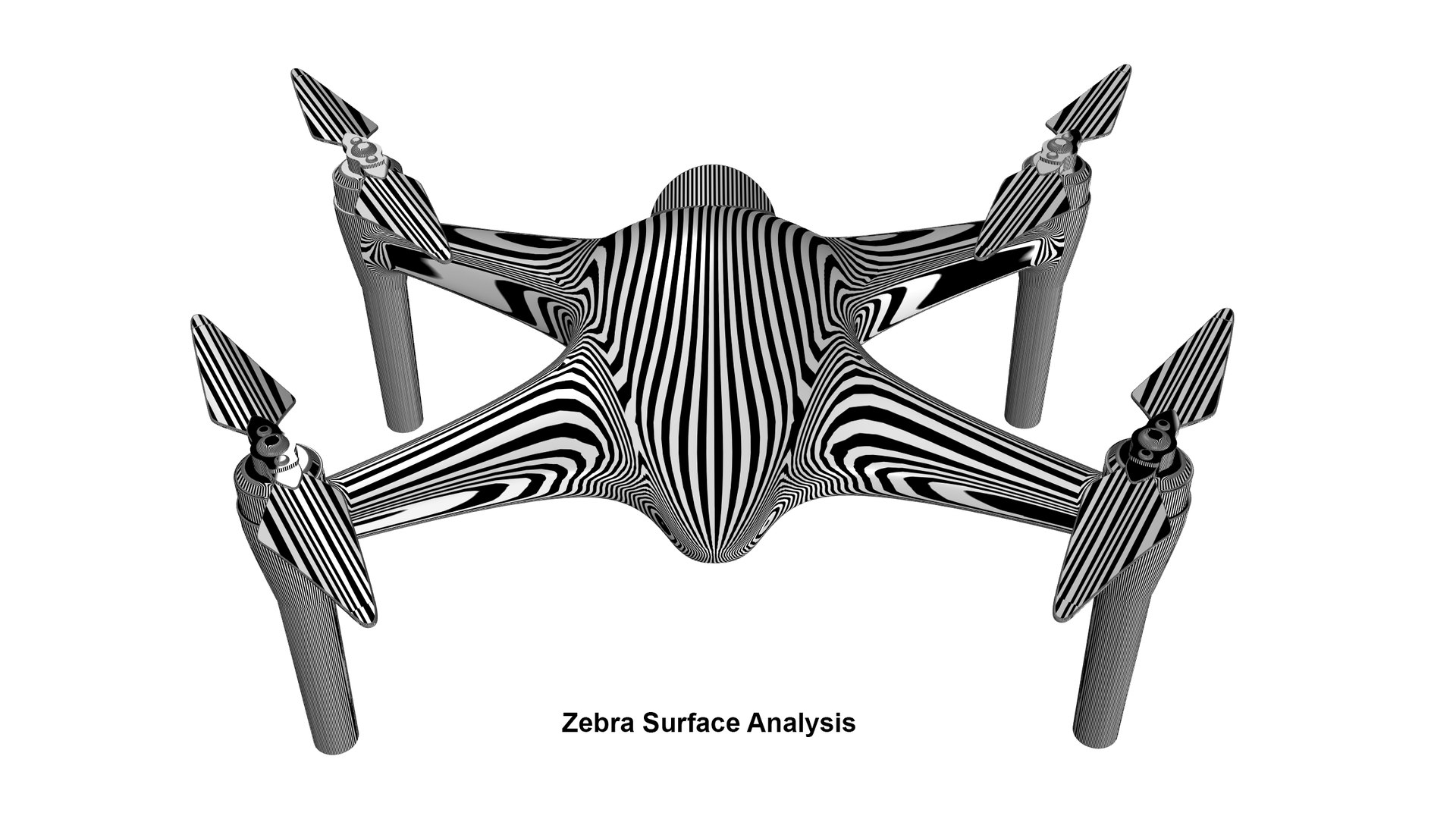
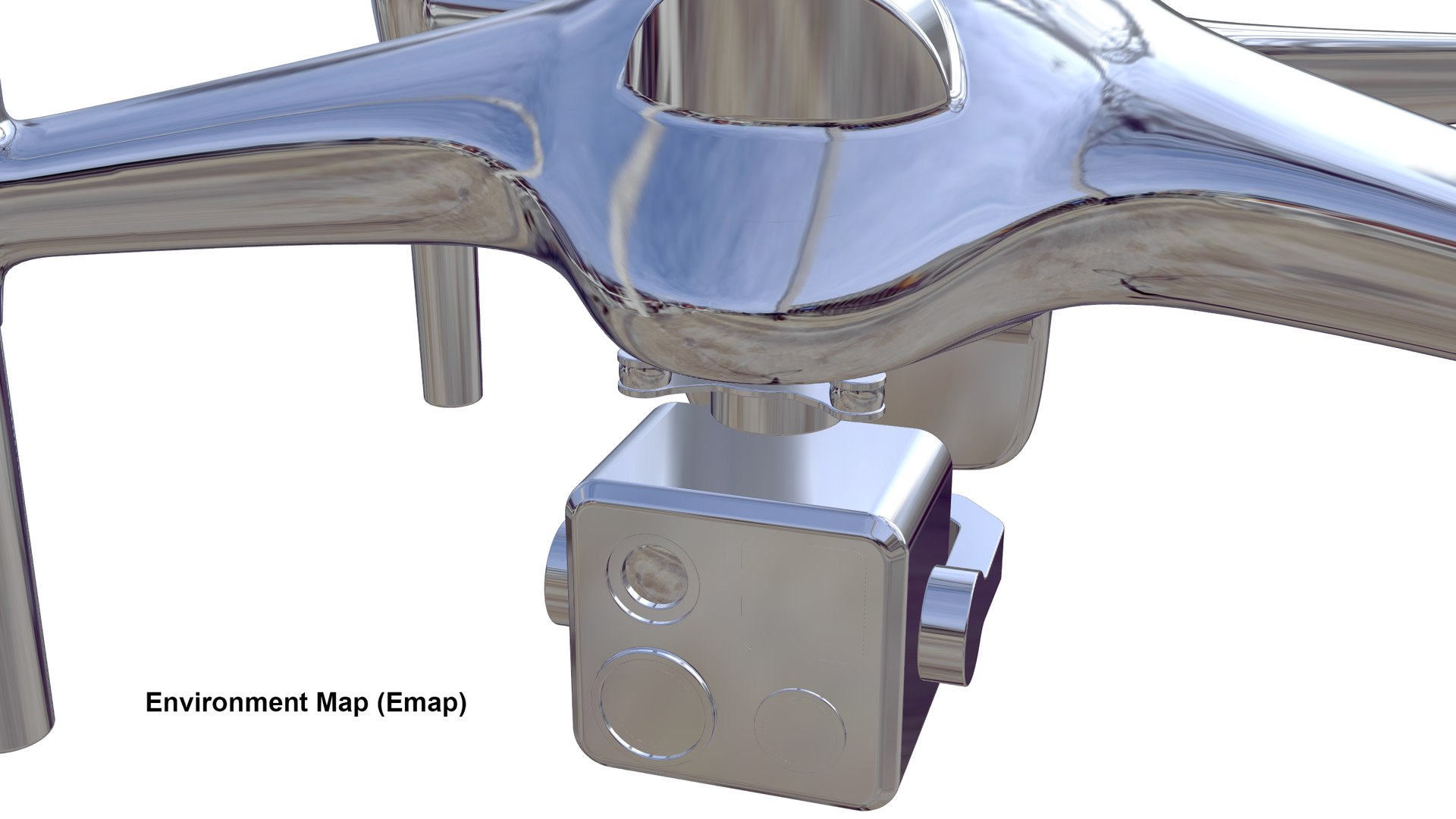
The model features an exterior-focused design with a central body, four-arm rotor configuration, extended landing legs, and an integrated multi-sensor inspection camera payload with a gimbal-style mount. Its industrial styling makes it suitable for product renders, design portfolios, advertising visuals, technology presentations, and inspection or surveillance-related scenes.
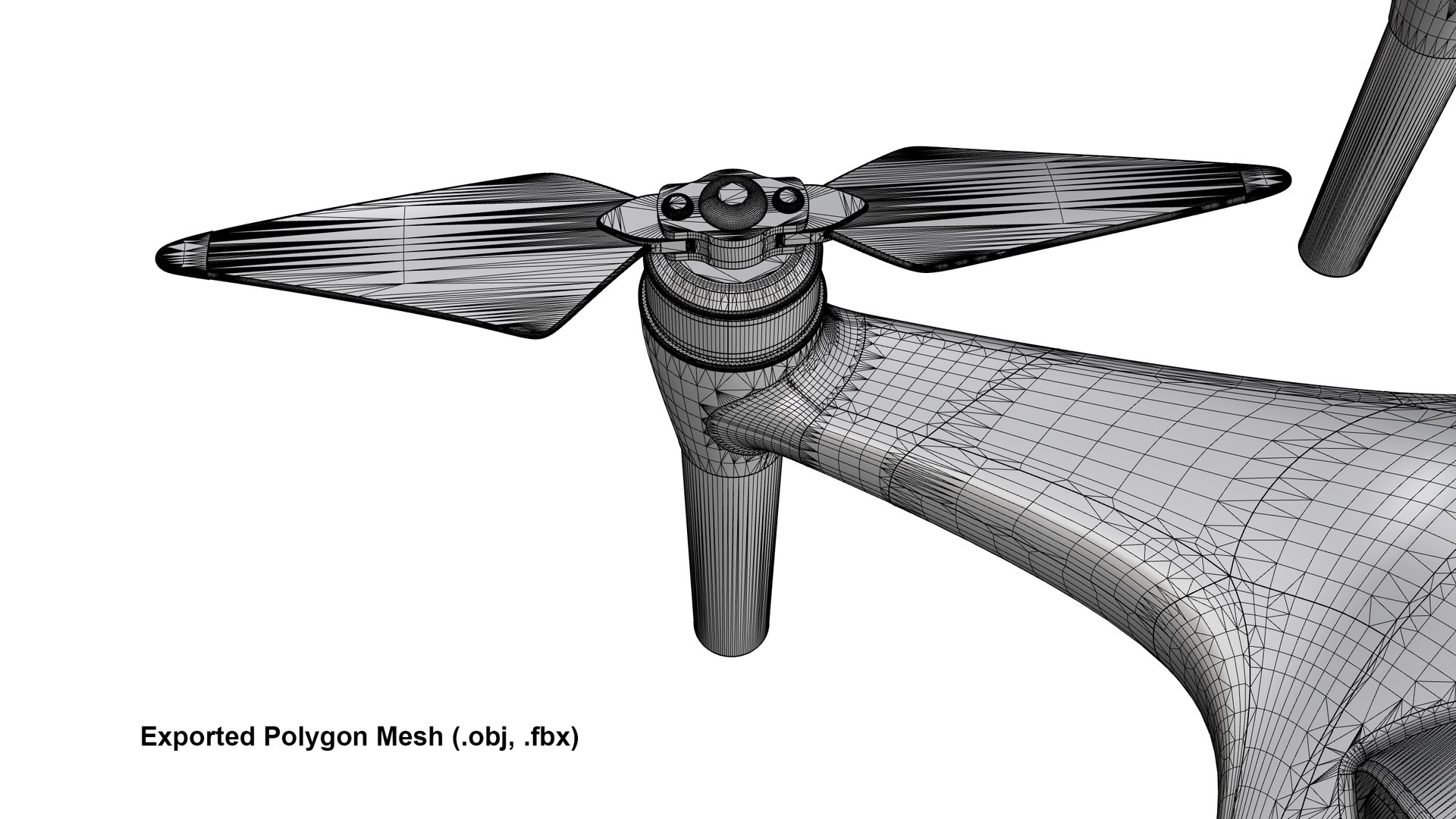
IMPORTANT NOTE ON OBJ / FBX MESH TOPOLOGY:
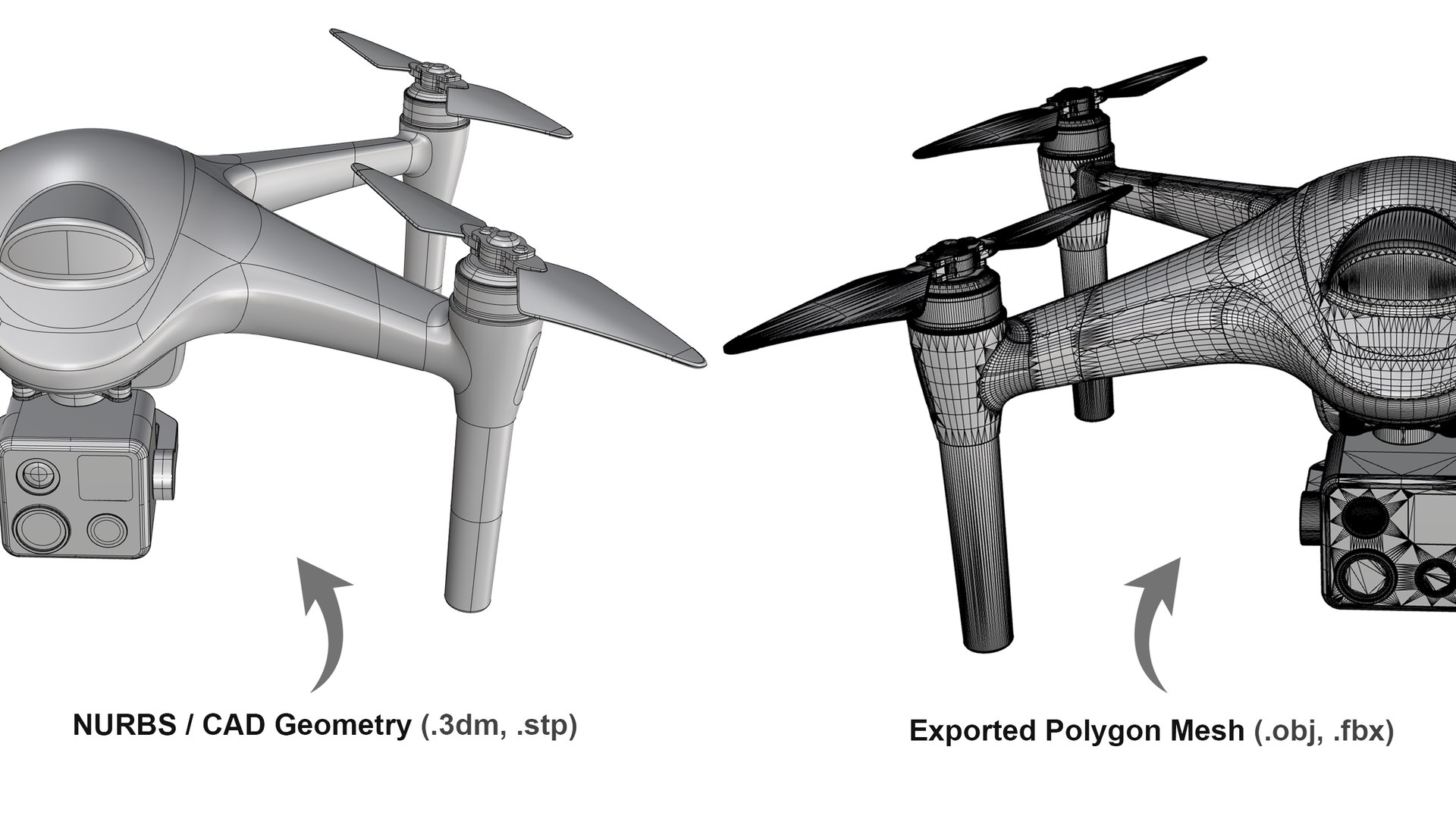
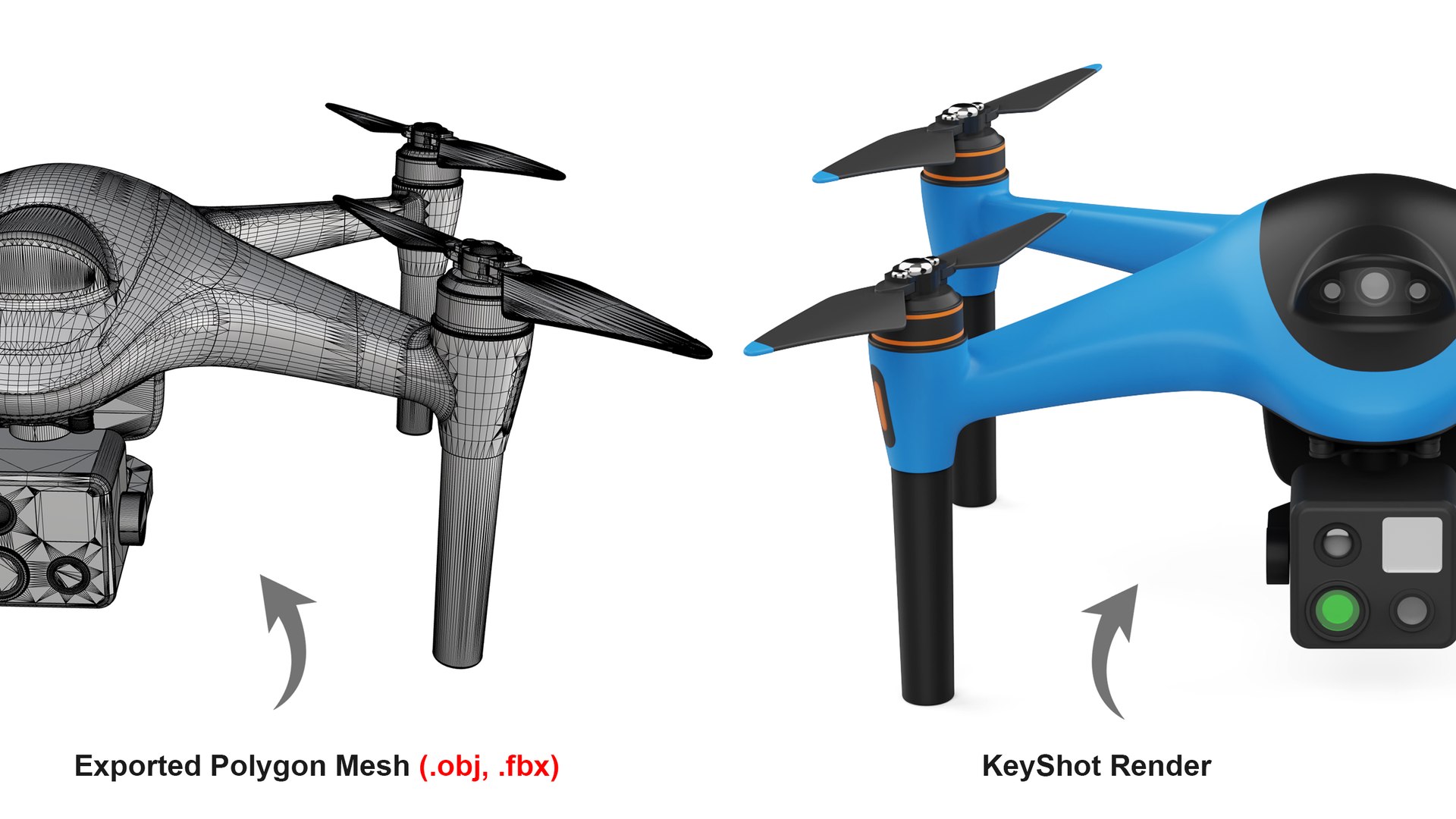
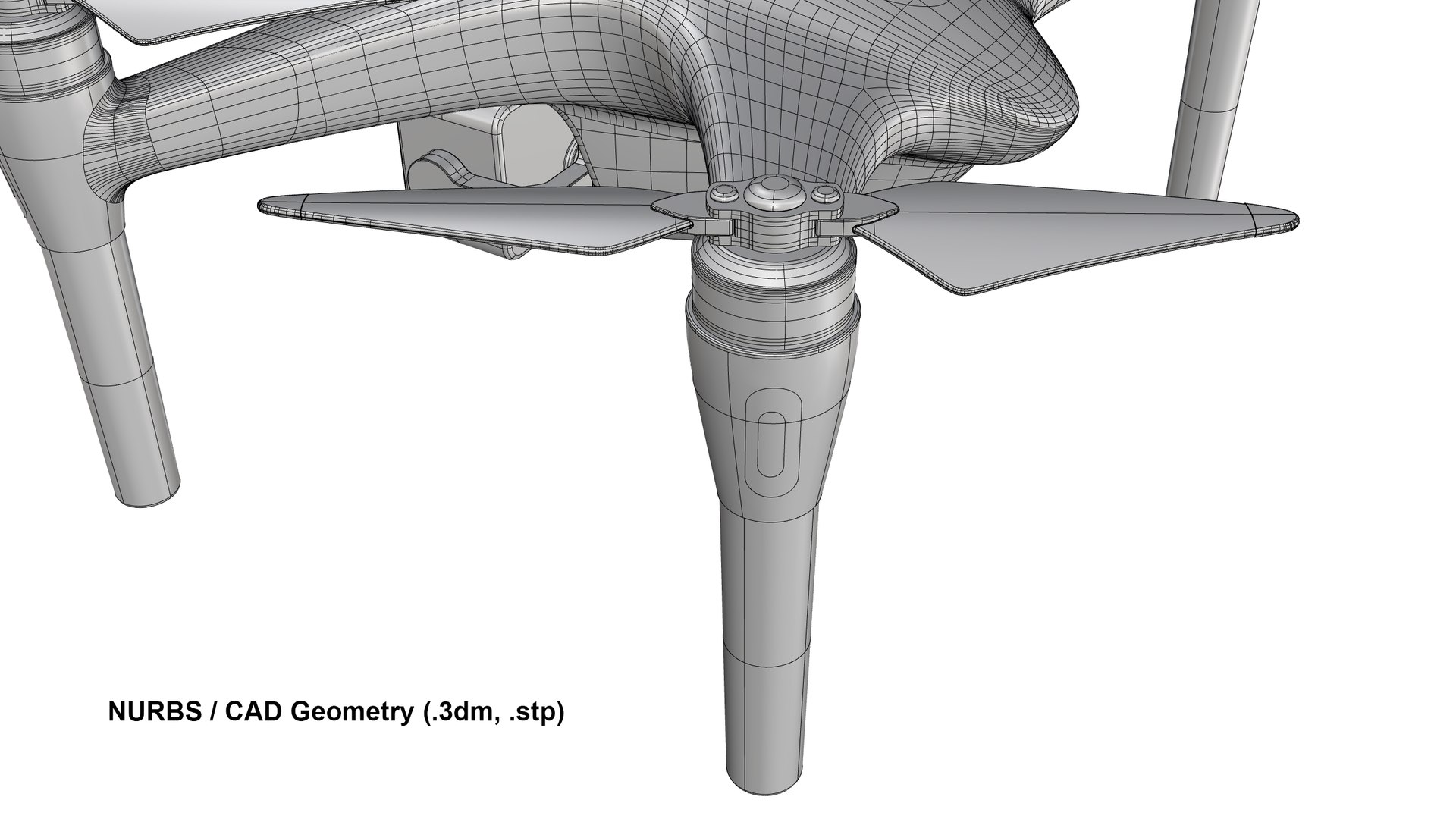
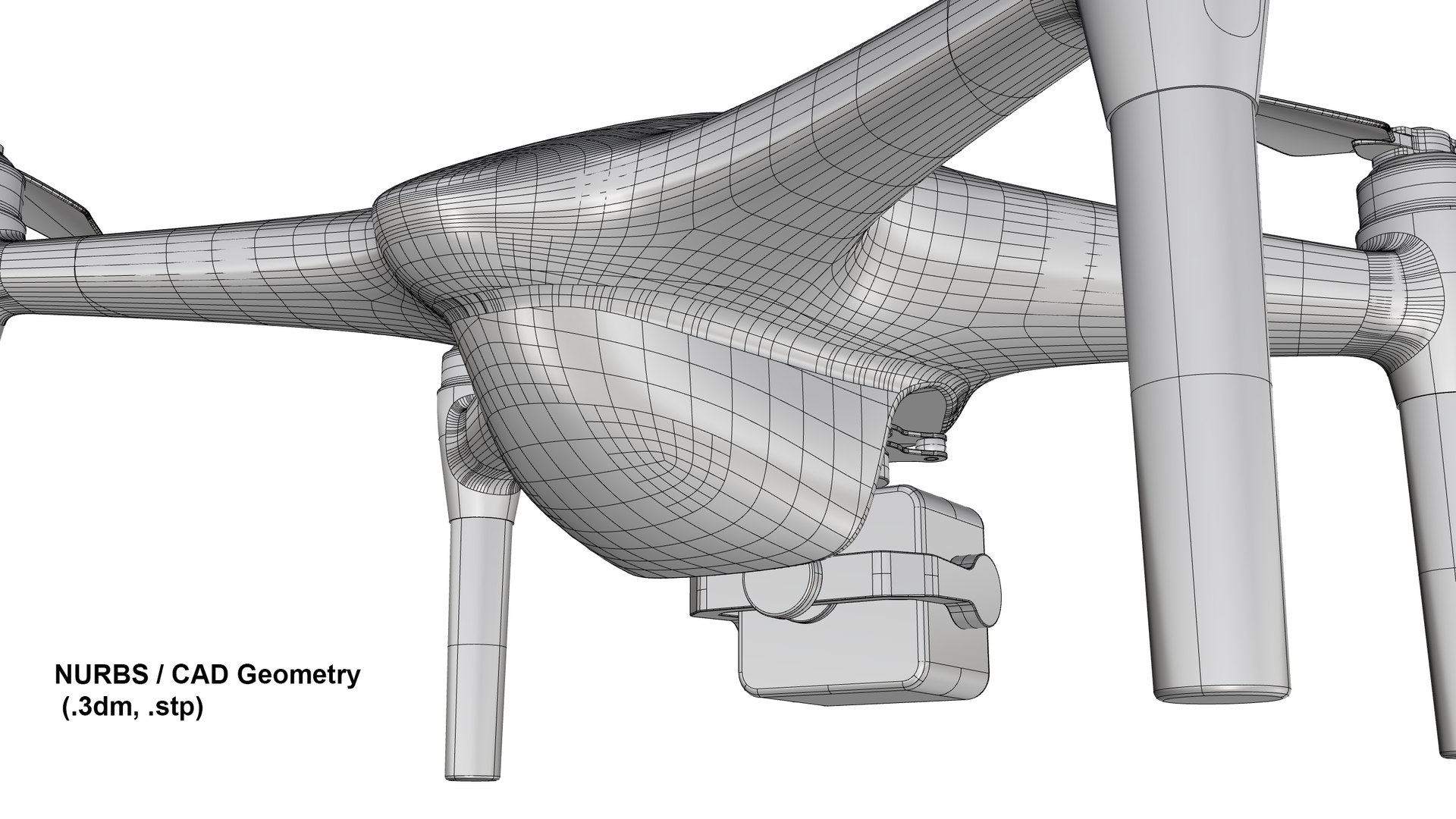
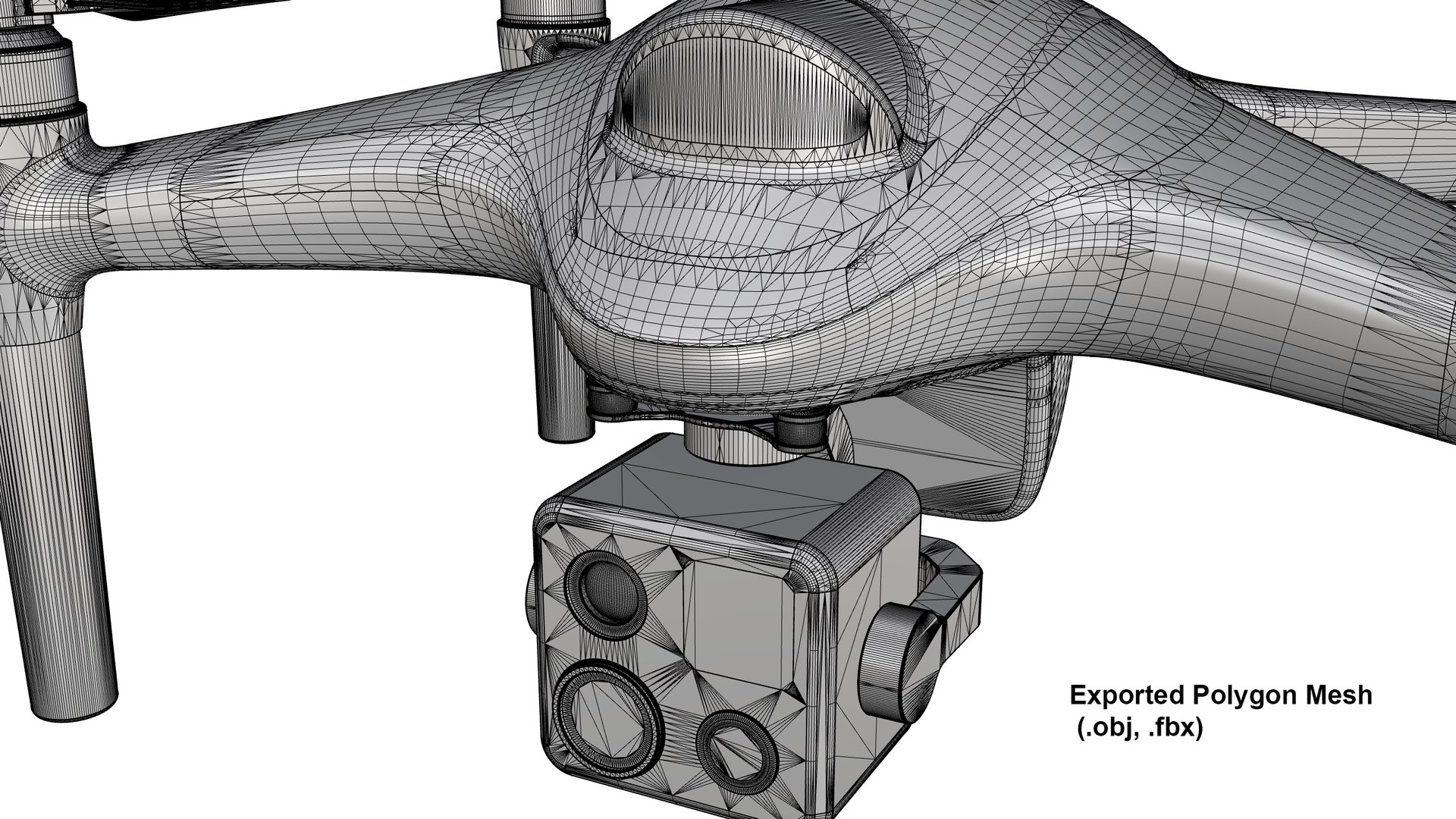
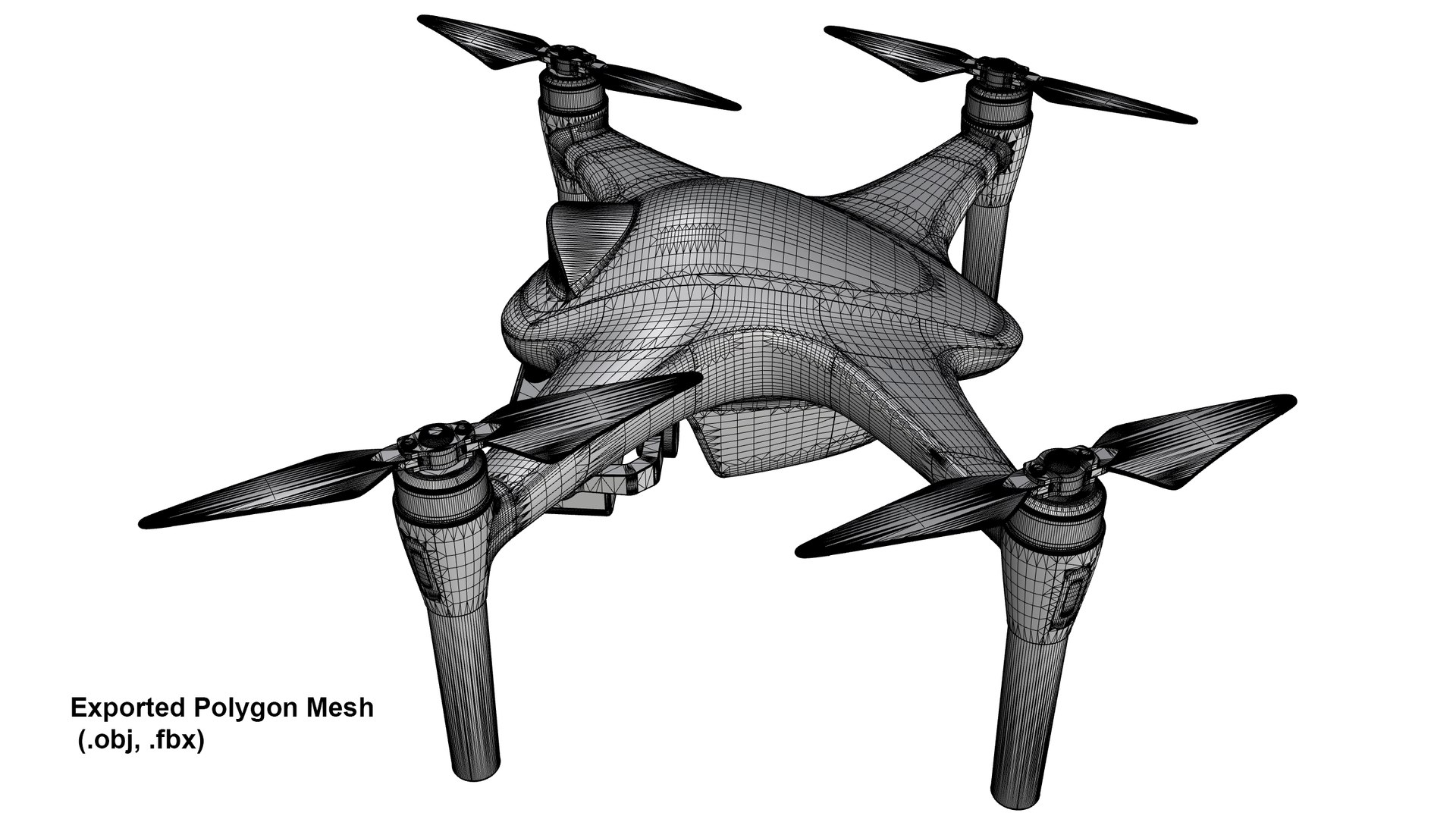
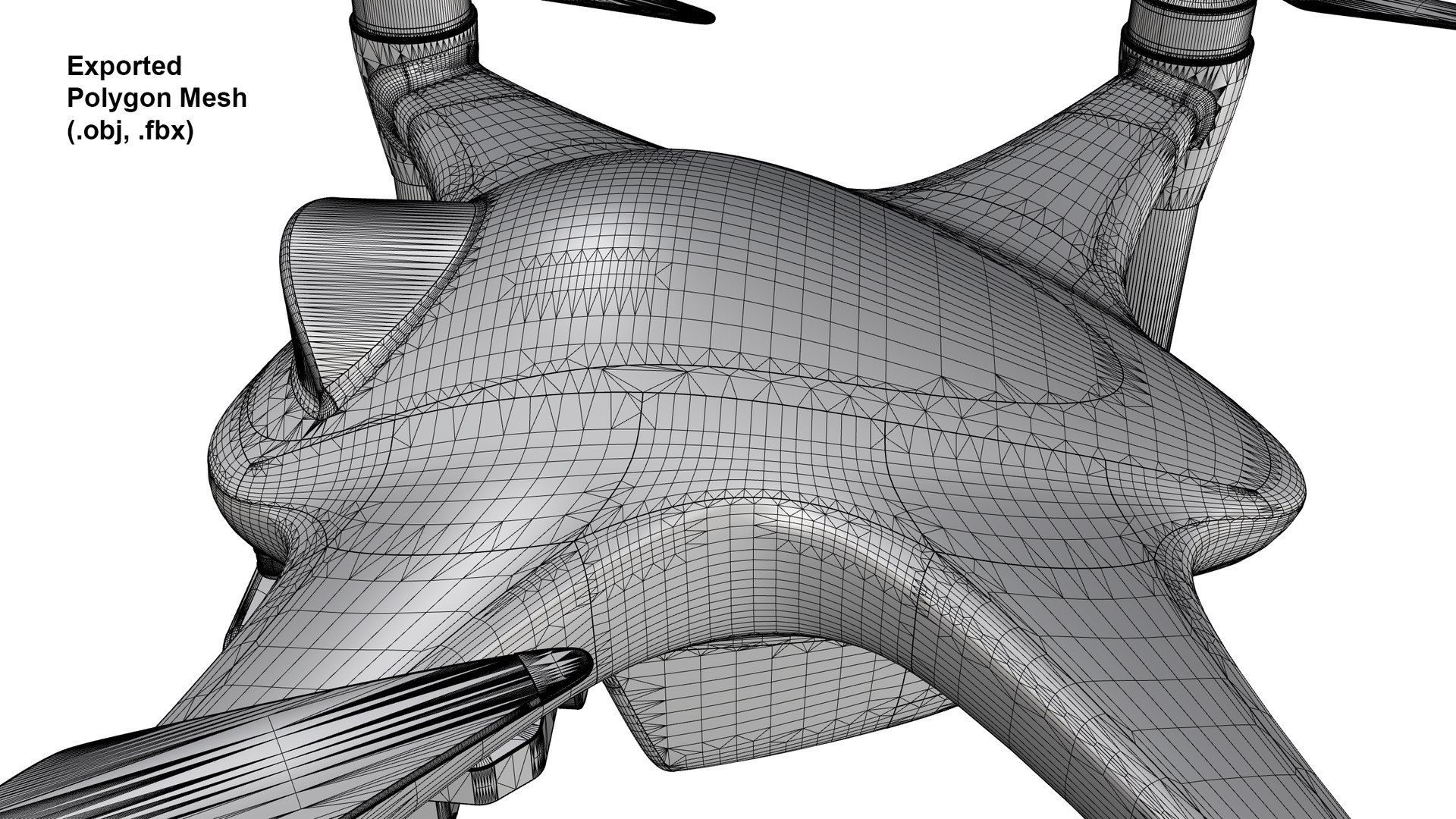
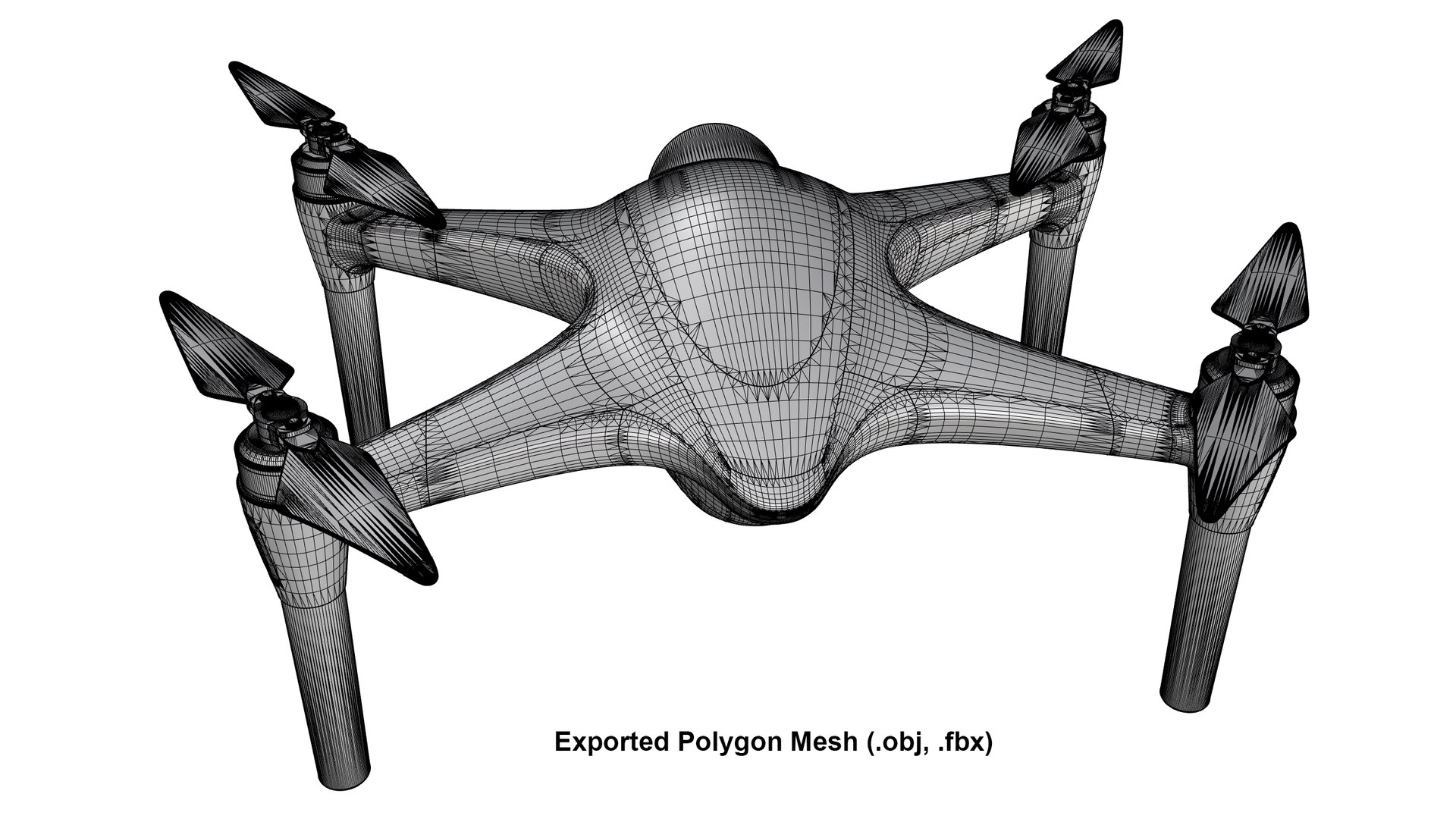
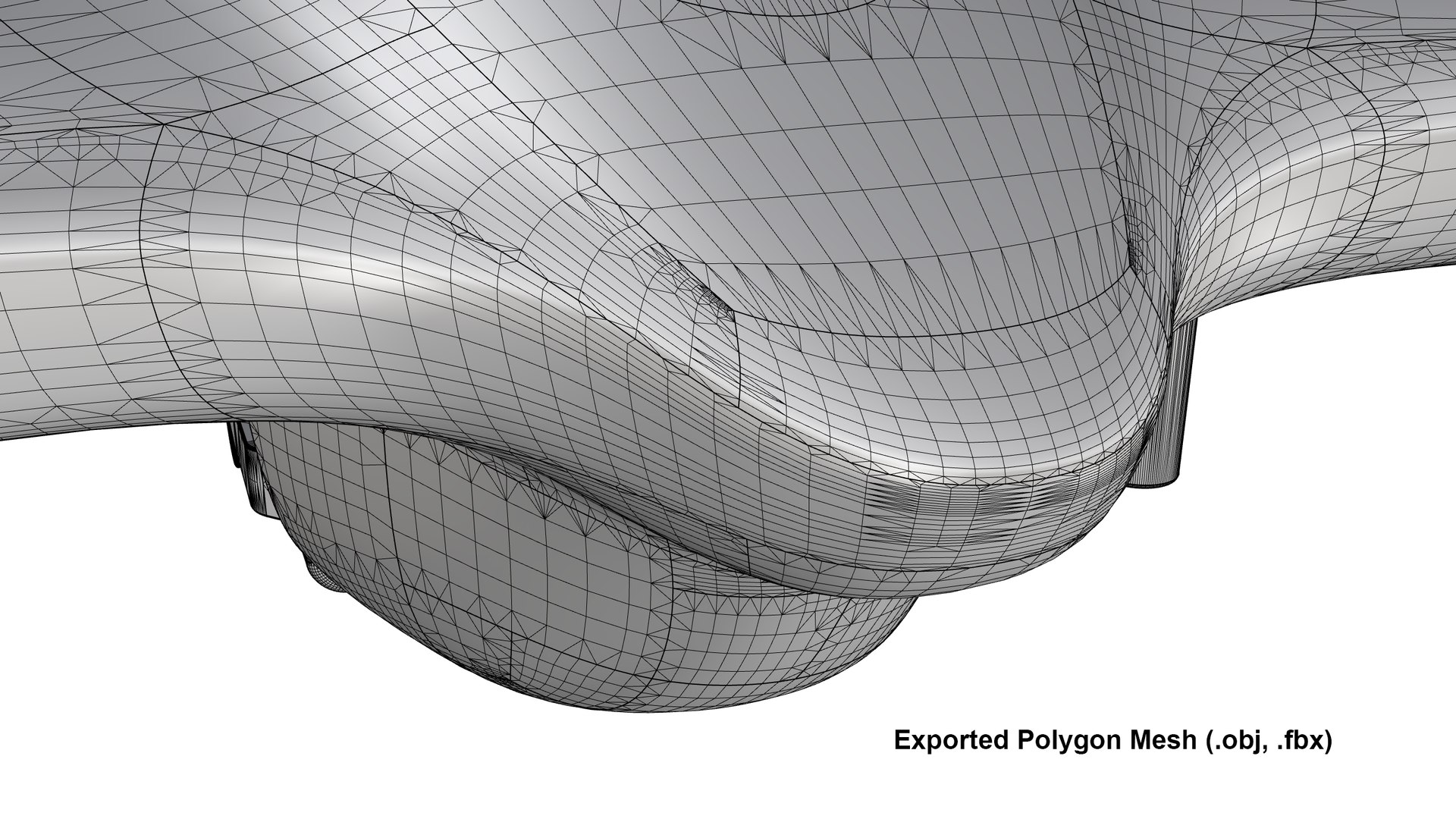
- The OBJ and FBX files are automatically converted polygon meshes from the original NURBS CAD geometry.
- Please note that this mesh topology is NOT suitable for subdivision (Sub-D).
- These meshes are intended primarily for product visualization, rendering, and presentation workflows.
- Surface appearance and shading may vary depending on the target software, mesh settings, and normal handling.
- These meshes have NOT been specifically optimized for character-style animation, or mobile-game performance.
- For direct NURBS form editing, use the native Rhino (.3dm) file or a compatible CAD exchange file such as STEP.
Technical Specifications (Mesh in OBJ & FBX):
- Total Polygon Count (Faces): 3,21,925
- Total Vertices: 3,40,543
Included Files:
- Rhino 3DM: Original NURBS model
- STEP and IGES: CAD exchange formats
- FBX and OBJ: Polygon mesh exports
- KeyShot package (KSP)
- 20 PNG rendersREADME
- PDF: File and package information
Model Scope:
This asset is intended primarily for exterior visualization.
This design strictly represents the exterior form; it does not include internal parts, shelling, or manufacturing-ready modeling.
Internal mechanical components, electronics, and functional engineering assemblies are not included.
It is not a certified flight vehicle or engineering design.
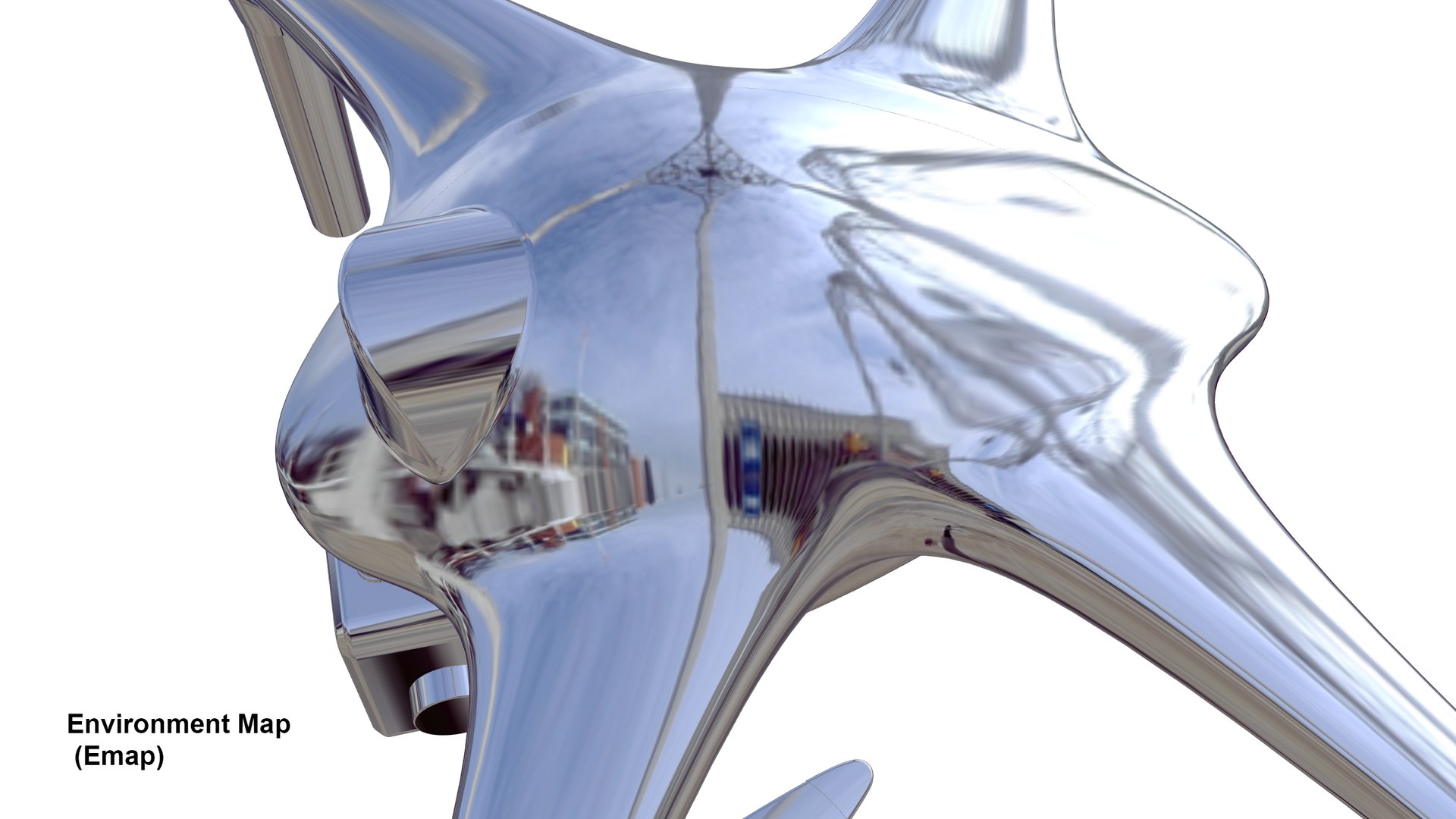
Please check the preview images to assess the model's appearance and level of detail before purchasing.
Preview images are rendered in KeyShot 2023 (KeyShot Package file .ksp included).
Please Note:
UV mapping is generated via automatic Box Mapping in FBX & OBJ files.
The model is NOT manually UV unwrapped for game engines.
Support:
Please message me if there is any issue with these files or if you need any assistance.
Thank you!