
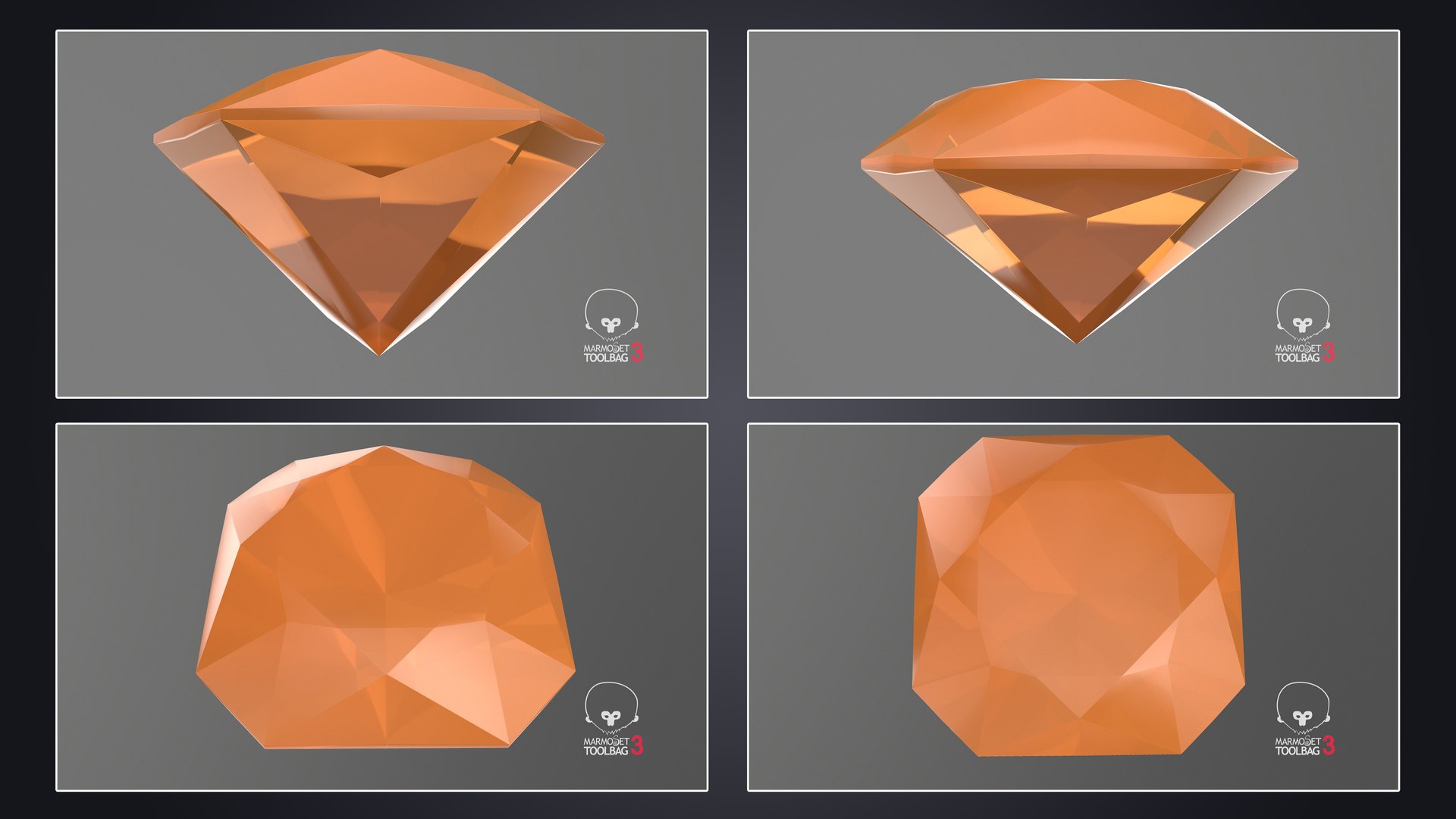
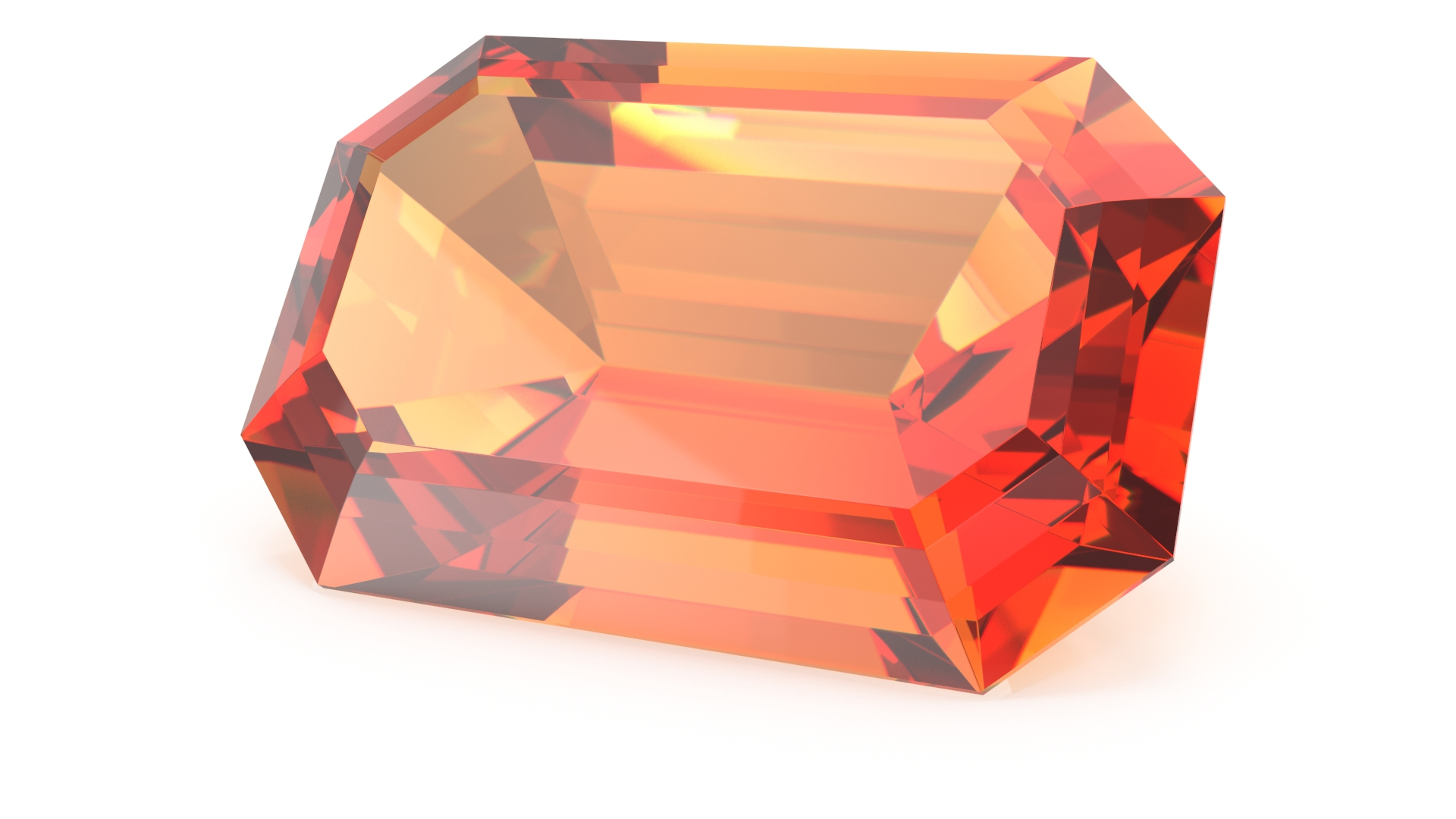
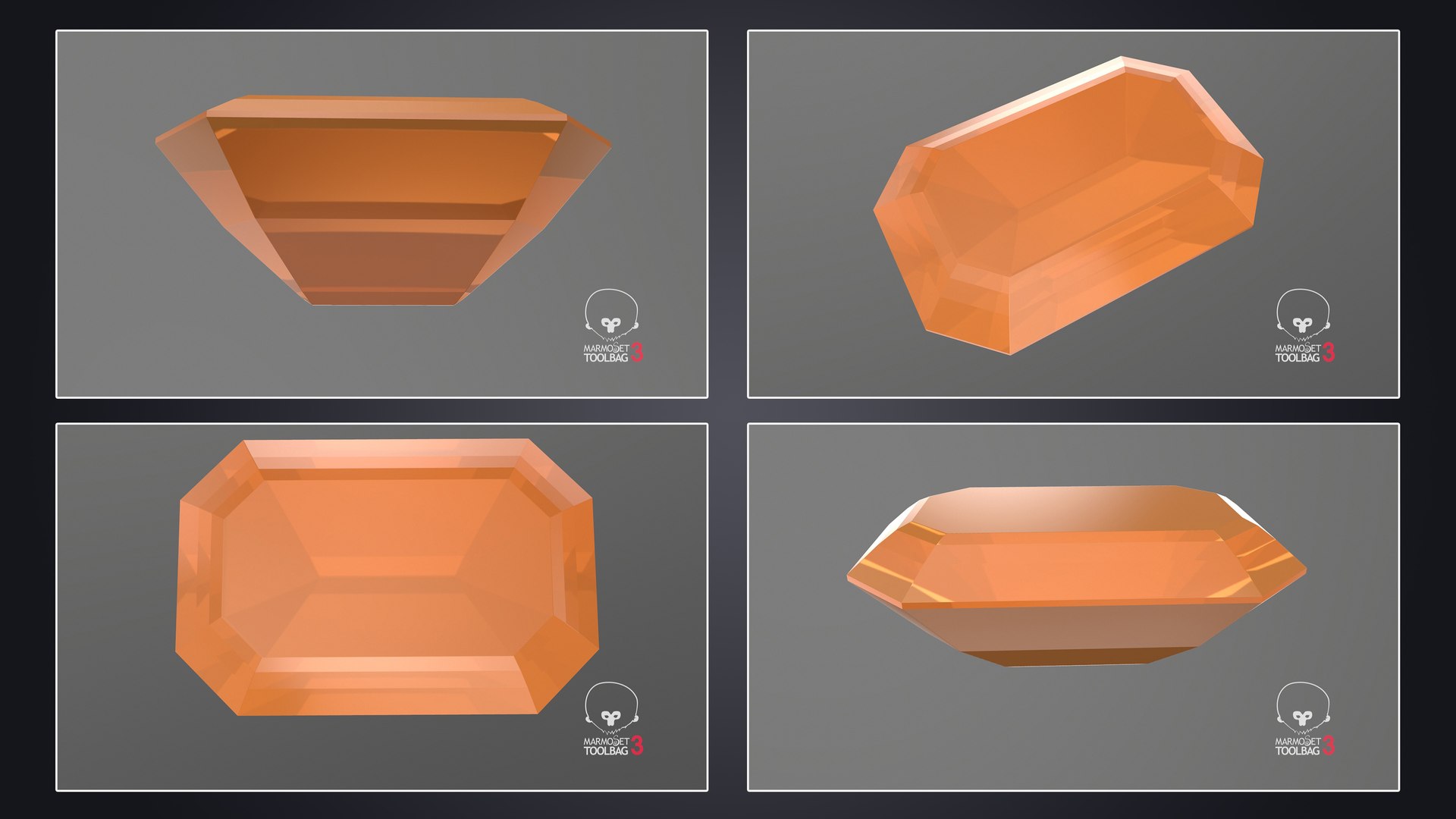

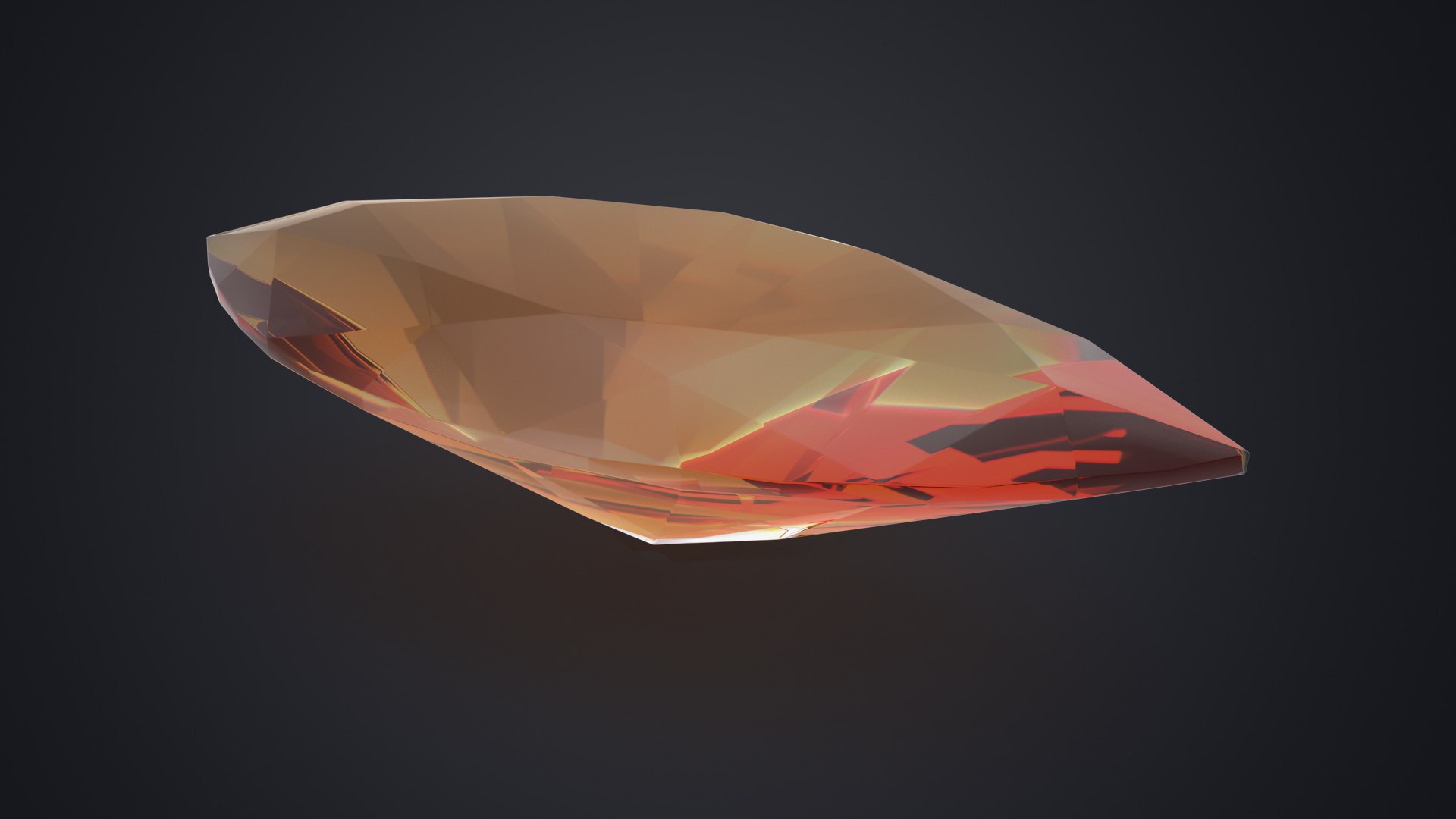
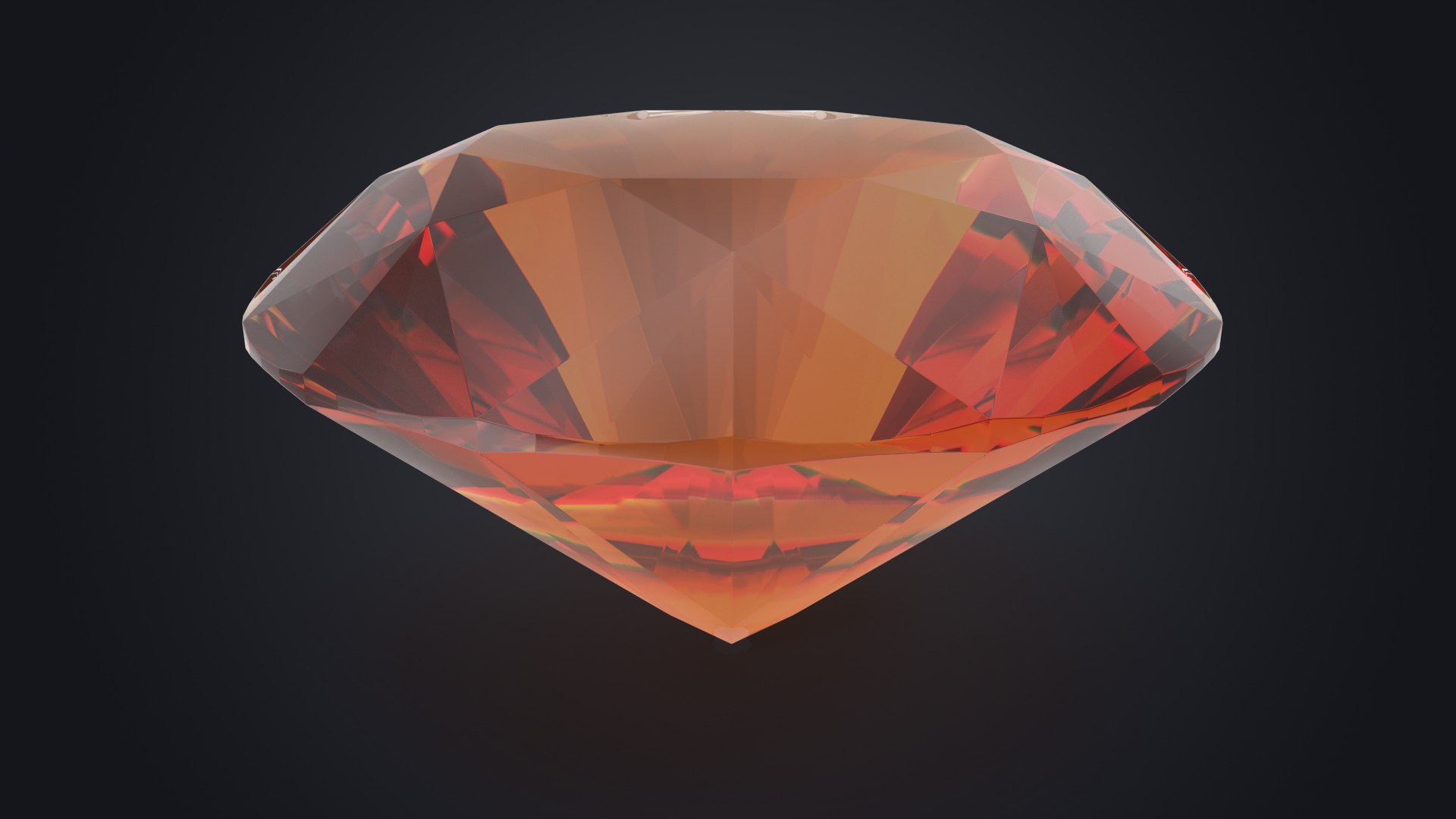
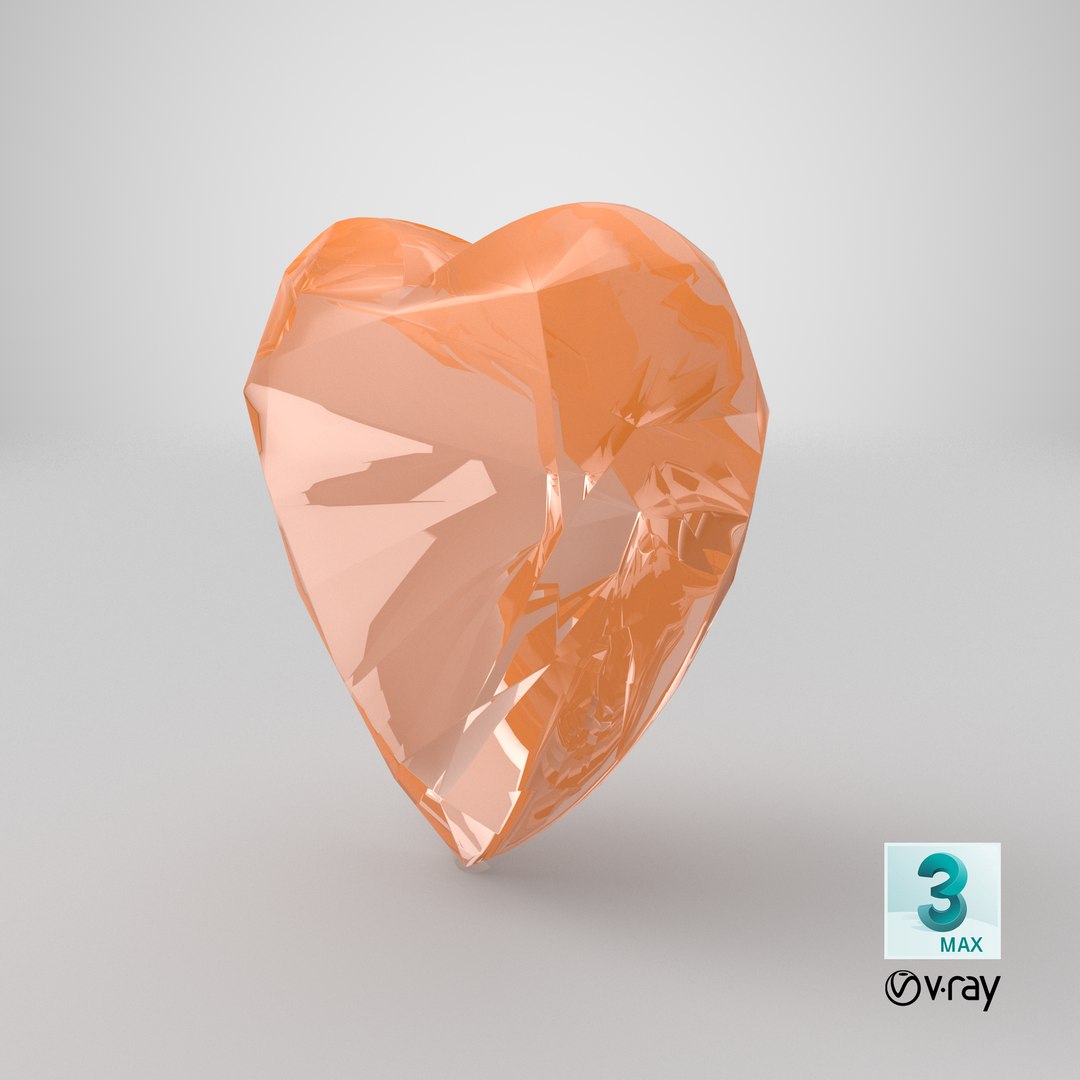
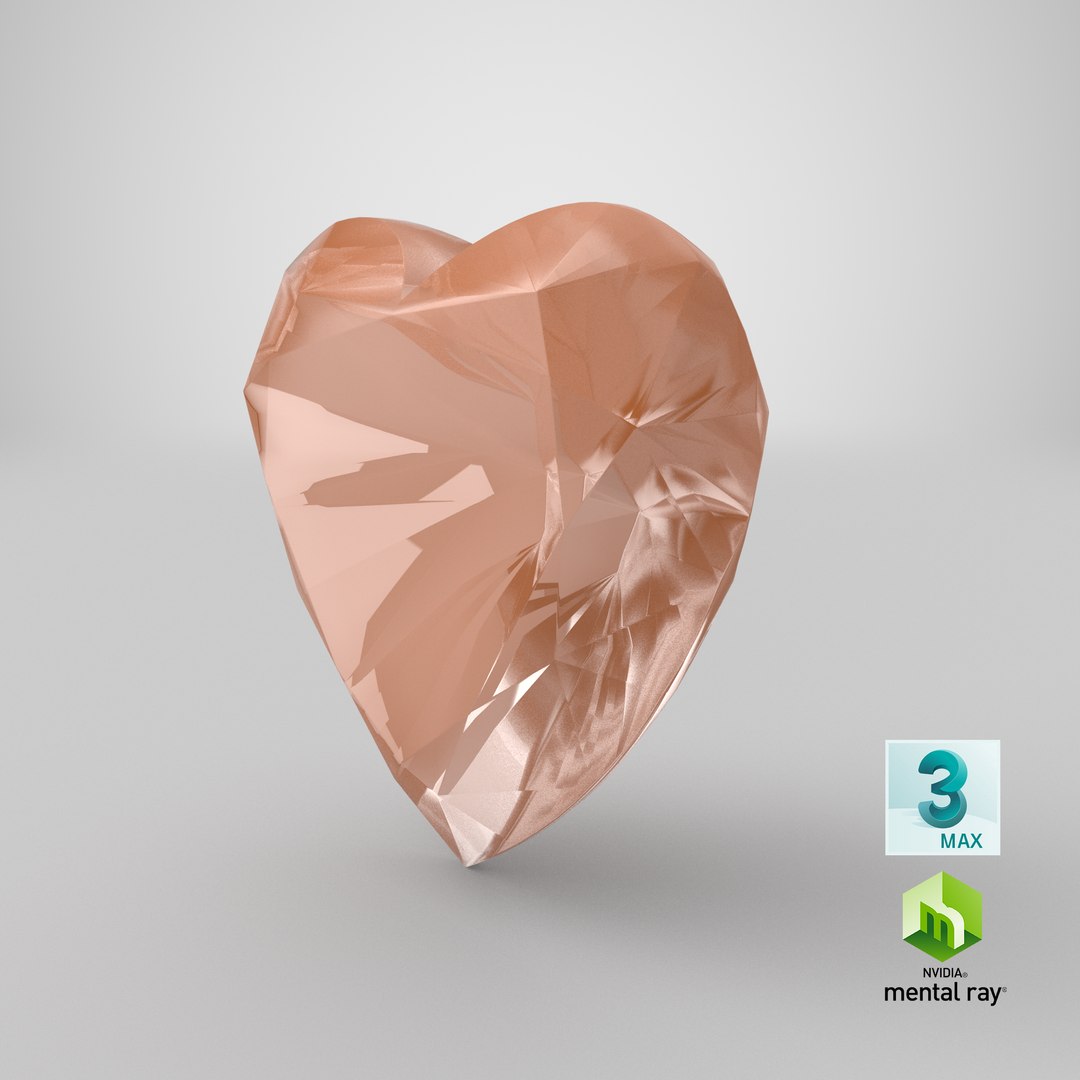
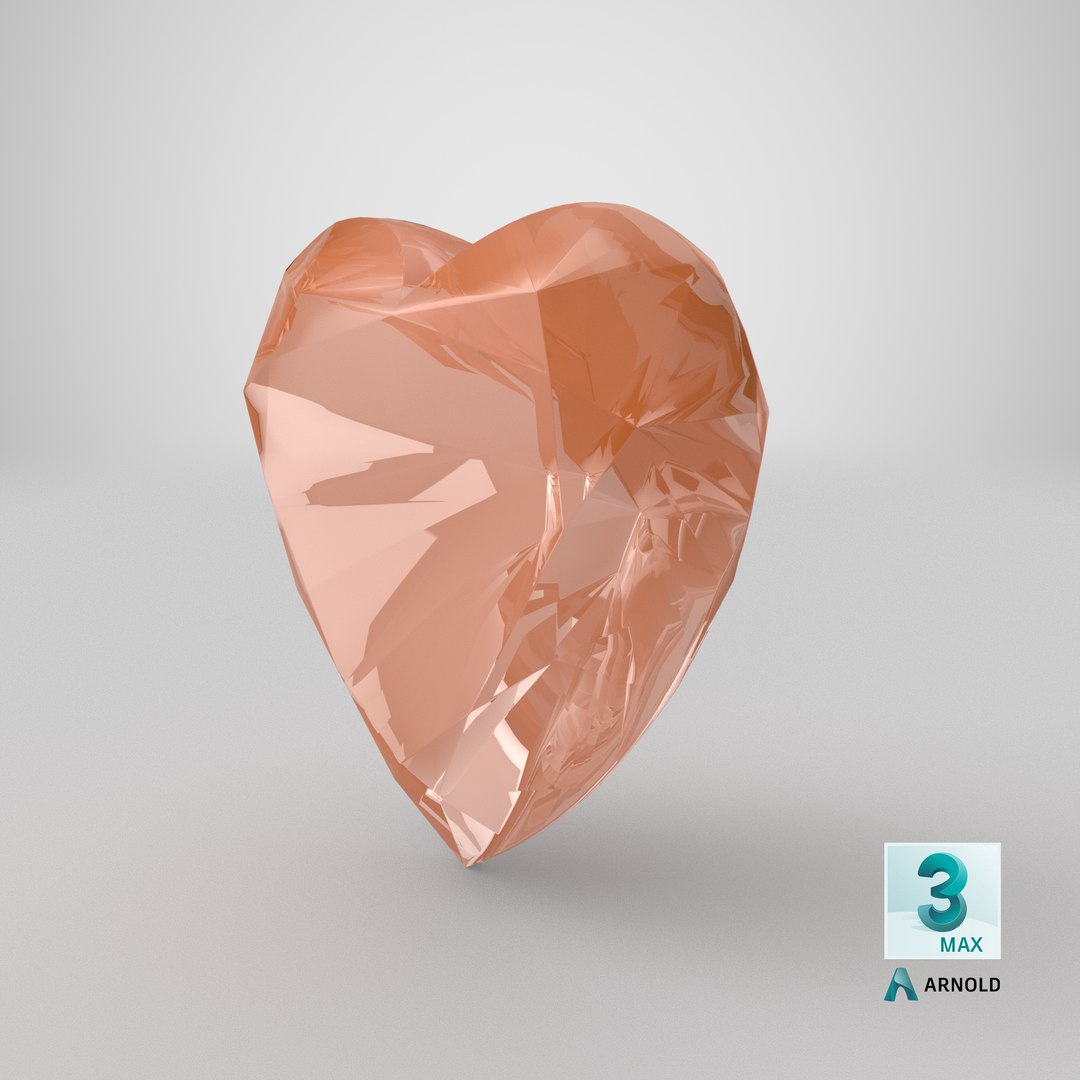

Imperial Topaz Stone Collection

$89

Standard License | Upgrade License
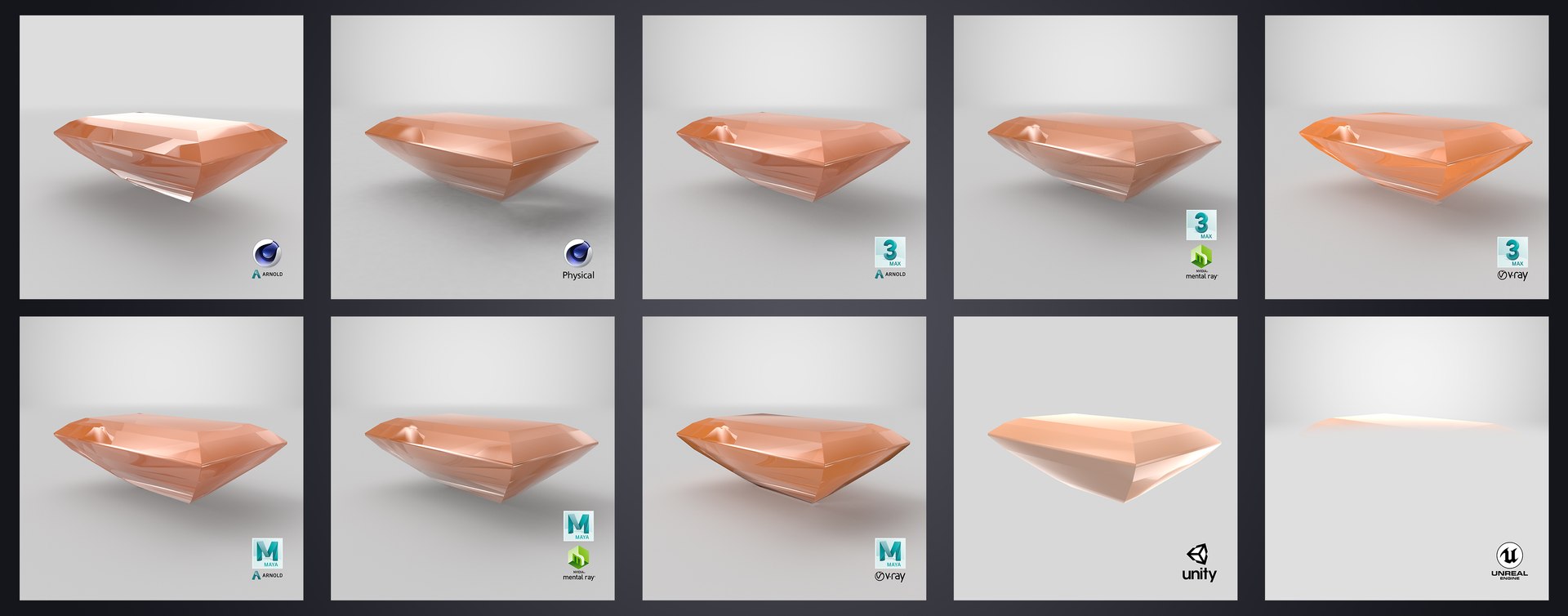
Formats (36)
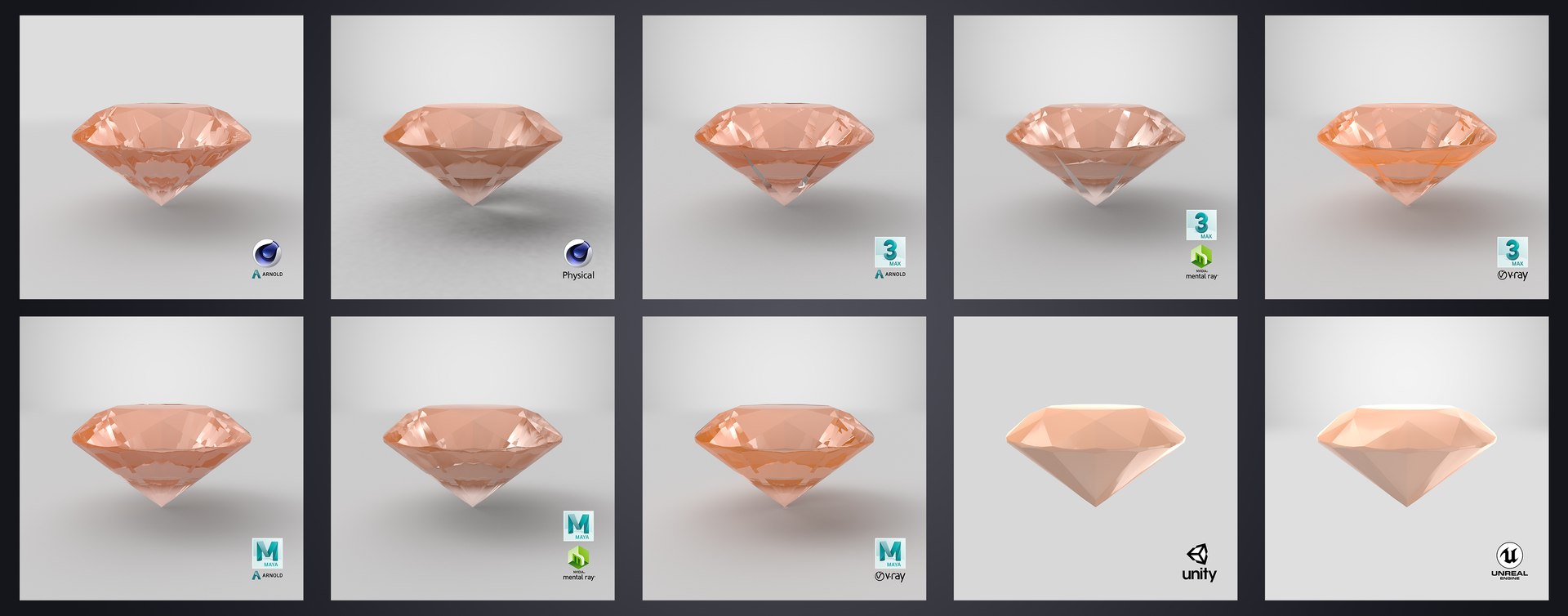
Native | 3ds Max 2015 | V-Ray 3.60.03
3ds Max 2015 | V-Ray 3.60.03
3ds Max 2012 | V-Ray 3.60.03
Cinema 4D R18 | Arnold 5.3.1.1
3ds Max 2015 | mental ray
3ds Max 2018 | Arnold 5.3.1.1
Cinema 4D R18 | Advanced Render
3ds Max 2015 | V-Ray 3.2
Maya 2017 | Arnold 5.3.1.1
Unity 5.4 | Other
Unreal 4.10 | Other
3ds Max 2015 | mental ray 3.2
glTF
OBJ
Unreal
Unity
FBX
3D Studio
STL
Collada
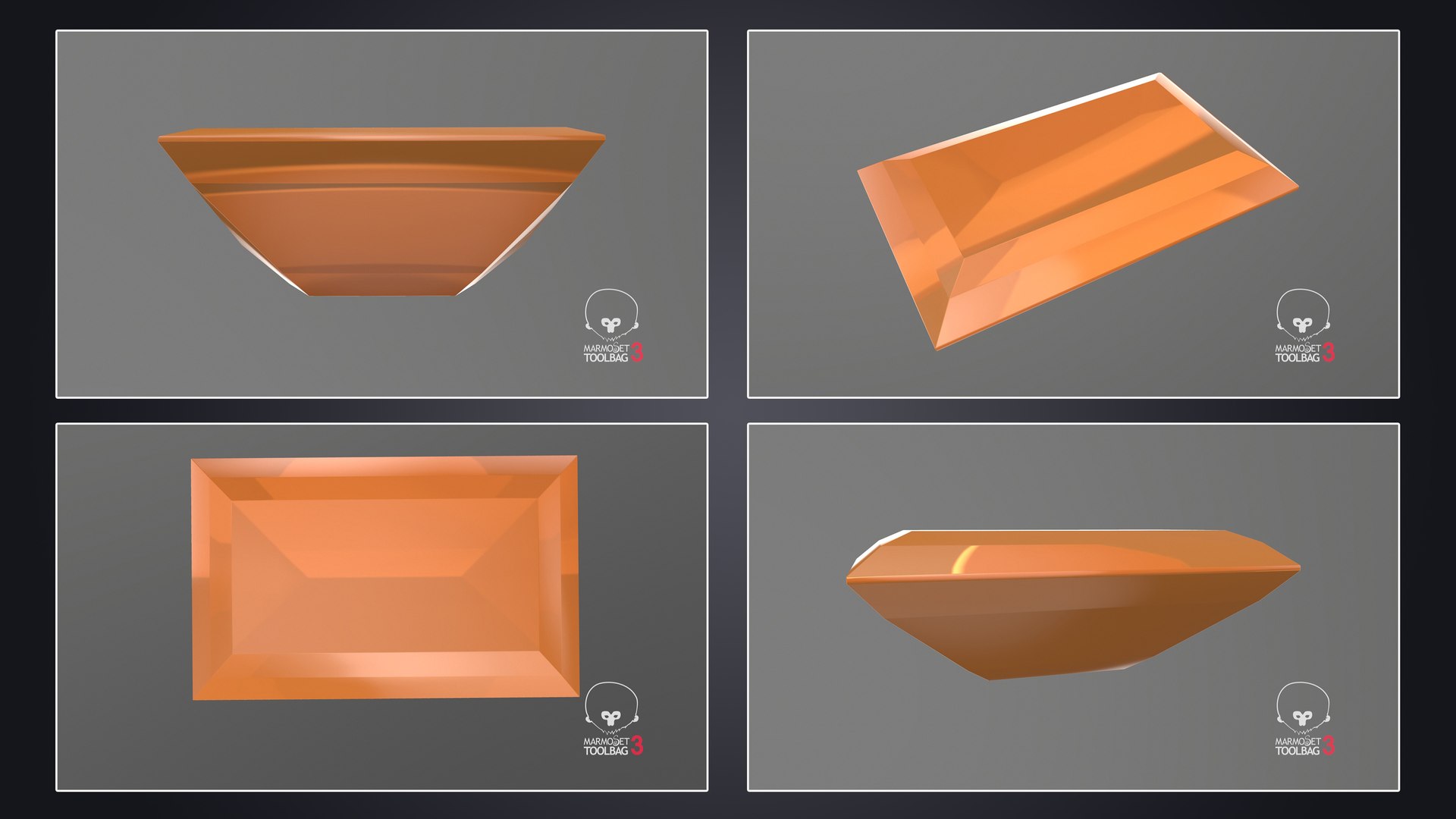
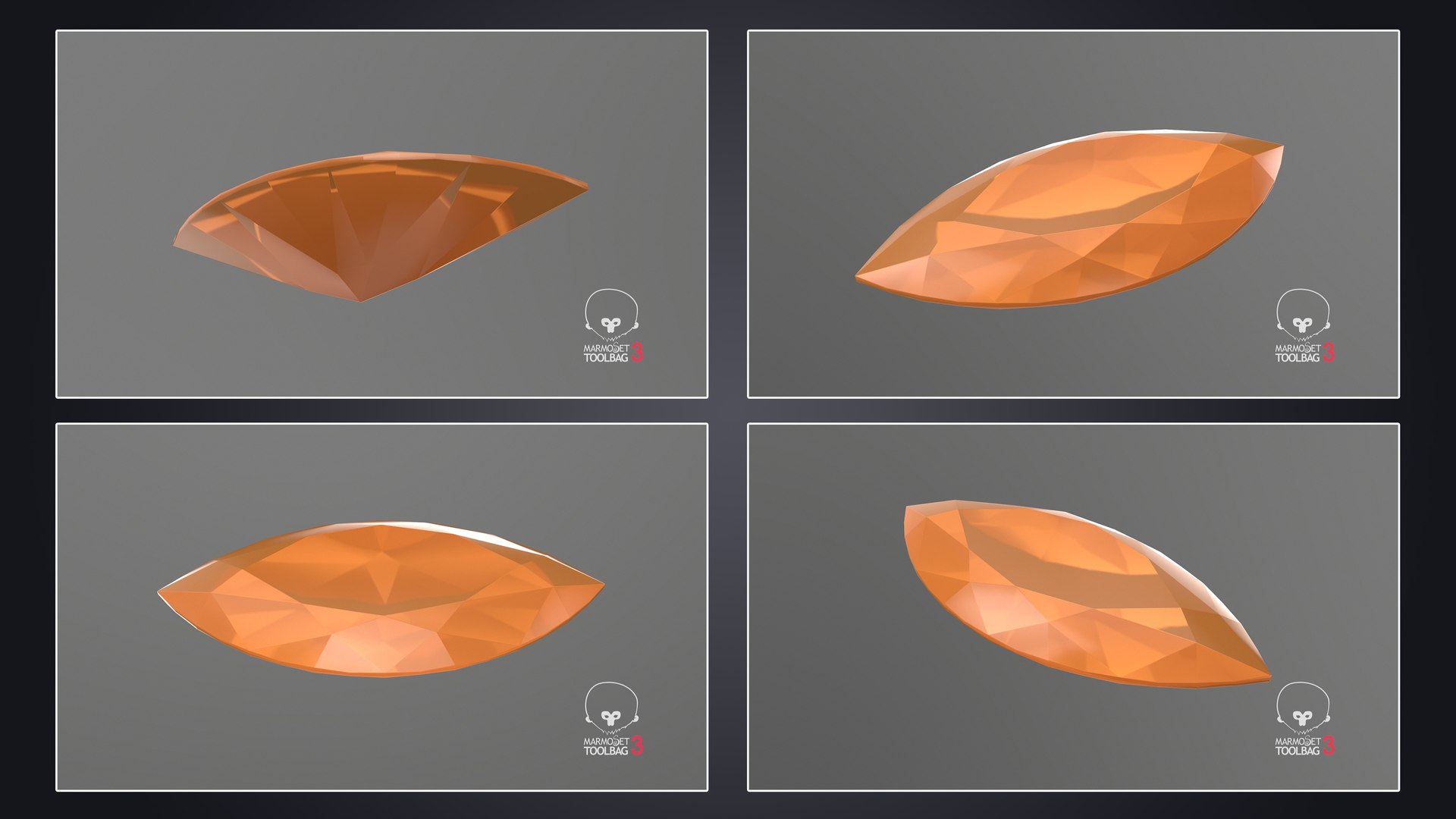
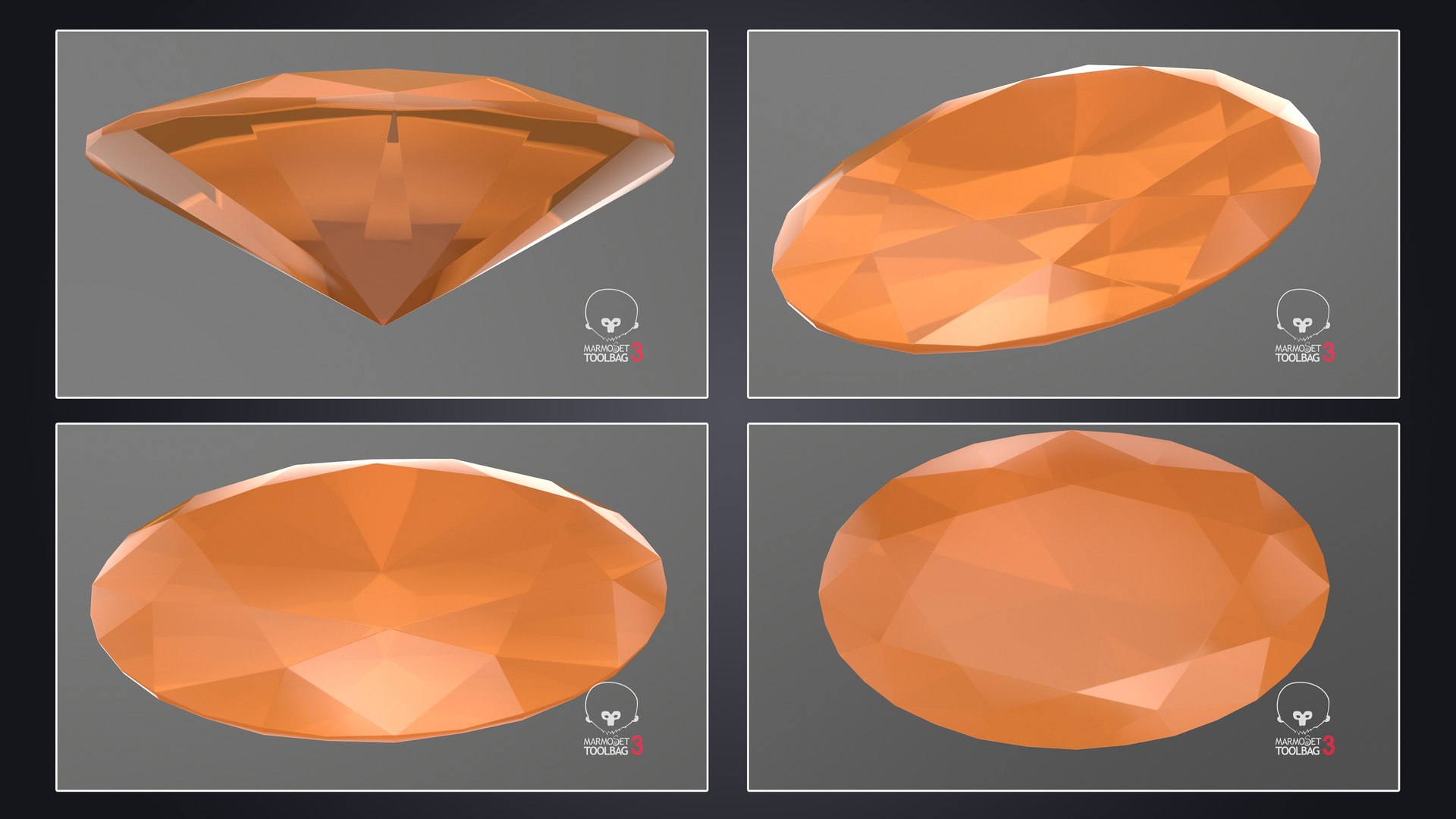
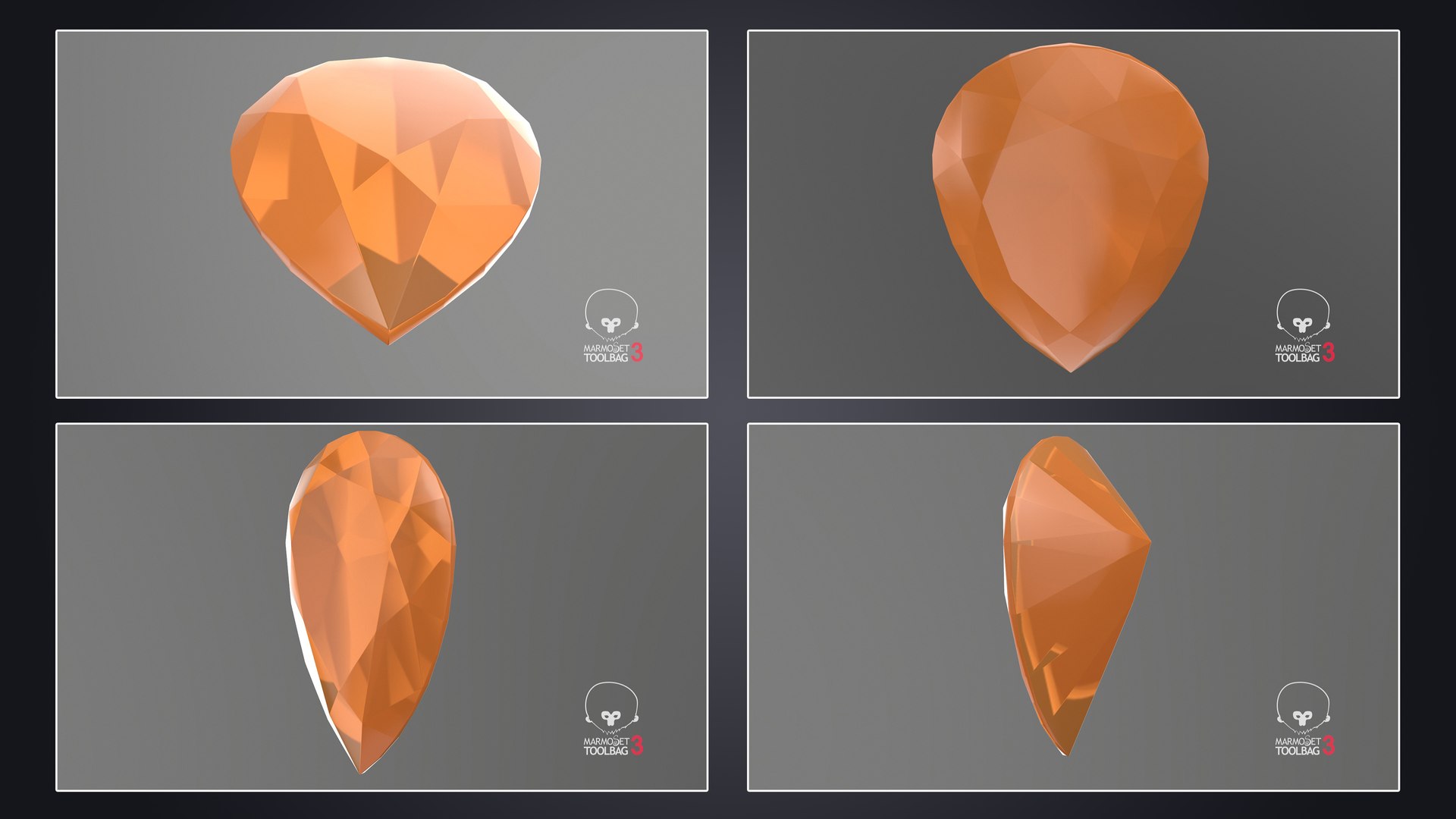
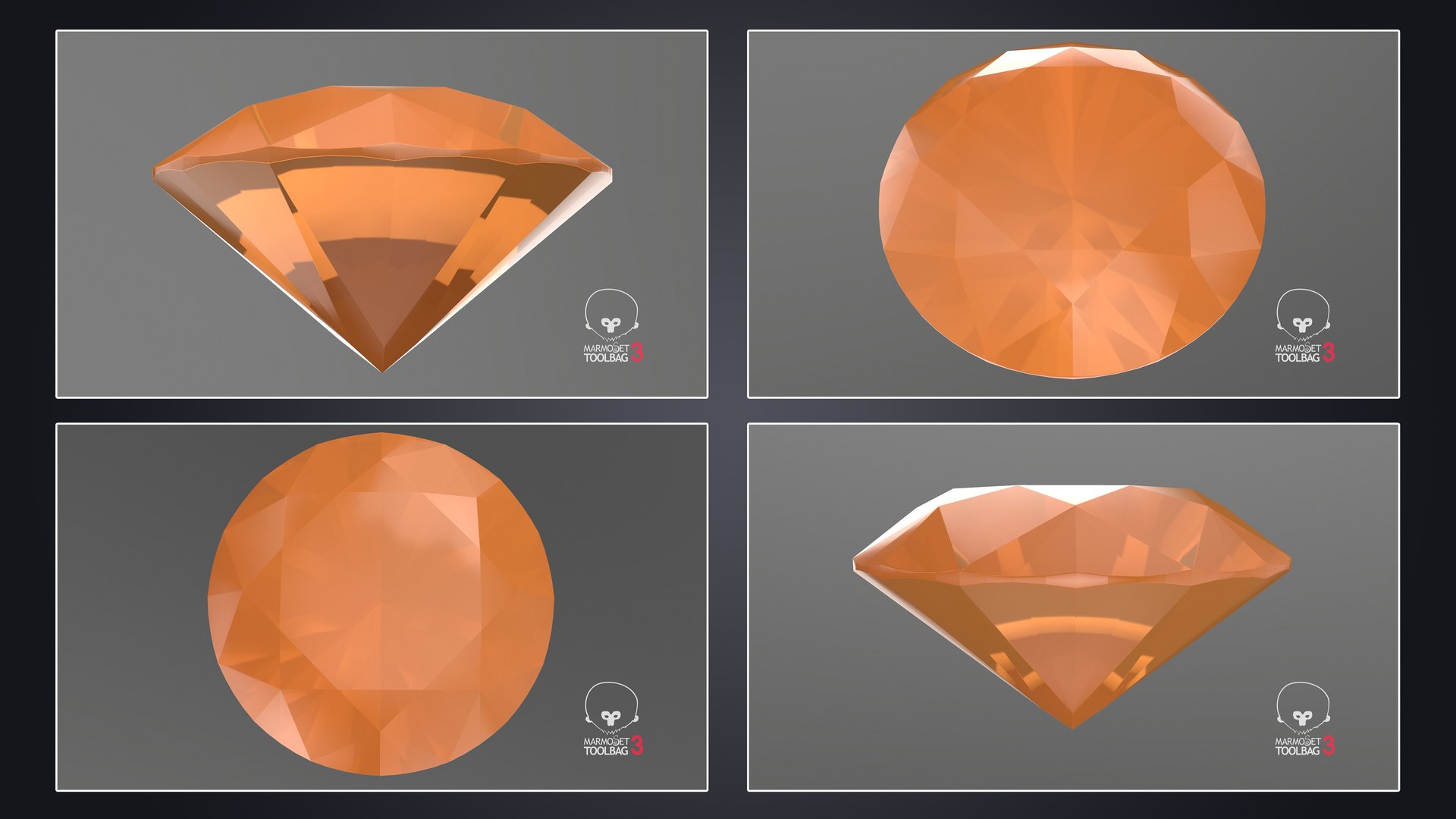
Other Textures Marmoset 3
FBX Metallic v
glTF
FBX Specular v
OBJ
Specifications
Publish Date June 24, 2024
Product ID 2246024
Polygons 1
Vertices 1
Polygonal Quads Only
Textures
Materials
UV Mapped
Non-overlapping Unwrapped UVs
PBR
Real-Time
StemCell Certified
TurboSquid Exclusive

member avatar
adept3d
528 Products | Contributor Since 2012
Have questions? Chat with us now.

Description

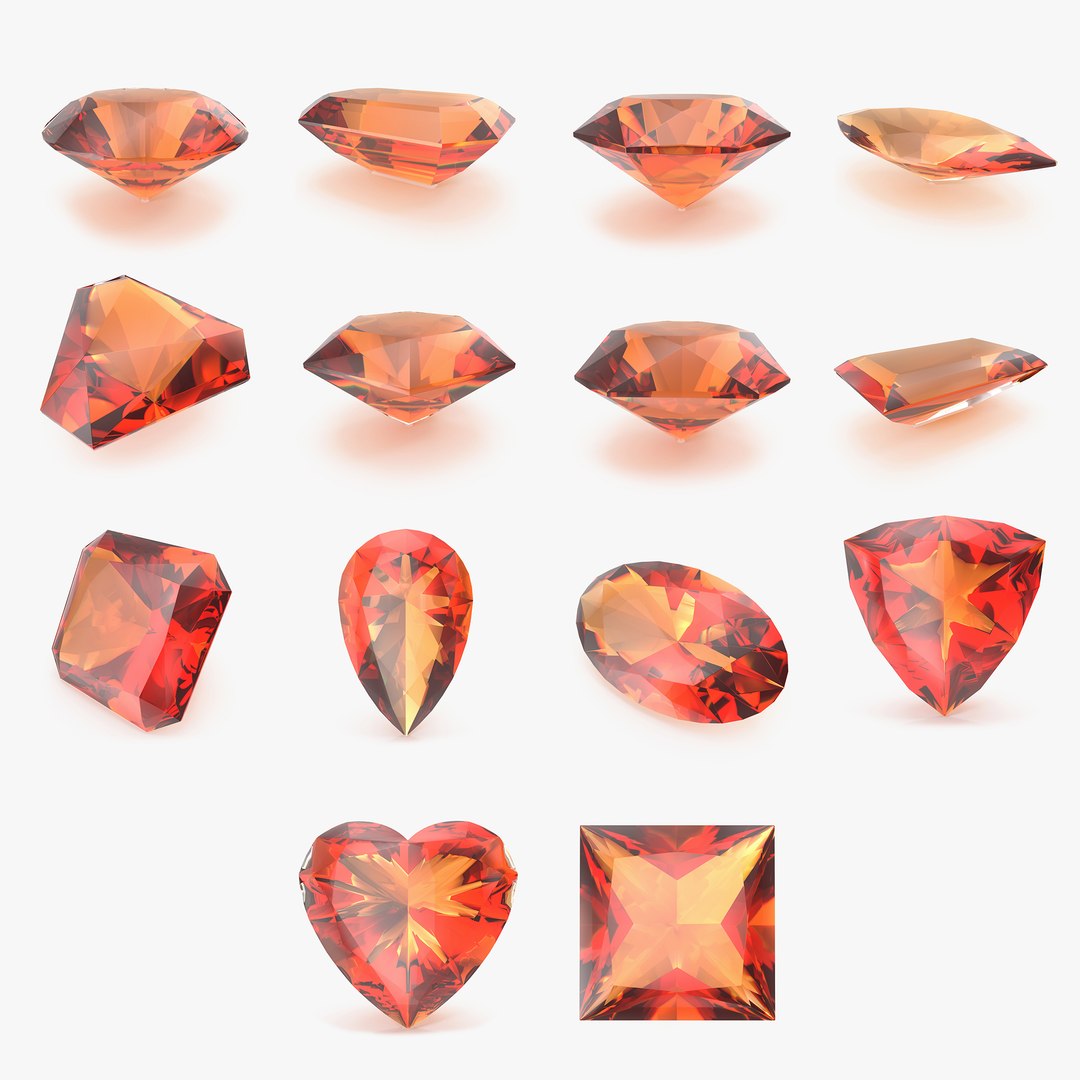
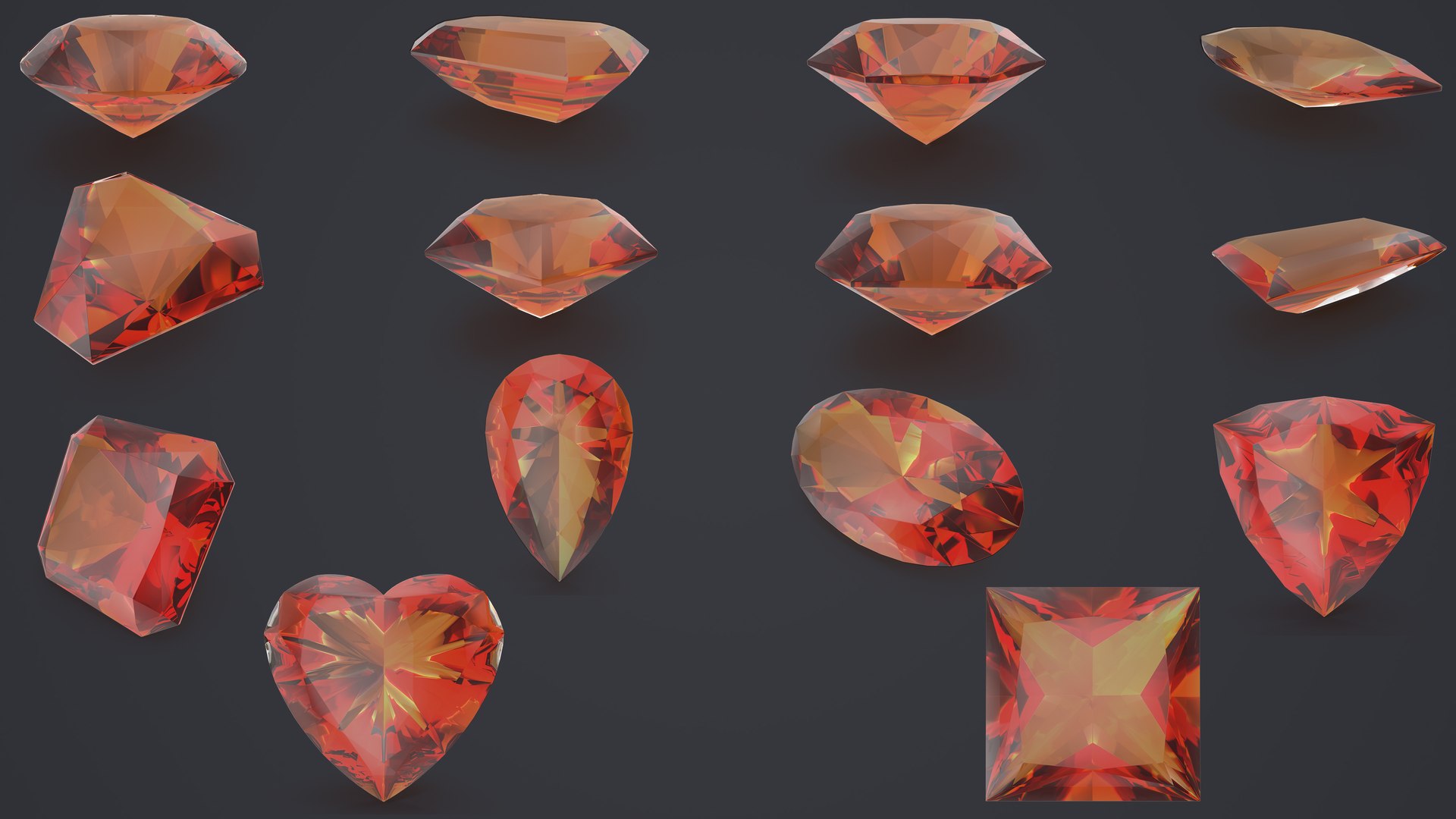
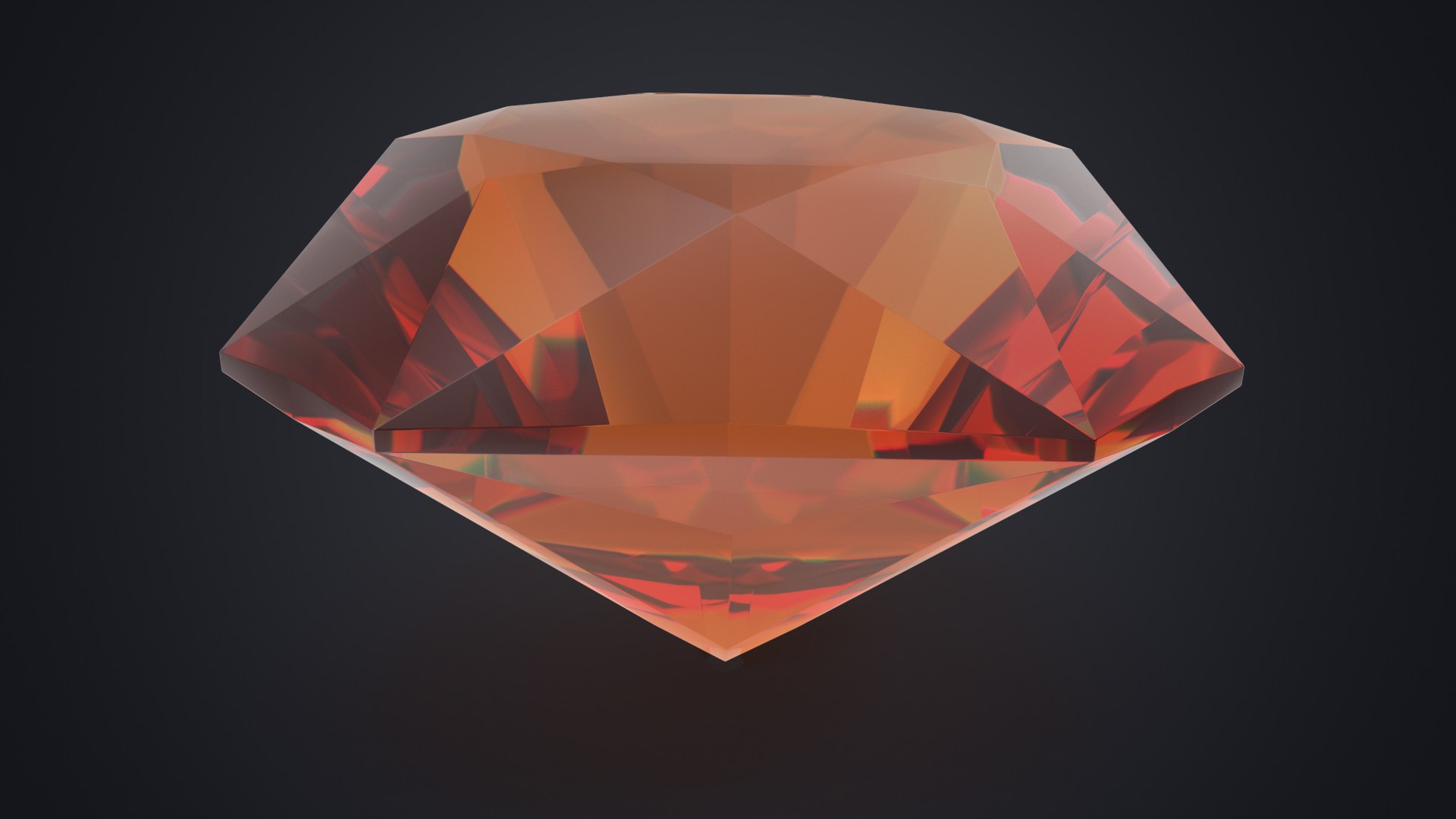
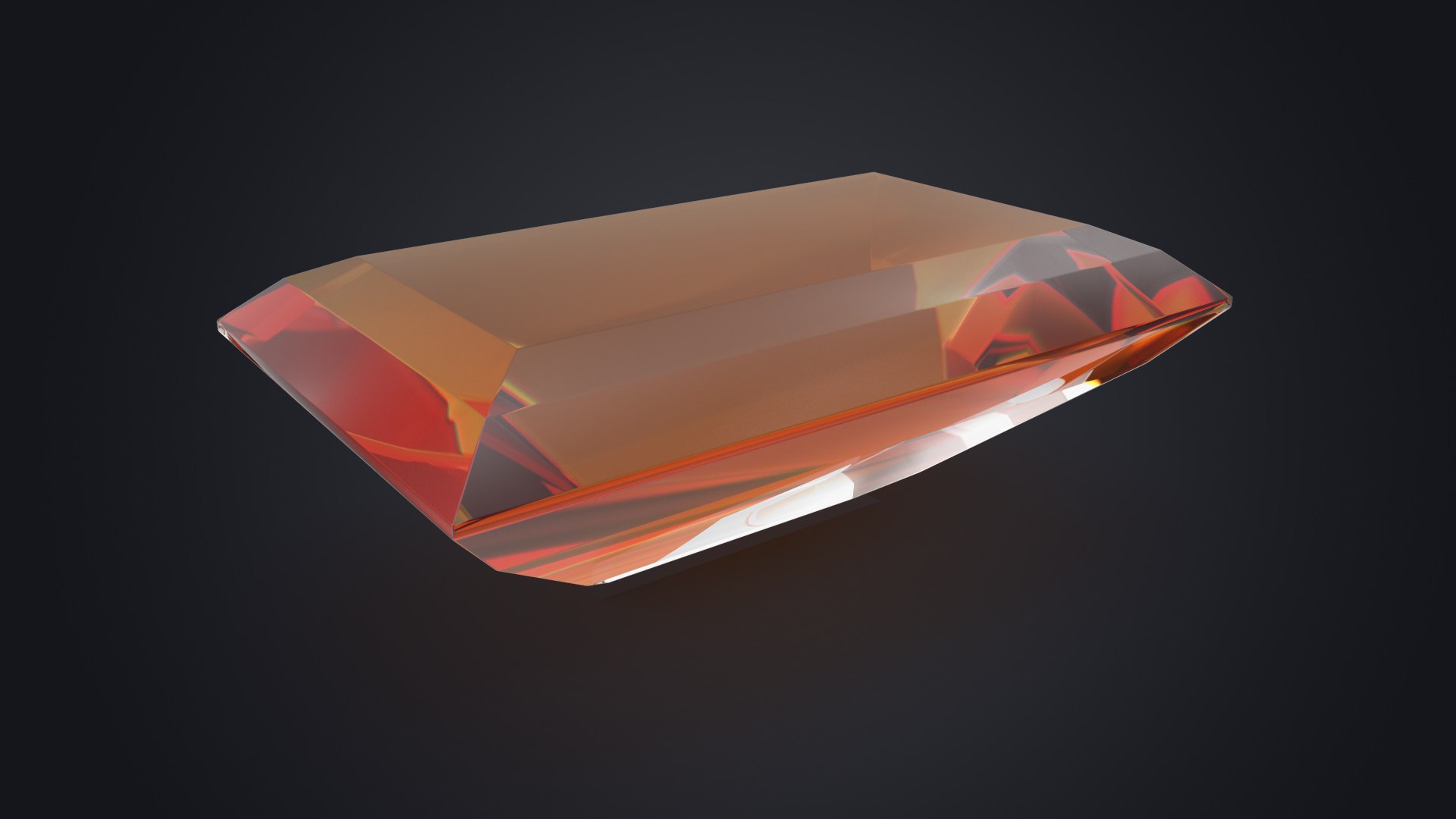
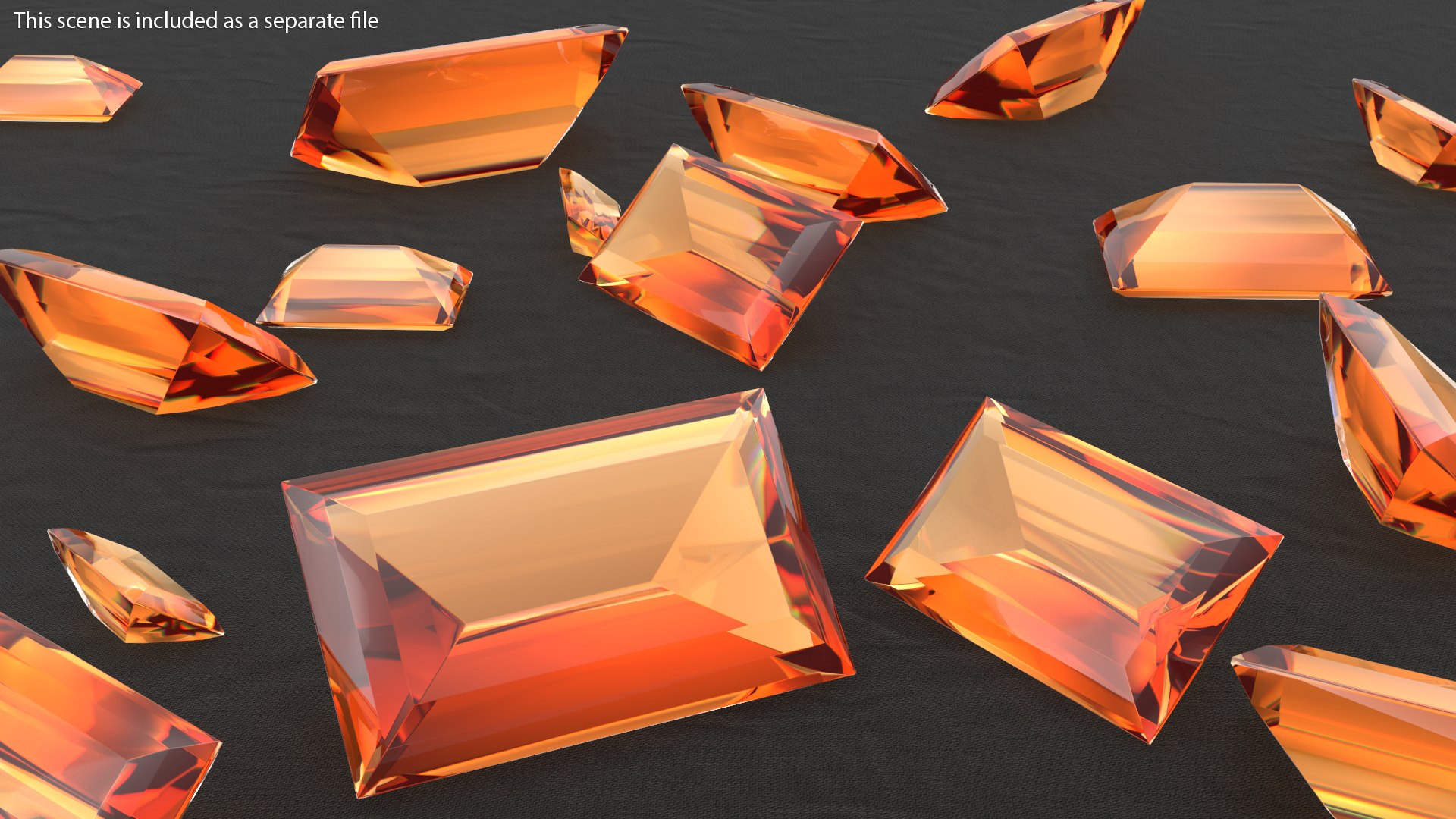
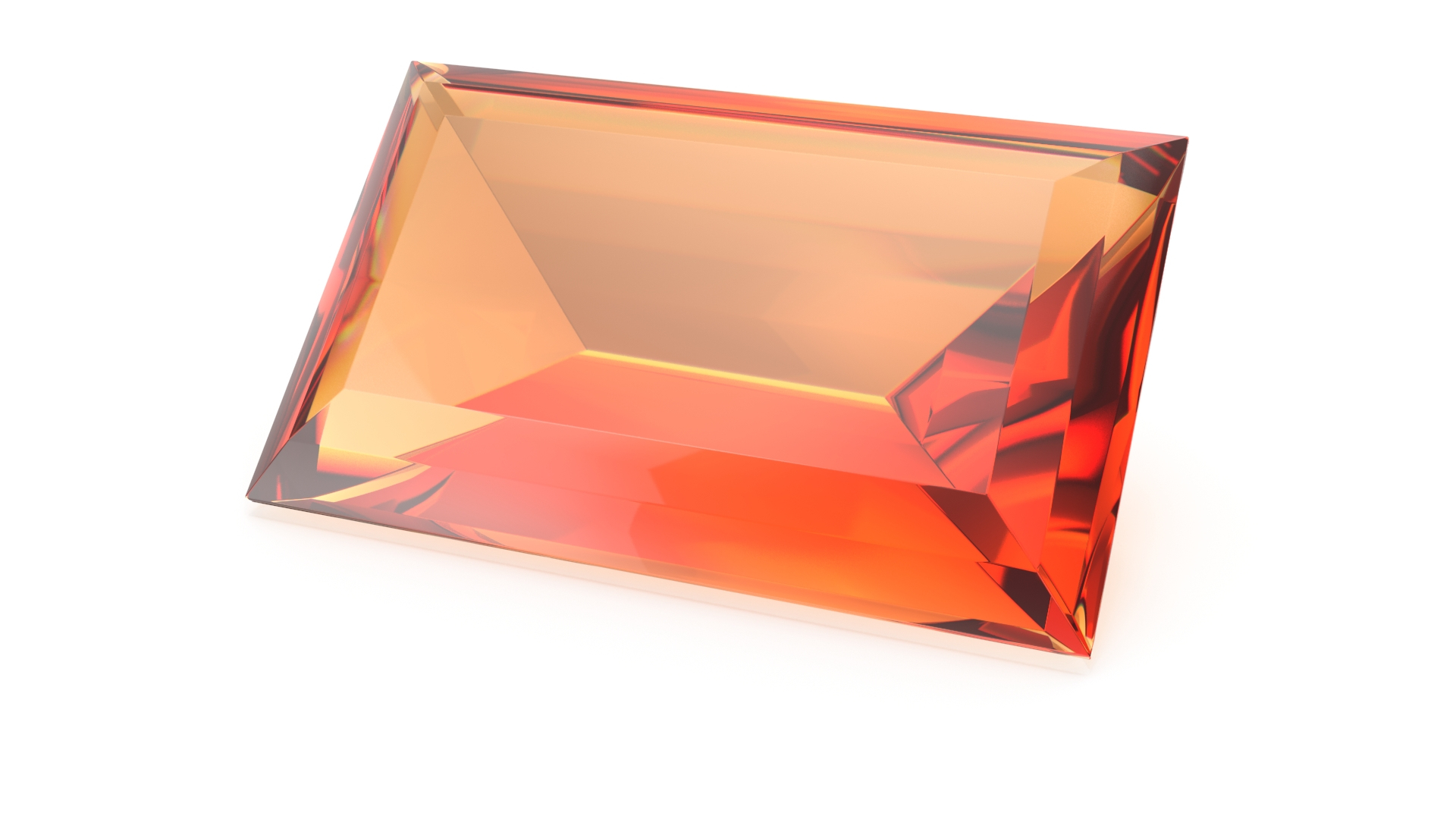
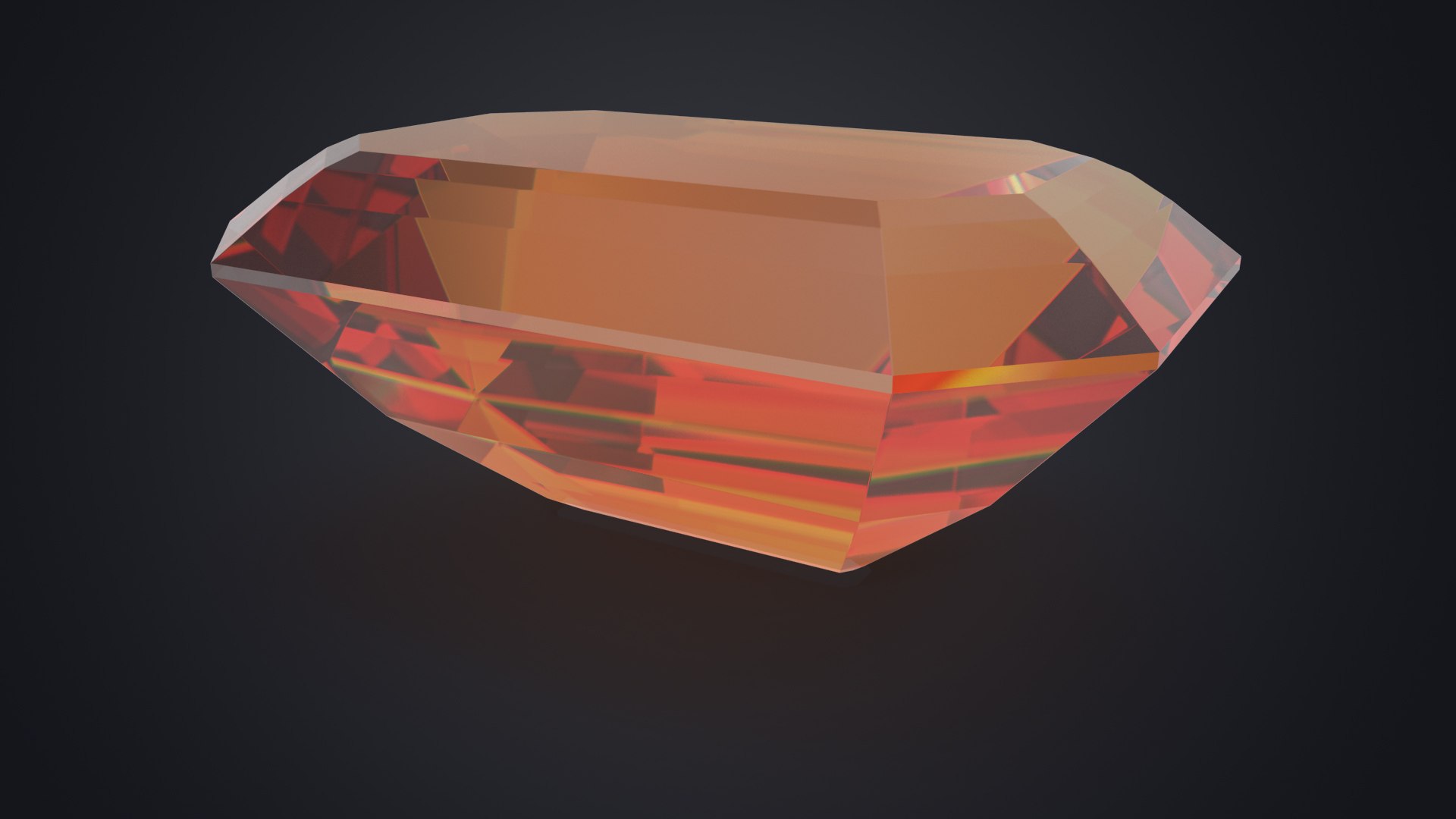
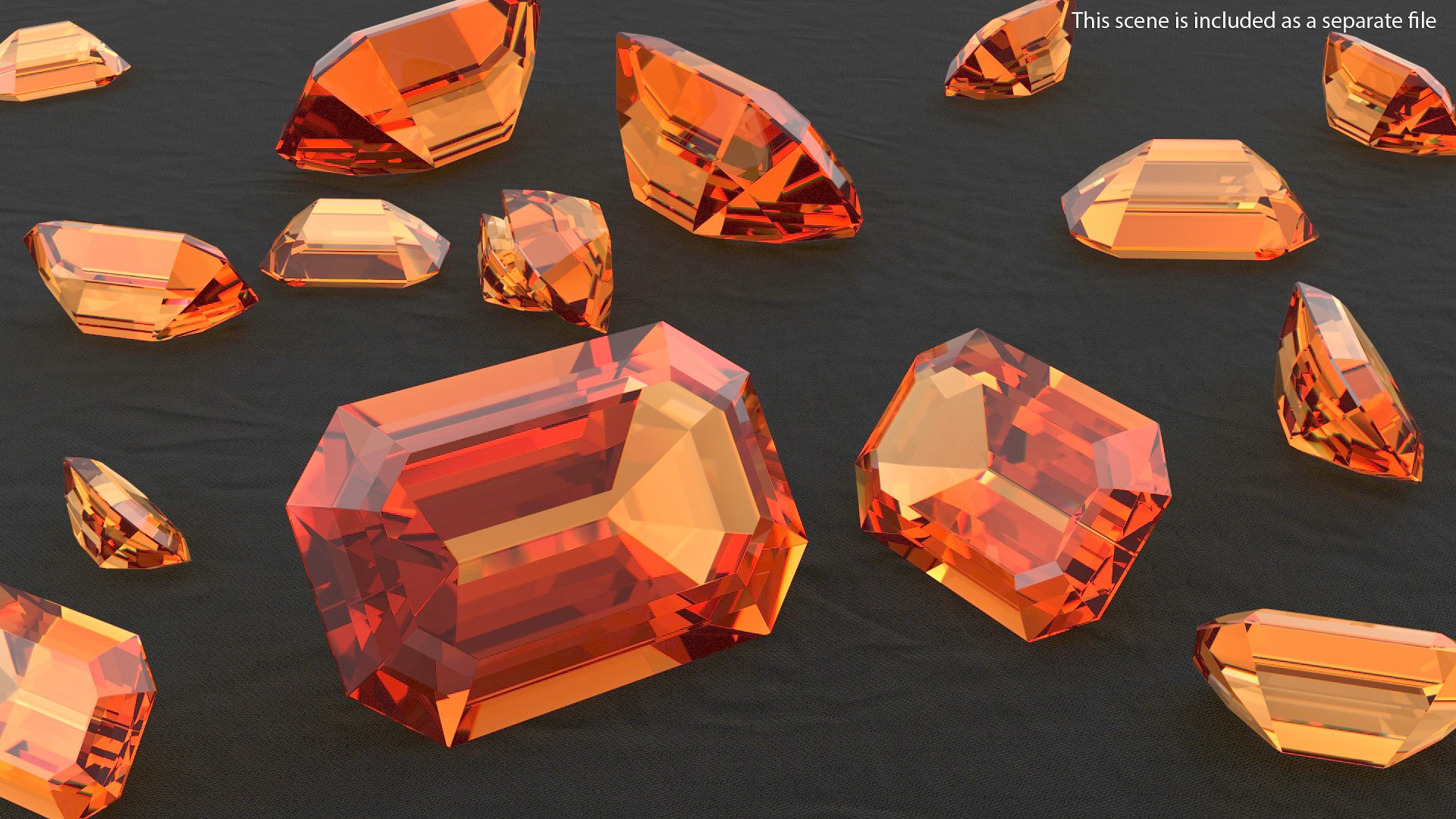
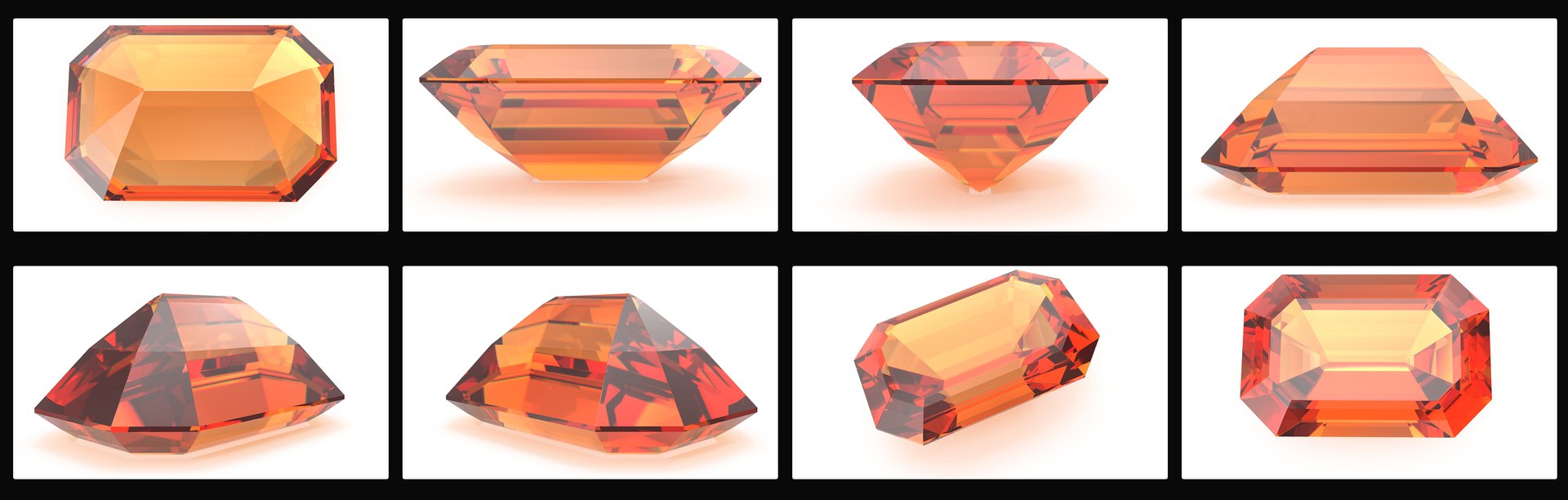
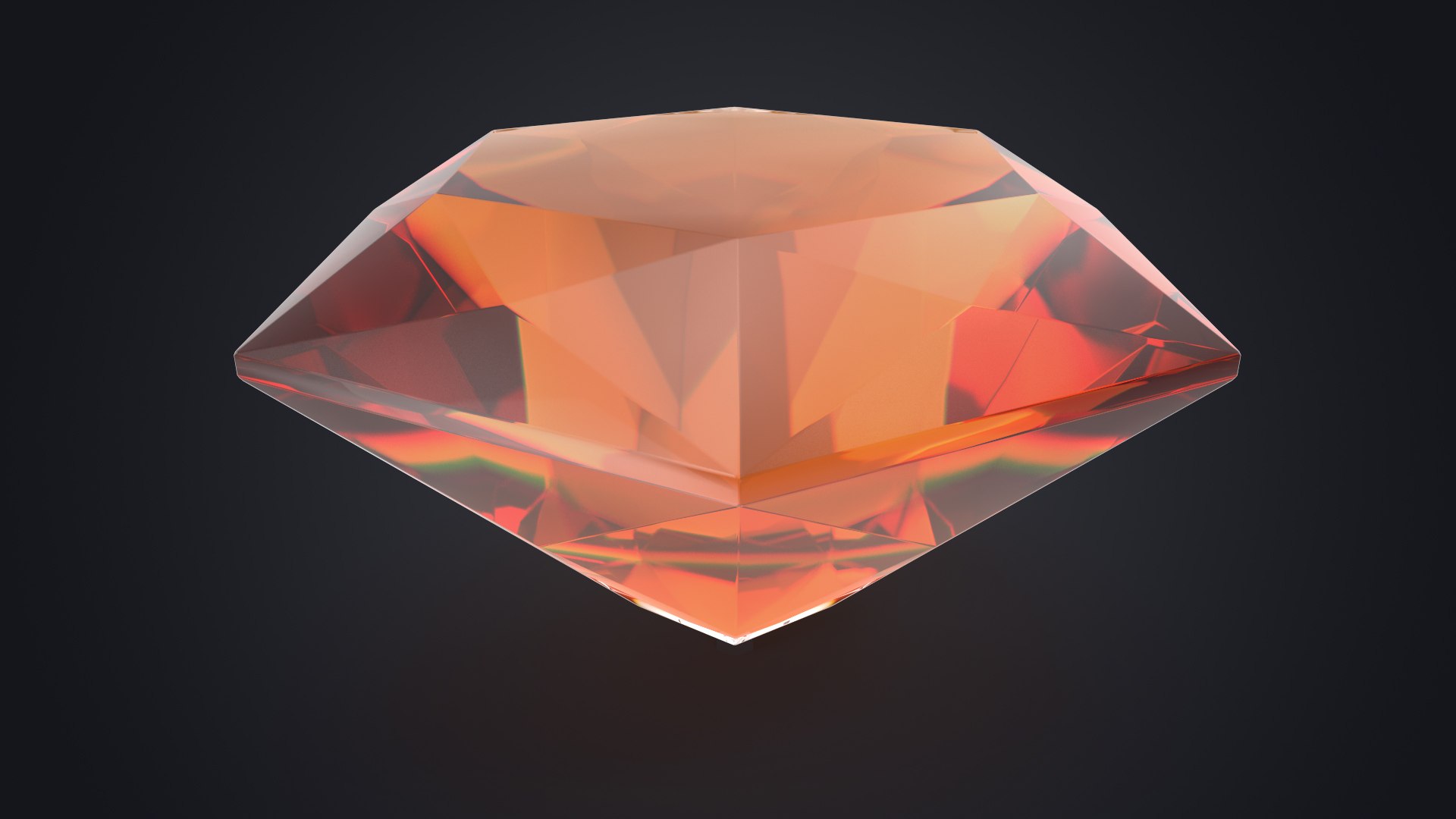
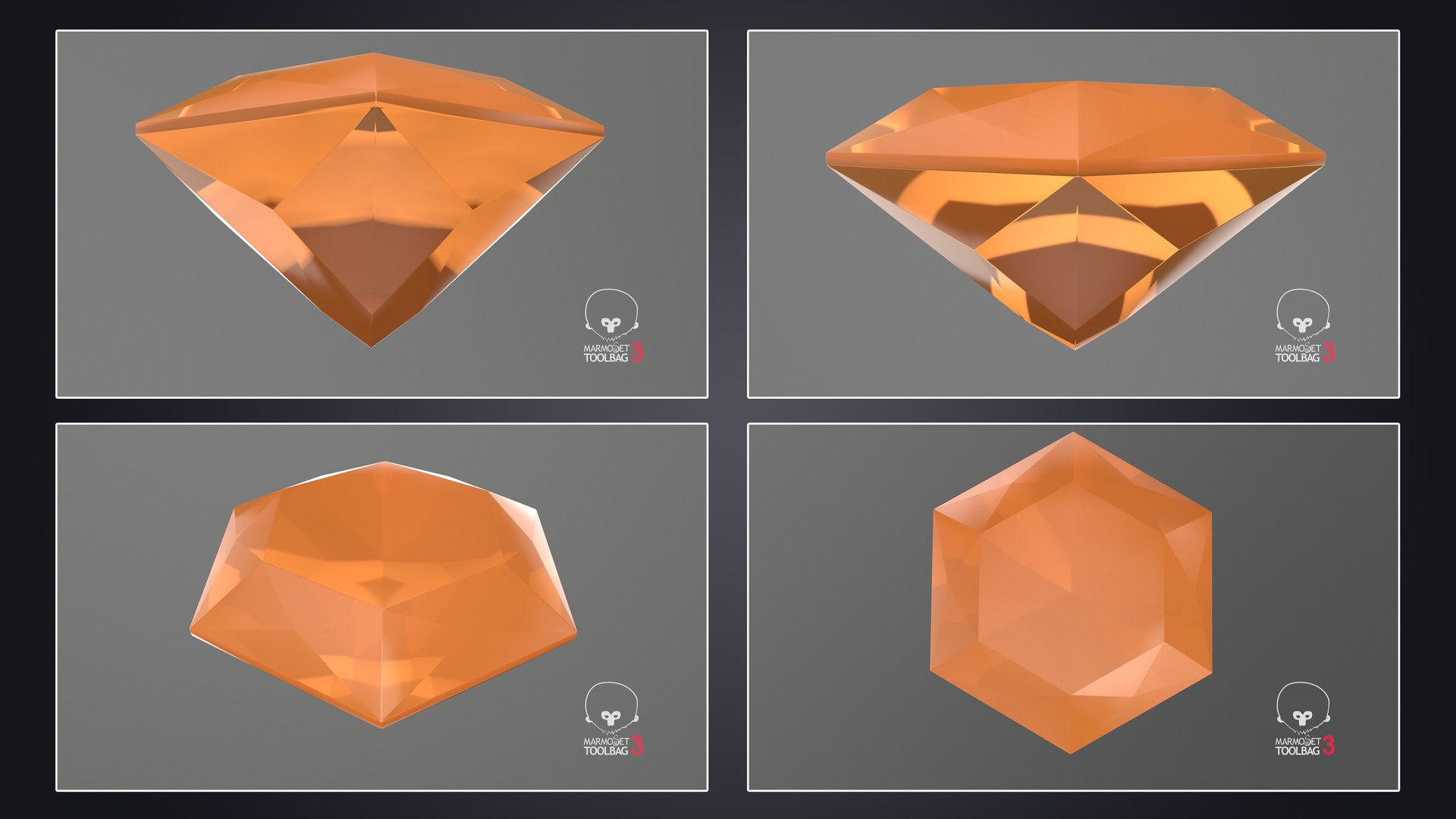
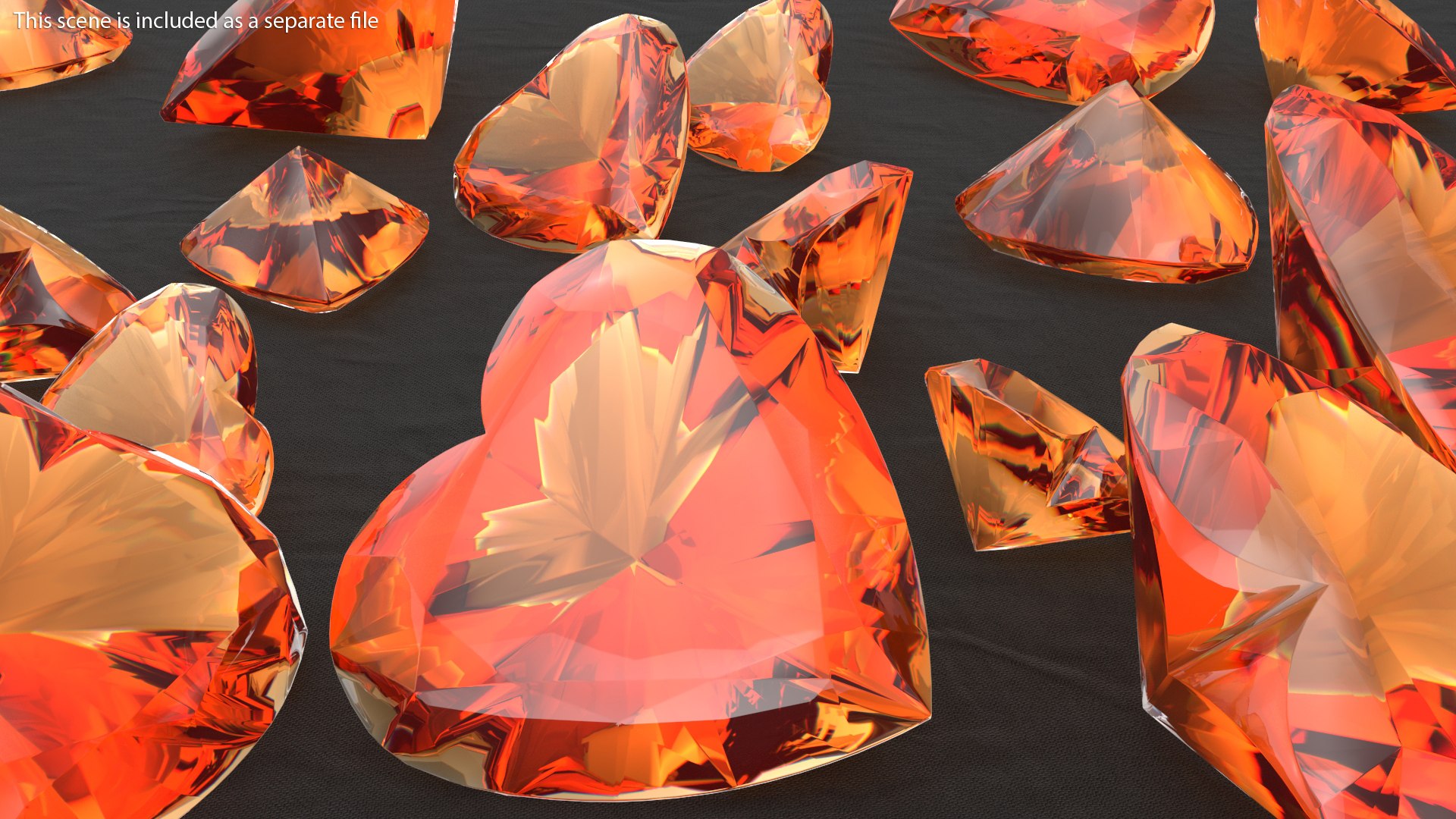
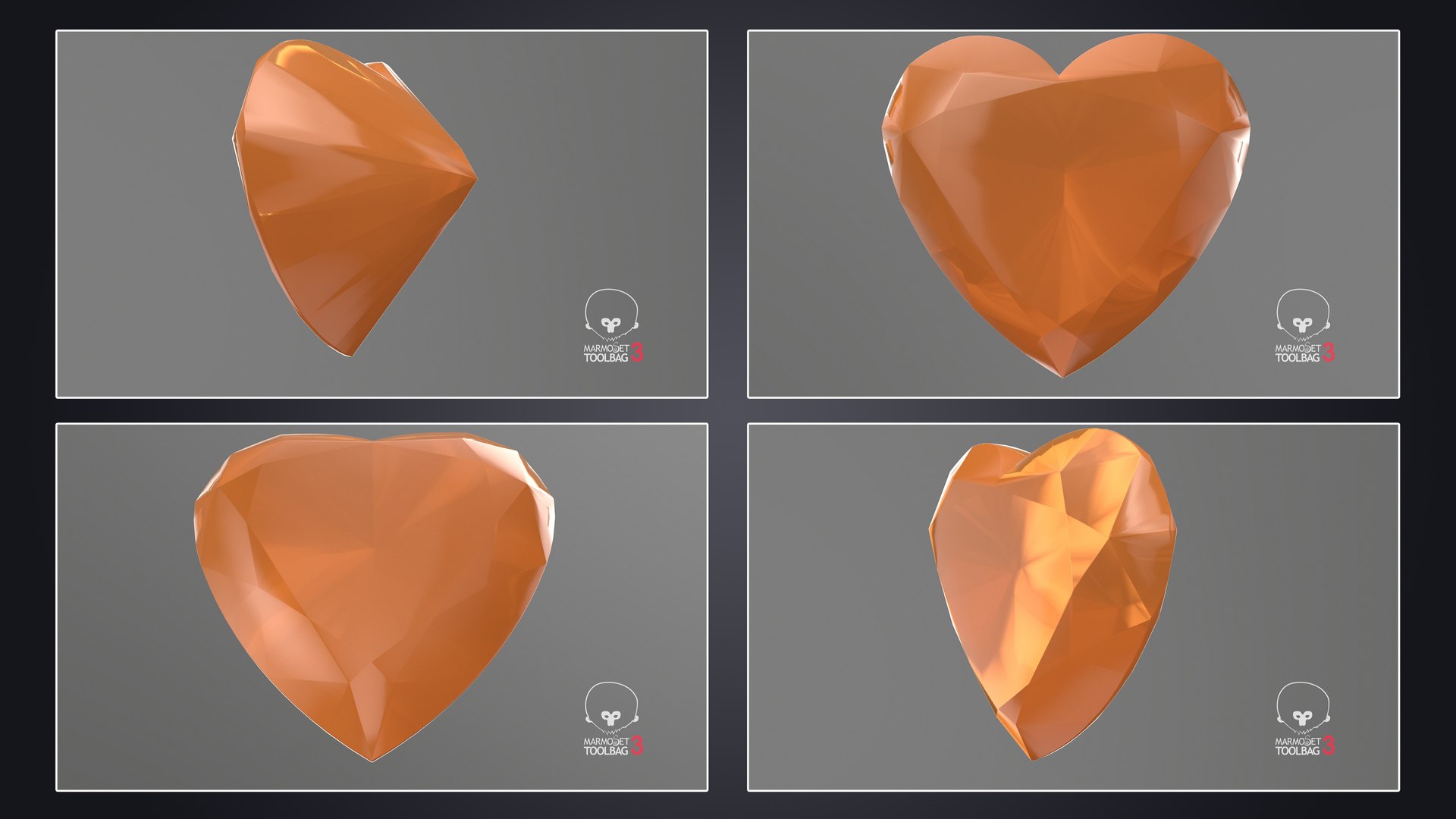
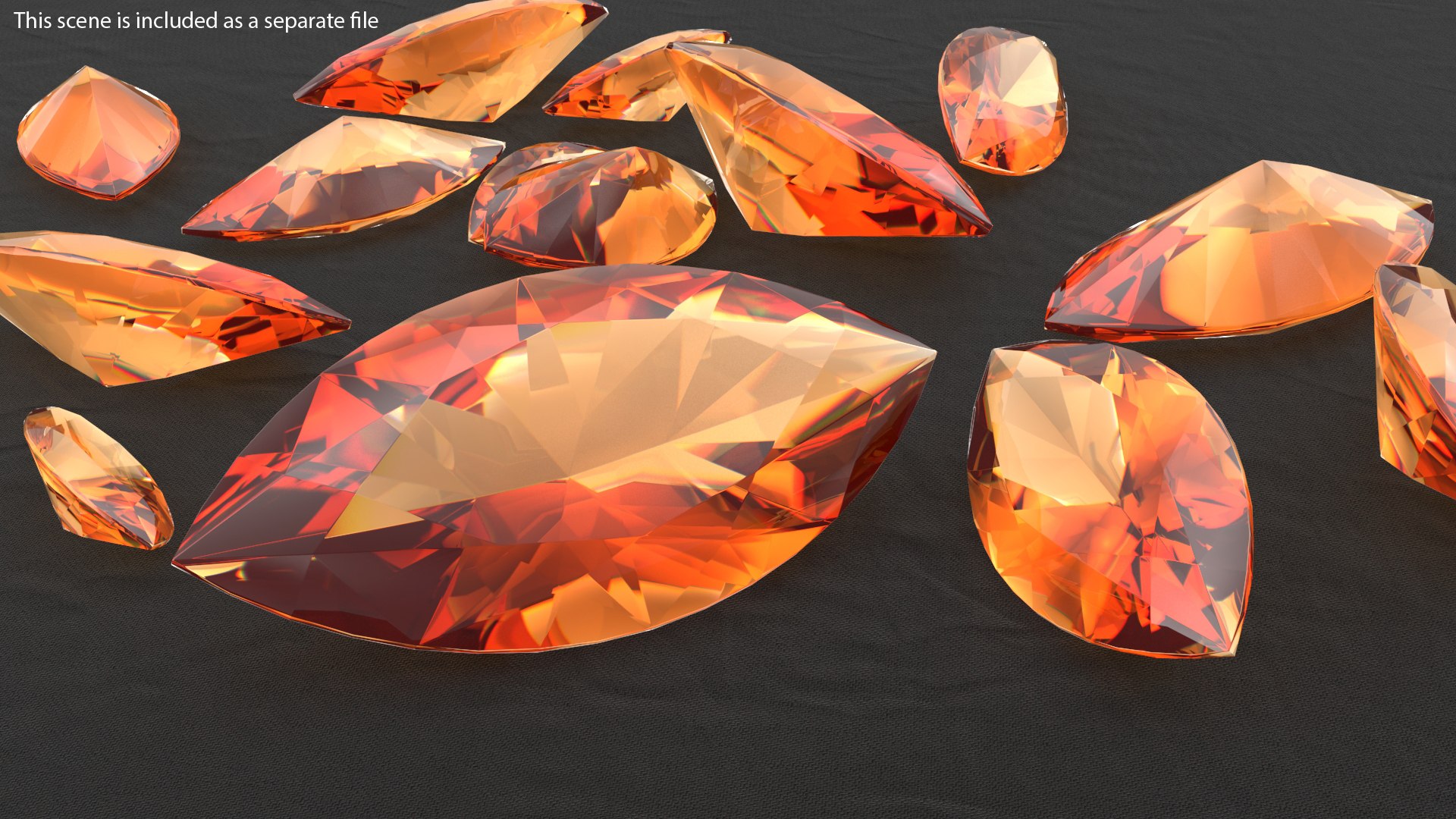
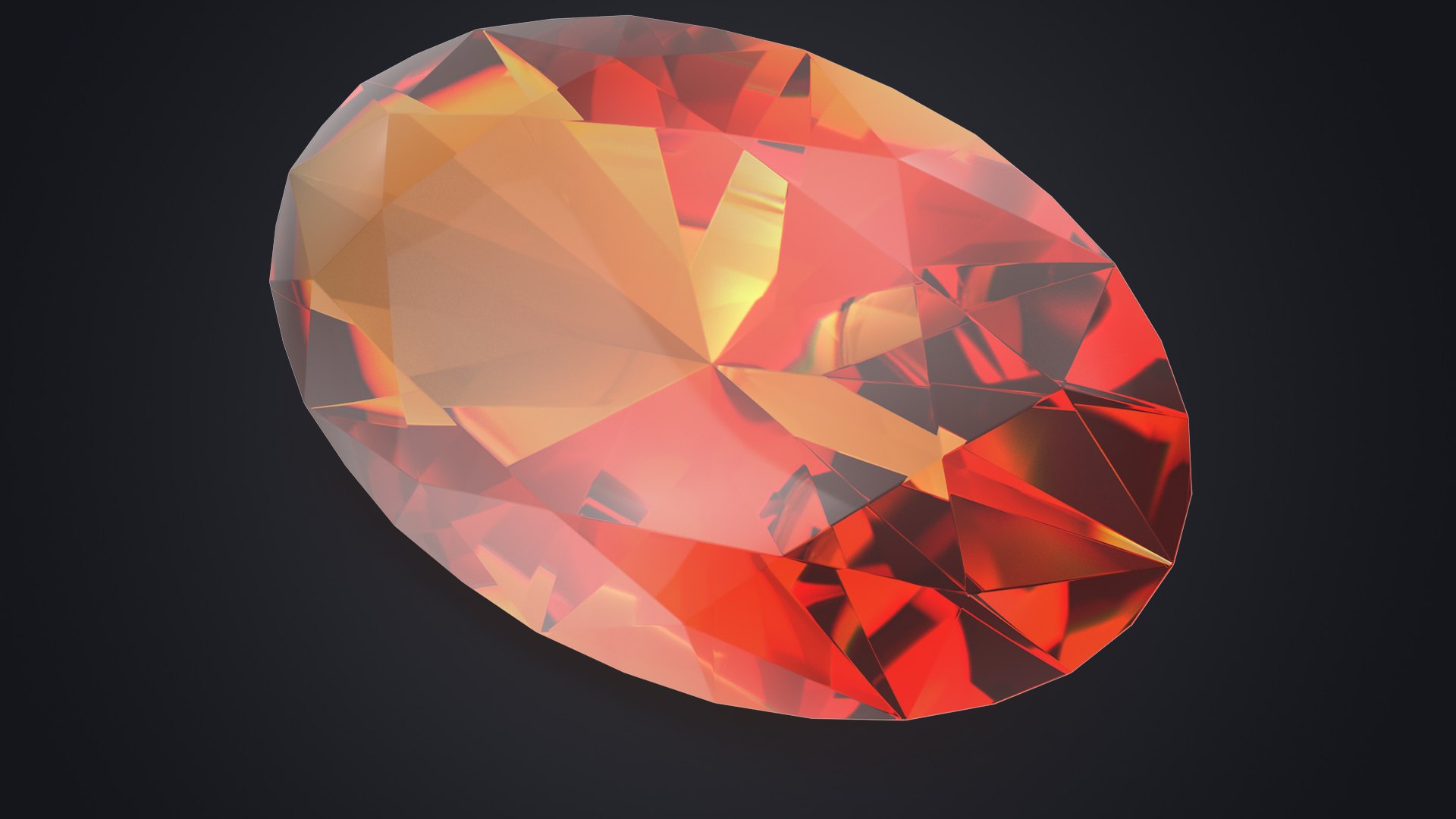
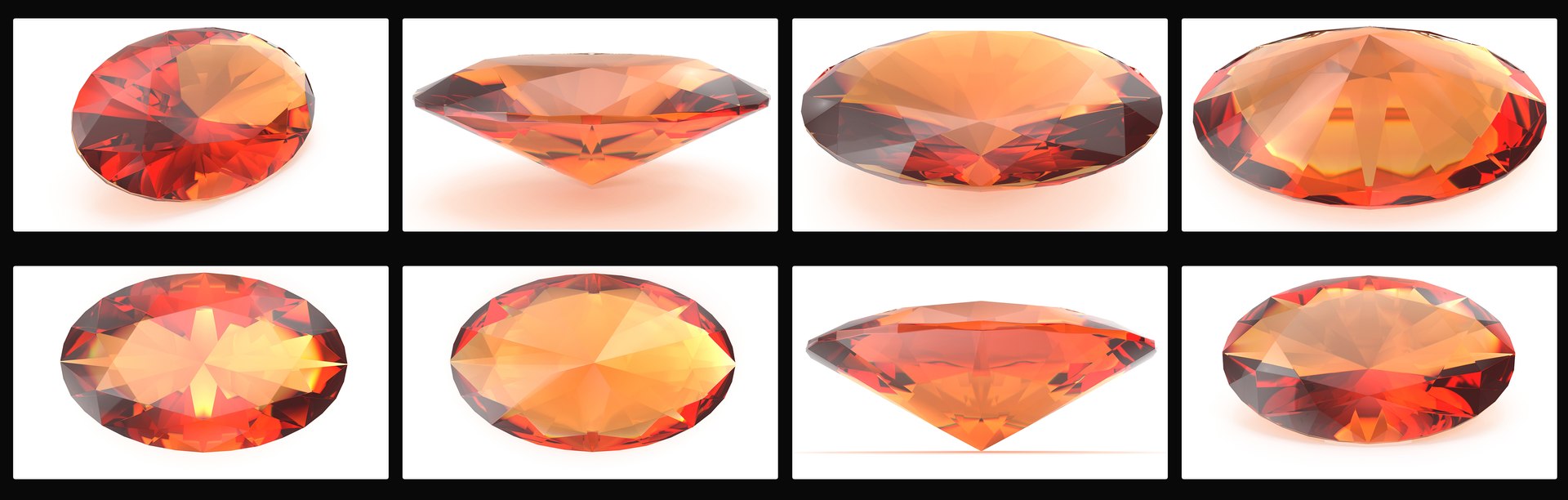
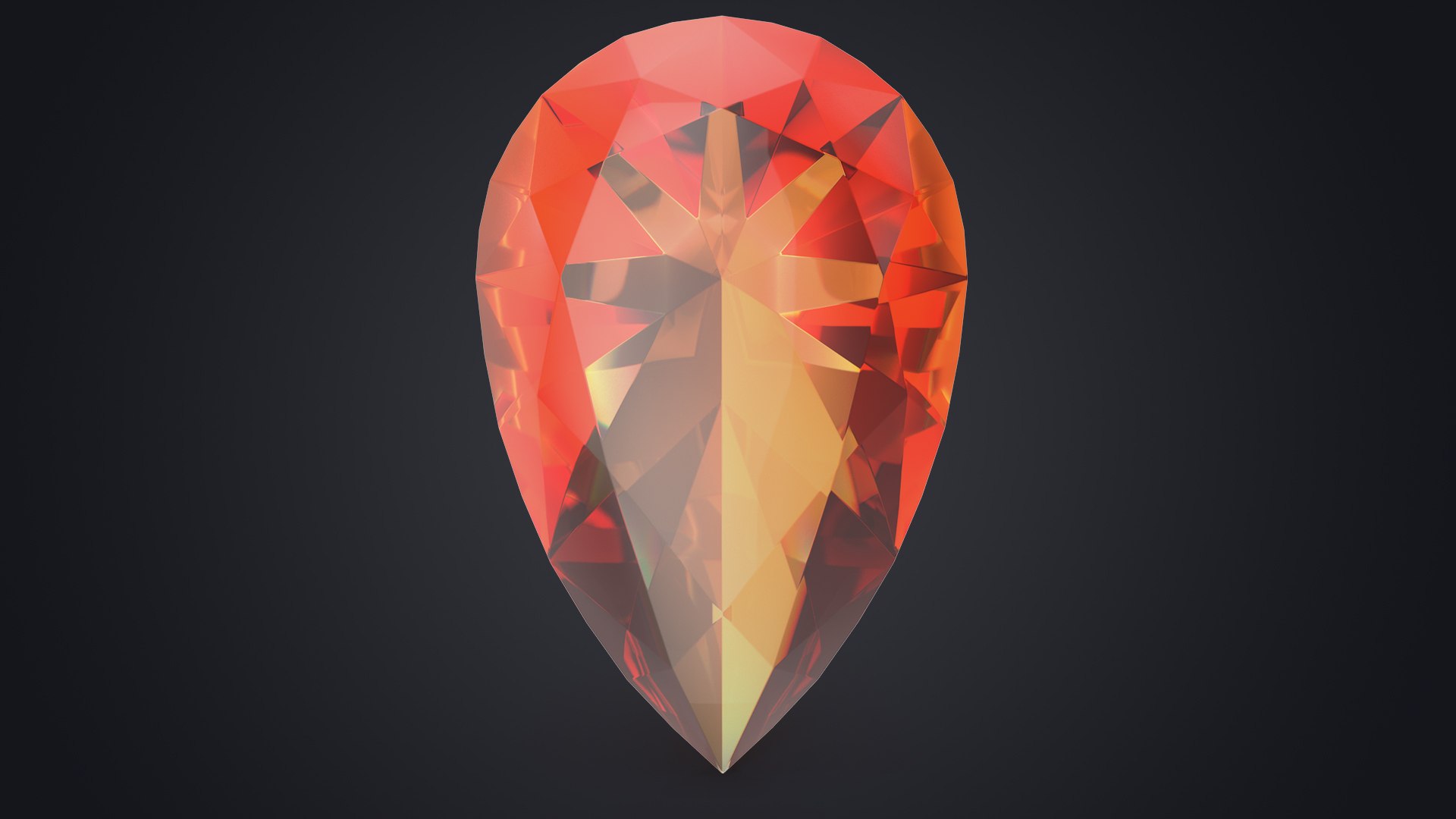
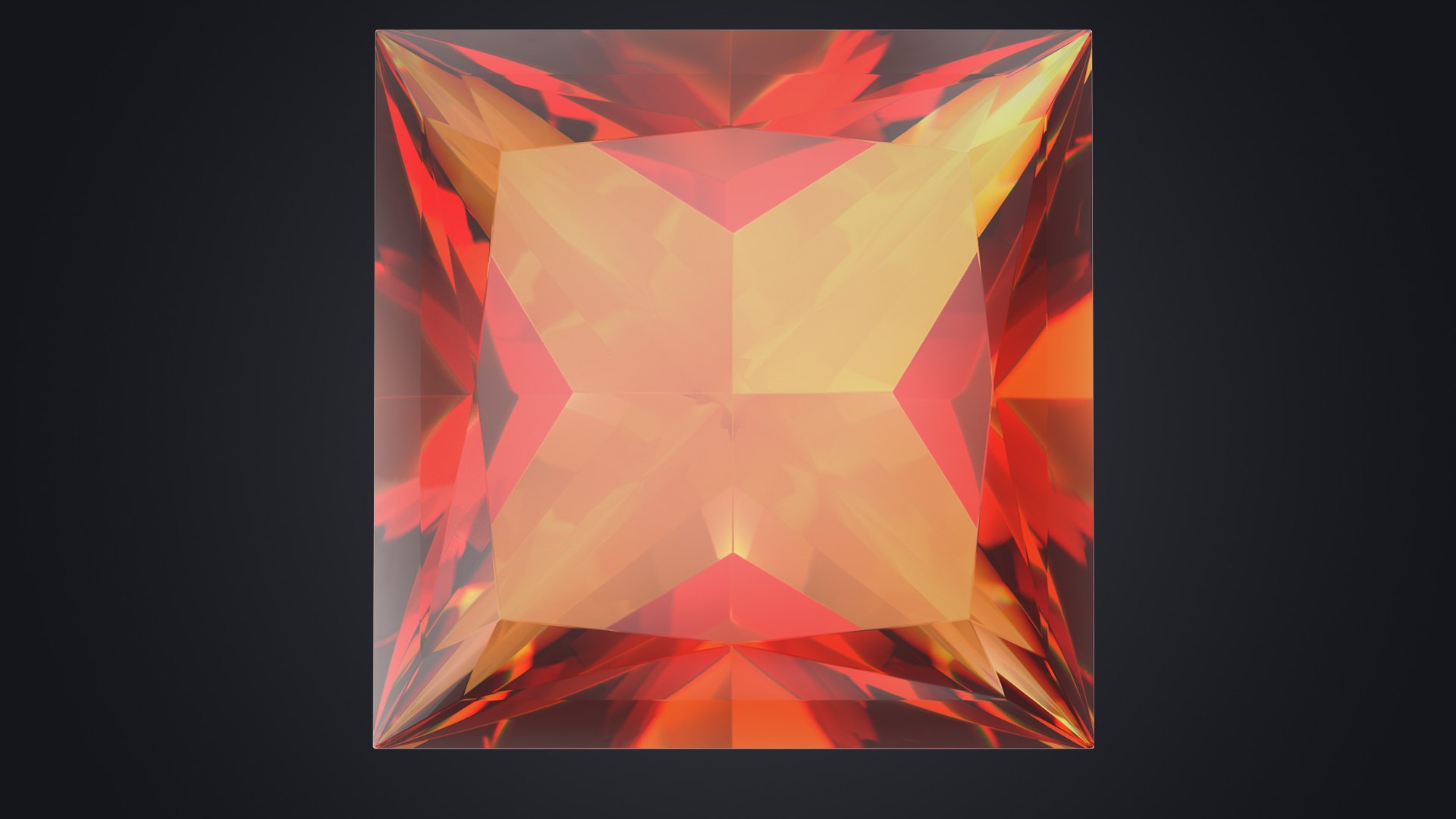
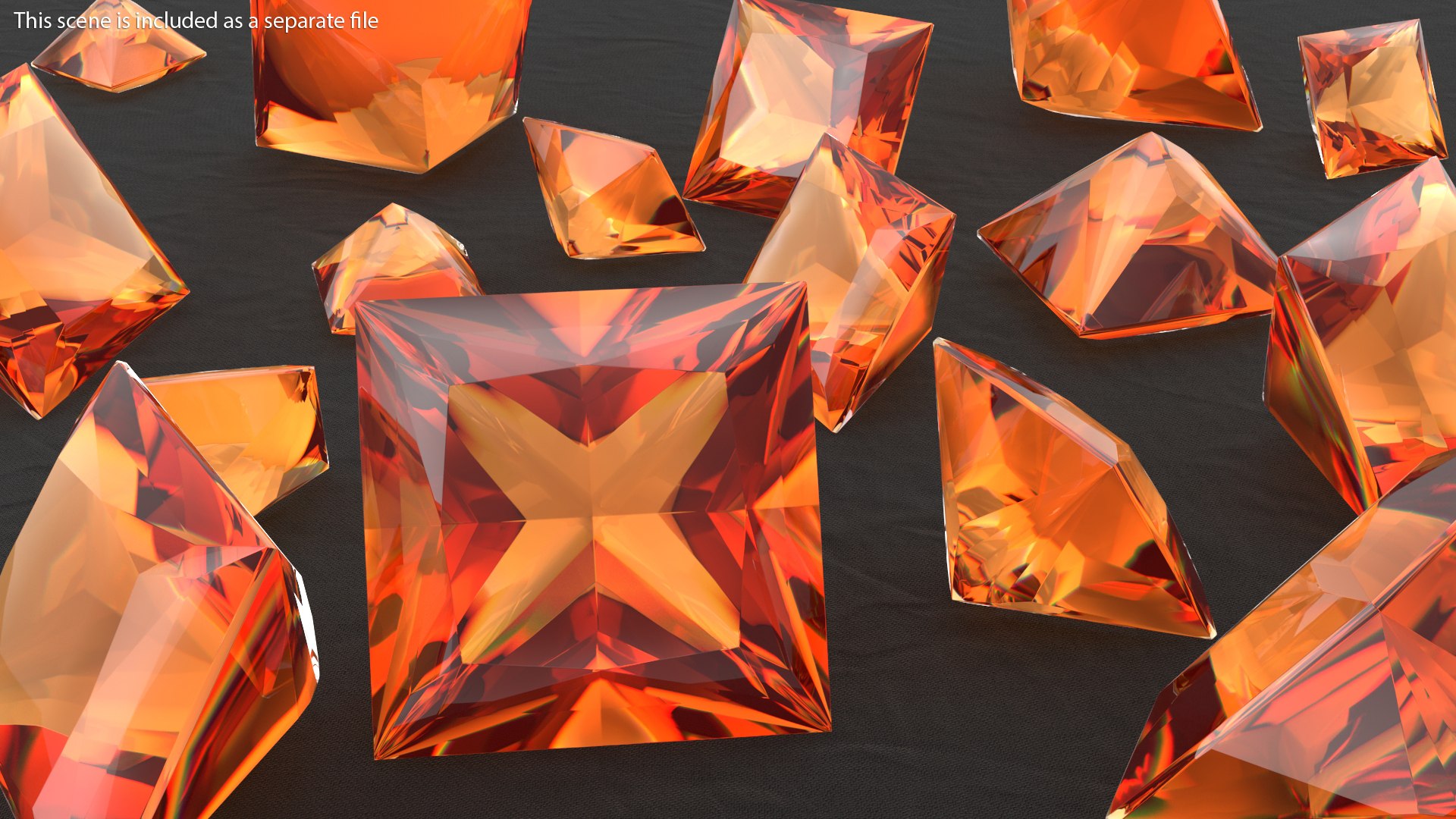
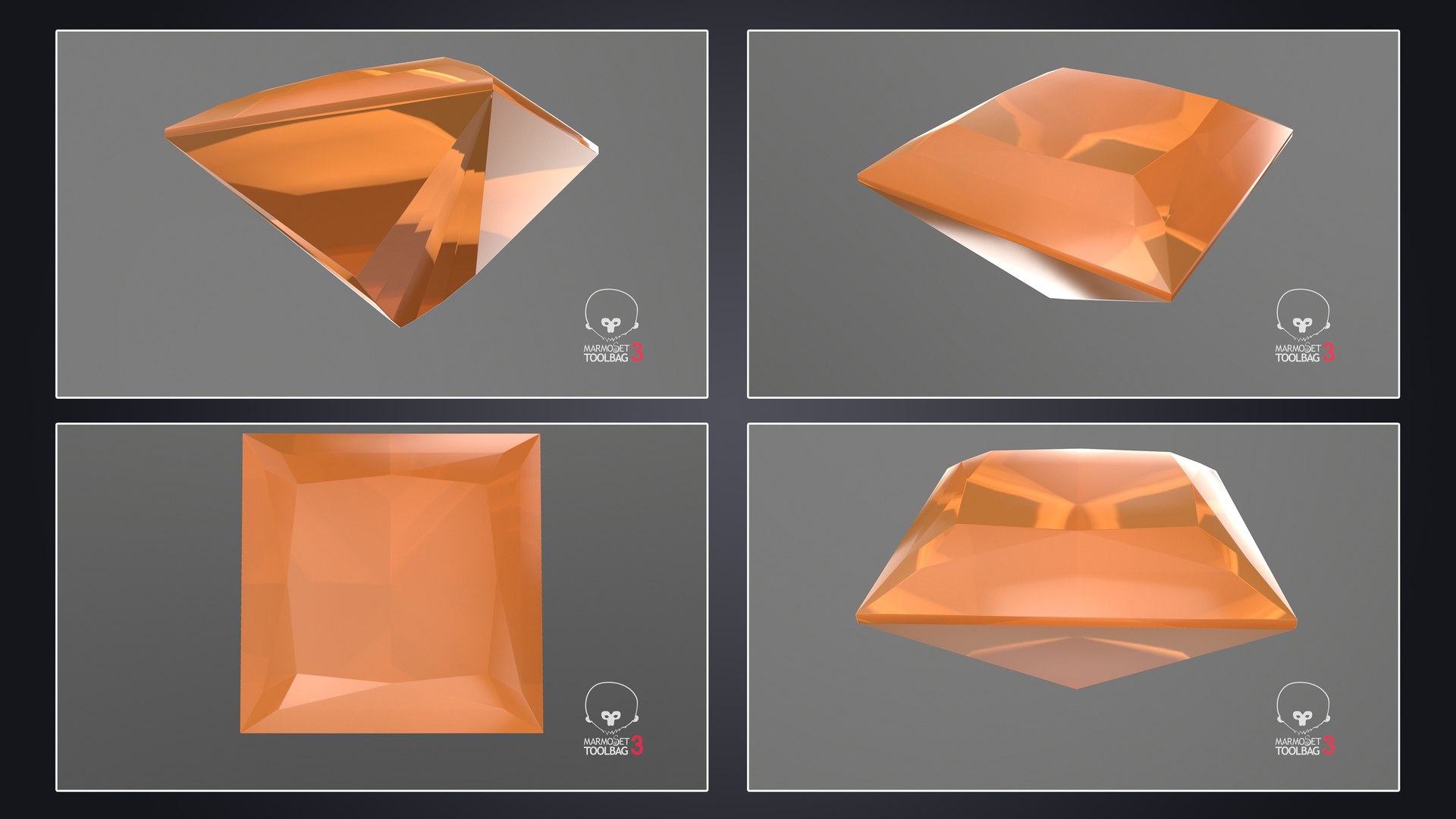
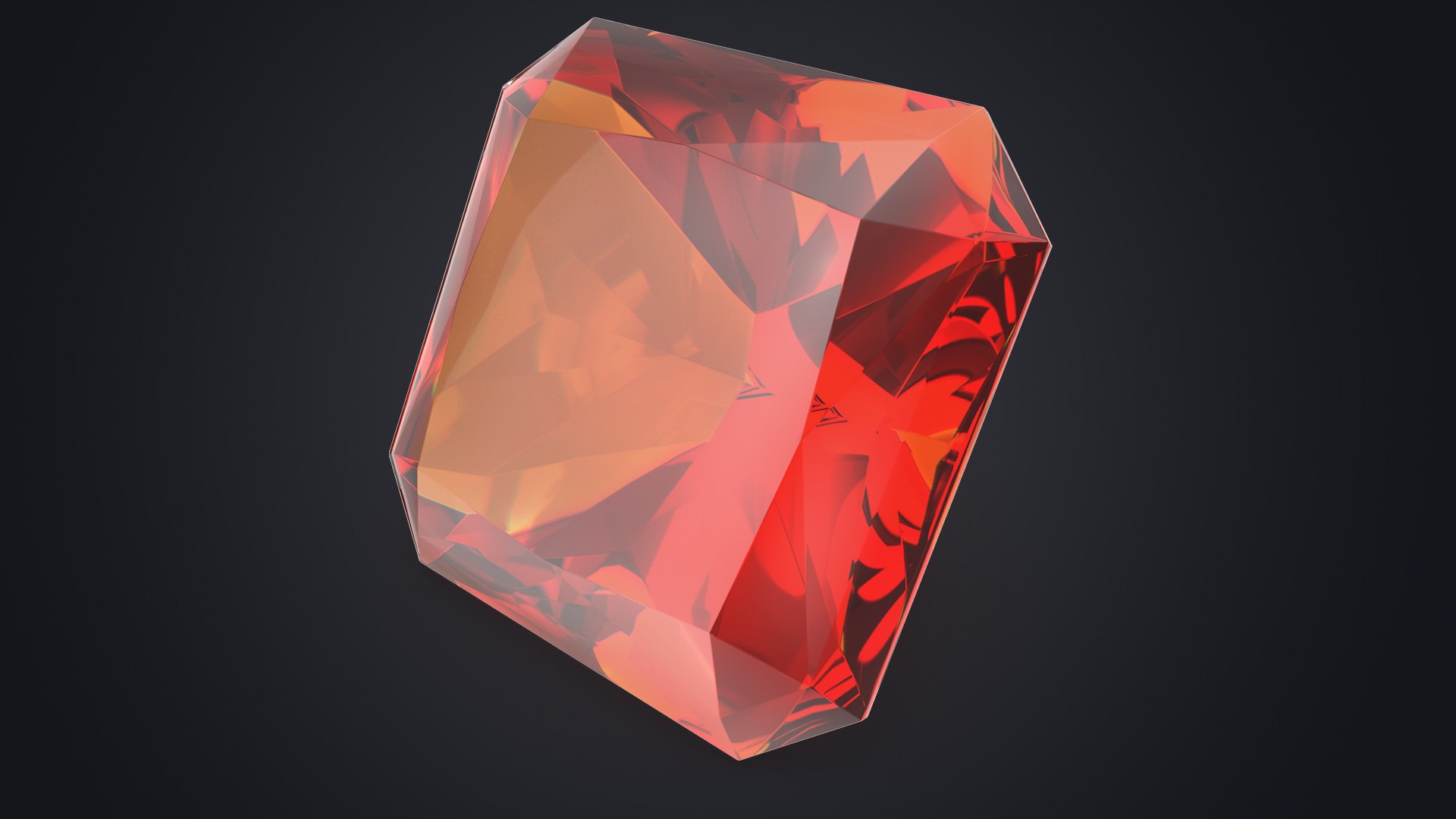
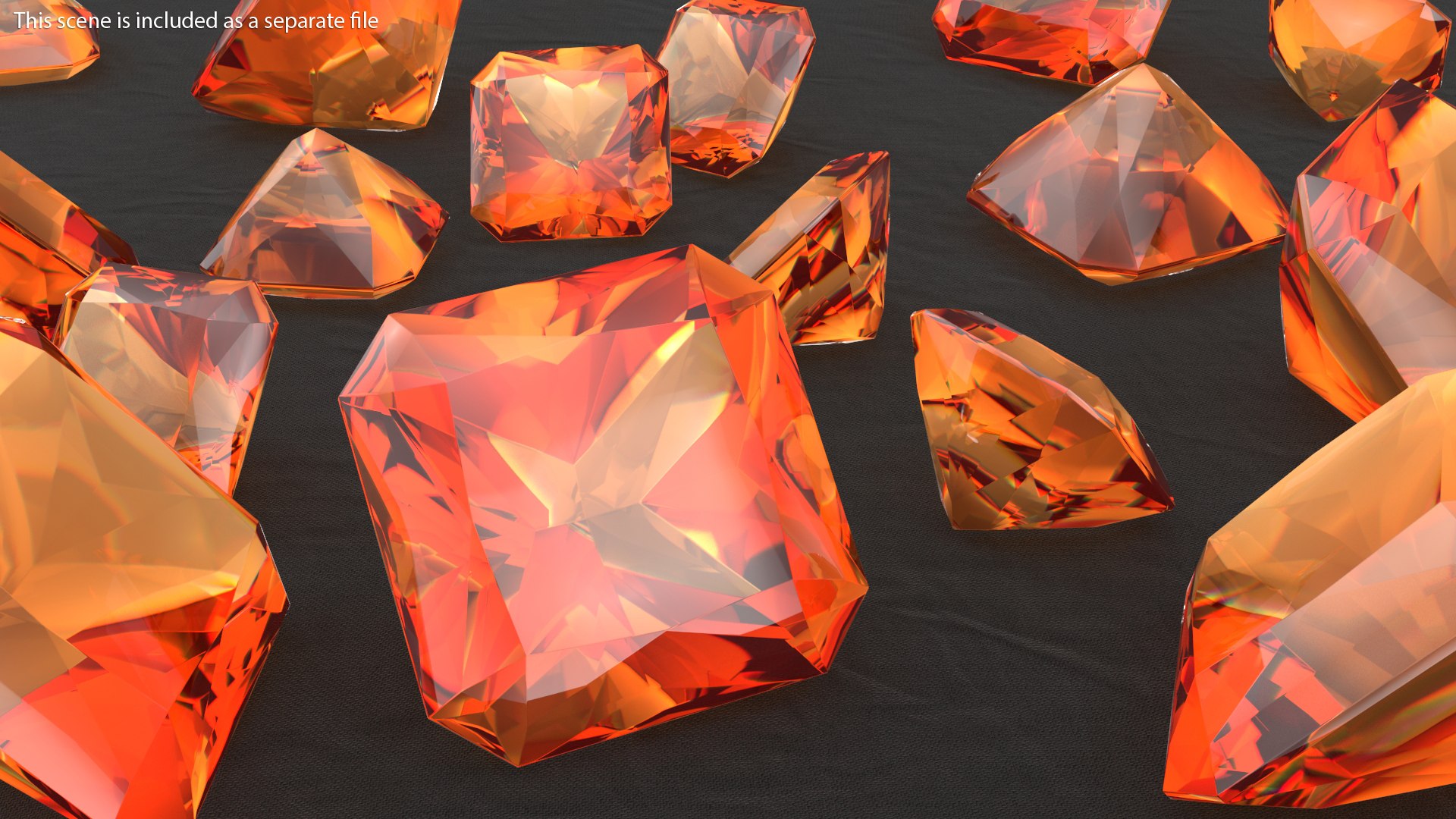
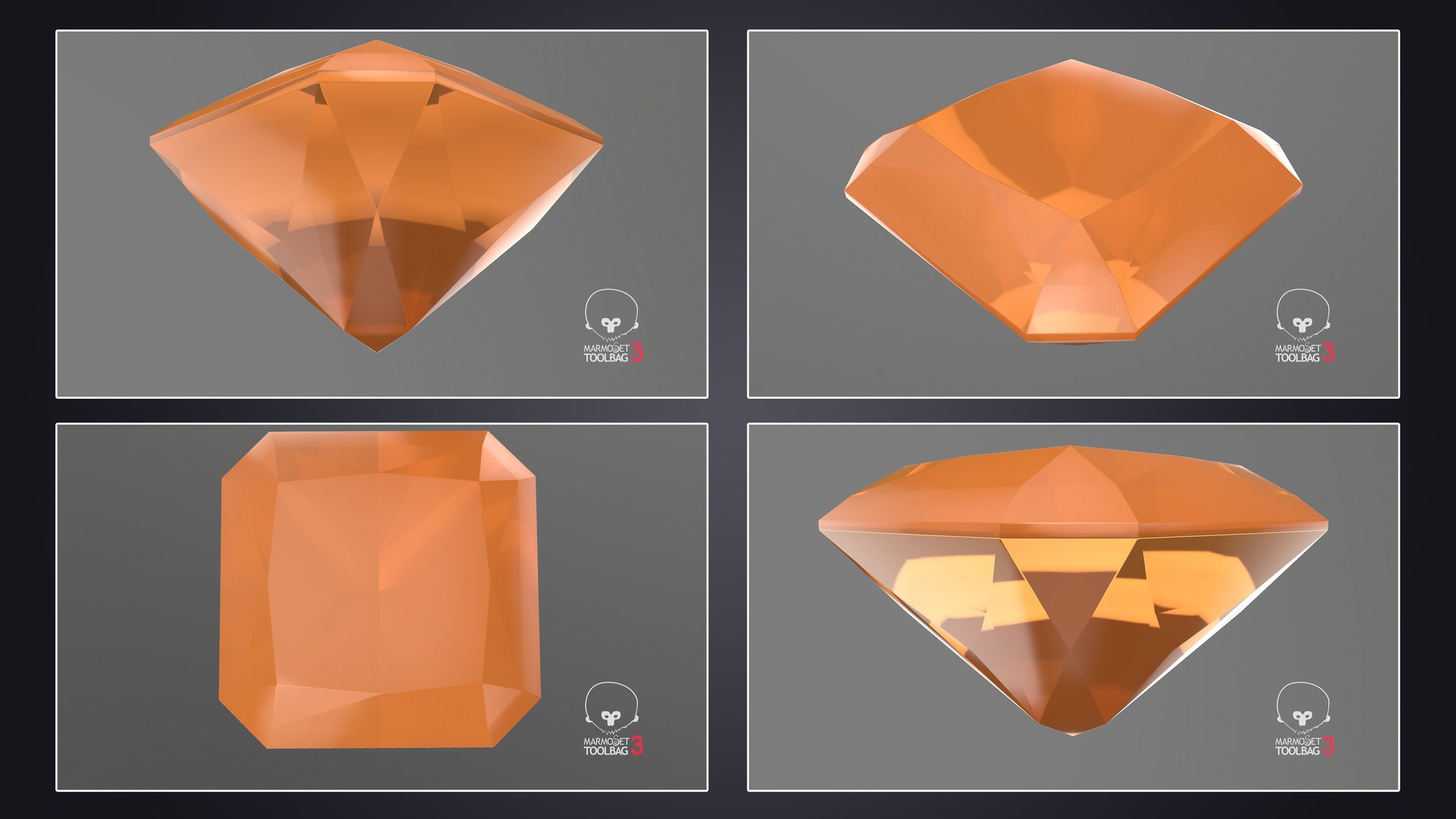
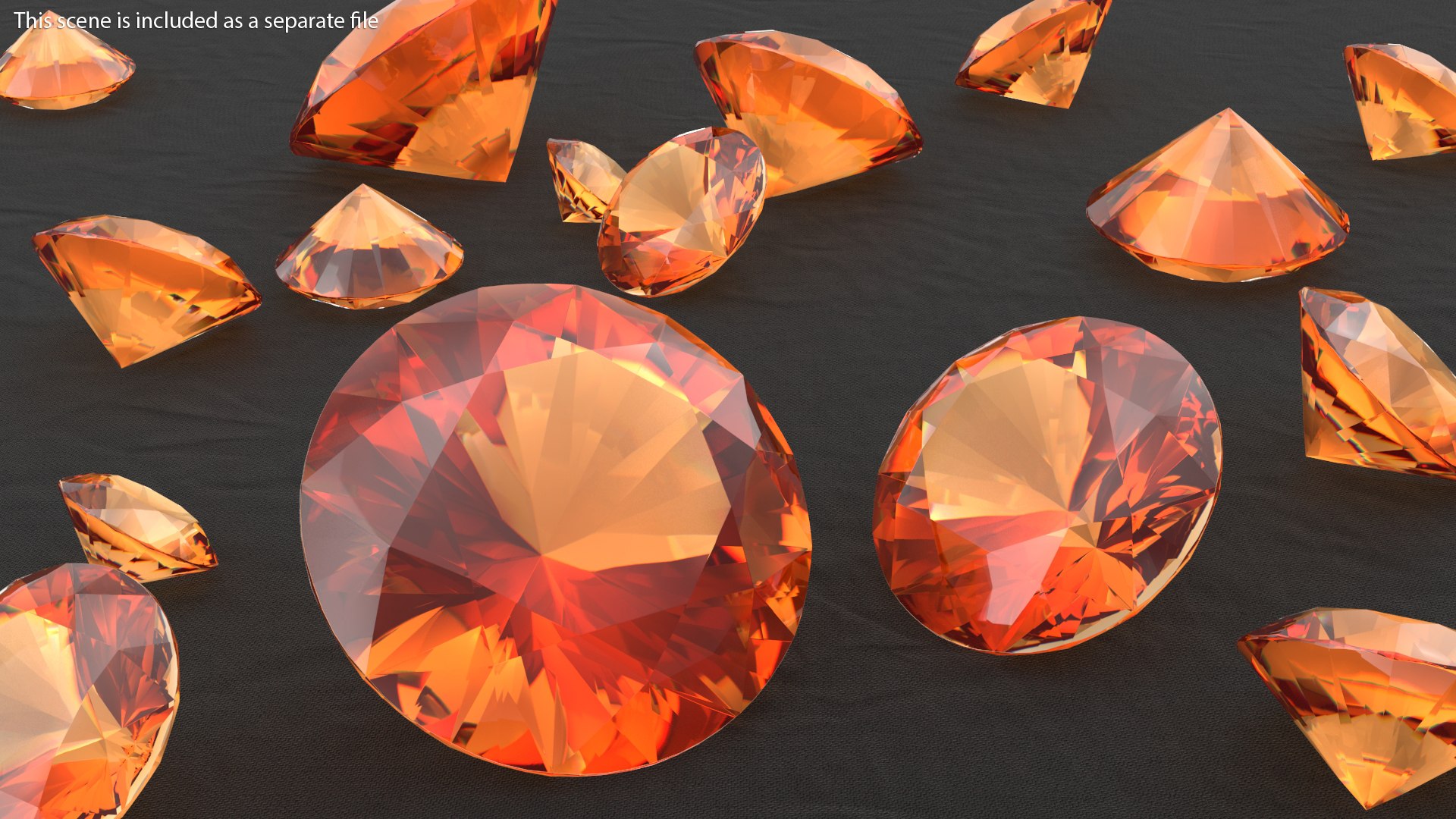
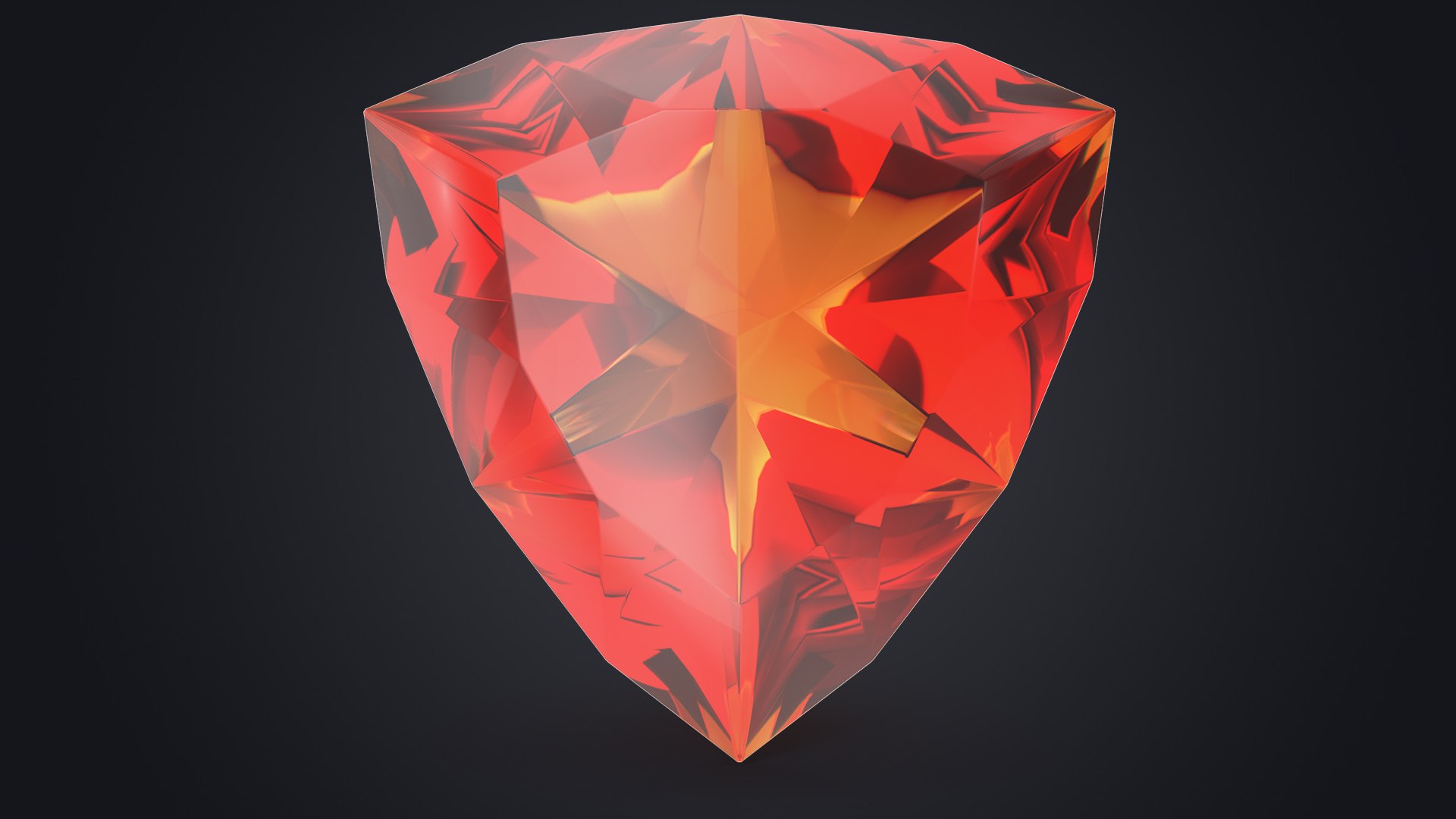
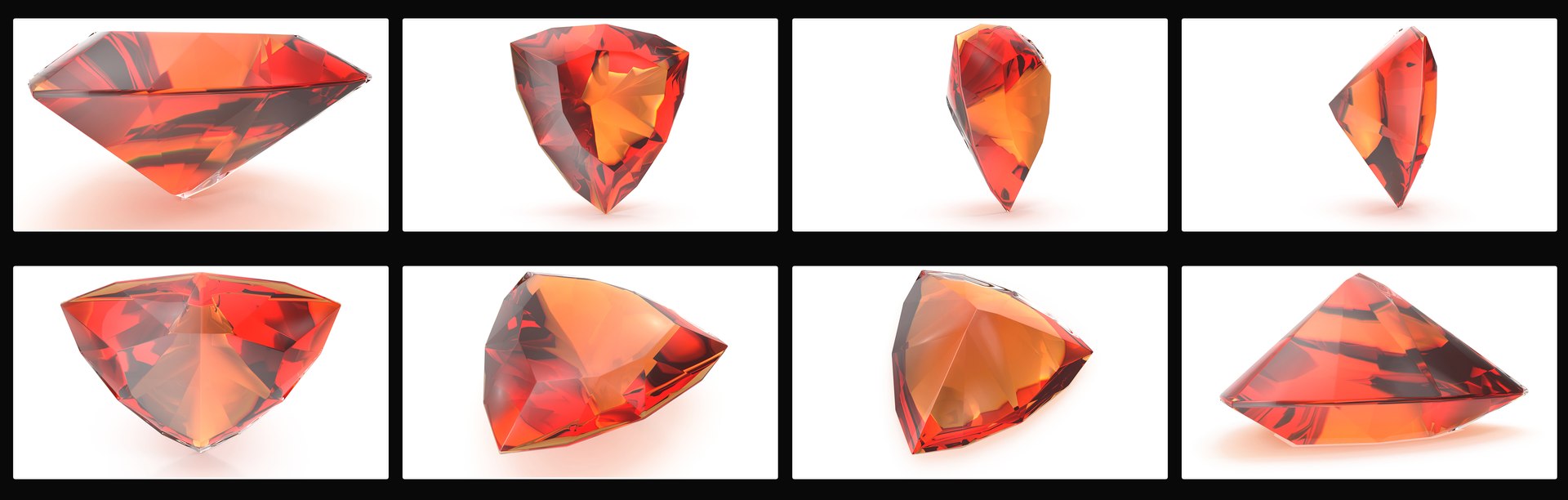
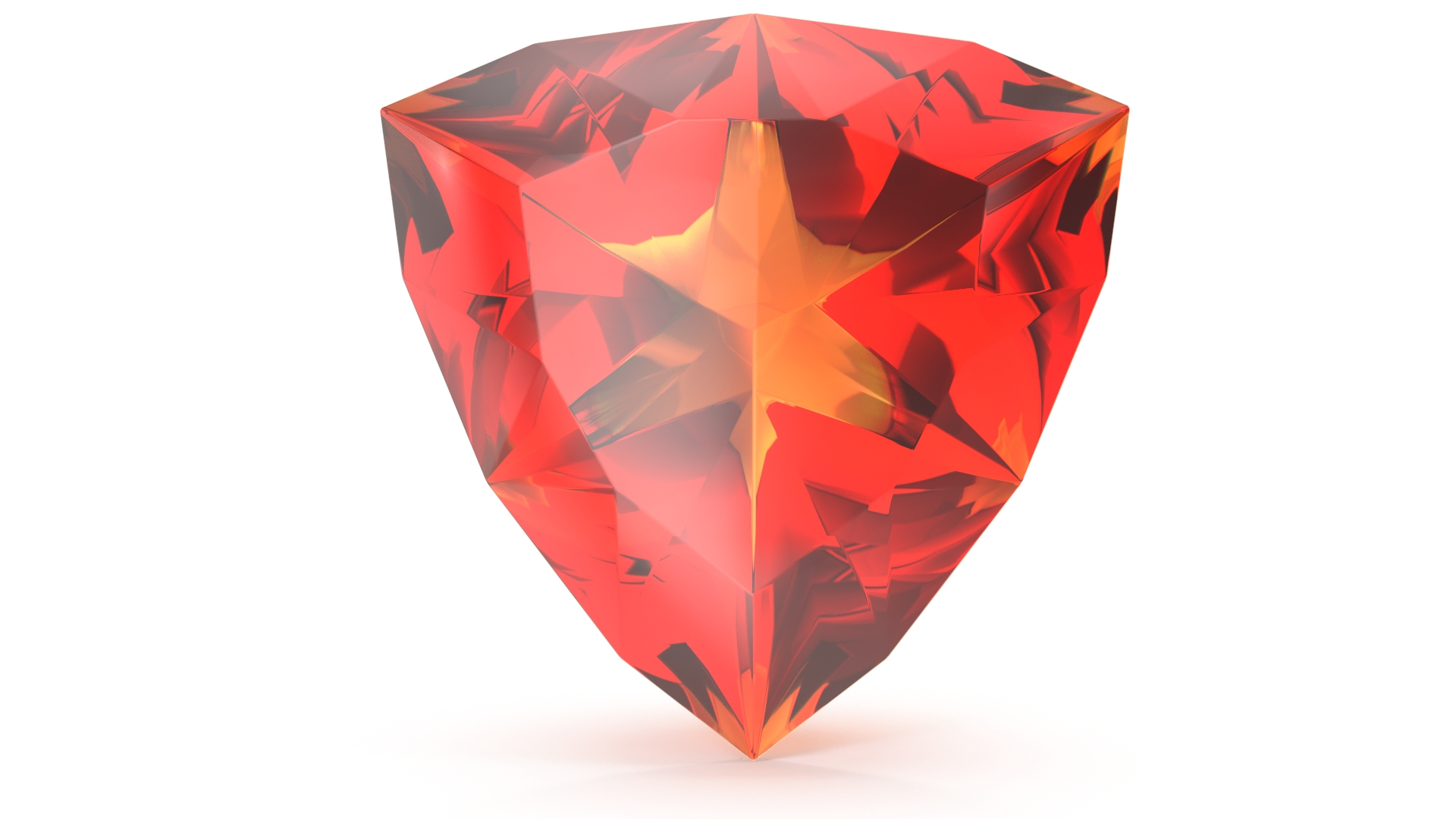
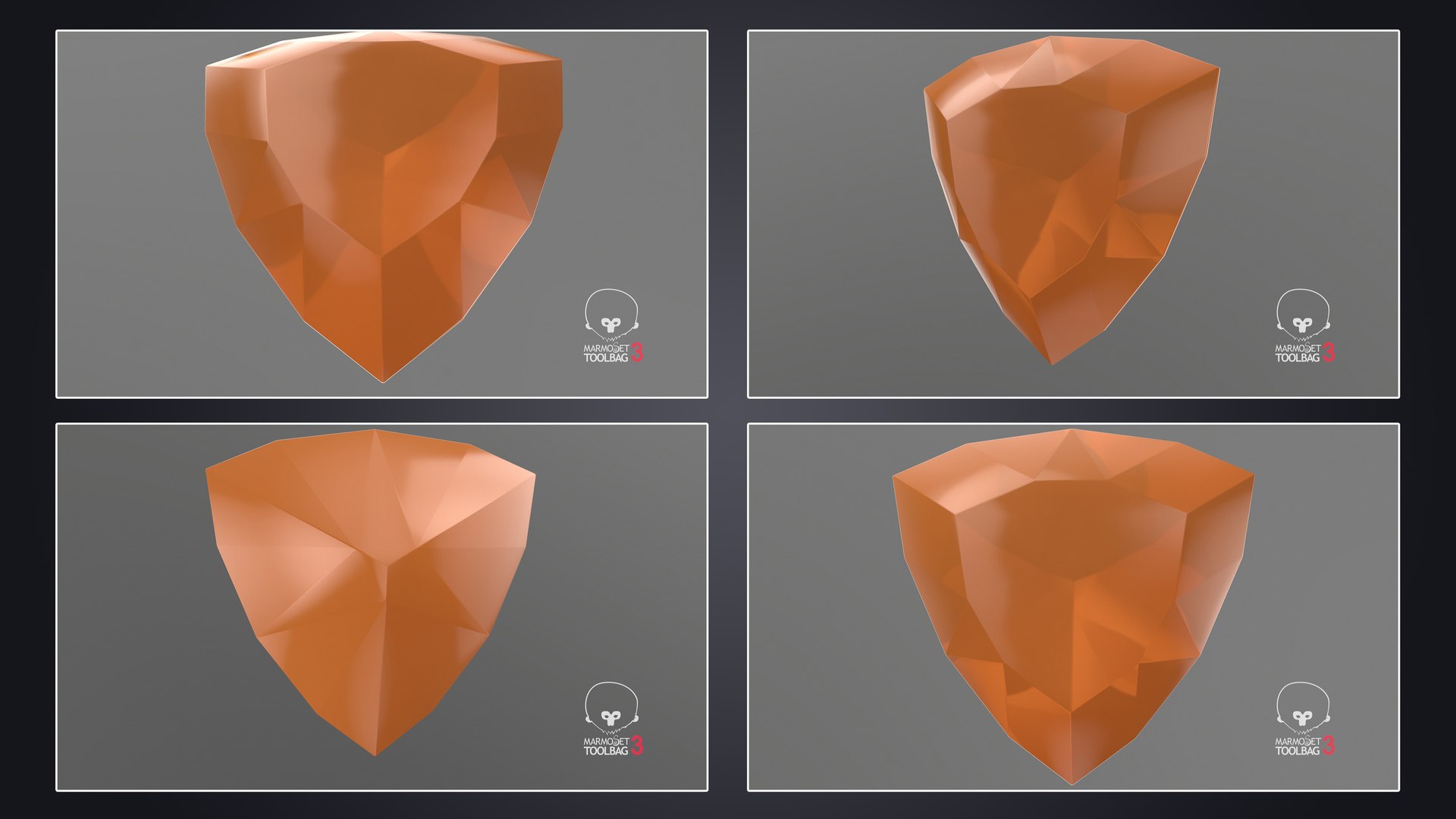
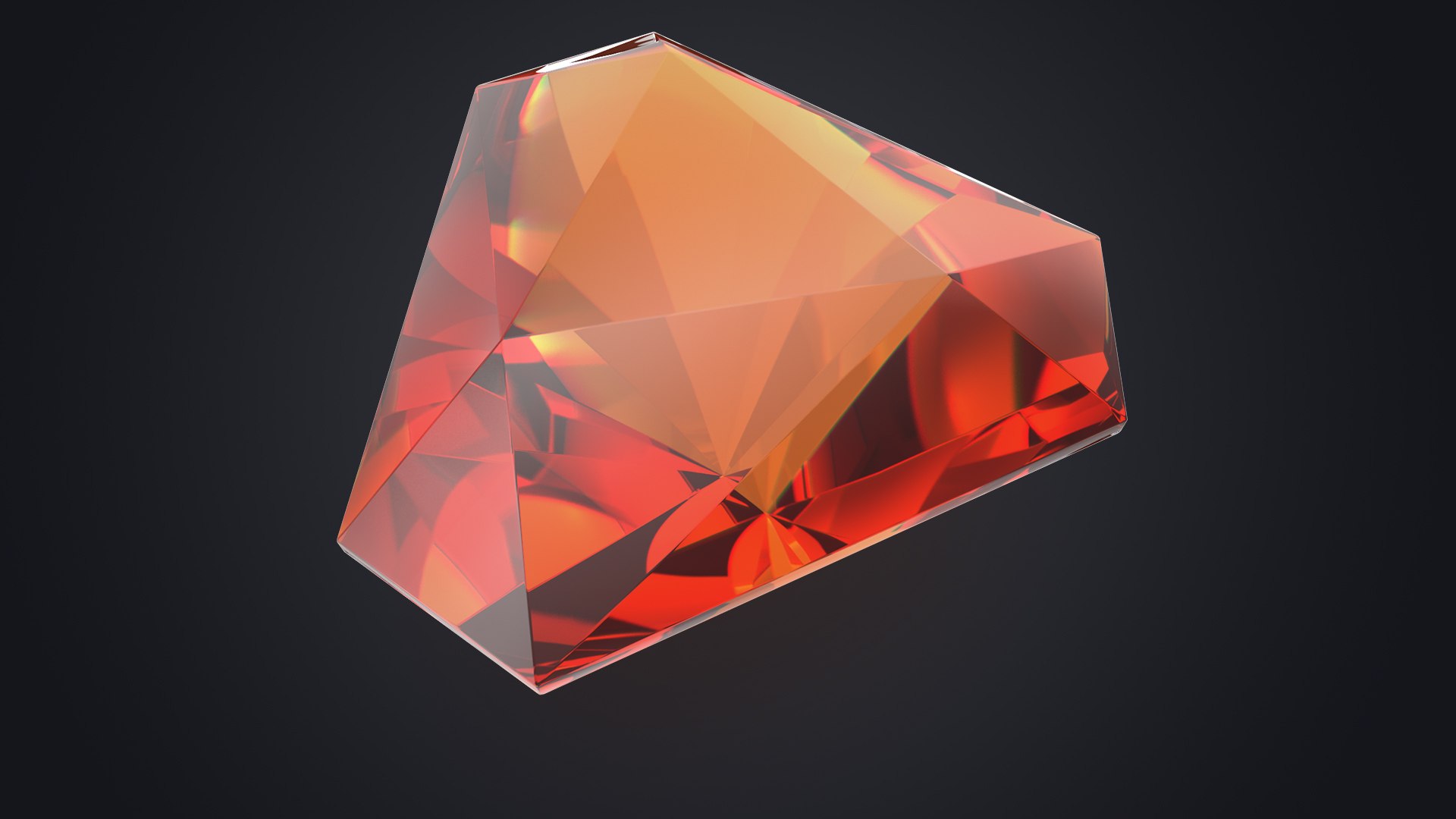
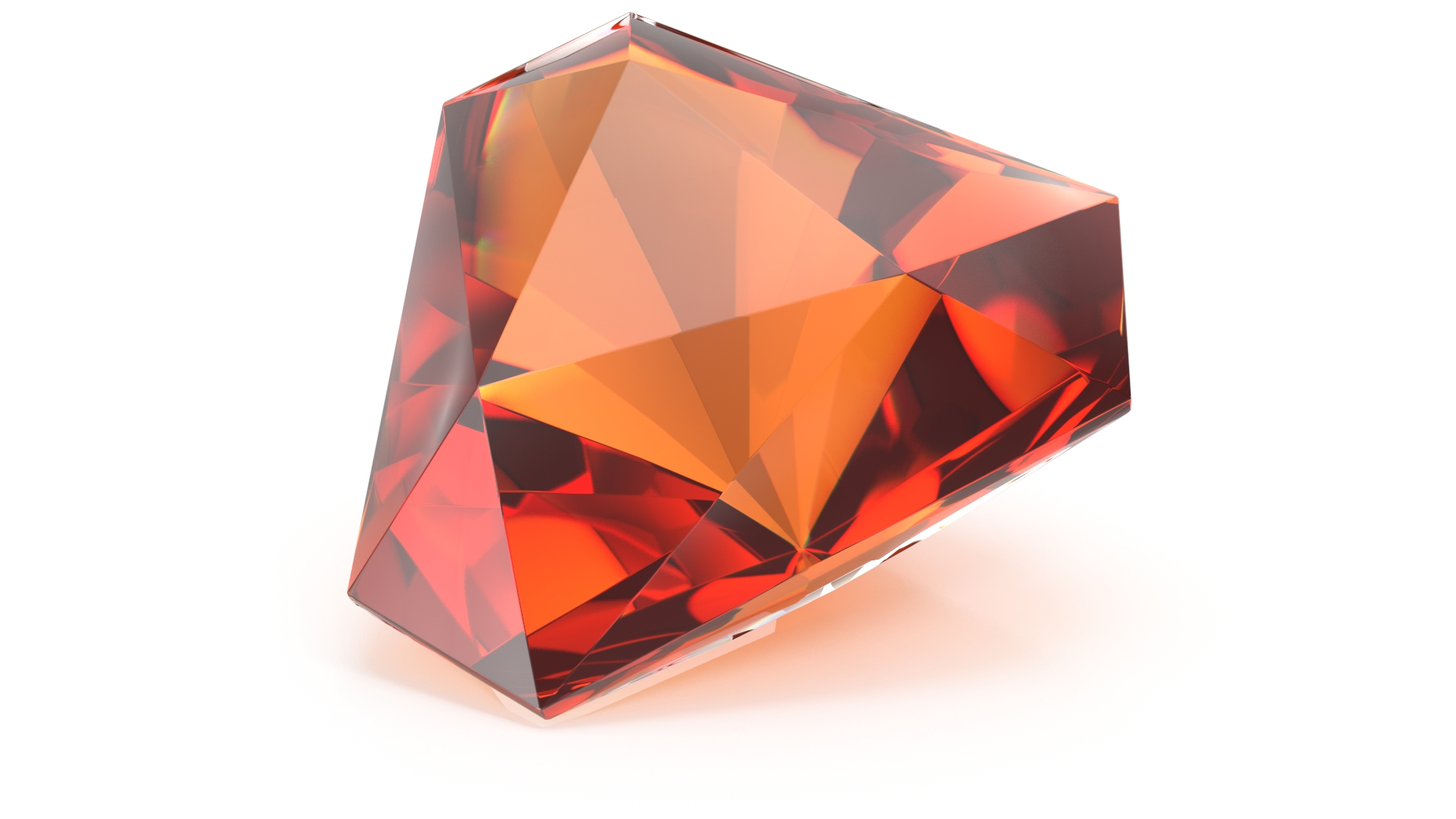
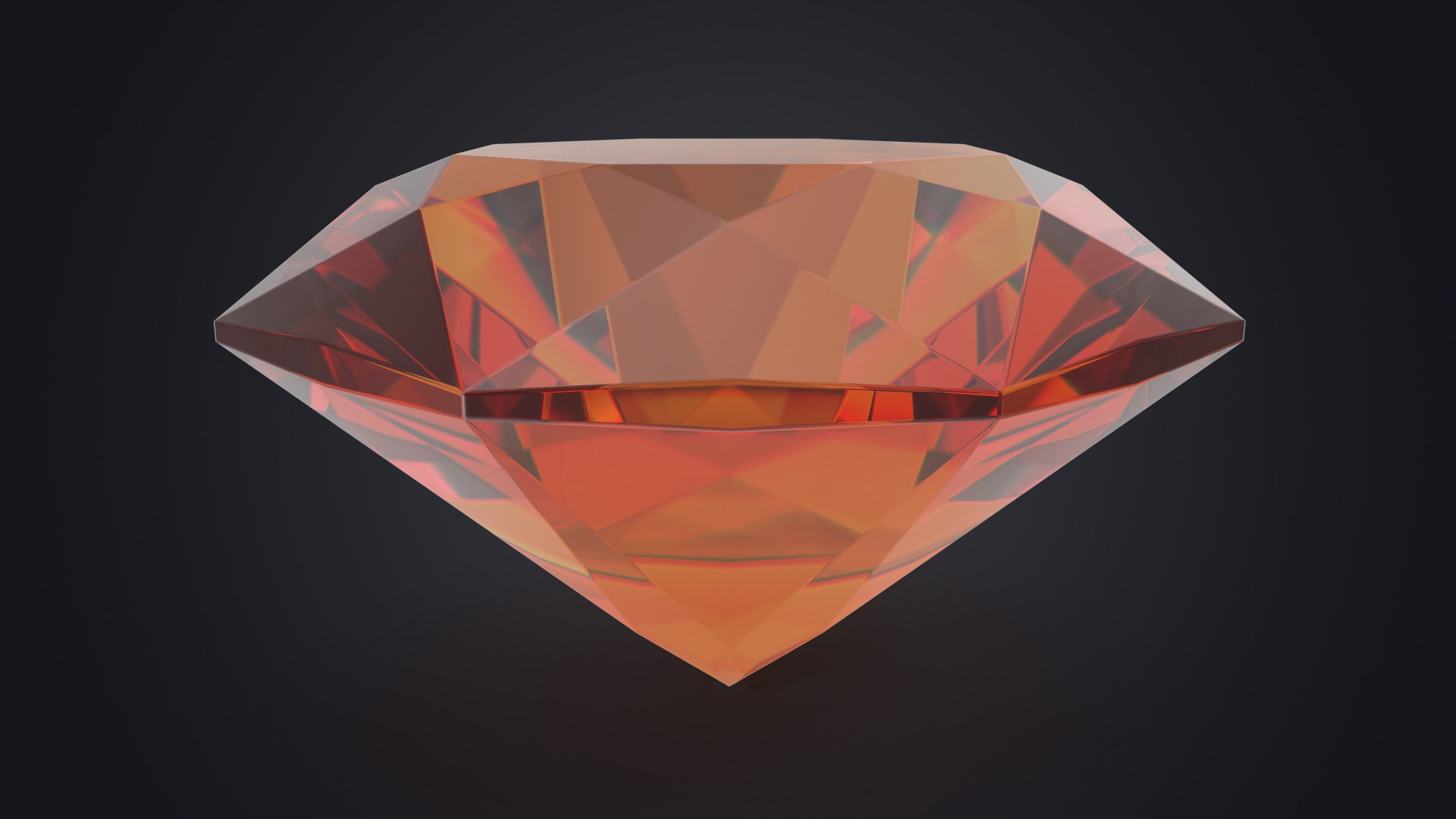
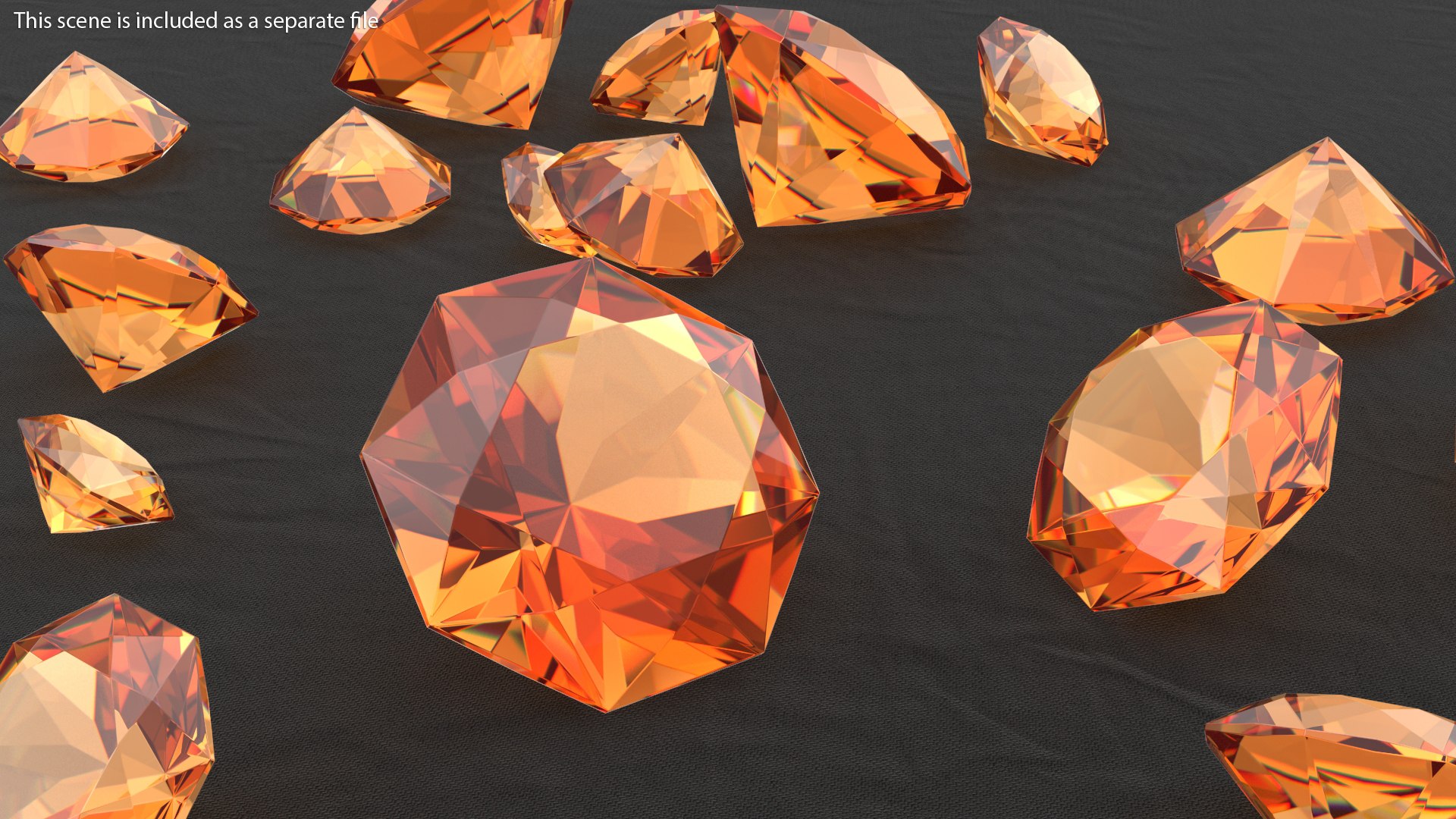
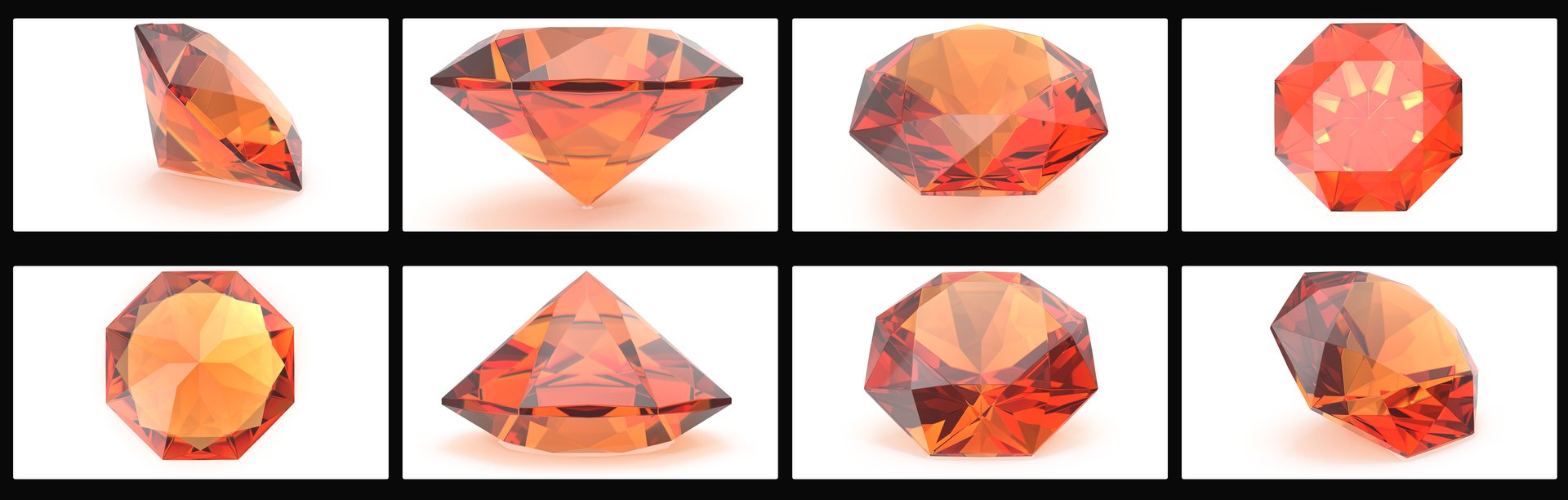
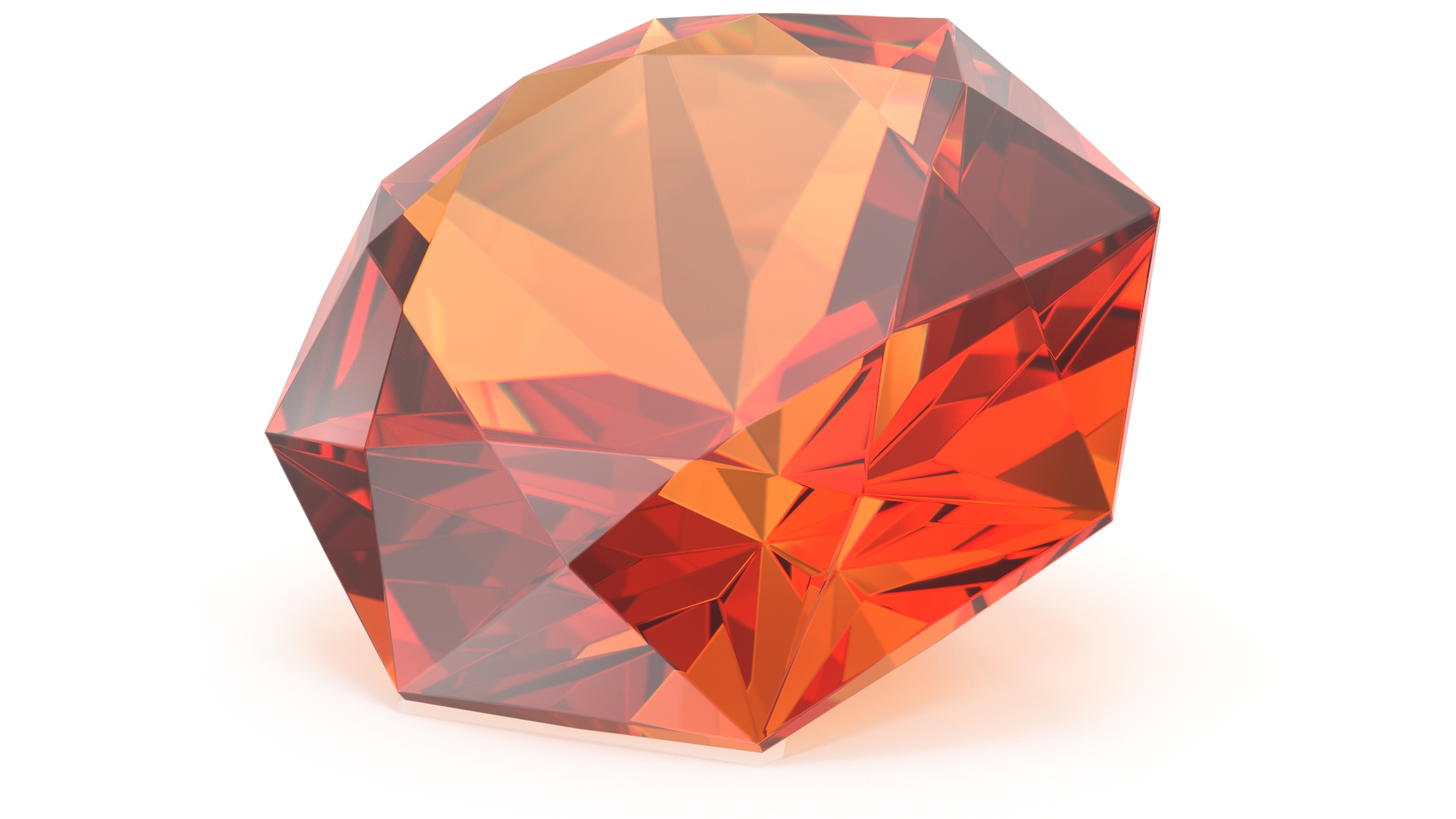
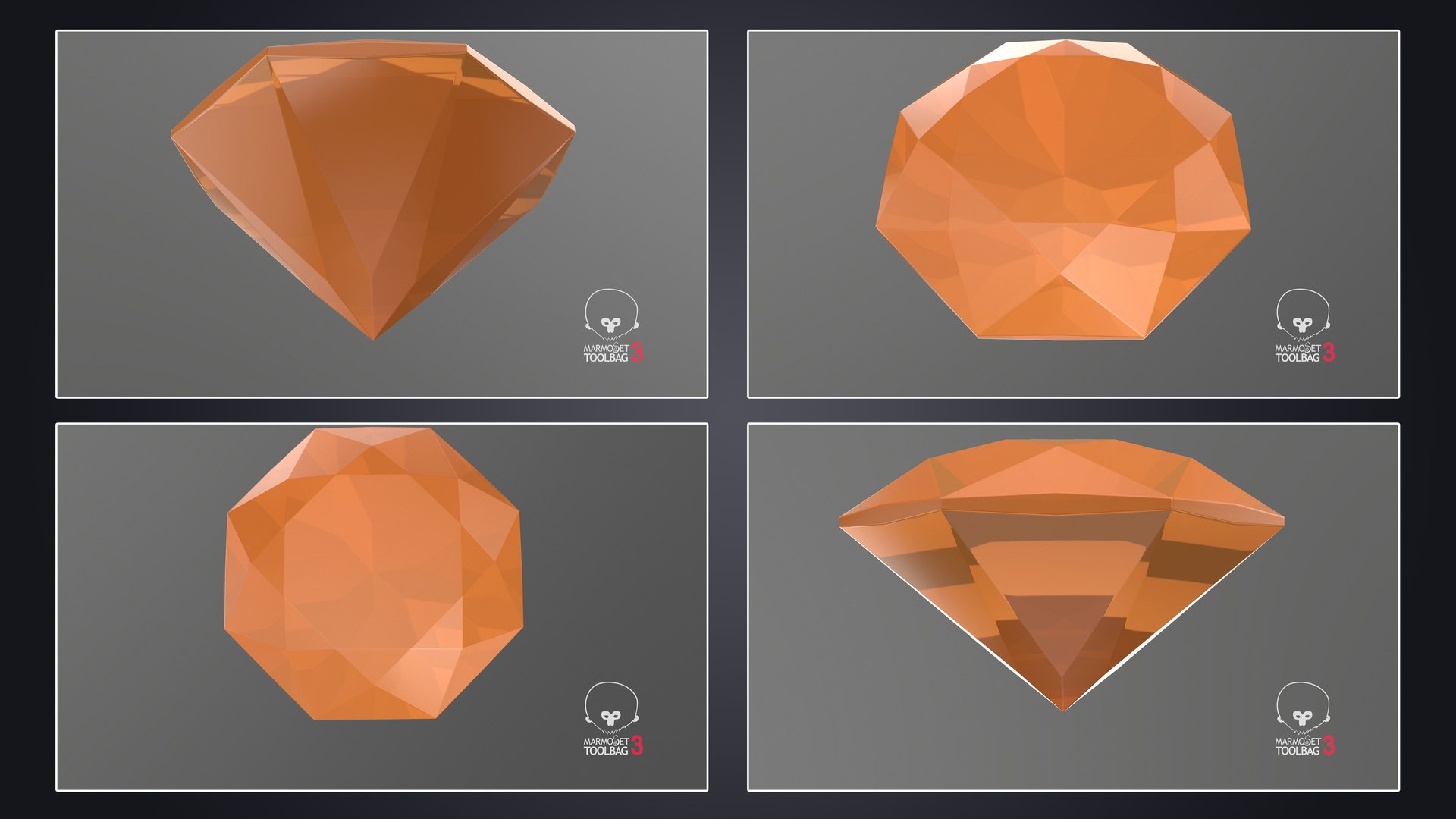
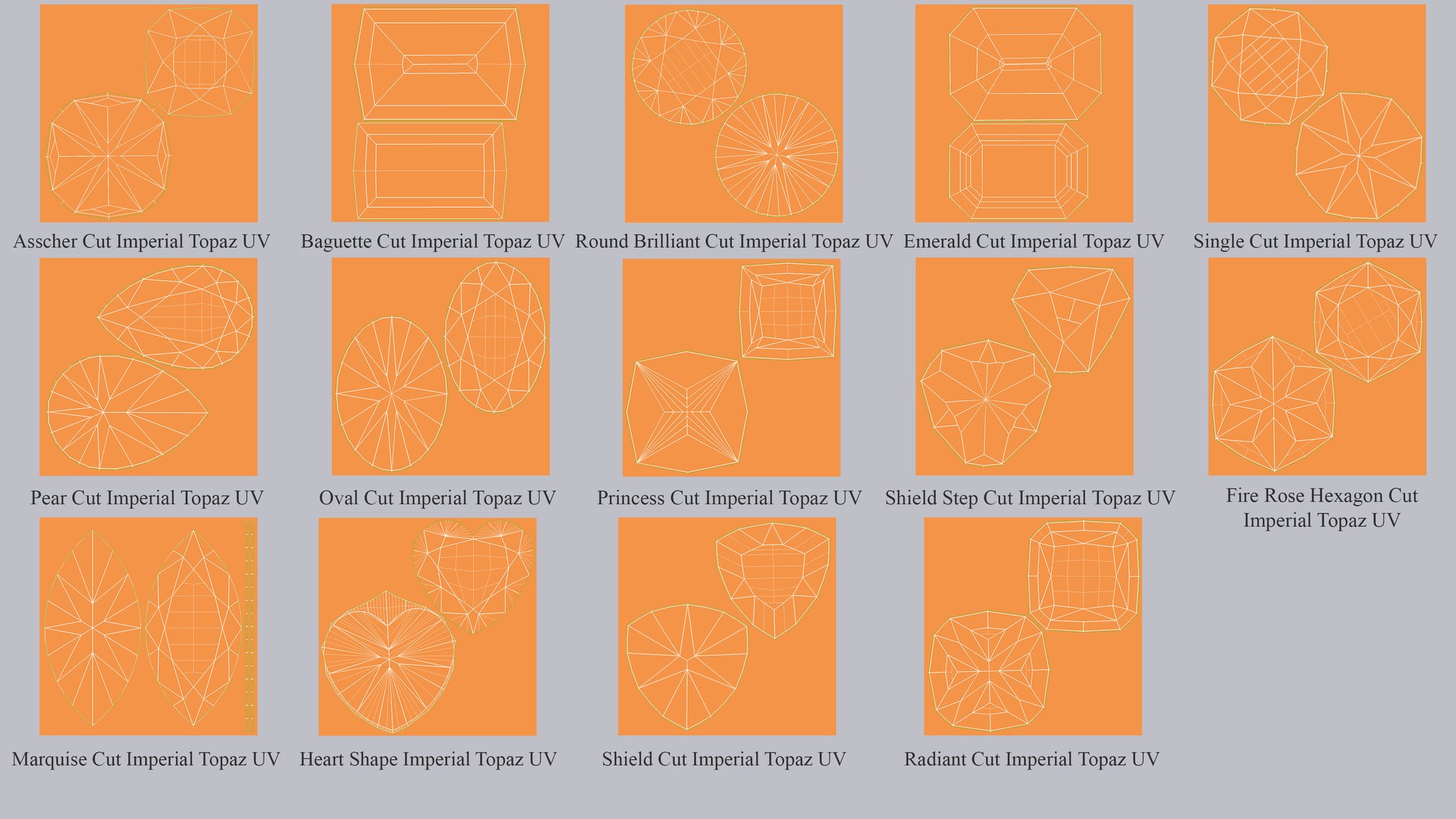
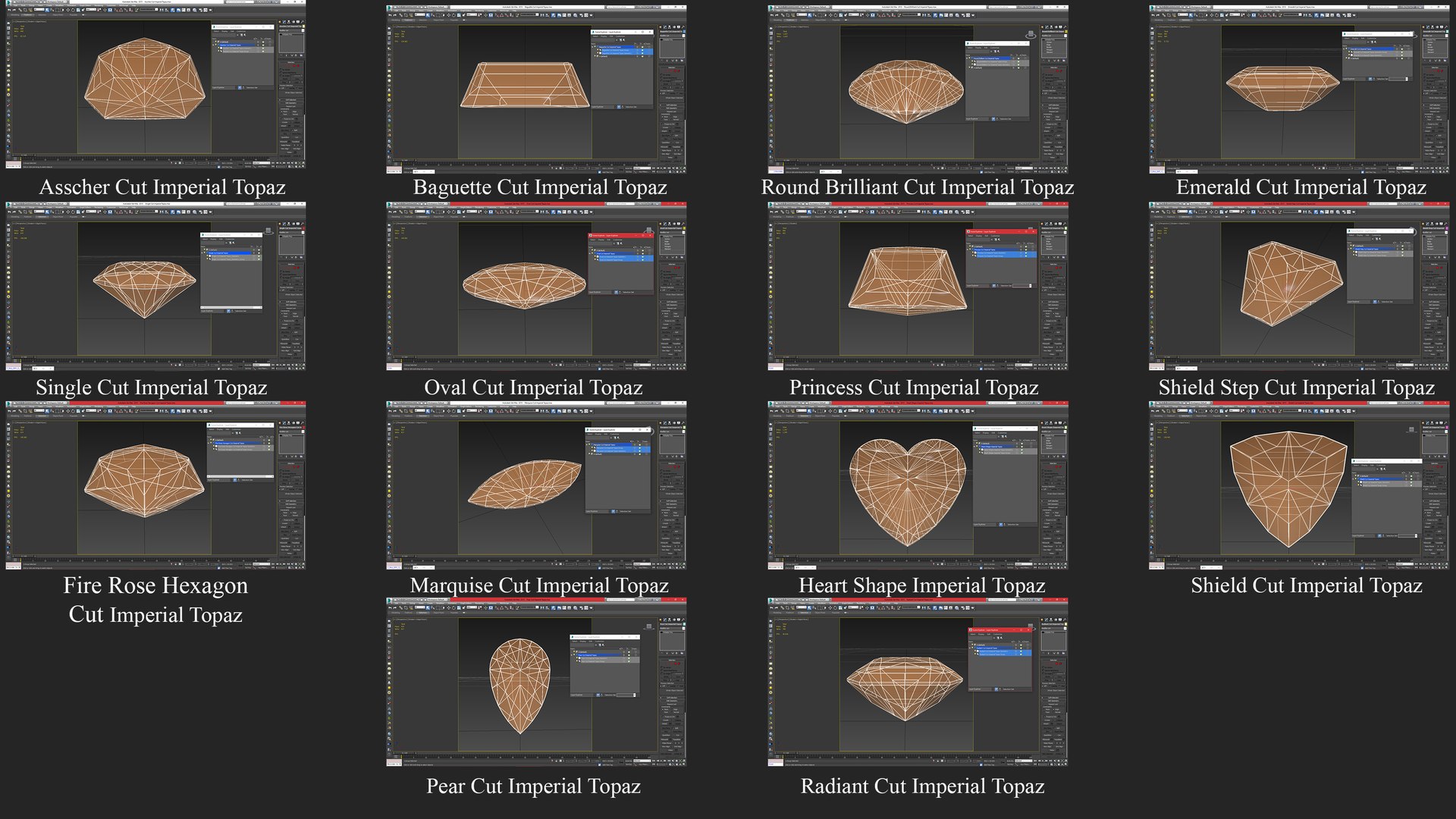
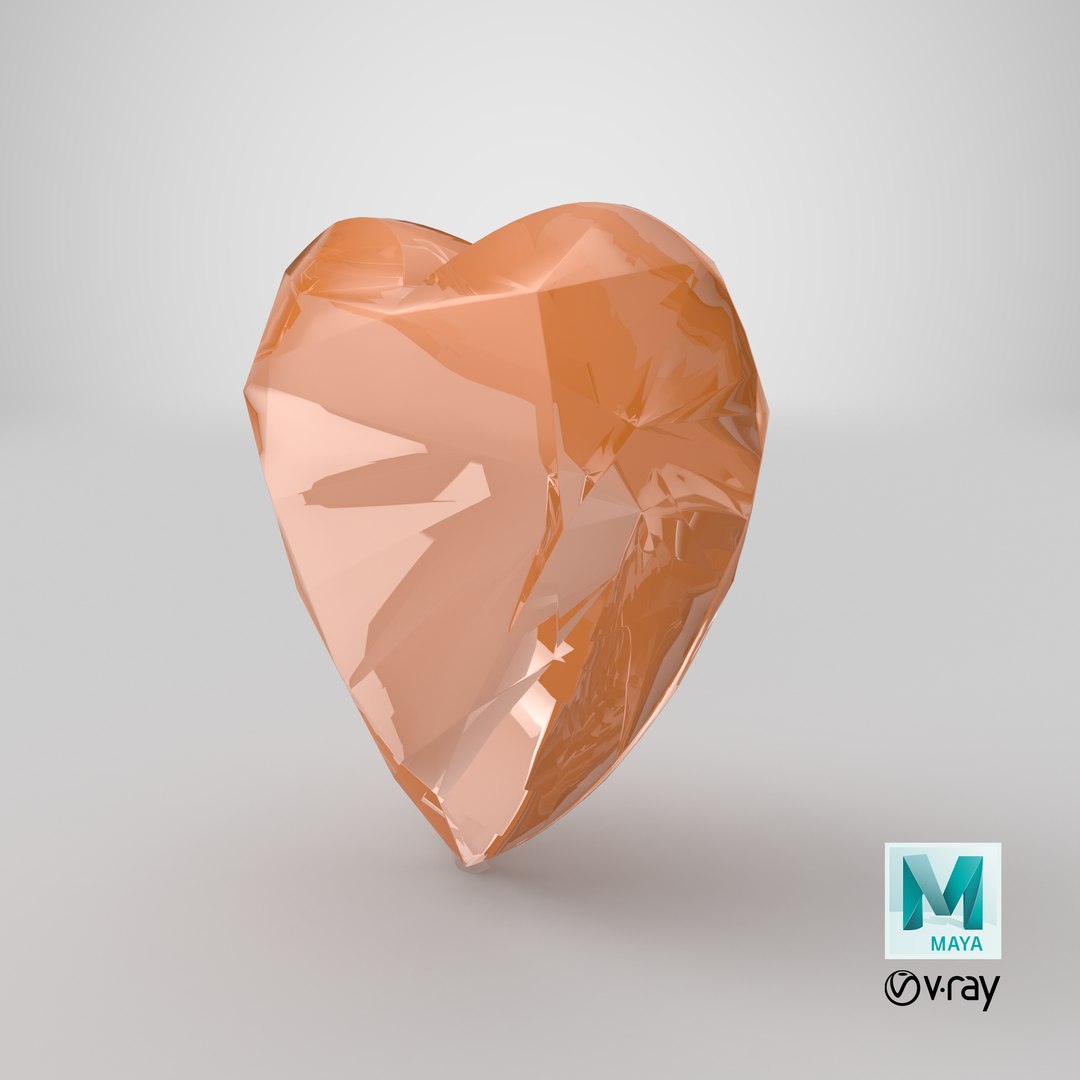
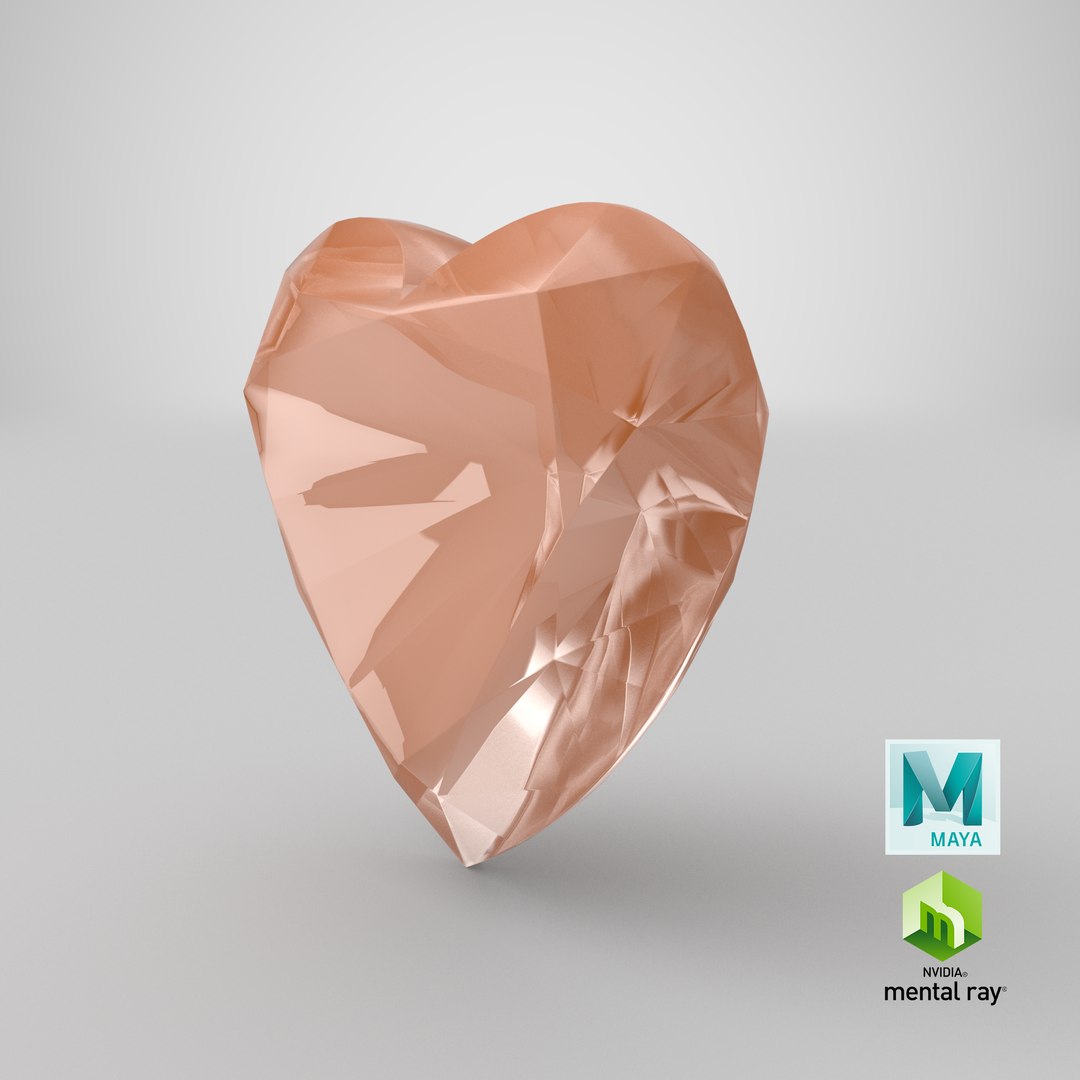
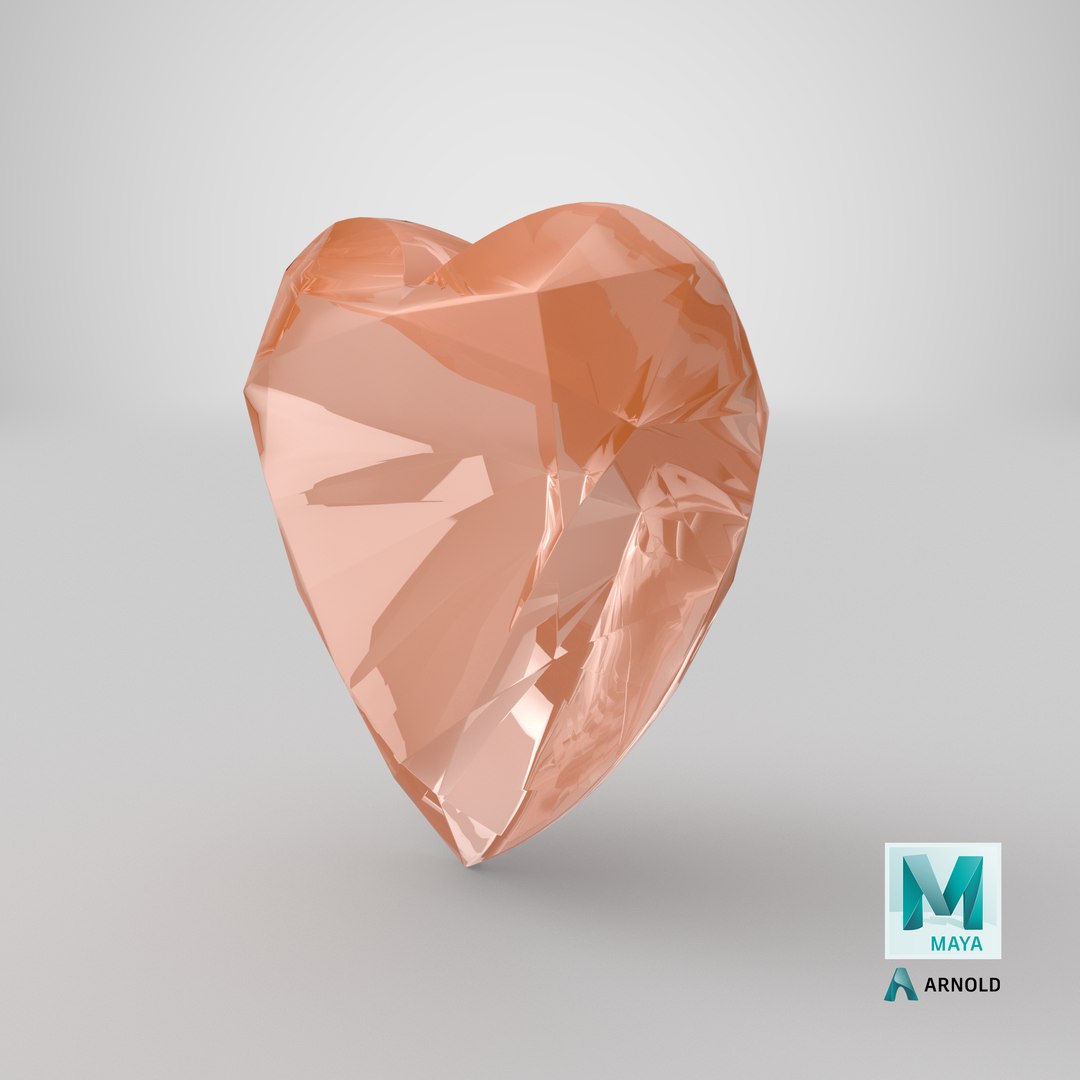
It’s a collection of fourteen high quality and photo real 3D models of Imperial Topaz. These models are available individually as well, please check the description below for their product link.


This model can be used in jewelry design, architectural projects, graphic designing, science and engineering in school, college, university, documentary and educational projects. This will add more value and enhance details to your rendering projects.

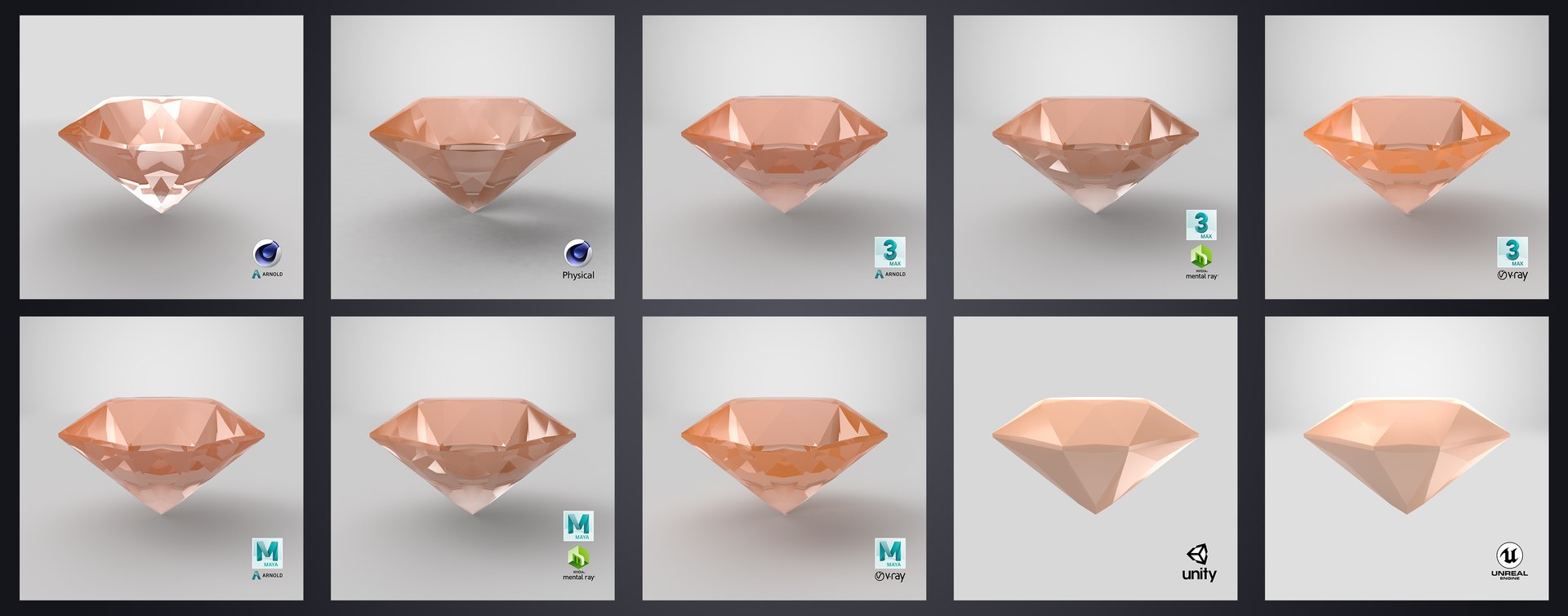
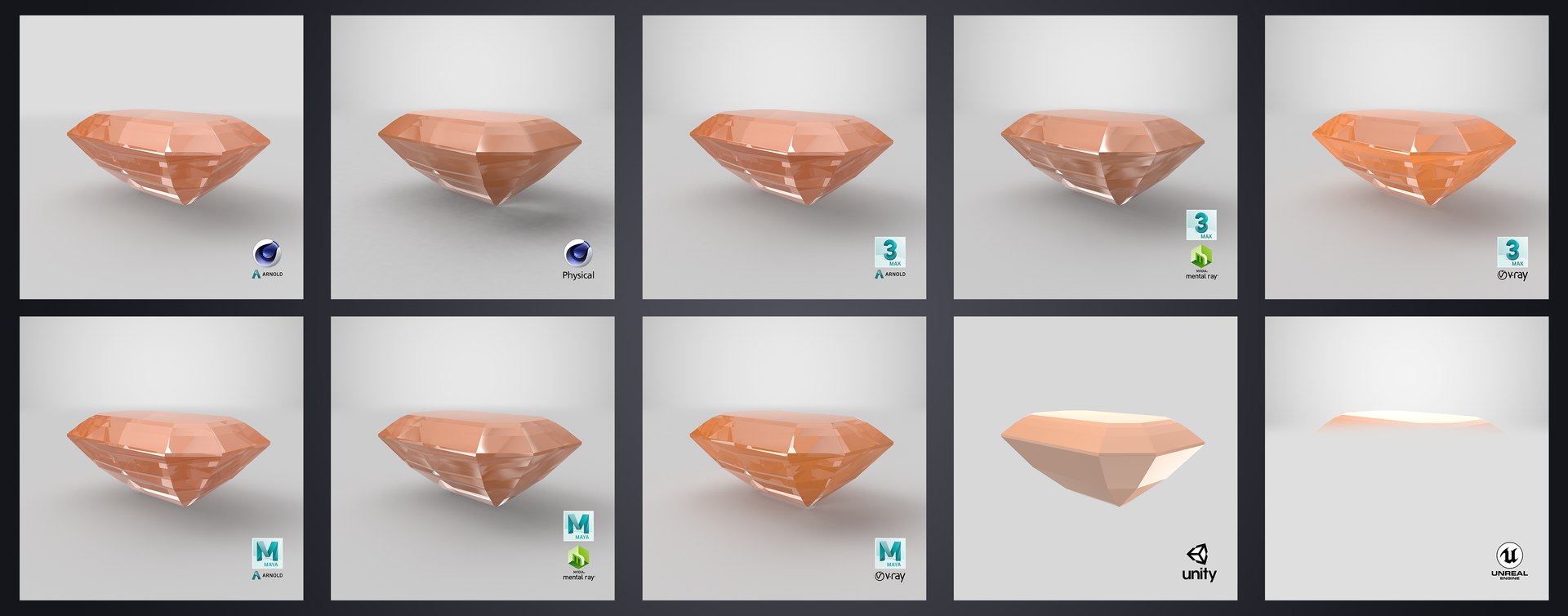
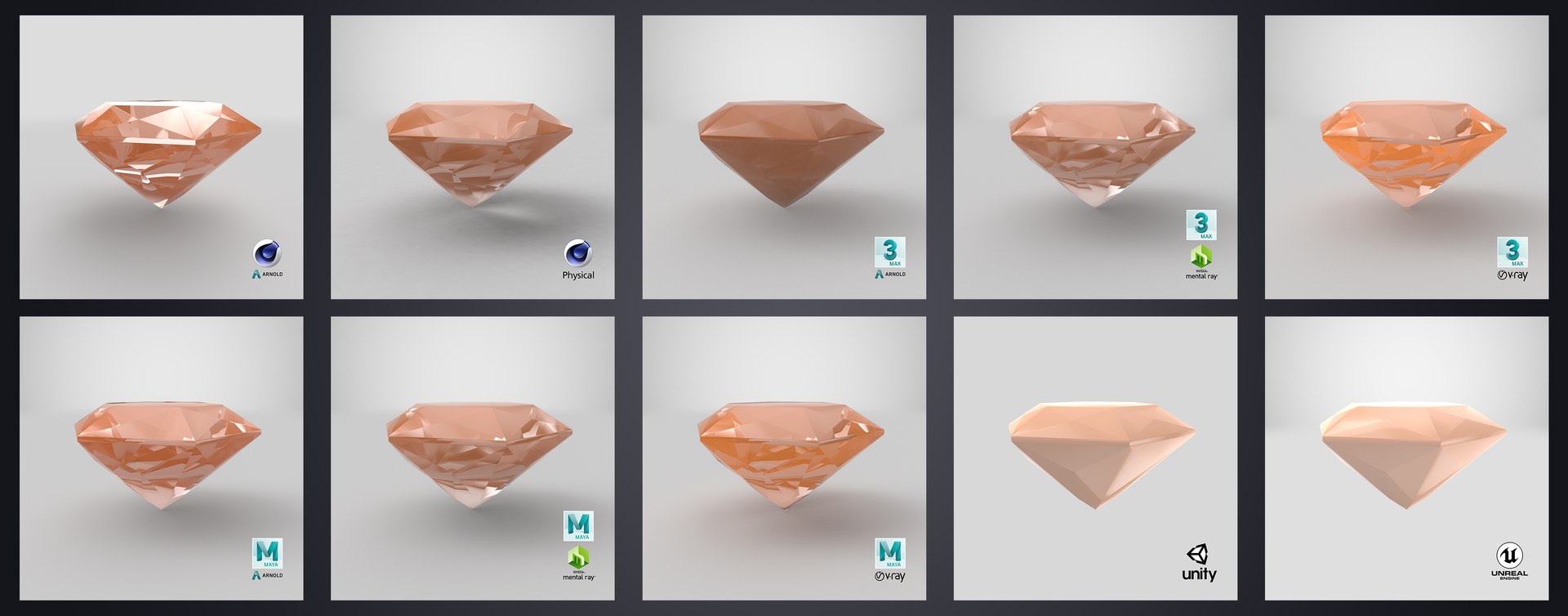
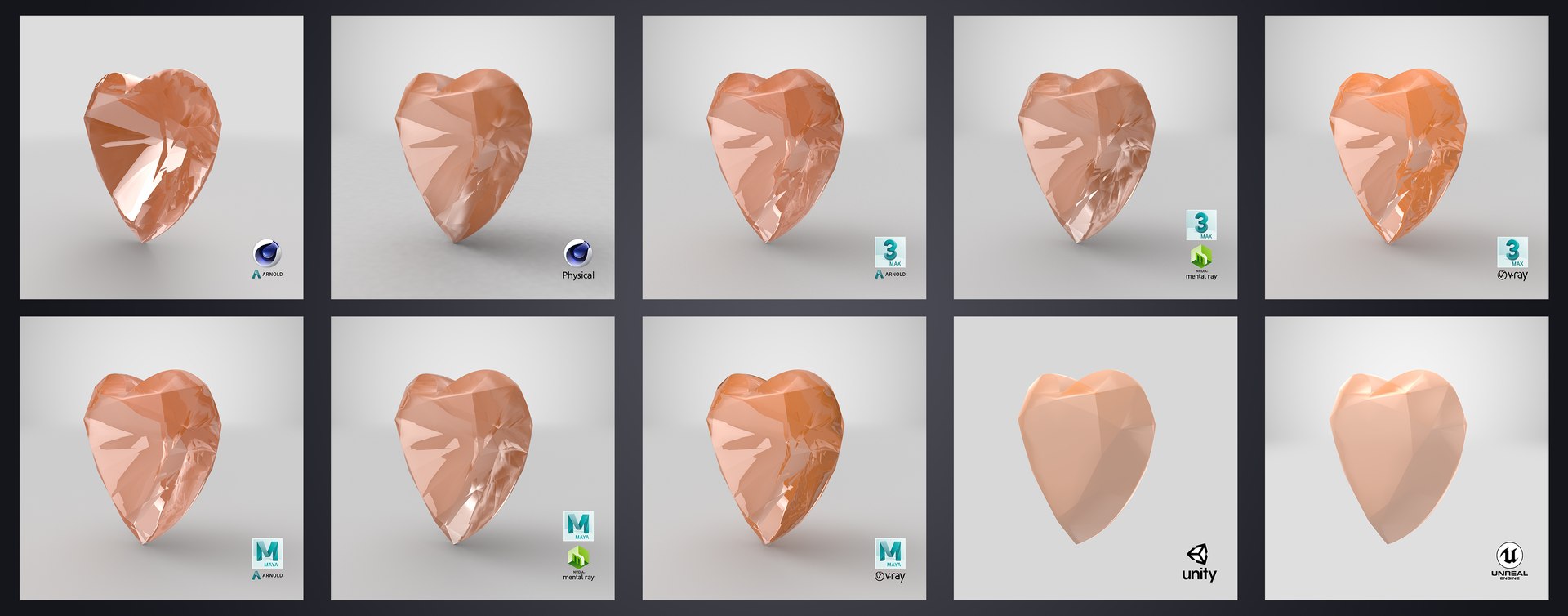
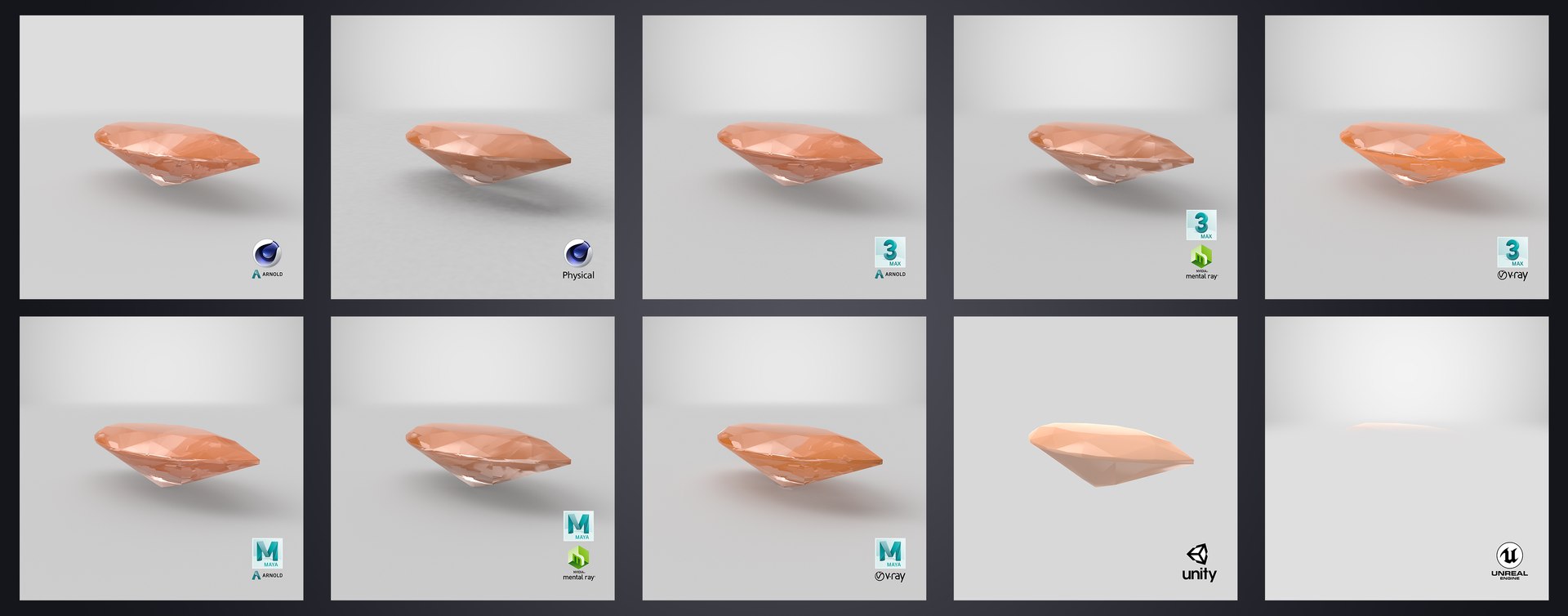
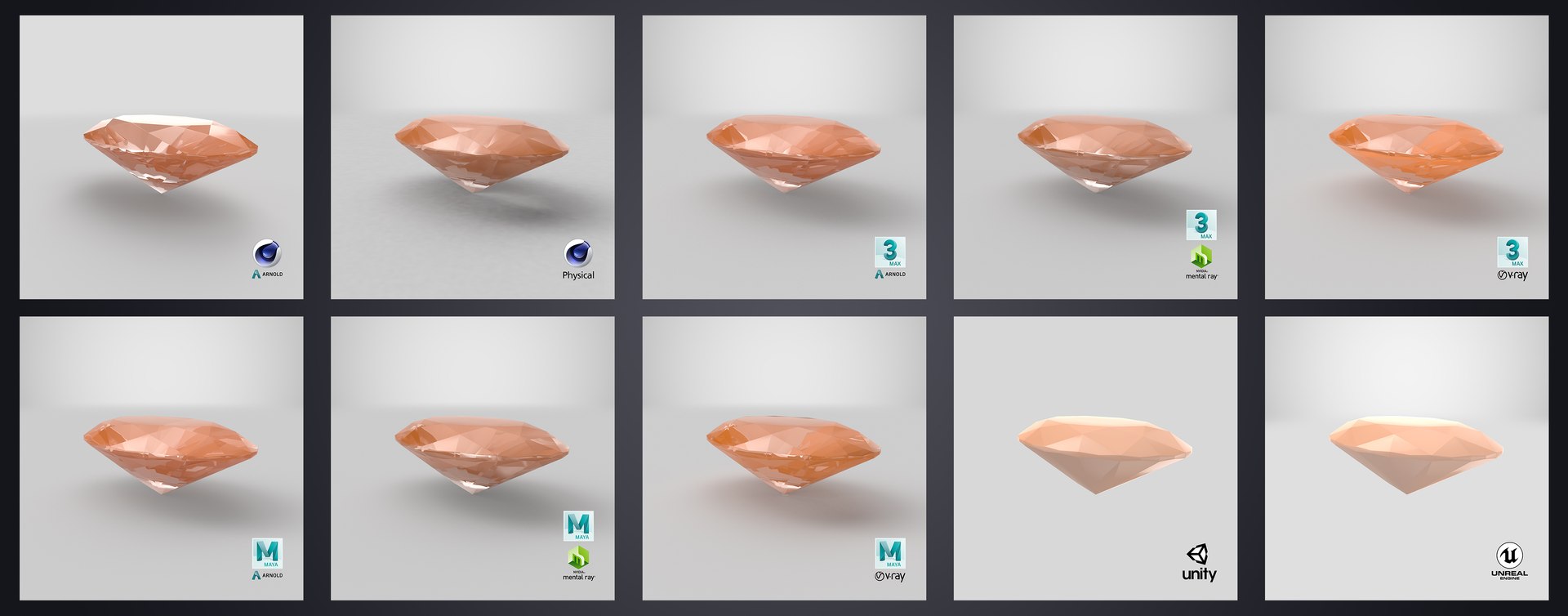
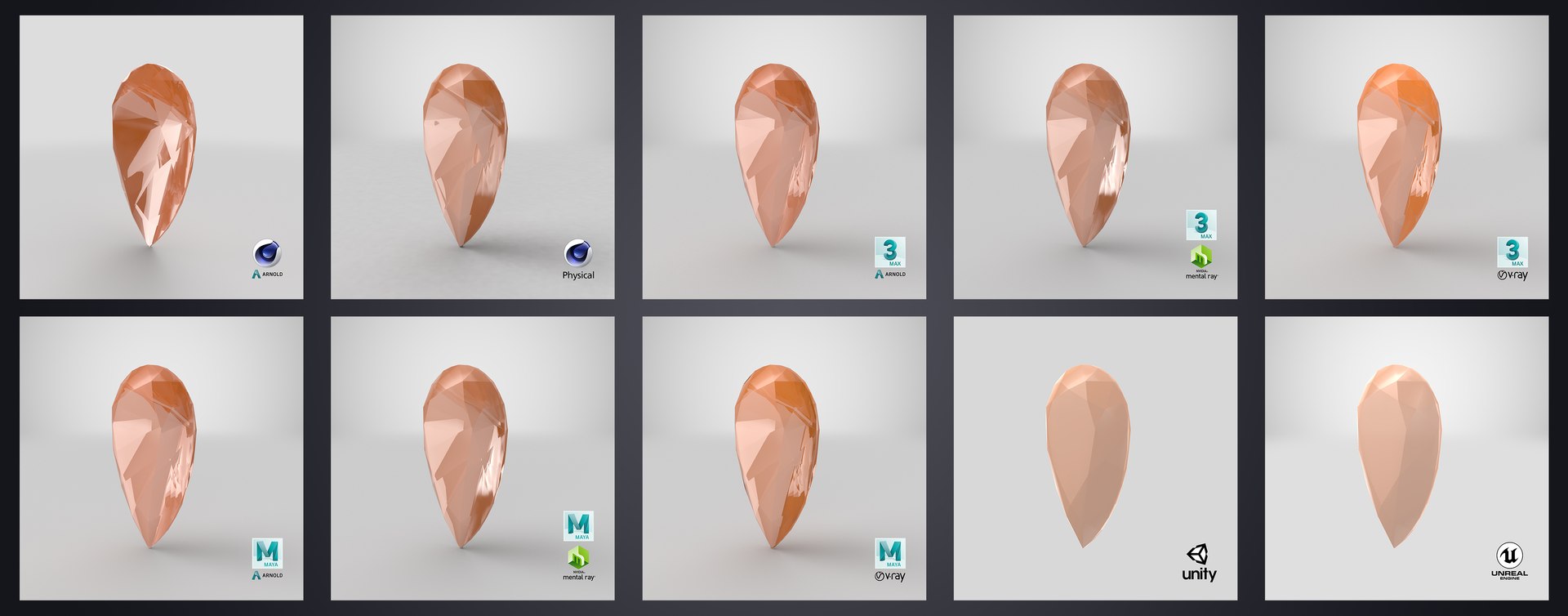
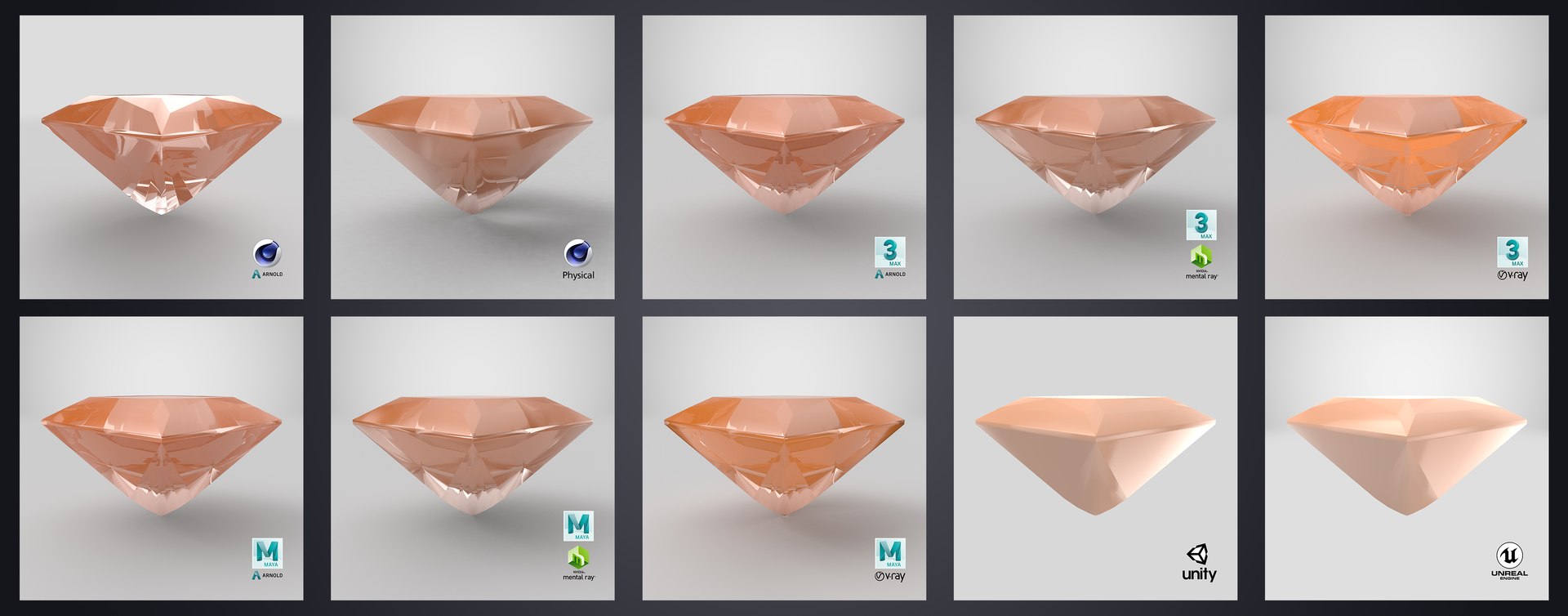
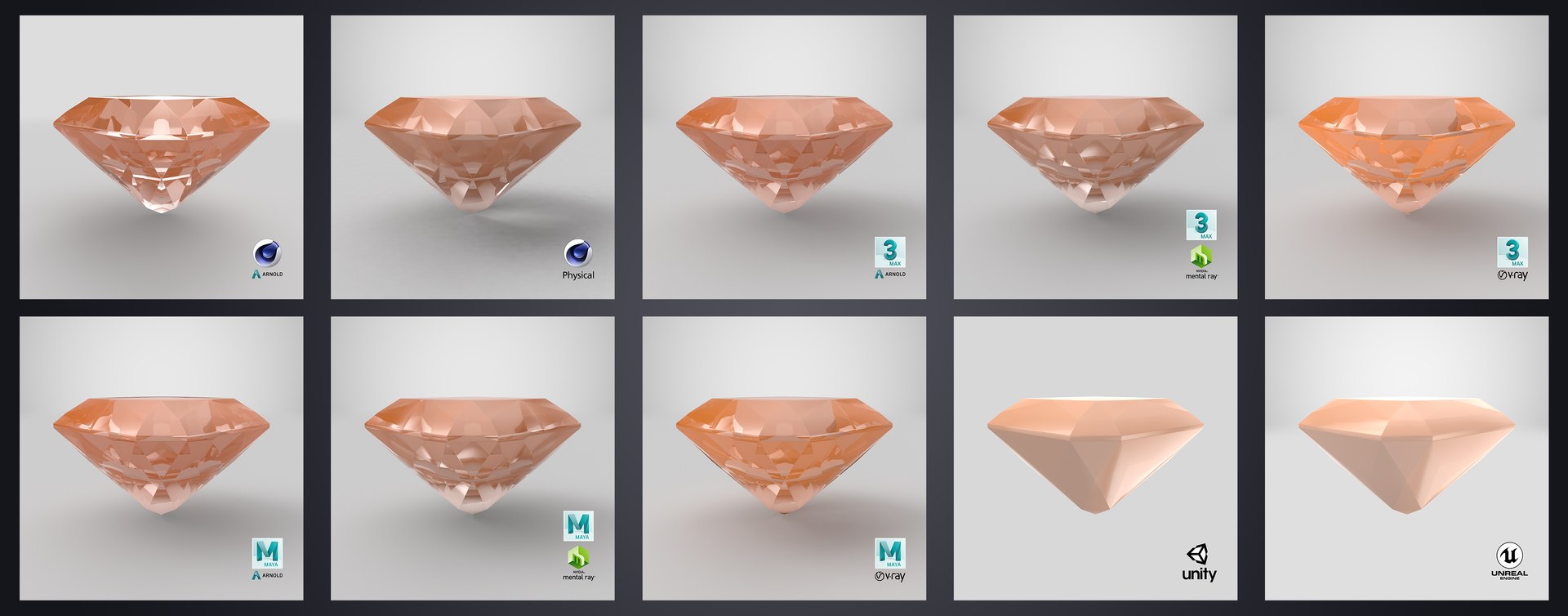
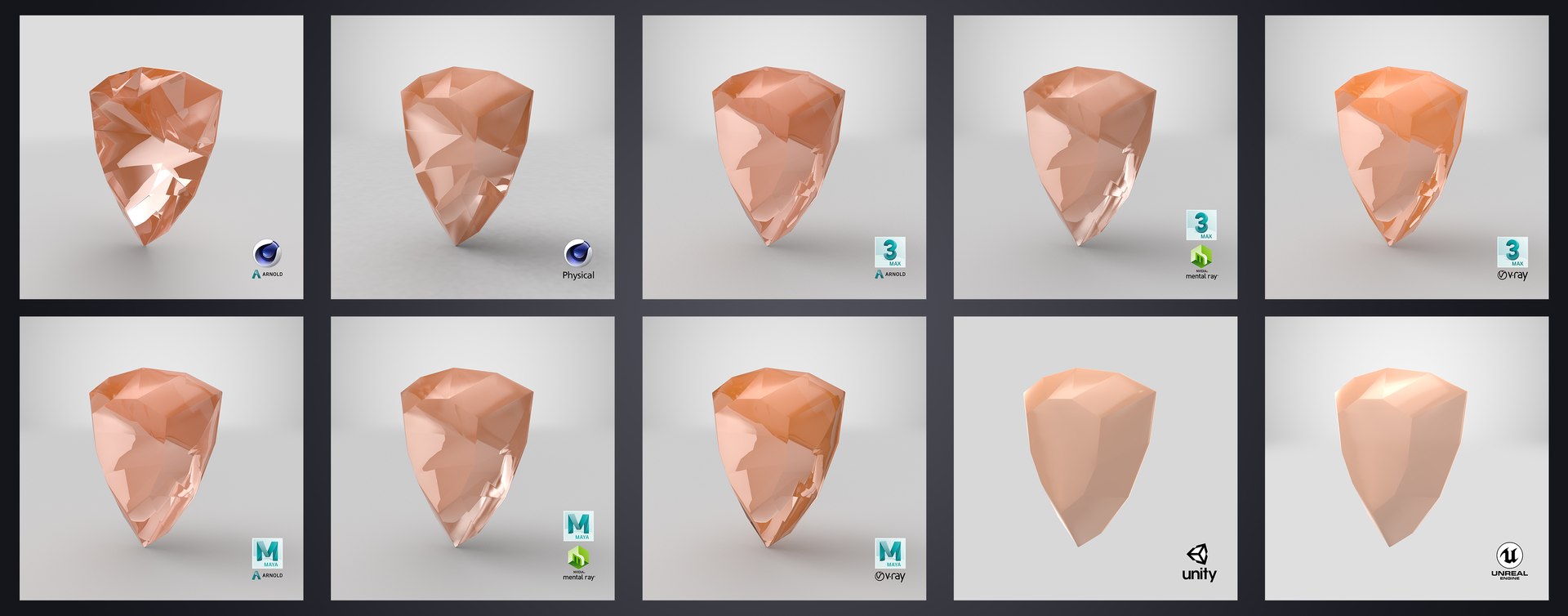
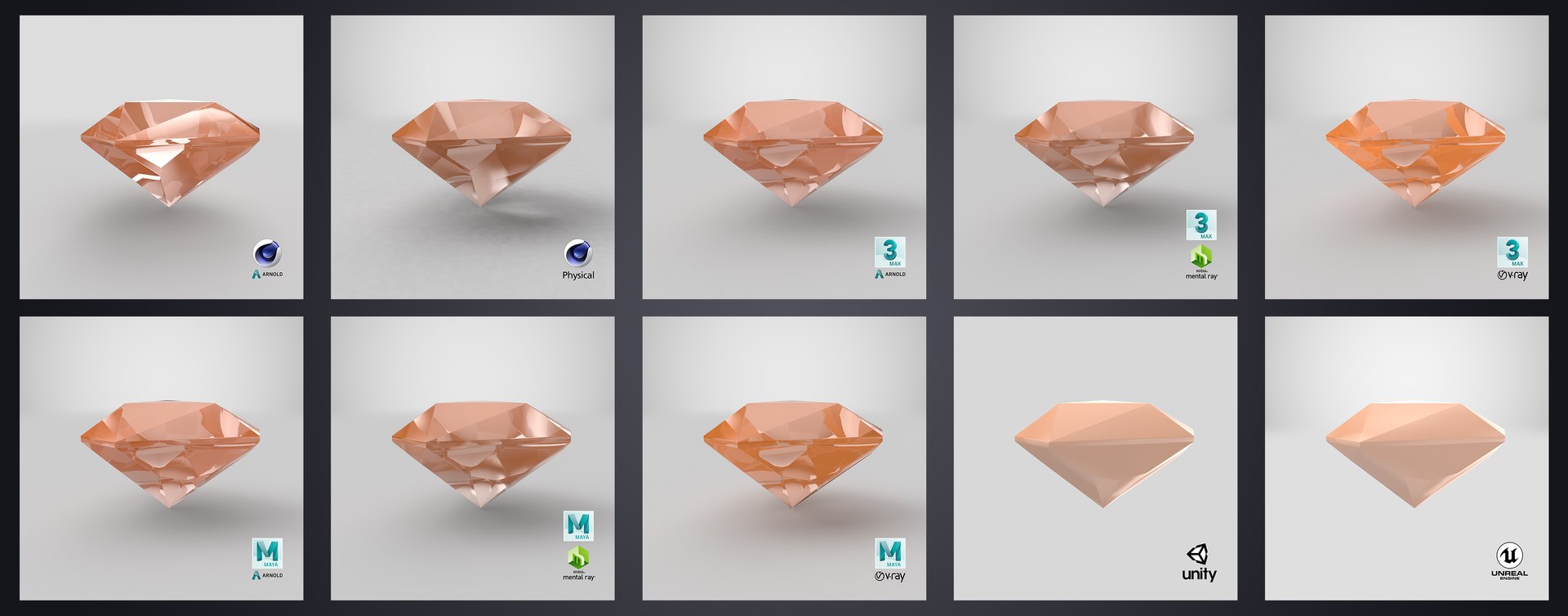
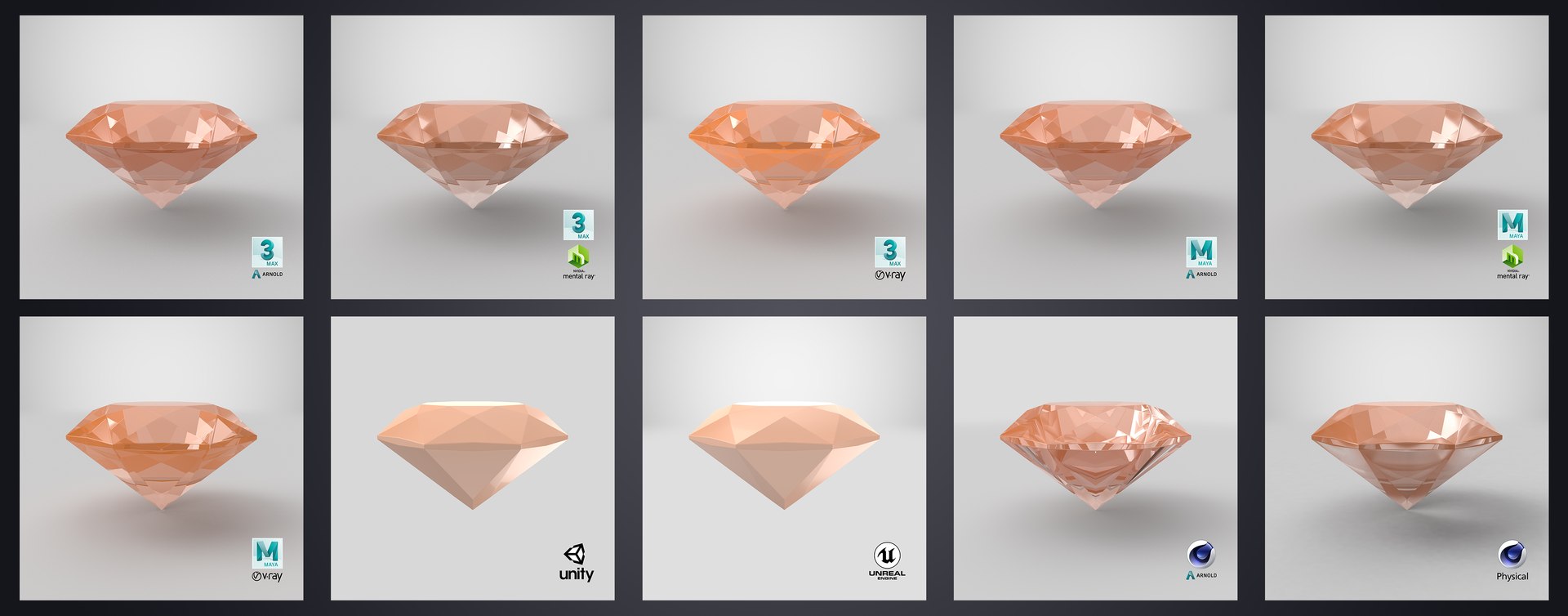
The model is applied with materials and textures, with very detailed design that allows for close-up renders. These models originally modelled in 3ds MAX 2015 and rendered with Vray 3.60.03 and converted to other formats through TurboSquid’s StemCell with 100% quality guarantee.


--------------------------------------------

Features:

  • Multiple formats added and StemCell certified 100% quality guaranty.
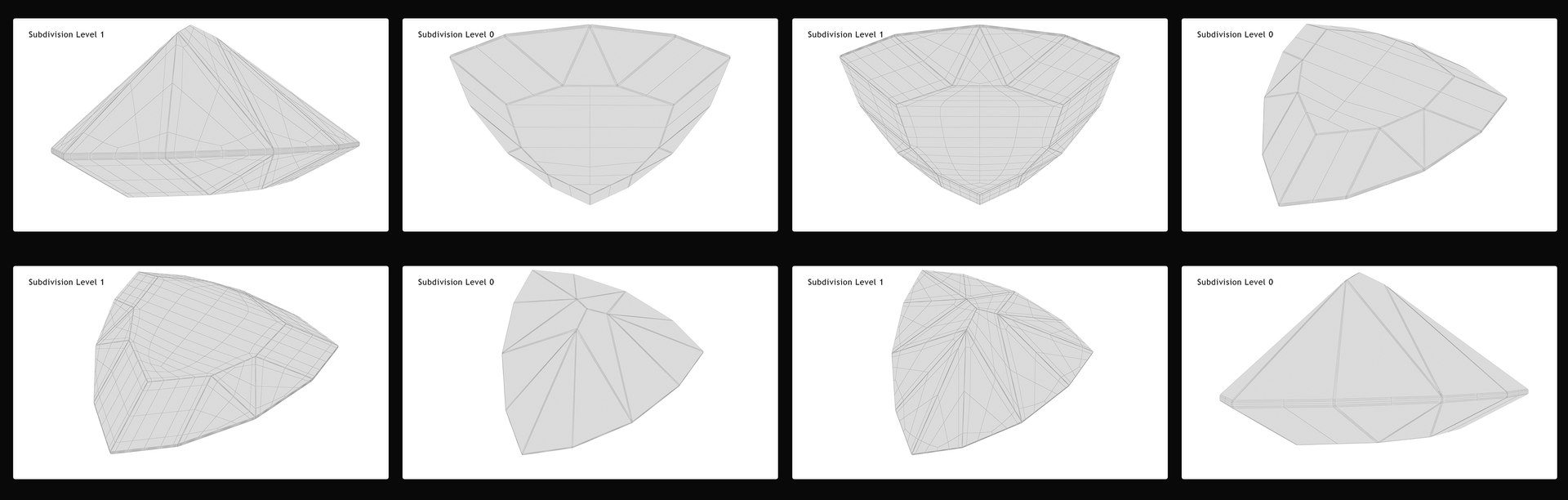
  • Low Poly and Game ready.
  • Highly detailed for close-up renders.
  • High quality polygonal model, correctly scaled for an accurate representation.
  • The model properly named, grouped and logically grouped so no confusion when importing several models into a scene also kept in properly named layer.
  • No cleaning up necessary, just drop your models into the scene or open the given scene and start rendering.
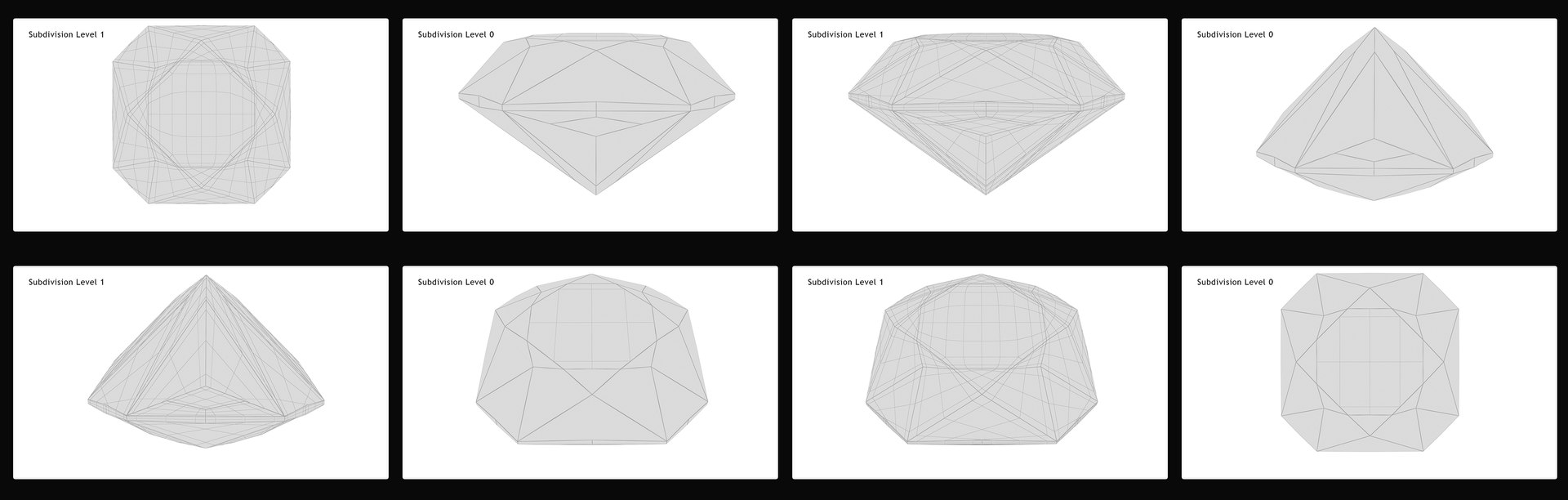
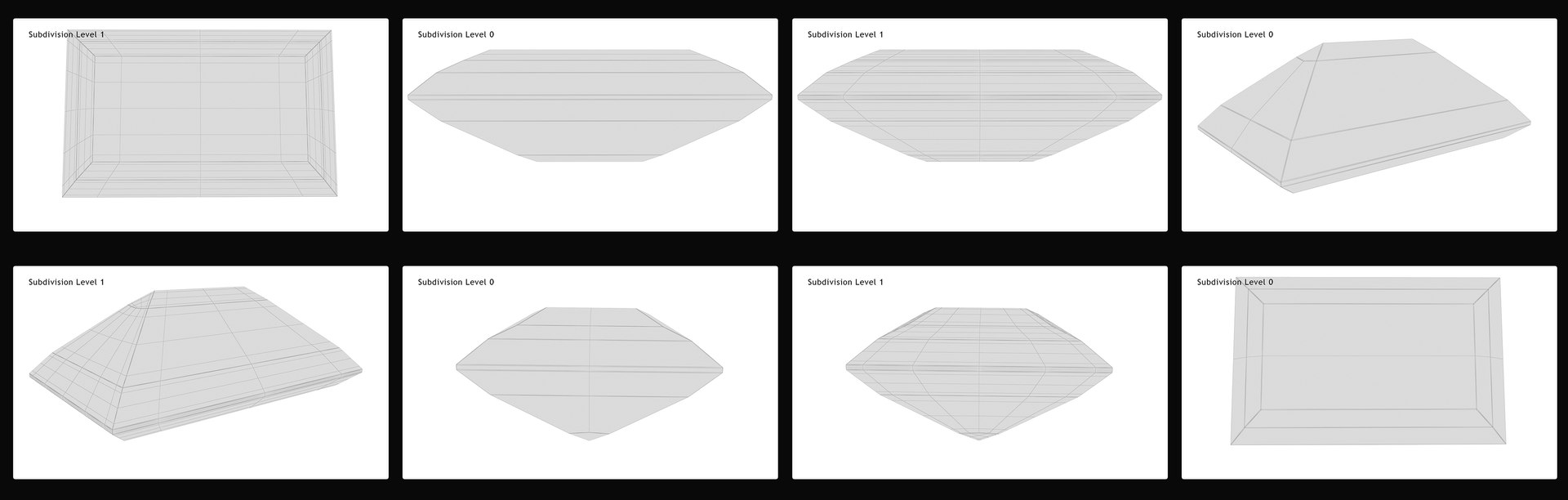
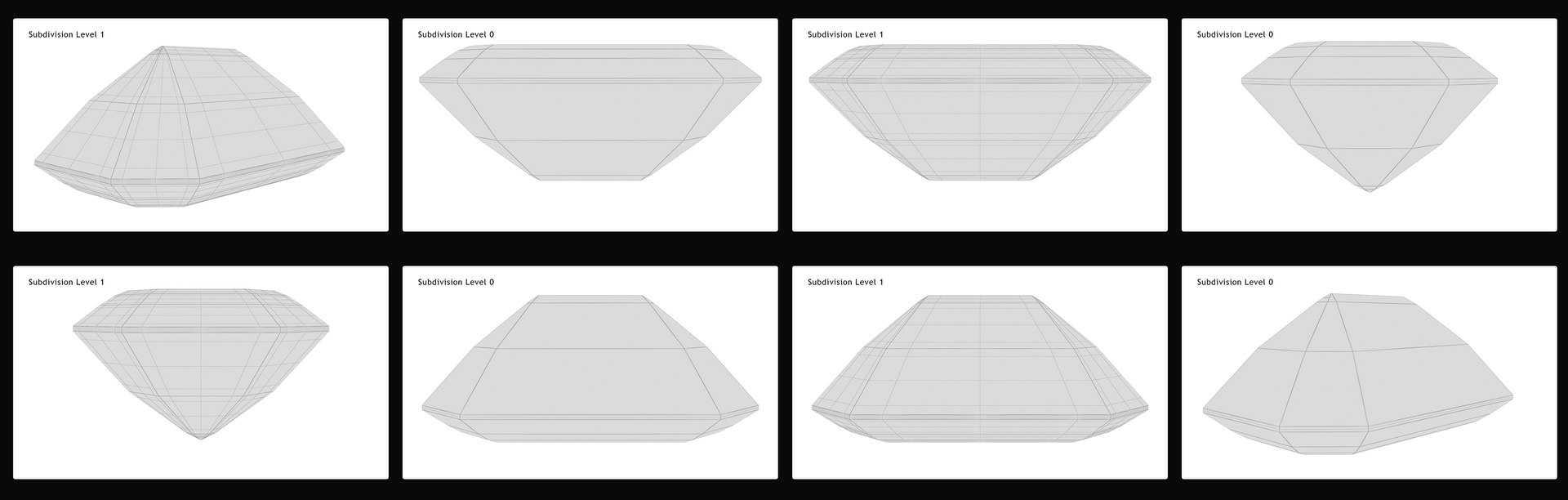
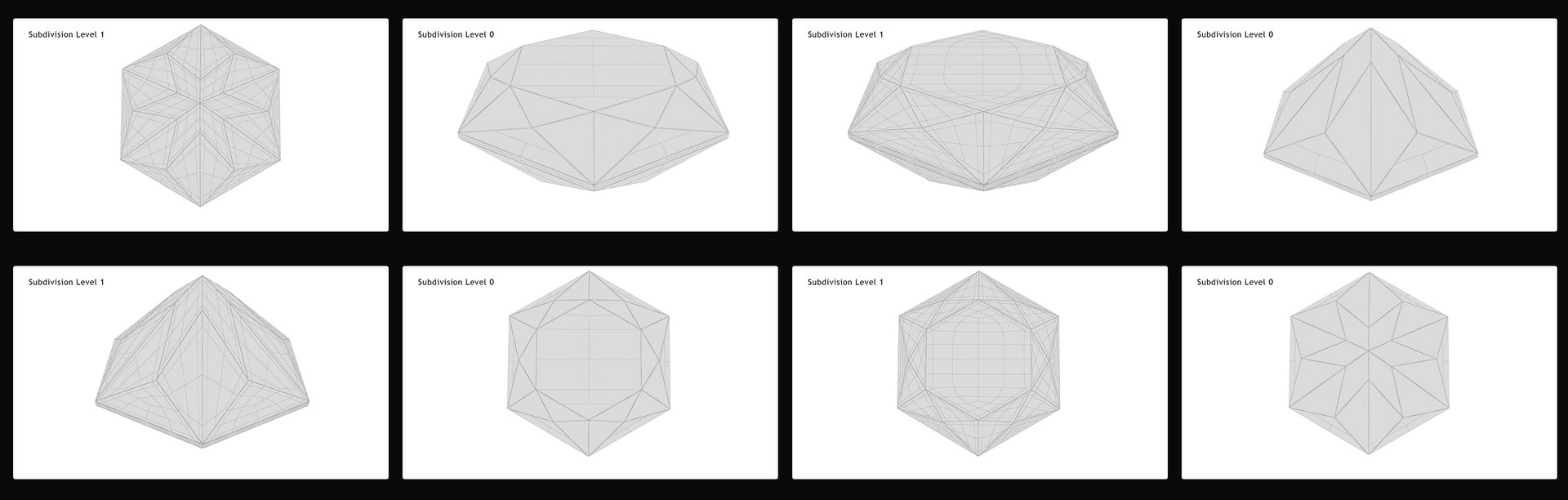
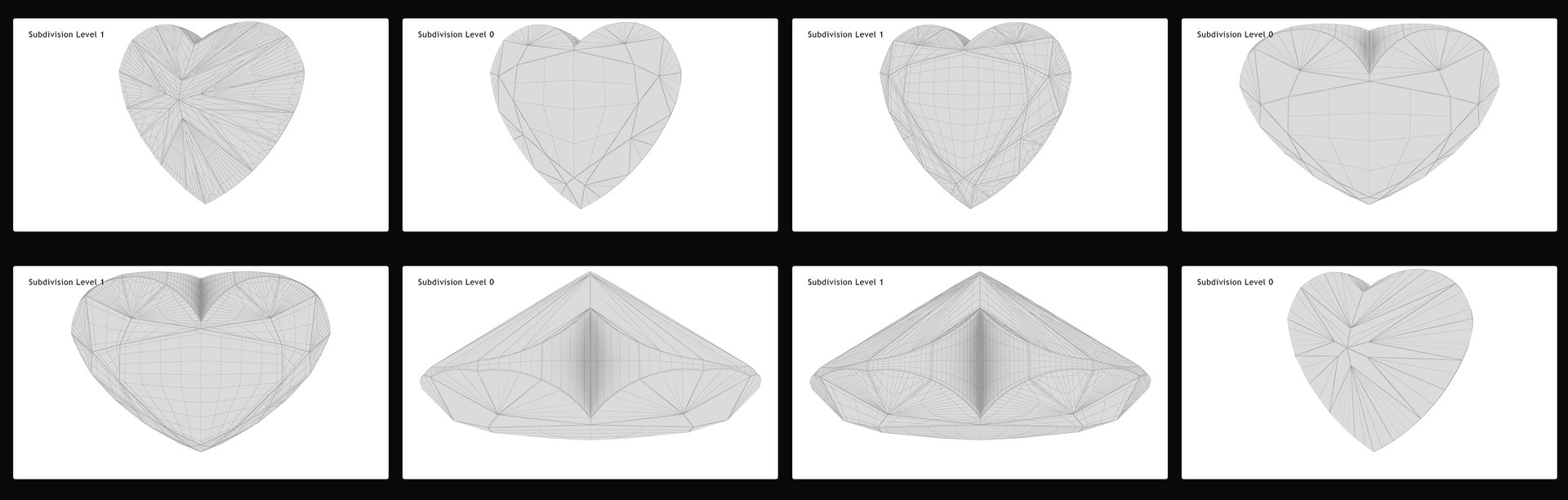
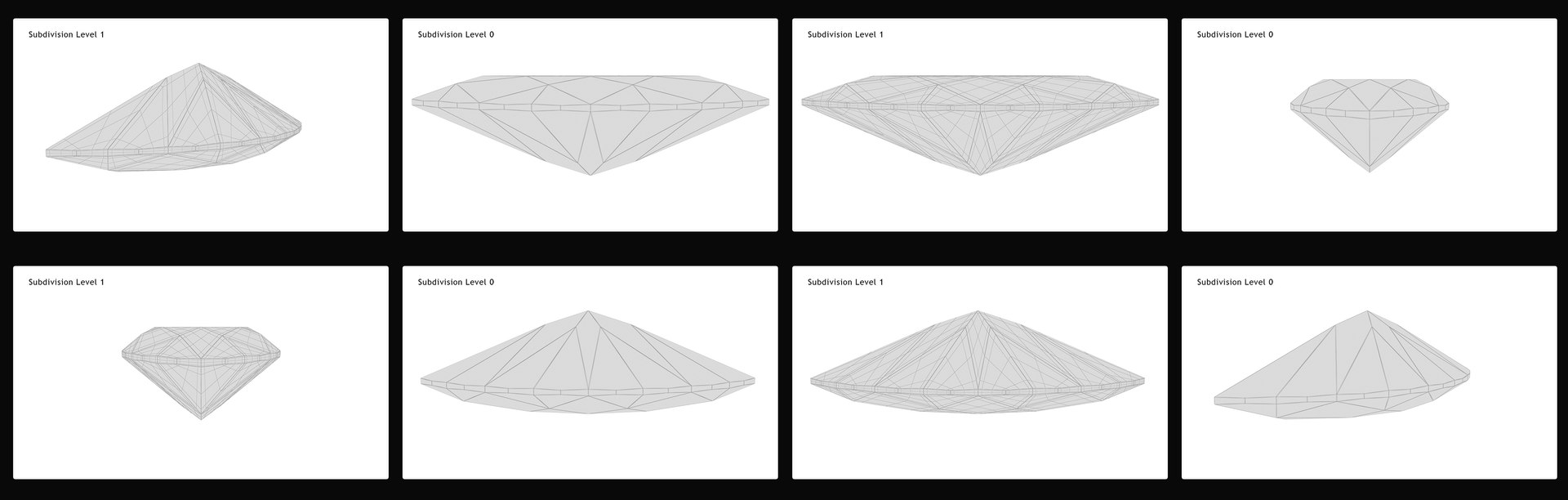
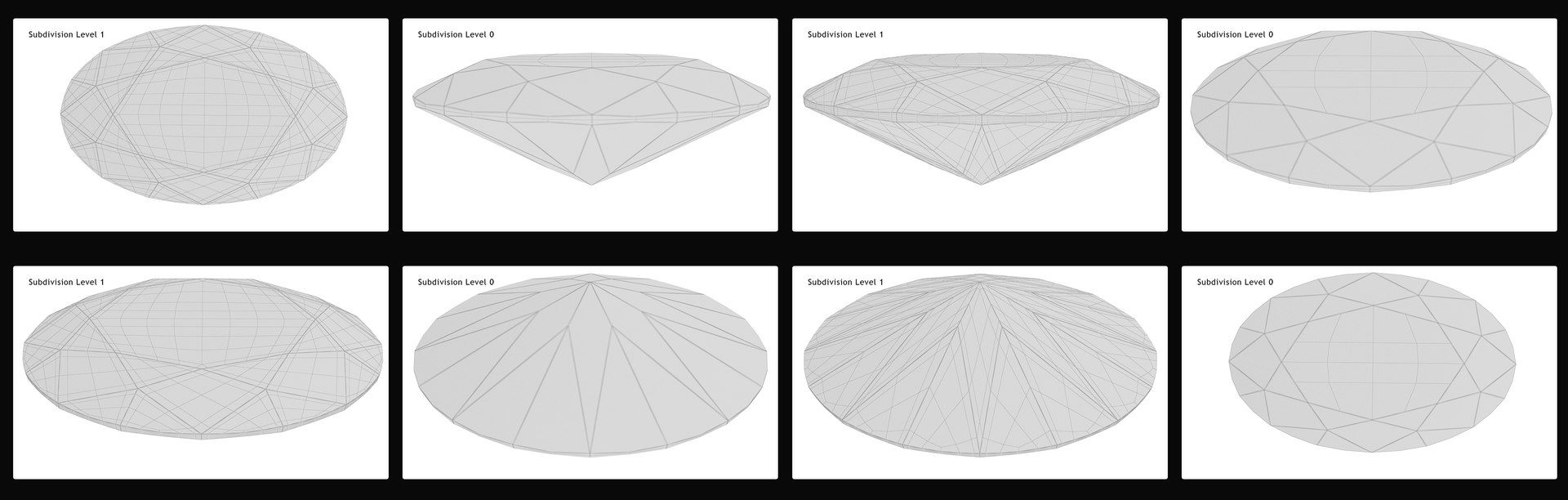
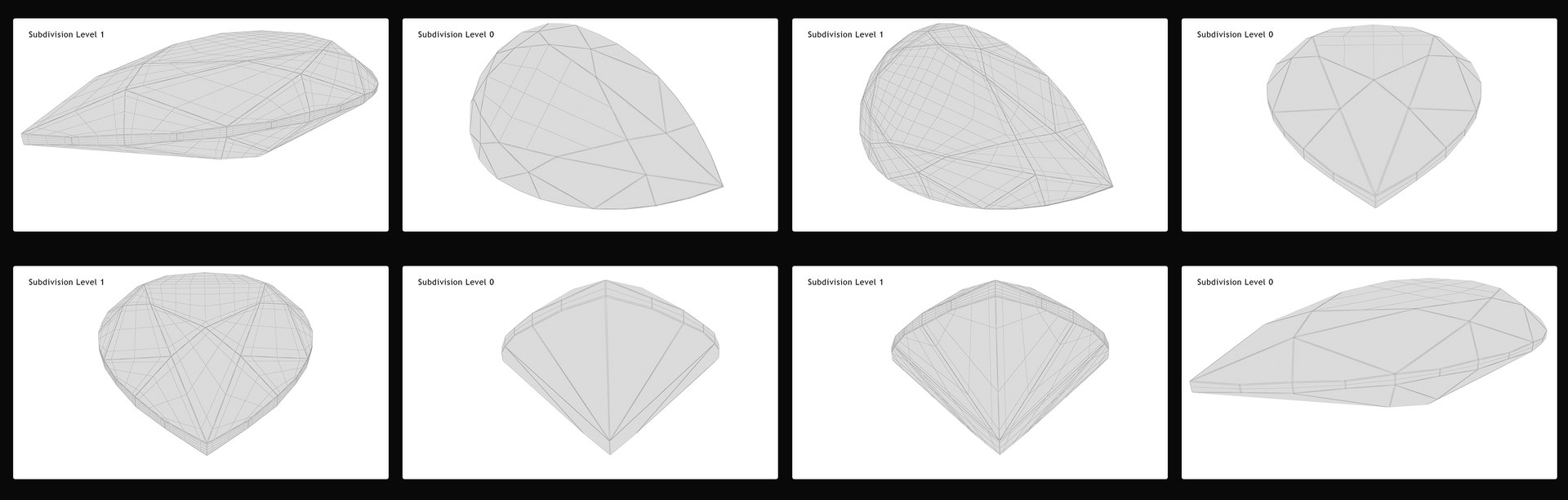
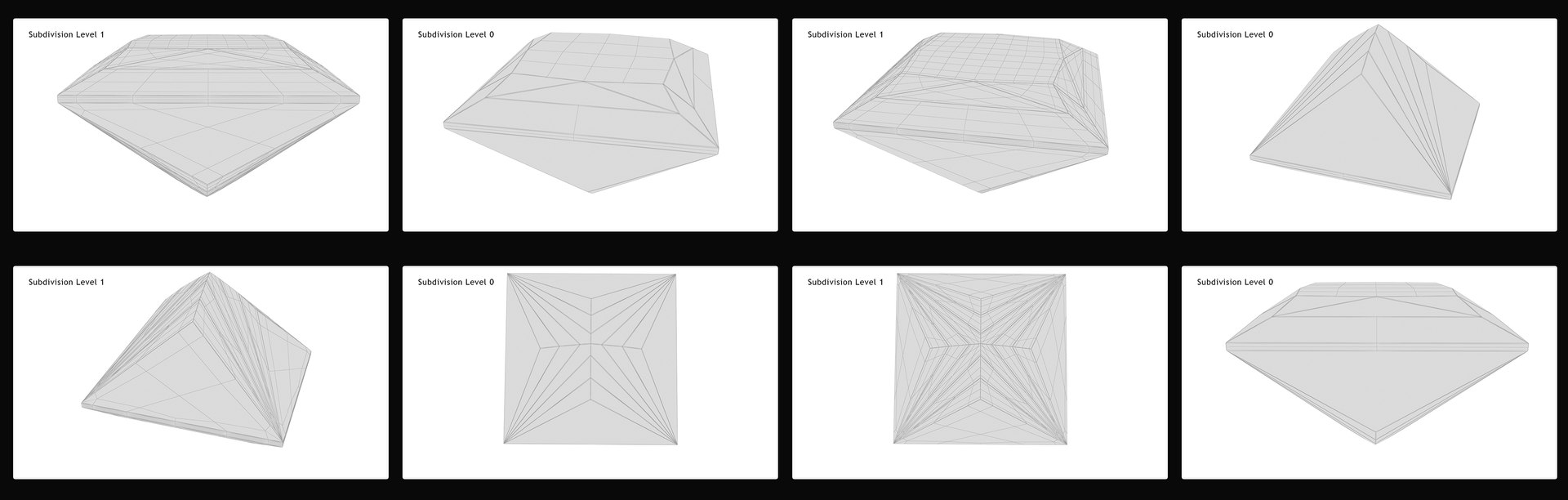
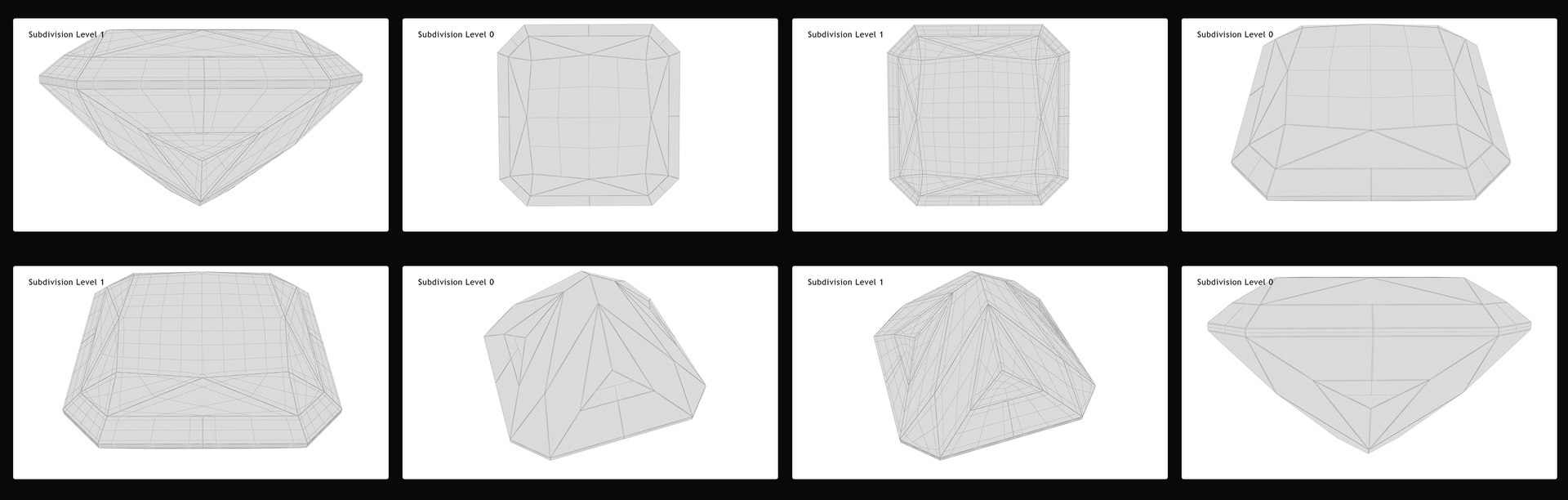
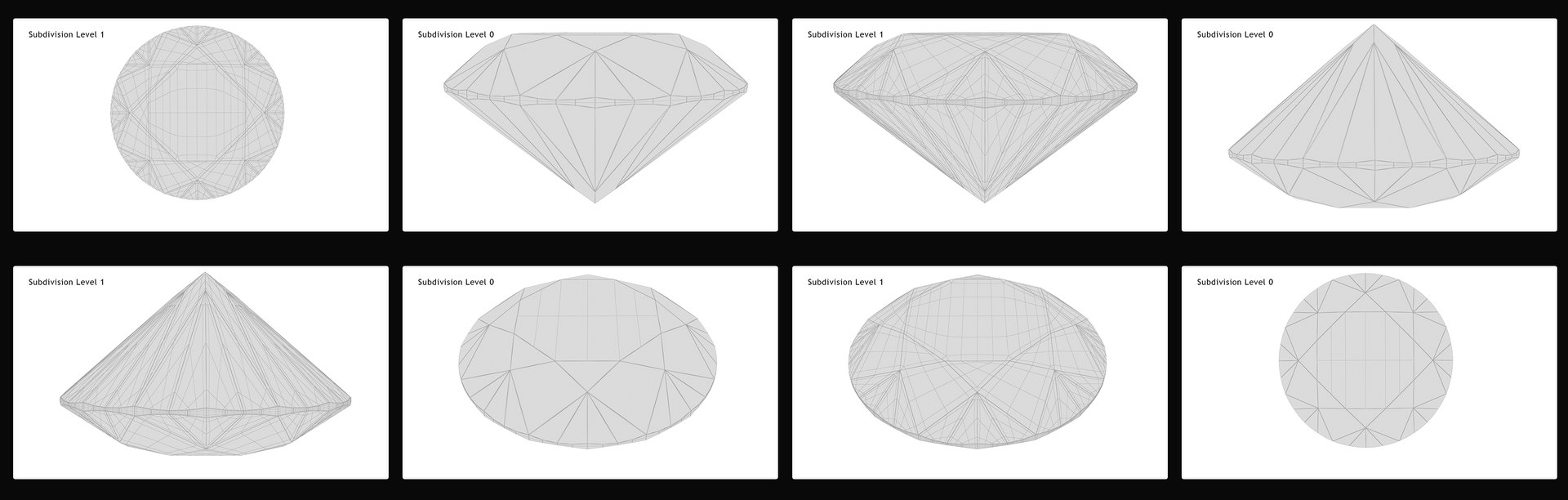
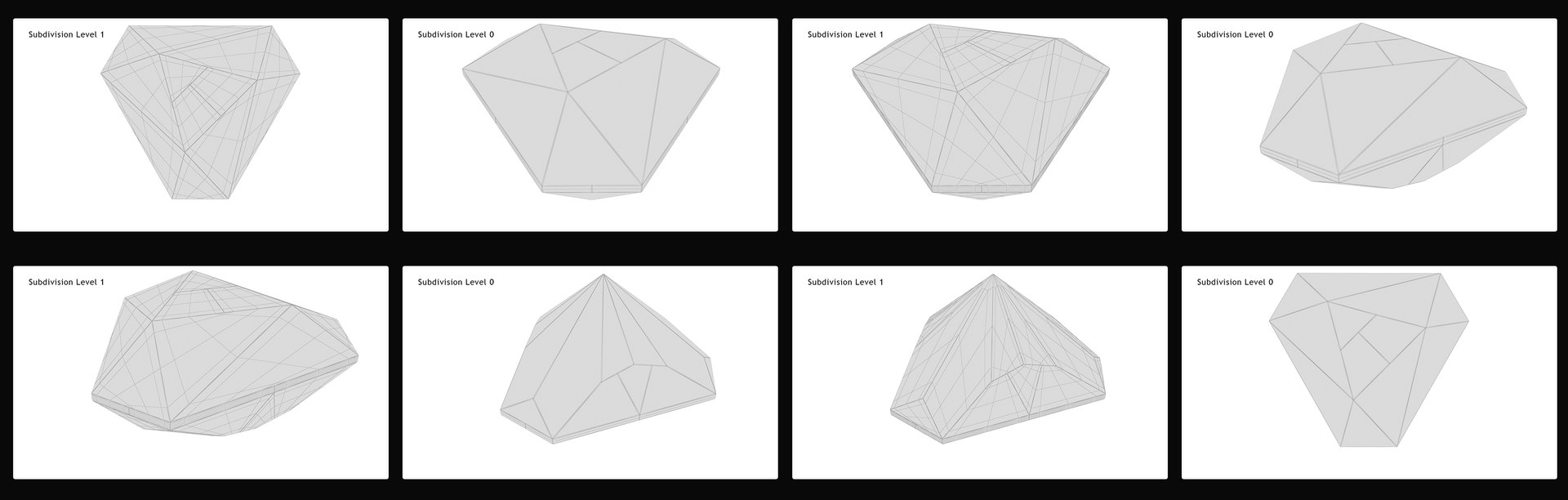
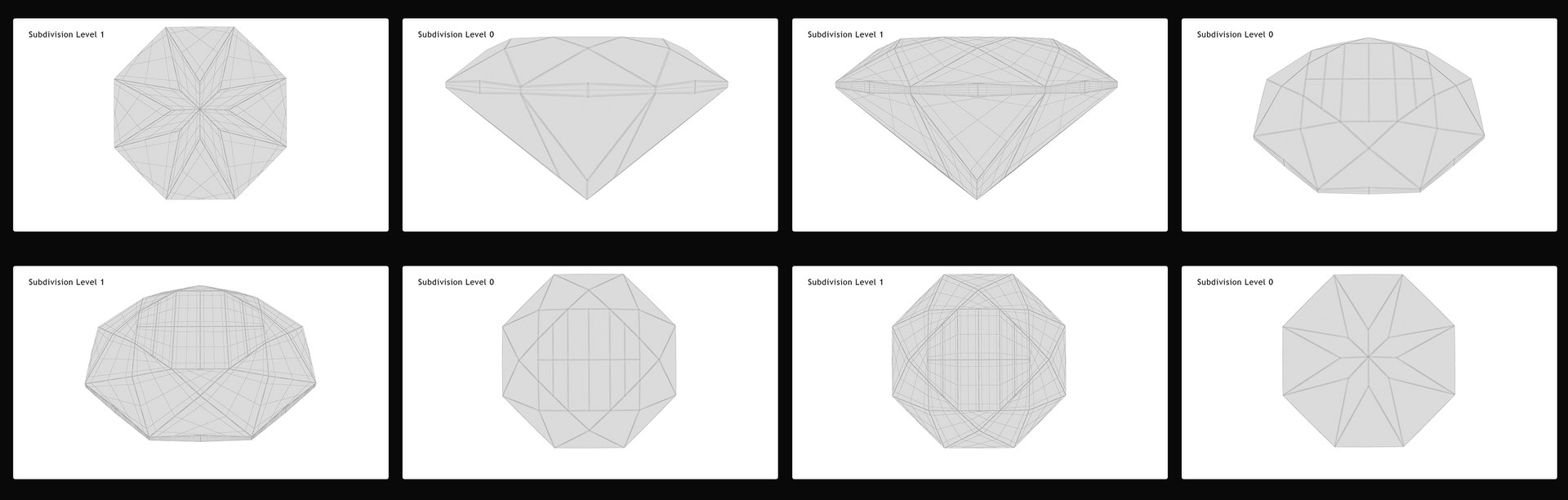
  • Model’s resolutions are optimized for polygon efficiency. (In 3ds Max, the Turbosmooth modifier or smoothing modifier in other respective application can be used to increase mesh resolution if necessary.)
  • All texture colors can be easily modified.
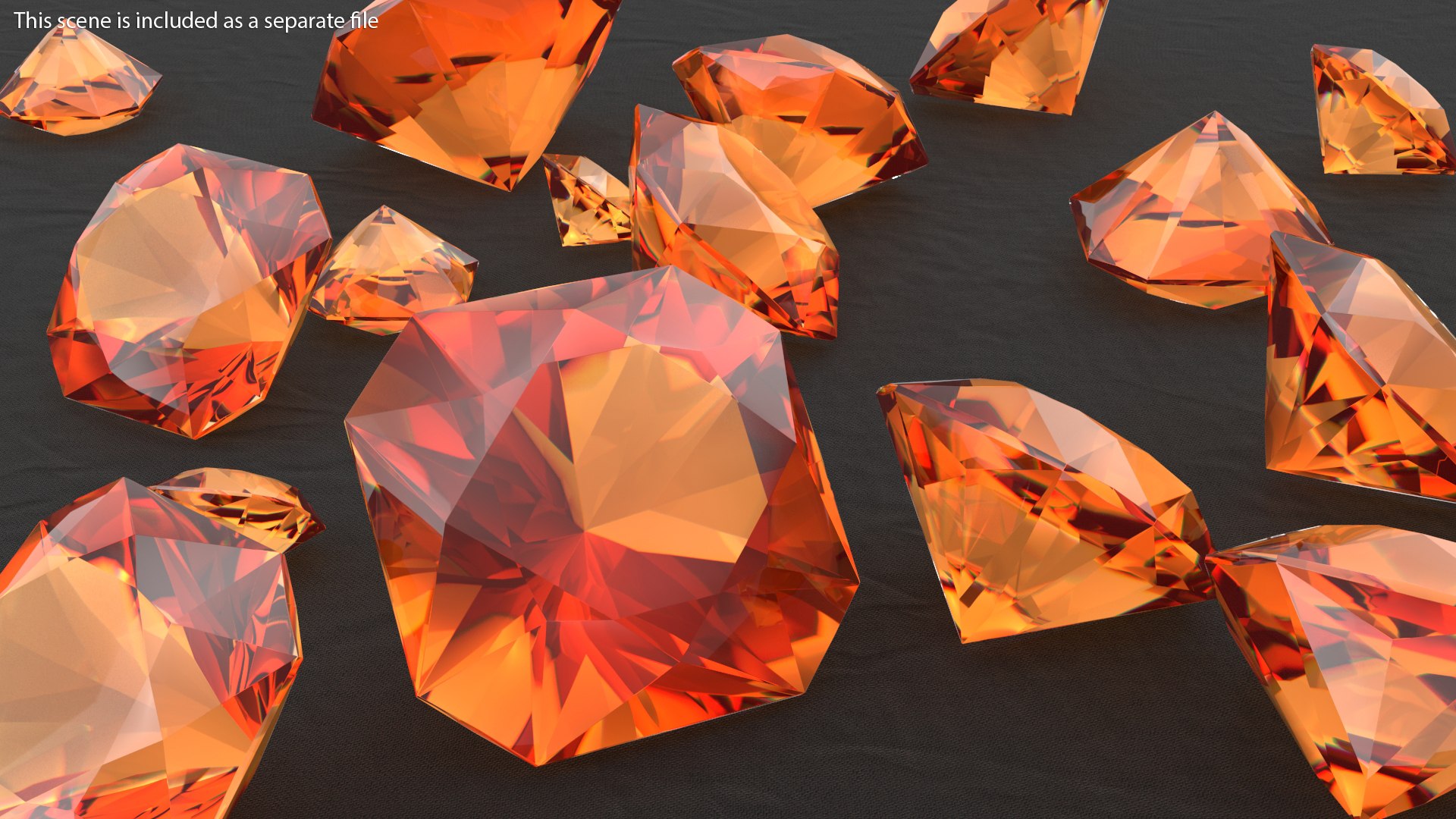
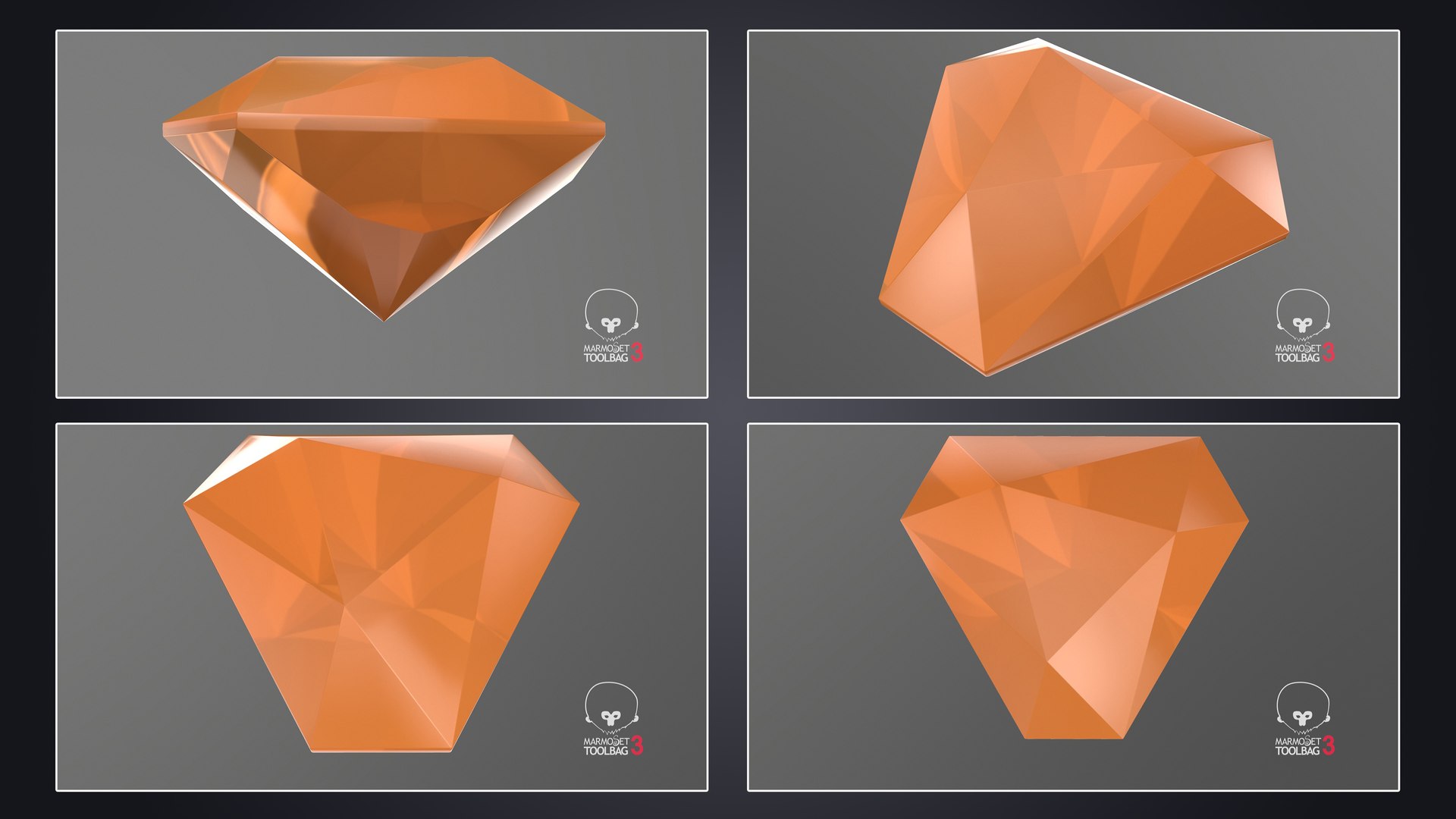
  • Model does not include any backgrounds or scenes used in preview images but a separate version is added with light setup and HDRI as seen in preview images.


--------------------------------------------


For more information about individual models in this collection please click on the relevant product link below


Heart Shape Imperial Topaz

Shield Cut Imperial Topaz

Radiant Cut Imperial Topaz

Pear Cut Imperial Topaz

Oval Cut Imperial Topaz

Princess Cut Imperial Topaz

Shield Step Cut Imperial Topaz

Fire Rose Hexagon Cut Imperial Topaz

Asscher Cut Imperial Topaz

Baguette Cut Imperial Topaz

Round Brilliant Cut Imperial Topaz

Emerald Cut Imperial Topaz

Single Cut Imperial Topaz

Marquise Cut Imperial Topaz


--------------------------------------------

Texture Details:


No textures needed for native max file (renders taken from this file) and other max formats.

2048*2048 (9 Textures) for texture-based workflow (Diffuse, BaseColor, AO, Normal, Specular, Glossiness, Roughness, Metallic, Refraction)

HDRI for environmental reflections as per need 5000*2500 pixels


--------------------------------------------


Believe you are satisfied, check our other models.
For any help please contact through support.

Select Enhanced License

  • $10,000 in Legal Protection (Indemnification)
  • Uncapped Legal Protection (Indemnification)
  • Waiver from injunctive relief
  • Assignable model rights
  • $1,000,000 in Legal Protection (Indemnification)
  • Waiver from injunctive relief
  • Assignable model rights
  • $250,000 in Legal Protection (Indemnification)
  • Assignable model rights
Read more about enhanced license tiers, or contact us at enterprise@turbosquid.com. Already a Shutterstock Enterprise Customer? Contact your Shutterstock Sales Support Agent to talk about adding 3D.

About Conversion Requests

To submit a conversion request for a purchased asset, please complete our Conversion Request Form.

If you have not yet purchased a model, please review our Documentation about Conversions to learn about what limitations you may encounter with a conversion.

For any additional questions about a model’s suitability for conversion, please contact TurboSquid Support.

Loading...