

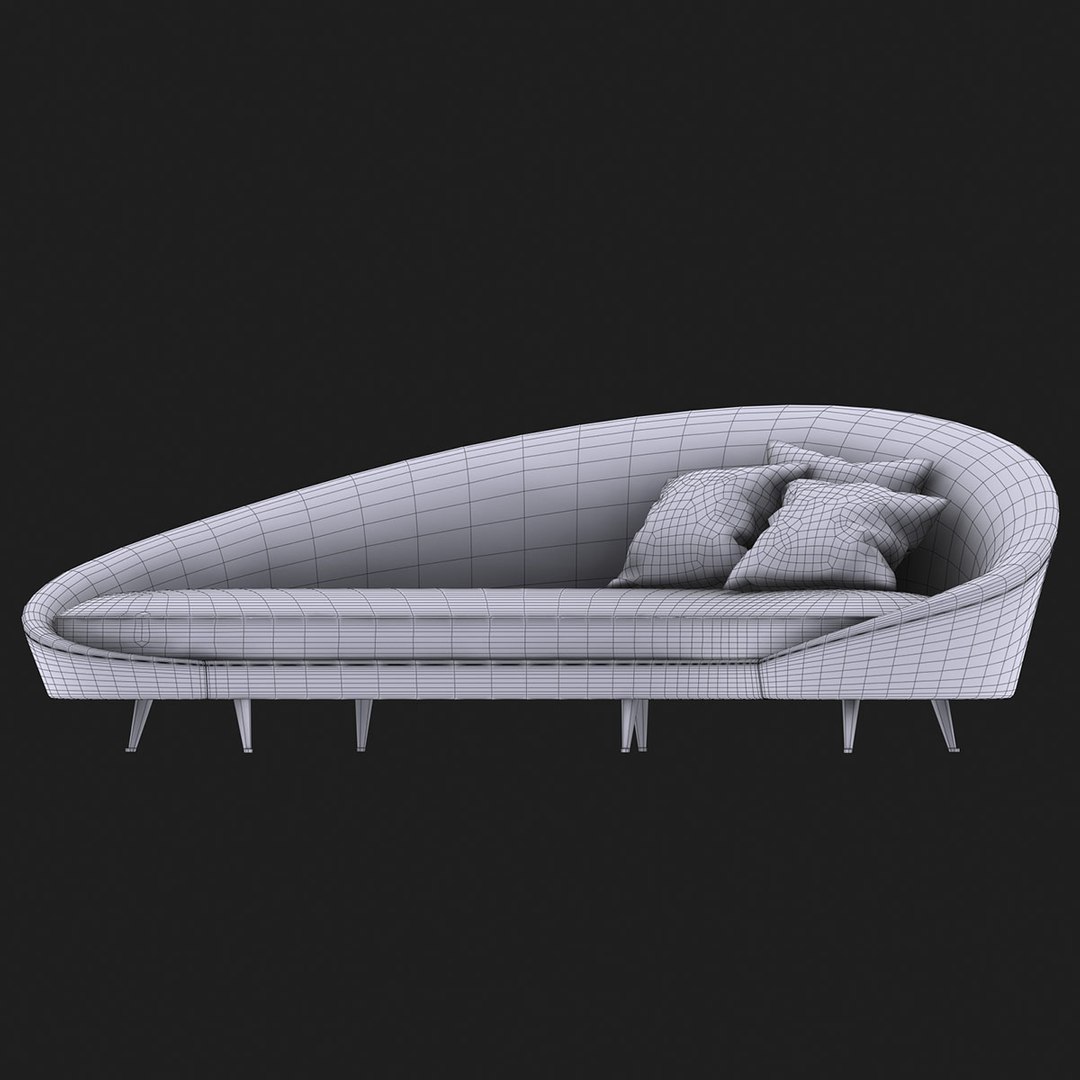
Ico Parisi - Curved Sofa

$49

Standard License | Upgrade License
Editorial Uses Only
Formats (7)
Free file format Conversions available
Native | 3ds Max 2010 | V-Ray 2.30
3ds Max 2010 | Default Scanline
OBJ
3D Studio
FBX
Other Files
ico_parisi_curved_sofa_maps.rar
Specifications
Publish Date November 16, 2014
Product ID 867811
Polygons 10,152
Vertices 10,190
Polygonal Quads Only
Textures
Materials
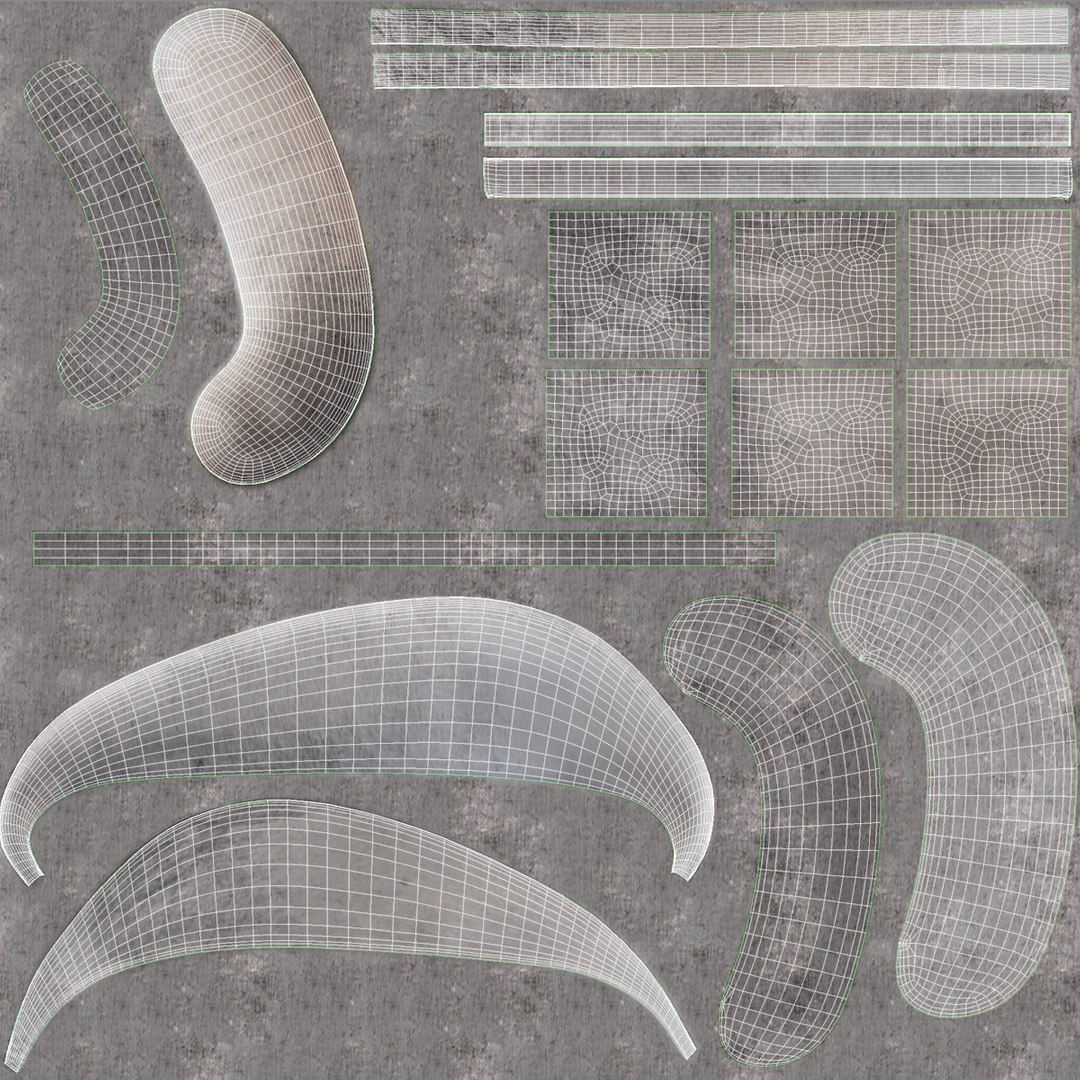
UV Mapped
Non-overlapping Unwrapped UVs
TurboSquid Exclusive
member avatar
marco brunori
102 Products | Contributor Since 2009
Have questions? Chat with us now.

Description

|| PRODUCT DESCRIPTION ||

- Curved Sofa by Ico Parisi

- Sixties' Classic Italian Furniture Design

- Model created with 3ds Max 2010

- Native Max file setup with V-Ray renderer and V-Ray materials

|| PRESENTATION IMAGES ||

- Preview rendering made with V-Ray

- The lighting scene is not included with the model

|| SPECS ||

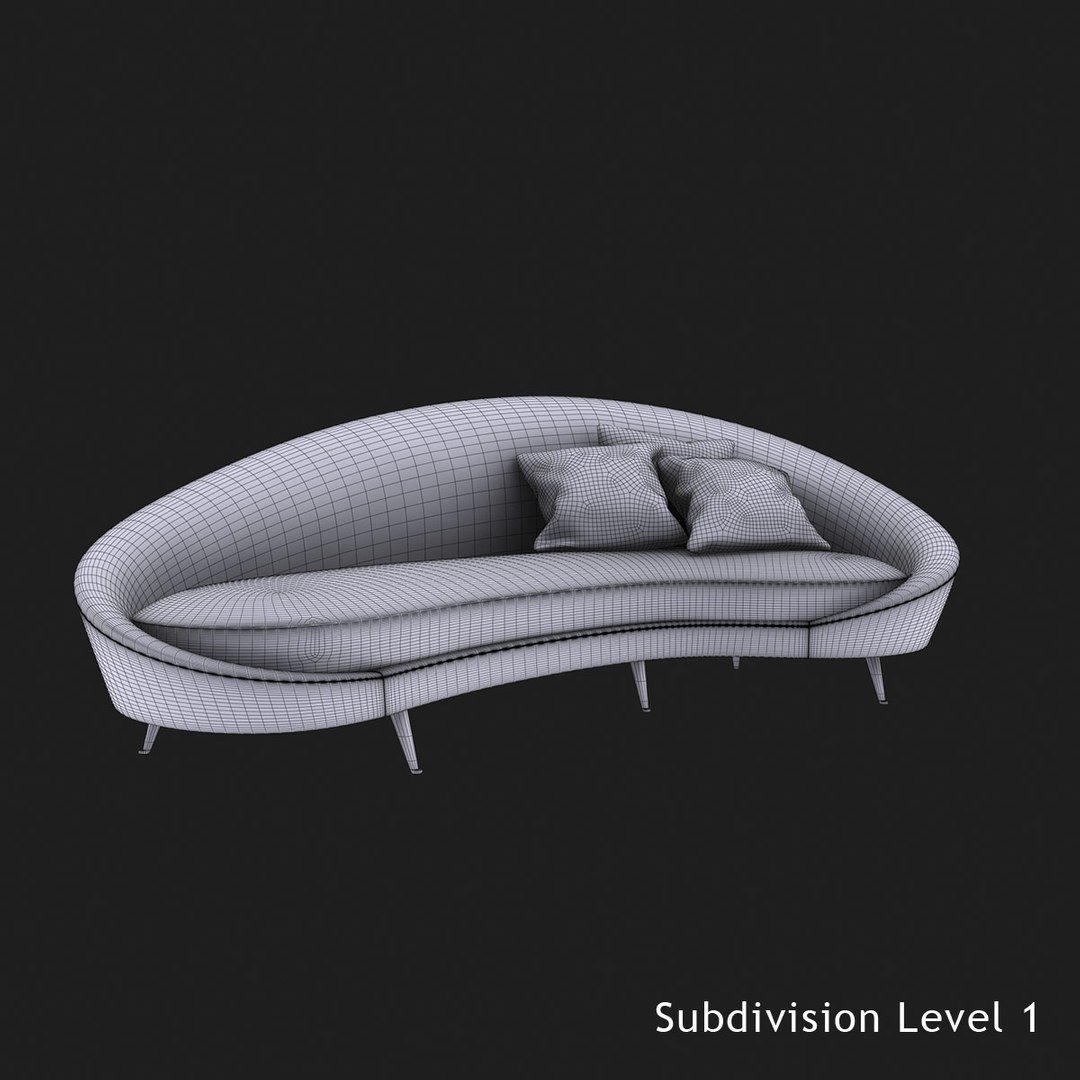
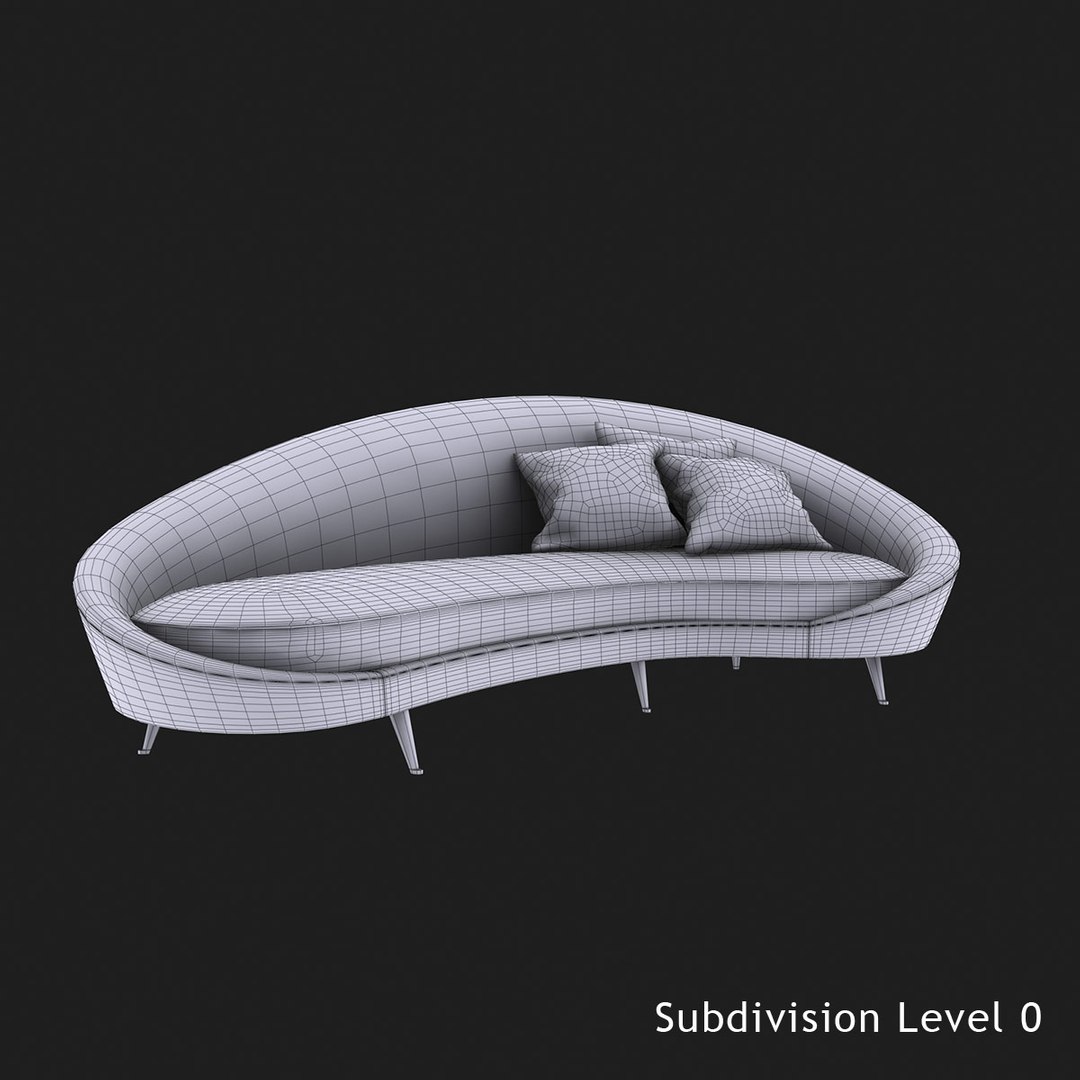
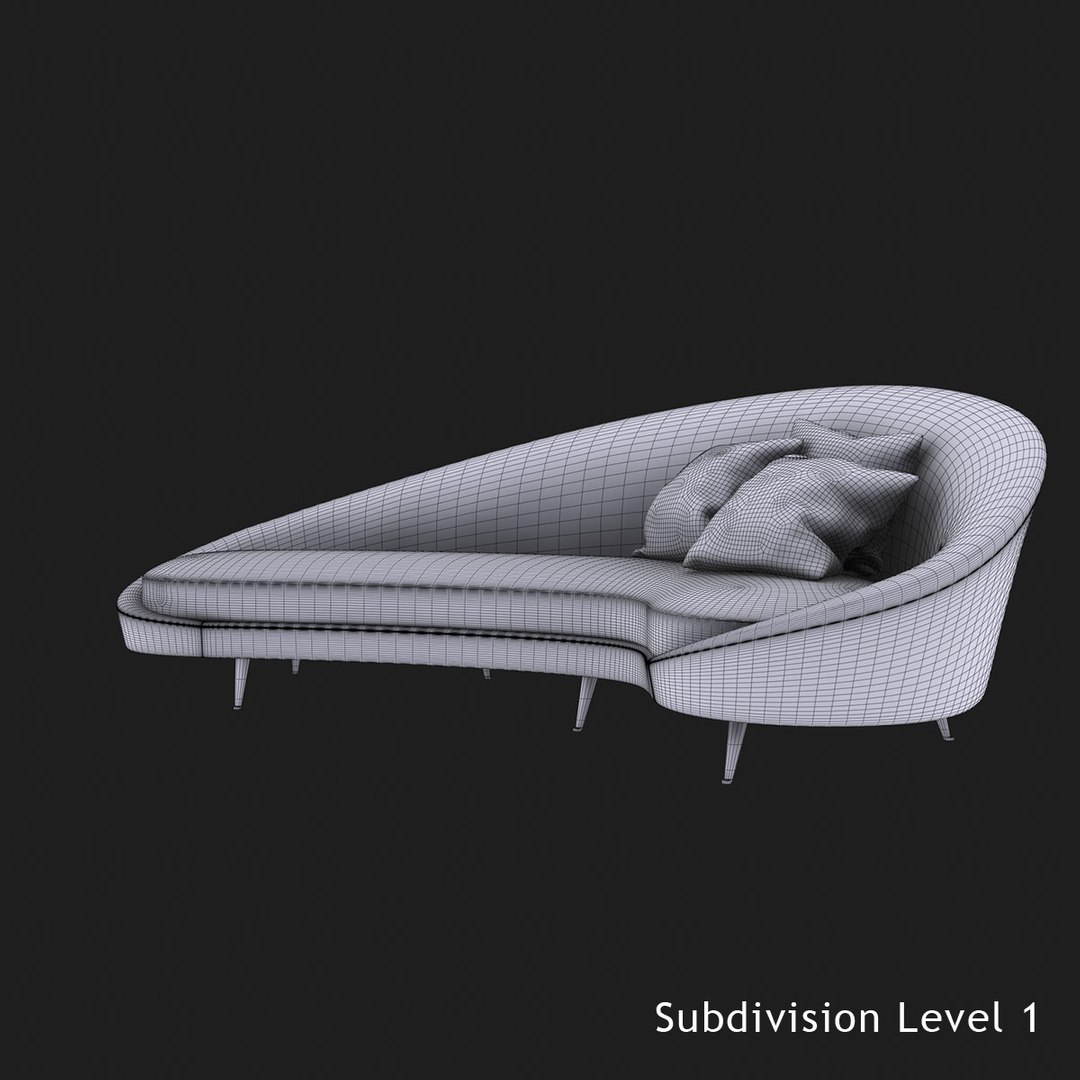
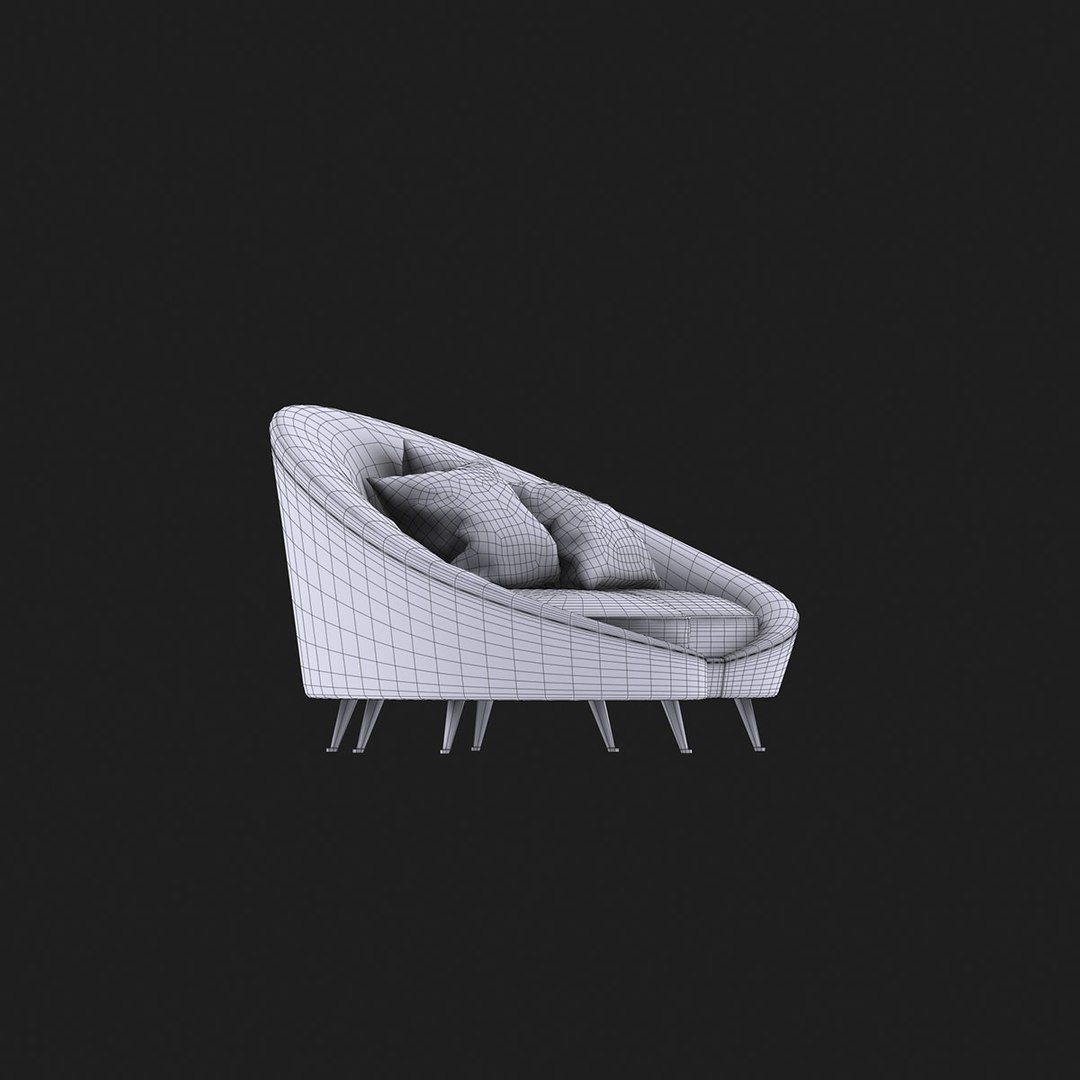
- The Max model created with polygonal geometry is setup with the TurboSmooth modifier, so that the resolution can easily be regulated:

TurboSmooth iterations=0 Polys: 20304 Verts: 10190
TurboSmooth iterations=1 Polys: 81216 Verts: 40667
TurboSmooth iterations=2 Polys: 324864 Verts: 162533

|| TEXTURES ||

1) ico_parisi_curved_sofa_d = 2048x2048 (diffuse map)
2) ico_parisi_dirt_01_b = 2048x2048 (bump map)
3) ico_parisi_dirt_02_b = 2048x2048 (bump map)
4) ico_parisi_metal_scatches_b = 2048x2048 (bump map)
5) ico_parisi_velvet_b = 2048x2048 (bump map)
6) ico_parisi_wrinkles_b = 2048x2048 (bump map)


|| ADDITIONAL NOTES ||

- The .3ds and .obj version are available both in high resolution and low resolution versions

Select Enhanced License

  • $10,000 in Legal Protection (Indemnification)
  • Uncapped Legal Protection (Indemnification)
  • Waiver from injunctive relief
  • Assignable model rights
  • $1,000,000 in Legal Protection (Indemnification)
  • Waiver from injunctive relief
  • Assignable model rights
  • $250,000 in Legal Protection (Indemnification)
  • Assignable model rights
Read more about enhanced license tiers, or contact us at enterprise@turbosquid.com. Already a Shutterstock Enterprise Customer? Contact your Shutterstock Sales Support Agent to talk about adding 3D.

About Conversion Requests

To submit a conversion request for a purchased asset, please complete our Conversion Request Form.

If you have not yet purchased a model, please review our Documentation about Conversions to learn about what limitations you may encounter with a conversion.

For any additional questions about a model’s suitability for conversion, please contact TurboSquid Support.

Loading...