
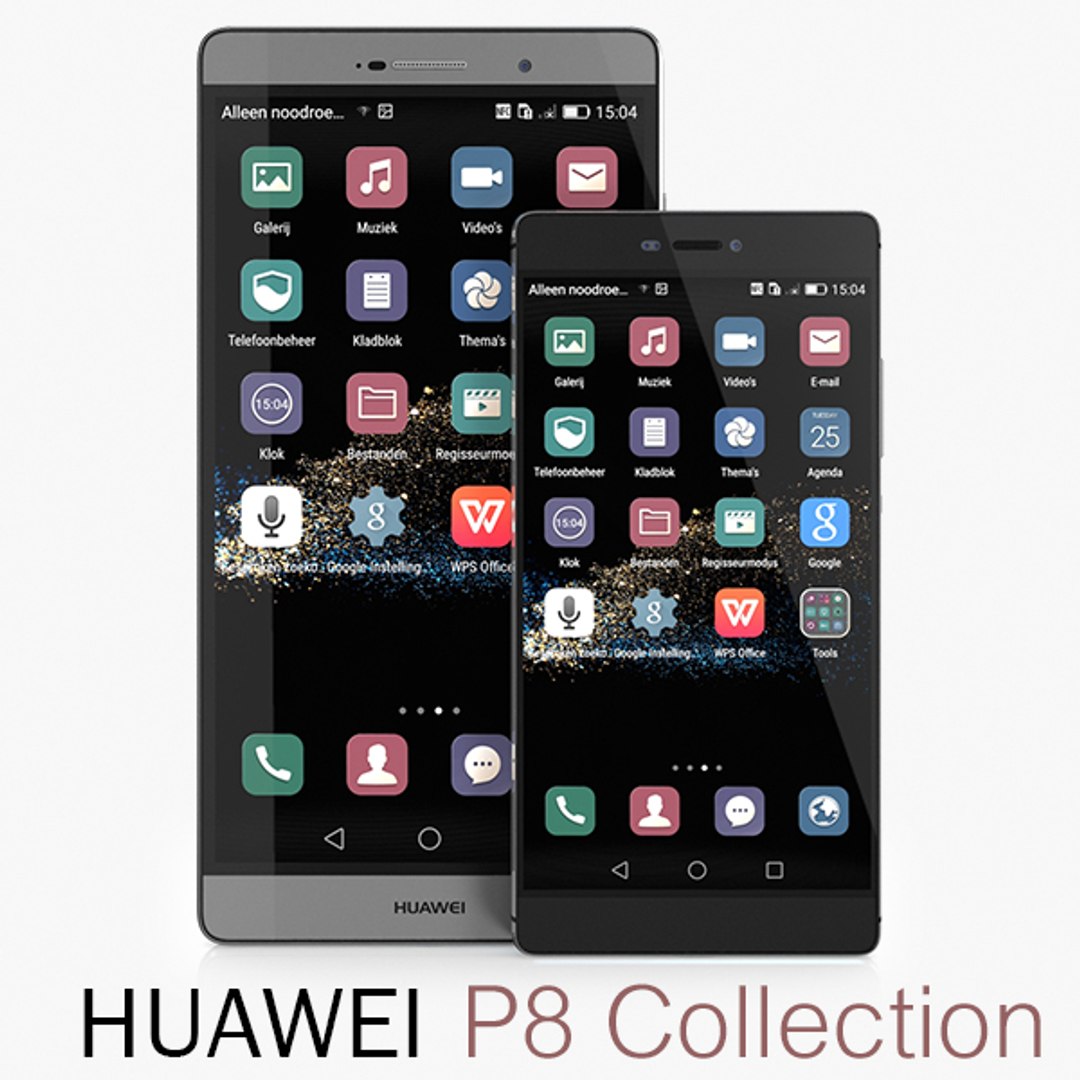
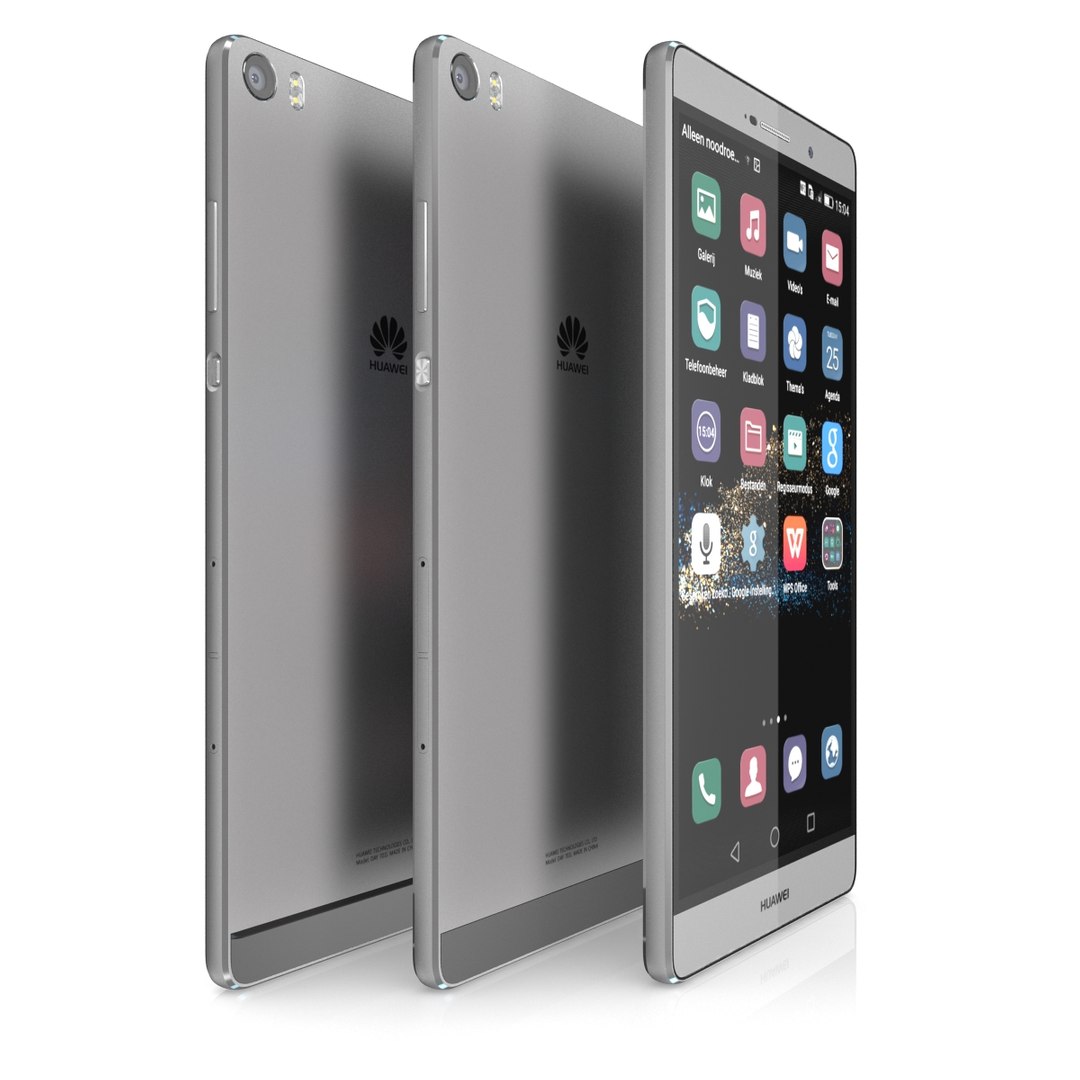
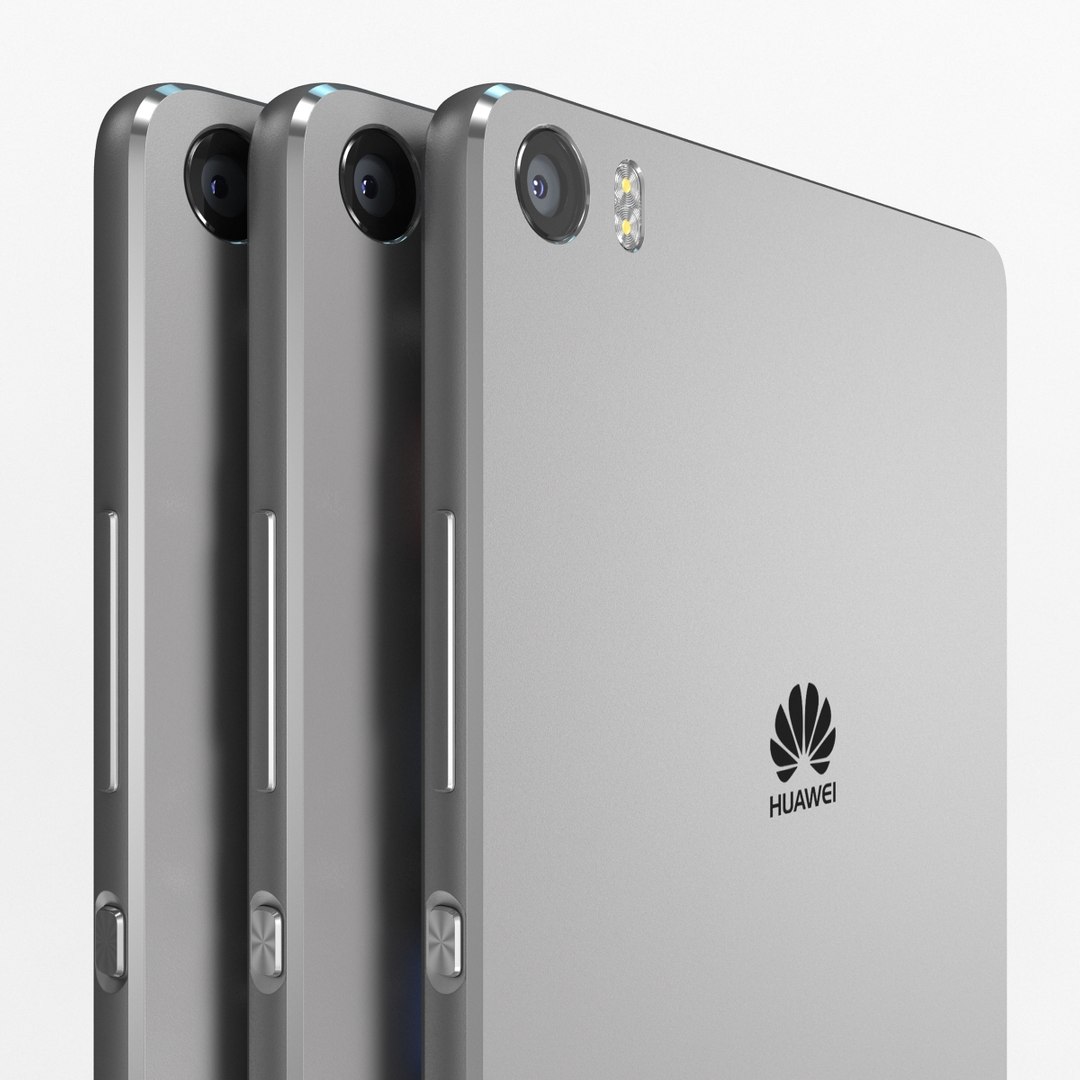
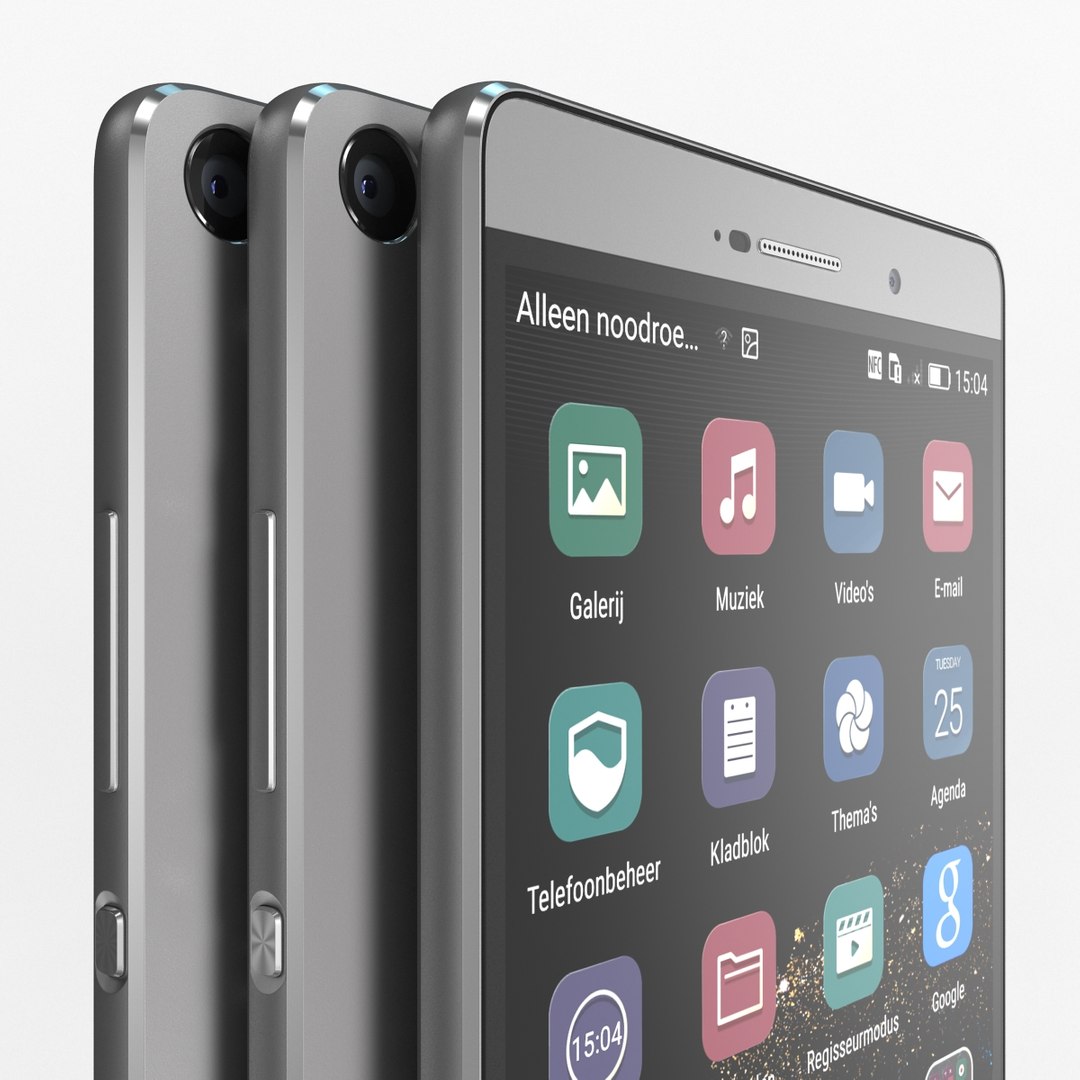
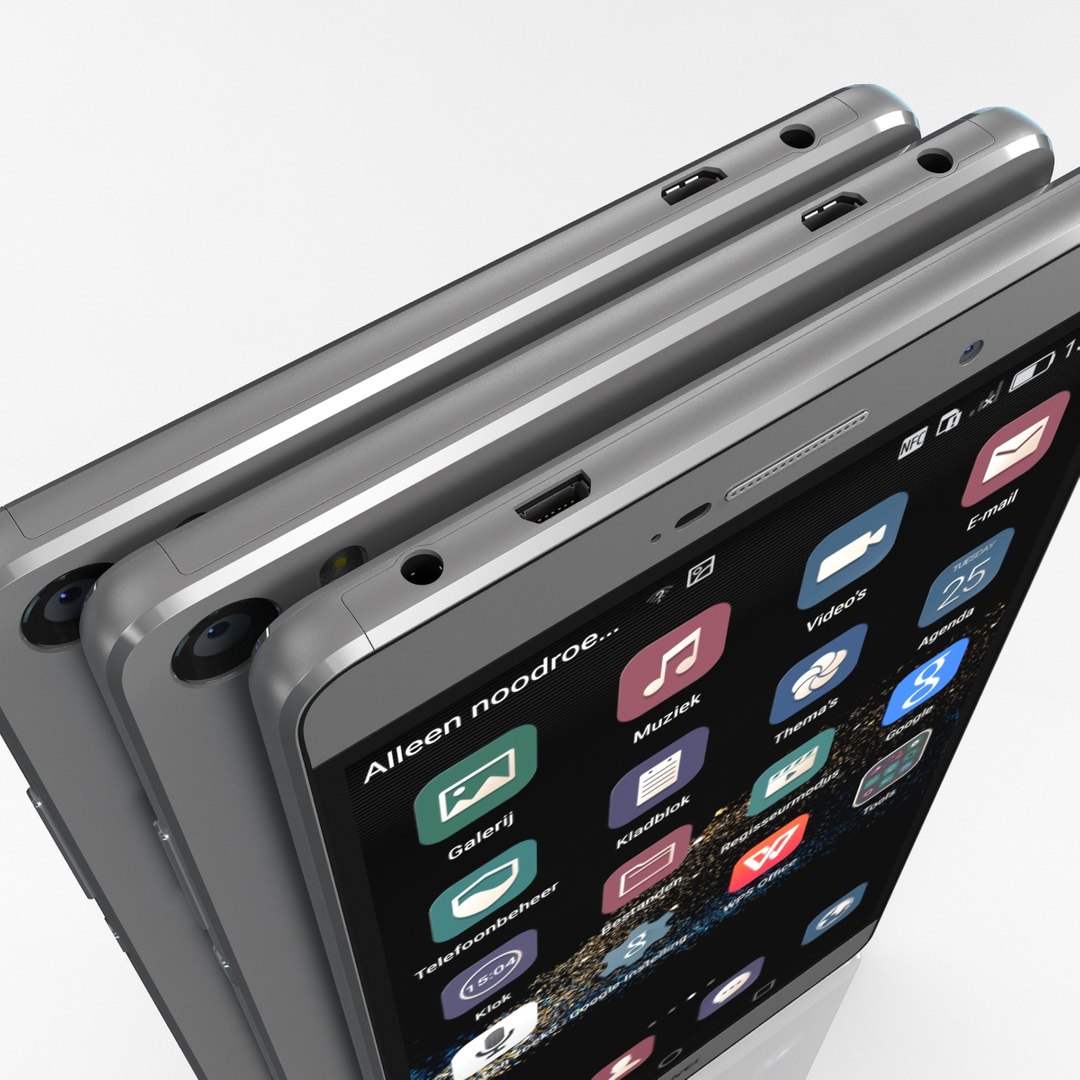
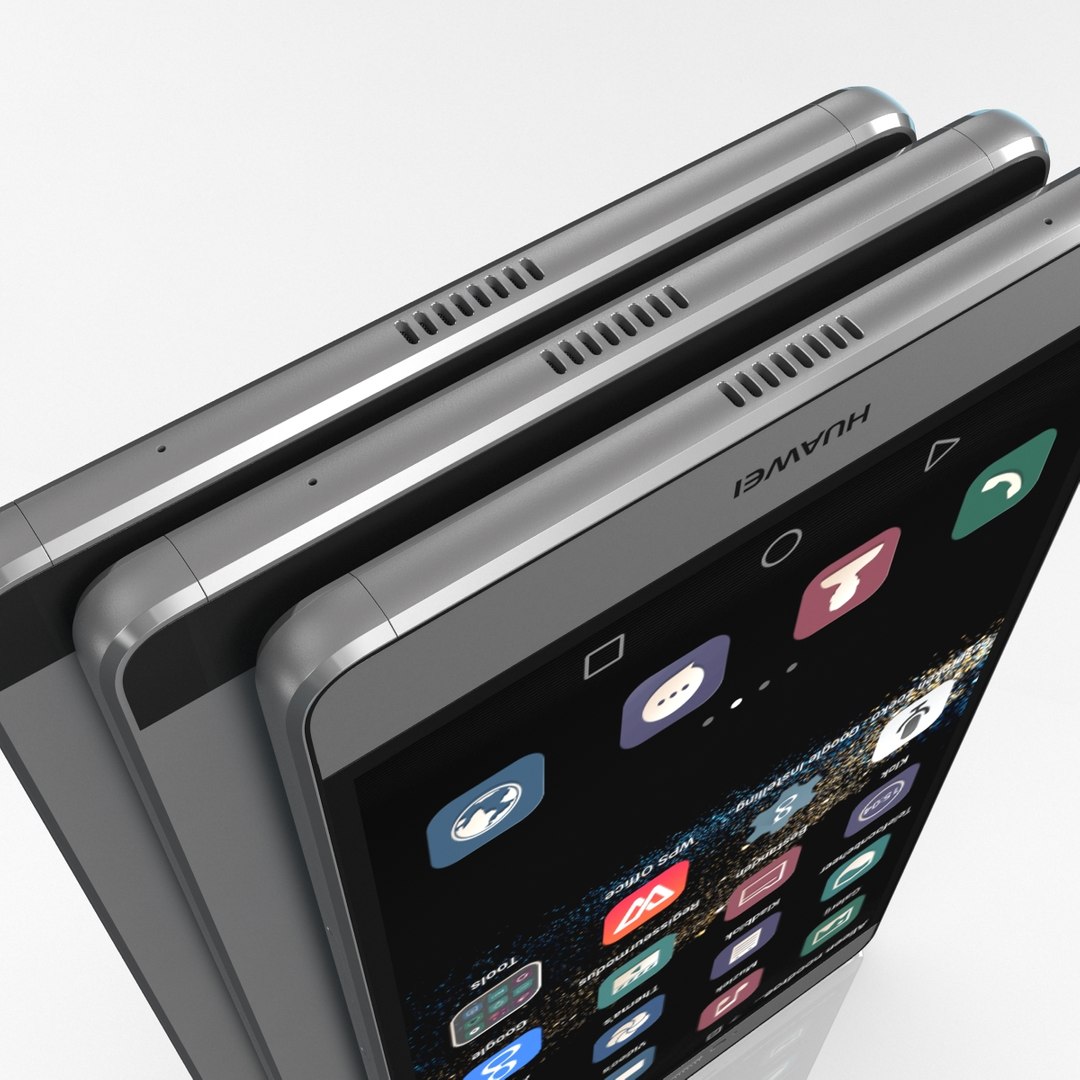
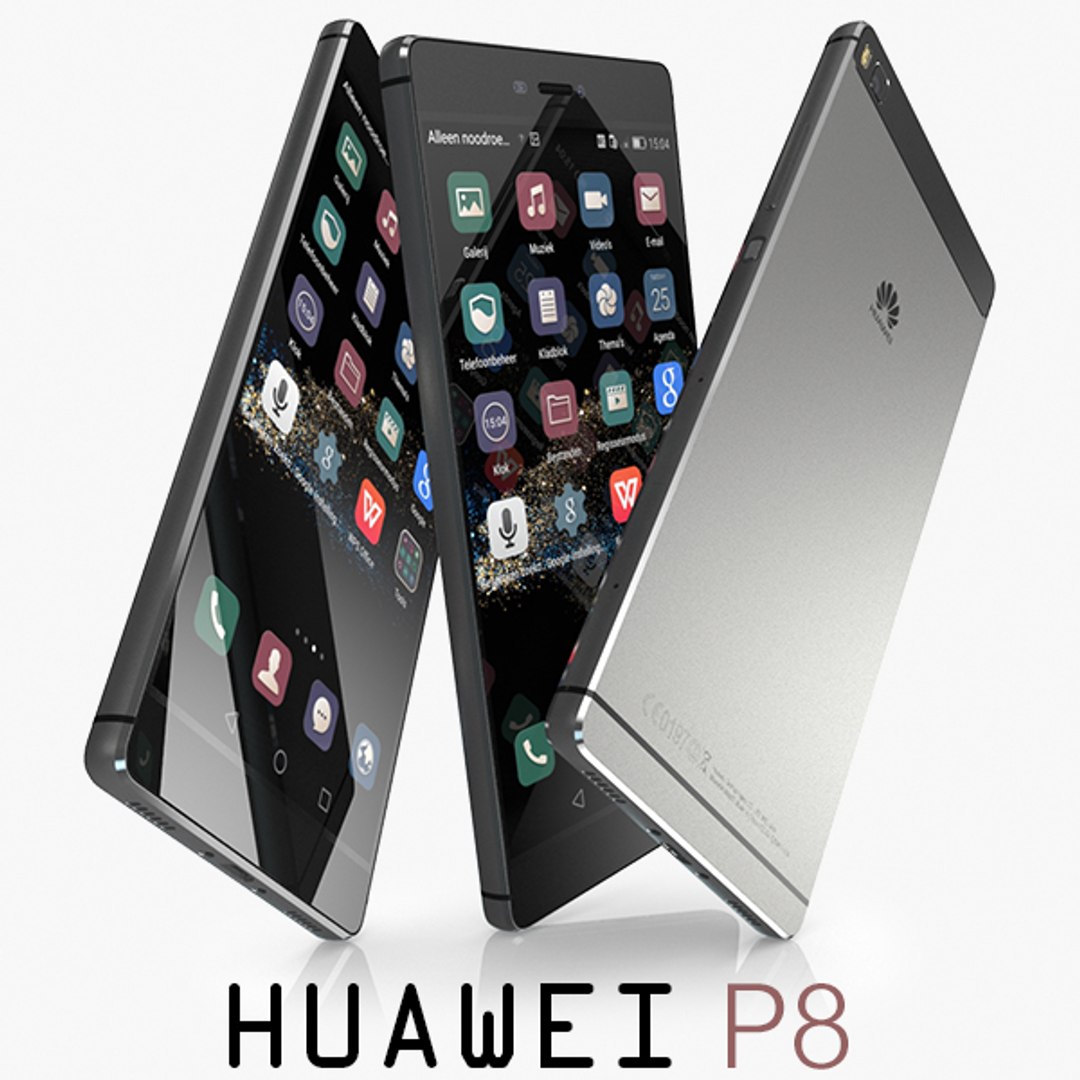
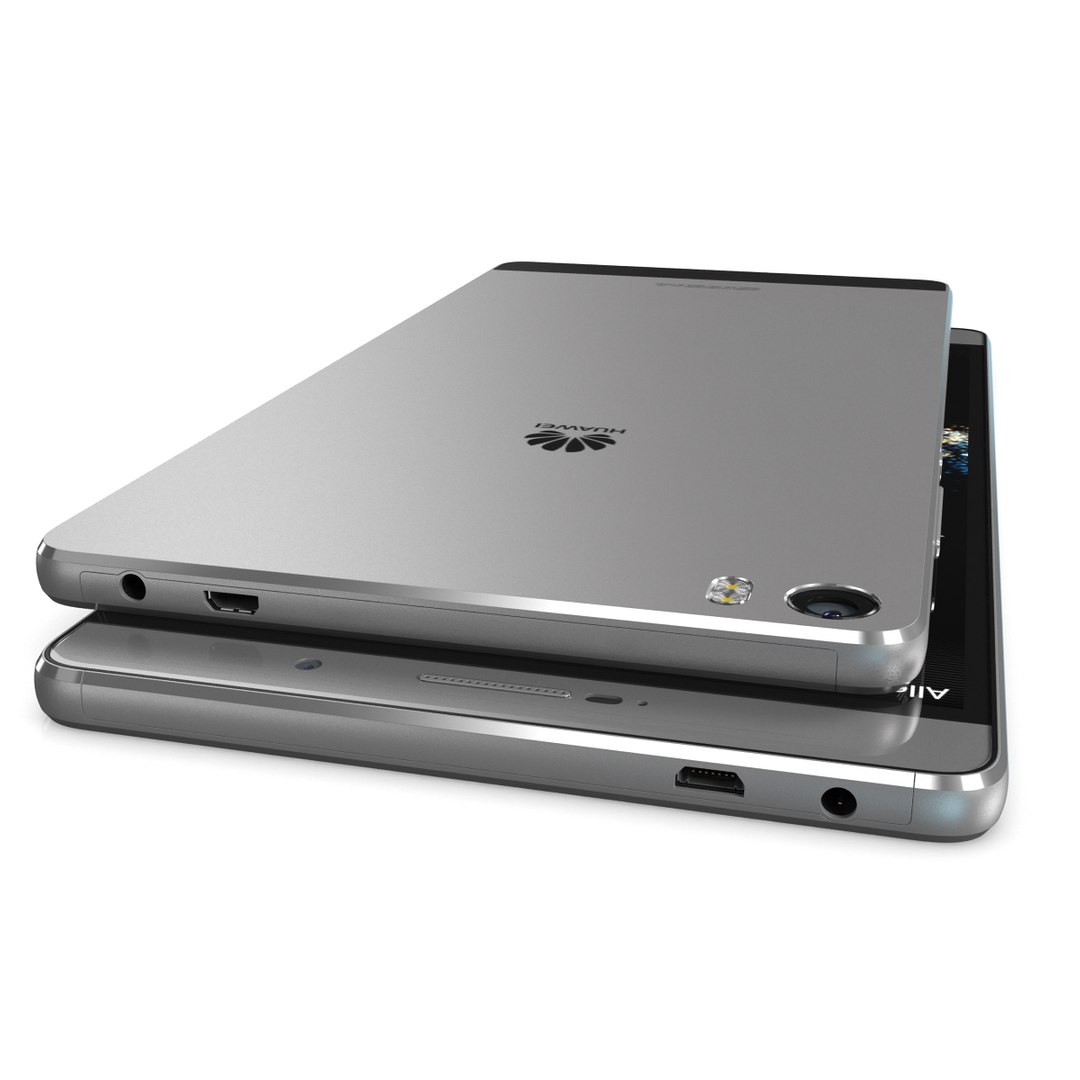
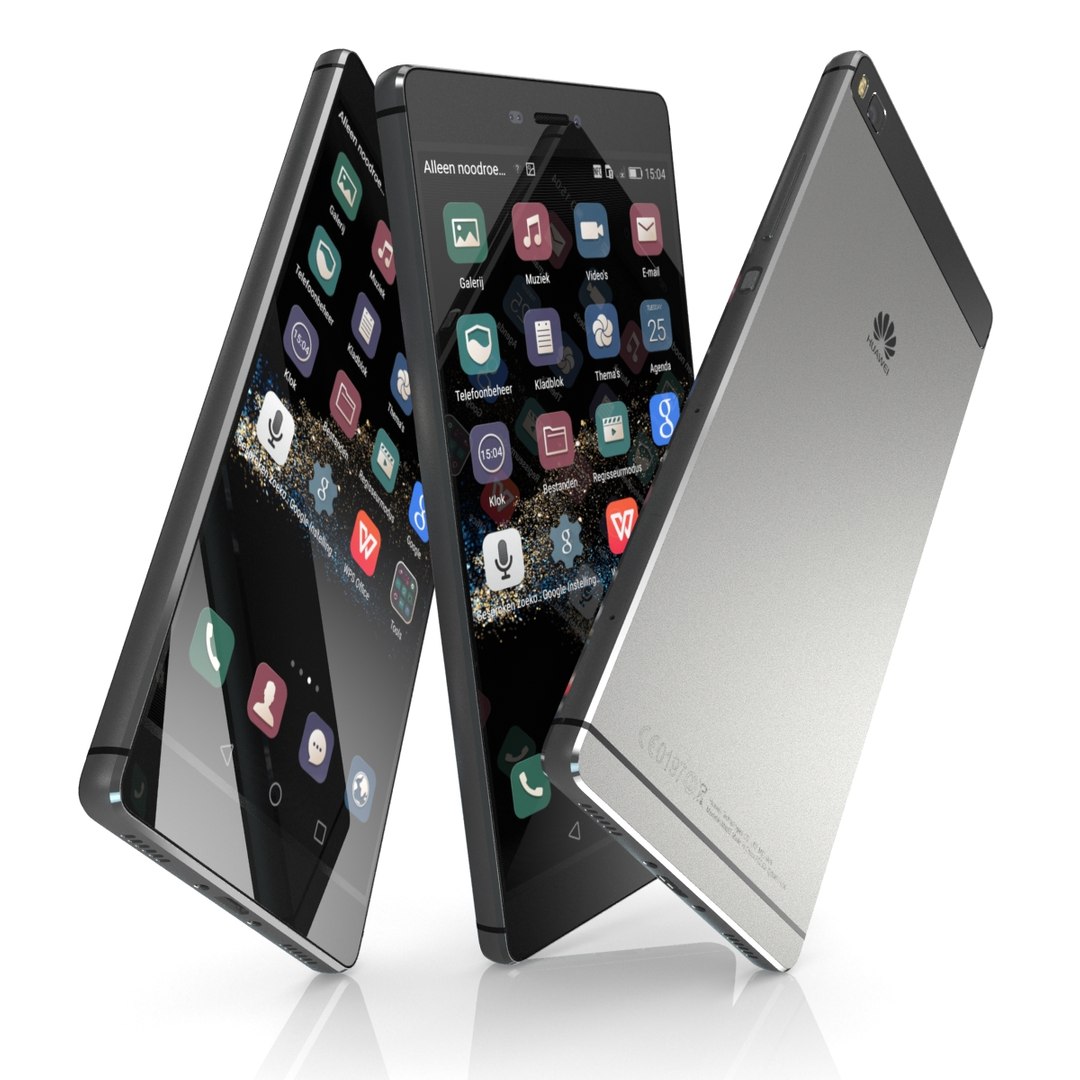
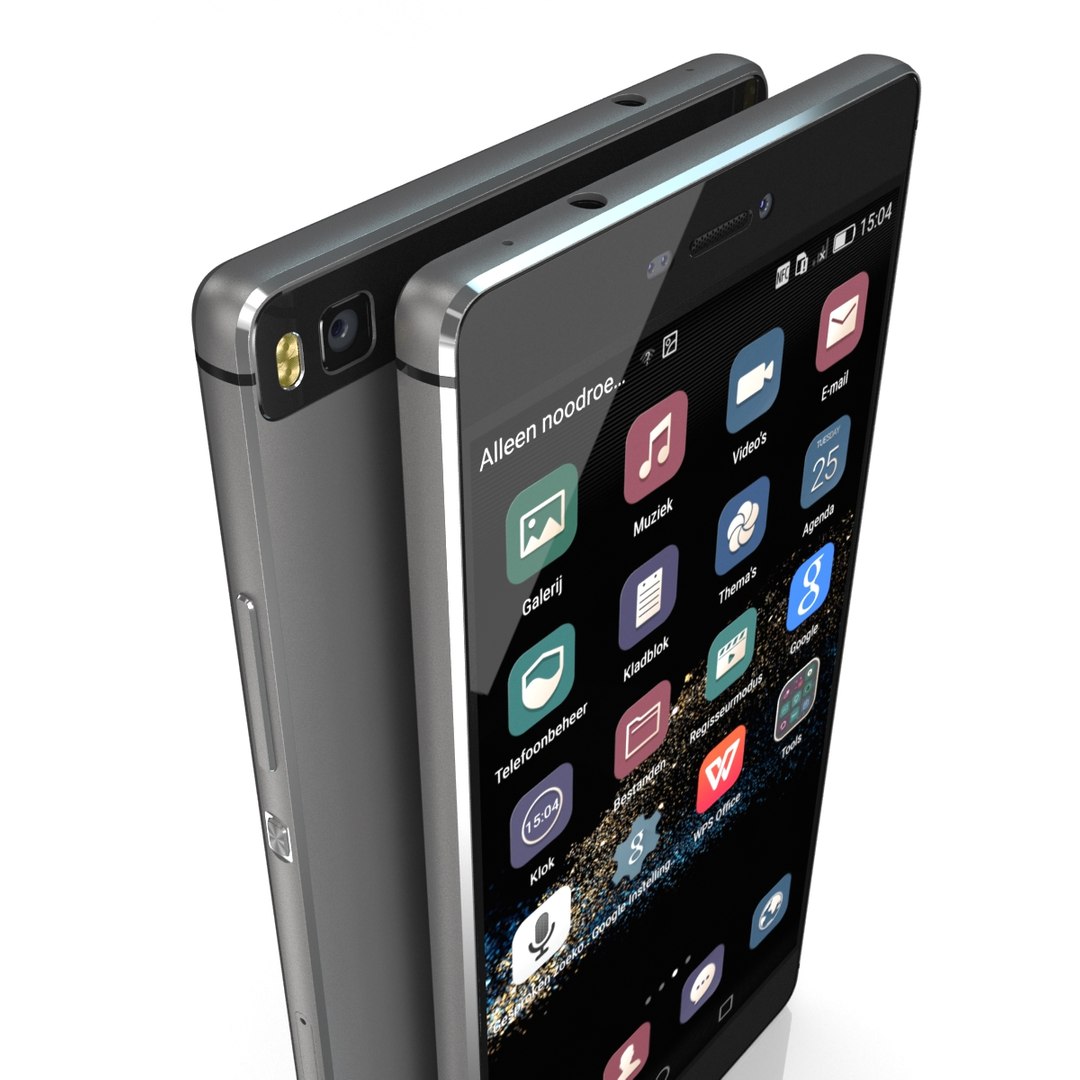
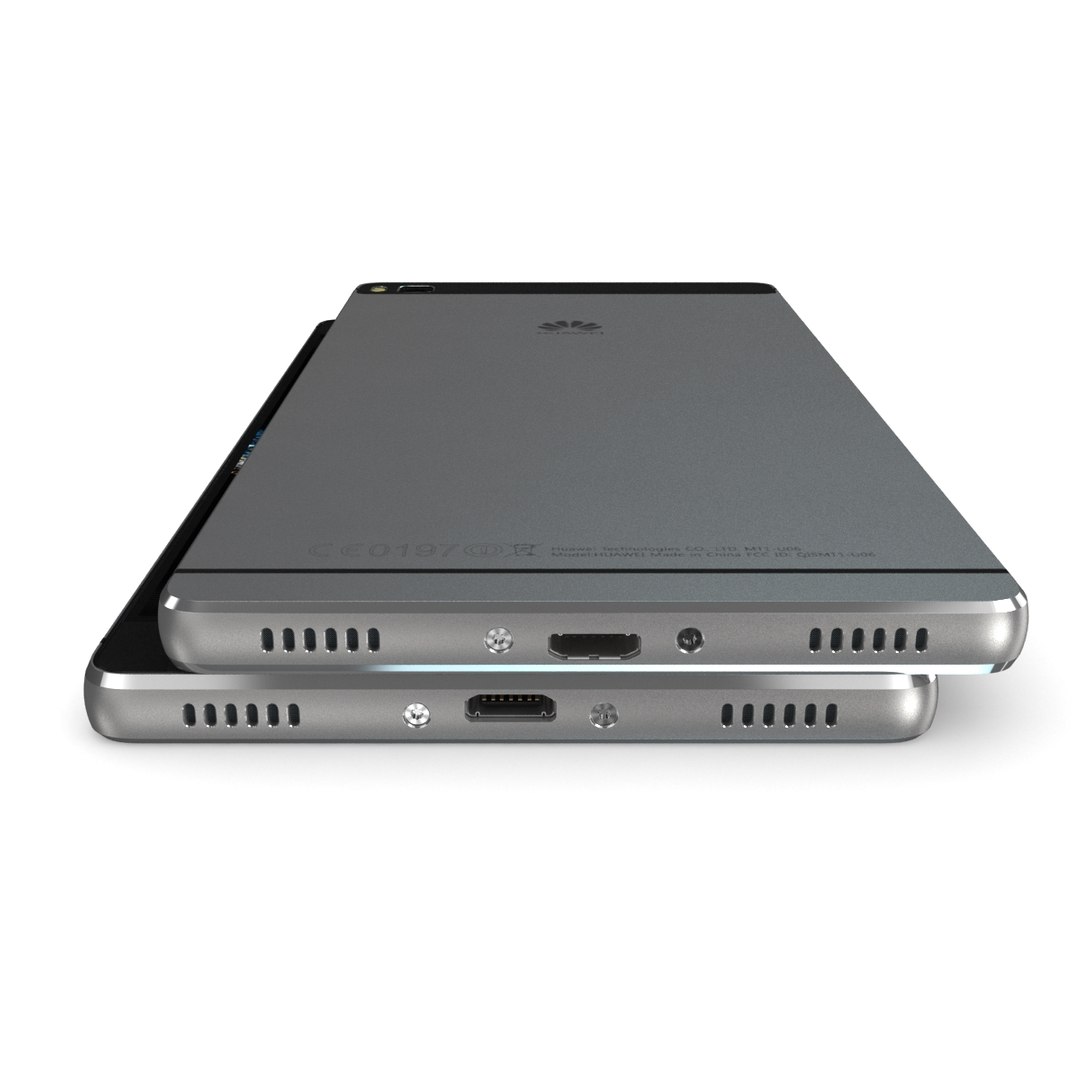
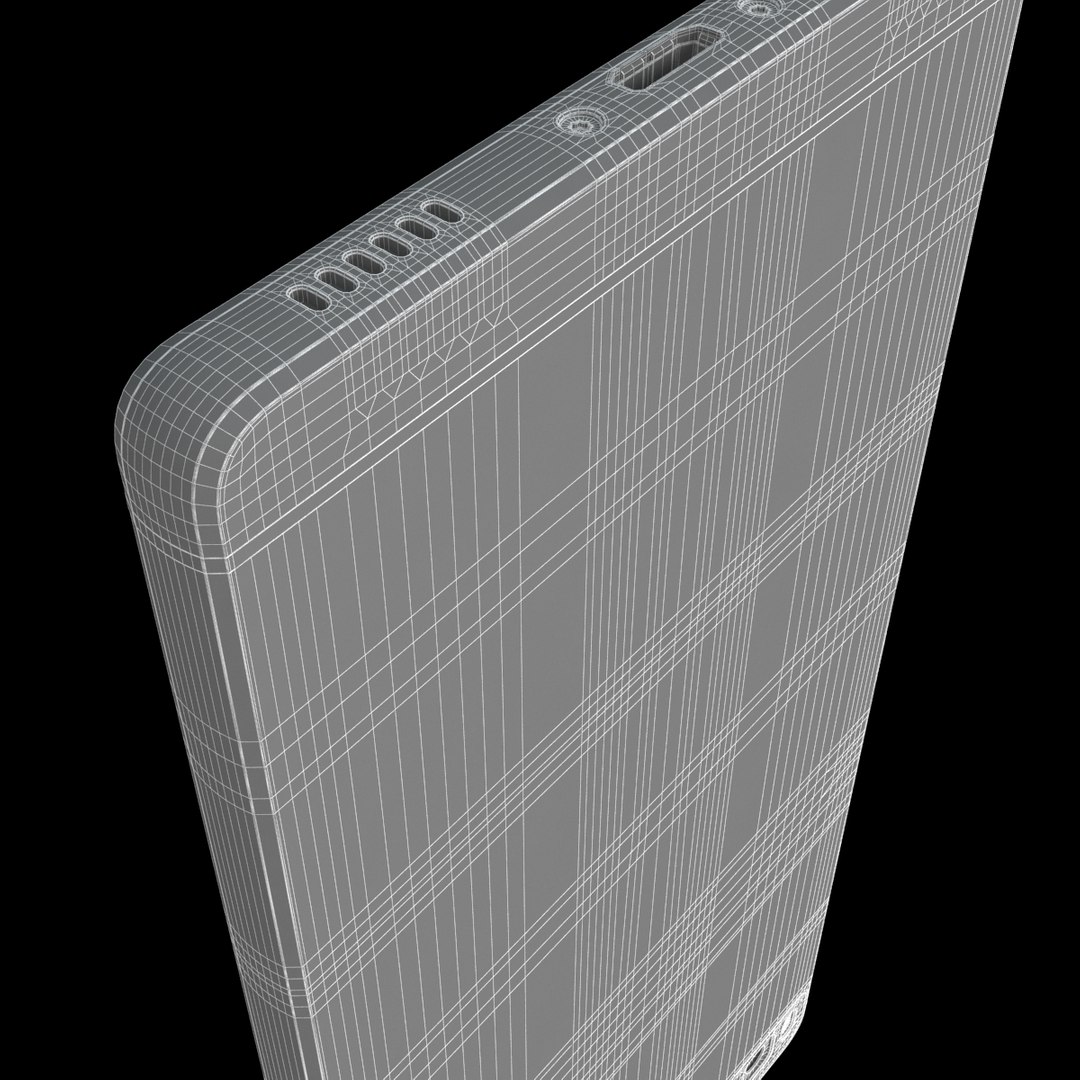
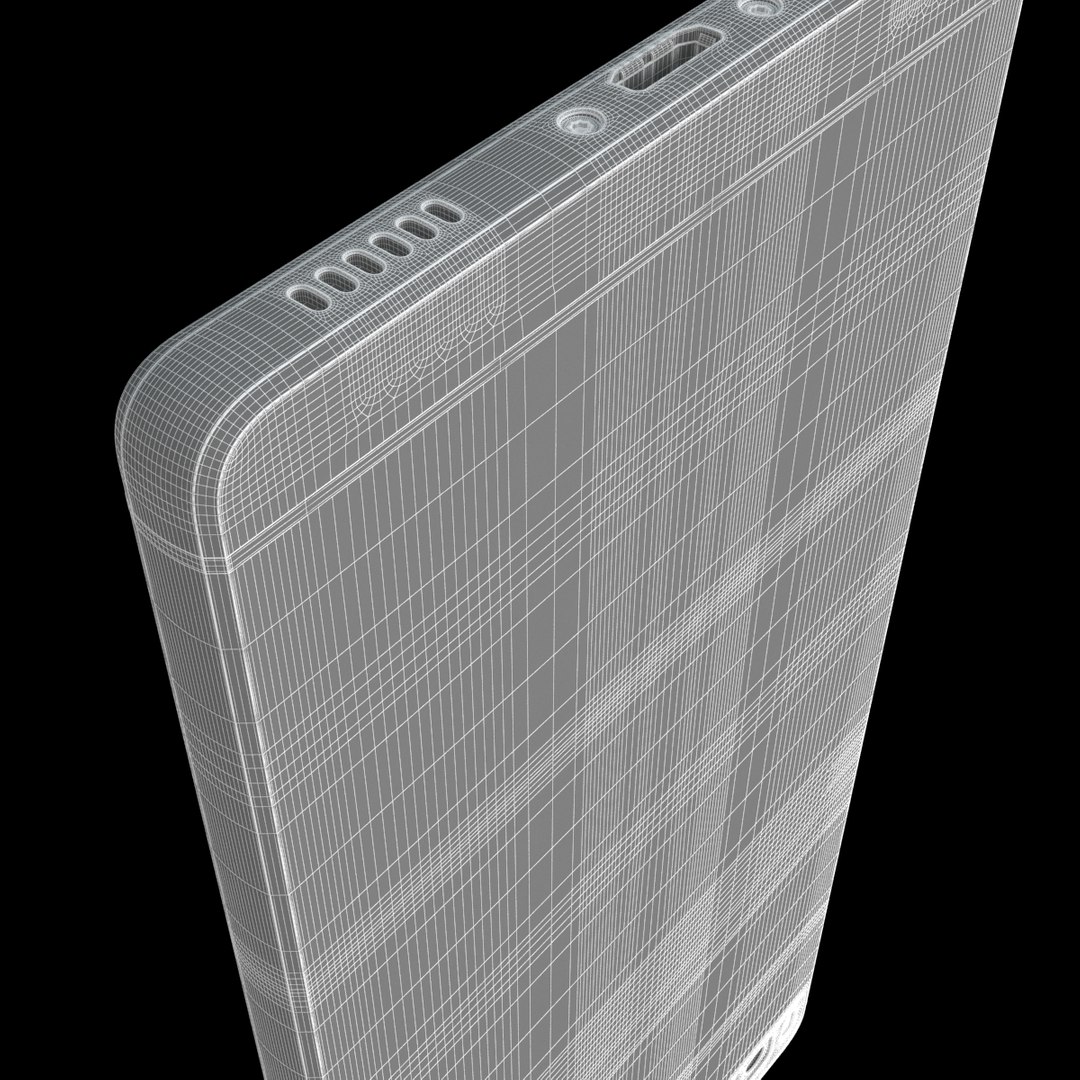
Huawei P8 Collection

$60

Standard License | Upgrade License
Editorial Uses Only
Formats (19)
Native | 3ds Max 2012 | V-Ray 2.0
3ds Max 2012 | Default Scanline 2012
3ds Max 2012 | V-Ray 2.0
Cinema 4D R12 | Default Scanline R12
Lightwave 11 | Default Scanline 11
Maya 2012 | Maya Software 2012
Softimage 2015 | Default Scanline 2015
3D Studio
FBX
OBJ
Specifications
Publish Date May 25, 2015
Product ID 930105
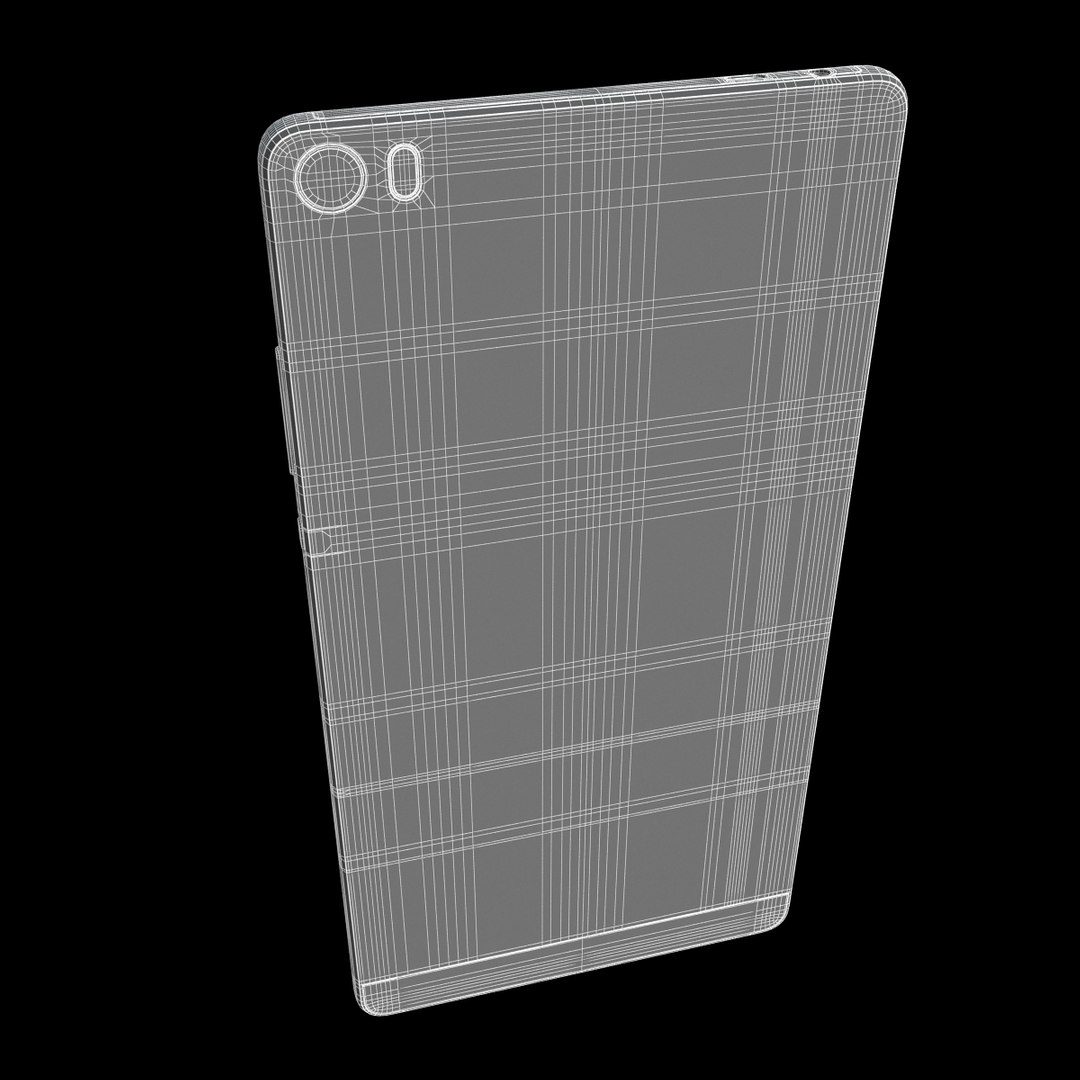
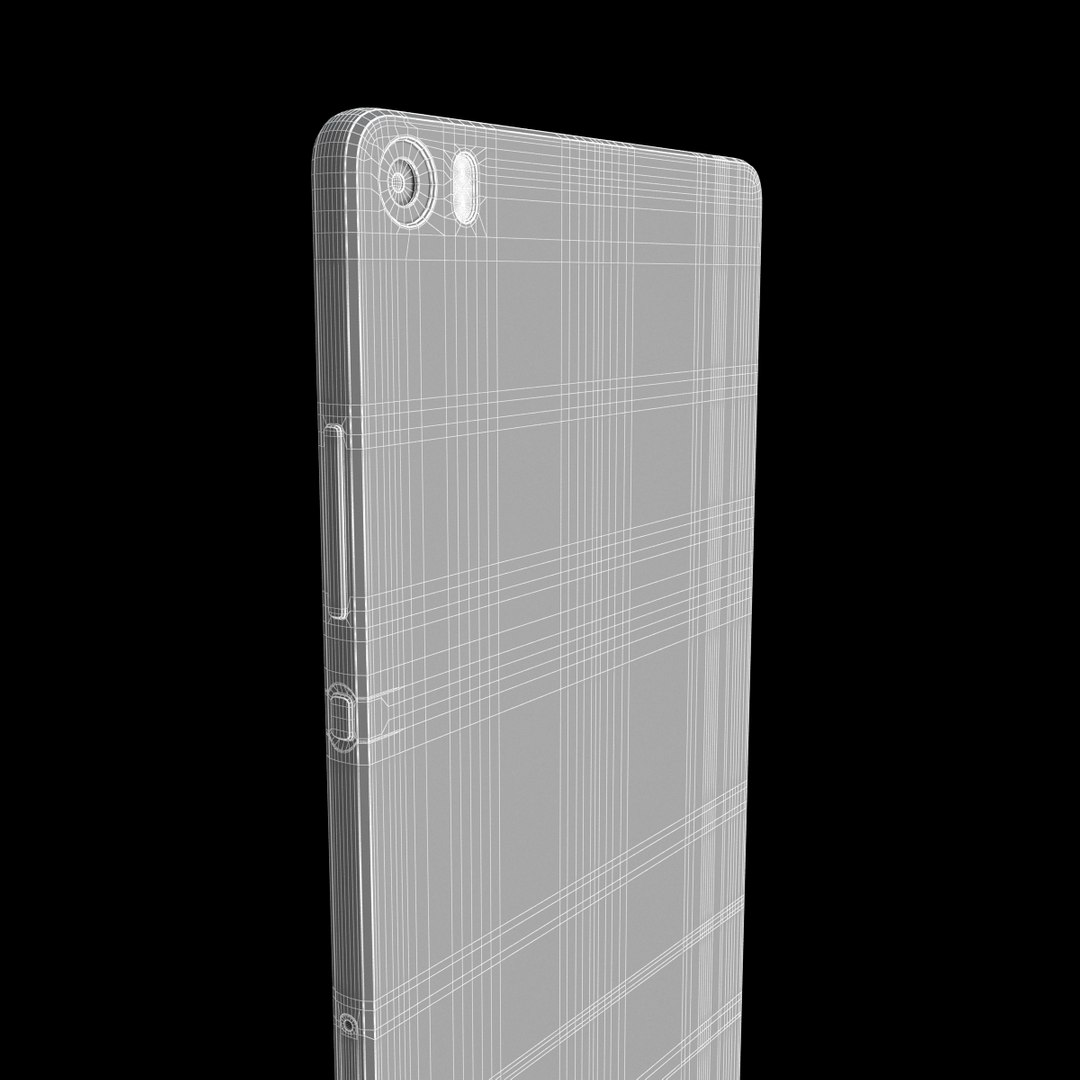
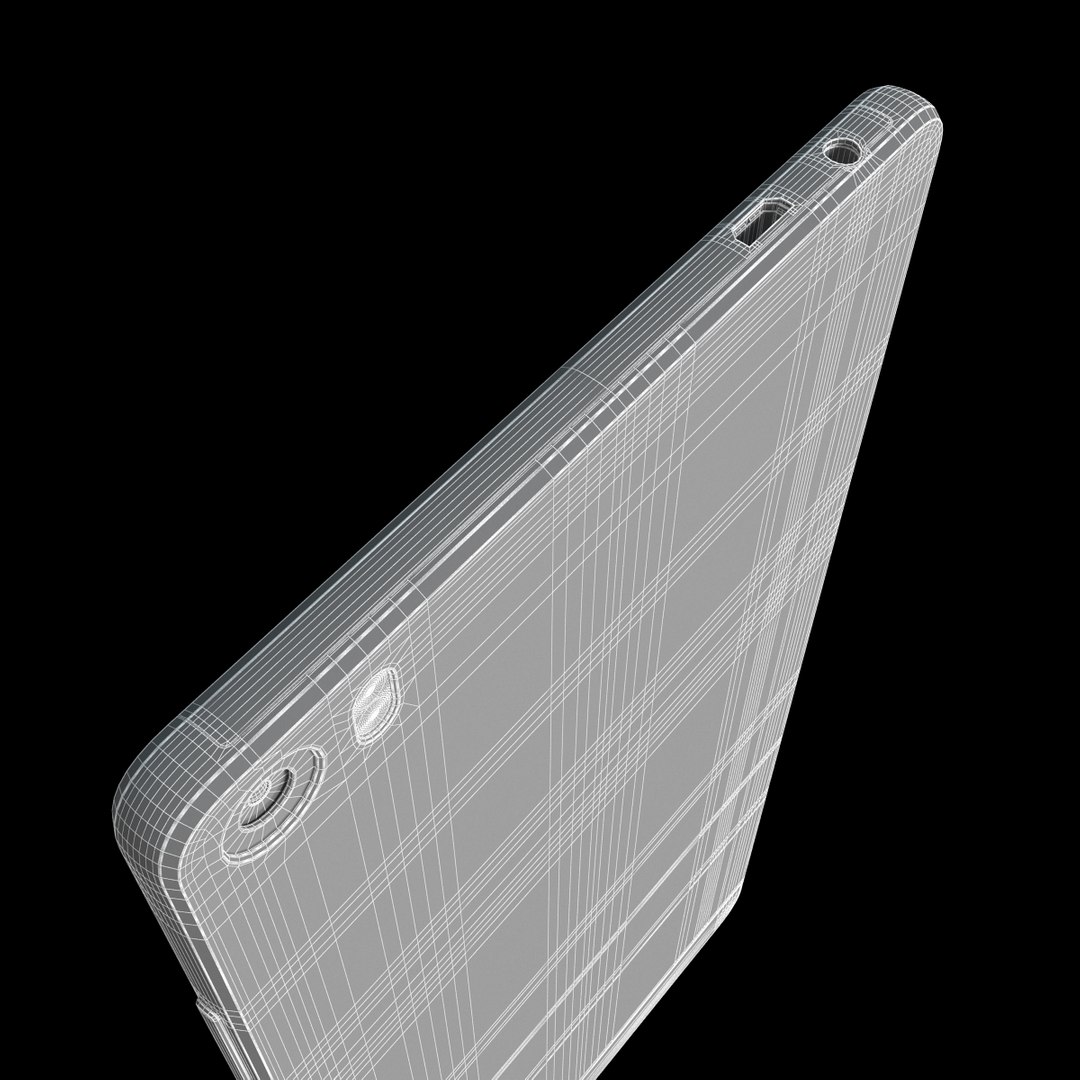
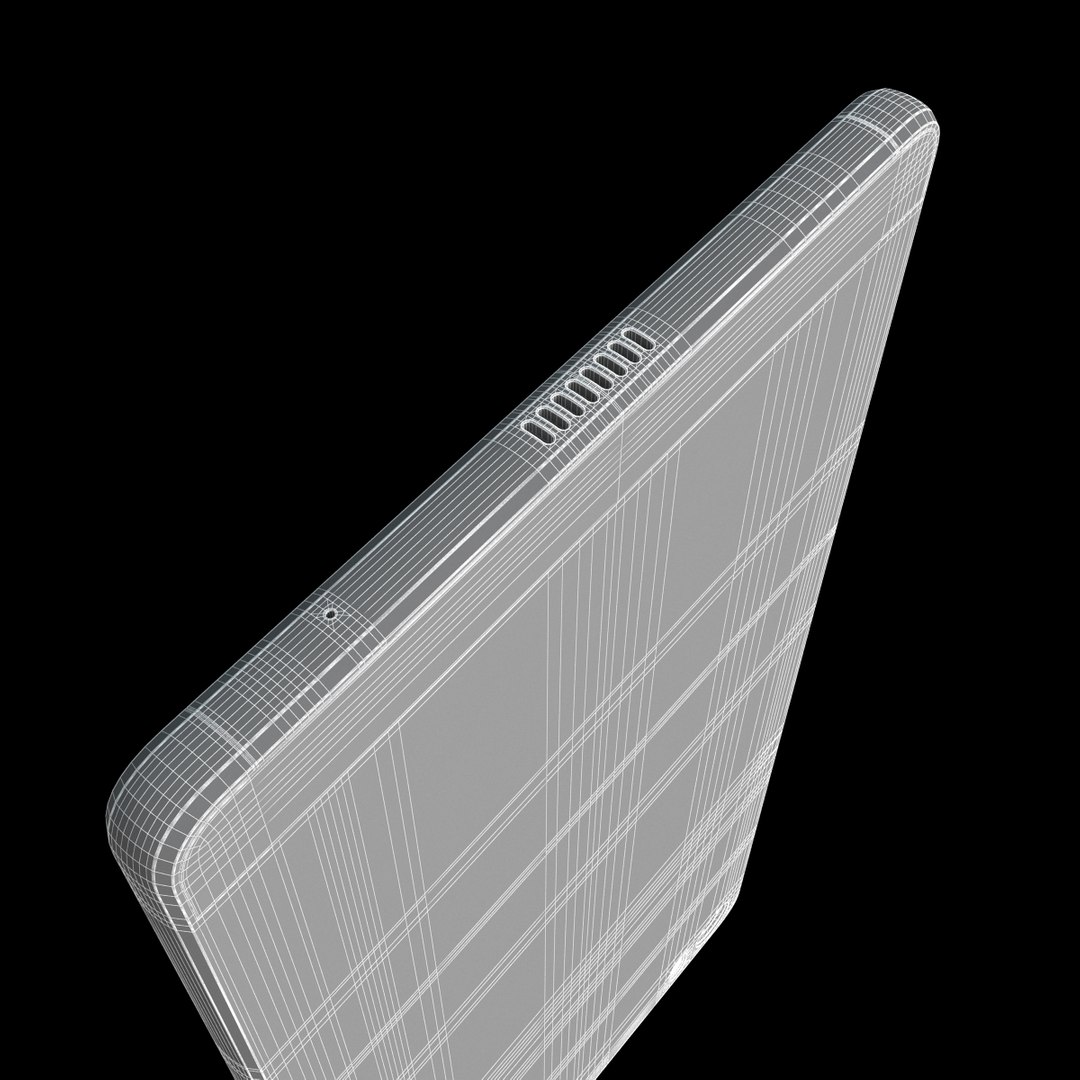
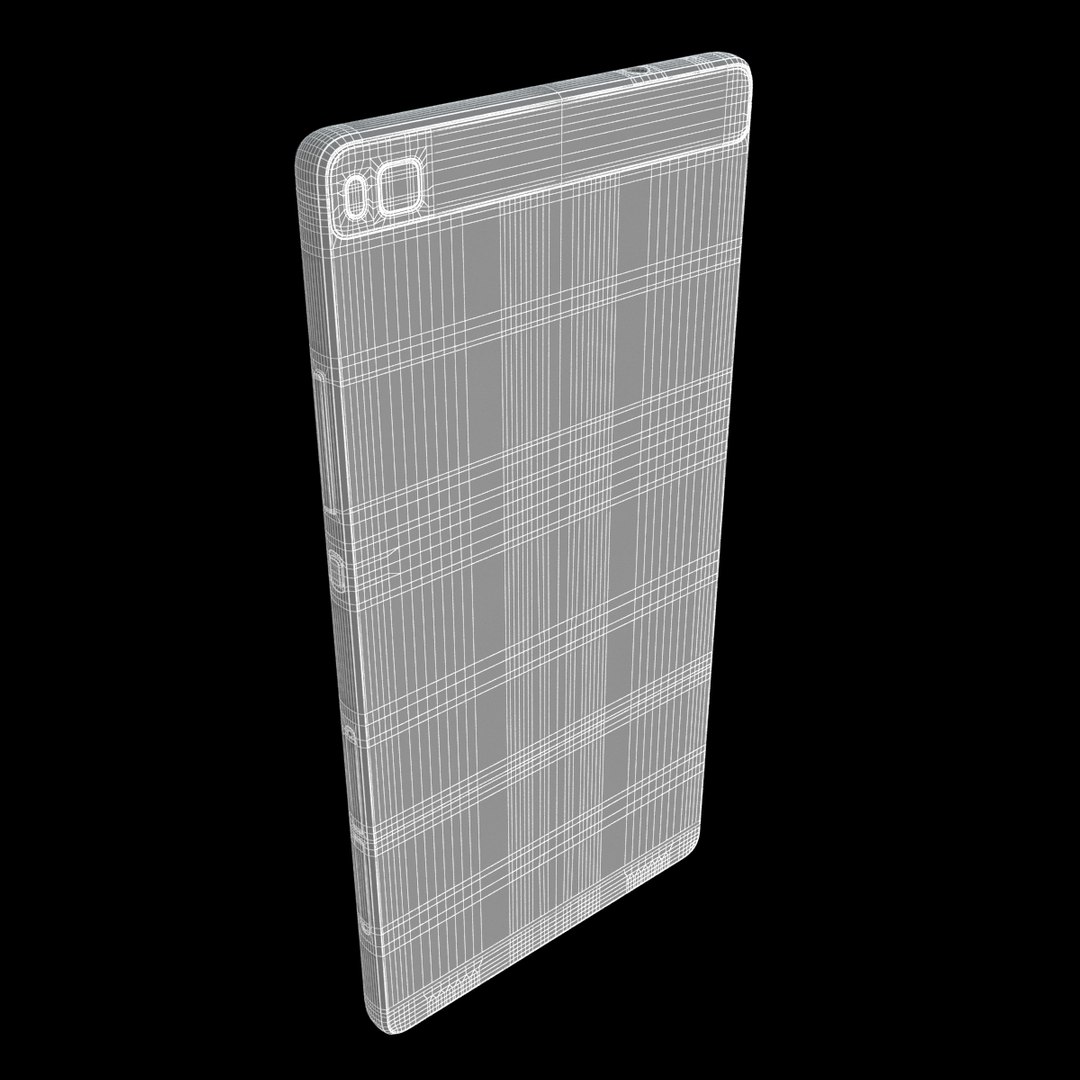
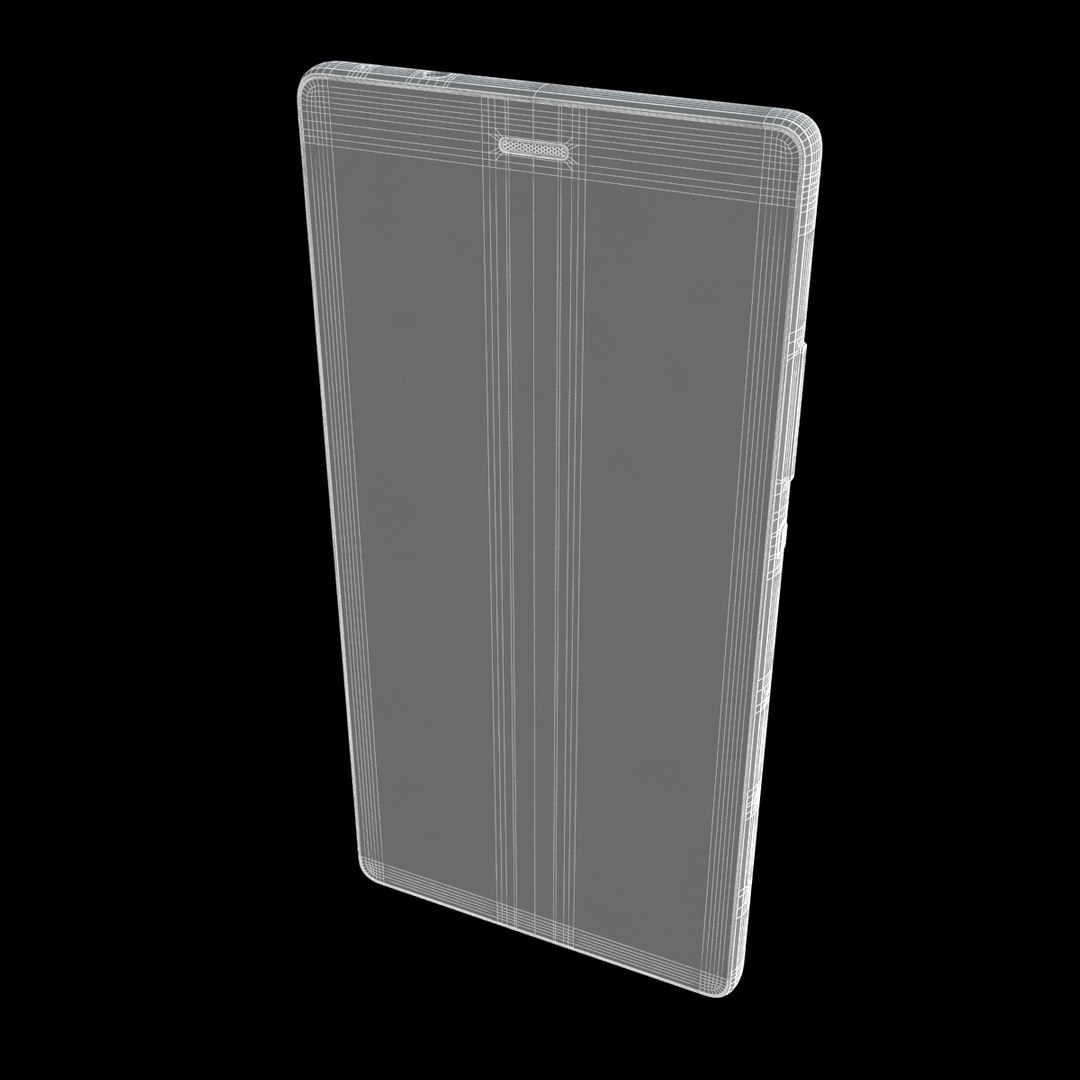
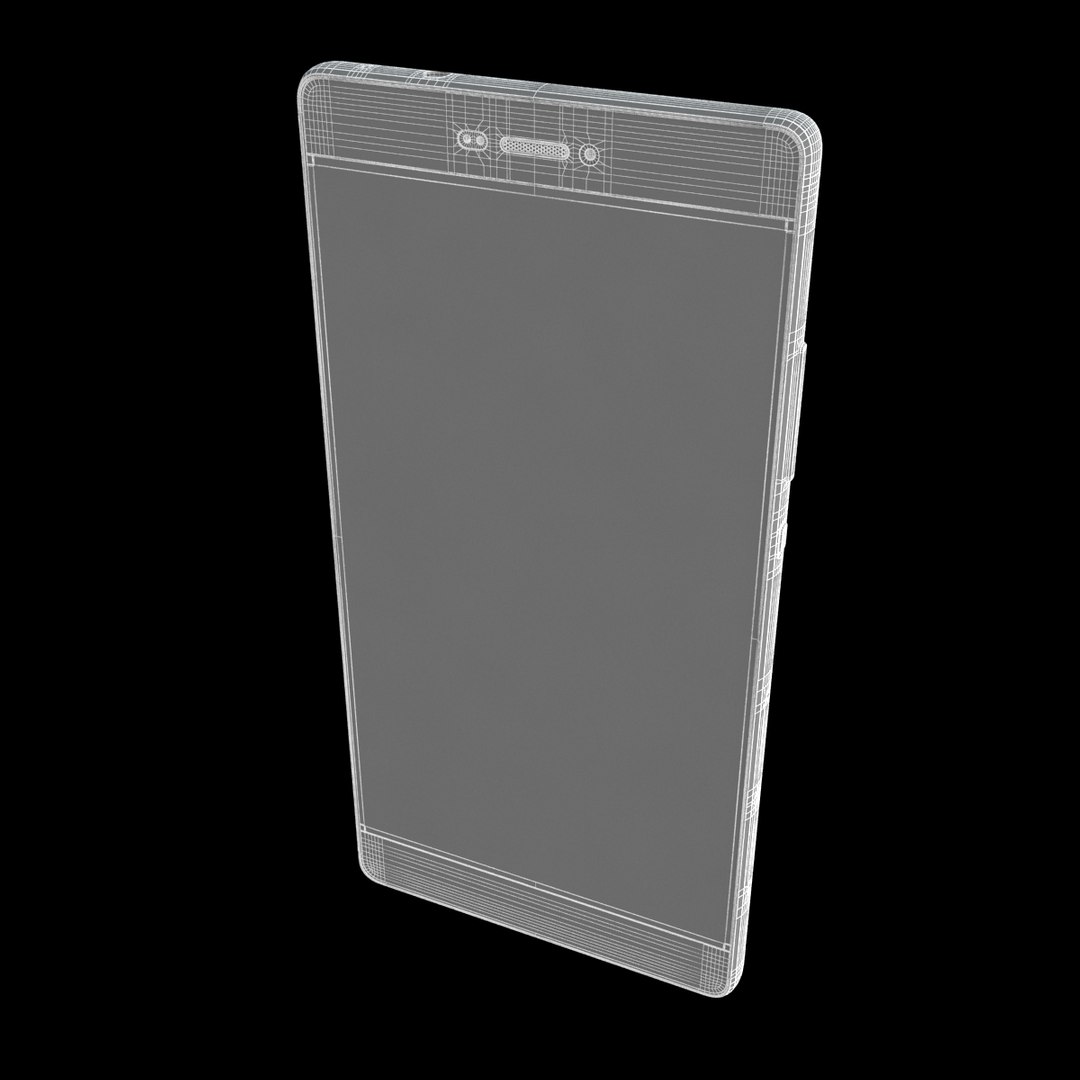
Polygons 64,000
Vertices 64,000
Polygonal Quads/Tris Geometry
Textures
Materials
UV Mapped
Mixed Unwrapped UVs

member avatar
Frezzy
4114 Products | Contributor Since 2013
Have questions? Chat with us now.

Description

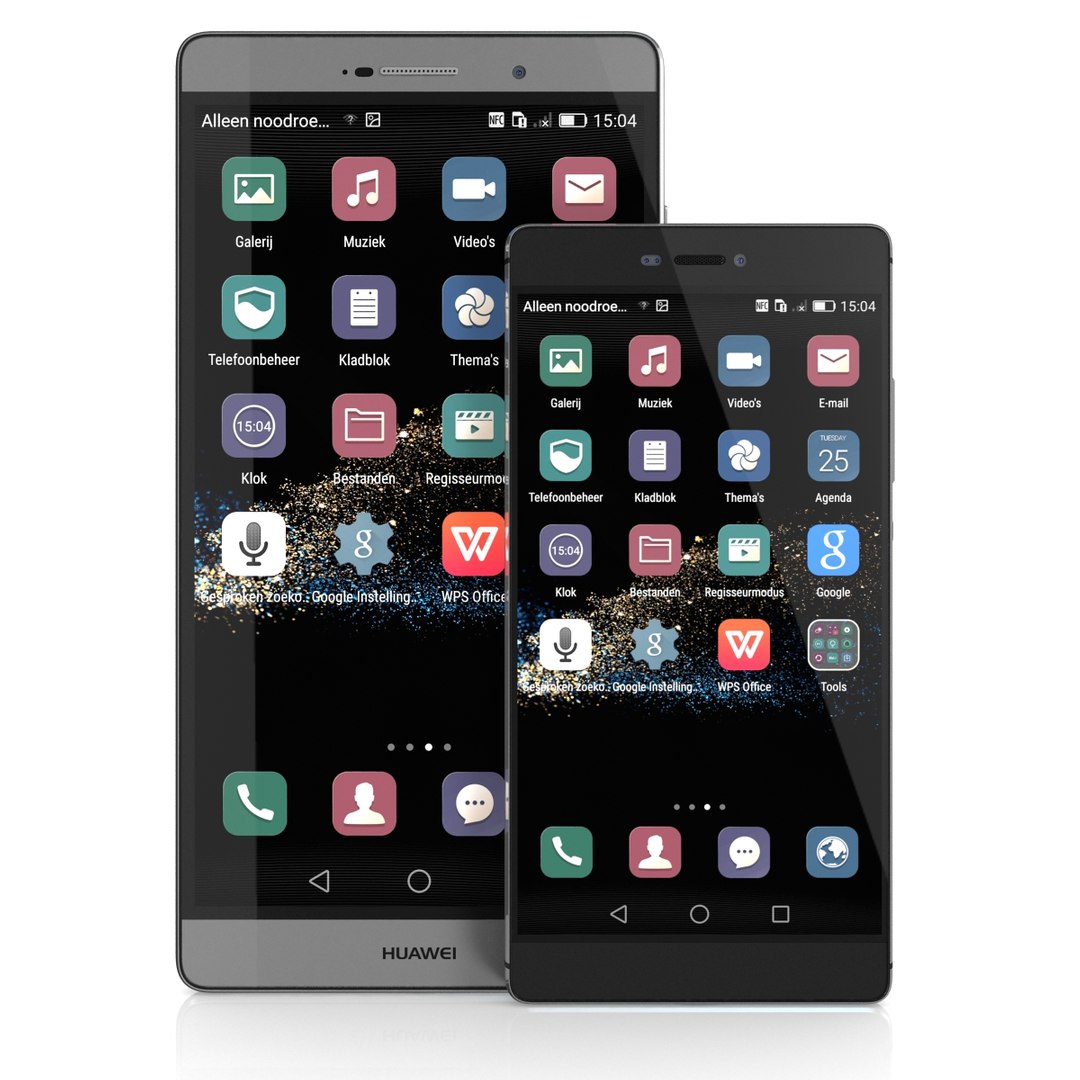
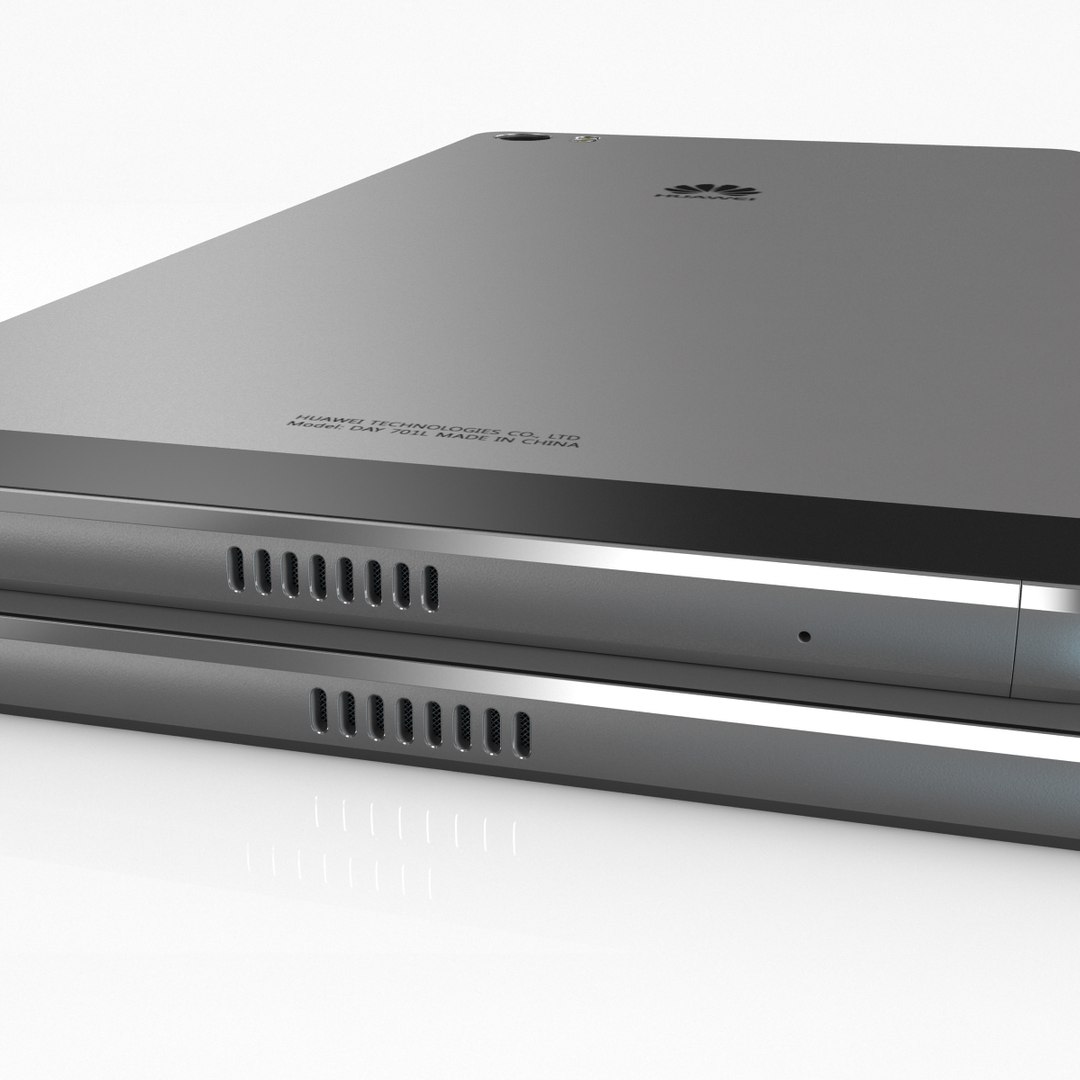
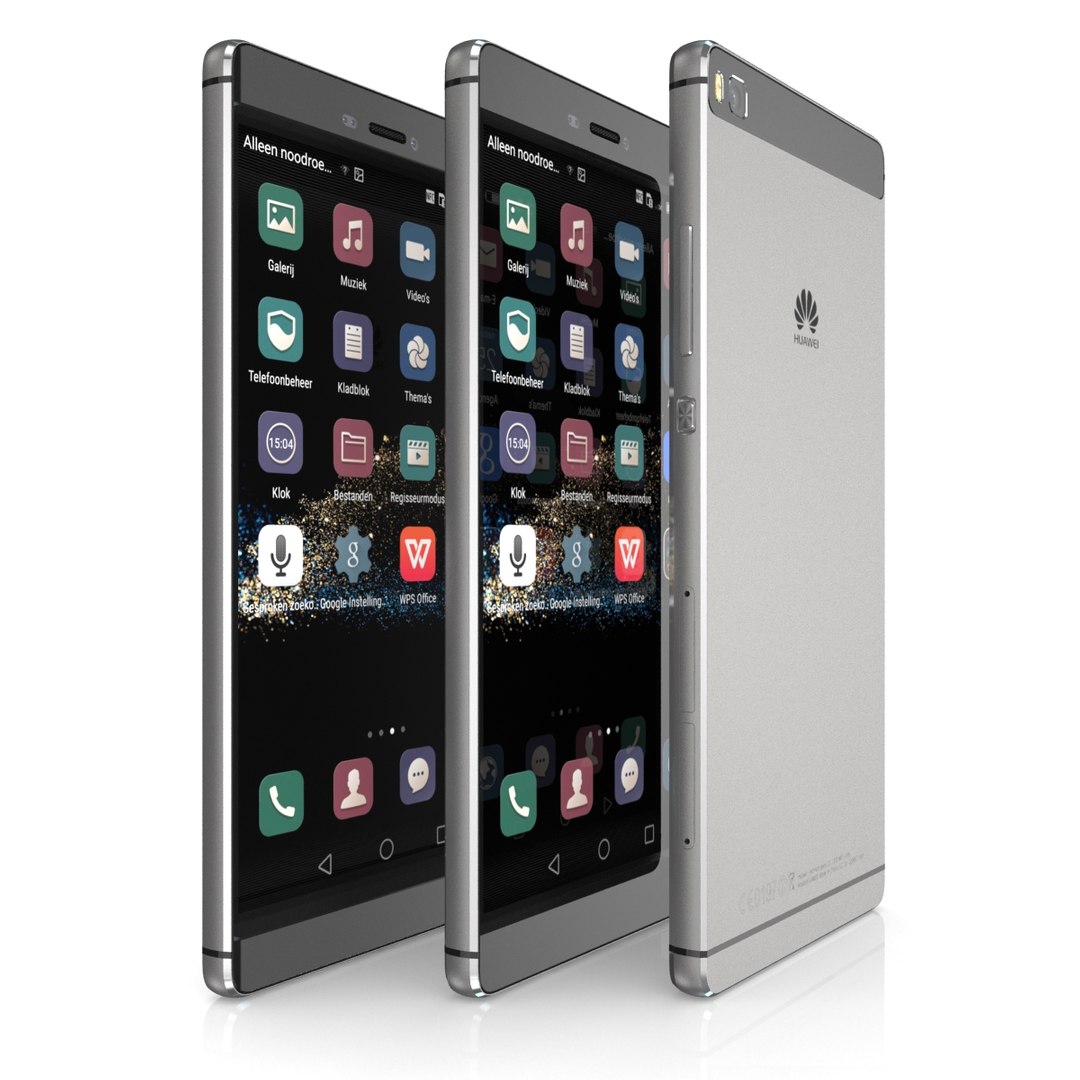
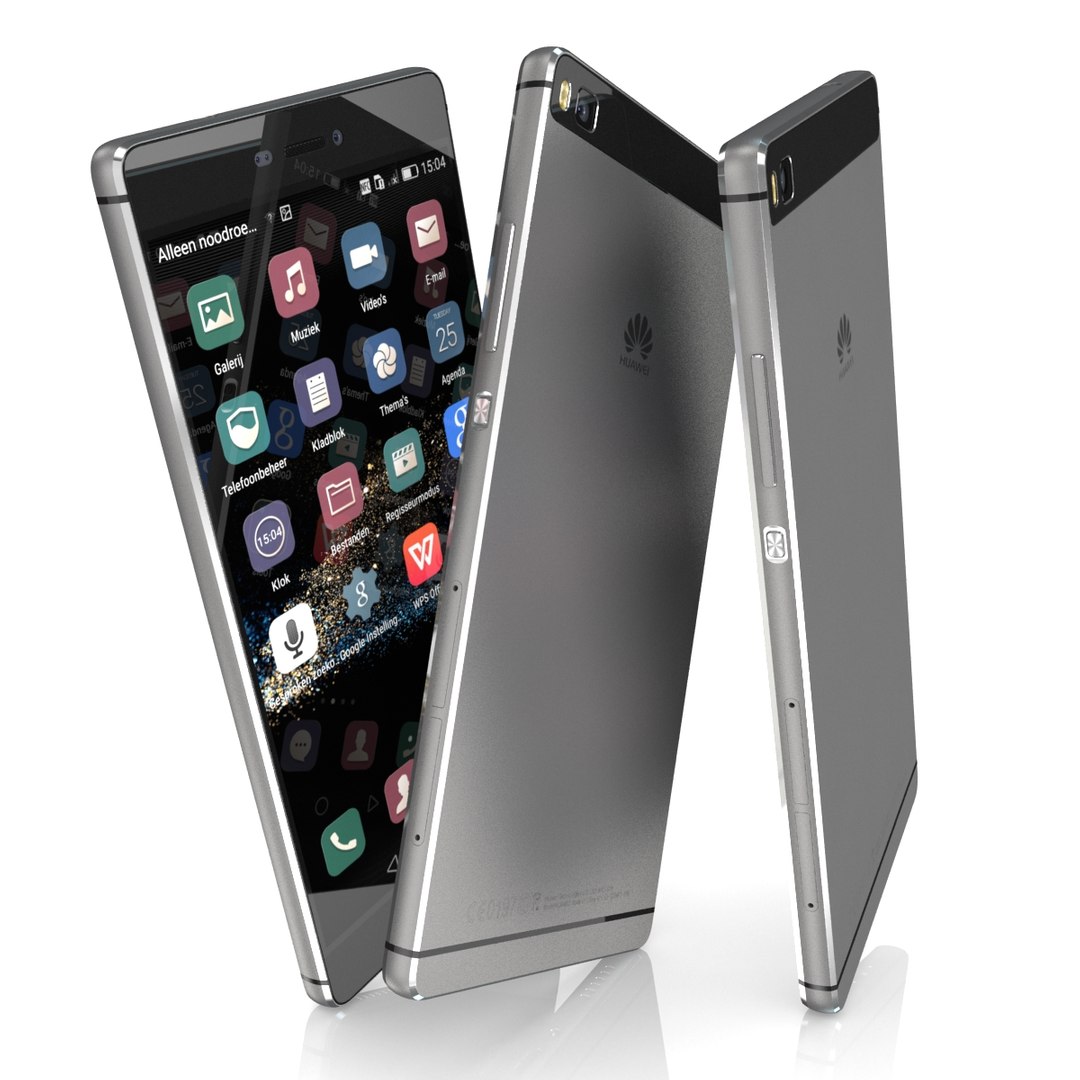
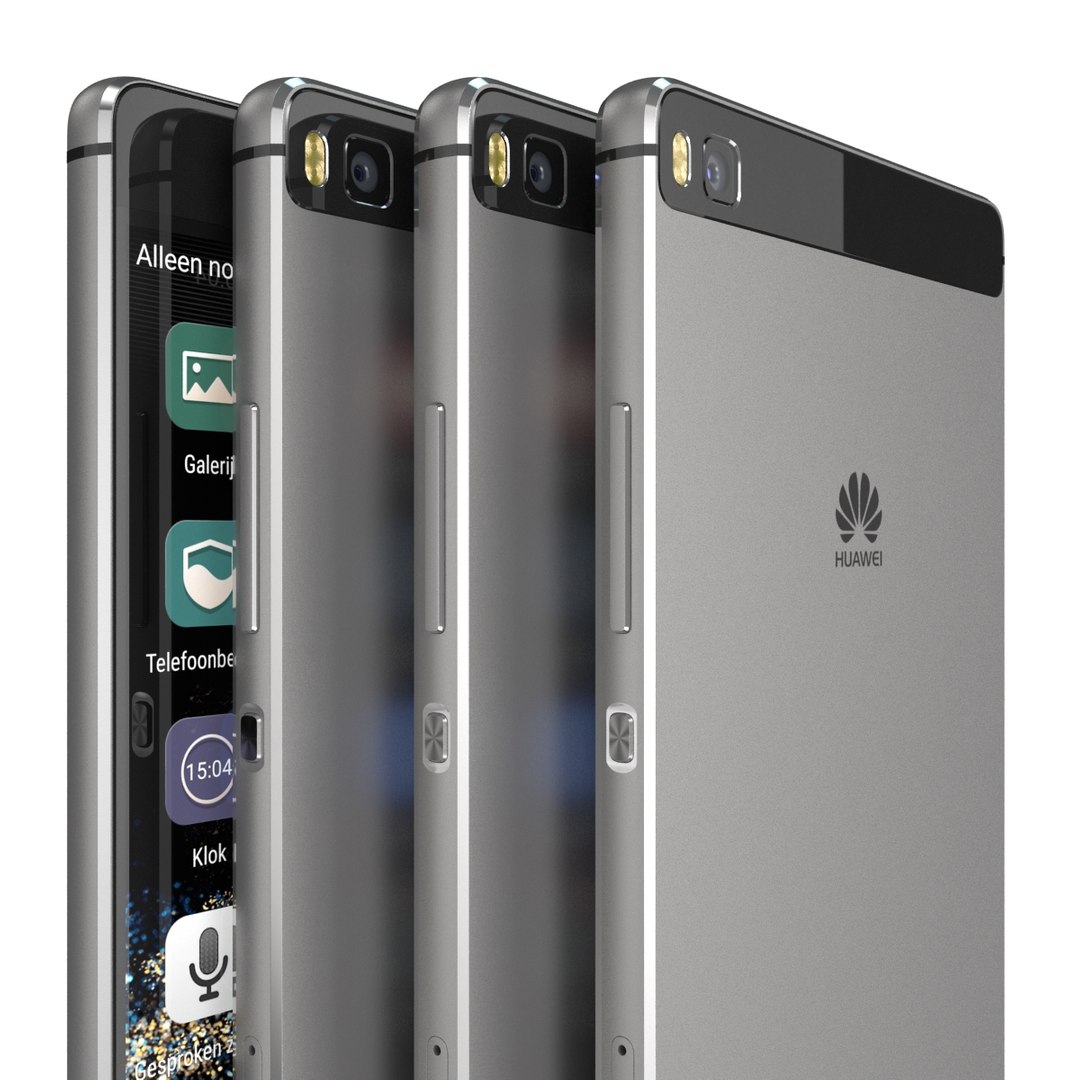
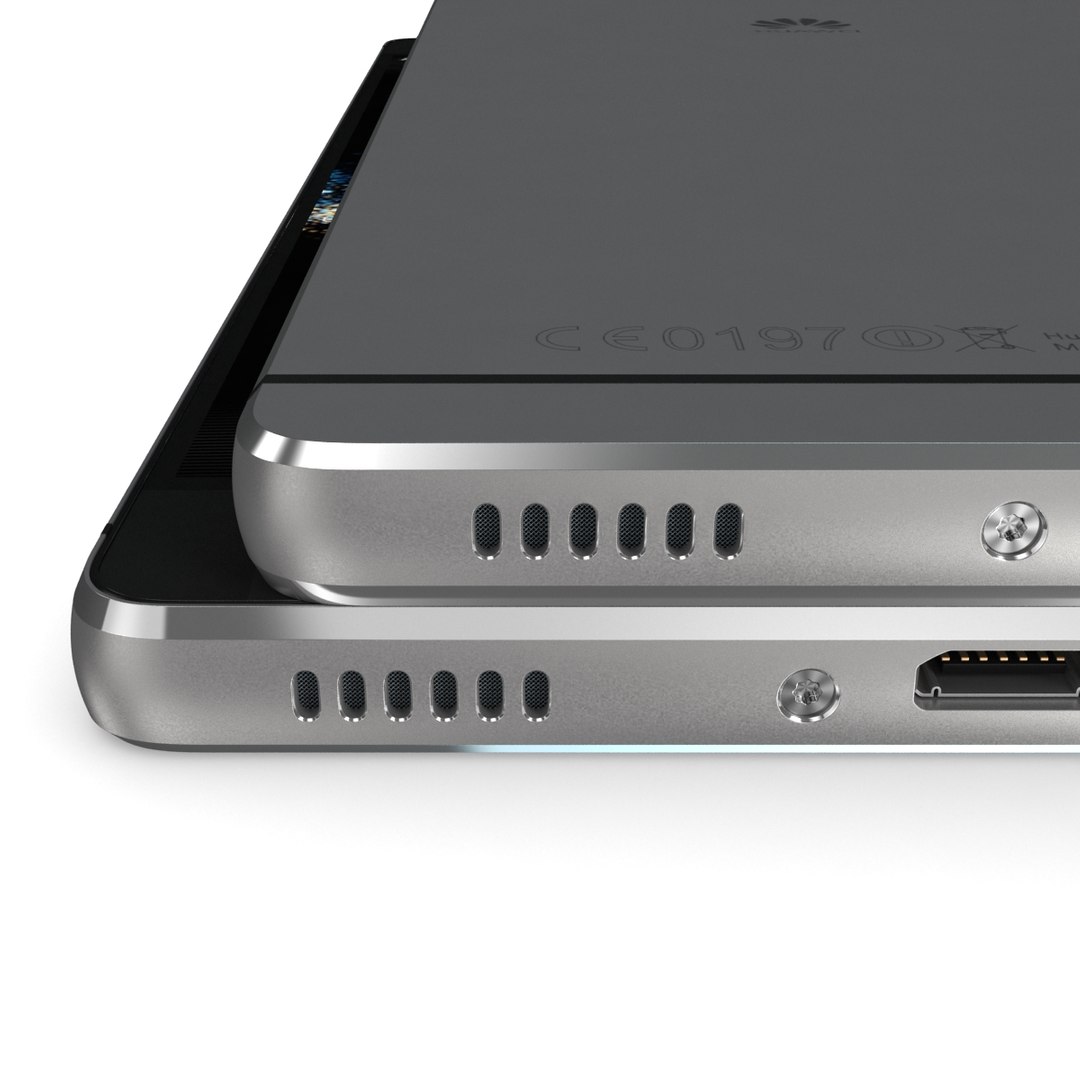
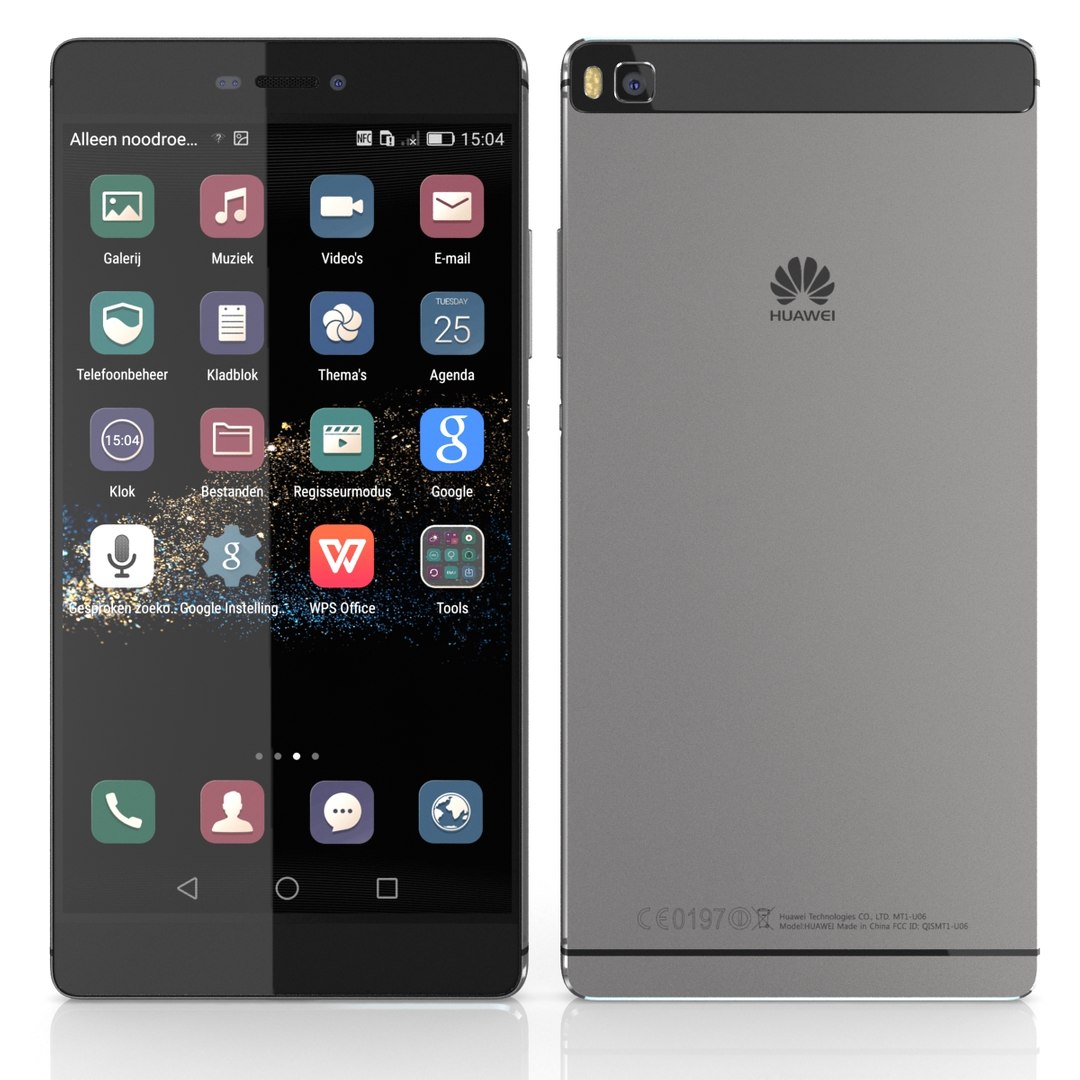
Collection 2 models smartphone:
- Huawei P8 Space Gray
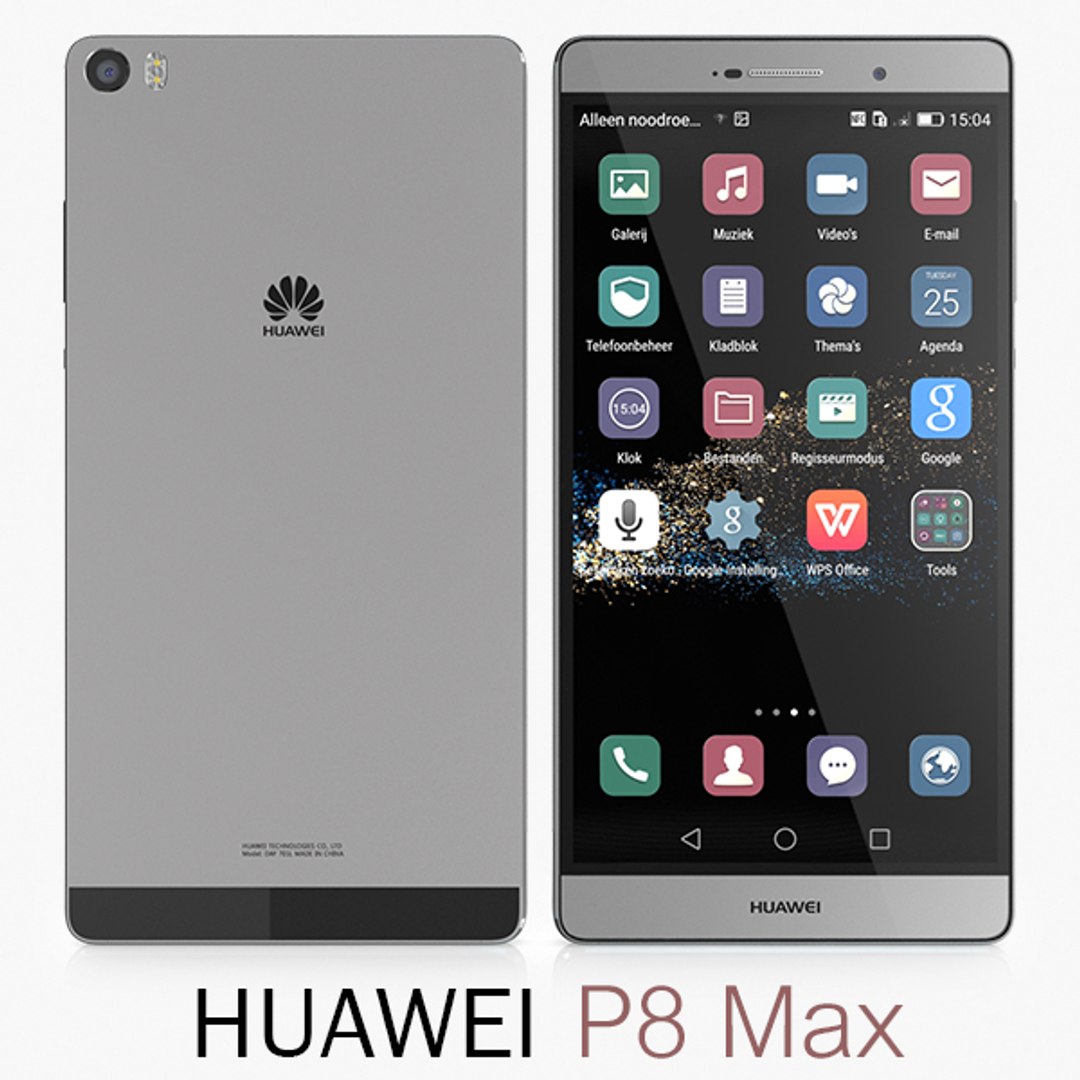
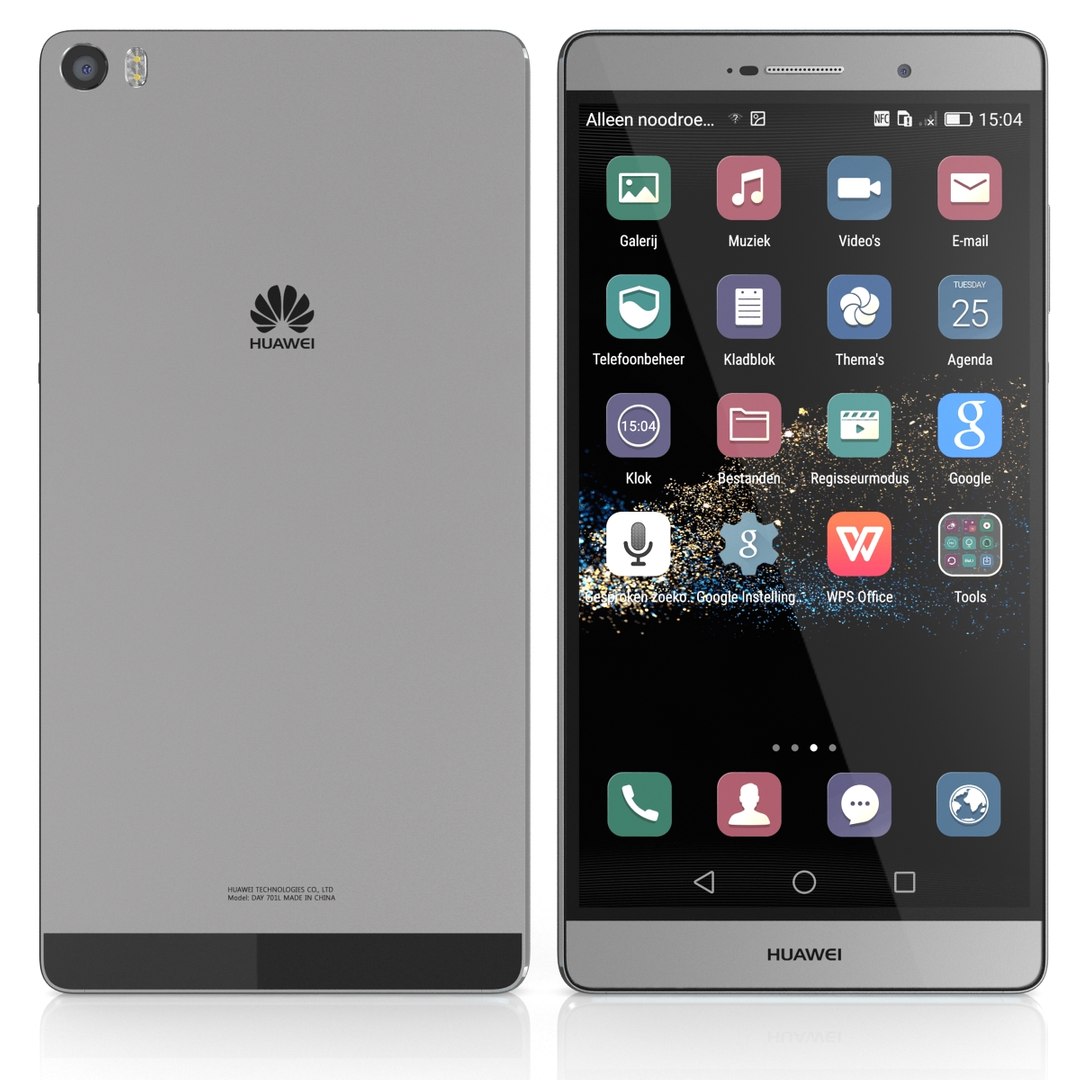
- Huawei P8 Max Space Gray

------------------------
Info about this item: Huawei P8
Dim: 144.9 x 72.1 x 6.4 mm
----------------------
**** Format:
-----
1. 3ds Max 2012: Native
- Vray 2.0 ( full setup materials, lights and camera make rendering like image previews.
- Standard materials ( full setup materials: colors, reflect, translucent )
-----
2. OBJ - FBX - 3DS: geometry and standard materials with textures. Amount reflect and bump are not set.
-----
3. Maya 2012 - C4D R12 - Lightwave 11 - Softimages 2015 : Standard materials with textures.Amount reflect and bump are not set.
**** Topology:
- Geometries:
+ Size and details are accurate.
+ Real world scale.
+ No object missing,
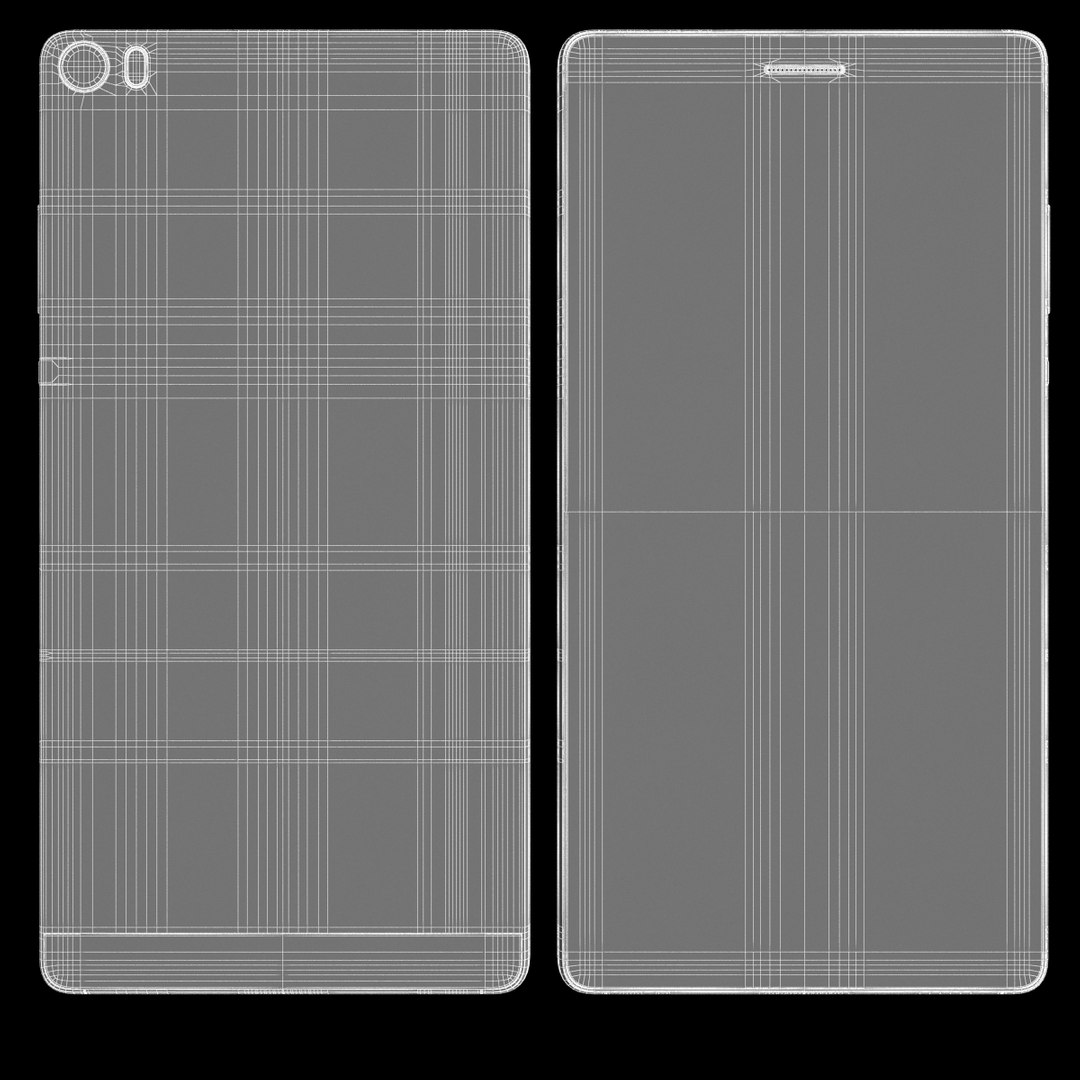
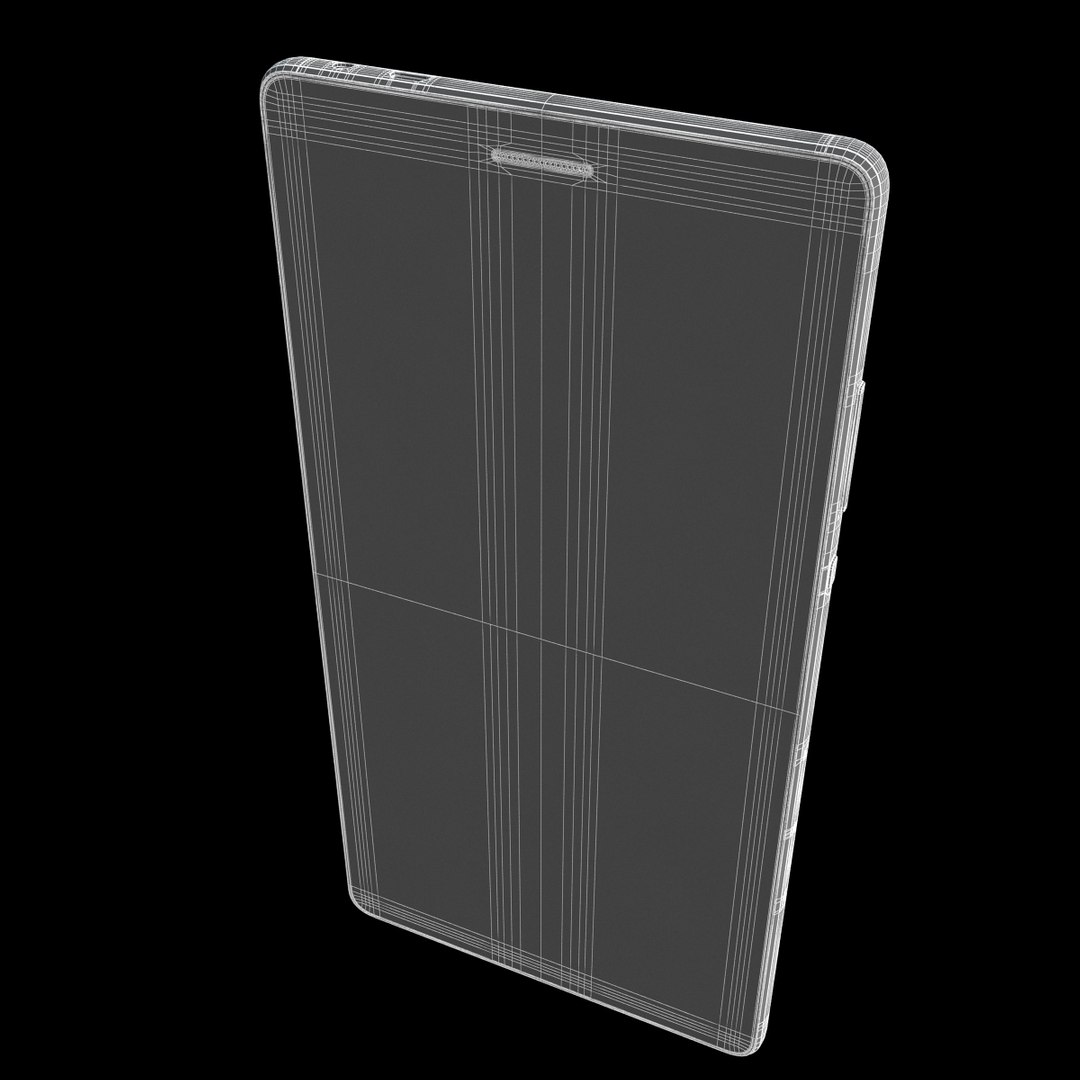
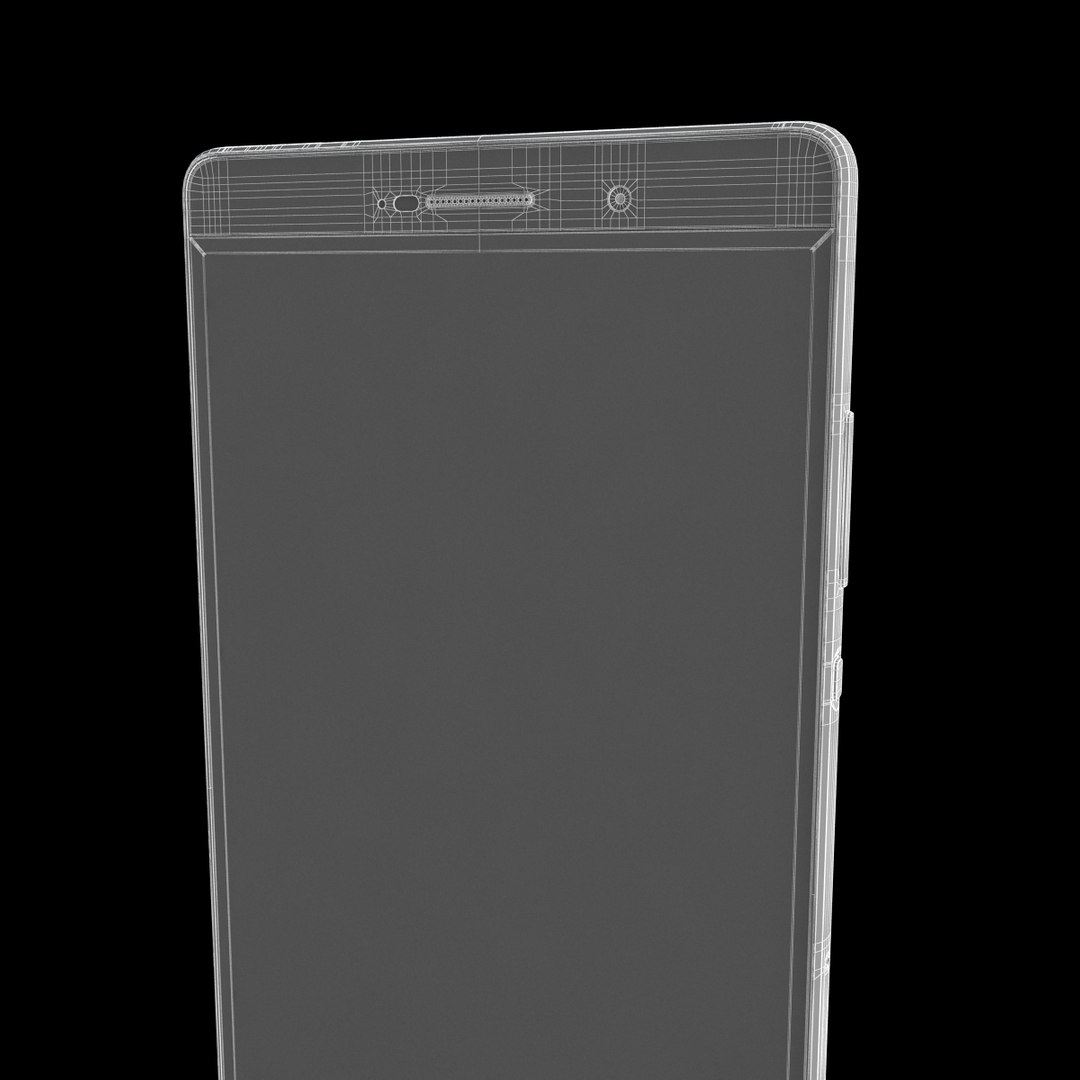
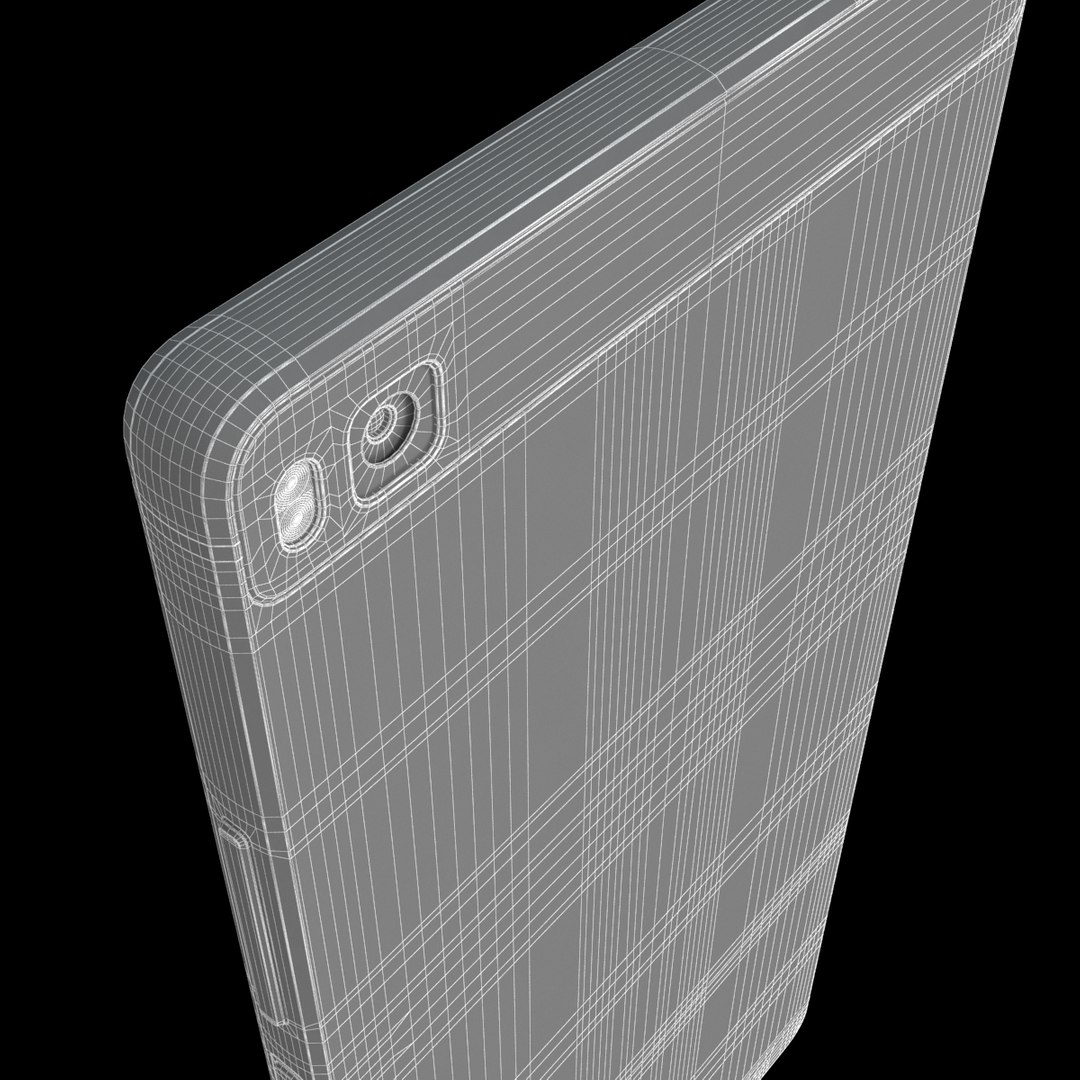
+ Model with 3 and 4 sides only!
+ No polygons with more than 4 sides,
+ No object with isolated vertices, overlapping faces or overlapping verts,
+ No poles or crease,
+ Frezze tramsform to zero ( 0,0,0 )
+ Group: Yes,
+ Object with Parents and Childen: Yes,
+ Layer to manage: Yes,
+ Named all object,
Poly counts: 29008
Vert counts: 29871
- Textures and materials:
+ No texture missing,
+ Vray material.
+ Textures highquality:
- Screen Diffuse: 1920*1080 Pixels ( you can replace it if you want )
- Main Body Bump: 4096*4096 Pixels
- Radian Steel Reflection, NormalBump: 1024 Pixels
UVWs mapping with mixed: overlapping and non-overlapping

Lighting: HDRI 5k map + Faster rendering ( Include in 3ds max + vray file )
+ Simple setup lights

--------------------

Info about this item: HUAWEI P8 Max

**** Format:
1. 3ds Max 2012: Native
- Vray 2.0 ( full setup materials, lights and camera make rendering like image preivews.
- Standard materials ( full setup materials: colors, reflect, translucent )
2. OBJ - FBX - 3DS: geometry and standard materials with textures. Amount reflect and bump are not set.
3. Maya 2012 - C4D R12 - Lightwave 11 - Softimages 2015 : Standard materials with textures.Amount reflect and bump are not set.
**** Topology:
- Geometries:
+ Size and details are accurate.
+ Real world scale.
+ No object missing,
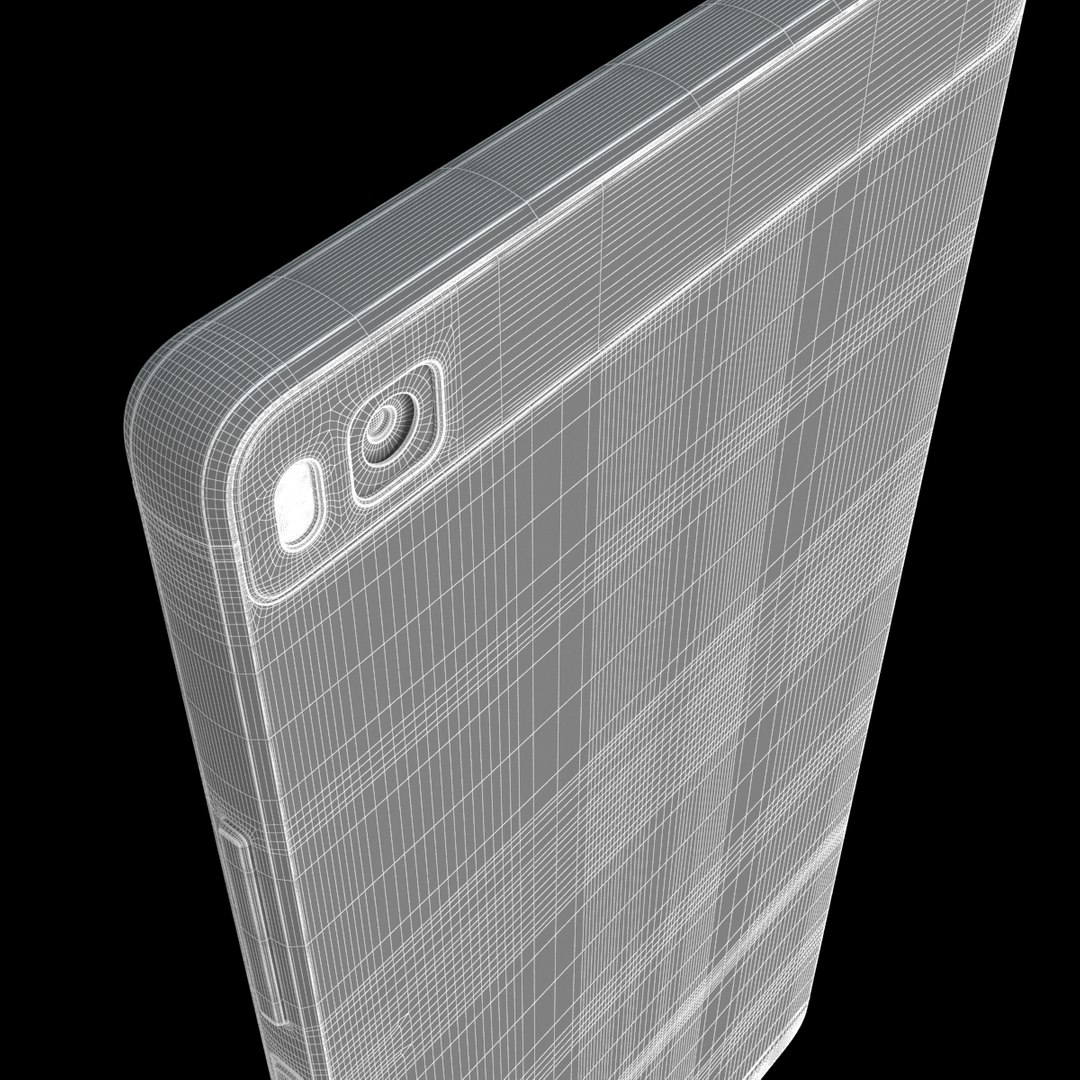
+ Model with 3 and 4 sides only!
+ No polygons with more than 4 sides,
+ No object with isolated vertices, overlapping faces or overlapping verts,
+ No poles or crease,
+ Frezze tramsform to zero ( 0,0,0 )
+ Group: Yes,
+ Object with Parents and Childen: Yes,
+ Layer to manage: Yes,
+ Named all object,
Poly counts: 24123
Vert counts: 24947
- Textures and materials:
+ No texture missing,
+ Vray material.
+ Textures highquality
- 2048*2048 pixels: back cover
- 1024*1024 pixels: front cover
- 1080*1920 pixels: screen
UVWs mapping with mixed: overlapping and non-overlapping
- Lighting: HDRI 5k map + Faster rendering ( Include in 3ds max + vray file )
+ Simple setup lights

Select Enhanced License

  • $10,000 in Legal Protection (Indemnification)
  • Uncapped Legal Protection (Indemnification)
  • Waiver from injunctive relief
  • Assignable model rights
  • $1,000,000 in Legal Protection (Indemnification)
  • Waiver from injunctive relief
  • Assignable model rights
  • $250,000 in Legal Protection (Indemnification)
  • Assignable model rights
Read more about enhanced license tiers, or contact us at enterprise@turbosquid.com. Already a Shutterstock Enterprise Customer? Contact your Shutterstock Sales Support Agent to talk about adding 3D.

About Conversion Requests

To submit a conversion request for a purchased asset, please complete our Conversion Request Form.

If you have not yet purchased a model, please review our Documentation about Conversions to learn about what limitations you may encounter with a conversion.

For any additional questions about a model’s suitability for conversion, please contact TurboSquid Support.

Loading...