
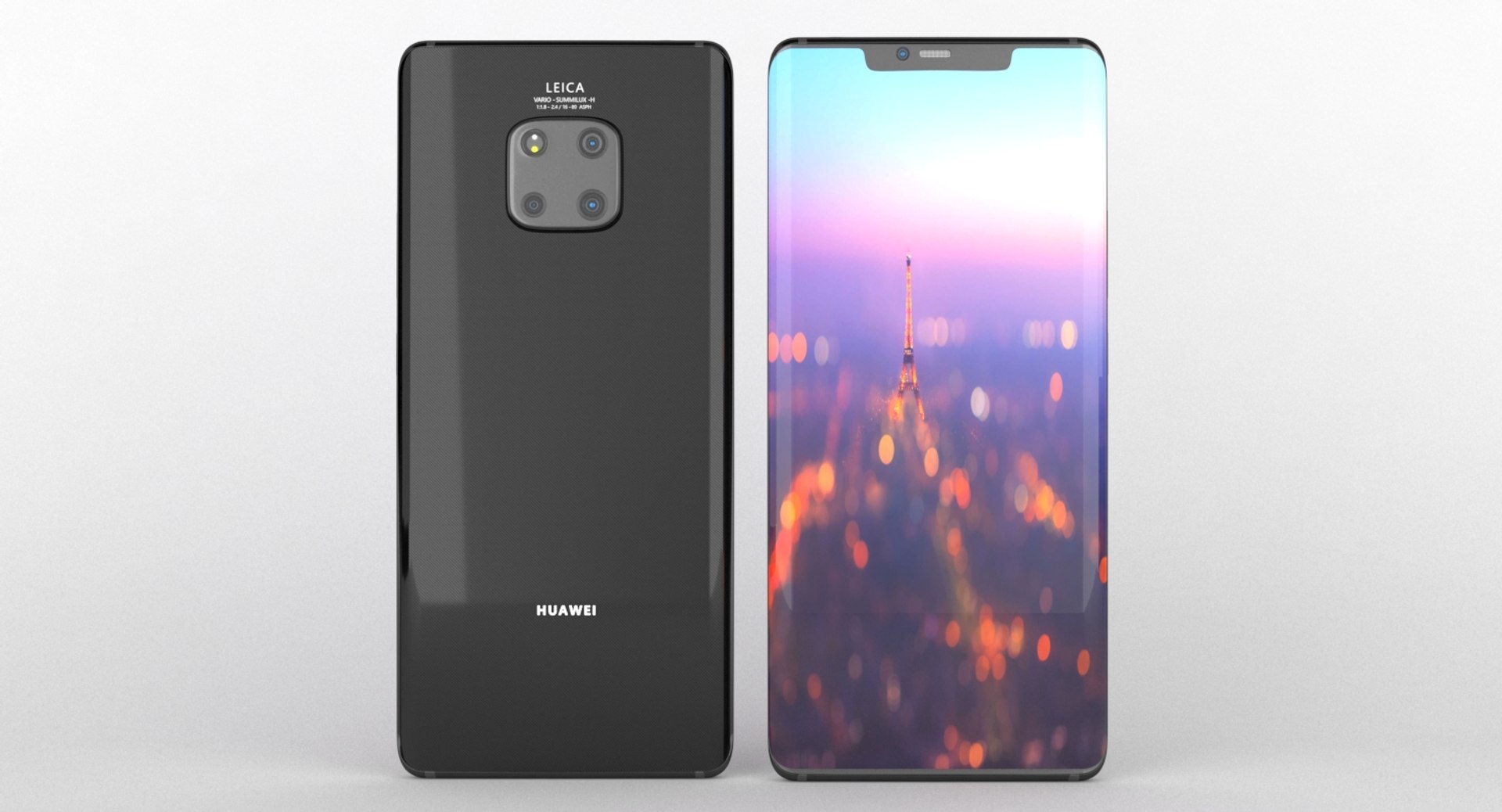
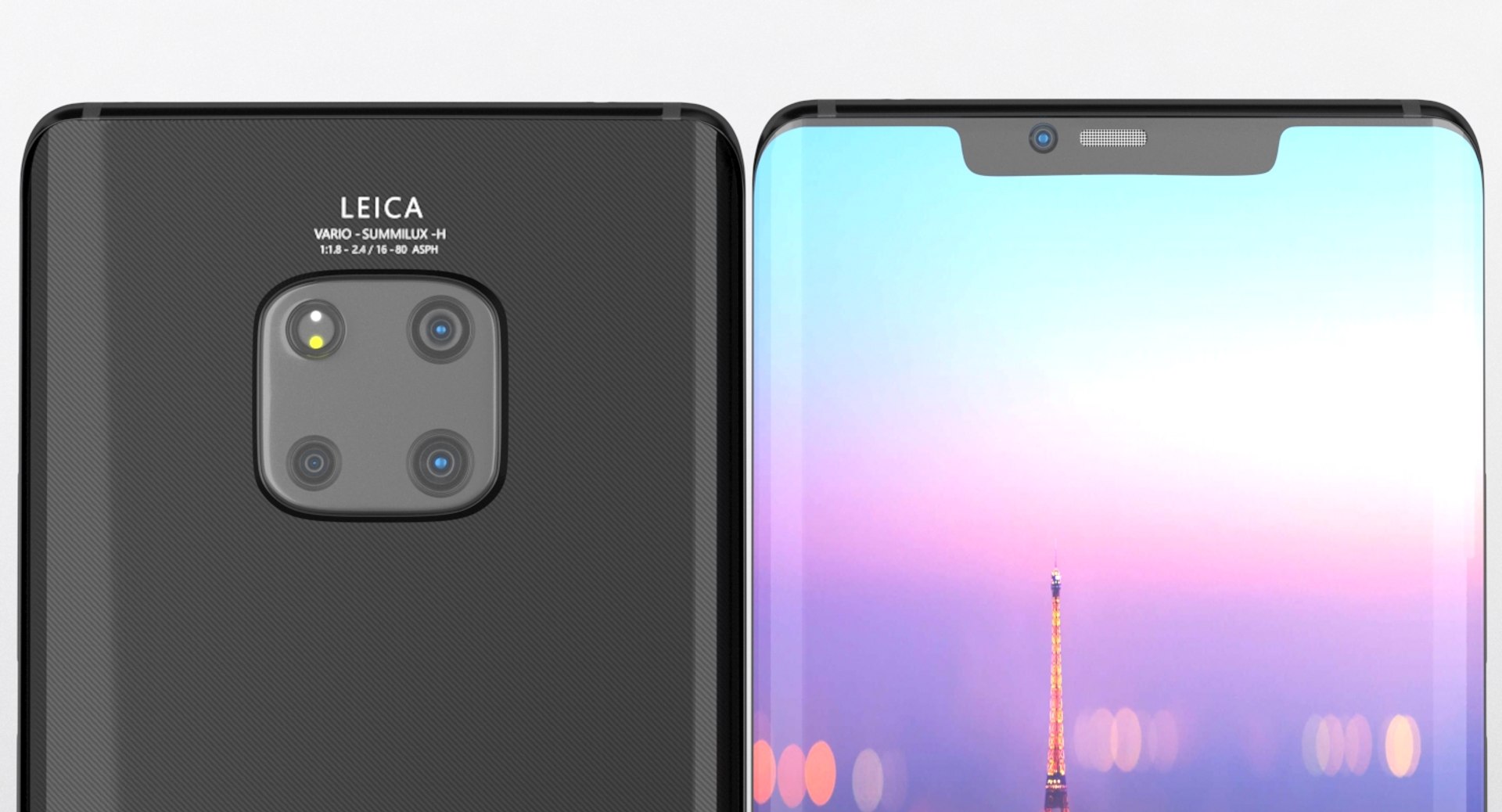
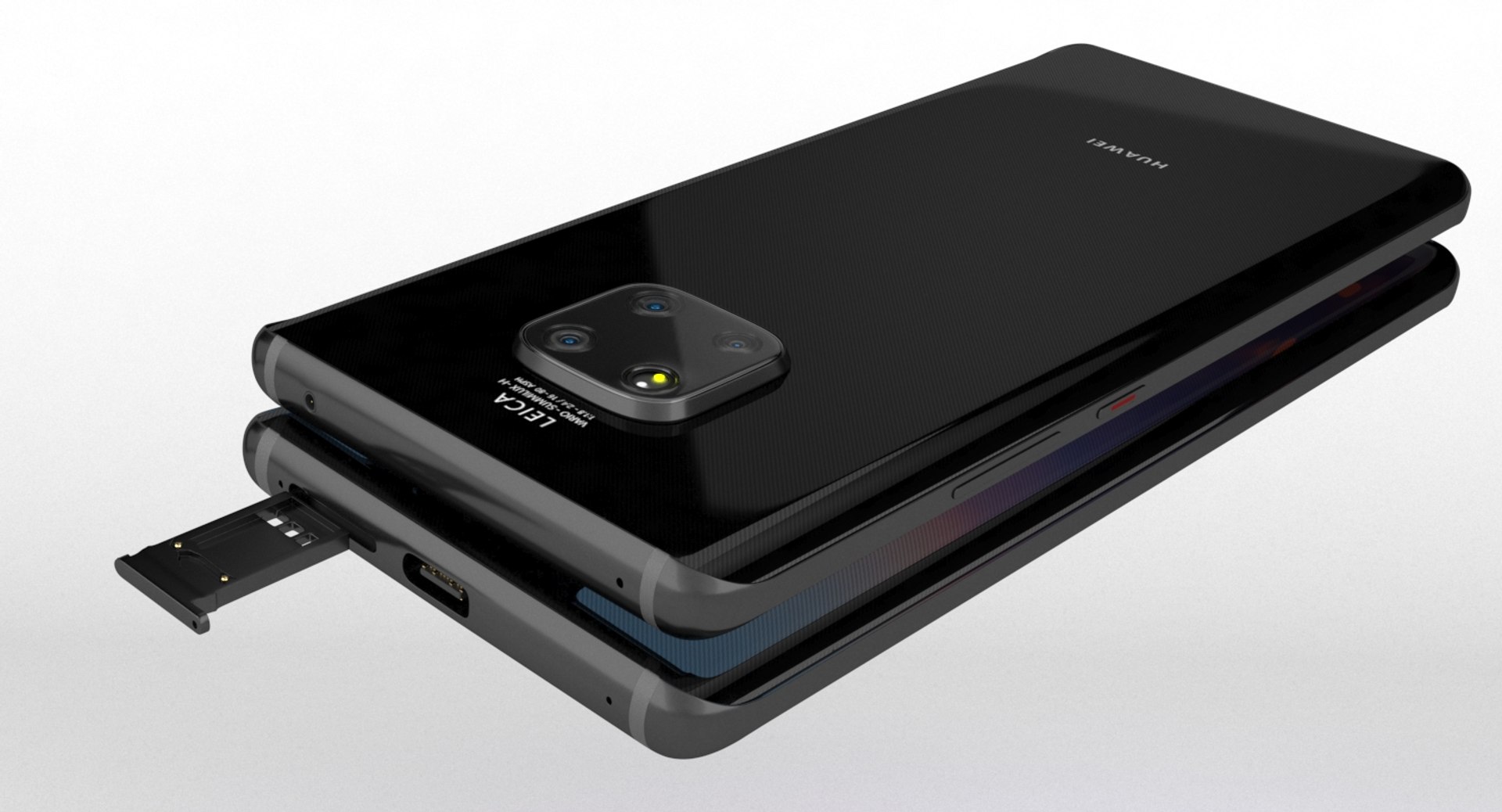
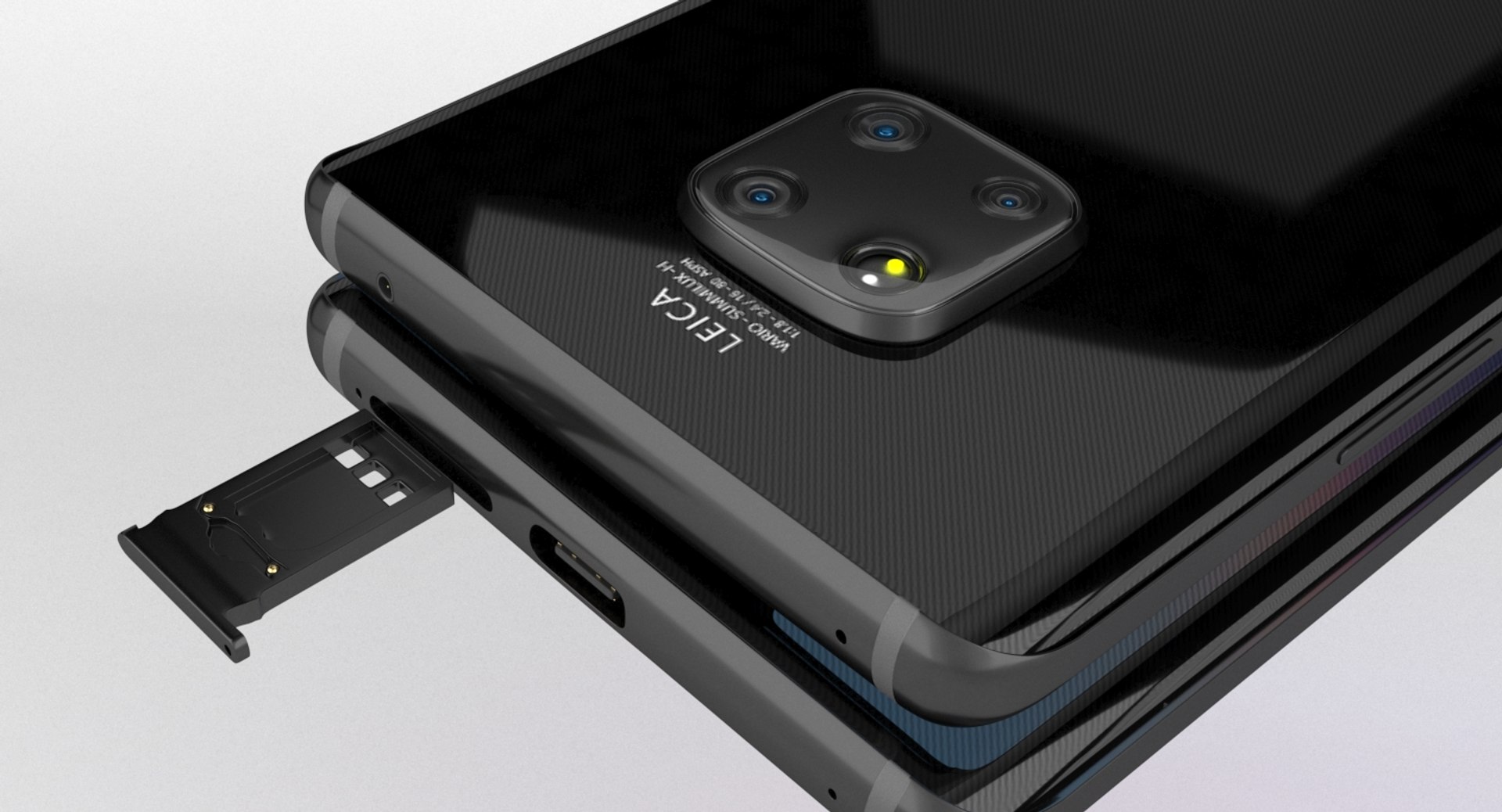
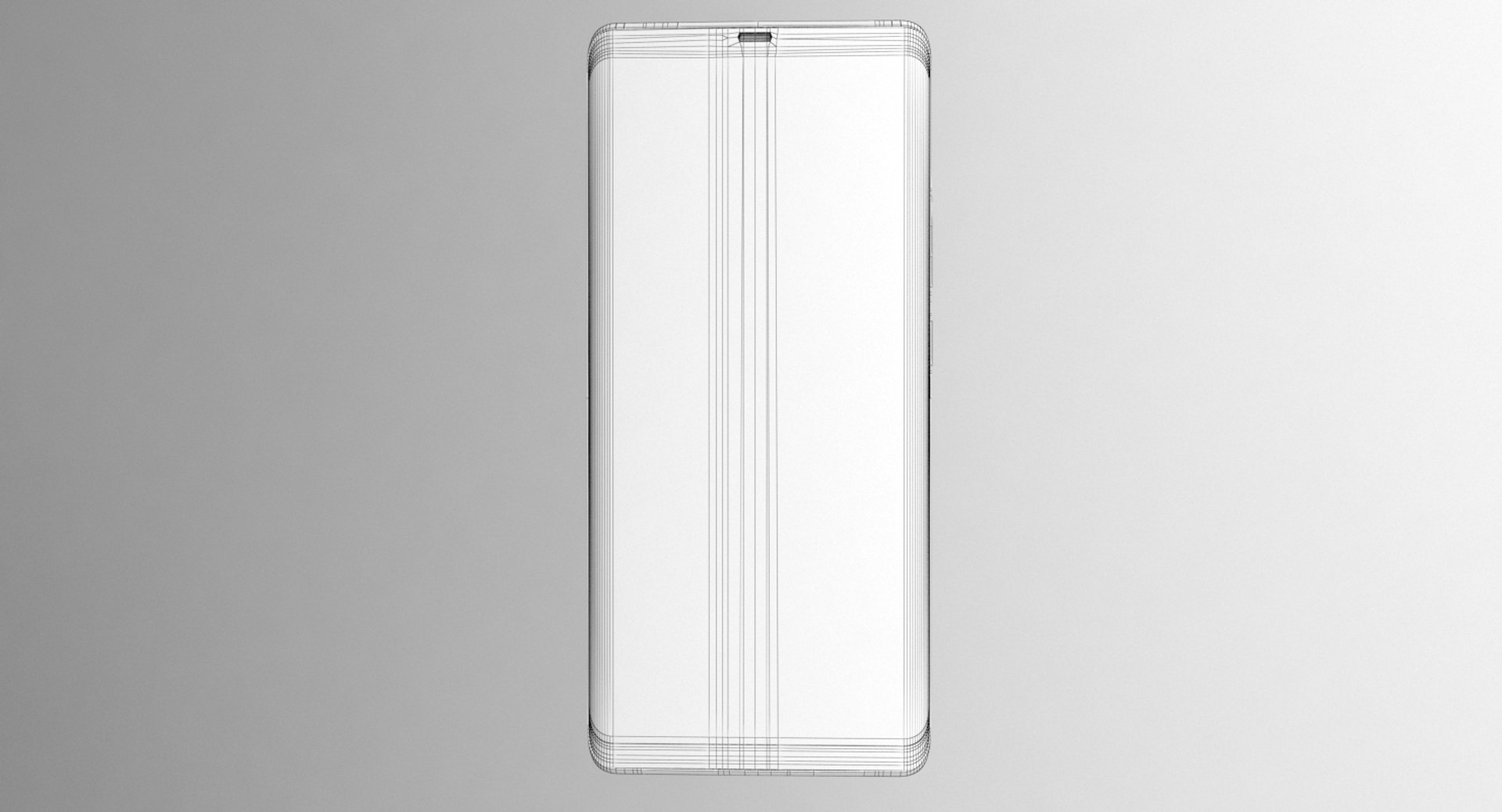
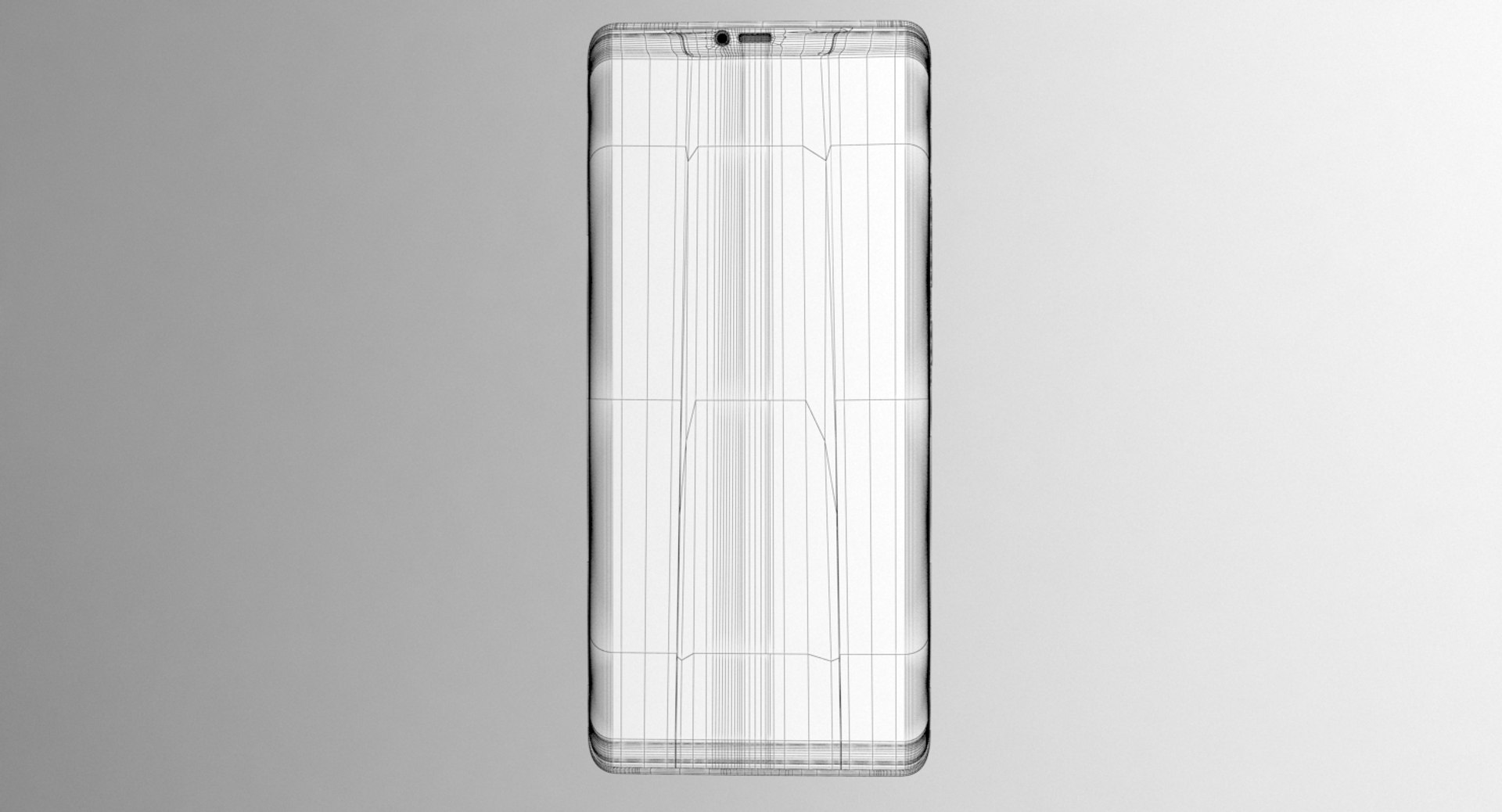
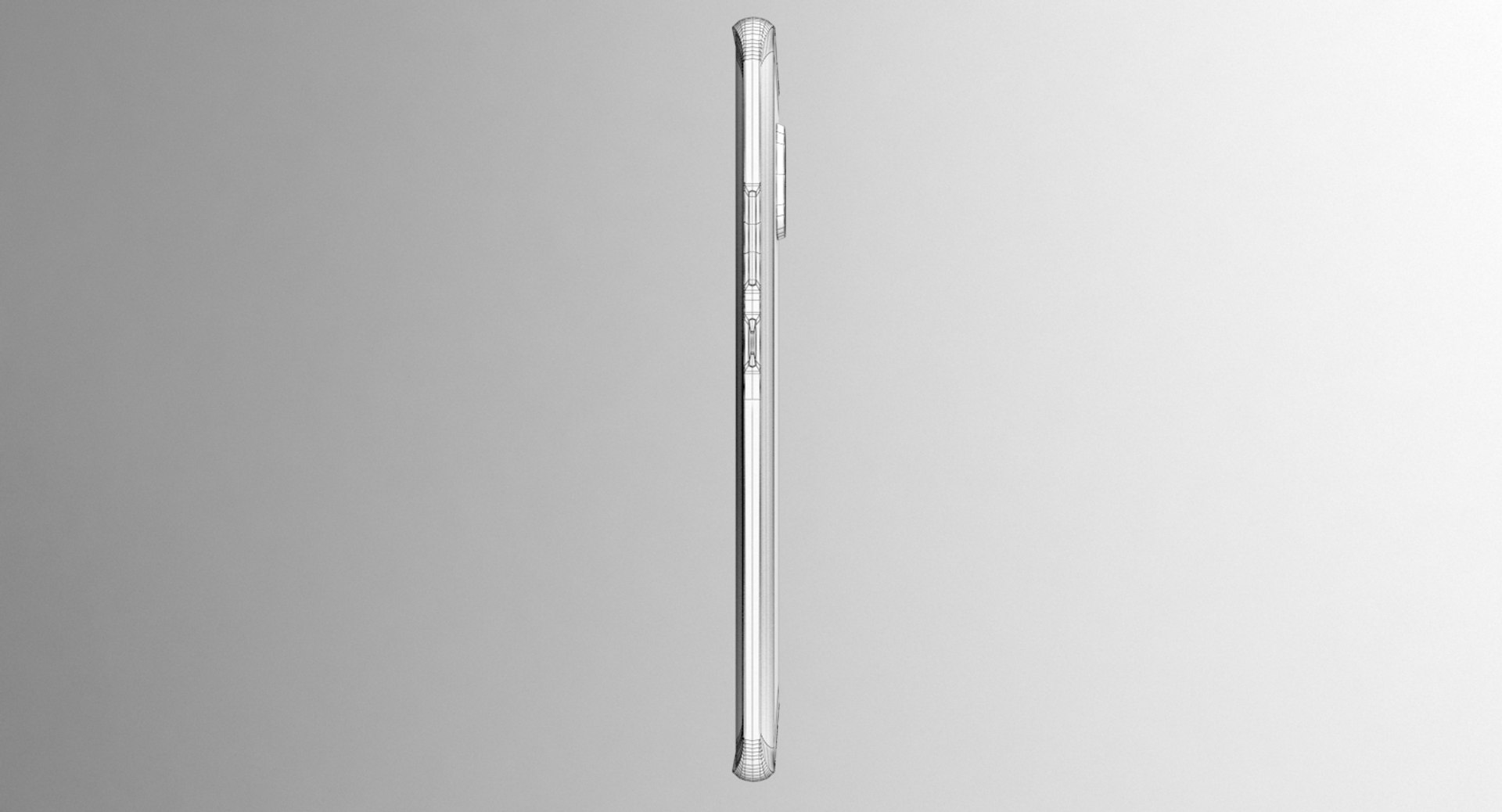
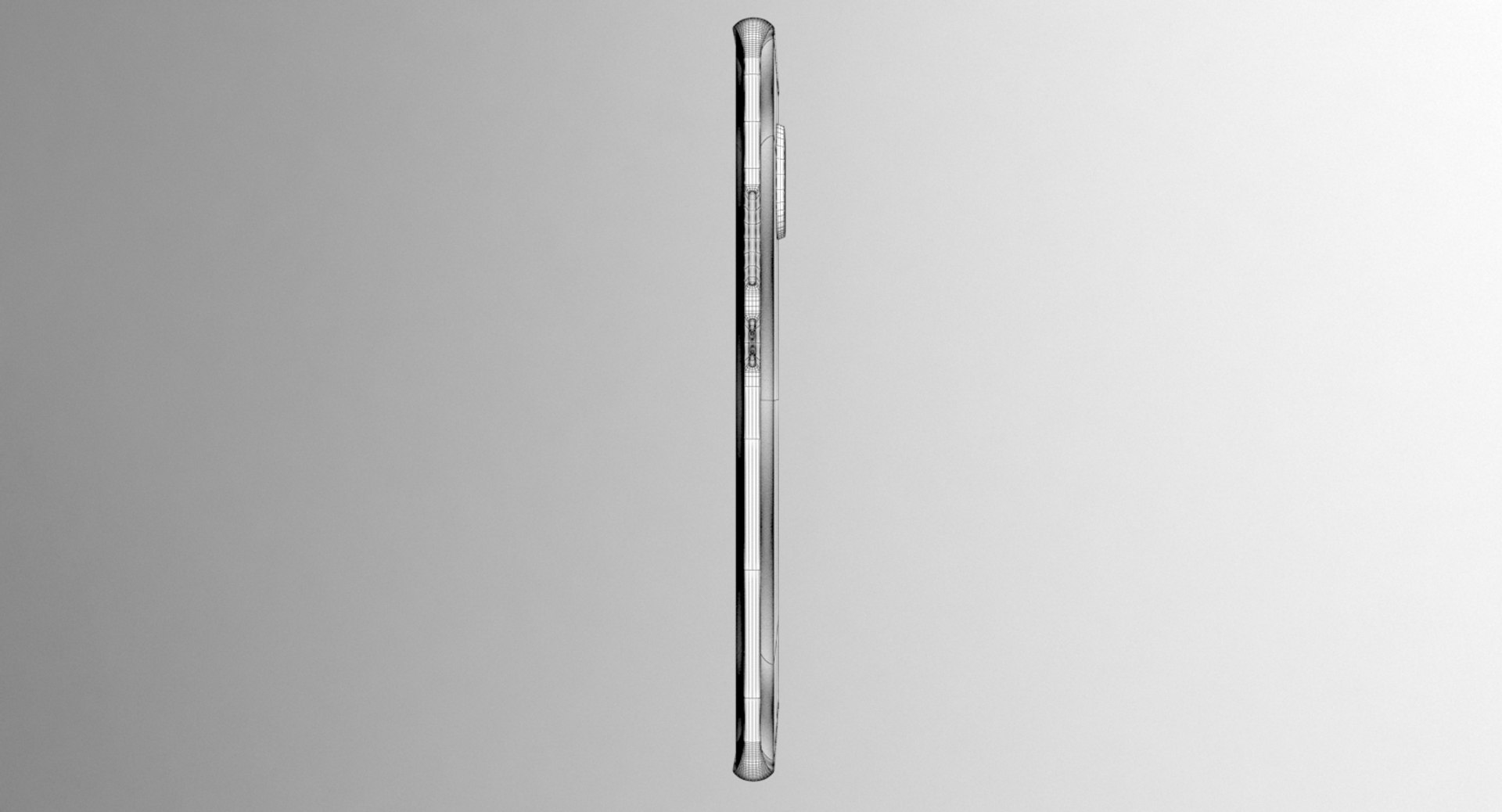
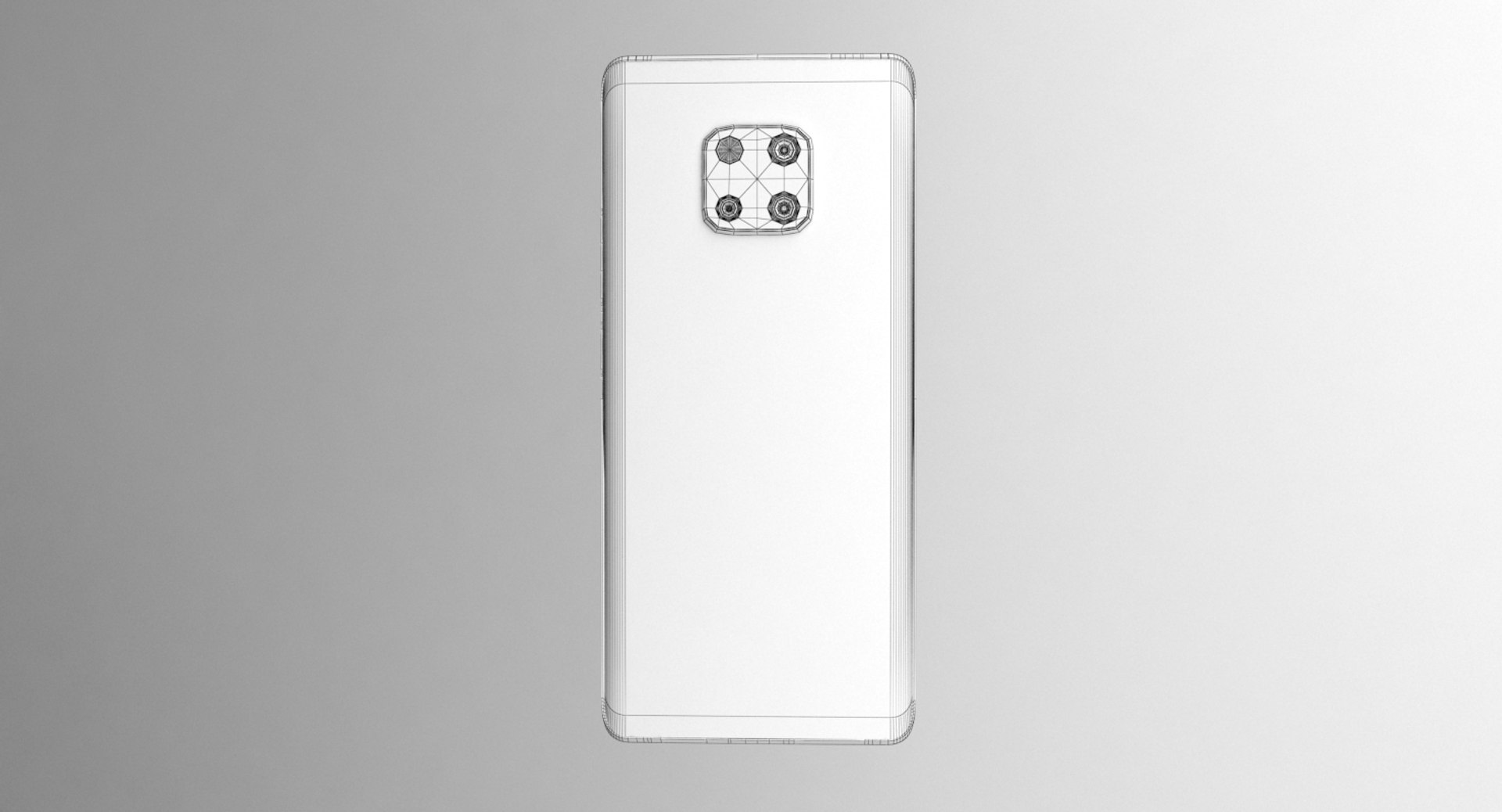
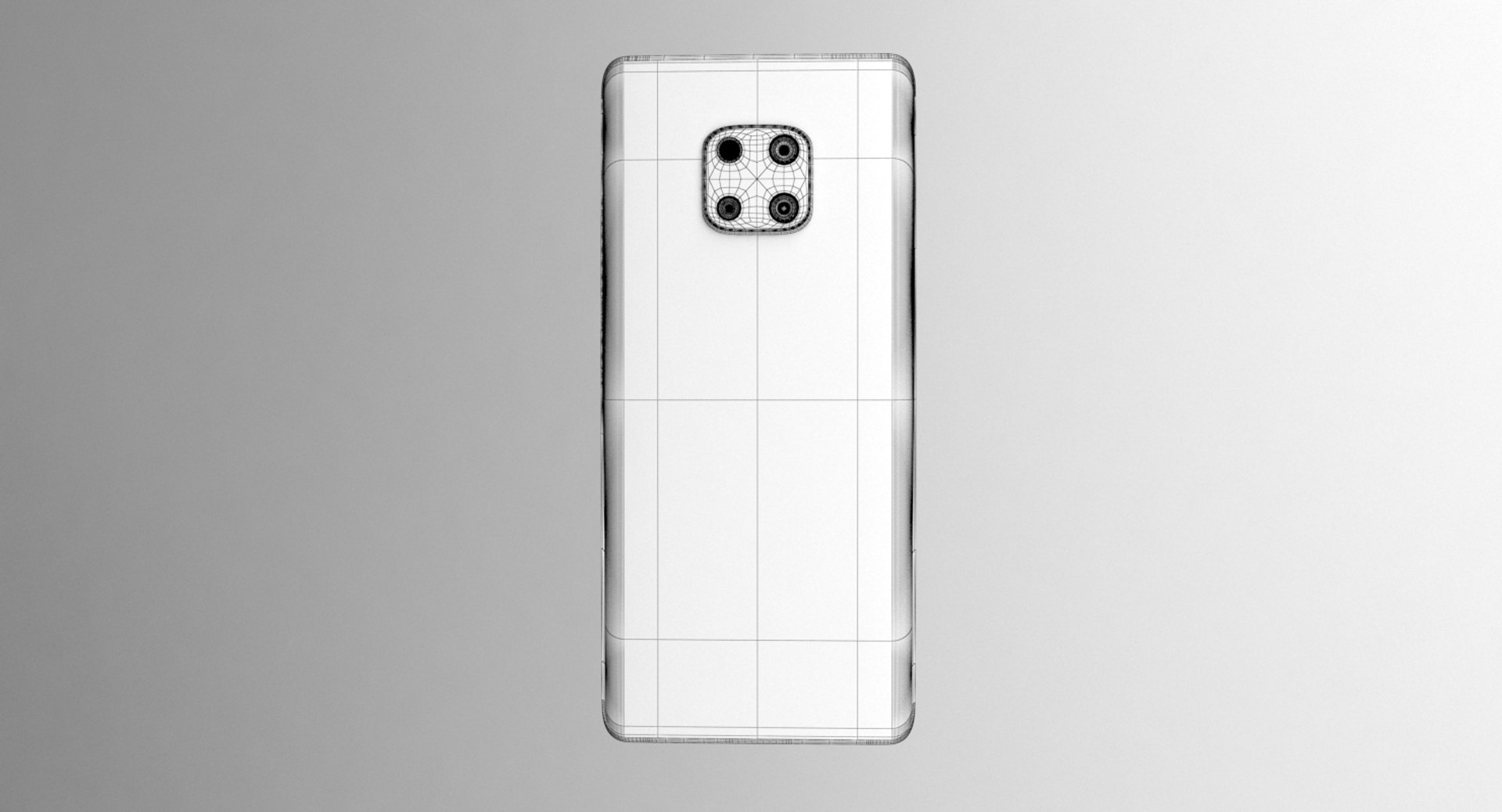
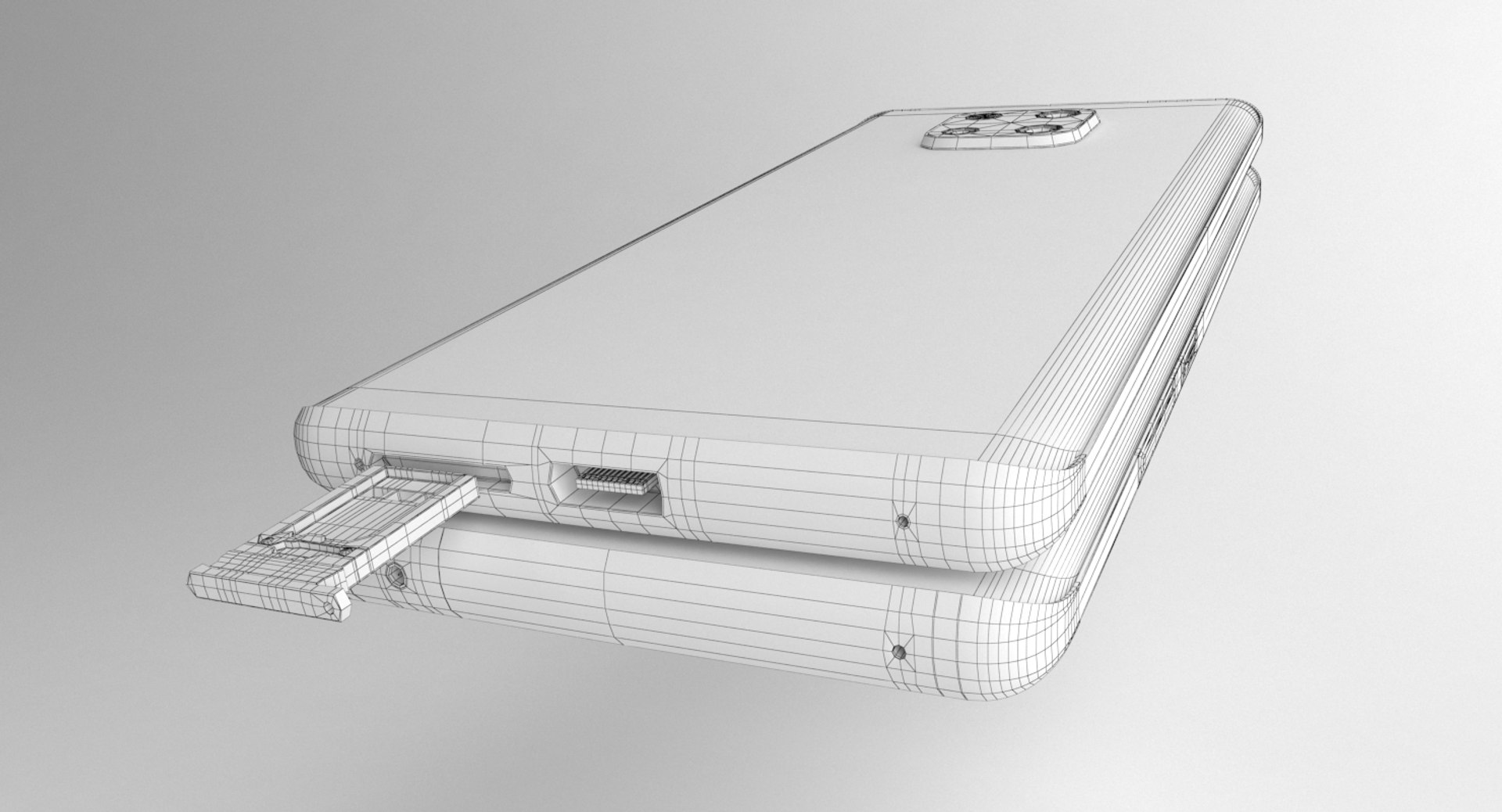
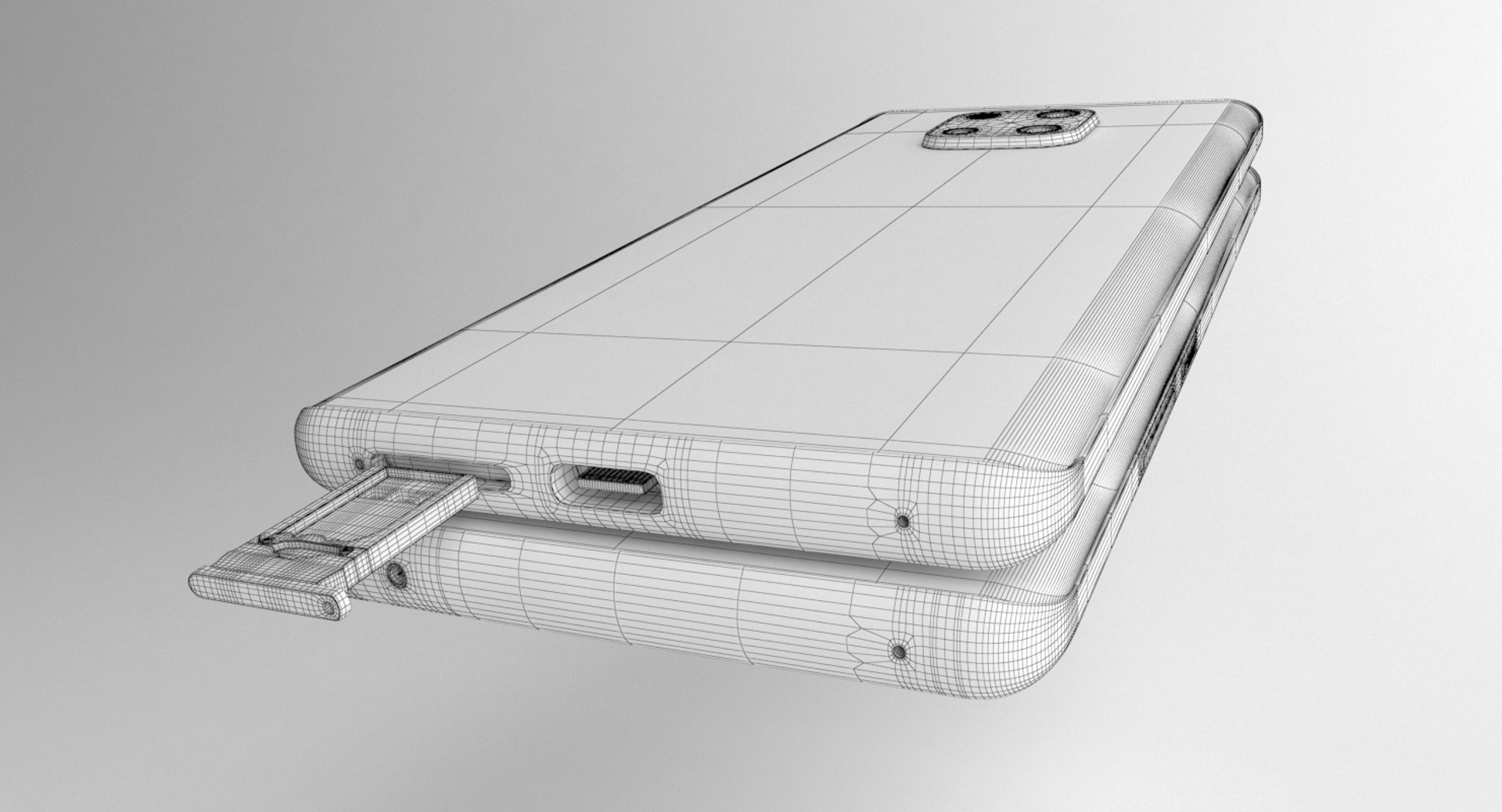
Huawei Mate 20 Pro Black

$19.90

Standard License | Upgrade License
Editorial Uses Only
Formats (6)
Native | 3ds Max 2017 | V-Ray 3.5
DXF
FBX
OBJ
STL
Other Textures
Specifications
Publish Date November 02, 2019
Product ID 1467254
Polygons 12,445
Vertices 14,084
Polygonal Quads/Tris Geometry
Textures
Materials
UV Mapped
Non-overlapping Unwrapped UVs

member avatar
Racksuz
331 Products | Contributor Since 2016
Have questions? Chat with us now.

Description

Huawei Mate 20 Pro Black It's a high quality model work, supports high poly, created by 3DS MAX.

You can increase quality using Opensubdiv.
3ds Max models are grouped for easy selection, and objects are logically named for ease of scene management.
No part-name confusion when importing several models into a scene.
No cleaning up necessaryjust drop your models into the scene and start rendering.
No special plugin needed to open scene.
Model does not include any backgrounds or scenes used in preview images.
Real Size: L\8.6mm# W\72.3mm# H\157.8mm#

Units: mm Please feedback faulty works that I can help you. I will be happy when you rate and comment on my works.
Huawei Mate 20 Pro Black Polys = 12445

Vertex = 14084
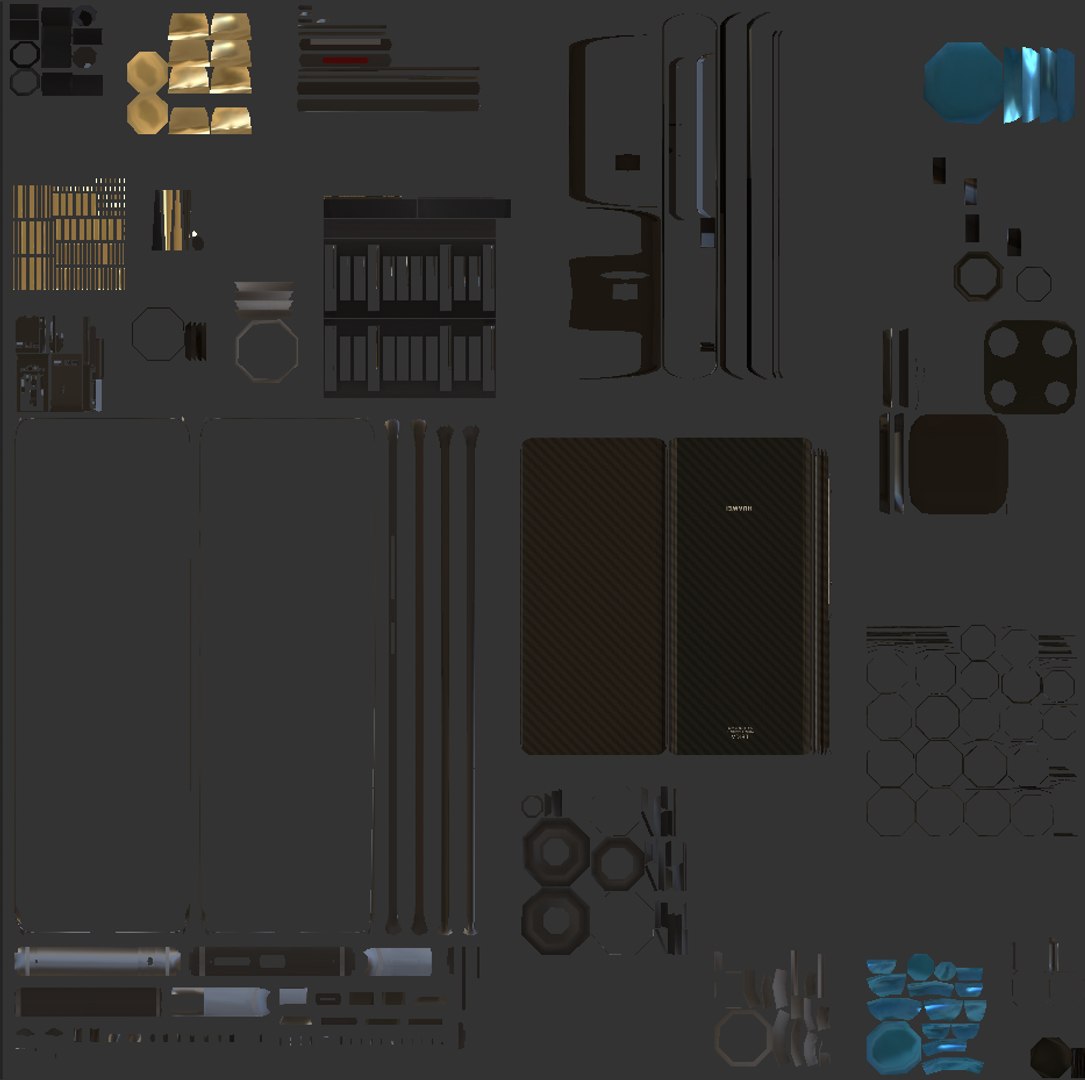
-Textures- 7 items Format: PNG Resolution: 4096x4096 px

-Texture Types- Diffuse(Color) Glossiness Height iOR Normal Reflection Translucent

Formats : -.max(3ds Max 2017 ) vray 3.5 -.max(3ds Max 2016 ) vray 3.5 -.max(3ds Max 2015 ) vray 3.5 -.max(3ds Max 2014 ) vray 3.5 -.fbx (multi format) -.3ds (multi format) -.dxf (multi format) -.obj (multi format)

stl (multi format

Select Enhanced License

  • $10,000 in Legal Protection (Indemnification)
  • Uncapped Legal Protection (Indemnification)
  • Waiver from injunctive relief
  • Assignable model rights
  • $1,000,000 in Legal Protection (Indemnification)
  • Waiver from injunctive relief
  • Assignable model rights
  • $250,000 in Legal Protection (Indemnification)
  • Assignable model rights
Read more about enhanced license tiers, or contact us at enterprise@turbosquid.com. Already a Shutterstock Enterprise Customer? Contact your Shutterstock Sales Support Agent to talk about adding 3D.

About Conversion Requests

To submit a conversion request for a purchased asset, please complete our Conversion Request Form.

If you have not yet purchased a model, please review our Documentation about Conversions to learn about what limitations you may encounter with a conversion.

For any additional questions about a model’s suitability for conversion, please contact TurboSquid Support.

Loading...