
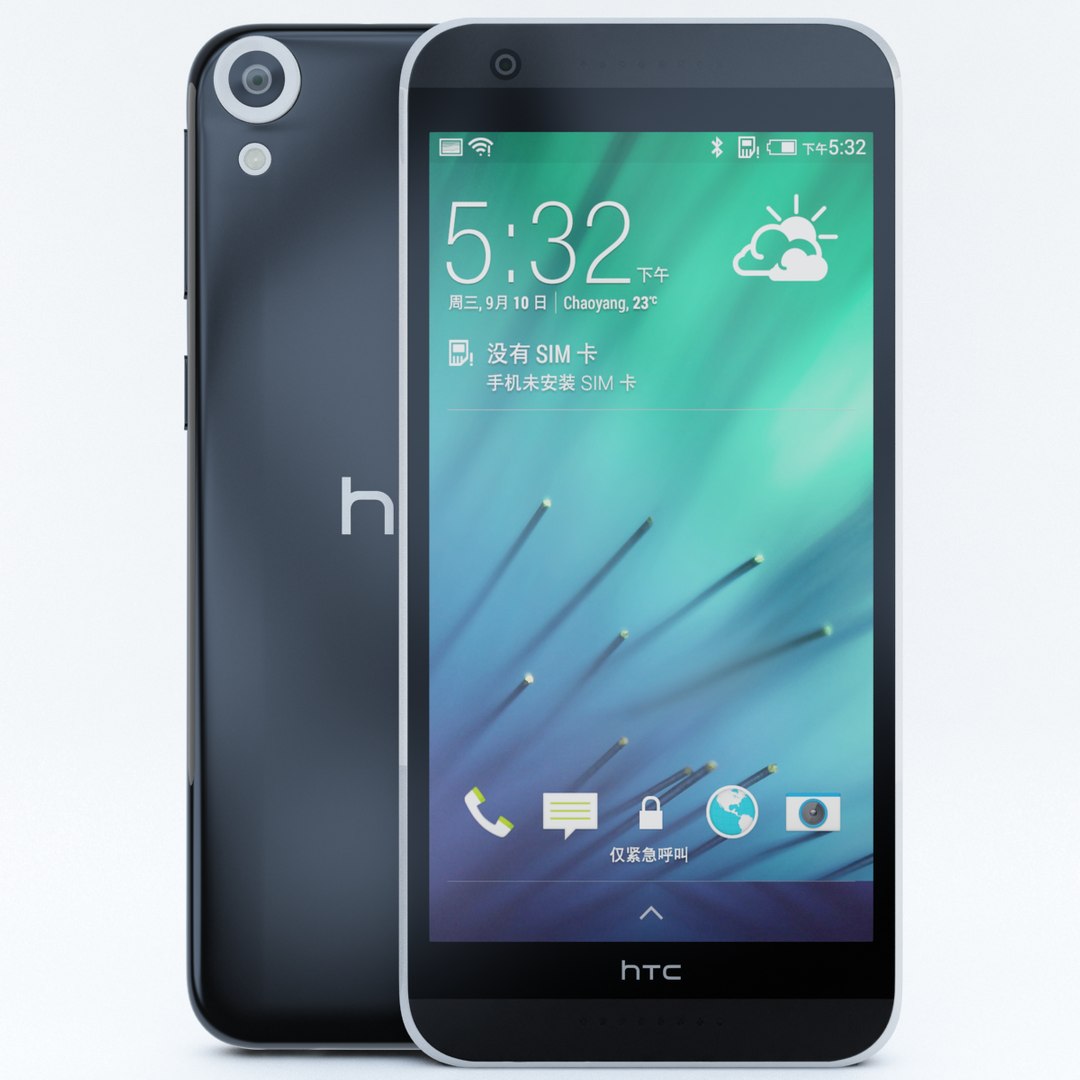
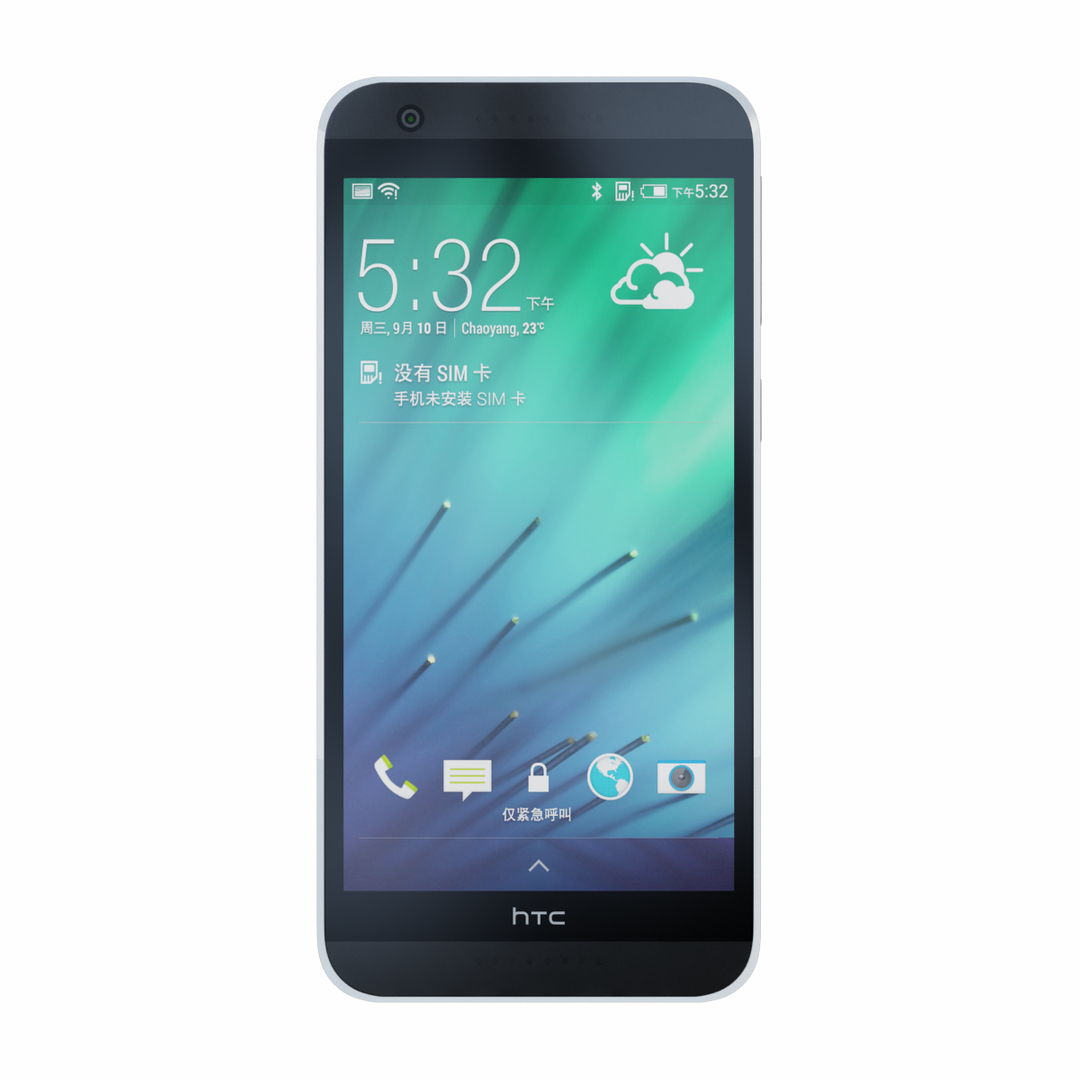
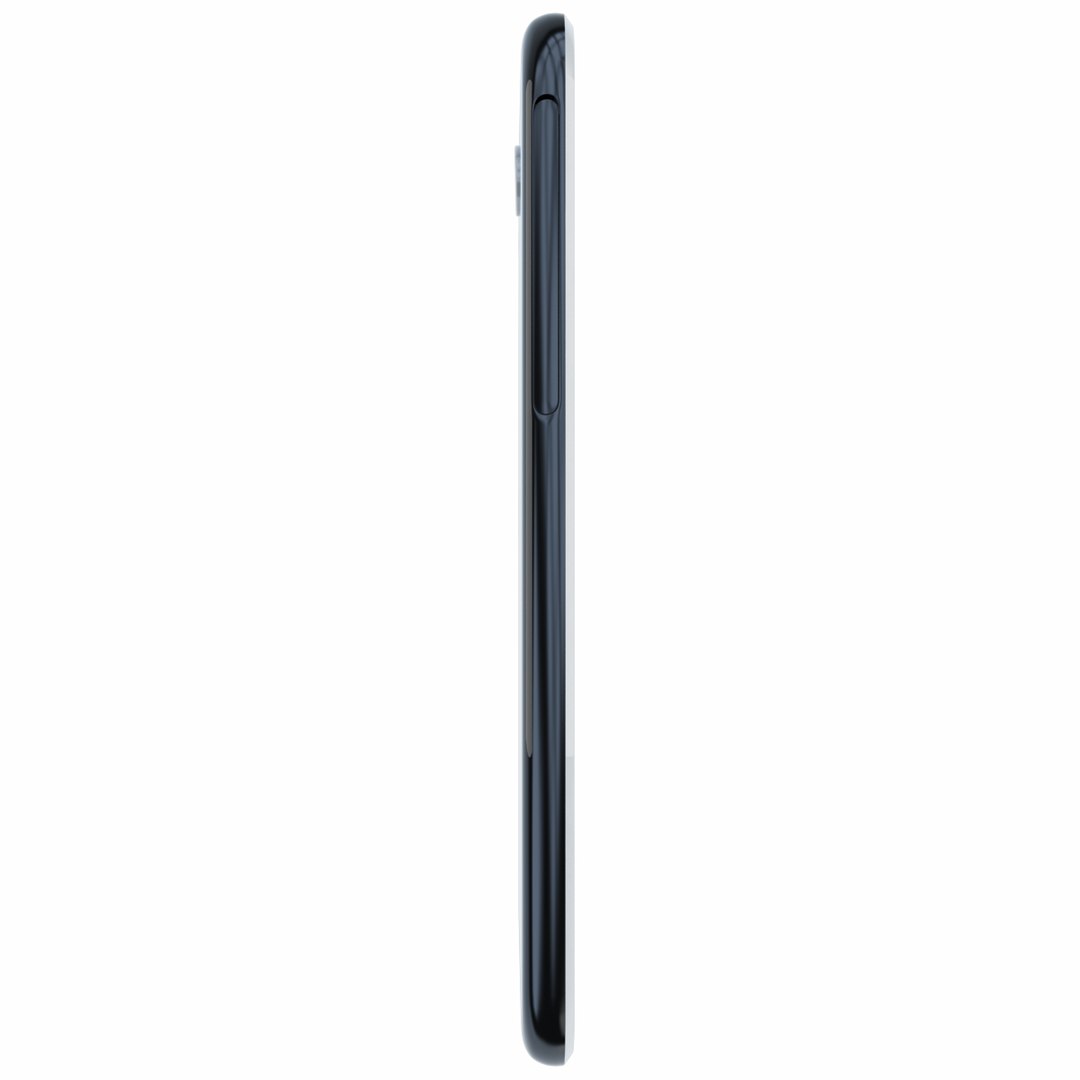
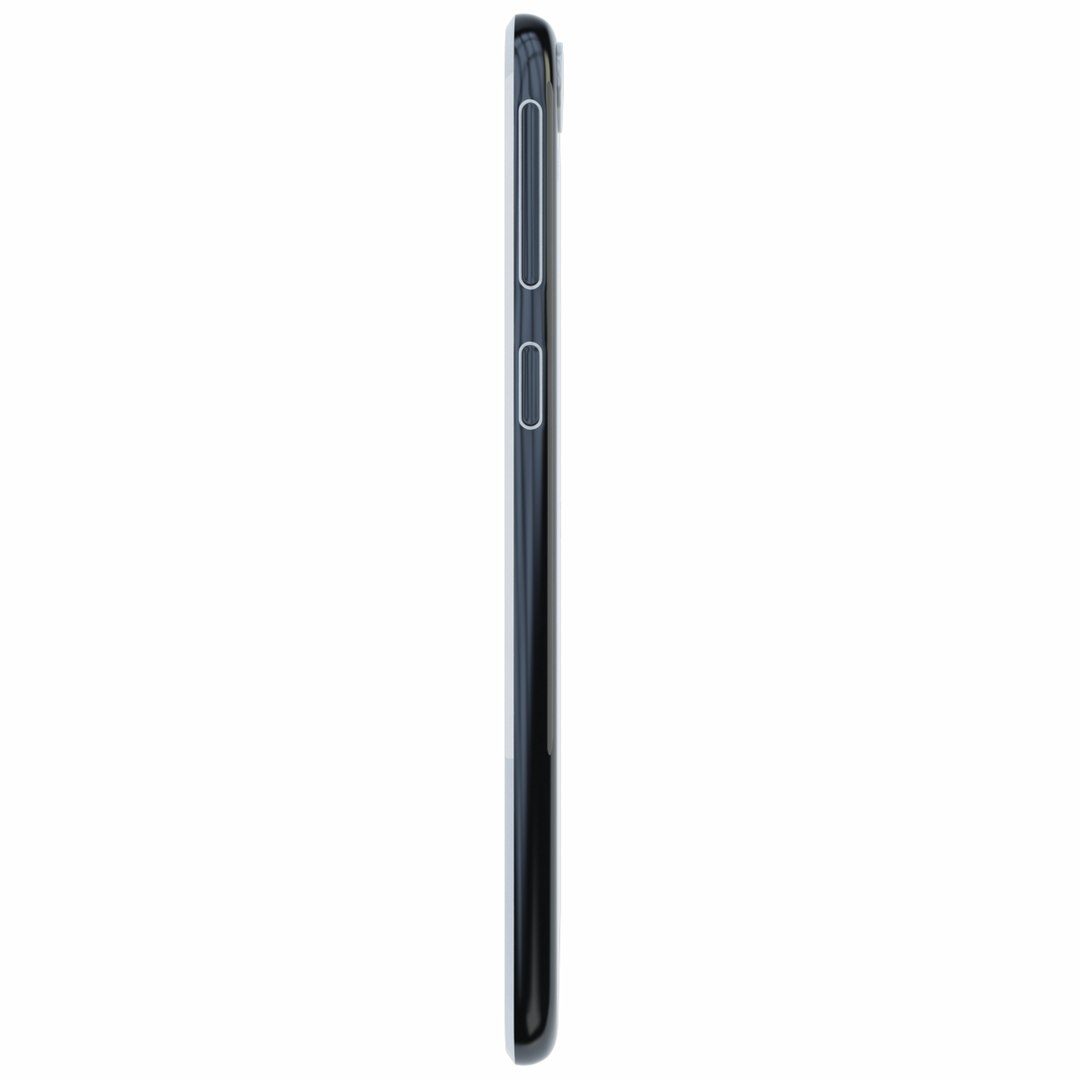
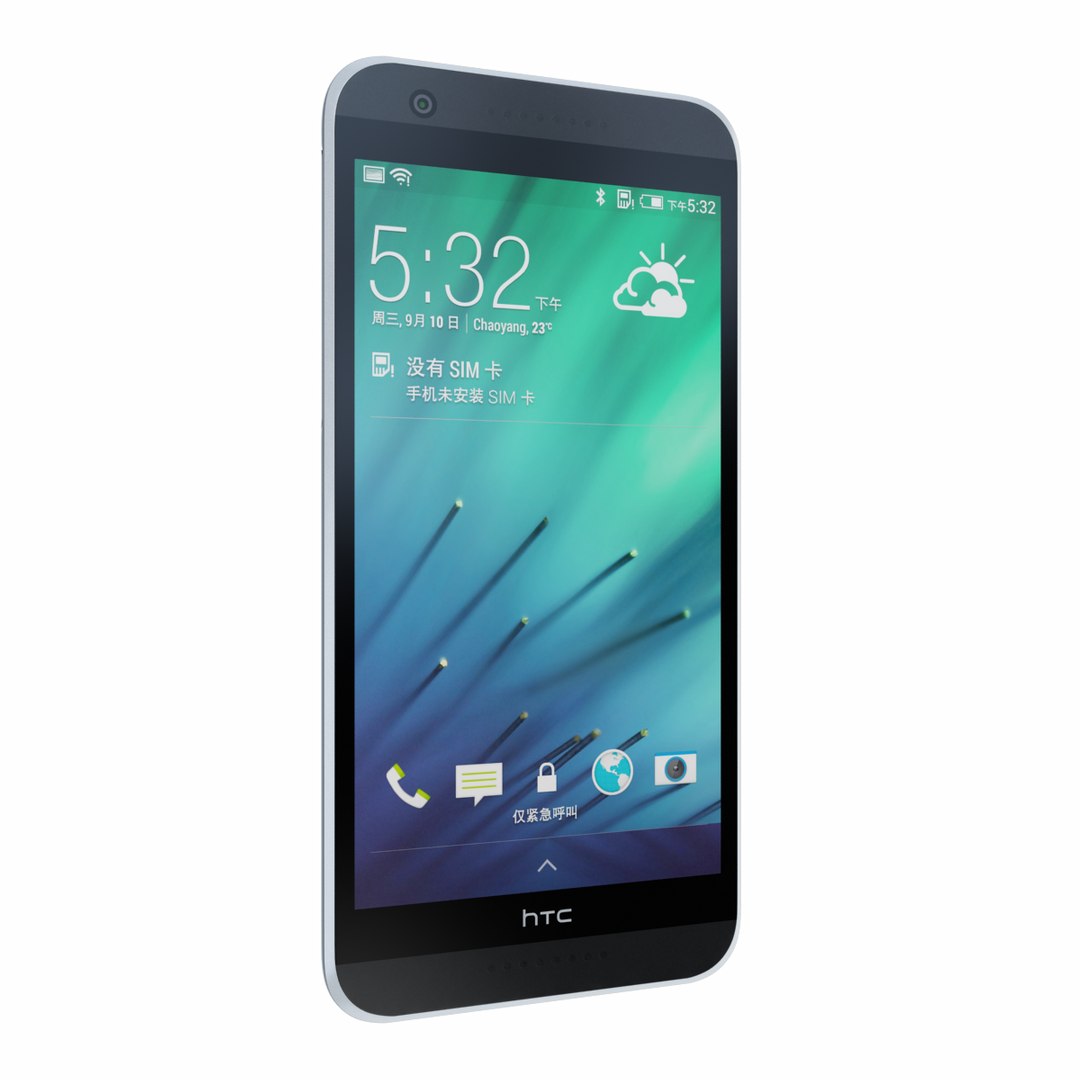
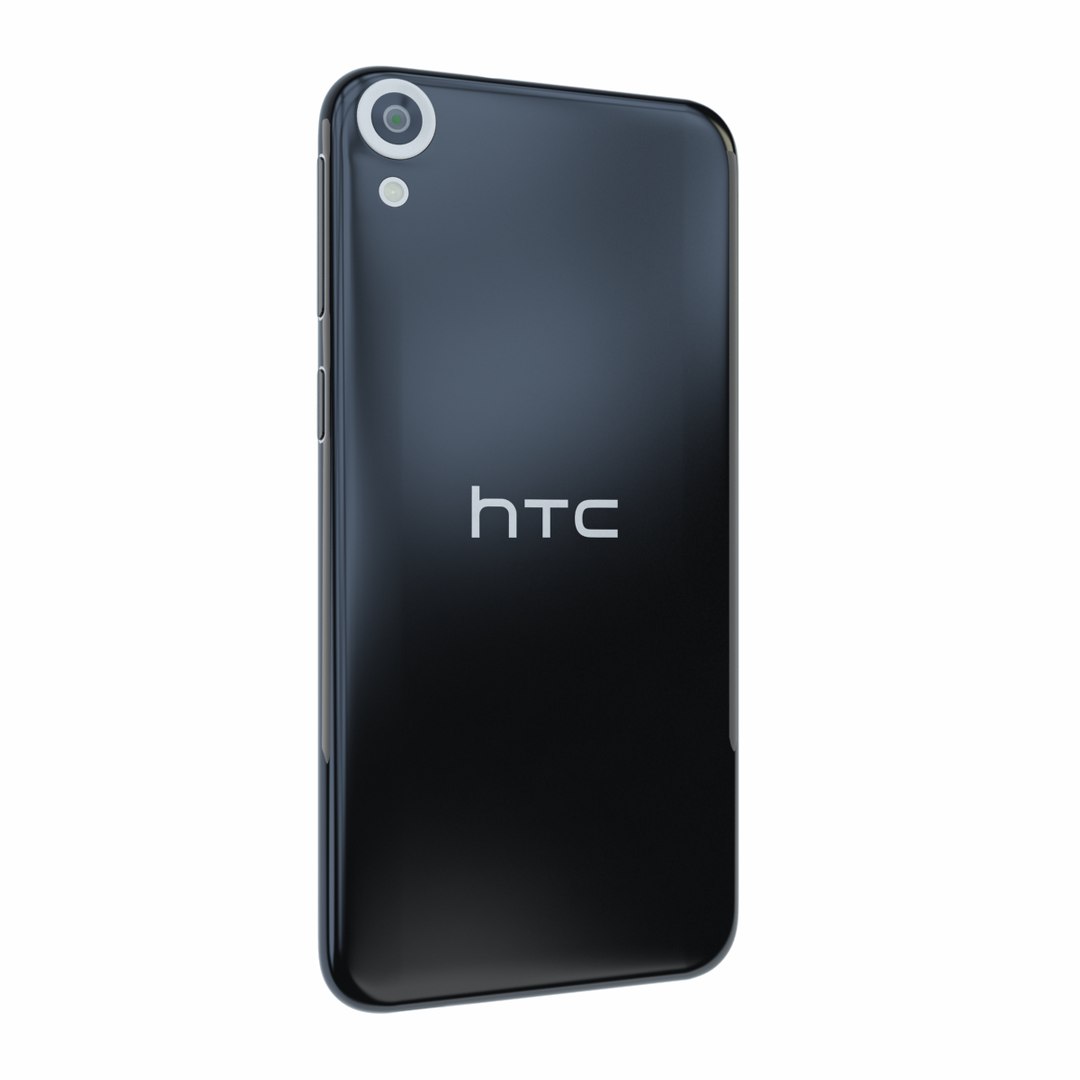
HTC Desire 820 Tuxedo

$49

Standard License | Upgrade License
Editorial Uses Only
Formats (1)
Free file format Conversions available
Native | 3ds Max 2010 | V-Ray 2.4
Specifications
Publish Date November 09, 2014
Product ID 865617
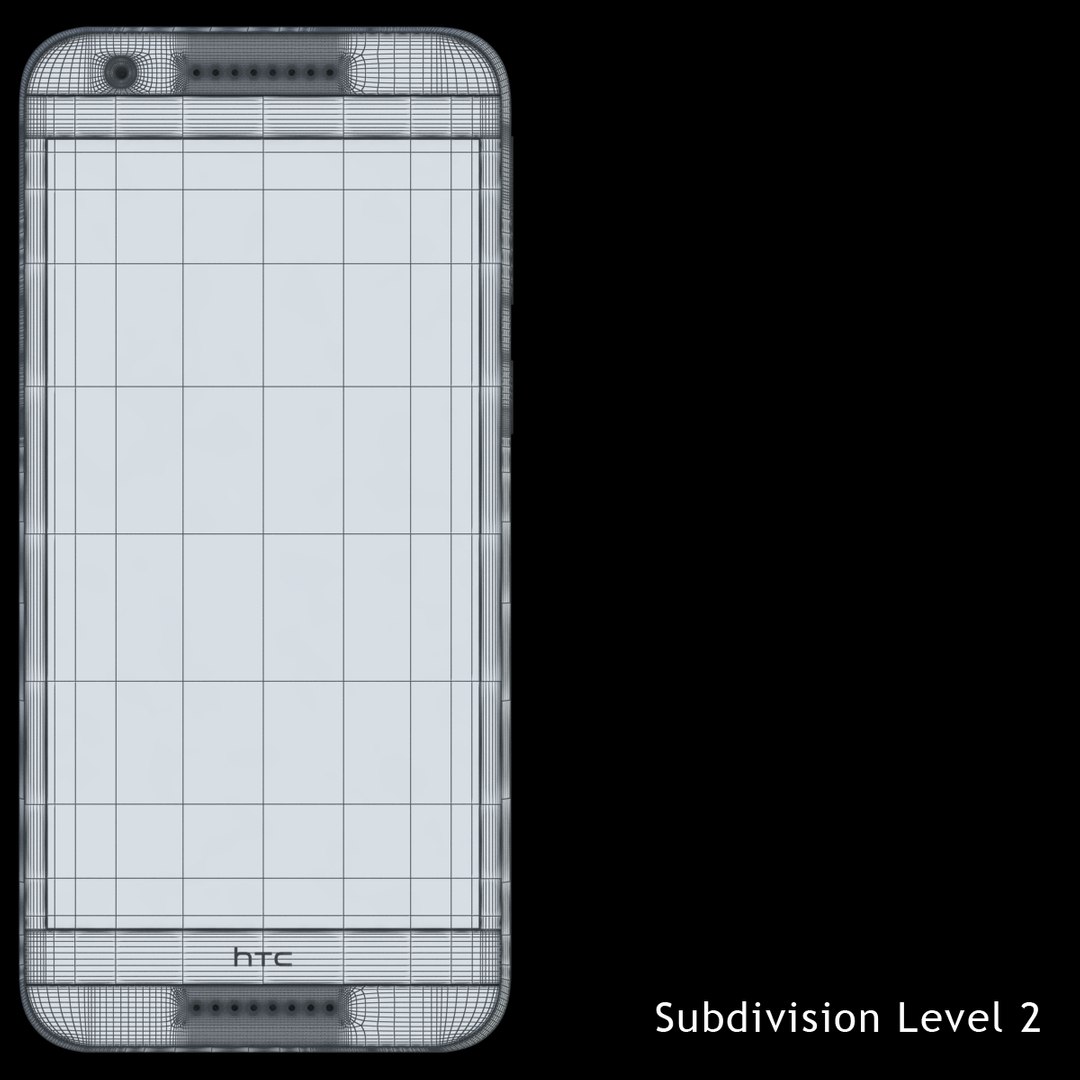
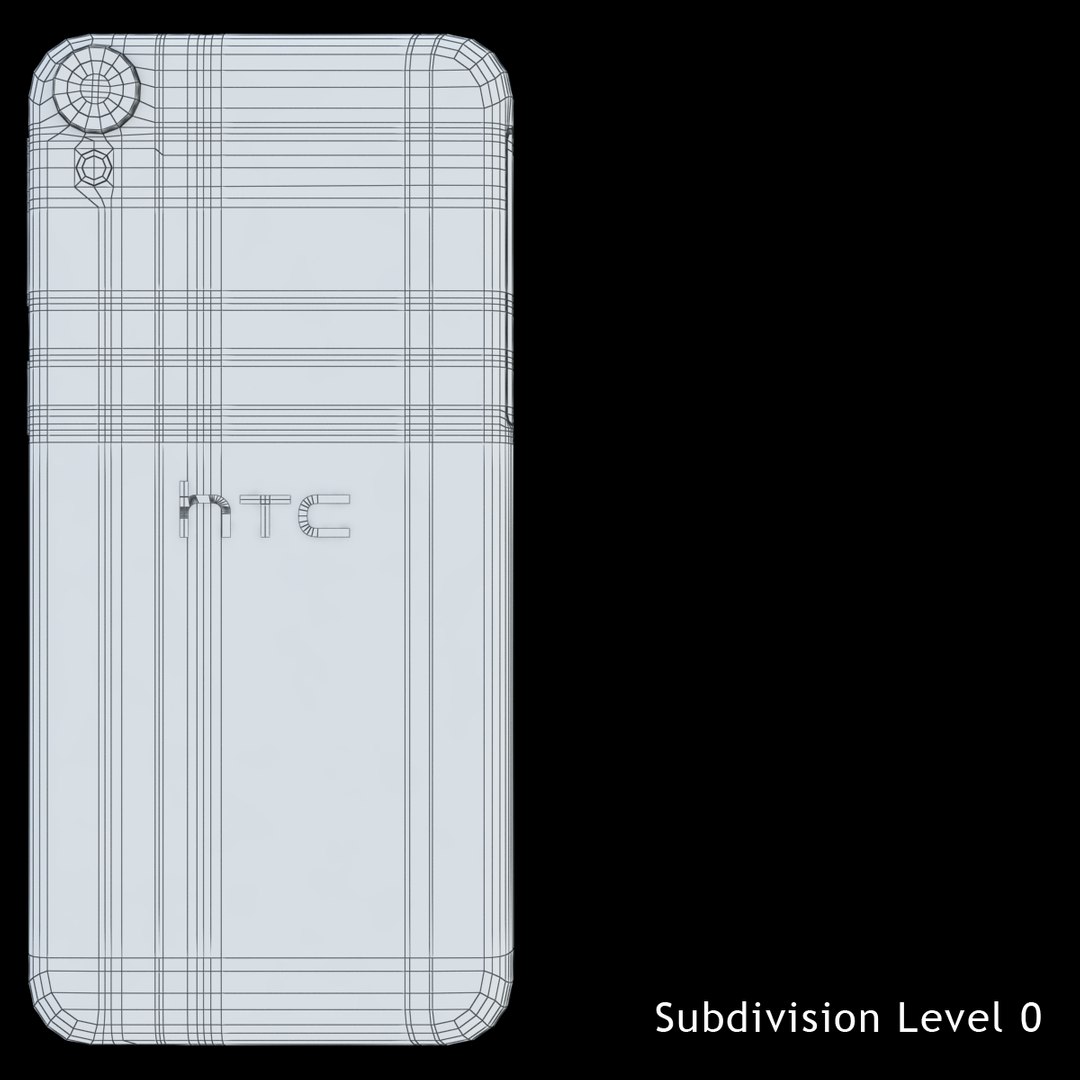
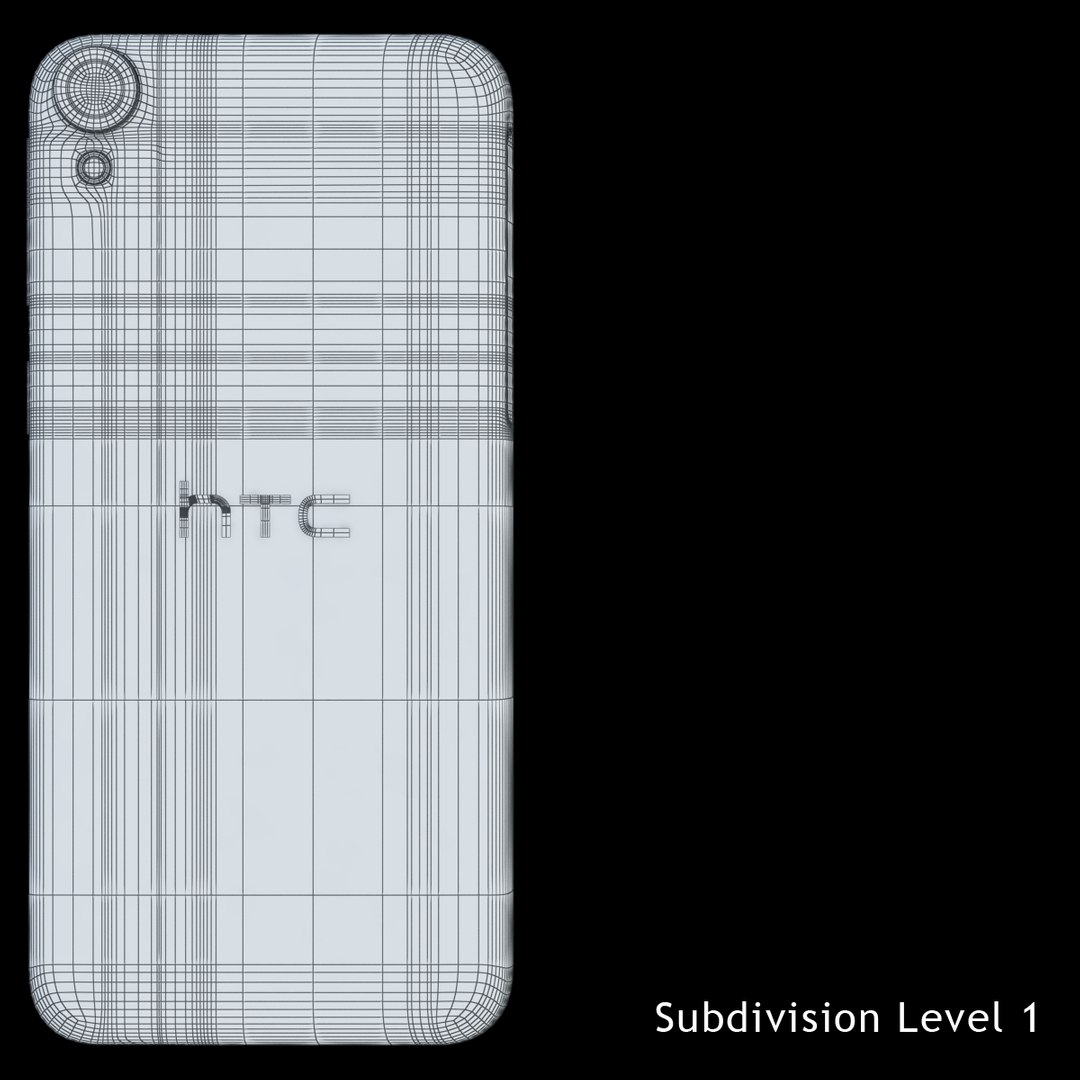
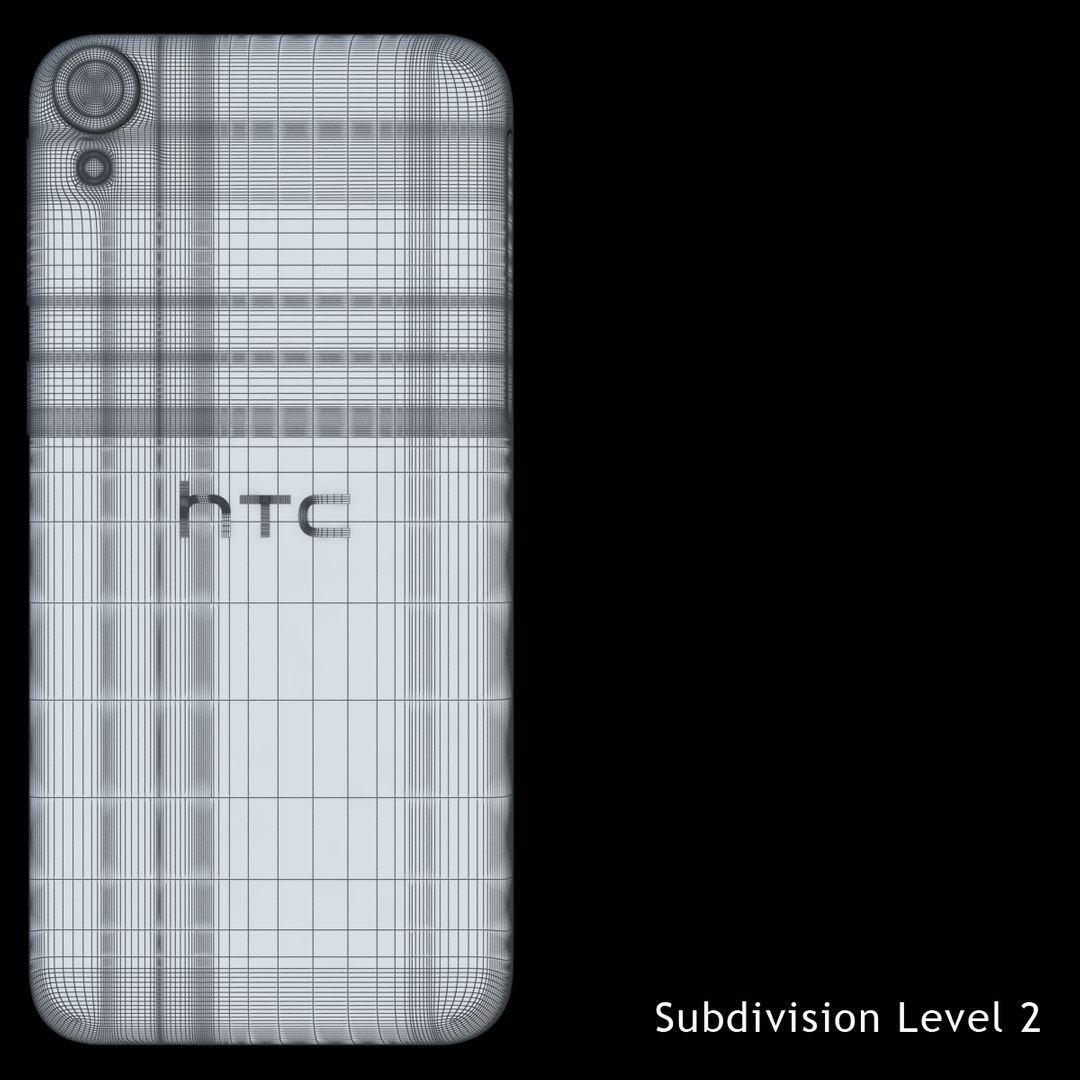
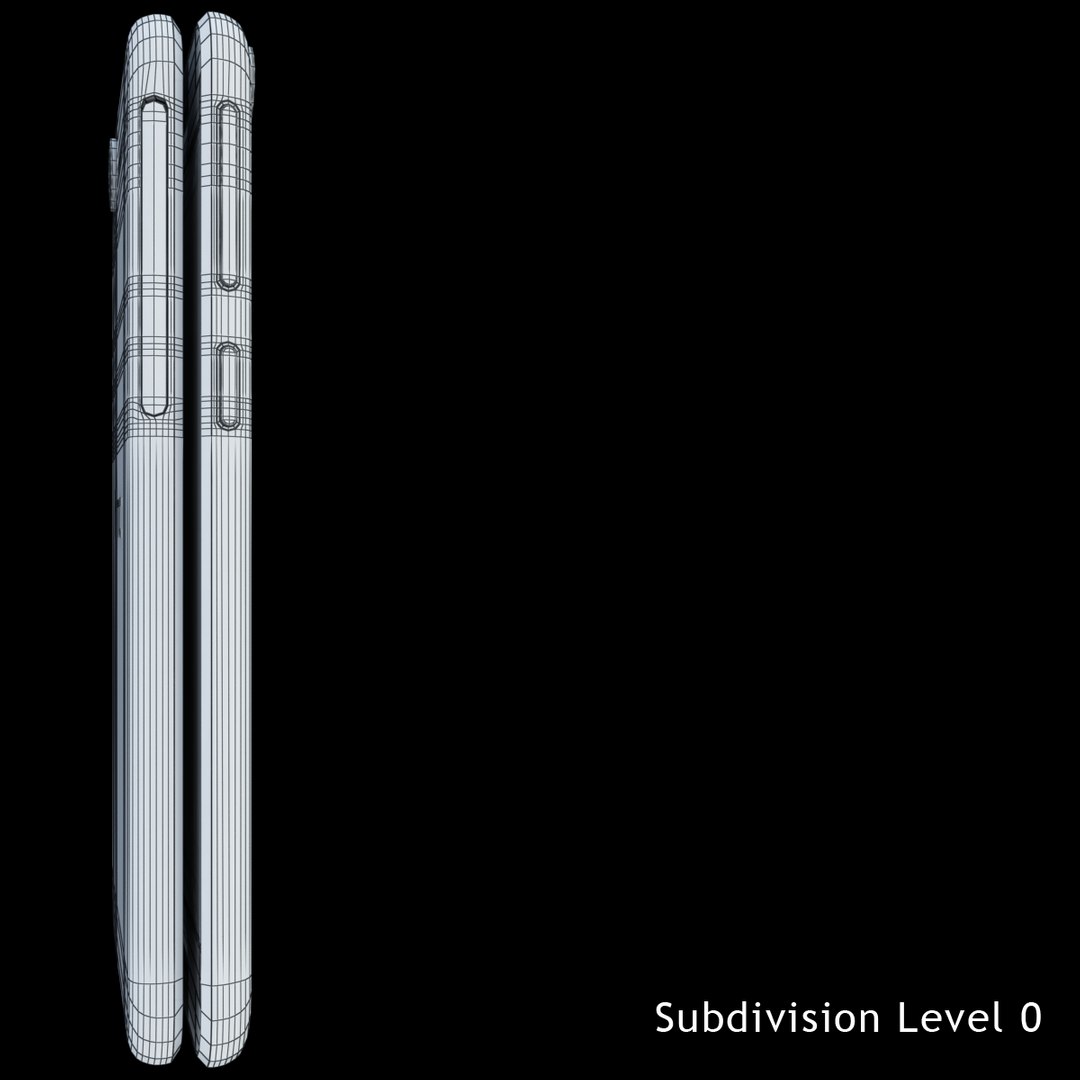
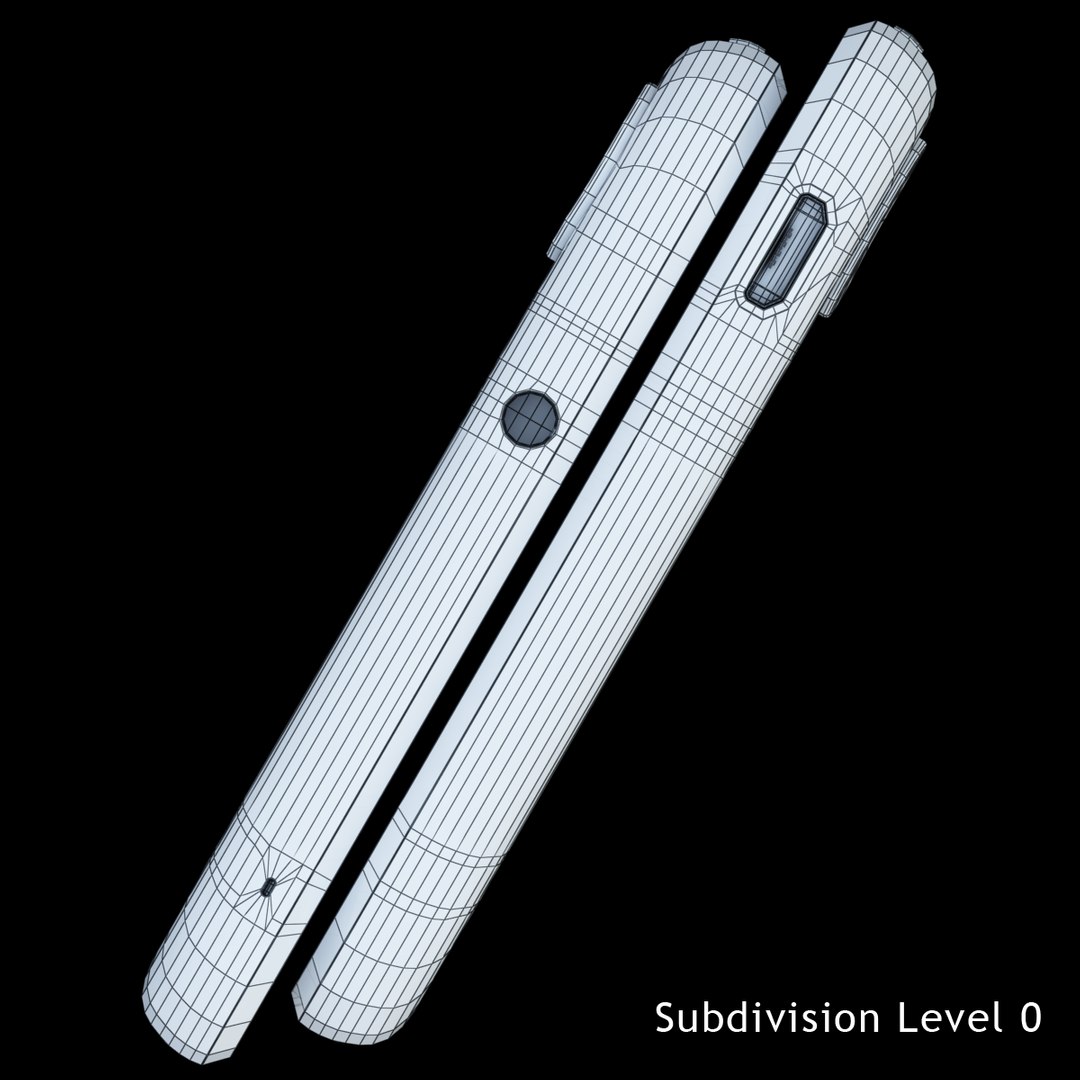
Polygons 22,558
Vertices 28,117
Polygonal Quads/Tris Geometry
Textures
Materials
UV Mapped
Mixed Unwrapped UVs
TurboSquid Exclusive

member avatar
3d_arts
22 Products | Contributor Since 2013
Have questions? Chat with us now.

Description

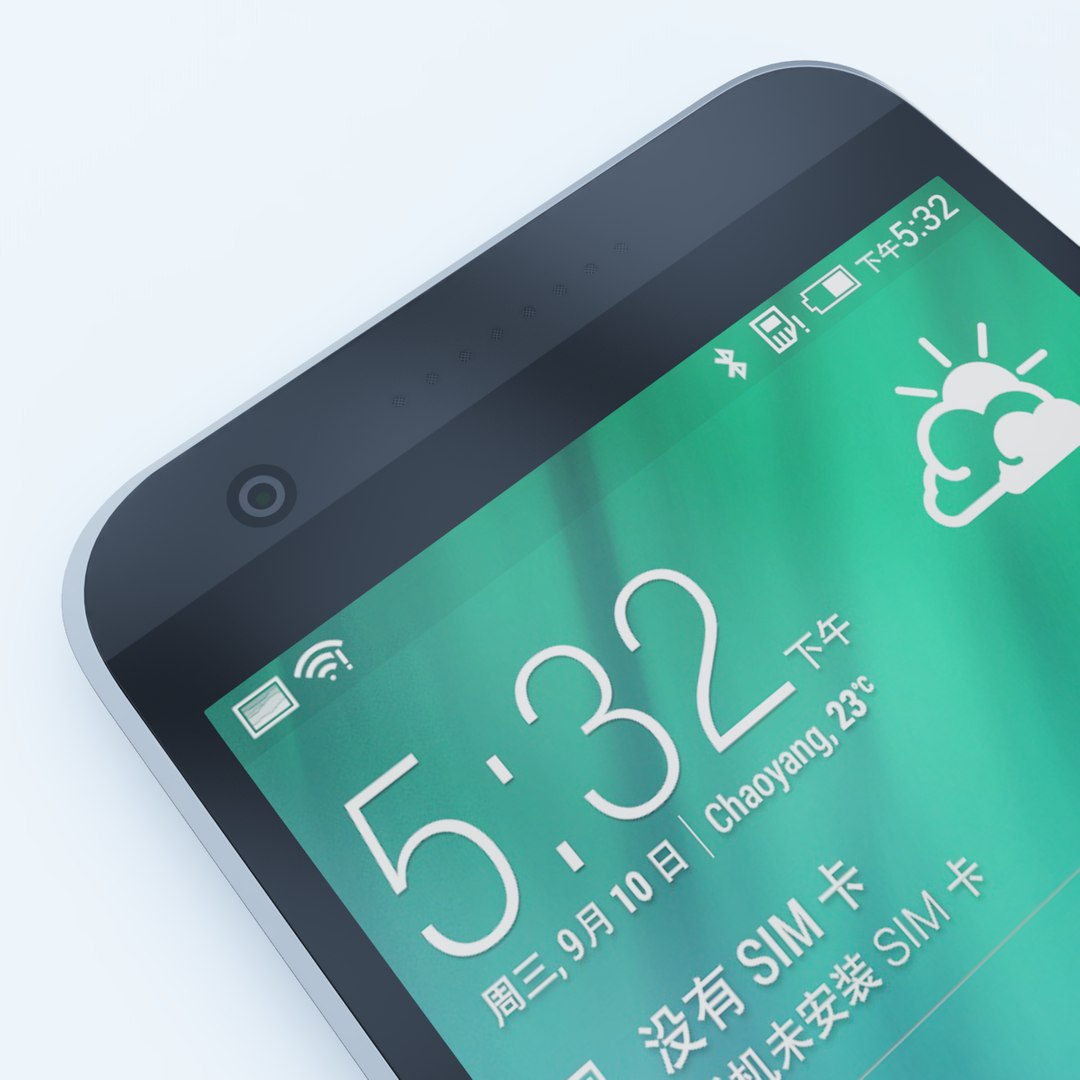
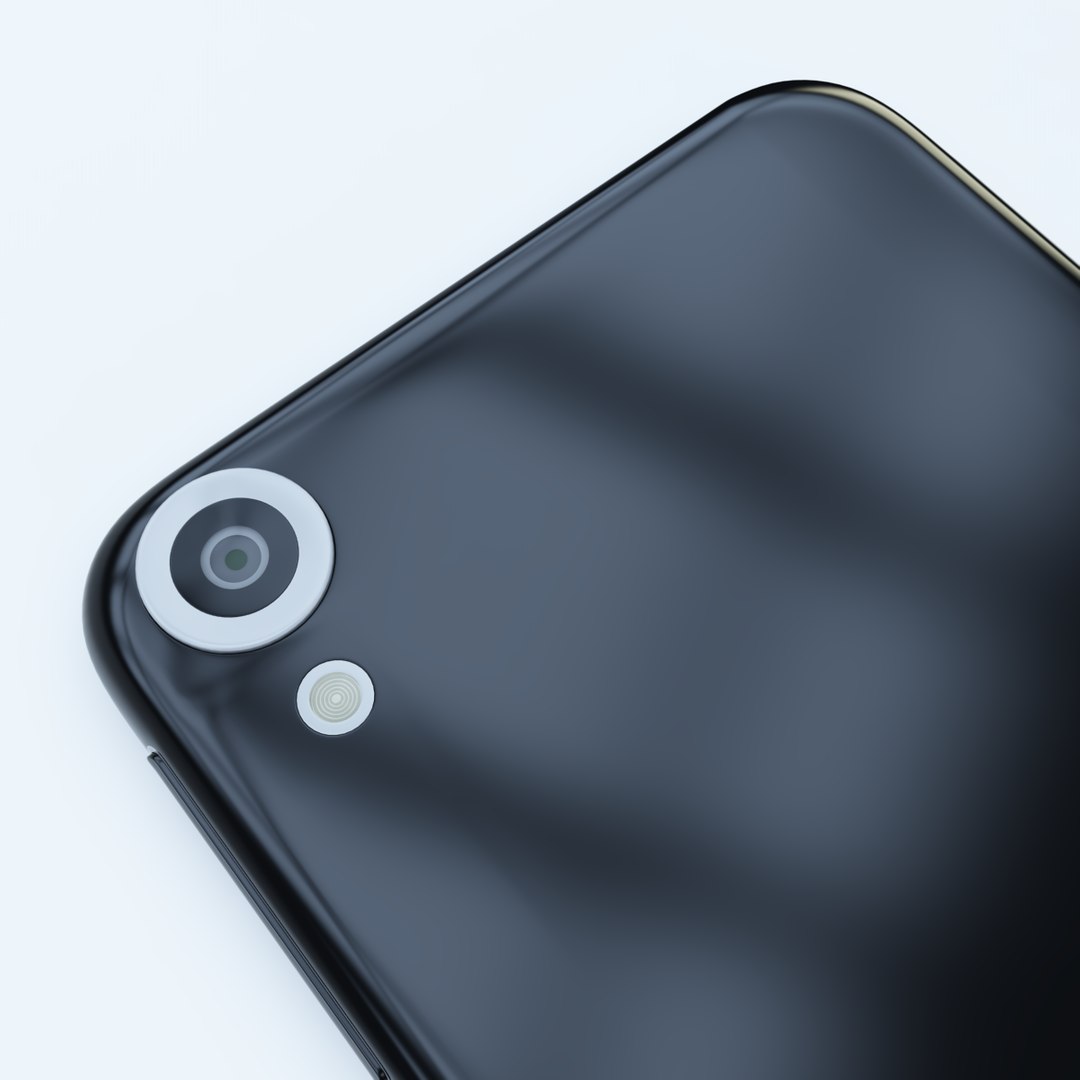
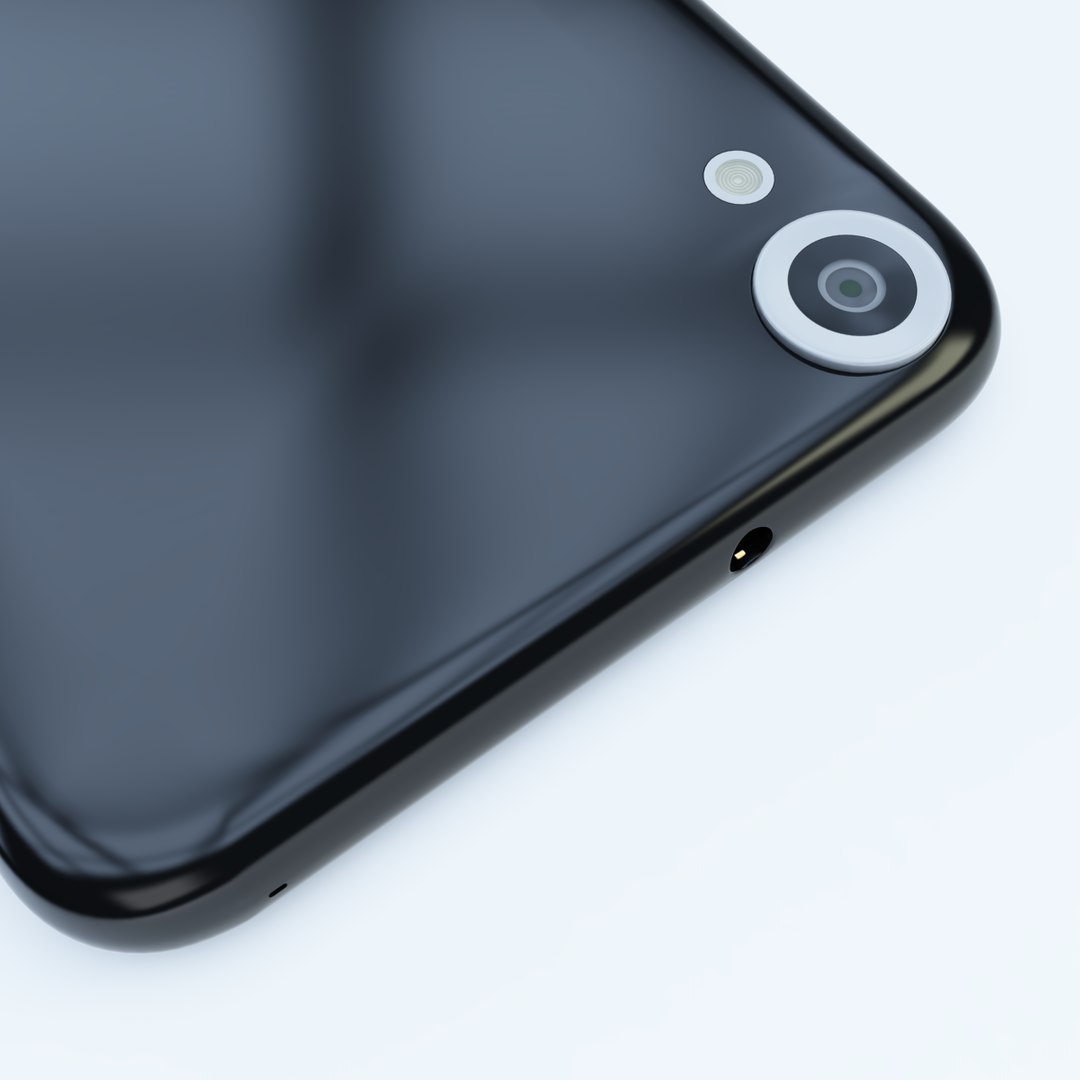
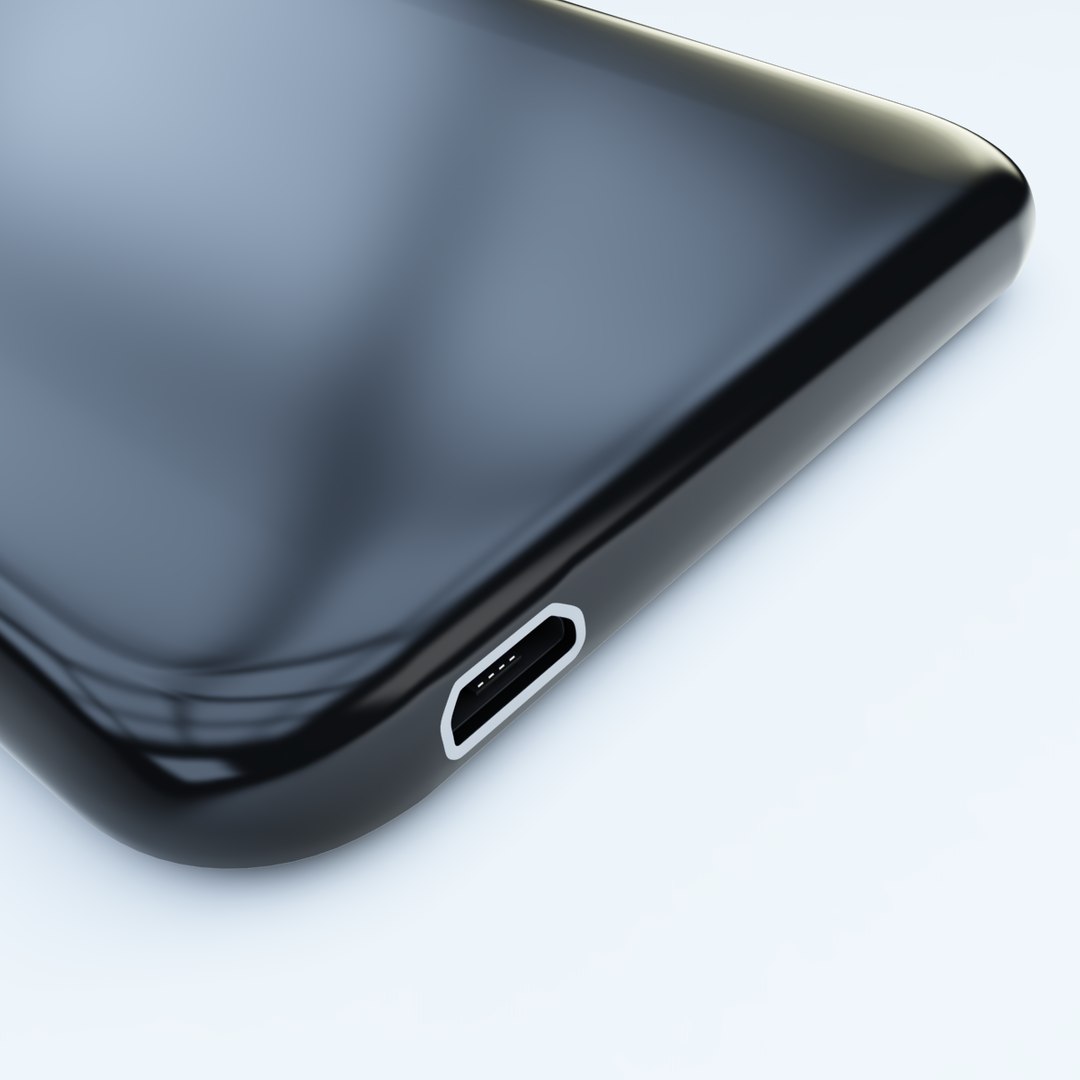
The HTC Desire 820 Tuxedo high quality model with V-Ray 2.4 renderer.

3ds Max Formats.

The main format is 3ds Max 2010 with V-Ray 2.4 renderer.

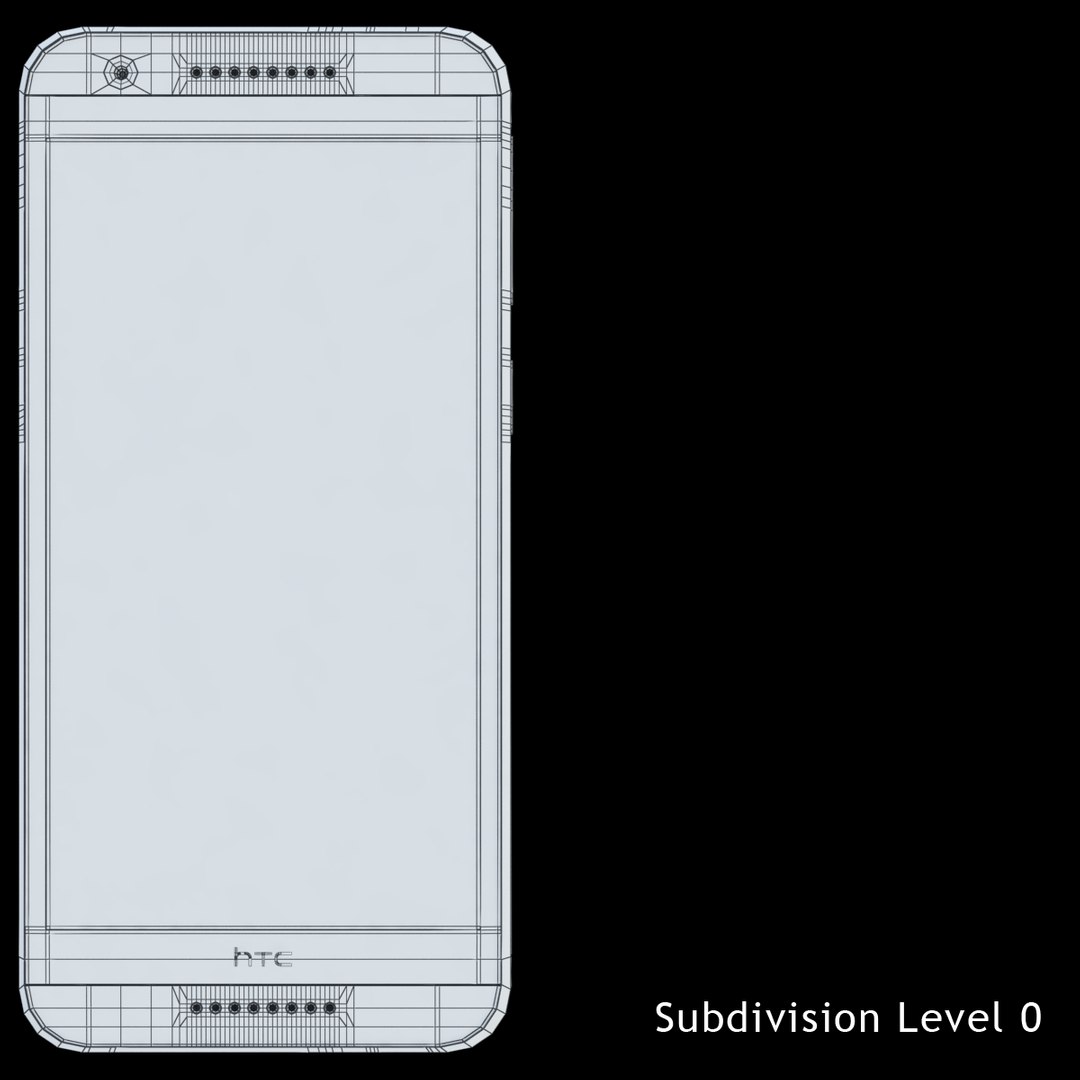
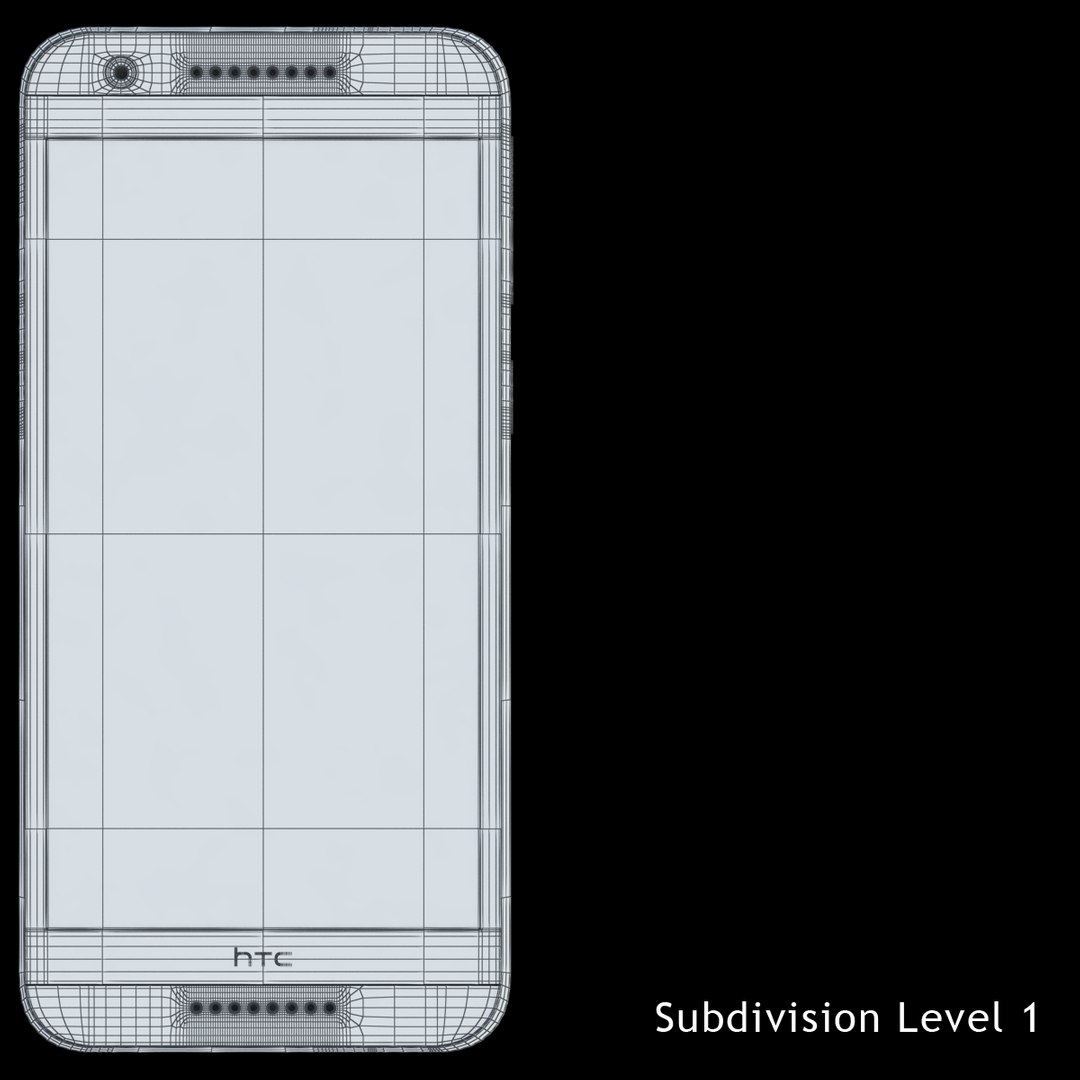
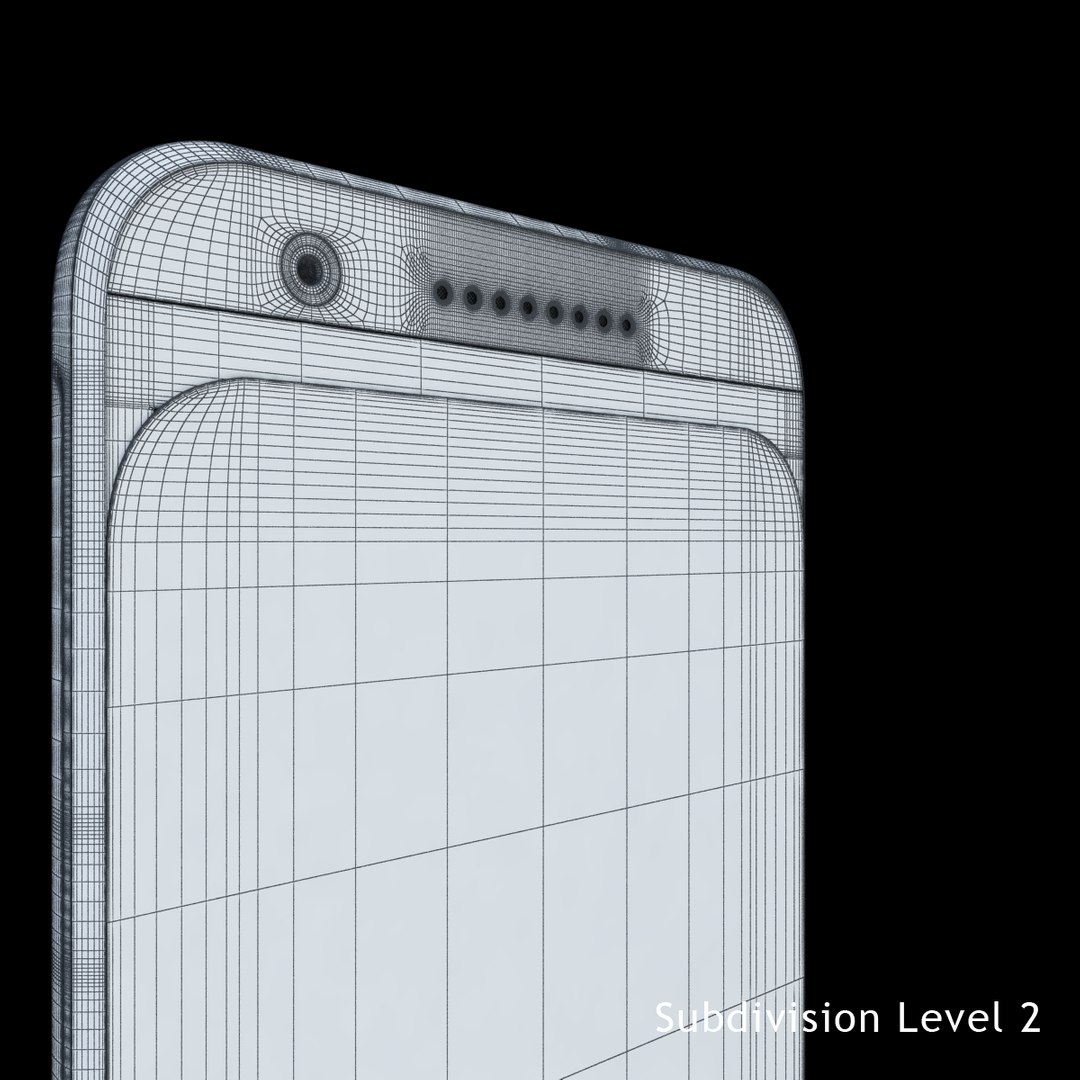
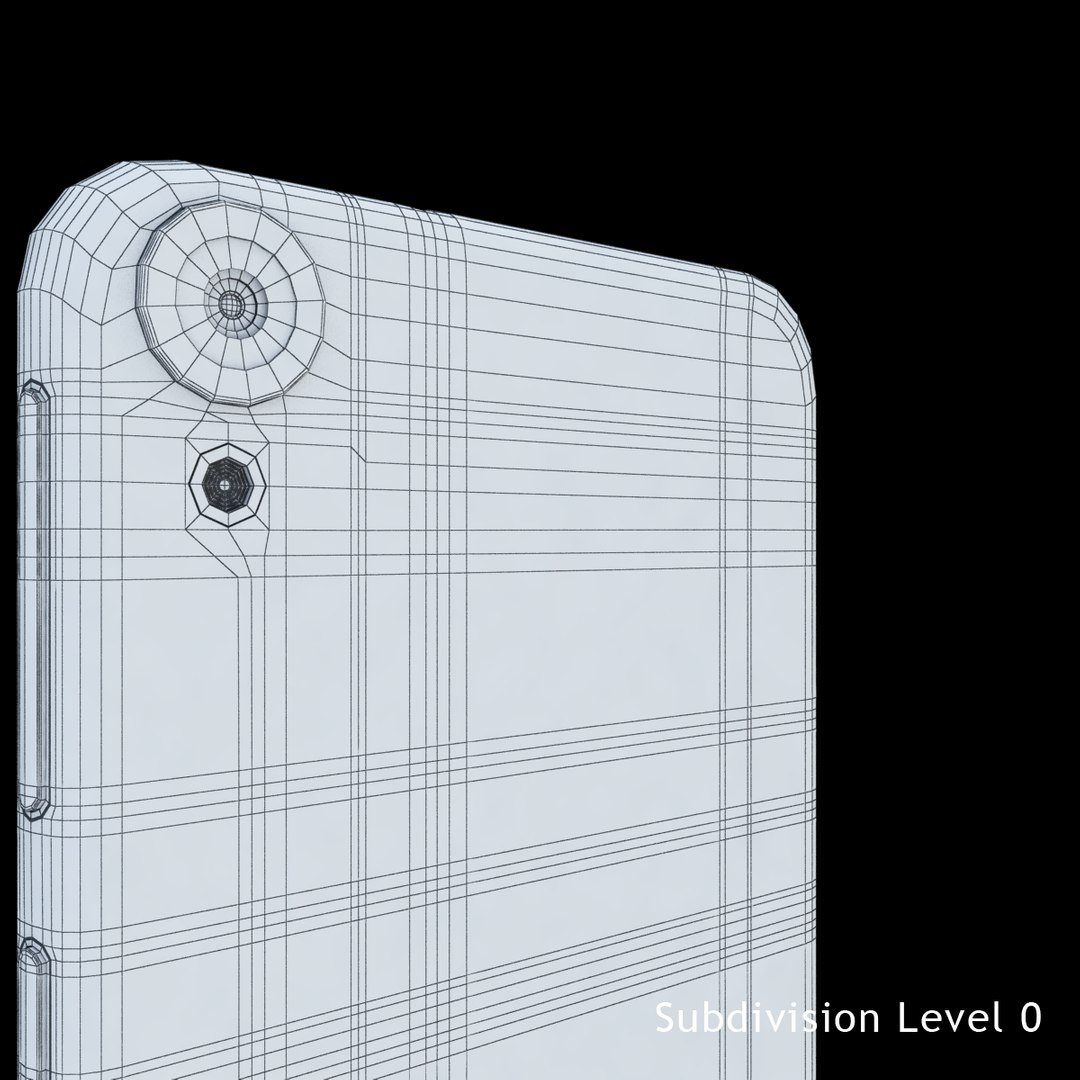
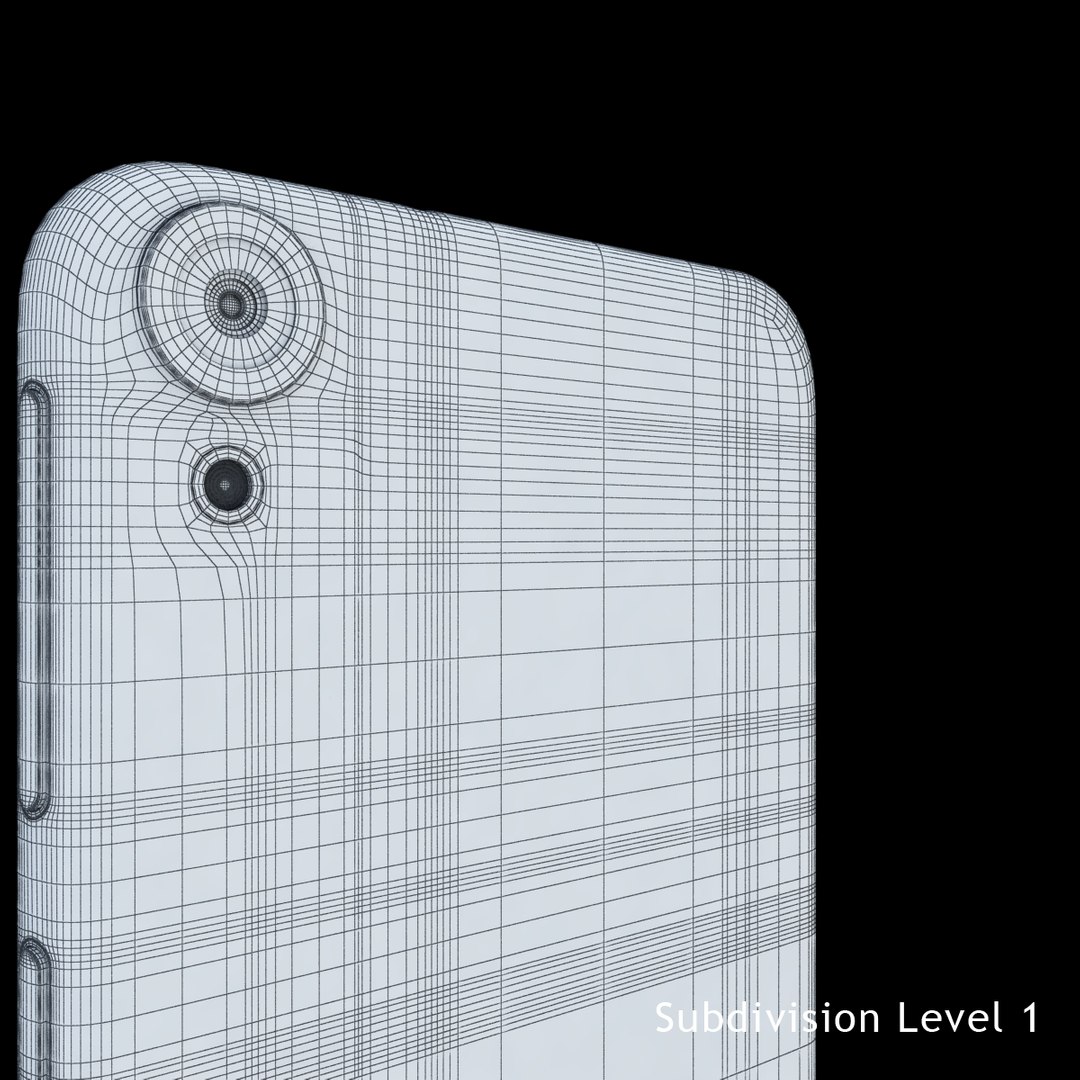
Poly Count :
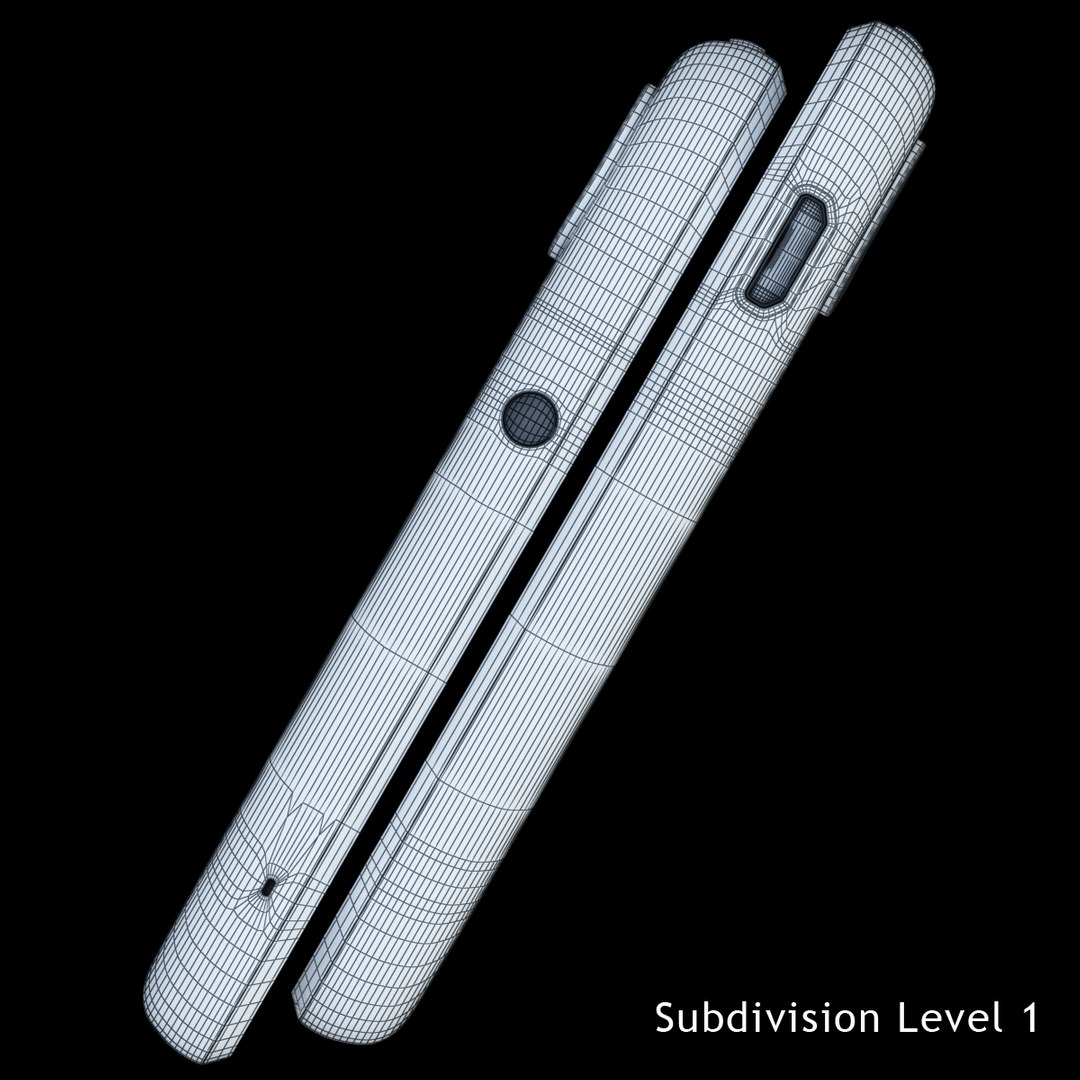
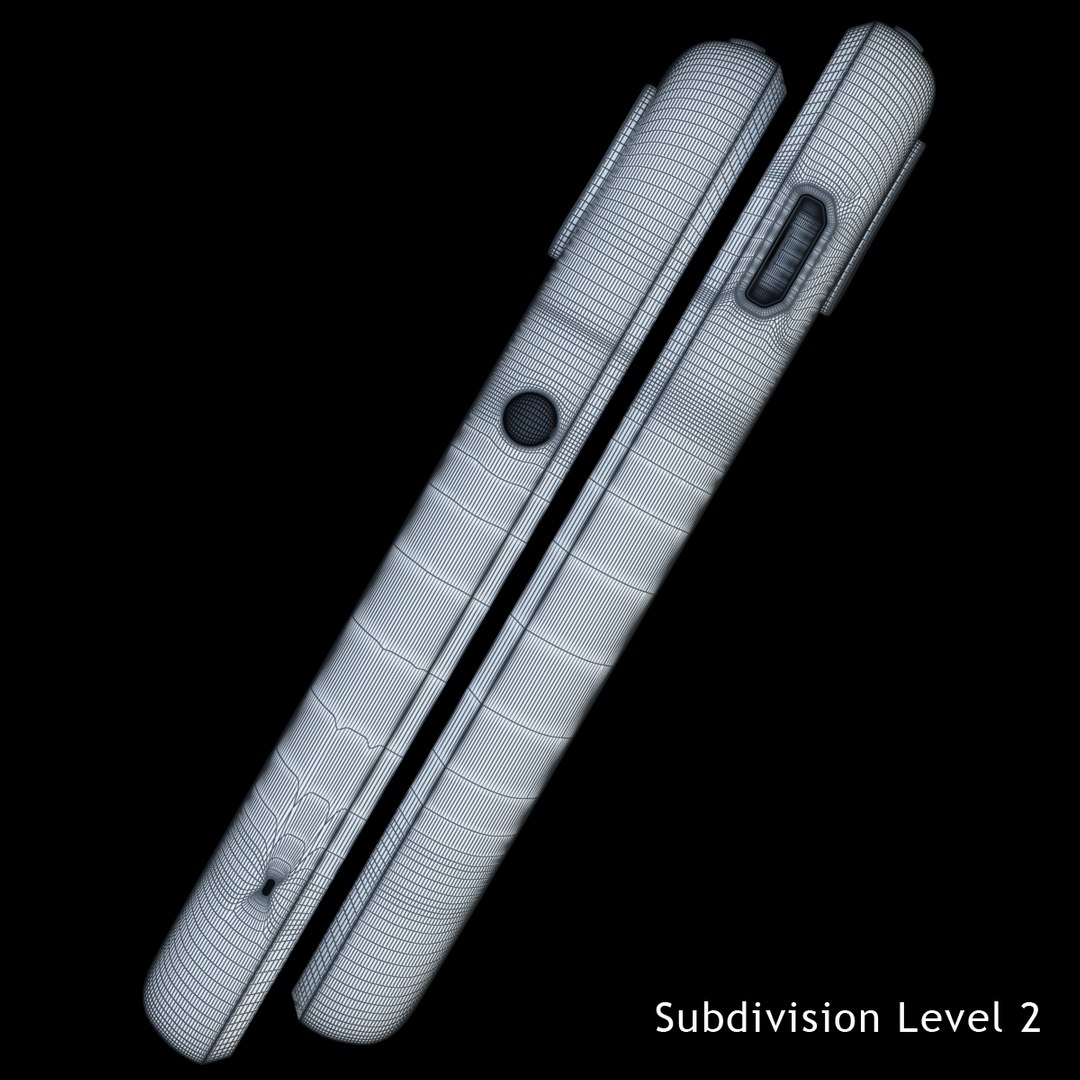
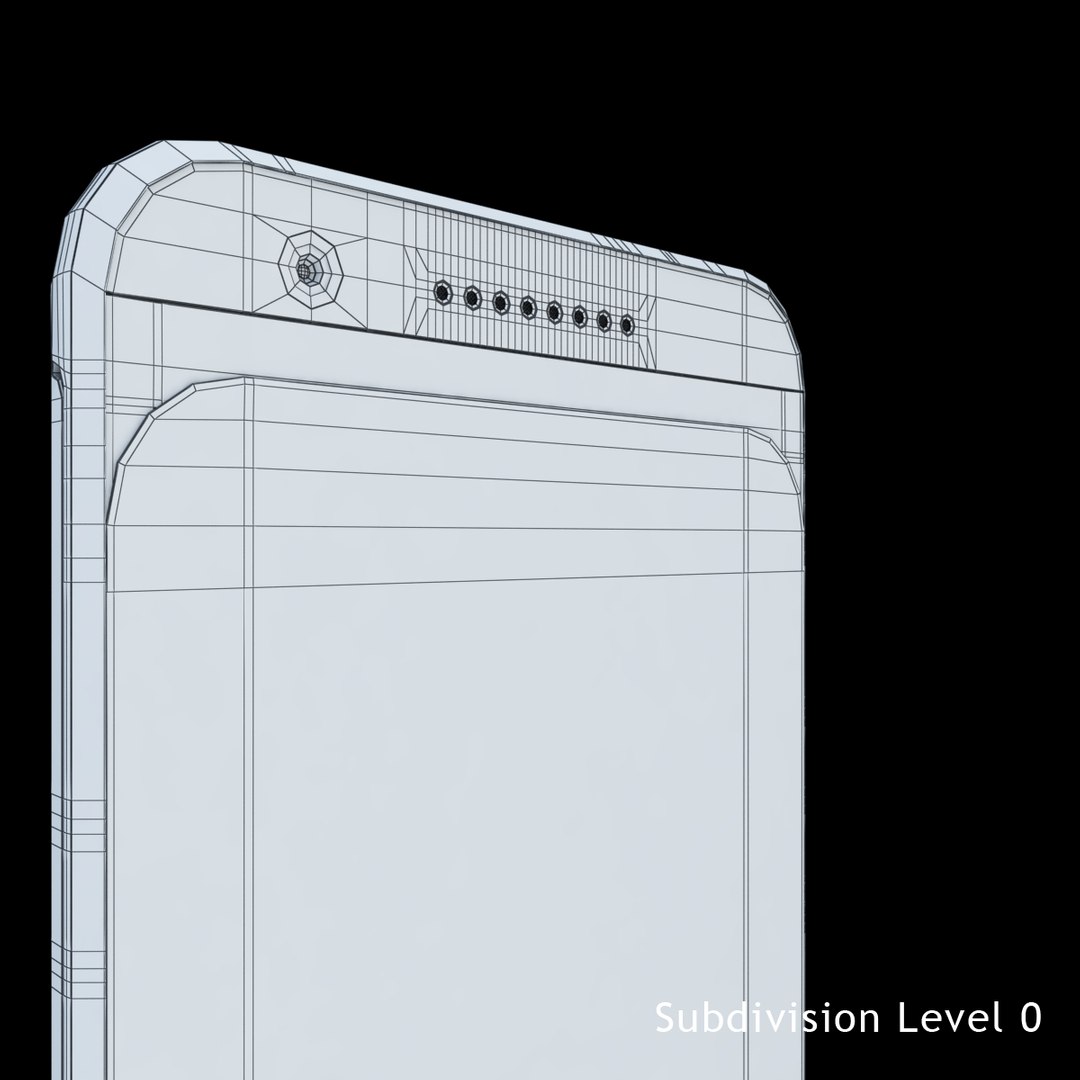
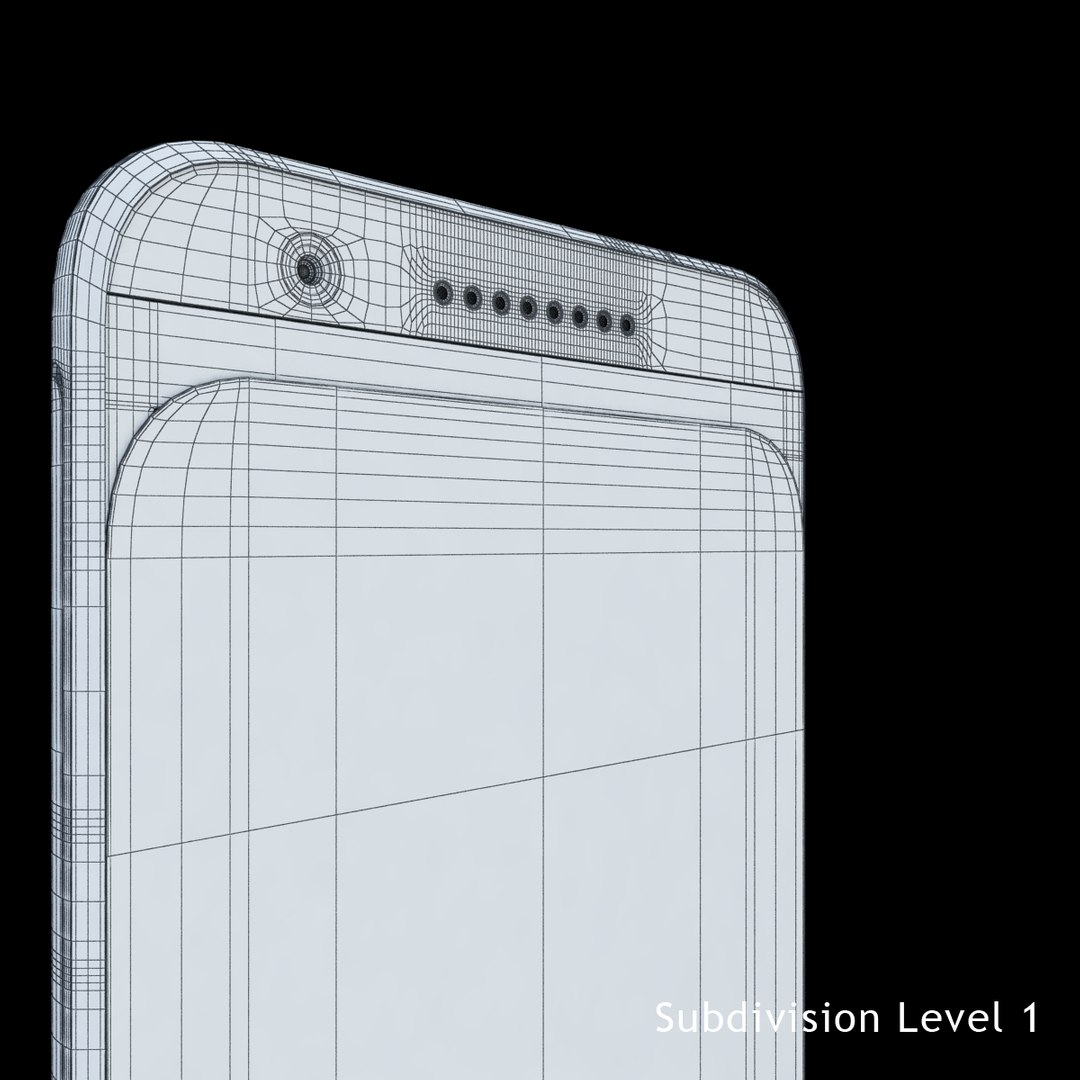
With TurboSmooth OFF= 22558
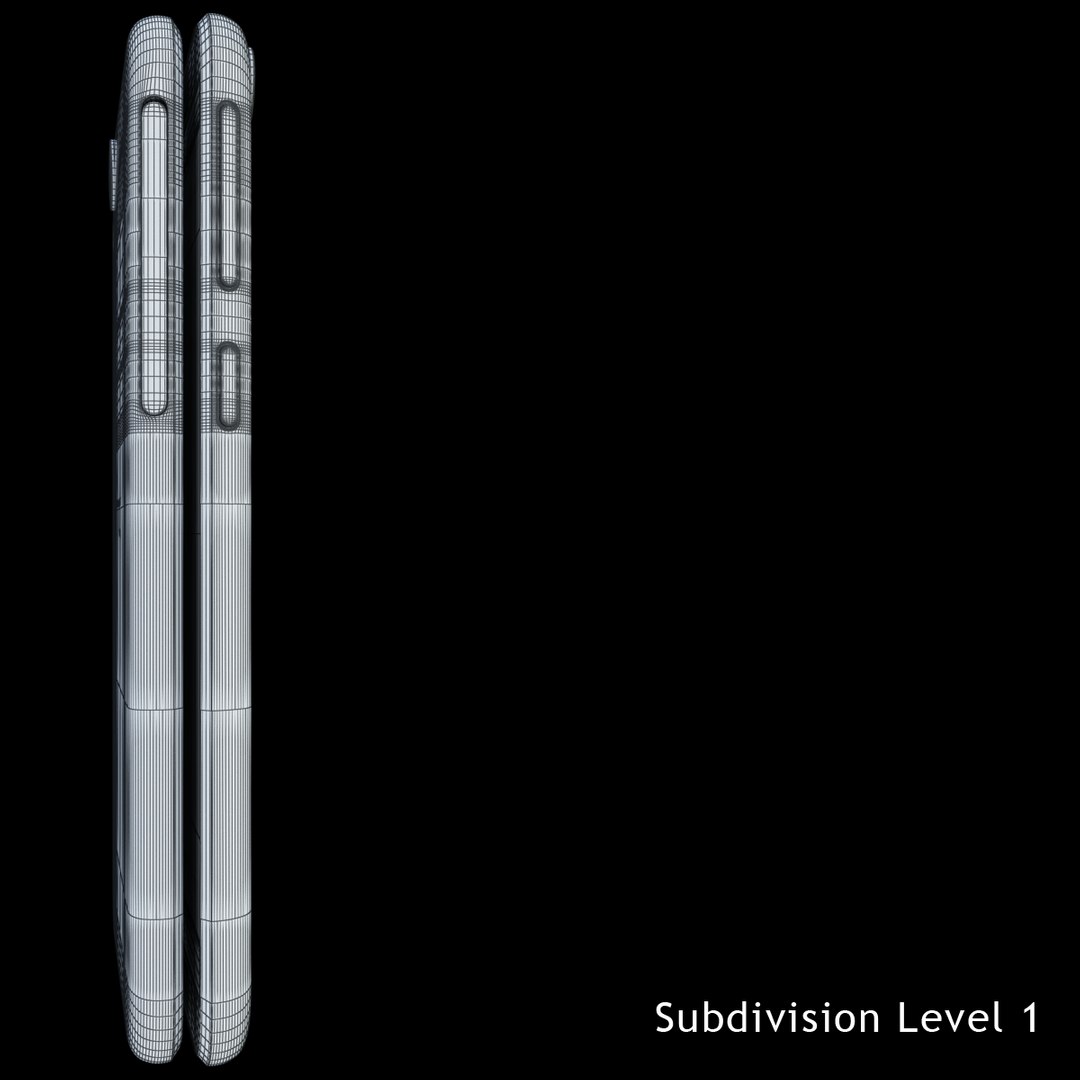
With TurboSmooth ON = 179204 (Iterations=1)
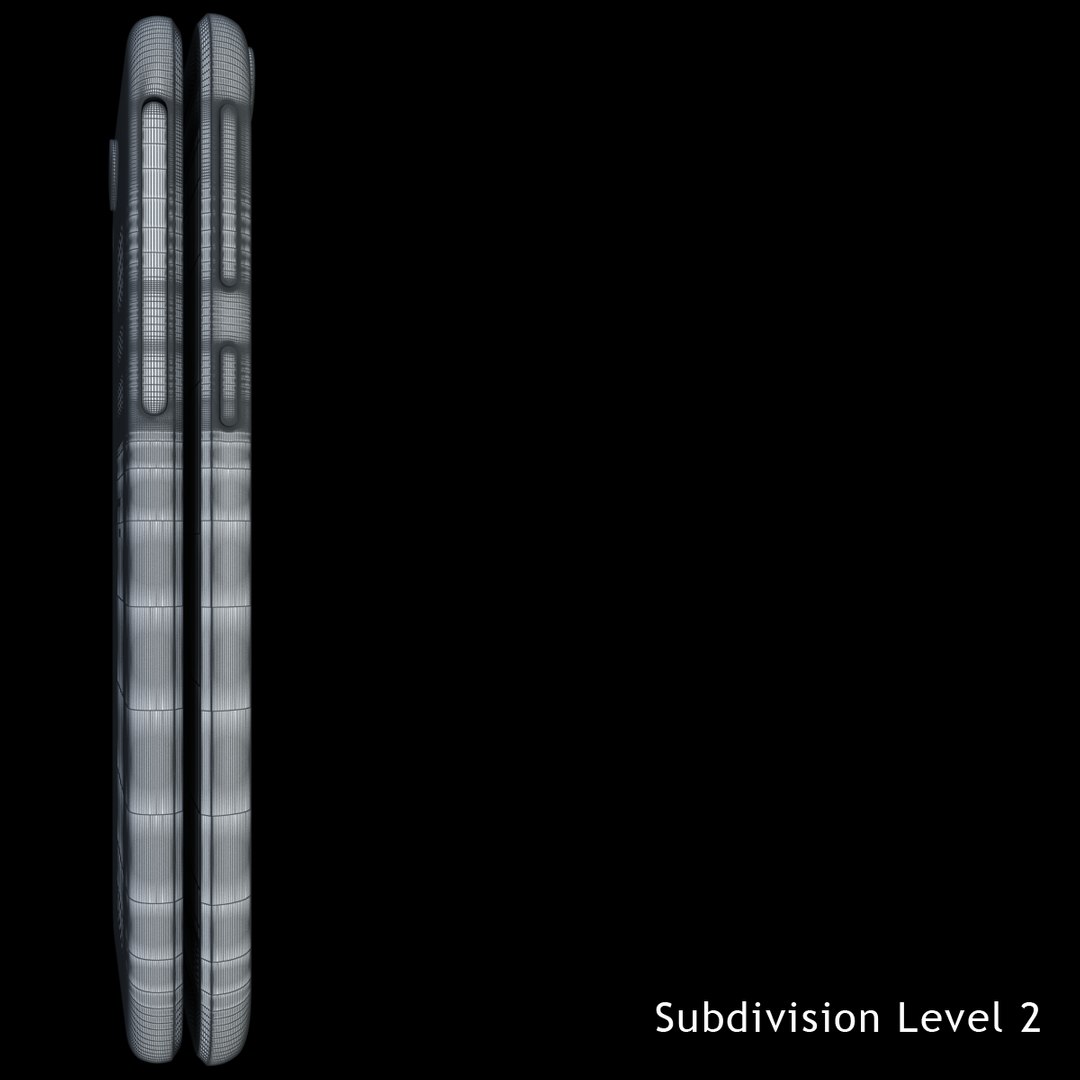
With TurboSmooth ON = 716816 (Iterations=2)

1: All textures and hdri are included in zip file.
2: Model is placed to 0, 0, 0 scene coordinates.
3: Model is group.
4: No overlap faces.
5: No overlap vertices.
6:All objects are at 100% scale at object level.
7:All textures are stripped.
8: Clean topology.
9: Material and textures names are correspond to their original names.
10: The model is perfectly UV mapped.
11: Customer can easily change texture and material.
12: The product is ready for use in other 3d software.
13: Model built to real- world scale. (inches)
14: All objects are in one layer having easy name for selection.

textures format: JPEG

texture size:

Menu: 720x1280

Hdri: 6000x3000

Model is ready out of box no Photoshop and compositing used and perfect for CheckMate pro there are other models just click on my username for gallery thanks.

Select Enhanced License

  • $10,000 in Legal Protection (Indemnification)
  • Uncapped Legal Protection (Indemnification)
  • Waiver from injunctive relief
  • Assignable model rights
  • $1,000,000 in Legal Protection (Indemnification)
  • Waiver from injunctive relief
  • Assignable model rights
  • $250,000 in Legal Protection (Indemnification)
  • Assignable model rights
Read more about enhanced license tiers, or contact us at enterprise@turbosquid.com. Already a Shutterstock Enterprise Customer? Contact your Shutterstock Sales Support Agent to talk about adding 3D.

About Conversion Requests

To submit a conversion request for a purchased asset, please complete our Conversion Request Form.

If you have not yet purchased a model, please review our Documentation about Conversions to learn about what limitations you may encounter with a conversion.

For any additional questions about a model’s suitability for conversion, please contact TurboSquid Support.

Loading...