
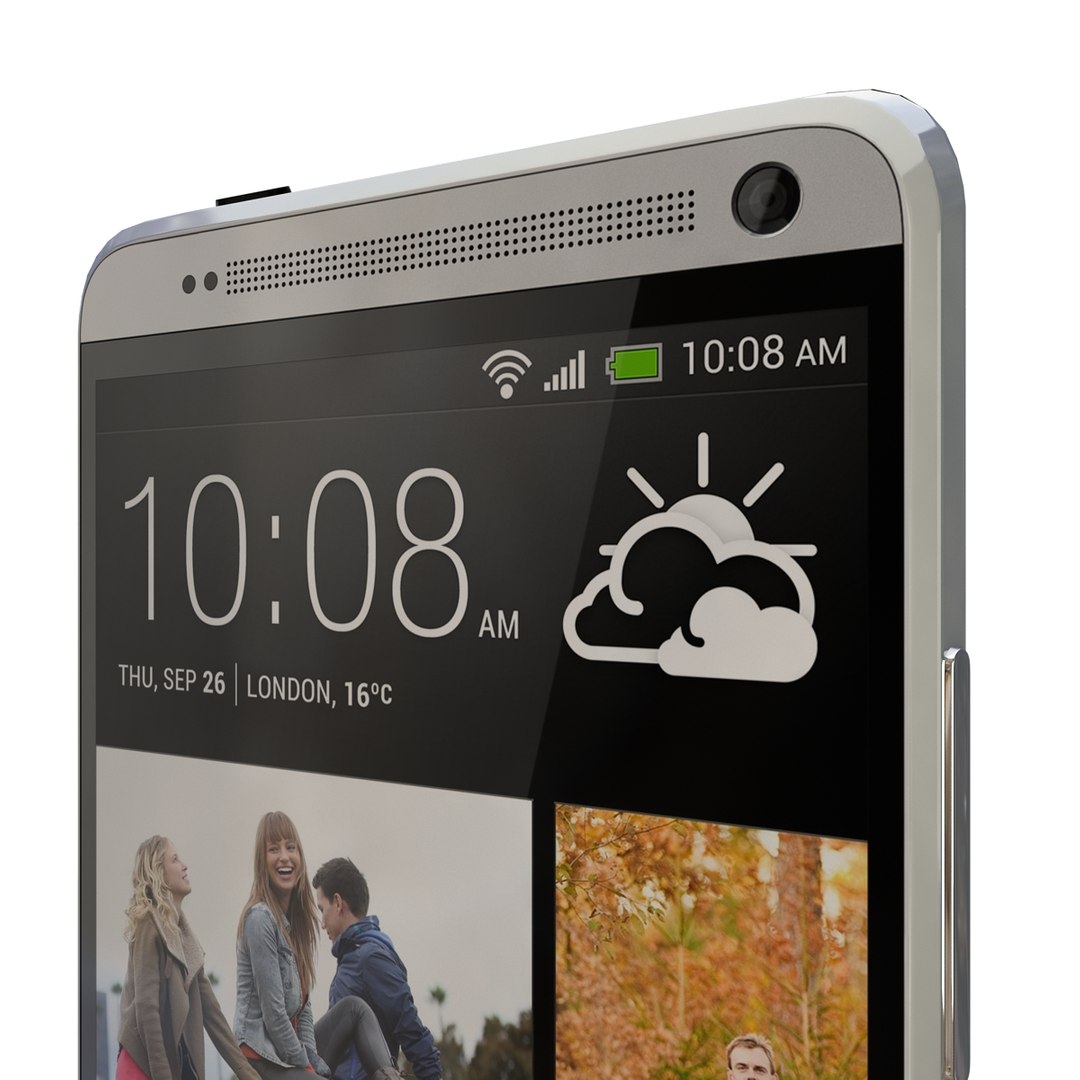
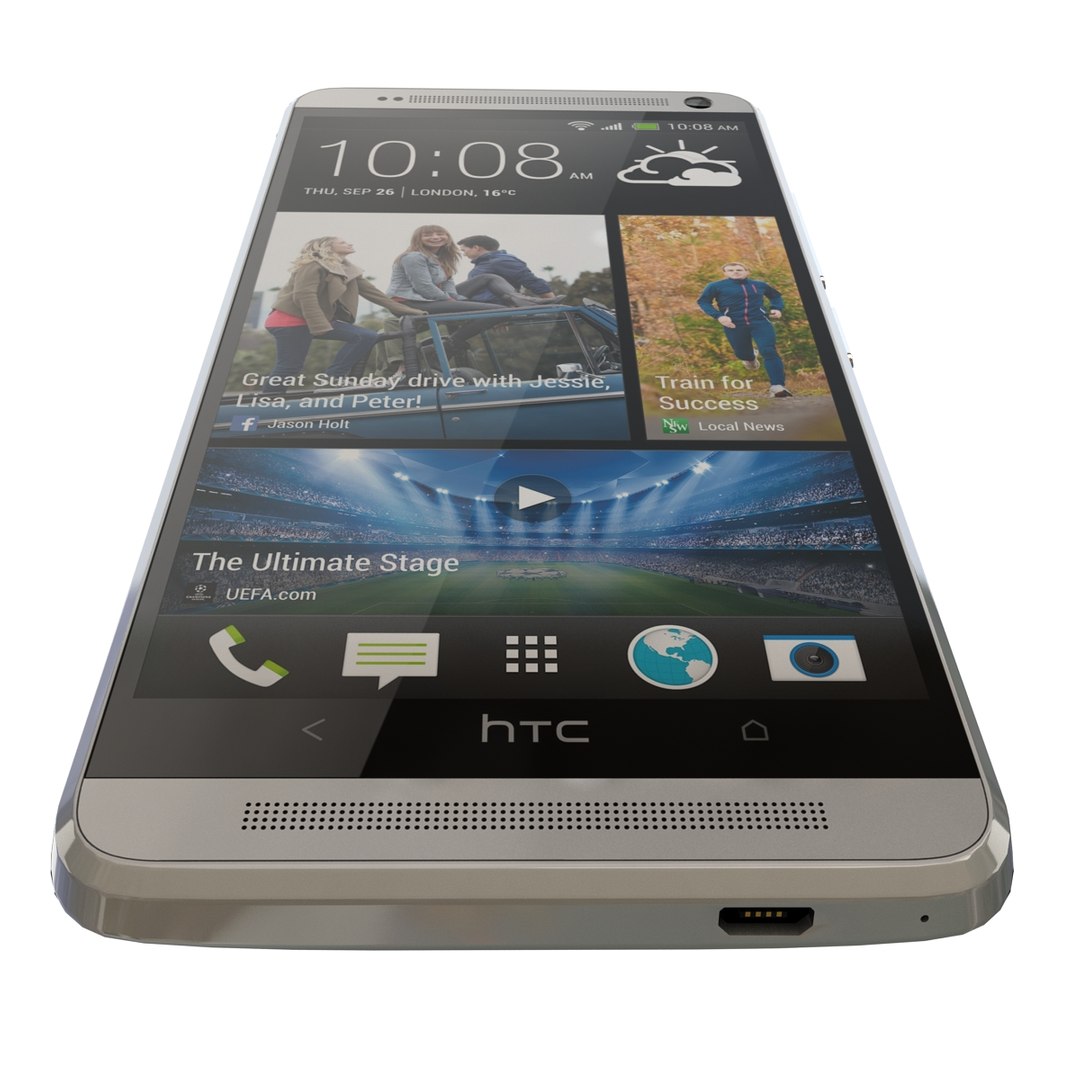
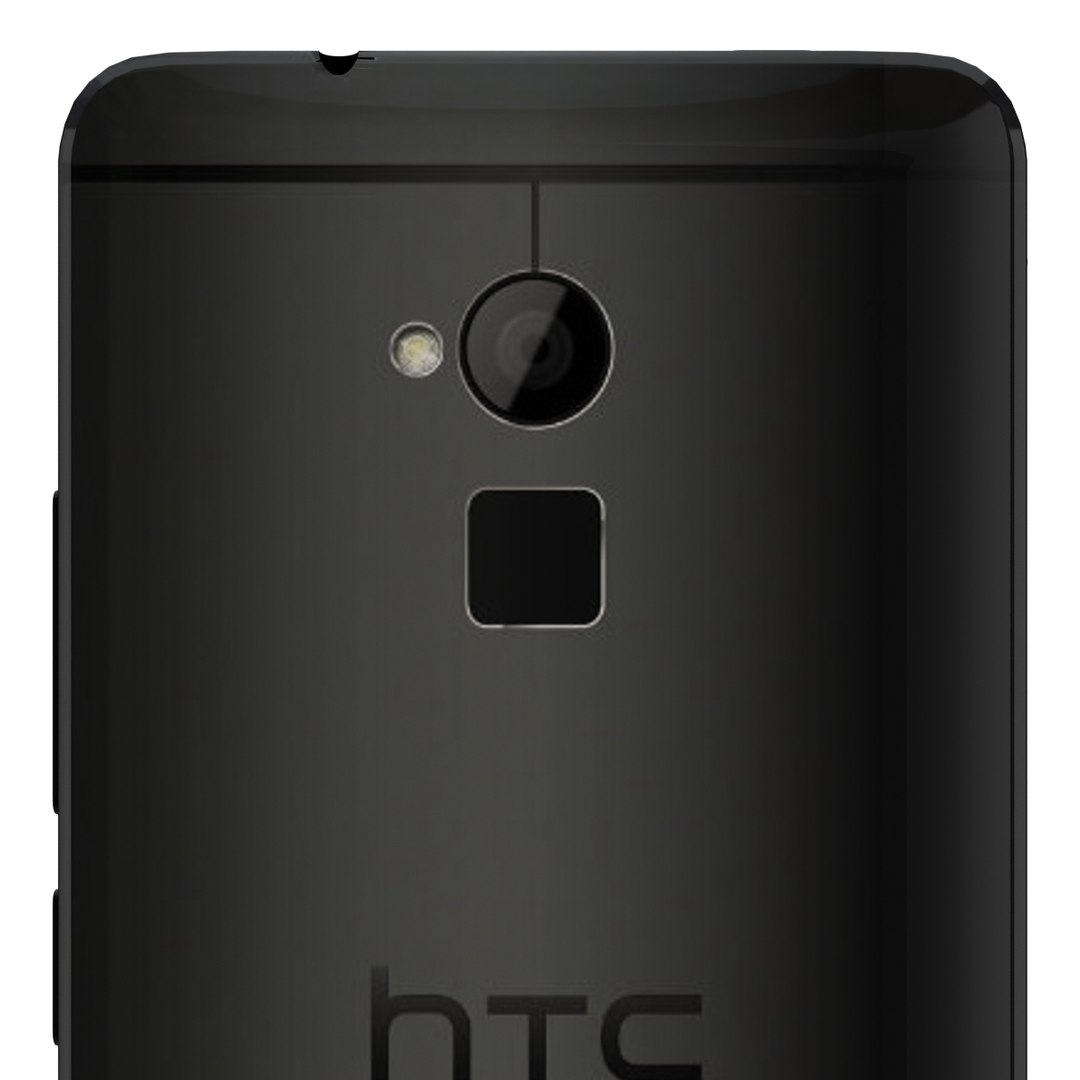
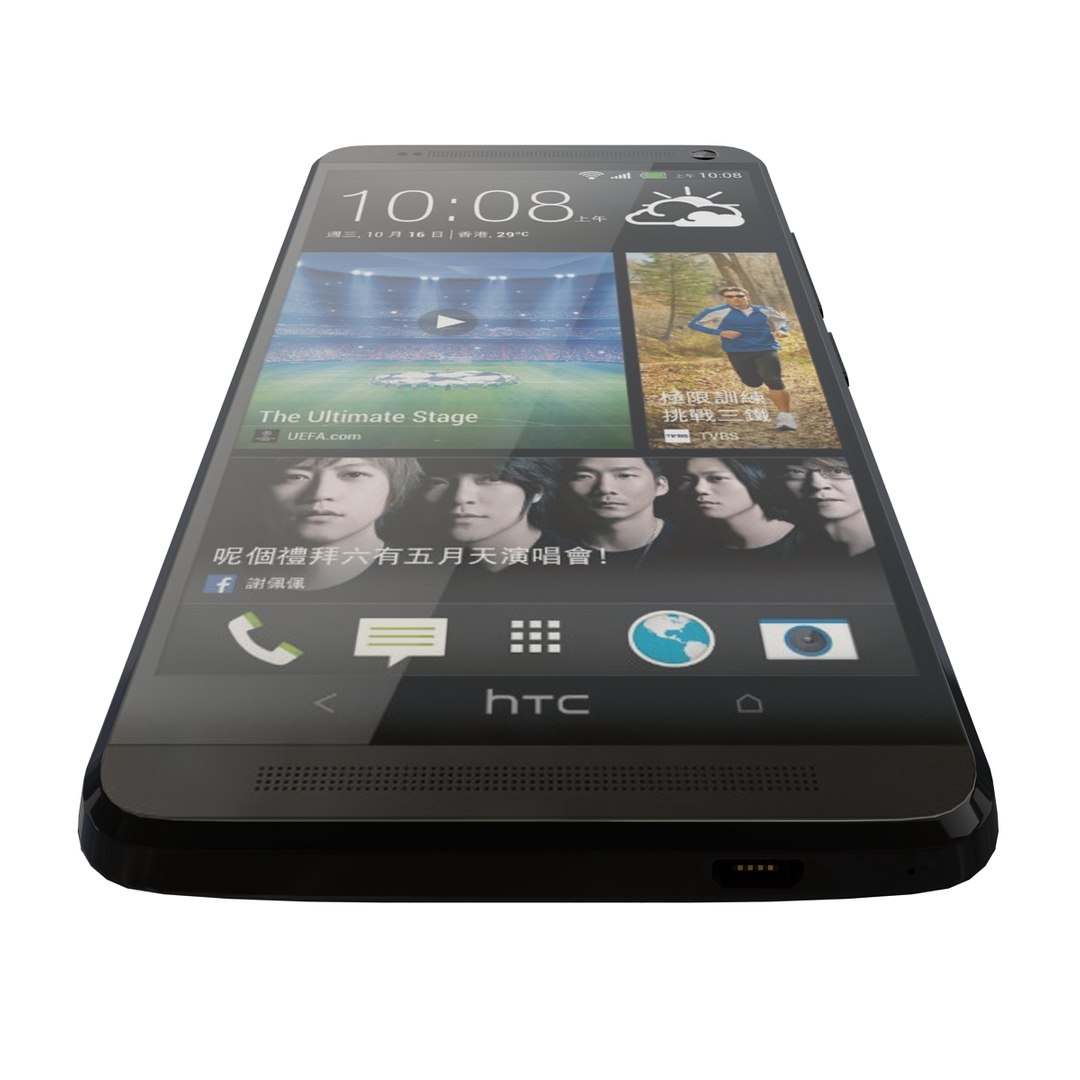
HTC One Max all color

$60

Standard License | Upgrade License
Editorial Uses Only
Formats (16)
Free file format Conversions available
Native | 3ds Max 2010 | V-Ray 2.0
3ds Max 2013 | V-Ray 2.0
3ds Max 2012 | V-Ray 2.0
3ds Max 2011 | V-Ray 2.0
VRML
OBJ
FBX
DXF
AutoCAD drawing
3D Studio
glTF
3ds Max
USDz
Specifications
Publish Date December 22, 2013
Product ID 789154
Polygons 8,334
Vertices 9,016
Polygonal
Textures
Materials
UV Mapped
PBR
member avatar
Scorpion Studio
1512 Products | Contributor Since 2013
Have questions? Chat with us now.

Description

High Quality Model OF HTC One Max all color
- The materials are available in the Max file format with V-Ray, and Standard (Scanline) materials. All other file formats are mesh only and will require material reapplication.

- High quality textures, perfect for extreme close-ups and high resolution renders.

- The preview images were rendered on 3ds Max 2013 with V-Ray 2.0.

- Native format is 3ds Max 2009.

- You can make the poly count higher by the MeshSmooth and TurboSmooth level As you Wish.

- Includes V-Ray materials and textures only in 3ds Max format.

- A file without V-Ray shader is included with standard materials.

- The .3ds and .obj formats are geometry with texture mapping coordinates. No materials attached.

- Textures format JPEG.

- Original file format (3DS Max 2009)

- Big size textures included.

- 3ds Max files included Standard materials and V-Ray materials.

- Hi-poly model with MeshSmooth and TurboSmooth modifier.

- NOTE: V-Ray is required for the V-Ray 3ds Max scene and Studio setup is included.

- Thanks for visiting i hope will like my other Products Just Click on Star 3D

Select Enhanced License

  • $10,000 in Legal Protection (Indemnification)
  • Uncapped Legal Protection (Indemnification)
  • Waiver from injunctive relief
  • Assignable model rights
  • $1,000,000 in Legal Protection (Indemnification)
  • Waiver from injunctive relief
  • Assignable model rights
  • $250,000 in Legal Protection (Indemnification)
  • Assignable model rights
Read more about enhanced license tiers, or contact us at enterprise@turbosquid.com. Already a Shutterstock Enterprise Customer? Contact your Shutterstock Sales Support Agent to talk about adding 3D.

About Conversion Requests

To submit a conversion request for a purchased asset, please complete our Conversion Request Form.

If you have not yet purchased a model, please review our Documentation about Conversions to learn about what limitations you may encounter with a conversion.

For any additional questions about a model’s suitability for conversion, please contact TurboSquid Support.

Loading...