
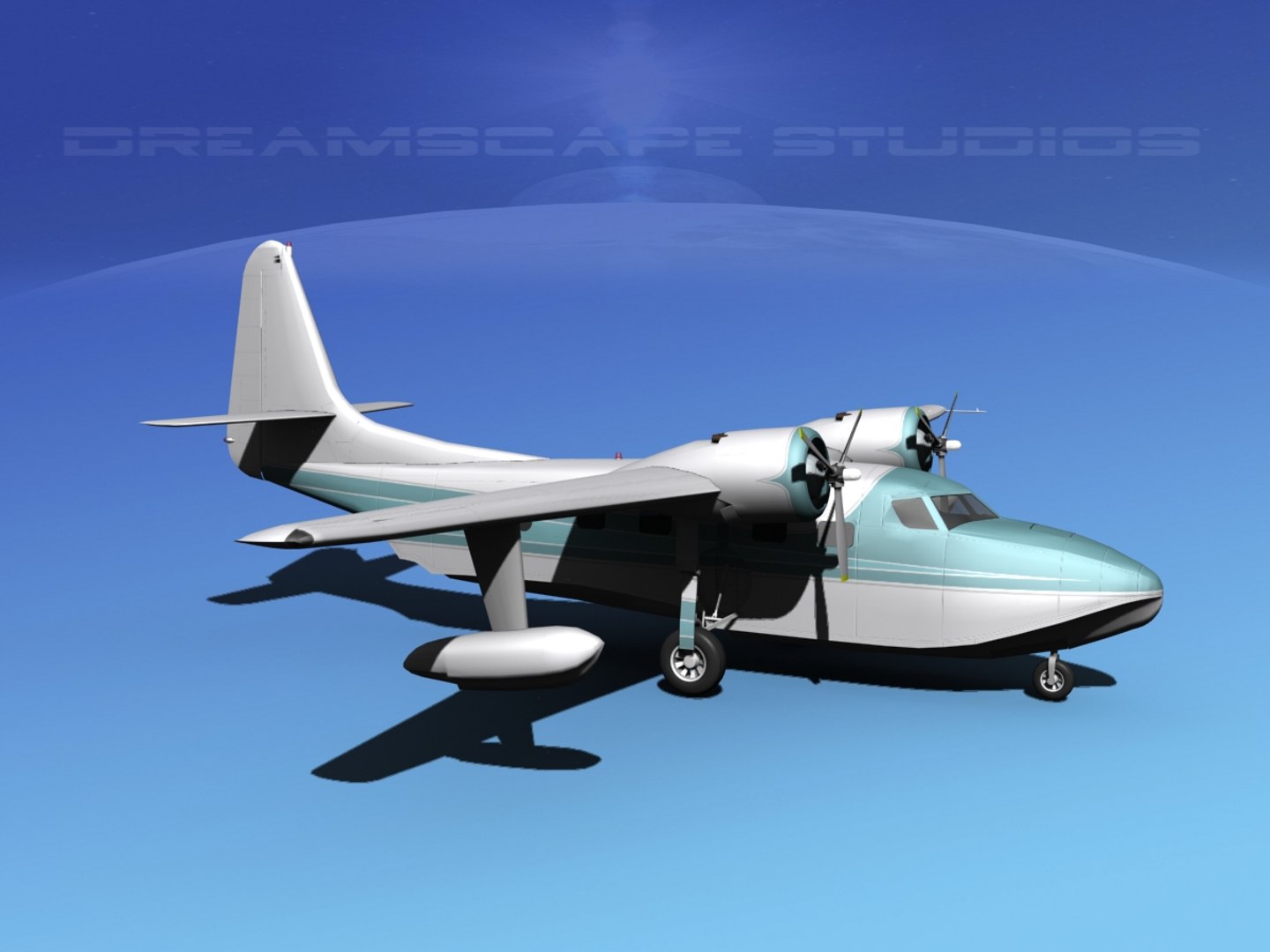
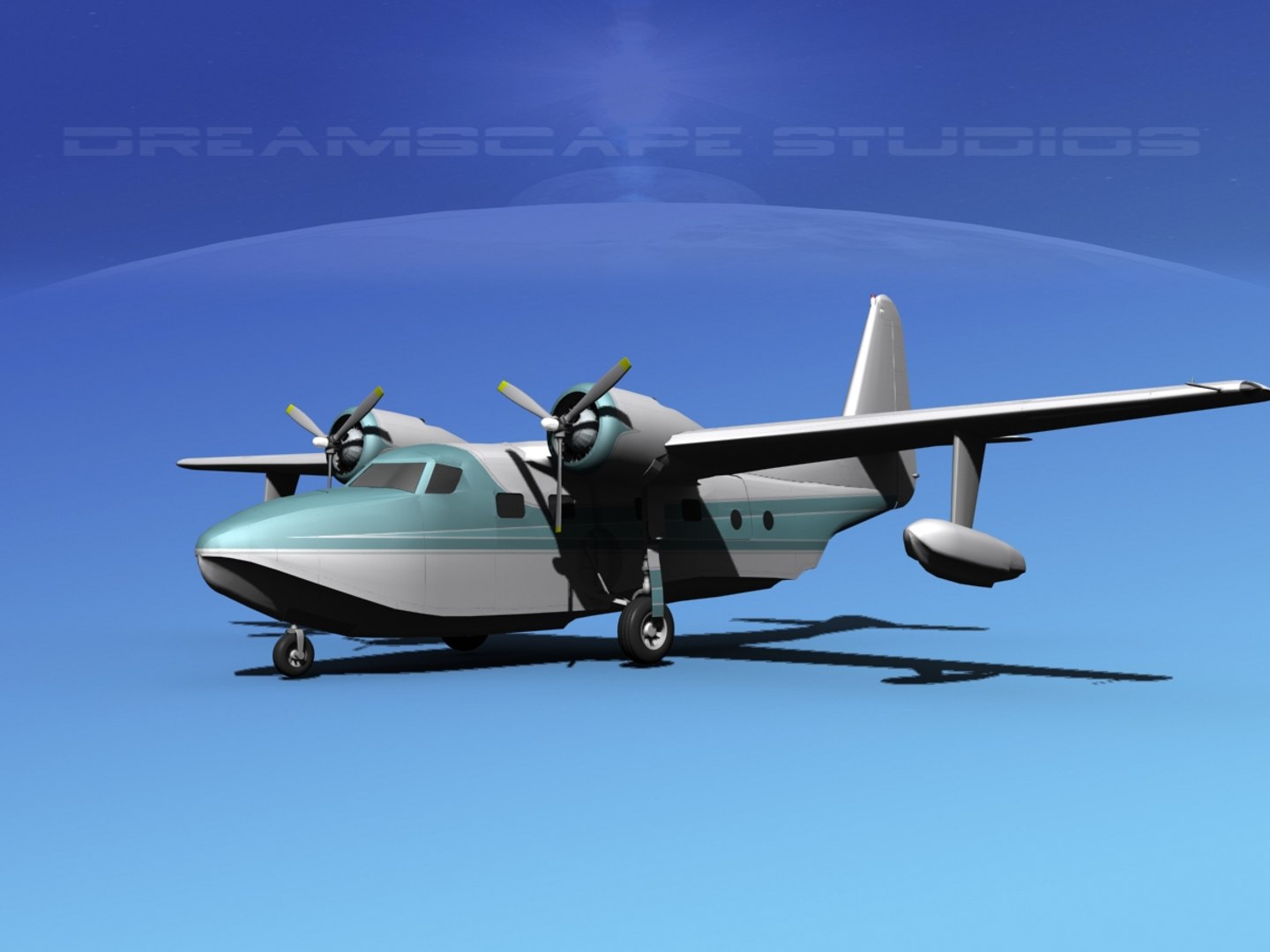
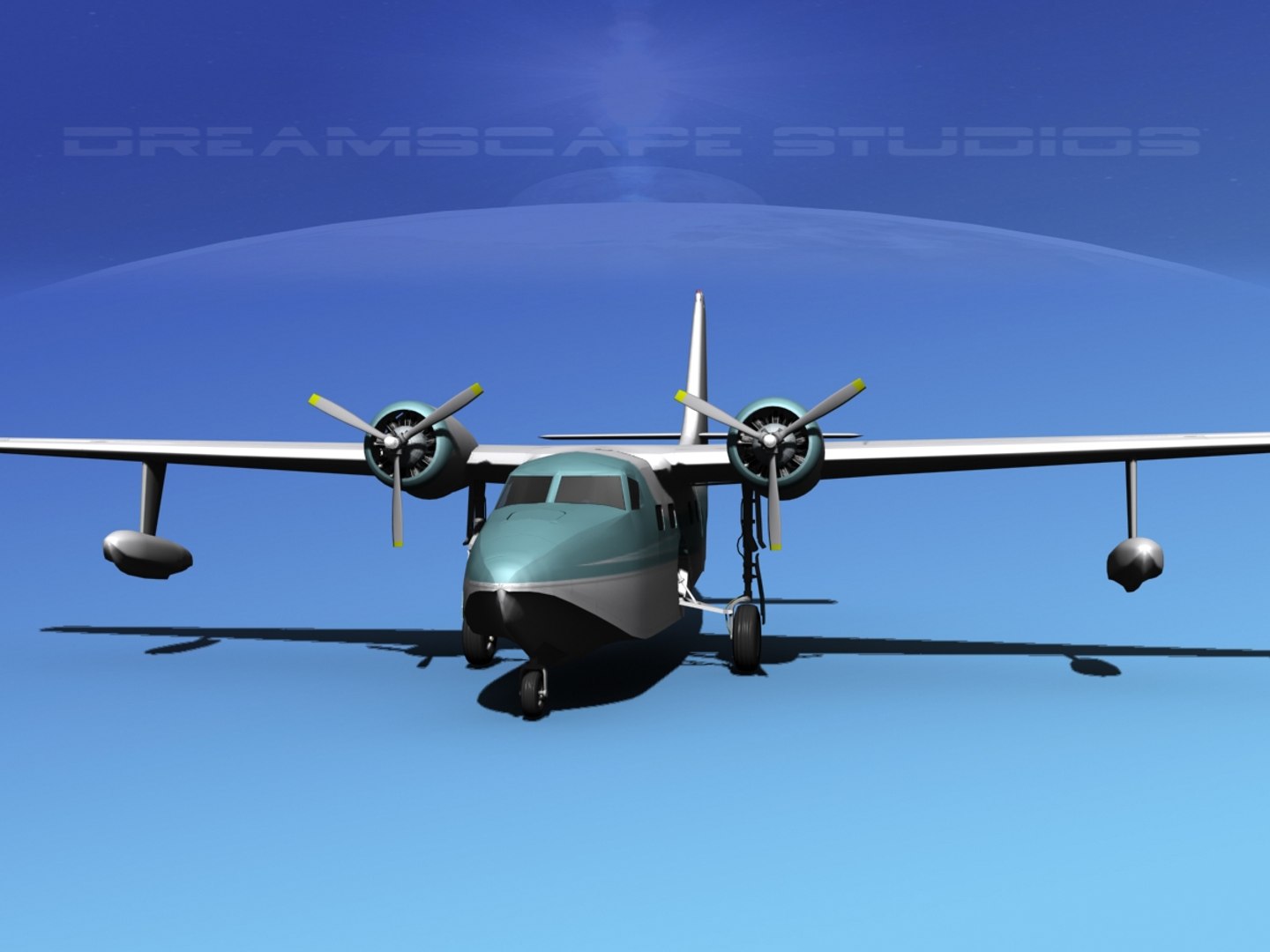
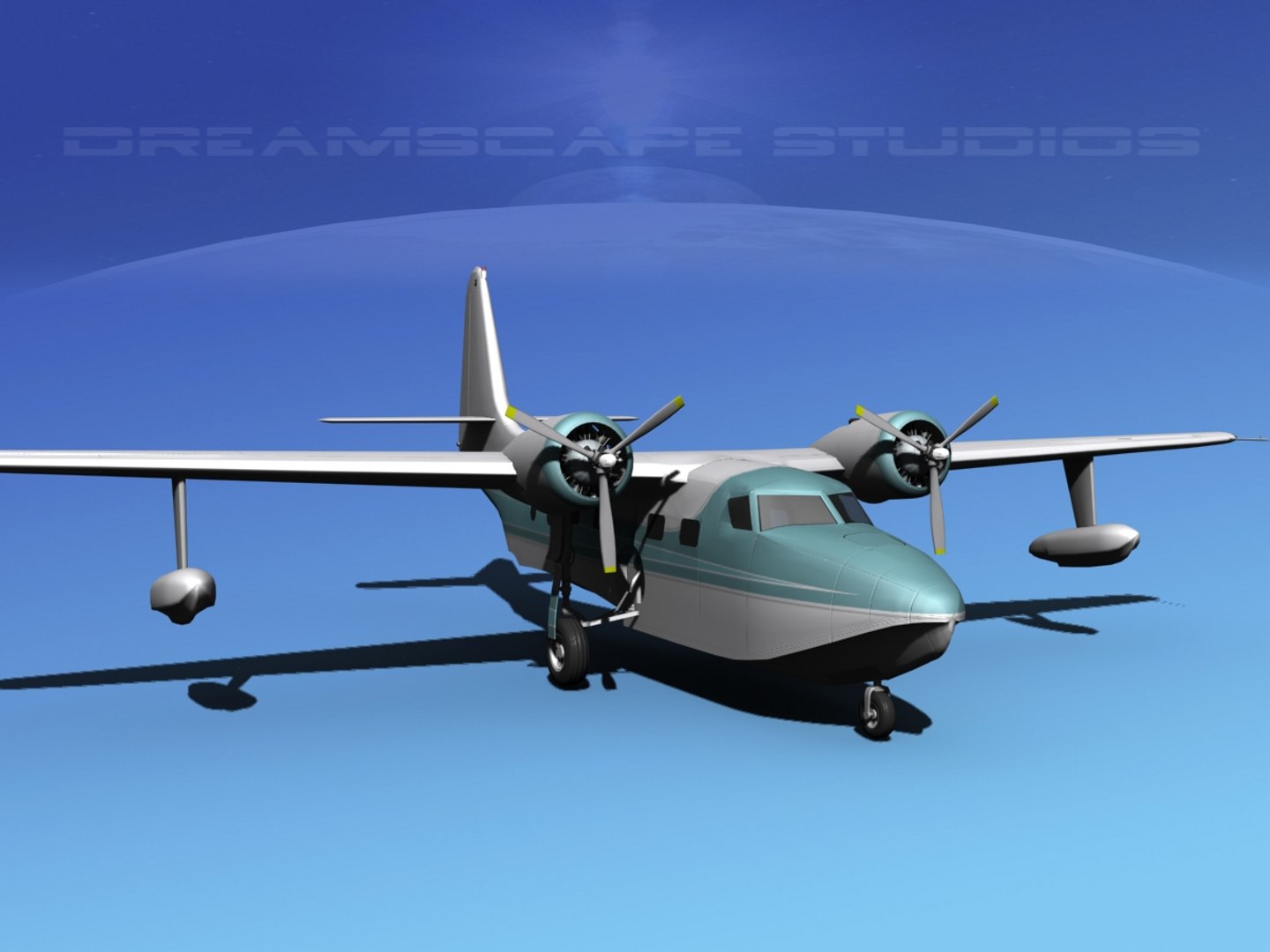
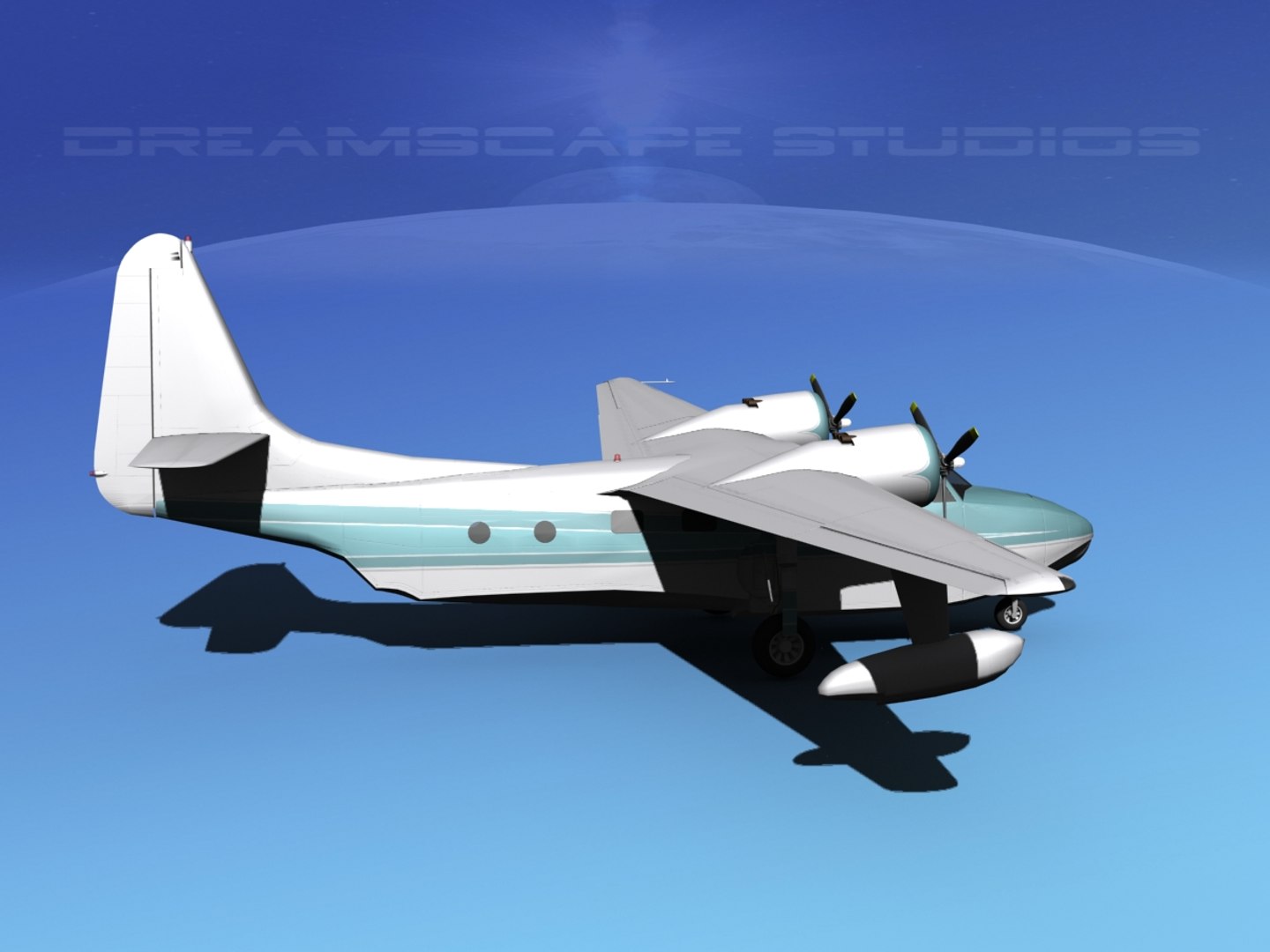
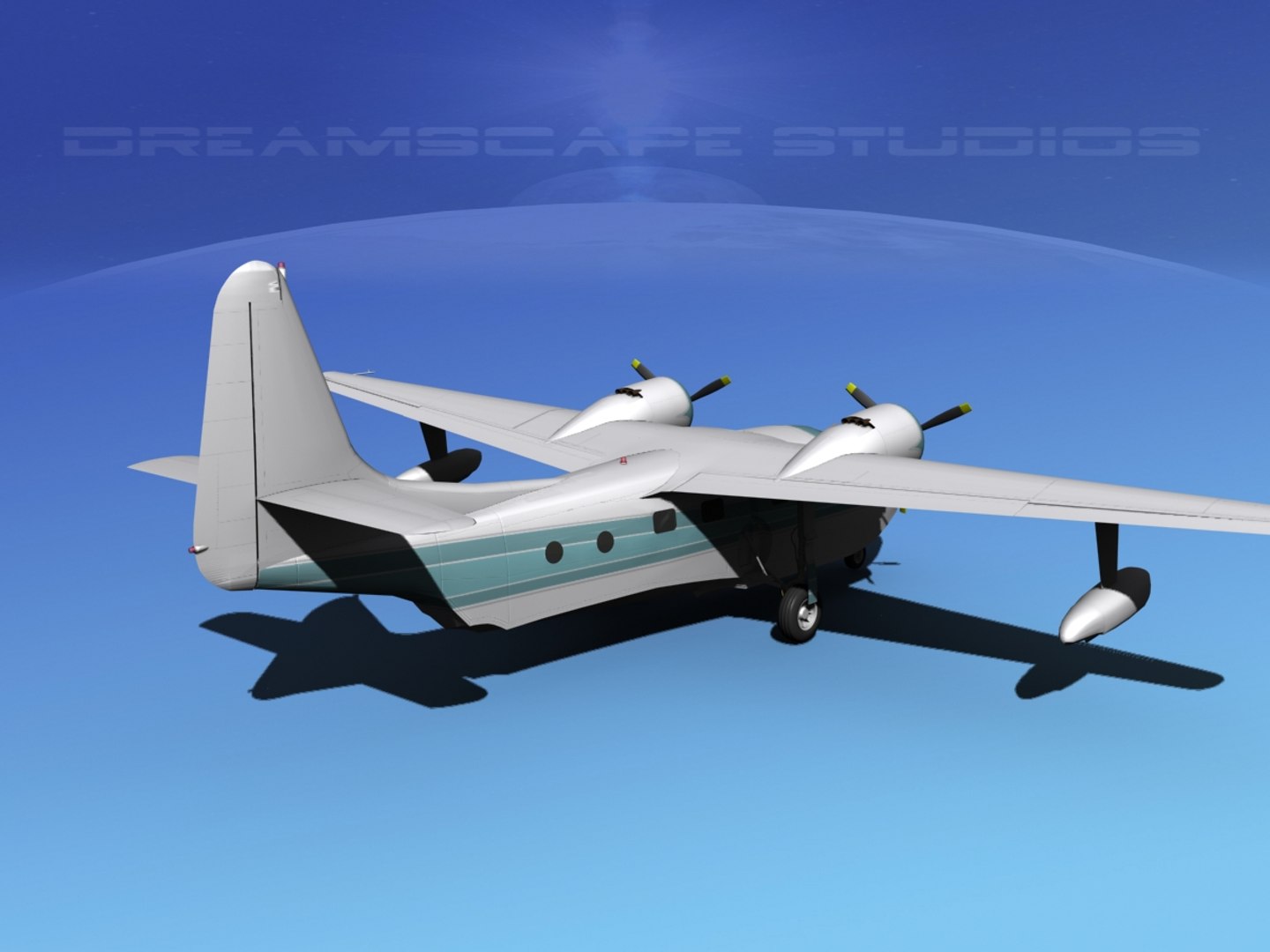
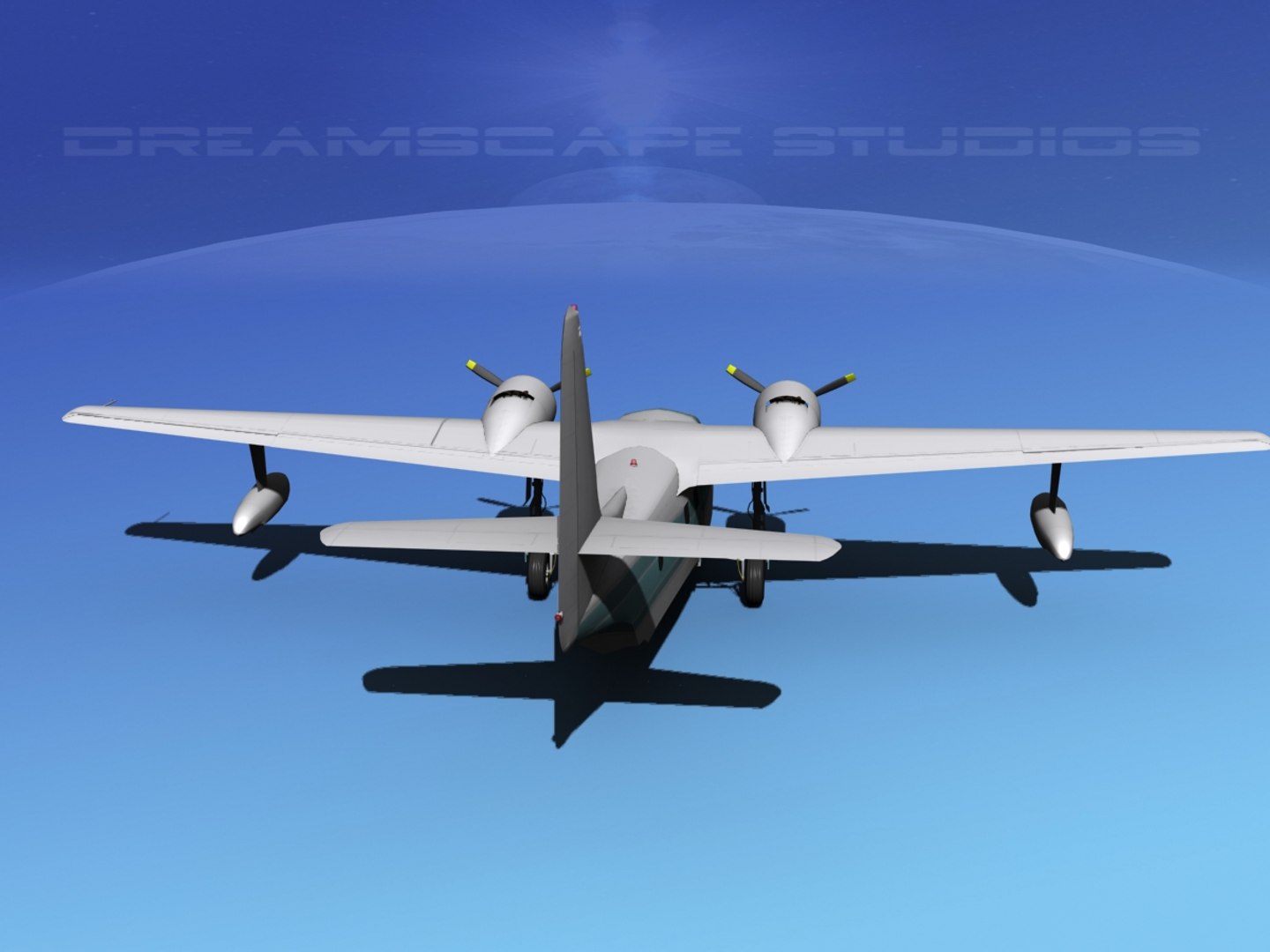
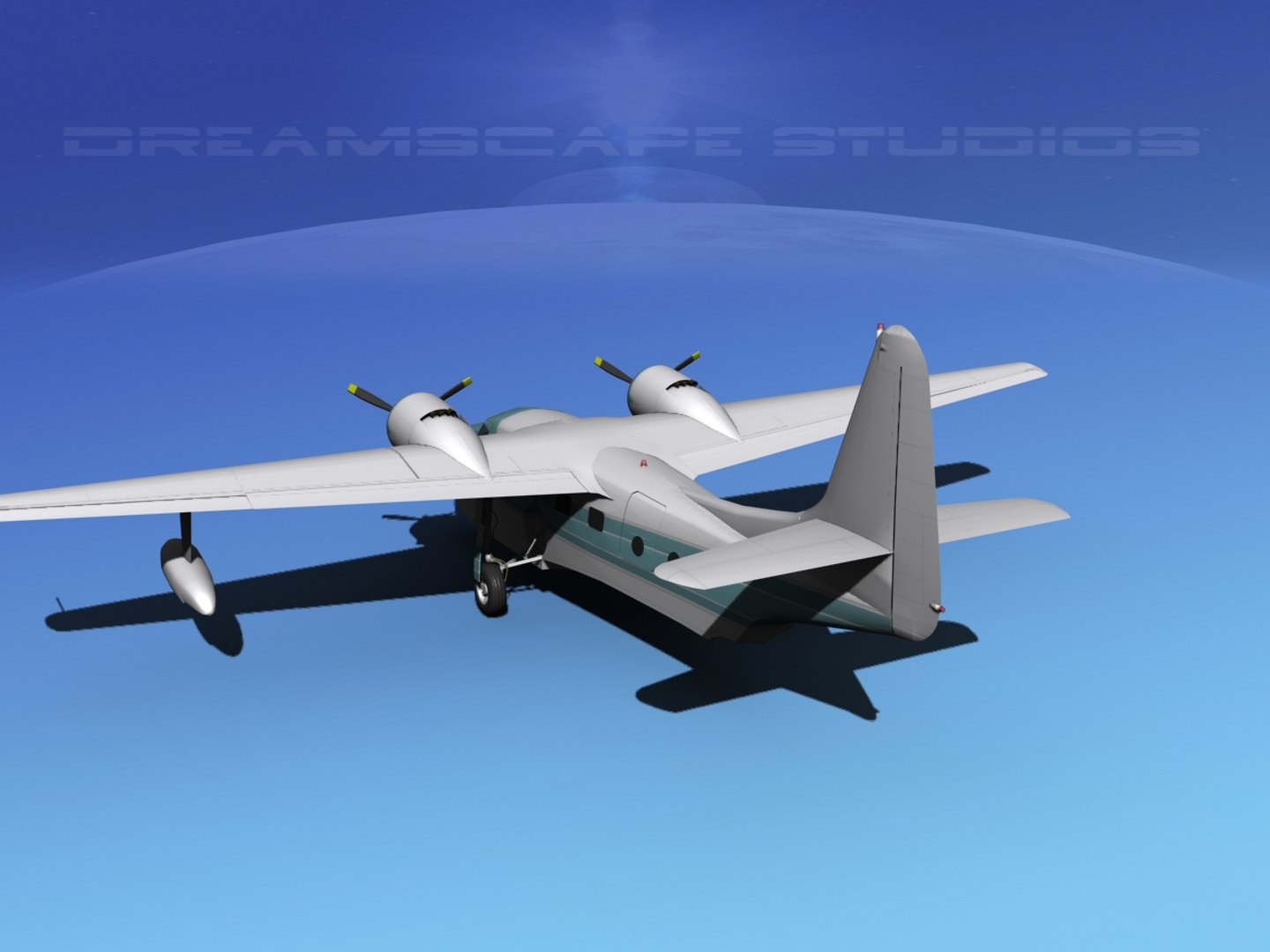
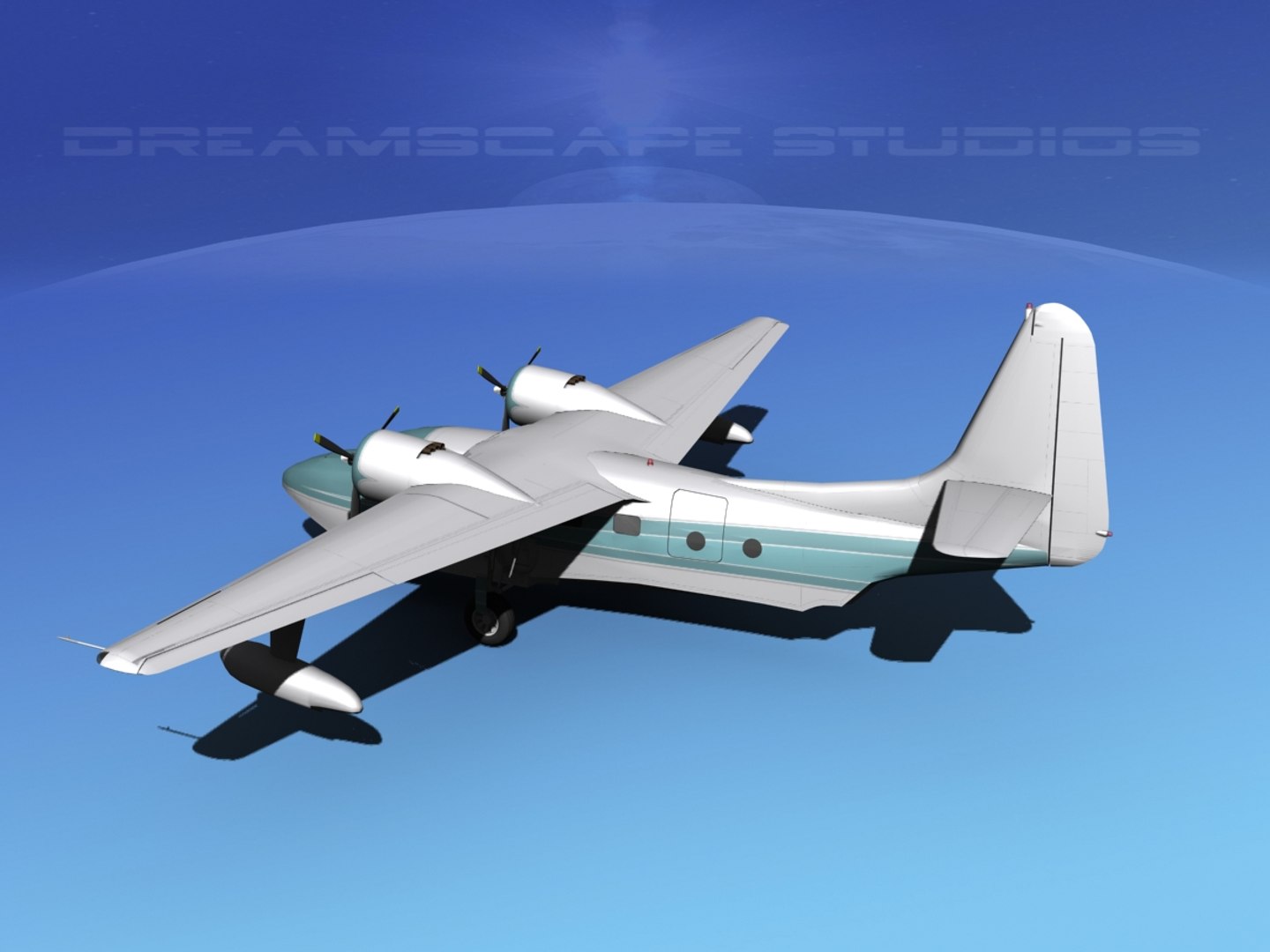
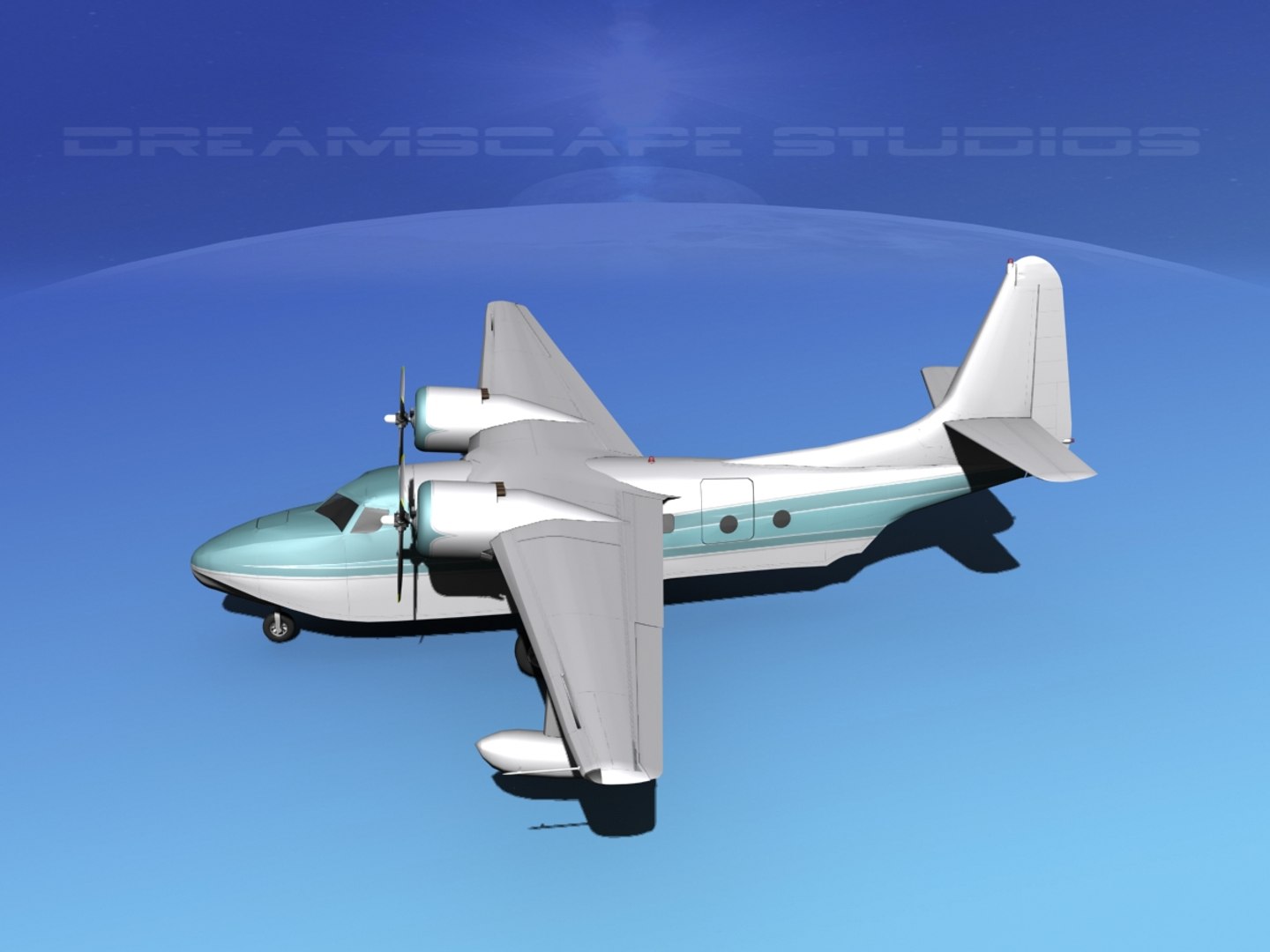
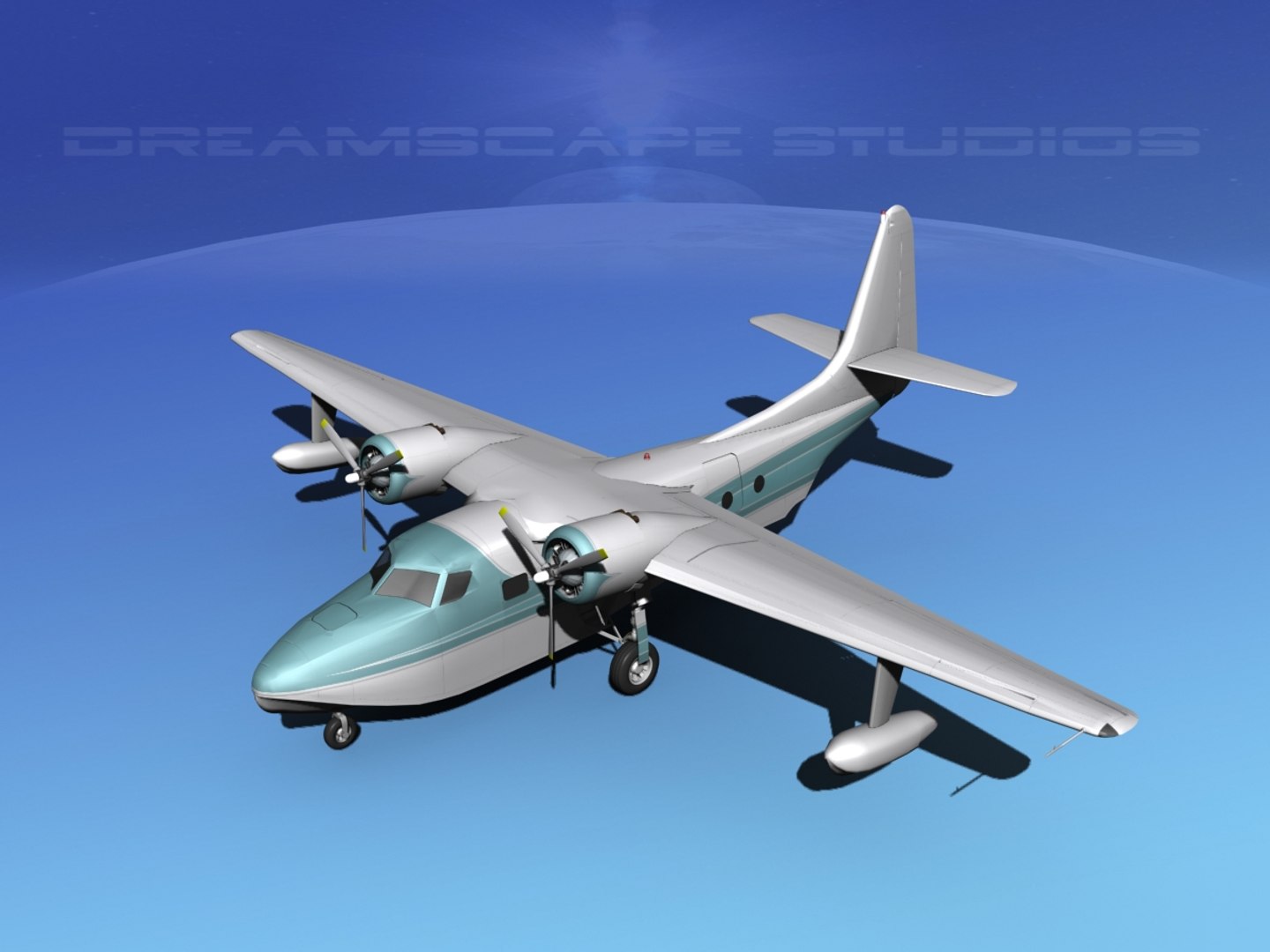
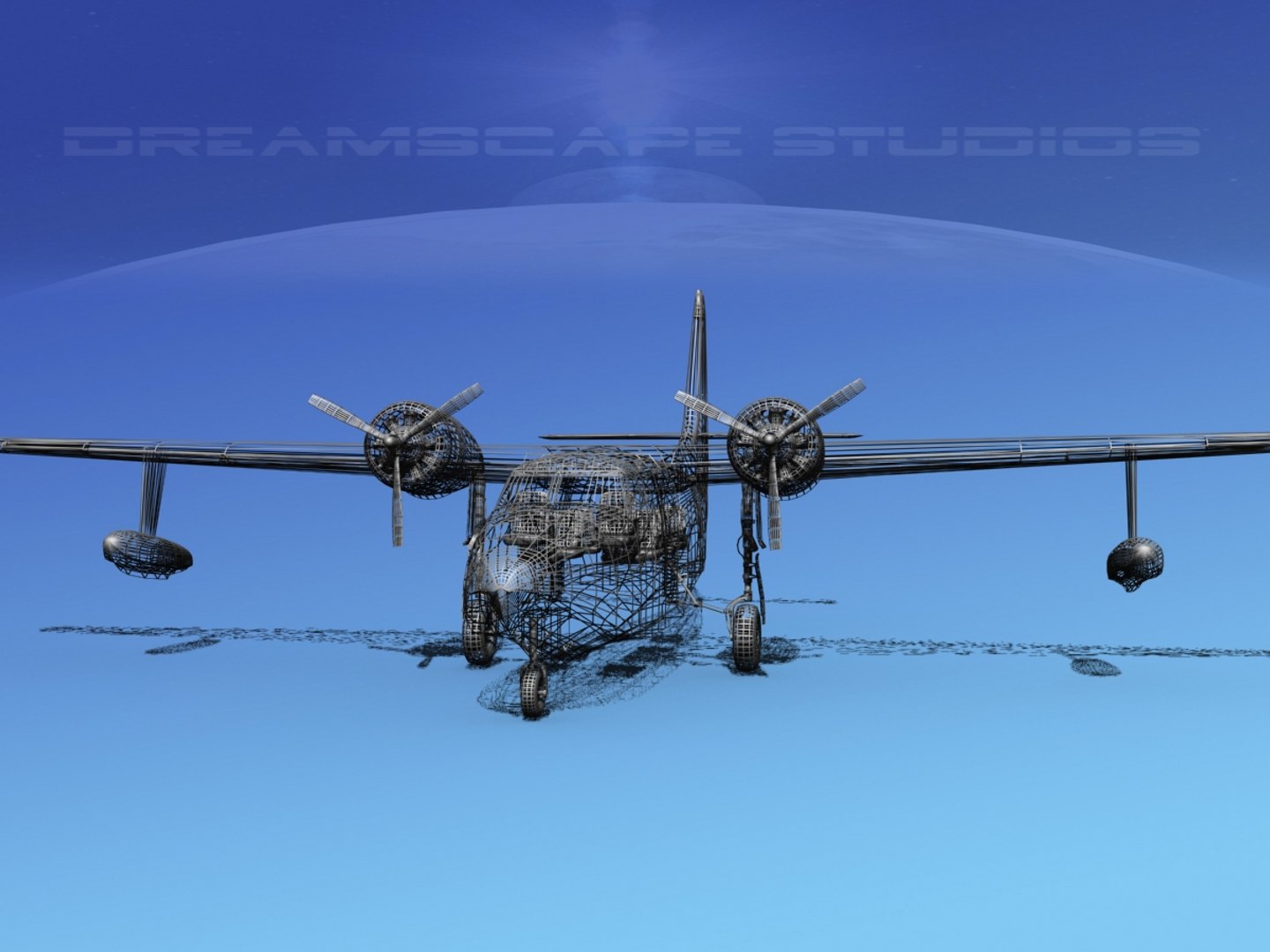
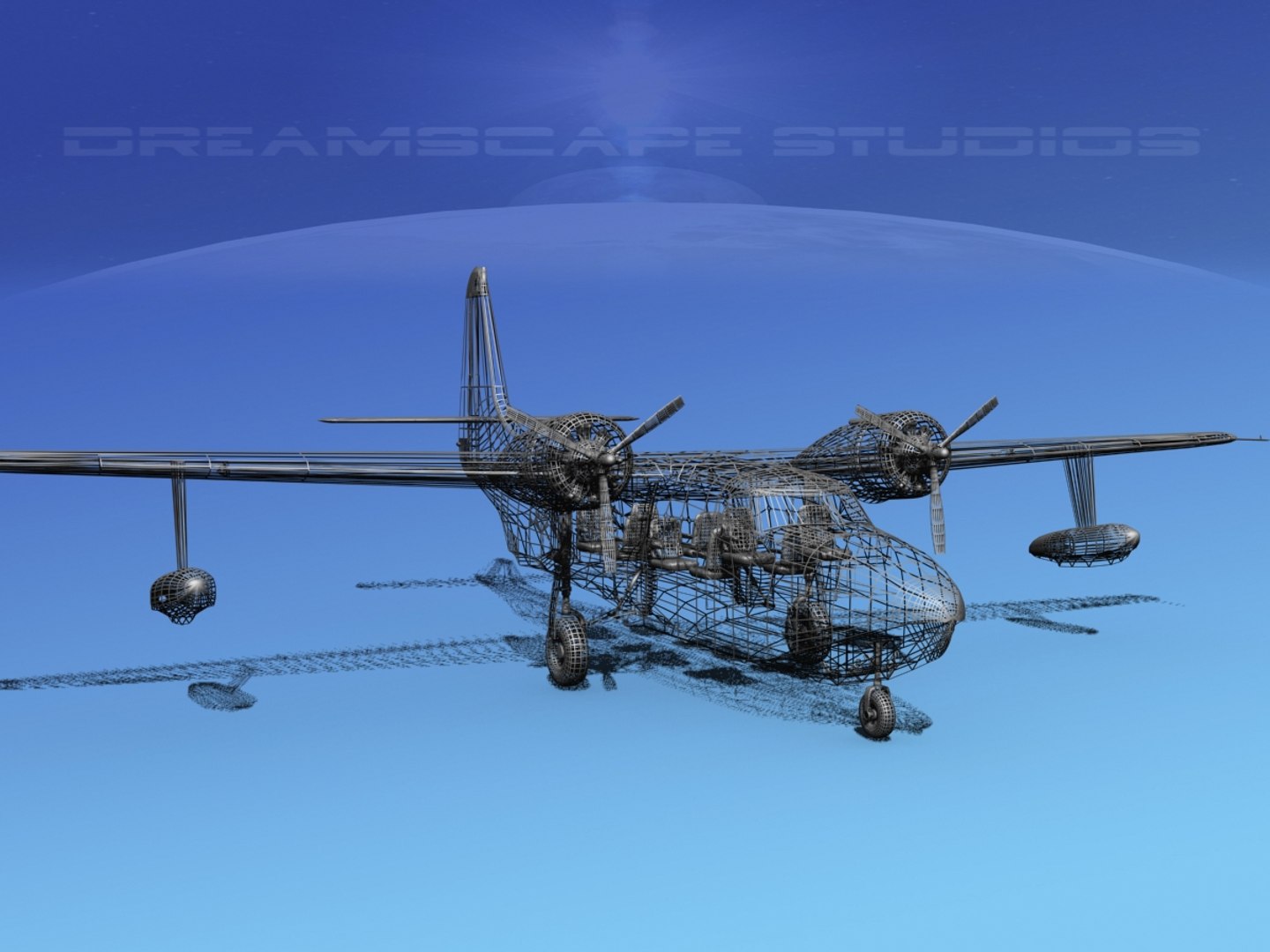
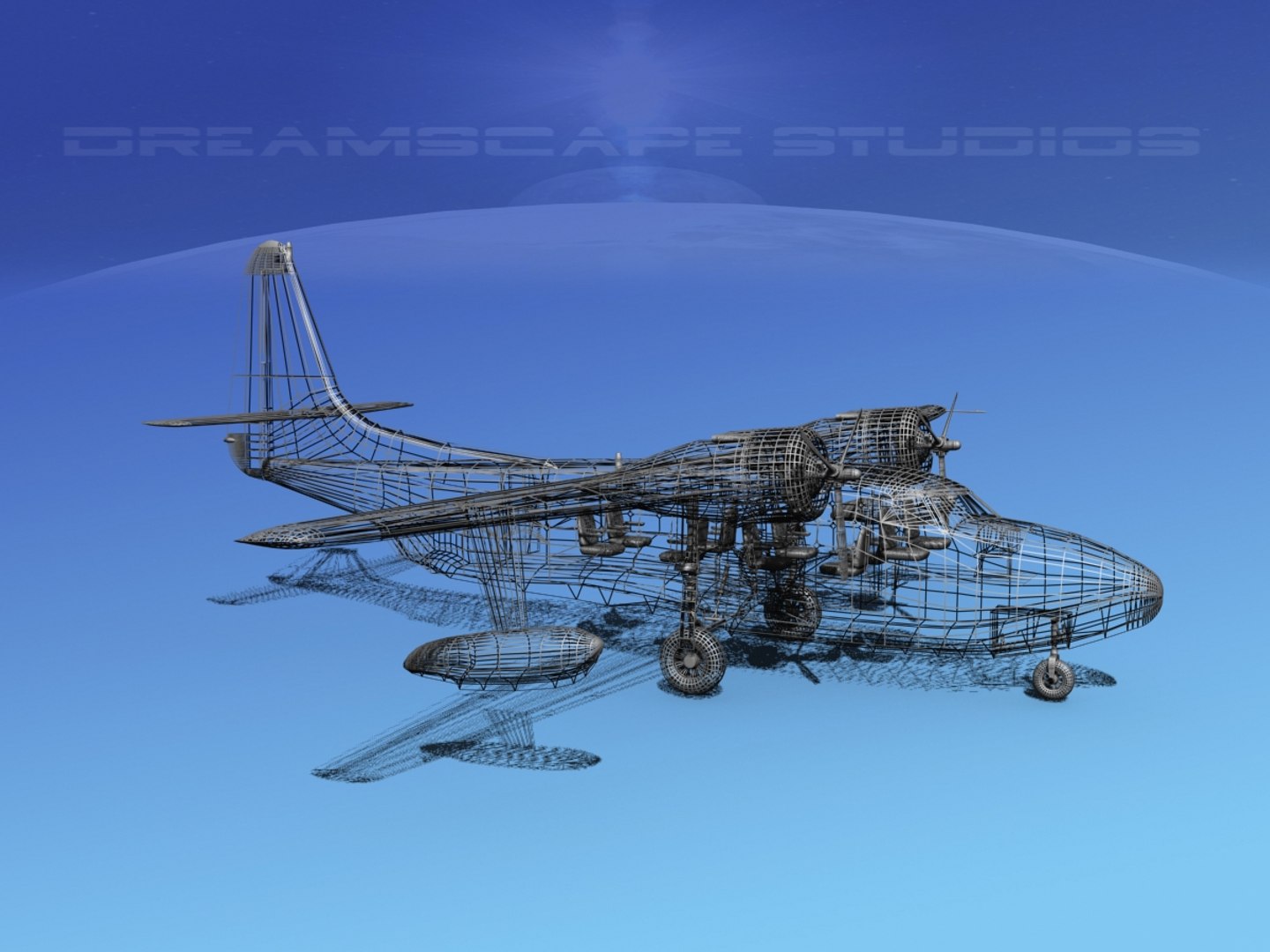
Grumman G-73 Mallard V24

$89

Standard License | Upgrade License
Editorial Uses Only
Formats (9)
Free file format Conversions available
Native | 3ds Max 9.0 | Default Scanline
Lightwave 6.0 | Other
Other Textures
AutoCAD drawing
OBJ
STL
3D Studio
Other Files
Grumman G-73 Mallard V24matex.rar
Specifications
Publish Date November 01, 2014
Product ID 863004
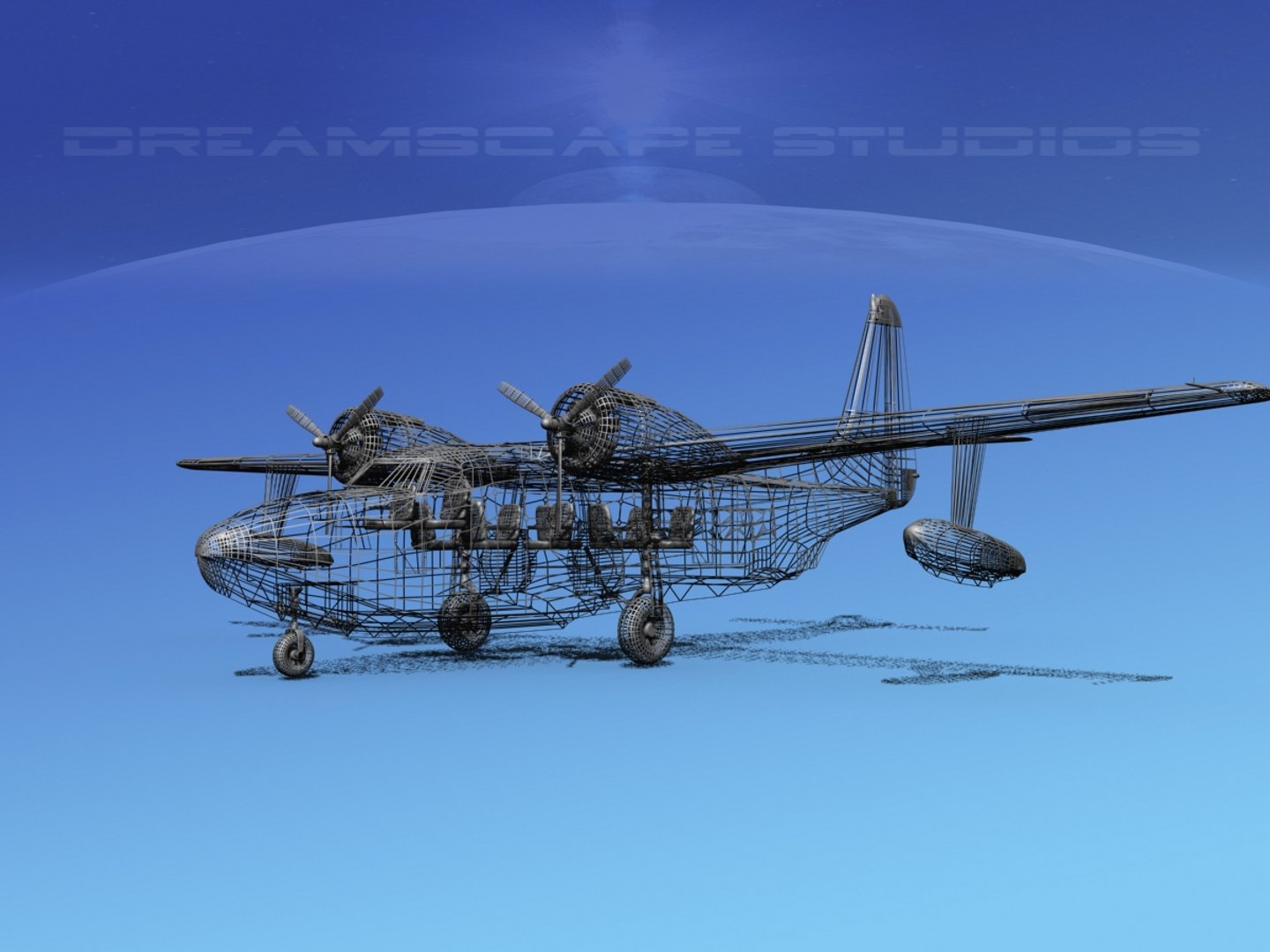
Polygons 131,344
Vertices 78,268
Polygonal
Textures
Materials
UV Mapped
Rigged
member avatar
Dreamscape Studios
8885 Products | Contributor Since 2002
Have questions? Chat with us now.

Description

Mallard is built very near to scale and is available in many formats. It has a realistic appearance and is fully textured. It has animateable features including ailerons, flaps, elevators, rudder, propellers, and landing gear retraction..

The Grumman G-73 Mallard is a medium, twin engine amphibious aircraft. Manufactured from 1946 to 1951, production ended when Grumman's larger SA-16 Albatross was introduced.

Many have been modified by replacing the original Pratt & Whitney Wasp H radial engines with modern turboprop engines. Building on the success of the Goose and Widgeon, Grumman Aircraft developed Design 73, the larger "Mallard" for commercial use. Retaining many of the features of the smaller aircraft, such as twin radials, high wings with underwing floats, retractable gear and a large straight tail, the company built 59 Mallards between 1946 and 1951. Unlike the smaller aircraft, the Mallard featured tricycle gear, a stressed skin, two step hull and wingtip fuel tanks.

Select Enhanced License

  • $10,000 in Legal Protection (Indemnification)
  • Uncapped Legal Protection (Indemnification)
  • Waiver from injunctive relief
  • Assignable model rights
  • $1,000,000 in Legal Protection (Indemnification)
  • Waiver from injunctive relief
  • Assignable model rights
  • $250,000 in Legal Protection (Indemnification)
  • Assignable model rights
Read more about enhanced license tiers, or contact us at enterprise@turbosquid.com. Already a Shutterstock Enterprise Customer? Contact your Shutterstock Sales Support Agent to talk about adding 3D.

About Conversion Requests

To submit a conversion request for a purchased asset, please complete our Conversion Request Form.

If you have not yet purchased a model, please review our Documentation about Conversions to learn about what limitations you may encounter with a conversion.

For any additional questions about a model’s suitability for conversion, please contact TurboSquid Support.

Loading...