
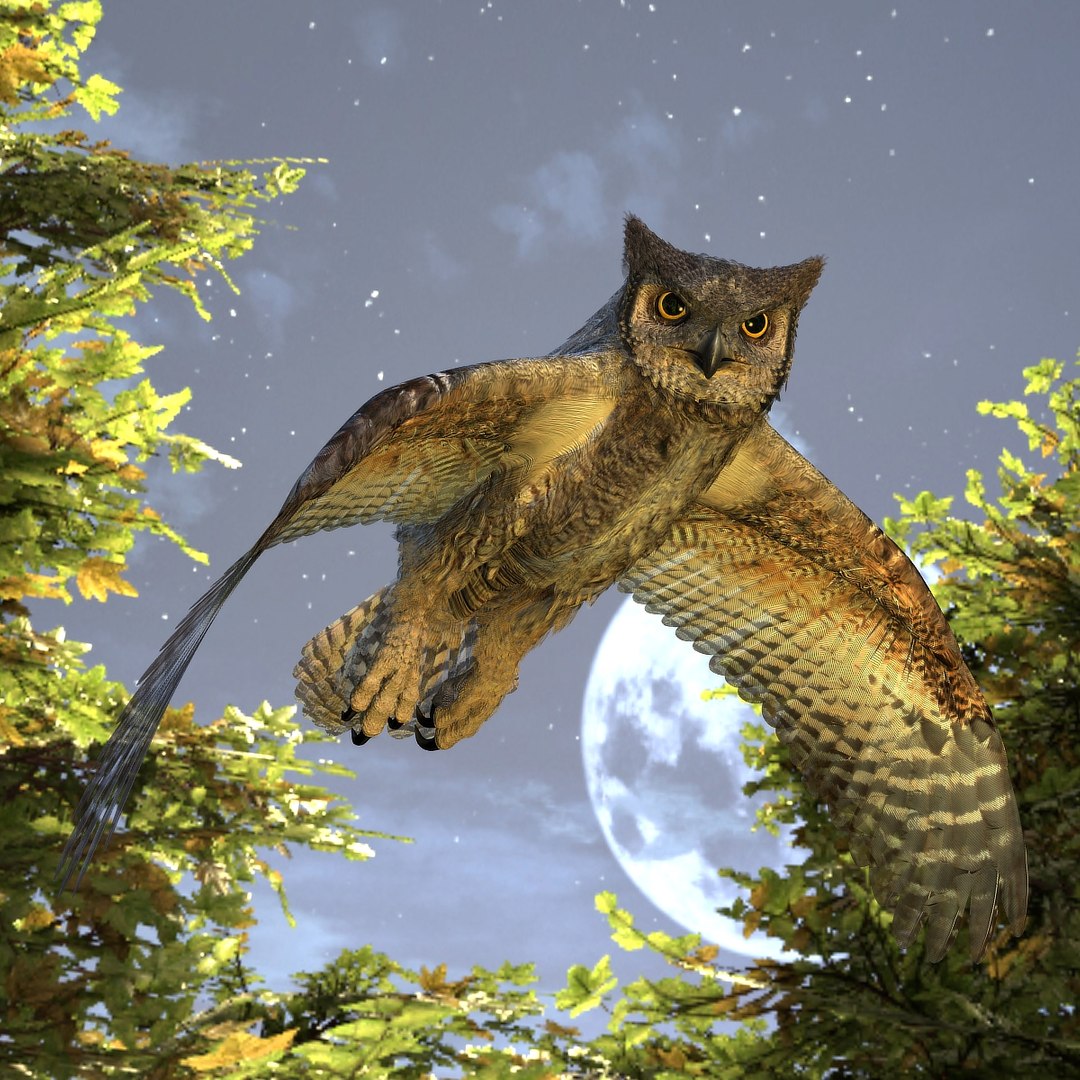
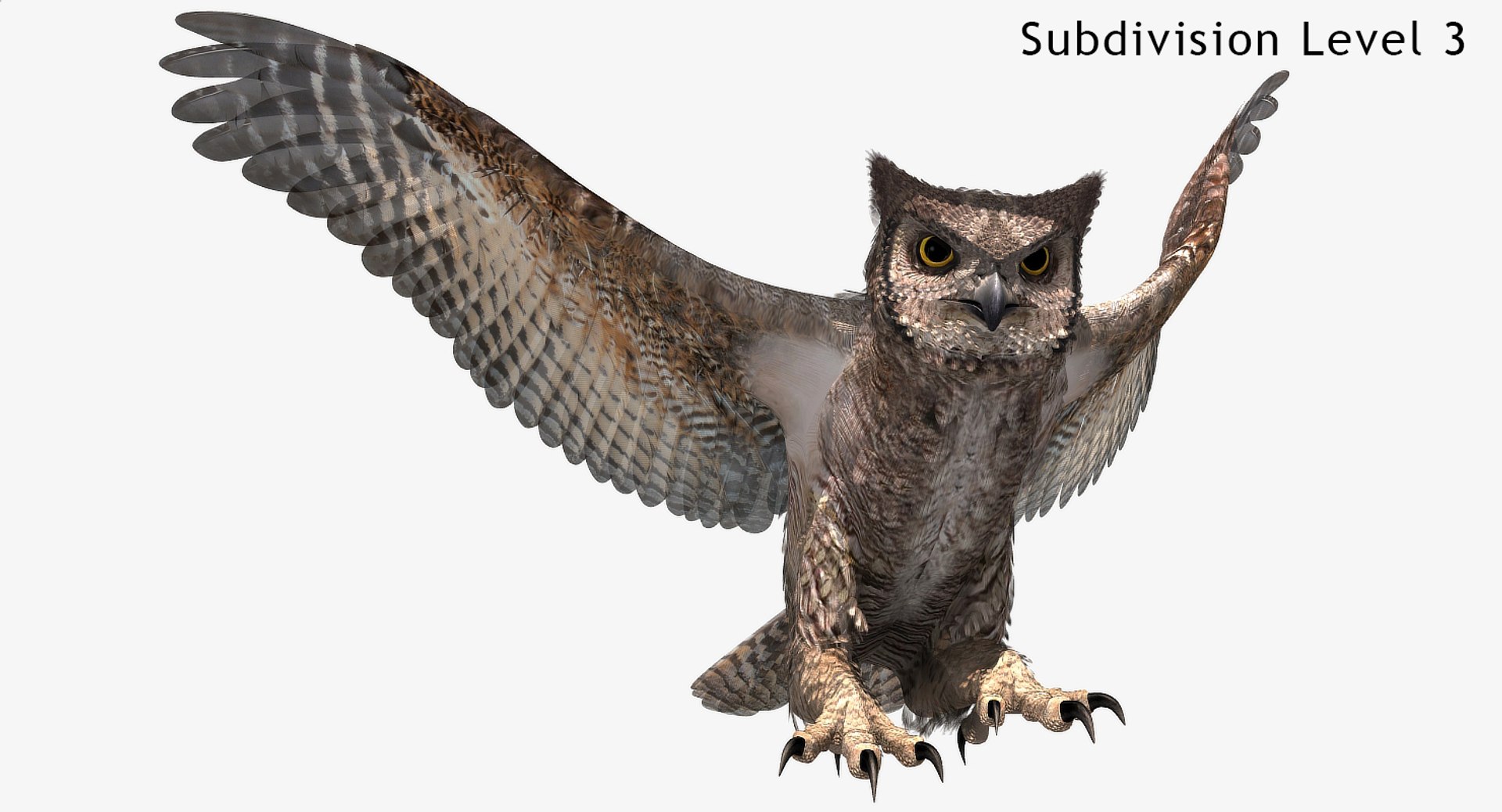
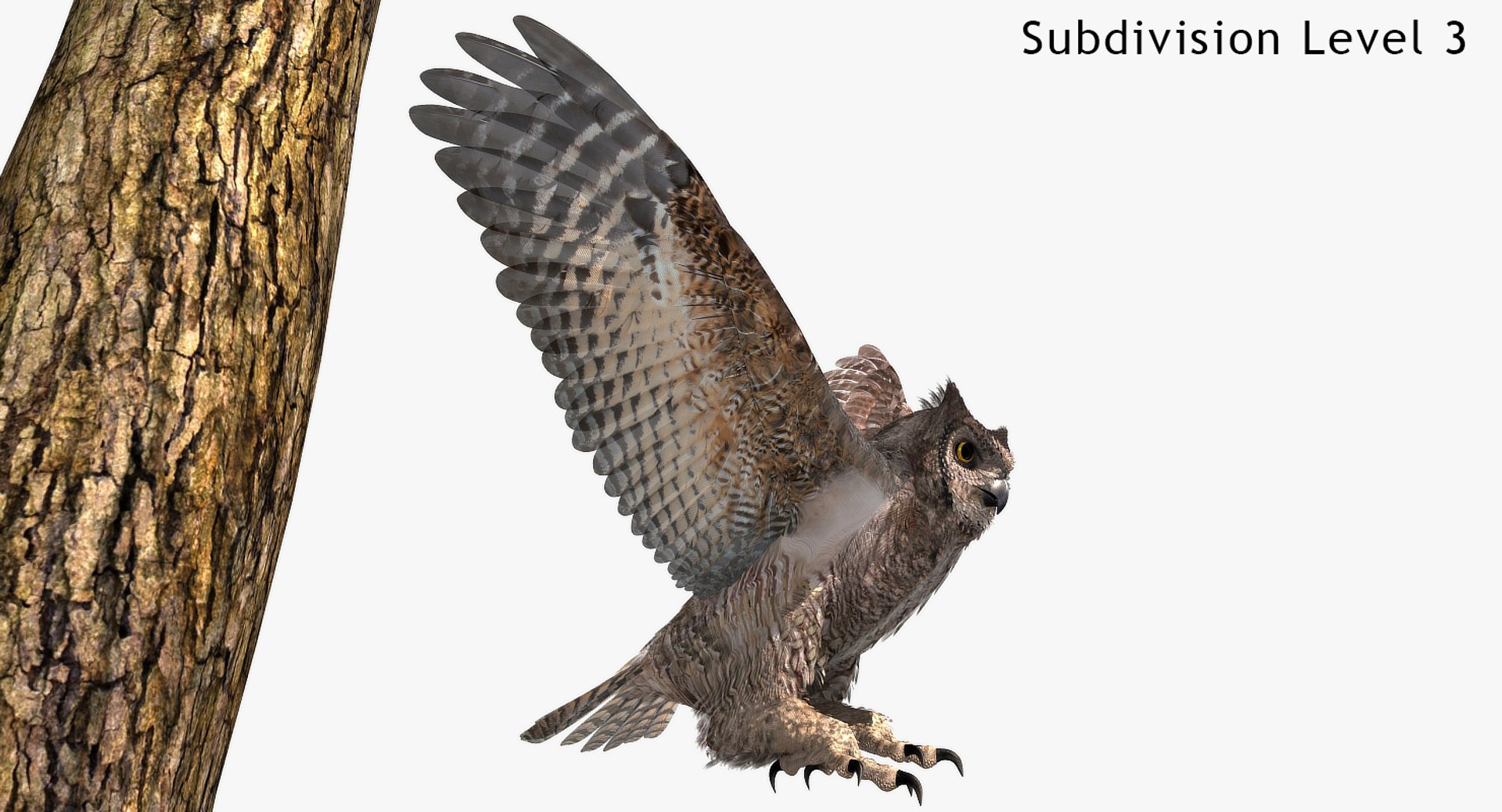
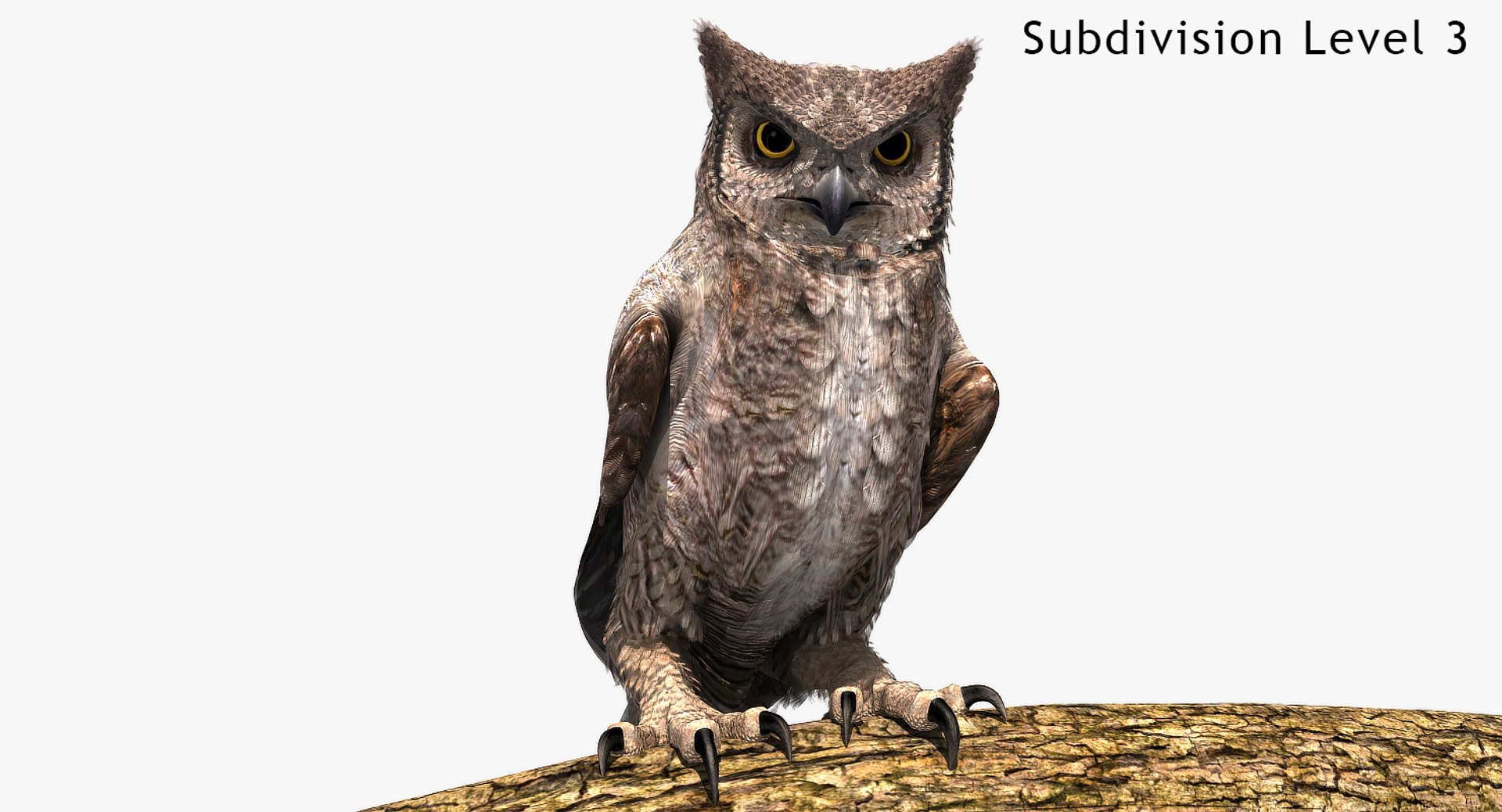
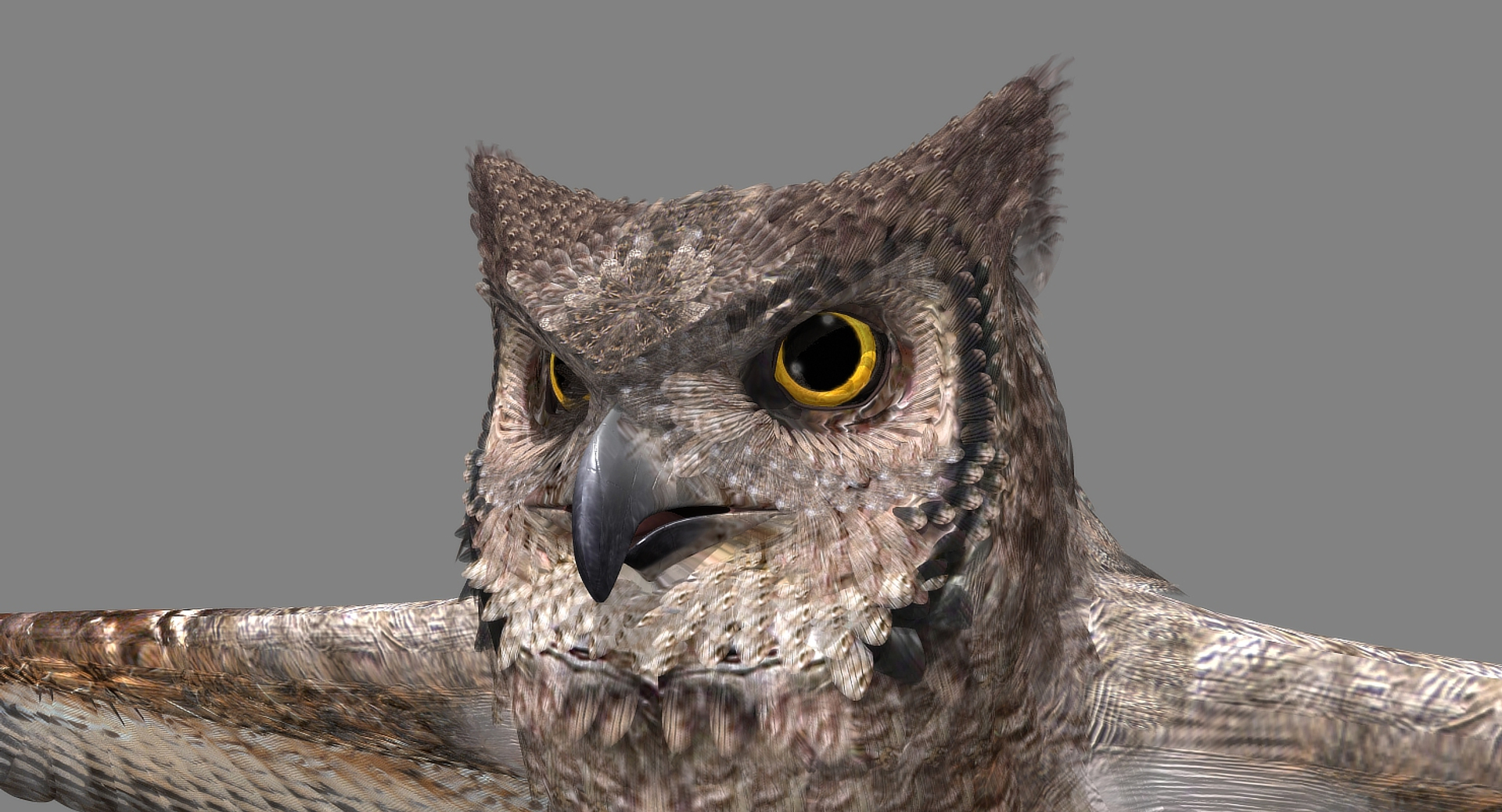
Great Horned Owl

$160

Standard License | Upgrade License
Formats (9)
Free file format Conversions available
Native | Lightwave 8.5 | Default Scanline
Maya 2013 | Maya Software
Cinema 4D r13 | mental ray
3ds Max 2020 | V-Ray 4.10
3ds Max 2020 | Default Scanline
3ds Max 2009 | mental ray
OBJ
FBX
Other Files
Weight3.env
Specifications
Publish Date January 12, 2018
Product ID 1242196
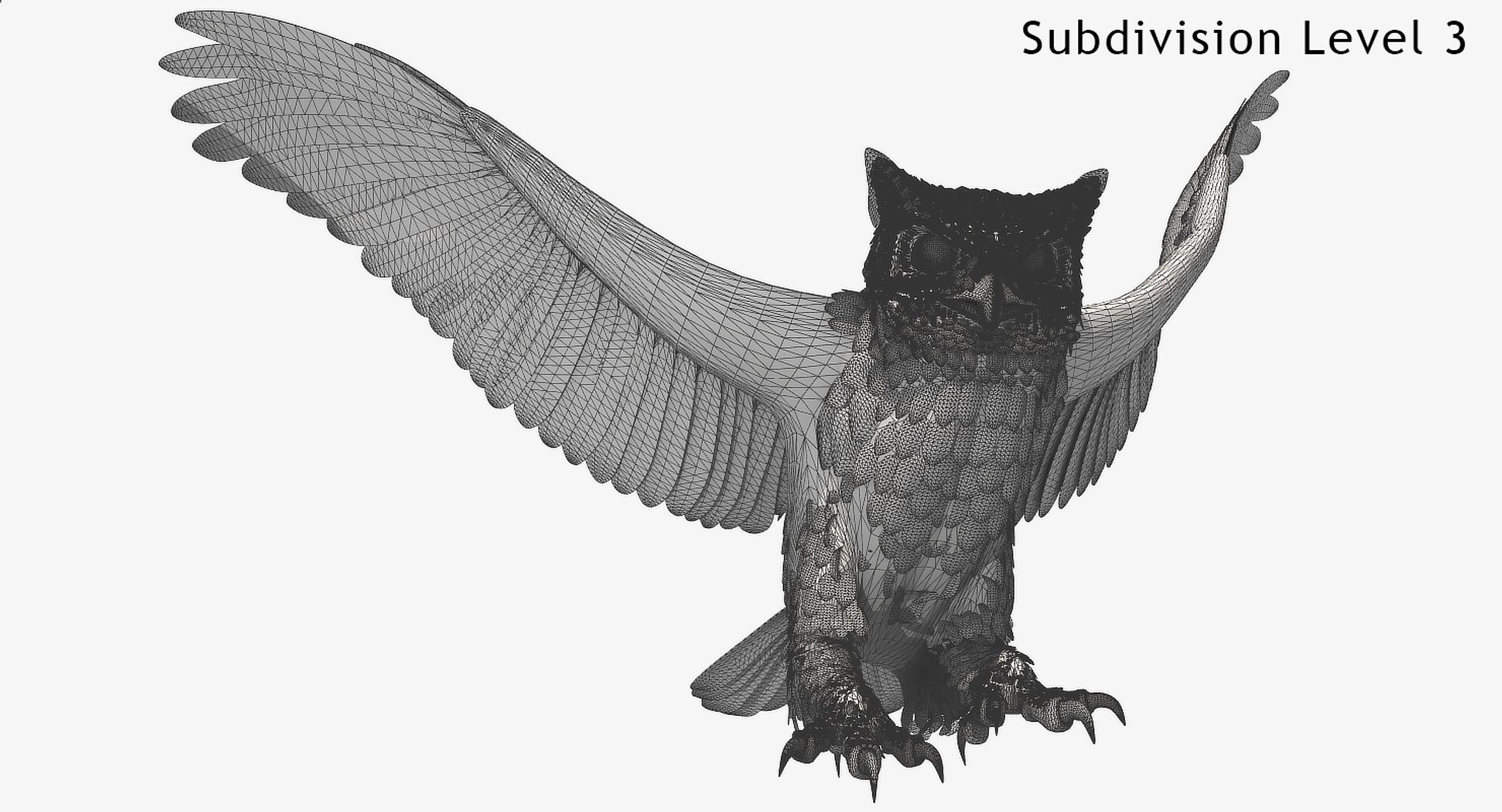
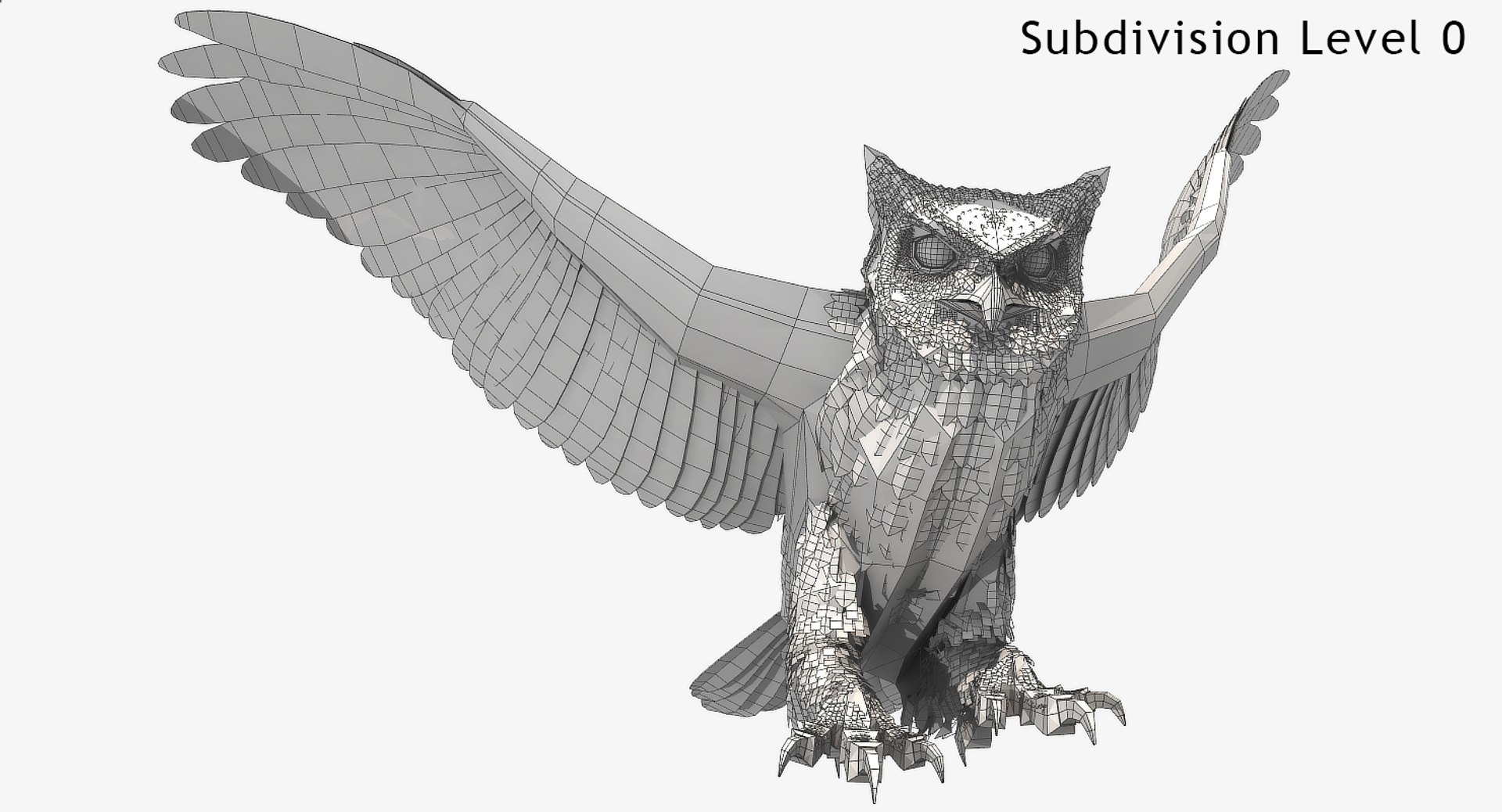
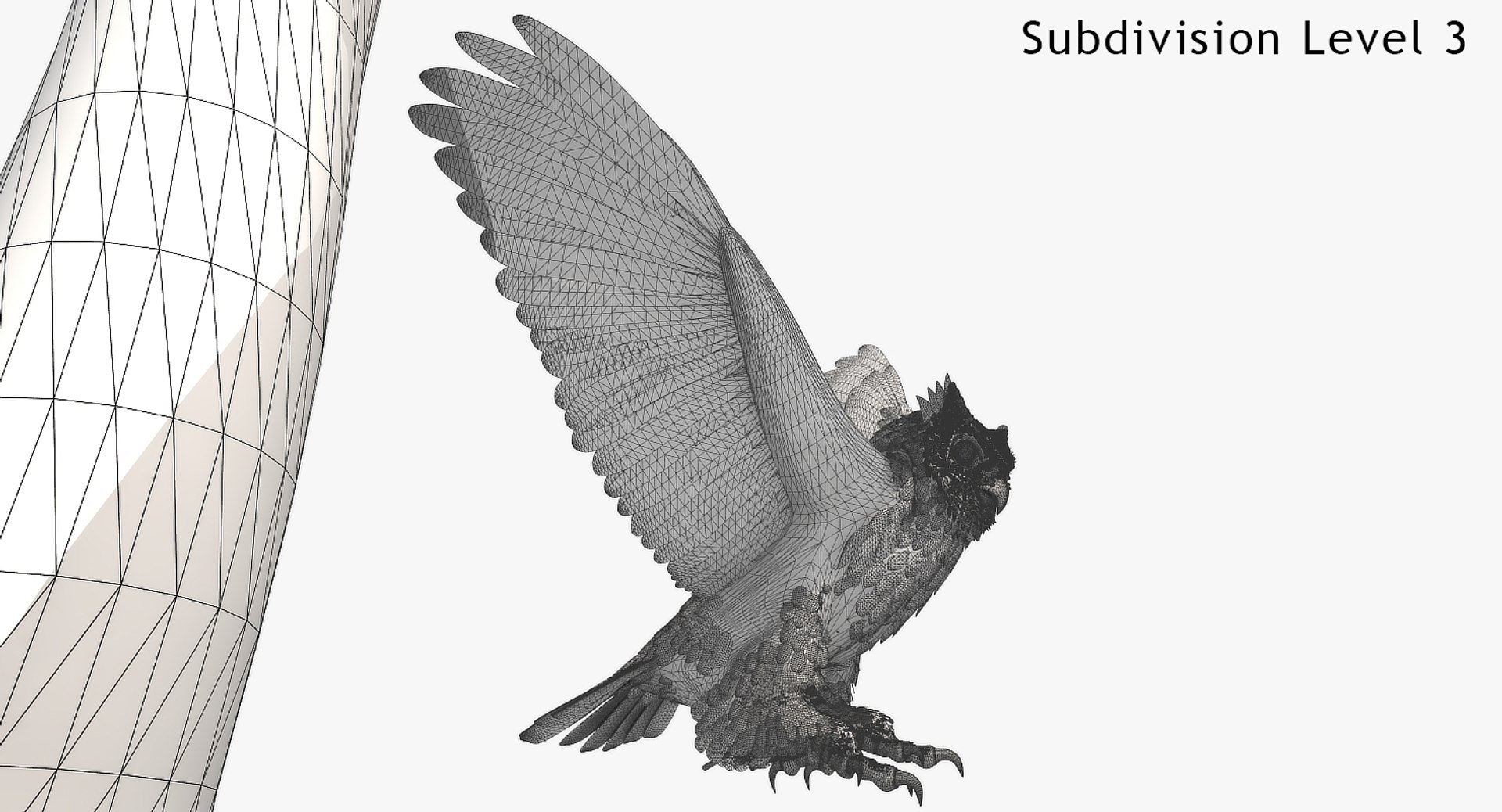
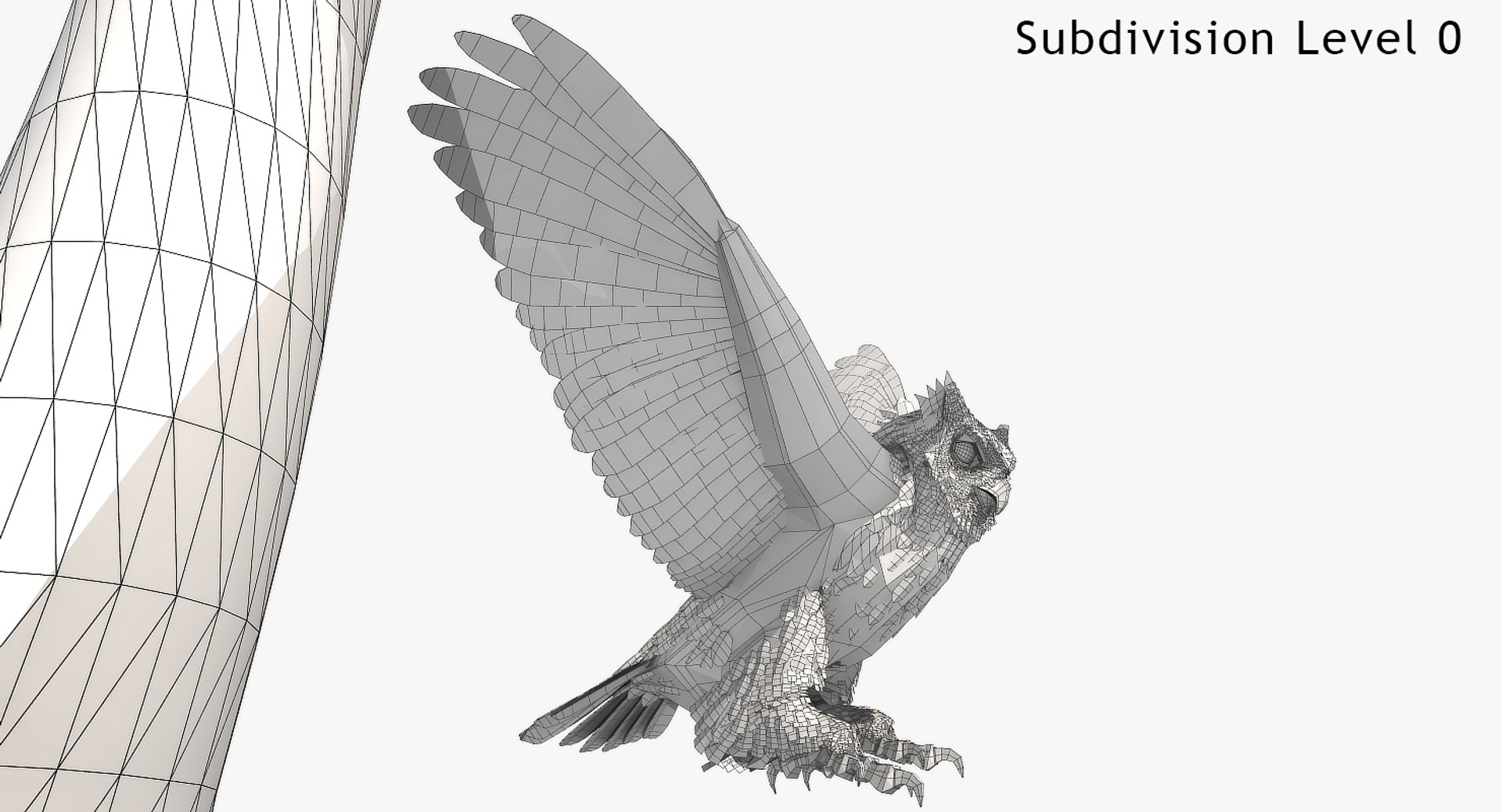
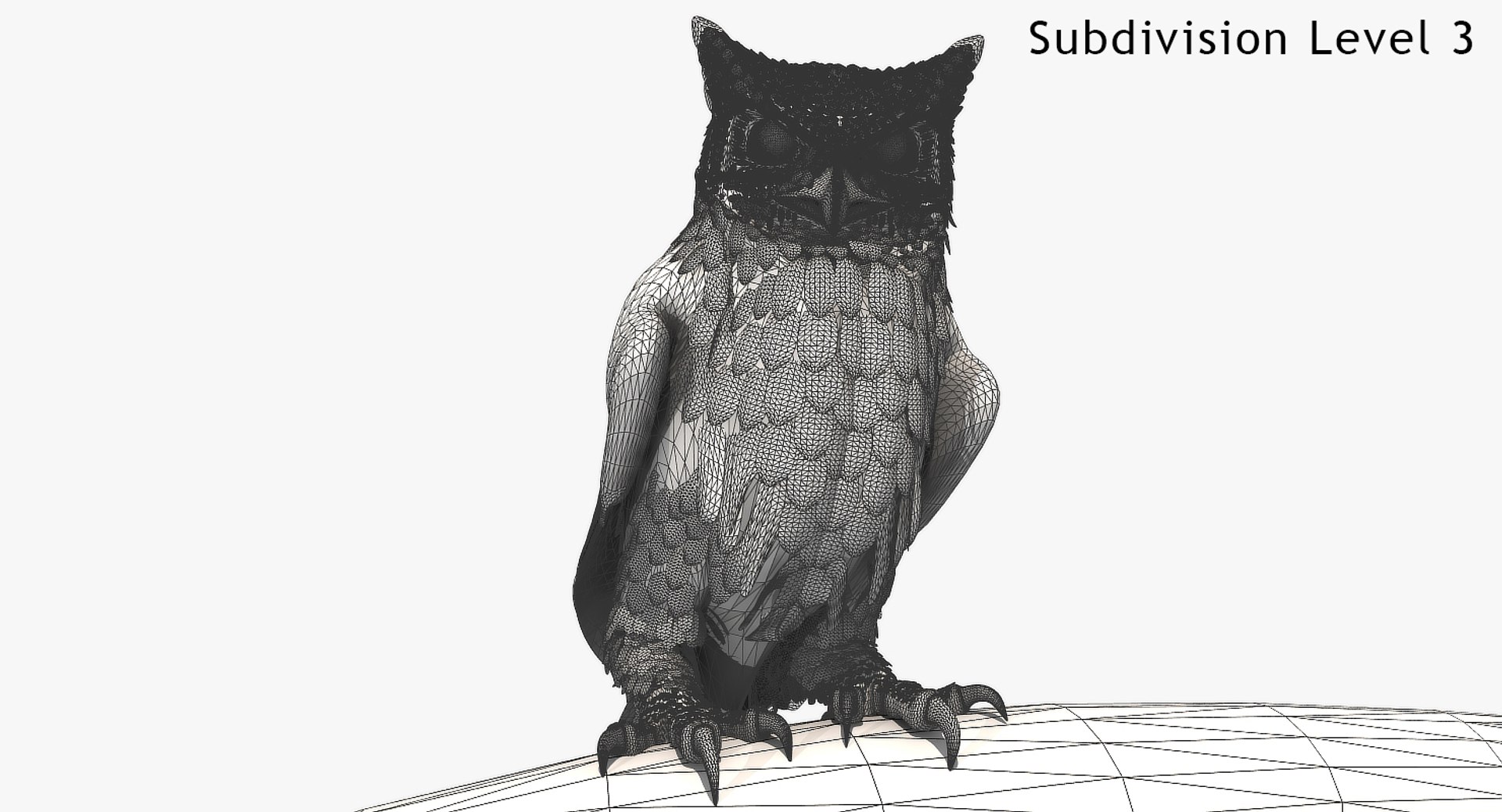
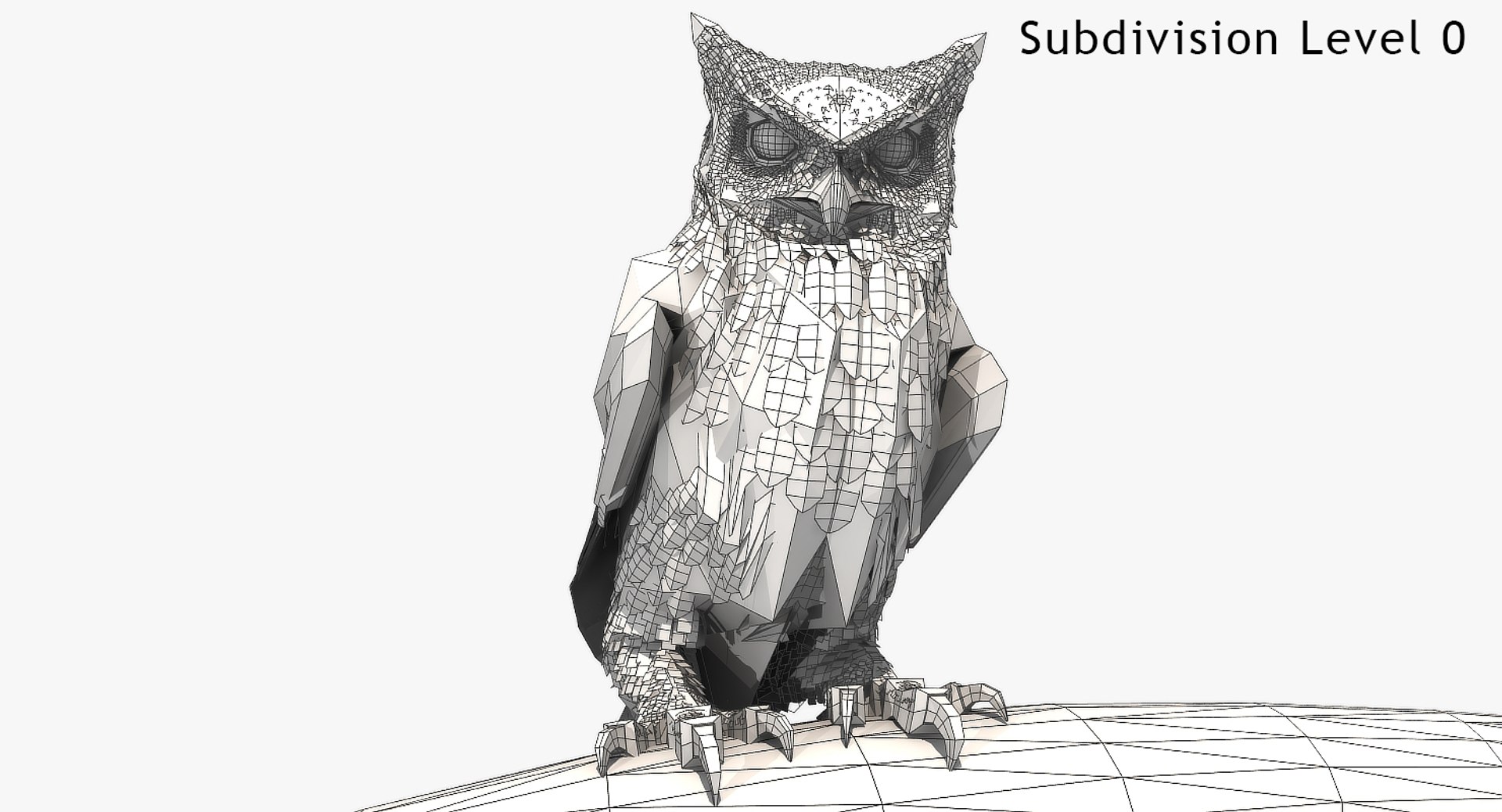
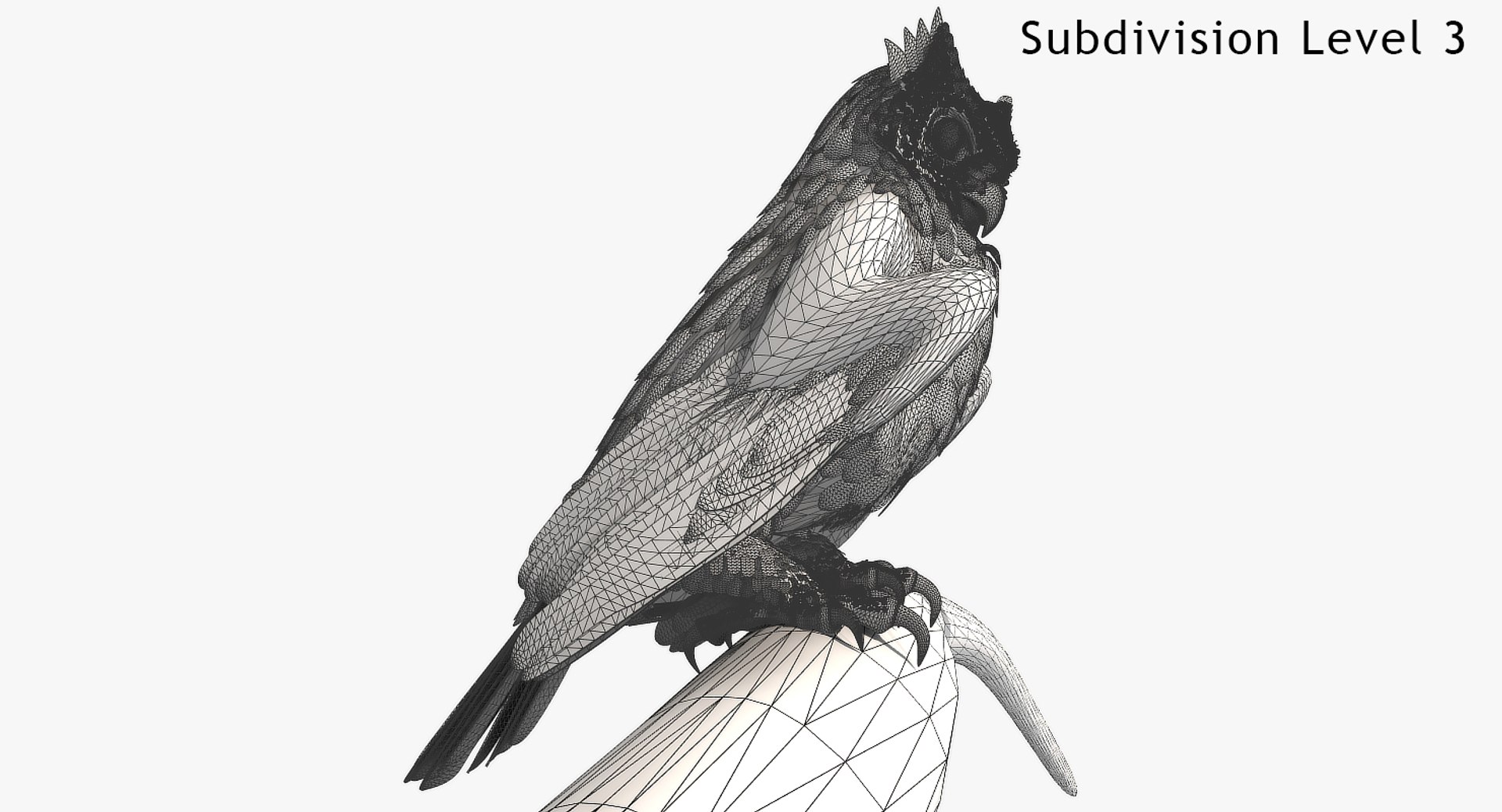
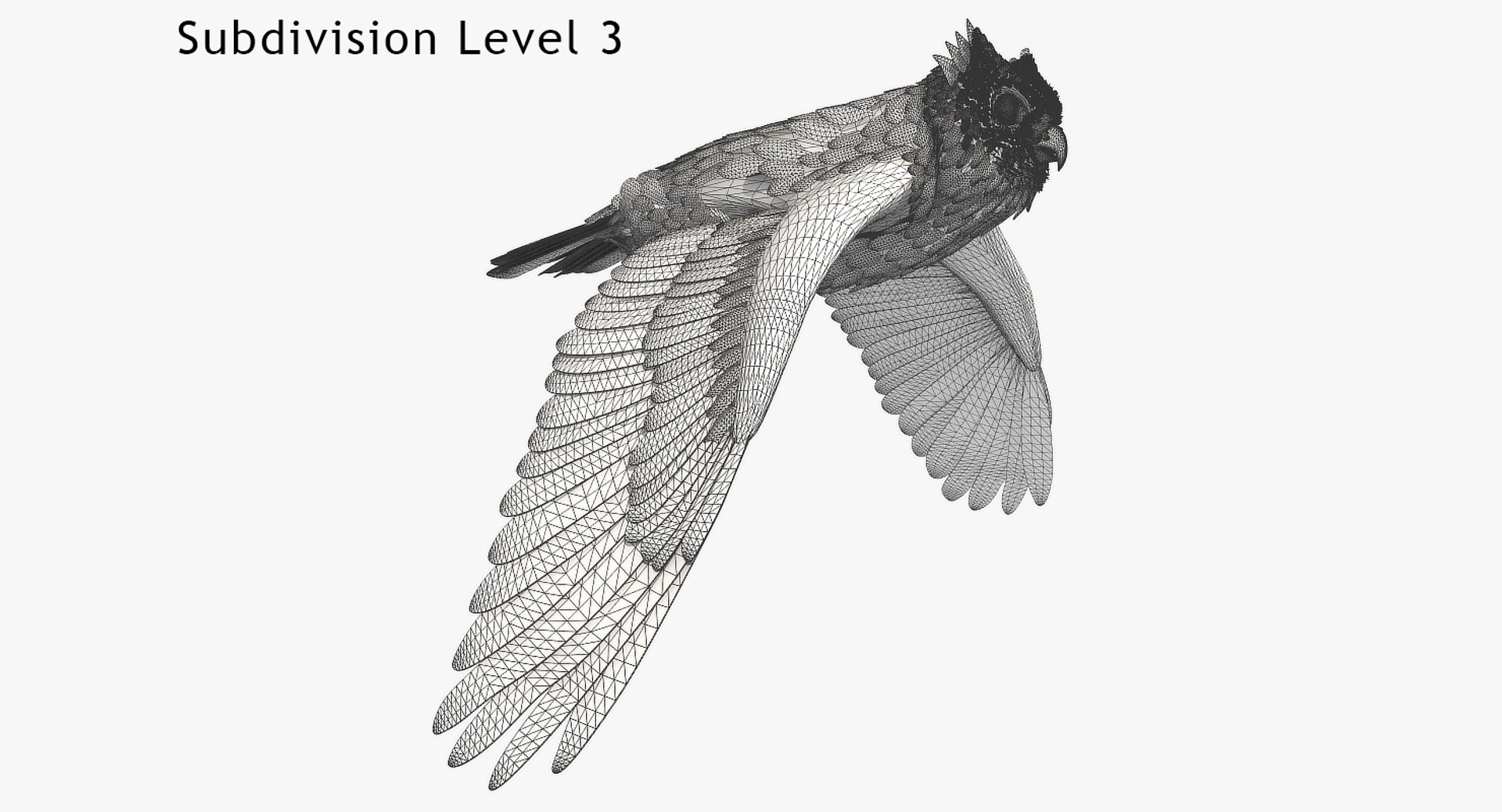
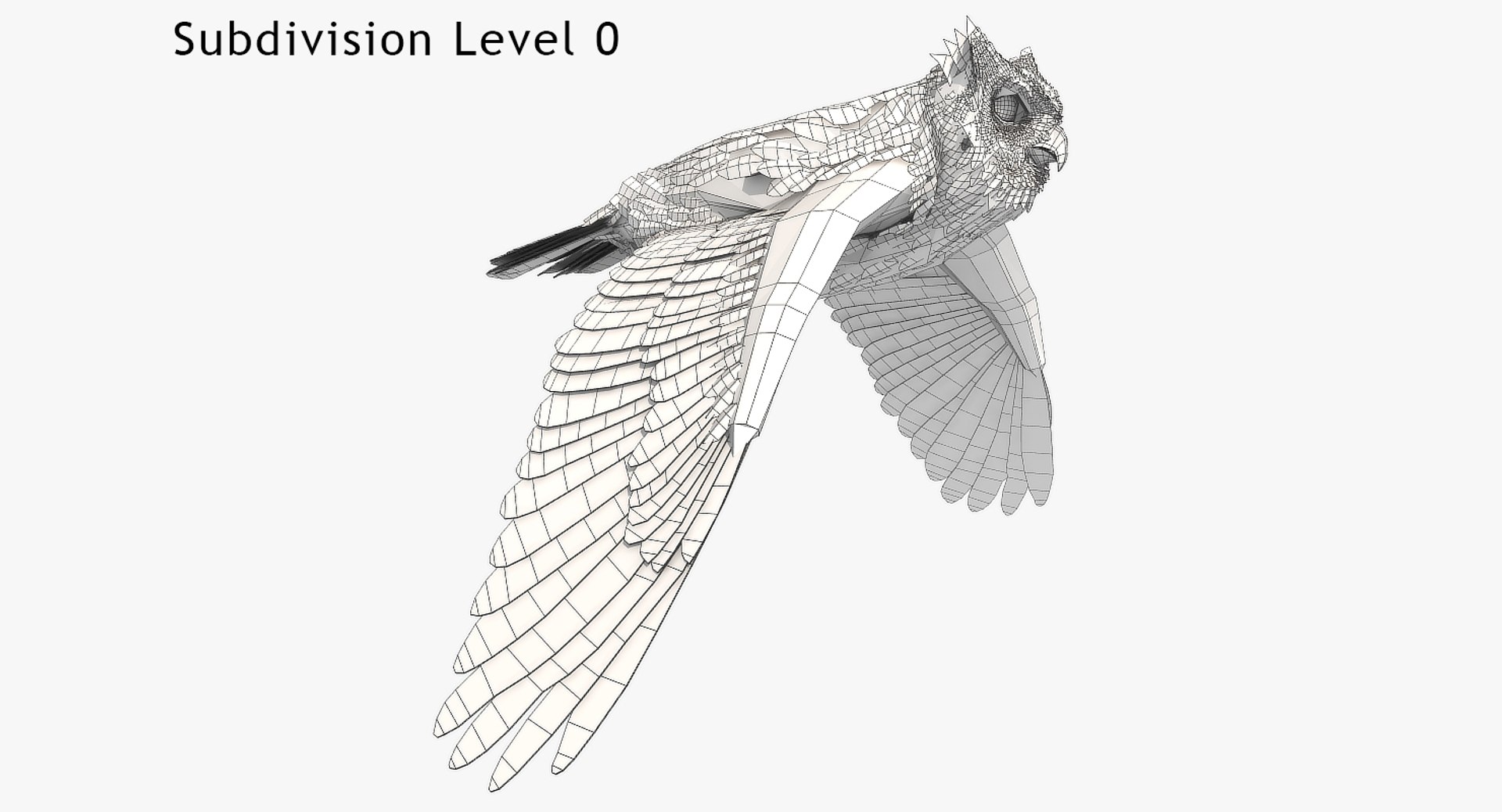
Polygons 21,612
Vertices 38,972
Polygonal Quads Only
Textures
Materials
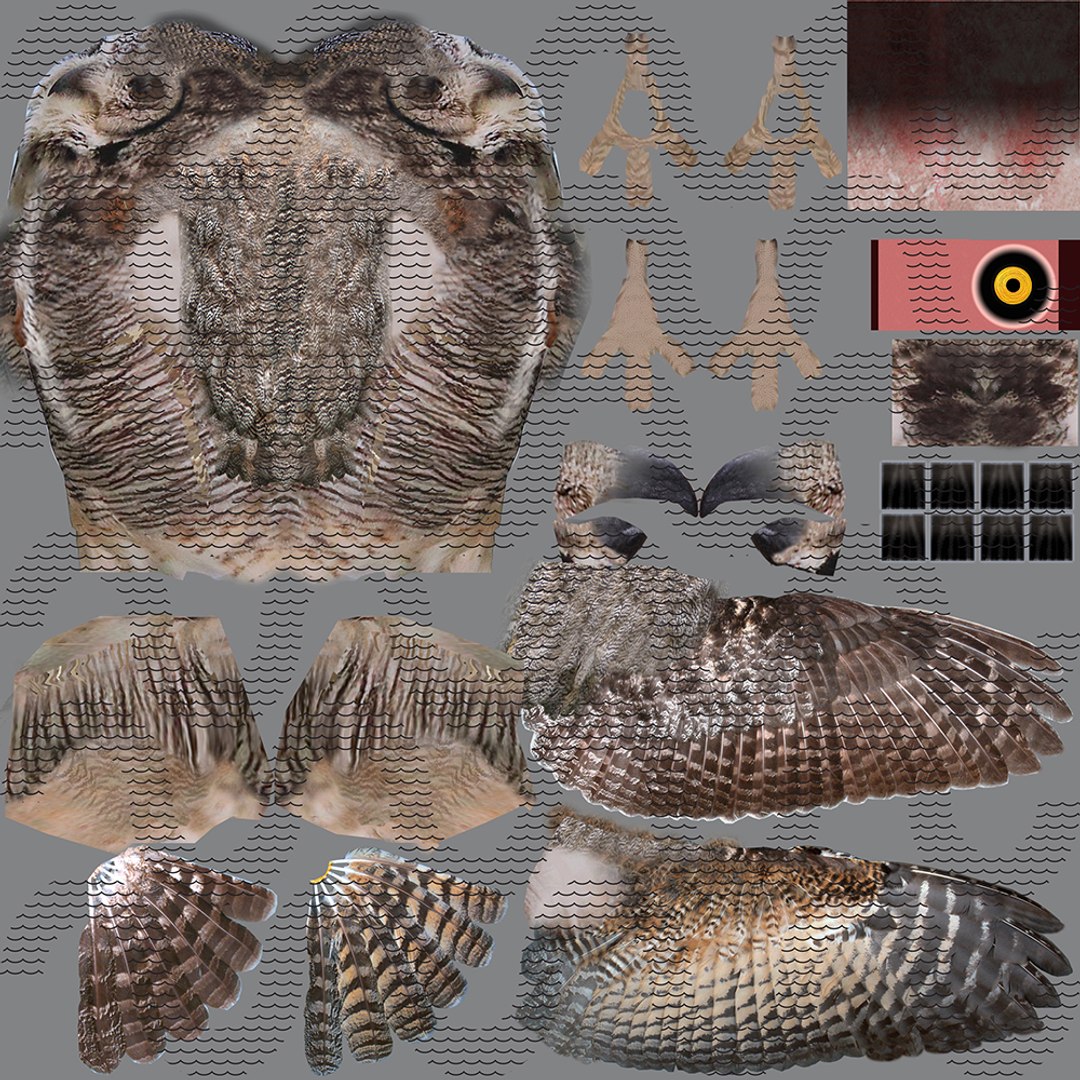
UV Mapped
Overlapping Unwrapped UVs
Rigged
Animated
PBR
member avatar
r189
151 Products | Contributor Since 2005
Have questions? Chat with us now.

Description

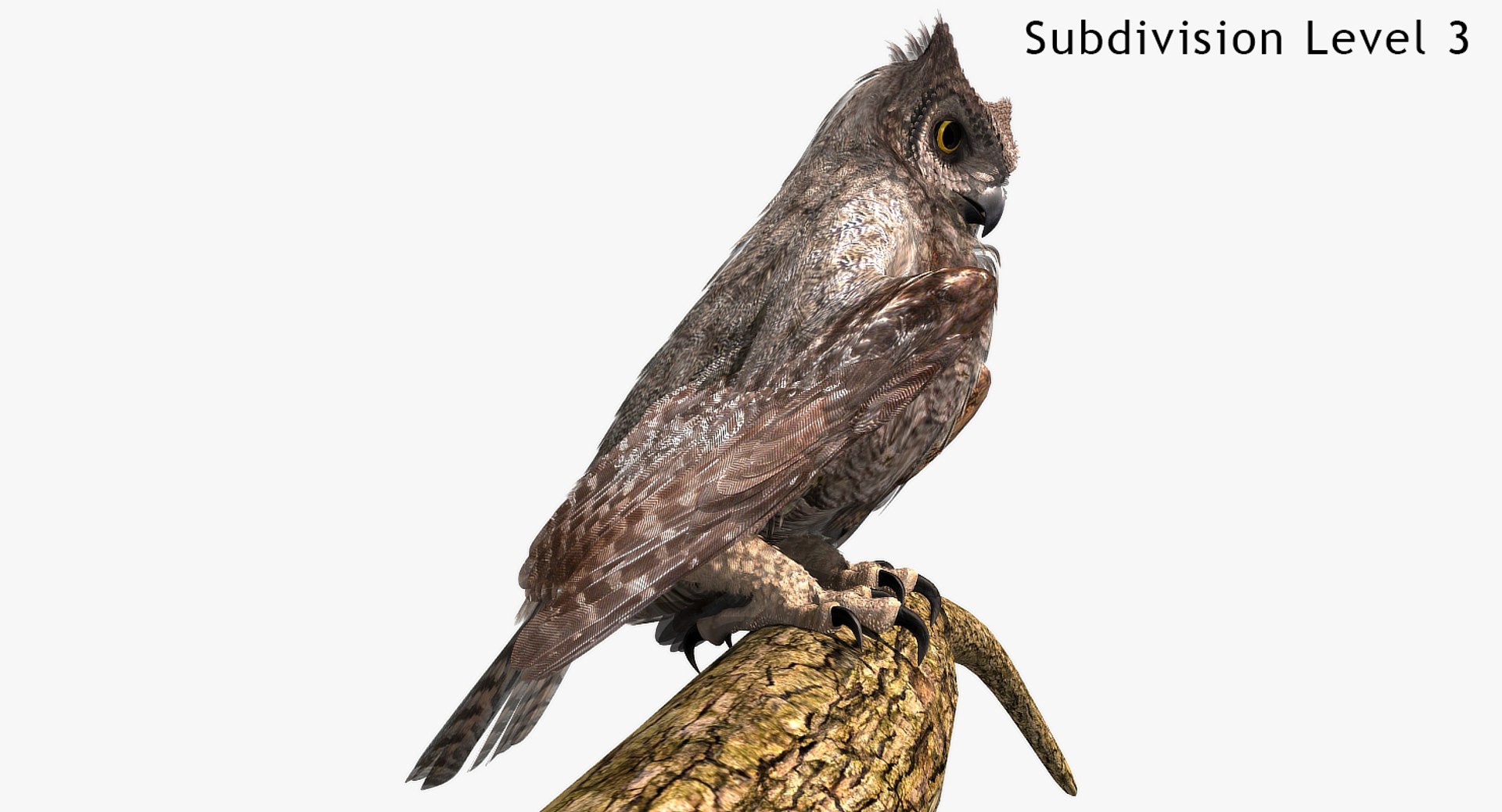
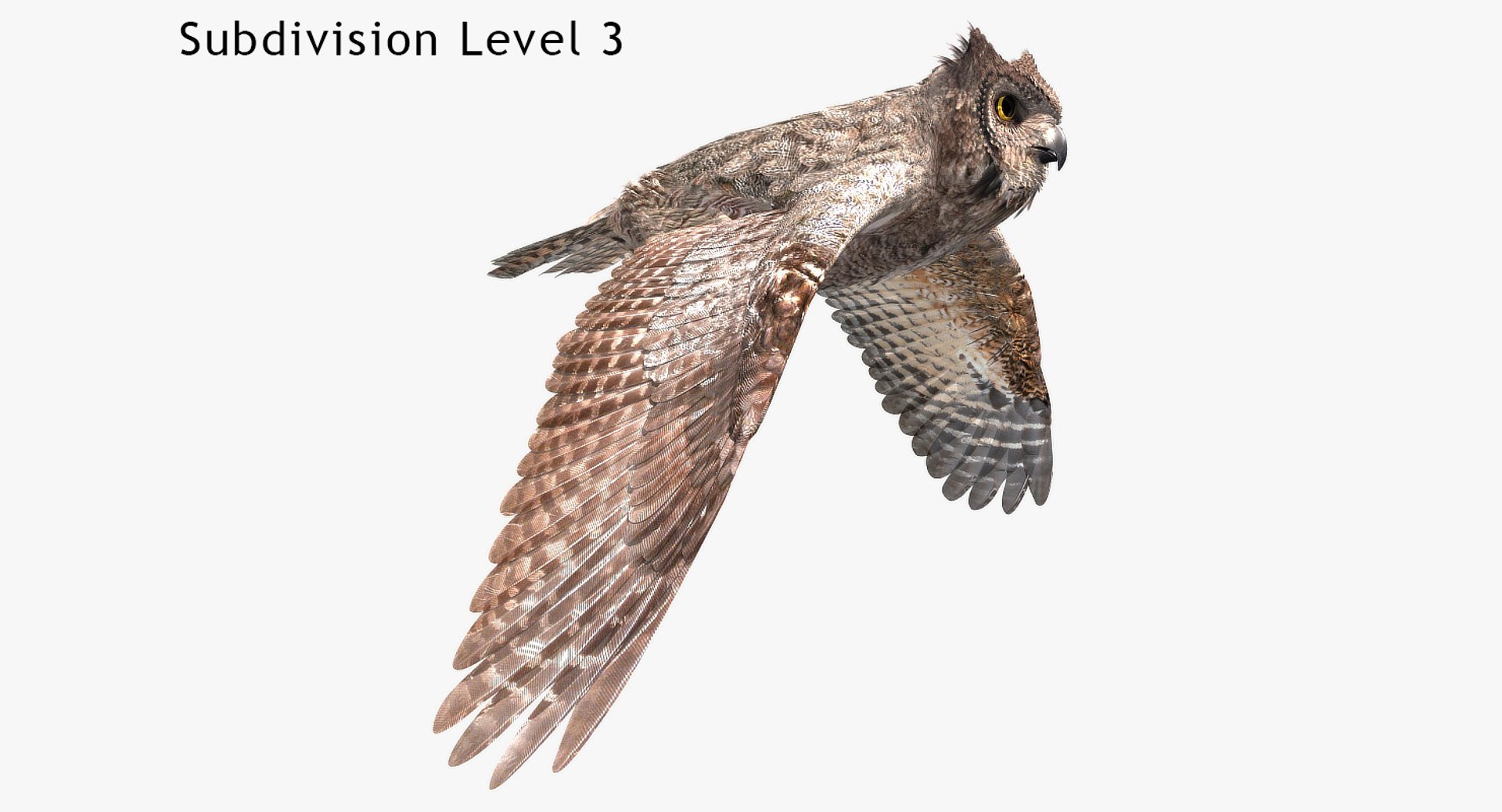
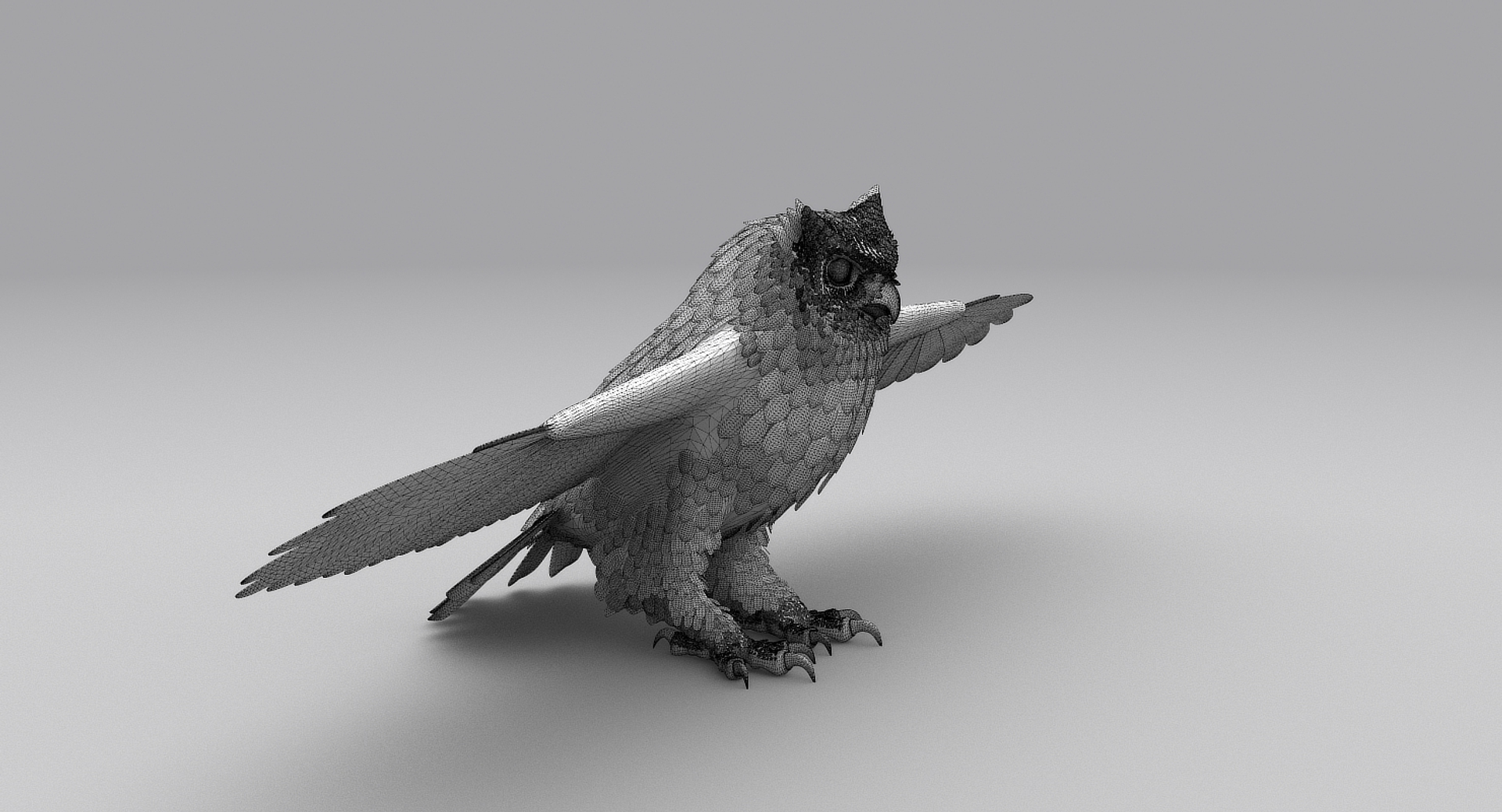
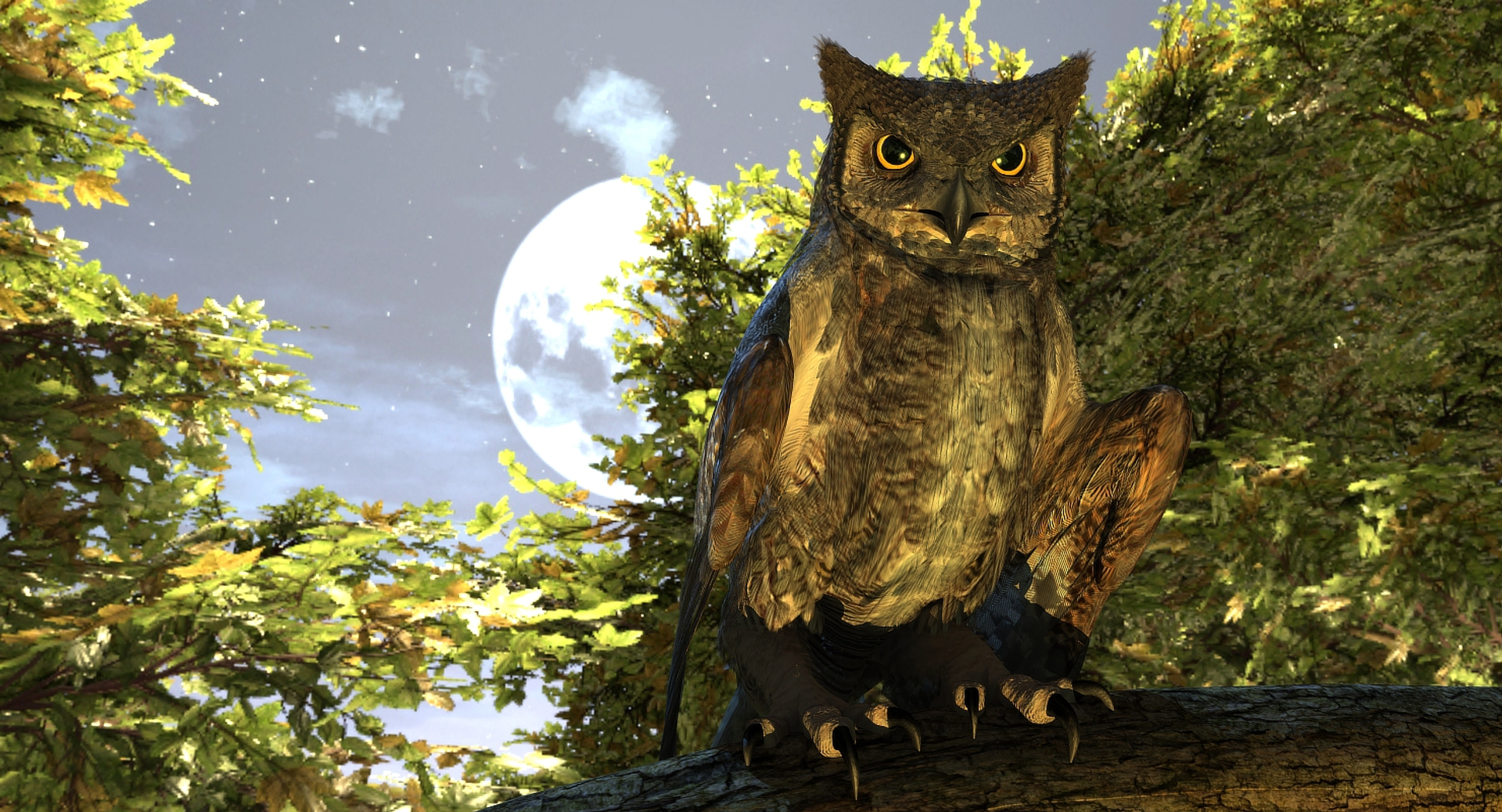
Great Horned Owl

Rigged and Animated for:
Lightwave 8.5
3DS Max 2009
3DS Max 2020 PBR Art Render
3DS Max 2020 VRAY 4.10
MAYA 2013
C4D R16, and up
MAX 2009 generated FBX
OBJ - includes base object and all morph taraget objs

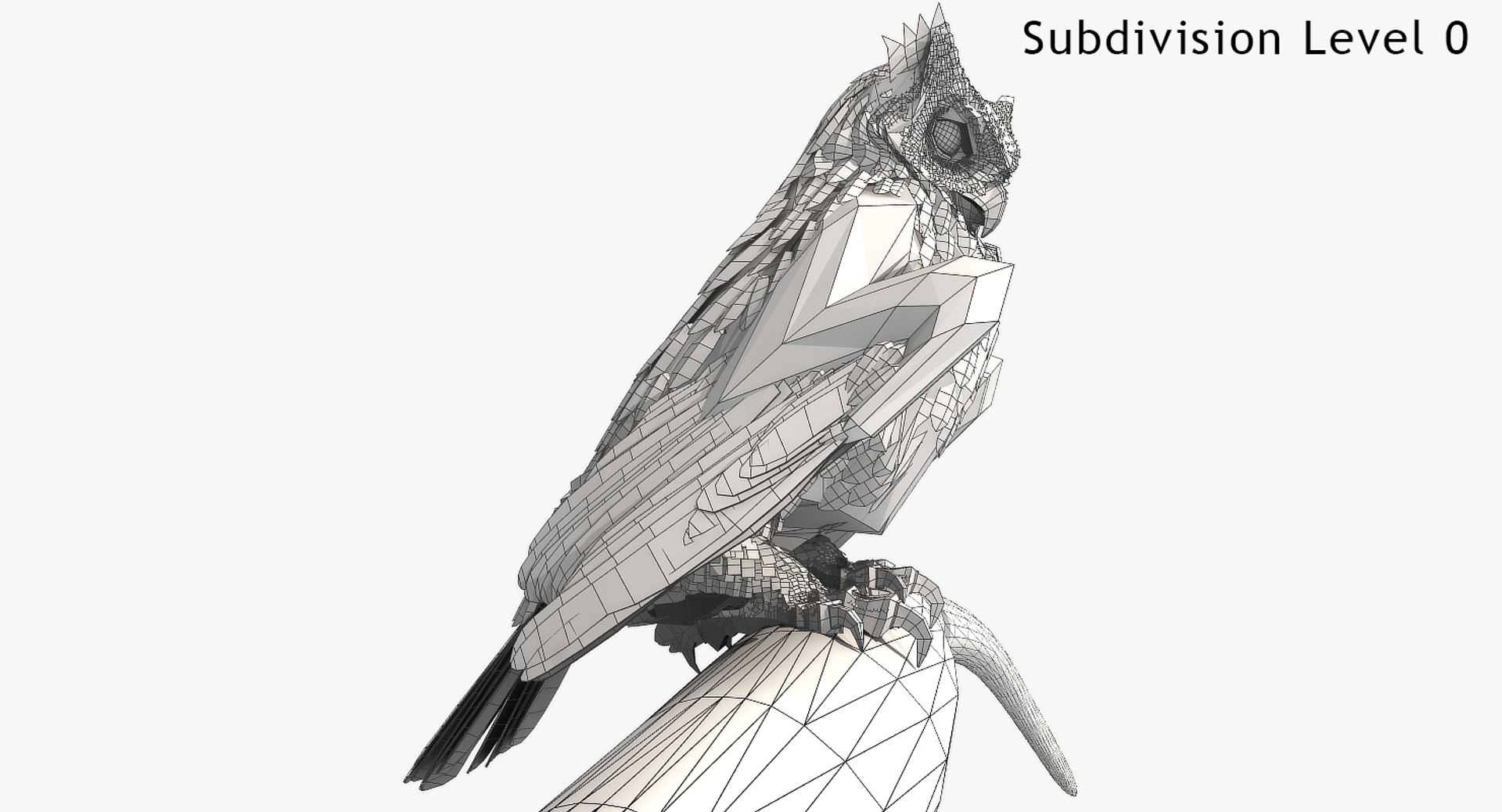
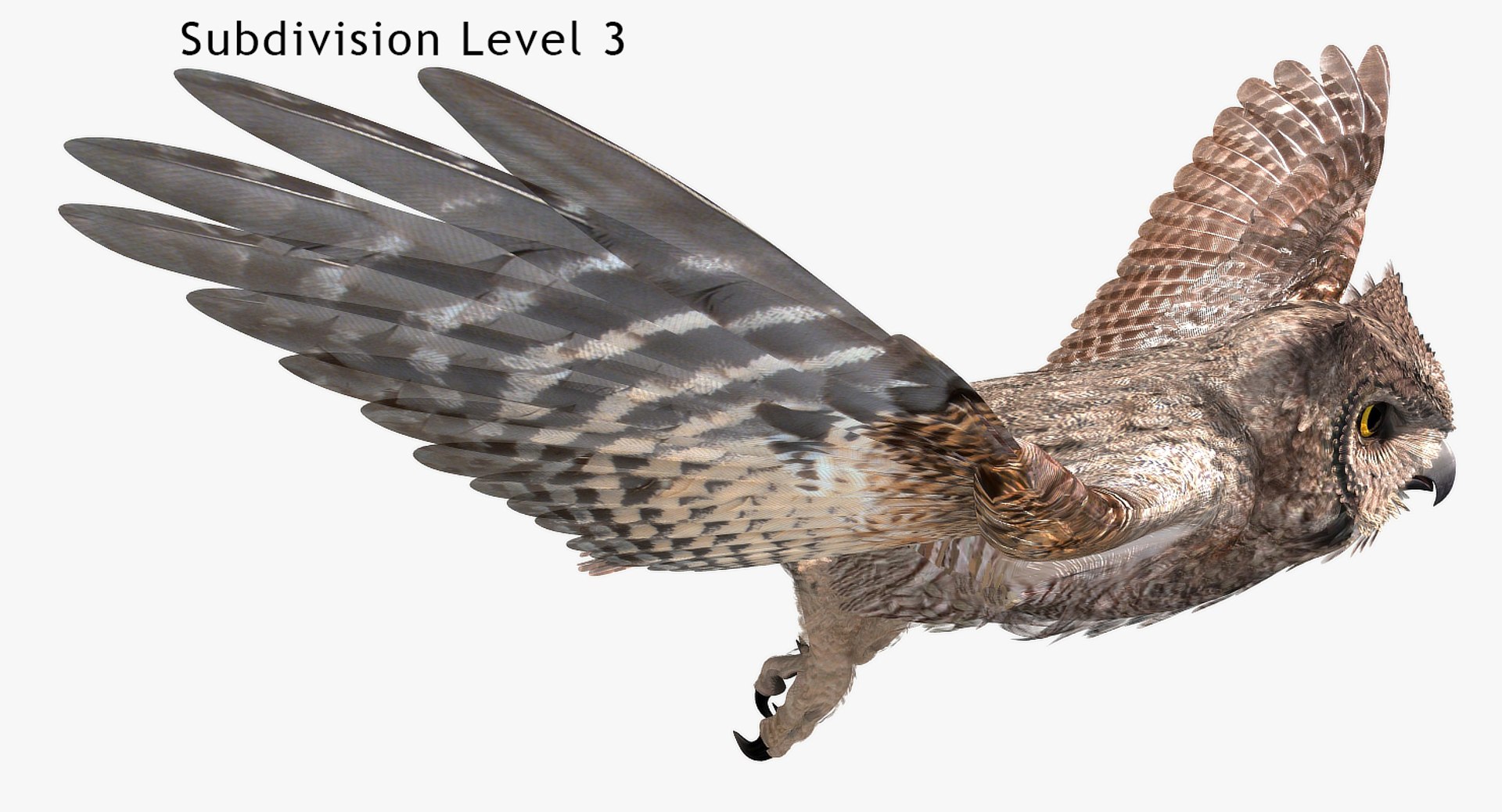
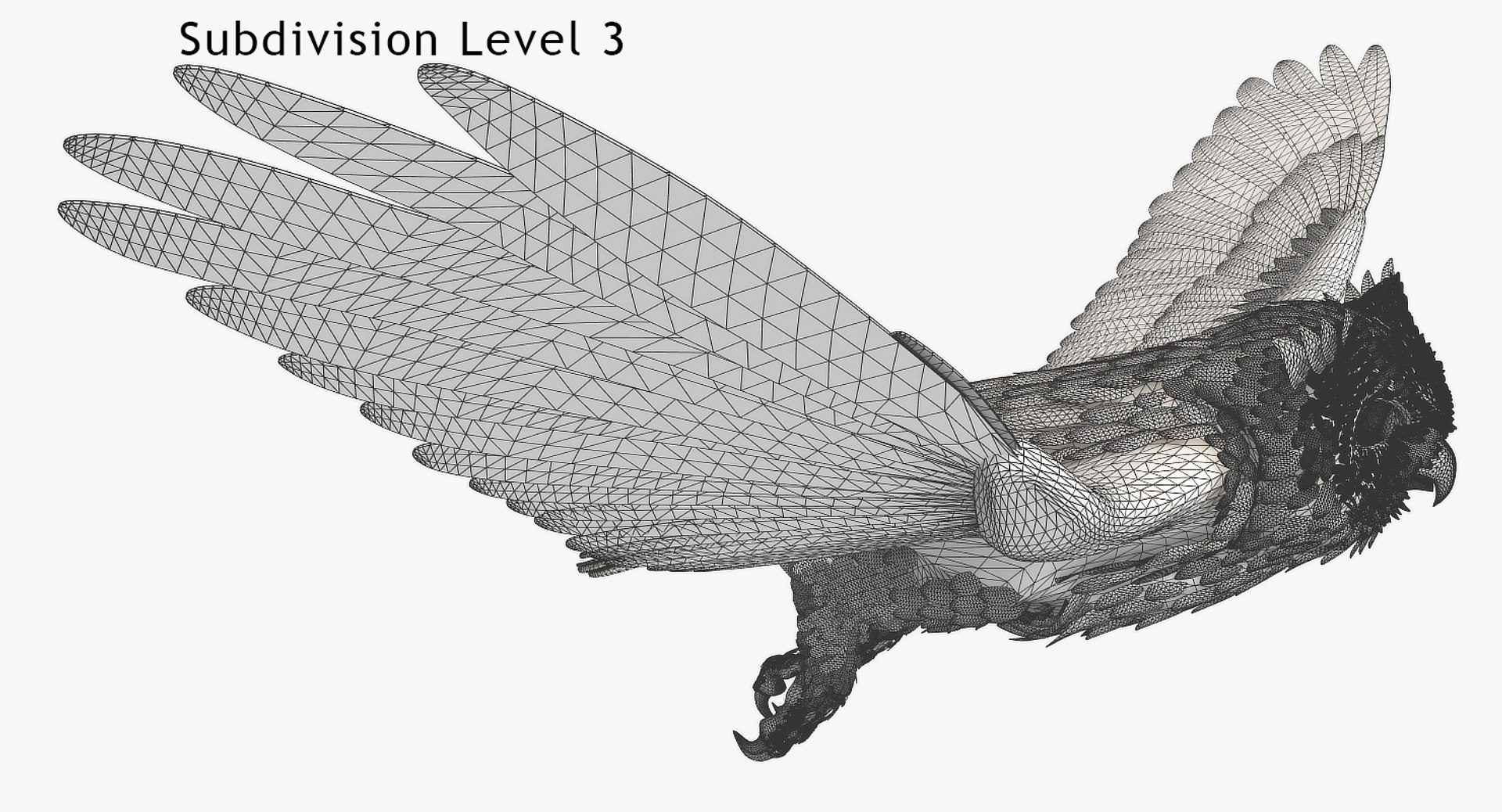
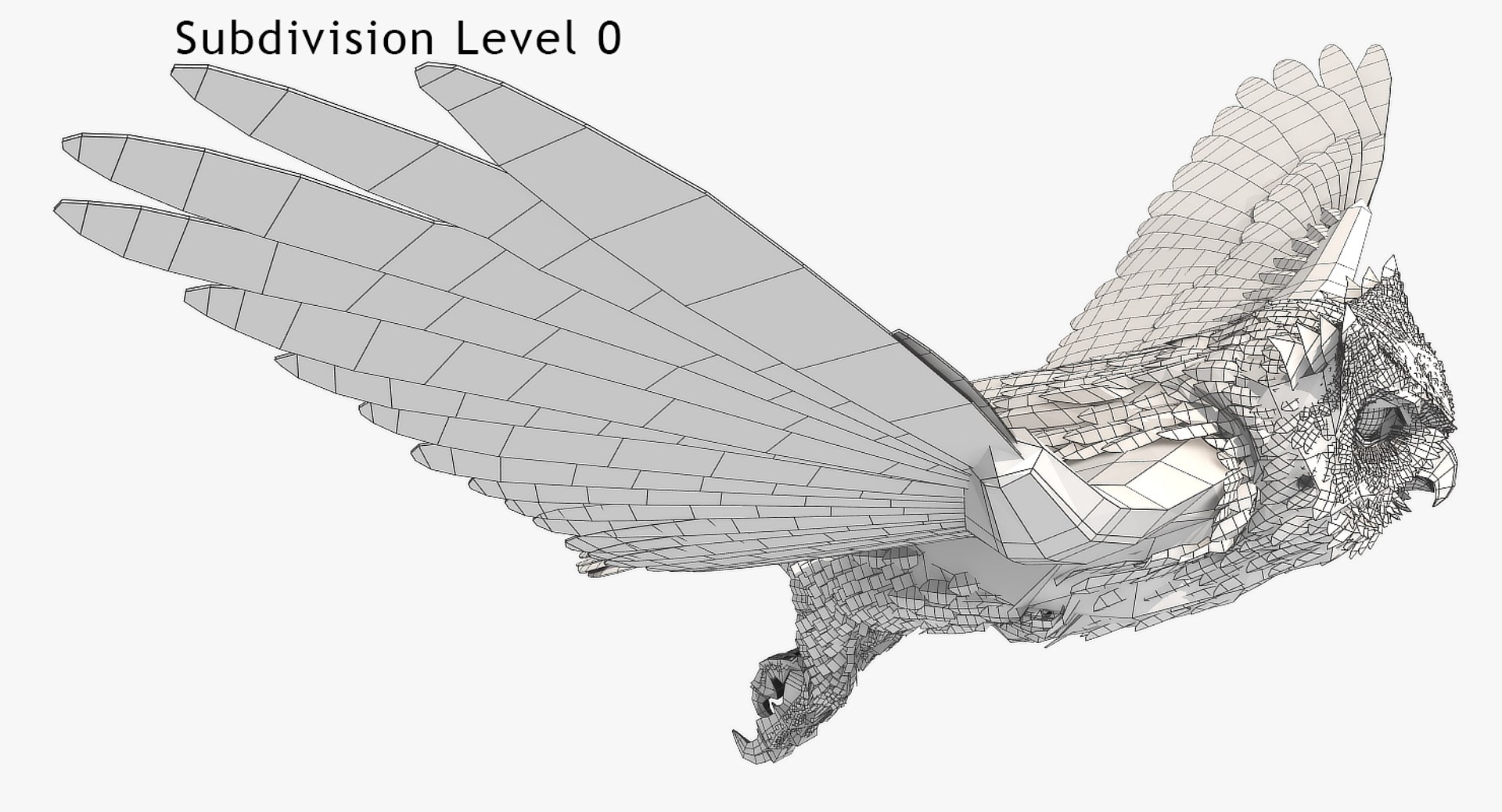
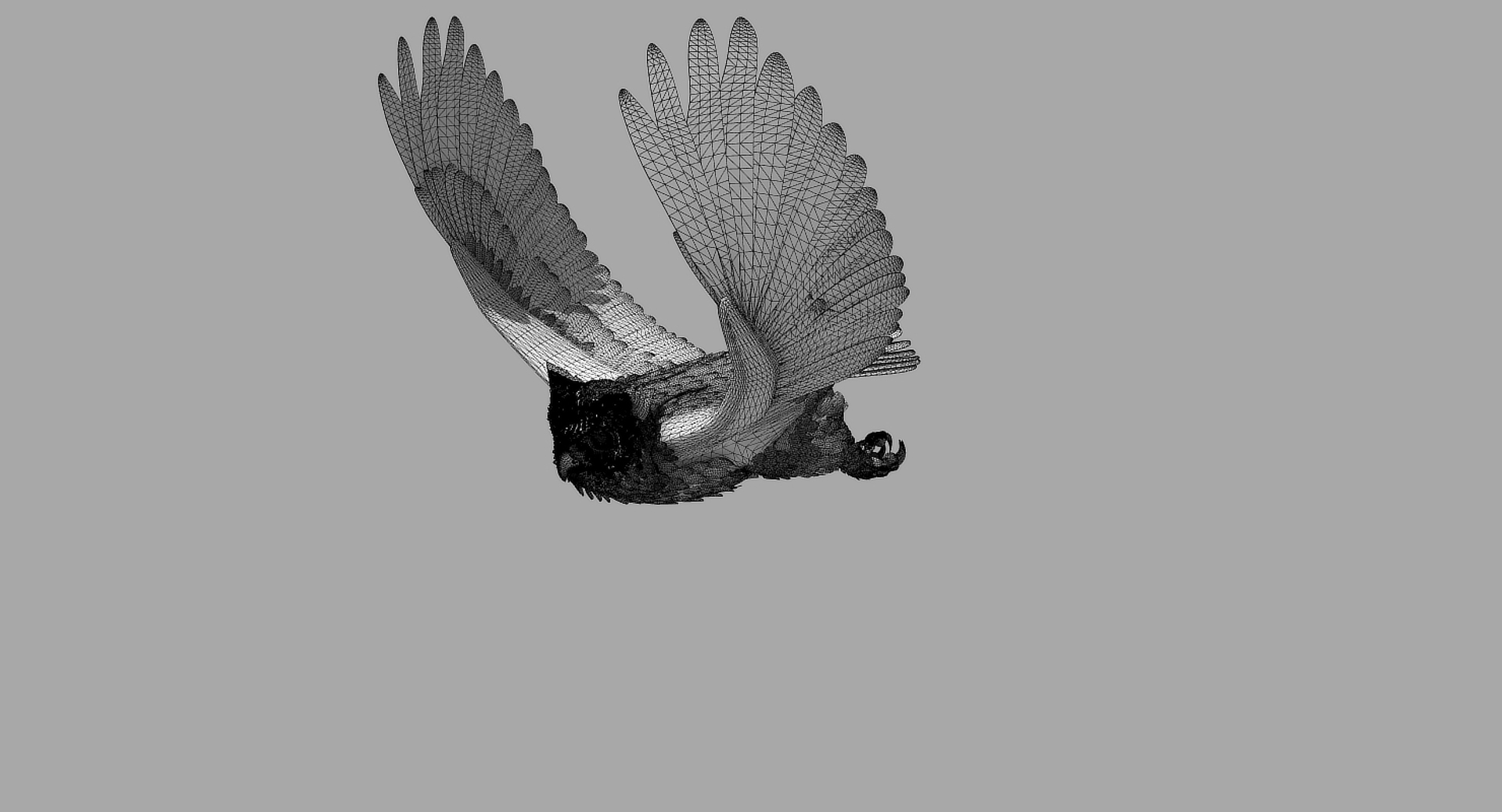
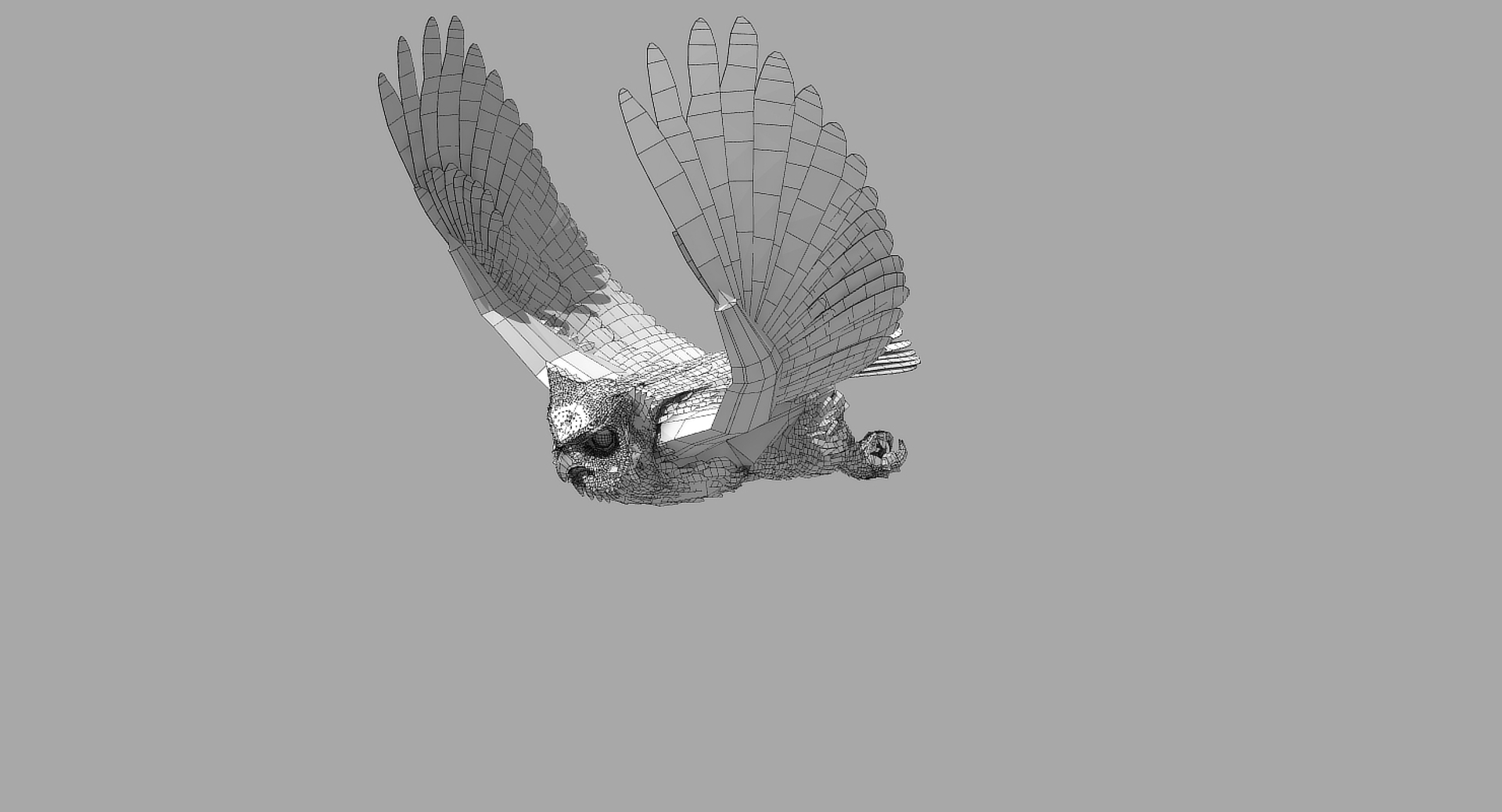
The feathers are geometry so they render fast and no plugins are needed.

This model comes with several pre-animated scenes to get you started.

The wings are animated using the 3 bones within each. The wings are folded using one of several morph targets.

You can also make adjustments, like spreading the wing tip feathers and spreading the tail using morph targets.

-------------------------

The main controlling objects are (this varies from format to format): GHO Null, Root, LT_Foot, RT_Foot

GHO-Zero.lws is the name given to my BASIC set up, no animation, but it is rigged.

I have provided several scene files to get you started:
GHO-Zero.lws
GHOLandTakeOff.lws
GHO-FlyLoop.lws

The feet and legs are controlled by "LT-Foot" and "RT-Foot" [GHO_Locator, Root, FootController_RT, FootController_LT, GHO-Hypernurbs, Root, FootController_RT, FootController_LT] respectively.

There are three 'neck' bones, a 'head' bone and a 'lower beak' bone.

There are 29 Morph targets.

The 'Mouth' and phonemes are controlled by 10 Morph targets located when you select the mesh and go to "Object" => "Properties" => "Deform" - Object" => Pose Morph Expression Tag - Blend Shape window all depending on format

The wings are controlled by 3 bones each
and have 8 Morph positions, including flapping and folded positions

WingFold4-AtSide
WingTipsSpread
WingFold6Complete
WingFold7Complete
WingFold8Complete
WingFold9Complete
WingsCupped
WingTips-DN
WingTipsSpreadUp

The Tail spread is controlled via Morph target 'Tail_Closed' and TailClosed, the Tail bone controls position and rotation.

The eyes have several morph targets:
EyeBrowsUP
EyeBrowsDN
EyelidsCOpened
Eyes-Iris-Size
Eyes-Pupil-Size

The body's profile can be "streamlimned for flight with:
Body_For_Flight
Body-Head-Flatten
BackForFlight2

The toes are controlled by 12 bones on each foot.

To fold the wings use the morphs noted above.

But if you have positioned the wings by moving the bones, AND you try to use morph targets to fold them, you WILL have some pretty weird distortions that will freak you out.

Don't panic, the solution is to 'zero' out your wing bone positions, as or just before you apply the 'Morph' targets.

Select Enhanced License

  • $10,000 in Legal Protection (Indemnification)
  • Uncapped Legal Protection (Indemnification)
  • Waiver from injunctive relief
  • Assignable model rights
  • $1,000,000 in Legal Protection (Indemnification)
  • Waiver from injunctive relief
  • Assignable model rights
  • $250,000 in Legal Protection (Indemnification)
  • Assignable model rights
Read more about enhanced license tiers, or contact us at enterprise@turbosquid.com. Already a Shutterstock Enterprise Customer? Contact your Shutterstock Sales Support Agent to talk about adding 3D.

About Conversion Requests

To submit a conversion request for a purchased asset, please complete our Conversion Request Form.

If you have not yet purchased a model, please review our Documentation about Conversions to learn about what limitations you may encounter with a conversion.

For any additional questions about a model’s suitability for conversion, please contact TurboSquid Support.

Loading...