
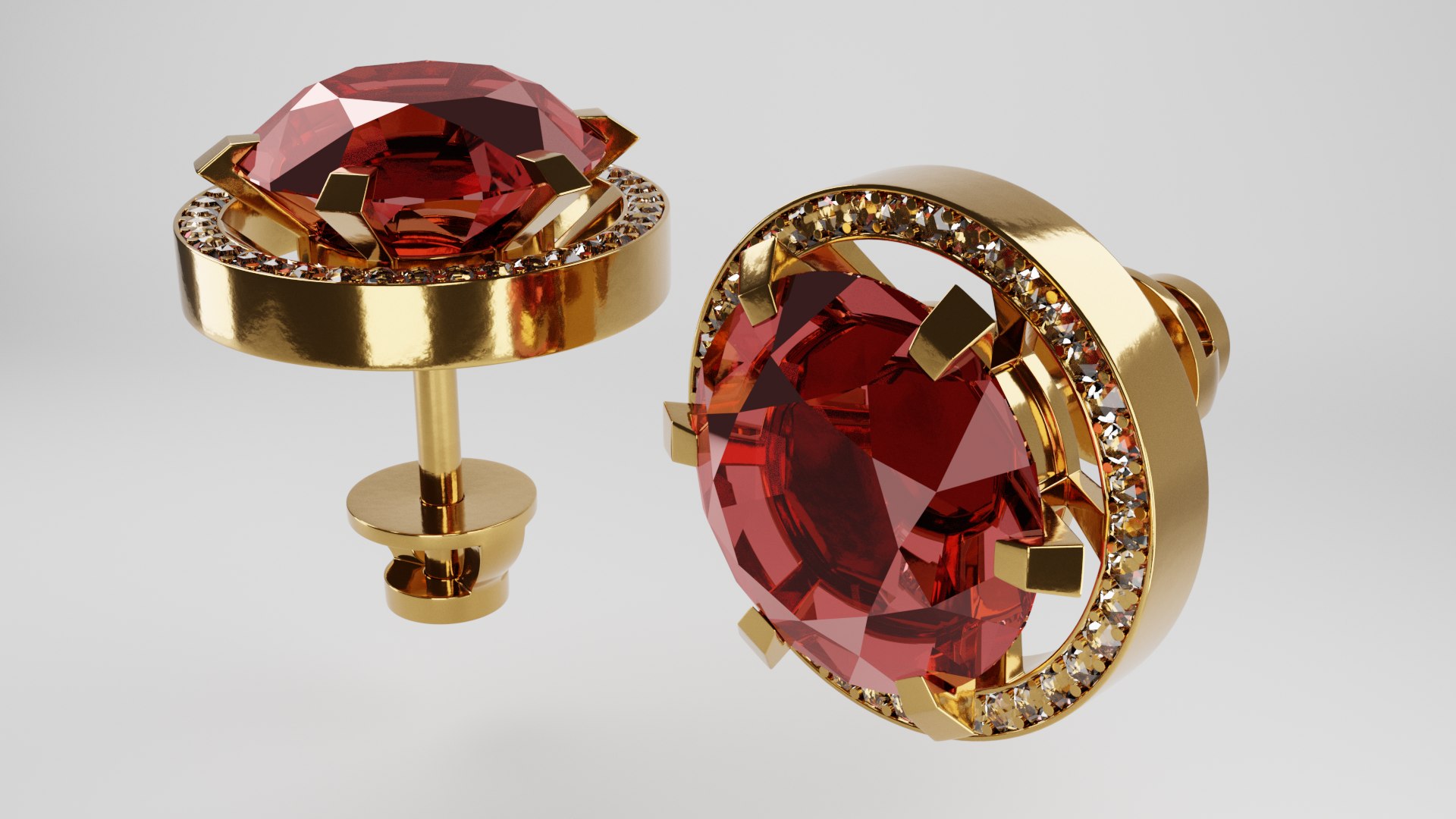
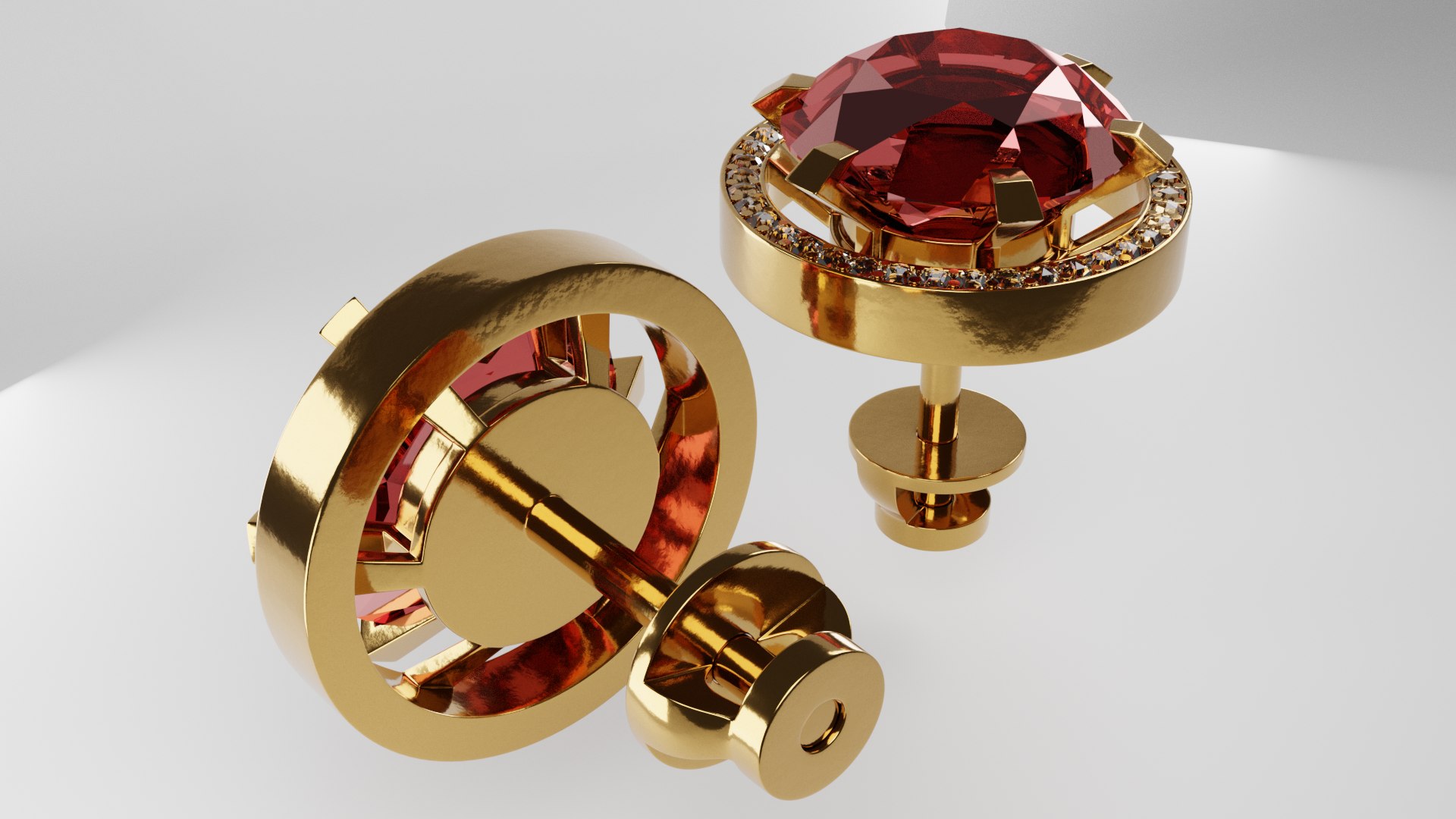
Gold earrings

$7.20

Standard License | Upgrade License
Formats (7)
Native | Blender 3.0.1 | Cycles Render 3.0.1
FBX
OBJ
Other Textures
STL
DirectX
glTF
Other Files
earrings.mtl
Specifications
Publish Date April 24, 2022
Product ID 1887925
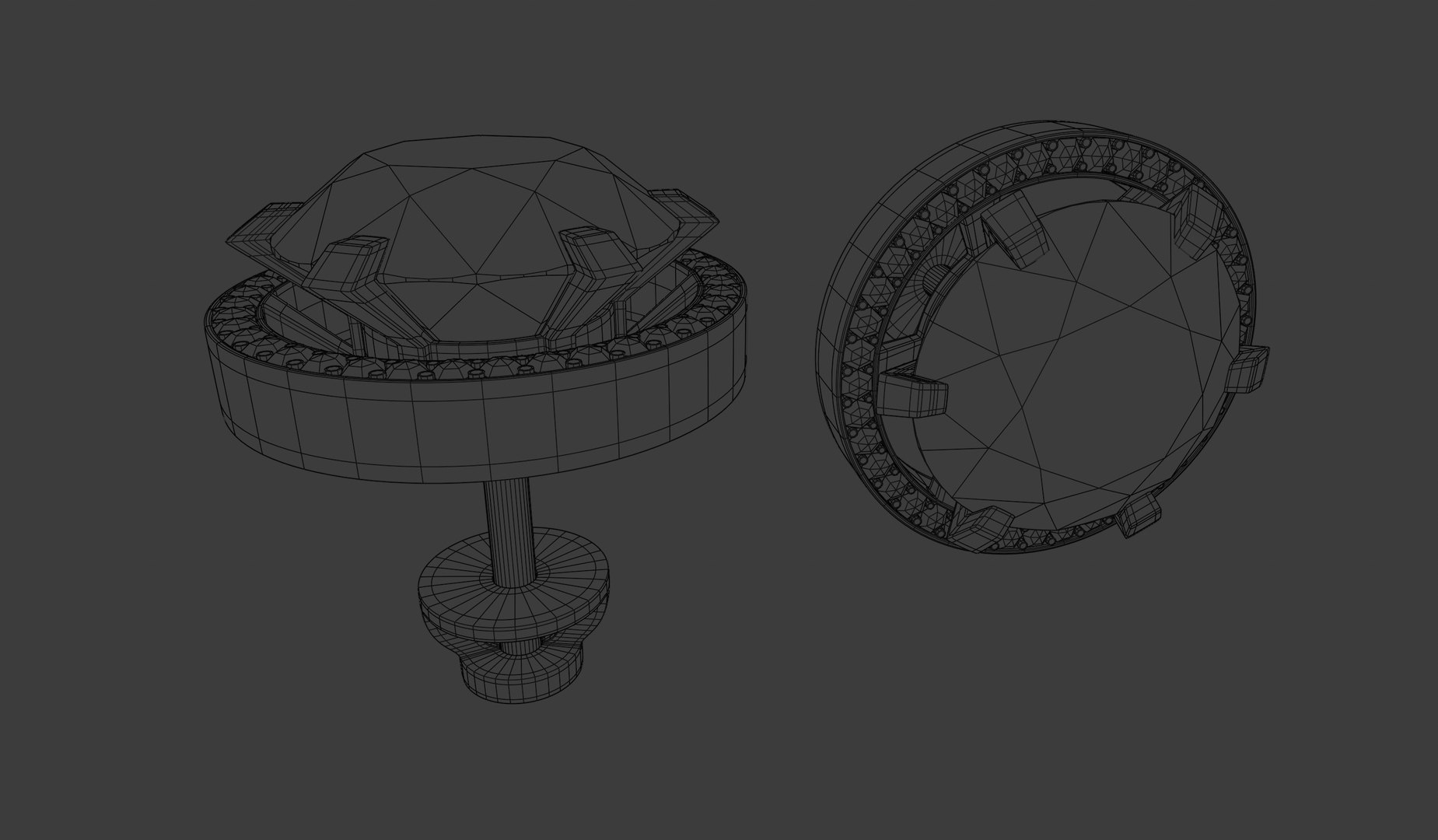
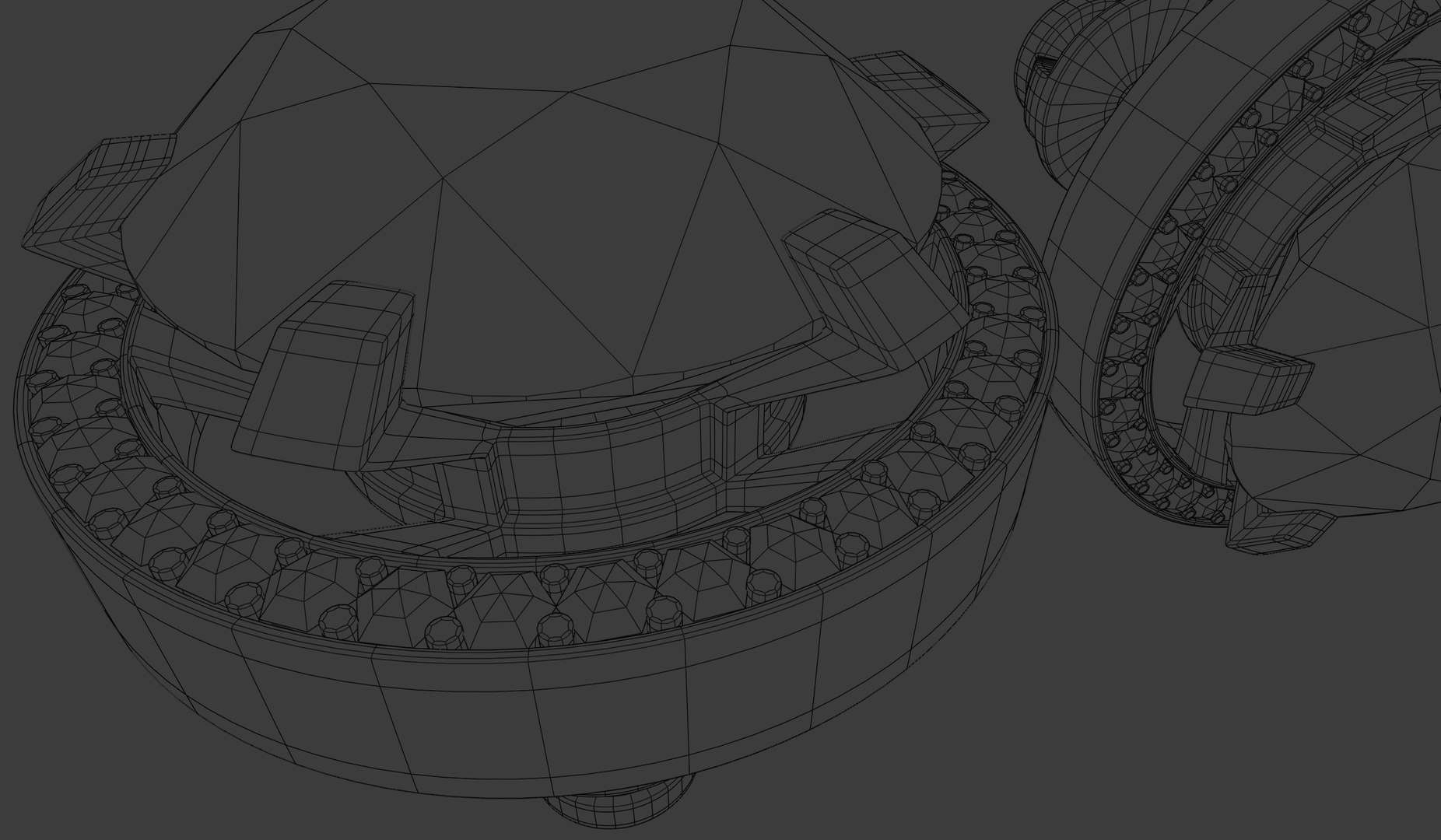
Polygons 148,852
Vertices 148,900
Subdivision
Textures
UV Mapped
Non-overlapping Unwrapped UVs
member avatar
LizSo20
31 Products | Contributor Since 2022
Have questions? Chat with us now.

Description

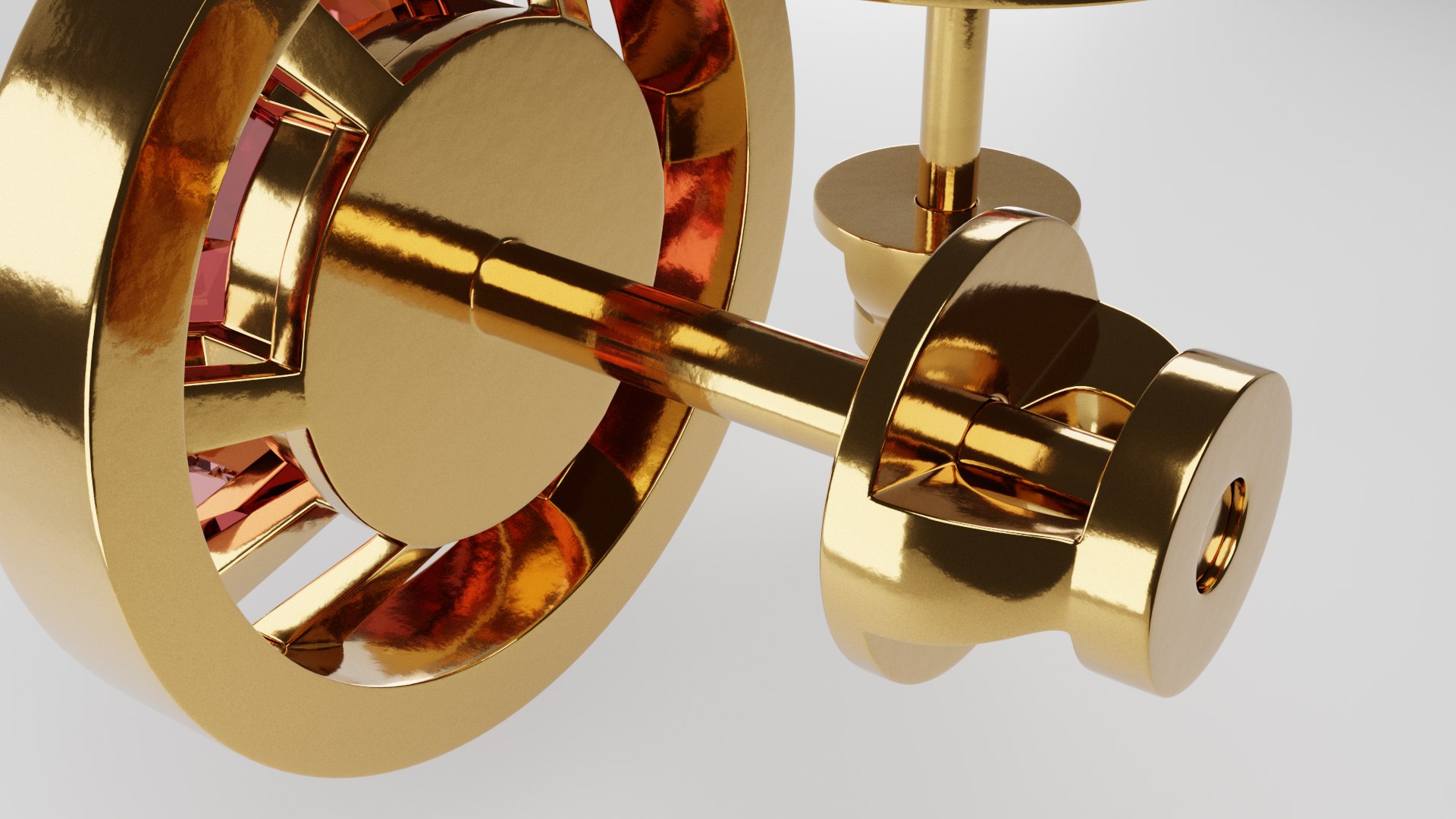
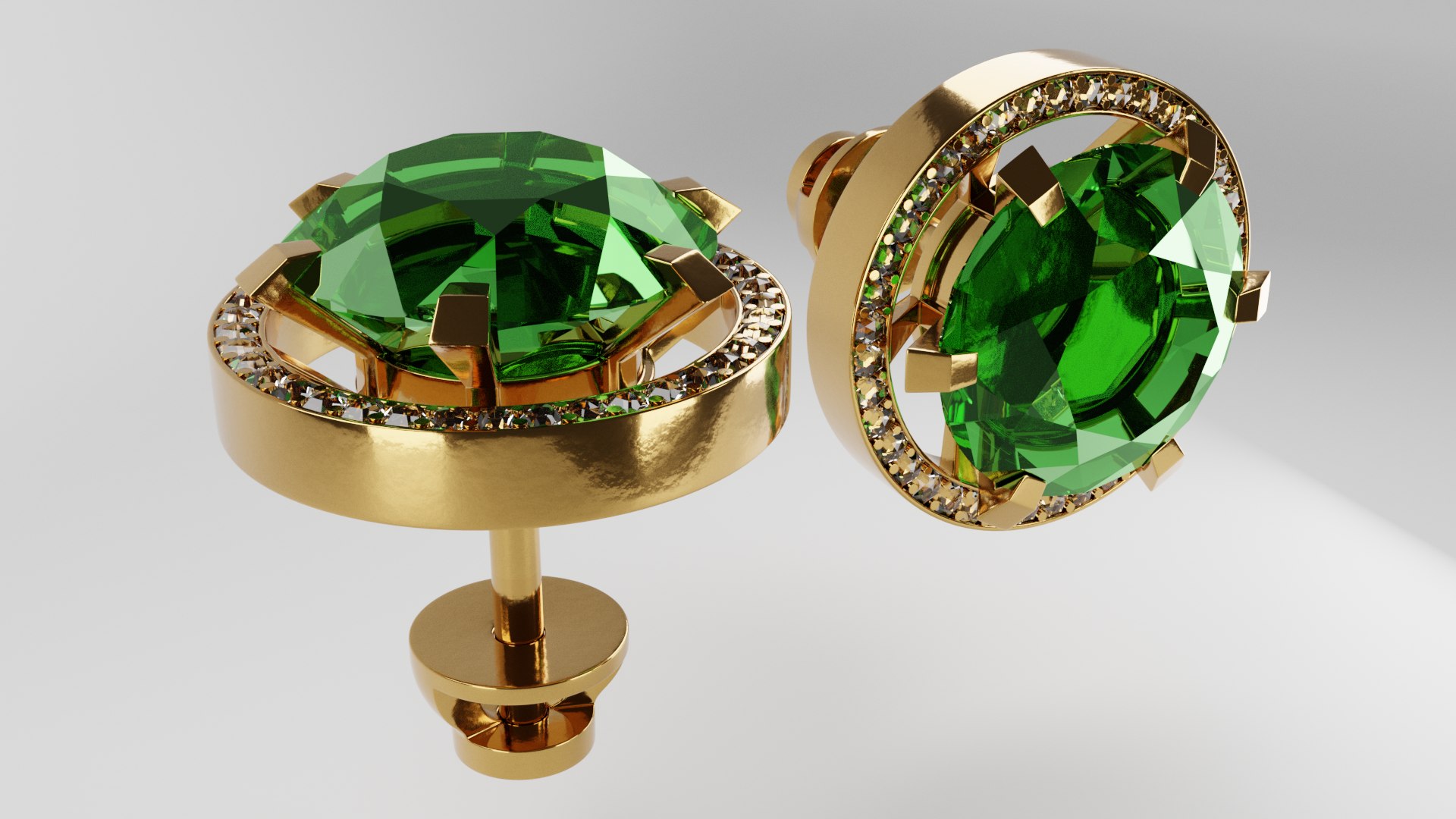
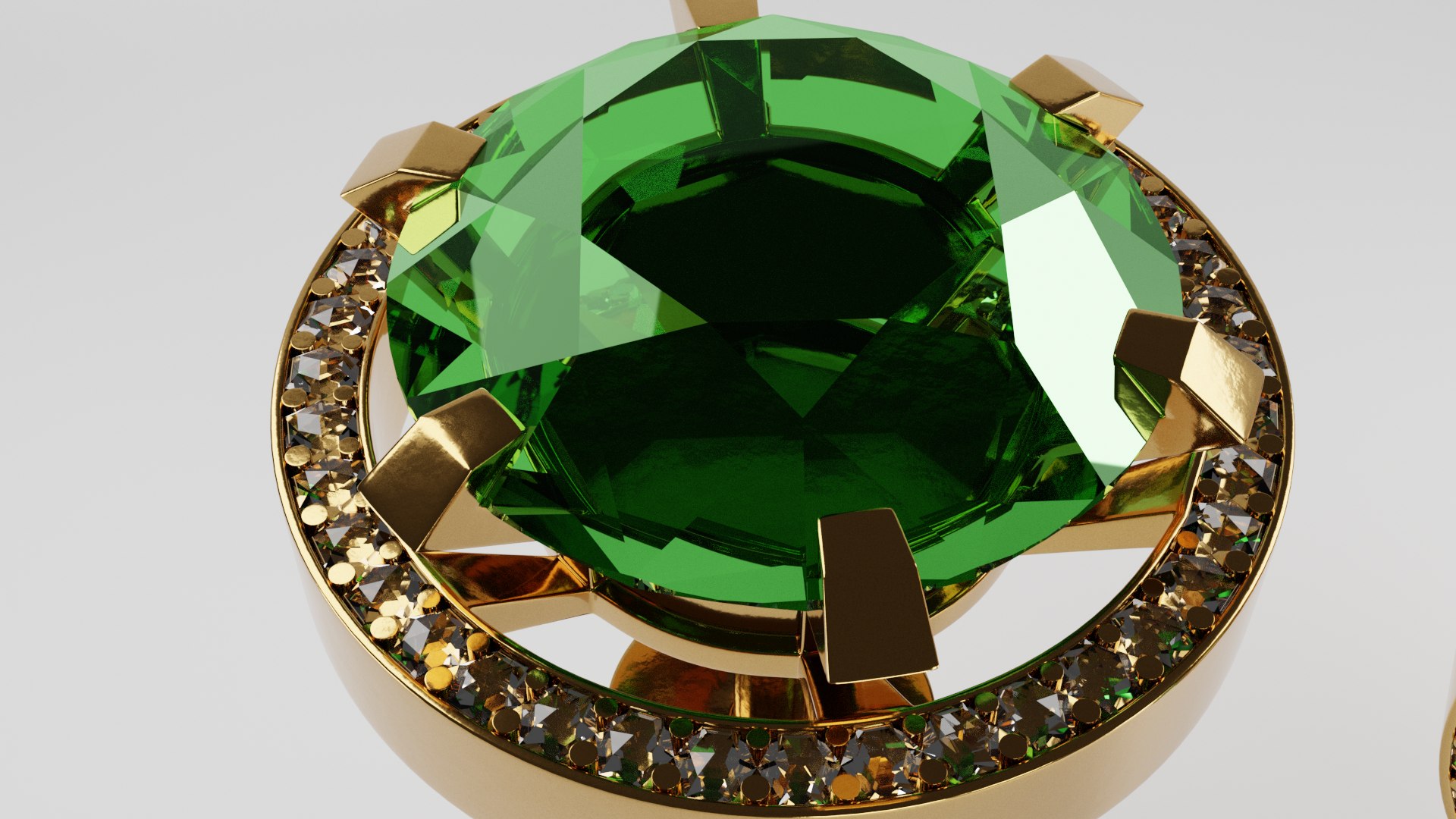
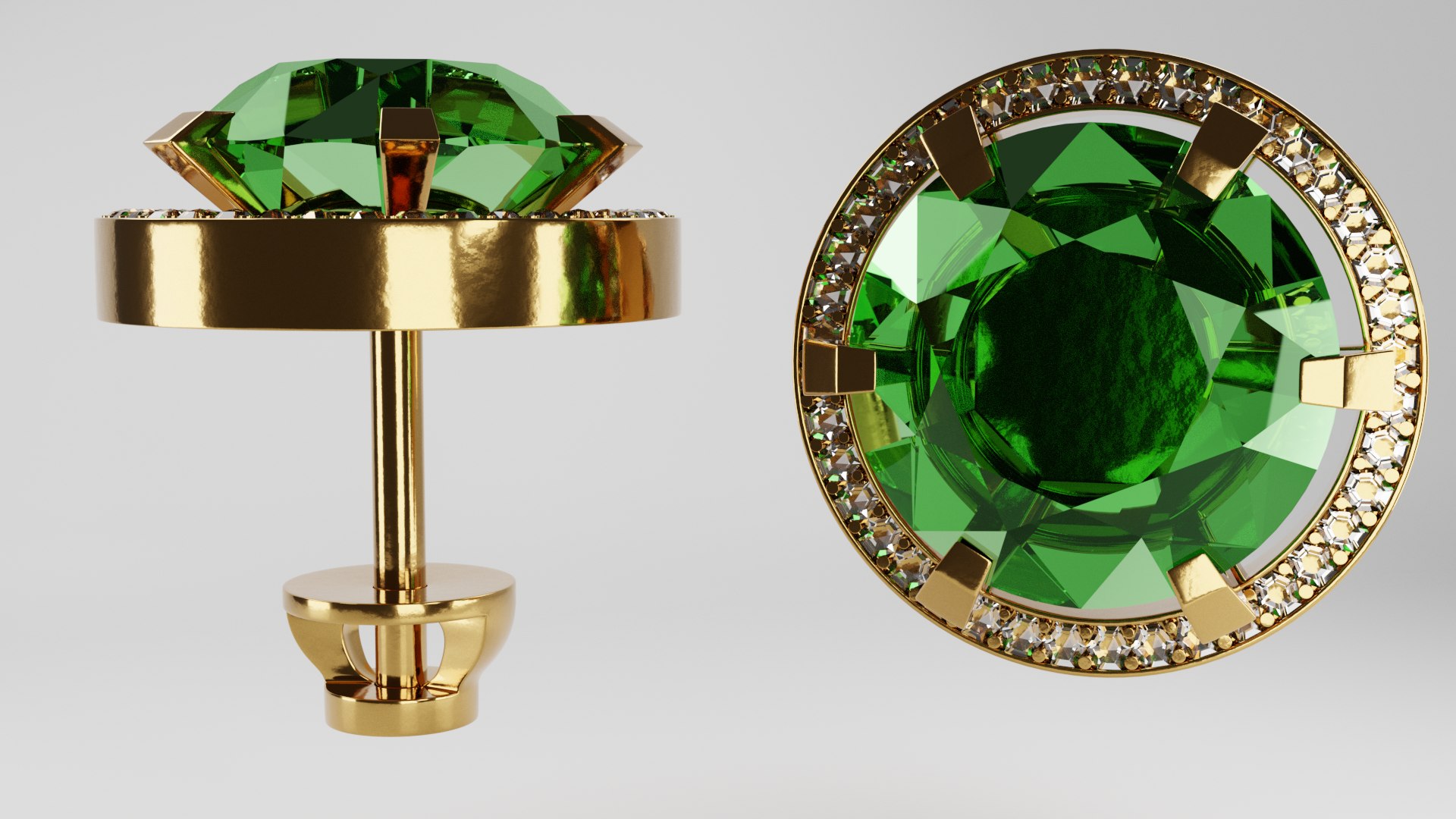
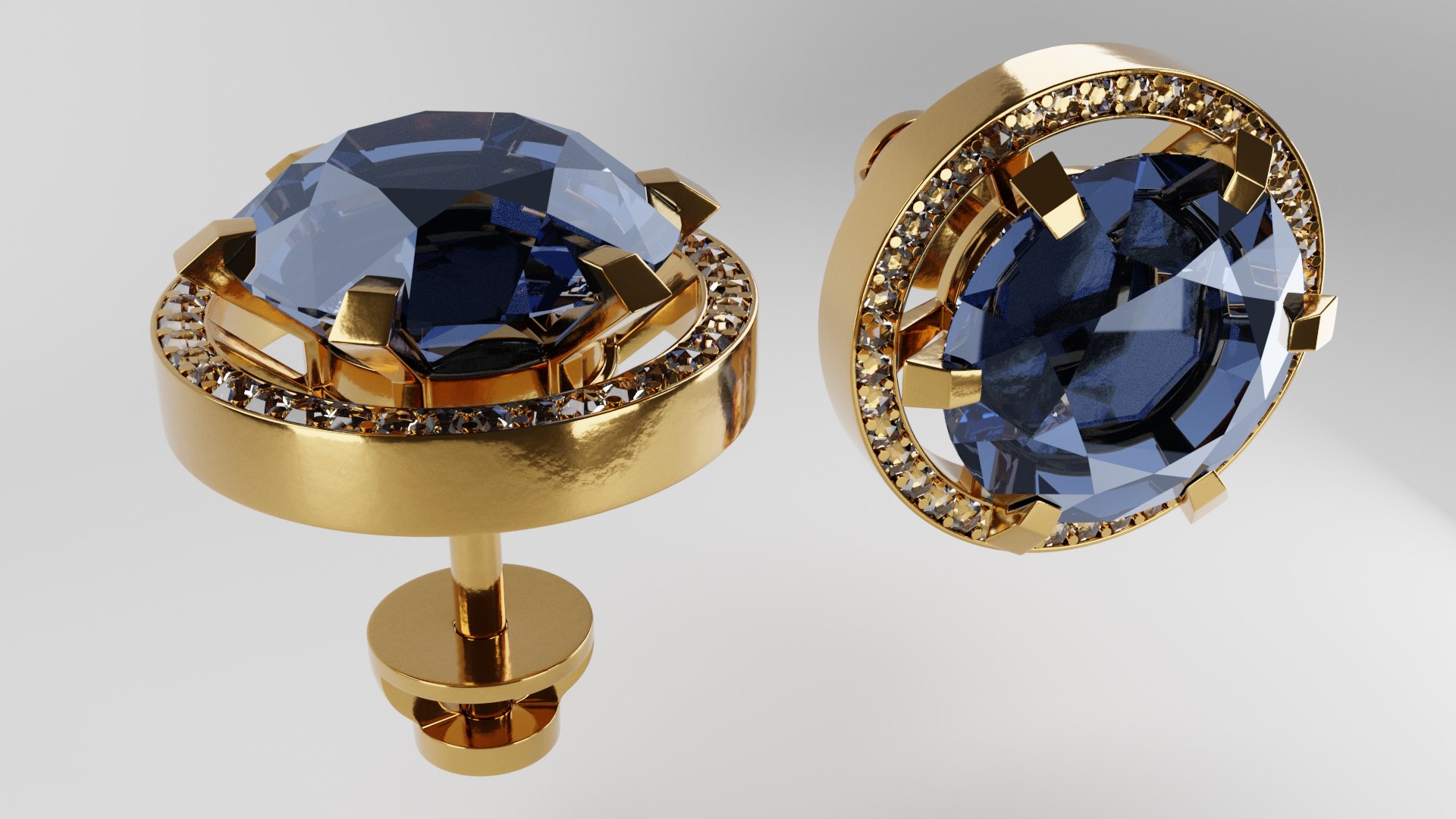
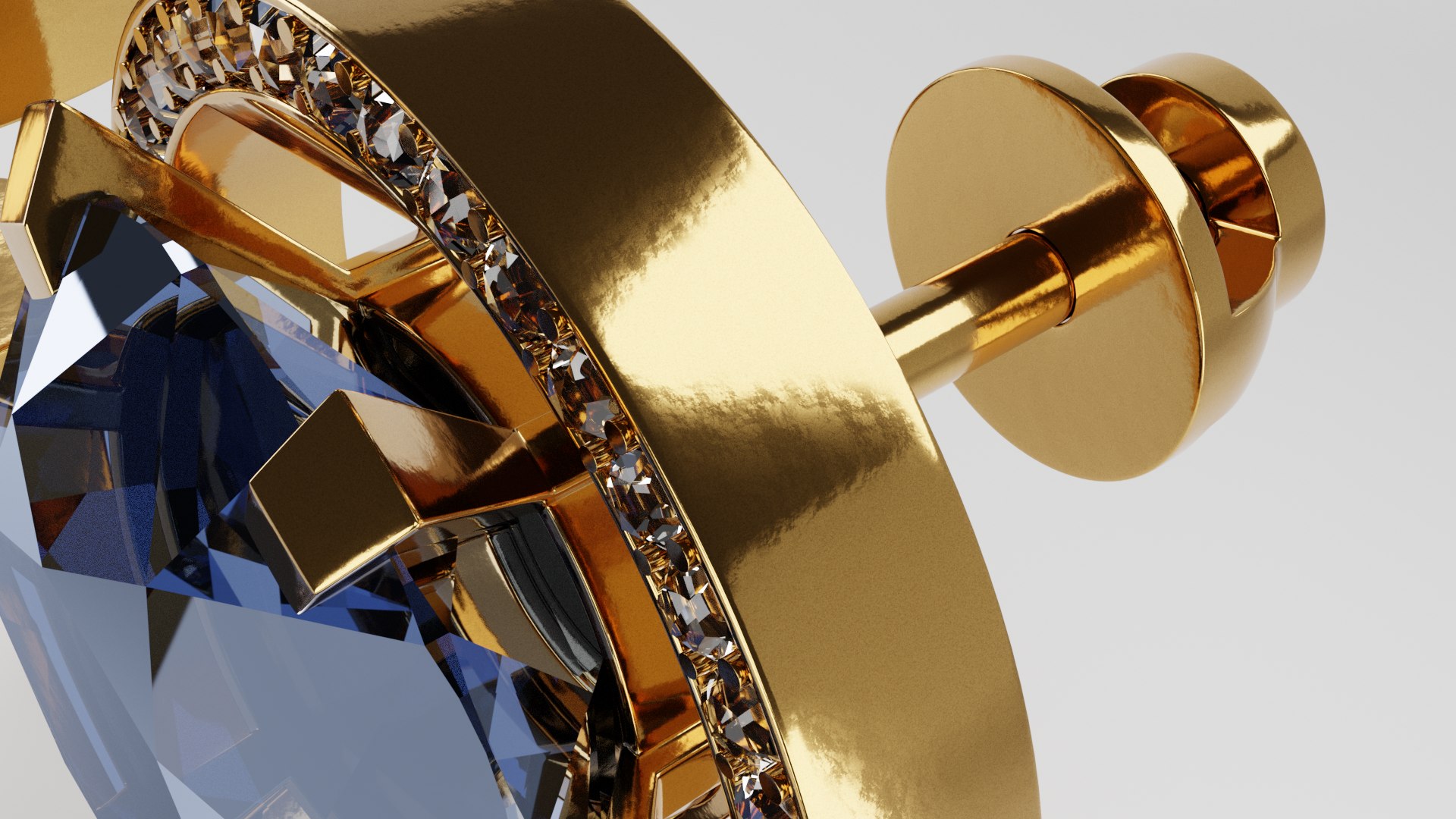
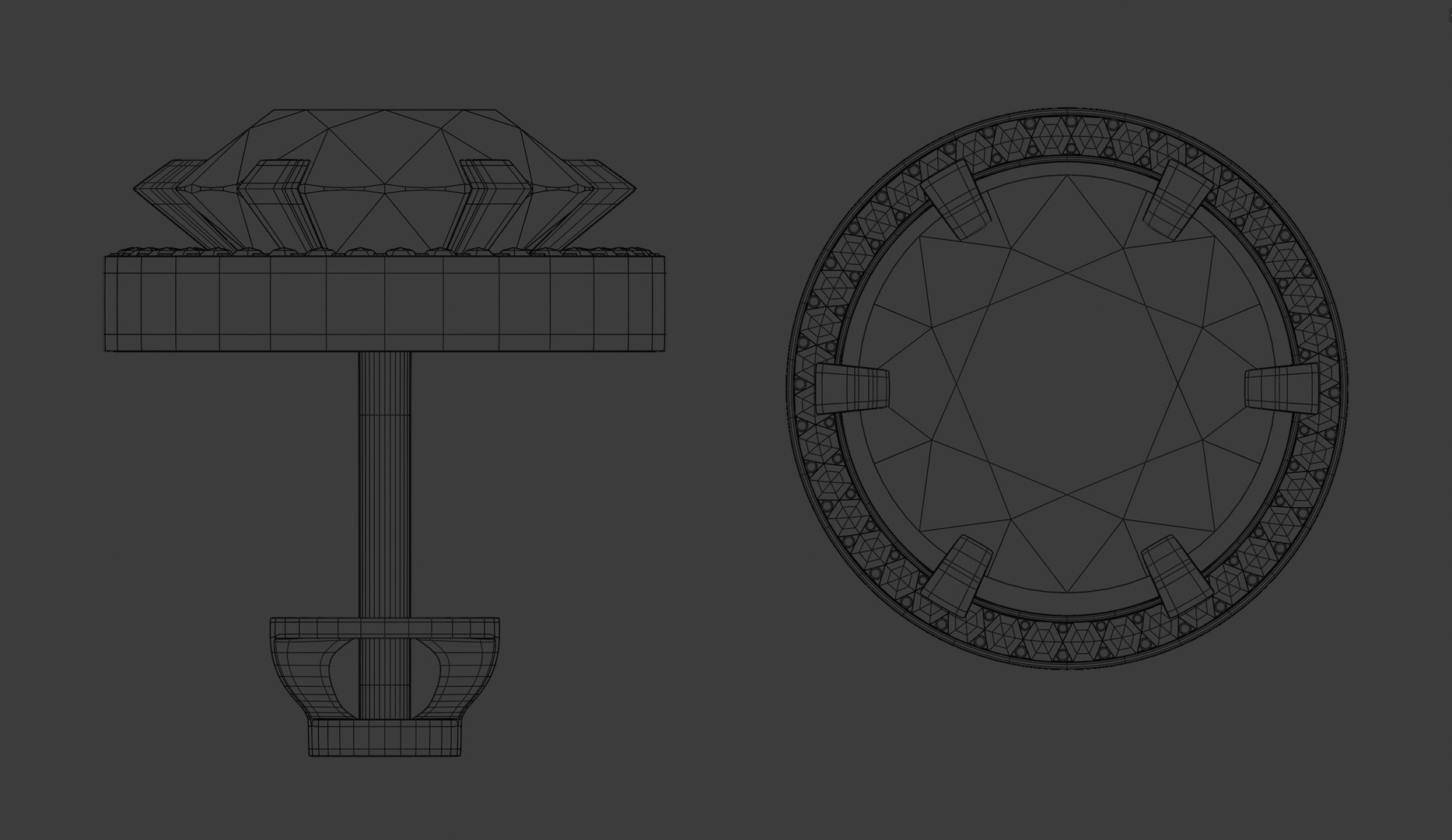
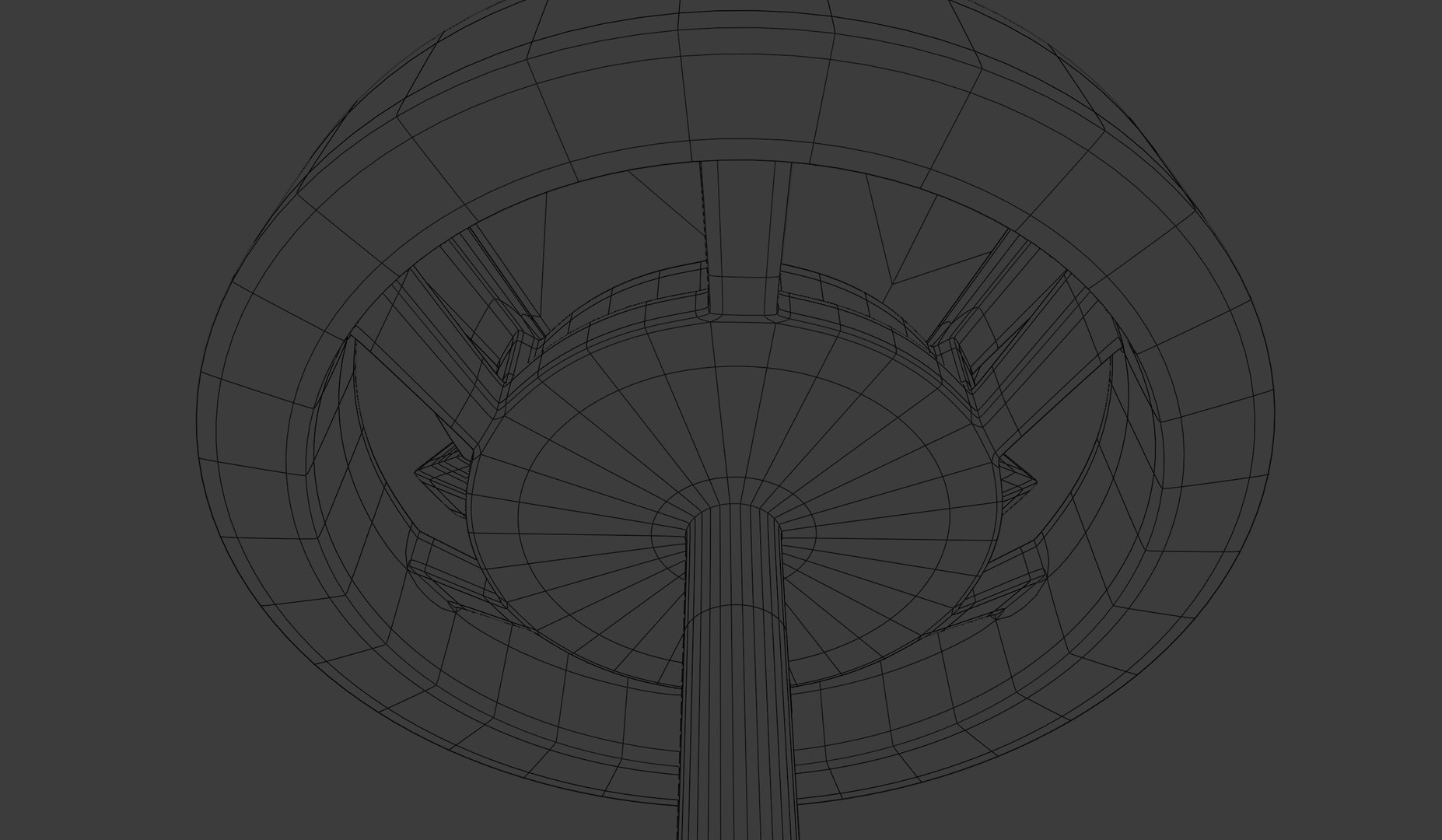
Gold earrings


Earring: height - 15.7 mm, diameter - 13.7 mm

The diamond is large: height - 4.23 mm, diameter - 10.2 mm

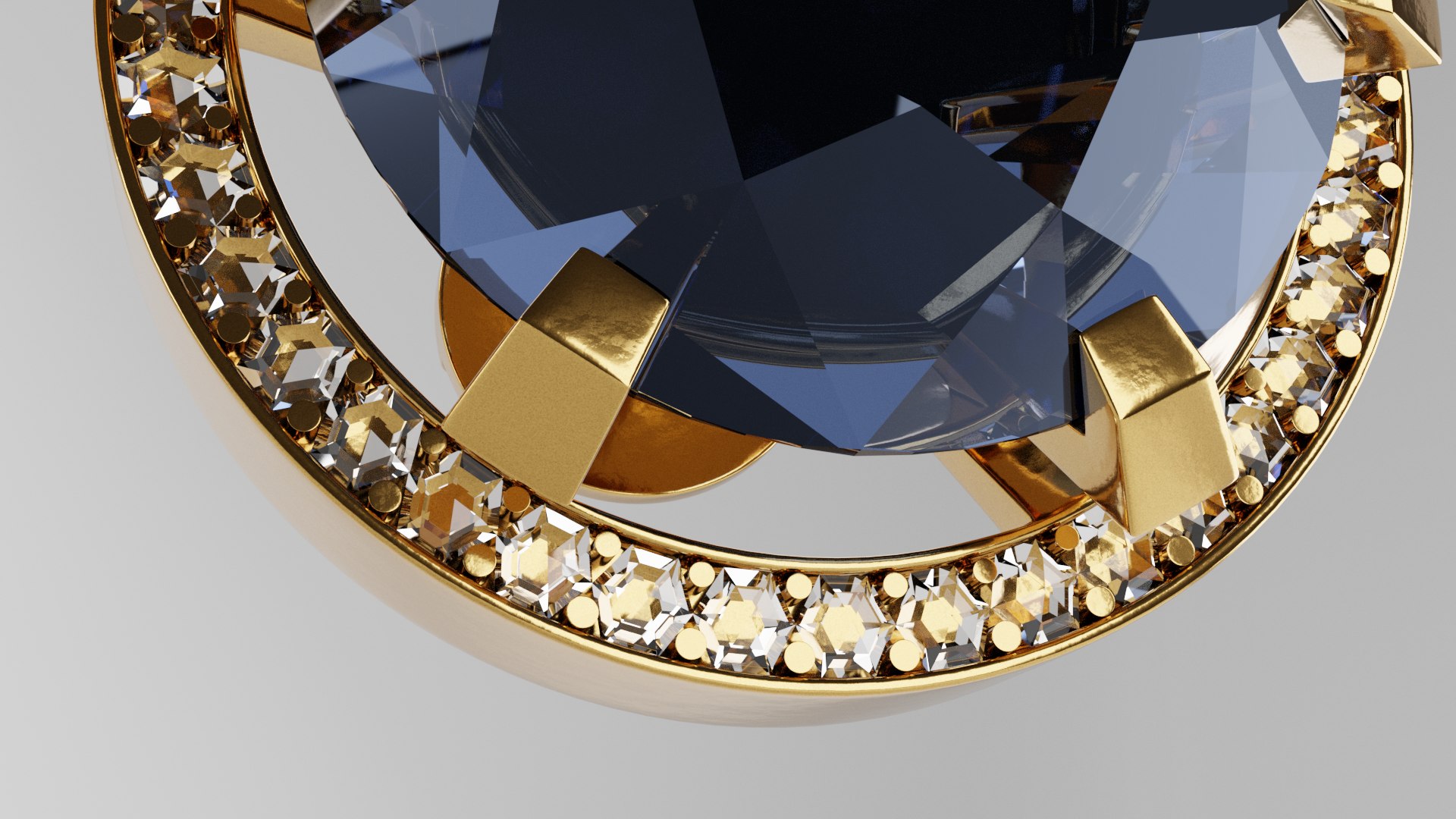
The diamond is small: height - 0.665 m, diameter - 0.975 mm

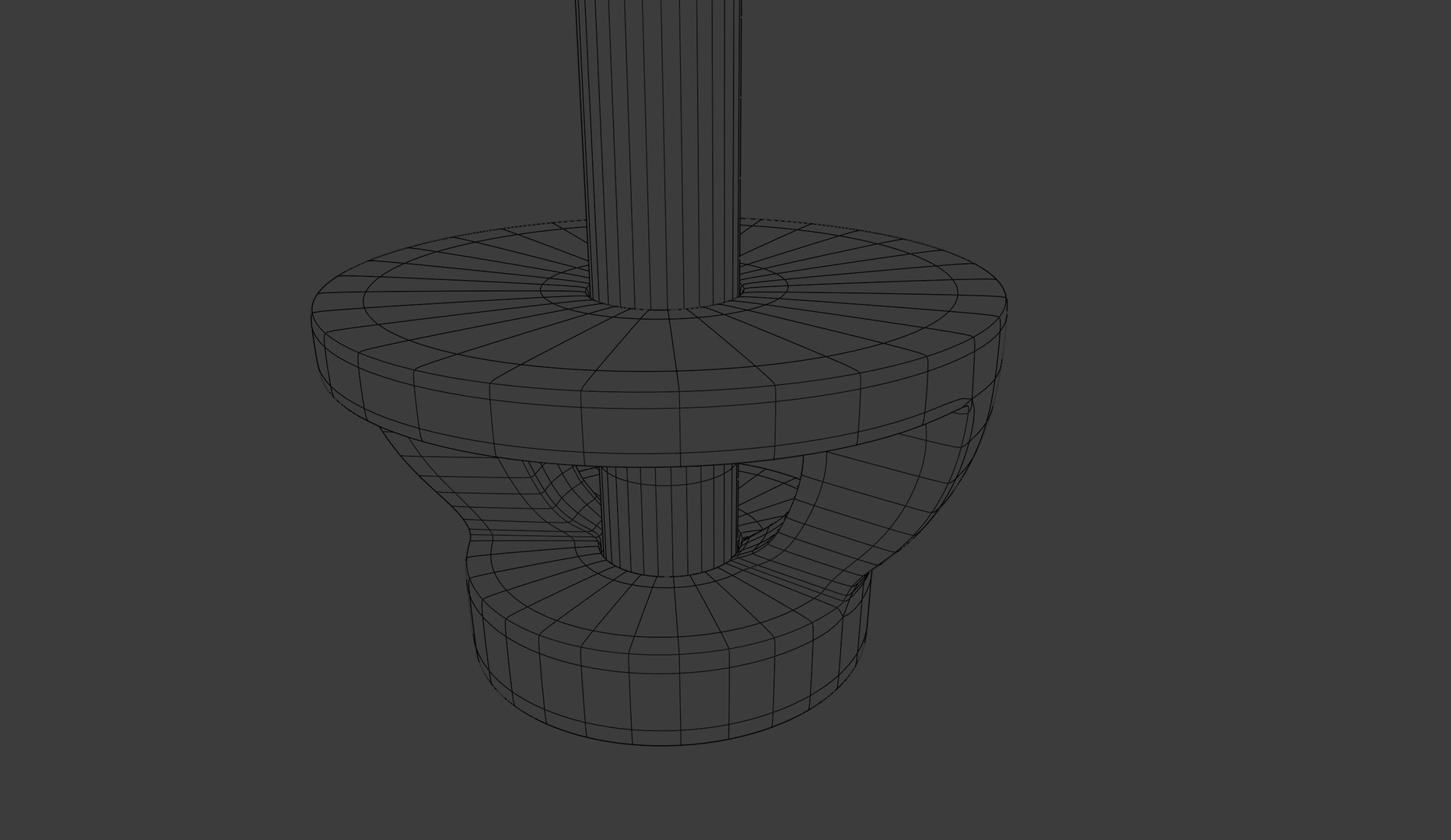
Clasp: height - 3.37 mm, diameter - 5.6 mm

These stud earrings are presented in 3 colors of precious stones: red, green and blue.

High-quality jewelry models for use in prototyping or in your projects. Perfect for rendering photos and videos.

The model is presented combined, all the main parts are presented as separate parts, so the materials of objects are easily modified or removed, and standard parts are easily replaced.

The model has a fully textured, detailed design that allows close-up visualization, and was originally modeled in Blender 3.0.1.

All objects in the scenes are logically named for the convenience of scene management. All main parts are presented as separate parts therefore materials of objects are easy to be modified or removed and standard parts are easy to be replaced.

All formats .blend, .ply, .stl, .fbx, .glb, .obj, .mtl, .x3d. If you need a file format, please contact me.

Select Enhanced License

  • $10,000 in Legal Protection (Indemnification)
  • Uncapped Legal Protection (Indemnification)
  • Waiver from injunctive relief
  • Assignable model rights
  • $1,000,000 in Legal Protection (Indemnification)
  • Waiver from injunctive relief
  • Assignable model rights
  • $250,000 in Legal Protection (Indemnification)
  • Assignable model rights
Read more about enhanced license tiers, or contact us at enterprise@turbosquid.com. Already a Shutterstock Enterprise Customer? Contact your Shutterstock Sales Support Agent to talk about adding 3D.

About Conversion Requests

To submit a conversion request for a purchased asset, please complete our Conversion Request Form.

If you have not yet purchased a model, please review our Documentation about Conversions to learn about what limitations you may encounter with a conversion.

For any additional questions about a model’s suitability for conversion, please contact TurboSquid Support.

Loading...