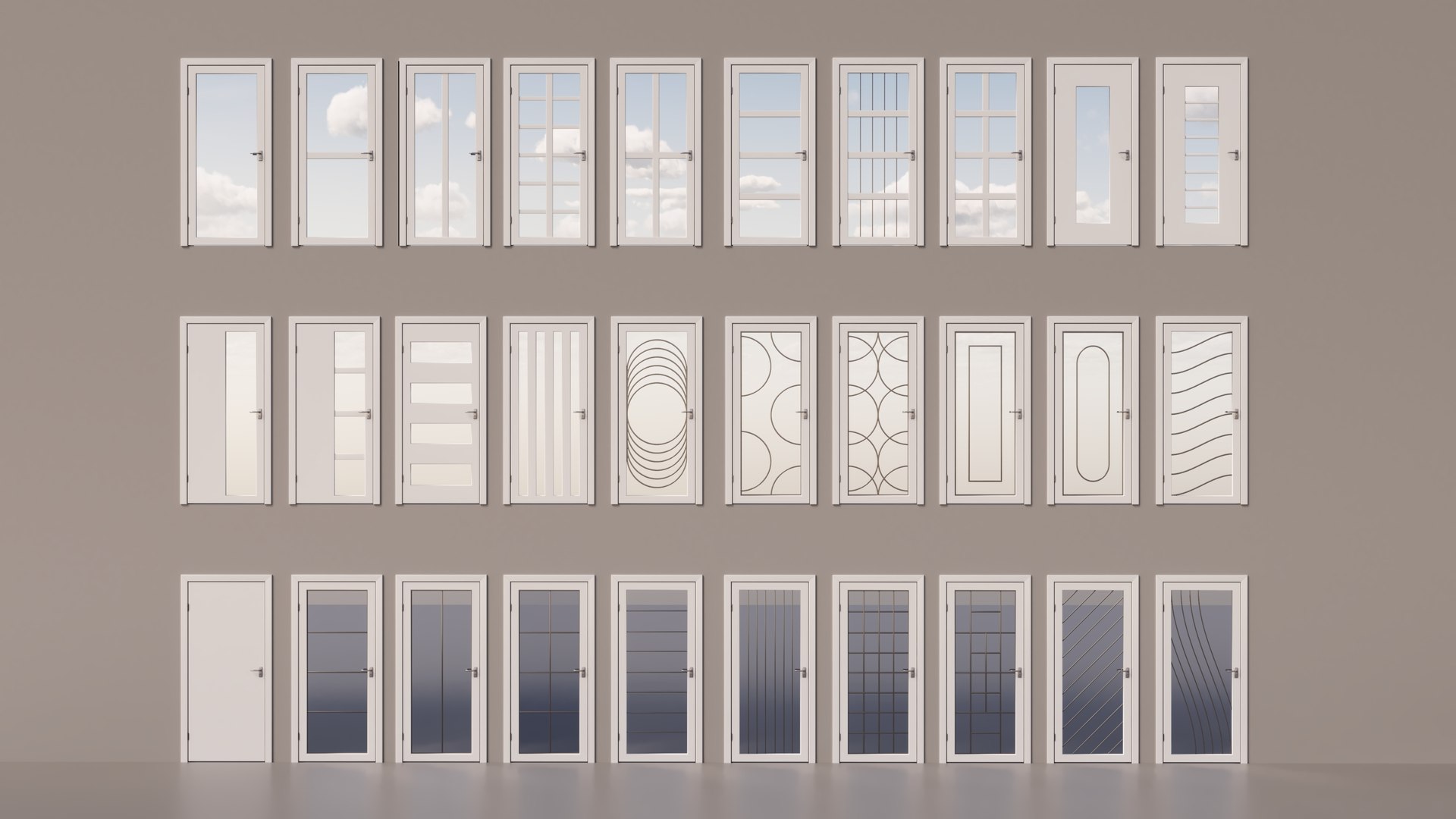
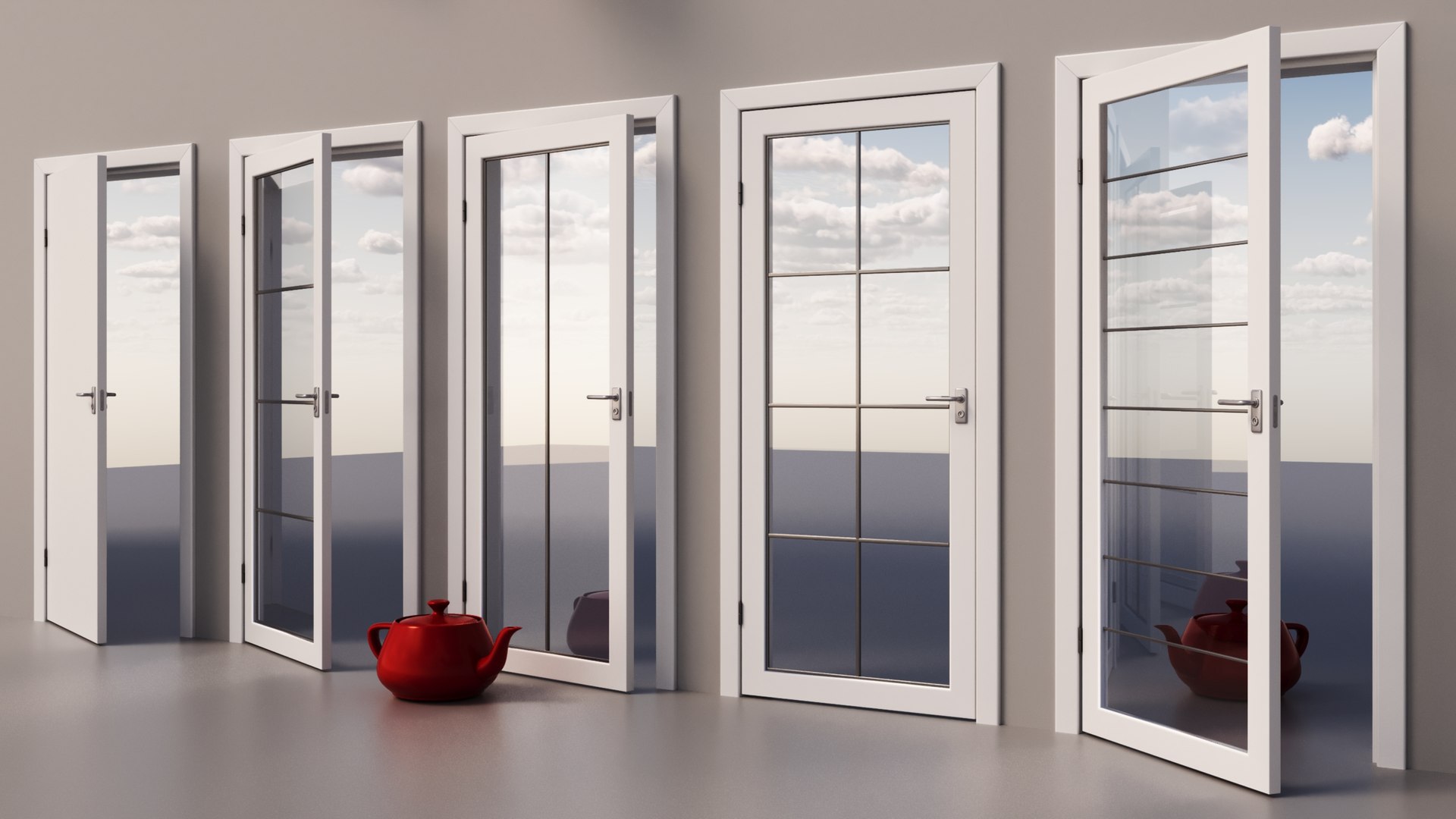
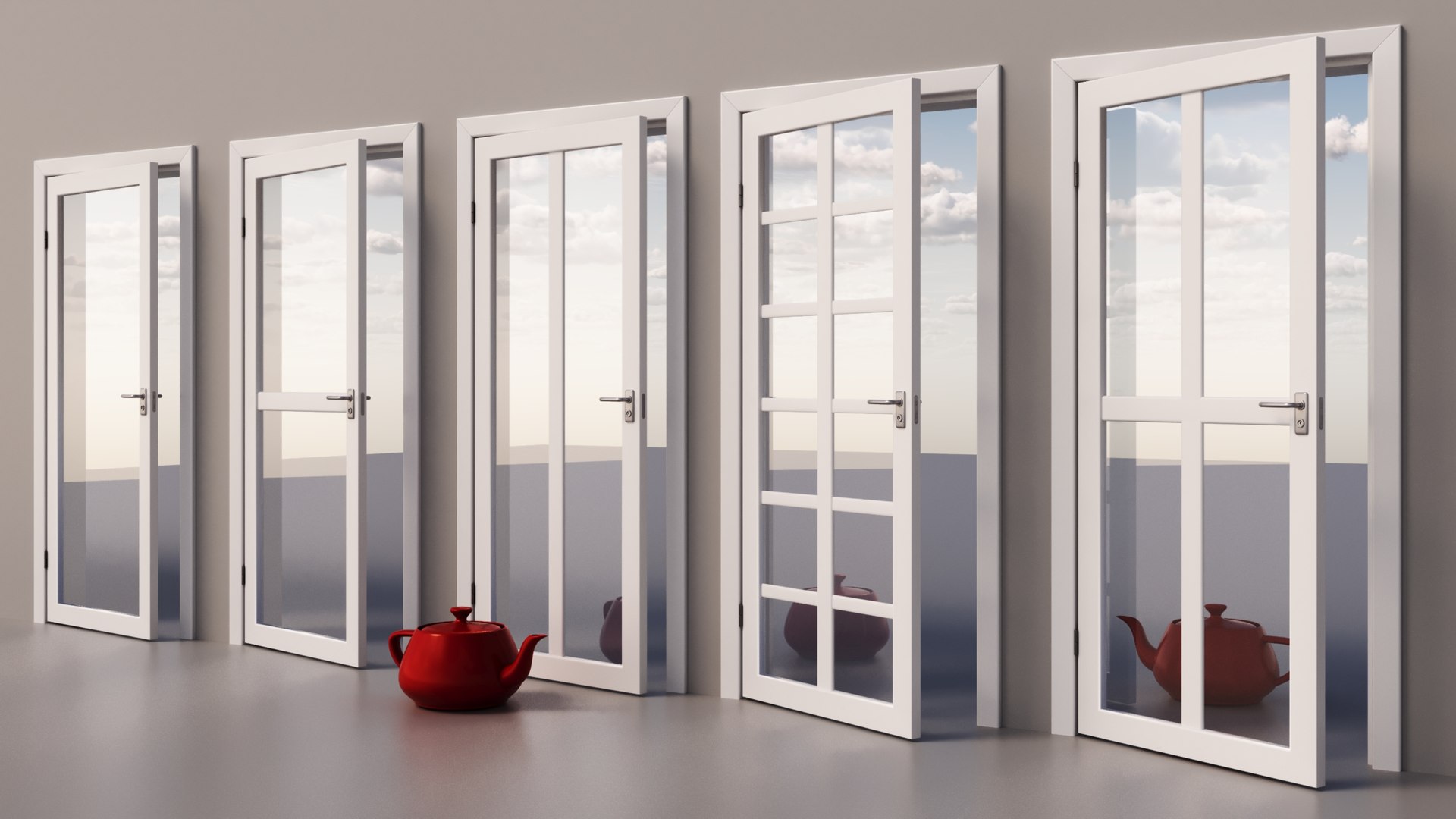
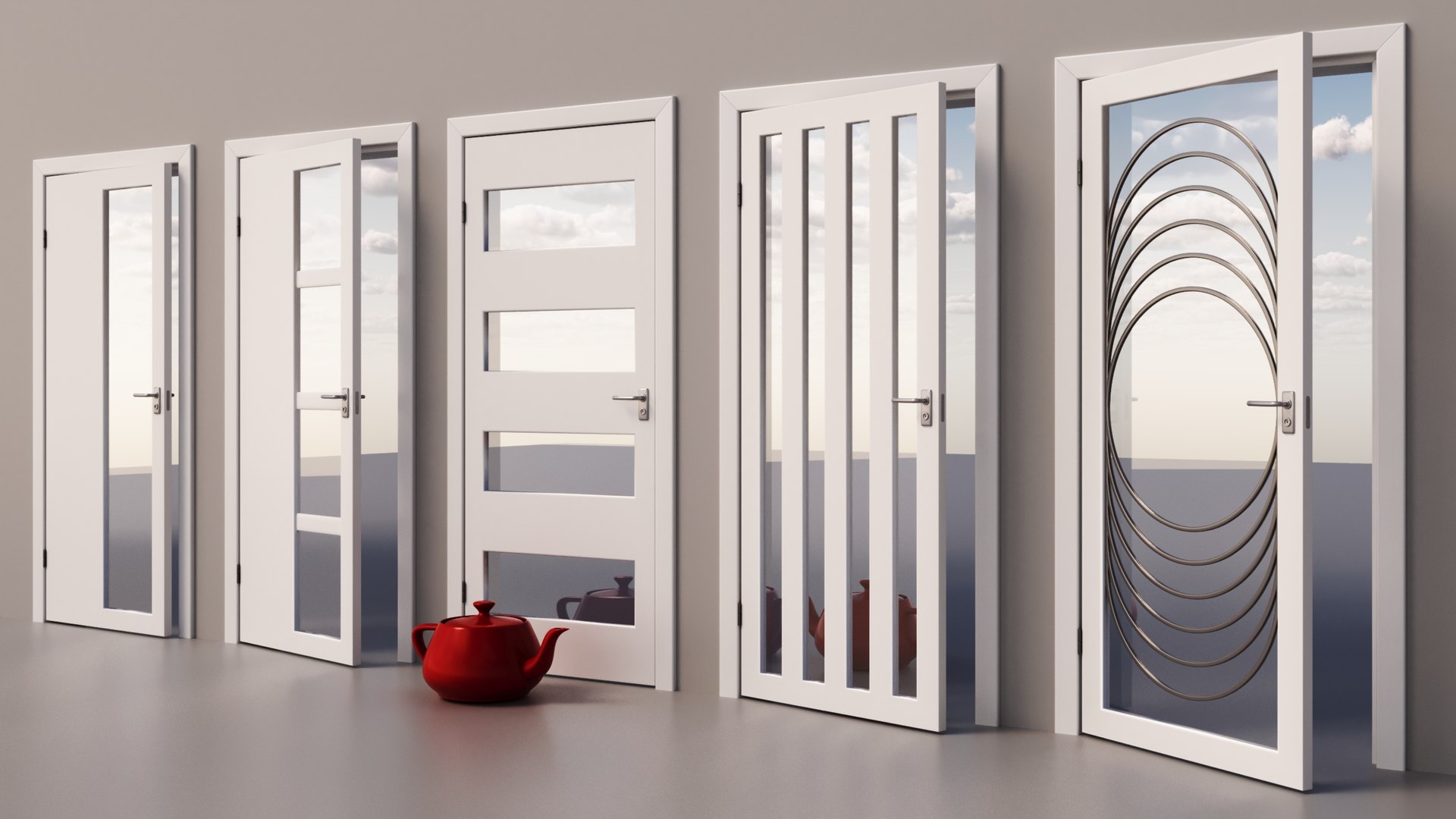
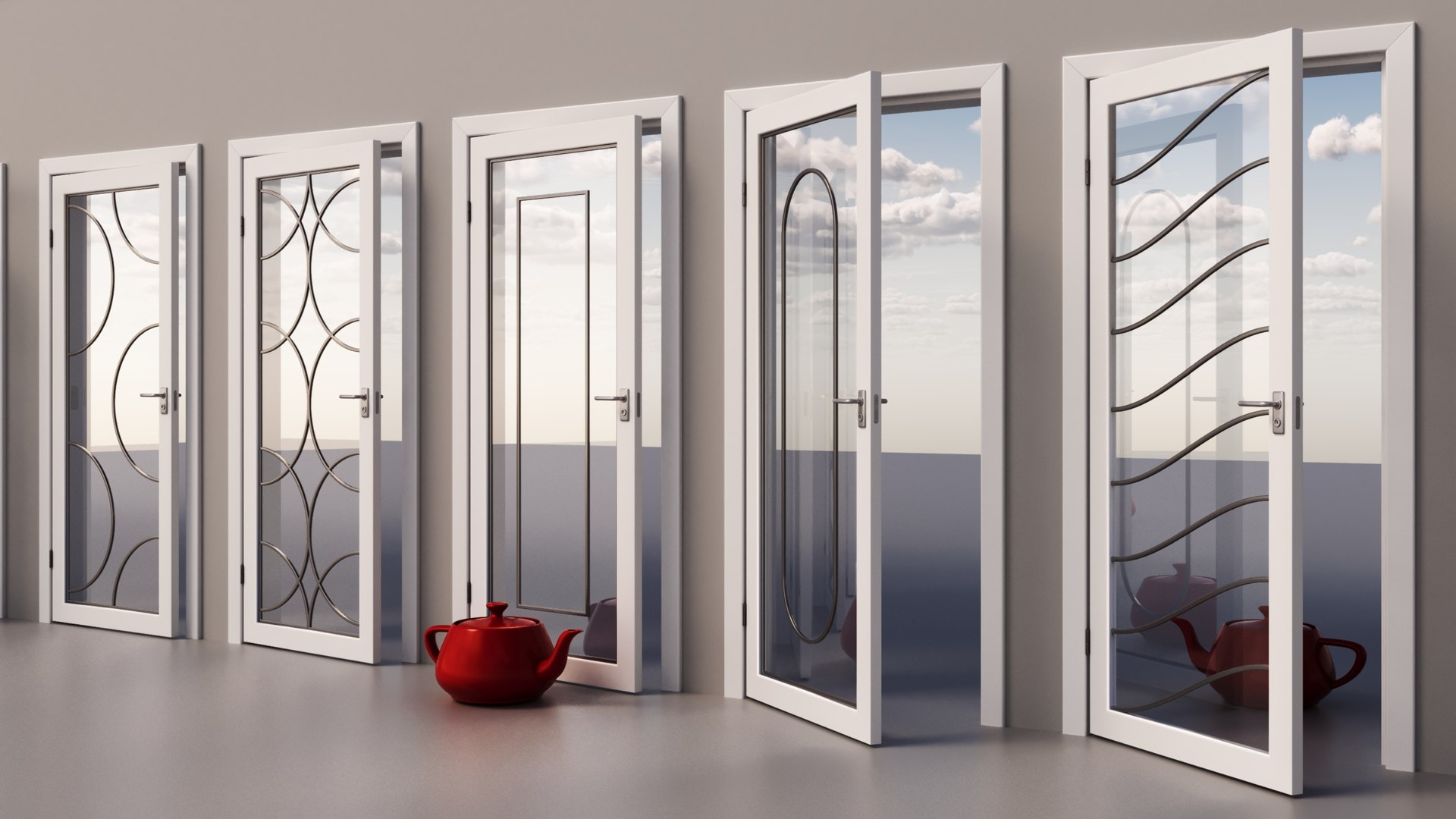
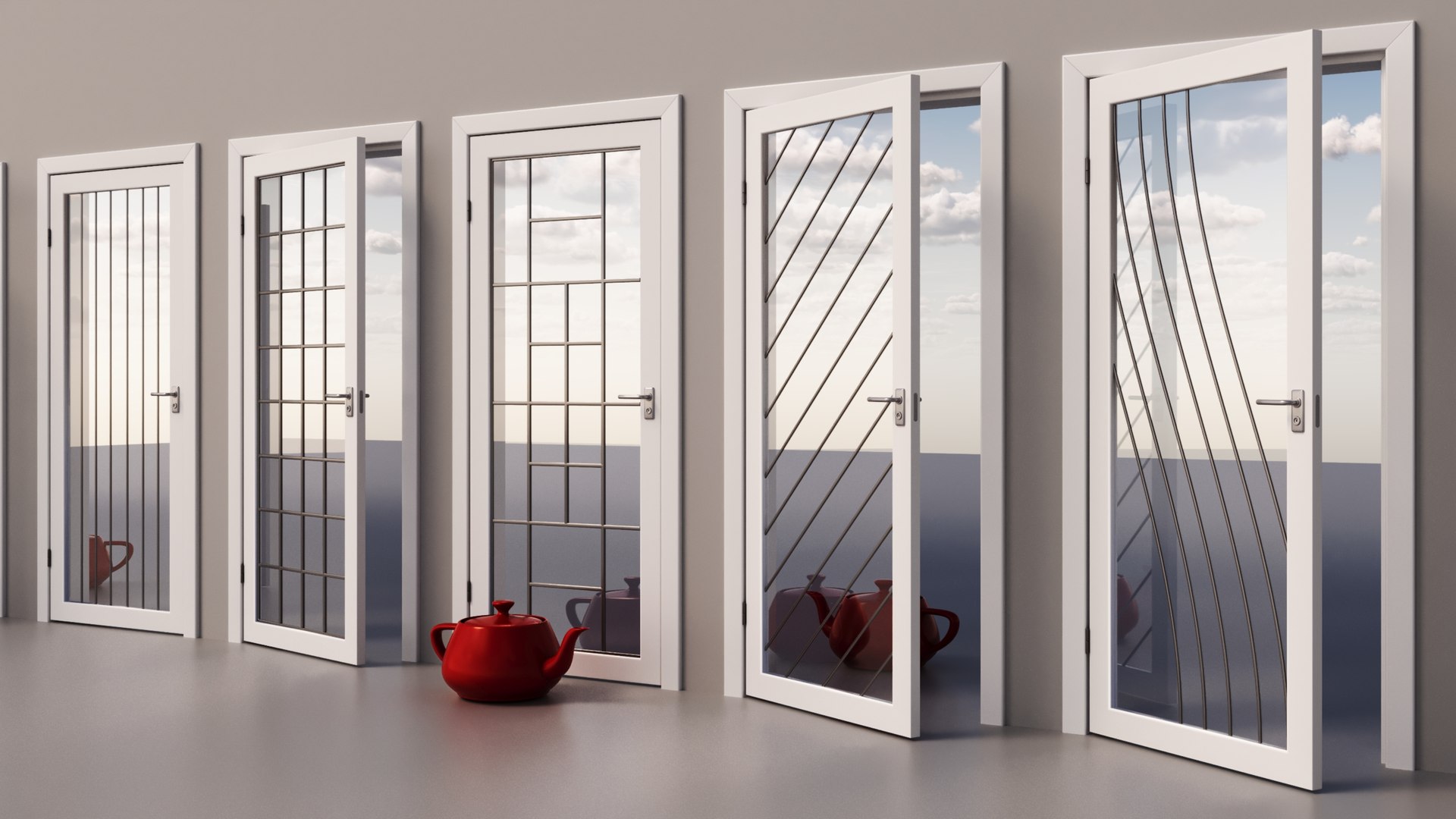
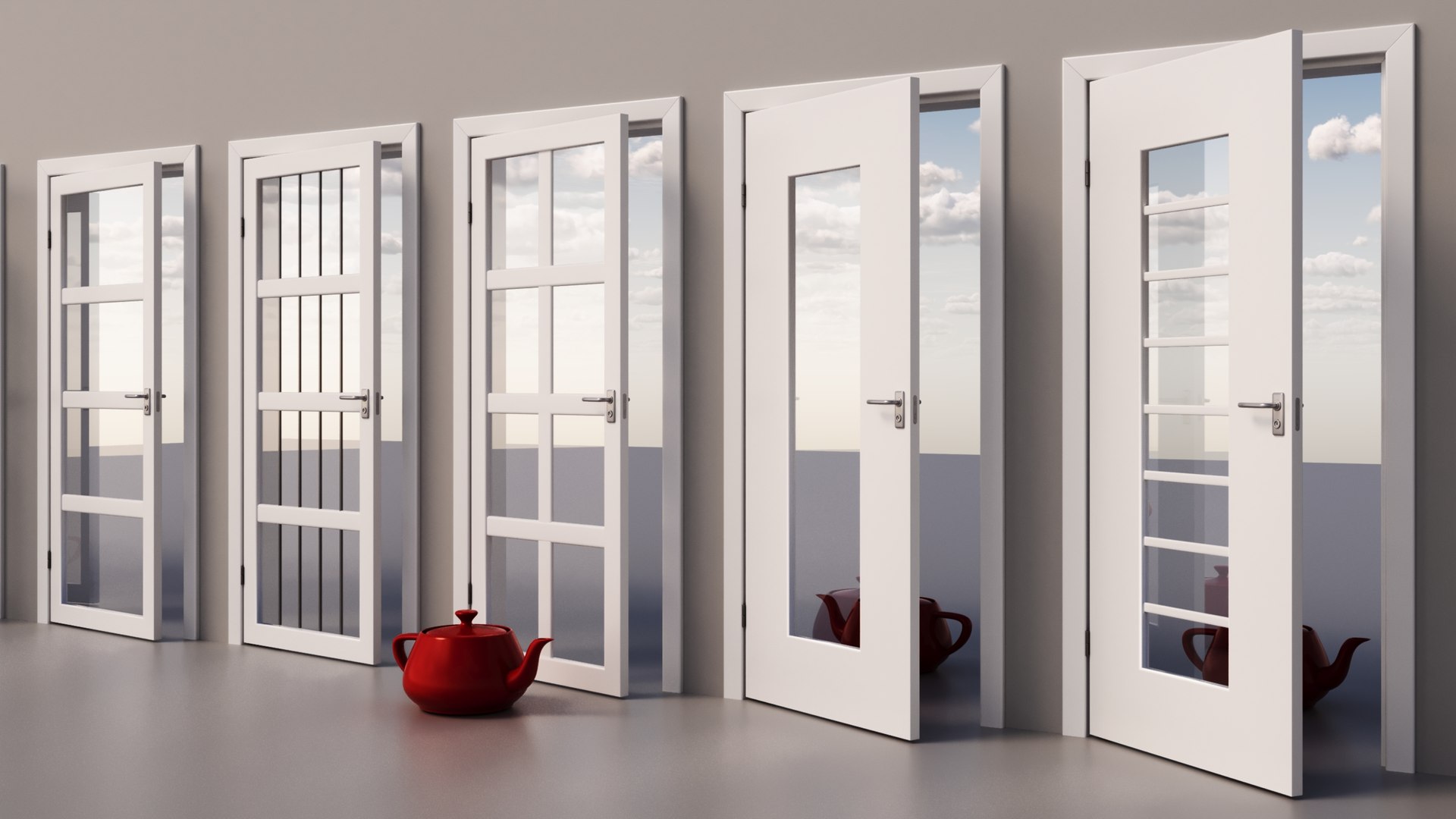
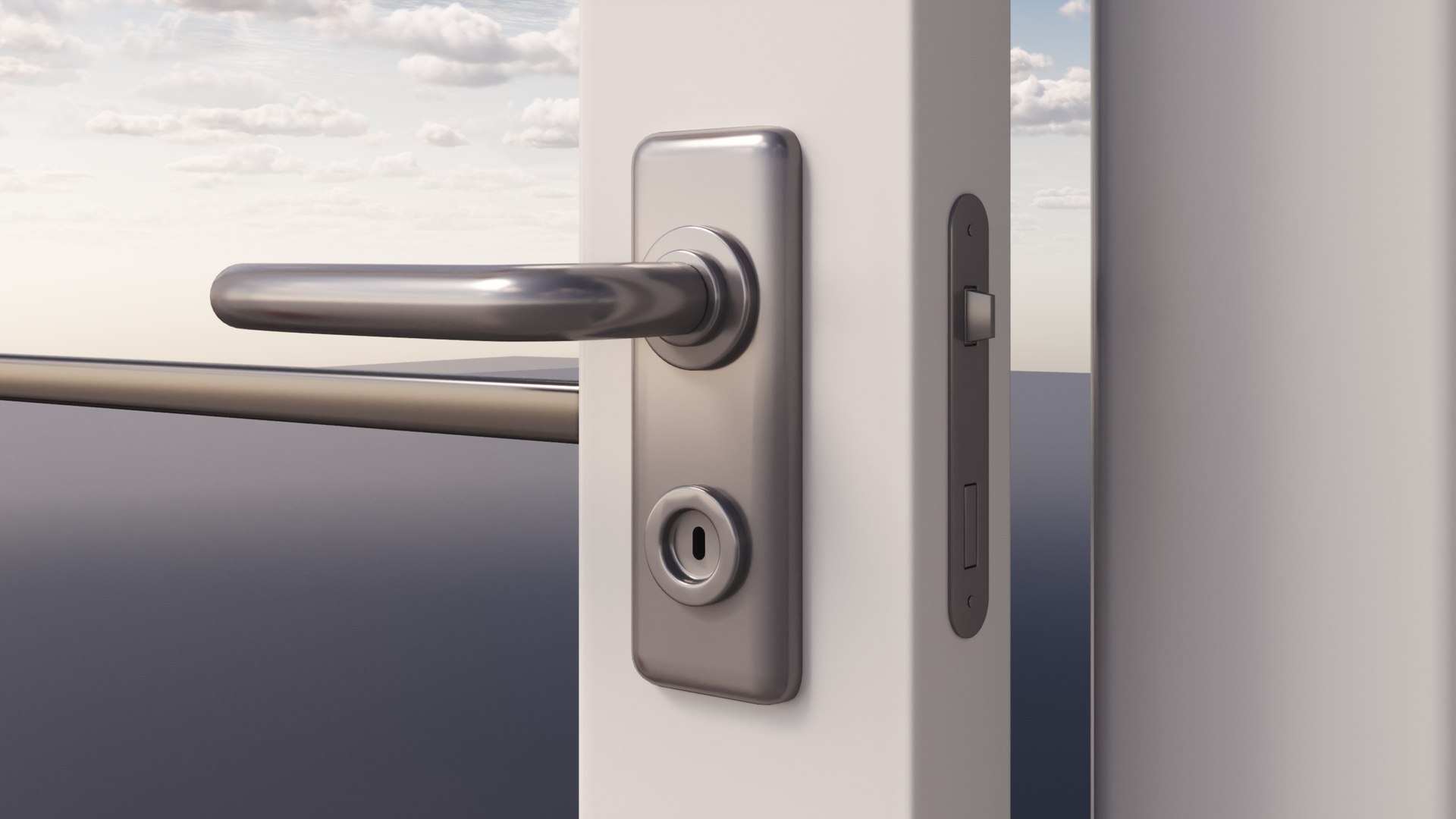
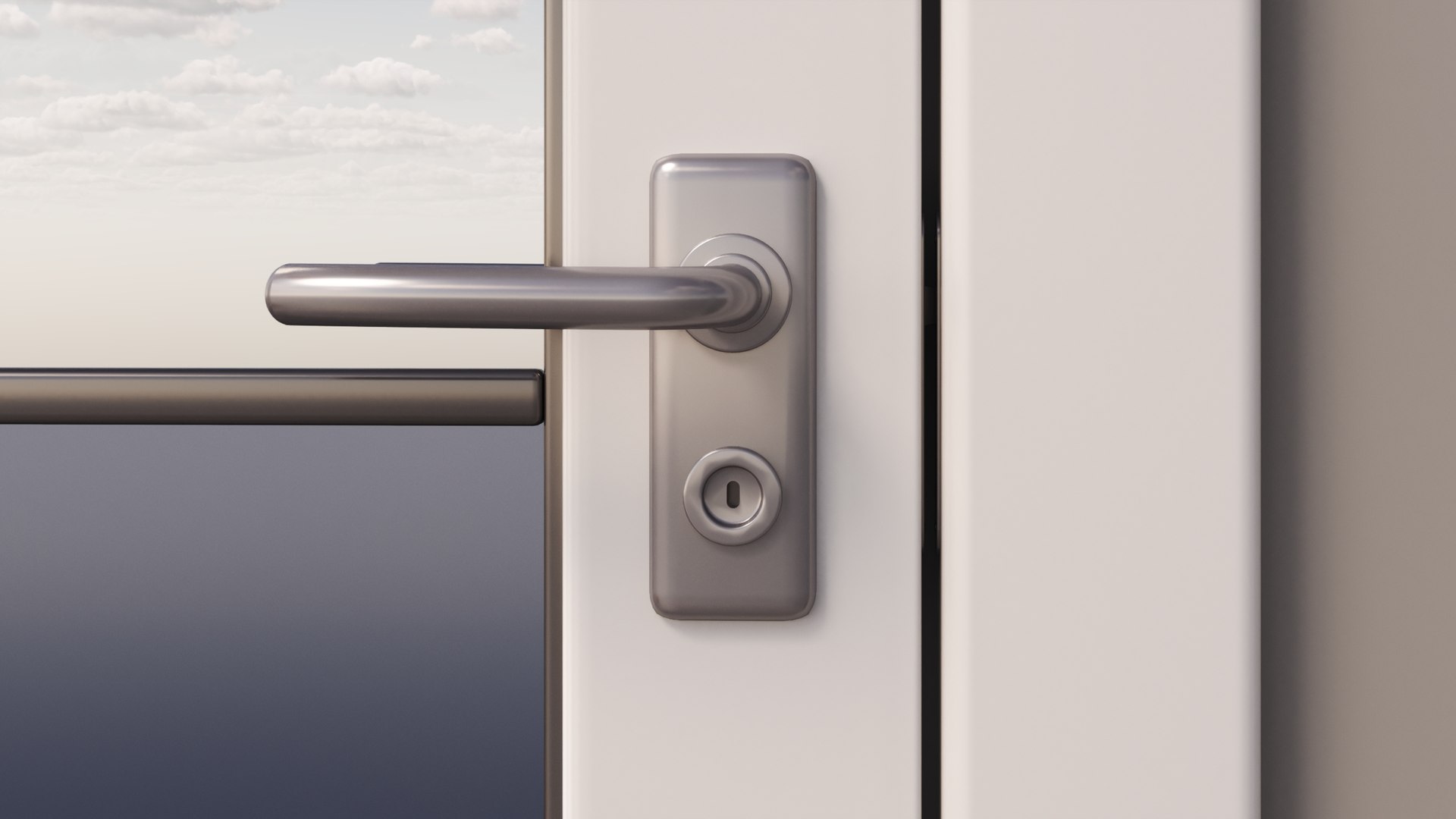
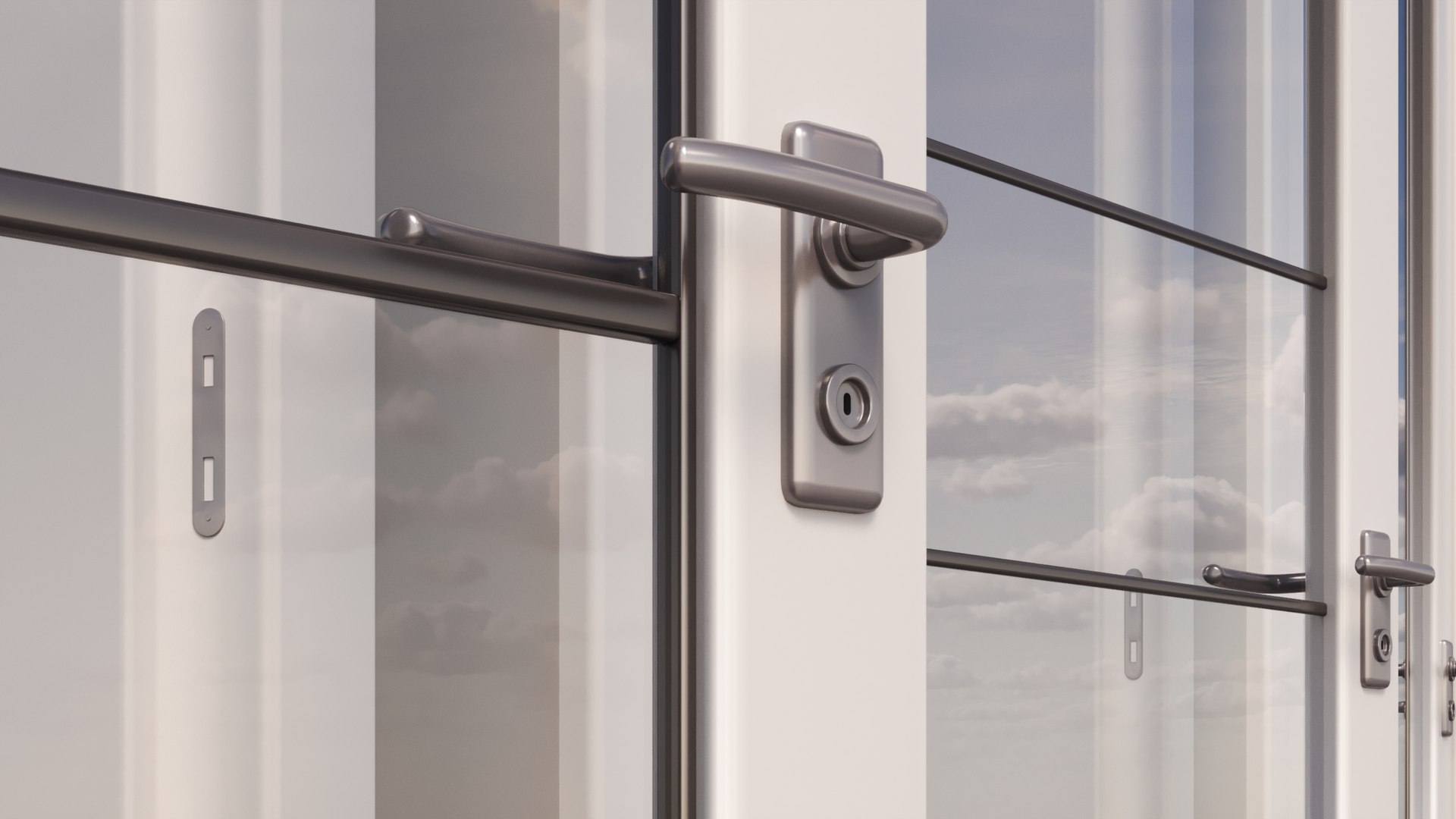
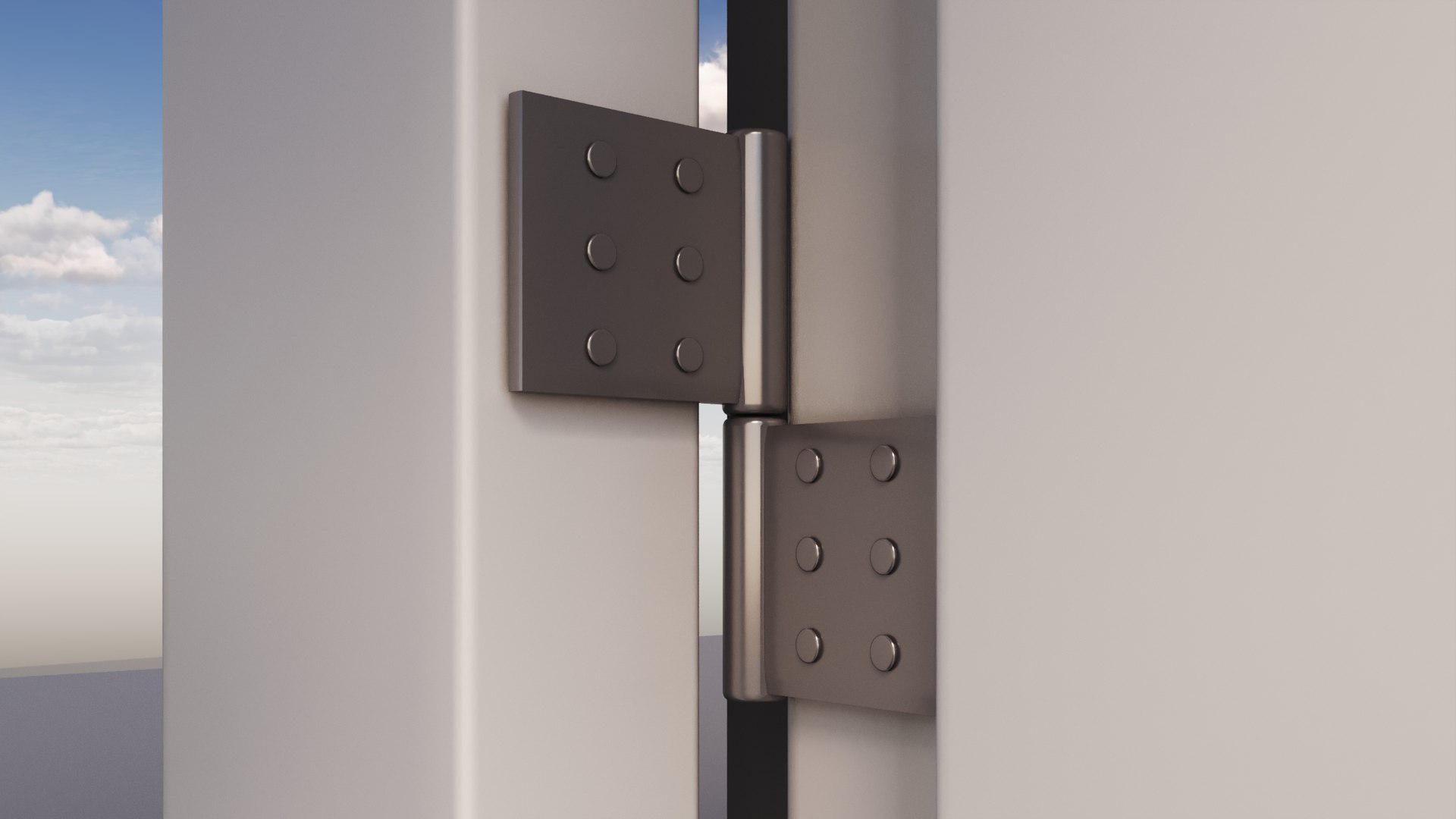
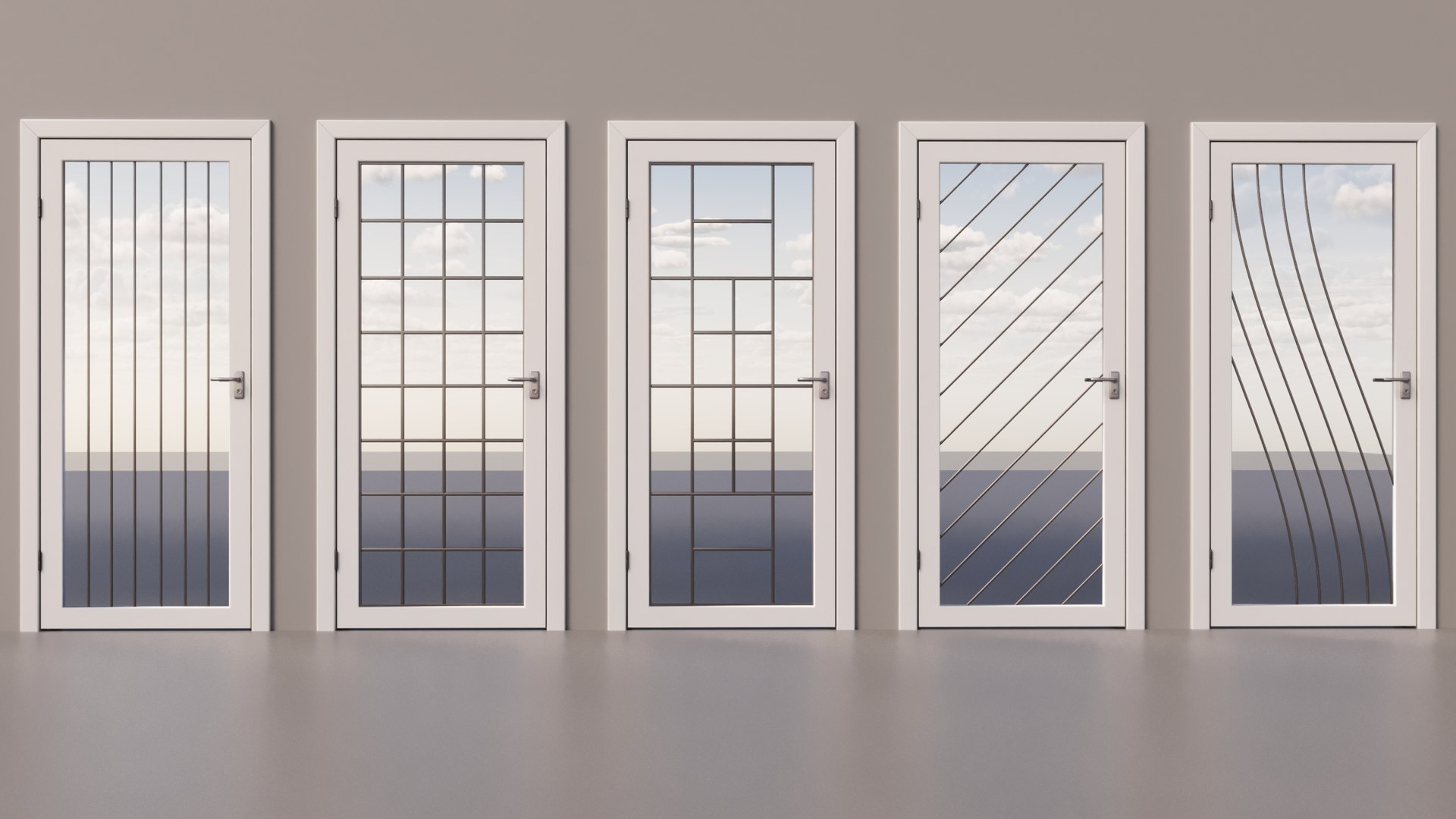
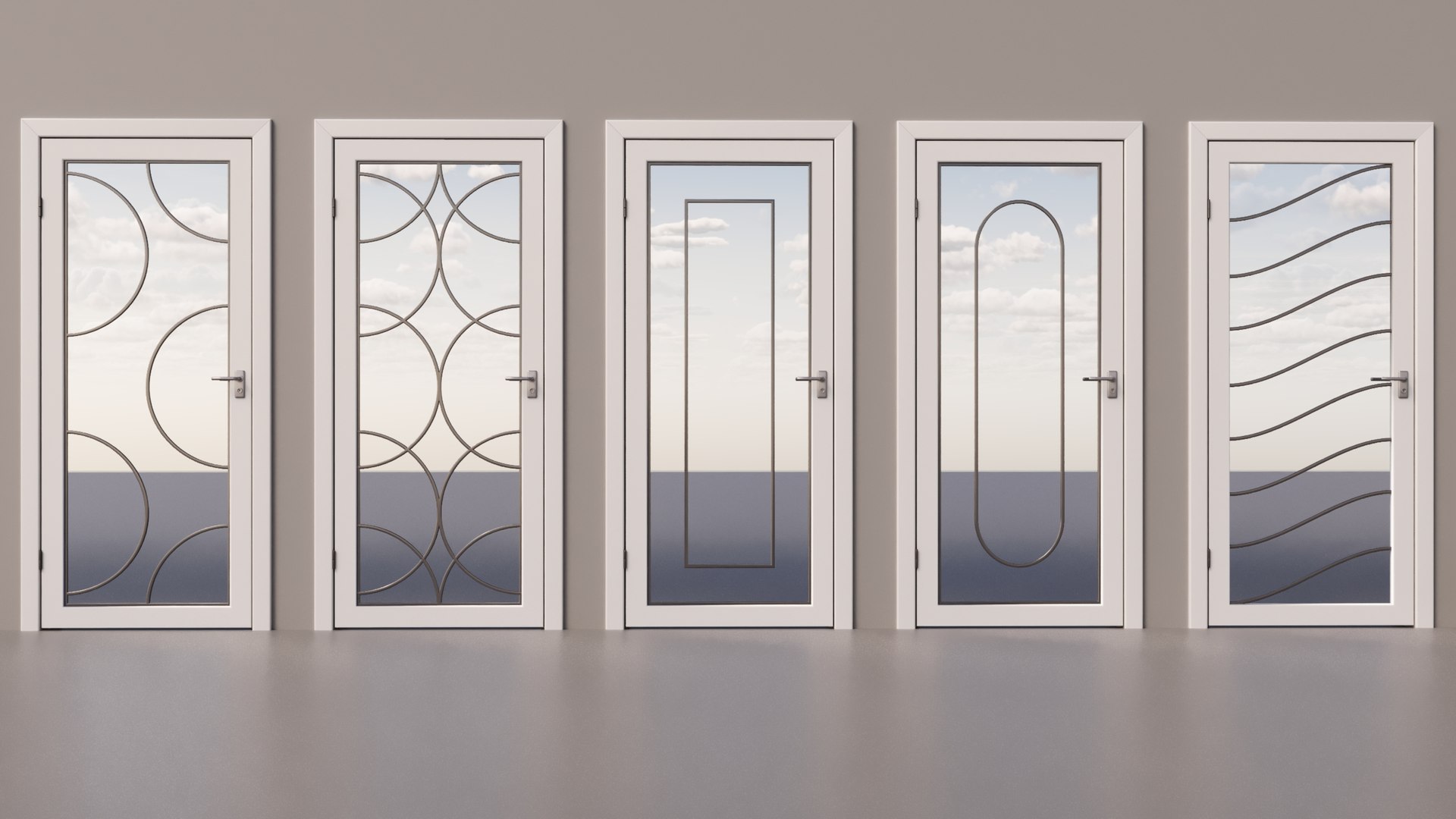
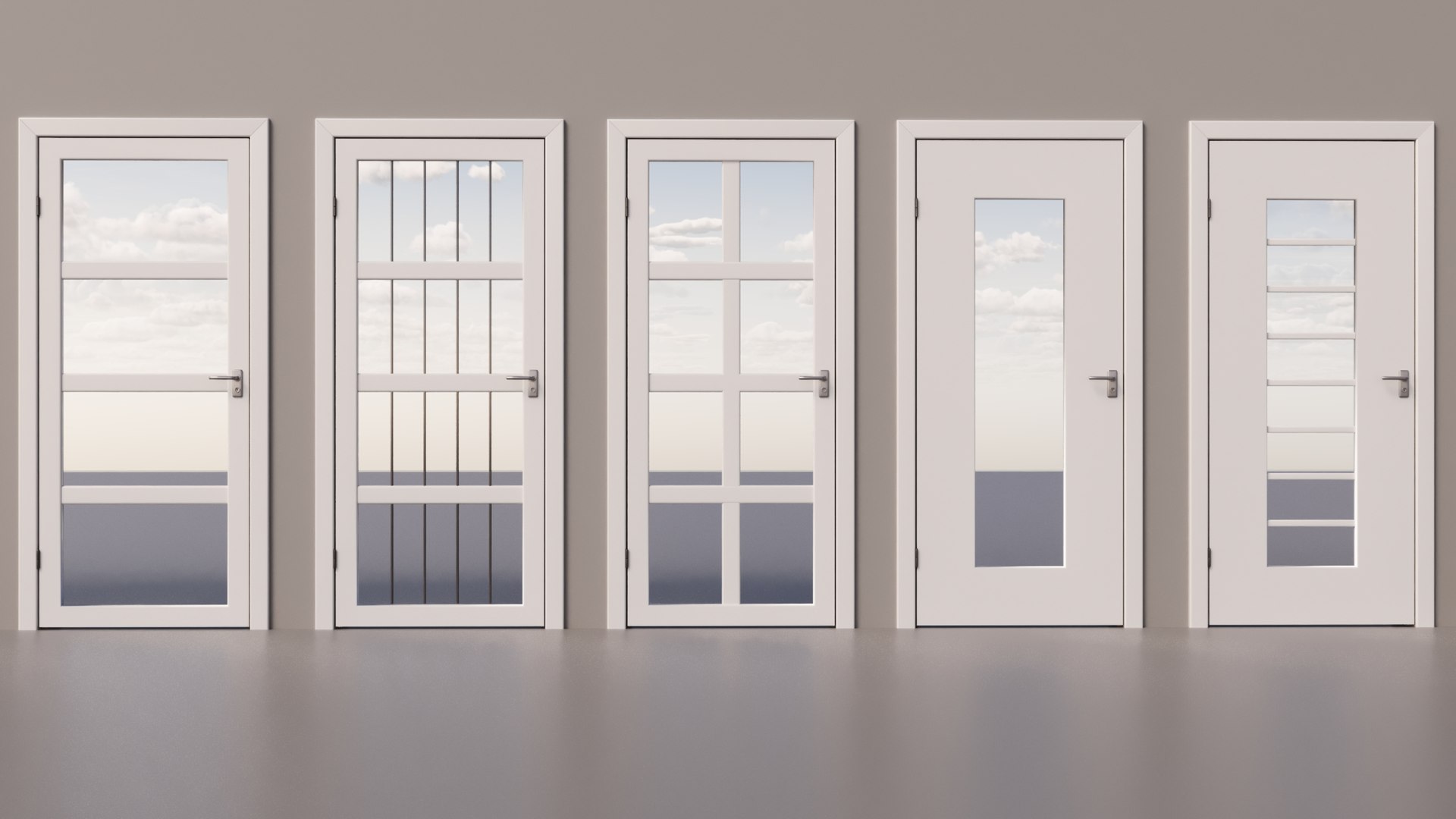
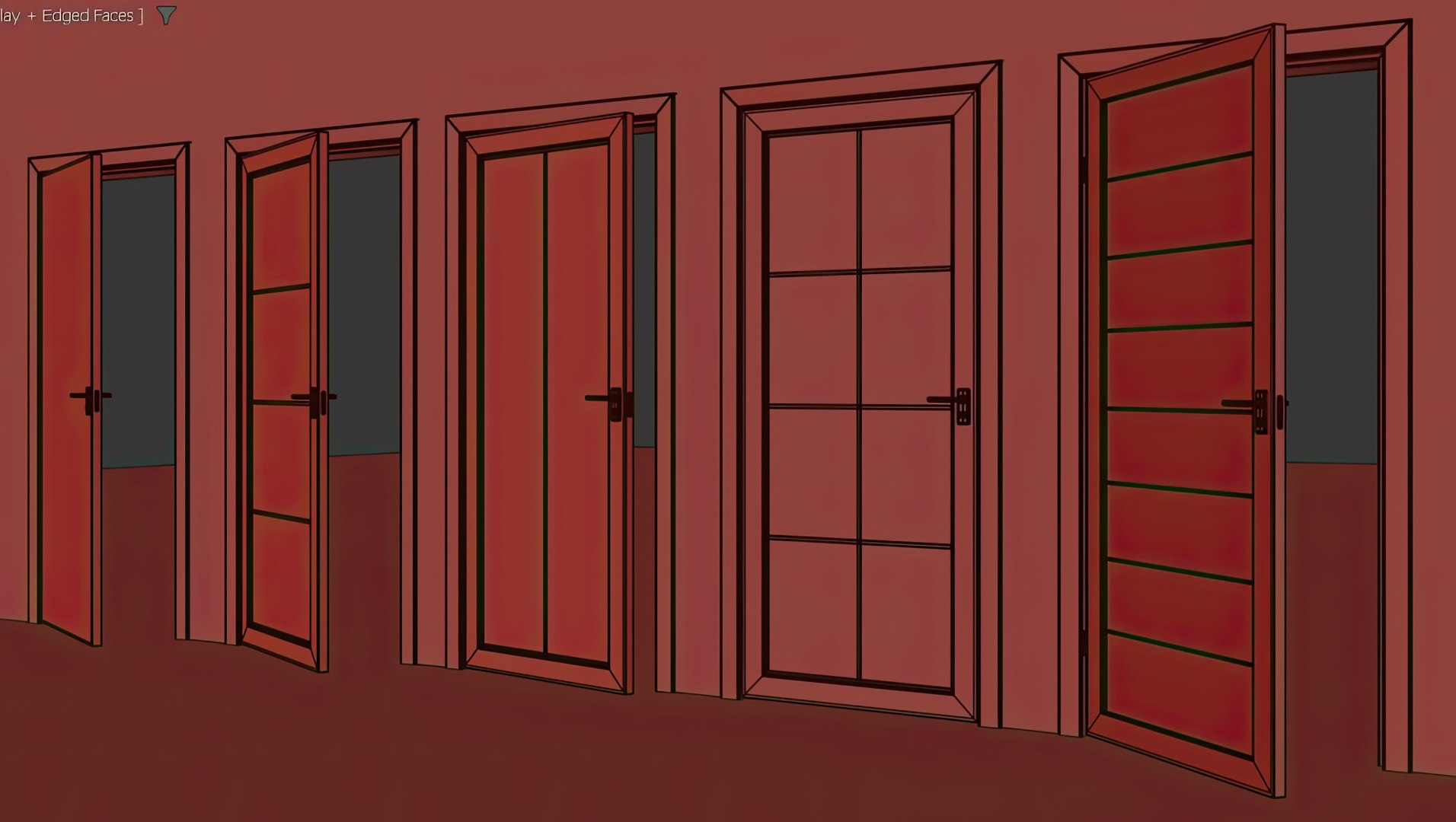
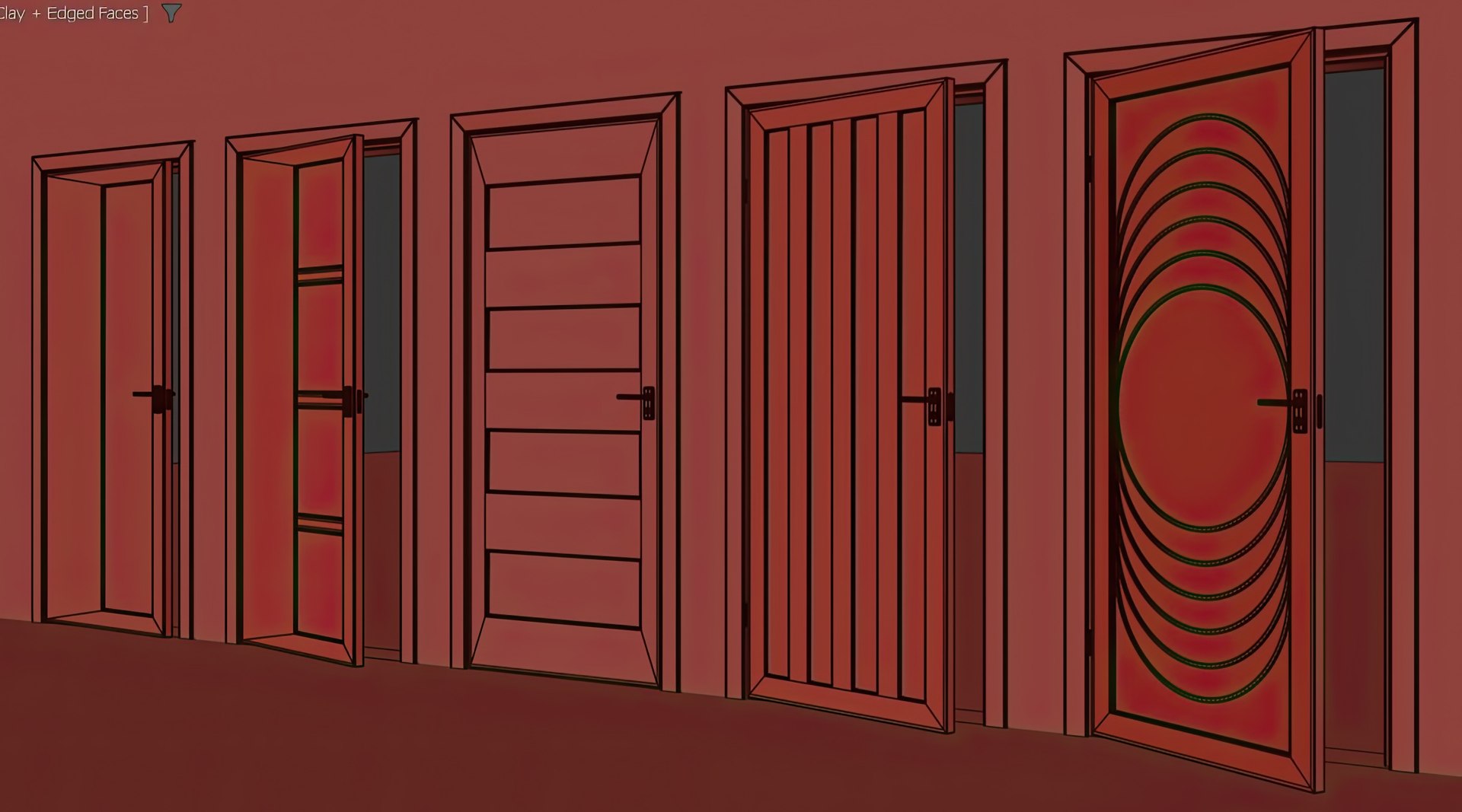
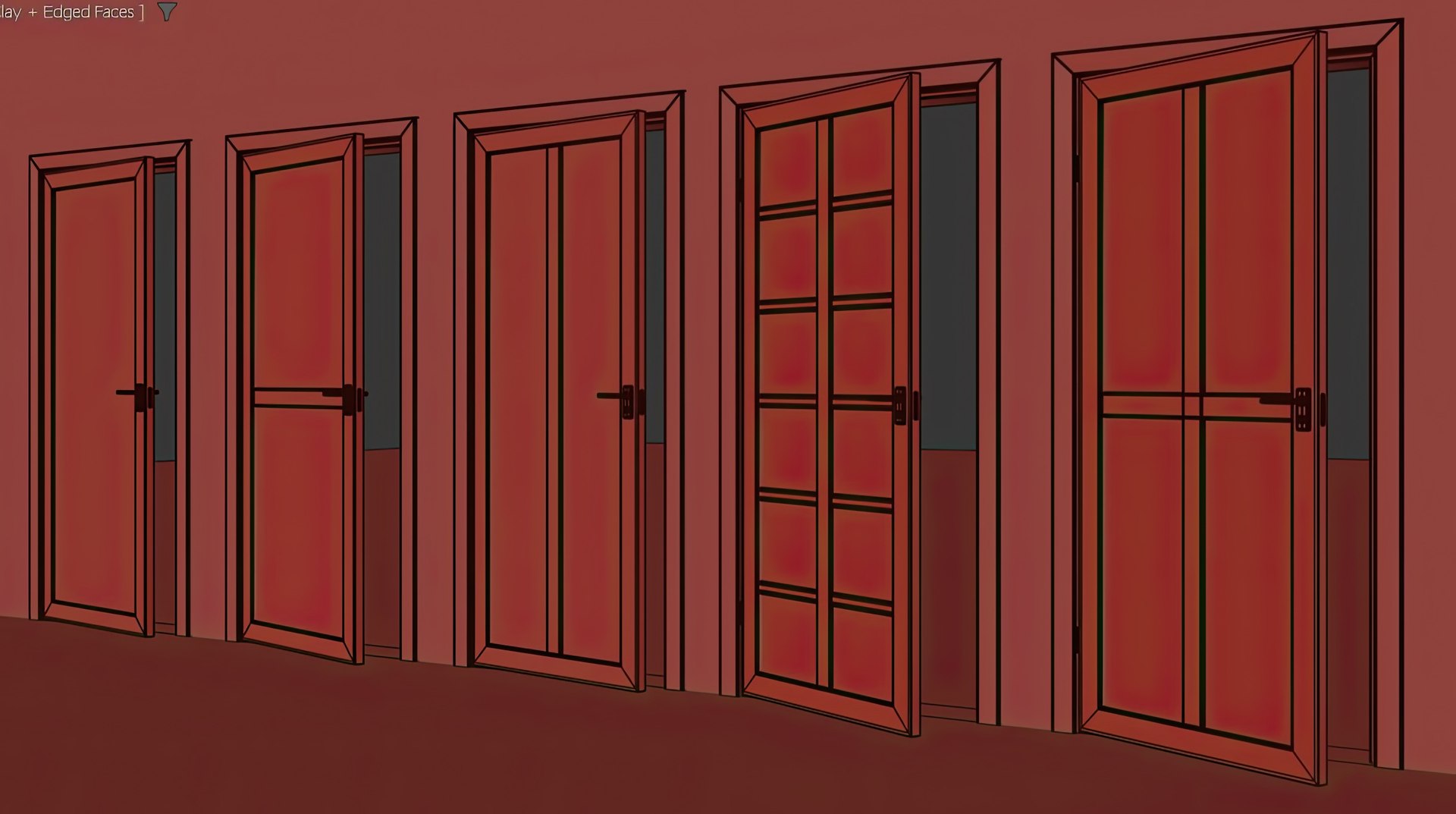
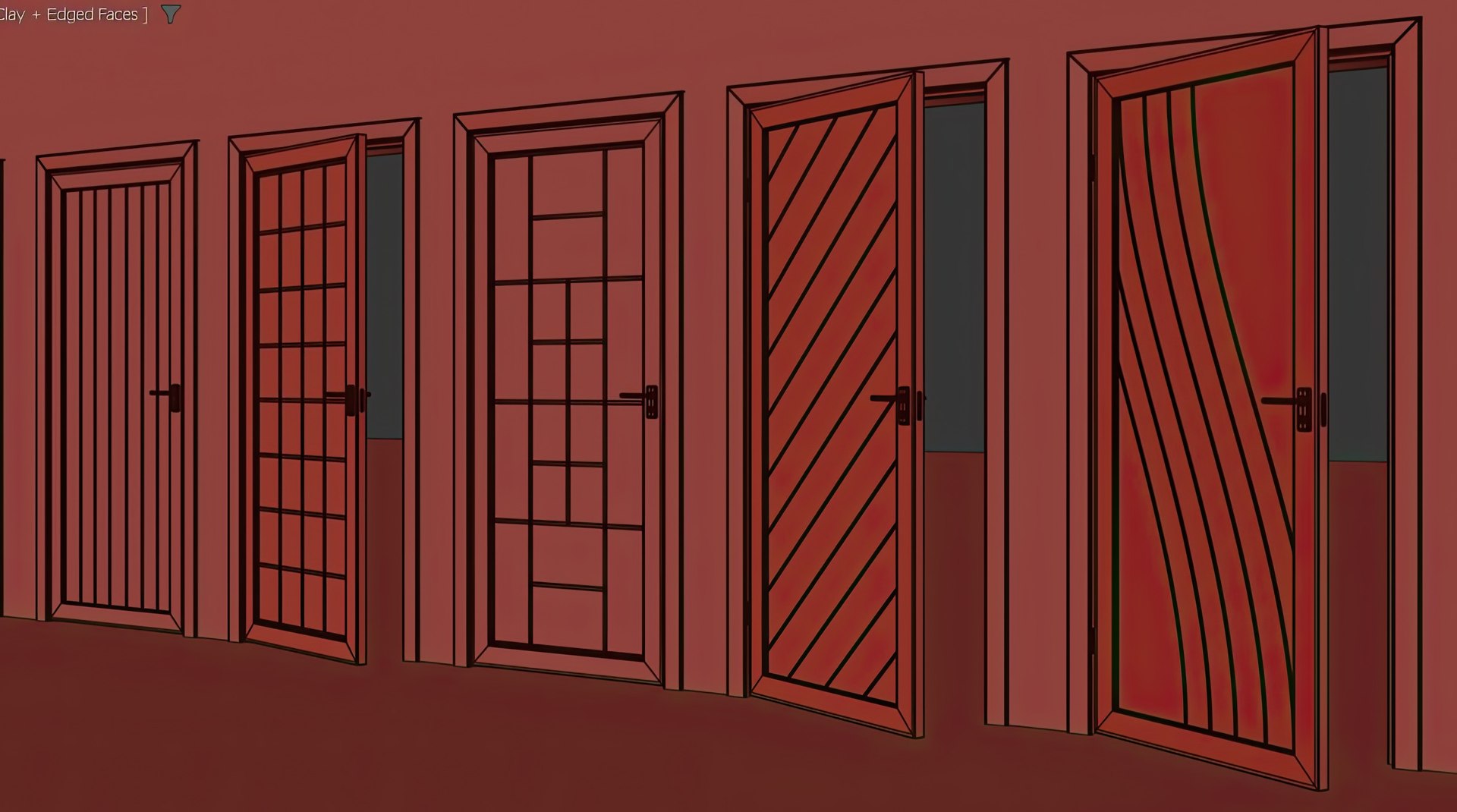
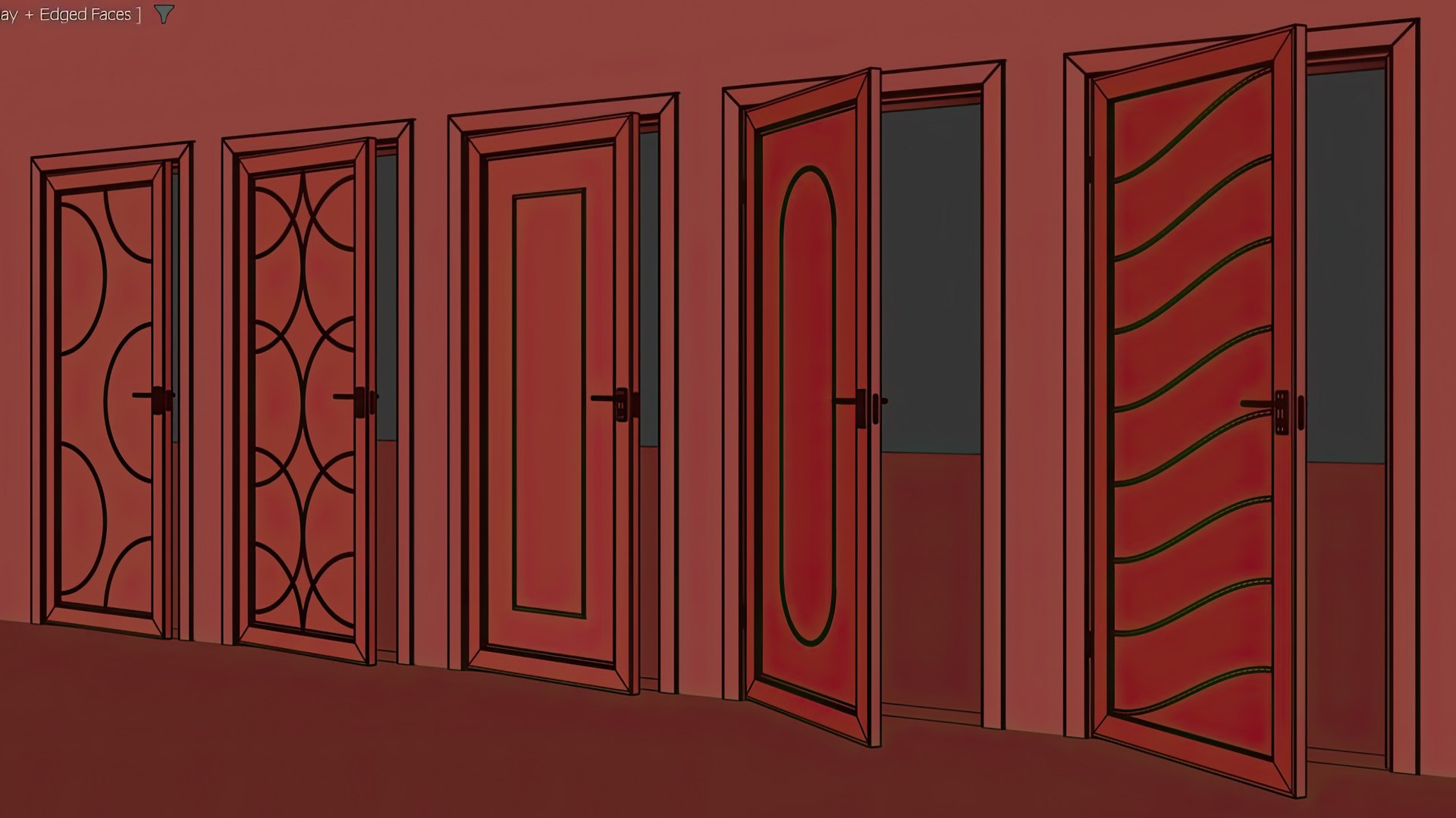
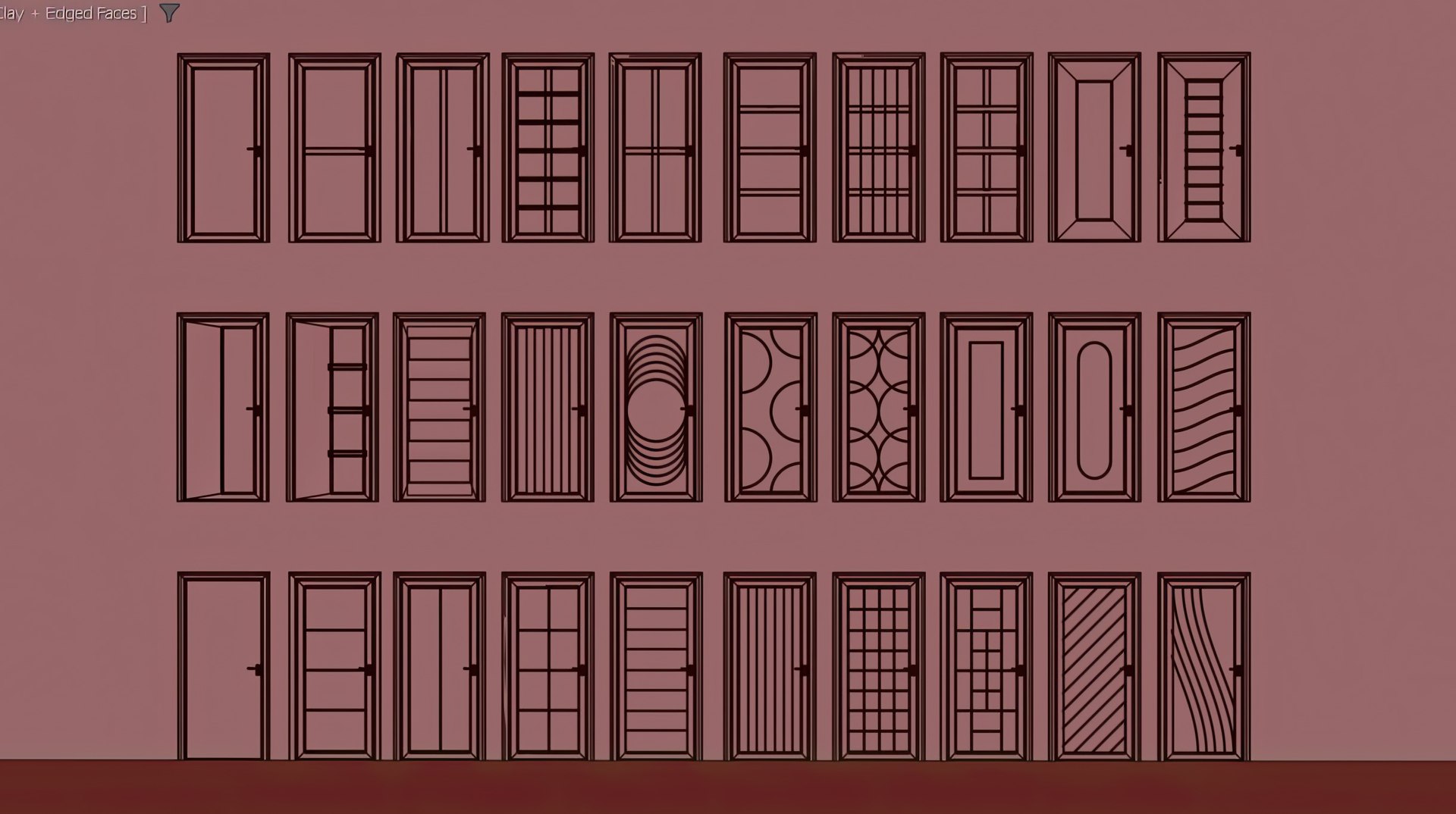
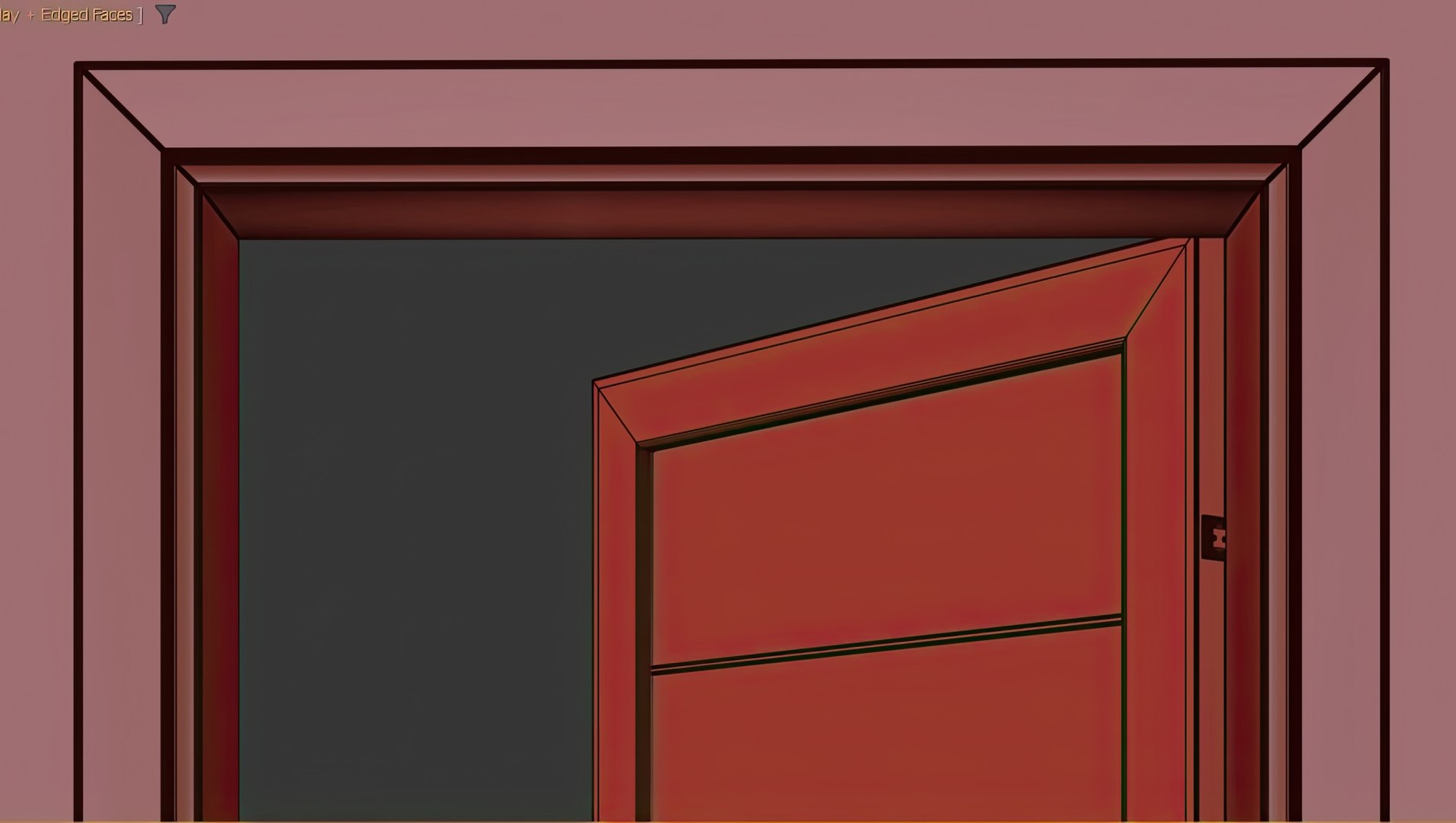
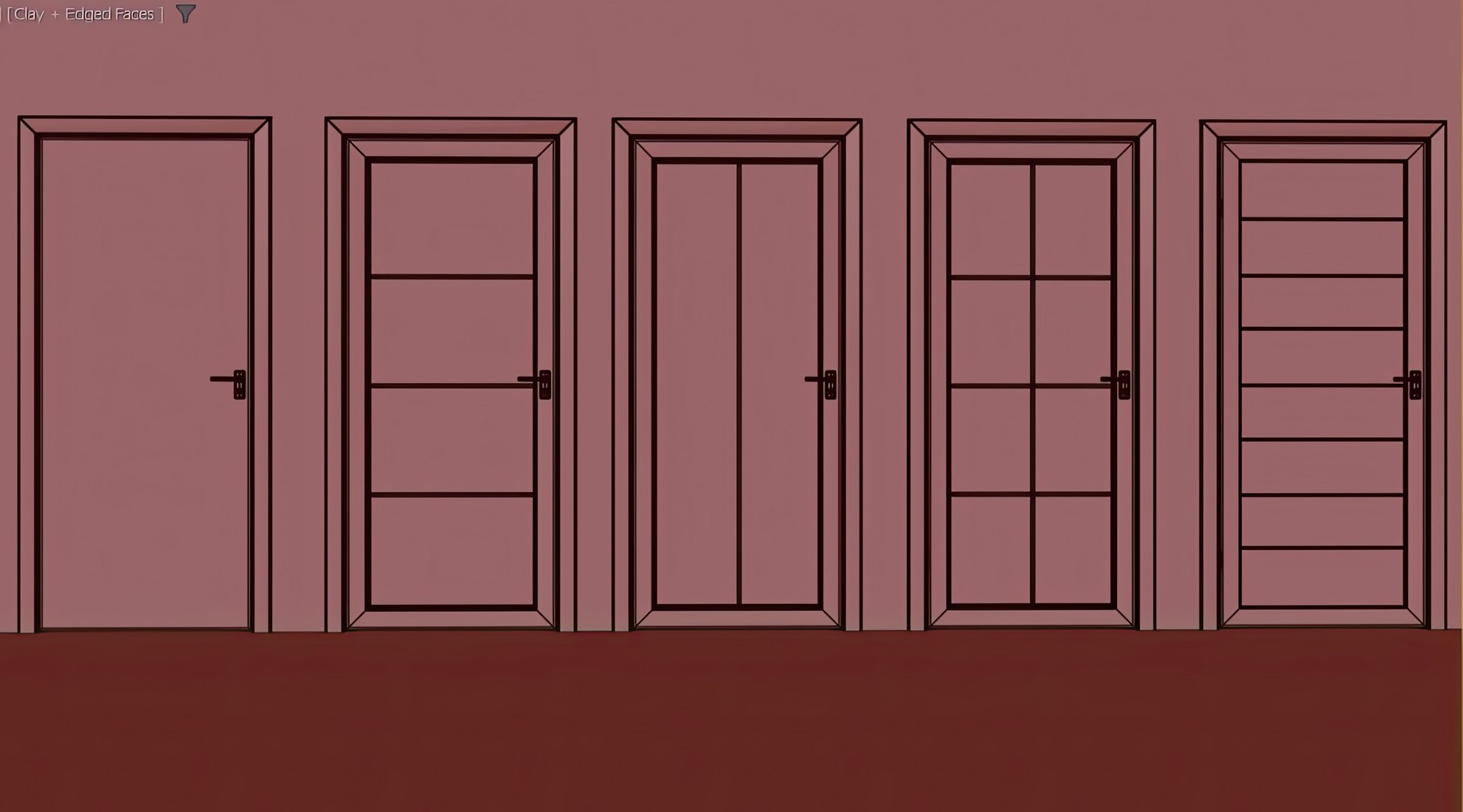
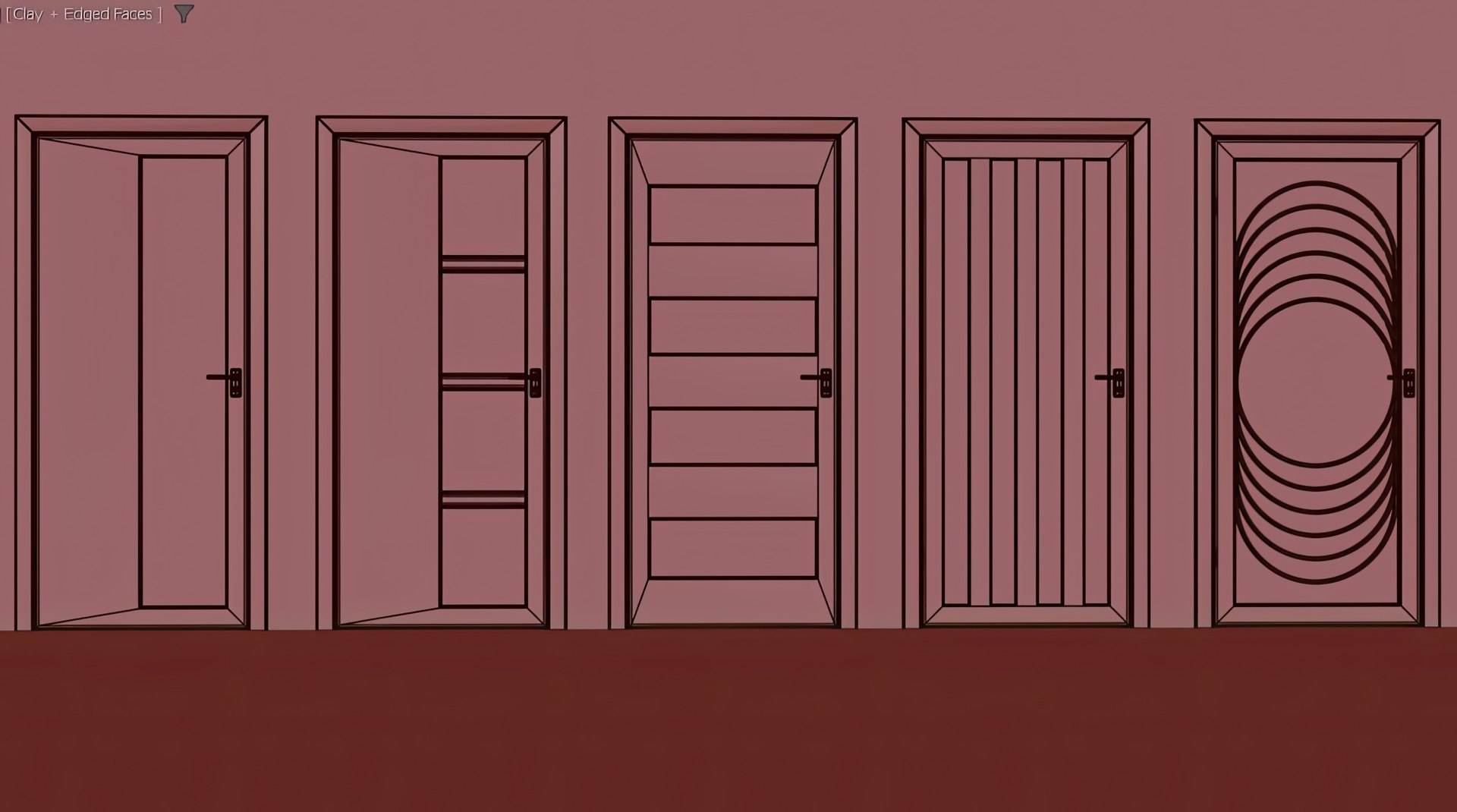
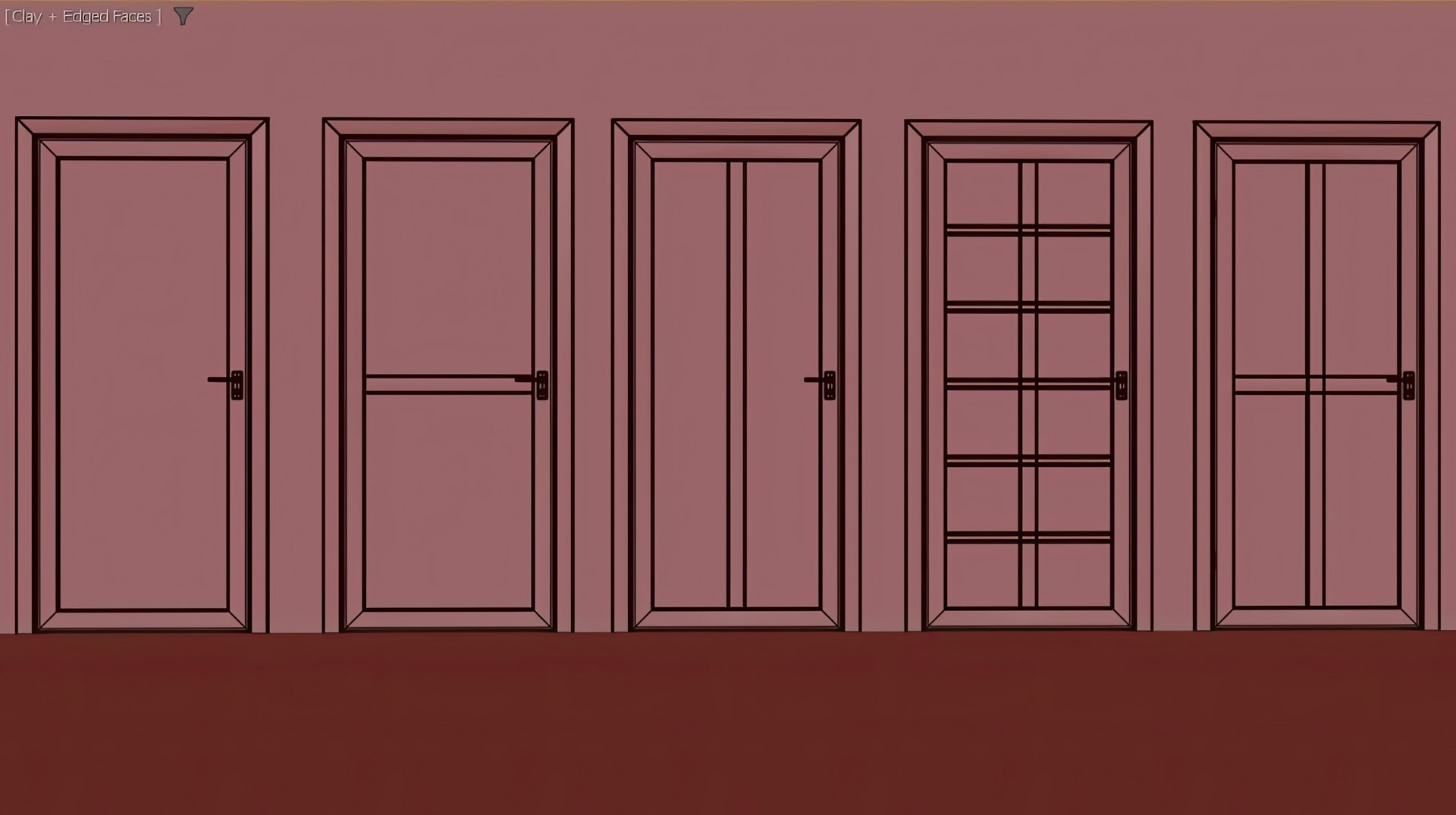
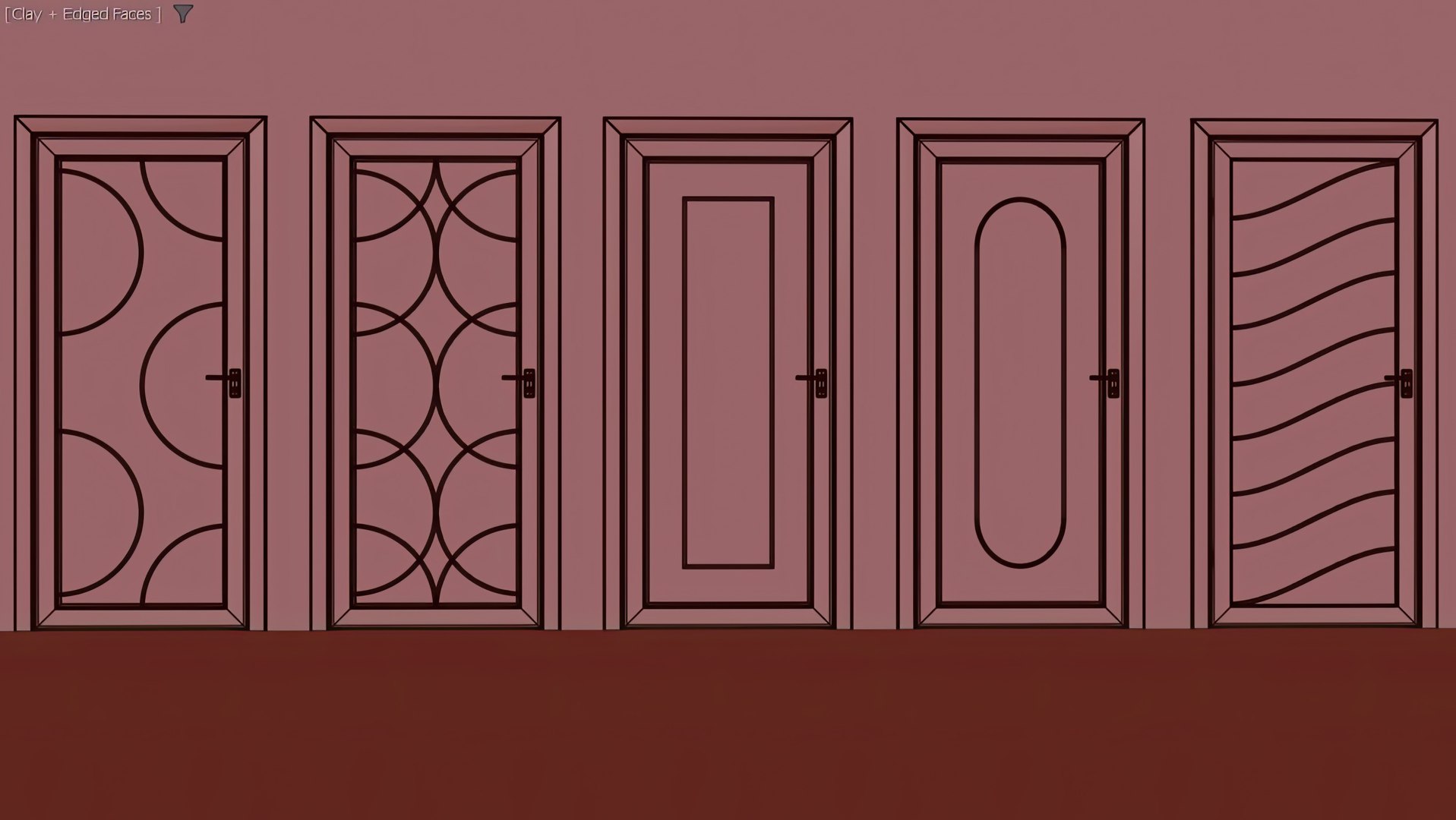
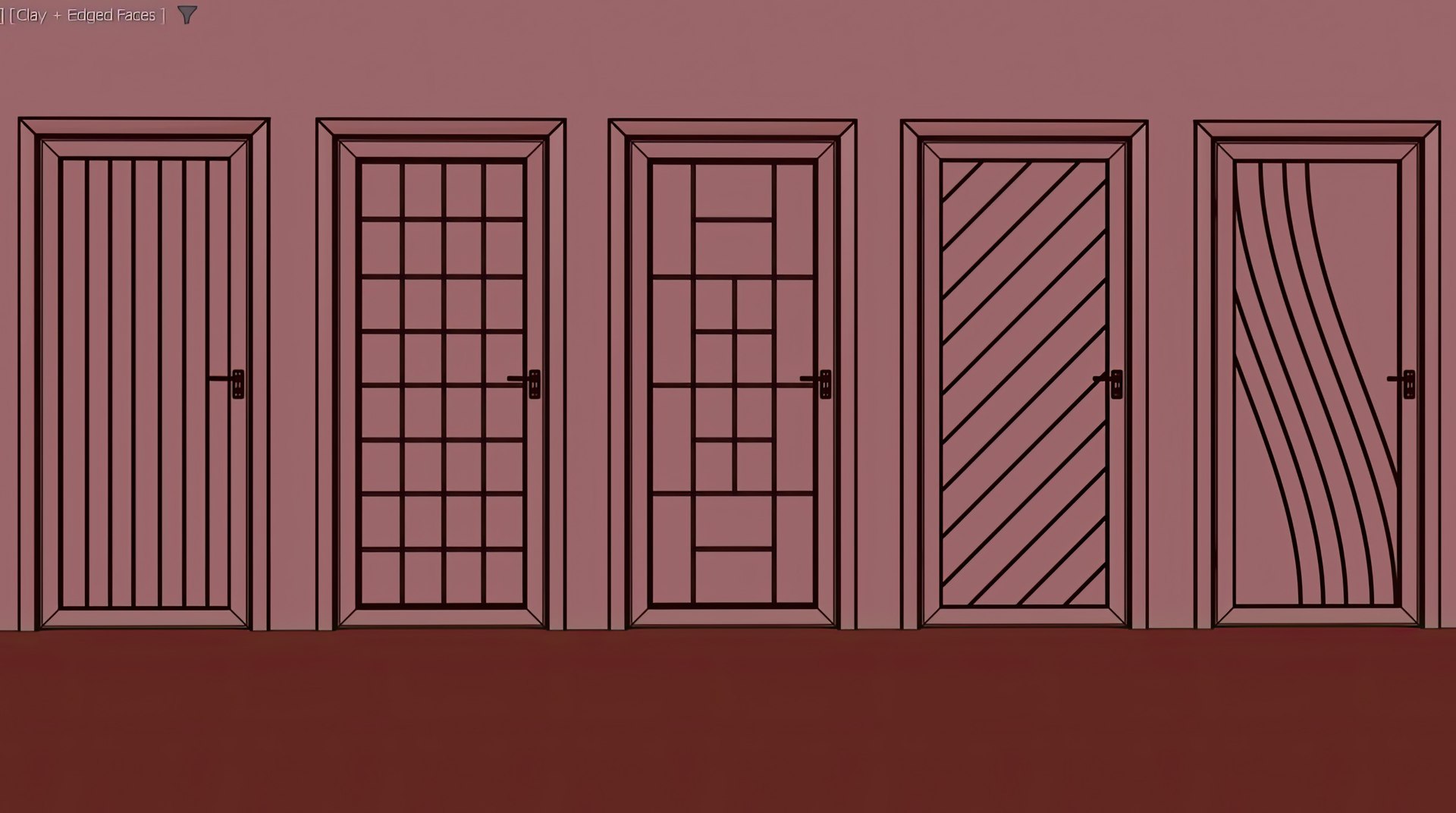
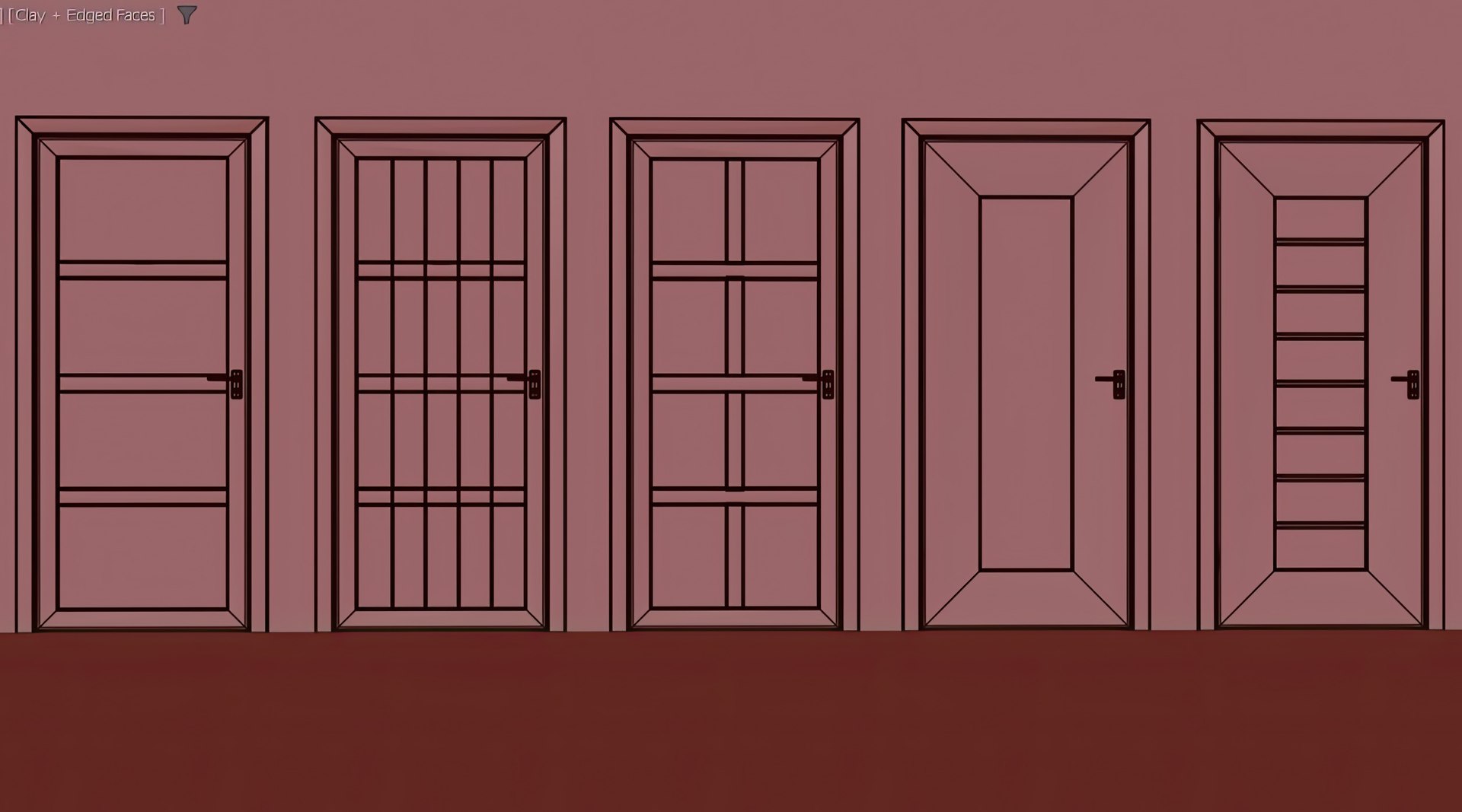
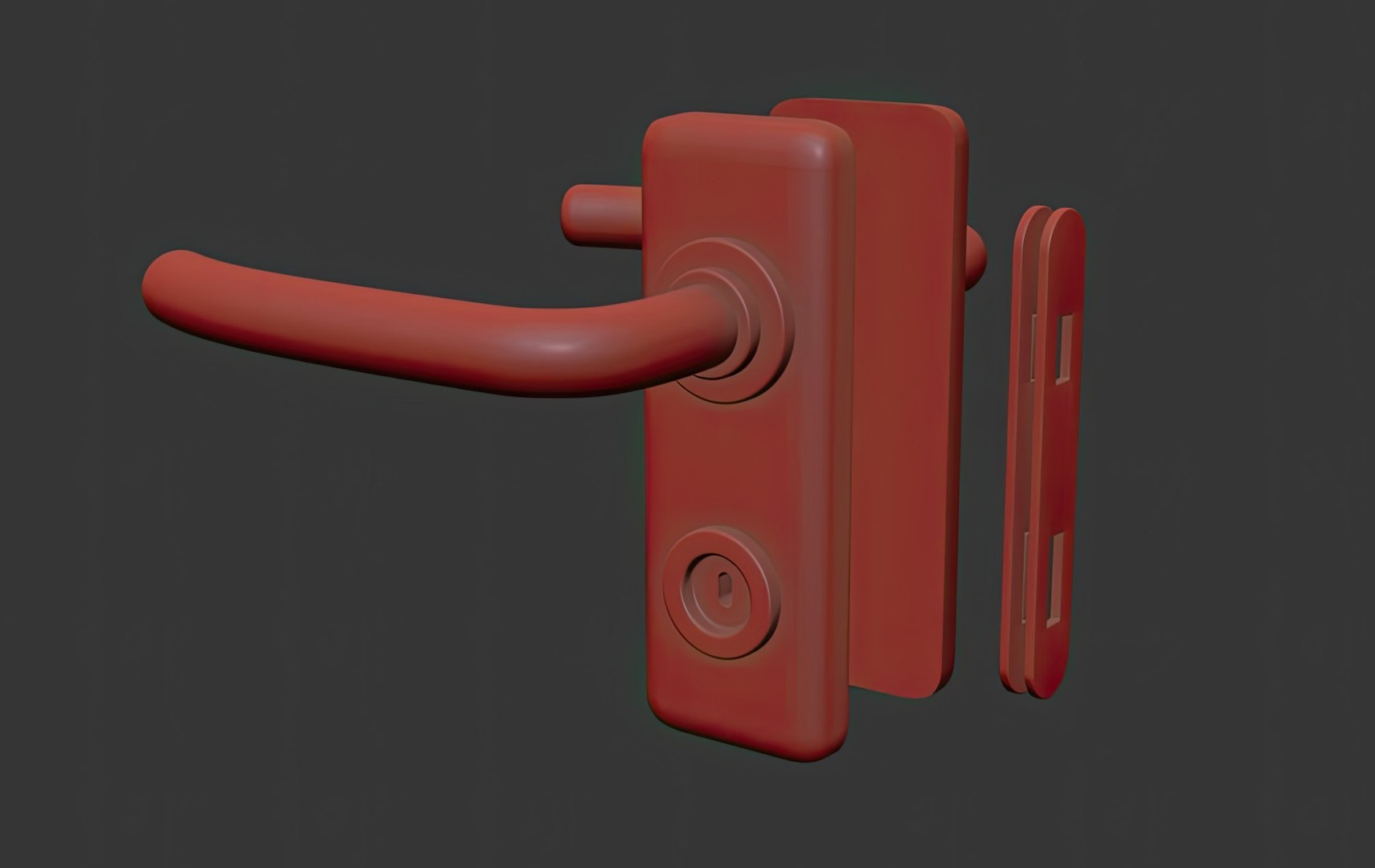
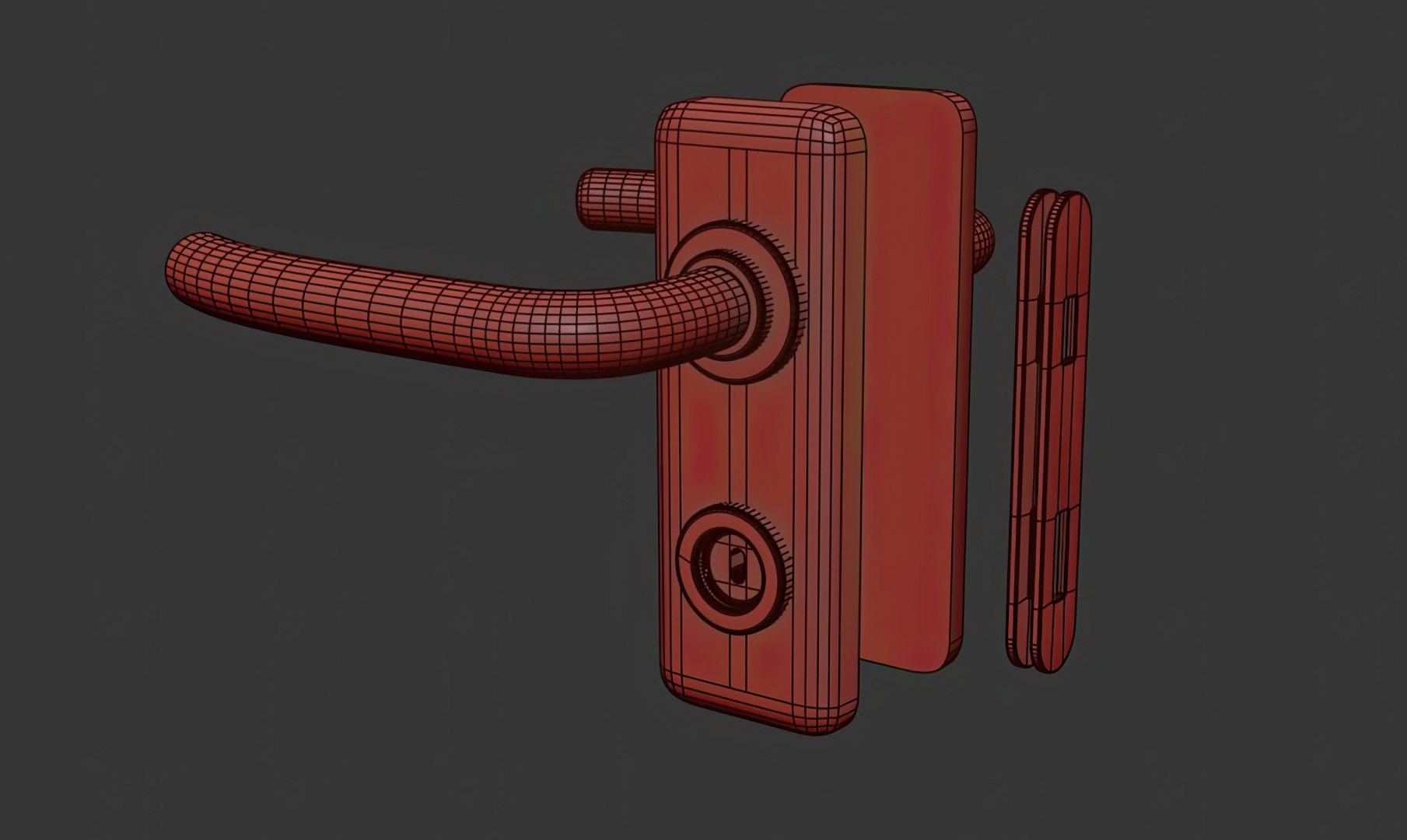
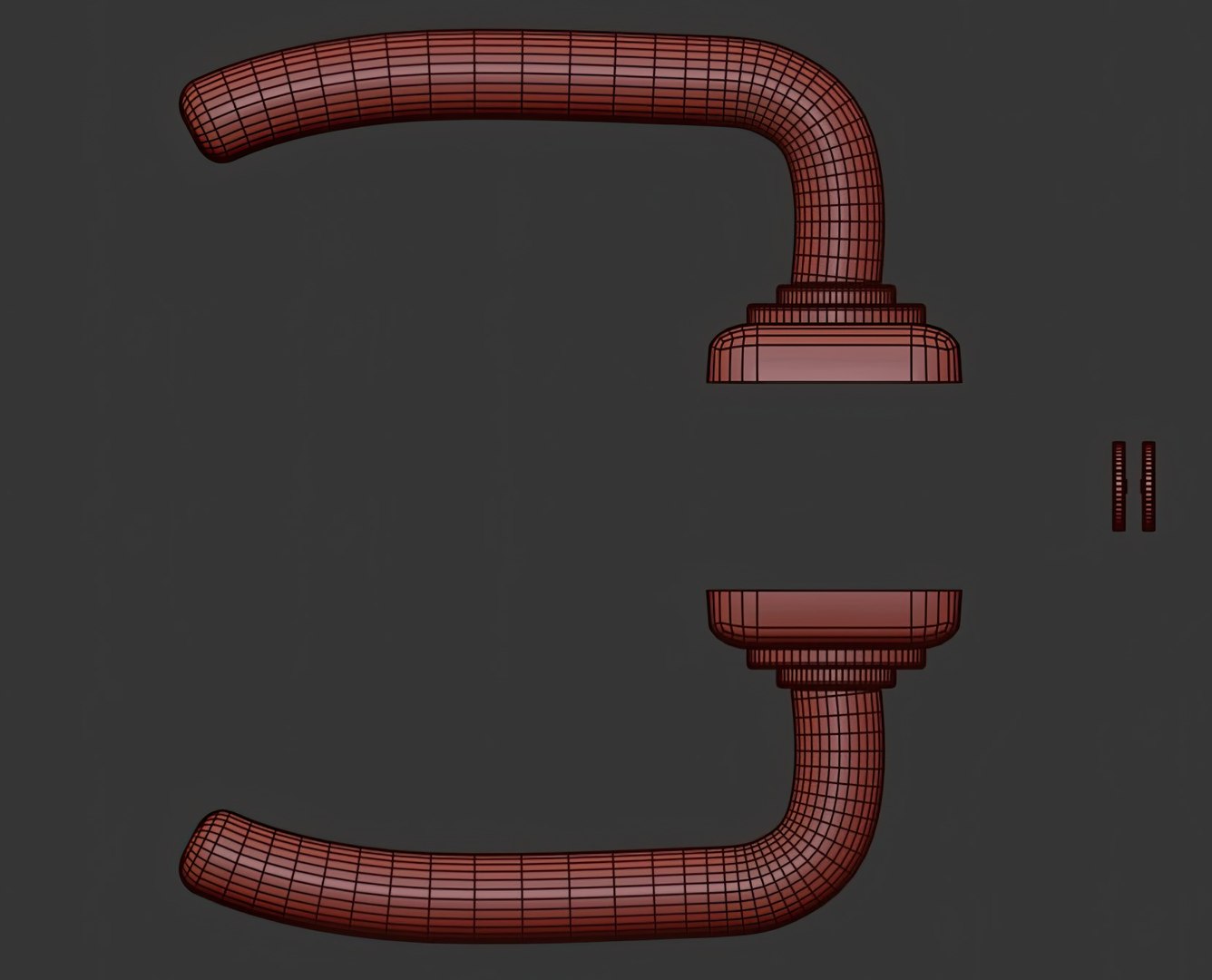
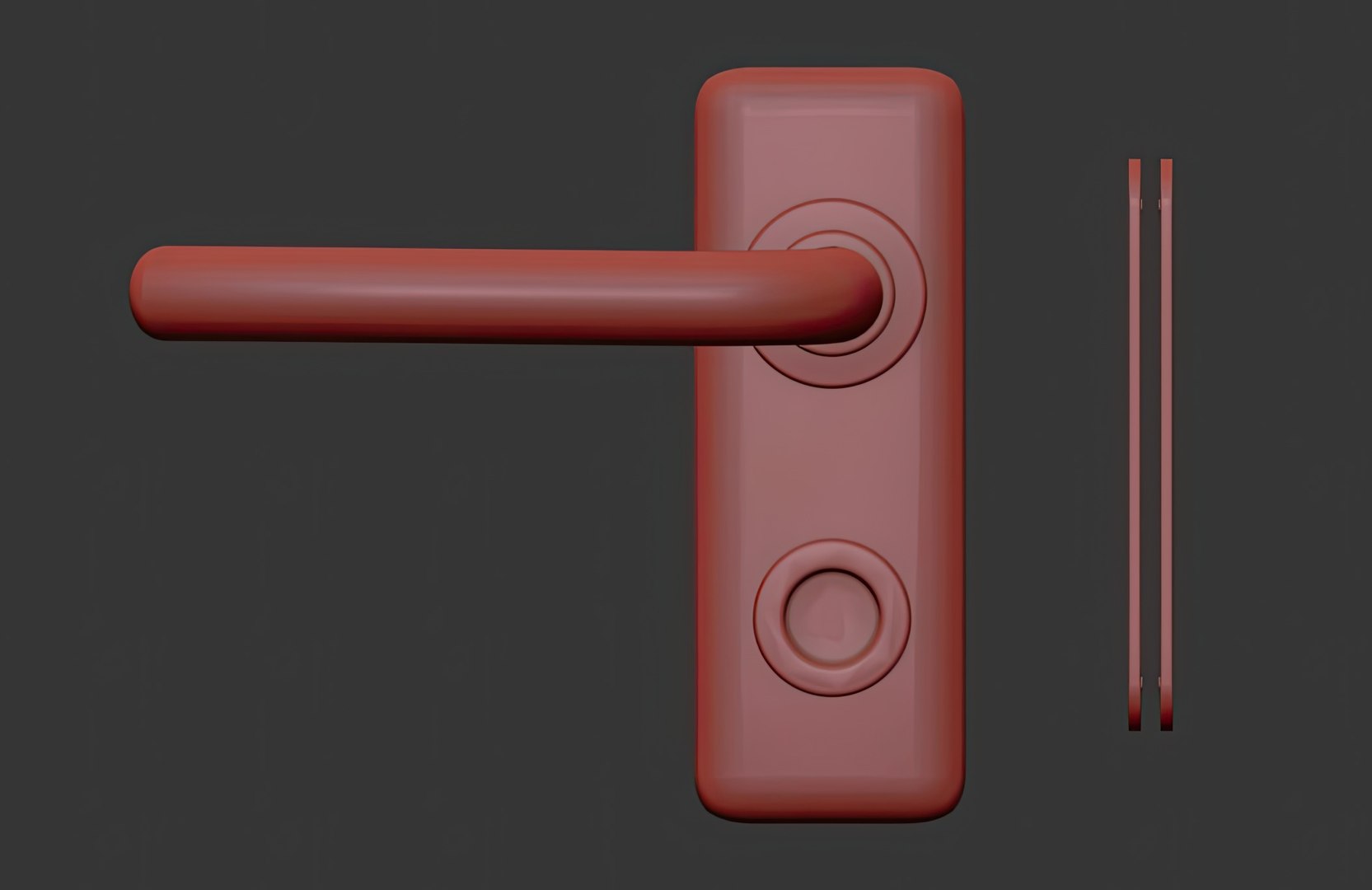
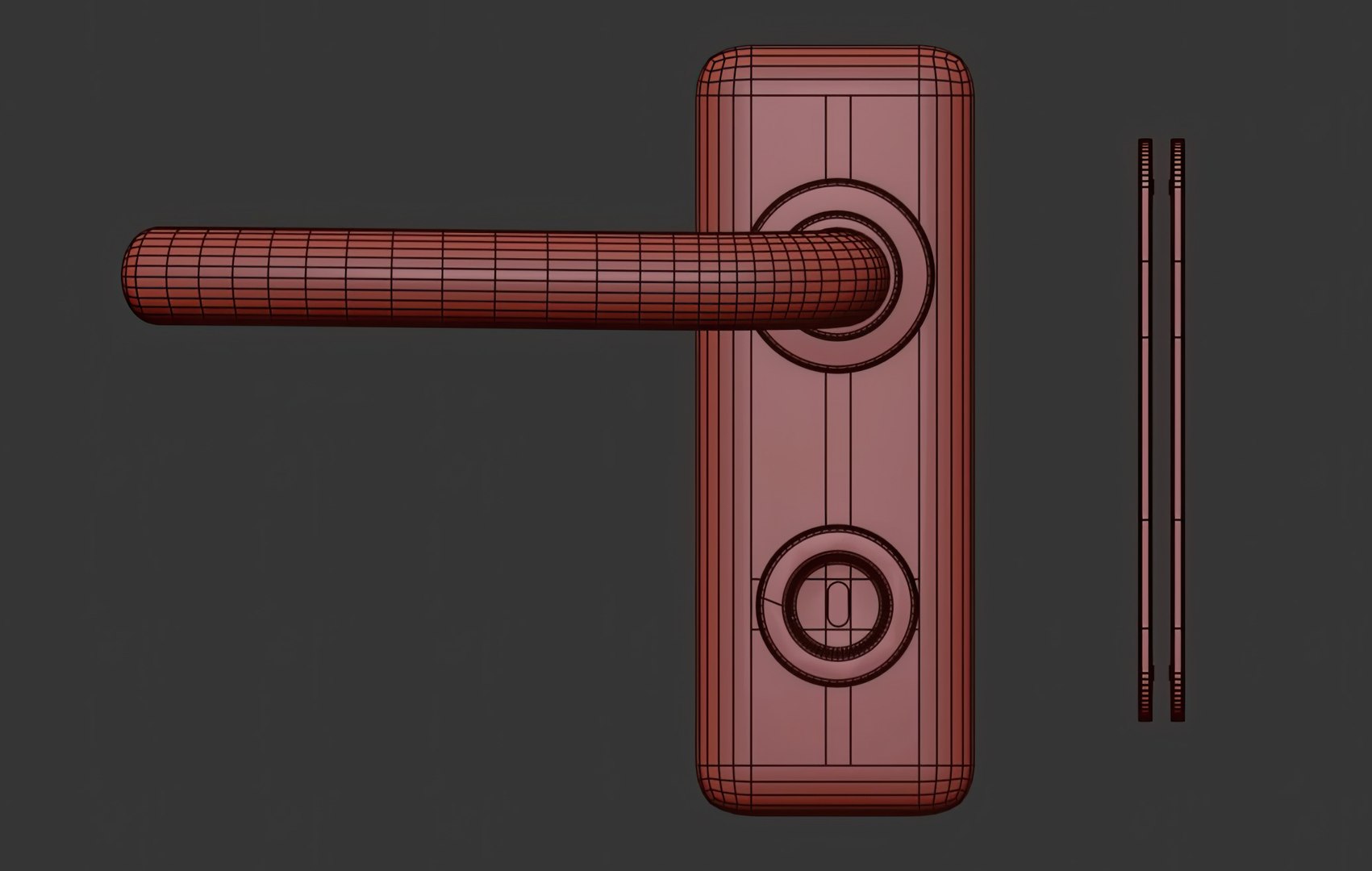
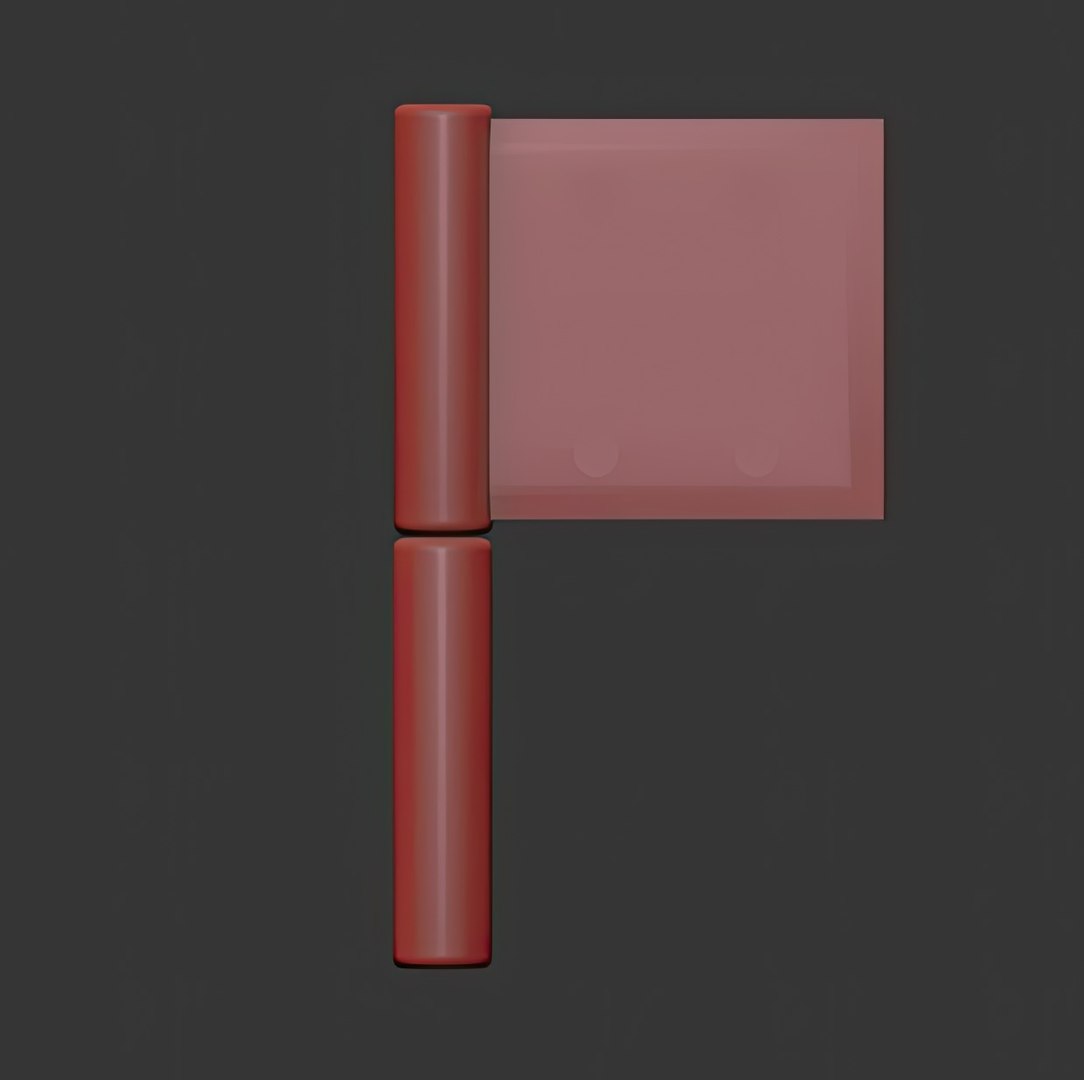
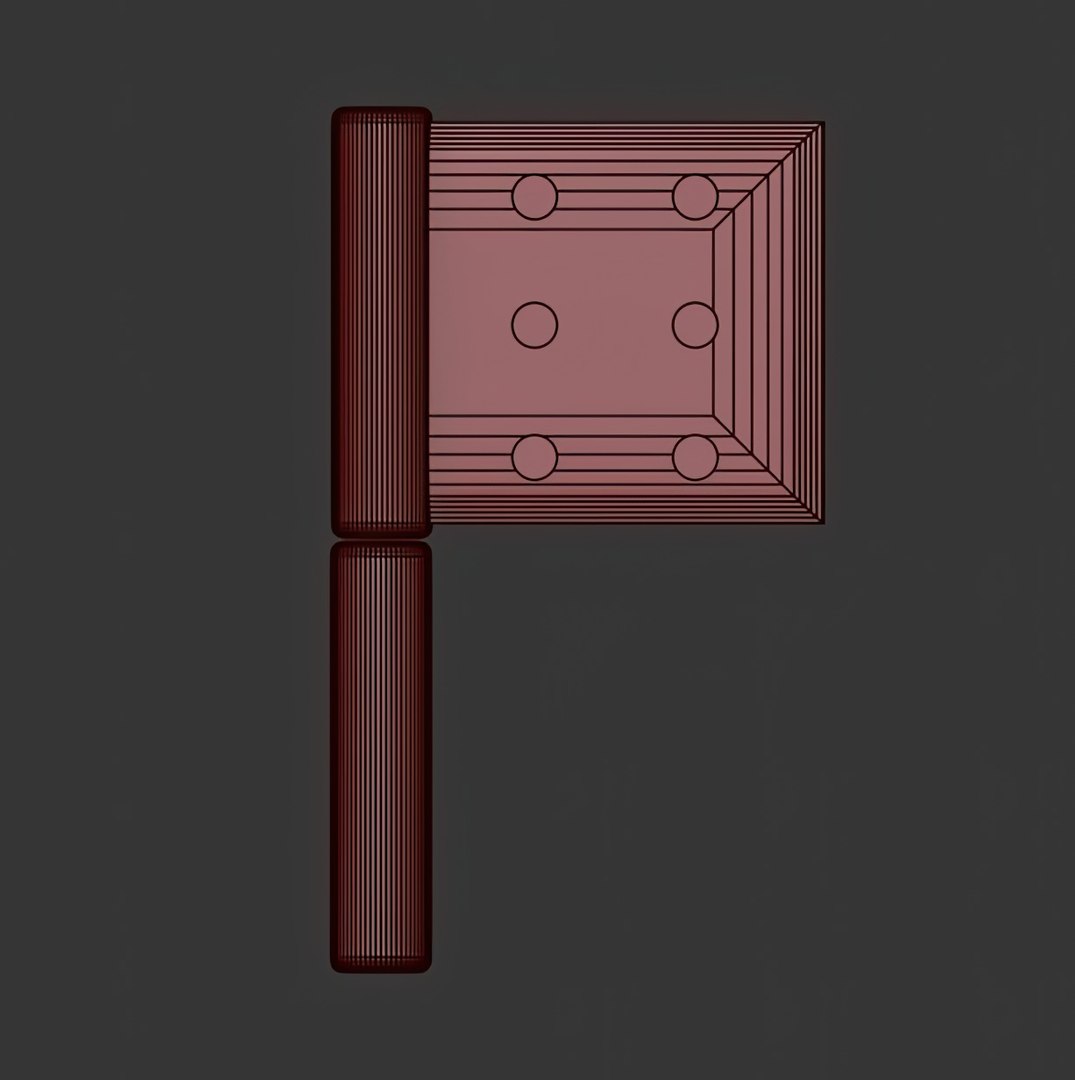
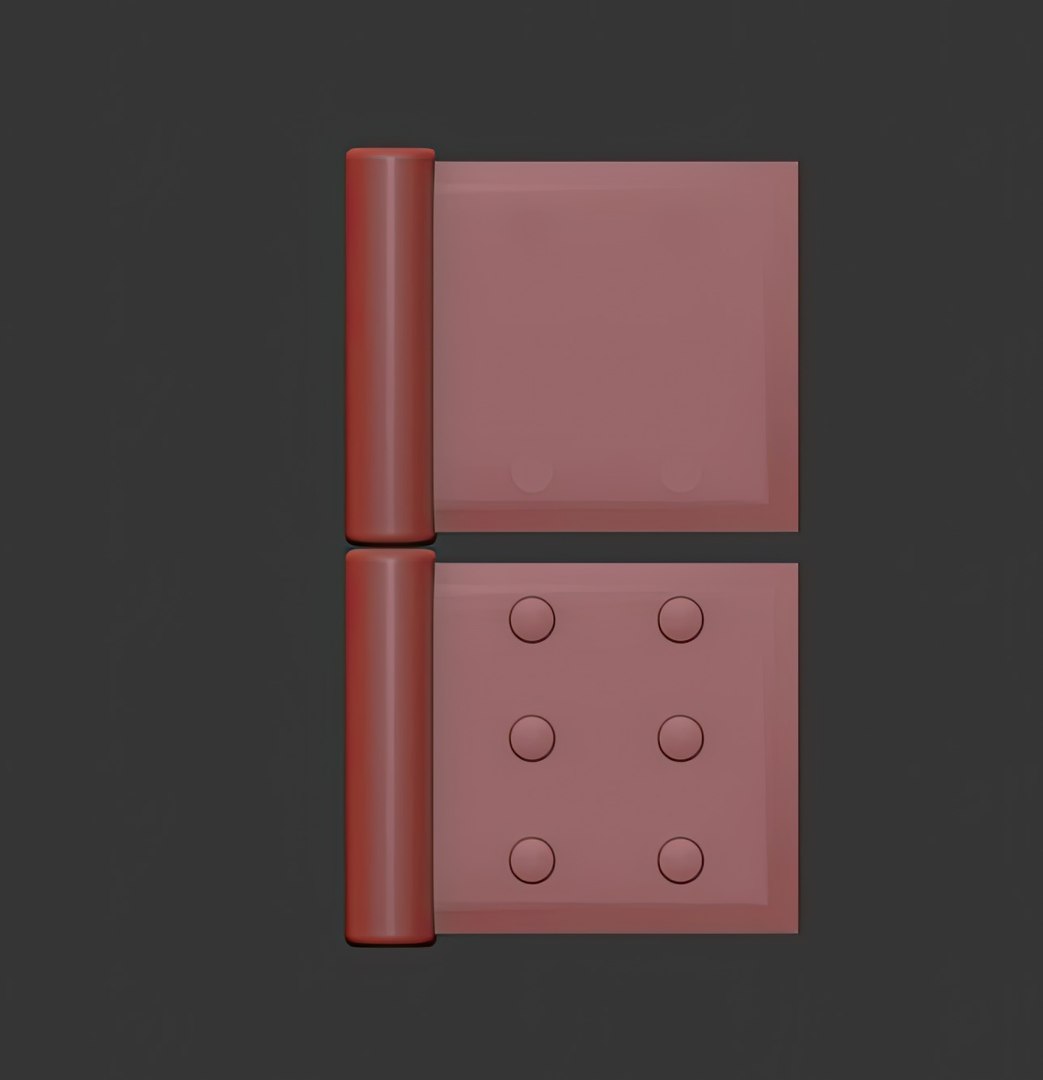
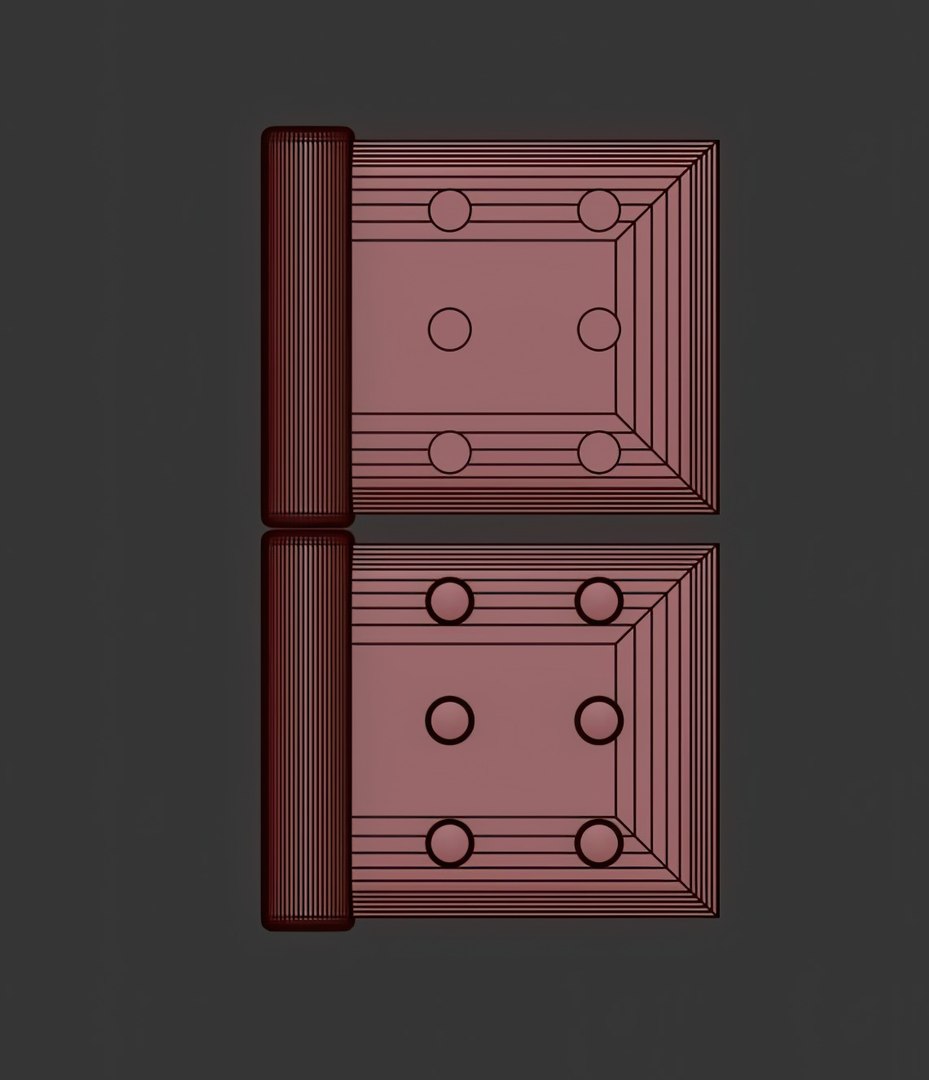
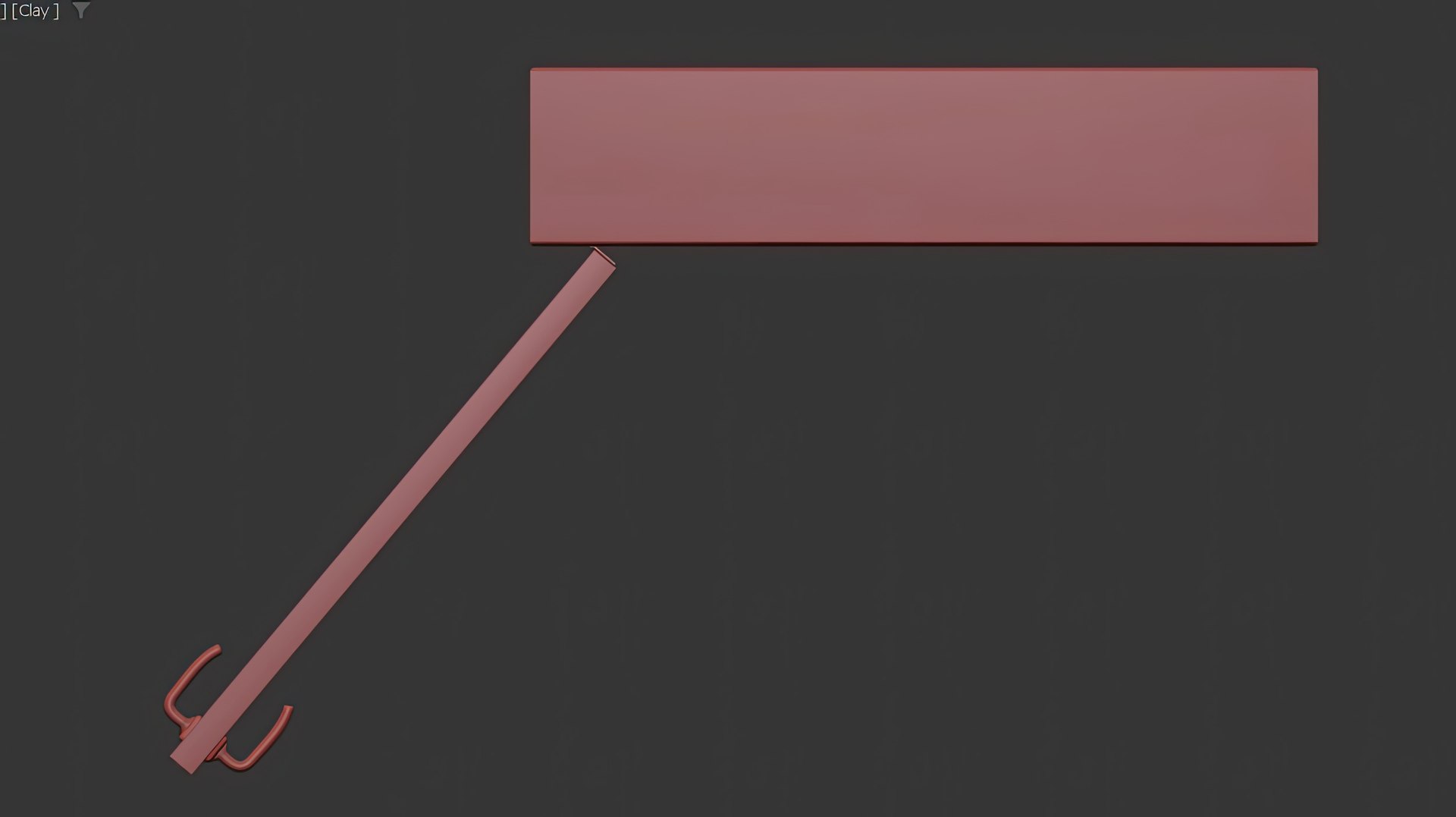
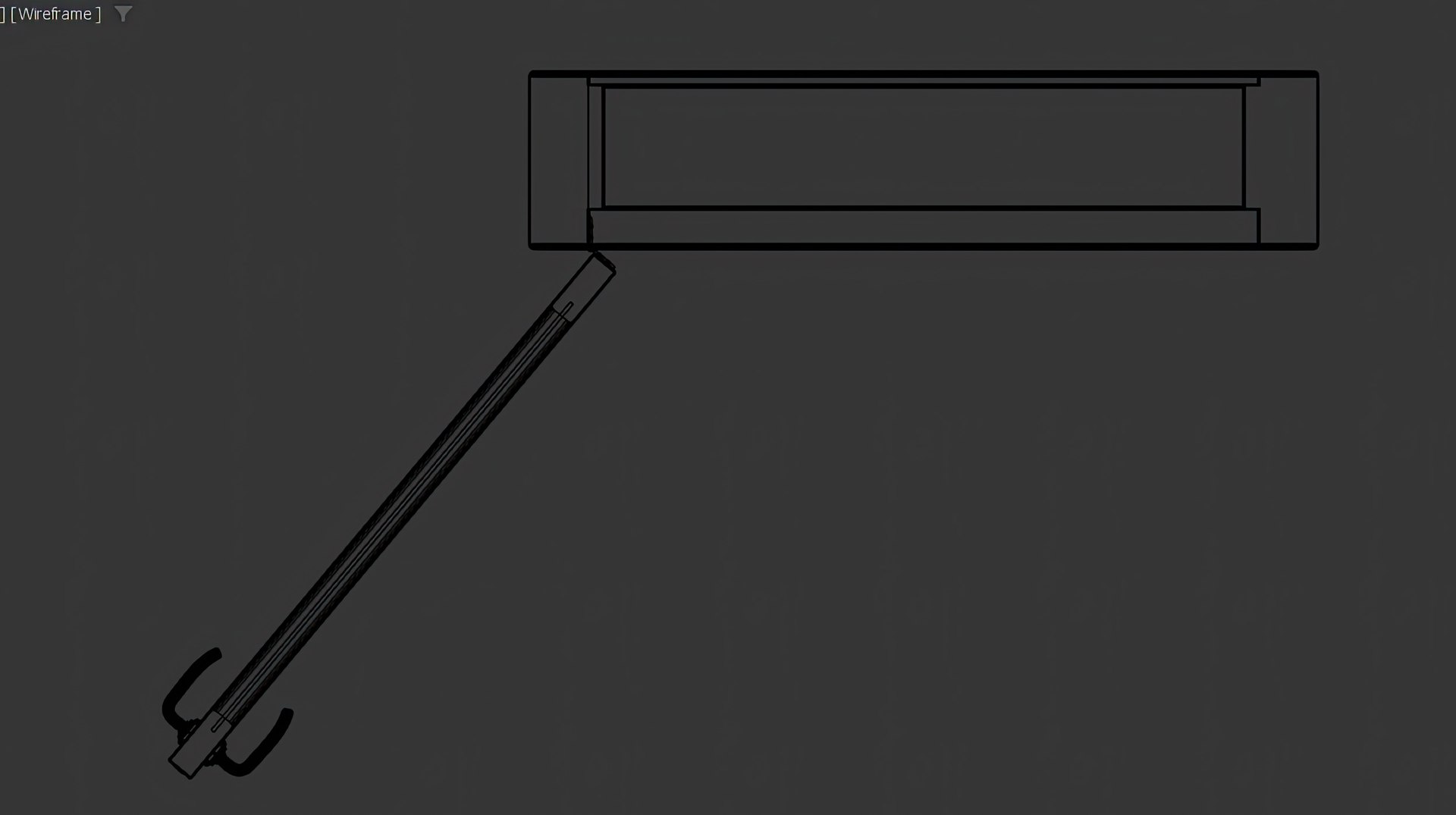
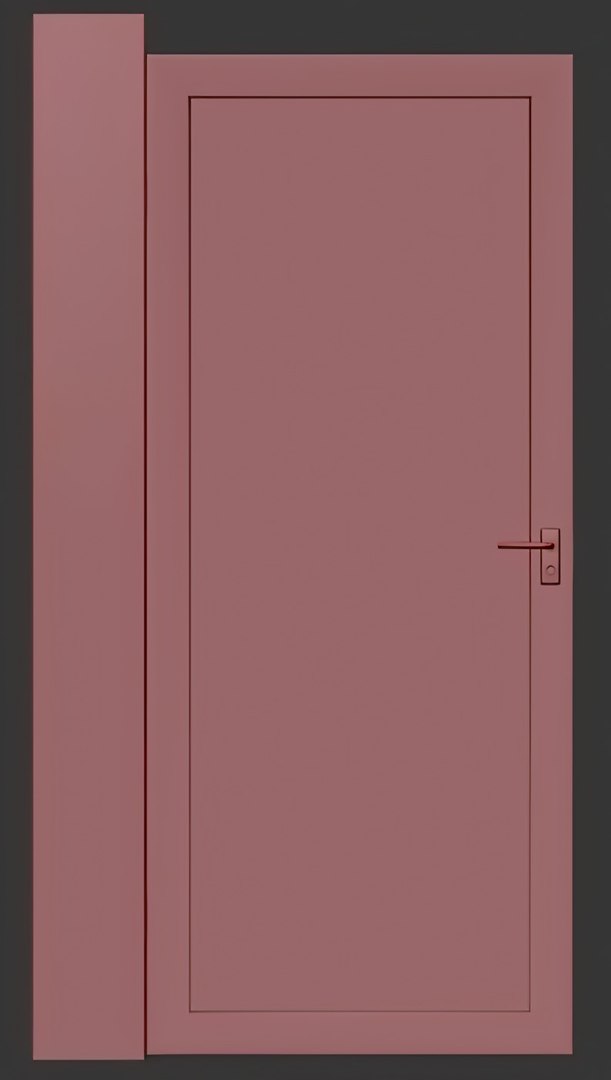
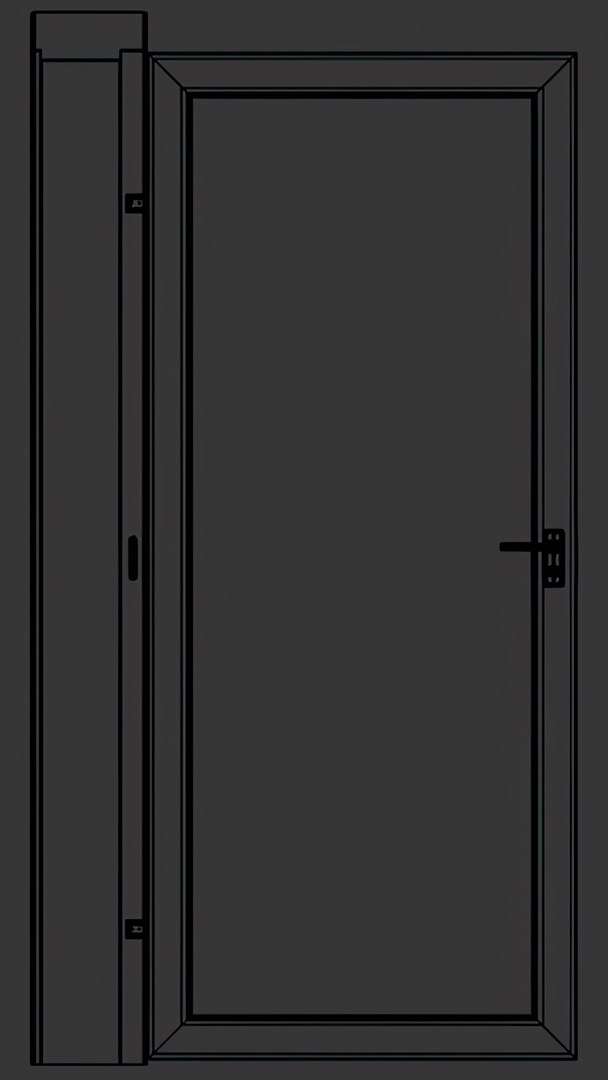

Glass Door Design 1-30

$2

Standard License | Upgrade License
Formats (9)
Native | 3ds Max 2020 | Corona 10
3ds Max 2020 | Corona 10
STL 2014
OBJ 2014
3D Studio 2014
AutoCAD drawing 2014
FBX 2014
Specifications
Publish Date December 11, 2023
Product ID 2163437
Polygons 738,314
Vertices 791,081
Polygonal
Textures
Materials
UV Mapped
Non-overlapping Unwrapped UVs
TurboSquid Exclusive
member avatar
berkcoskun
31 Products | Contributor Since 2023
Have questions? Chat with us now.

Description

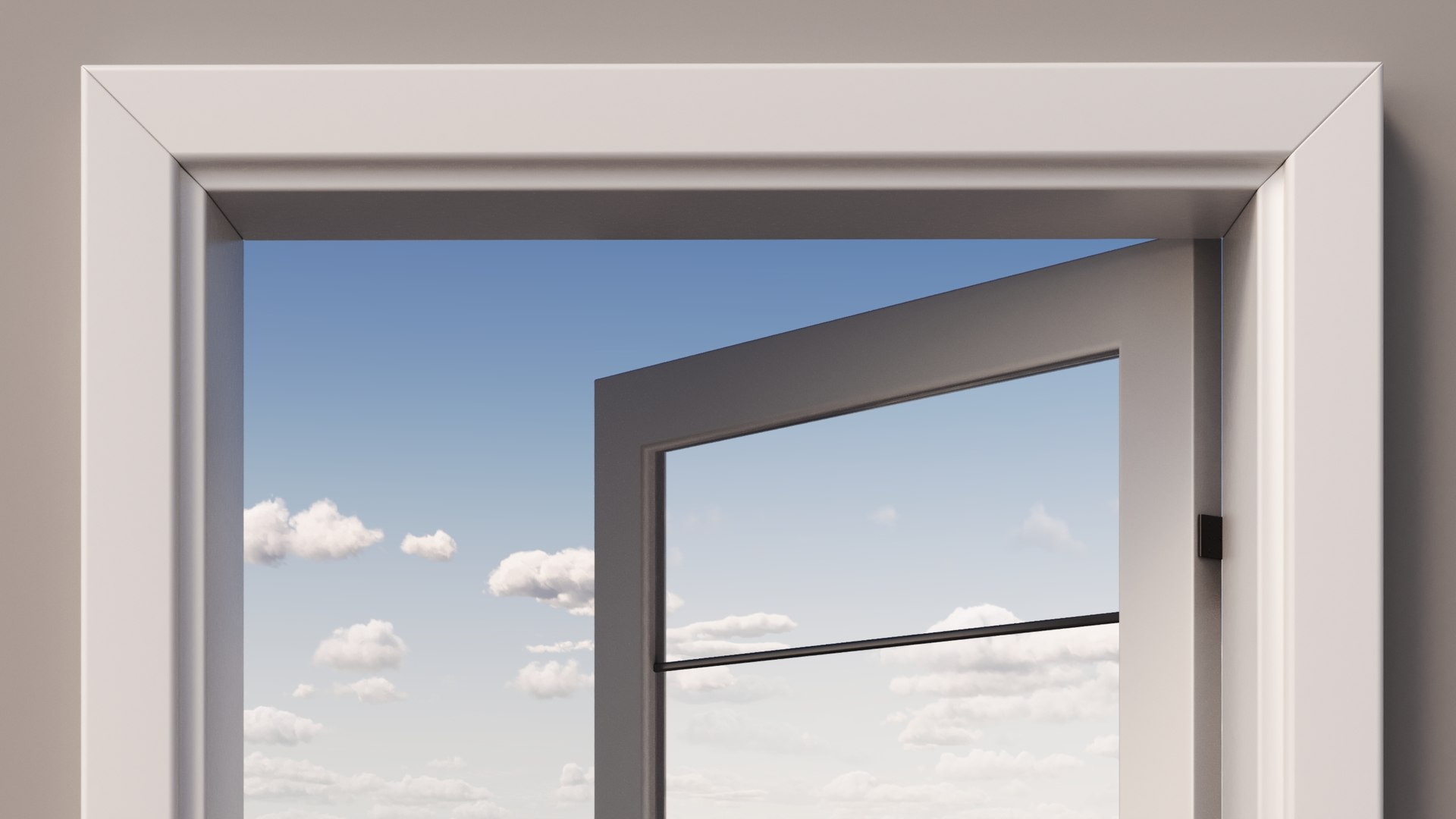
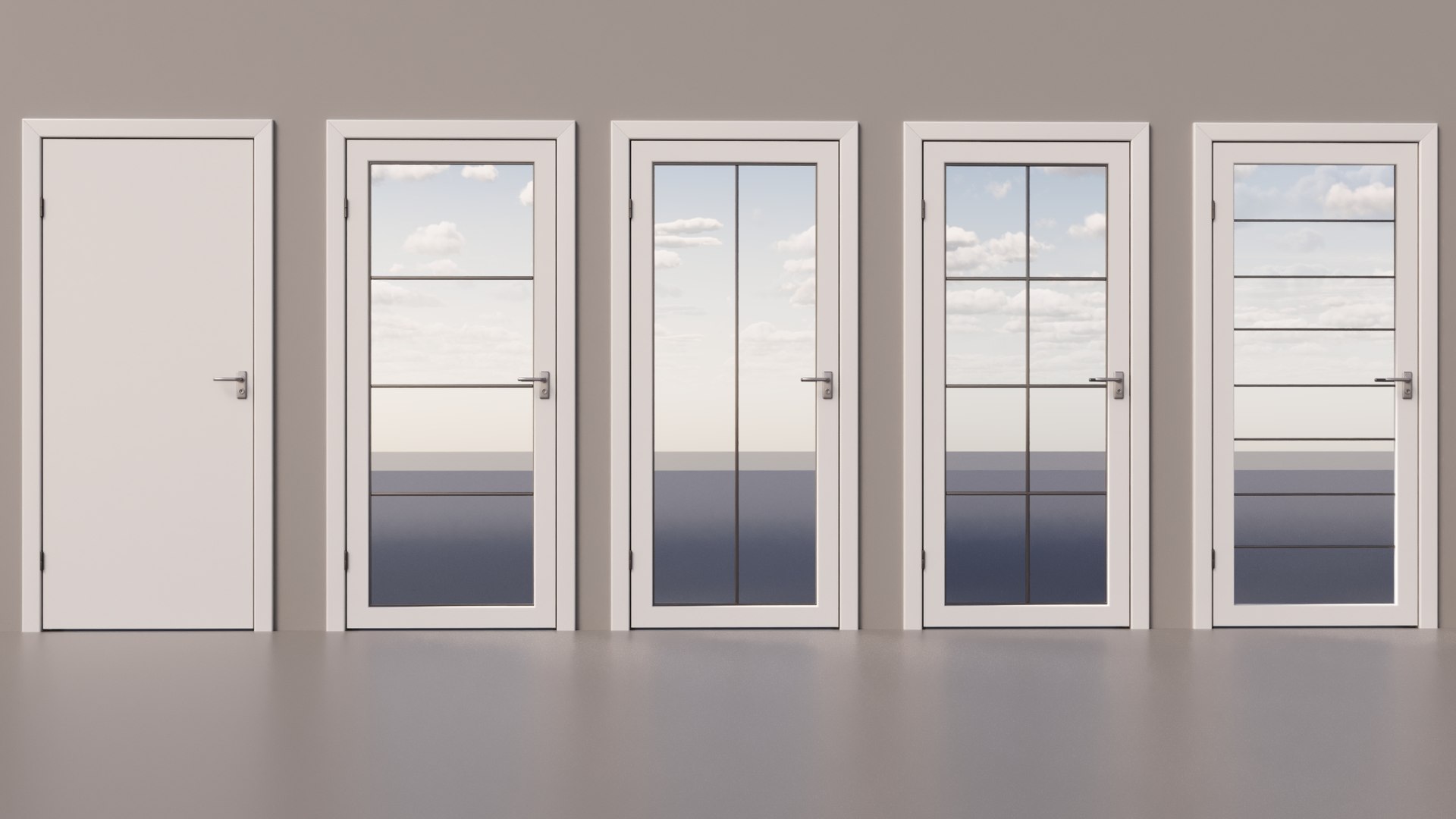
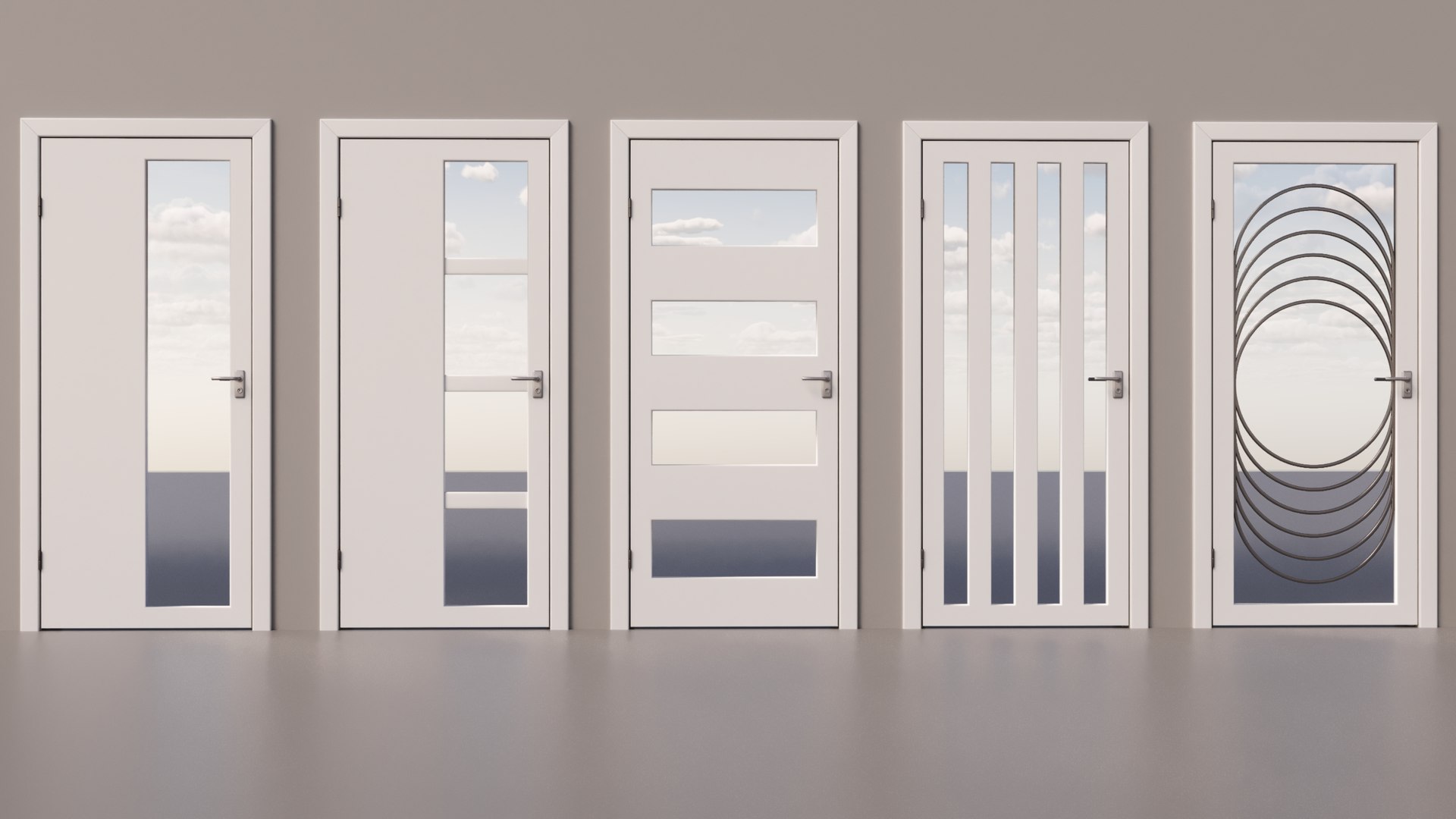
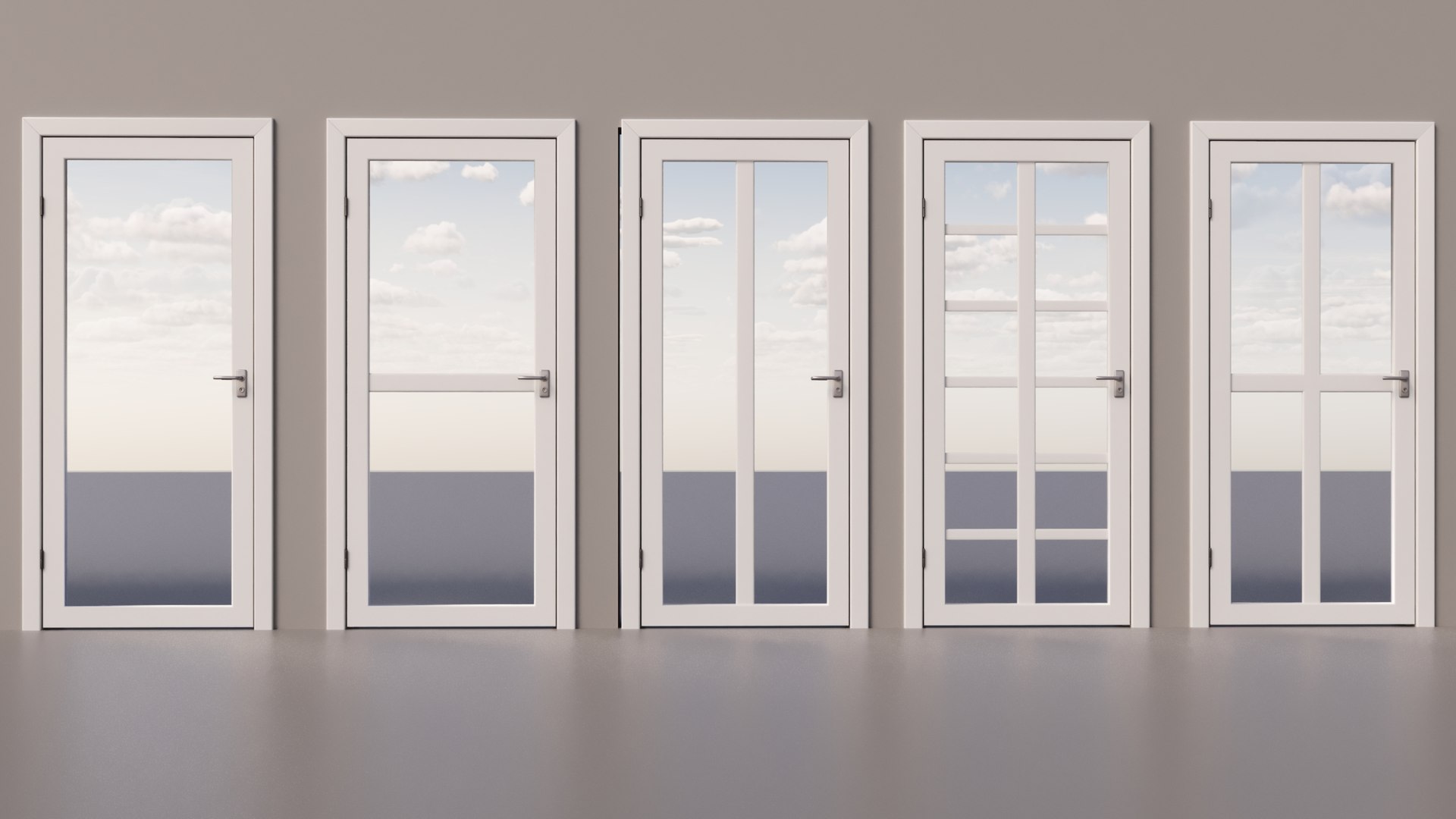
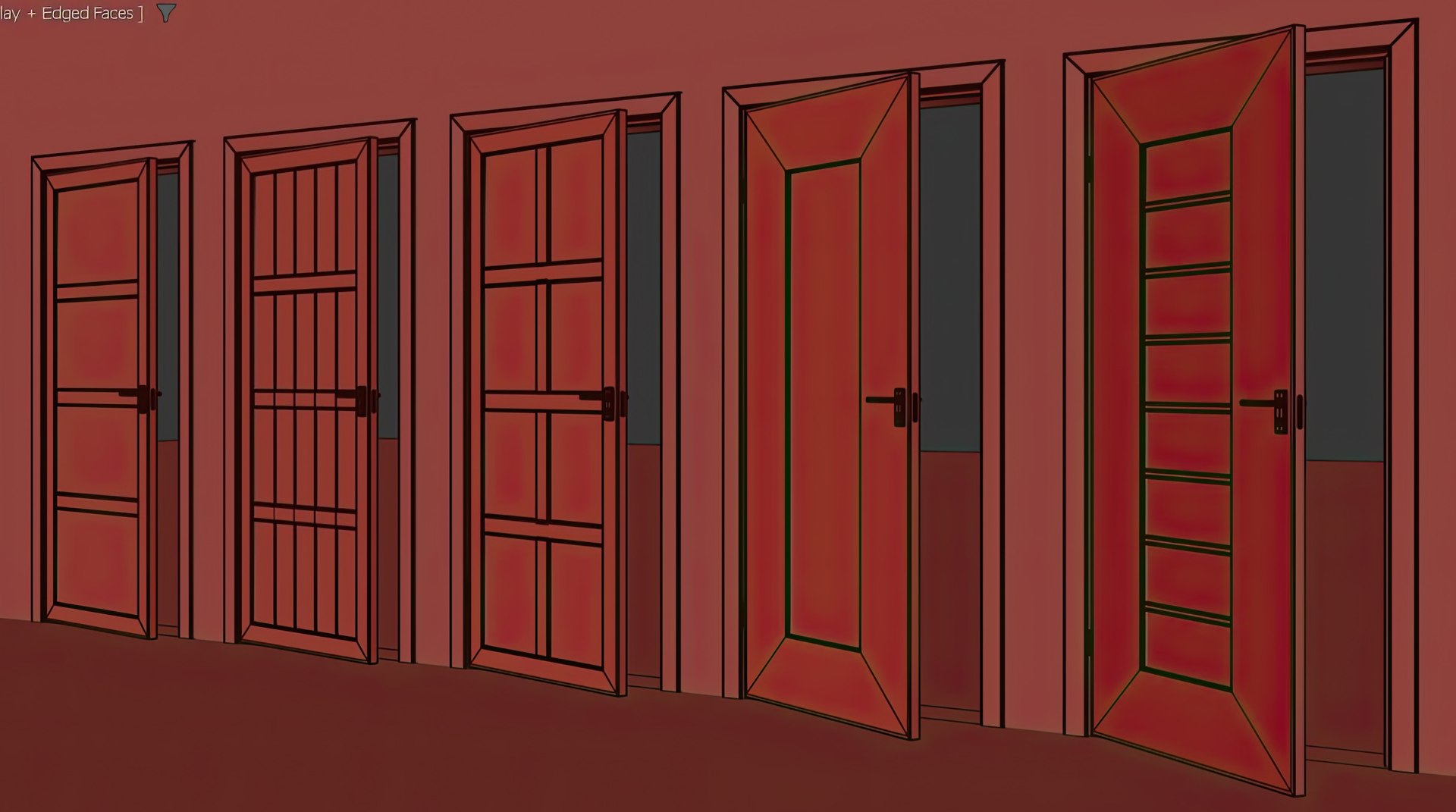
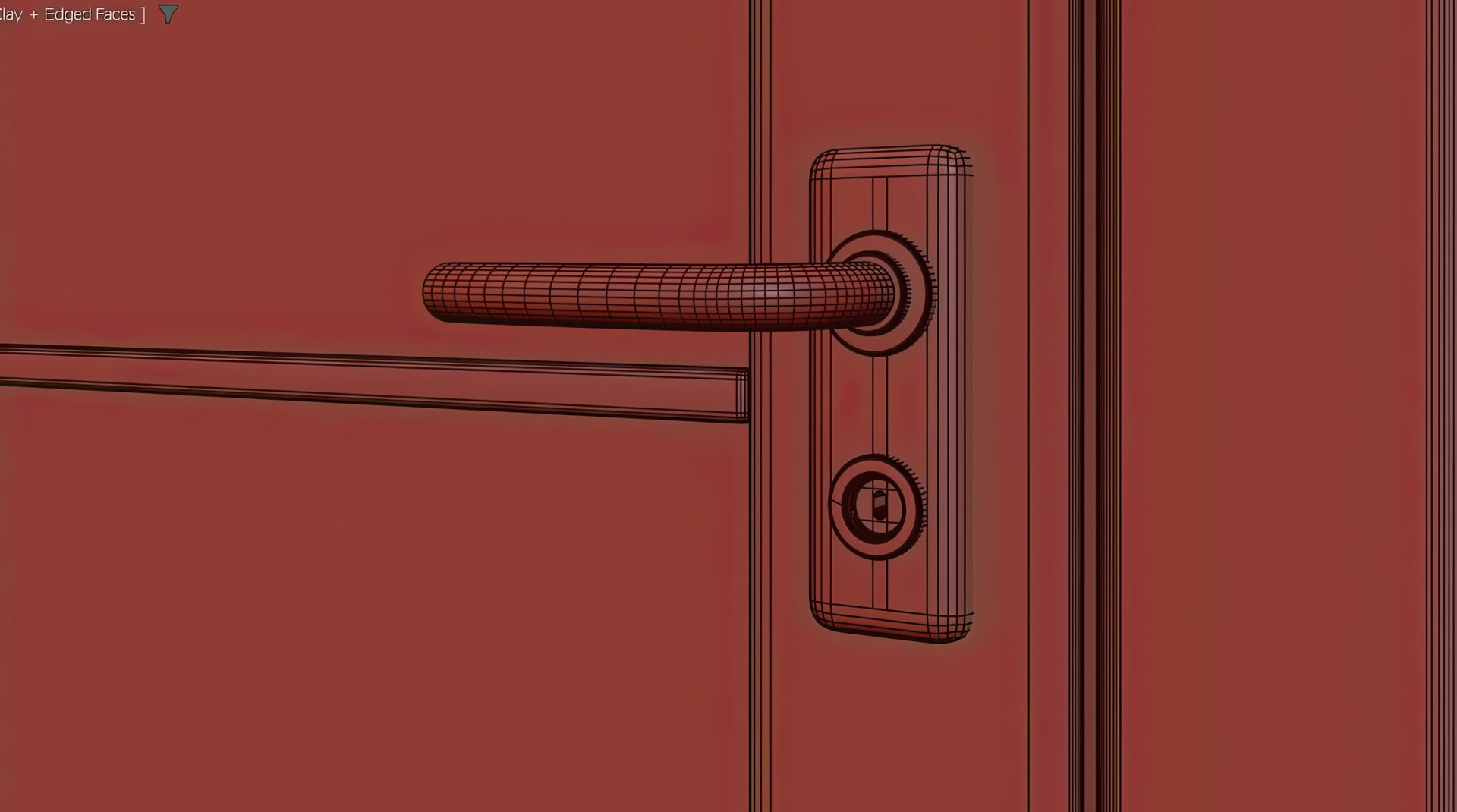
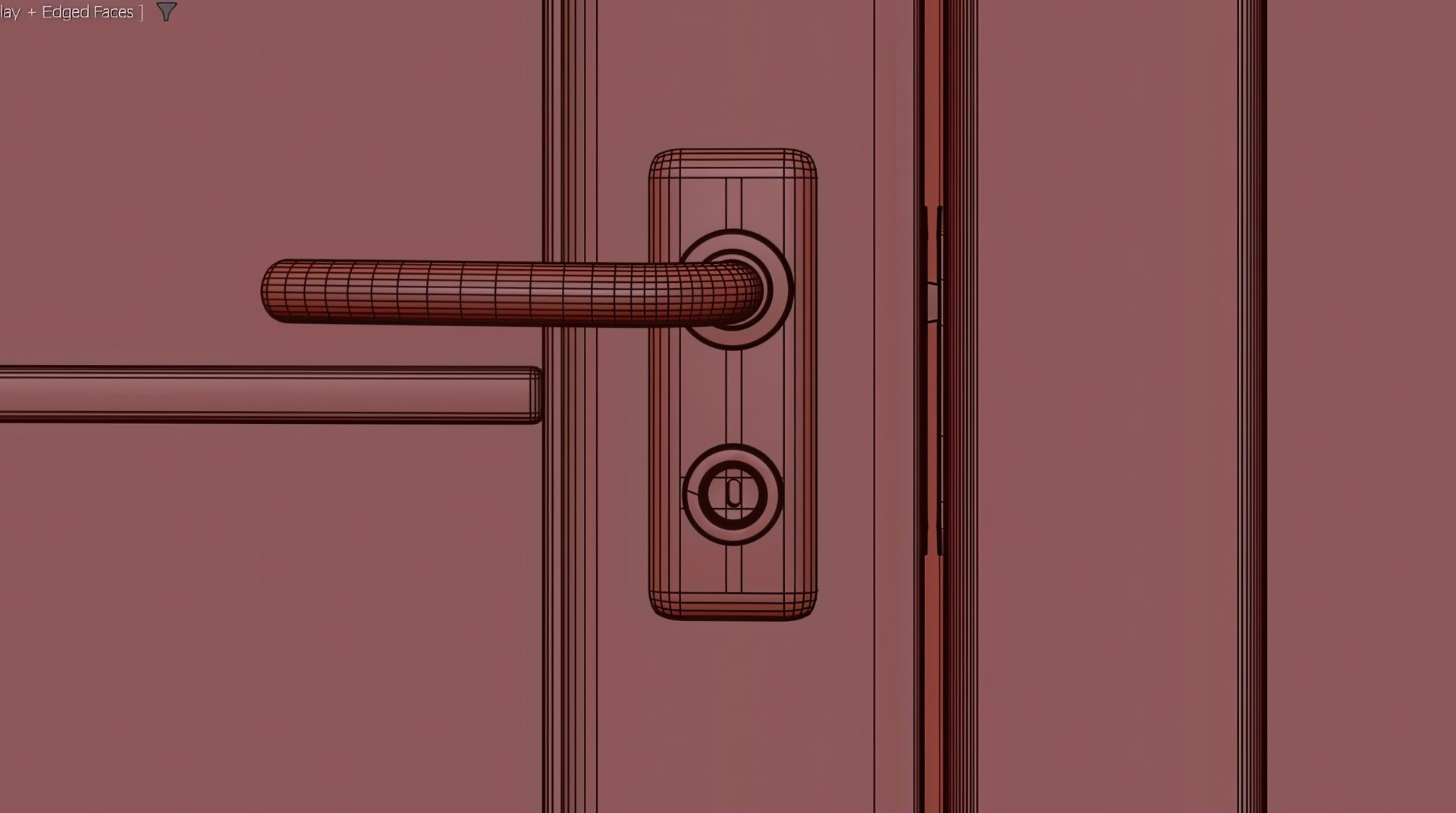
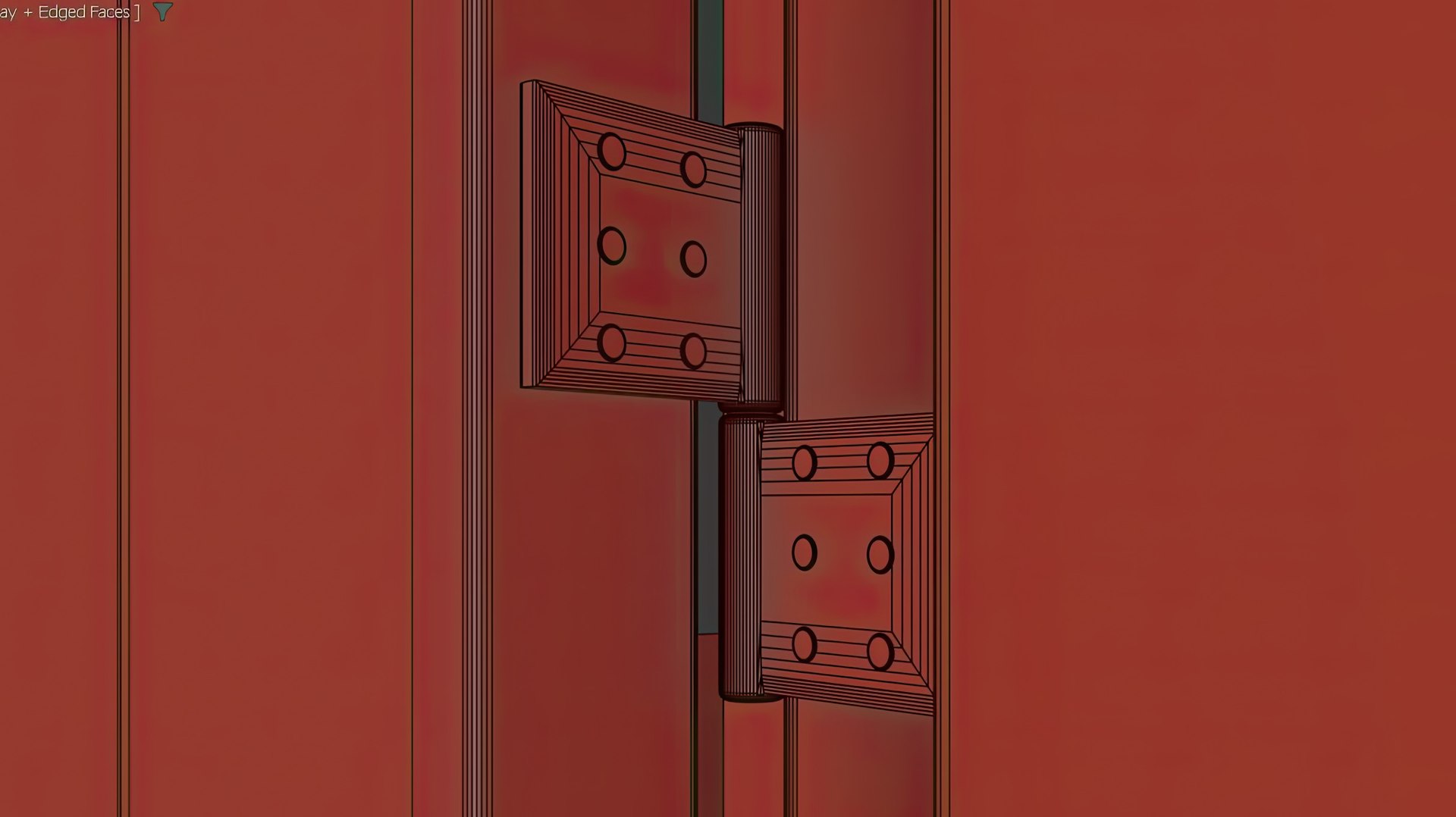
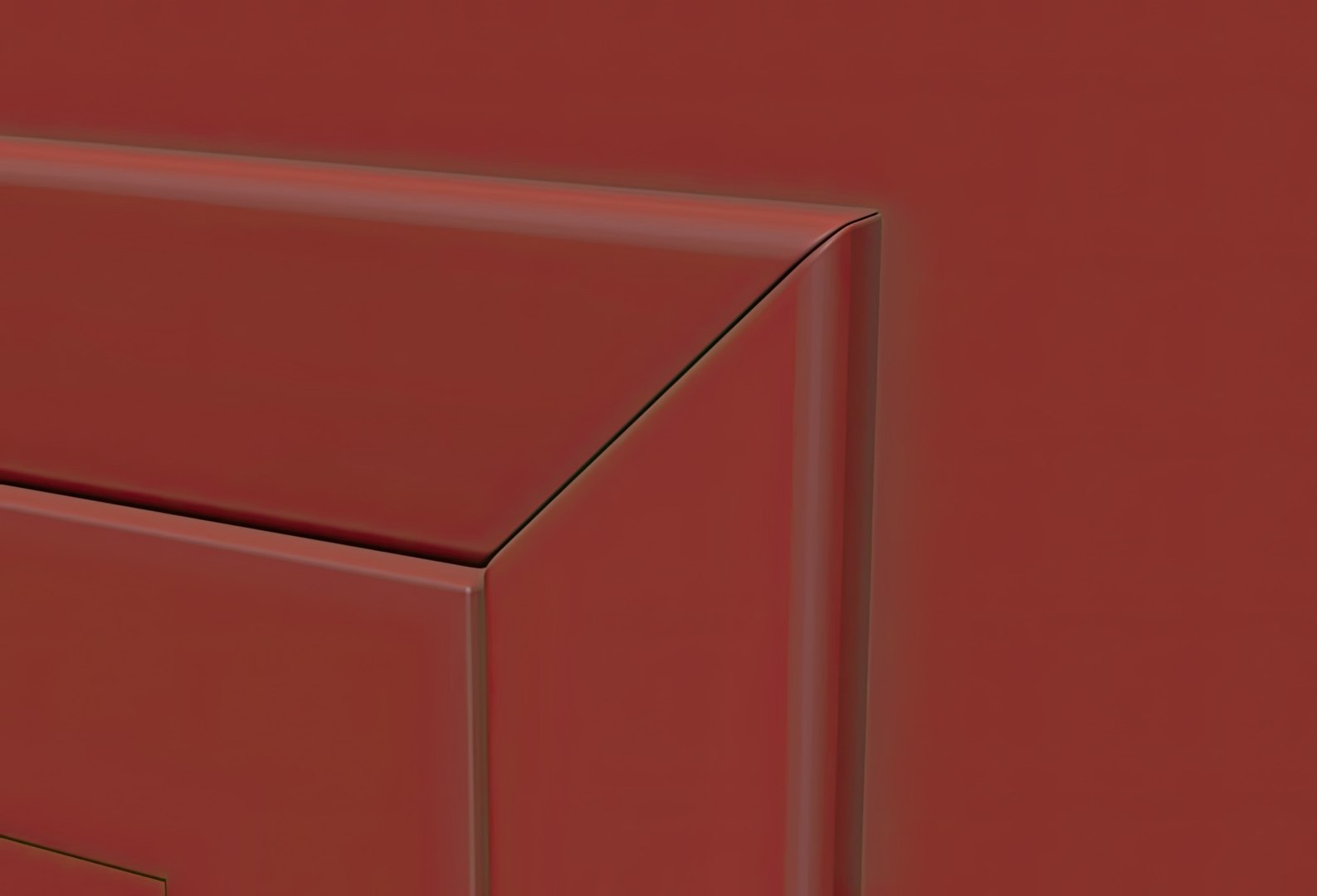
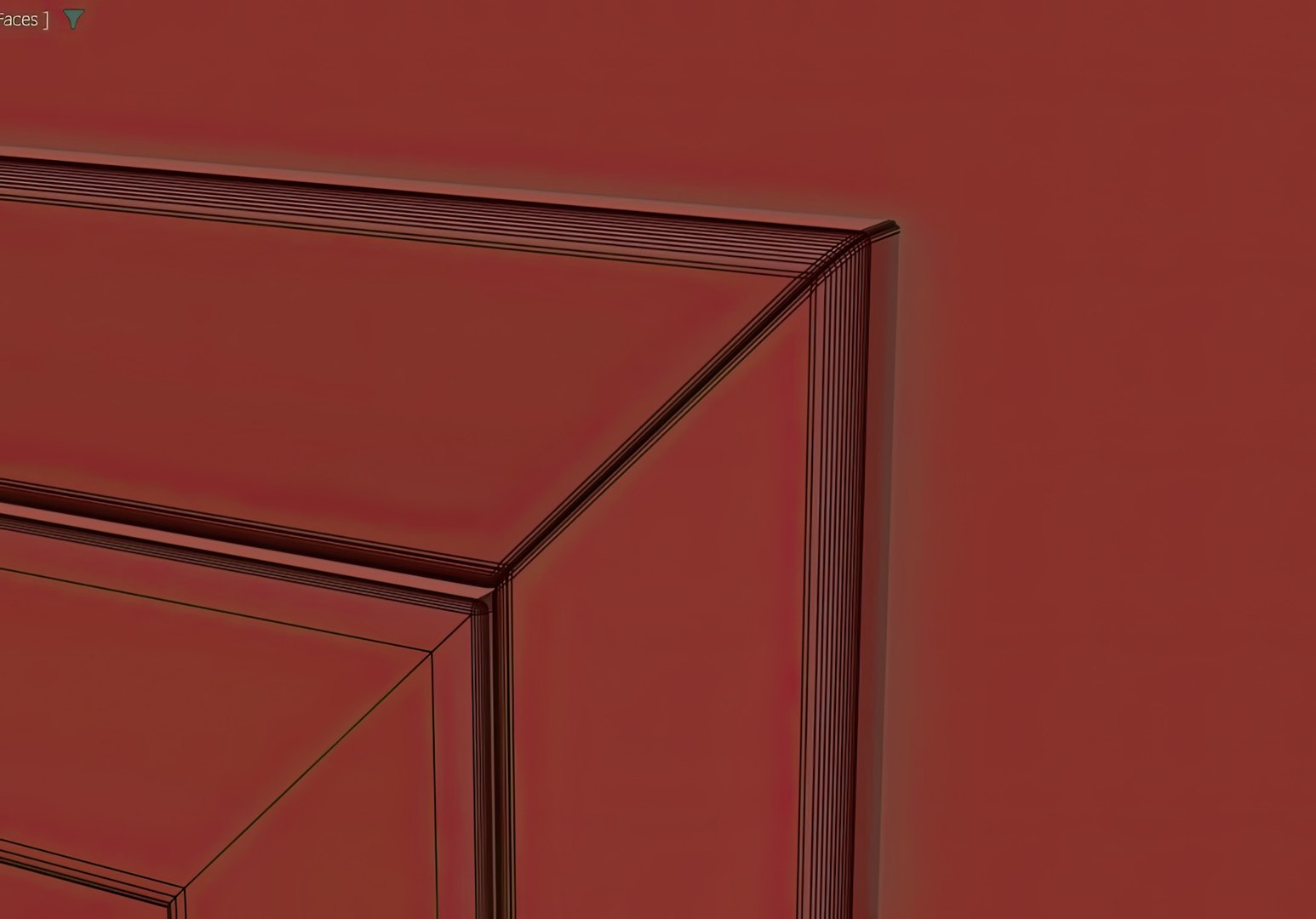
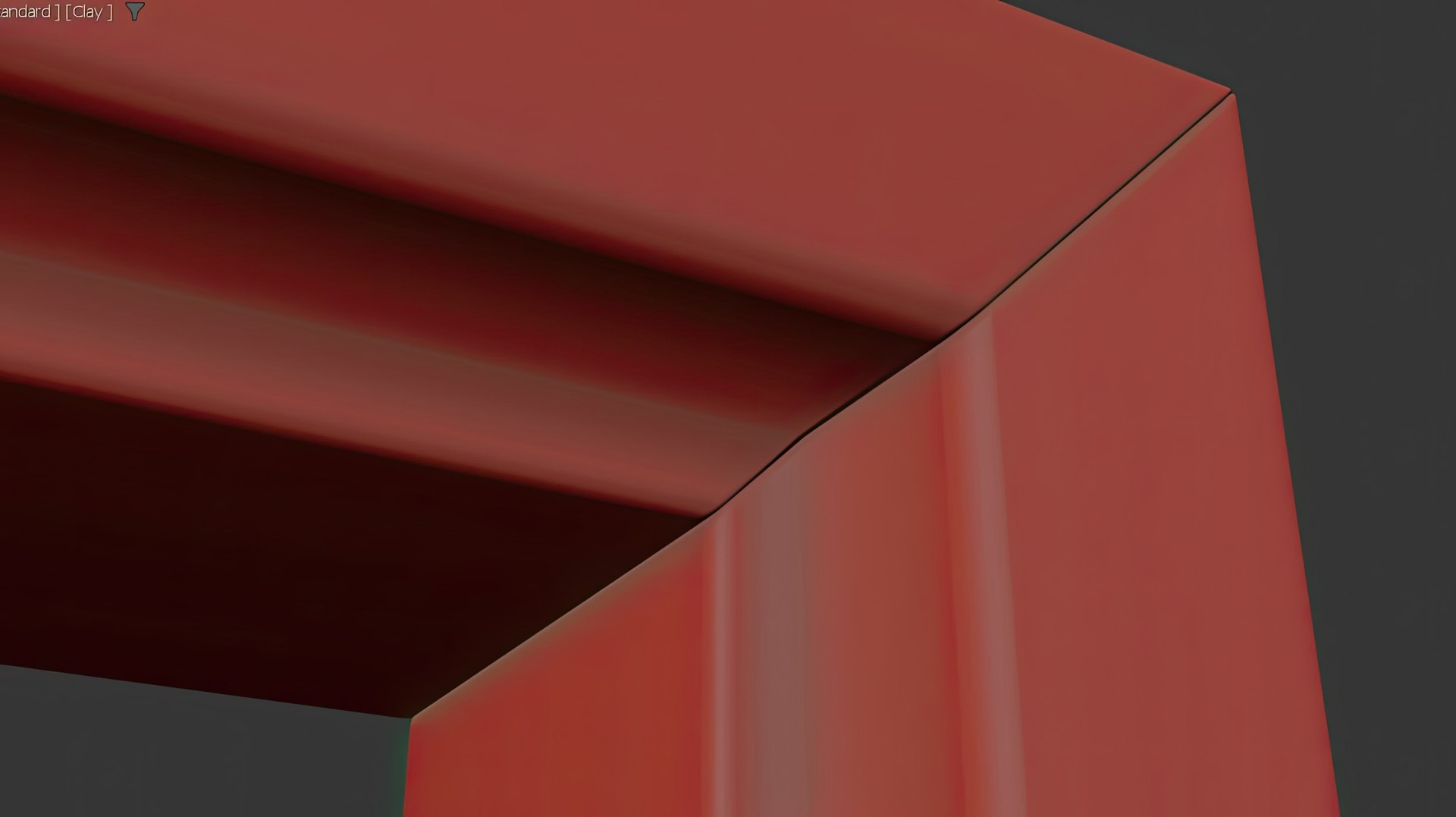
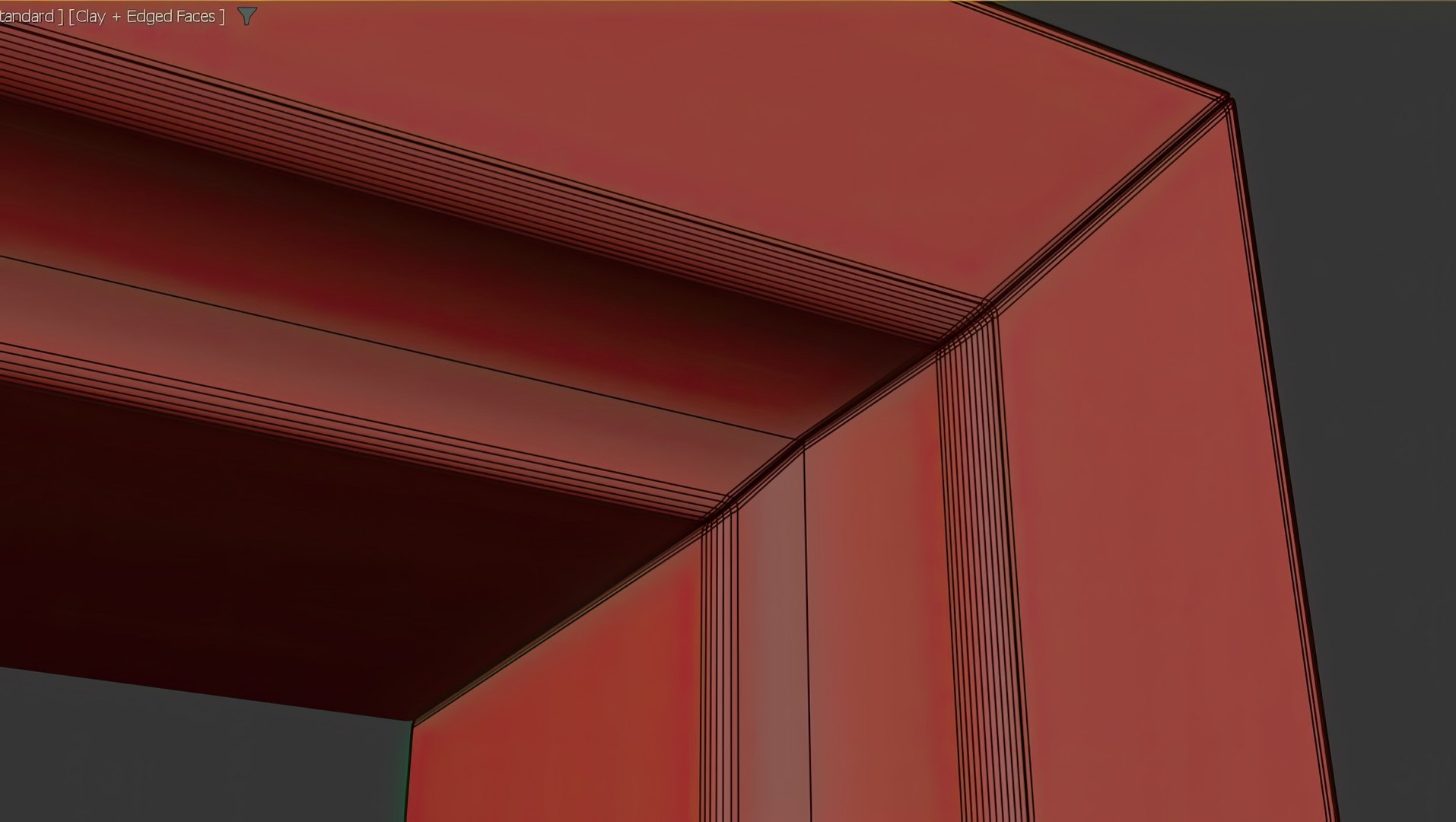
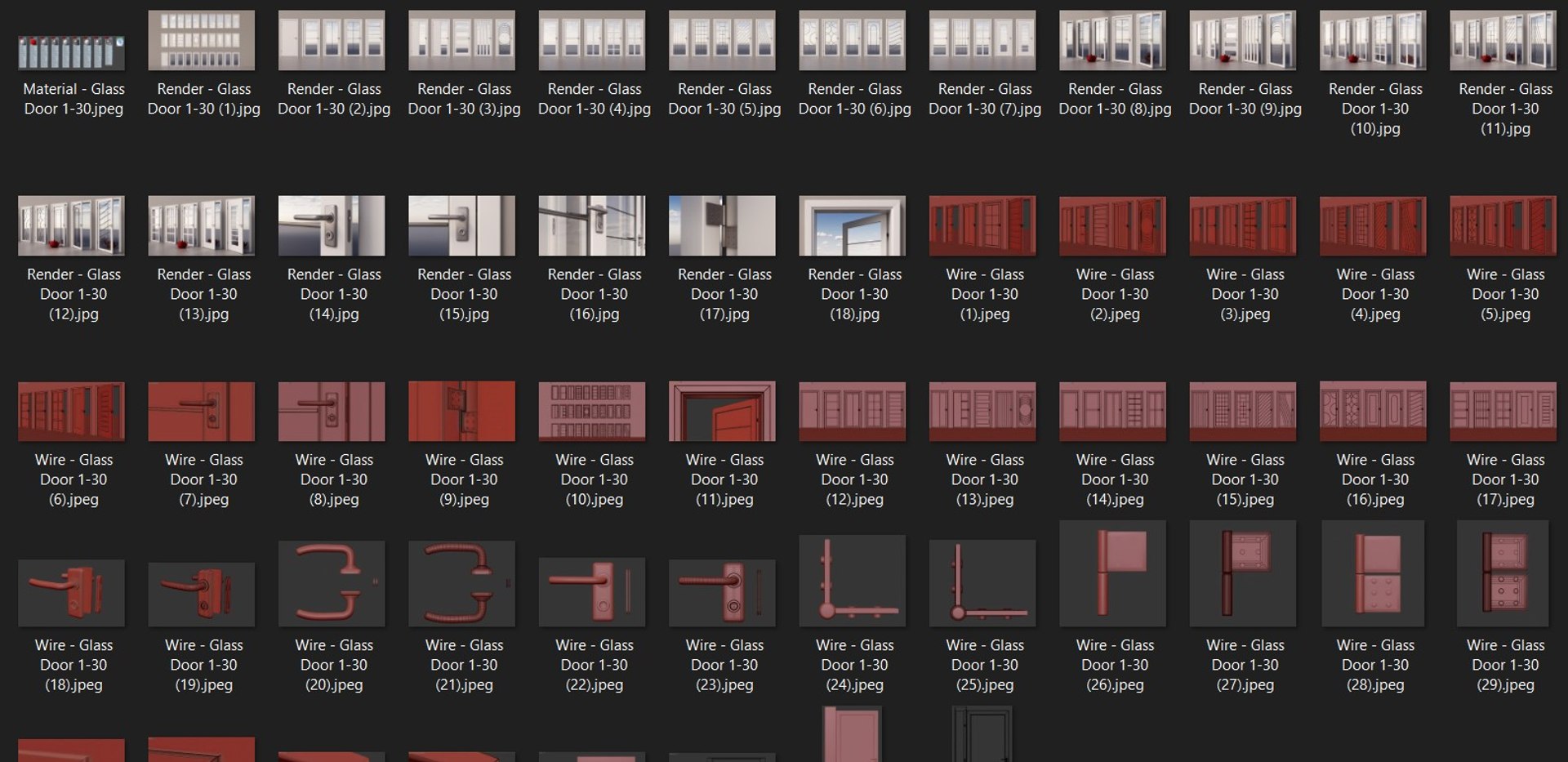
High quality - detailed design door modeling for 3ds max and rendering Corona 10

-Clean modeling

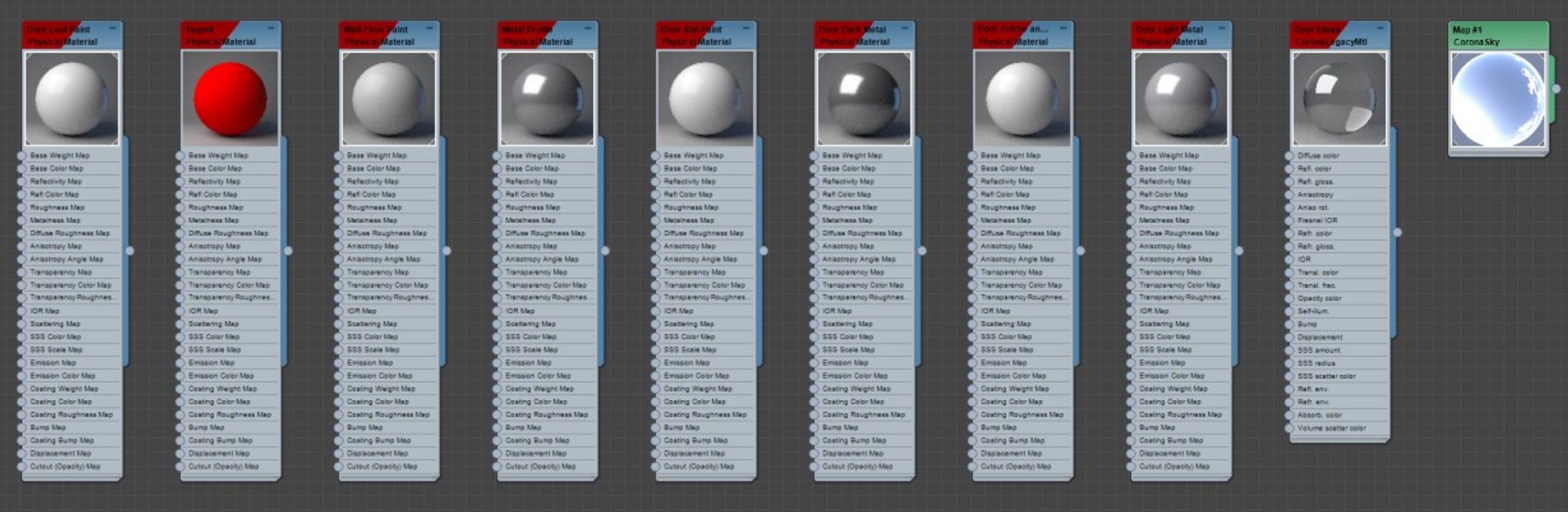
-All textures and materials are included

-Realistic and detailed

-Render setup and lights are ready for render

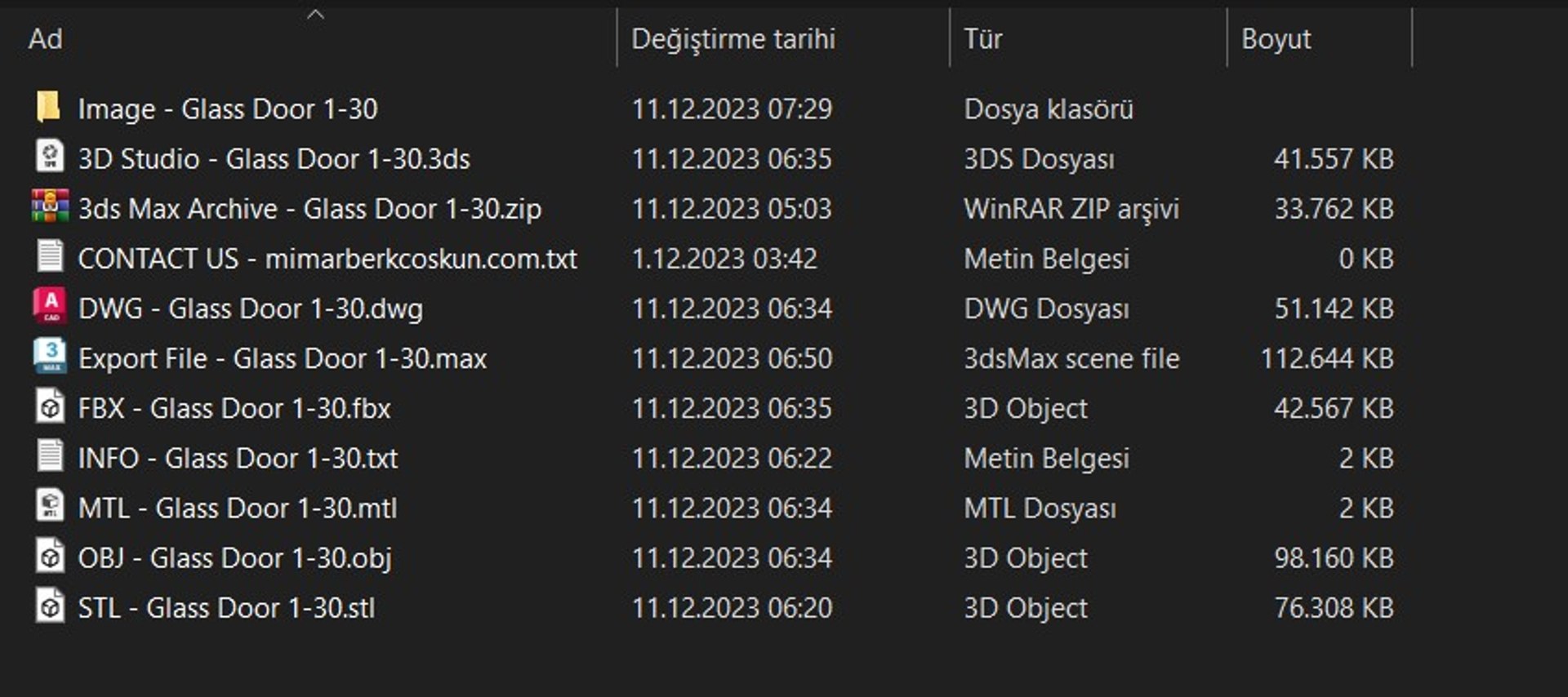
-File formats

3ds max 2020, Corona 10

FBX

OBJ (.obj-.mtl)

STL

3D Studio

Autodesk DWG

-All is 738.314 Polys, 791.081 Verts

-Average polygon of a door is 25.000

-The minimum polygon of a door is 21.724

-The maximum polygon of a door is 50.026

-Door 1 is 21.794 Polys

-Door 2 is 21.843 Polys

-Door 3 is 21.838 Polys

-Door 4 is 21.938 Polys

-Door 5 is 21.884 Polys

-Door 6 is 21.942 Polys

-Door 7 is 22.542 Polys

-Door 8 is 22.117 Polys

-Door 9 is 21.794 Polys

-Door 10 is 22.559 Polys

-Door 11 is 21.788 Polys

-Door 12 is 22.043 Polys

-Door 13 is 21.948 Polys

-Door 14 is 21.956 Polys

-Door 15 is 36.674 Polys

-Door 16 is 27.058 Polys

-Door 17 is 32.018 Polys

-Door 18 is 22.402 Polys

-Door 19 is 27.058 Polys

-Door 20 is 27.794 Polys

-Door 21 is 21.724 Polys

-Door 22 is 22.548 Polys

-Door 23 is 22.248 Polys

-Door 24 is 50.026 Polys

-Door 25 is 22.844 Polys

-Door 26 is 22.998 Polys

-Door 27 is 23.598 Polys

-Door 28 is 23.598 Polys

-Door 29 is 22.034 Polys

-Door 30 is 25.562 Polys

Select Enhanced License

  • $10,000 in Legal Protection (Indemnification)
  • Uncapped Legal Protection (Indemnification)
  • Waiver from injunctive relief
  • Assignable model rights
  • $1,000,000 in Legal Protection (Indemnification)
  • Waiver from injunctive relief
  • Assignable model rights
  • $250,000 in Legal Protection (Indemnification)
  • Assignable model rights
Read more about enhanced license tiers, or contact us at enterprise@turbosquid.com. Already a Shutterstock Enterprise Customer? Contact your Shutterstock Sales Support Agent to talk about adding 3D.

About Conversion Requests

To submit a conversion request for a purchased asset, please complete our Conversion Request Form.

If you have not yet purchased a model, please review our Documentation about Conversions to learn about what limitations you may encounter with a conversion.

For any additional questions about a model’s suitability for conversion, please contact TurboSquid Support.

Loading...