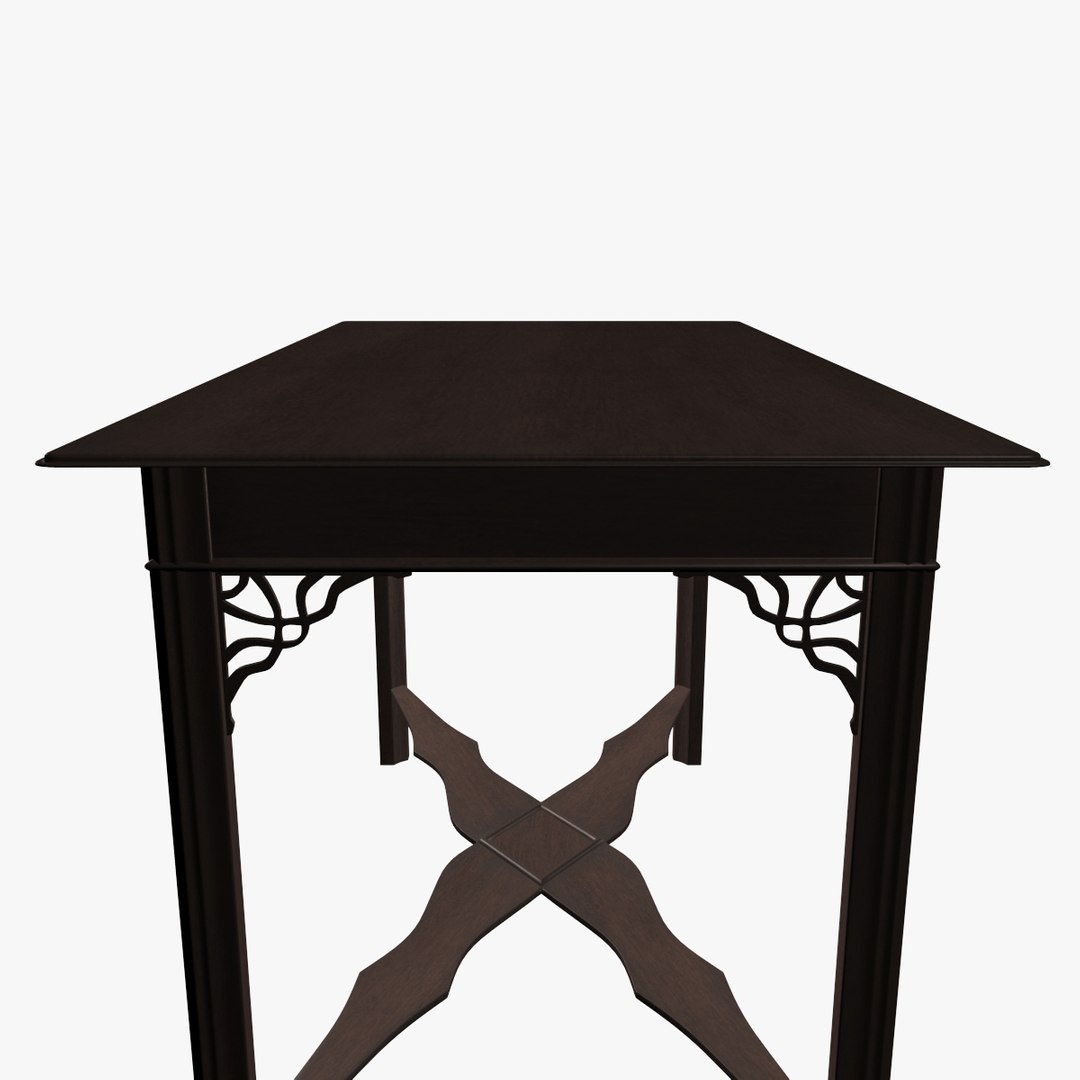
George III Table

$49

Standard License | Upgrade License
Formats (3)
Free file format Conversions available
Native | 3ds Max 2012 | V-Ray 2.0
3ds Max 2012 | Default Scanline
3D Studio
Specifications
Publish Date September 22, 2012
Product ID 695205
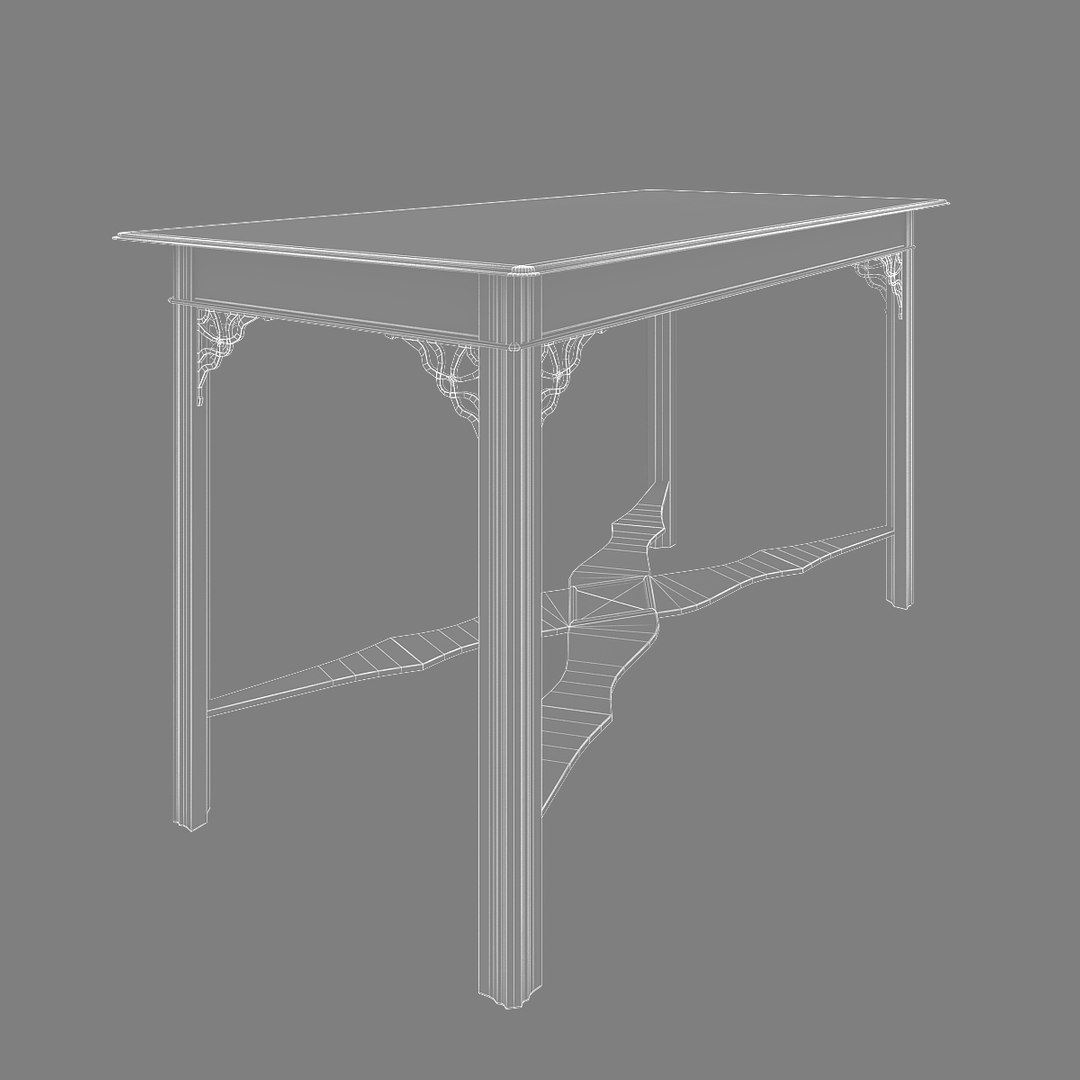
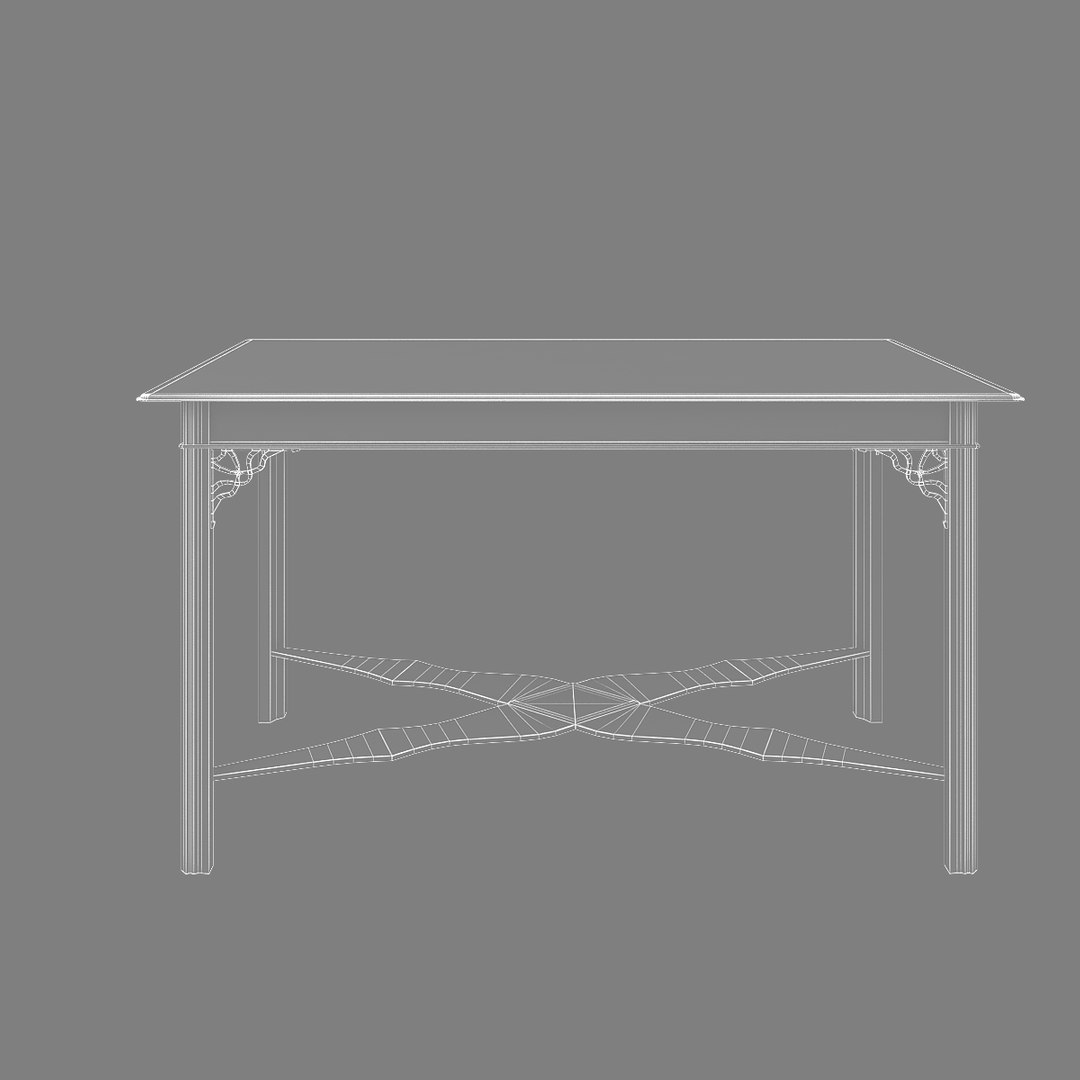
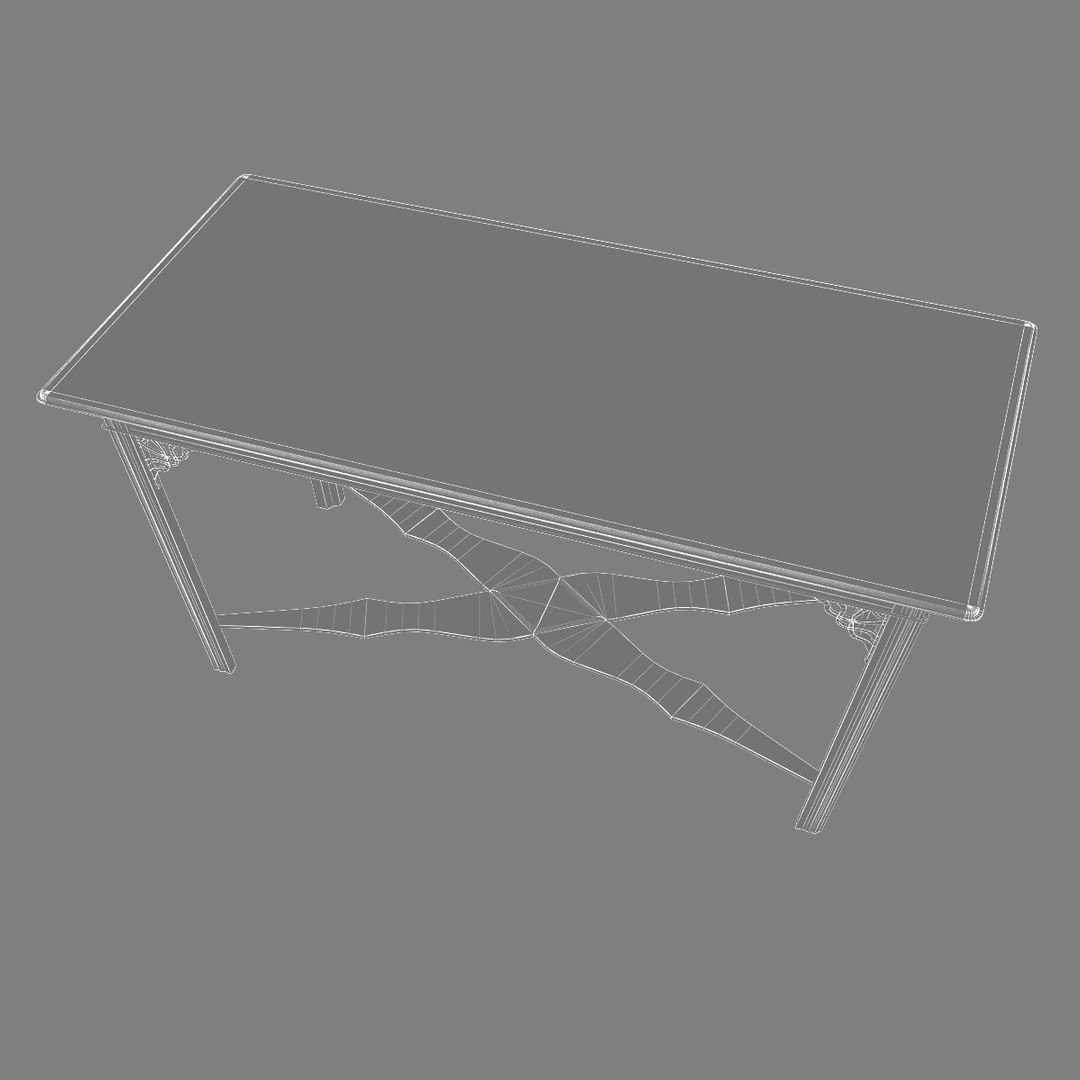
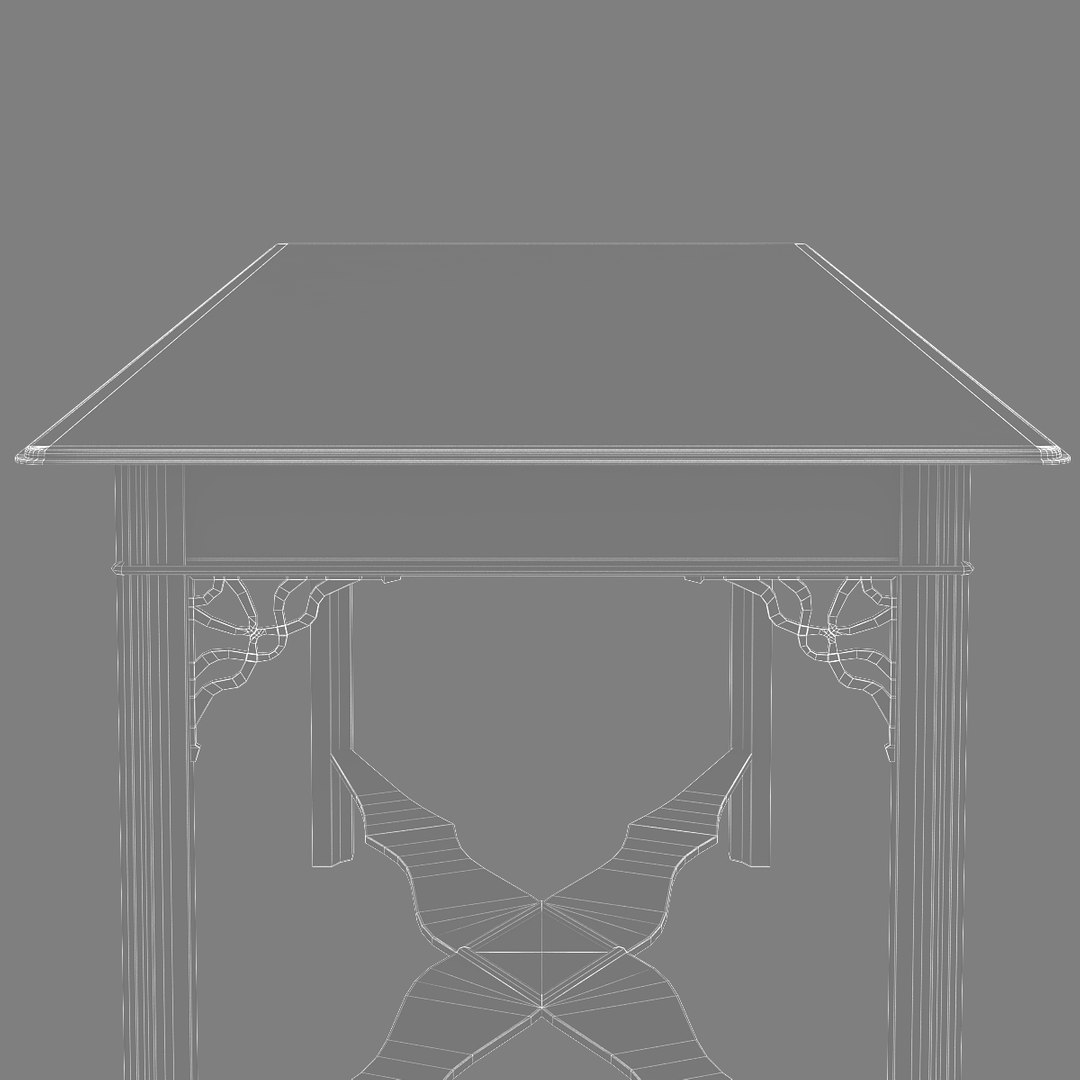
Polygons 12,342
Vertices 12,182
Polygonal Quads/Tris Geometry
Textures
Materials
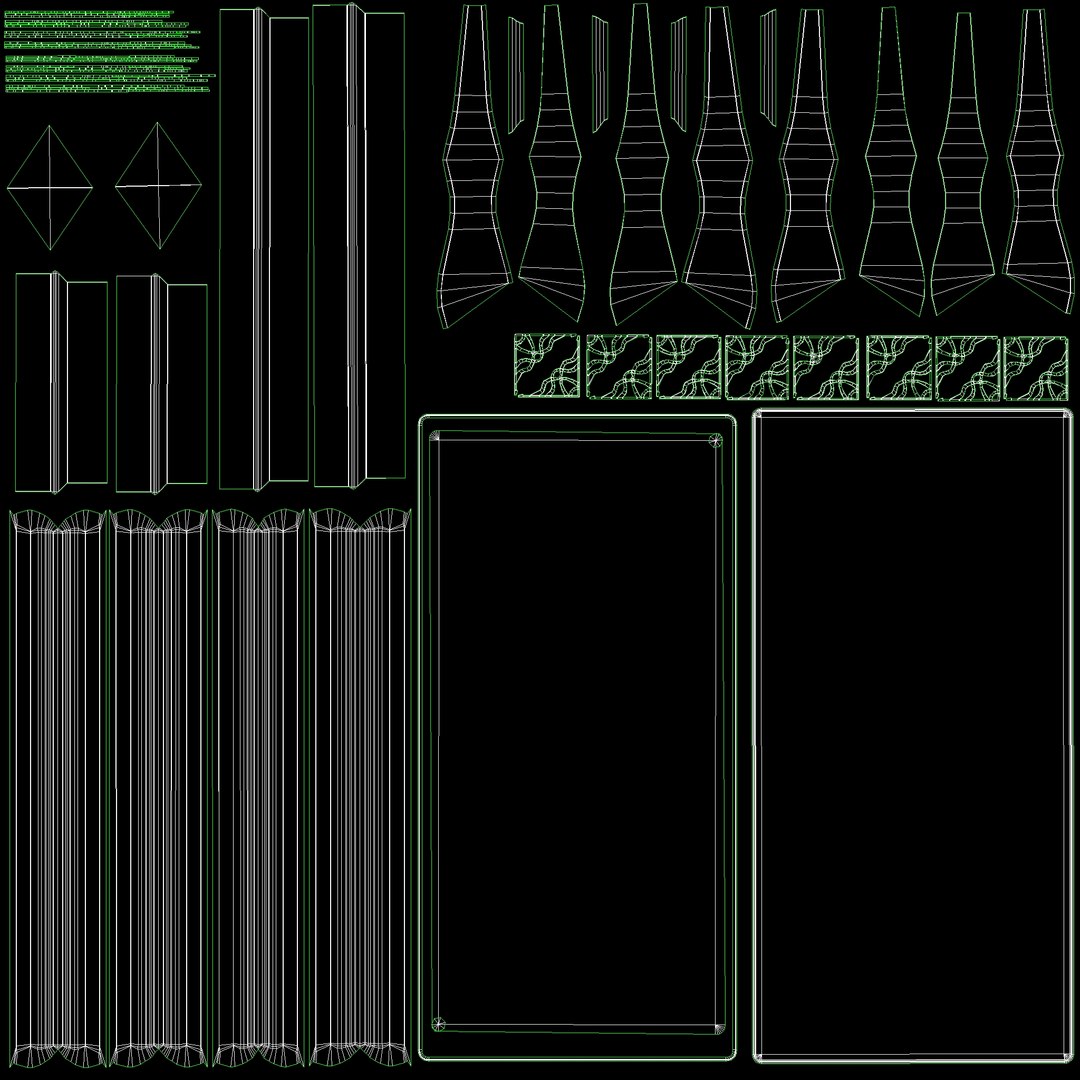
UV Mapped
Non-overlapping Unwrapped UVs
TurboSquid Exclusive

member avatar
tgarch3d
365 Products | Contributor Since 2009
Have questions? Chat with us now.

Description

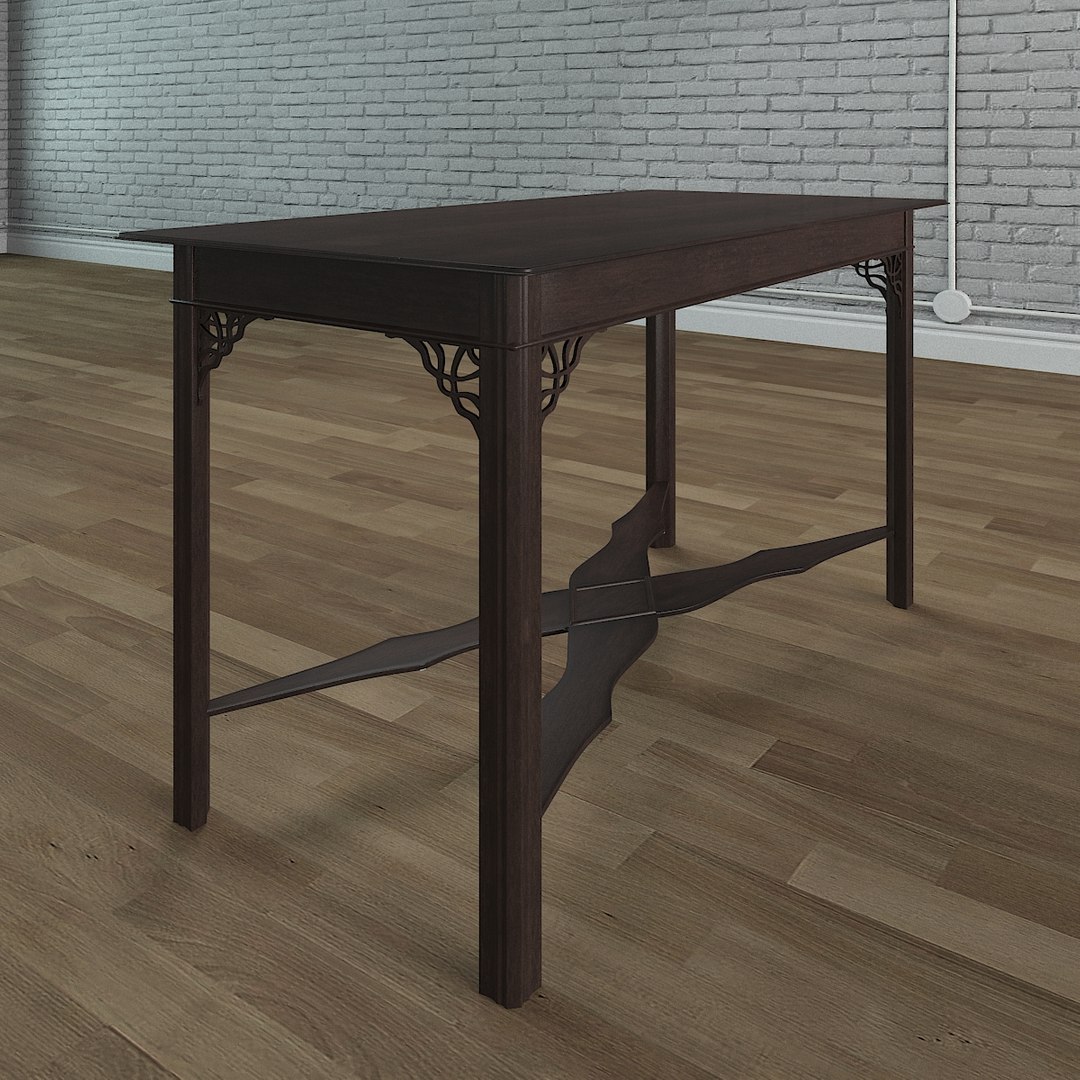
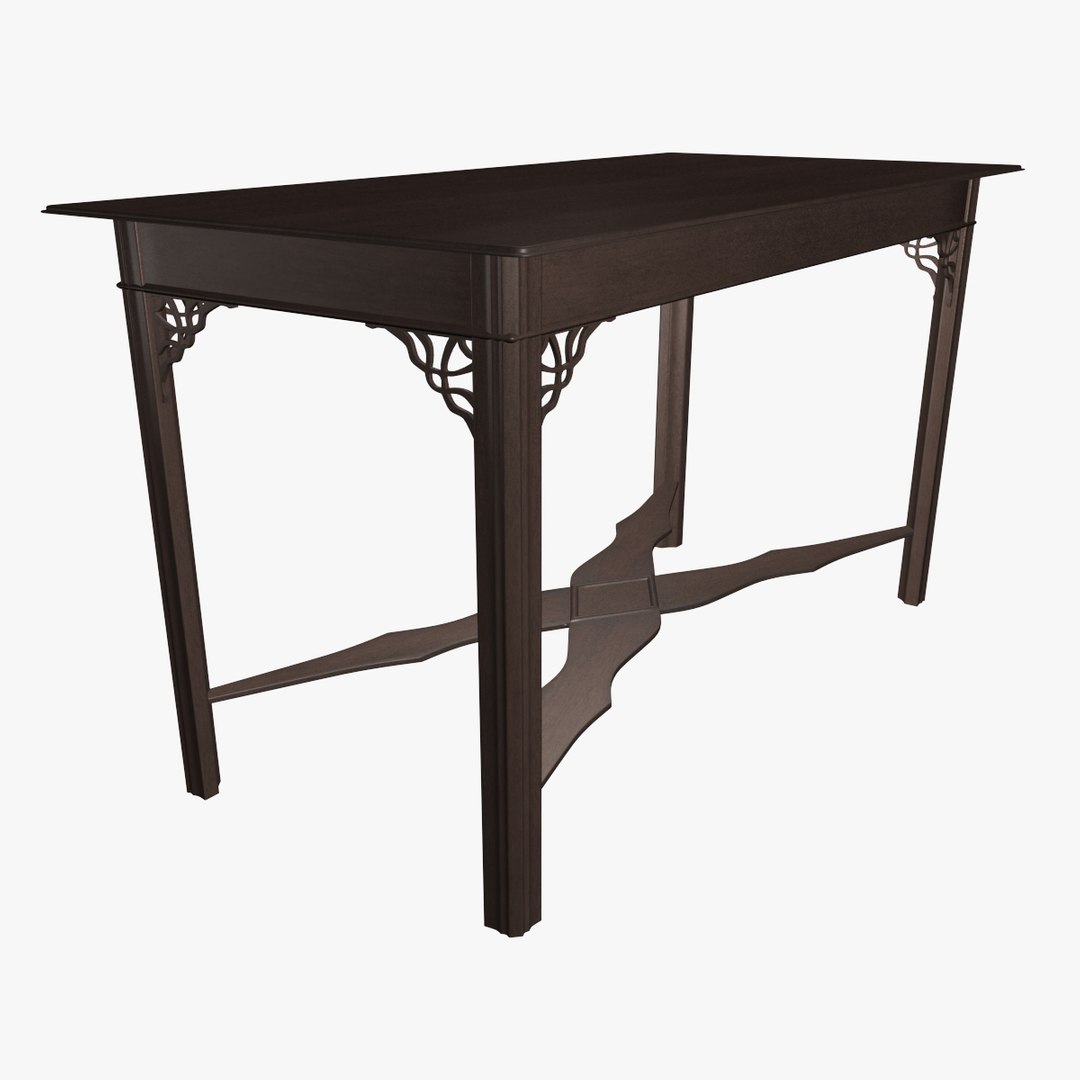
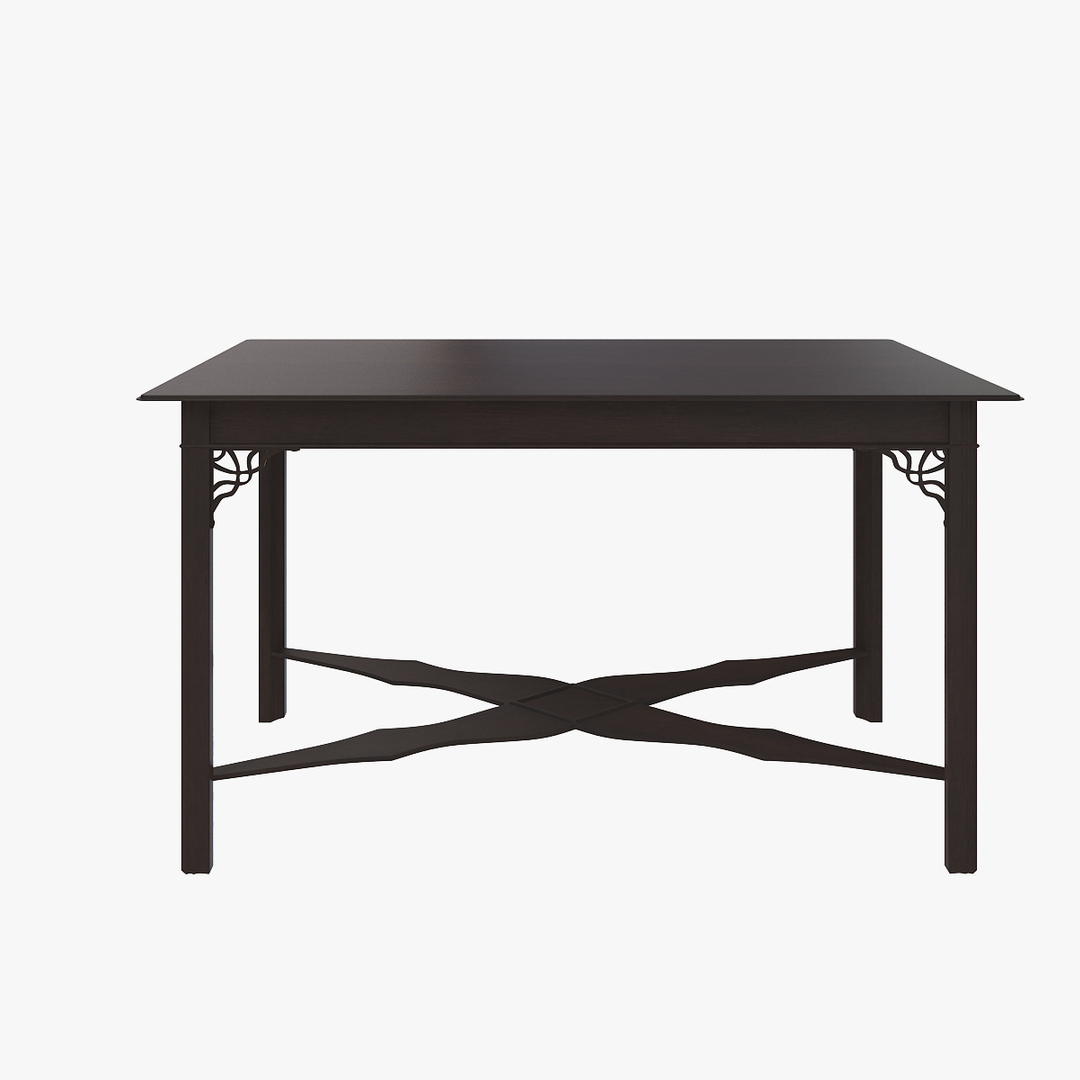
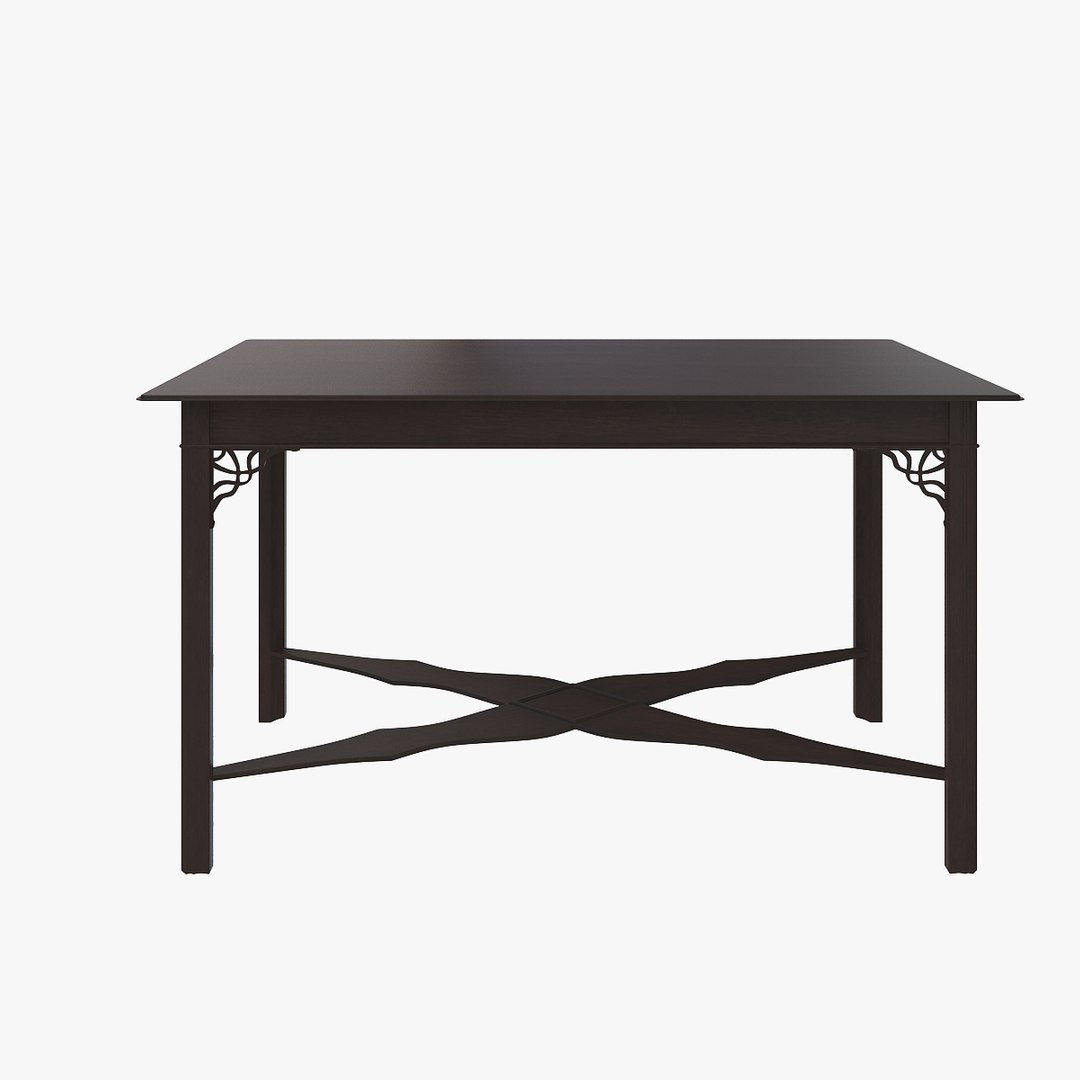
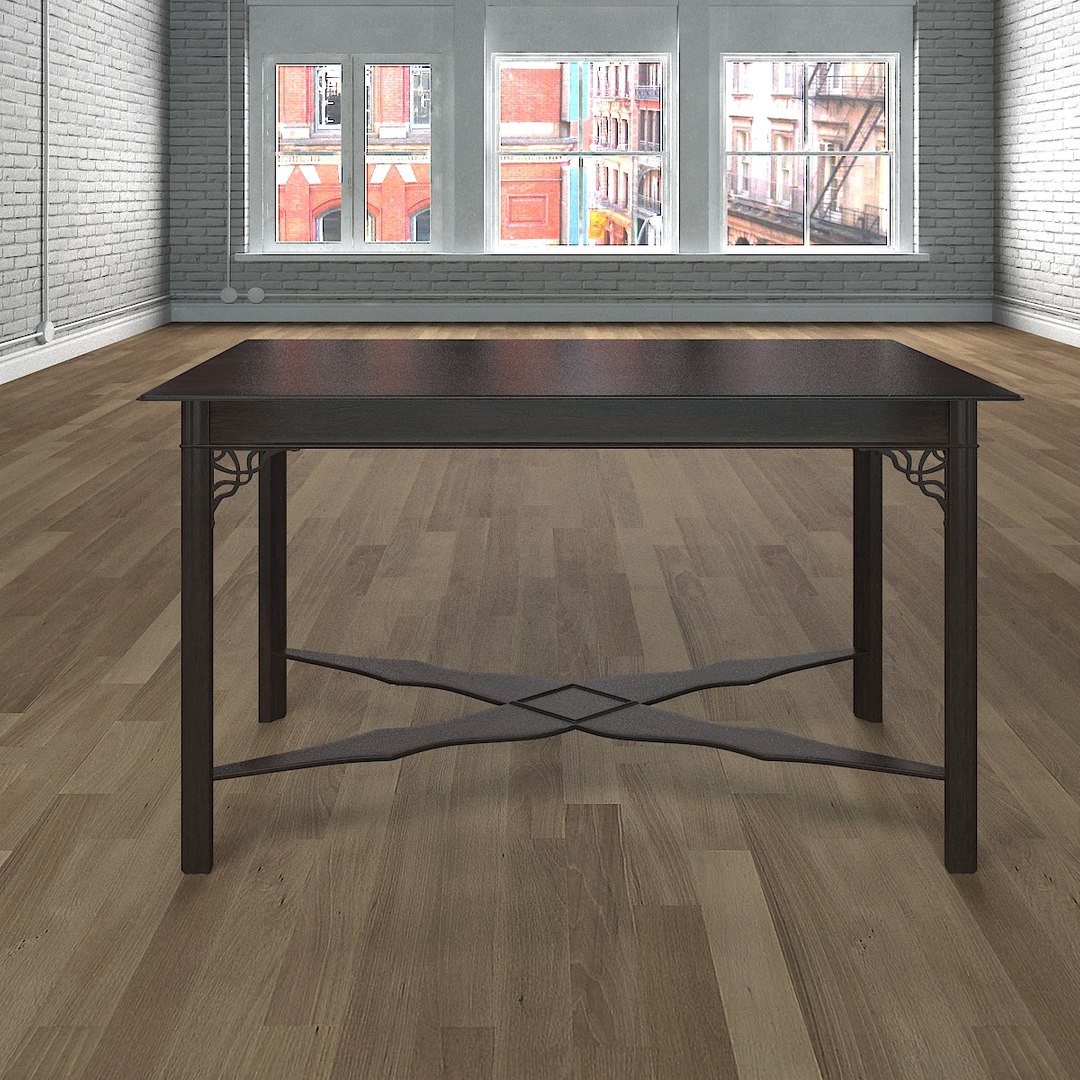
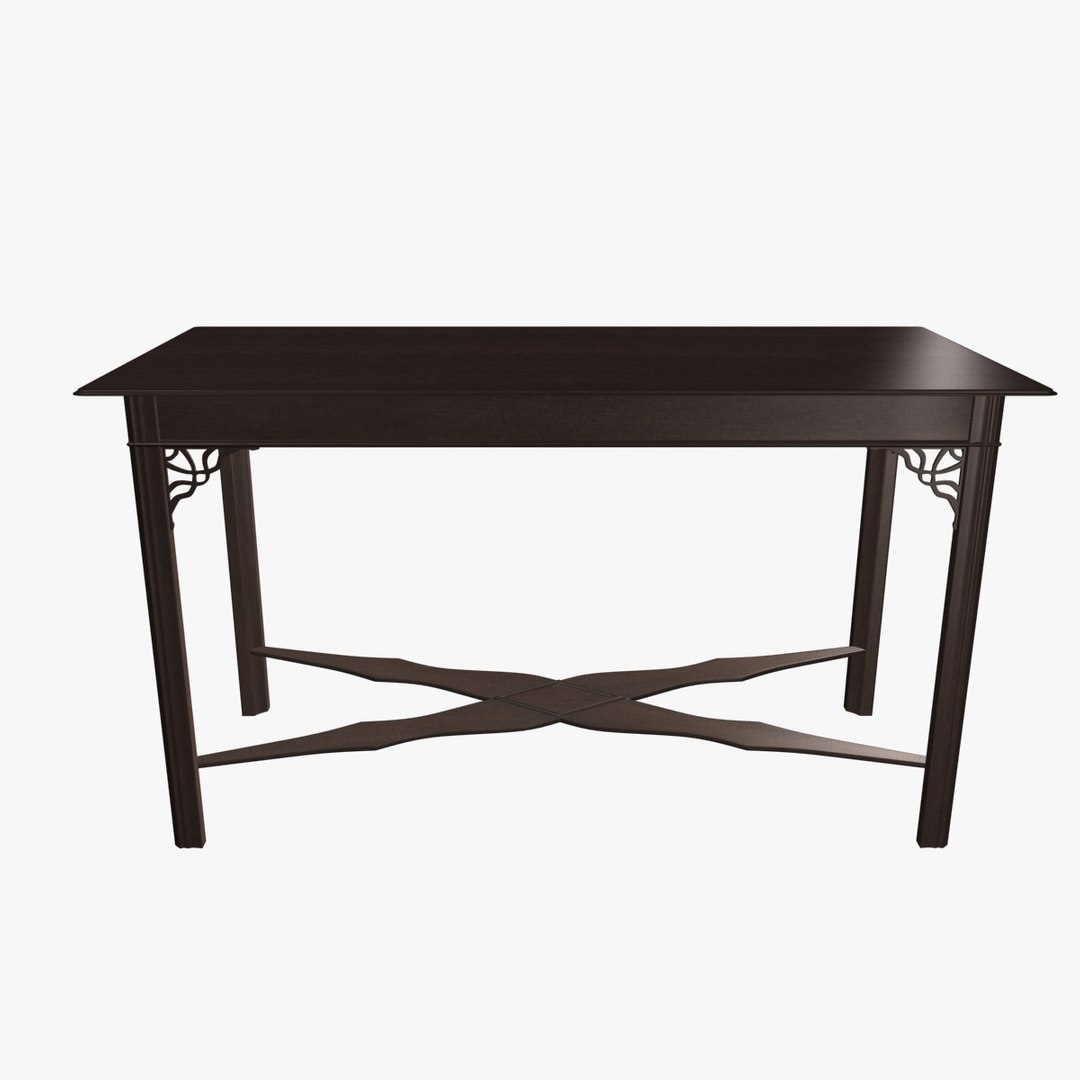
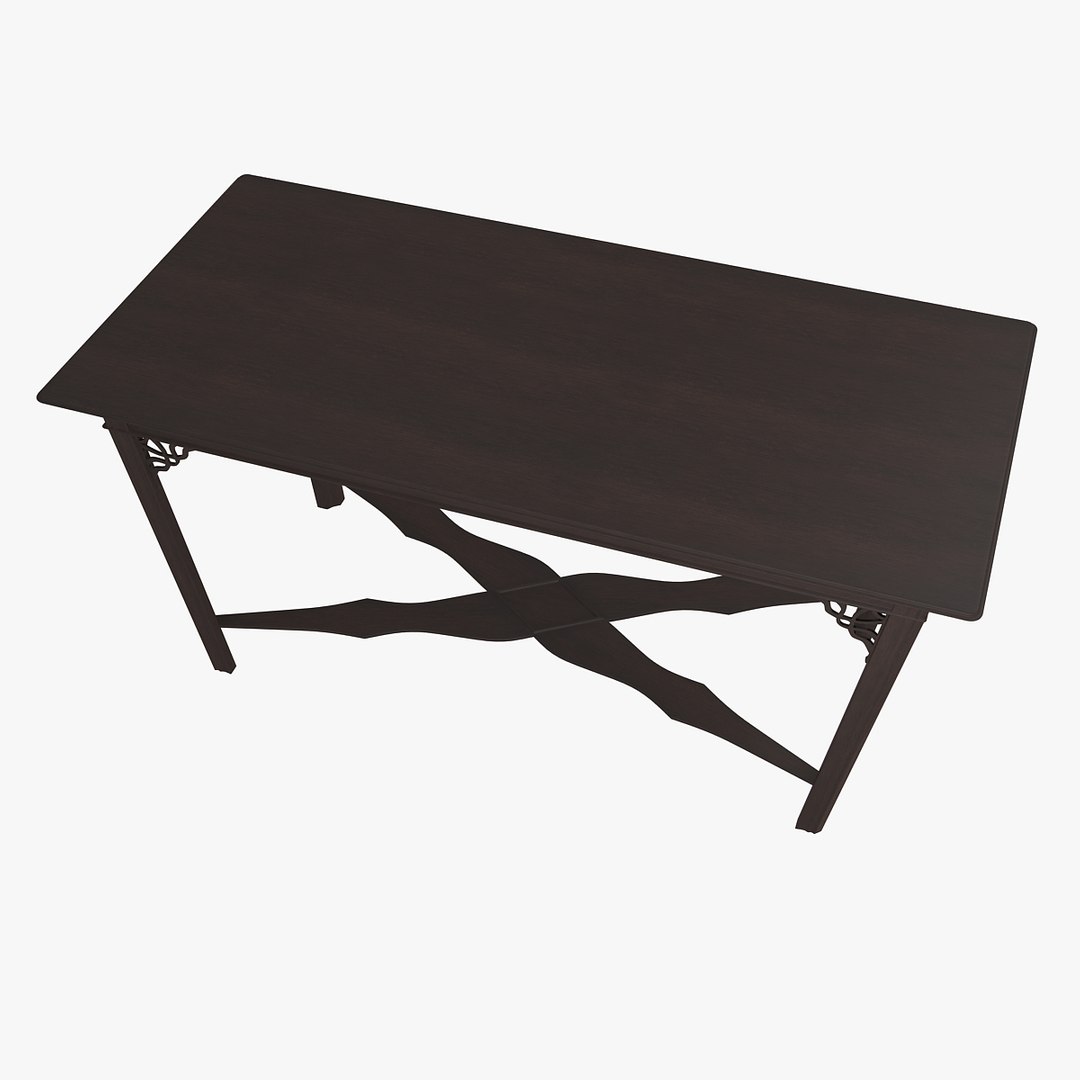
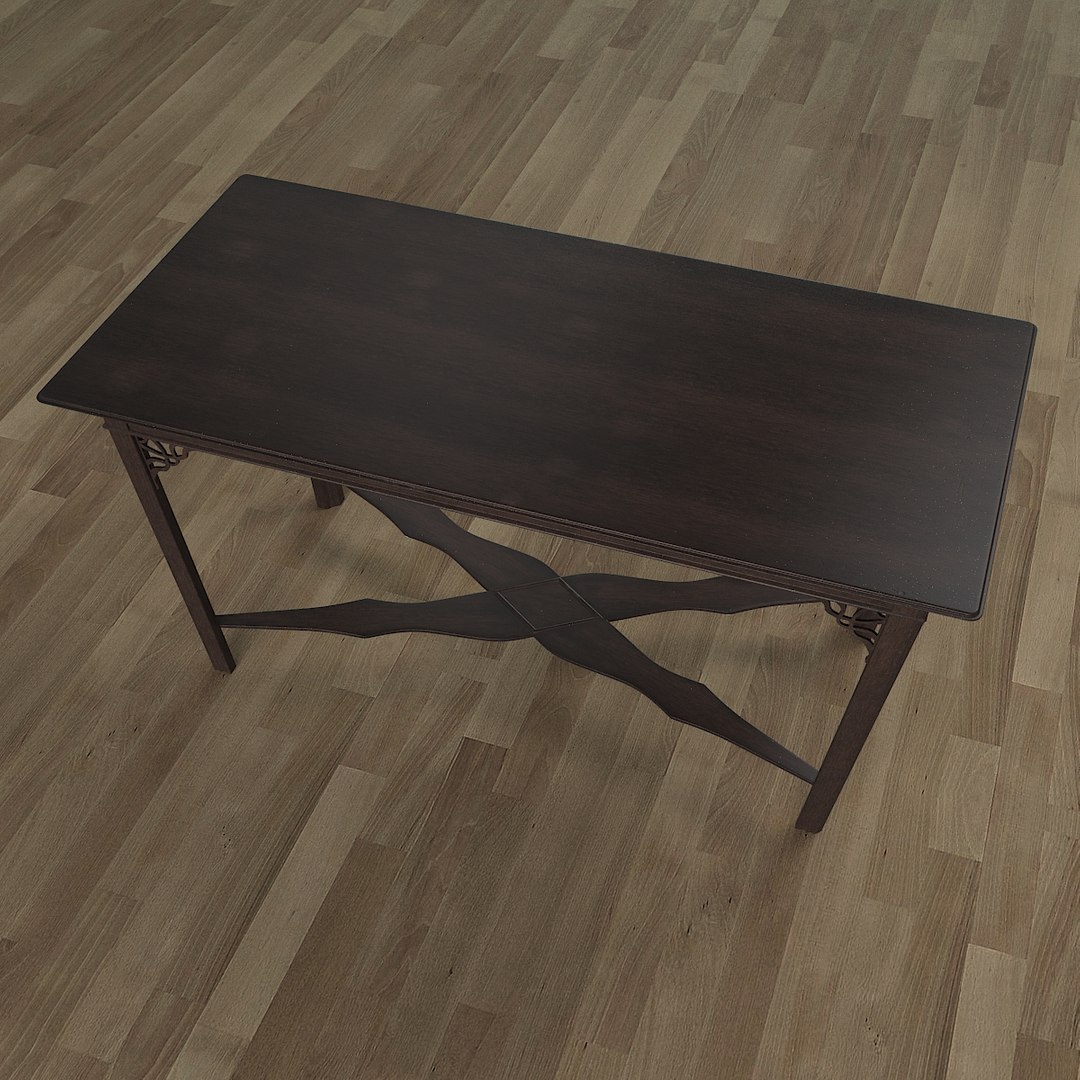
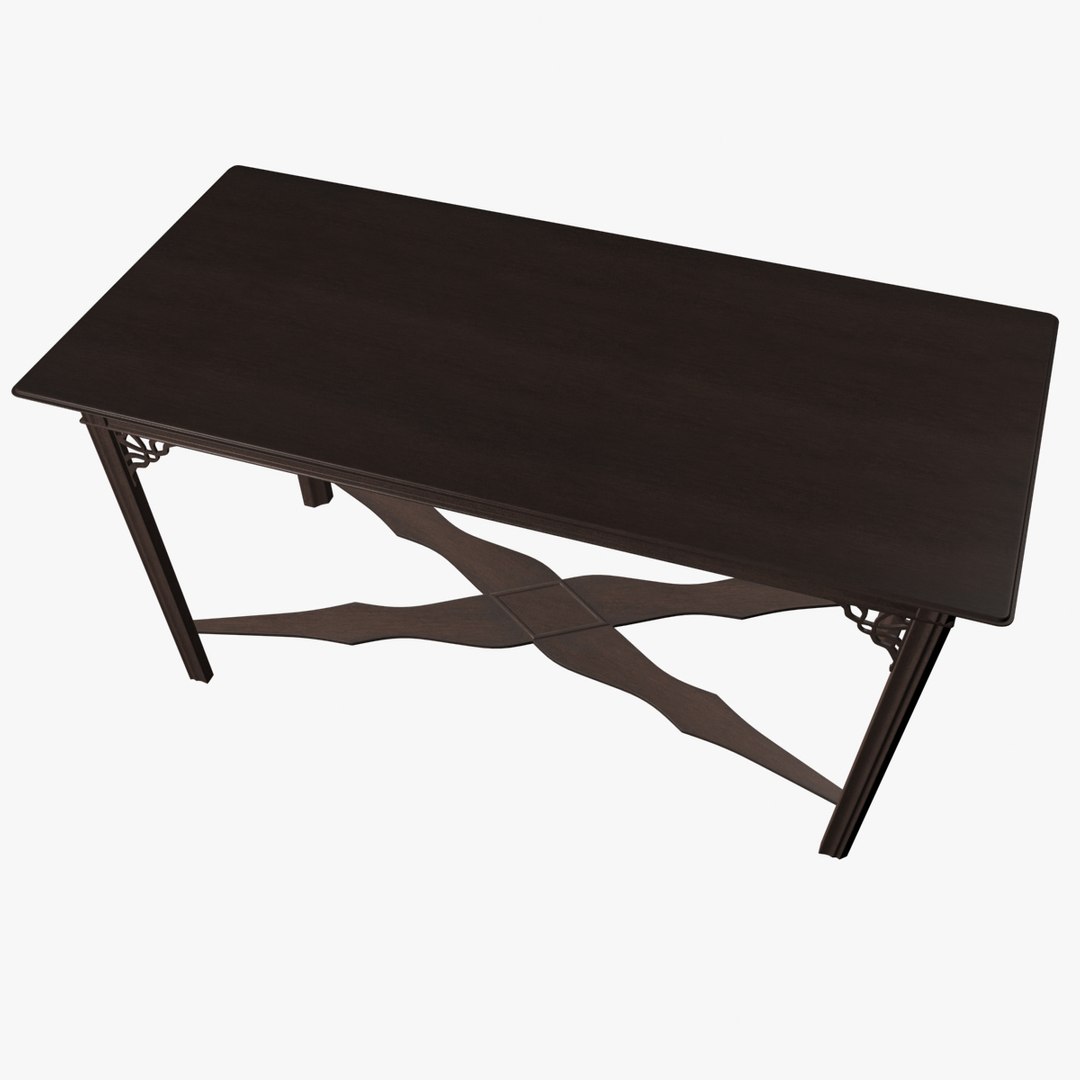
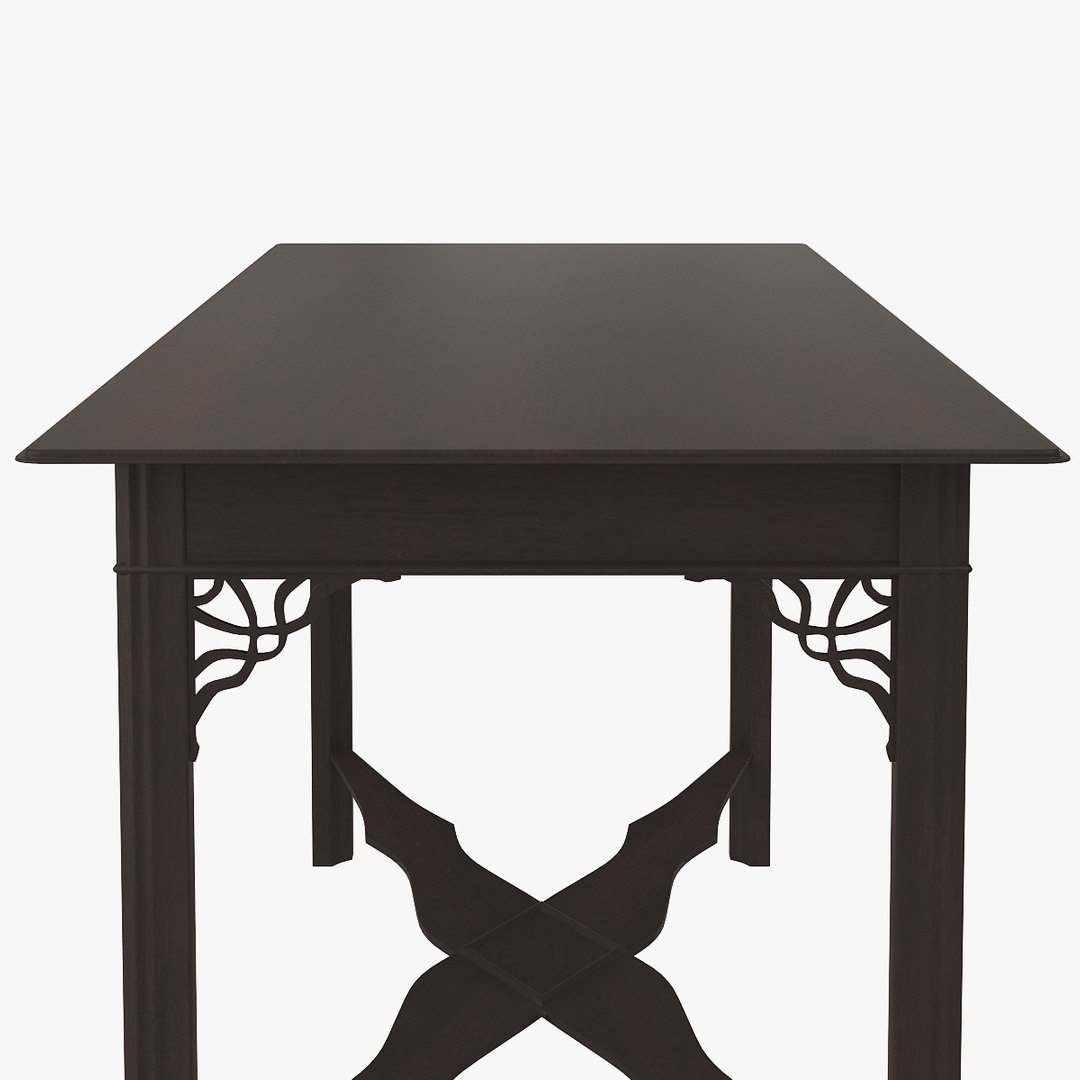
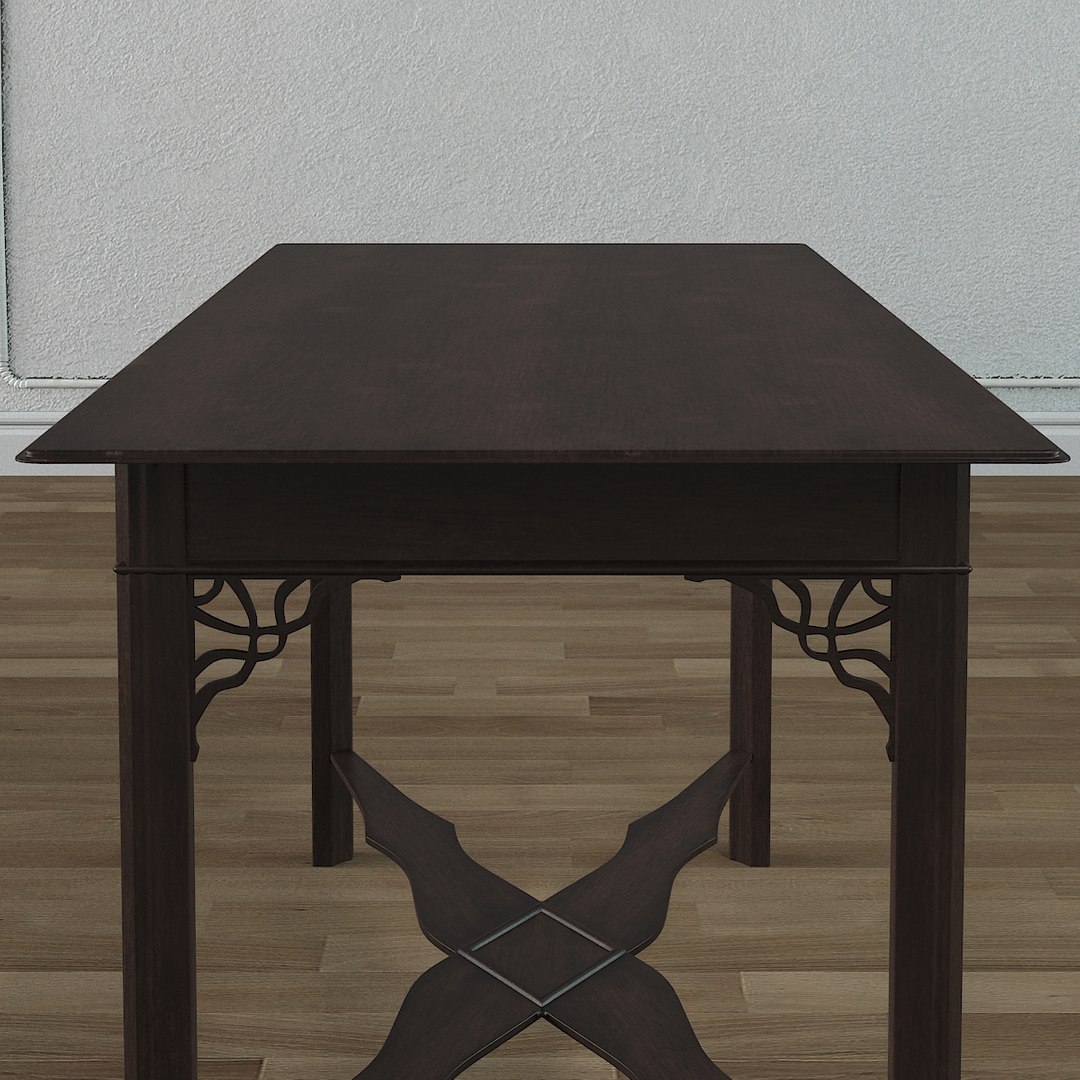
This is the model of GeorgeIII table.
============================================

GENERAL INFORMATION:
Created in 3ds Max 2012 and rendered with Scanline and V-Ray 2.0 plug-in.
Model is based on photos and basic dimensions.
============================================

FEATURES:
- gamma/LUT correction is enable
- great for visualizations and animations,
- clean geometry,
- scene is ready to render.
============================================

FILES:
- max_GeorgeIII_table_VR2.max file include geometry, textures, materials and V-Ray2.0 render presets. Geometry is uvw unwrapped. Object is named, scaled and located in appropriate layers,
- max_GeorgeIII_table_SL.max file include geometry, textures, materials and Scanline render presets. Geometry is uvw unwrapped. Object is named, scaled and located in appropriate layers
- 3ds_GeorgeIII_table_SL.3ds file include geometry and doesn't include textures and render presets.
============================================

BITMAPS:
bitmap is 2048x2048 (x3 diffuse, specular, bump)
Categories

Select Enhanced License

  • $10,000 in Legal Protection (Indemnification)
  • Uncapped Legal Protection (Indemnification)
  • Waiver from injunctive relief
  • Assignable model rights
  • $1,000,000 in Legal Protection (Indemnification)
  • Waiver from injunctive relief
  • Assignable model rights
  • $250,000 in Legal Protection (Indemnification)
  • Assignable model rights
Read more about enhanced license tiers, or contact us at enterprise@turbosquid.com. Already a Shutterstock Enterprise Customer? Contact your Shutterstock Sales Support Agent to talk about adding 3D.

About Conversion Requests

To submit a conversion request for a purchased asset, please complete our Conversion Request Form.

If you have not yet purchased a model, please review our Documentation about Conversions to learn about what limitations you may encounter with a conversion.

For any additional questions about a model’s suitability for conversion, please contact TurboSquid Support.

Loading...