
Future City GW Extended

$1,918

Standard License | Upgrade License
Formats (7)
Free file format Conversions available
Native | 3ds Max 2018 | V-Ray
3ds Max 2018 | Default Scanline 5
3ds Max 2021 | V-Ray 5
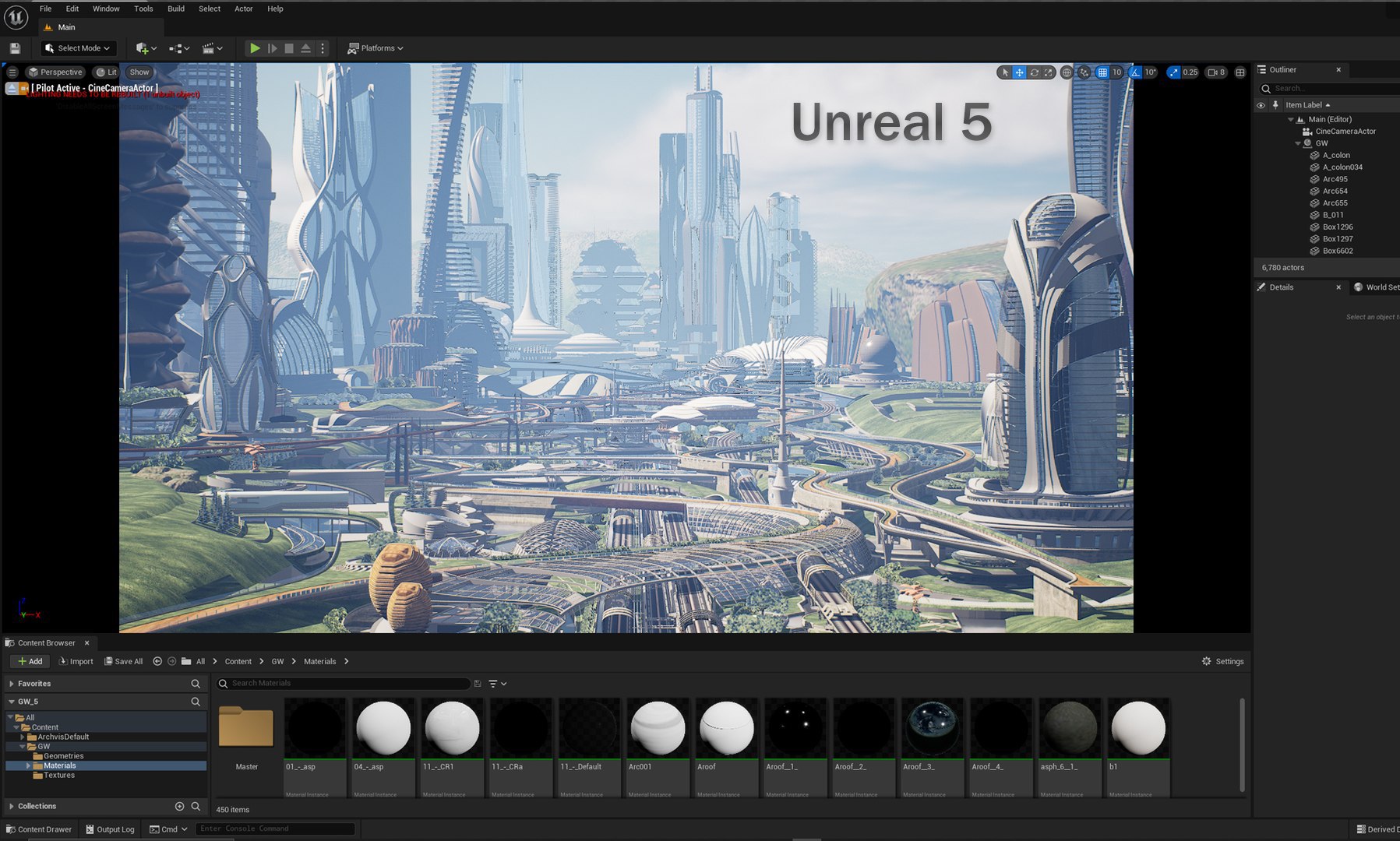
Unreal 5.0.3 | Other
FBX
OBJ
Other Textures DataSmith
Previews

Download a preview

Sign in or create a TurboSquid account to download preview files.

Selected file:

Other Files
textures.zip
Specifications
Publish Date July 25, 2022
Product ID 1932948
Polygons 4,523,000
Vertices 7,785,000
Polygonal
Textures
Materials
UV Mapped
Mixed Unwrapped UVs
Animated
TurboSquid Exclusive

member avatar
Dovjan
132 Products | Contributor Since 2015
Have questions? Chat with us now.

Description

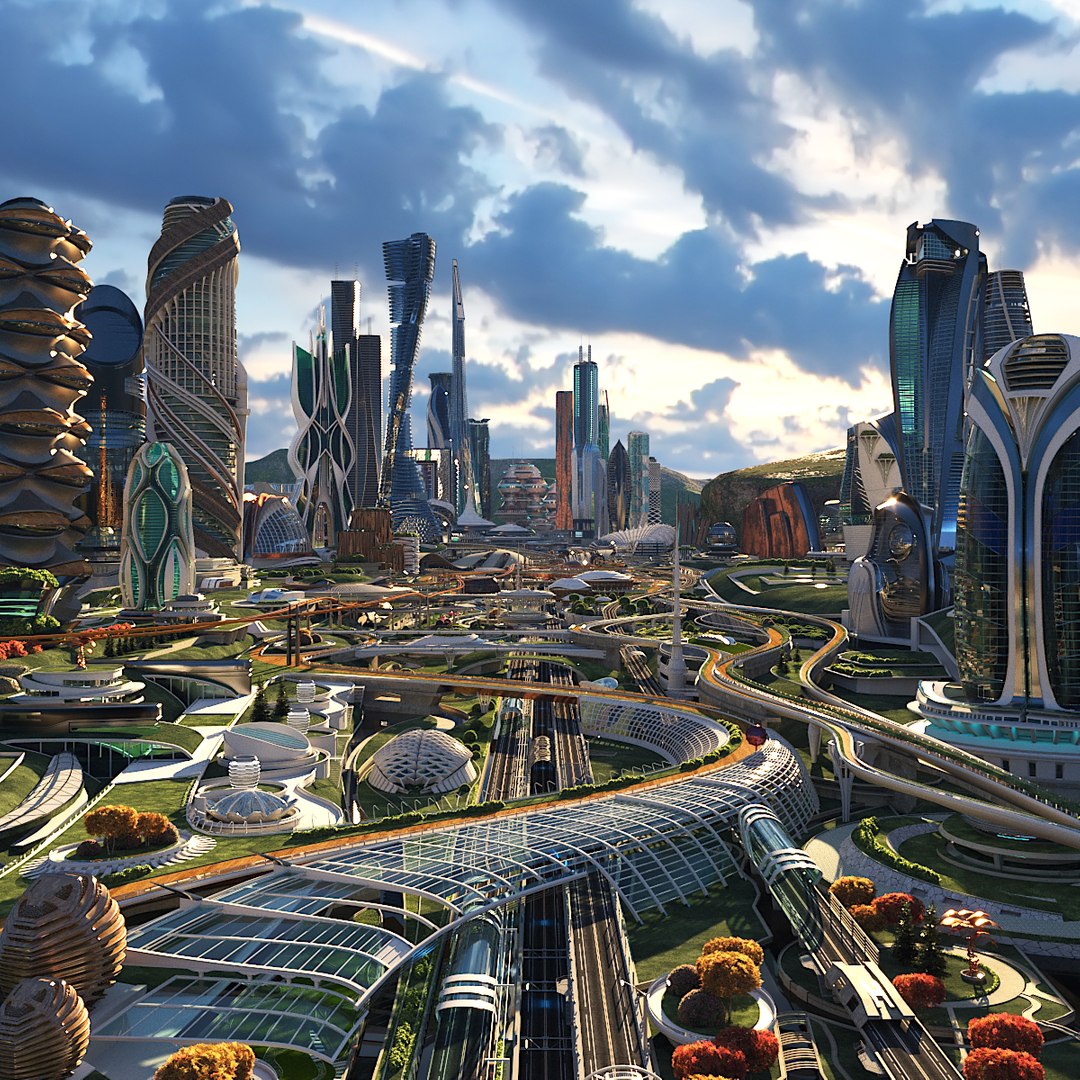
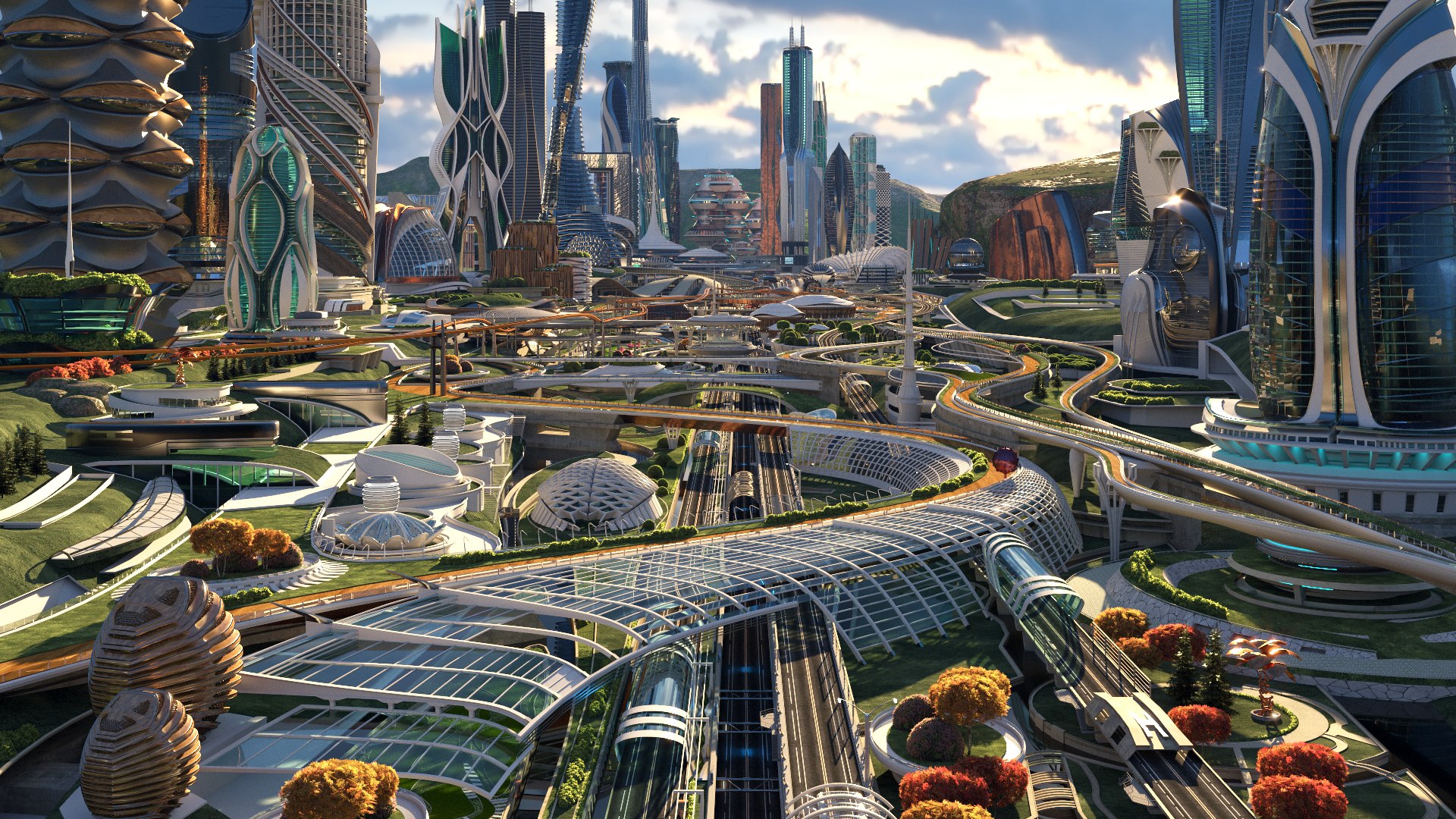
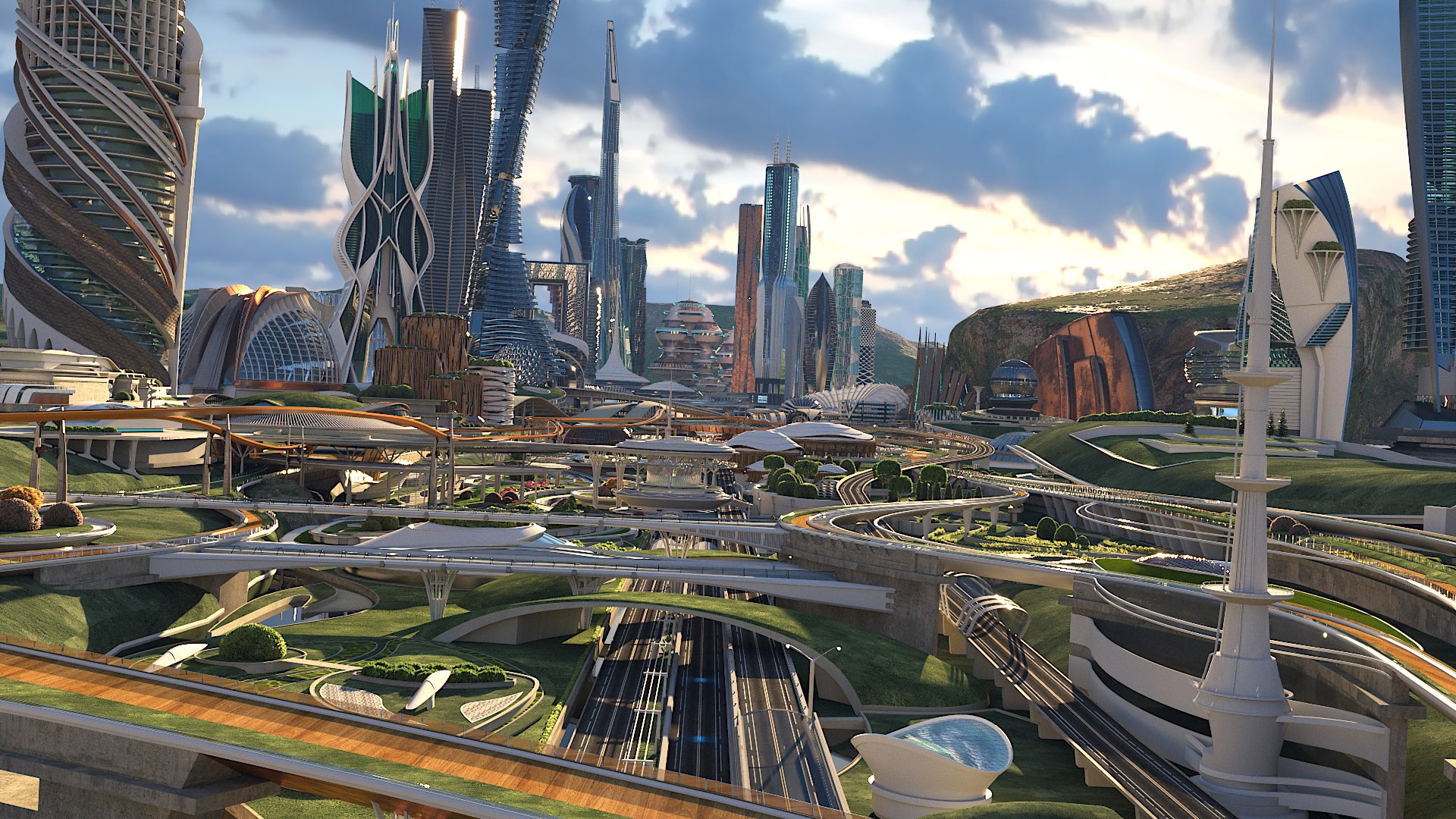
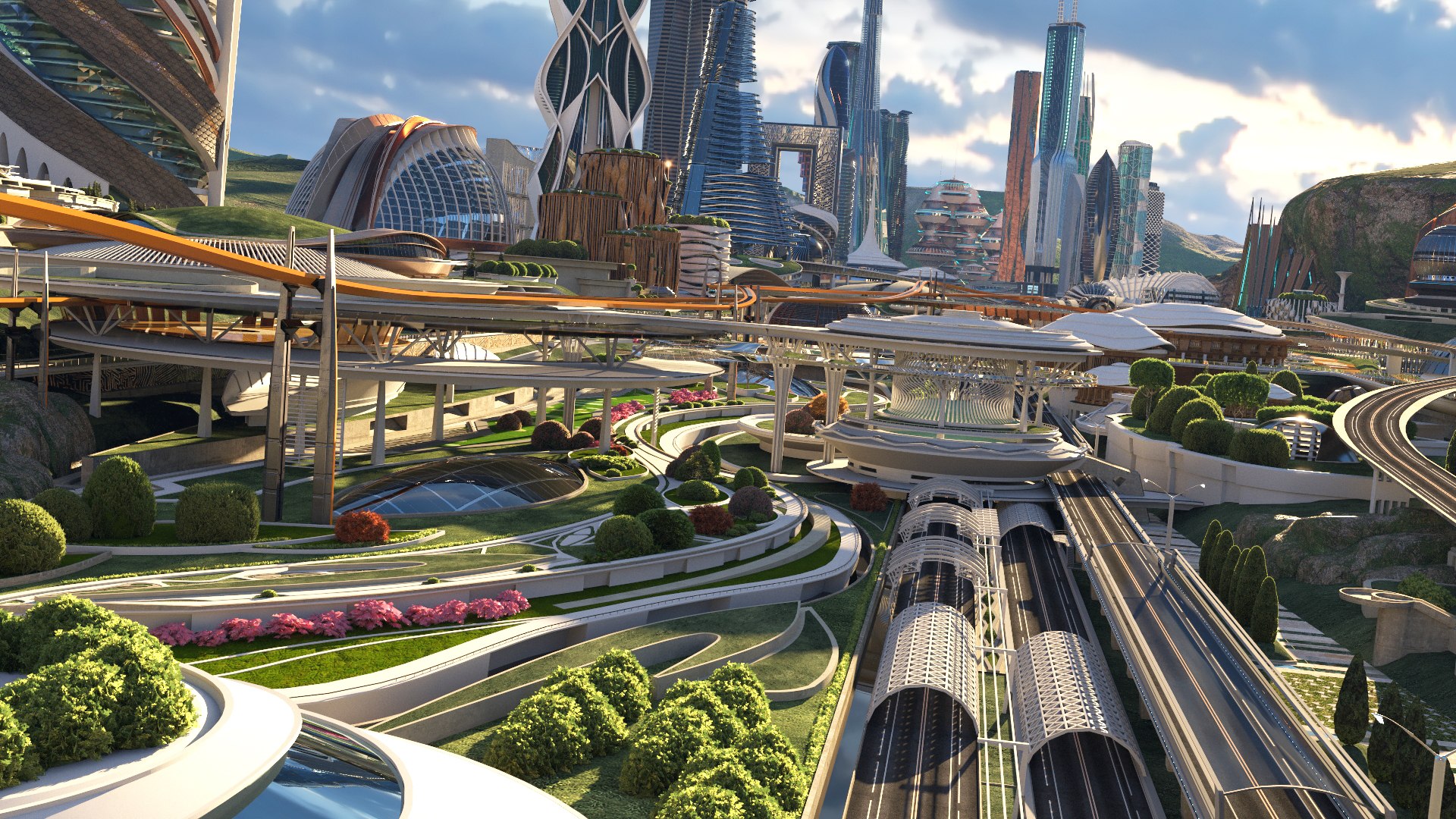
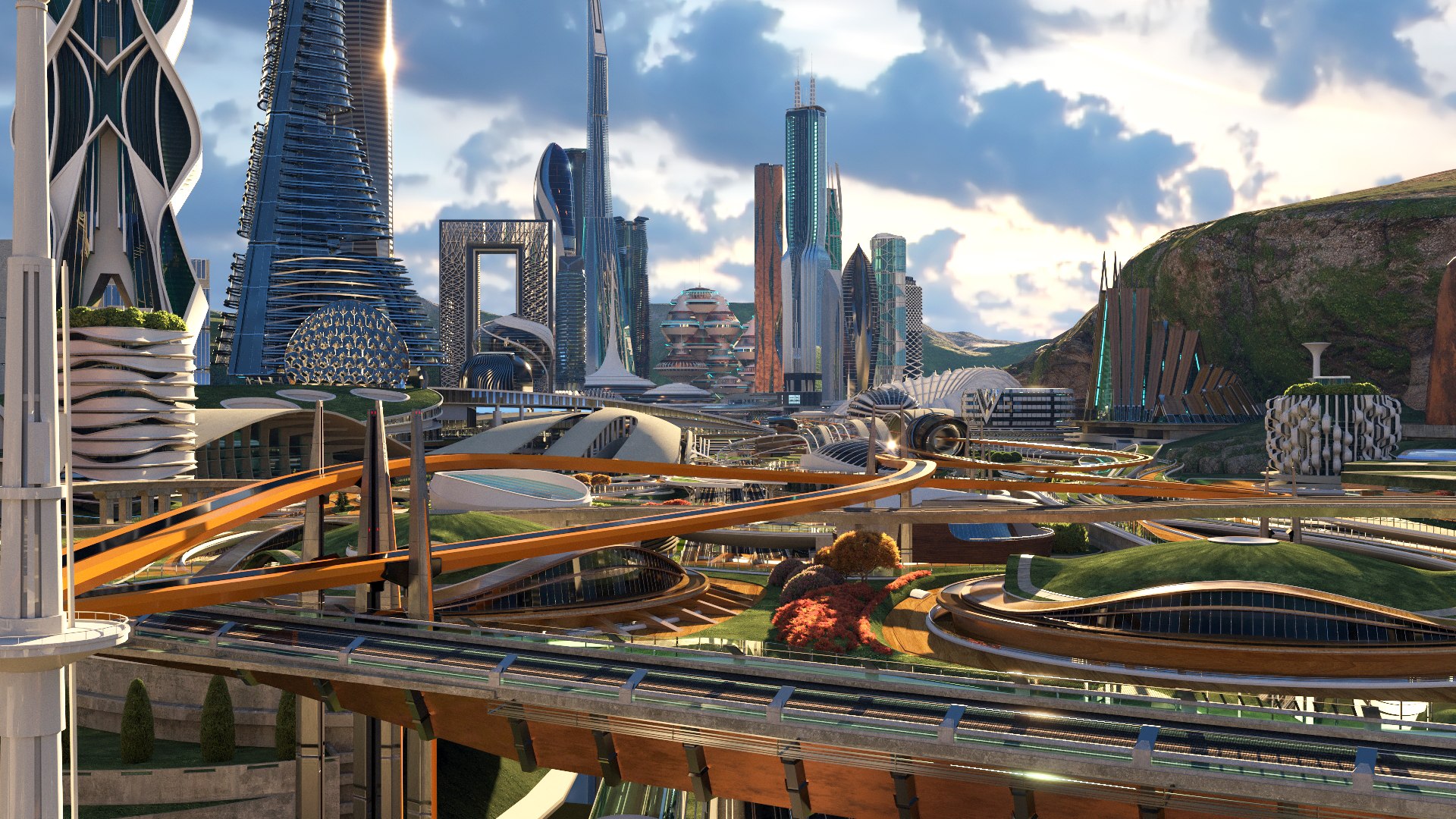
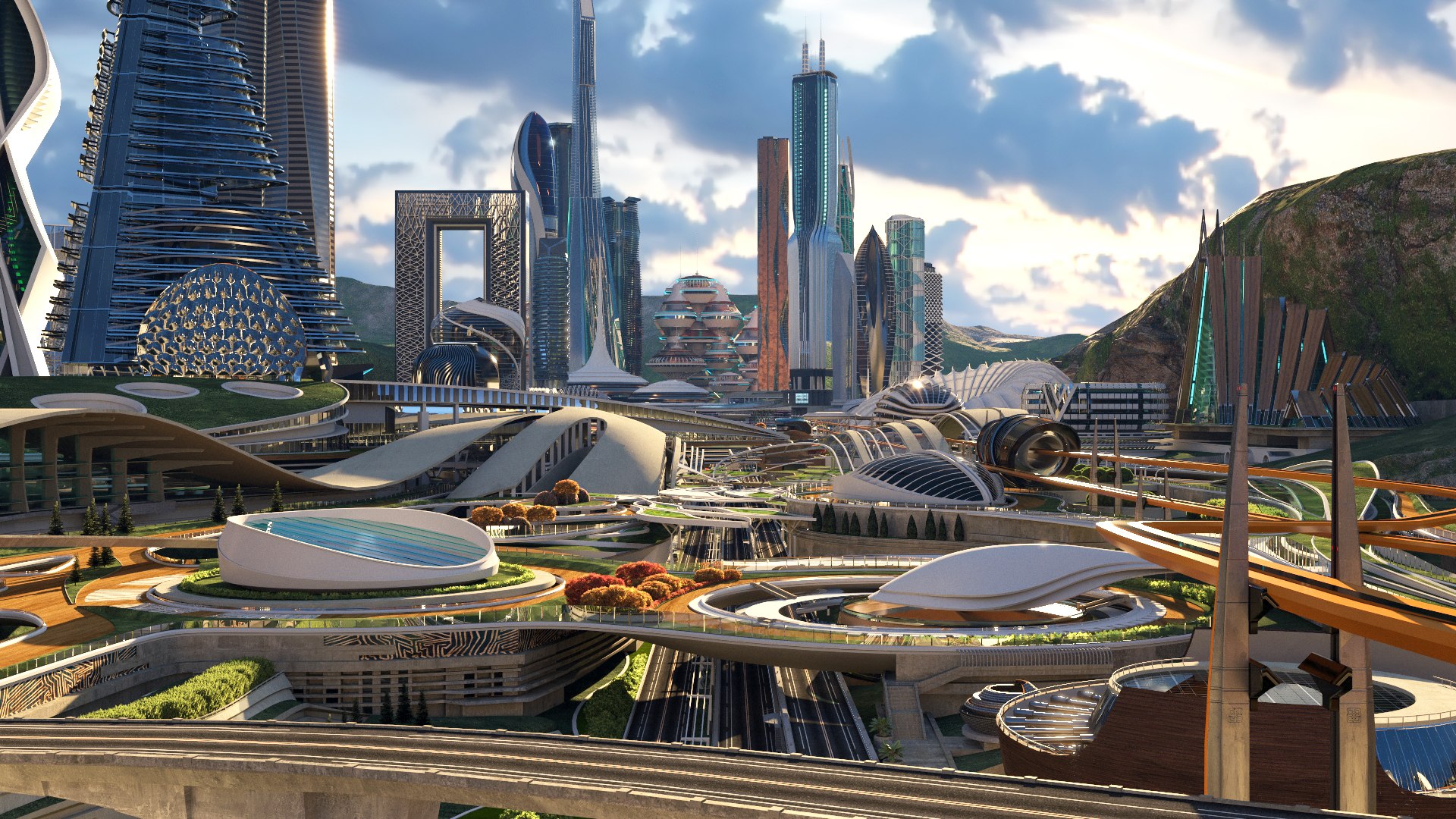
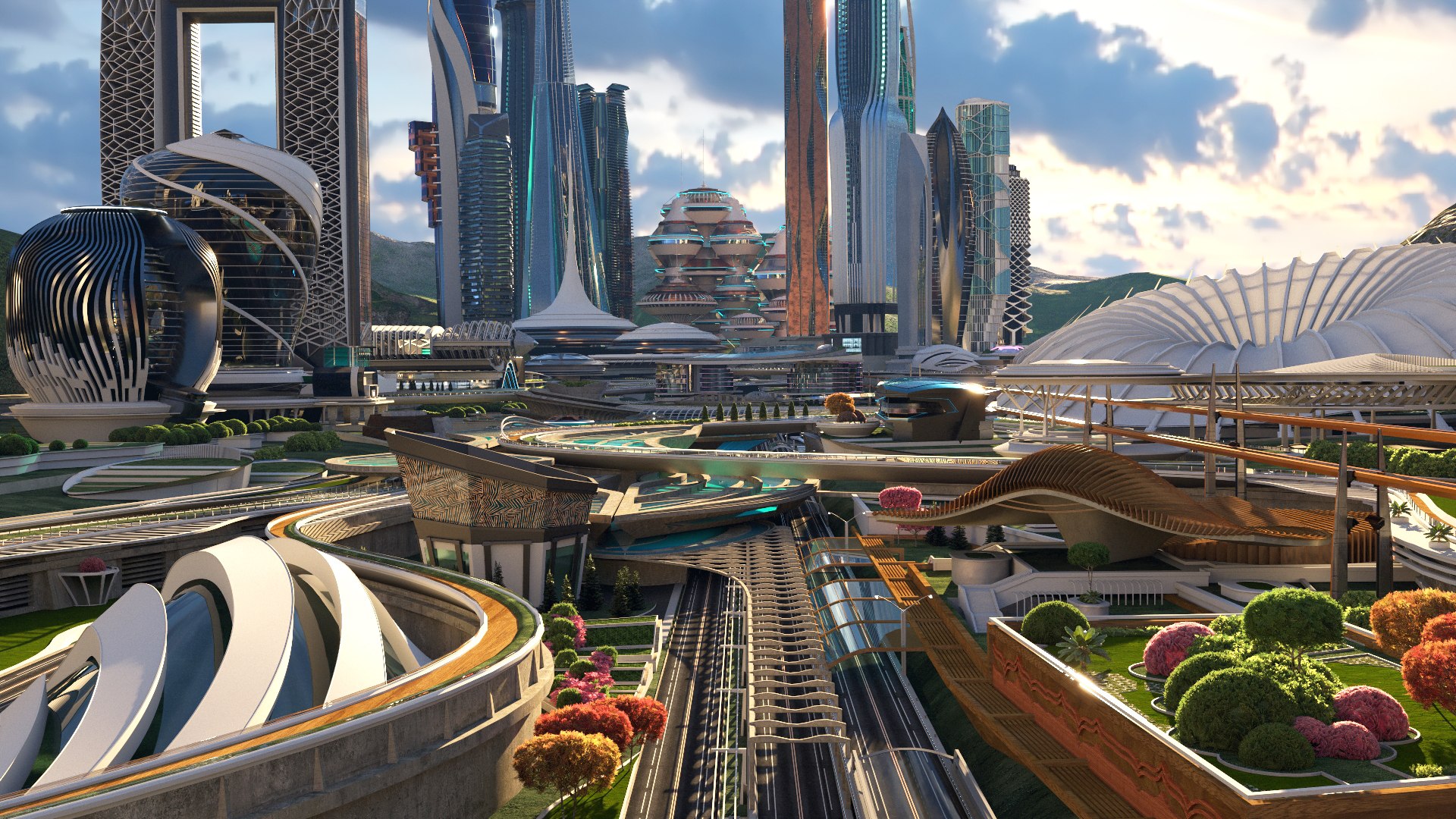
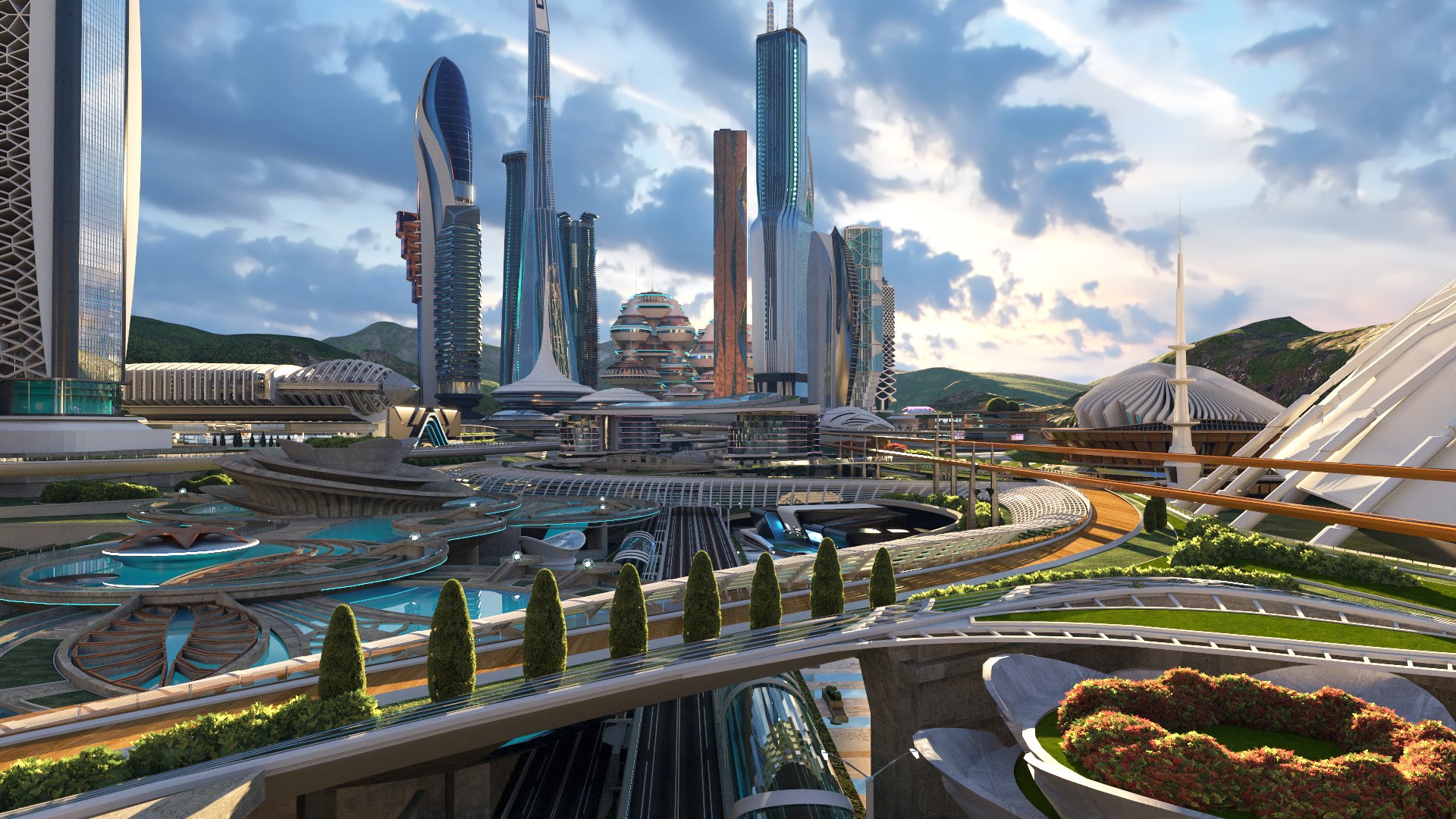
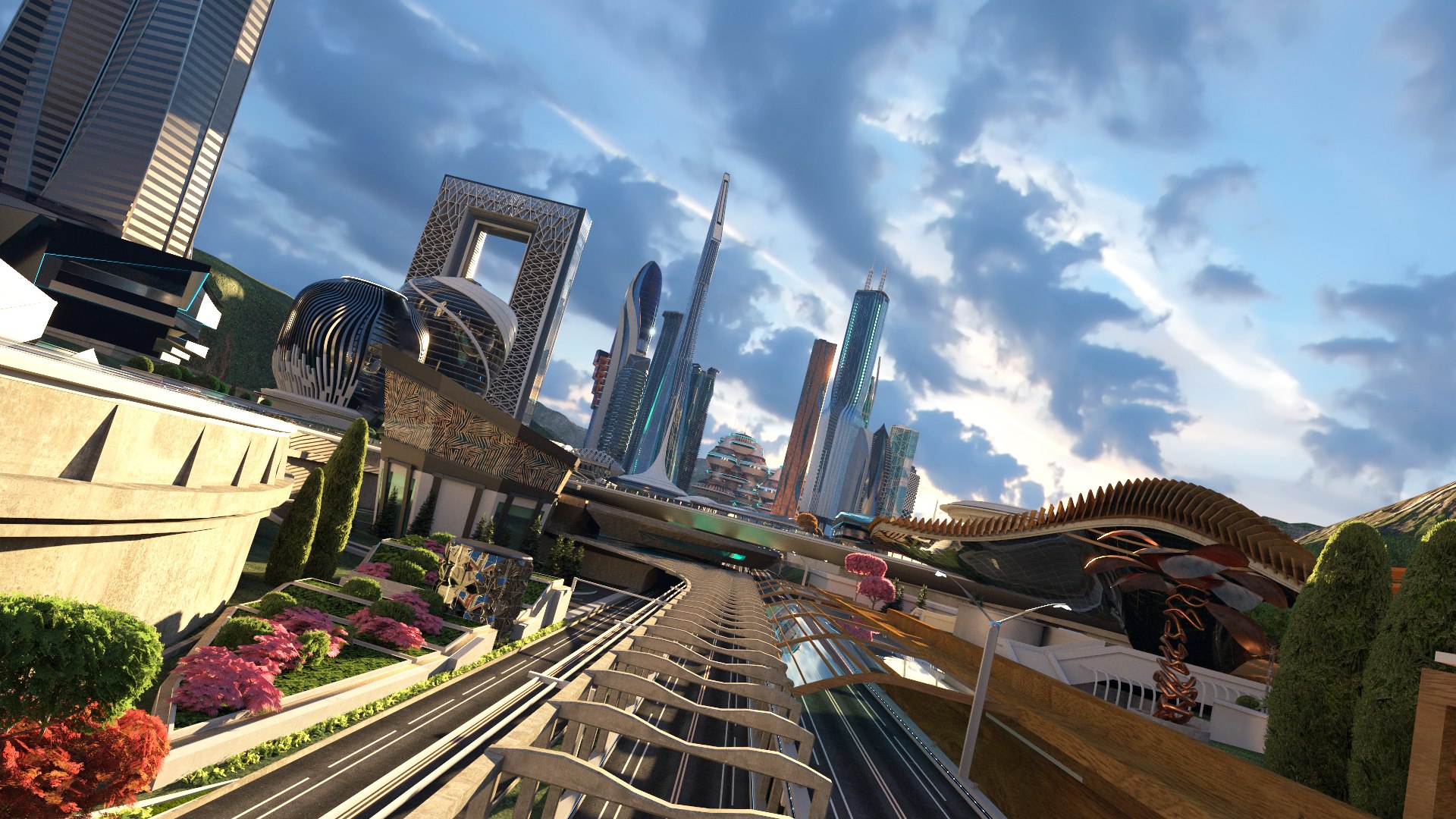
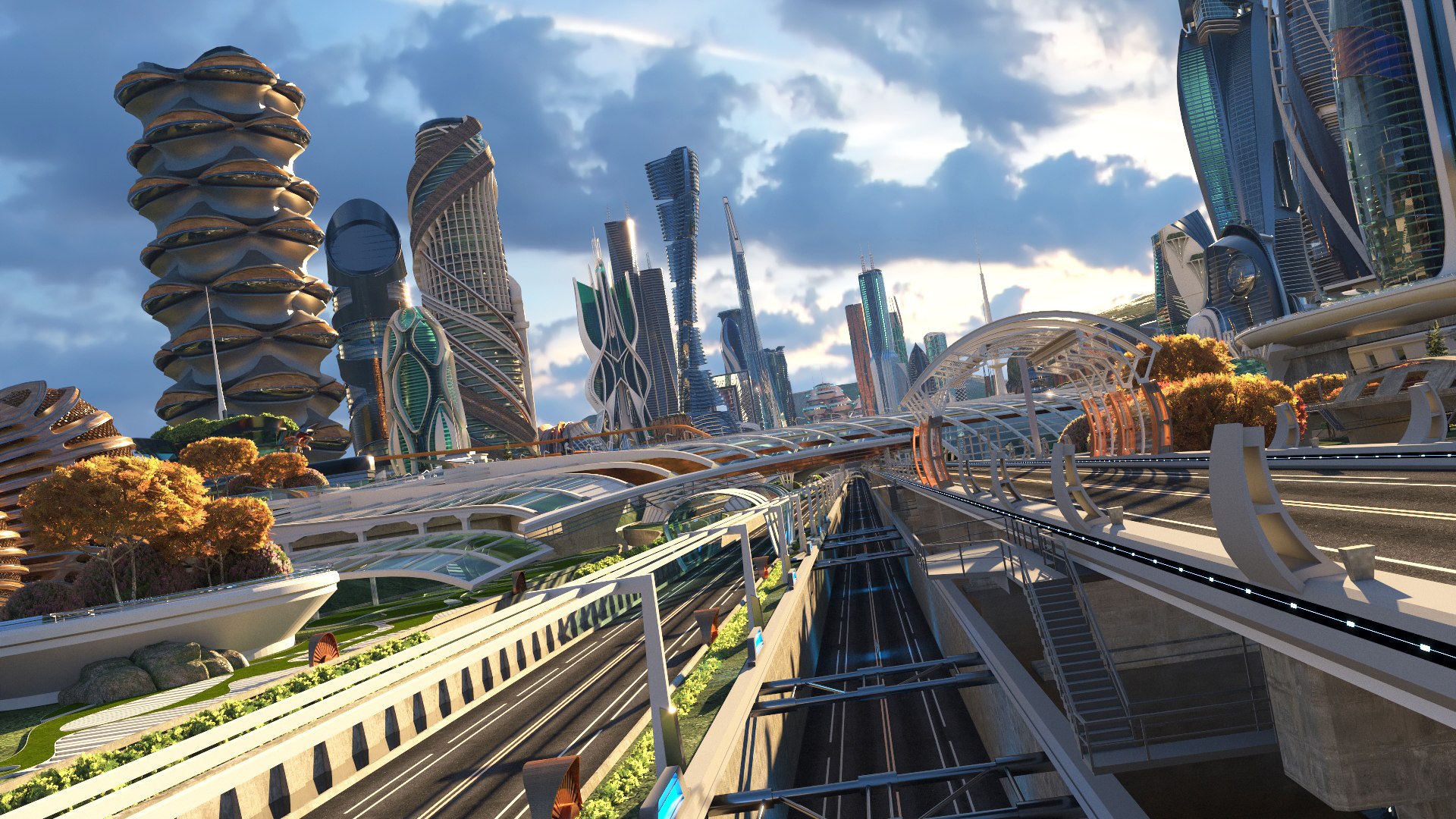
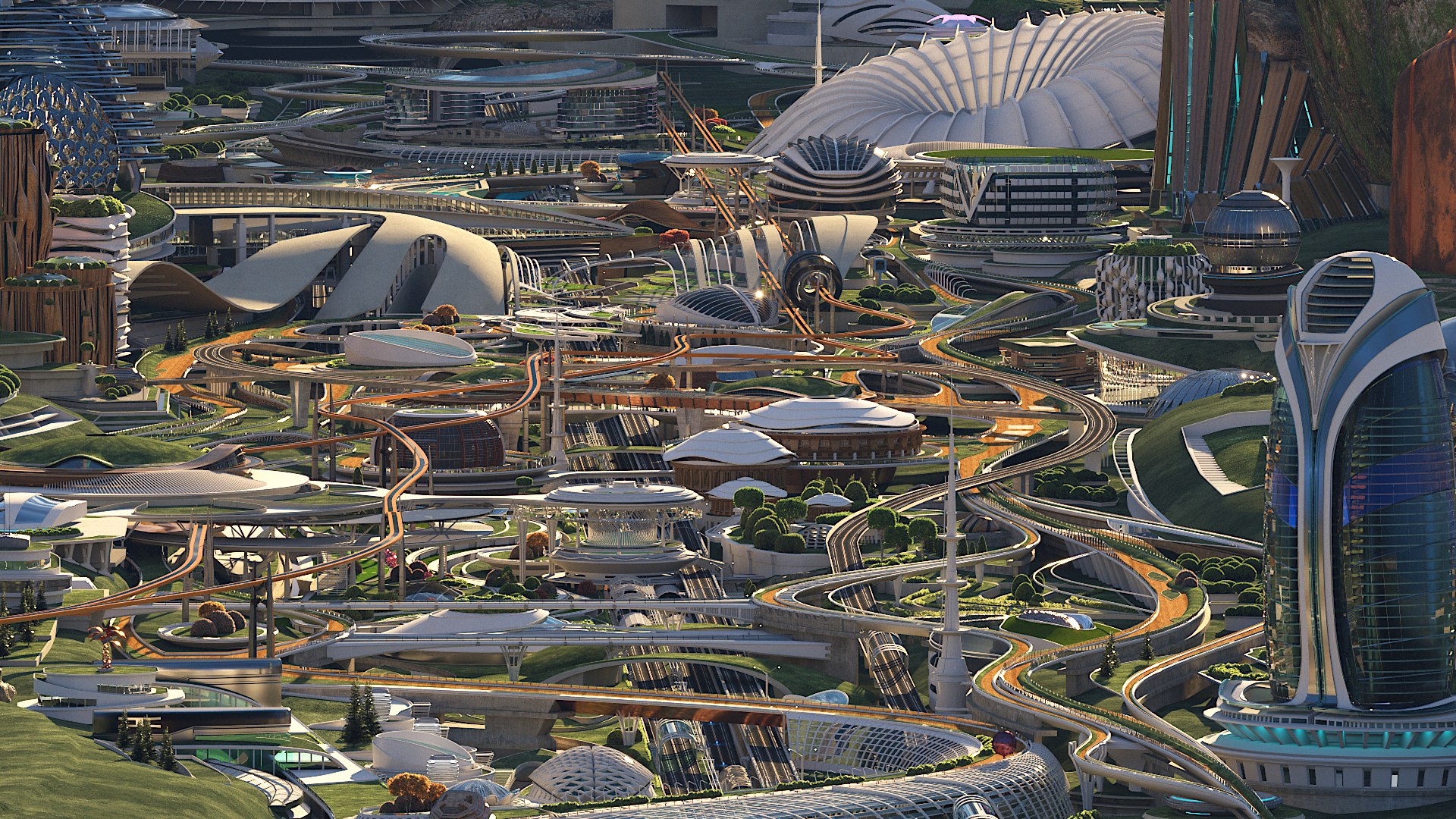
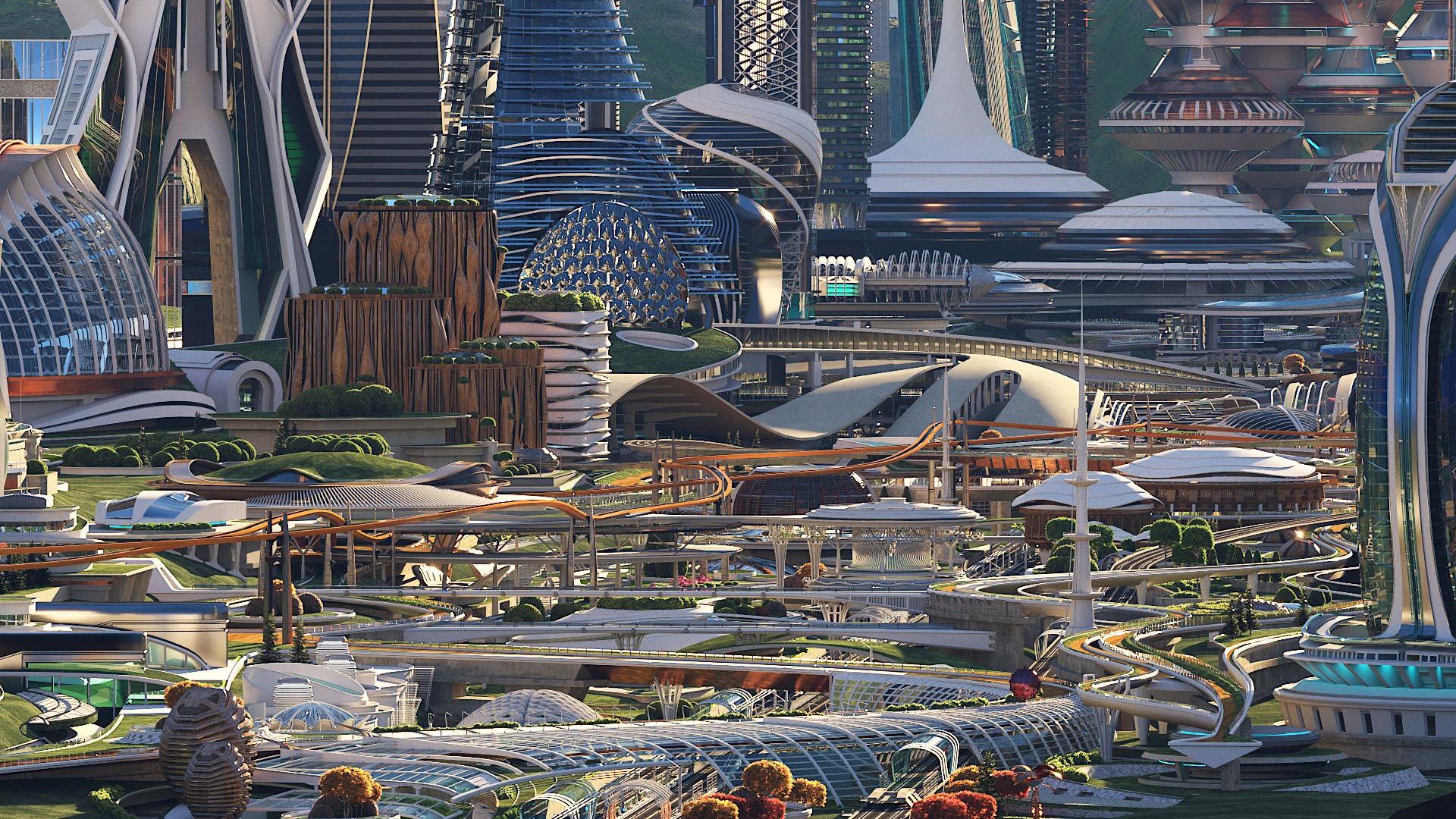
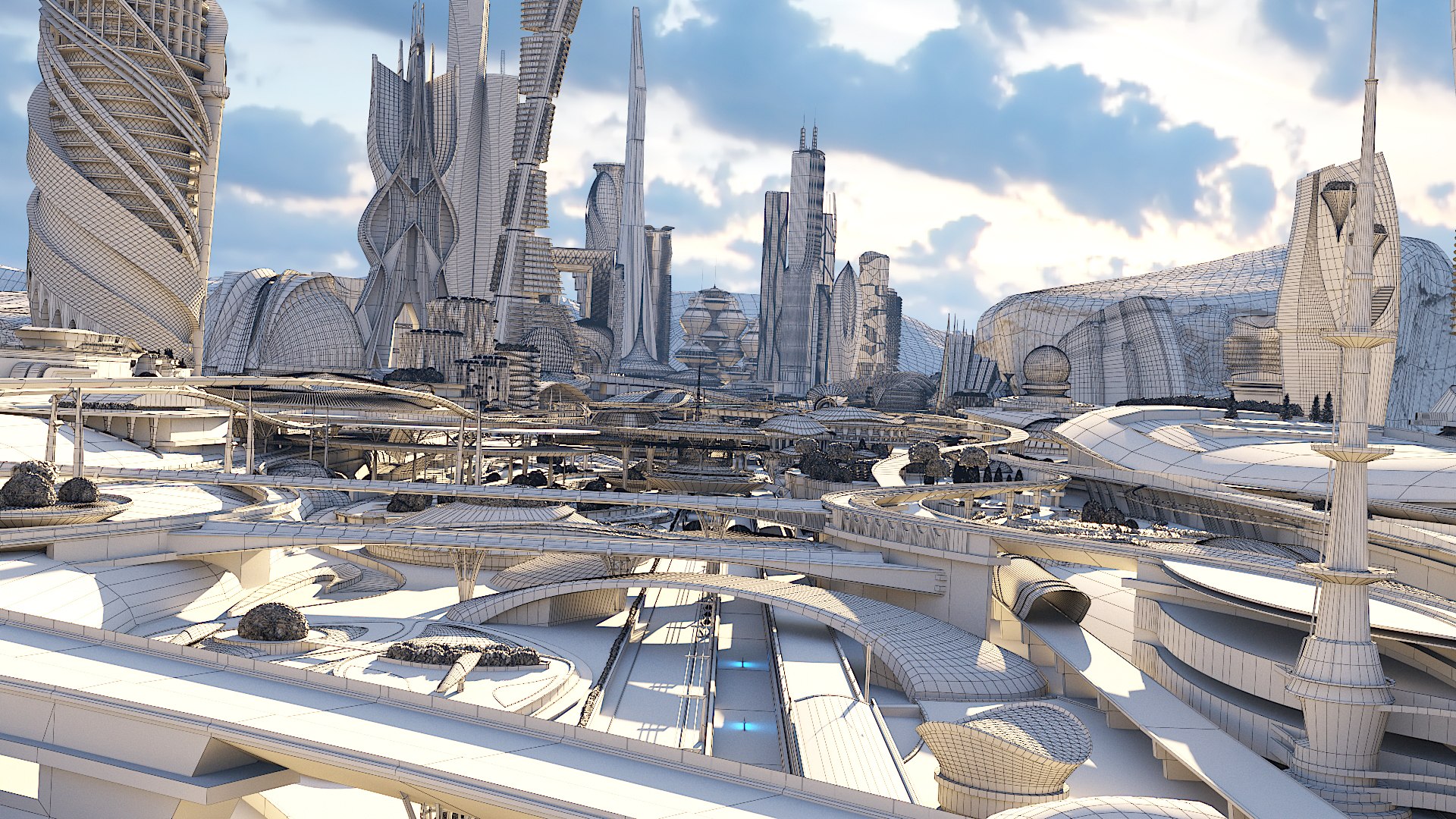
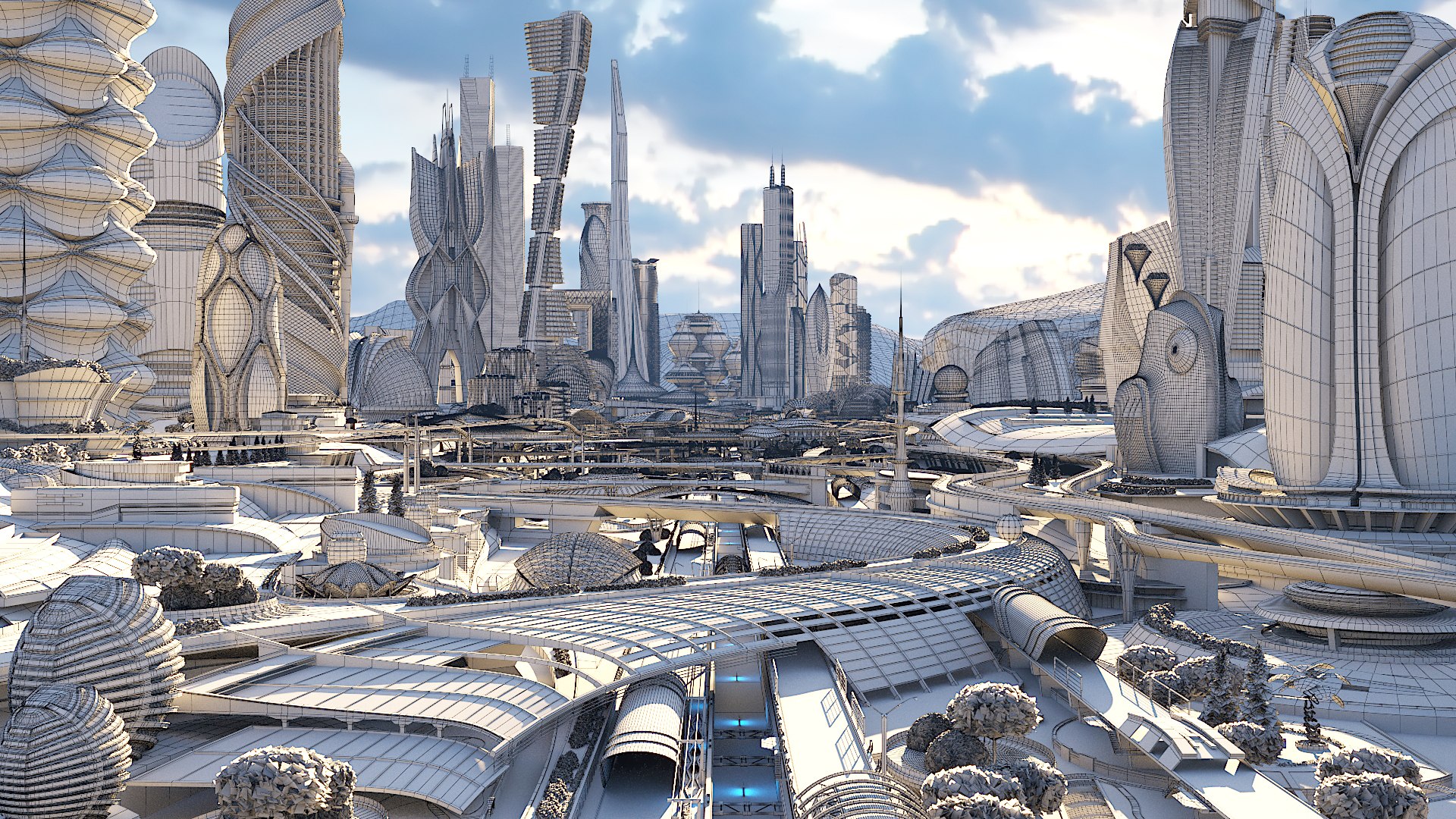
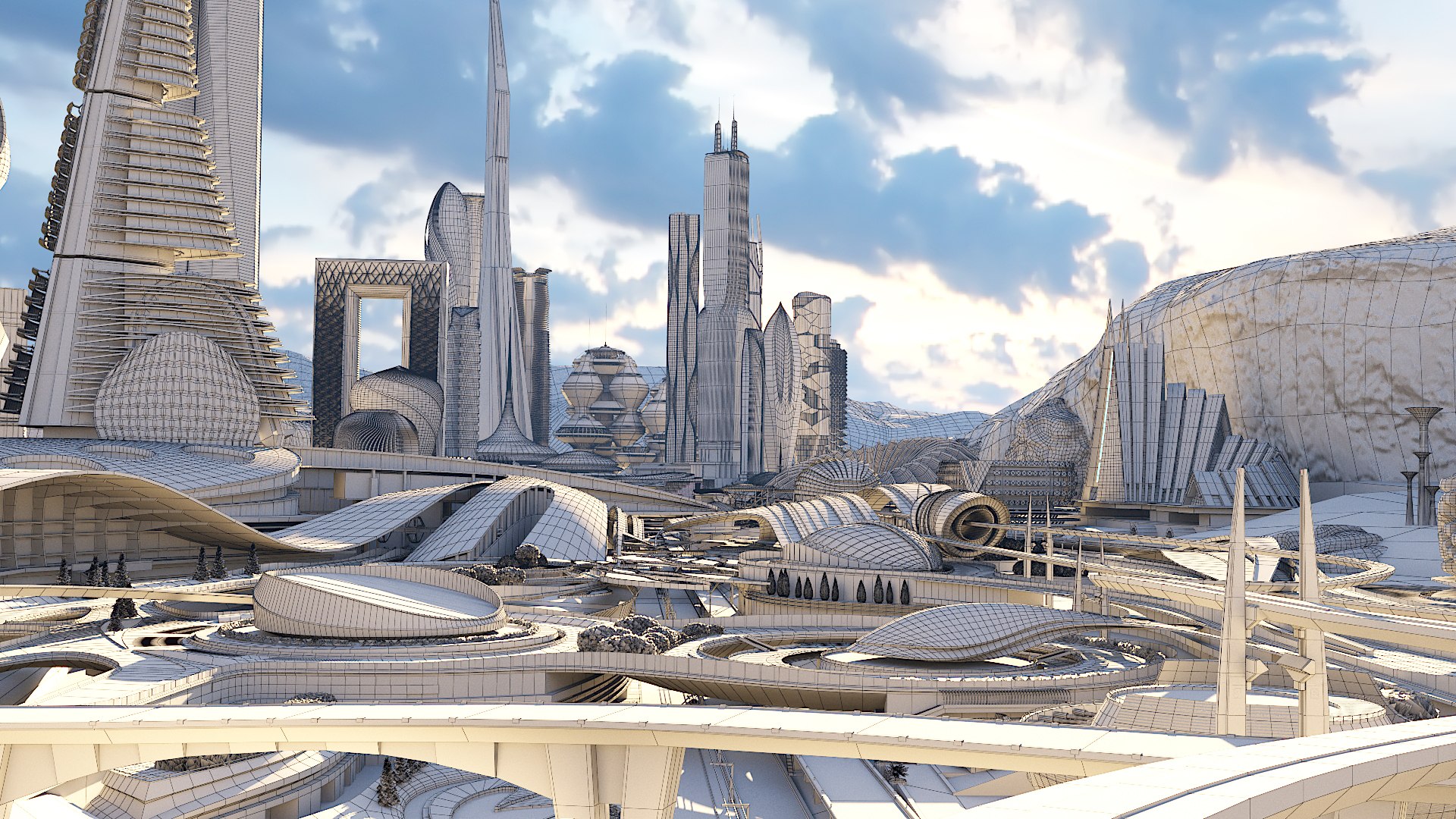
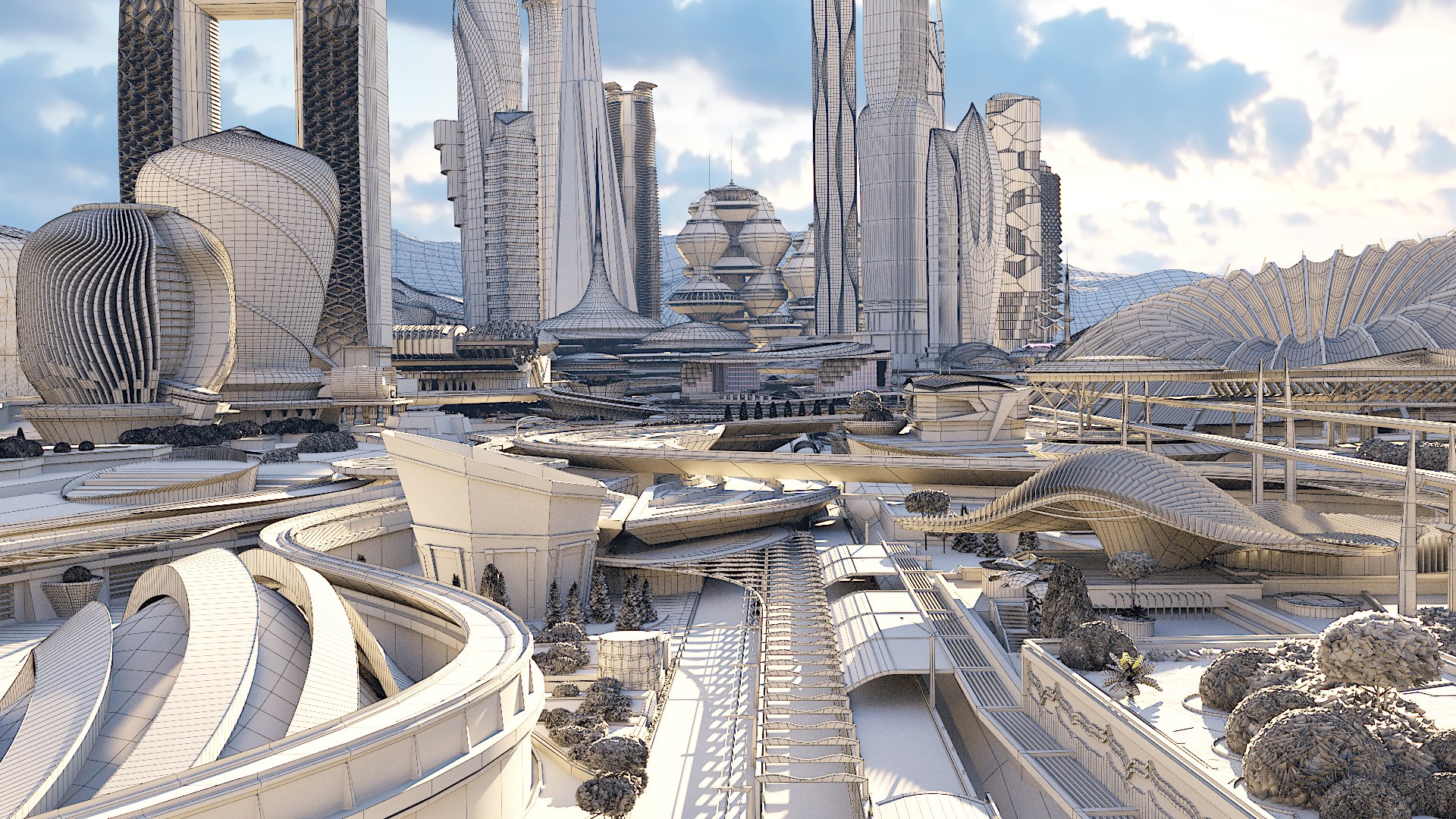
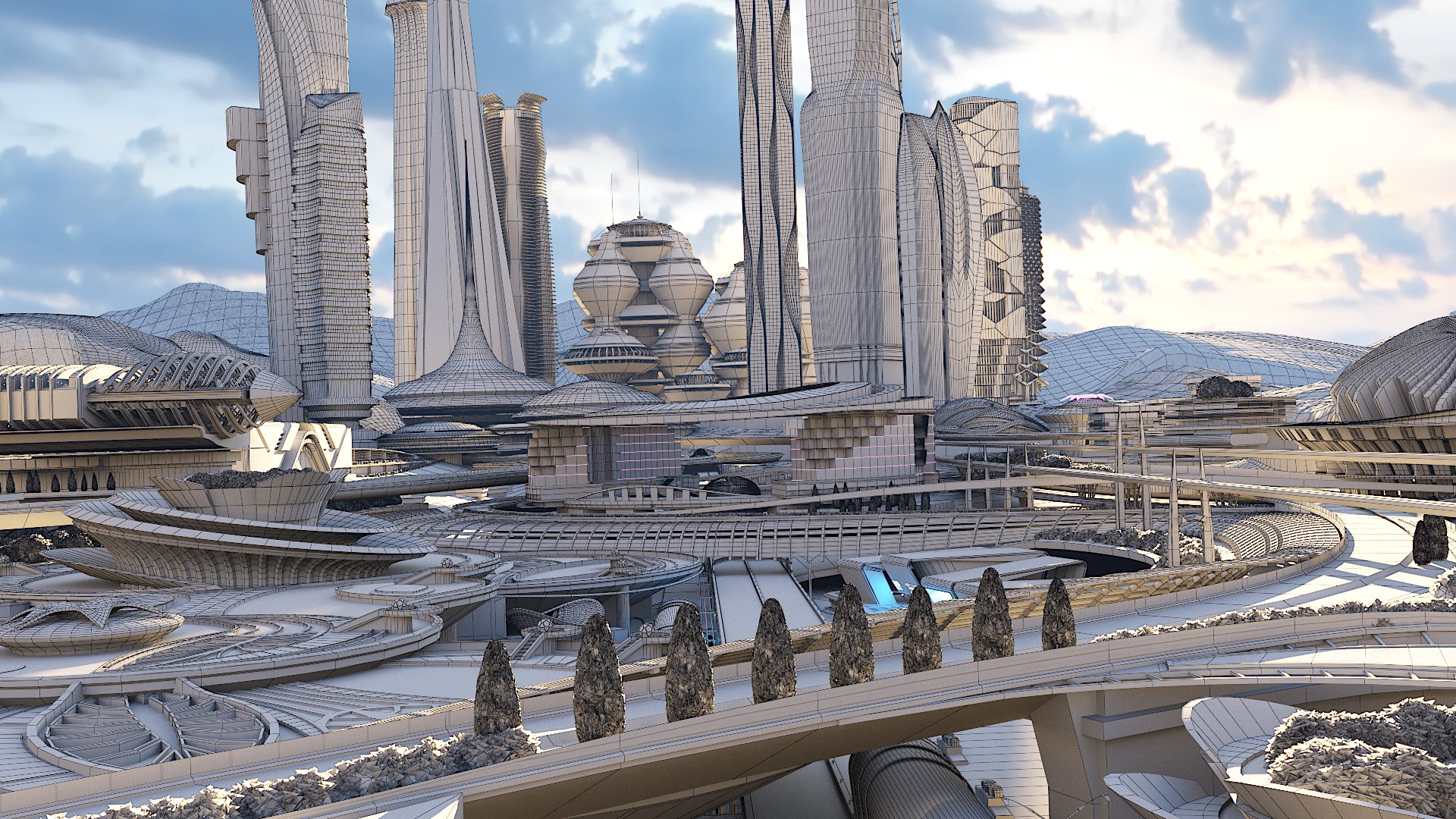
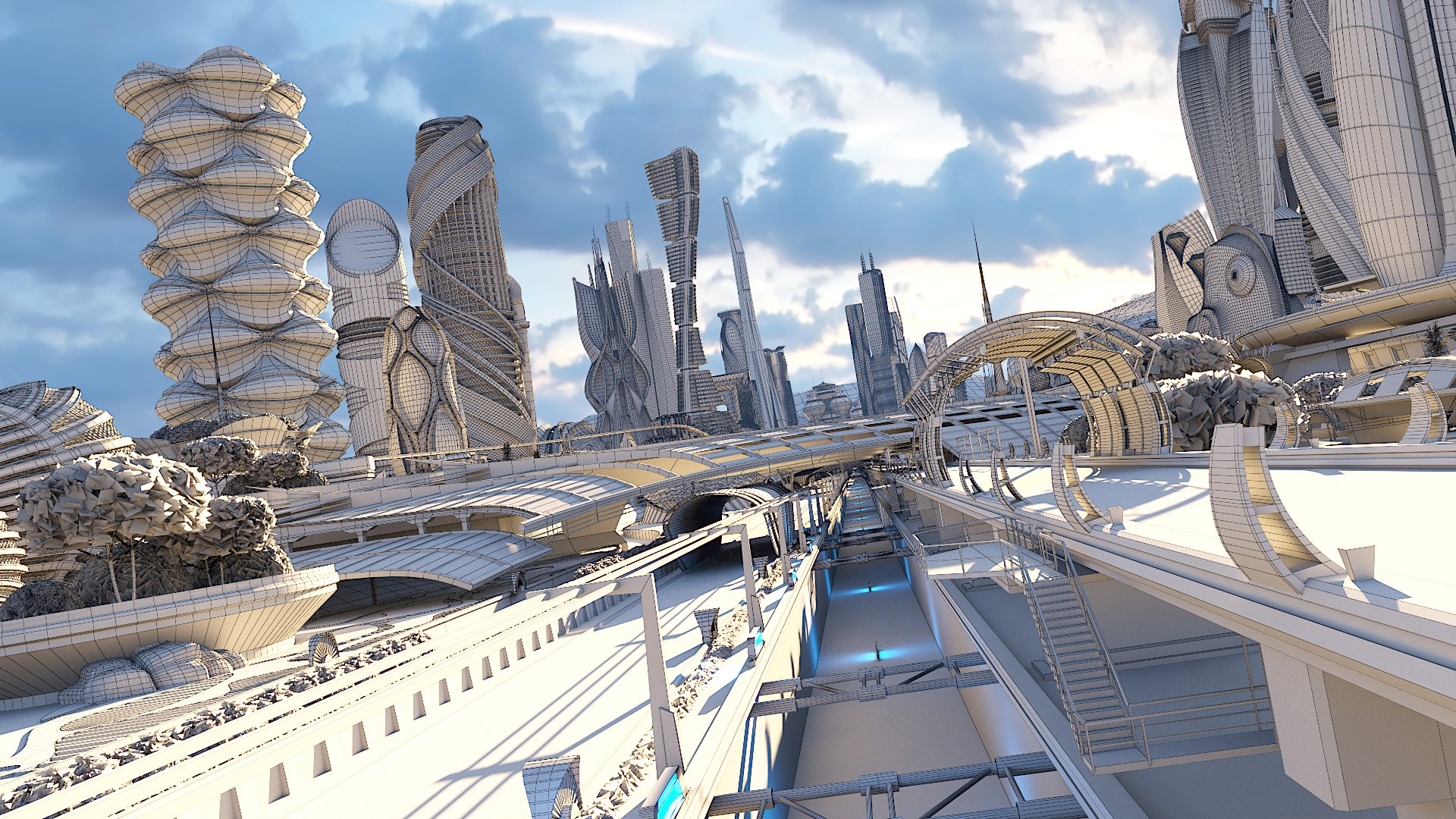
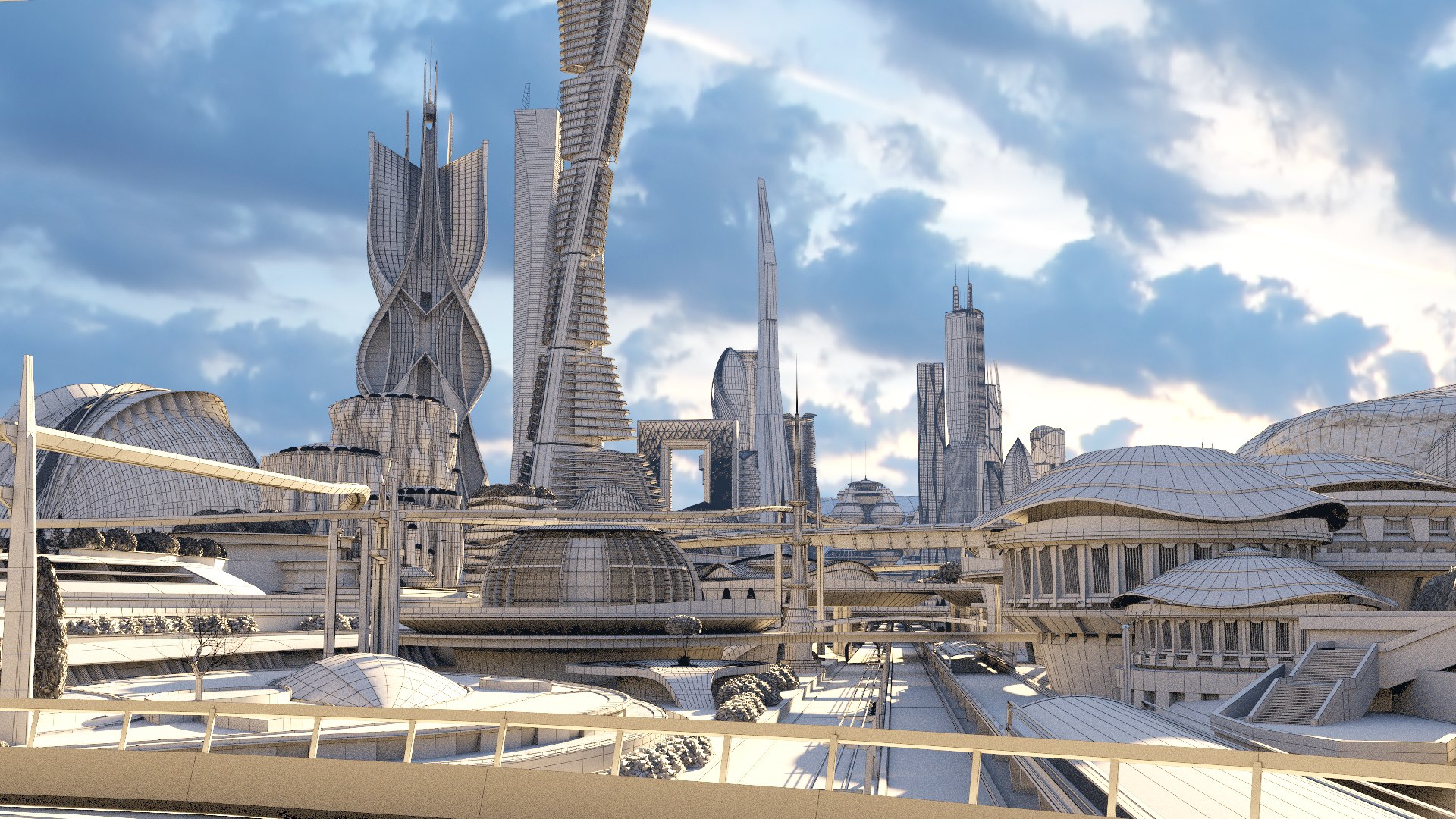
Extended version of the City of the Future Greenwood. scene/

Natural and imitating natural materials were used.

Highways are located on the lower layer.

Pedestrian zone on the second and subsequent tiers.

I recommend to download video of a preview

2 animated cameras are present in the scene

Cameras: 12
Lights: 63
Sun: 1
Shapes: 4
Objects: 6598
Vertices: 7785000
Polygons: 4523000
Please note that the detail of the scene corresponds to the distance on the preview. For use in games, you may need to refine the details.
The Max and OBJ archives do not contain textures, and you can download them in a separate file on the right side of the screen in additional.
FBX-contains textures

If the delay occurs during rendering, definitely need to reset to Default scanline, and then again to transfer to VRAY mode!

Select Enhanced License

  • $10,000 in Legal Protection (Indemnification)
  • Uncapped Legal Protection (Indemnification)
  • Waiver from injunctive relief
  • Assignable model rights
  • $1,000,000 in Legal Protection (Indemnification)
  • Waiver from injunctive relief
  • Assignable model rights
  • $250,000 in Legal Protection (Indemnification)
  • Assignable model rights
Read more about enhanced license tiers, or contact us at enterprise@turbosquid.com. Already a Shutterstock Enterprise Customer? Contact your Shutterstock Sales Support Agent to talk about adding 3D.

About Conversion Requests

To submit a conversion request for a purchased asset, please complete our Conversion Request Form.

If you have not yet purchased a model, please review our Documentation about Conversions to learn about what limitations you may encounter with a conversion.

For any additional questions about a model’s suitability for conversion, please contact TurboSquid Support.

Loading...