
Formats (6)
Native | 3ds Max 2010 | V-Ray 1.5 Sp4
3ds Max 2010 | Default Scanline
Cinema 4D R11 | Default Scanline
FBX
OBJ
3D Studio
Specifications
Publish Date April 17, 2012
Product ID 666679
Polygons 163
Vertices 176
Polygonal Quads/Tris Geometry
Textures
Materials
Non-overlapping Unwrapped UVs
TurboSquid Exclusive
member avatar
igorlmax
149 Products | Contributor Since 2007
Have questions? Chat with us now.

Description

****************************************
PLEASE RATE IT !
****************************************
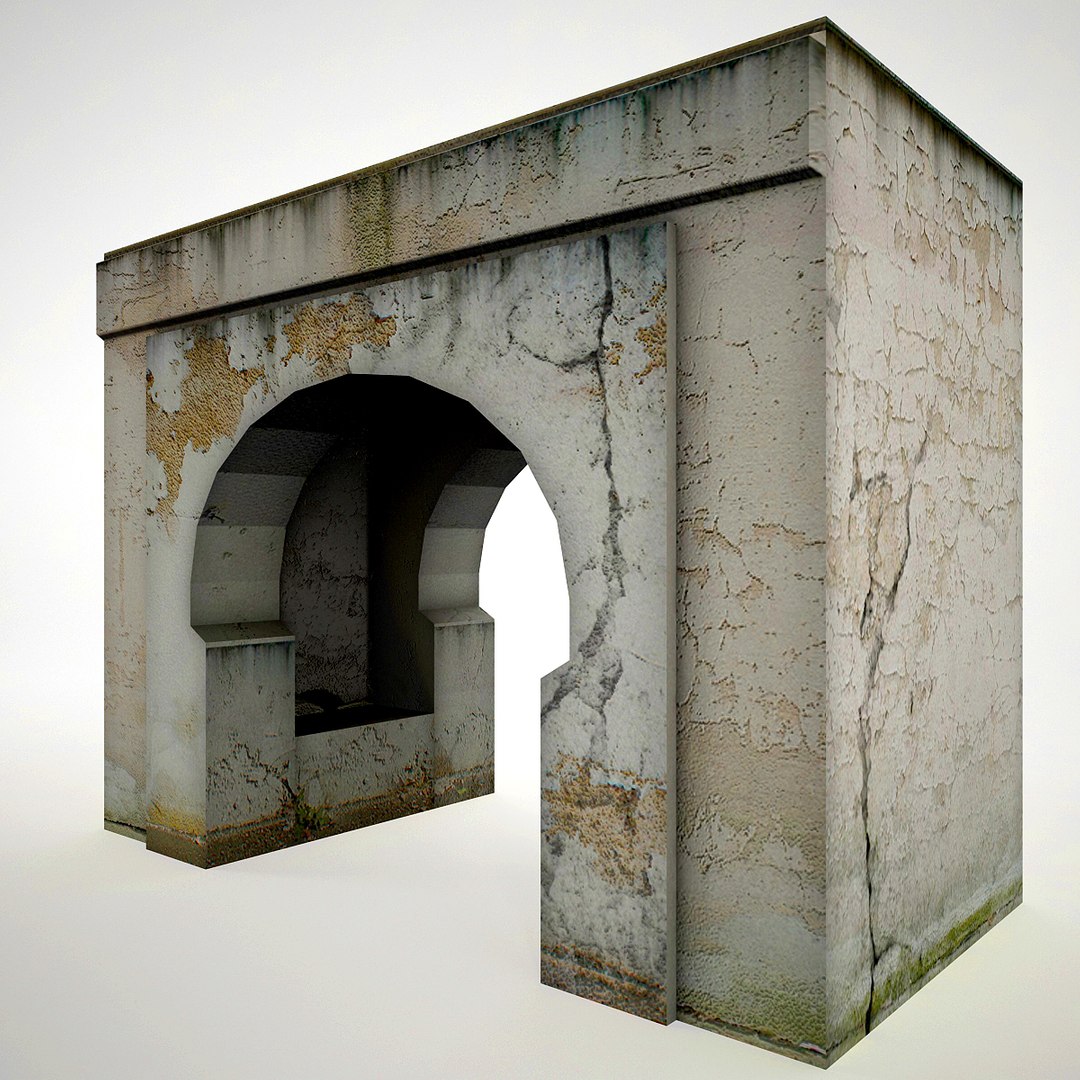
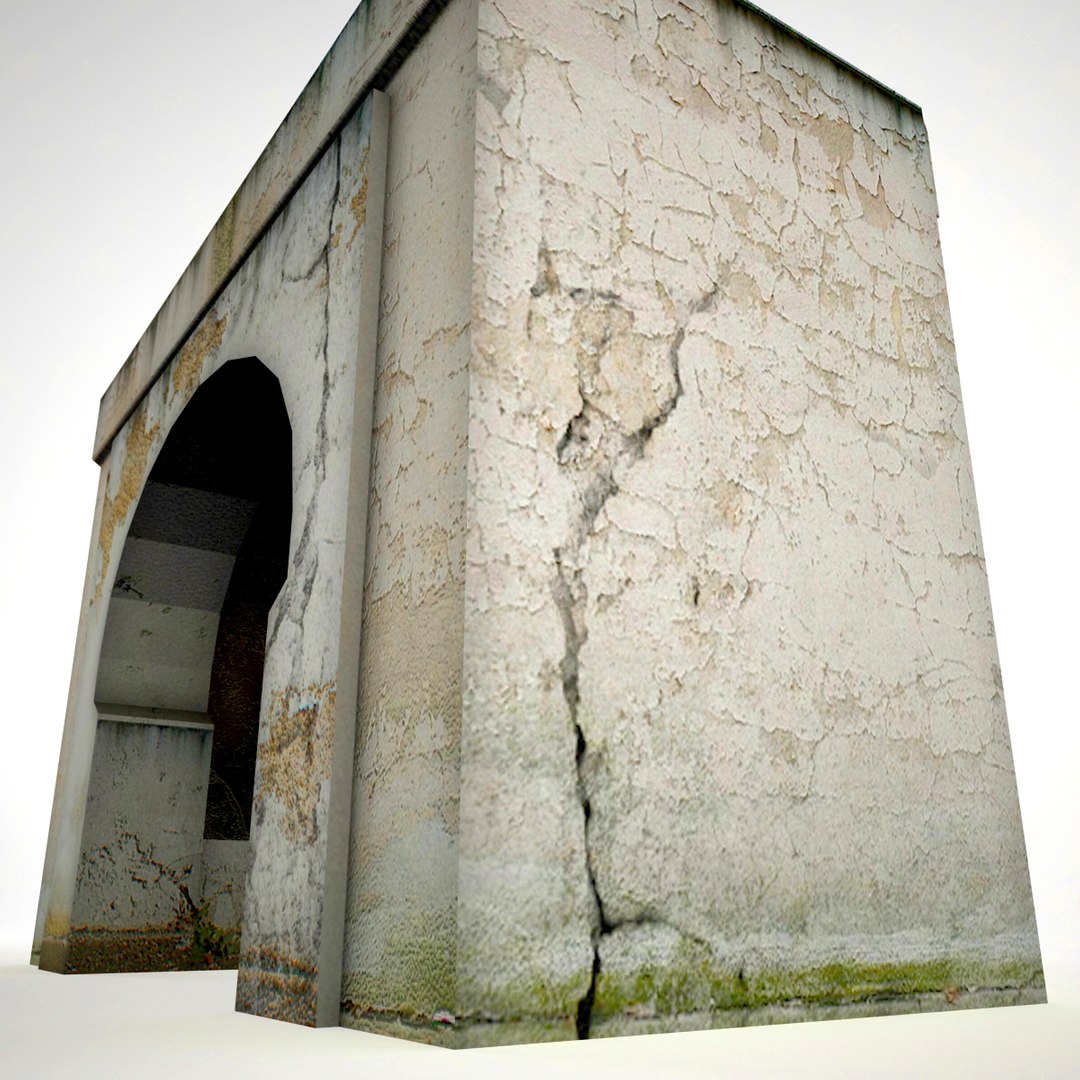
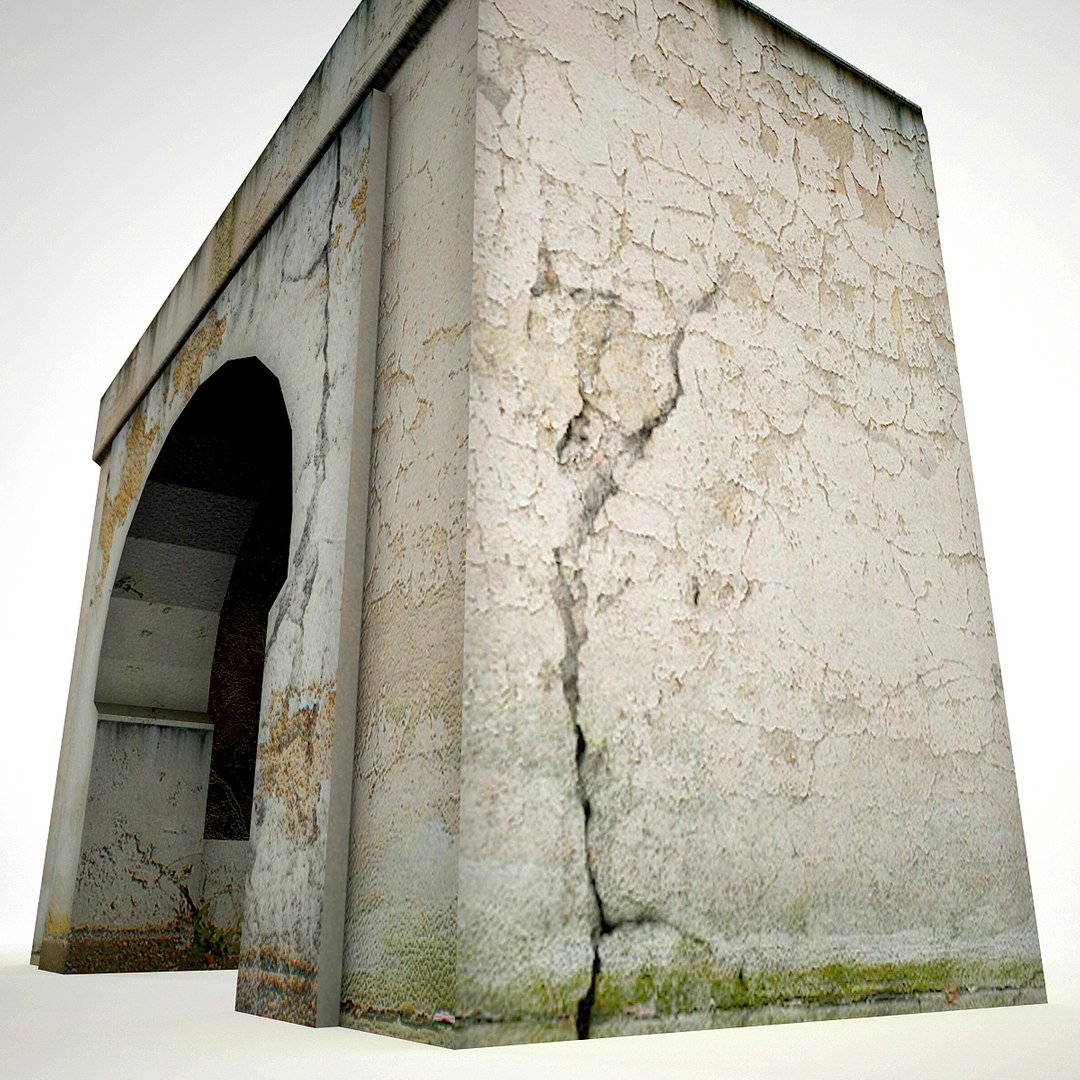
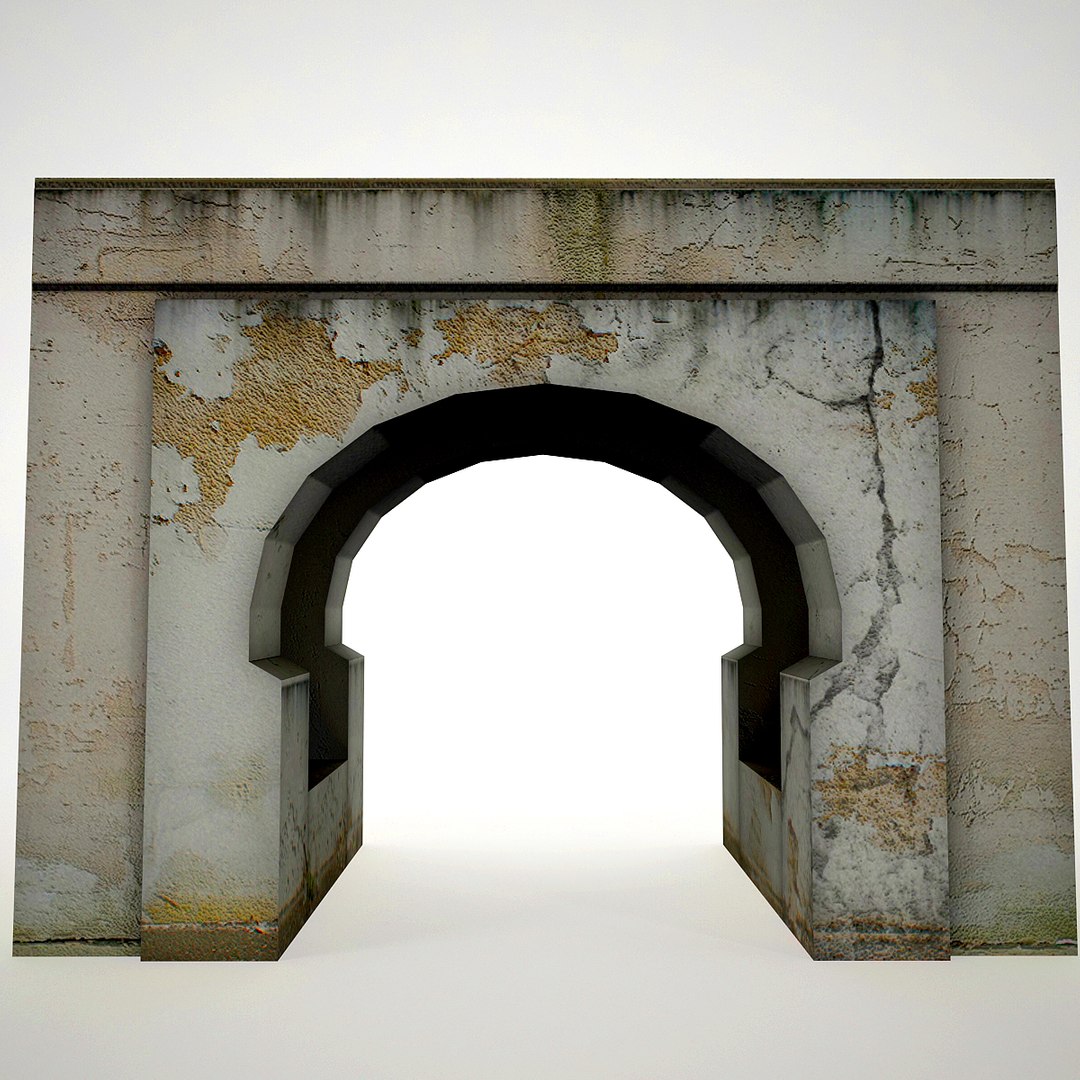
Bridge is low-poly model ideal for game enines (Game-Ready). Easy to optimize model for PC, PS2, PS3 and X-BOX games.

Very High detailed Bridge ready for professional projects.

Ready to render as preview thumbnails (light settings are included only for 3ds Max format). Other formats needs rework with light setup.

Some of preview thumbnails have used post-production.

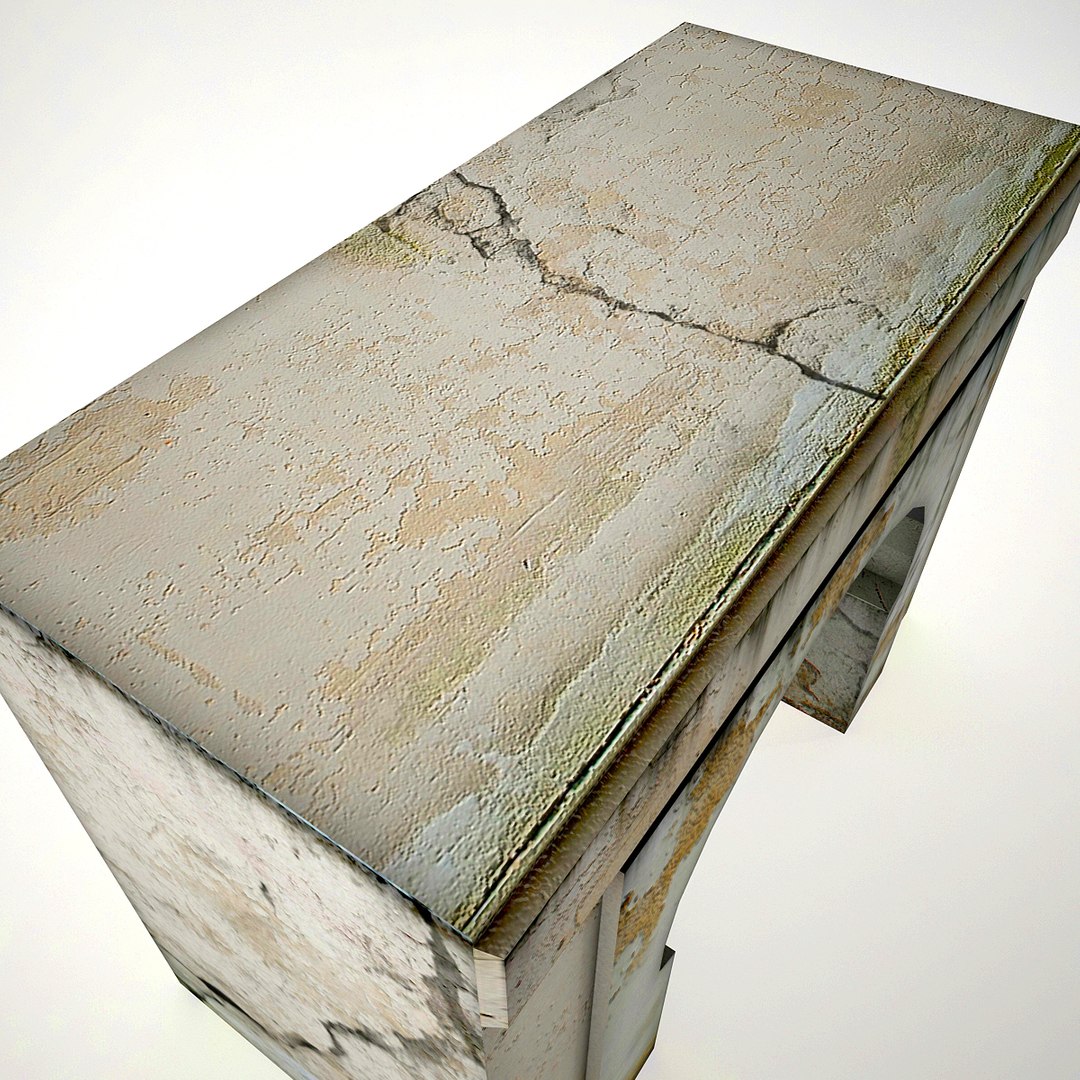
This model has High-res texture so you can also use them for static renders.

Model contains :
Polygons: 163
Vertices: 176
Materials: 1
Texture maps: 3

Bridge has: 2048x2048 texture maps.

Easy to convert model in other formats
No need for any special plug-in to open the model
Useful for games, high resolution renders, magazines and production
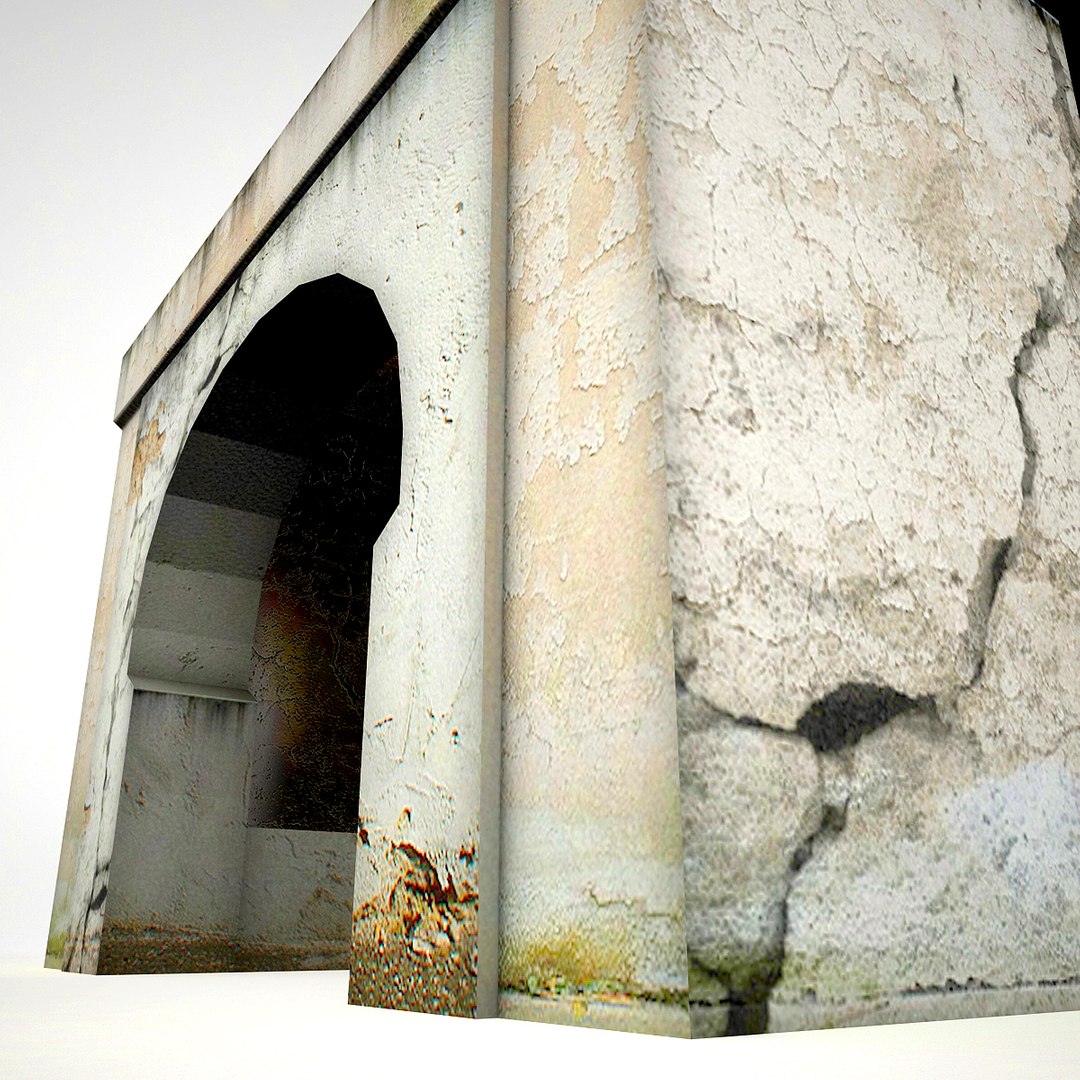
High resolution materials allow you to get close up to the model
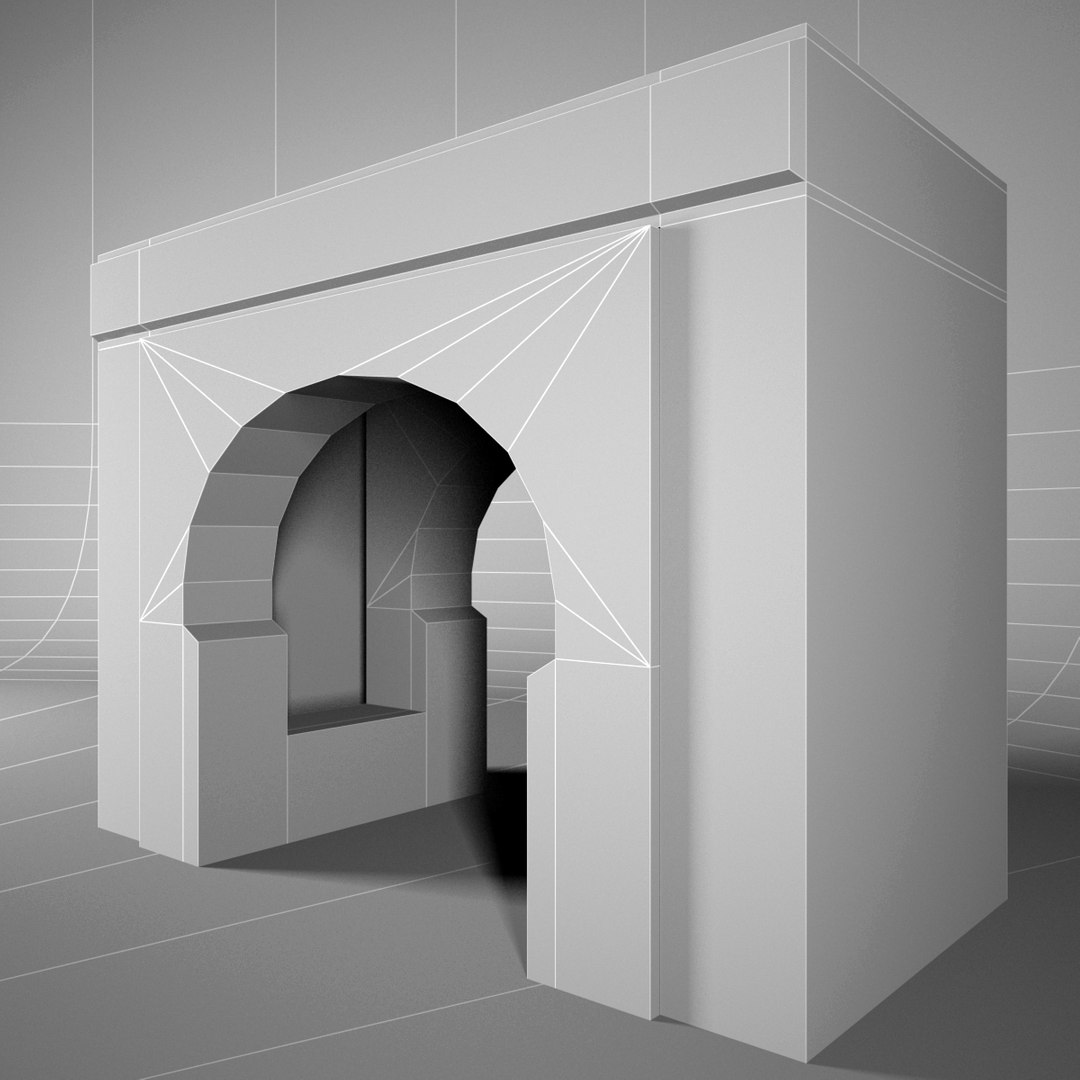
Clear topology
Clean mesh topology
No multi/Sub-Objects materials
Very easy to work it
Materials, textures and objects are clearly named
Export formats works correctly
Model include game-ready texture
_________________________________________

Click on member name "igorlmax" at the
top of the page and see all available models.

Select Enhanced License

  • $10,000 in Legal Protection (Indemnification)
  • Uncapped Legal Protection (Indemnification)
  • Waiver from injunctive relief
  • Assignable model rights
  • $1,000,000 in Legal Protection (Indemnification)
  • Waiver from injunctive relief
  • Assignable model rights
  • $250,000 in Legal Protection (Indemnification)
  • Assignable model rights
Read more about enhanced license tiers, or contact us at enterprise@turbosquid.com. Already a Shutterstock Enterprise Customer? Contact your Shutterstock Sales Support Agent to talk about adding 3D.

About Conversion Requests

To submit a conversion request for a purchased asset, please complete our Conversion Request Form.

If you have not yet purchased a model, please review our Documentation about Conversions to learn about what limitations you may encounter with a conversion.

For any additional questions about a model’s suitability for conversion, please contact TurboSquid Support.

Loading...