



Flower - Cinema 4d with xpresso

$10

Standard License | Upgrade License
Formats (1)
Native | Cinema 4D r14> | Default Scanline
Previews

Download a preview

Sign in or create a TurboSquid account to download preview files.

Selected file:

Specifications
Publish Date February 20, 2013
Product ID 725395
Polygons 1,000
Vertices 1,000
Subdivision
Textures
Materials
UV Mapped
Rigged
Animated
TurboSquid Exclusive
member avatar
StrangerThings
2 Products | Contributor Since 2005
Have questions? Chat with us now.

Description

!!!!!Please note This is a Cinema 4d r14+ only file!!!!!

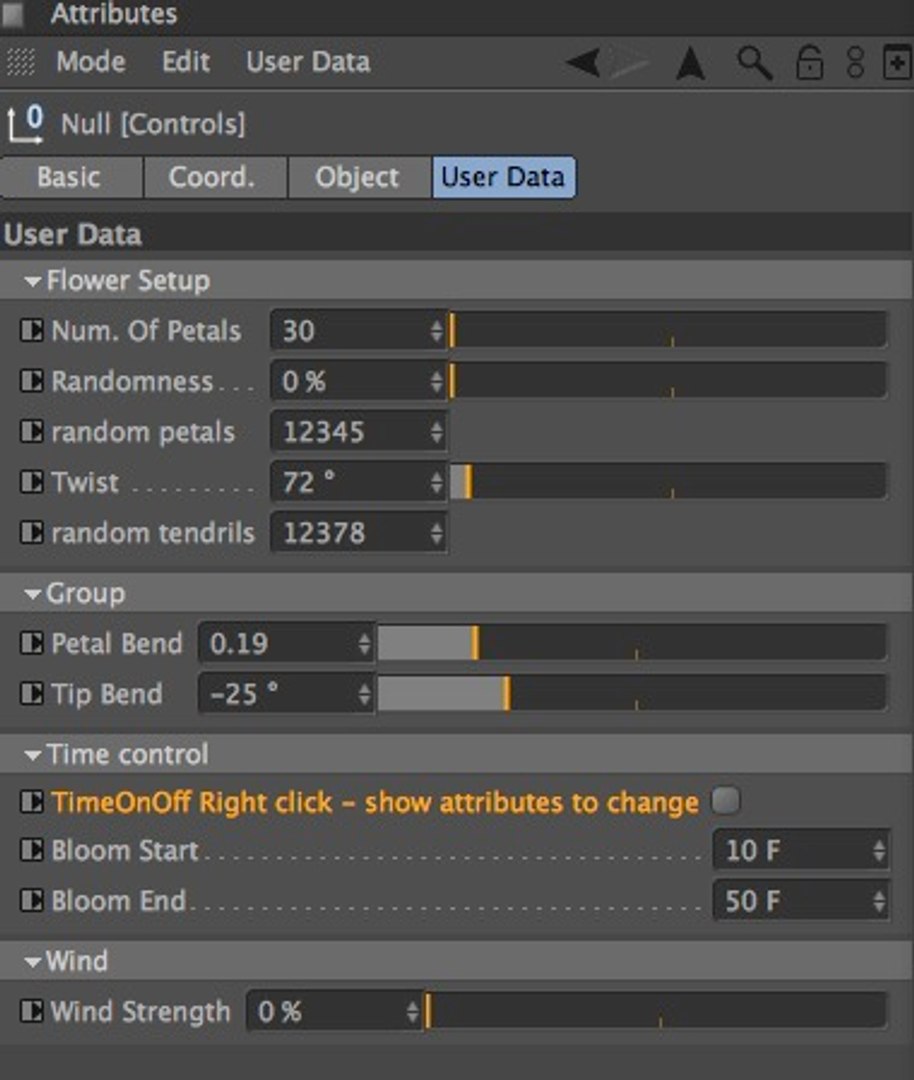
Note - The you open the file it is animated via the time option - To play with the manual settings:

1. Choose the object called Controls in the object window
2. Click on the "User Data" Tab
3. Under "Time Control" untick the TimeOnOff checkbox


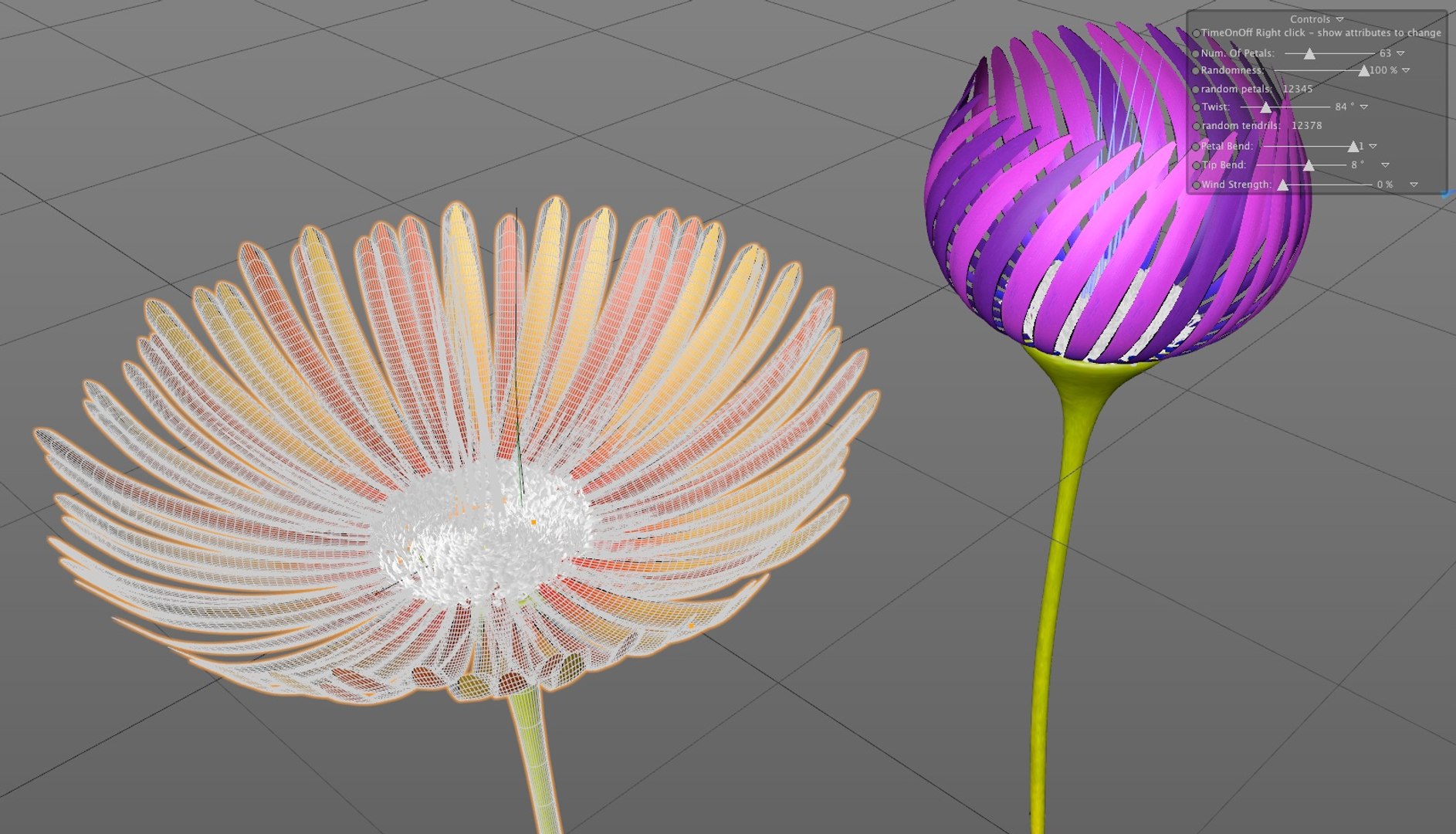
This is a procedurally animated flower driven by xPresso. You can easily customise to create 100's of style and colours.

Number of petals
Randomness
random Seed value
Twist
Random Tendrills

Petal bend
Tip bend

Time control On/Off
Bloom start
Bloom End

Wind Strength

You can change aspects of the flower with on screen controls.

The flower can be duplicated from the root object and each can be completely different

you can either keyframe the animation or have it driven by time - note the time has to be changed in the Controls attributes tab

Each Colors are pased on Tif and Random Multishaders on the cloners - see the object manager for where to replace them

Select Enhanced License

  • $10,000 in Legal Protection (Indemnification)
  • Uncapped Legal Protection (Indemnification)
  • Waiver from injunctive relief
  • Assignable model rights
  • $1,000,000 in Legal Protection (Indemnification)
  • Waiver from injunctive relief
  • Assignable model rights
  • $250,000 in Legal Protection (Indemnification)
  • Assignable model rights
Read more about enhanced license tiers, or contact us at enterprise@turbosquid.com. Already a Shutterstock Enterprise Customer? Contact your Shutterstock Sales Support Agent to talk about adding 3D.

About Conversion Requests

To submit a conversion request for a purchased asset, please complete our Conversion Request Form.

If you have not yet purchased a model, please review our Documentation about Conversions to learn about what limitations you may encounter with a conversion.

For any additional questions about a model’s suitability for conversion, please contact TurboSquid Support.

Loading...