
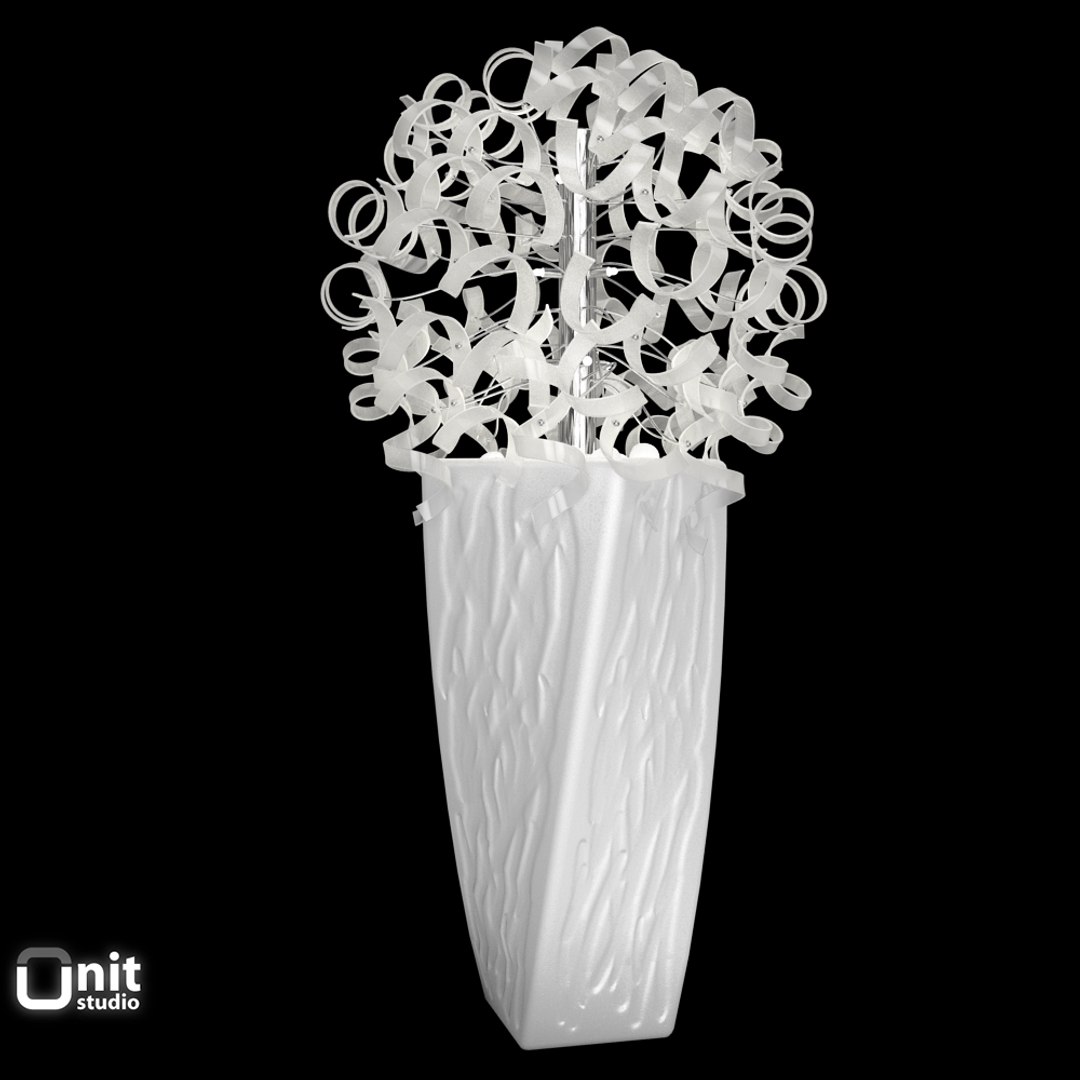
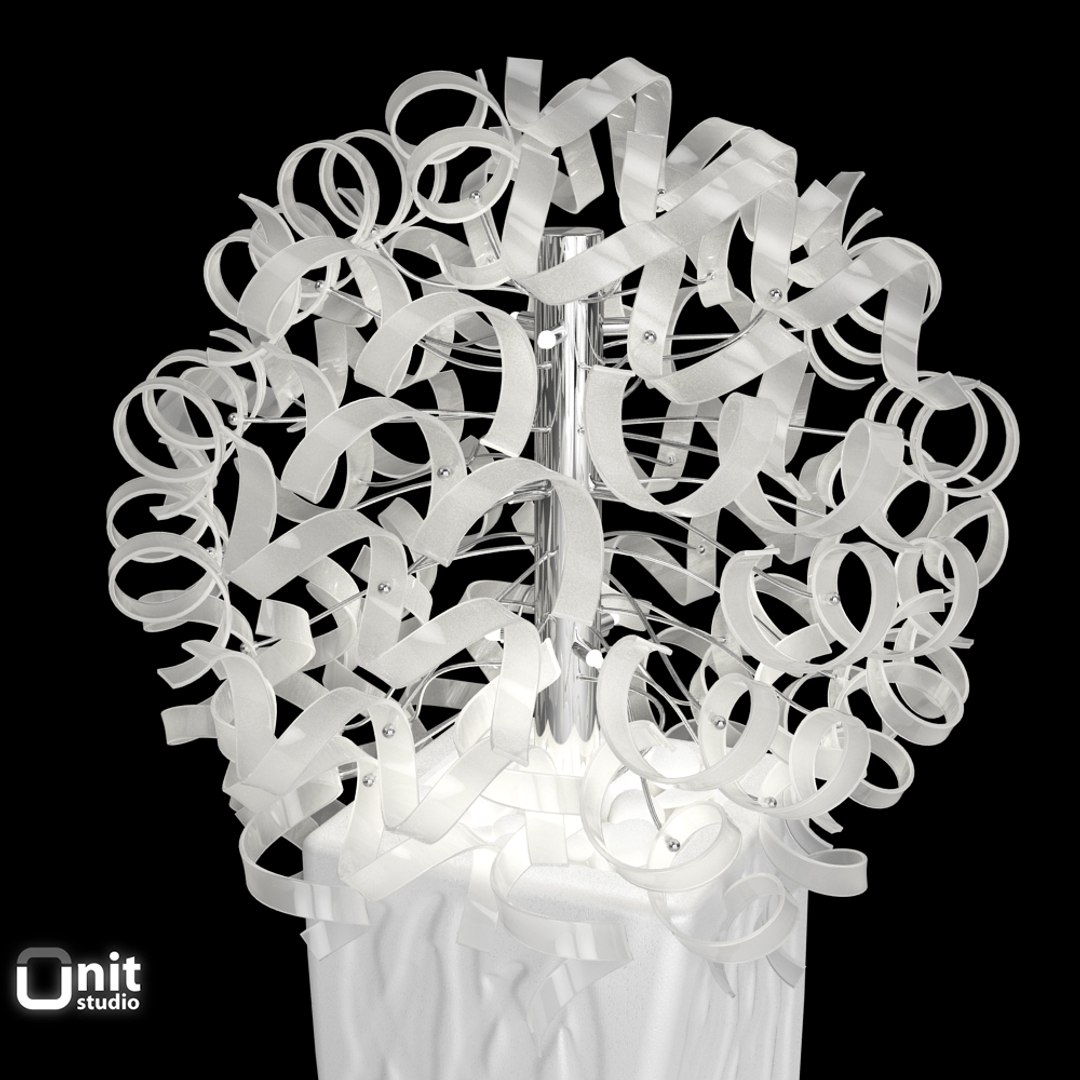
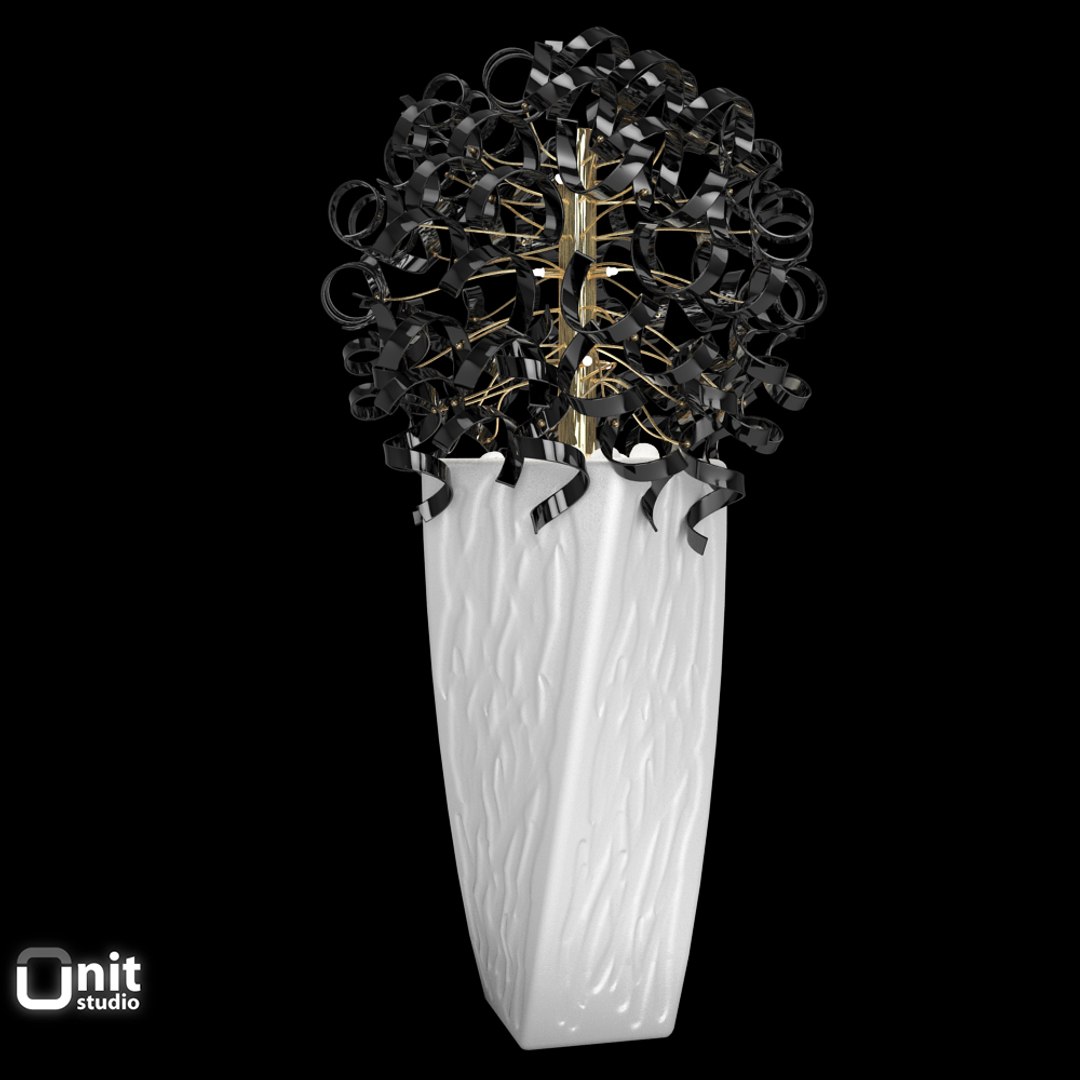
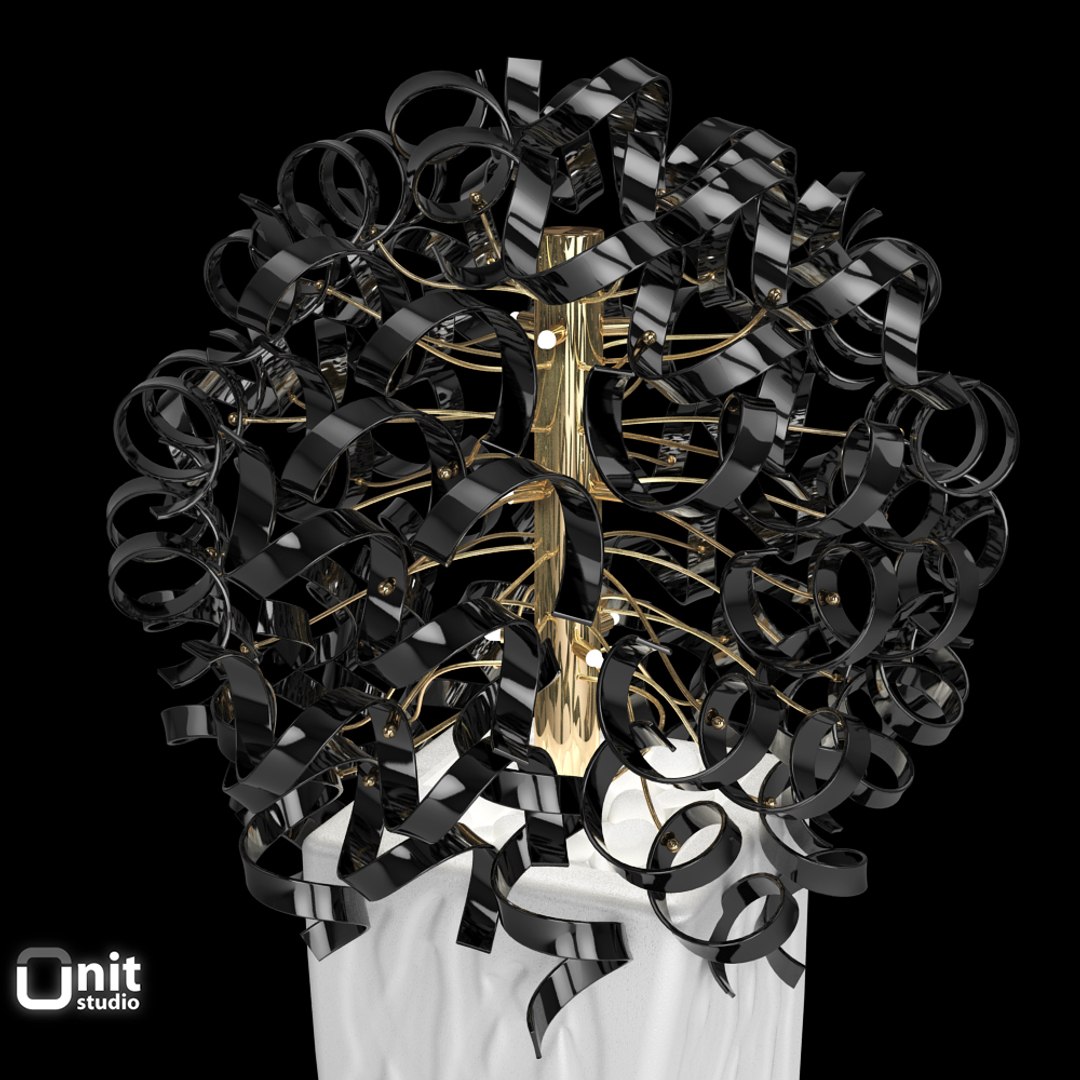
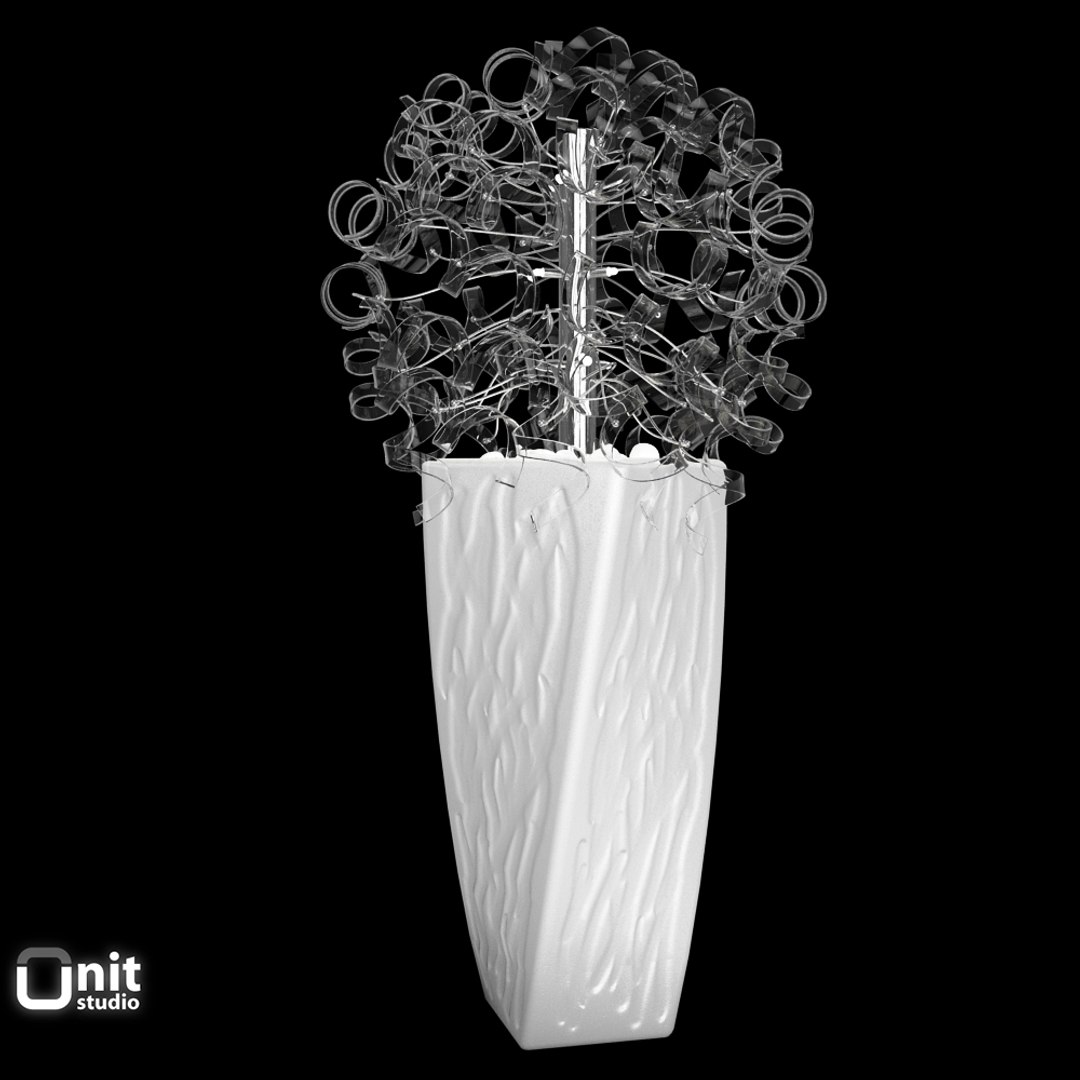
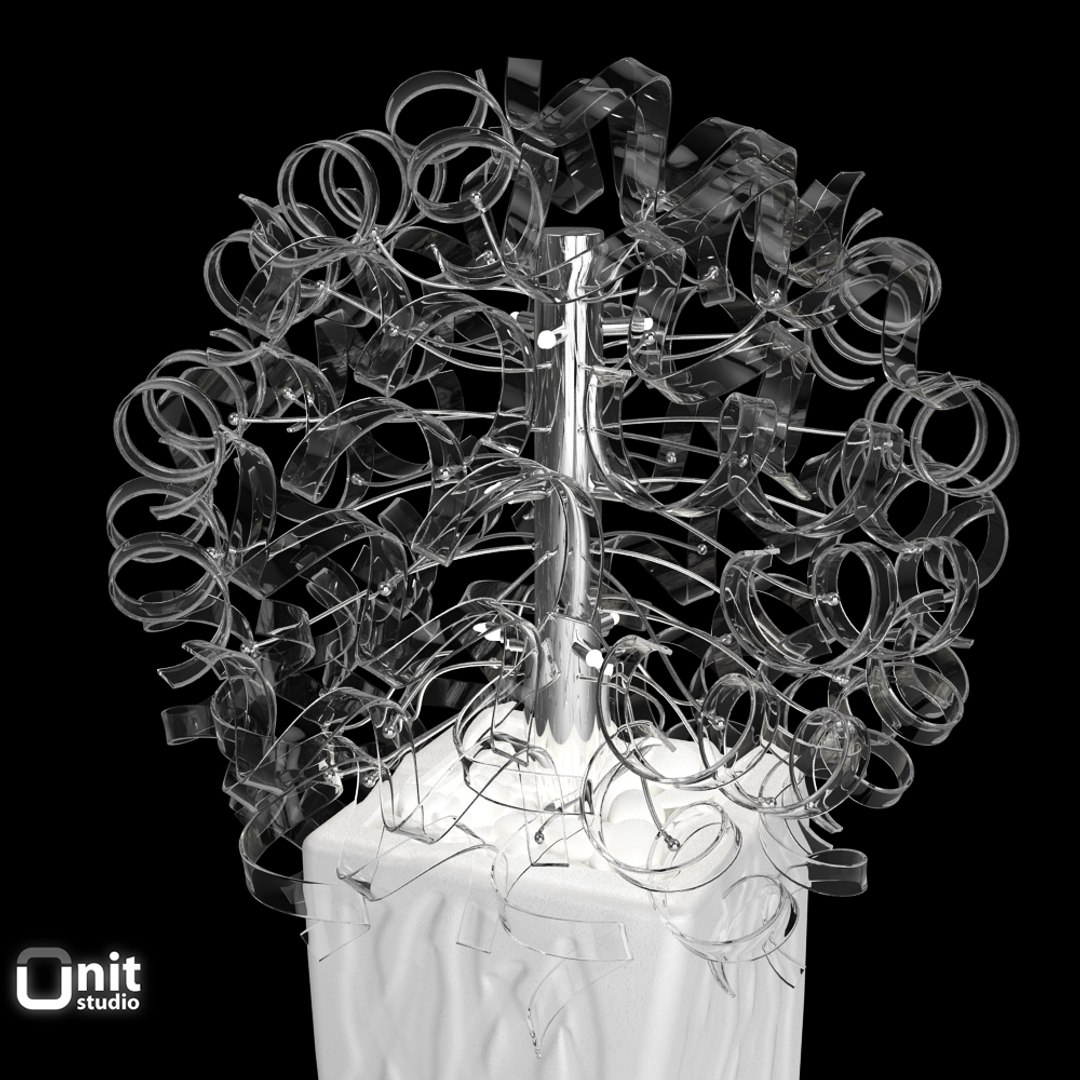
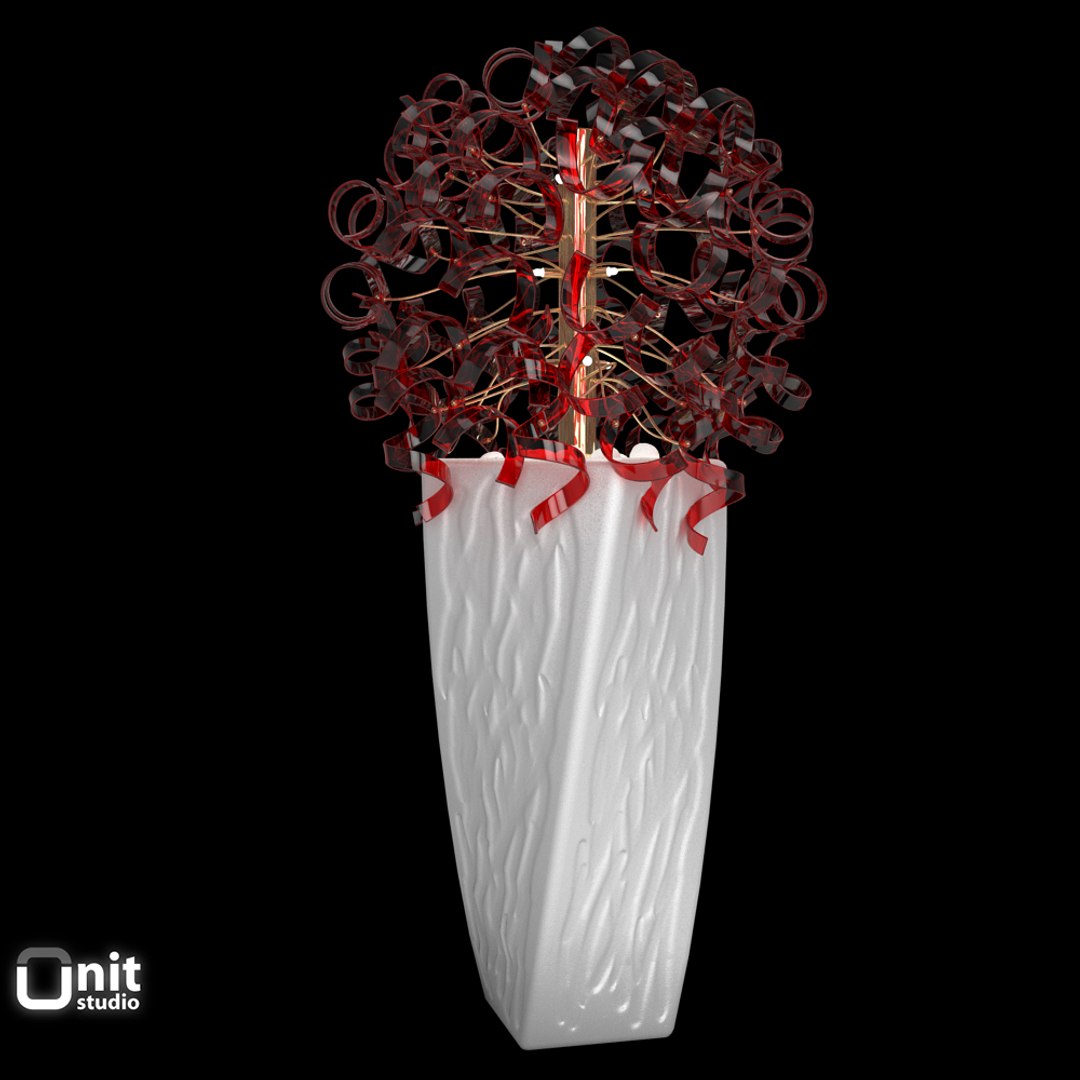
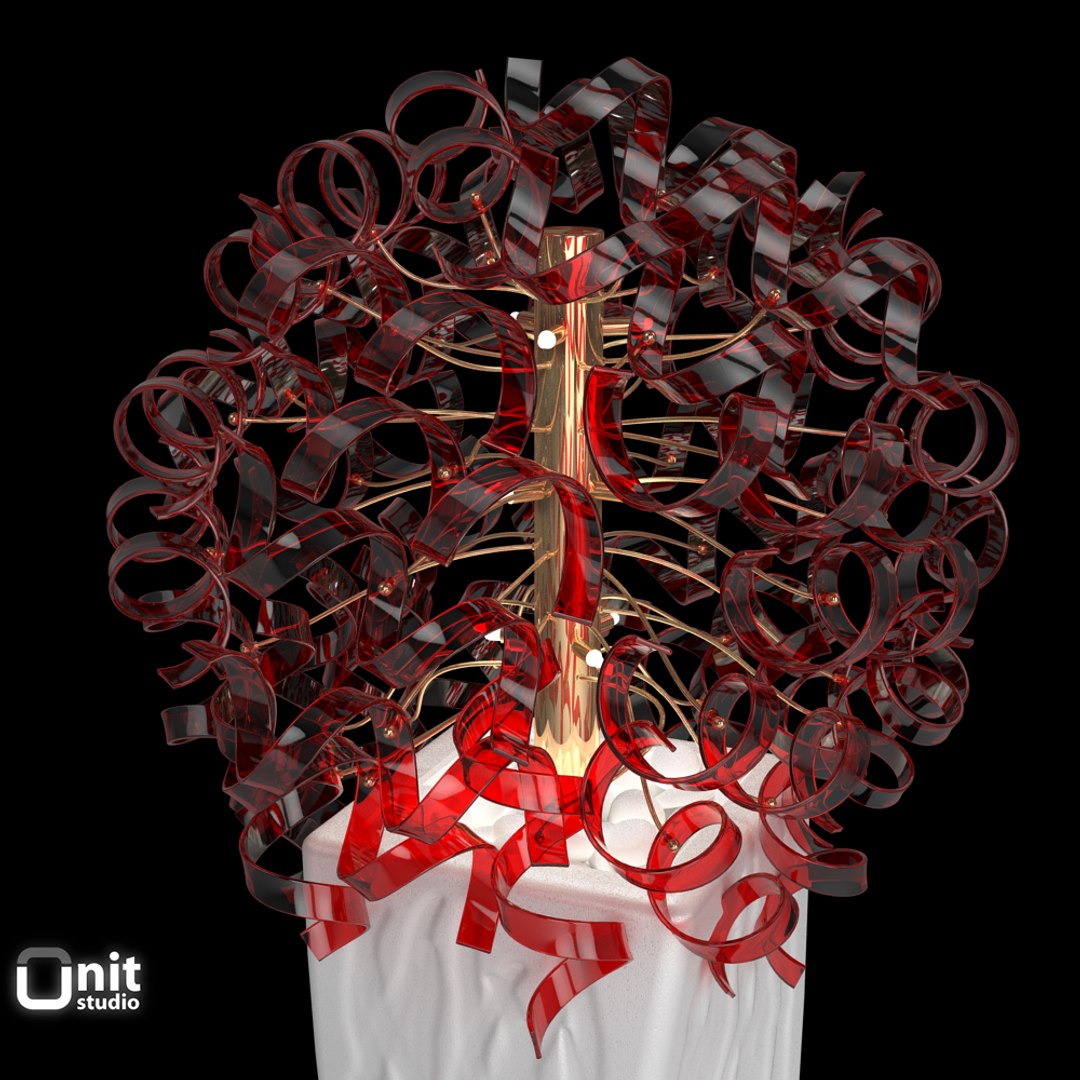
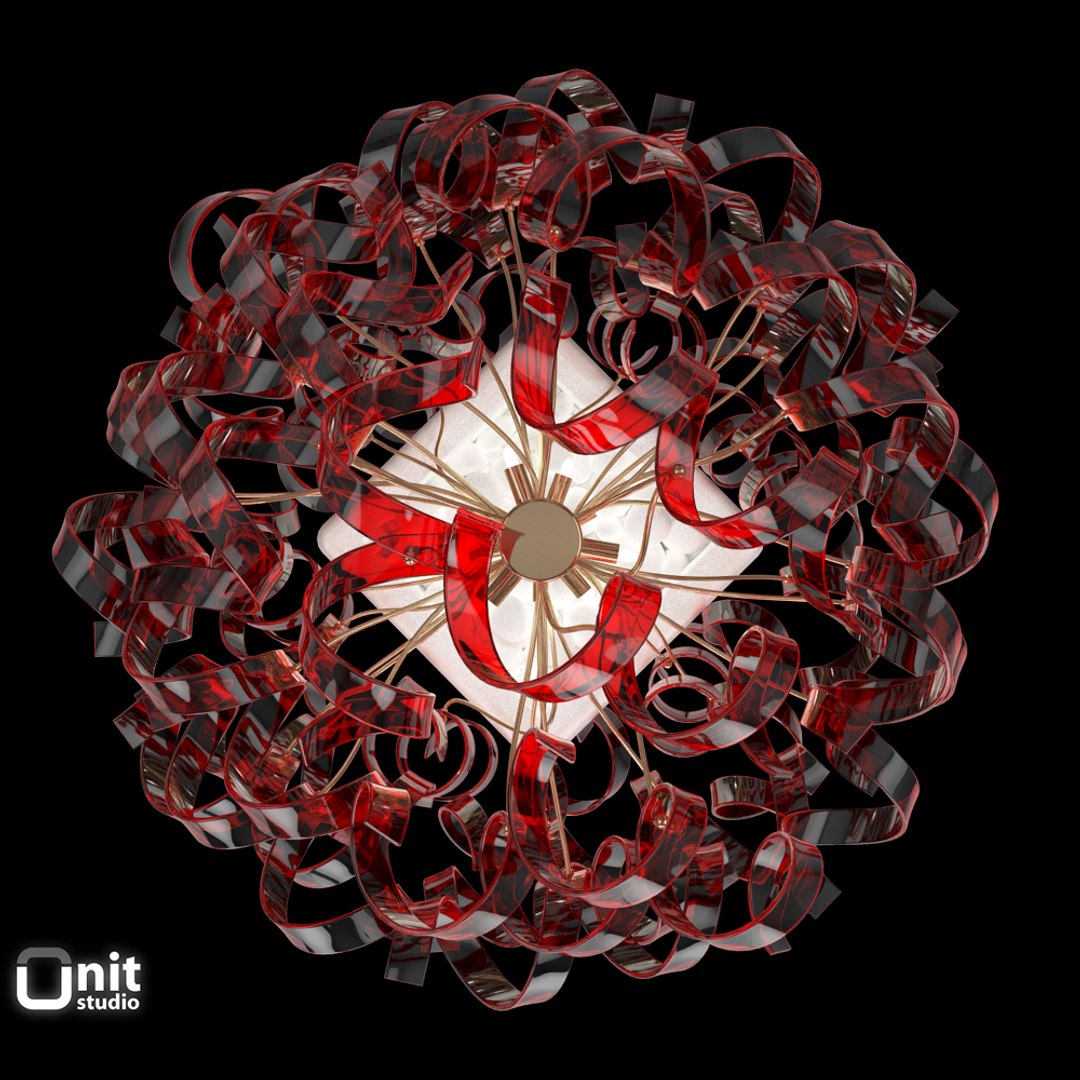
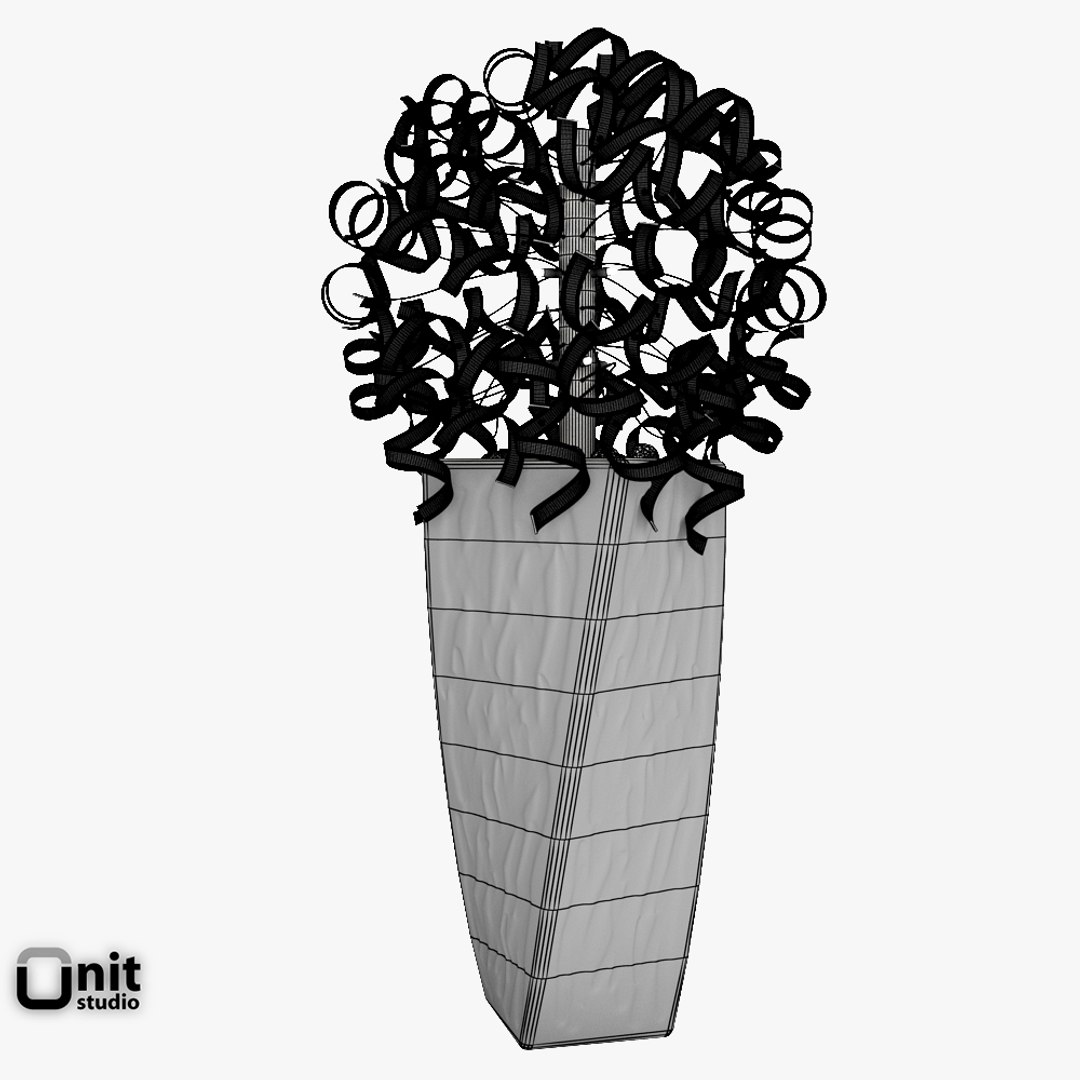
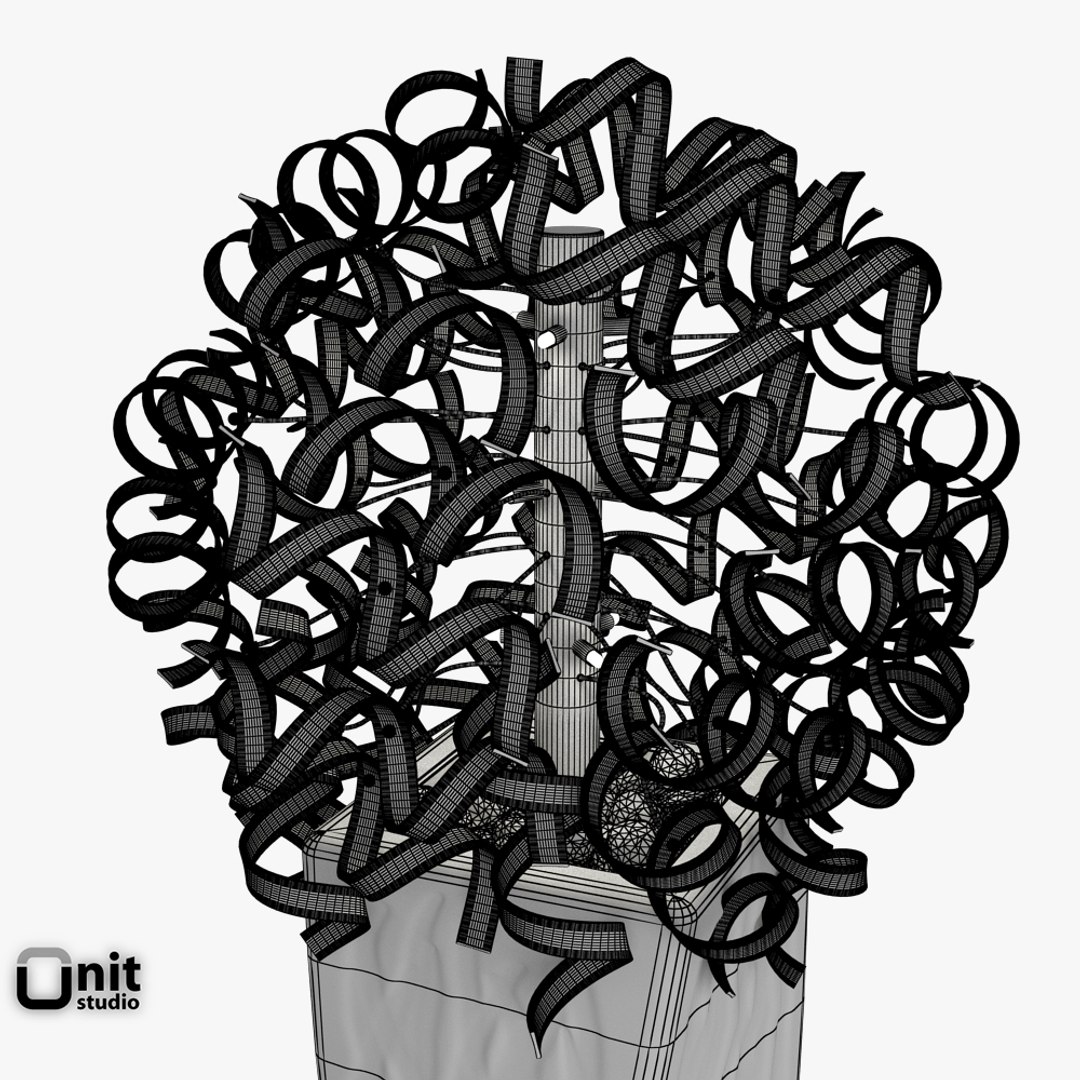
Floor light Astro MetalLux 42pcs

$30

Standard License | Upgrade License
Editorial Uses Only
Formats (14)
Free file format Conversions available
Native | 3ds Max 2021 | V-Ray Next
3ds Max 2016 | Default Scanline 2016
3ds Max 2016 | V-Ray Next
3ds Max 2018 | V-Ray Next
3ds Max 2018 | Corona 2.0
3ds Max 2020 | Default Scanline 2020
3ds Max 2020 | V-Ray Next
3ds Max 2021 | Default Scanline 2021
3ds Max 2021 | Corona 4
3ds Max 2020 | Corona 4
3D Studio
AutoCAD drawing
FBX
OBJ
Other Files
MetalLux_Astro_FloorLamp_42pcs_TEXTURES.rar
Specifications
Publish Date December 12, 2012
Product ID 711763
Polygons 430,165
Vertices 418,855
Polygonal Quads/Tris Geometry
Textures
Materials
UV Mapped

member avatar
UnitStudio
243 Products | Contributor Since 2012
Have questions? Chat with us now.

Description

Model and previews created in 3ds Max 2021 with VRay Next

Archives contain:
MAX 2021/2020/2018/2016 file with VRay Next materials, mapping and textures
MAX 2021/2020/2018 file with Corona materials, mapping and textures
MAX 2020 file with scanline basic materials
MAX 2016 file with scanline basic materials
3DS, DWG, FBX and OBJ file conversion

MAX and FBX versions have all separated parts with meaningful names.
MAX file includes adjusted pivot points for easy positioning and animation.
Environments are not included.

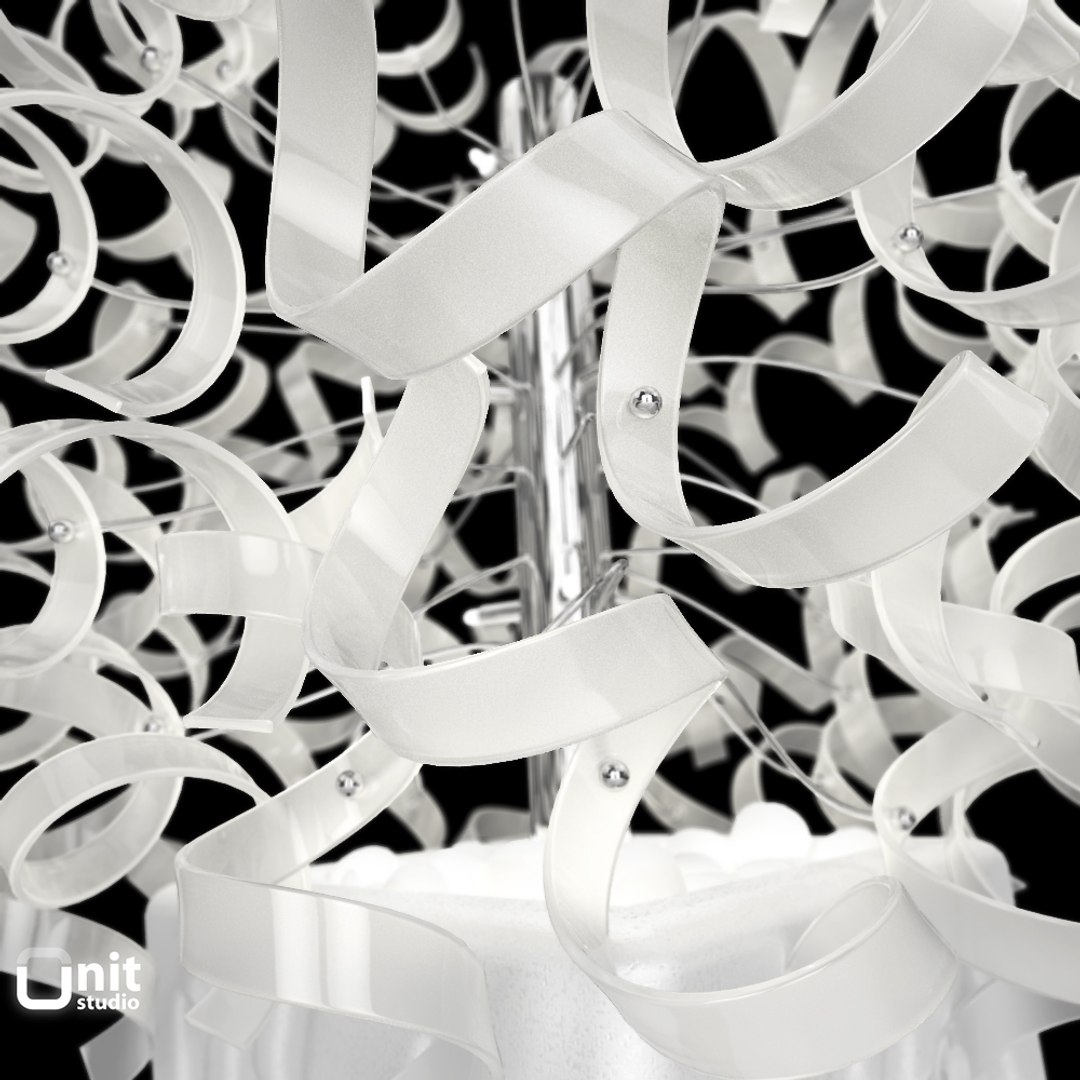
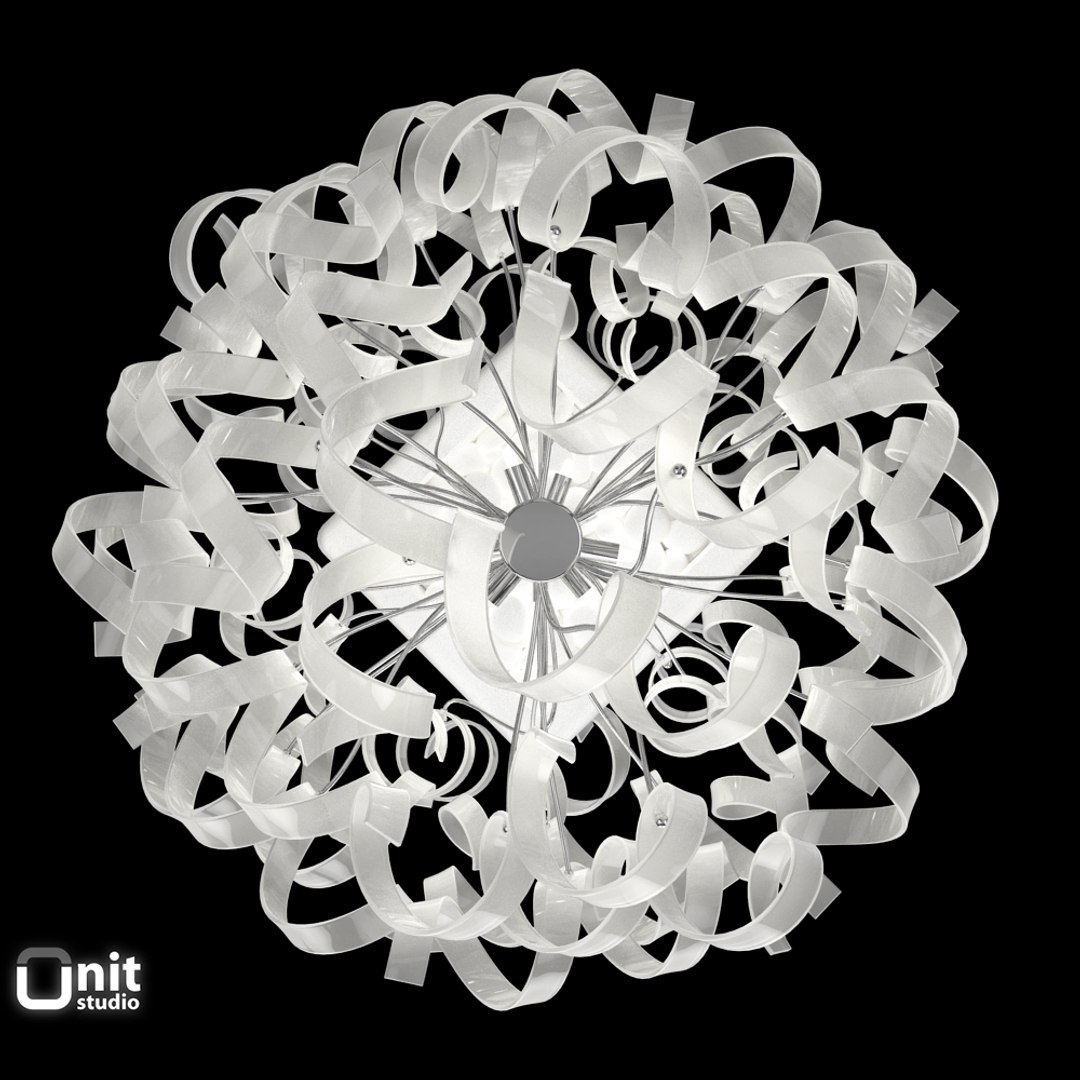
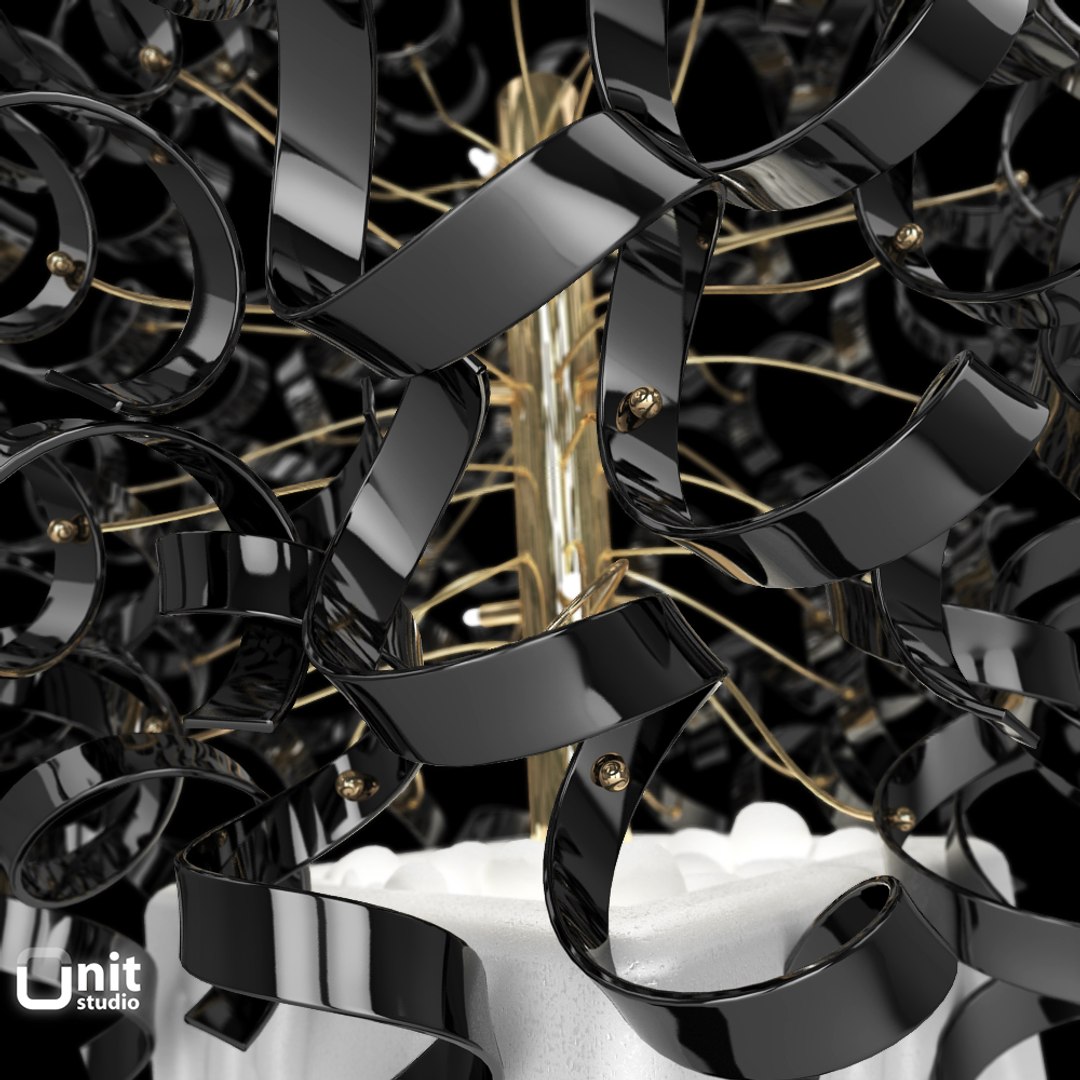
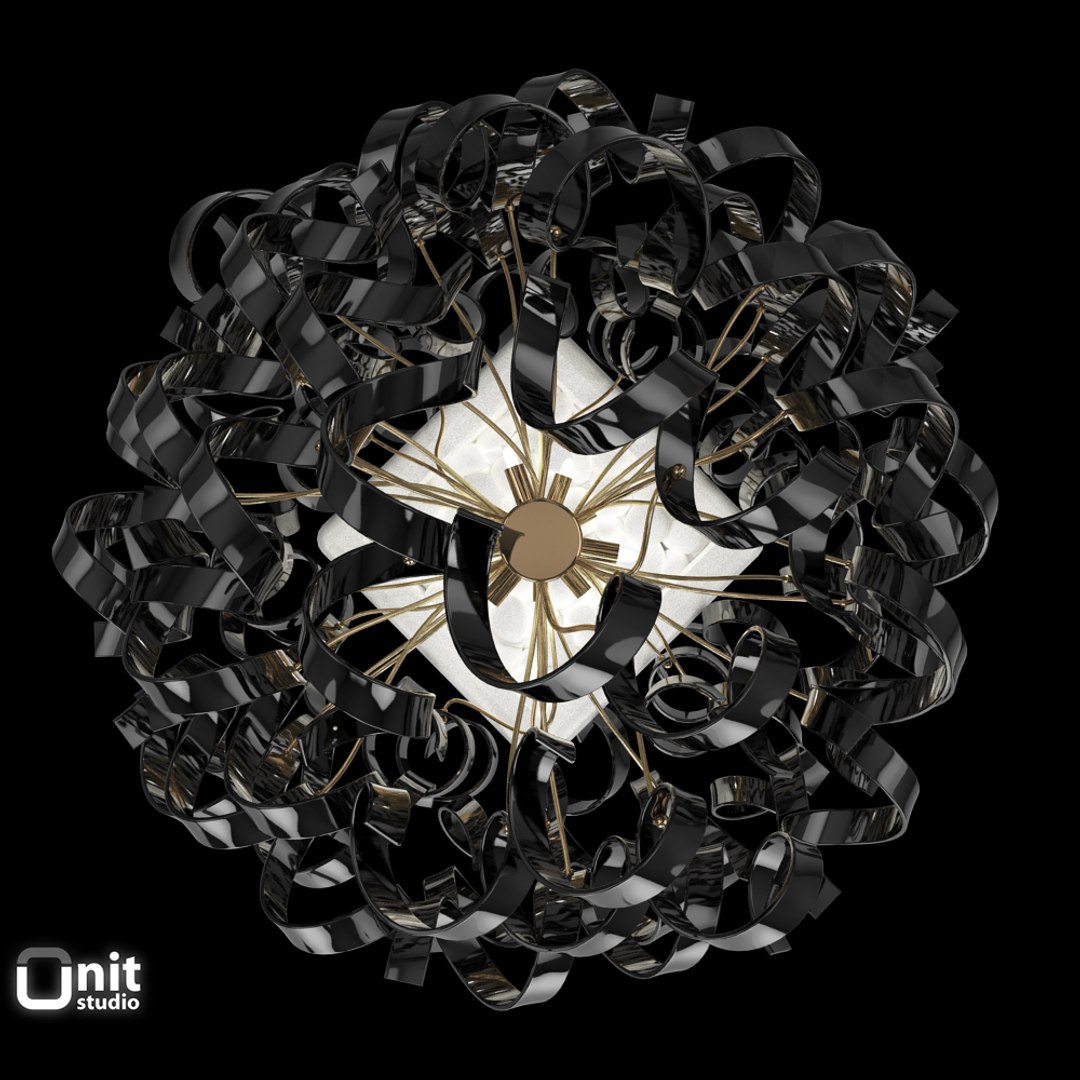
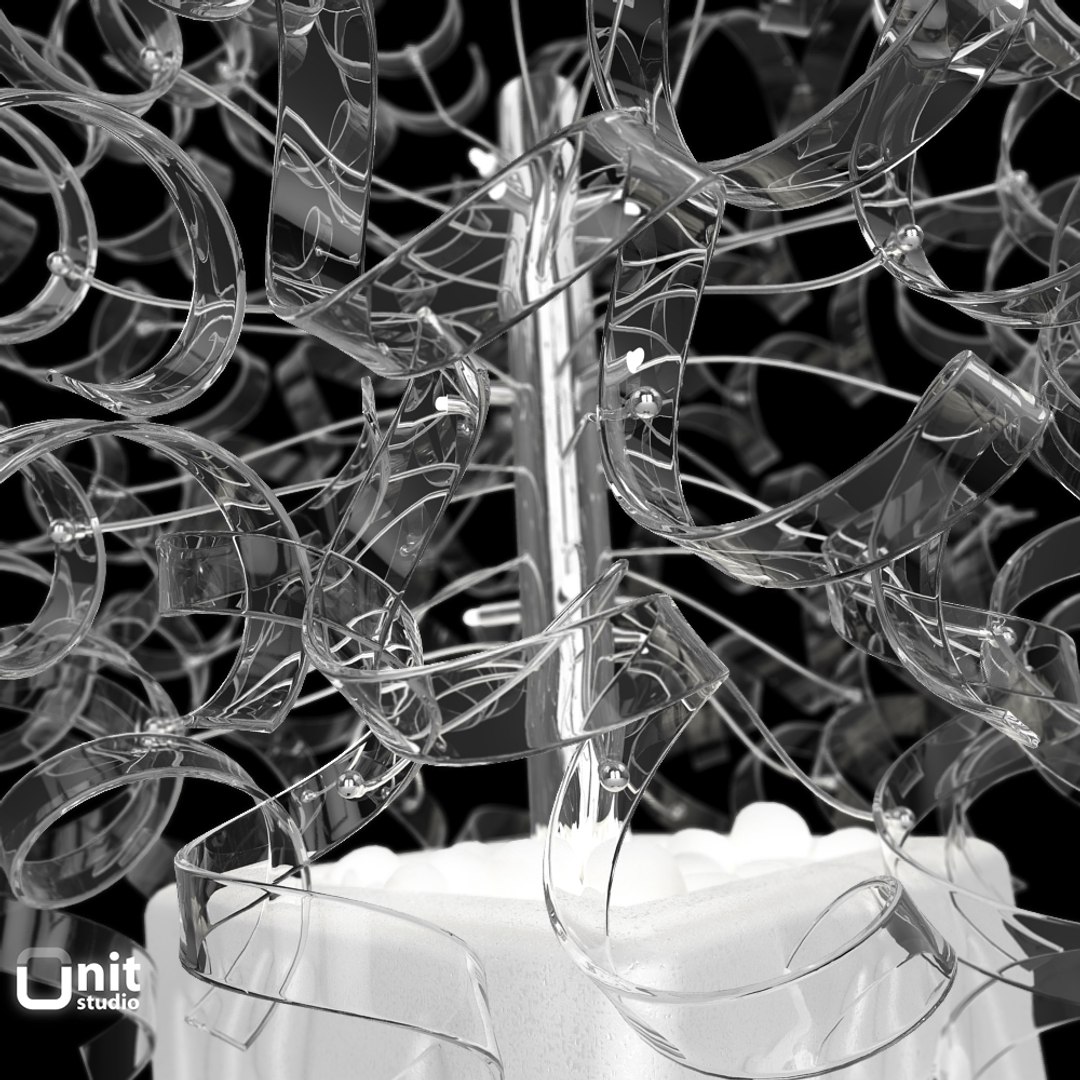
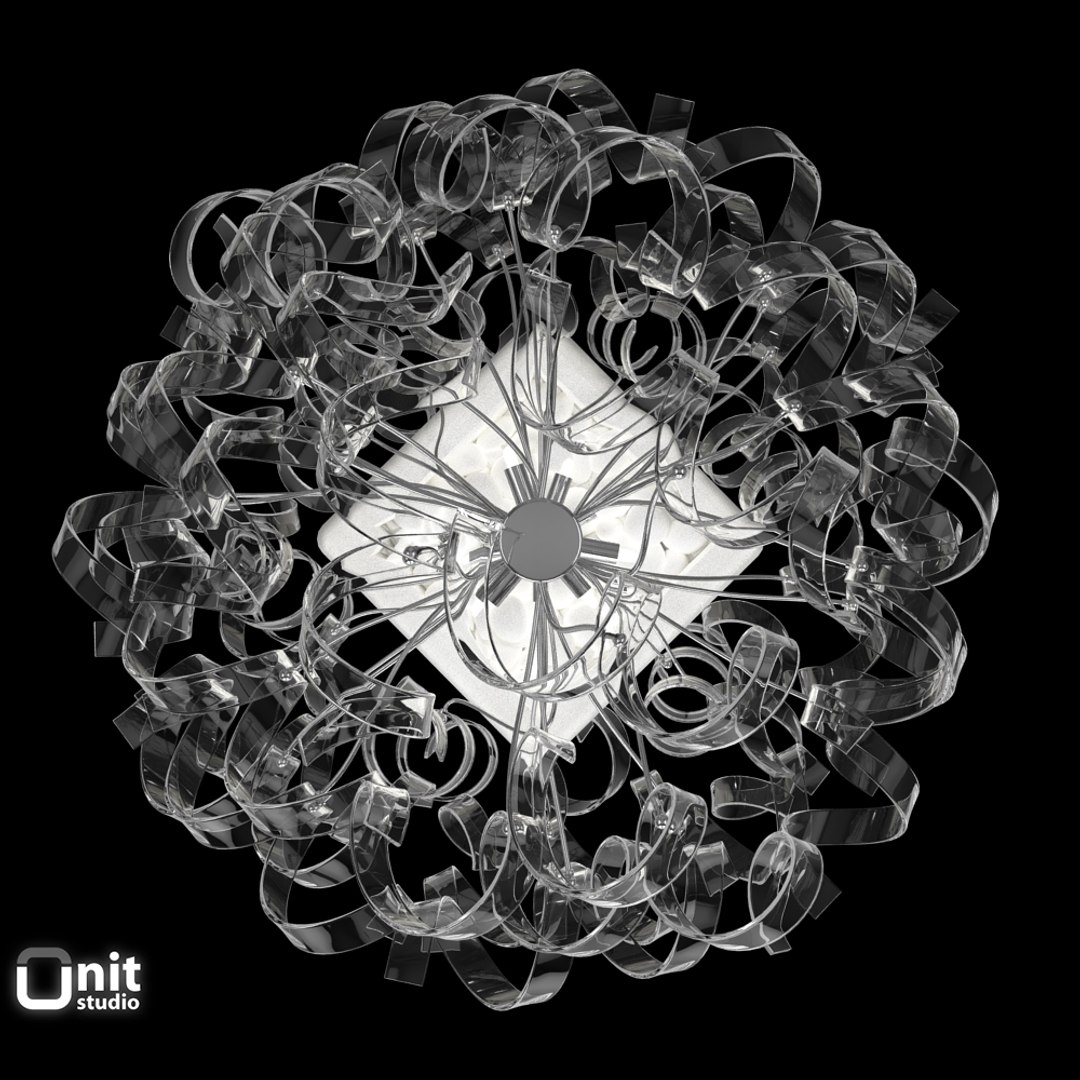
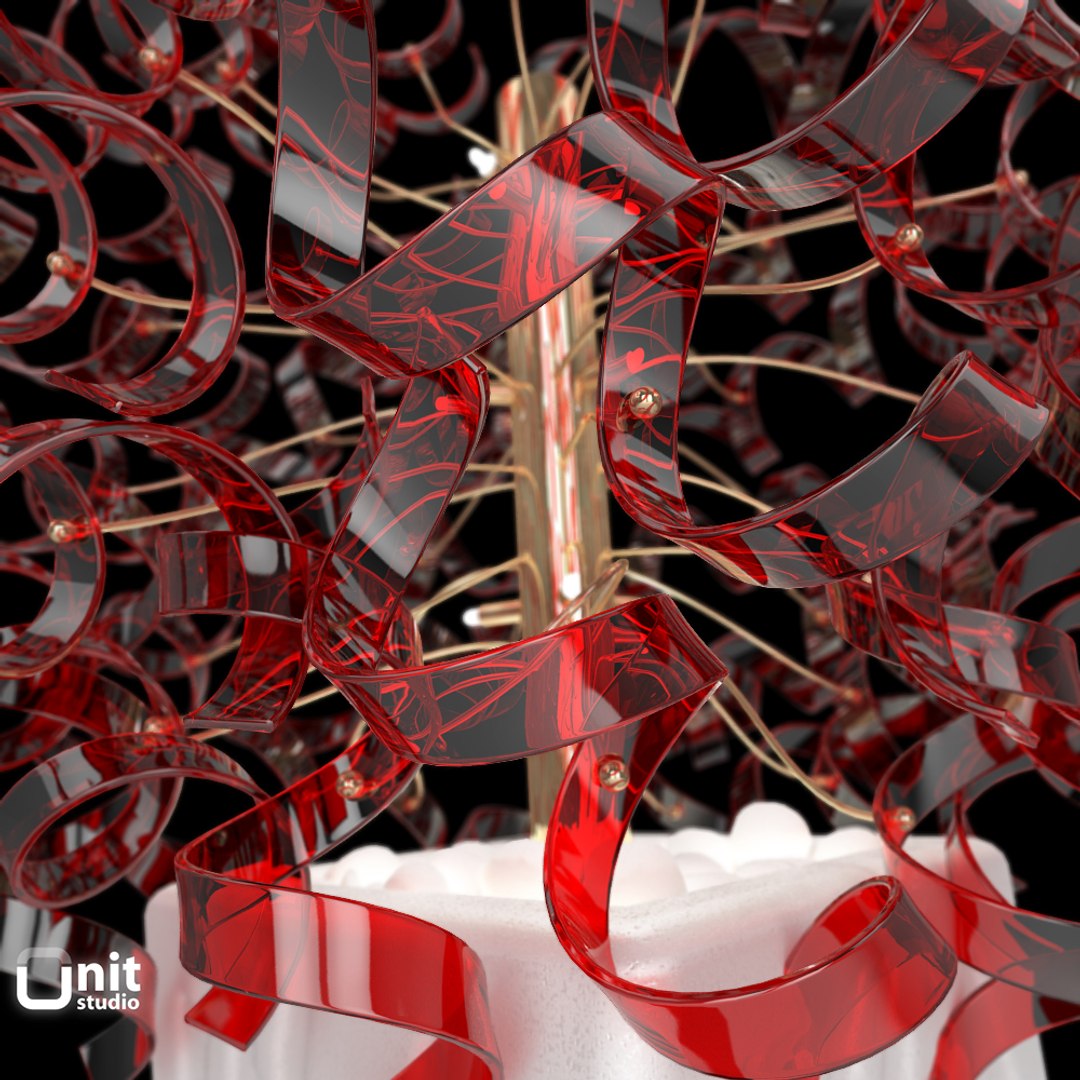
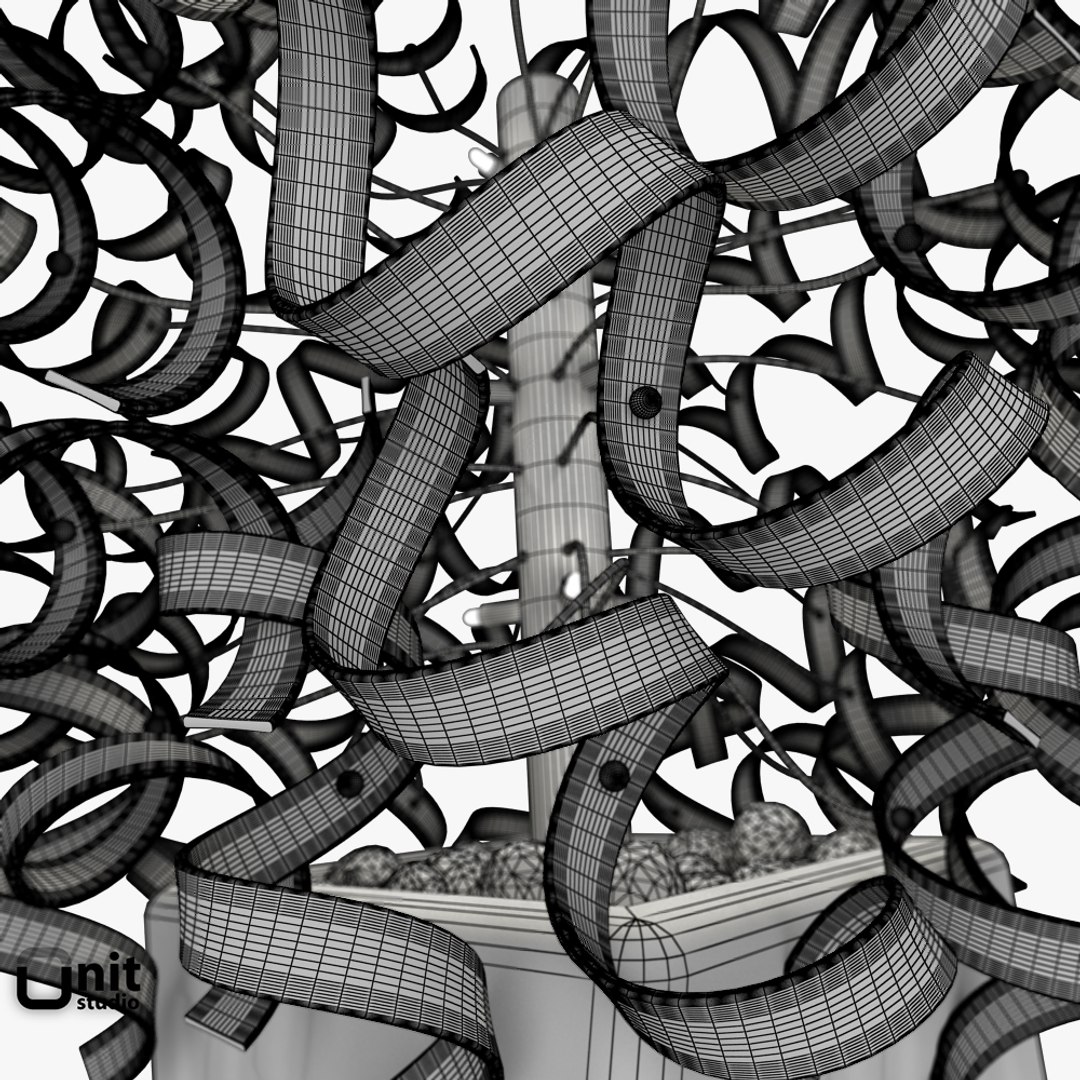
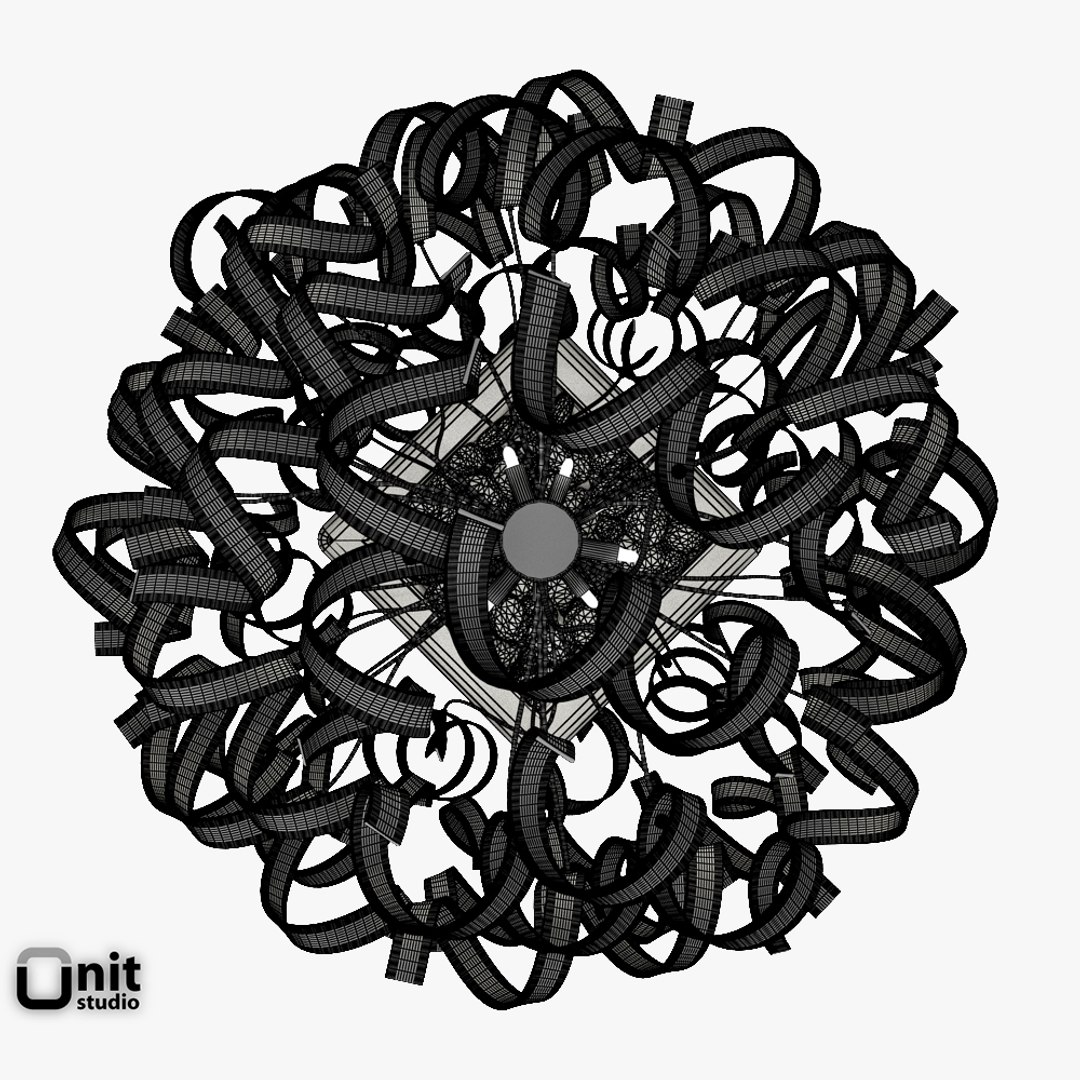
Floor light Astro by MetalLux with 42 glass curls and polished metal structure, planted in a decorated white ceramic vase filled with pebbles.
Diameter 60cm
Height 110cm

Select Enhanced License

  • $10,000 in Legal Protection (Indemnification)
  • Uncapped Legal Protection (Indemnification)
  • Waiver from injunctive relief
  • Assignable model rights
  • $1,000,000 in Legal Protection (Indemnification)
  • Waiver from injunctive relief
  • Assignable model rights
  • $250,000 in Legal Protection (Indemnification)
  • Assignable model rights
Read more about enhanced license tiers, or contact us at enterprise@turbosquid.com. Already a Shutterstock Enterprise Customer? Contact your Shutterstock Sales Support Agent to talk about adding 3D.

About Conversion Requests

To submit a conversion request for a purchased asset, please complete our Conversion Request Form.

If you have not yet purchased a model, please review our Documentation about Conversions to learn about what limitations you may encounter with a conversion.

For any additional questions about a model’s suitability for conversion, please contact TurboSquid Support.

Loading...