



FireWorks

$70

Standard License | Upgrade License
Formats (4)
Free file format Conversions available
3ds Max 2013 | Default Scanline 2013
3ds Max 2012 | Default Scanline 2012
3ds Max 2011 | Default Scanline 2011
3ds Max 2014 | Default Scanline 2014
Specifications
Publish Date November 26, 2013
Product ID 783366
Polygons 999,999
Vertices 999,999
Polygonal Quads Only
Materials
UV Mapped
Non-overlapping Unwrapped UVs
Animated
TurboSquid Exclusive

member avatar
Ricmage
44 Products | Contributor Since 2009
Have questions? Chat with us now.

Description

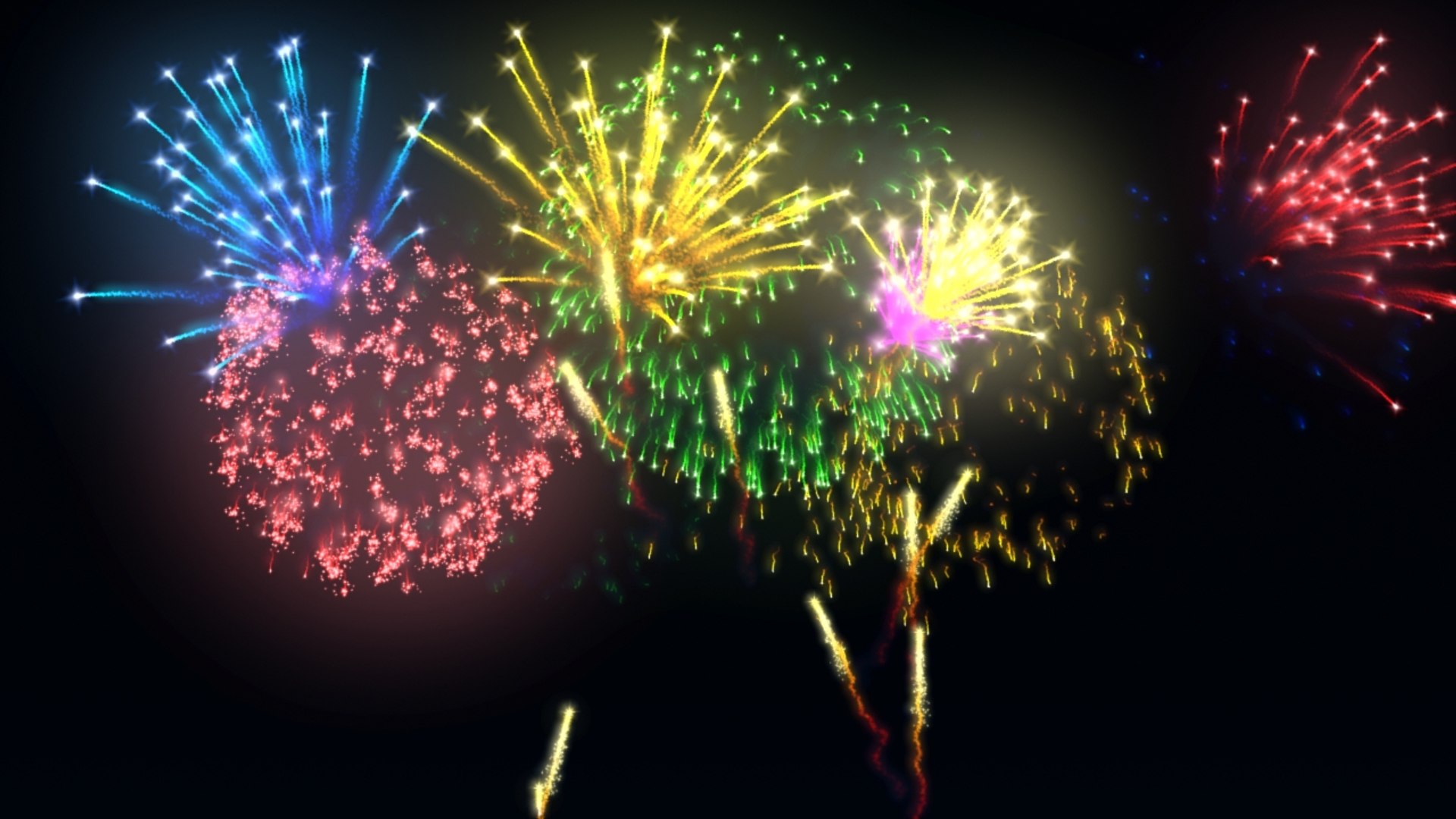
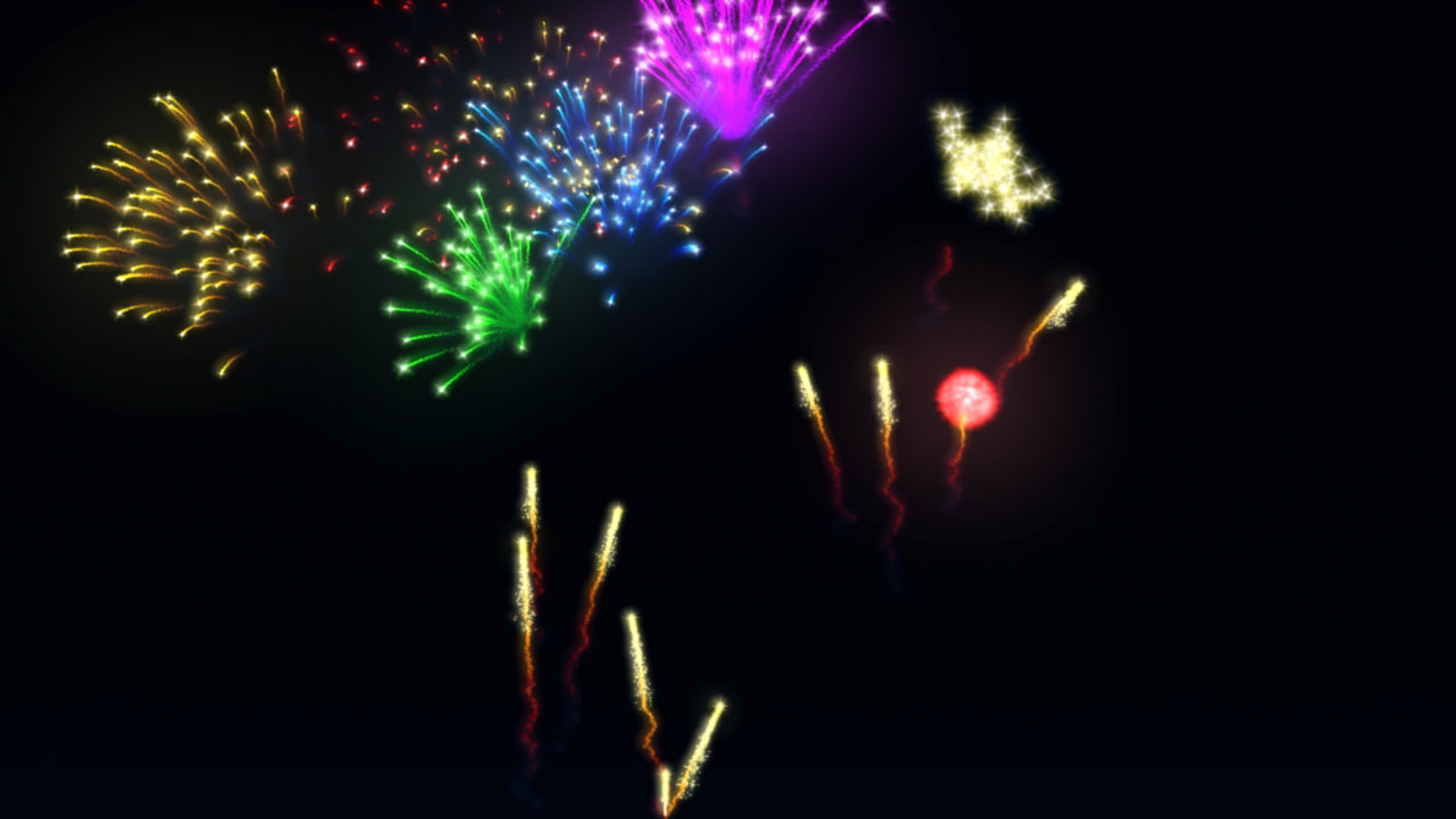
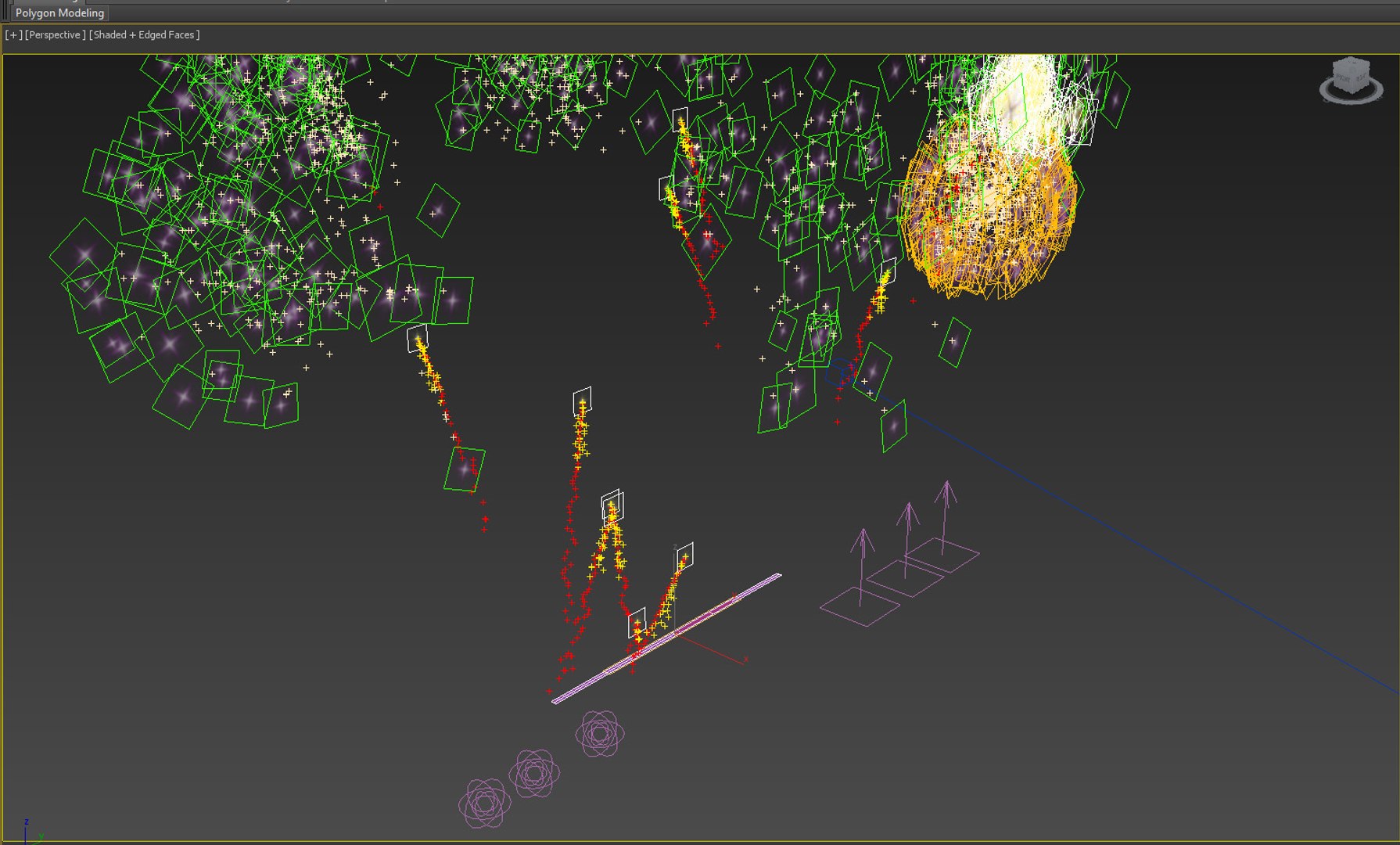
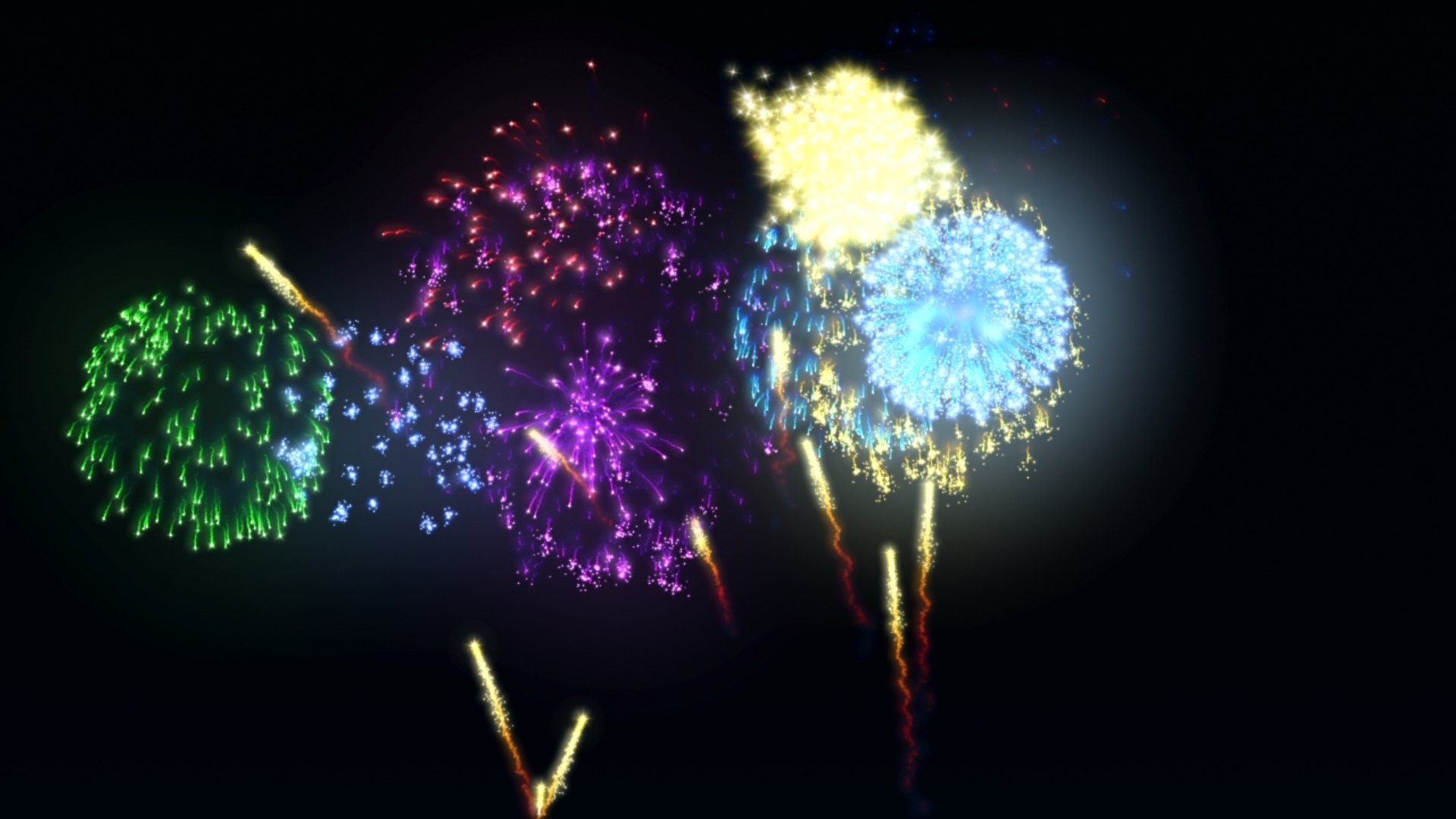
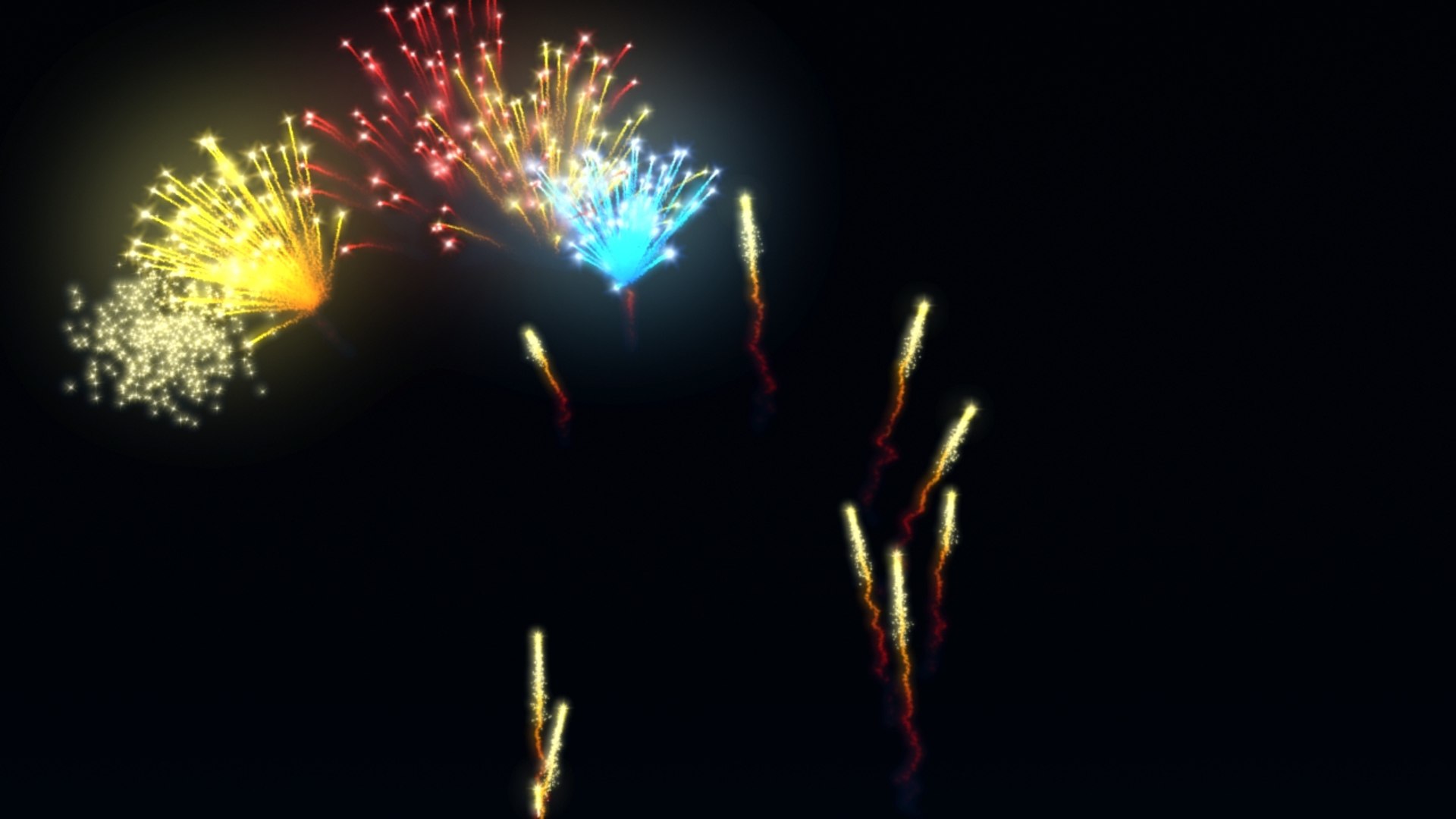
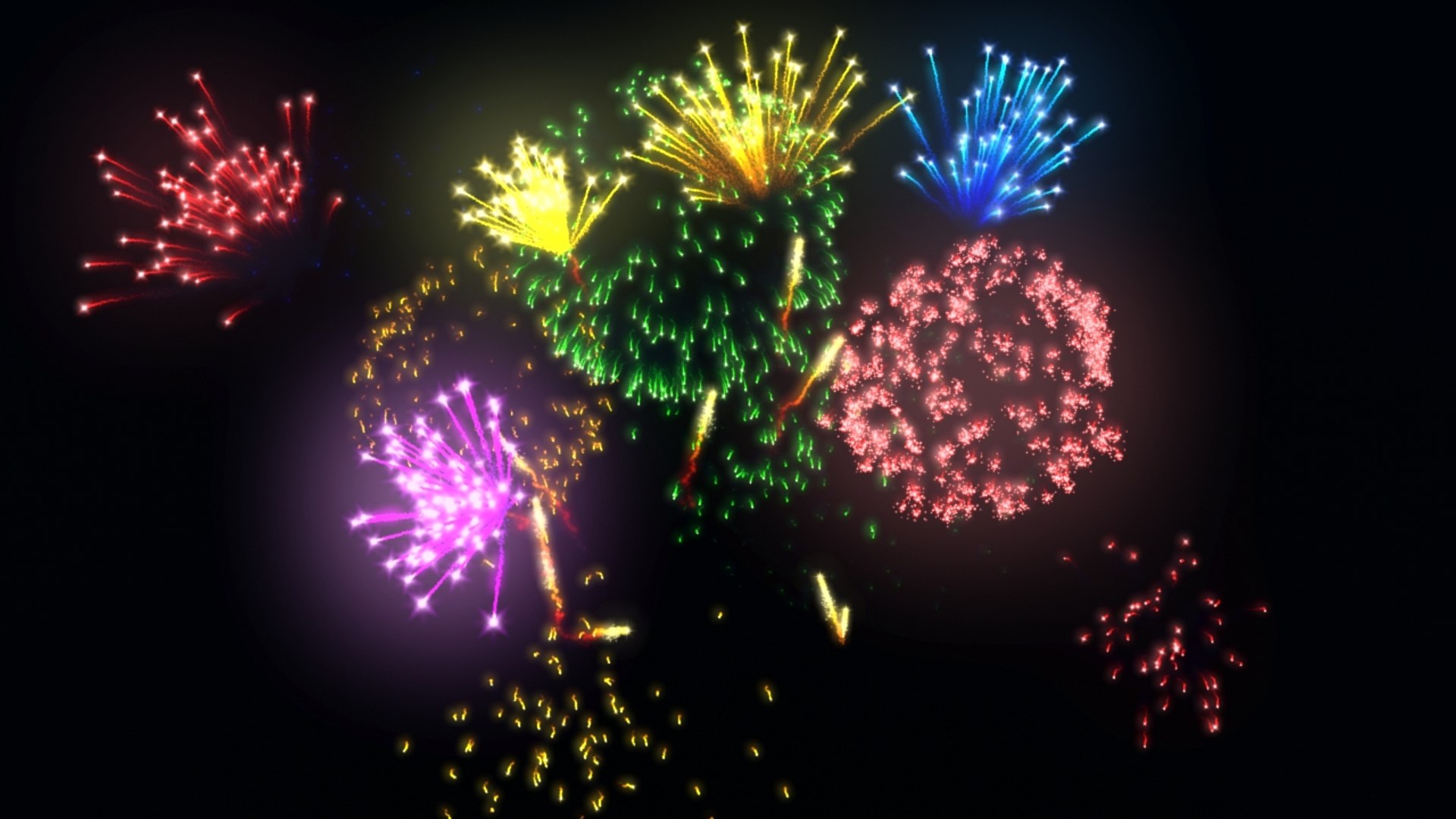
ANIMATED FIREWORKS
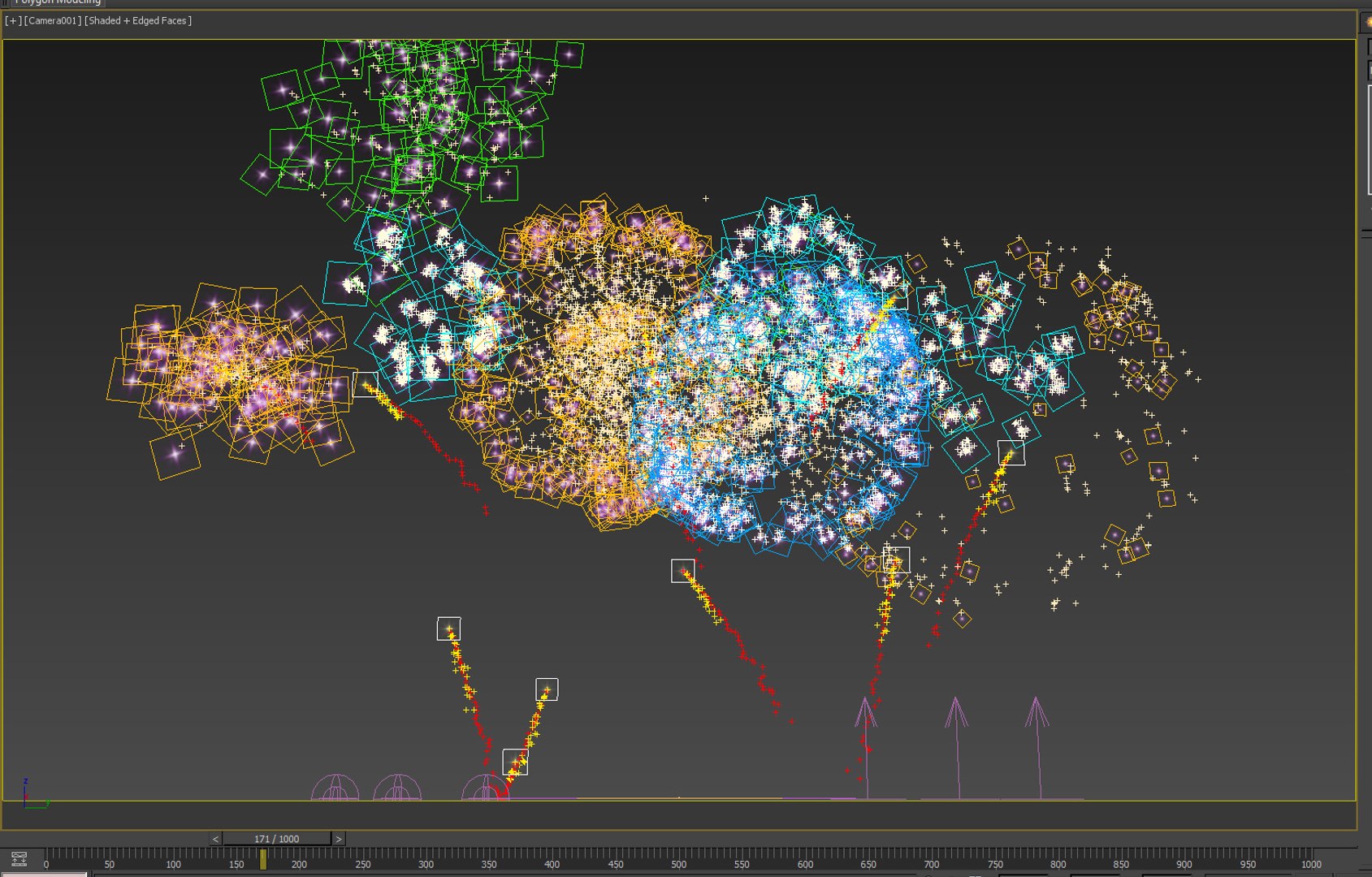
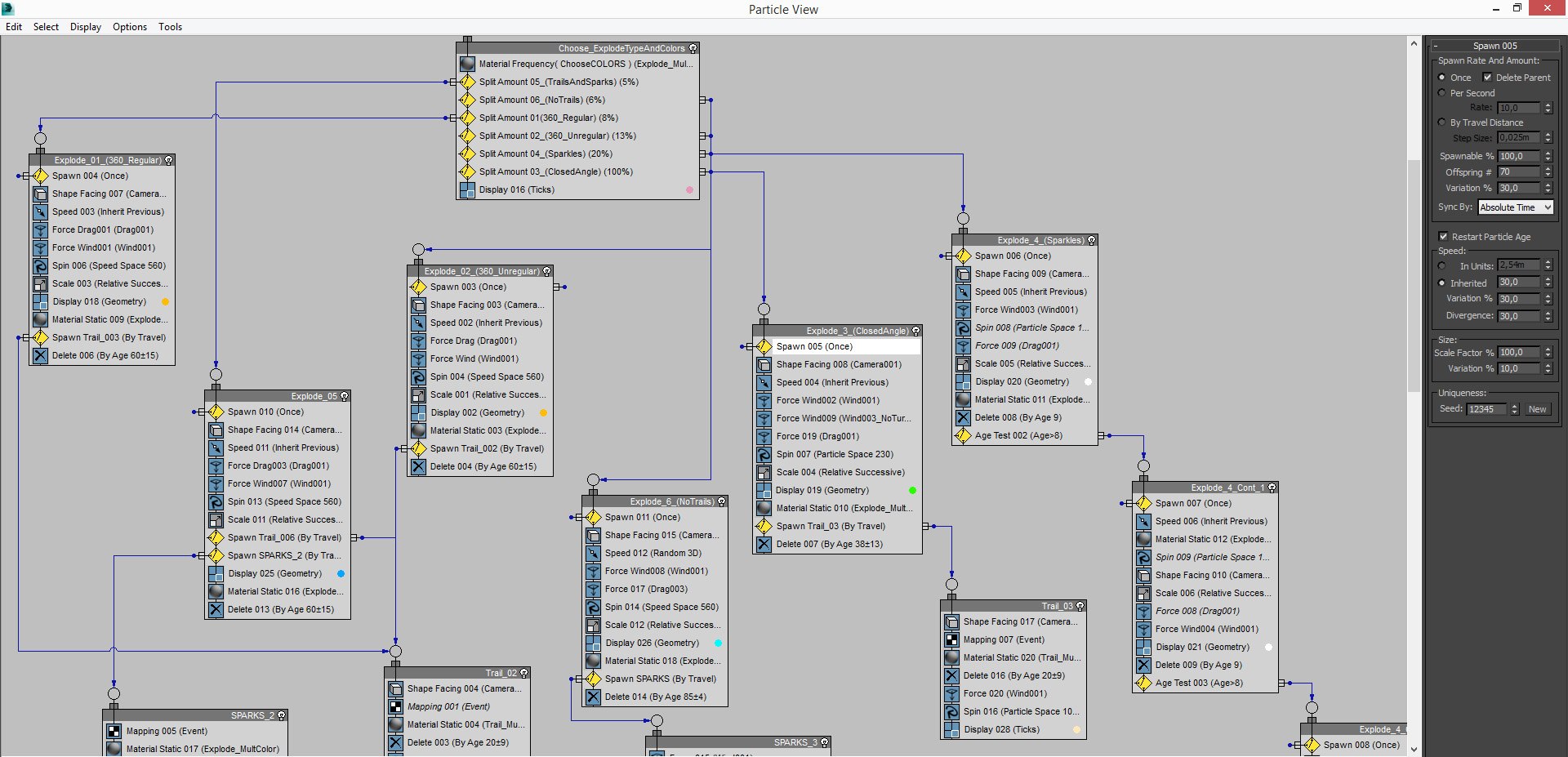
made with PFlow 3dsMax 2014 scanline,
Using Facing with opacity to particles
Maps used ALL procedurals standard from 3dsmax

Initially configured with
5000 Frames Duration ;
6 FireWorks Explode Types chosen by percent
6 Colors of FireWorks randomly chosen ;


Works also with Vray and Mental Ray ;
Easy transfer to some another 3dsMax render ;

RENDER TIME average,
on i7 6gb ram, 720p Frame:

Scanline: ~8 Sec ;
V-ray : ~1:05 min ;
Mental Ray: ~1:21 min ;


Used "Glow Effects" in hot key " 8 " / Environment Effects,
by id material;


With some knowledge in PFlow, almost all can be edited.
Percent of apear to each FiewWork Types, Colors,
Start, End, Amount of Rockets, Origin place, Speeds, Explosions Heights....


Ps.:
01 - Was Used Facing to particles that will ever looking to a camera, so...
If will use Other camera, have to align and link this "Camera001" already in original FireWorks scene and your target, to respective camera and target in Your scene;
Or Replace "Camera001"
on each module in PFlow where have " ShapeFacing / Look At Camera/Object " for the camera on your scene.

02 - To origin of fireworks, have one object in the scene named "FireworkPlace", you can change him, or create news and replace on module "Rockets_MainFireWorks / Position Object / Emitter Objects " in PFlow Particle View, HotKey " 6 ".

03 - The file was done in 3dsMax 2014 and salved to previous versions, but was tested only on 3ds 2014.

Select Enhanced License

  • $10,000 in Legal Protection (Indemnification)
  • Uncapped Legal Protection (Indemnification)
  • Waiver from injunctive relief
  • Assignable model rights
  • $1,000,000 in Legal Protection (Indemnification)
  • Waiver from injunctive relief
  • Assignable model rights
  • $250,000 in Legal Protection (Indemnification)
  • Assignable model rights
Read more about enhanced license tiers, or contact us at enterprise@turbosquid.com. Already a Shutterstock Enterprise Customer? Contact your Shutterstock Sales Support Agent to talk about adding 3D.

About Conversion Requests

To submit a conversion request for a purchased asset, please complete our Conversion Request Form.

If you have not yet purchased a model, please review our Documentation about Conversions to learn about what limitations you may encounter with a conversion.

For any additional questions about a model’s suitability for conversion, please contact TurboSquid Support.

Loading...