
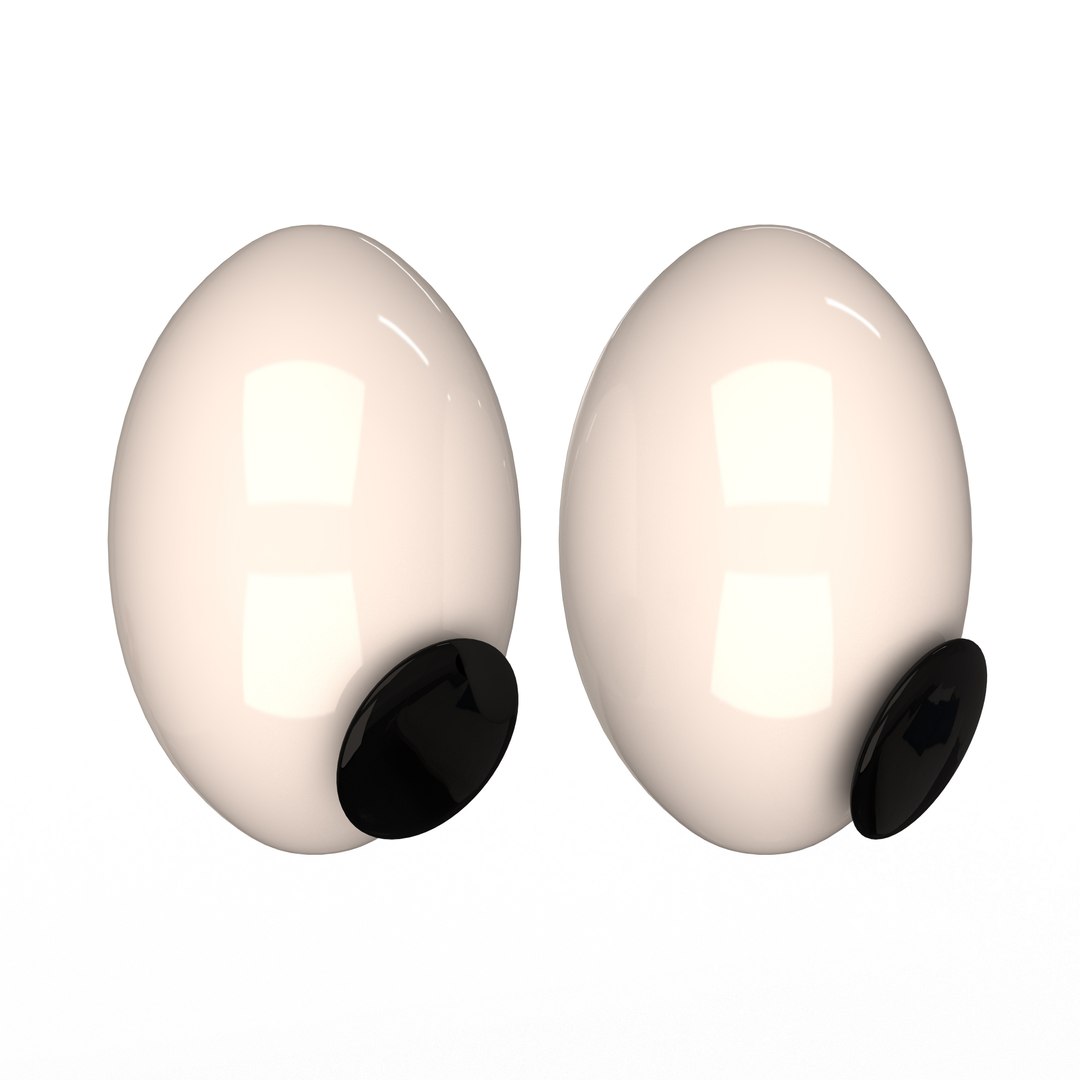




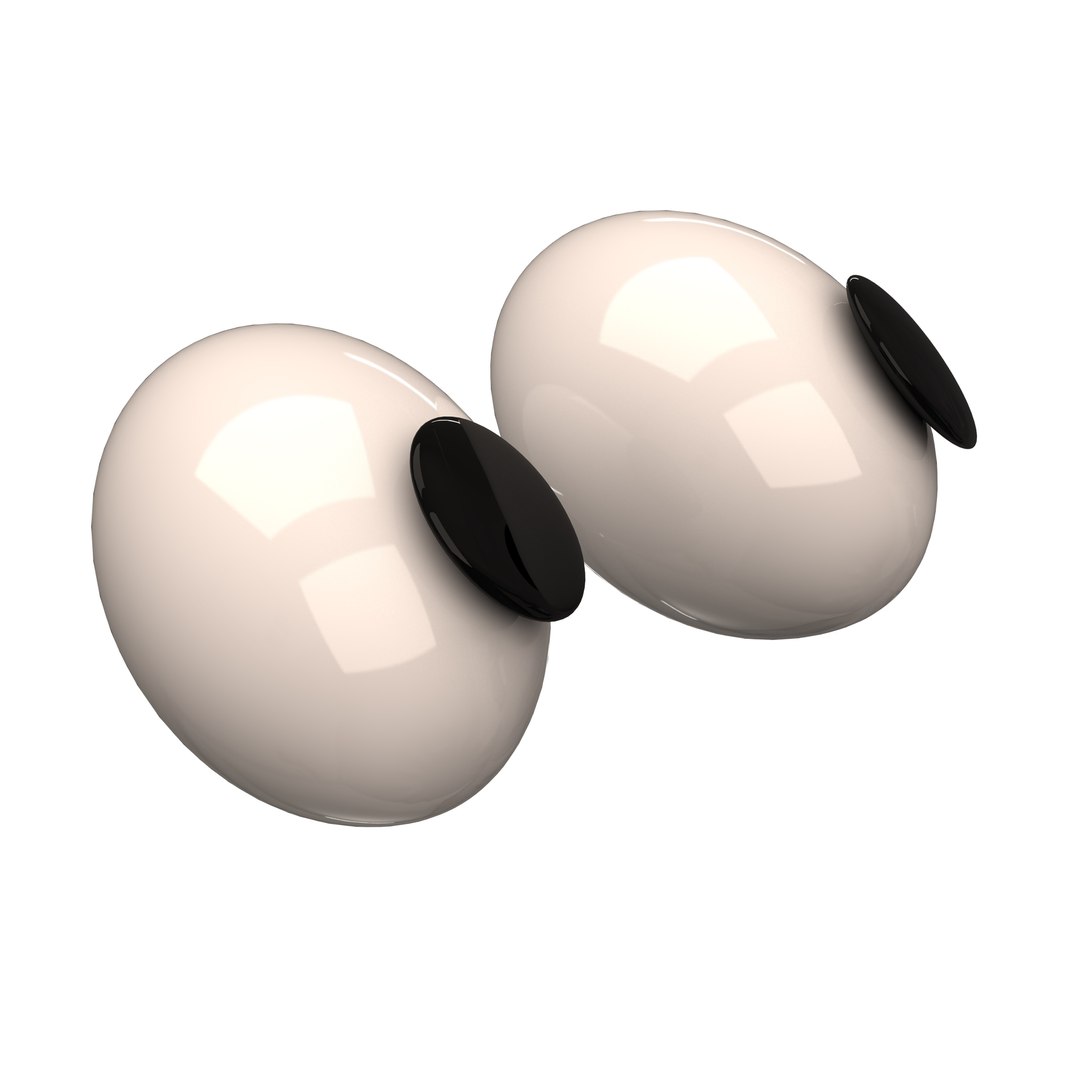
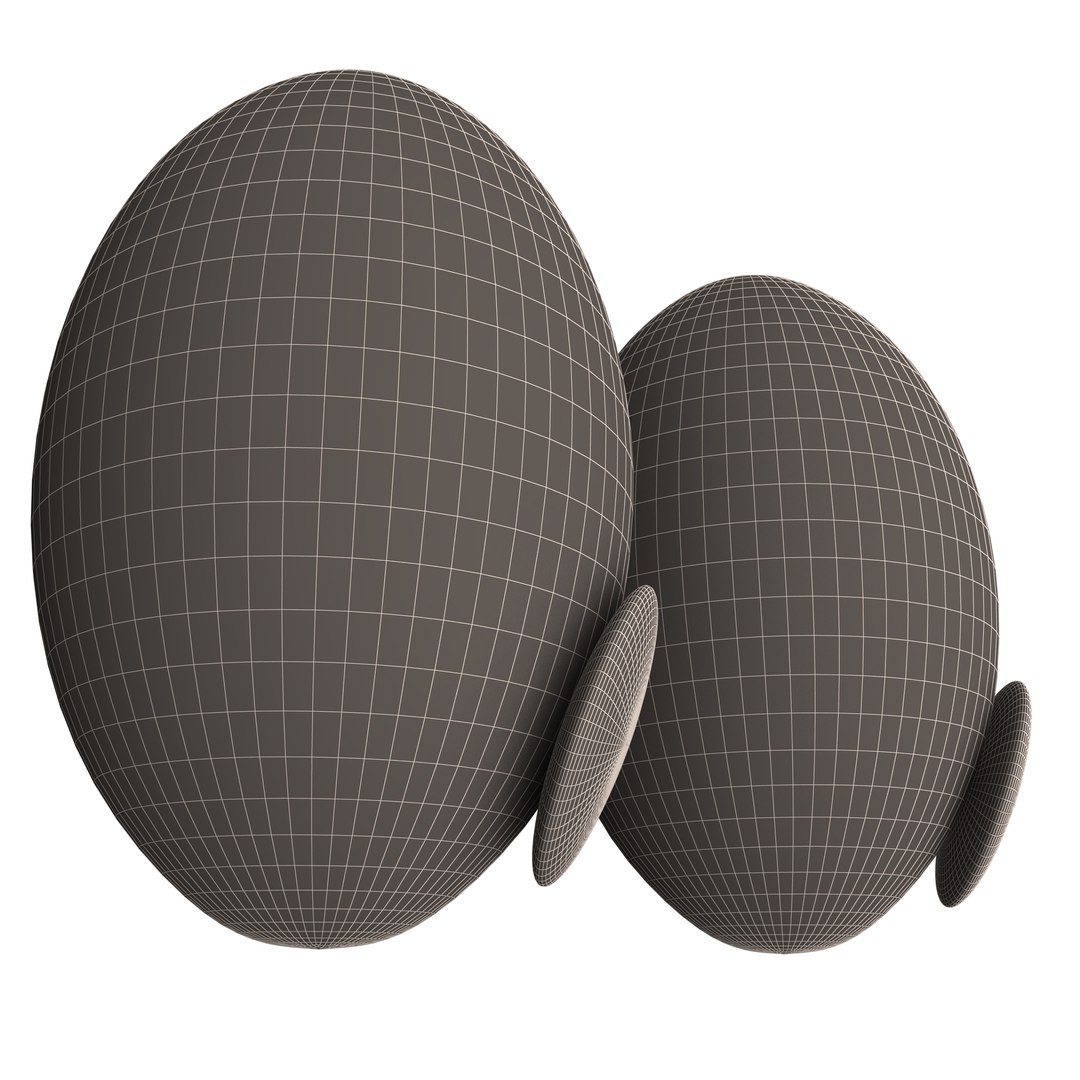
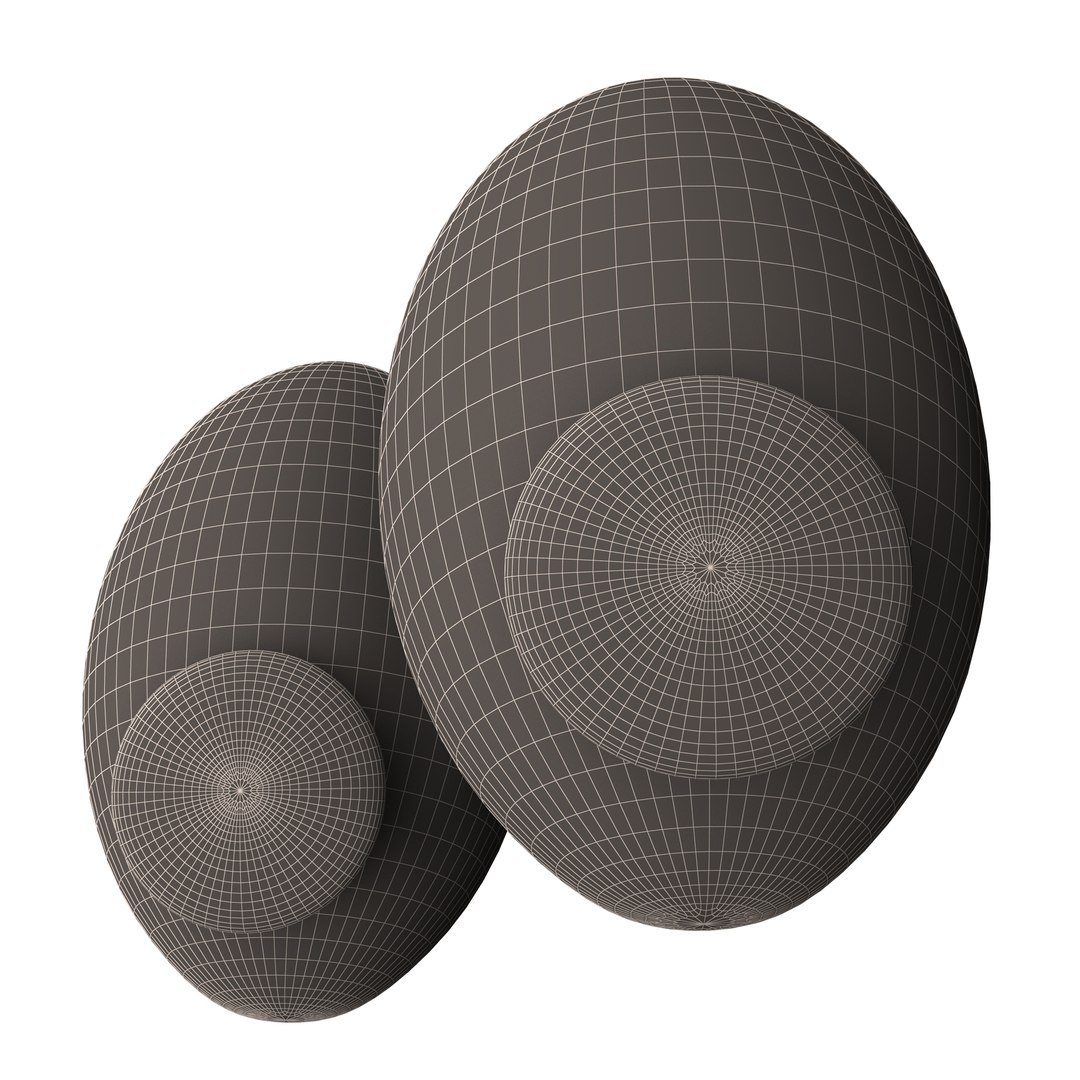
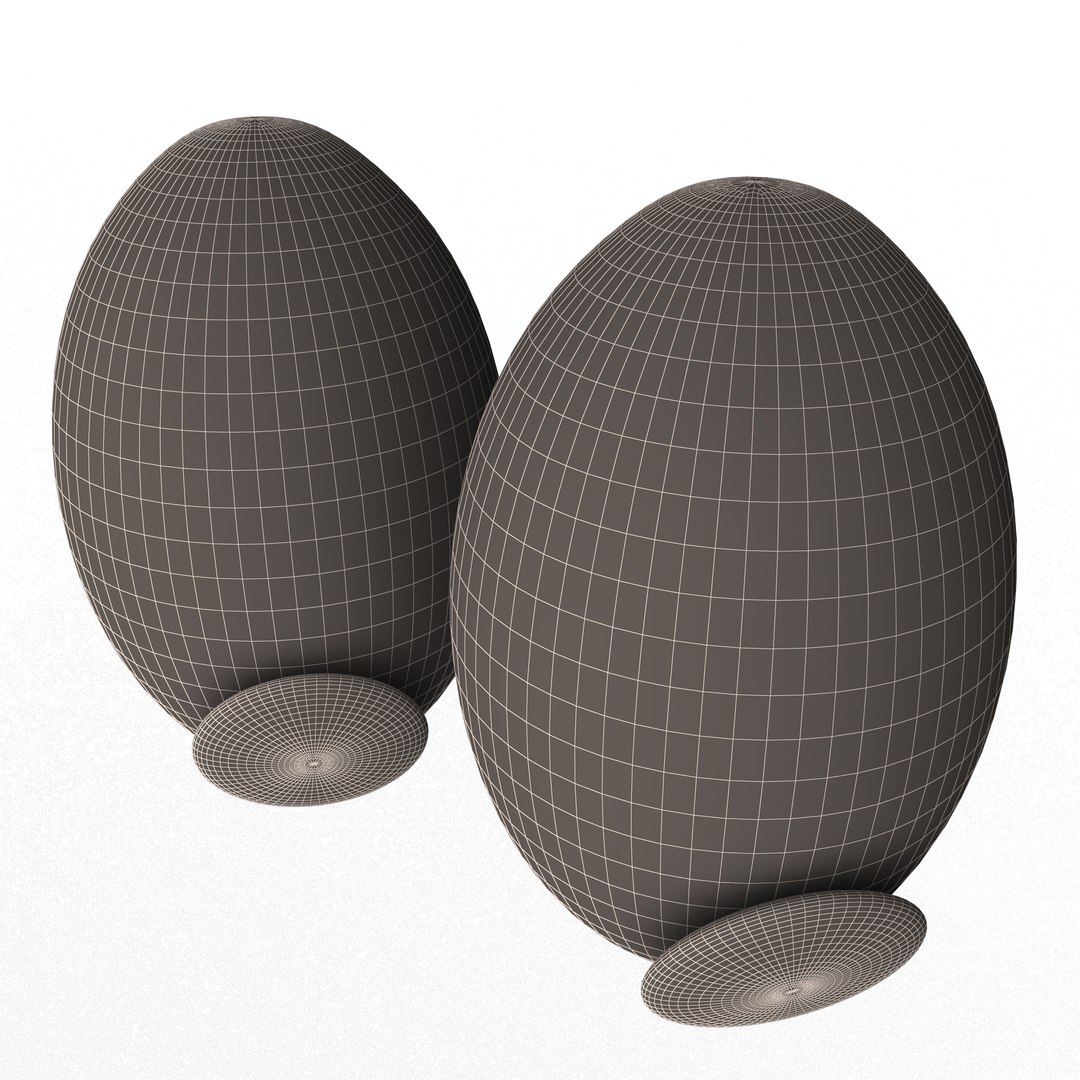
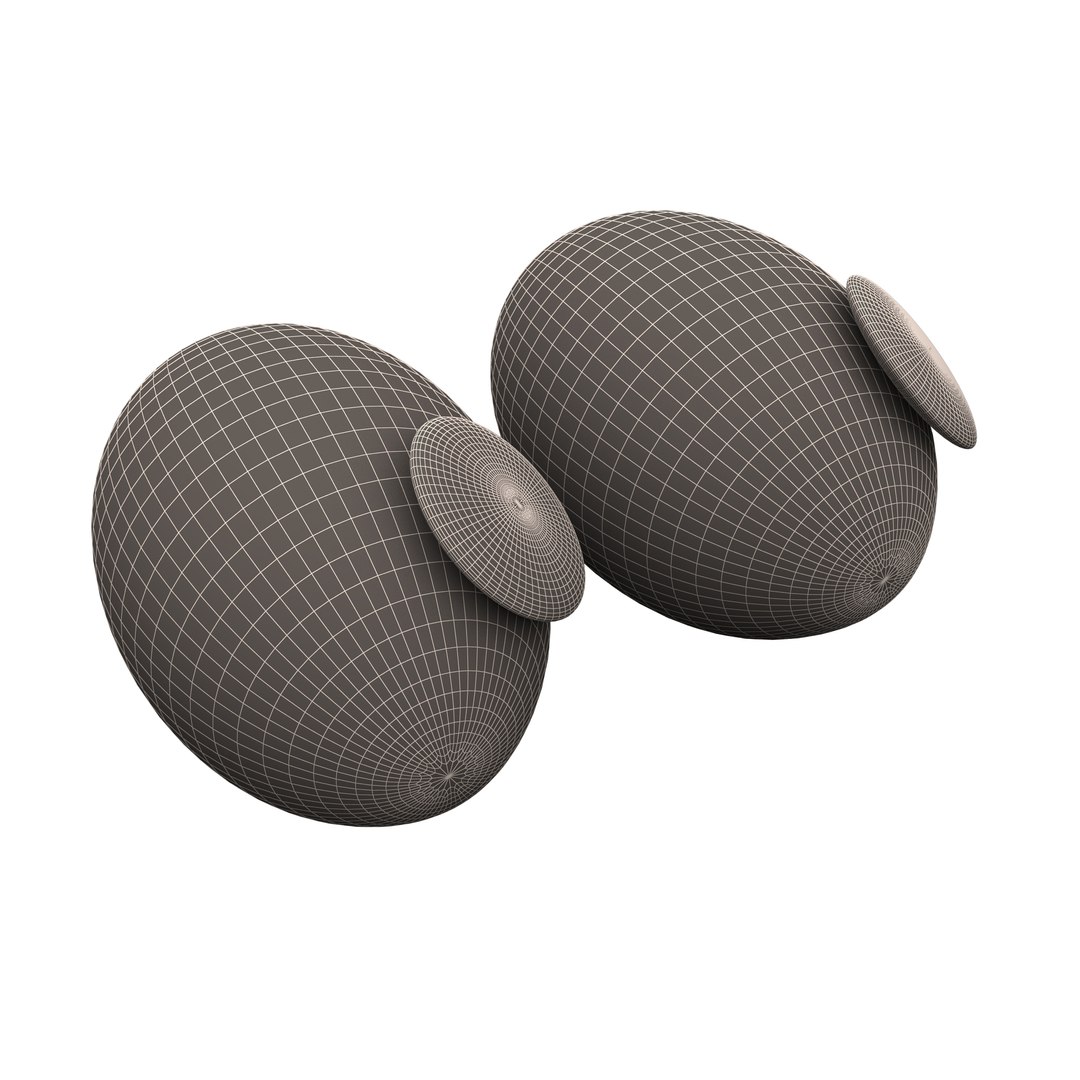
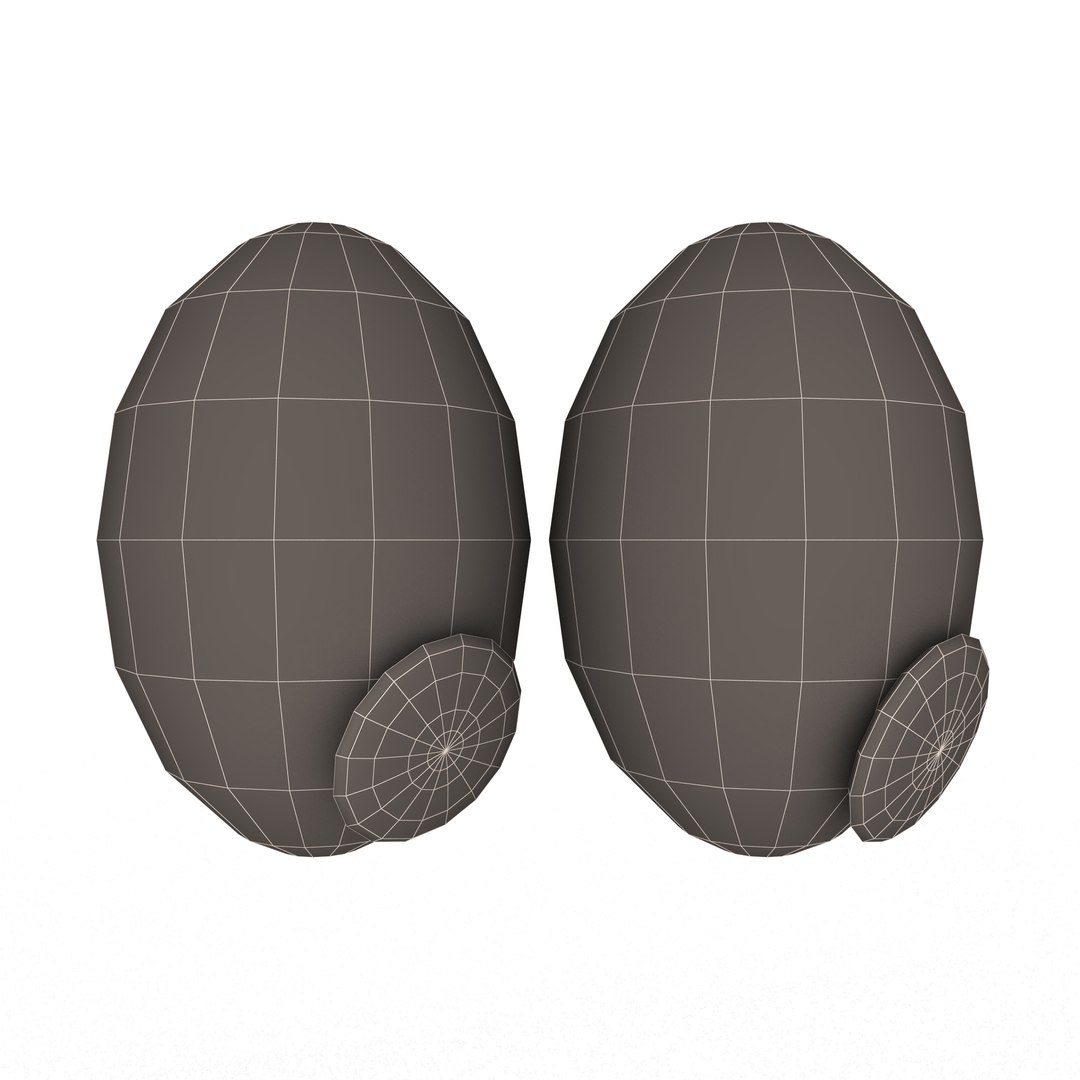
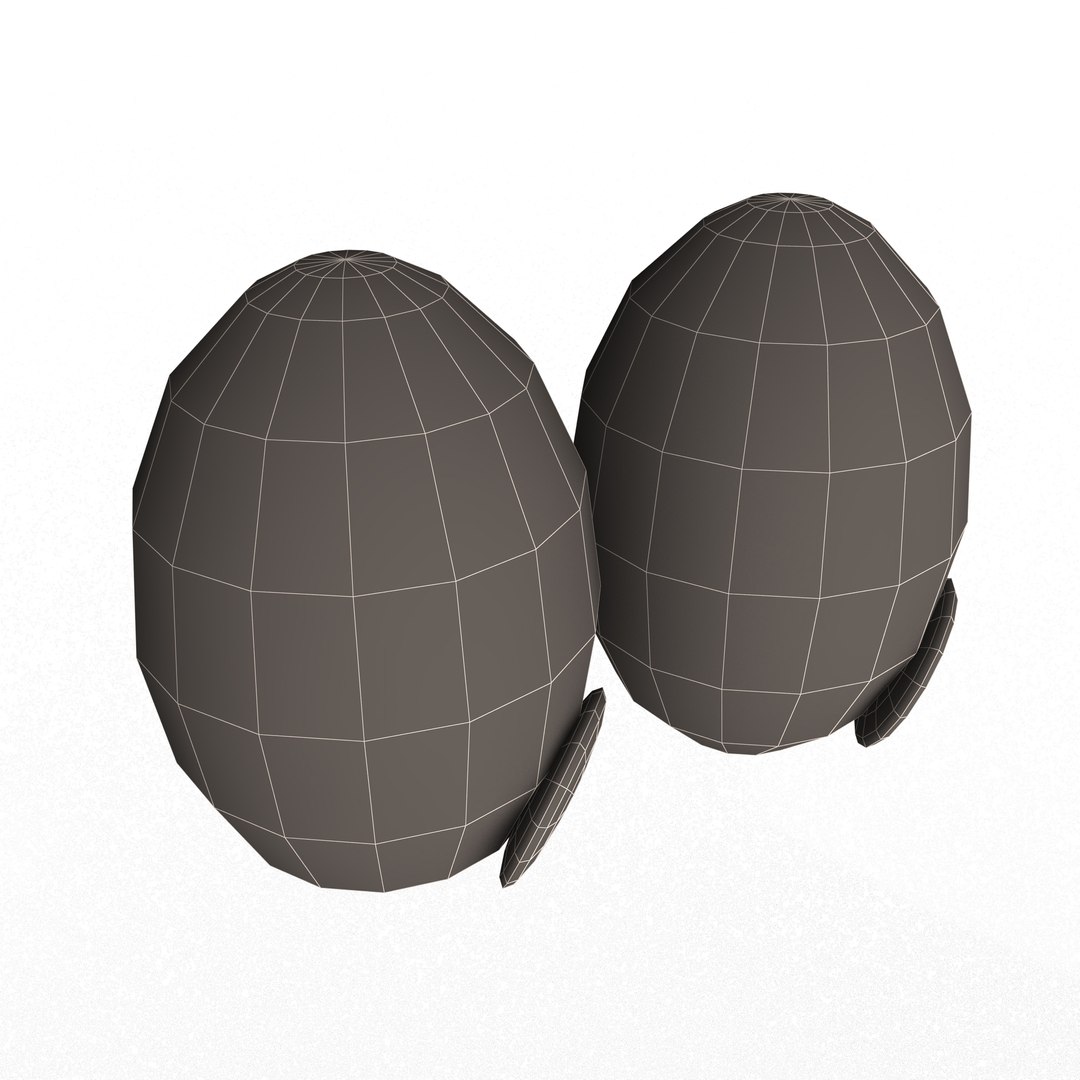
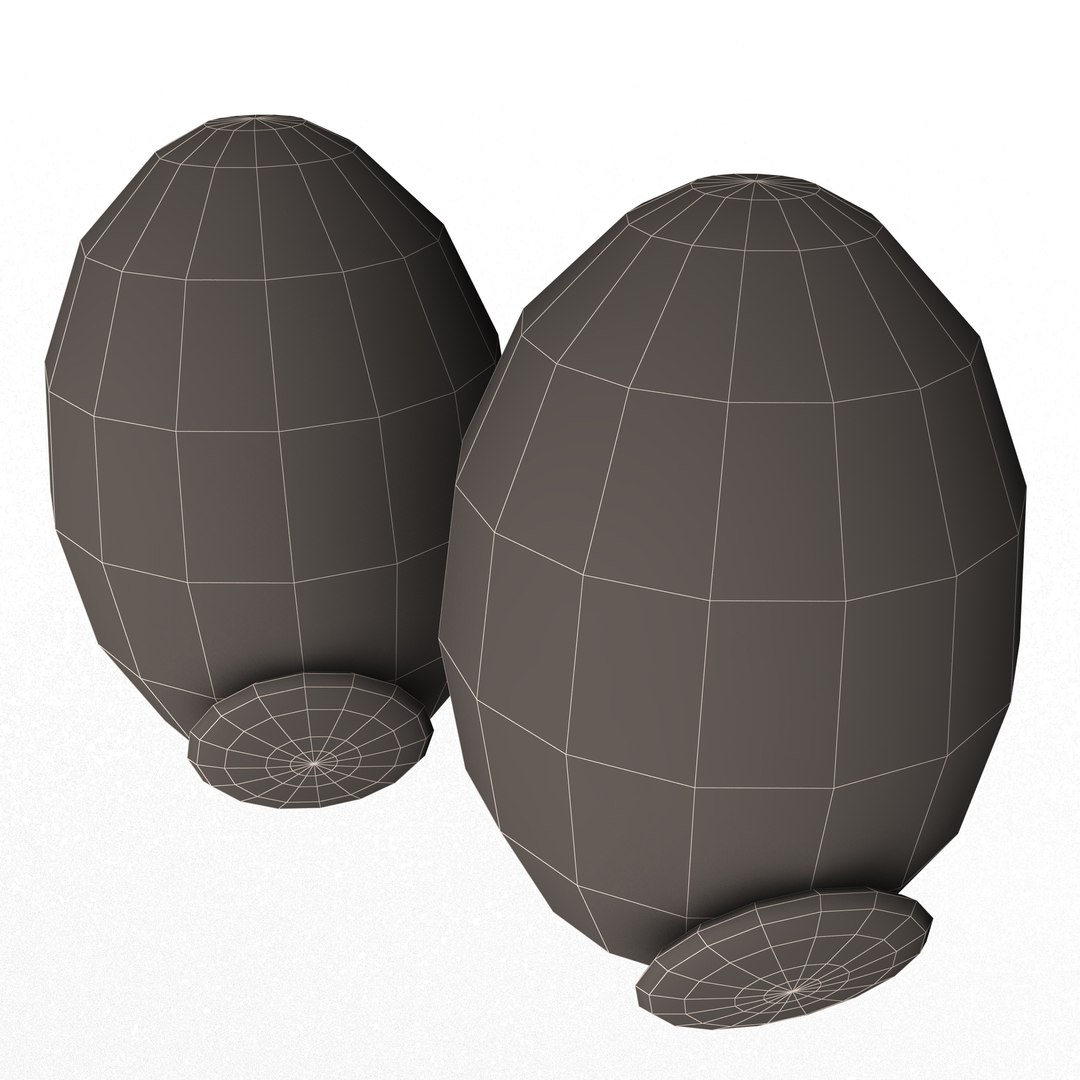
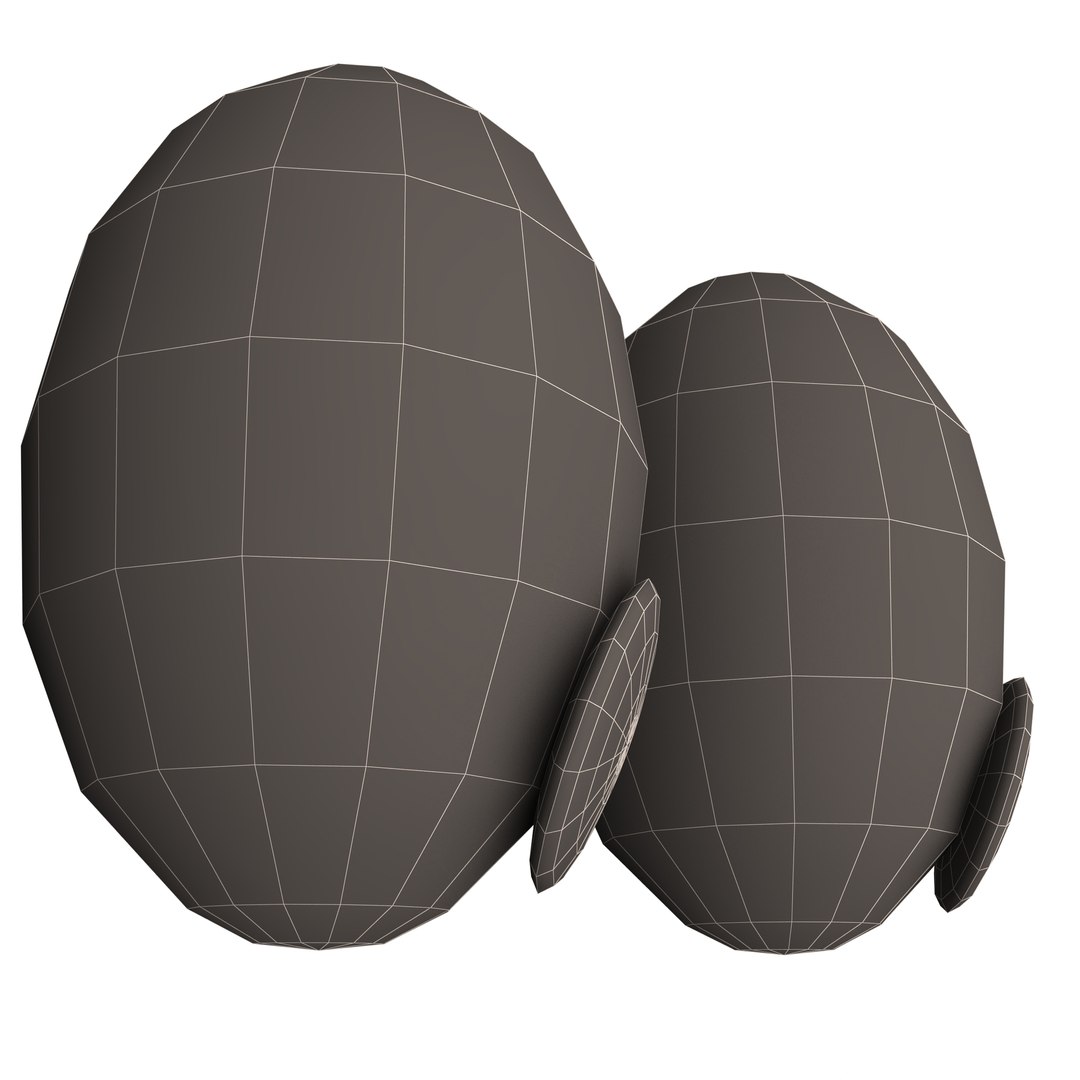
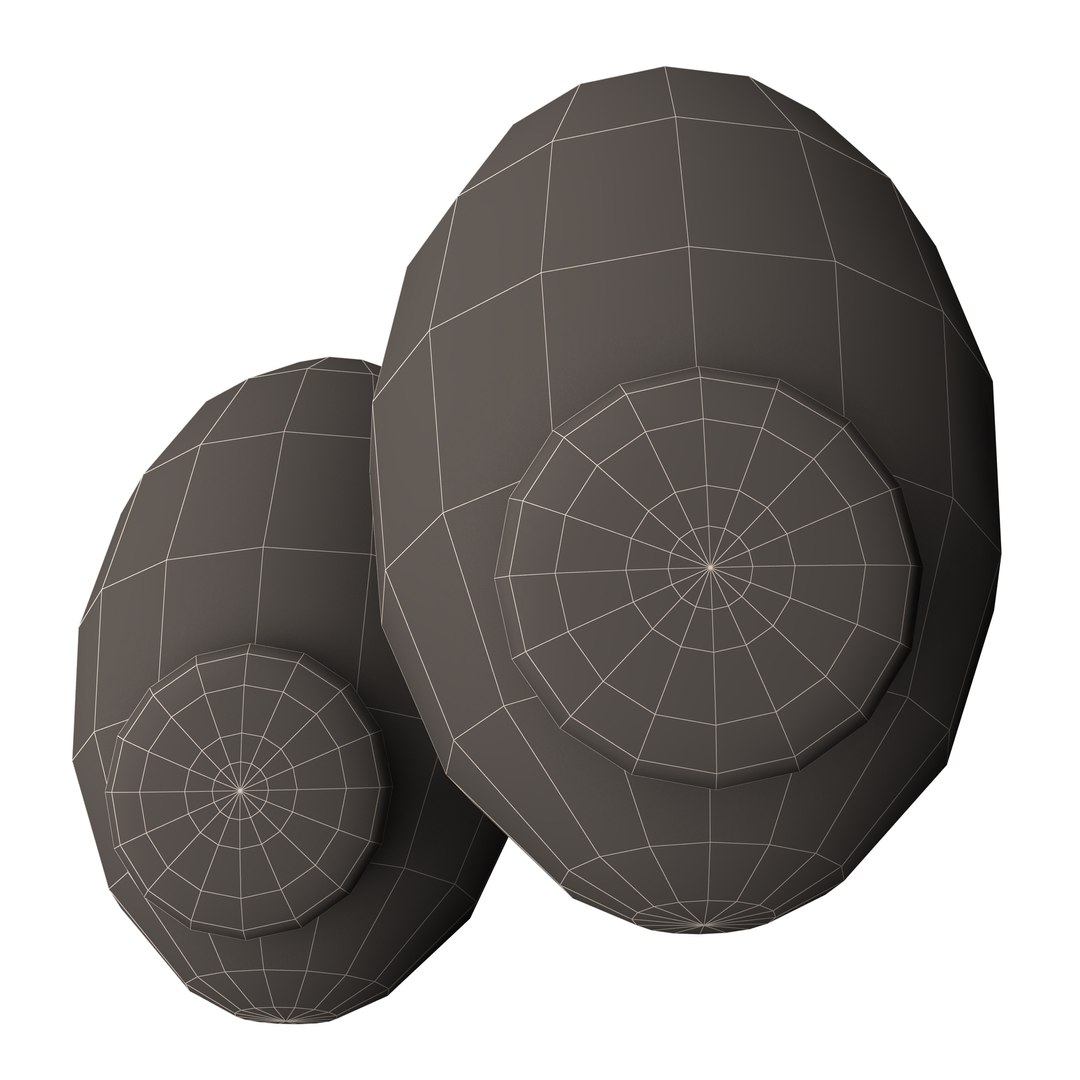
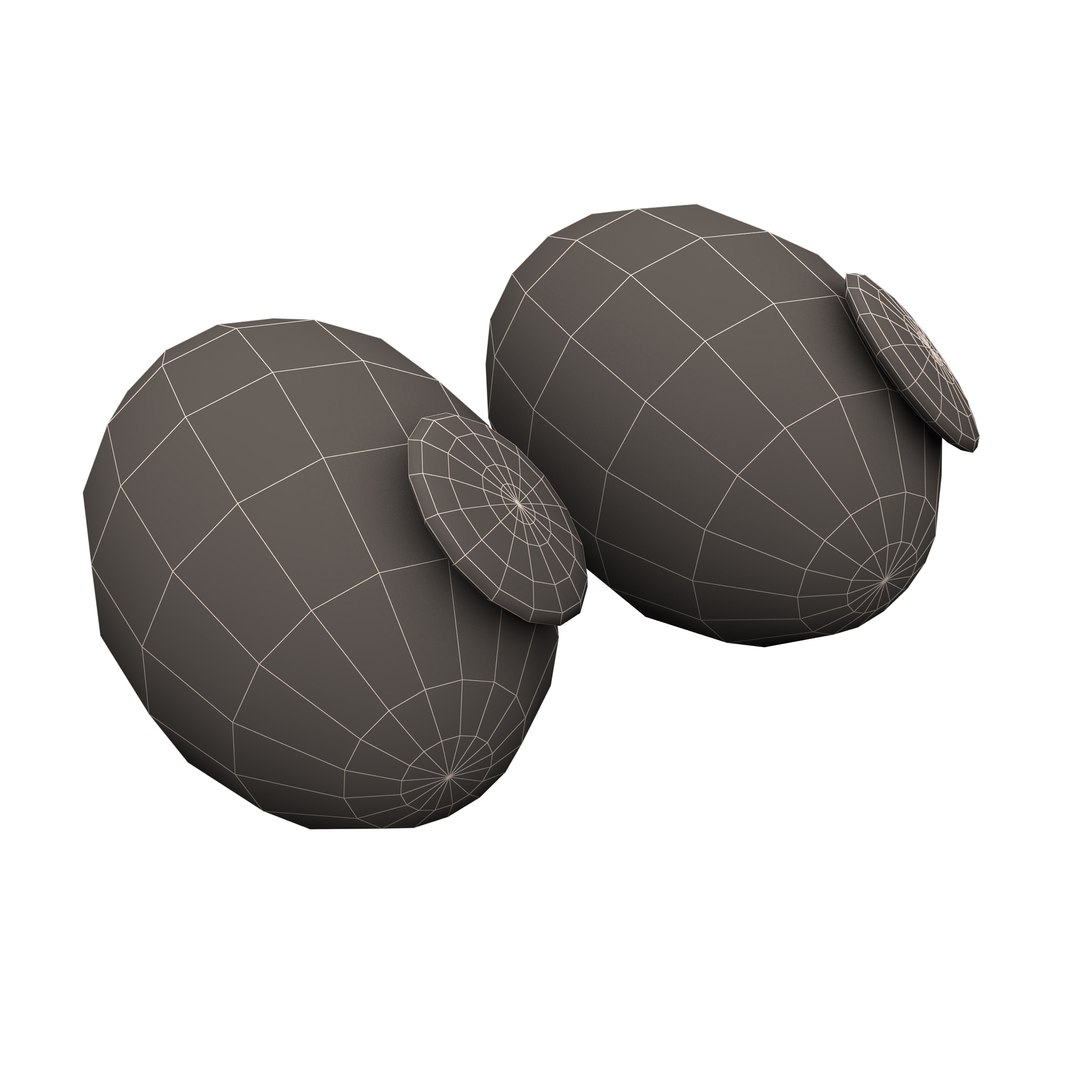
Eyes Emoji

$2

Standard License | Upgrade License
Formats (4)
Native | 3ds Max 2015 | V-Ray 3
FBX
OBJ
STL
Specifications
Publish Date February 12, 2023
Product ID 2026925
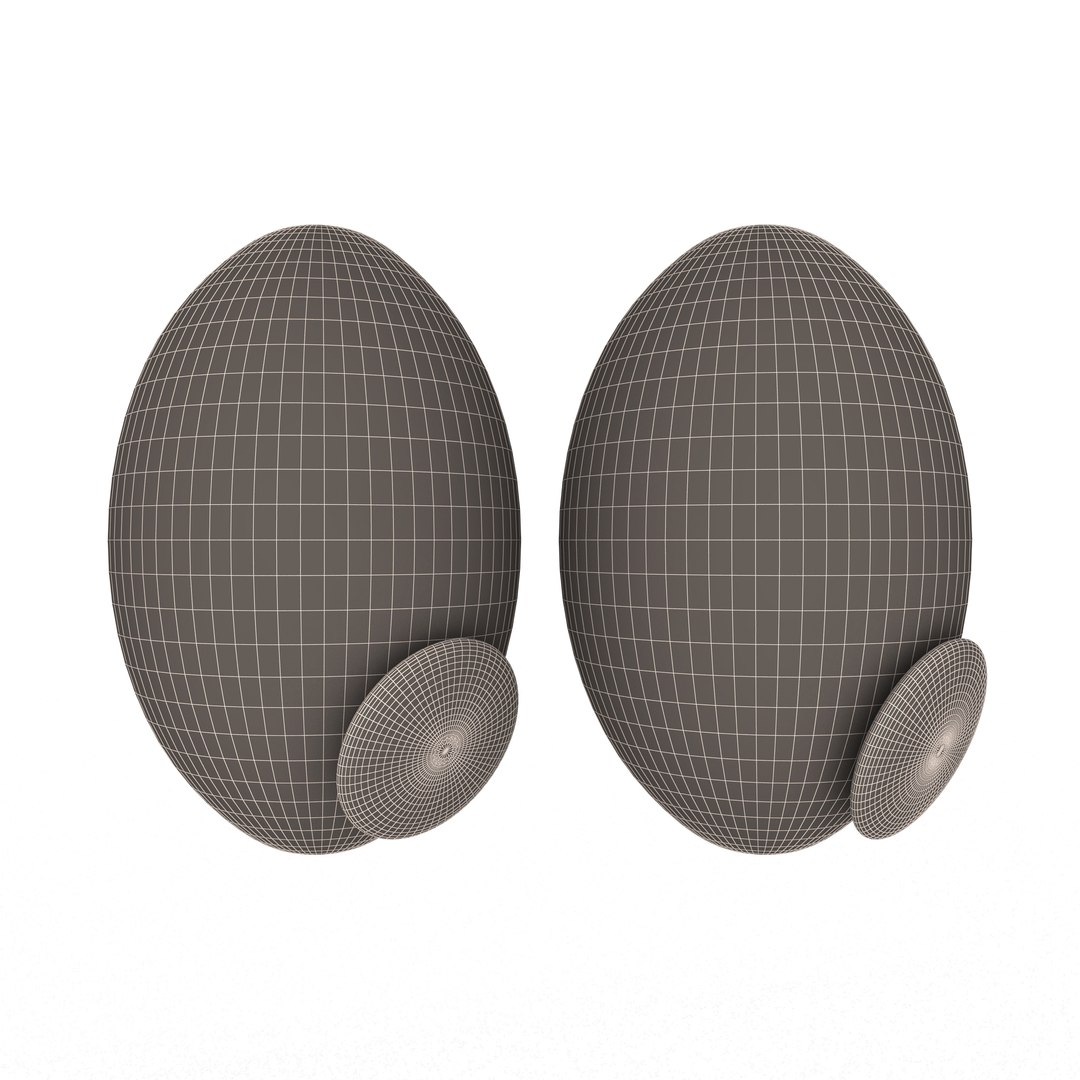
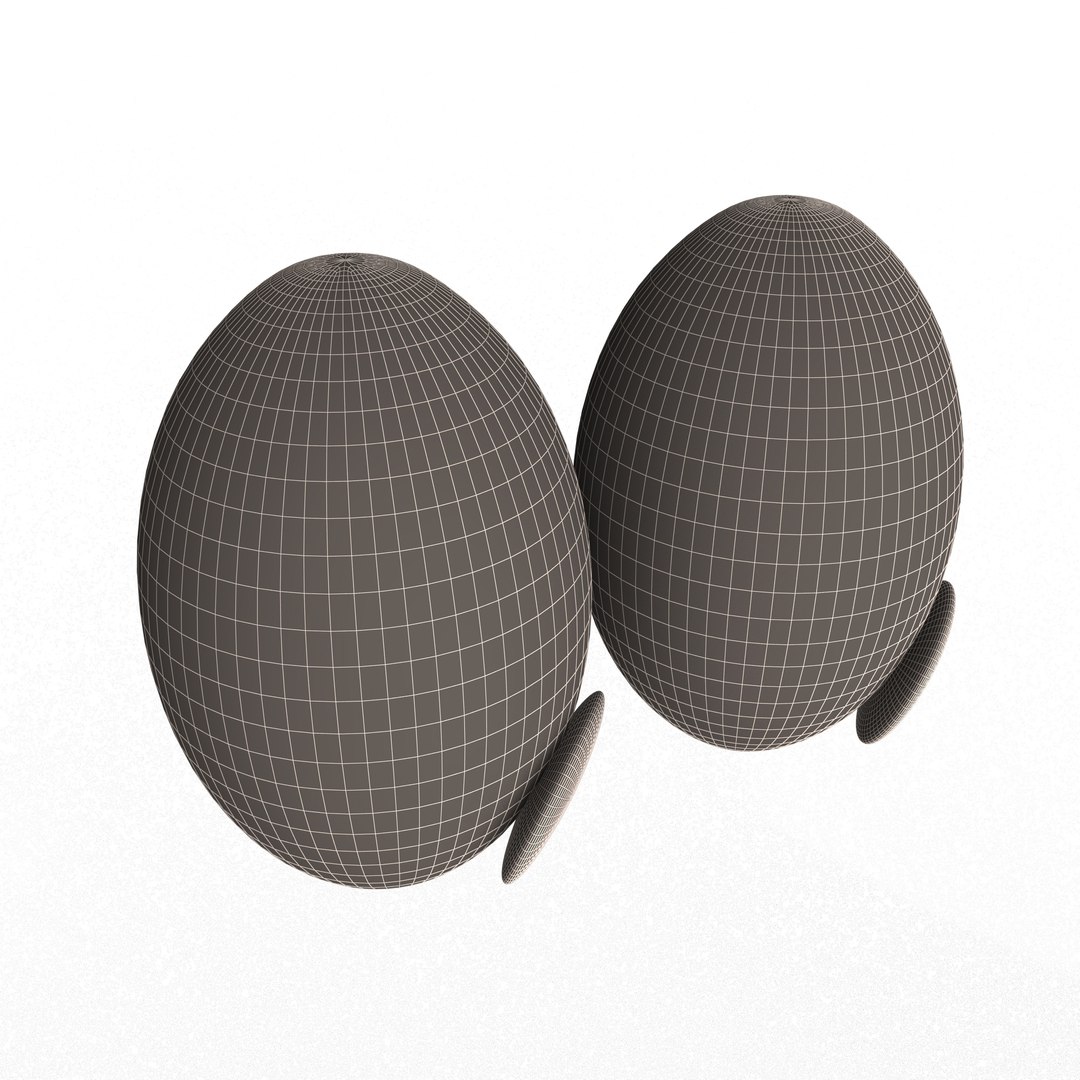
Polygons 640
Vertices 584
Polygonal
Materials
Unknown Unwrapped UVs

member avatar
Shabnam3Dart
1463 Products | Contributor Since 2020
Have questions? Chat with us now.

Description

Hi Dear Sellers and Clients.

Product Name:Eyes Emoji
Version: 2015
3D Model Created in 3Ds Max 2015 (Render Vray 3)
-------------------------------------------------------------------
Formats: 3Ds Max 2015,OBJ,FBX,STL
-------------------------------------------------------------------

3dsMax Low Polygons and Vertexs:
Polys:640
Verts:584
3dsMax Mid Polygons and Vertexs: (Turbosmooth 1 and after Collapse All)
Polys:2 432
Verts:2 440
3dsMax High Polygons and Vertexs:(Turbosmooth 2 and after Collapse All)
Polys:9 728
Verts:9 736
-------------------------------------------------------------------
OBJ Low Polygons and Vertexs:
Polys:1 152
Verts:584
-------------------------------------------------------------------
Enjoy 3D Modeling
Good Luck

Select Enhanced License

  • $10,000 in Legal Protection (Indemnification)
  • Uncapped Legal Protection (Indemnification)
  • Waiver from injunctive relief
  • Assignable model rights
  • $1,000,000 in Legal Protection (Indemnification)
  • Waiver from injunctive relief
  • Assignable model rights
  • $250,000 in Legal Protection (Indemnification)
  • Assignable model rights
Read more about enhanced license tiers, or contact us at enterprise@turbosquid.com. Already a Shutterstock Enterprise Customer? Contact your Shutterstock Sales Support Agent to talk about adding 3D.

About Conversion Requests

To submit a conversion request for a purchased asset, please complete our Conversion Request Form.

If you have not yet purchased a model, please review our Documentation about Conversions to learn about what limitations you may encounter with a conversion.

For any additional questions about a model’s suitability for conversion, please contact TurboSquid Support.

Loading...