
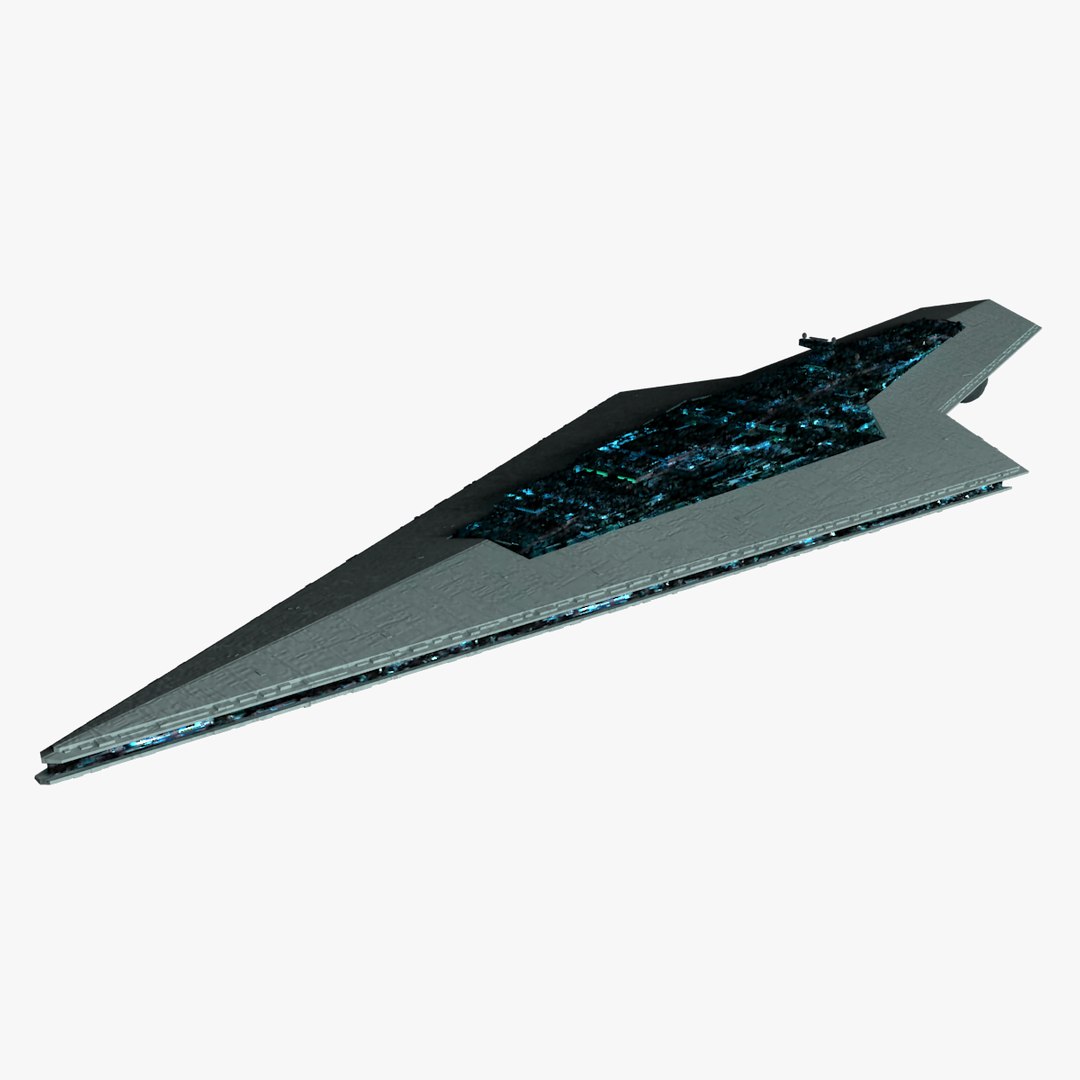
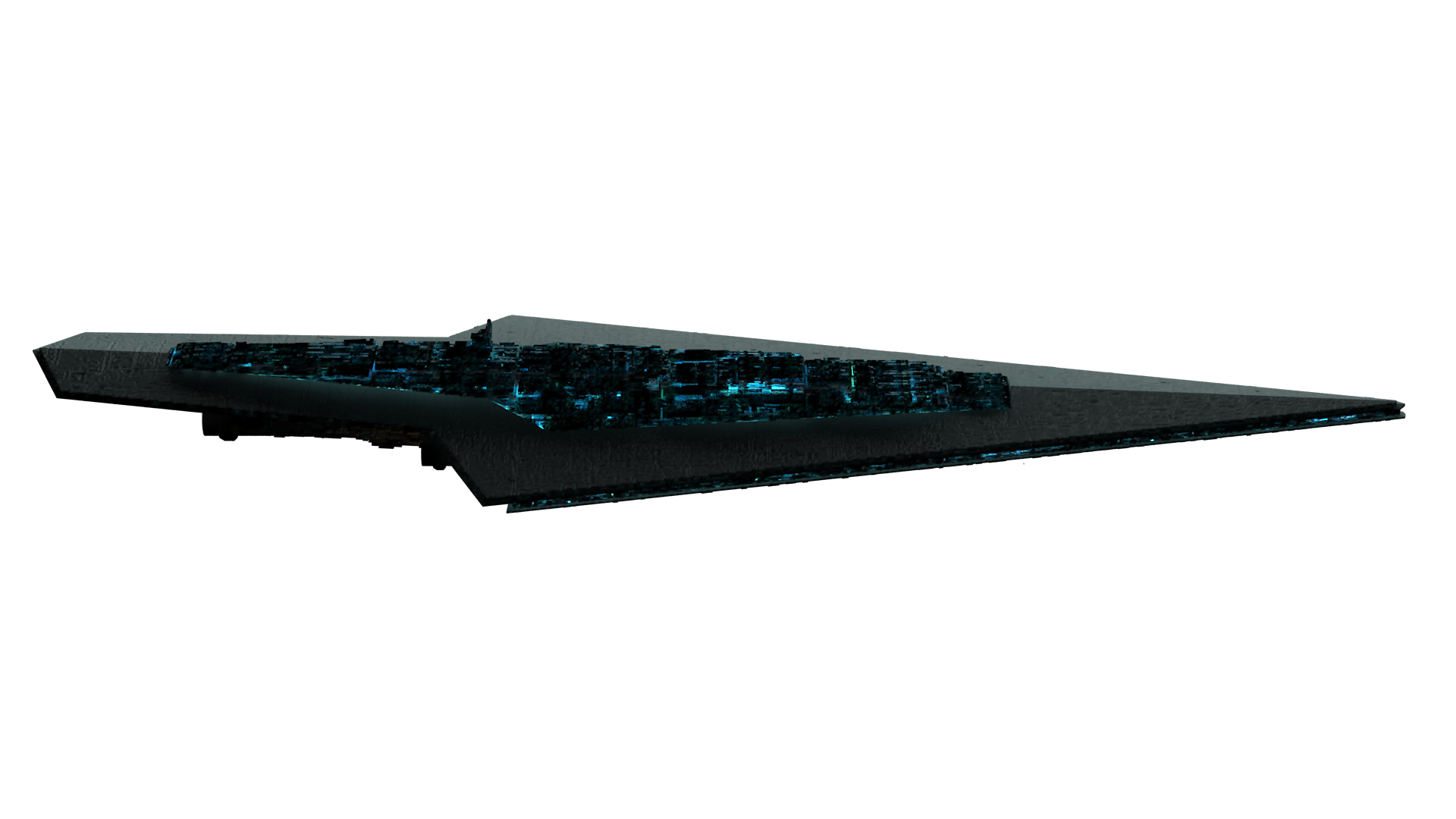
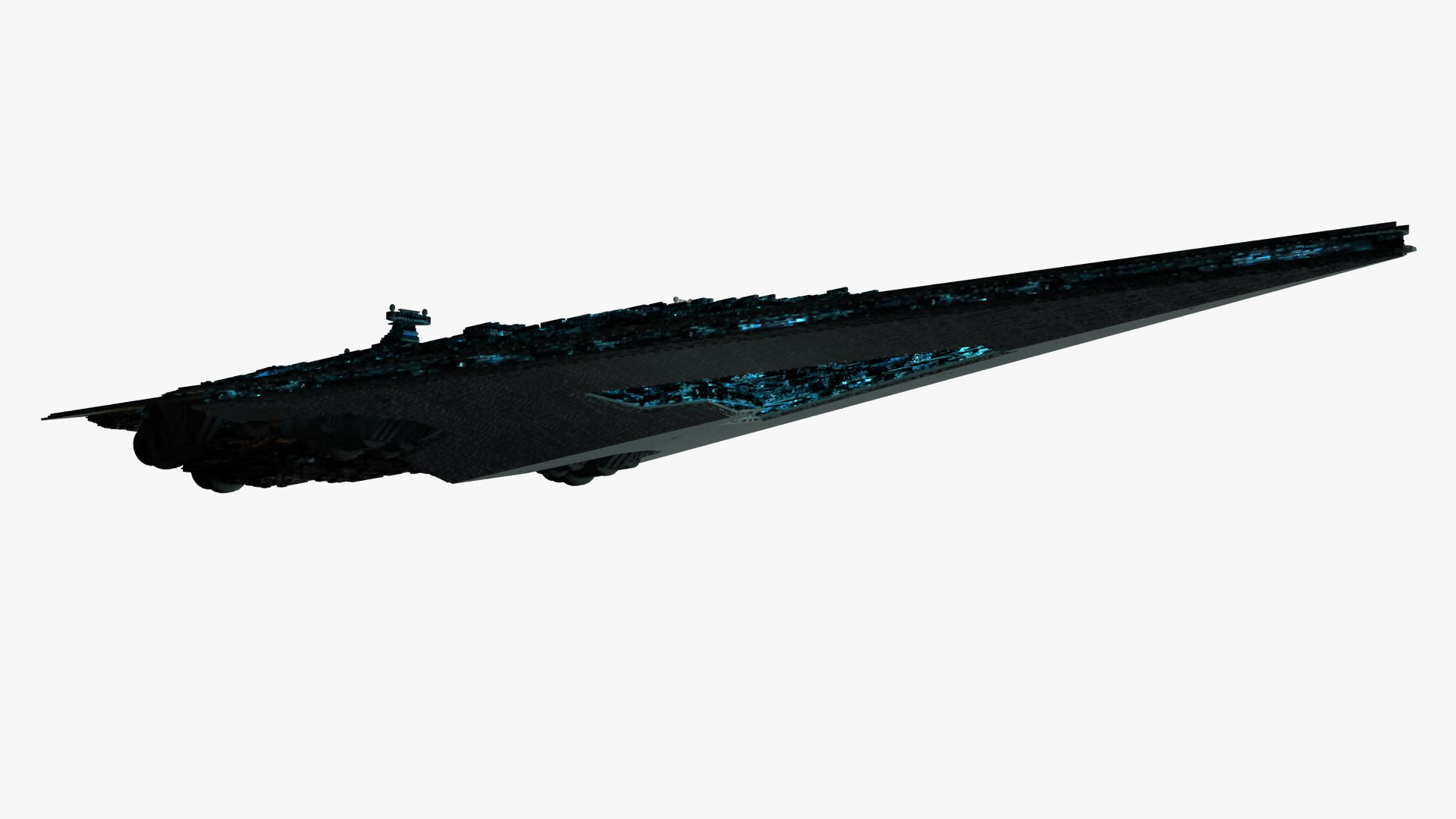
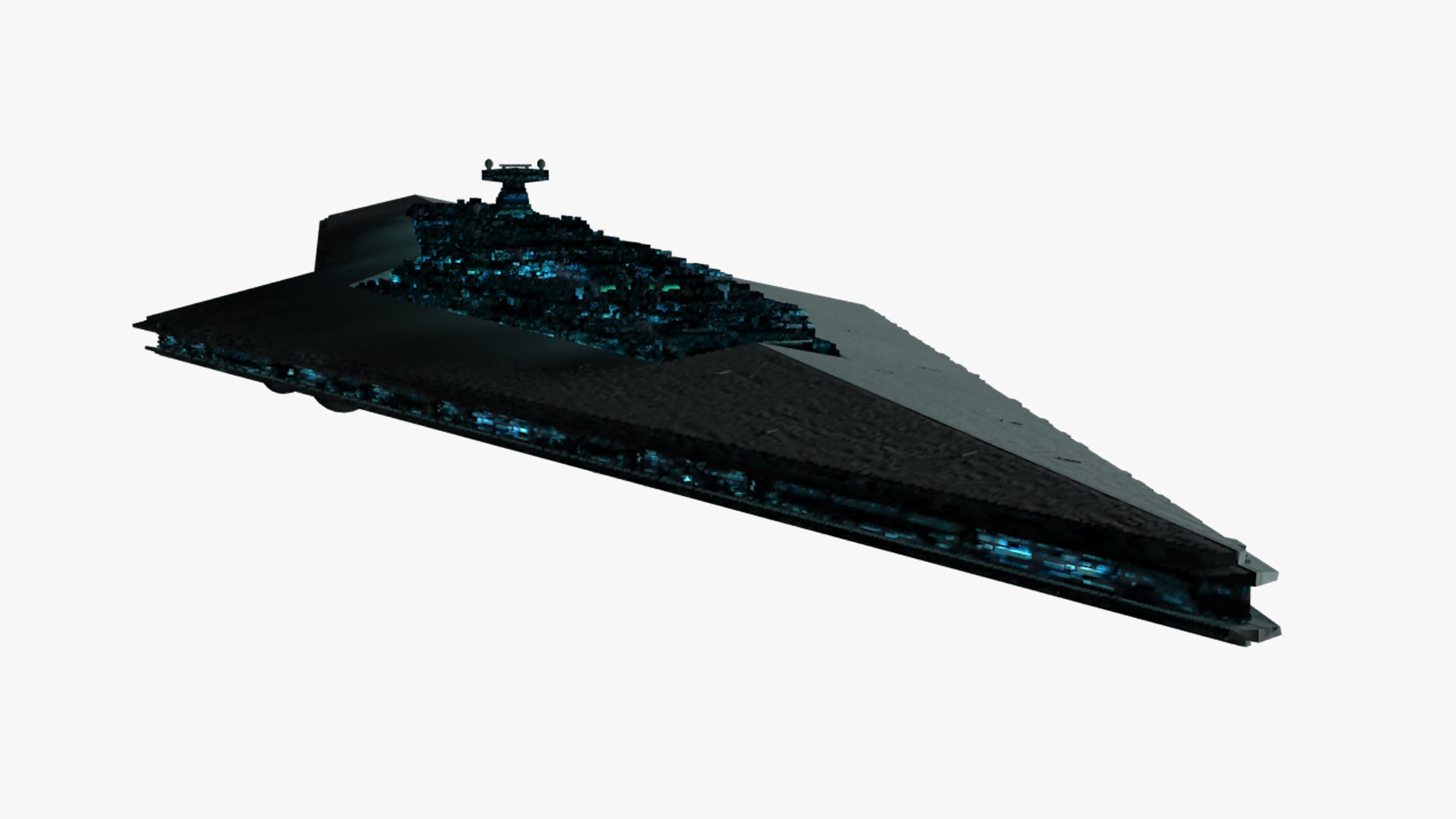
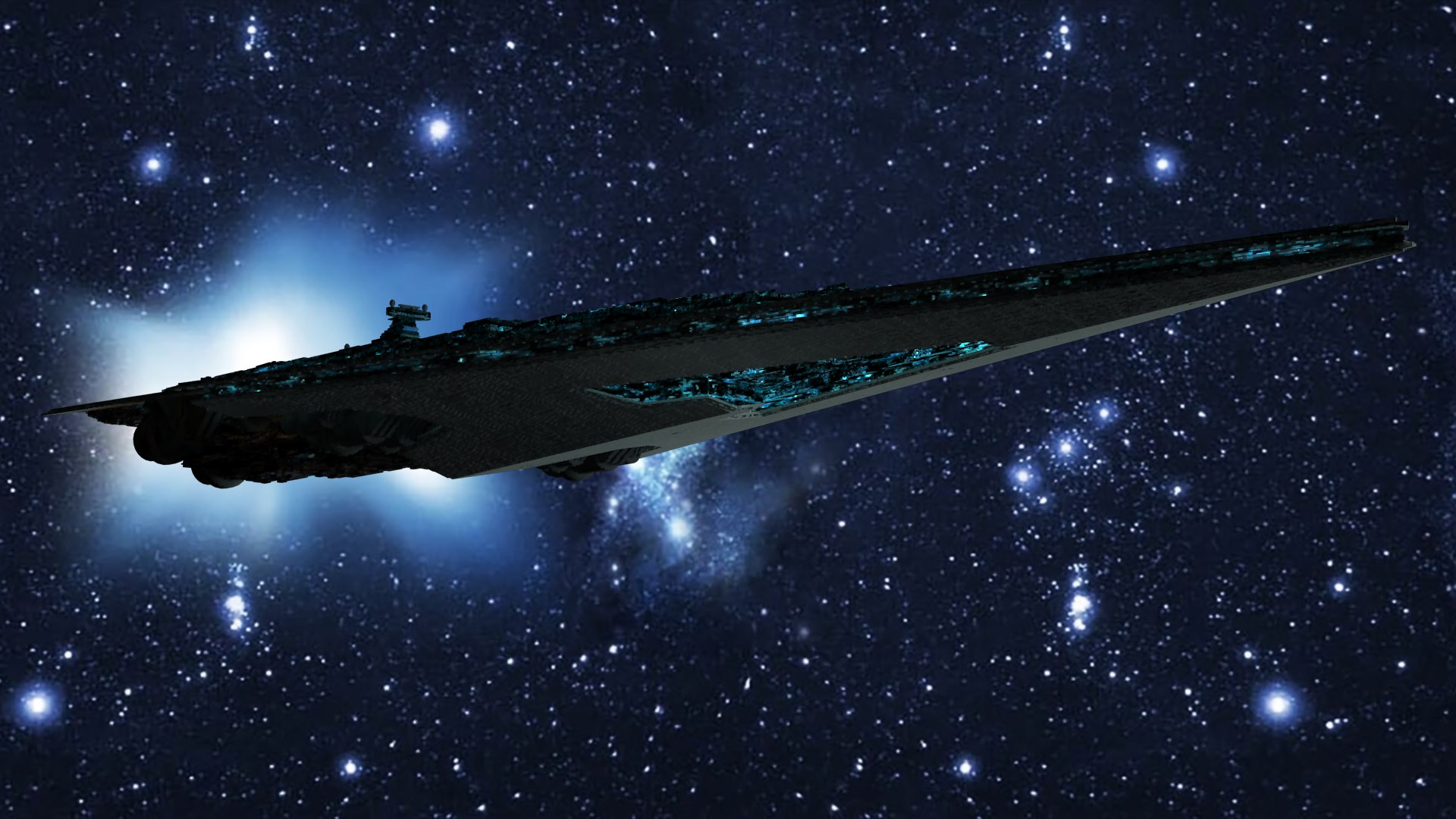
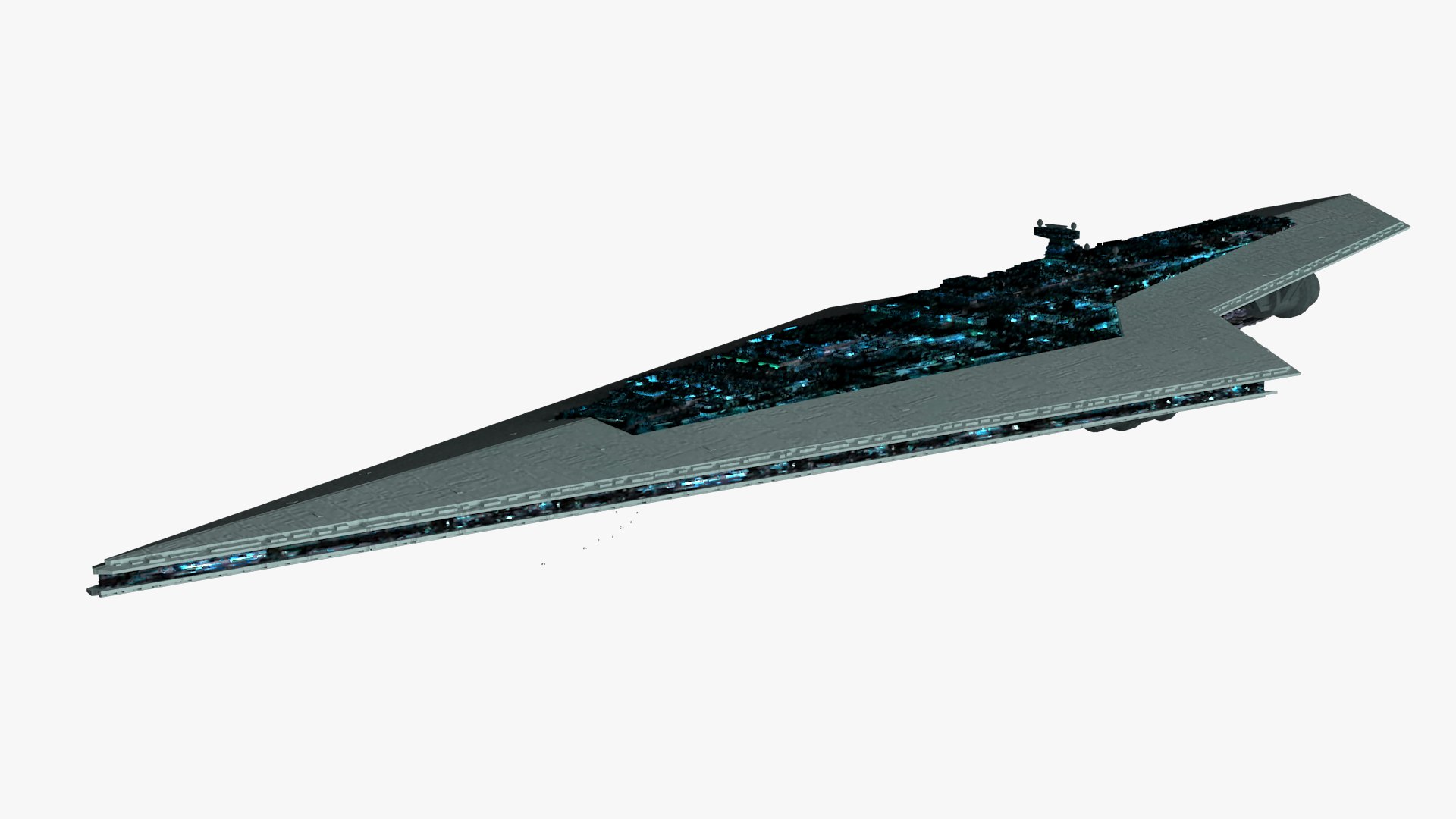
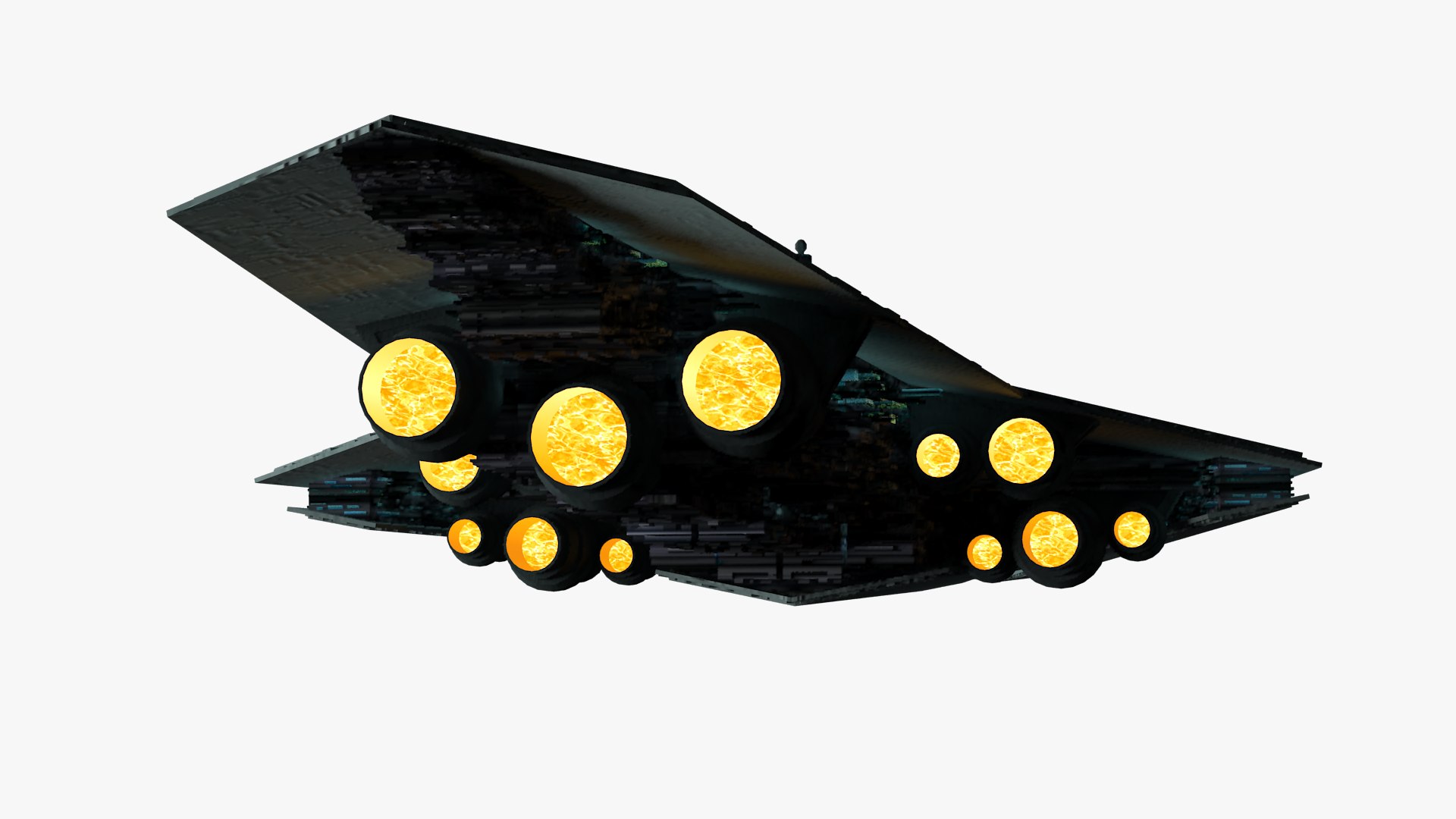
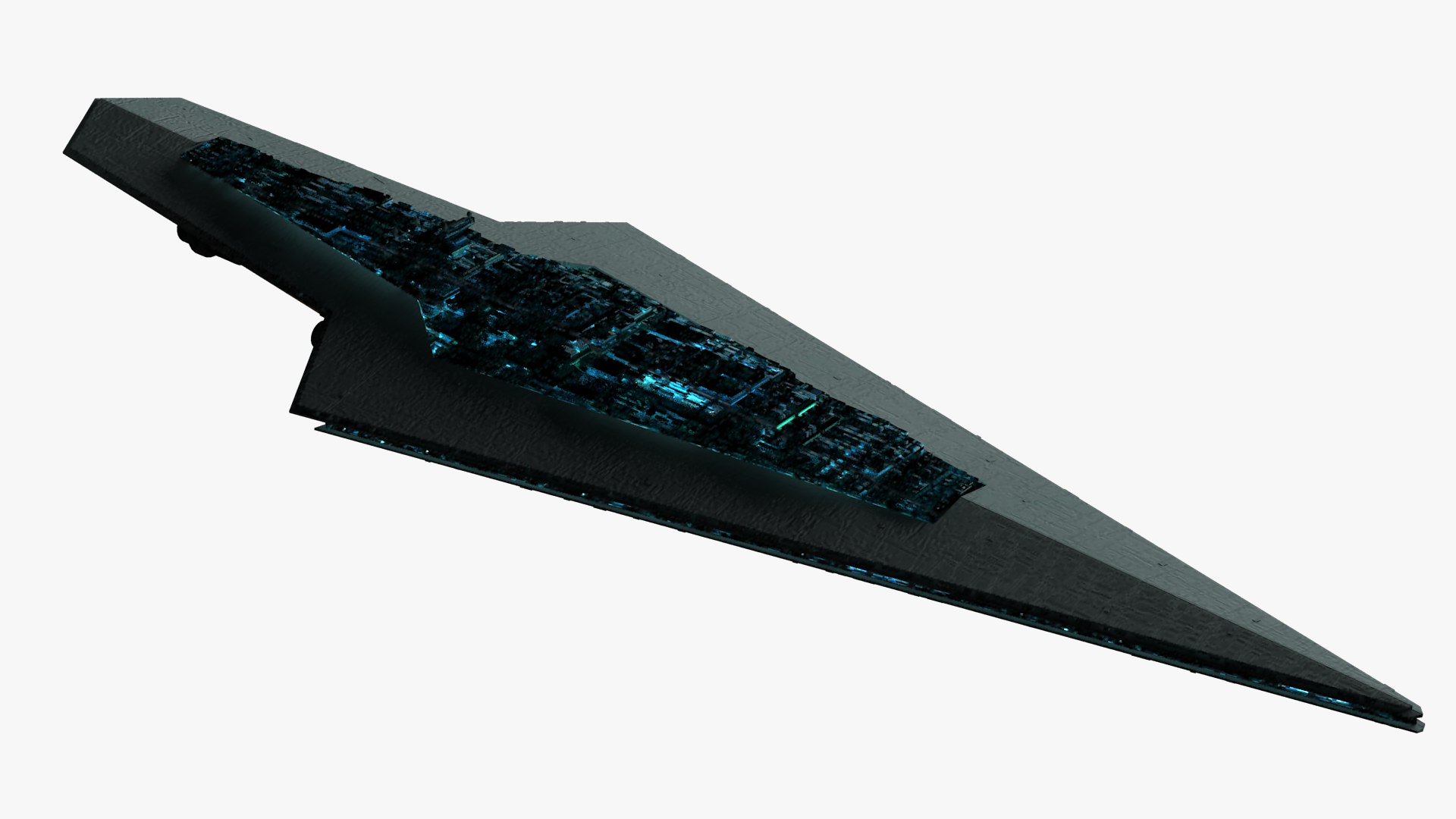
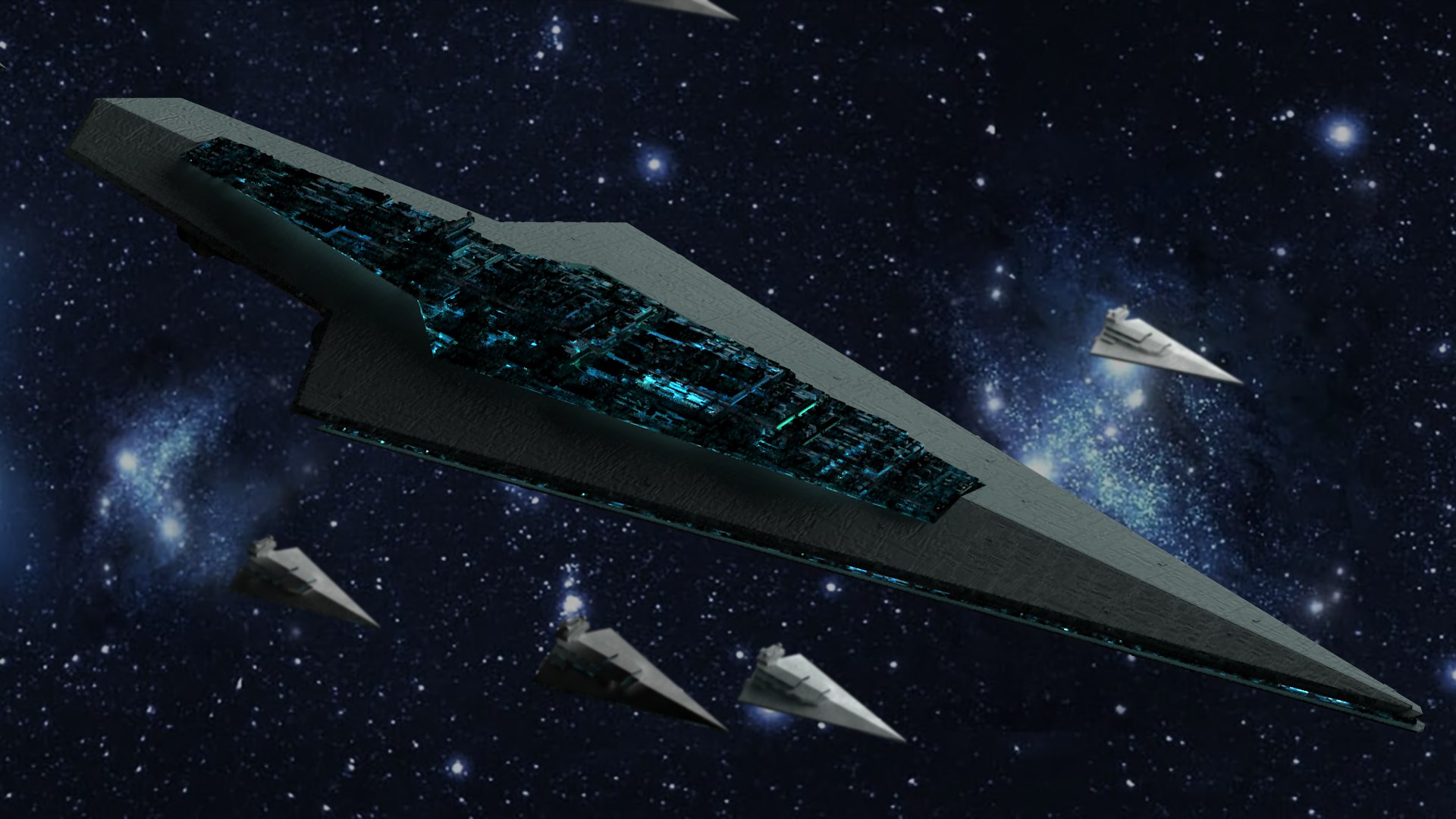
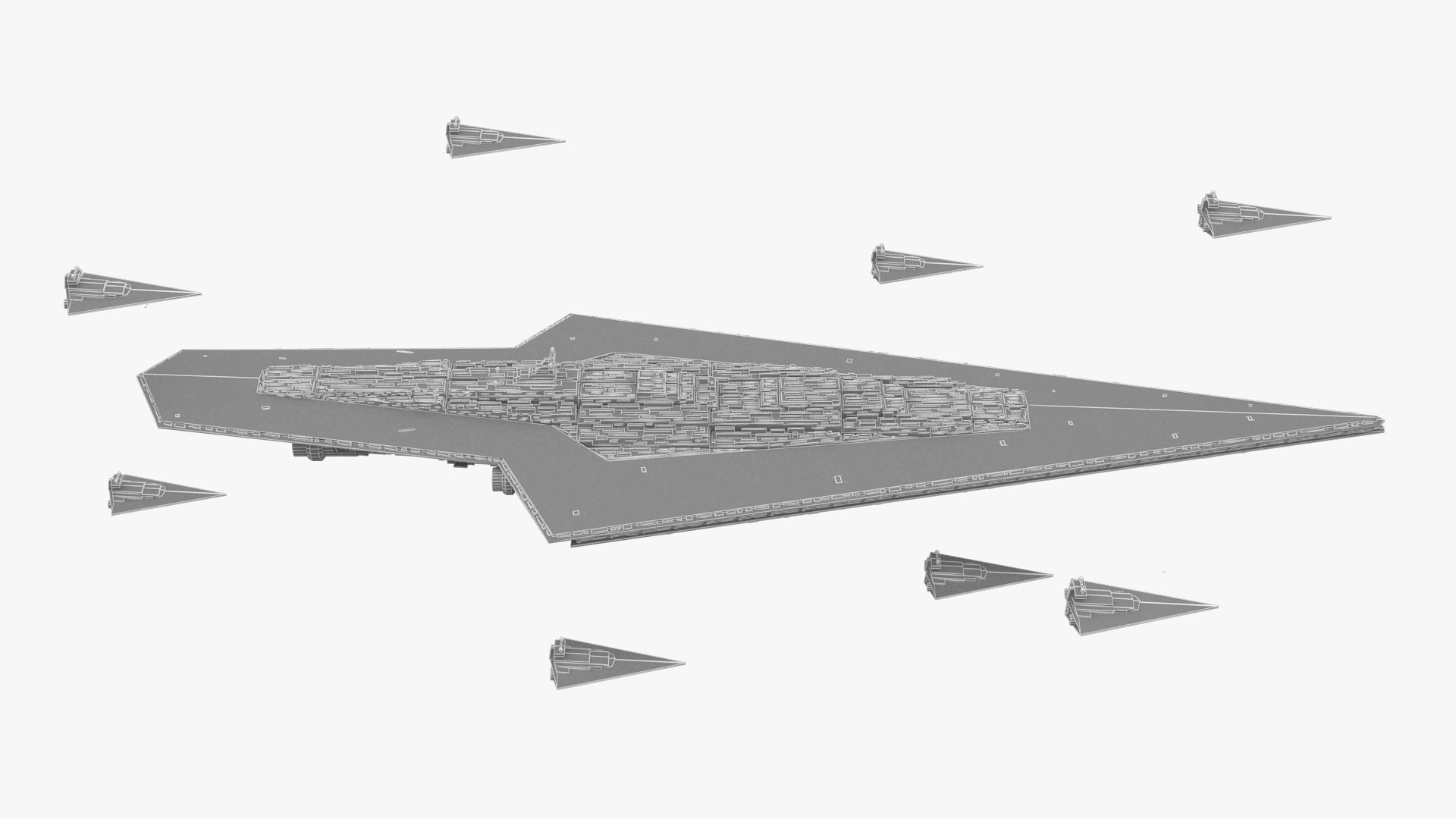
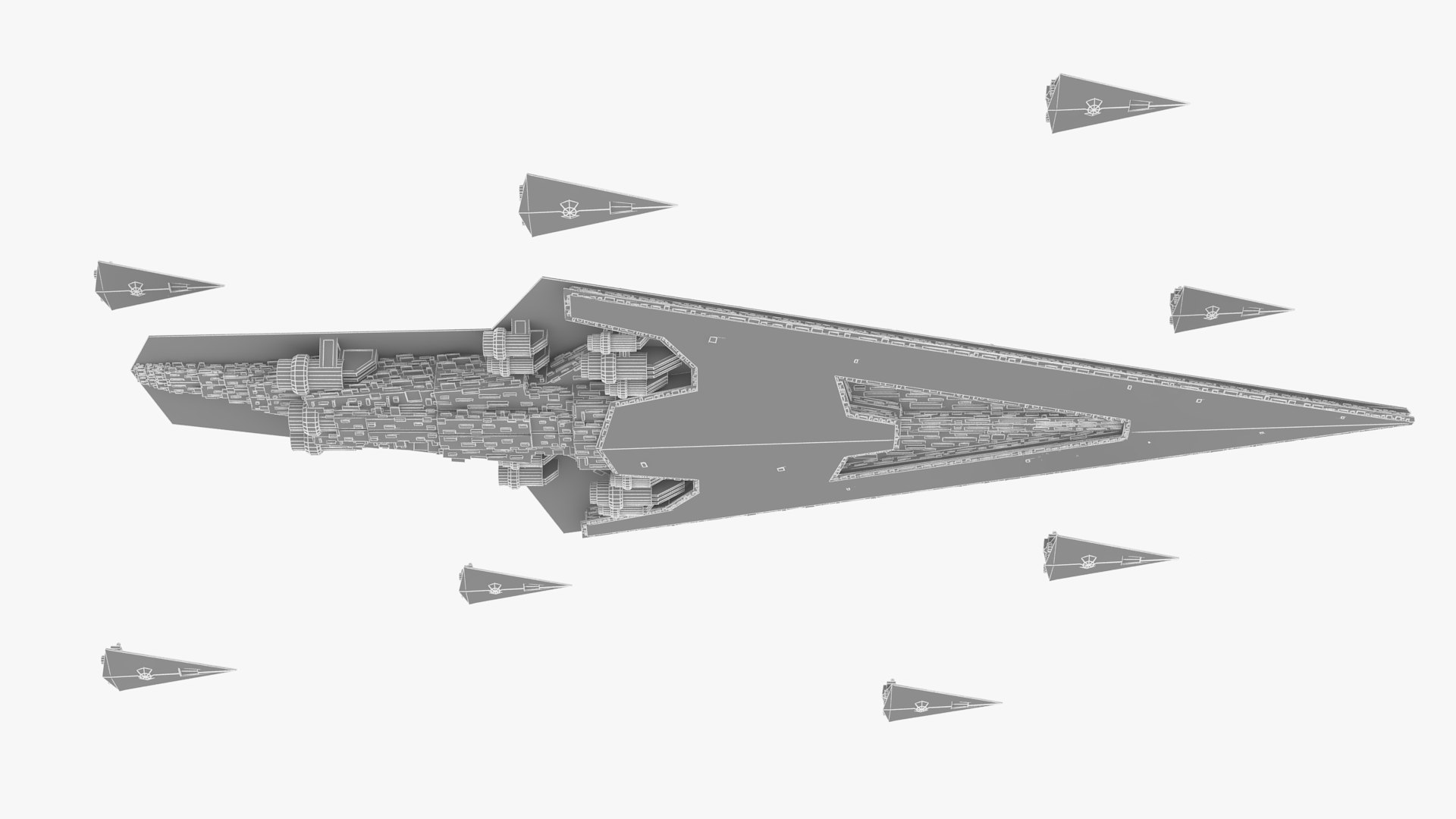
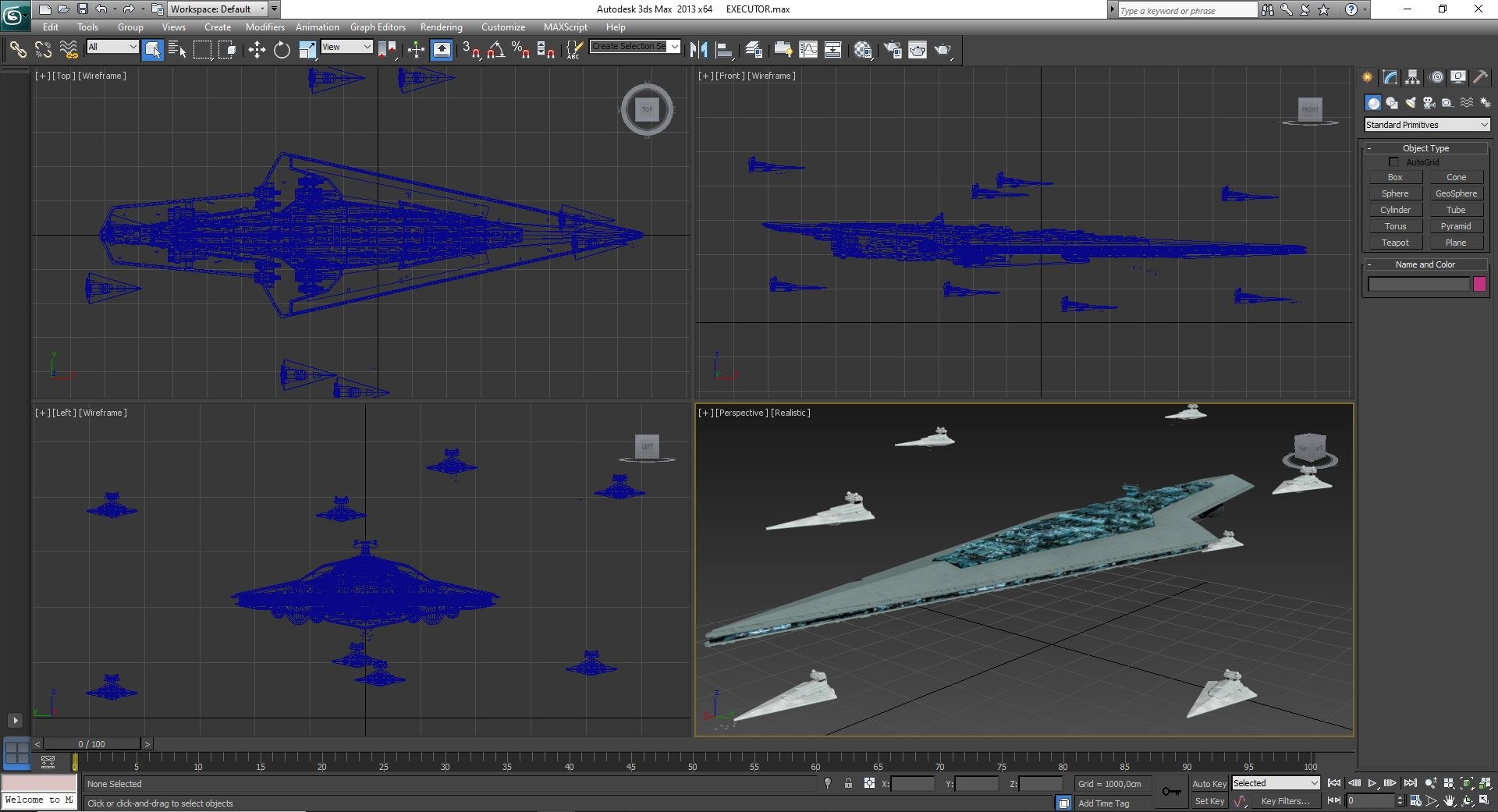
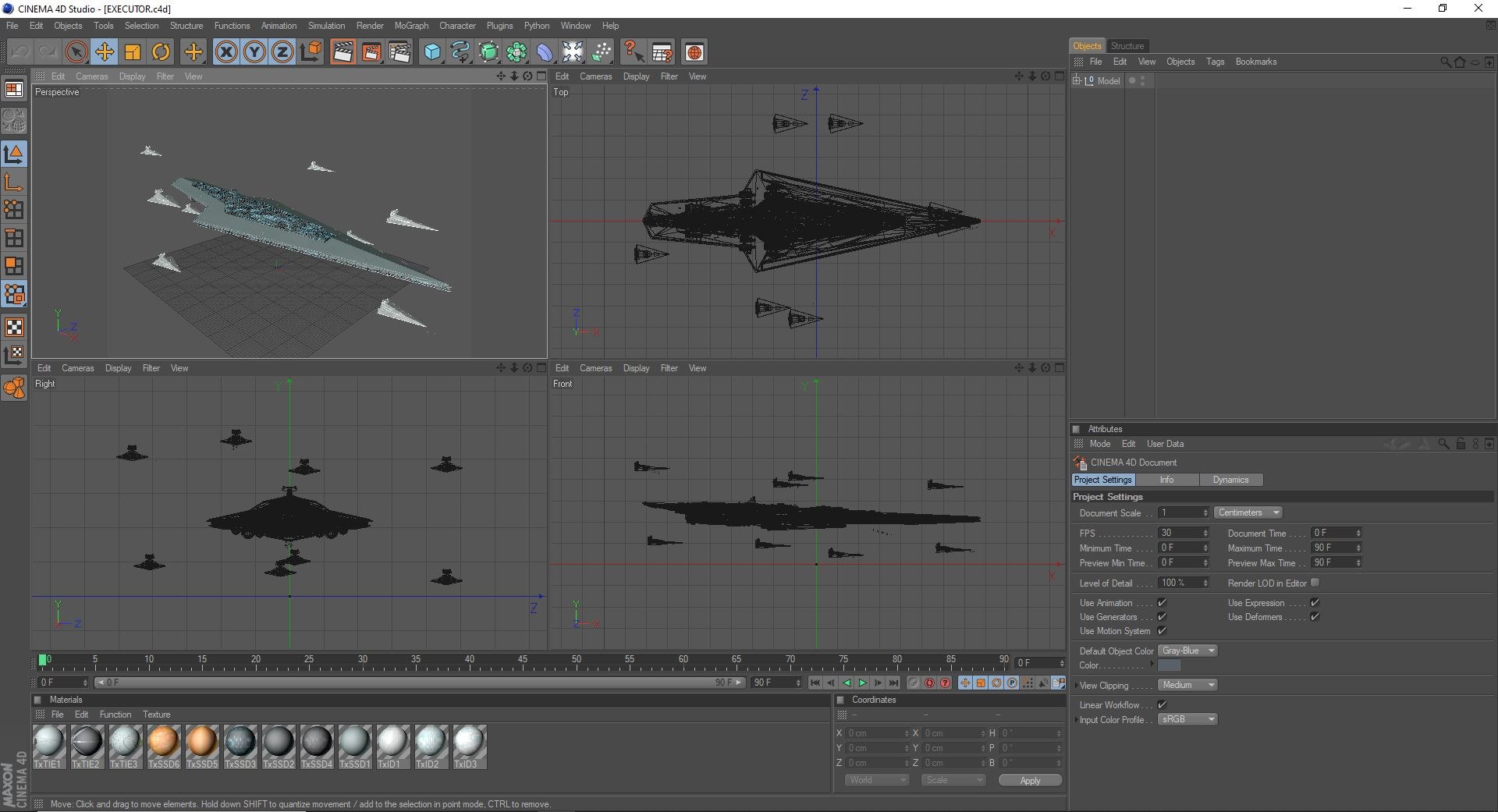
EXECUTOR star destroyer

$25

Standard License | Upgrade License
Editorial Uses Only
Formats (13)
Free file format Conversions available
Native | SketchUp 6.4.1
3ds Max 2013 | V-Ray 2.3
Cinema 4D Studio R12 | Default Scanline
3D Studio
Collada
FBX
OBJ
glTF
3ds Max
USDz
Specifications
Publish Date November 12, 2021
Product ID 1814059
Polygons 125,300
Vertices 74,215
Polygonal
Textures
Materials
UV Mapped
PBR
TurboSquid Exclusive

member avatar
JIHS
64 Products | Contributor Since 2012
Have questions? Chat with us now.

Description

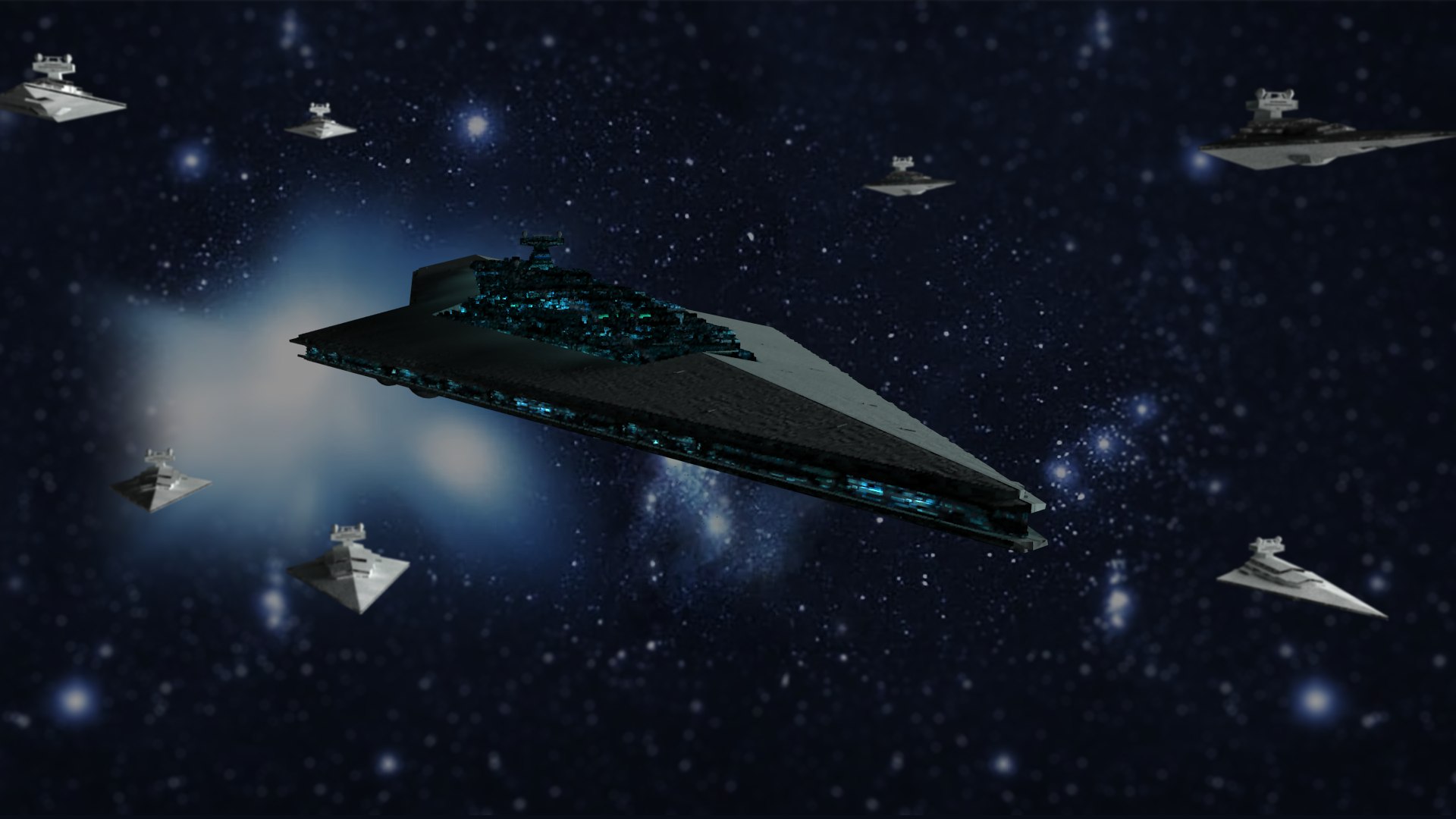
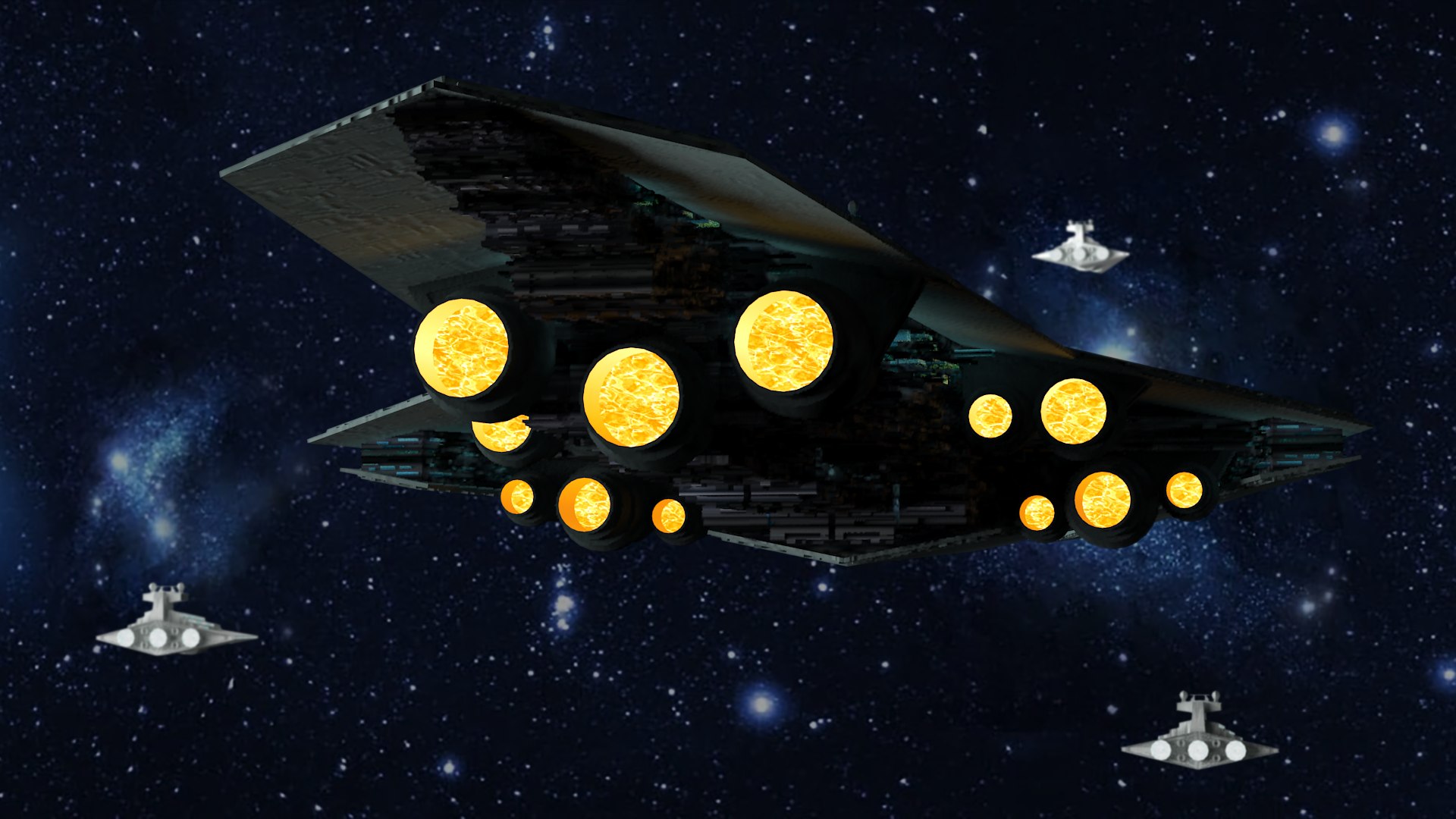
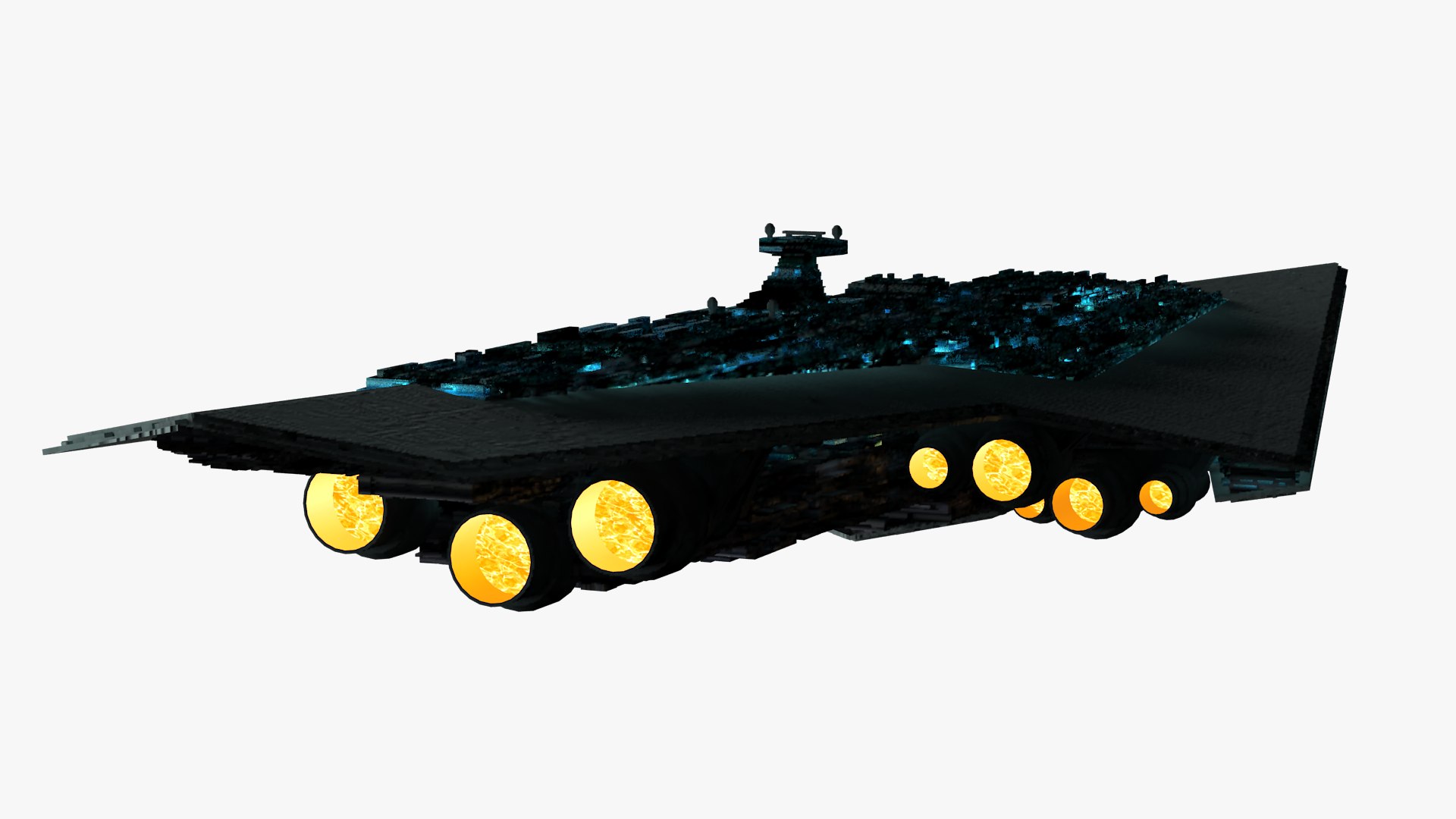
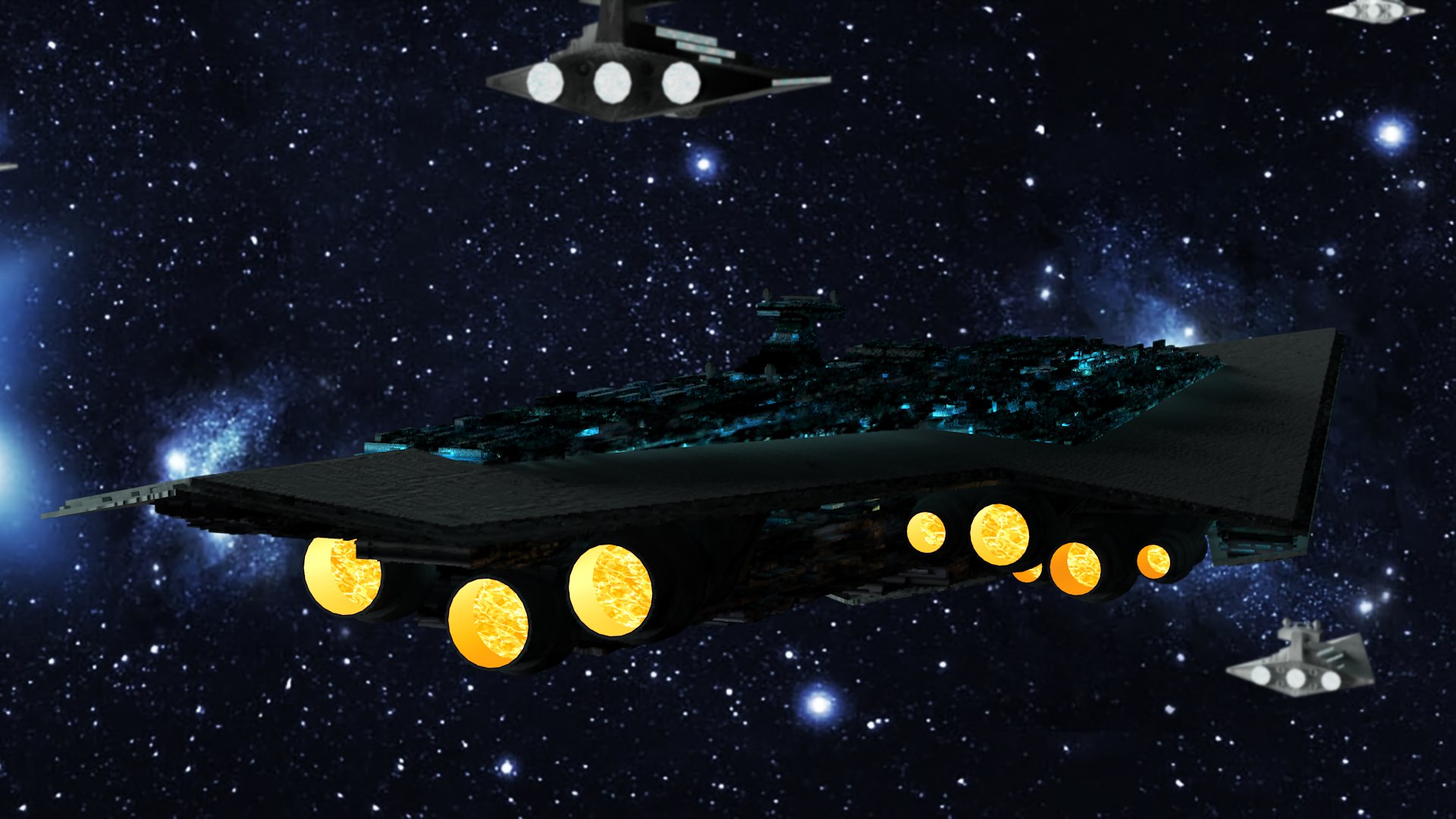
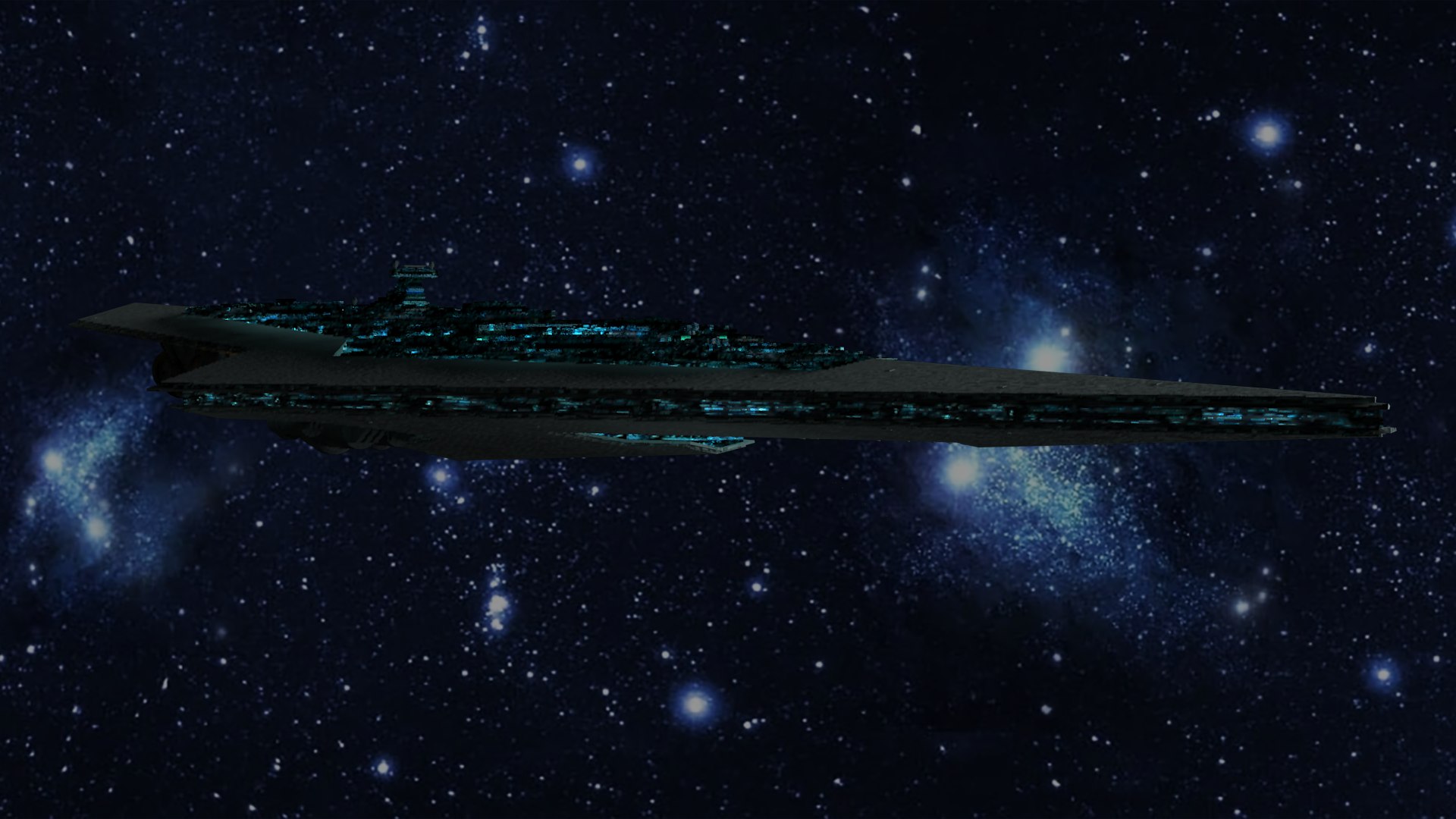
Replic of the SSD (Super Star Destroyer) Executor, from the film "SW episode V: The empire strike back".
The scene includes low poly models of escorts starships and fighters.
In 1:200 scale.

ARCHIVE FORMATS:
The native format is Sketchup 6.4.1, imported in 3dmax 2013, and converted to formats Cinema4D, 3ds, FBX and Obj. All them tested in 3dmax 2013 with these results:
Formats sketchup and 3dmax (save as 2010), are totaly functional.
Formats Fbx and C4D are functional but don´t export the layers names.
Formats 3ds, Dae and Obj need an easy readjust for the textures in the material editor, but they are operative too.

Every archive rar contains the model, textures and a txt with especifications about the textures.

MATERIALS/TEXTURES:
The materials are 12 jpg adapted in the native model (sketchup) and exported with it.
The materials coordinates needn´t be readjusted in 3dmax.
The materials are distributed by layers in Skp and 3dmax formats.
Materials textured in the 3dmax format.

Select Enhanced License

  • $10,000 in Legal Protection (Indemnification)
  • Uncapped Legal Protection (Indemnification)
  • Waiver from injunctive relief
  • Assignable model rights
  • $1,000,000 in Legal Protection (Indemnification)
  • Waiver from injunctive relief
  • Assignable model rights
  • $250,000 in Legal Protection (Indemnification)
  • Assignable model rights
Read more about enhanced license tiers, or contact us at enterprise@turbosquid.com. Already a Shutterstock Enterprise Customer? Contact your Shutterstock Sales Support Agent to talk about adding 3D.

About Conversion Requests

To submit a conversion request for a purchased asset, please complete our Conversion Request Form.

If you have not yet purchased a model, please review our Documentation about Conversions to learn about what limitations you may encounter with a conversion.

For any additional questions about a model’s suitability for conversion, please contact TurboSquid Support.

Loading...