
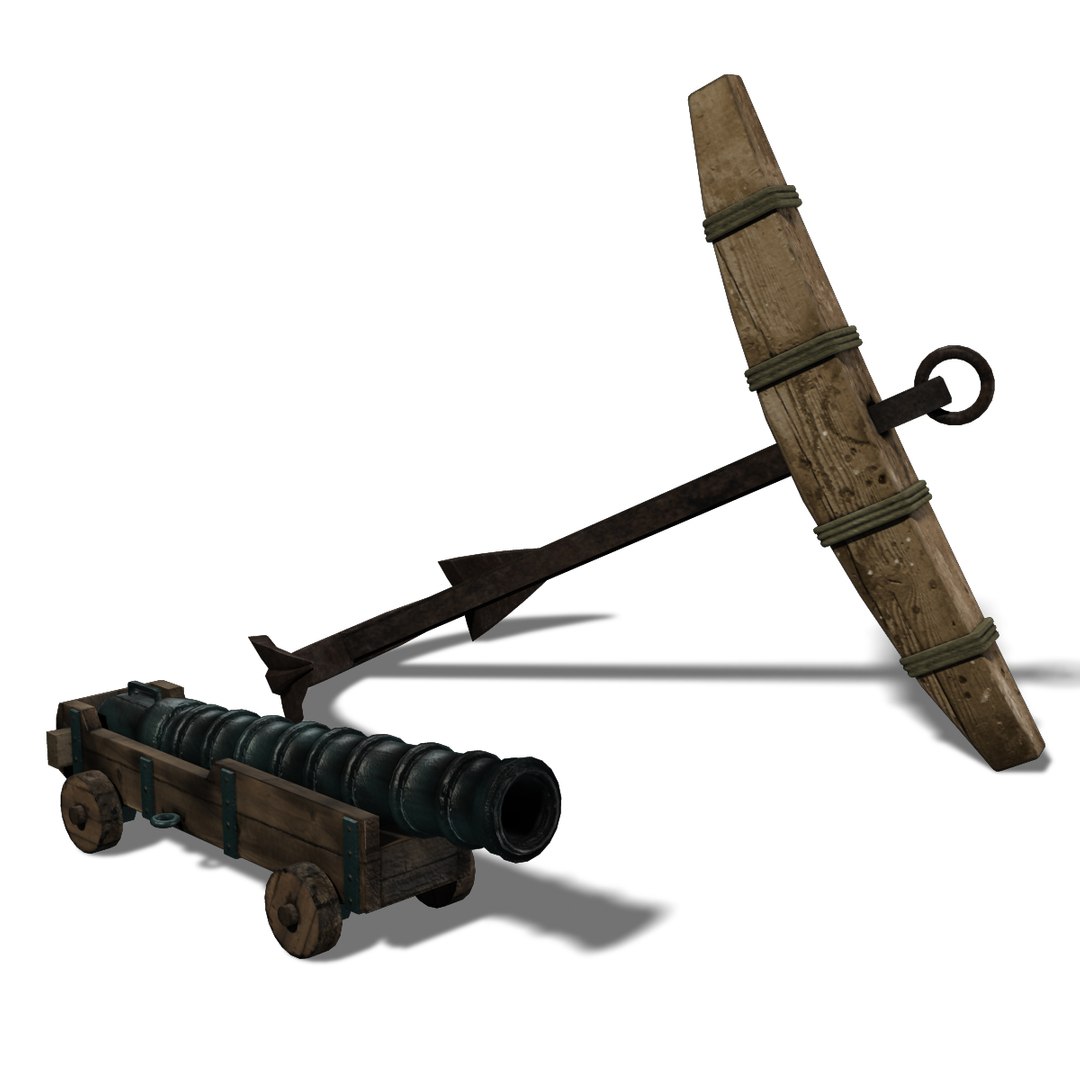
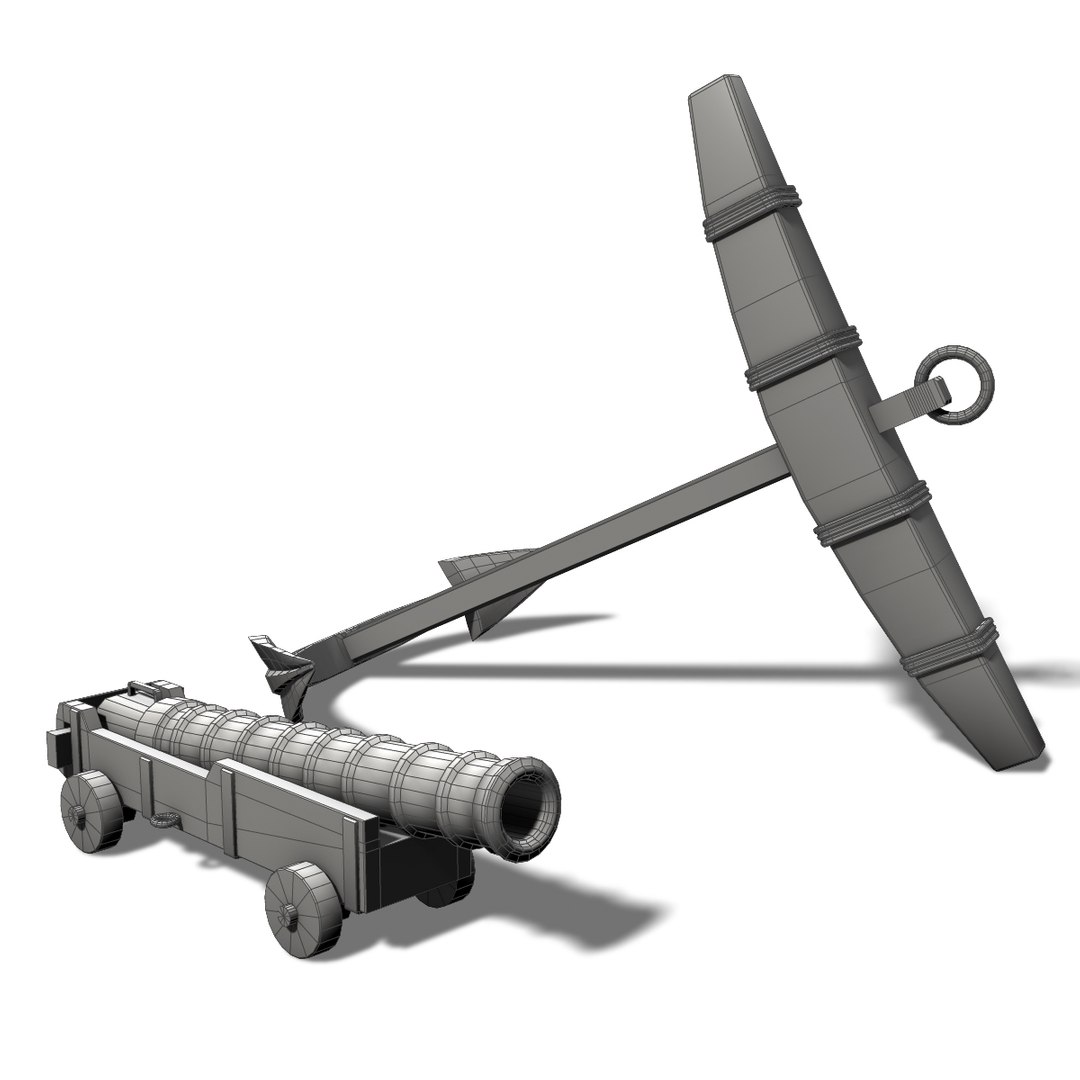



ship elements

$38

Standard License | Upgrade License
Formats (3)
Free file format Conversions available
Native | Maya 2012 | mental ray
FBX
OBJ
Other Files
sourceimages.png.zip sourceimages.psd.zip cannon.mtl anchor.mtl
Specifications
Publish Date September 27, 2013
Product ID 770616
Polygons 4,854
Vertices 5,048
Polygonal
Textures
Materials
UV Mapped
Overlapping Unwrapped UVs
TurboSquid Exclusive
member avatar
MetaWorldMills
14 Products | Contributor Since 2004
Have questions? Chat with us now.

Description

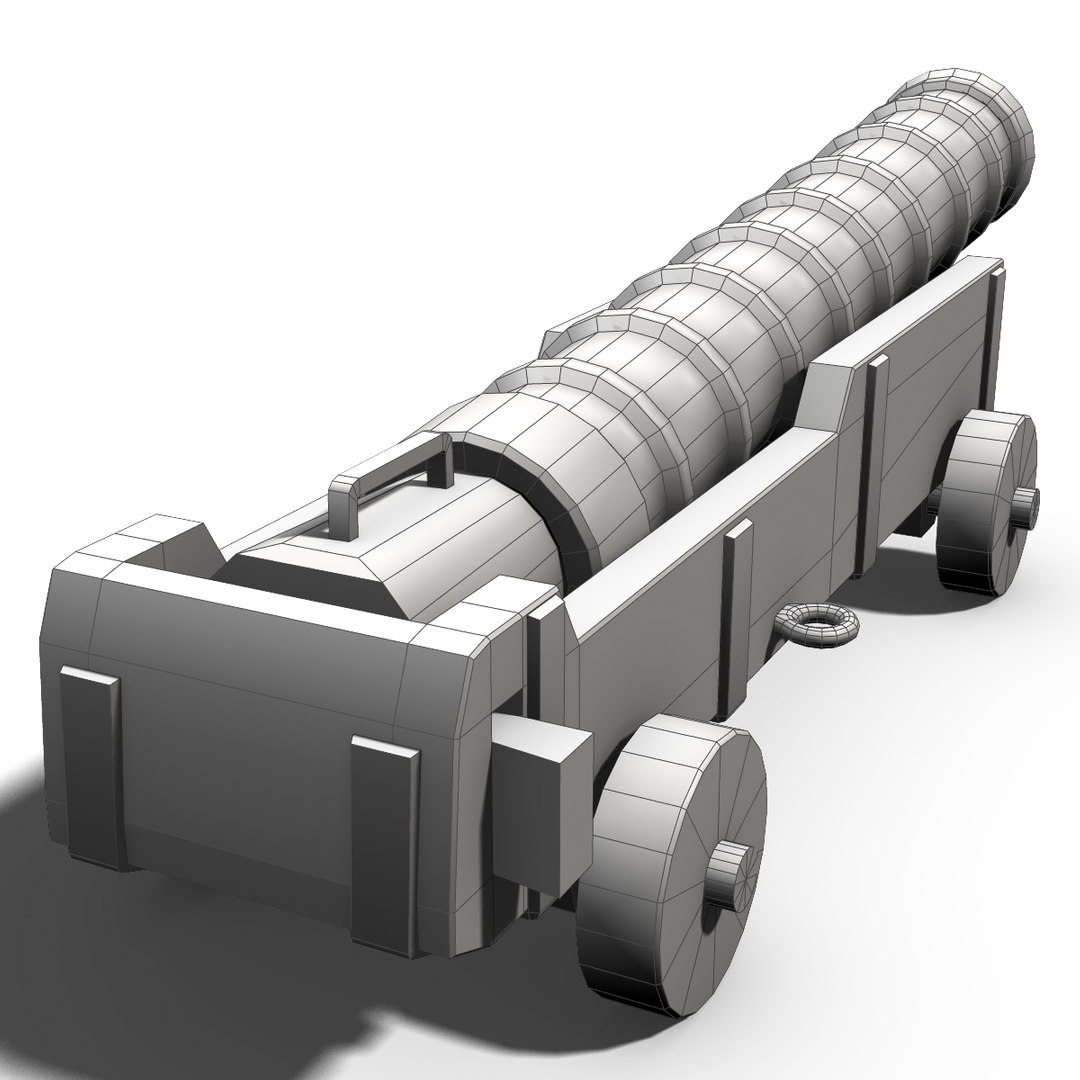
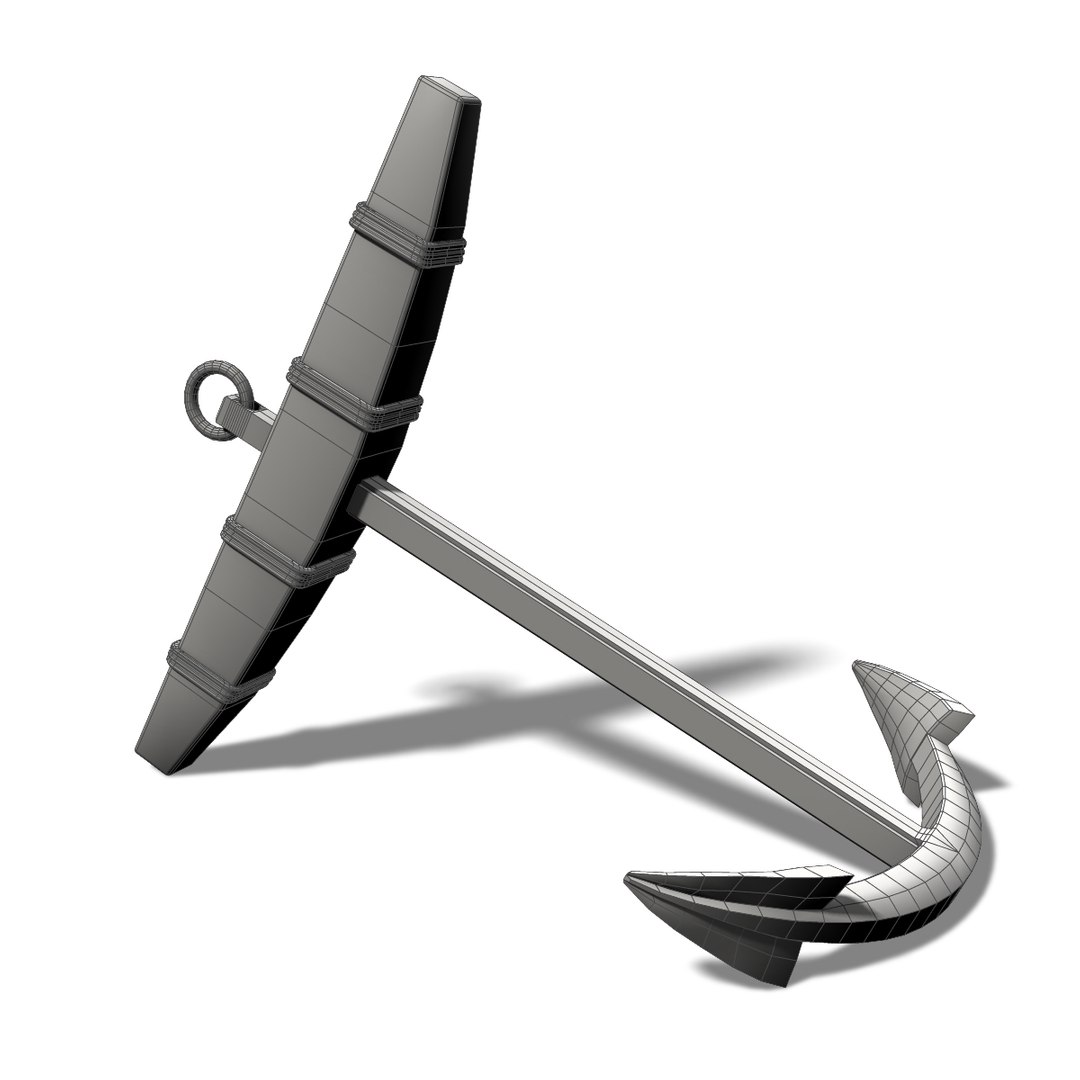
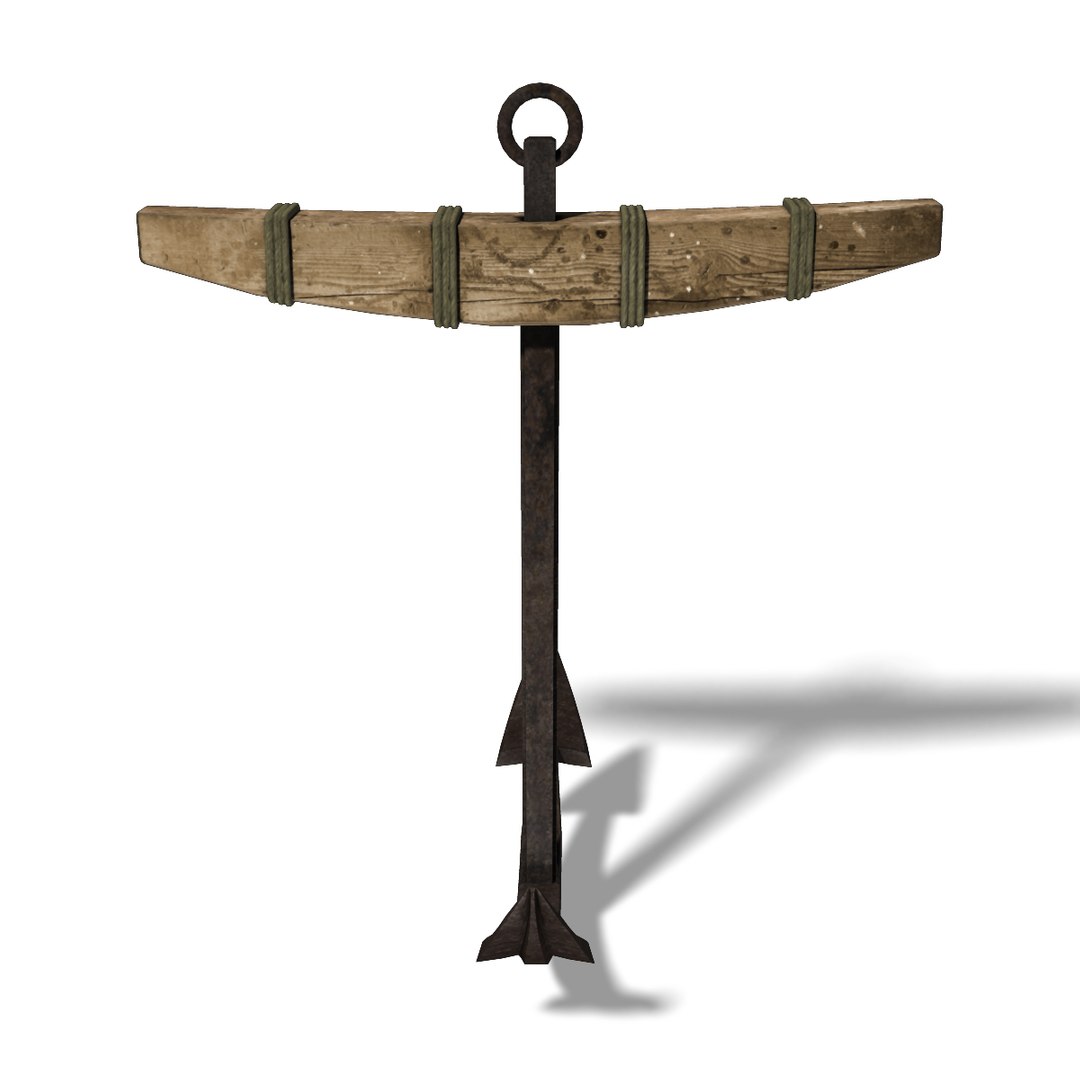
Two elements for a historical sailing ship:
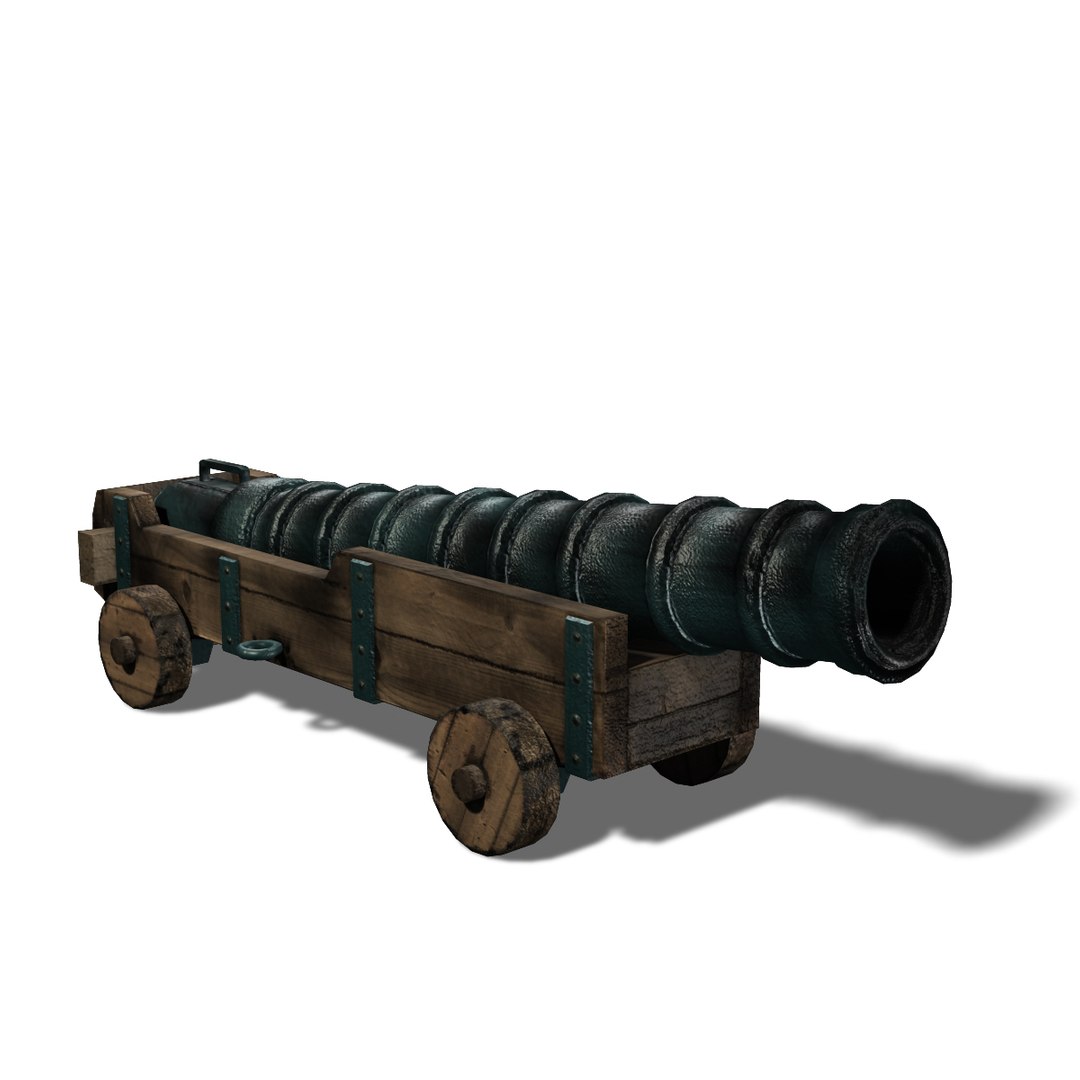
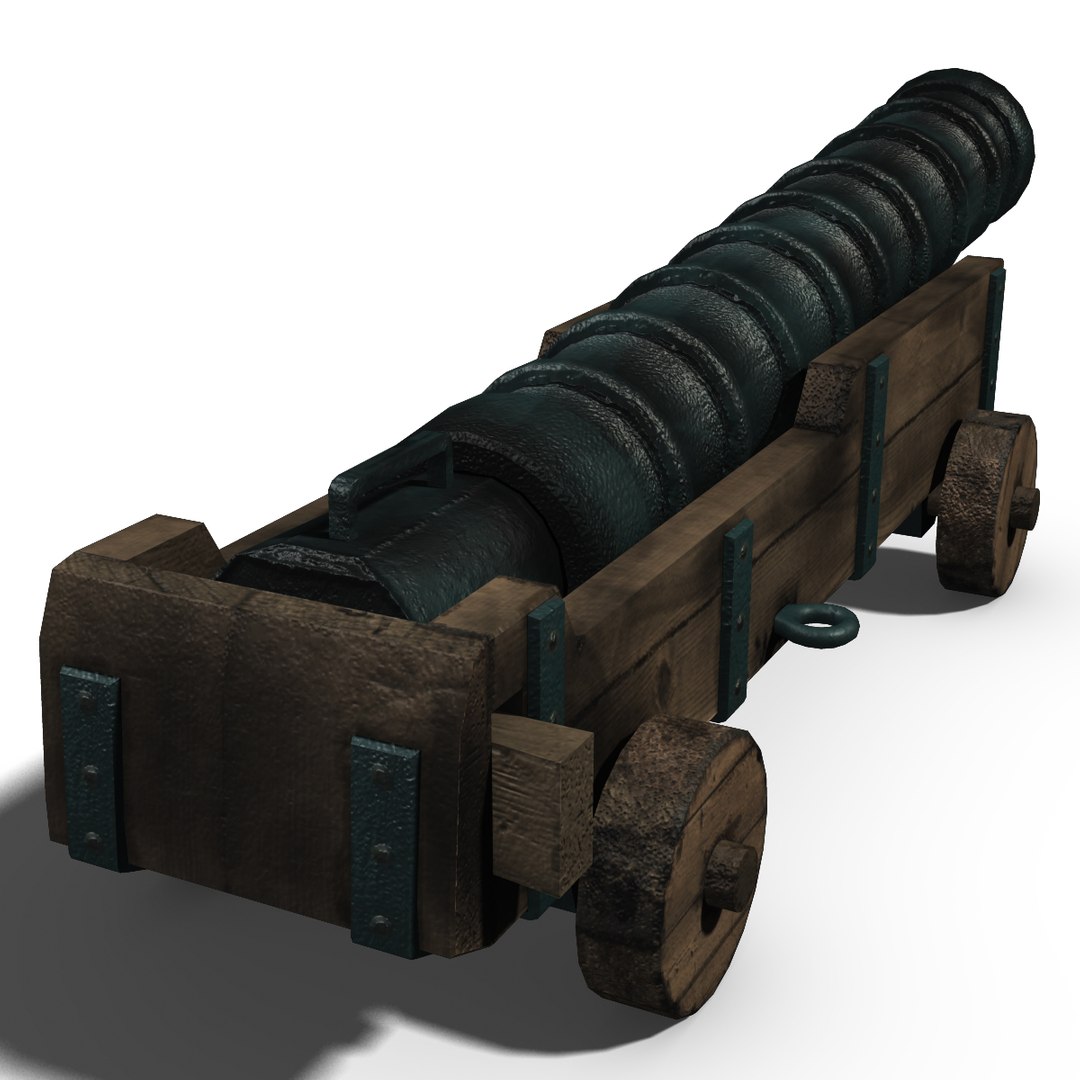
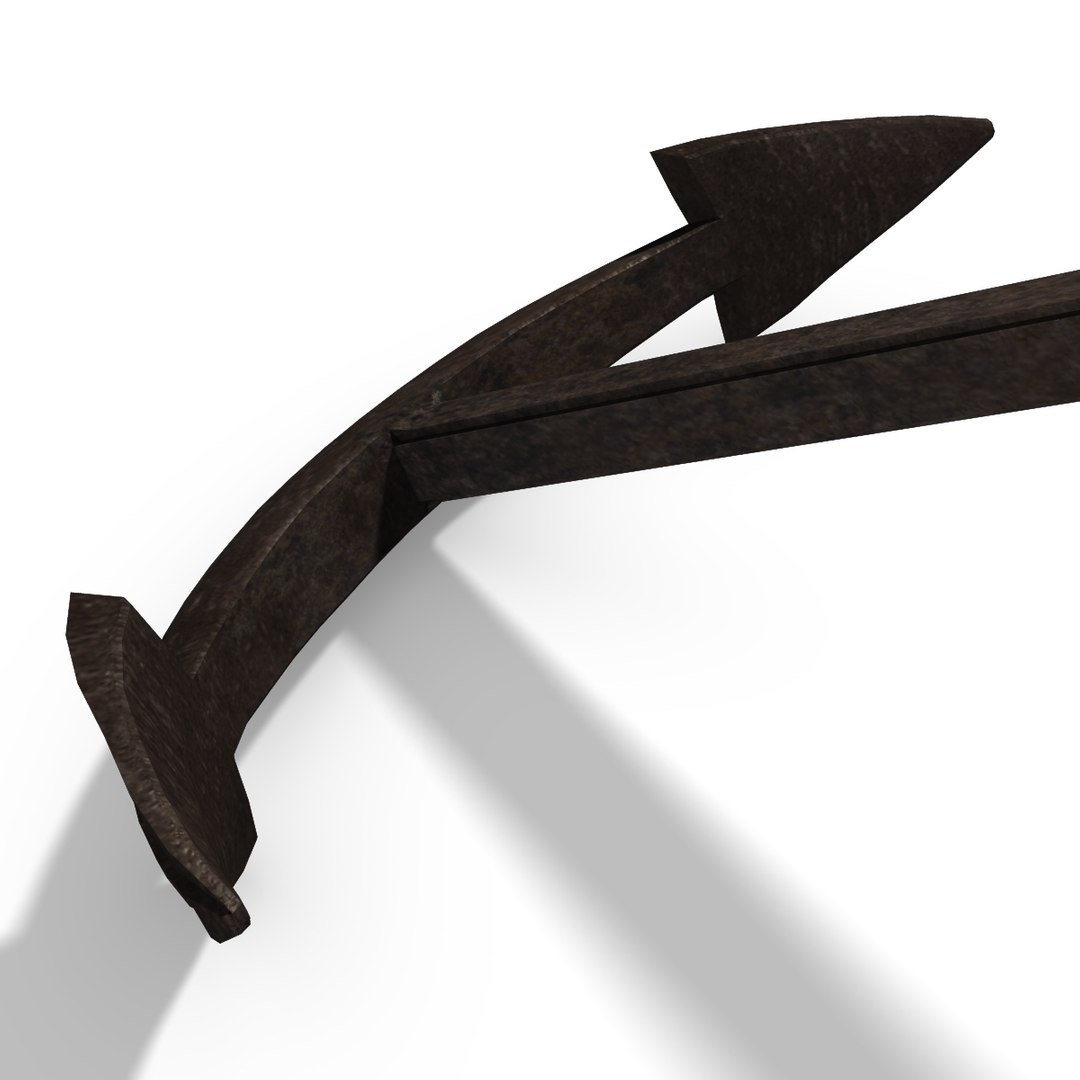
an old anchor with wooden and metal parts and a ship cannon from the 14th century (breech loader).

Both objects are provided together because they share the same texture files.

Textures are provided for diffuse color, bump and specular color.

Textures are included in the sourceimages.(format).zip file, resolution 2048x2048 px.

MAYA : materials use photoshop layered file textures.
Both objects are organized in two separate groups sharing the same material.
All meshes consist of 4-sided faces.

canon: 2006 faces, 2094 vertices
anchor: 2848 faces, 2954 vertices

FBX : texture informations embedded, materials use PNG file textures.
Two fbx files (for anchor and cannon) are included in the related zip file.

OBJ : material information provided in the related mtl files, materials use PNG file textures.
Two obj files (for anchor and canon) are included in the related zip file.

Please note that textures and materials might need adjustments in any other Software than Maya.

Select Enhanced License

  • $10,000 in Legal Protection (Indemnification)
  • Uncapped Legal Protection (Indemnification)
  • Waiver from injunctive relief
  • Assignable model rights
  • $1,000,000 in Legal Protection (Indemnification)
  • Waiver from injunctive relief
  • Assignable model rights
  • $250,000 in Legal Protection (Indemnification)
  • Assignable model rights
Read more about enhanced license tiers, or contact us at enterprise@turbosquid.com. Already a Shutterstock Enterprise Customer? Contact your Shutterstock Sales Support Agent to talk about adding 3D.

About Conversion Requests

To submit a conversion request for a purchased asset, please complete our Conversion Request Form.

If you have not yet purchased a model, please review our Documentation about Conversions to learn about what limitations you may encounter with a conversion.

For any additional questions about a model’s suitability for conversion, please contact TurboSquid Support.

Loading...