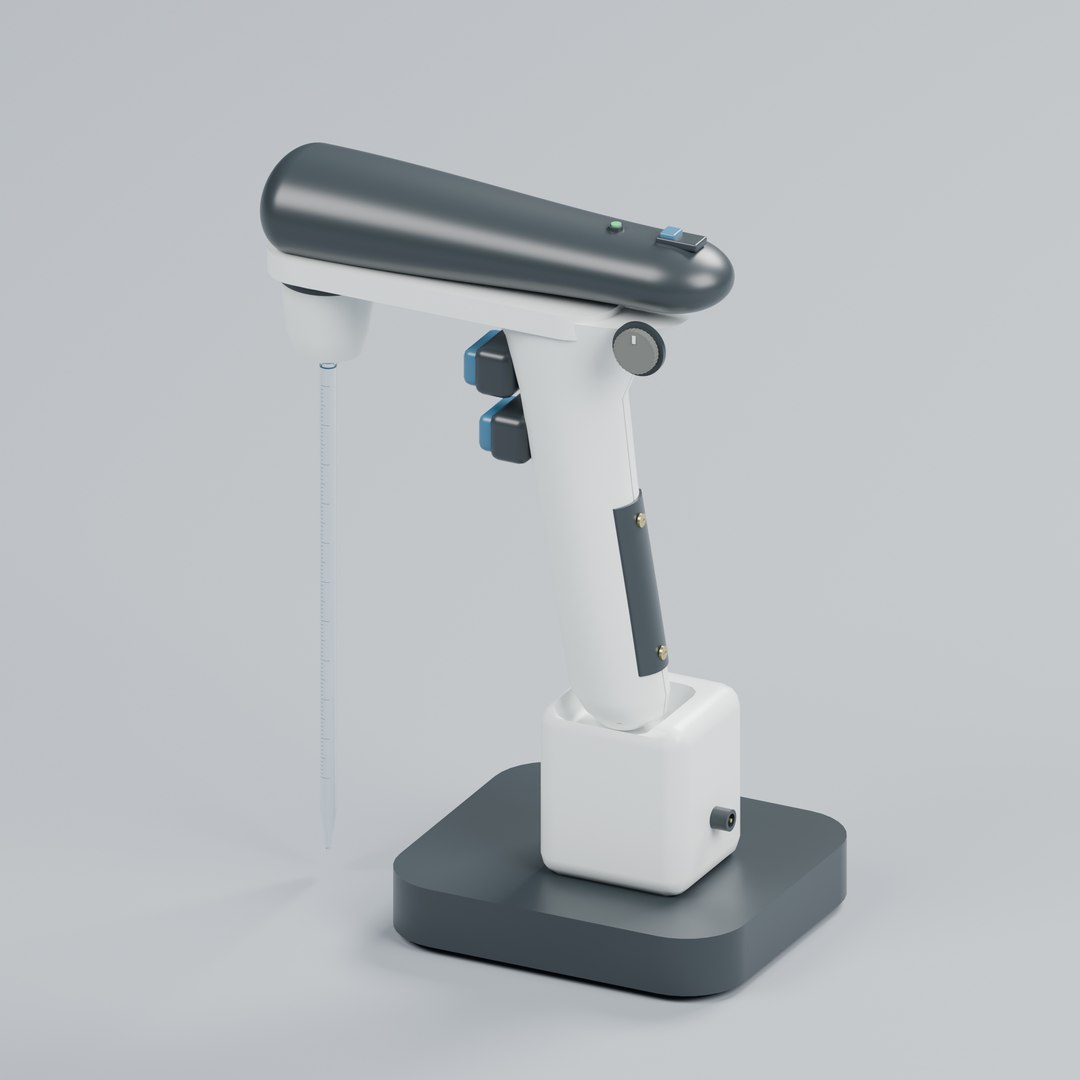
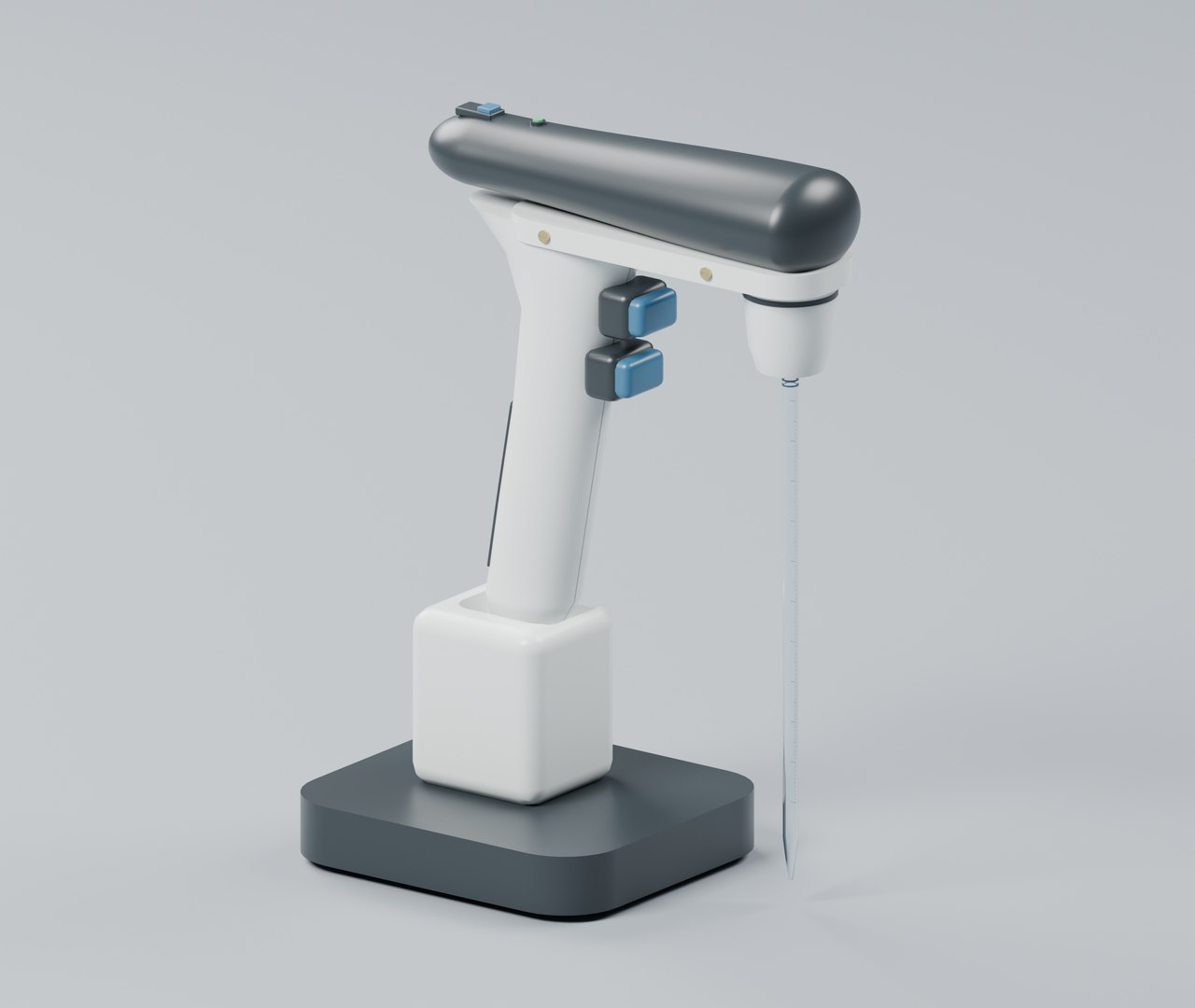
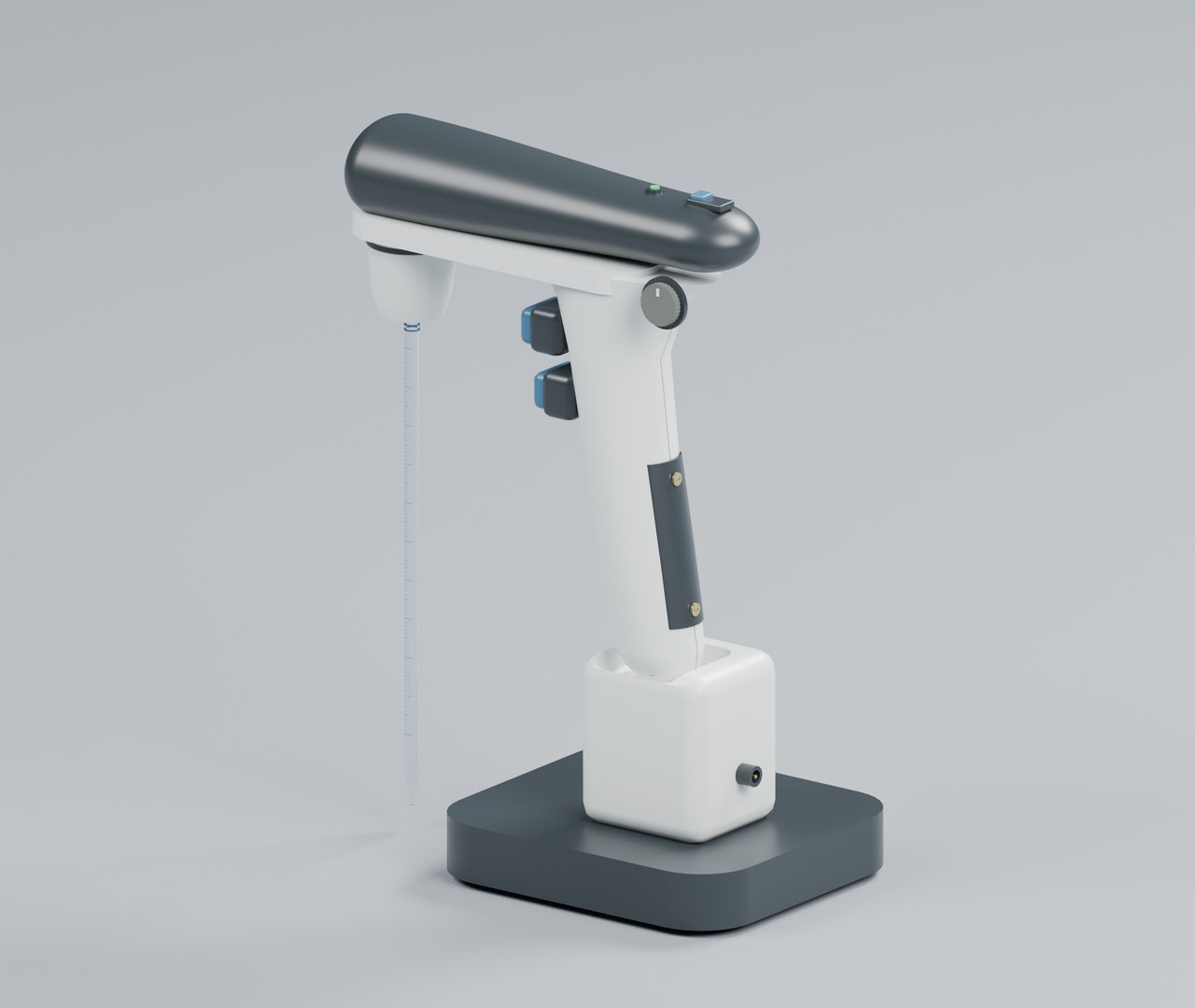
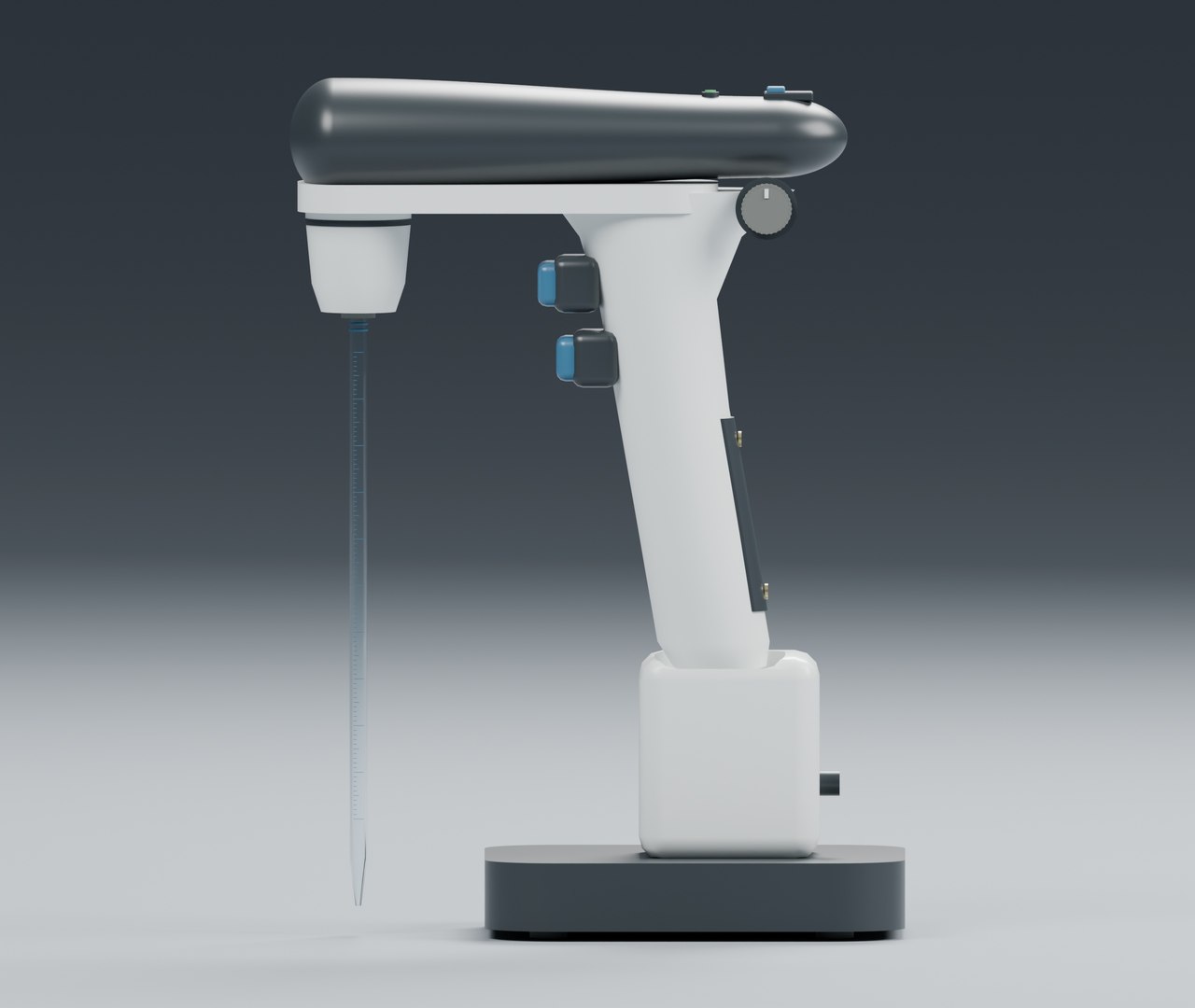
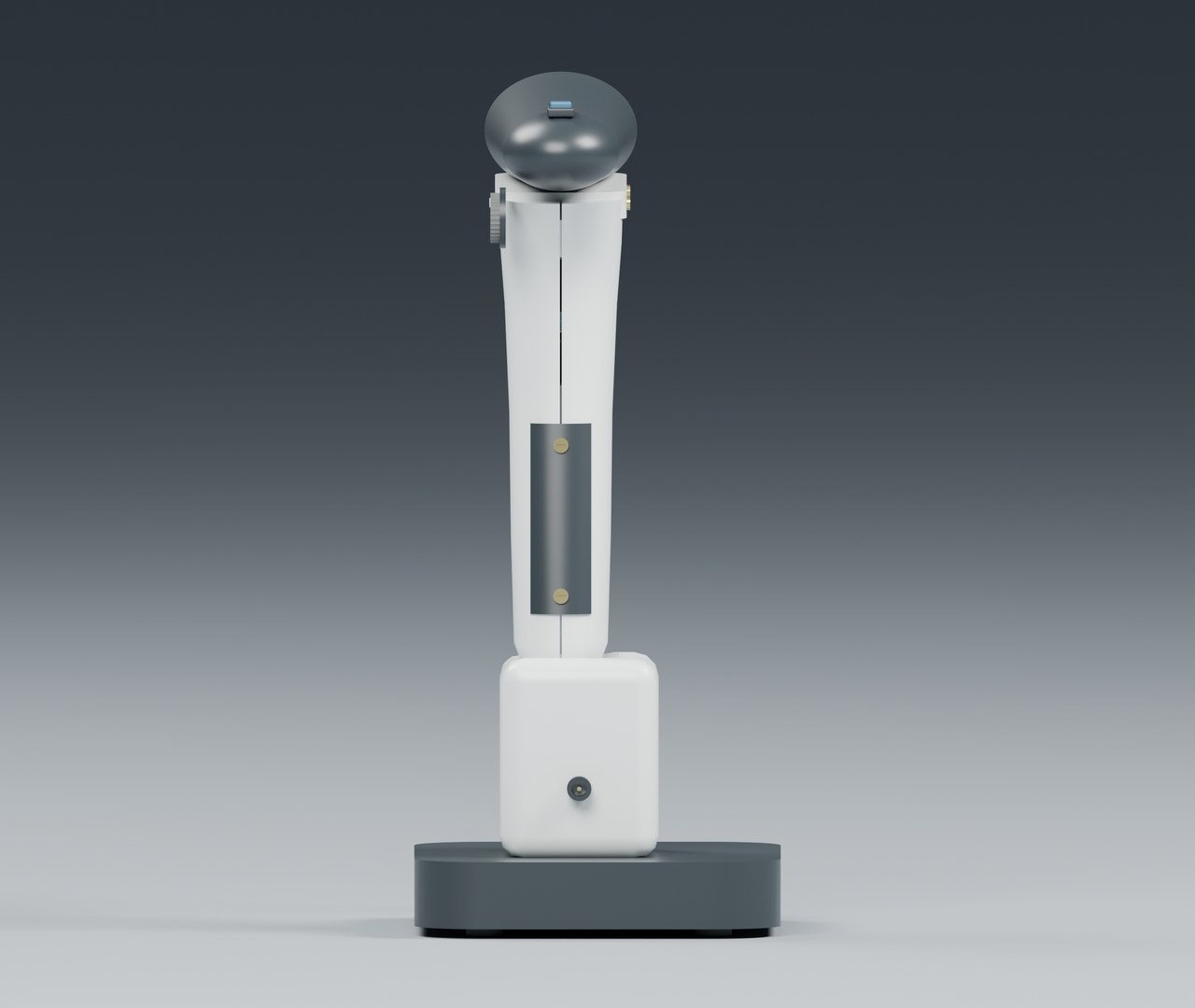
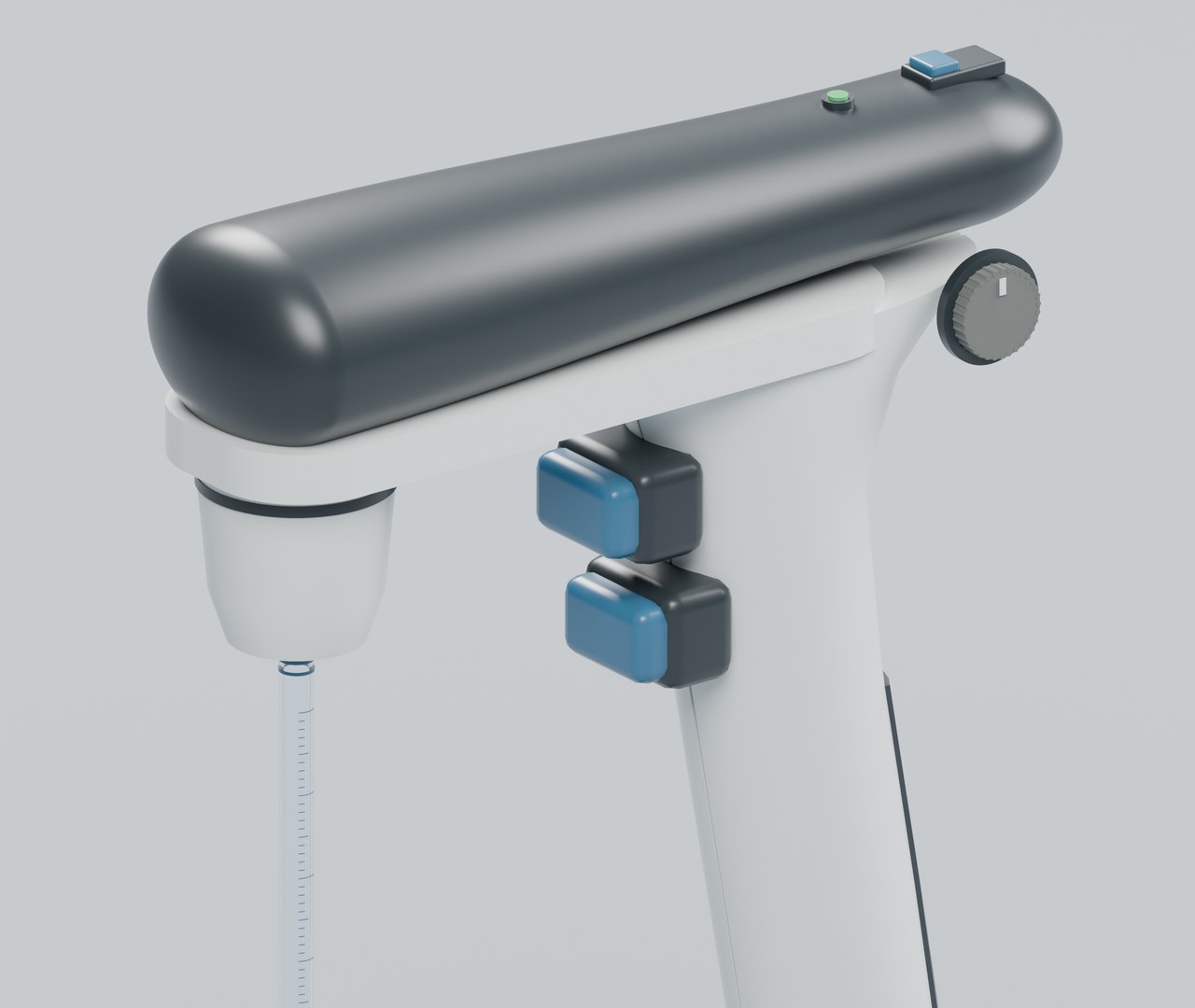
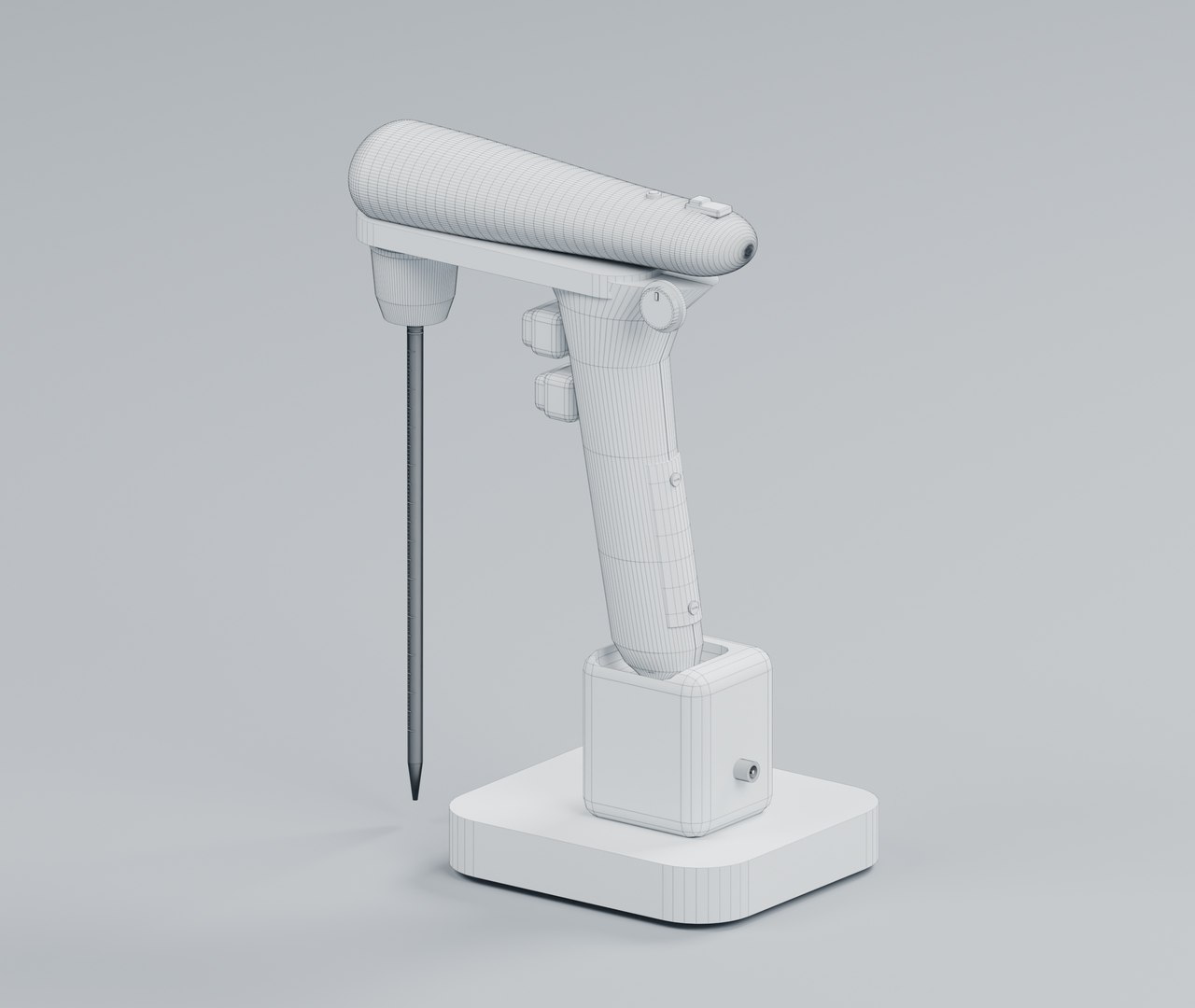
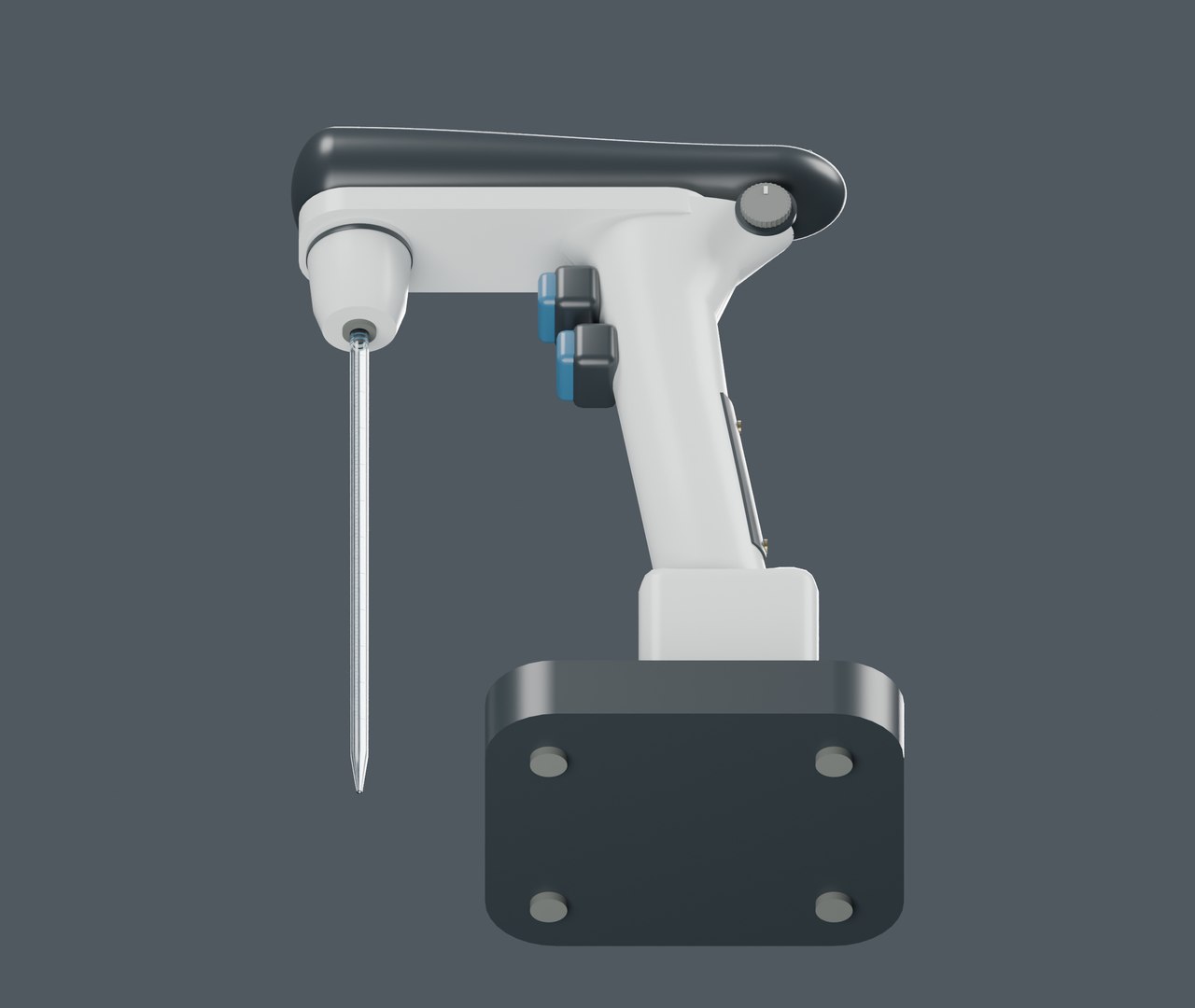
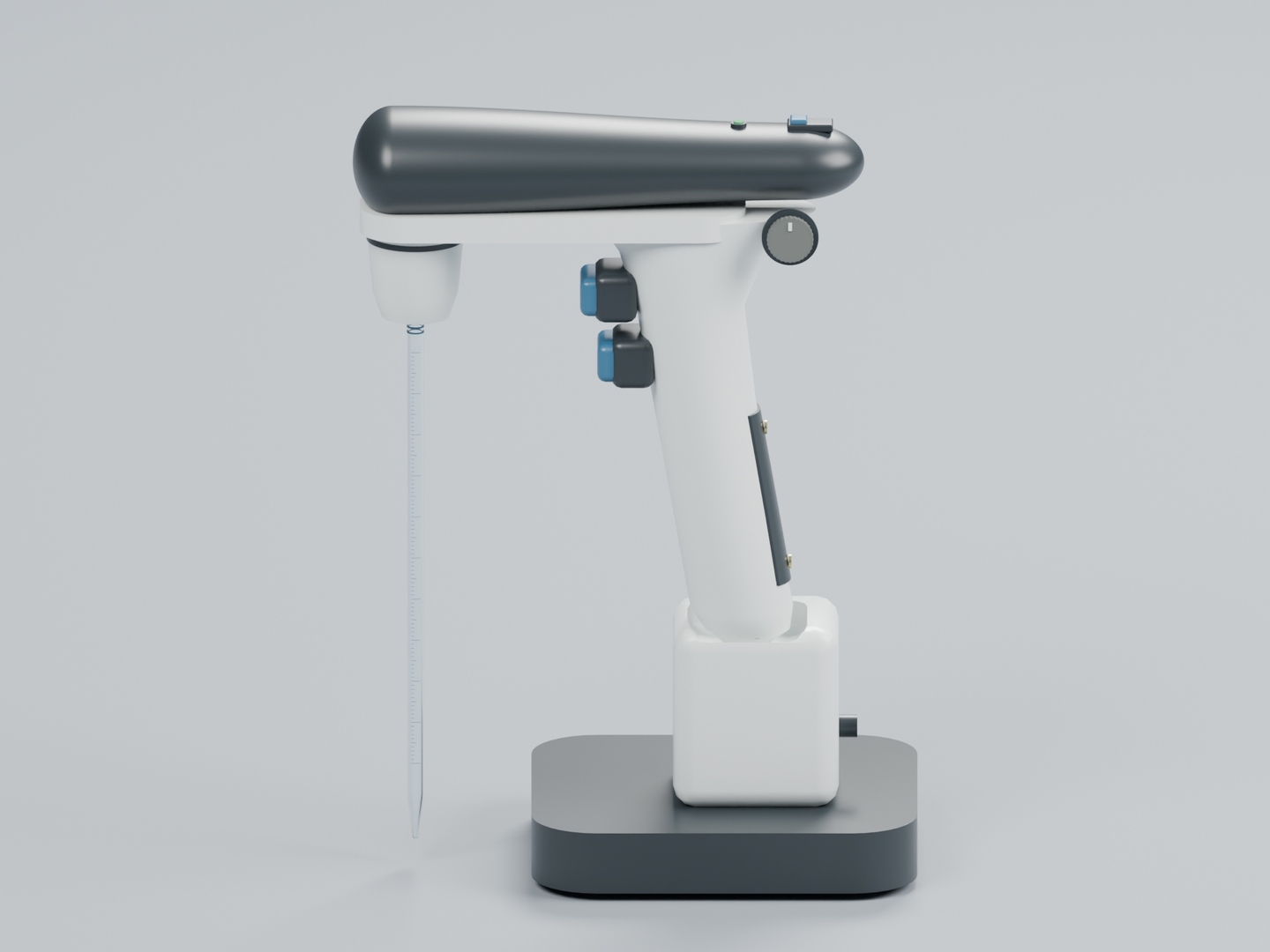
Electronic Pipette Filler with Charging Stand and Glass Pipette

$9

Formats (2)
Native | Blender 5.2.2 | Cycles Render 5.2.2
FBX 7.4
Specifications
Publish Date November 02, 2026
Product ID 2645870
Polygons 13,029
Vertices 13,983
Polygonal Quads/Tris Geometry
Materials
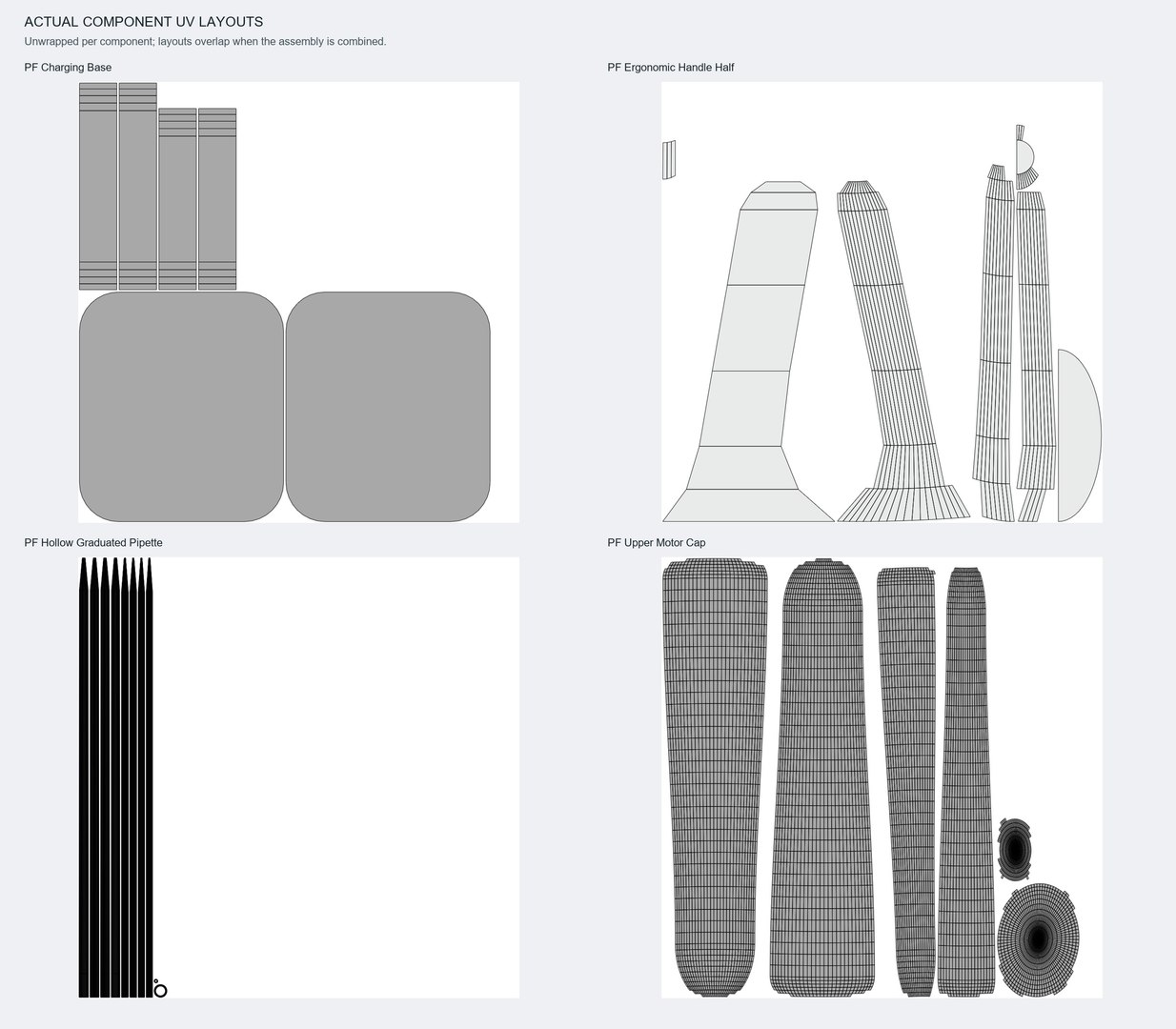
UV Mapped
Overlapping Unwrapped UVs
member avatar
Authentic 3D Models UK
697 Products | Contributor Since 2026
Have questions? Chat with us now.

Description

Detailed generic electronic pipette controller with sculpted split handle, motor cap, separate finger controls, speed wheel, mode selector and charge indicator. Includes bored silicone adapter, hollow graduated glass pipette and charging dock with contacts and rear connector.

FILES AND SCALE

Native Blender 5.2.2 asset and a separate Cycles studio scene, plus a polygon-preserving FBX 7.4 file. Metric scale; overall dimensions approximately 19.7 x 12.0 x 27.5 cm. 169 mesh components, 13,029 polygons, 13,983 vertices and 27,318 evaluated triangles; 97.1% quads.

MATERIALS AND UVS

Seven editable numeric PBR materials provide polymer shells, blue controls, silicone, contact metal, glass and indicator. No image textures required.

NOTES

Static decorative laboratory prop; markings are illustrative and not calibrated. Native Cycles glass is transparent; FBX matches geometry but transparent shaders require configuration in the target renderer. No functional electronics or fluid simulation. Component UVs overlap when combined.

Categories

Select Enhanced License

  • $10,000 in Legal Protection (Indemnification)
  • Uncapped Legal Protection (Indemnification)
  • Waiver from injunctive relief
  • Assignable model rights
  • $1,000,000 in Legal Protection (Indemnification)
  • Waiver from injunctive relief
  • Assignable model rights
  • $250,000 in Legal Protection (Indemnification)
  • Assignable model rights
Read more about enhanced license tiers, or contact us at enterprise@turbosquid.com. Already a Shutterstock Enterprise Customer? Contact your Shutterstock Sales Support Agent to talk about adding 3D.

About Conversion Requests

To submit a conversion request for a purchased asset, please complete our Conversion Request Form.

If you have not yet purchased a model, please review our Documentation about Conversions to learn about what limitations you may encounter with a conversion.

For any additional questions about a model’s suitability for conversion, please contact TurboSquid Support.

Loading...