
Eileen Gray Bonaparte Chair UE4

$7

Standard License | Upgrade License
Editorial Uses Only
Formats (3)
FBX
Unreal
Other Textures
Specifications
Publish Date October 29, 2016
Product ID 1087455
Polygons 26,582
Vertices 26,749
Polygonal Ngons Used
Textures
Materials
UV Mapped
Non-overlapping Unwrapped UVs

member avatar
cgwarehouse
2000 Products | Contributor Since 2014
Have questions? Chat with us now.

Description

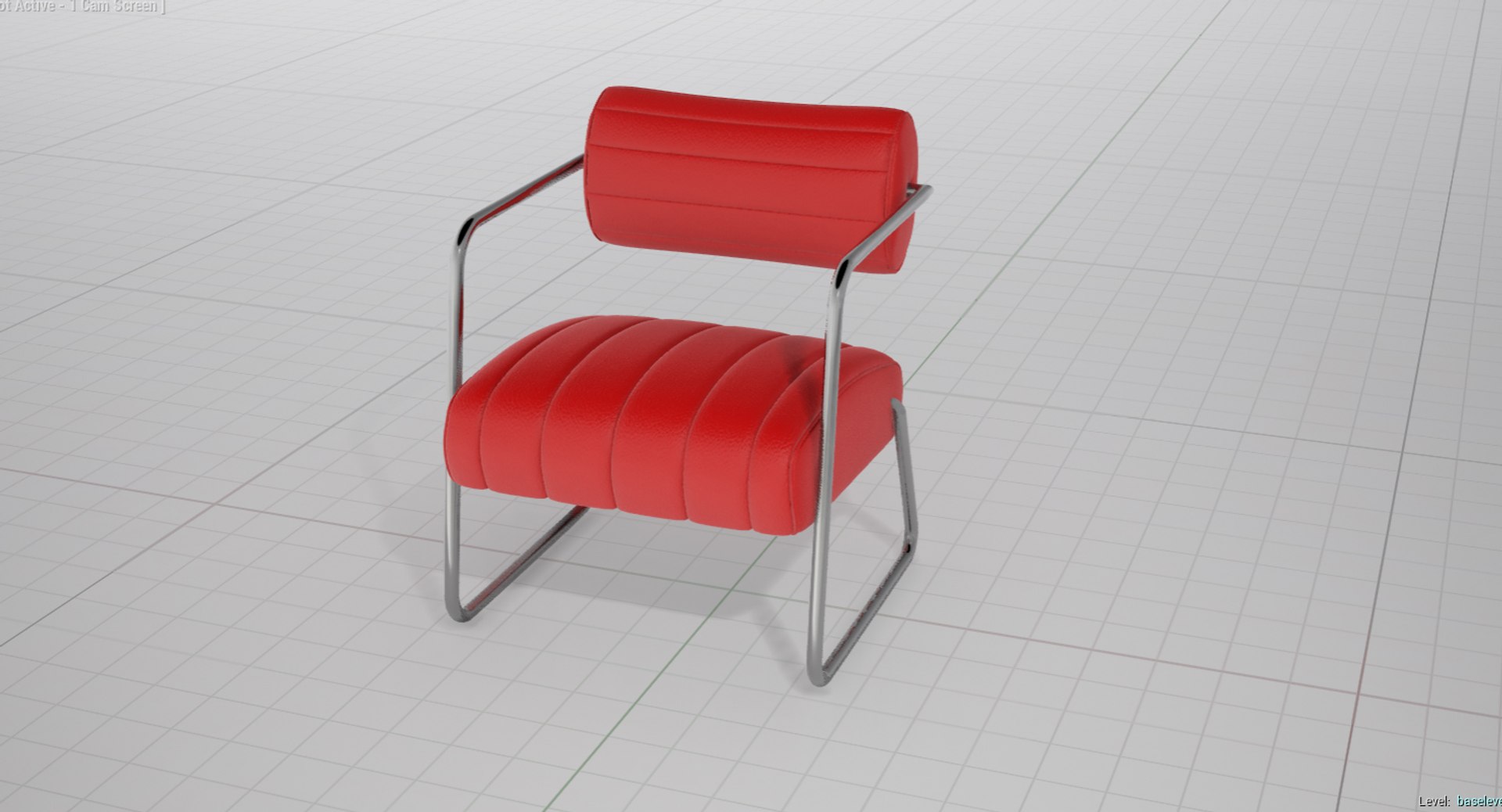
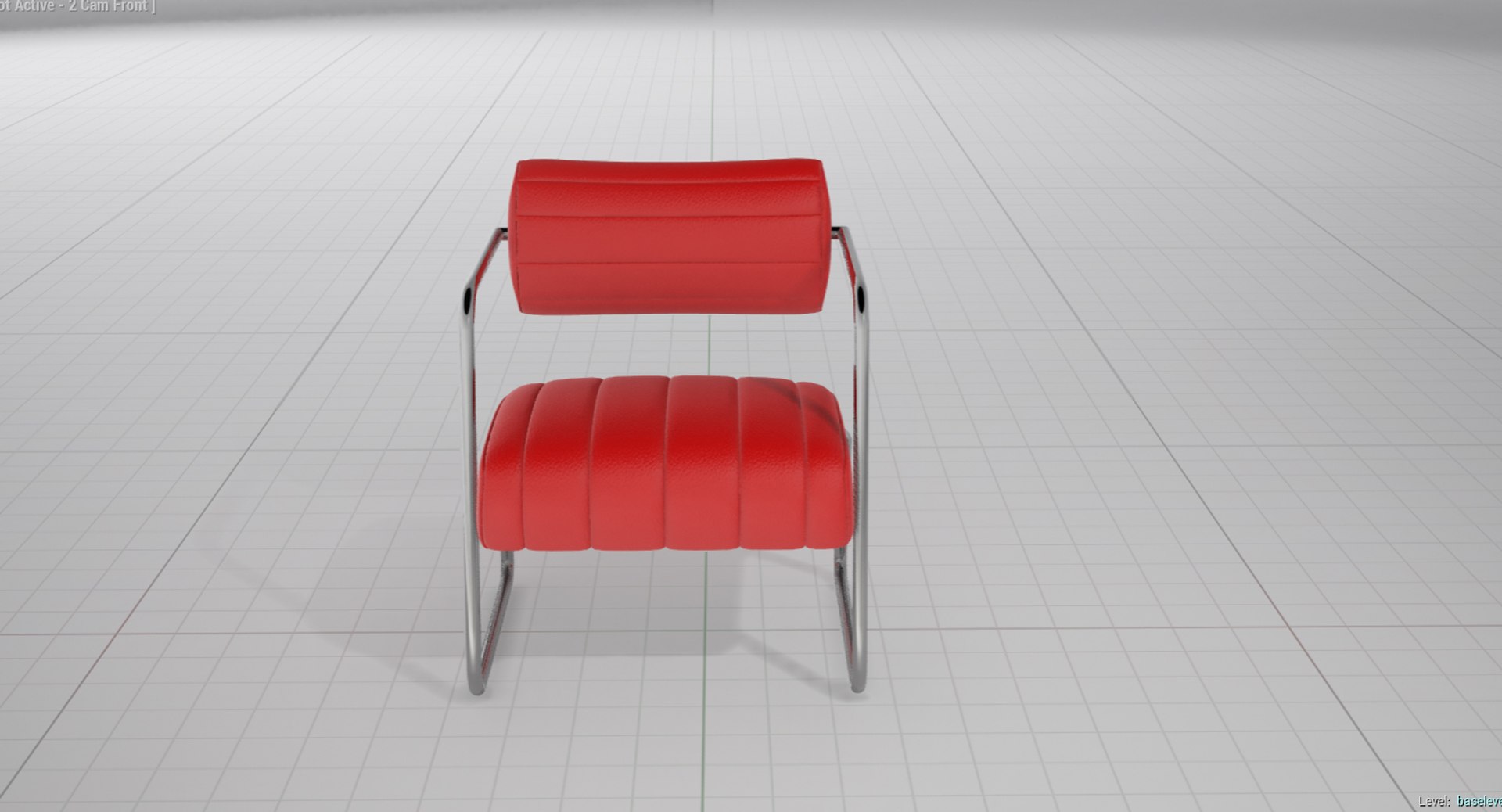
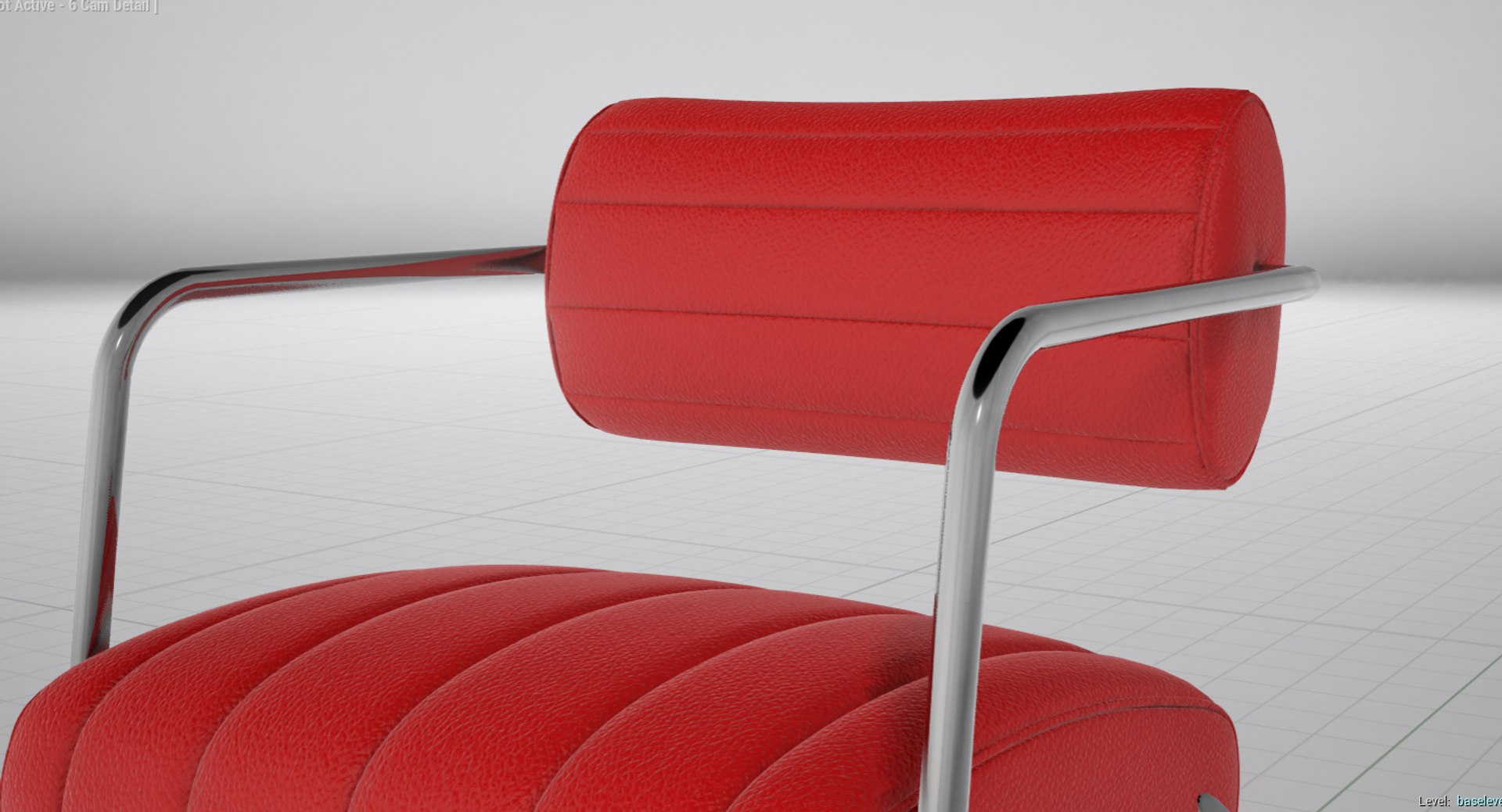
UNREAL ENGINE 4 ASSET OF AN EILEEN GRAY BONAPARTE CHAIR

>>> Scene Information

- The asset is prepared for Unreal Engine 4.13.1

- The preview images are screenshot from the baked scene

- The pivot of the asset is at 0,0,0

- The studio scene is not included

>>> Import Instruction

- Unzip the archive and copy the files into the project-root-content folder

- This will relink all assigned materials

- If copied into a subfolder, you might loose texture and material links

-----

- If you import the FBX file make sure you uncheck "Generate Lightmap UVs"

- The FBX archive also includes the textures

>>> Geometry

- The model is collapsed to one single object

- The model is suitable for closeups

- All objects and materials are named

>>> Materials

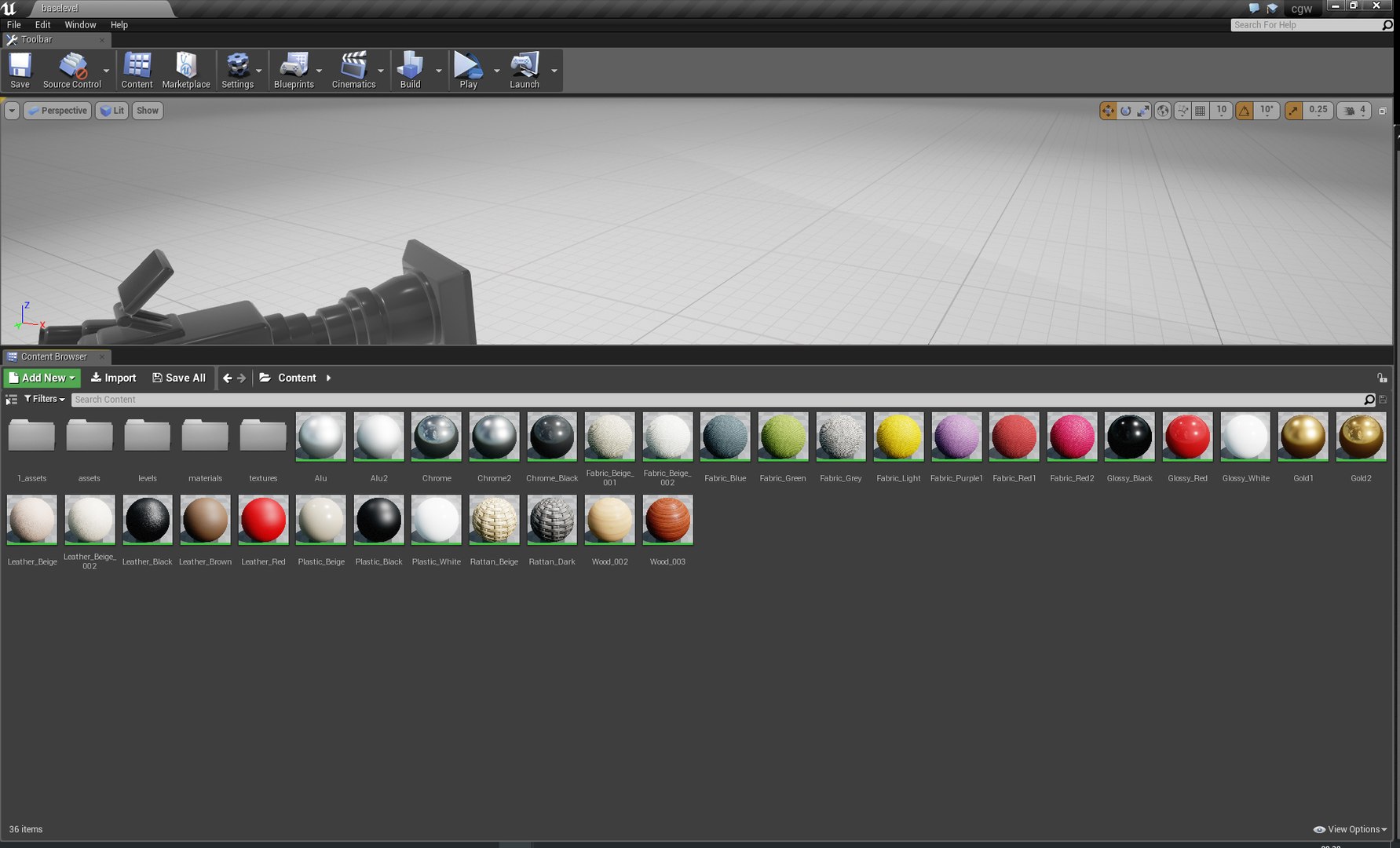
- UE4 shaders are included

>>> Formats

- Unreal Engine 4.13.1

- FBX

>>> Contact Turbosquid support if you need assistance with file formats

>>> Please check out my catalogue for more hires and realistic models

>>> If you like this model I would kindly ask you to rate it

>>> This is a computer generated 3d model - it is not a real life object.

Select Enhanced License

  • $10,000 in Legal Protection (Indemnification)
  • Uncapped Legal Protection (Indemnification)
  • Waiver from injunctive relief
  • Assignable model rights
  • $1,000,000 in Legal Protection (Indemnification)
  • Waiver from injunctive relief
  • Assignable model rights
  • $250,000 in Legal Protection (Indemnification)
  • Assignable model rights
Read more about enhanced license tiers, or contact us at enterprise@turbosquid.com. Already a Shutterstock Enterprise Customer? Contact your Shutterstock Sales Support Agent to talk about adding 3D.

About Conversion Requests

To submit a conversion request for a purchased asset, please complete our Conversion Request Form.

If you have not yet purchased a model, please review our Documentation about Conversions to learn about what limitations you may encounter with a conversion.

For any additional questions about a model’s suitability for conversion, please contact TurboSquid Support.

Loading...