
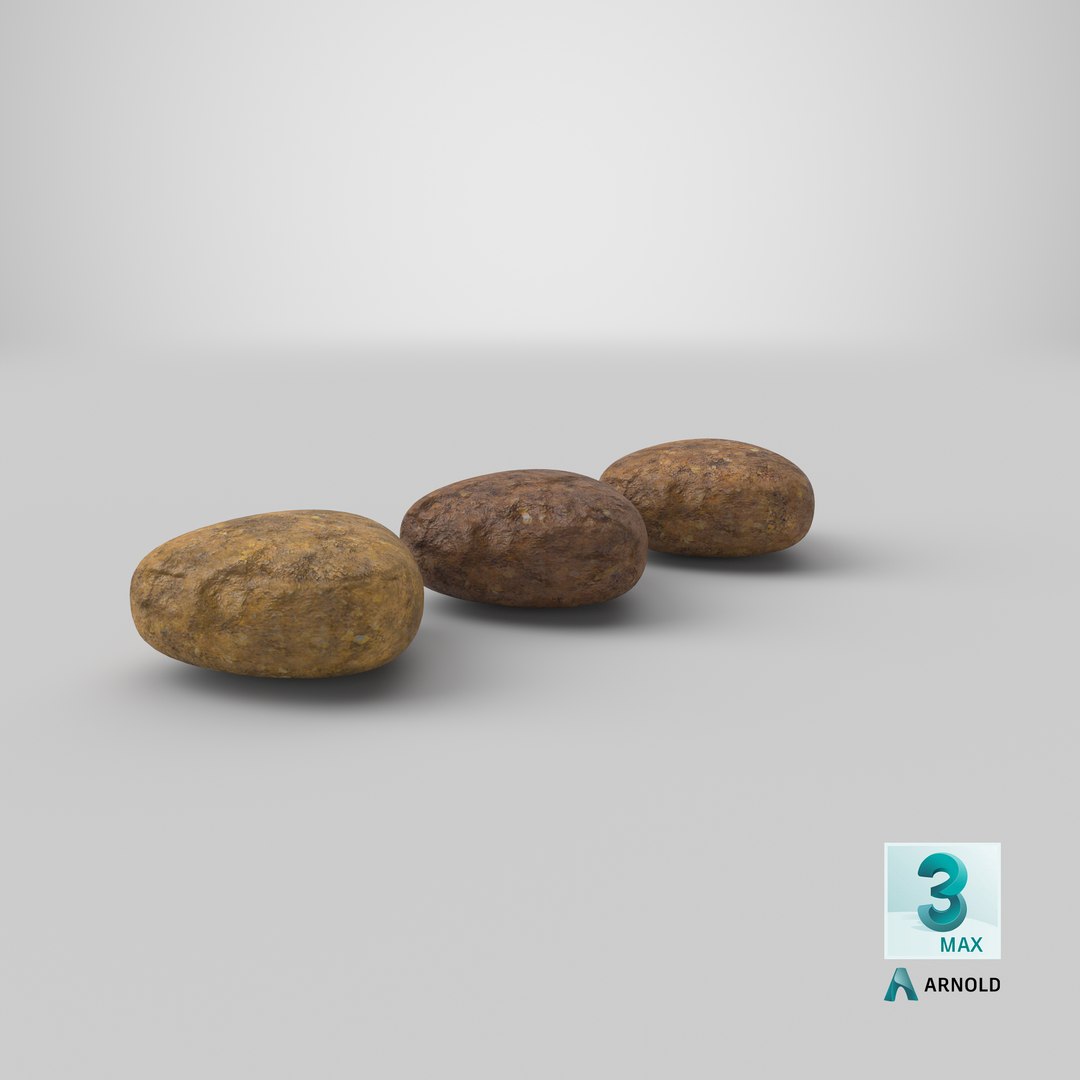
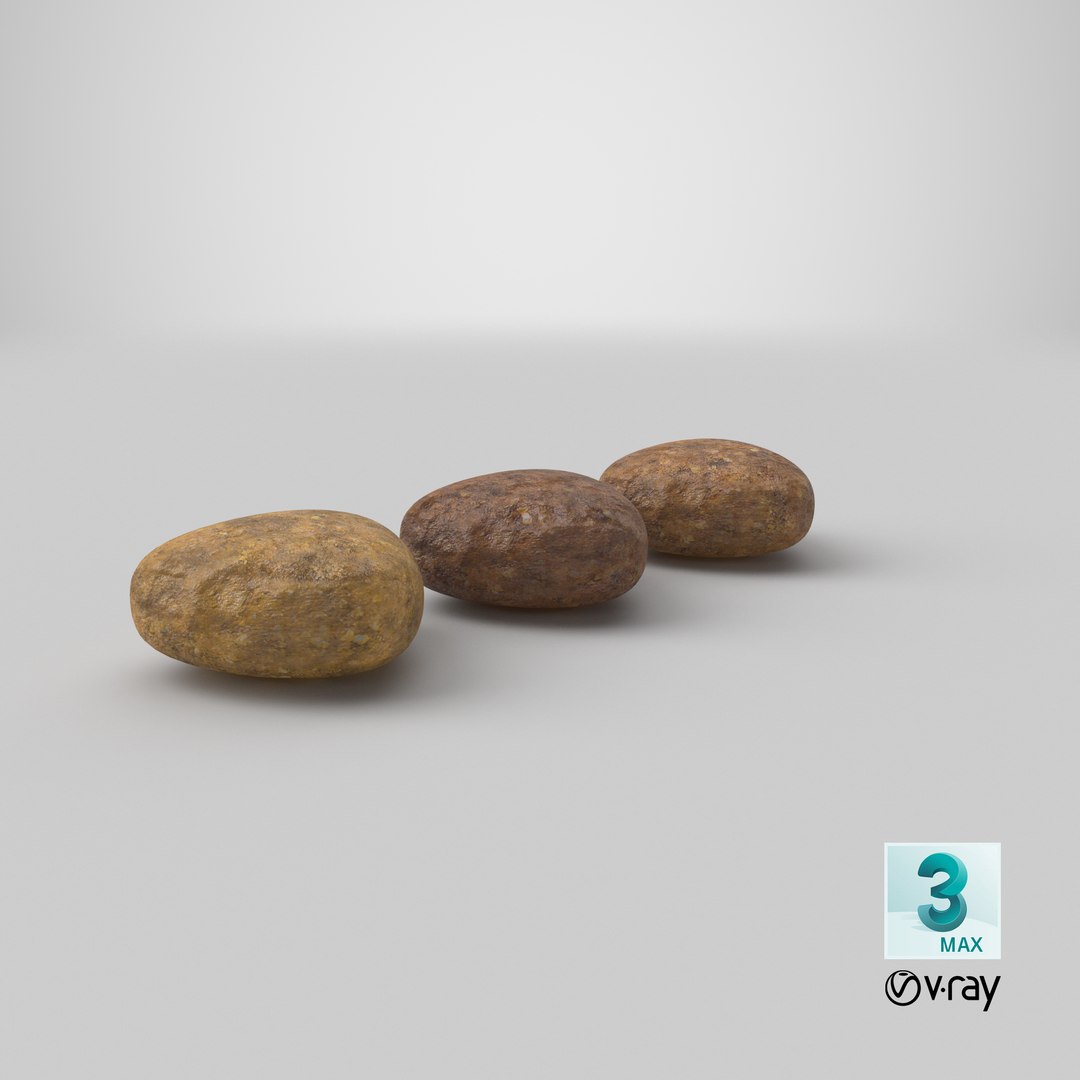
Dry Dog Food 1

$9

Standard License | Upgrade License
Formats (21)
Native | 3ds Max 2015 | V-Ray 3.5
Cinema 4D R18 | Advanced Render
Cinema 4D R18 | Arnold 5.3.1.1
3ds Max 2018 | Arnold 5.3.1.1
3ds Max 2015 | mental ray
3ds Max 2015 | V-Ray 3.2
Maya 2017 | Arnold 5.3.1.1
3ds Max 2015 | Default Scanline rendererVersion
OBJ
FBX
3D Studio
Unity
Unreal
glTF
USD
USDz
Specifications
Publish Date October 09, 2020
Product ID 1624416
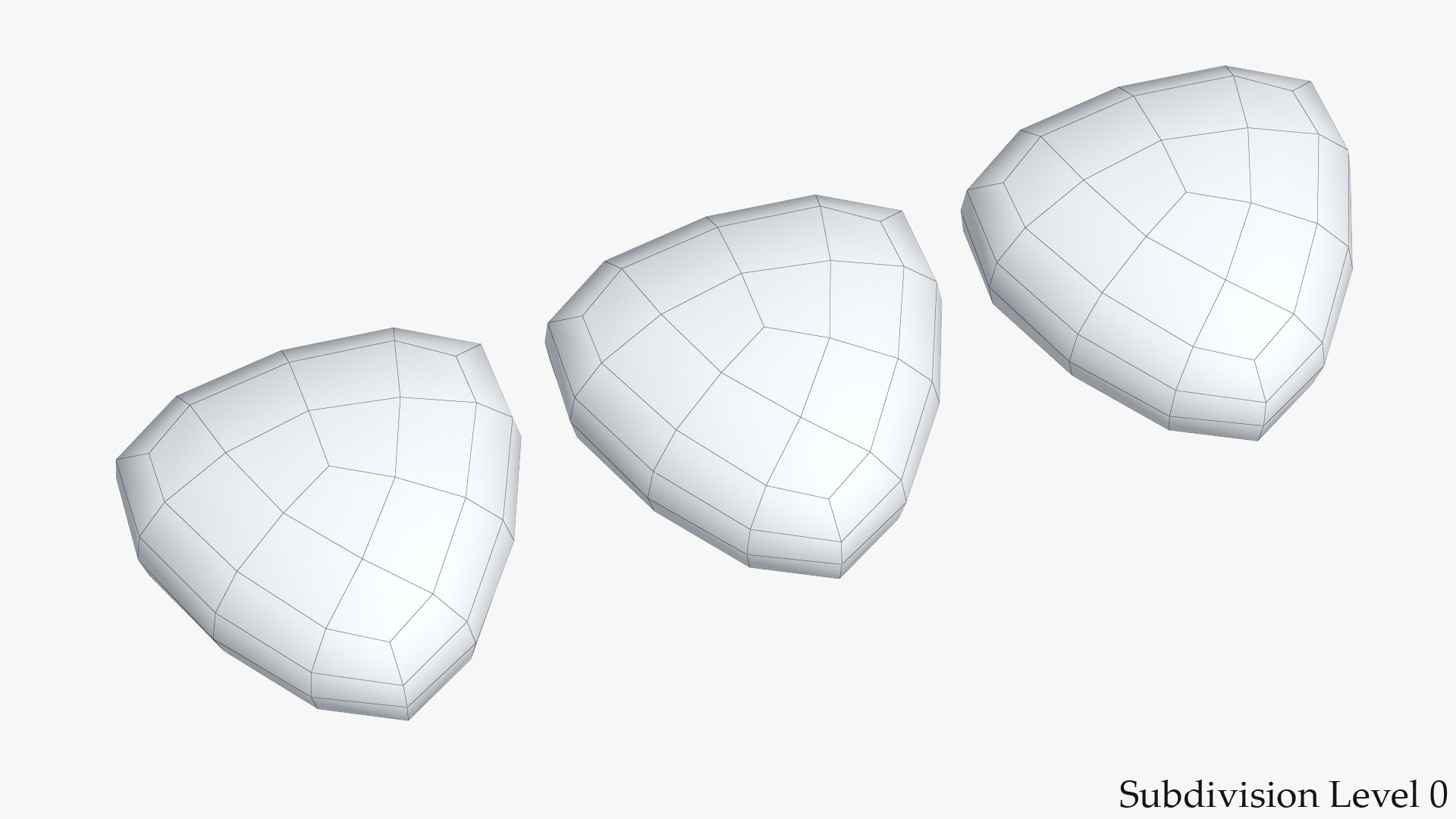
Polygons 216
Vertices 222
Polygonal Quads Only
Textures
Materials
UV Mapped
Non-overlapping Unwrapped UVs
PBR
StemCell Certified
TurboSquid Exclusive
member avatar
shiva3d
2278 Products | Contributor Since 2000
Have questions? Chat with us now.

Description

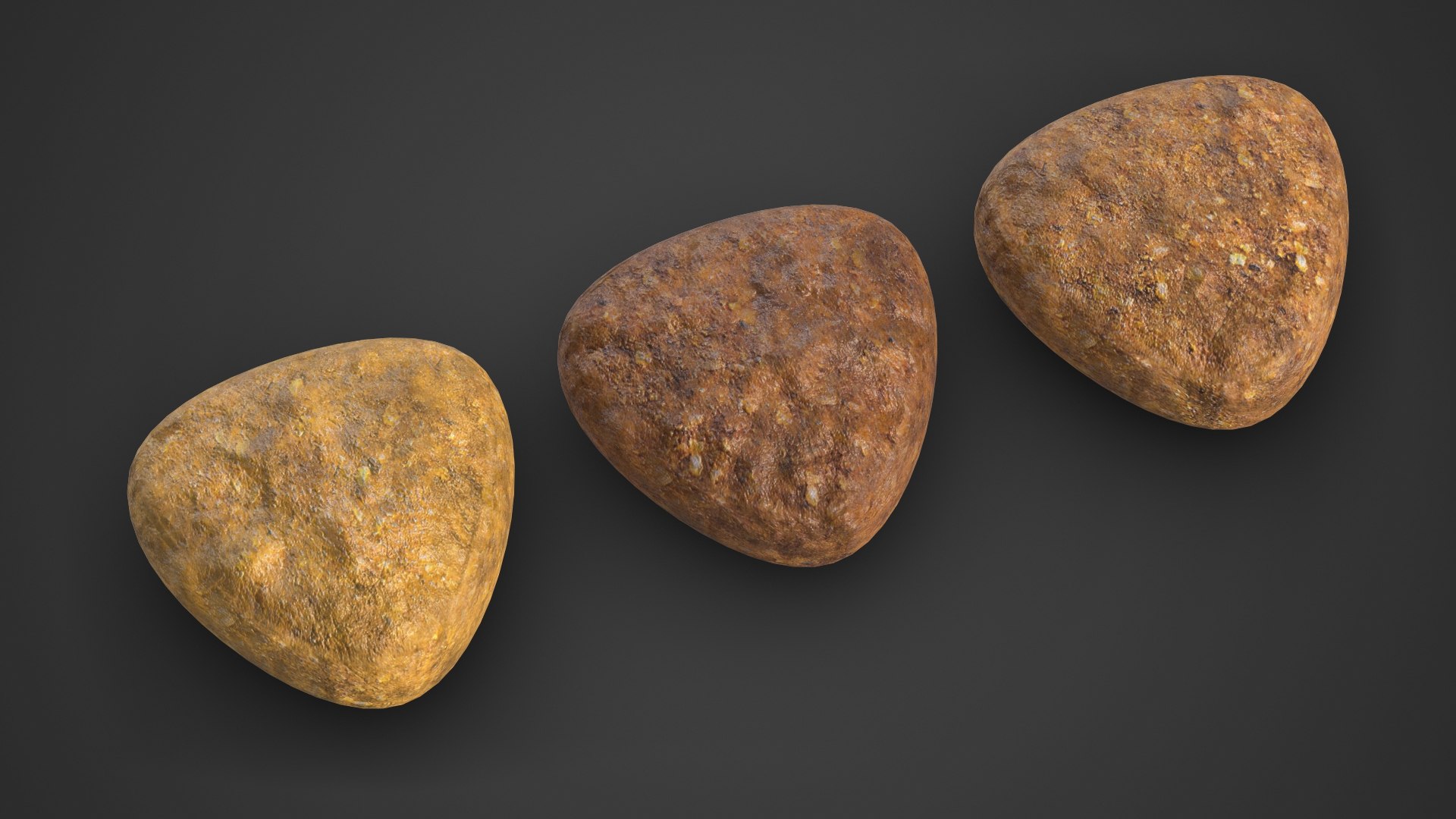
Dry Dog Food 3D Model.

This model is suitable for use in broadcast, high-res film close-up, advertising, design visualization, etc.

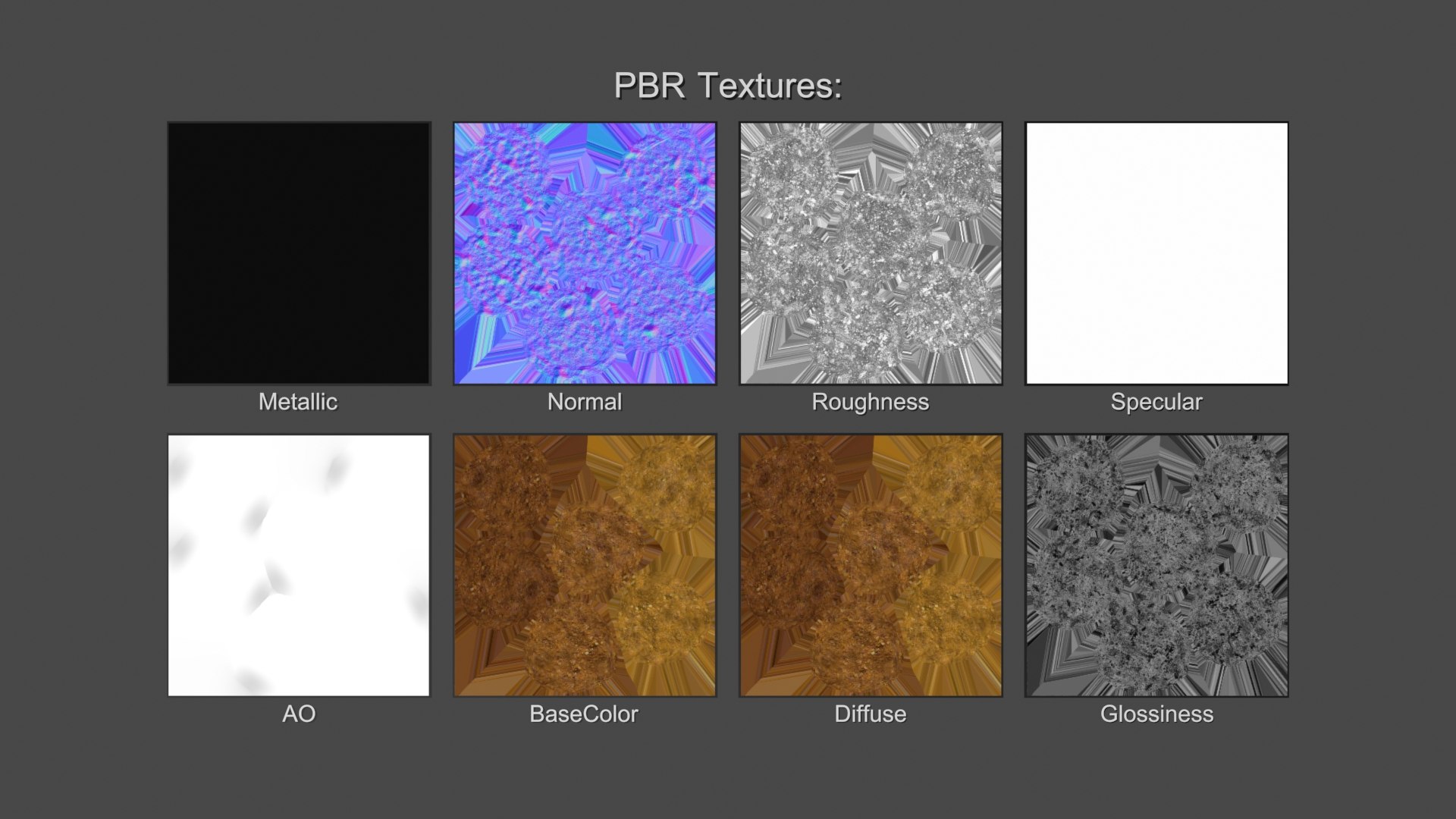
Adapted for PBR Metallic and Specular workflow.

This model contains 3 geometry objects.

Model created in real world size.

Units used - centimeters

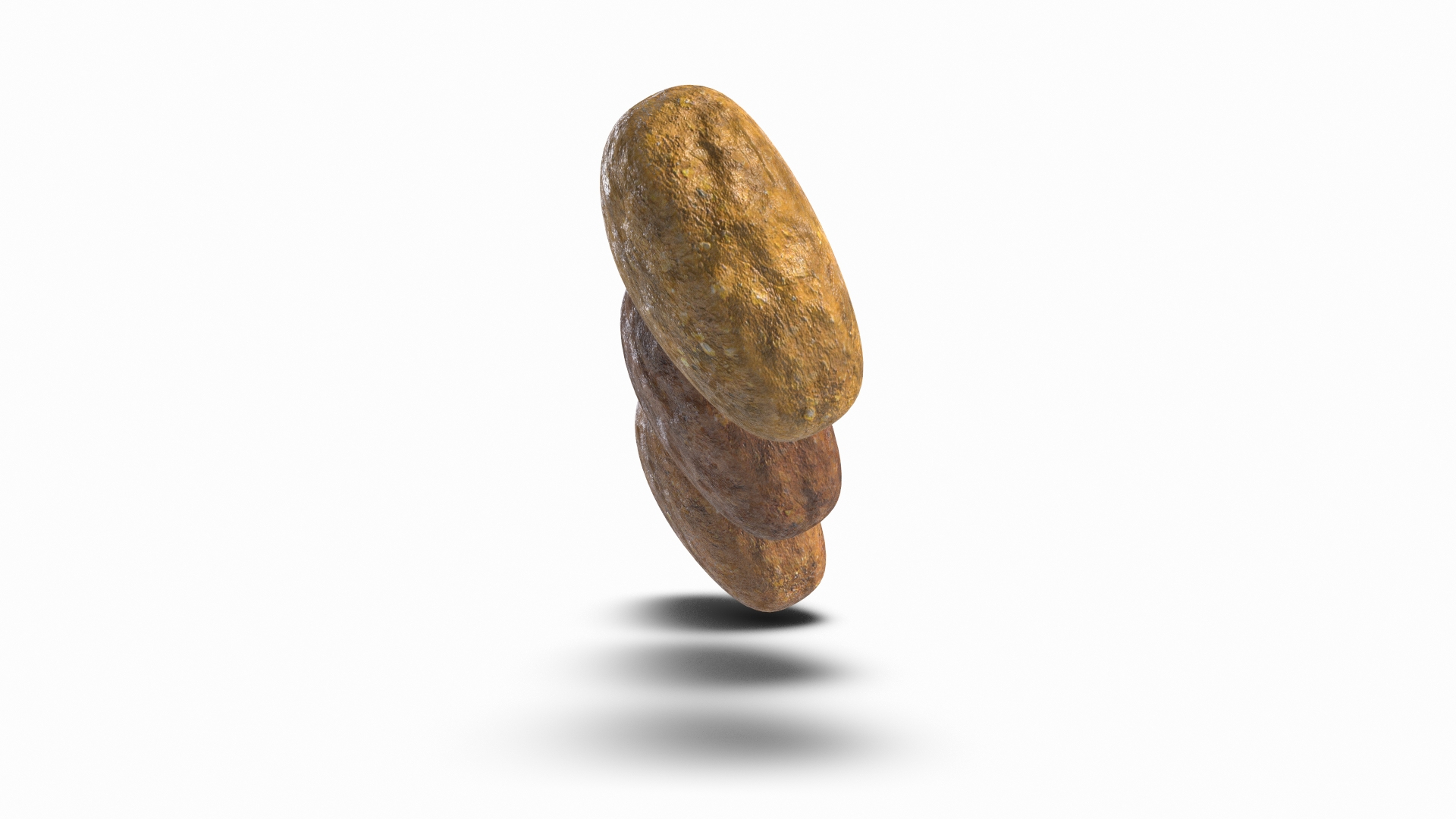
Dimensions: 1.1cm x 3.3cm x 0.6cm

Modeled for Subdivision.

3ds Max model has TurboSmooth modifier applied.

Clean topology.

No N-Gons.

No Triangles. Only 4 sided polygons.

Includes 3Ds Max Model setuped for V-Ray render.

Includes 3Ds Max Model setuped for standart Scanline render.

No third-party renderer or plug-ins needed.

For V-Ray scene you will need V-Ray renderer.

Previews rendered with V-Ray.

Textures:

1. DryDogFood1_Diffuse.png - 2048x2048

2. DryDogFood1_Glossiness.png - 2048x2048

3. DryDogFood1_Normal.png - 2048x2048

Select Enhanced License

  • $10,000 in Legal Protection (Indemnification)
  • Uncapped Legal Protection (Indemnification)
  • Waiver from injunctive relief
  • Assignable model rights
  • $1,000,000 in Legal Protection (Indemnification)
  • Waiver from injunctive relief
  • Assignable model rights
  • $250,000 in Legal Protection (Indemnification)
  • Assignable model rights
Read more about enhanced license tiers, or contact us at enterprise@turbosquid.com. Already a Shutterstock Enterprise Customer? Contact your Shutterstock Sales Support Agent to talk about adding 3D.

About Conversion Requests

To submit a conversion request for a purchased asset, please complete our Conversion Request Form.

If you have not yet purchased a model, please review our Documentation about Conversions to learn about what limitations you may encounter with a conversion.

For any additional questions about a model’s suitability for conversion, please contact TurboSquid Support.

Loading...