
Draco Rigged

$99

Formats (3)
Free file format Conversions available
Native | 3ds Max 2010 | V-Ray 2.00
FBX
OBJ
Specifications
Publish Date April 06, 2013
Product ID 734353
Polygons 7,190
Vertices 7,247
Polygonal Quads/Tris Geometry
Materials
Rigged

member avatar
shank3d
207 Products | Contributor Since 2008
Have questions? Chat with us now.

Description

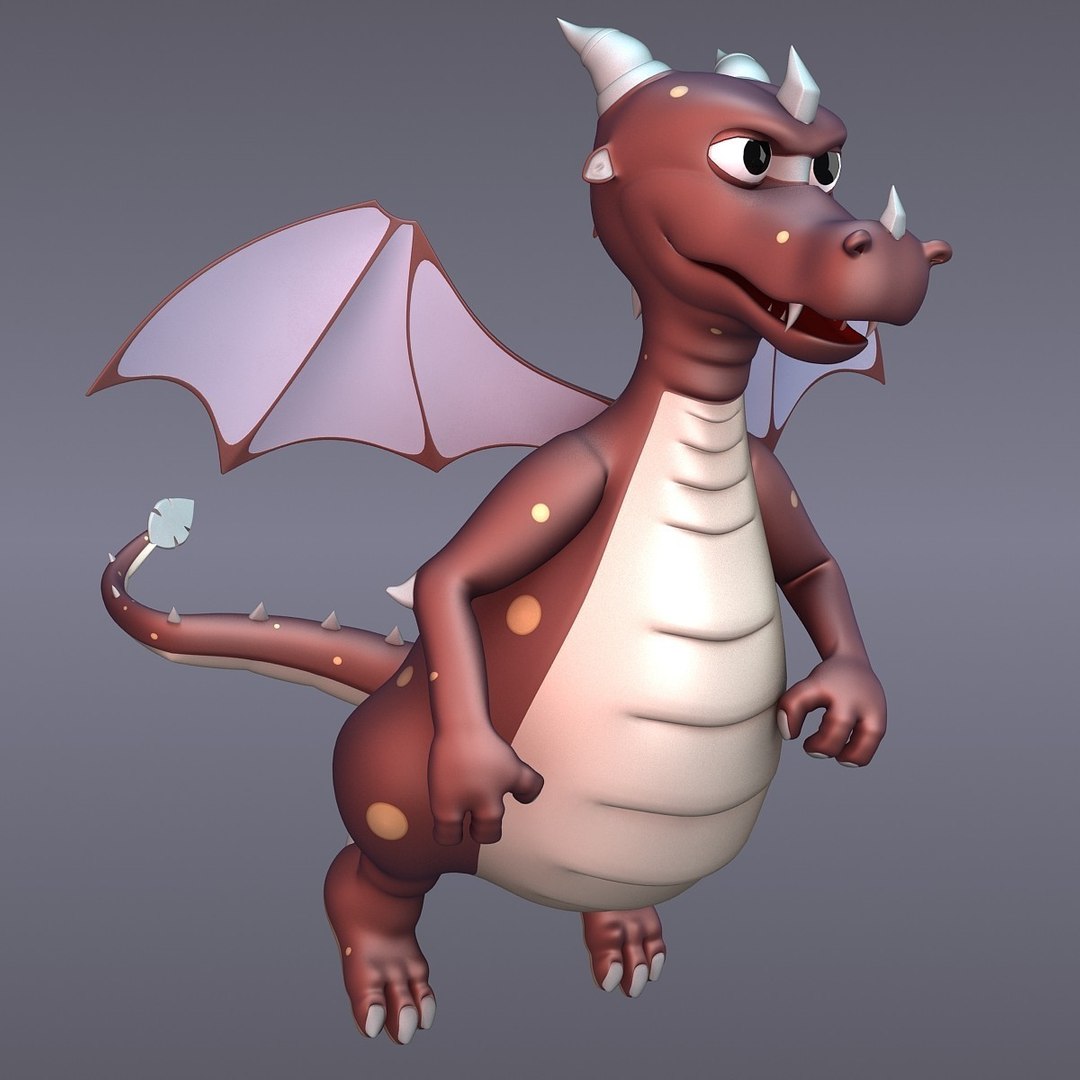
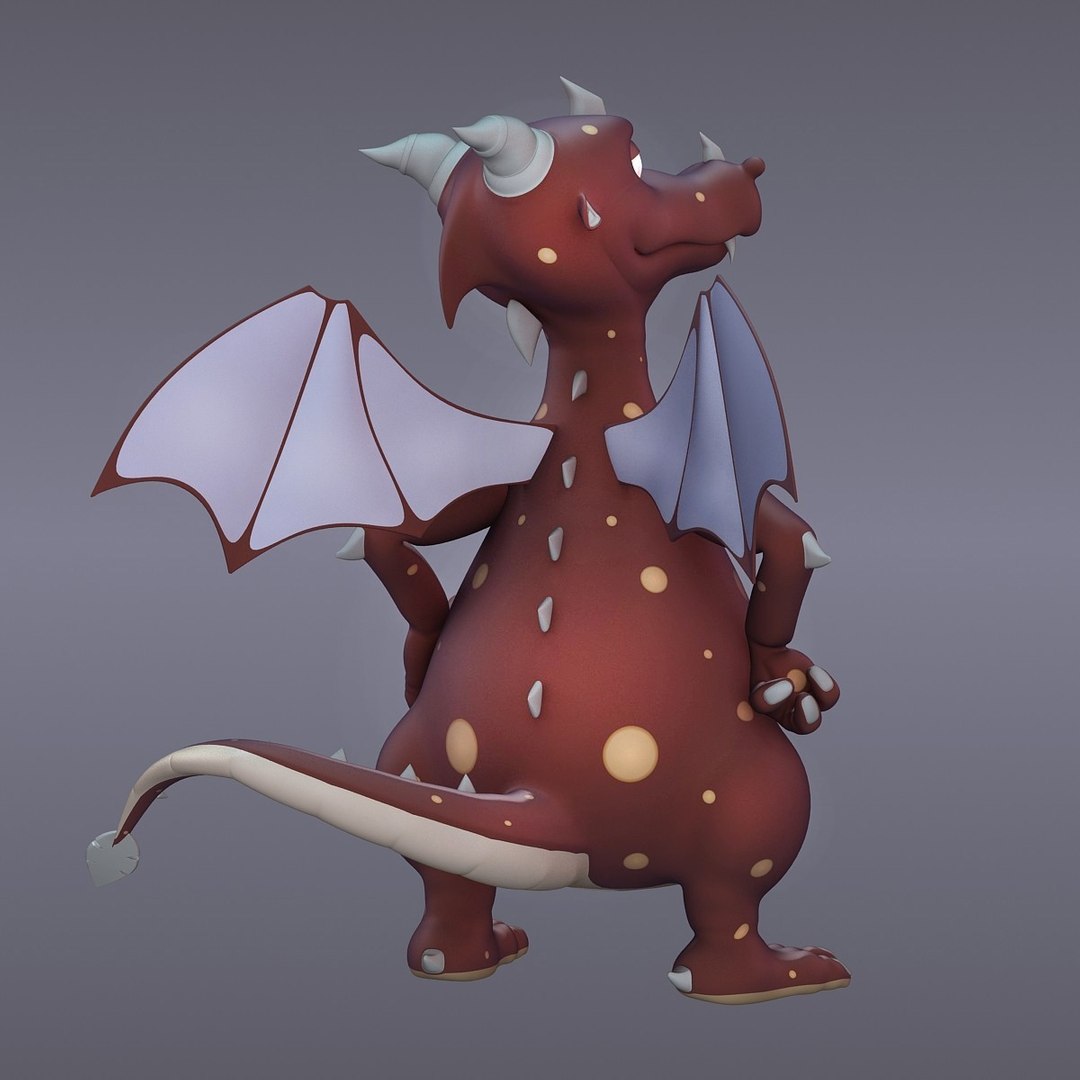
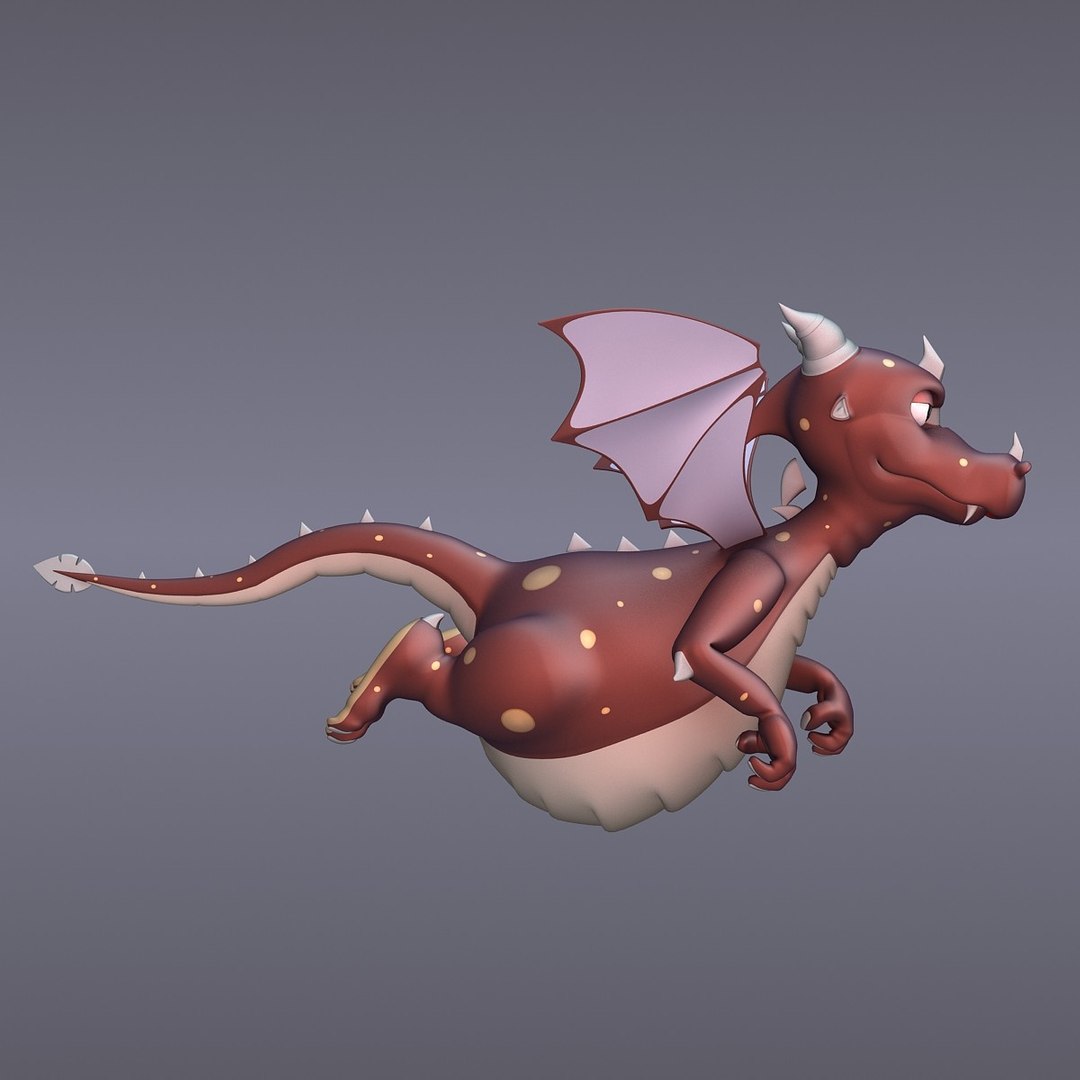
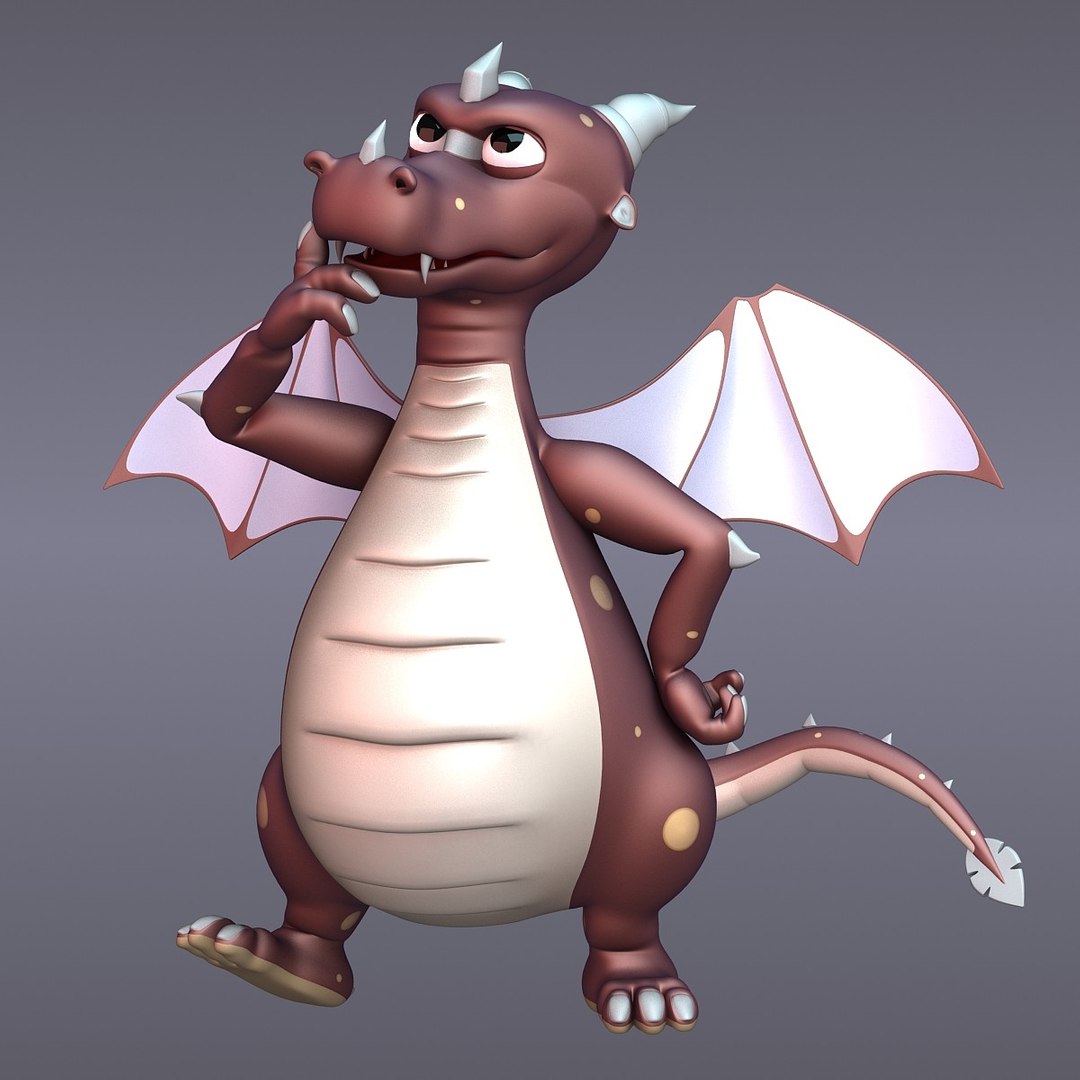
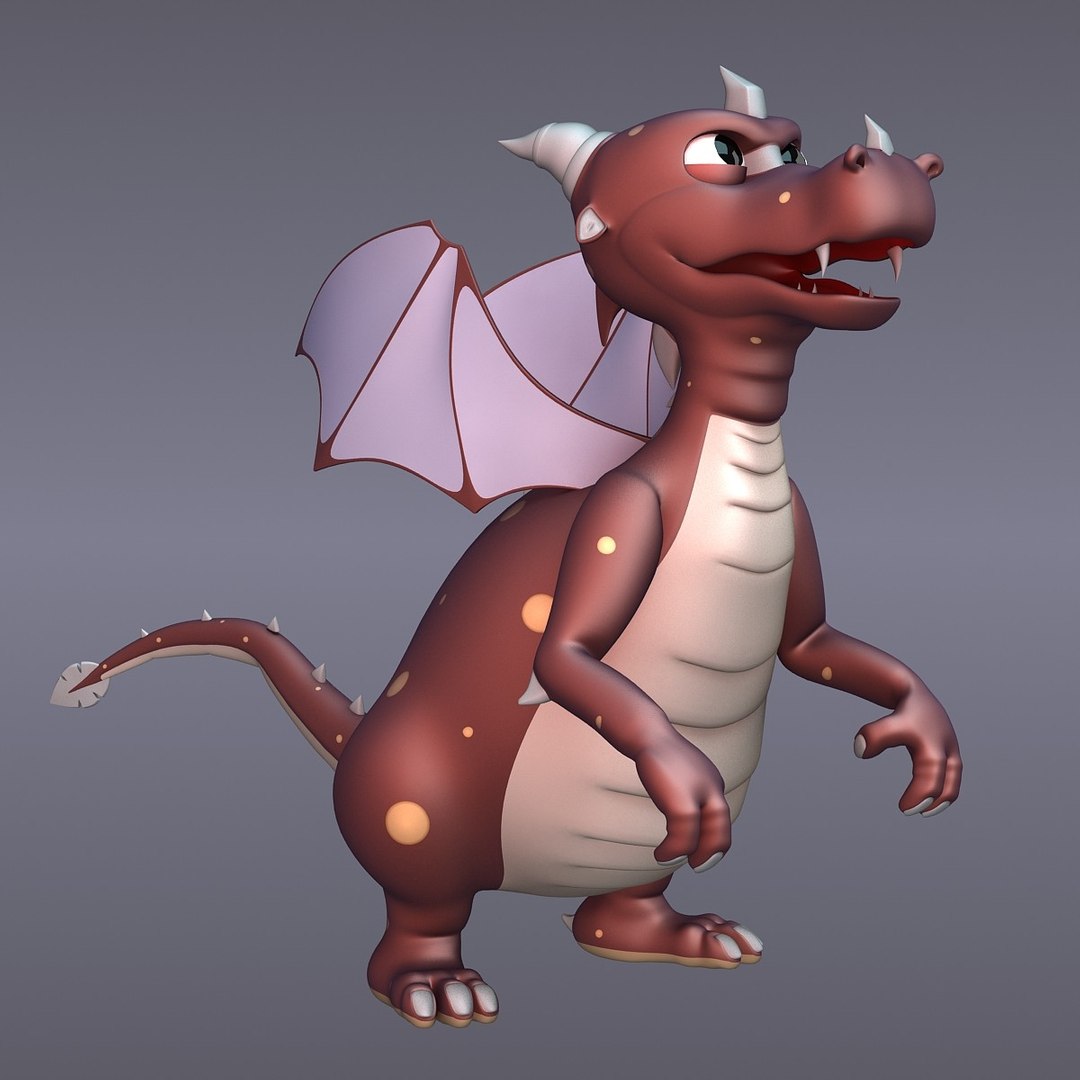
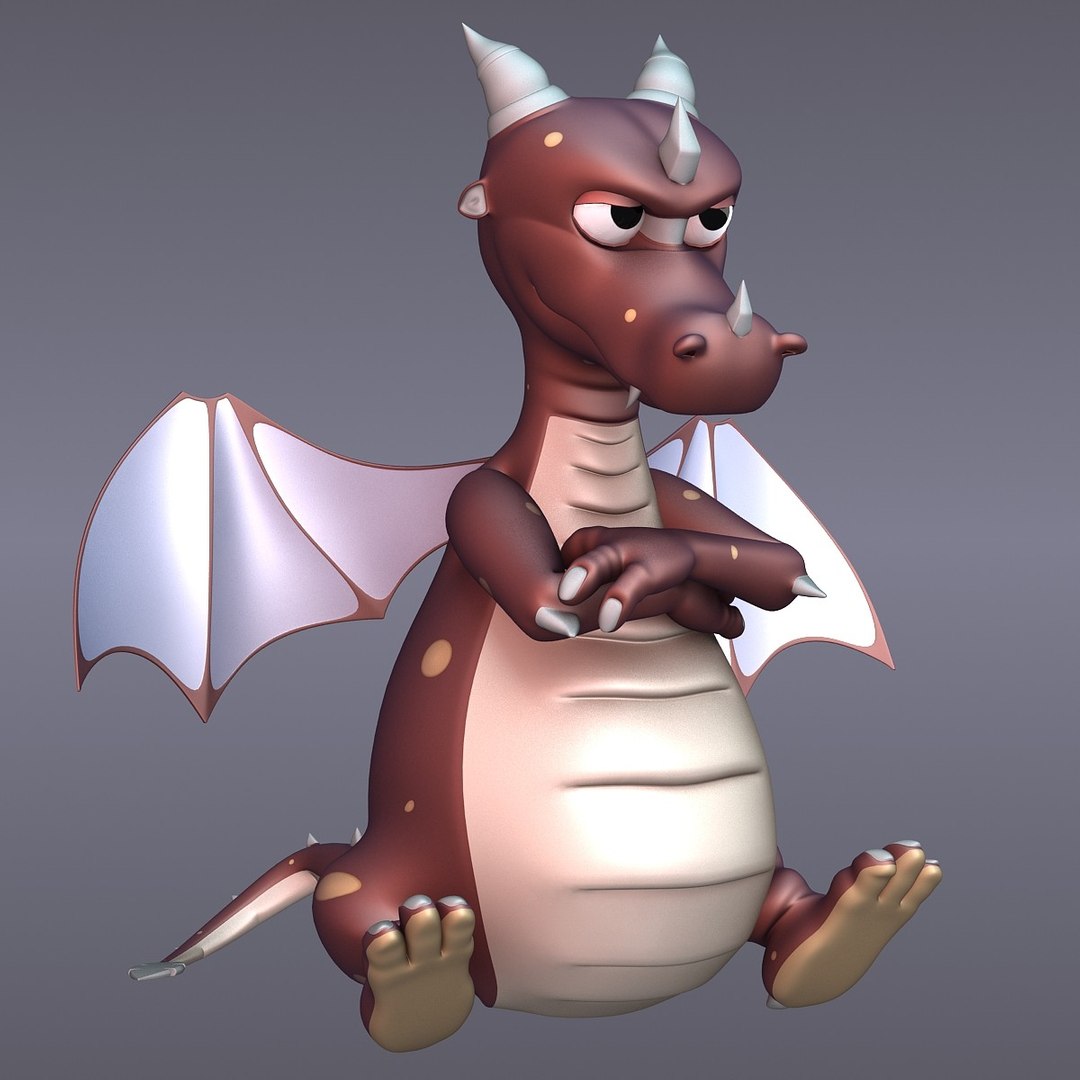
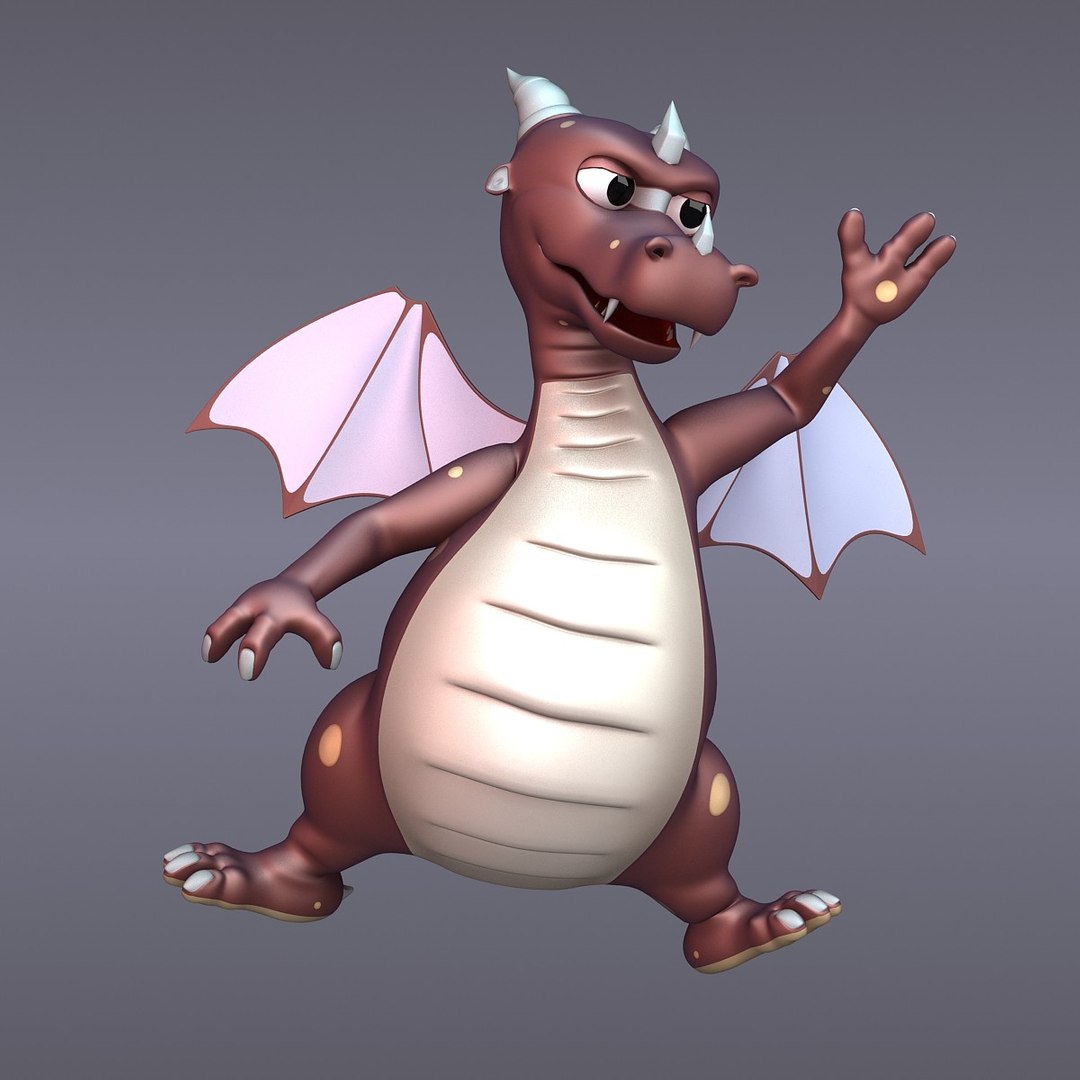
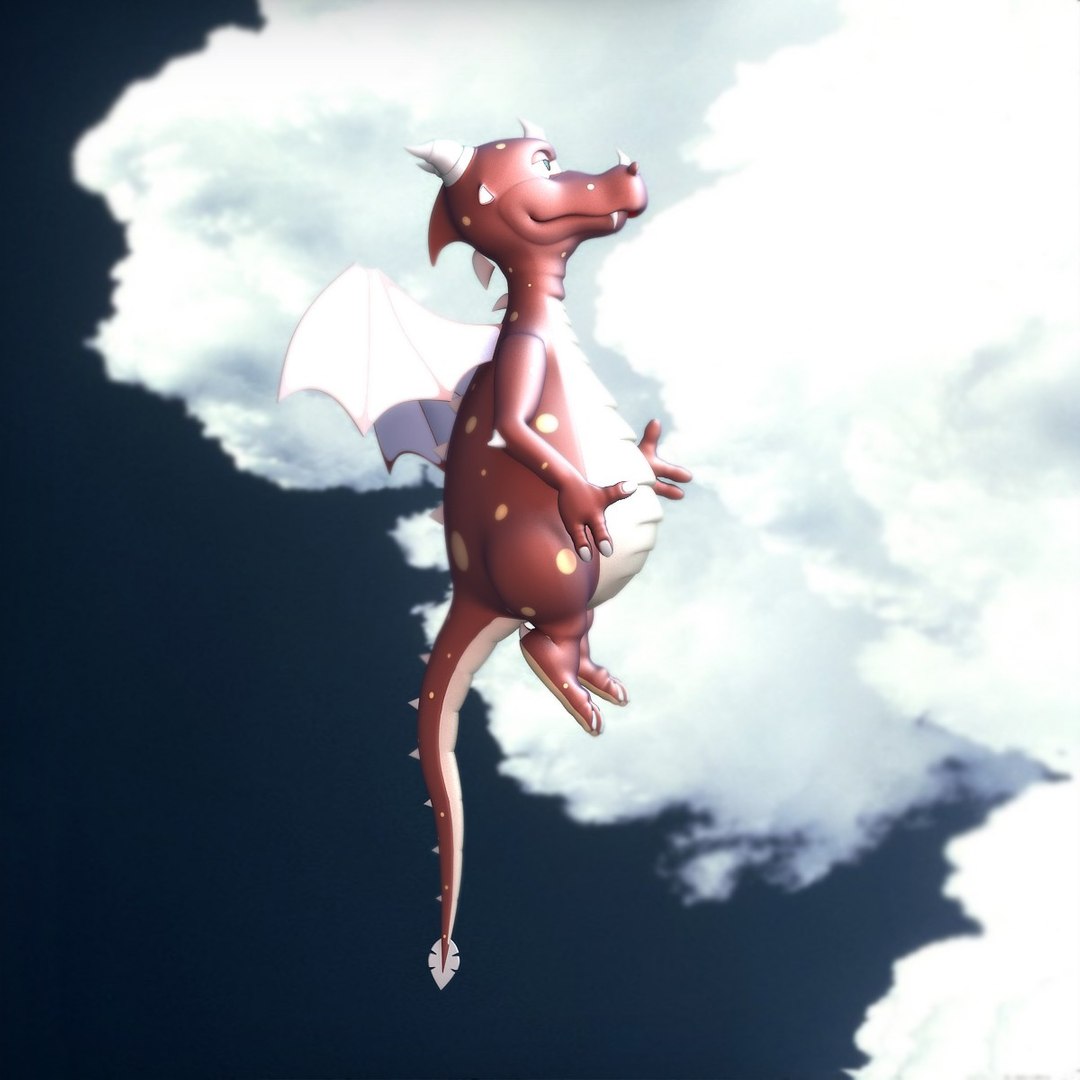
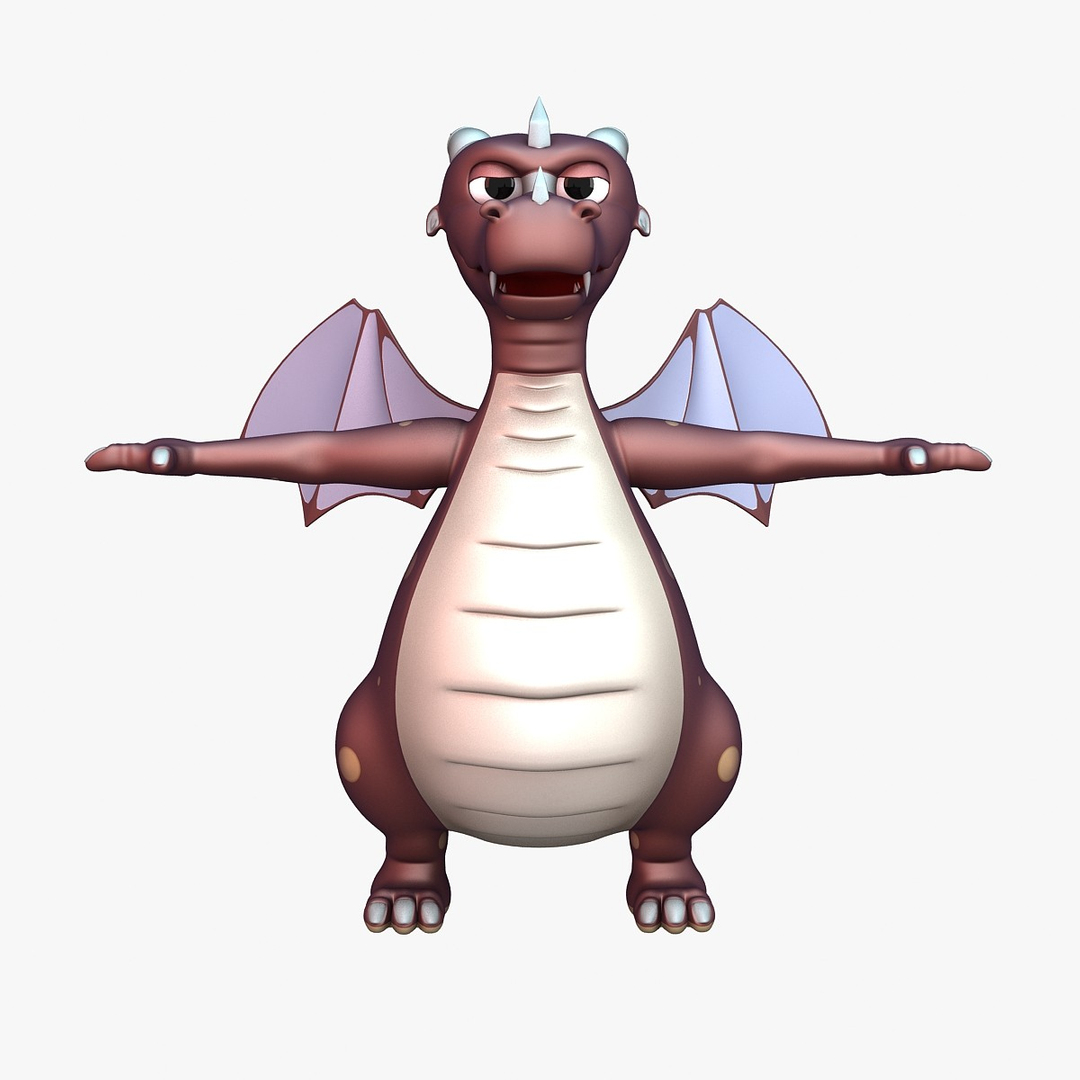
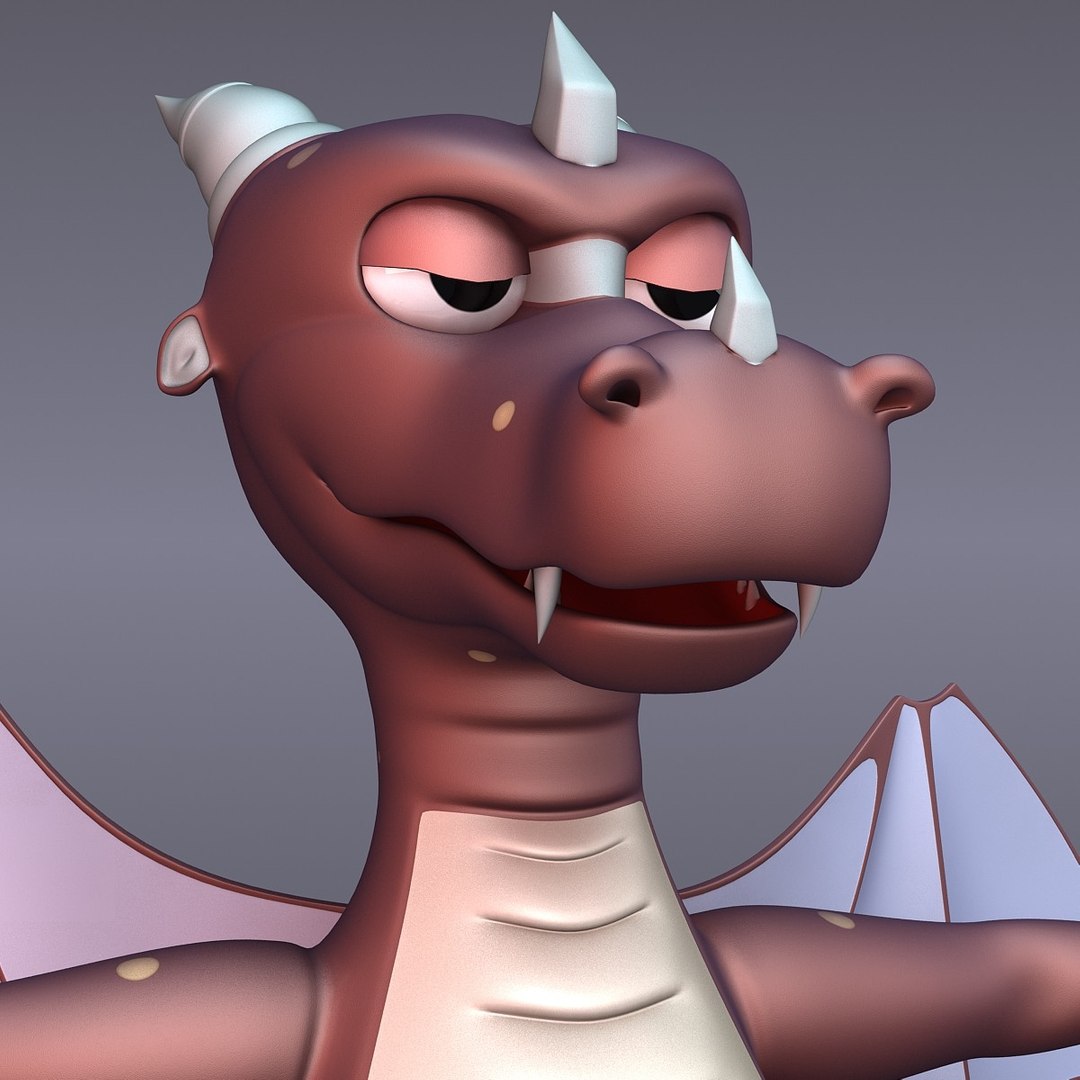
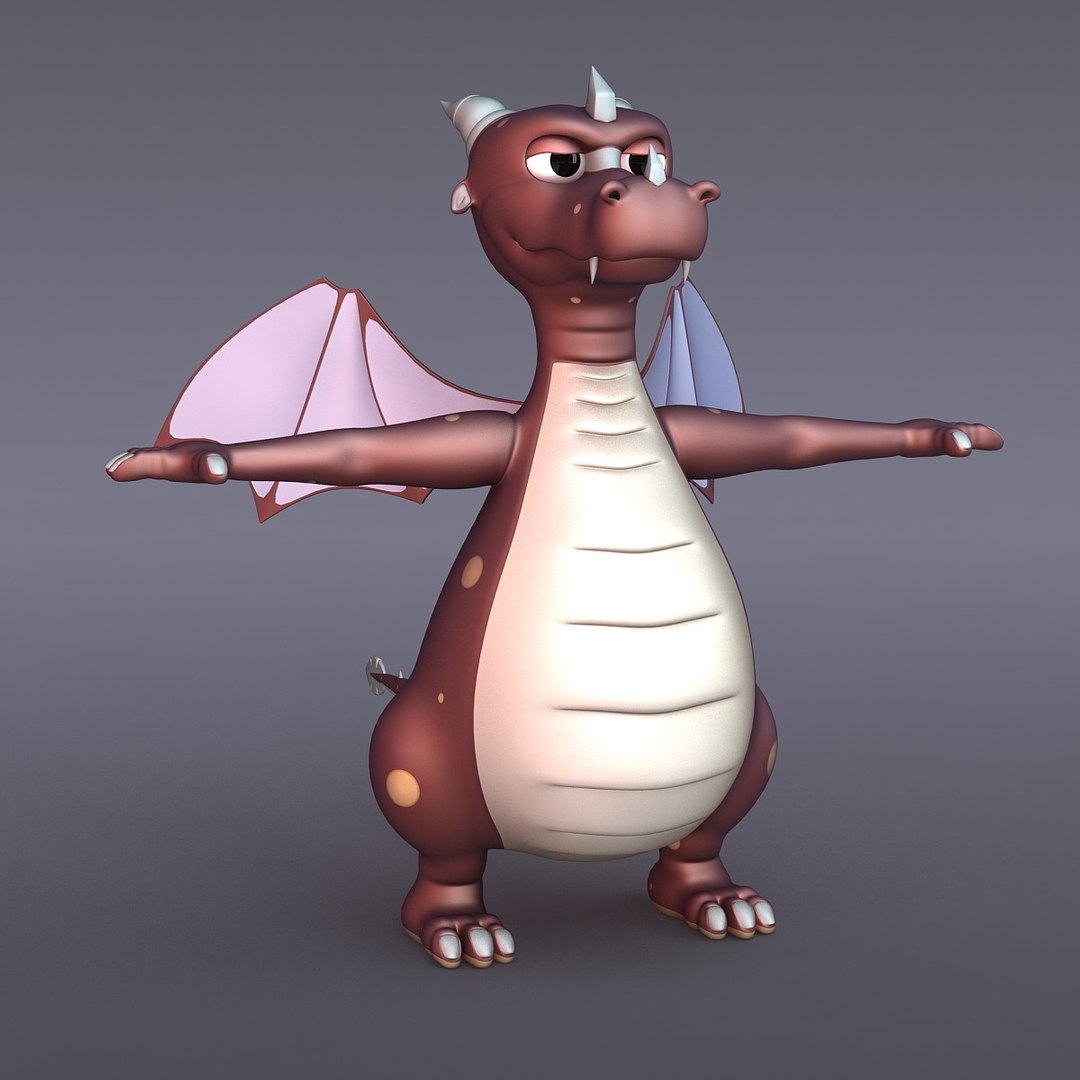
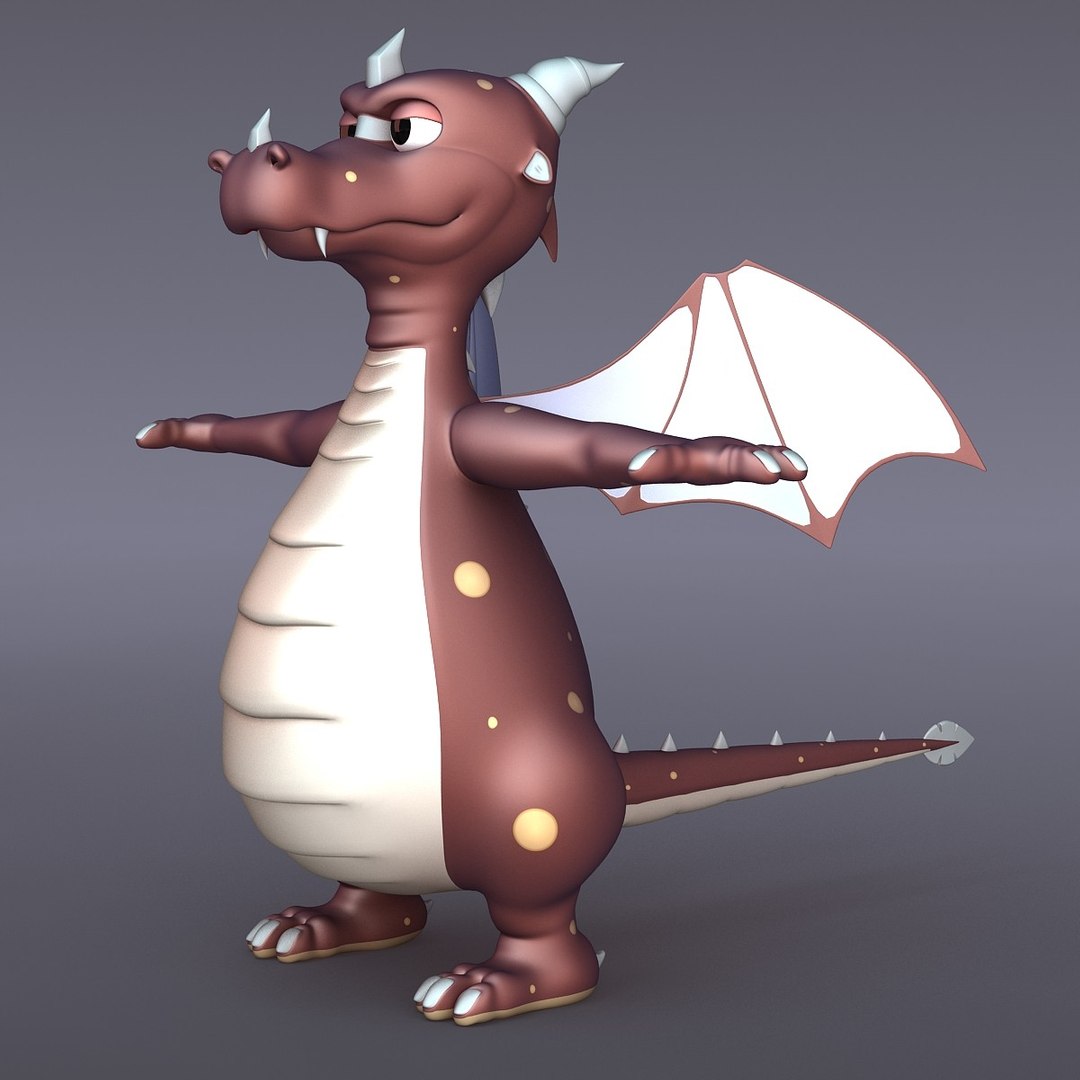
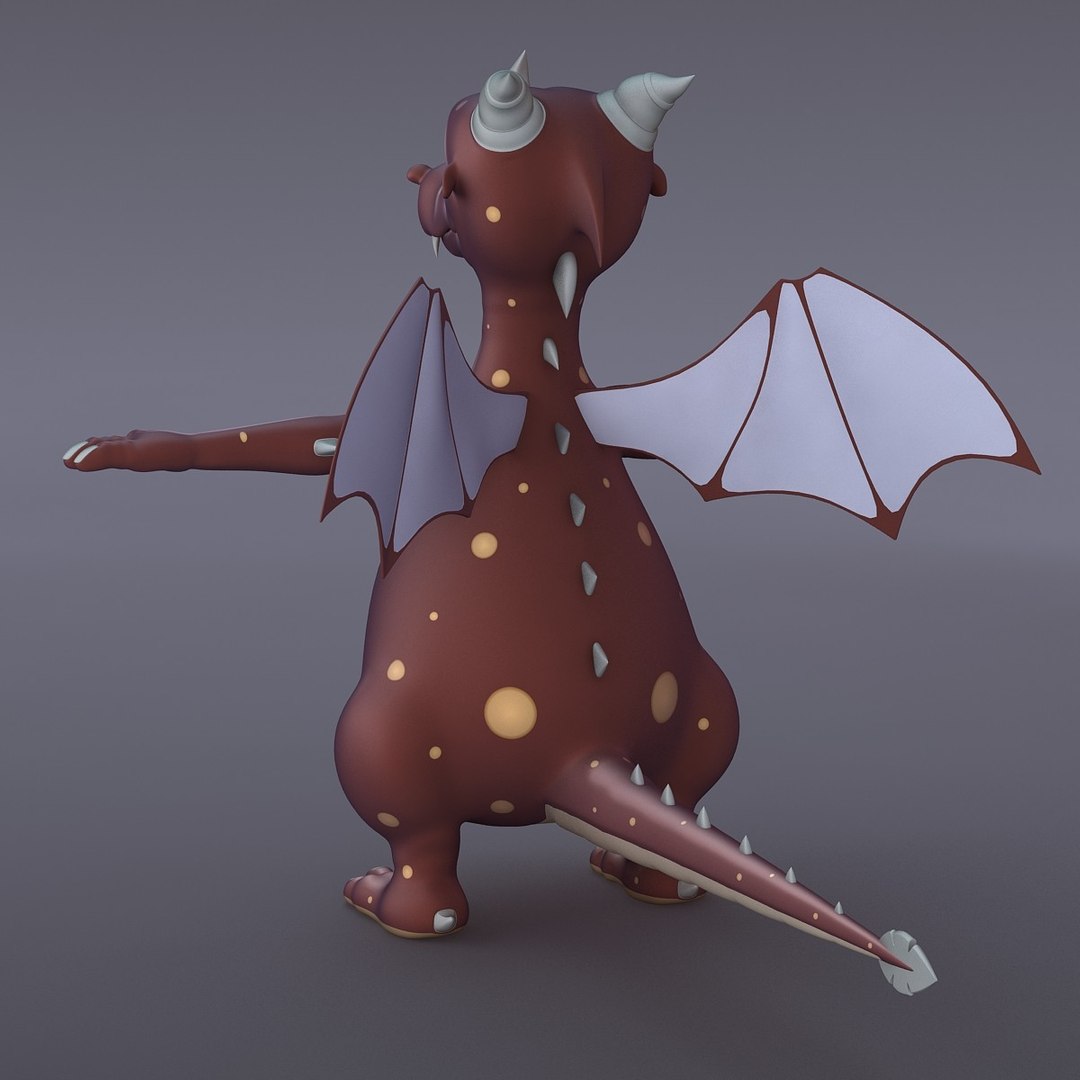
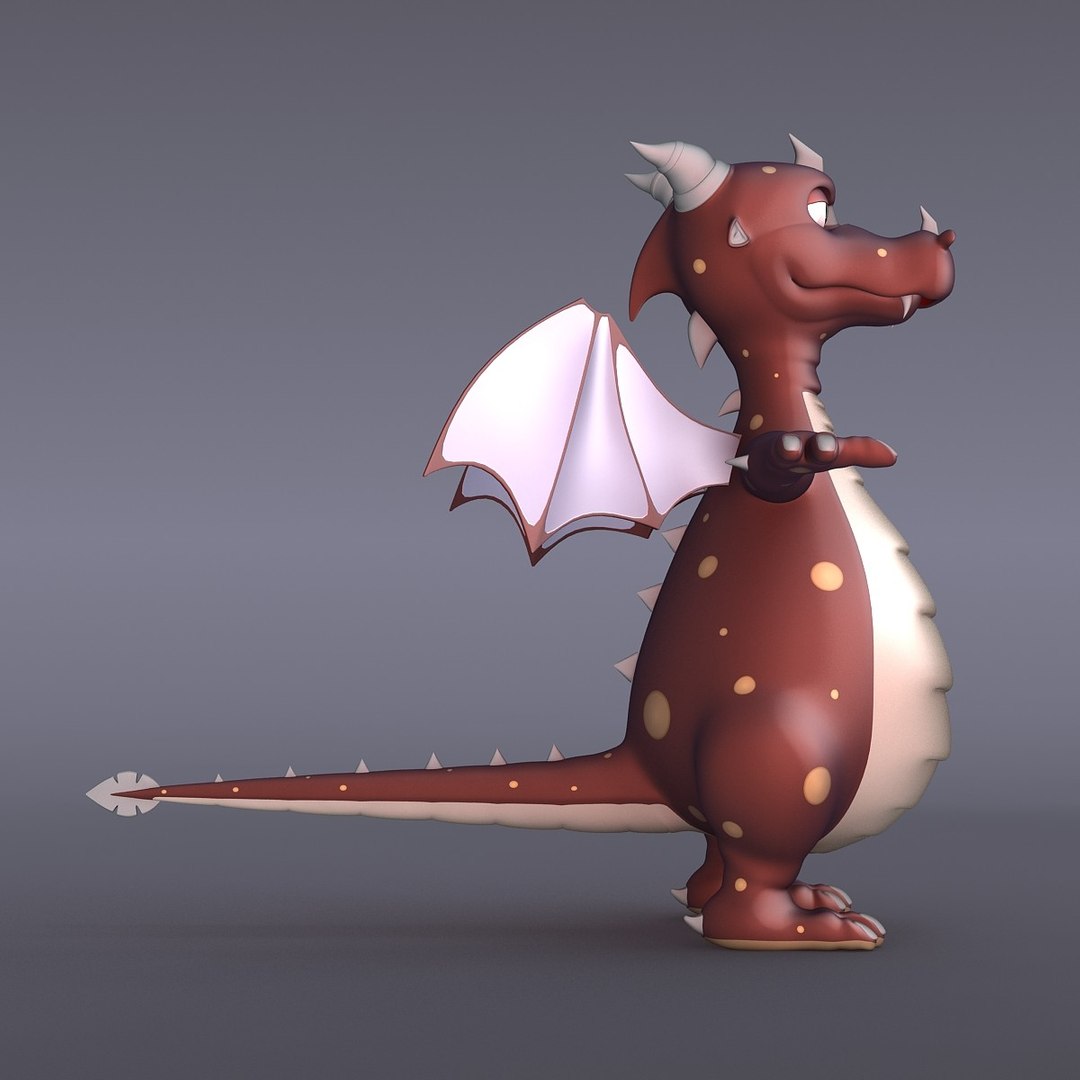
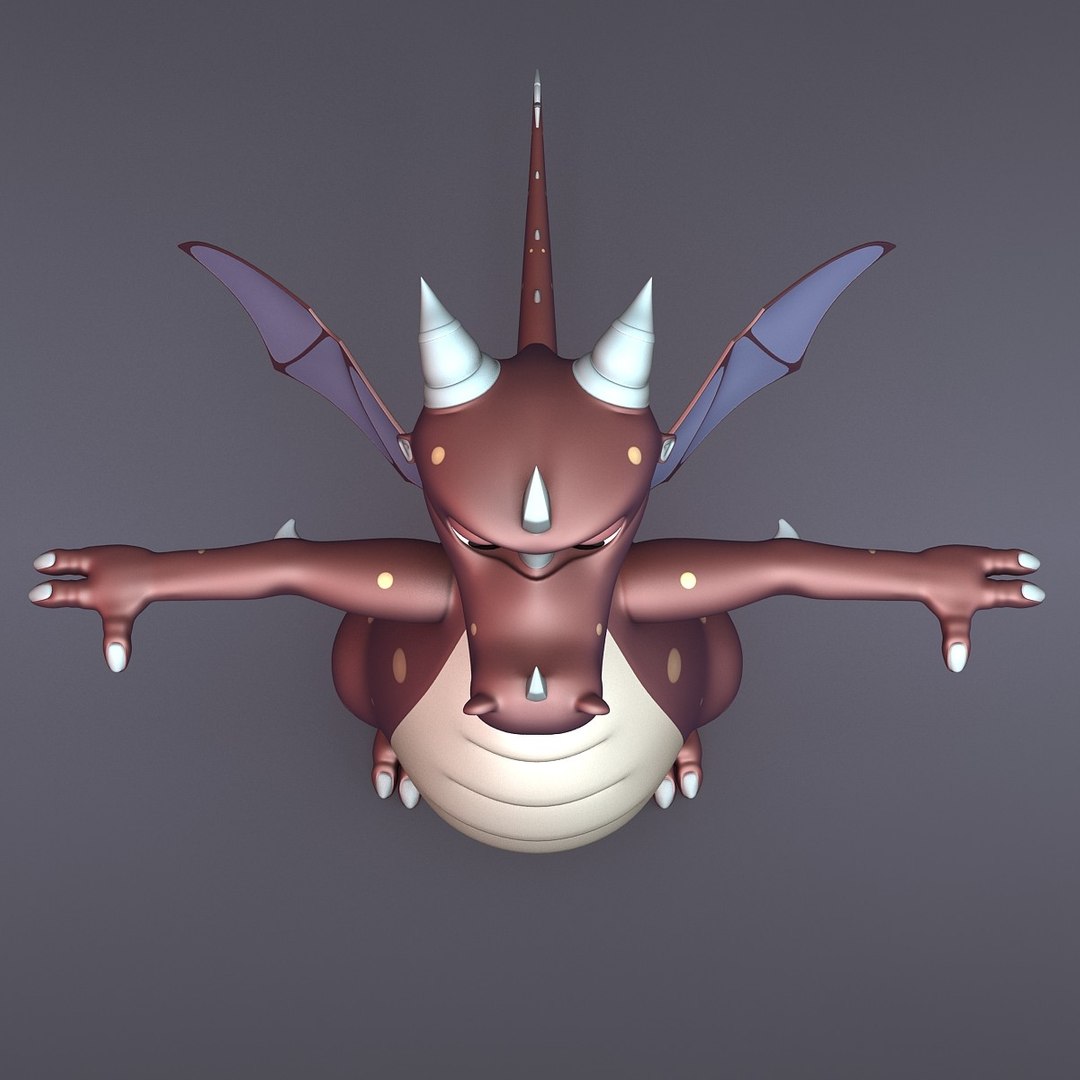
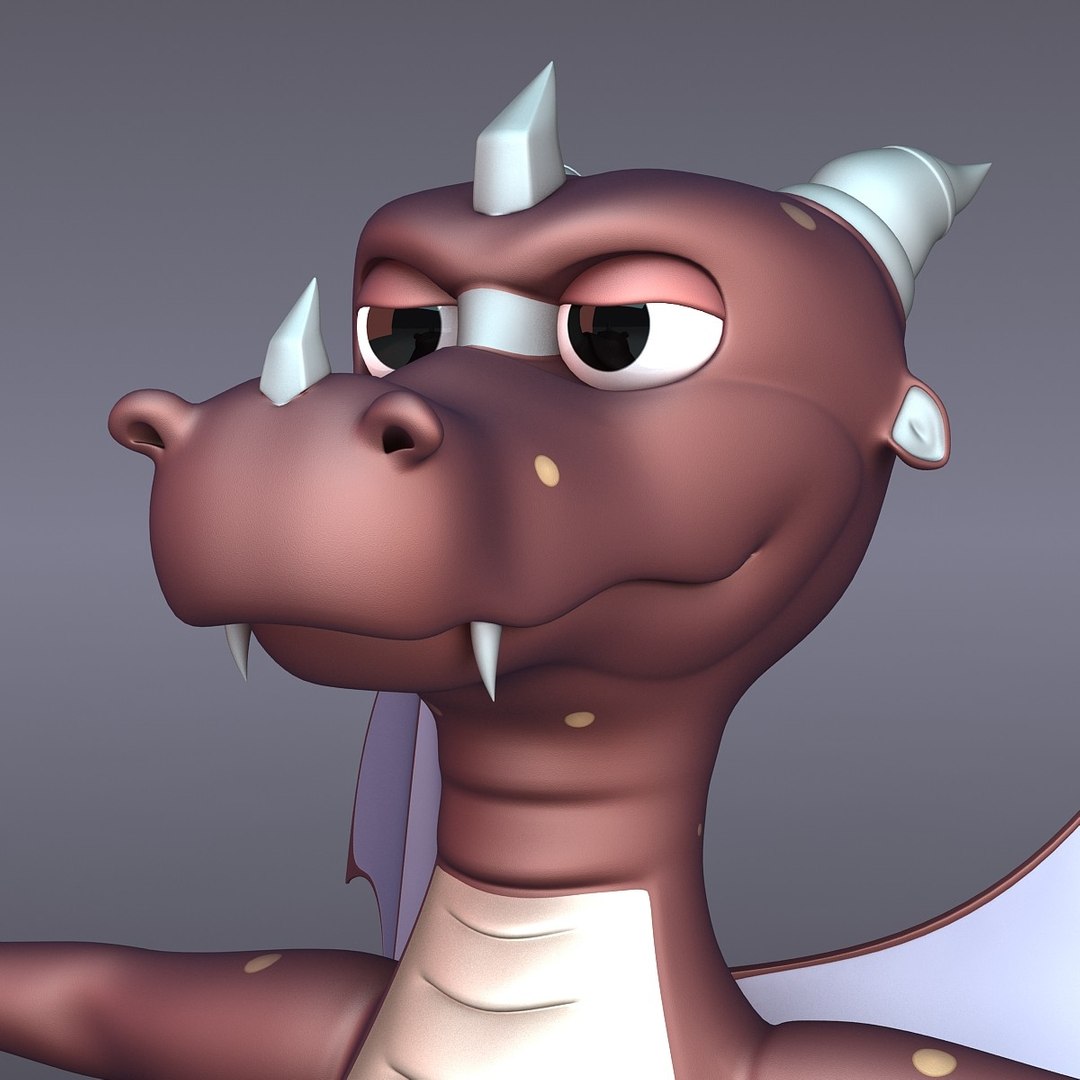
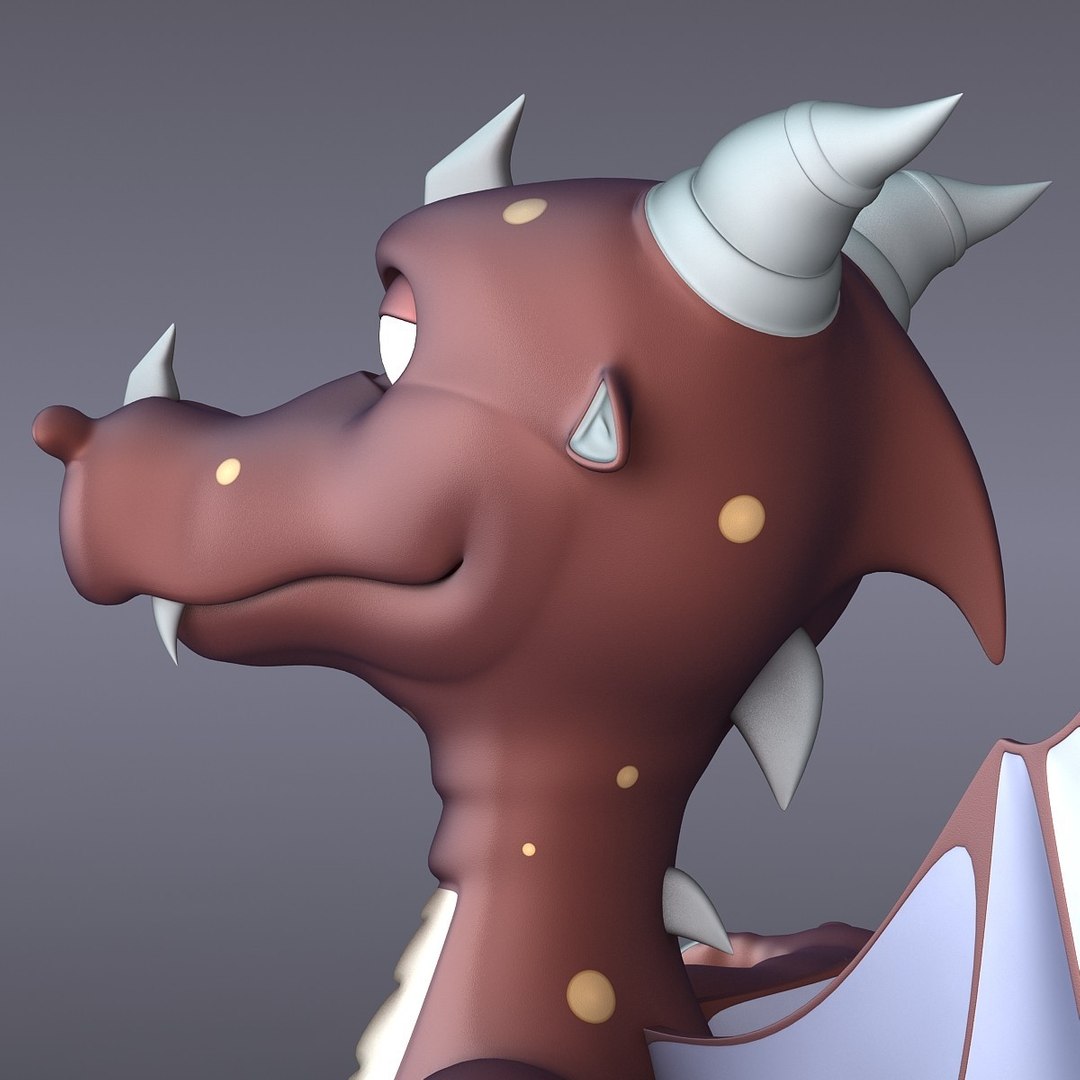
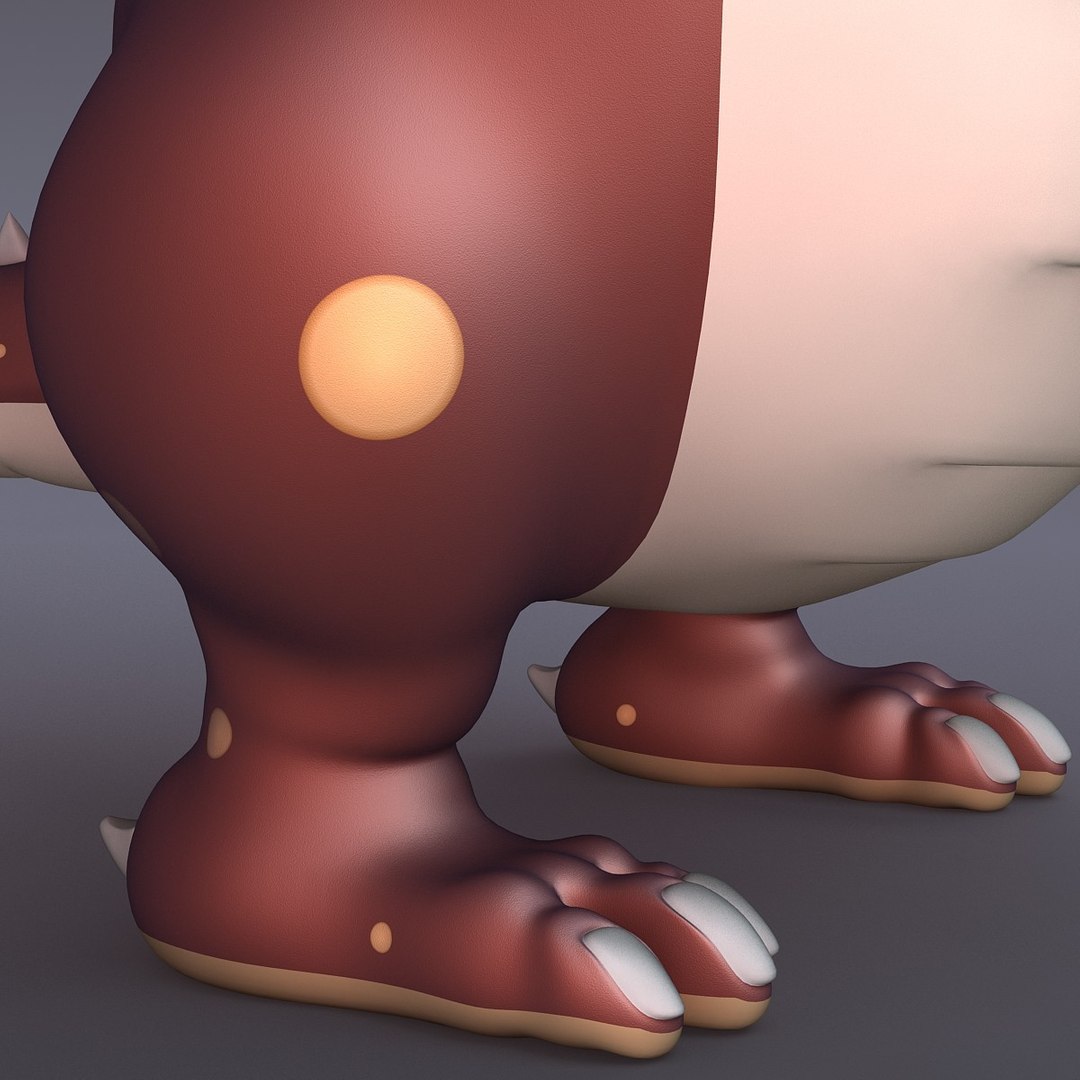
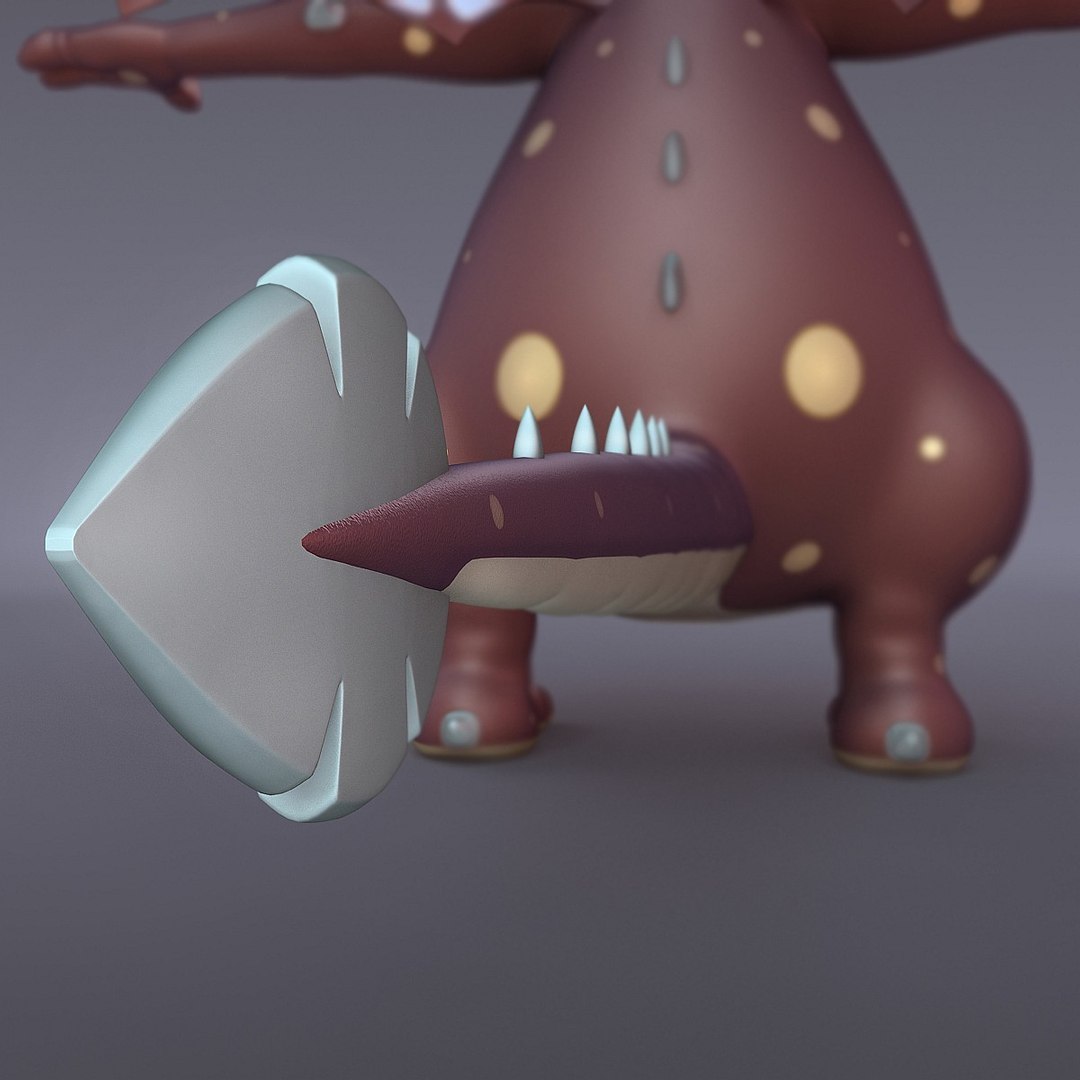
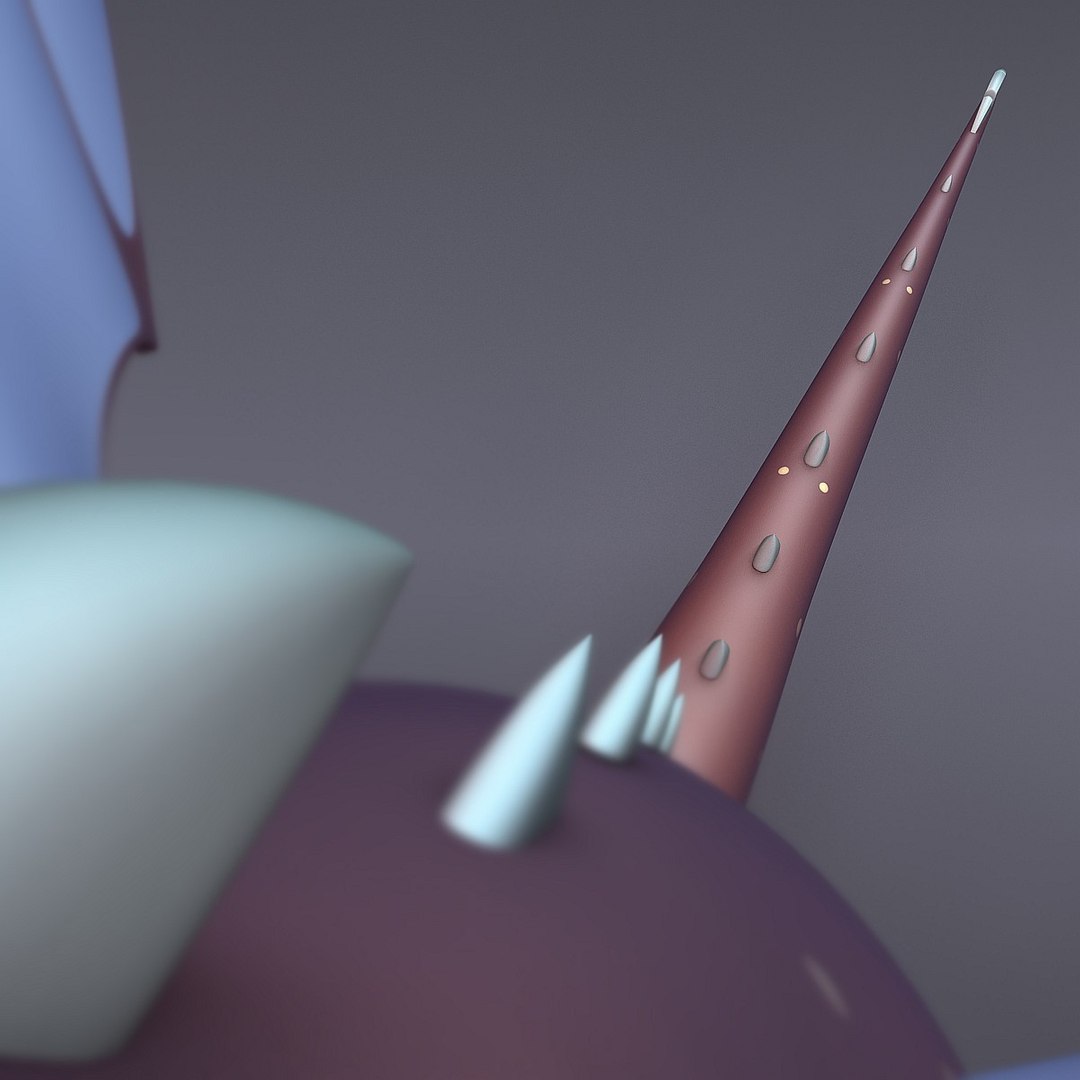
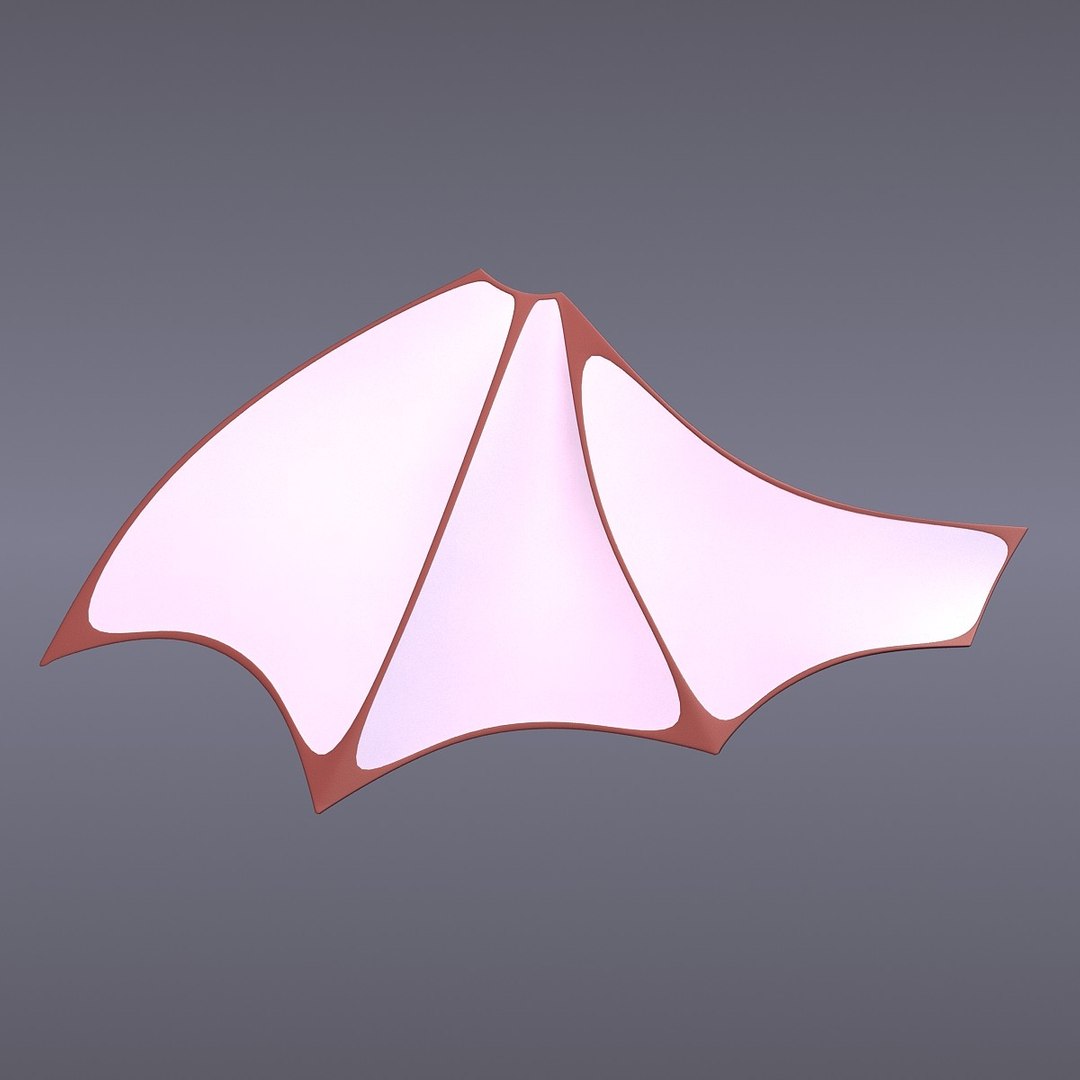
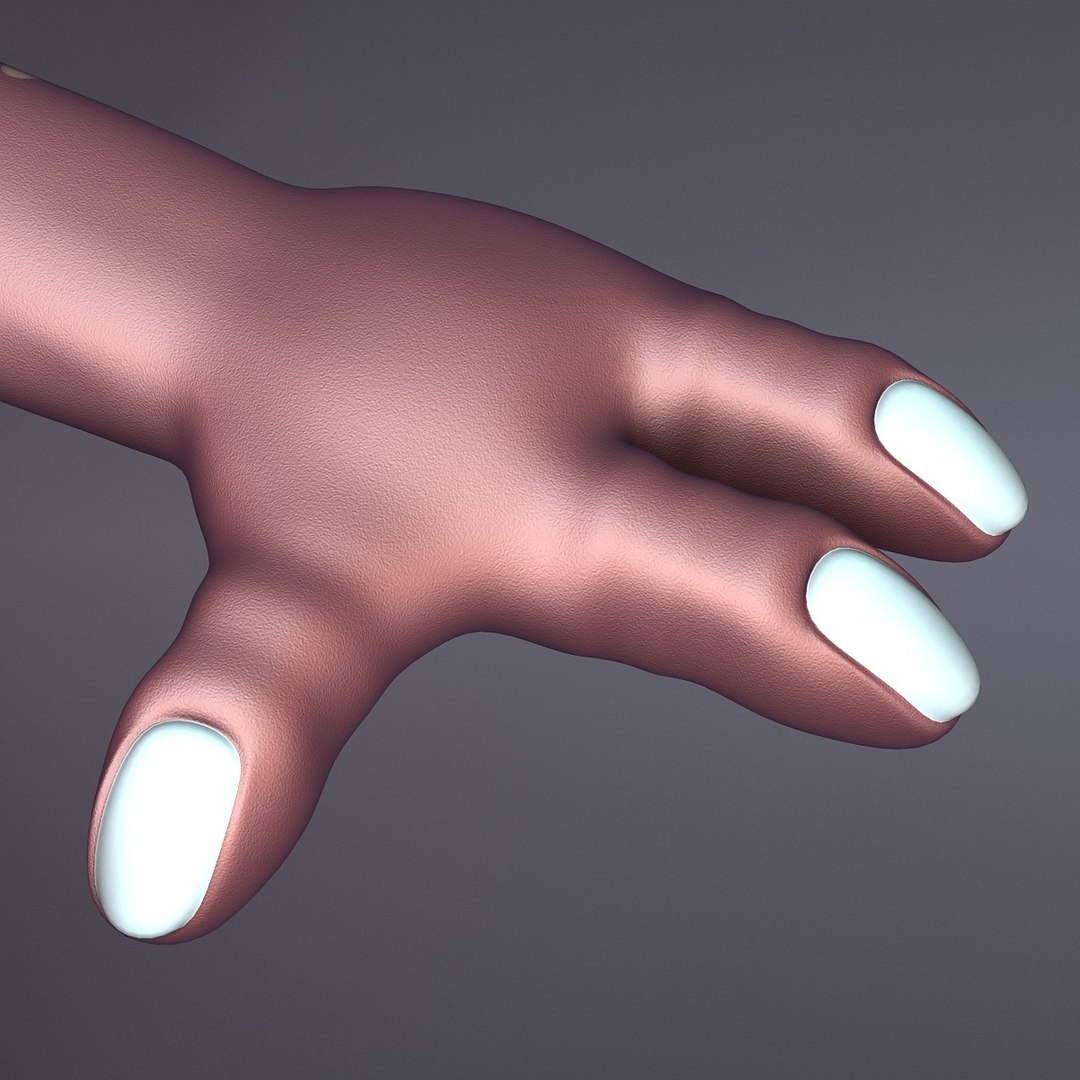
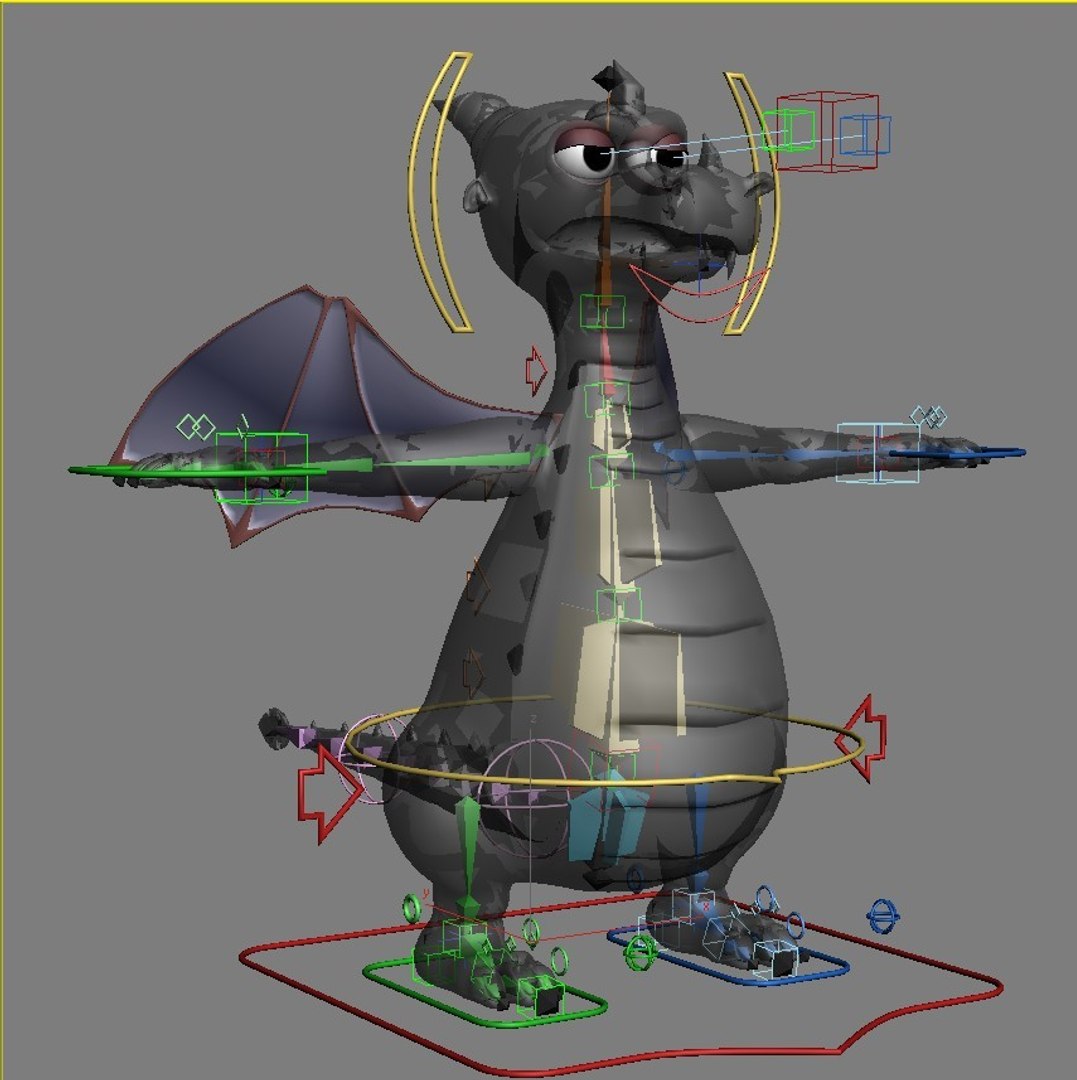
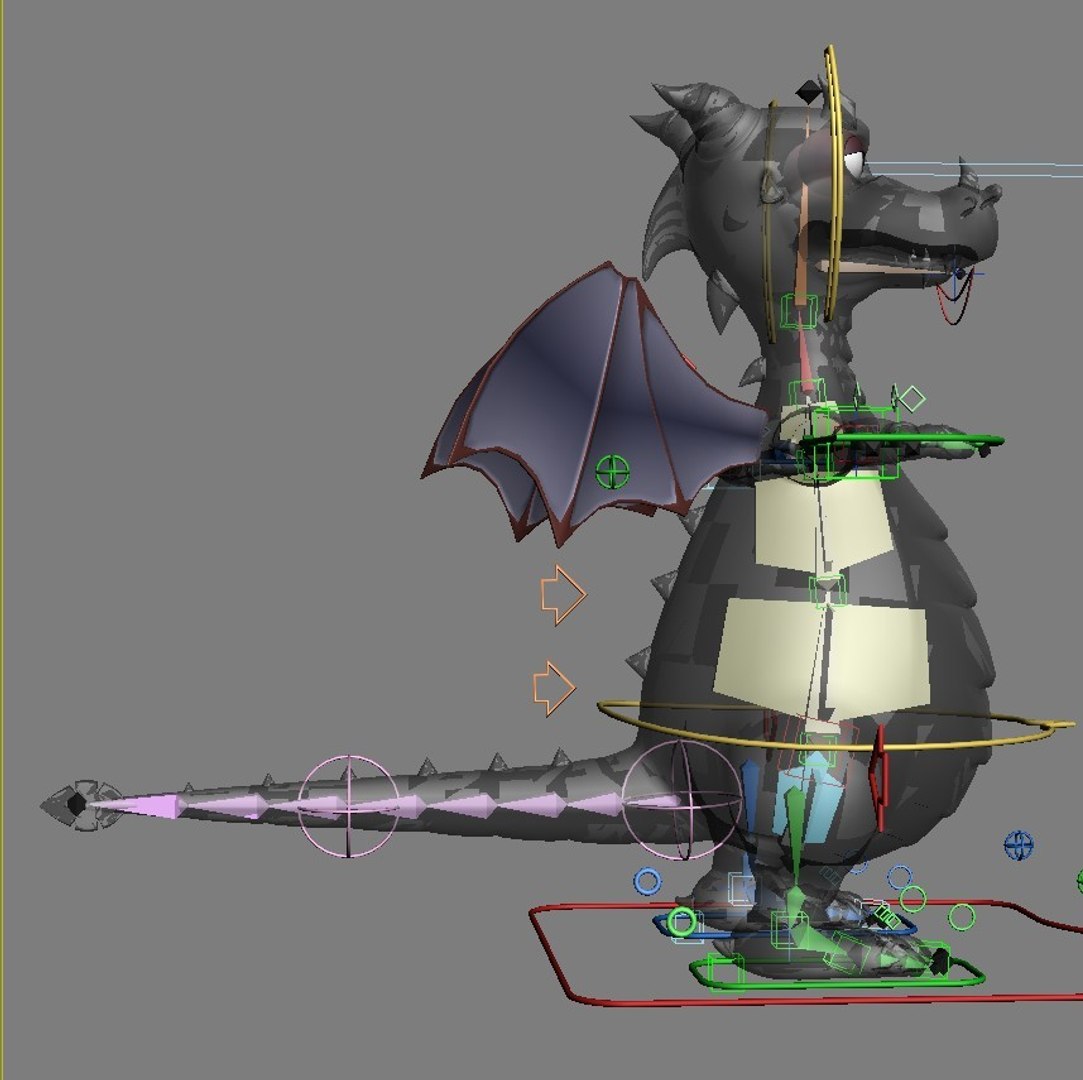
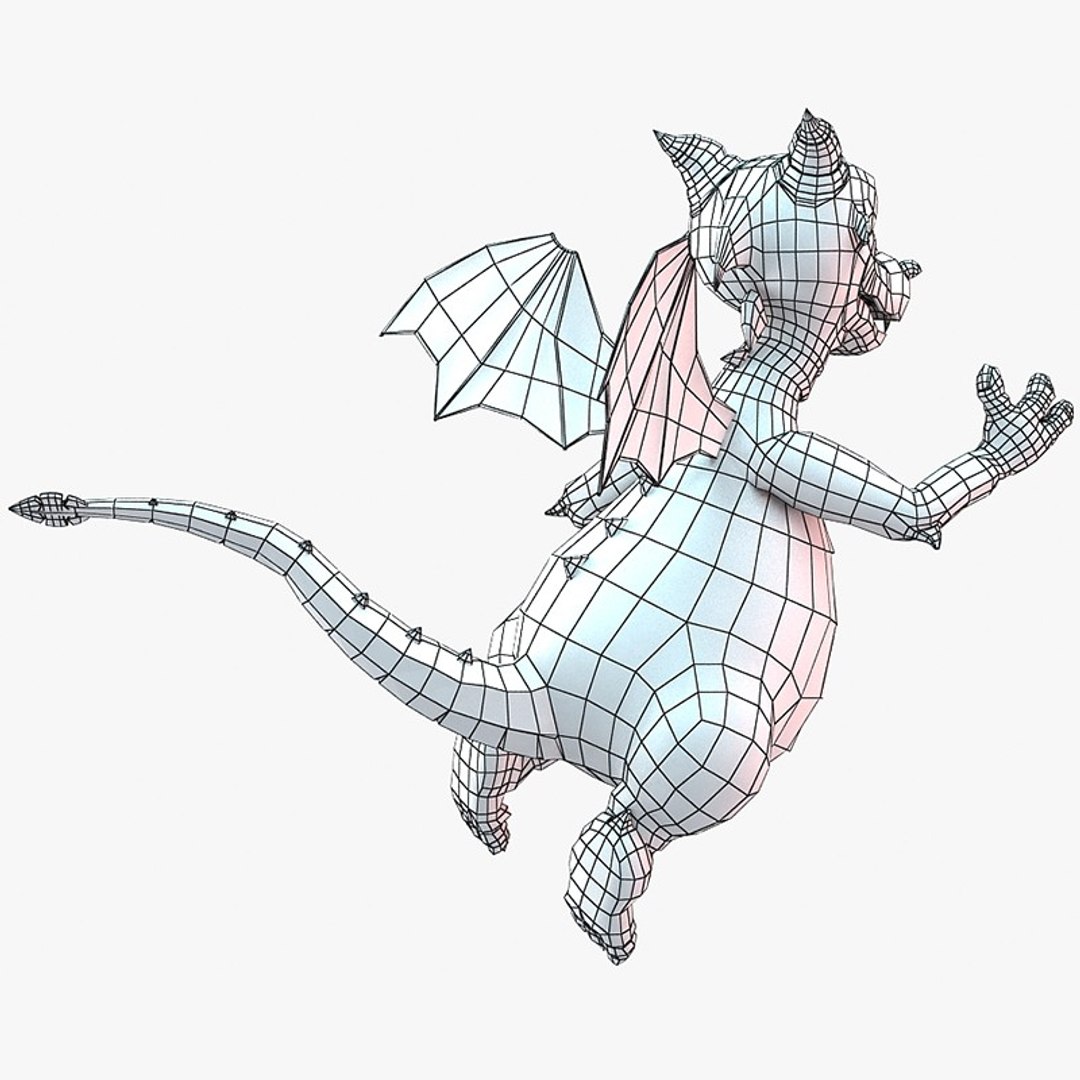
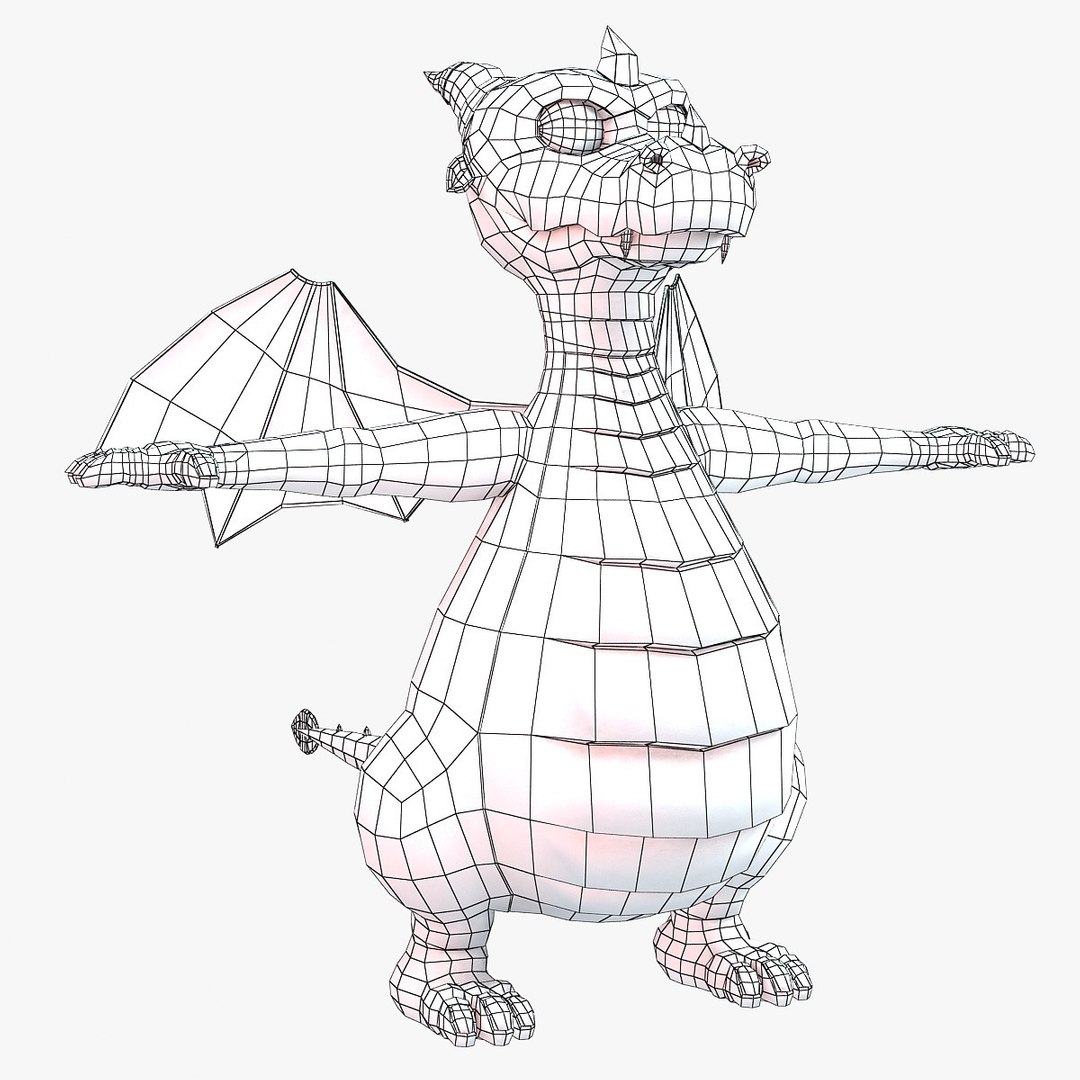
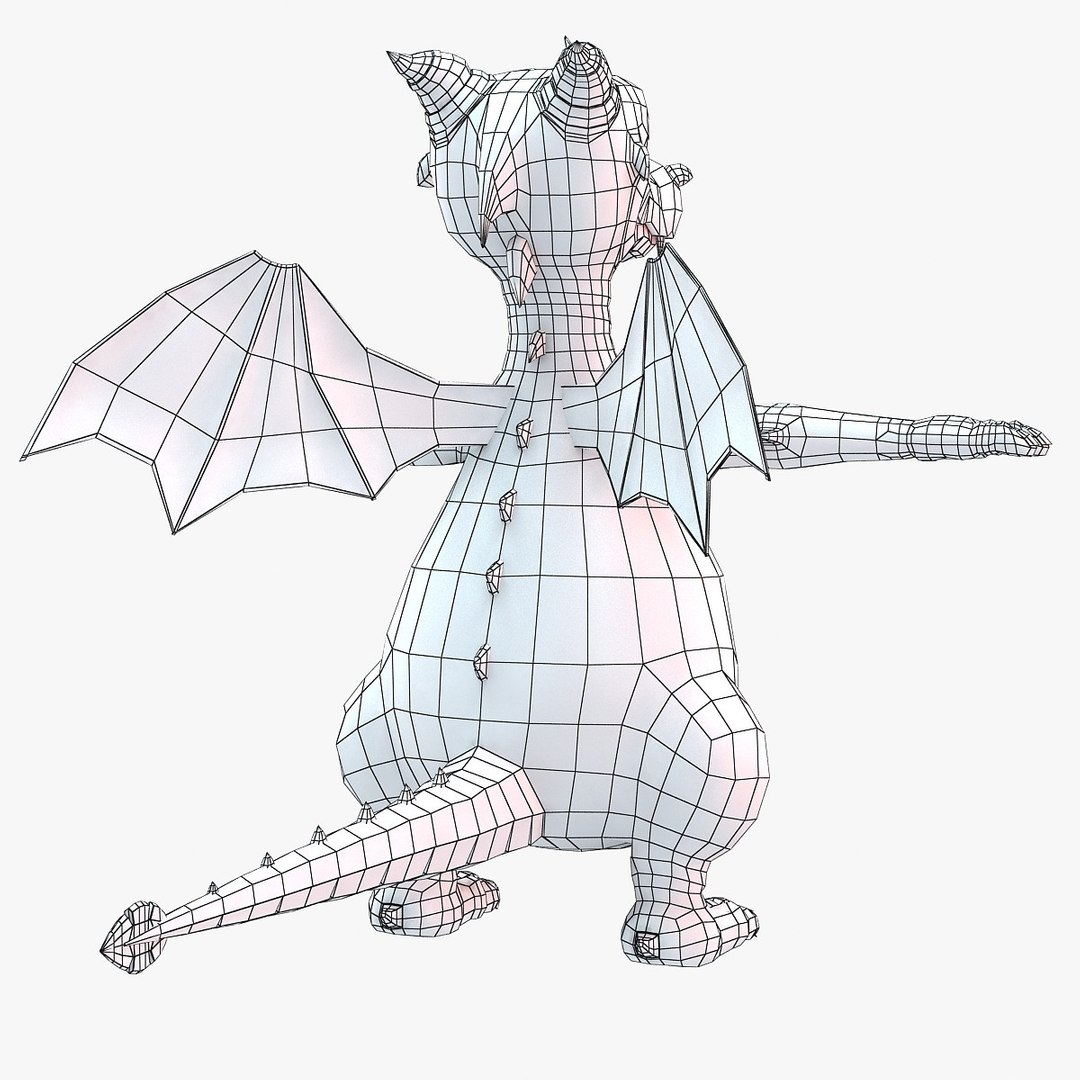
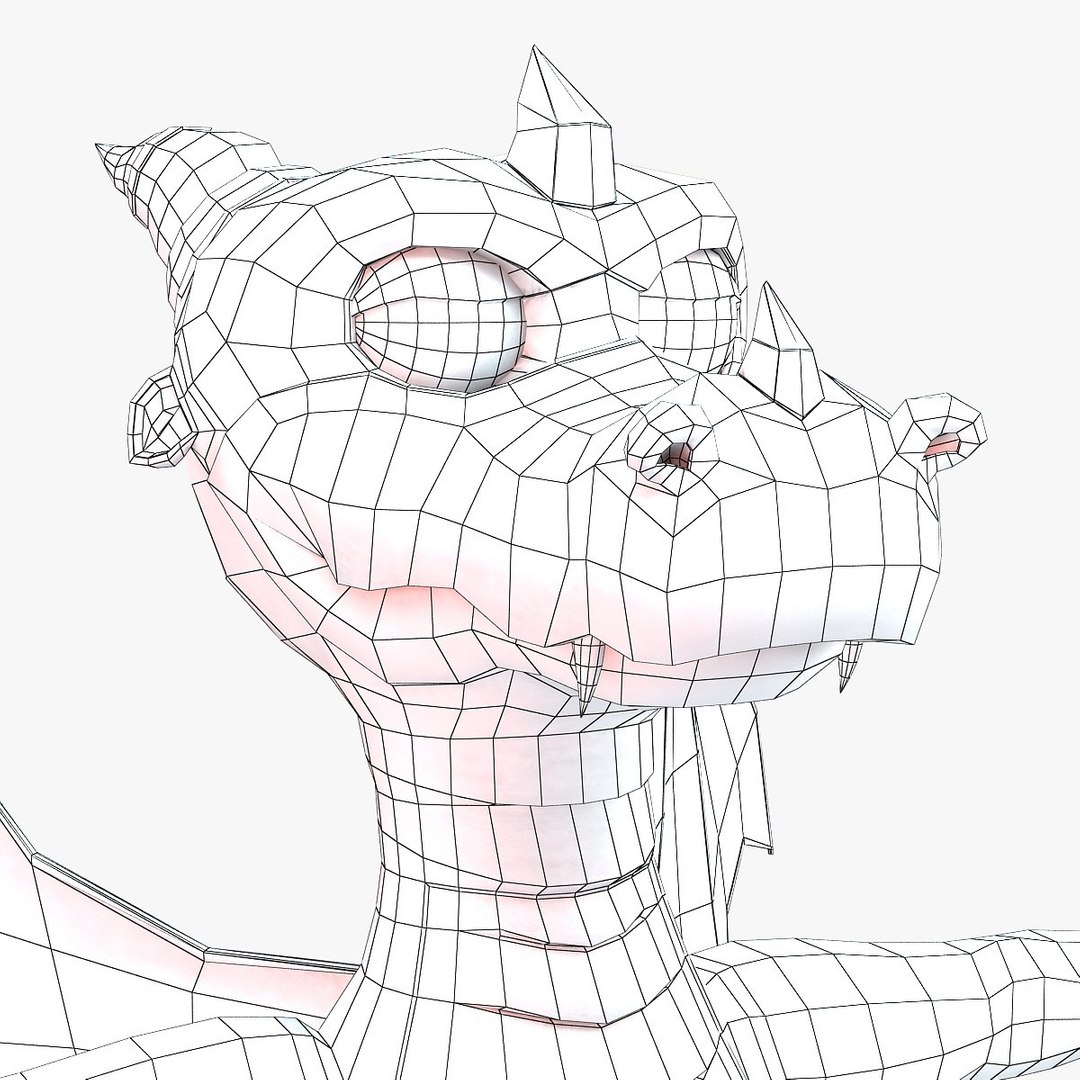
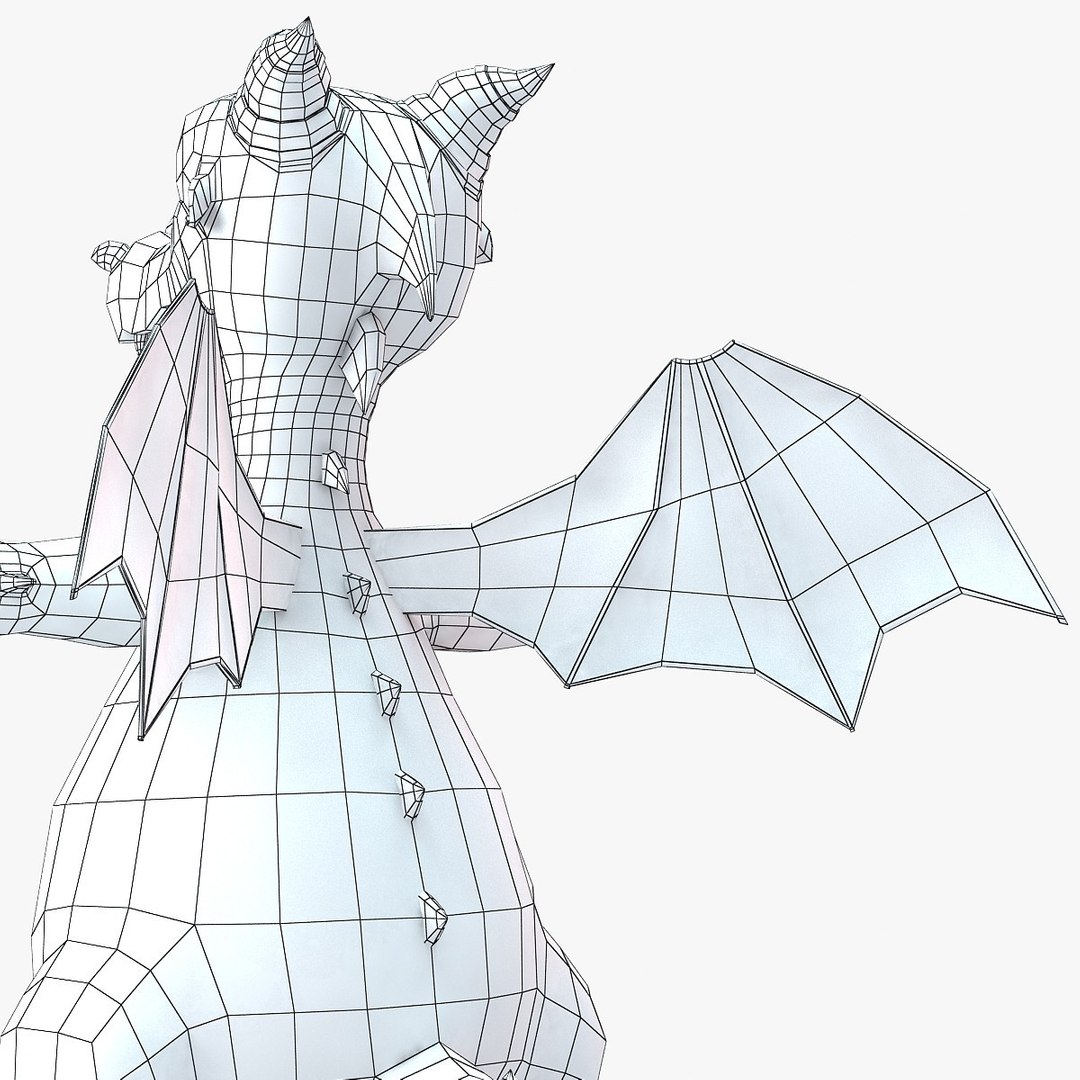
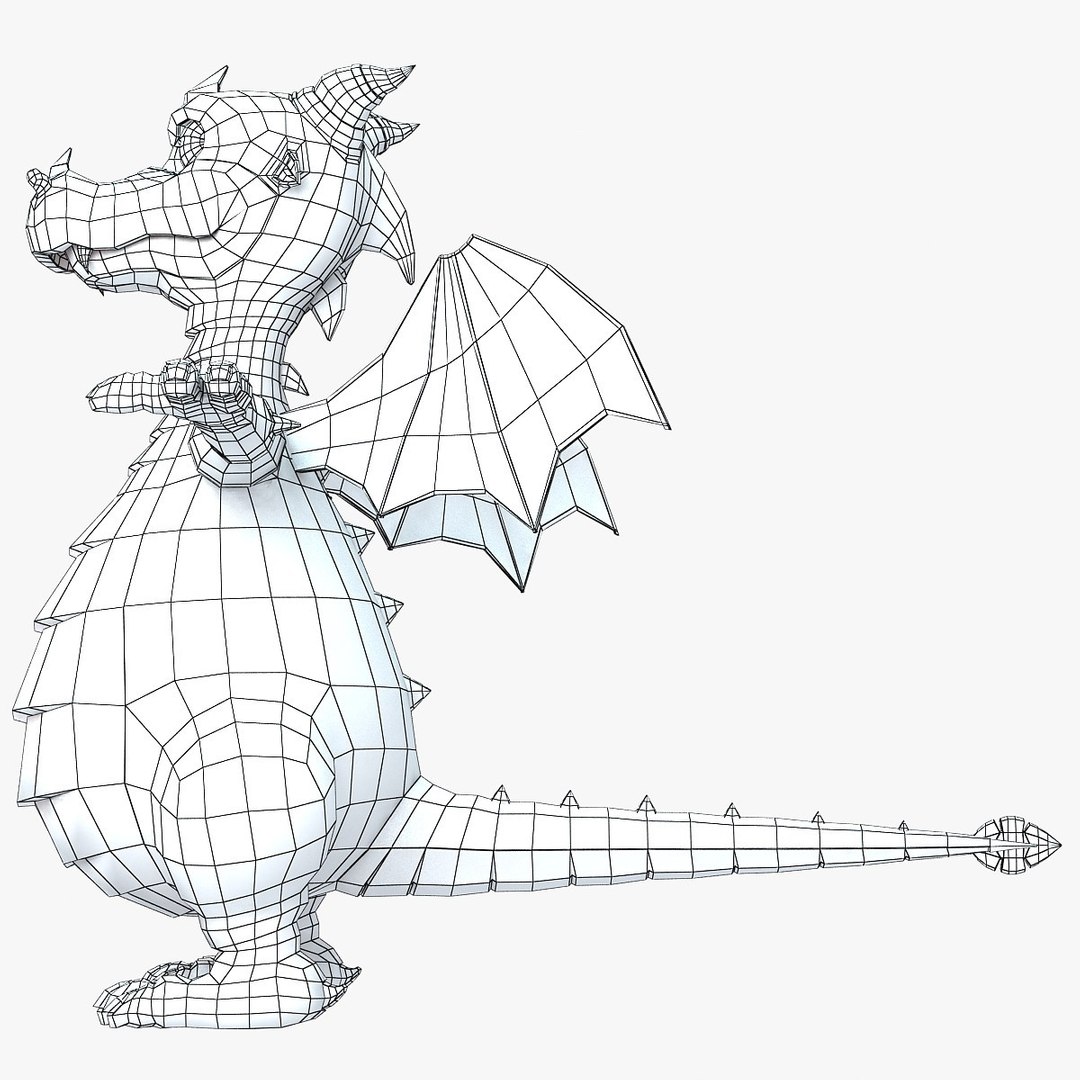
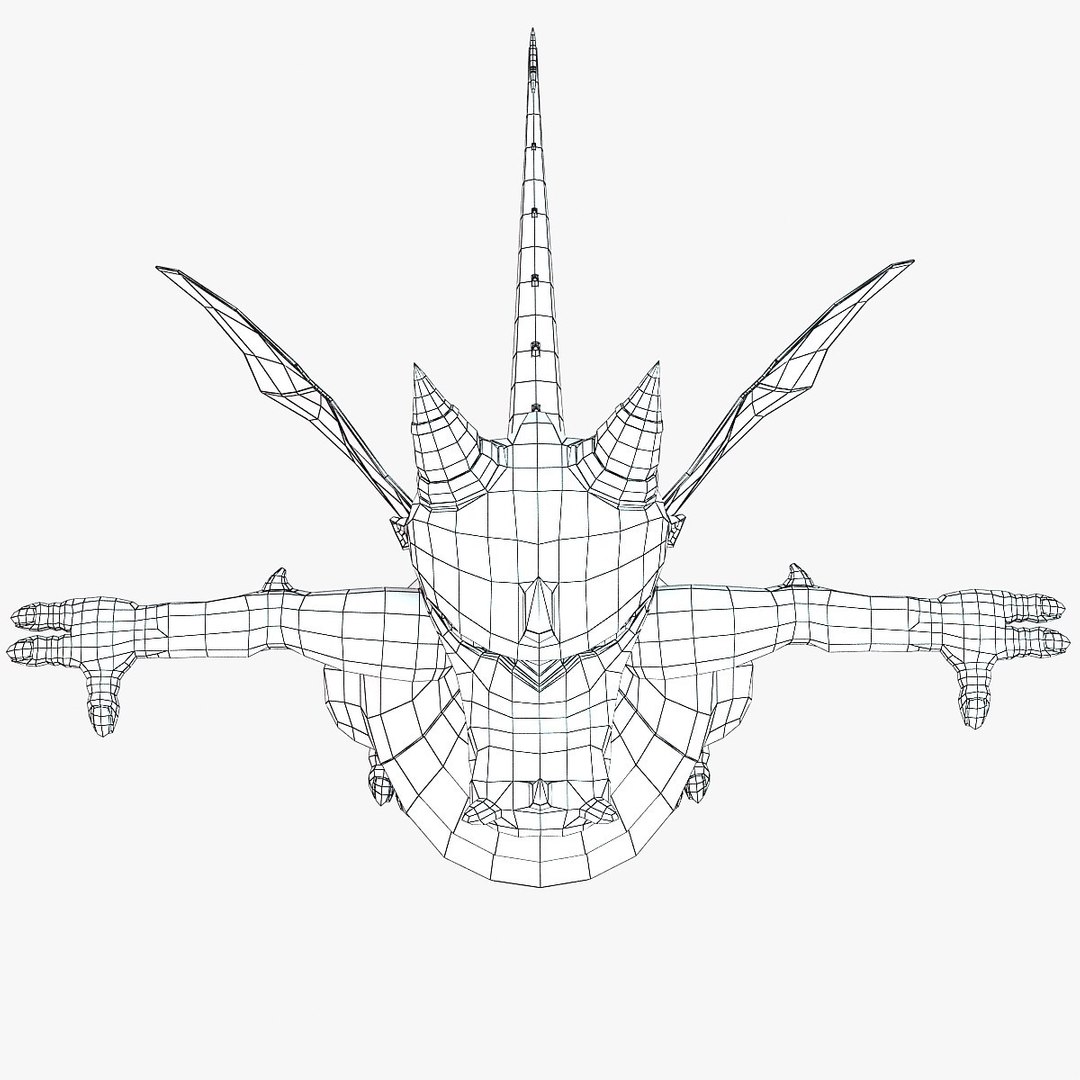
Draco the Dragon

Modeled in 3ds Max 2010,

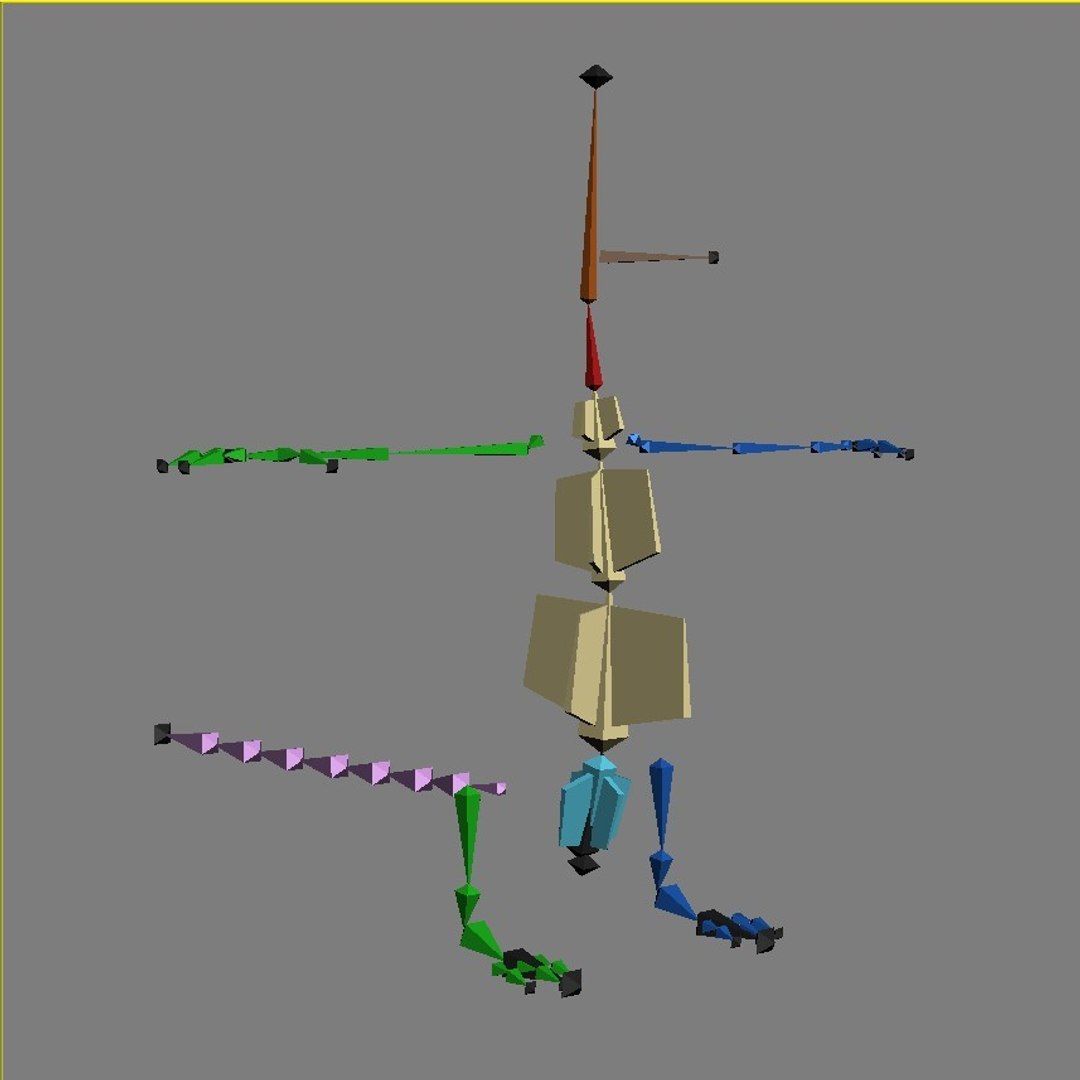
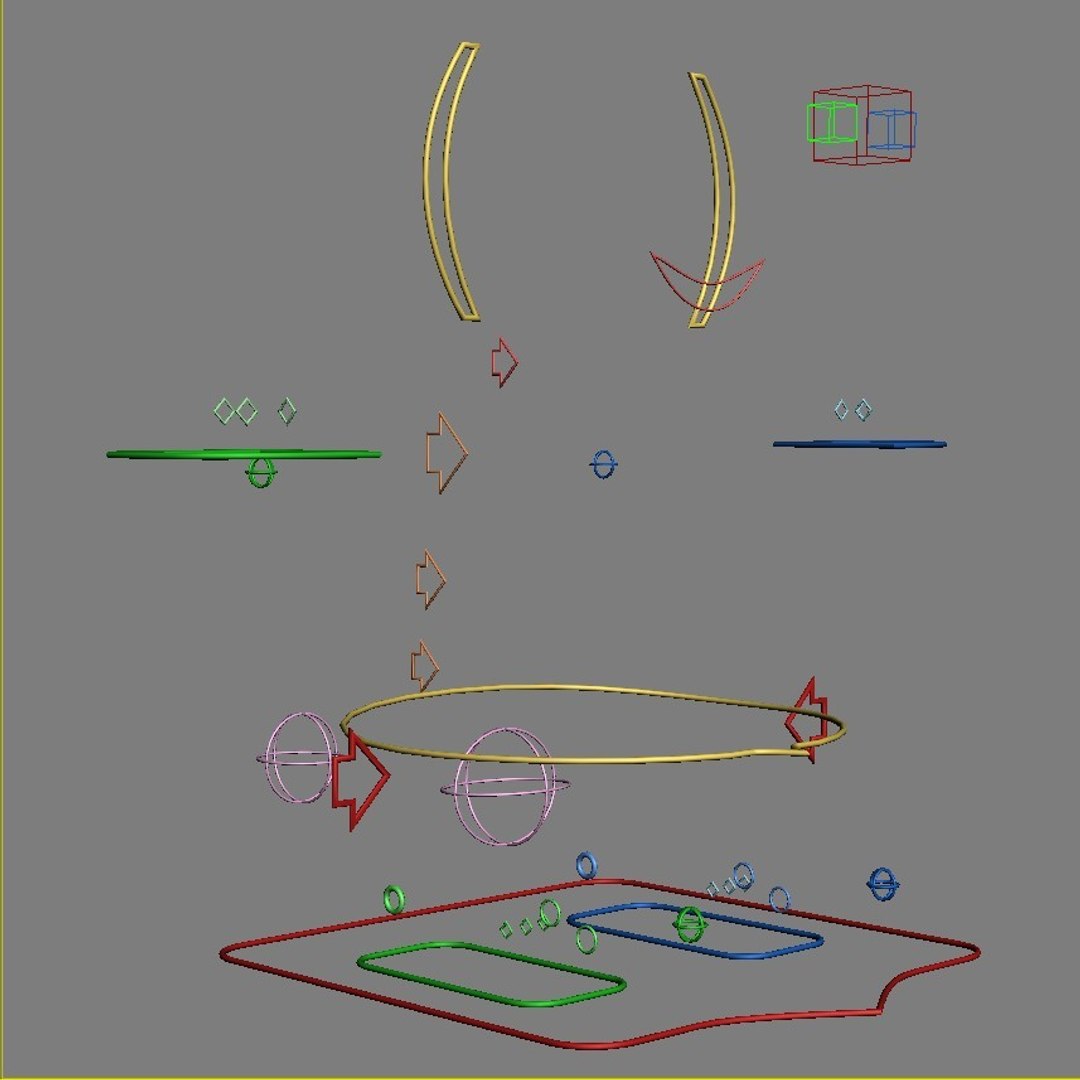
Rigged with Custom bones and controls,

rendered with V-ray 2.00.

V-ray materials.

A non-rigged version is also available:

search for ID: 734345

*********************************

Features:

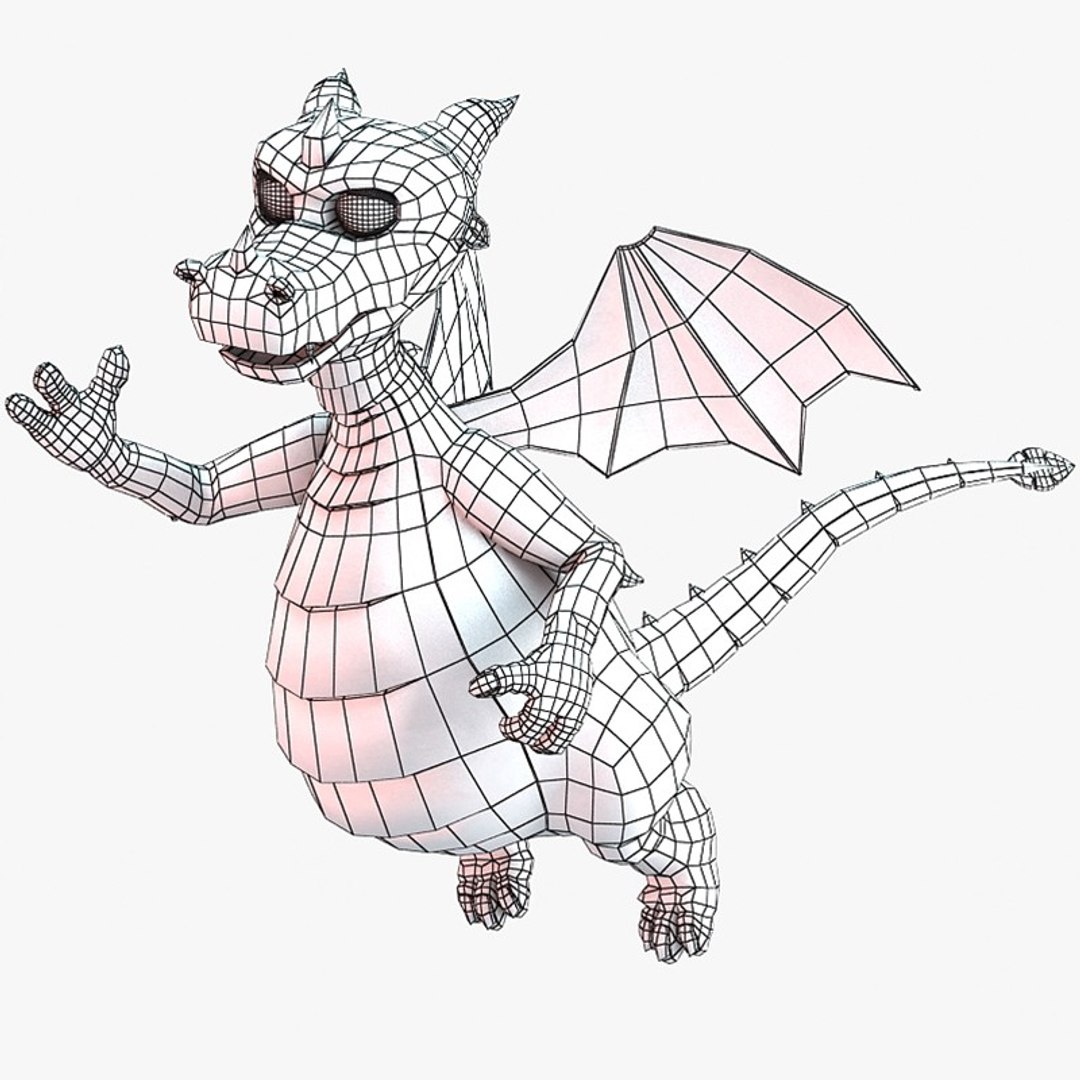
- High quality polygonal model

- All Colors can be easily modified.

- Detailed enough for close-up renders. For high-res rendering!

- Model resolutions are optimized for polygon efficiency(in 3ds Max the turbosmooth function can be used to increase mesh resolution if necessary).

- No part-name confusion when importing several models into a scene.

- No cleaning up necessary, just drop your models into the scene and start Animating/rendering.

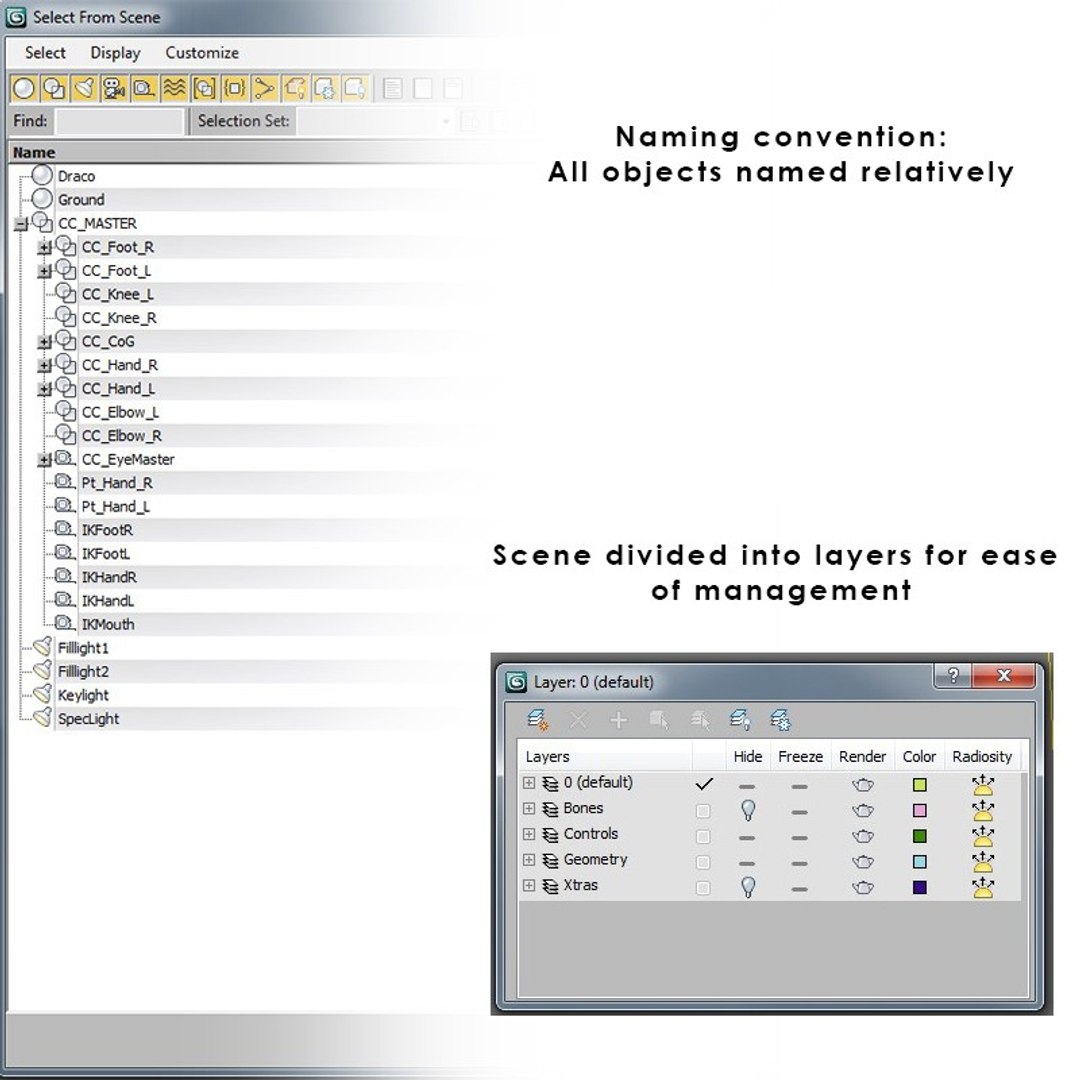
- Layers are made for Controls objects, Helpers and Bones,

for ease of scene management.

- V-ray 2.00 or up is required to render scene with above quality.

*********************************

Polygon Count -

Turbosmooth 0 - 7, 190

File Formats Available:

*********************************

- 3ds Max 2010

- obj (no Rig)

- fbx (with rig)

*********************************

Best For:

Animation Projects

Game Concept

Animation Practice

Modeling Practice

Self Learning

Please rate the model when you buy, it helps improve quality.

Thank You,

Shank3d

Select Enhanced License

  • $10,000 in Legal Protection (Indemnification)
  • Uncapped Legal Protection (Indemnification)
  • Waiver from injunctive relief
  • Assignable model rights
  • $1,000,000 in Legal Protection (Indemnification)
  • Waiver from injunctive relief
  • Assignable model rights
  • $250,000 in Legal Protection (Indemnification)
  • Assignable model rights
Read more about enhanced license tiers, or contact us at enterprise@turbosquid.com. Already a Shutterstock Enterprise Customer? Contact your Shutterstock Sales Support Agent to talk about adding 3D.

About Conversion Requests

To submit a conversion request for a purchased asset, please complete our Conversion Request Form.

If you have not yet purchased a model, please review our Documentation about Conversions to learn about what limitations you may encounter with a conversion.

For any additional questions about a model’s suitability for conversion, please contact TurboSquid Support.

Loading...