

Dewalt 9 tools Part 2

$96

Standard License | Upgrade License
Editorial Uses Only
Formats (6)
Native | Maya 2018 | V-Ray 3.6
3ds Max 2011 | Default Scanline 2011
3D Studio
FBX
OBJ
STL
Other Files
TEXTURES.7z
Specifications
Publish Date June 14, 2020
Product ID 1576542
Polygons 14,362
Vertices 15,751
Polygonal
Textures
Materials
UV Mapped
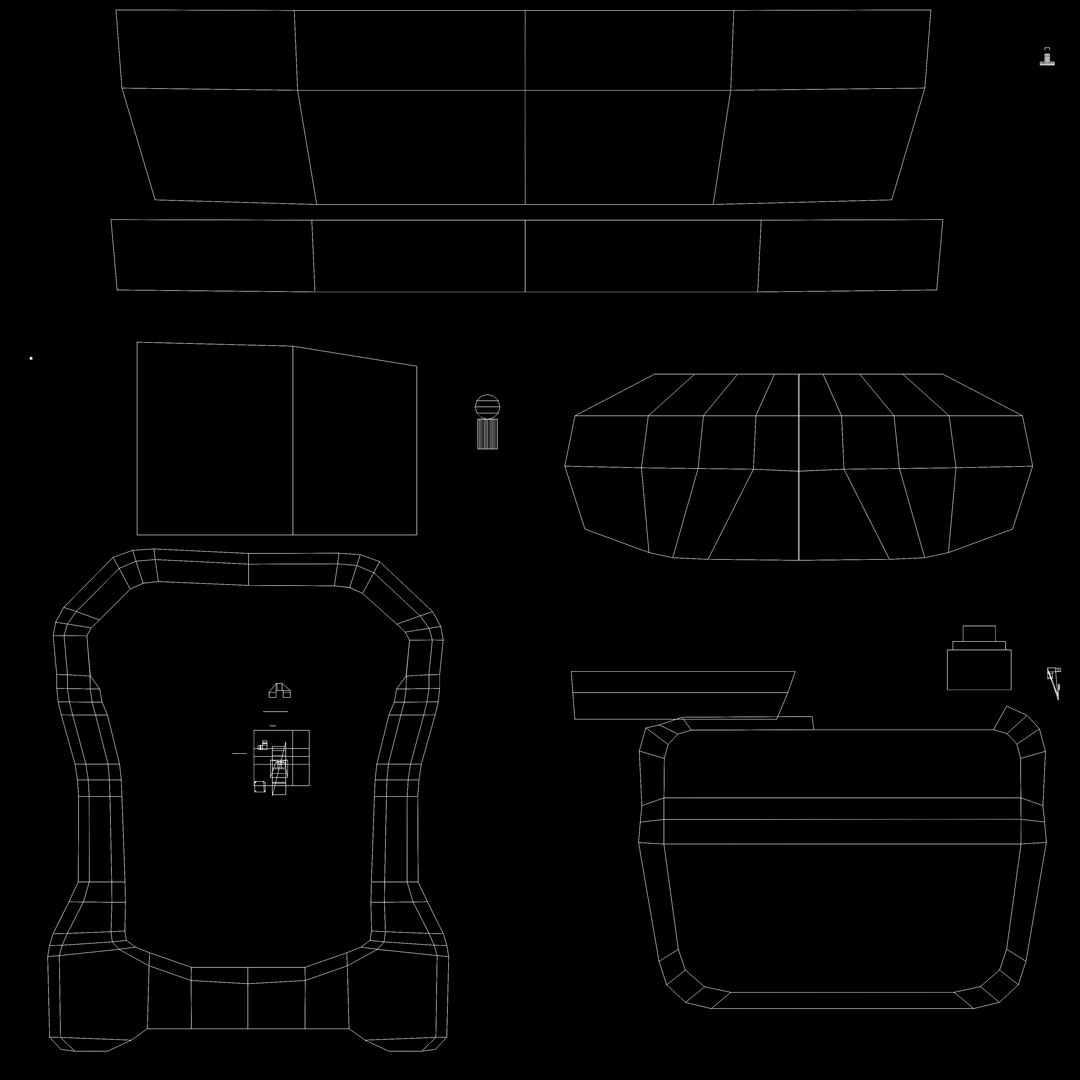
Overlapping Unwrapped UVs
member avatar
Robinson17
55 Products | Contributor Since 2018
Have questions? Chat with us now.

Description

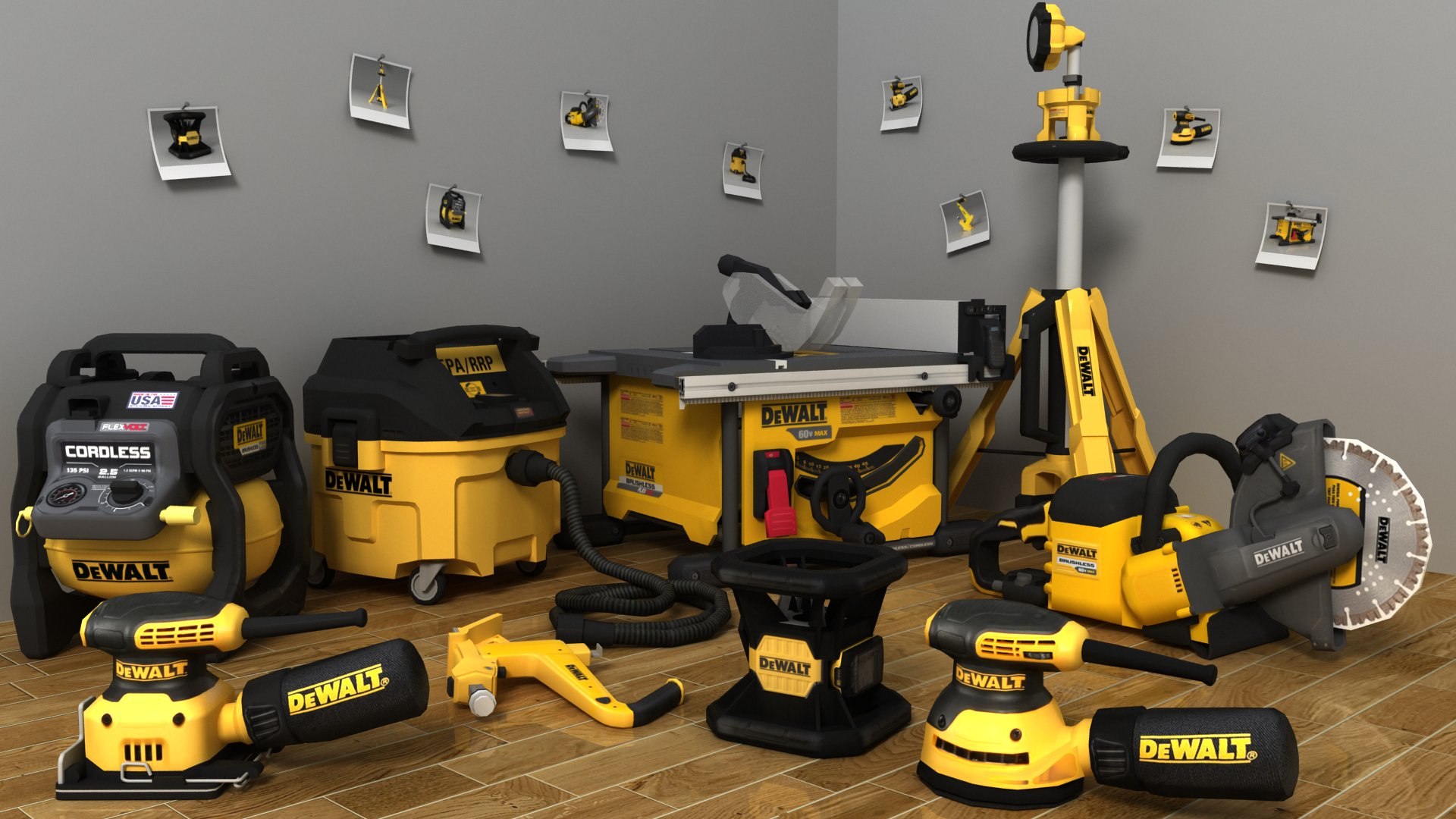
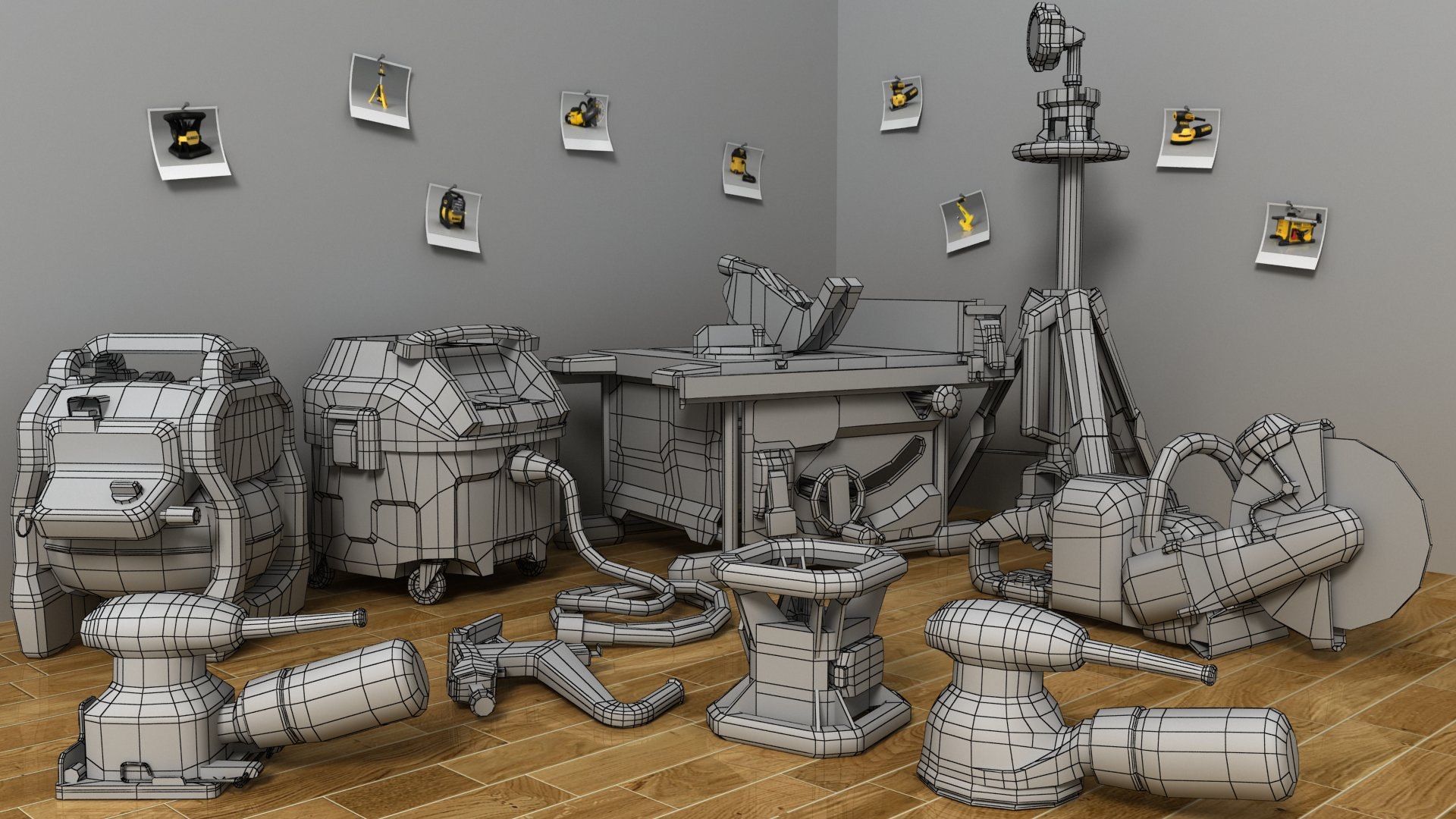
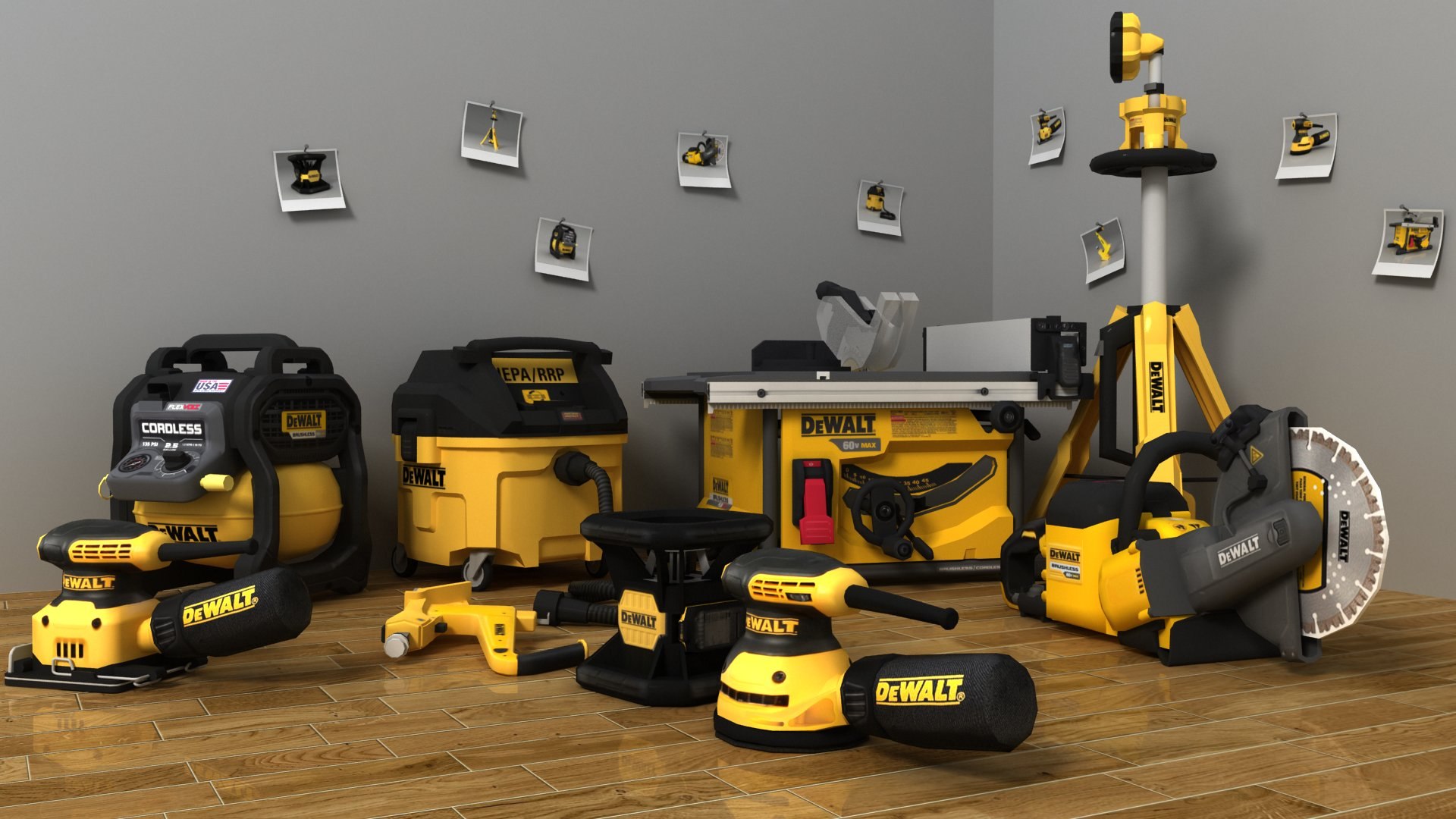
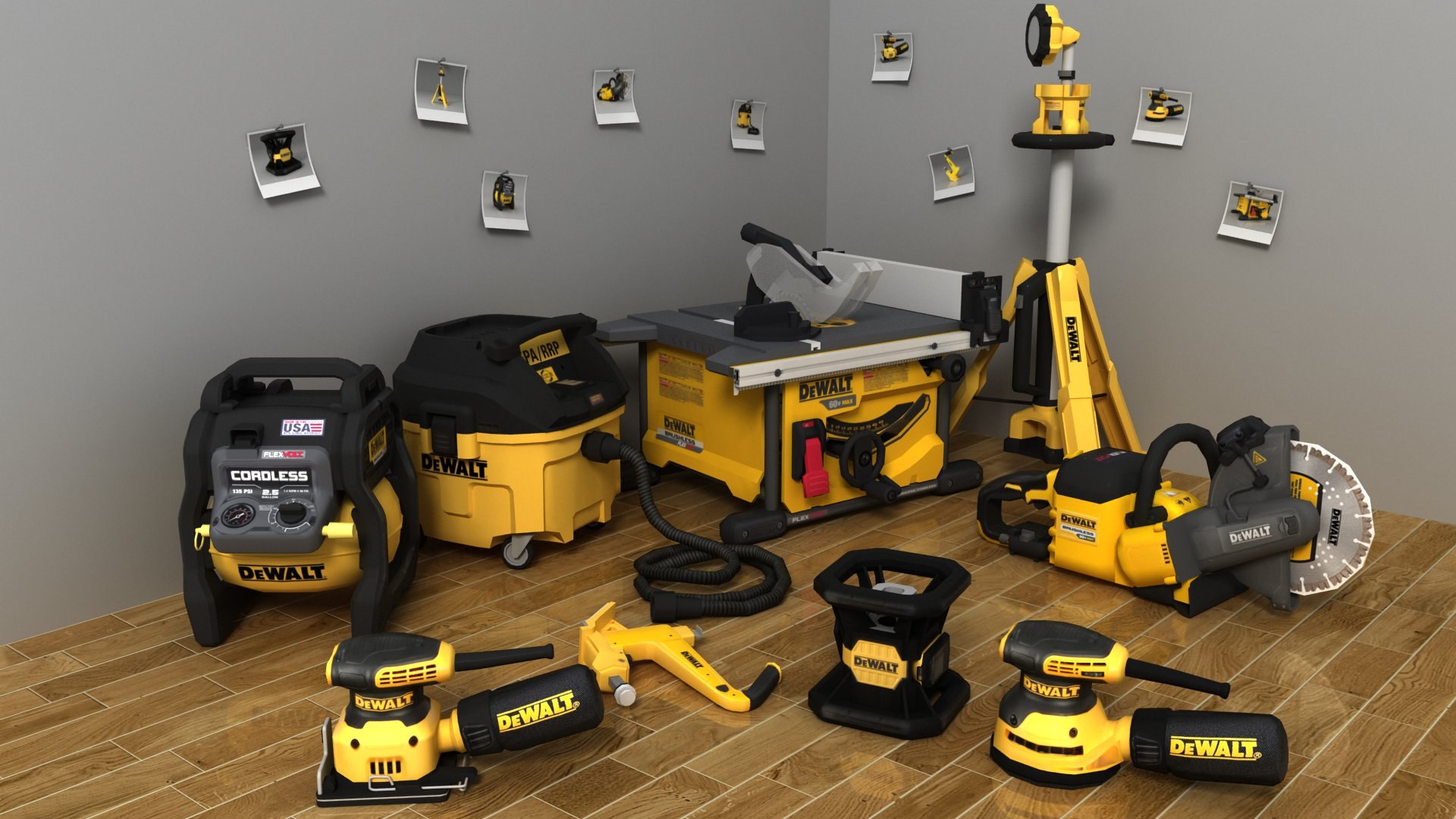
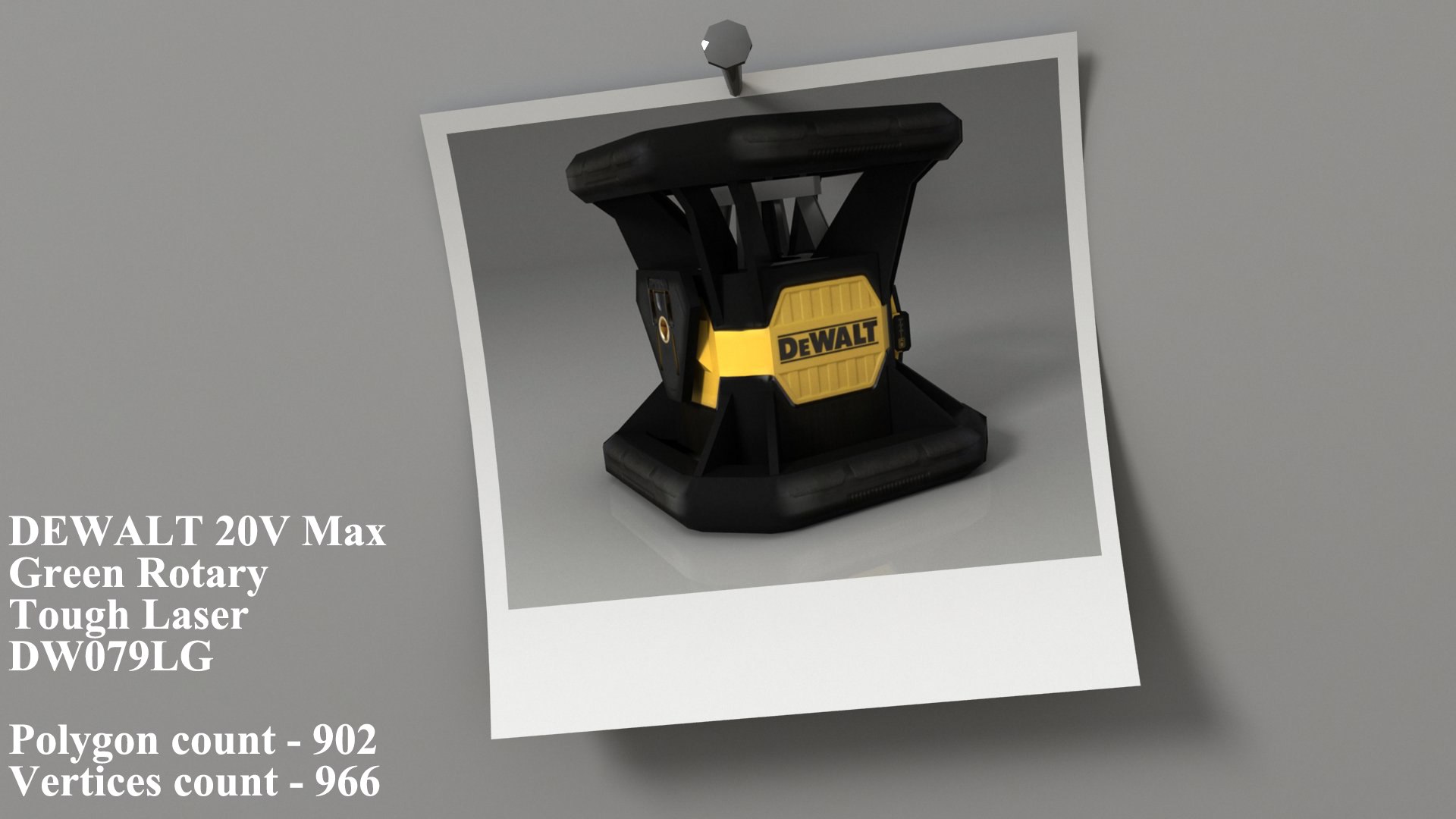
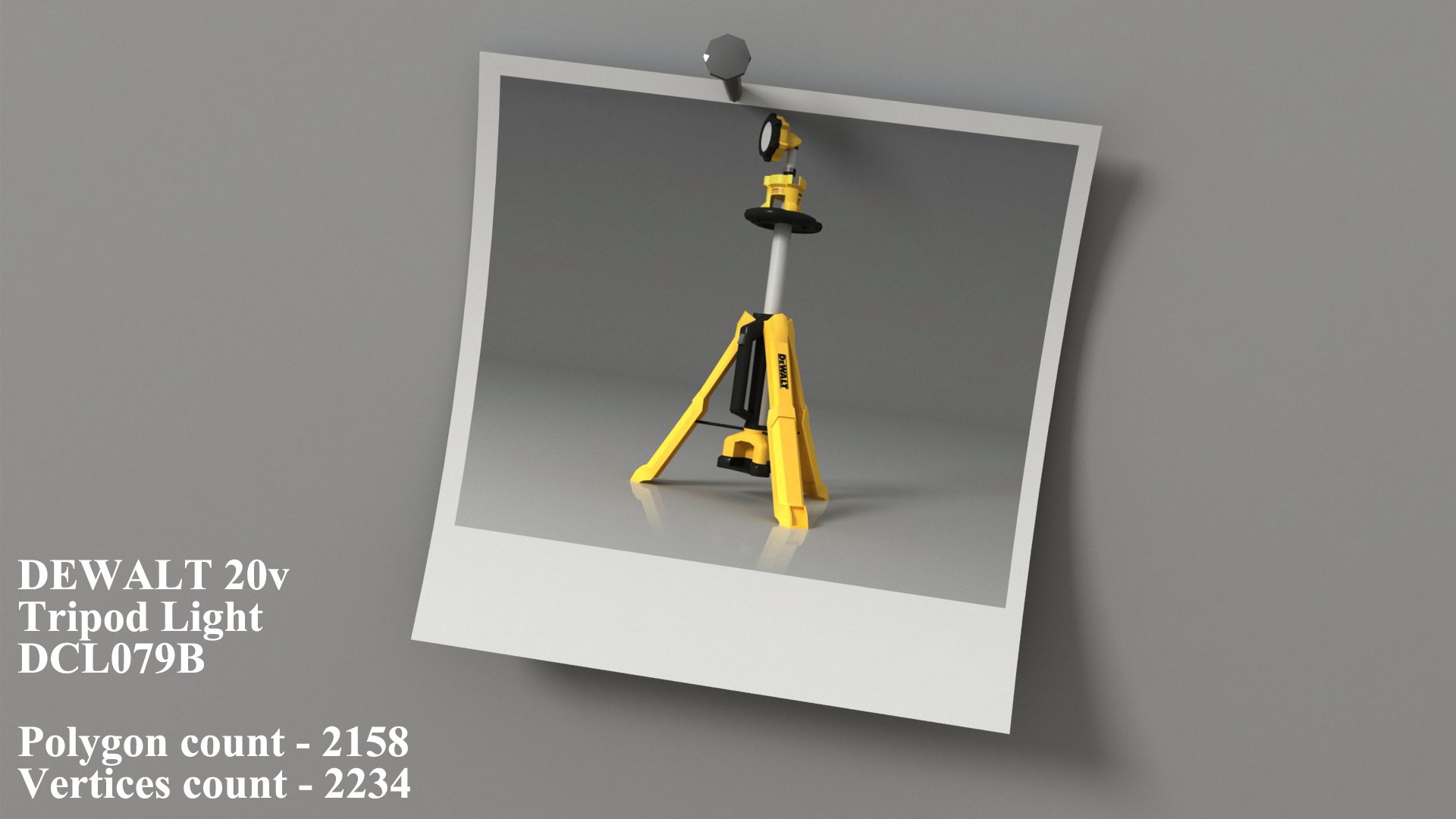
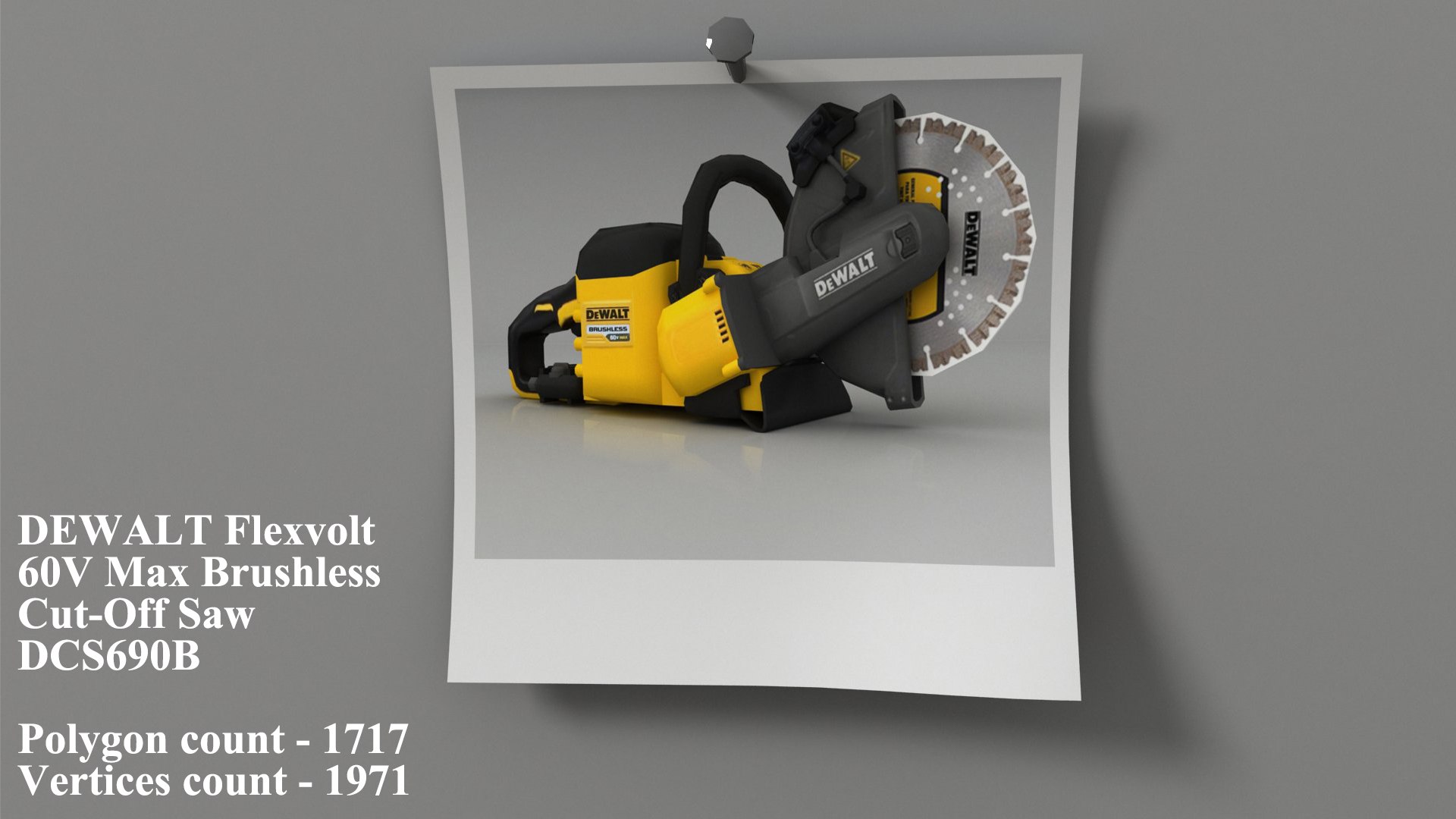
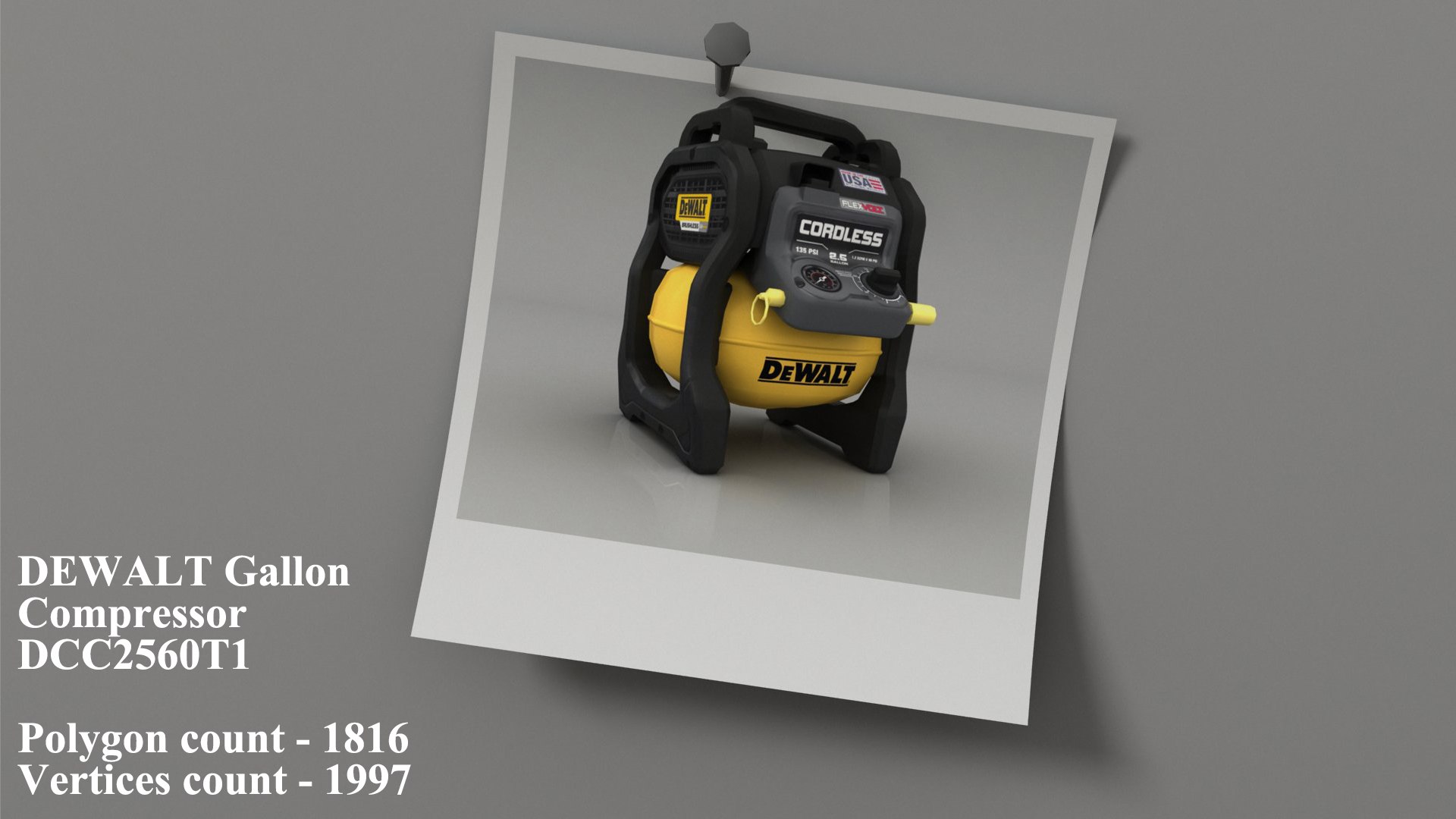
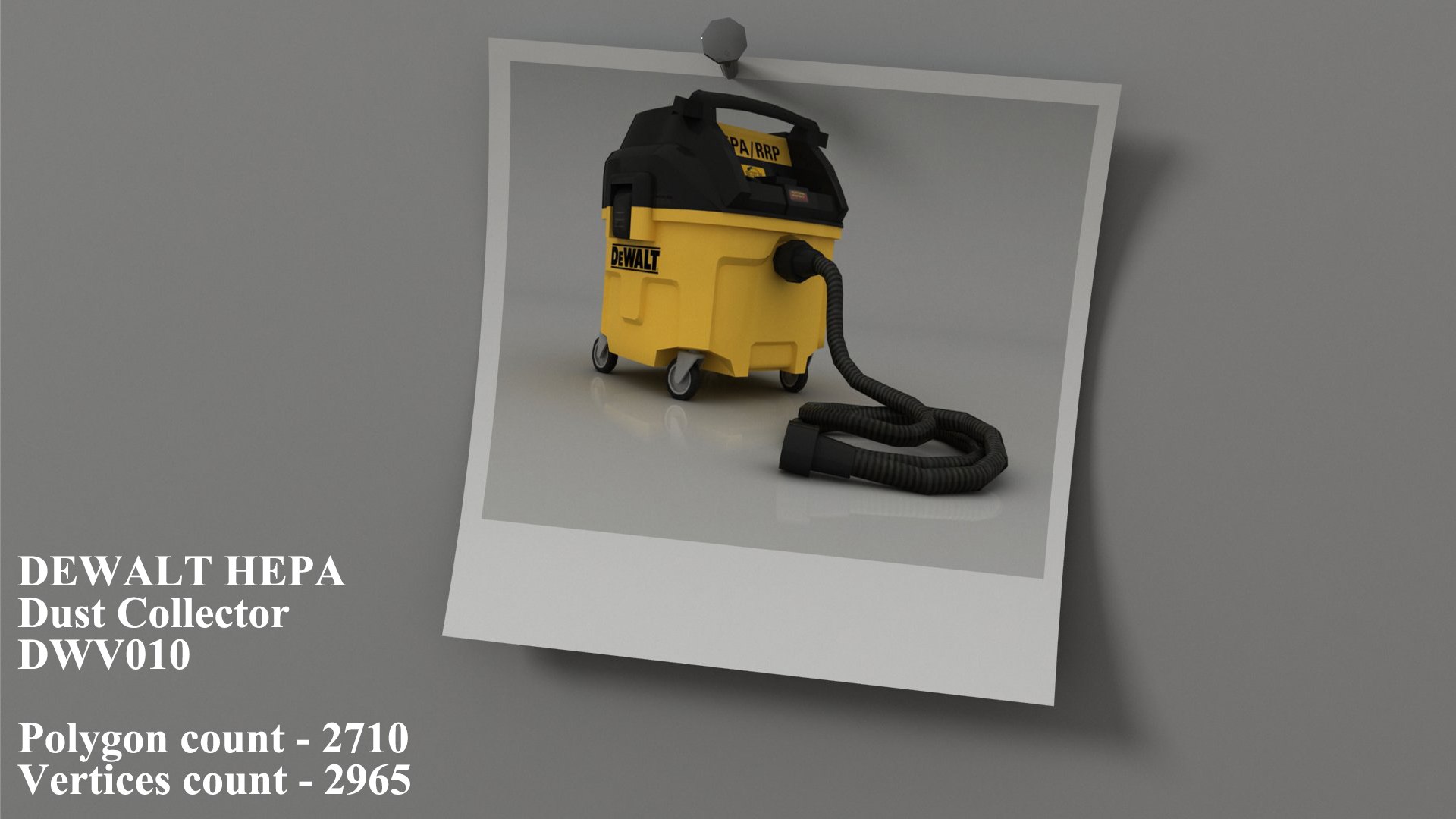
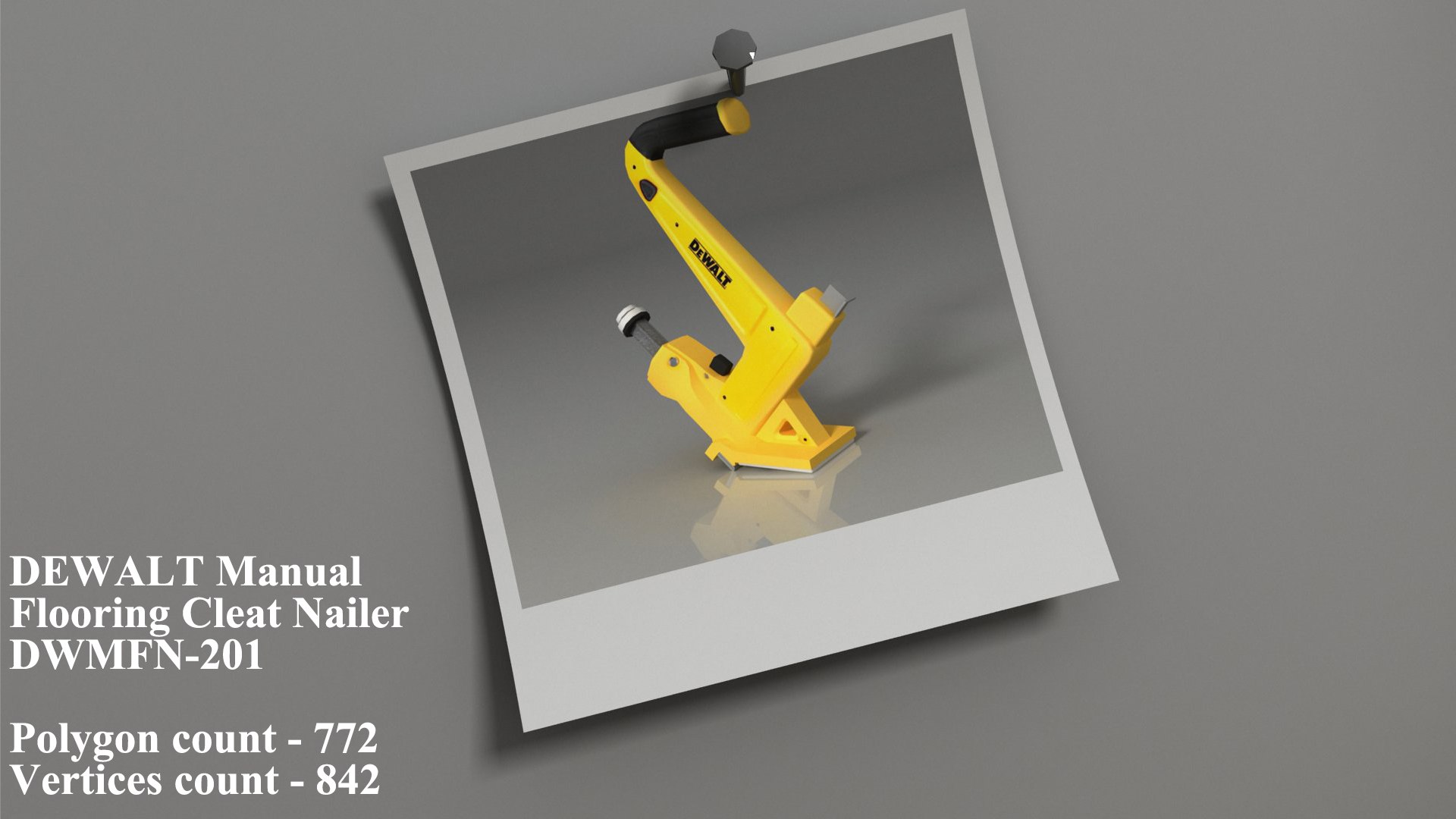
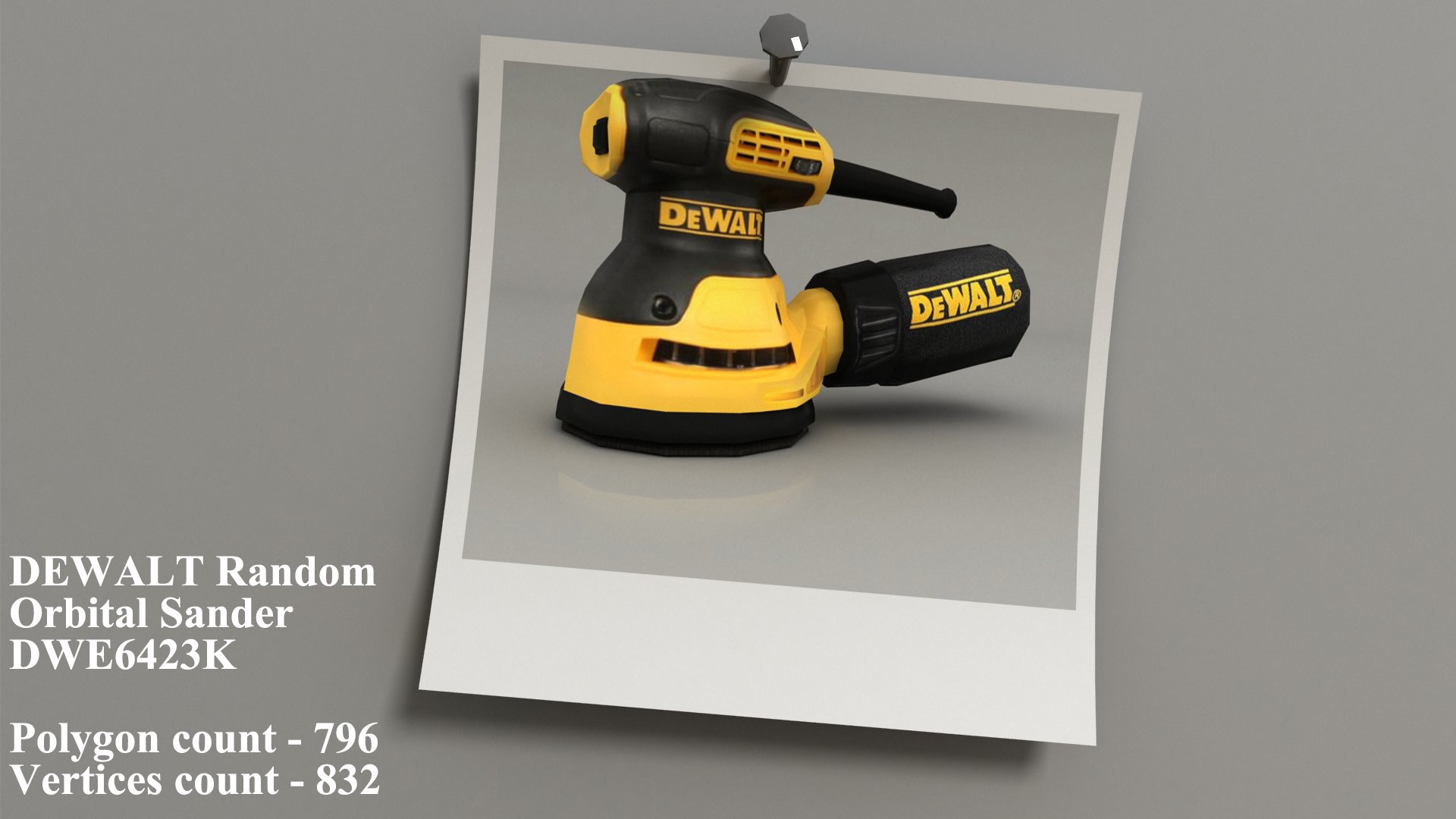
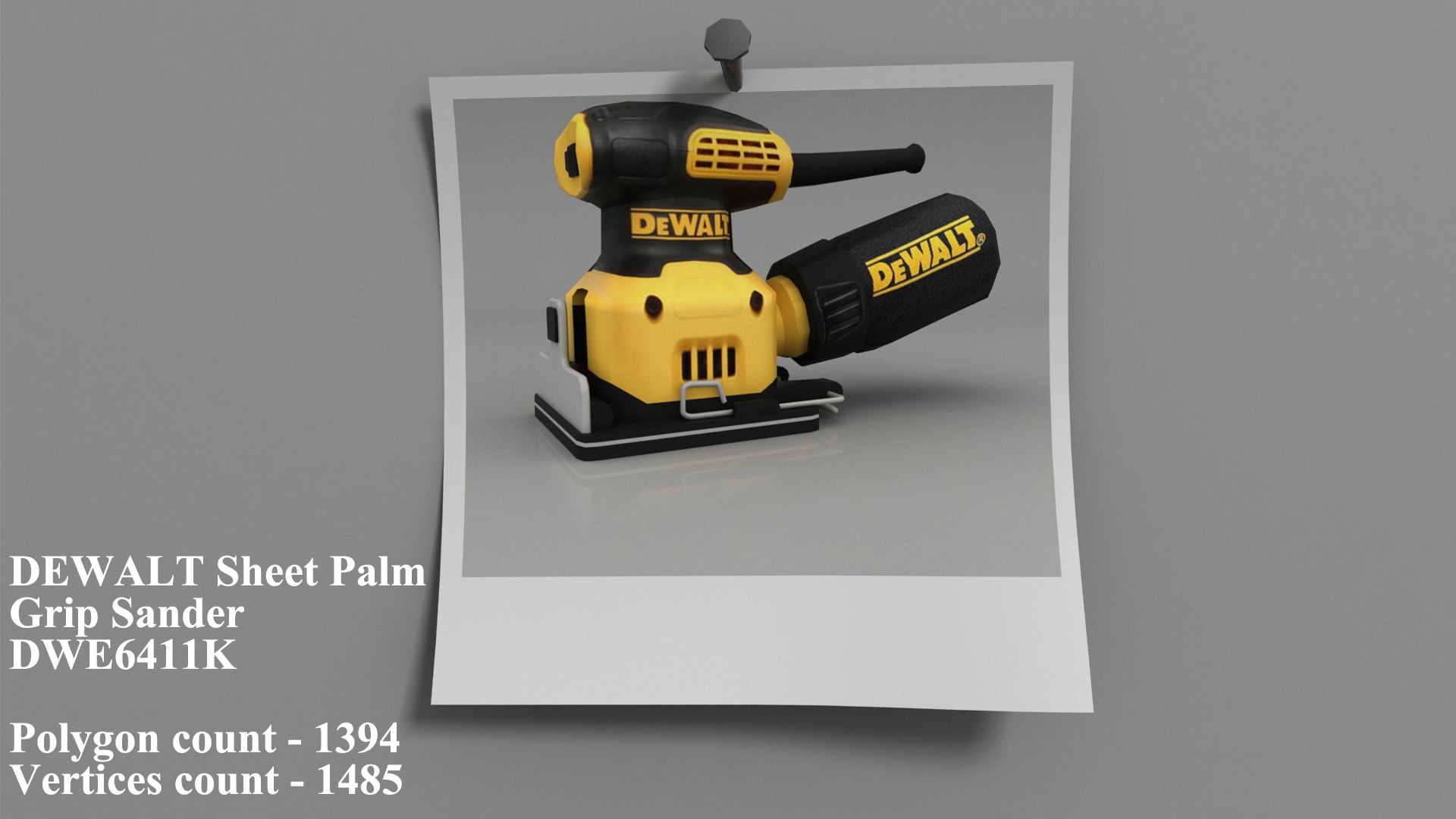
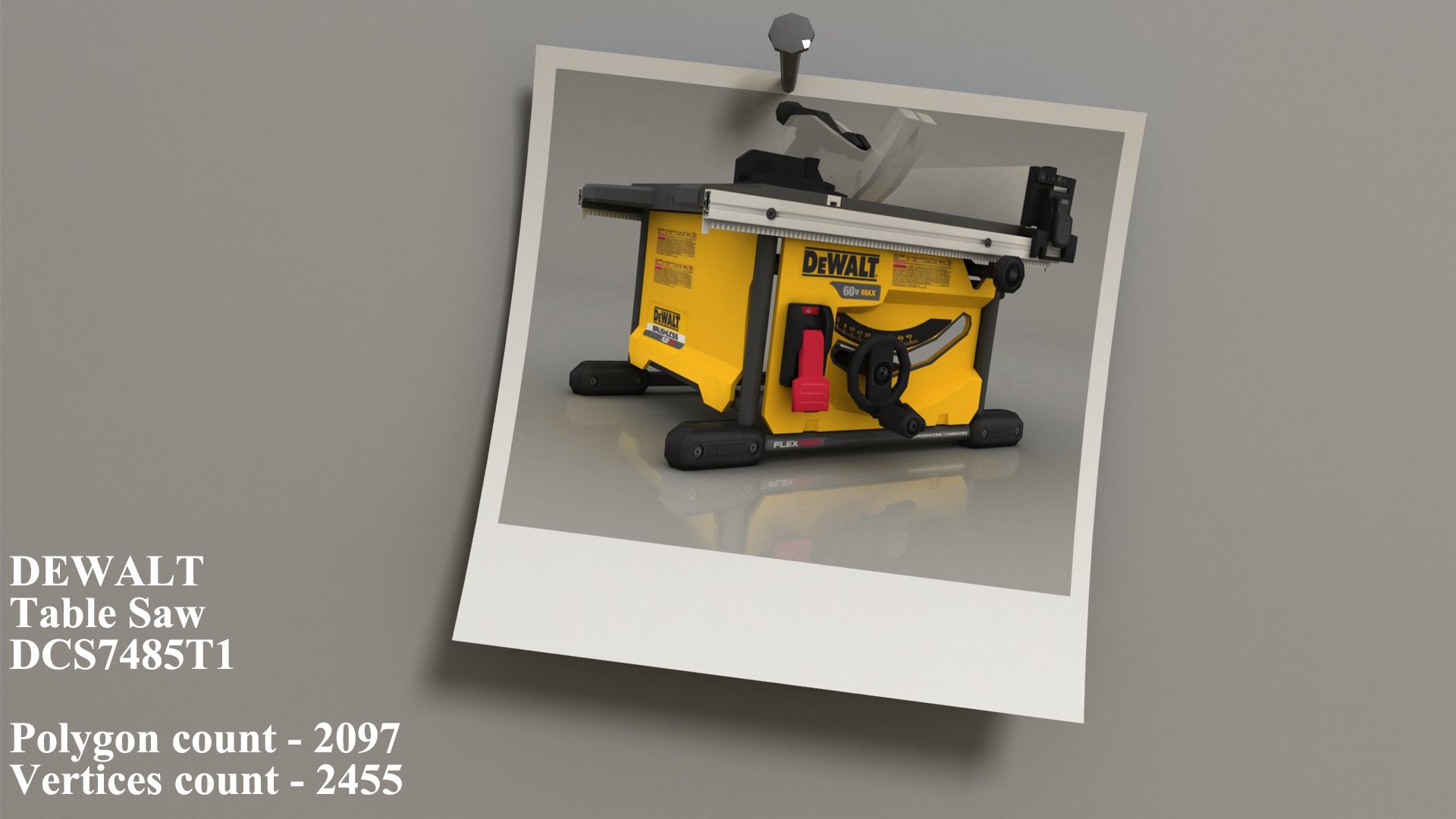
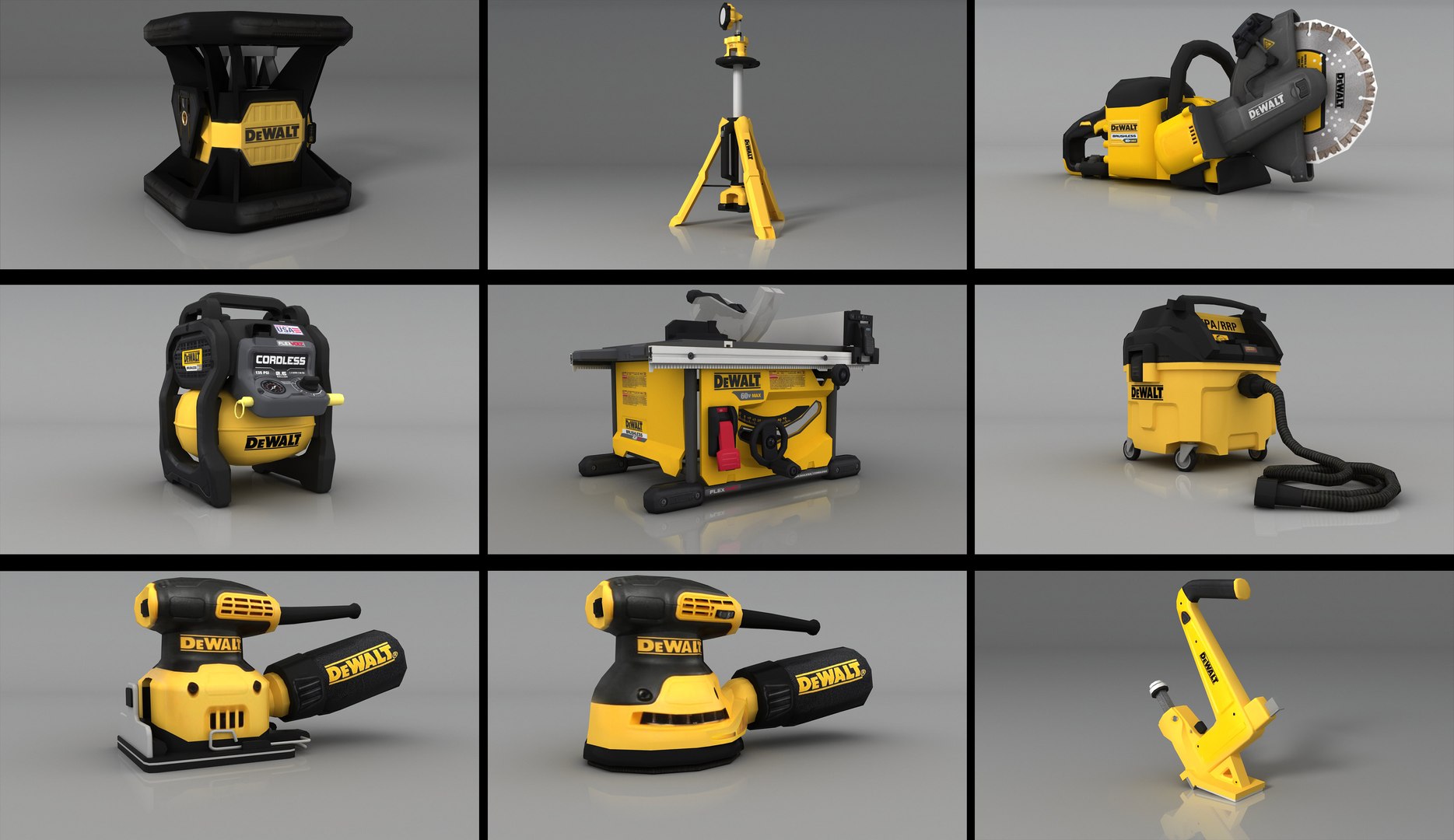
Dewalt 9 tools Part -2 Autodesk Maya Version 2018<br/><br/>3D model, Texctuer and Render with Autodesk Maya V-Ray Version 3.6 2018<br/><br/>low-poly mesh<br/><br/>1.DEWALT 20V Max Green Rotary Tough Laser DW079LG polygon count - 902 vertices count - 966<br/><br/>2.DEWALT 20v Tripod Light DCL079B polygon count - 2158 vertices count - 2234<br/><br/>3.DEWALT Flexvolt 60V Max Brushless Cut-Off Saw DCS690B polygon count - 1717 vertices count - 1971<br/><br/>4.DEWALT Gallon Compressor DCC2560T1 polygon count - 1816 vertices count - 1997<br/><br/>5.DEWALT Table Saw DCS7485T1 polygon count - 2097 vertices count - 2455<br/><br/>6.DEWALT HEPA Dust Collector DWV010 polygon count - 2710 vertices count - 2965<br/><br/>7.DEWALT Sheet Palm Grip Sander DWE6411K polygon count - 1394 vertices count - 1485<br/><br/>8.DEWALT Random Orbital Sander DWE6423K polygon count - 796 vertices count - 832<br/><br/>9.DEWALT Manual Flooring Cleat Nailer DWMFN-201 polygon count - 772 vertices count - 842<br/><br/>All Models polygon count - 14362 and vertices count - 15751

Select Enhanced License

  • $10,000 in Legal Protection (Indemnification)
  • Uncapped Legal Protection (Indemnification)
  • Waiver from injunctive relief
  • Assignable model rights
  • $1,000,000 in Legal Protection (Indemnification)
  • Waiver from injunctive relief
  • Assignable model rights
  • $250,000 in Legal Protection (Indemnification)
  • Assignable model rights
Read more about enhanced license tiers, or contact us at enterprise@turbosquid.com. Already a Shutterstock Enterprise Customer? Contact your Shutterstock Sales Support Agent to talk about adding 3D.

About Conversion Requests

To submit a conversion request for a purchased asset, please complete our Conversion Request Form.

If you have not yet purchased a model, please review our Documentation about Conversions to learn about what limitations you may encounter with a conversion.

For any additional questions about a model’s suitability for conversion, please contact TurboSquid Support.

Loading...