
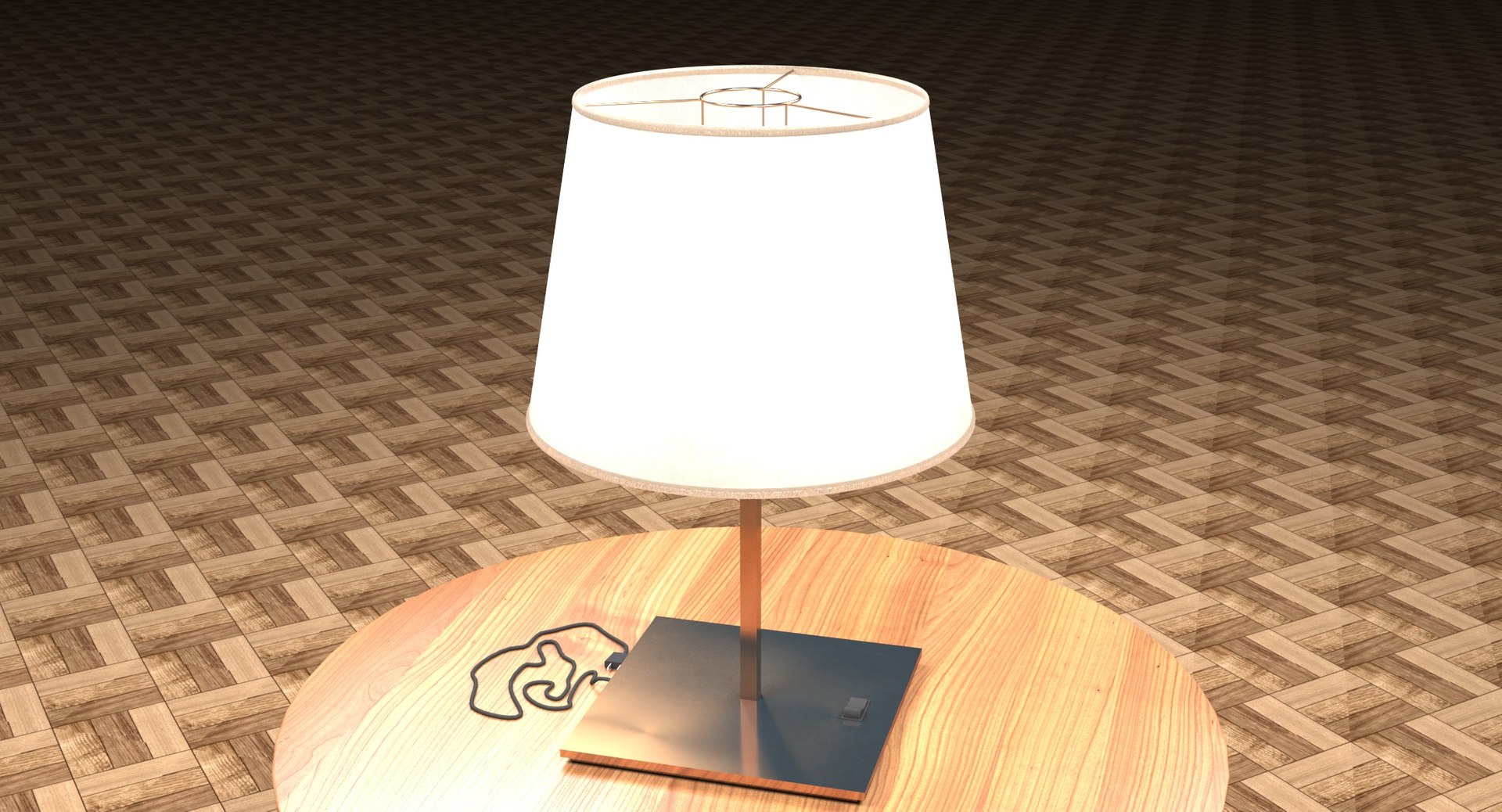
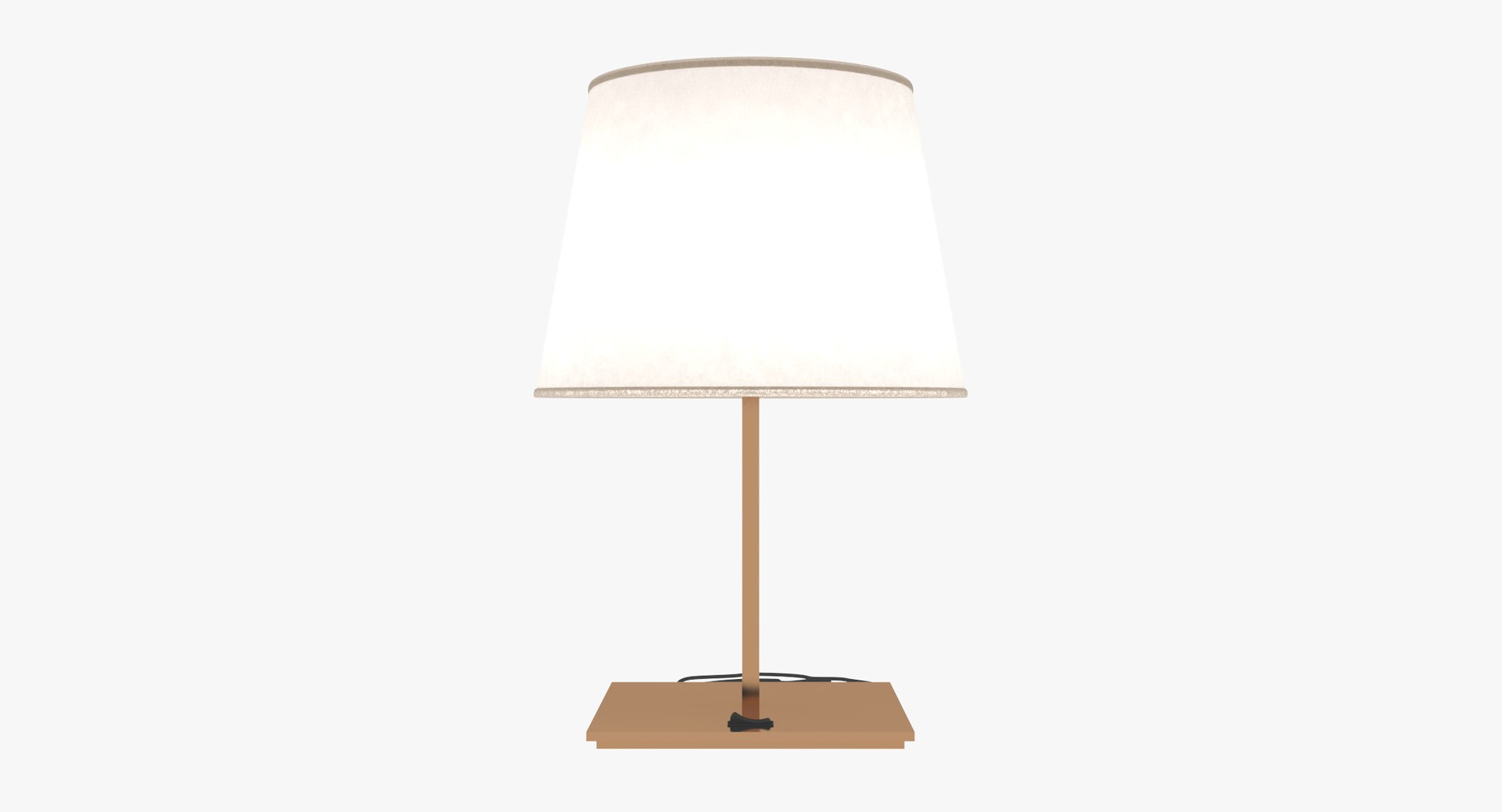
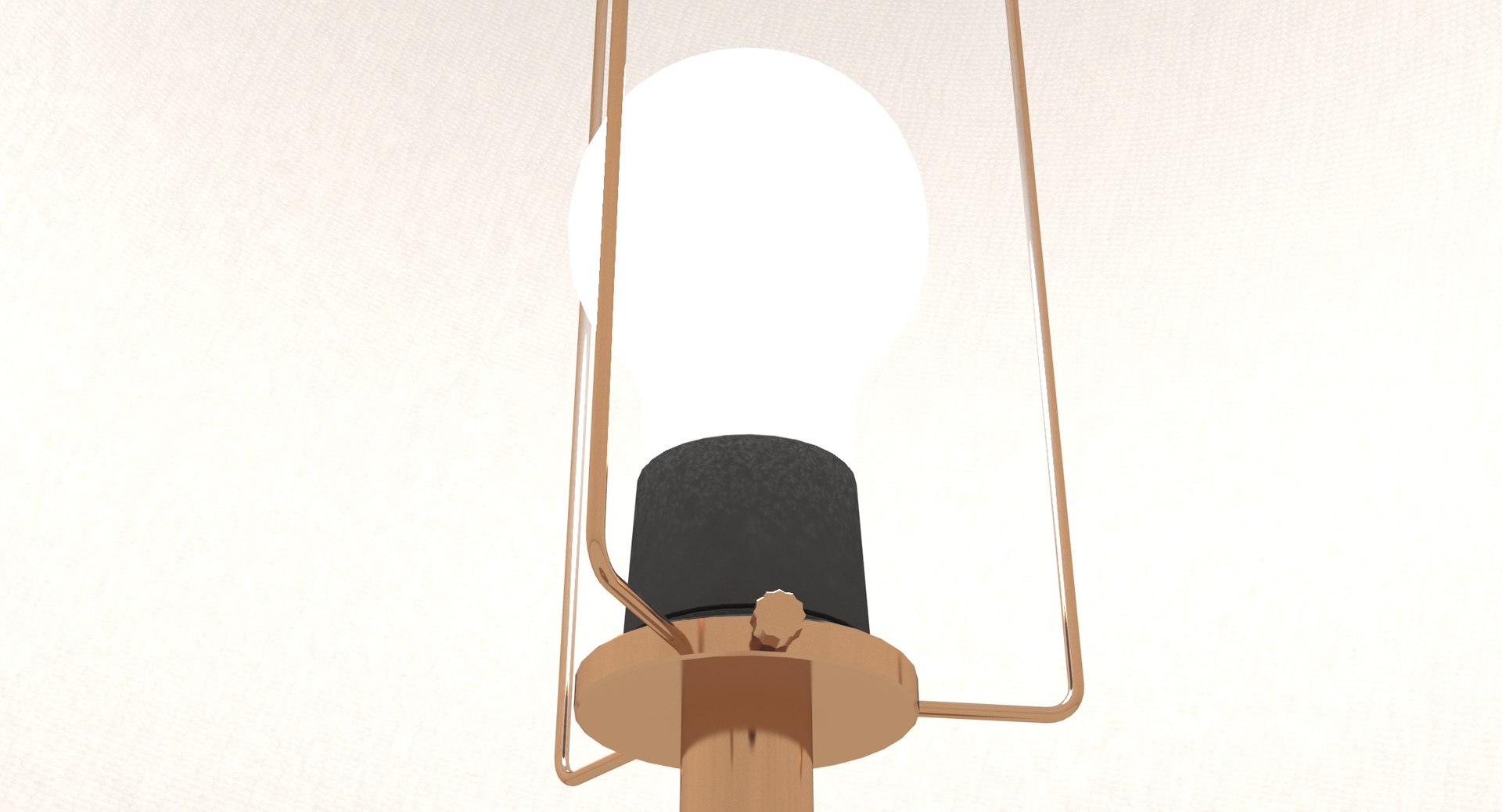
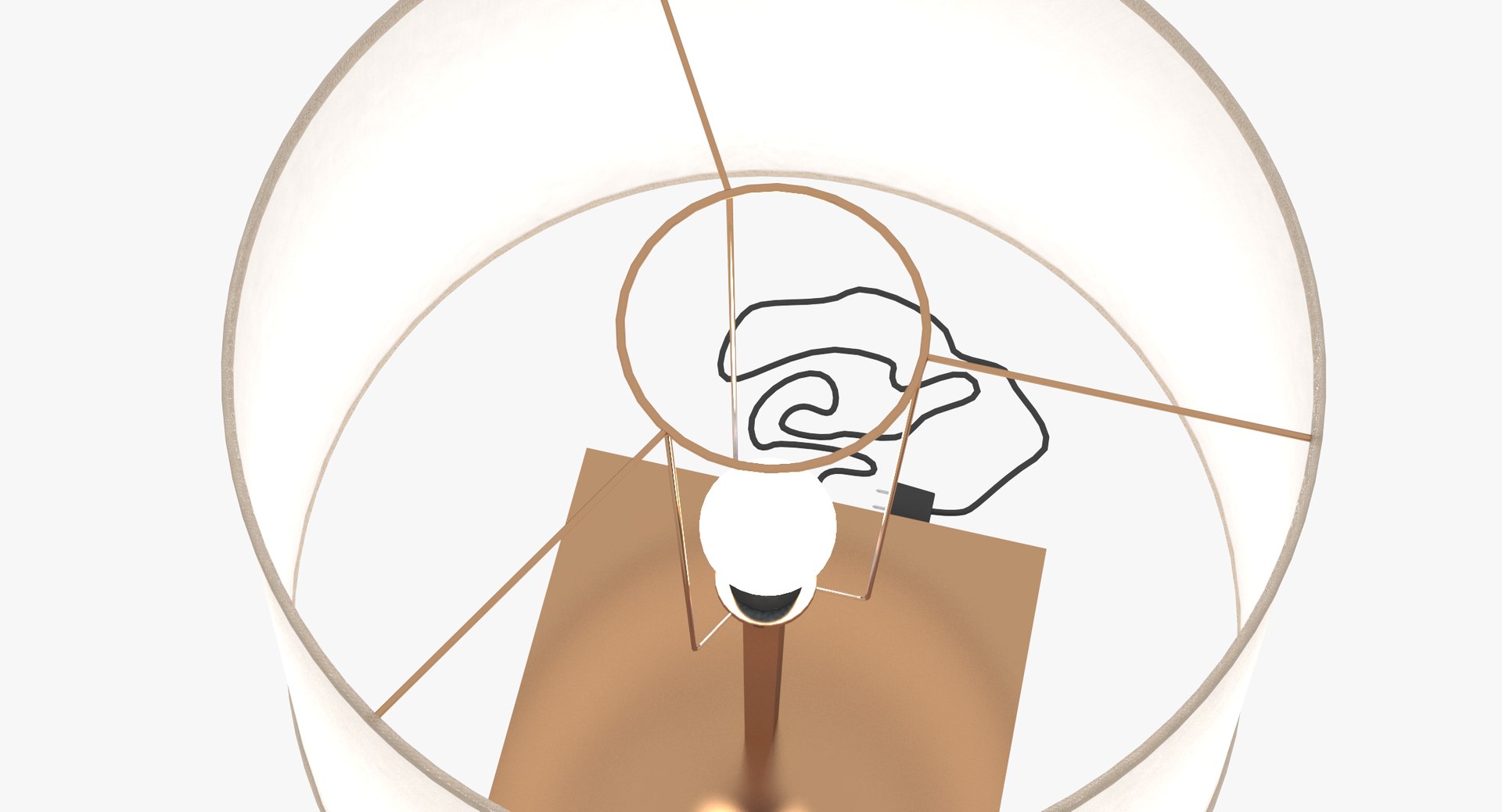
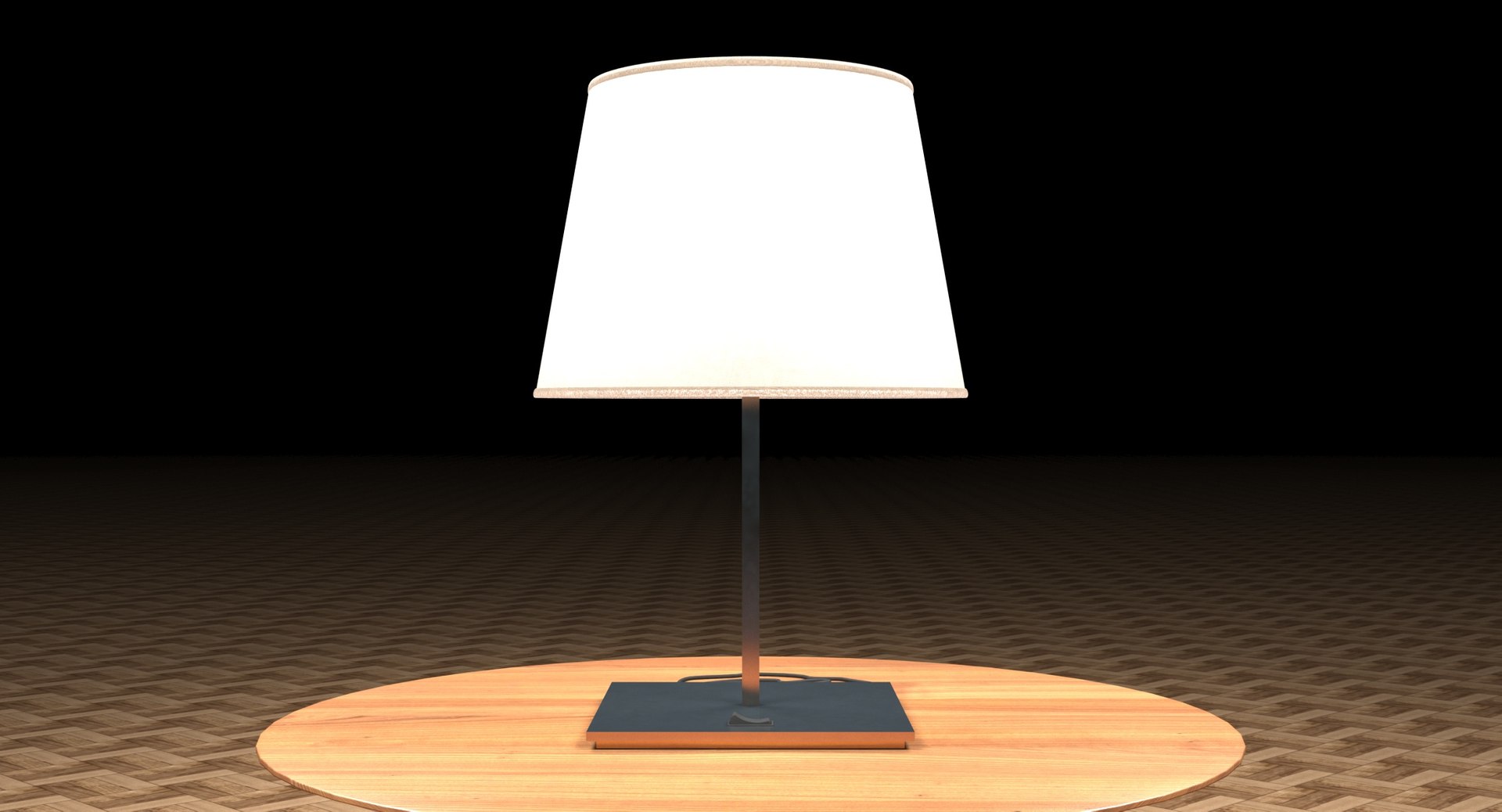
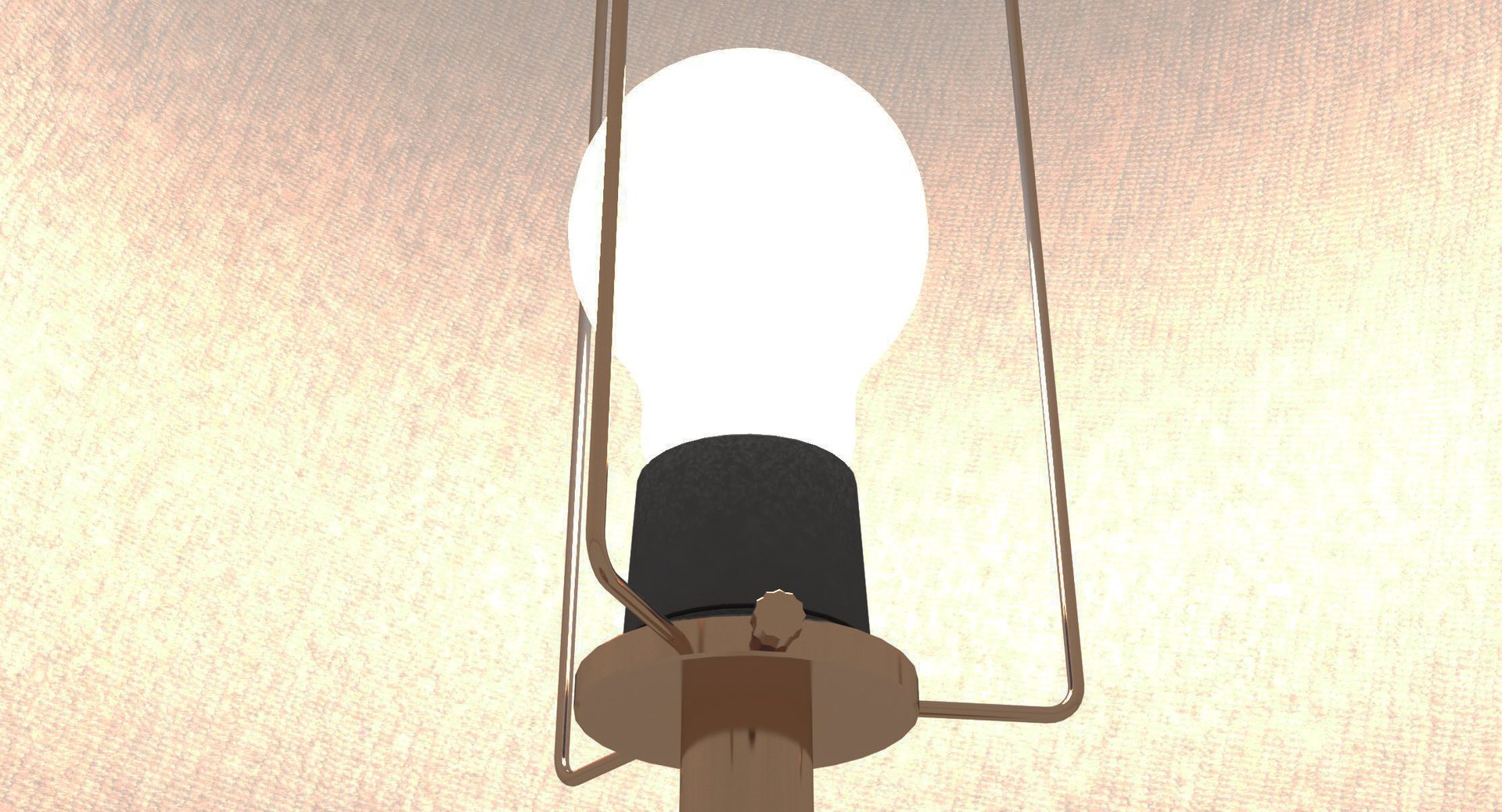
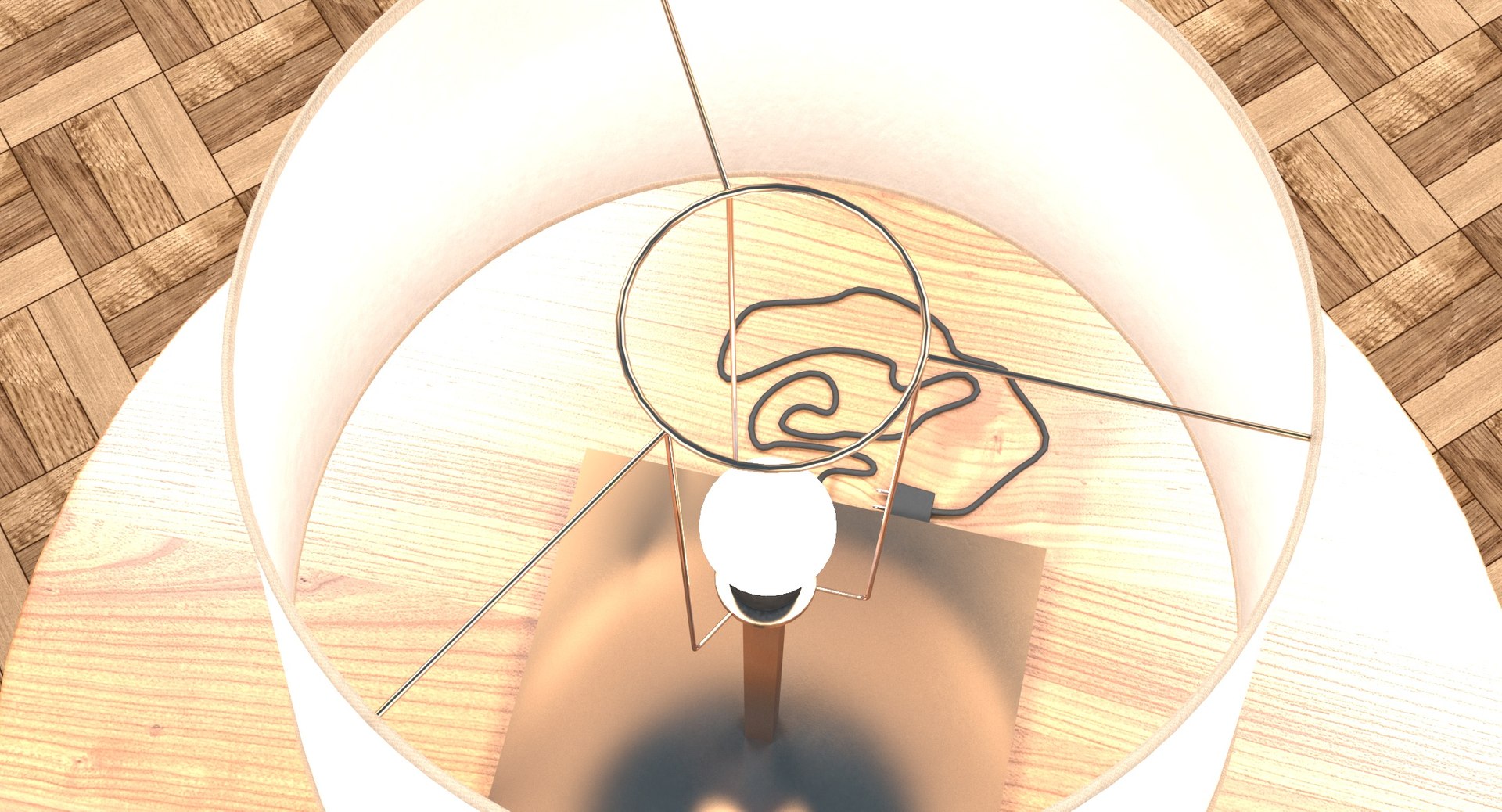
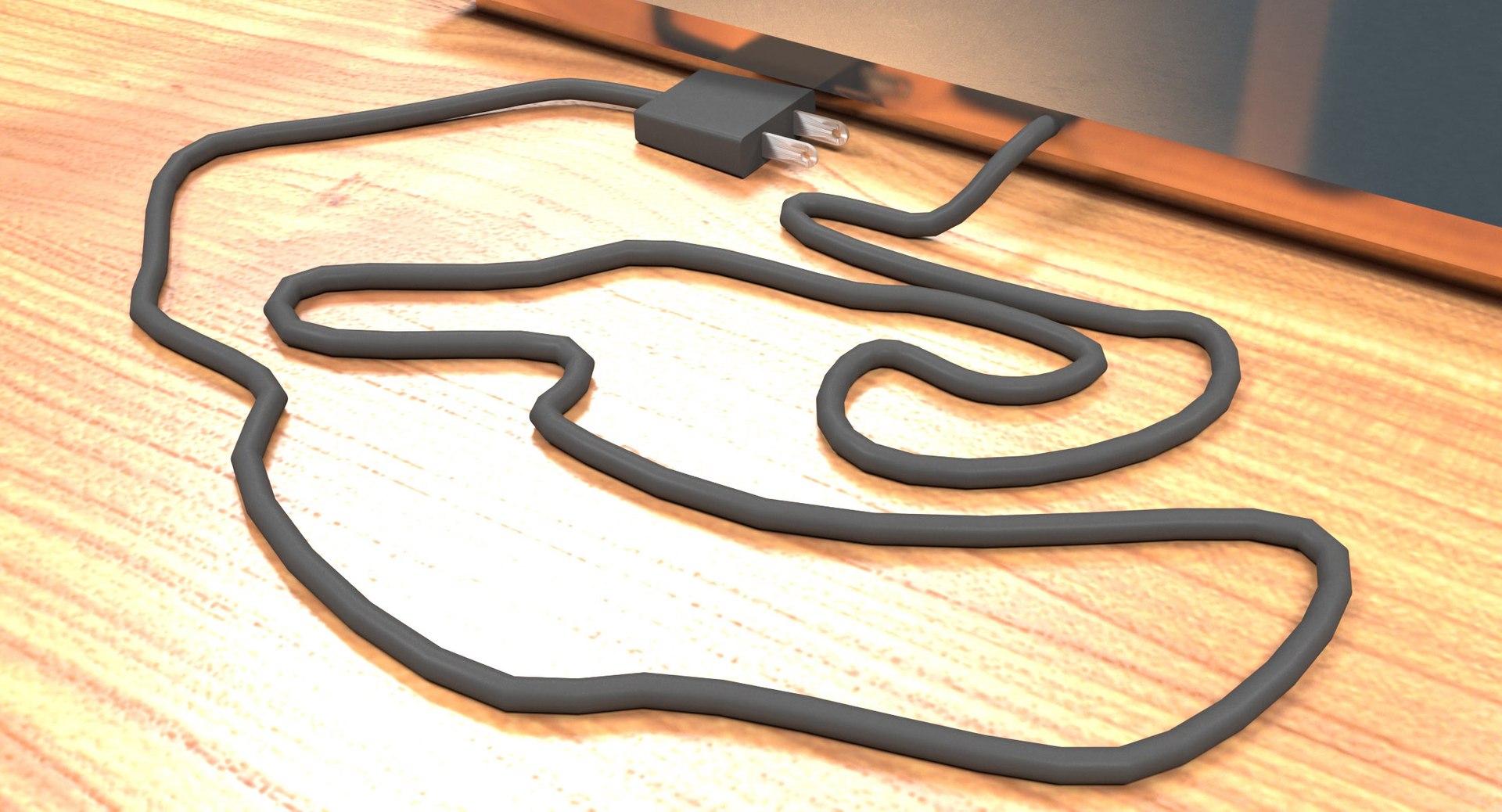
Desktop Lamp with Lamp Shade

$34

Standard License | Upgrade License
Formats (6)
Free file format Conversions available
Native | 3ds Max 2017 | V-Ray 3.60.03
OBJ
3D Studio
AutoCAD drawing
DXF
FBX
Other Files
DLamp2M.zip
Specifications
Publish Date November 24, 2018
Product ID 1349531
Polygons 14,114
Vertices 14,232
Polygonal Quads/Tris Geometry
Textures
Materials
UV Mapped
Non-overlapping Unwrapped UVs
TurboSquid Exclusive

member avatar
Gabriel Casique
397 Products | Contributor Since 2004
Have questions? Chat with us now.

Description

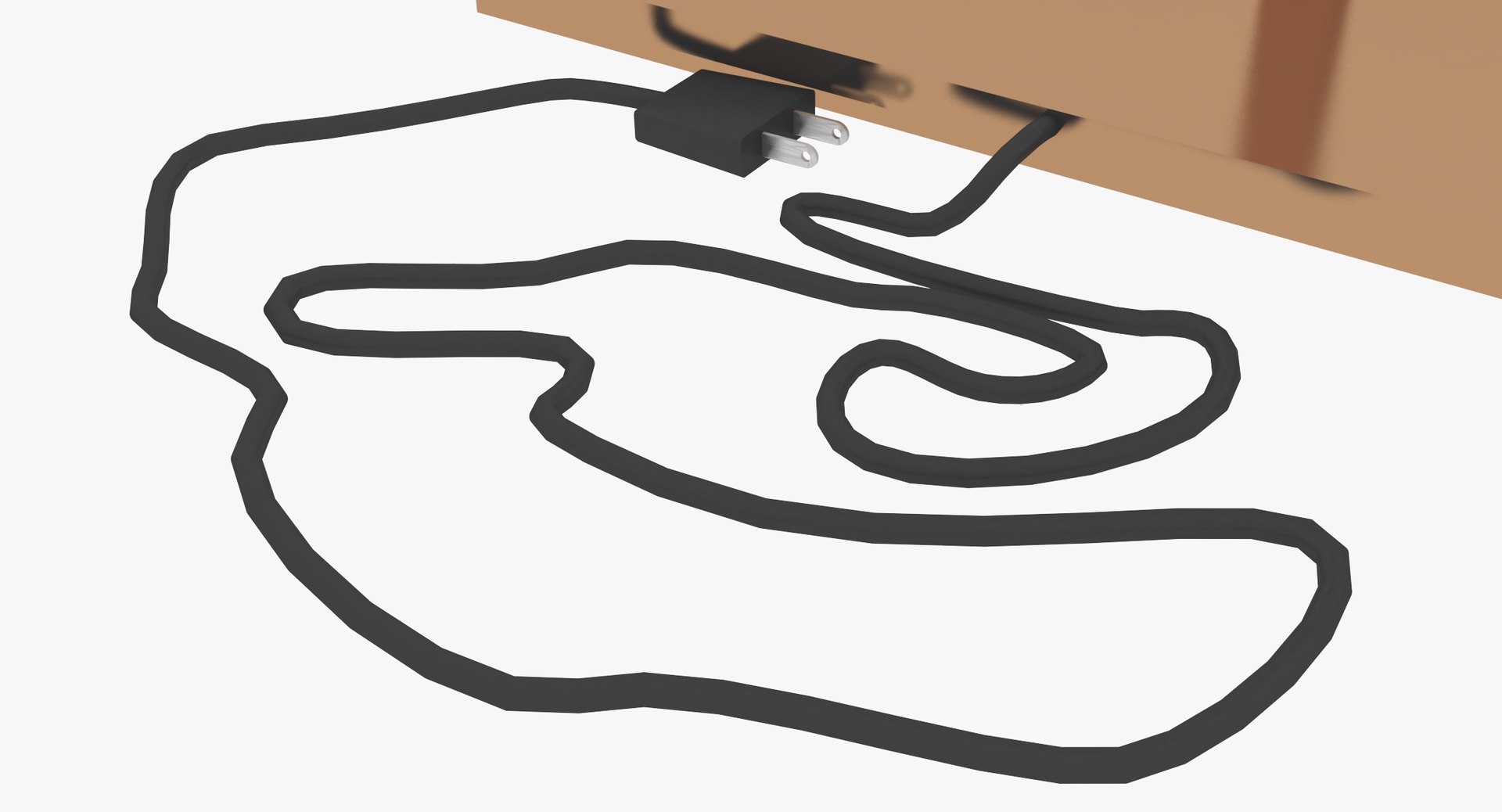
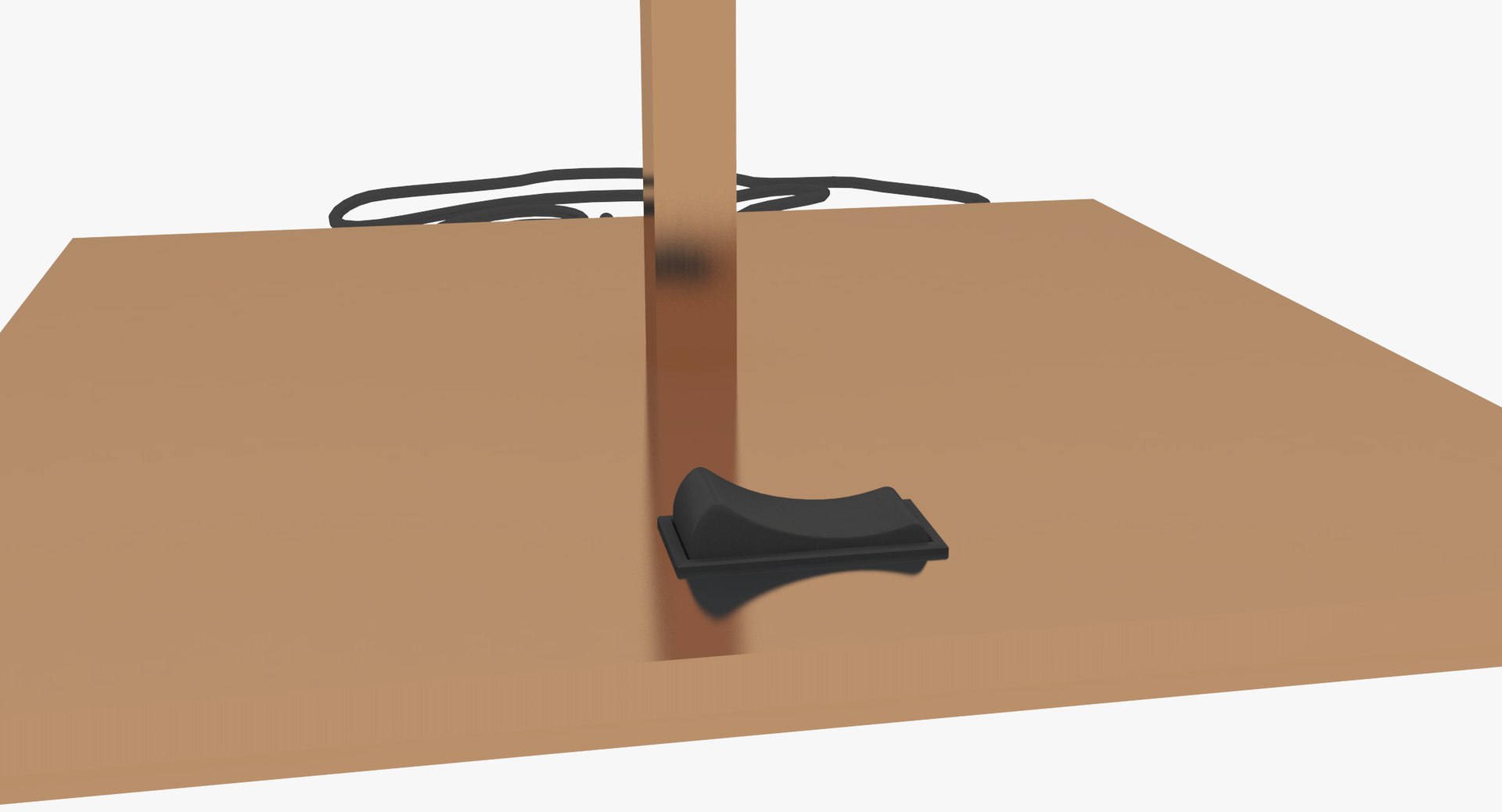
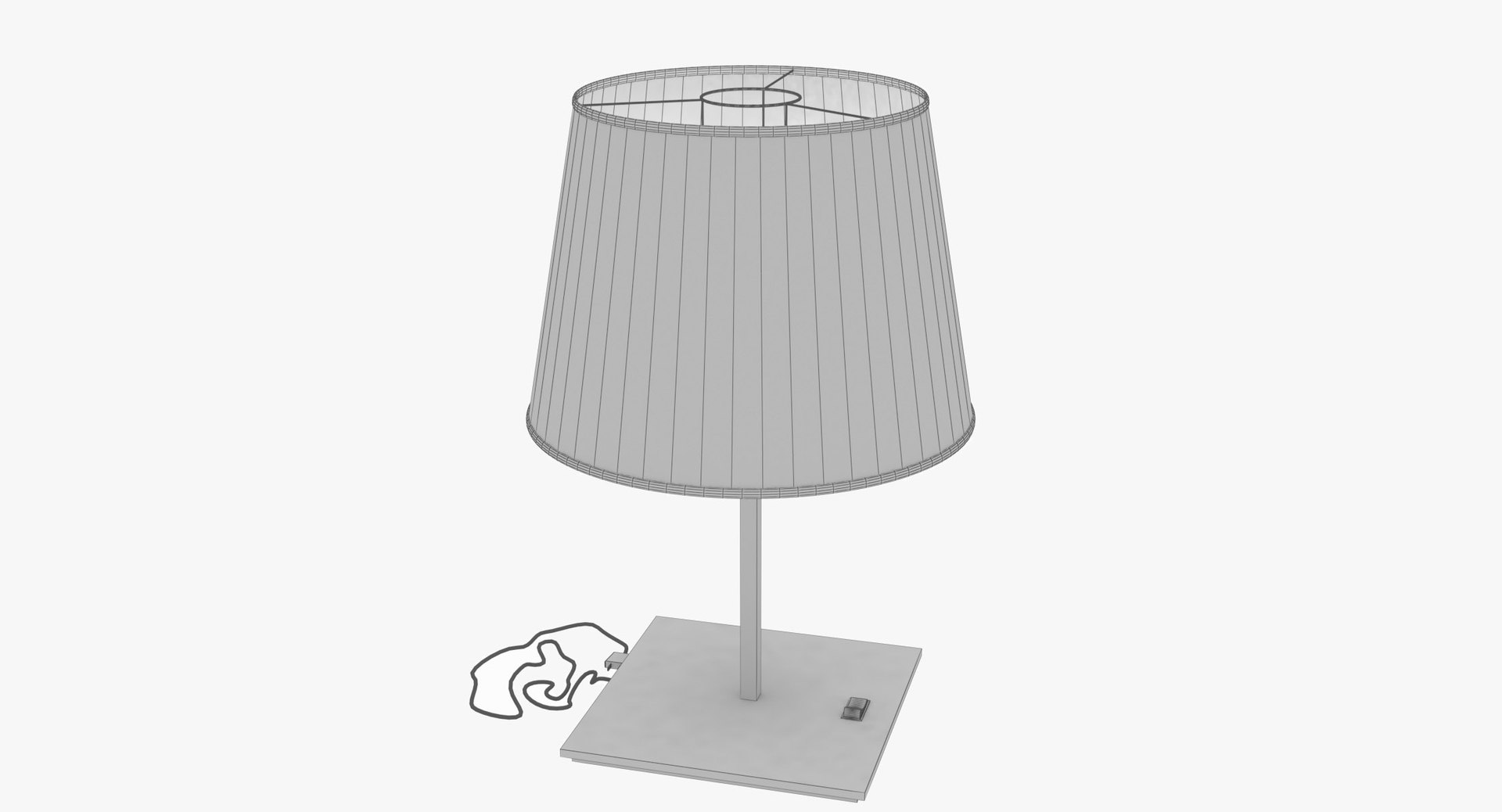
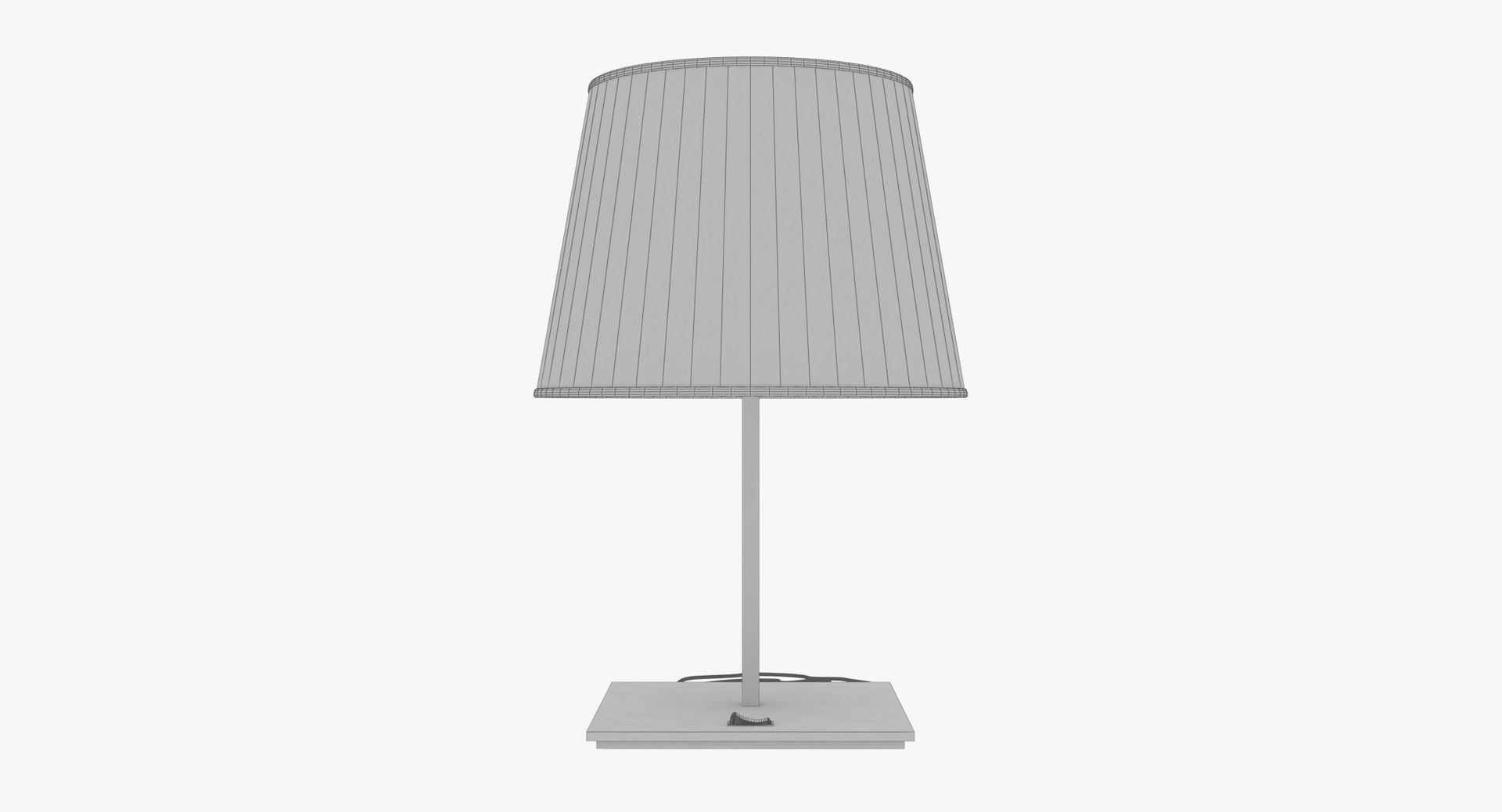
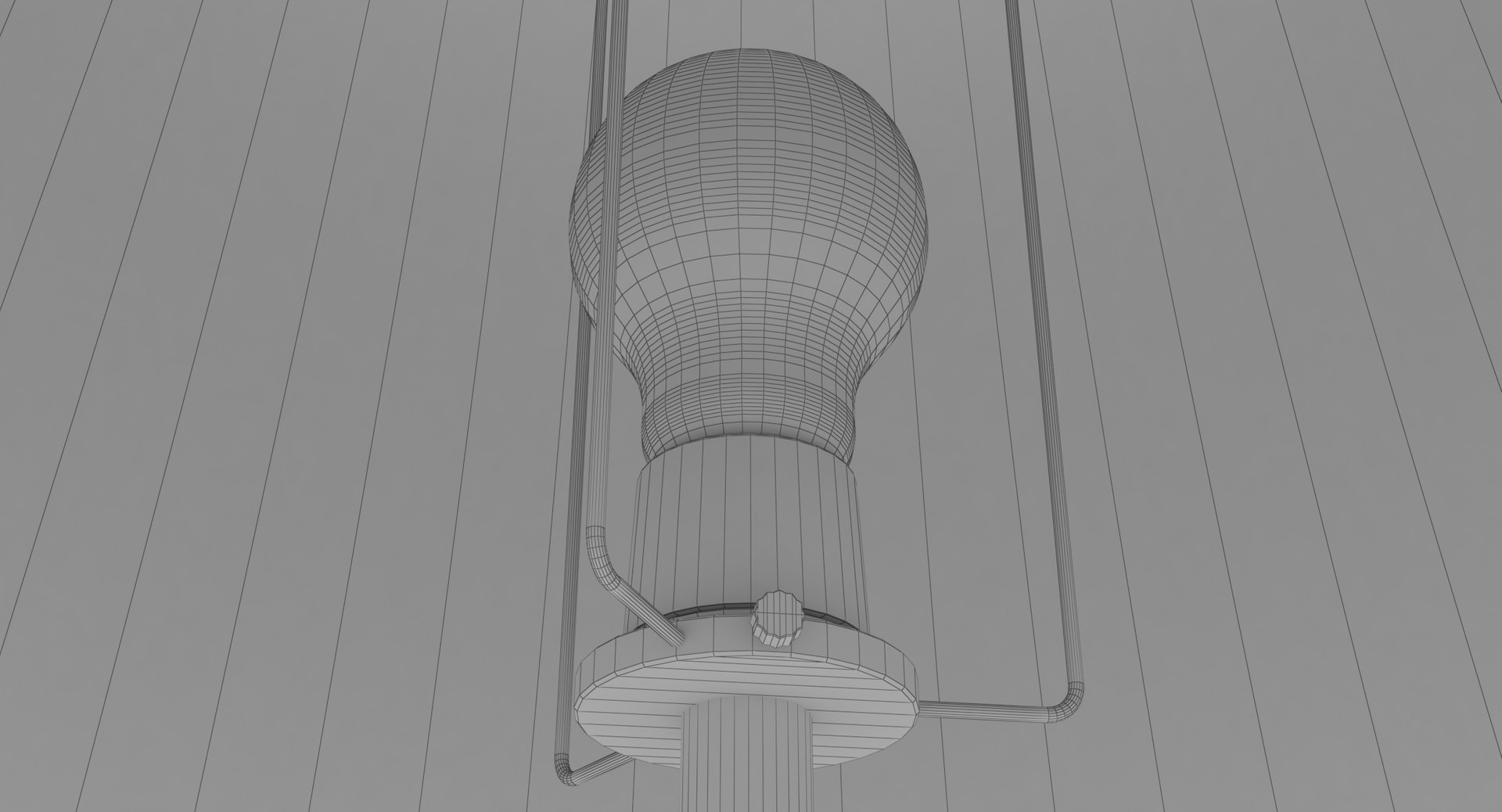
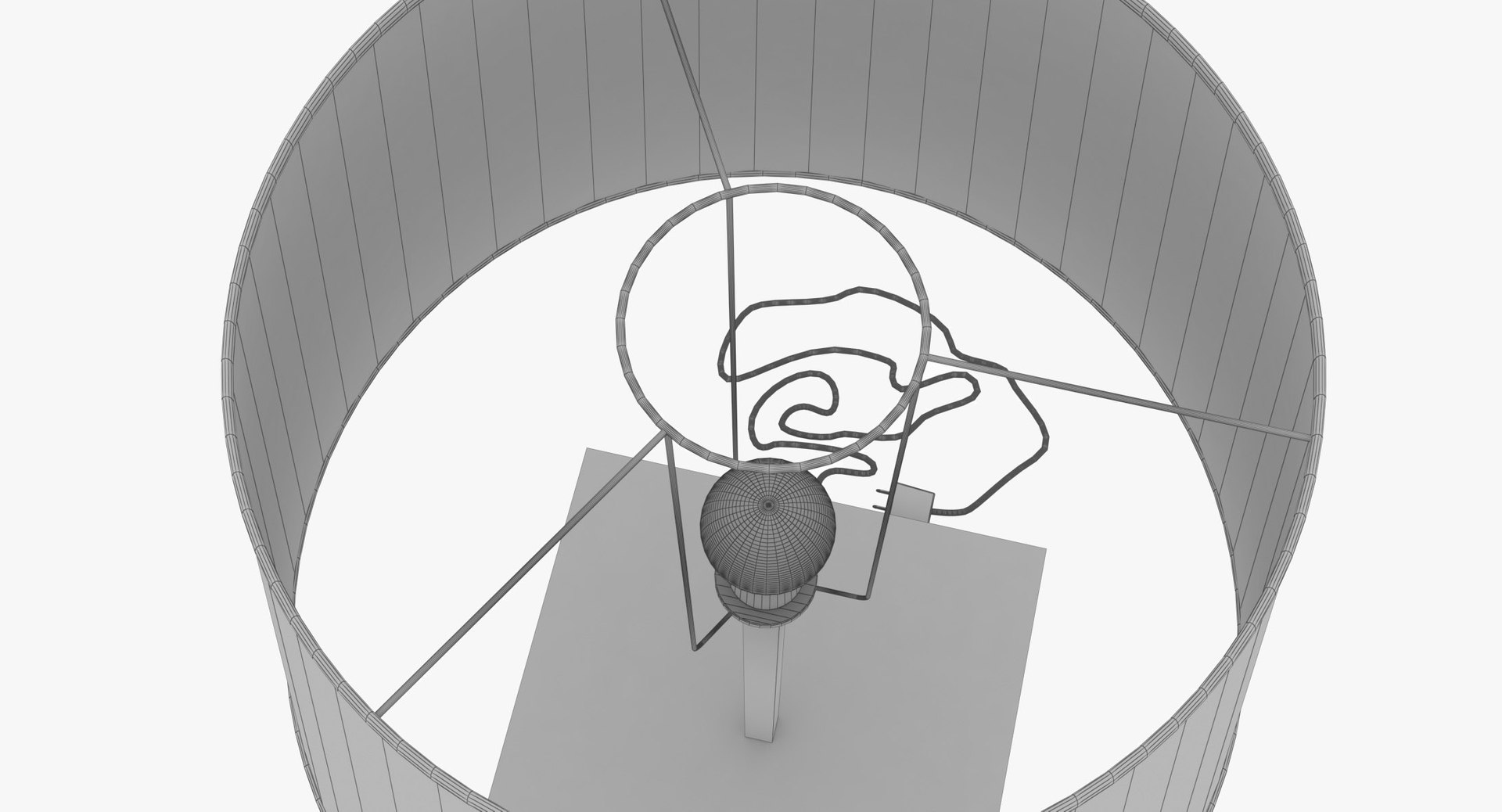
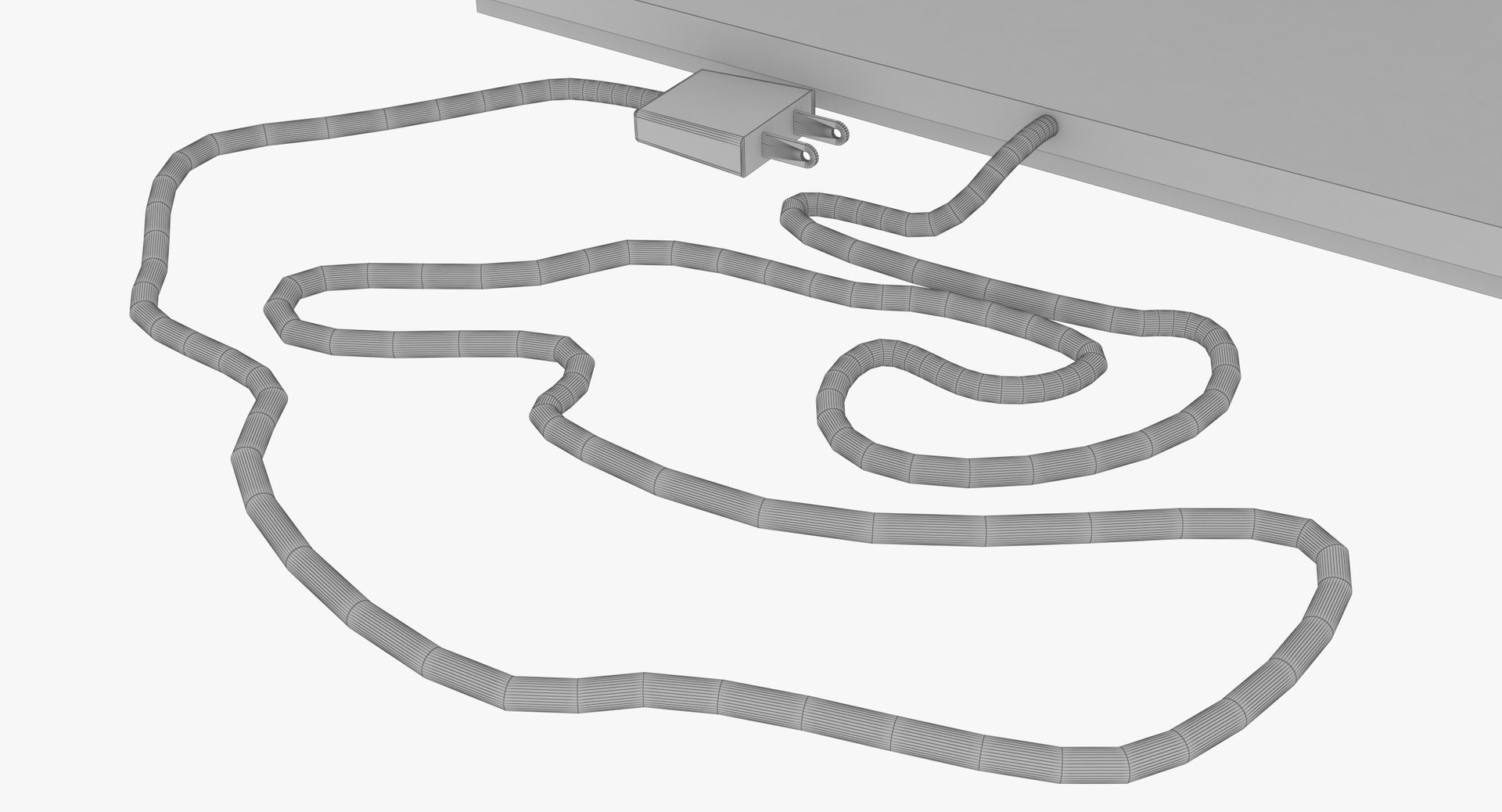
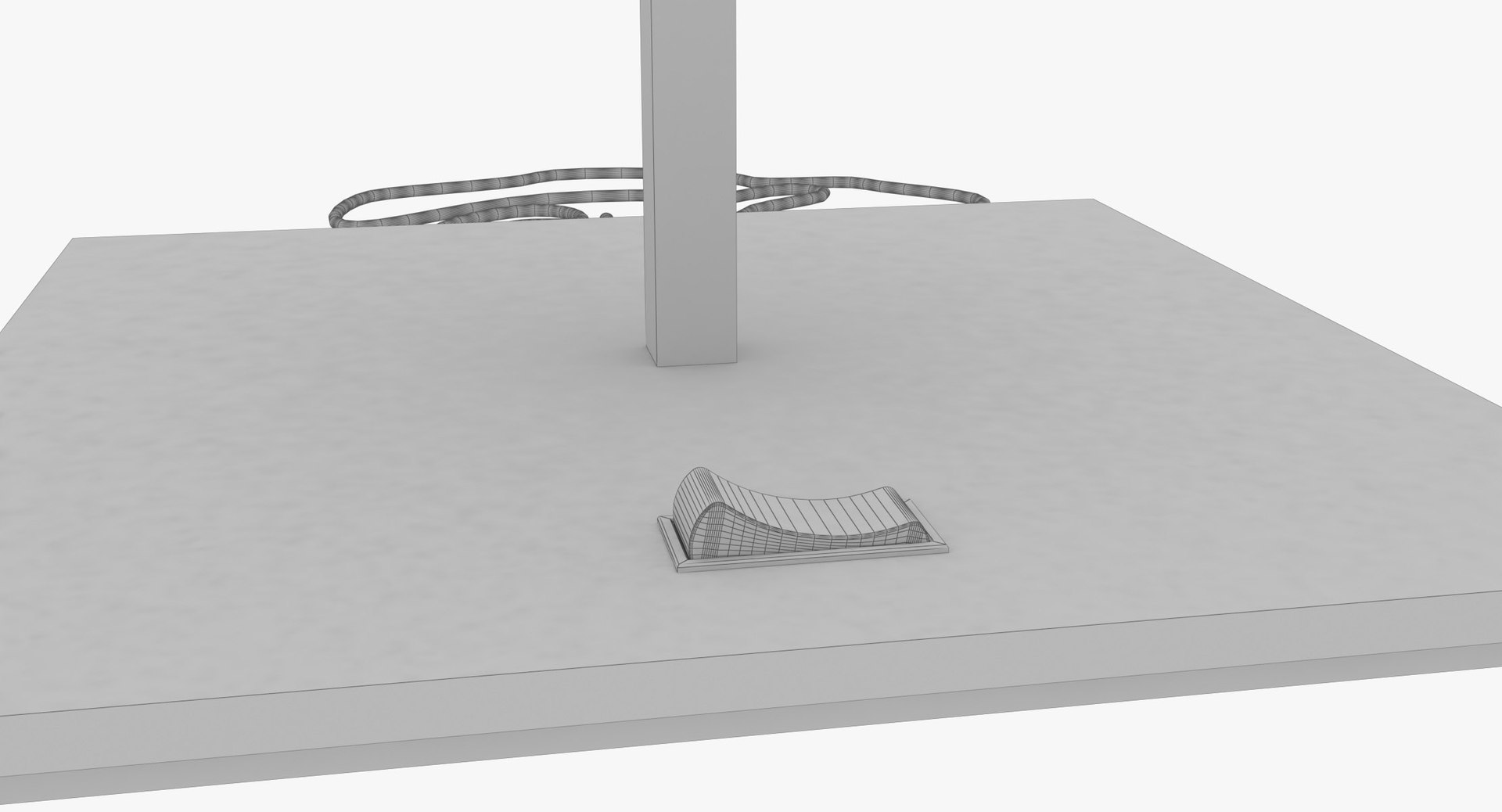
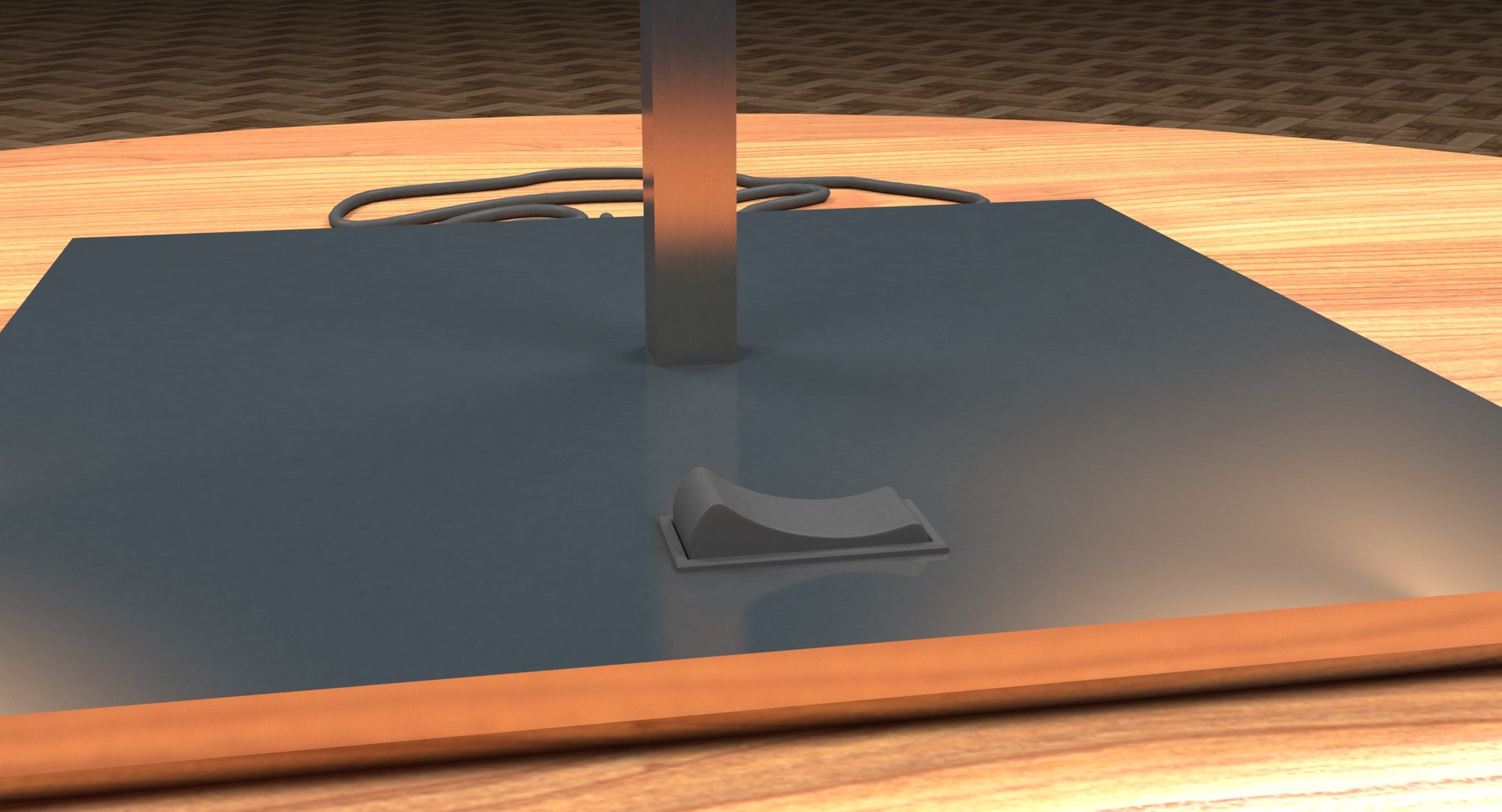
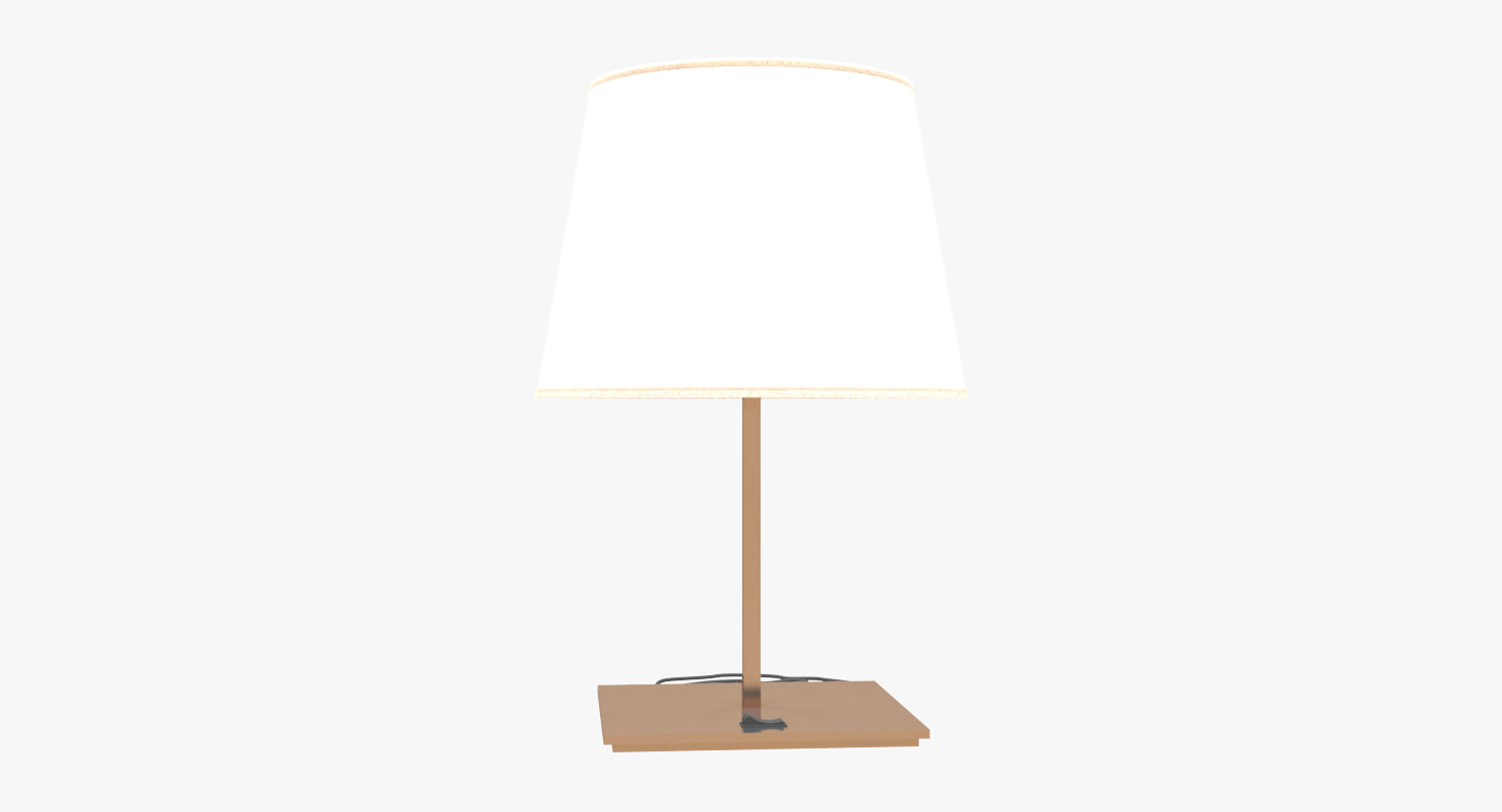
This lamp light is perfect for adding an urban feel to a living space and works particularly well within an office, bedroom or dining room setting.
Model made in 3ds Max 2017
Renderer V-Ray 3.60.03

Real world scale in centimeters.

Total polygons and vertices:
Polygons: 14114
Vertices: 14232
Tri Count: 4
Quad Count: 14110

This model use these 6 textures:
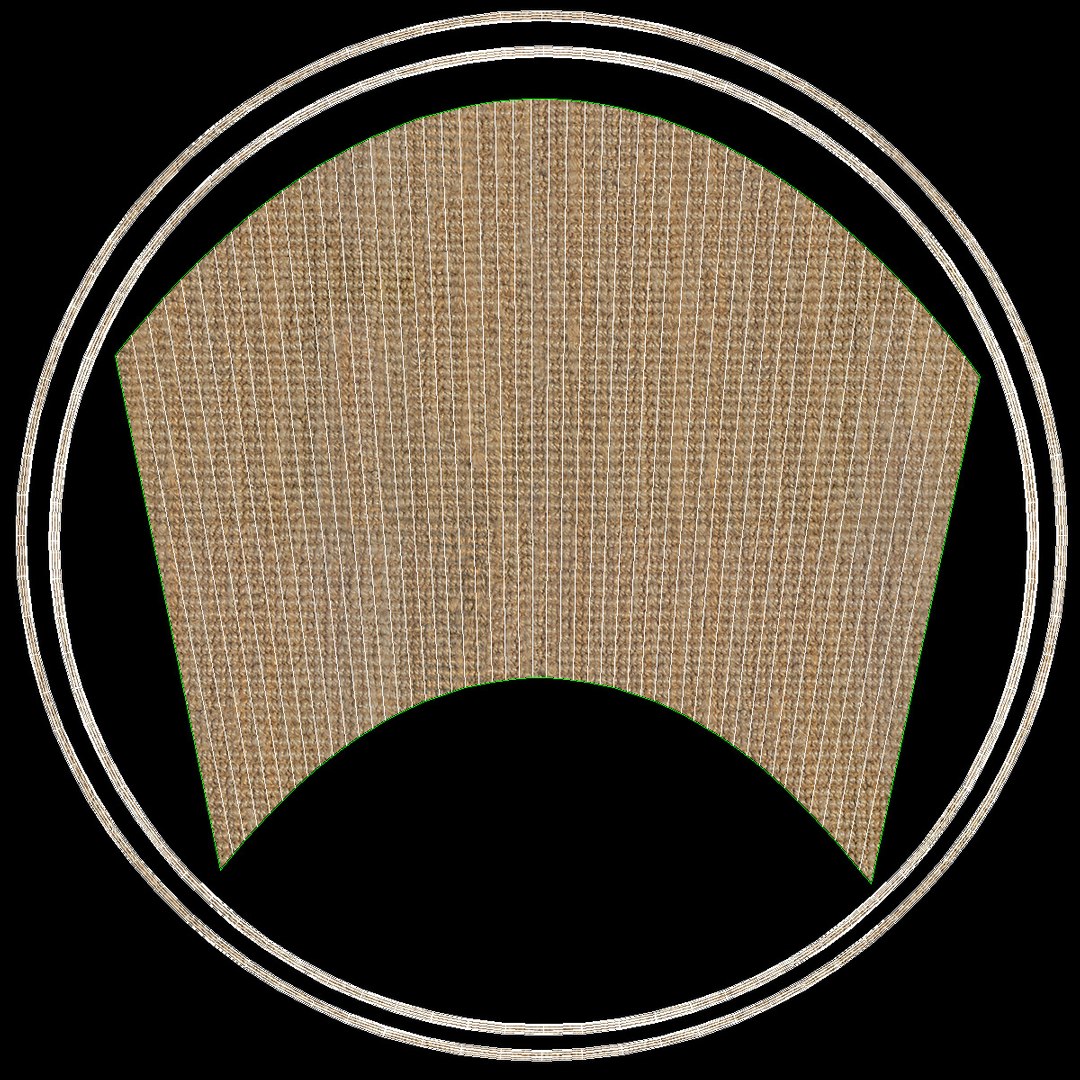
Texture: jute.png, Size:2400x2400
texture for fabric look of the Lamp Shade
Texture: jute_bump.png, Size:2400x2400
texture for fabric bump effect of the Lamp Shade
Texture: jute_normal2.png, Size:2400x2400
texture for fabric normals of the Lamp Shade
Texture: jute_Reflect.png, Size:2400x2400
texture for fabric reflection effect of the Lamp Shade
Texture: metal_scratches.png, Size:2048x2048
texture for metal look
Texture: Wrinkles_Creased.png, Size:4096x4096
texture for metal bump
-DLamp2.mtl Material list for .obj file.

Customers can download them with the model. Those materials are included on DLamp2.zip file

Select Enhanced License

  • $10,000 in Legal Protection (Indemnification)
  • Uncapped Legal Protection (Indemnification)
  • Waiver from injunctive relief
  • Assignable model rights
  • $1,000,000 in Legal Protection (Indemnification)
  • Waiver from injunctive relief
  • Assignable model rights
  • $250,000 in Legal Protection (Indemnification)
  • Assignable model rights
Read more about enhanced license tiers, or contact us at enterprise@turbosquid.com. Already a Shutterstock Enterprise Customer? Contact your Shutterstock Sales Support Agent to talk about adding 3D.

About Conversion Requests

To submit a conversion request for a purchased asset, please complete our Conversion Request Form.

If you have not yet purchased a model, please review our Documentation about Conversions to learn about what limitations you may encounter with a conversion.

For any additional questions about a model’s suitability for conversion, please contact TurboSquid Support.

Loading...