
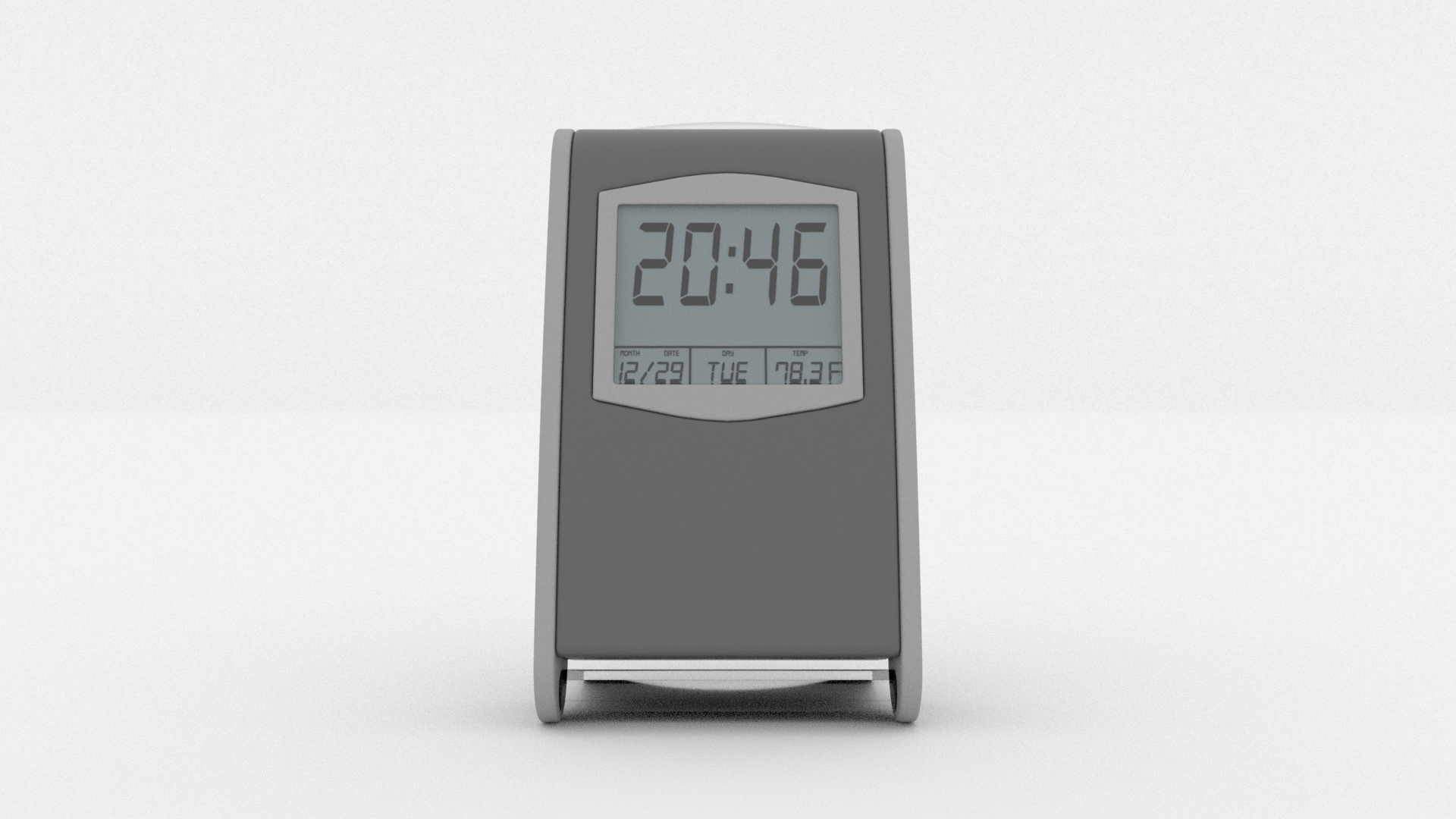
DESK CLOCK

Free

Formats (1)
Native | Cinema 4D R 20 | Arnold 2.4.1.2
Specifications
Publish Date September 15, 2022
Product ID 1959015
Polygons 21,881
Vertices 21,926
Polygonal
Textures
Materials
Unknown Unwrapped UVs
Rigged
TurboSquid Exclusive
member avatar
C4DGP
4 Products | Contributor Since 2019
Have questions? Chat with us now.

Description

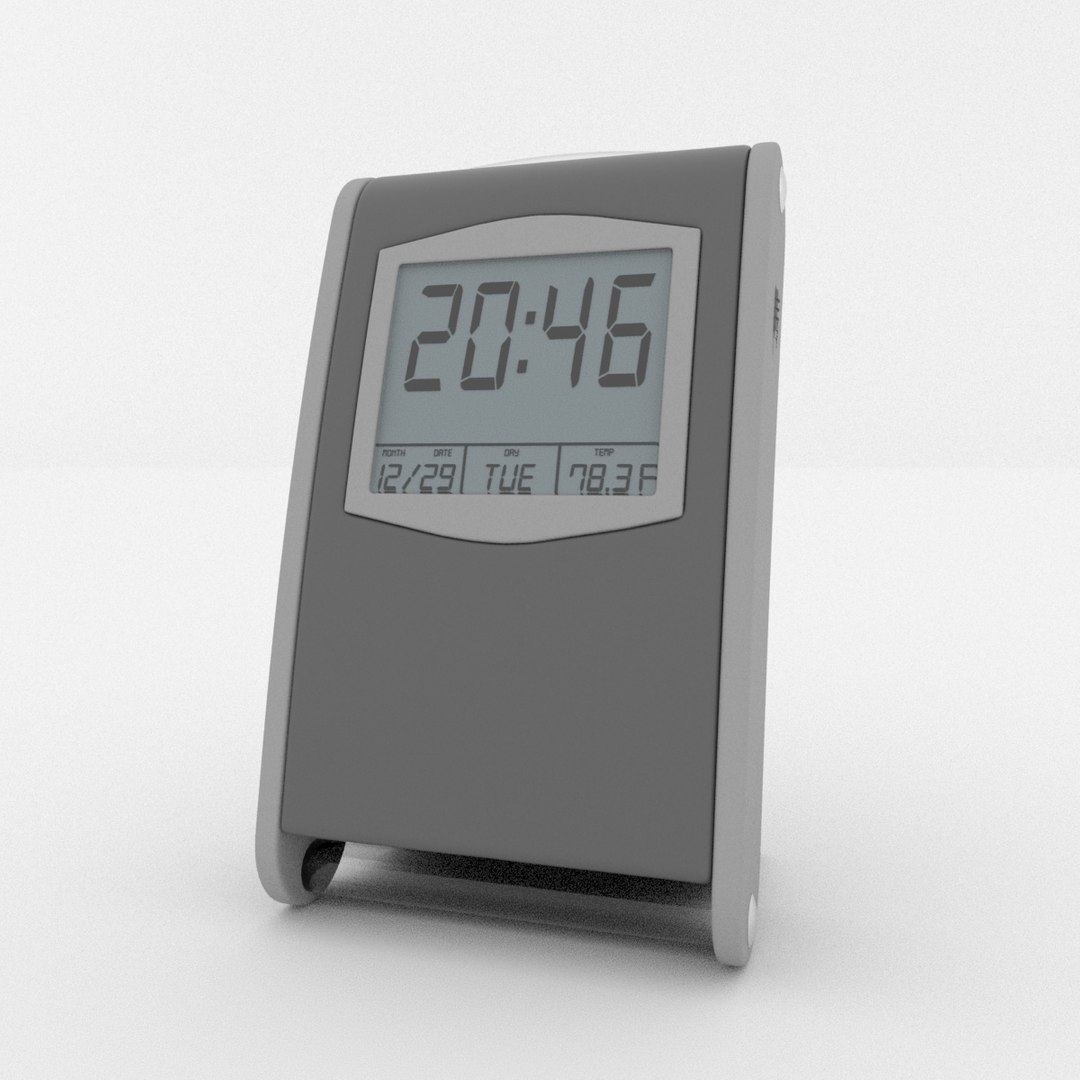
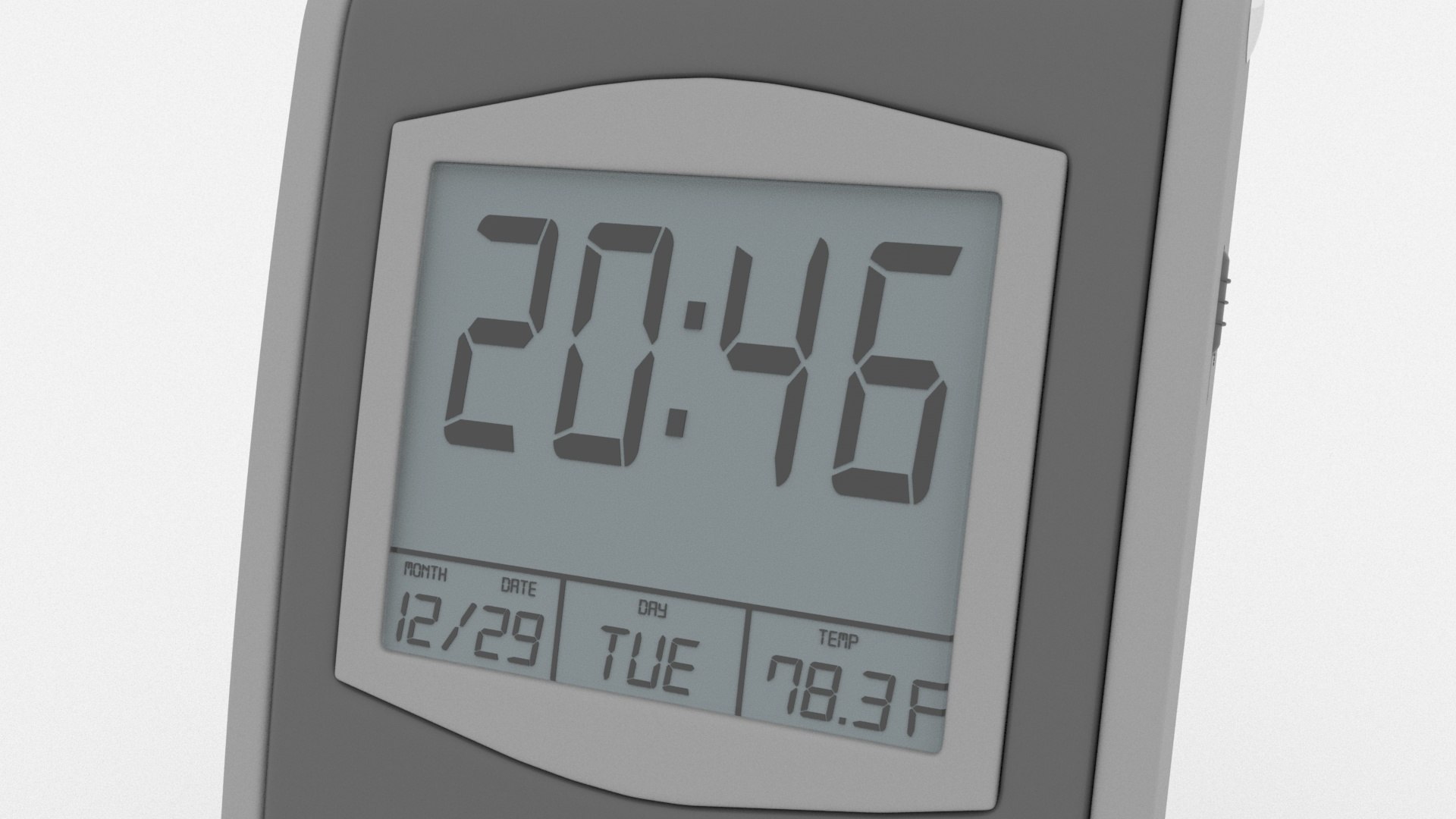
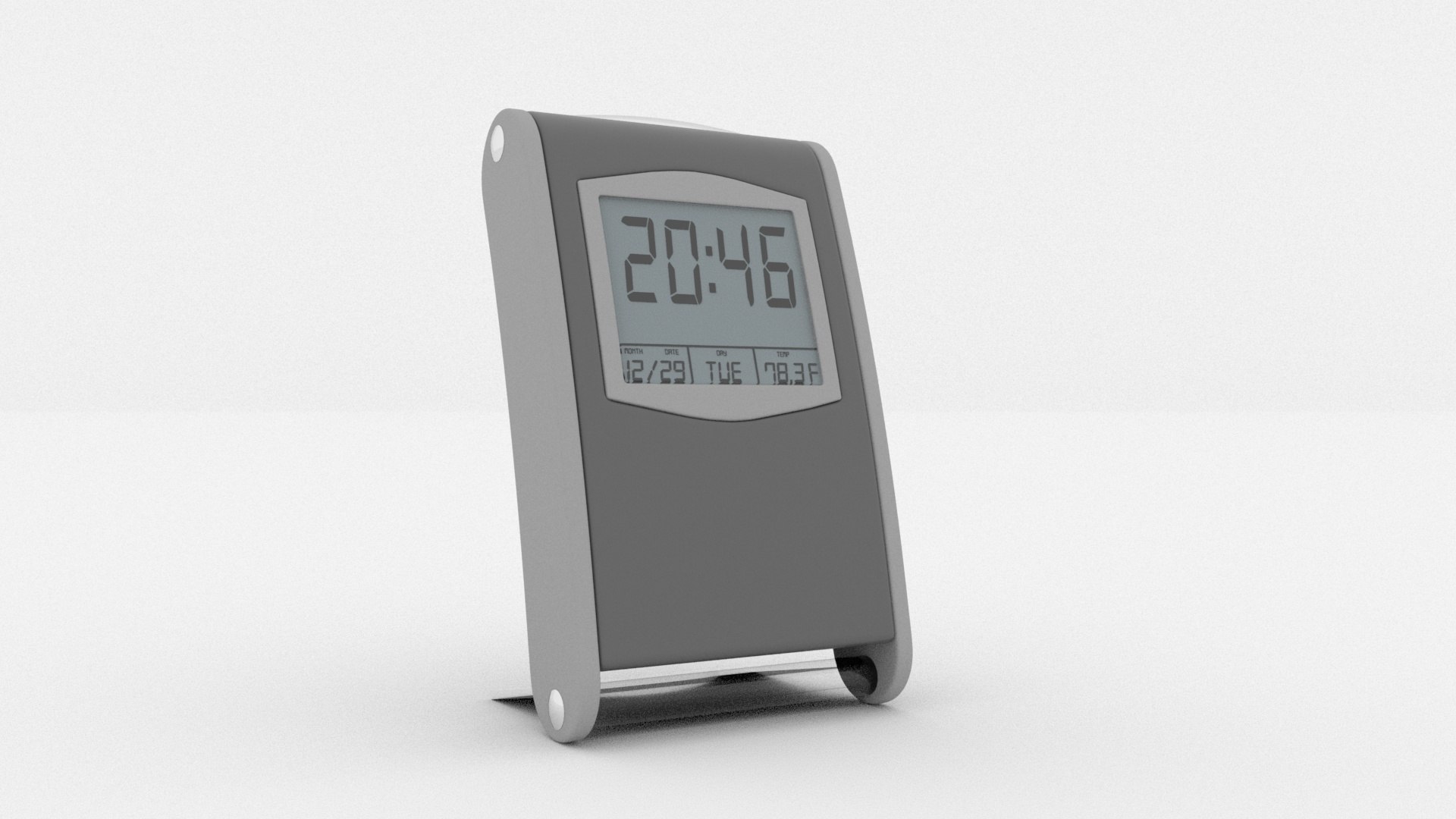
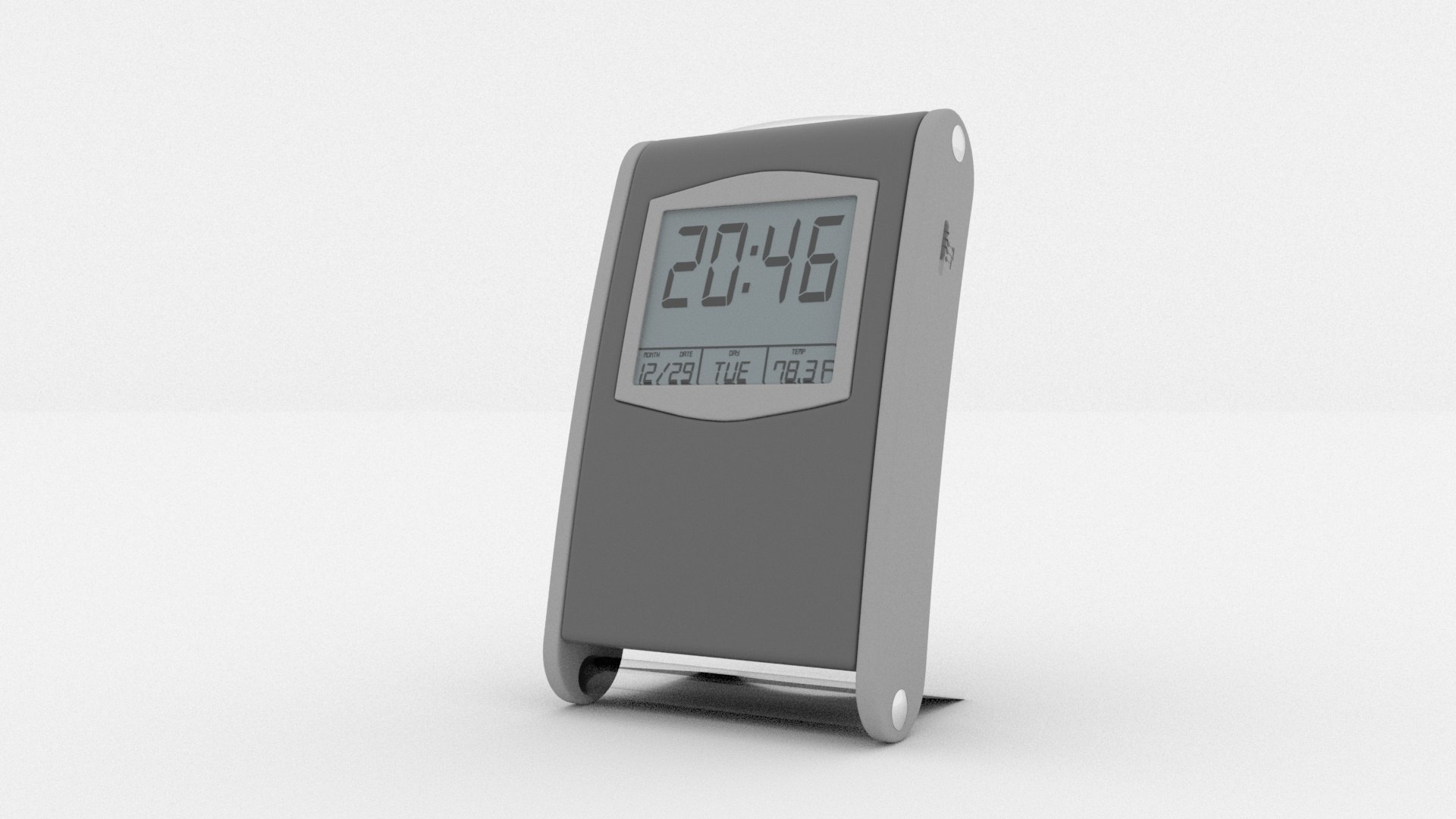
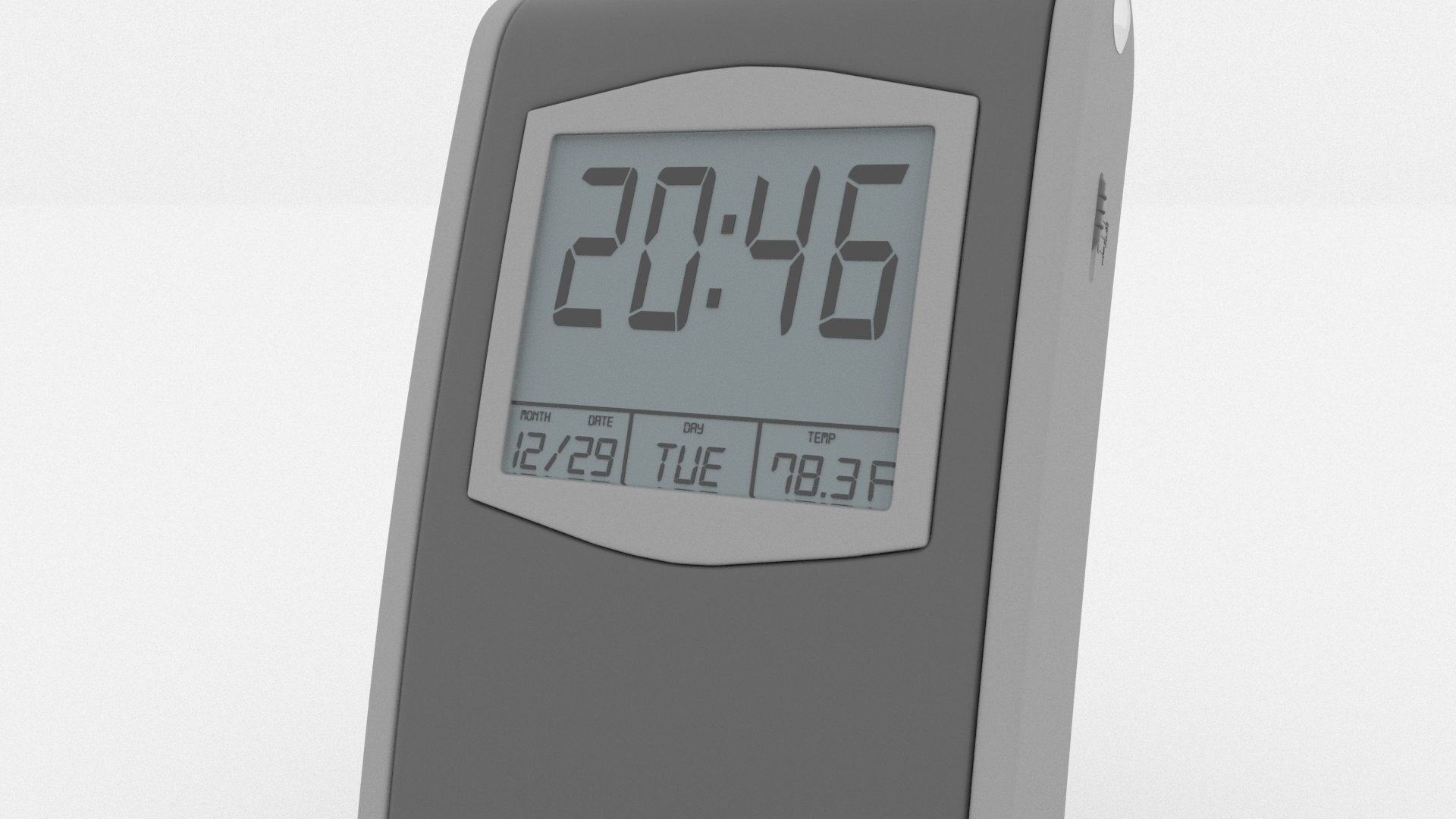
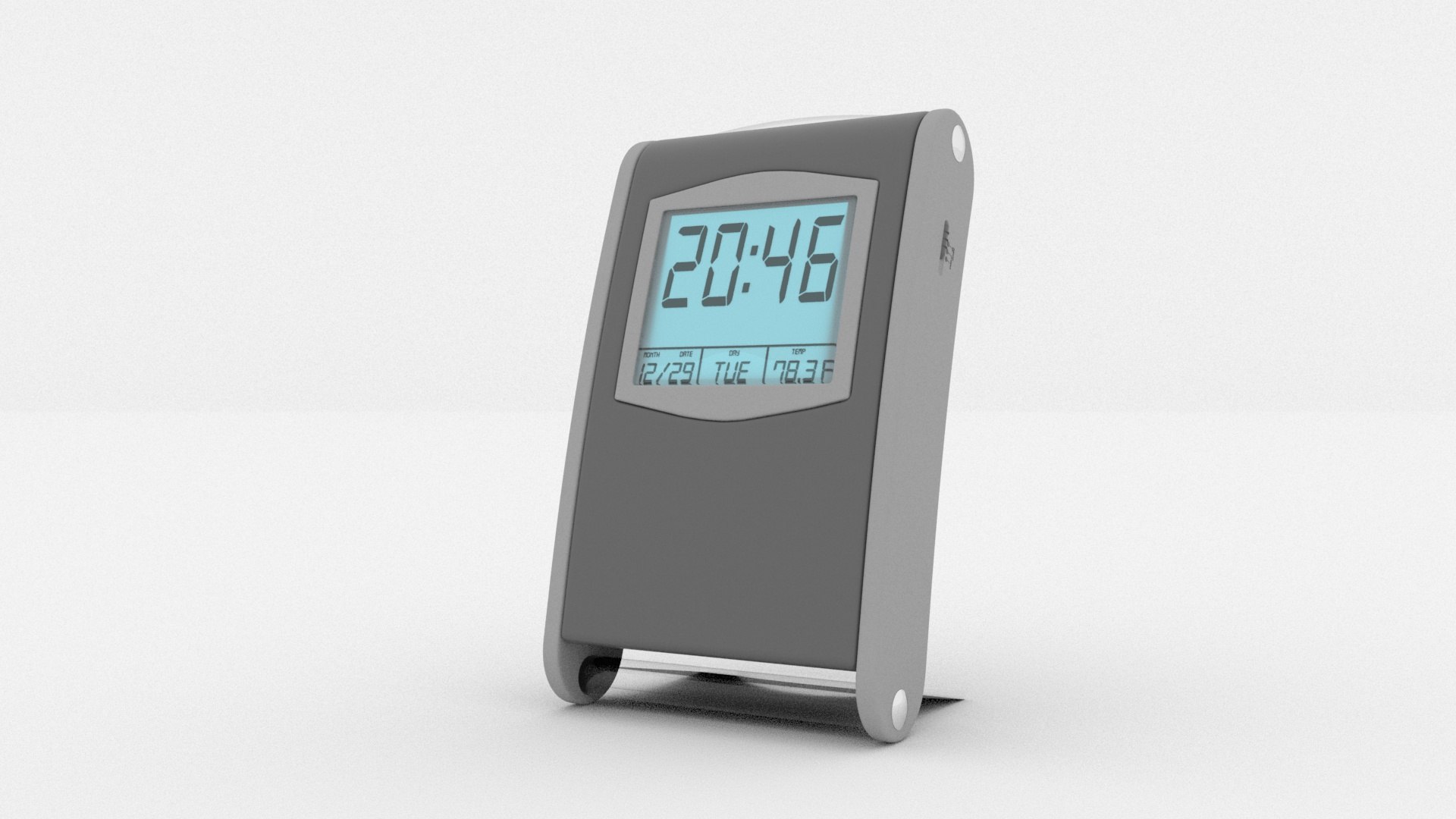
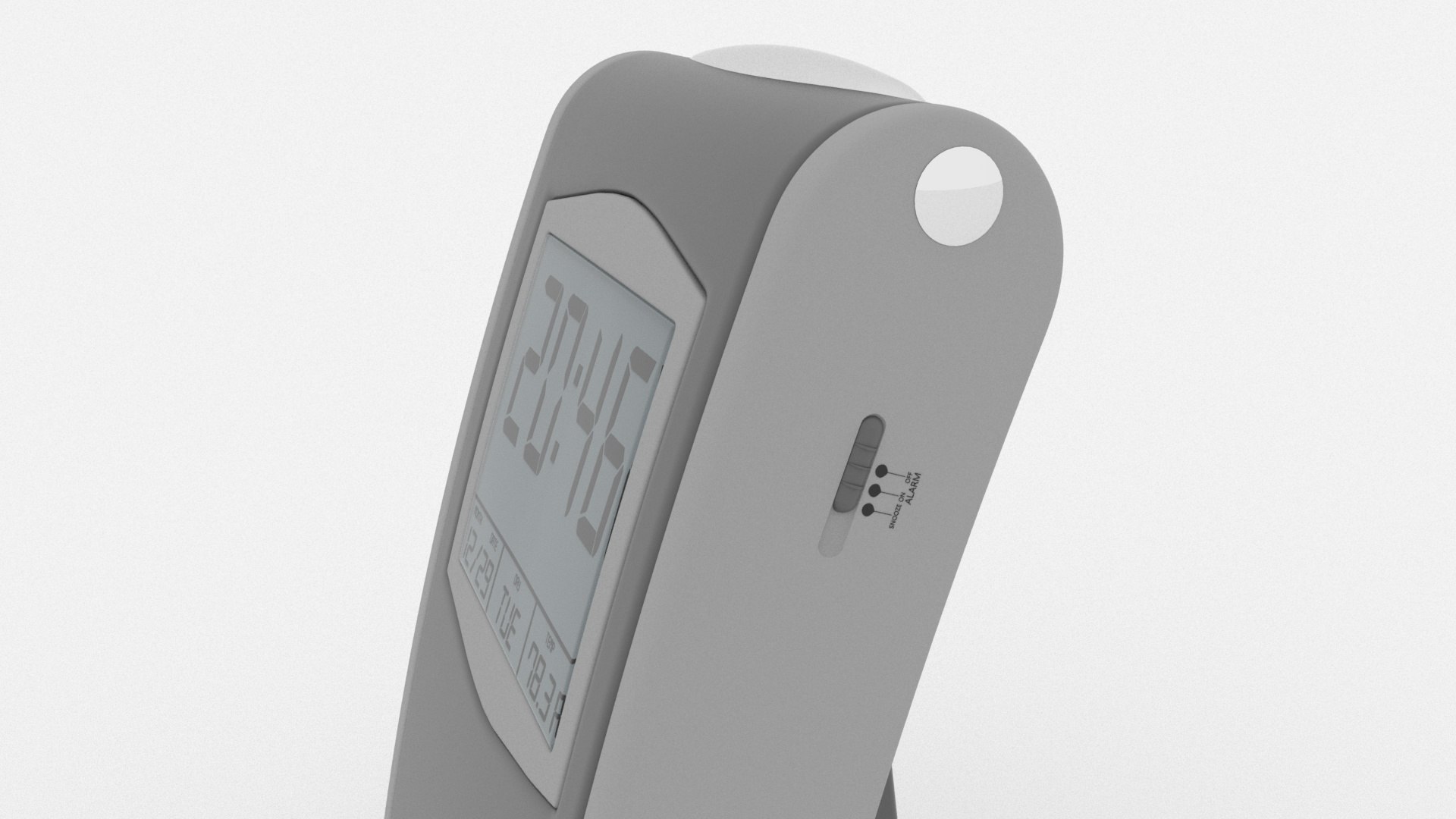
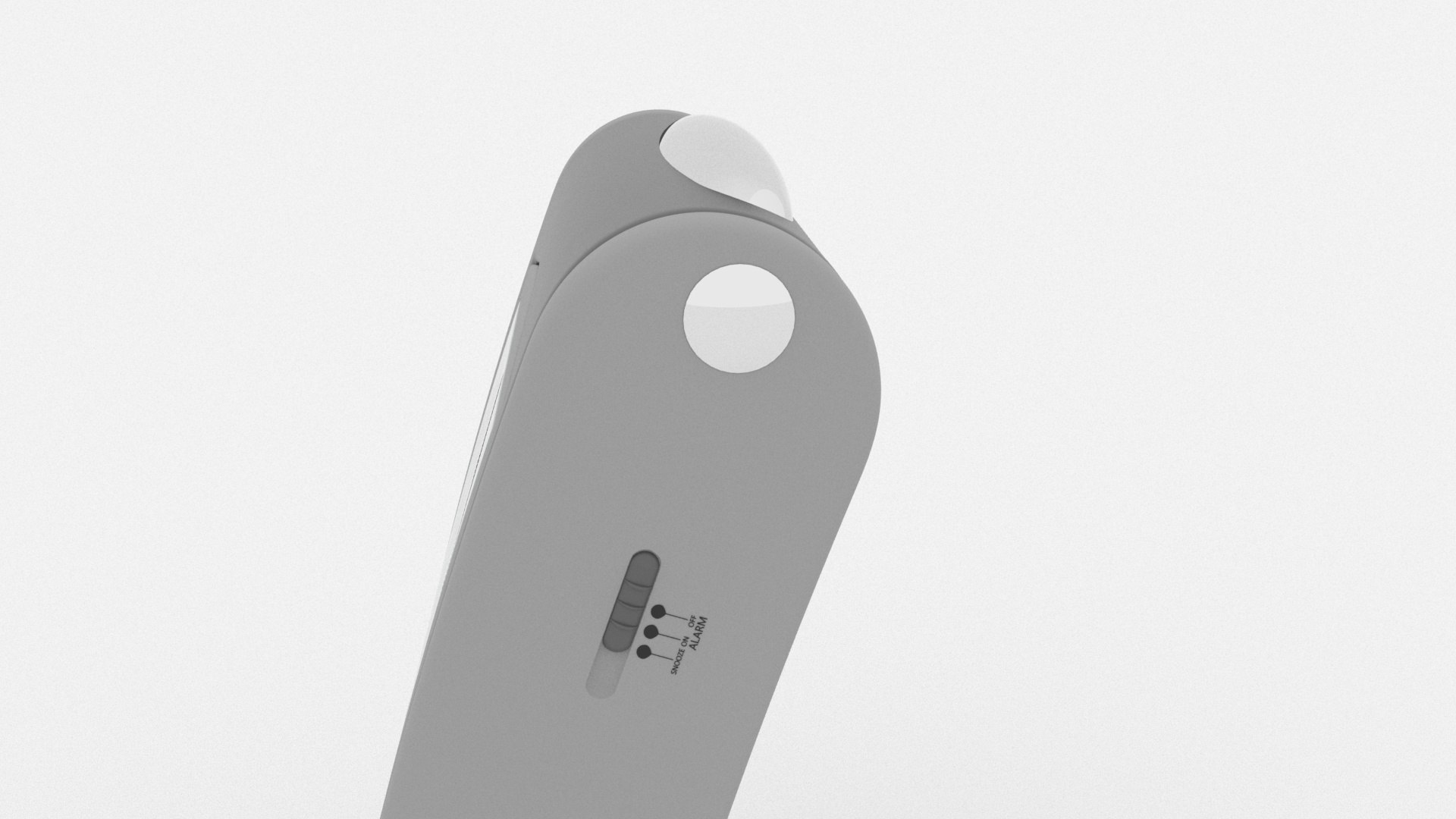
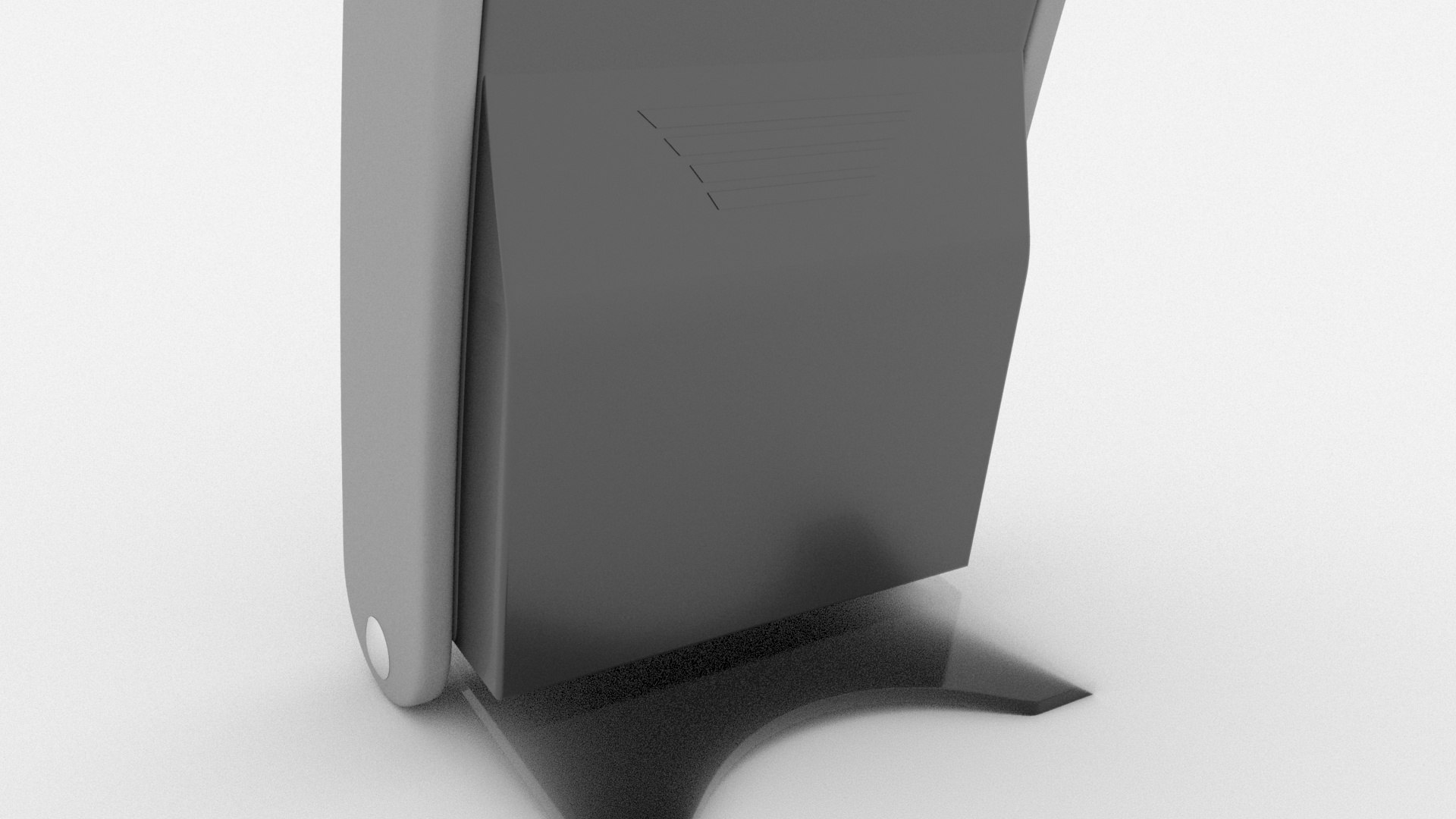
Generic Desk clock is a high quality, photo real model that will enhance detail and realism to any of your rendering projects. The model has a fully textured, detailed design that allows for close-up renders, and was originally modeled in Cinema 4d R20 and rendered with Arnold . Renders have no postprocessing.
Hope you like it!

Textured all with Arnold material
Previews were rendered with Arnold 2.4.1.2
The scene is ready for rendering as seen in the preview files.
Main format is Cinema 4d R20.
Clock is modeled in actual dimensions.
Model is in real world scale.
This product is NOT animated.
The moving parts in the previews are meant for illustration purposes.
All animatable parts are linked to controller for easy animation.
All parts are named and separated.
Total object count is 94.
Light and background included
Units: cm
Cinema 4d models are grouped for easy selection, and objects are logically named for ease of scene management.
Model is fully textured with all materials applied.
All textures and materials are included.
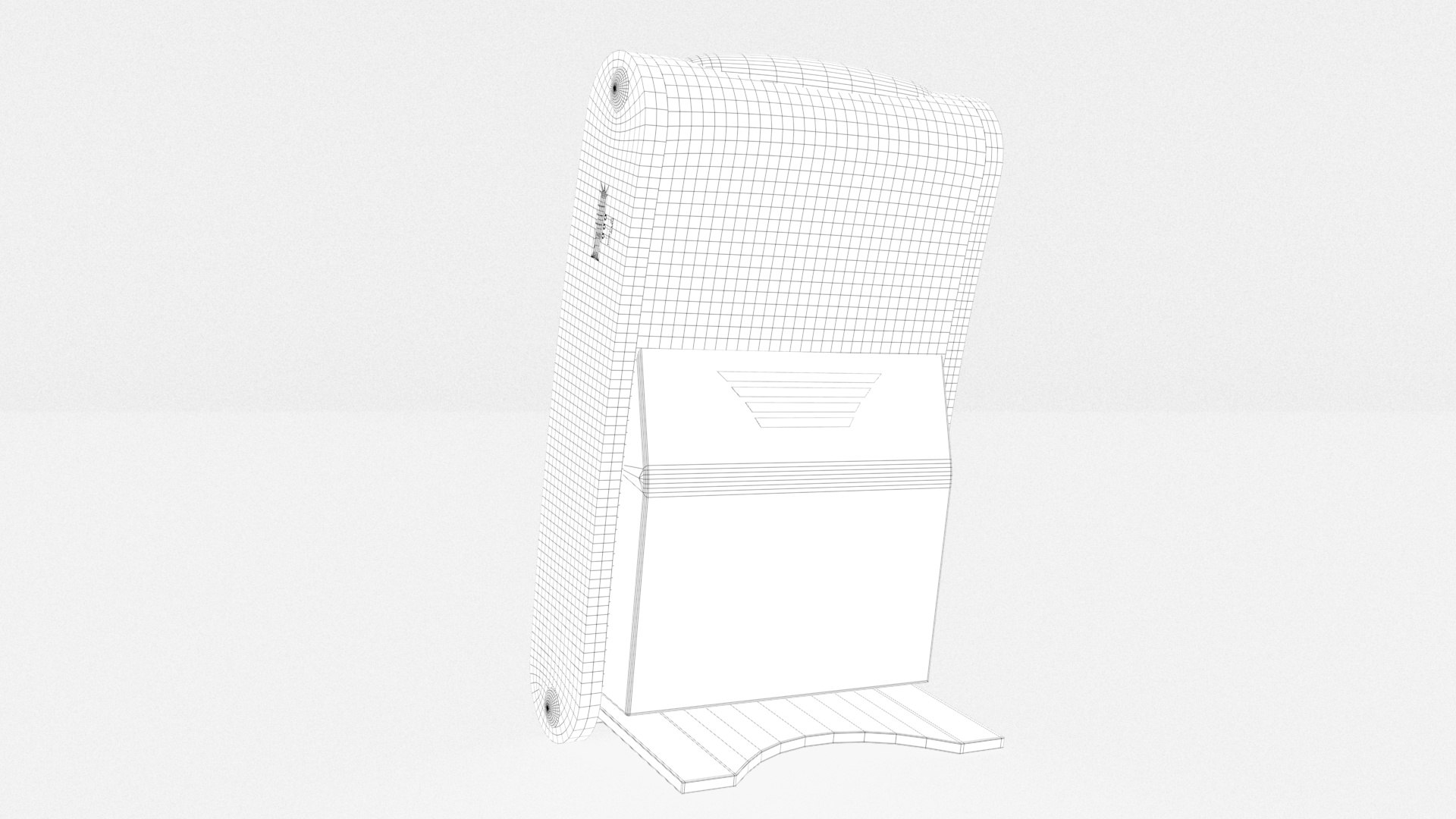
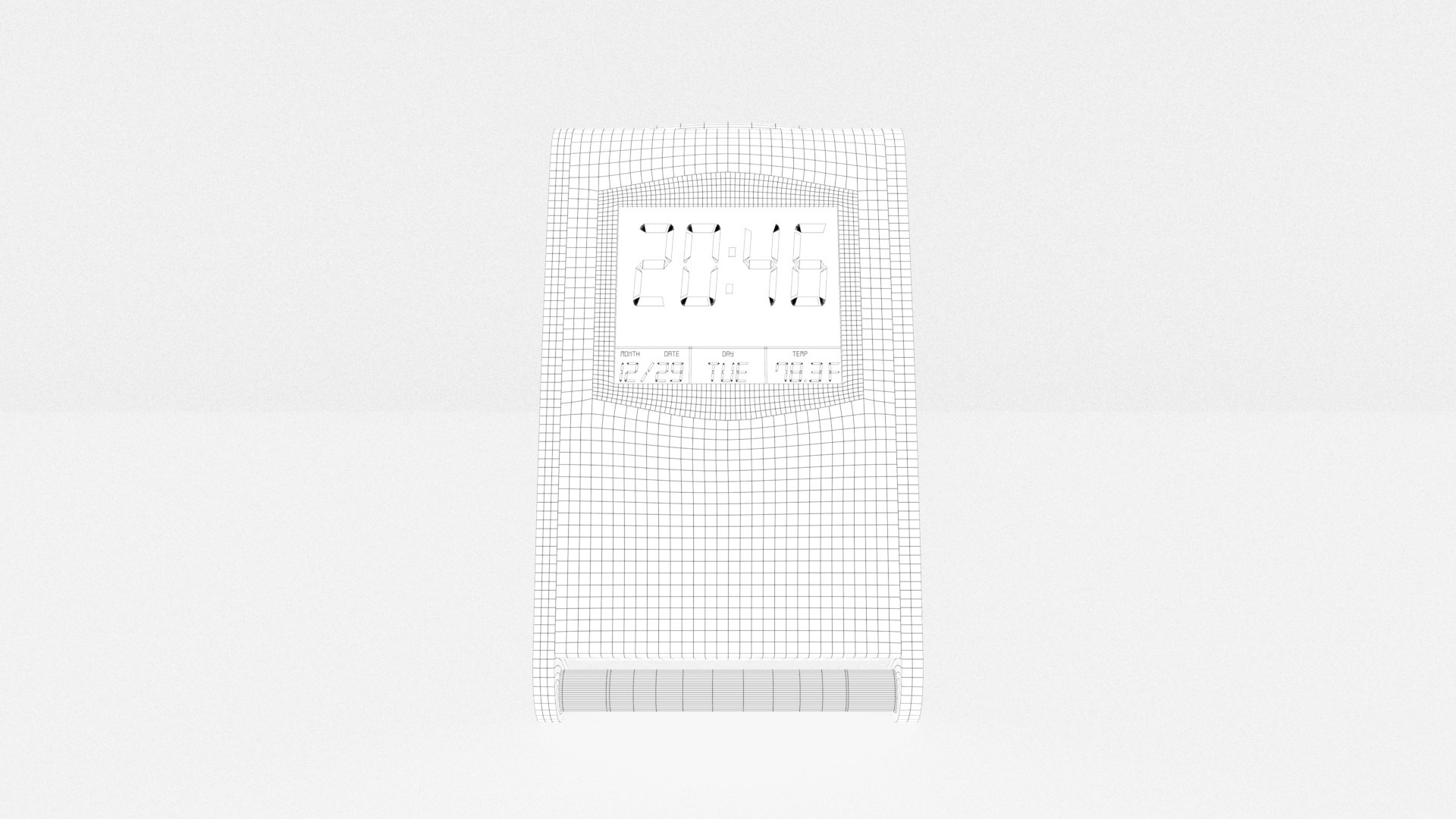
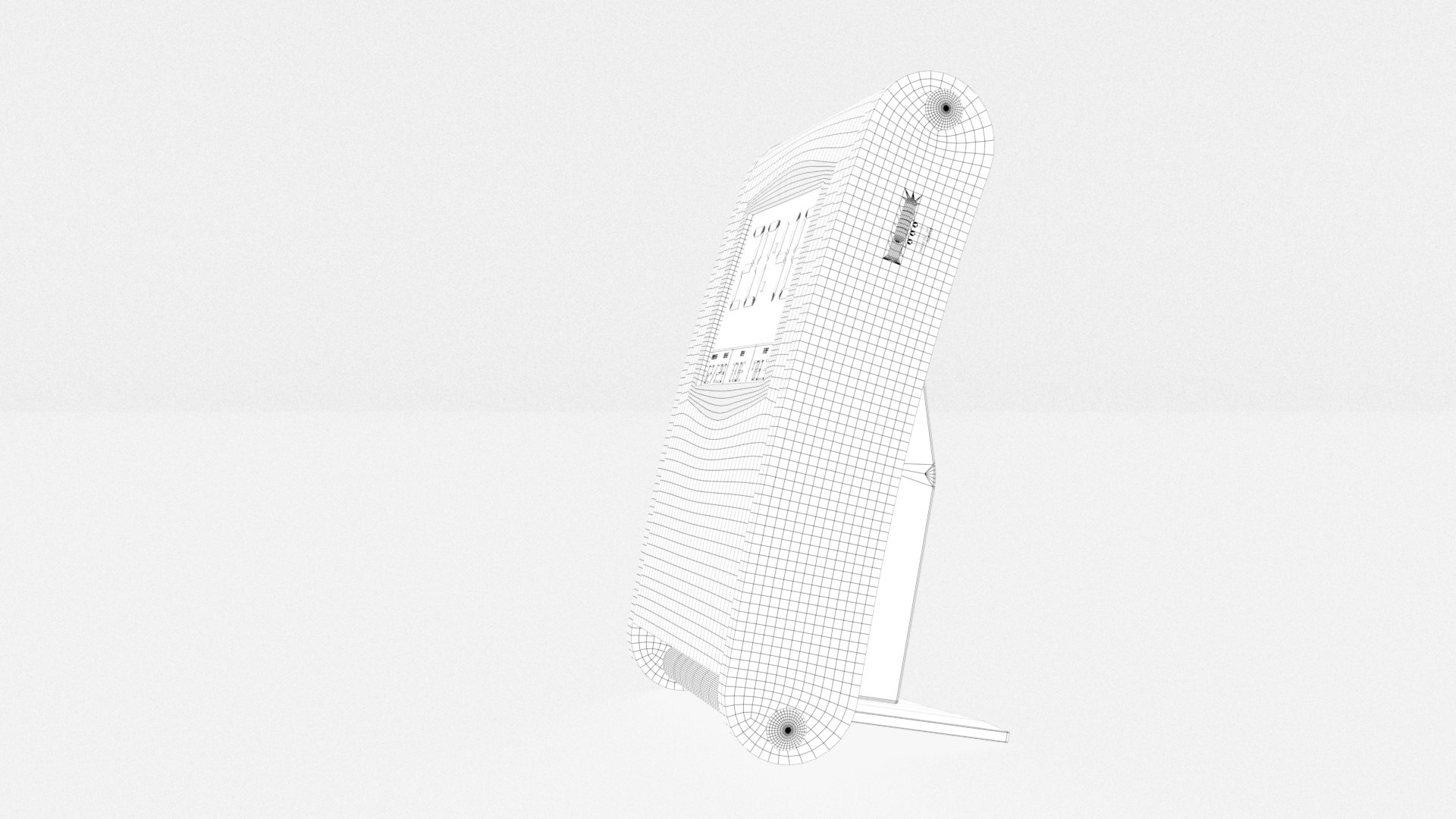
Model resolution is optimized for polygon efficiency.

Select Enhanced License

  • $10,000 in Legal Protection (Indemnification)
  • Uncapped Legal Protection (Indemnification)
  • Waiver from injunctive relief
  • Assignable model rights
  • $1,000,000 in Legal Protection (Indemnification)
  • Waiver from injunctive relief
  • Assignable model rights
  • $250,000 in Legal Protection (Indemnification)
  • Assignable model rights
Read more about enhanced license tiers, or contact us at enterprise@turbosquid.com. Already a Shutterstock Enterprise Customer? Contact your Shutterstock Sales Support Agent to talk about adding 3D.

About Conversion Requests

To submit a conversion request for a purchased asset, please complete our Conversion Request Form.

If you have not yet purchased a model, please review our Documentation about Conversions to learn about what limitations you may encounter with a conversion.

For any additional questions about a model’s suitability for conversion, please contact TurboSquid Support.

Loading...